Jump to content
View in the app

A better way to browse. Learn more.

Bellazon

A full-screen app on your home screen with push notifications, badges and more.

To install this app on iOS and iPadOS
  1. Tap the Share icon in Safari
  2. Scroll the menu and tap Add to Home Screen.
  3. Tap Add in the top-right corner.
To install this app on Android
  1. Tap the 3-dot menu (⋮) in the top-right corner of the browser.
  2. Tap Add to Home screen or Install app.
  3. Confirm by tapping Install.

jal718

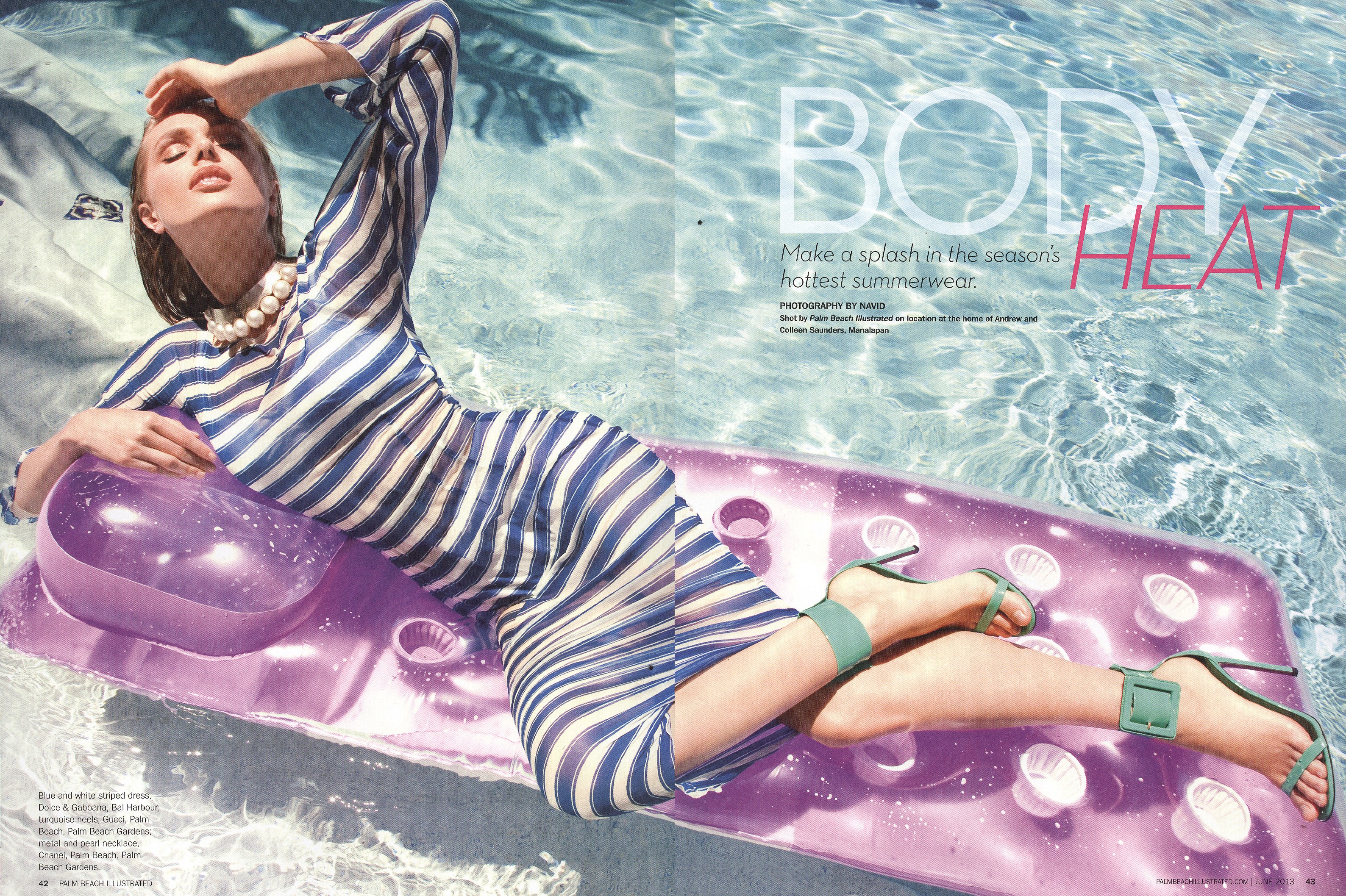
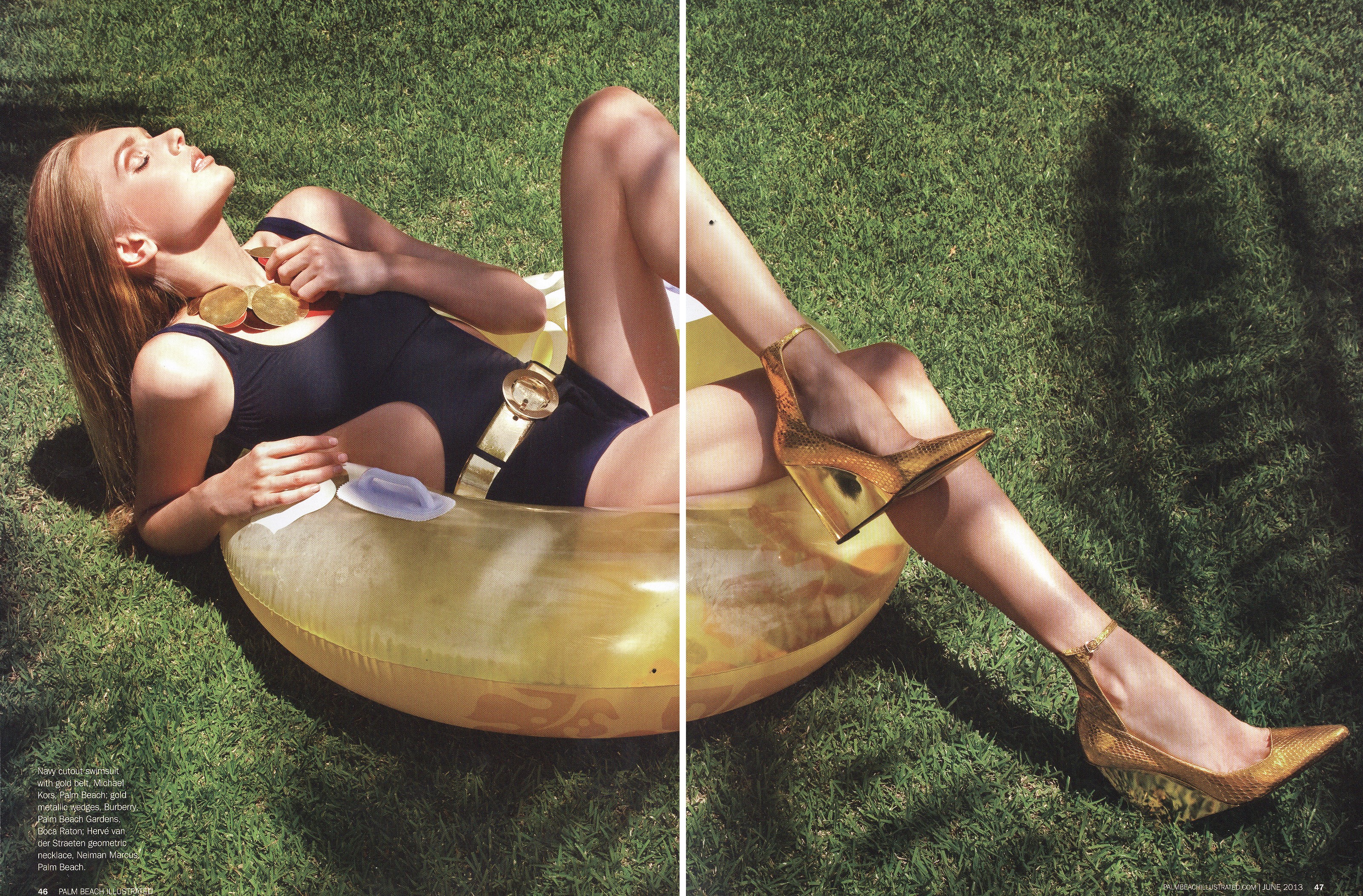
Members
  • Joined

  • Last visited

Everything posted by jal718

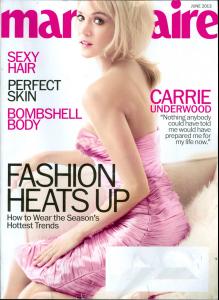
  1. I got my copy of US Harper's Bazaar today and she's on the cover of the subscribers issue
  2. Thanks, but who's the model?
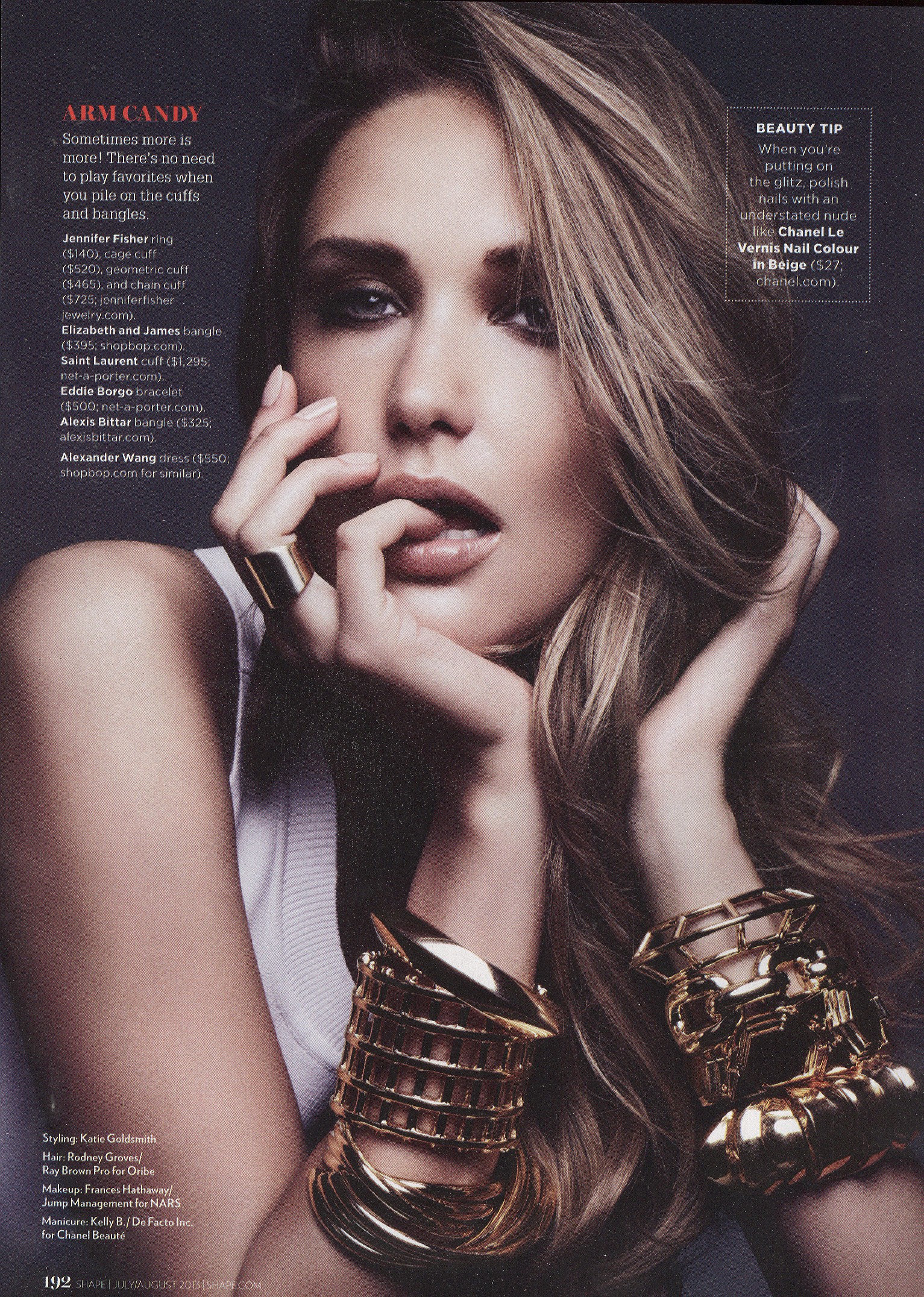
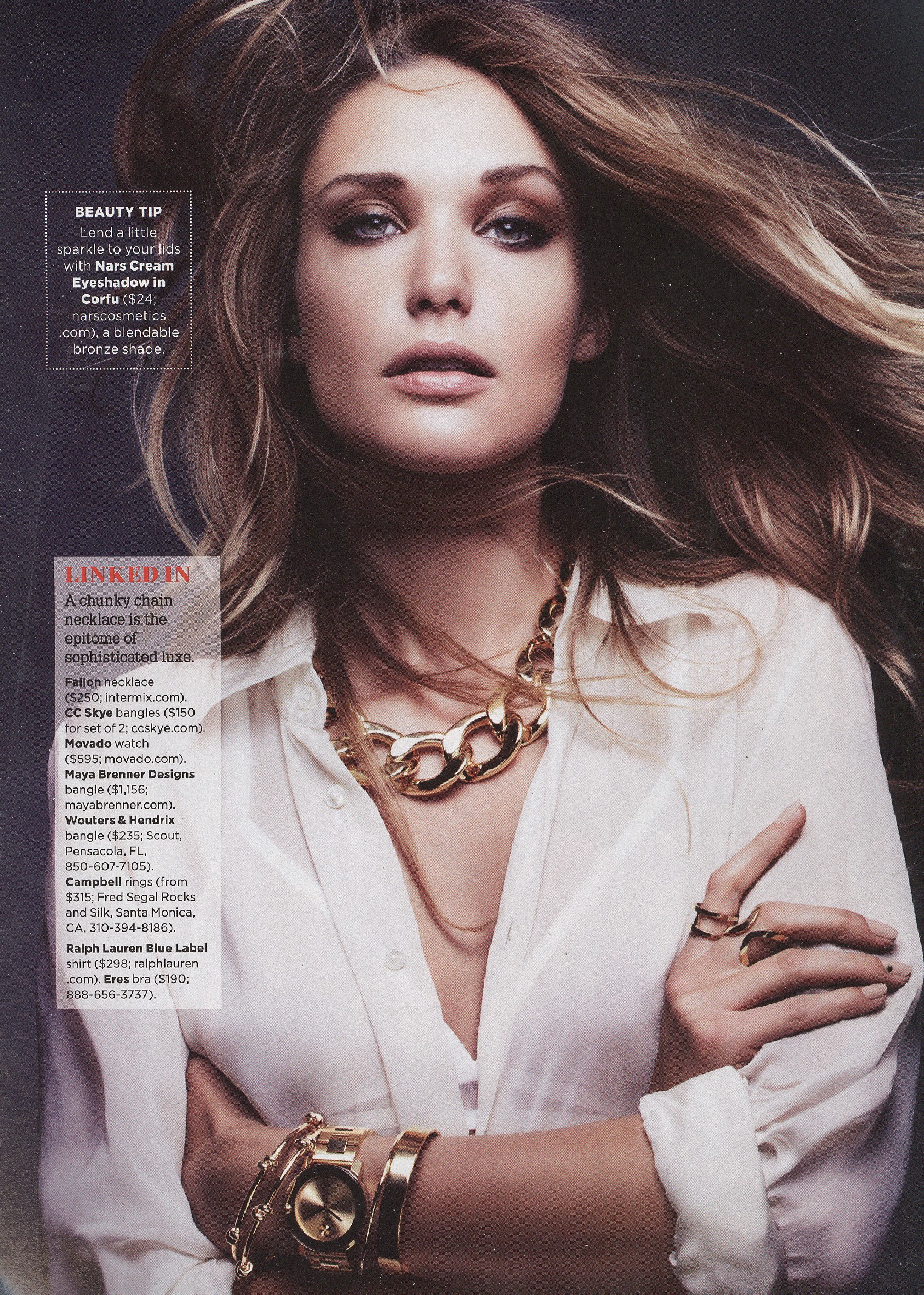
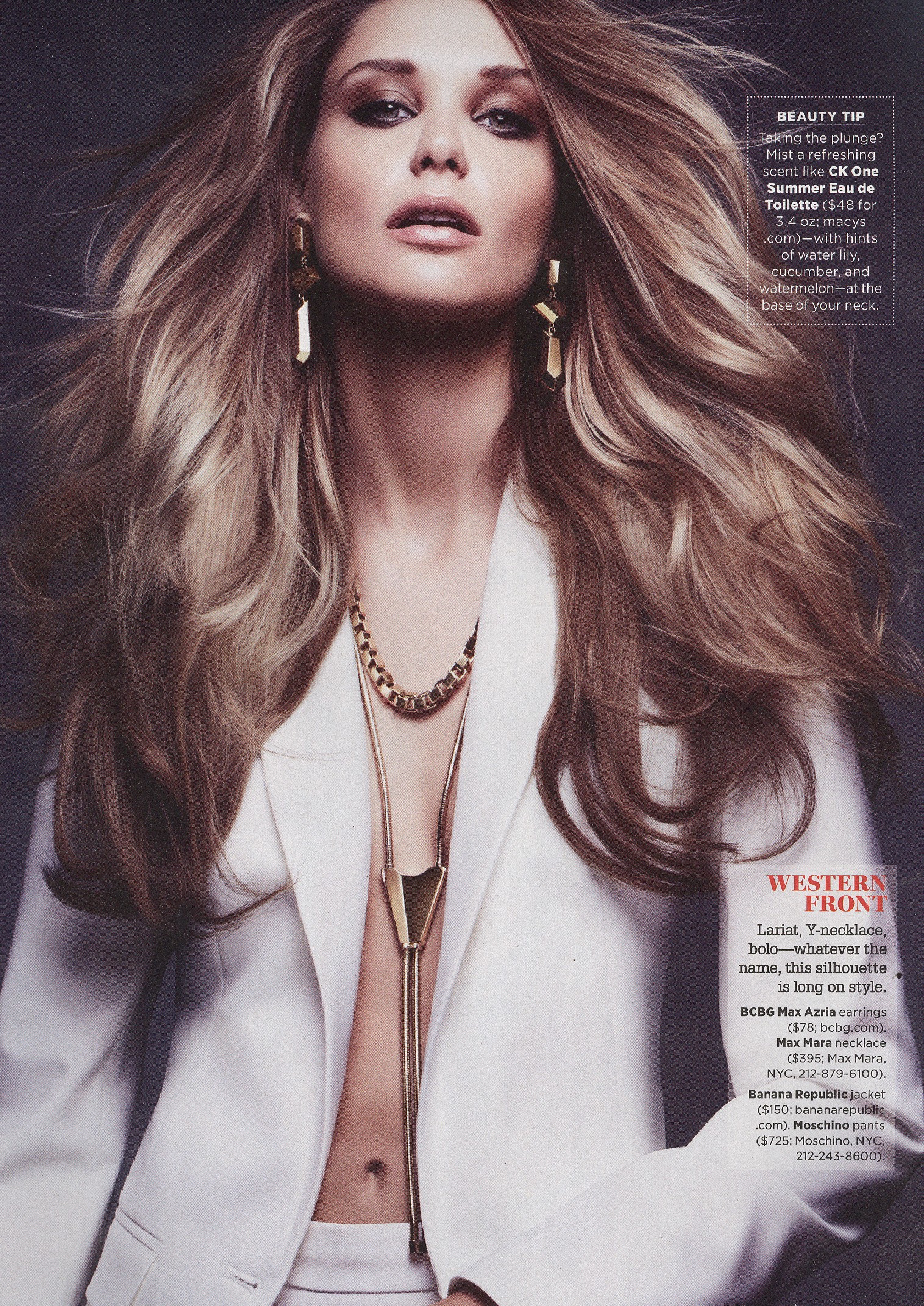
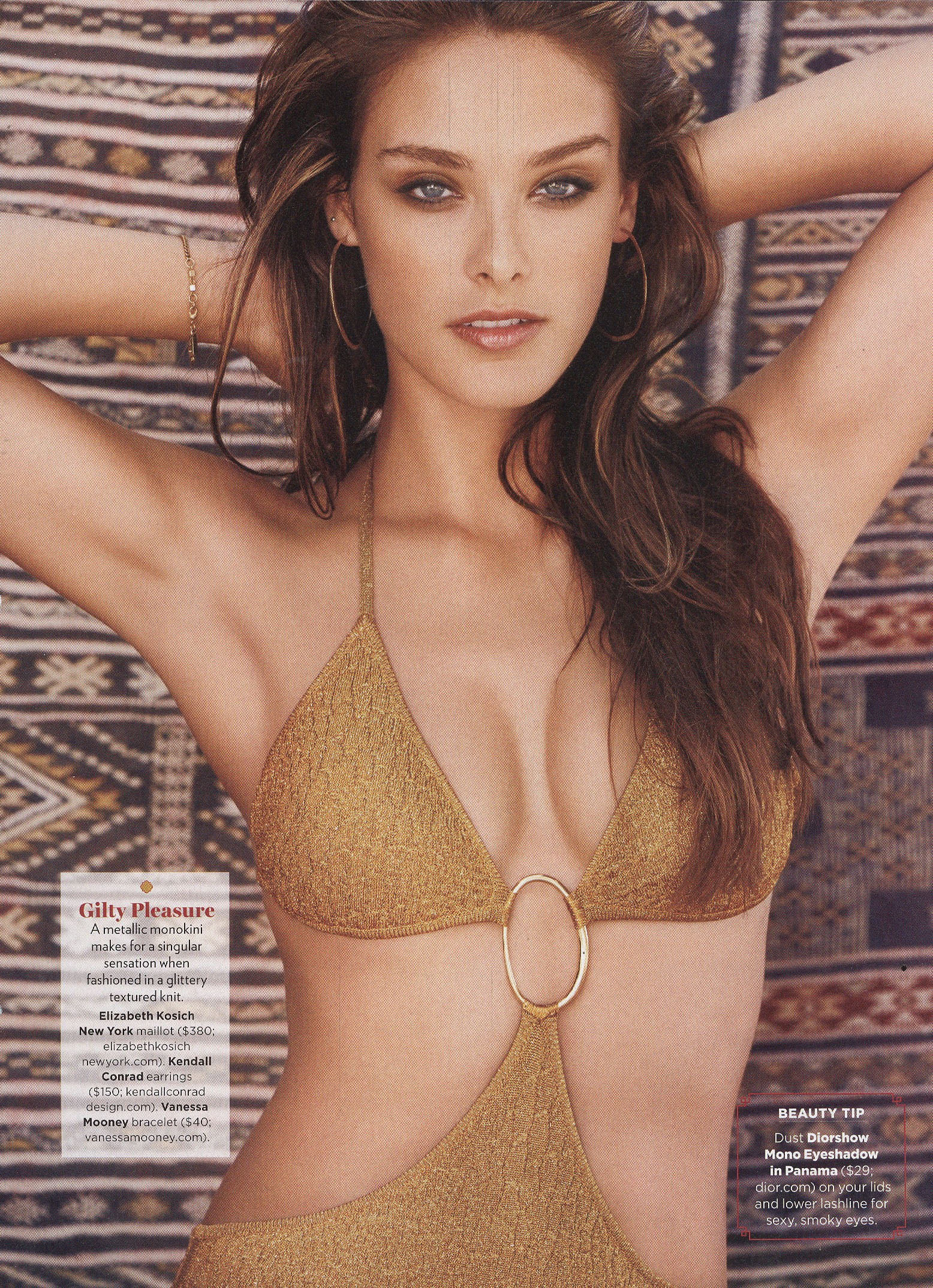
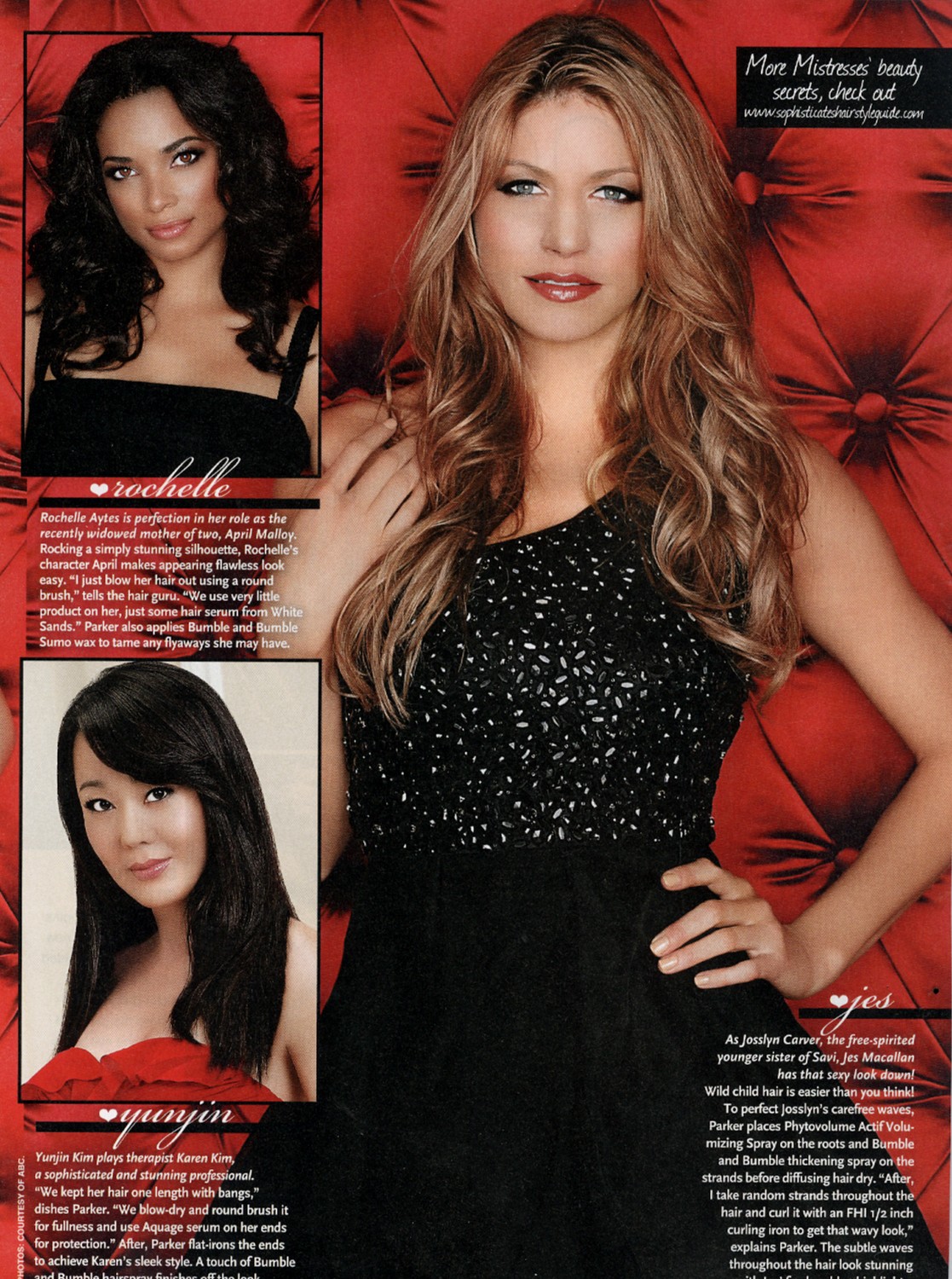
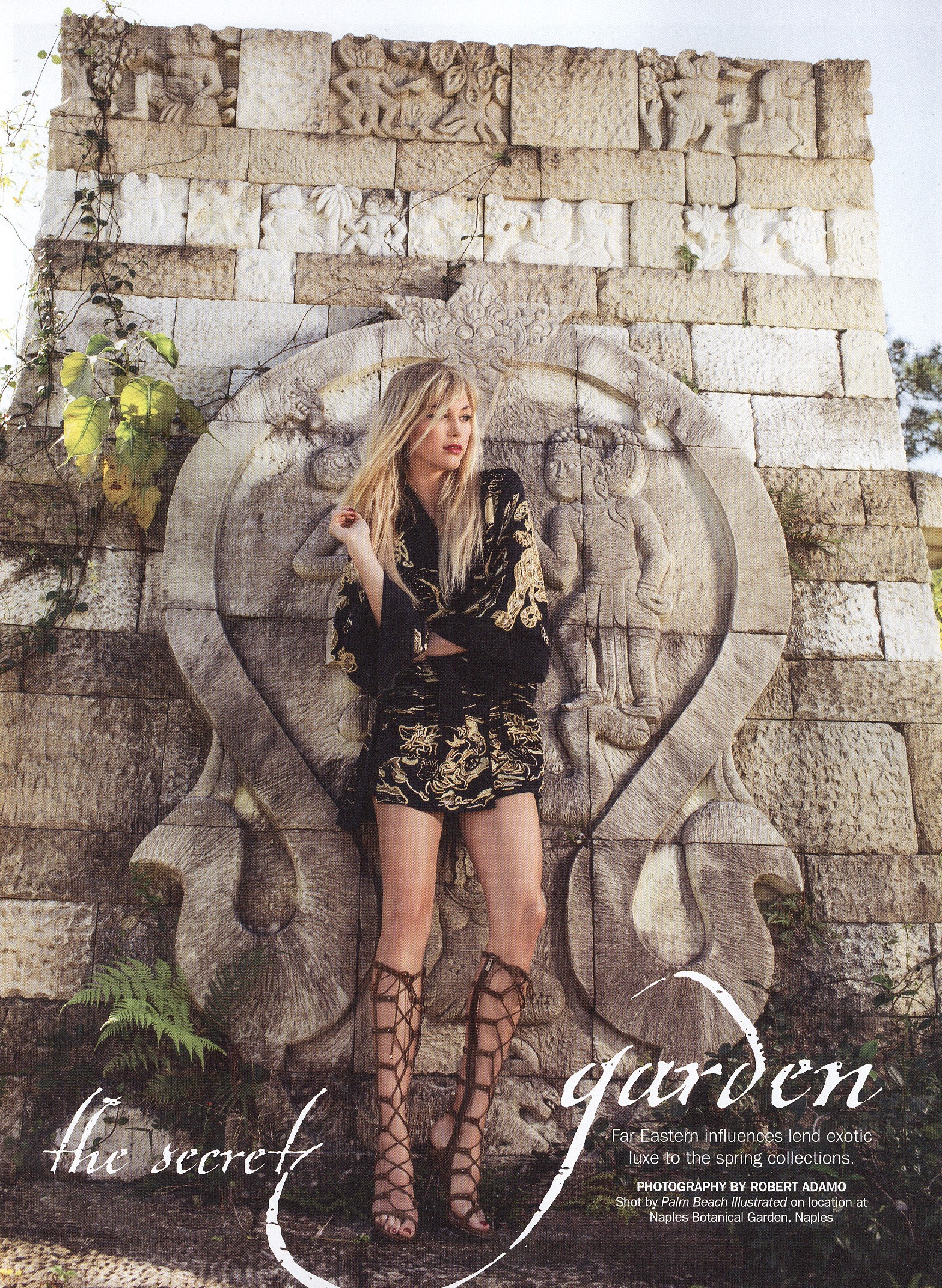
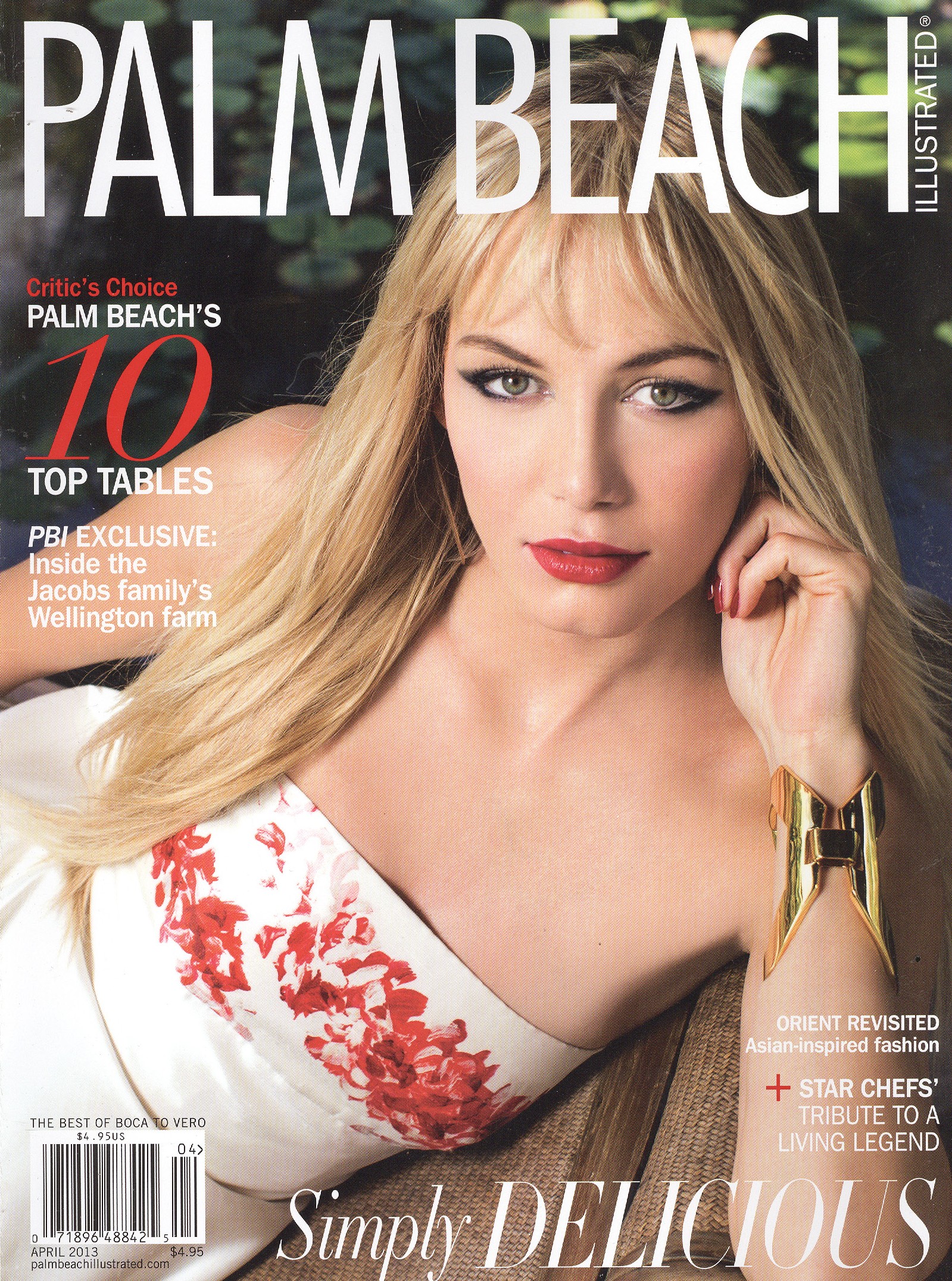
  3. Here are two more....they were from an exercise magazine I think
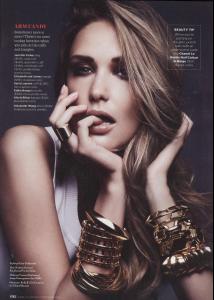
  4. The one model's name is Charlie, what's her last?
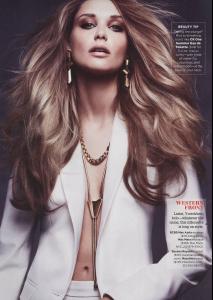
  5. jal718 replied to hoolri's topic in Actresses
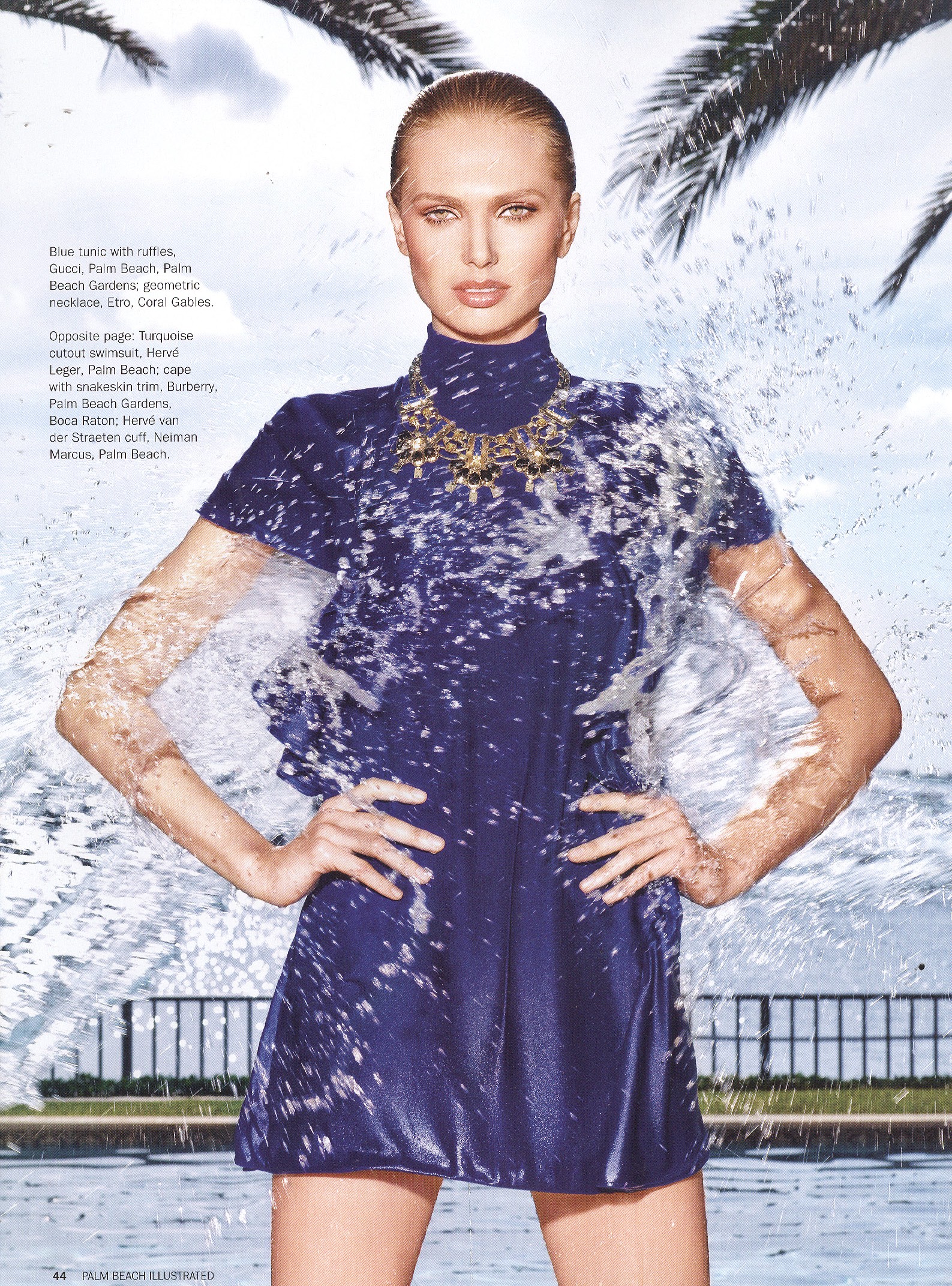
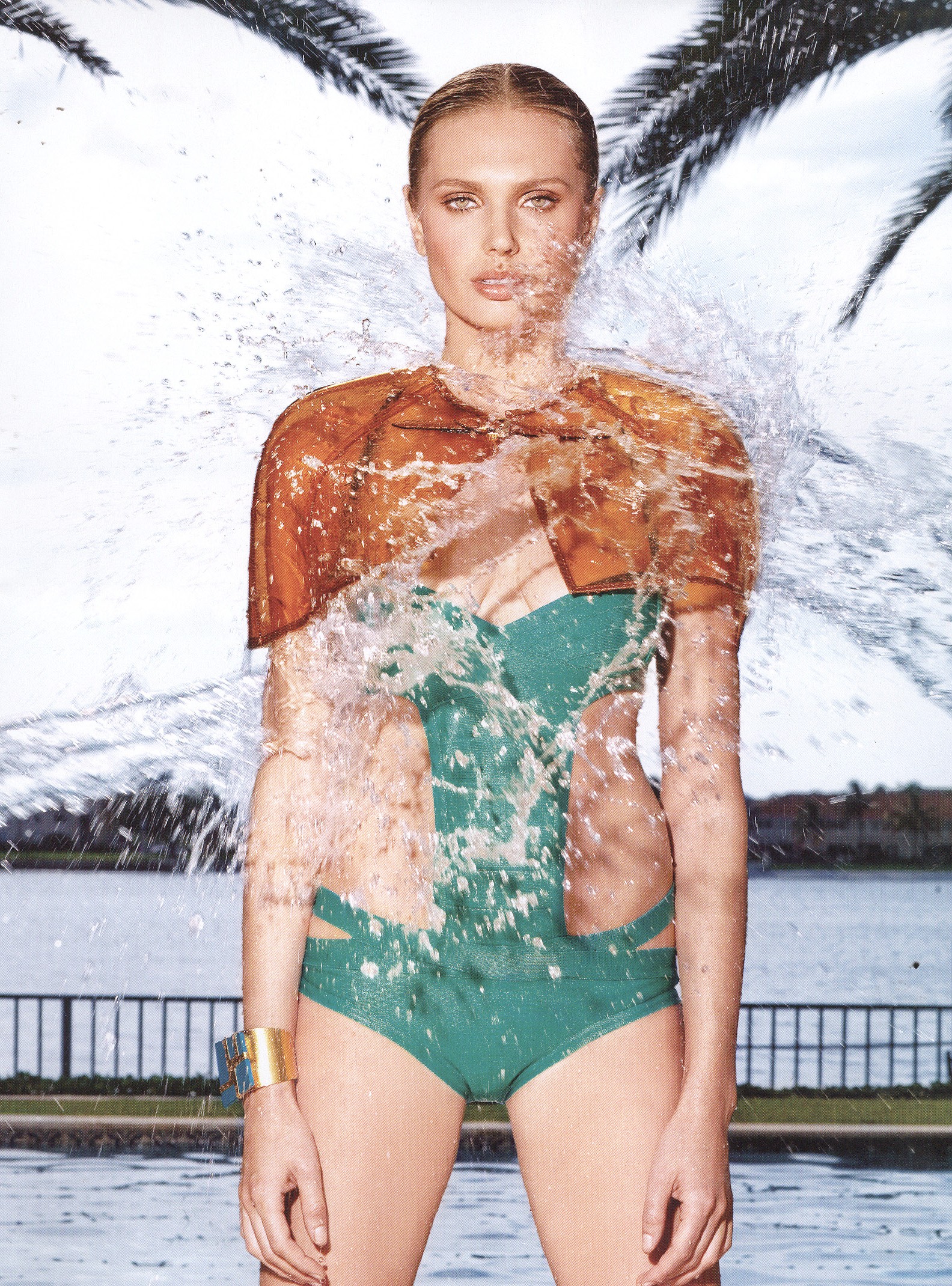
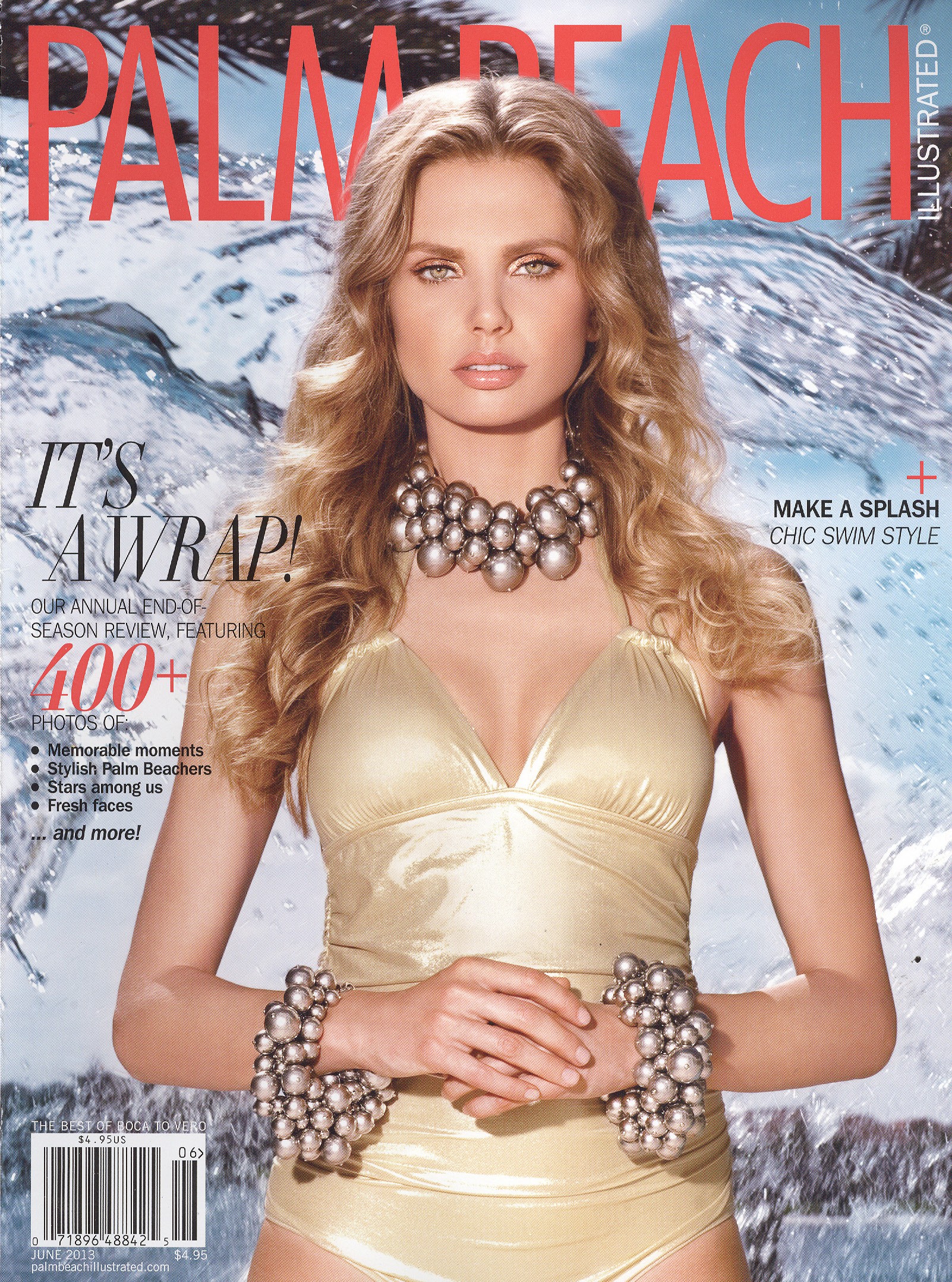
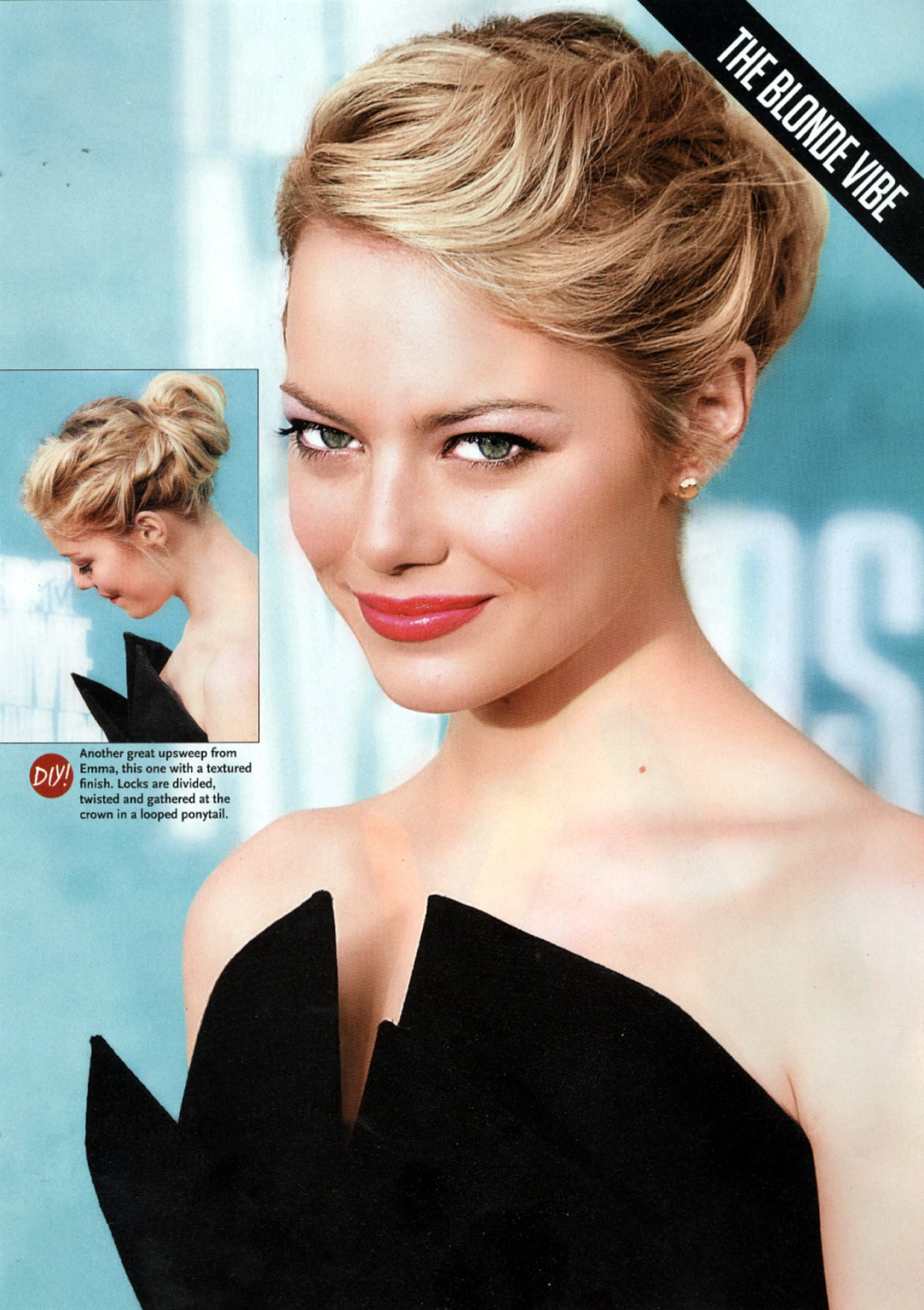
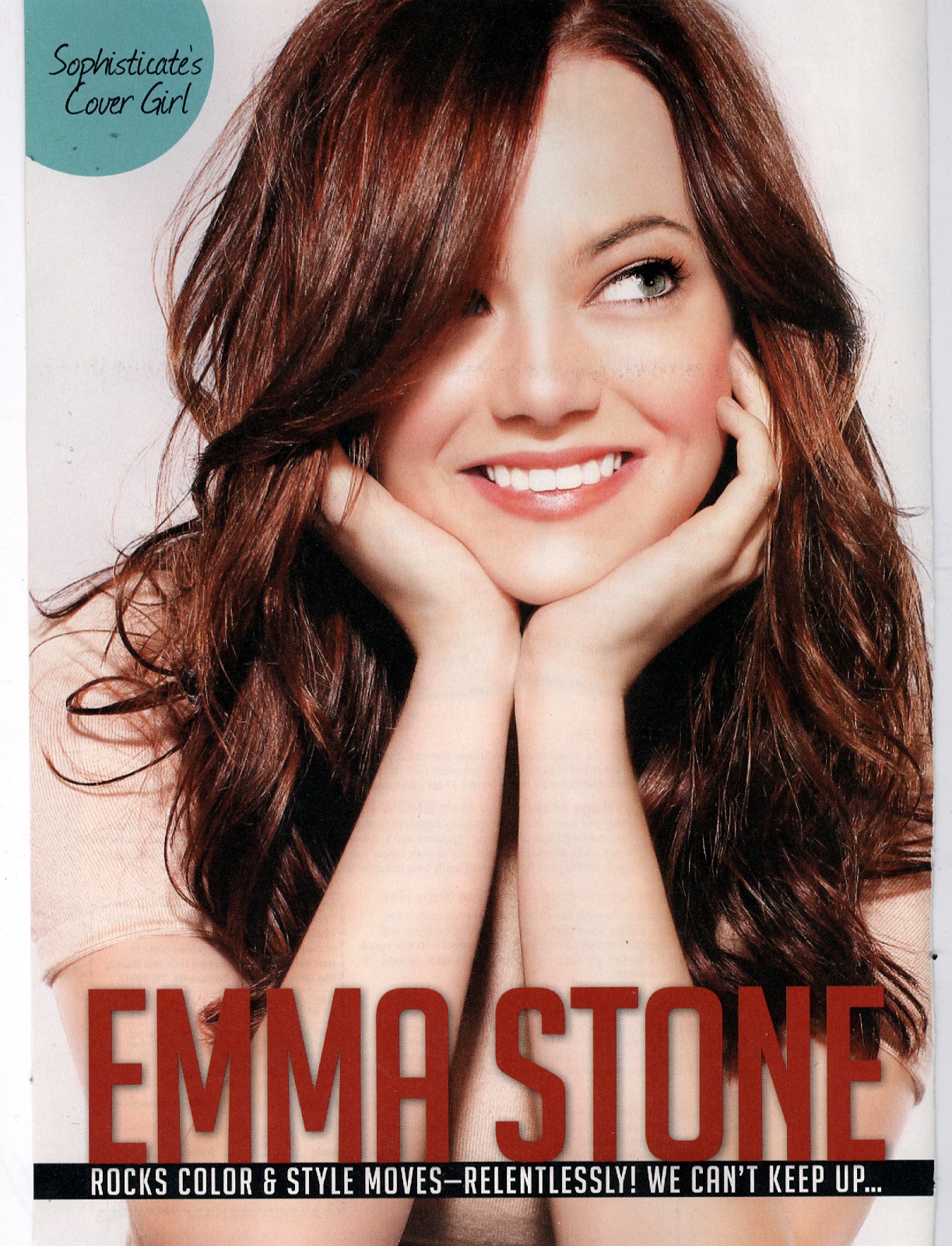
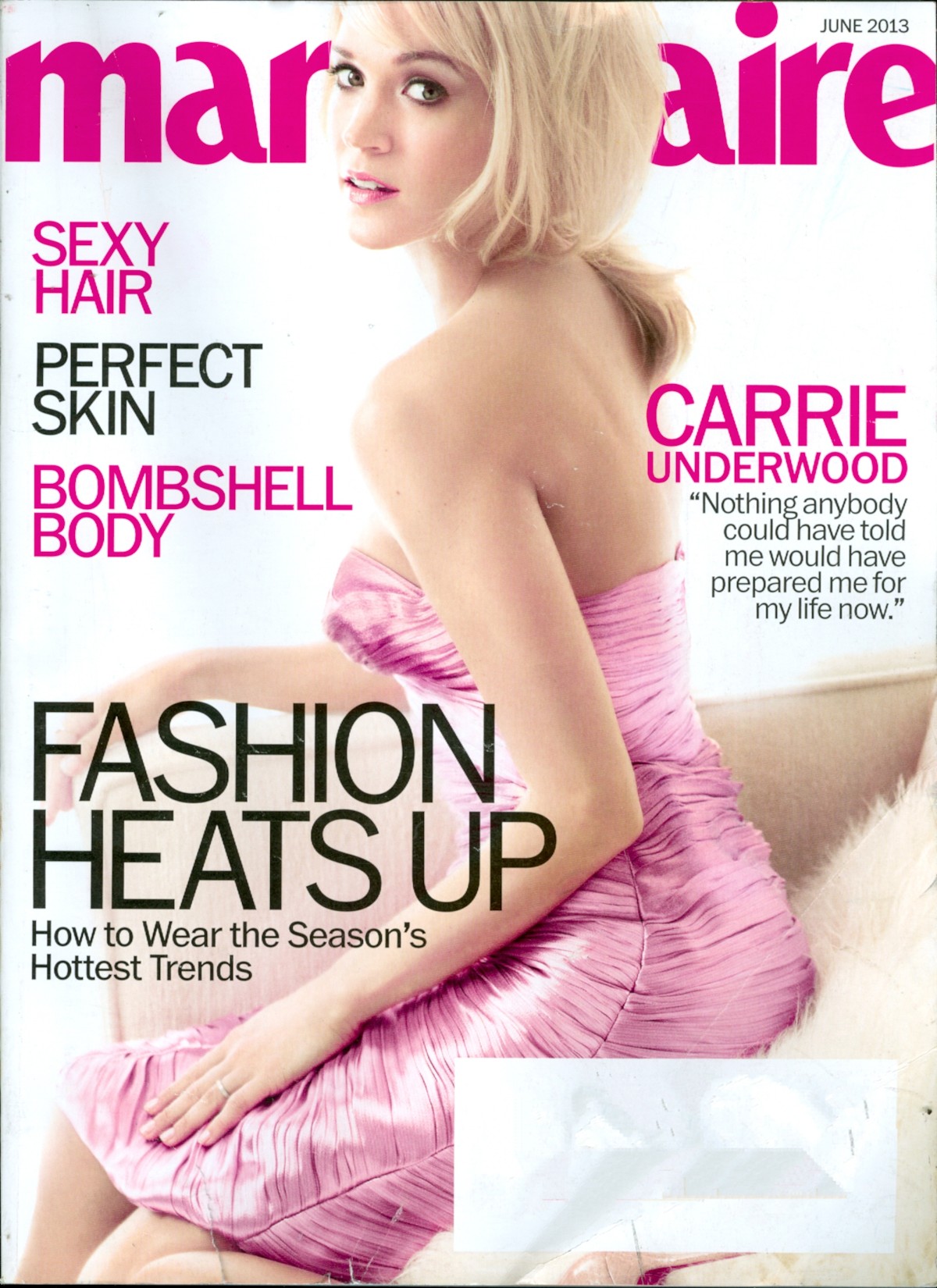
    My scans
  6. Great cover, thanks
  7. Very nice Kelly, thanks
  8. It's not Jill
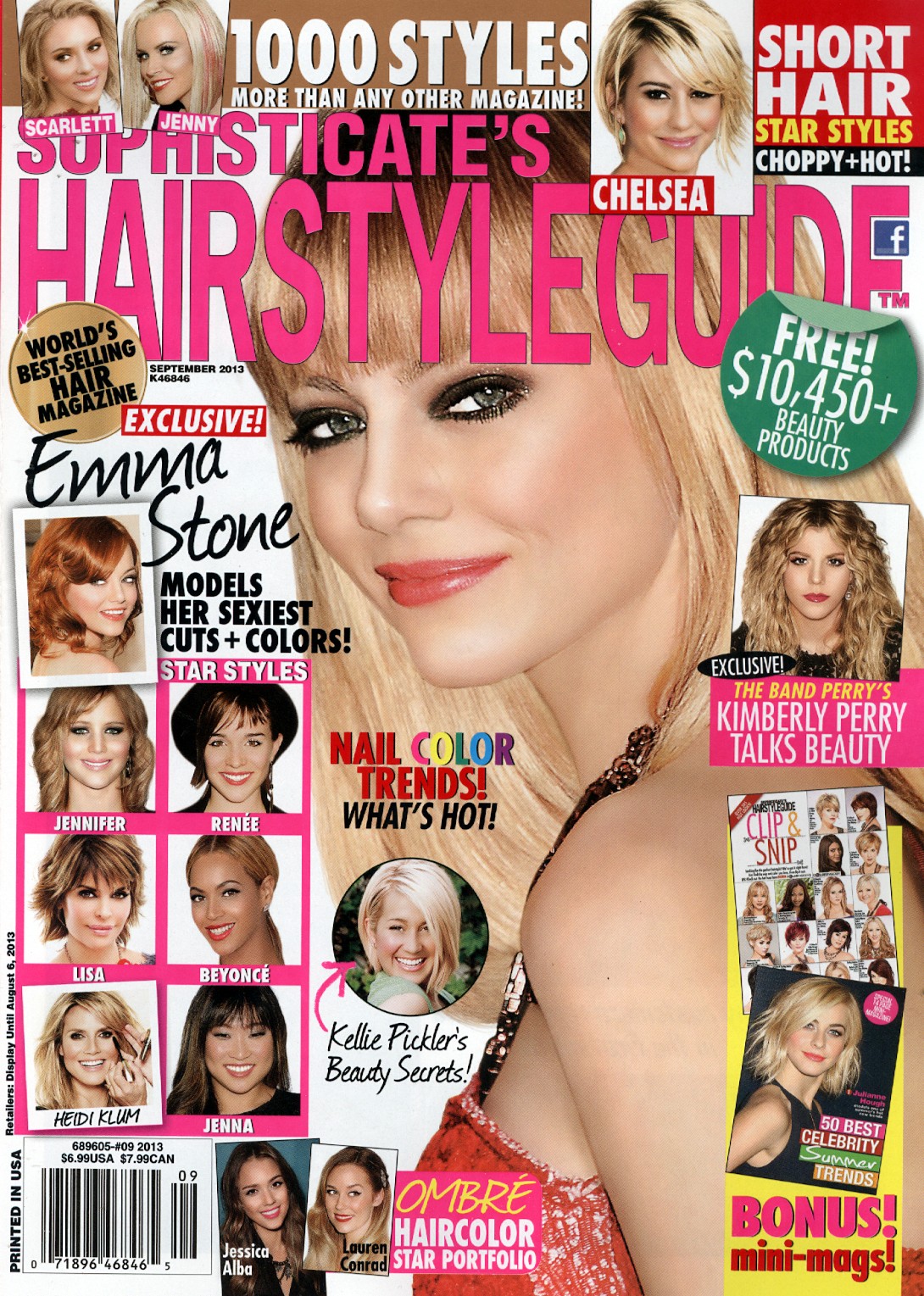
  9. My scan of the subscribers cover
  10. Of all the beautiful women in the world why would they pick her? I mean this is disgraceful
  11. Thanks Kelly
  12. Anette Stai on the right
  13. Nice Kelly
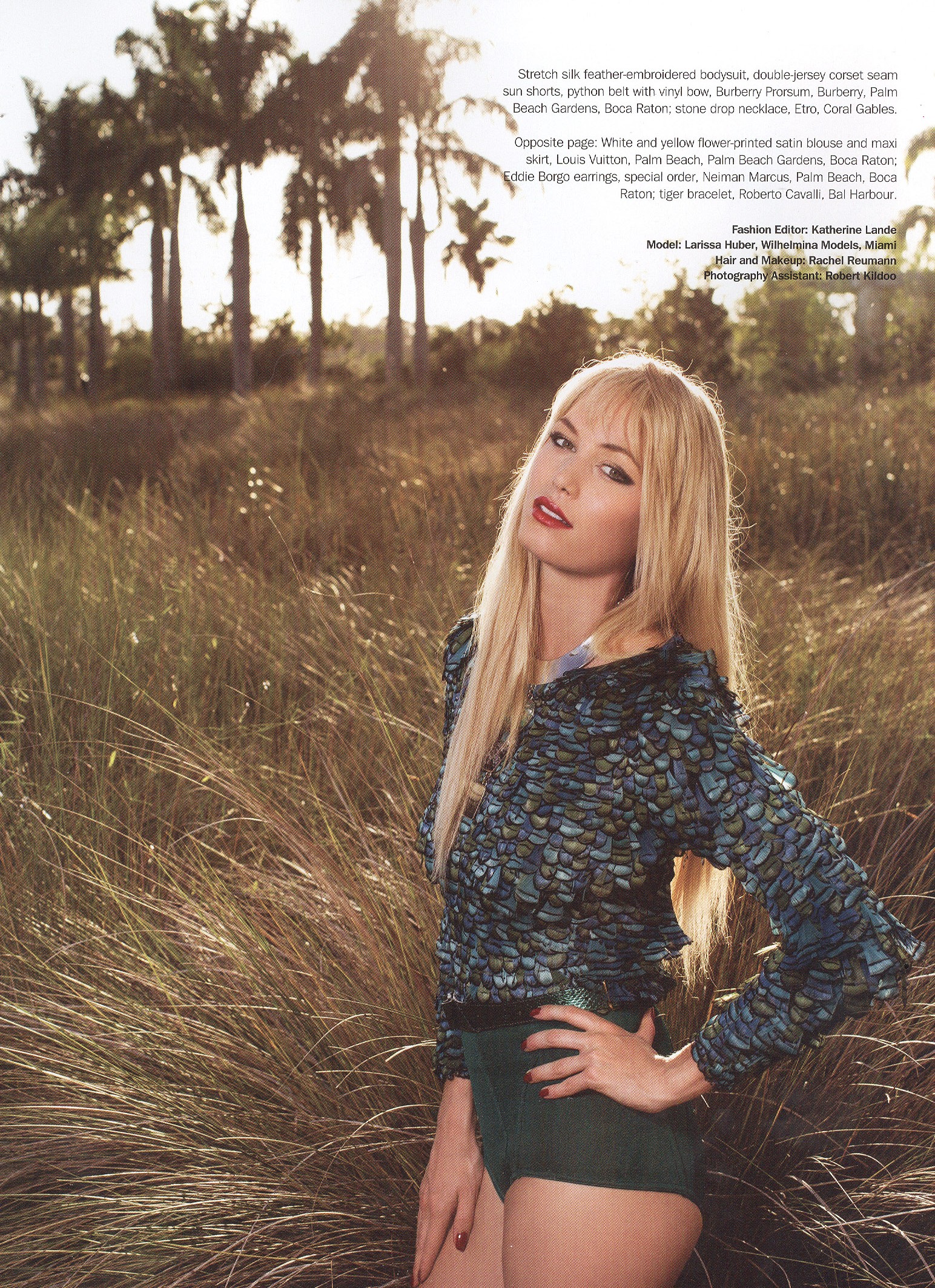
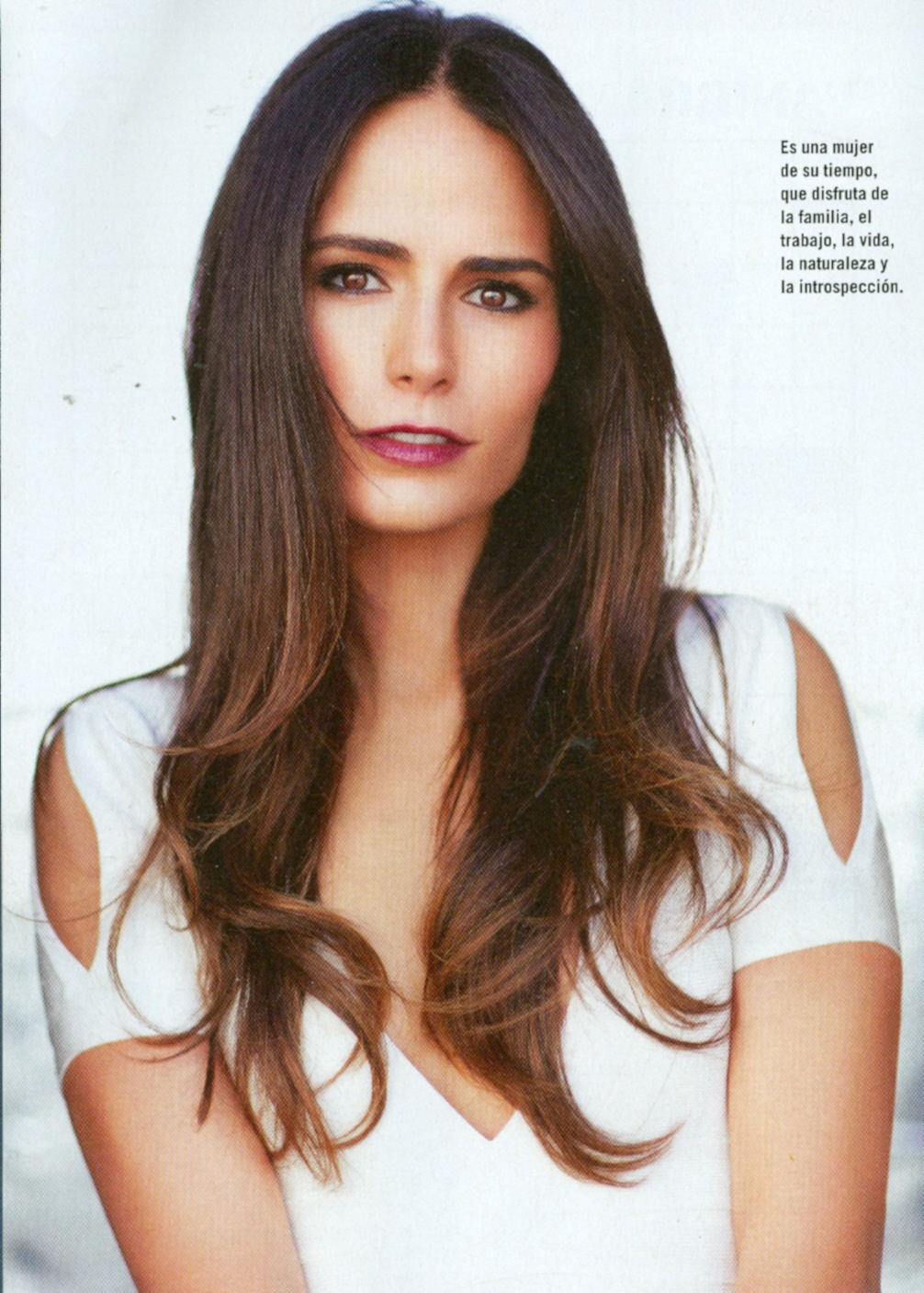
  14. My scans
  15. jal718 replied to rosada's topic in Gisele Bundchen
    Amazing Vanity Fair cover
  16. jal718 replied to Hiro's topic in Actresses
    Really? Again?
  17. jal718 replied to Nine's topic in MODEL ID [help]
    Yes, blown up it's clearer, thanks
  18. jal718 replied to K_L's topic in Actresses
    Good head shot but horrible dress
  19. Thanks missp

Configure browser push notifications

Chrome (Android)
  1. Tap the lock icon next to the address bar.
  2. Tap Permissions → Notifications.
  3. Adjust your preference.
Chrome (Desktop)
  1. Click the padlock icon in the address bar.
  2. Select Site settings.
  3. Find Notifications and adjust your preference.