

Ingrib
Members
-
Joined
-
Last visited
-
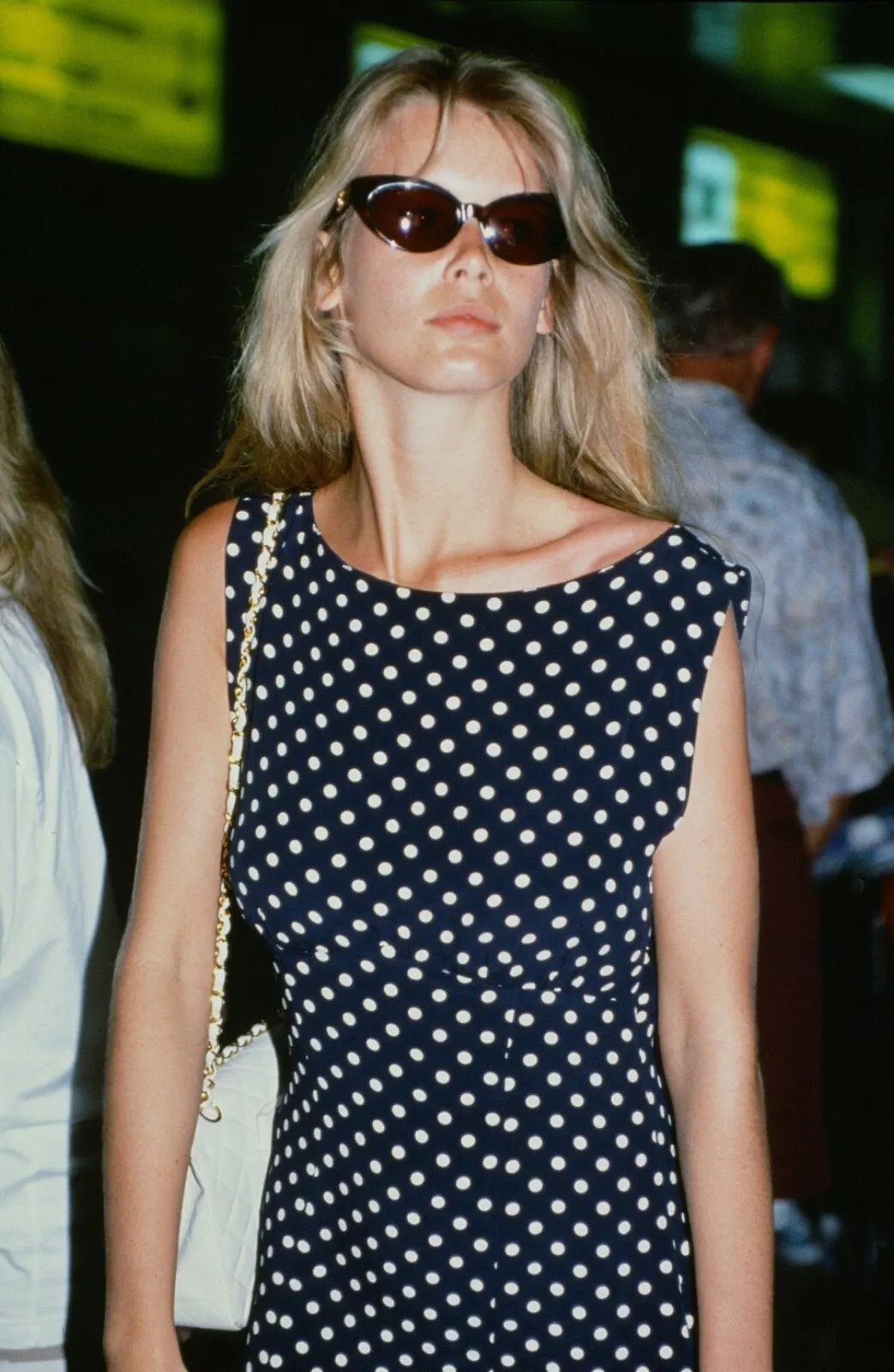
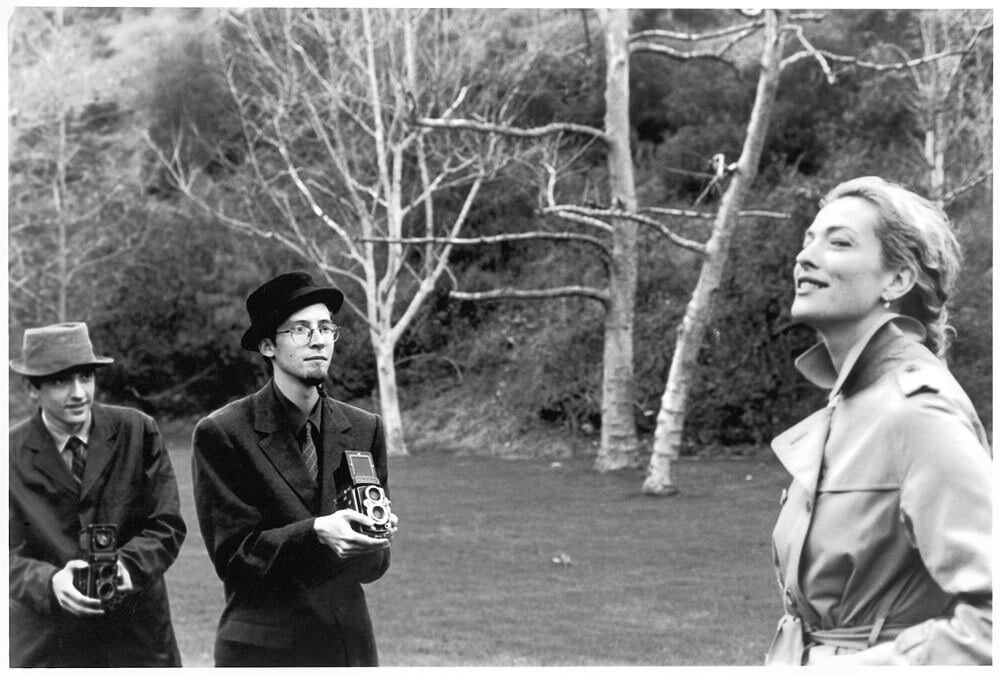
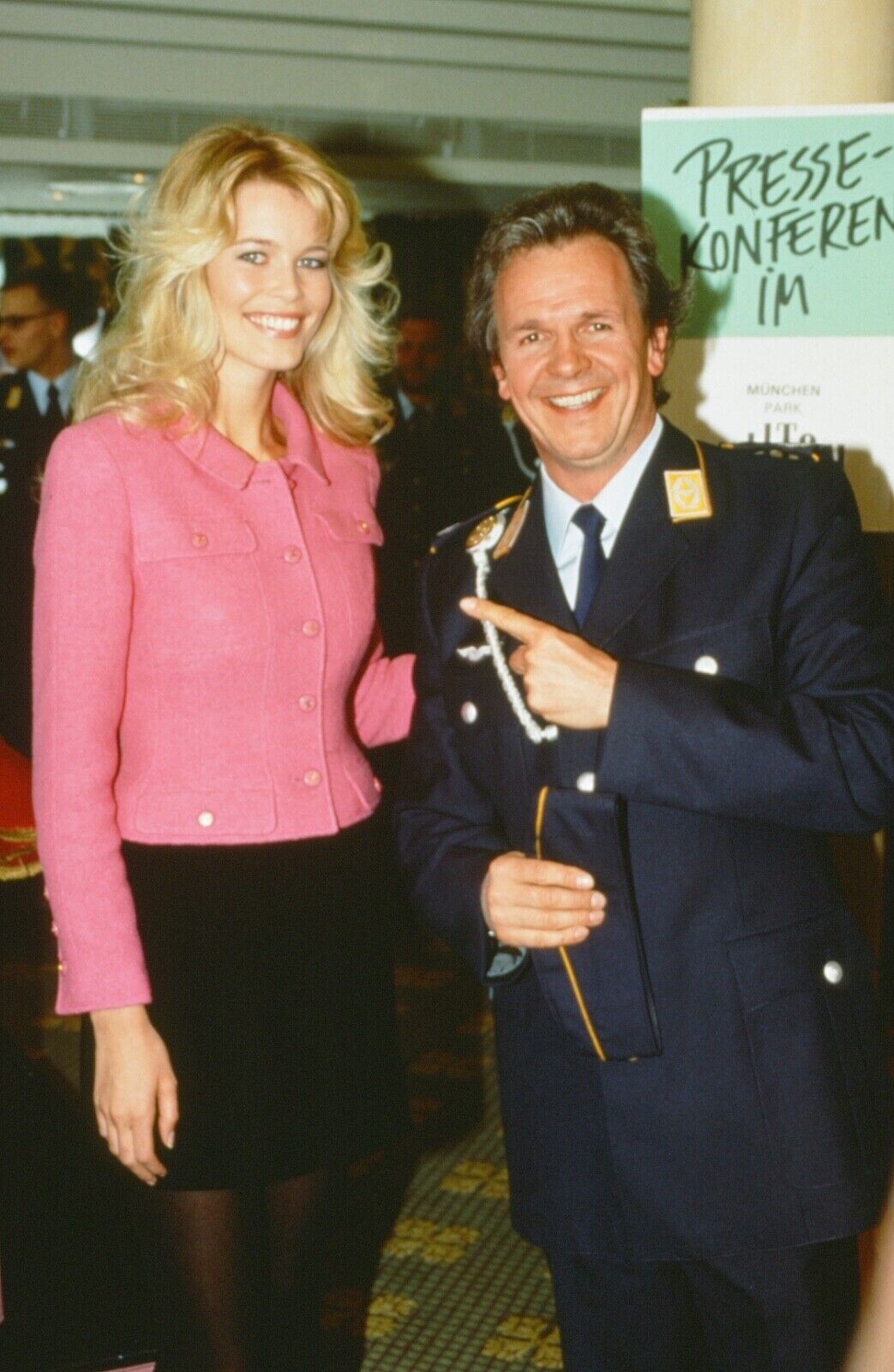
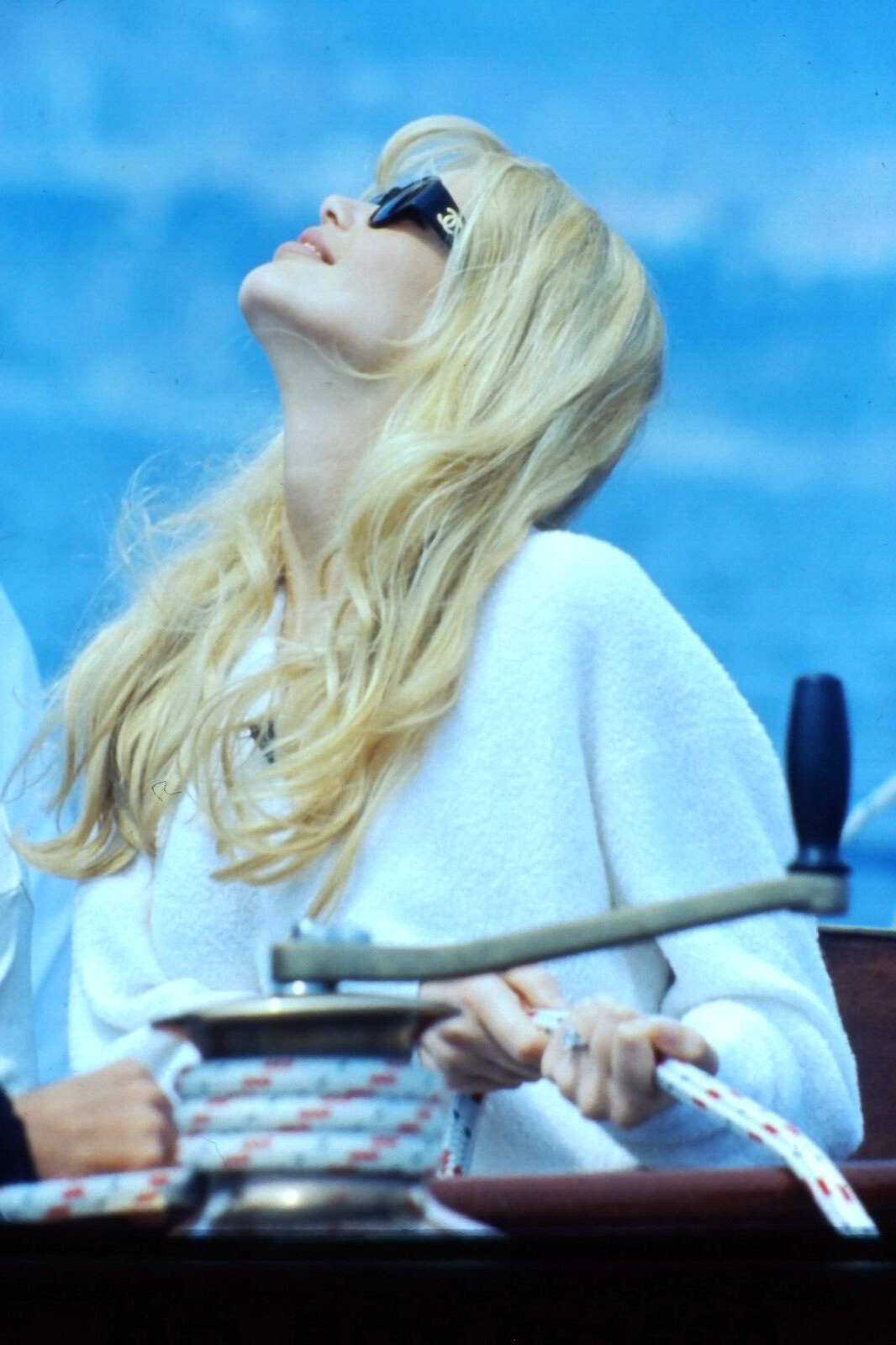
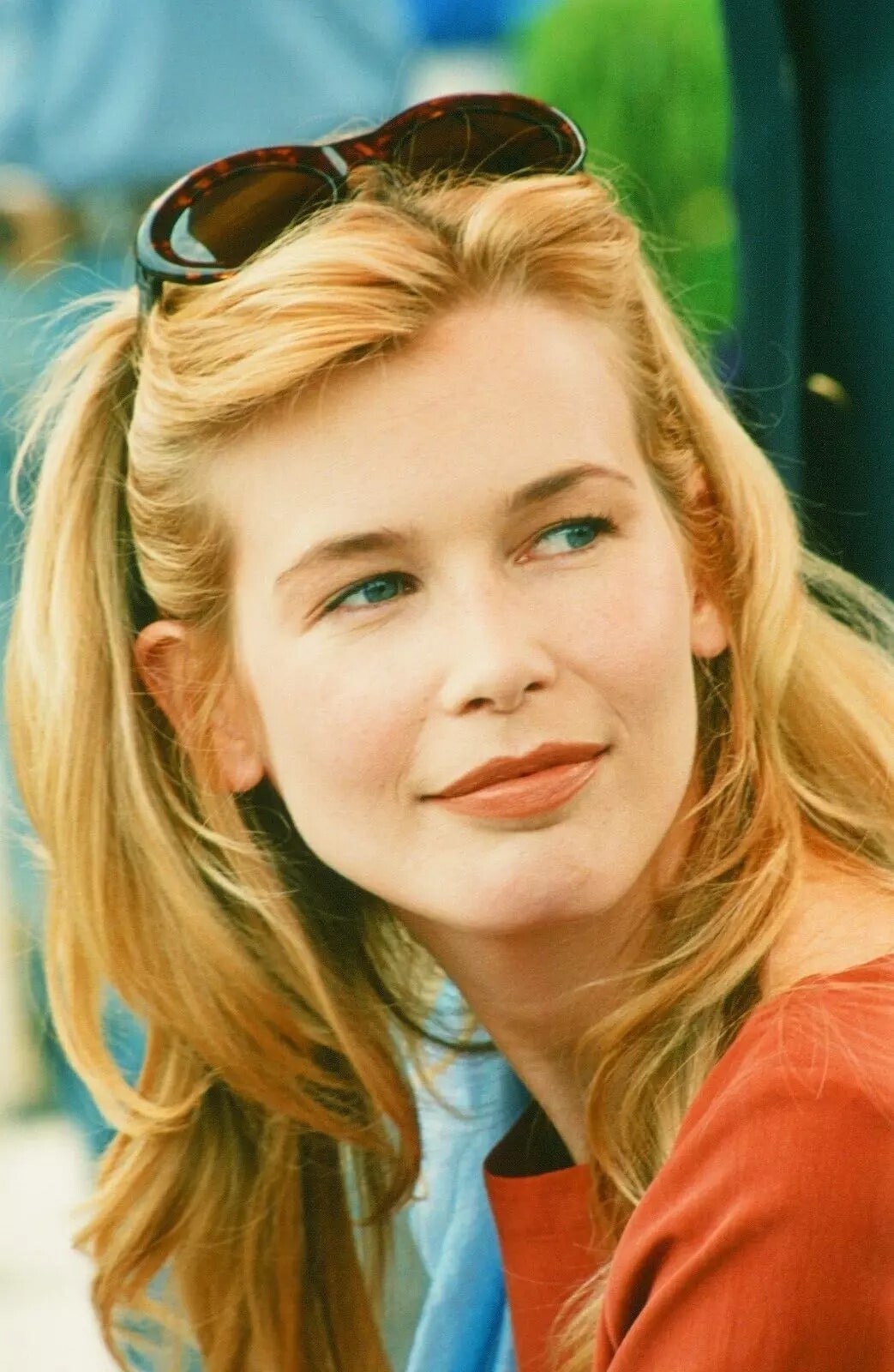
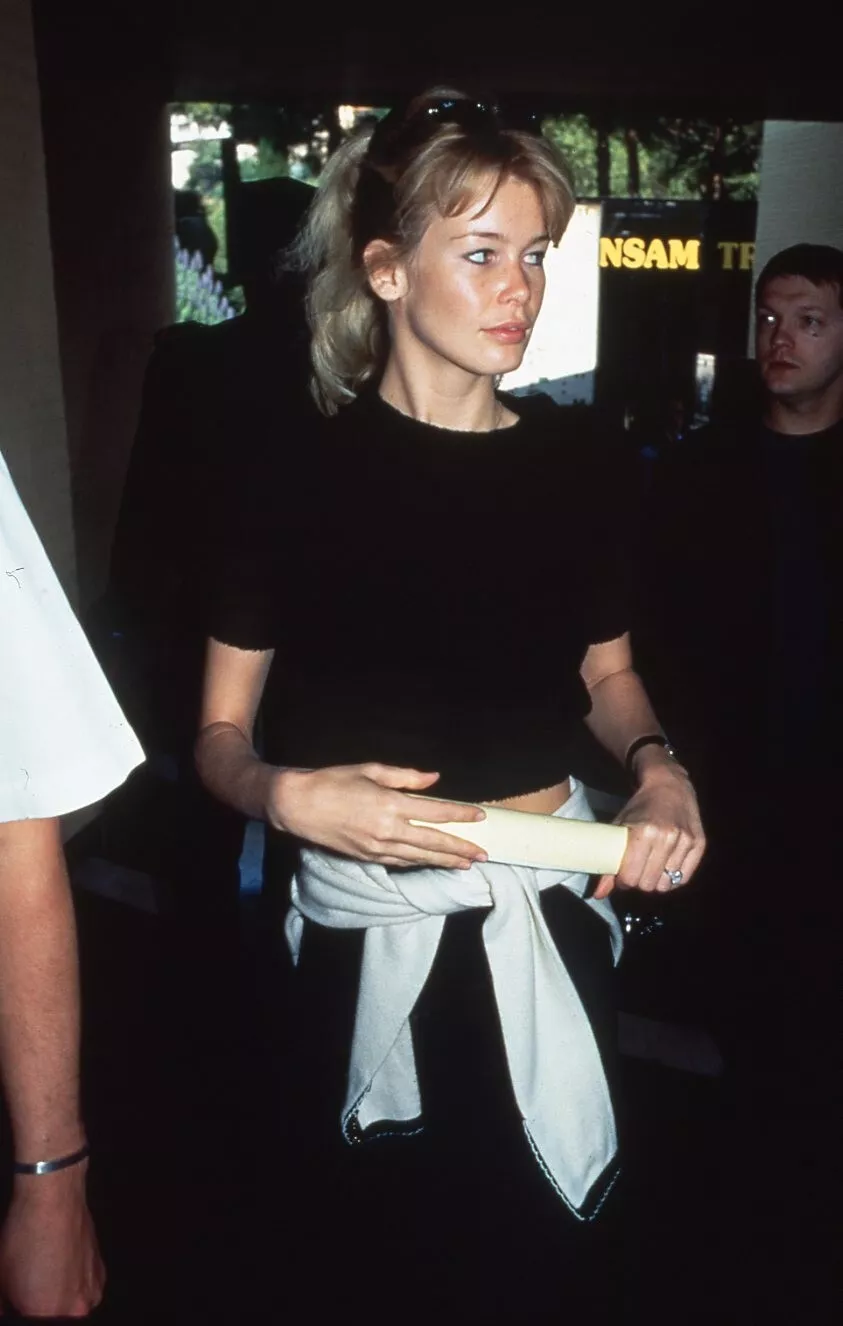
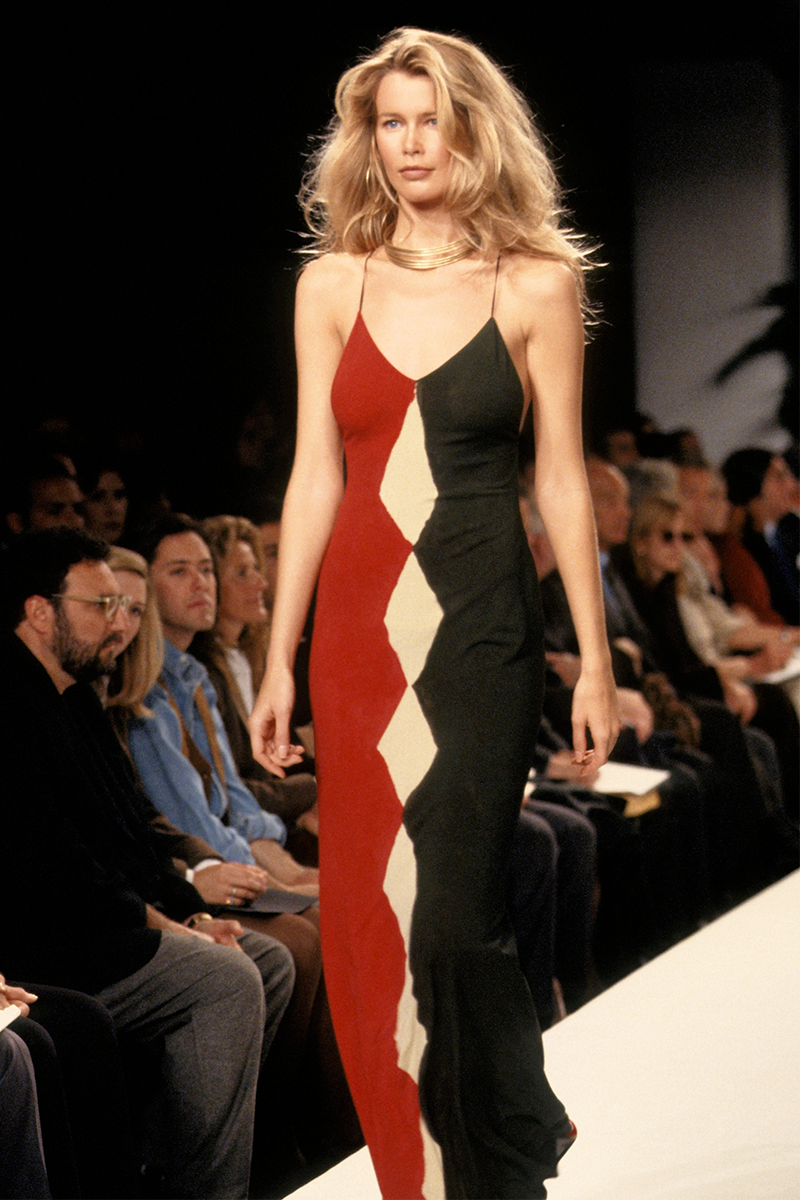
WEAR IN THE WORLD WEDNESDAY West Coast Claudia Schiffer, CA, @voguemagazine June 1990. Believe it or not, there is an alternative to sun-drenched swimsuits and shorts. And the look begins here – with muted textures and patterns made for soaking up the shade. Photographed with Bill Goins, among the redwoods at the shady Sea Ranch Lodge, just north of San Francisco on the Pacific coast. 1. Suede Michael Hoban for North Beach Leather slip dress on the hammock 2. Unitard for an early morning jog by Norma Kamali 3. Fishing in a ripped T-shirt by J. Crew tones down gold-decorated shorts by Agnès B. 4. Maxi sweater to go over anything by Marc Jacobs for Perry Ellis 5. Paul Smith's bathrobe, Gottex swimsuit printed with ferns 6. For a dog-day afternoon, coats by Giorgio Armani and Issey Miyake 7. Pinstripes with peasant ruffles, DKNY bodysuit I. Magnin Callaghan skirts 8. To keep it looking smooth: J.F. Lazartigue's Protective Hair Cream with SPF 10. Anne Klein II cap-sleeved top. 9. Ending the day in the hot tub wearing a Paco Rabanne rhodoid paillette-embellished swimsuit. Fashion Editor: Polly Mellen Hair: Gabriele Vigorelli Makeup: Sonia Kashuk [ @beingsonia ]


-
by Arthur Elgort
-
by Andre Rau
 Image hidden for guestsSign in to view
-
Image hidden for guestsSign in to viewAlbert Watson photograph “Claudia Schiffer, Los Angeles, 1989,” previously unpublished from a shoot for Byblos
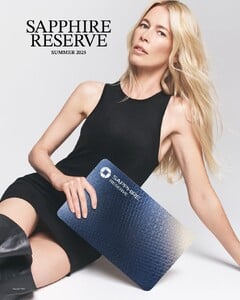
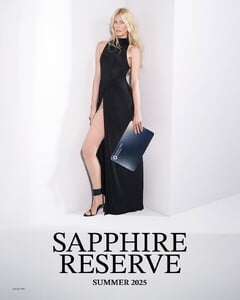
 Last Versace collection by Donatella Versace – F/W 2025 campaign by Mert & Marcus Starring: Kate Moss, Claudia Schiffer, Kristen McMenamy, Amber Valletta, Natasha Poly, Saskia de Brauw, Liu Wen, Mica Argañaraz, Anok Yai, Mila Van Eeten, and Jacqui Hooper IMG_3041.MP4 VID_20250705_173443_649.mp4Claudia Schiffer Reveals Sleeker Chase Sapphire Reserve
 Claudia Schiffer for Chloé High Summer 2025 campaign by David Simsby Paul Jasmin


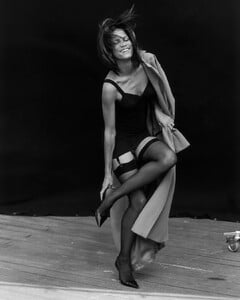
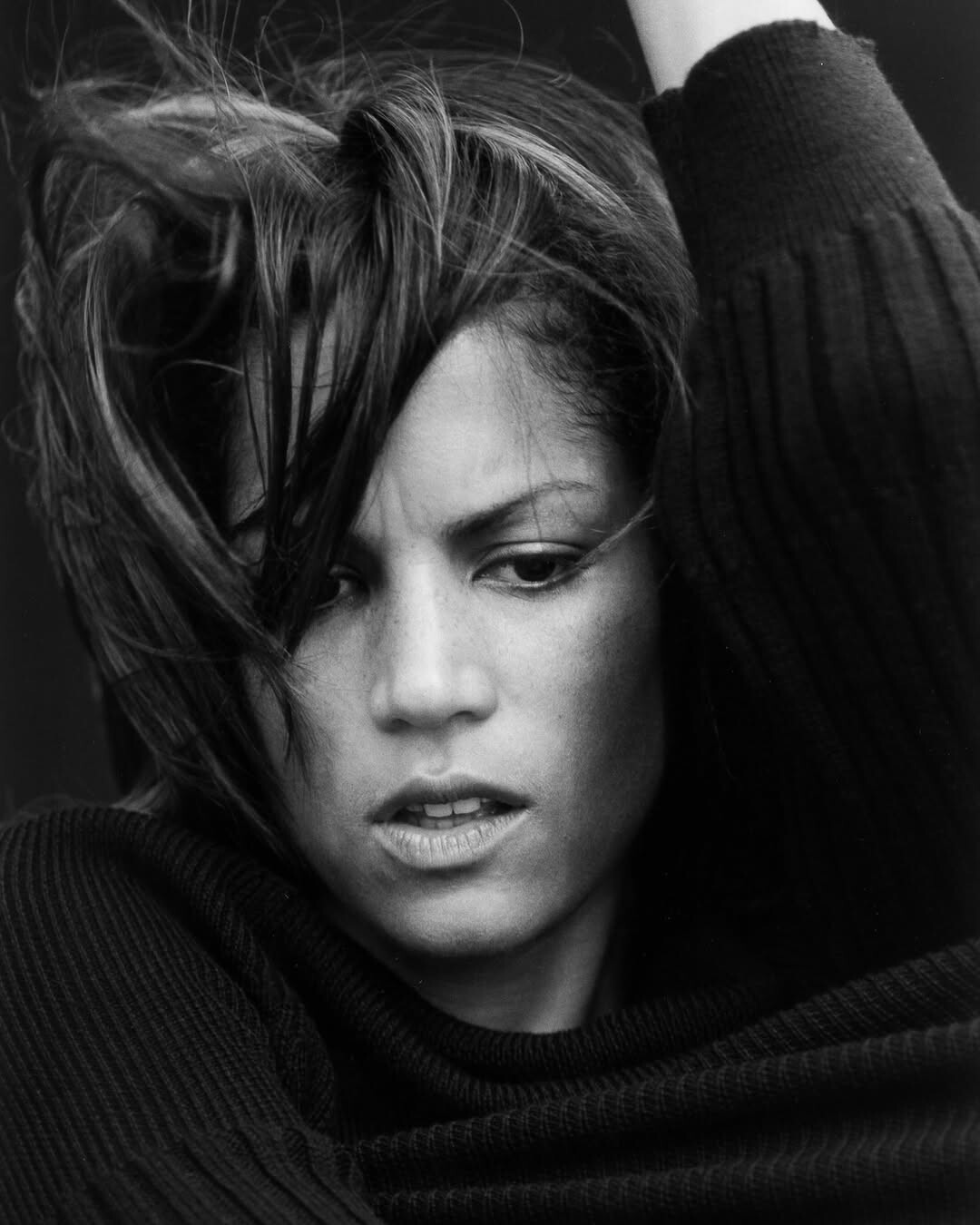
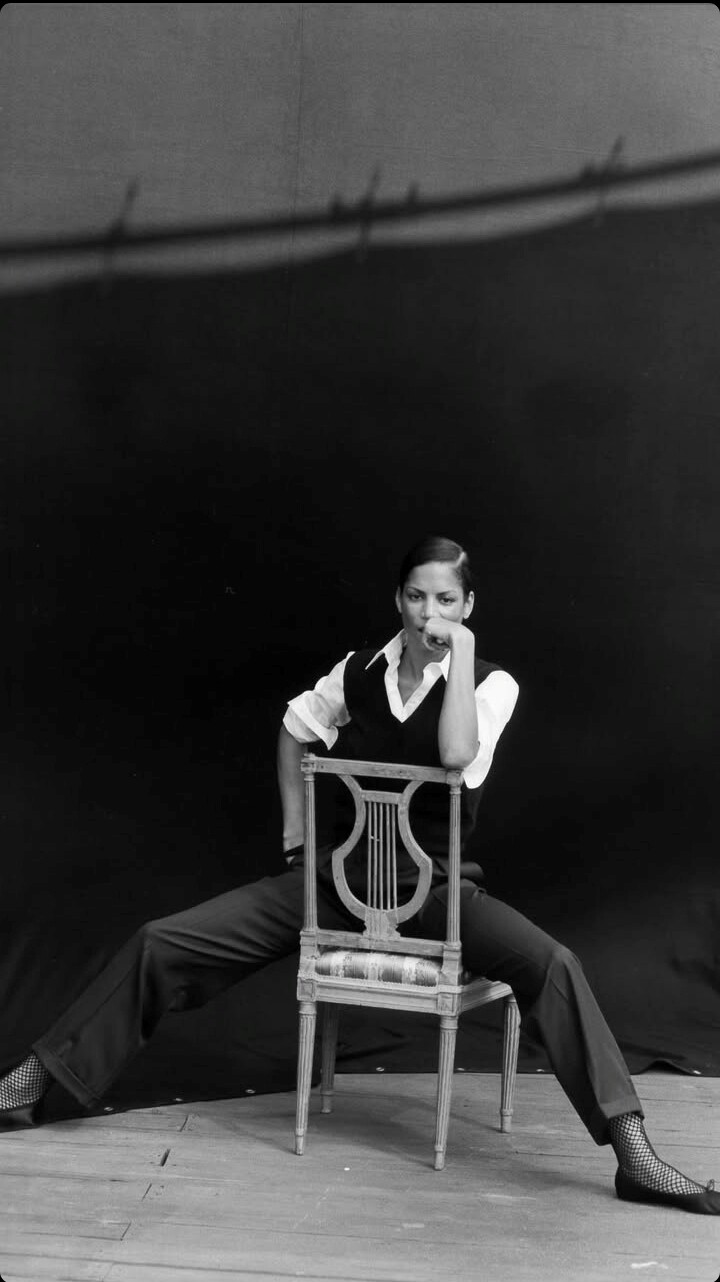
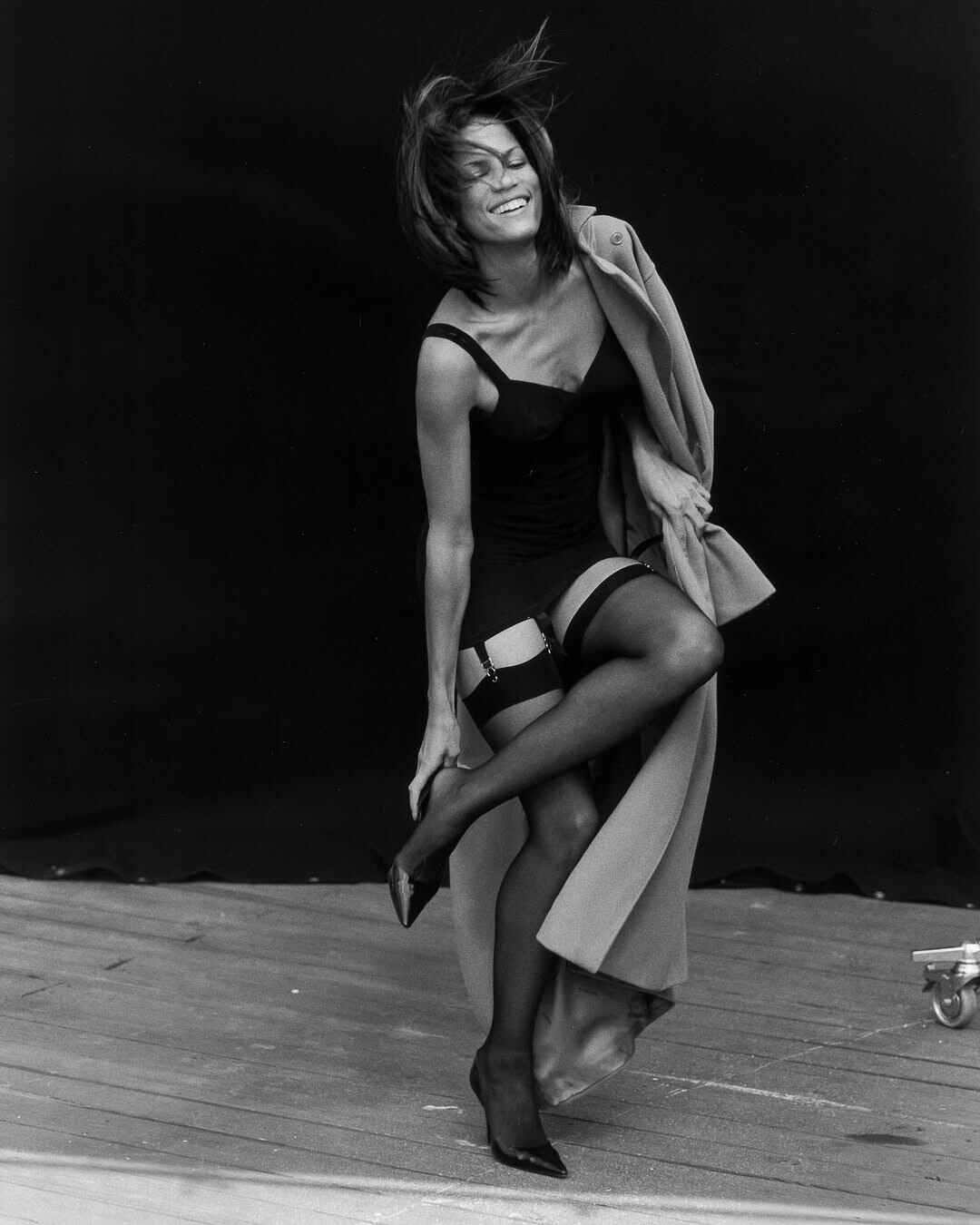
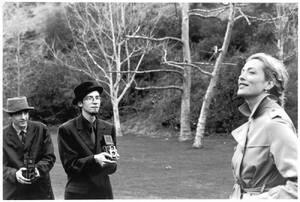 by Peter Lindbergh
















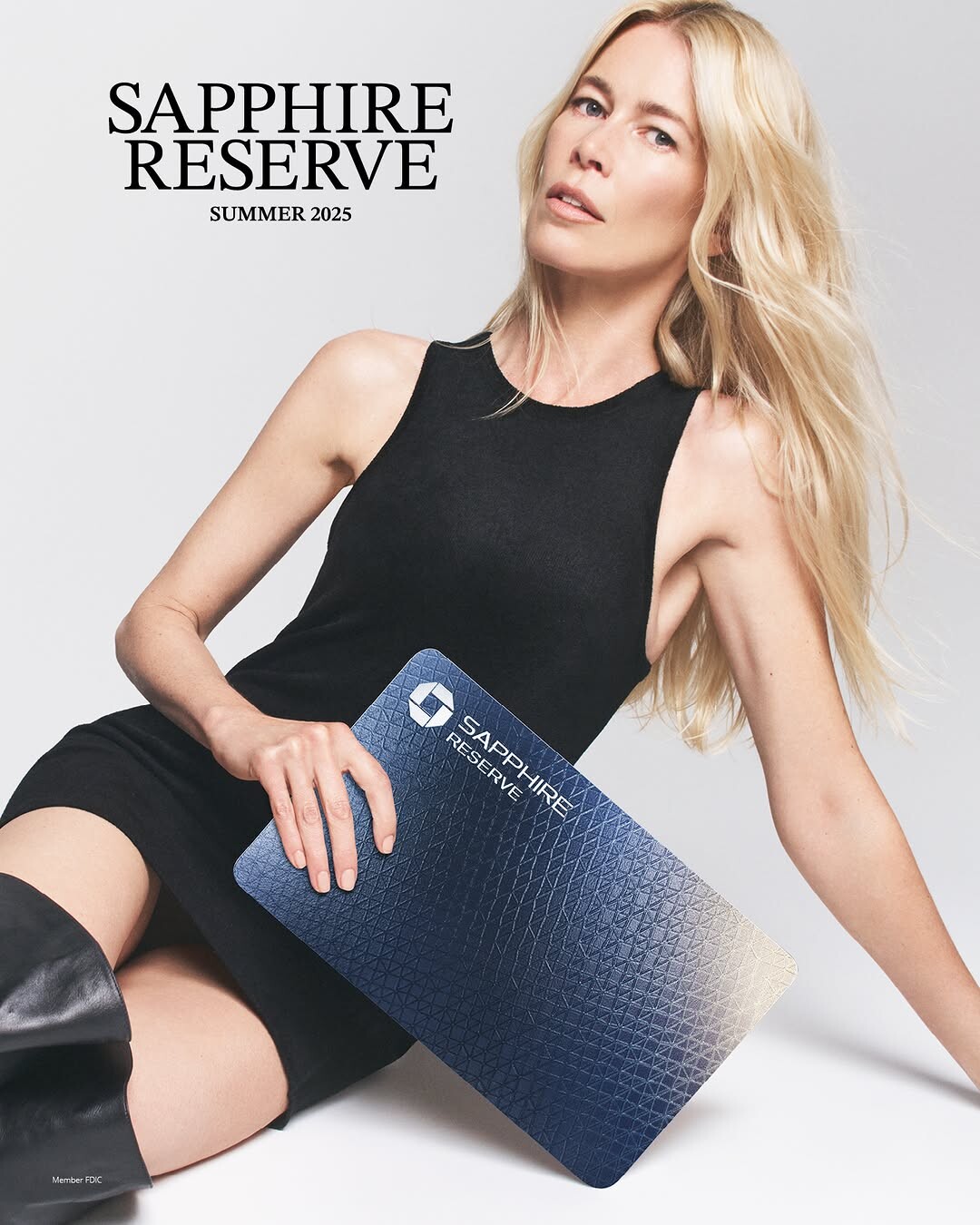
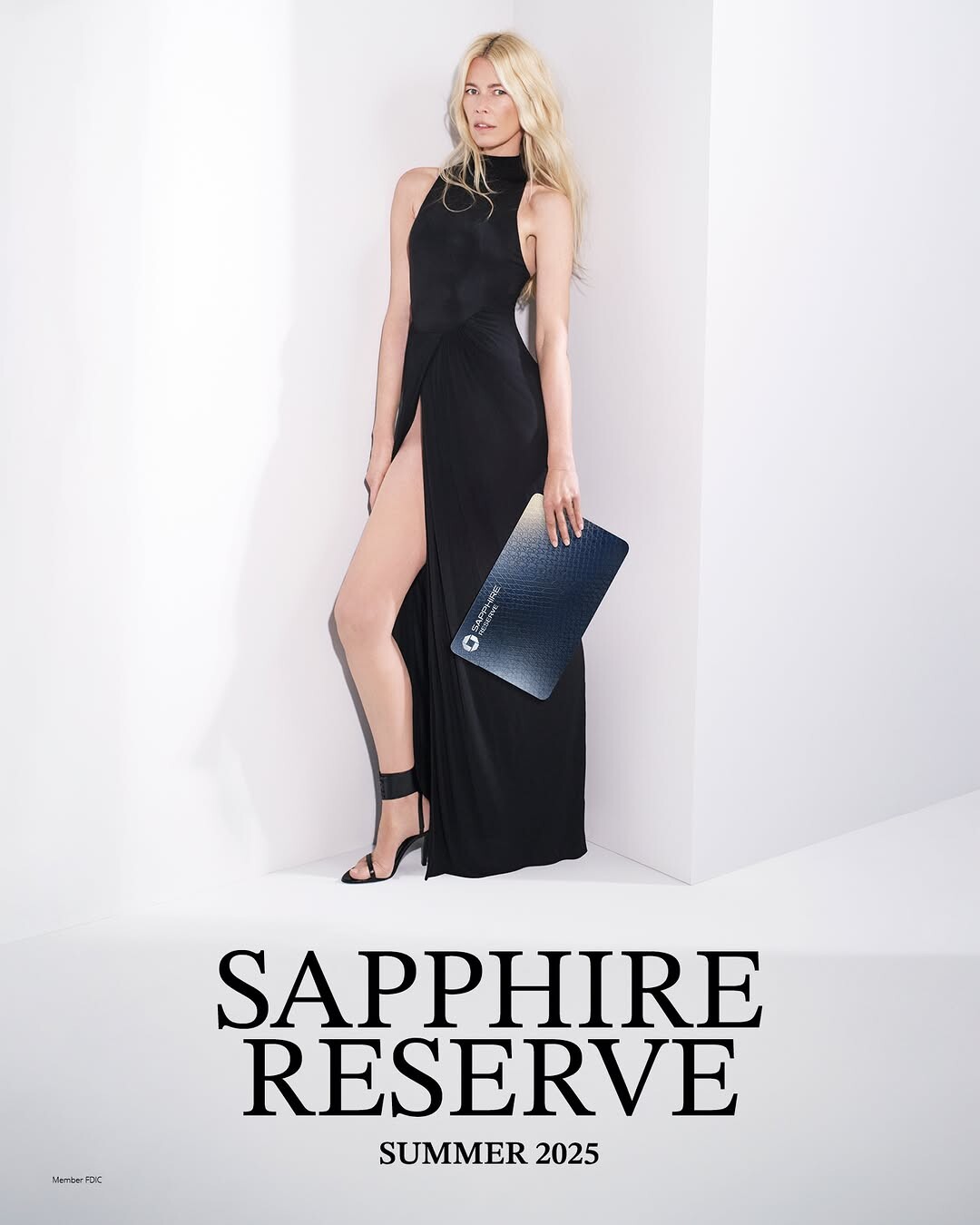
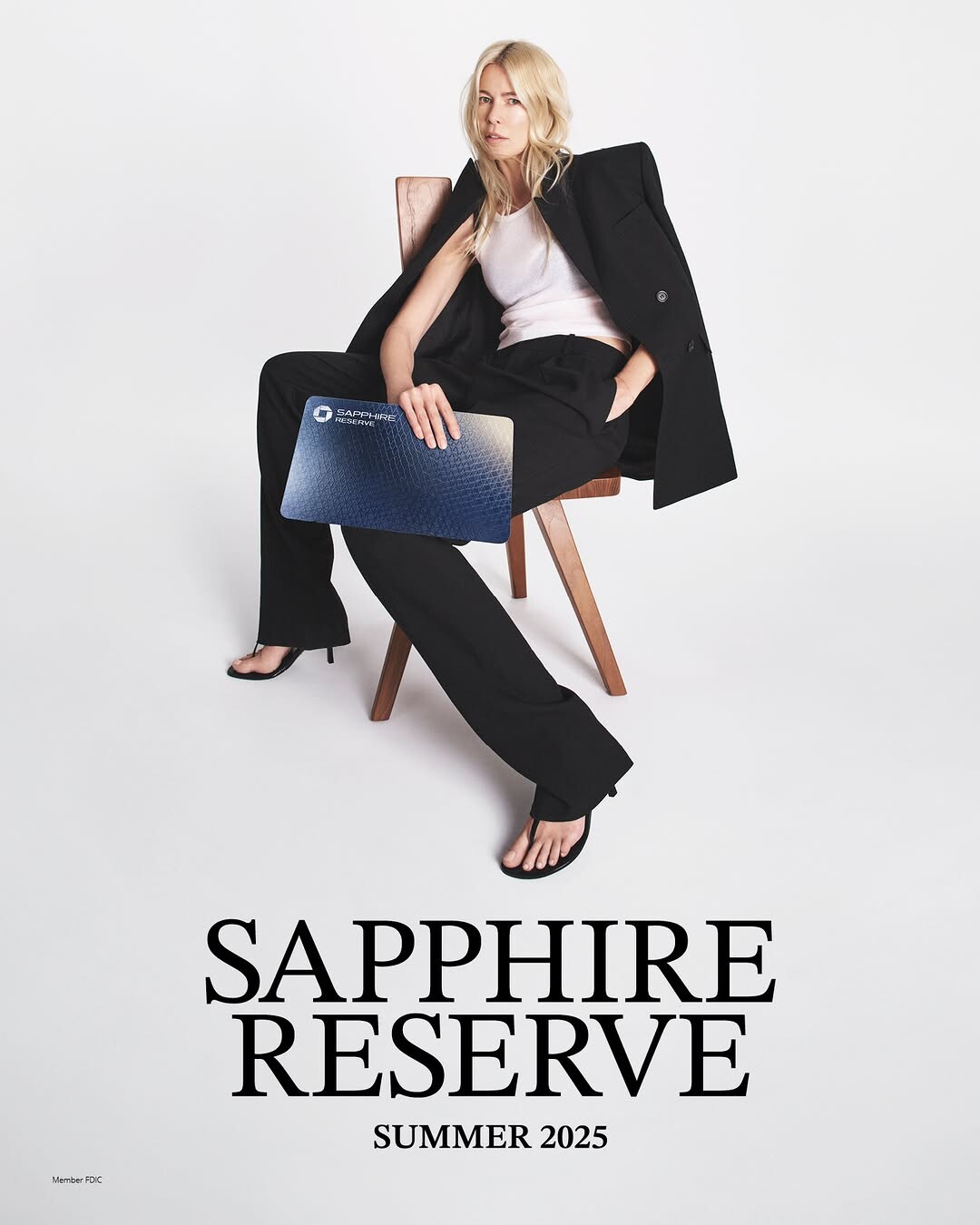



























Account
Navigation
Search
Configure browser push notifications
Chrome (Android)
- Tap the lock icon next to the address bar.
- Tap Permissions → Notifications.
- Adjust your preference.
Chrome (Desktop)
- Click the padlock icon in the address bar.
- Select Site settings.
- Find Notifications and adjust your preference.
Safari (iOS 16.4+)
- Ensure the site is installed via Add to Home Screen.
- Open Settings App → Notifications.
- Find your app name and adjust your preference.
Safari (macOS)
- Go to Safari → Preferences.
- Click the Websites tab.
- Select Notifications in the sidebar.
- Find this website and adjust your preference.
Edge (Android)
- Tap the lock icon next to the address bar.
- Tap Permissions.
- Find Notifications and adjust your preference.
Edge (Desktop)
- Click the padlock icon in the address bar.
- Click Permissions for this site.
- Find Notifications and adjust your preference.
Firefox (Android)
- Go to Settings → Site permissions.
- Tap Notifications.
- Find this site in the list and adjust your preference.
Firefox (Desktop)
- Open Firefox Settings.
- Search for Notifications.
- Find this site in the list and adjust your preference.