Skip to content
View in the app

A better way to browse. Learn more.

Bellazon

A full-screen app on your home screen with push notifications, badges and more.

To install this app on iOS and iPadOS
  1. Tap the Share icon in Safari
  2. Scroll the menu and tap Add to Home Screen.
  3. Tap Add in the top-right corner.
To install this app on Android
  1. Tap the 3-dot menu (⋮) in the top-right corner of the browser.
  2. Tap Add to Home screen or Install app.
  3. Confirm by tapping Install.

Wakka wakka

Members
  • Joined

  • Last visited

Everything posted by Wakka wakka

  1. I used to be her fan for a few years but there were no topics of her here, had lots of amazing pictures stored but they are now deleted unfortunately.
  2. The OG Etam videos, where can I find these videos again, I want to look at some other models too from the past. I remember they used to be on Vimeo then disappeared.
  3. Whats the simpchat? Do you mean SimpCity?
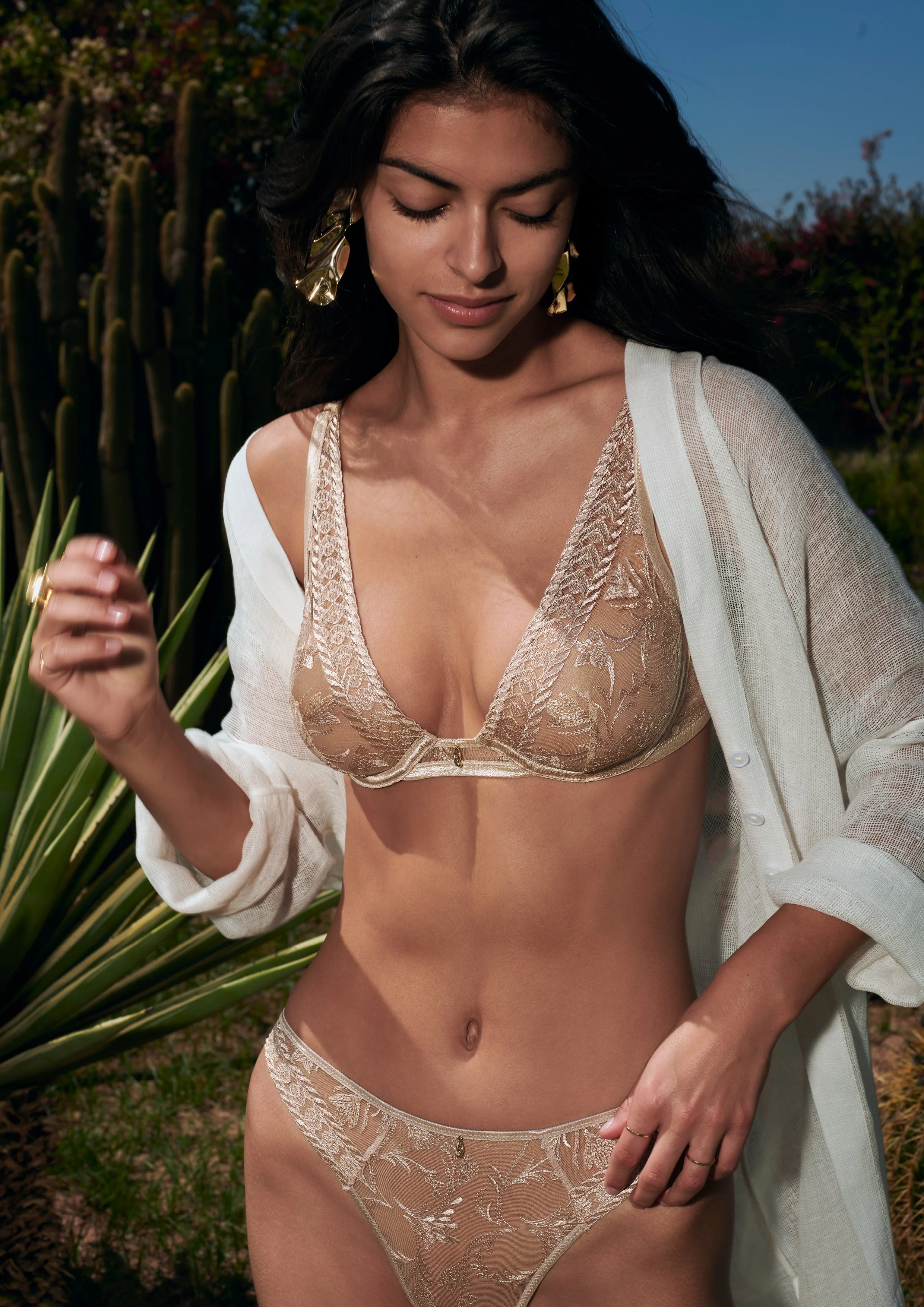
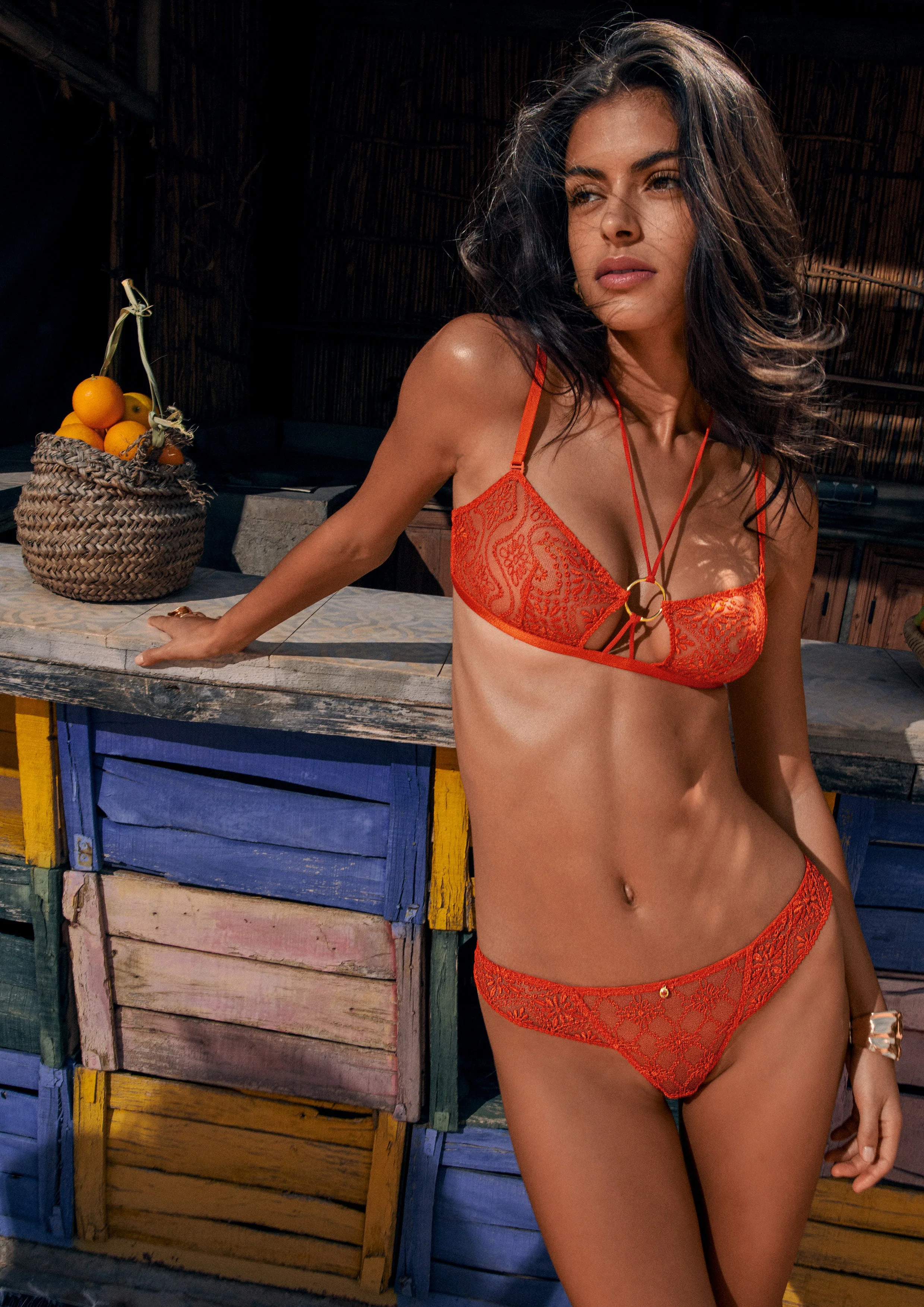
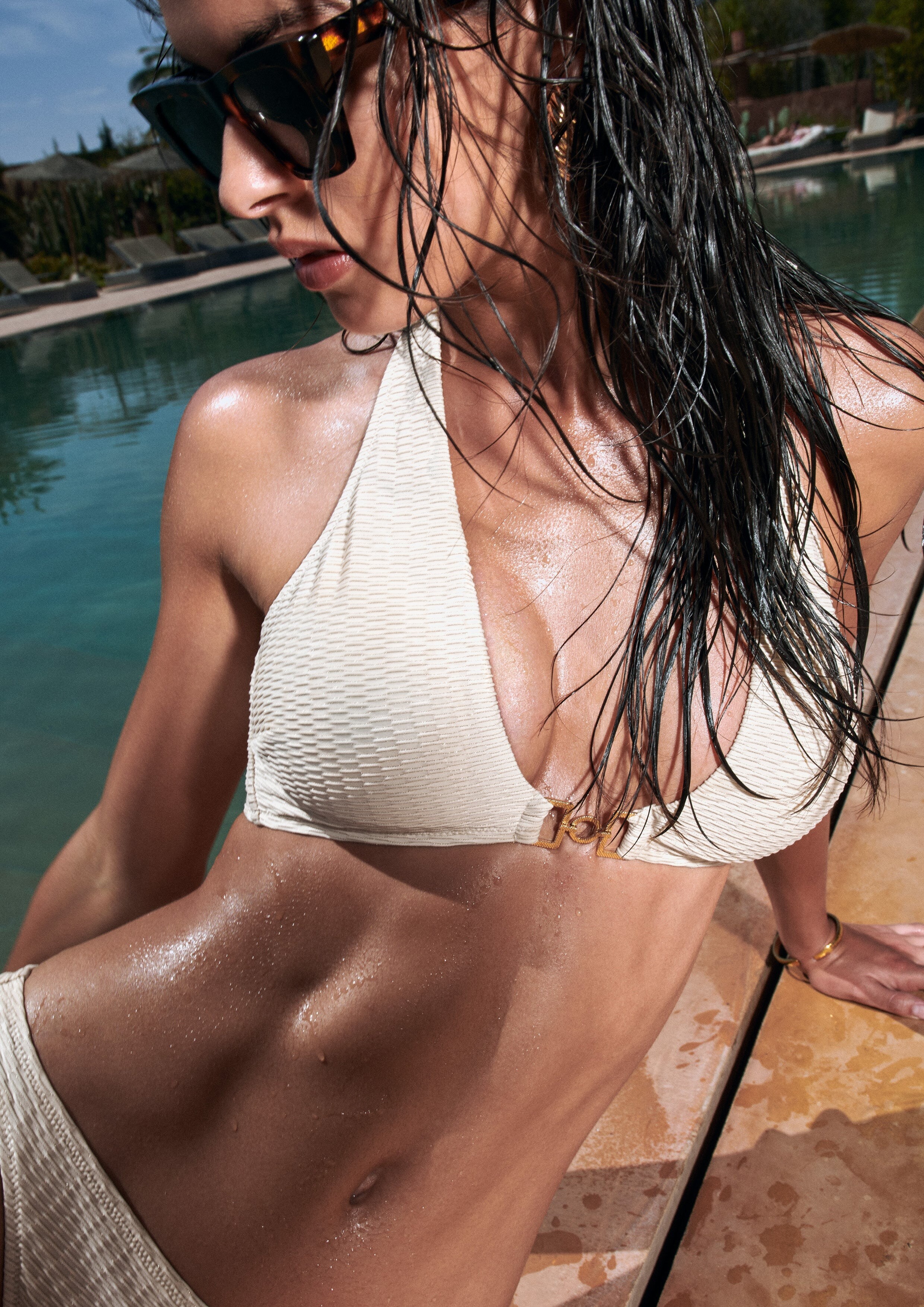
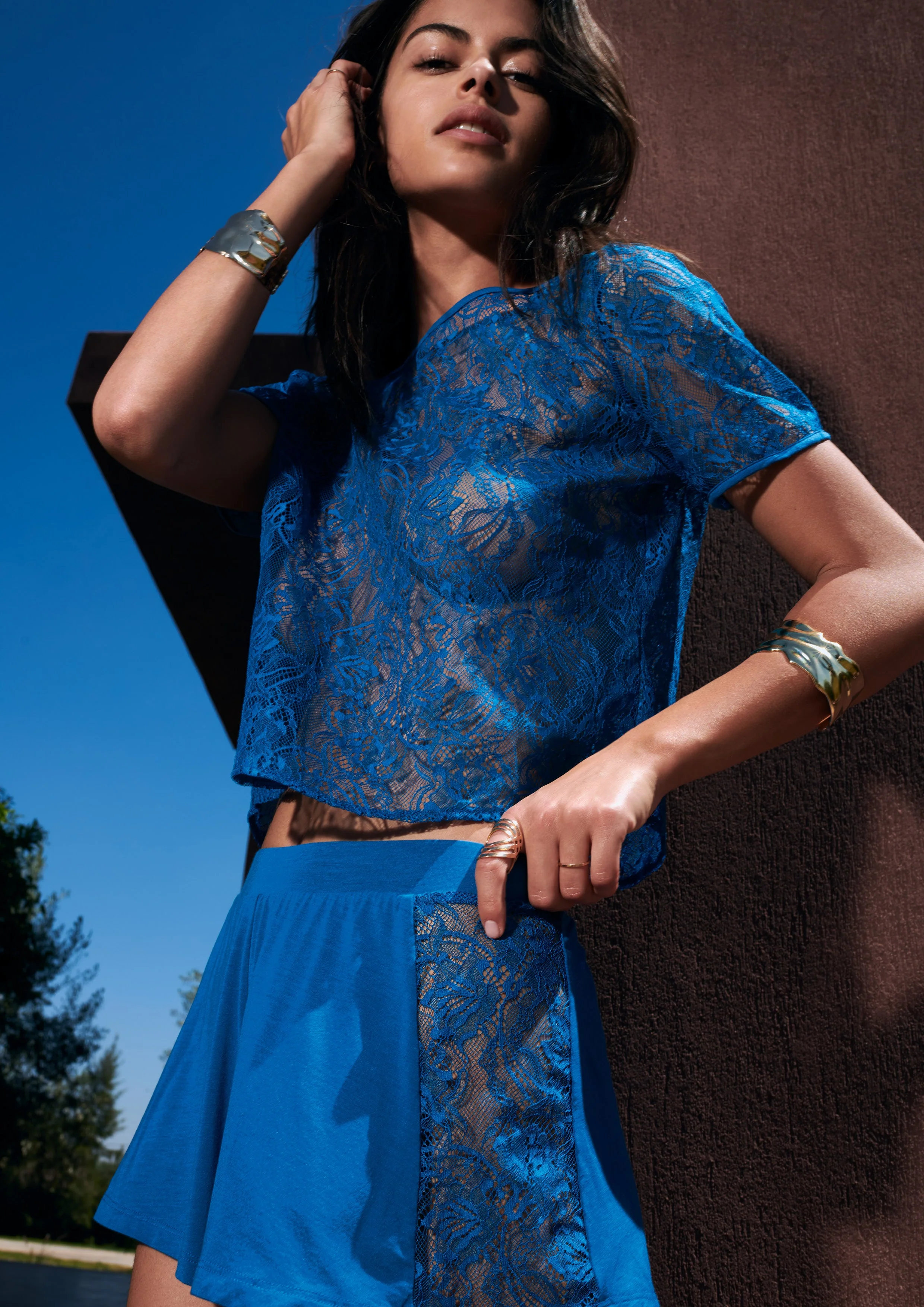
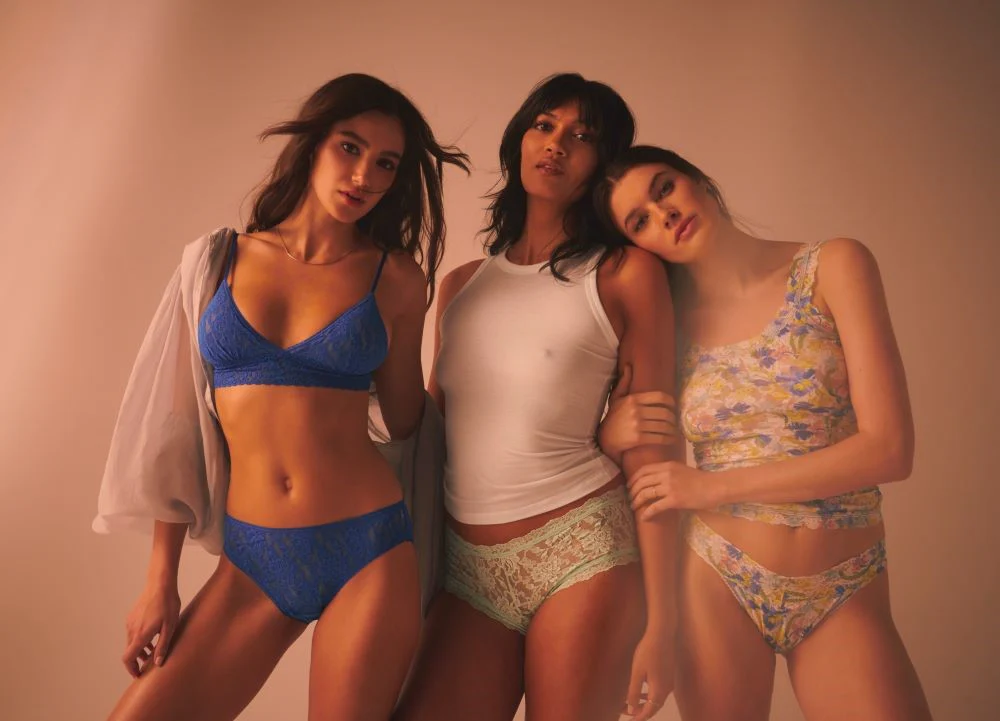
  4. AUBADE PARIS Adds (HQ Only)
  5. Thank you for the info, I found a few. She is one of my favorites too. If you find more for other brands please let me know here I will upload them
  6. Where did you get the videos from? I cant find them on the website
  7. AUBADE PARIS LOOKBOOK BAIN 2025 Videos
  8. AUBADE PARIS LOOKBOOK SPRING-SUMMER 2025 EPISODE 2 Videos
  9. AUBADE PARIS LOOKBOOK SPRING-SUMMER 2025 EPISODE 1 Videos
  10. 4. JUSTINE MORA 3. ELISA VISARI 2. VALERYA LAPIDUS 1. ELENA CAMBÓN 0. ALEXANDRA MICU
  11. Next Models - Madrid Can someone find the pictures in a higher resolution or more pictures from the shoot?
  12. What happened? Did it get banned for something?
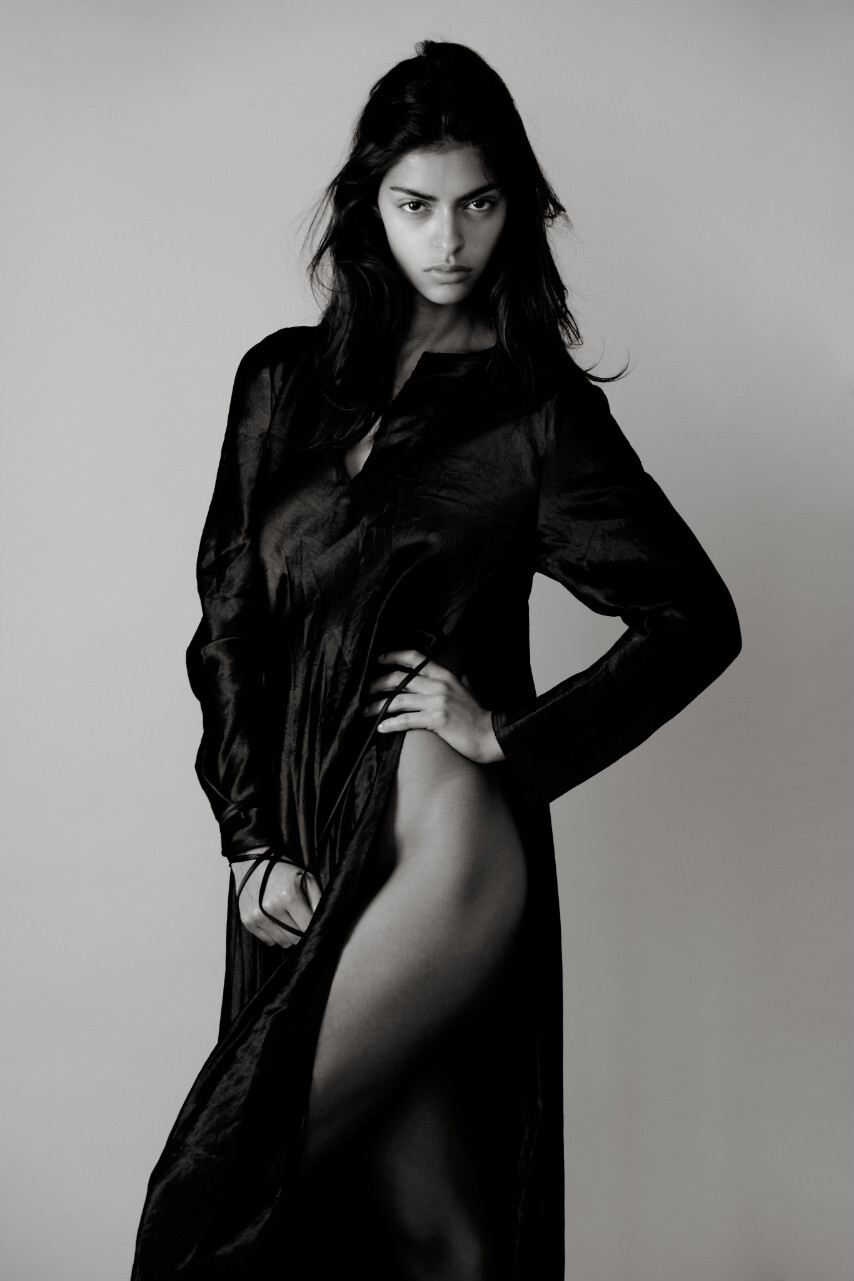
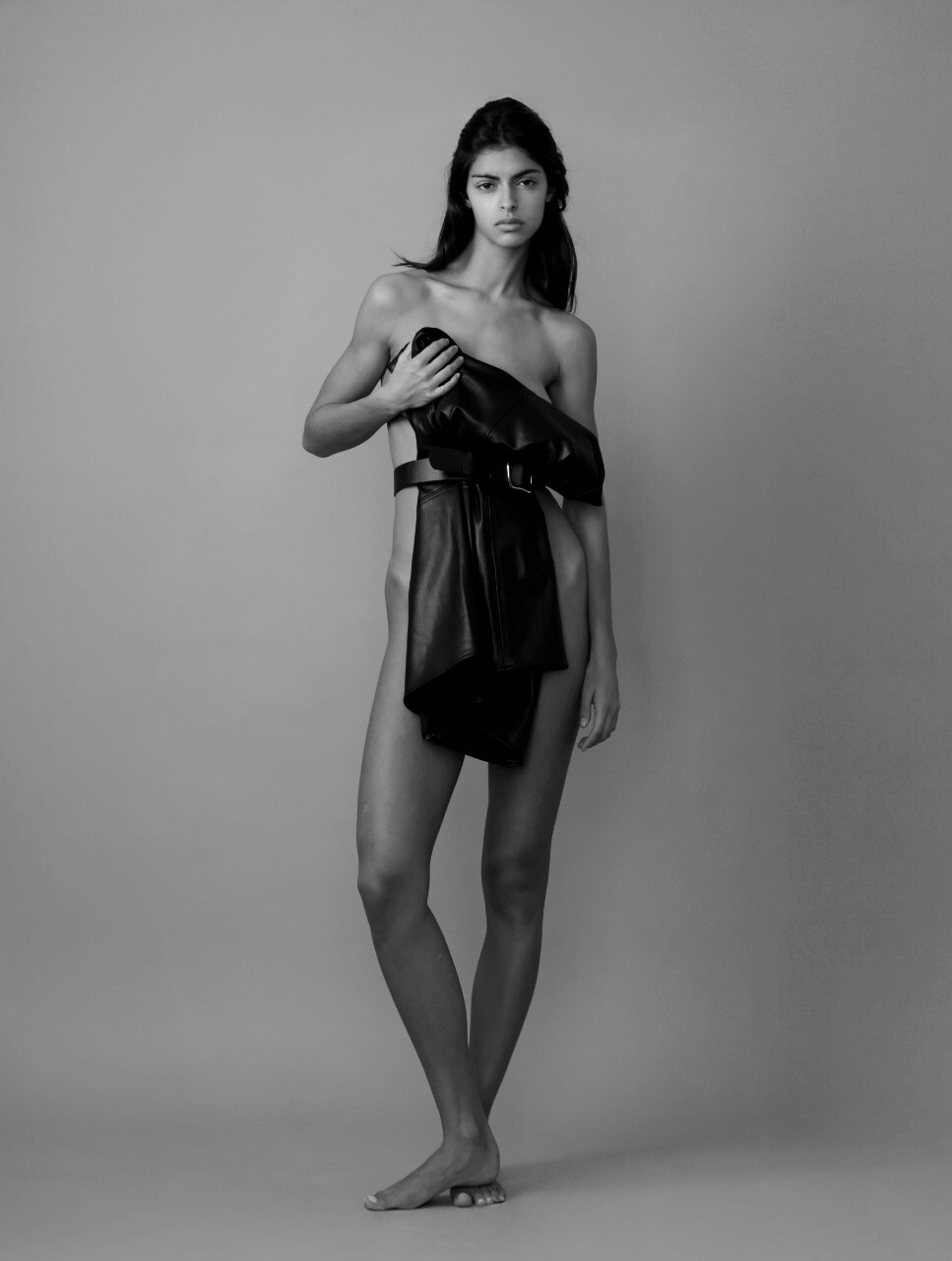
  13. ARQUETTE AGENCY Portfolio (HQ)
  14. ELITE MODELS Portfolio (LQ)
  15. This is from Etsy, can you tell us the store name?
  16. ONLY THE LAST 2 is Tailyn NOT HER
  17. Petite Mendigote Videos
  18. RESERVED Video
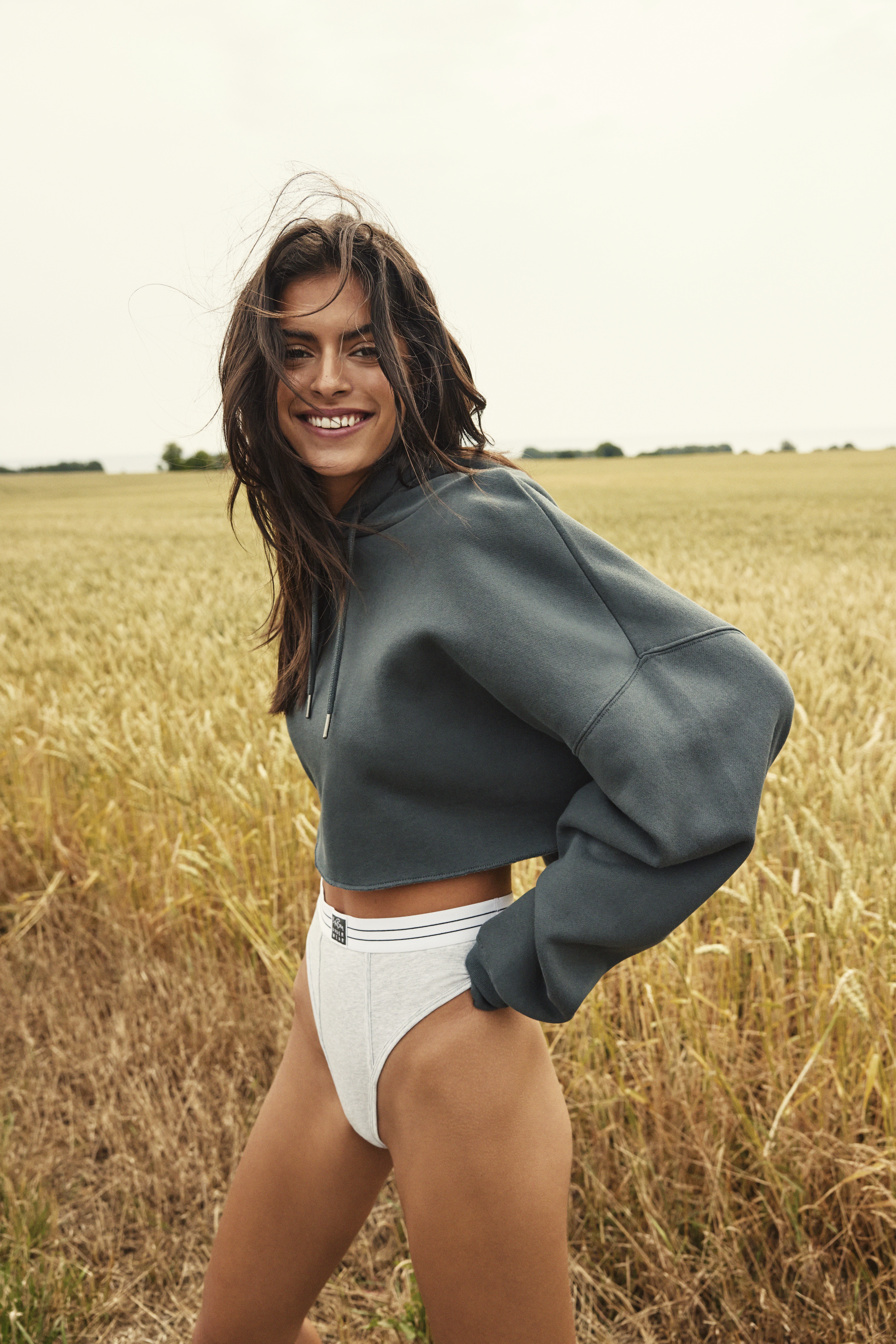
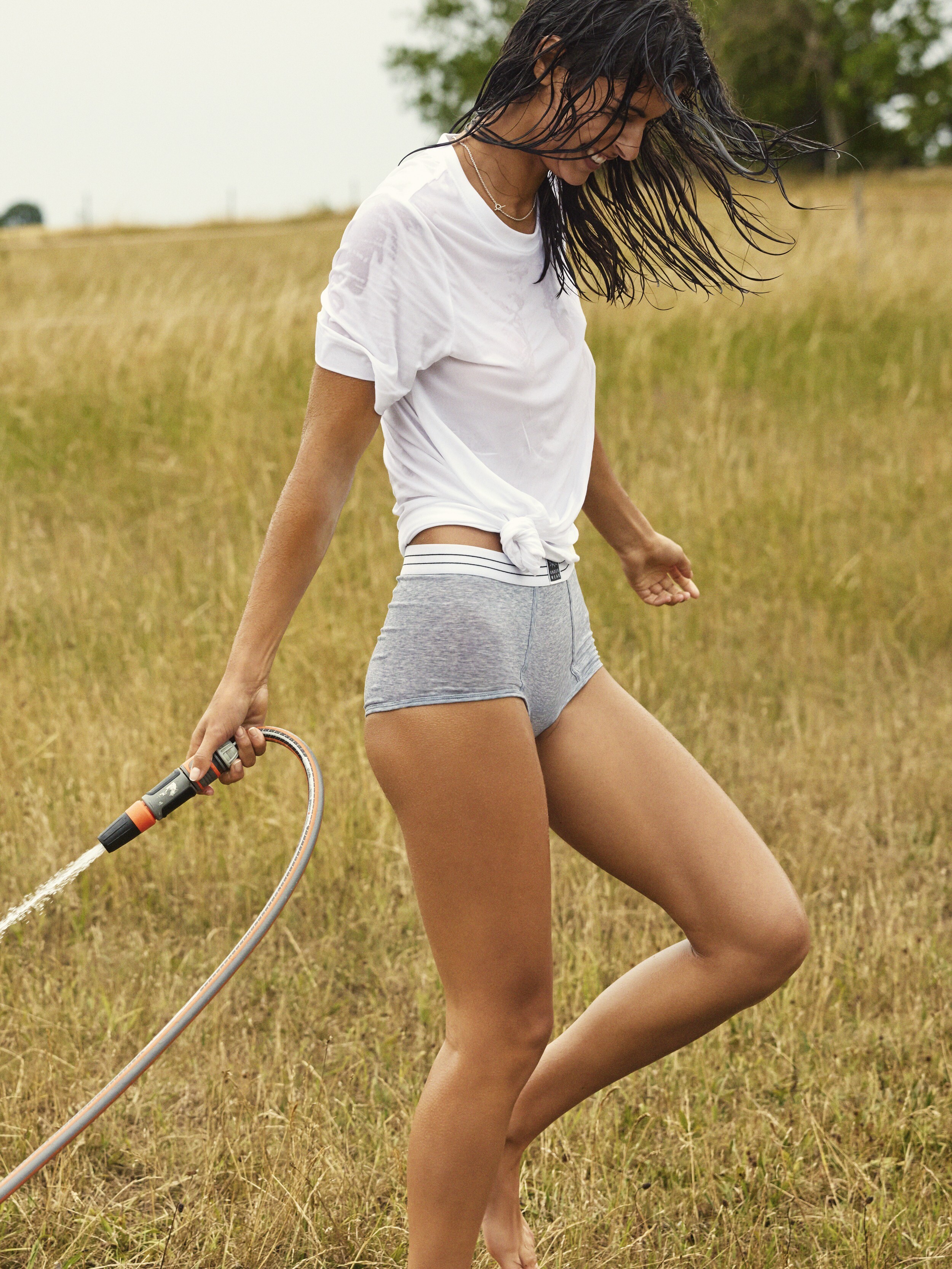
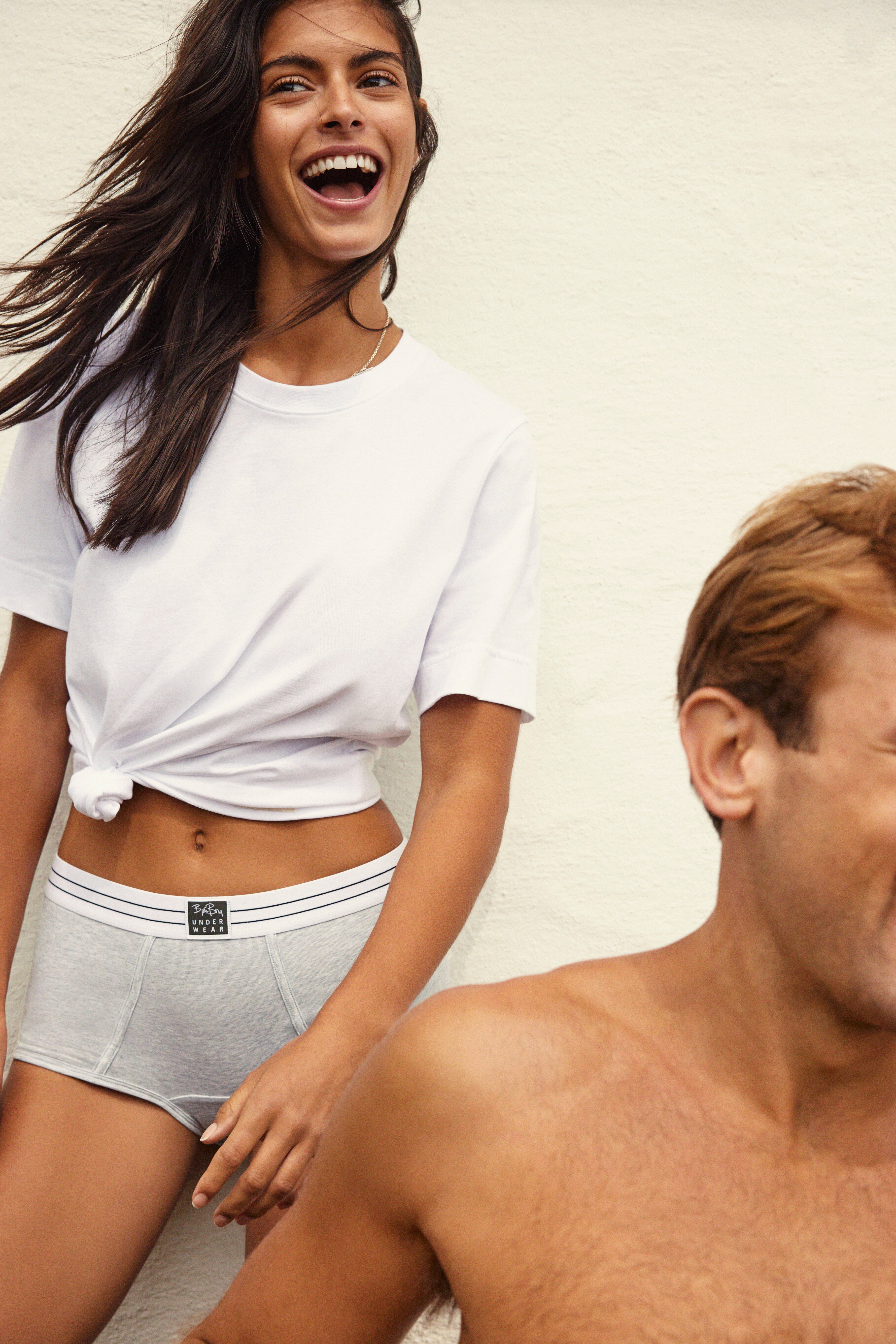
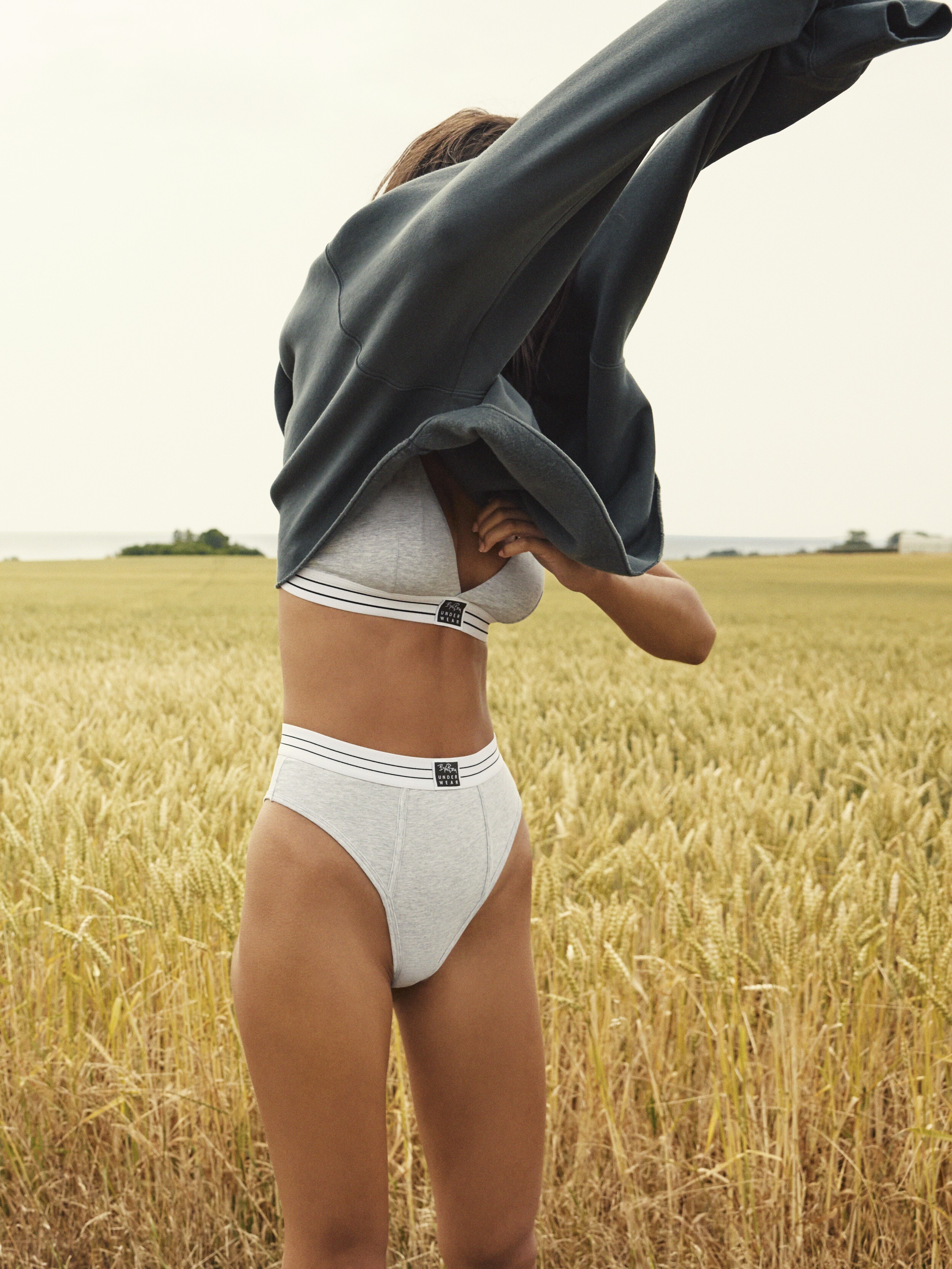
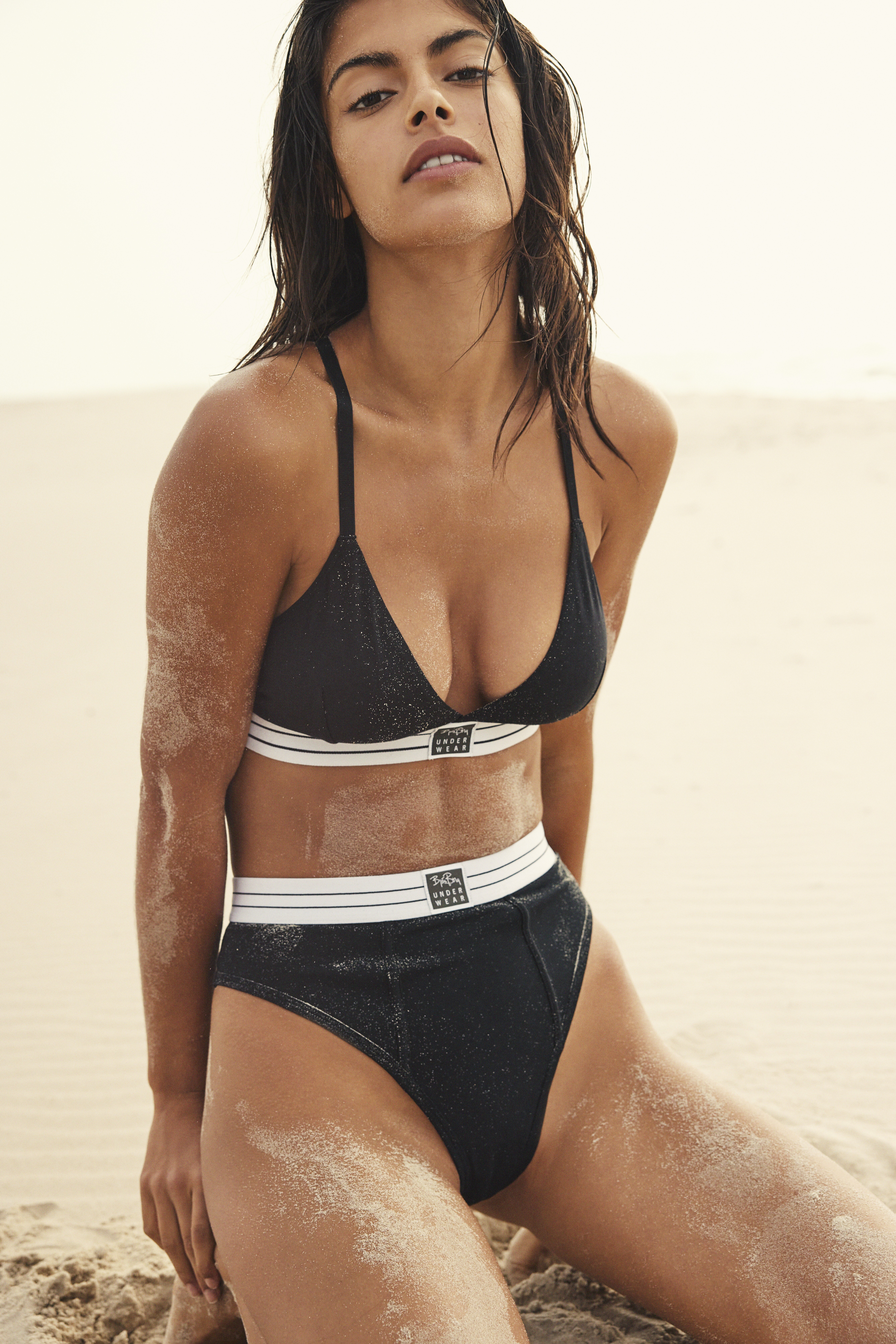
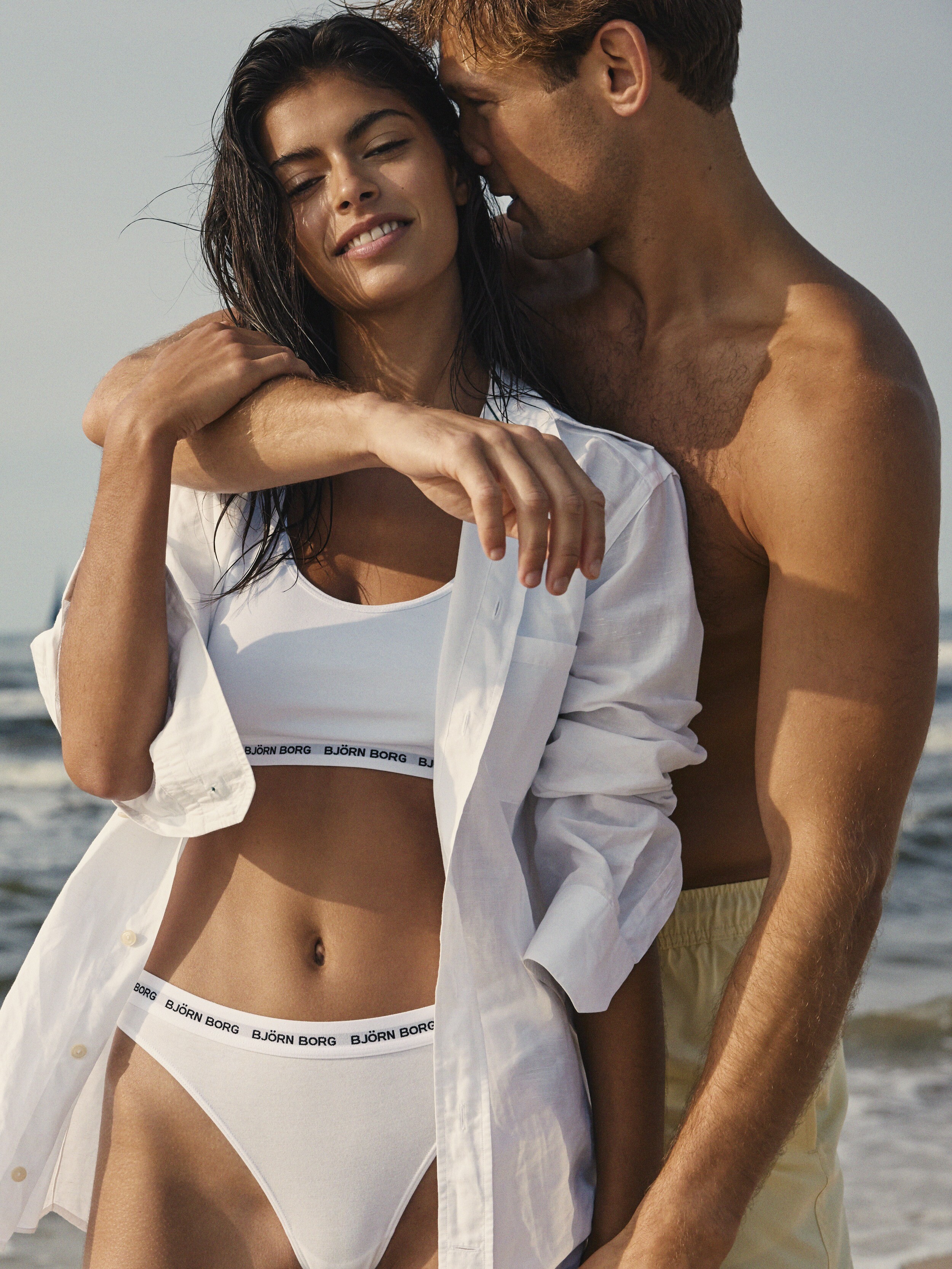
  19. Björn Borg BTS by Andreas Gran (on IG)

Account

Navigation

Search

Search

Configure browser push notifications

Chrome (Android)
  1. Tap the lock icon next to the address bar.
  2. Tap Permissions → Notifications.
  3. Adjust your preference.
Chrome (Desktop)
  1. Click the padlock icon in the address bar.
  2. Select Site settings.
  3. Find Notifications and adjust your preference.