
snmkytkn
Members
-
Joined
-
Last visited
Everything posted by snmkytkn
-
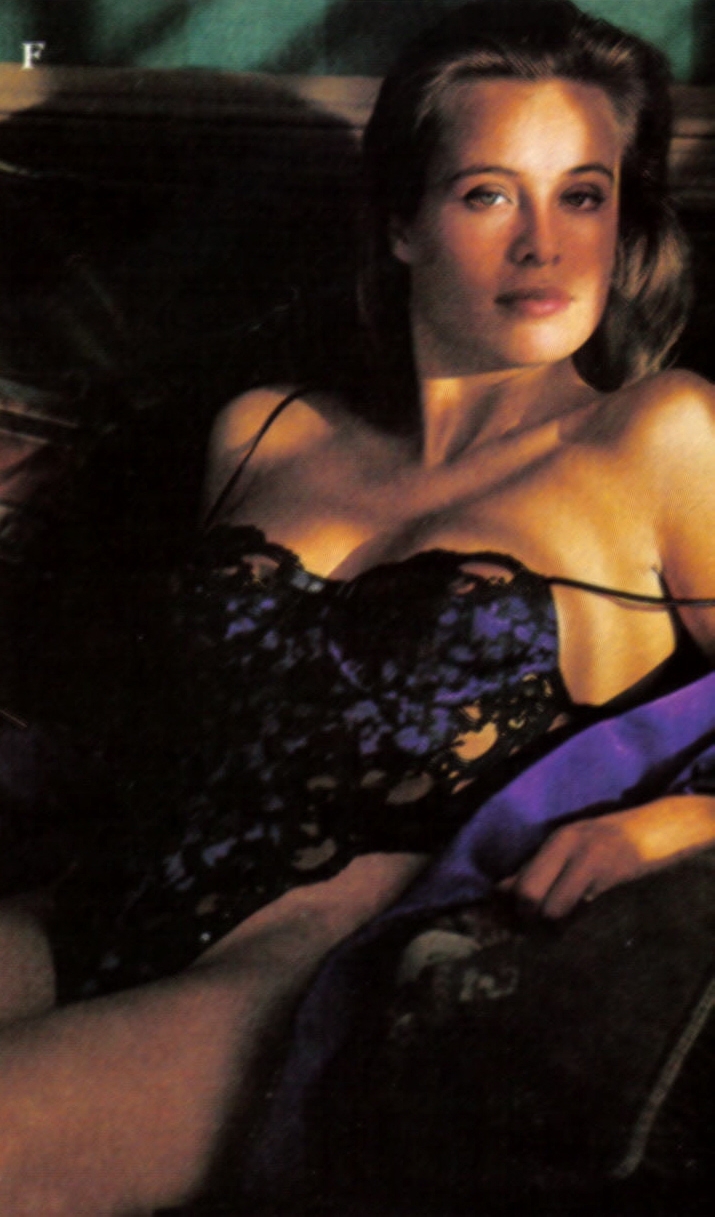
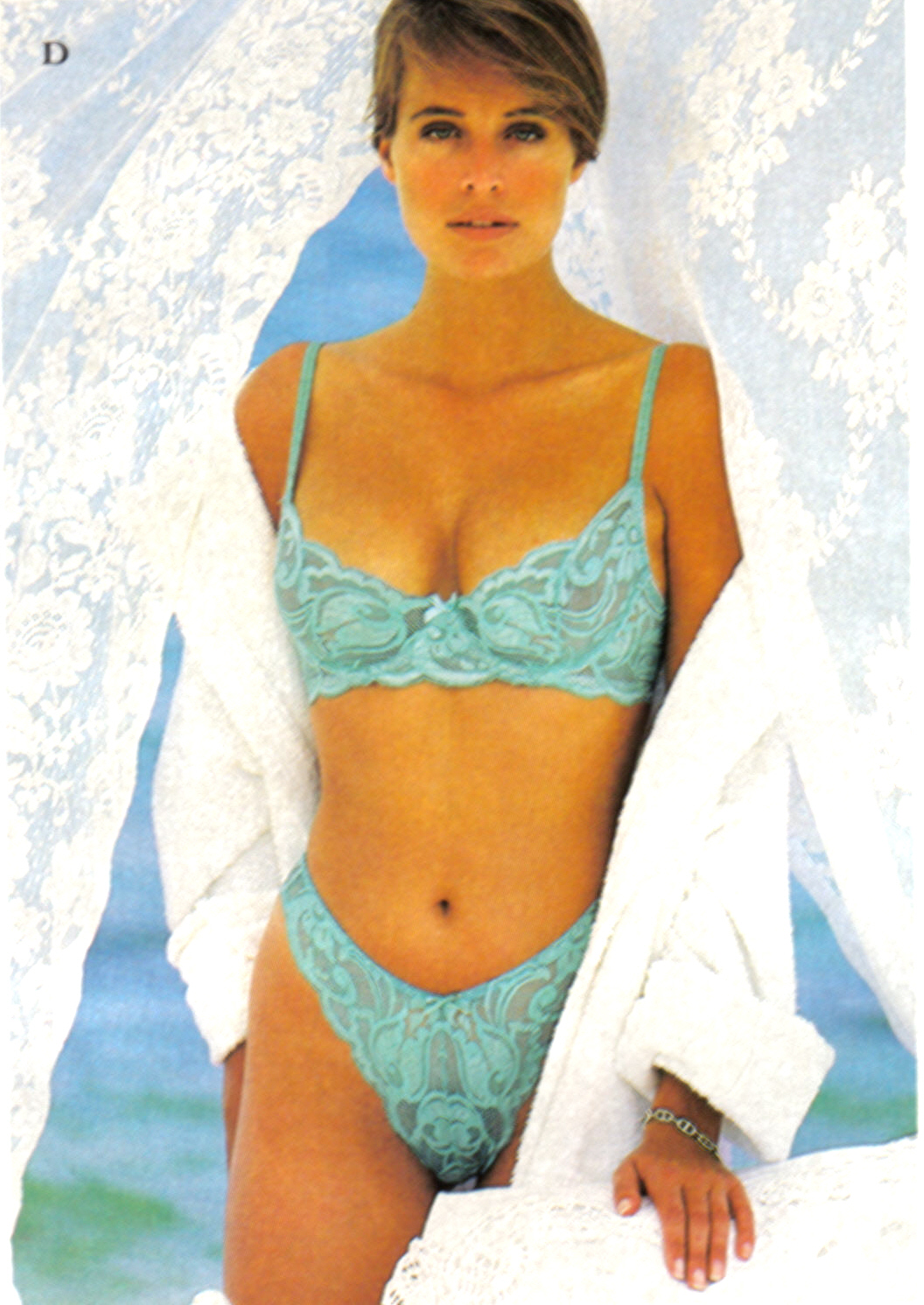
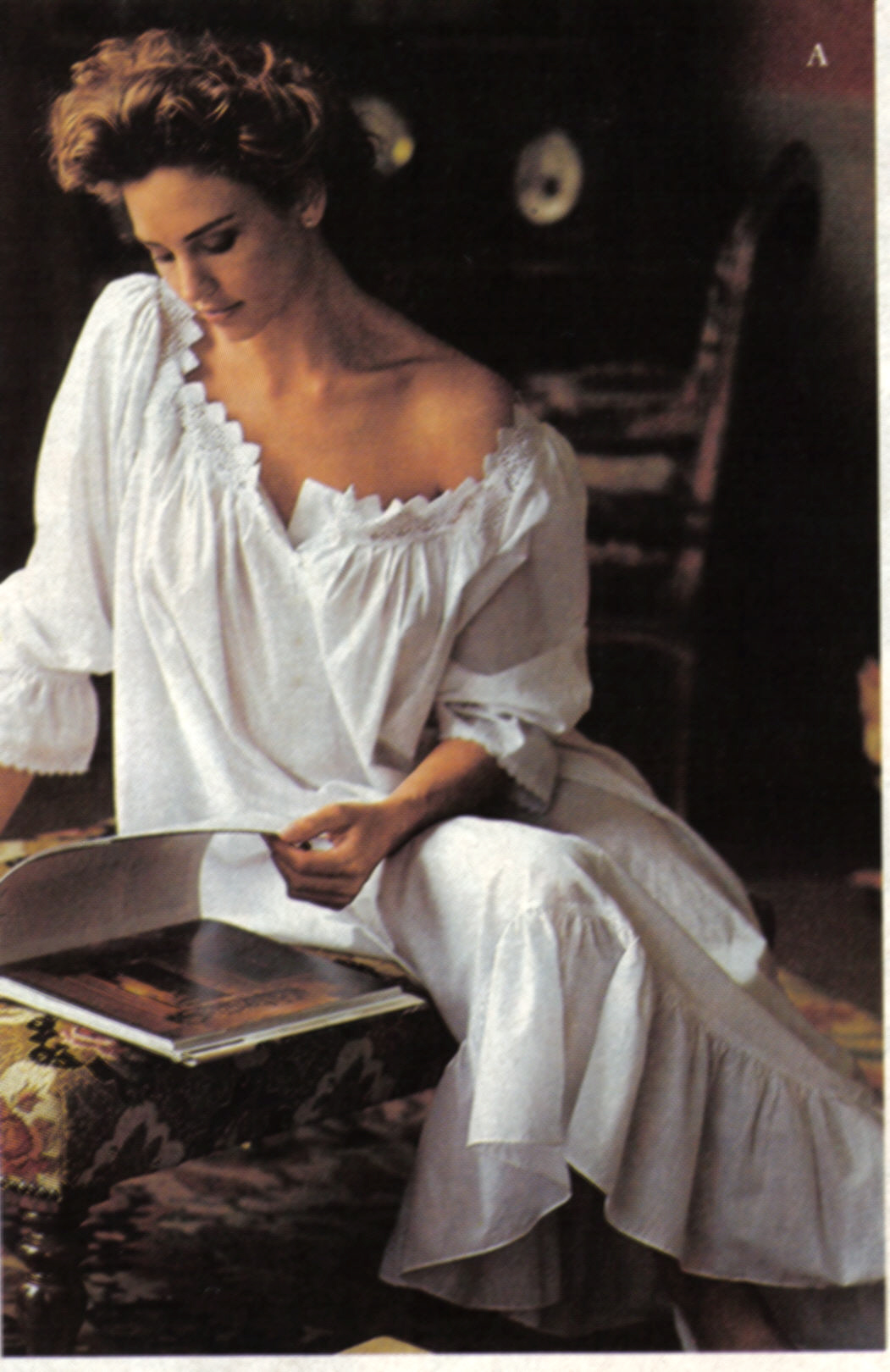
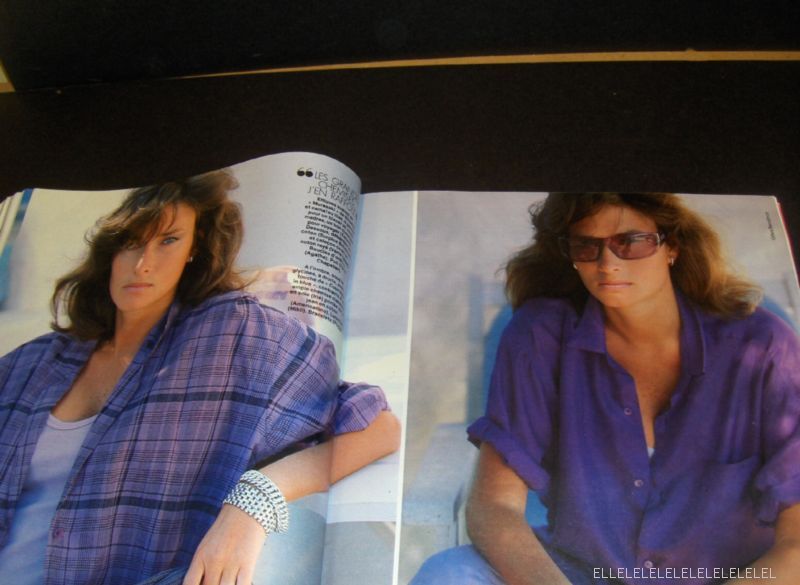
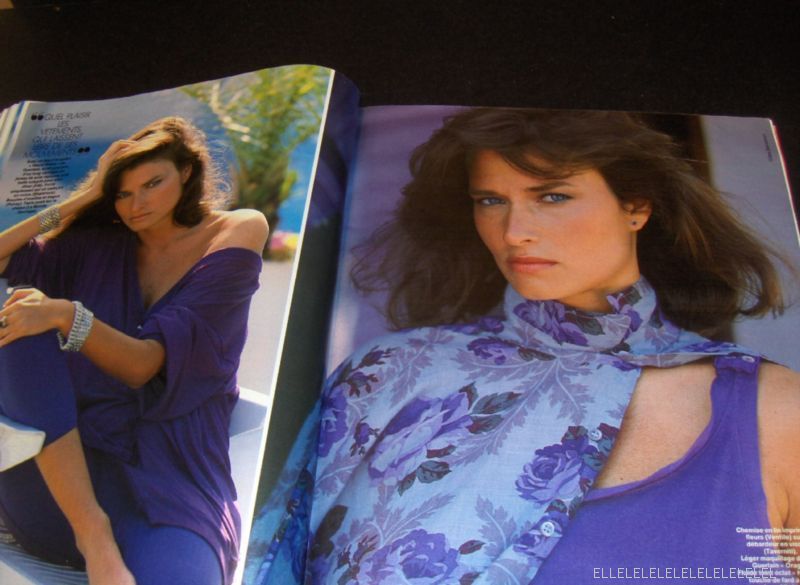
 I scanned some Frederique pics from VSC 1992 Winter Sale.

-
The last bunch of my scans for today.

-
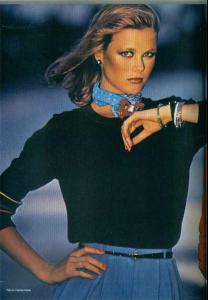
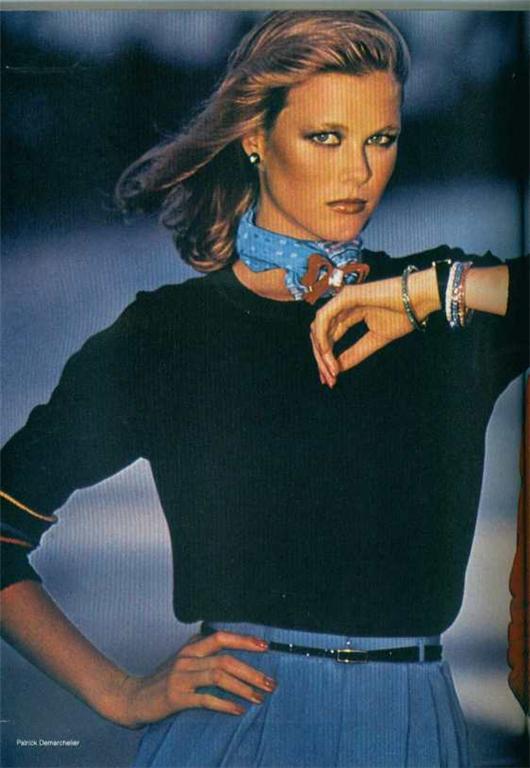
Thank you so much. The pics are like testaments of the 70s fashion and photography.
-
my scans again.
-
Soooooo pretty pics from my favourite decade. Thanks a lot.
-
Thank you Korravai for the pictures and for the link. Last night I had some free time so I scanned these pics from VSC 1992.
-
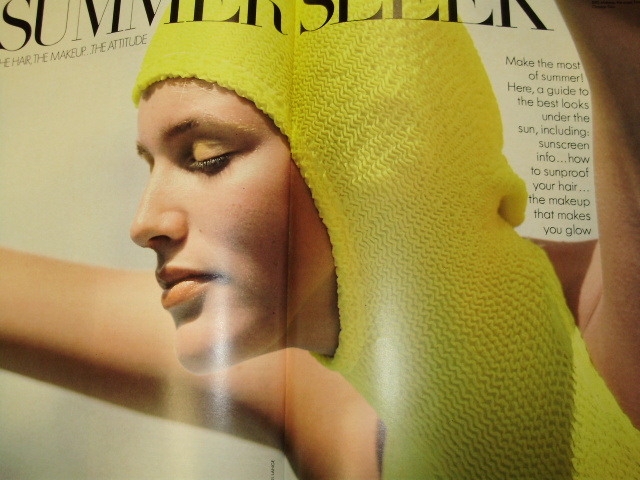
Scan by me from Marie Claire Turkey, years and years ago.
-
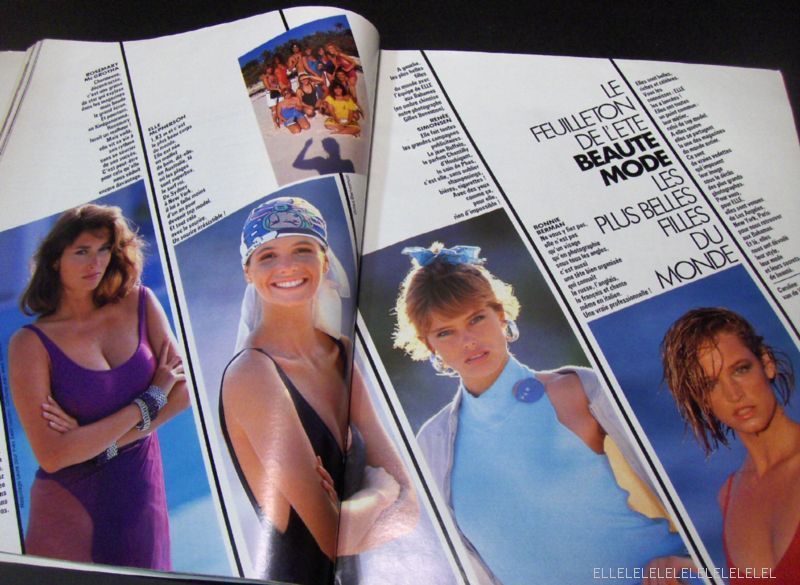
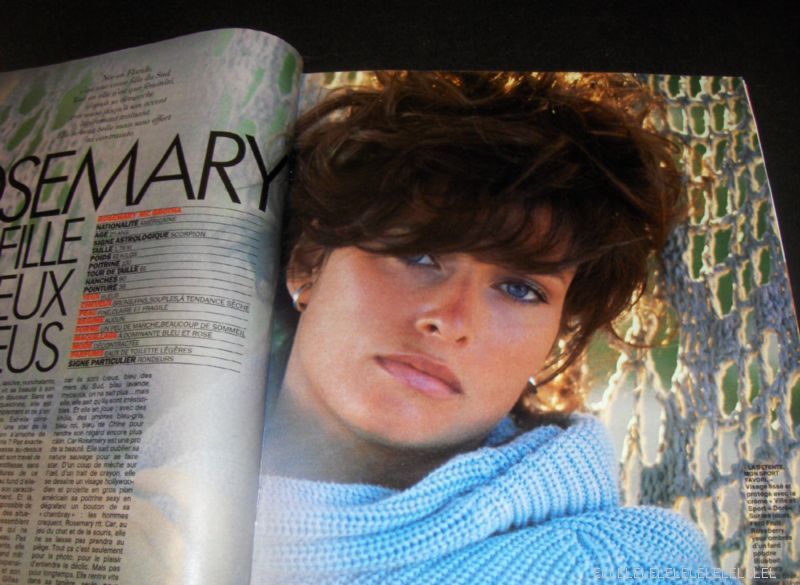
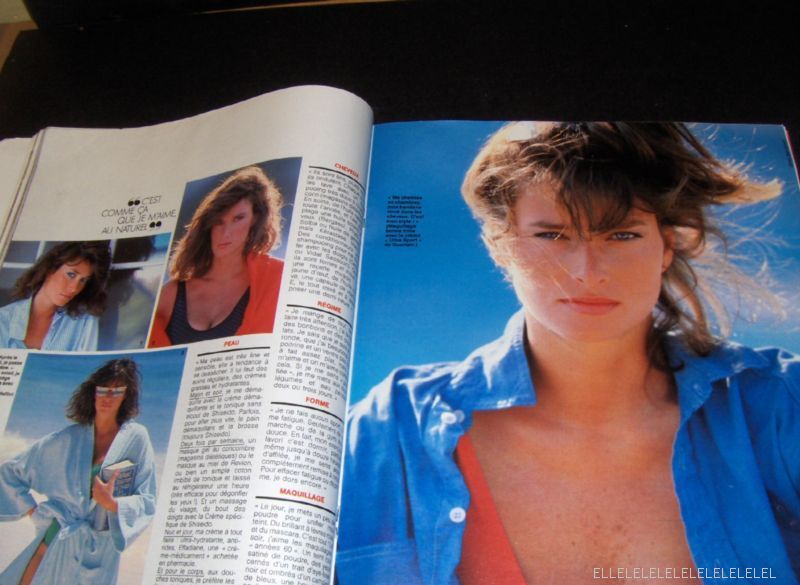
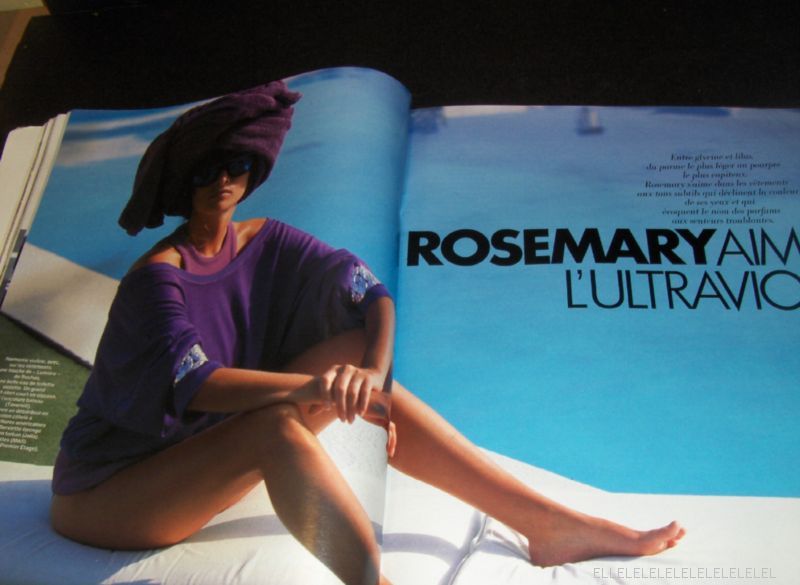
You are welcome Dauna. My scans from American Vogue. The date is lost somewhere in my memory... Must be sometime in 1987 or 1986...
-
I think it was something like Ways or Wayne's magazines. It has a lot magazines in store. I wrote Rosemary Mcgrotha while searching. It was 3 or 4 days ago. Good luck if you want to want to bid.
-
Kitty, I suppose the color of her eyes is a result of the bad scan. It is really very early in her career. Italian Vogue 1986. And I want to thank Kitty for the scans. Great.
-
Nancy Donahue.


-
The big picture is Jill Goodacre. I have a thread on her, but it is very slow. The girl in orange is Esme from the early 80s.
-
Thanks to Dauna, Jal, Miss, Model aficianado, and everyone else who contributed.









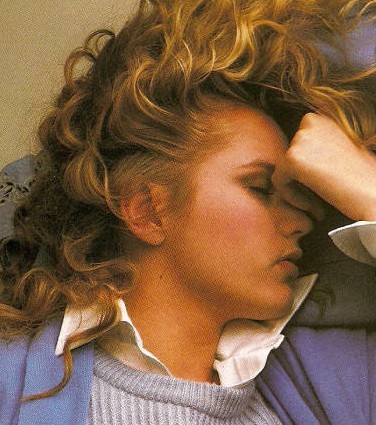
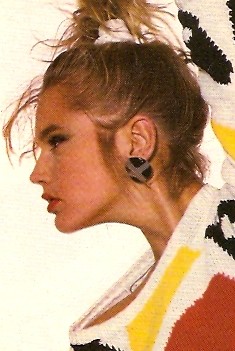
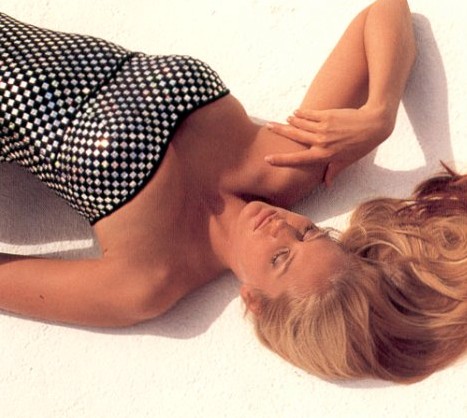
 I made some close ups from previously posted pics. To keep the thread moving on while dear Dauna isn't here, I am posting these.








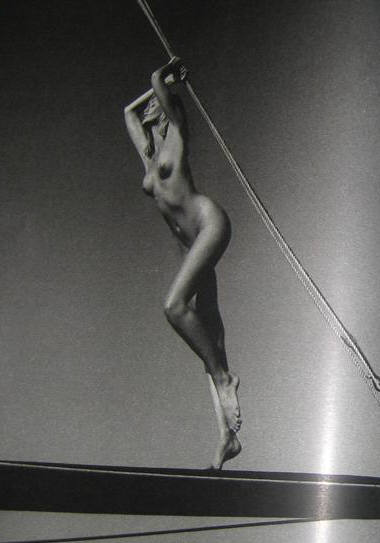
 I absolutely adore the last picture. I haven't seen it before.Thanks for posting. P.S.: I think the fourth one is Christina Reali.
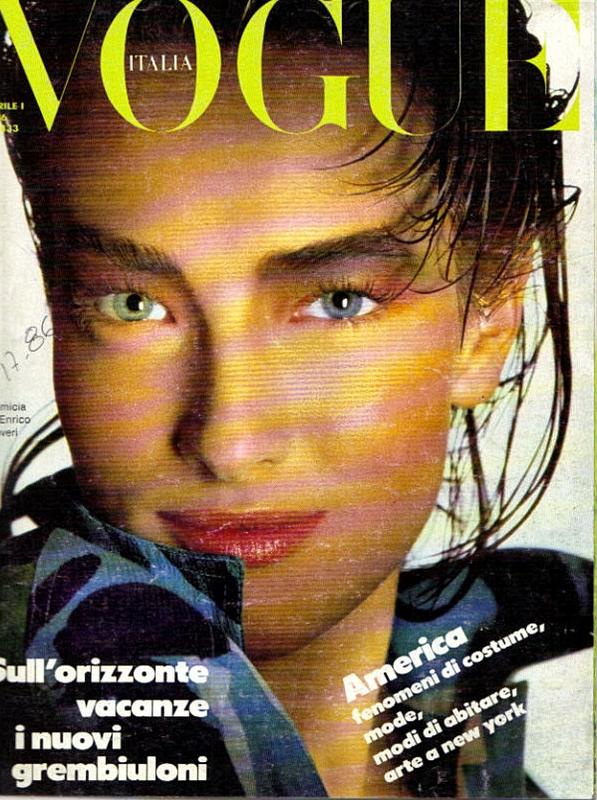
Does anyone have this cover in better quality? I found it on ebay a while ago. It is Italian Vogue, april 1986. I had posted it at the first pages of the thread but there weren't this many people back then. Maybe a new comer has it (I hope ).
I absolutely adore the last picture. I haven't seen it before.Thanks for posting. P.S.: I think the fourth one is Christina Reali.
Does anyone have this cover in better quality? I found it on ebay a while ago. It is Italian Vogue, april 1986. I had posted it at the first pages of the thread but there weren't this many people back then. Maybe a new comer has it (I hope ).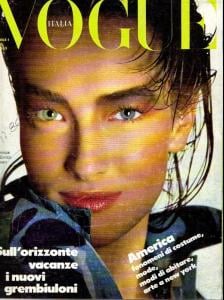 Great pics. Kitty, thanks a lot.
Good idea Korravai. I have a few pics also. And a beautiful spread from Officiel.
Thanks a million times. I love the pics.
Great pics. Kitty, thanks a lot.
Good idea Korravai. I have a few pics also. And a beautiful spread from Officiel.
Thanks a million times. I love the pics.






































Account
Navigation
Search
Configure browser push notifications
Chrome (Android)
- Tap the lock icon next to the address bar.
- Tap Permissions → Notifications.
- Adjust your preference.
Chrome (Desktop)
- Click the padlock icon in the address bar.
- Select Site settings.
- Find Notifications and adjust your preference.
Safari (iOS 16.4+)
- Ensure the site is installed via Add to Home Screen.
- Open Settings App → Notifications.
- Find your app name and adjust your preference.
Safari (macOS)
- Go to Safari → Preferences.
- Click the Websites tab.
- Select Notifications in the sidebar.
- Find this website and adjust your preference.
Edge (Android)
- Tap the lock icon next to the address bar.
- Tap Permissions.
- Find Notifications and adjust your preference.
Edge (Desktop)
- Click the padlock icon in the address bar.
- Click Permissions for this site.
- Find Notifications and adjust your preference.
Firefox (Android)
- Go to Settings → Site permissions.
- Tap Notifications.
- Find this site in the list and adjust your preference.
Firefox (Desktop)
- Open Firefox Settings.
- Search for Notifications.
- Find this site in the list and adjust your preference.