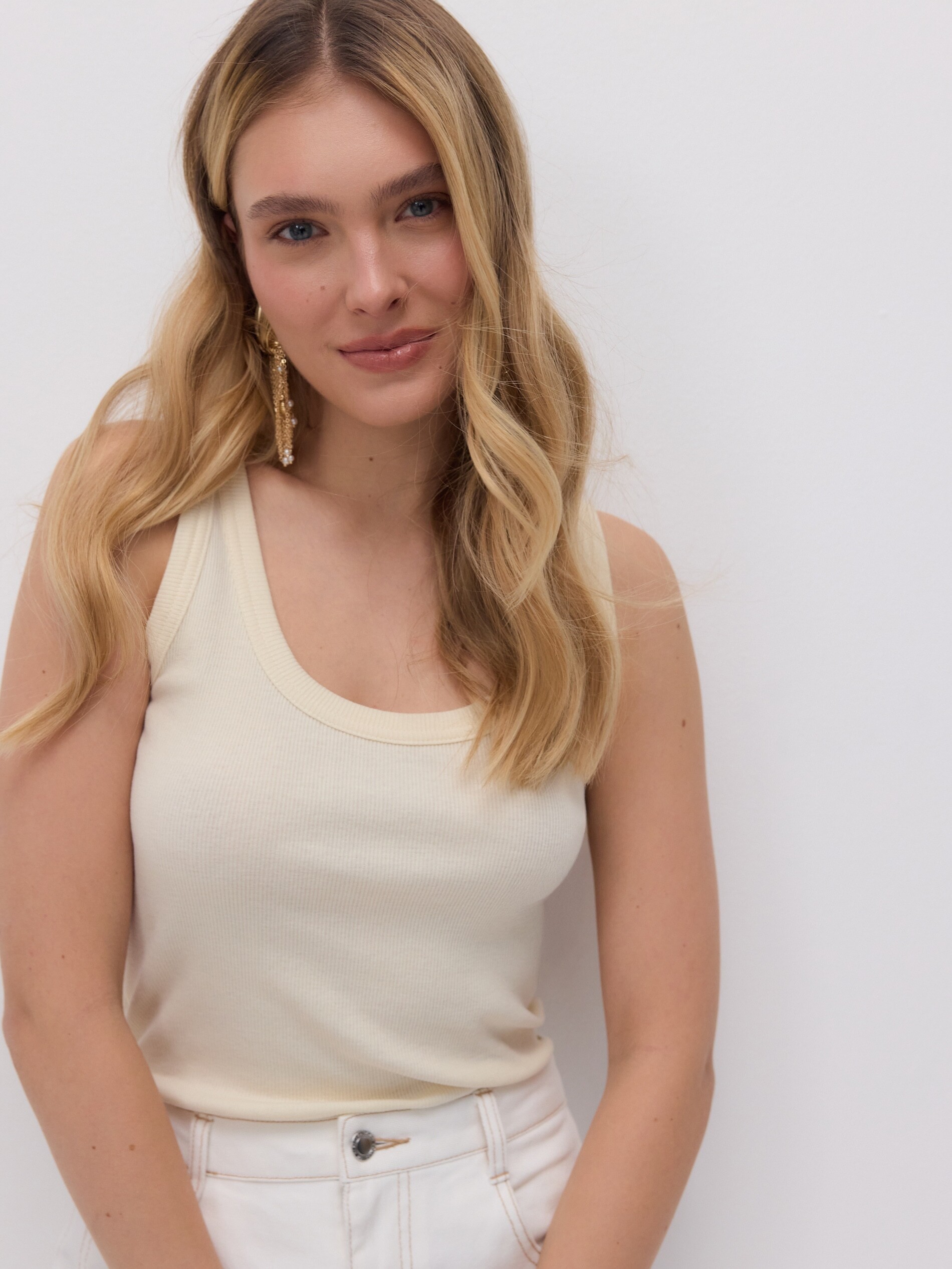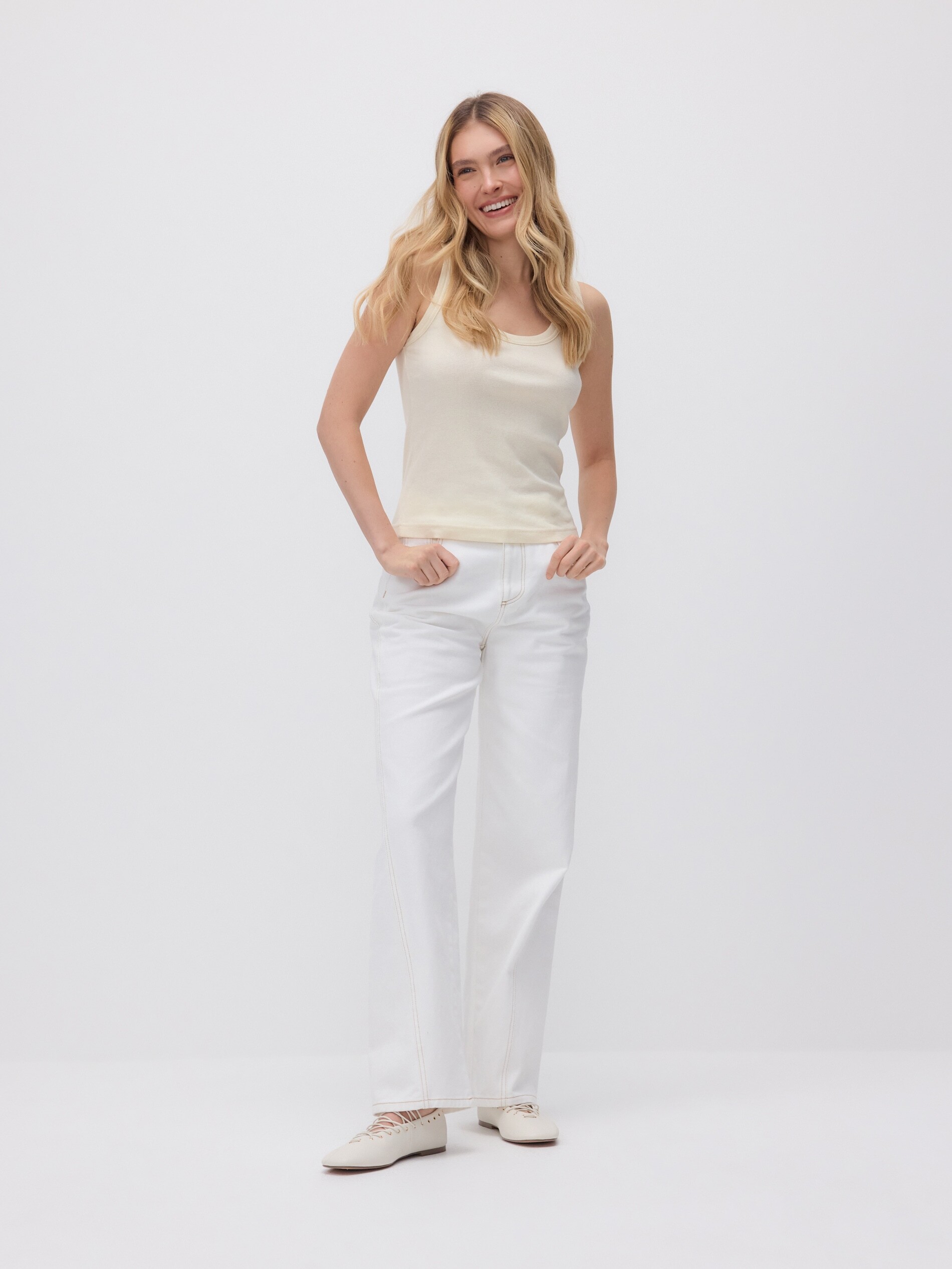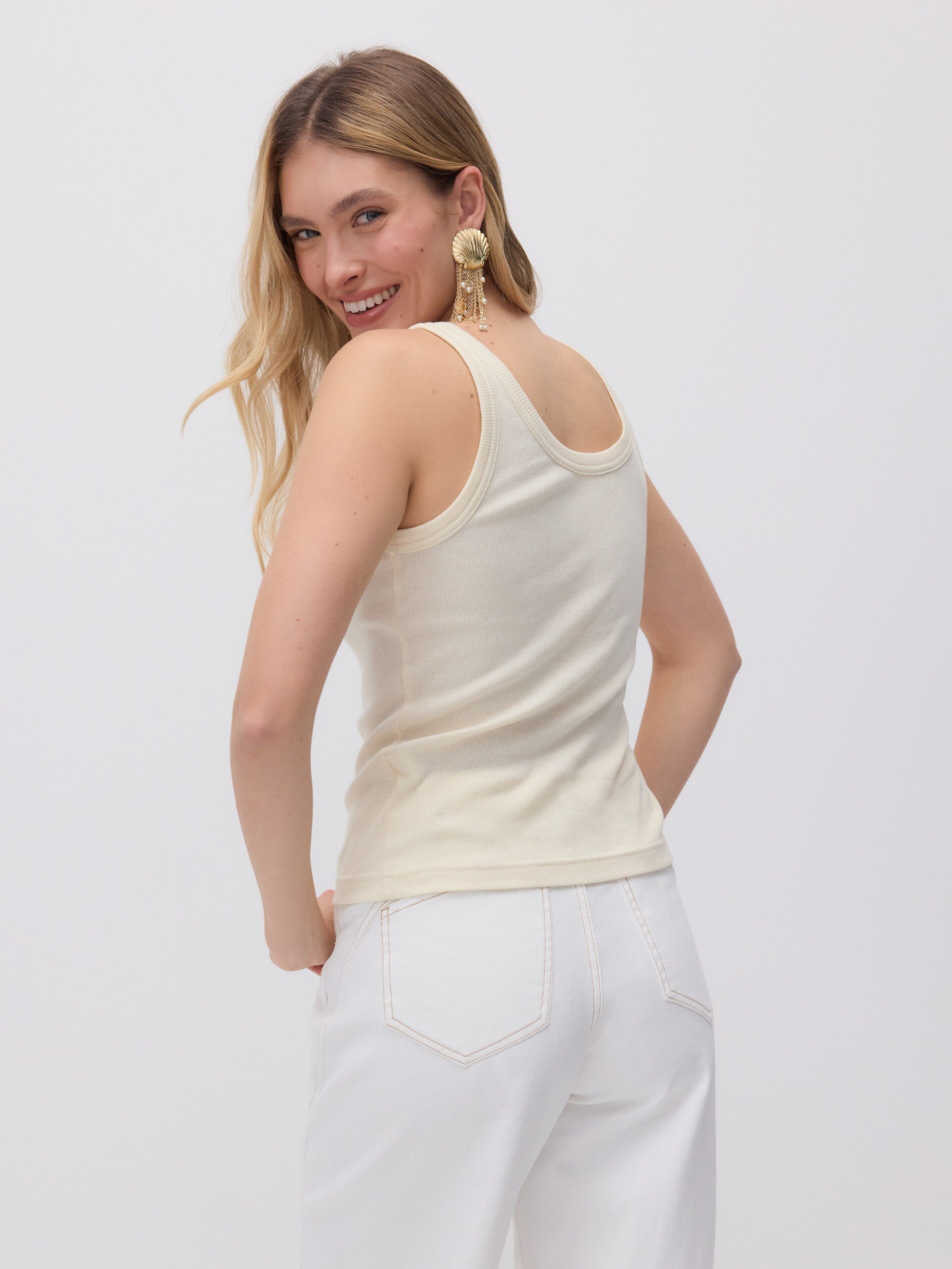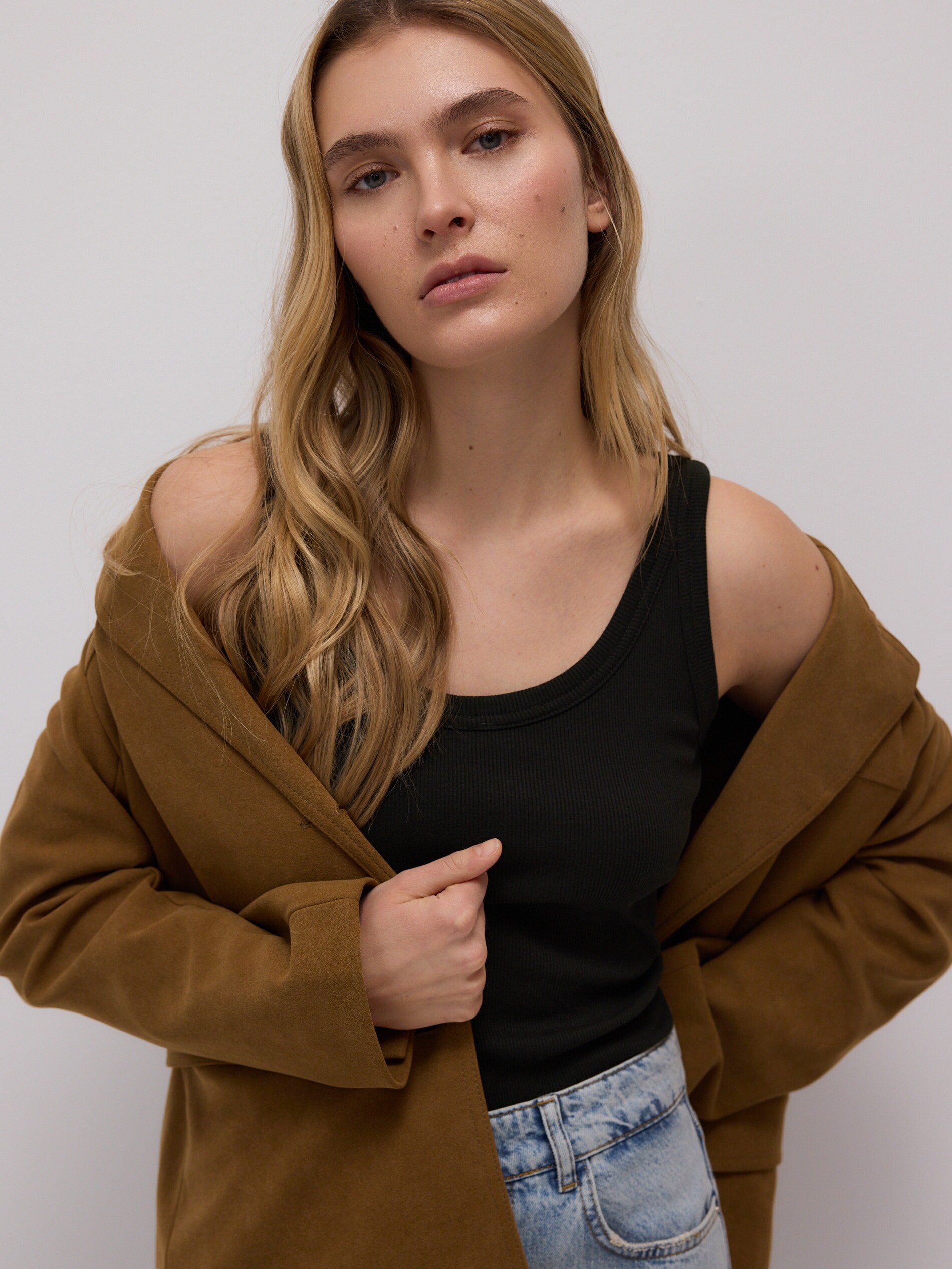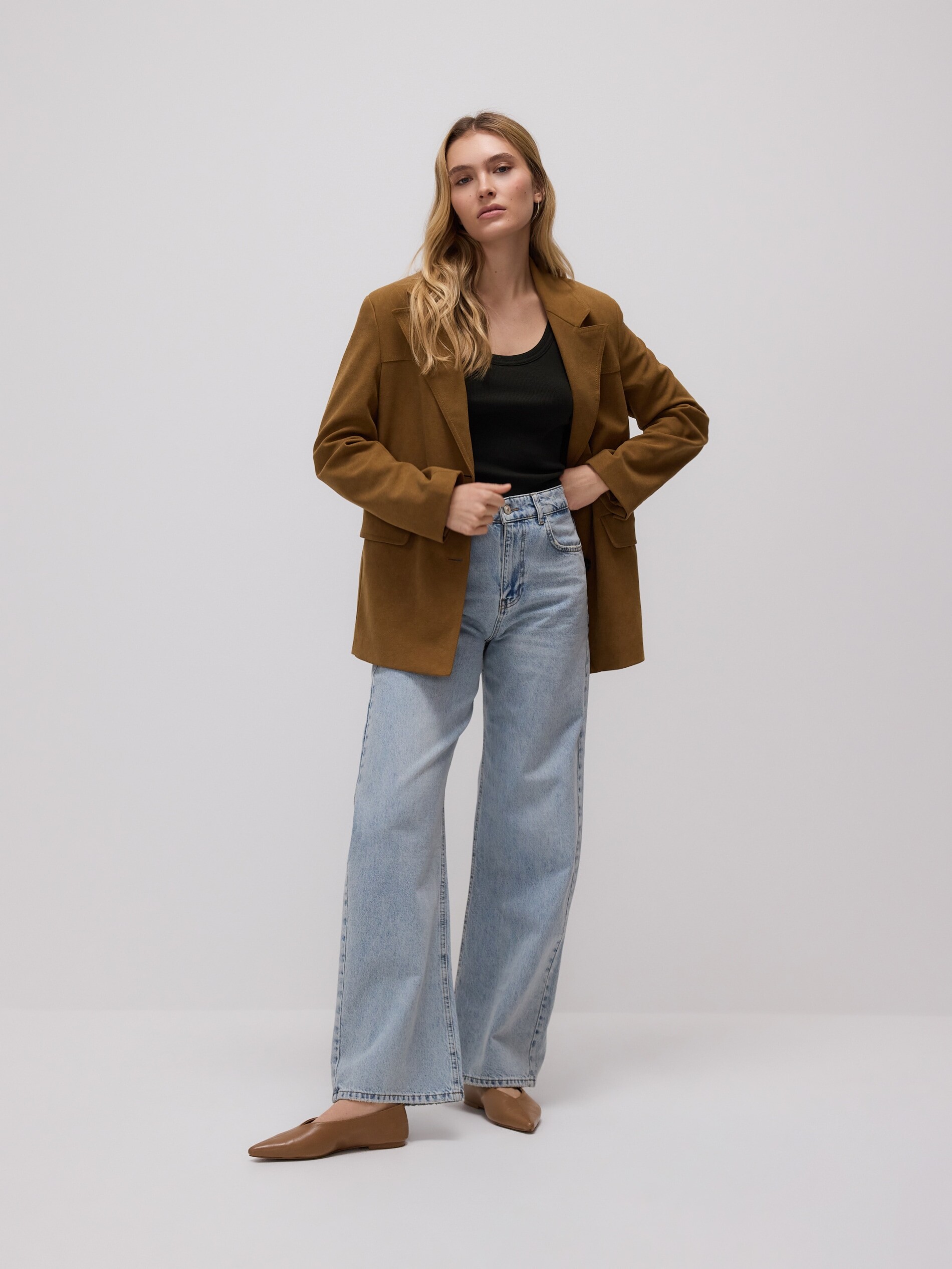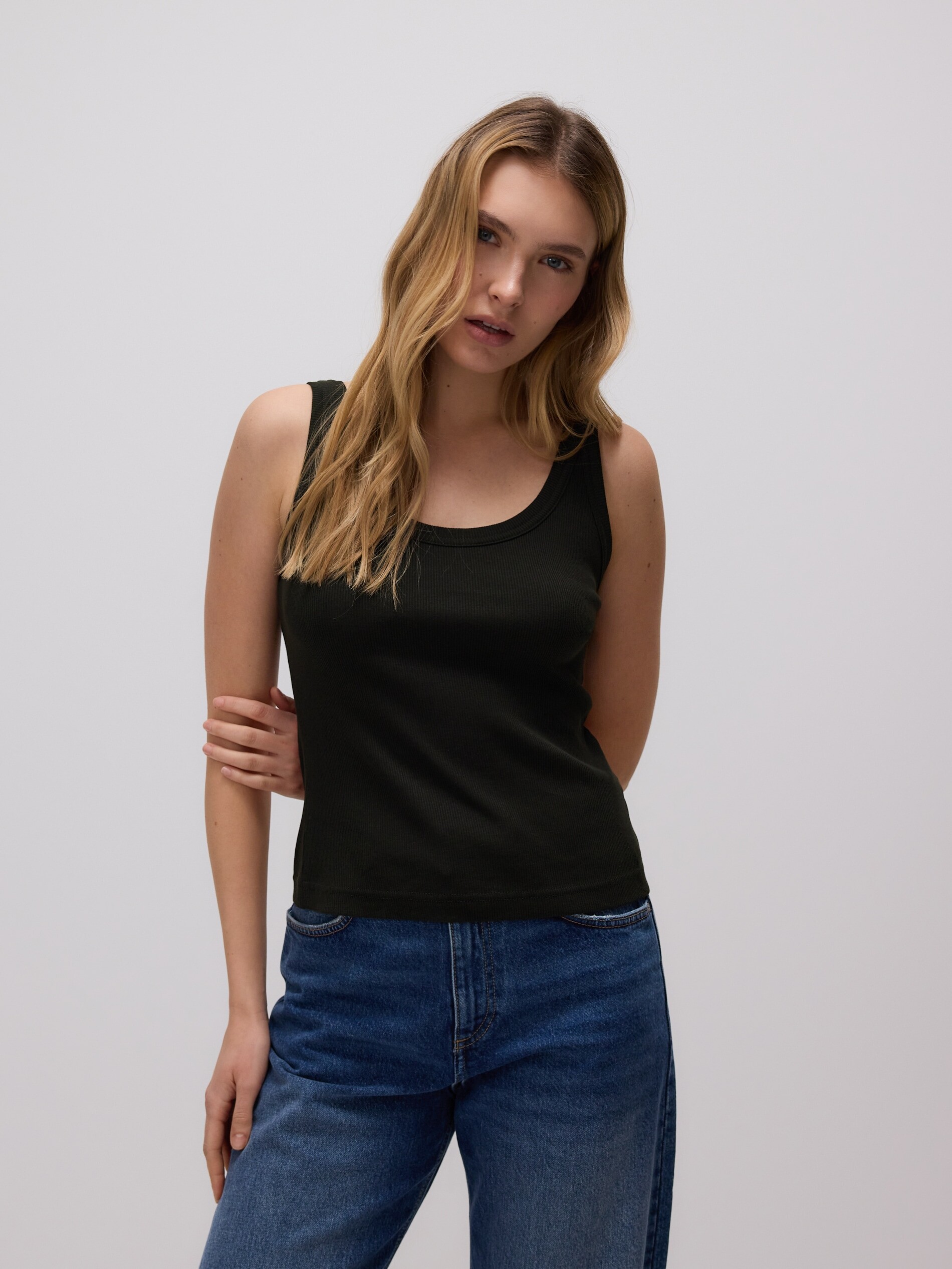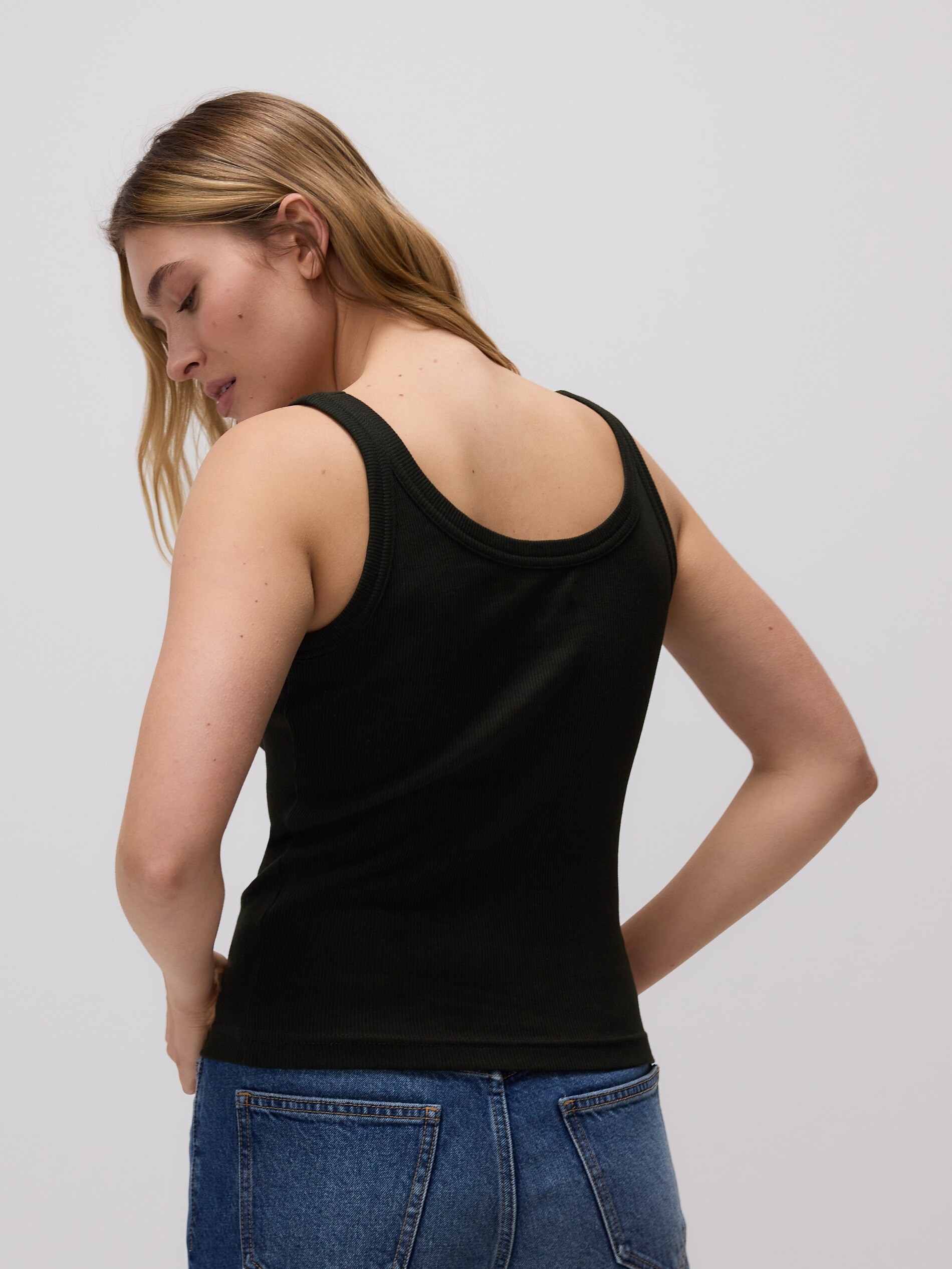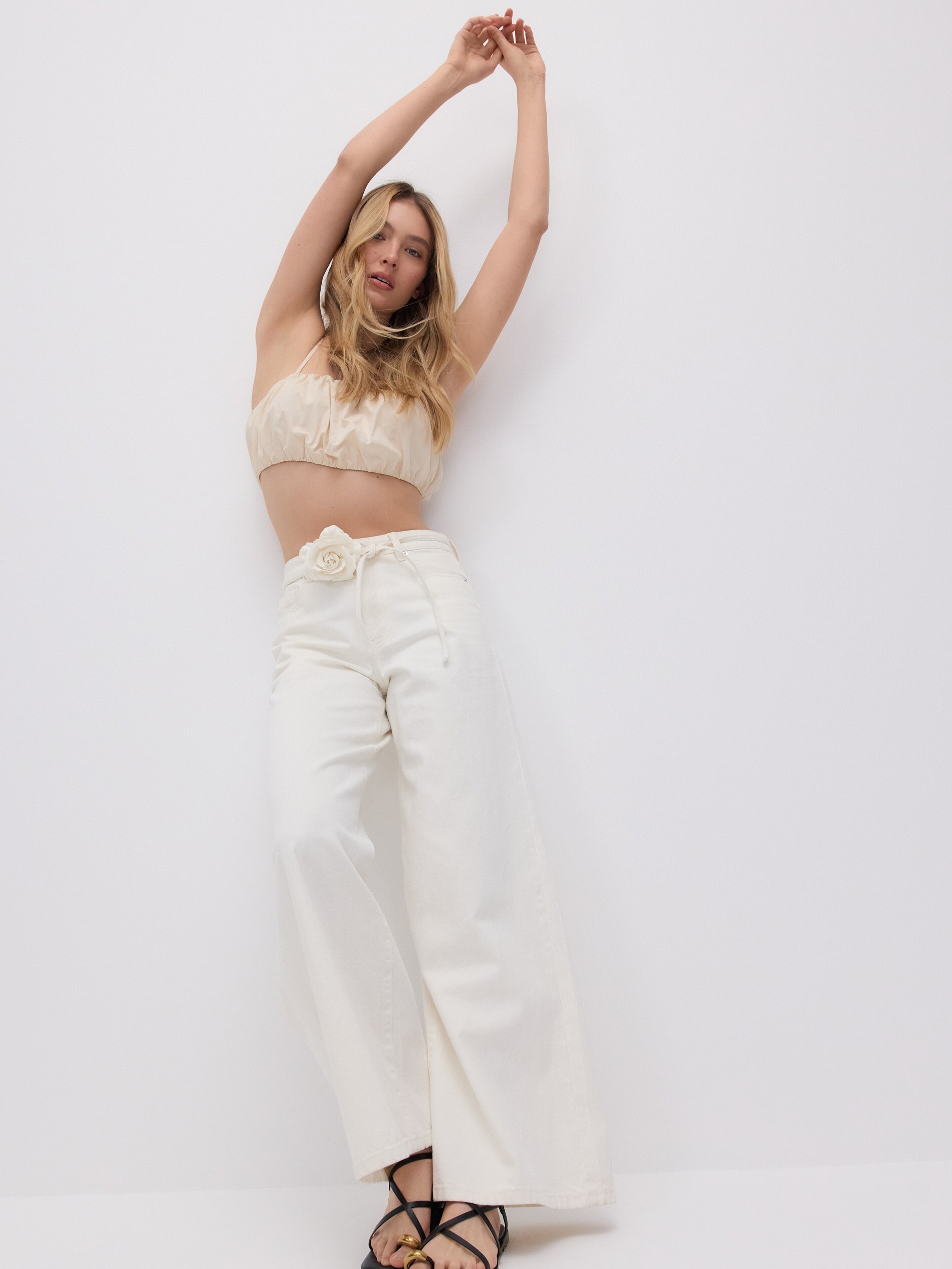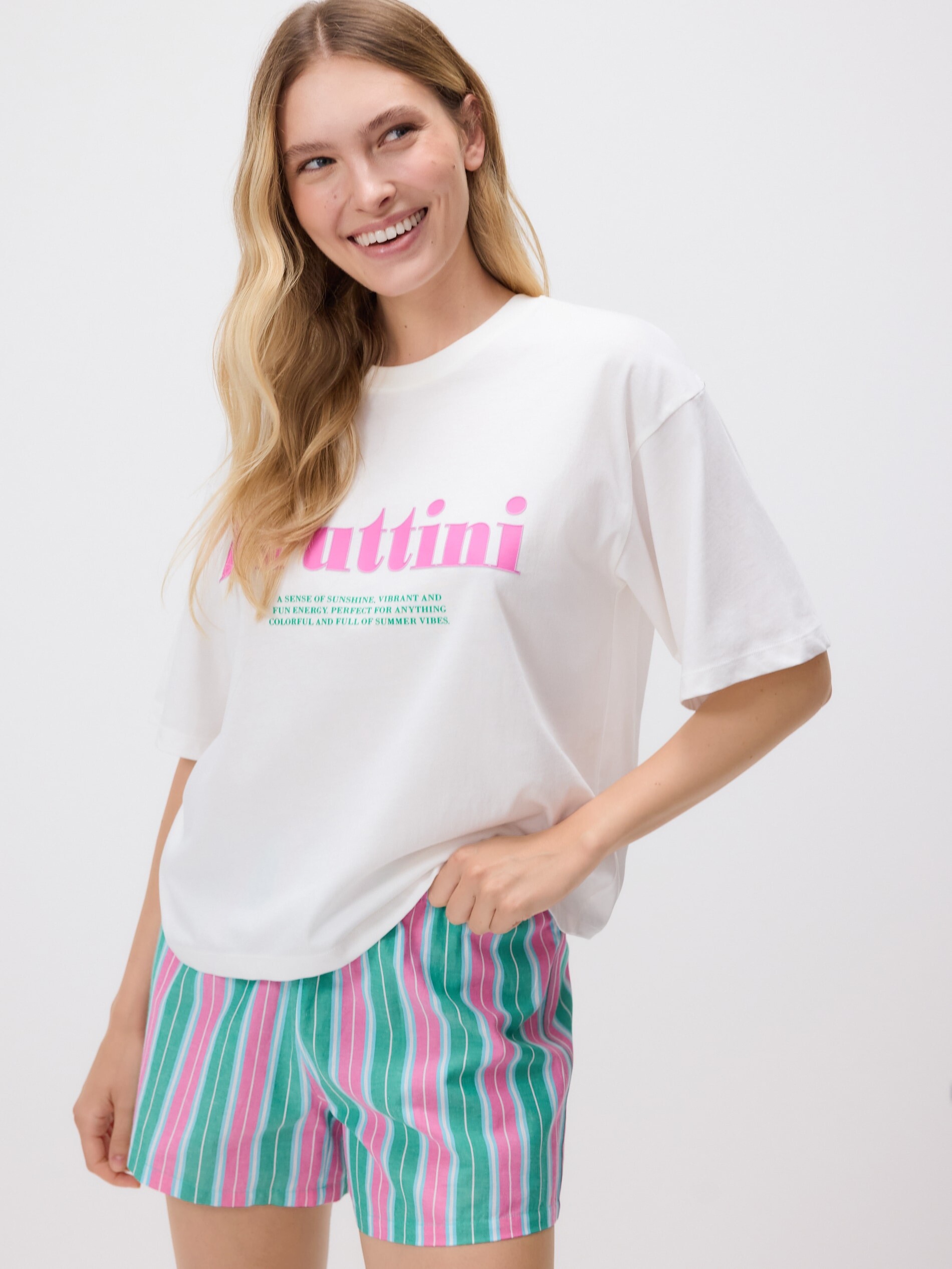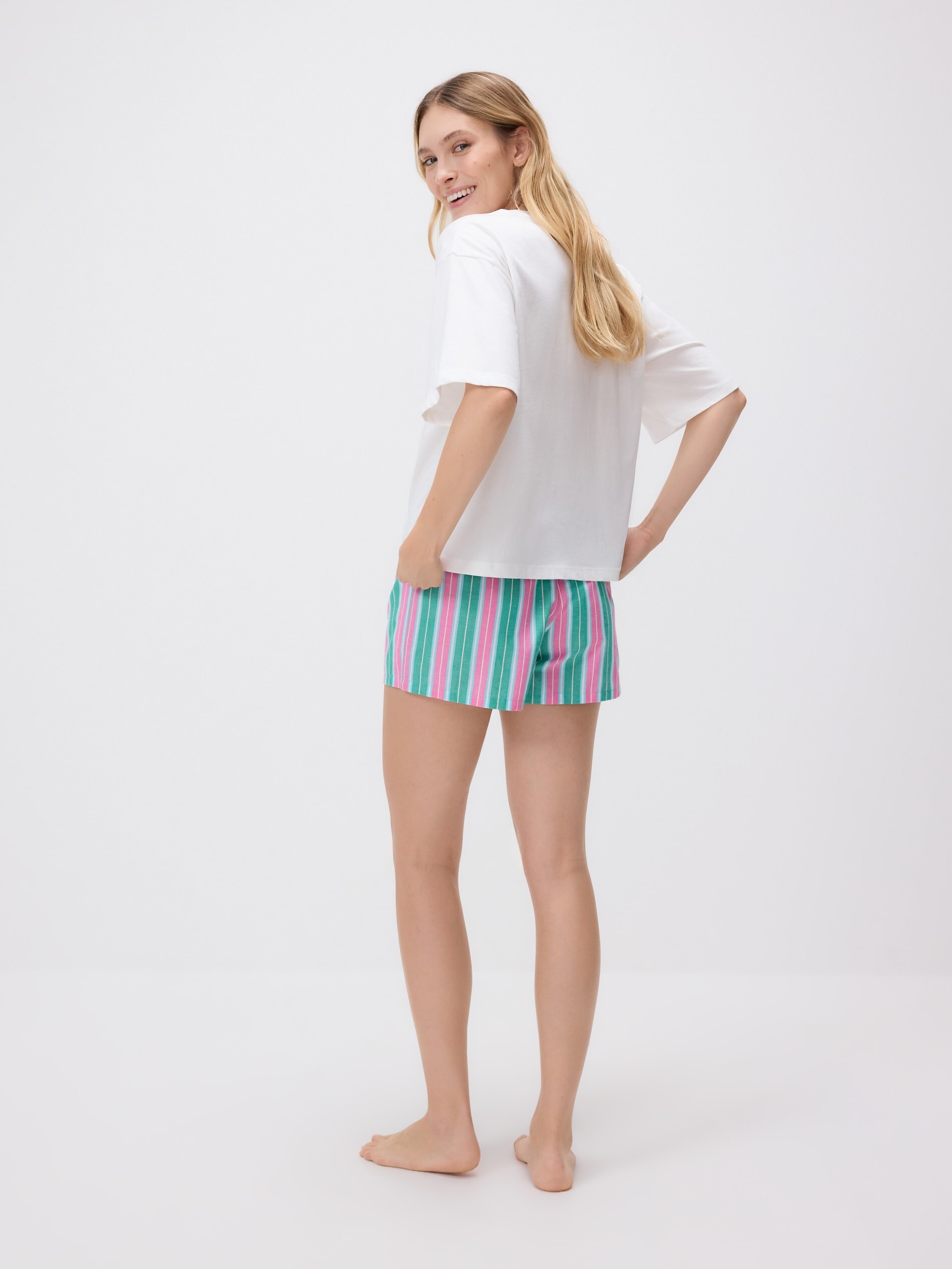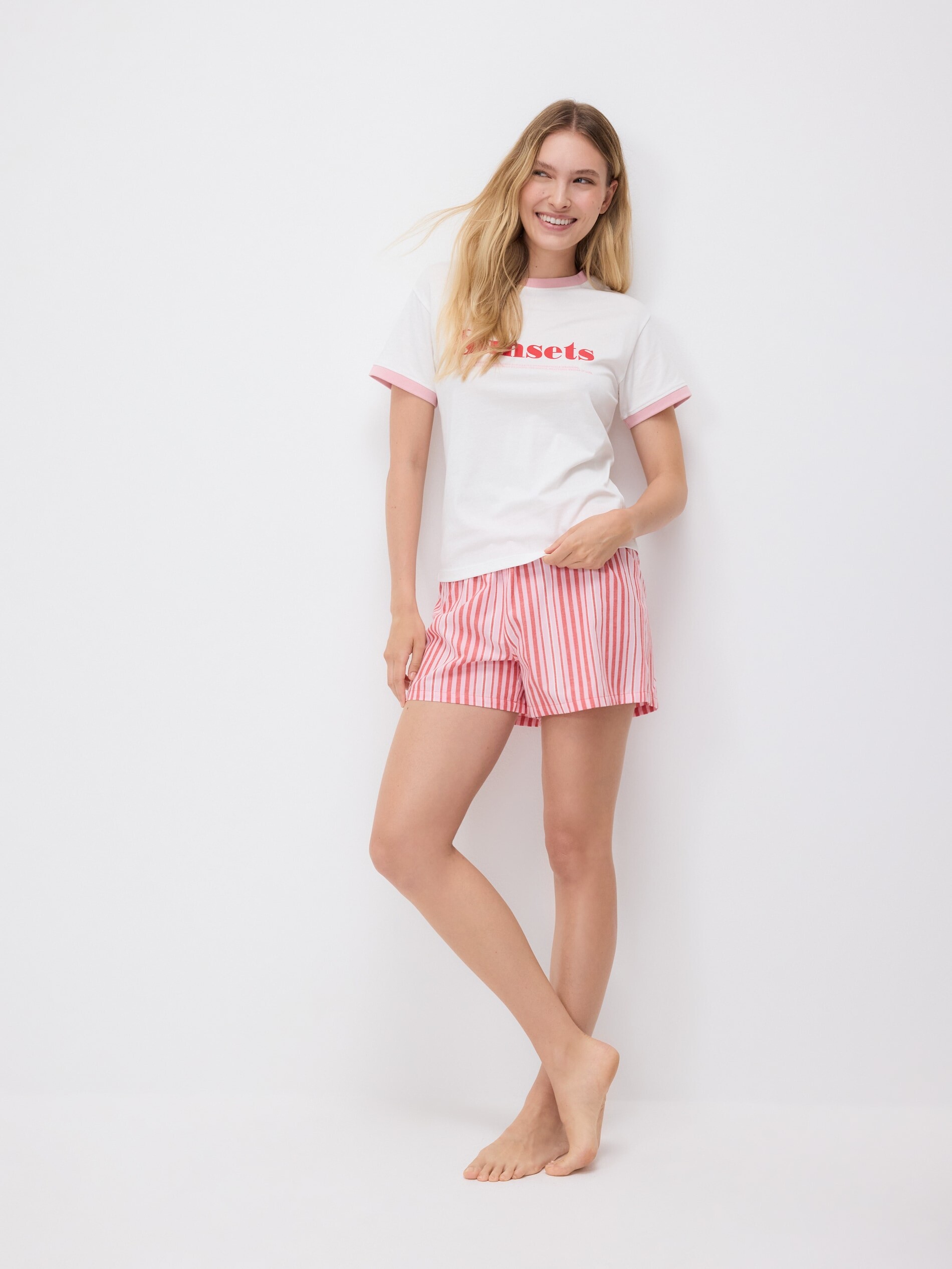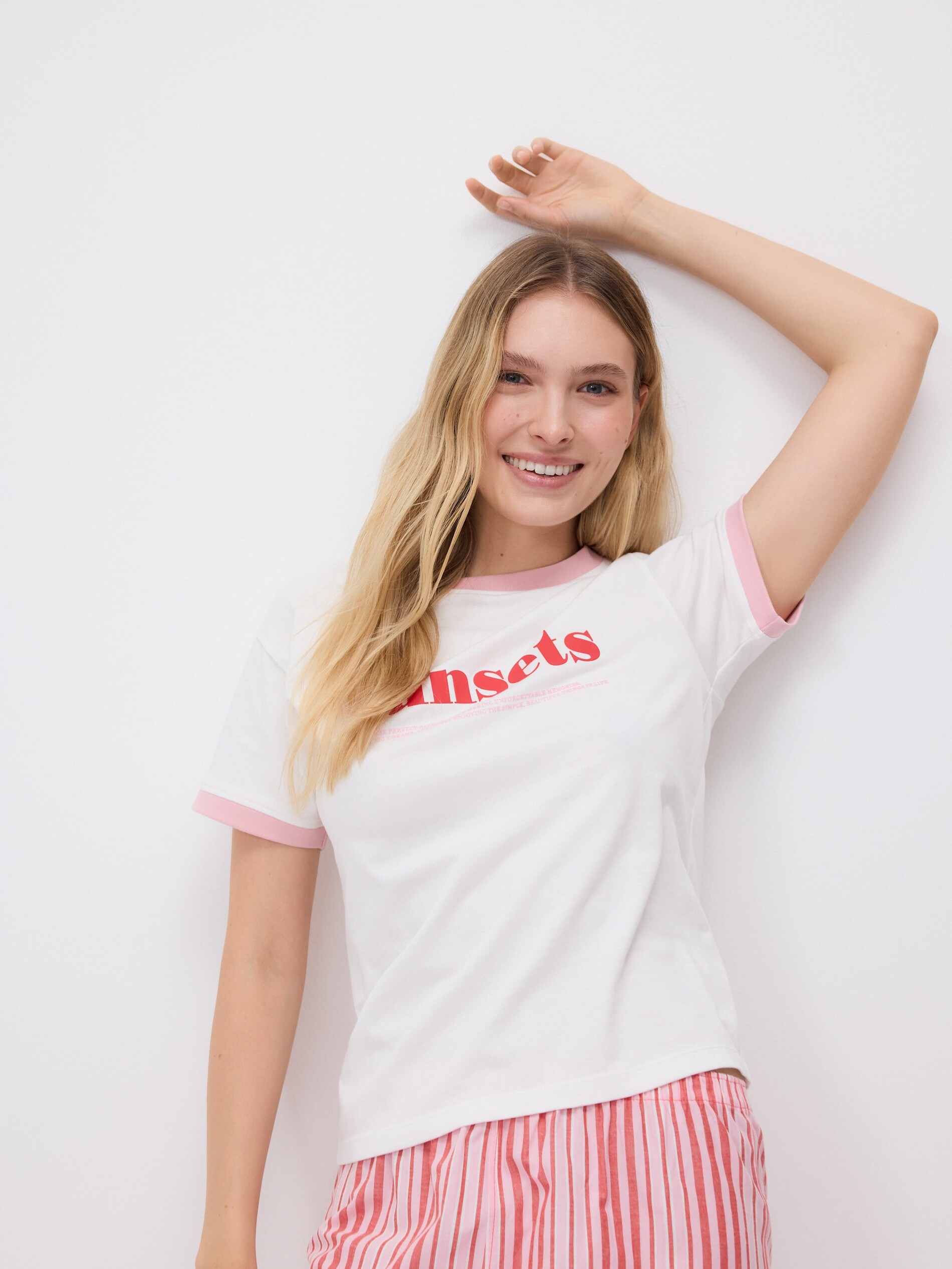
Everything posted by Morph69
-
 You're welcome! Yes, Honey Birdette can make models unrecognizable with makeup and hair style.
 -
Crystal Bellotti
-
You're welcome! Sorry i don't know her!
-
Blonde one is Victoria Turner
-
Elvira Backteman
-
you're welcome!
-
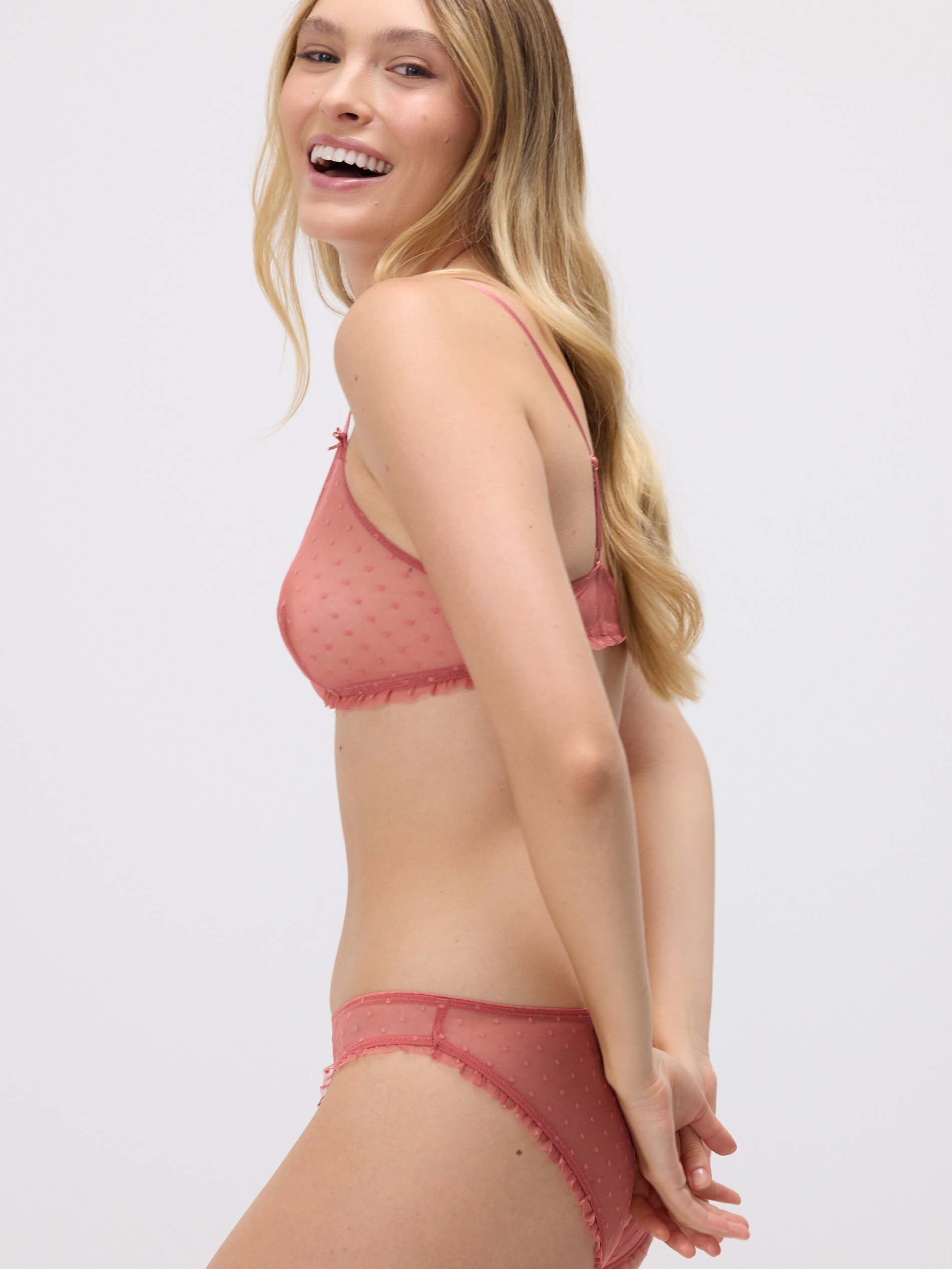
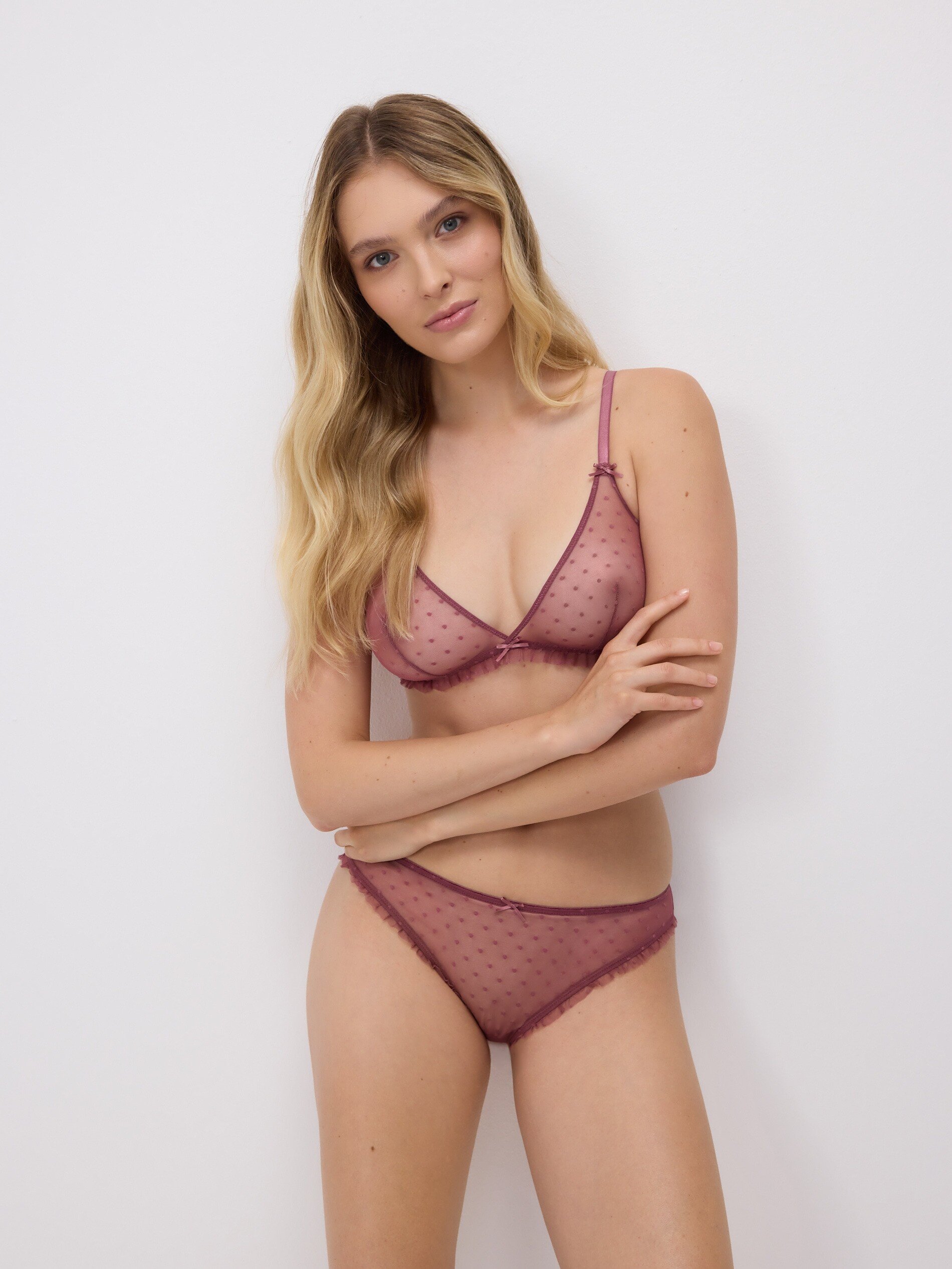
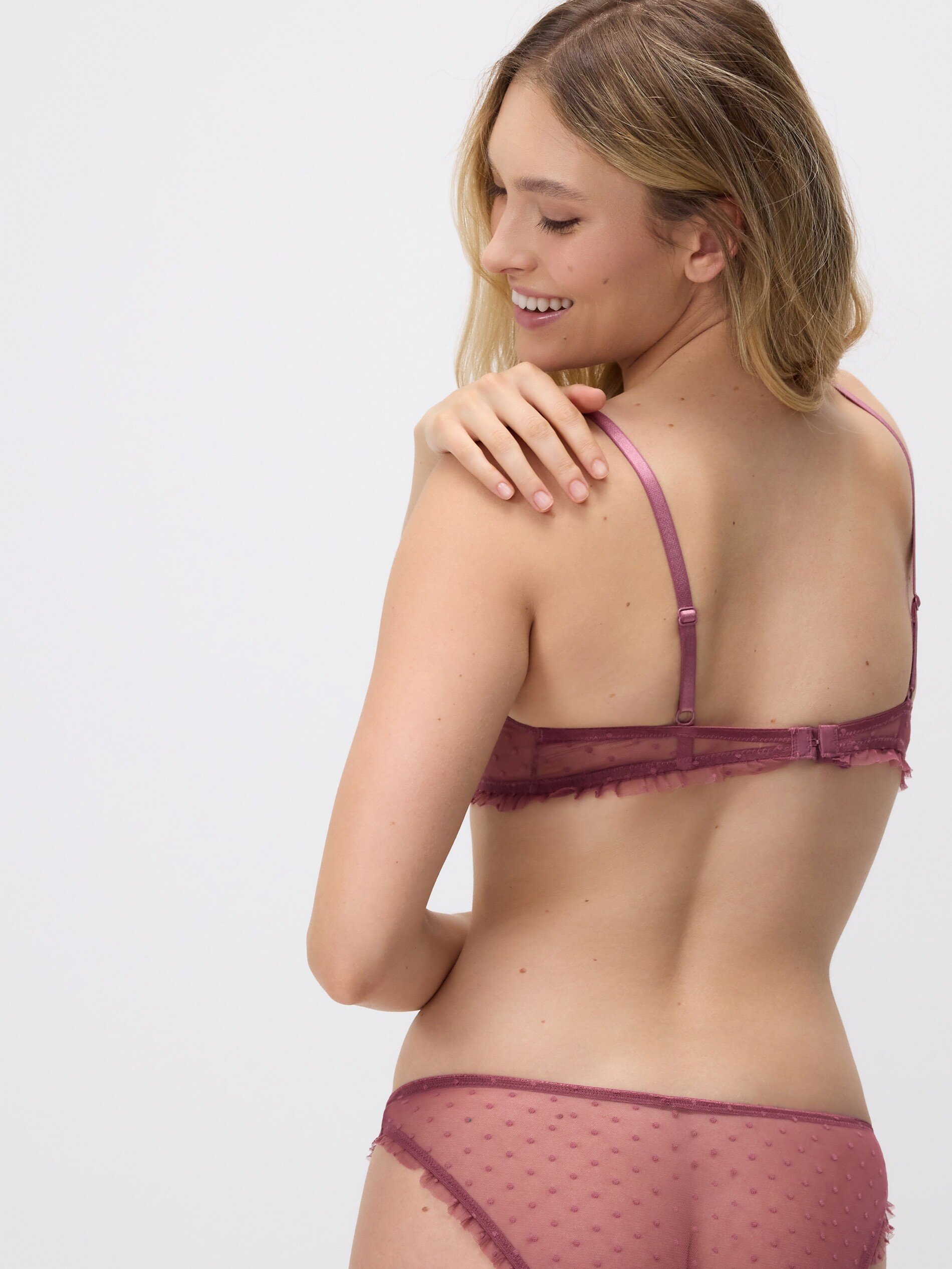
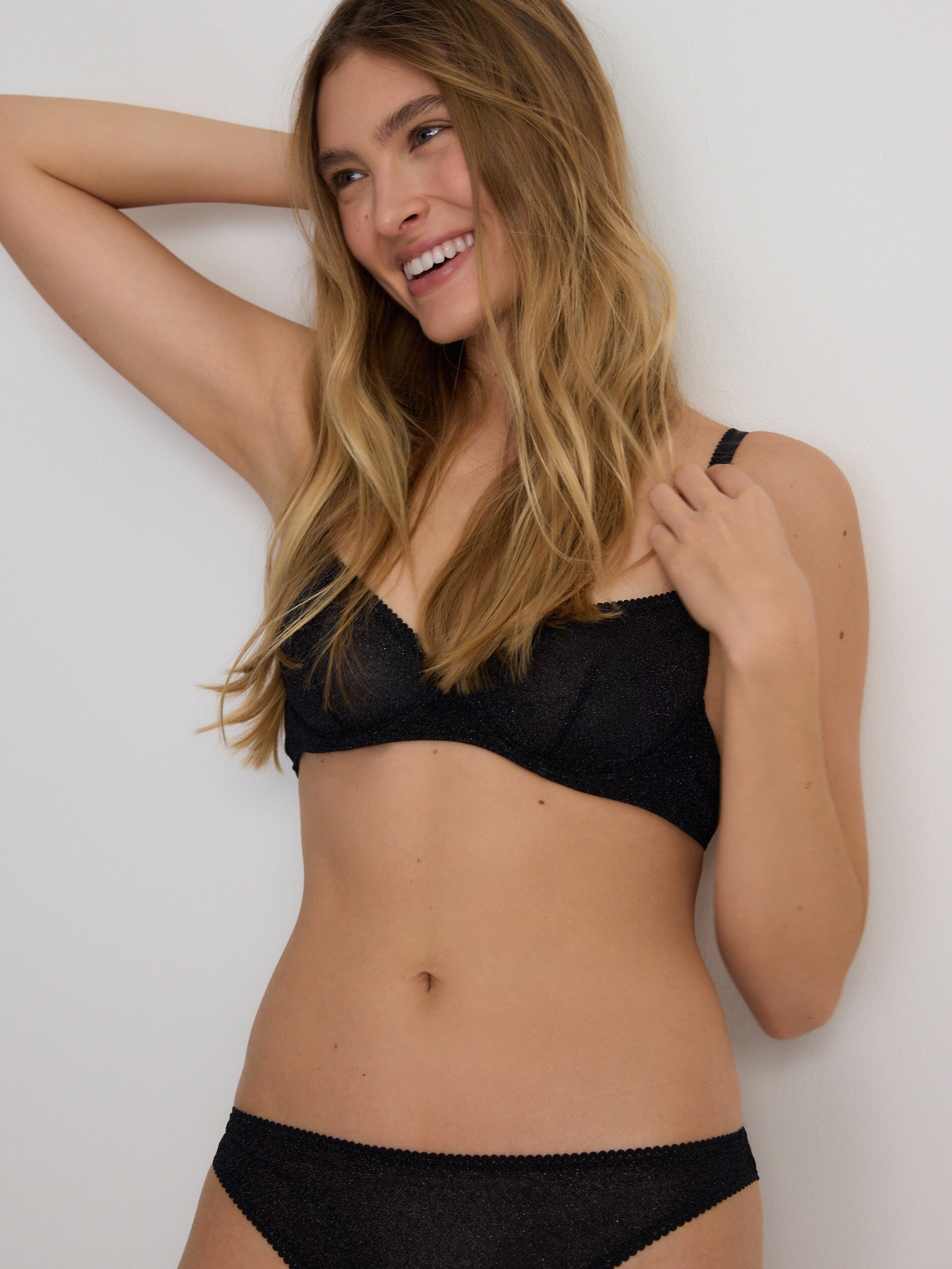
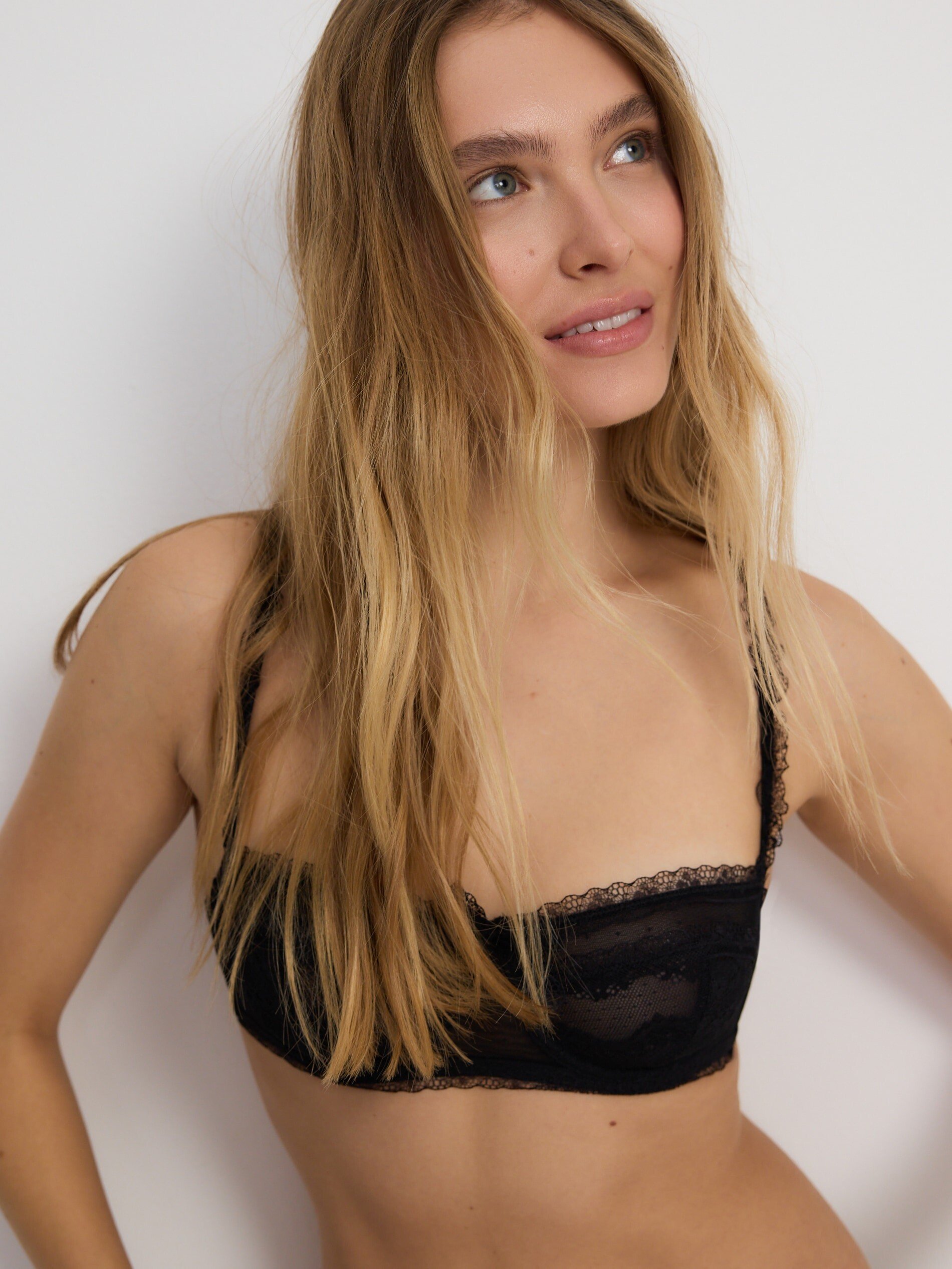
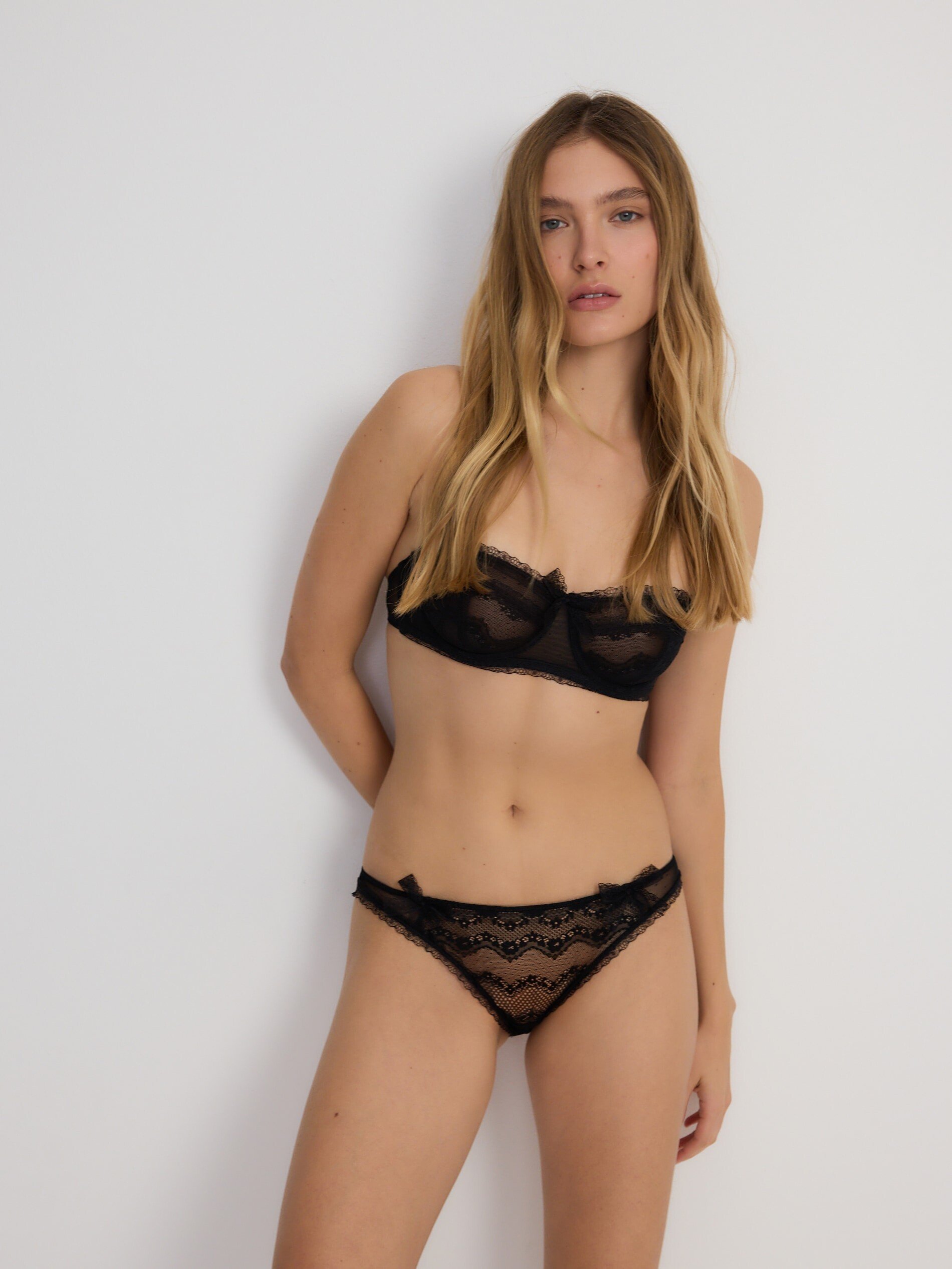
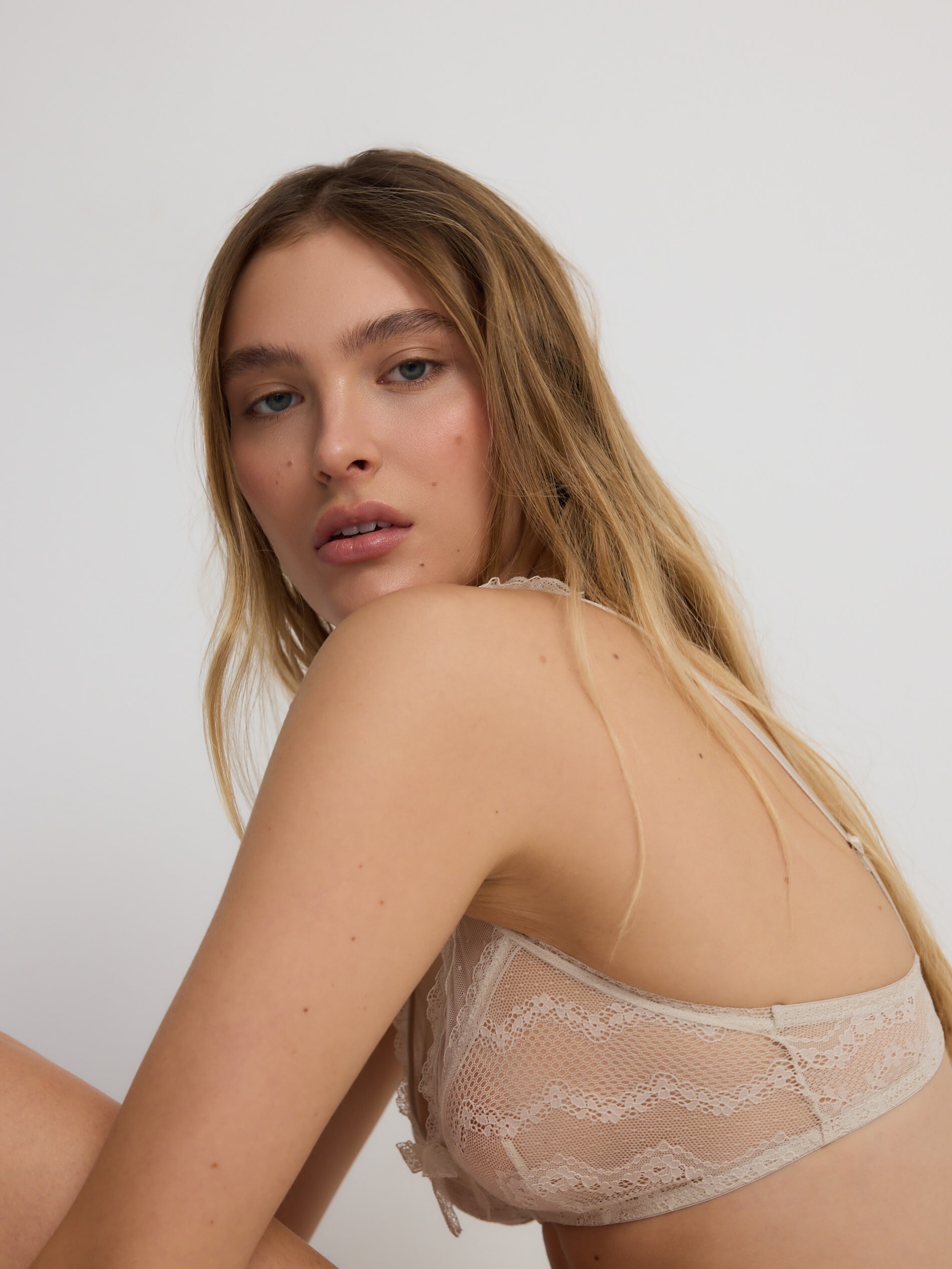
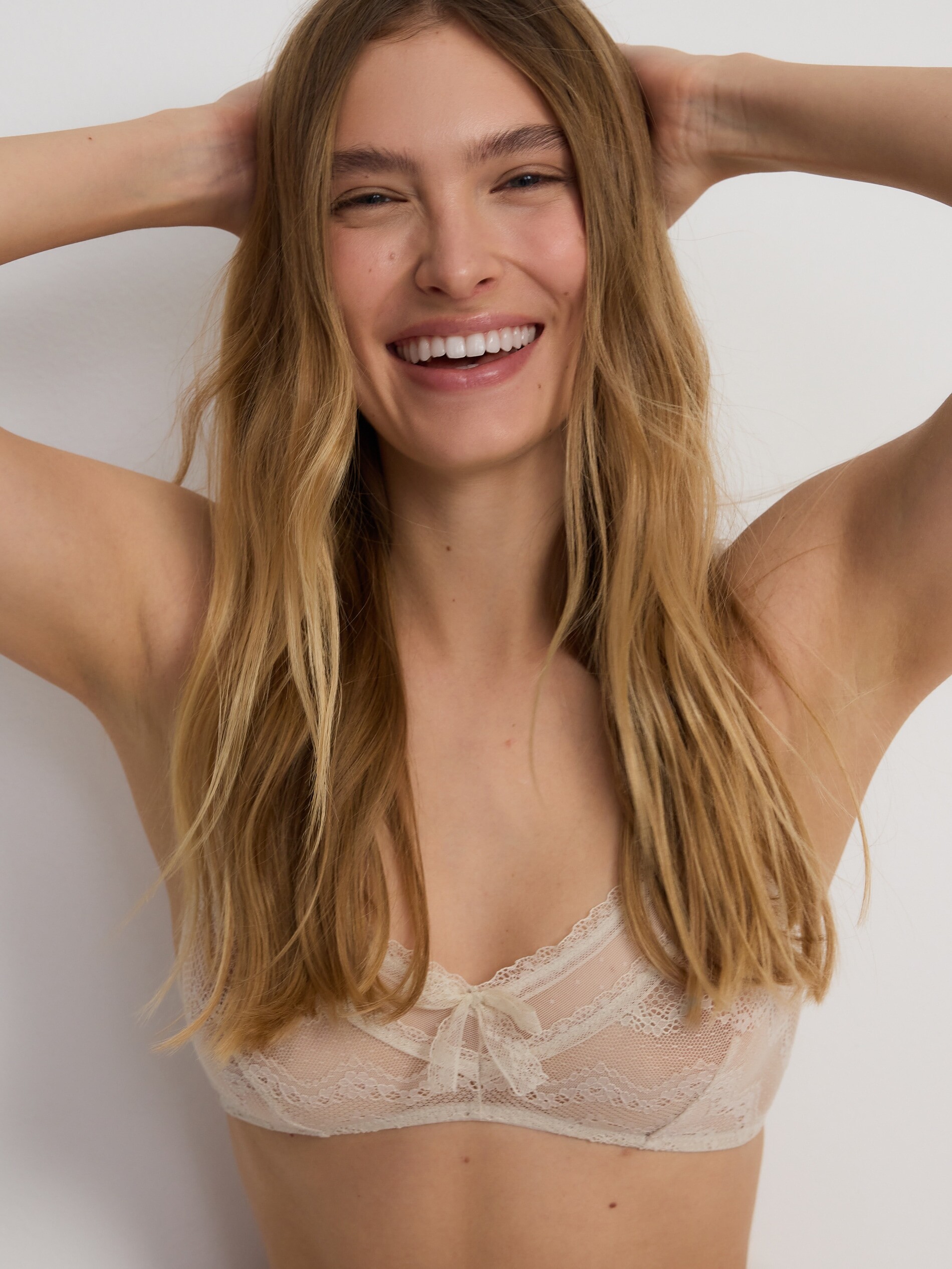
@pimpl Thank you! I found these photos in the 2022 catalog Ysé Paris website. This model is spectacular.🤩
-
Alisa Schlosser https://www.instagram.com/alisaschlosser/ https://www.pars-management.com/local/all/2614886/alisa-s
-
The beautiful Katie Fields, I'm preparing a thread about her, I'll create it today or tomorrow. https://www.instagram.com/katie_hf/
-
-
-
-
Leilani Kirkpatrick
-
-
you're welcome!😉
-
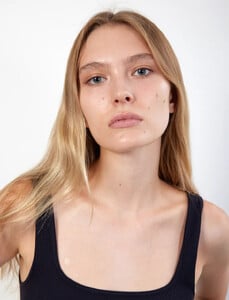
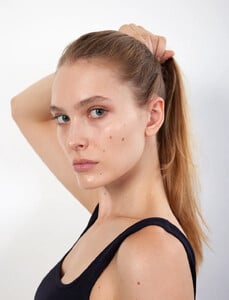
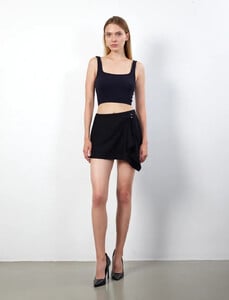
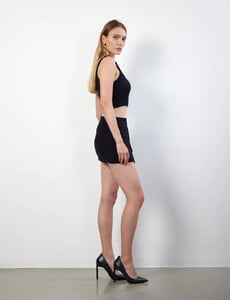
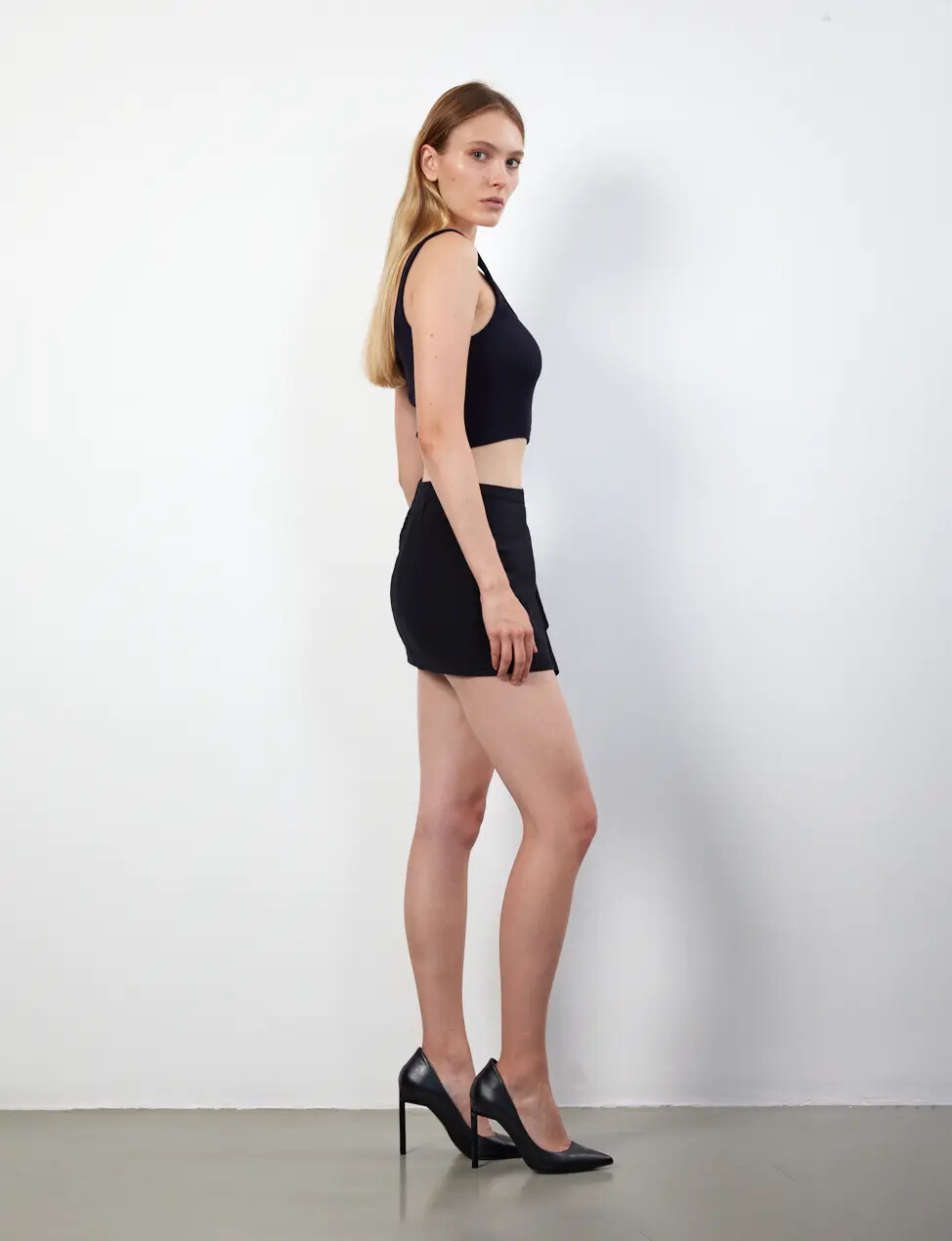
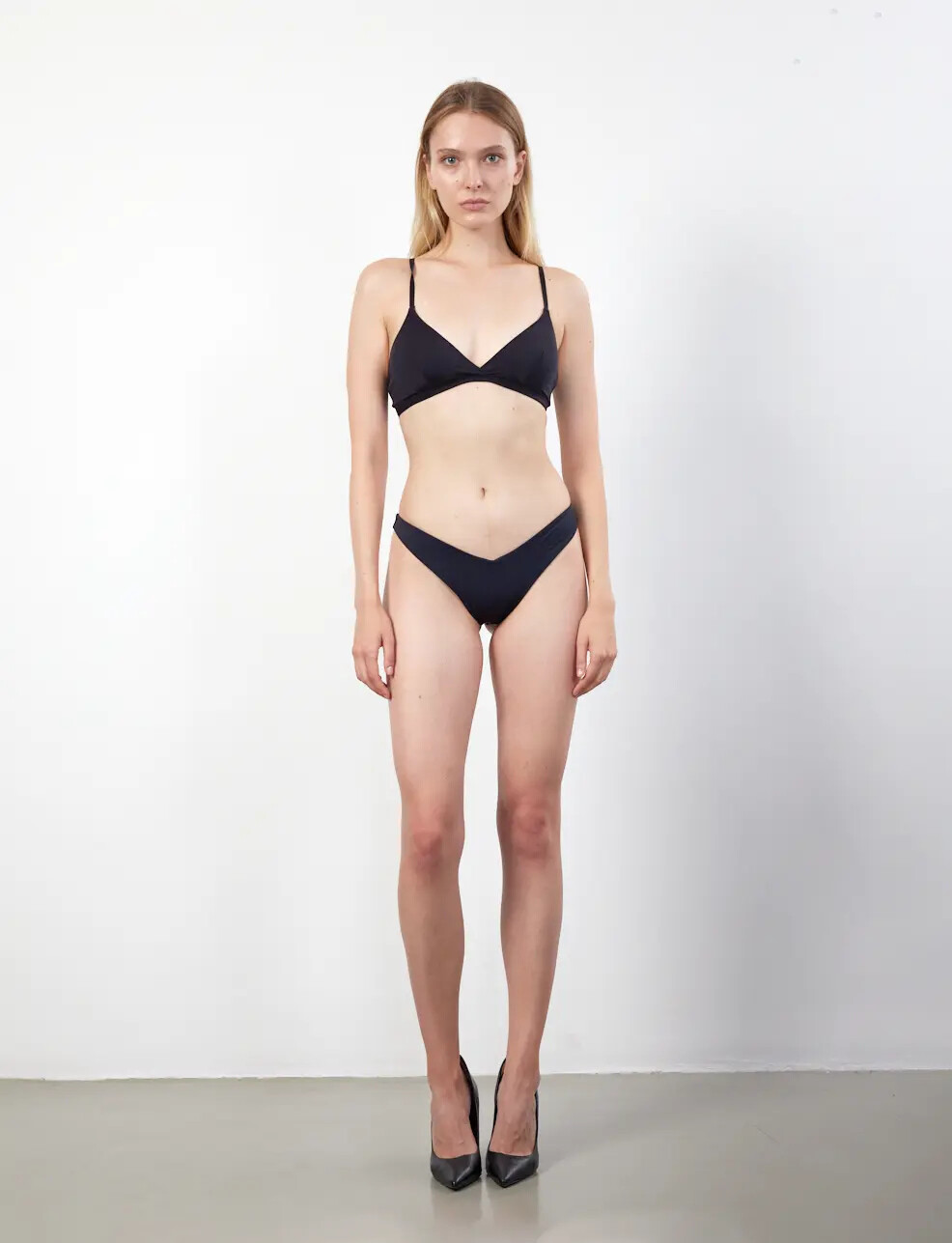
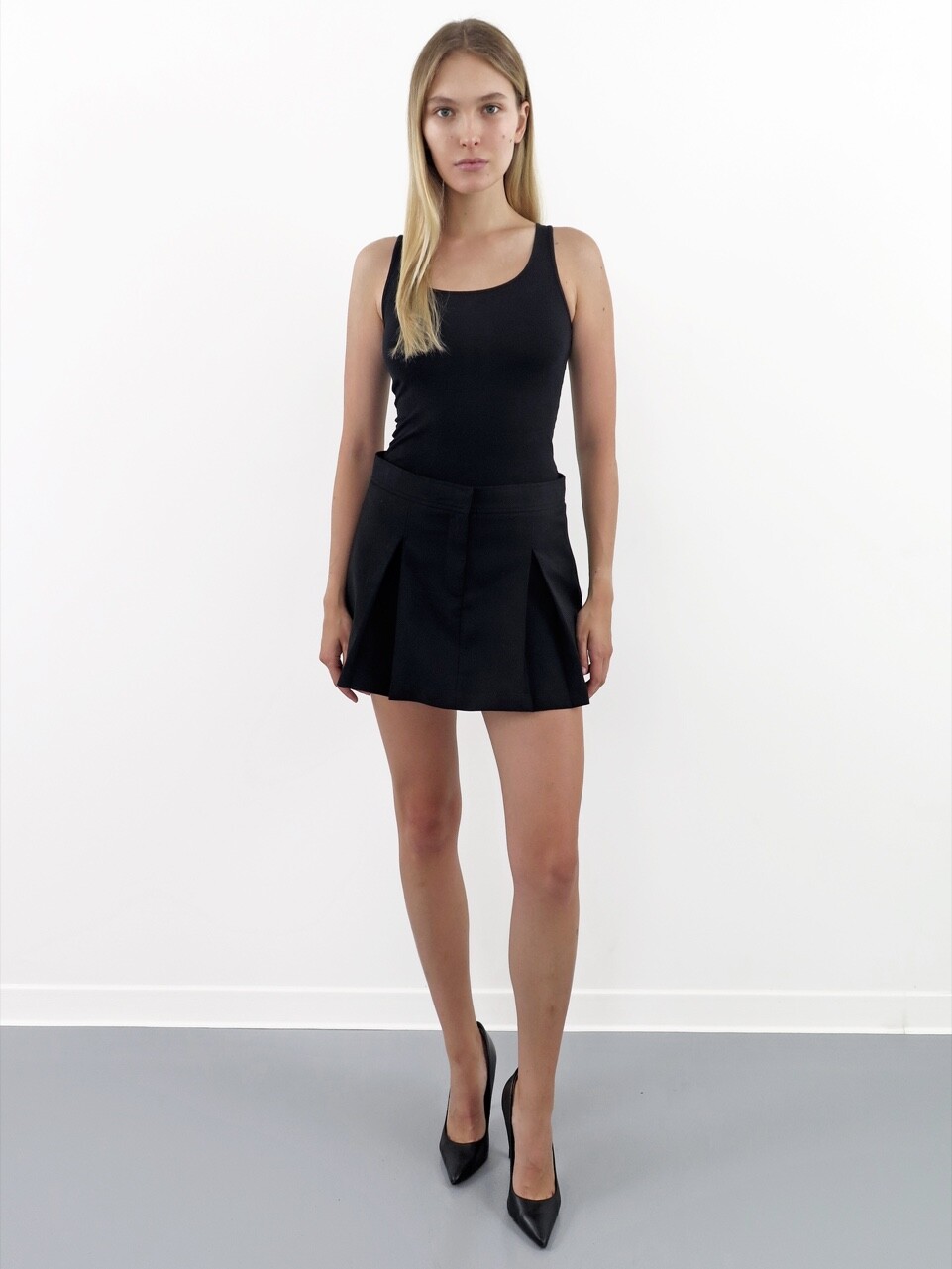
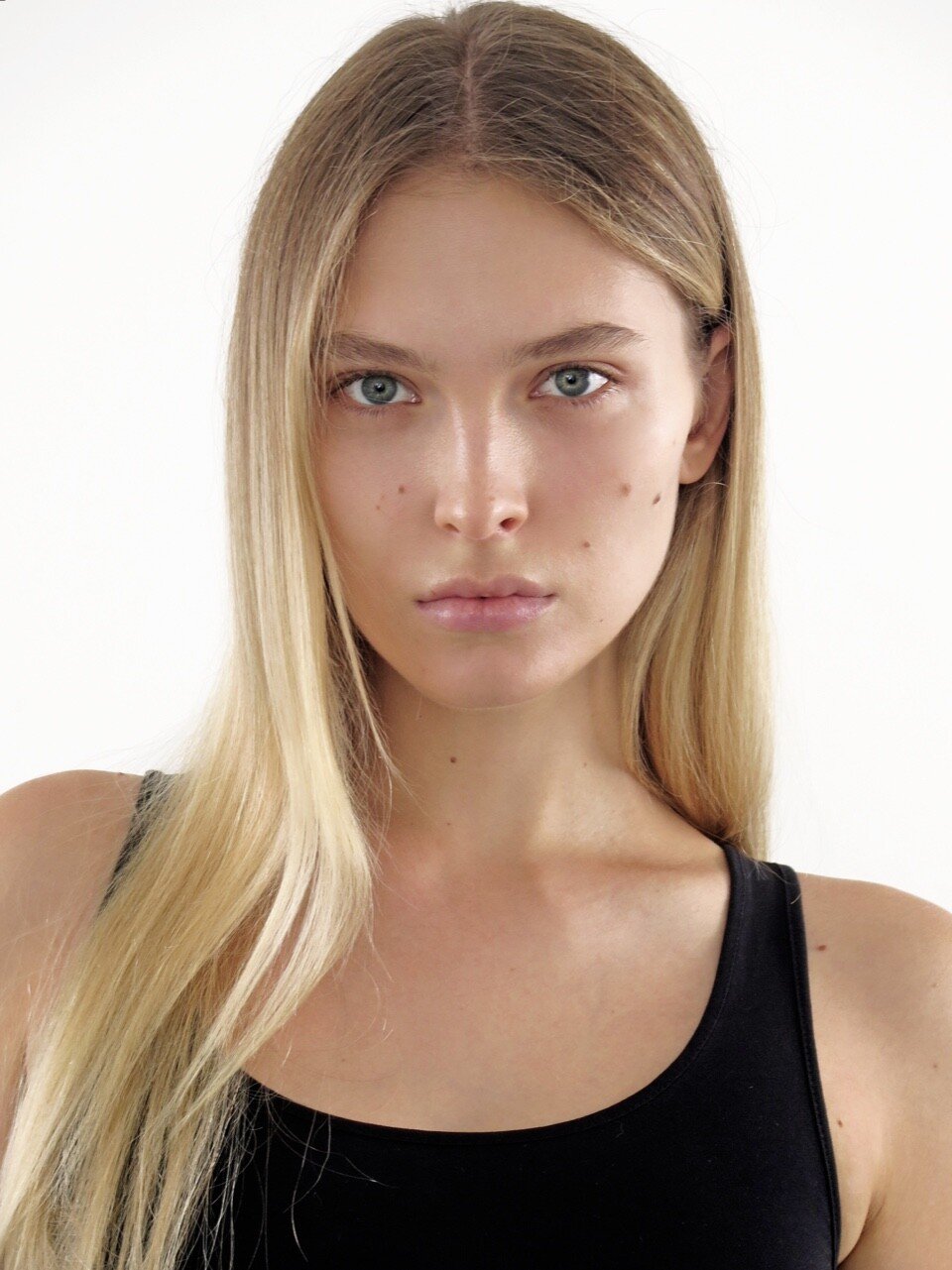
Flash Model - digitals
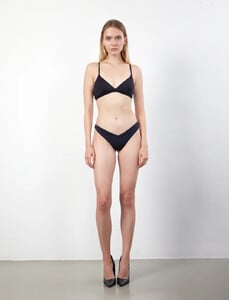
-
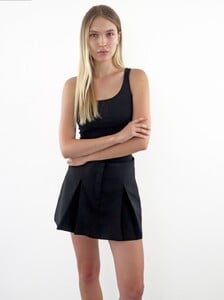
Next Management - digitals
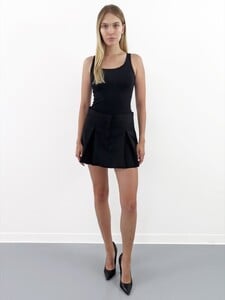
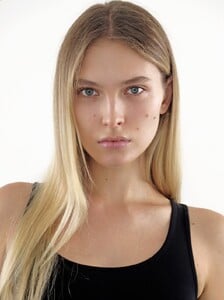
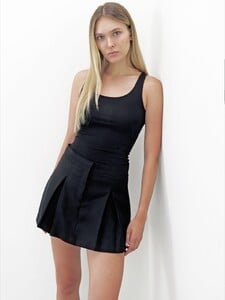
-
-
-
-
-
-
-
-
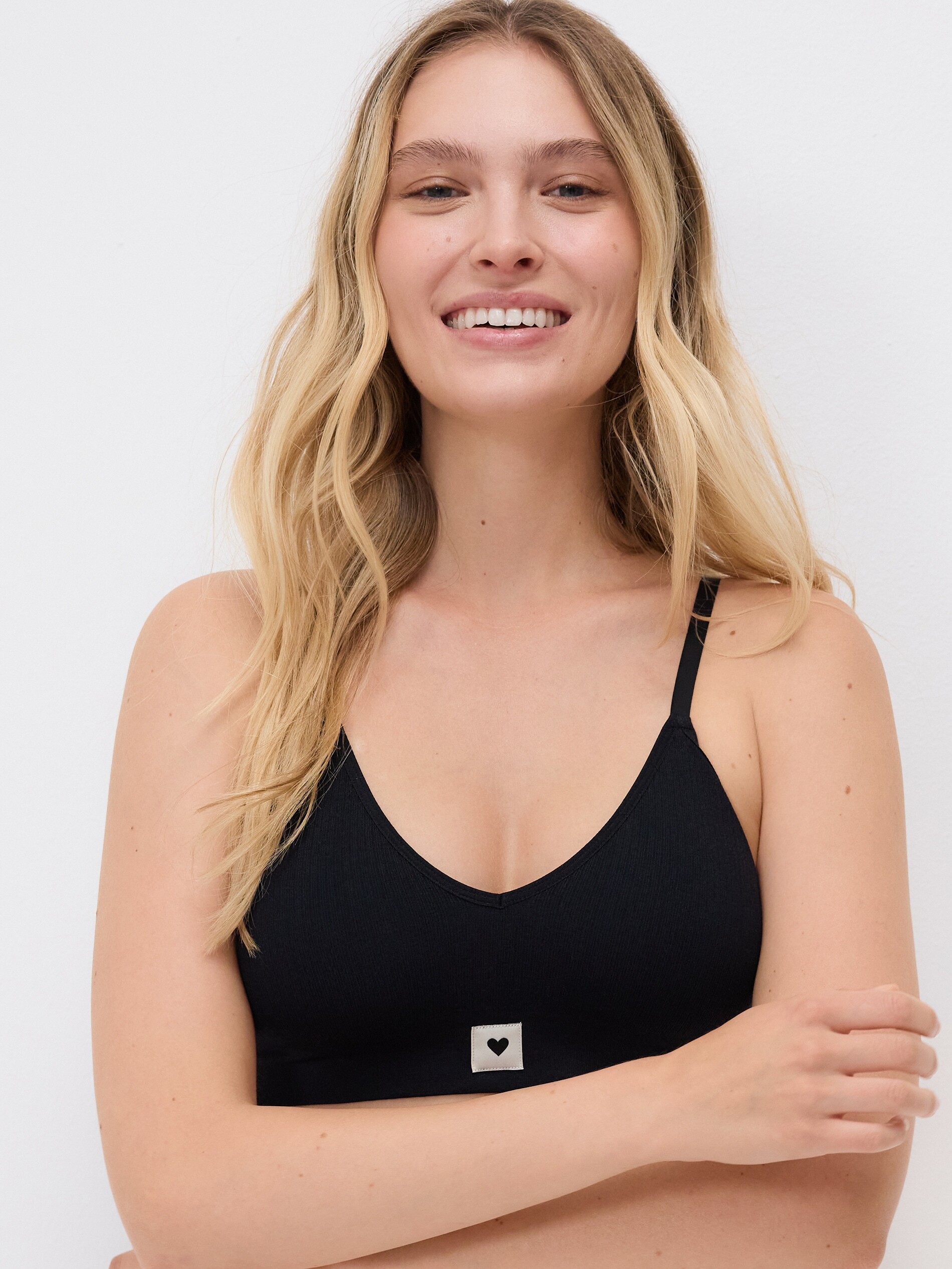
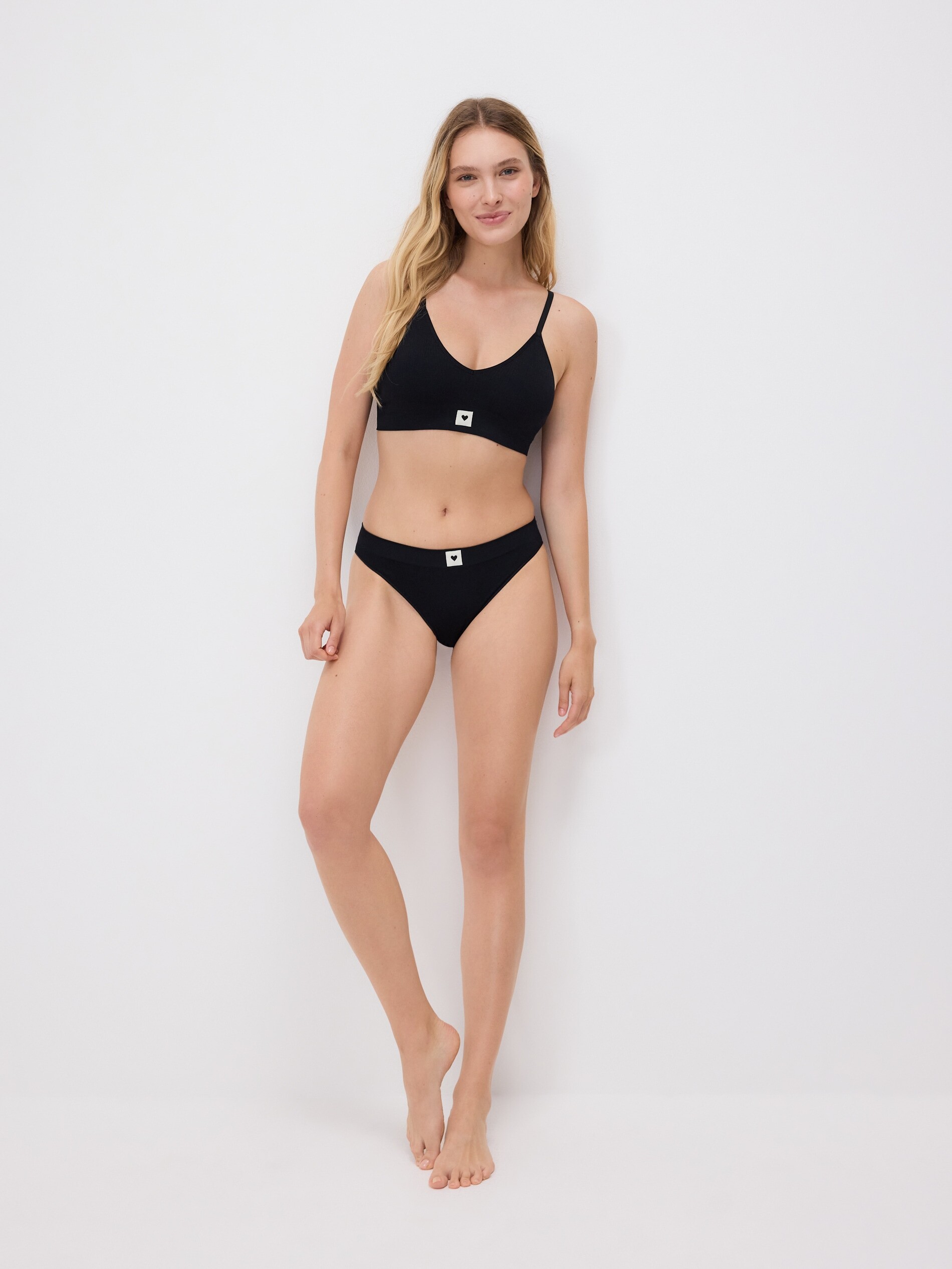
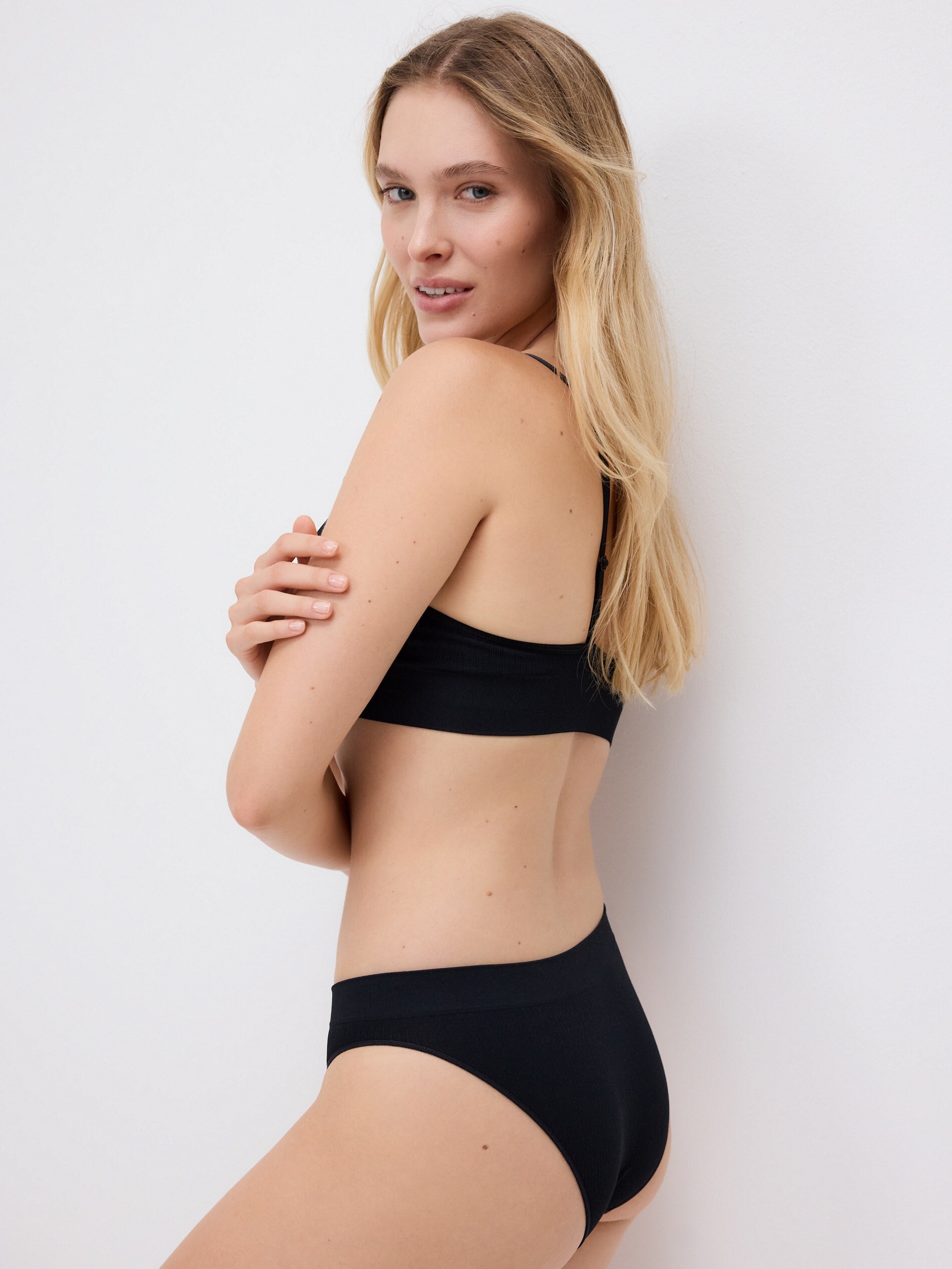
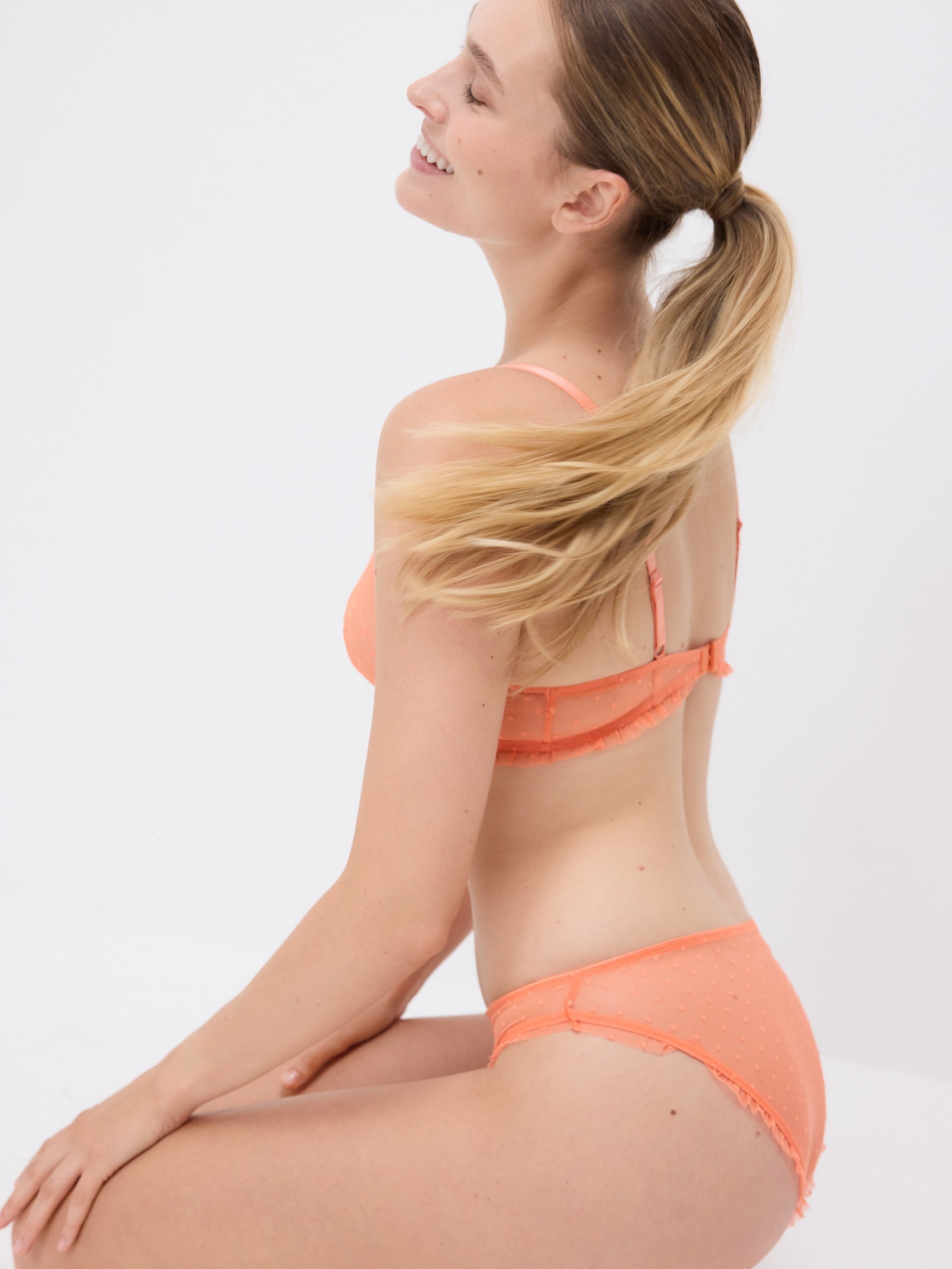
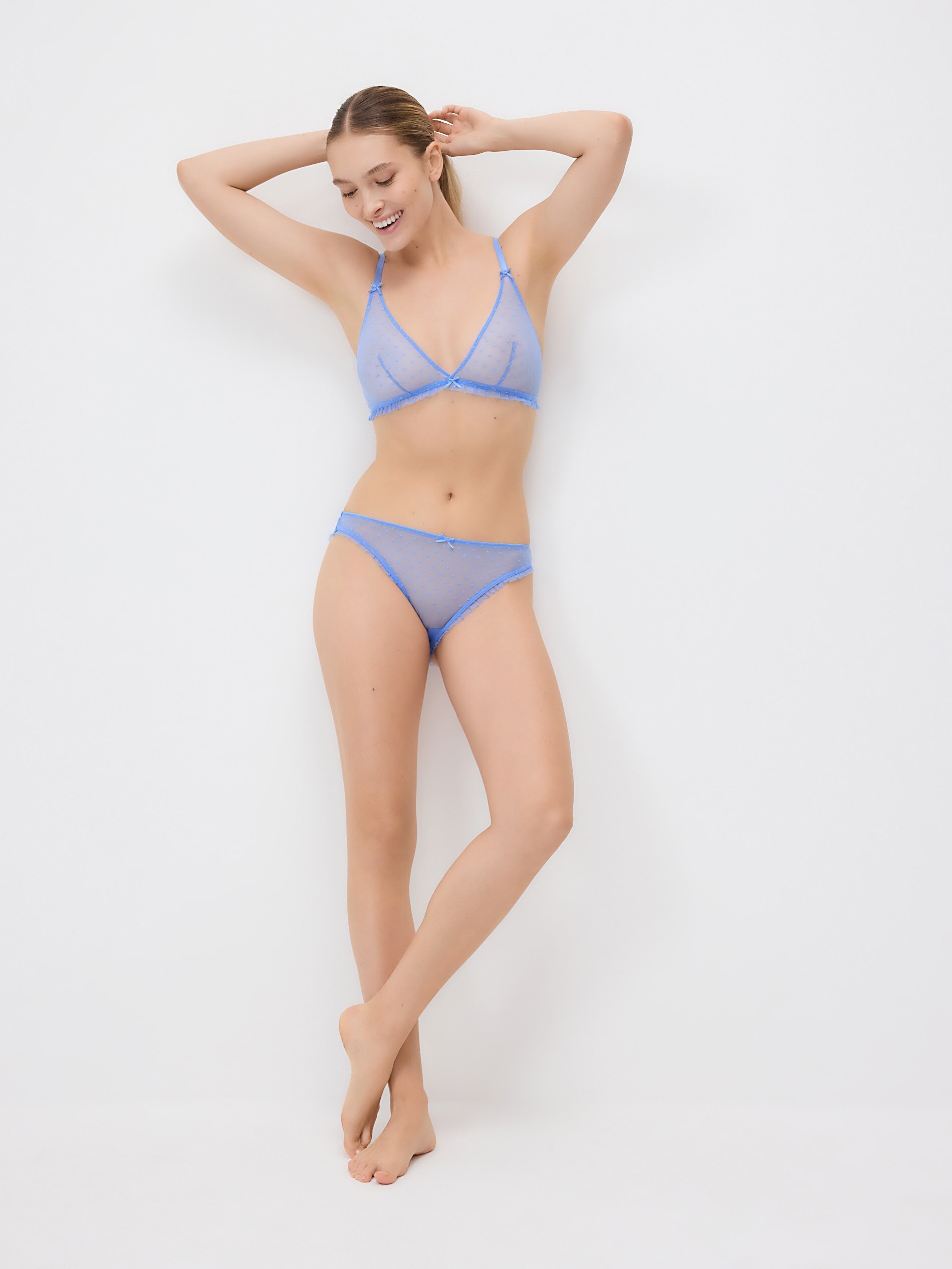
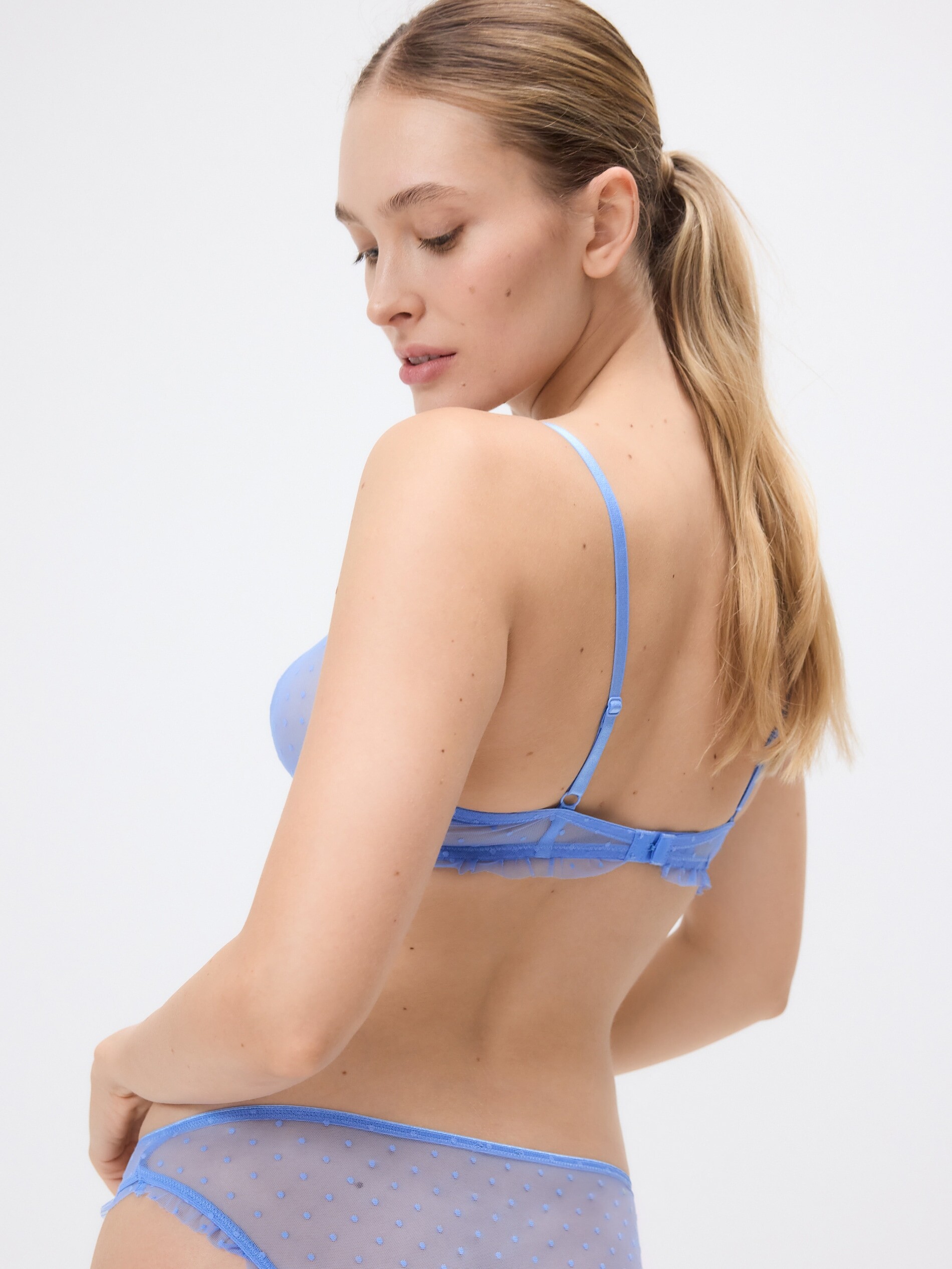
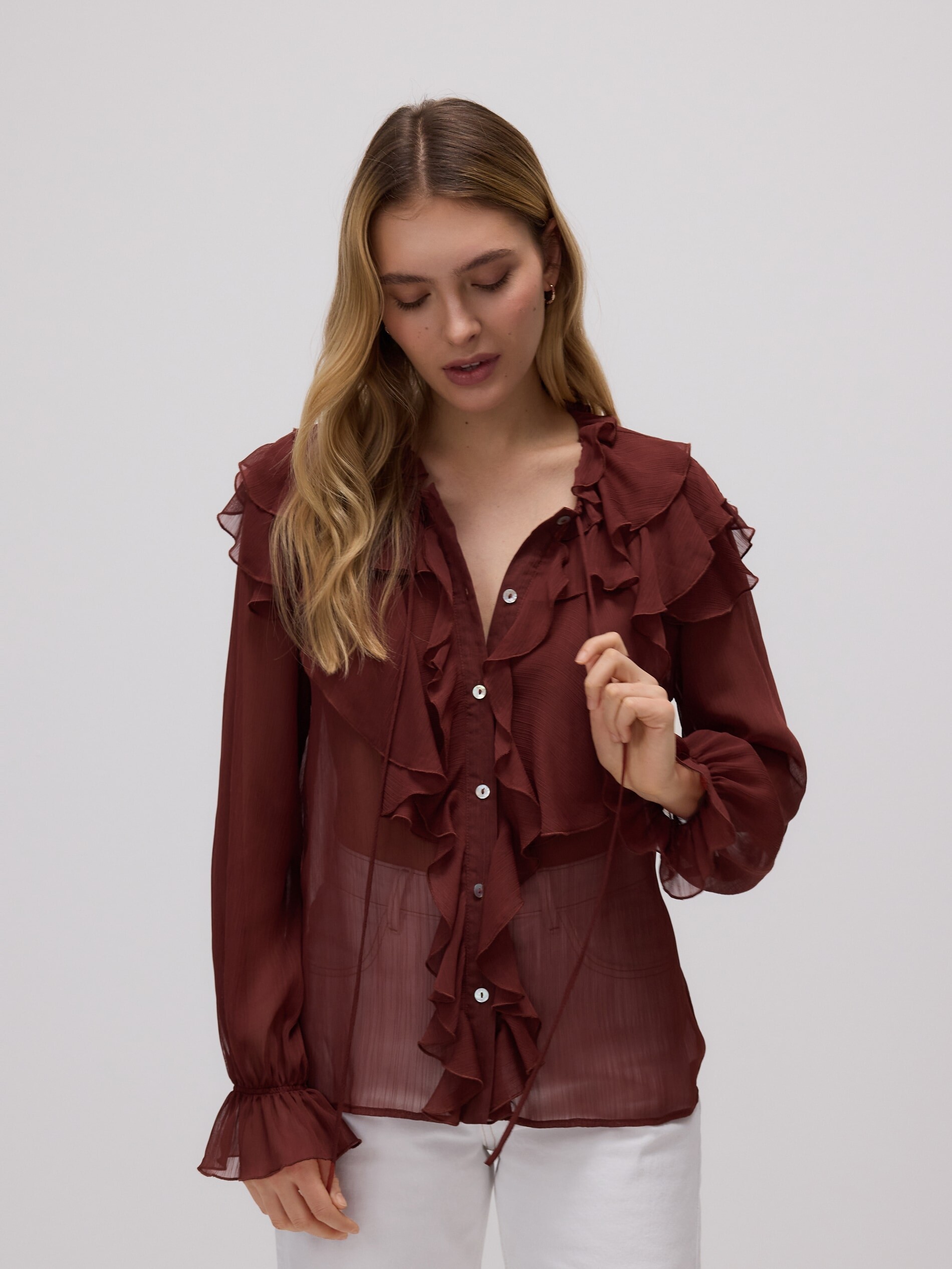
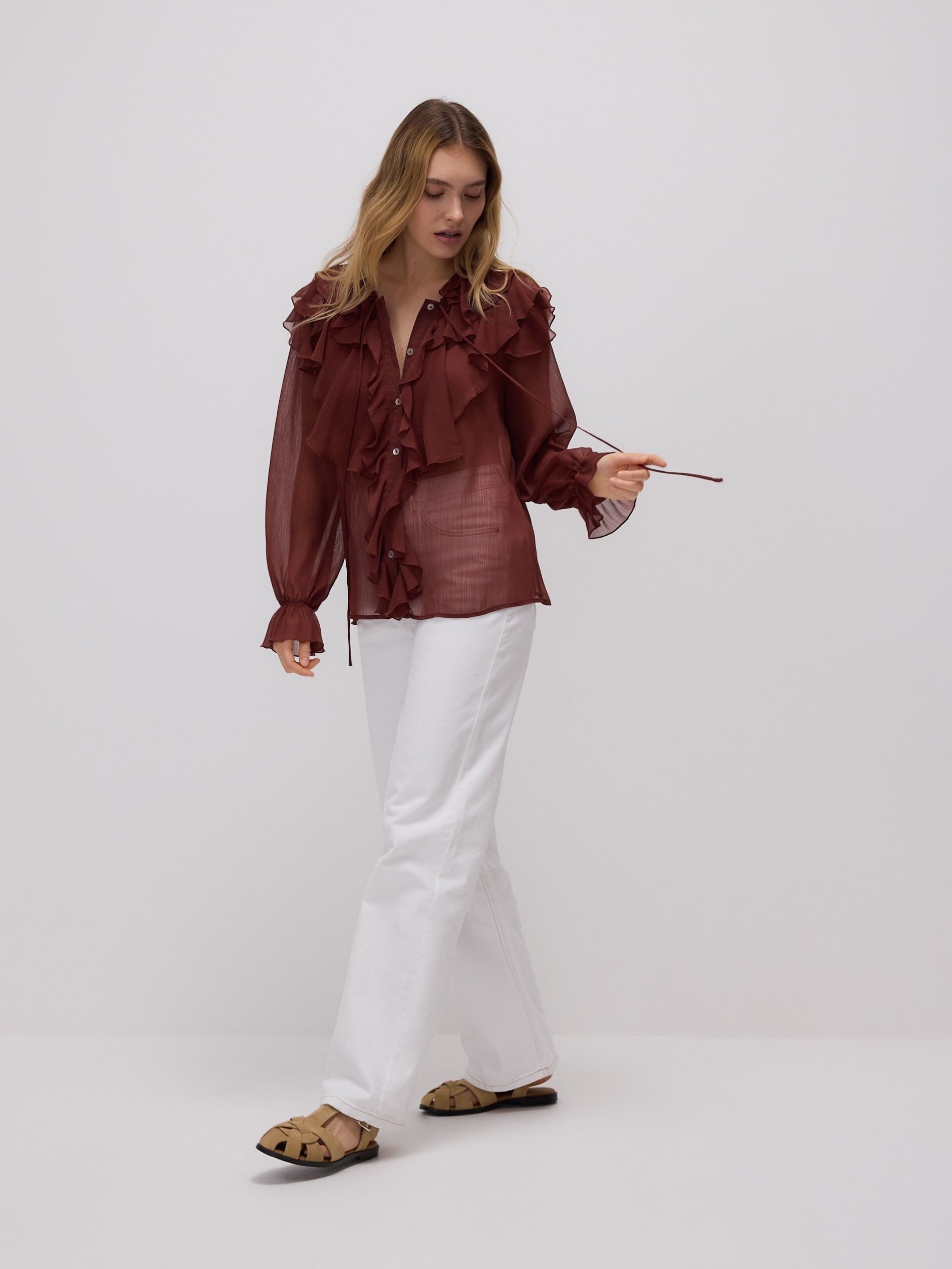
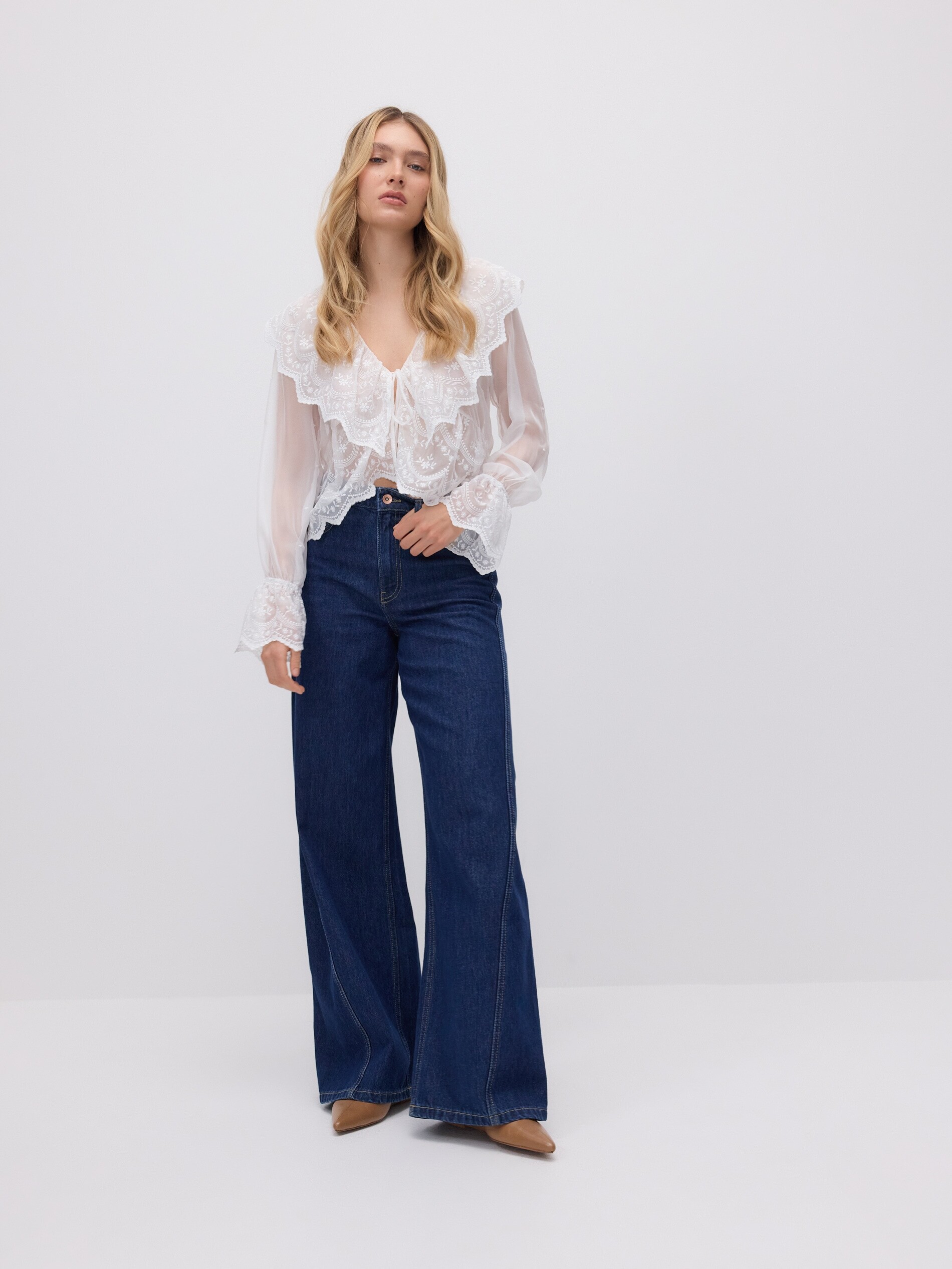
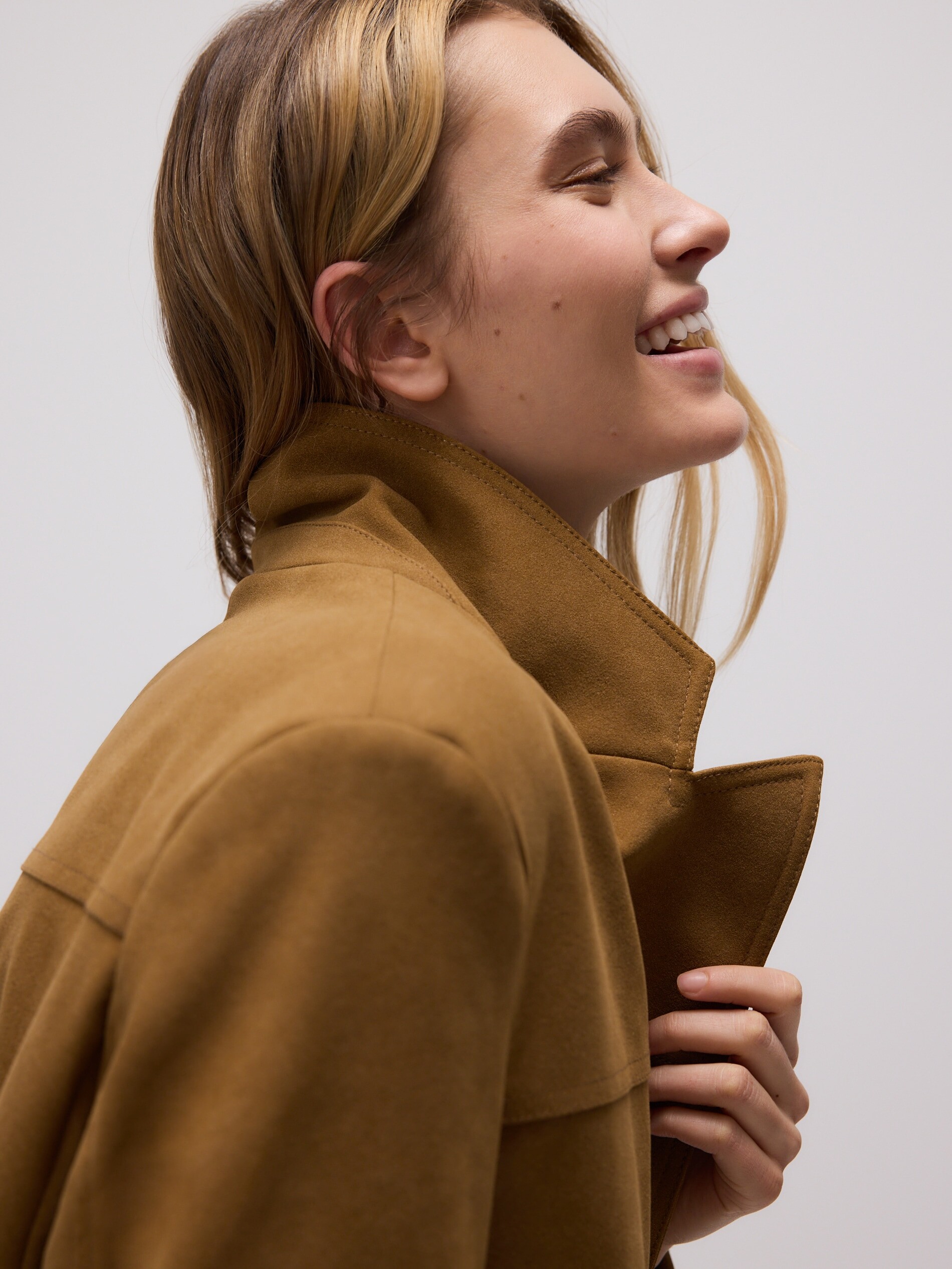
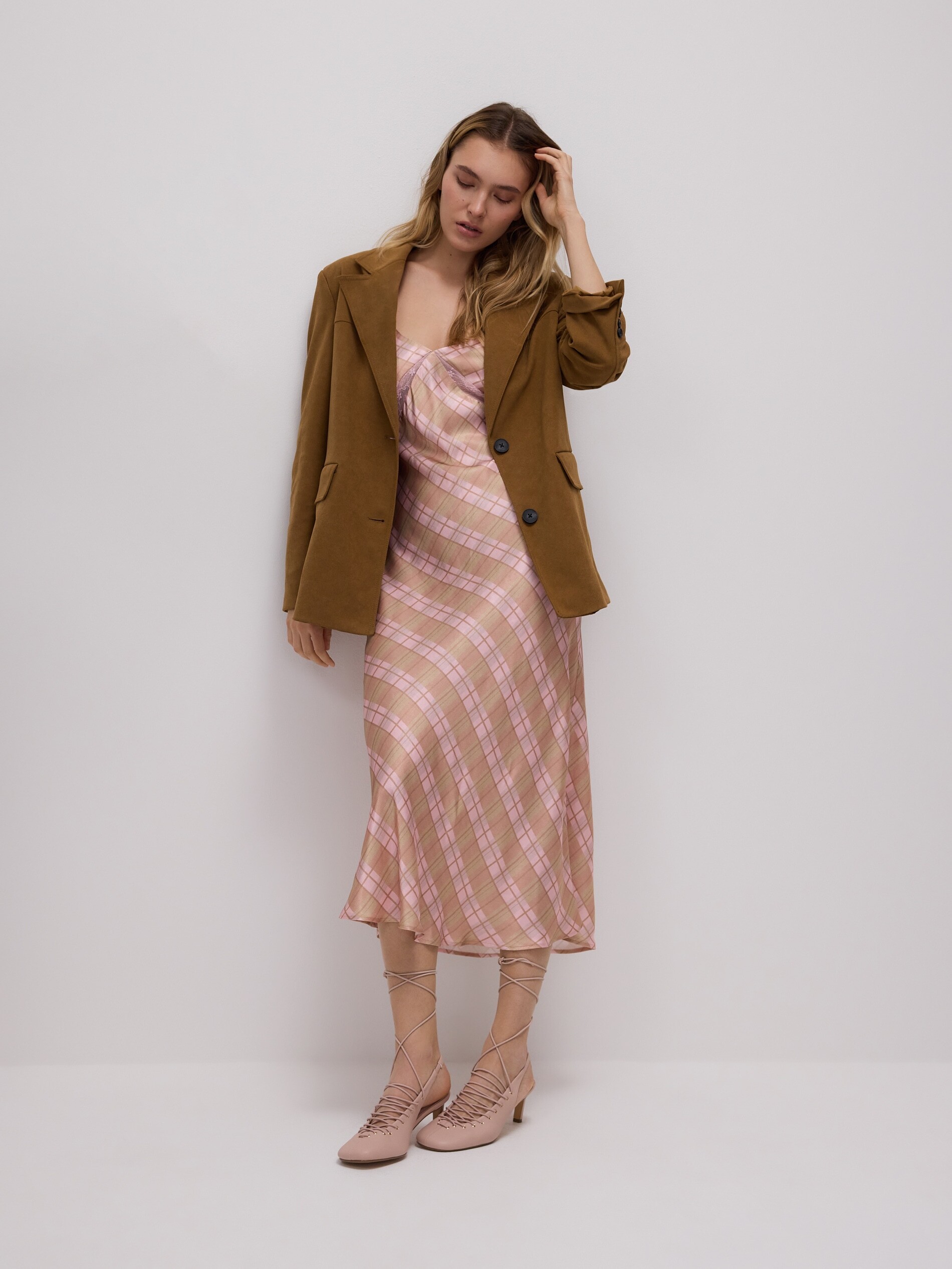
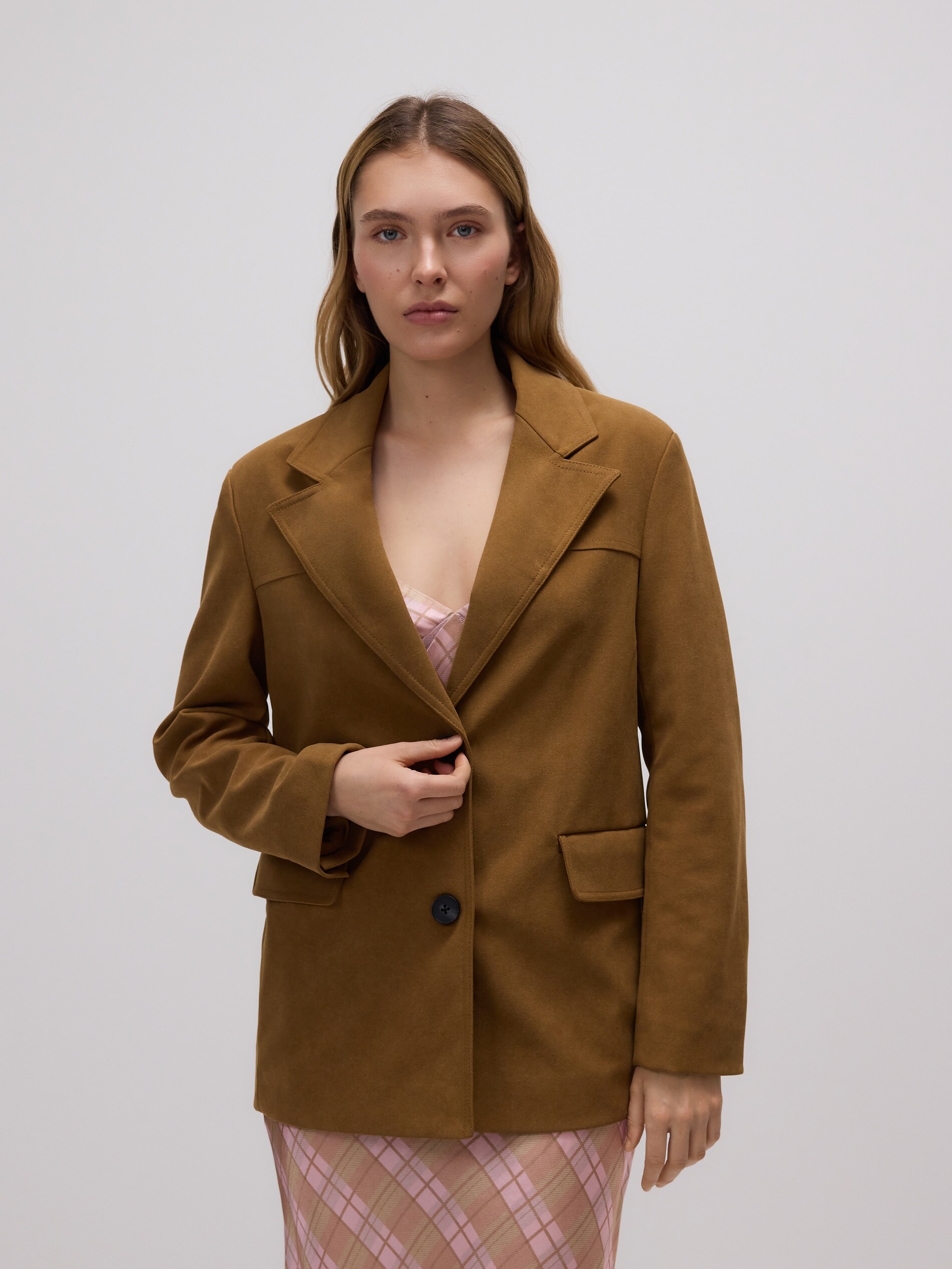
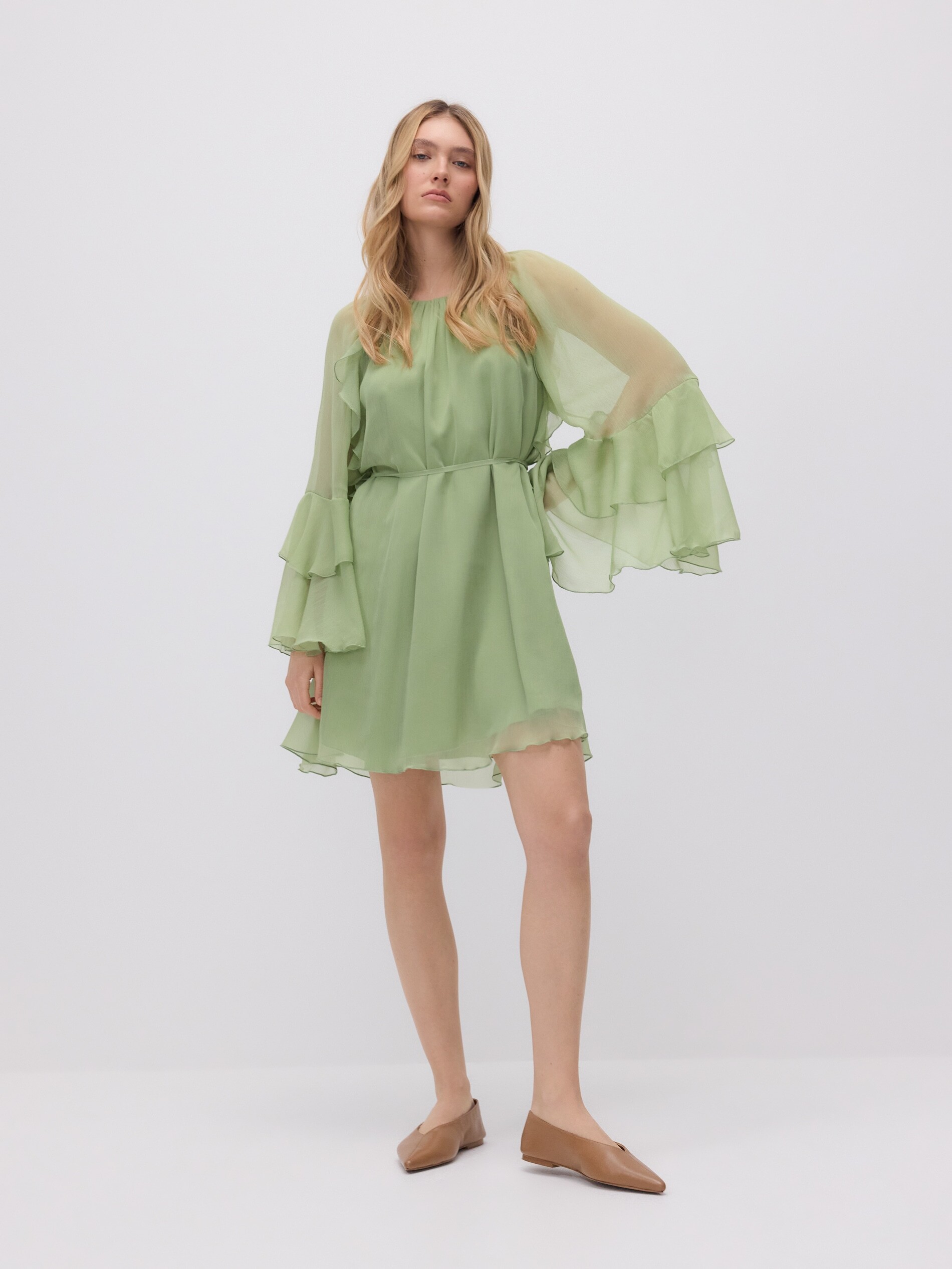
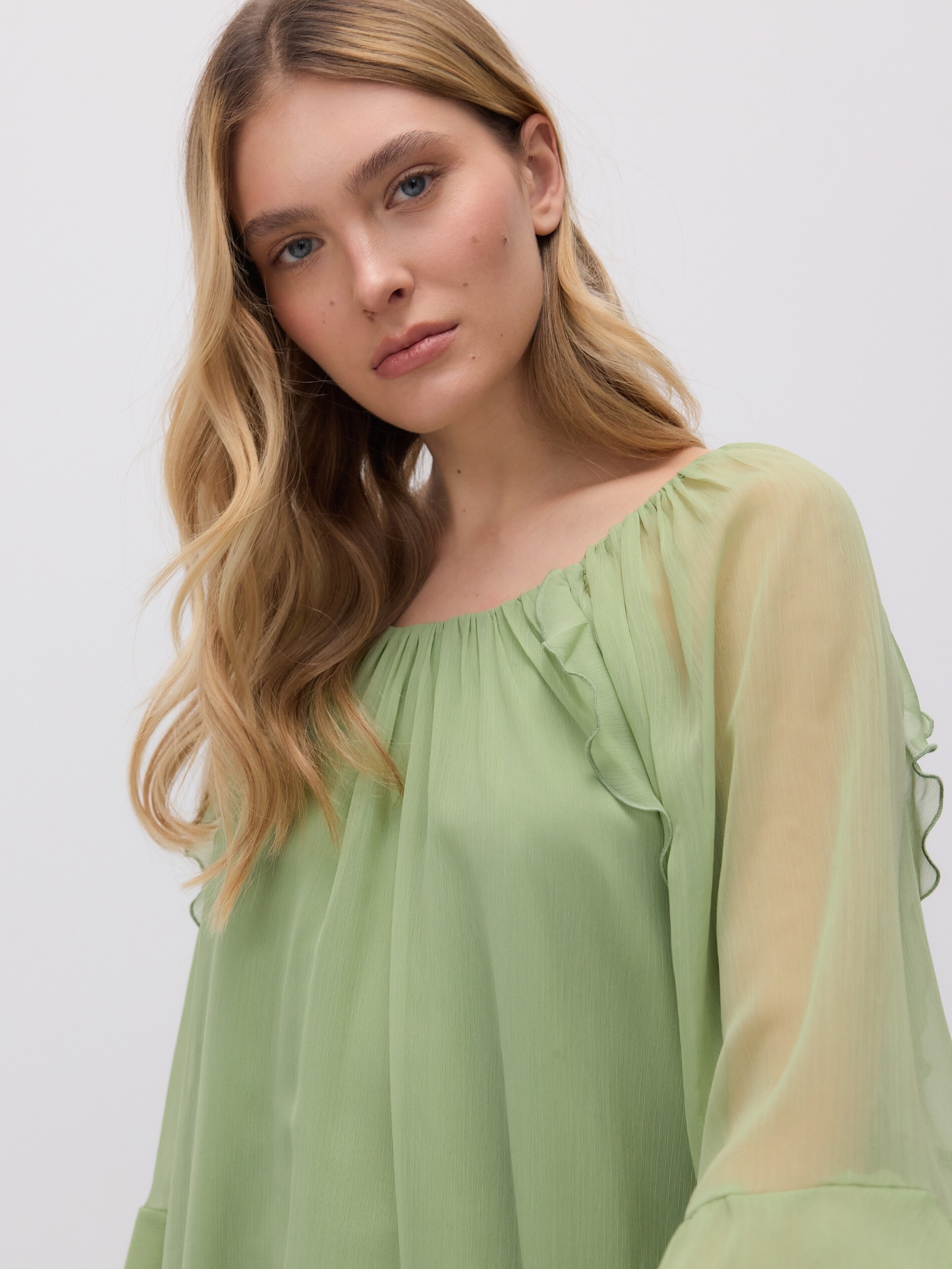
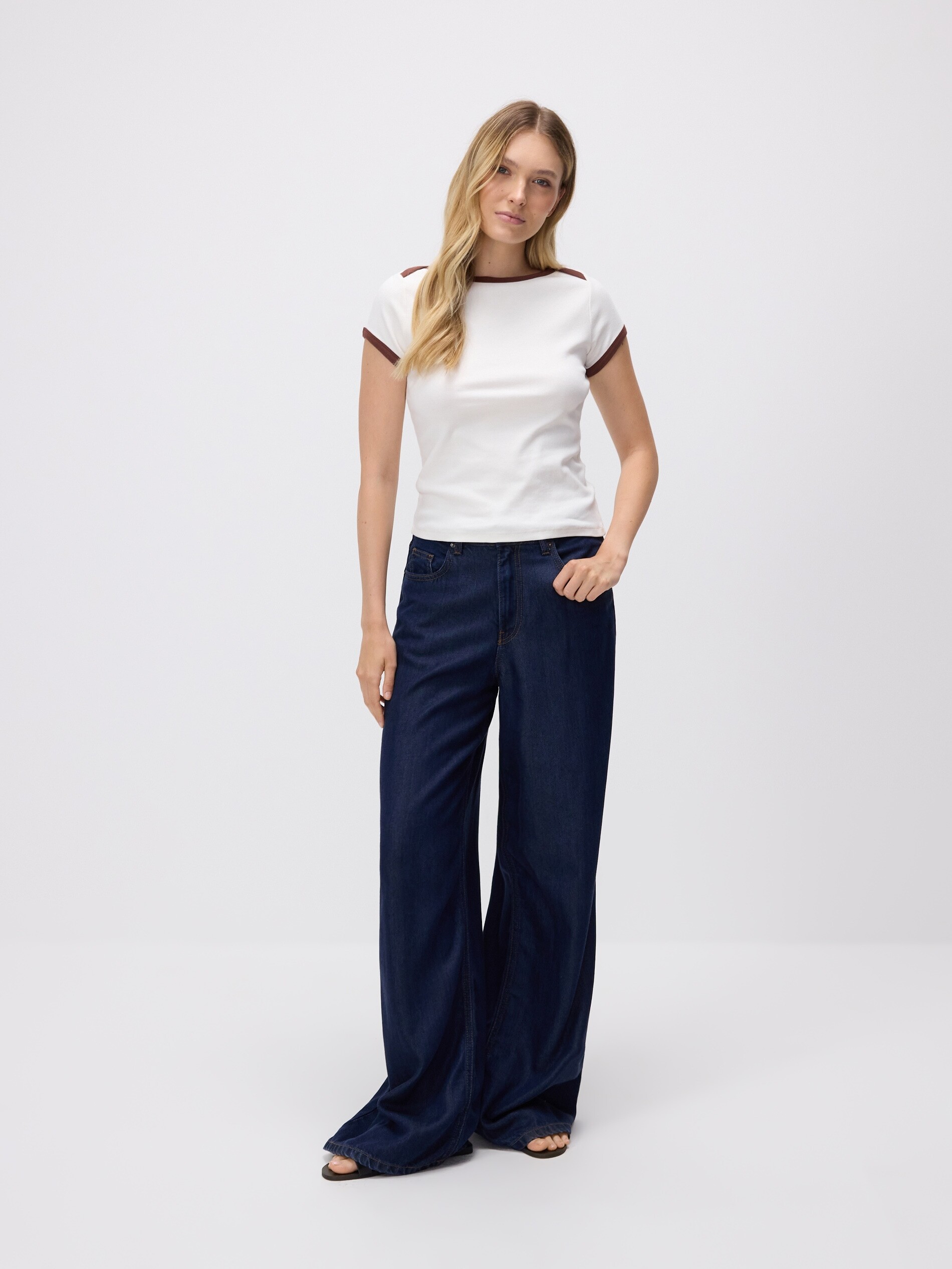
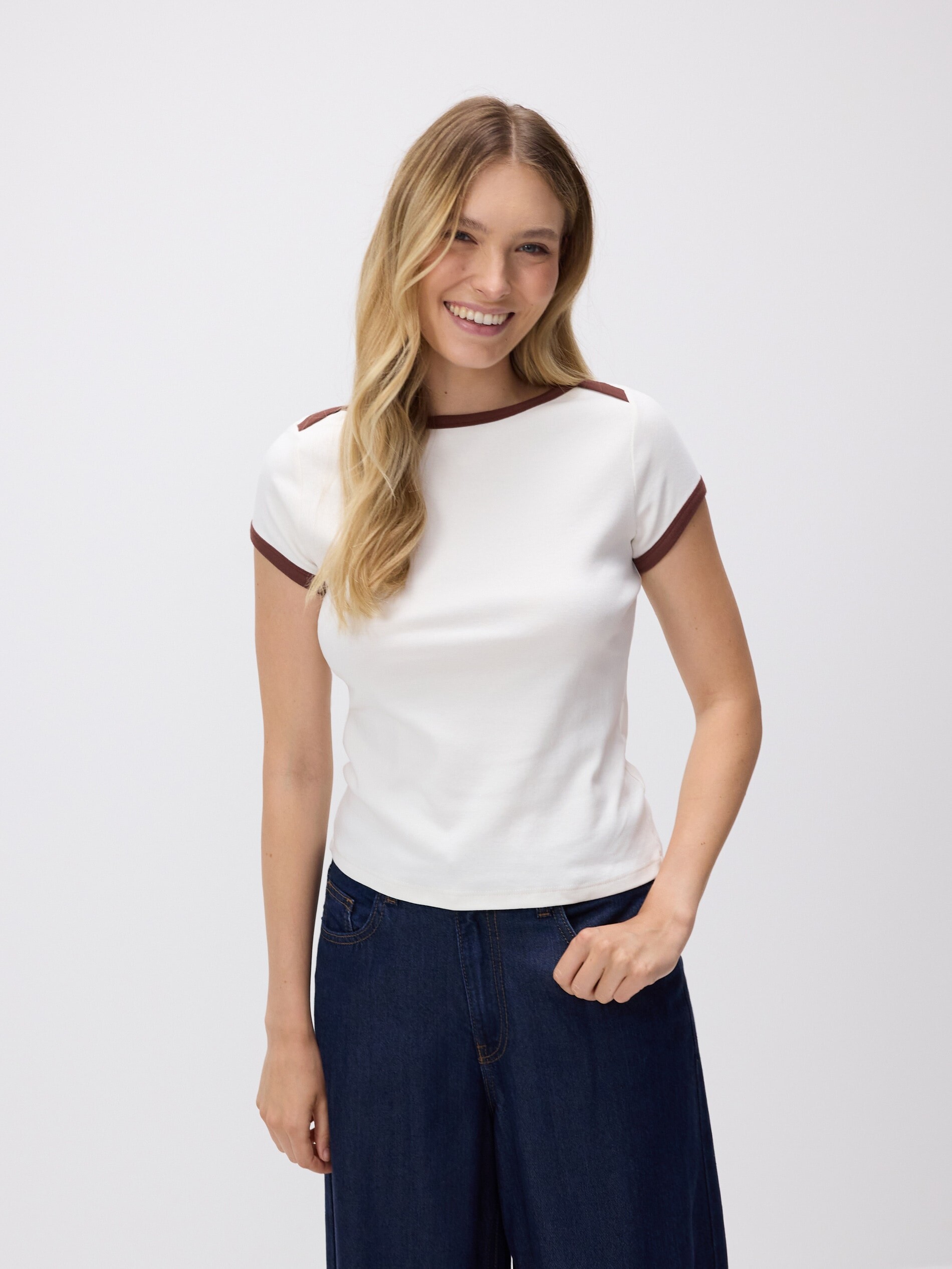
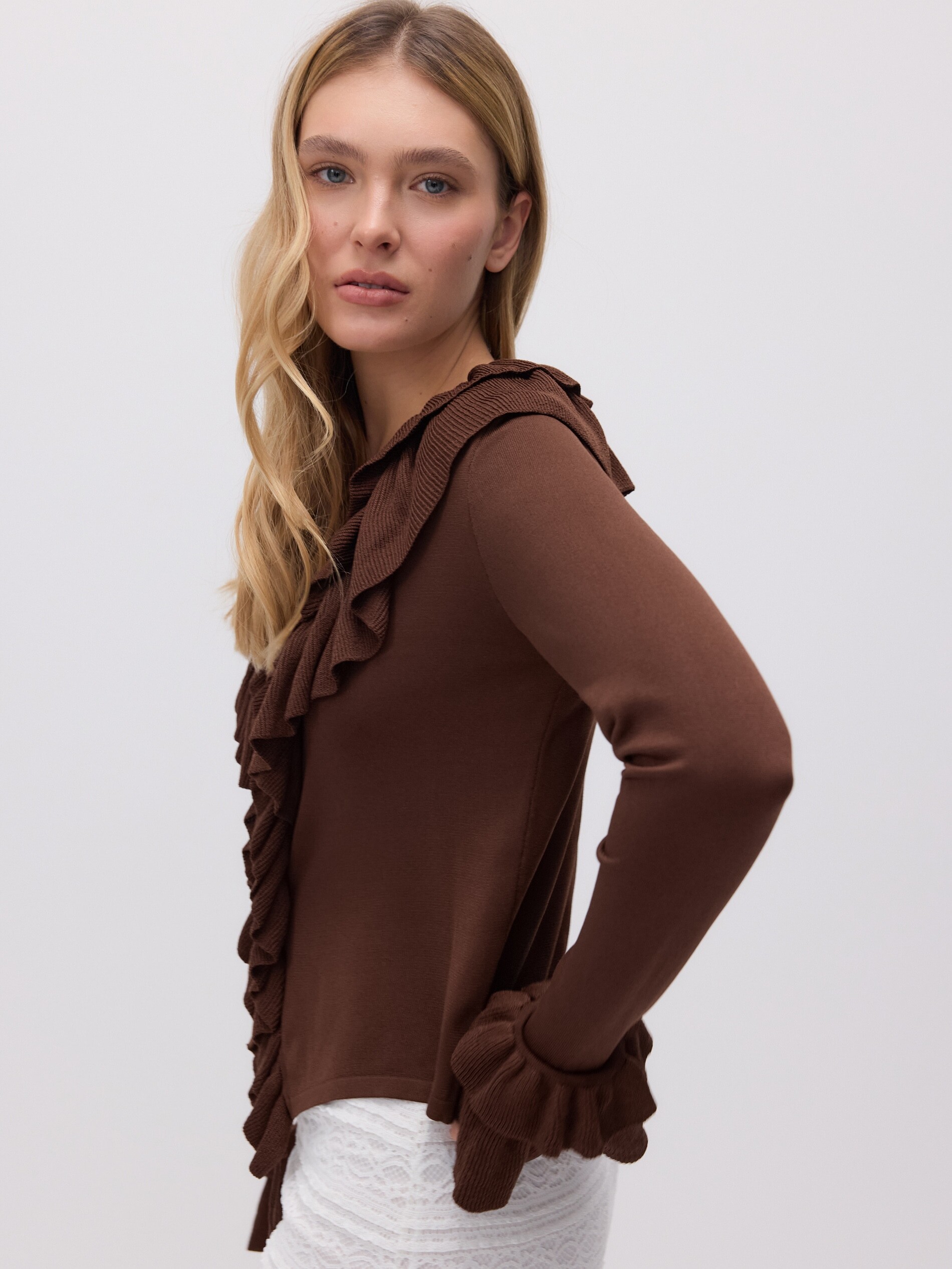
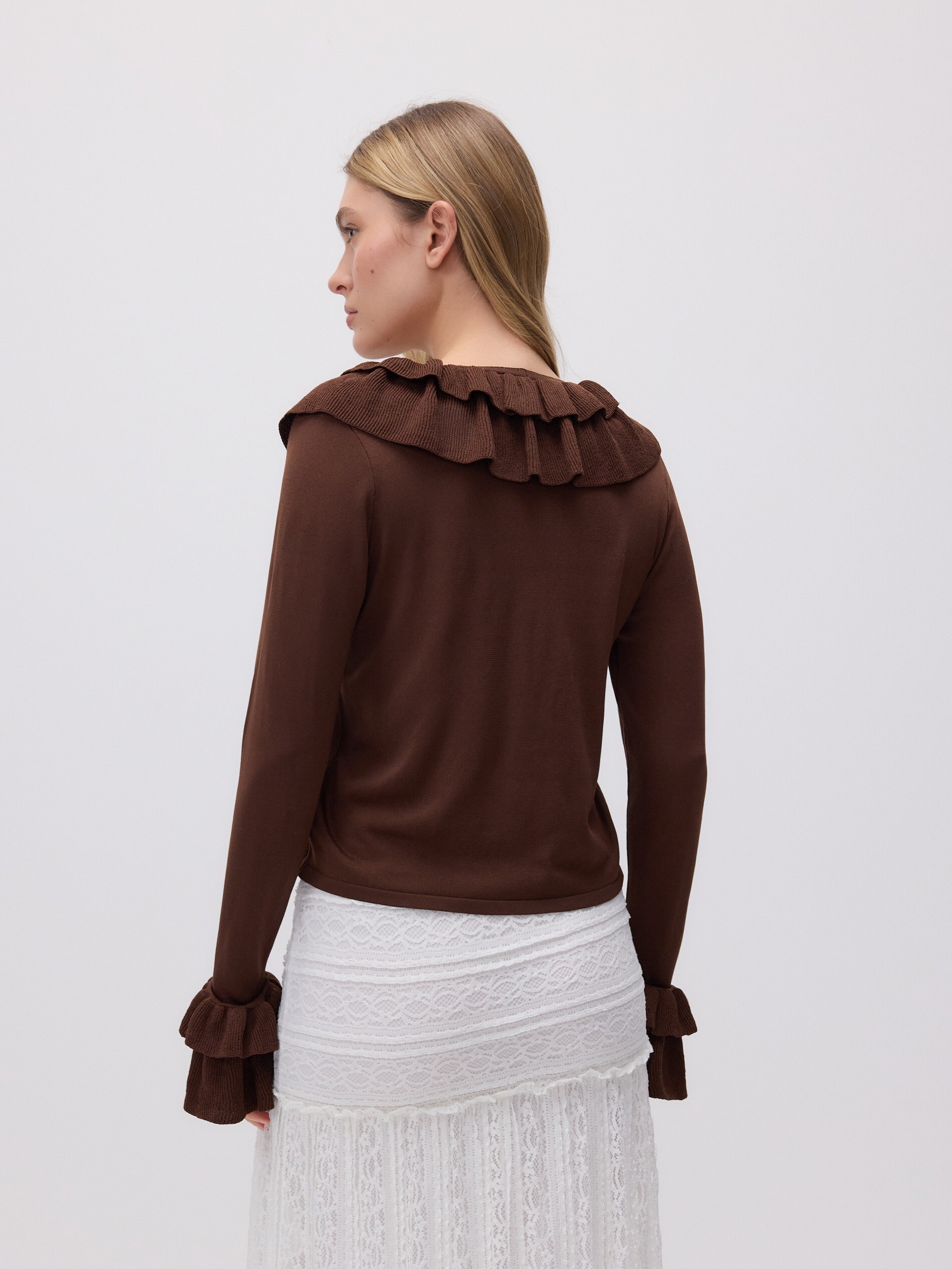
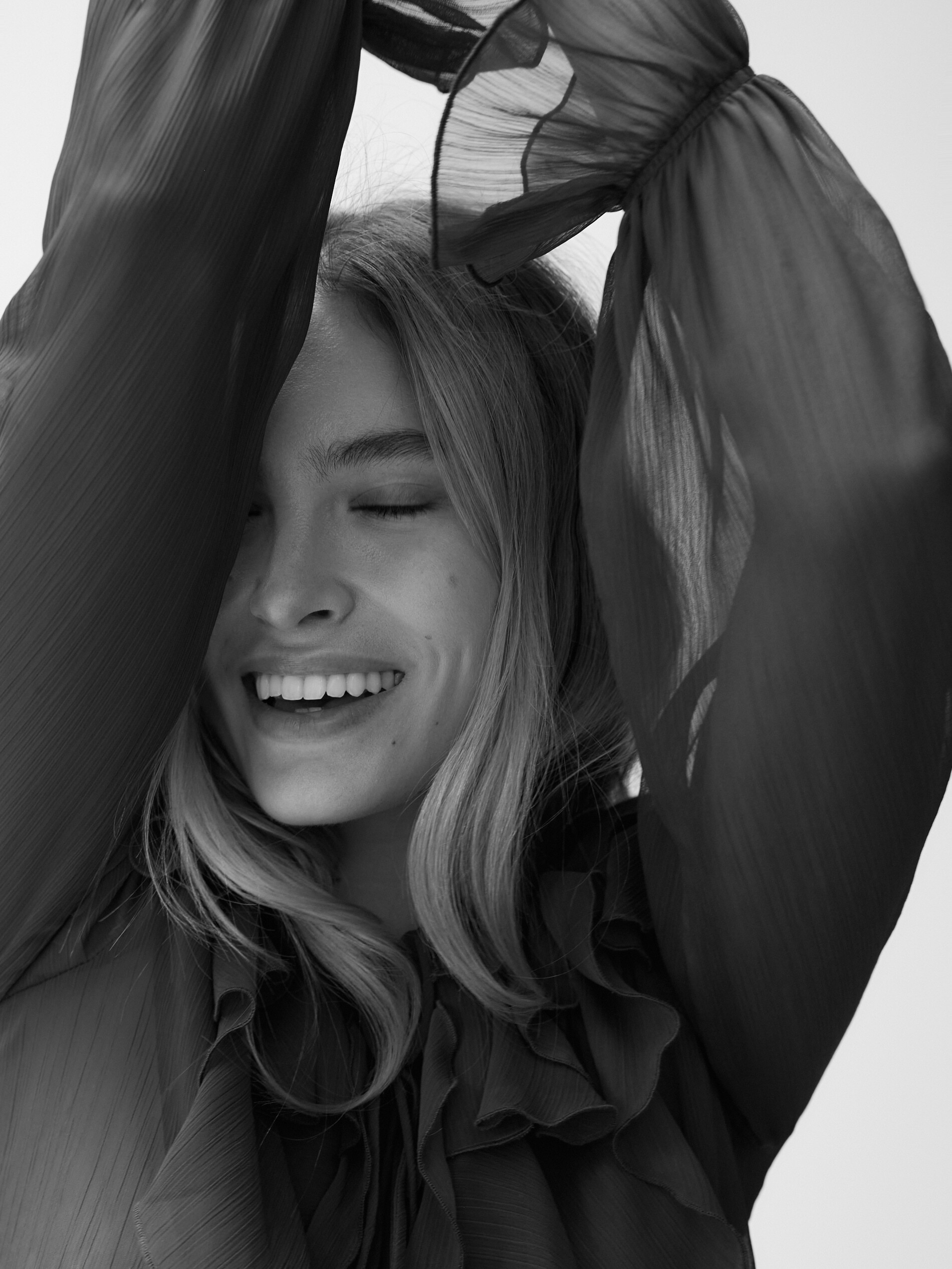
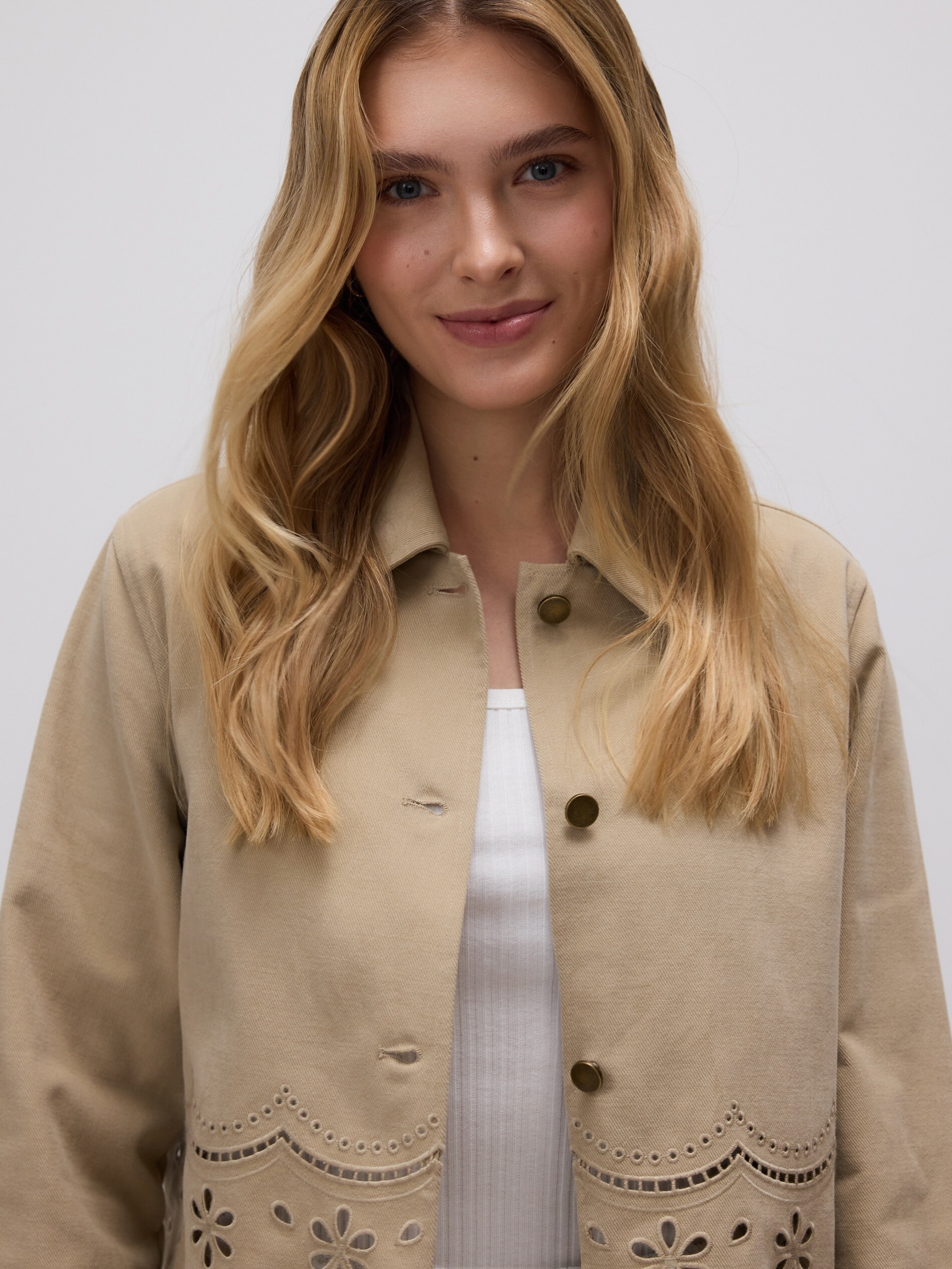
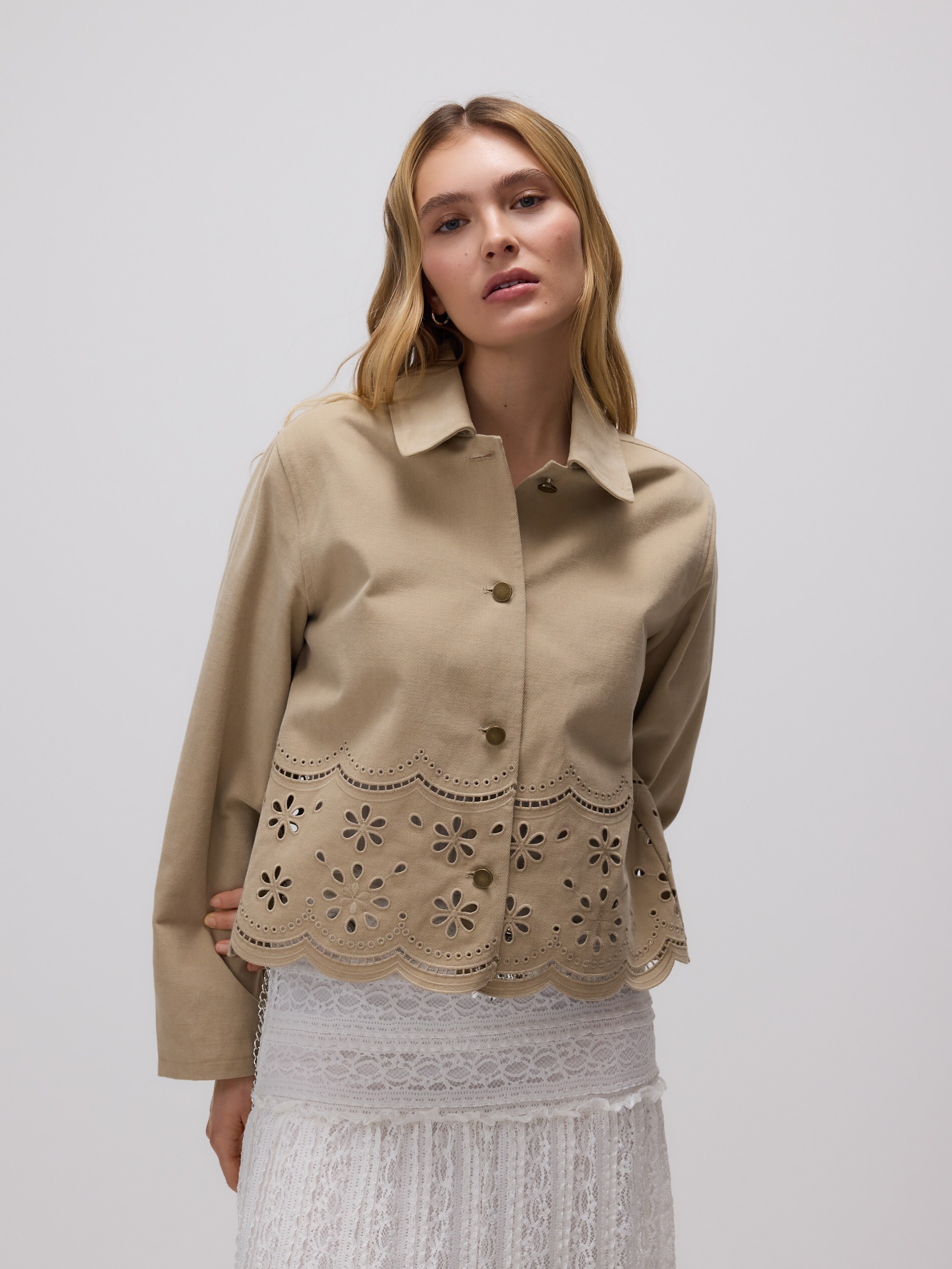
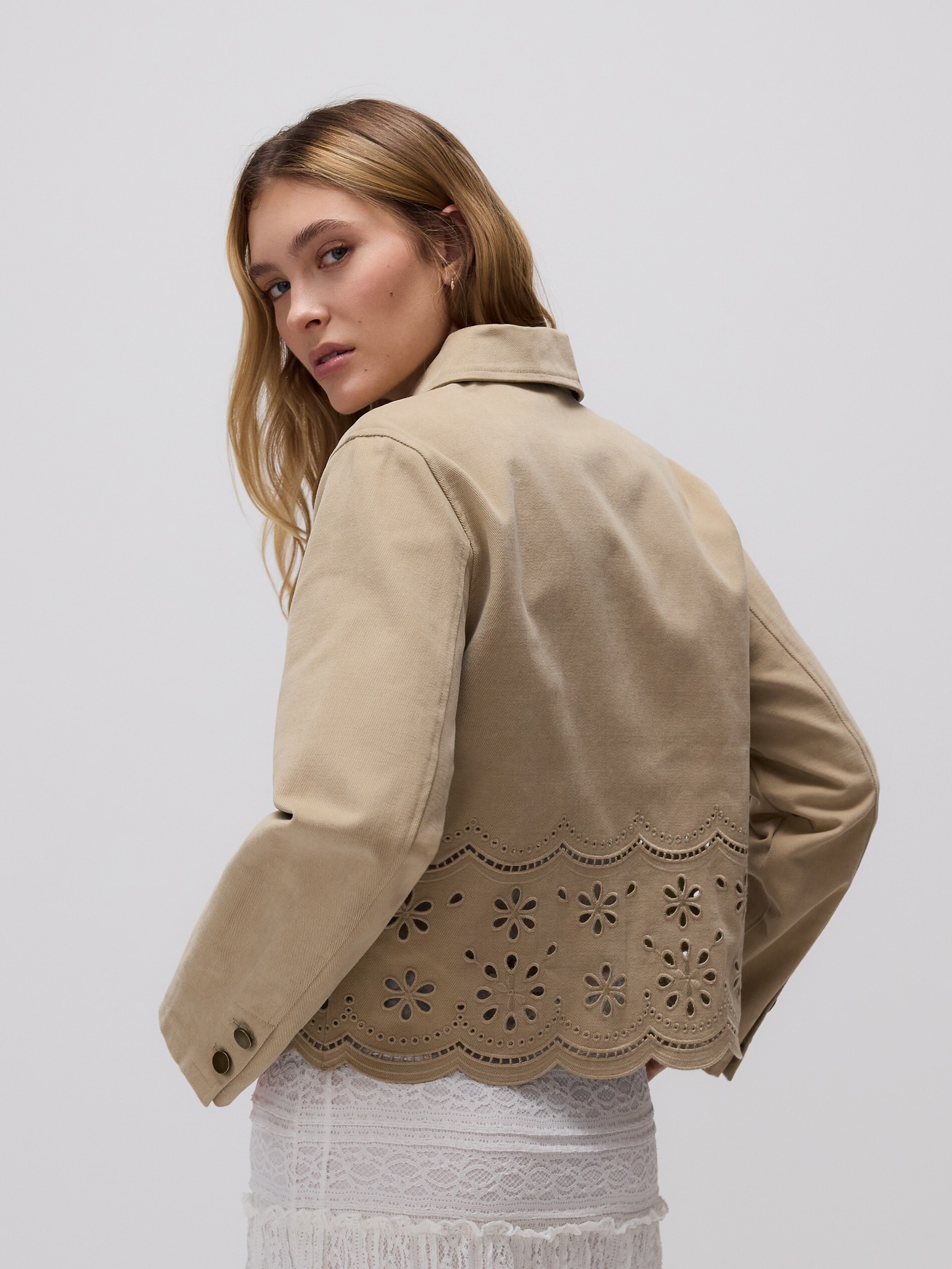
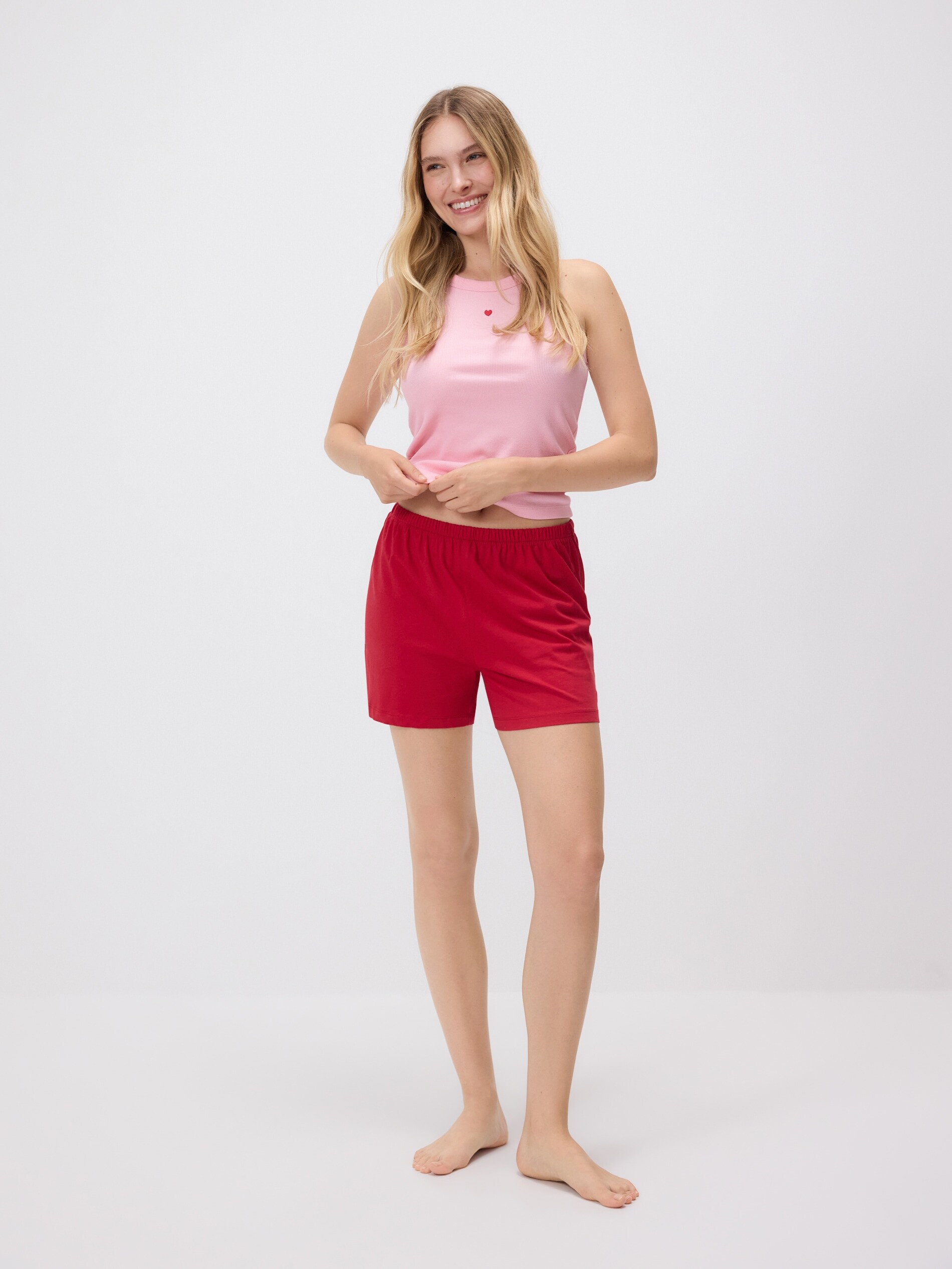
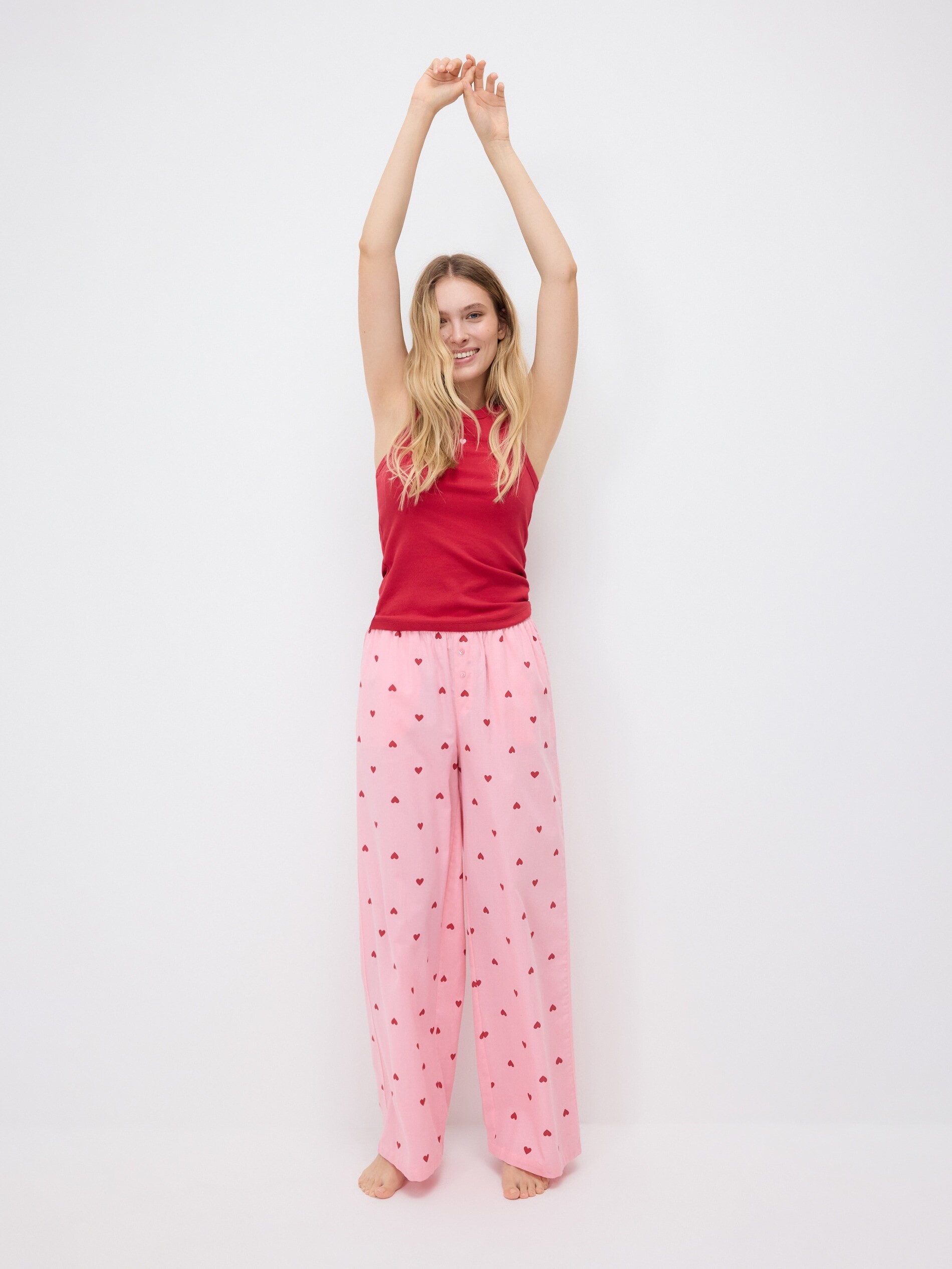
.jpg.29101a4c643ee0b0c3f644d4ee556160.jpg)
.jpg.4a15e412fc7e32477927755631dc0fea.jpg)