
Jump to content
View in the app

A better way to browse. Learn more.

Bellazon

A full-screen app on your home screen with push notifications, badges and more.

To install this app on iOS and iPadOS
  1. Tap the Share icon in Safari
  2. Scroll the menu and tap Add to Home Screen.
  3. Tap Add in the top-right corner.
To install this app on Android
  1. Tap the 3-dot menu (⋮) in the top-right corner of the browser.
  2. Tap Add to Home screen or Install app.
  3. Confirm by tapping Install.

Morph69

Members
  • Joined

  • Last visited

Everything posted by Morph69

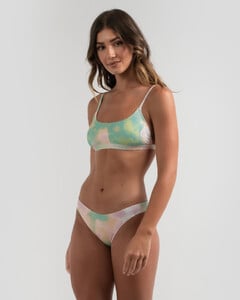
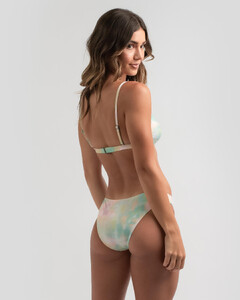
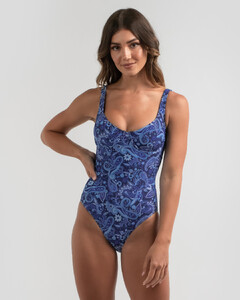
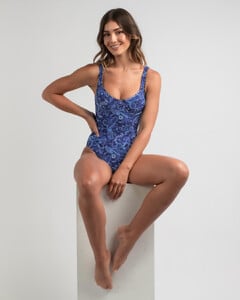
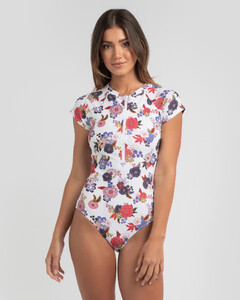
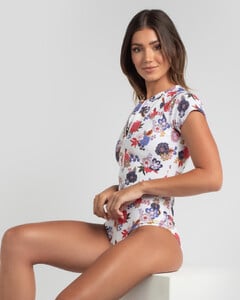
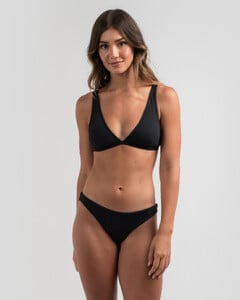
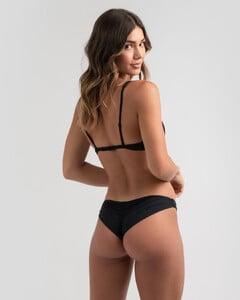
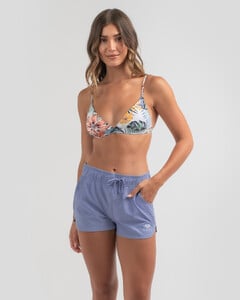
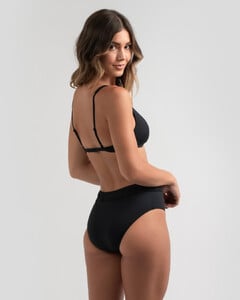
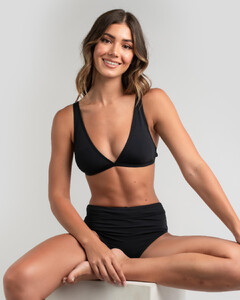
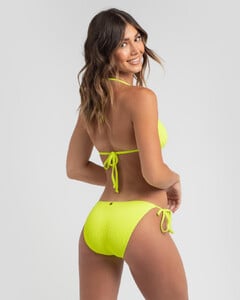
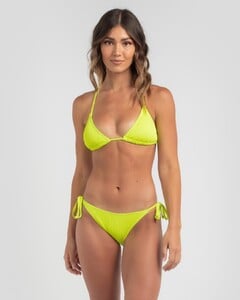
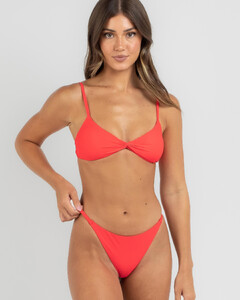
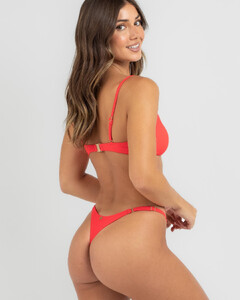
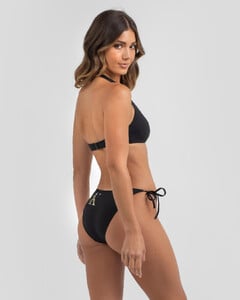
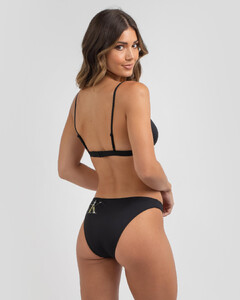
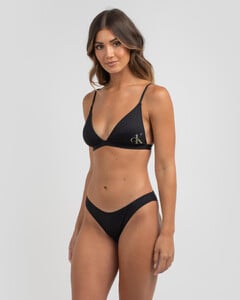
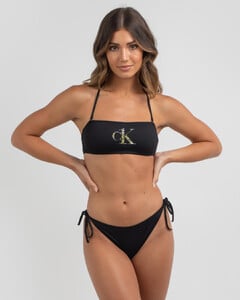
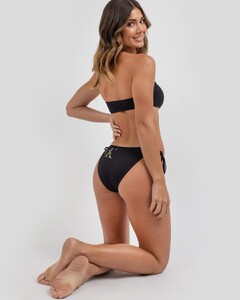
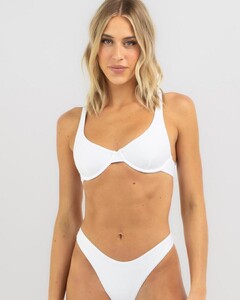
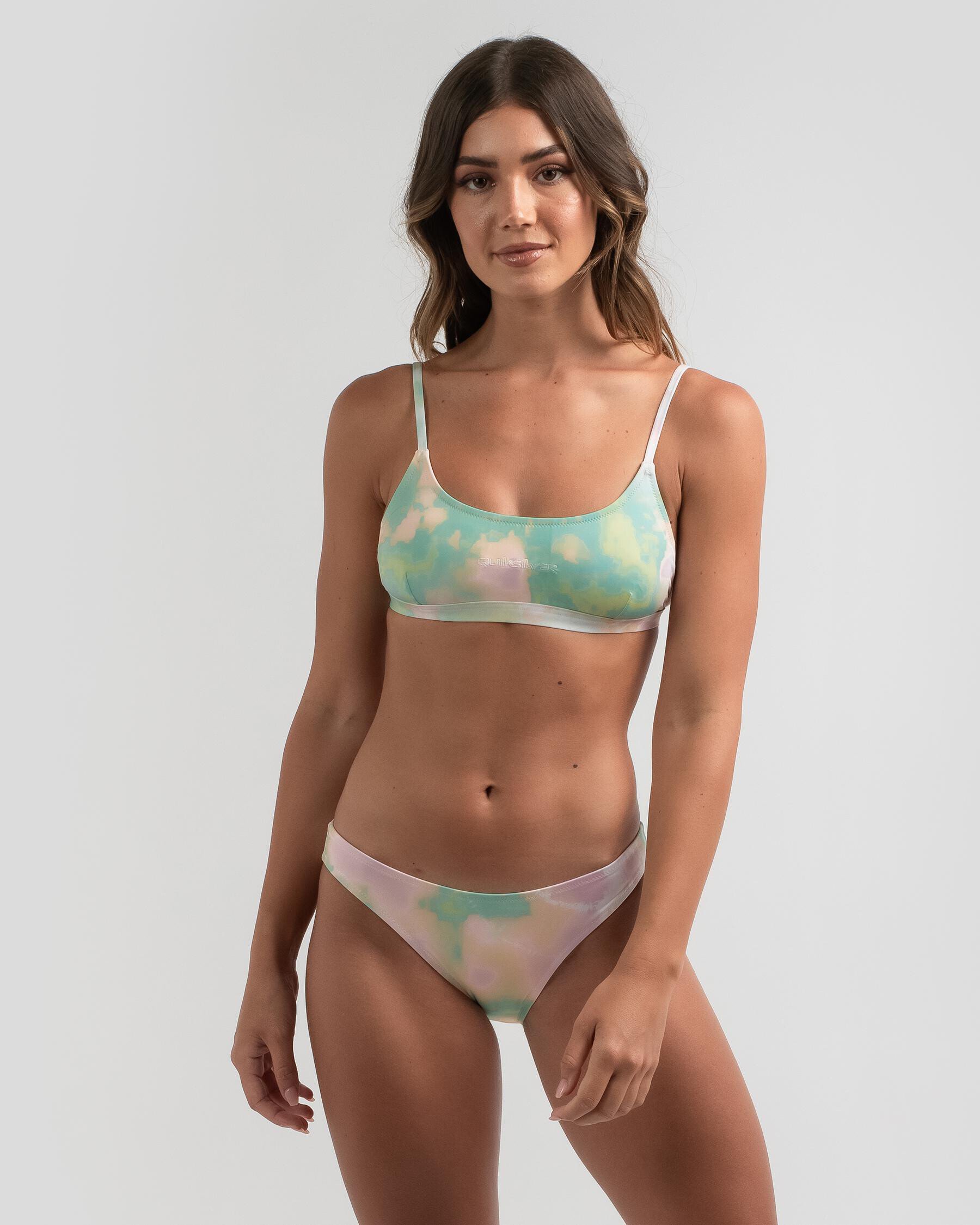
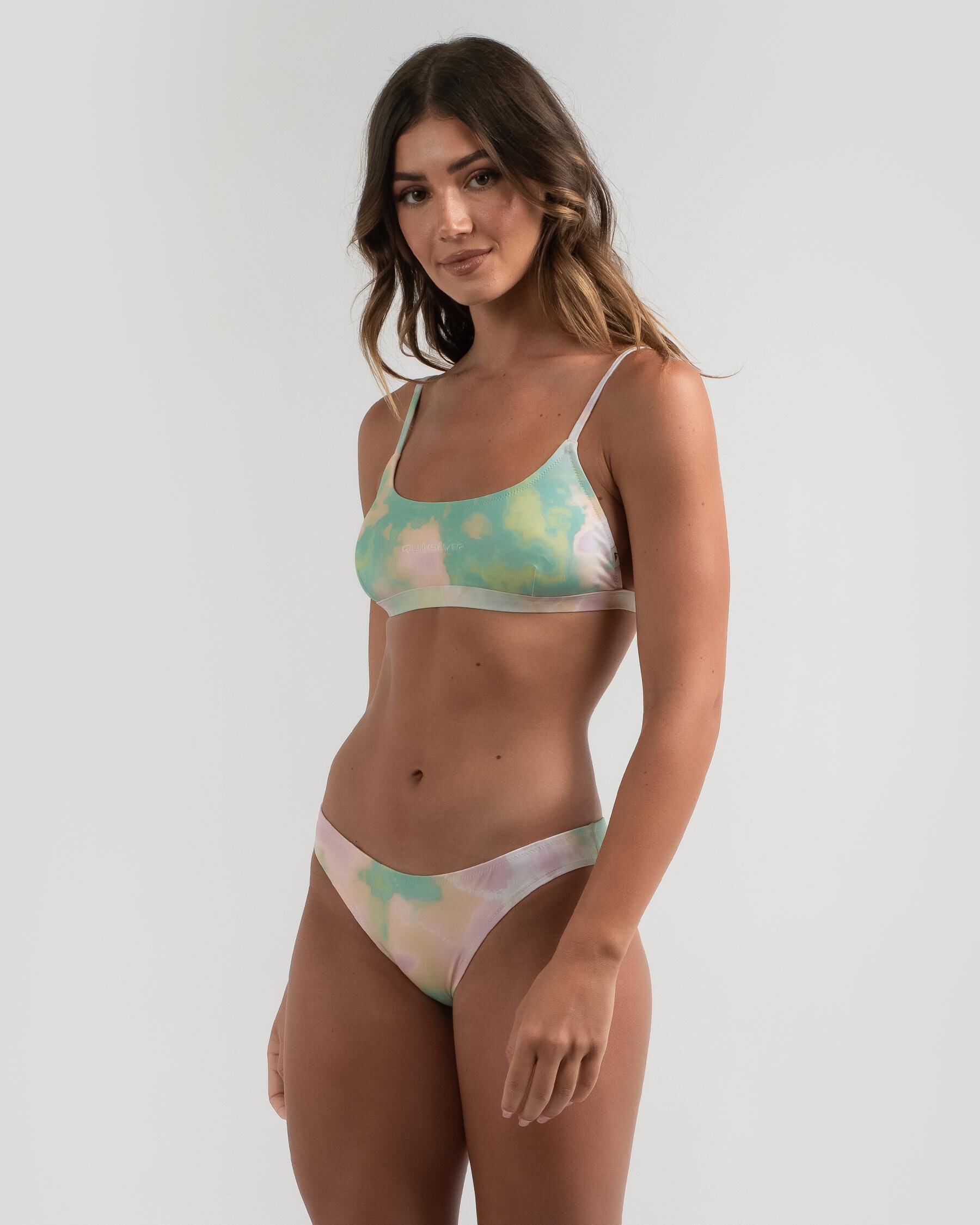
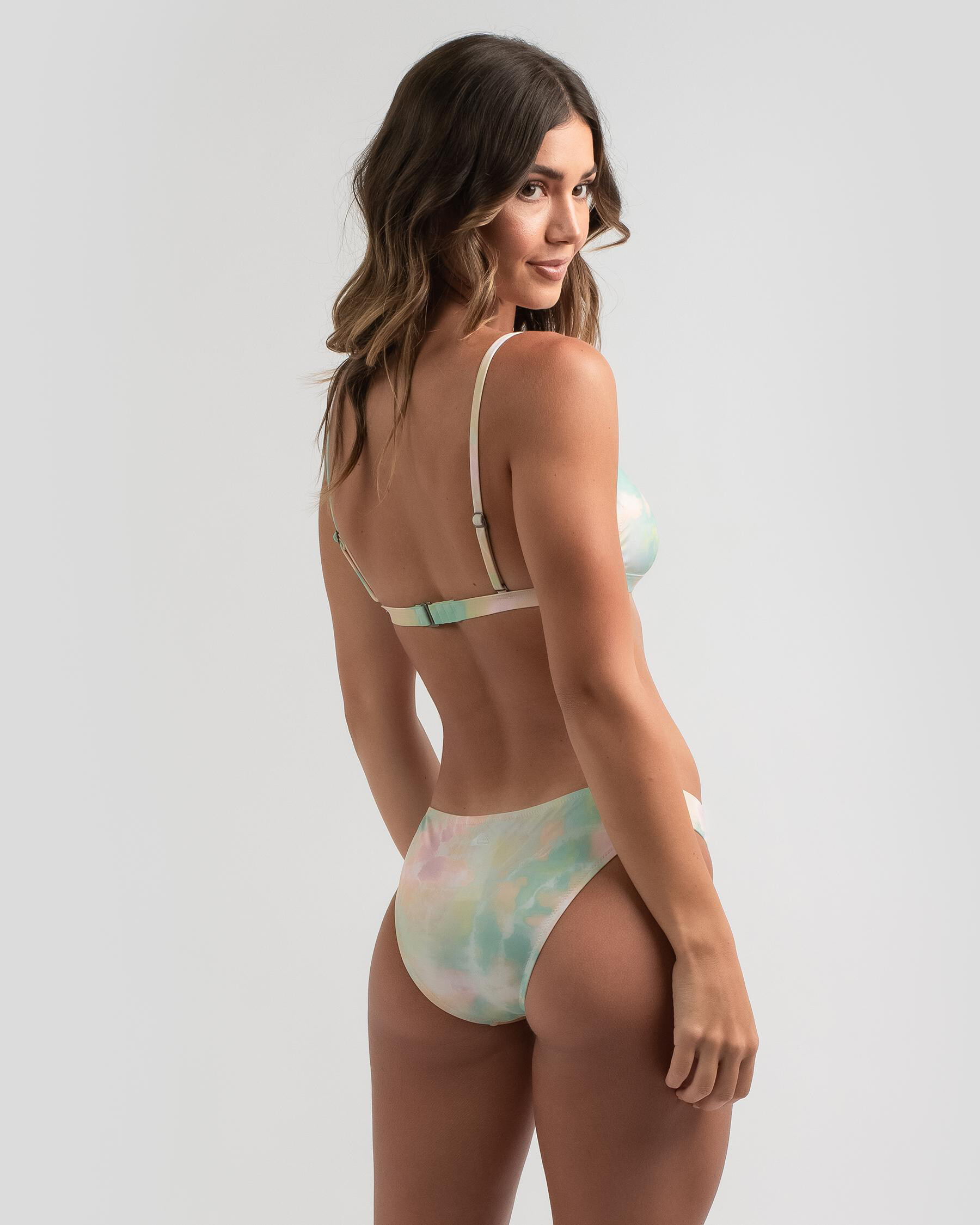
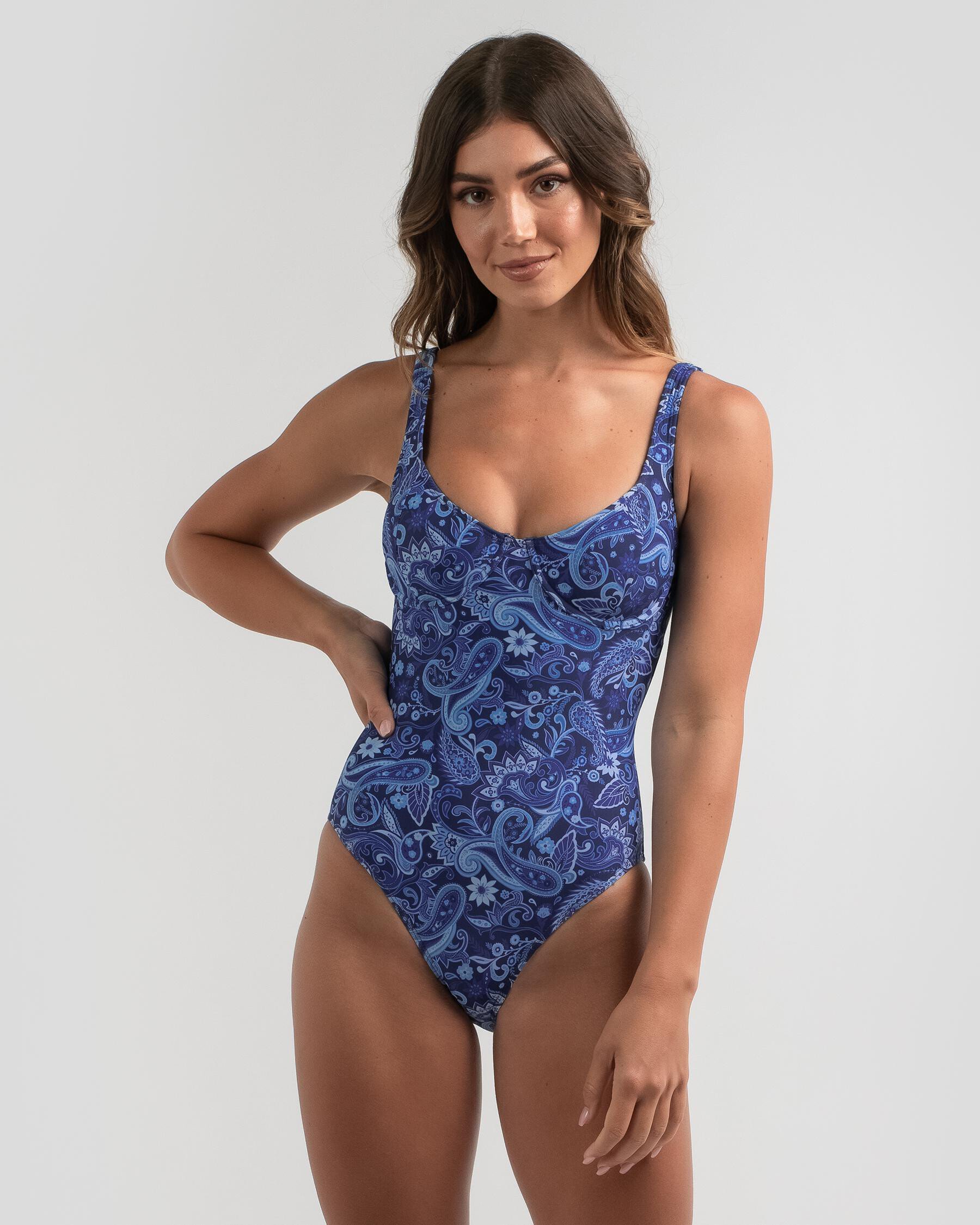
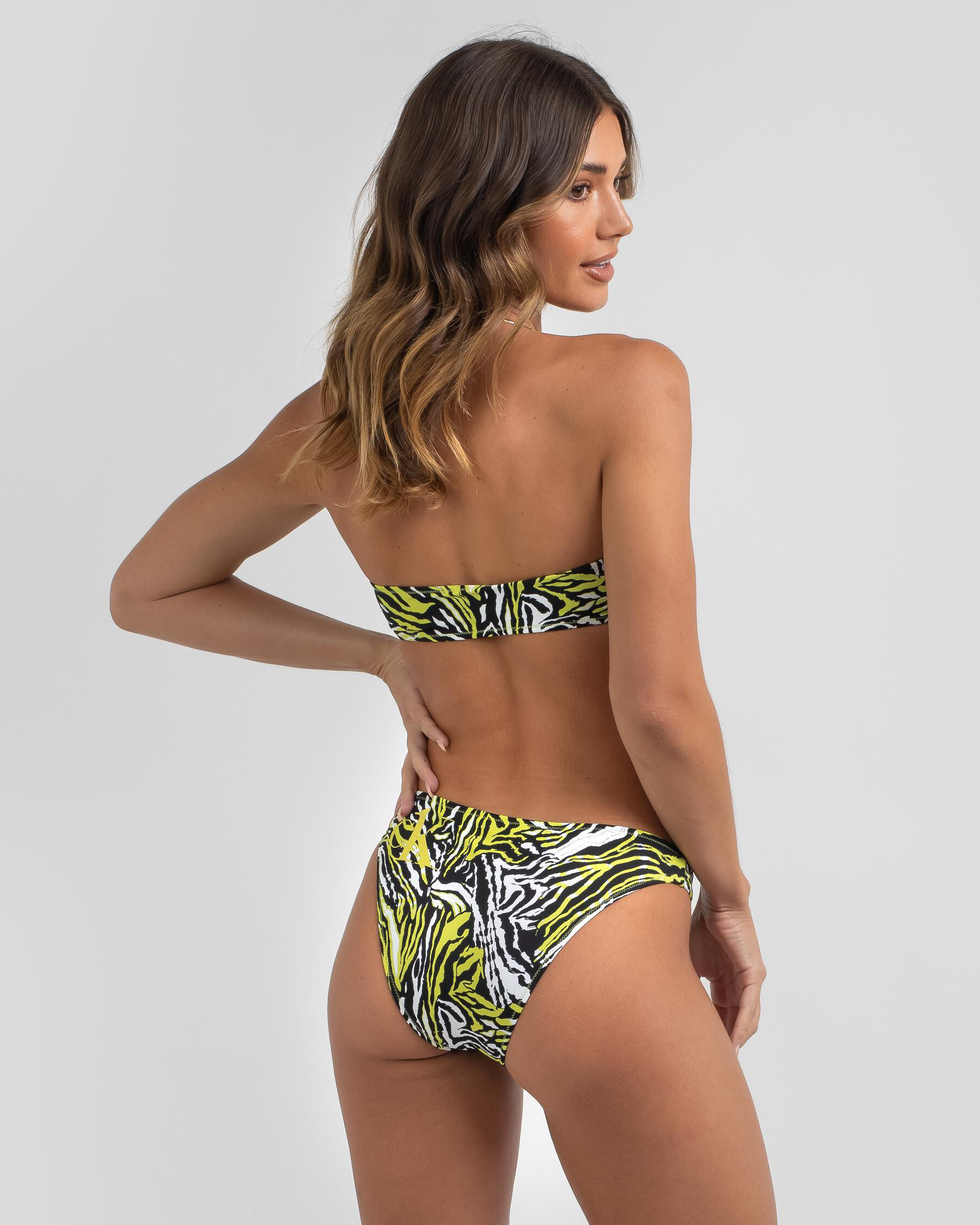
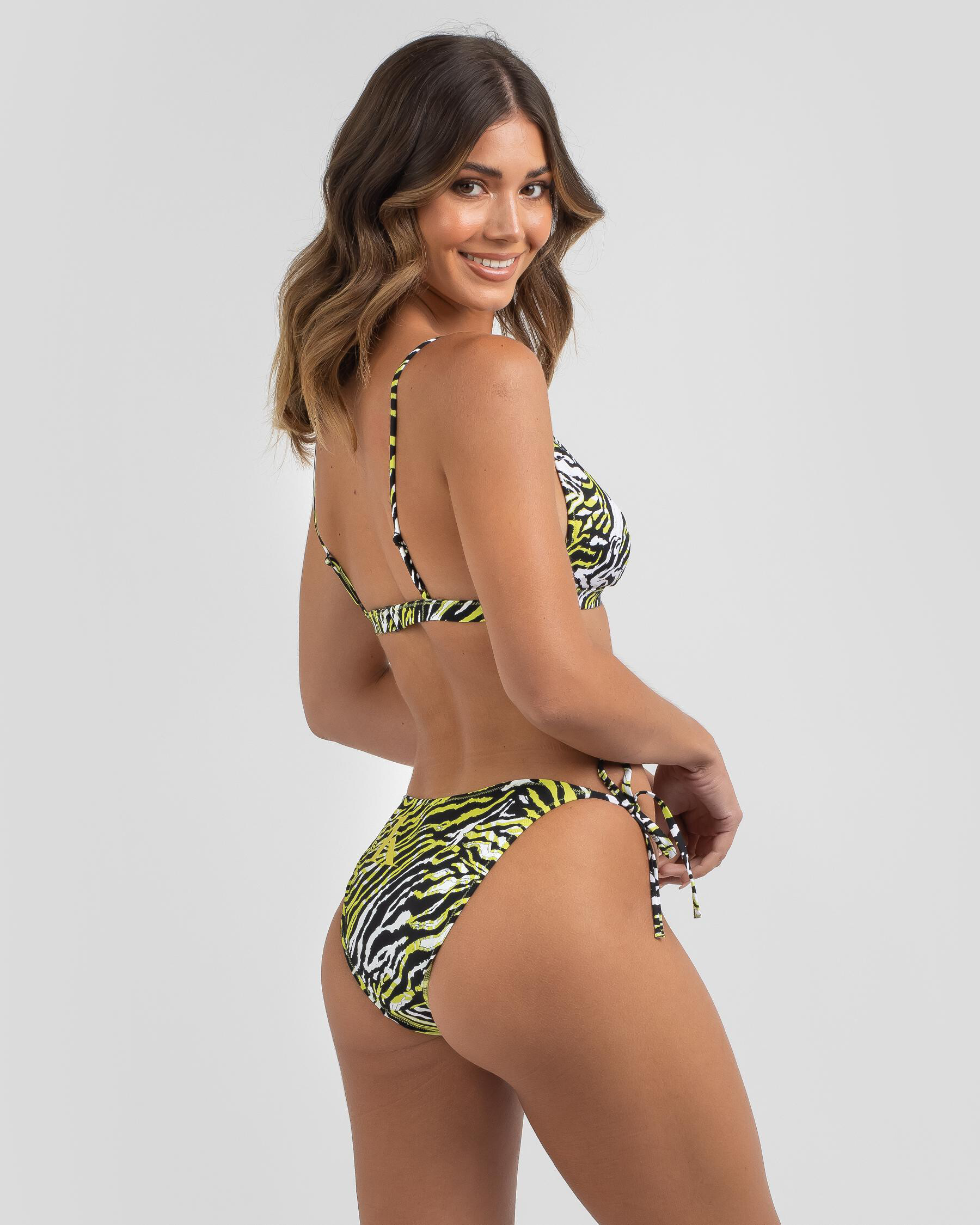
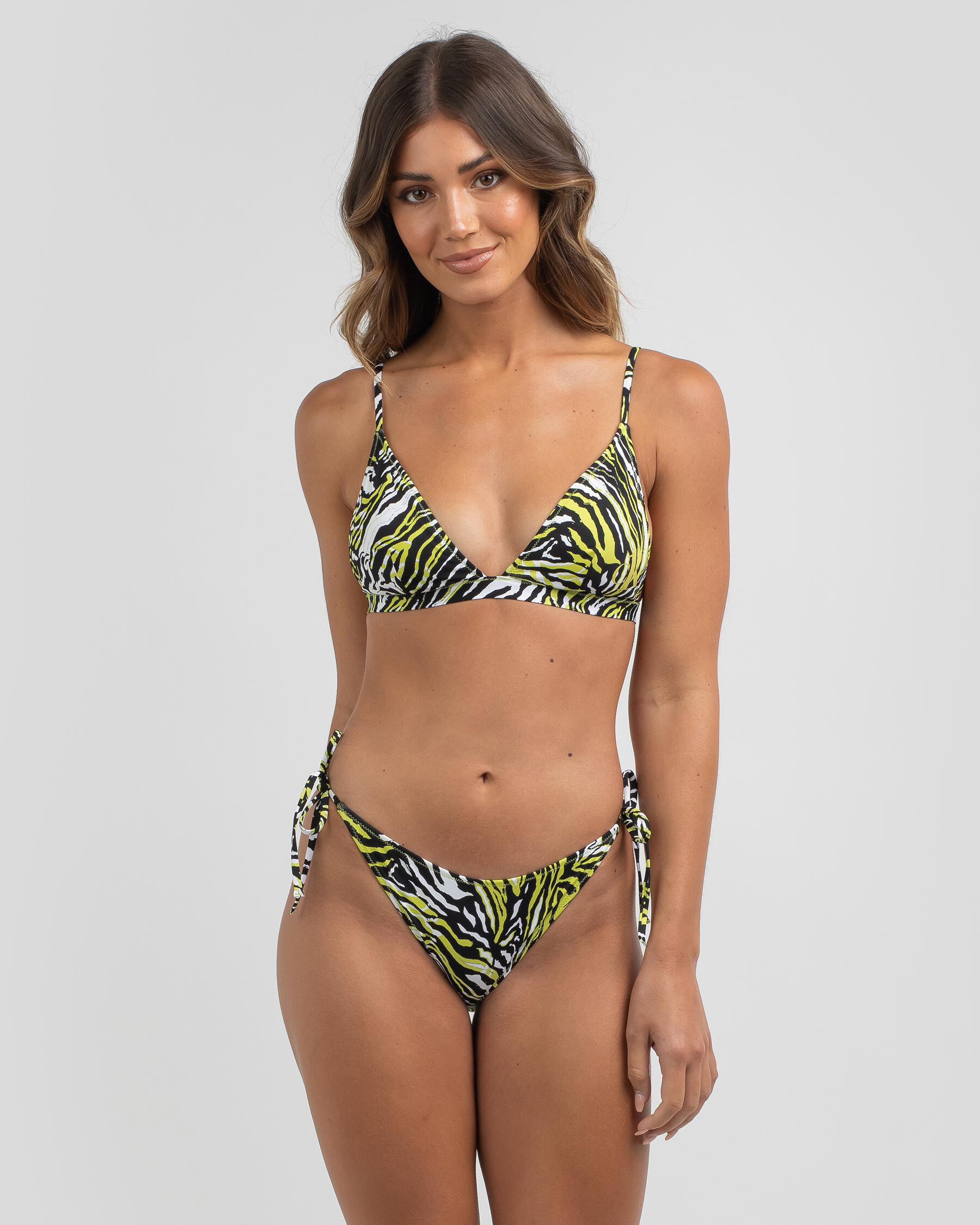
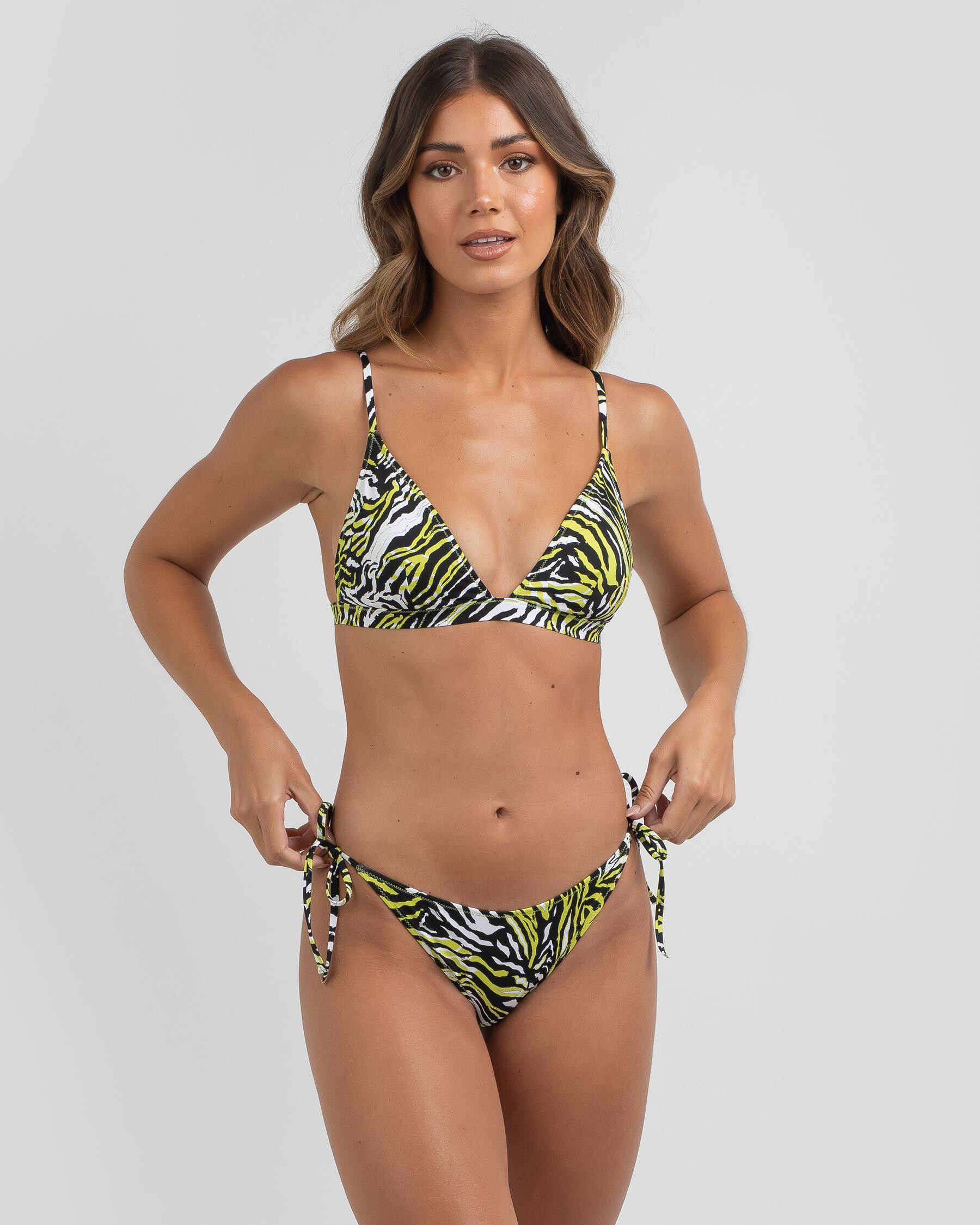
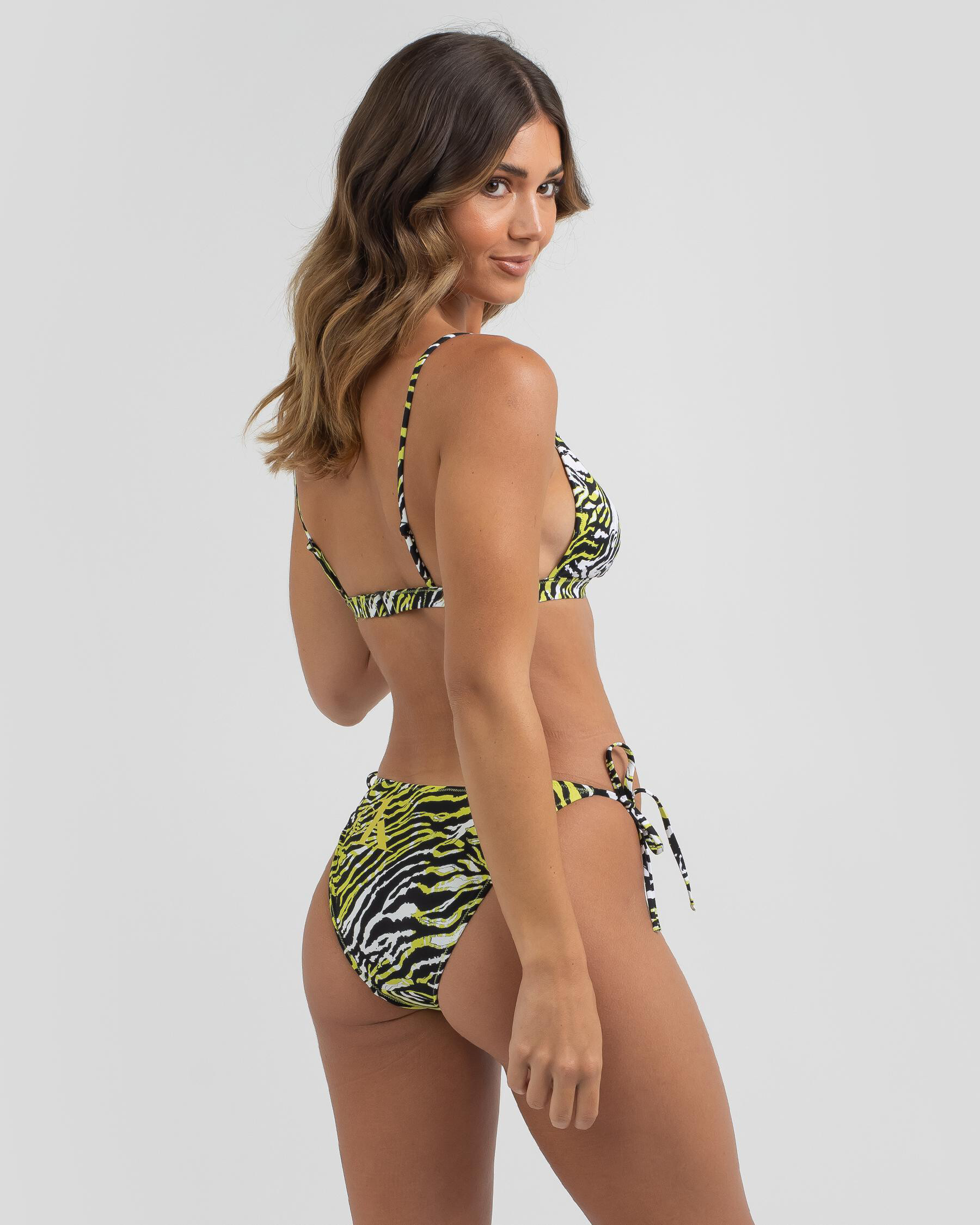
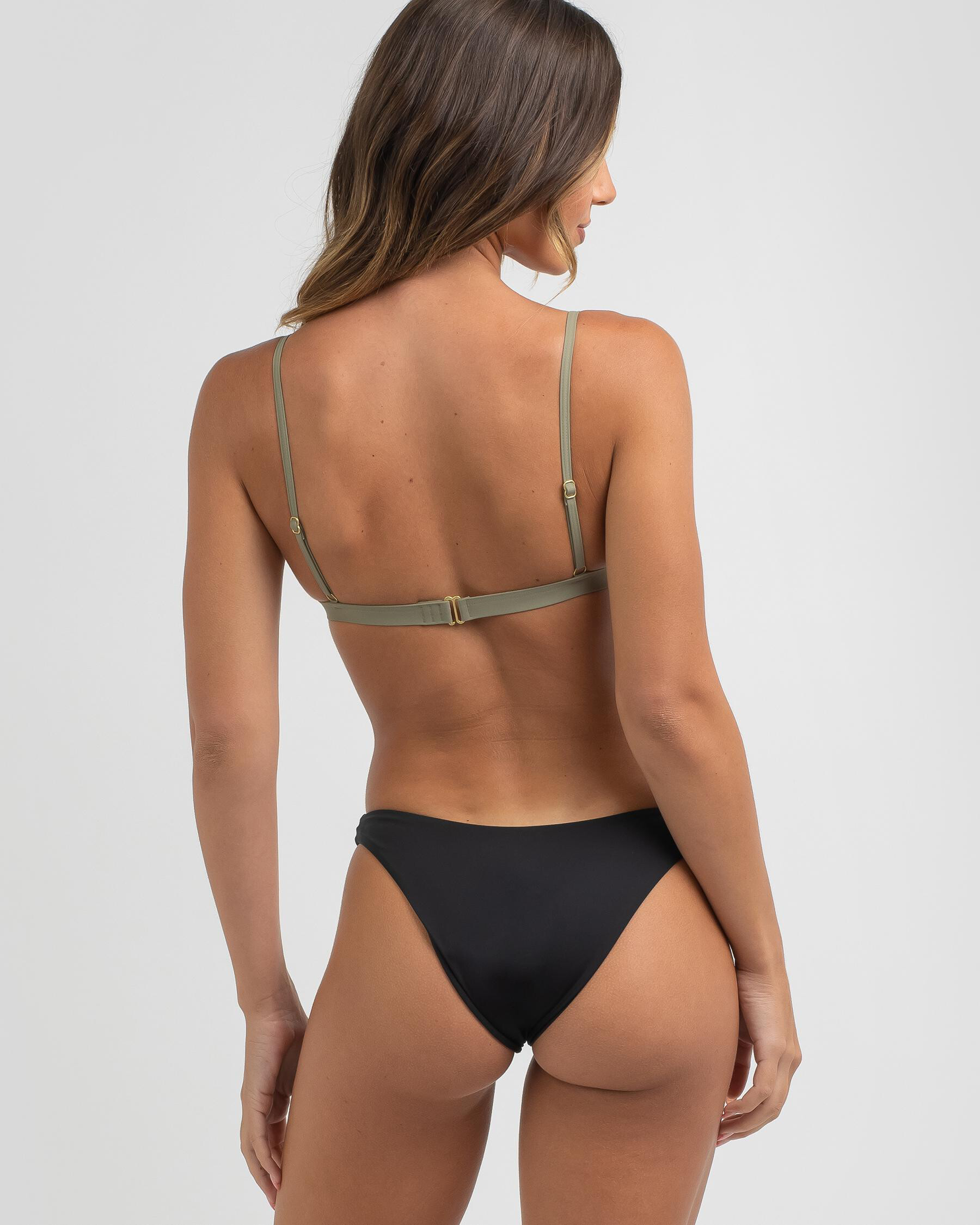
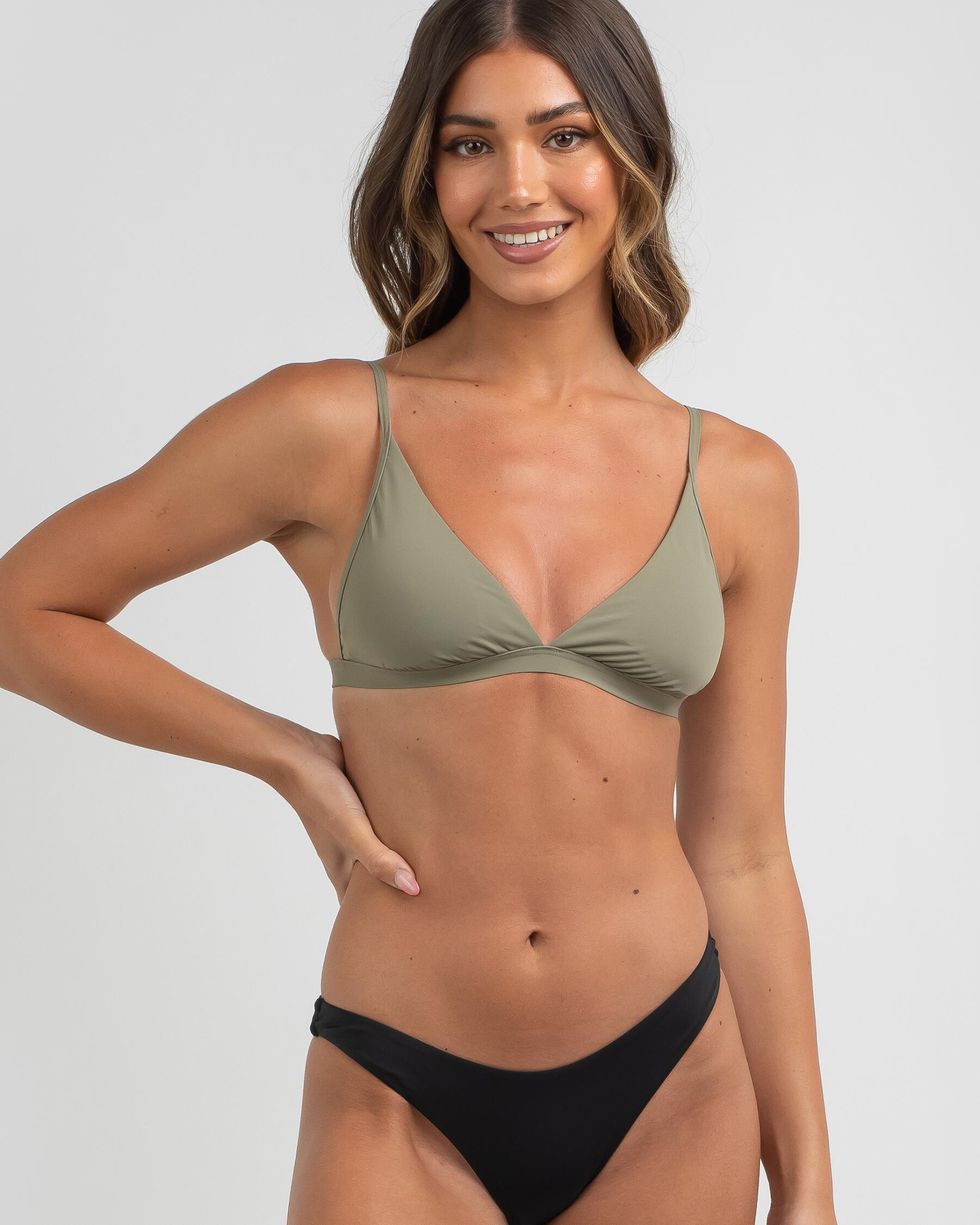
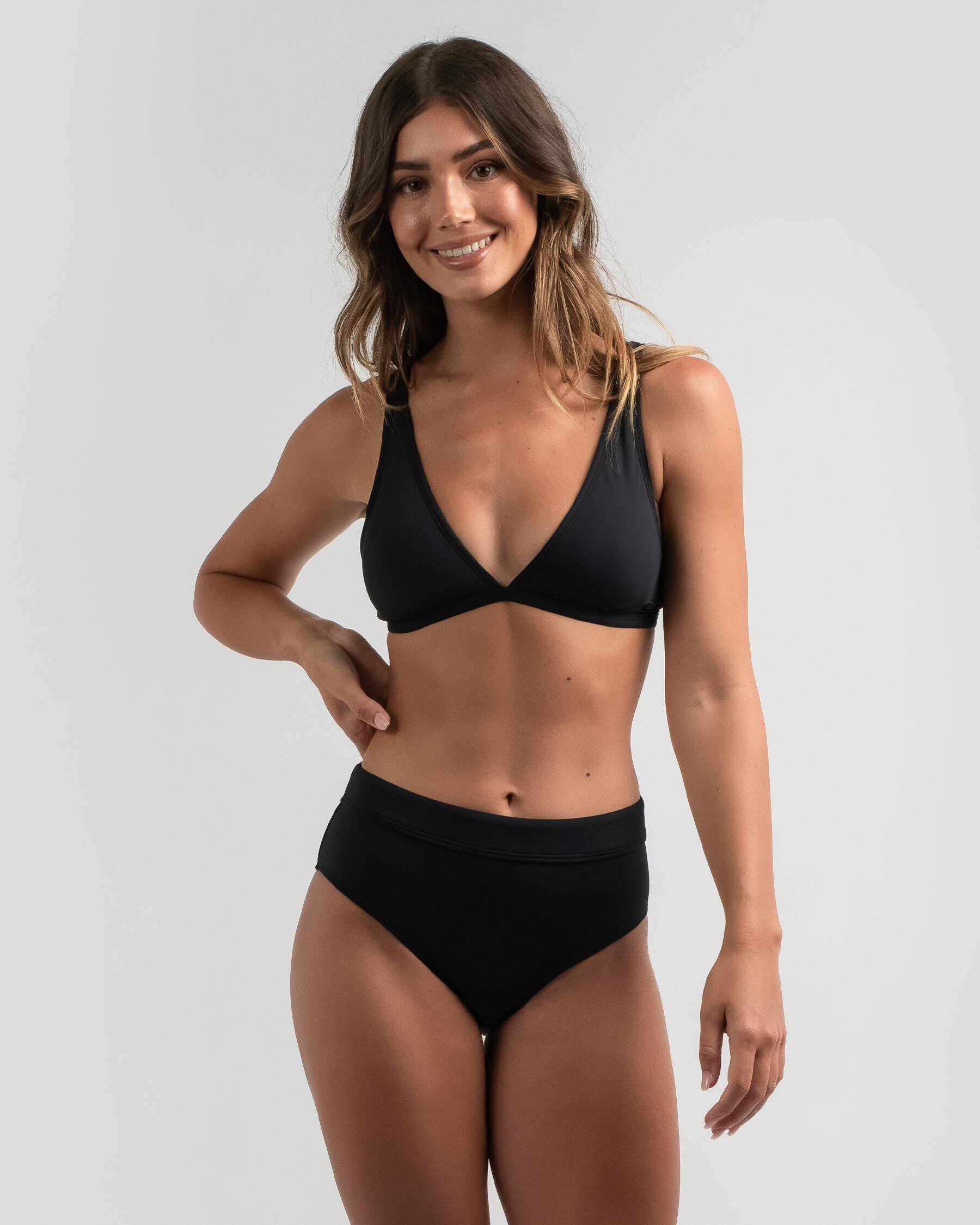
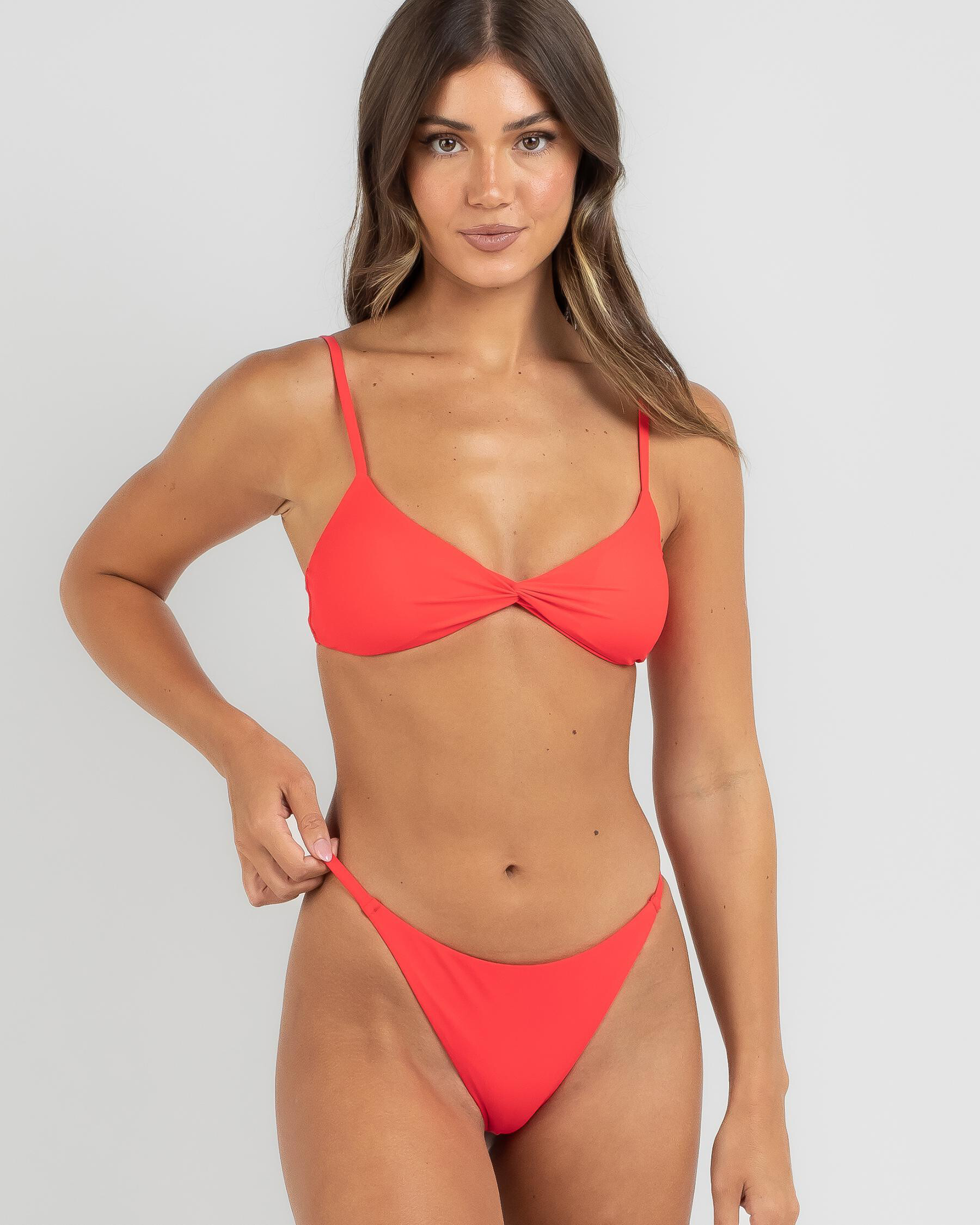
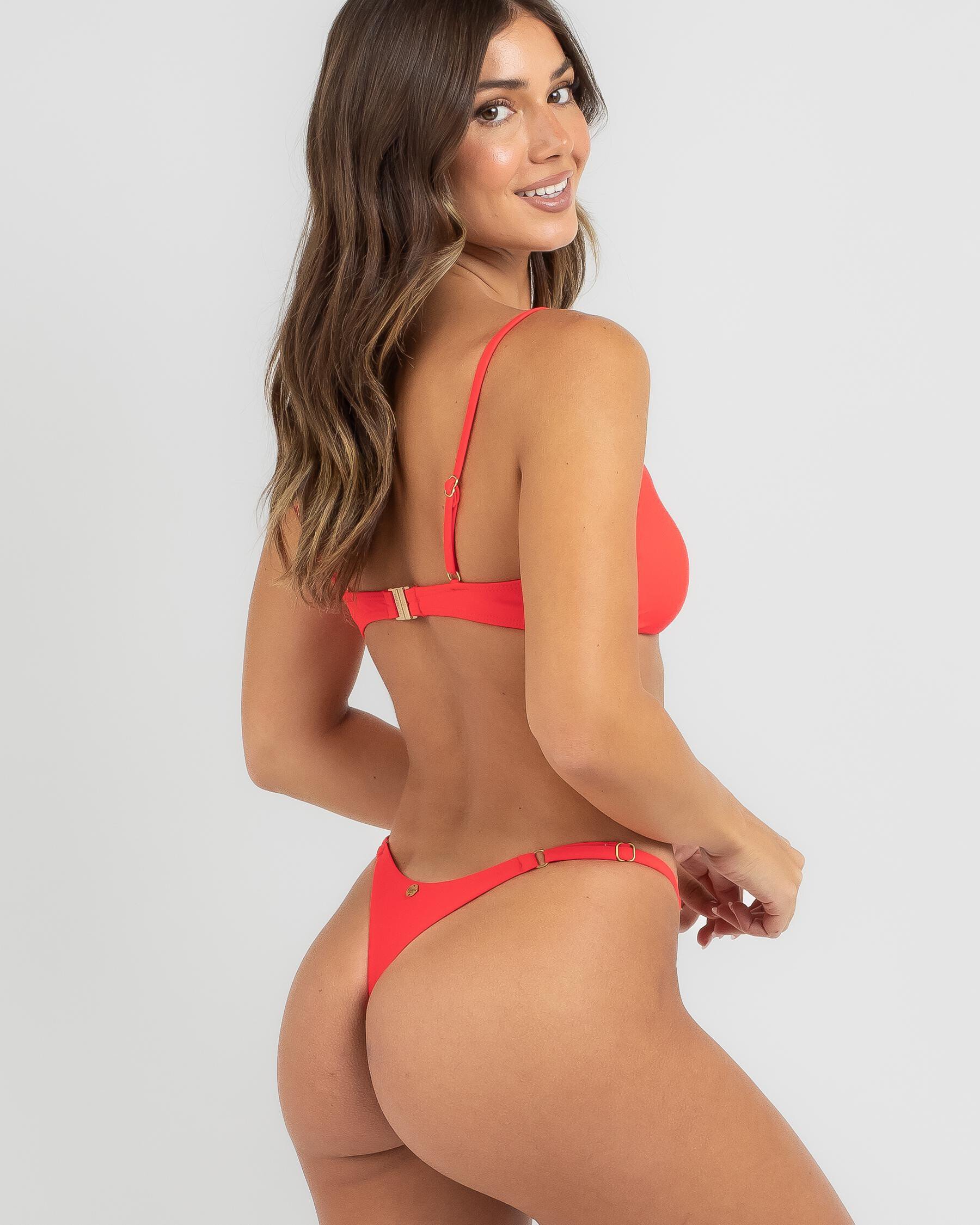
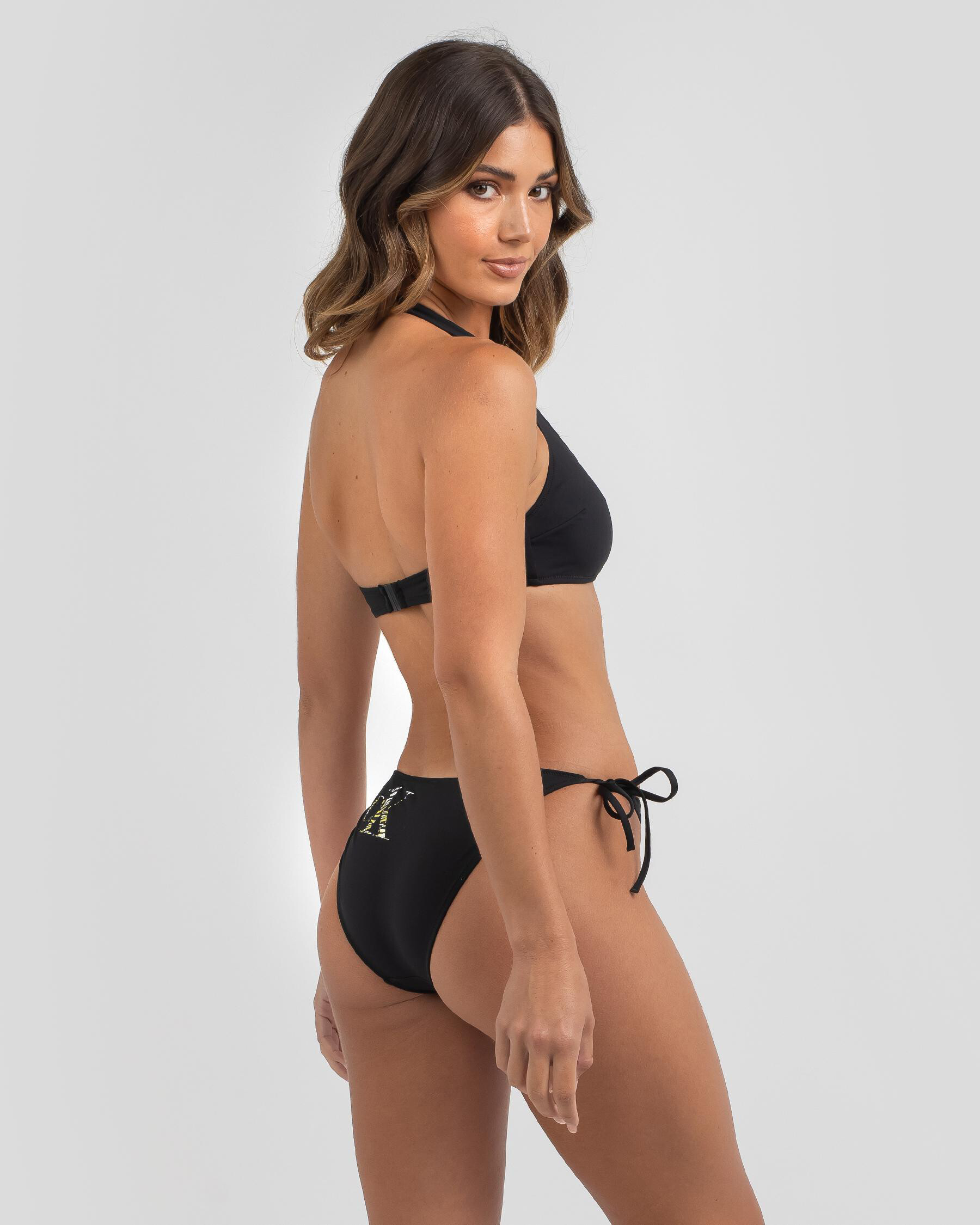
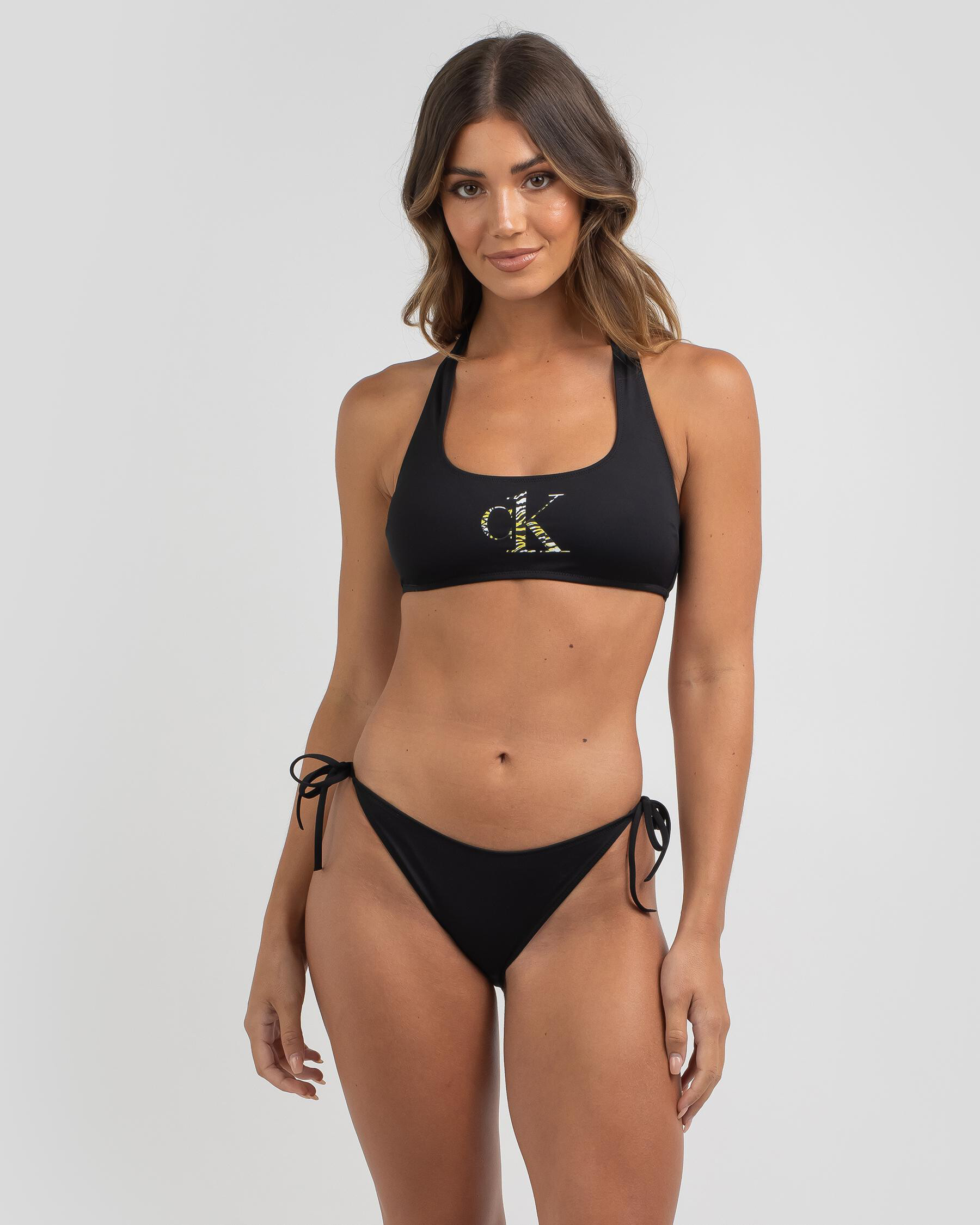
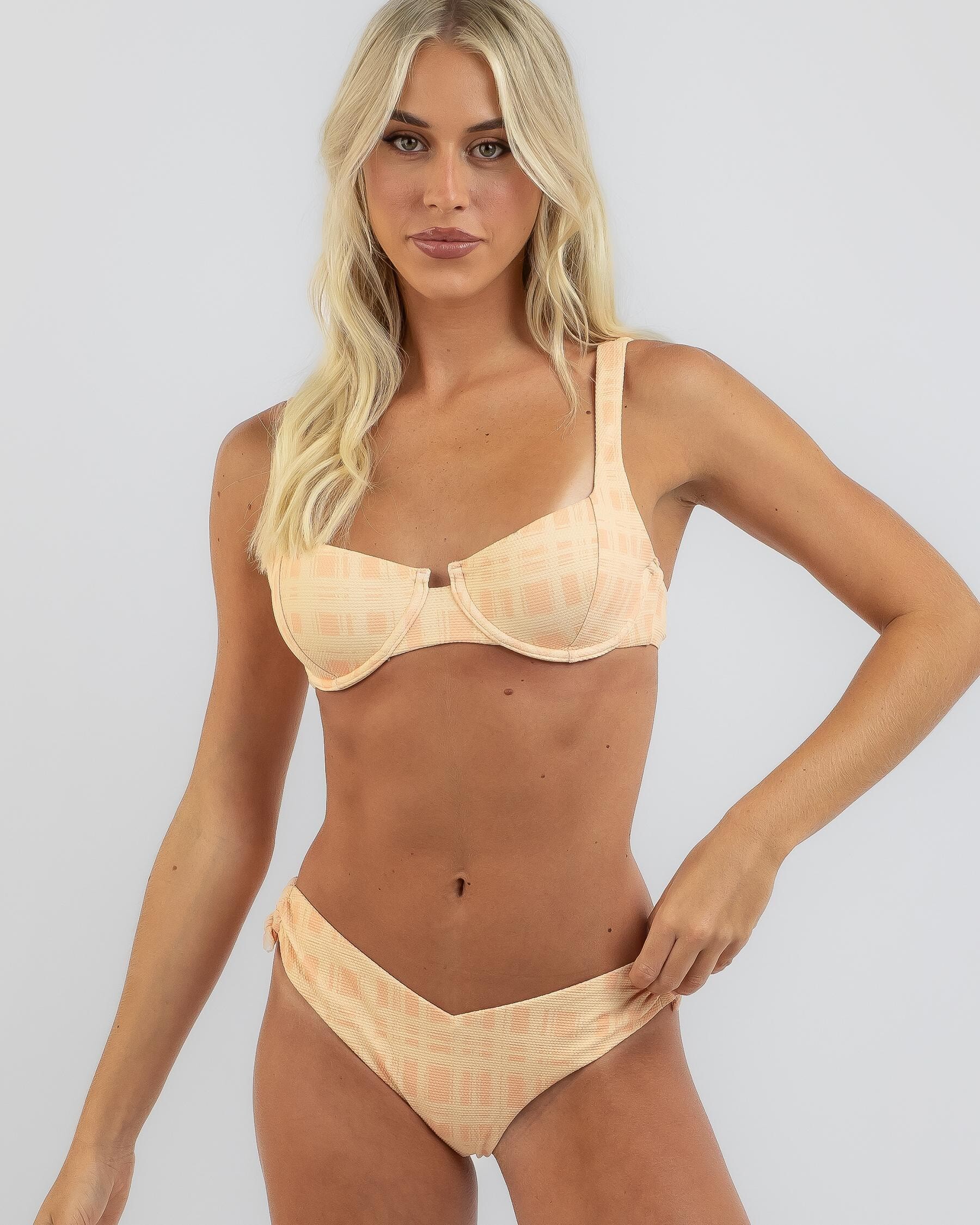
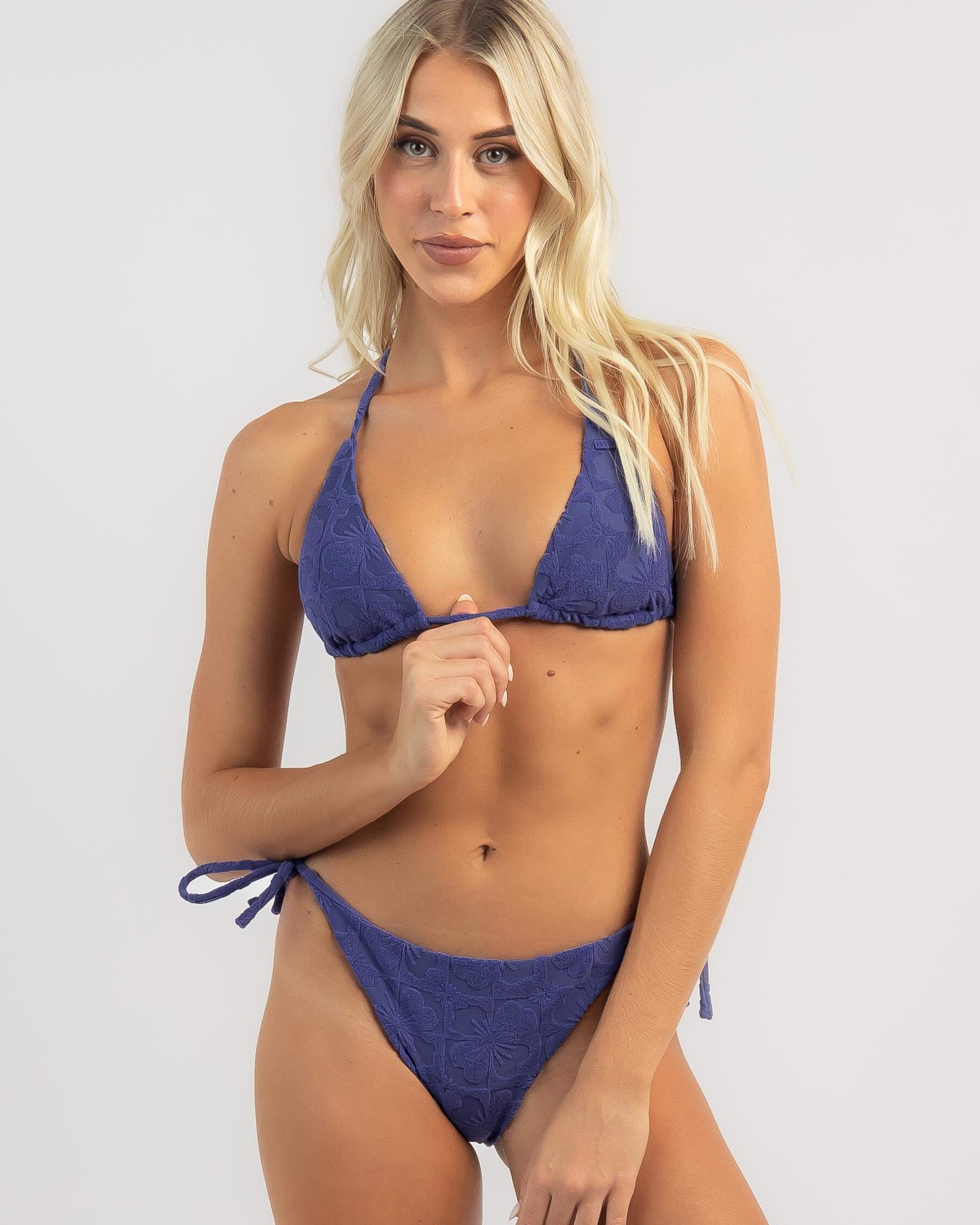
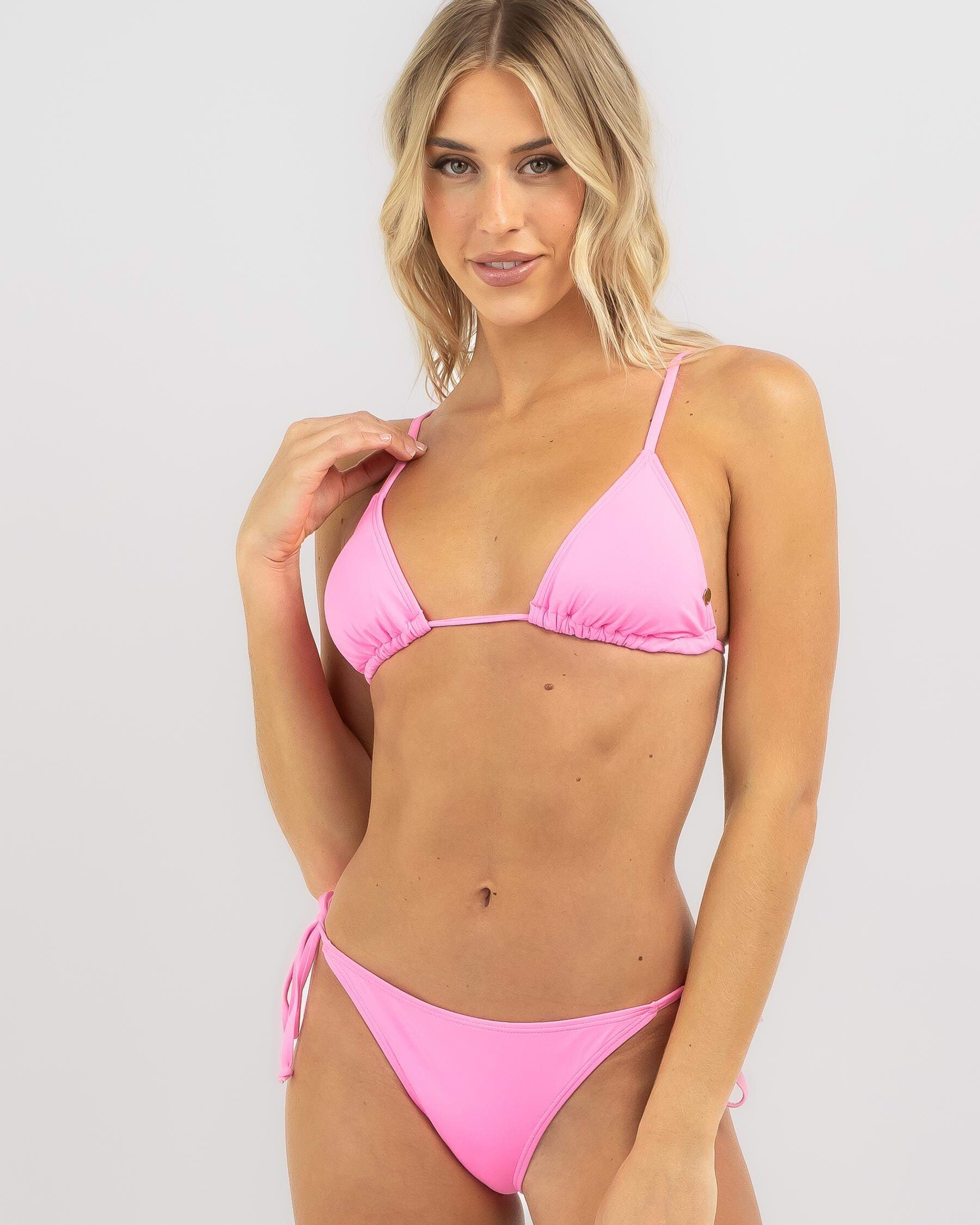
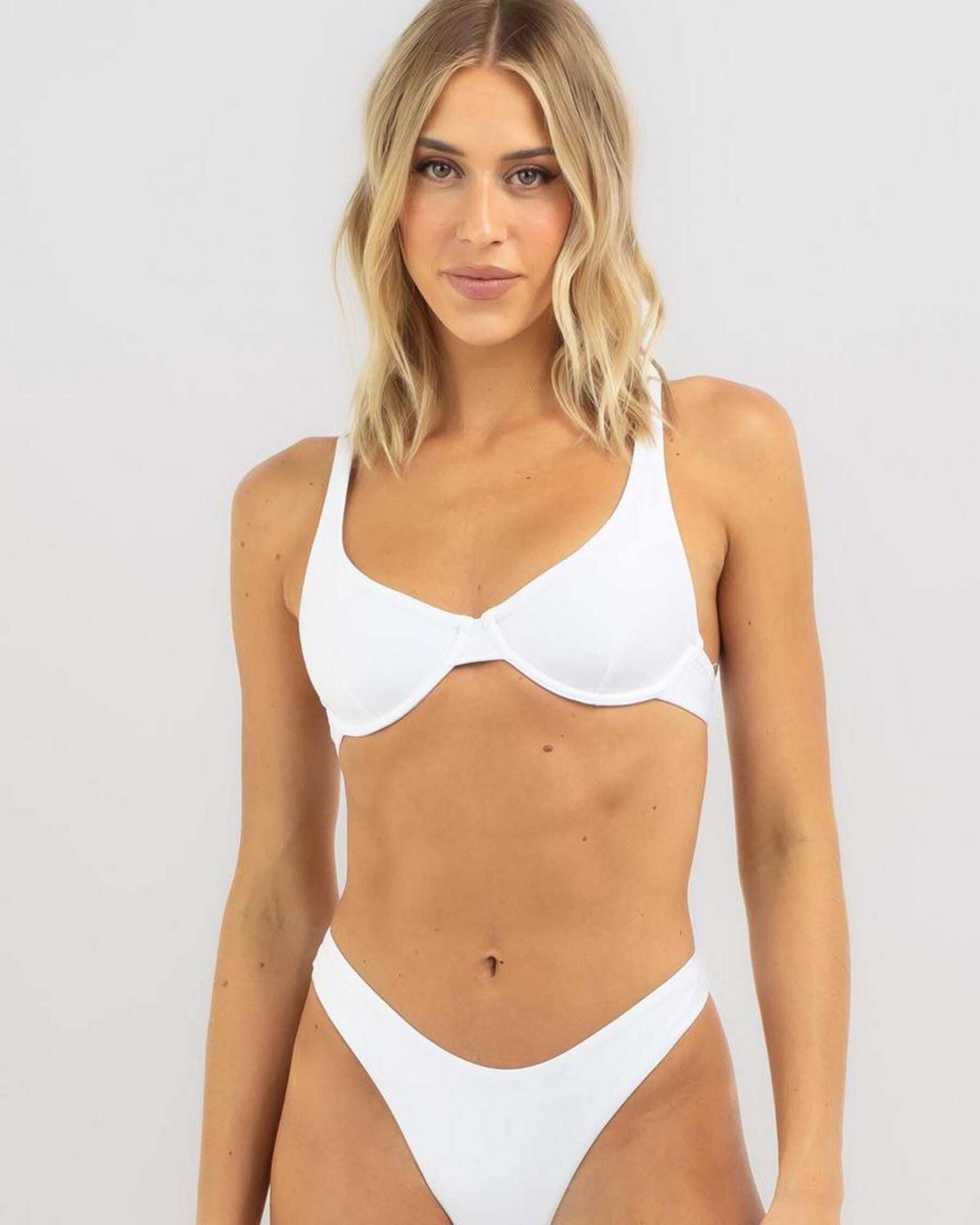
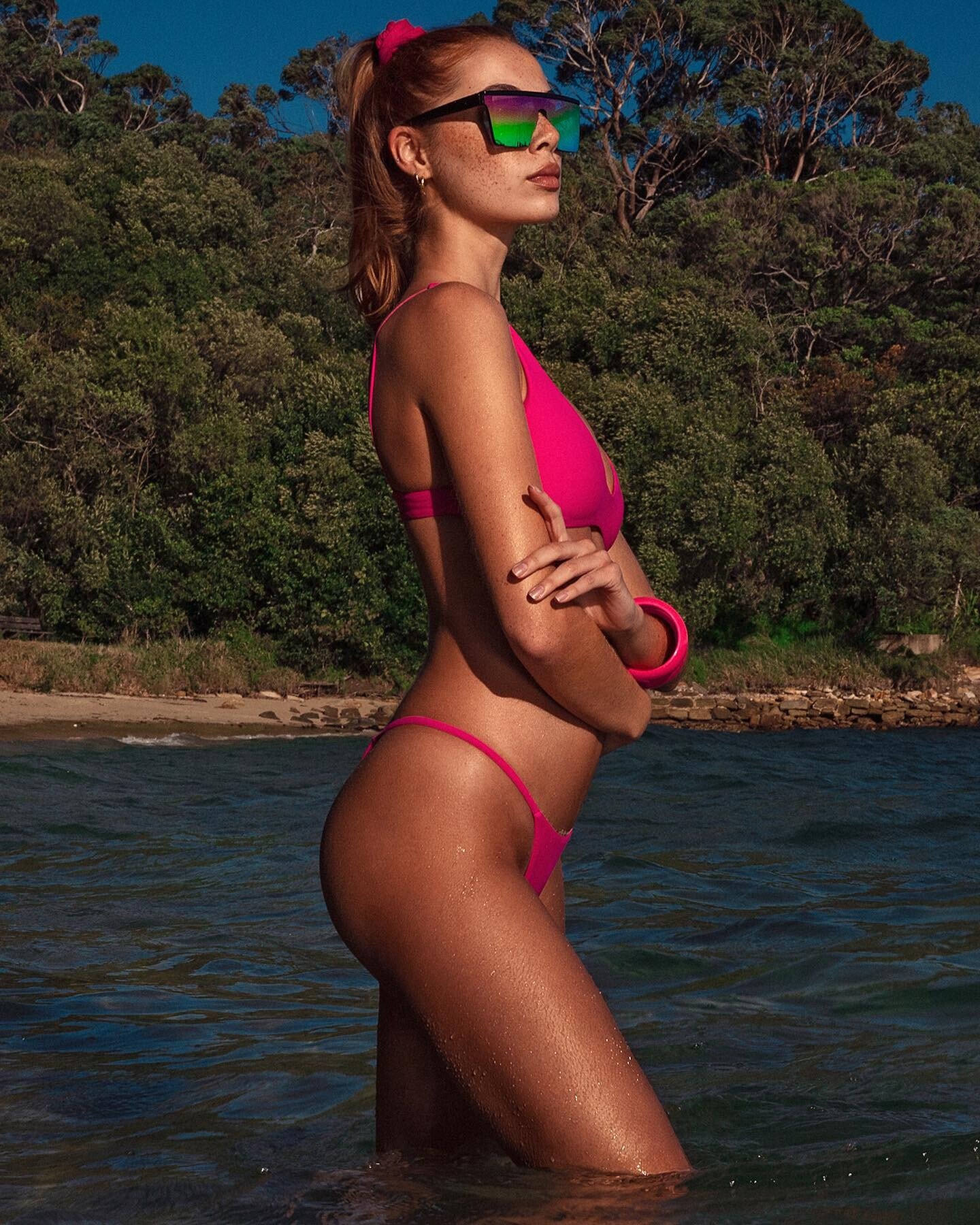
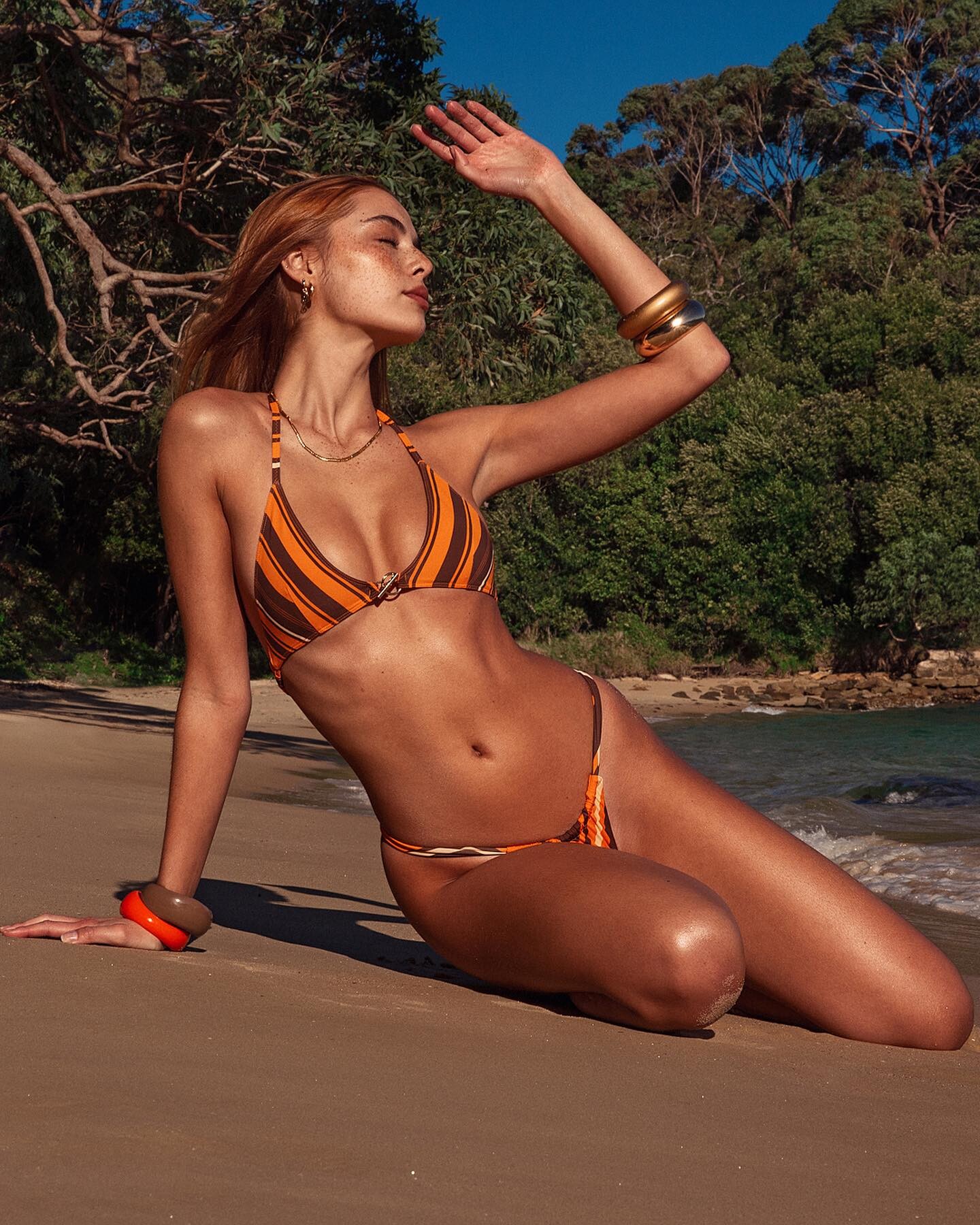
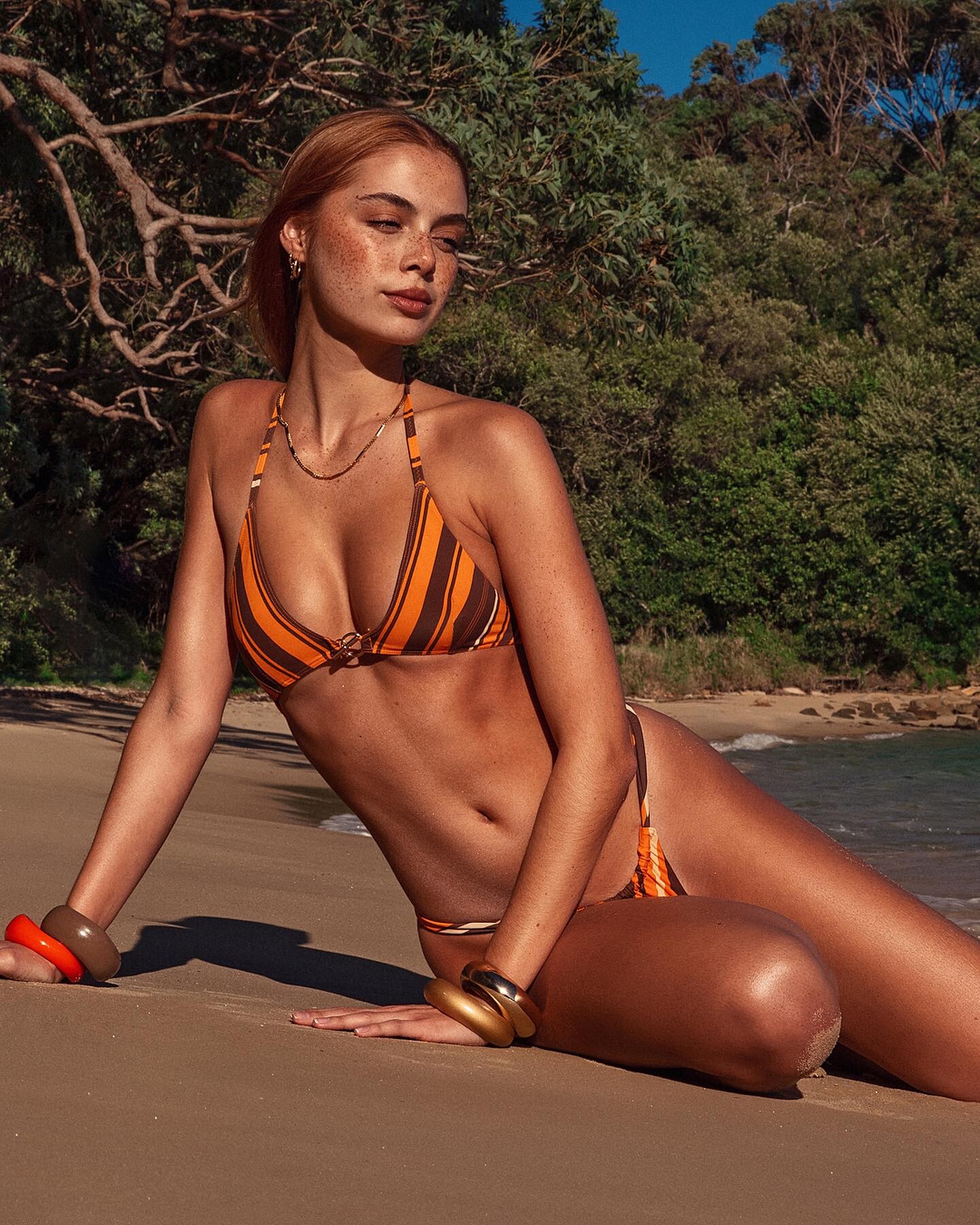
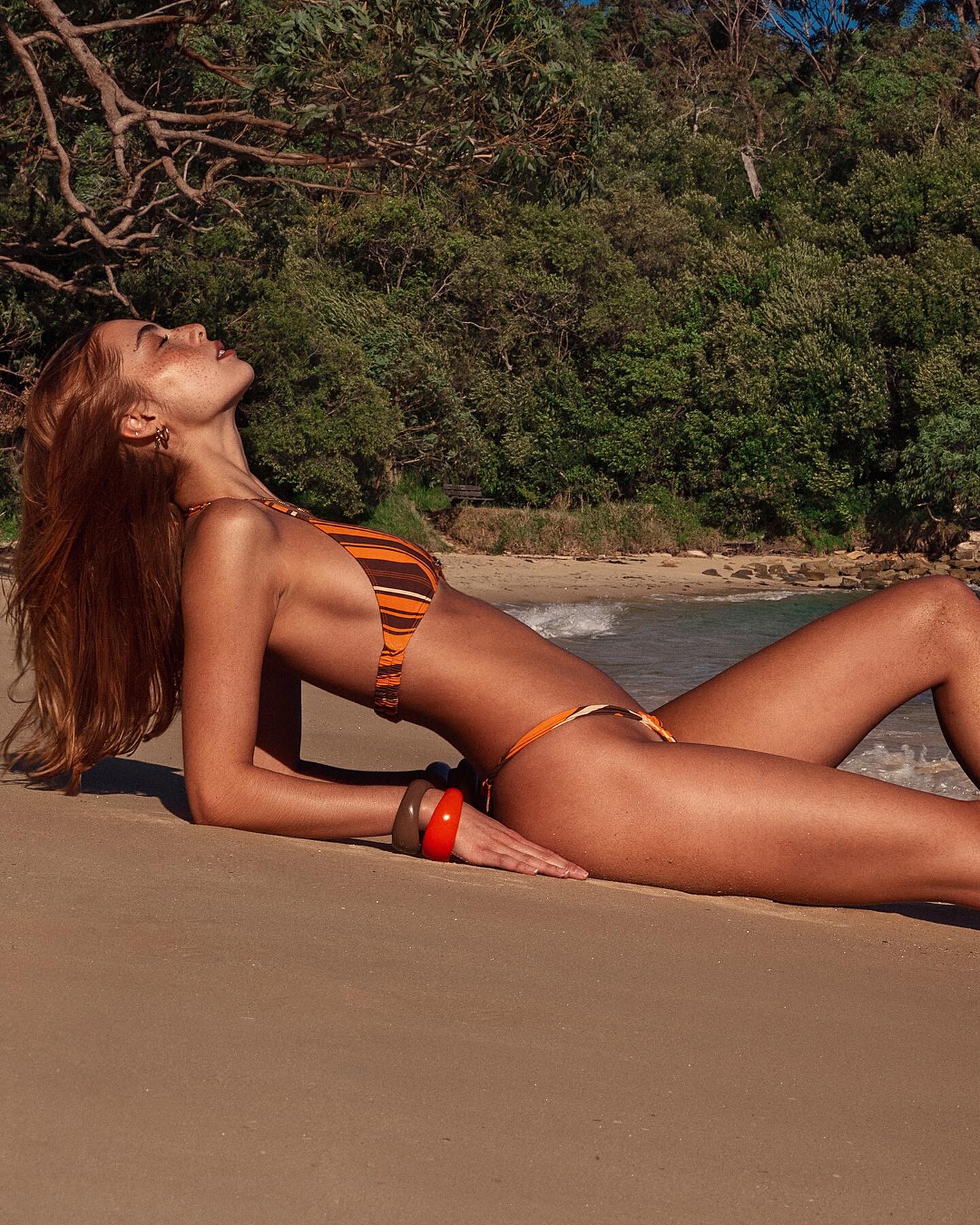
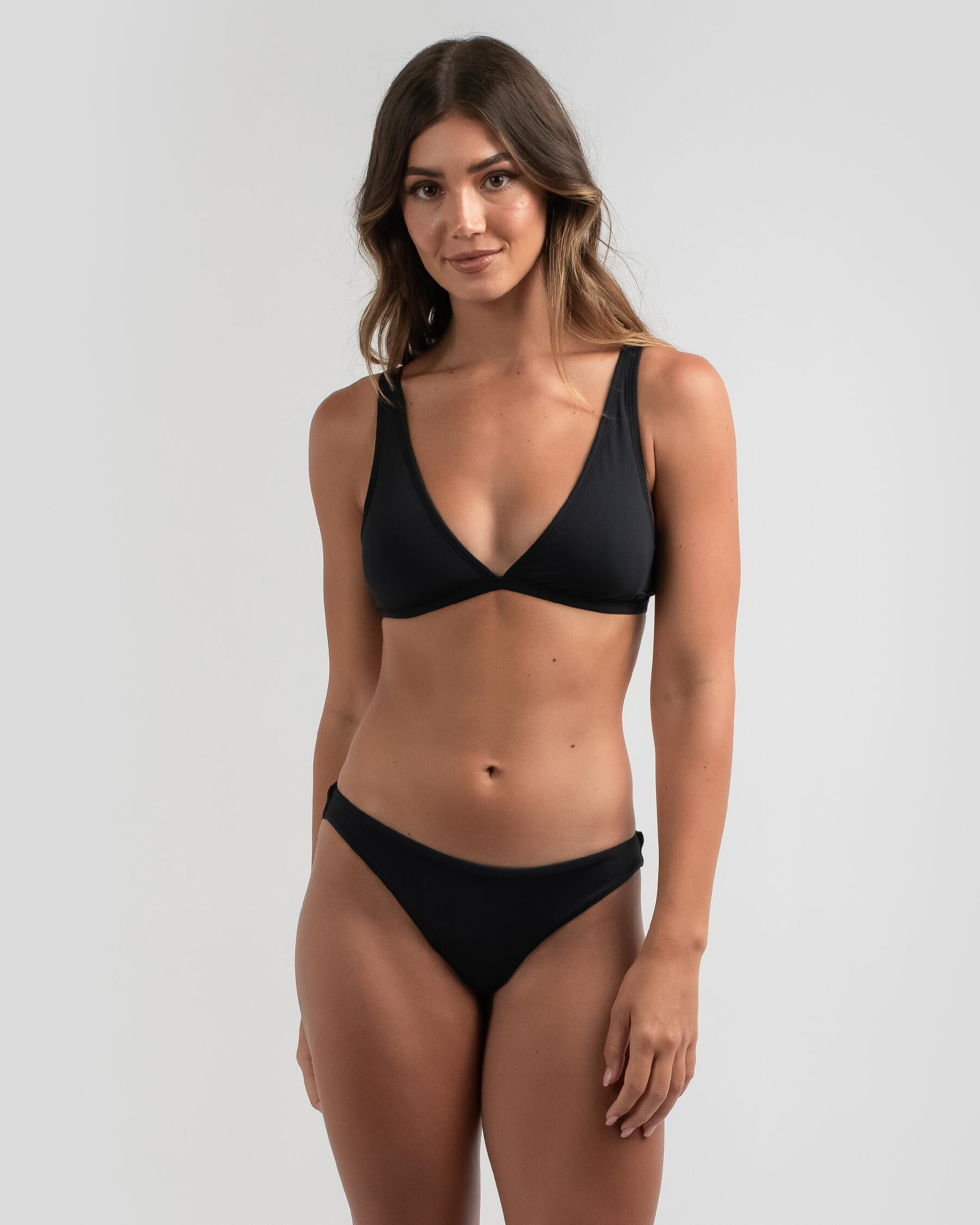
  1. Kult Australia - digitals
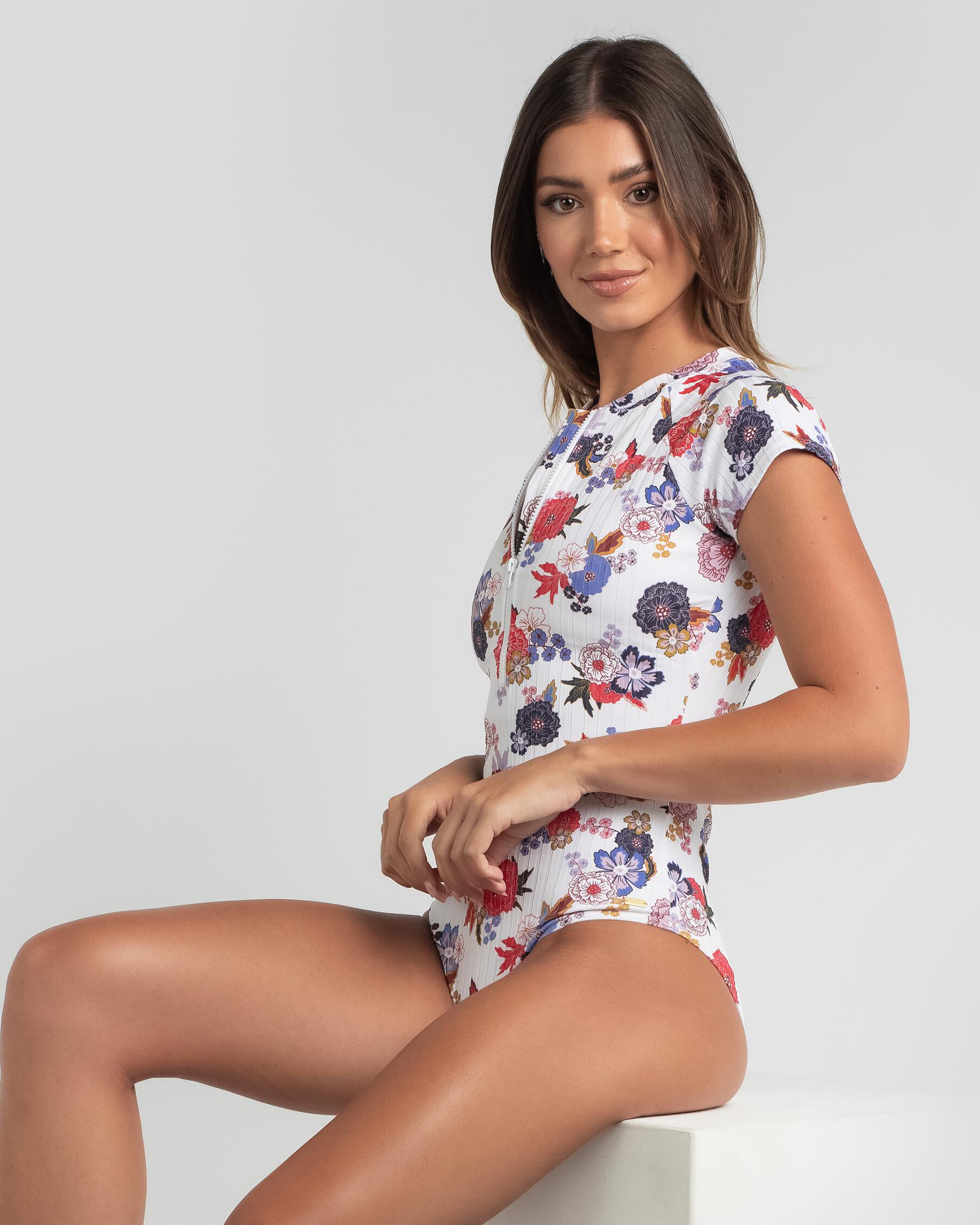
  2. Mirte Rooze (Mirte Iris Rooze) Height : 5’-9.5″ - 1,76m Eyes : Blue Hair : Blonde https://www.instagram.com/mirterooze/ Elite Amsterdam, the wonders Stockholm, Kult Australia
  3. Ph : Neil Dixon
  4. Bras n Things 435723307_ZuriPlungeBra-TealZuriBrazilian-Teal.mp4
  5. Bras n Things 818740744_VampGlowGetterBralette-BlackVampGlowGetterBrazilian-Black.mp4 1201930726_VampGlowGetterPushUp-BlackVampGlowGetterMiniV-Black.mp4 1199056861_VampGlowGetterSuspender-Black.mp4
  6. Bras n Things 458410536_VampExciteMeDoublePushUp-Red.VampExciteMeBrazilian-Red.mp4 1829242126_VampExciteMeMiniV-Red.mp4
  7. Bras n Things 1601555616_VampDriveEmWildBrazilian-Black.mp4 444021986_VampDriveEmWildUnderwire-BlackVampDriveEmWildHighWaistBrazilian-Black.mp4
  8. Bras n Things 1855820812_NightGamesSanazSoftCupMiniVSet-Navy.mp4 1327136_NightGamesSanazSuspender-Navy.mp4
  9. Bras n Things 1509748769_NightGamesDommeSuspender-Red.mp4
  10. Bras n Things 898291653_NightGamesBlueLagoonSuspender-Navy.mp4 136447675_NightGamesBlueLagoonUnderwire-NavyNightGamesBlueLagoonMiniV-Navy.mp4
  11. Bras n Things 916225405_EnchantedMariposaUnderwire-BlueEnchantedMariposaMiniV-Blue.mp4
  12. Bras n Things 2081440166_CassidyBrazilian-Navy.mp4 1506520906_CassidyPushUpBra-NavyCassidyMiniV-Navy.mp4

Configure browser push notifications

Chrome (Android)
  1. Tap the lock icon next to the address bar.
  2. Tap Permissions → Notifications.
  3. Adjust your preference.
Chrome (Desktop)
  1. Click the padlock icon in the address bar.
  2. Select Site settings.
  3. Find Notifications and adjust your preference.