Jump to content
View in the app

A better way to browse. Learn more.

Bellazon

A full-screen app on your home screen with push notifications, badges and more.

To install this app on iOS and iPadOS
  1. Tap the Share icon in Safari
  2. Scroll the menu and tap Add to Home Screen.
  3. Tap Add in the top-right corner.
To install this app on Android
  1. Tap the 3-dot menu (⋮) in the top-right corner of the browser.
  2. Tap Add to Home screen or Install app.
  3. Confirm by tapping Install.

ALPAT

Global Moderators

Everything posted by ALPAT

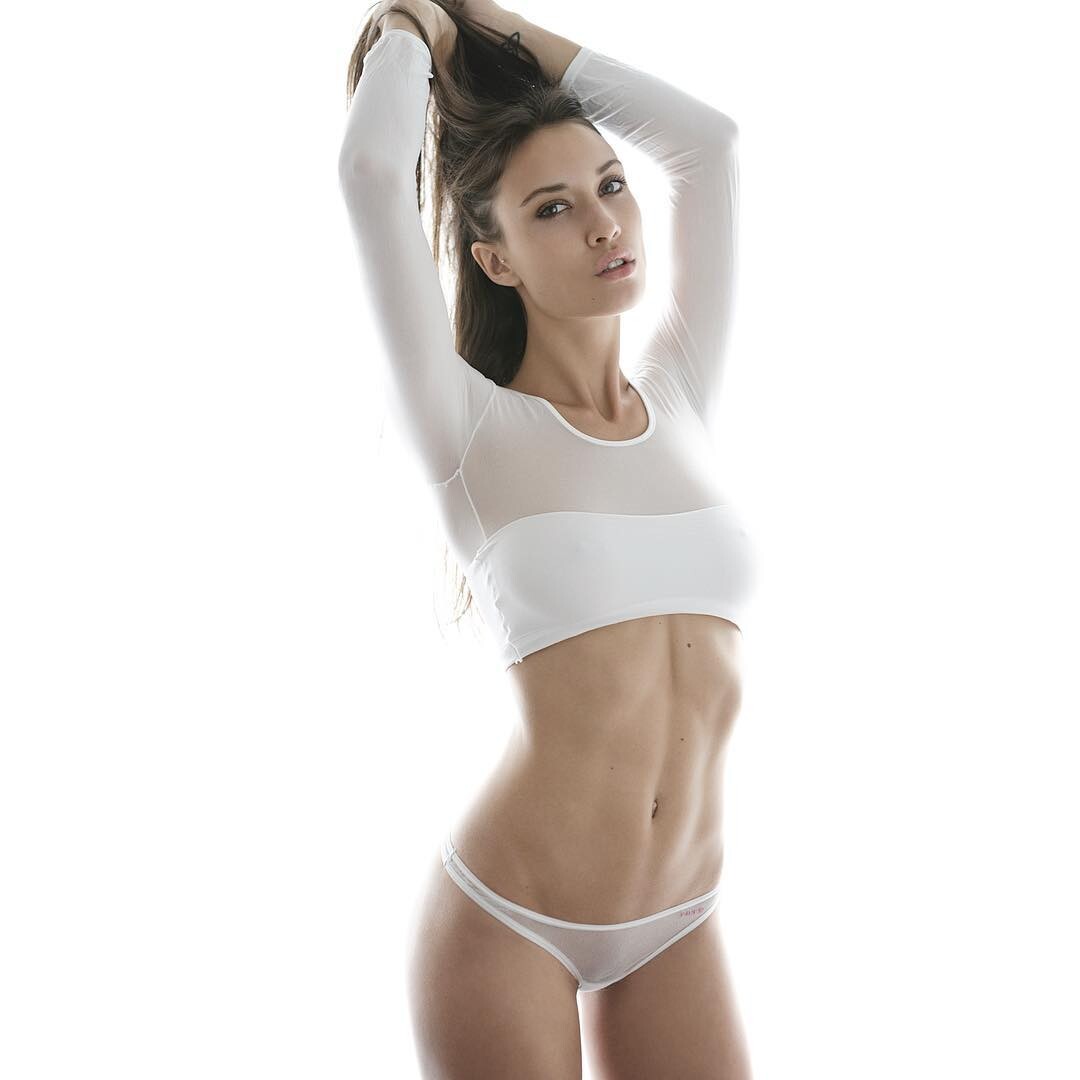
  1. Ph: Jorge Aragón (2015)
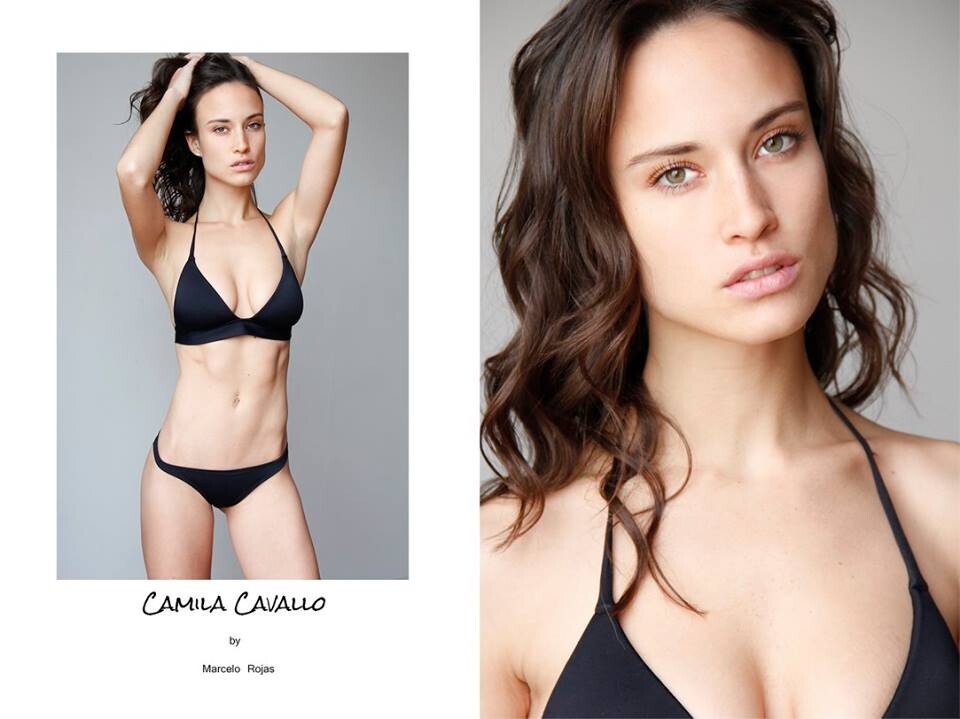
  2. Ph: Marcelo Rojas
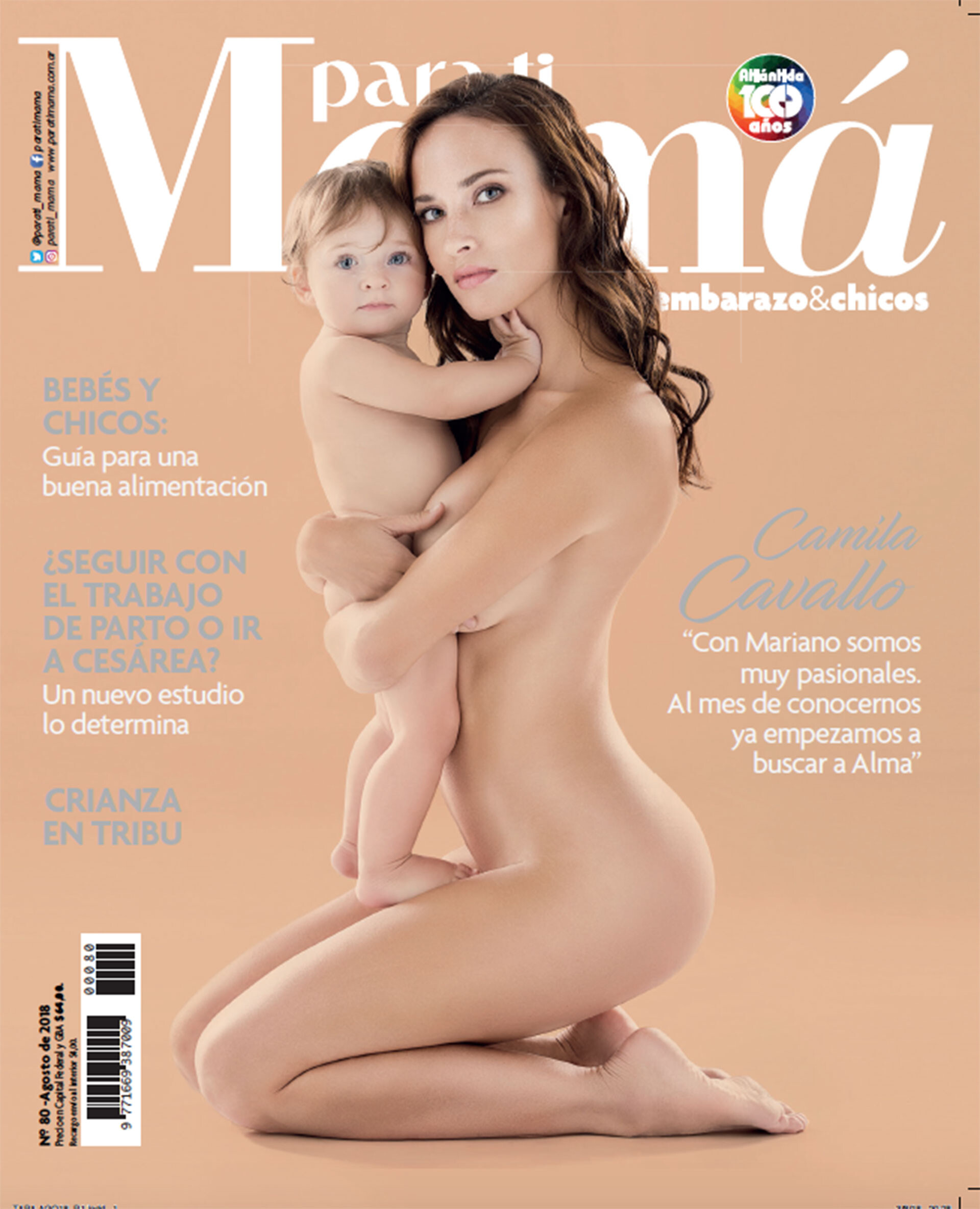
  3. PARATI MAMÁ #80 August 2018. Ph: Maxi Didari
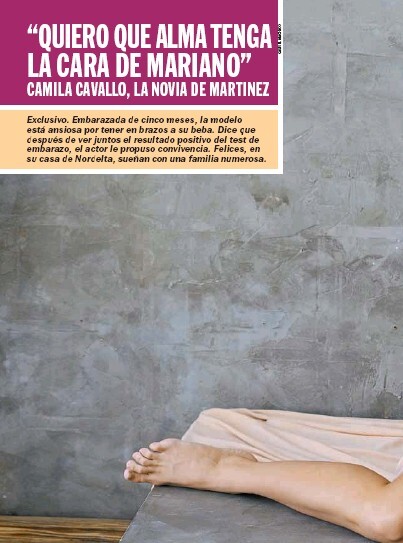
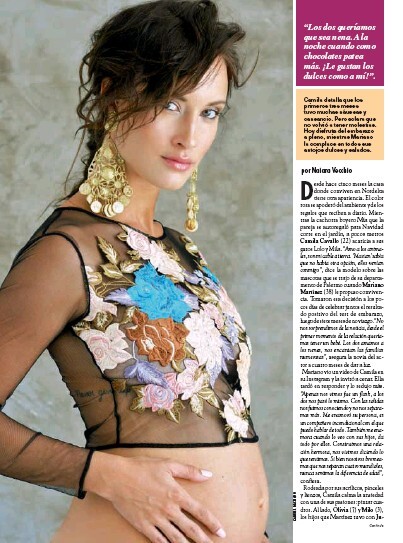
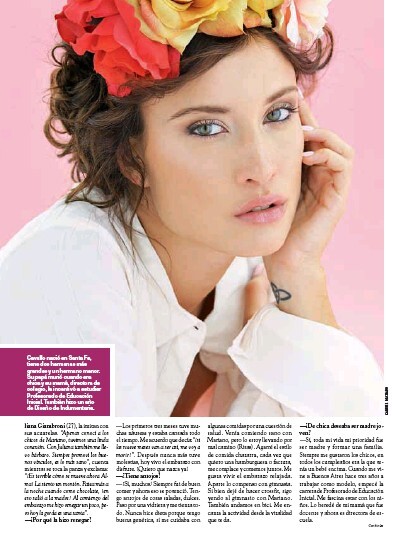
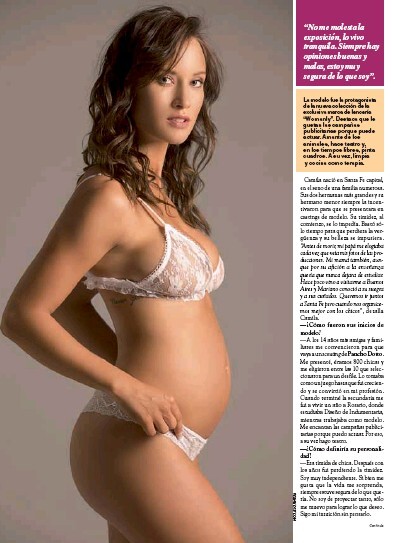
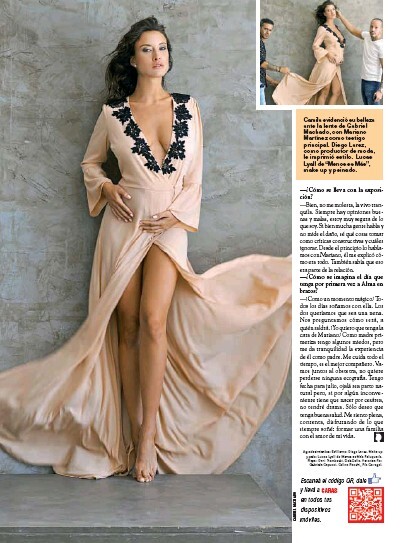
  4. Caras Magazine #1835 7-3-2017.
  5. Self Control Magazine. Photography: Alcibiade Cohen.
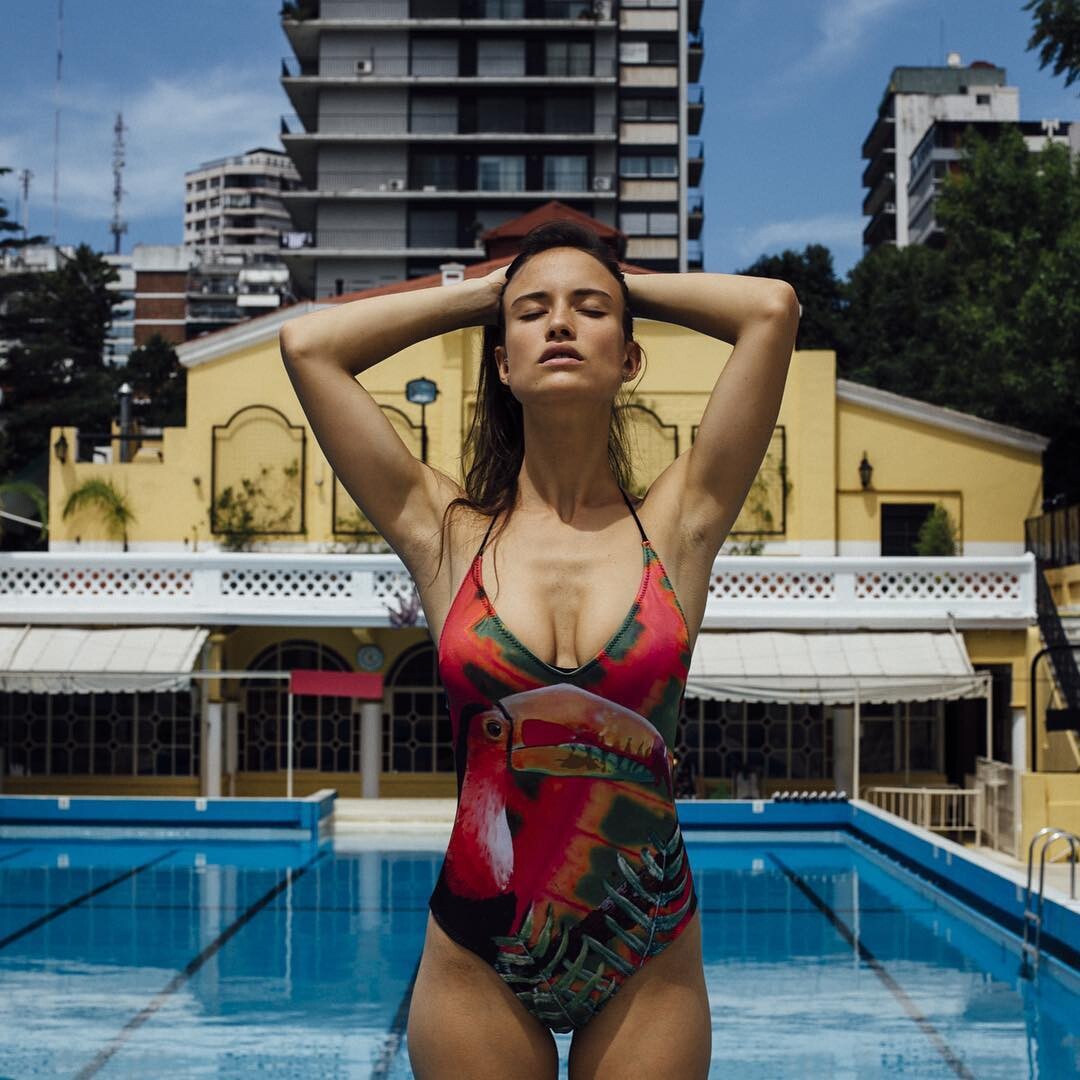
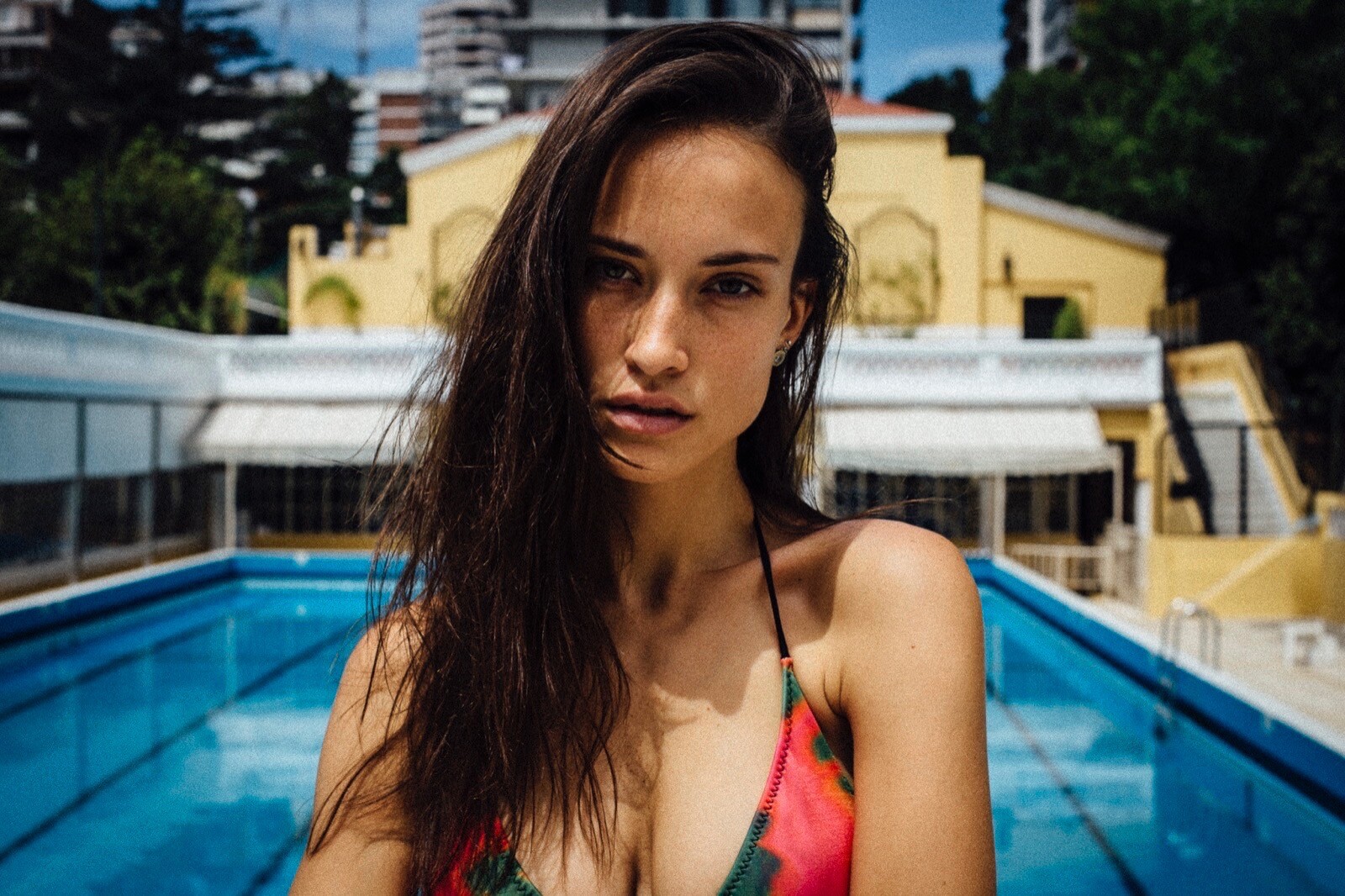
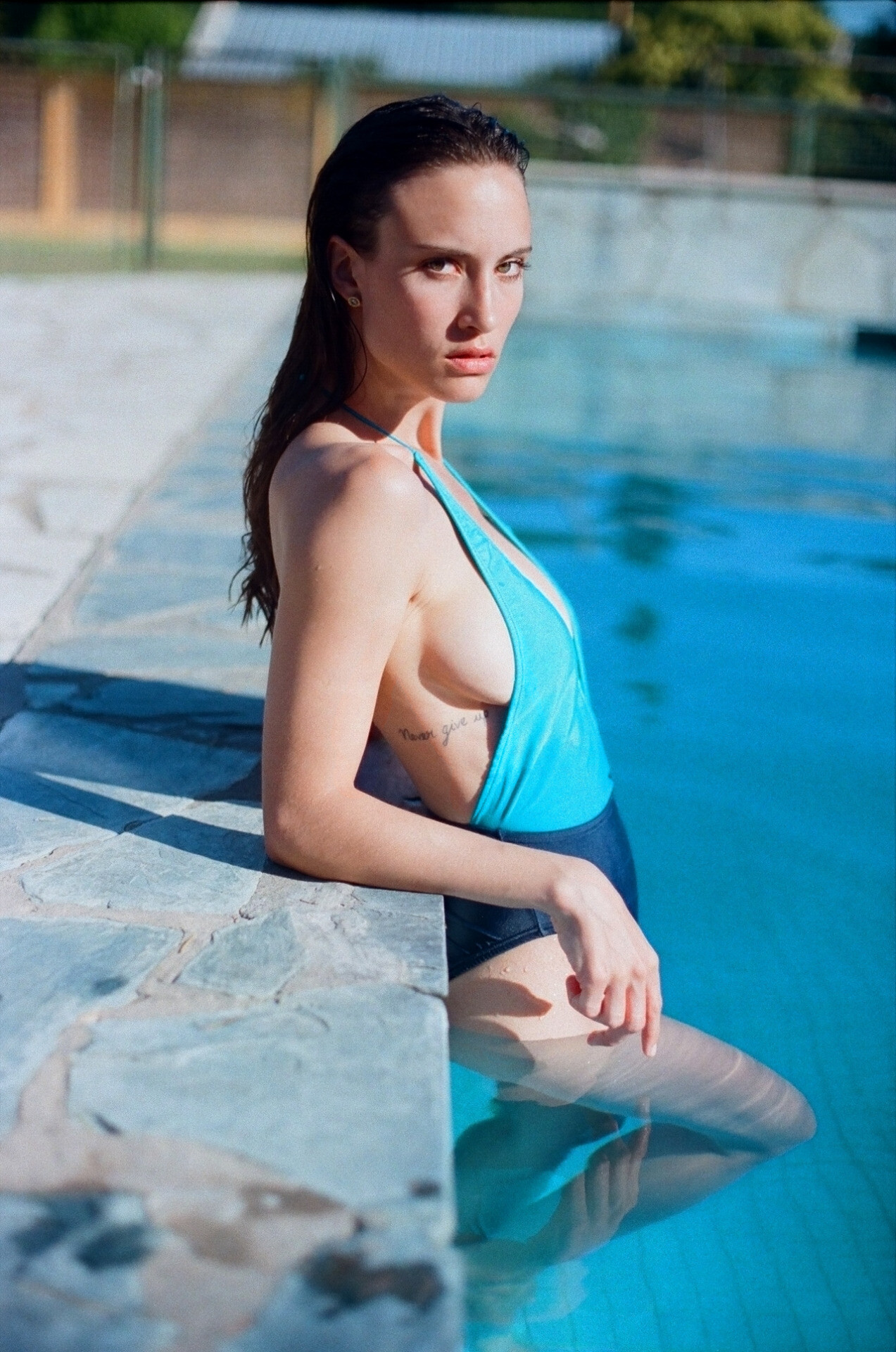
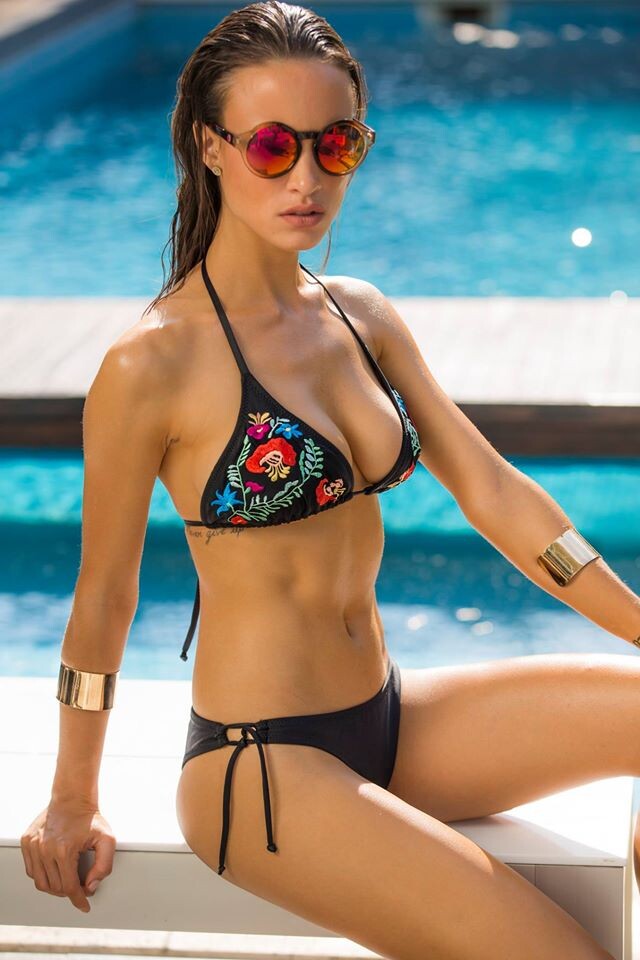
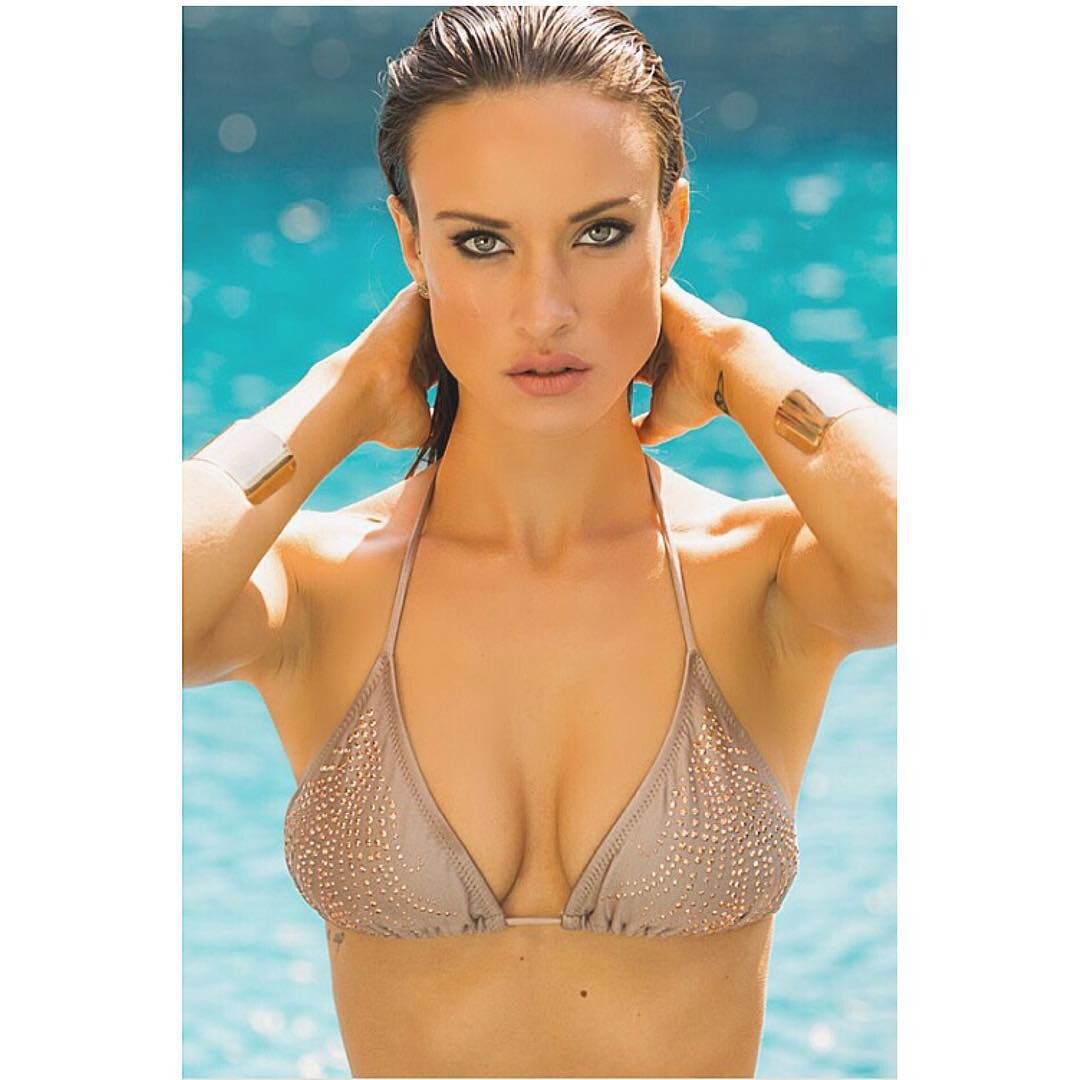
  6. Self Control Magazine (2016). Camila by Pancho Monti Hot and funny story that tastes of Summer with a stunning beauty from Argentina. Camila shot at the poolside by Pancho Monti.
  7. Galerías Pacífico S/S '16 Ph: Gabriel Machado
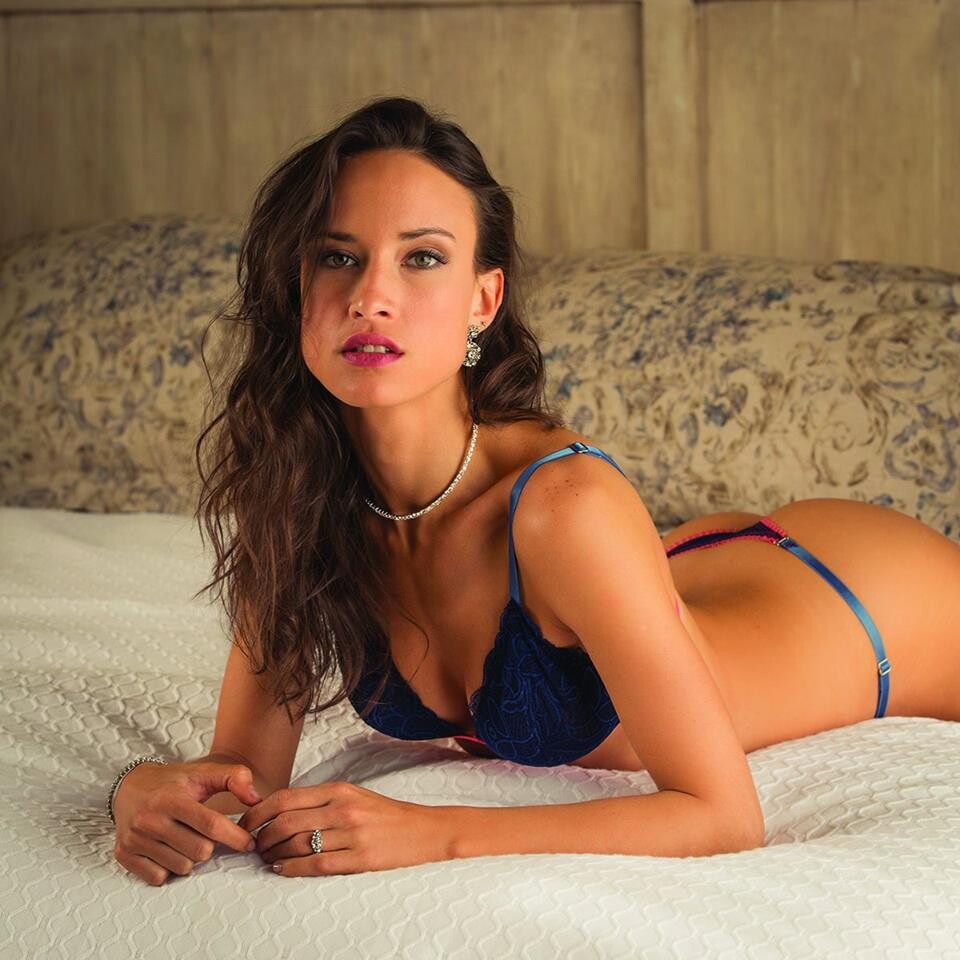
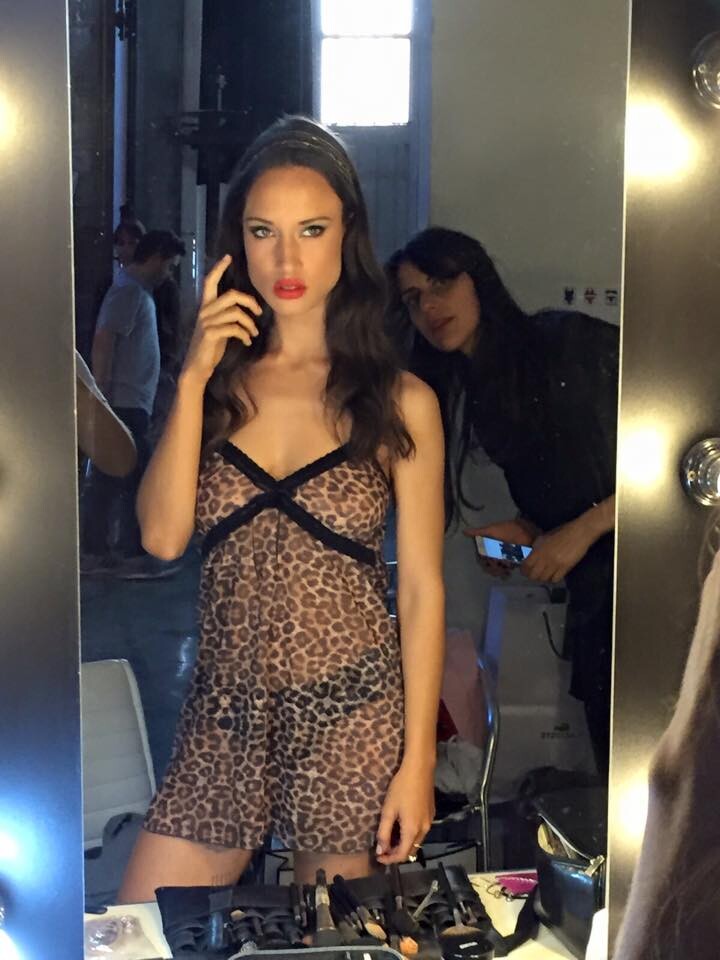
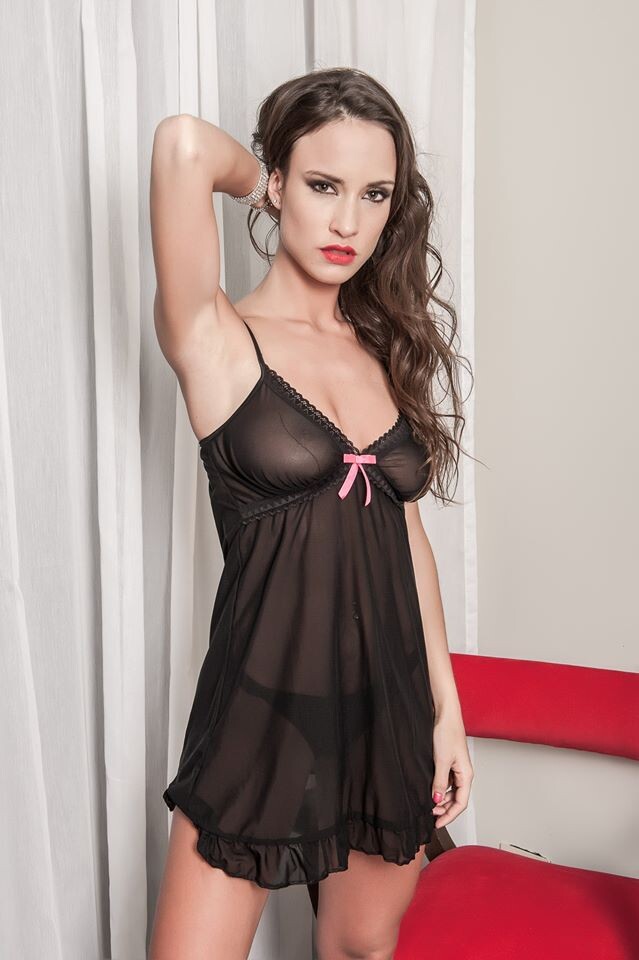
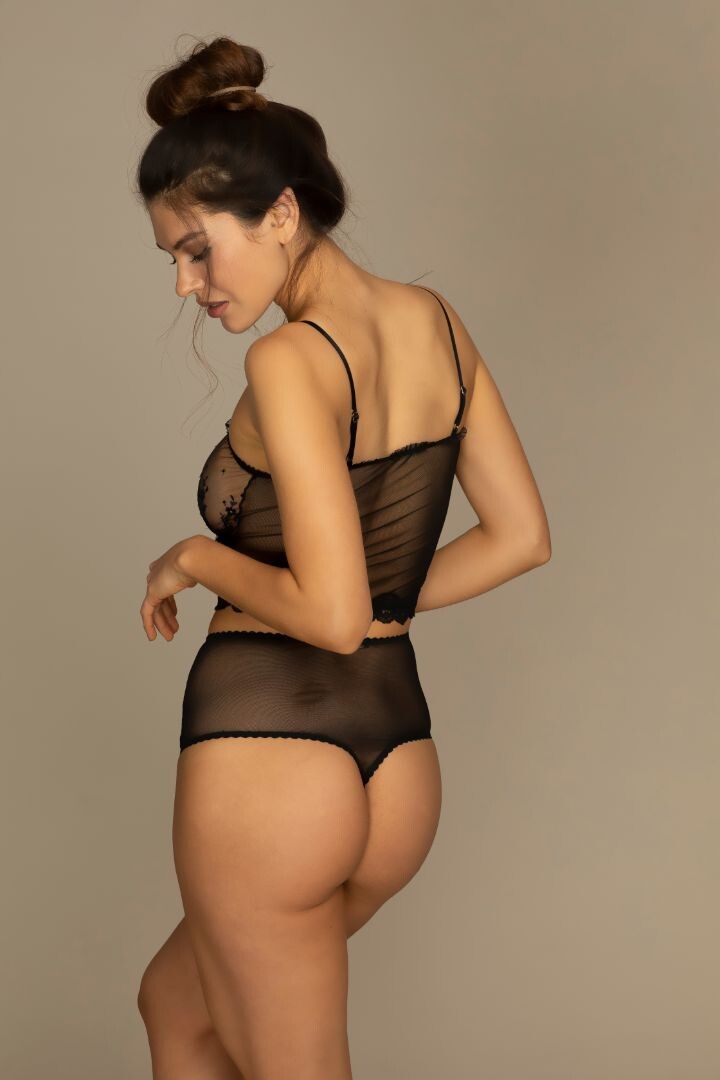
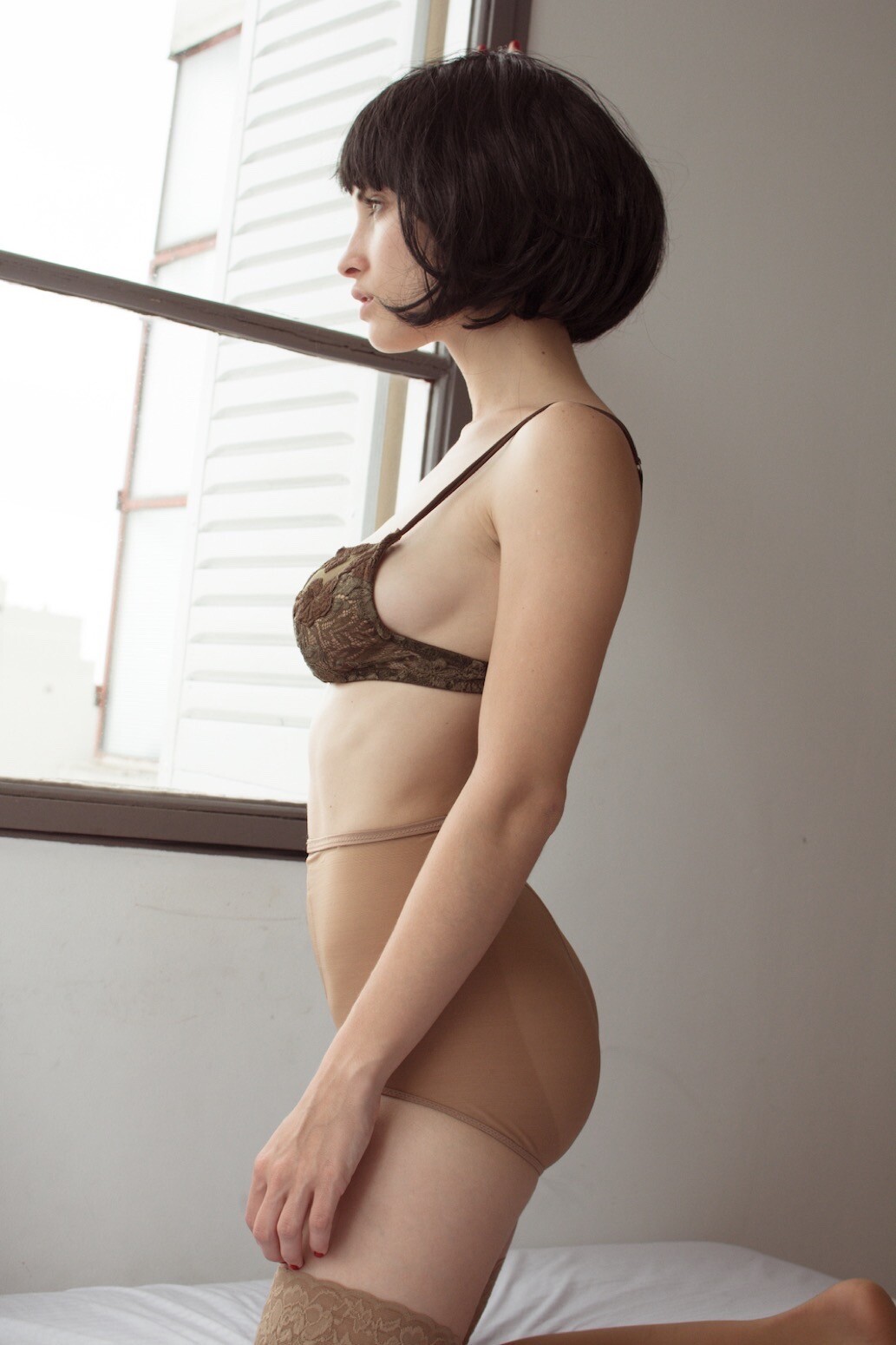
  8. Elle Van Tok Lingerie Ph: Pablo Franco
  9. "Behind Her Eyes" Editorial. Le Bomb Mag #2 Ph: Marcos Mendoza Saavedra. Pictorial...
  10. Be Autentique... Ph John Joseph Estevez.
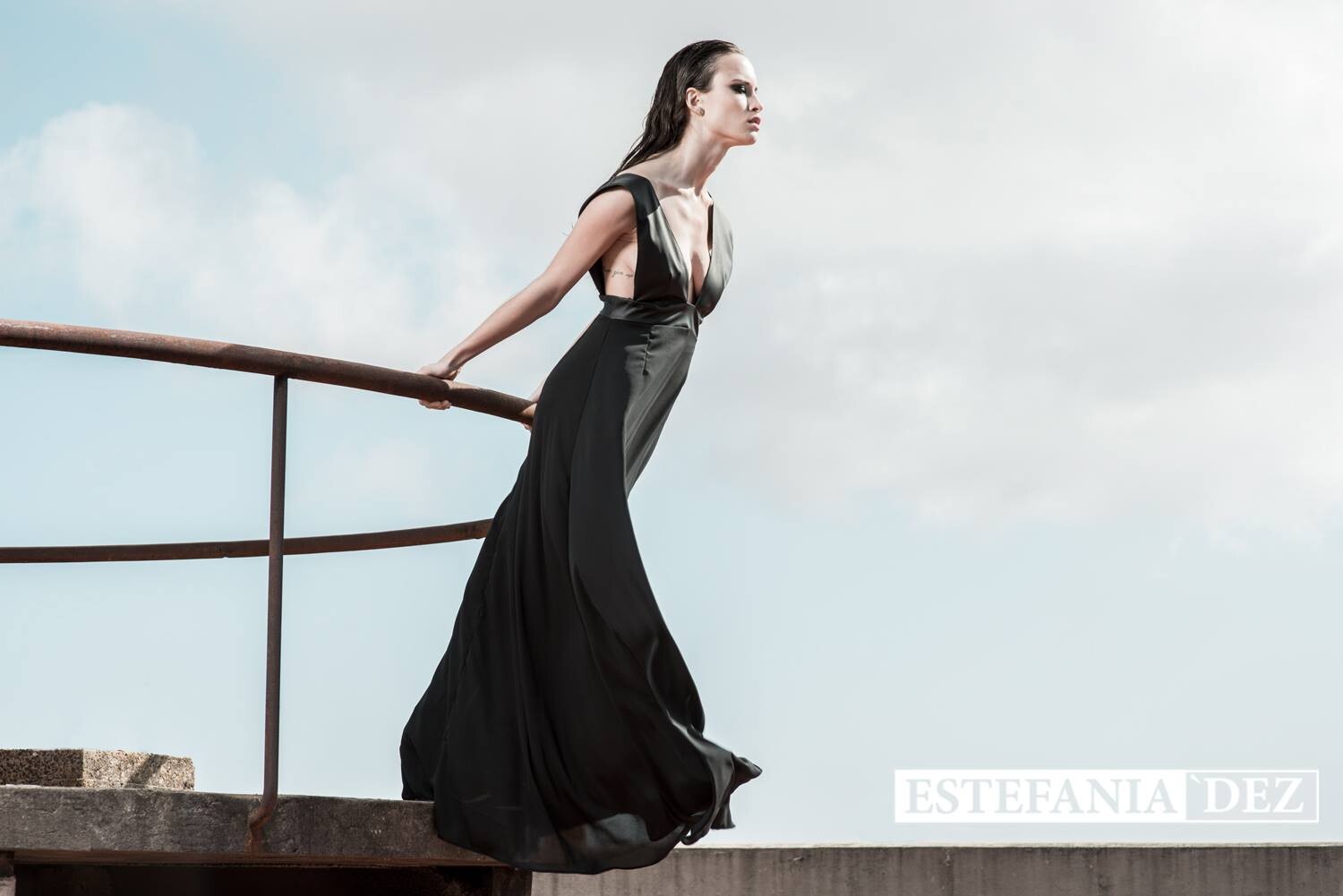
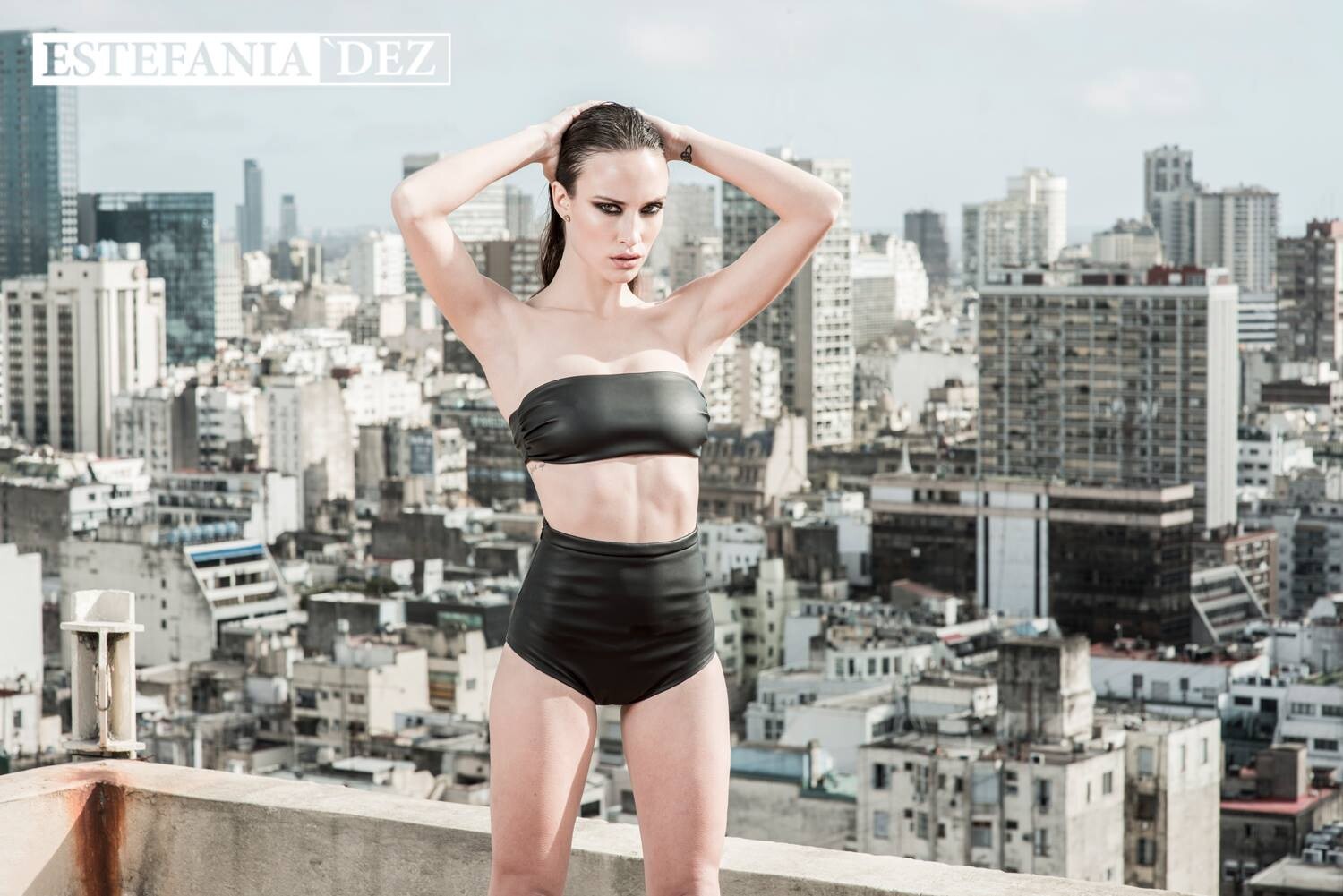
  11. Estefanía Dez. Ph: Sofía Garbarino
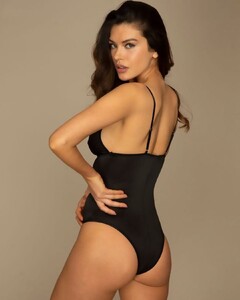
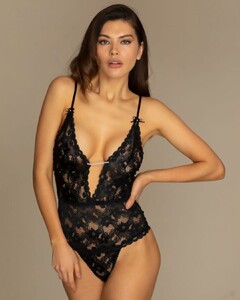
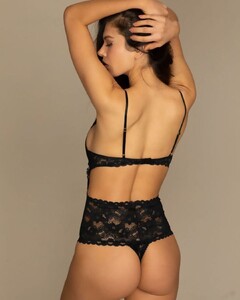
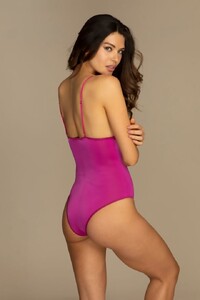
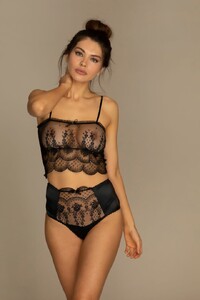
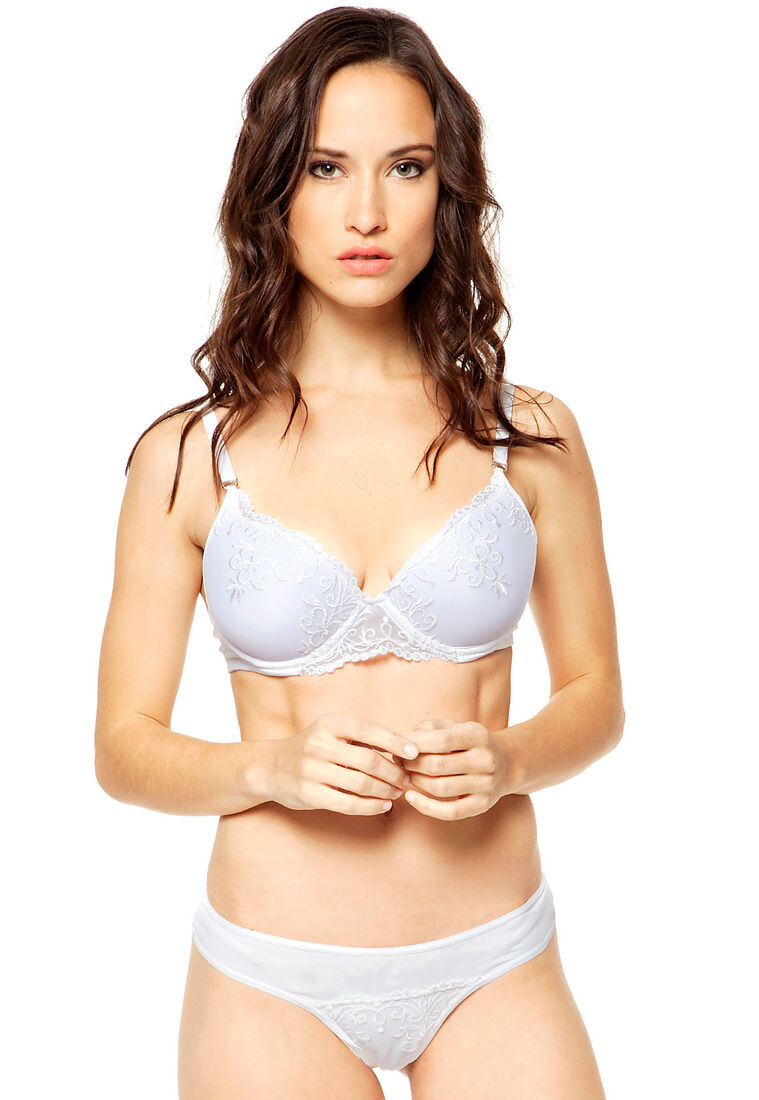
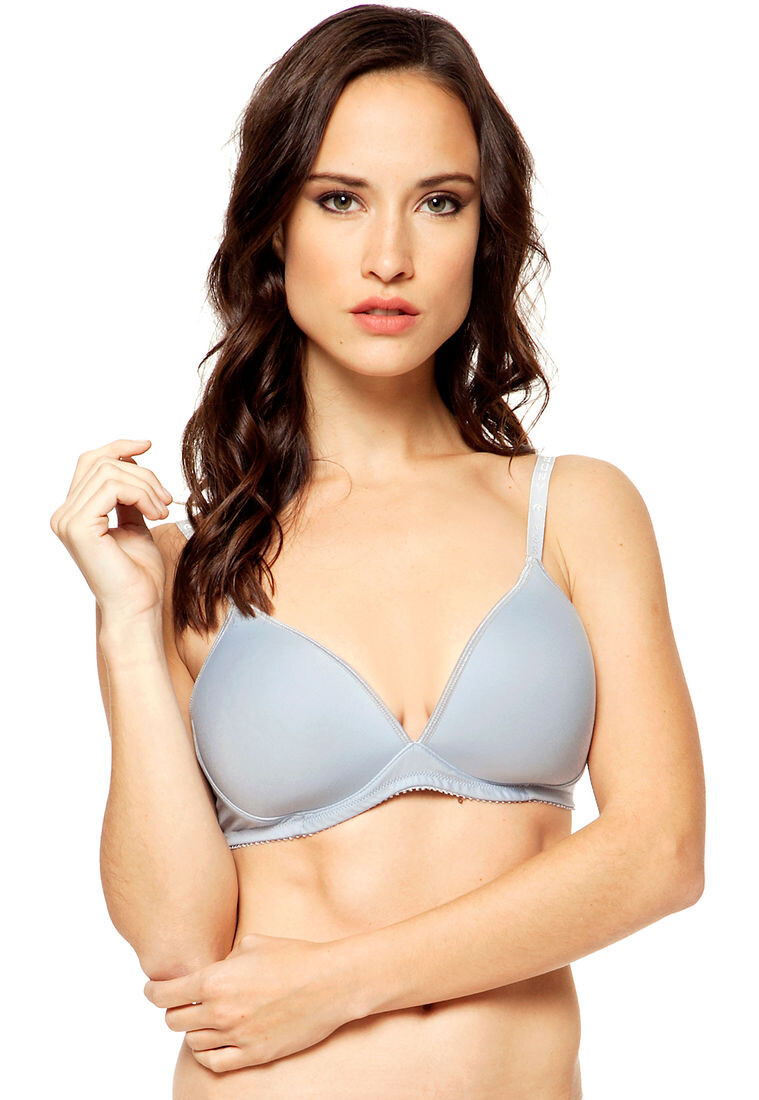
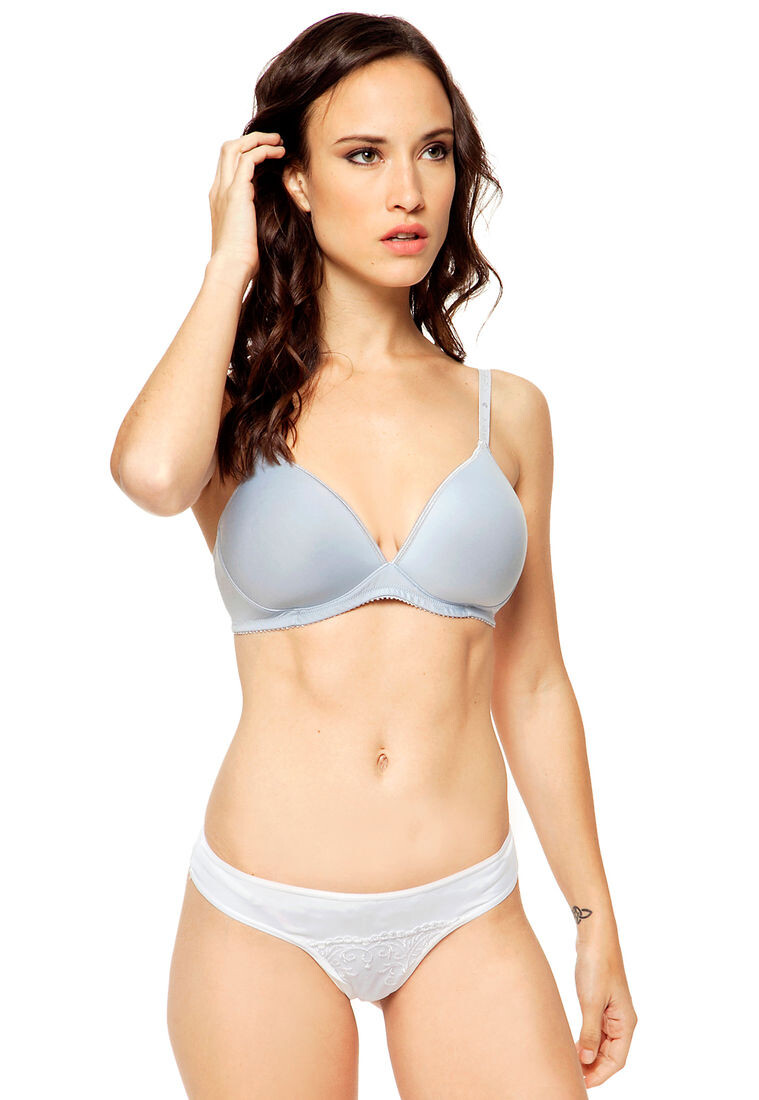
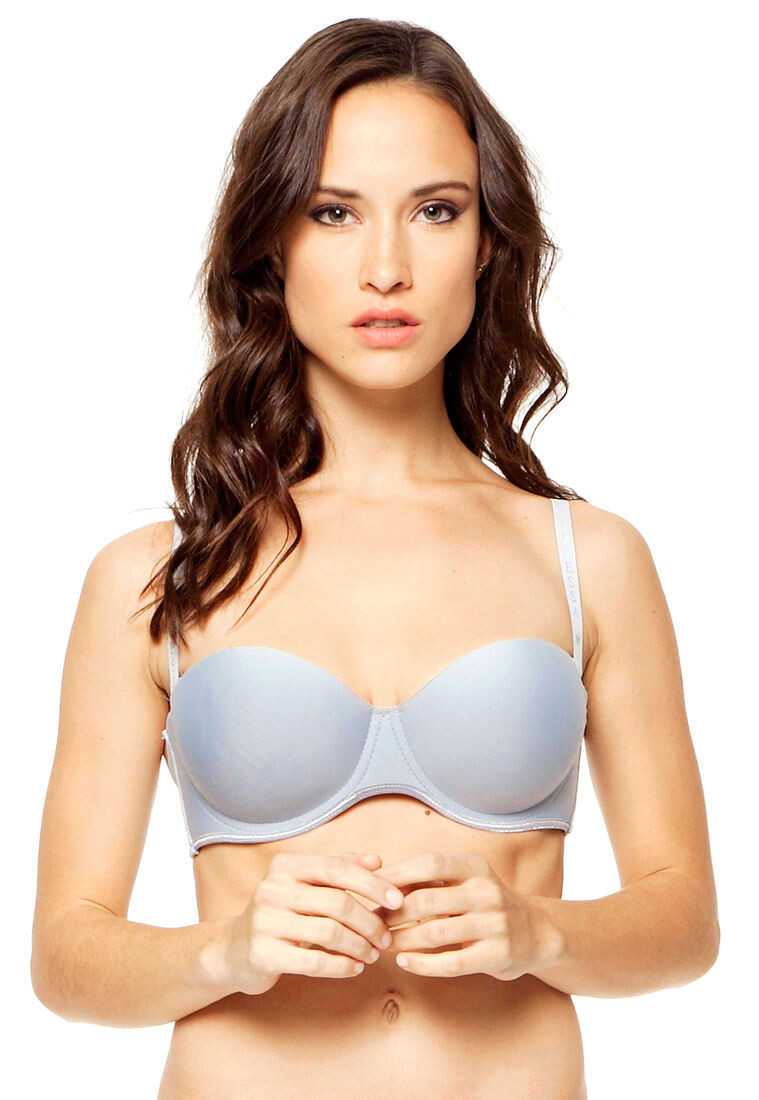
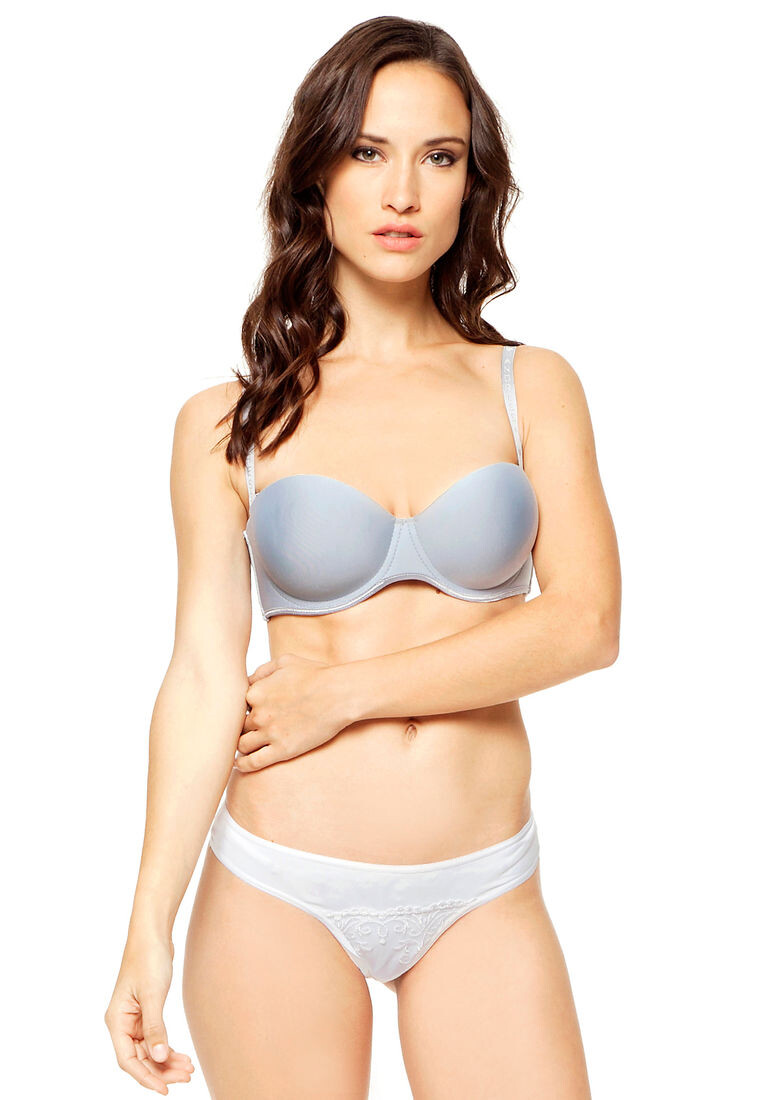
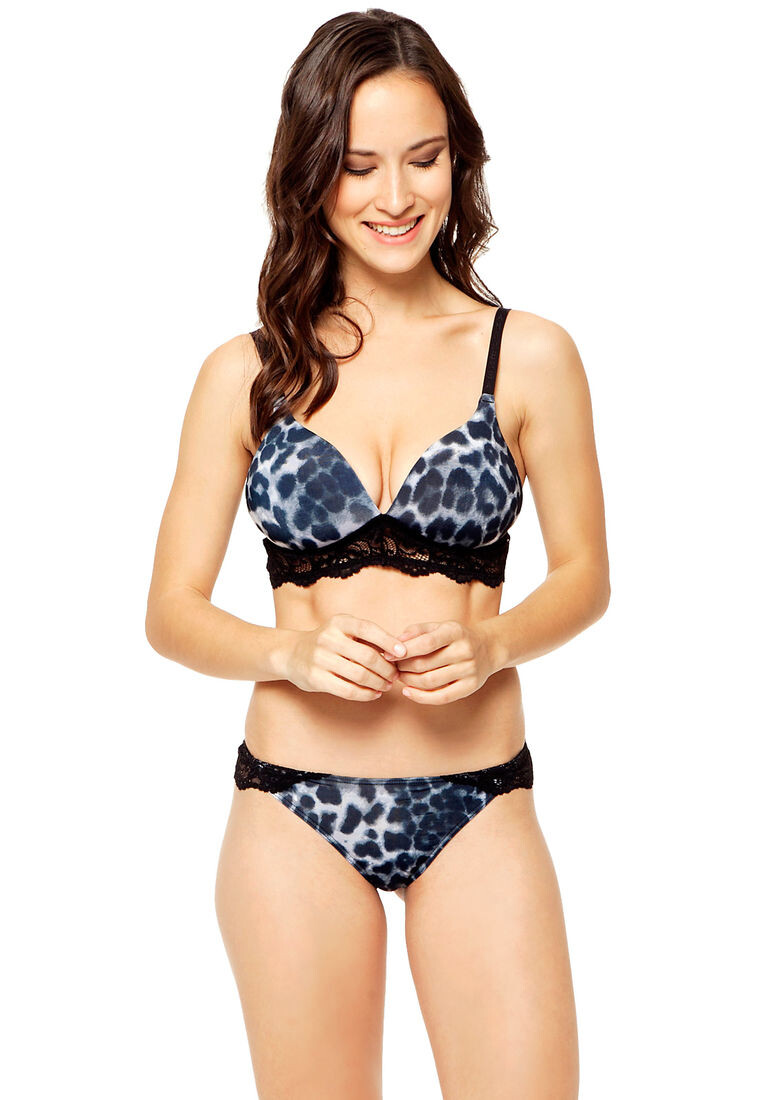
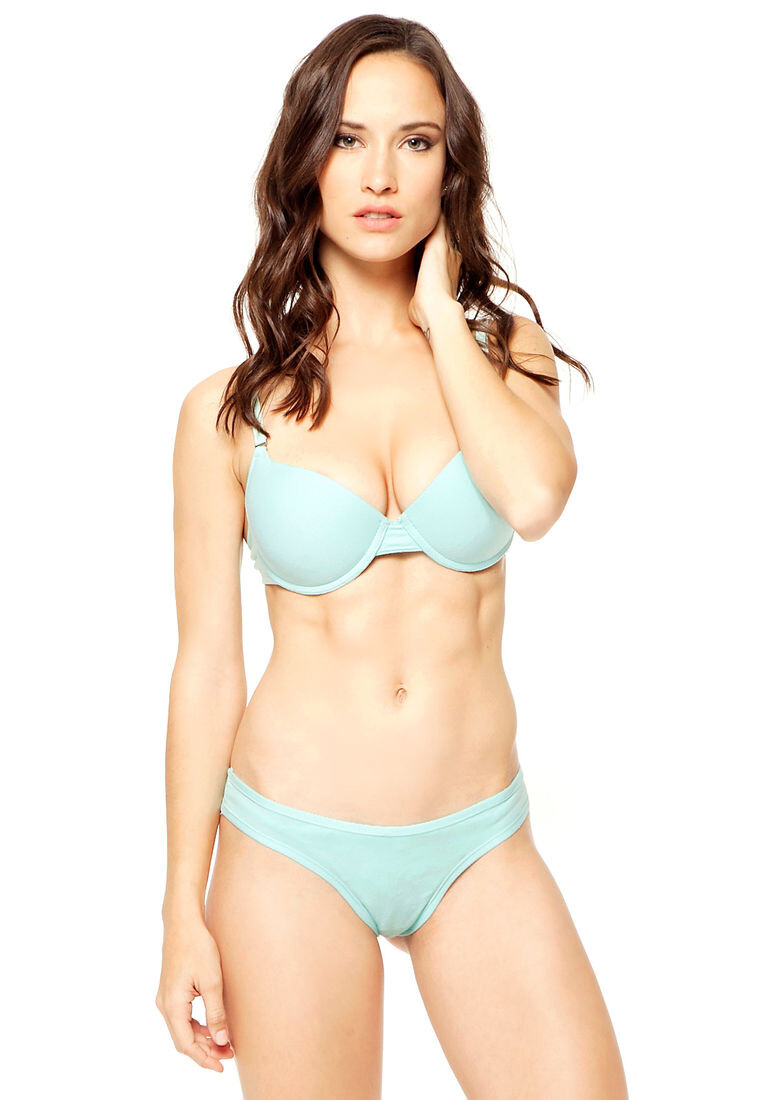
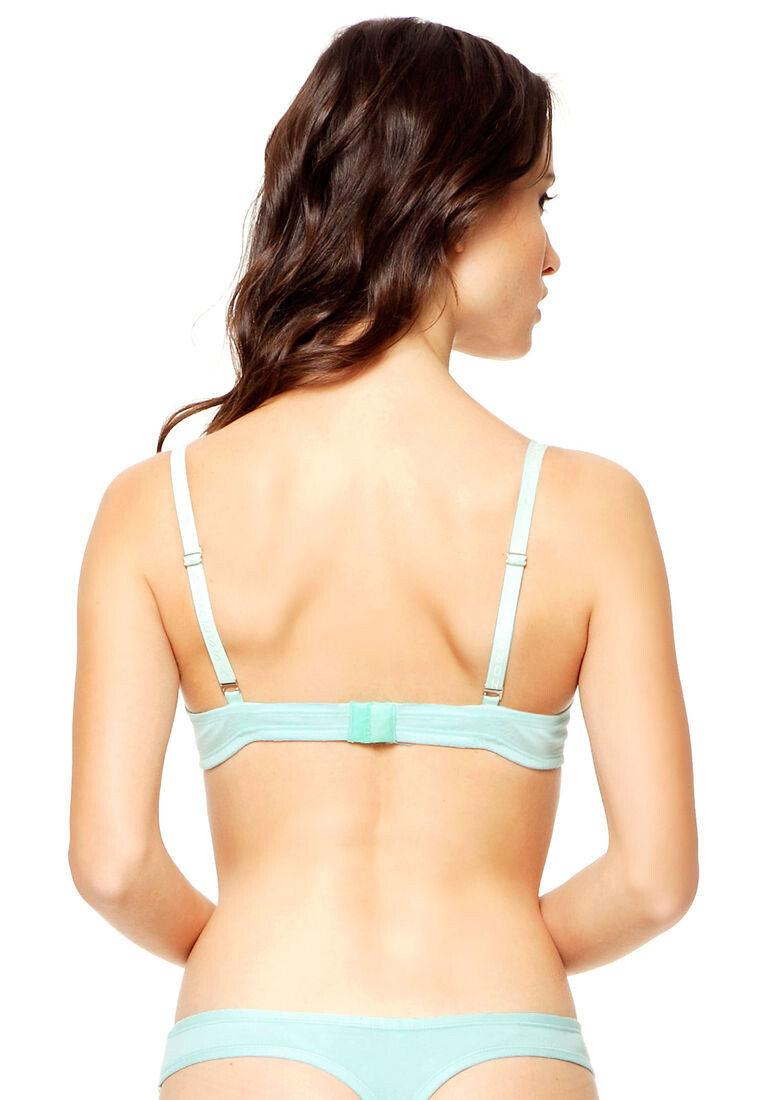
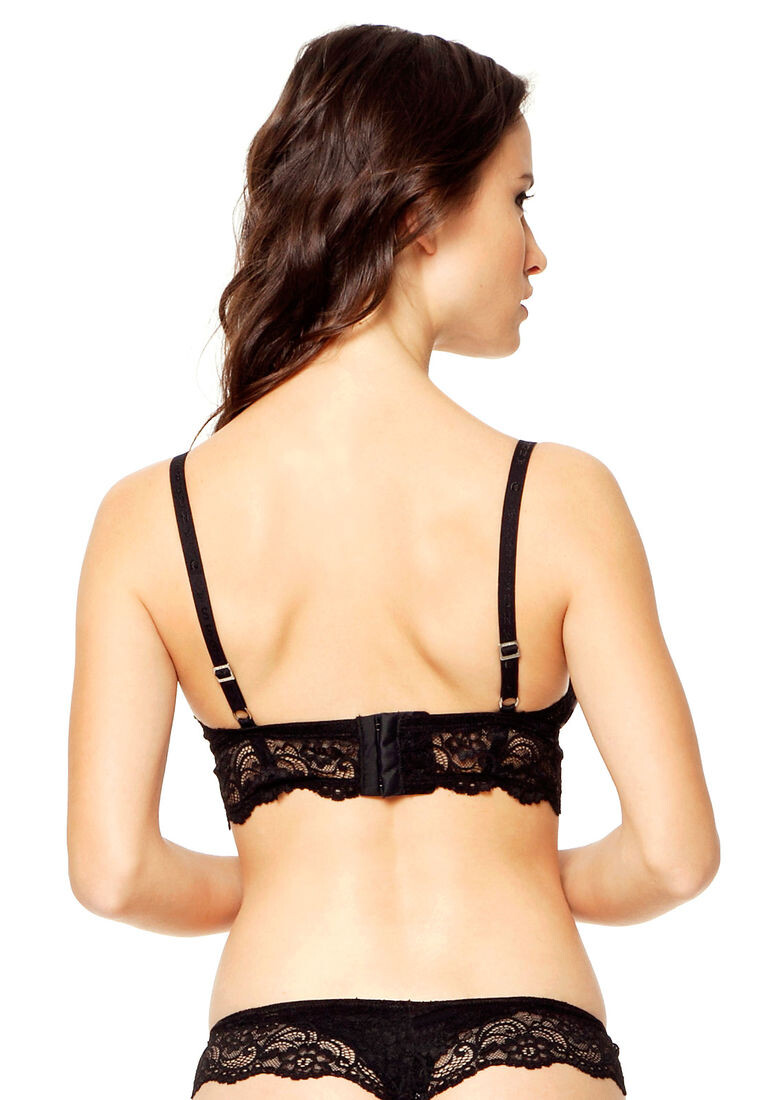
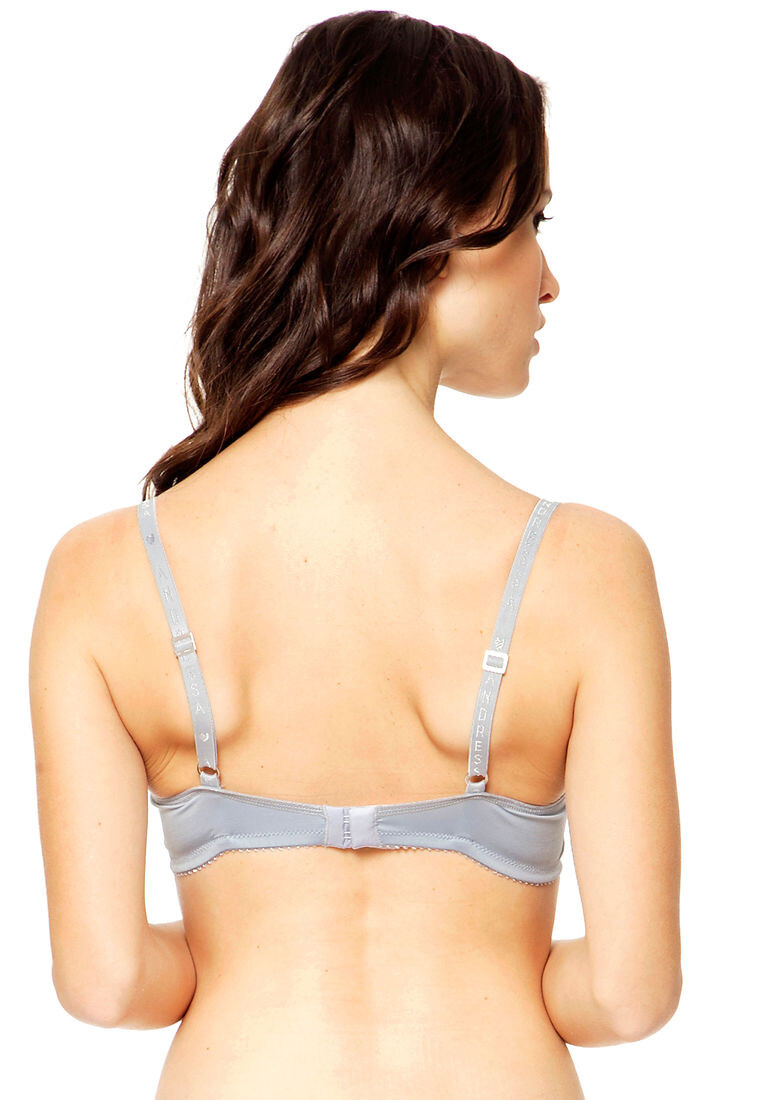
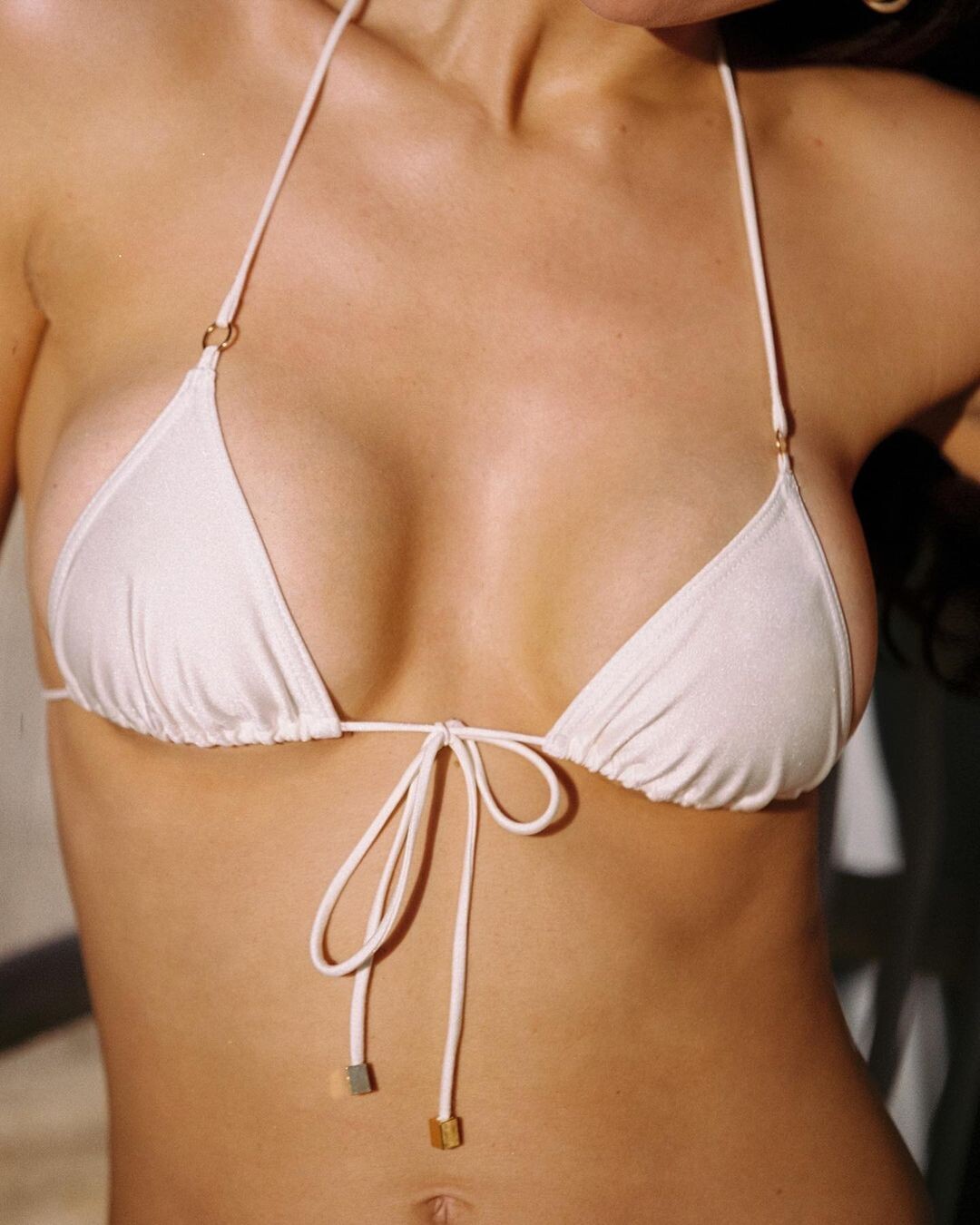
  12. Andressa Lingerie by Dafiti Argentina
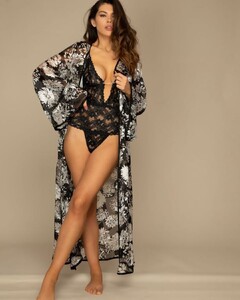
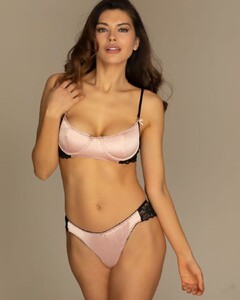
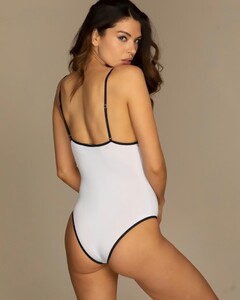
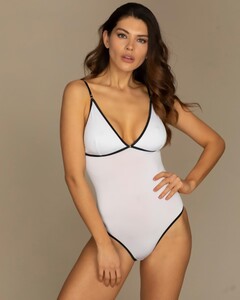
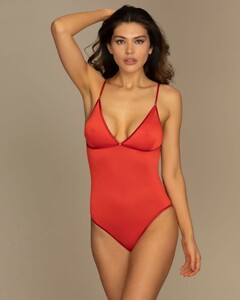
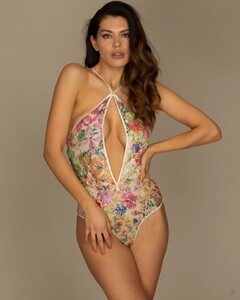
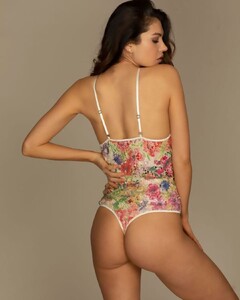
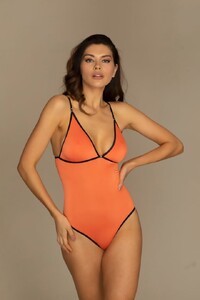
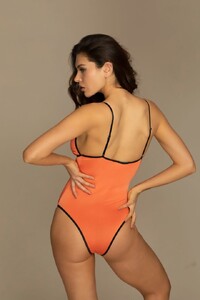
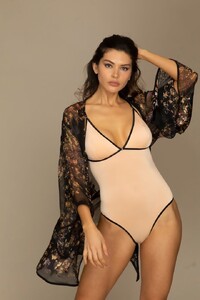
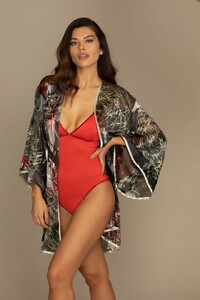
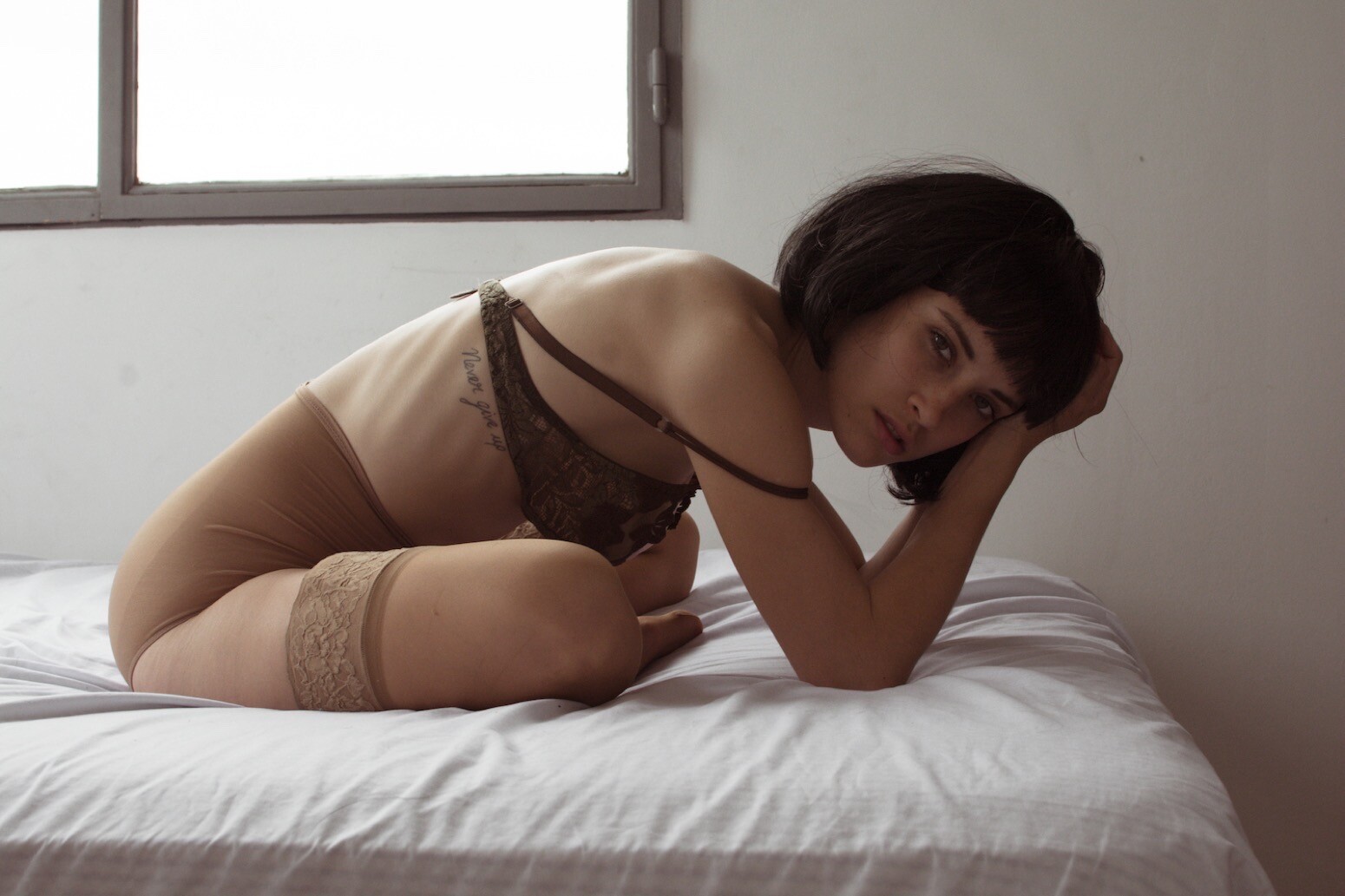
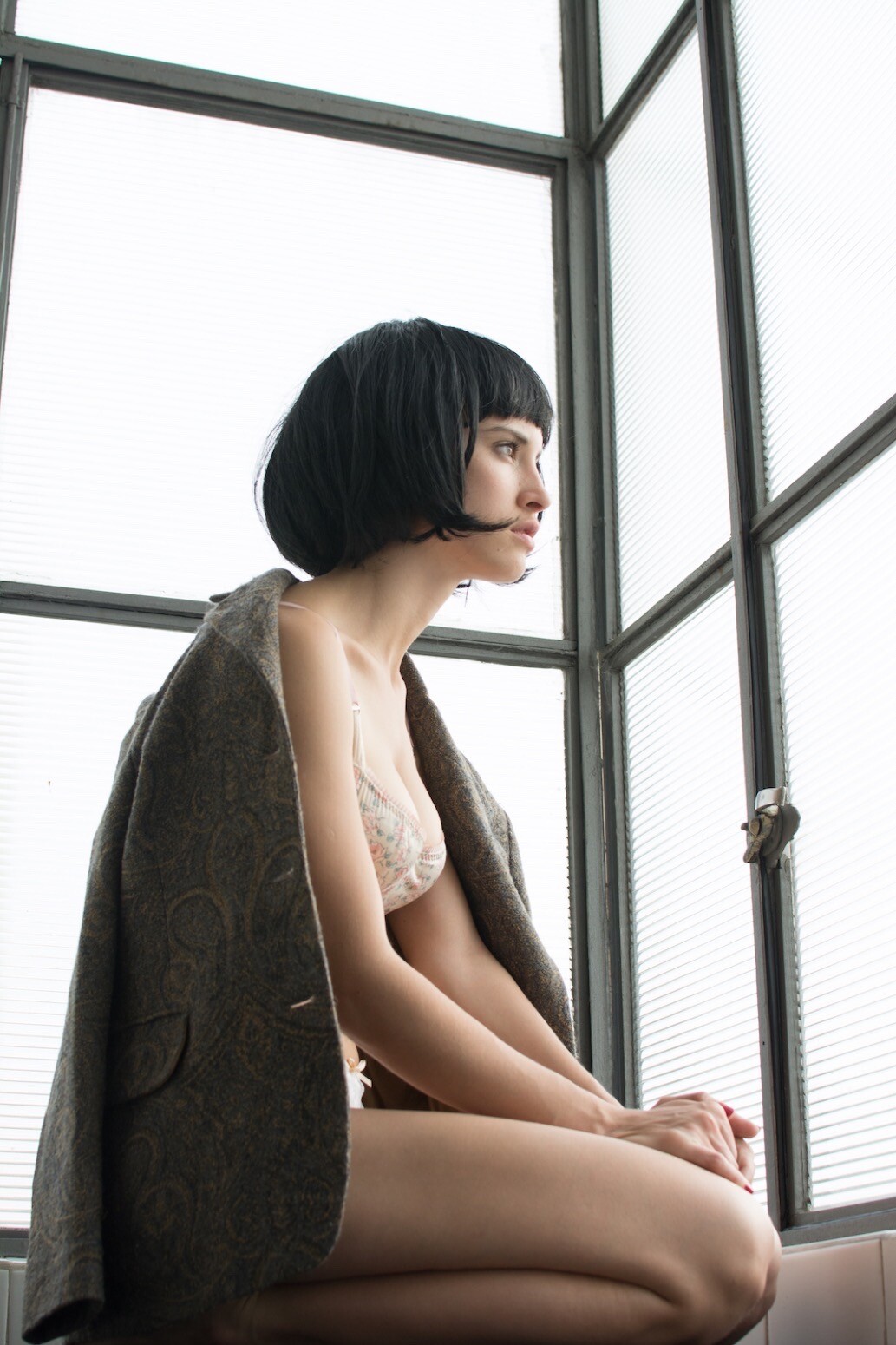
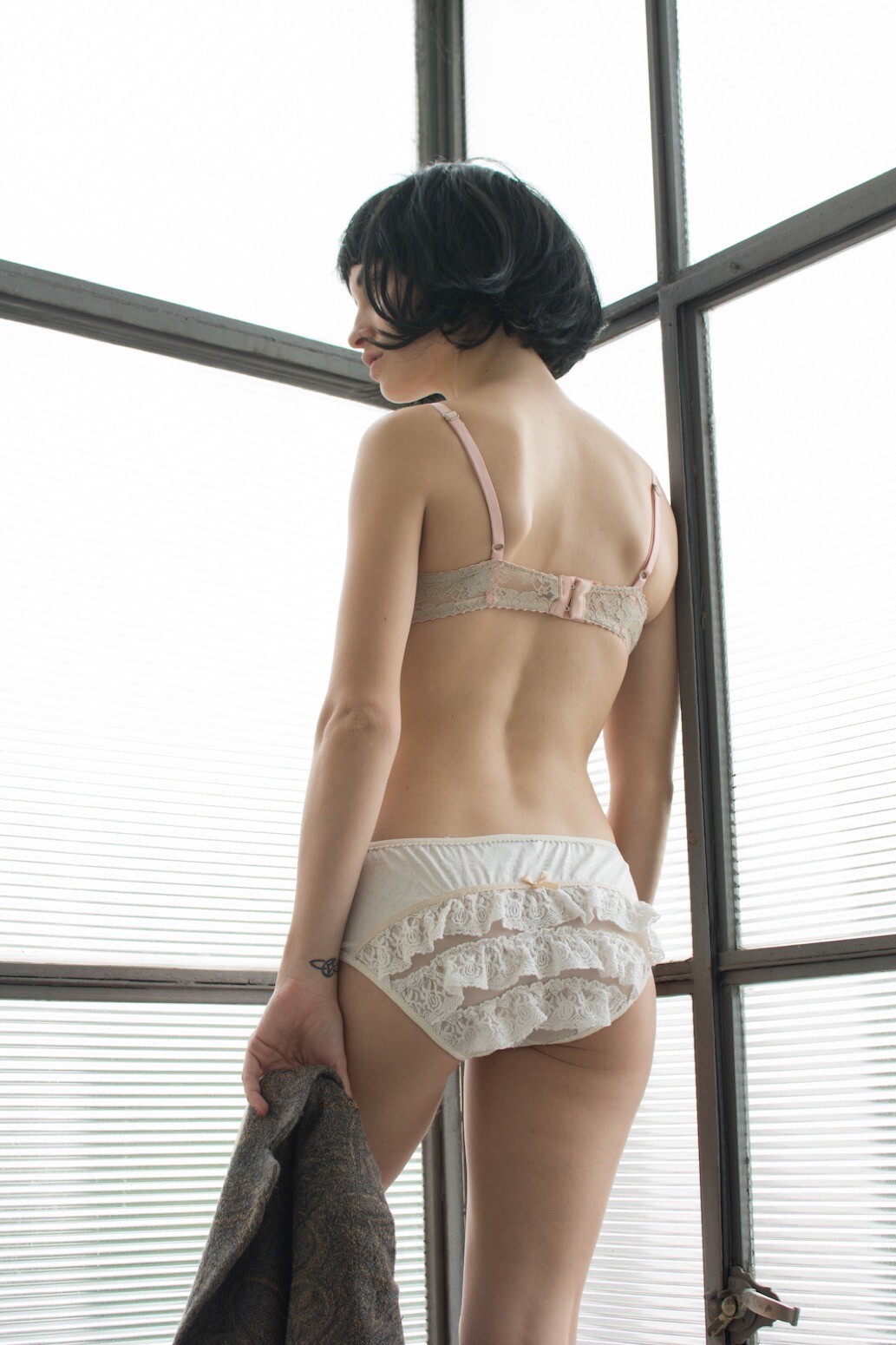
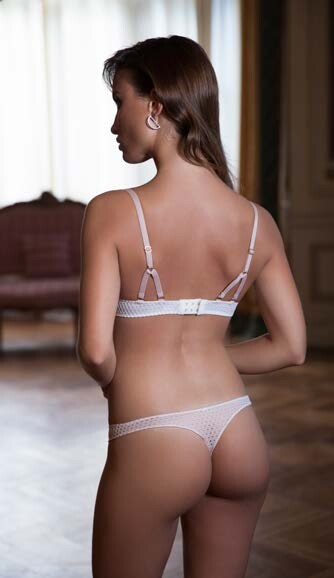
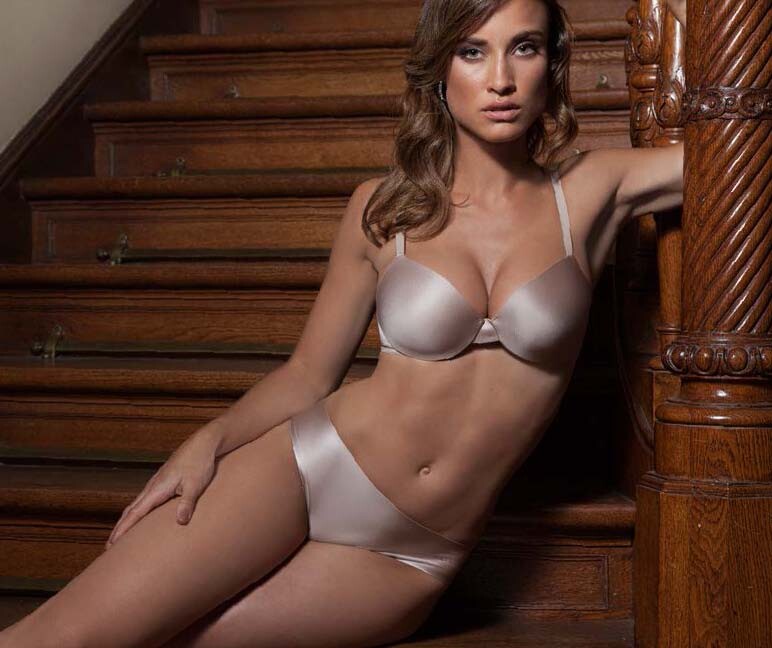
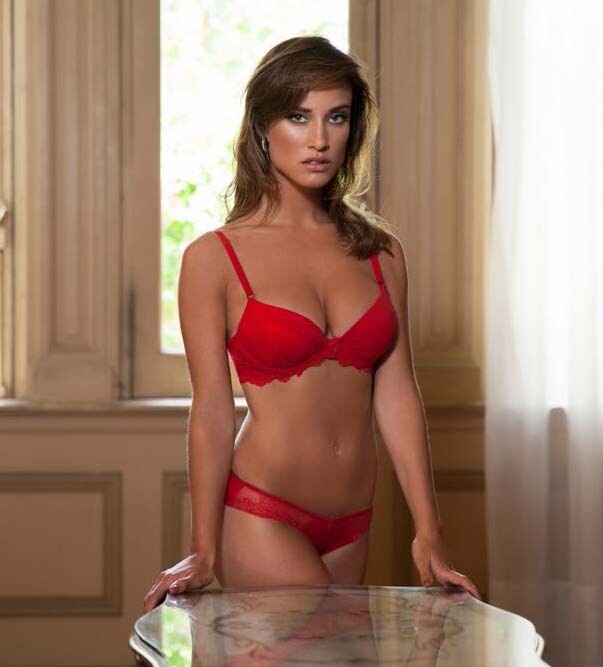
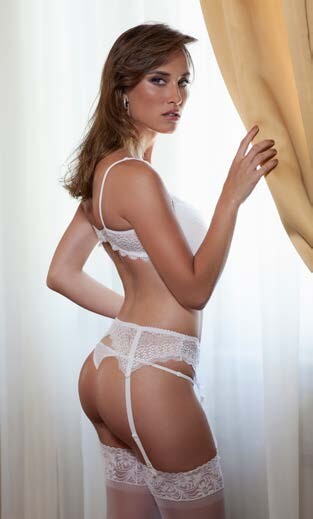
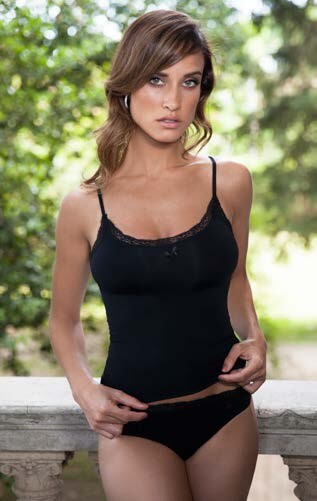
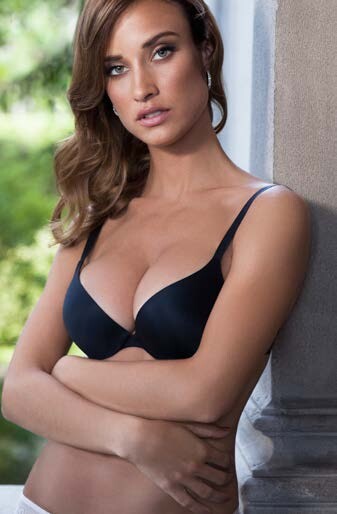
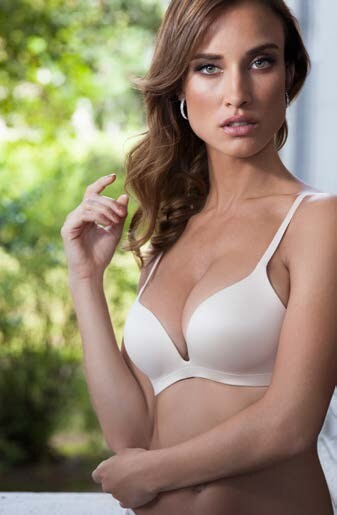
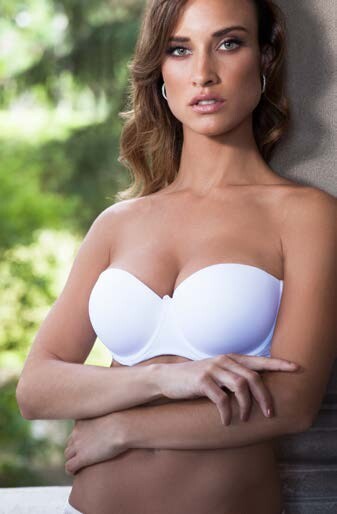
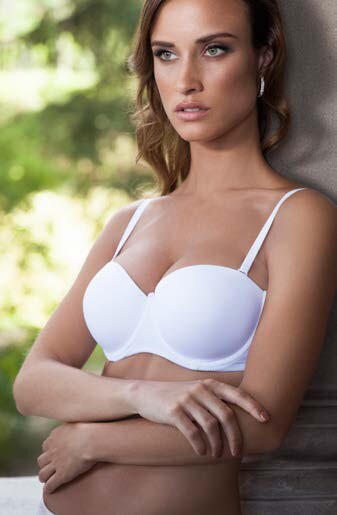
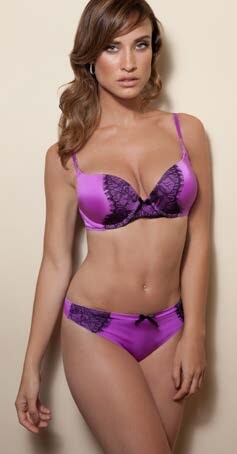
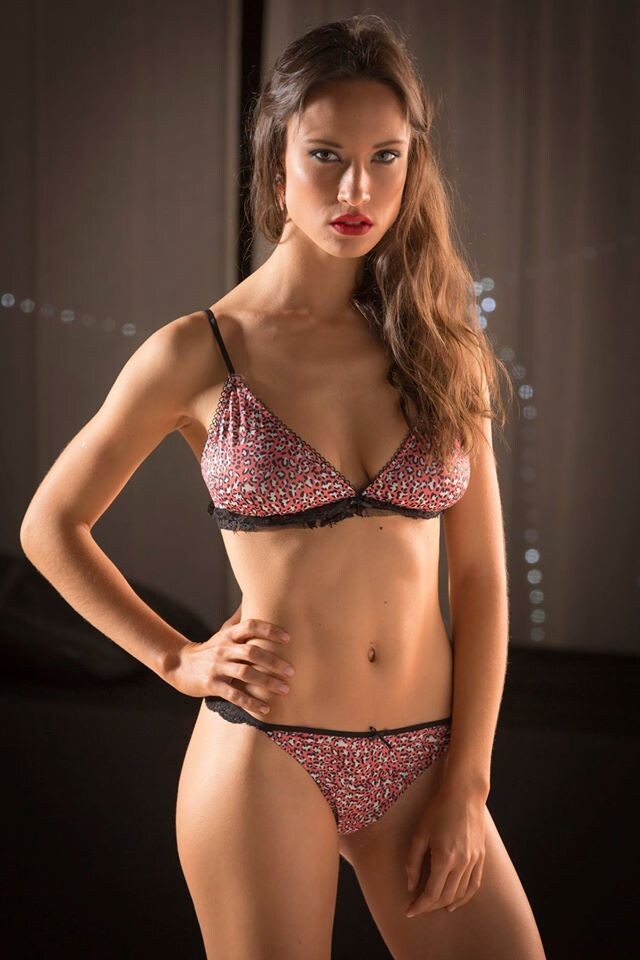
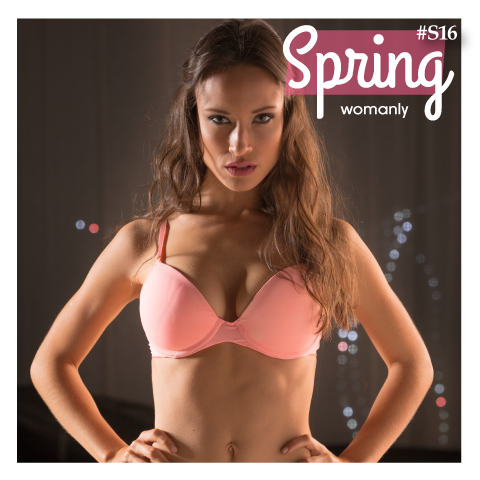
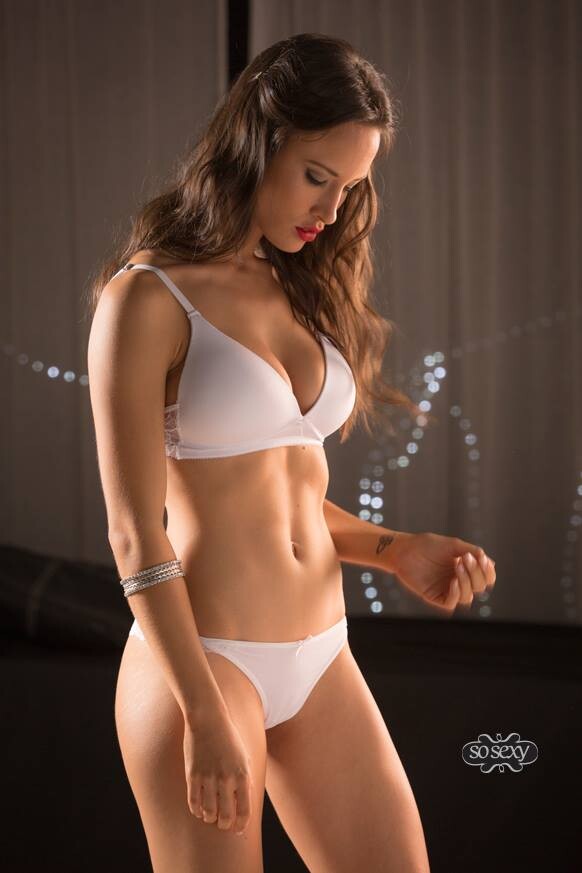
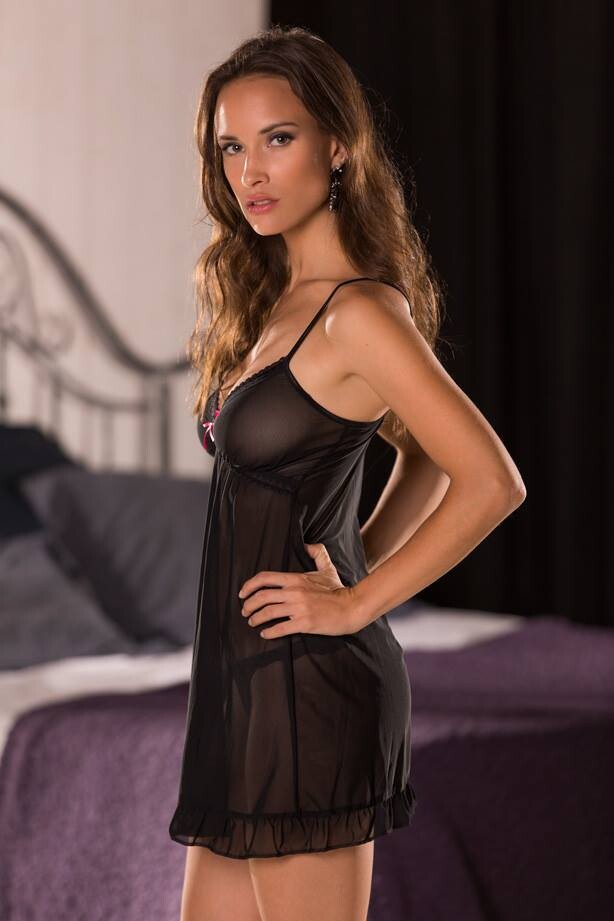
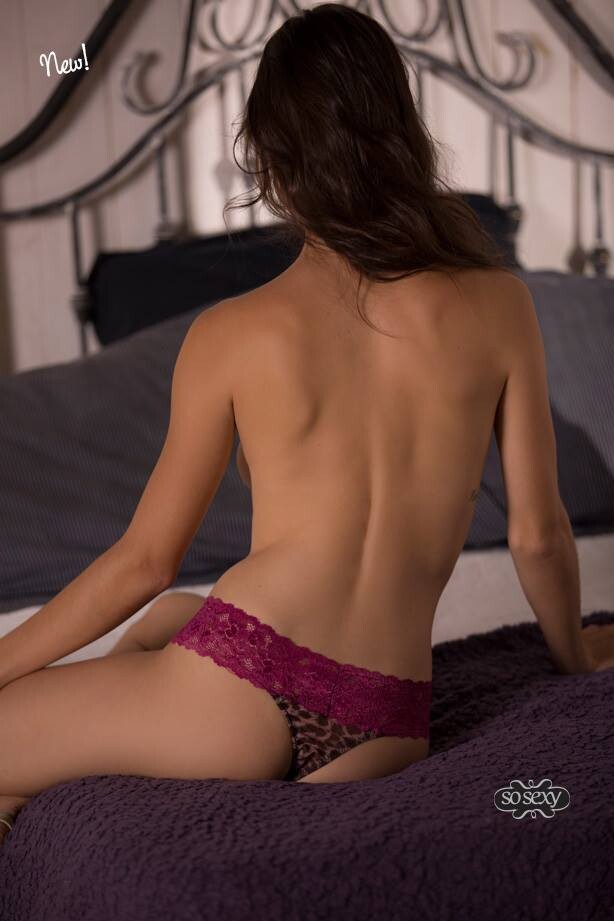
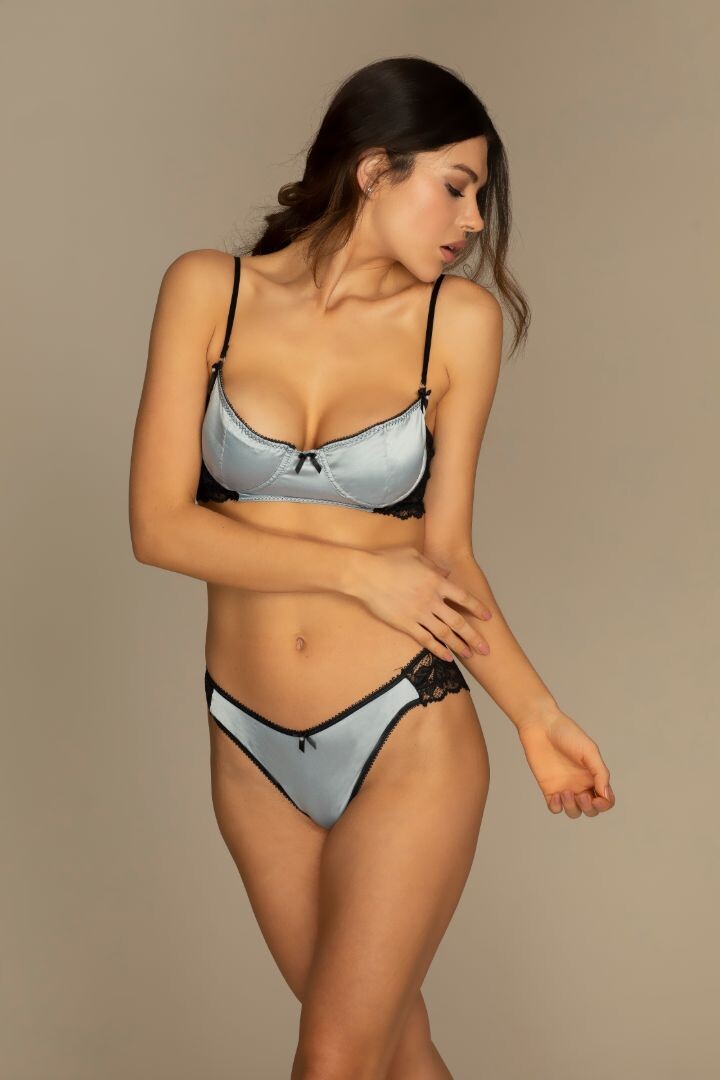
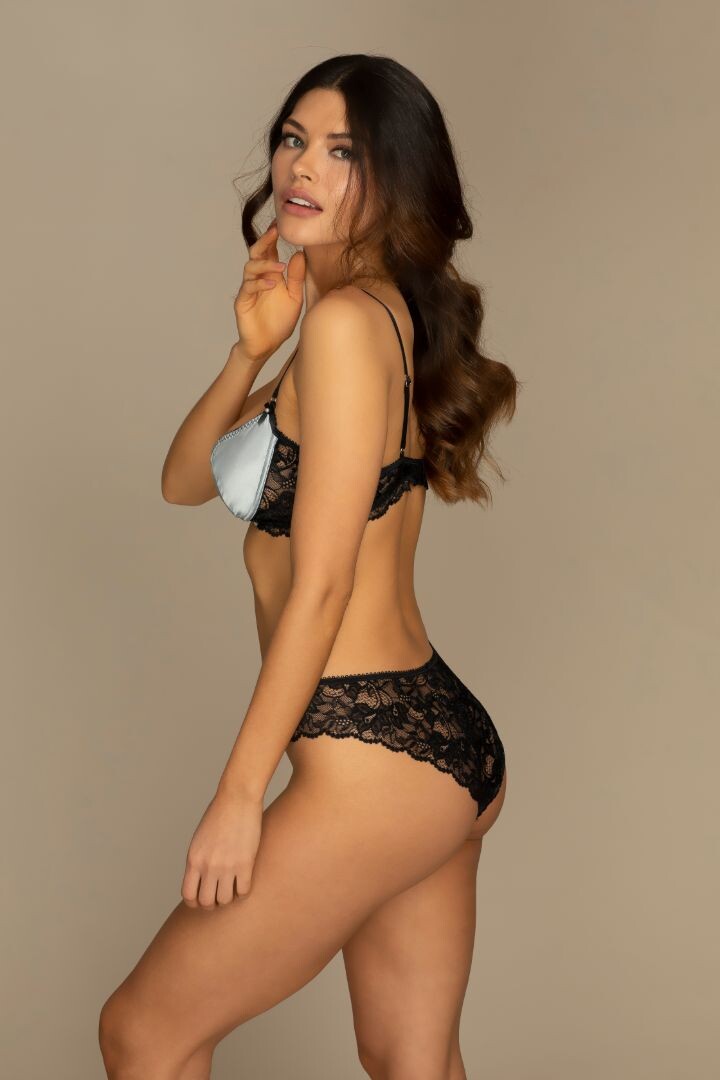
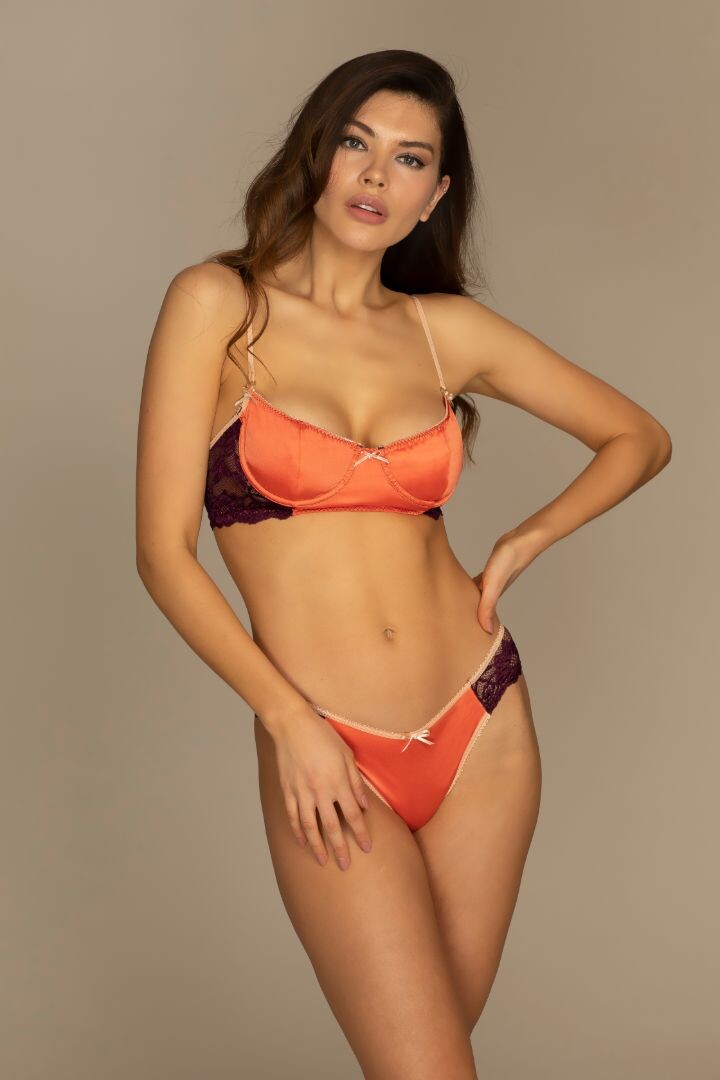
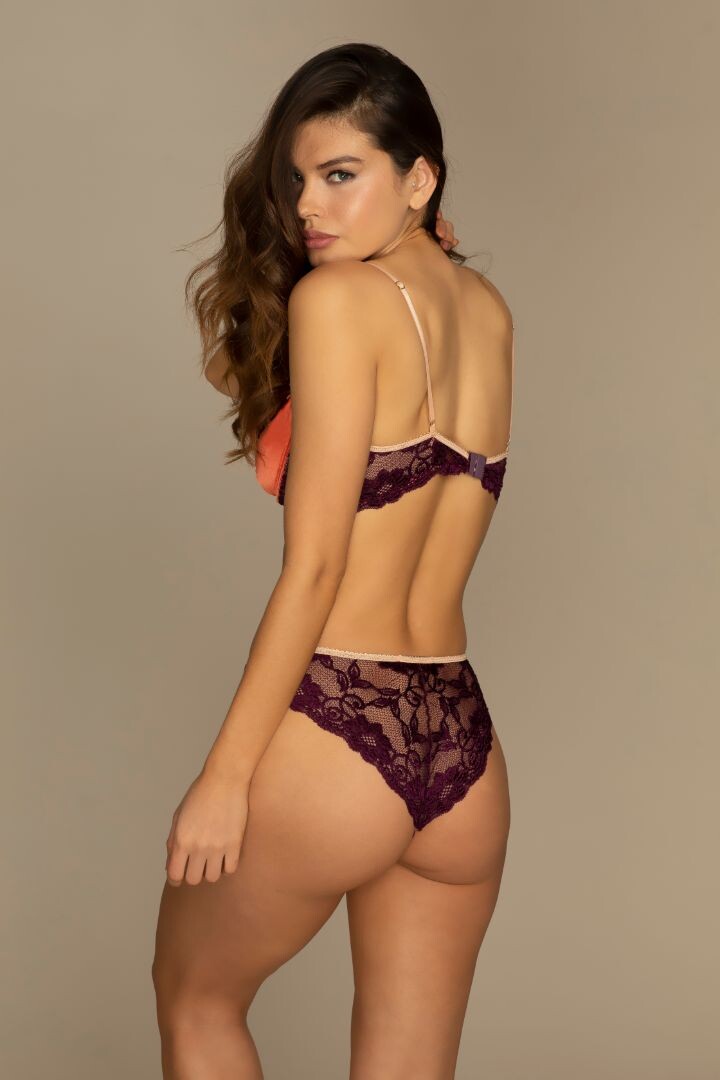
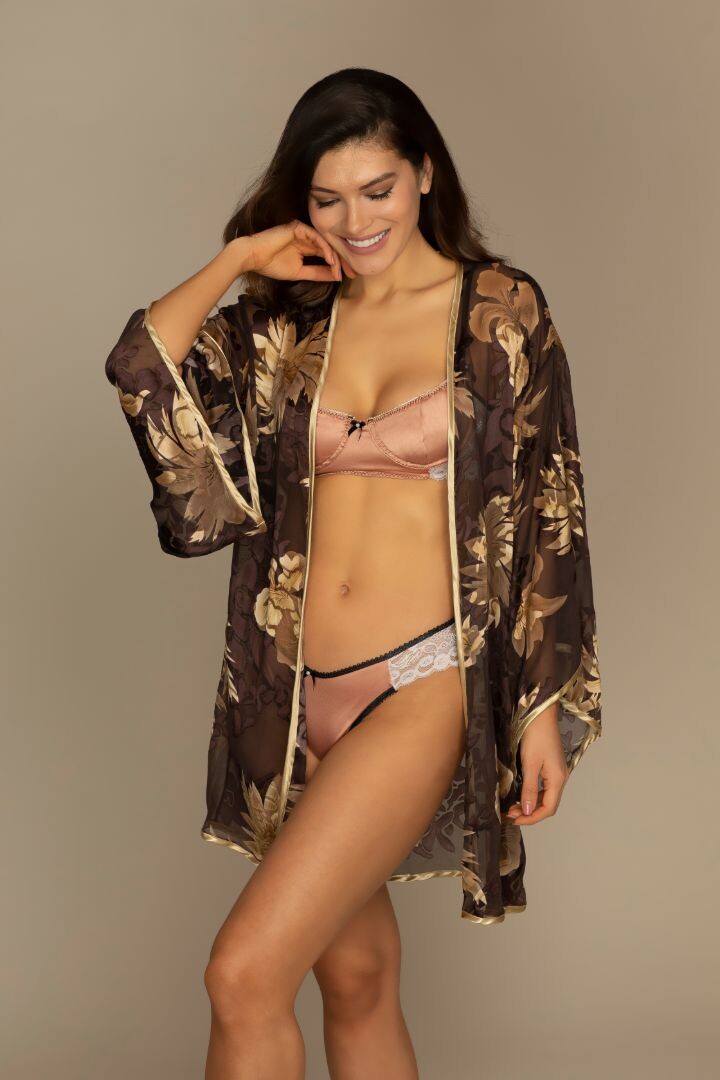
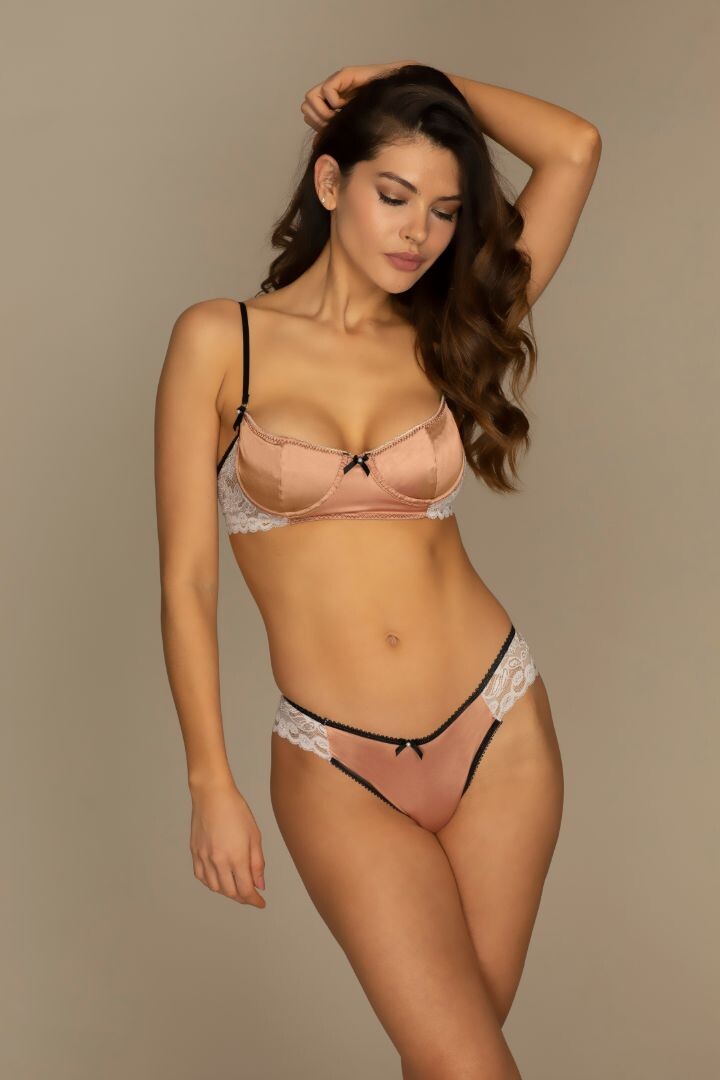
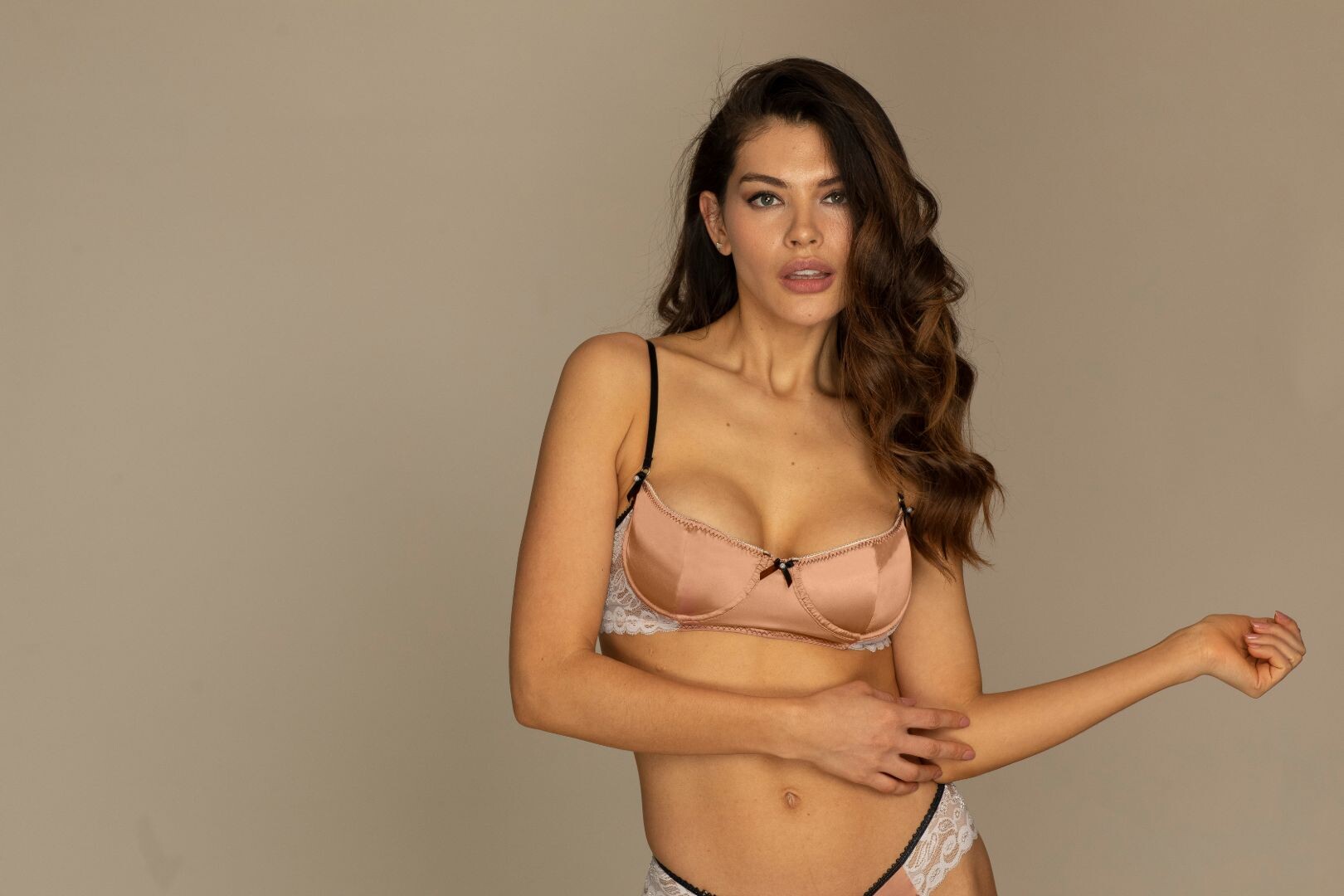
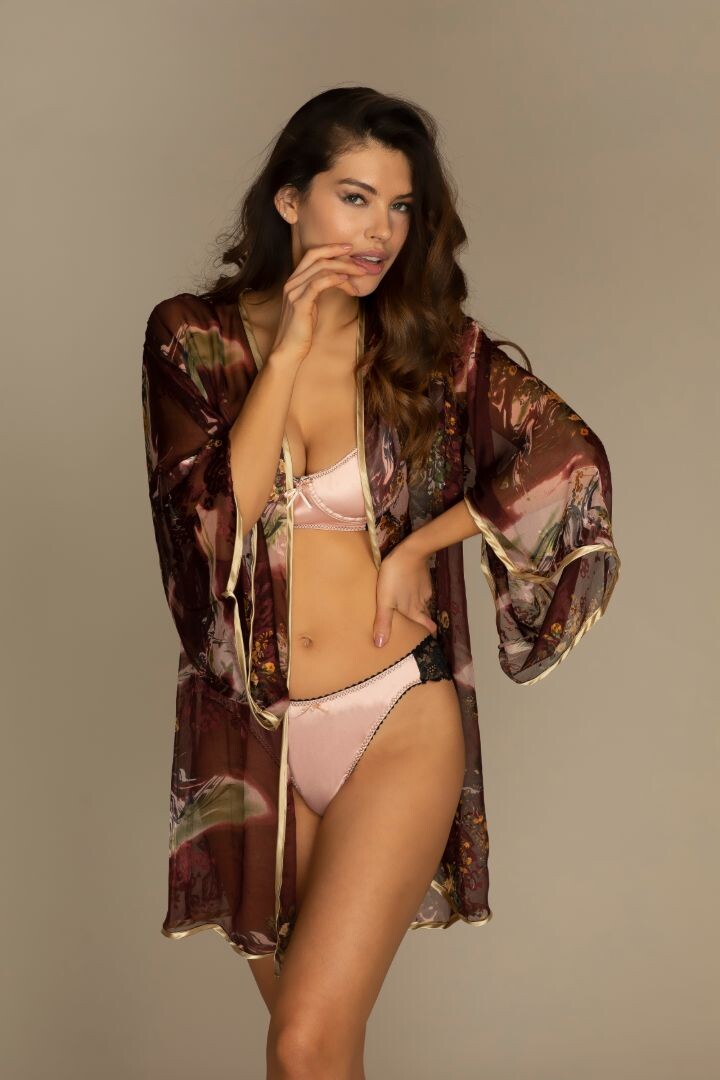
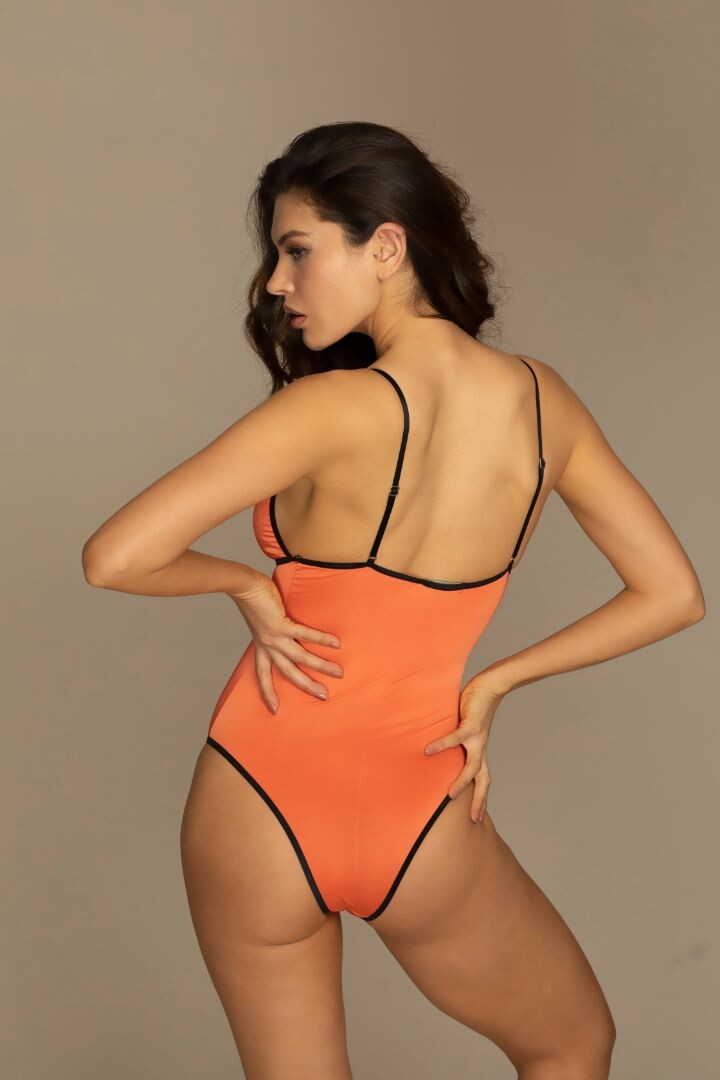
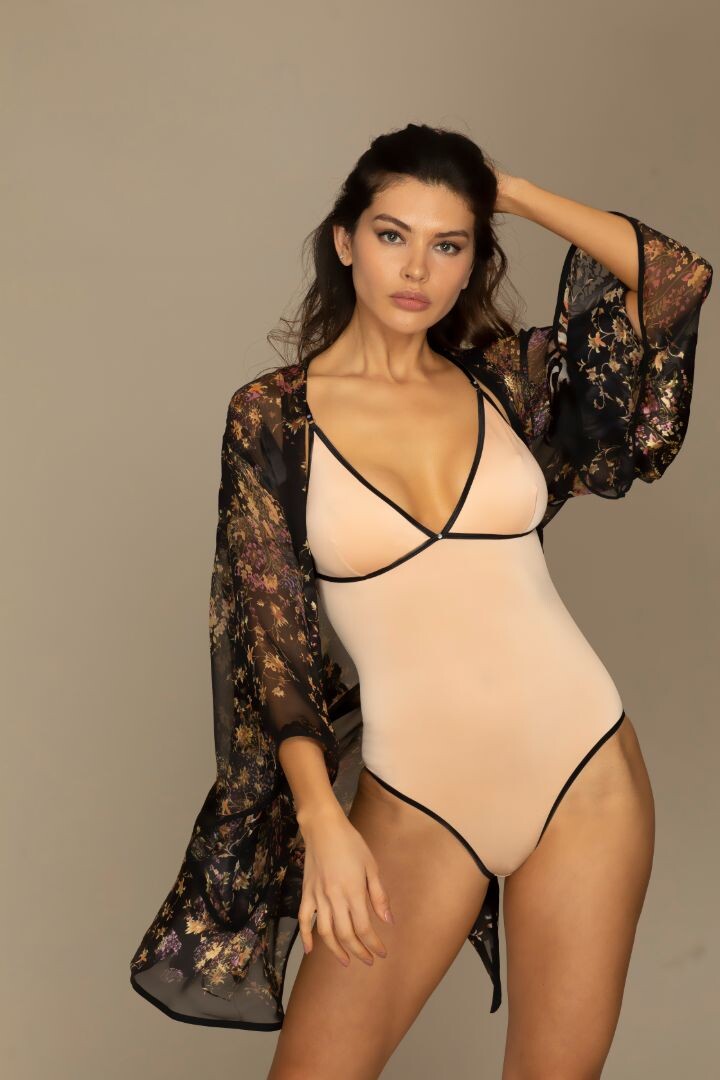
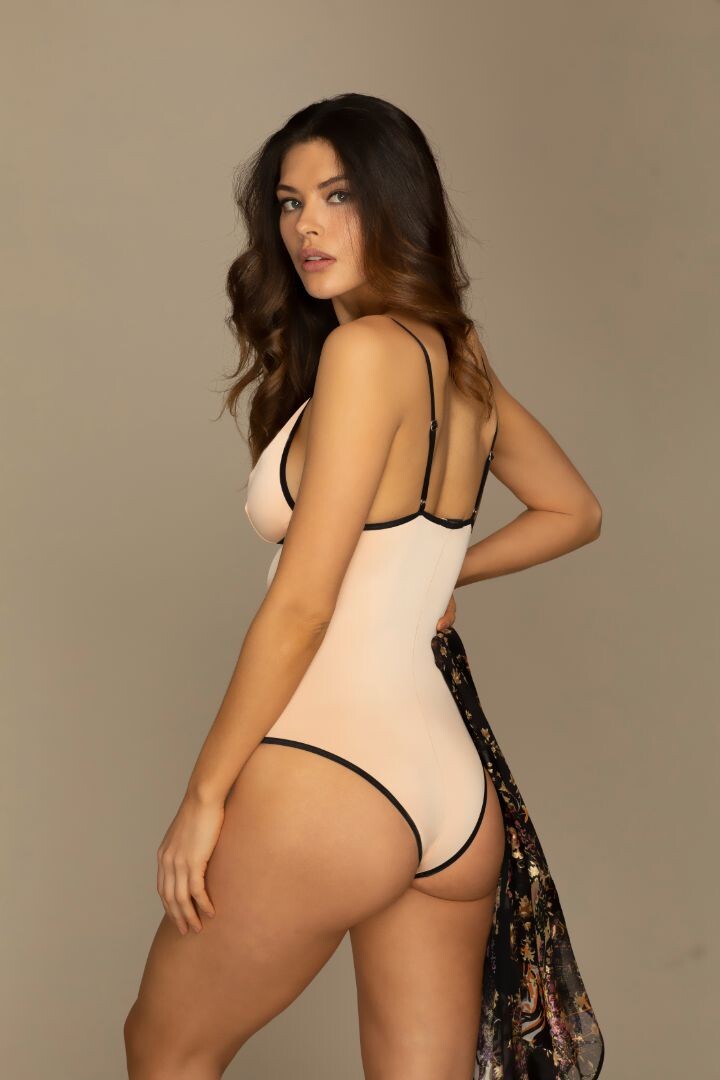
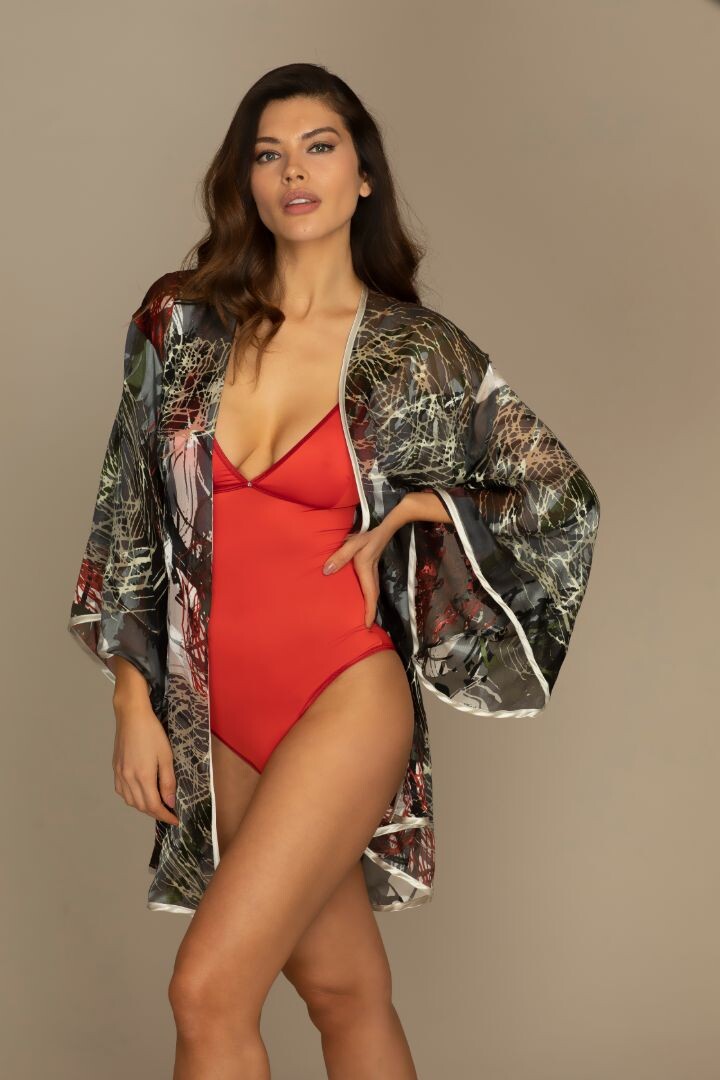
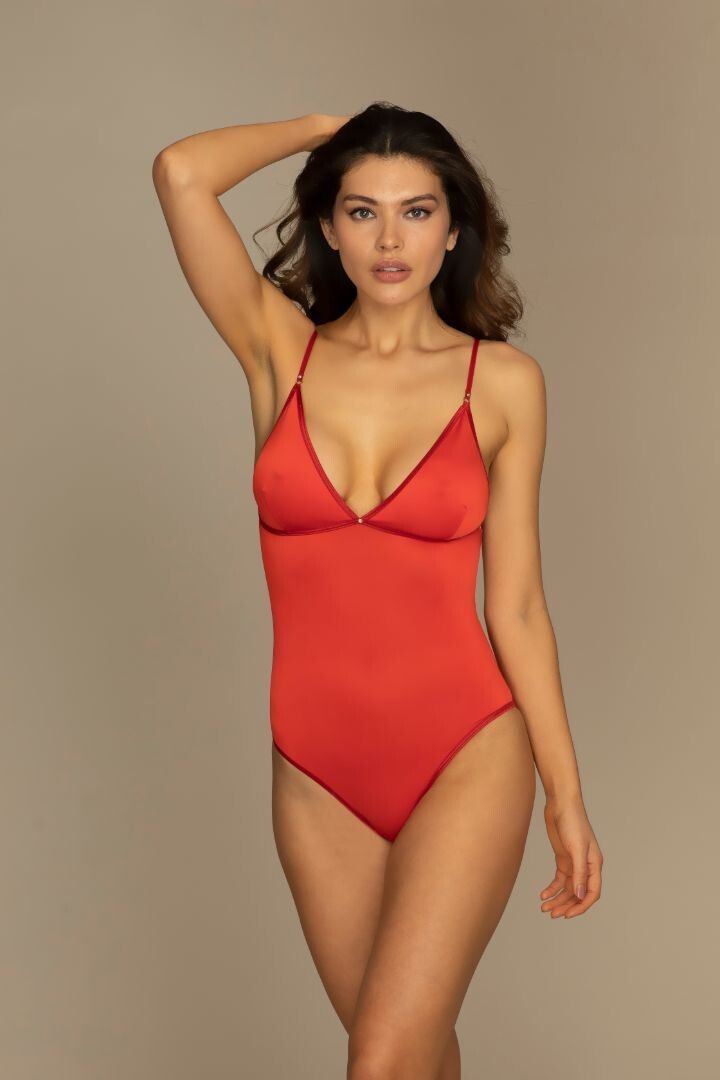
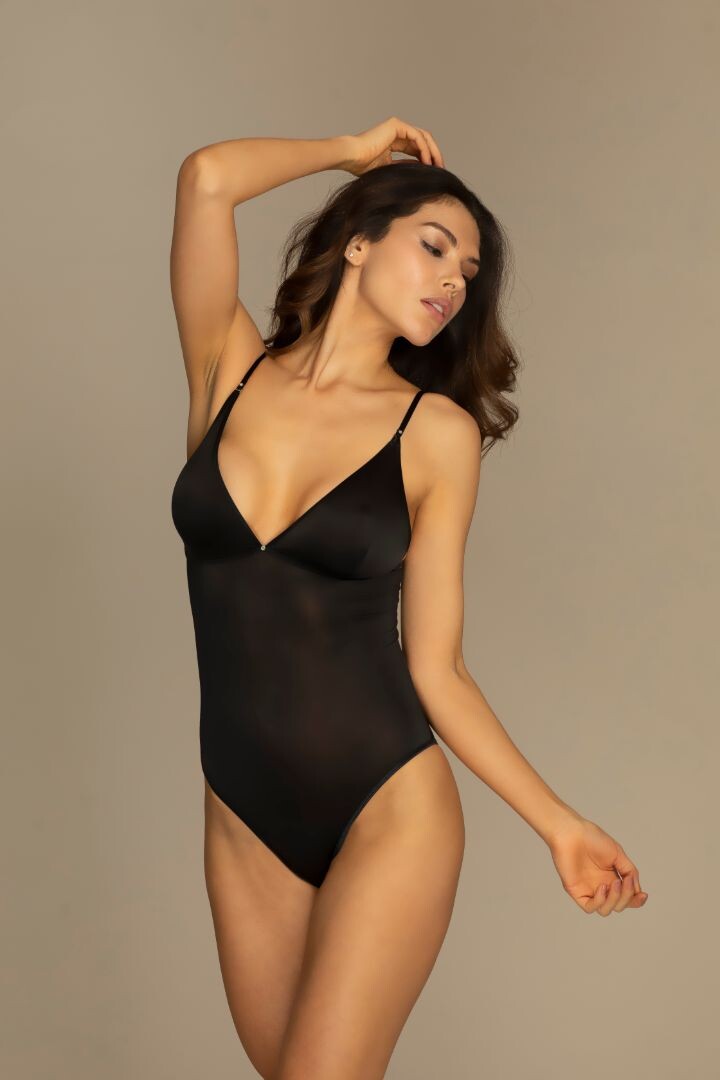
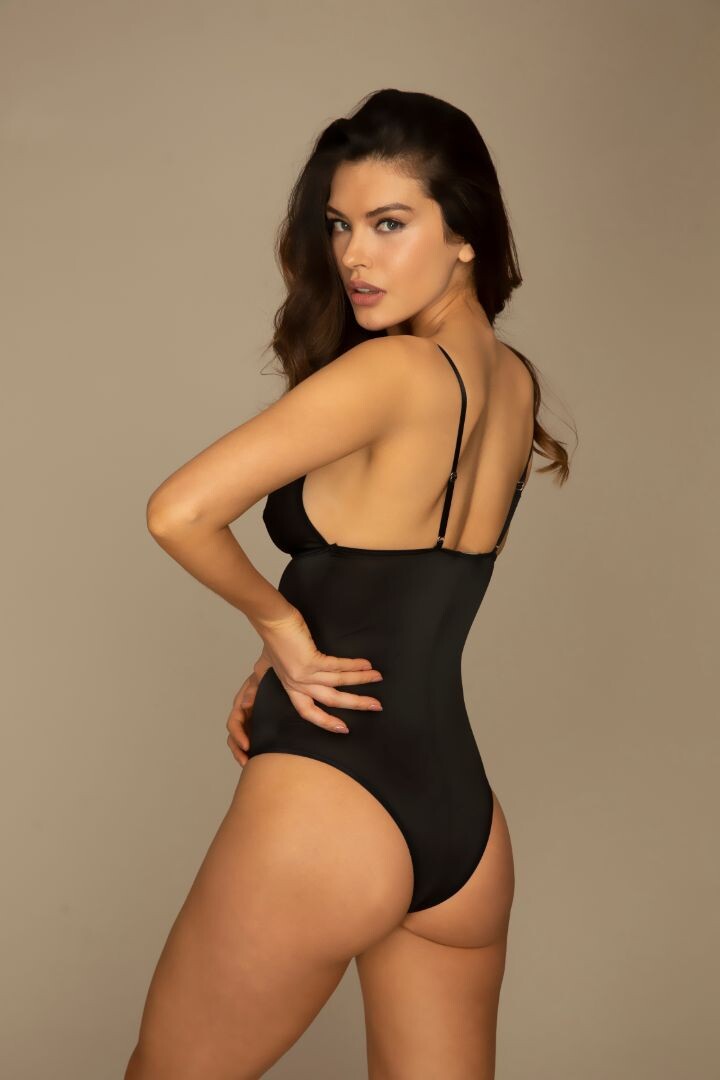
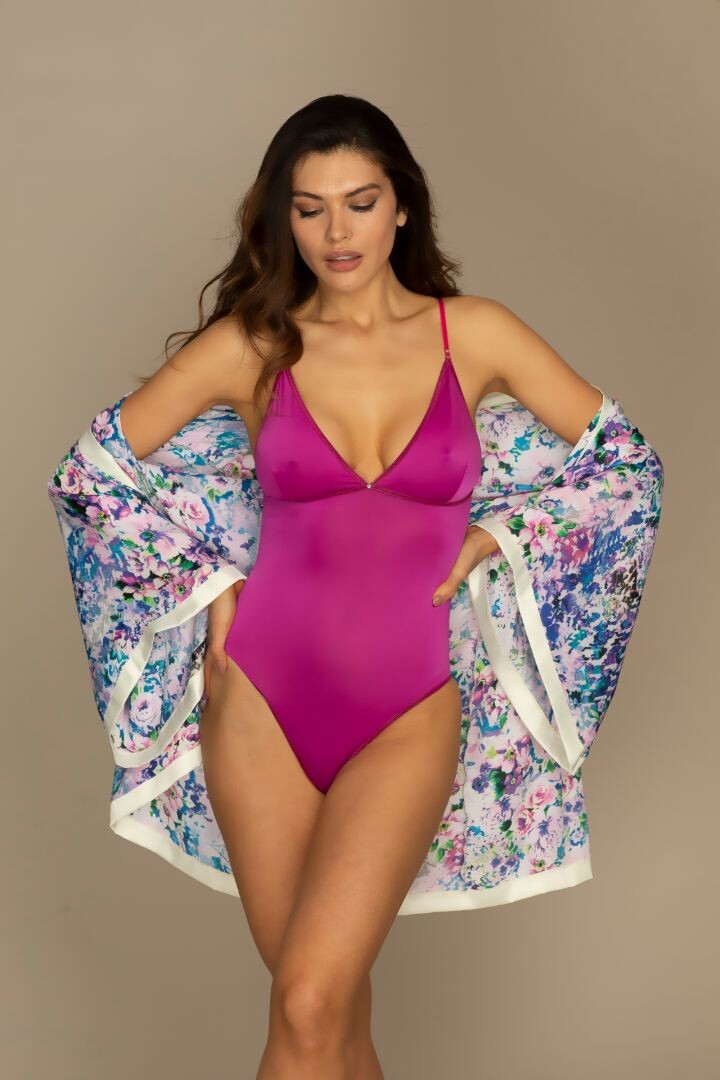
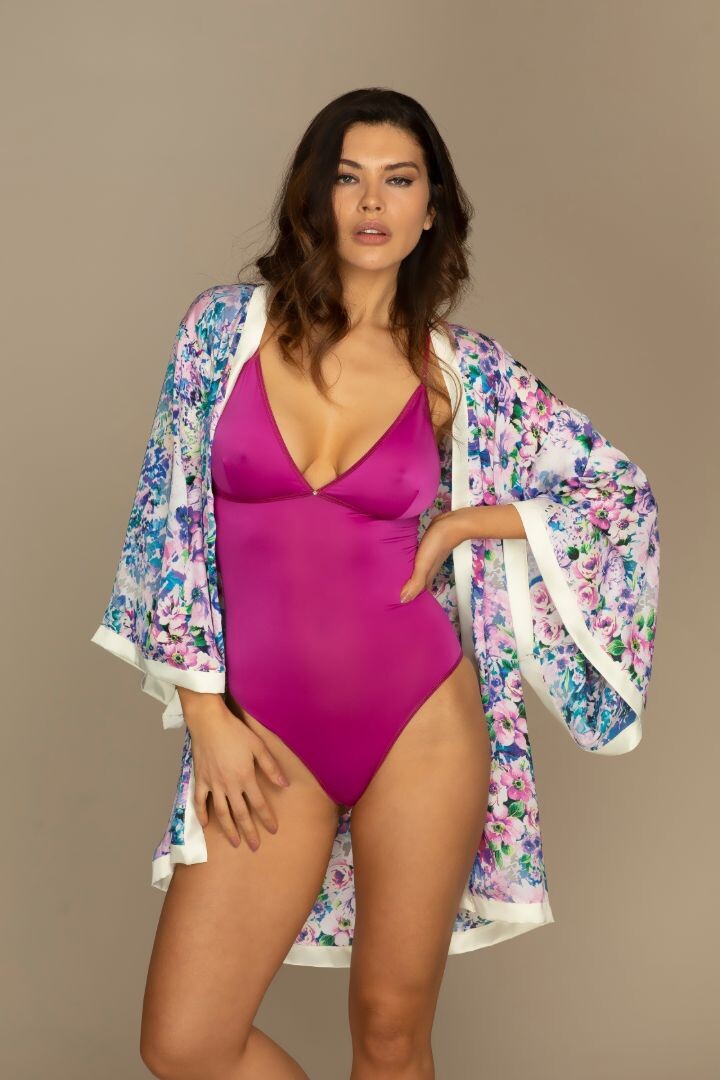
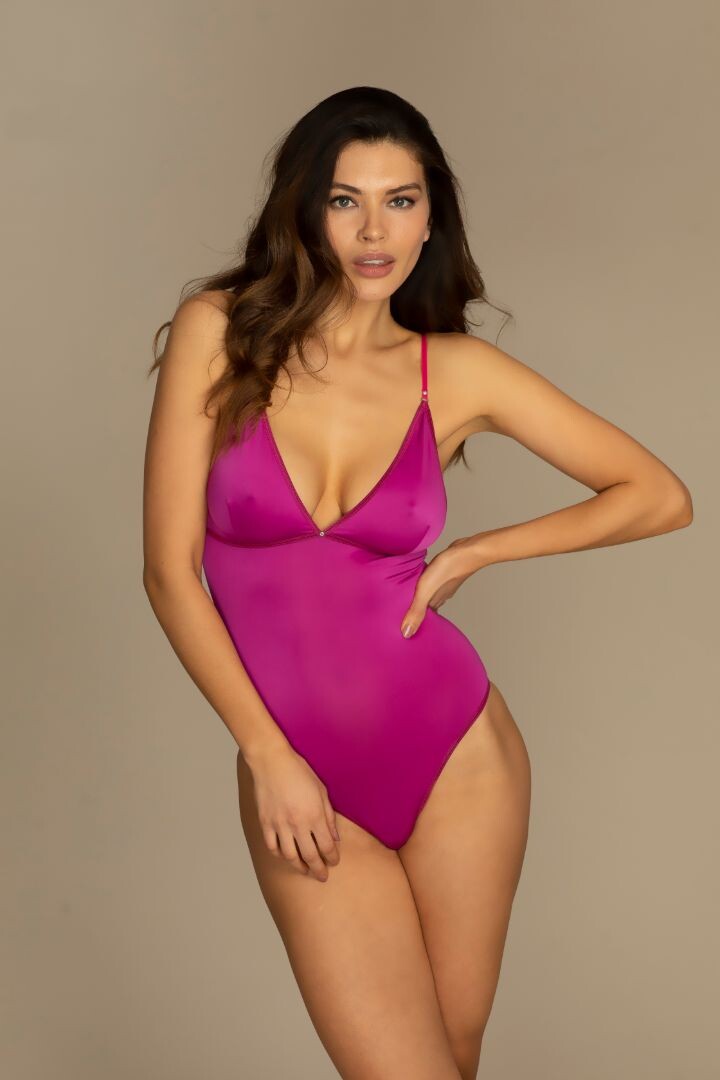
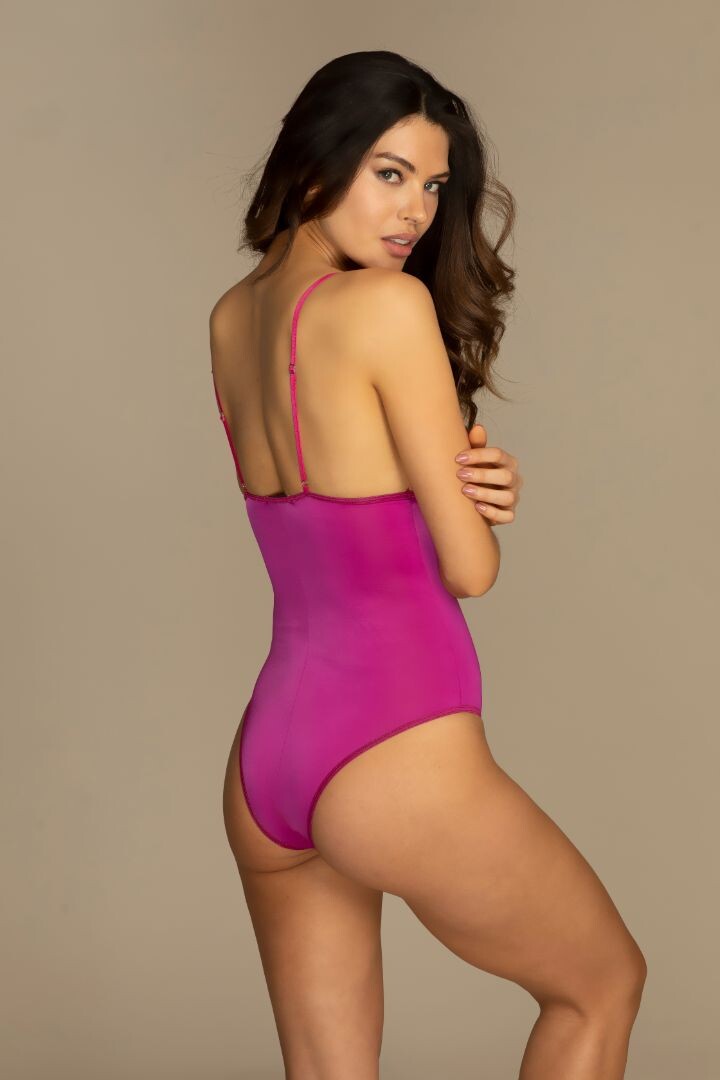
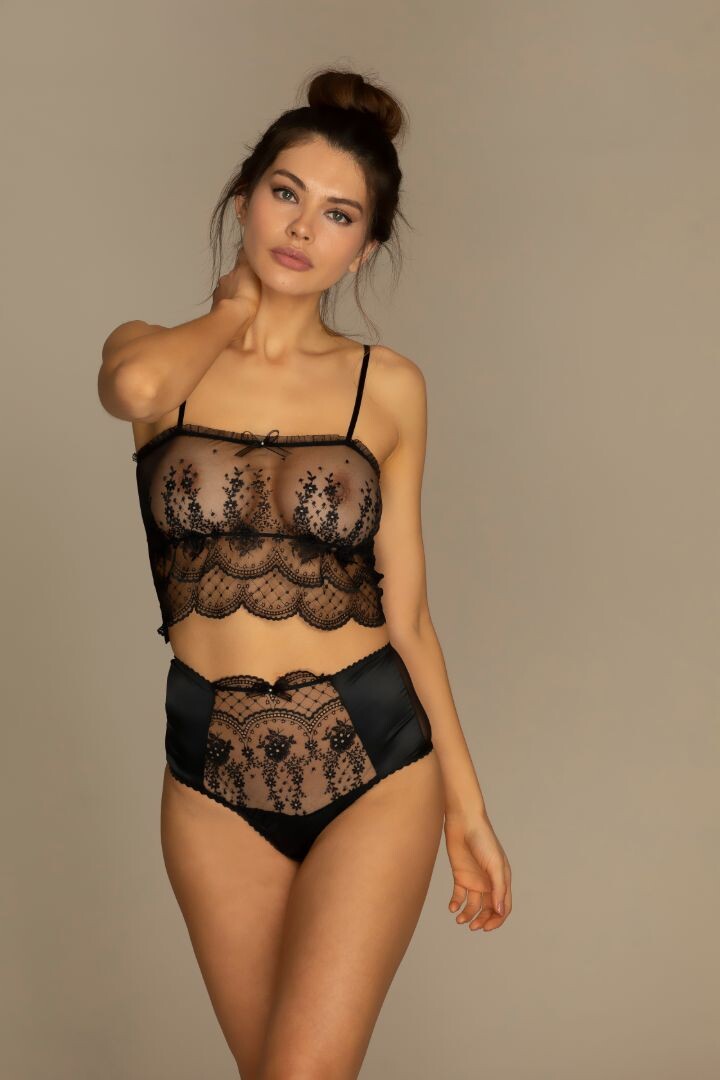
  13. Womanly Lingerie (2017/18)
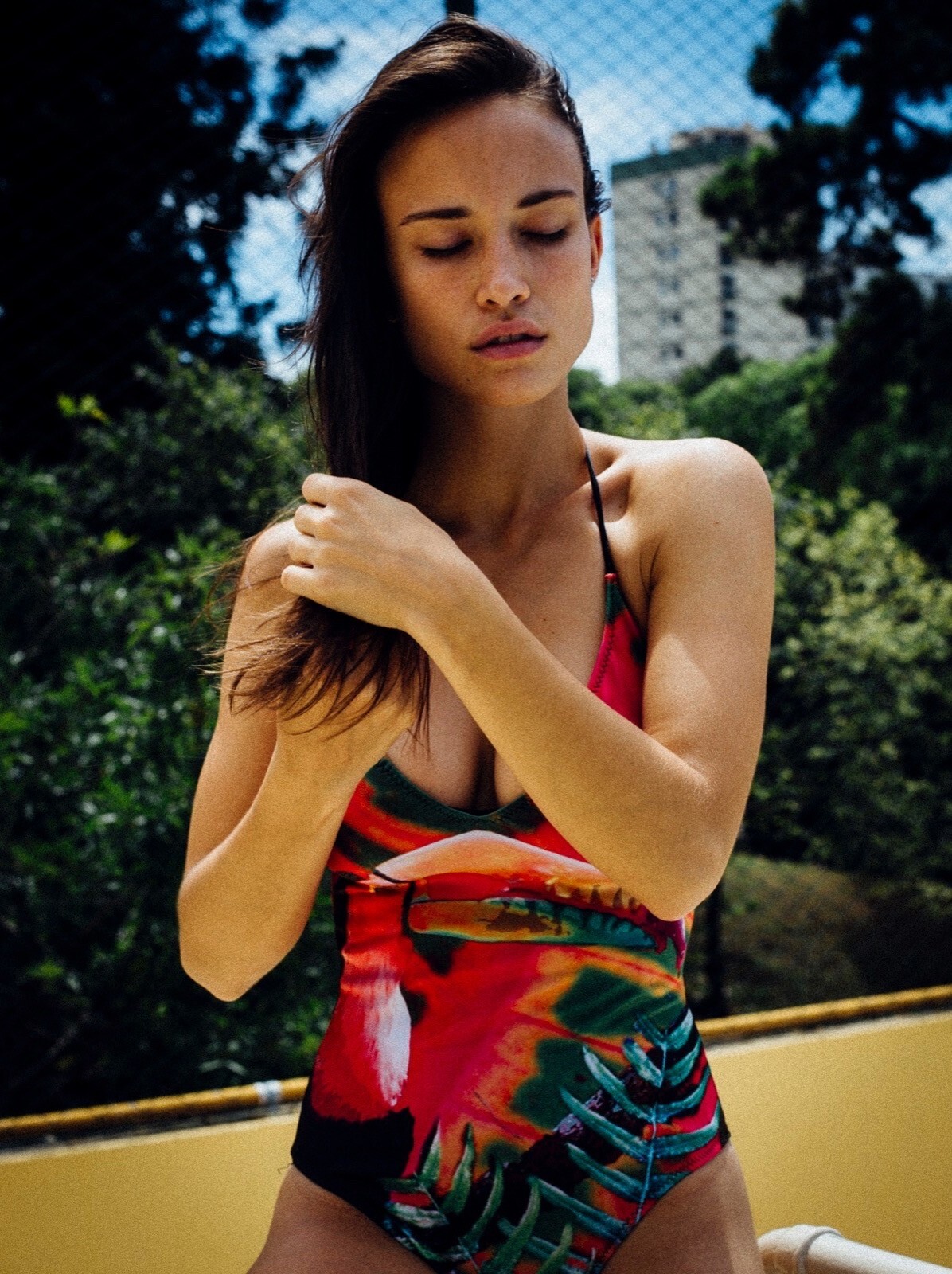
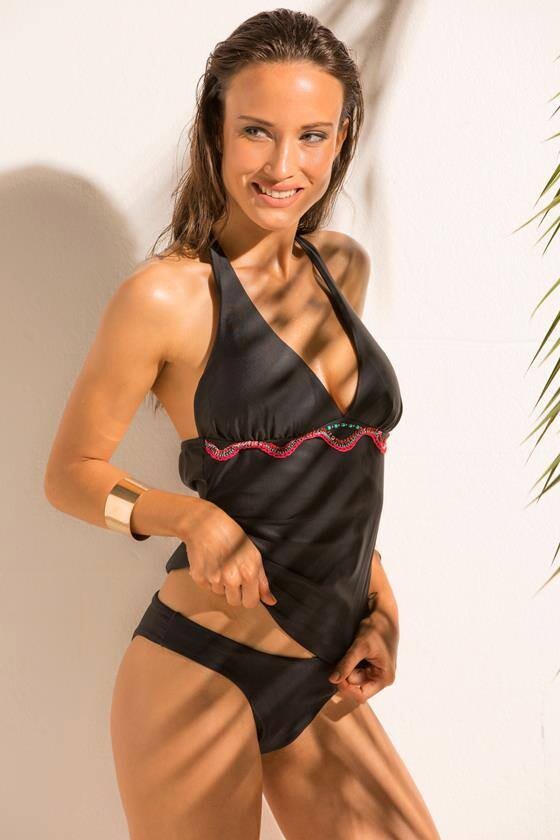
  14. Womanly Swimwear (2016)
  15. Womanly Lingerie (2014/15)
  16. PAROLE ITALY
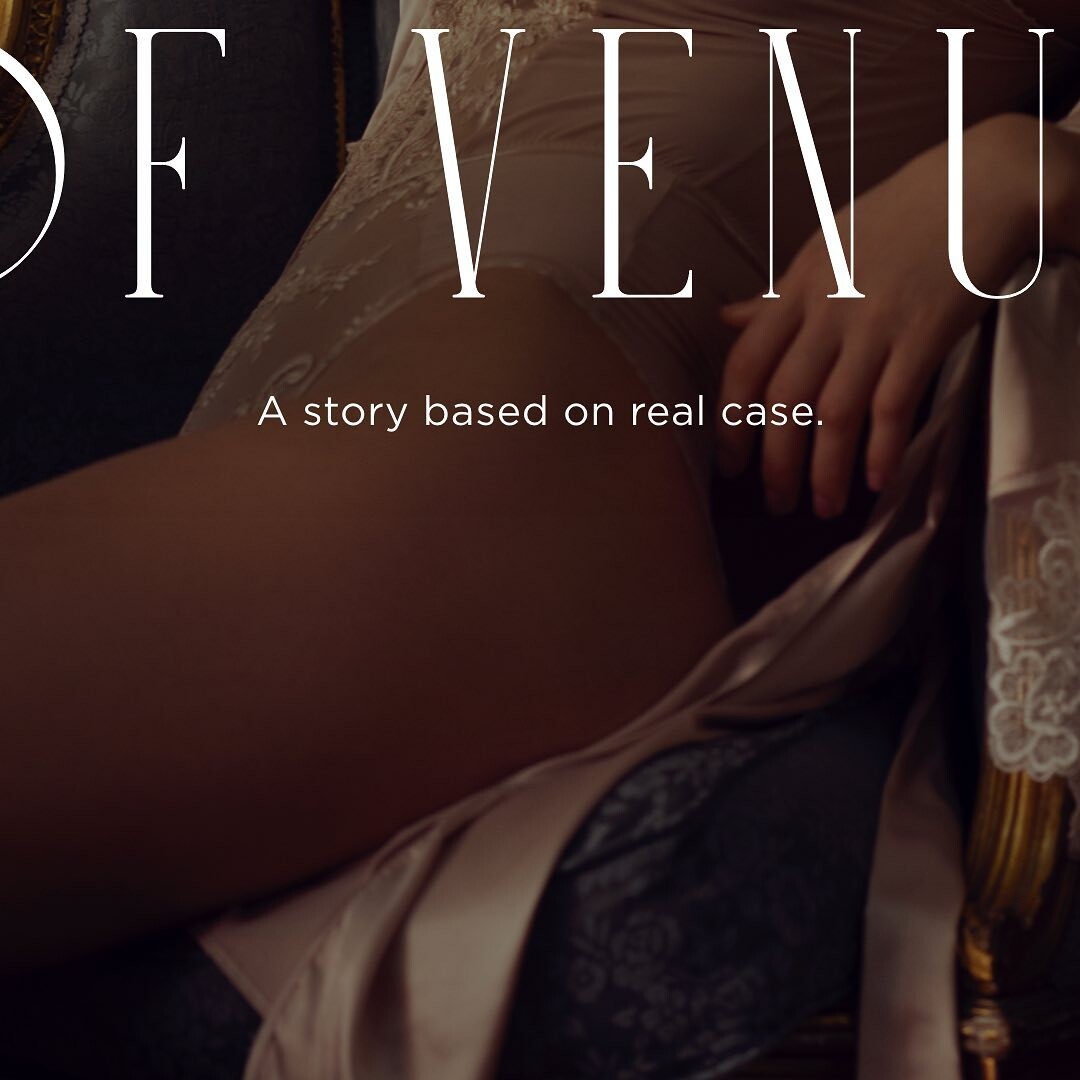
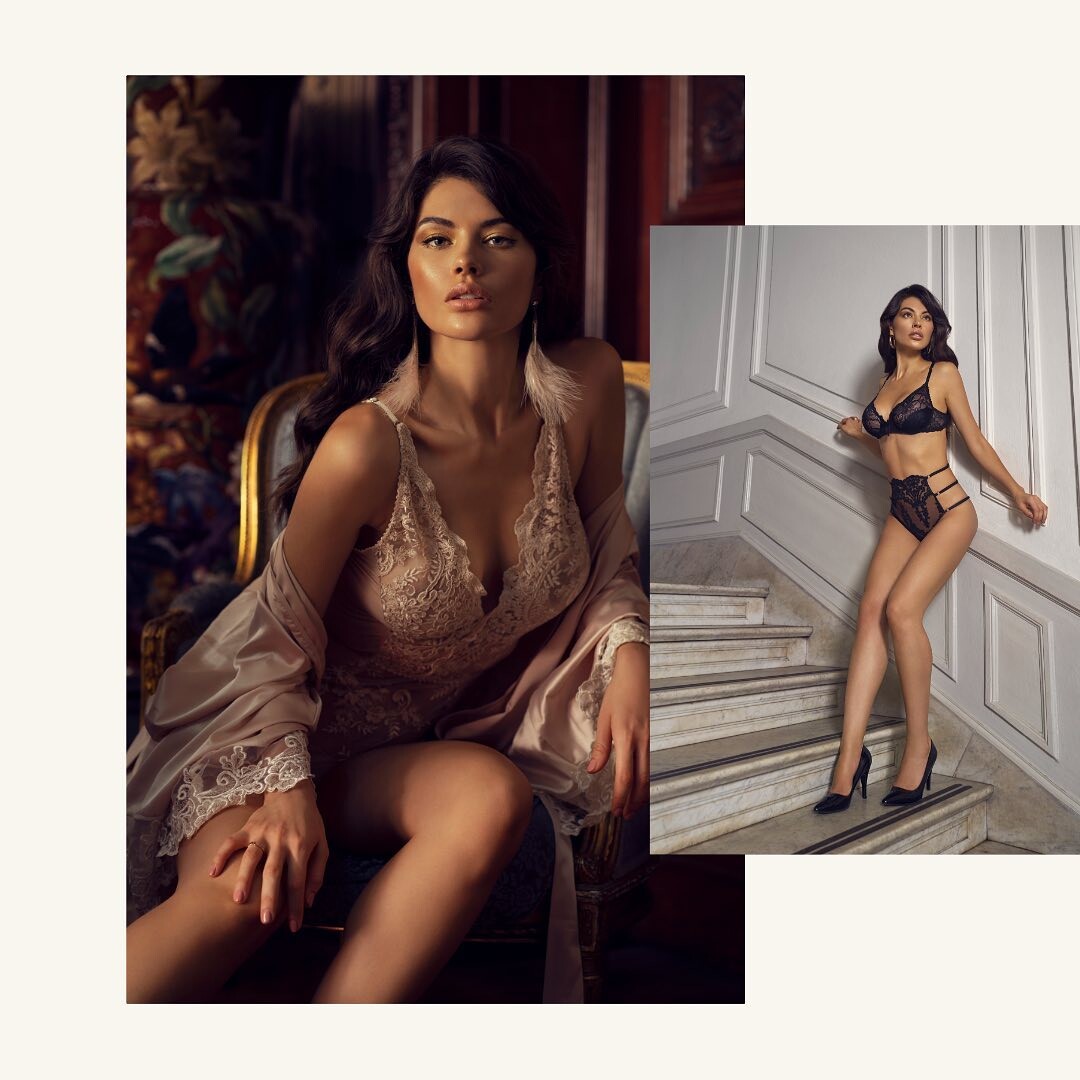
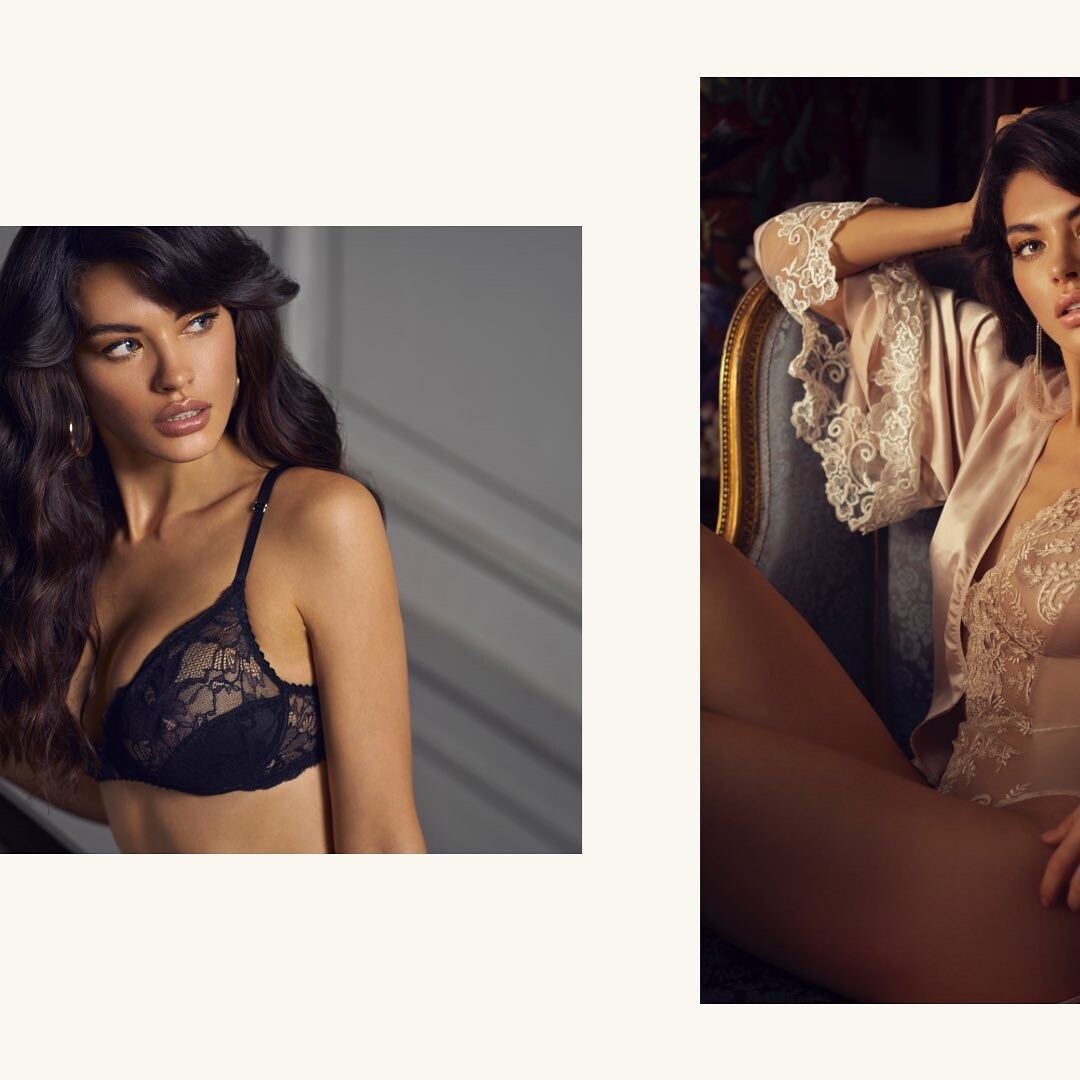
  17. DR. SEREN "DREAM OF VENUS" 10V.mp4 https://www.instagram.com/p/CYZ6ibjJmYO/
  18. Dr. Seren (2021) CLIP 1. CLIP 2.
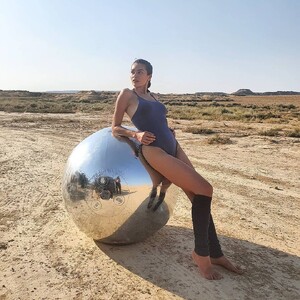
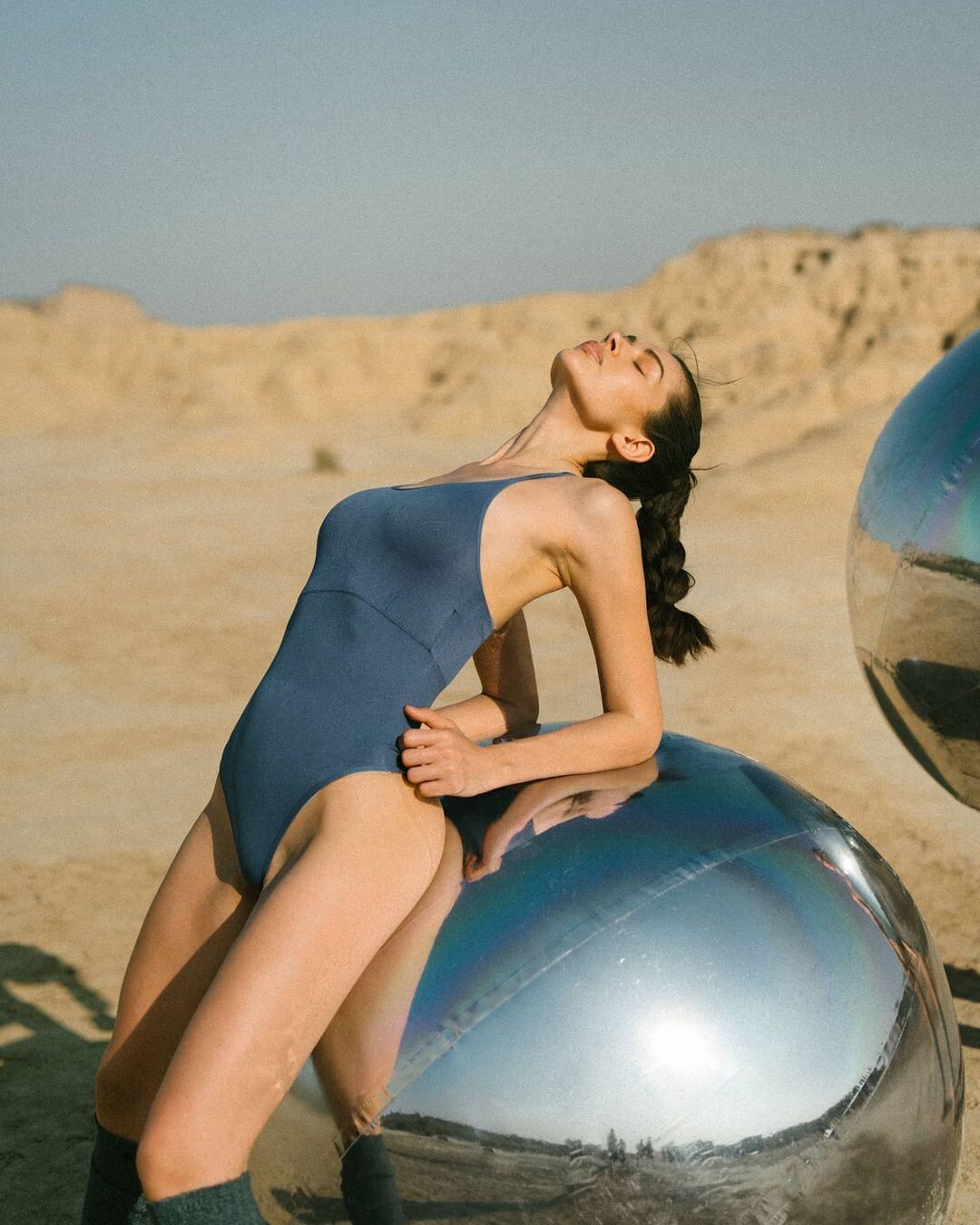
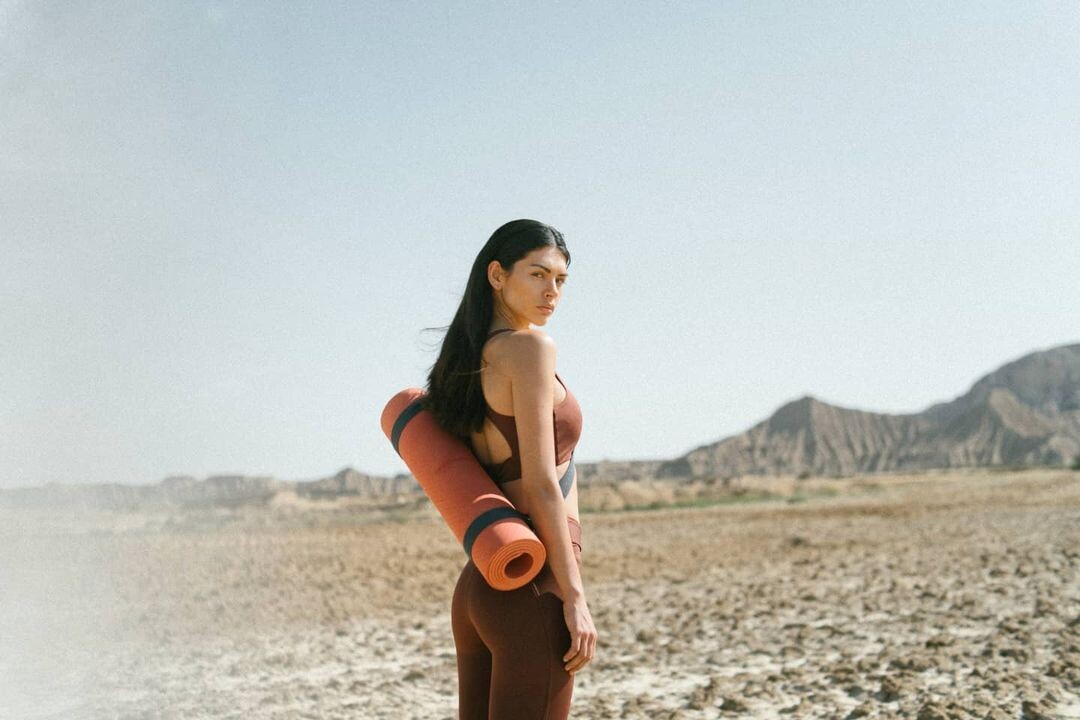
  19. Born Living Yoga (2021). https://www.instagram.com/p/CTmhmDwj1KL/ 254681794_1670374726503551_7676077563180662094_n.mp4 https://www.instagram.com/p/CV-c3J8MF6c/
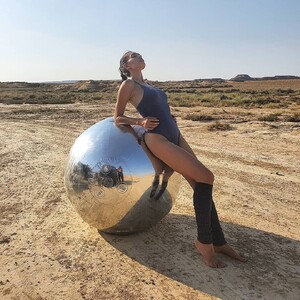
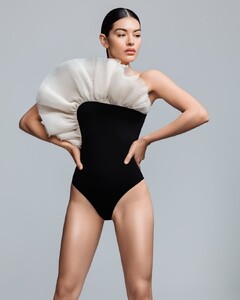
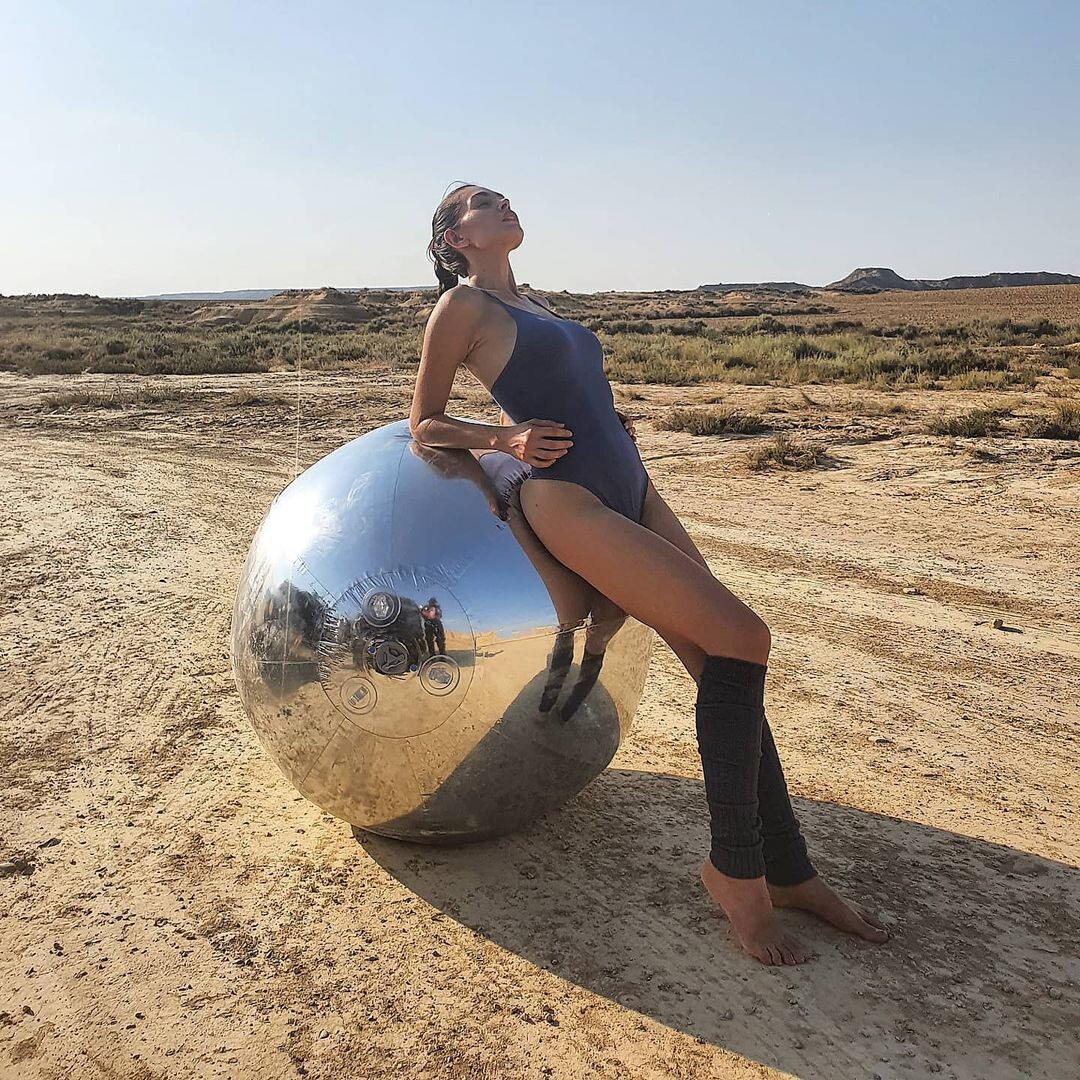
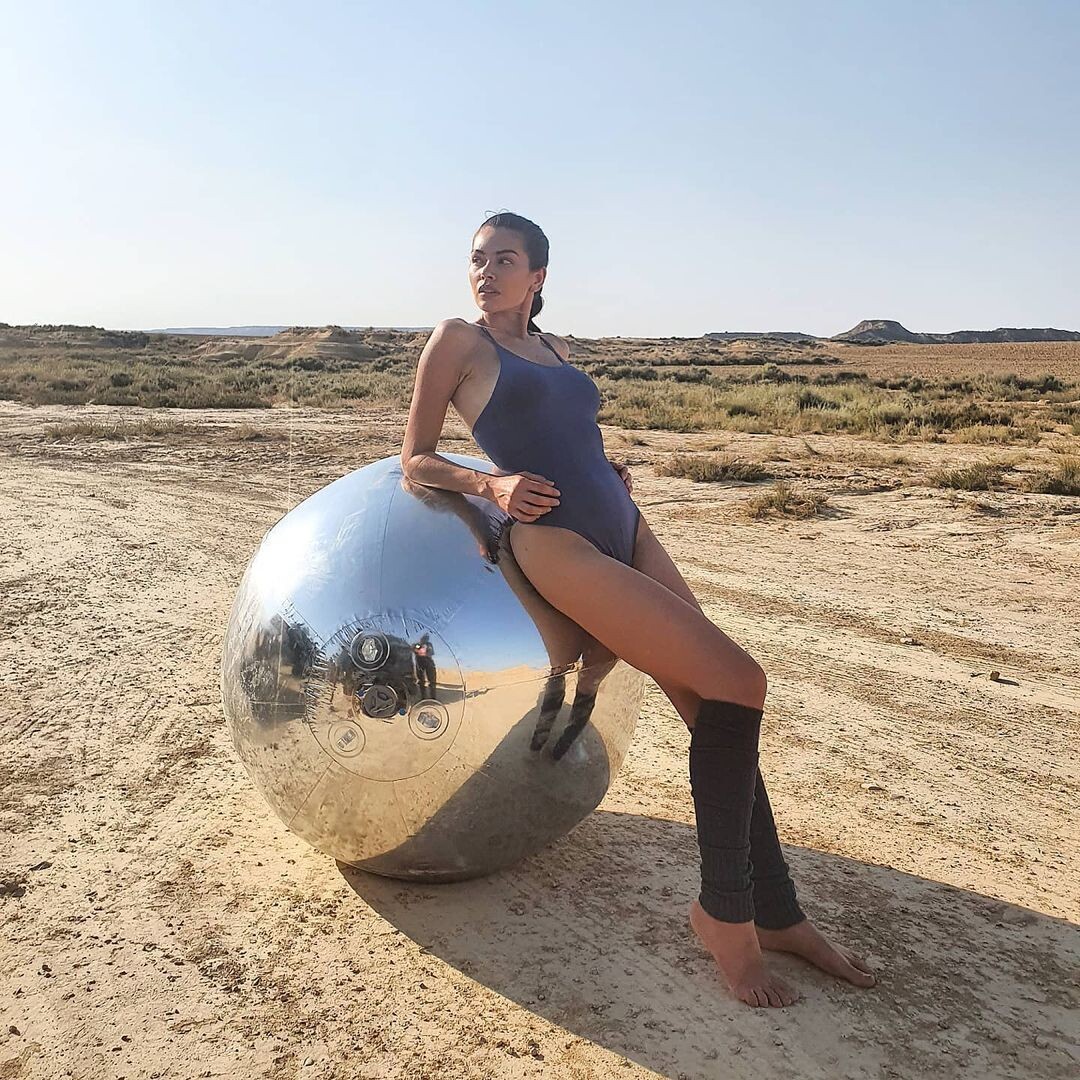
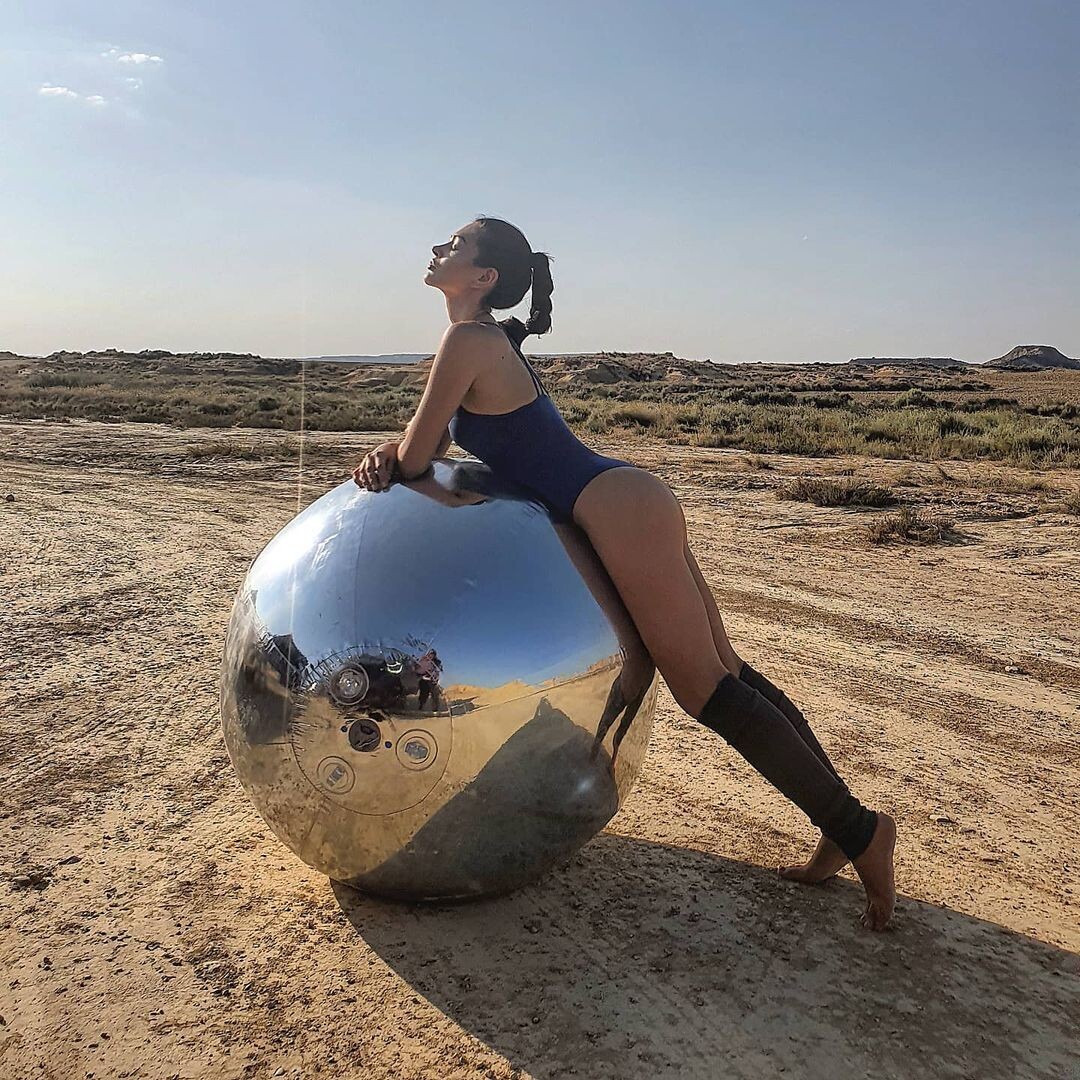
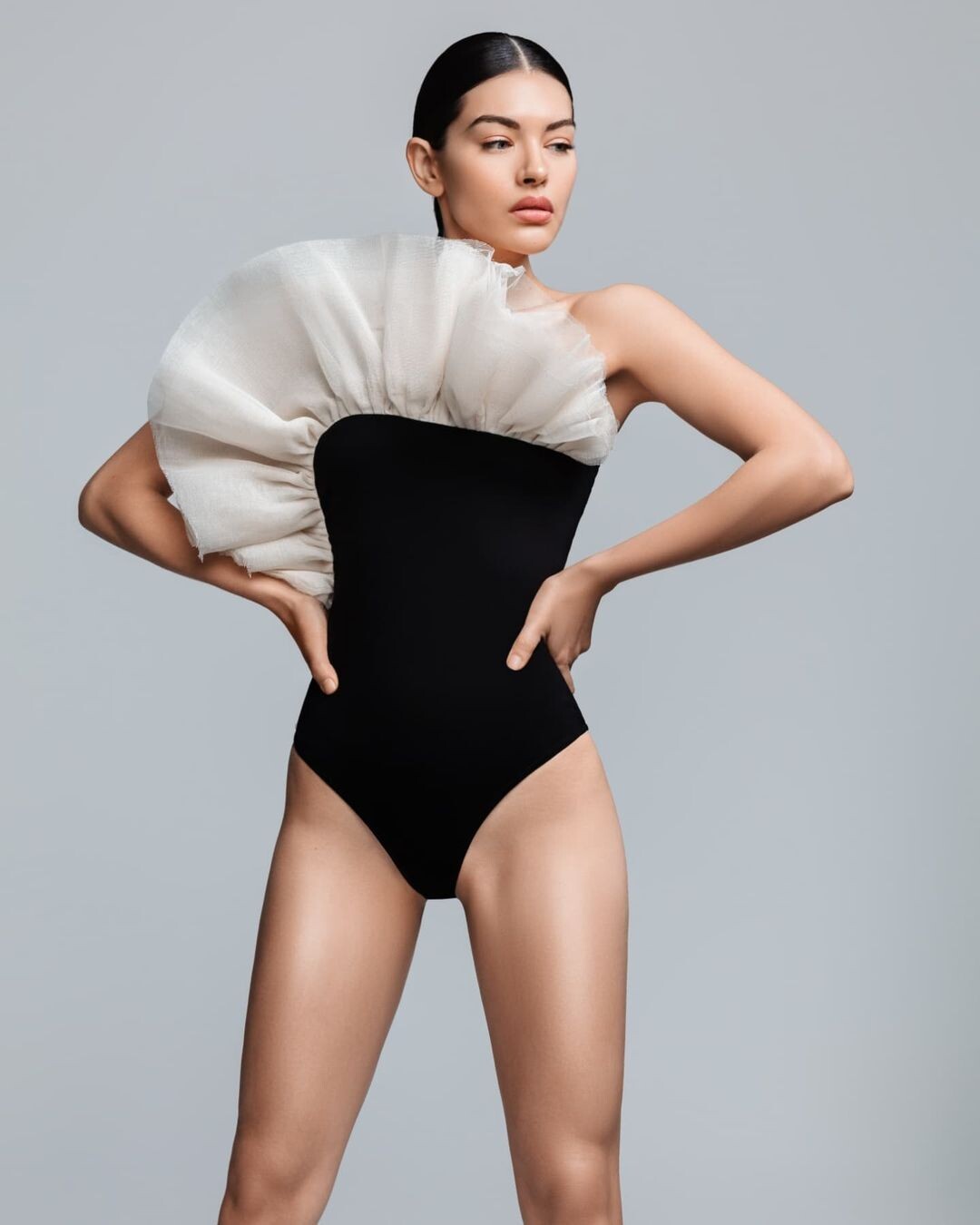
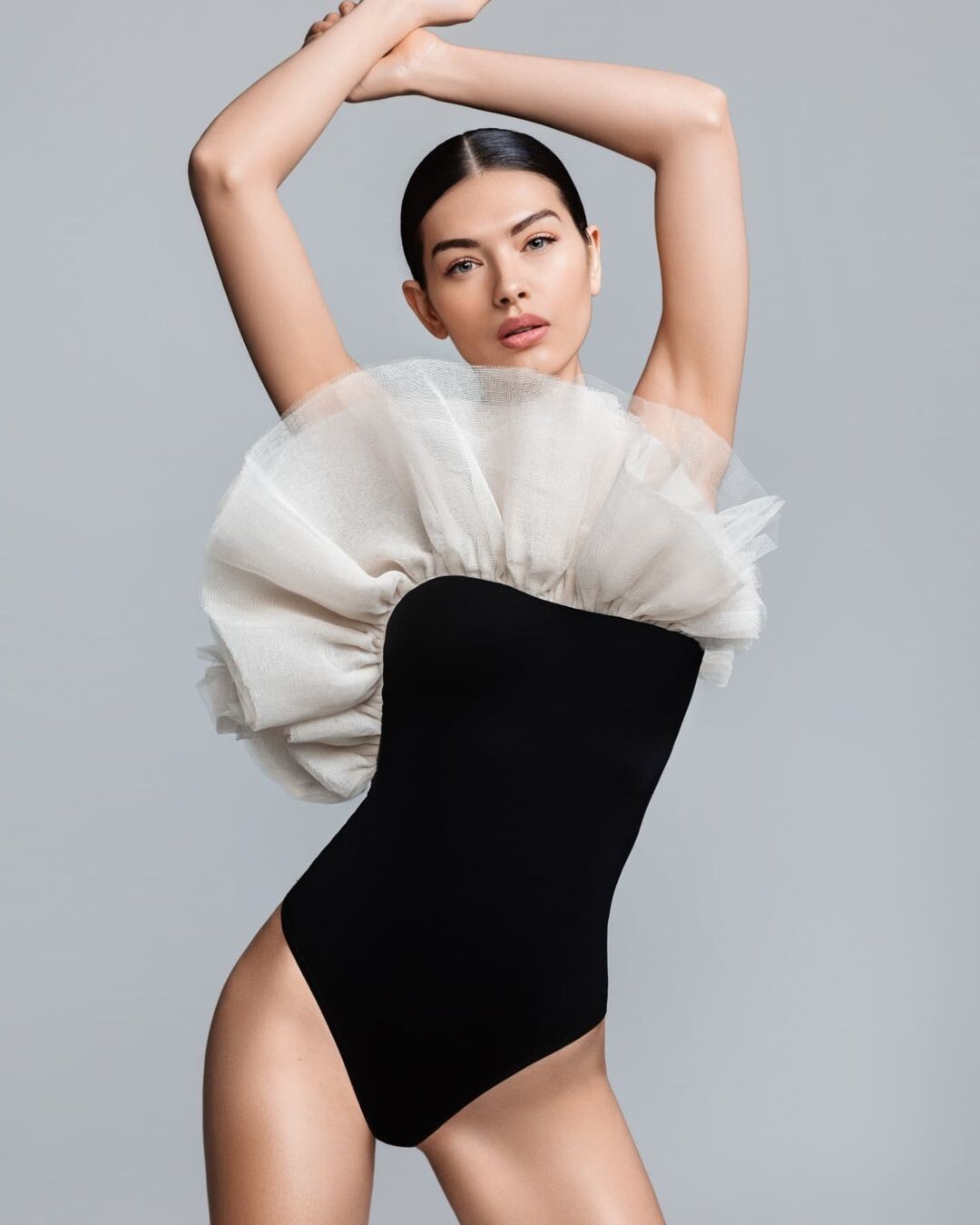
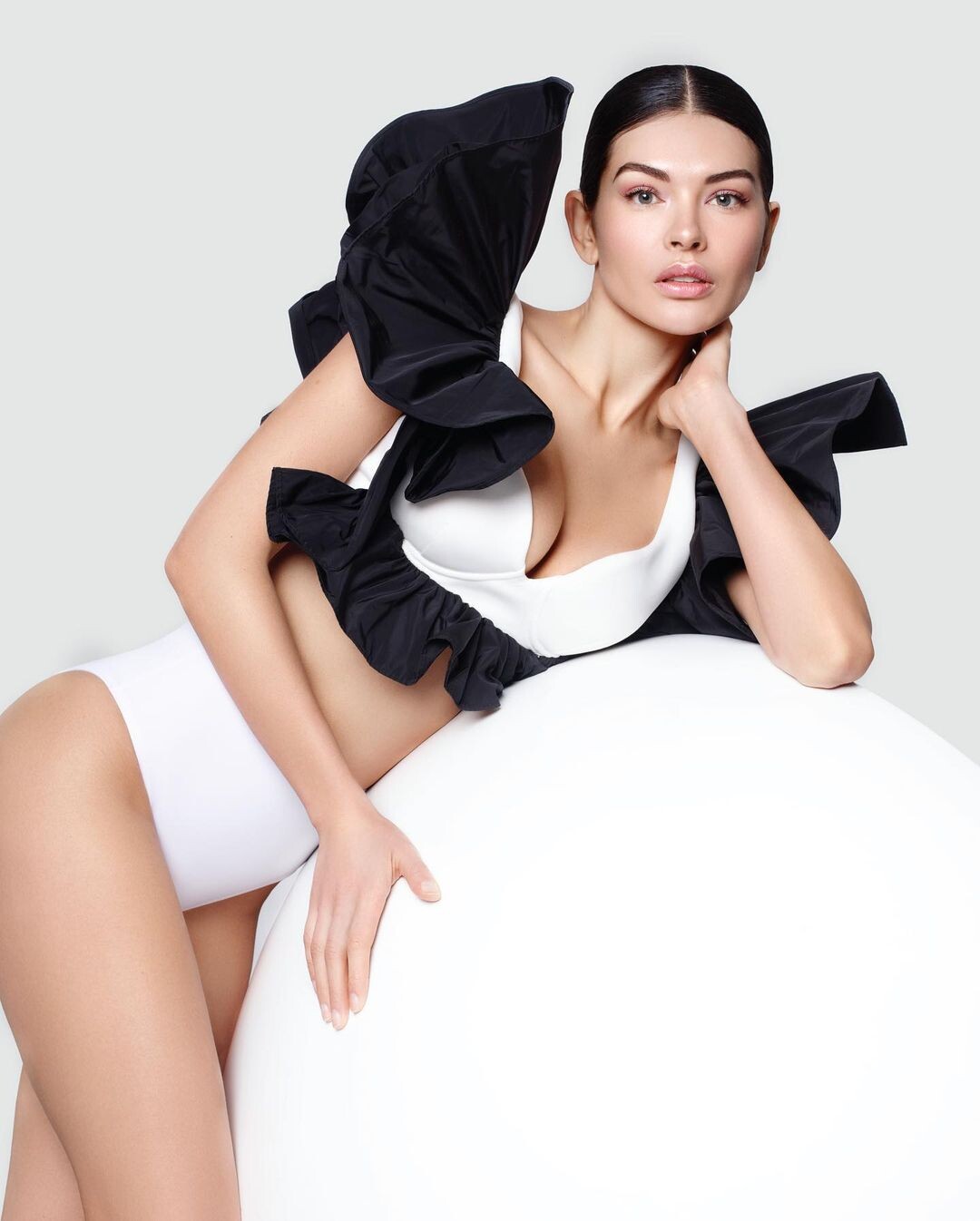
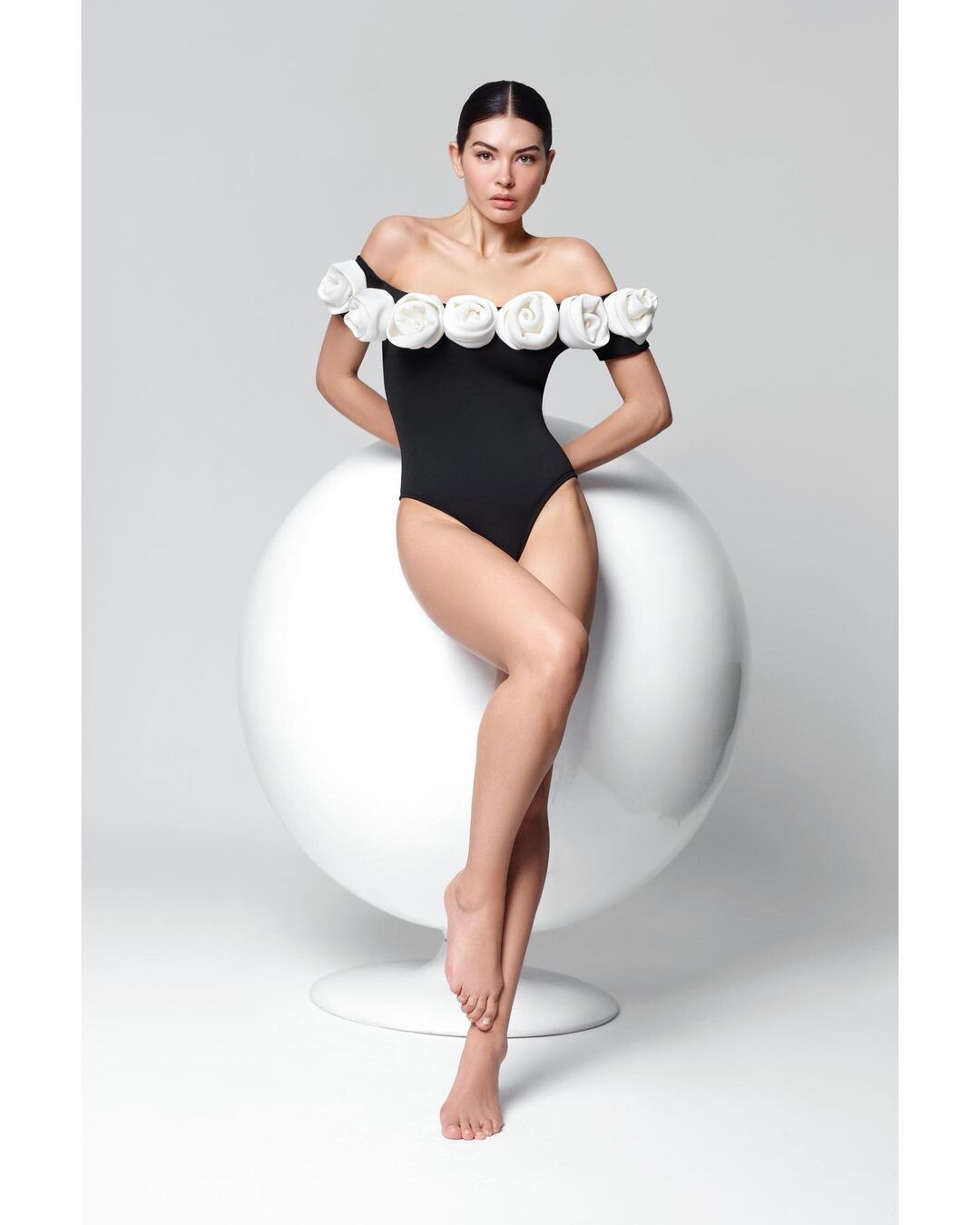
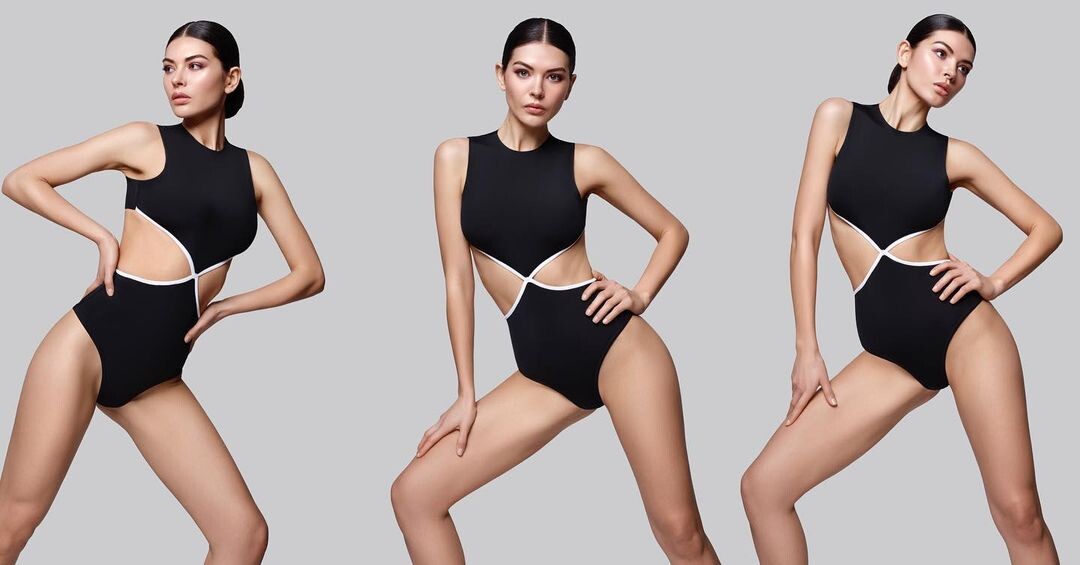
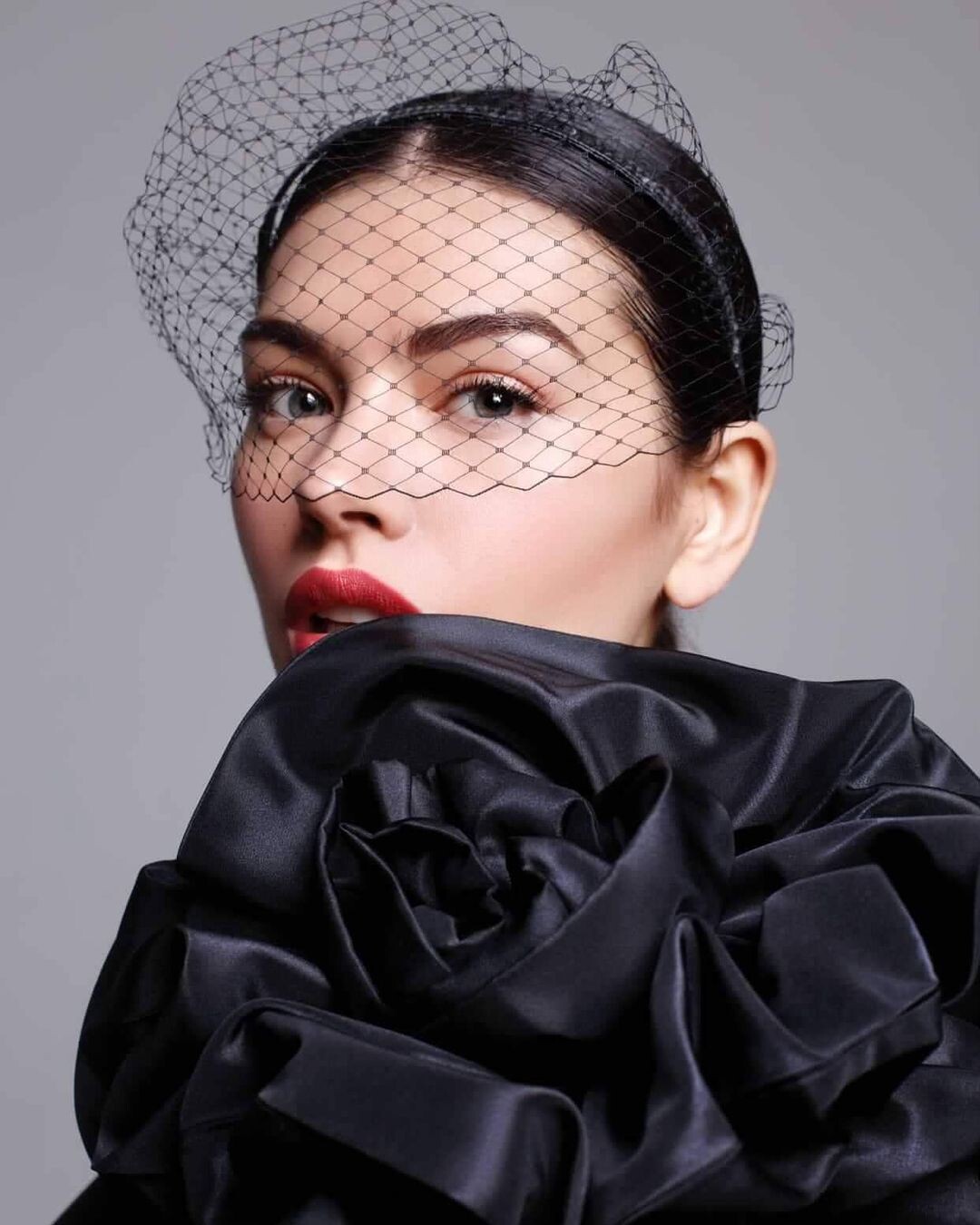
  20. Victoria Cimadevilla Luxury Swimwear (2022). Ph: Héctor Amaro.

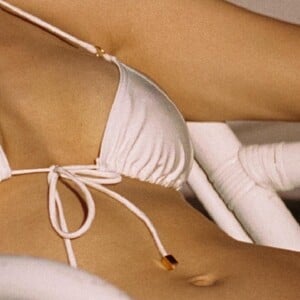
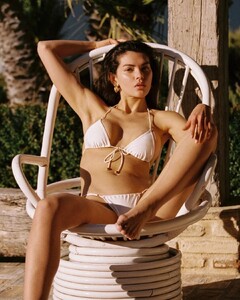
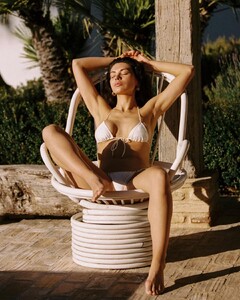
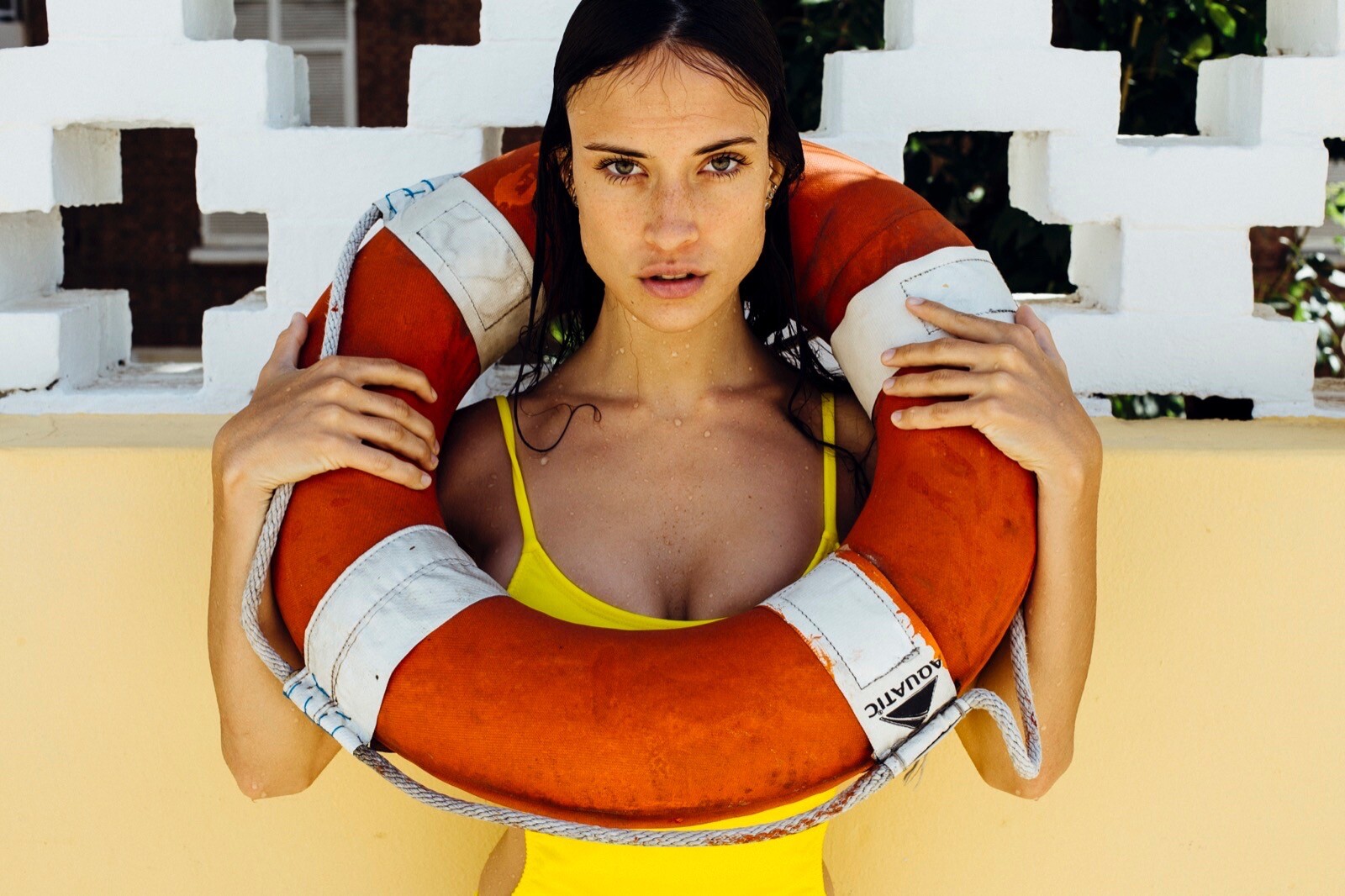
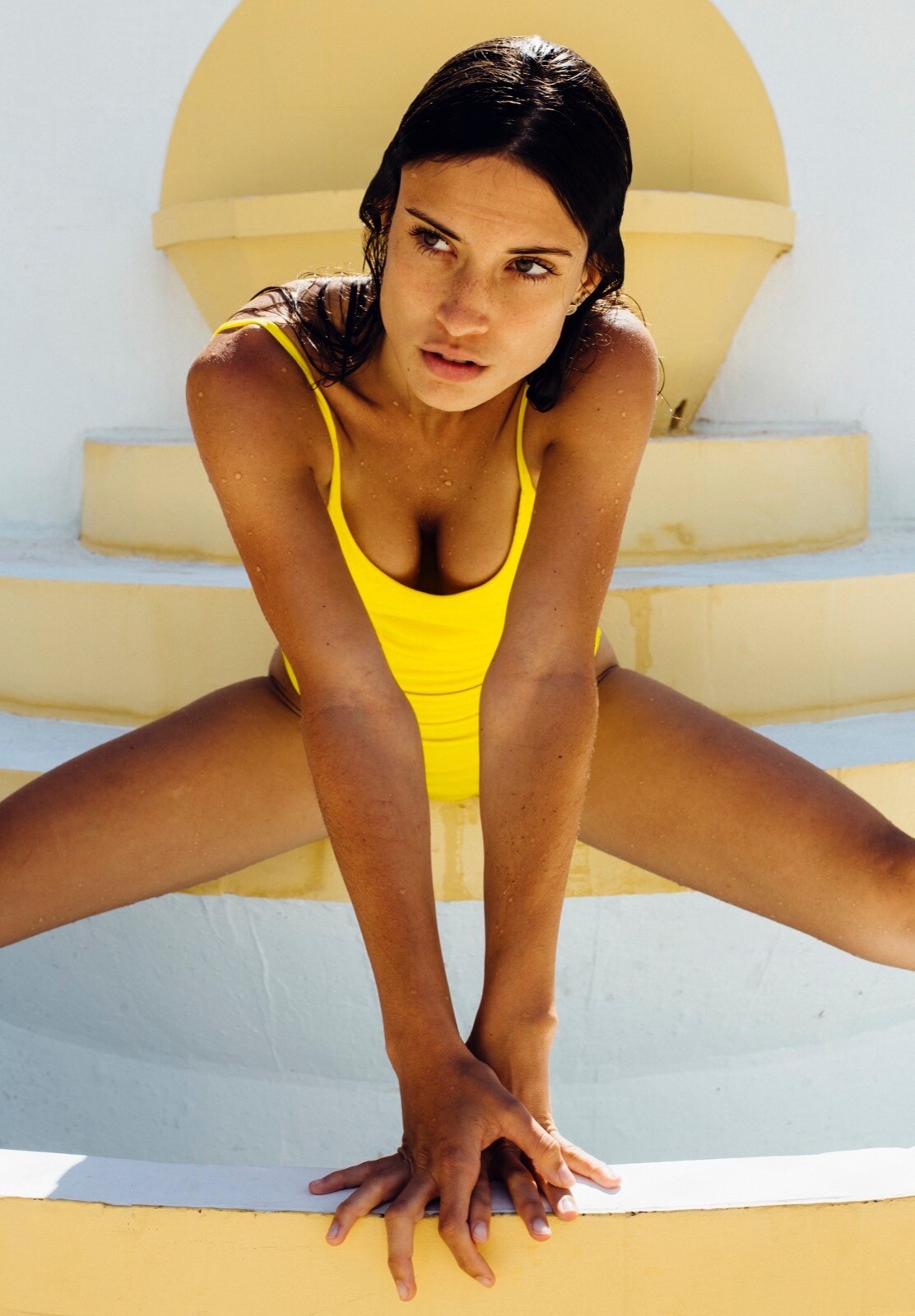
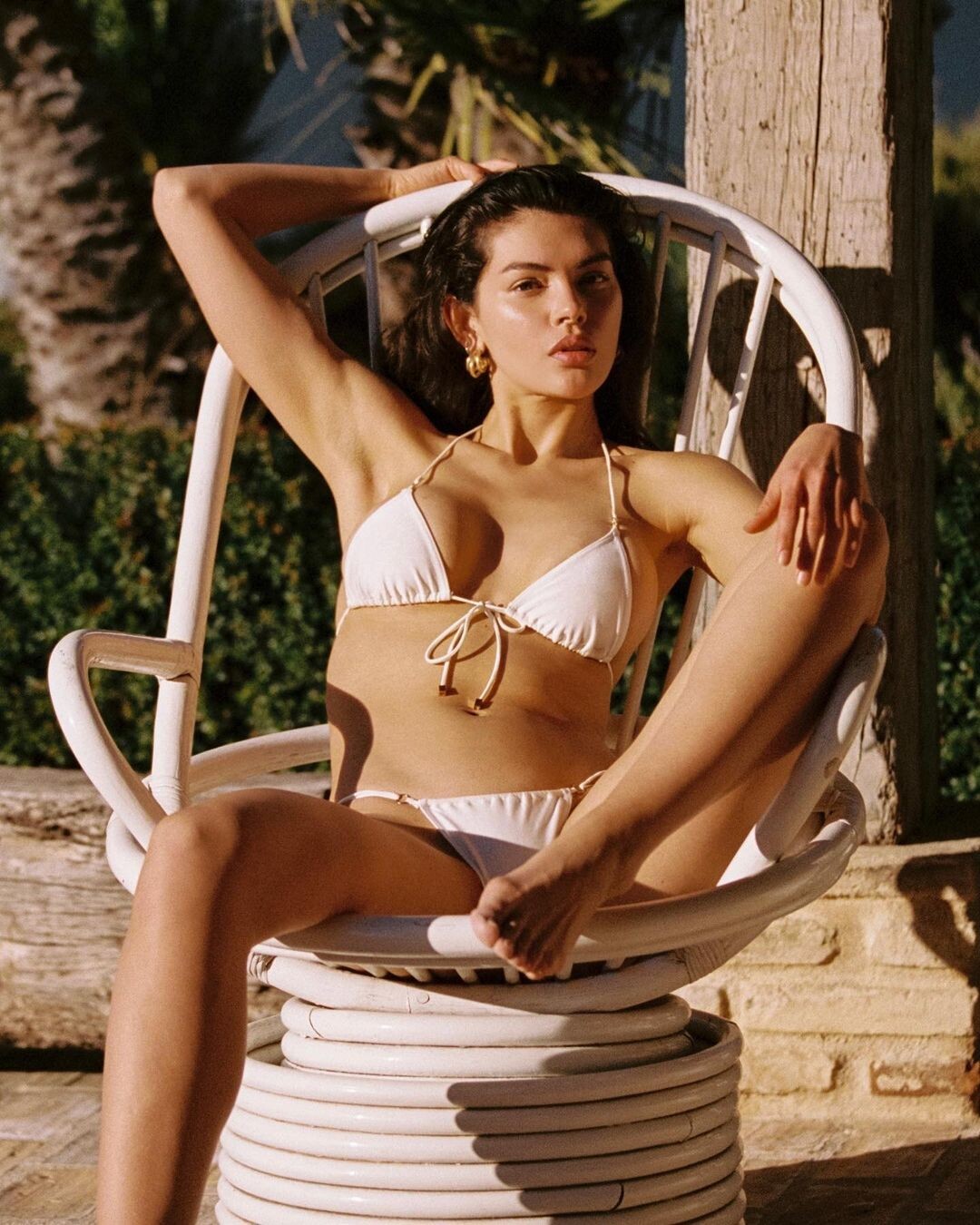
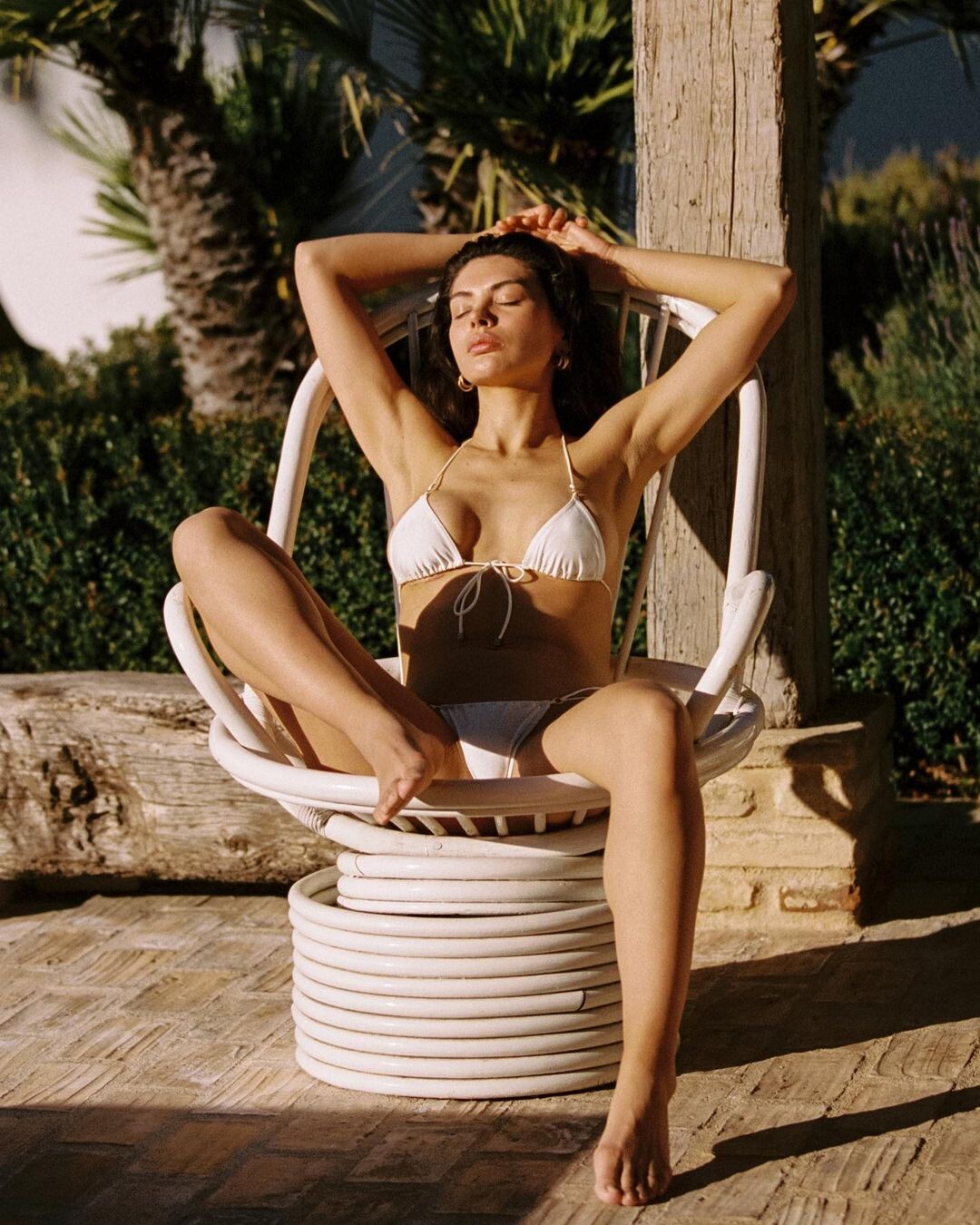
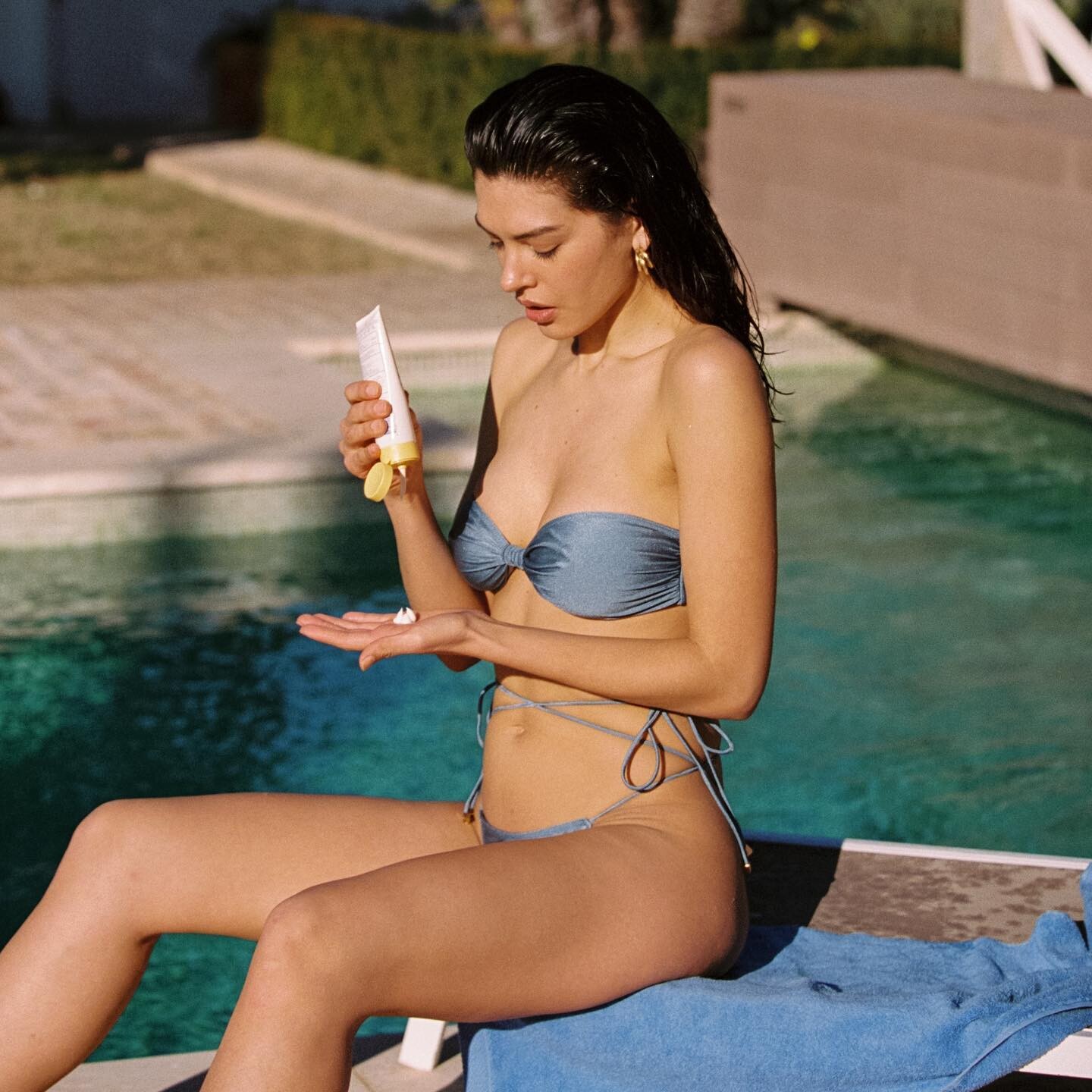
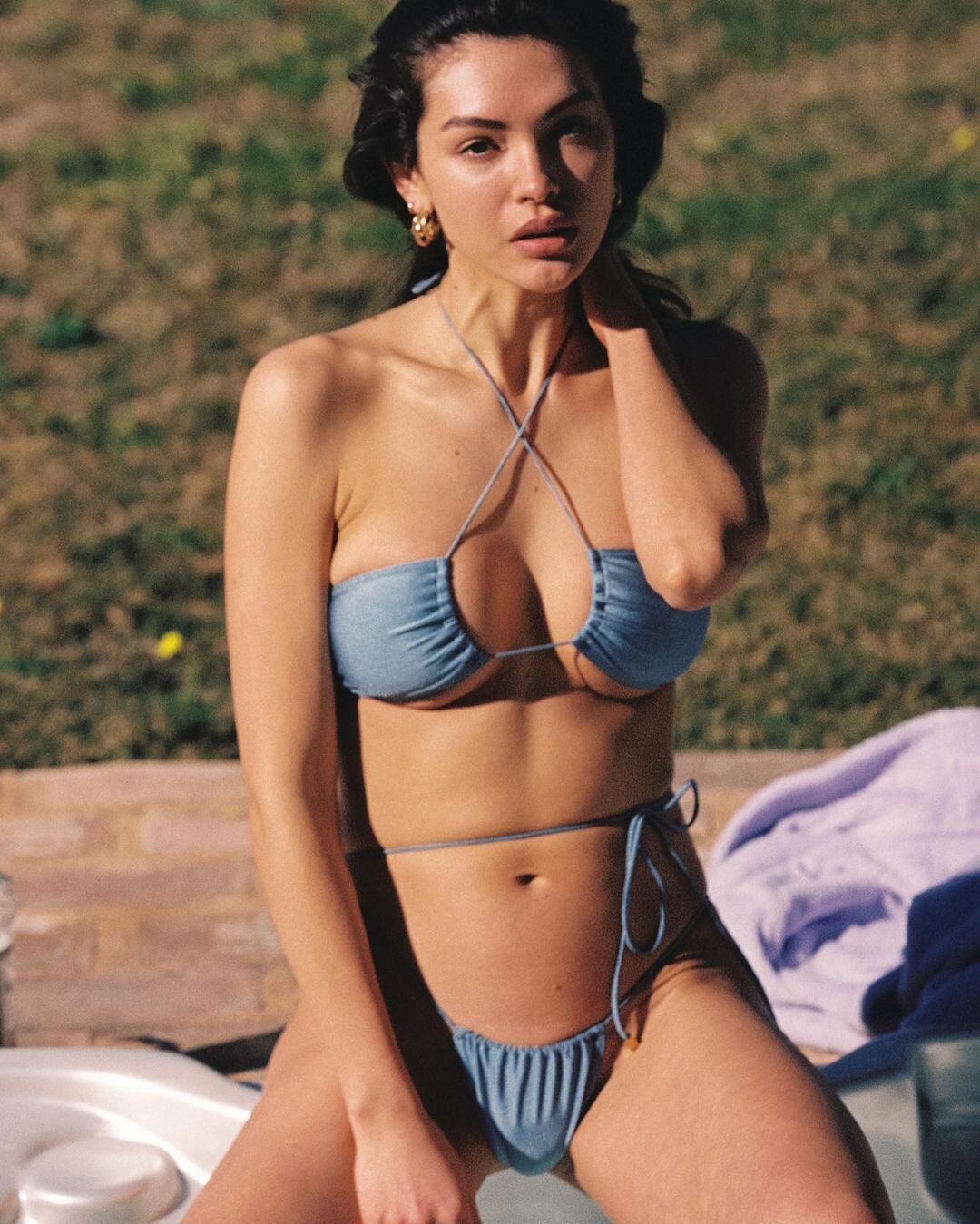
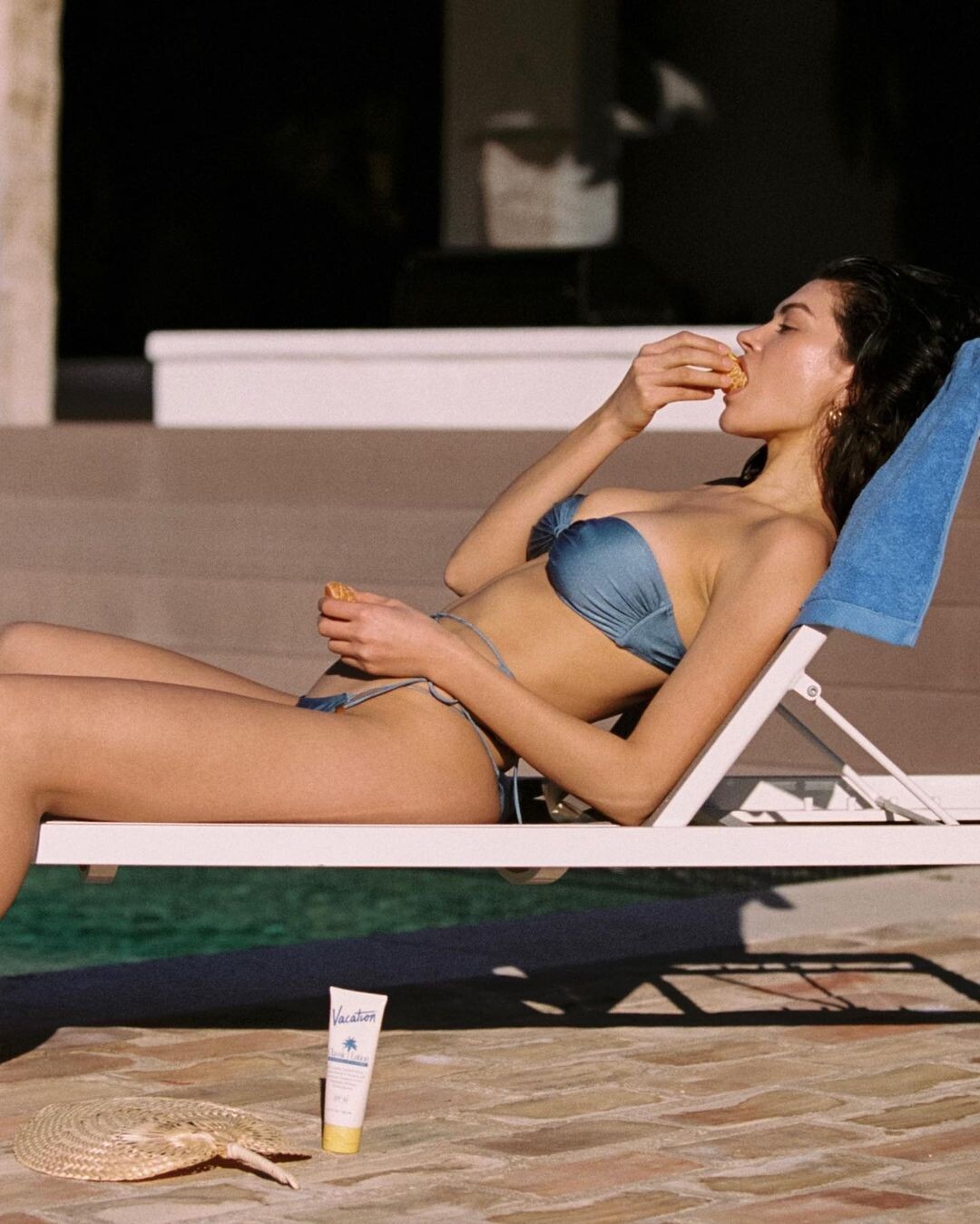
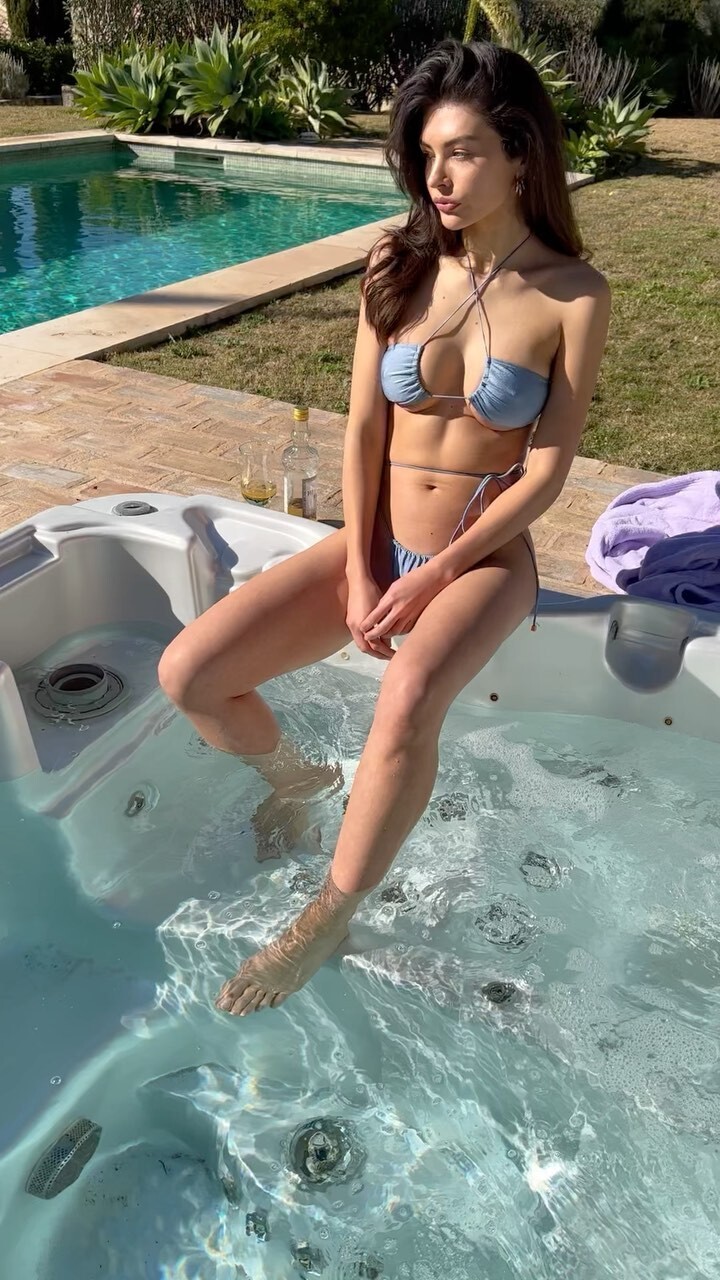
  21. VANILLA SWIM Collection Summer 2022. Ph: Louis Fraga. (3/3) CLIPS...

  22. VANILLA SWIM Collection Summer 2022. Ph: Louis Fraga. (2/3)

Account

Navigation

Search

Configure browser push notifications

Chrome (Android)
  1. Tap the lock icon next to the address bar.
  2. Tap Permissions → Notifications.
  3. Adjust your preference.
Chrome (Desktop)

  1. Click the padlock icon in the address bar.
  2. Select Site settings.
  3. Find Notifications and adjust your preference.