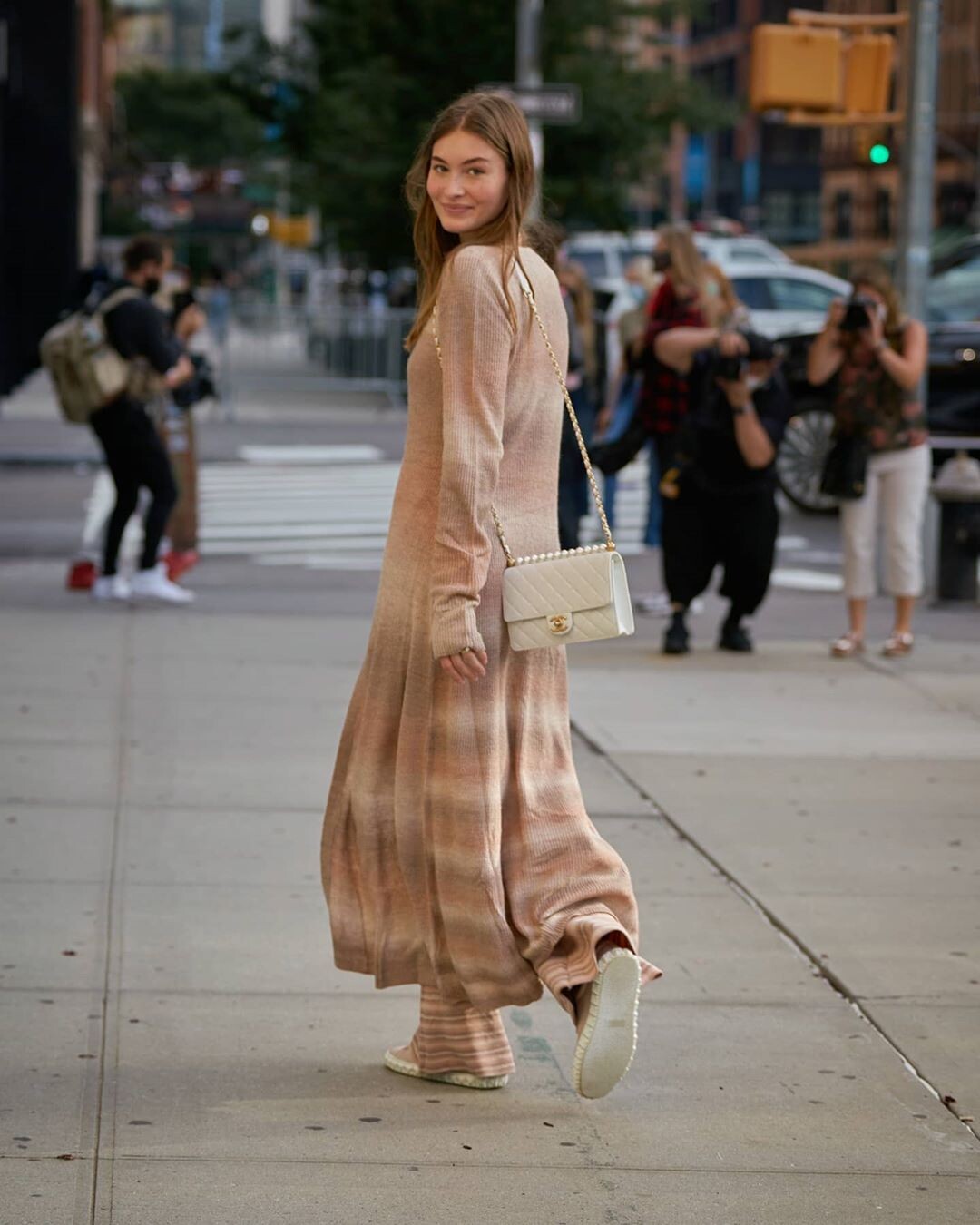
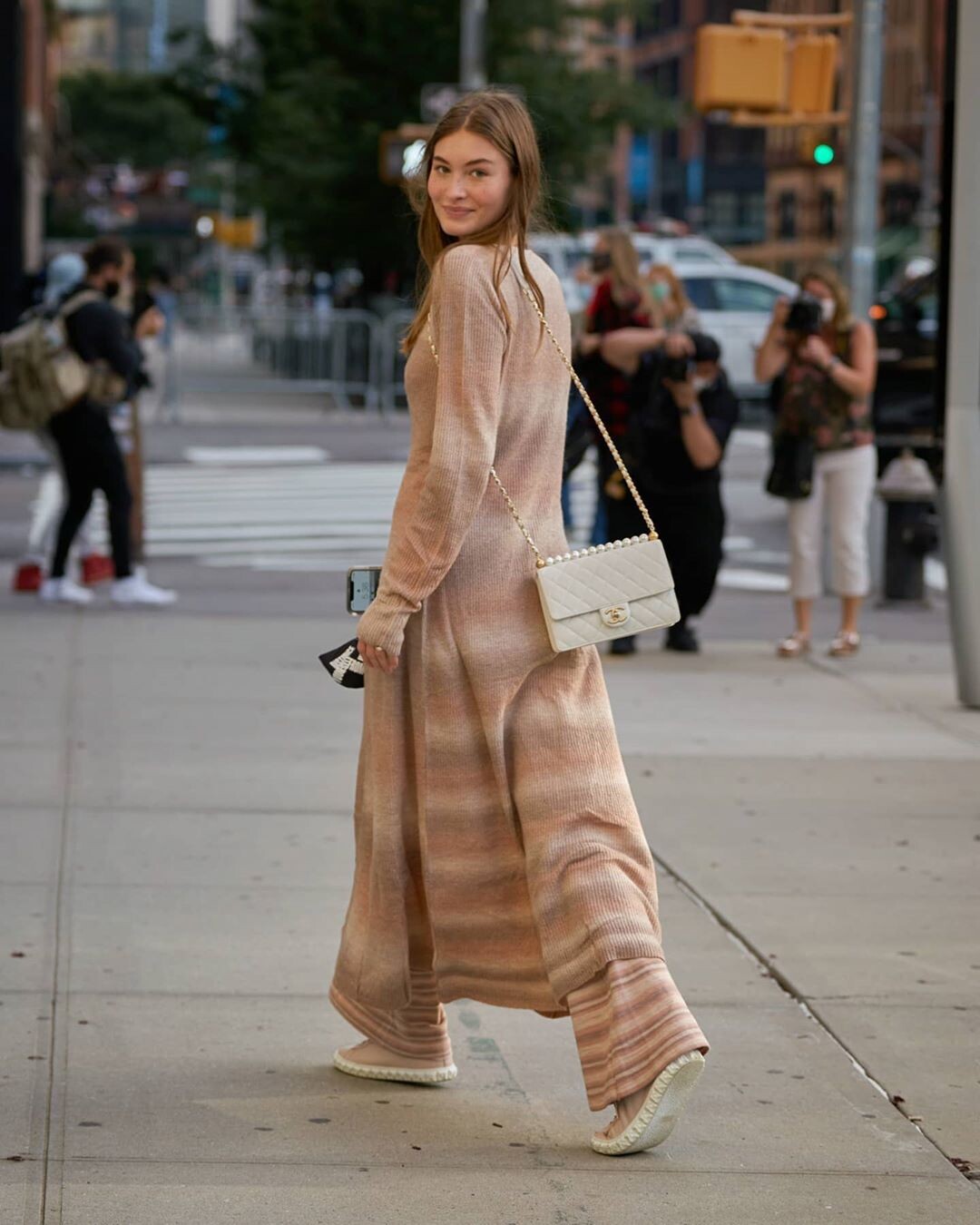
-
Grace Elizabeth
SHE OPENED DOLCE&GABBANA, I'm so happy!Image hidden for guestsSign in to view
-
Grace Elizabeth
I'm so happy she walked for Fendi 🥰
-
giselebcarvalho changed their profile photo
-
Grace Elizabeth
- Grace Elizabeth
giselebcarvalho started following Grace Elizabeth- Grace Elizabeth
thank you so much, I was crazy looking for the photos!- Grace Elizabeth
- Grace Elizabeth
Although VS ended the Angel title, happily Grace will continue to work with the brand. 🥰 https://nypost.com/2021/07/18/victorias-secret-scrubs-the-angels-from-its-stores-in-revamp/- Grace Elizabeth
- Grace Elizabeth
I am so happy for this editorial, I miss her work so much. I want her for VS Valentine's day 😭- Grace Elizabeth
yuliagorbachenko_20201231_0.mp4 yuliagorbachenko_20210101_1.mp4- Grace Elizabeth
Matthew Parr stories matthew_parr_20201220_3.mp4 matthew_parr_20201220_1.mp4 matthew_parr_20201220_2.mp4- Grace Elizabeth
VS facebook- Grace Elizabeth
Amazing Grace for VOGUE Russia October 2020 Photo: @carinbackoffphoto Style: @celiaazoulay Hair: @jennykim__ @frankreps MU: @georgisandev @forwardartists Manicurist: @erihandanail @homeagency Model: @lovegrace_e @nextmodels Photo assistants: @kylemayphoto @brettmoen Style assistant: @anapaula.cervera Production: @rococo313 #heatherrobbins @clmagency Casting director: @shaun.beyen- Grace Elizabeth
- Grace Elizabeth
Account
Navigation
Search
Configure browser push notifications
Chrome (Android)
- Tap the lock icon next to the address bar.
- Tap Permissions → Notifications.
- Adjust your preference.
Chrome (Desktop)
- Click the padlock icon in the address bar.
- Select Site settings.
- Find Notifications and adjust your preference.
Safari (iOS 16.4+)
- Ensure the site is installed via Add to Home Screen.
- Open Settings App → Notifications.
- Find your app name and adjust your preference.
Safari (macOS)
- Go to Safari → Preferences.
- Click the Websites tab.
- Select Notifications in the sidebar.
- Find this website and adjust your preference.
Edge (Android)
- Tap the lock icon next to the address bar.
- Tap Permissions.
- Find Notifications and adjust your preference.
Edge (Desktop)
- Click the padlock icon in the address bar.
- Click Permissions for this site.
- Find Notifications and adjust your preference.
Firefox (Android)
- Go to Settings → Site permissions.
- Tap Notifications.
- Find this site in the list and adjust your preference.
Firefox (Desktop)
- Open Firefox Settings.
- Search for Notifications.
- Find this site in the list and adjust your preference.