-
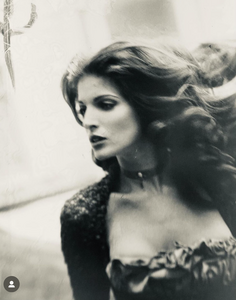
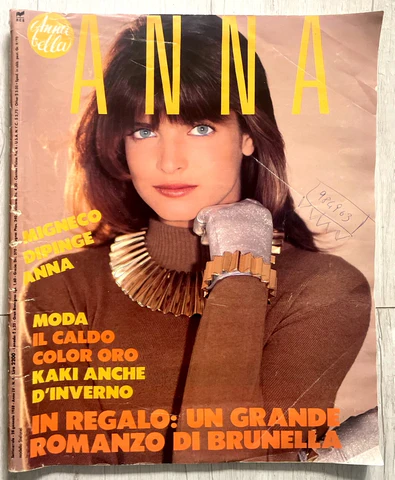
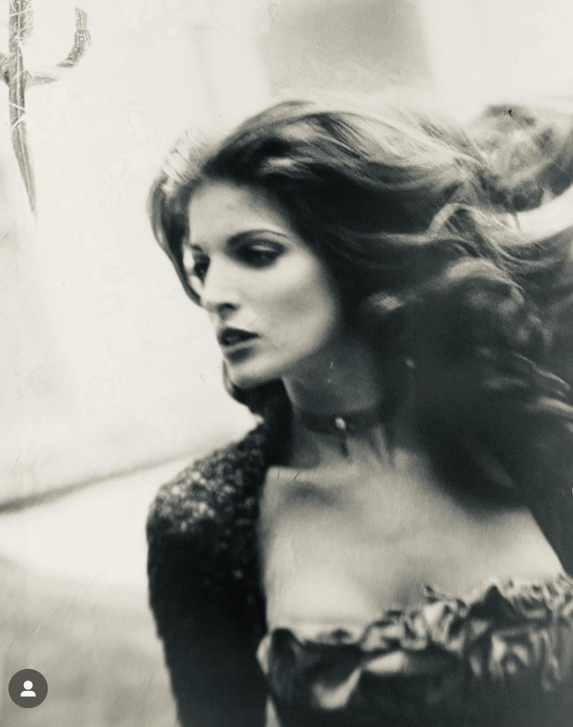
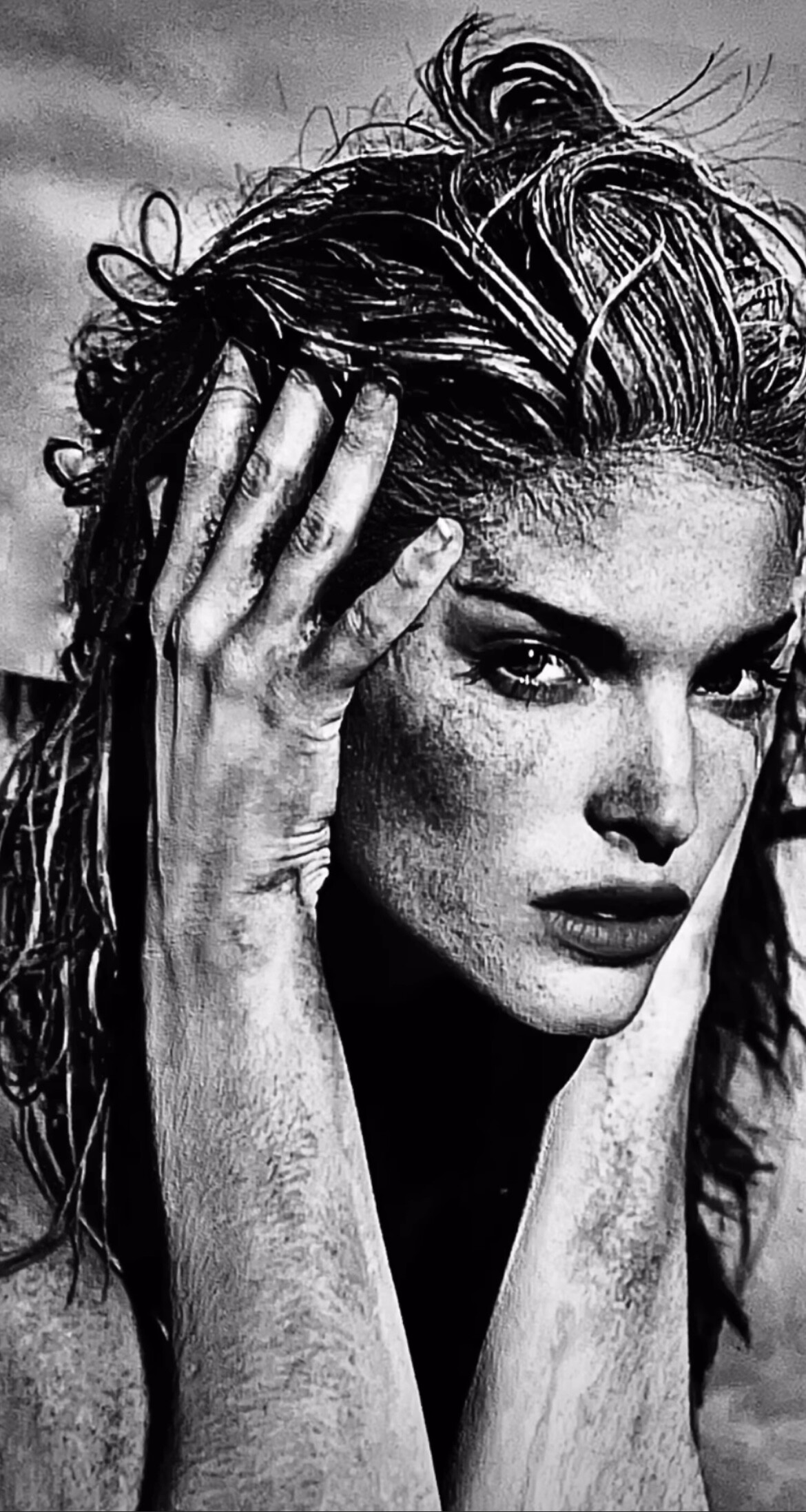
Stephanie Seymour
Stephanie & Cindy for Revlon. Instagram find. https://www.instagram.com/reel/CxMLFHRML_F/?hl=en
-
-
Karen Mulder
-
Stephanie Seymour
-
Stephanie Seymour
Stephanie on several runways. Youtube find.
-
Stephanie Seymour
- Stephanie Seymour
Another tik tok from WayneScotLukas- Stephanie Seymour
From WayneScotLukas' tik tok- Stephanie Seymour
- Stephanie Seymour
instagram findImage hidden for guestsSign in to view- Stephanie Seymour
- Stephanie Seymour
From Sante D'Orazio's instagramImage hidden for guestsSign in to view- Helena Christensen
- Stephanie Seymour
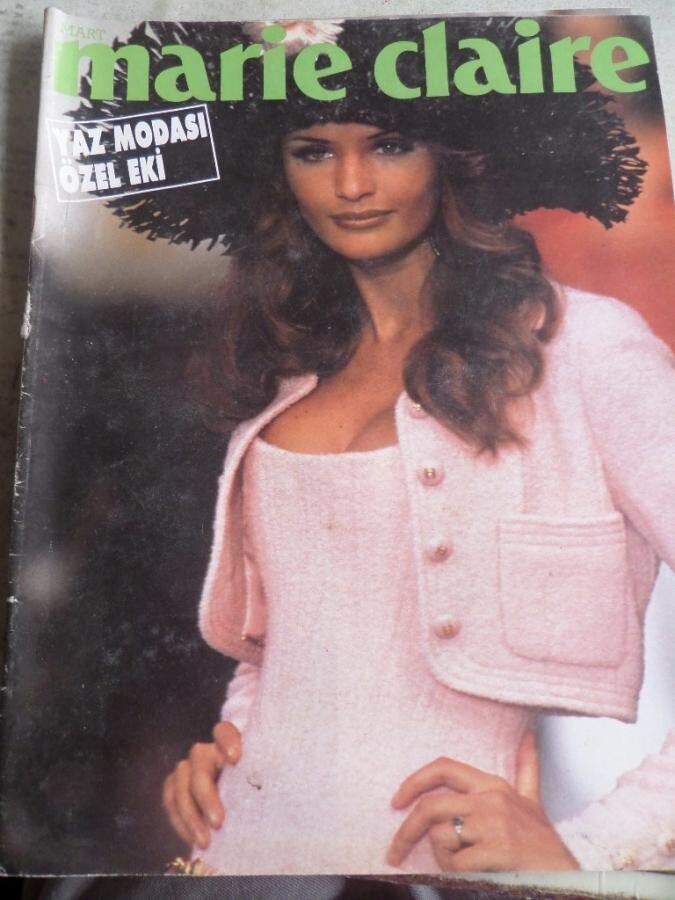
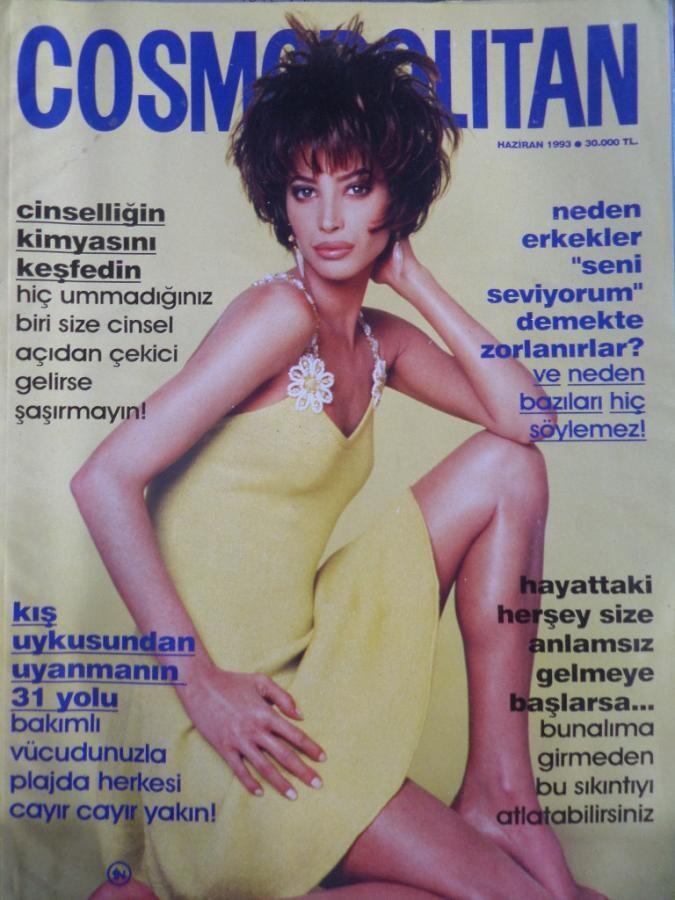
Never seen this before, Turkish fashion supplement from early 90s.Image hidden for guestsSign in to view- Christy Turlington
Some random webfinds, Turkish magazines from early 90's- Claudia Schiffer
- Stephanie Seymour
mally
Members
-
Joined
-
Last visited
Account
Navigation
Search
Configure browser push notifications
Chrome (Android)
- Tap the lock icon next to the address bar.
- Tap Permissions → Notifications.
- Adjust your preference.
Chrome (Desktop)
- Click the padlock icon in the address bar.
- Select Site settings.
- Find Notifications and adjust your preference.
Safari (iOS 16.4+)
- Ensure the site is installed via Add to Home Screen.
- Open Settings App → Notifications.
- Find your app name and adjust your preference.
Safari (macOS)
- Go to Safari → Preferences.
- Click the Websites tab.
- Select Notifications in the sidebar.
- Find this website and adjust your preference.
Edge (Android)
- Tap the lock icon next to the address bar.
- Tap Permissions.
- Find Notifications and adjust your preference.
Edge (Desktop)
- Click the padlock icon in the address bar.
- Click Permissions for this site.
- Find Notifications and adjust your preference.
Firefox (Android)
- Go to Settings → Site permissions.
- Tap Notifications.
- Find this site in the list and adjust your preference.
Firefox (Desktop)
- Open Firefox Settings.
- Search for Notifications.
- Find this site in the list and adjust your preference.