akatosh
Members
-
Joined
-
Last visited
Everything posted by akatosh
-
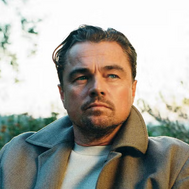 Yes that's leisure Leo. But when filming starts we will see fit Leo again. I just hope he will also do other films apart from Flower Moon. There can never be enaufgh Leo movies. Even a cameo or supporting role would be fine.
 -
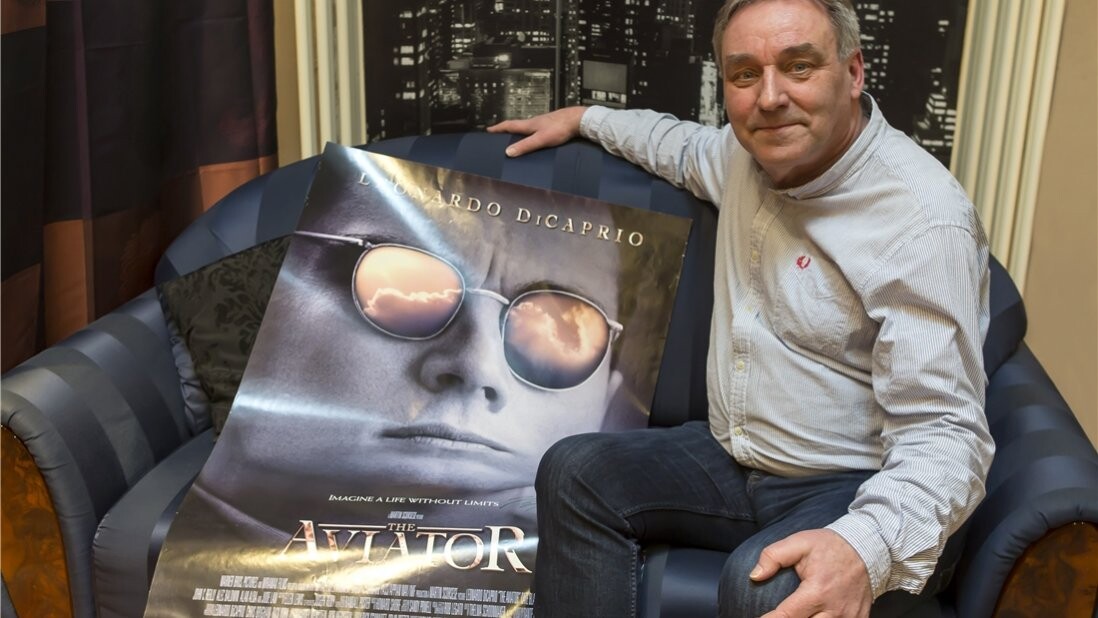
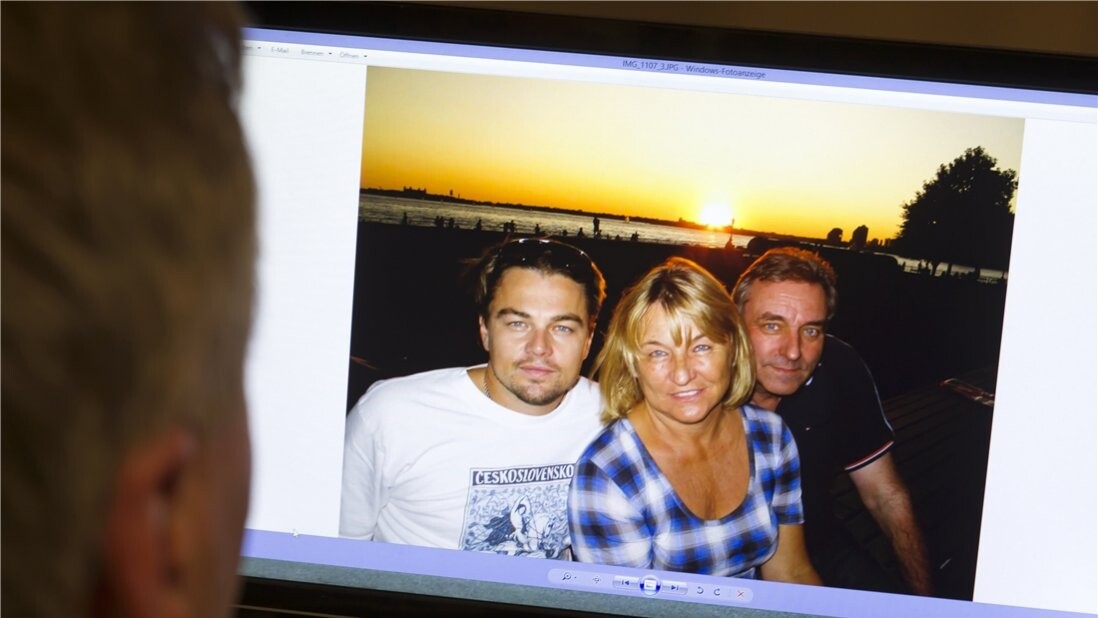
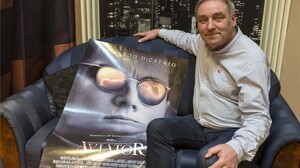
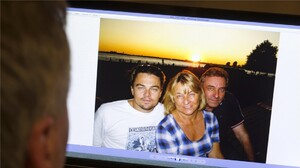
Here's a interview with Leos uncle Ulrich from 2016. You can see in the video that he has the DiCaprio eyes 😊 In this interview he is saying he's proud of Leo and that Leo was very happy he won his oscar. His relationship with Leo is like a father and a friend. Ulrich has shown him the city Osnabrück (where he lives). He was also on set of Inception for two months.
-
Wow you saw them both filming? I'm sooo jealous!! They are the best.
-
Thanks for the news, oxford! On the one hand it is best to delay filming but for us fans it will be such a long wait for a new Leo movie 😢
-
OMG He's soo fine. You just want to hug him ❤️
-
Thanks to everyone for the pics and articles!! I also really loved A Star Is Born ❤️ Leo would have been wonderful in the role. Leo still has his tattoo. You could see it in the pics with Normandie some weeks ago.
-
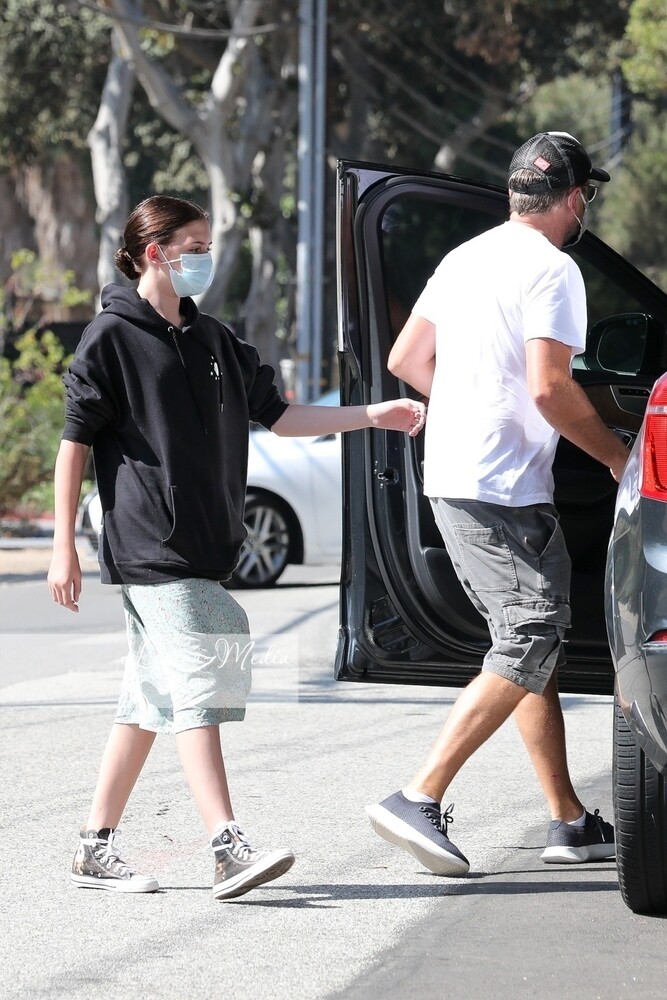
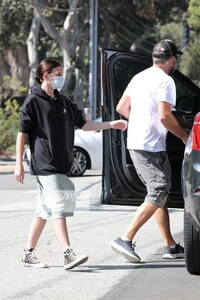
oxford, thanks for the new pics. His hair does look blonde. But if you look at his arms the hair there does also look extremely blonde. Maybe it's just the sun. But he does look like he worked out😀
-
I'm an optimist and I think he's back in the real world with his kids
-
I also remember the zanax part. 😄 It was funny. I wonder why they cut it out. I hope we will see another interview like this again in the near future.
-
thanks for the pics to everyone. Hre is a really interesting interview from 2014. You get to know a lot of personal stuff about Leo
-
Thanks BarbieErin. He's looking great.I love the sunglasses And thank you Jade for the other pics. I also love the short haitstyle
-
This was a really great Once Upon a Time in Hollywood interview with a cool interviewer. There seems to be a private joke between Leo and Margot at 4:37. His smile is so contagious Thanks to everybody who posted something
-
Thanks everyone for the new pics and videos! I found an interview during the Revolutionray Road press. There is such a cute moment at 1:57 🥰
-
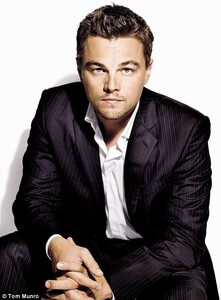
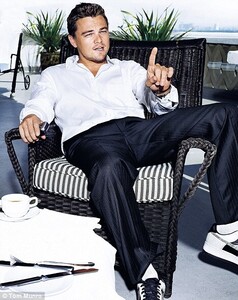
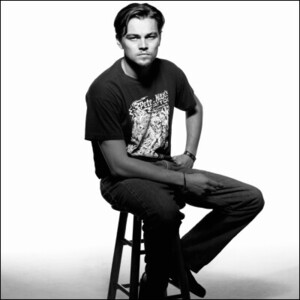
Thanks everyone for the new pics and videos. I really like Leos short haircut from 2006. I would really like to see him nowadays with that haircut. But I also love his Titanic haircut. Too bad he always slicks it back at premieres.
-
oh yes Calvin Candie is such a monster but also so charming and handsome..
-
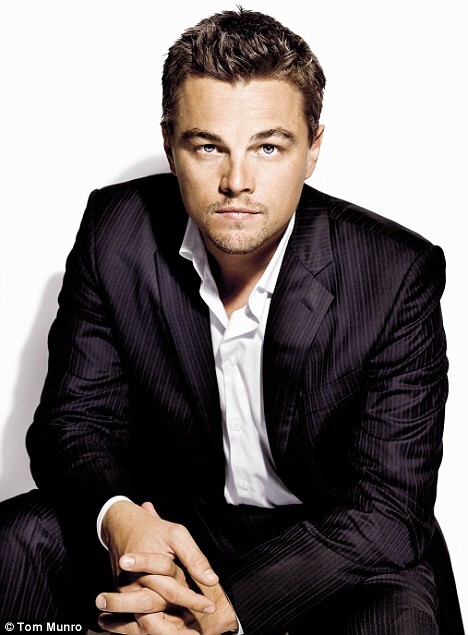
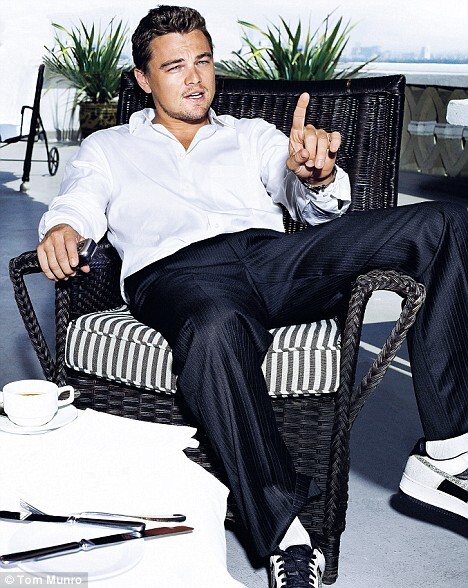
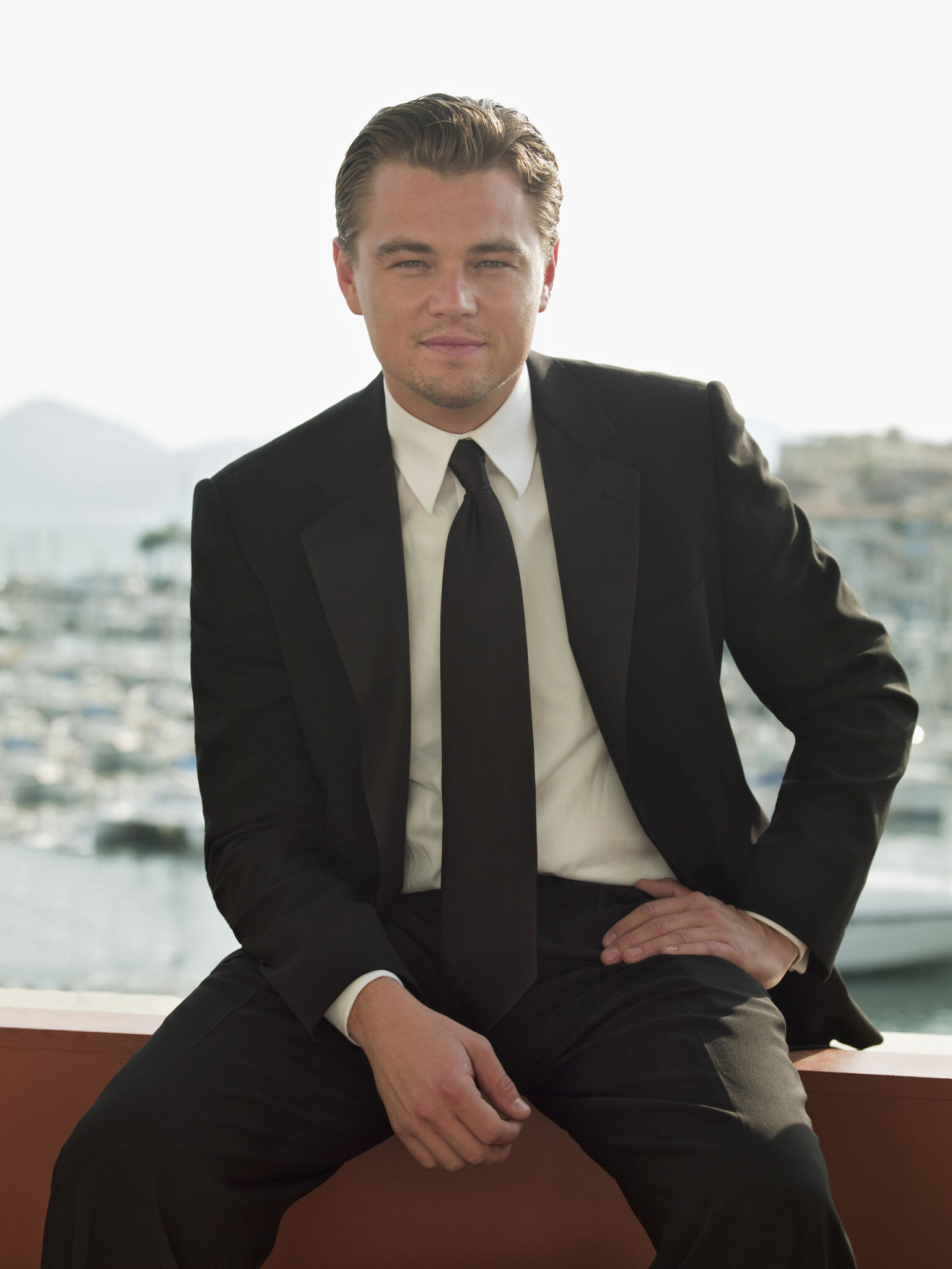
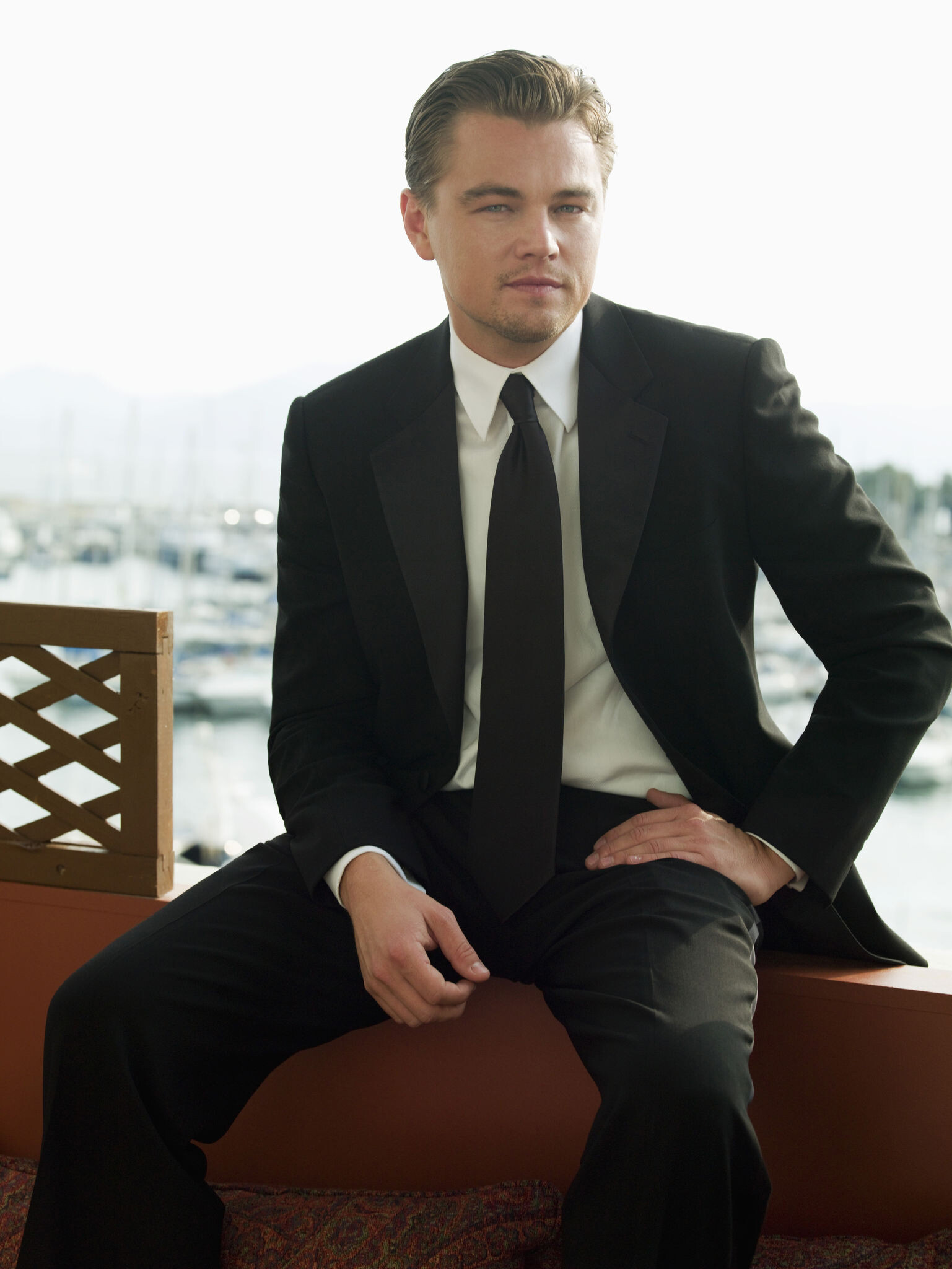
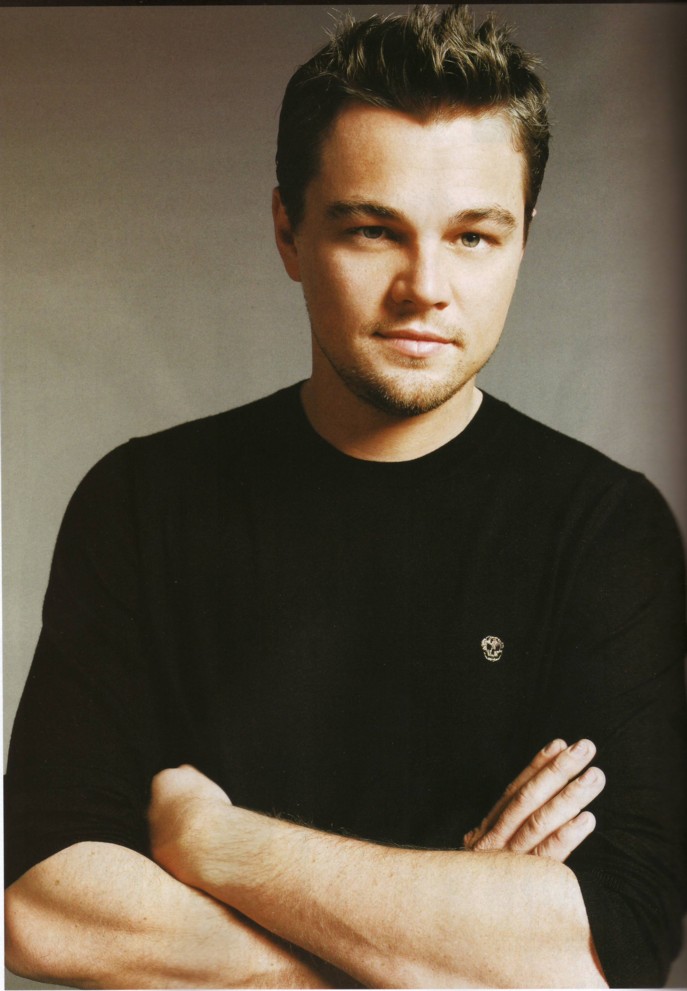
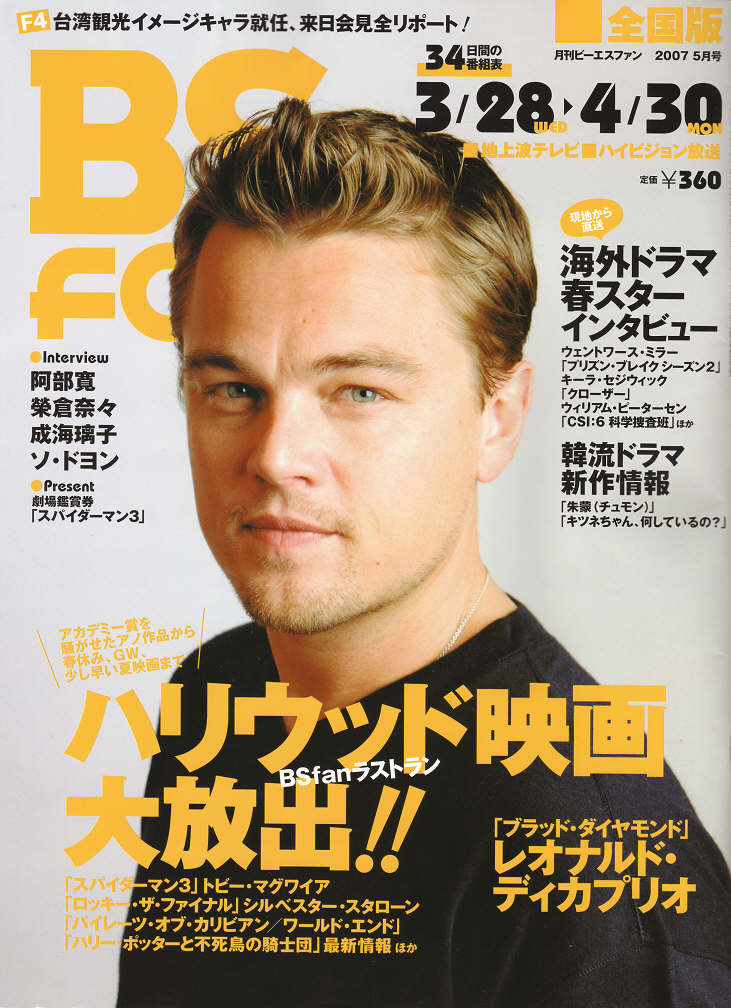
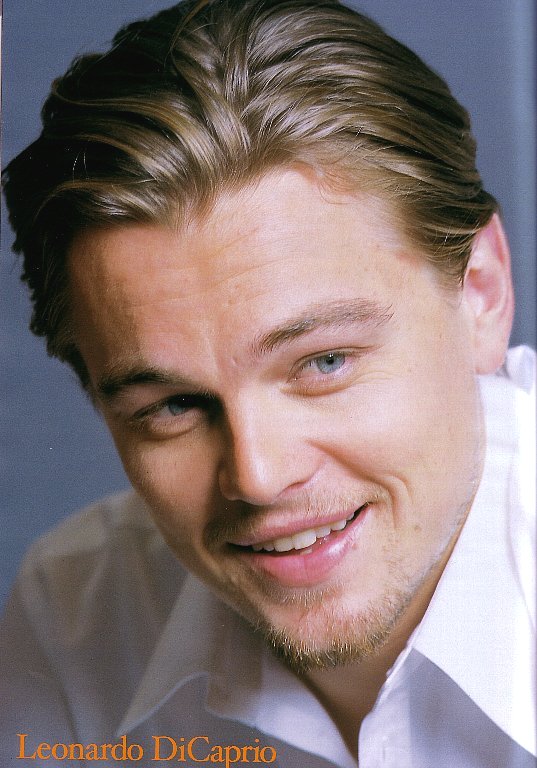
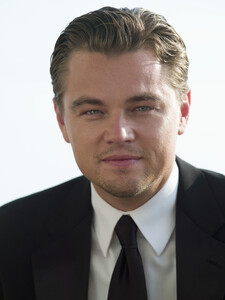
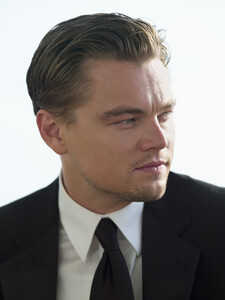
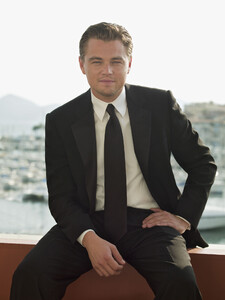
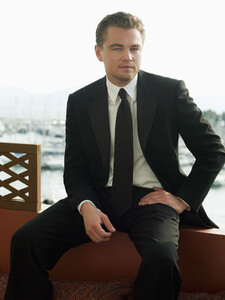
Cool photoshoot from 2007

-
thanks everyone for the new pics of our cowboy Aw his smile in Gatsby melts my heart. I hope he'll do some kind of romance/love story movie again..
-
Thanks for the video, LuckyGirl! "Got my smile" Yeah that's the only thing you need, Leo! Very cute moment
-
Oh yes this scene was really heartbreaking. I also liked the alternate ending where Gatsby's father showed up. The only thing I don't like about the Great Gatsby is the casting of Daisy. I don't know why but she seems kind of not emotional enough. I don't know how to describe it. Or is her character meant to be so distant? Normally Leo has such good chemistry with his female costars but with her there's something missing.
-
When do you think the shooting for Killers of the flower moon will start? I can't wait for another Leo movie. But Marty always takes sooo long... I hope Leo will shoot another movie directly after KOTFM. So we will have another year with two leo movies. Once Upon a Time in Hollywood came out last year but it feels so much longer ago. Don't know why.
-
I also loved Leo and Brad together. Hope they will team up again. And yes Leo's best scenes are mostly with his female costars. I just found the Forumala E documentary "And we go green" which Leo produced. He is also in it several times.
-
Hey everybody. I usually only read here. I wanted to thank you all for always sharing Leo news and stuff here. I think this is the only reliable place for news on Leo. So thanks for contributing! I will try to post here more often. A little about myself: I'm 33 years old and from Germany. I have been a Leo fan since I saw Titanic in the cinema in 1998. I've seen all of his films and think he's the best. I also love the friendship between Leo and Kate Winslet sooo much.
-
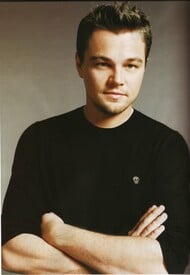
Thanks for the pics!! more later
-
Okay thanks
-
Hello! Could somebody please say what she and the interviewer say about Leo? LINK TO VIDEO Thanks!!