
michelabella
Members
-
Joined
-
-
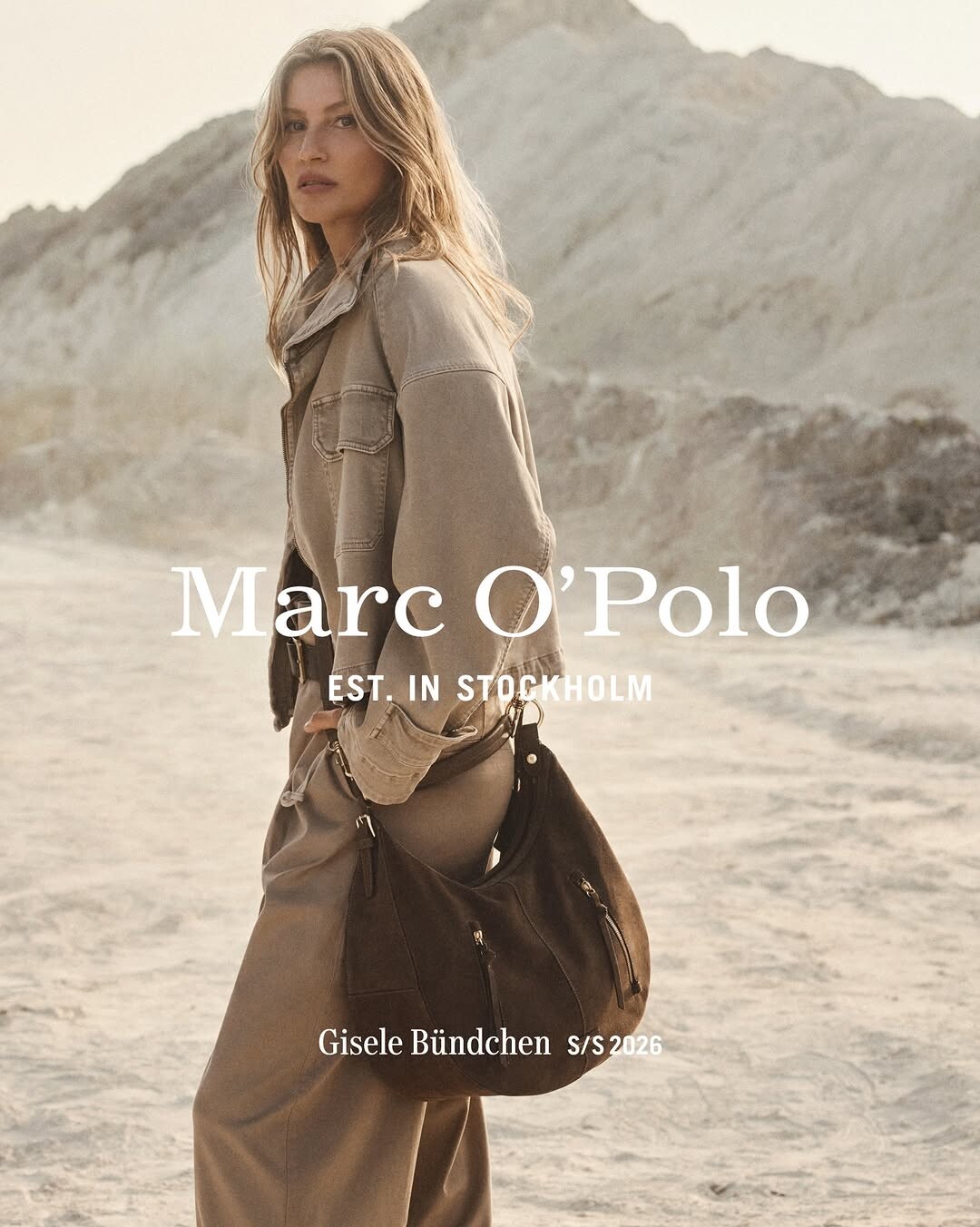
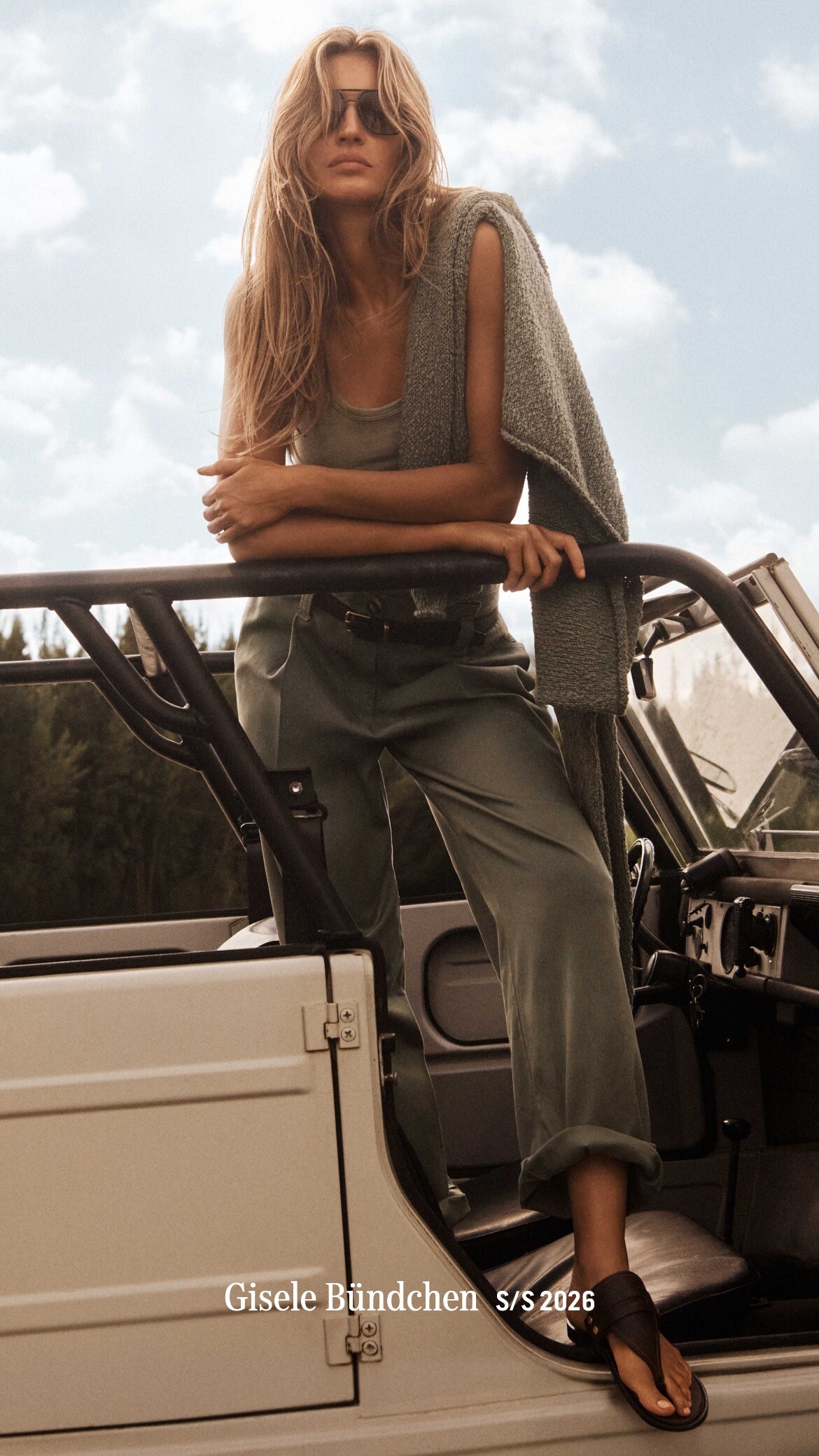
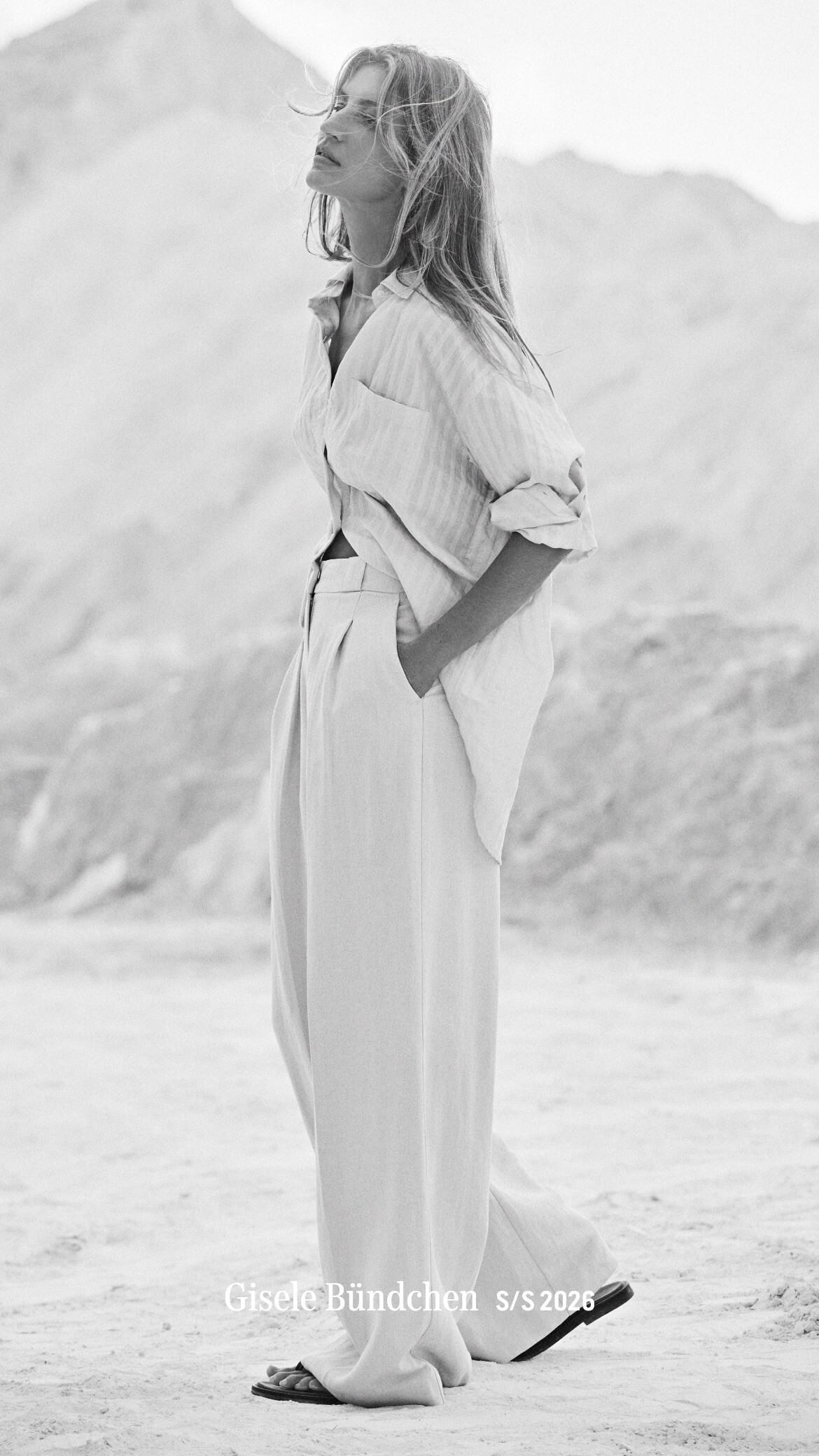
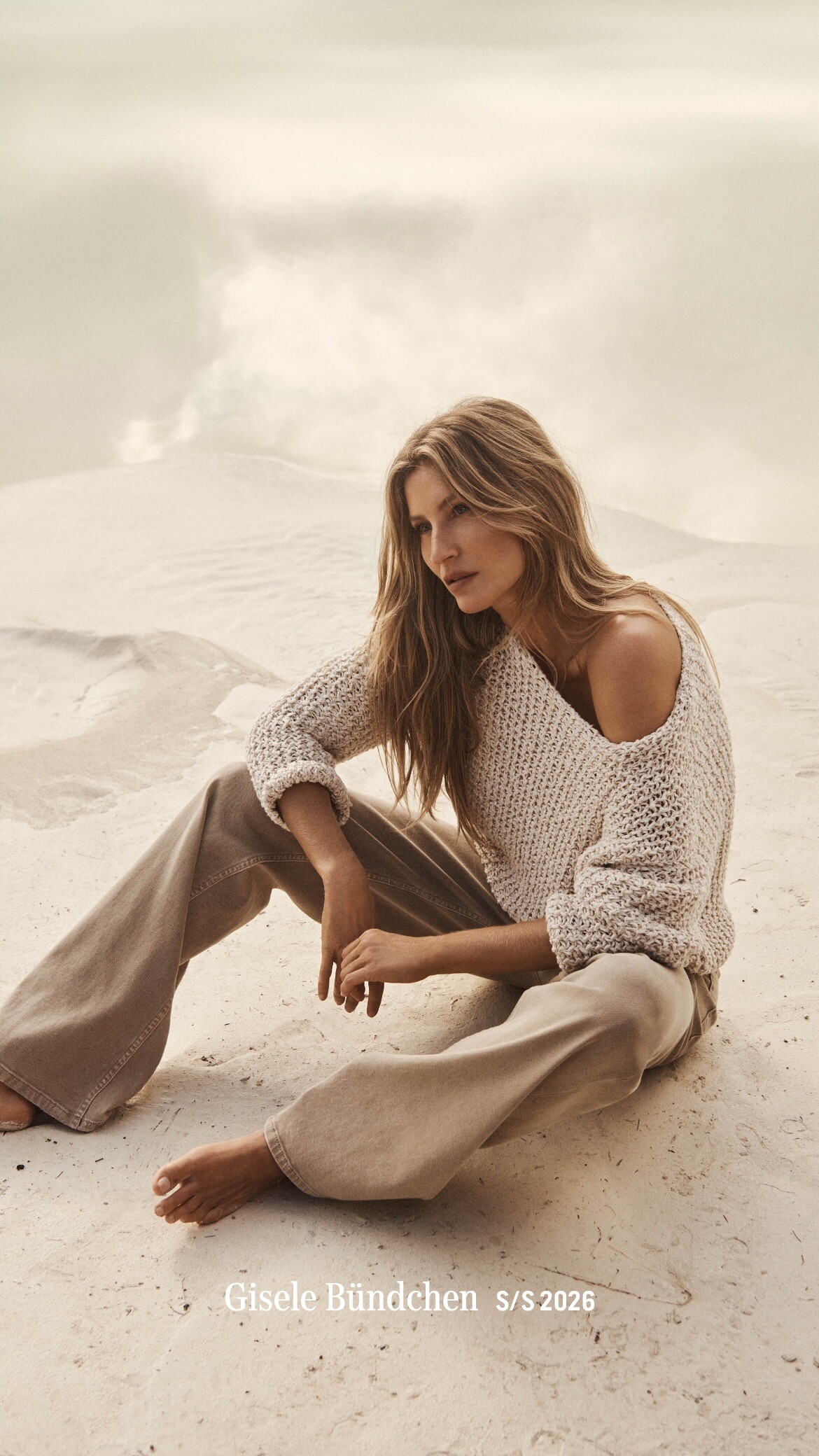
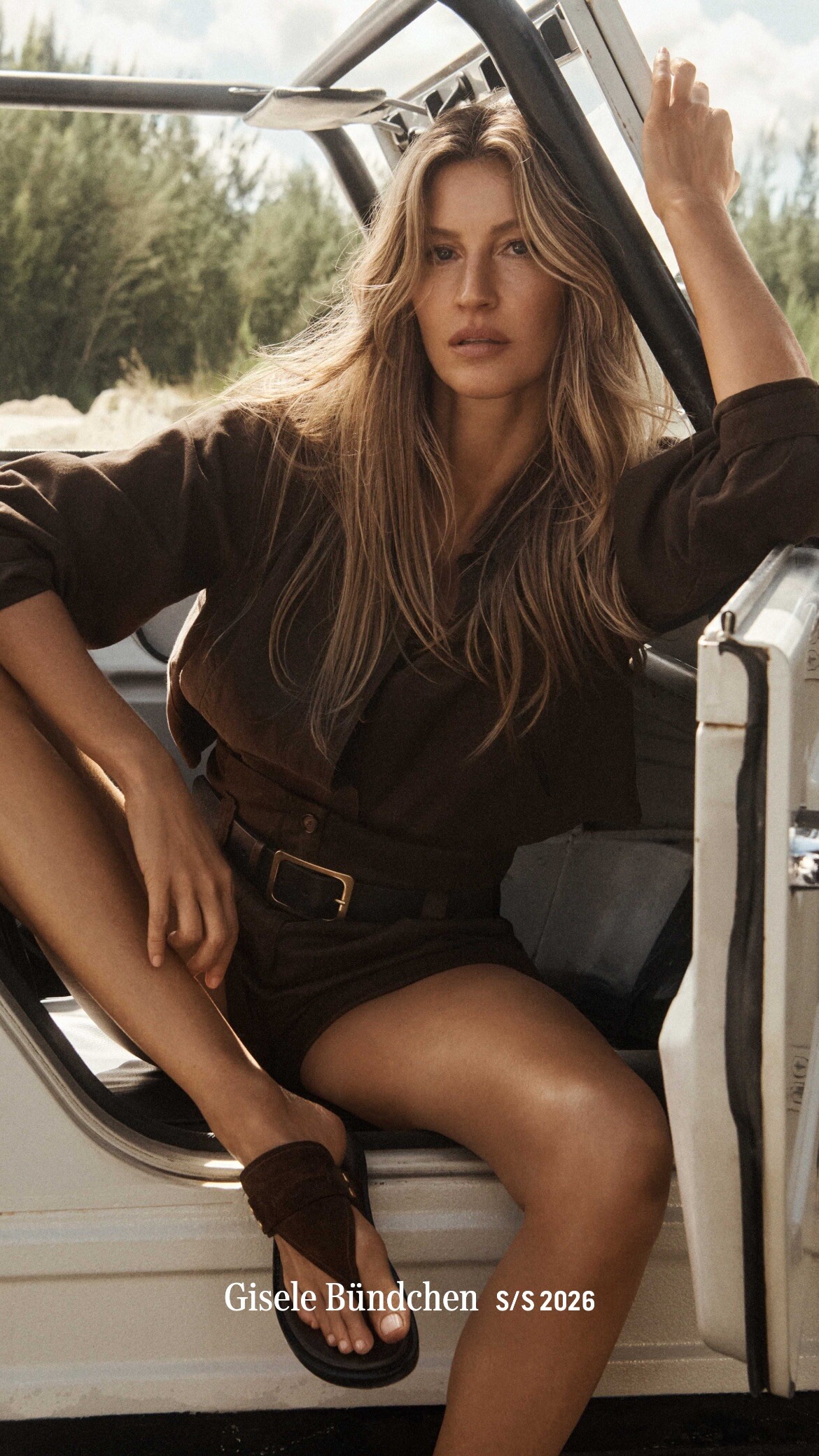
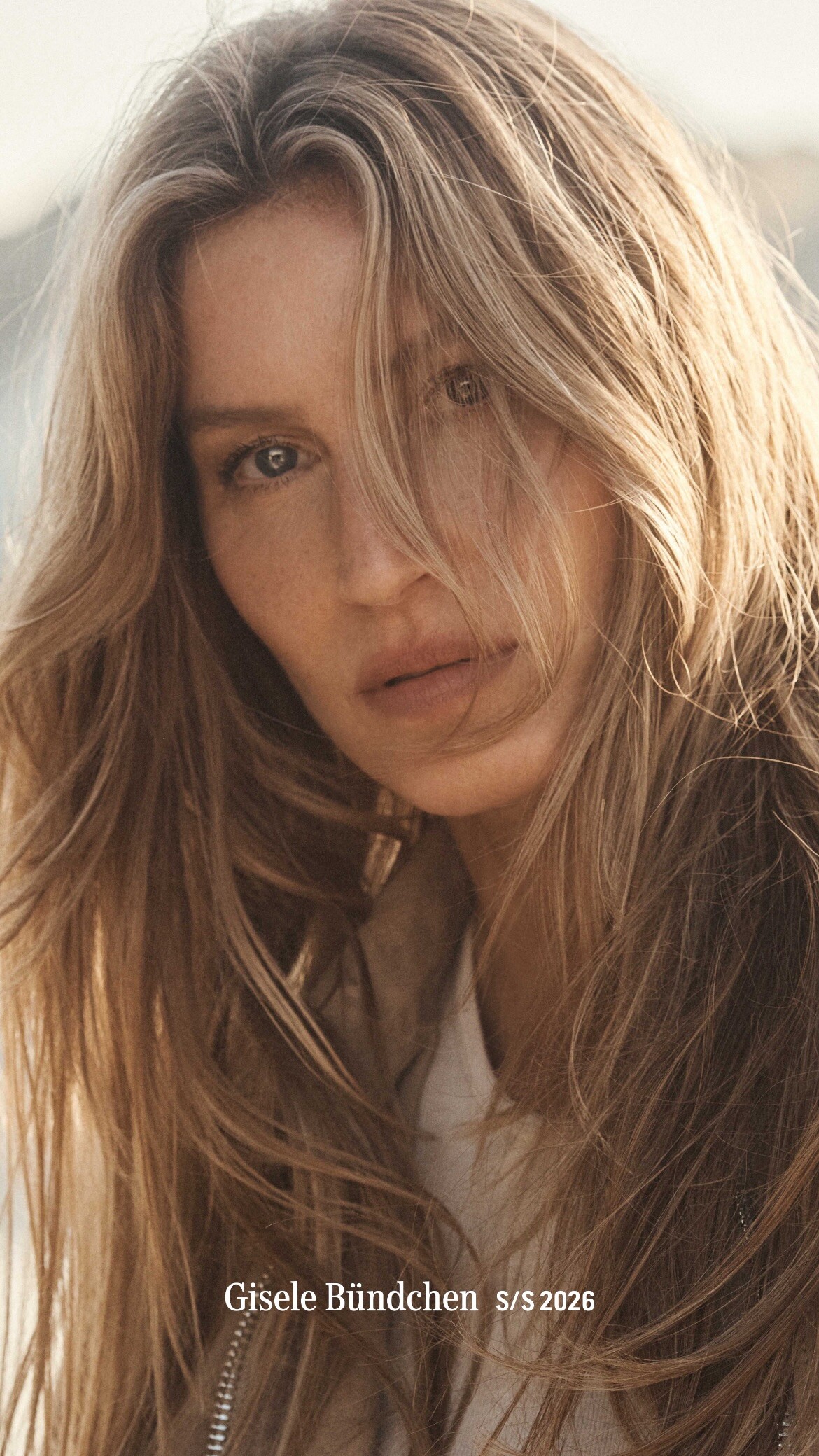
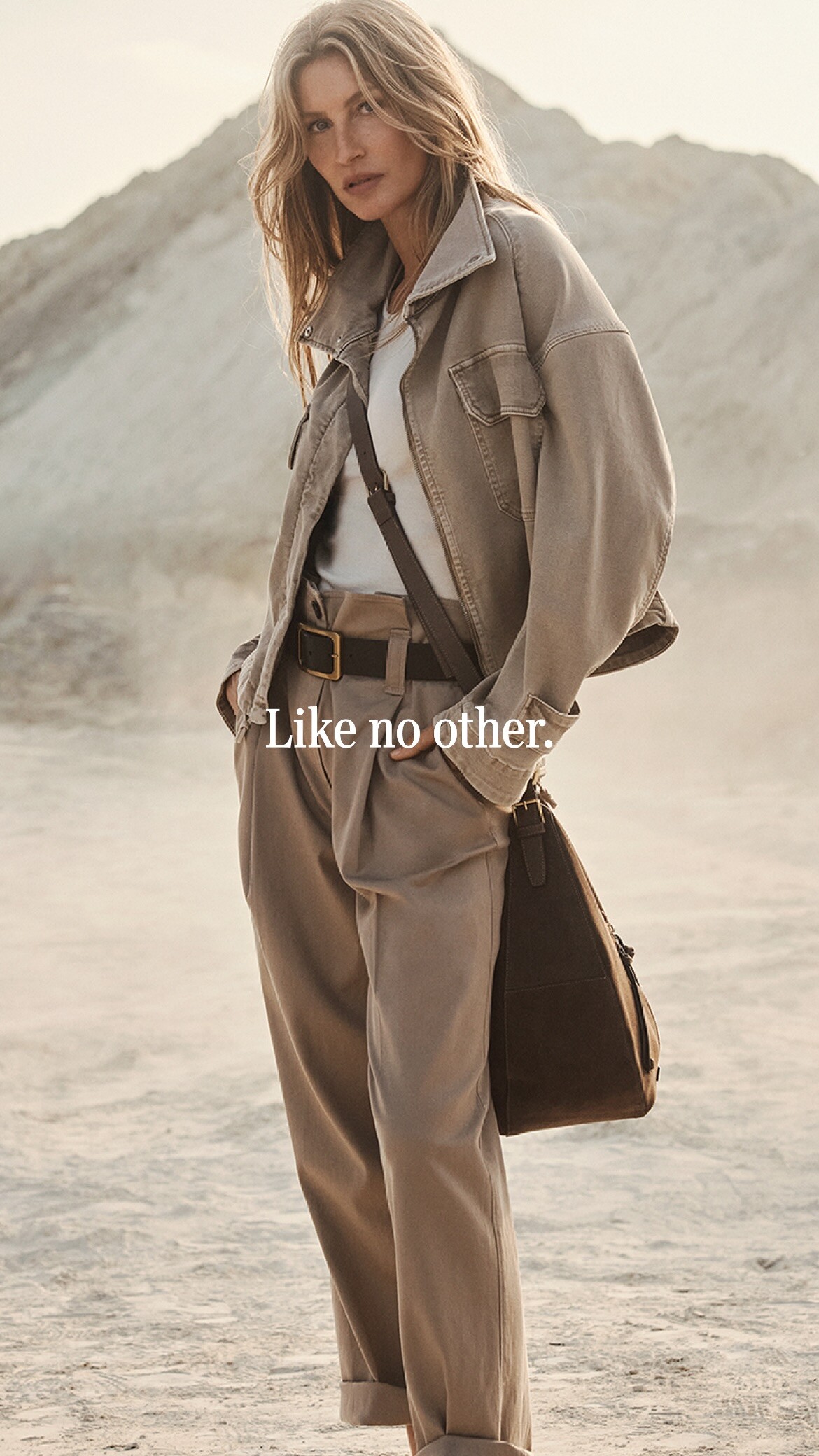
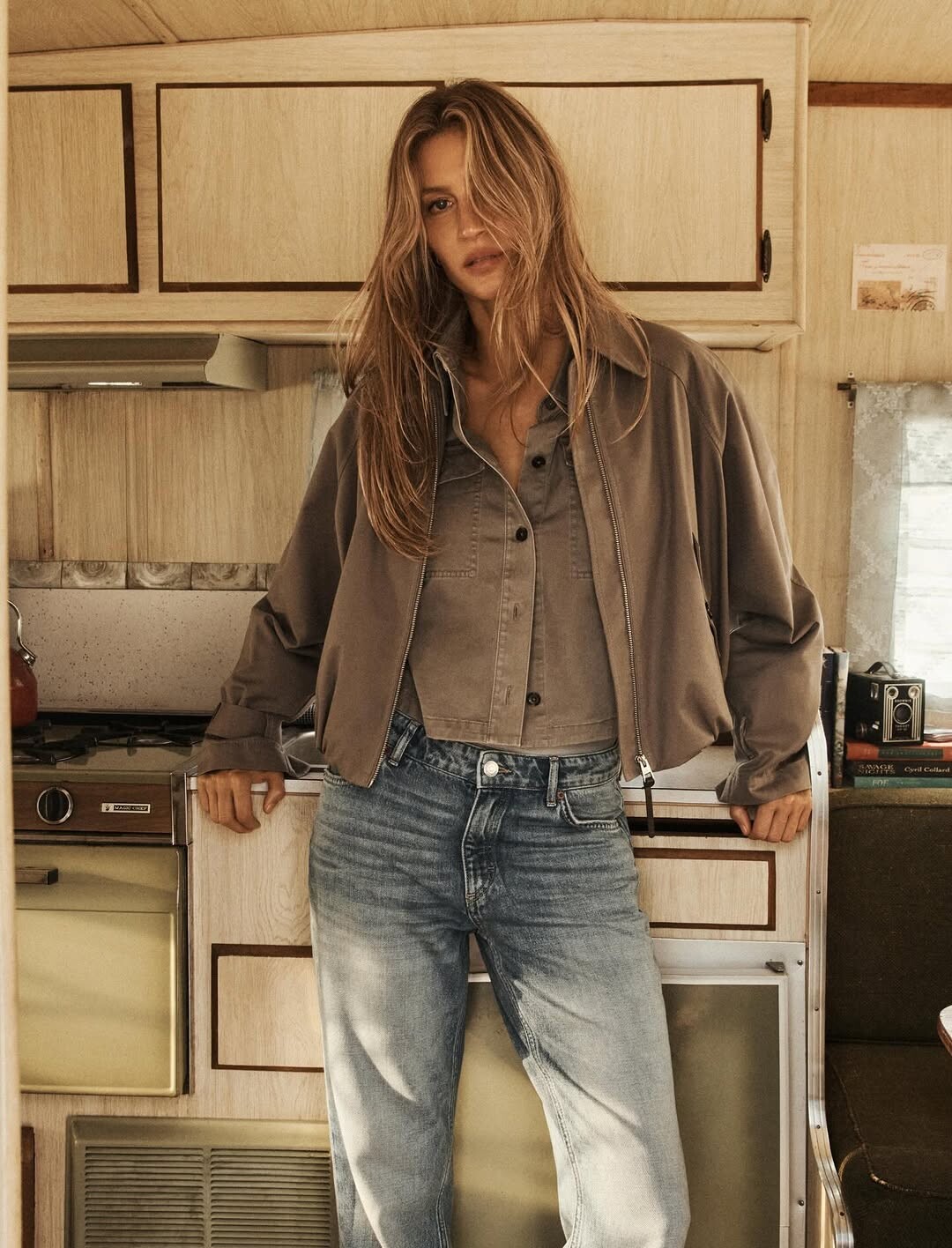
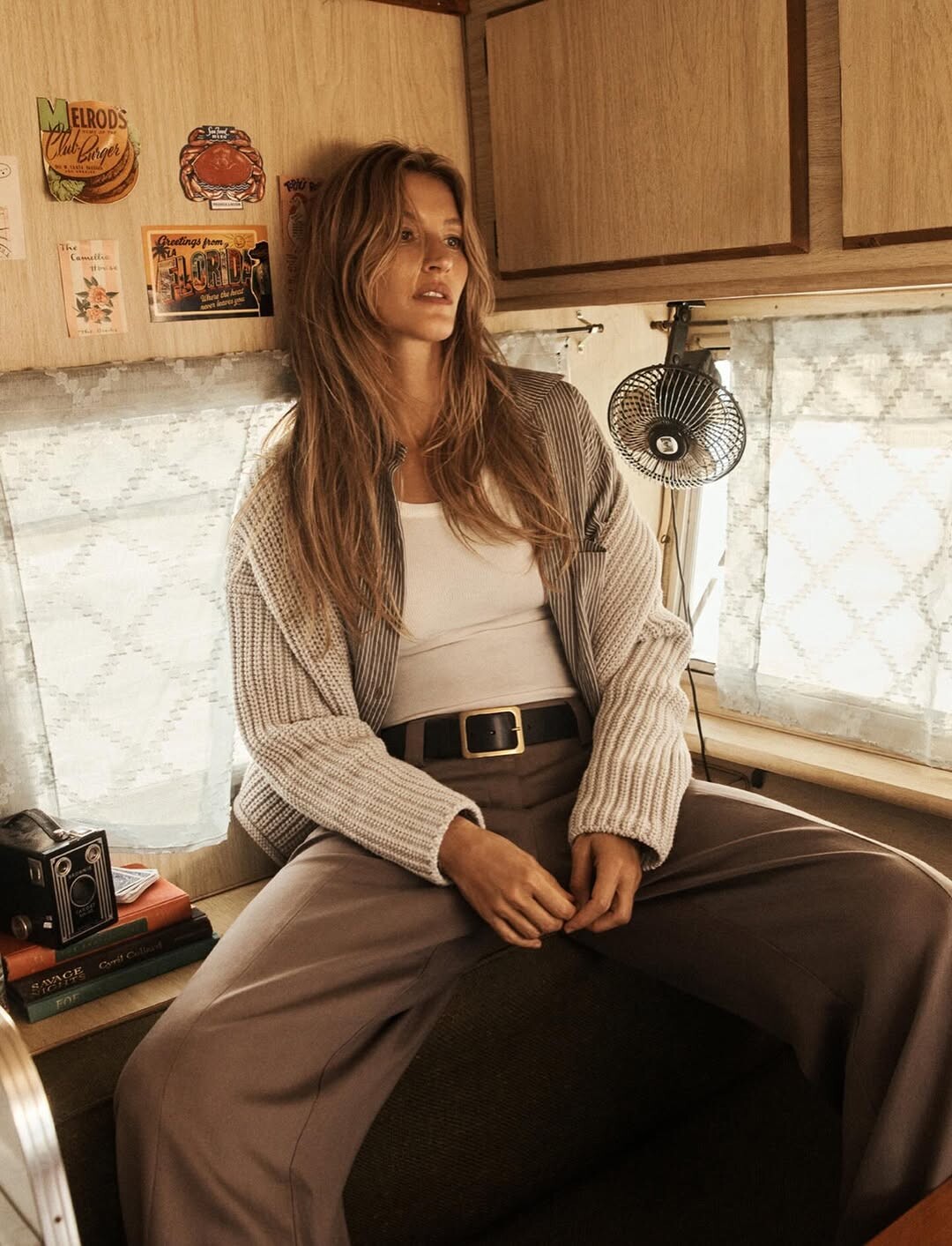
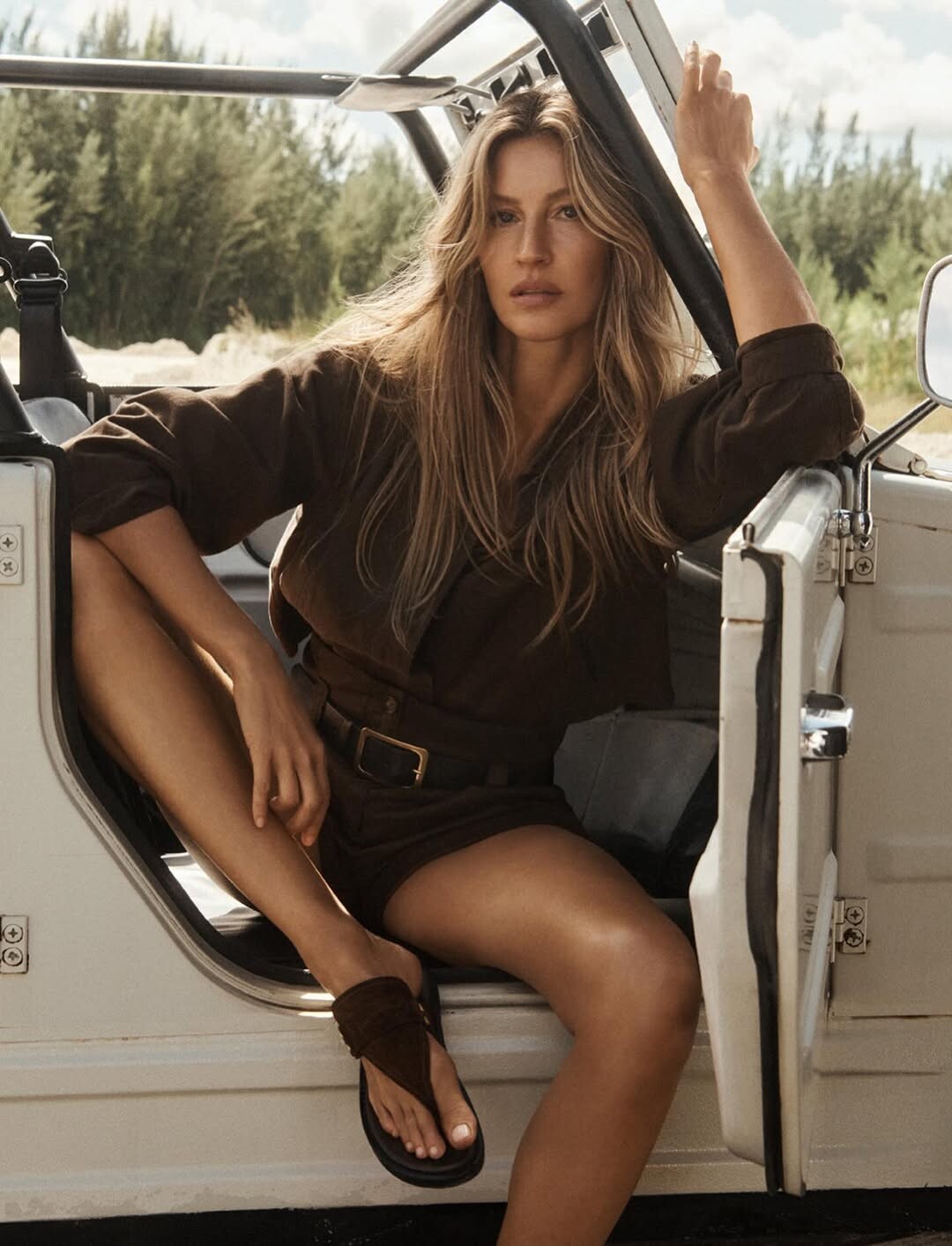
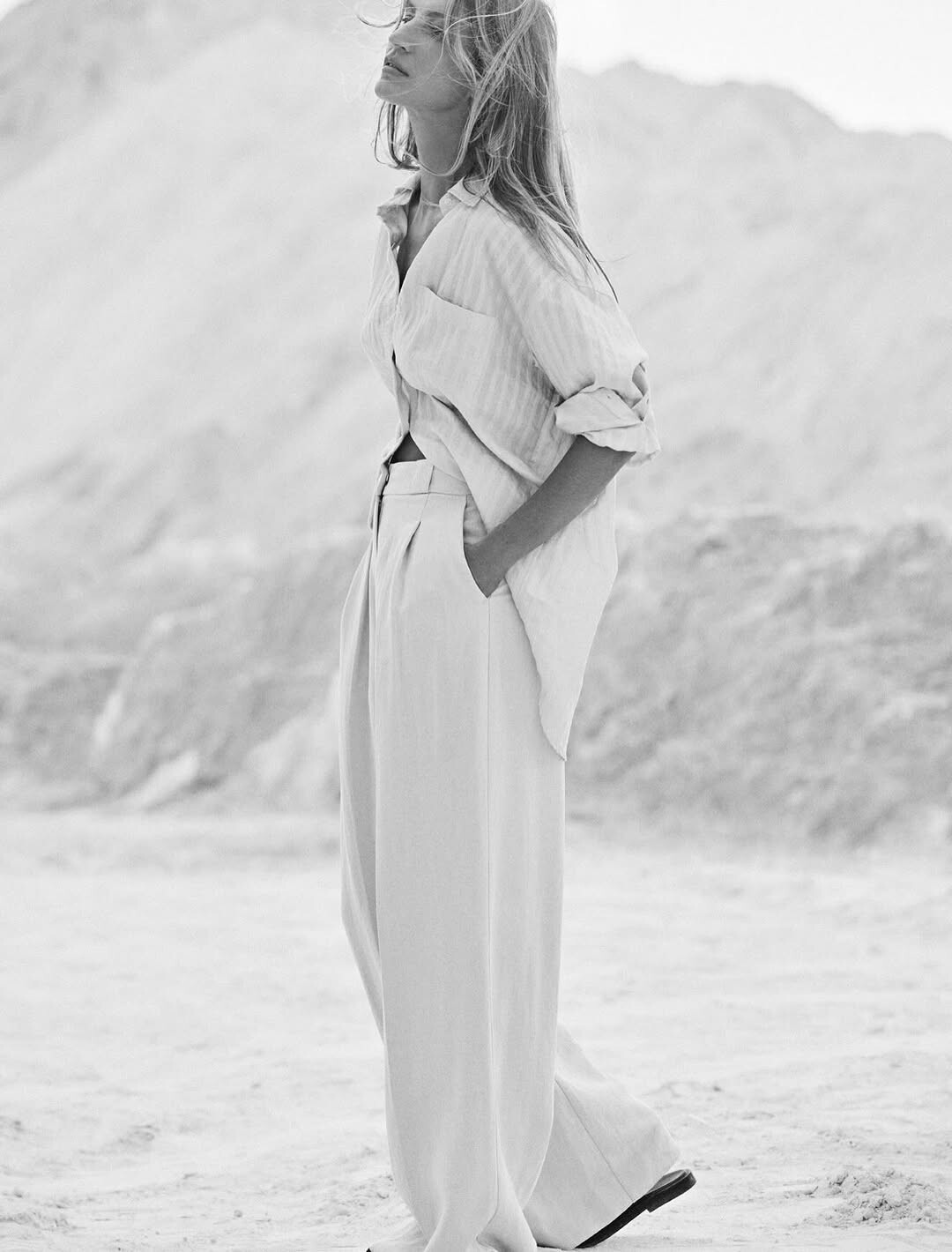
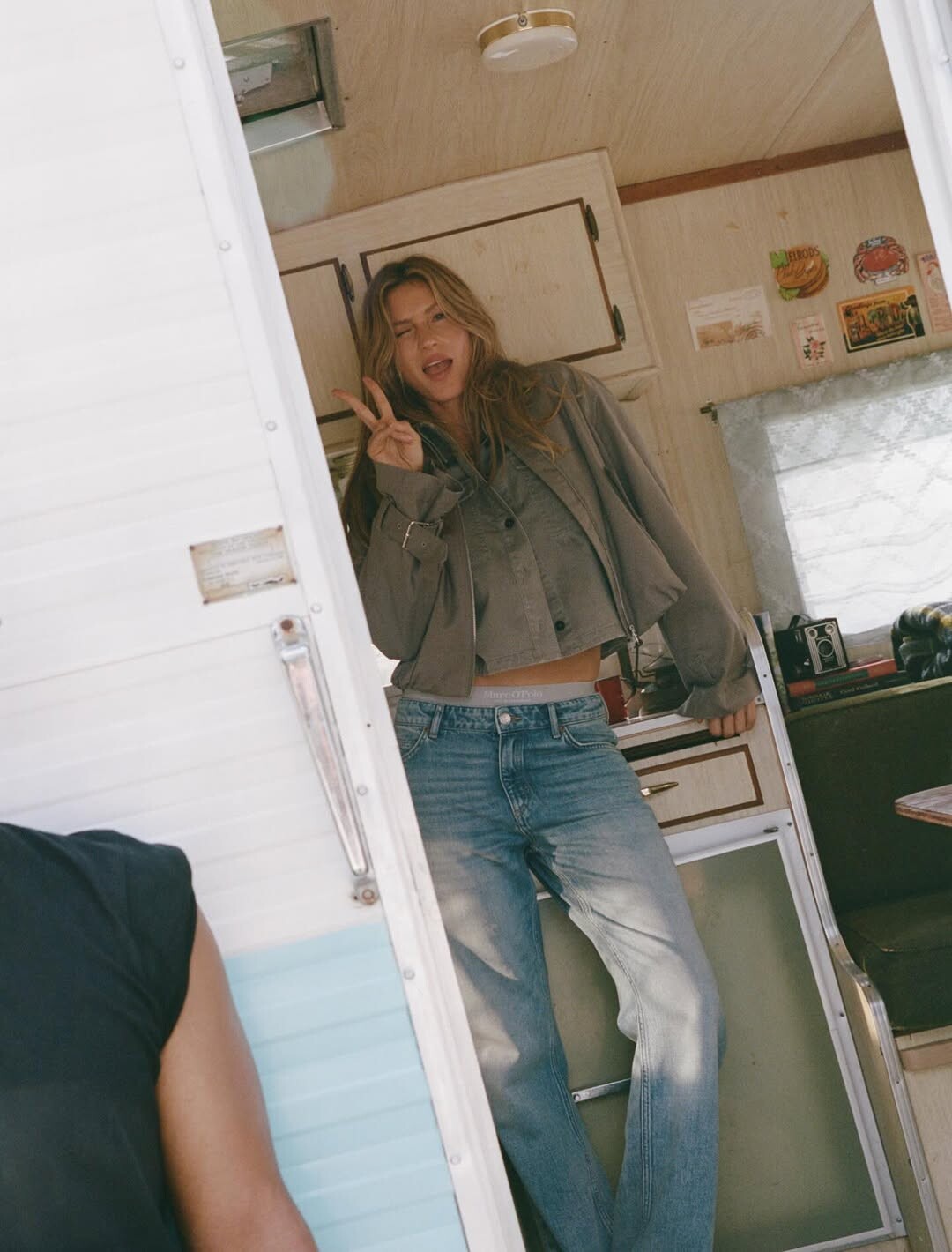
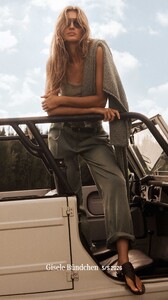
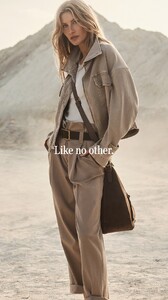
Marc O Polo as ons and some new






-
Wow thank you for her runway list! Oh how I wish she wanted to return. 😭
-
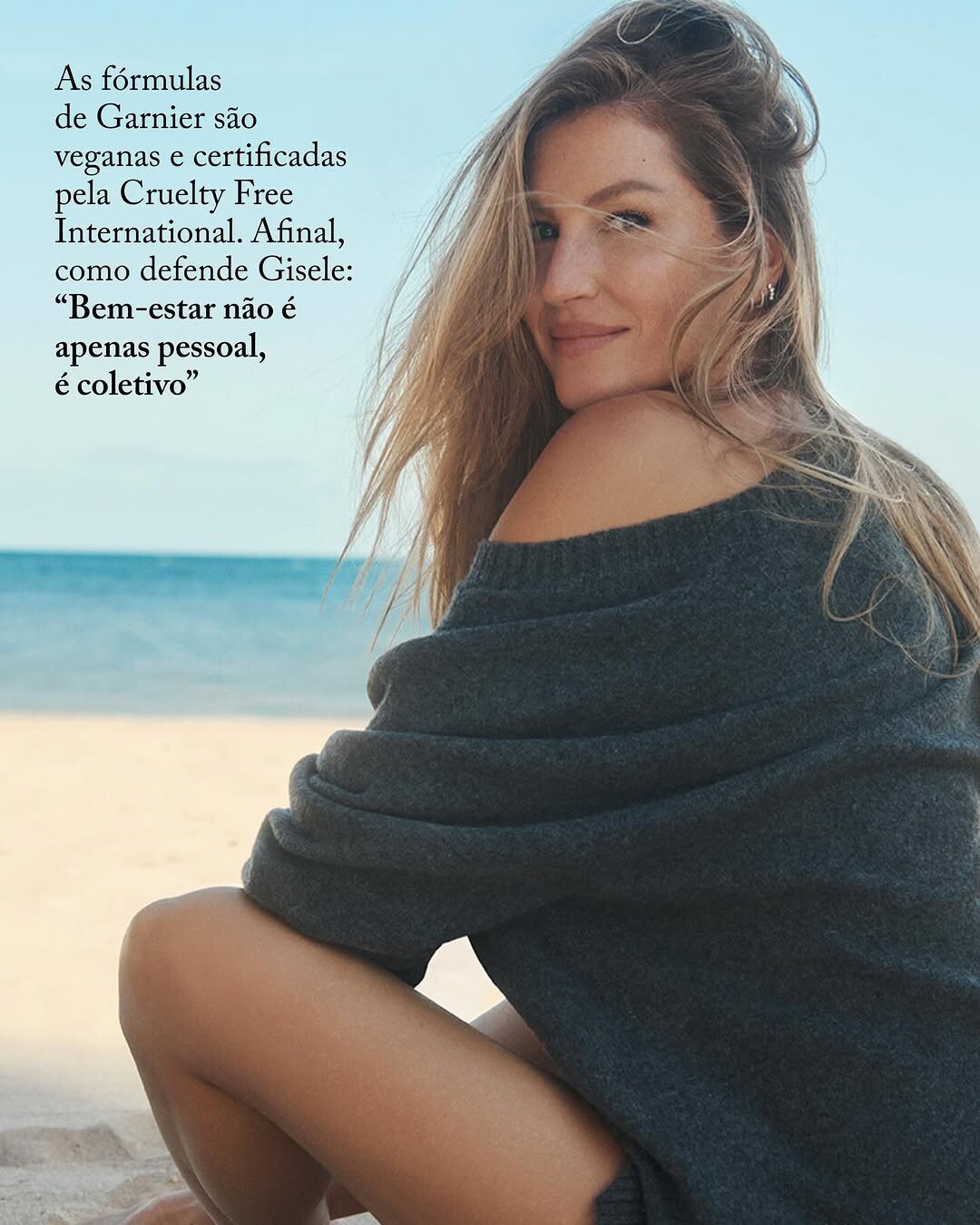
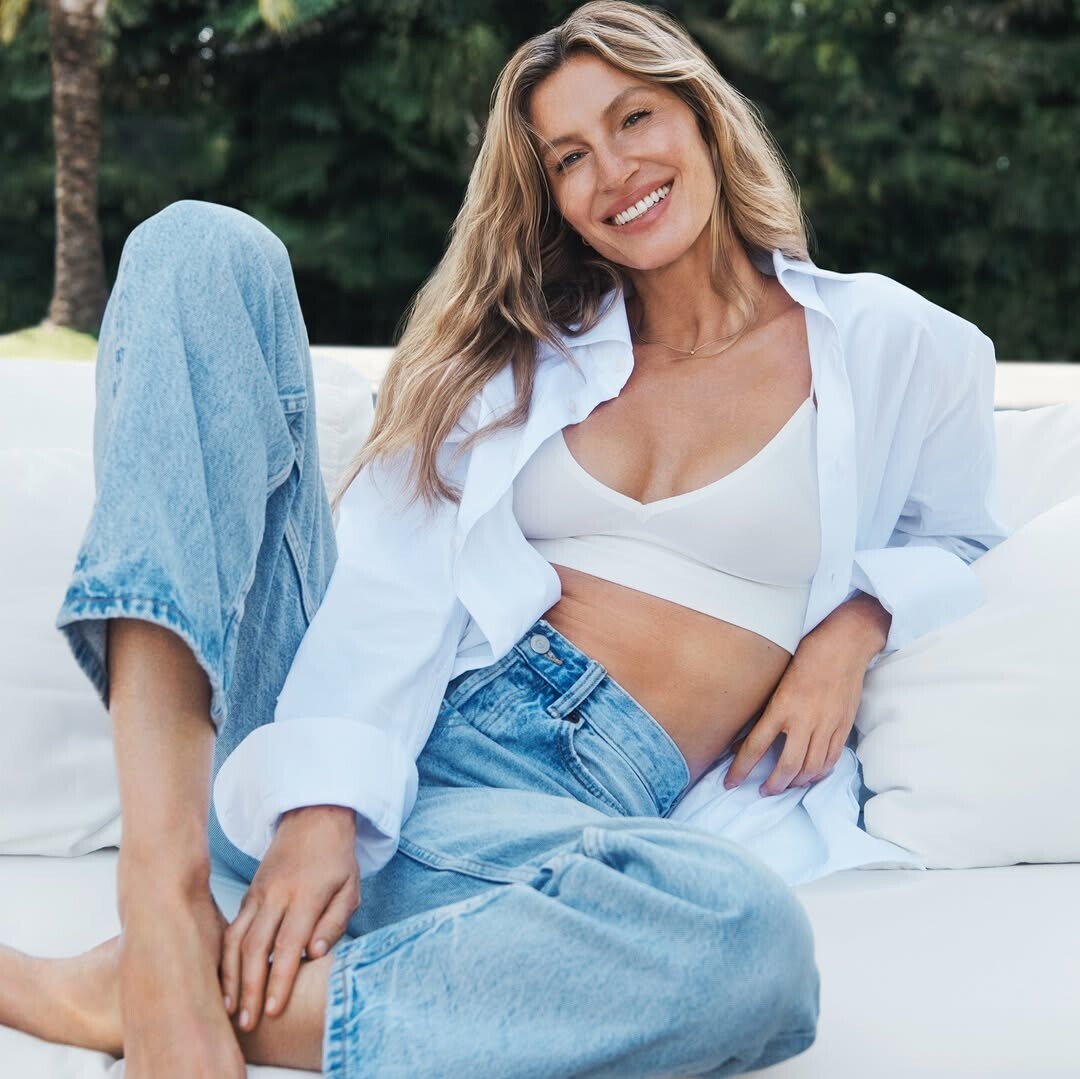
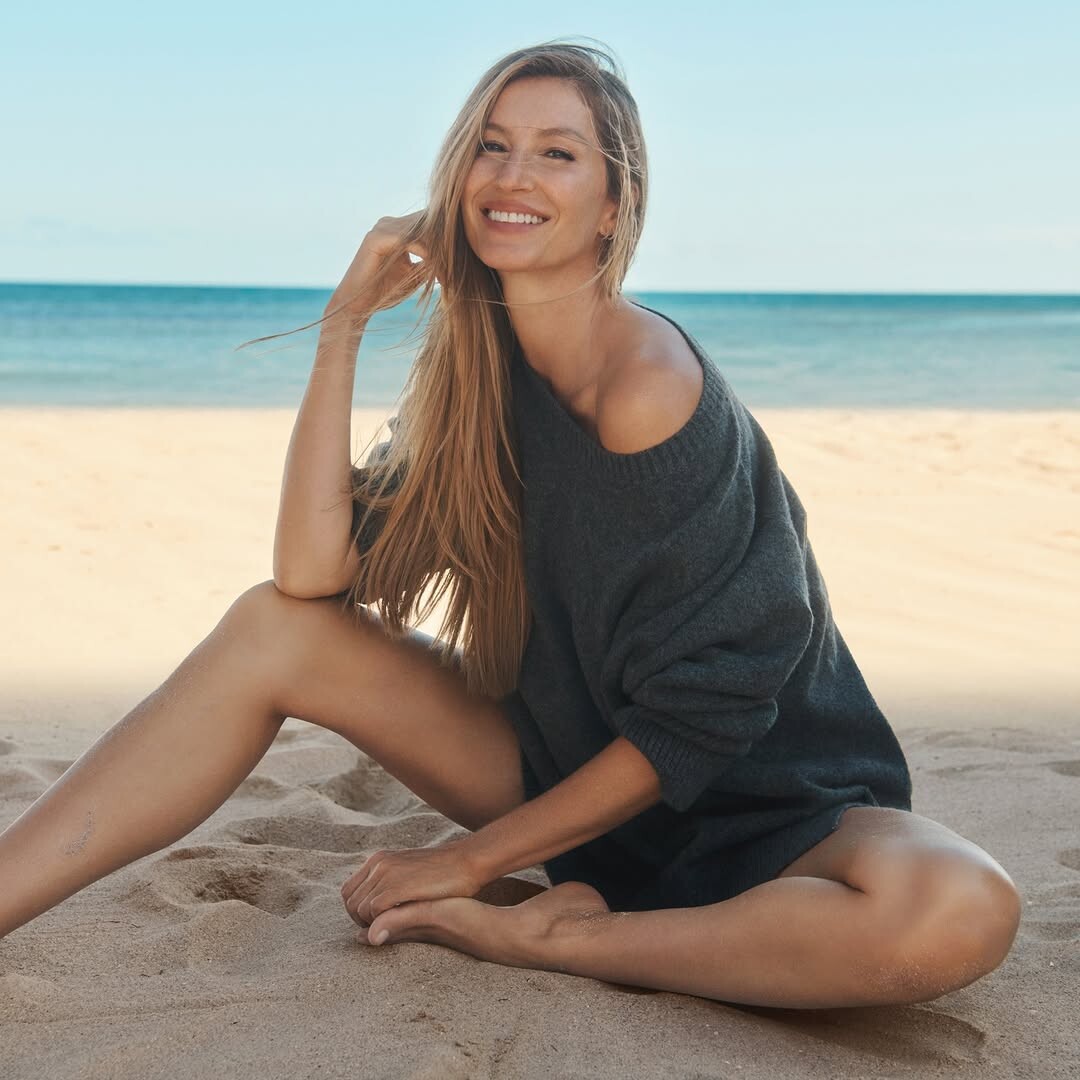
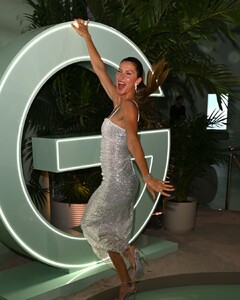
Gisele Bündchen at the launch of Garnier Fructis Diamond Sleek in Miami March 12, 2026 Garnier/giseledaily StorySaver.net-_giseledaily_-Video-1773418000334.mp4 StorySaver.net-_giseledaily_-Video-1773418003862.mp4 StorySaver.net-_giseledaily_-Video-1773418006677.mp4 StorySaver.net-_giseledaily_-Video-1773418009620.mp4 StorySaver.net-_giseledaily_-Video-1773418012187.mp4


-
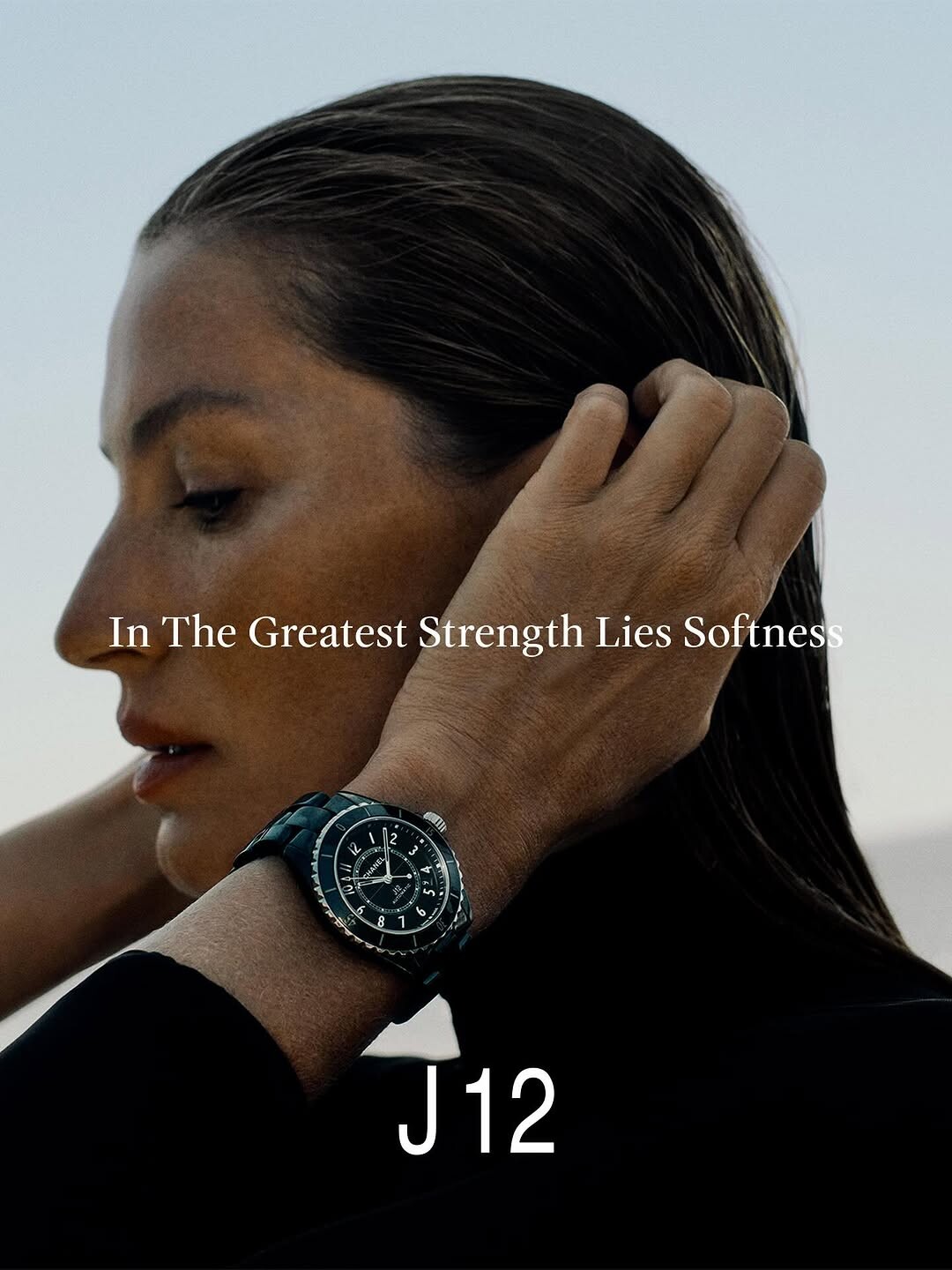
^ Yes it was released. It’s 2000s model Jessica Miller for Spring 2026 Chanel

-
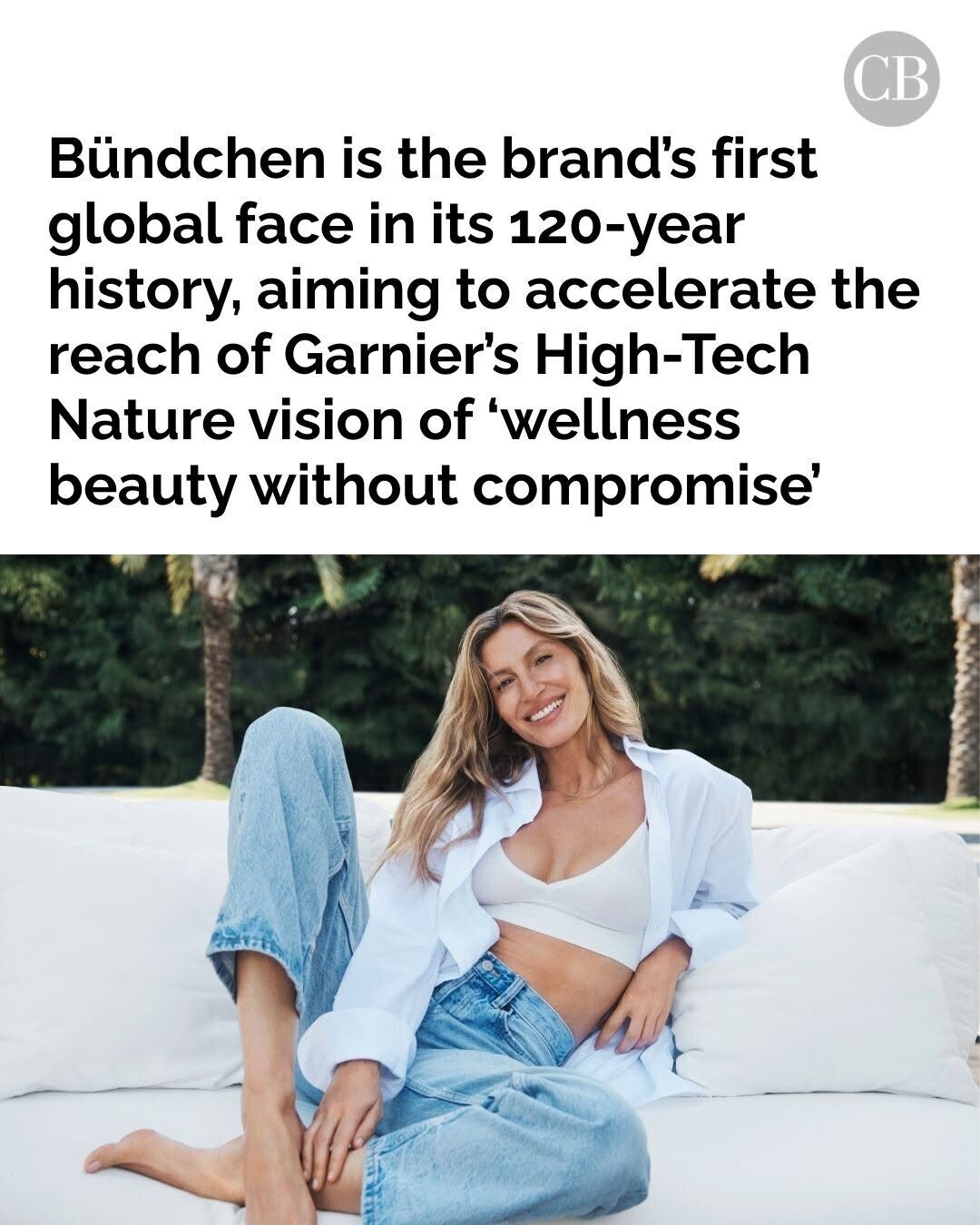
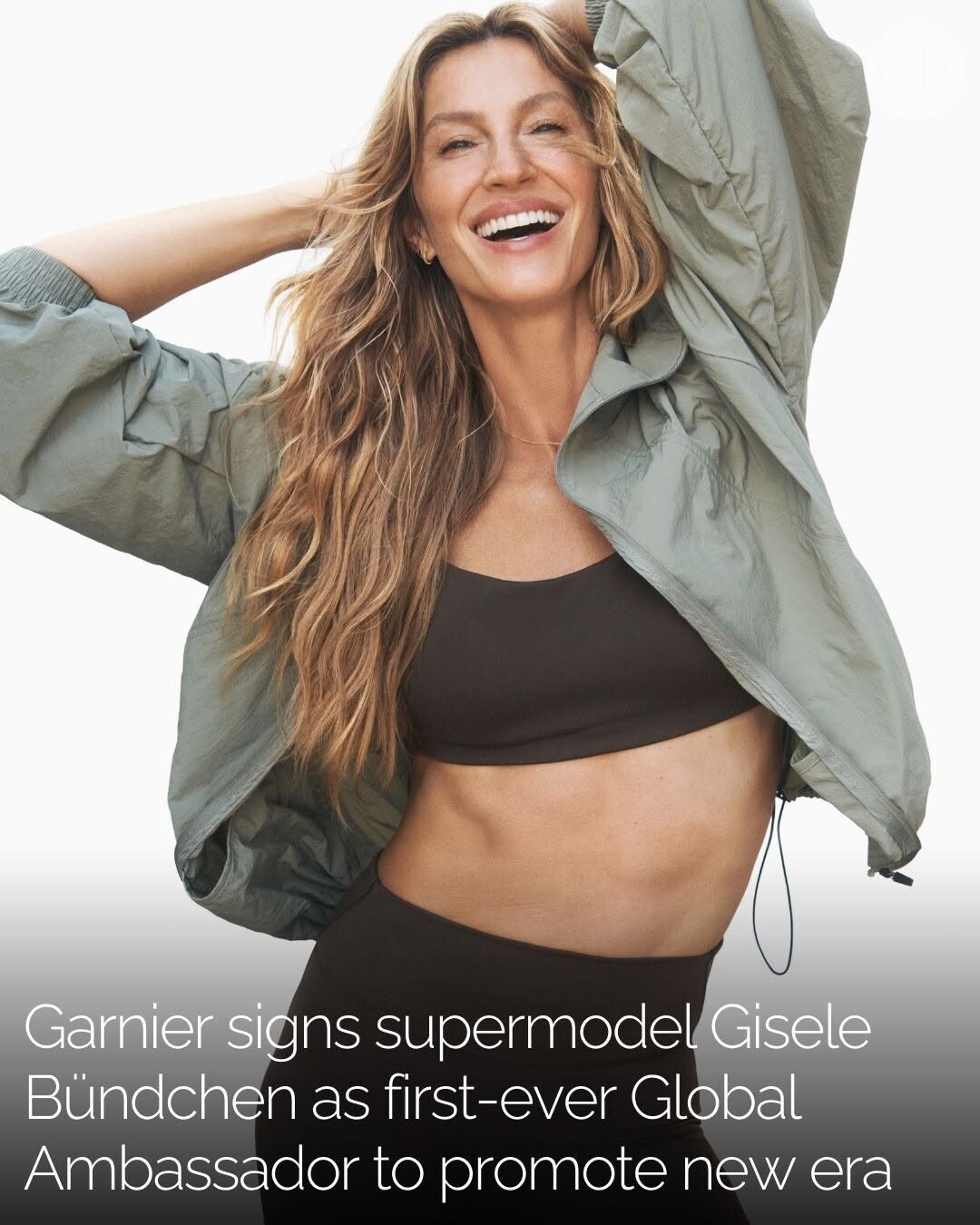
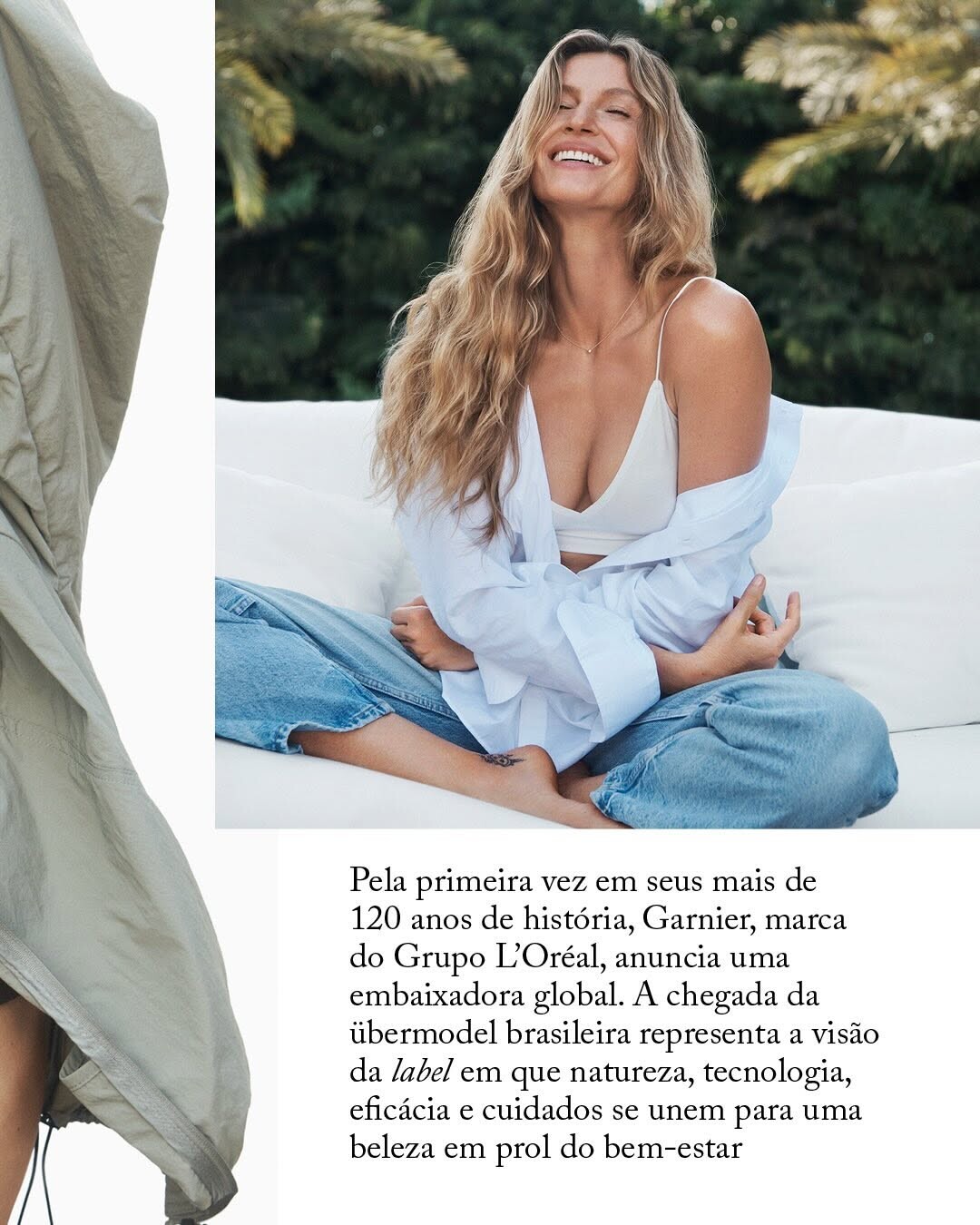
British Vogue British VogueThere’s A Reason Gisele Bündchen Looks So WellThe supermodel, mother of three and new Garnier ambassador sat down with British Vogue to detail her exact protocol.
-
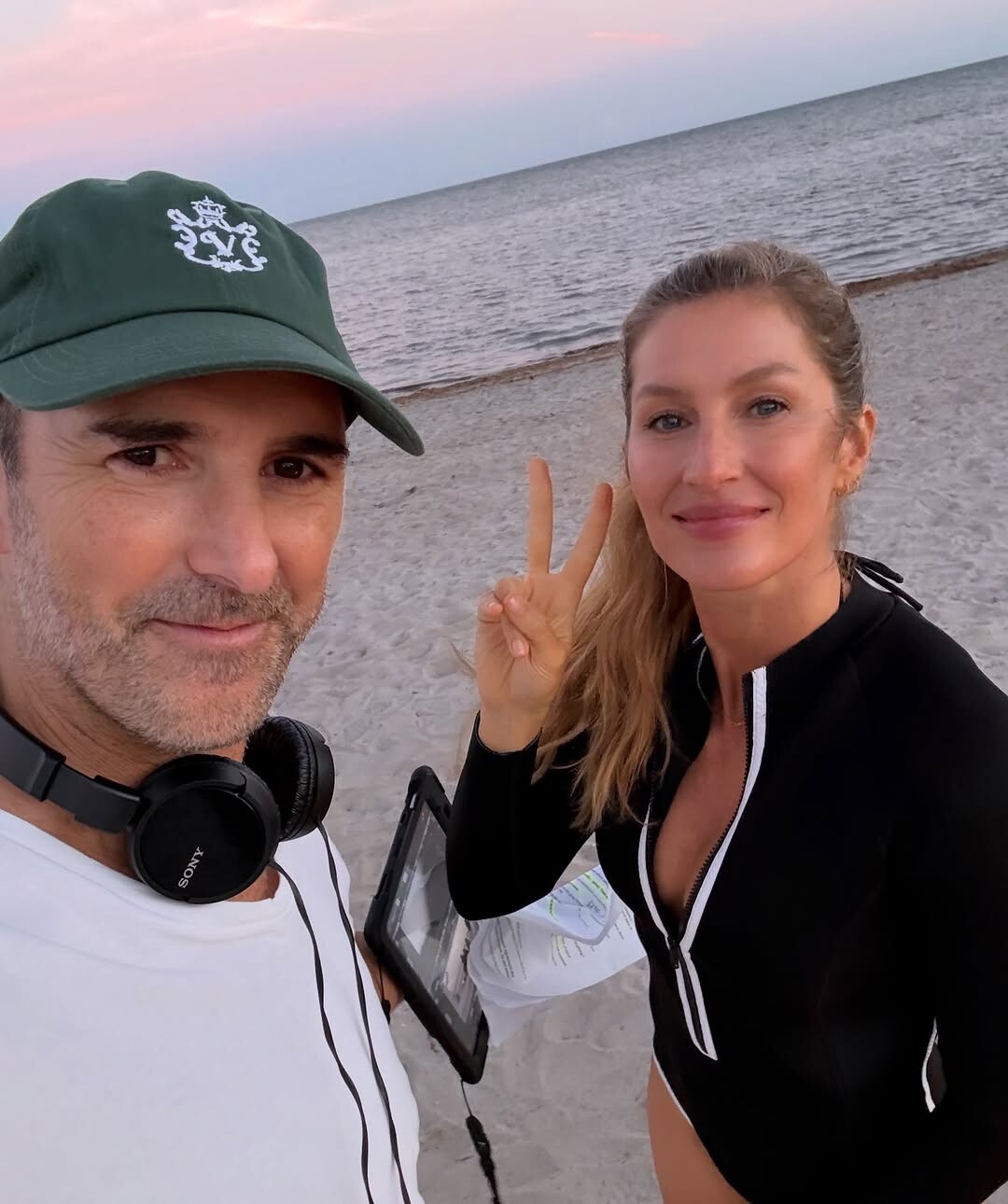
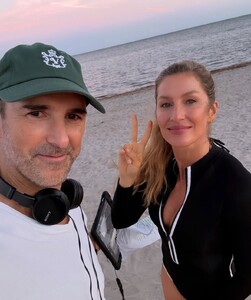
Behind the scenes Garnier AQPXCQefQpb_-NRArP3yBLsCTv5_DJ-mbQSwl0hGIDiMYsg51hgYCa0wlcAVSHKik5jmKWfZG2JCbDLzNeAOOJmm.mp4
-
Garnier Commerical
-
yes hoping for her Garnier images in those worldwide magazines. I miss all her reprints funny enough. 😂 Met Gala in Chanel has to happen. 😢 let’s cross our fingers. Maybe now she is over a year postpartum she feels back into the groove of modeling. Already in one week she released two new contracts so I have hope for this year. AQNwwWDVYoolAqHWgBu3CeTJPLFDxHwMk4Hn7rg0LnGwGKwuktK7OQ3xk5plmPZ8UPOVyo2pGZZufHiiovIuBtPo.mp4
-
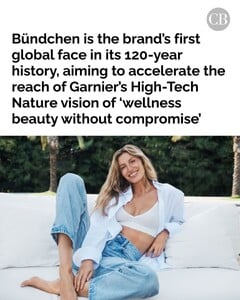
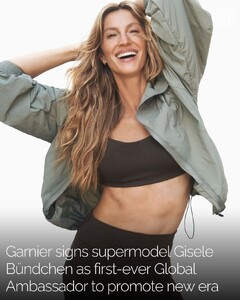
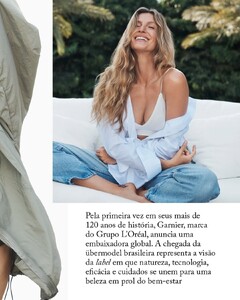
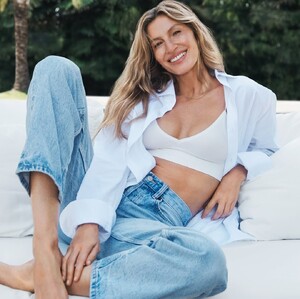
Wow hope it brings some new covers/appearances/billboards. Gisele is back. A new fashion and commerical contract in one week. Garnier




-
-
-
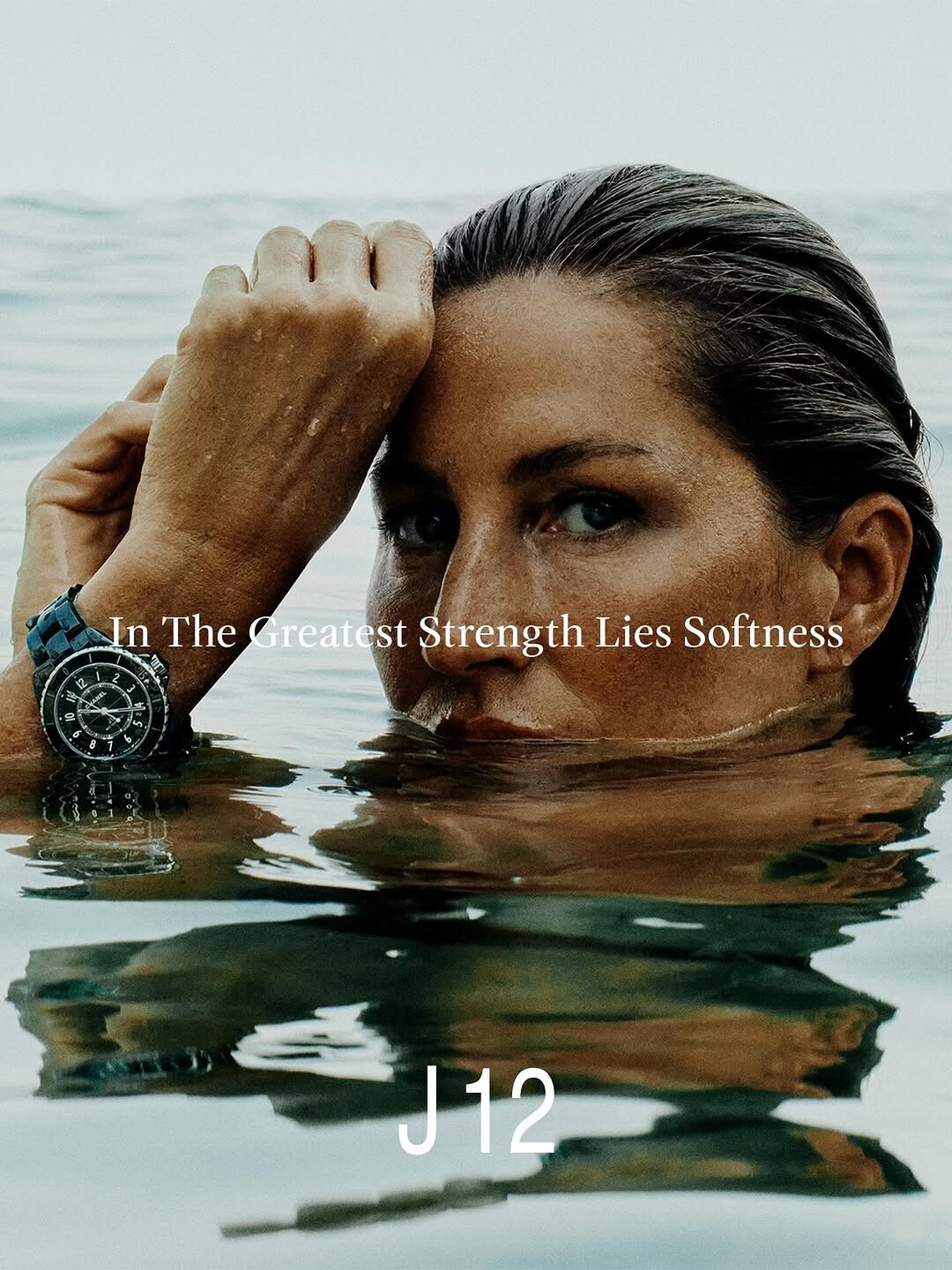
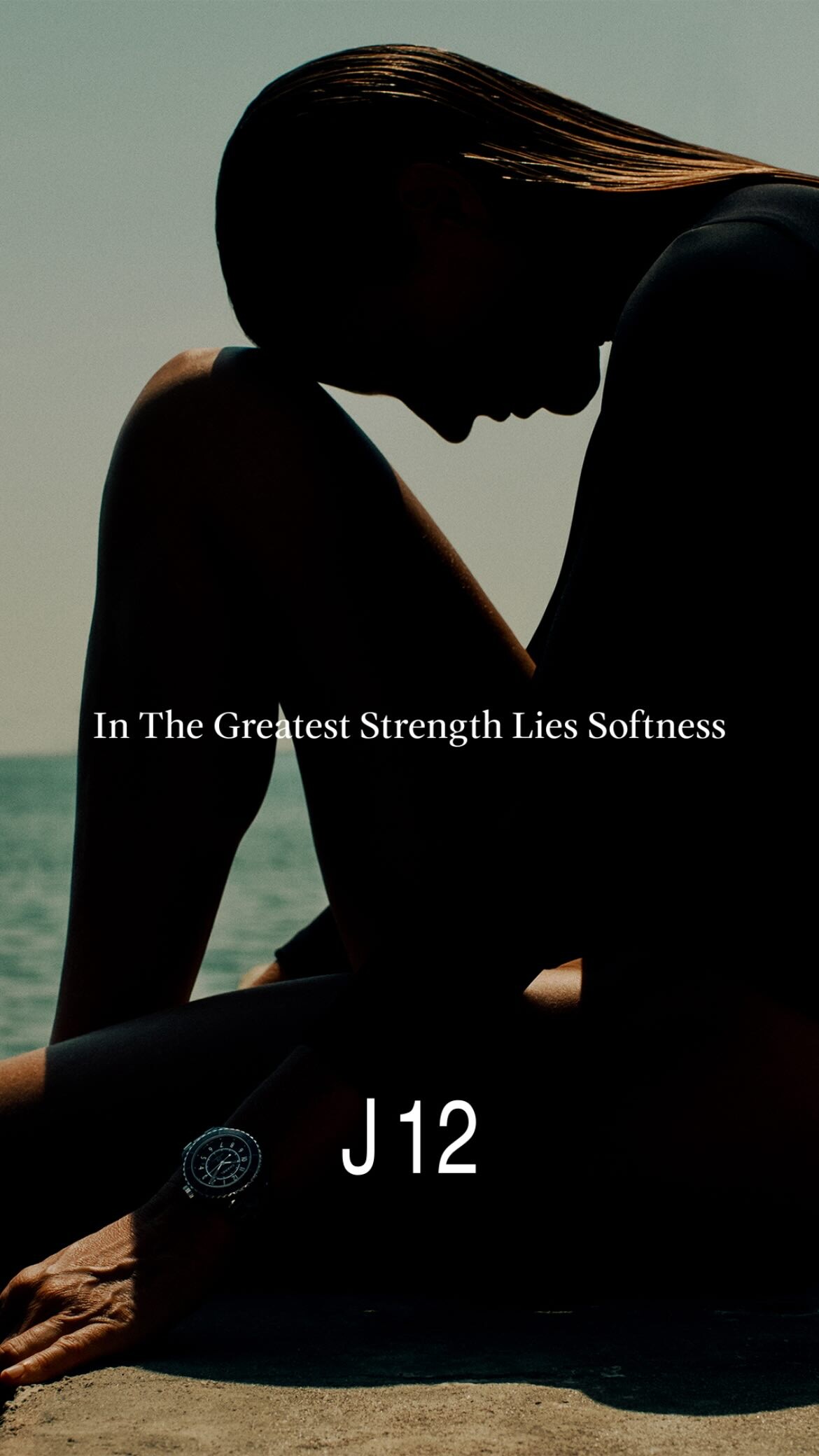
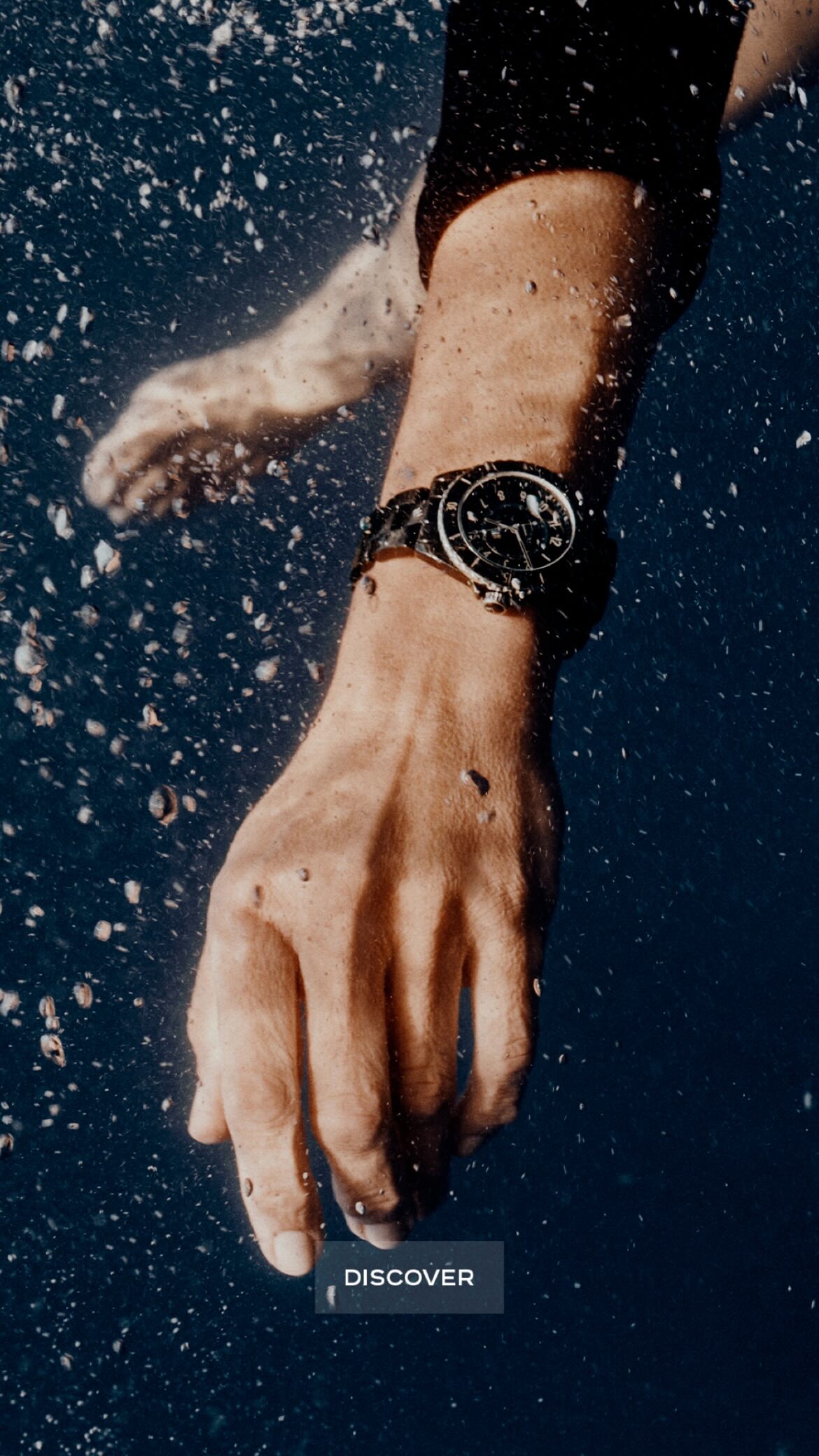
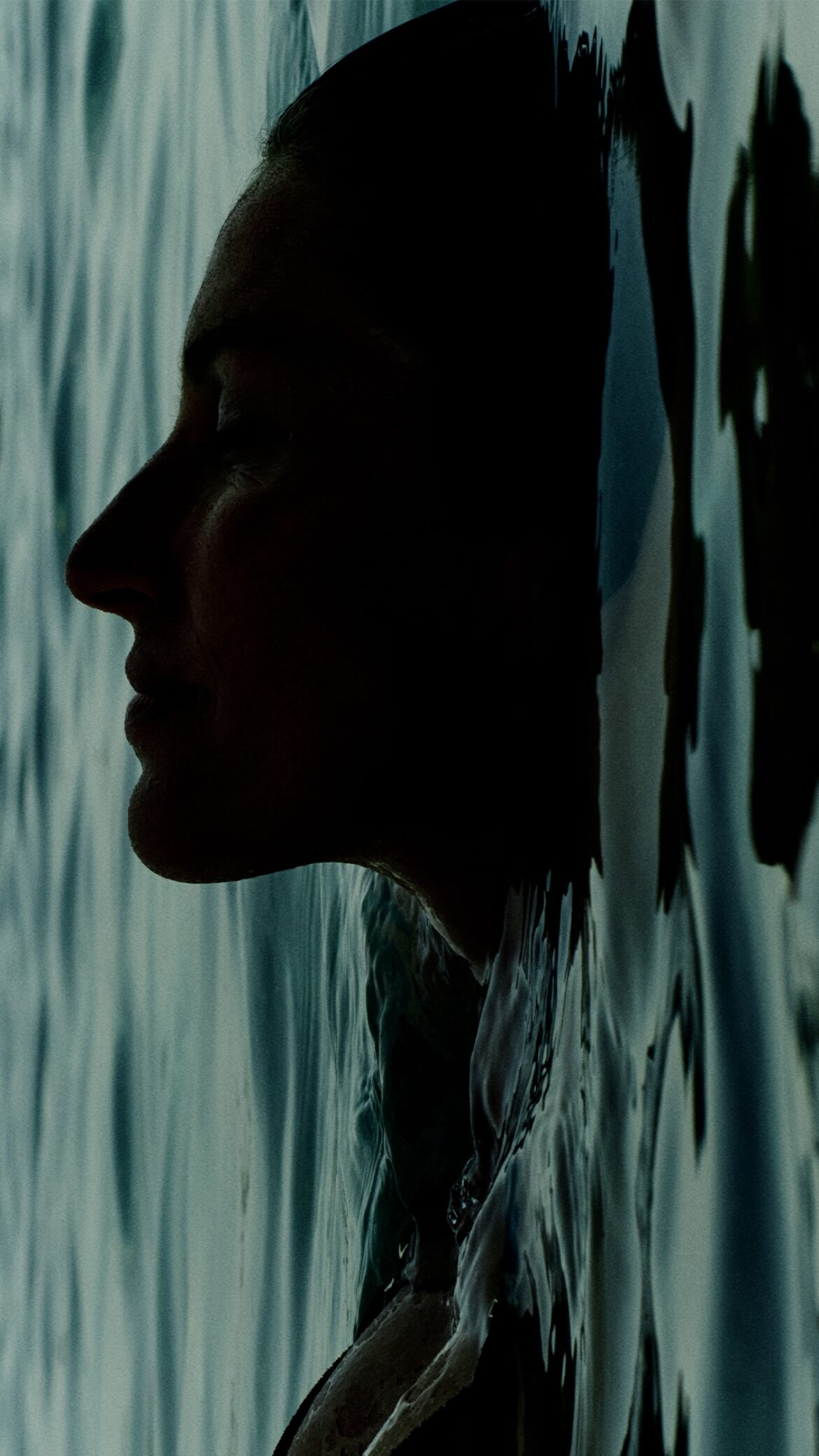
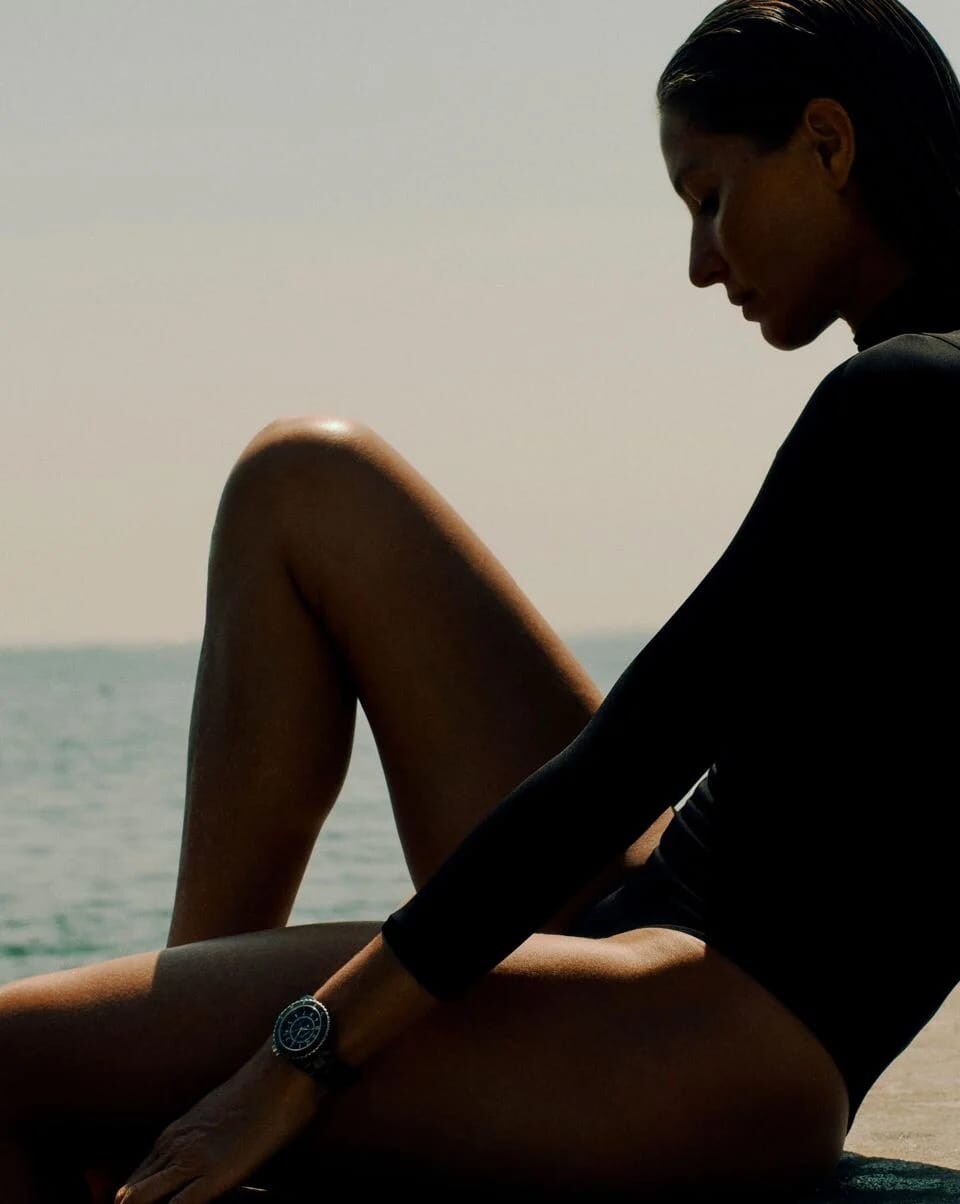
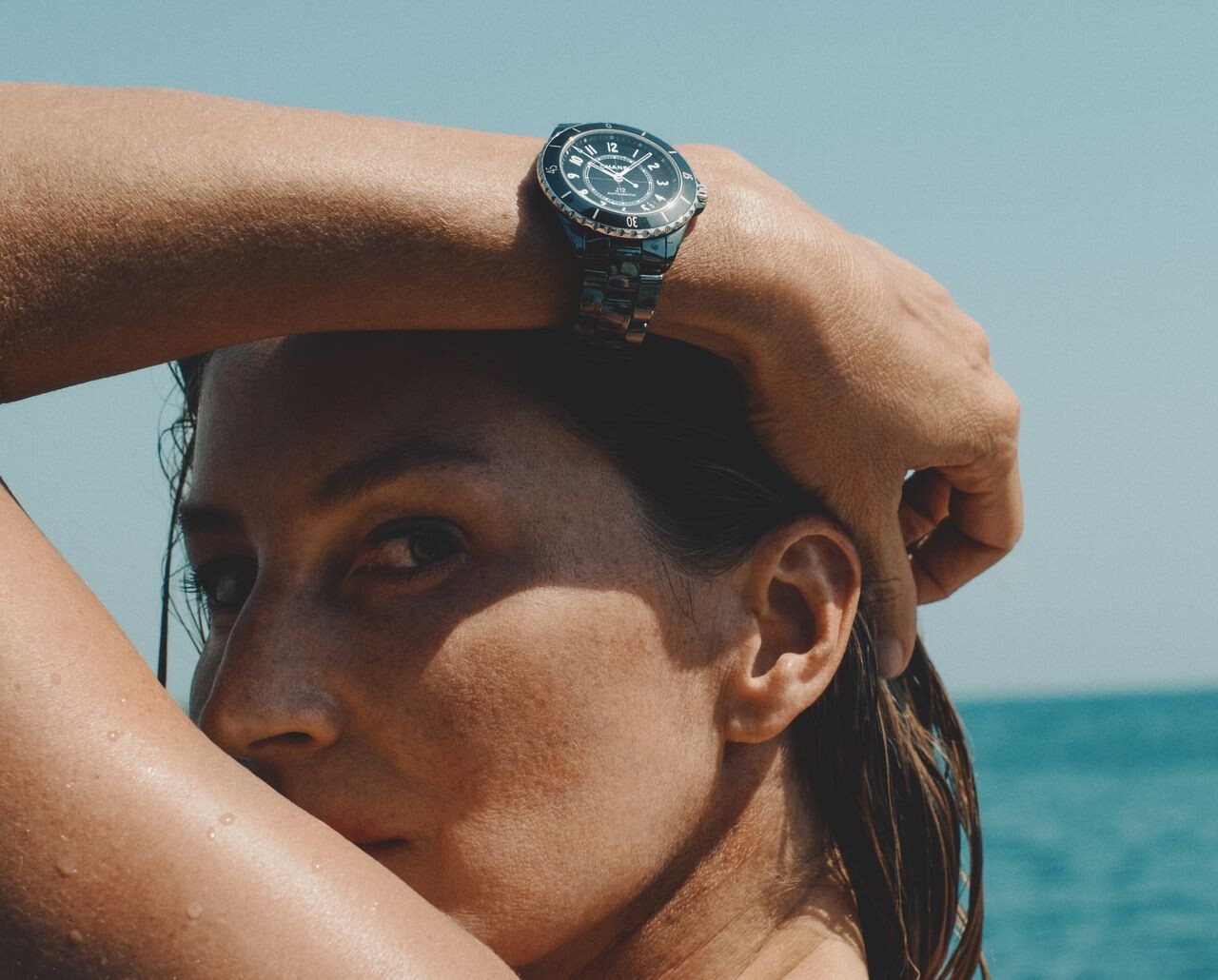
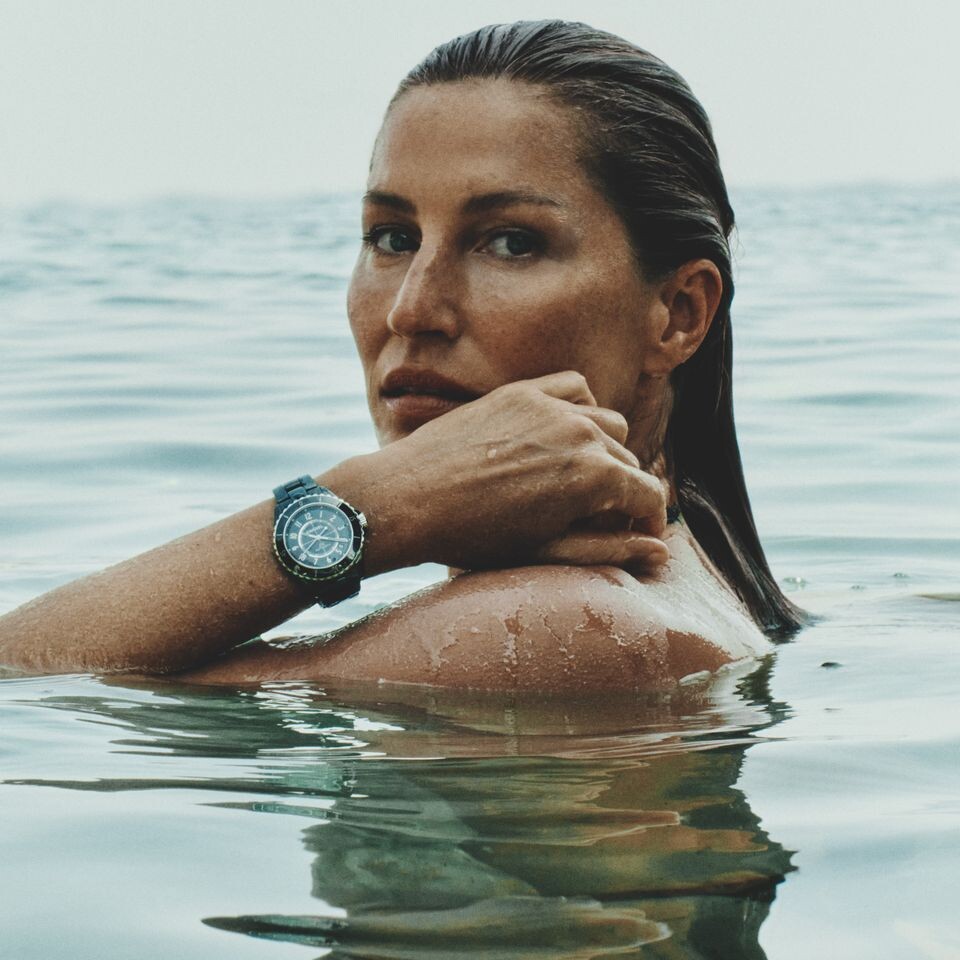
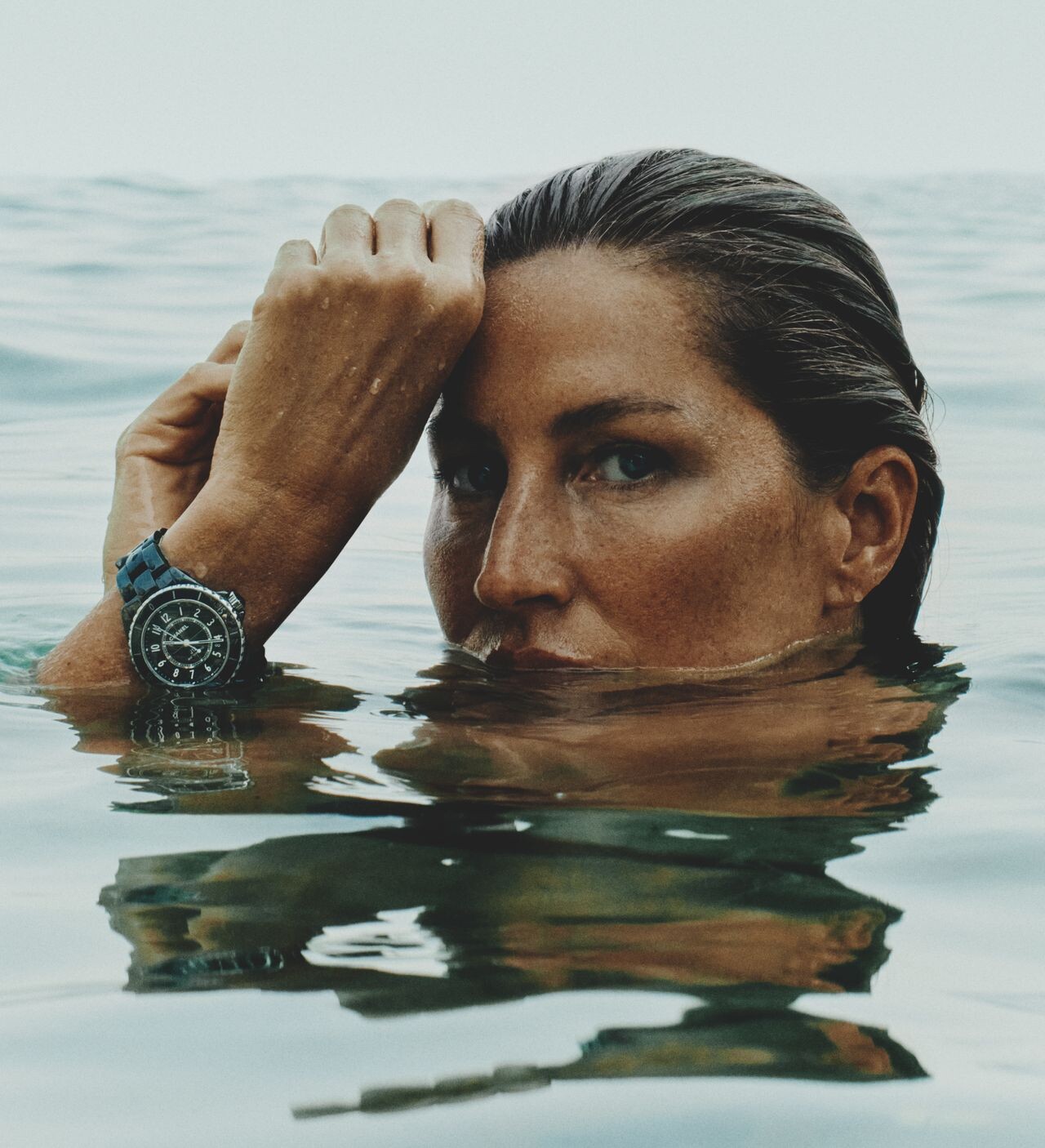
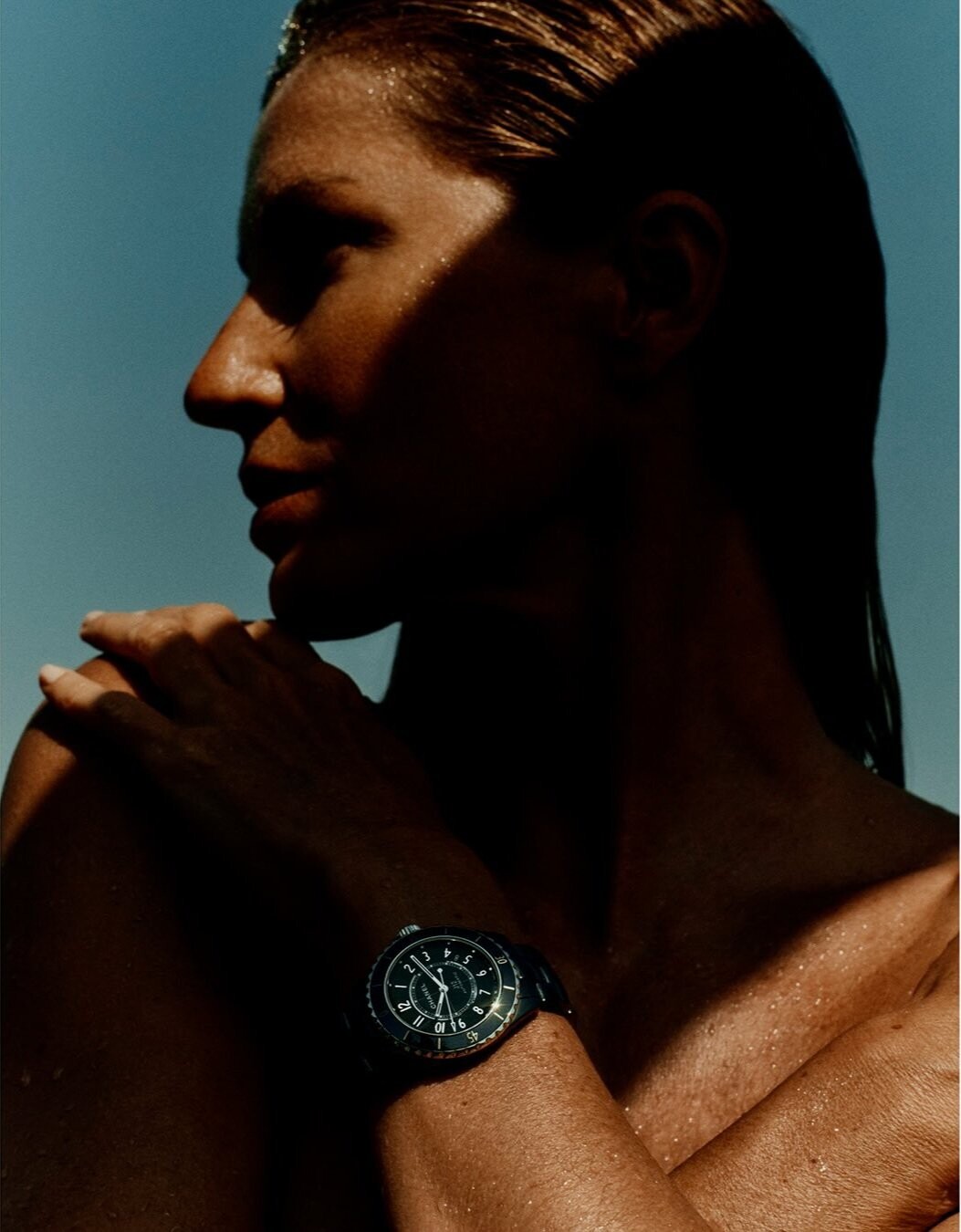
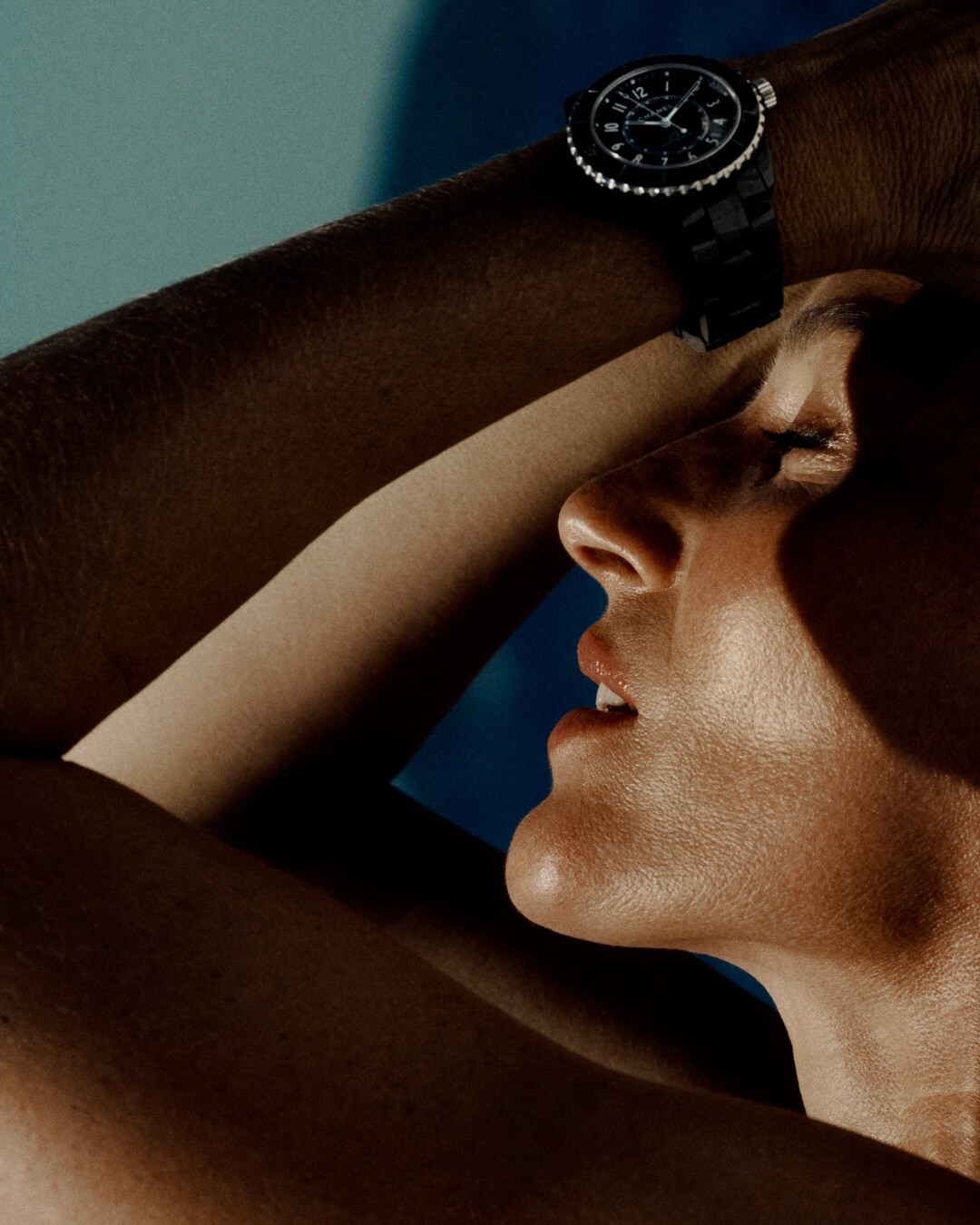
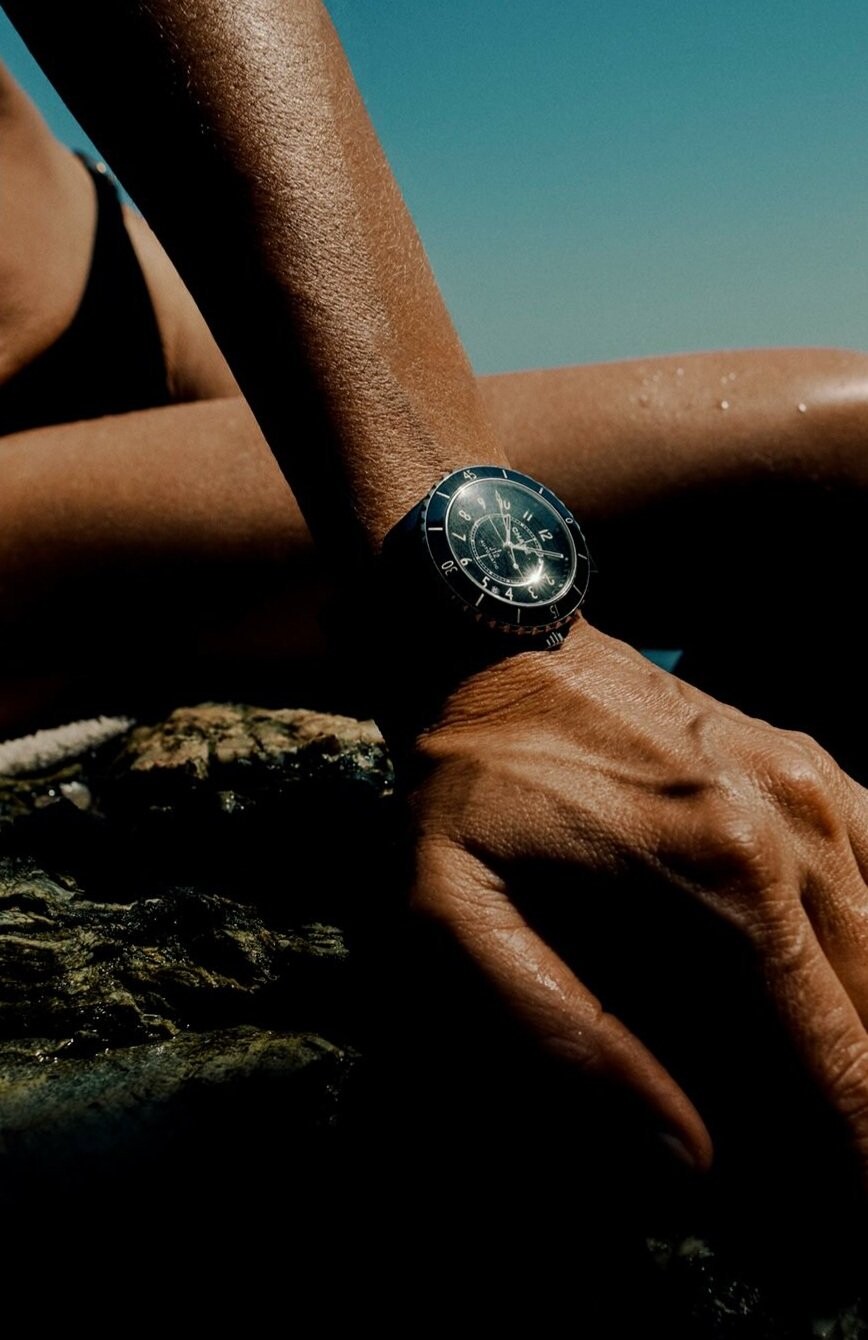
Wow I love to see her back for Chanel. What a pleasant surprise! She posted a video that is lovely. Hope there’s more ads. https://www.instagram.com/p/DVPSBwHlrf5/?img_index=2&igsh=MWg1eXB5NXdwcmN0aA== AQMKzS_vLW9KF_oDHsaaO4v6YIWhJGbvmaIHcSq97XQ5cMPNGVlH5O-97aOufThY64zSnHMH3ouysZHe9vKgCLCYtuoO_SrX3nVXvXU.mp4
-
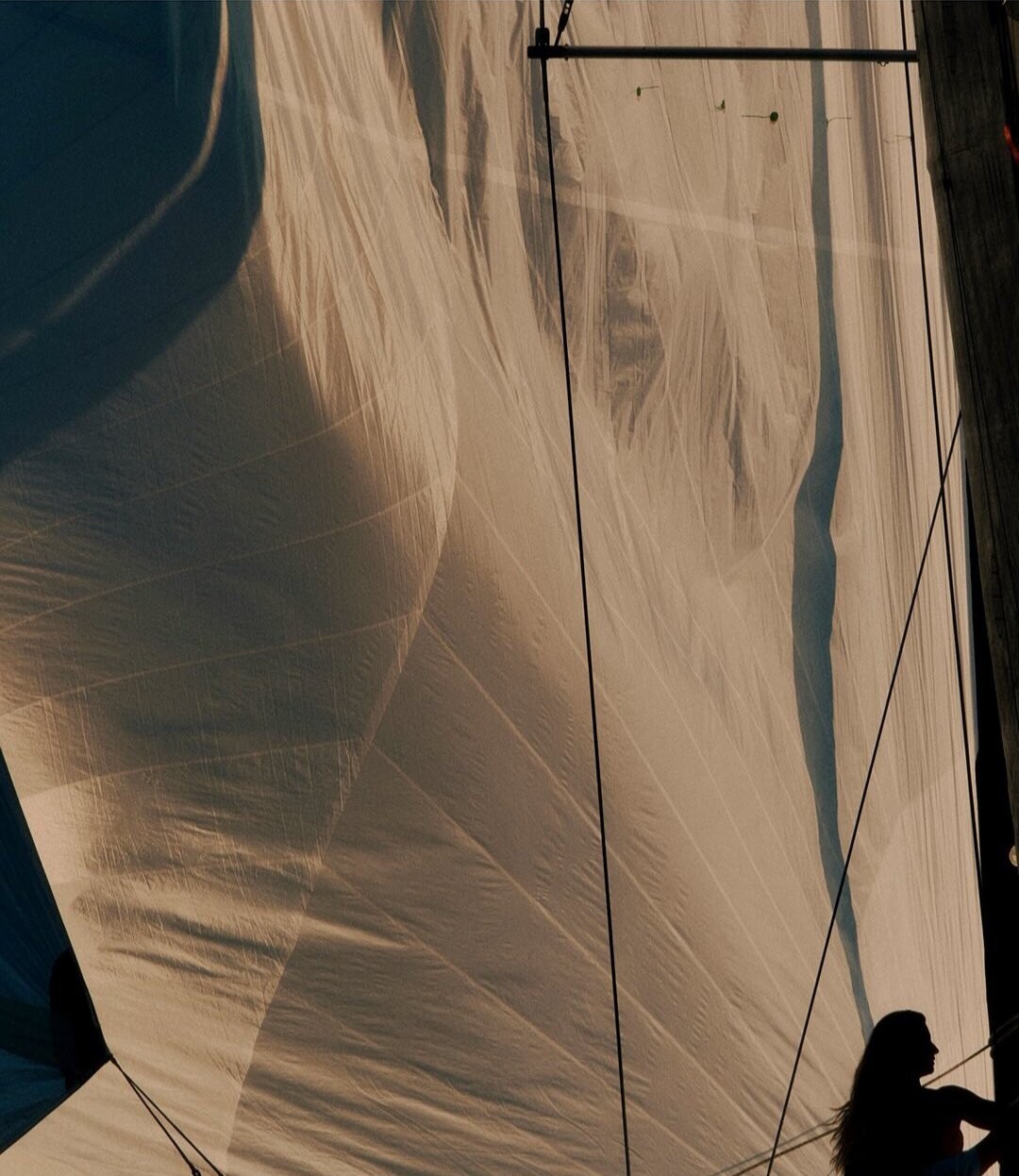
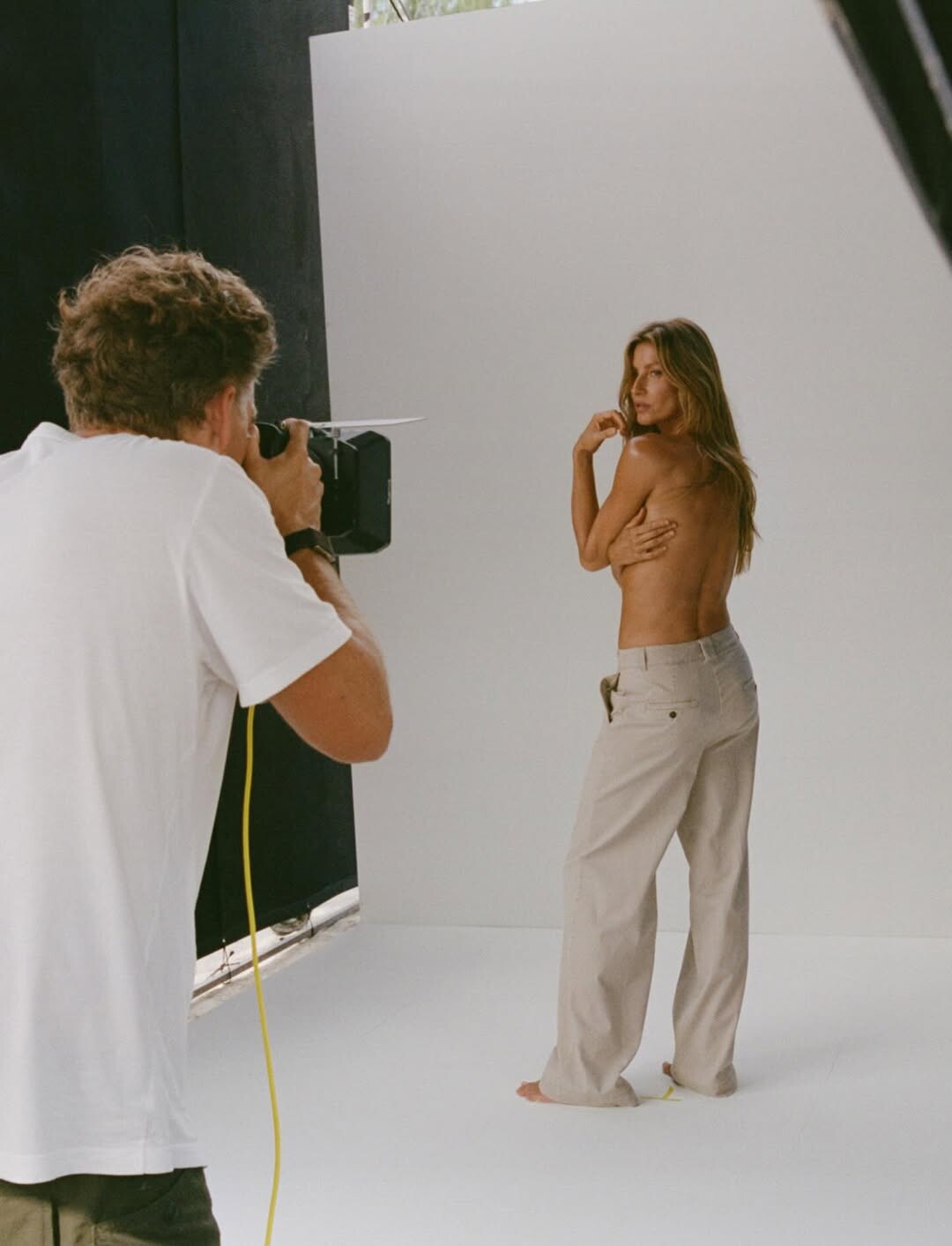
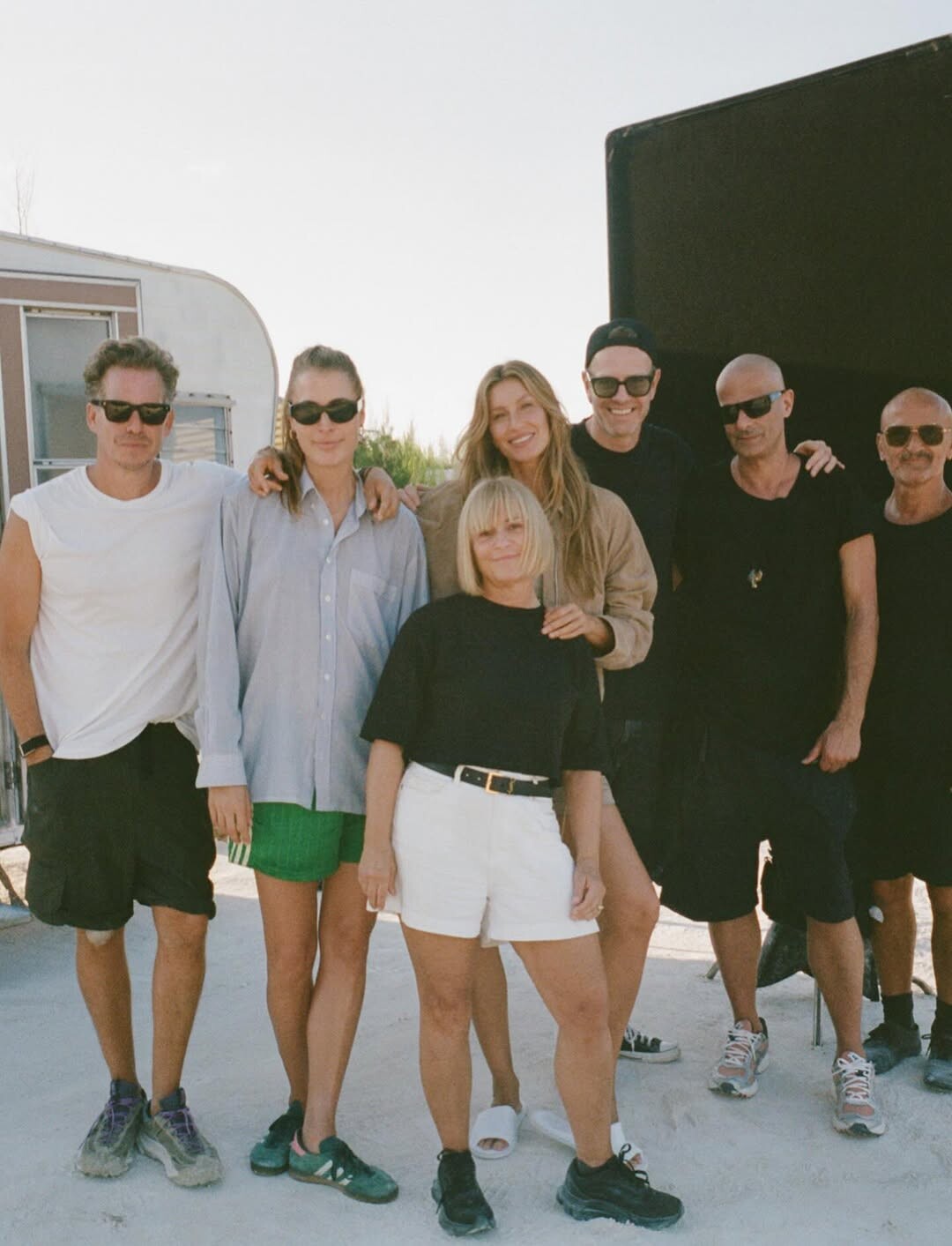
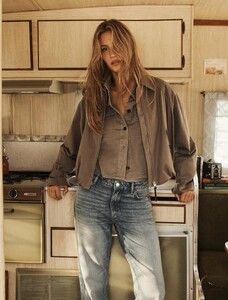
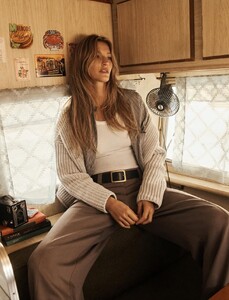
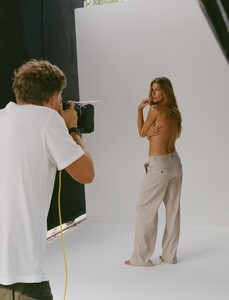
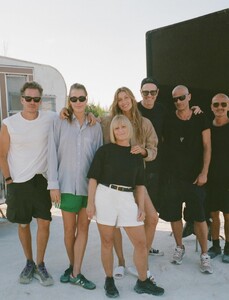
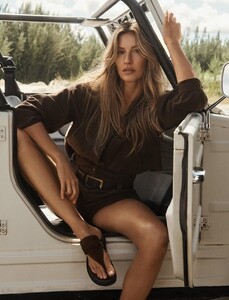
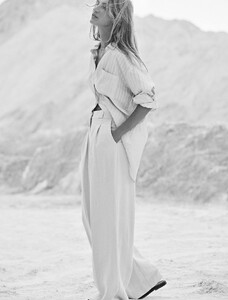
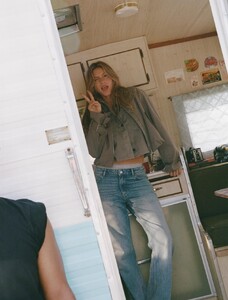
Behind the scenes Marc O’ Polo https://www.instagram.com/p/DVJZVzgDTR6/?igsh=ZGxtaTFuNWRtaXNy AQPALxqdM25er9M41W-wI0YeszU73vLKJ4XFCyAqZGIKVQ_c7XnOaGUy32o7nyUhqNmZOghlMOBxrCARXxaSWiPiycZy7vDaY9D04z8.mp4
-
Hope they will! It seems so many pics haven’t been released yet. I can’t wait to see them.