Jump to content
View in the app

A better way to browse. Learn more.

Bellazon

A full-screen app on your home screen with push notifications, badges and more.

To install this app on iOS and iPadOS
  1. Tap the Share icon in Safari
  2. Scroll the menu and tap Add to Home Screen.
  3. Tap Add in the top-right corner.
To install this app on Android
  1. Tap the 3-dot menu (⋮) in the top-right corner of the browser.
  2. Tap Add to Home screen or Install app.
  3. Confirm by tapping Install.

finchesthalia

Members
  • Joined

  • Last visited

Everything posted by finchesthalia

  1. 1. Hair: 9 2. Butt: 9 3. Face: 10 4. Eyes: 10 5. Legs: 10 6. Body: 9 7. Smile: 10 8. Cleavage: 7 9. Sexiness: 8 10. Natural Beauty: 10 Voter #: 7
  2. finchesthalia replied to Siren's topic in Actresses
    thanks jal and shellers
  3. lindsay looks beautiful, thank you
  4. finchesthalia replied to a post in a topic in Actresses
    thanks a lot
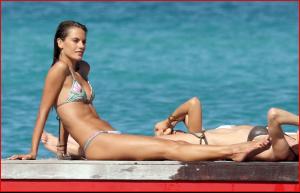
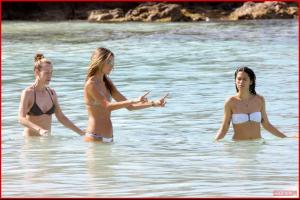
  5. finchesthalia replied to a post in a topic in Alessandra Ambrosio
    skins.be
  6. you're welcome chocolate
  7. thank you
  8. thanks everyone
  9. thank you, marisa looks great
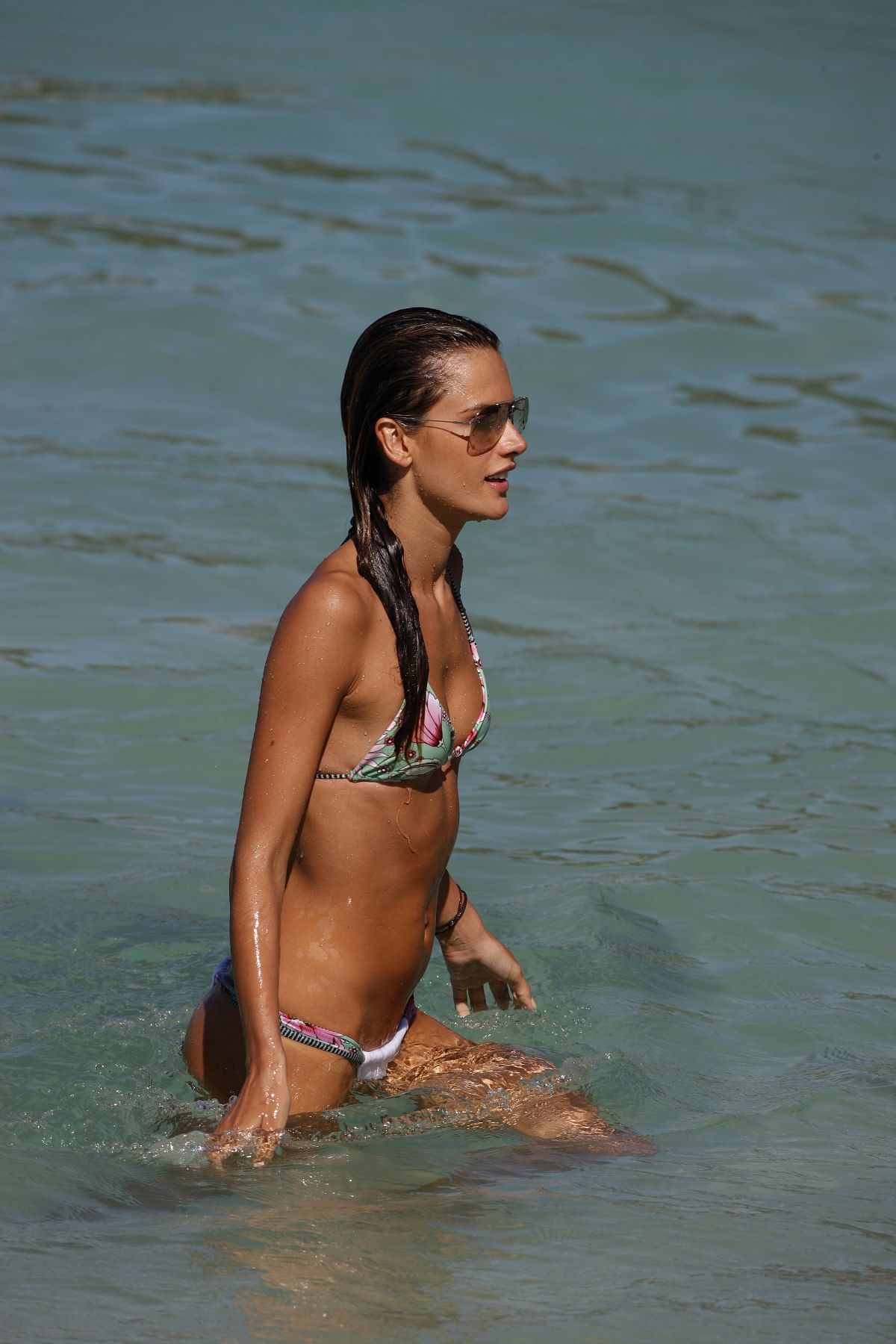
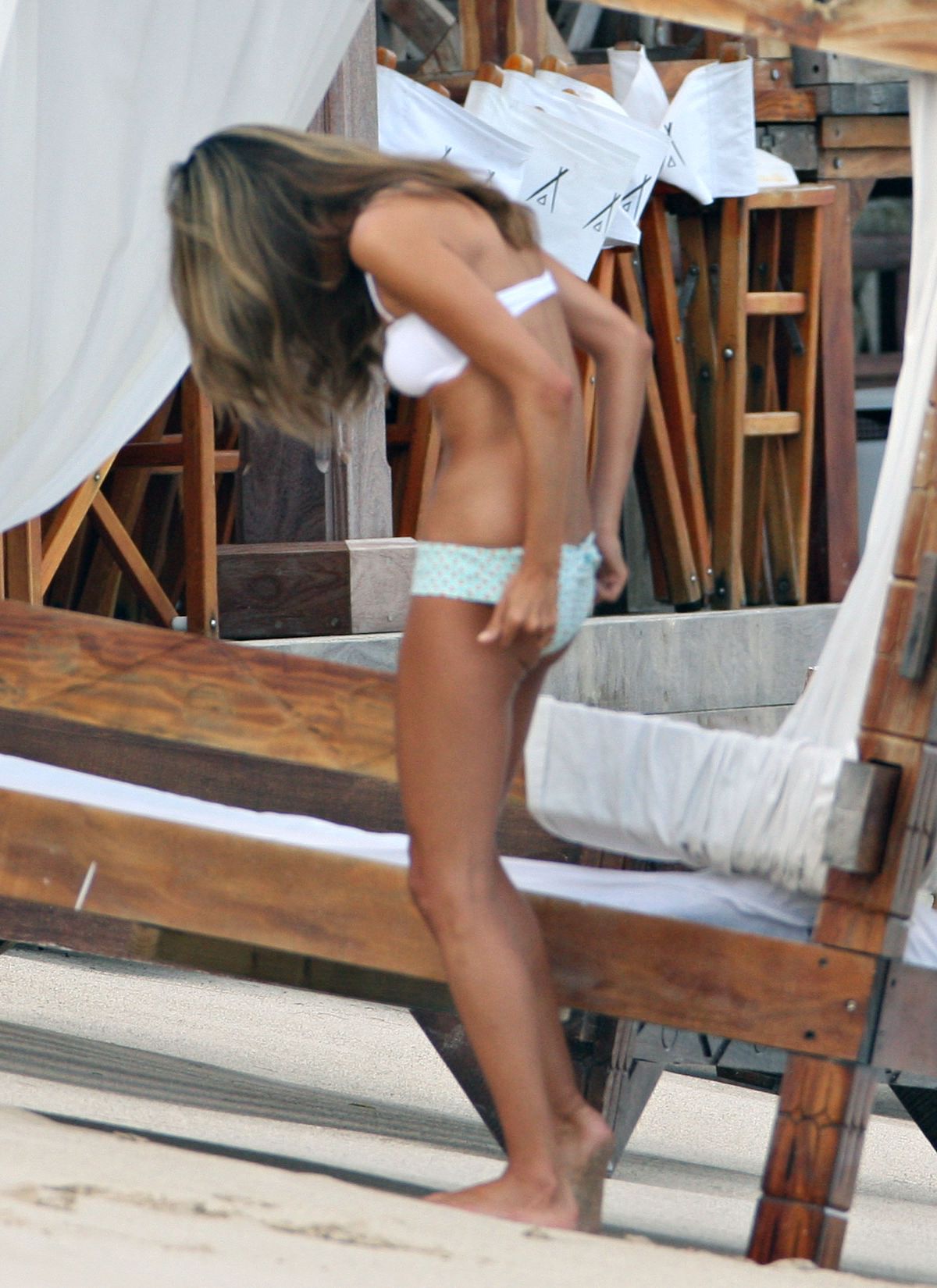
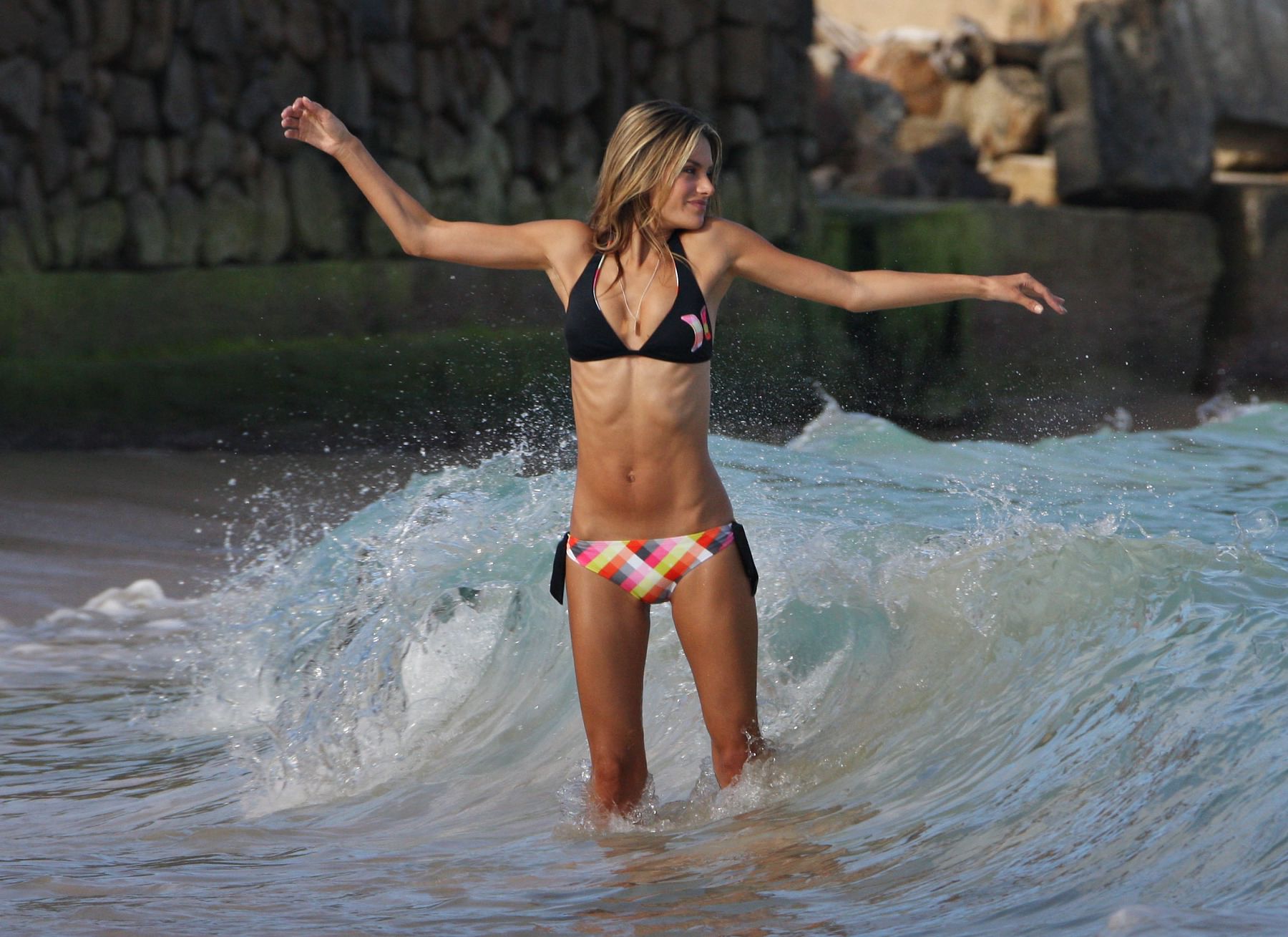
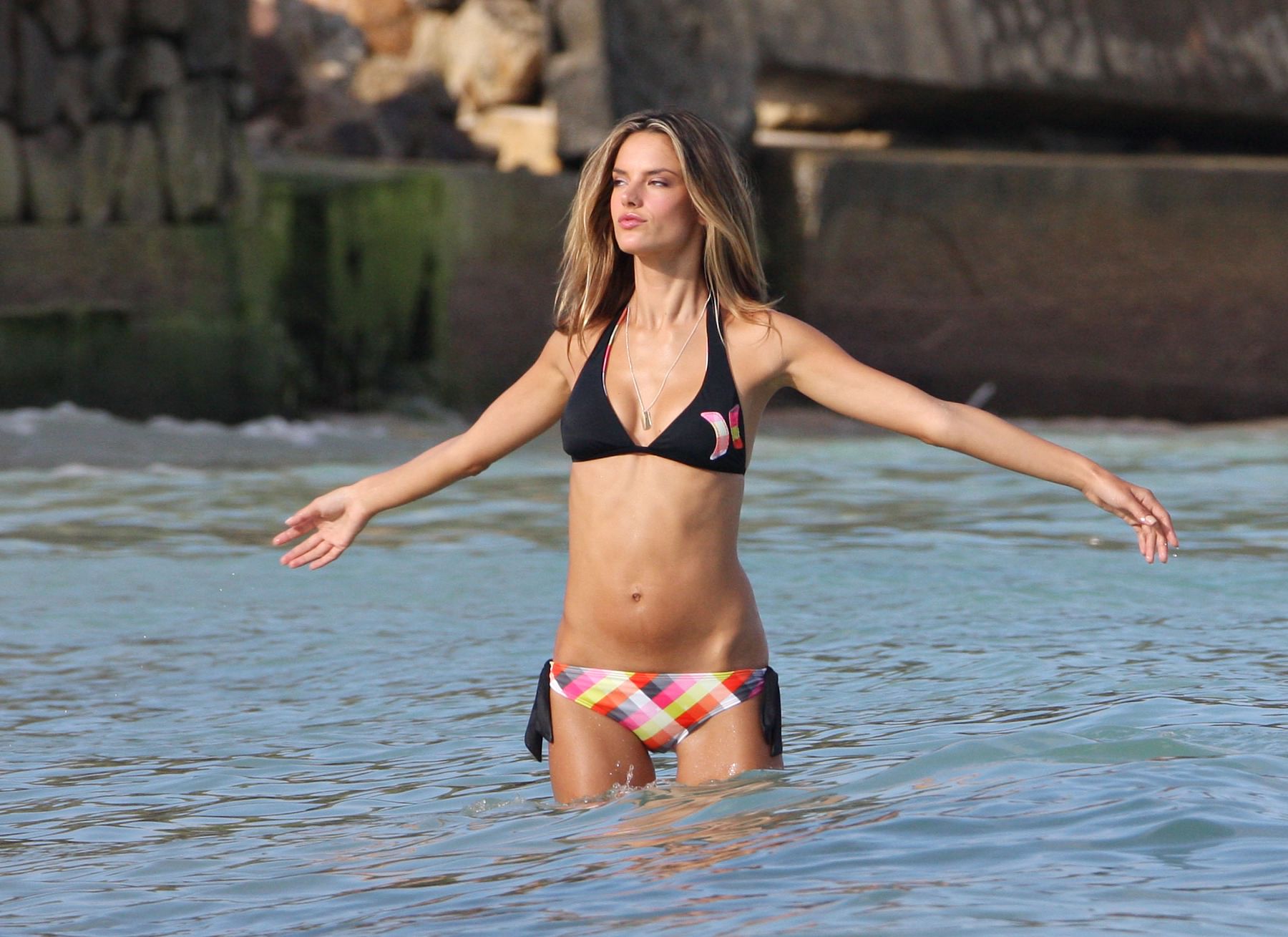
  10. finchesthalia replied to a post in a topic in Alessandra Ambrosio
    thank you
  11. finchesthalia replied to a post in a topic in Alessandra Ambrosio
    thanks, all the models looks great in there
  12. finchesthalia replied to a post in a topic in Alessandra Ambrosio
    thanks
  13. thank you
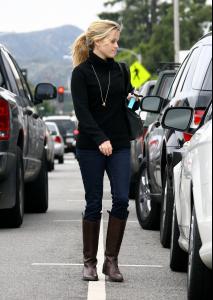
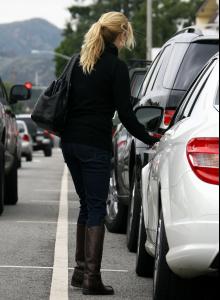
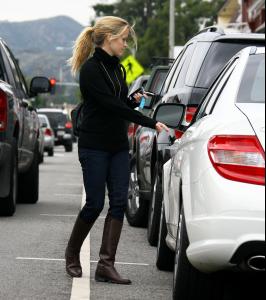
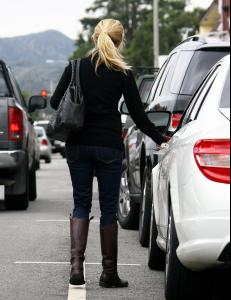
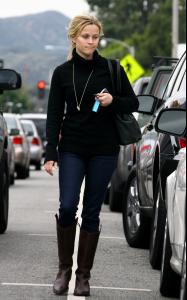
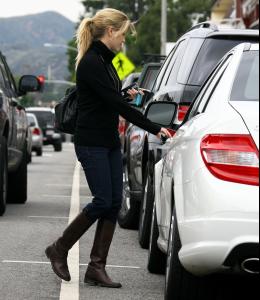
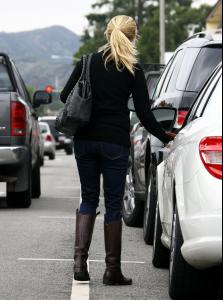
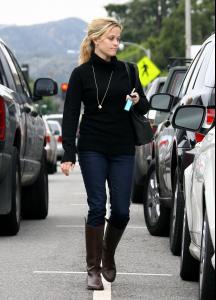
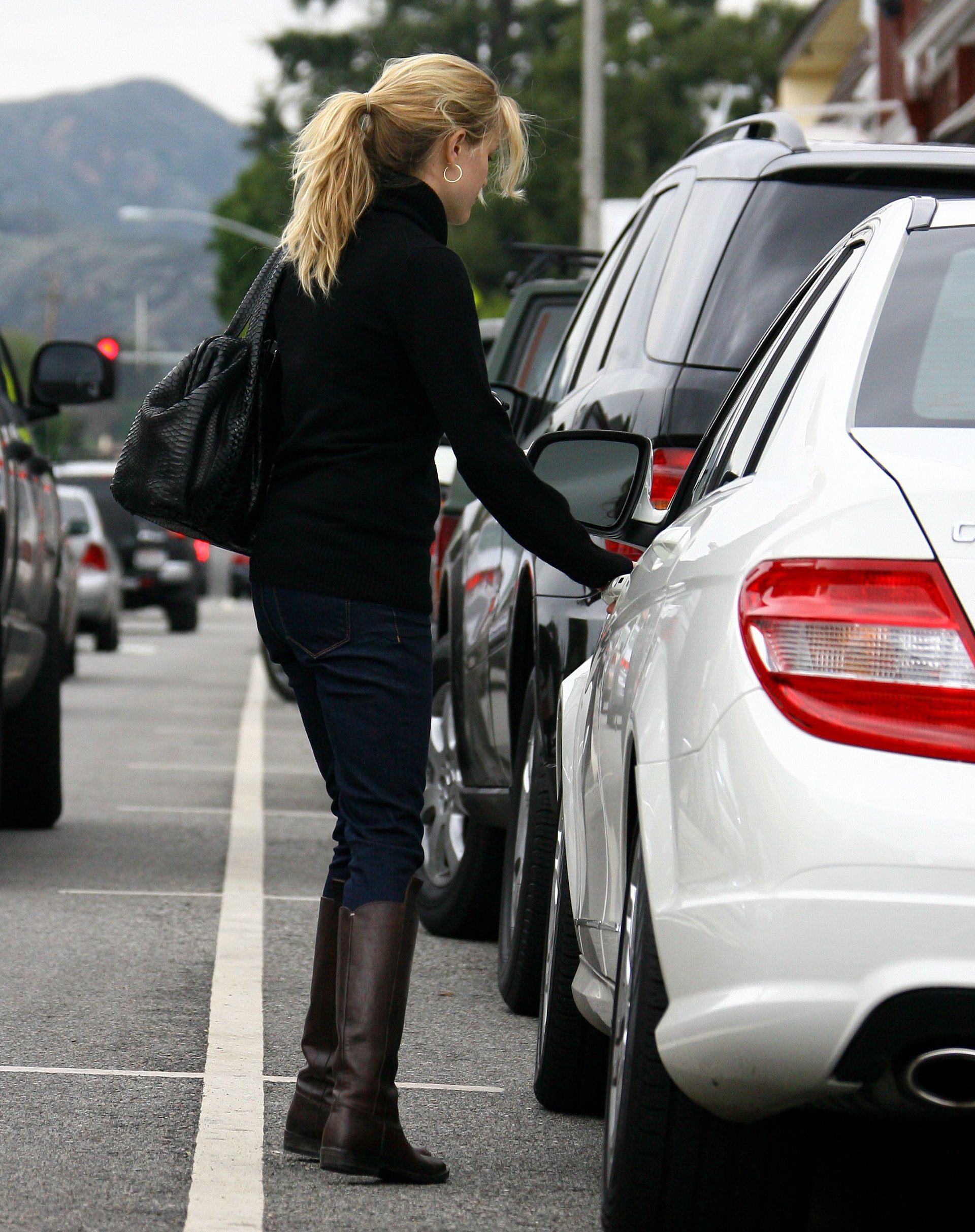
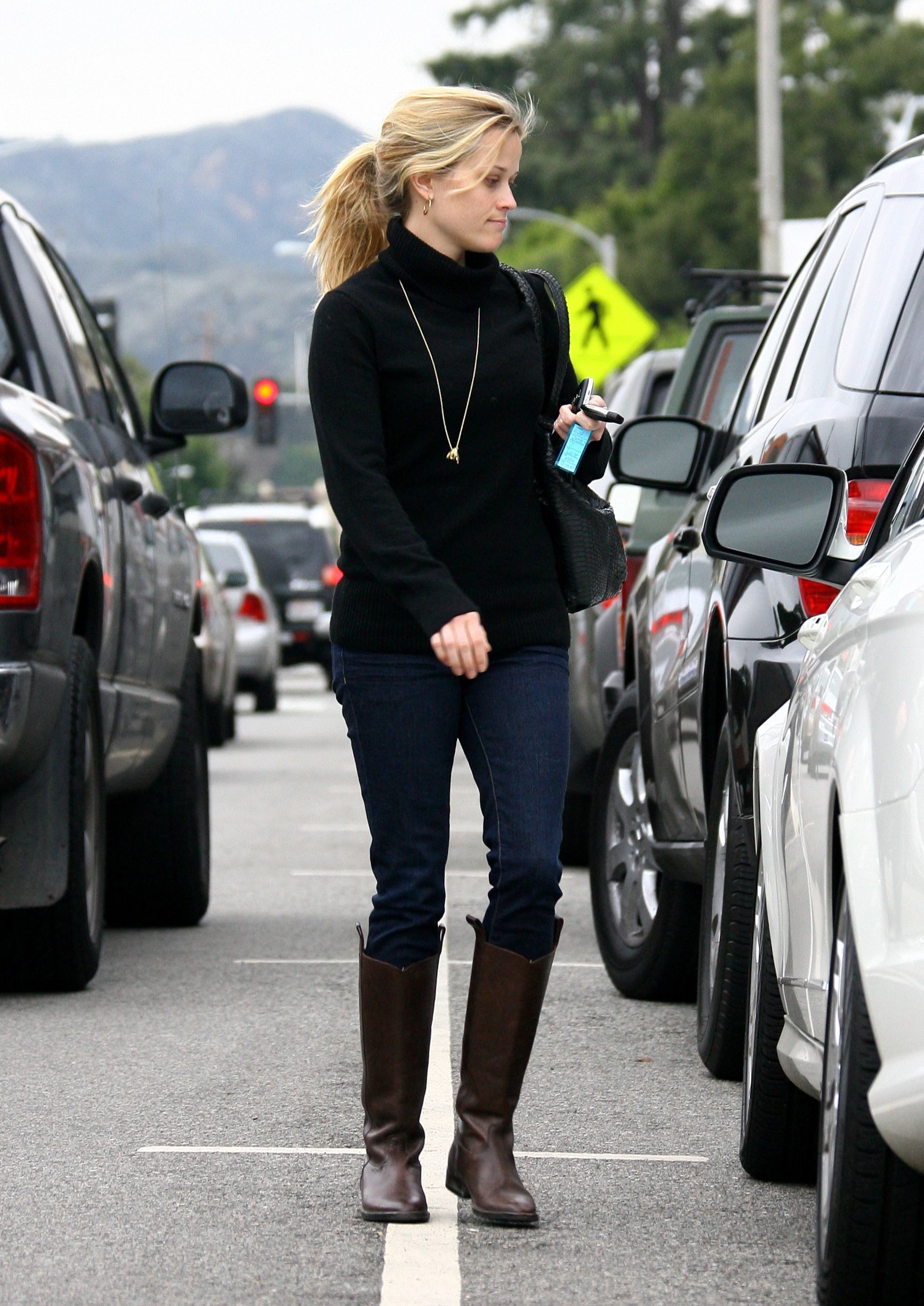
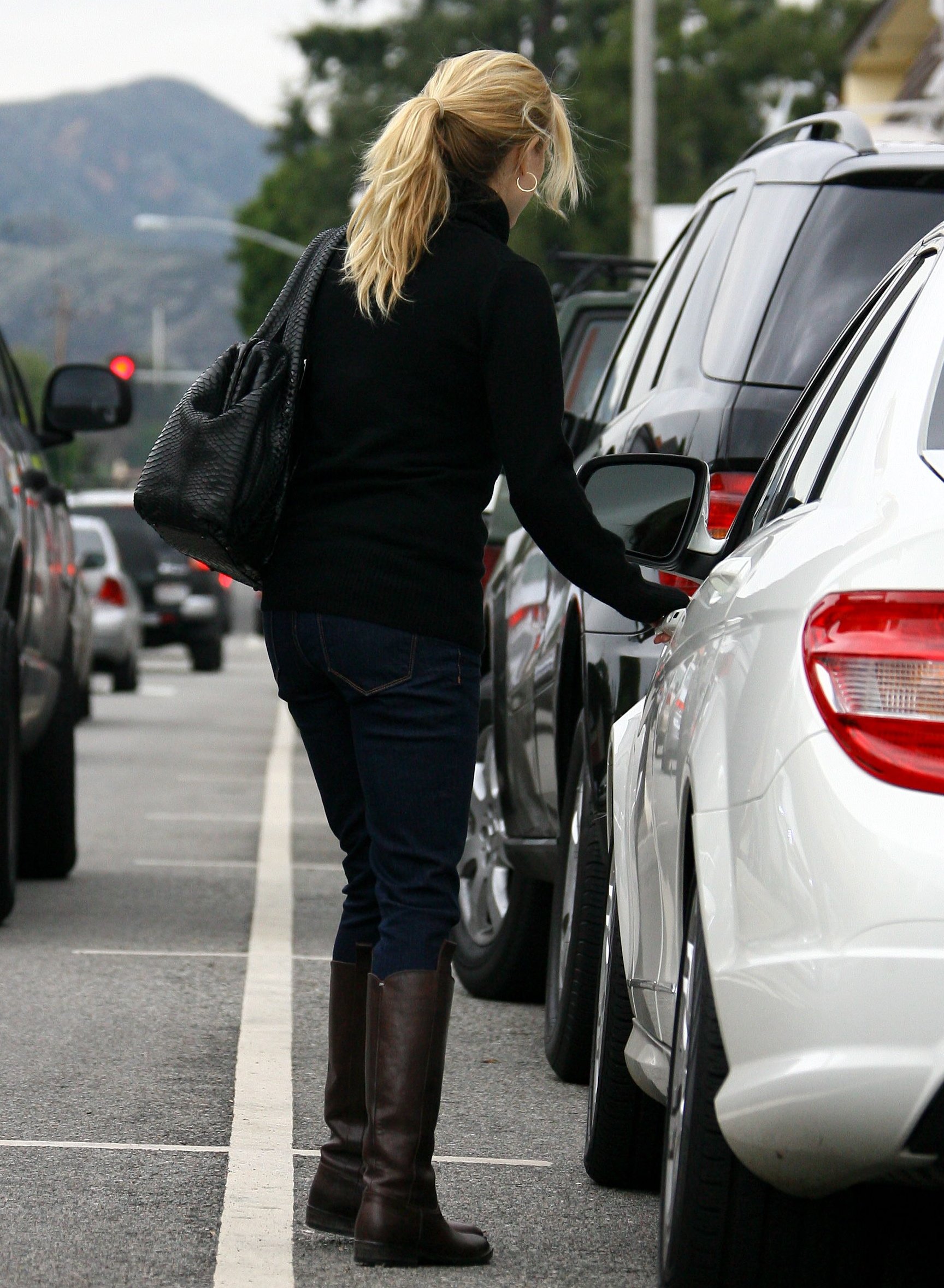
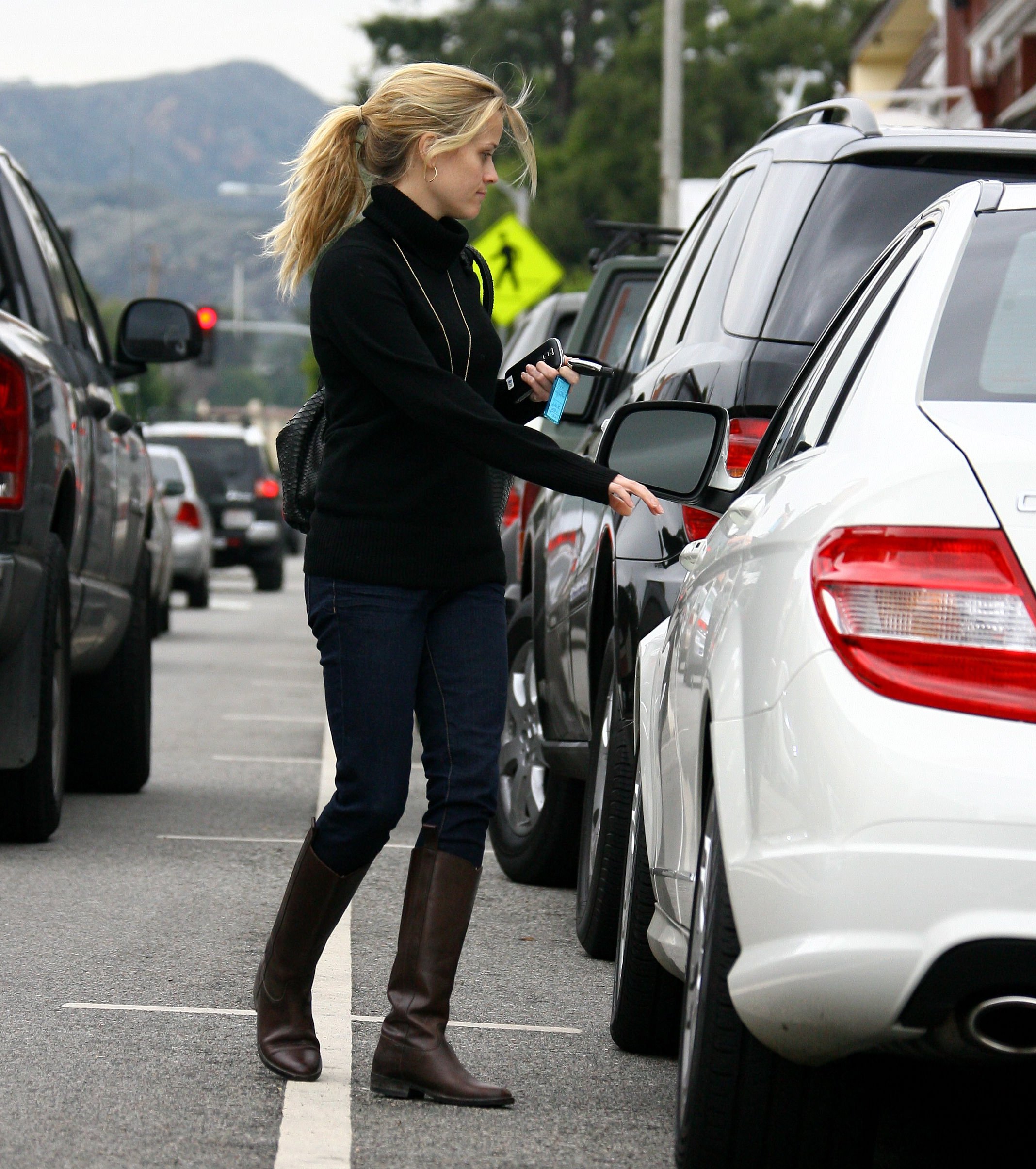
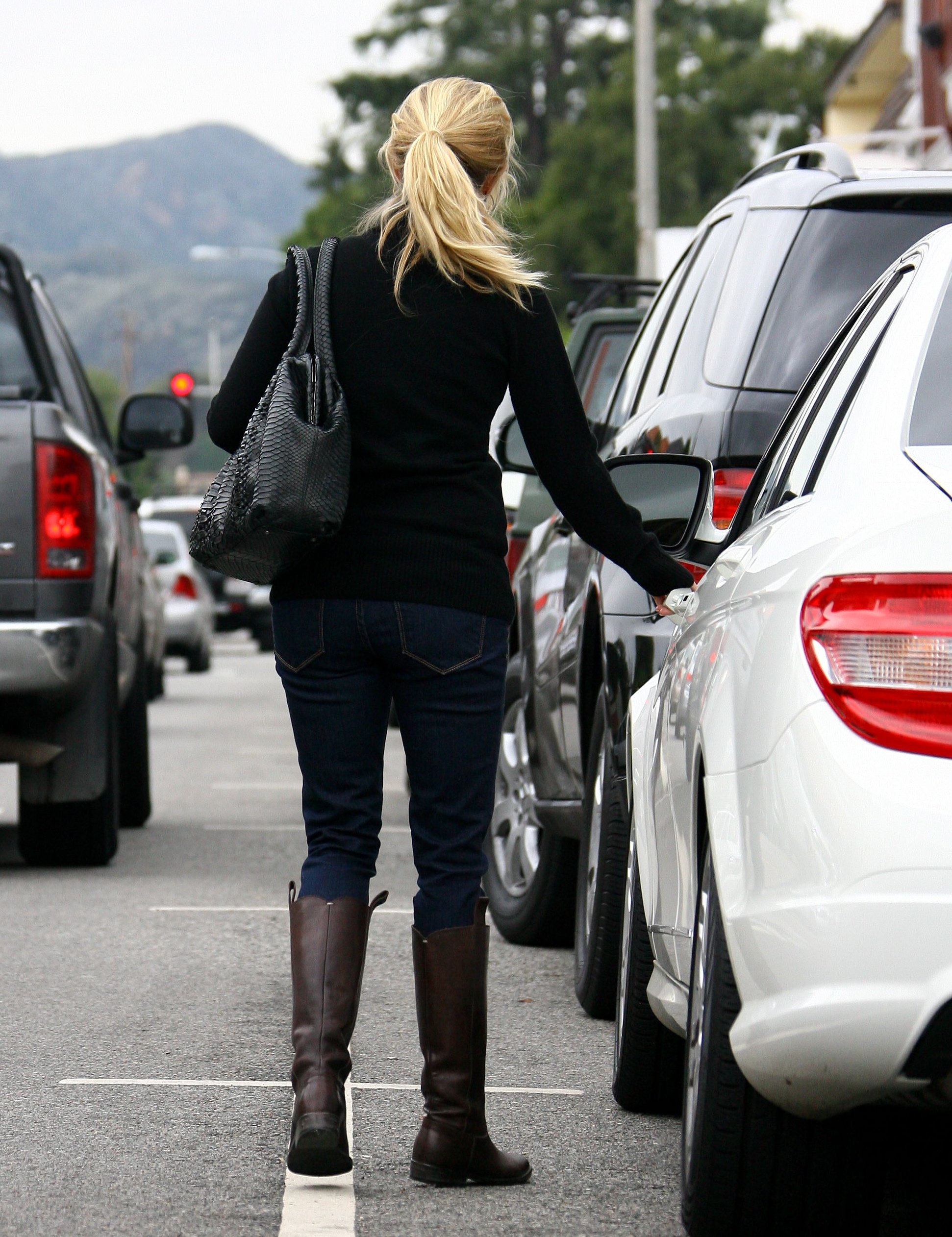
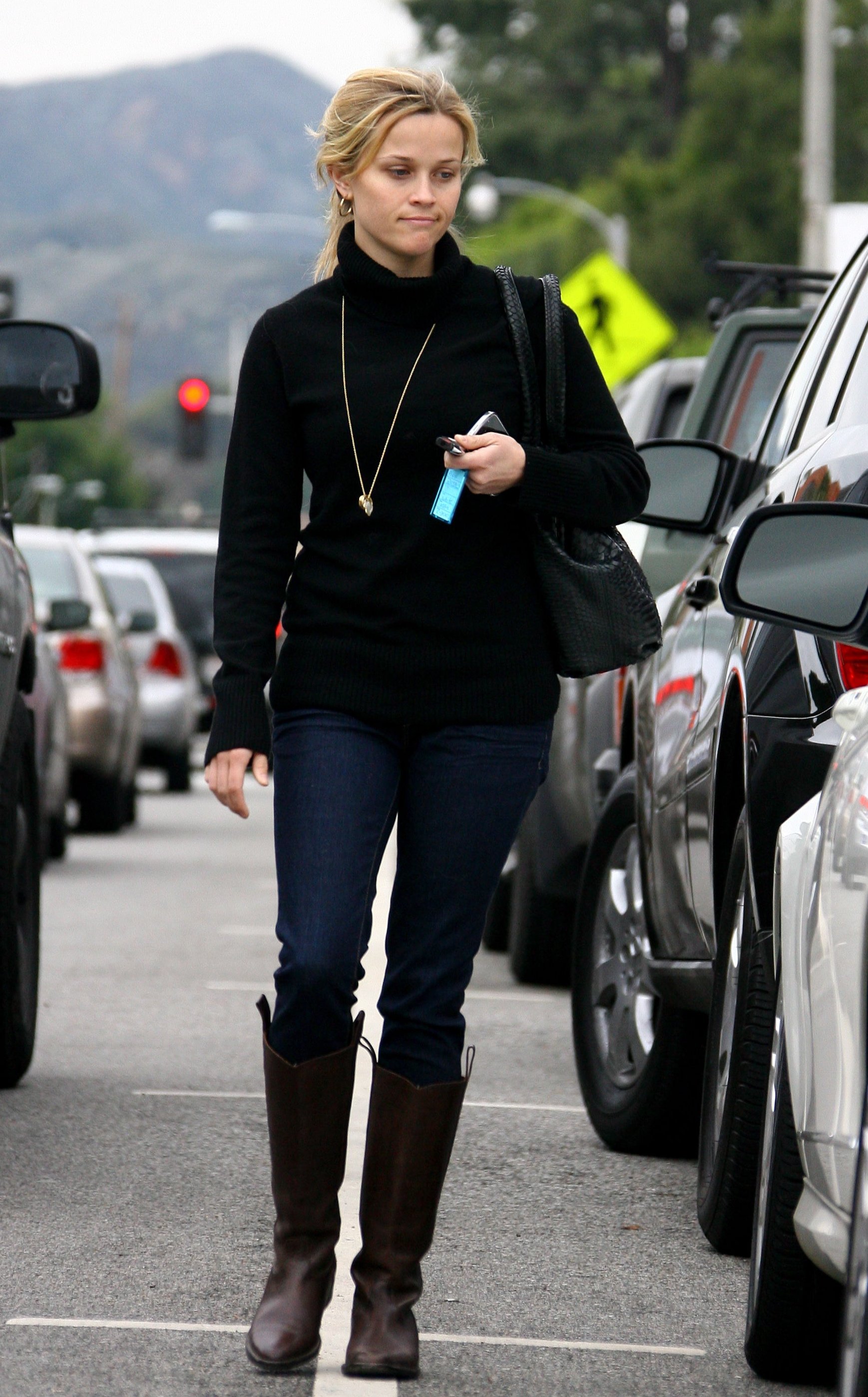
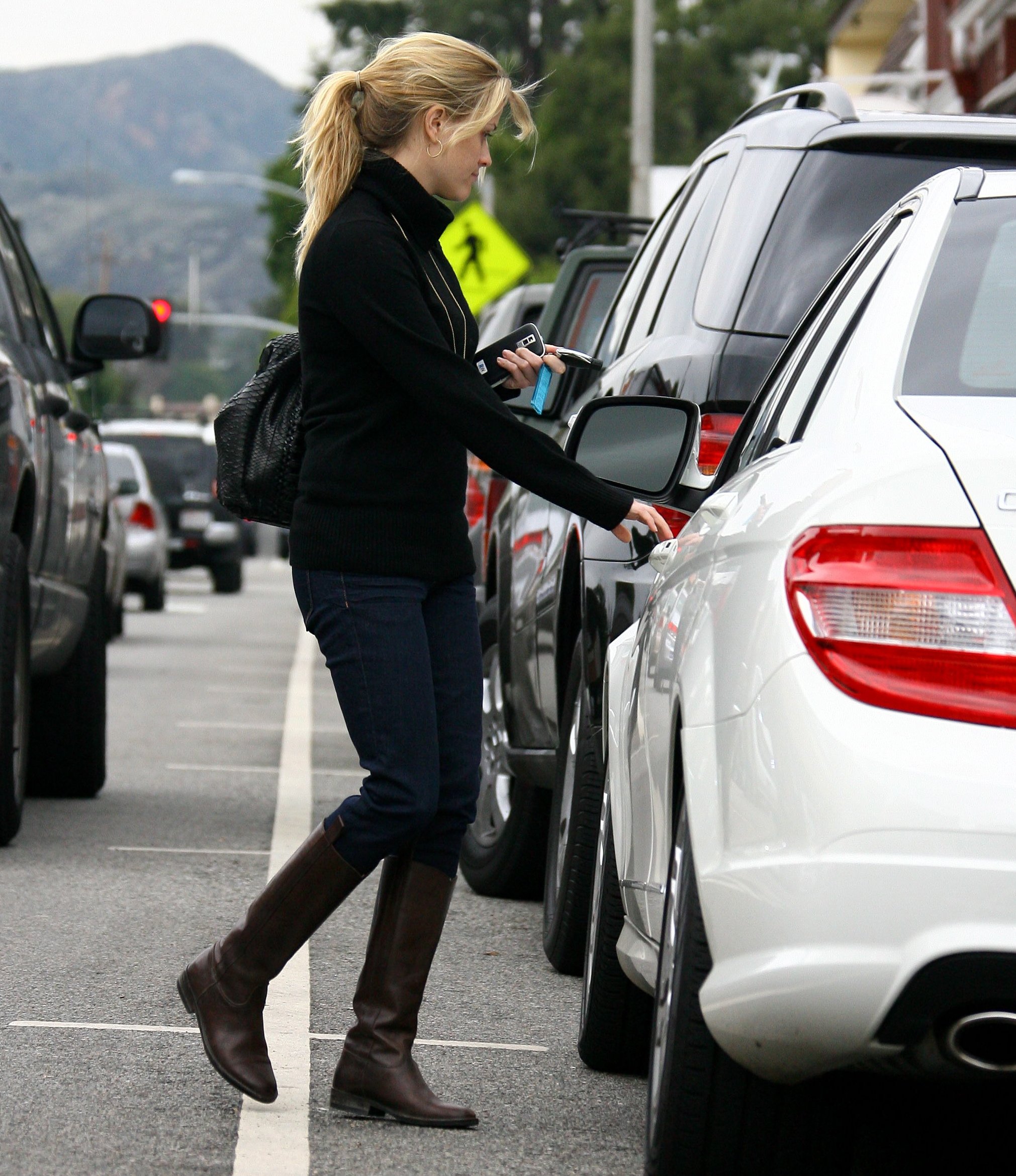
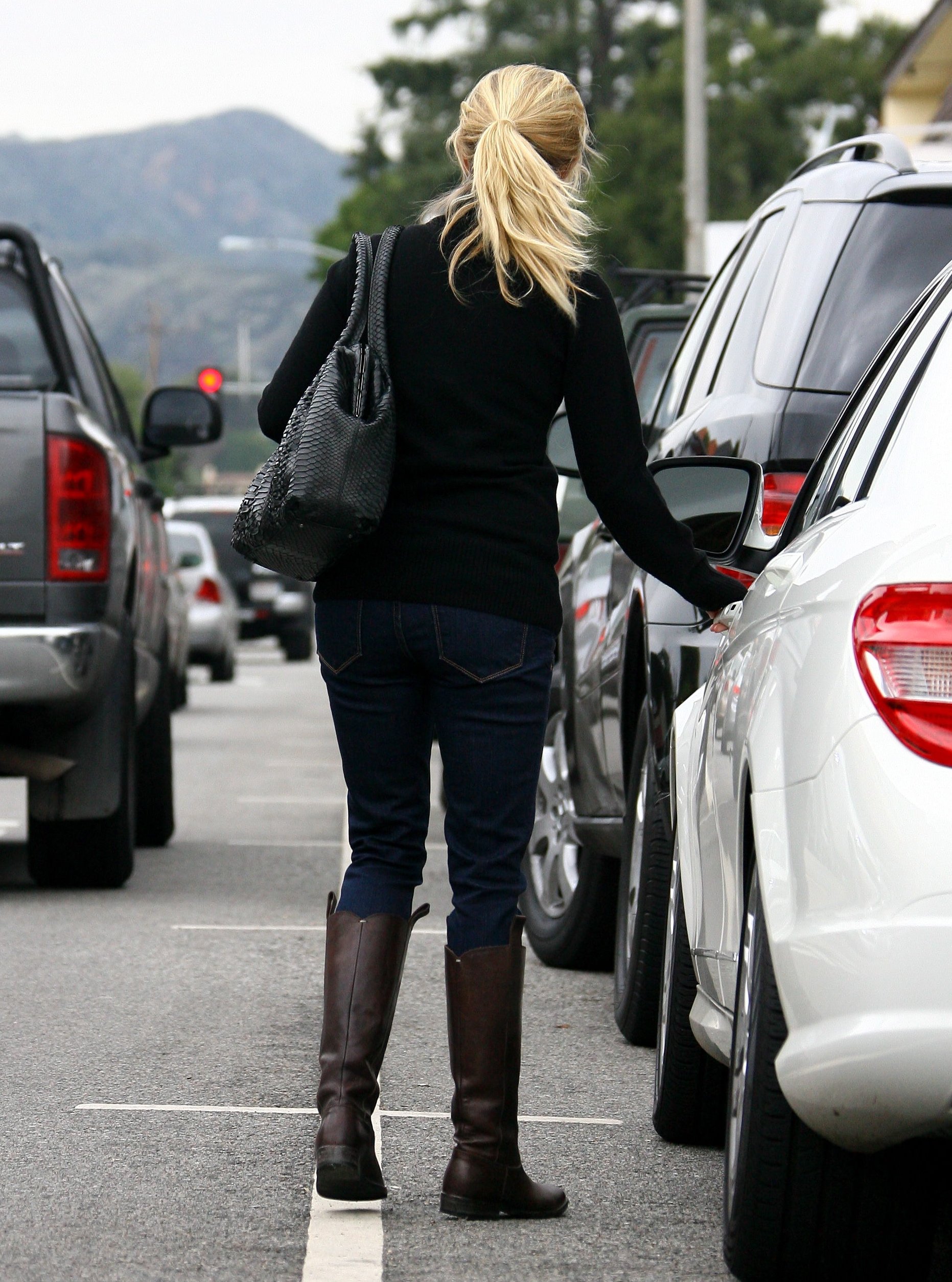
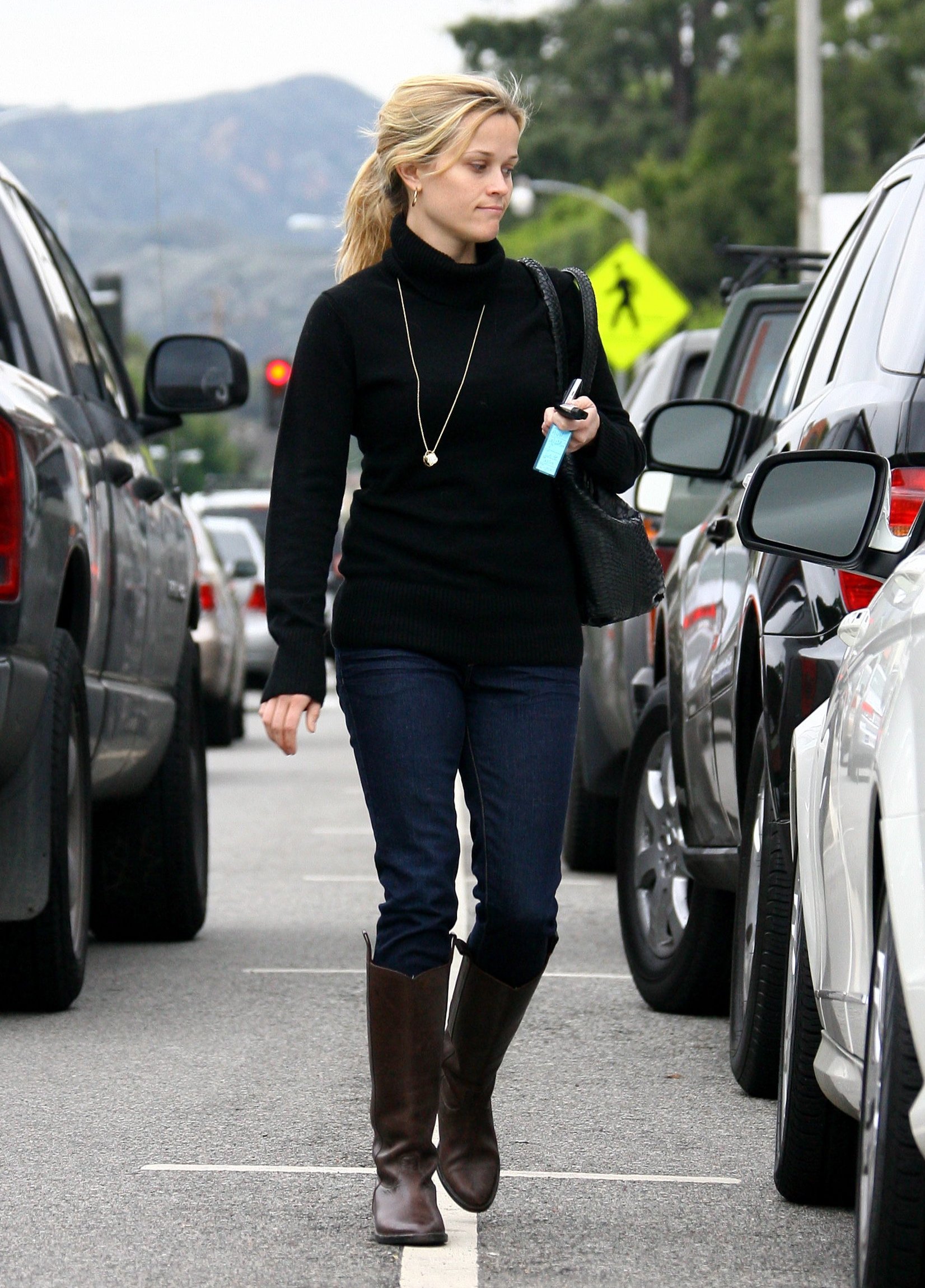
  14. Reese Witherspoon in Santa Monica (Jan 22)
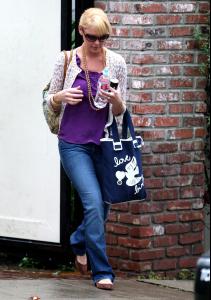
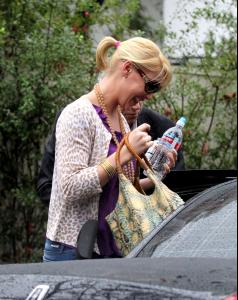
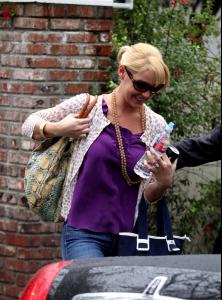
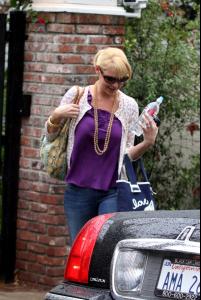
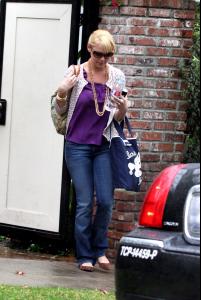
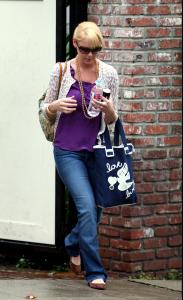
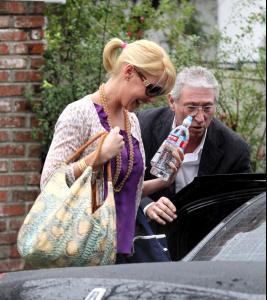
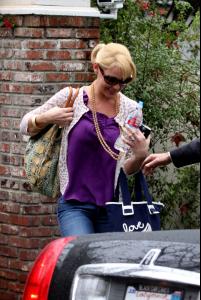
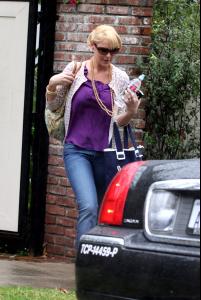
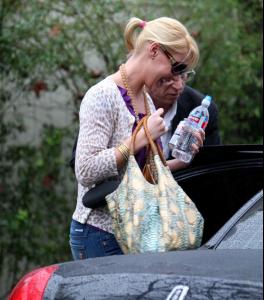
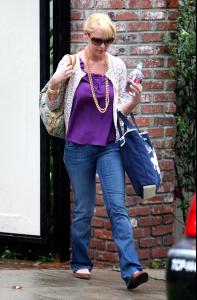
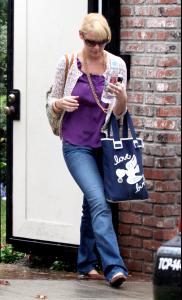
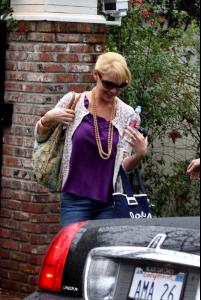
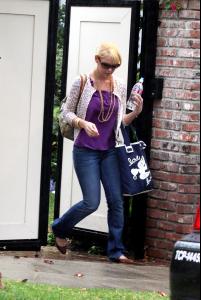
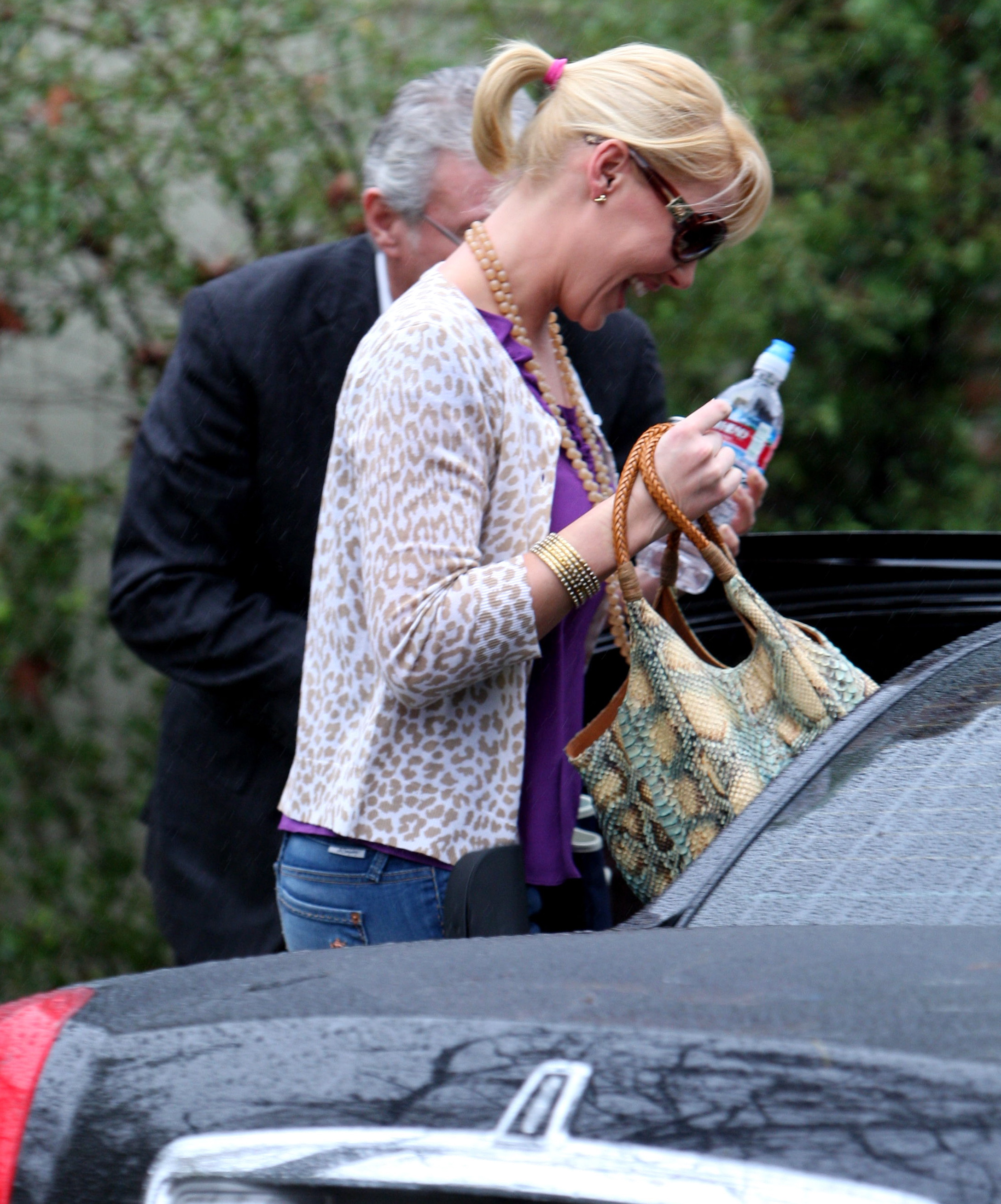
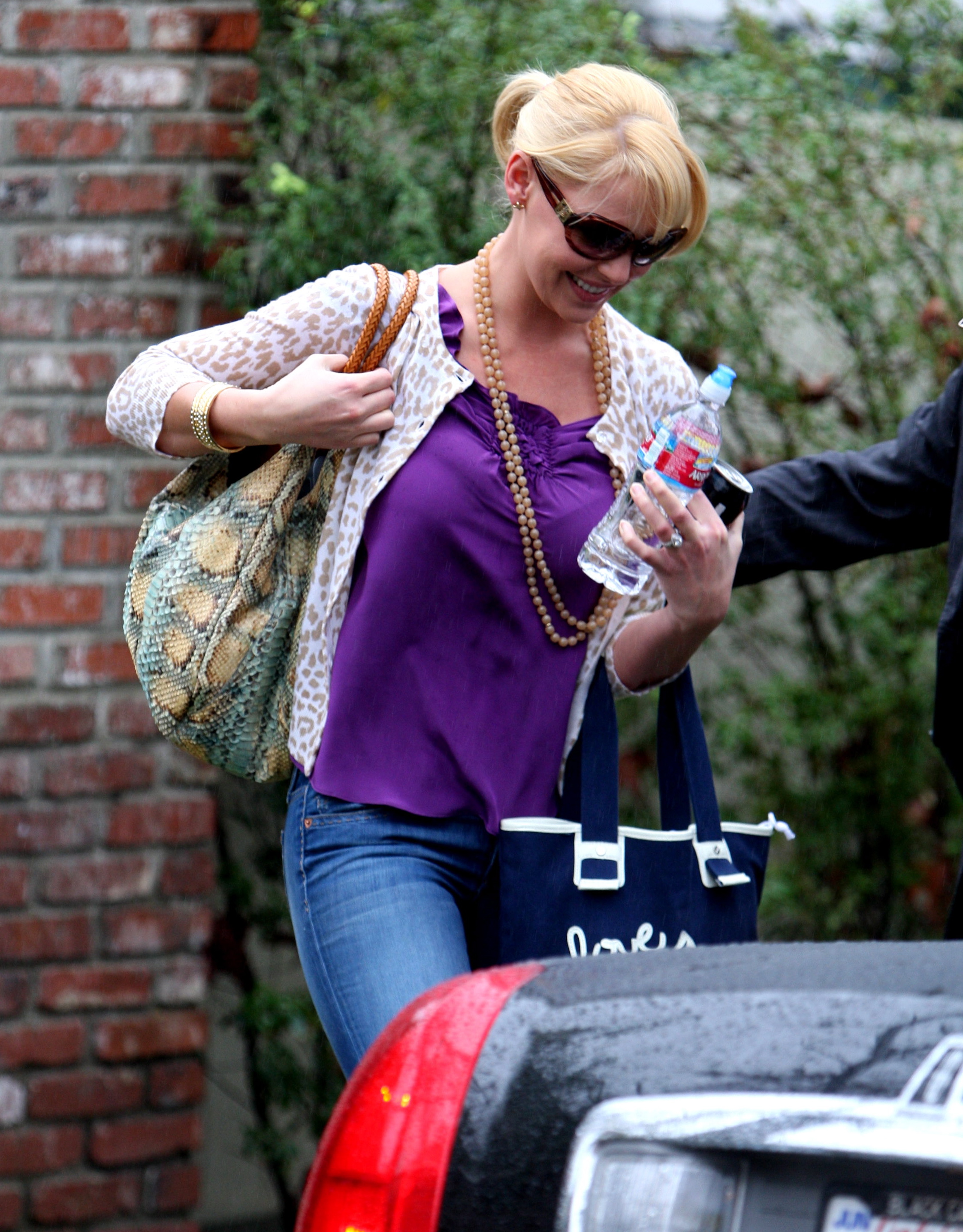
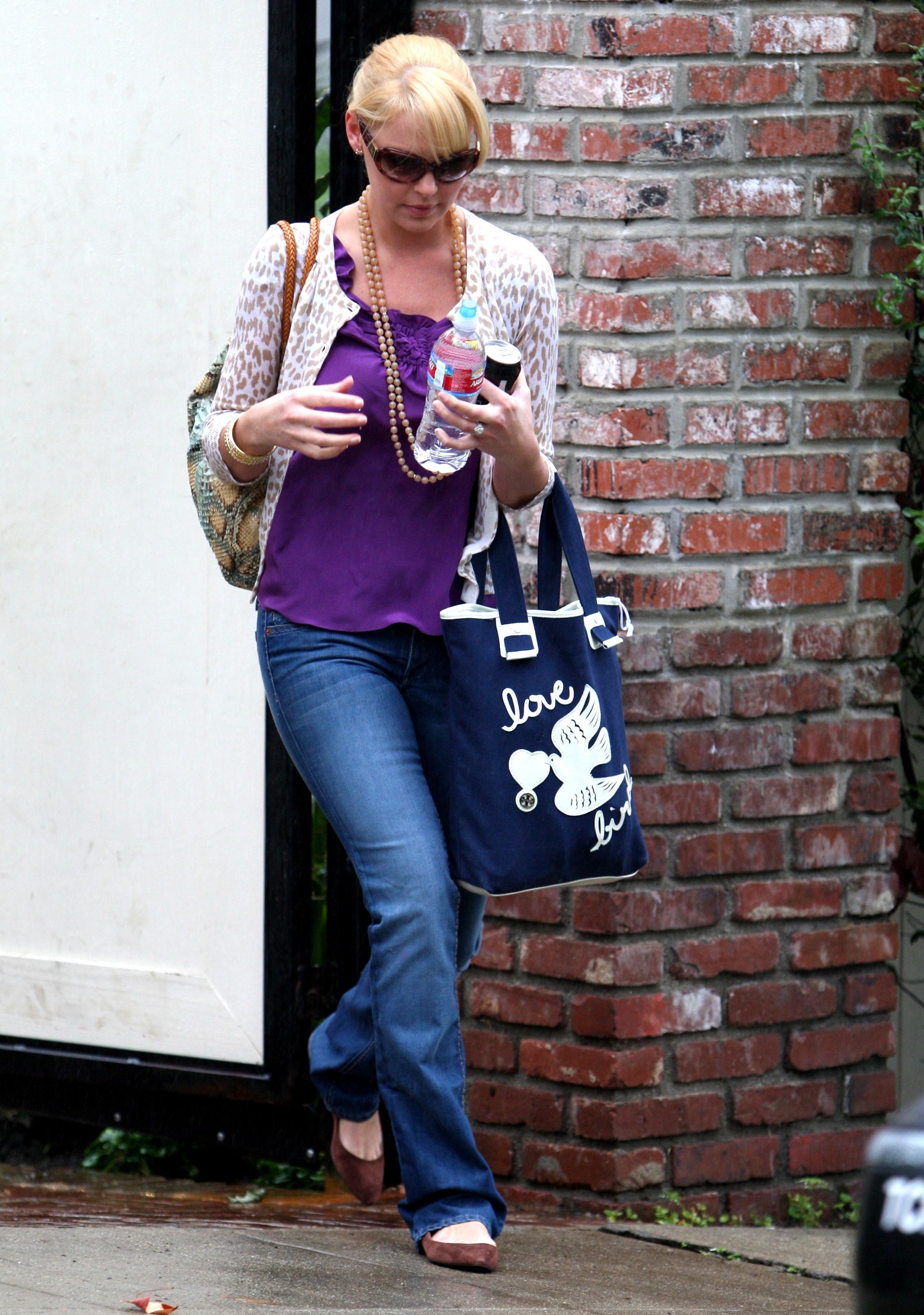
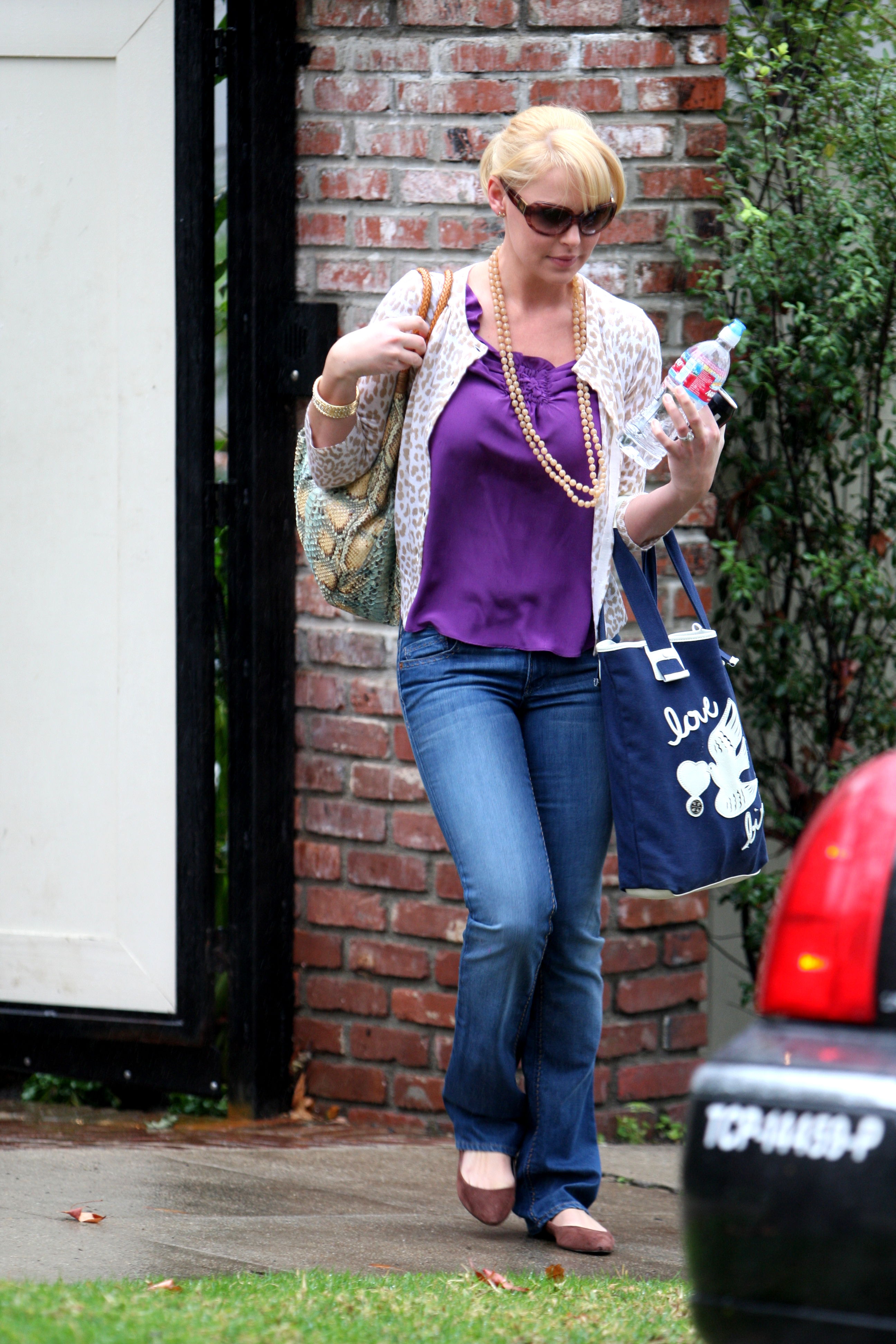
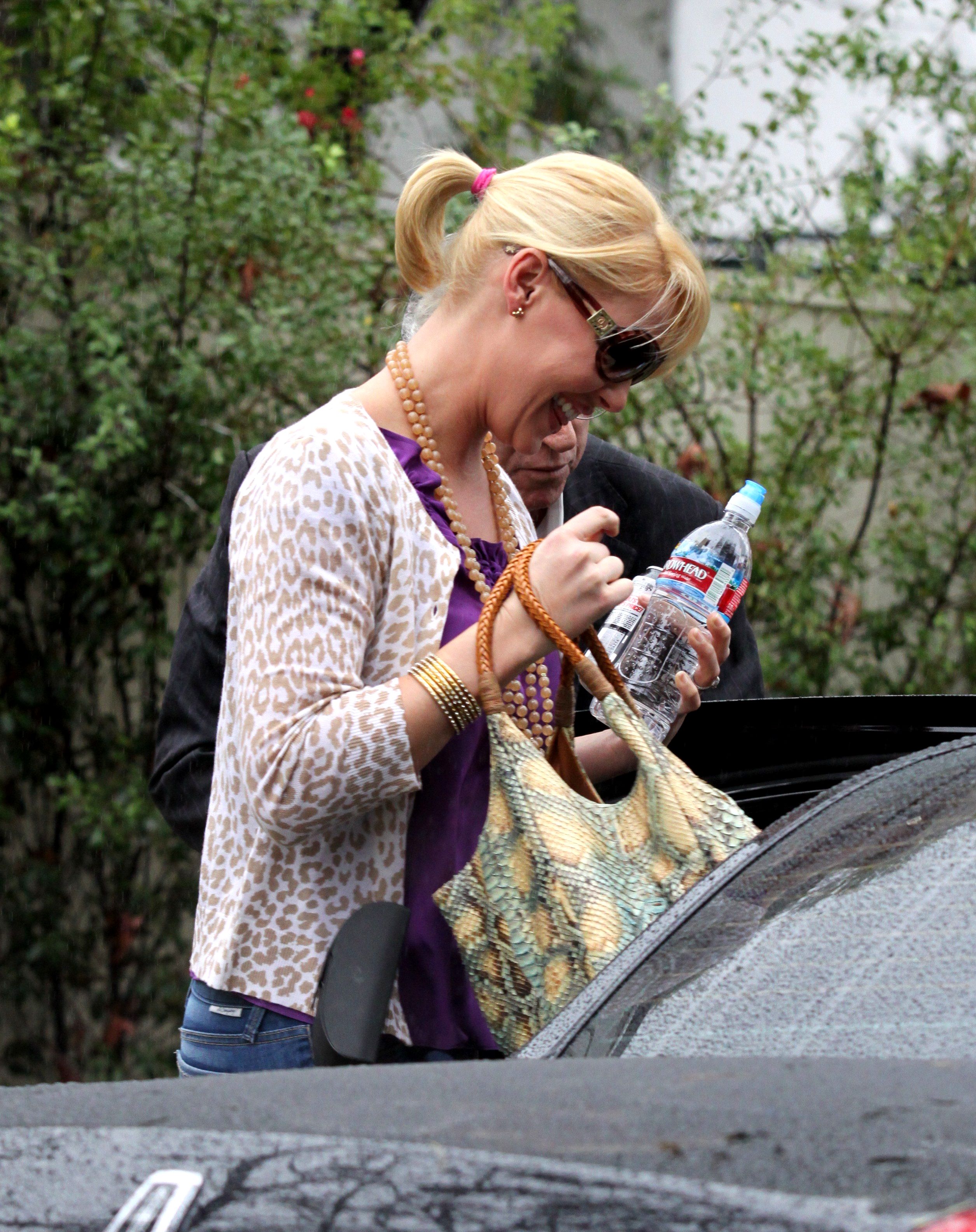
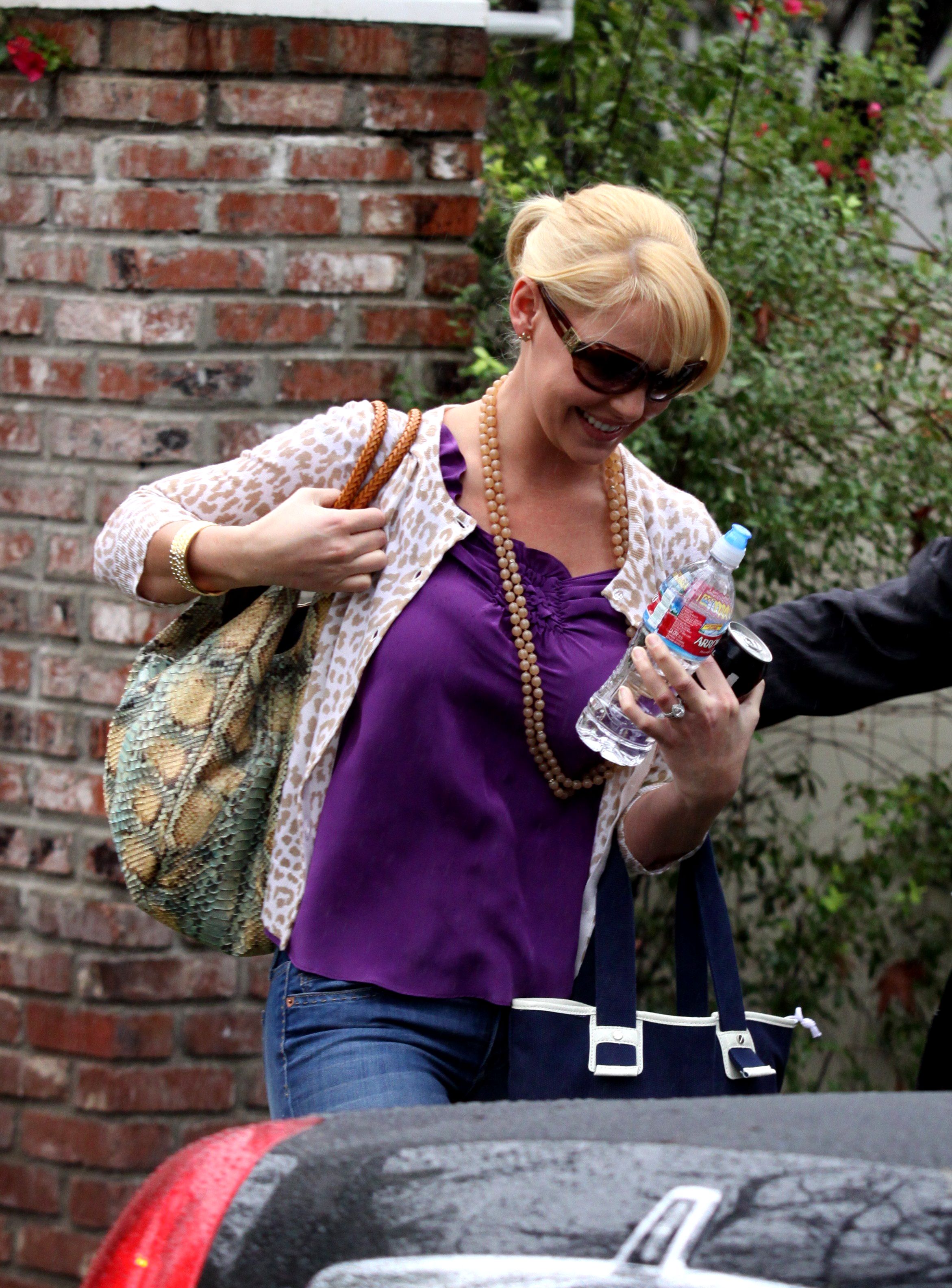
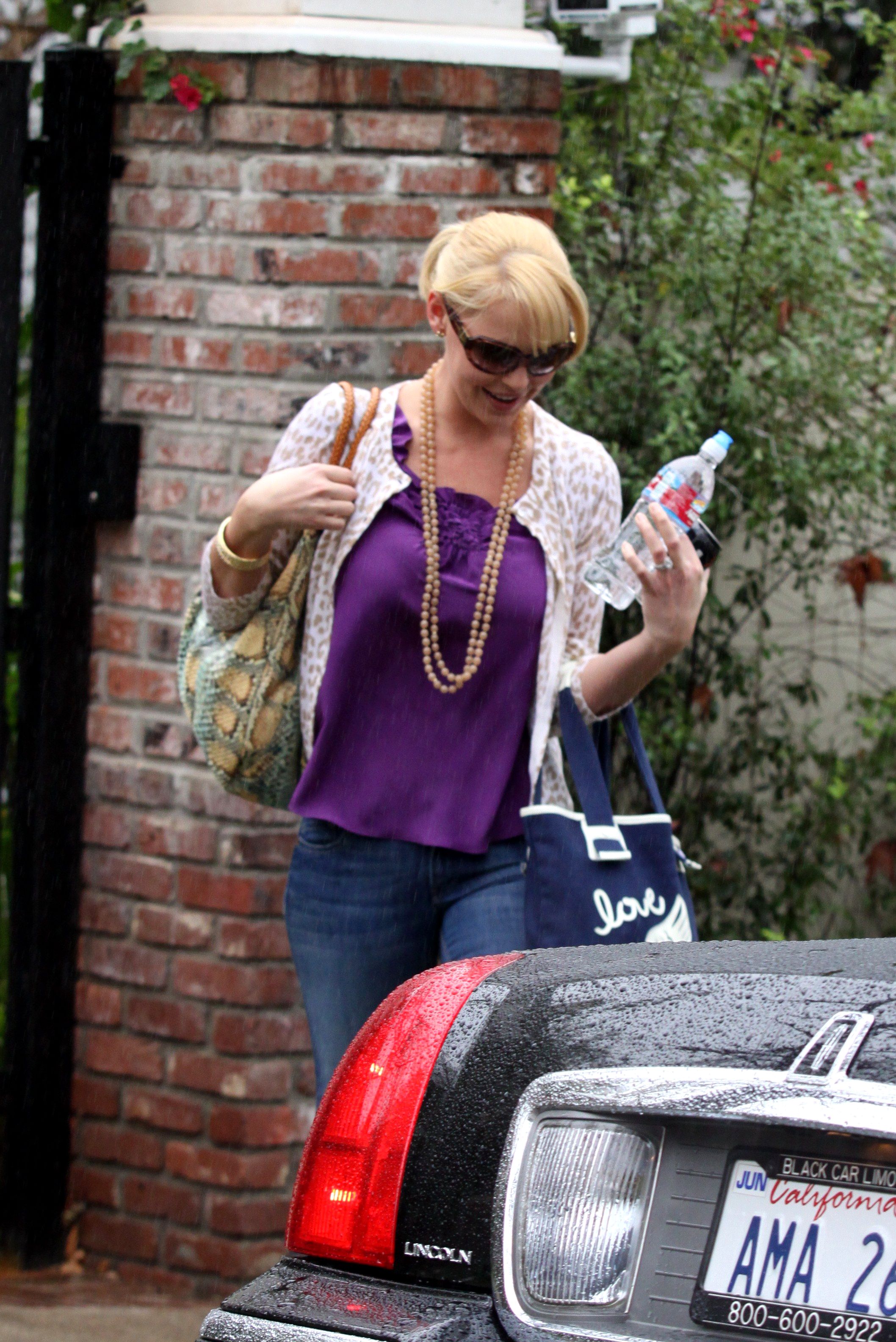
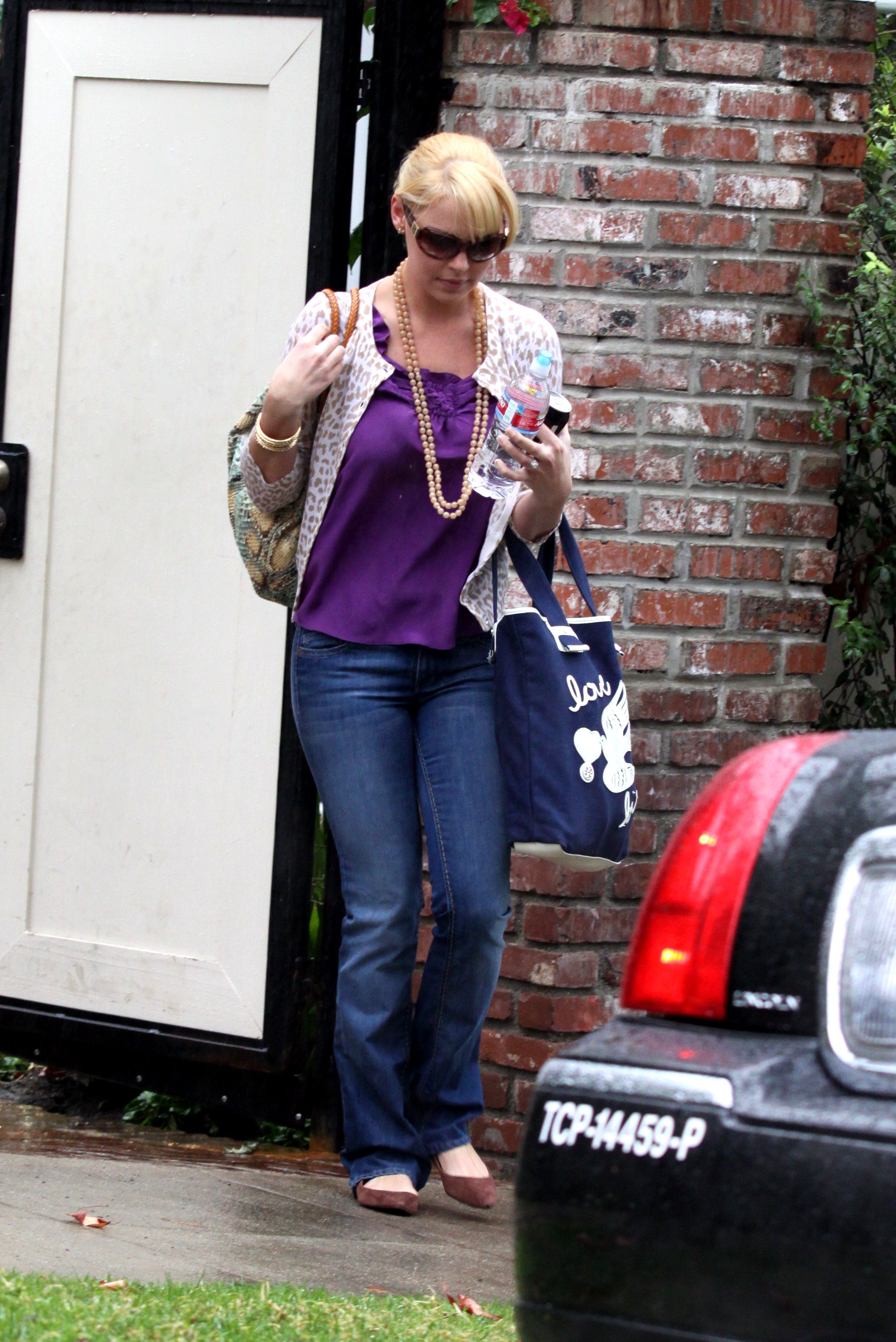
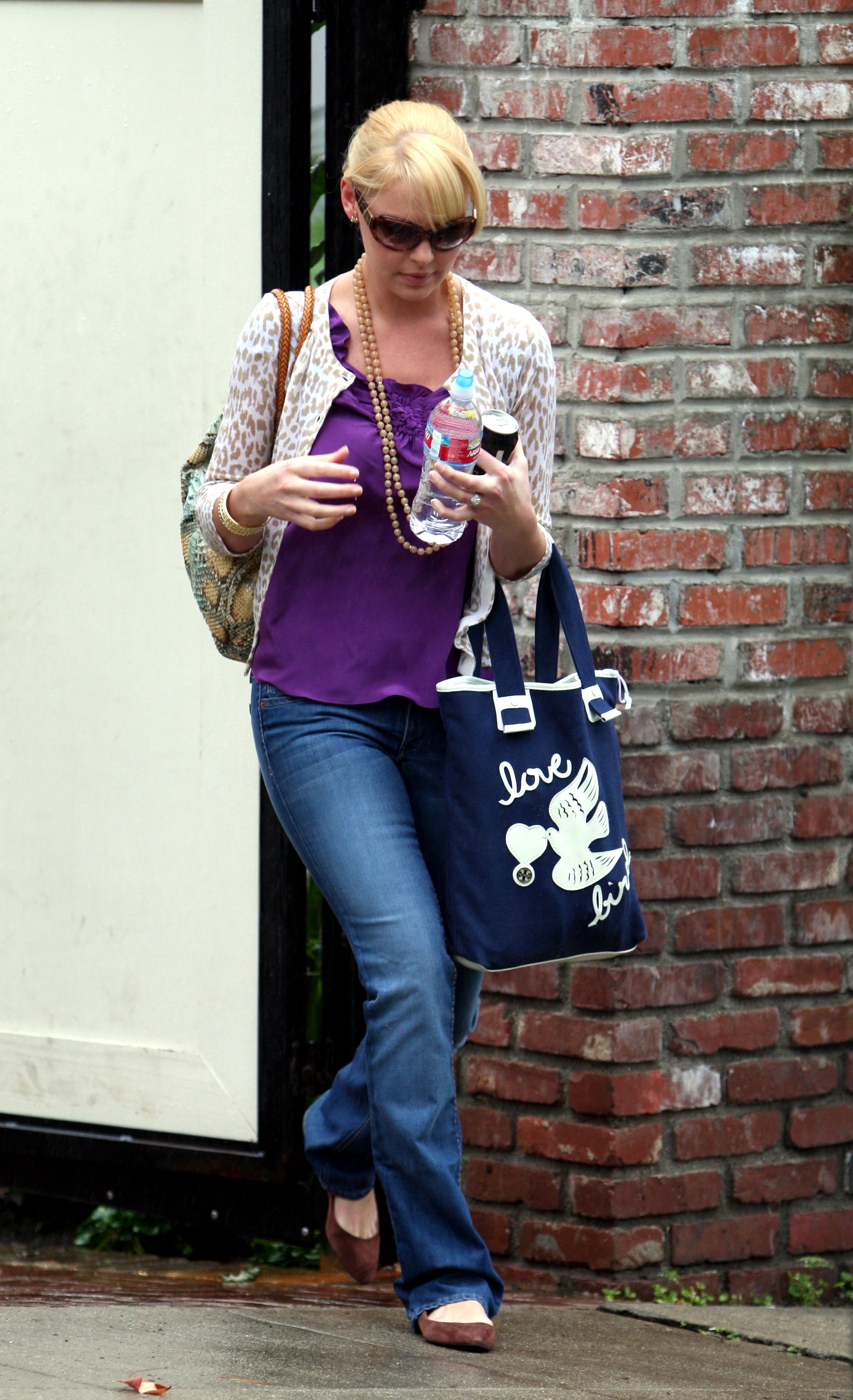
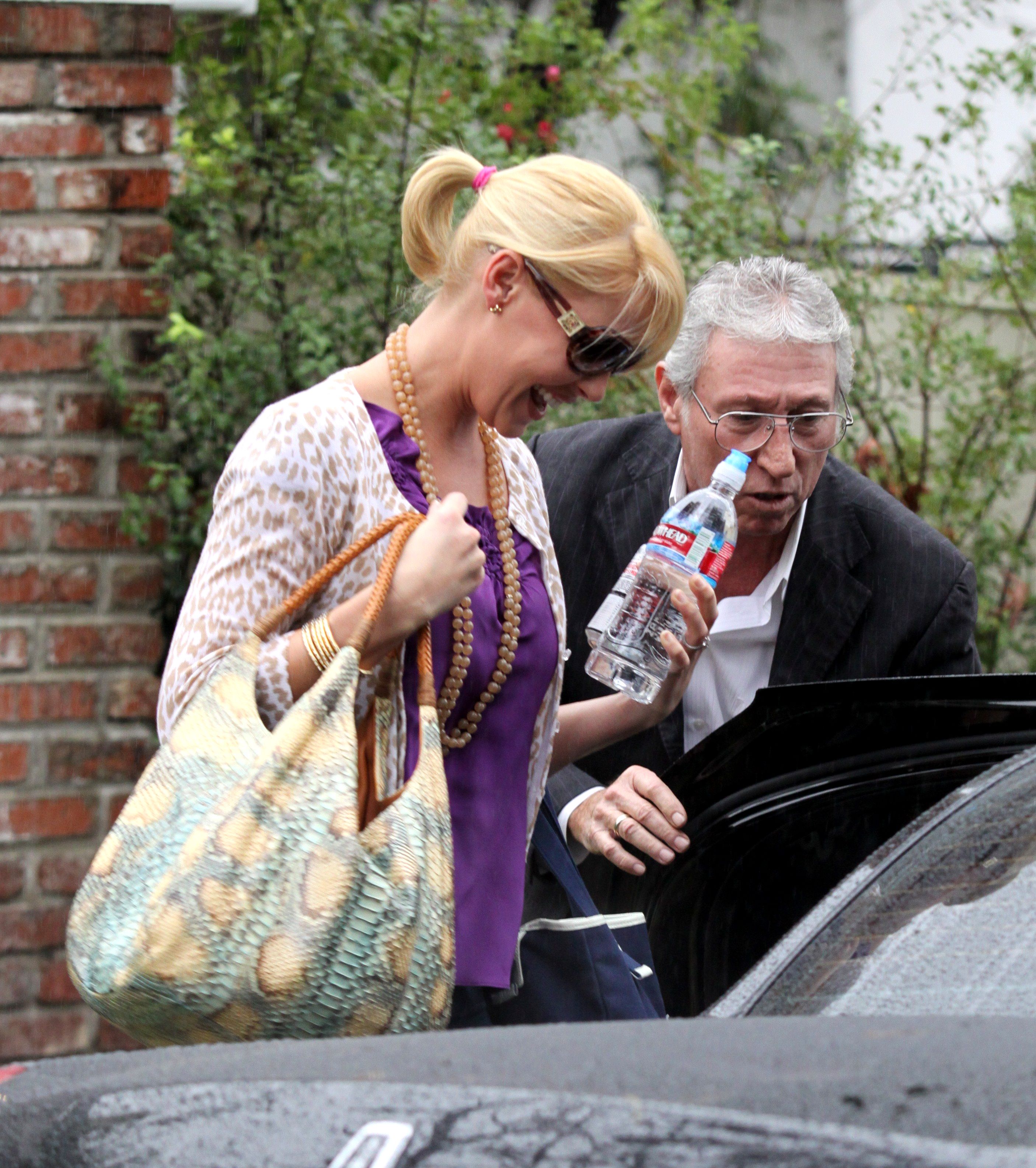
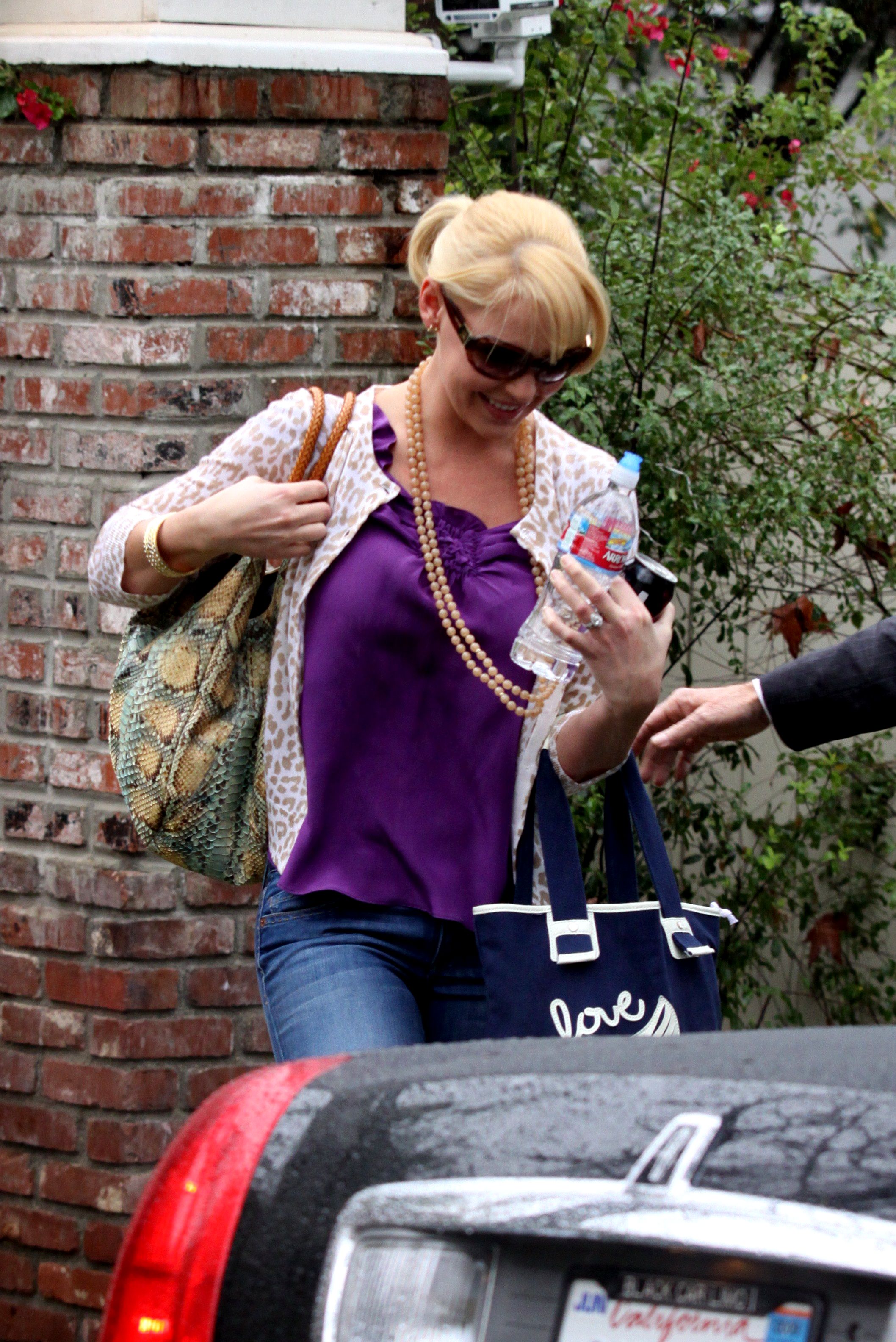
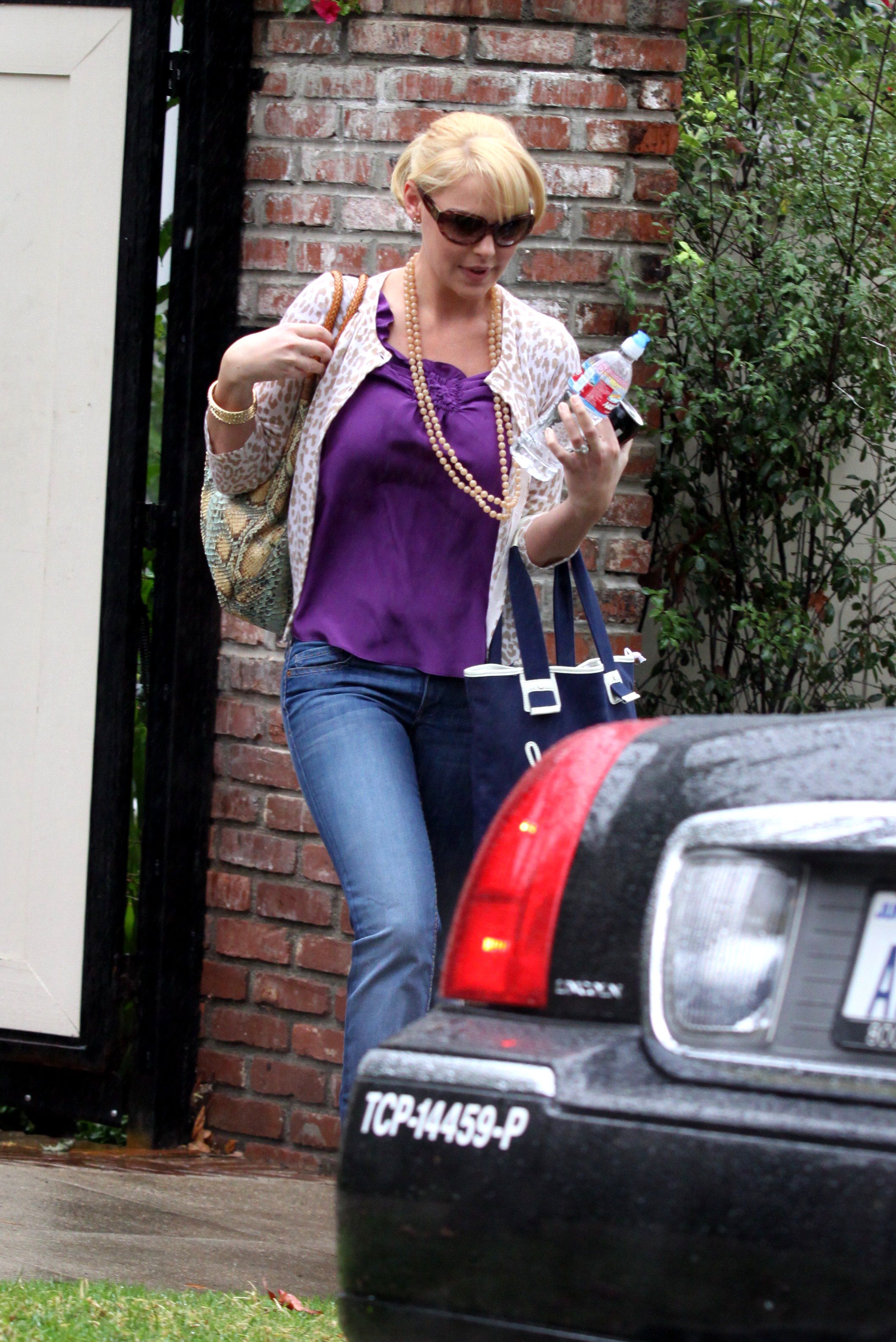
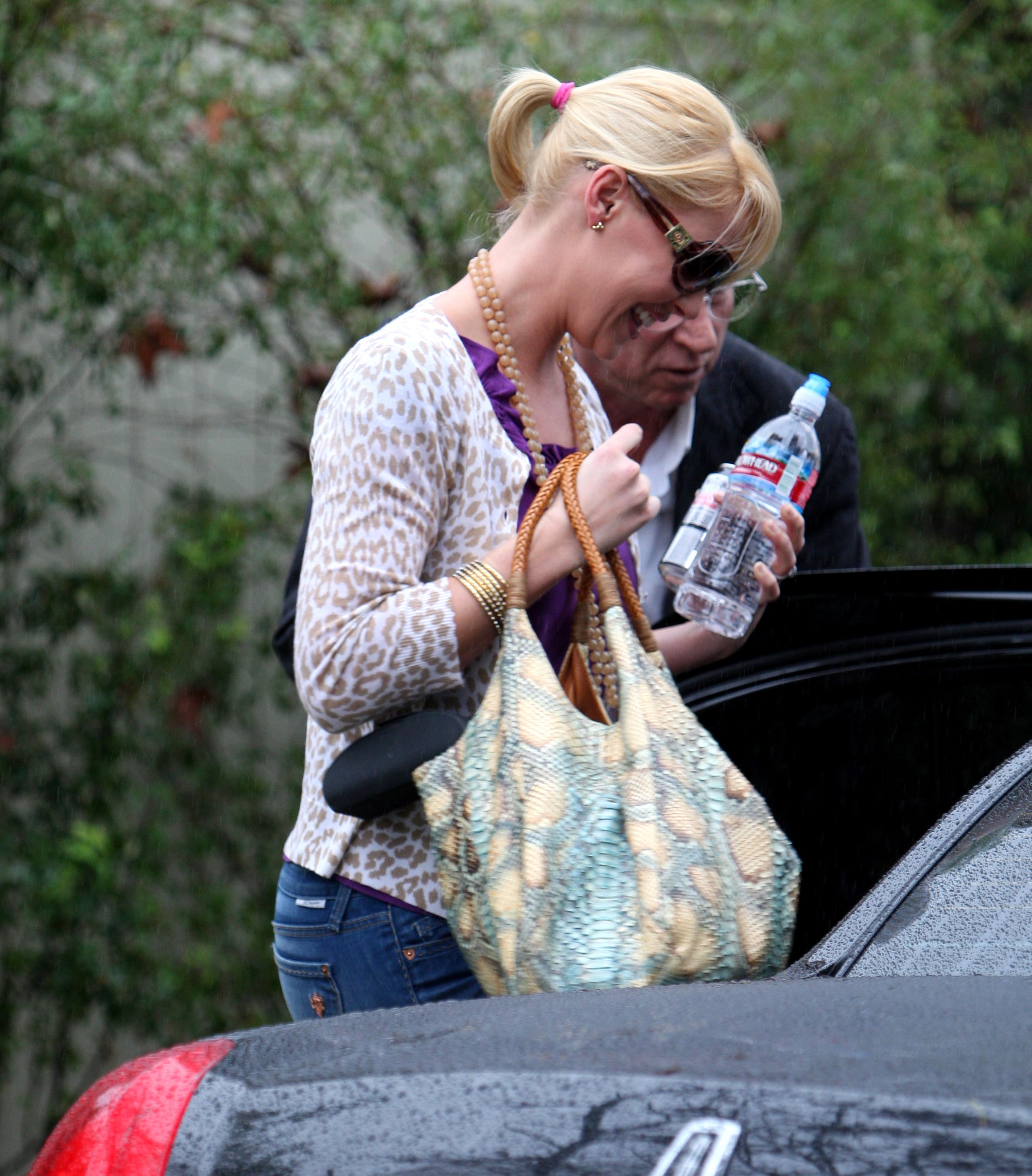
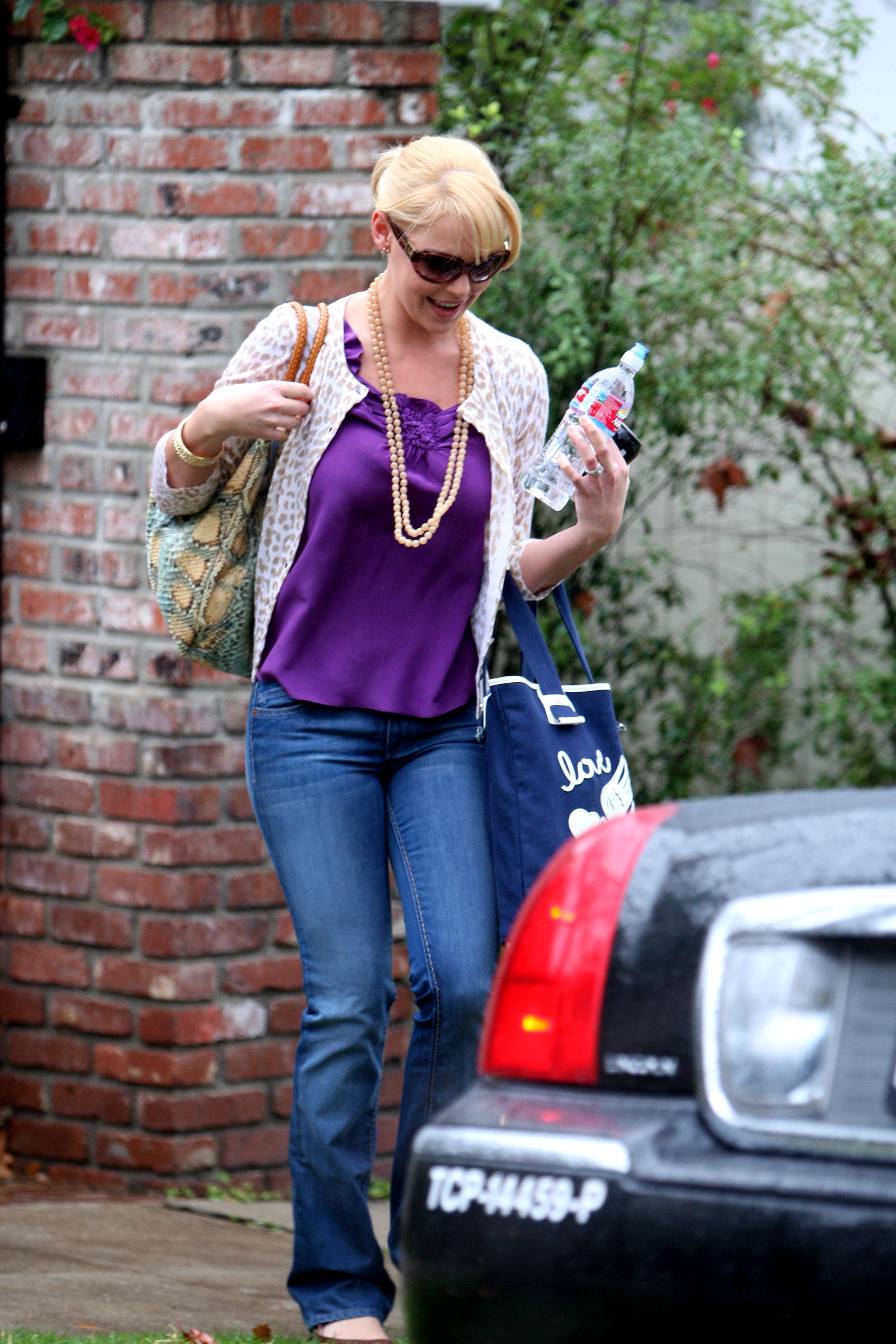
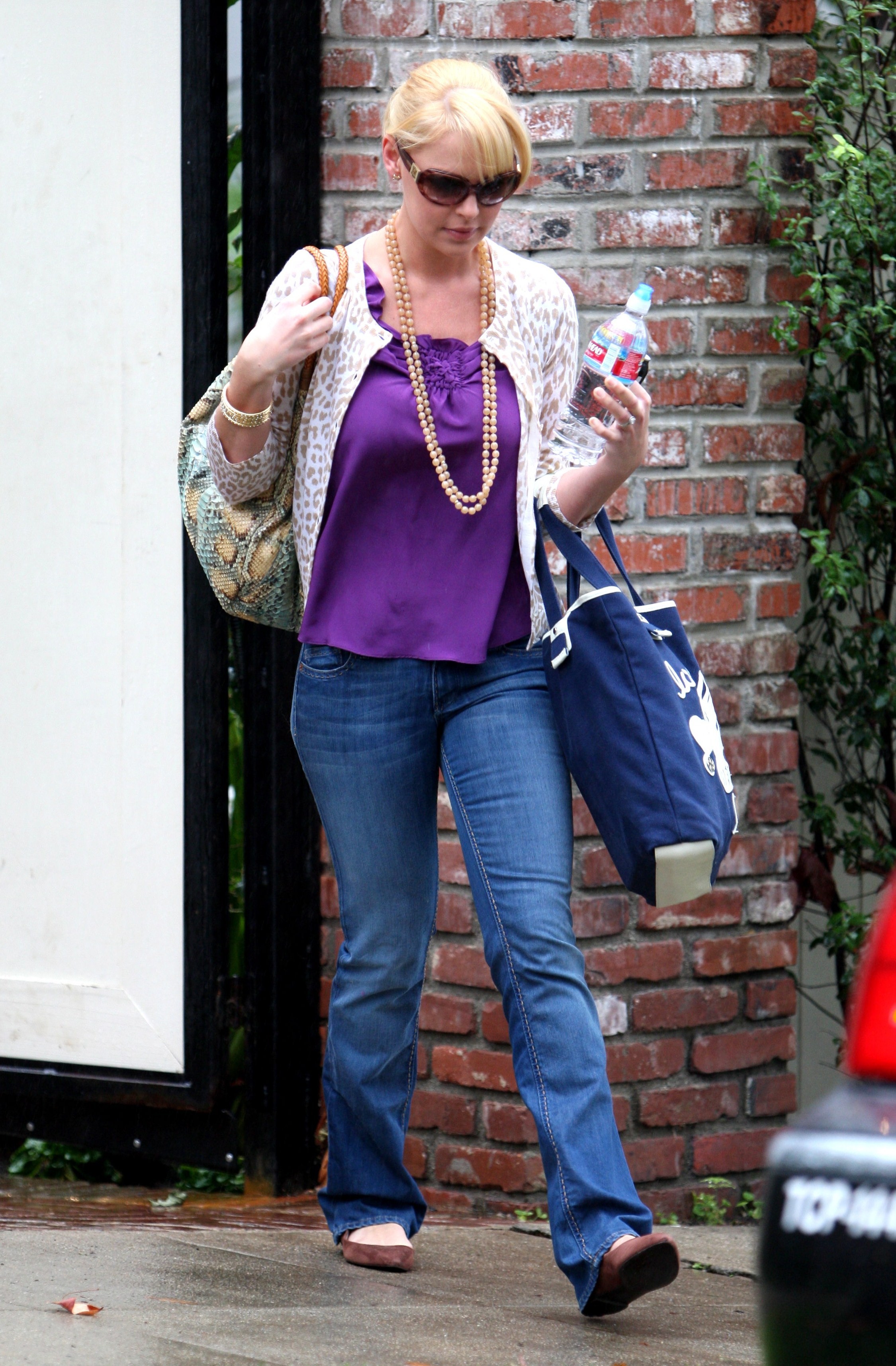
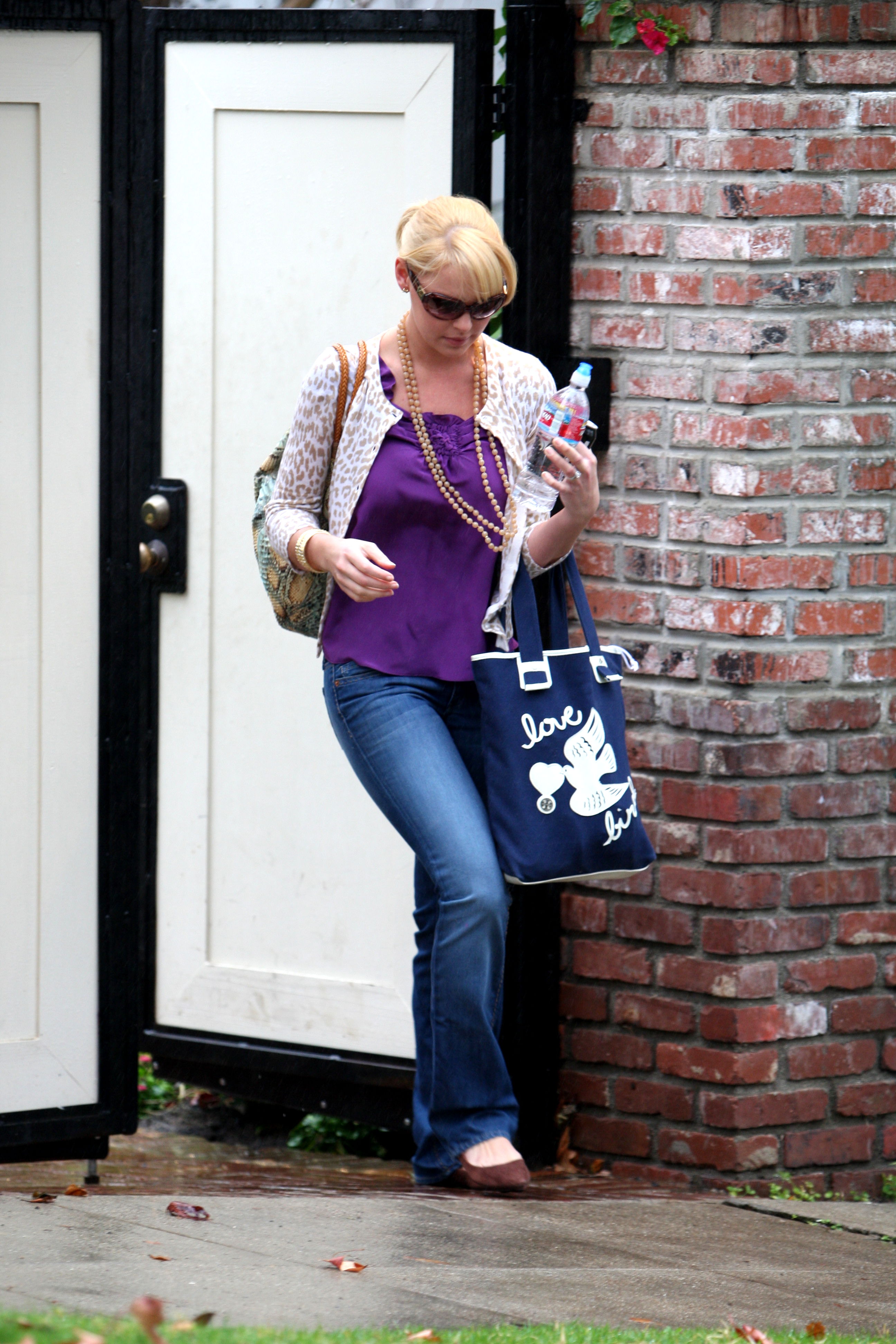
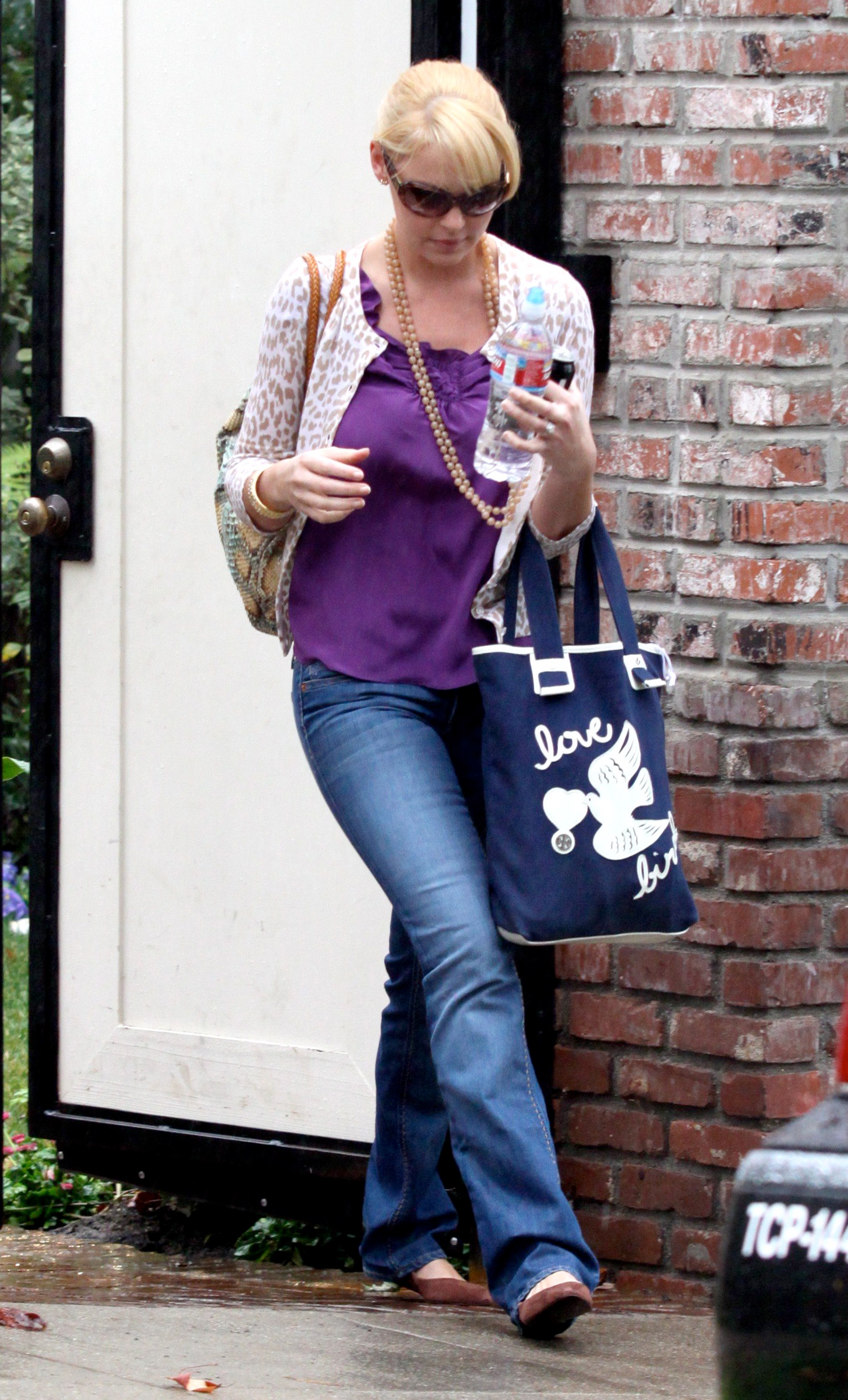
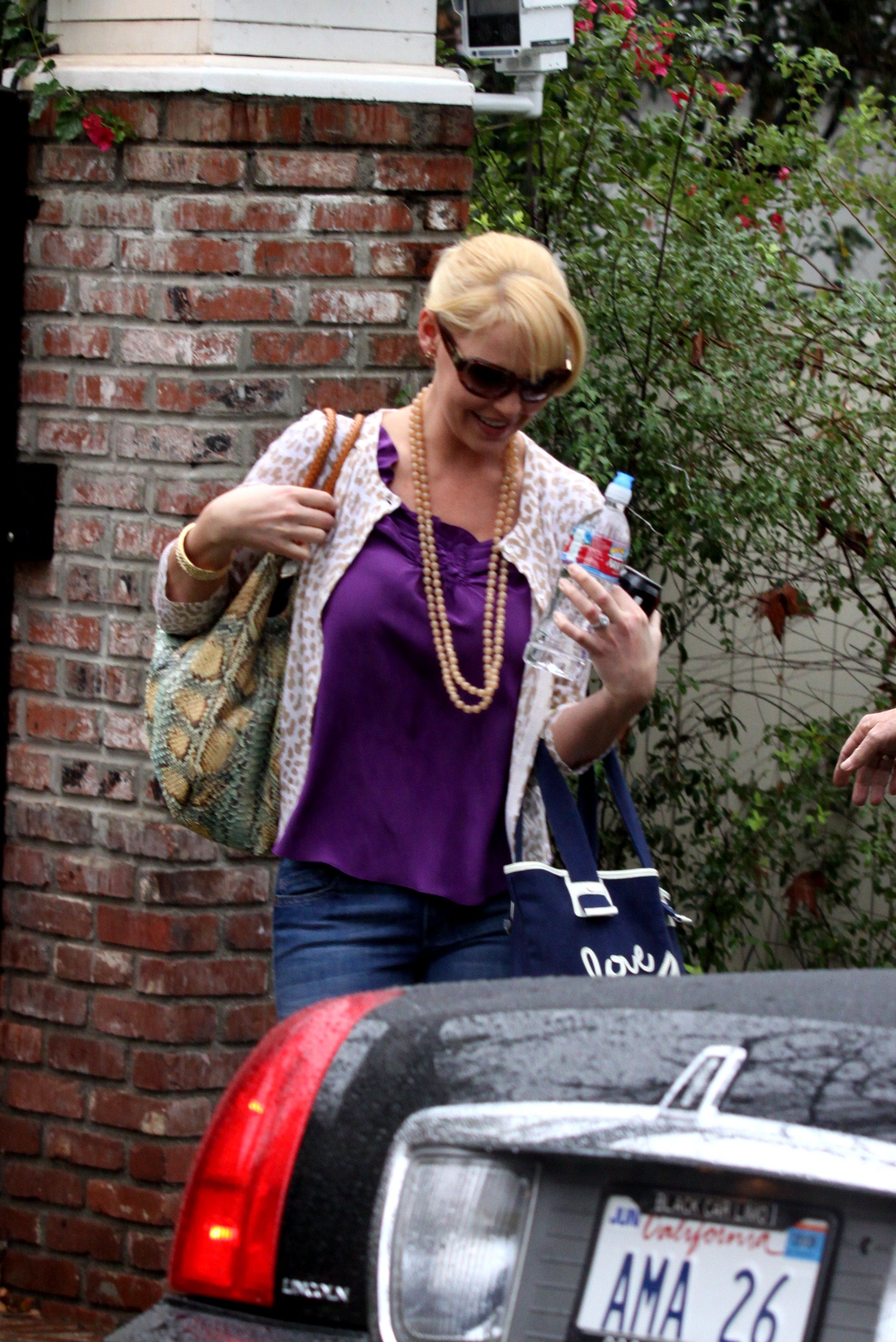
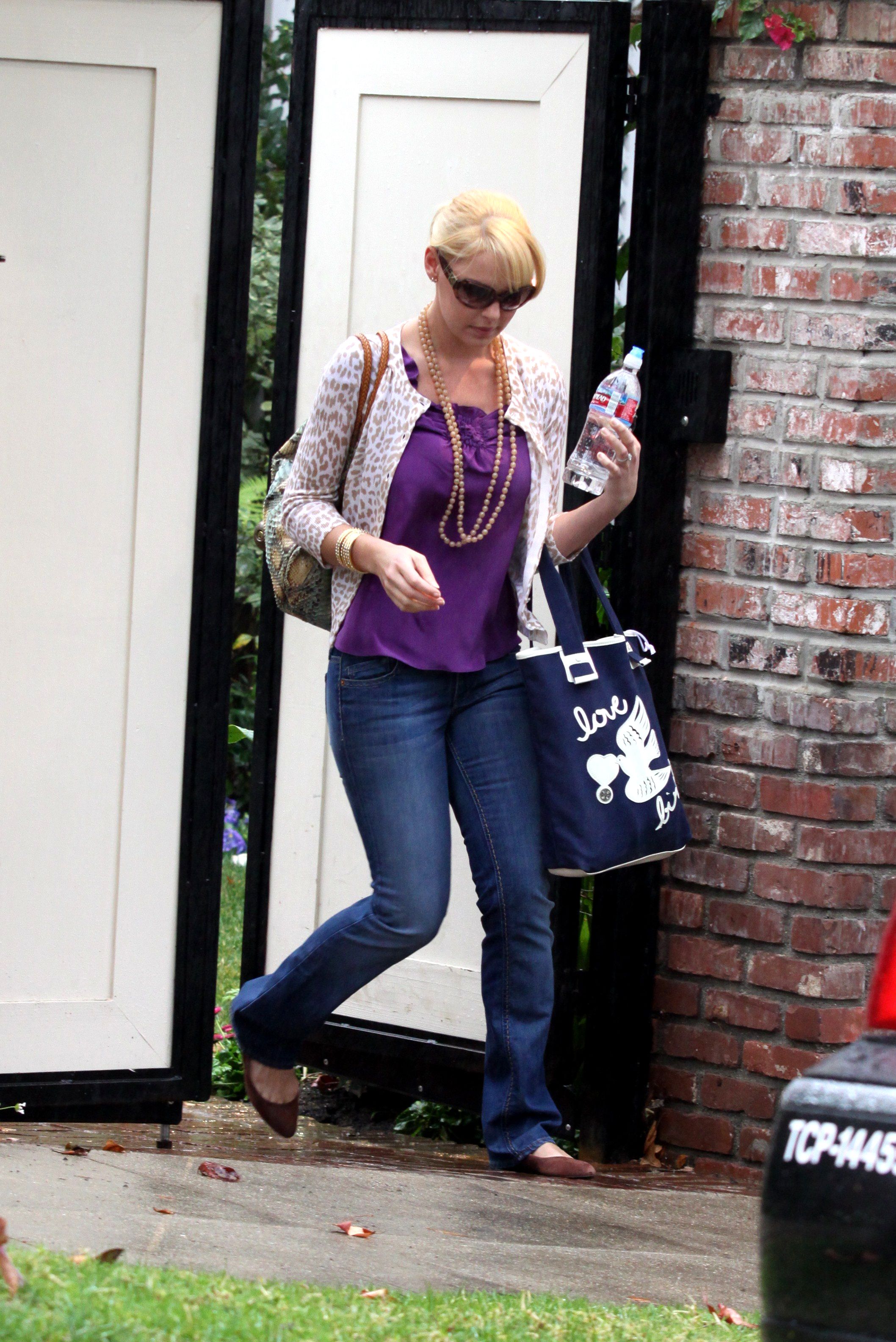
  15. Katherine Heigl out and about in Hollywood, January 23
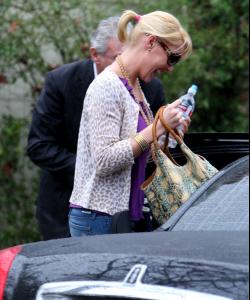
  16. thanks you, i love the serie amor real. she was so angelical in there
  17. finchesthalia replied to Rogue's topic in Female Musicians
    Thalia Walk in Miami - January 2009
  18. "Taking back my love" Ad with Ciara credits enriqueonline.org

  19. finchesthalia replied to a post in a topic in Alessandra Ambrosio
  20. thank you
  21. finchesthalia replied to a post in a topic in Alessandra Ambrosio
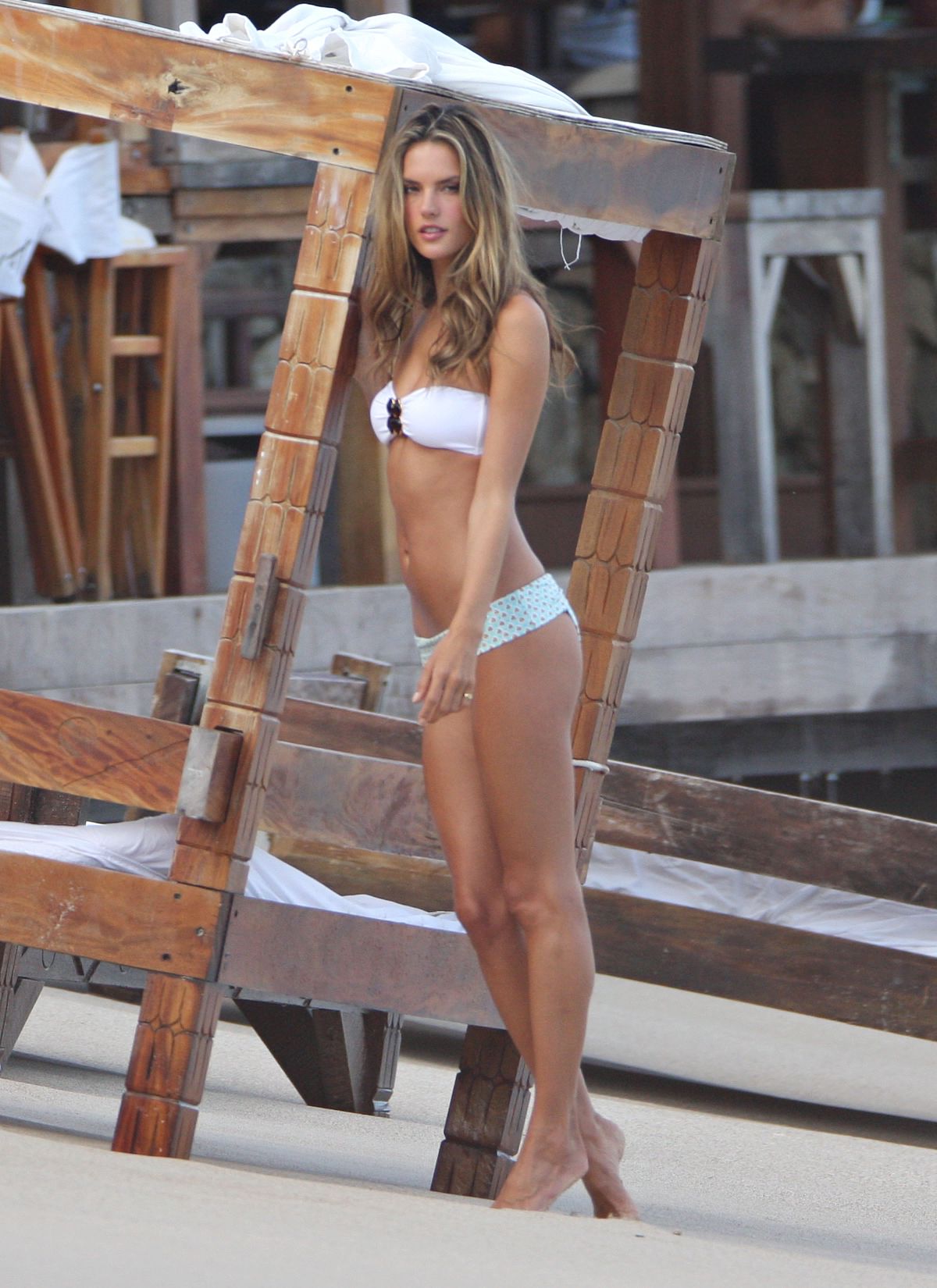
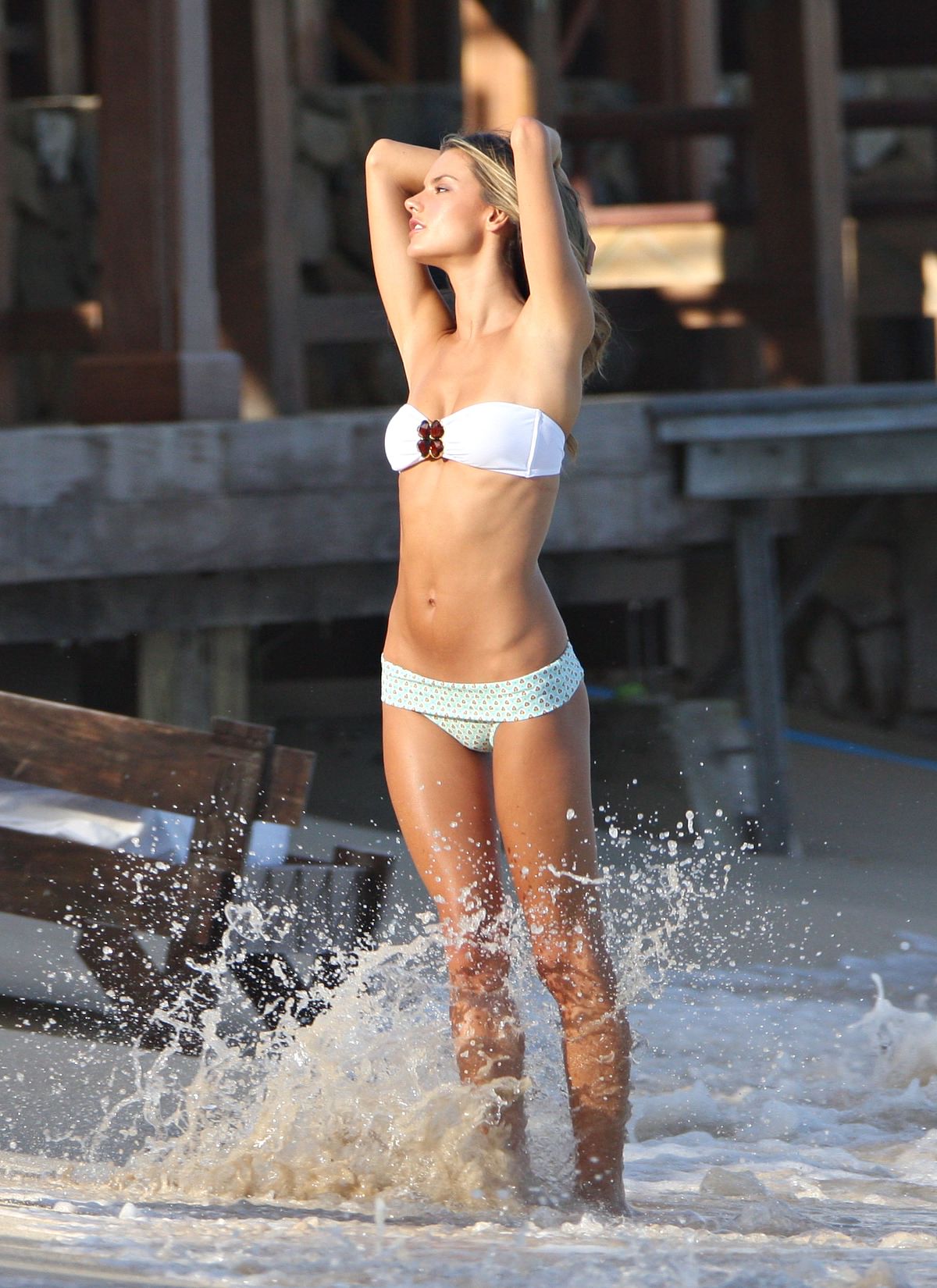
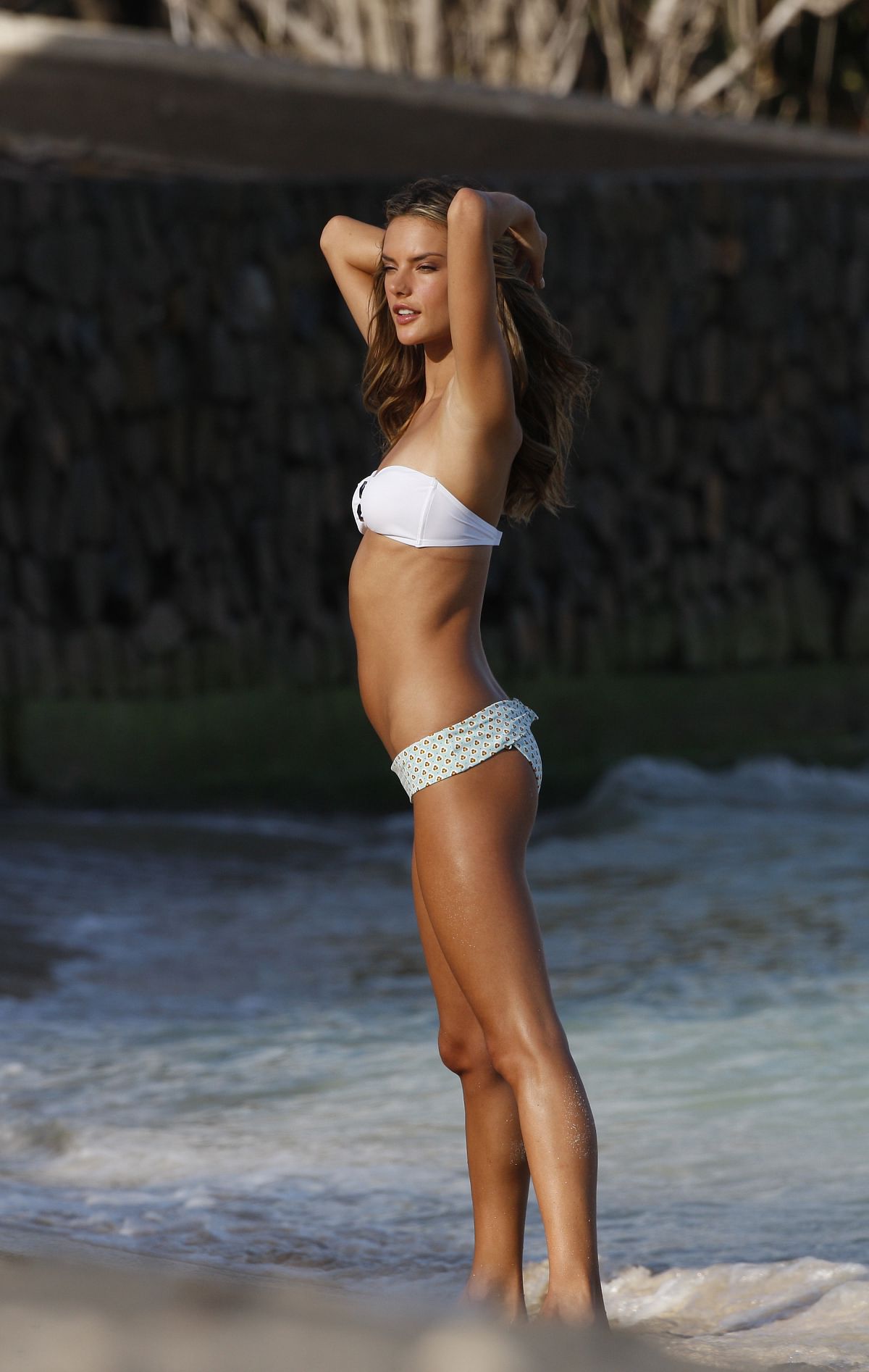
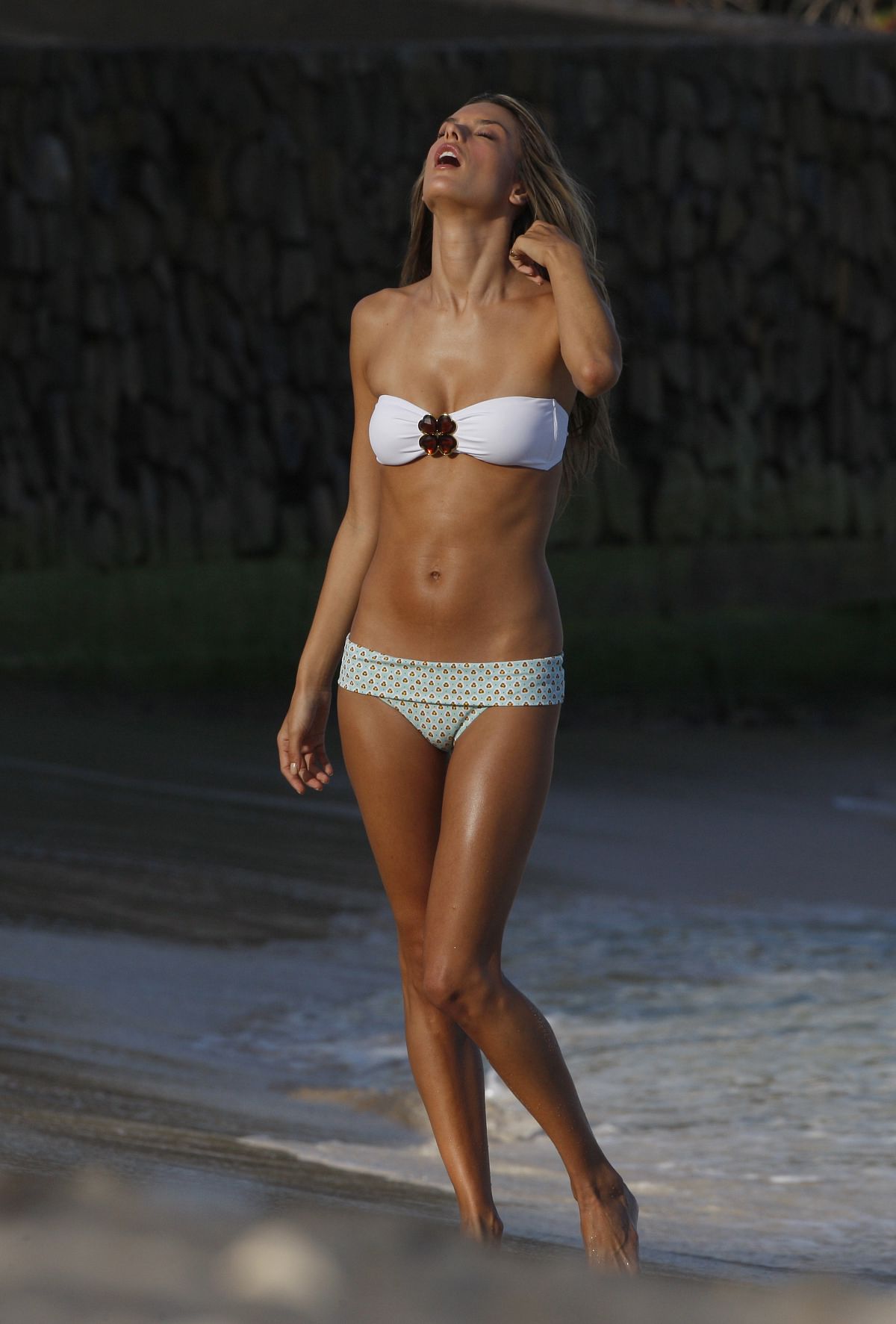
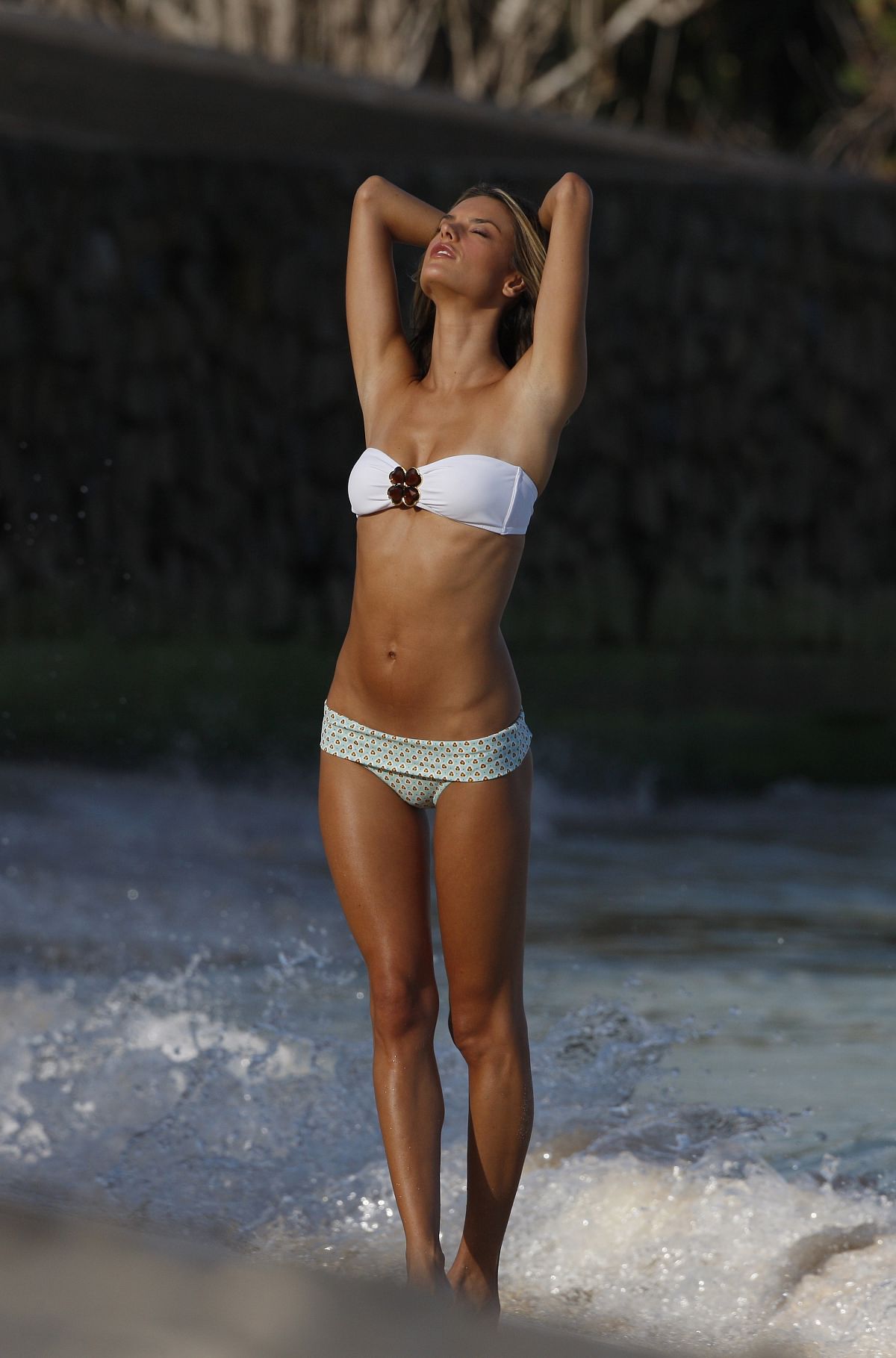
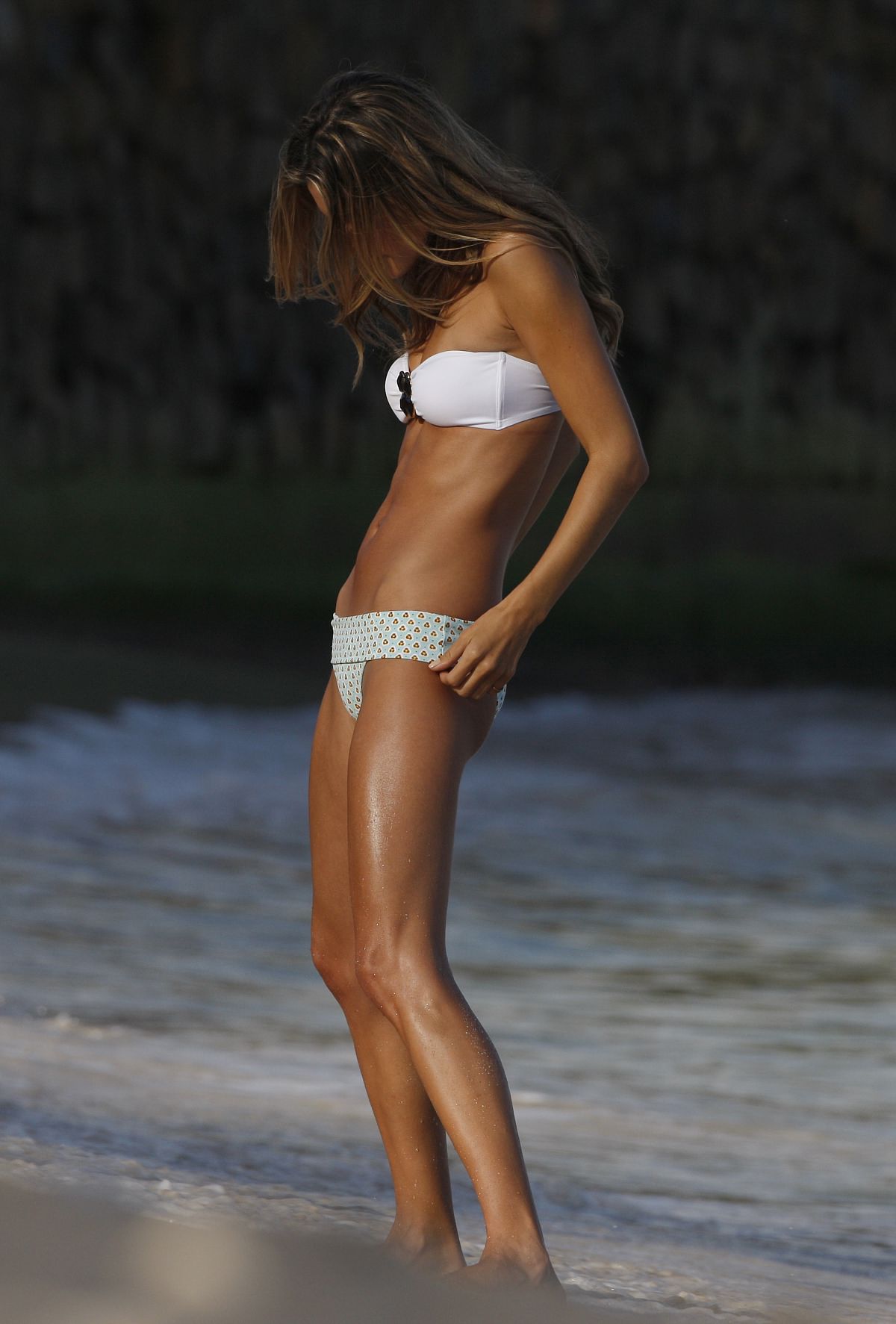
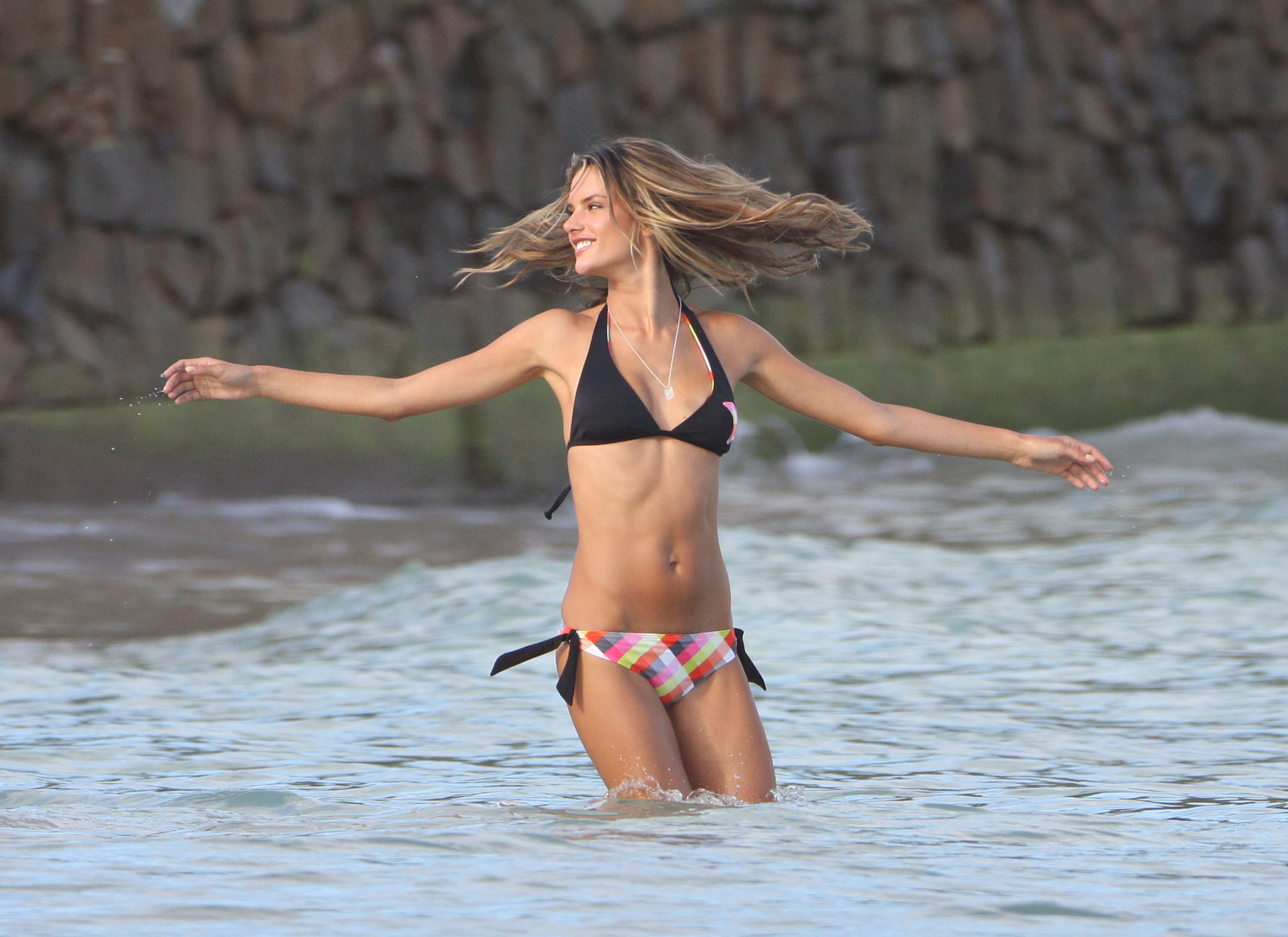
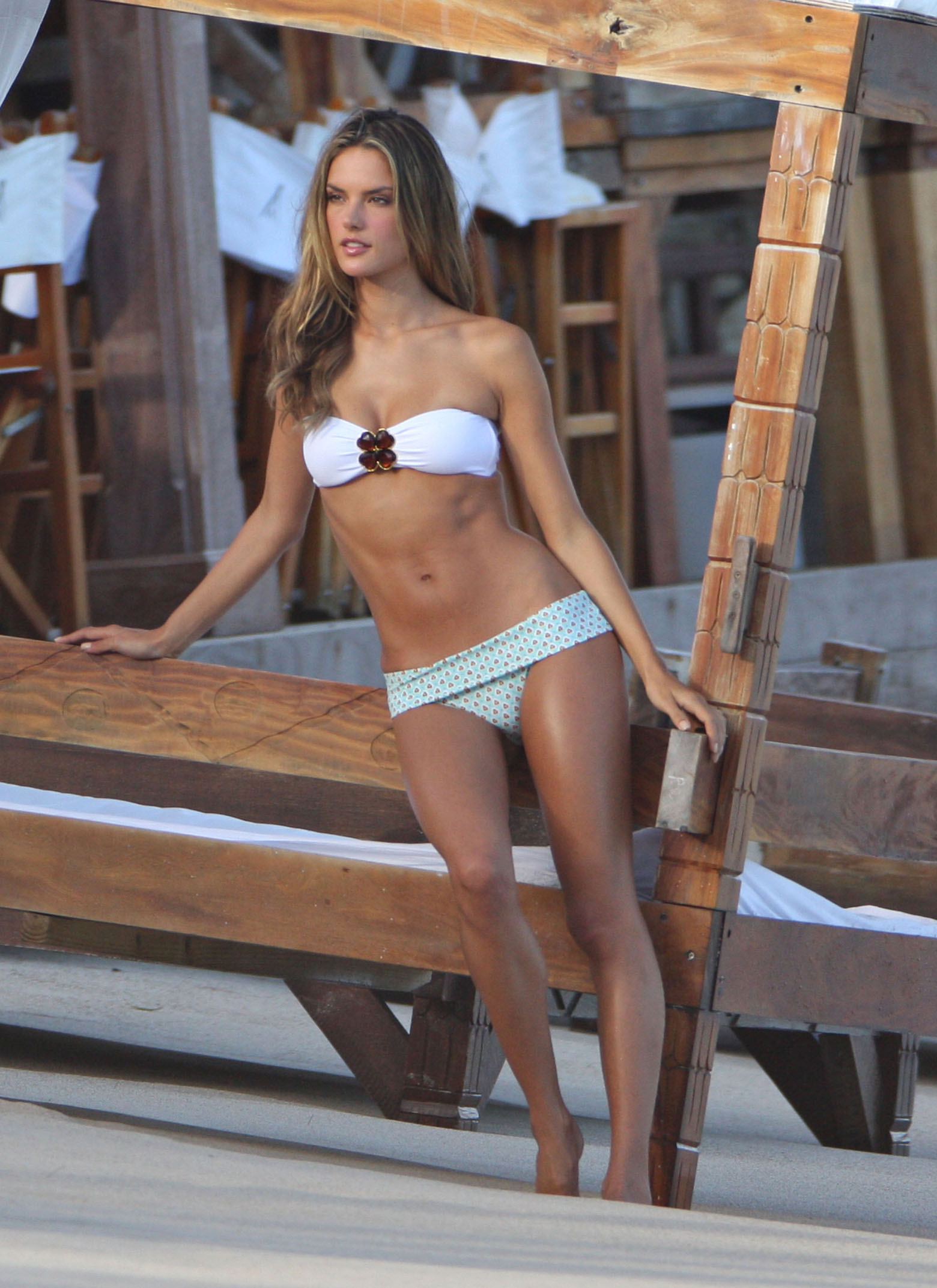
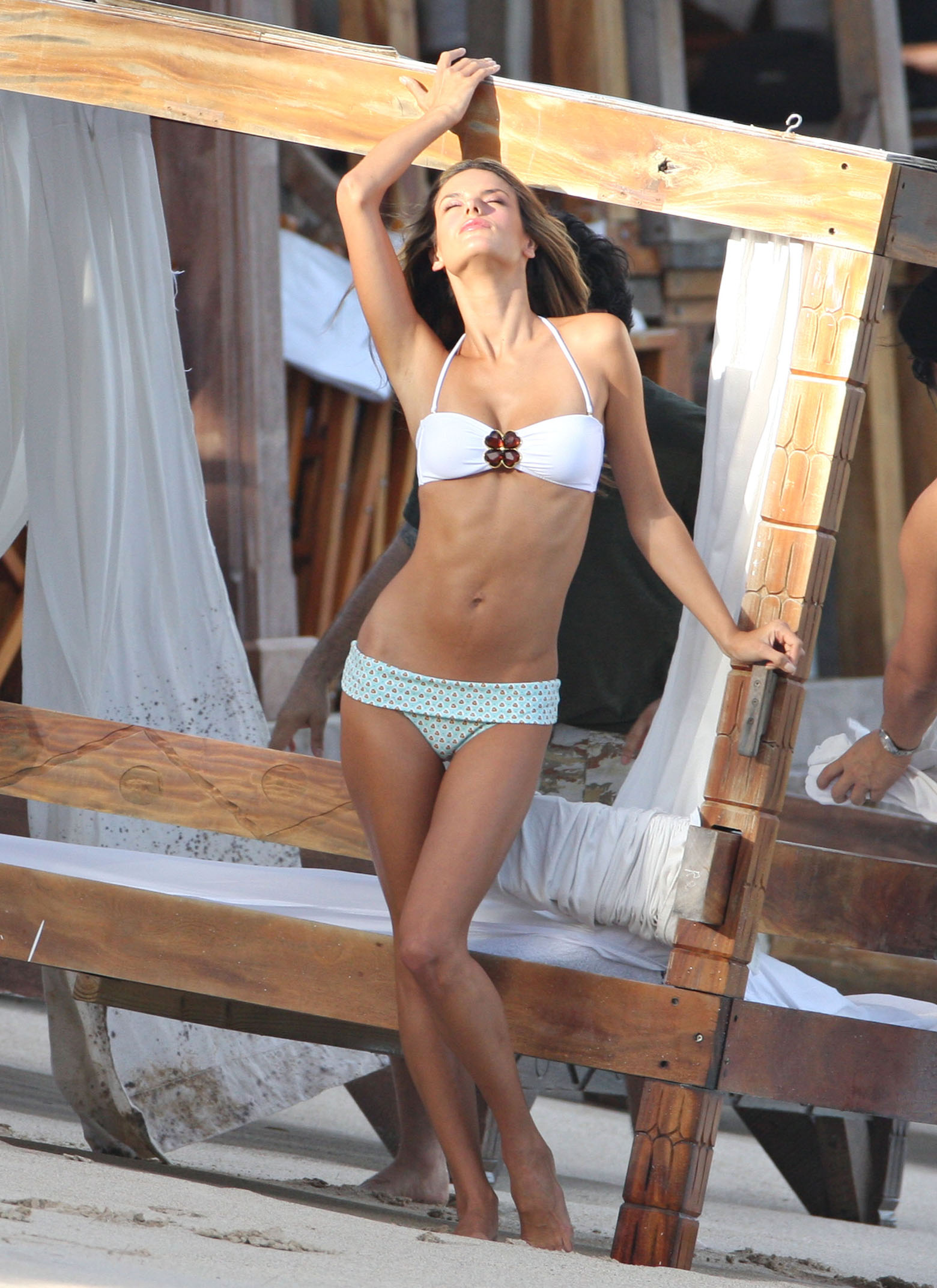
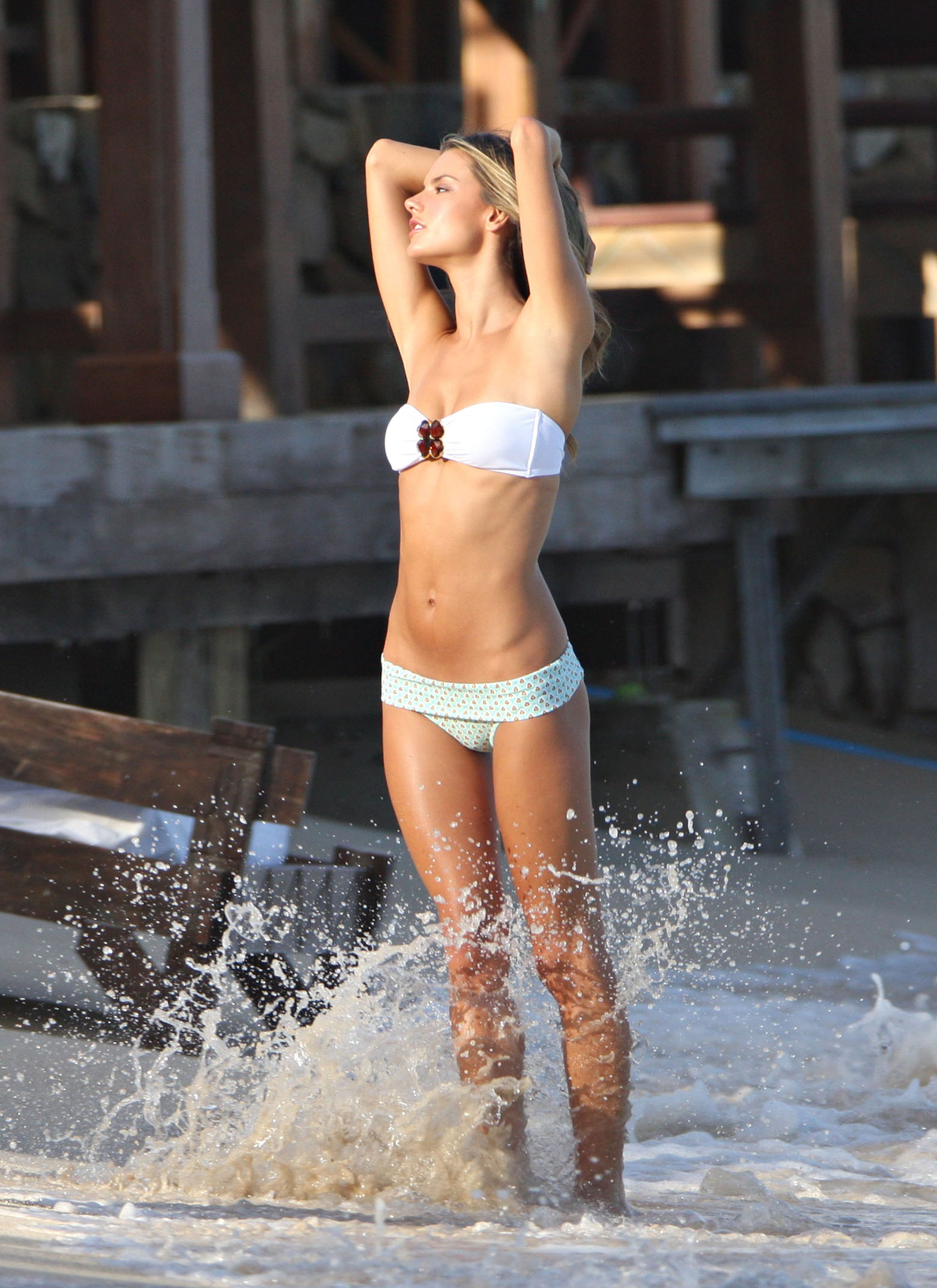
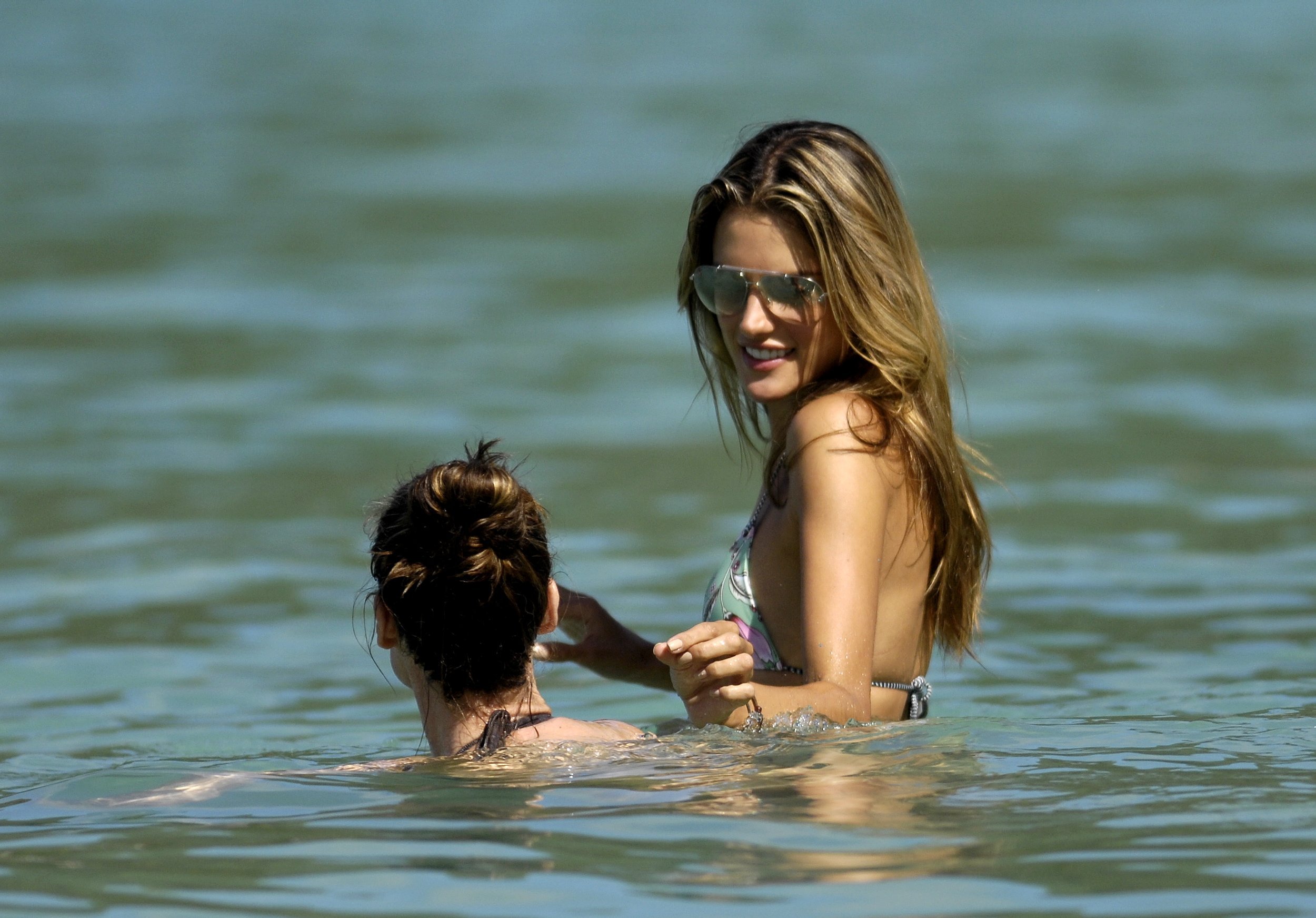
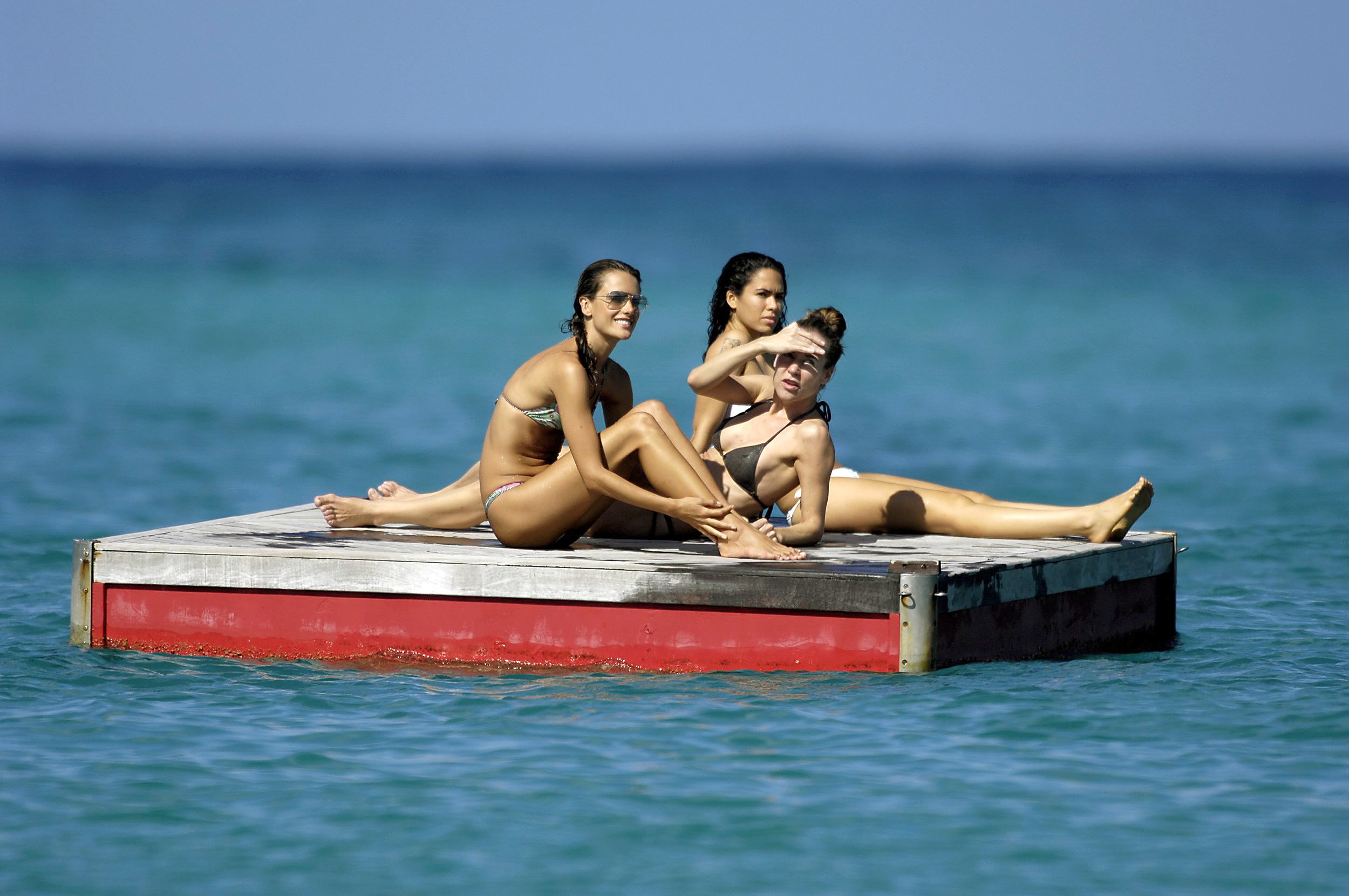
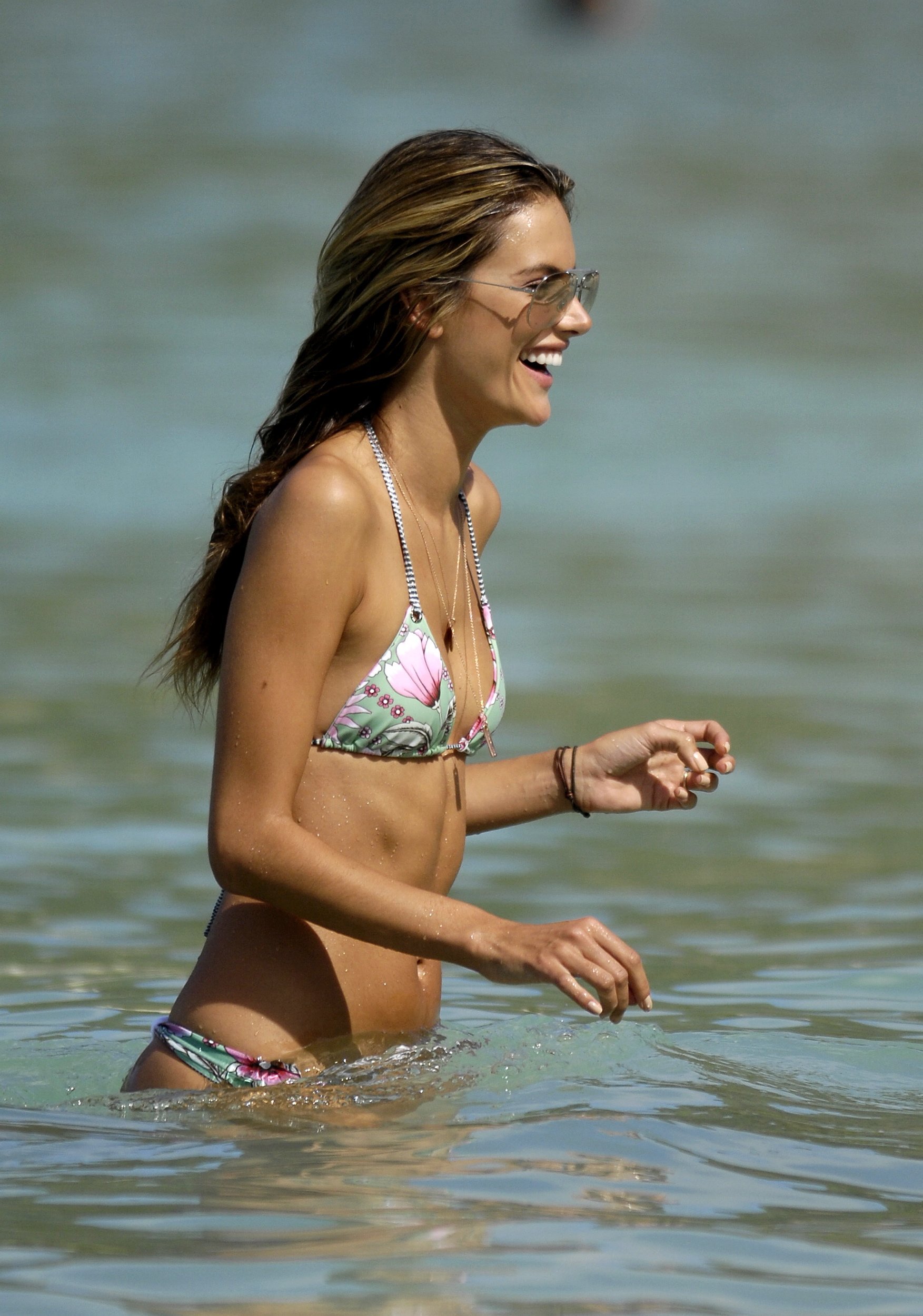
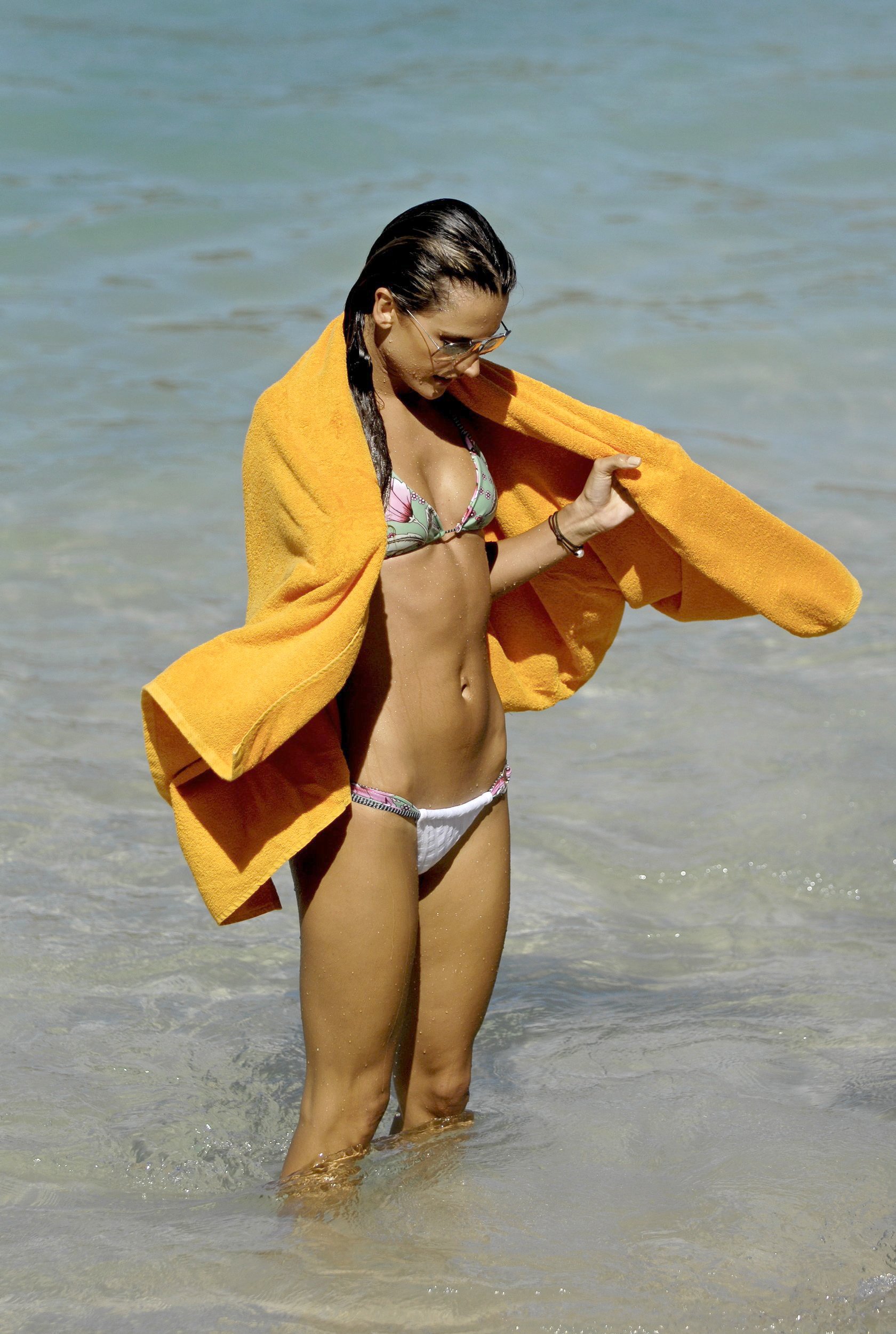
    Some More credits to celebutopia.
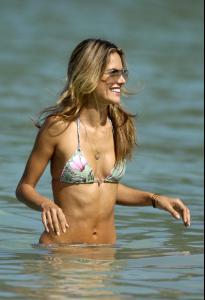
  22. finchesthalia replied to a post in a topic in Alessandra Ambrosio

Configure browser push notifications

Chrome (Android)
  1. Tap the lock icon next to the address bar.
  2. Tap Permissions → Notifications.
  3. Adjust your preference.
Chrome (Desktop)
  1. Click the padlock icon in the address bar.
  2. Select Site settings.
  3. Find Notifications and adjust your preference.