ekn
Members
-
Joined
-
Last visited
Everything posted by ekn
-

-
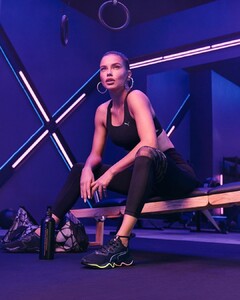
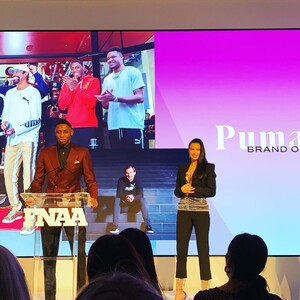
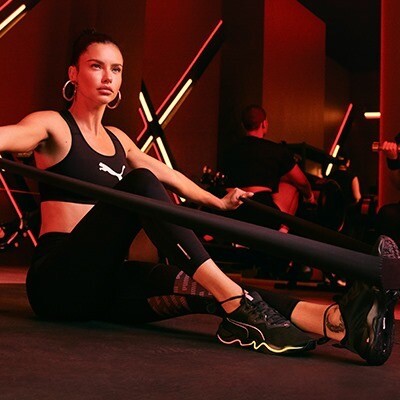
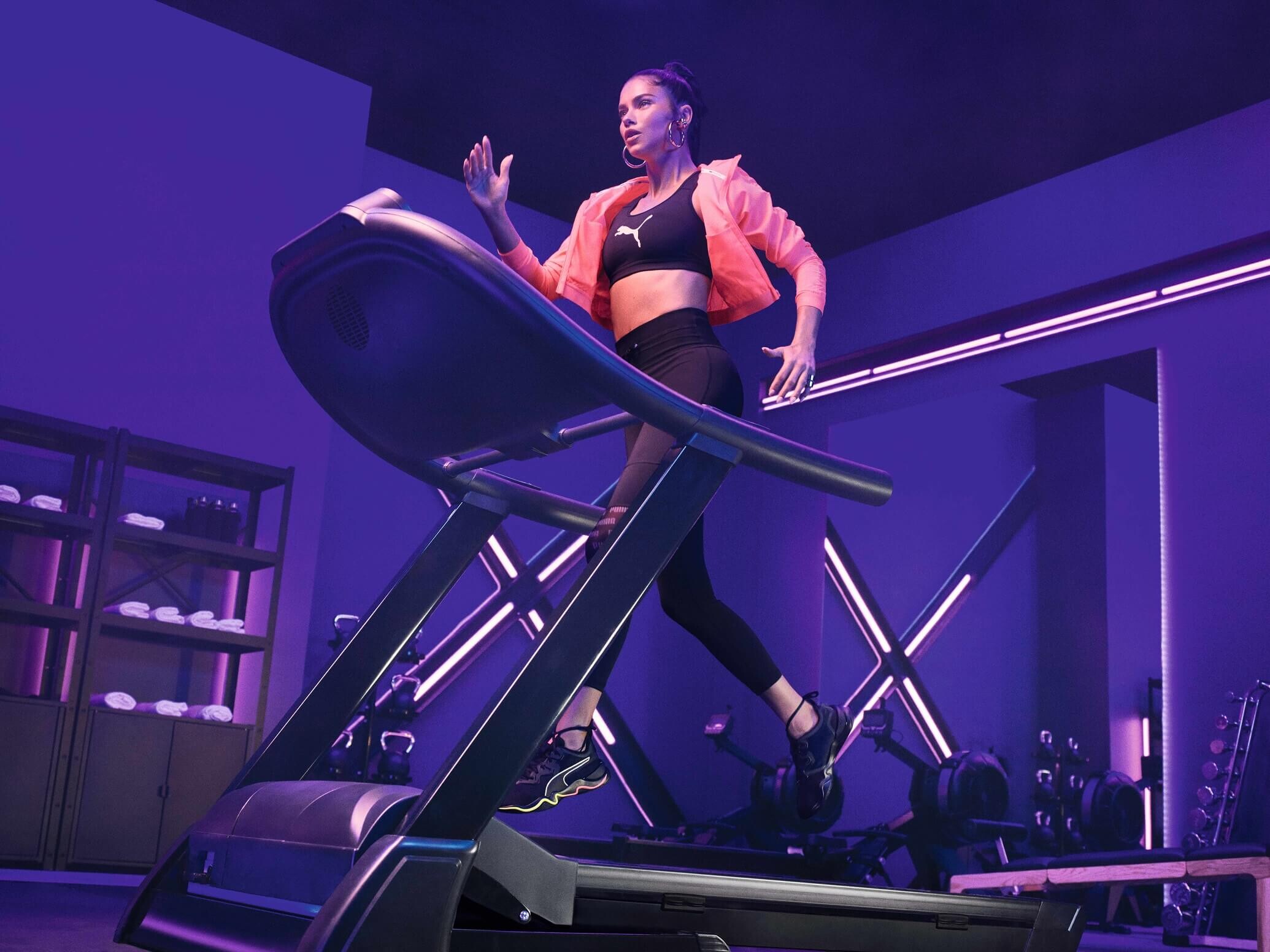
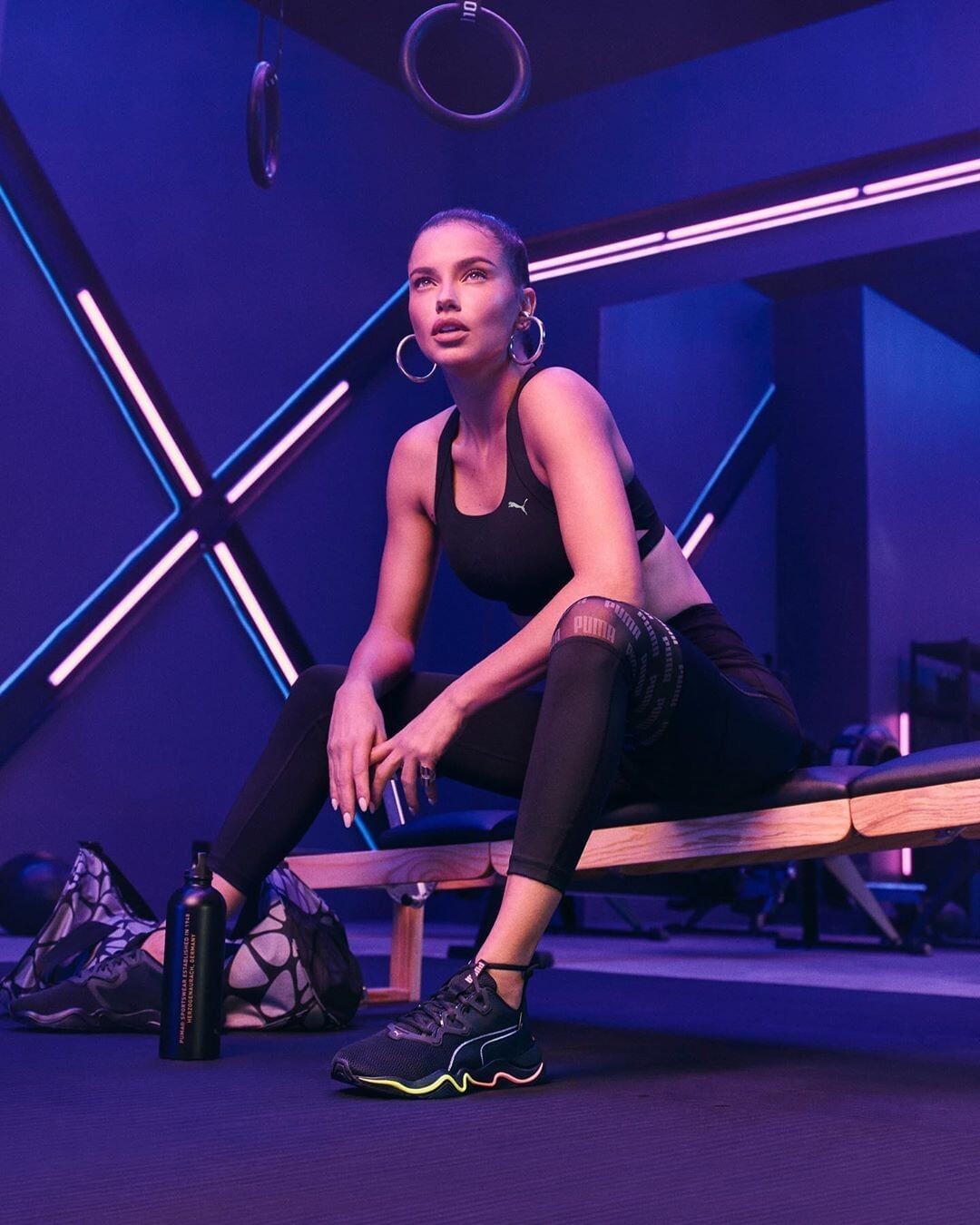
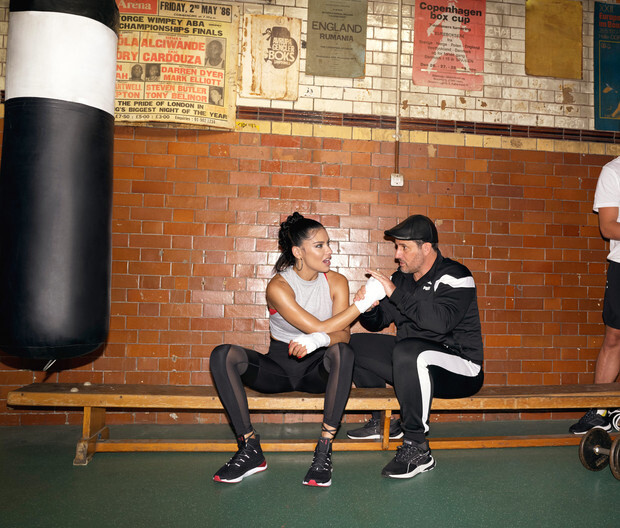
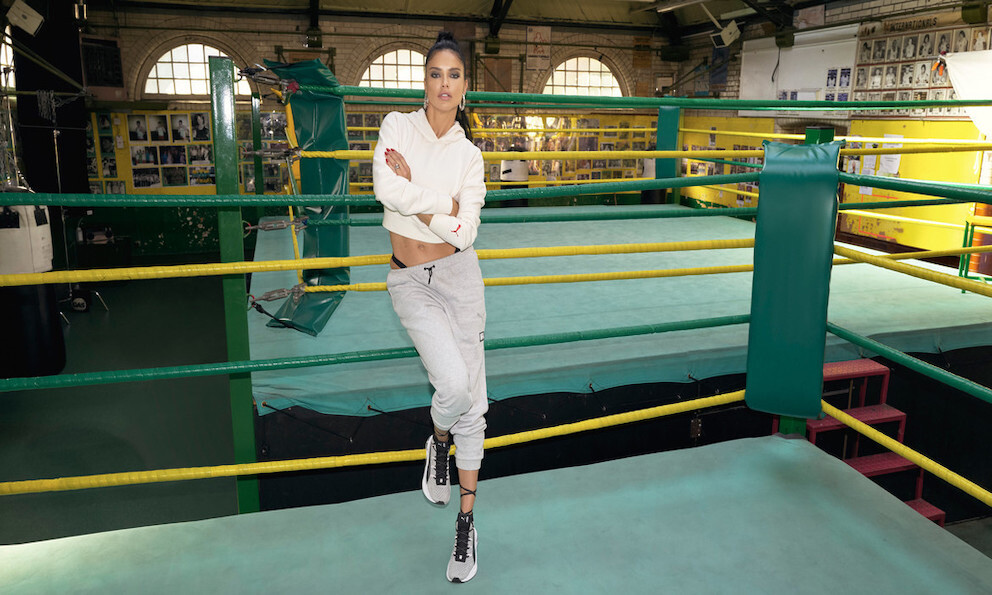
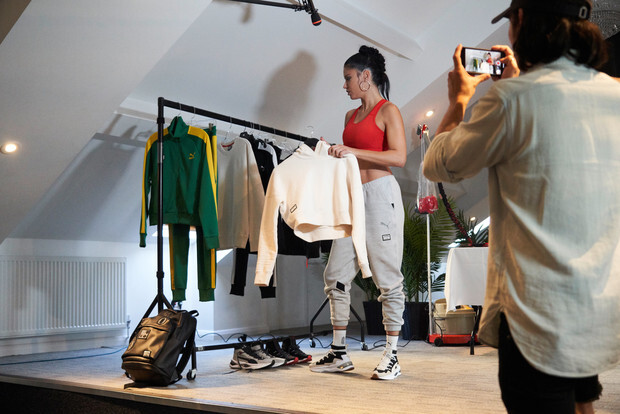
+ 2 from Zone XT campaign

-
https://www.instagram.com/p/B7D3HLblBY5/?igshid=ba5p3d2kos61
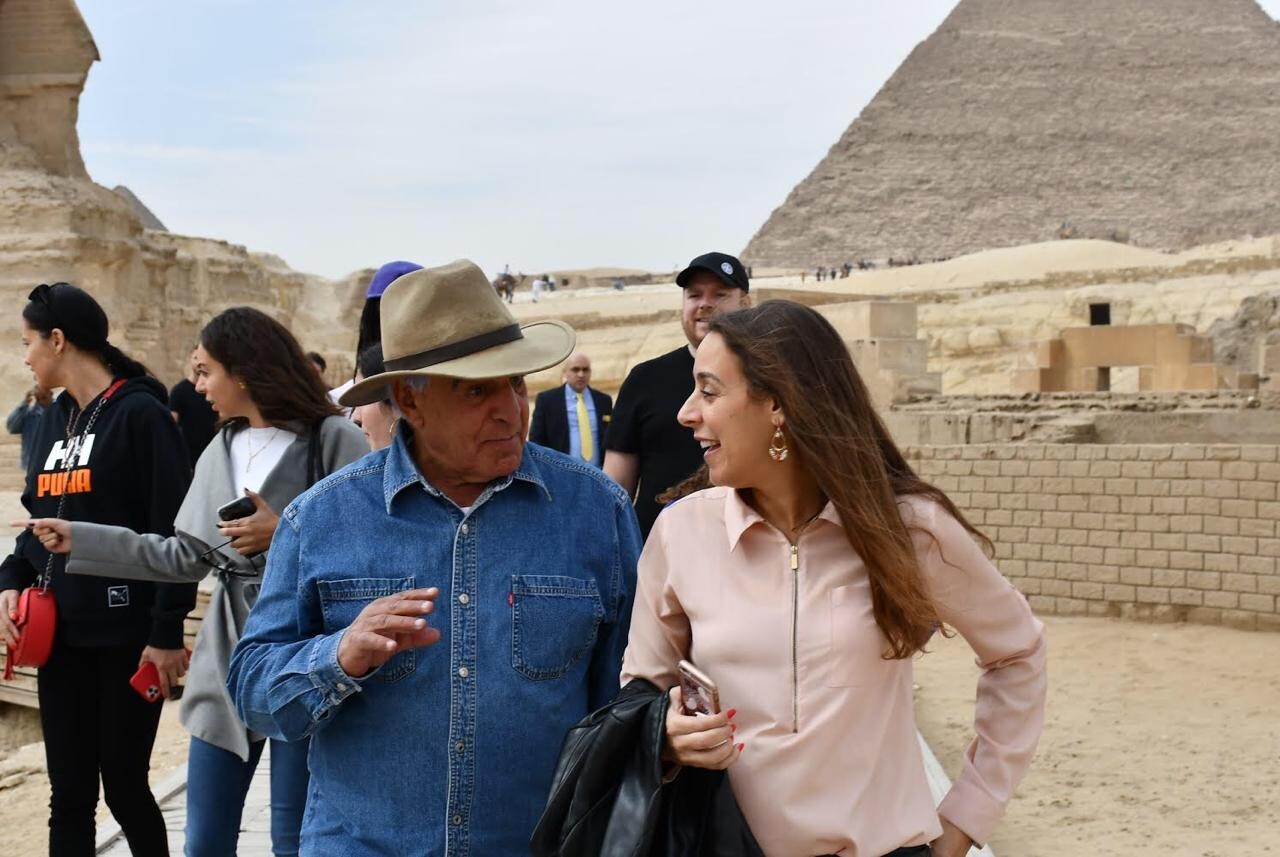
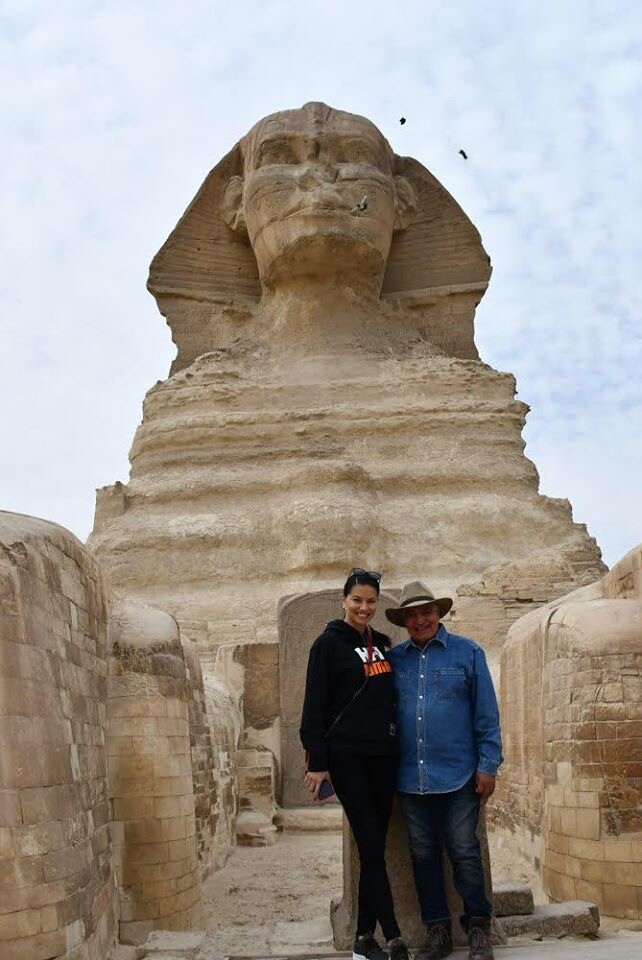
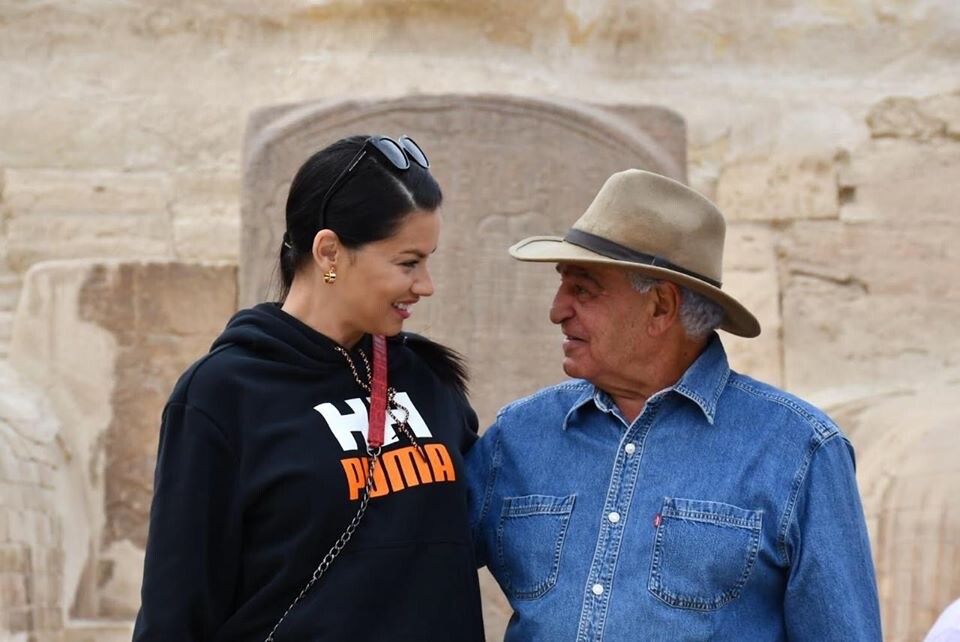
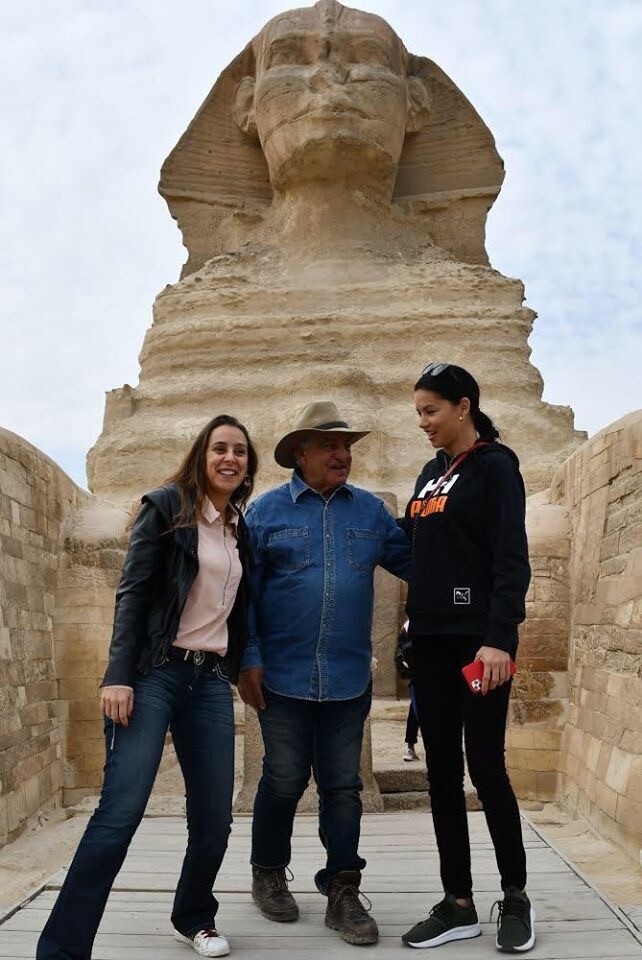
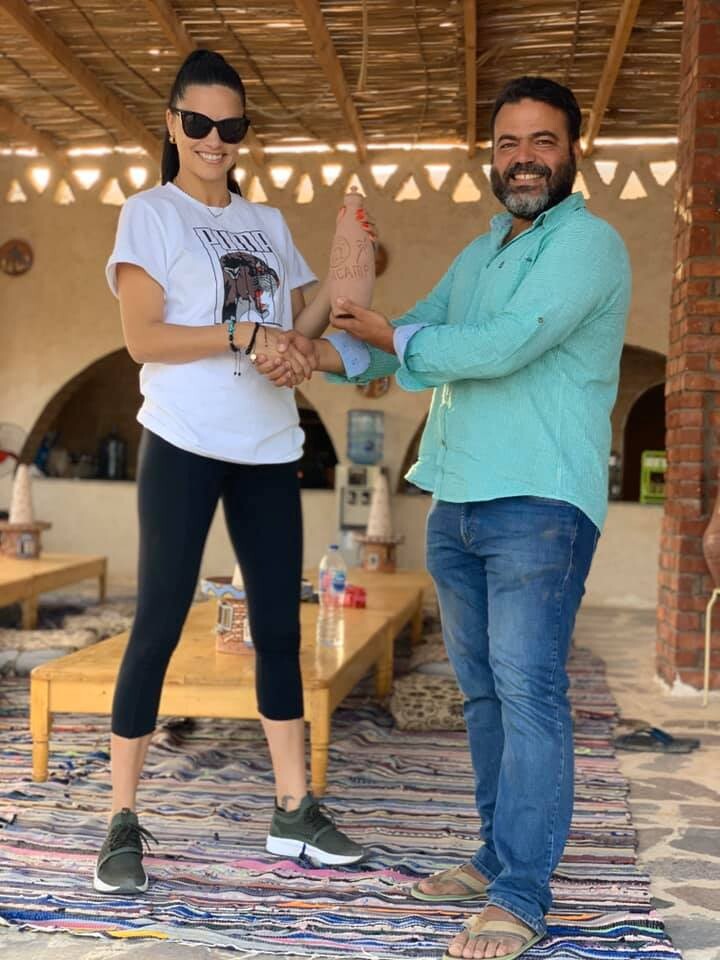
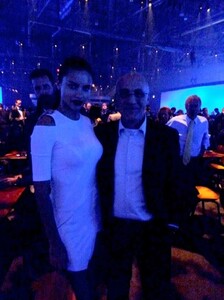 Exactly. That’s what i thought when she deleted her stories last time. I noticed she conected her IG and FB while she was in Egypt with Zahi Hawass’ team but wasn’t hoping to find her deleted stories on FB because my posts automatically got deleted from my FB when i did the same. (PS im not using the latest versions of the apps) I think she kept her stories on FB intentionally, it’s impossible to being unaware of your IG stories are also been posted to FB if your accounts are verified.
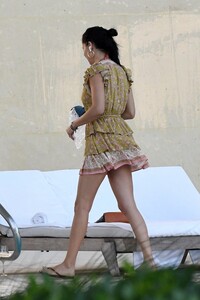
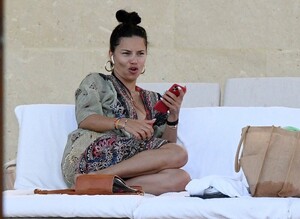
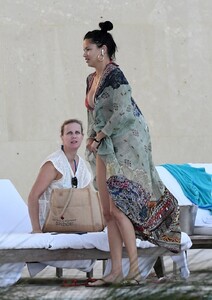
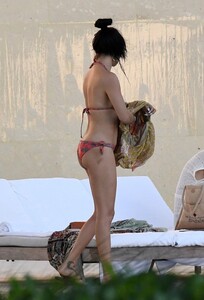
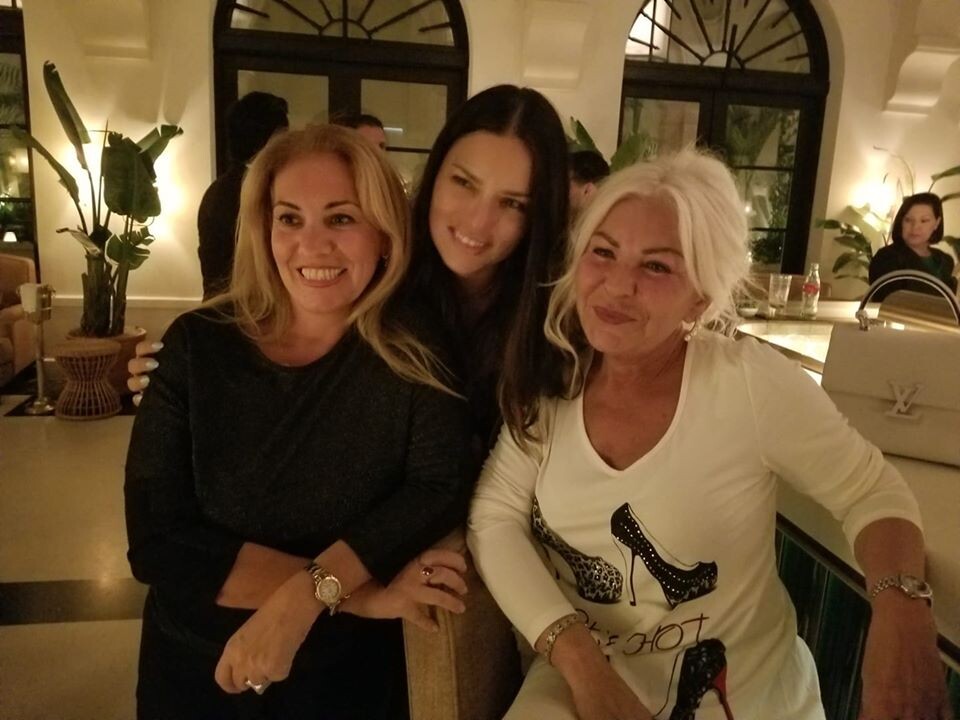
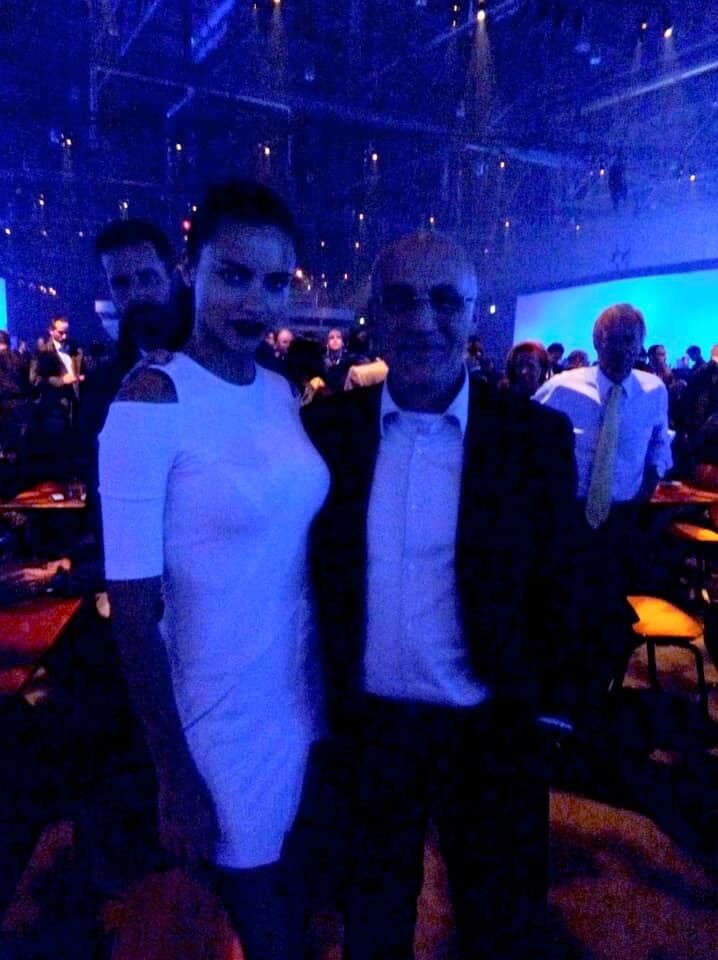
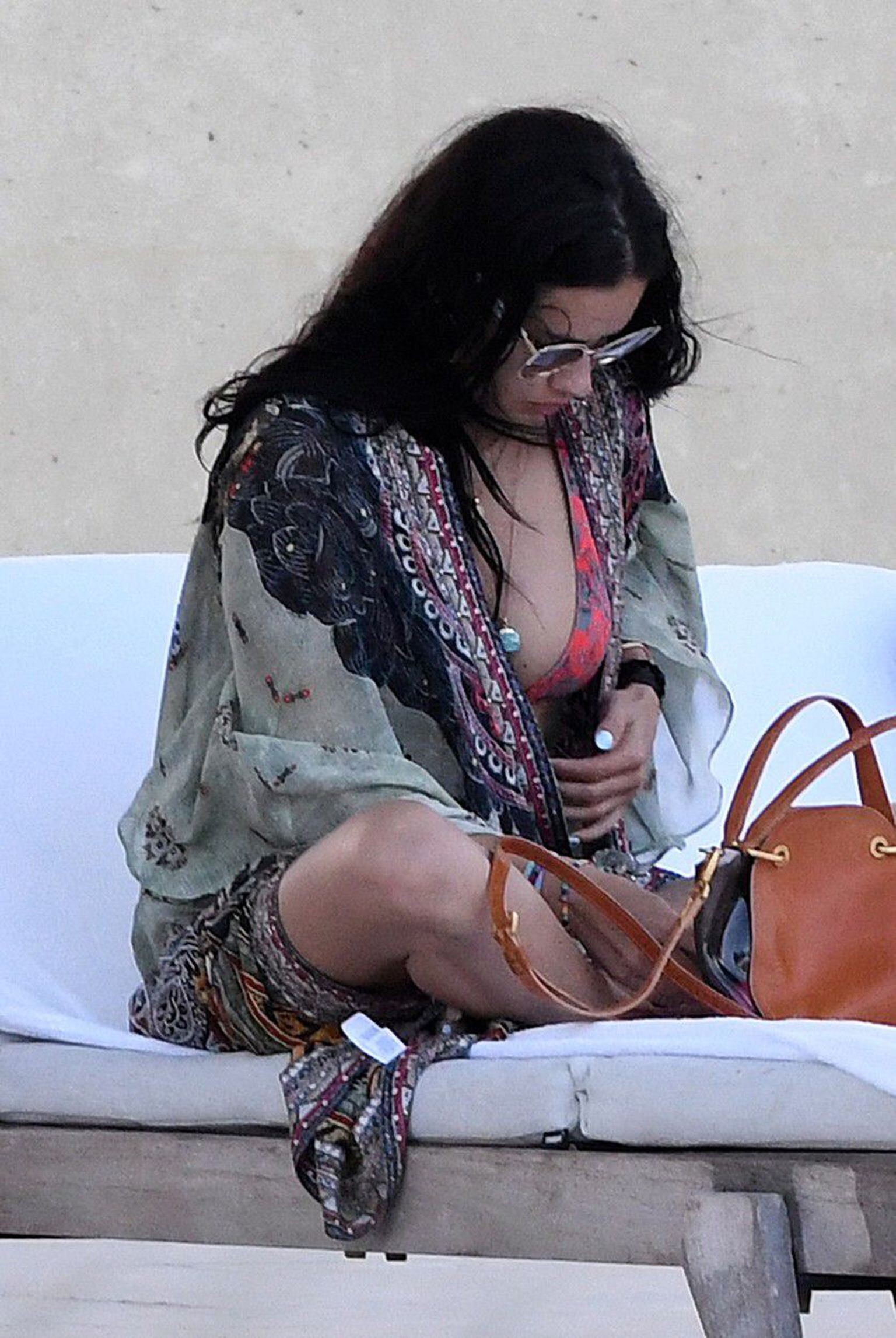
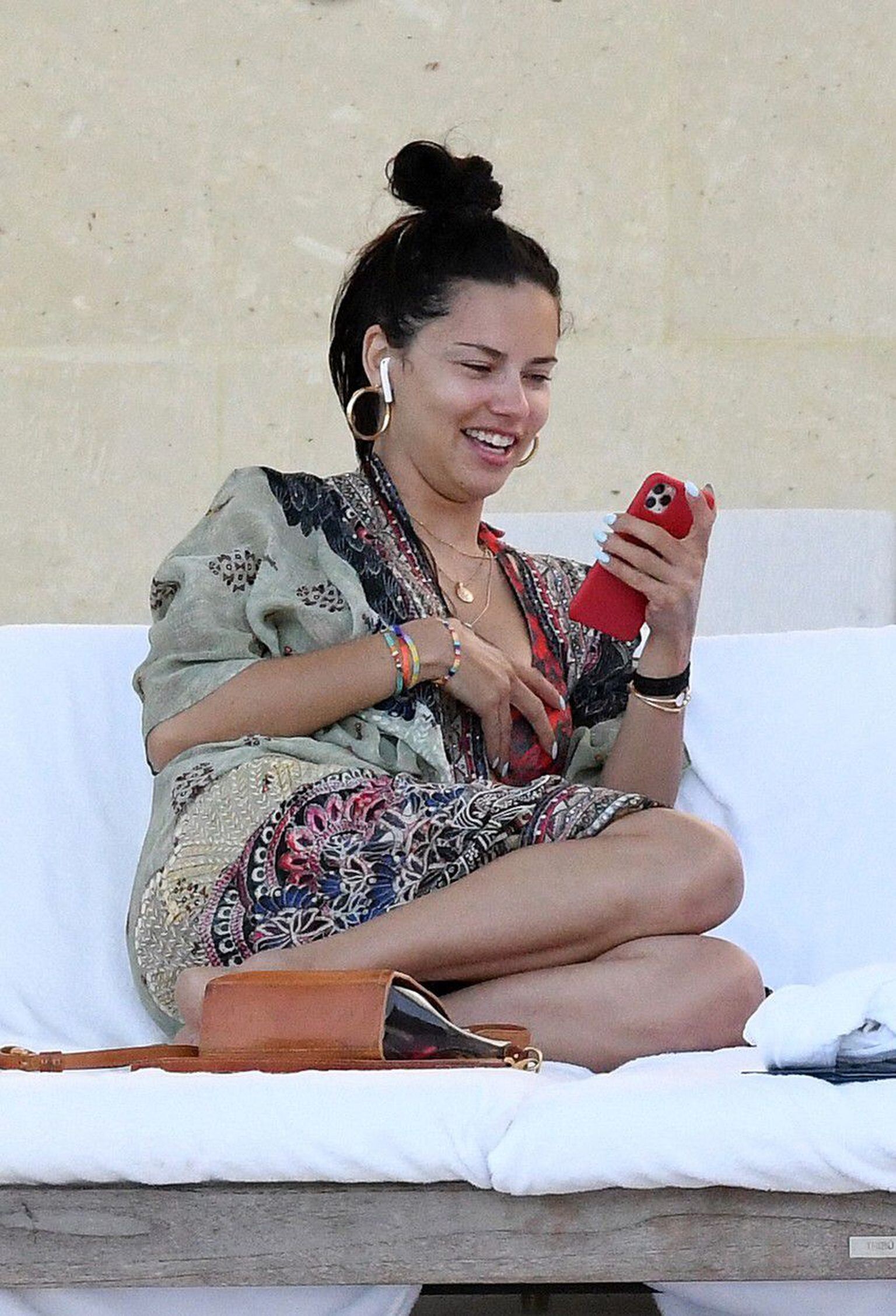
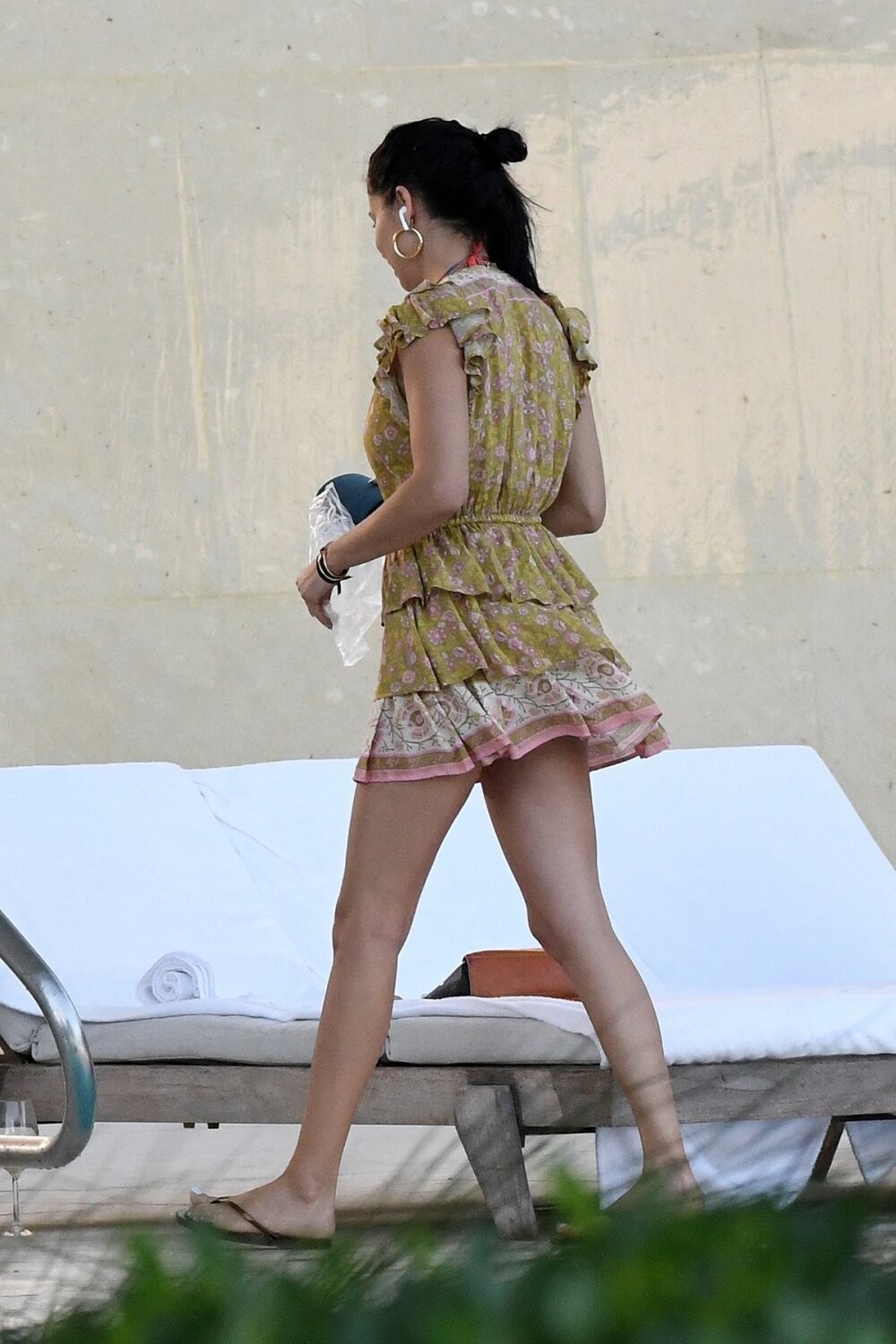
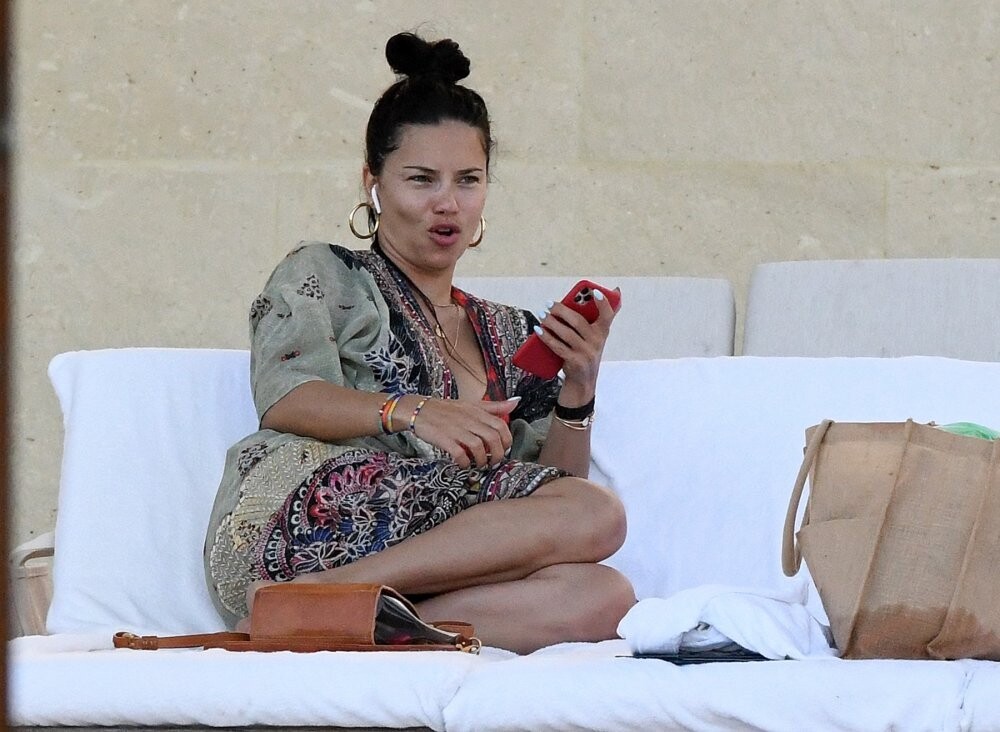
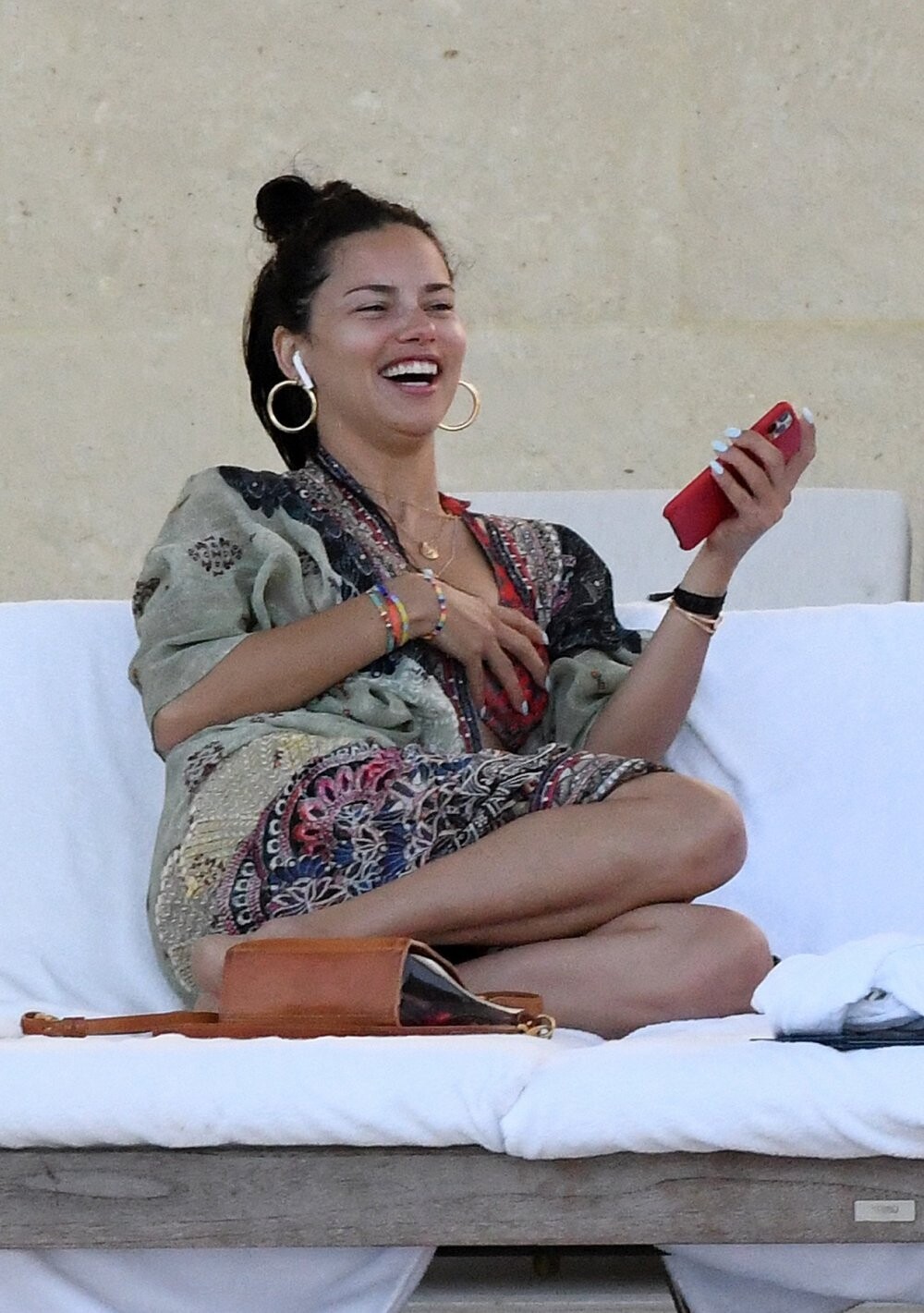
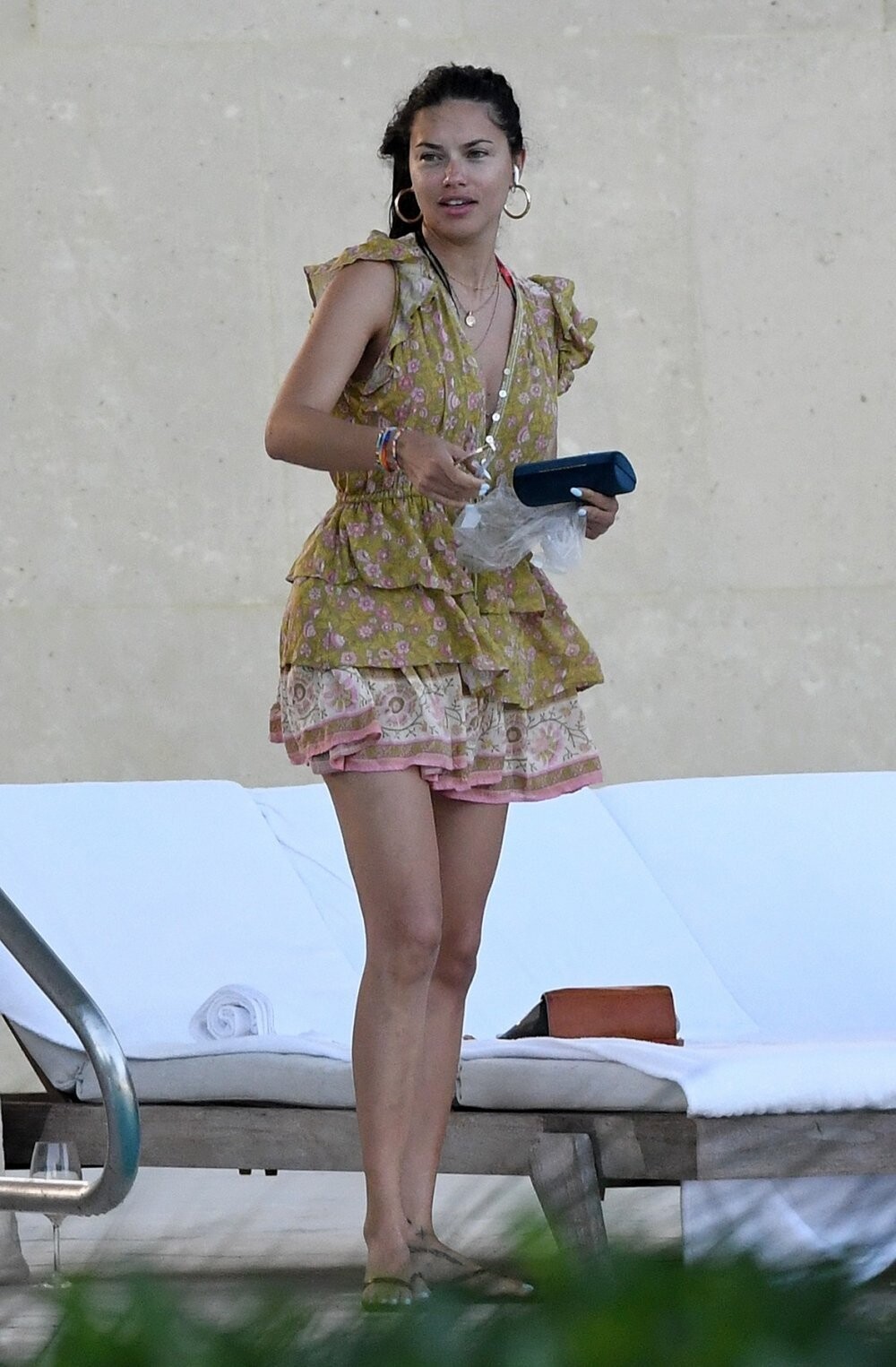
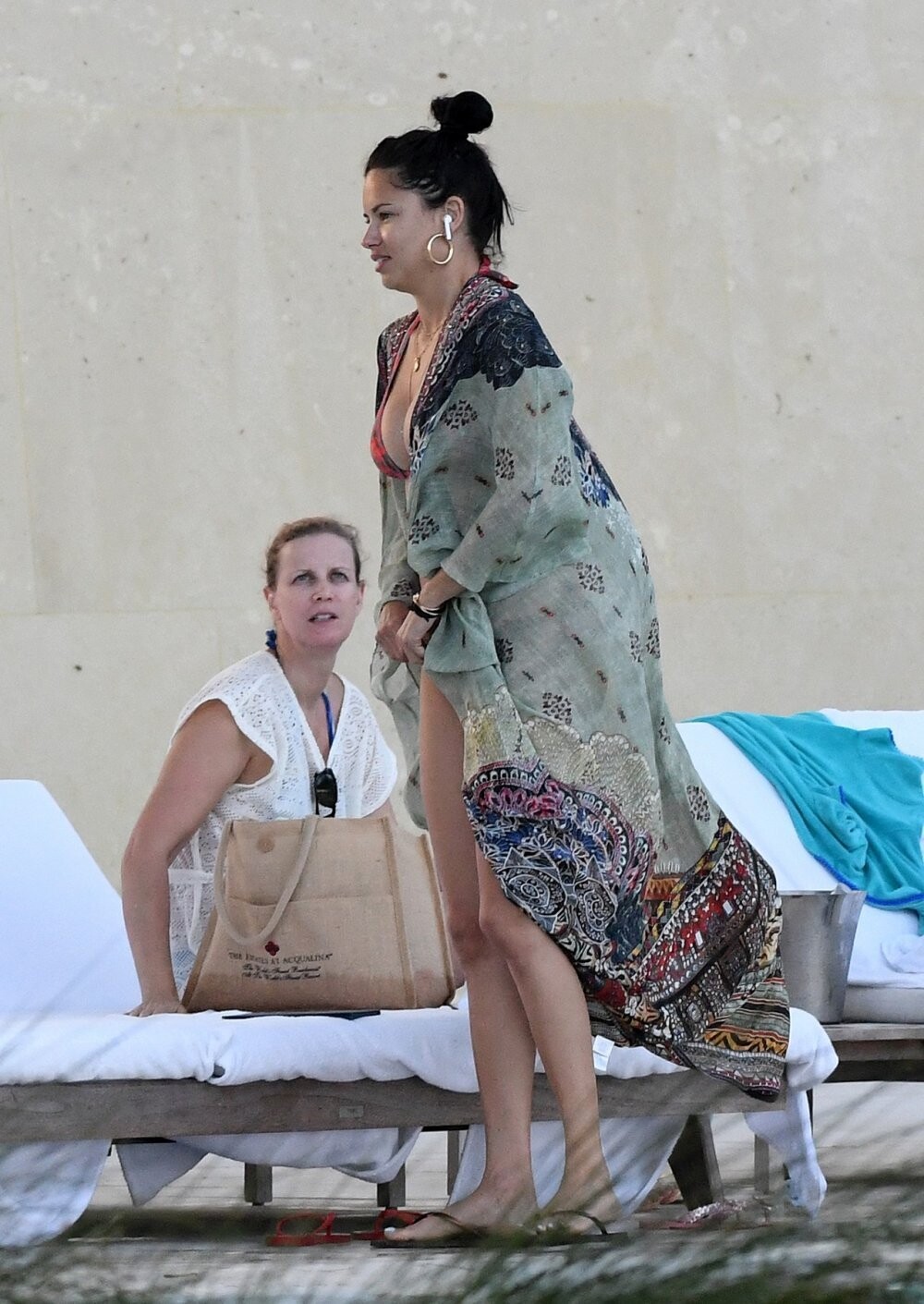
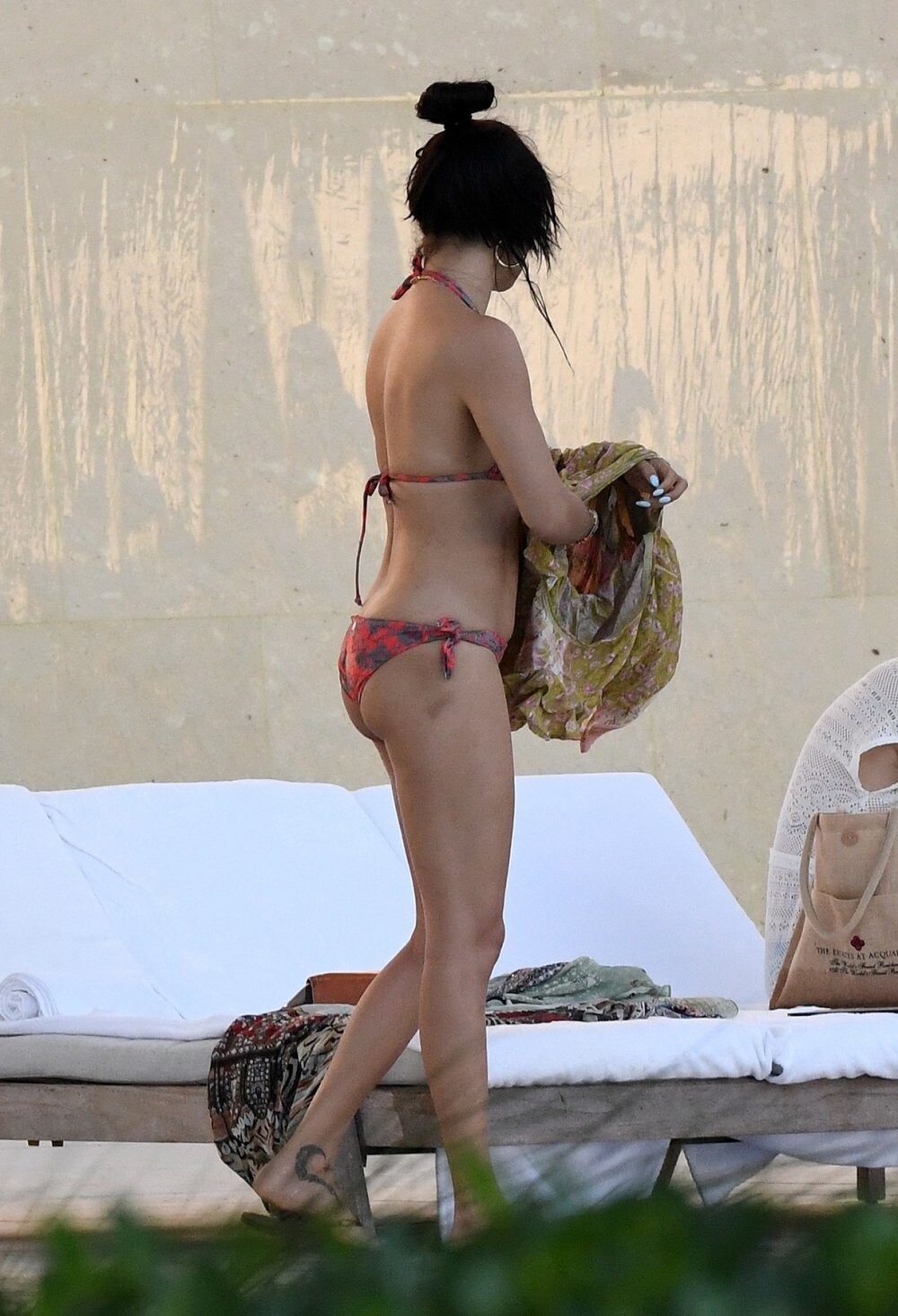
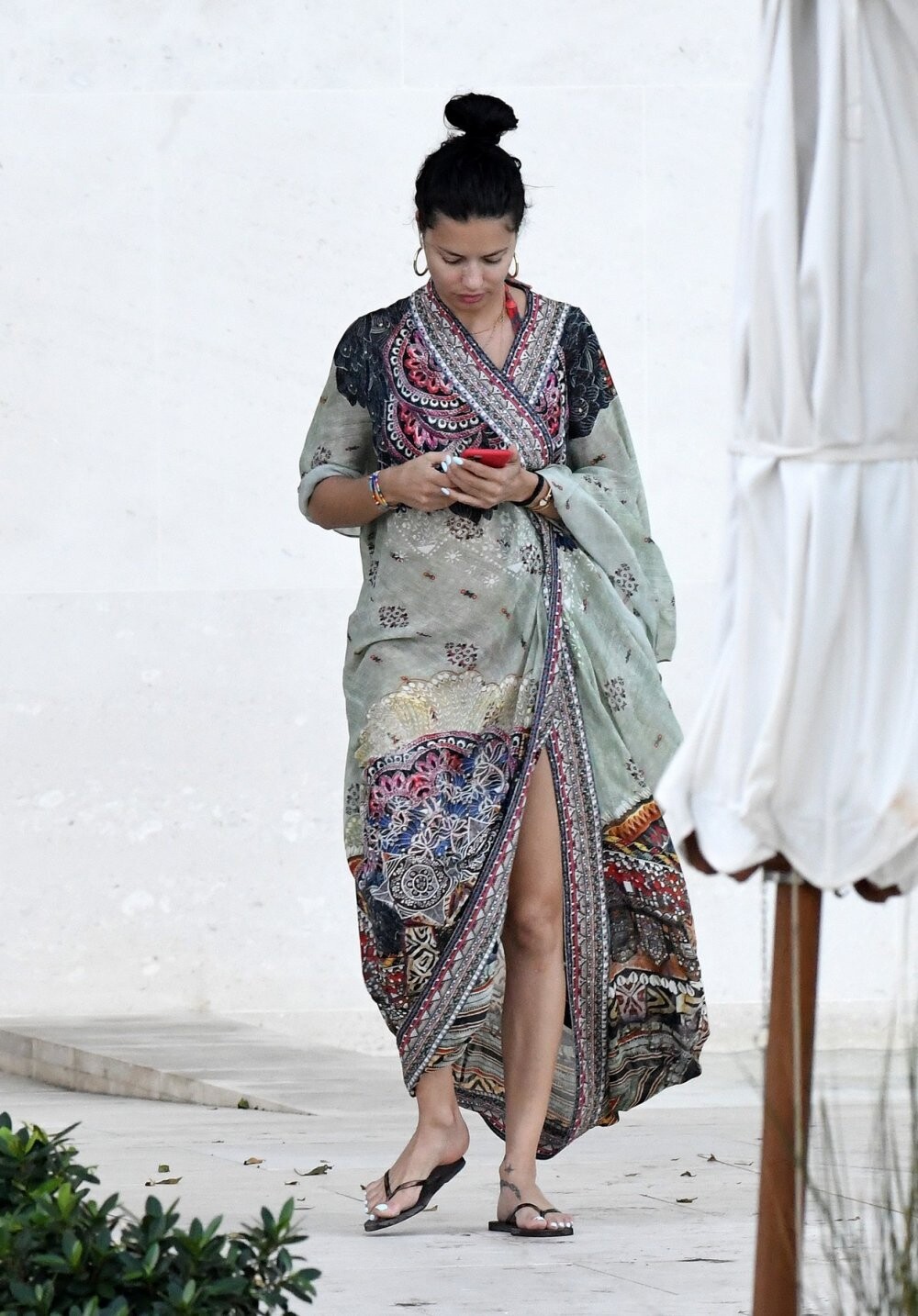
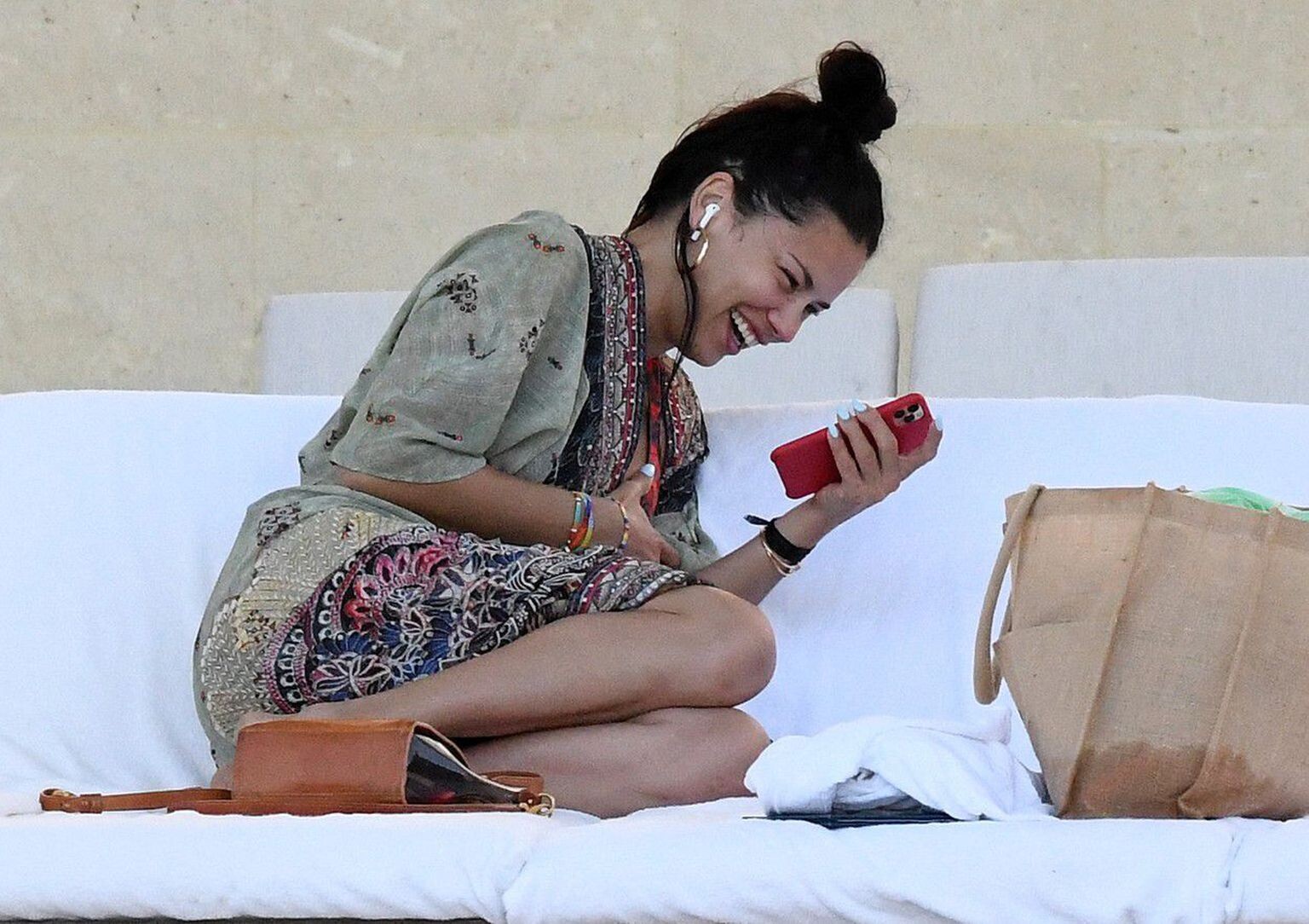
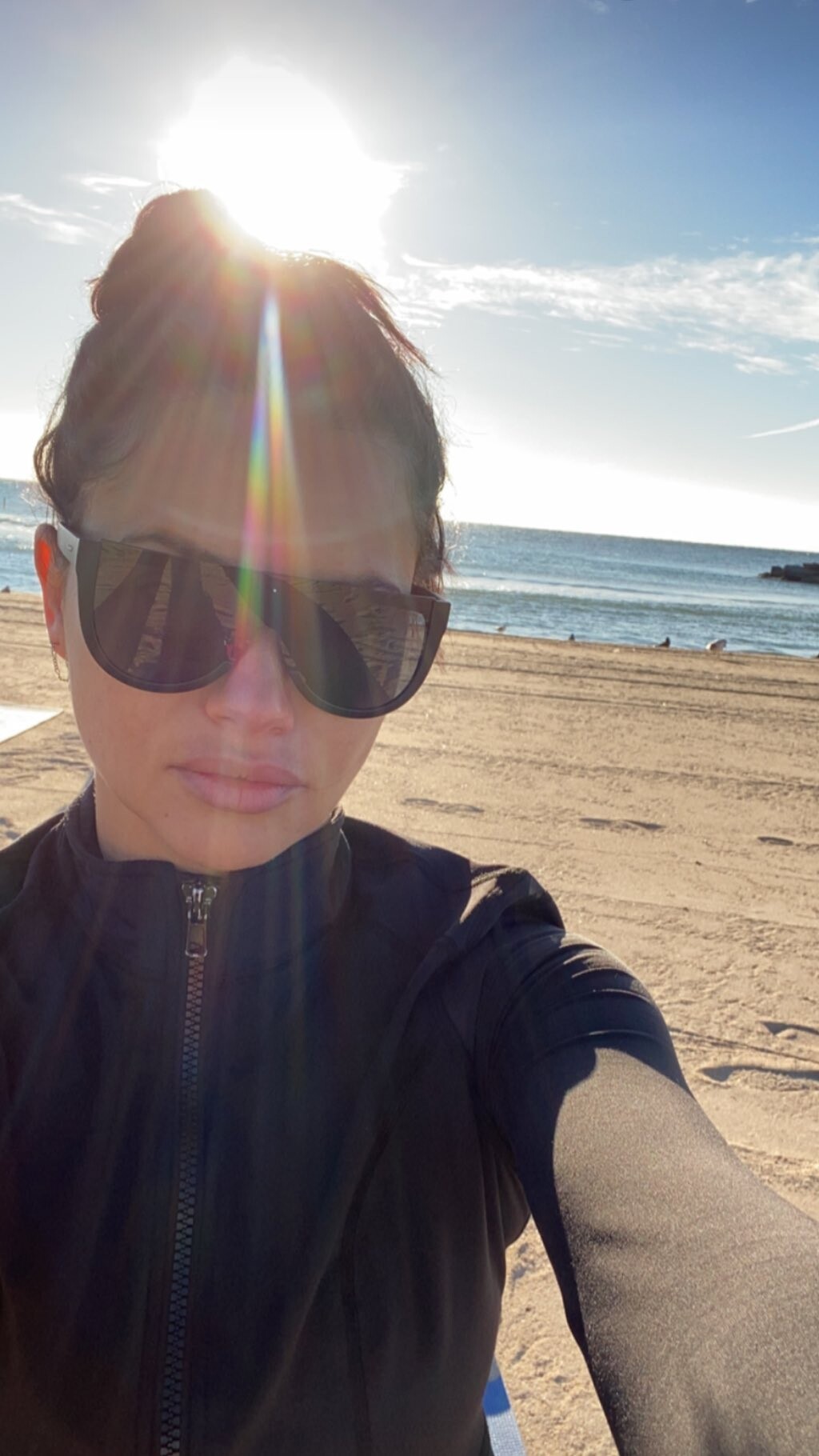
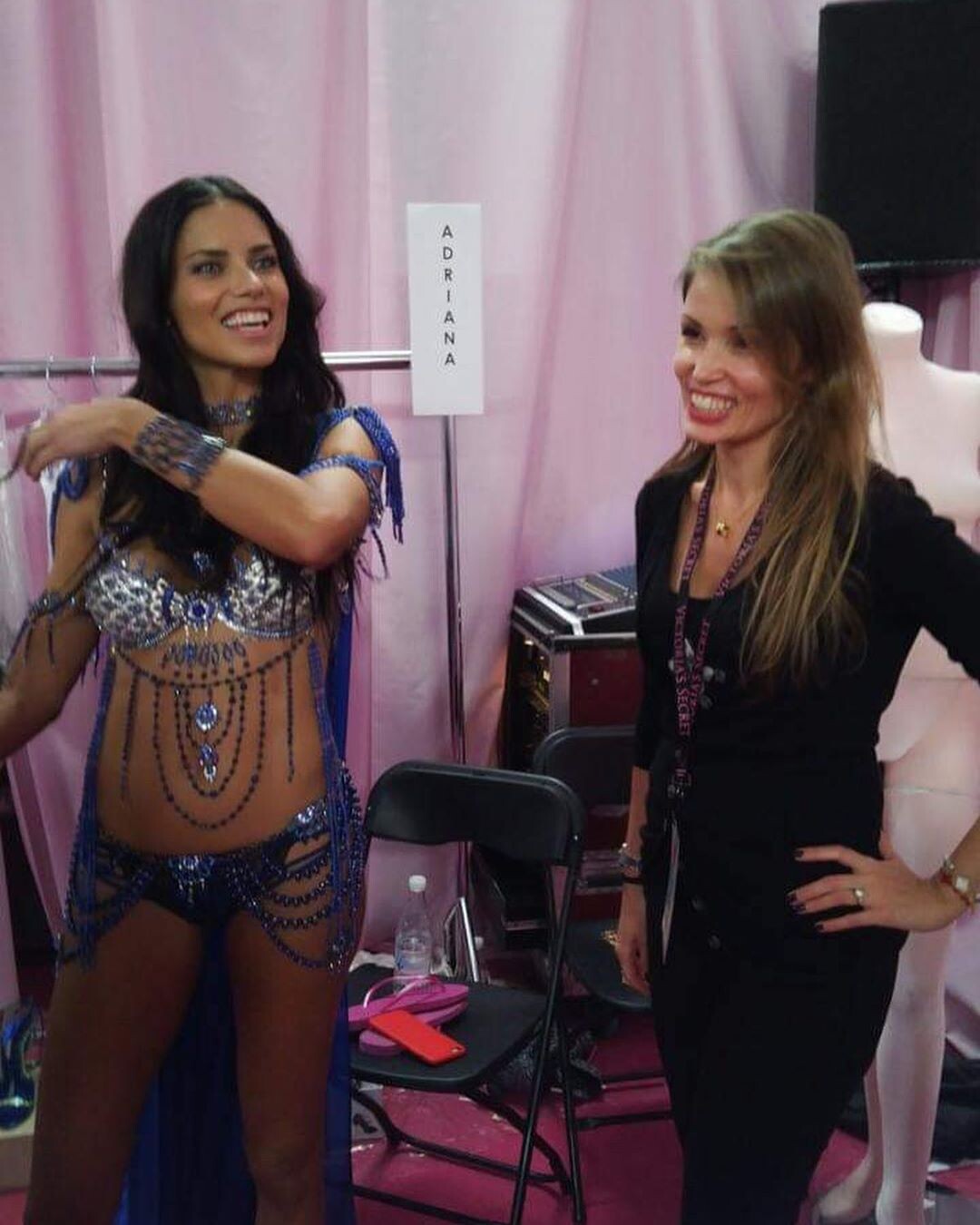
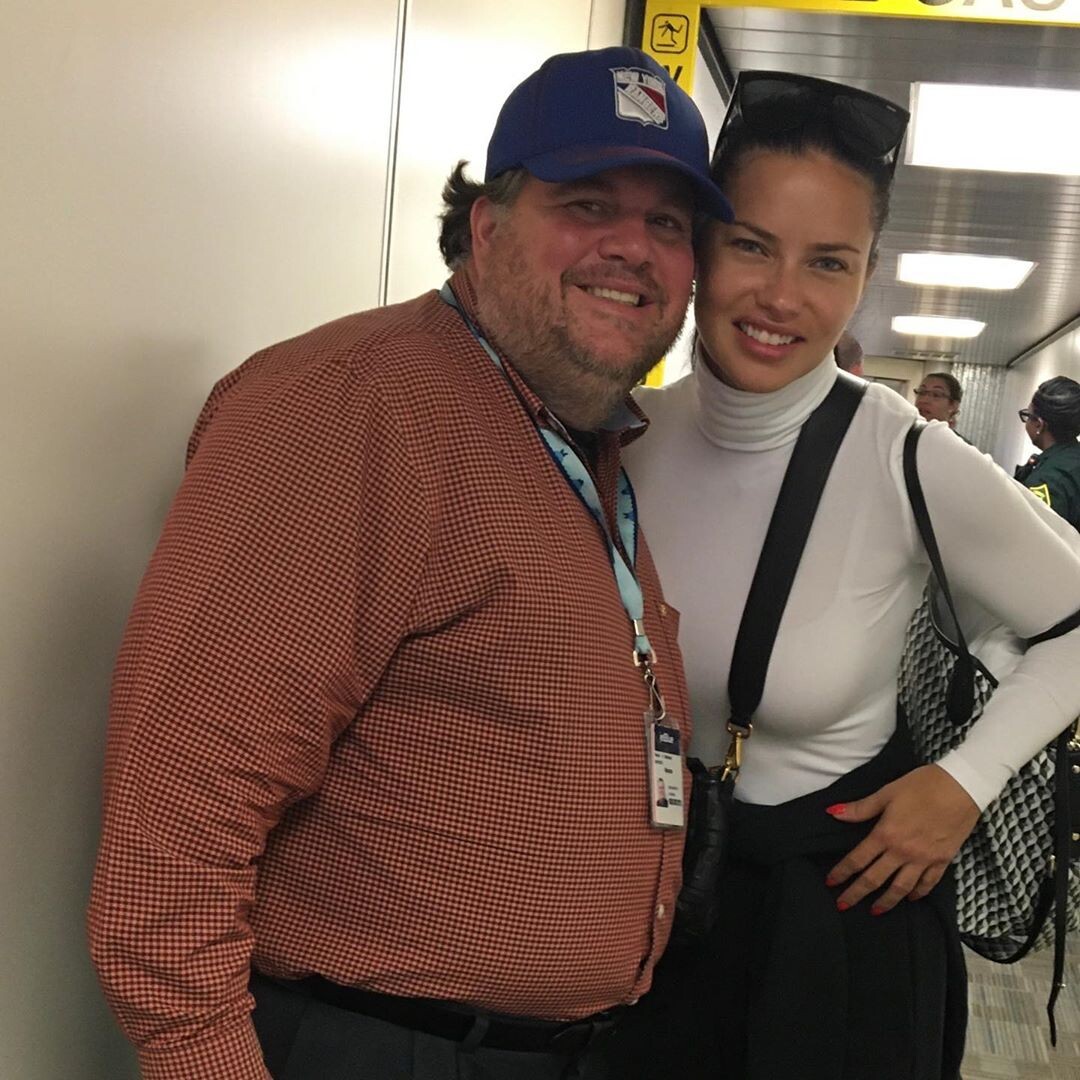
Rest of the set. Very low quality because not posted on celebrity picture forums. (at least yet) From various Croat websites.
Exactly. That’s what i thought when she deleted her stories last time. I noticed she conected her IG and FB while she was in Egypt with Zahi Hawass’ team but wasn’t hoping to find her deleted stories on FB because my posts automatically got deleted from my FB when i did the same. (PS im not using the latest versions of the apps) I think she kept her stories on FB intentionally, it’s impossible to being unaware of your IG stories are also been posted to FB if your accounts are verified.
Rest of the set. Very low quality because not posted on celebrity picture forums. (at least yet) From various Croat websites.
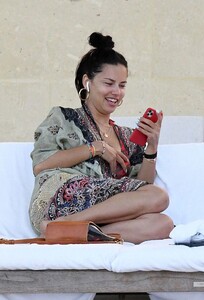


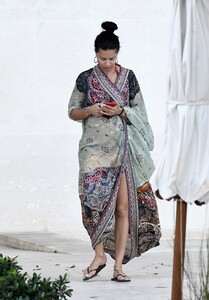
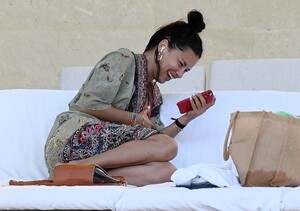


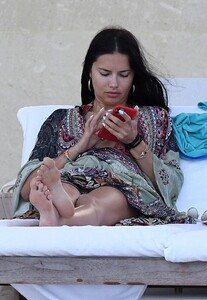
 Adriana Lima's facebook story @lucyford (normally i can dowload them but since she deleted them from actual account she posted (ig) it's not possible, so here is the screen record) OIDAE5684.mp4 TETPE4418.mp4
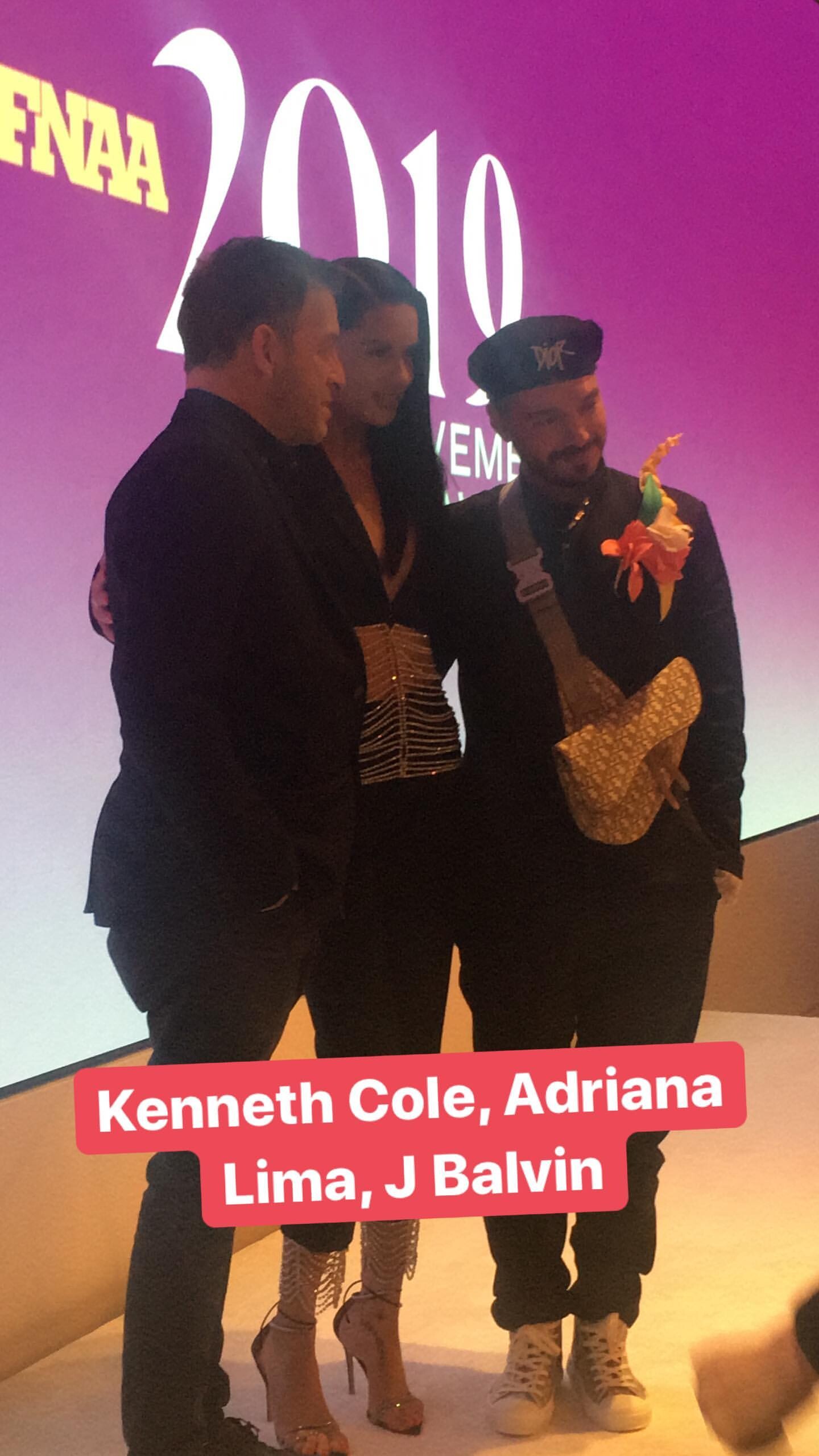
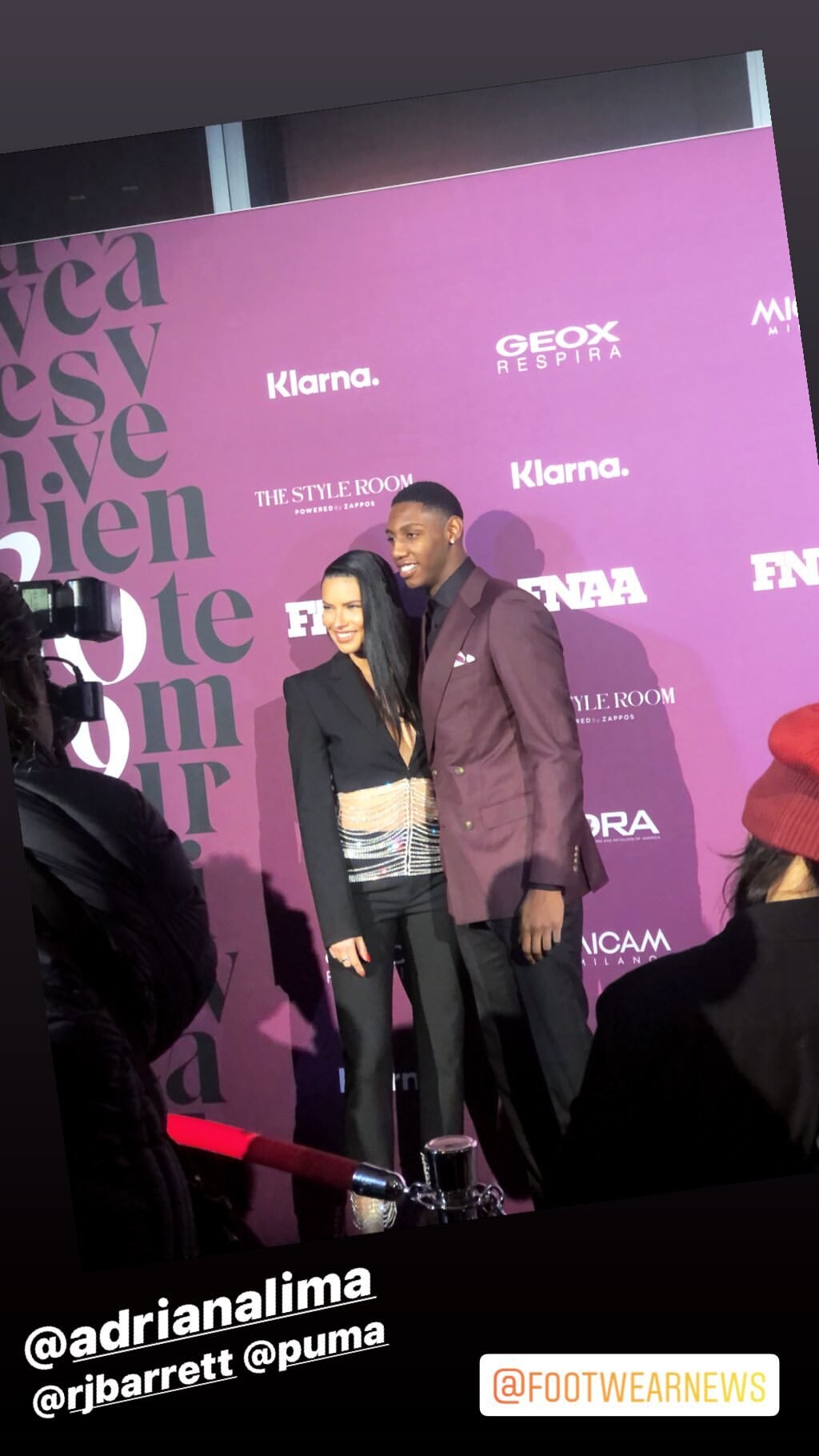
Adriana Lima's deleted ig story
Adriana Lima's facebook story @lucyford (normally i can dowload them but since she deleted them from actual account she posted (ig) it's not possible, so here is the screen record) OIDAE5684.mp4 TETPE4418.mp4
Adriana Lima's deleted ig story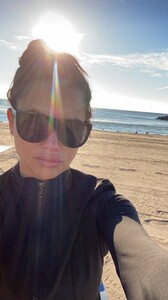 ok. i managed to find
OH NOO i was hoping you did
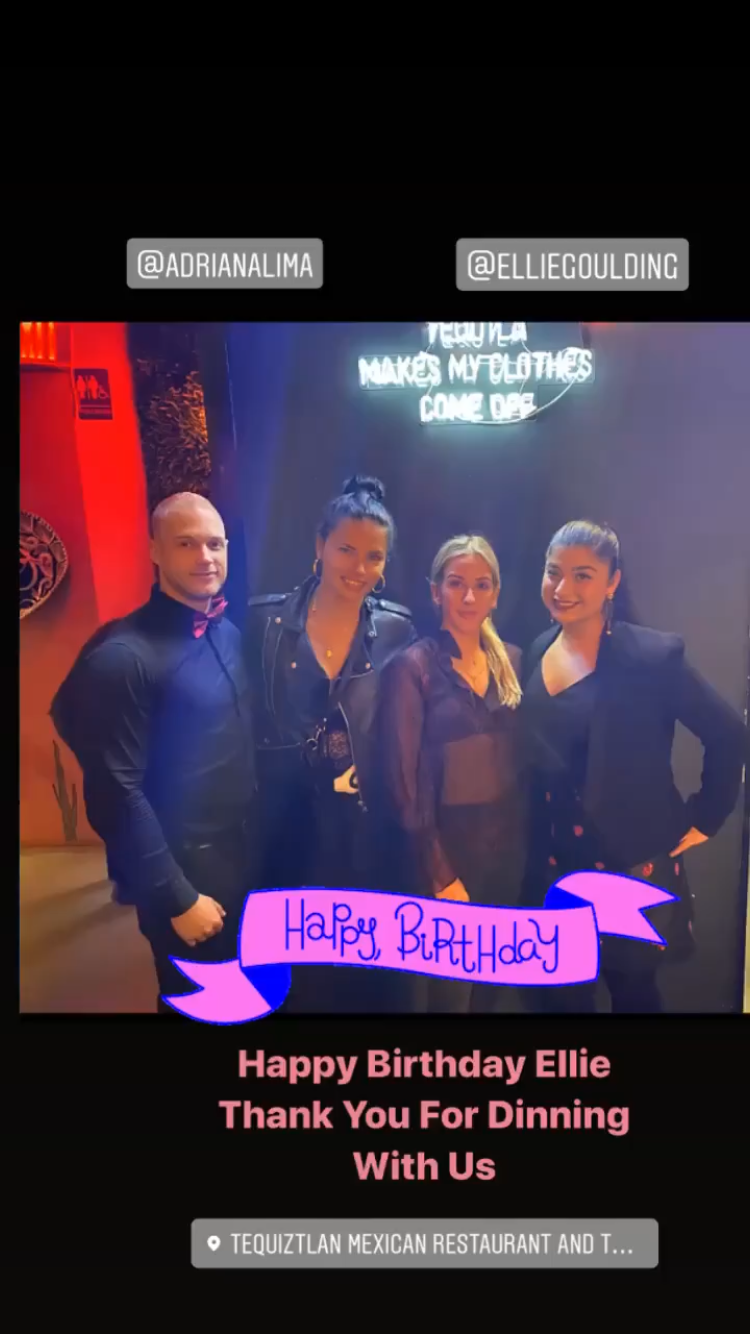
Posted on friday night, tequiztlan ig story
ok. i managed to find
OH NOO i was hoping you did
Posted on friday night, tequiztlan ig story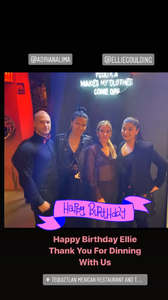 She is Graça’s niece https://instagram.com/tteteti?igshid=t1vl02nyzgf2
Maybelline ig story maybelline_76499992_828679920915502_7233498554756438016_n.mp4
https://www.instagram.com/p/B6RPmgyh3Zi/?igshid=1i6b4p07wvc1d
She is Graça’s niece https://instagram.com/tteteti?igshid=t1vl02nyzgf2
Maybelline ig story maybelline_76499992_828679920915502_7233498554756438016_n.mp4
https://www.instagram.com/p/B6RPmgyh3Zi/?igshid=1i6b4p07wvc1d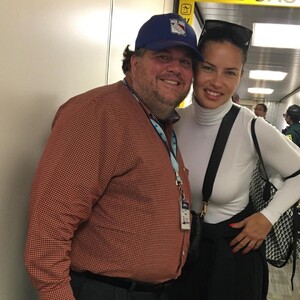 facebook/Hashim Morsy https://www.facebook.com/photo.php?fbid=10218807770842155&set=a.3614228791172&type=3&theater https://www.facebook.com/photo.php?fbid=10218816311775673&set=a.3614228791172&type=3&theater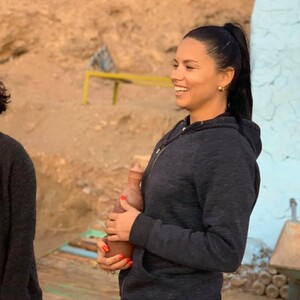
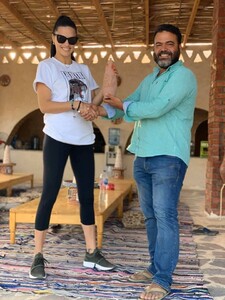 https://www.instagram.com/p/B5o9lpxhzoJ/?igshid=of47rm99aol8
 https://www.instagram.com/p/B5osp-wlSTK/?igshid=99zaunemk1vy
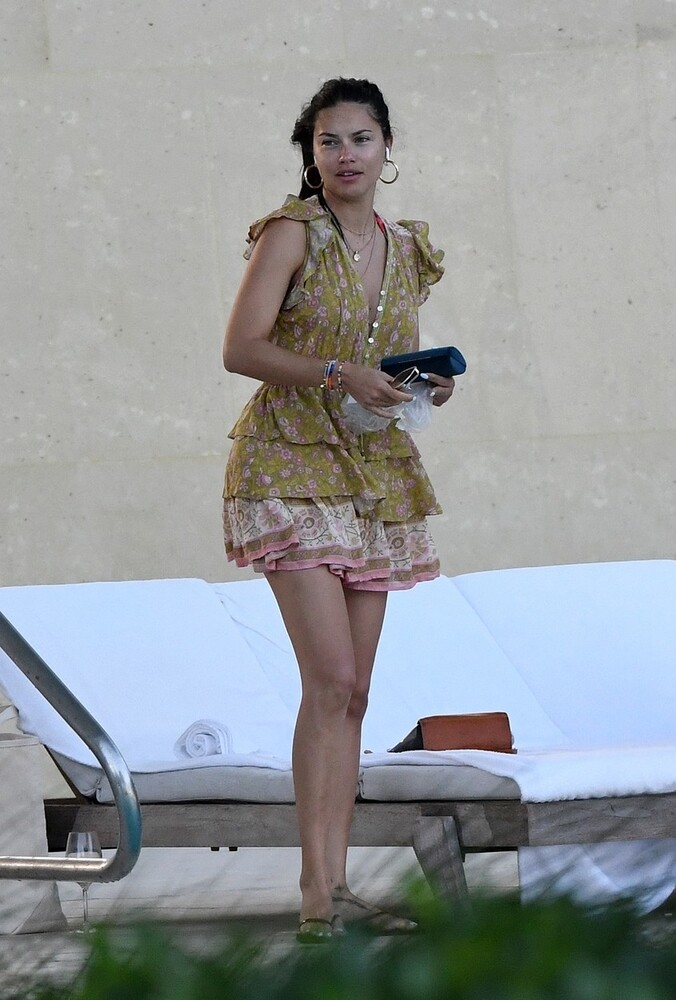
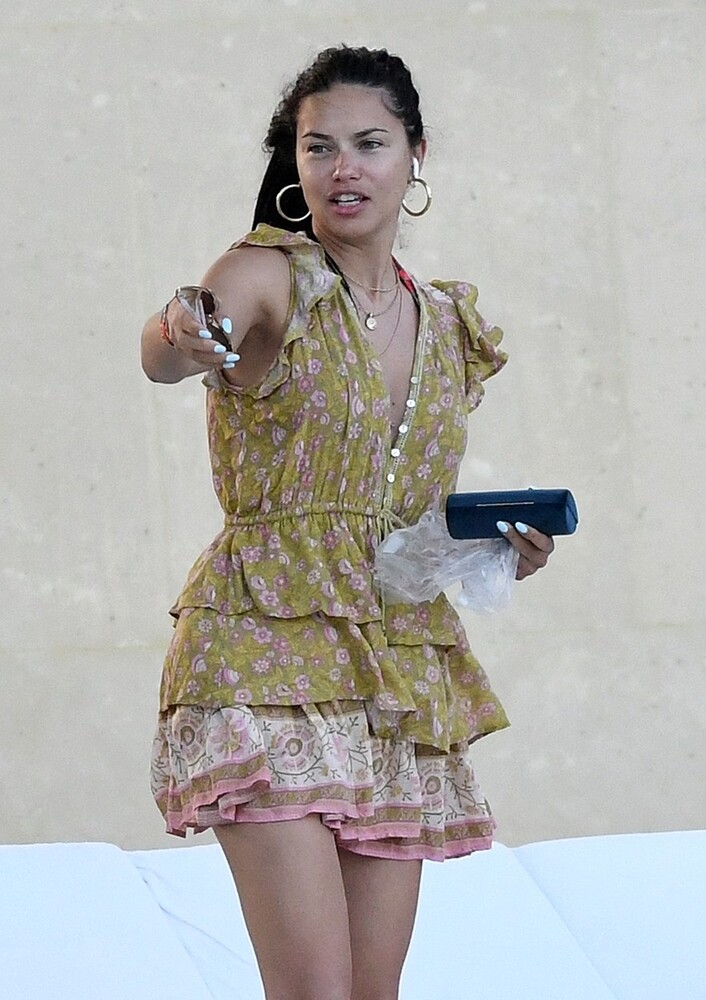
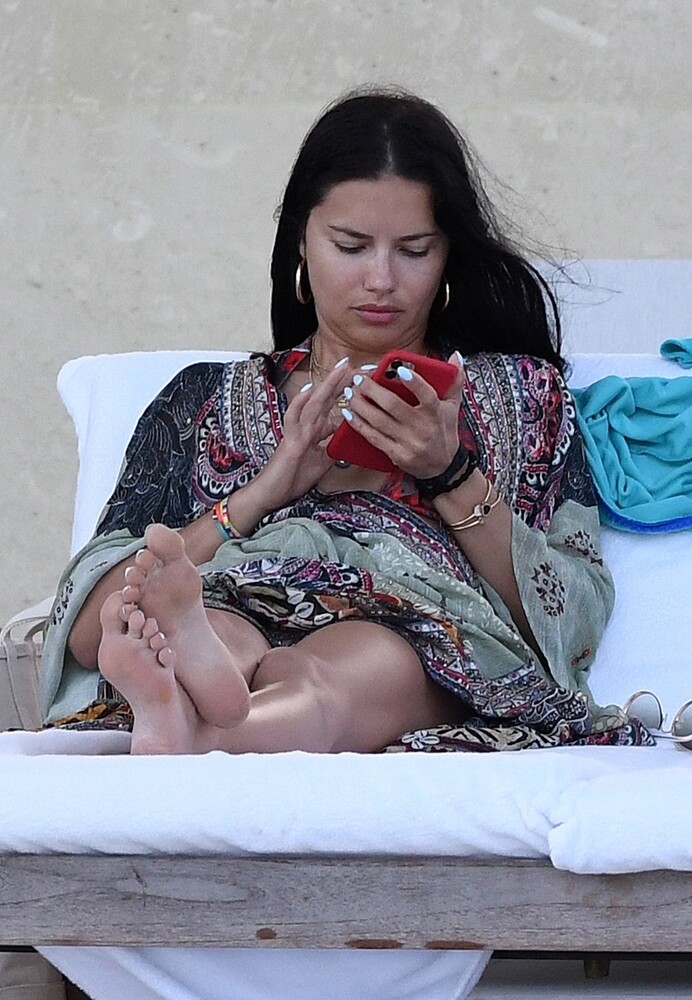
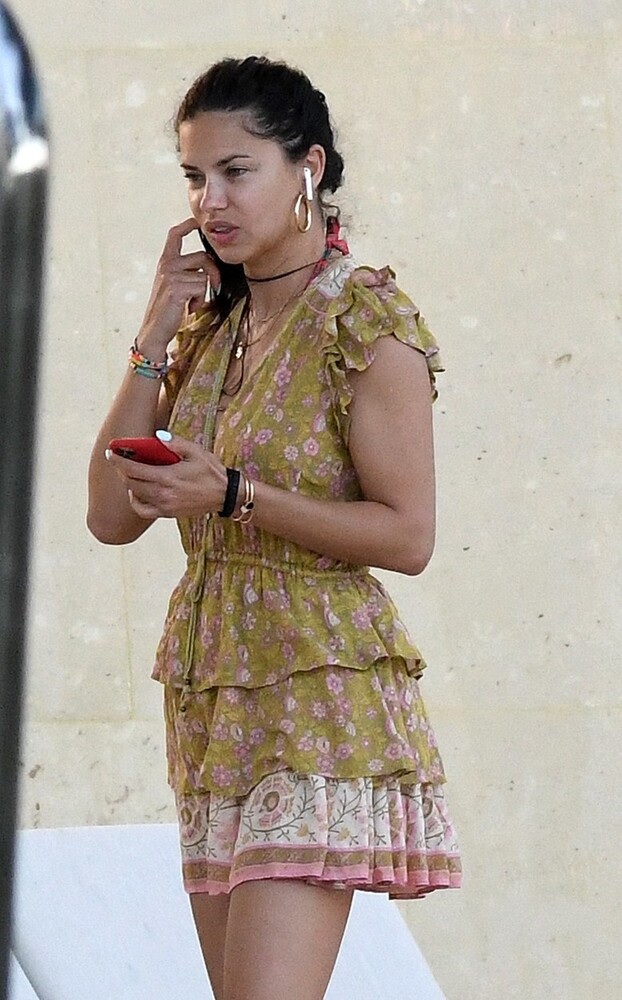

.jpg.5cbcc2e16e6a0d0b8ec920d754dead5f.jpg)

Account
Search
Configure browser push notifications
Chrome (Android)
- Tap the lock icon next to the address bar.
- Tap Permissions → Notifications.
- Adjust your preference.
Chrome (Desktop)
- Click the padlock icon in the address bar.
- Select Site settings.
- Find Notifications and adjust your preference.
Safari (iOS 16.4+)
- Ensure the site is installed via Add to Home Screen.
- Open Settings App → Notifications.
- Find your app name and adjust your preference.
Safari (macOS)
- Go to Safari → Preferences.
- Click the Websites tab.
- Select Notifications in the sidebar.
- Find this website and adjust your preference.
Edge (Android)
- Tap the lock icon next to the address bar.
- Tap Permissions.
- Find Notifications and adjust your preference.
Edge (Desktop)
- Click the padlock icon in the address bar.
- Click Permissions for this site.
- Find Notifications and adjust your preference.
Firefox (Android)
- Go to Settings → Site permissions.
- Tap Notifications.
- Find this site in the list and adjust your preference.
Firefox (Desktop)
- Open Firefox Settings.
- Search for Notifications.
- Find this site in the list and adjust your preference.