ser_franklin
Members
-
Joined
-
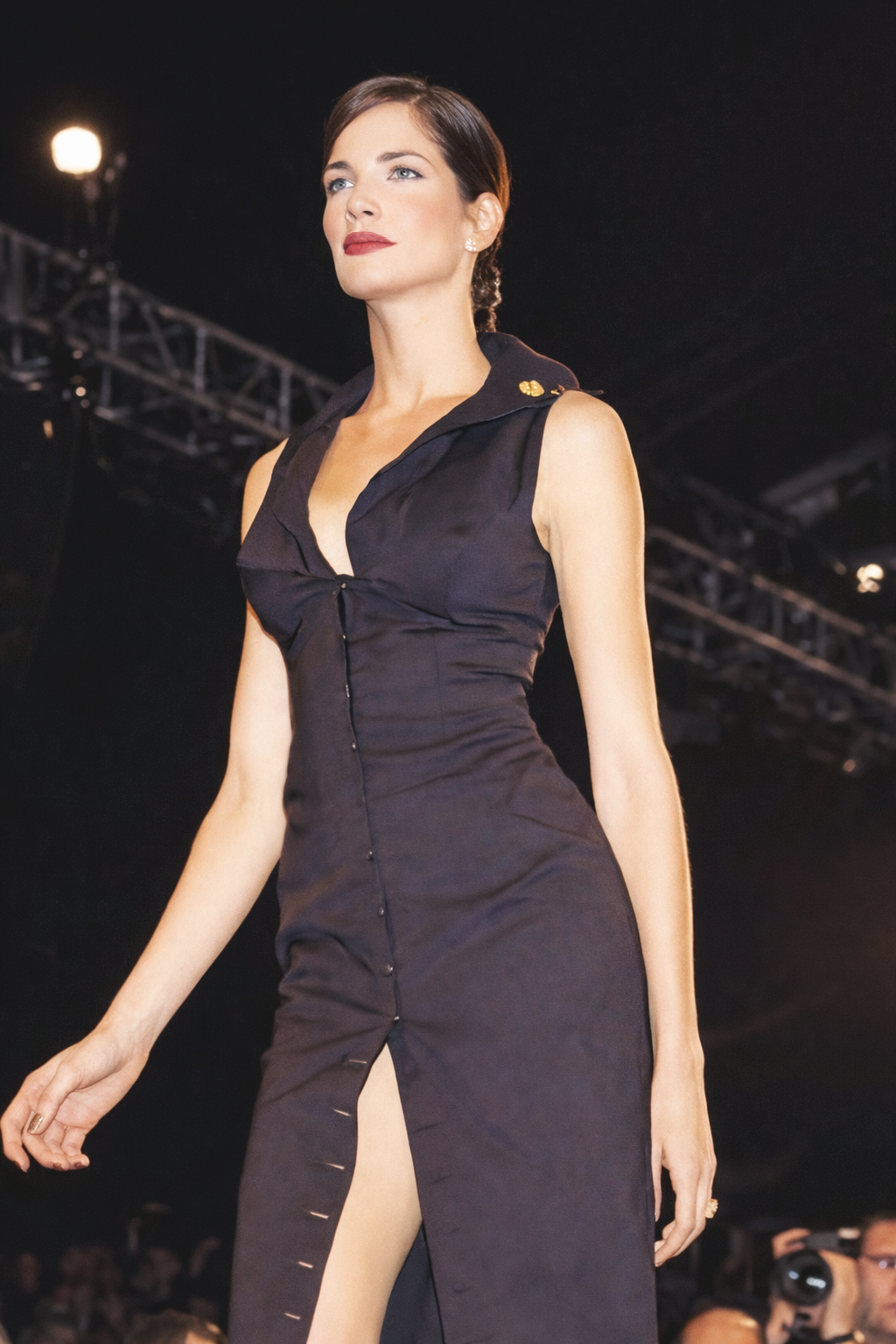
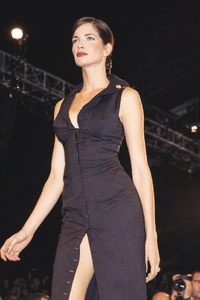
Stephanie Seymour for Richard Tyler, ready-to-wear, spring/summer 1995
-
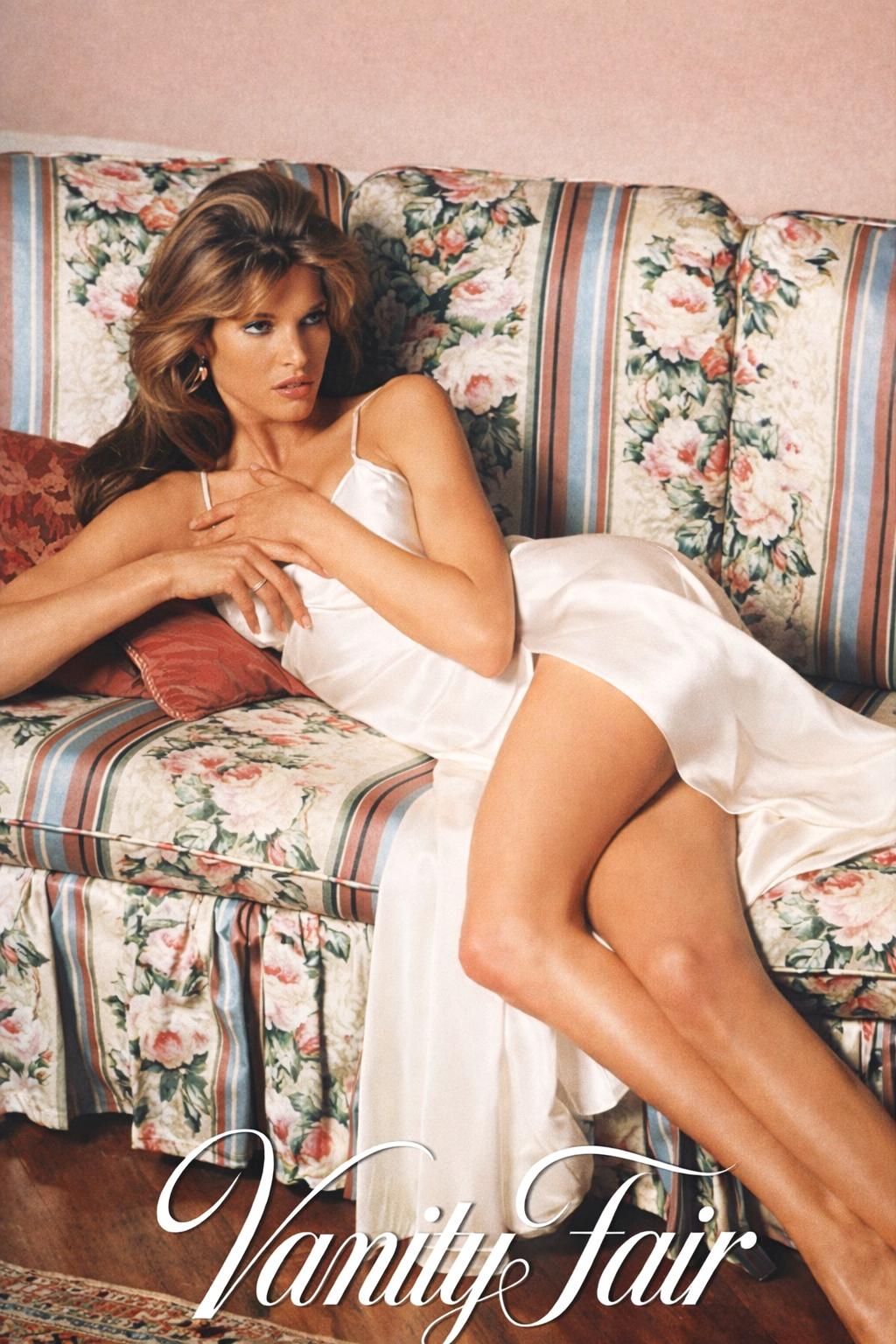
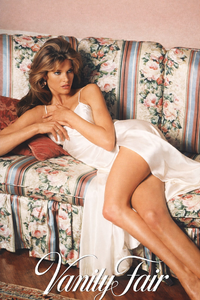
Stephanie Seymour for Vanity Fair, 1993
-
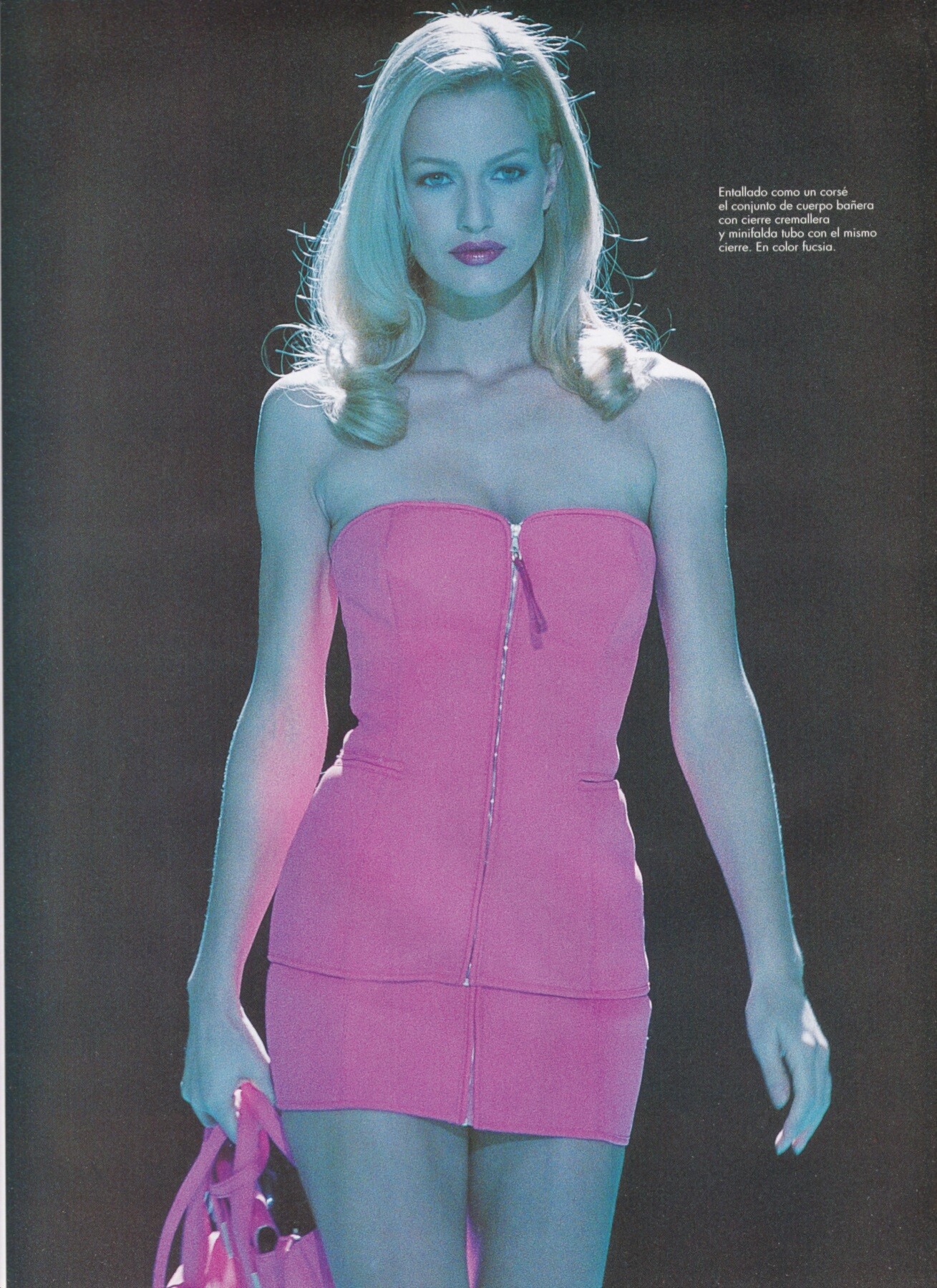
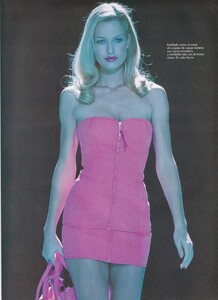
Karen Mulder for Gianfranco Ferre', ready-to-wear, spring/summer 1995 my scan
-
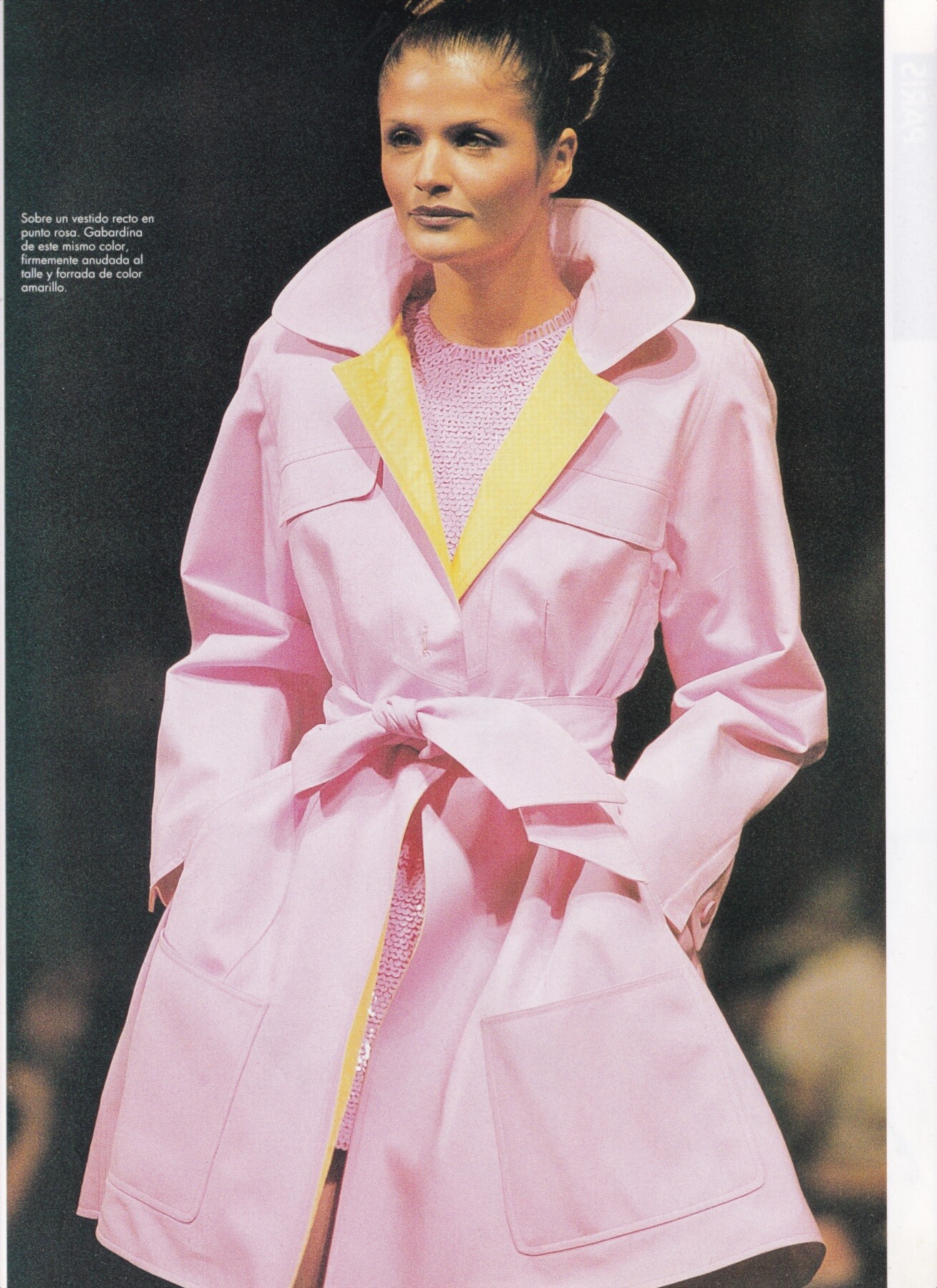
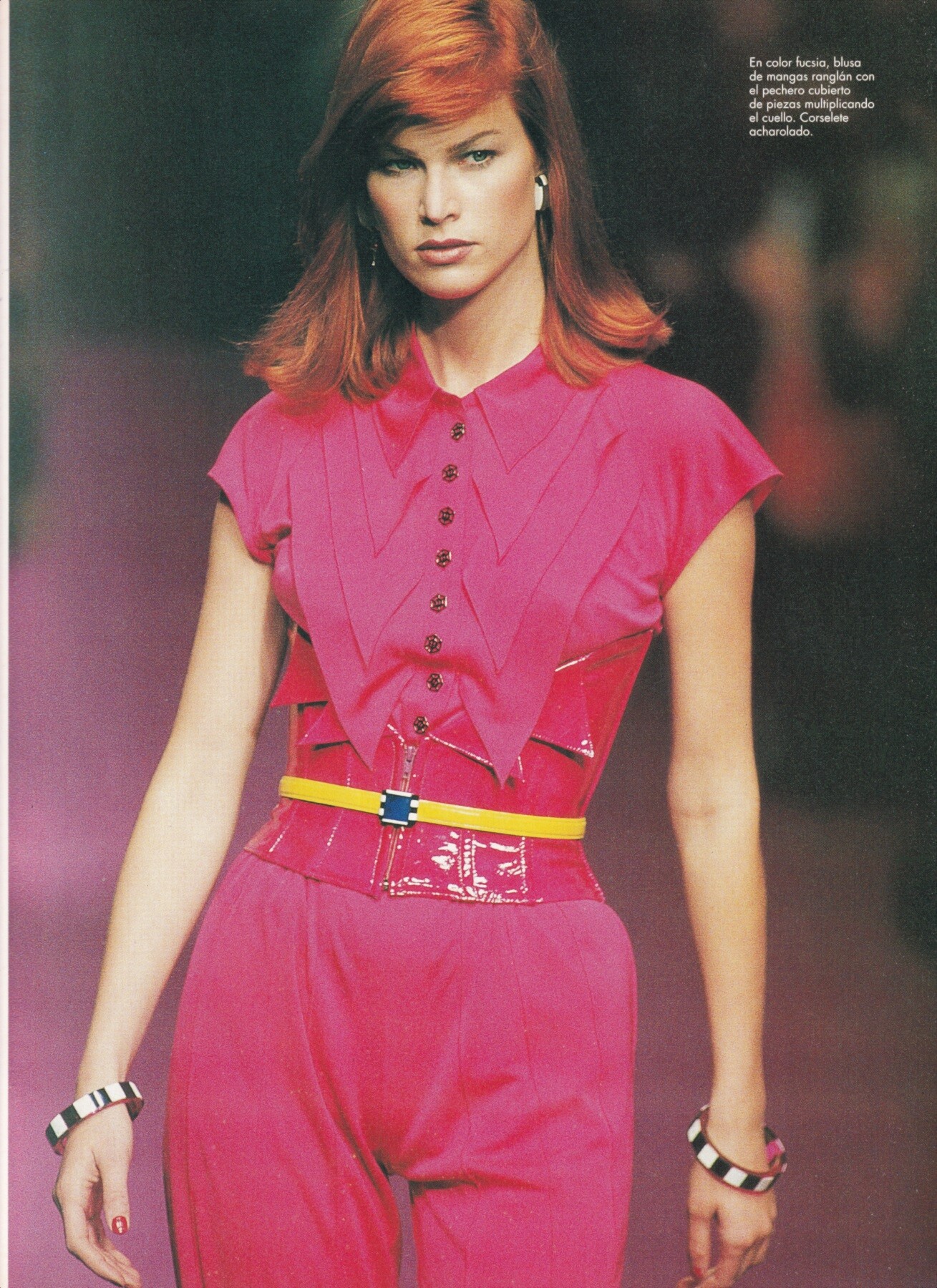
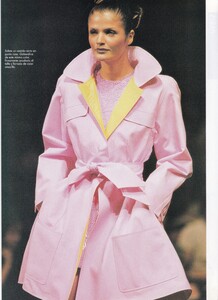
Helena Christensen for Claude Montana, ready-to-wear, spring/summer 1995 my scan
-
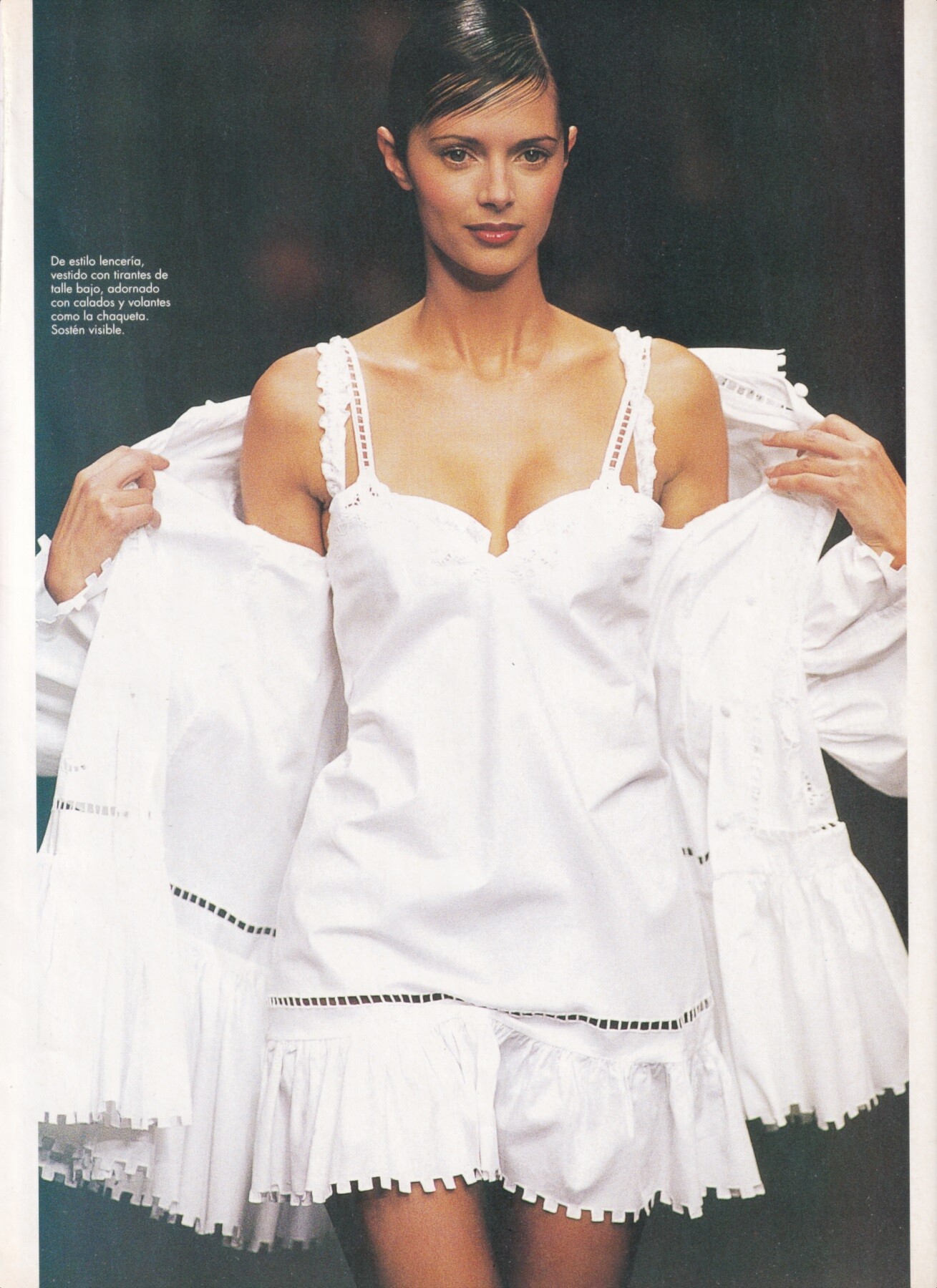
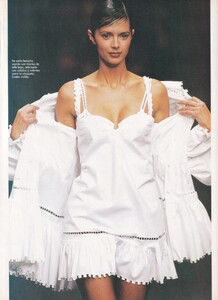
Heather Stewart Whyte for Chantal Thomass, ready-to-wear, spring/summer 1995 my scan
-
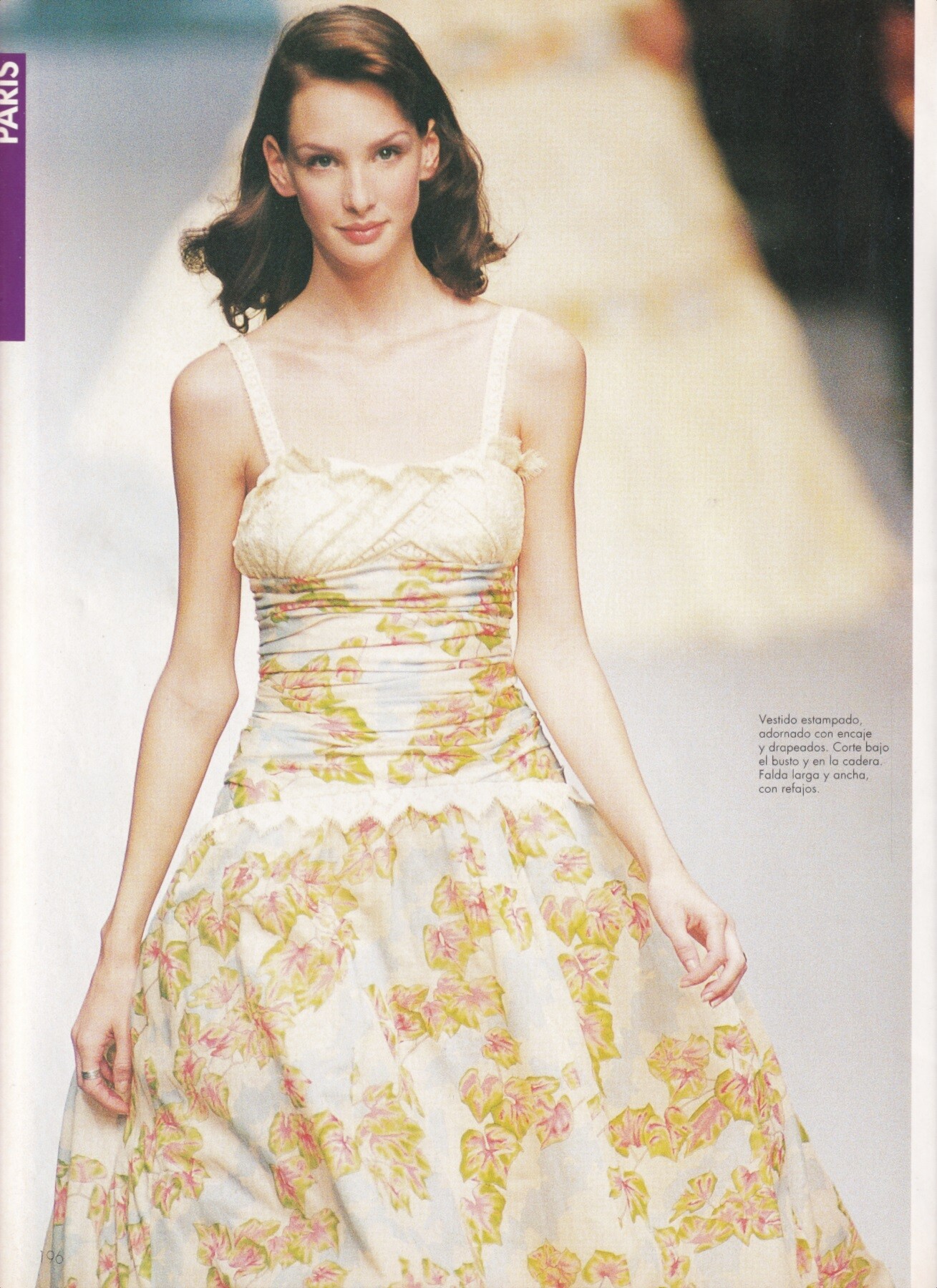
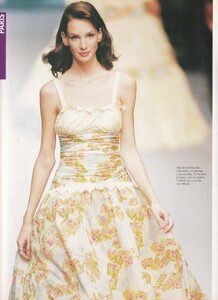
Debbie Deitering for Chloe', ready-to-wear, spring/summer 1995 my scan
-
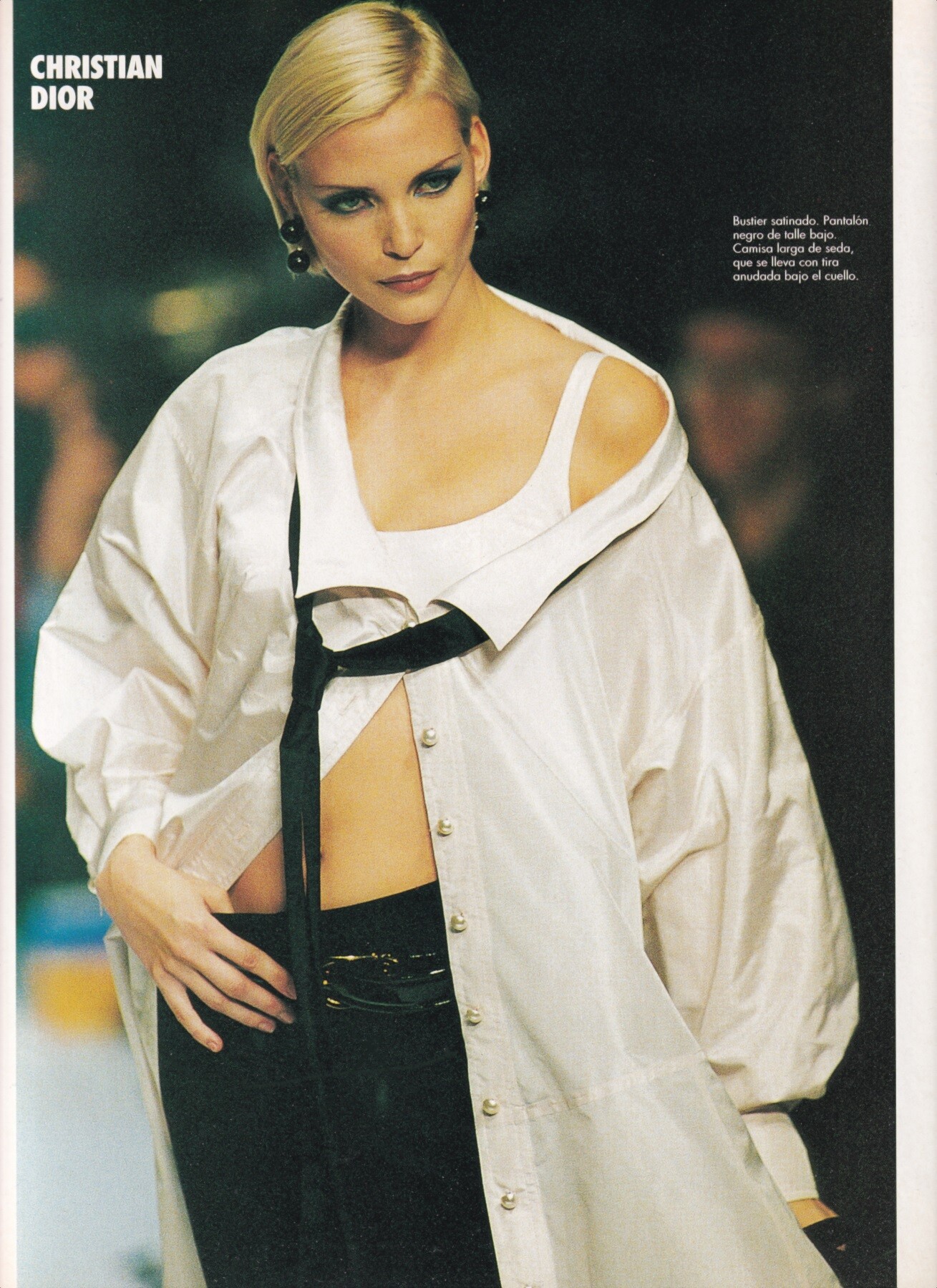
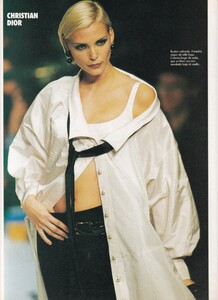
Nadja Auermann for Christian Dior, ready-to-wear, spring/summer 1995 my scan
-
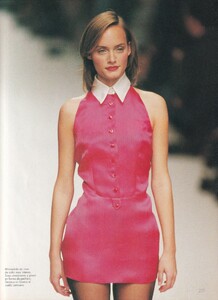
Amber Valletta for Hermes, ready-to-wear, spring/summer 1995 my scan
-
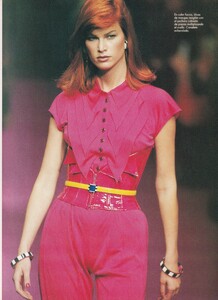
Meghan Douglas for Karl Lagerfeld, ready-to-wear, spring/summer 1995 my scan
-
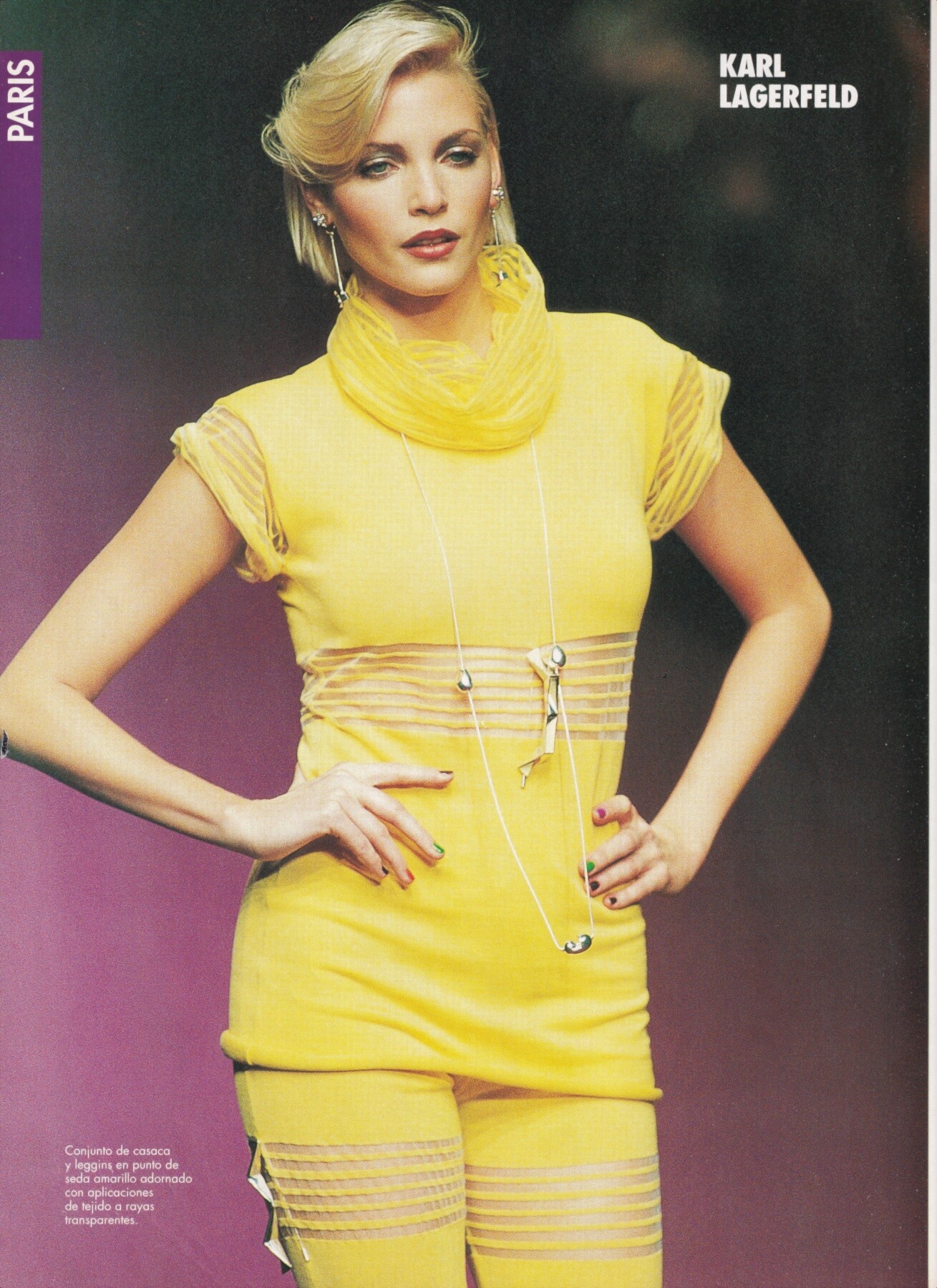
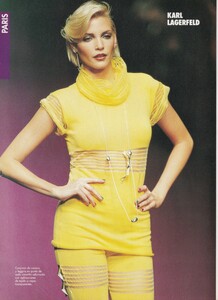
Nadja Auermann for Karl Lagerfeld, ready-to-wear, spring/summer 1995 my scan
-
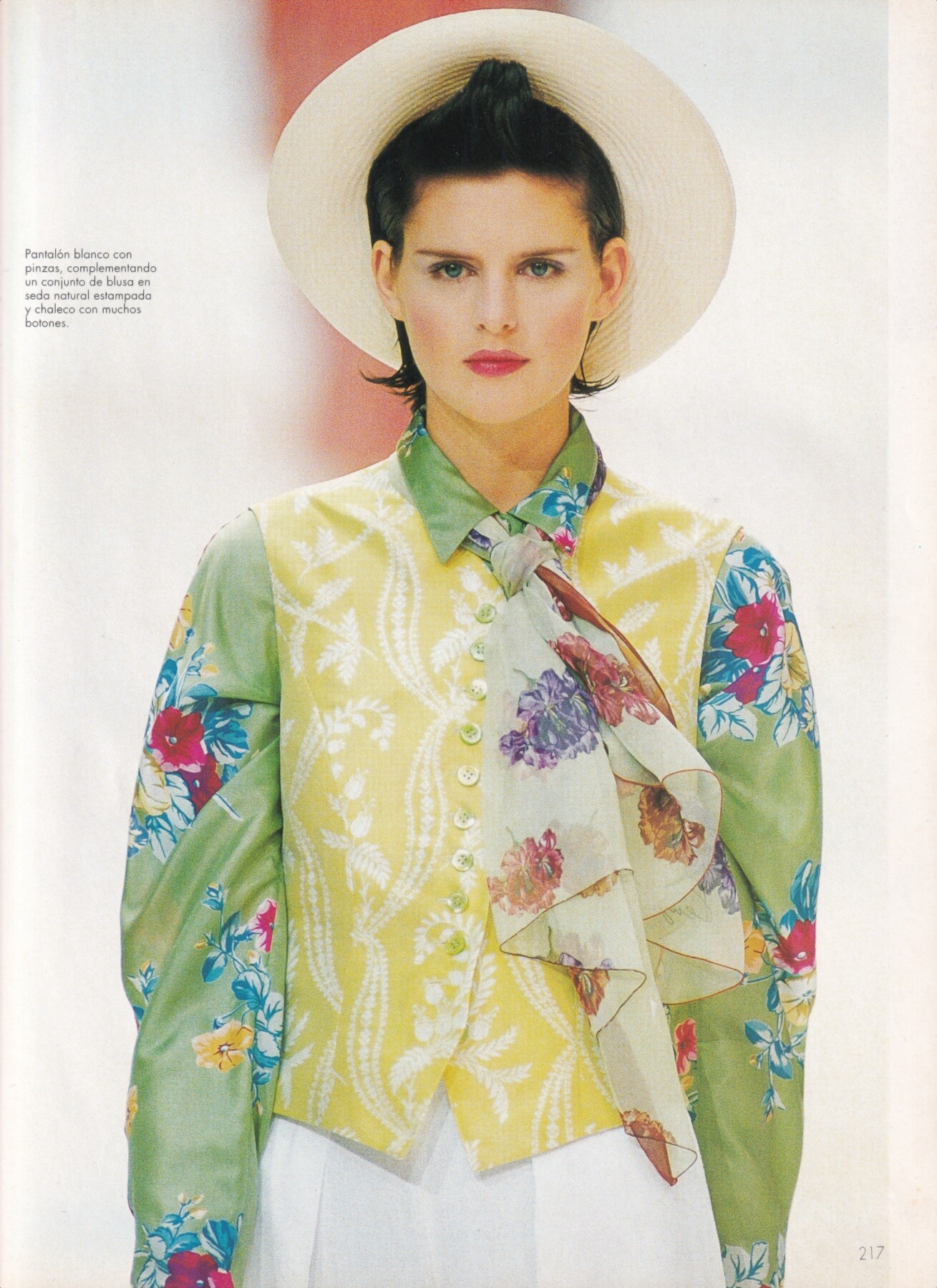
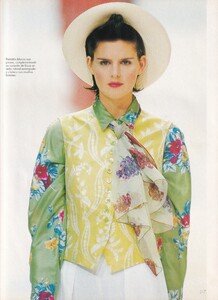
Stella Tennant for Kenzo, ready-to-wear, spring/summer 1995 my scan
-
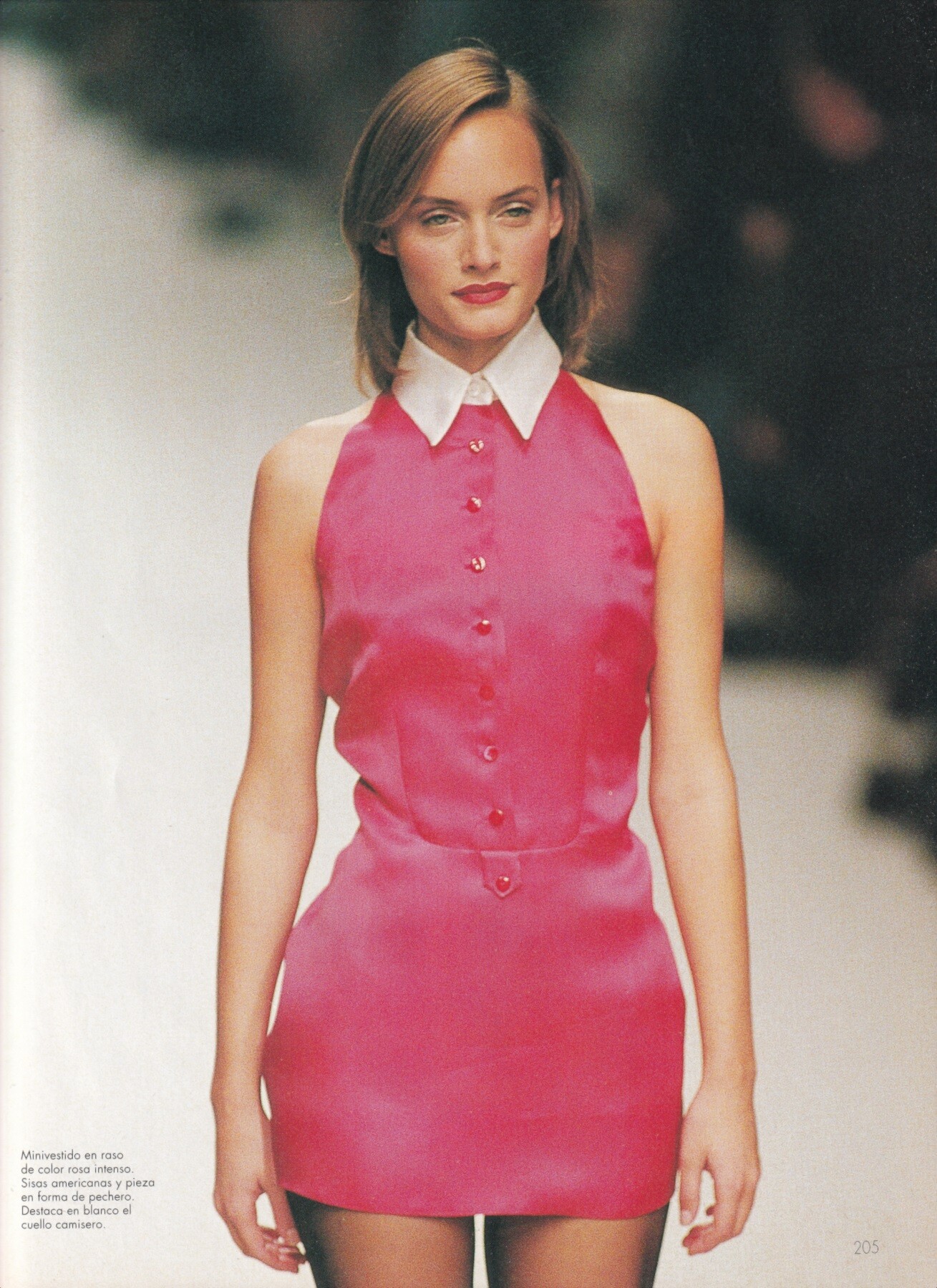
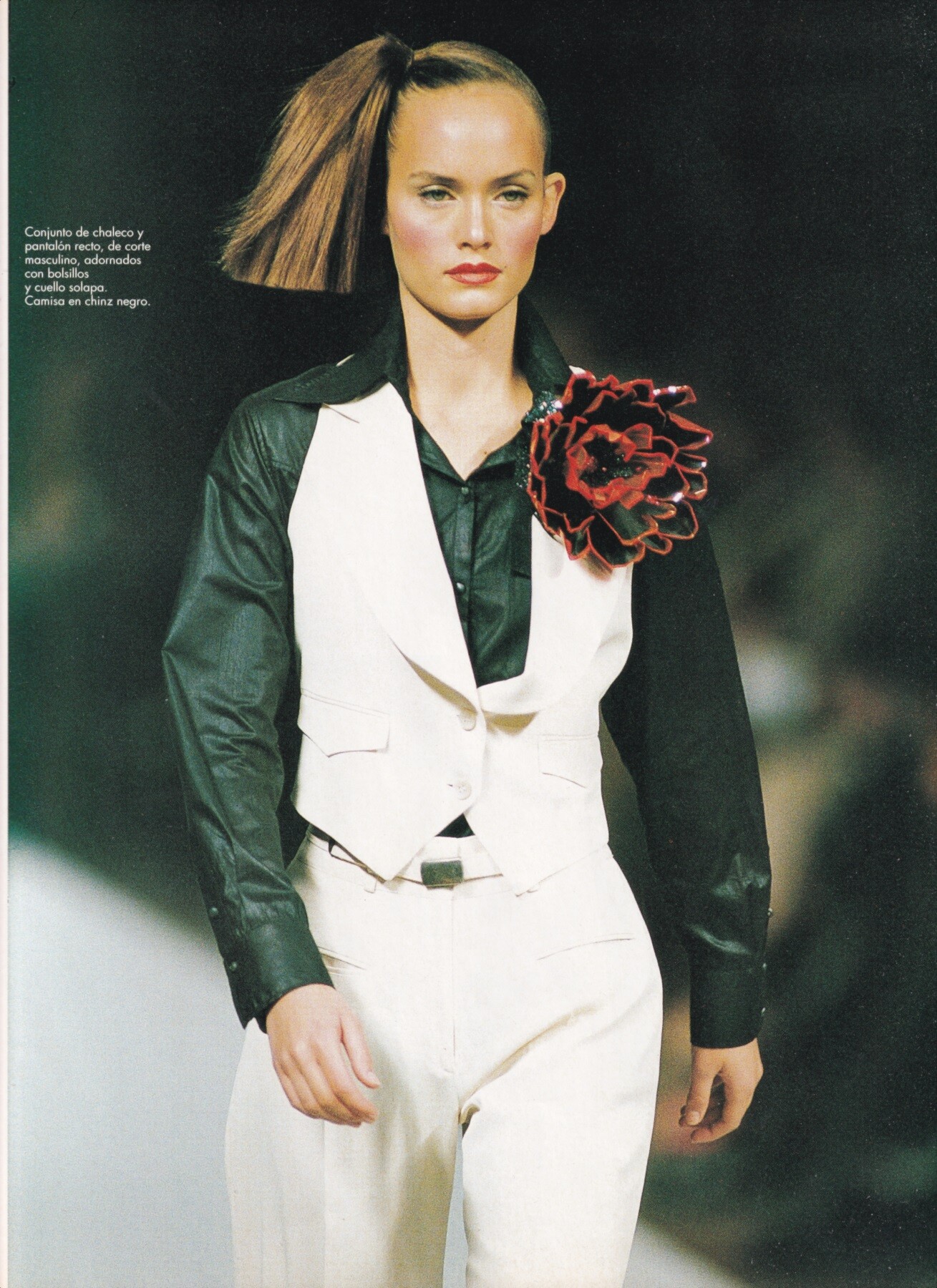
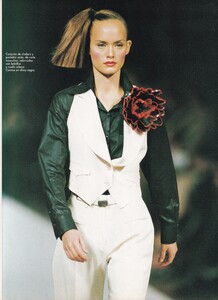
Amber Valletta for Martine Sitbon, ready-to-wear, spring/summer 1995 my scan
-
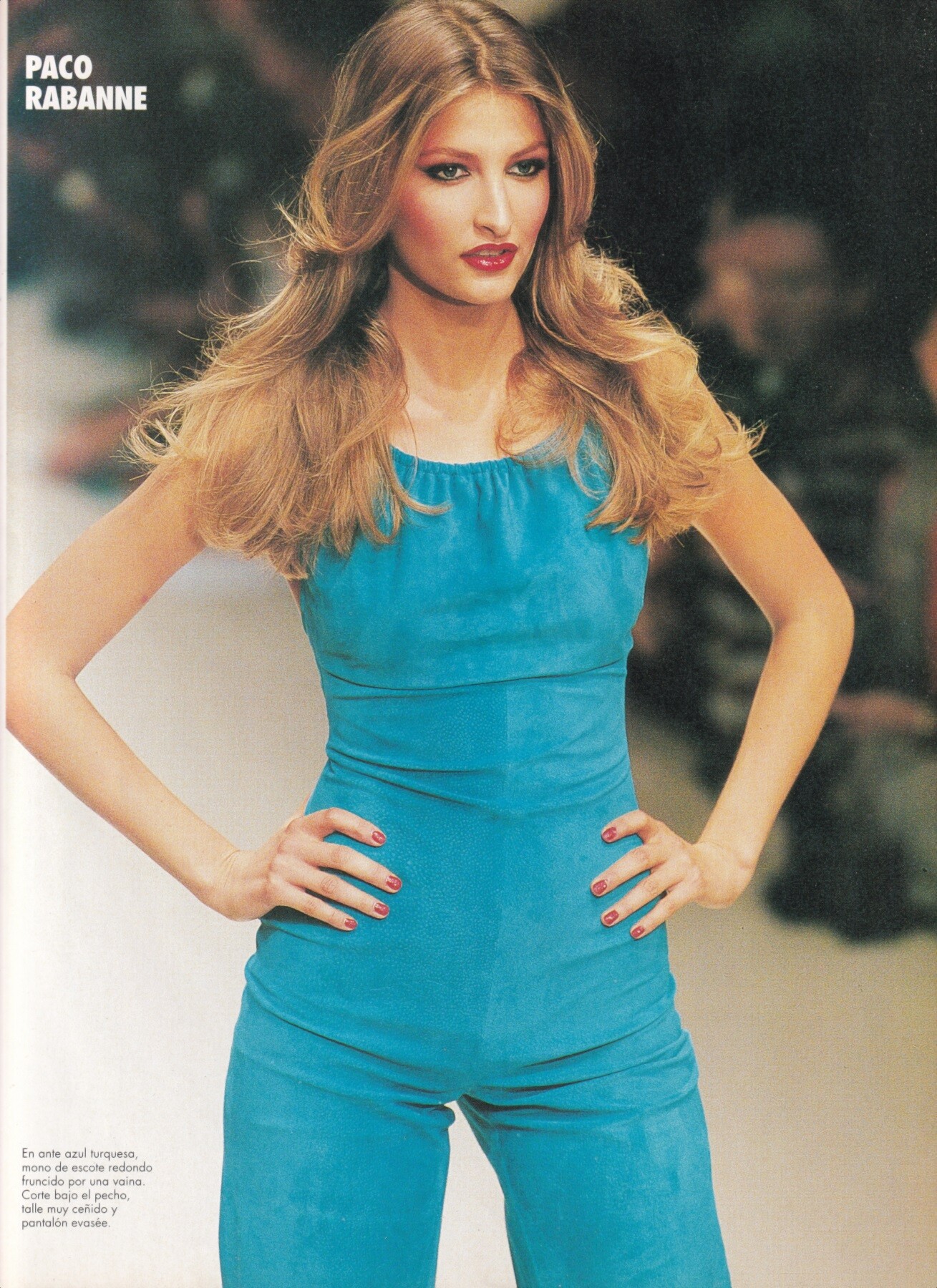
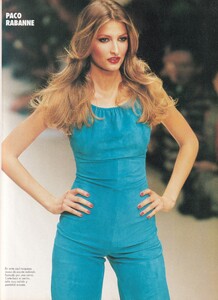
Tereza Maxova for Paco Rabanne, ready-to-wear, spring/summer 1995 my scan
-
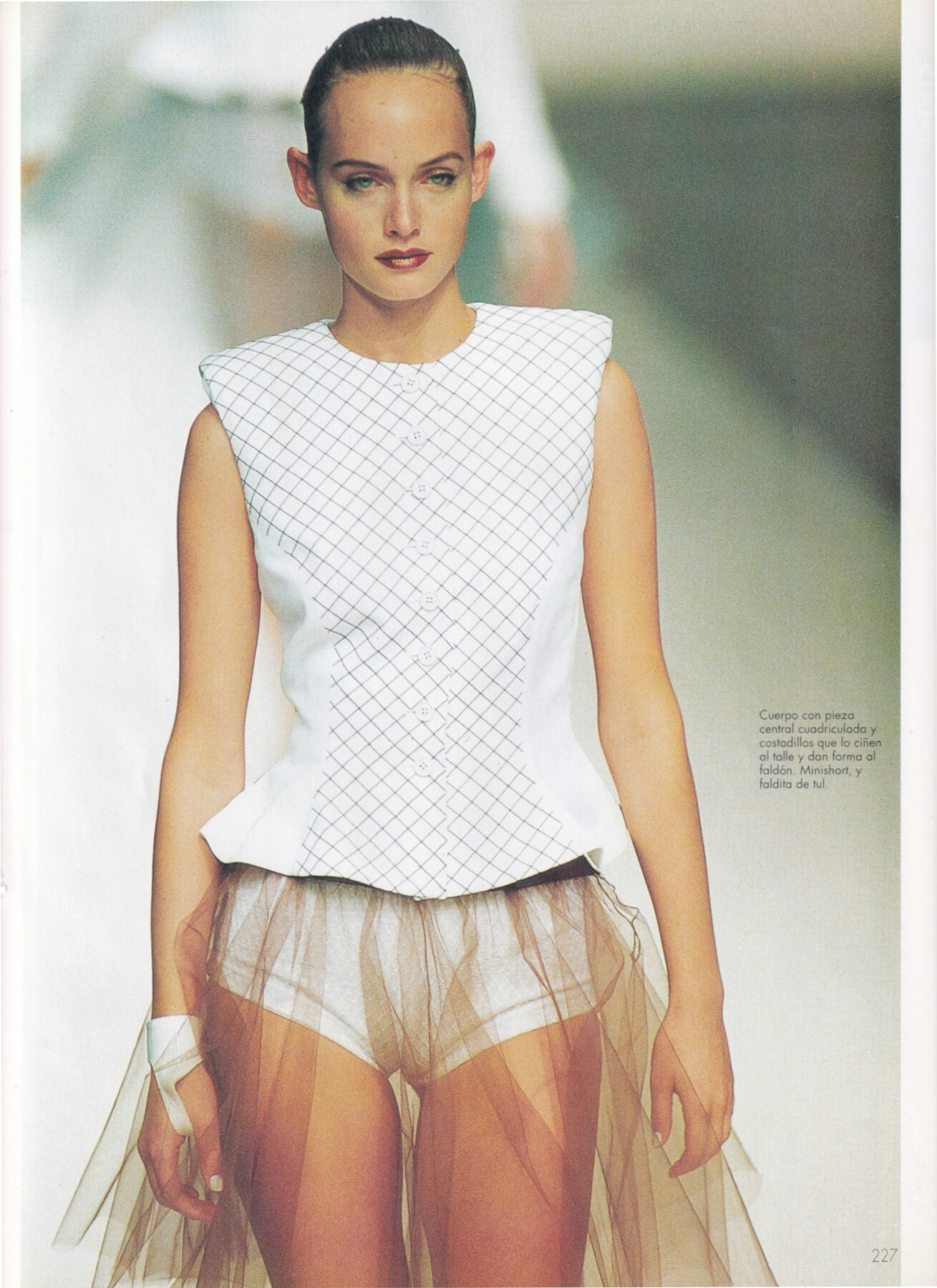
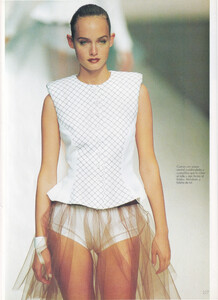
Amber Valletta for Rifat Orbek, ready-to-wear, spring/summer 1995 my scan
-
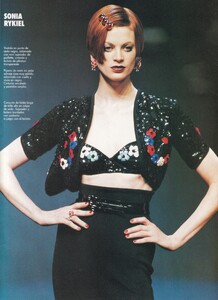
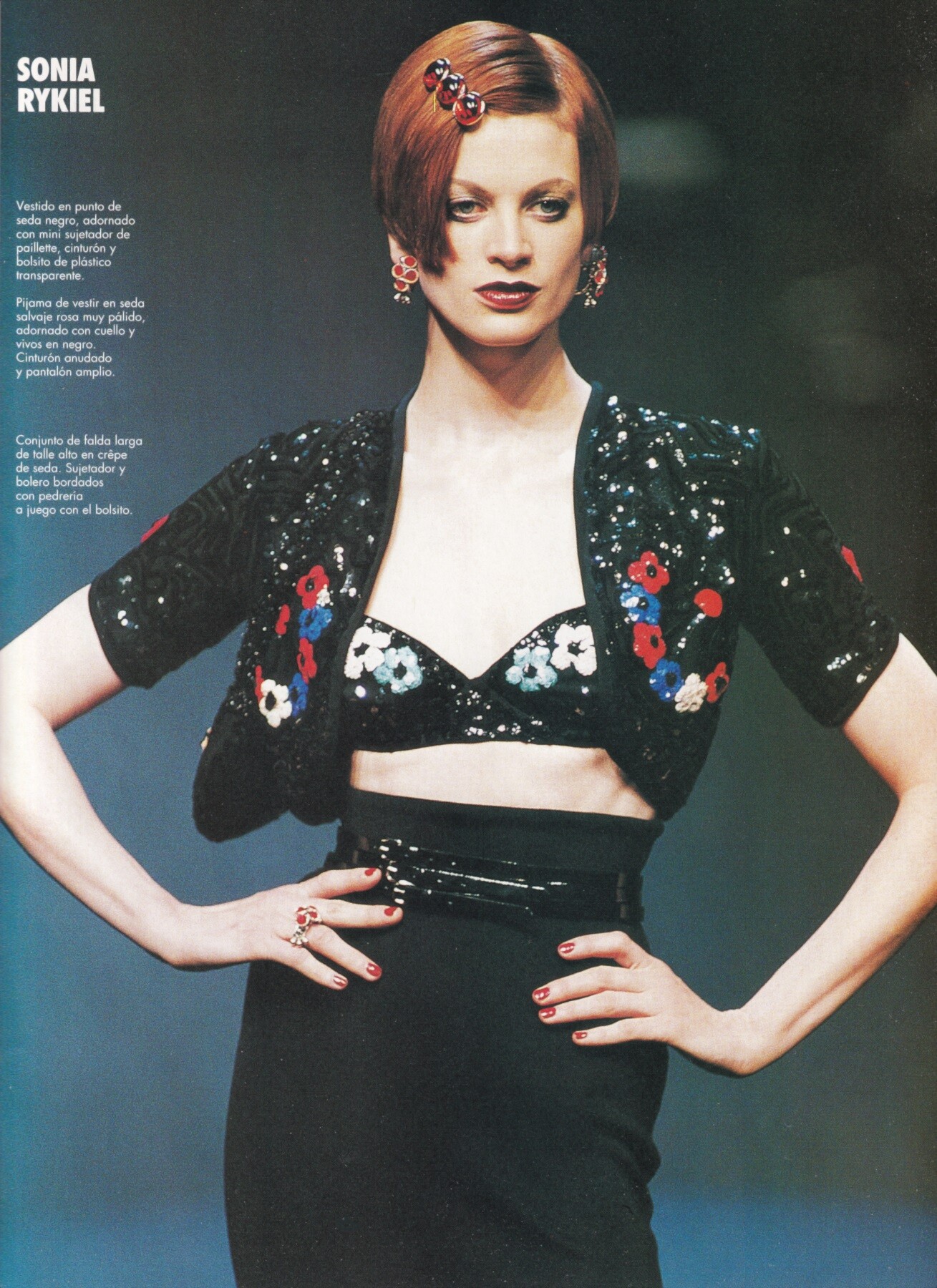
Kristen McMenamy for Sonia Rykiel, ready-to-wear, spring/summer 1995 my scan