
Daradrpipara
Members
-
Joined
-
Last visited
Everything posted by Daradrpipara
-
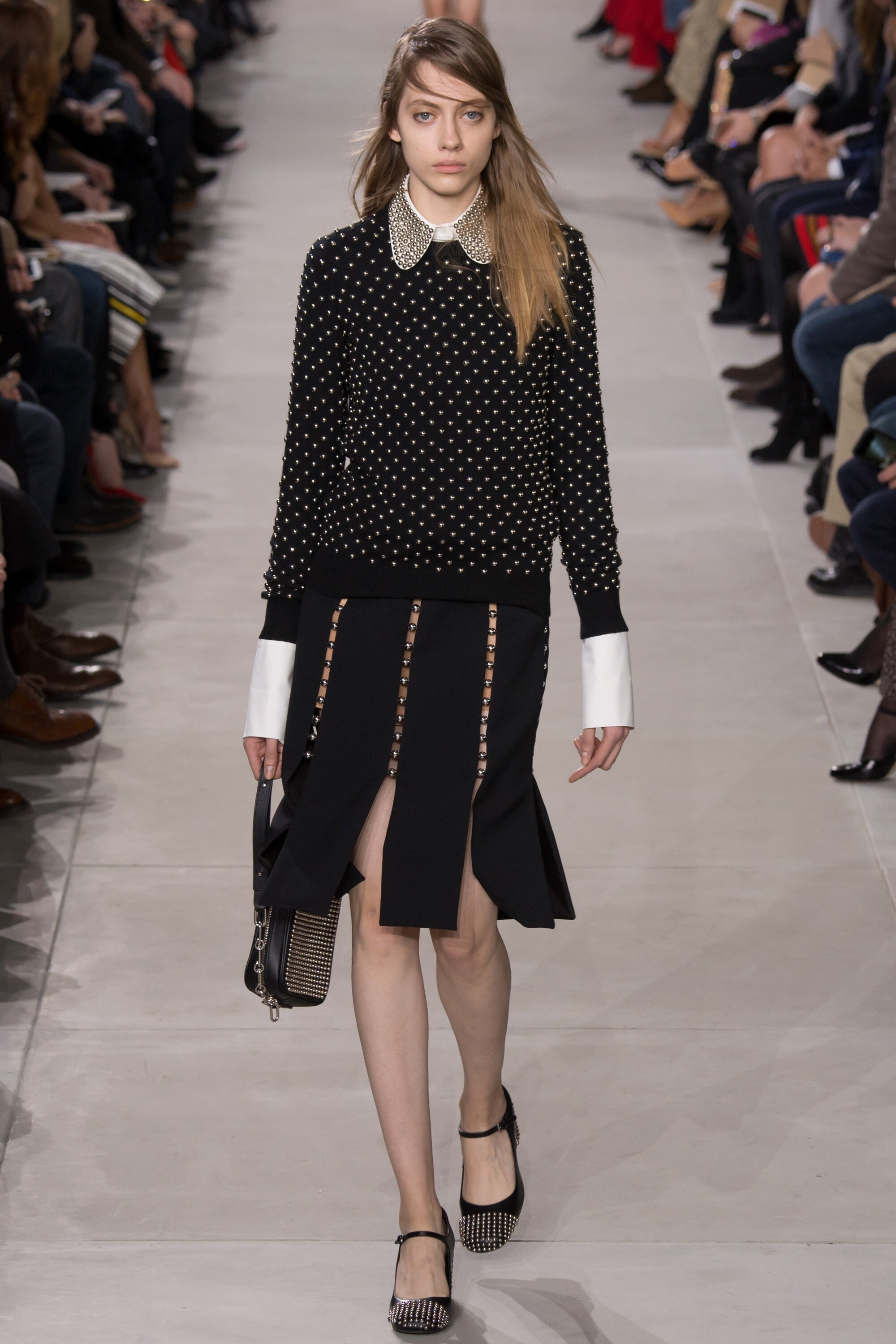
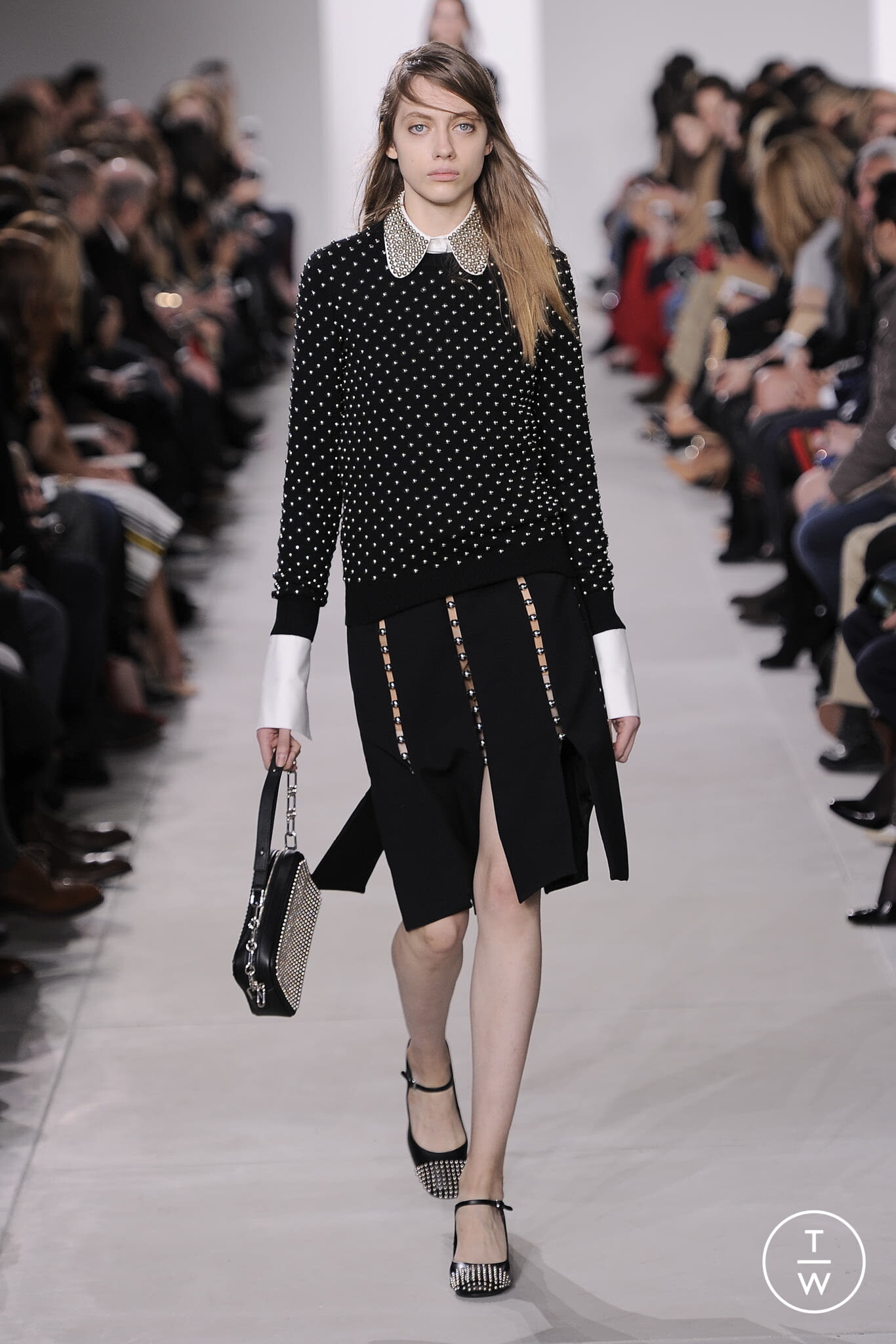
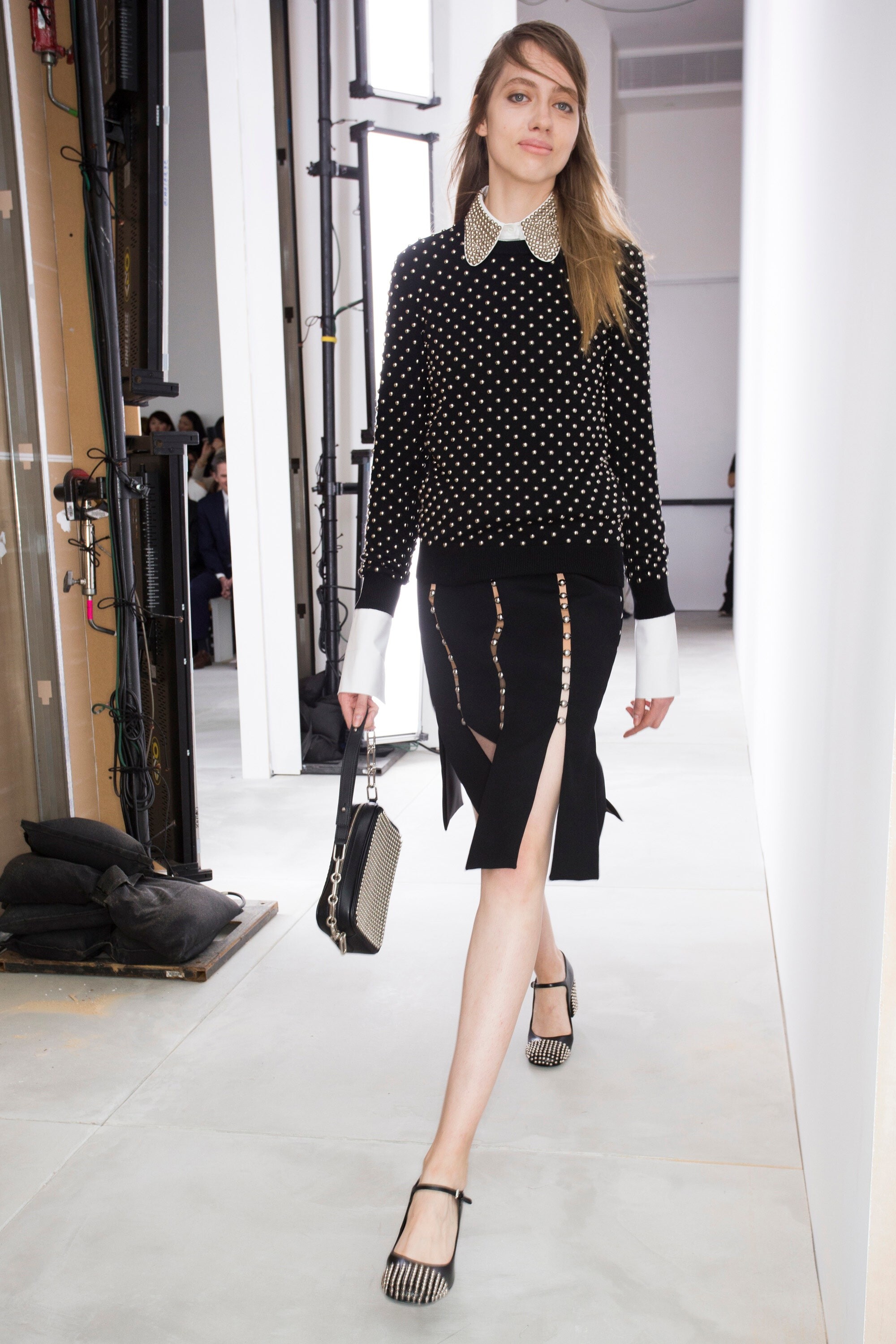
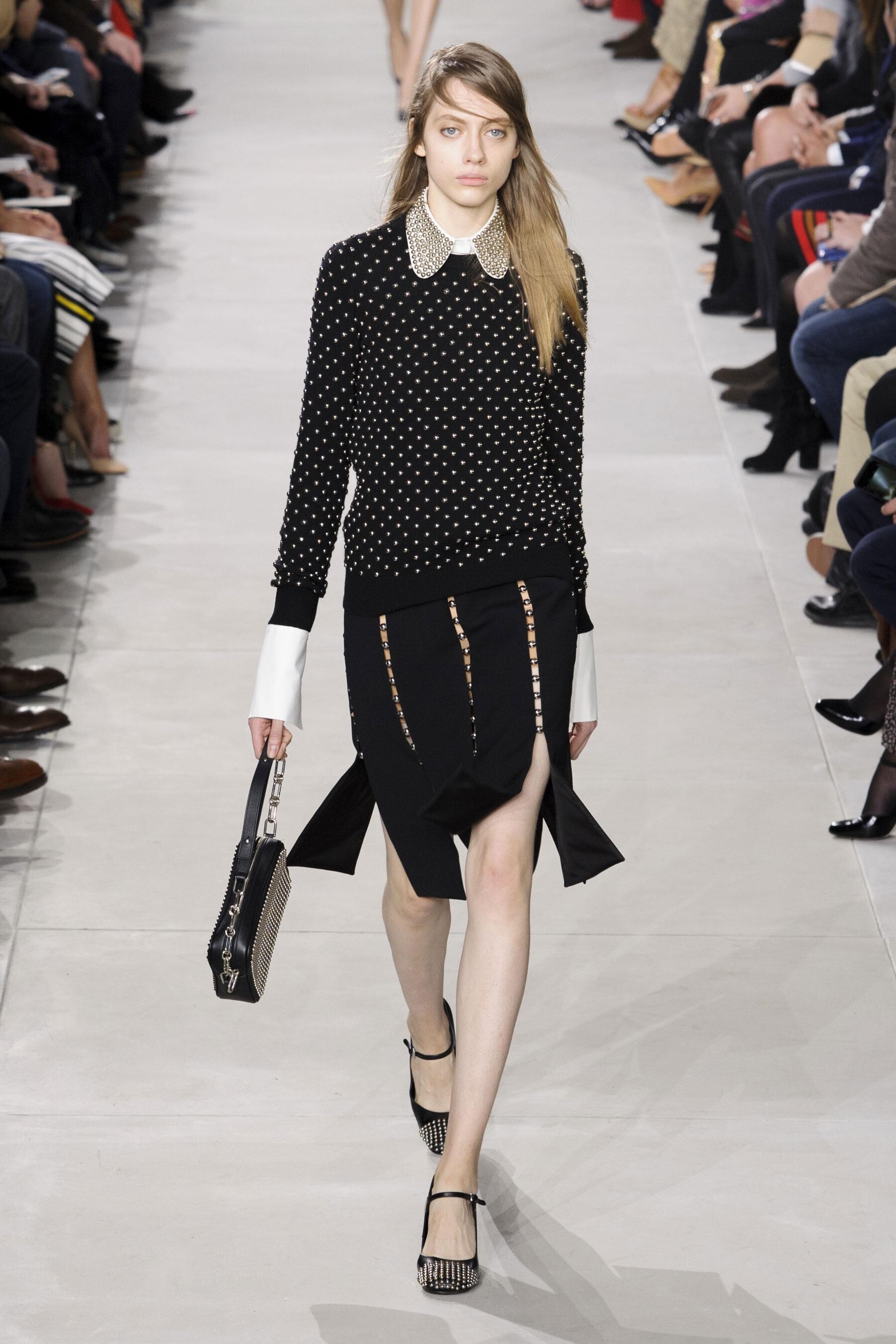
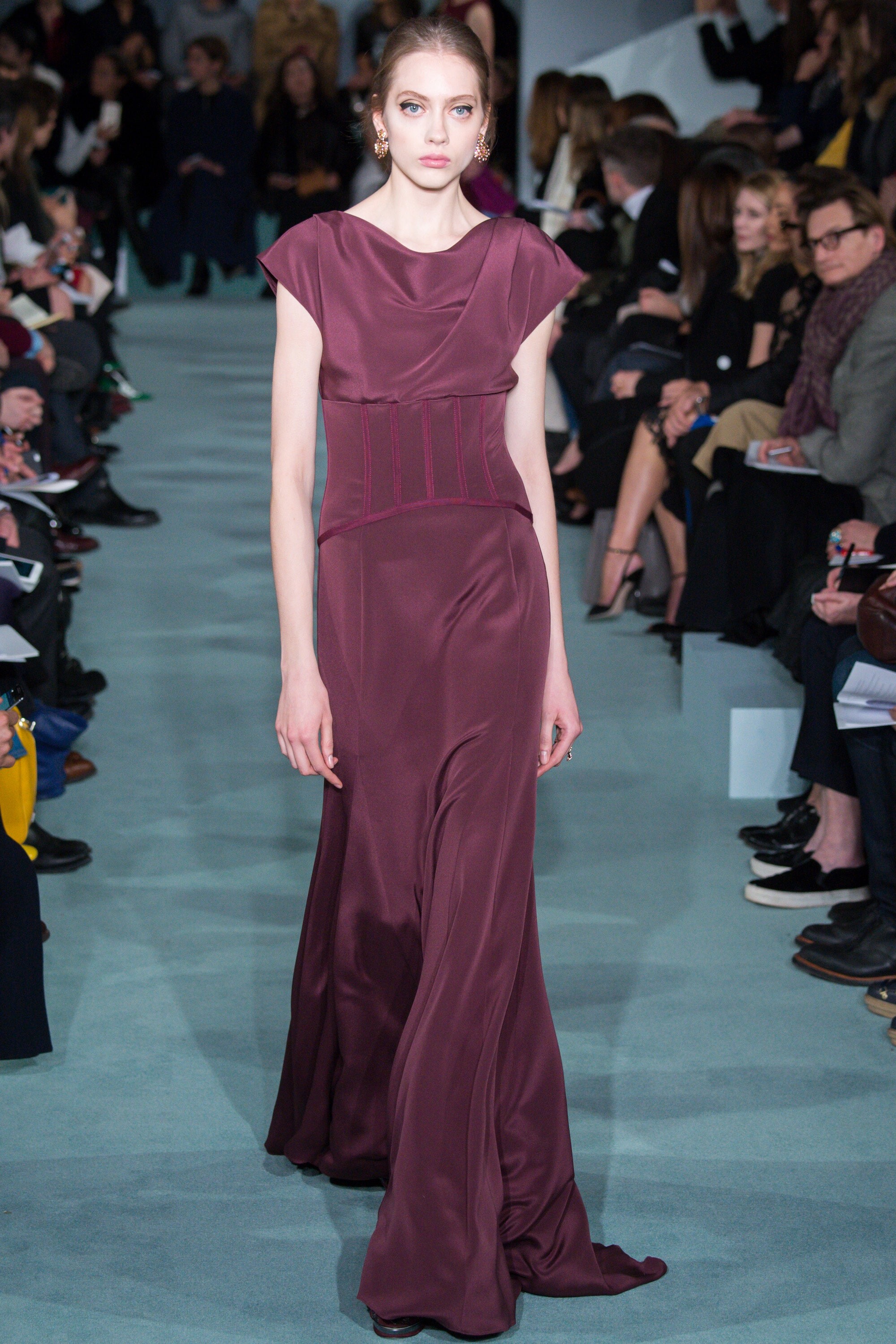
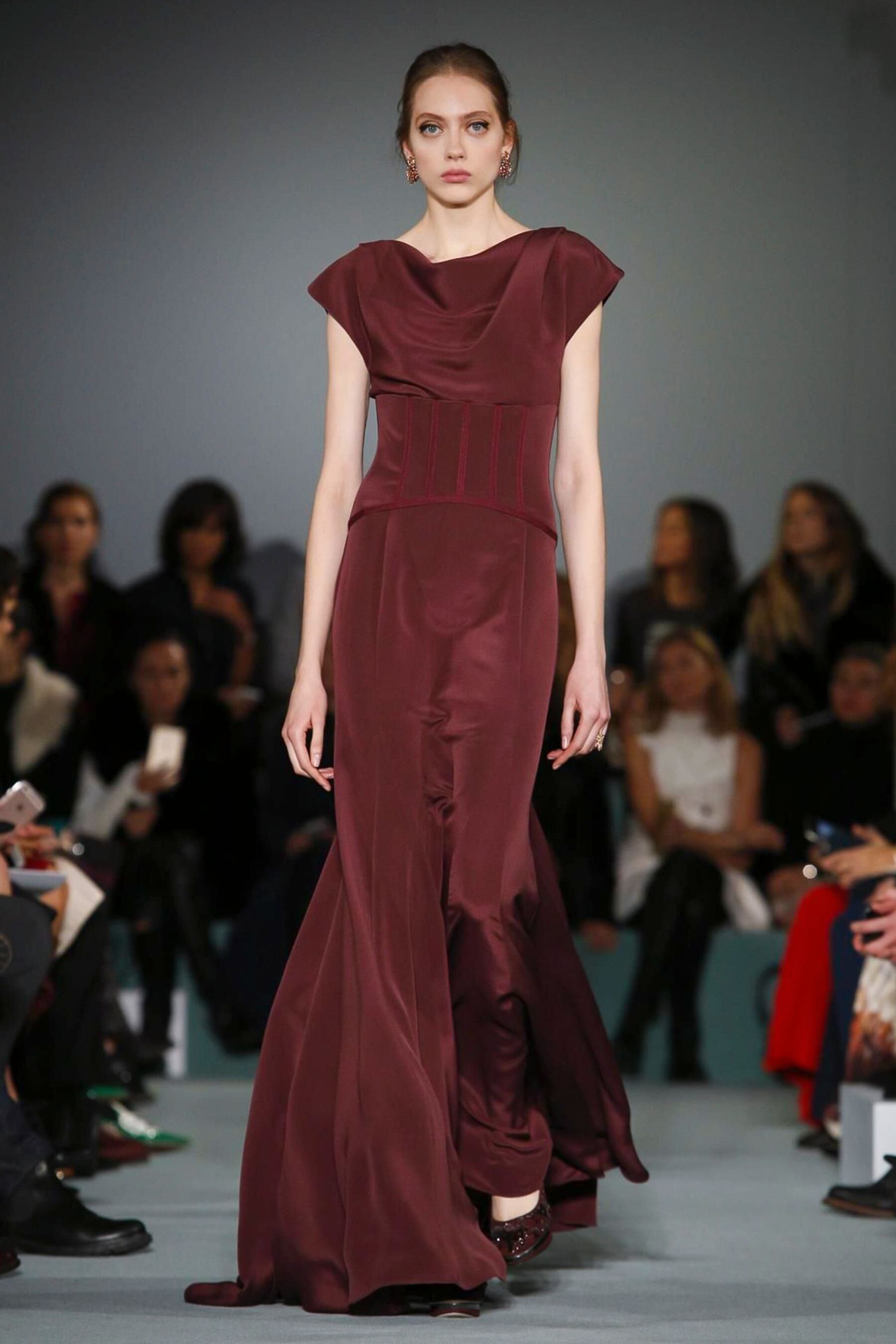
Michael Kors FALL 2016 READY-TO-WEAR backstage vogue, tagwalk, madamefigaro

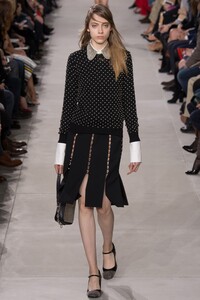
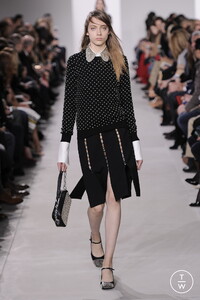




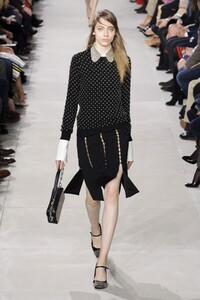
-
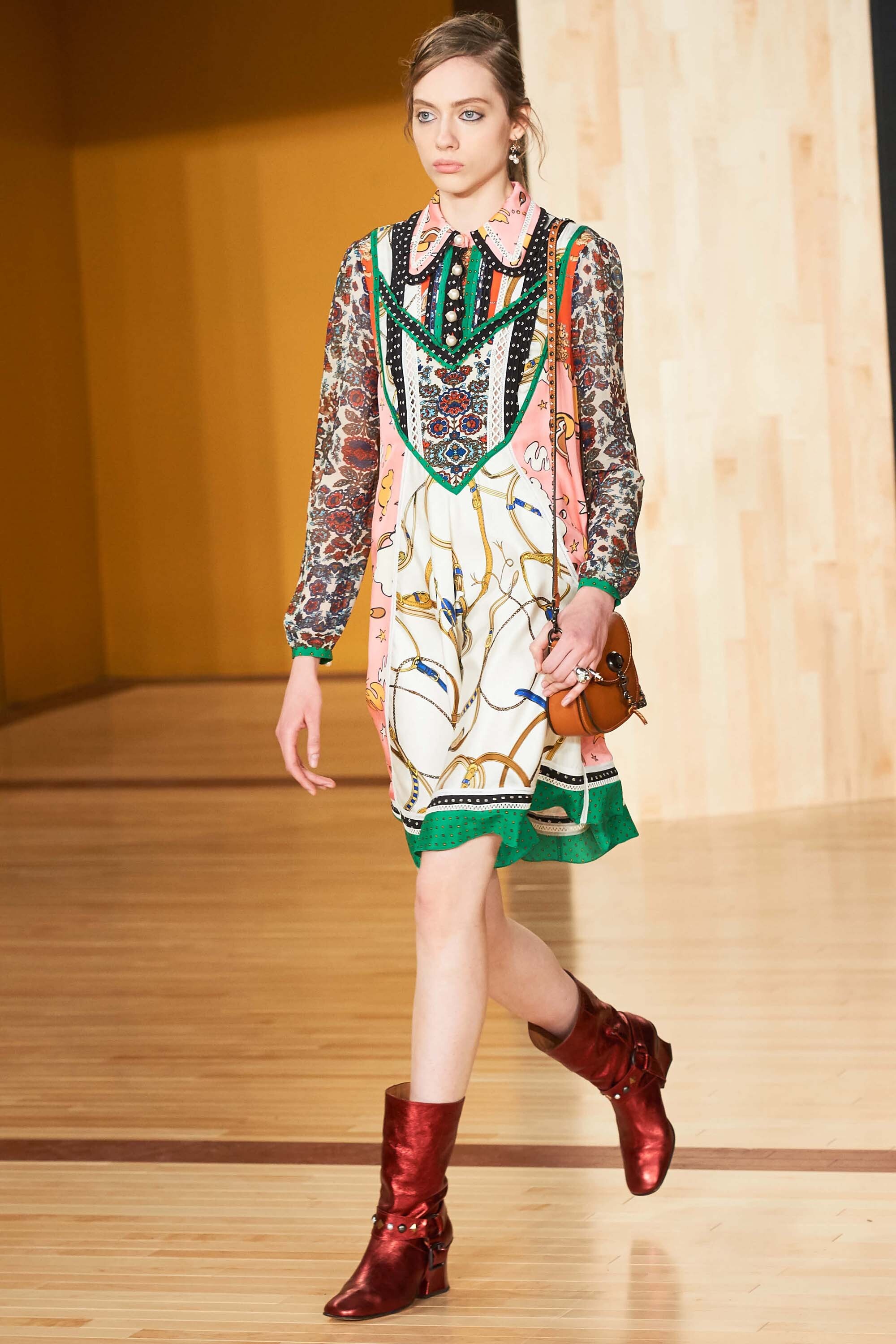
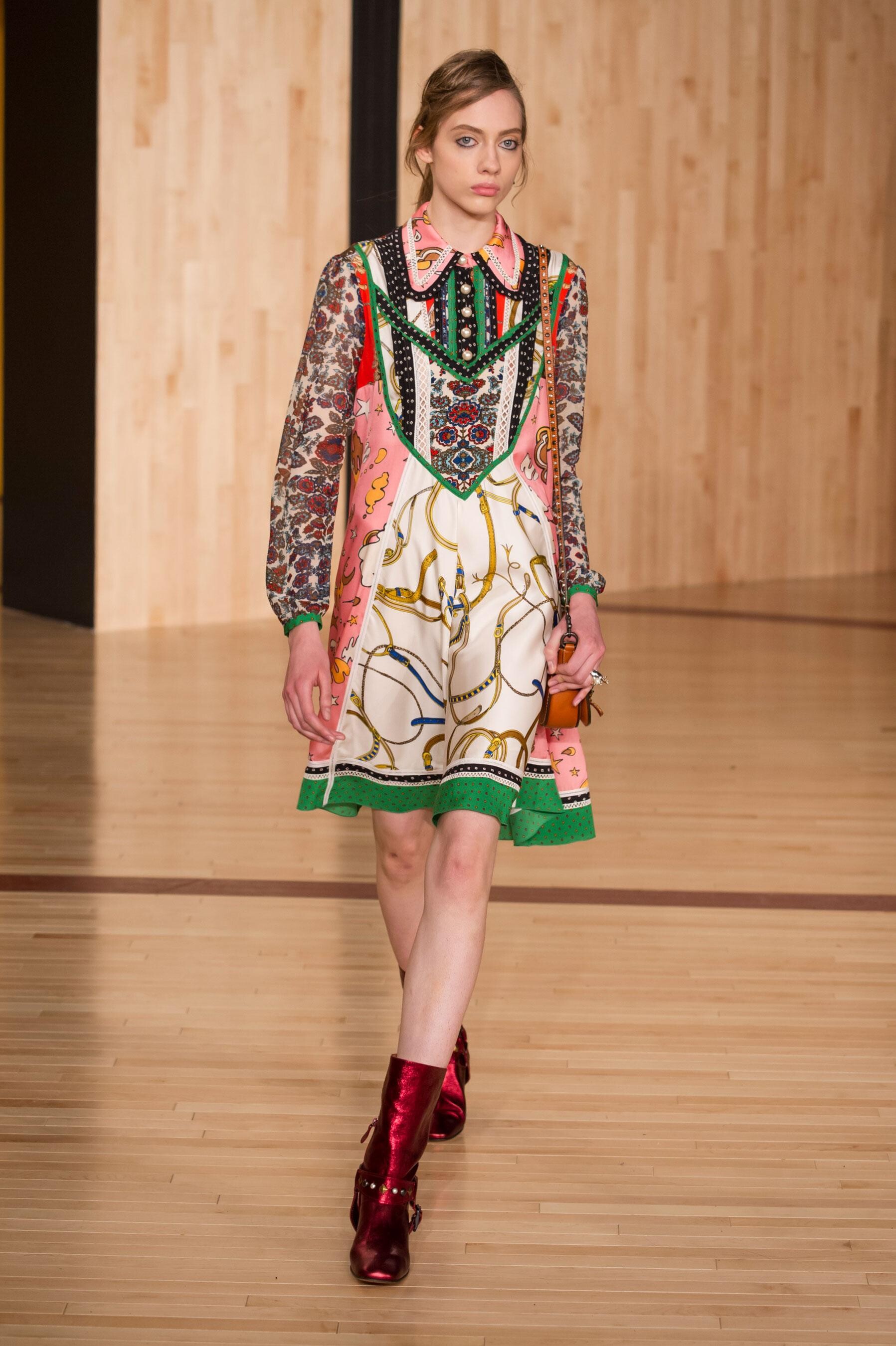
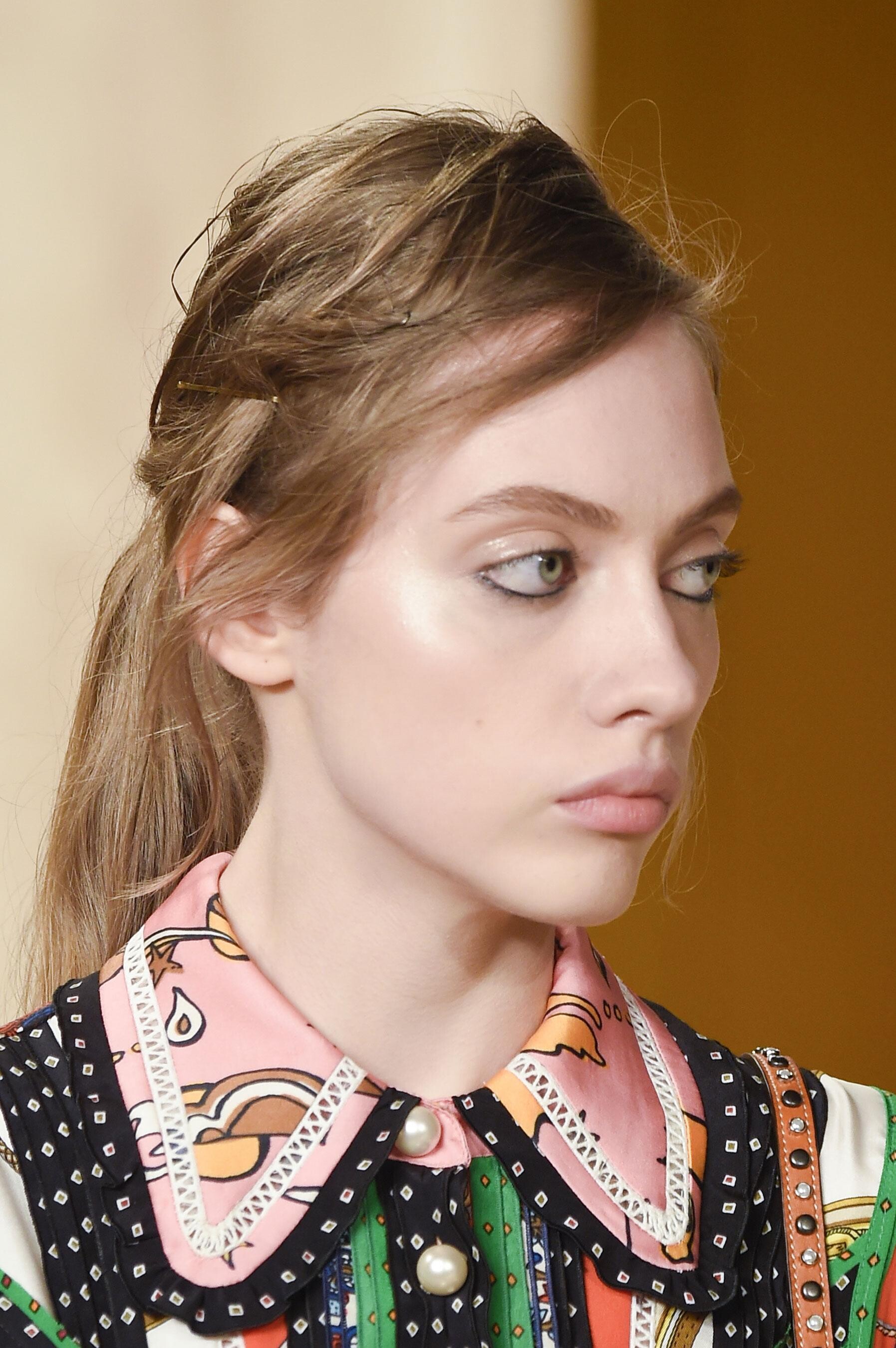
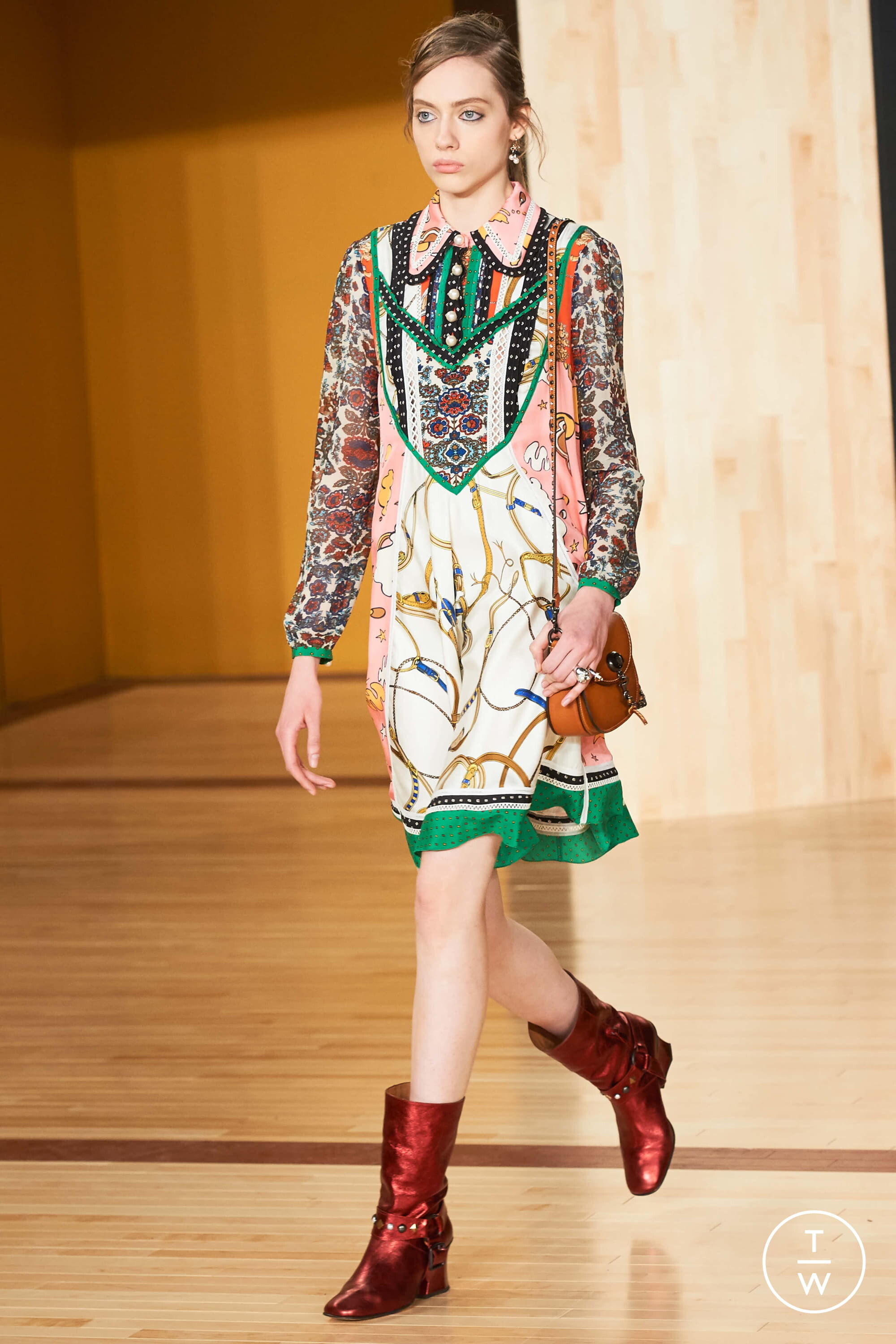
Coach 1941 FALL 2016 READY-TO-WEAR backdtage vogue, tagwalk, madamefigaro
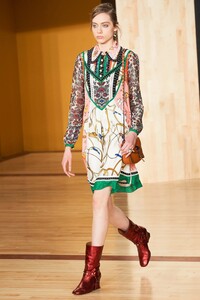




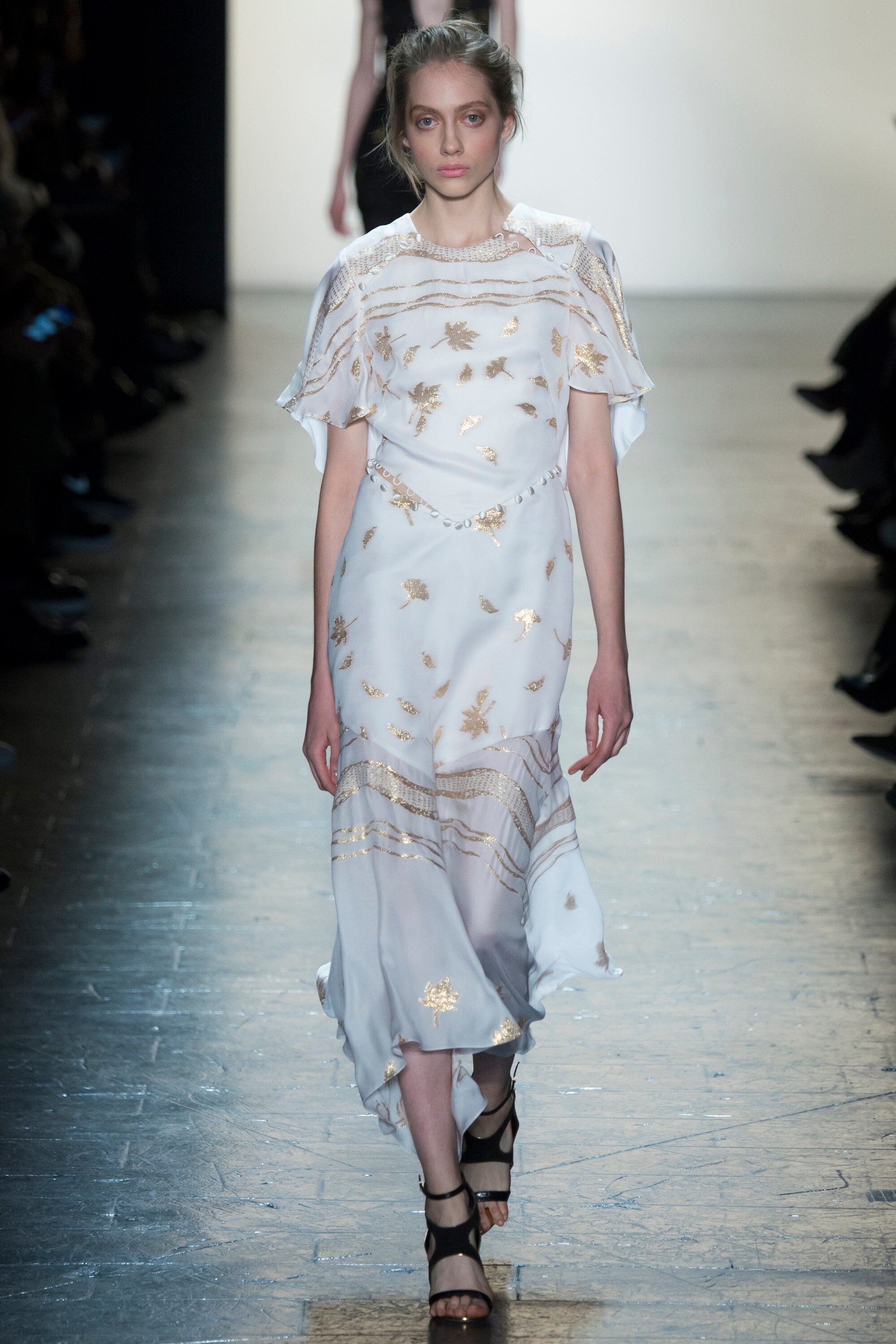
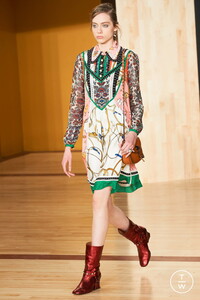 Vera Wang FALL 2016 READY-TO-WEAR vogue, nowfashion, madamefigaro


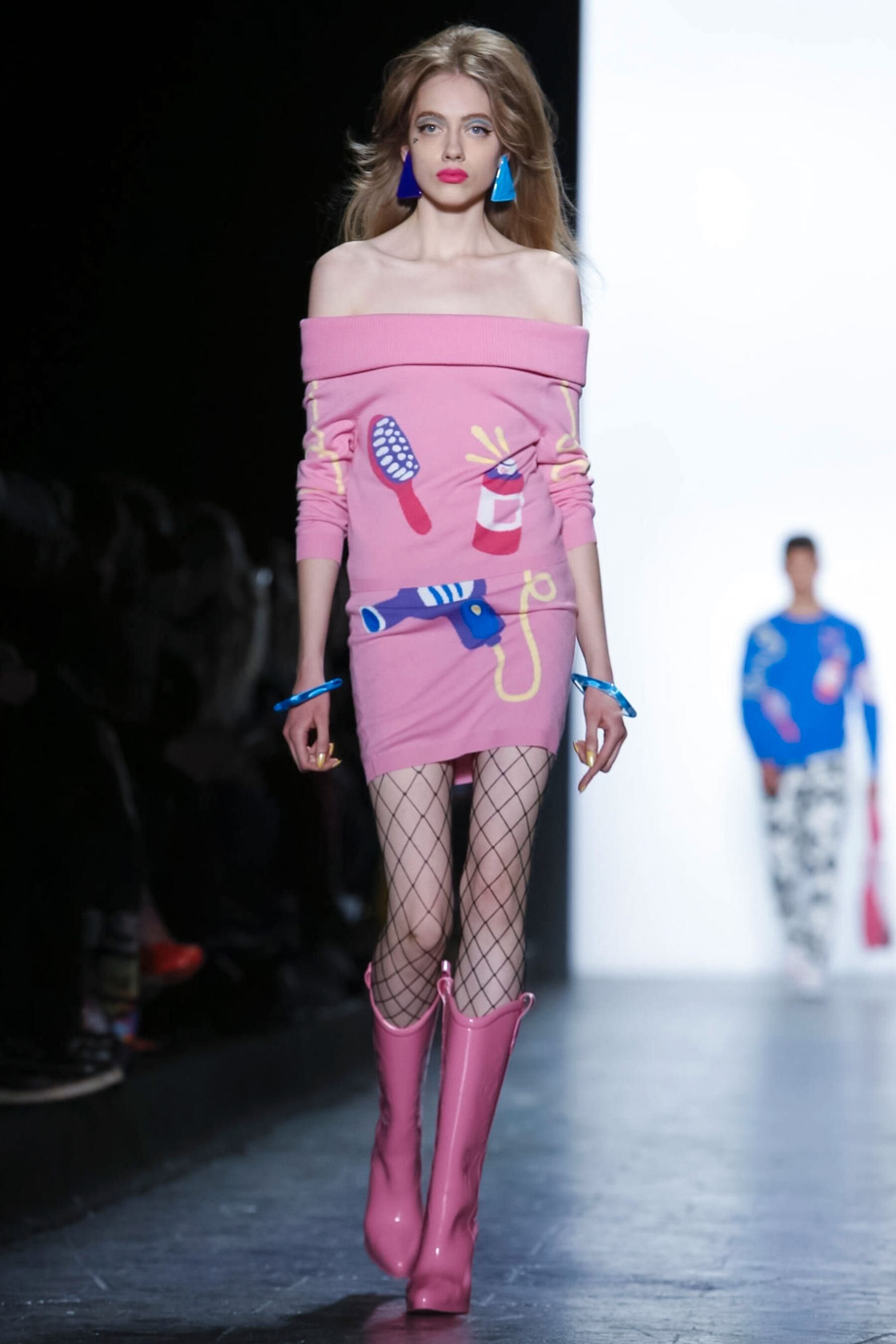
 Jeremy Scott FALL 2016 READY-TO-WEAR backstage vogue, nowfashion, madamefigaro






 Sies Marjan FALL 2016 READY-TO-WEAR vogue, nowfashion
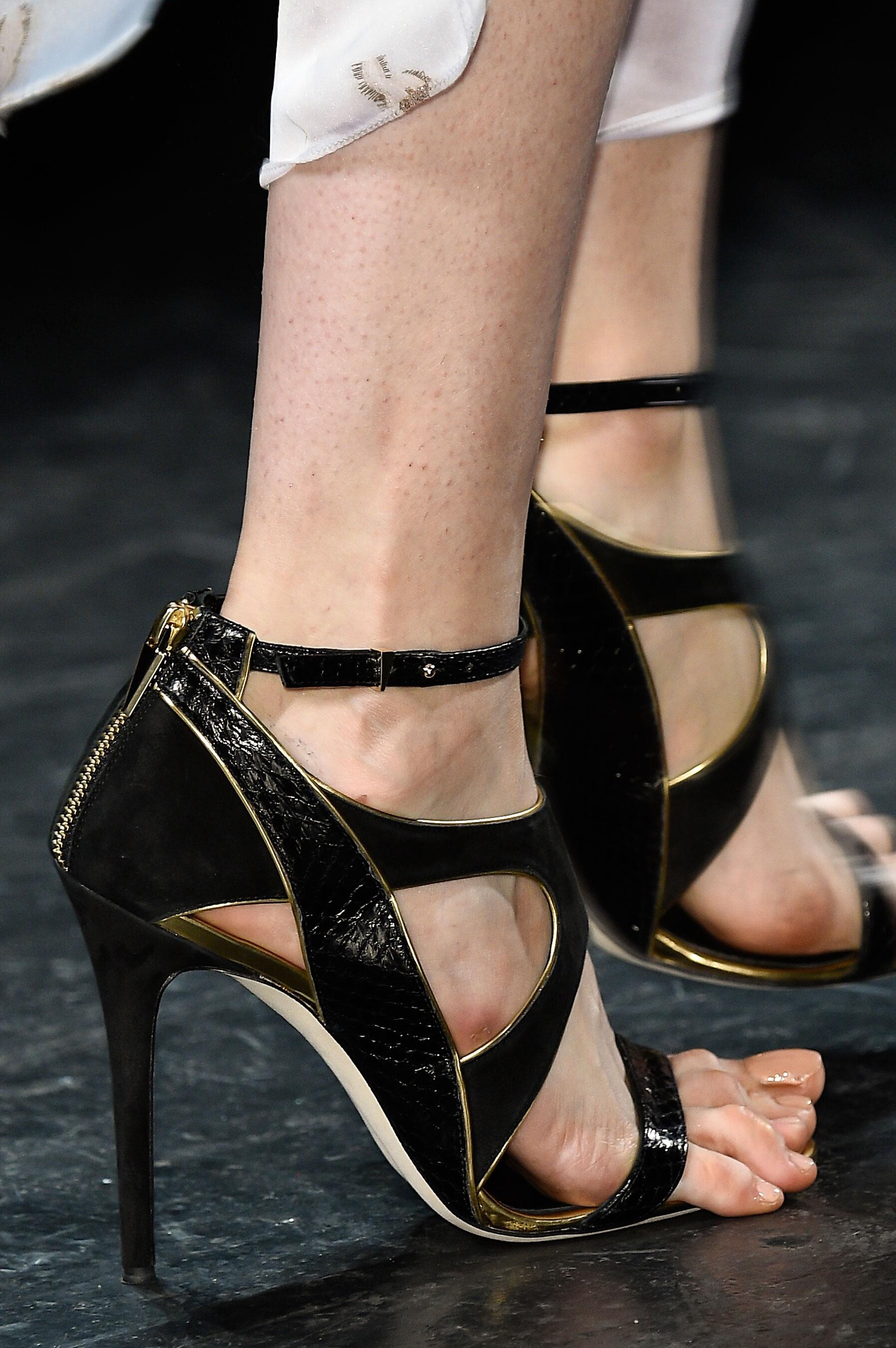
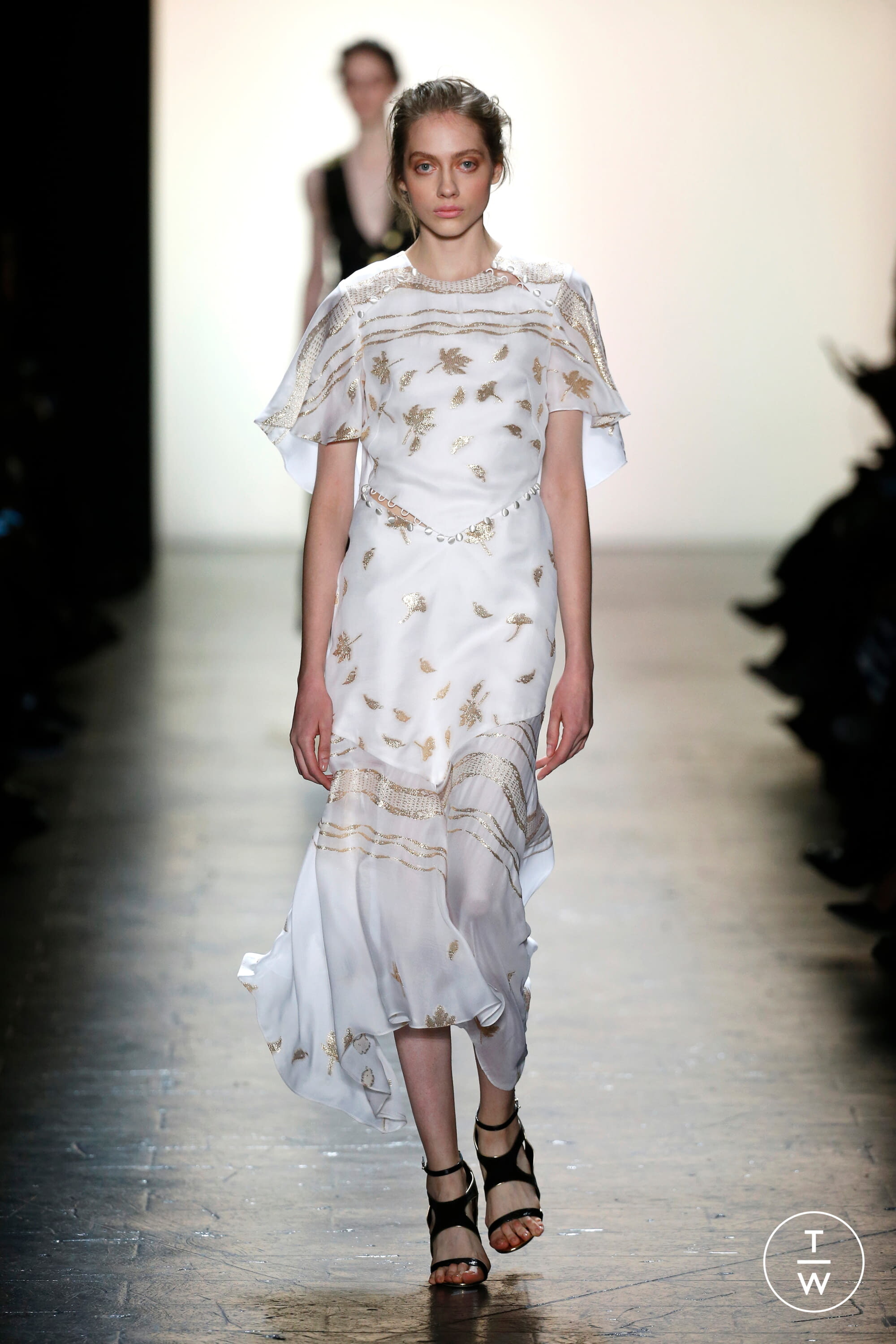
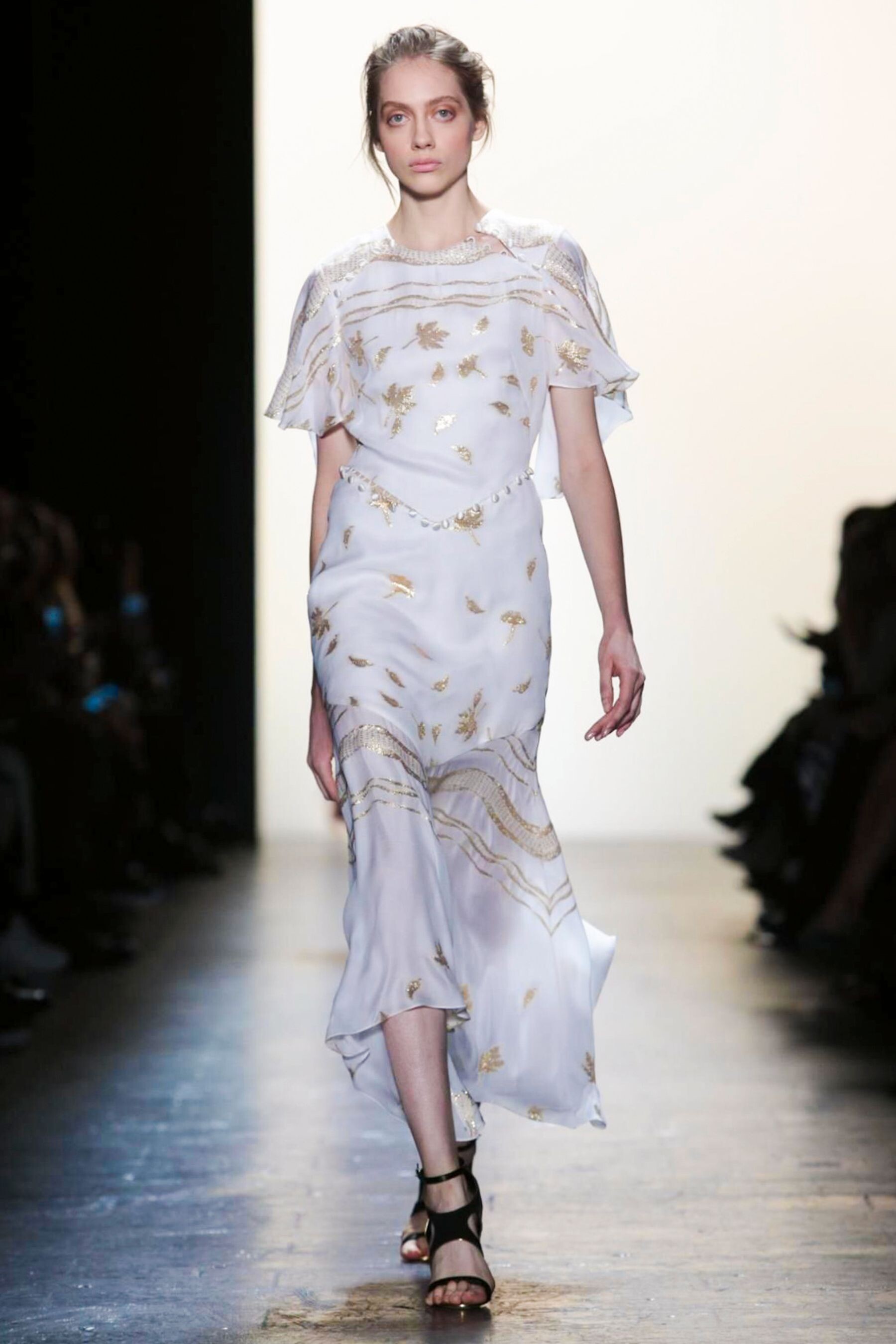
 Prabal Gurung FALL 2016 READY-TO-WEAR backstage vogue, nowfashion, tagwalk, madamefigaro detail






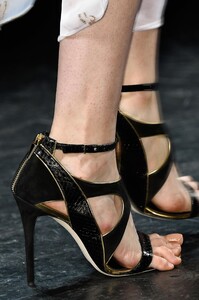

 Opening Ceremony FALL 2016 READY-TO-WEAR backstage vogue, nowfashion, madamefigaro





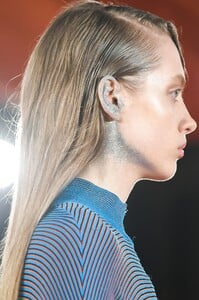
 Public School (CLOSED) FALL 2016 READY-TO-WEAR vogue, nowfashion, madamefigaro



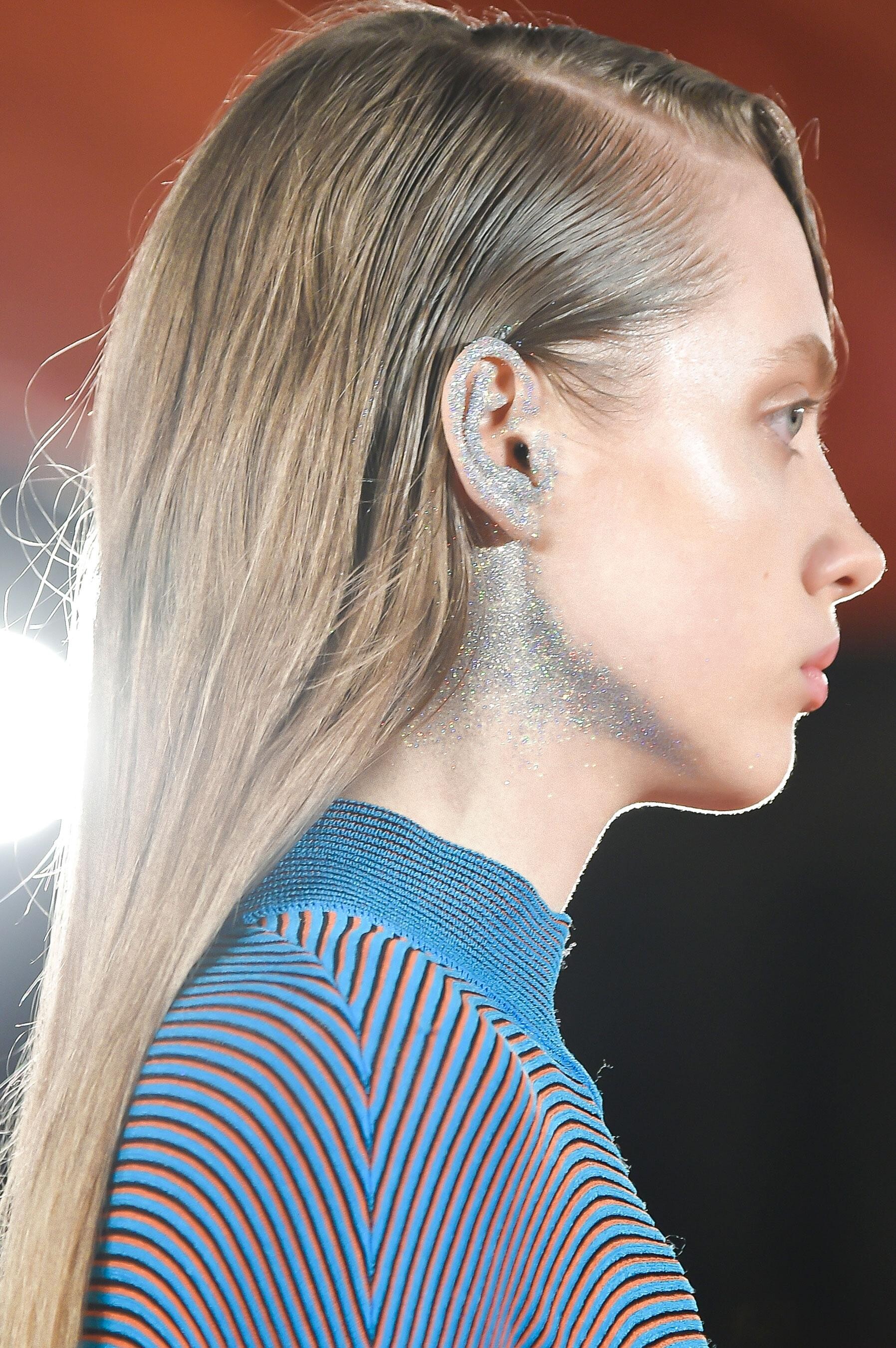
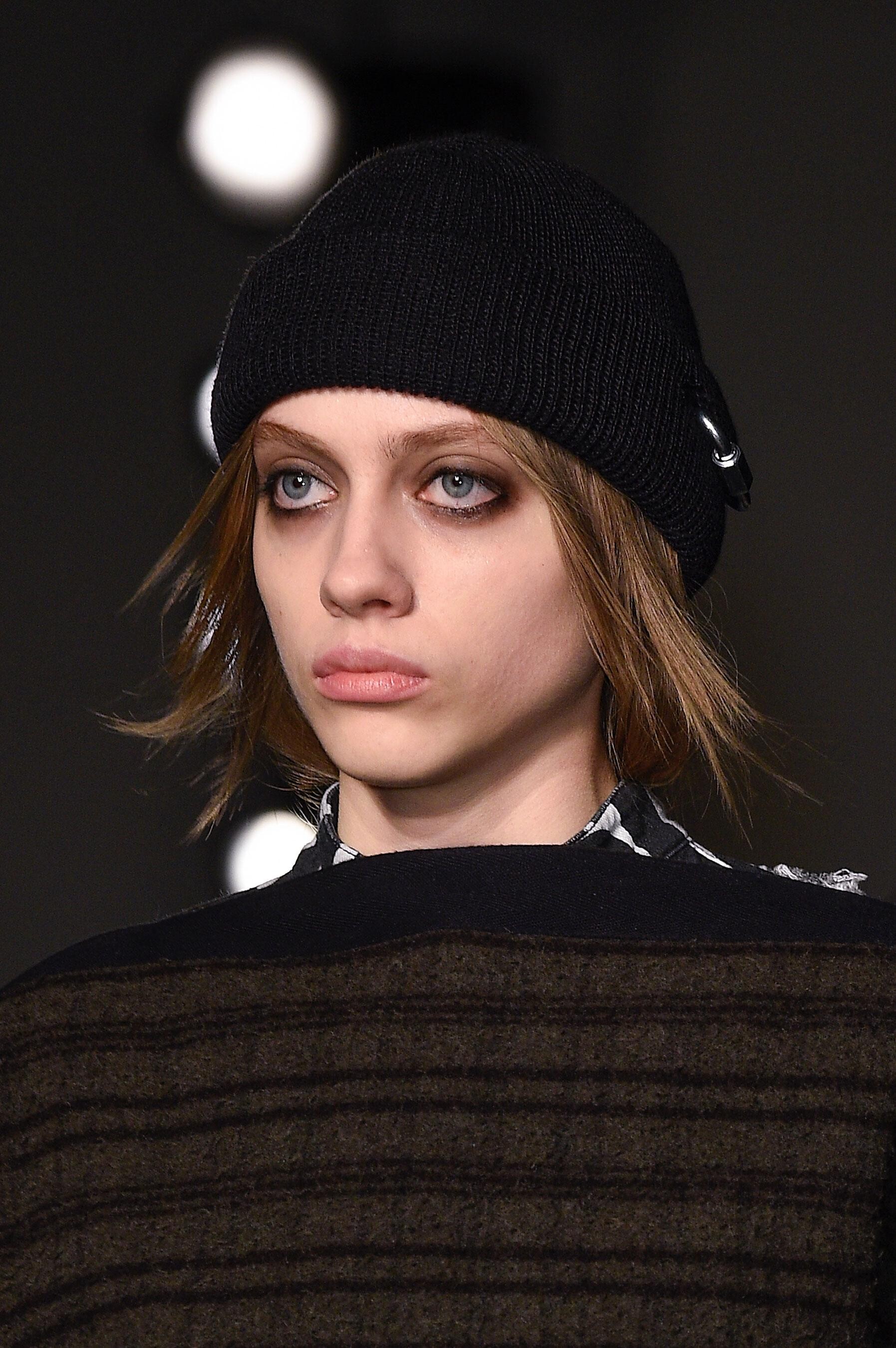
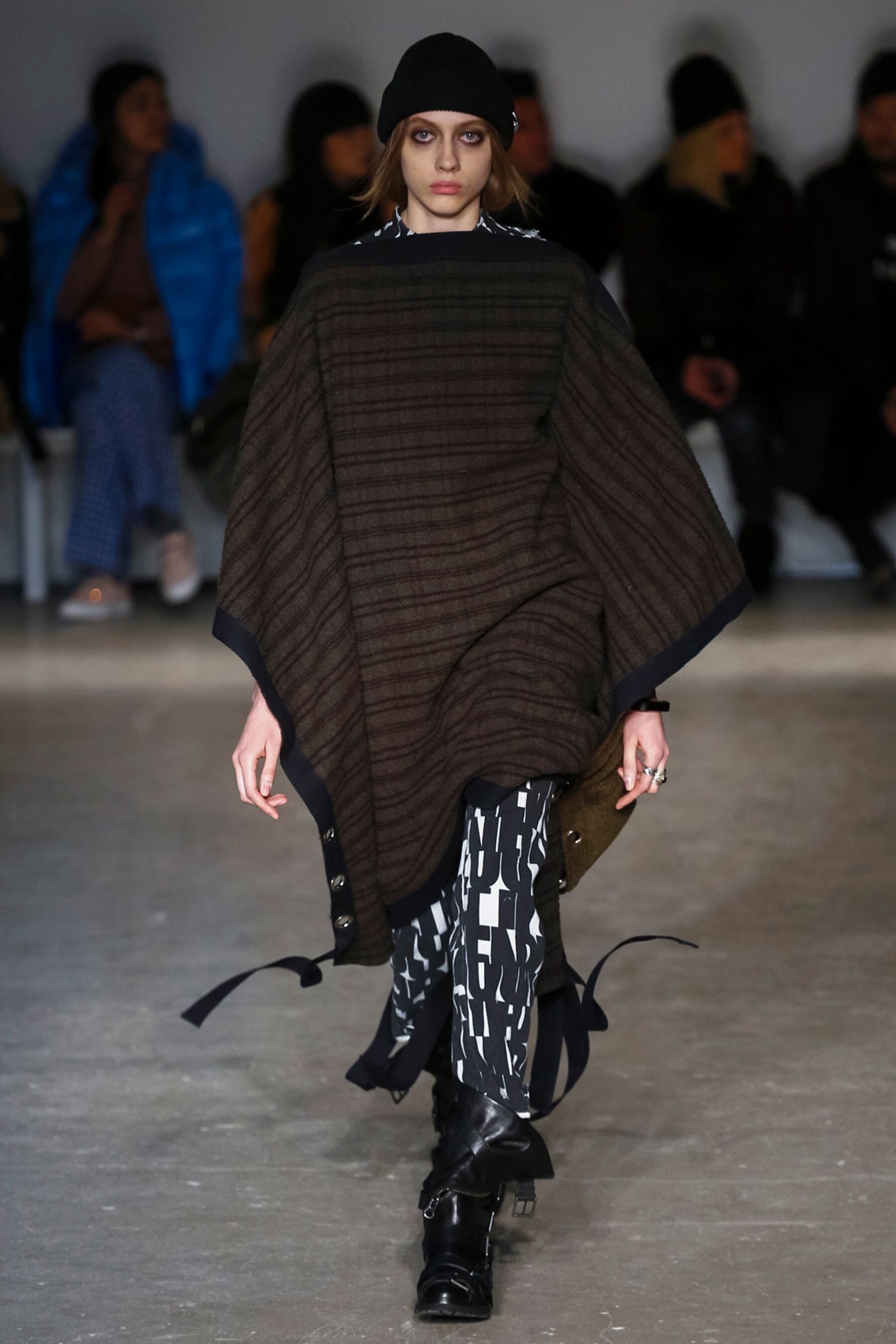
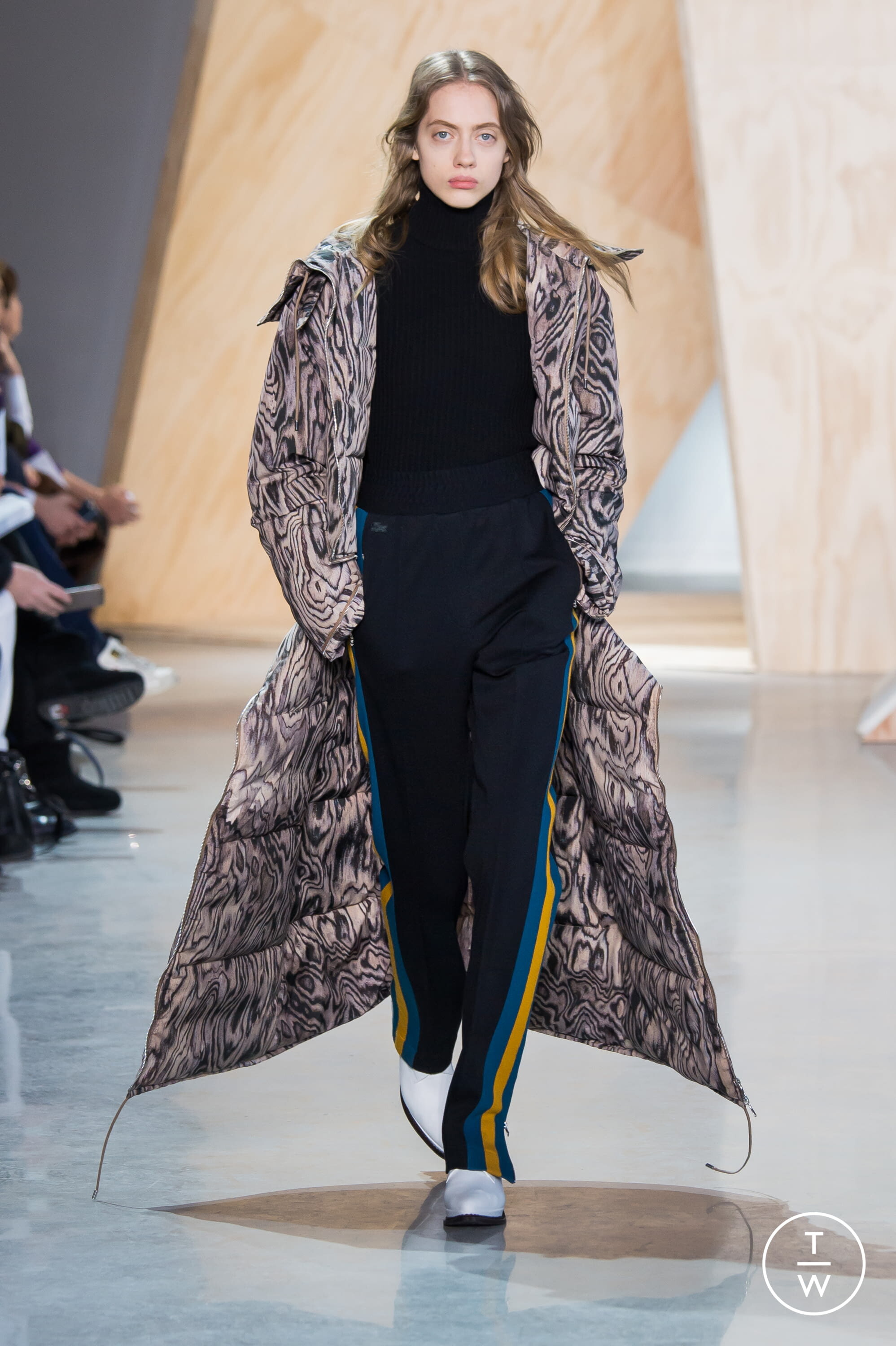
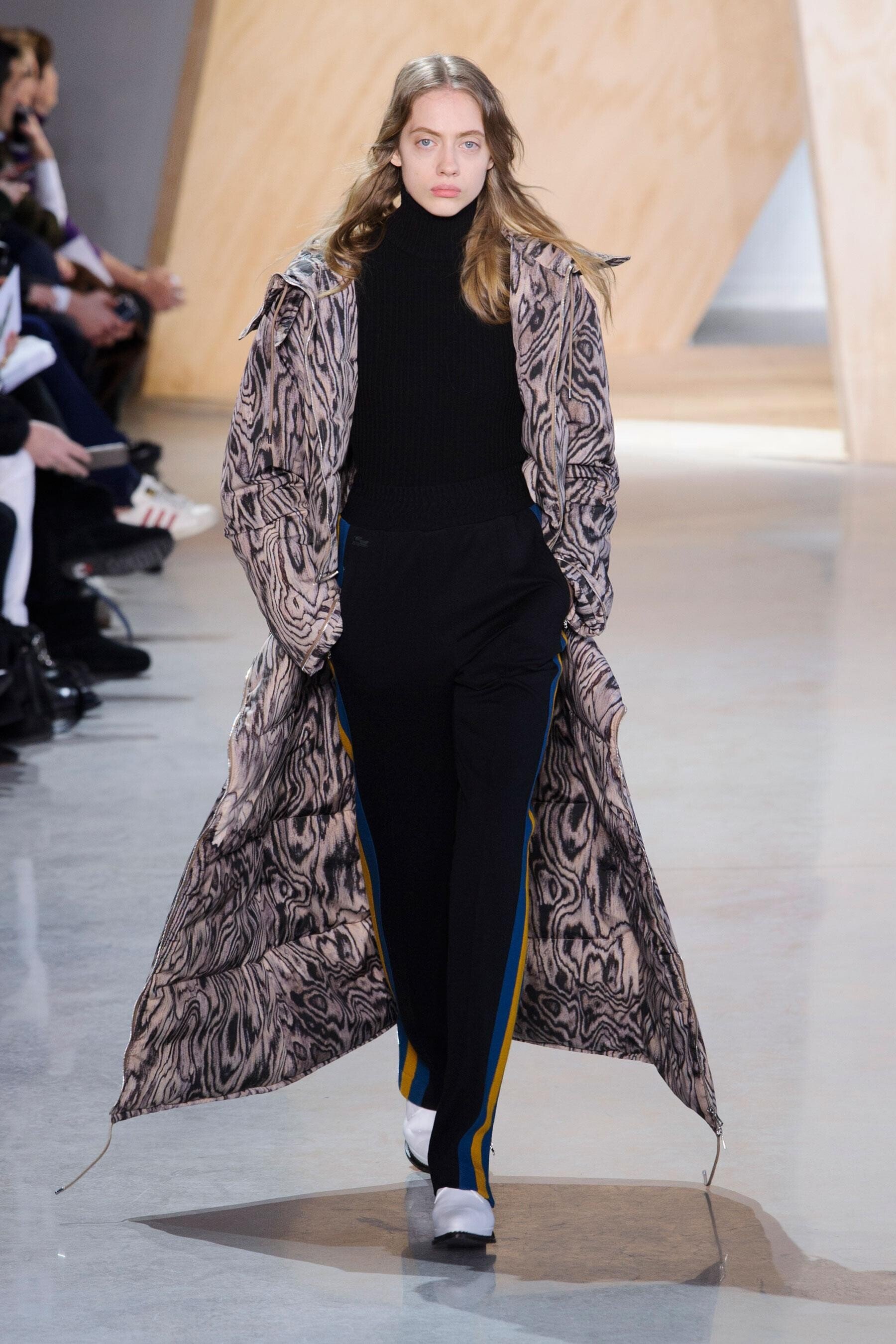
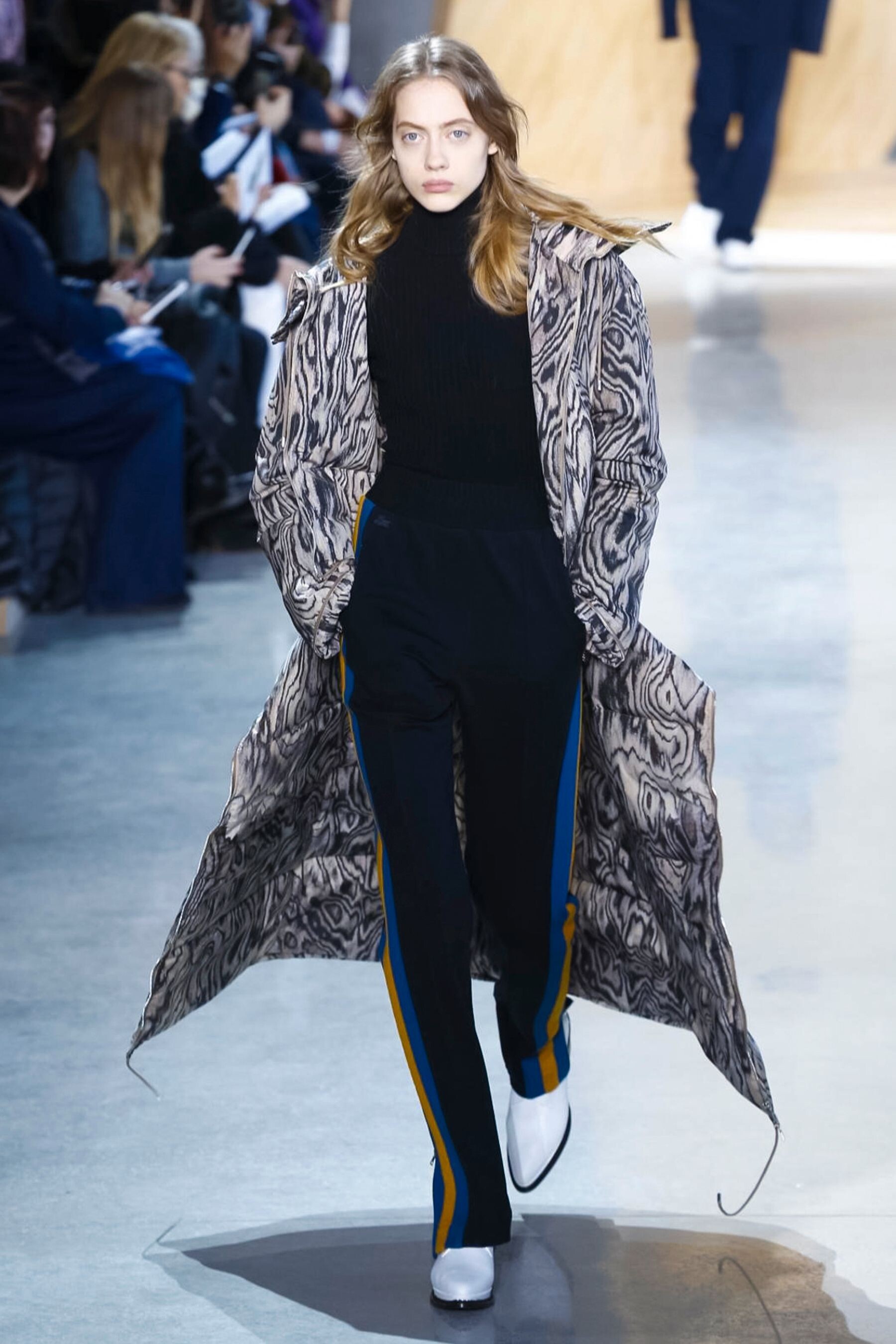
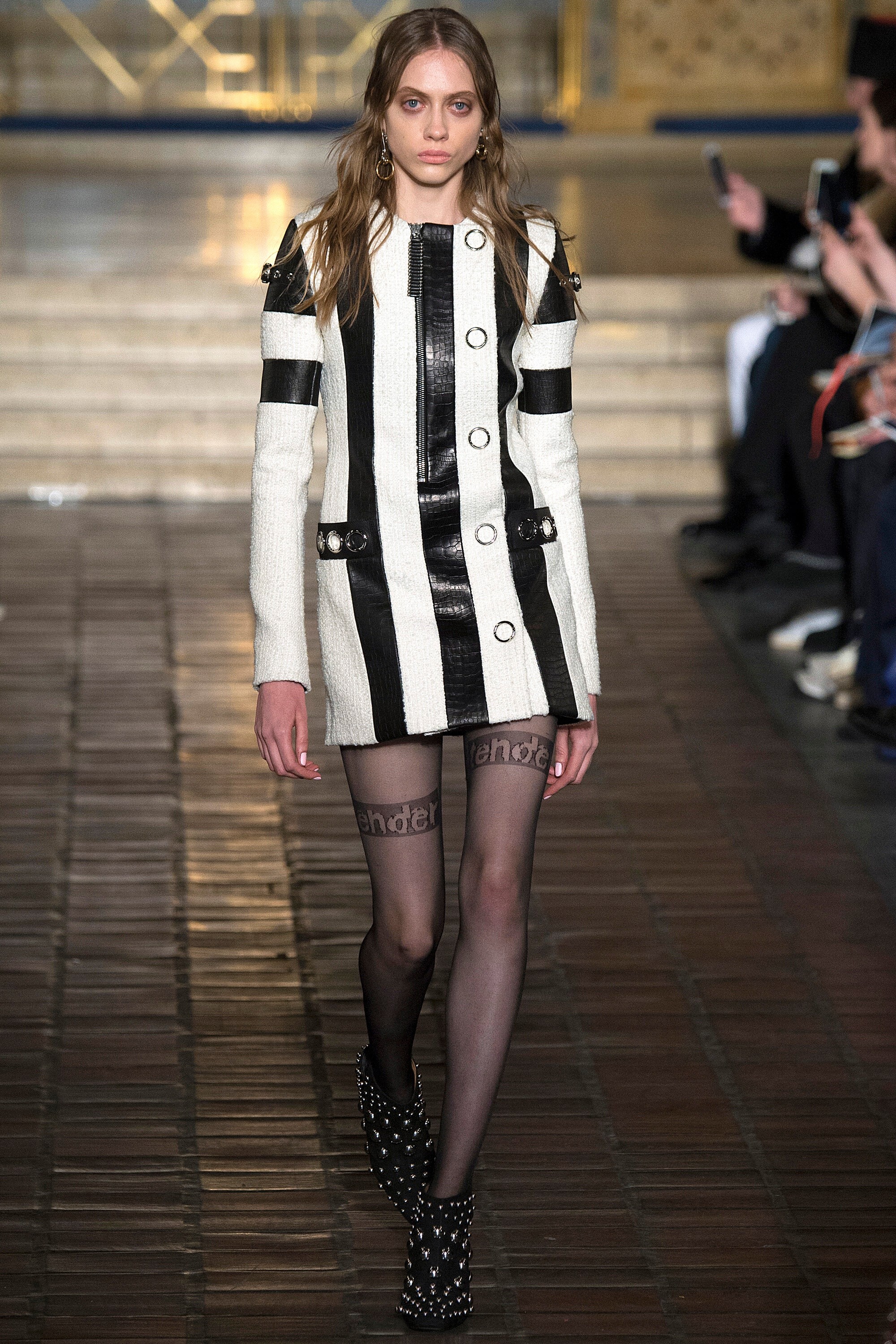
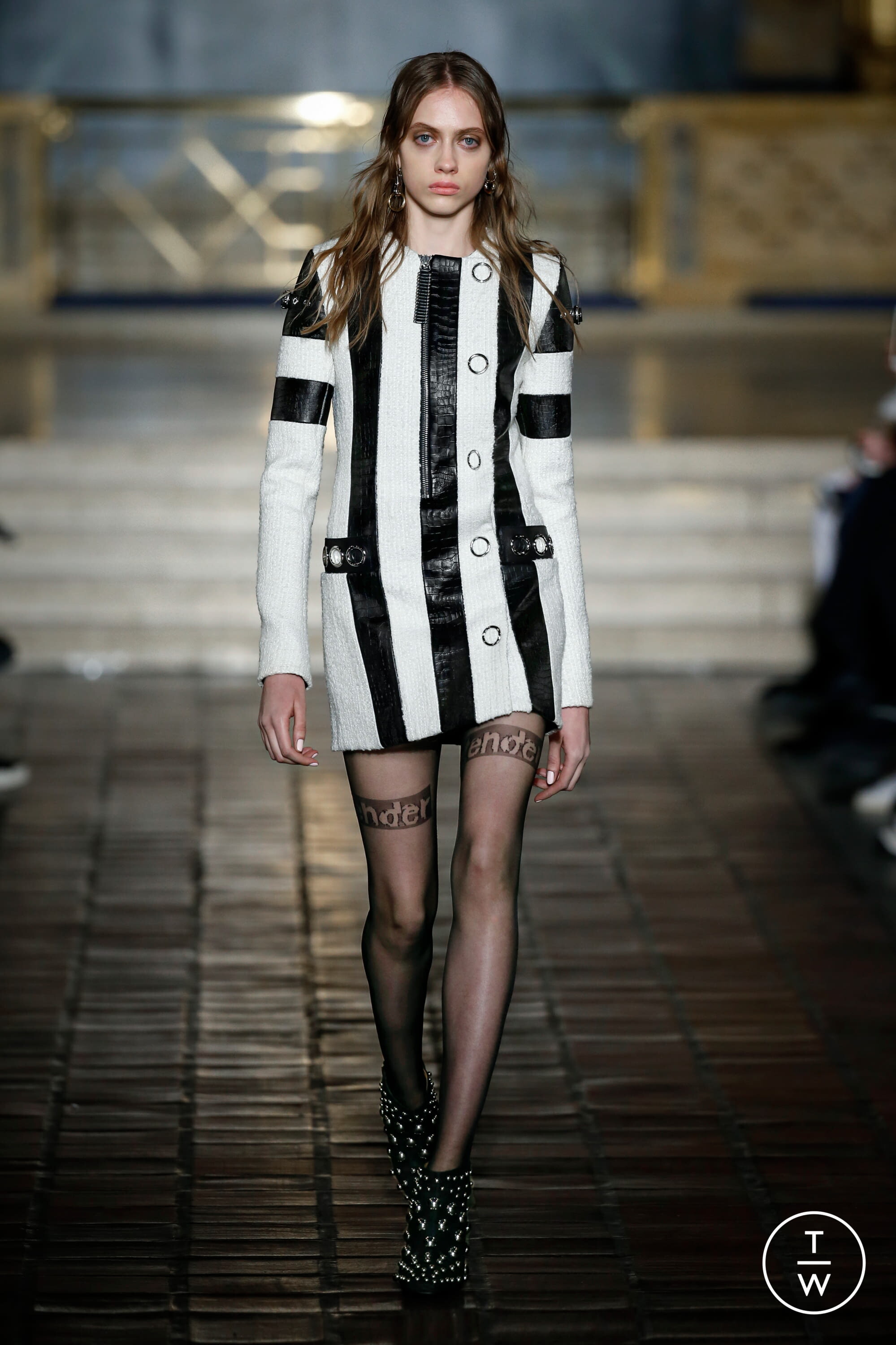
 Alexander Wang FALL 2016 READY-TO-WEAR backstage vogue, nowfashion, tagwalk, madamefigaro








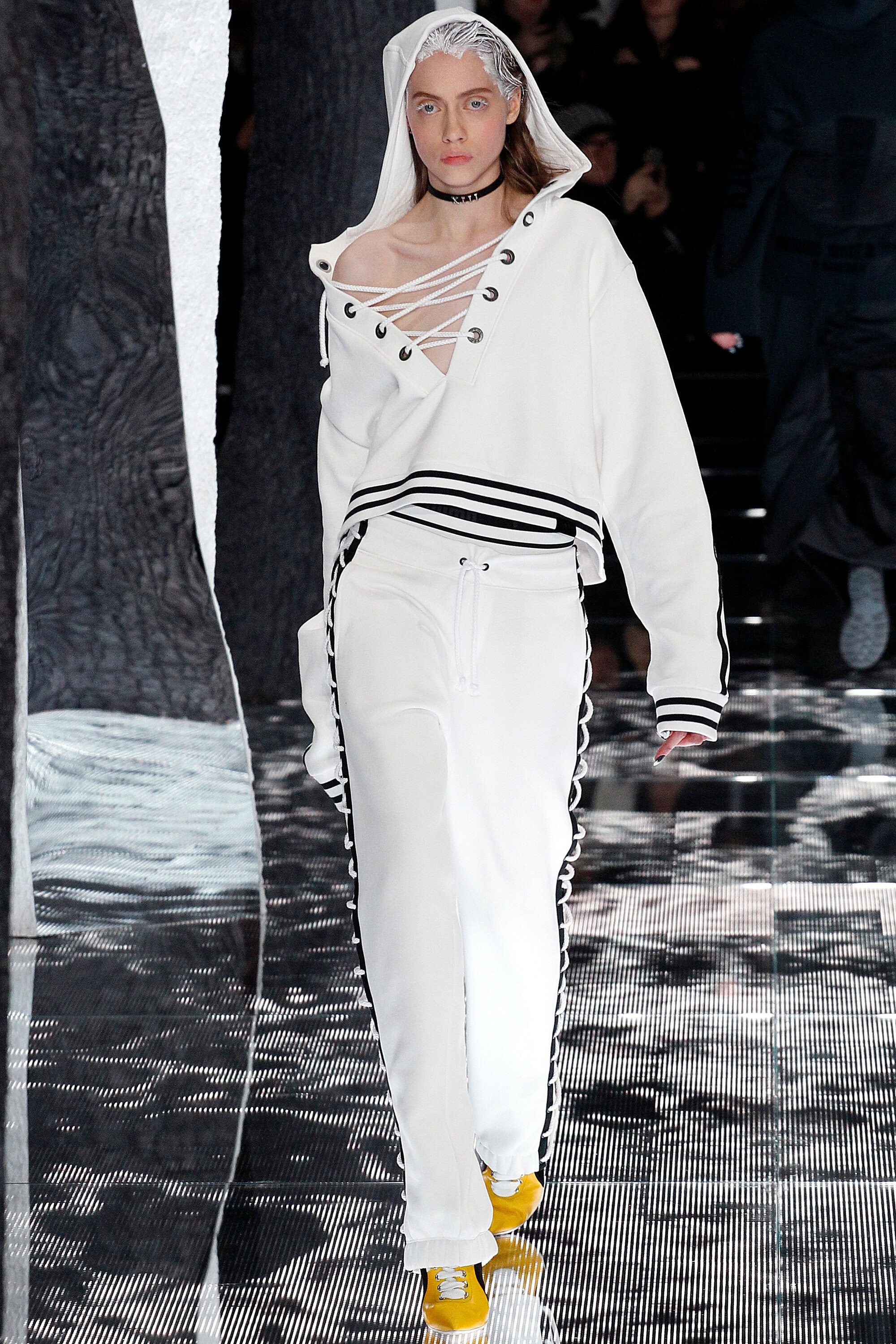
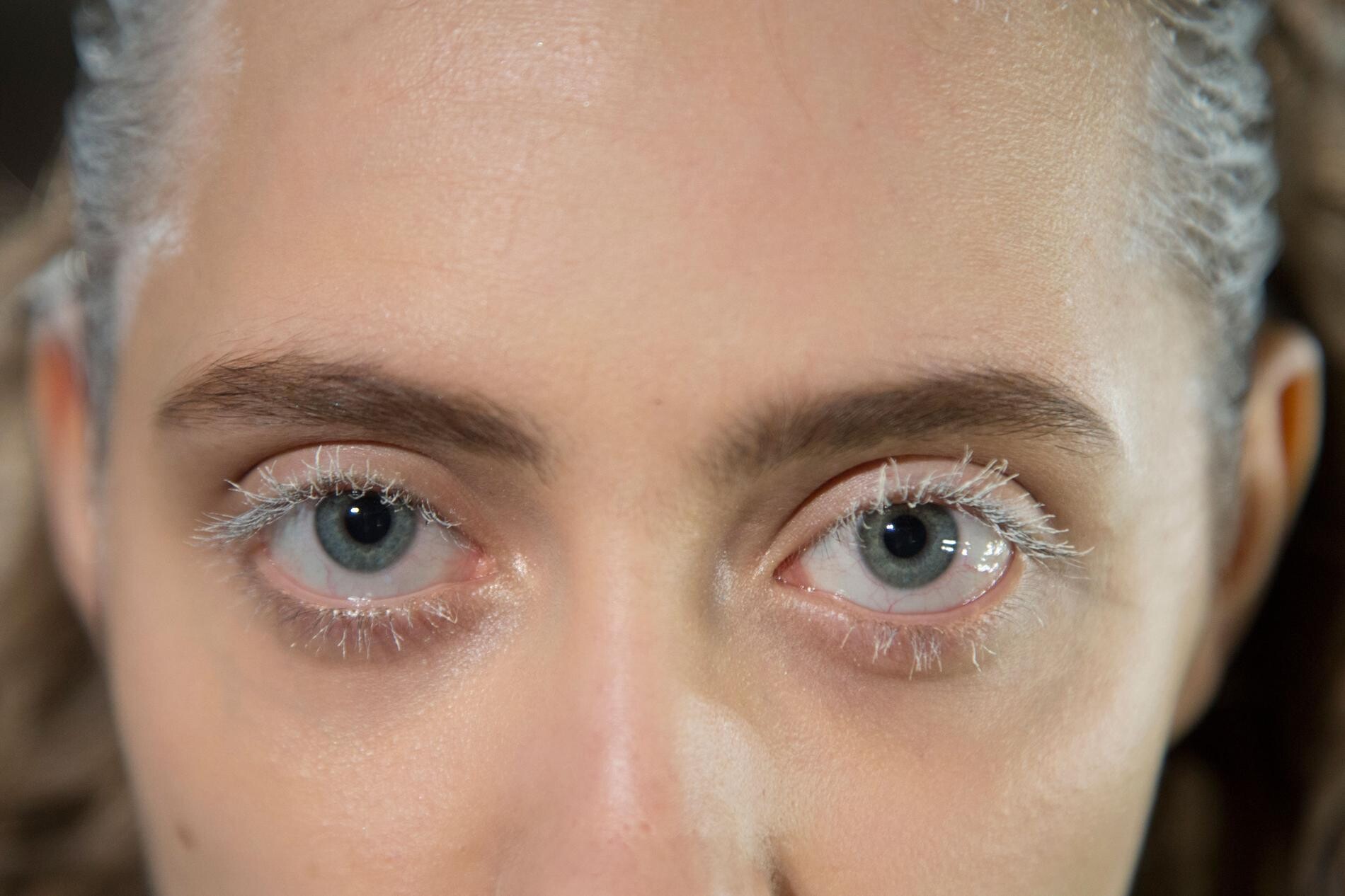
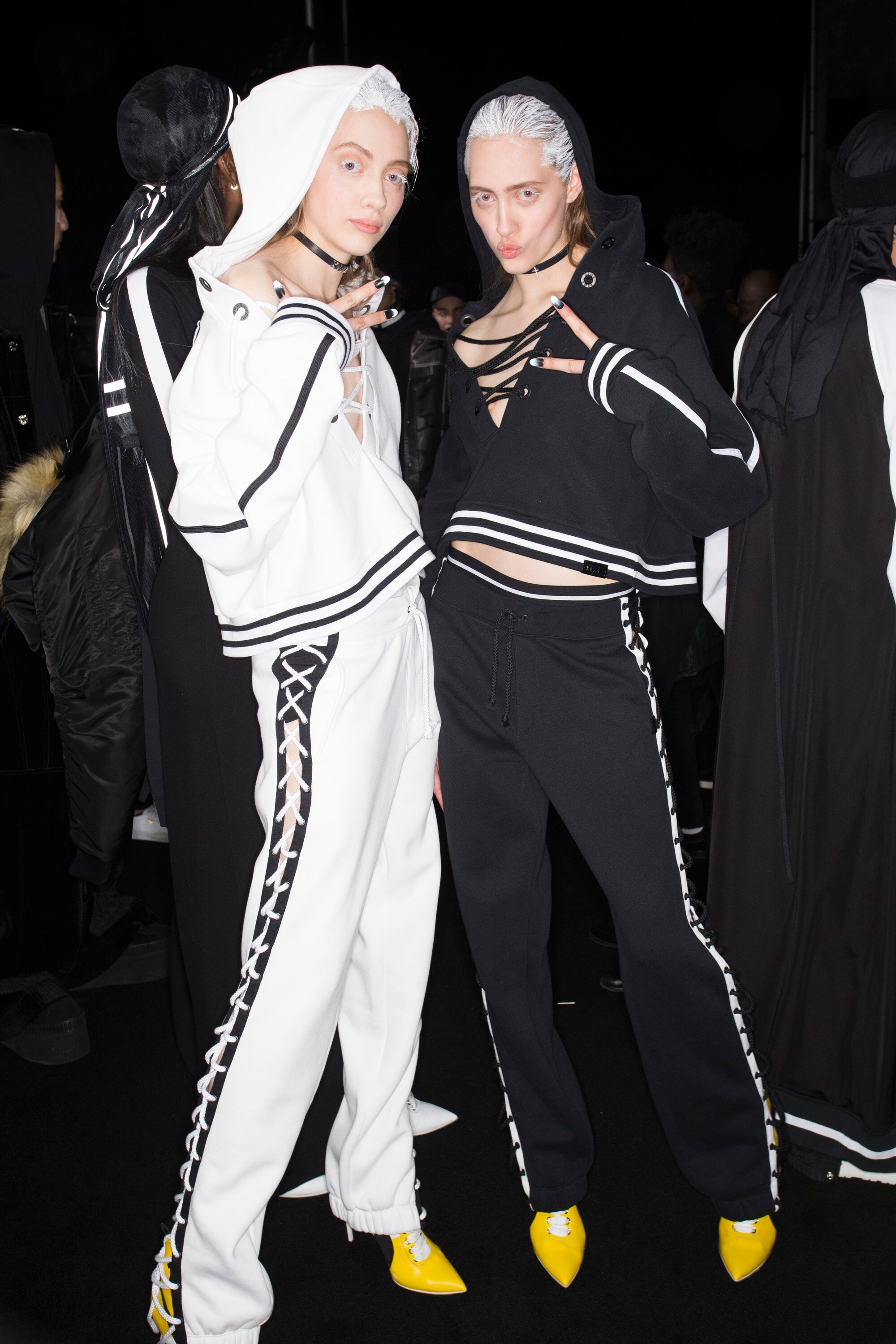
 Fenty x Puma FALL 2016 READY-TO-WEAR backstage vogue, madamefigaro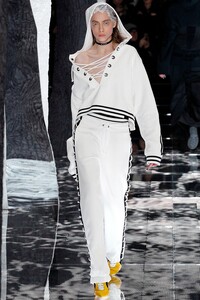









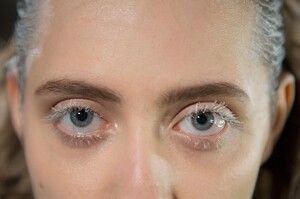




 Saint Laurent PRE-FALL 2016 vogue
 NYFW FW16 Street Style Part LFW FW16 Street Style
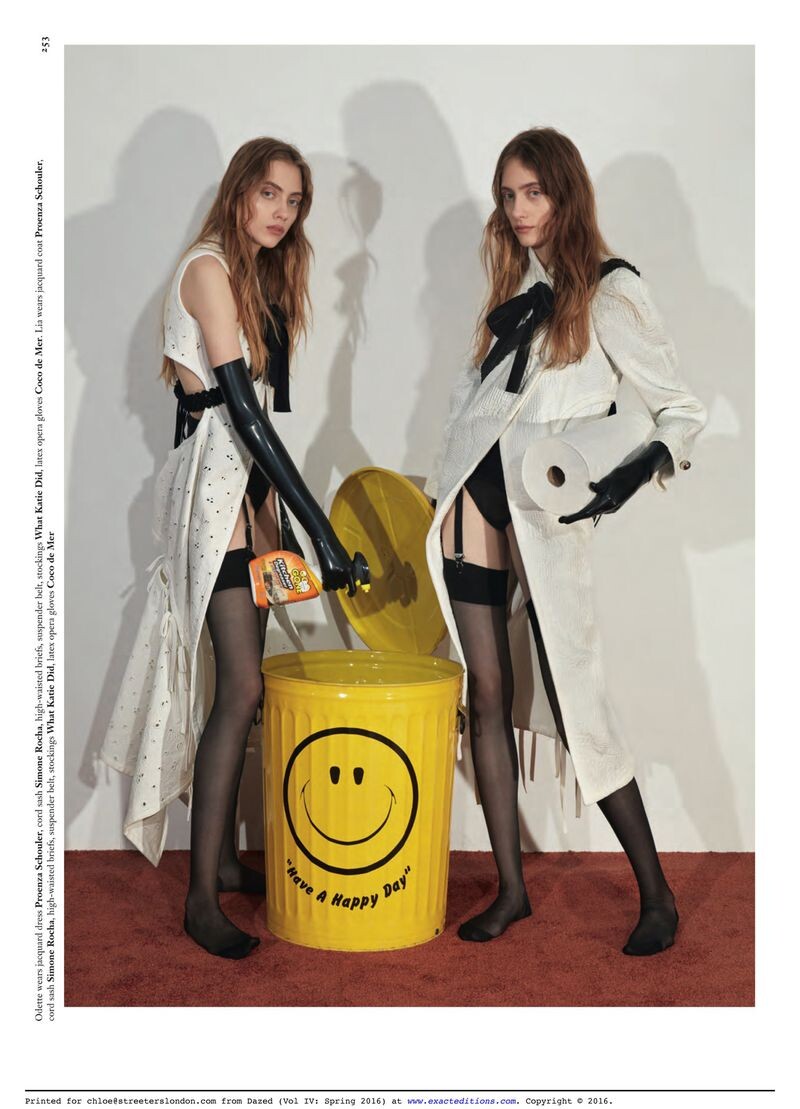
 Dazed Magazine Rinse And Repeat Published: February 2016 models
 Numéro France Love Stories Published: February 2016 models
 Dolce Gabbana Alta Moda SPRING 2016 COUTURE vogue
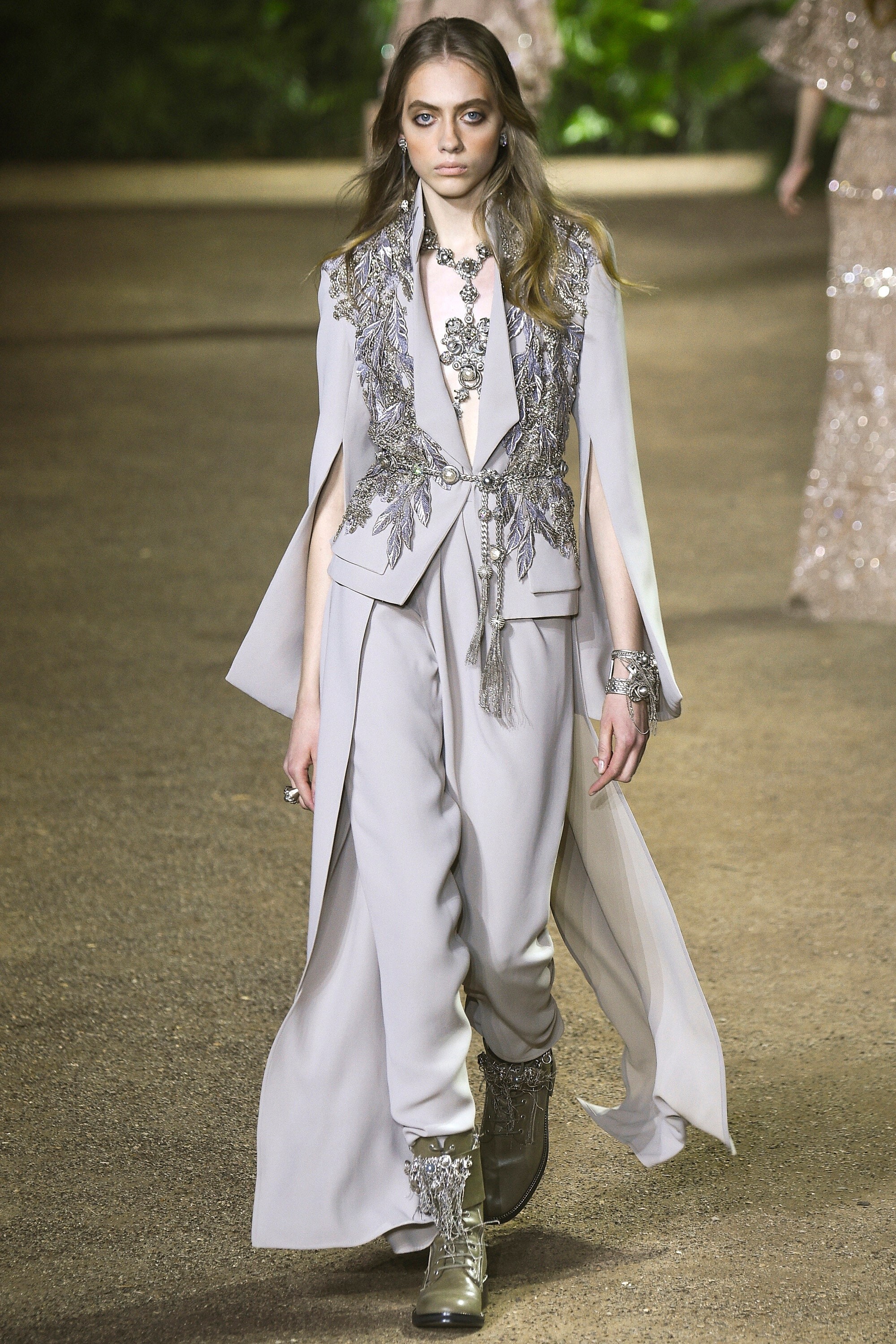
 Elie Saab SPRING 2016 COUTURE backstage vogue, nowfashion, madamefigaro






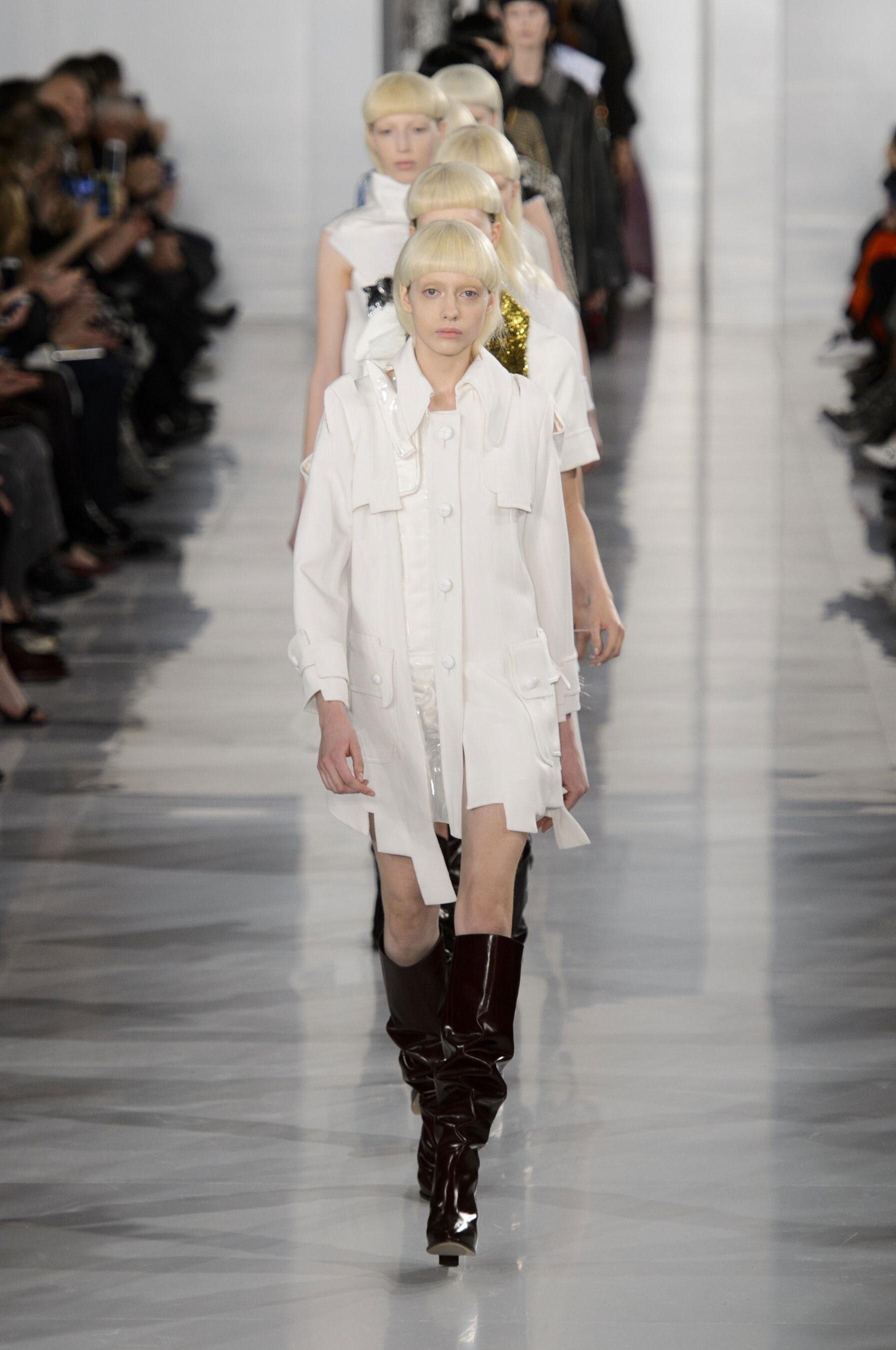
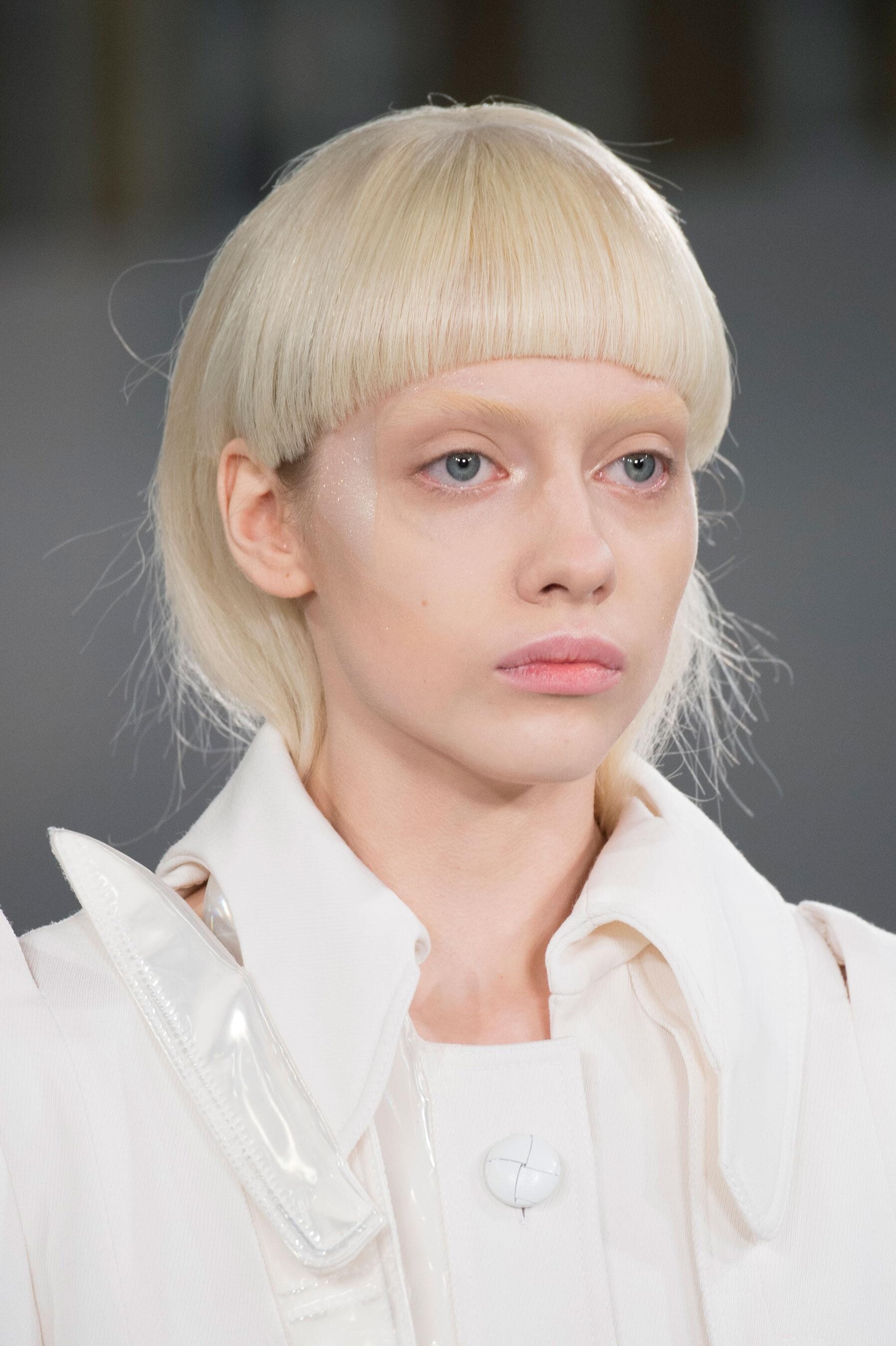
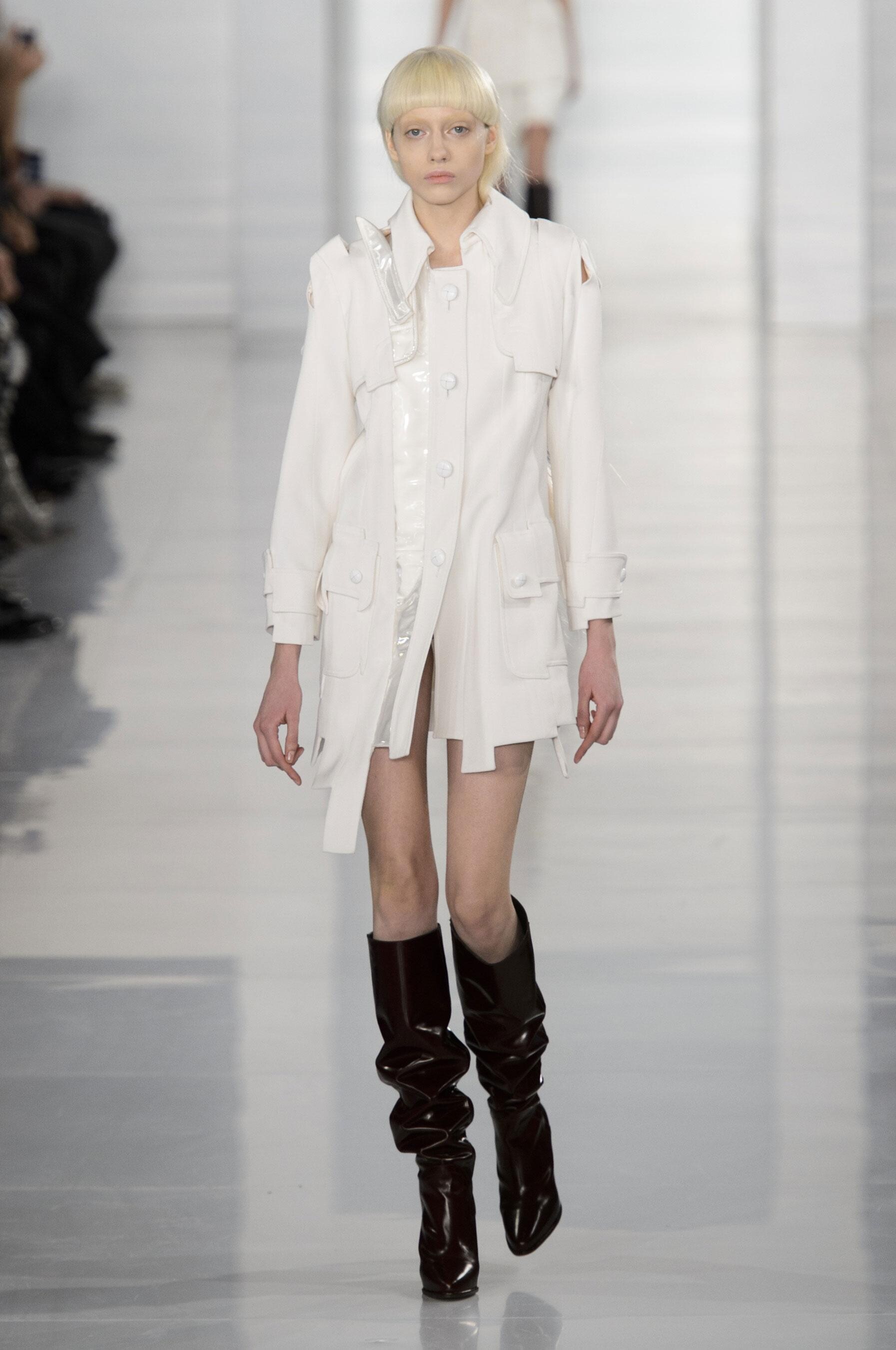
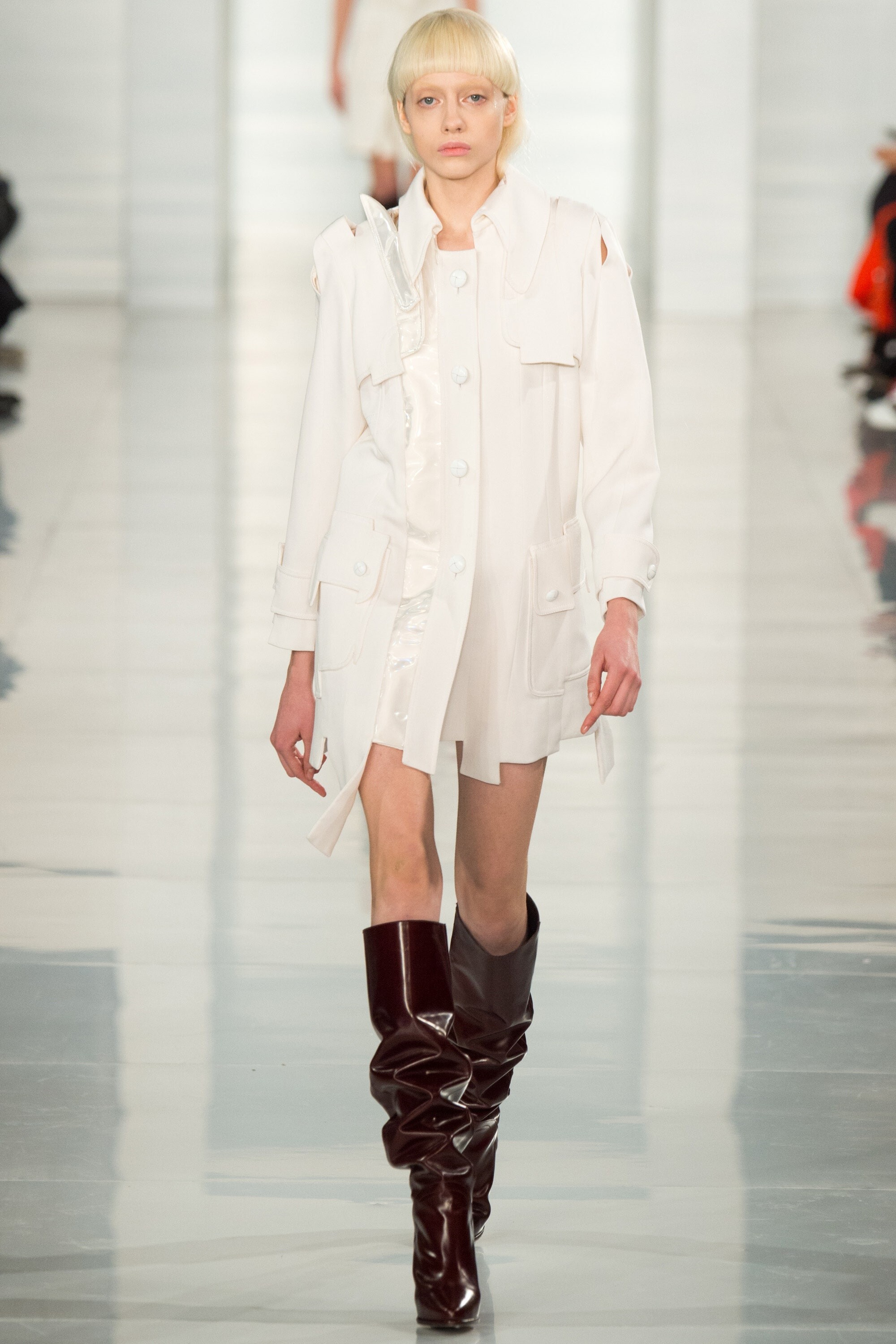
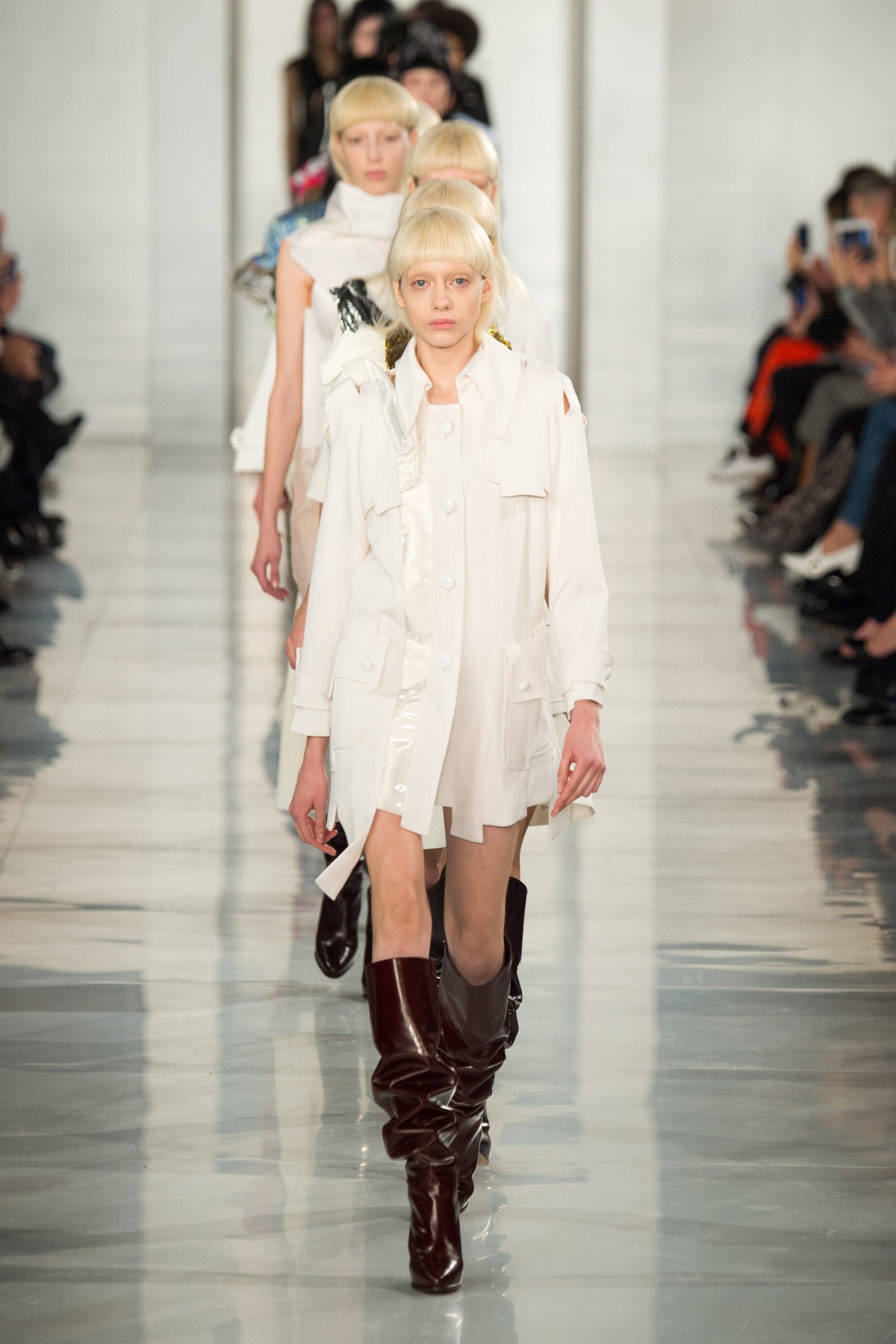
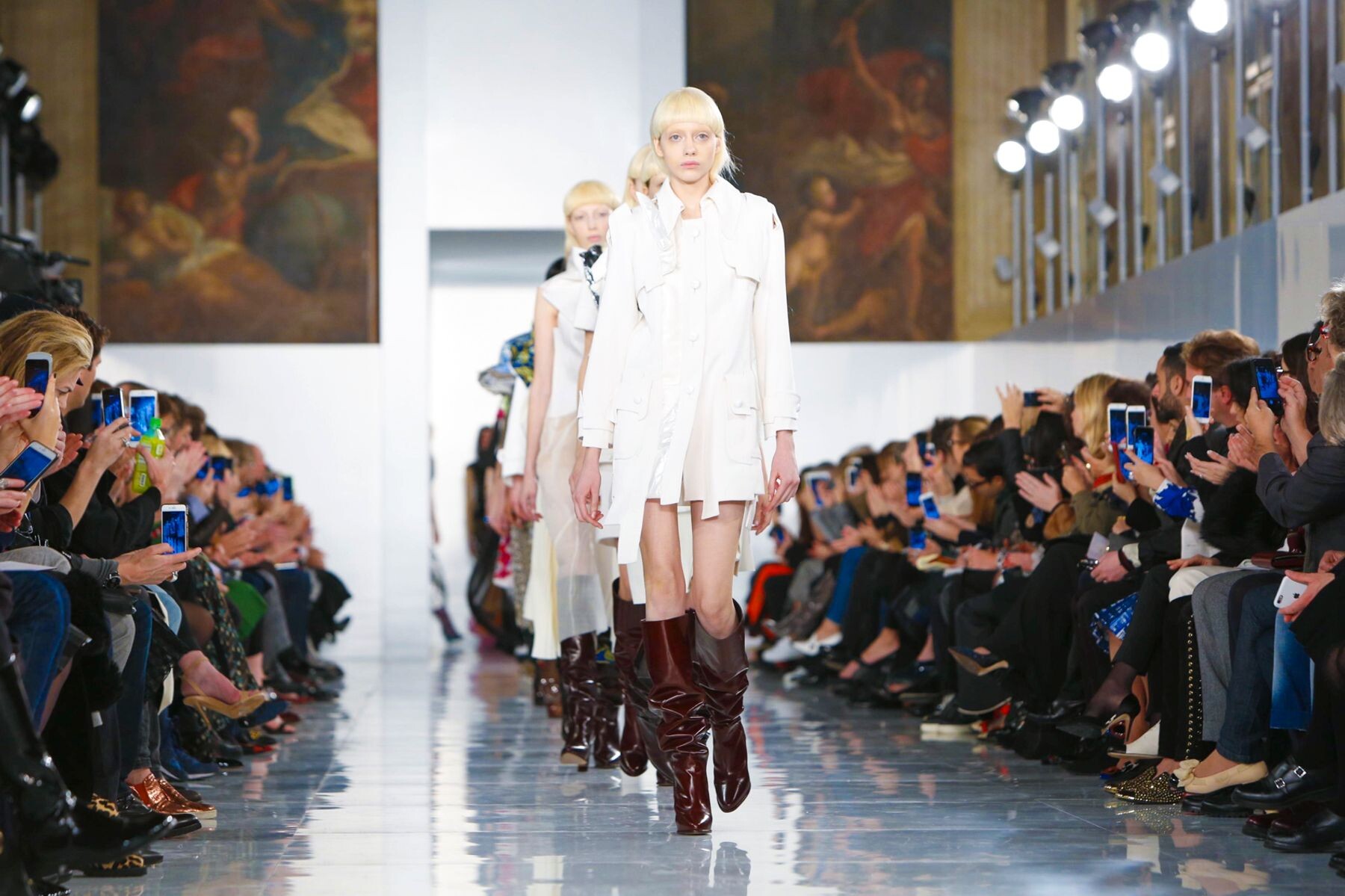
 Maison Margiela (opened) SPRING 2016 COUTURE vogue, nowfashion, madamefigaro













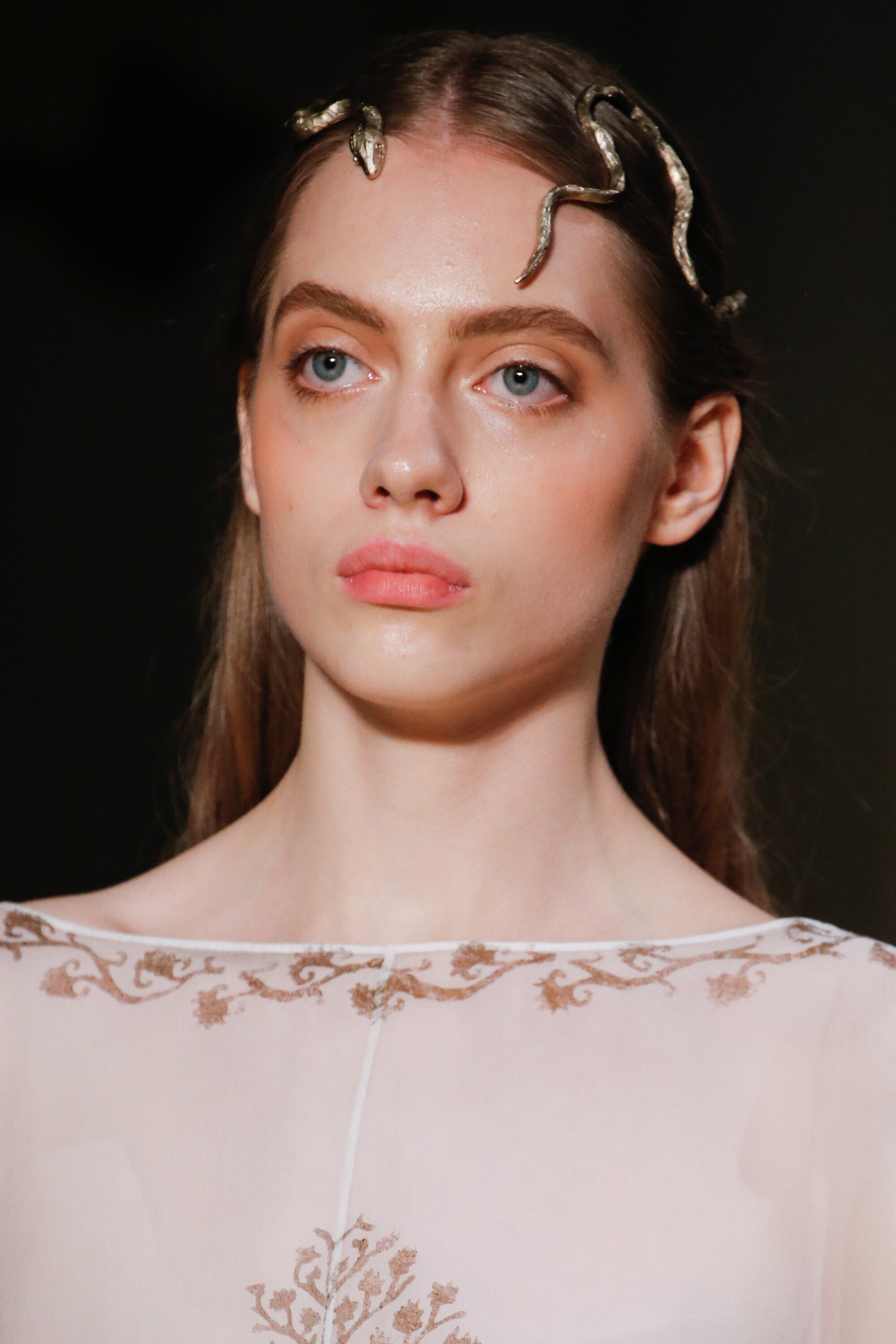
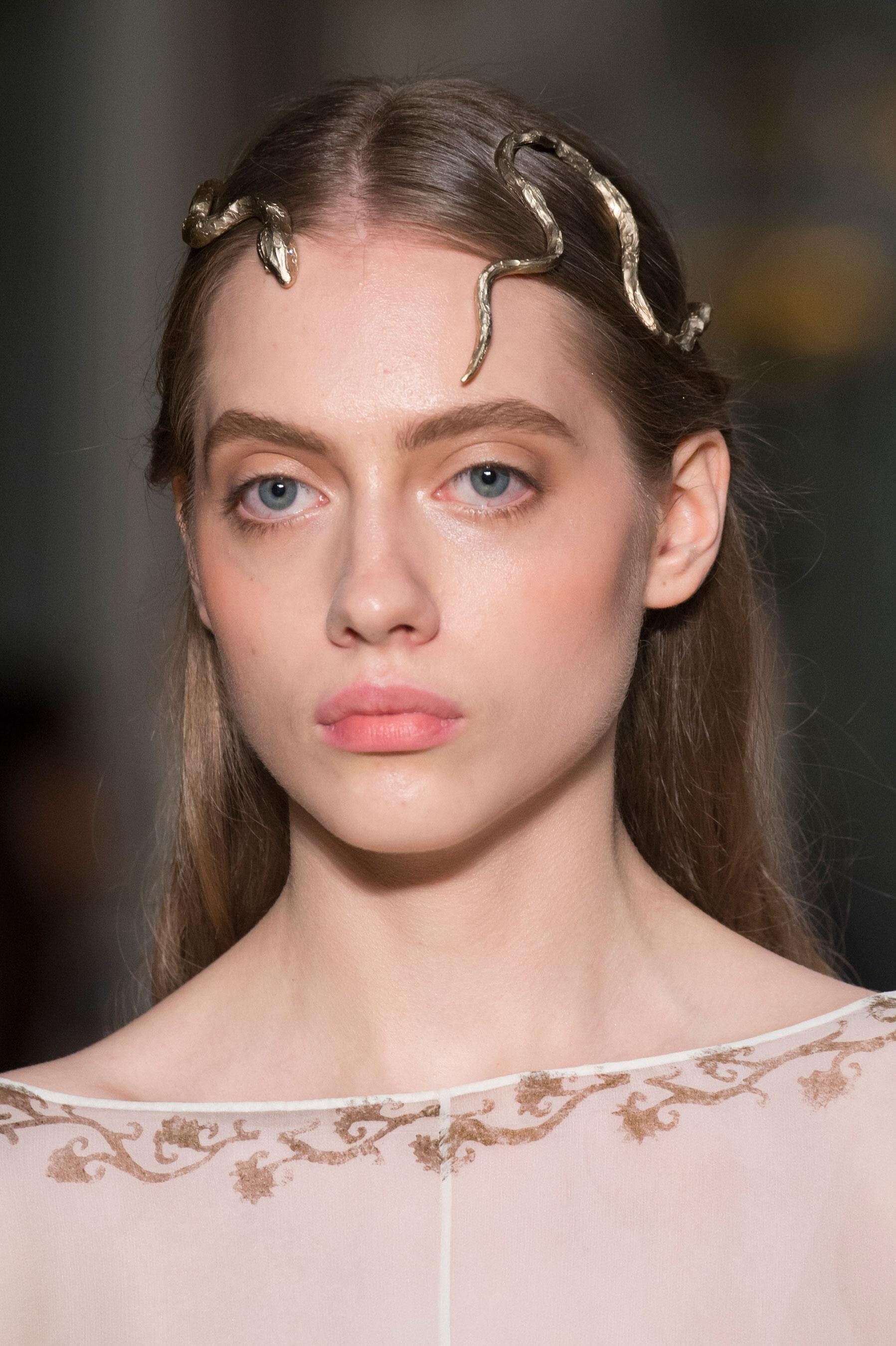
 Valentino SPRING 2016 COUTURE vogue, nowfashion, madamefigaro detail





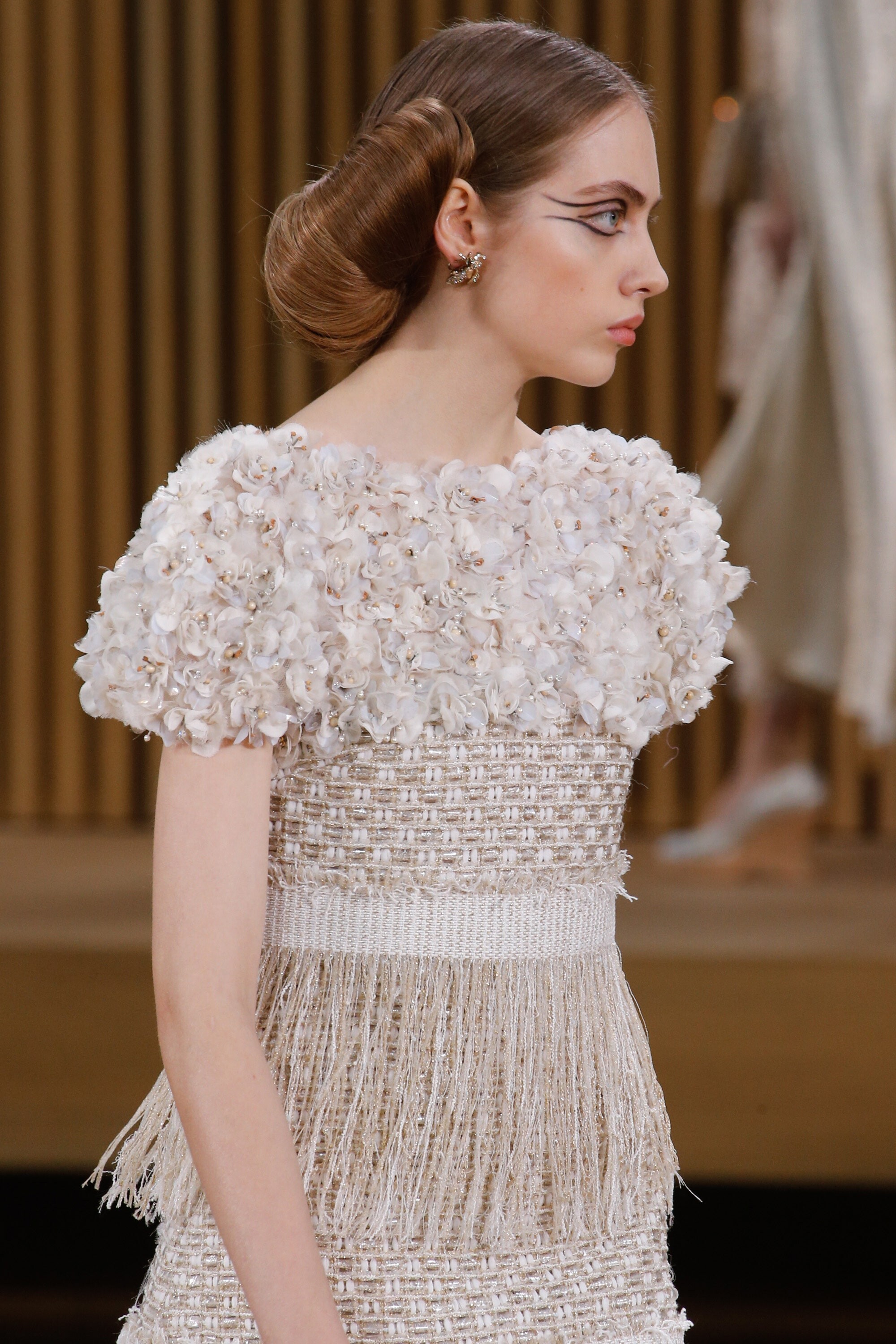
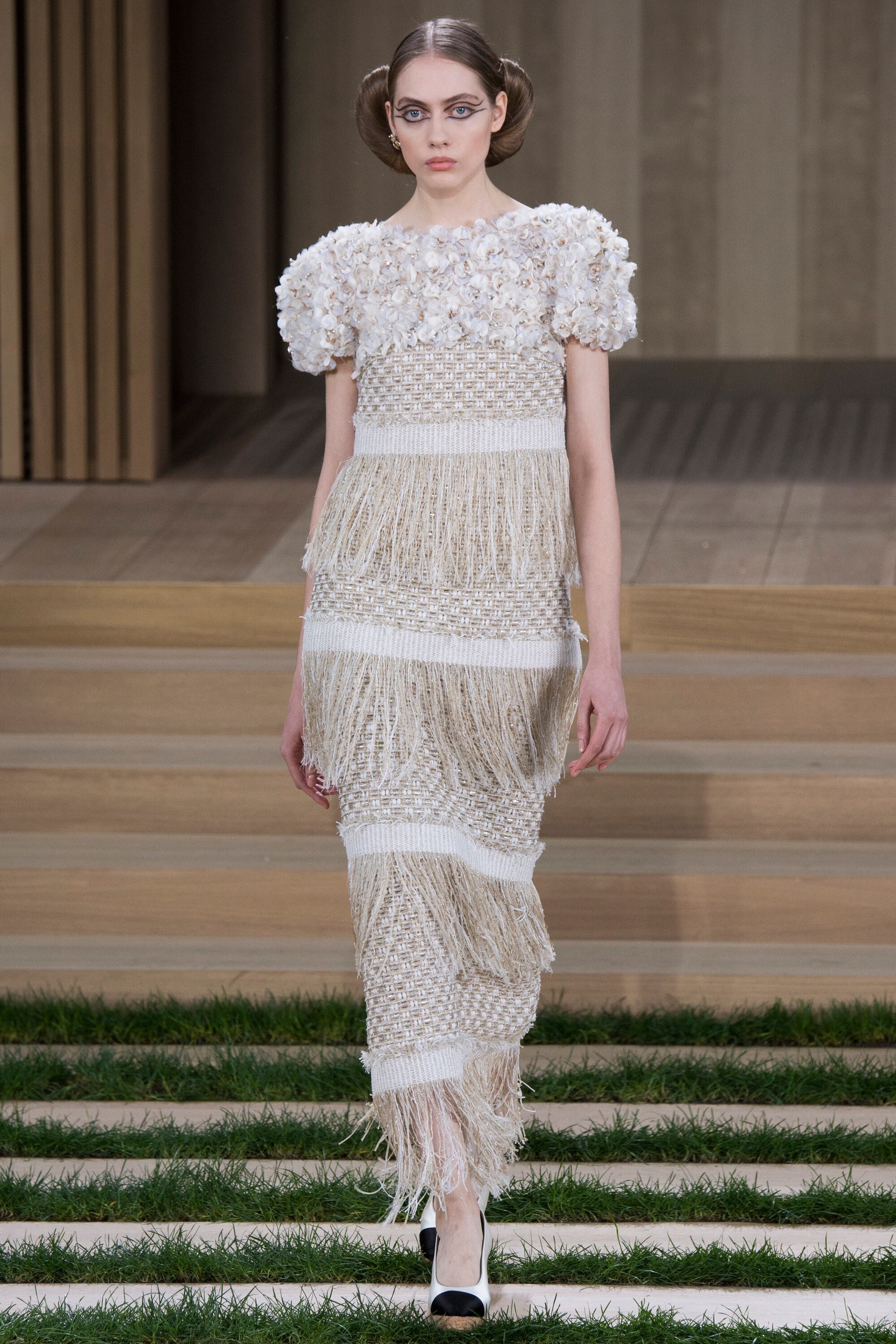
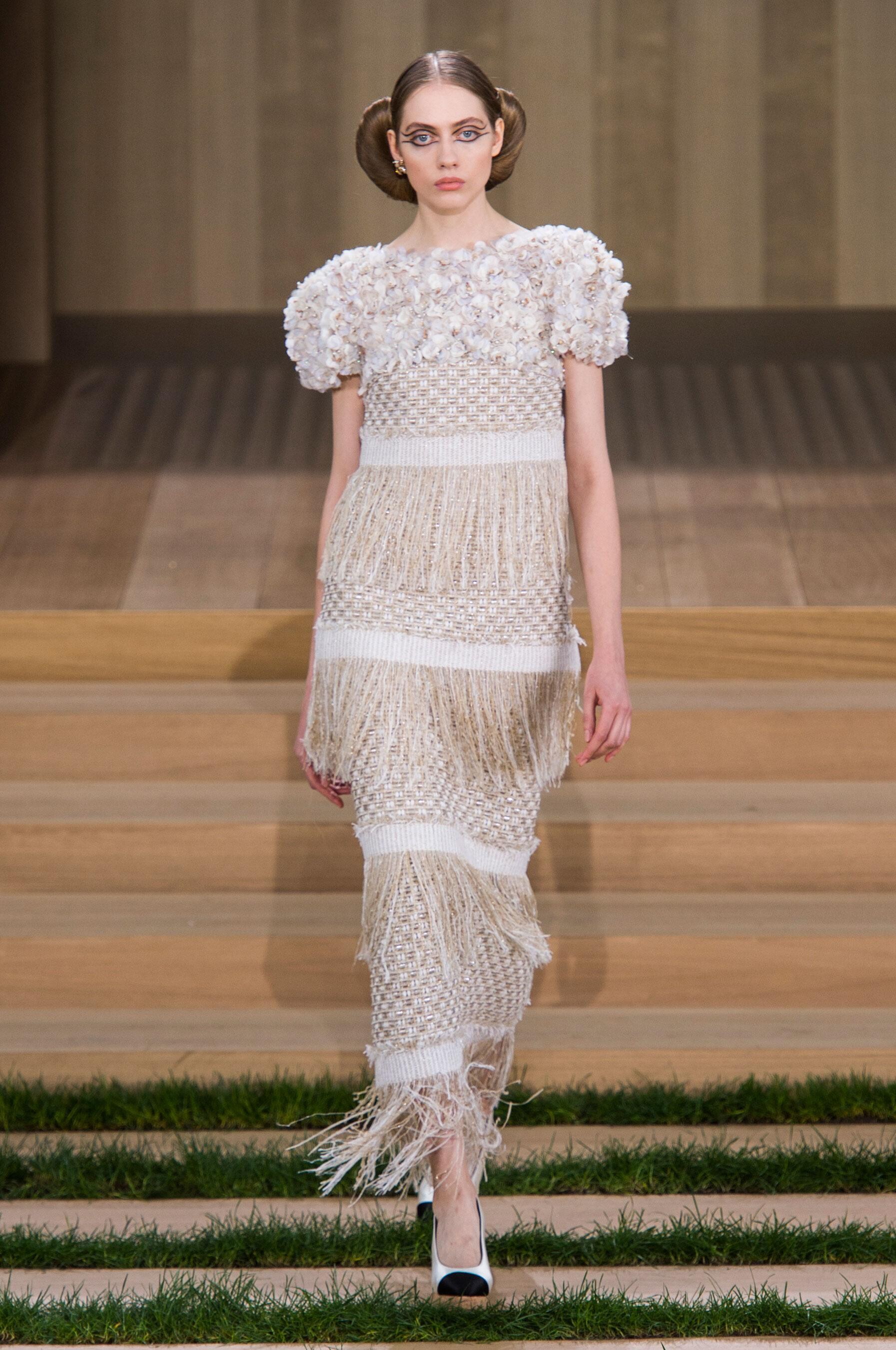
 Chanel SPRING 2016 COUTURE vogue, nowfashion, madamefigaro



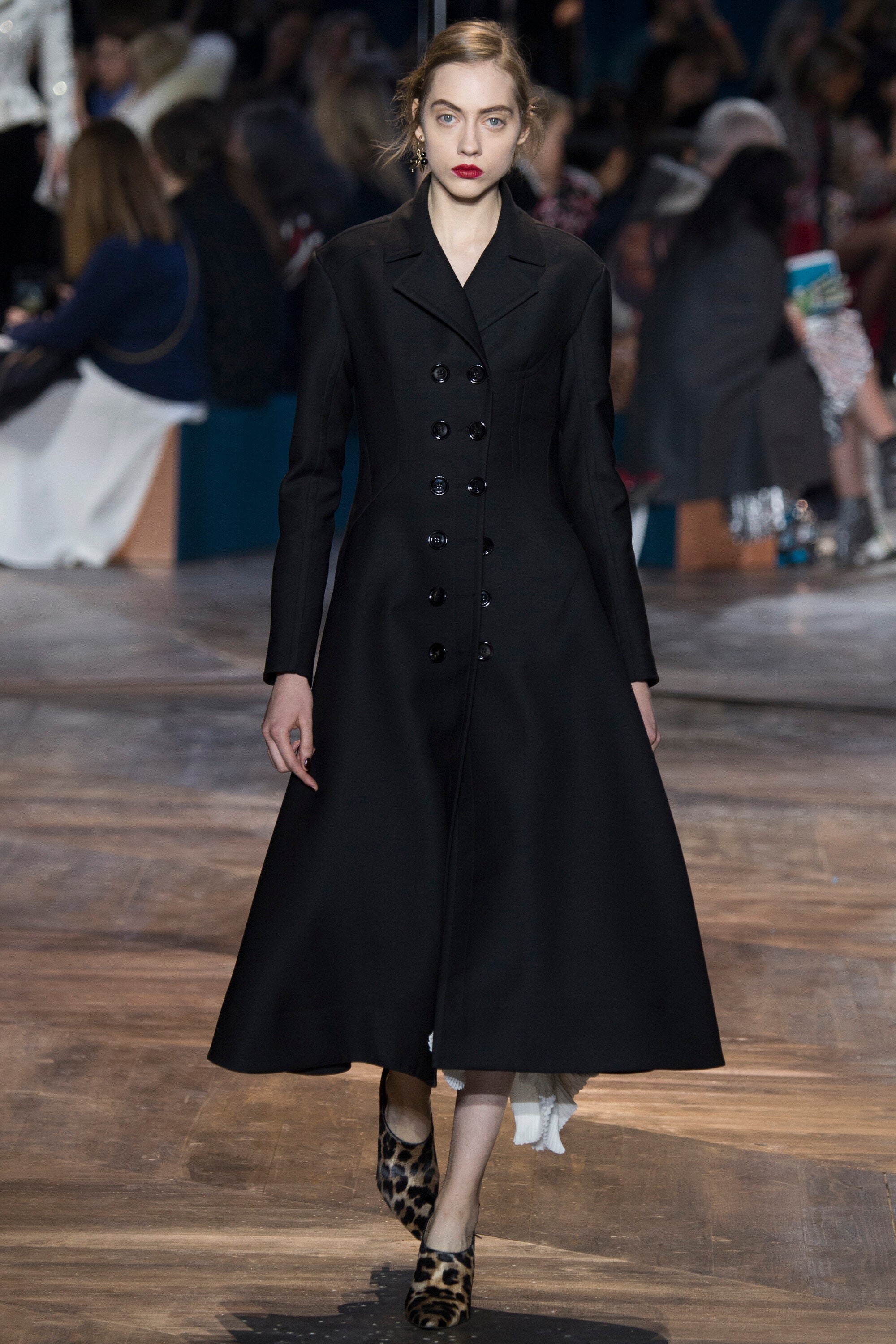
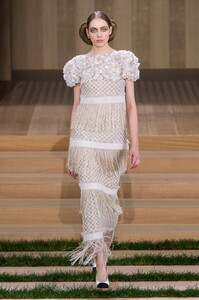 Dior SPRING 2016 COUTURE backstage vogue, nowfashion, madamefigaro





















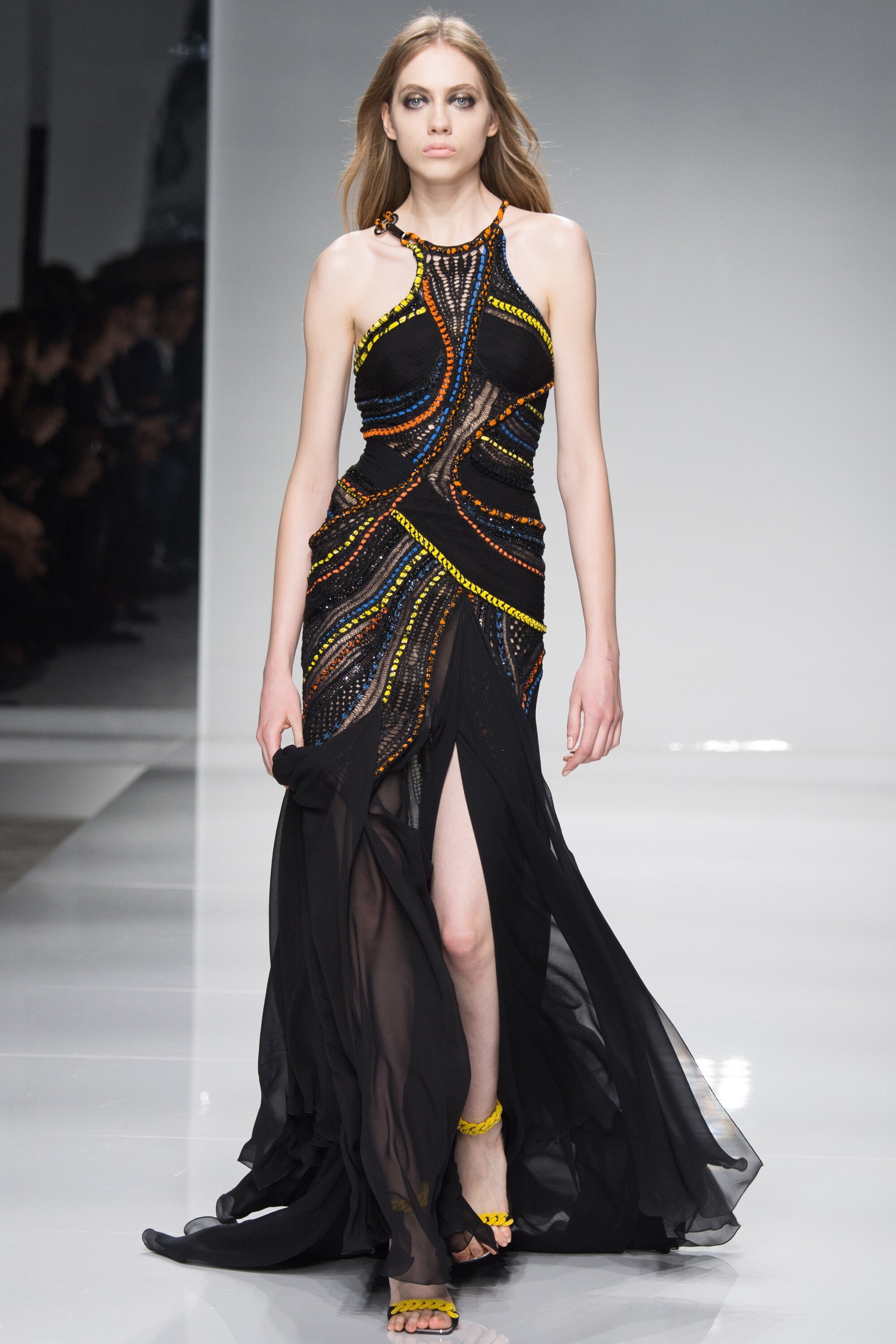
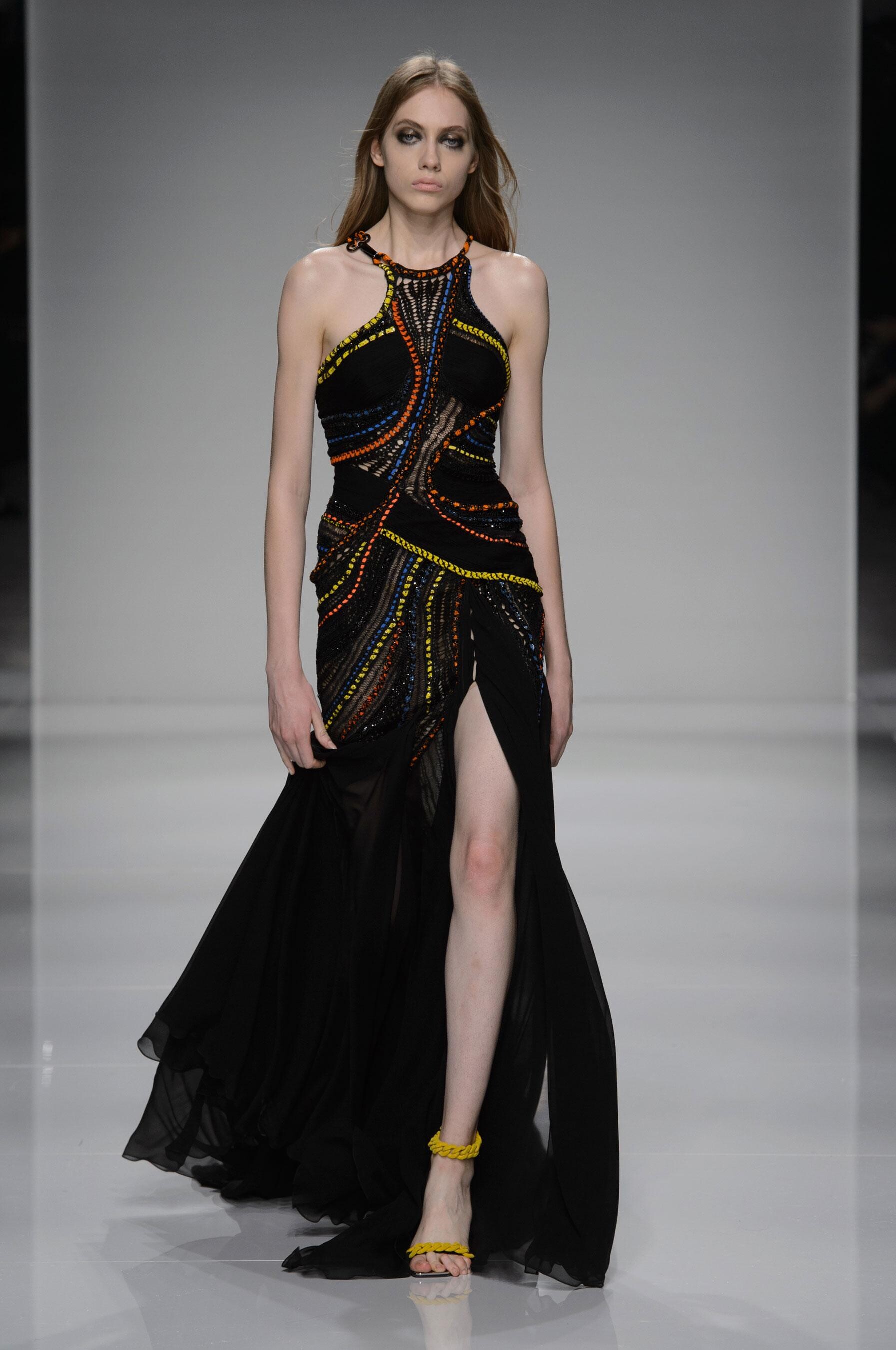
 Atelier Versace SPRING 2016 COUTURE backstage vogue, madamefigaro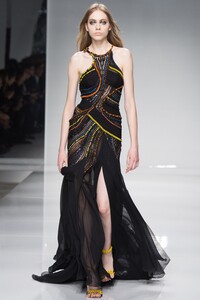








































































































































Account
Navigation
Search
Configure browser push notifications
Chrome (Android)
- Tap the lock icon next to the address bar.
- Tap Permissions → Notifications.
- Adjust your preference.
Chrome (Desktop)
- Click the padlock icon in the address bar.
- Select Site settings.
- Find Notifications and adjust your preference.
Safari (iOS 16.4+)
- Ensure the site is installed via Add to Home Screen.
- Open Settings App → Notifications.
- Find your app name and adjust your preference.
Safari (macOS)
- Go to Safari → Preferences.
- Click the Websites tab.
- Select Notifications in the sidebar.
- Find this website and adjust your preference.
Edge (Android)
- Tap the lock icon next to the address bar.
- Tap Permissions.
- Find Notifications and adjust your preference.
Edge (Desktop)
- Click the padlock icon in the address bar.
- Click Permissions for this site.
- Find Notifications and adjust your preference.
Firefox (Android)
- Go to Settings → Site permissions.
- Tap Notifications.
- Find this site in the list and adjust your preference.
Firefox (Desktop)
- Open Firefox Settings.
- Search for Notifications.
- Find this site in the list and adjust your preference.