
Daradrpipara
Members
-
Joined
-
Last visited
Everything posted by Daradrpipara
-
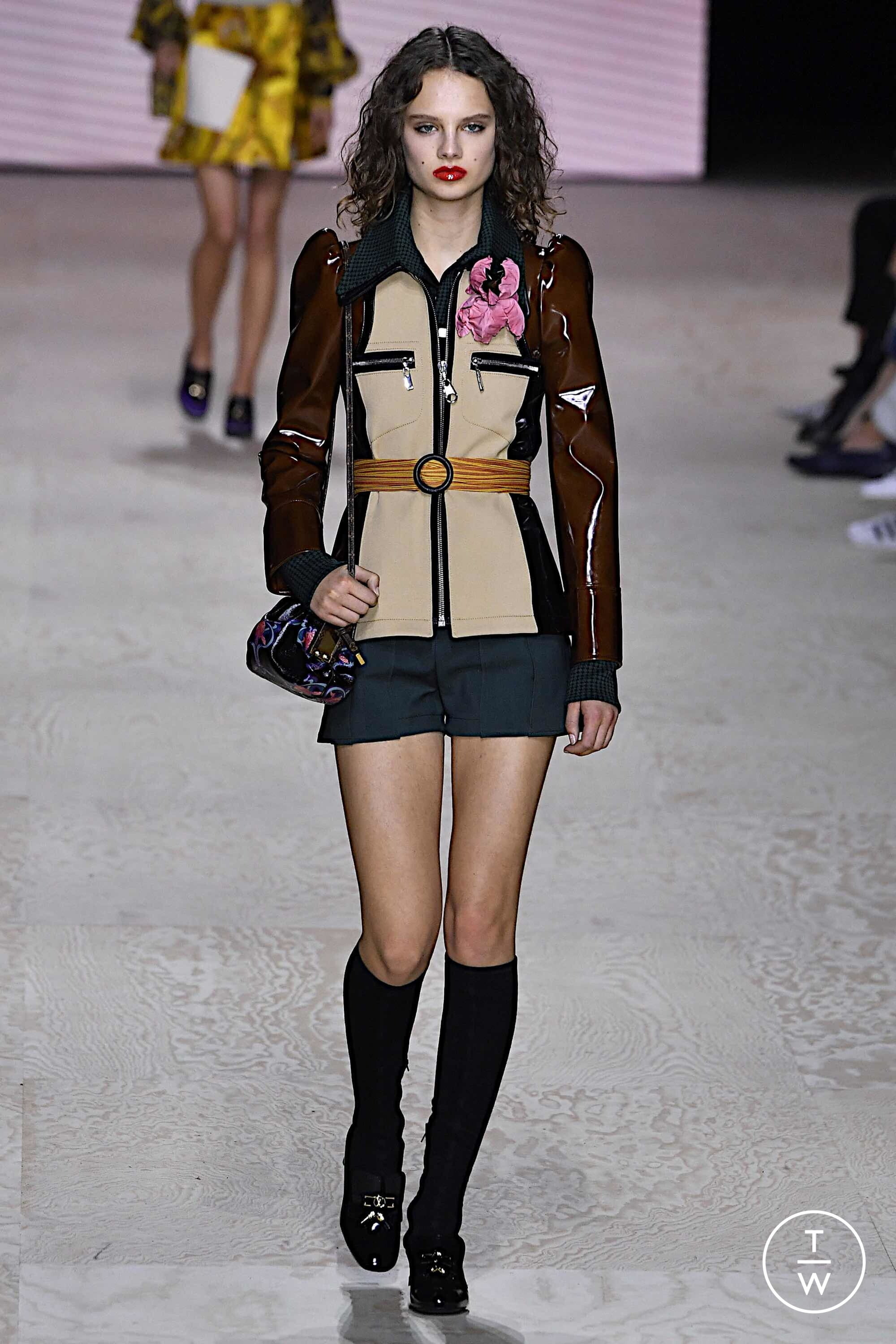
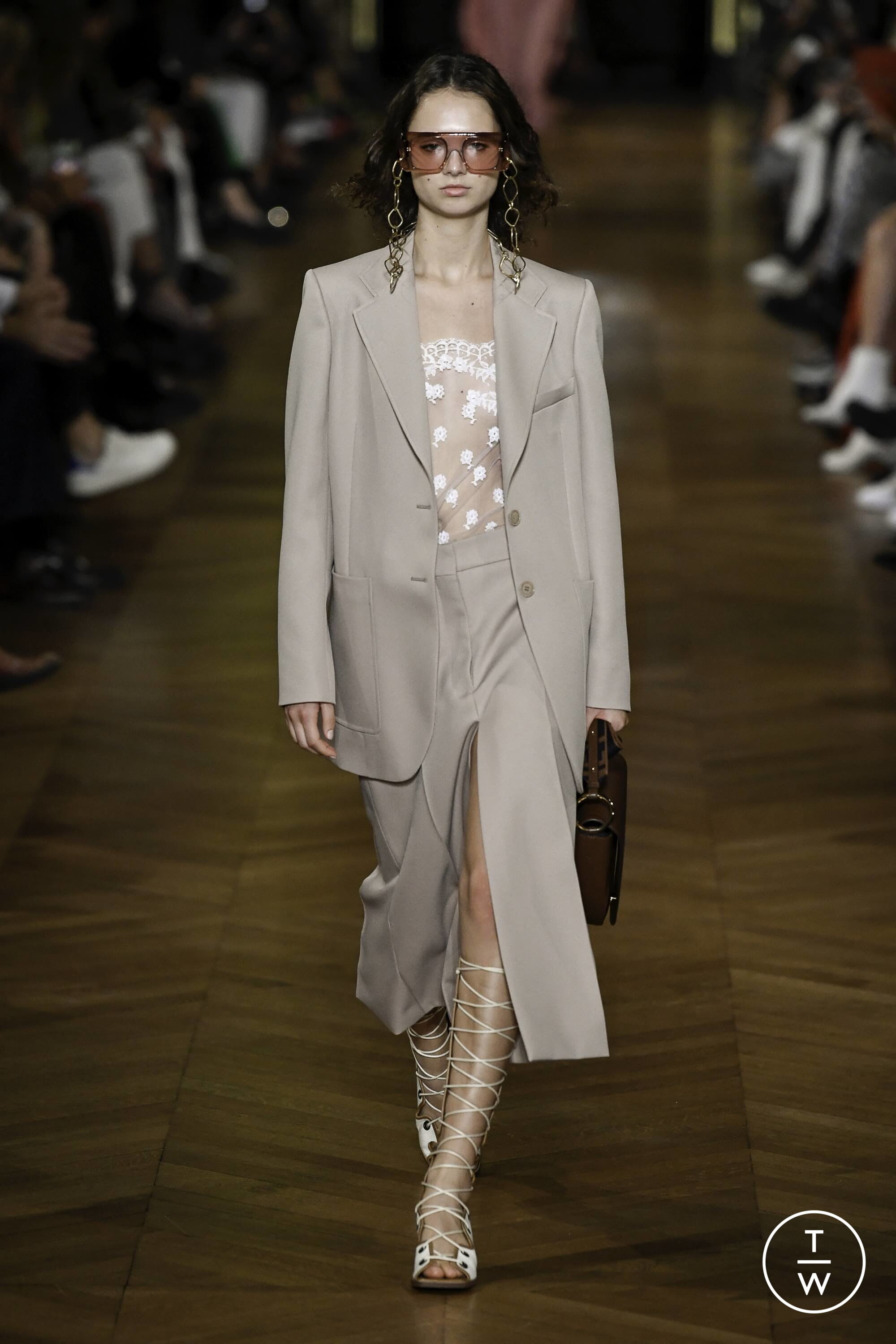
Couture SS20 Street Style

-
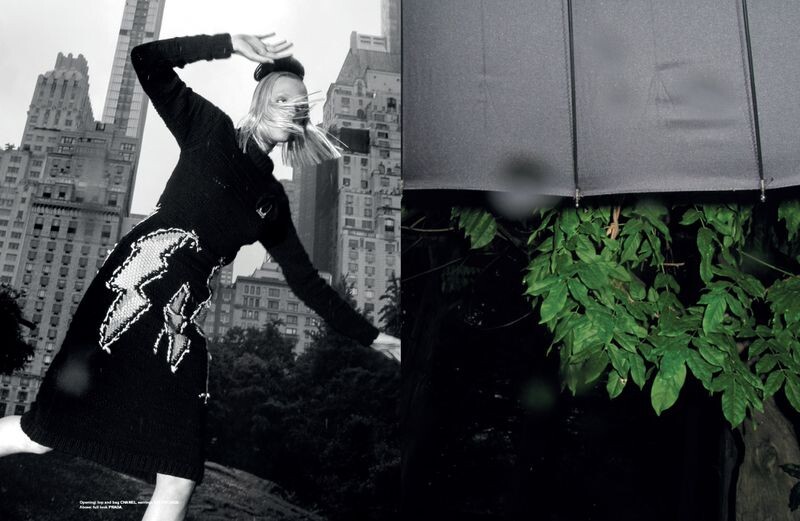
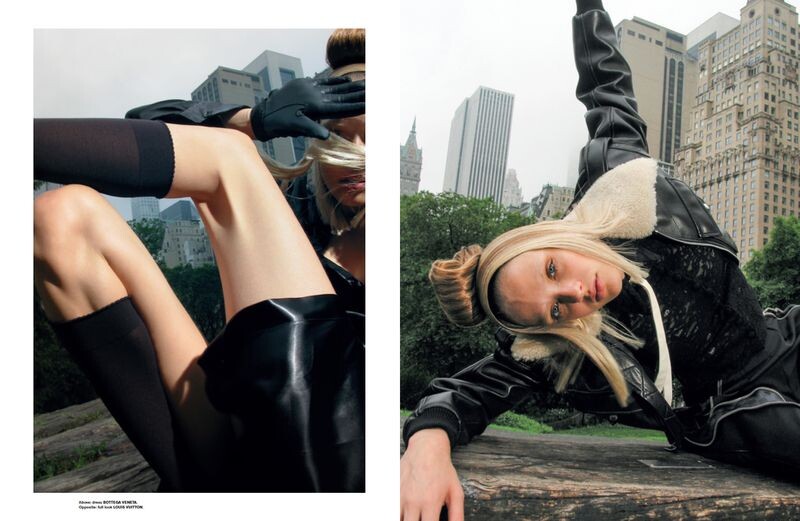
Prada Prada S/S 2020 Campaign Published: February 2020 models
 Lefties Flashing Lights Published: December 2019 models










 Urban Outfitters Winter 2019 Glacier National Park Published: November 2019 models




 Ralph & Russo SPRING 2020 READY-TO-WEAR backstage vogue, madamefigaro






 Dolce & Gabbana SPRING 2020 READY-TO-WEAR vogue, tagwalk, madamefigaro




 Ermanno Scervino SPRING 2020 READY-TO-WEAR backstage vogue, tagwalk, madamefigaro


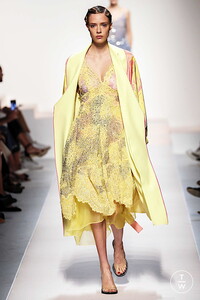





 Genny SPRING 2020 READY-TO-WEAR vogue, madamefigaro


 Muse Magazine Vantage Point Published: September 2019 models












 Versace Jeans Versace Jeans Couture F/W 19 Published: August 2019 models




 Vogue China The Last of the Teddy Girls Published: August 2019 models



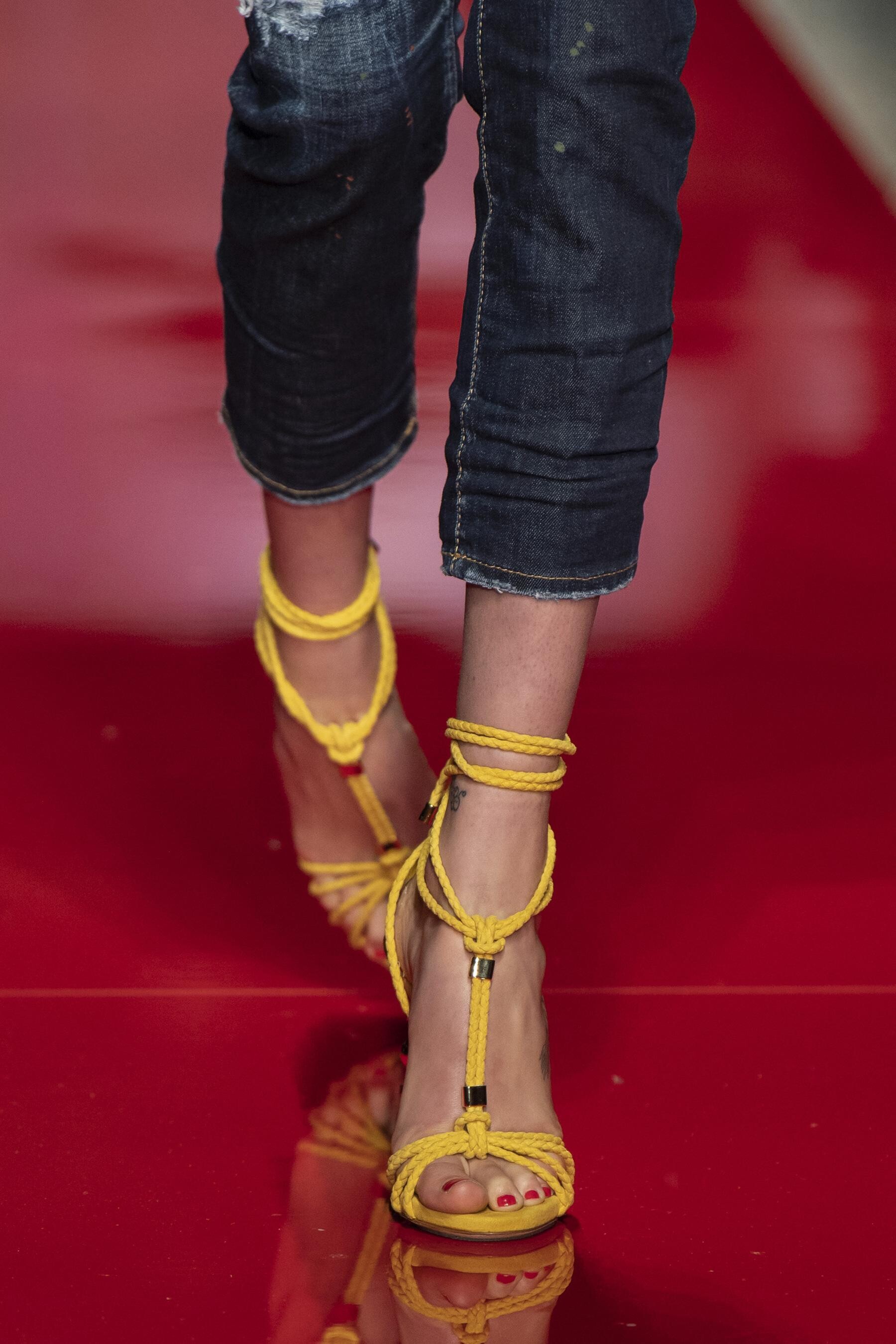
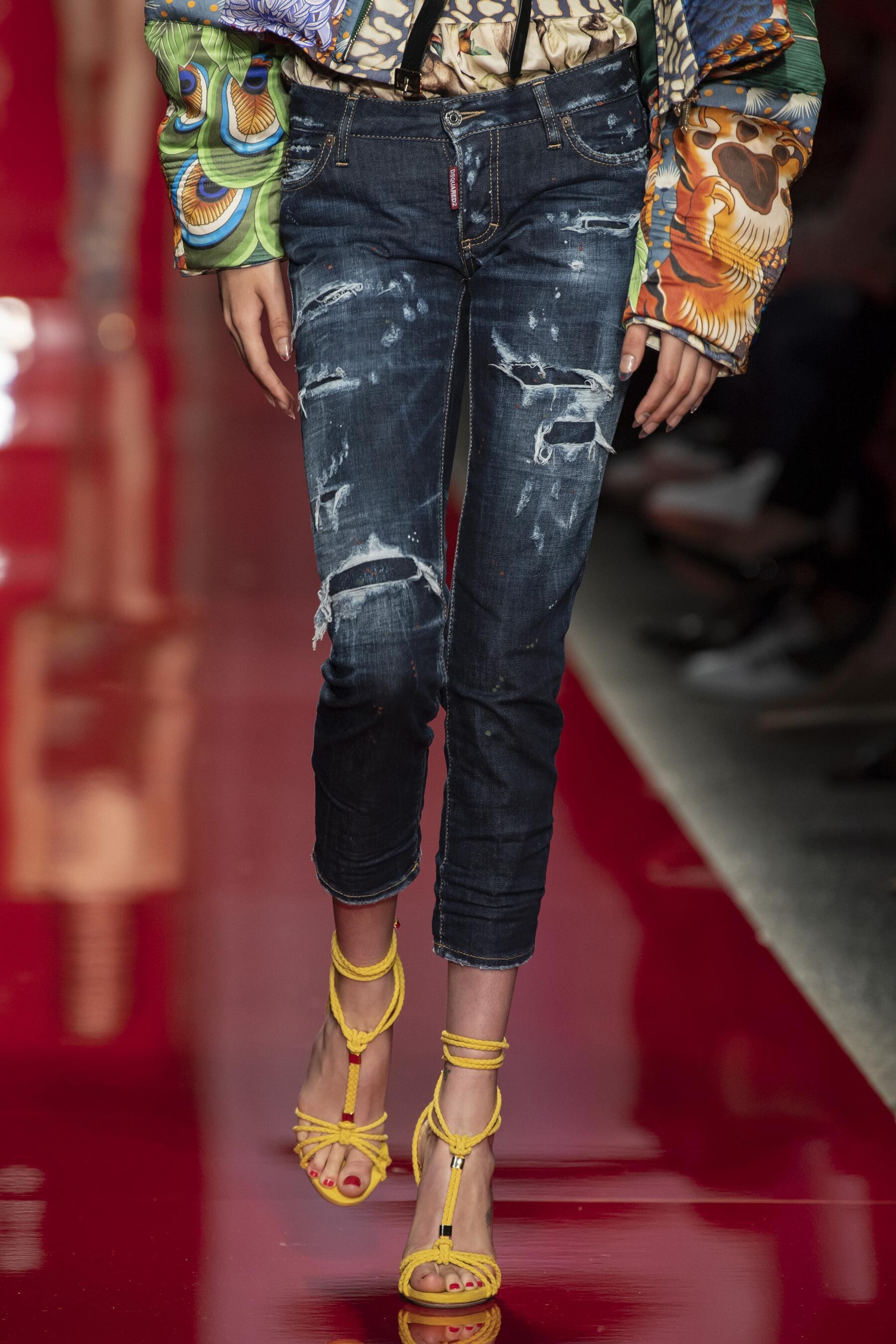
 Dsquared² SPRING 2020 READY-TO-WEAR vogue, madamefigaro detail




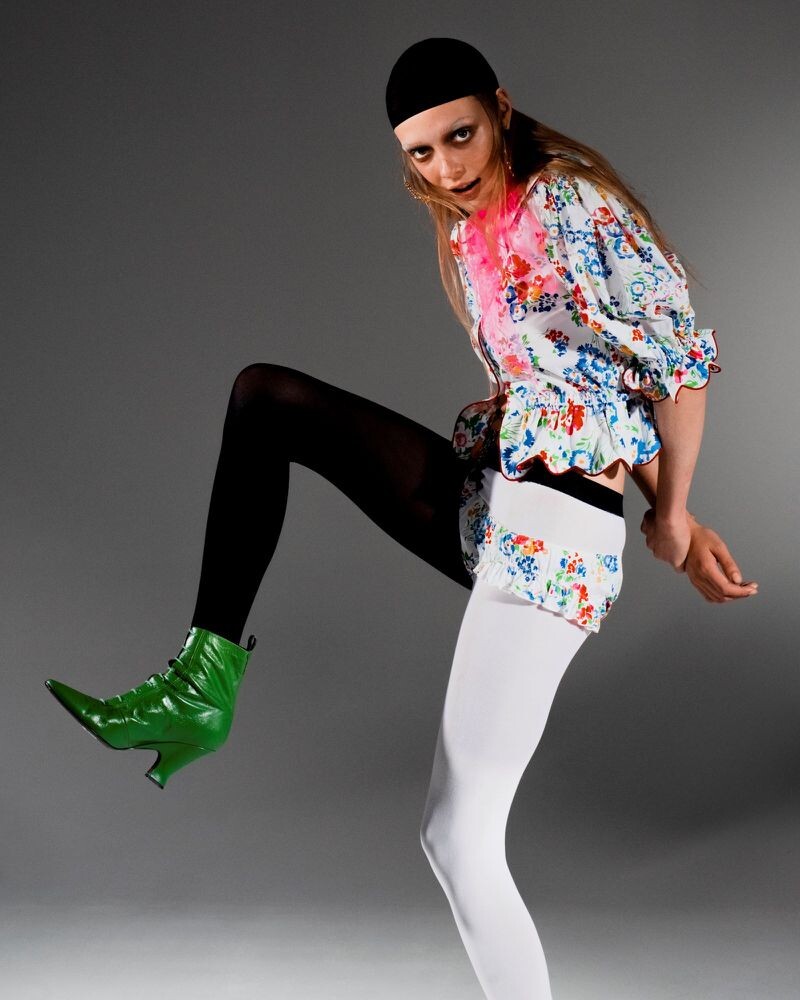
 Dazed Digital Marc Jacobs breaks down his new label: THE Marc Jacobs Published: June 2019 models


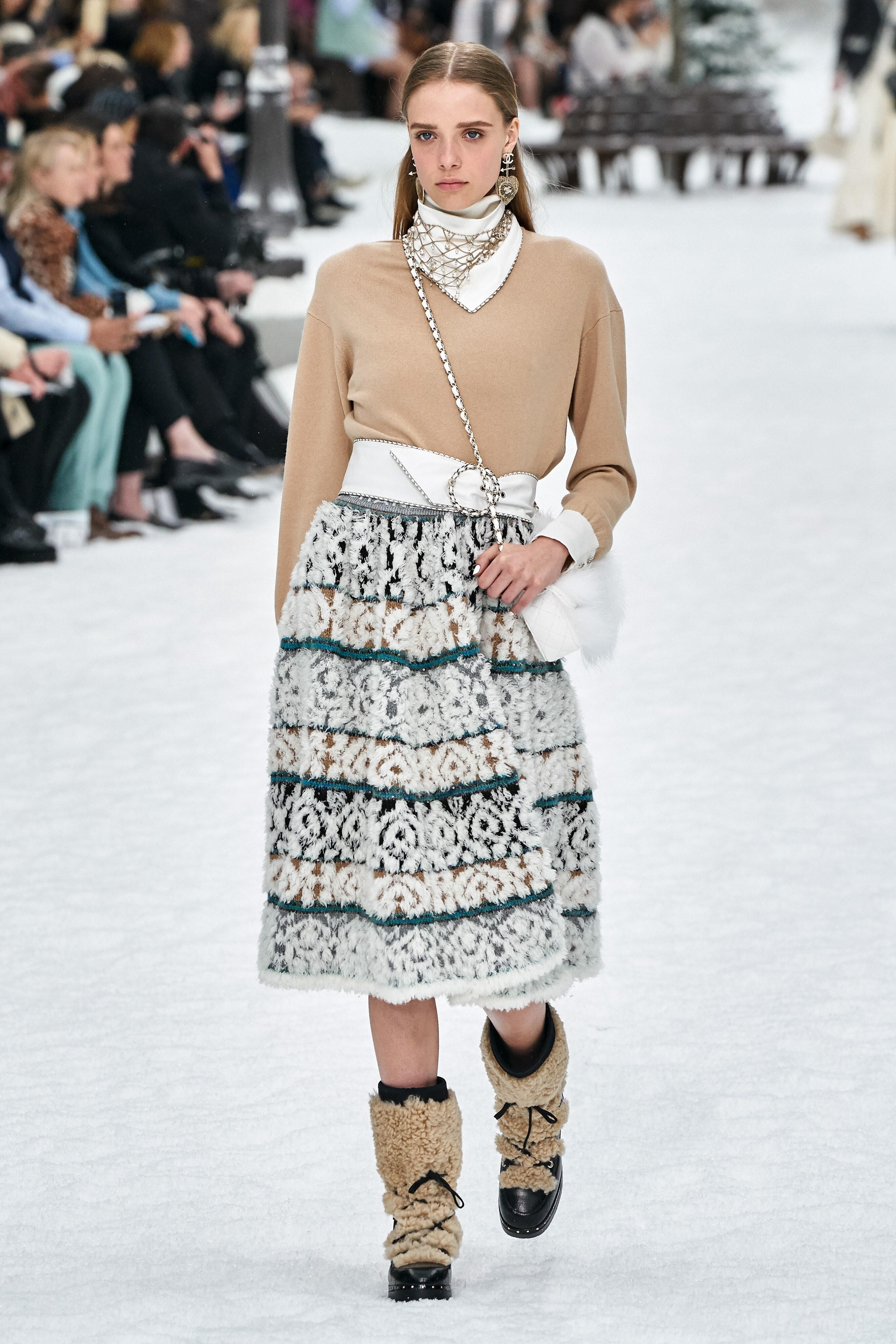
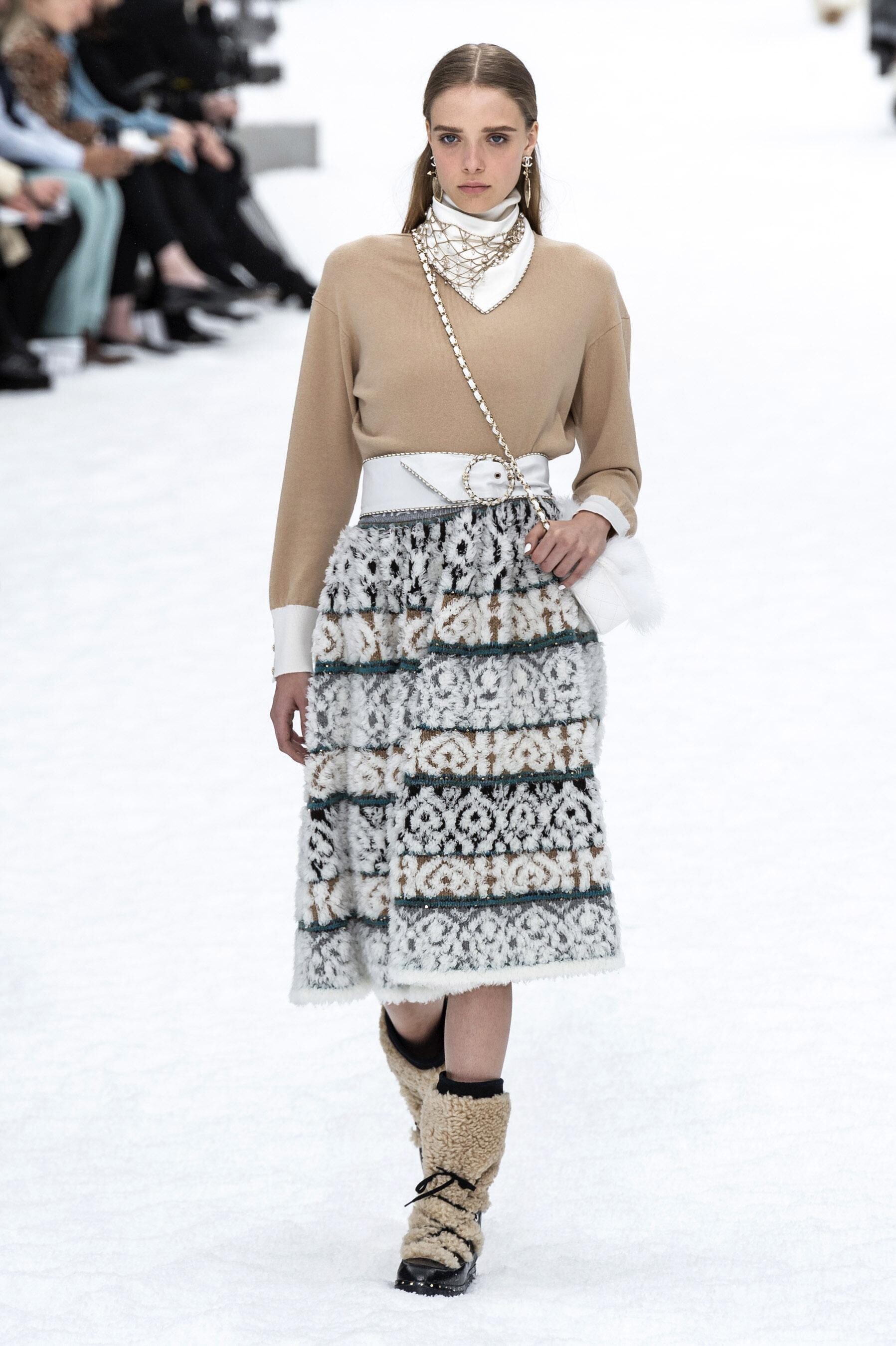
 Chanel FALL 2019 READY-TO-WEAR vogue, tagwalk, madamefigaro, livingly


 Nina Ricci FALL 2019 READY-TO-WEAR vogue, tagwalk, madamefigaro, livingly



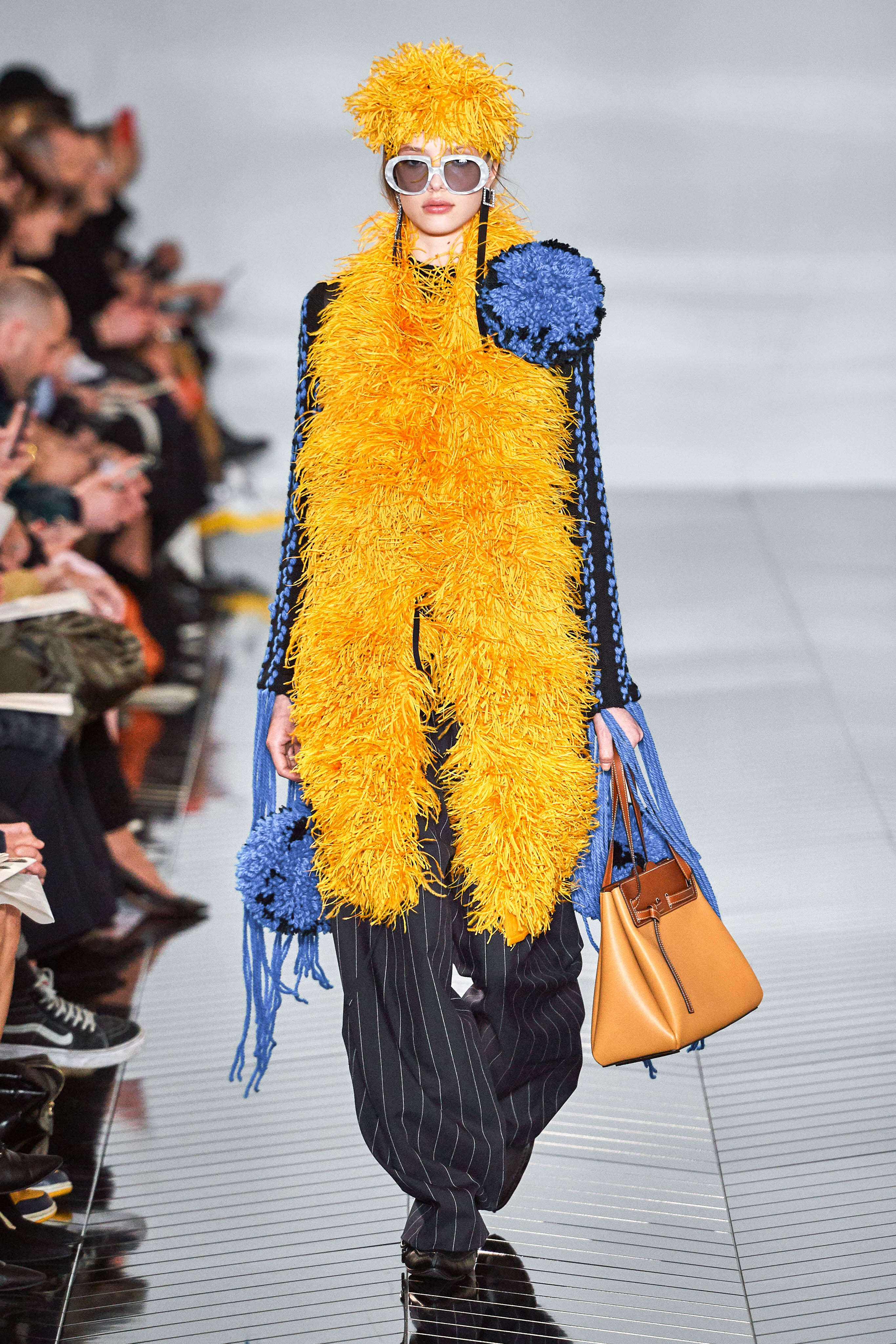
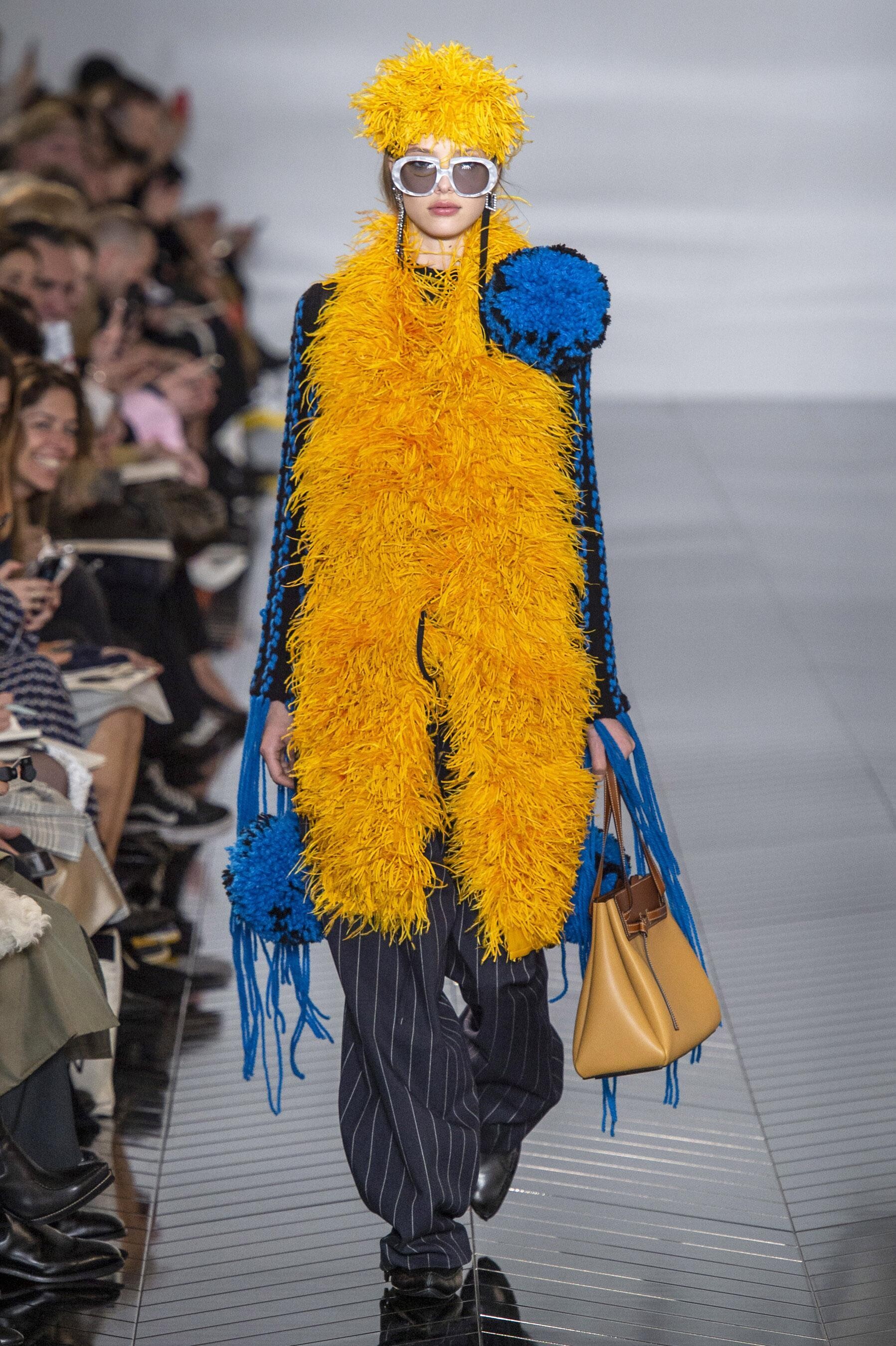
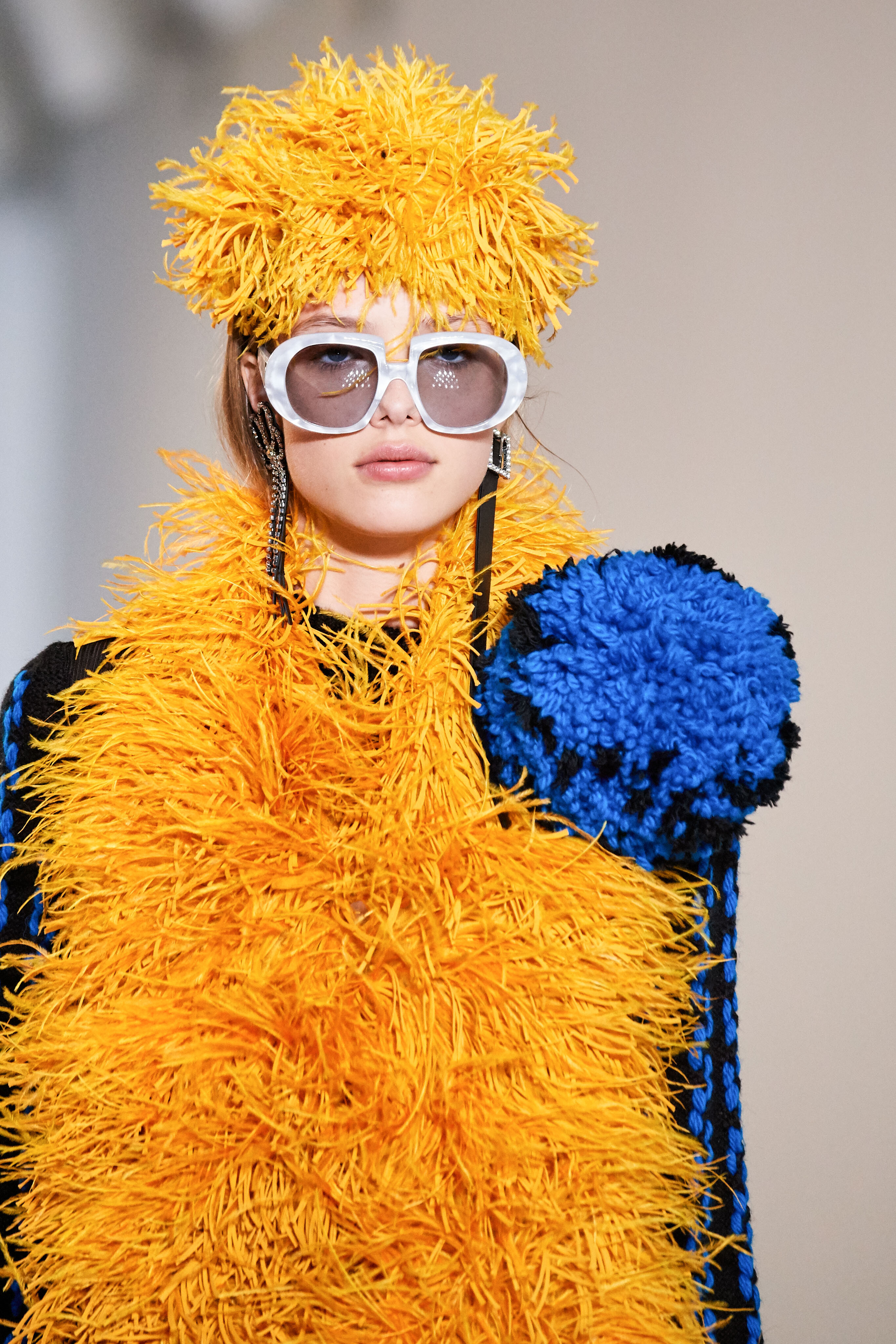
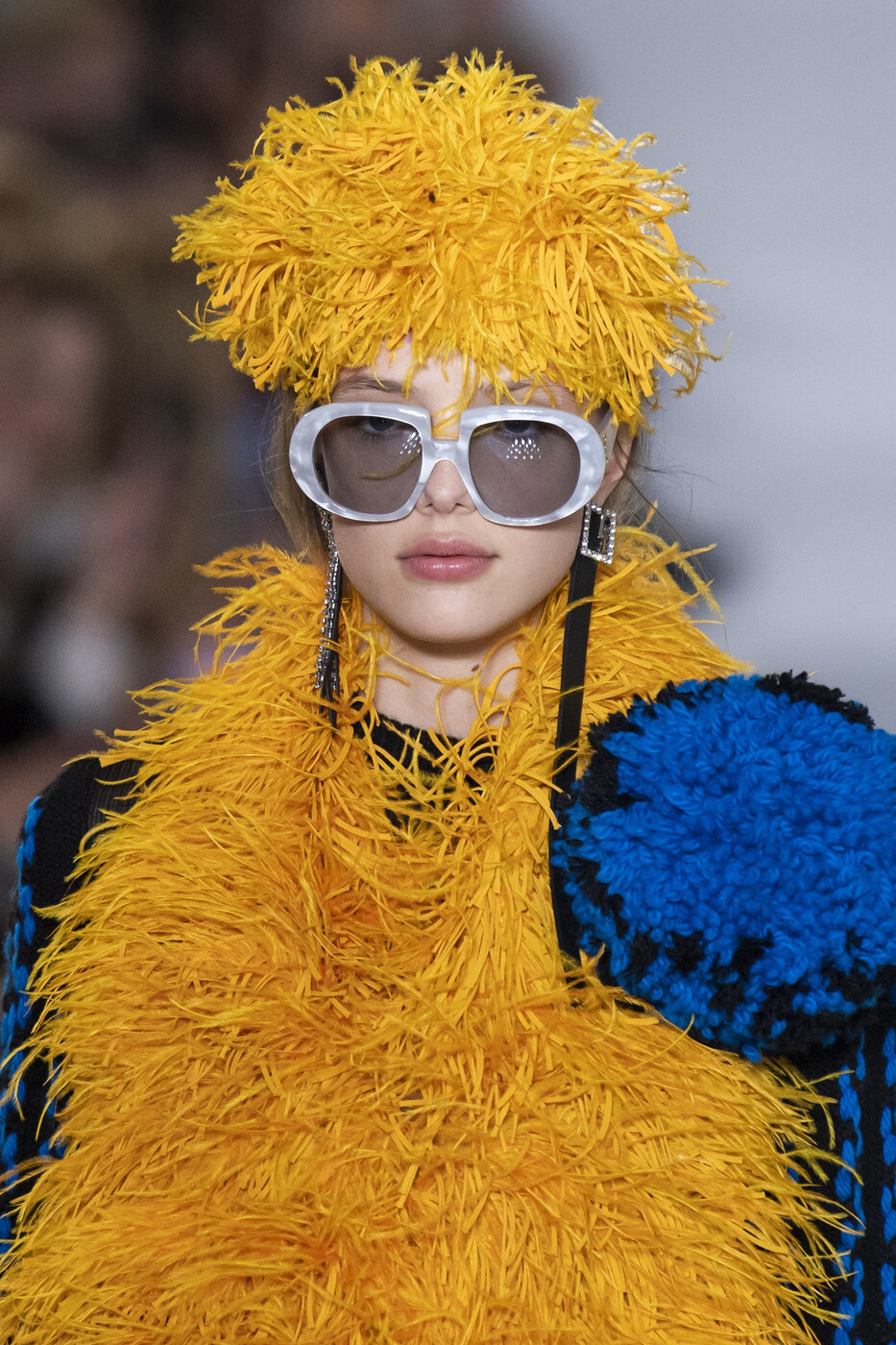
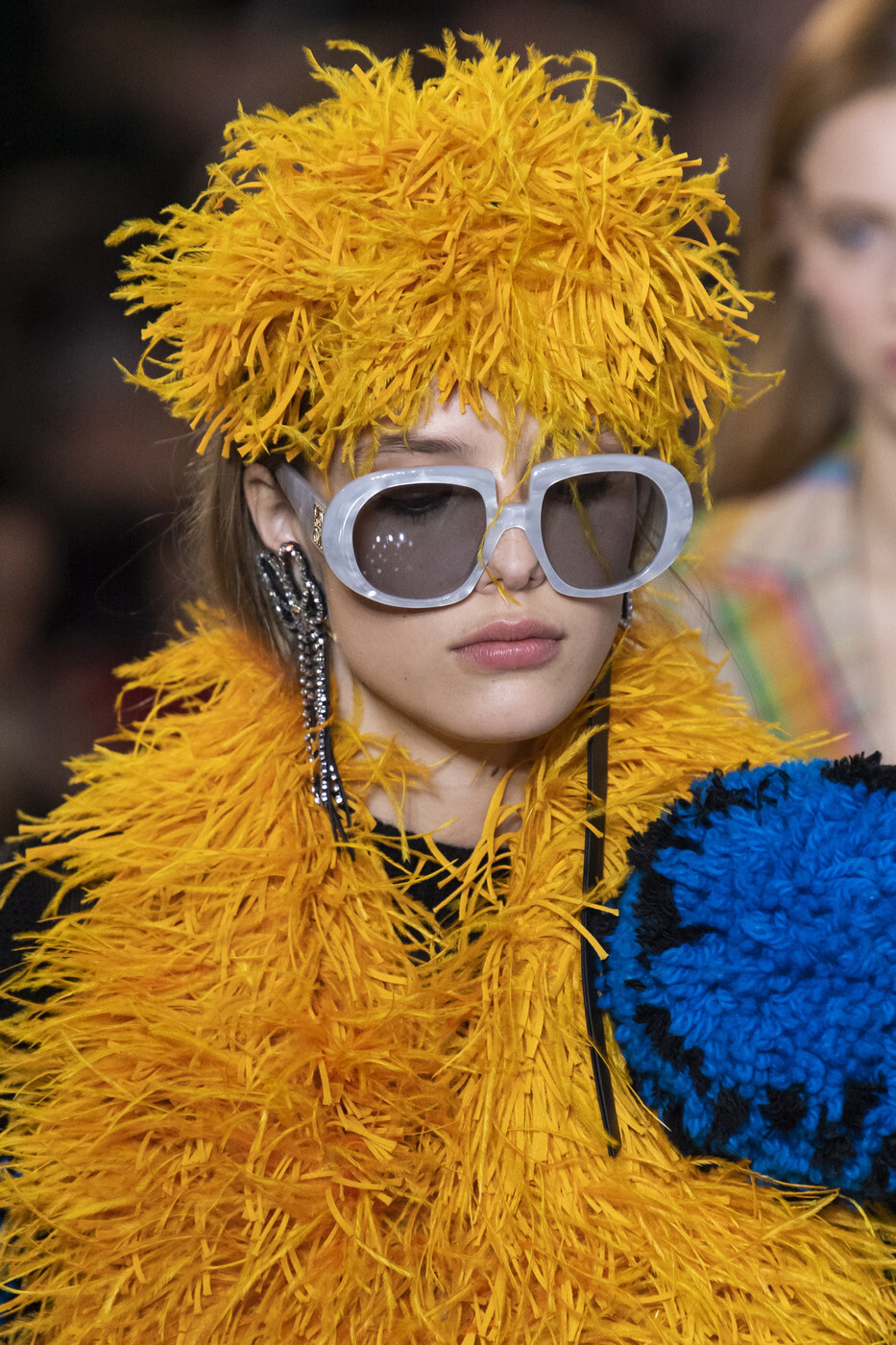
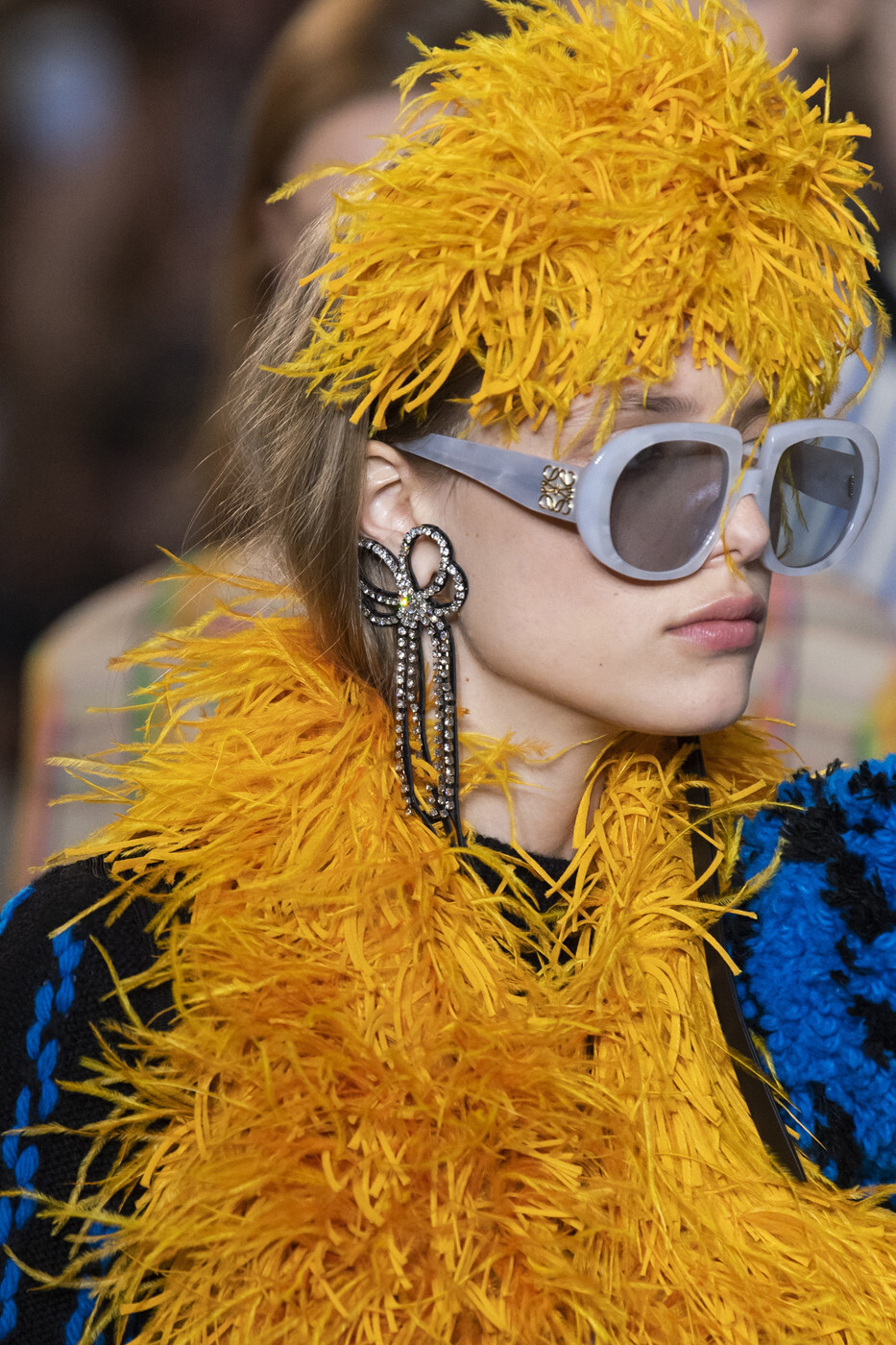
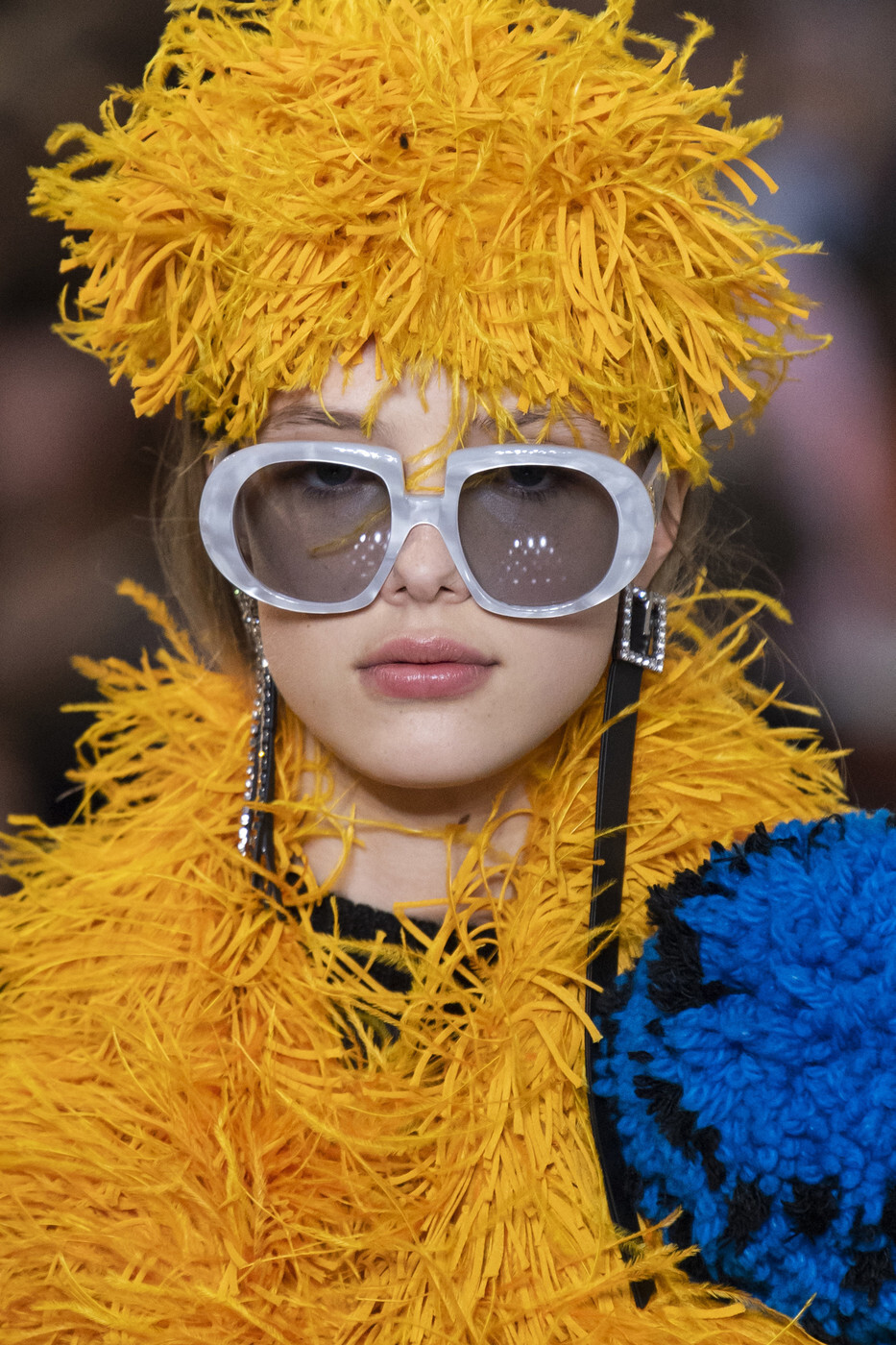
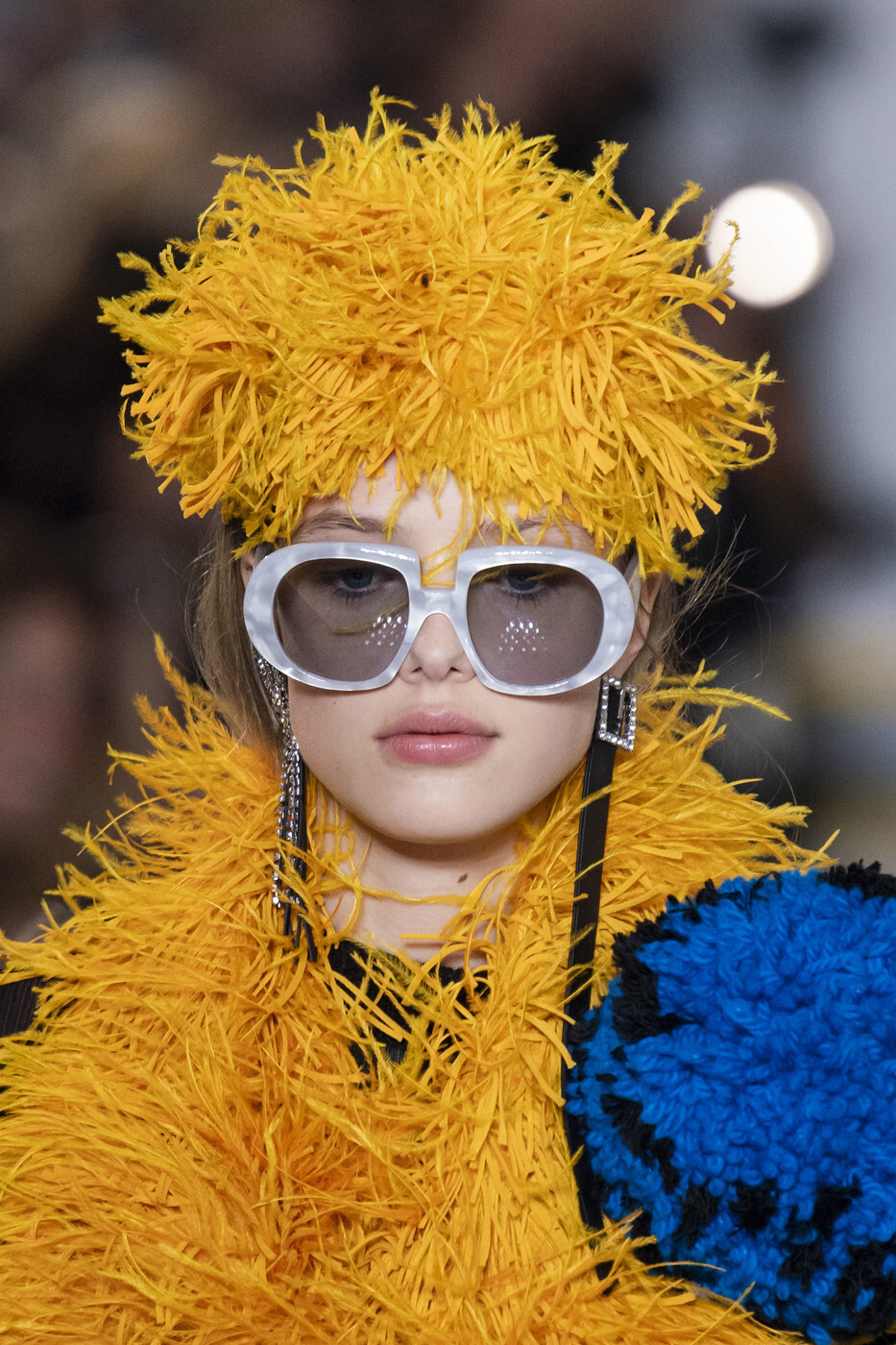
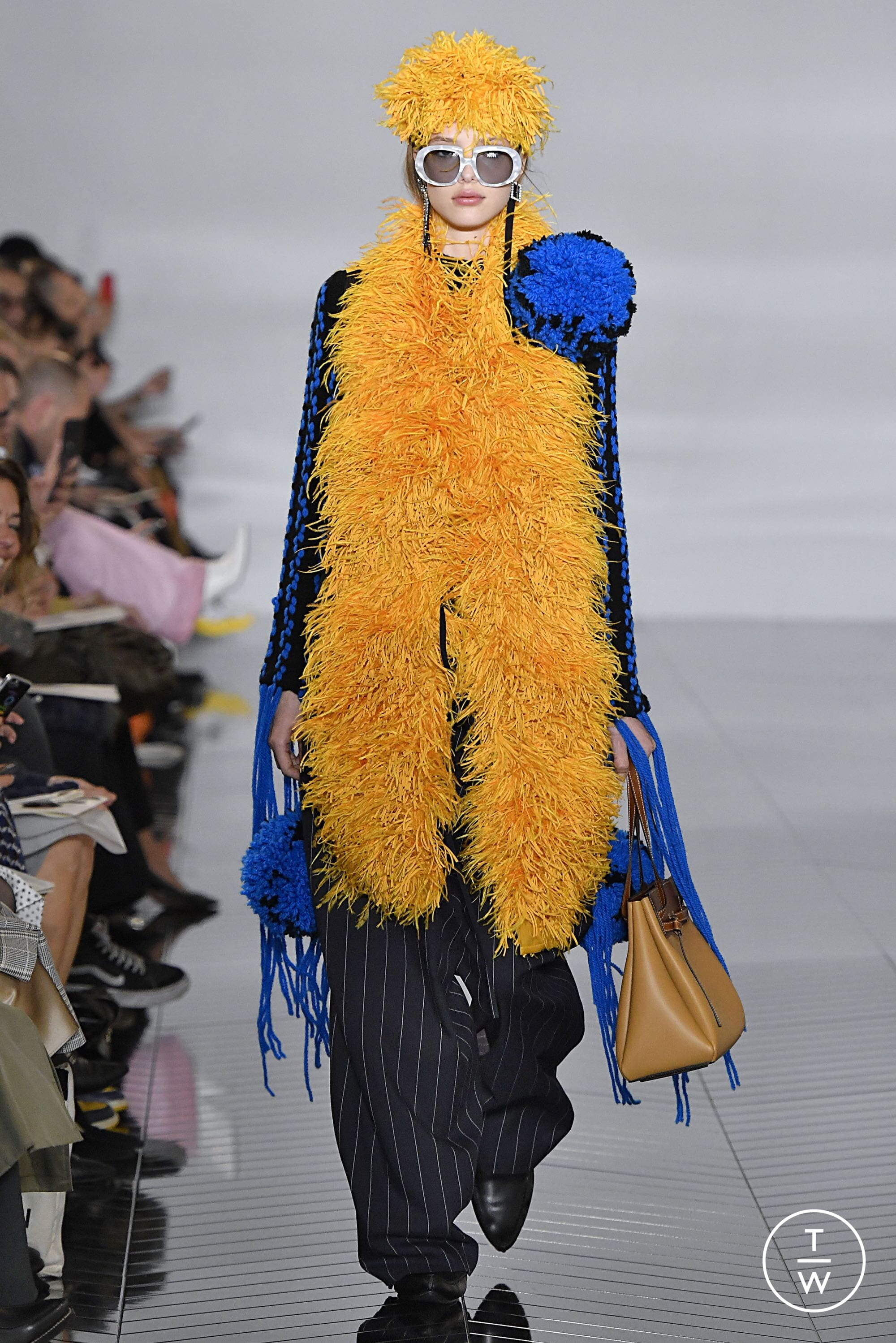
 Loewe FALL 2019 READY-TO-WEAR backstage vogue, tagwalk, madamefigaro, livingly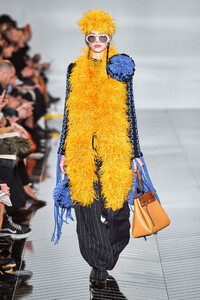



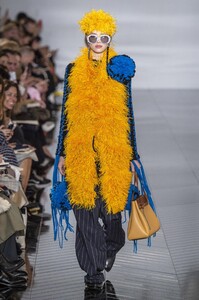





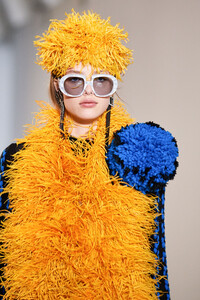
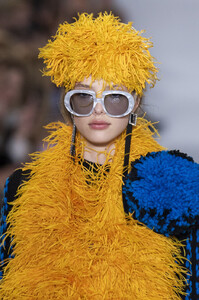





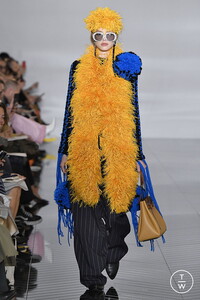 Dior FALL 2019 READY-TO-WEAR vogue, tagwalk, madamefigaro



 Philosophy di Lorenzo Serafini FALL 2019 READY-TO-WEAR vogue, tagwalk, madamefigaro

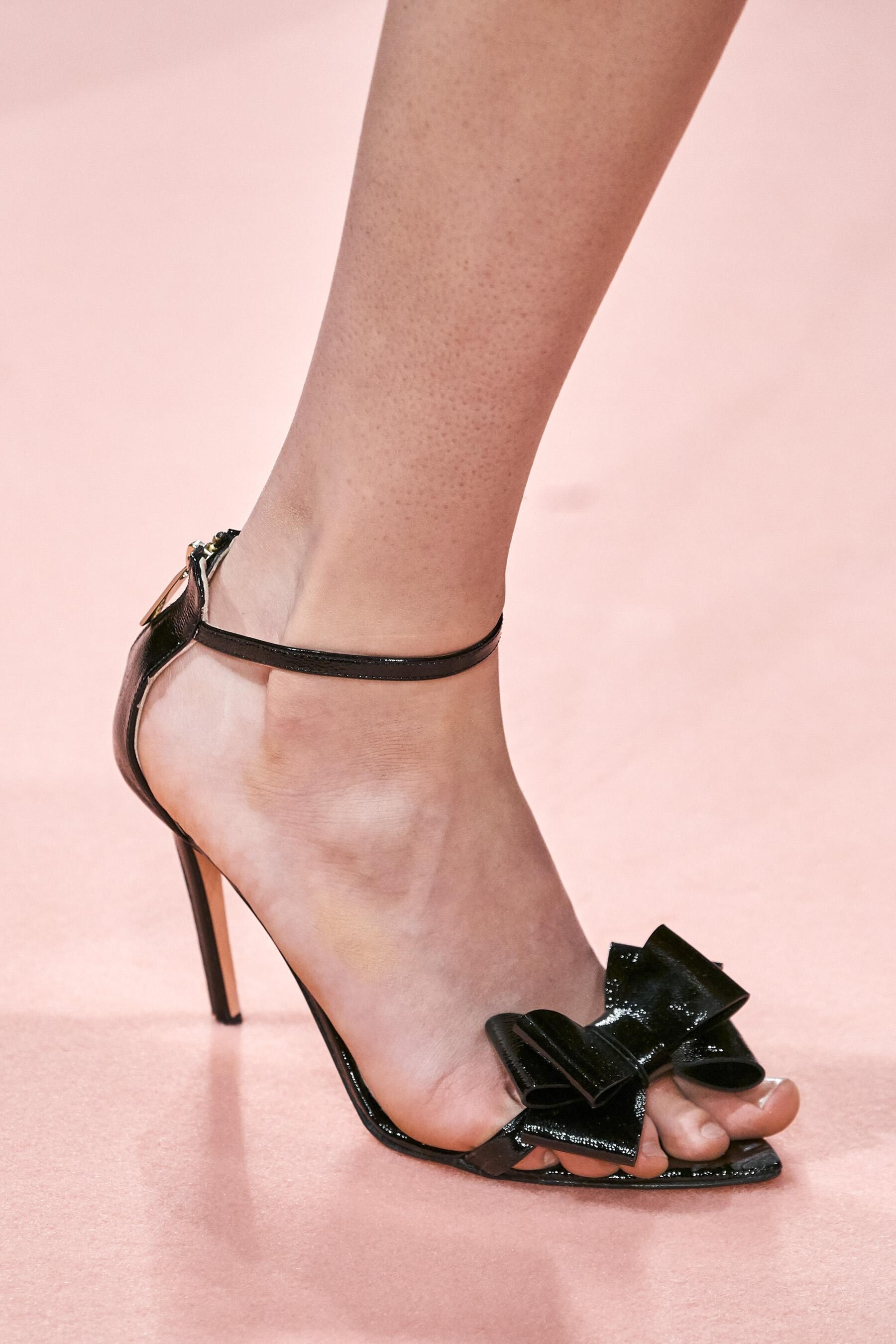
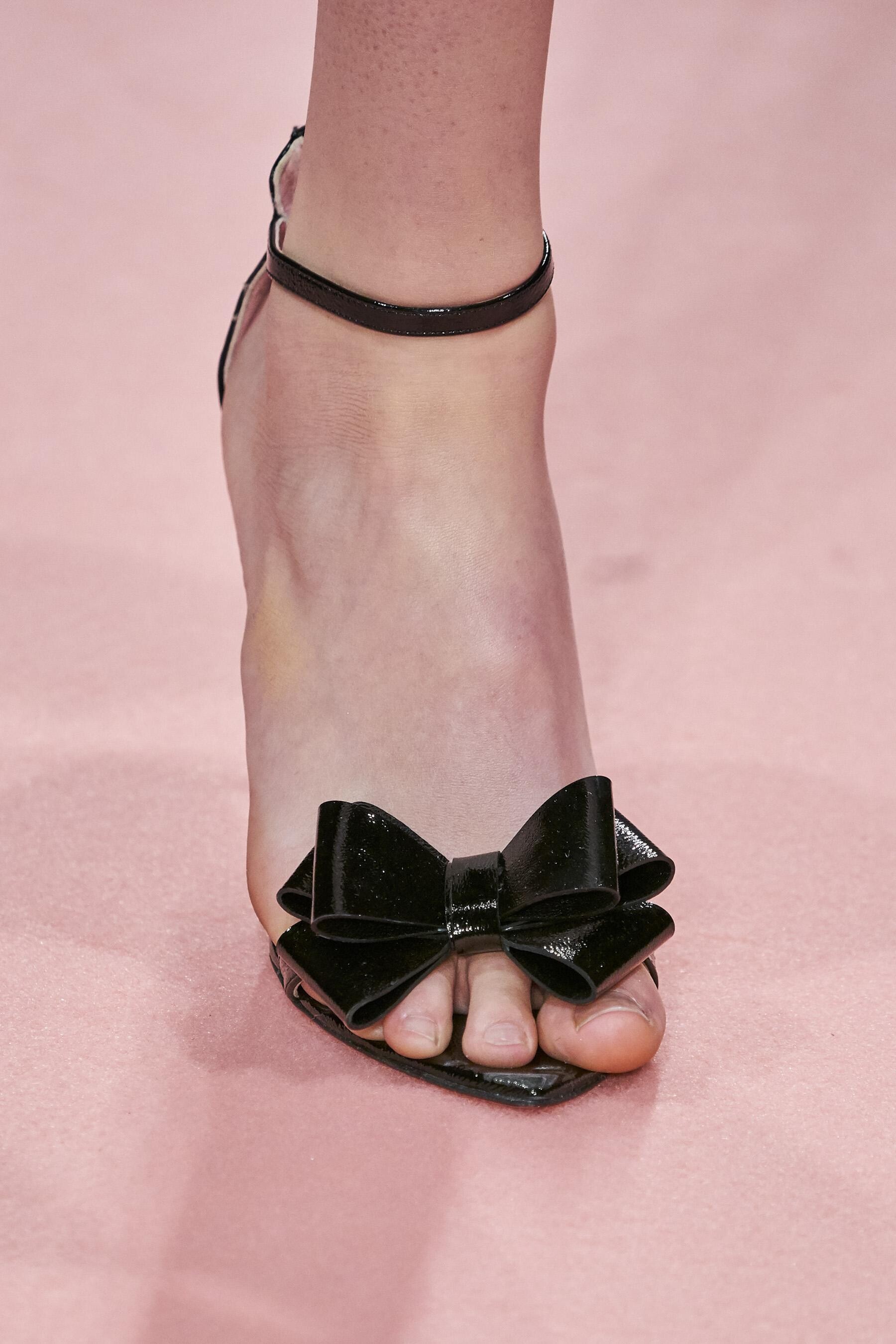
 Blumarine FALL 2019 READY-TO-WEAR backstage vogue, tagwalk, madamefigaro detail



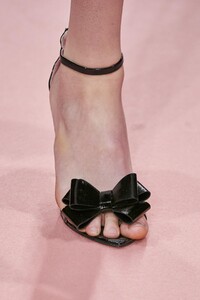






 Moschino FALL 2019 READY-TO-WEAR vogue, tagwalk, madamefigaro





 MFW FW19 Street Style
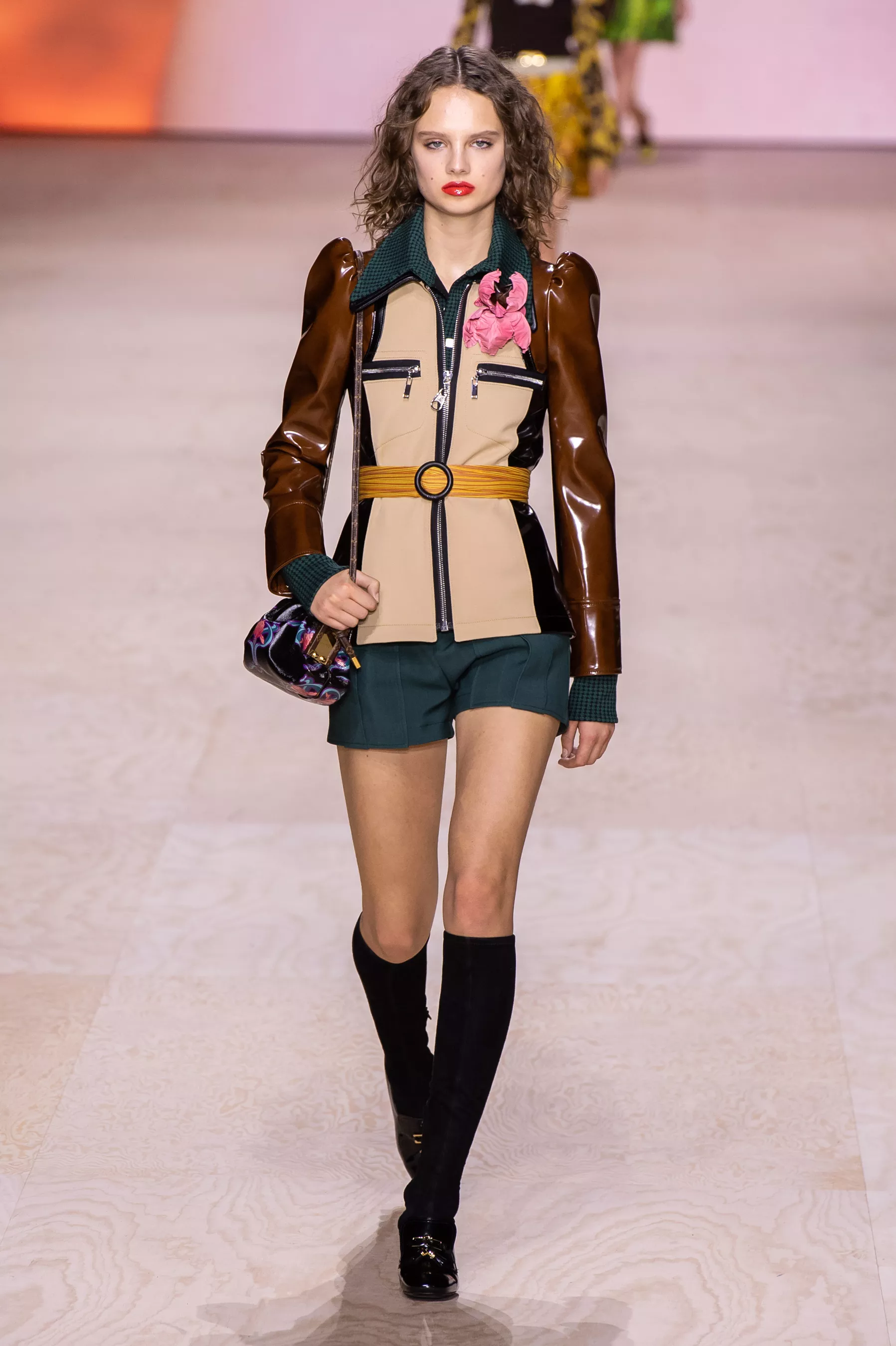
 Sacai FALL 2019 MENSWEAR vogue, tagwalk, madamefigaro













































































































































Account
Navigation
Search
Configure browser push notifications
Chrome (Android)
- Tap the lock icon next to the address bar.
- Tap Permissions → Notifications.
- Adjust your preference.
Chrome (Desktop)
- Click the padlock icon in the address bar.
- Select Site settings.
- Find Notifications and adjust your preference.
Safari (iOS 16.4+)
- Ensure the site is installed via Add to Home Screen.
- Open Settings App → Notifications.
- Find your app name and adjust your preference.
Safari (macOS)
- Go to Safari → Preferences.
- Click the Websites tab.
- Select Notifications in the sidebar.
- Find this website and adjust your preference.
Edge (Android)
- Tap the lock icon next to the address bar.
- Tap Permissions.
- Find Notifications and adjust your preference.
Edge (Desktop)
- Click the padlock icon in the address bar.
- Click Permissions for this site.
- Find Notifications and adjust your preference.
Firefox (Android)
- Go to Settings → Site permissions.
- Tap Notifications.
- Find this site in the list and adjust your preference.
Firefox (Desktop)
- Open Firefox Settings.
- Search for Notifications.
- Find this site in the list and adjust your preference.