
Daradrpipara
Members
-
Joined
-
Last visited
Everything posted by Daradrpipara
-
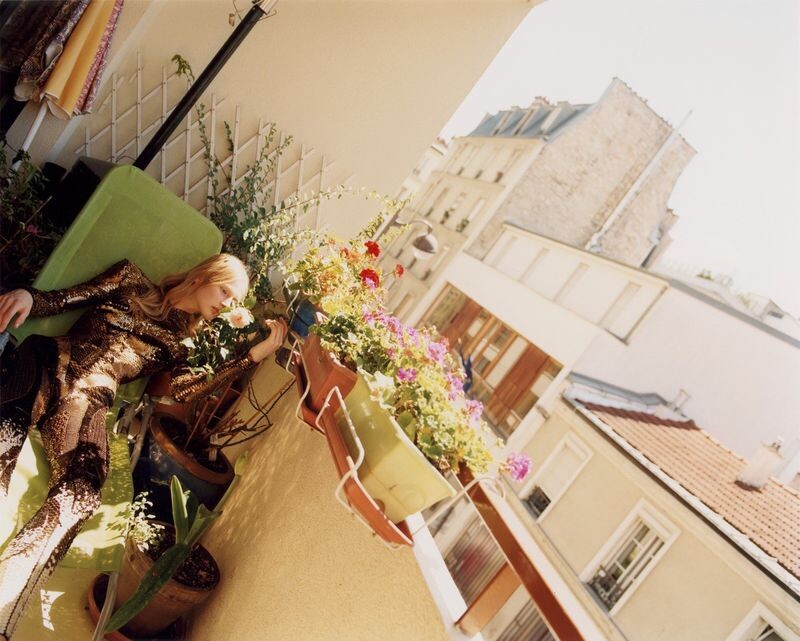
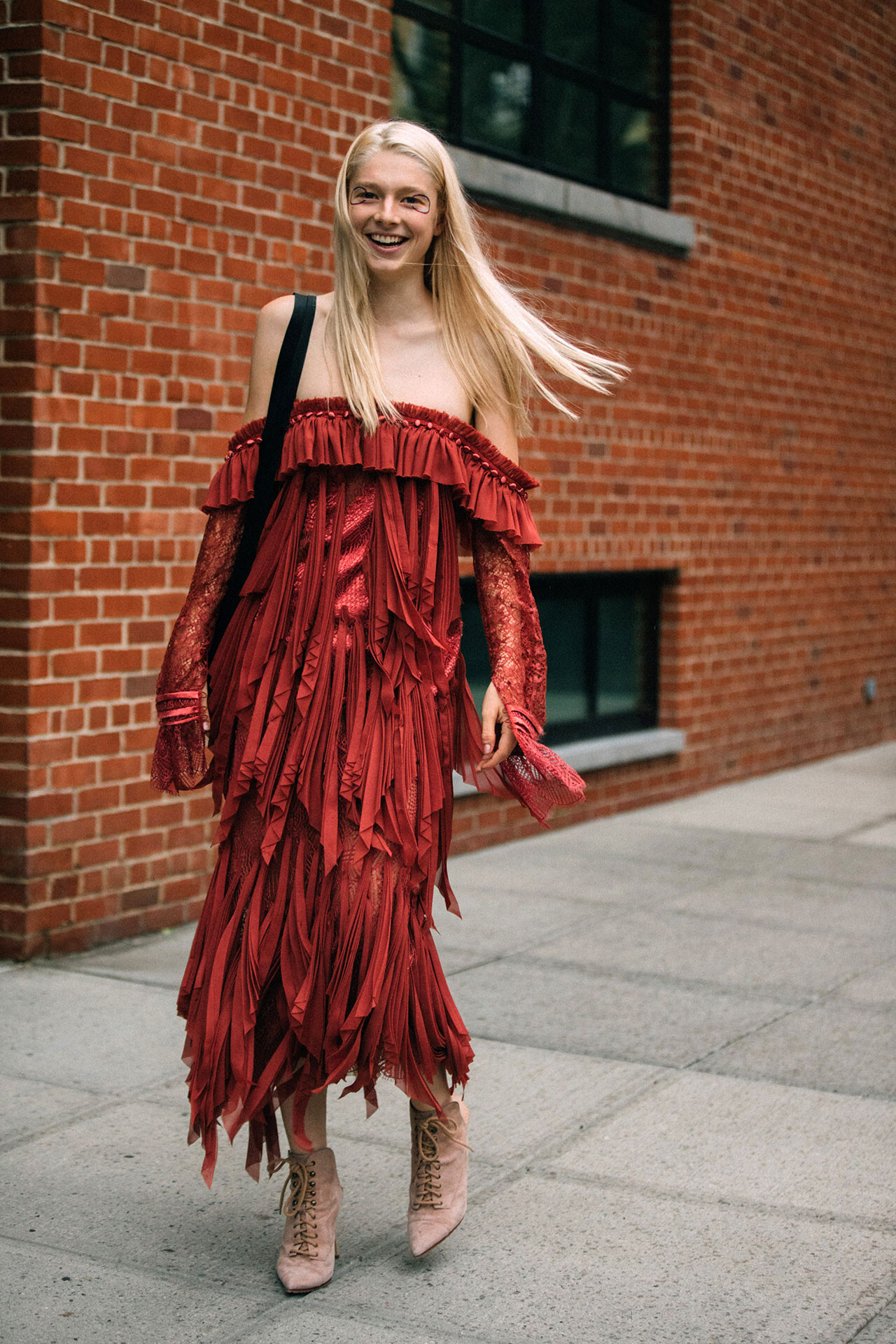
New York Magazine Paris Couture Published: Summer 2017 models

















-
Numéro Berlin Vor Bilder by Thomas Houser Published: May 2017 models

-
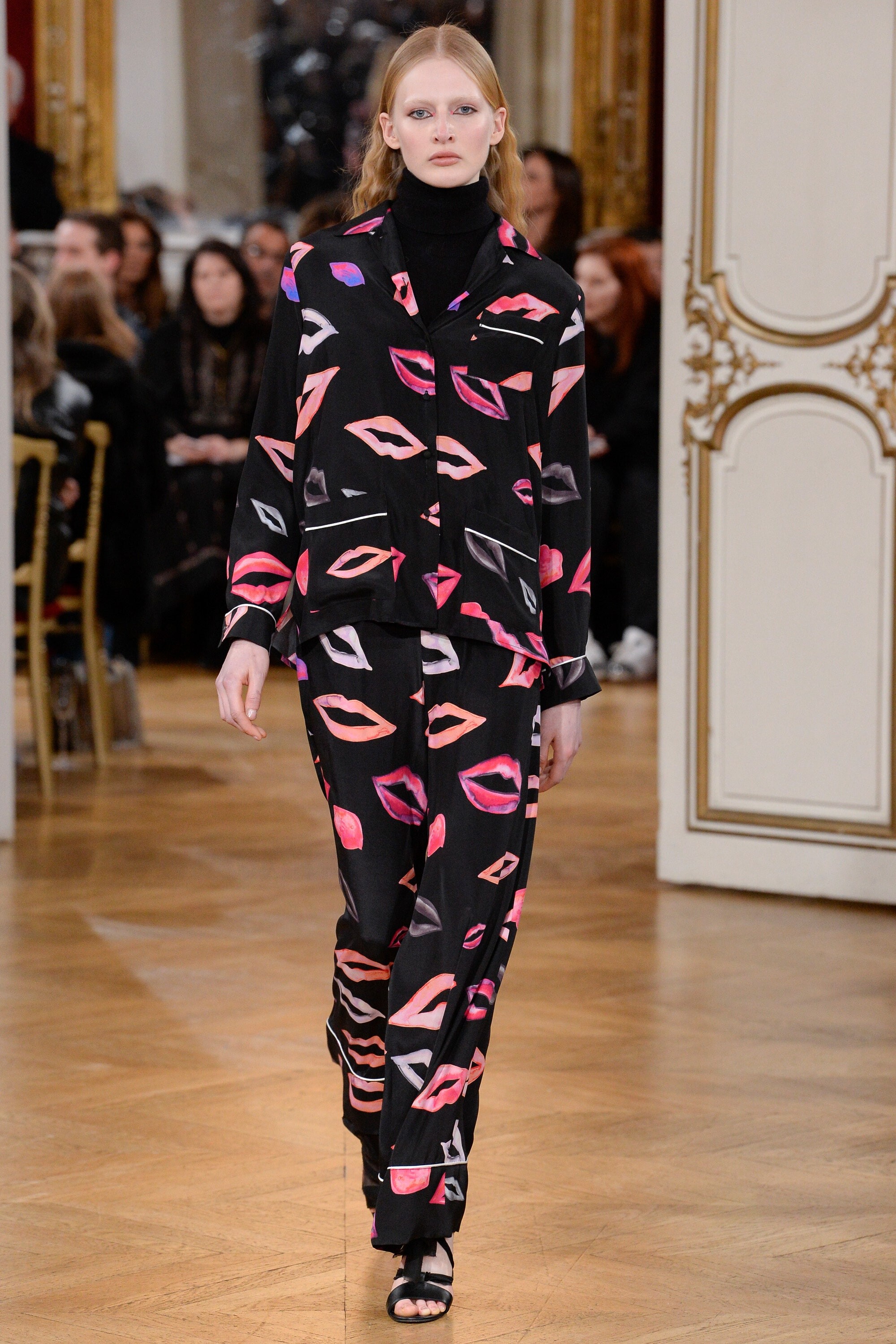
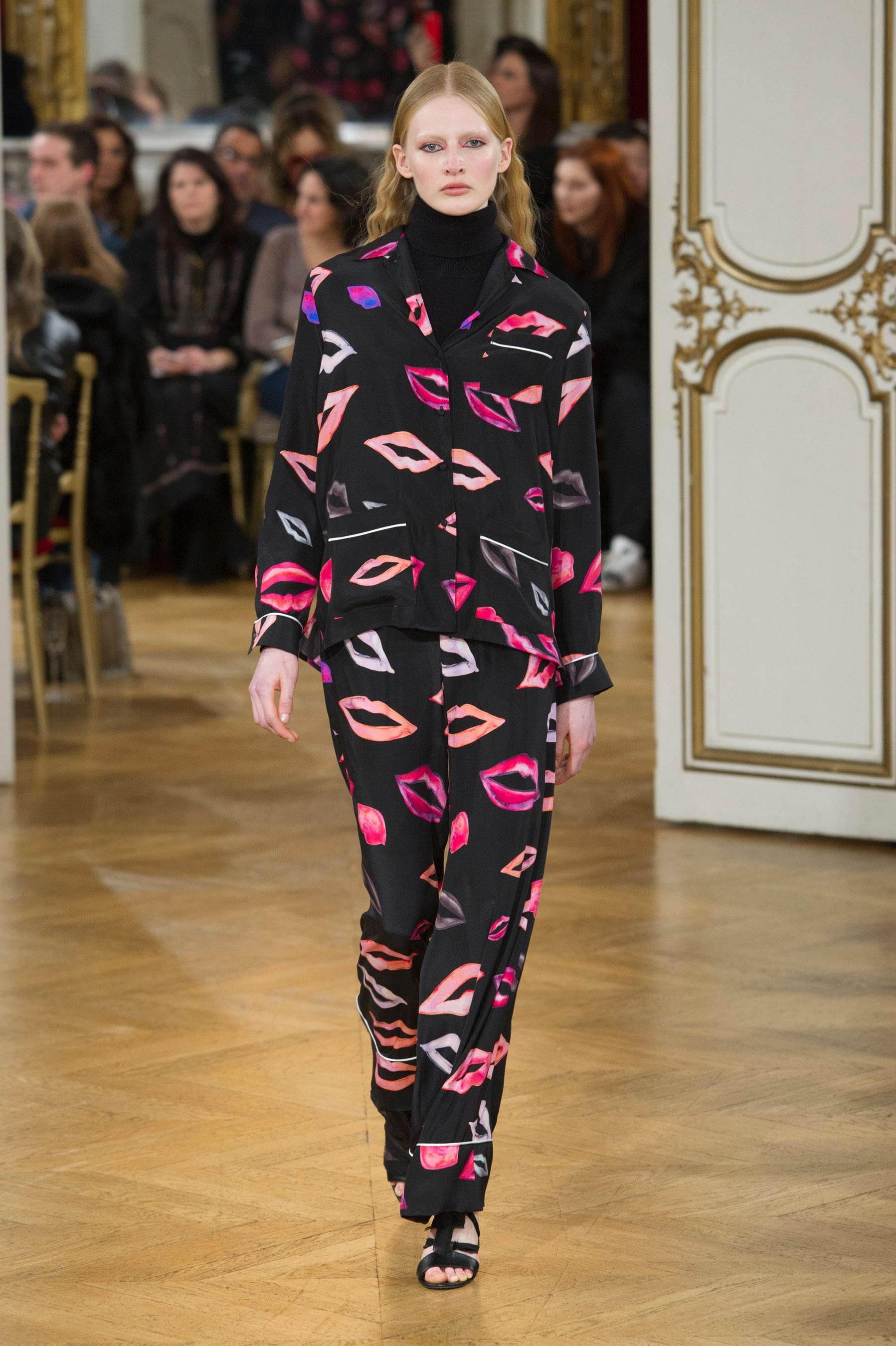
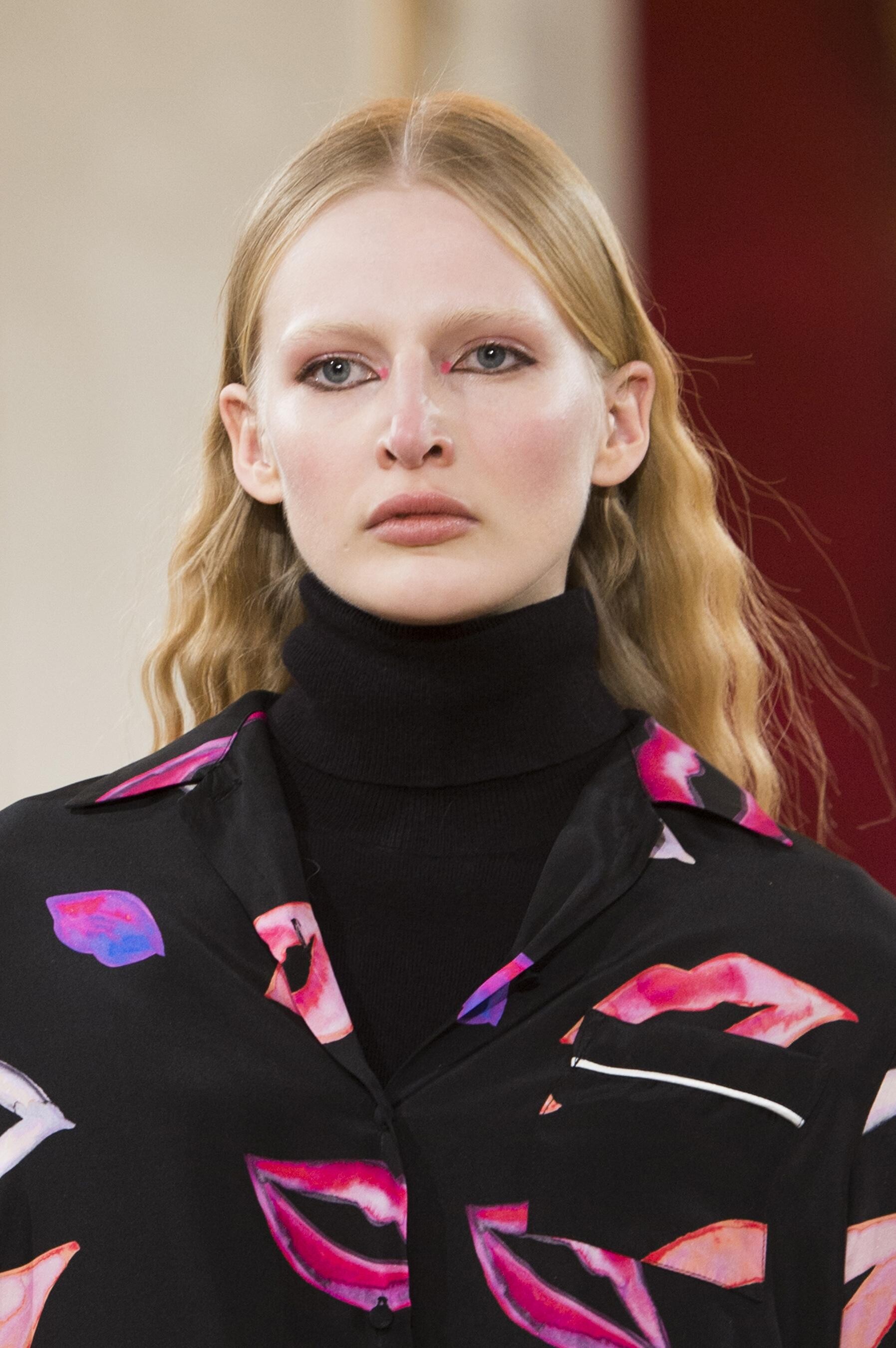
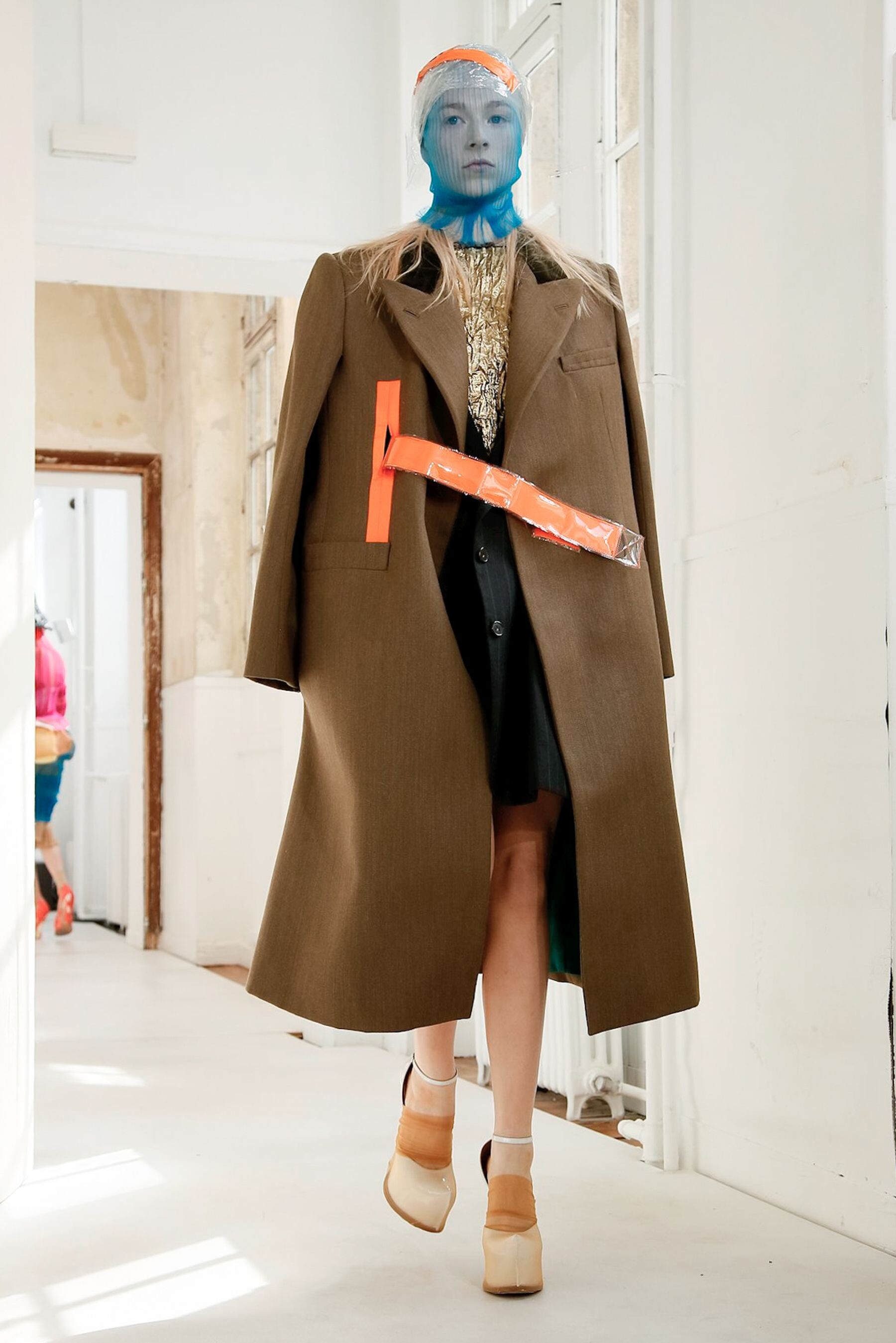
Paul & Joe FALL 2017 READY-TO-WEAR vogue, madamefigaro




-
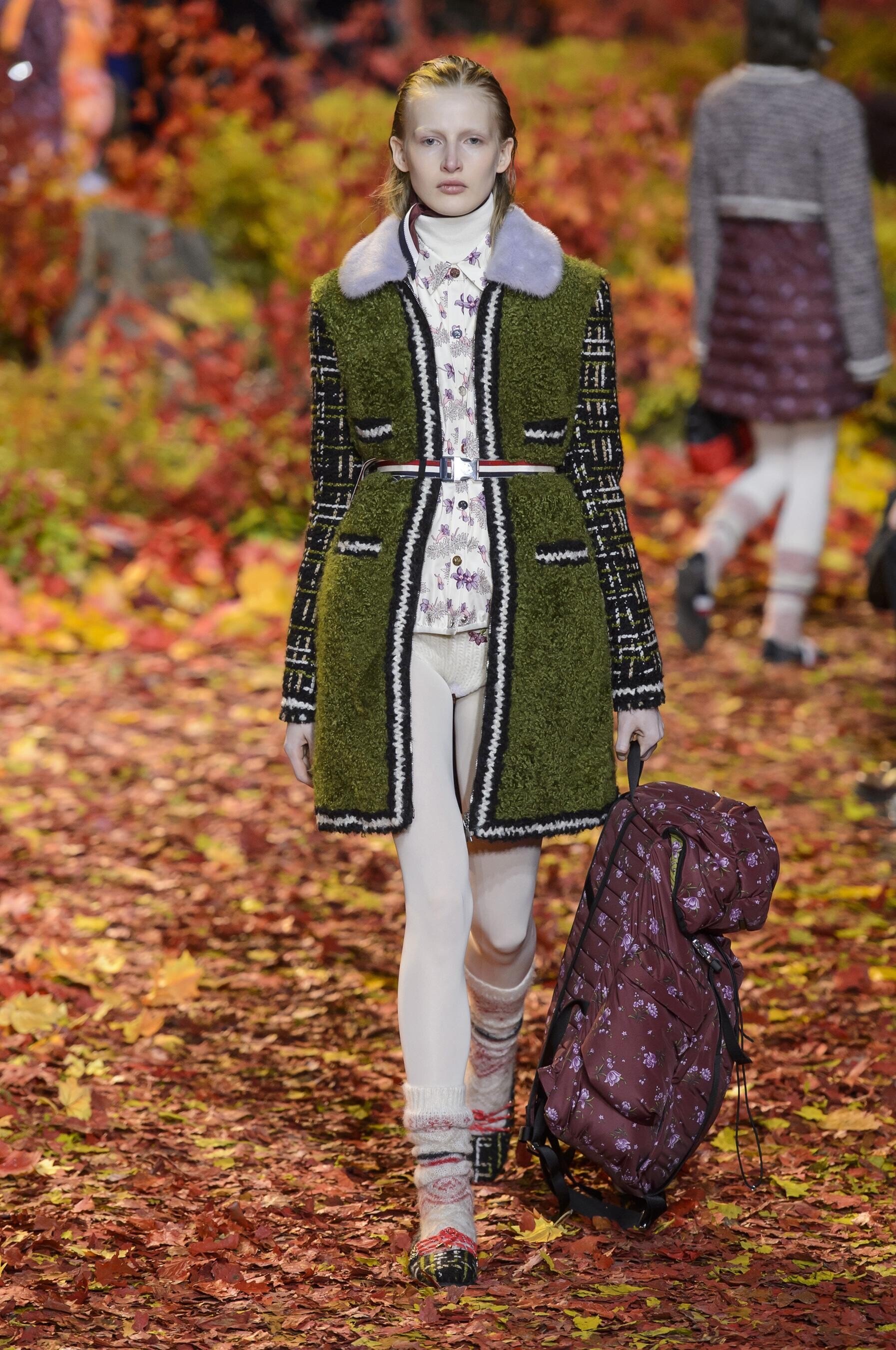
Moncler Gamme Rouge FALL 2017 READY-TO-WEAR vogue, tagwalk, madamefigaro






-
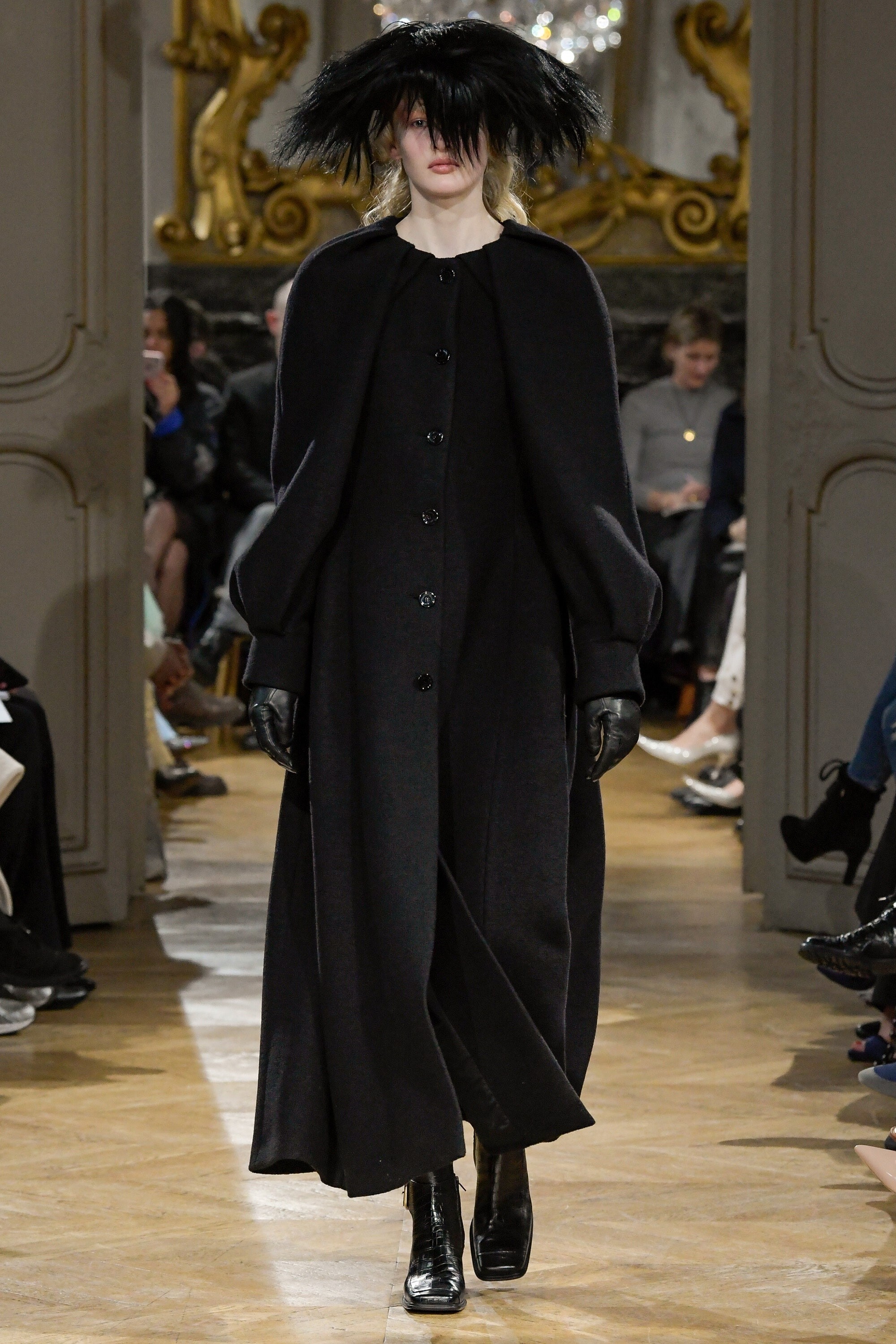
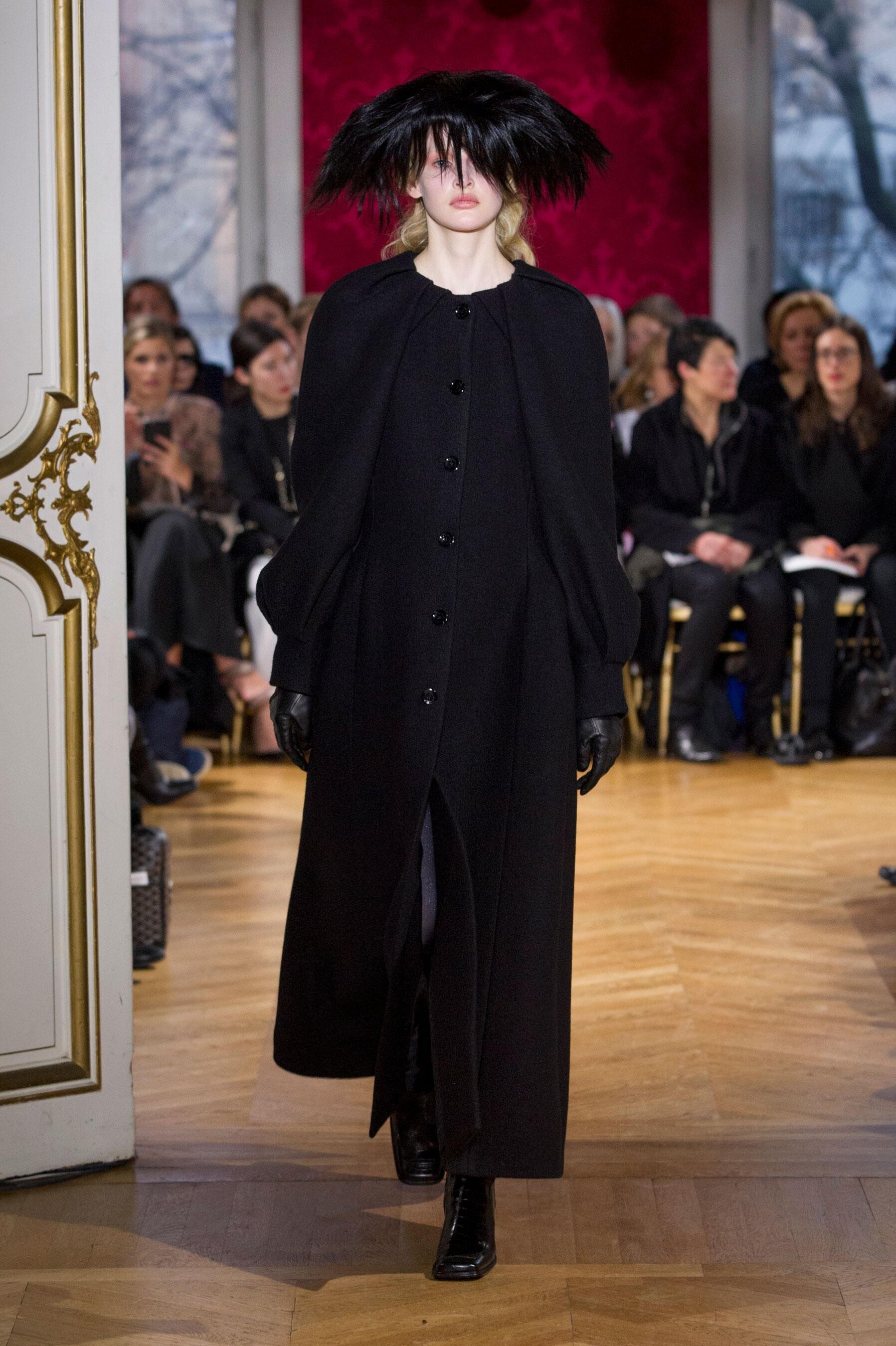
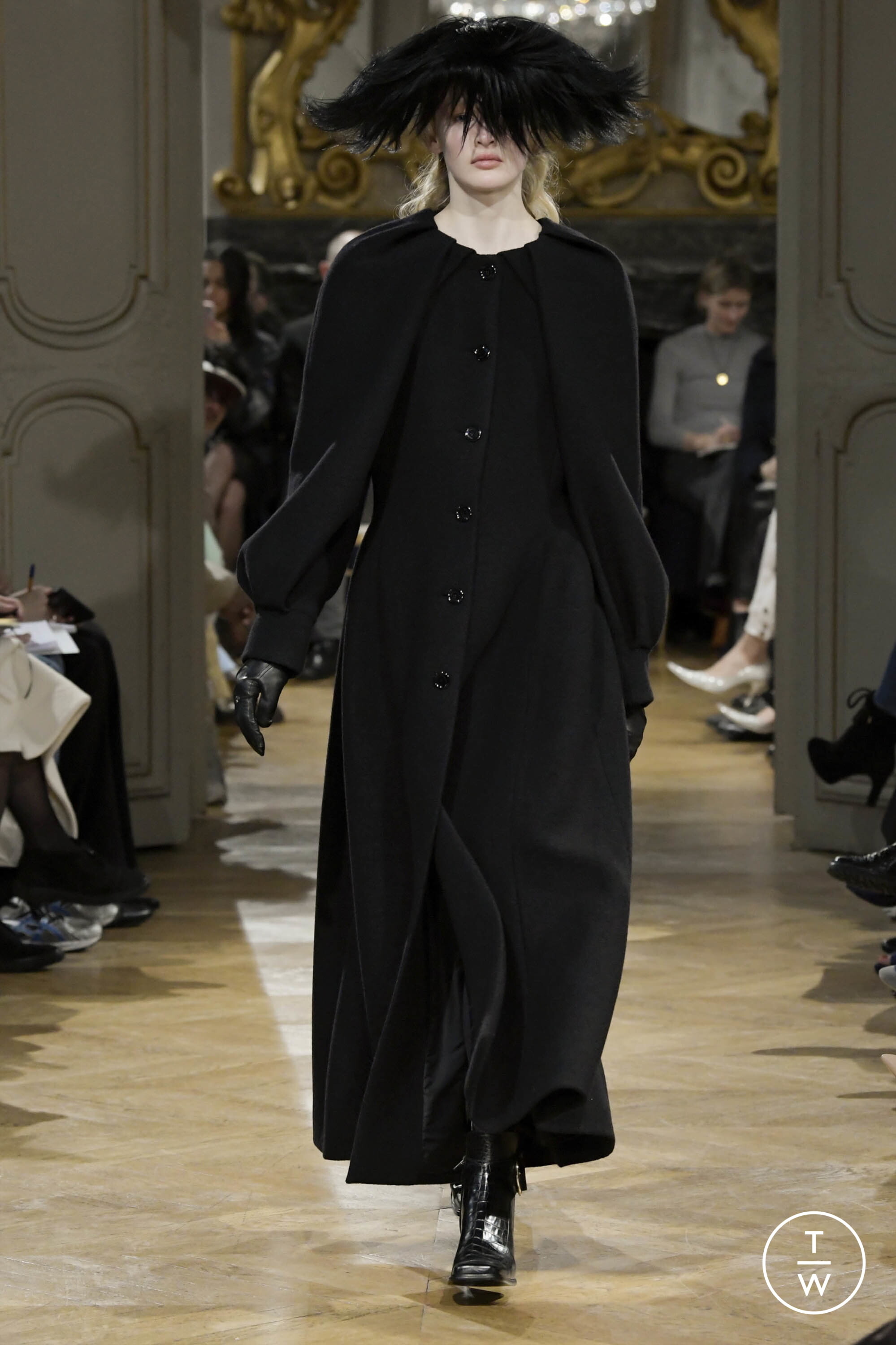
John Galliano FALL 2017 READY-TO-WEAR vogue, tagwalk, madamefigaro







-
Véronique Branquinho FALL 2017 READY-TO-WEAR vogue, tagwalk, madamefigaro







-
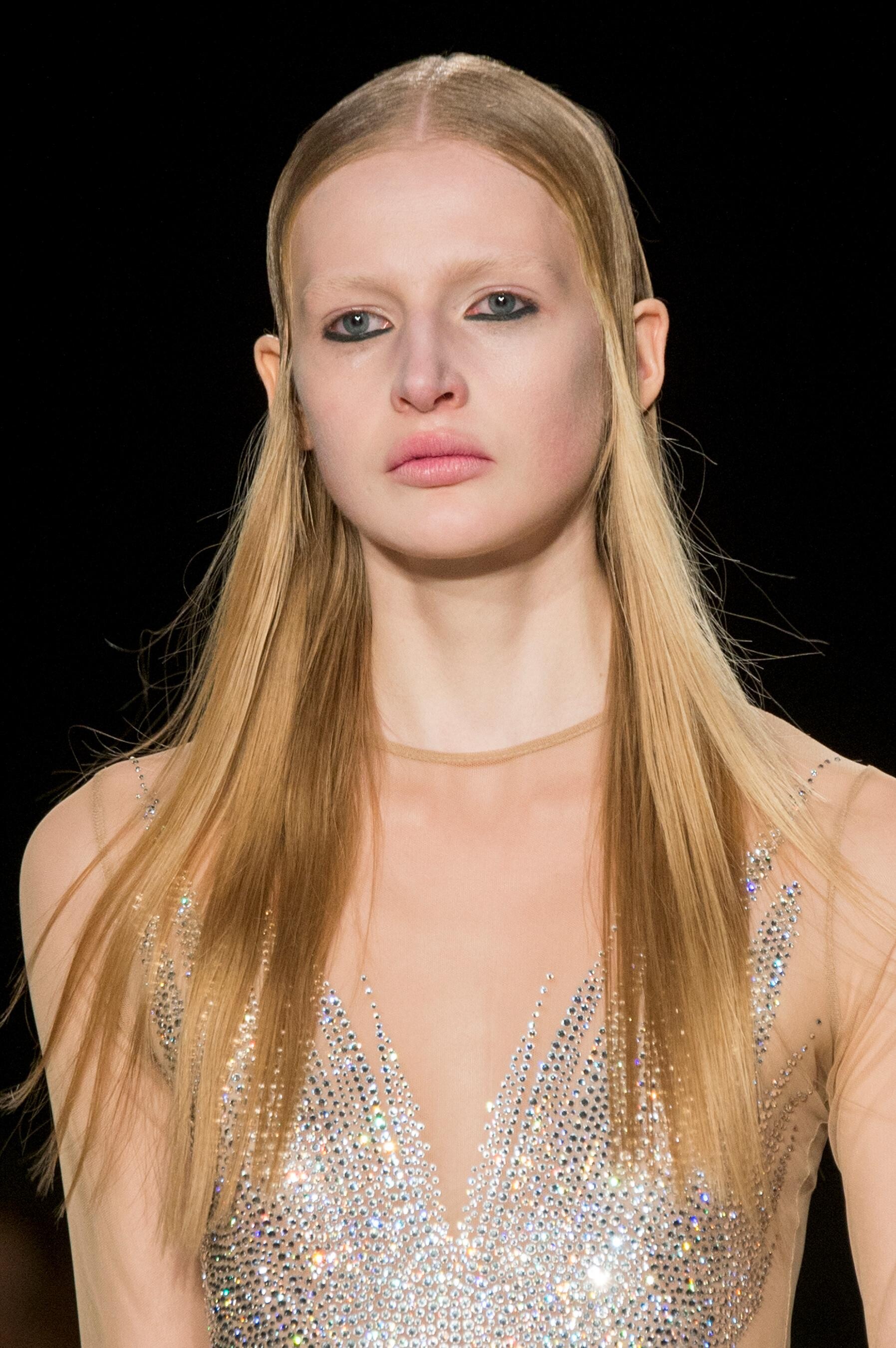
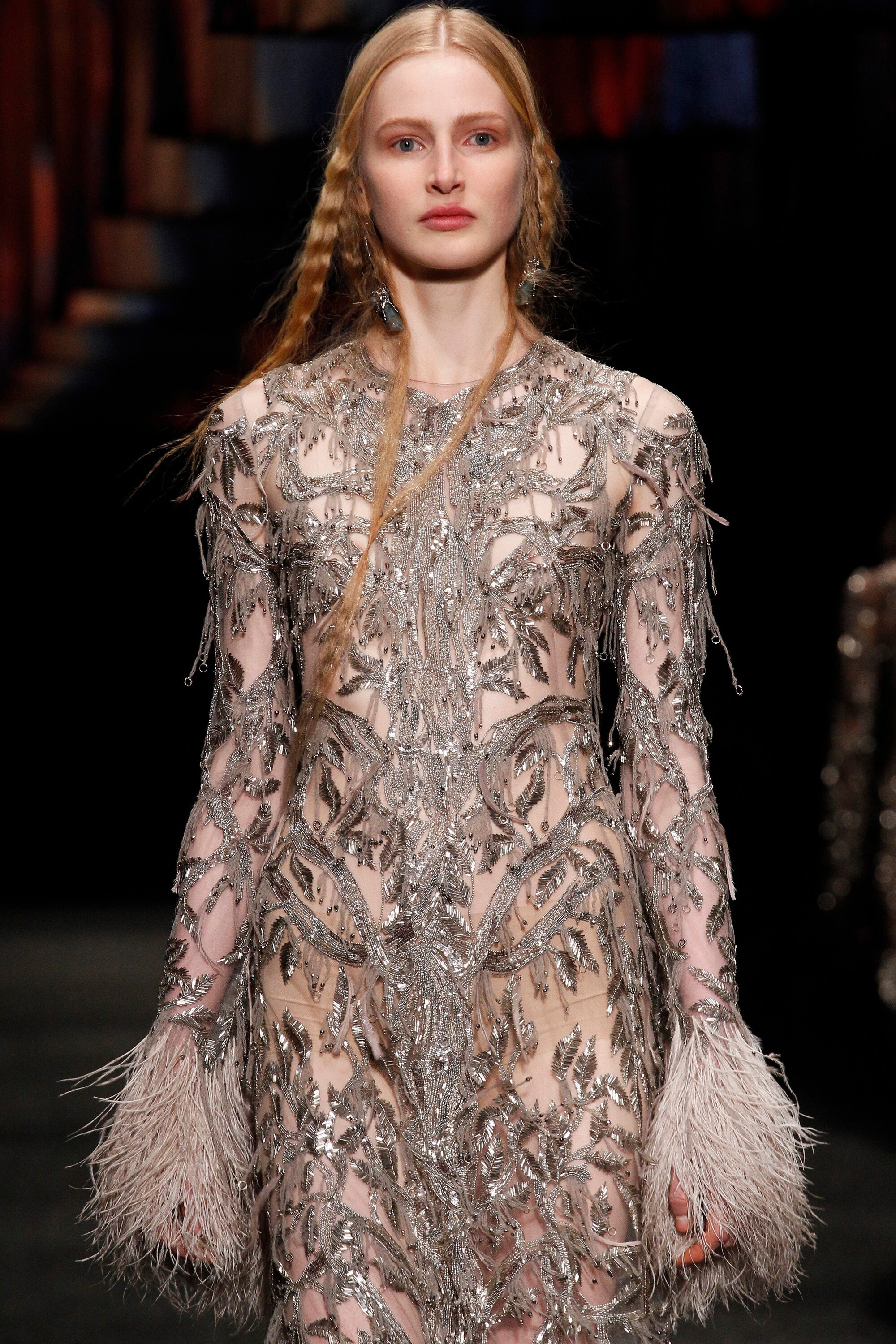
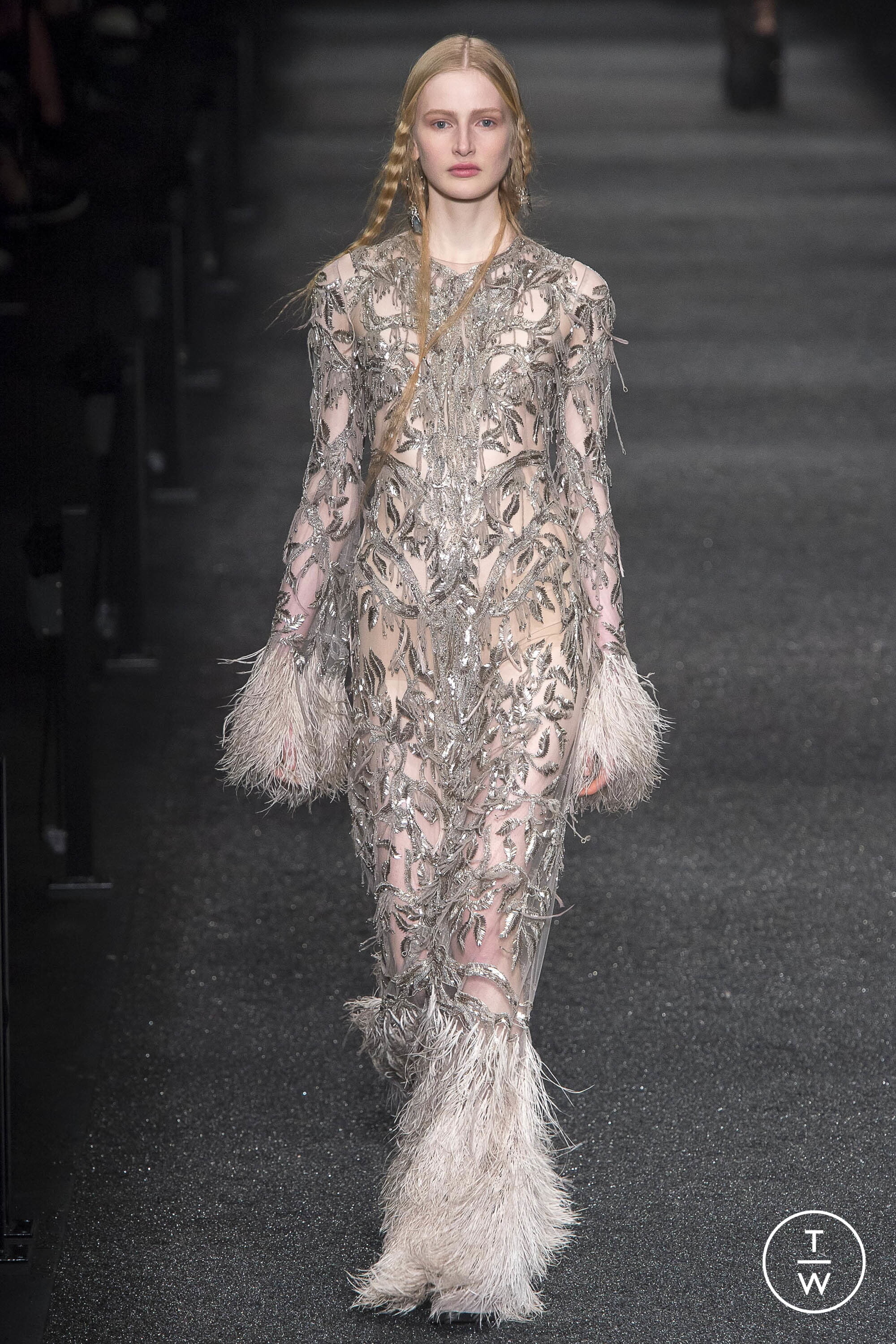
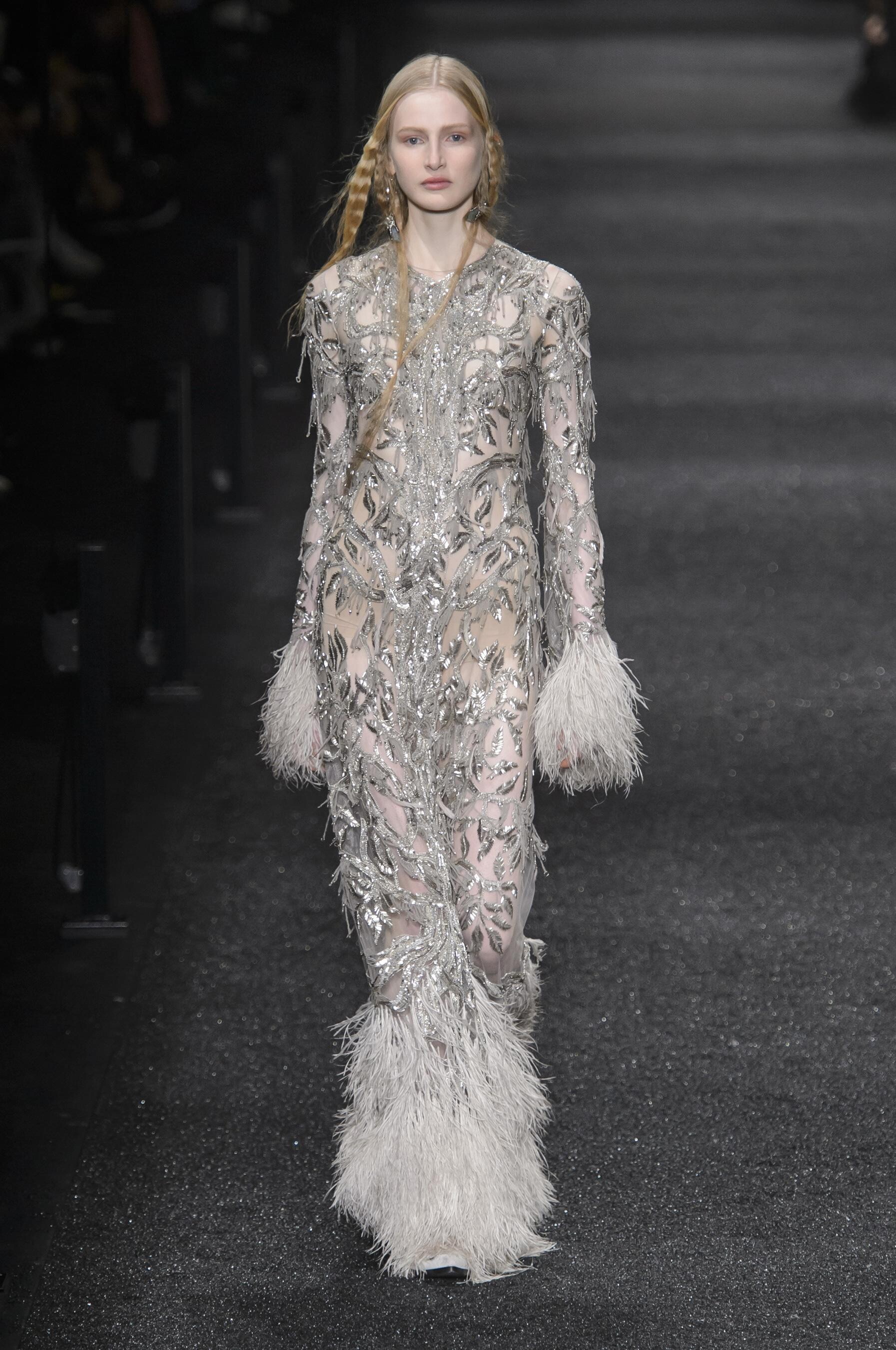
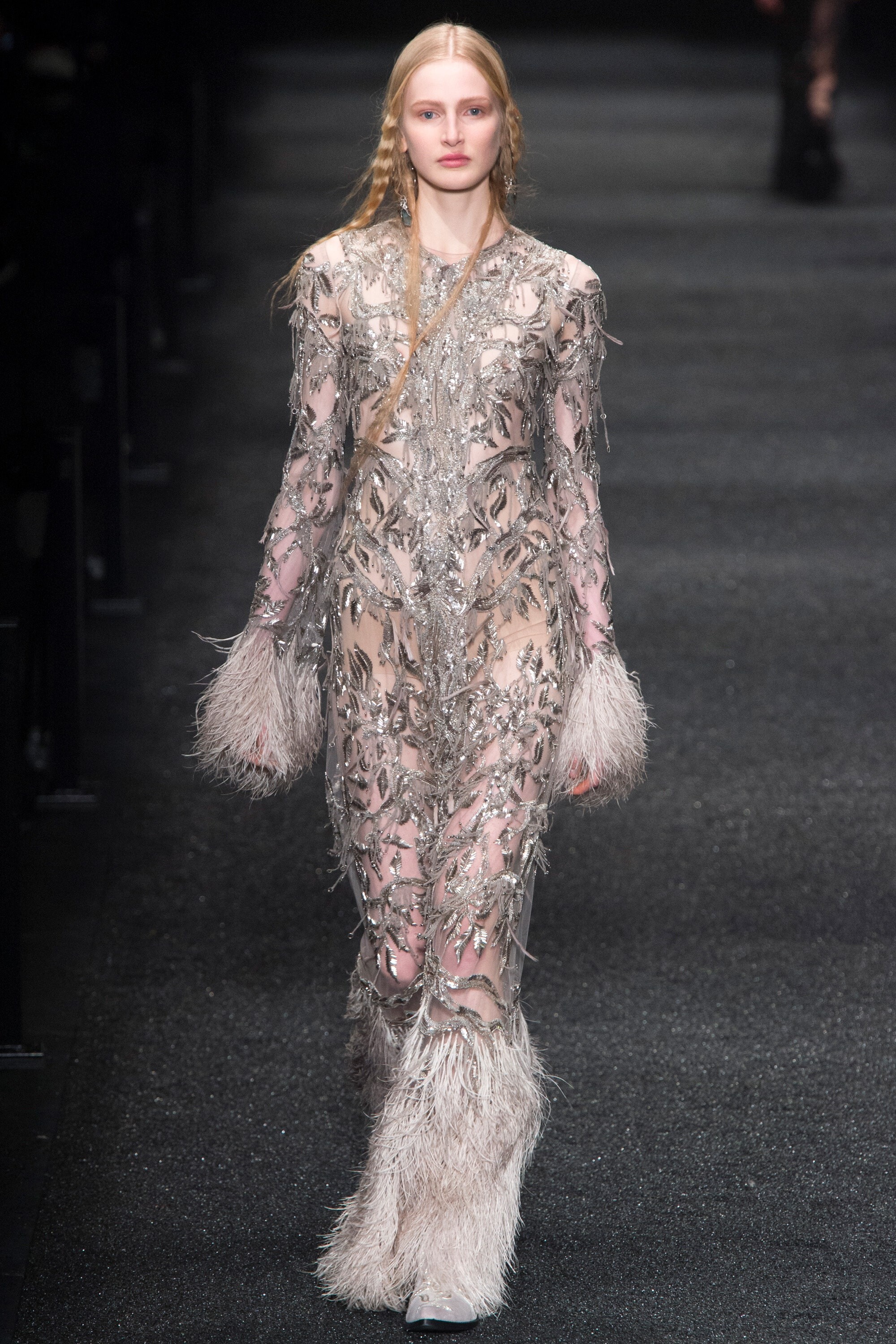
Alexander McQueen (closed) FALL 2017 READY-TO-WEAR vogue, tagwalk, madamefigaro


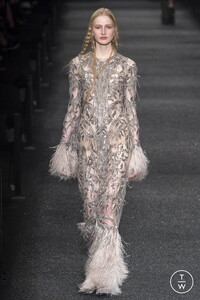





-
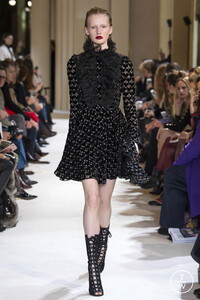
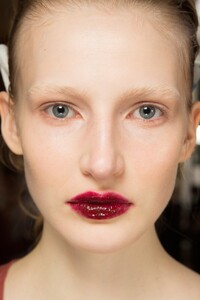
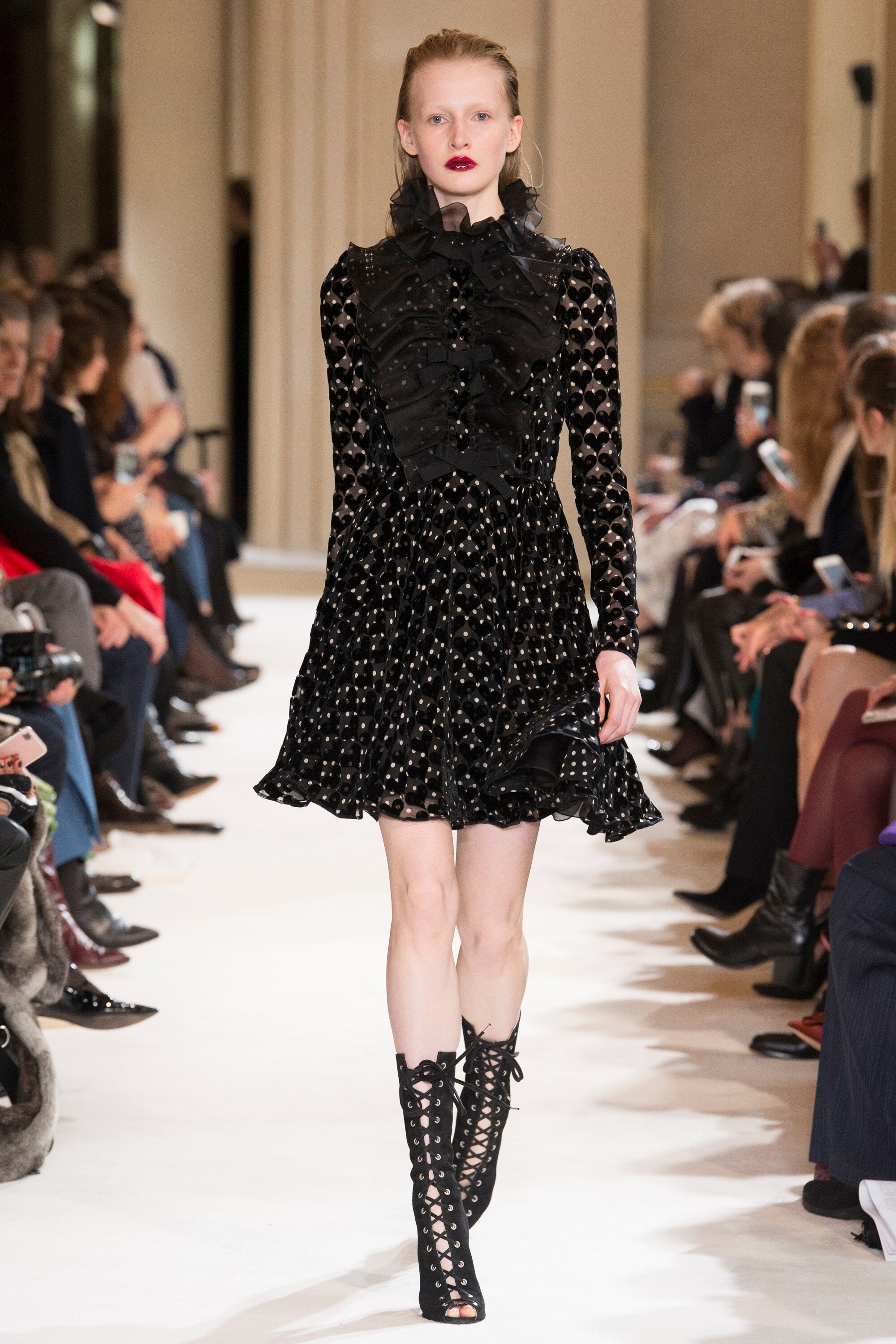
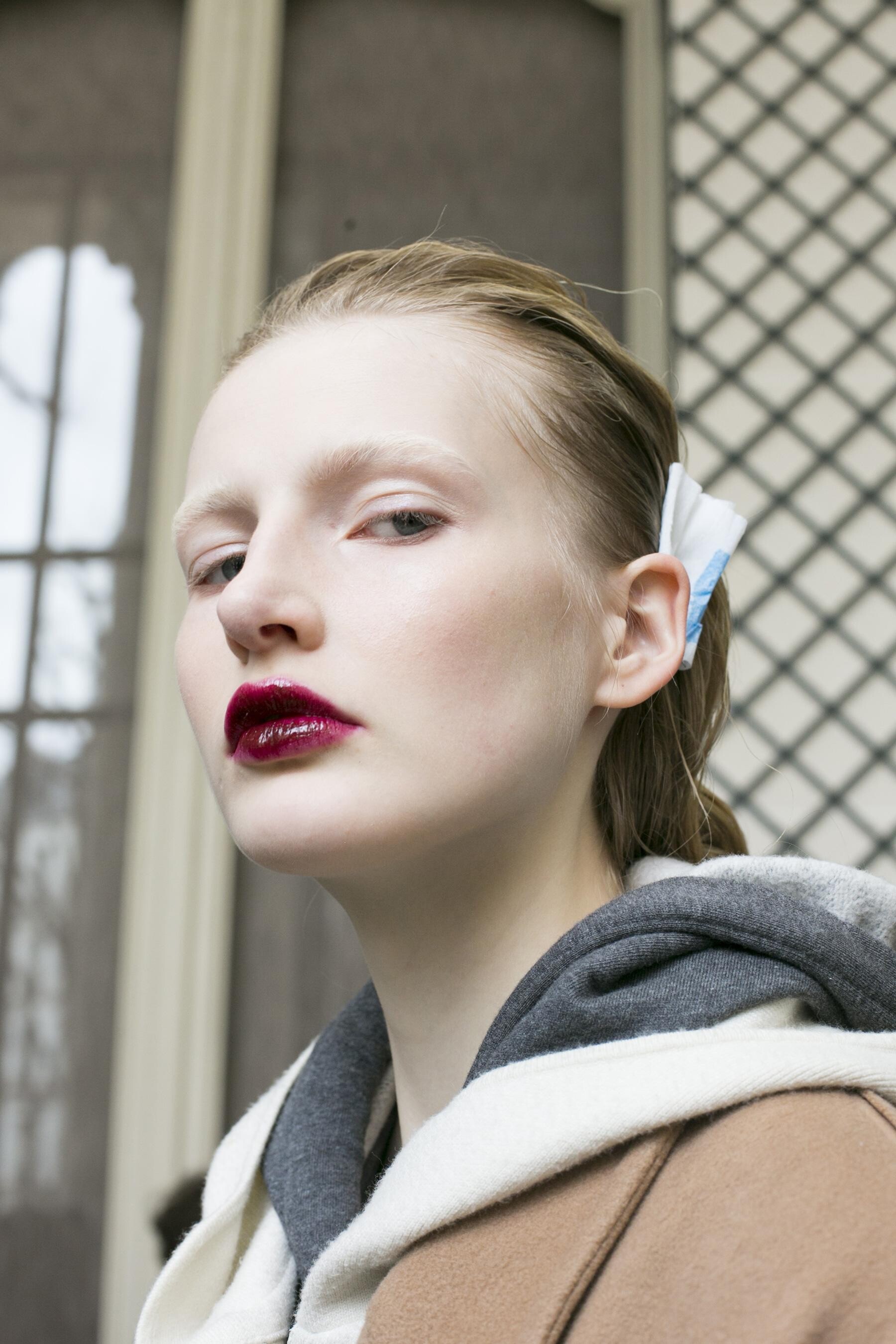
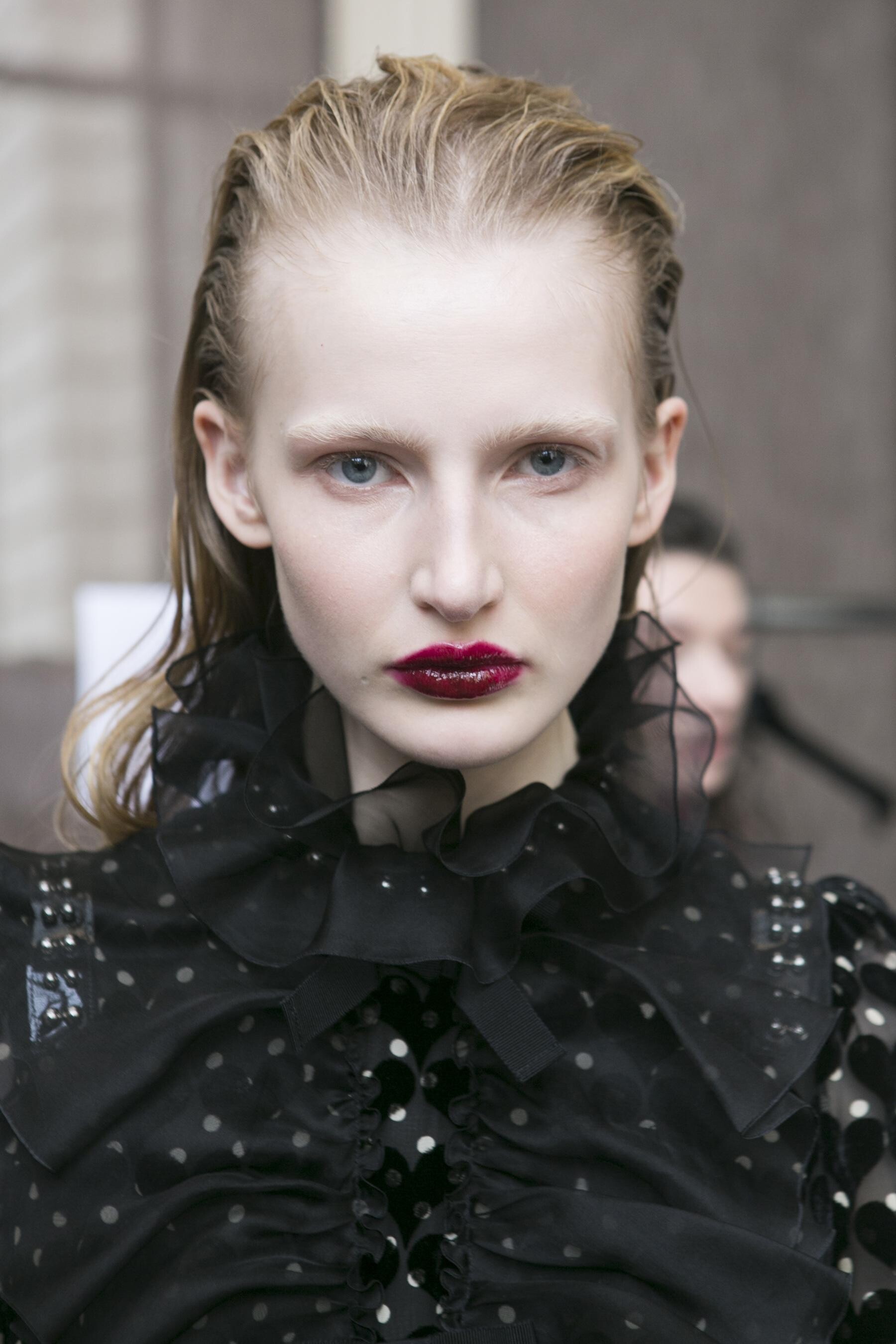
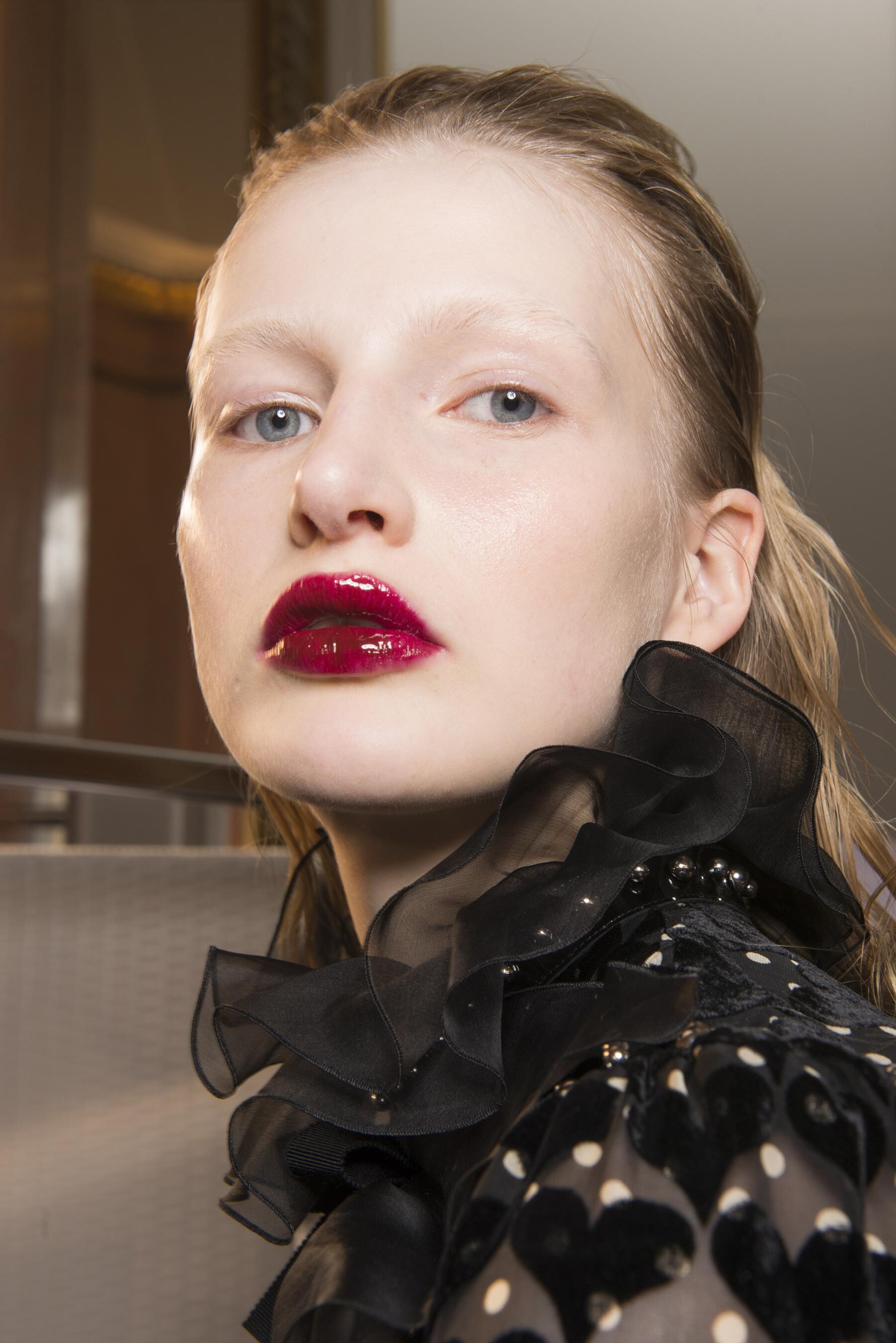
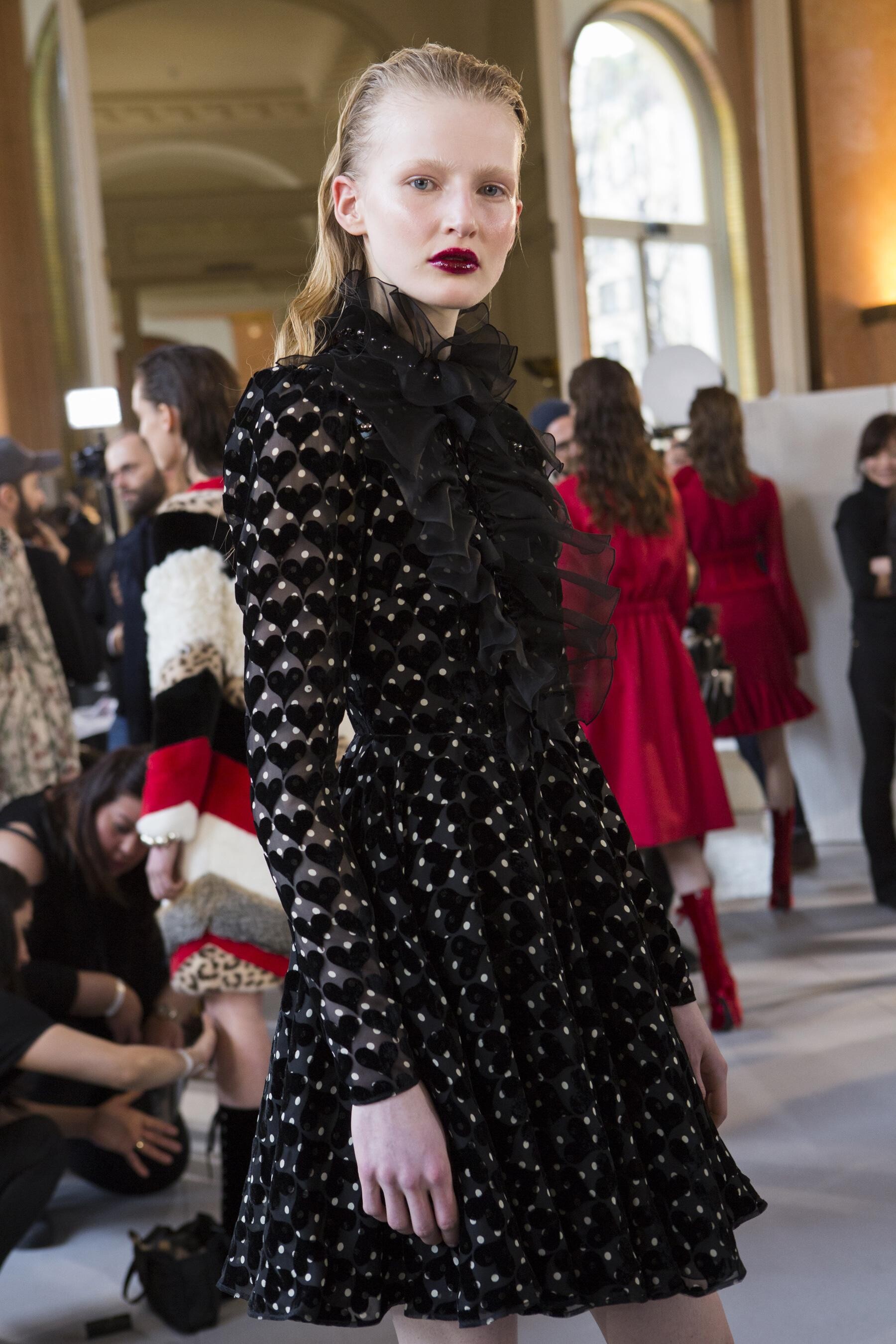
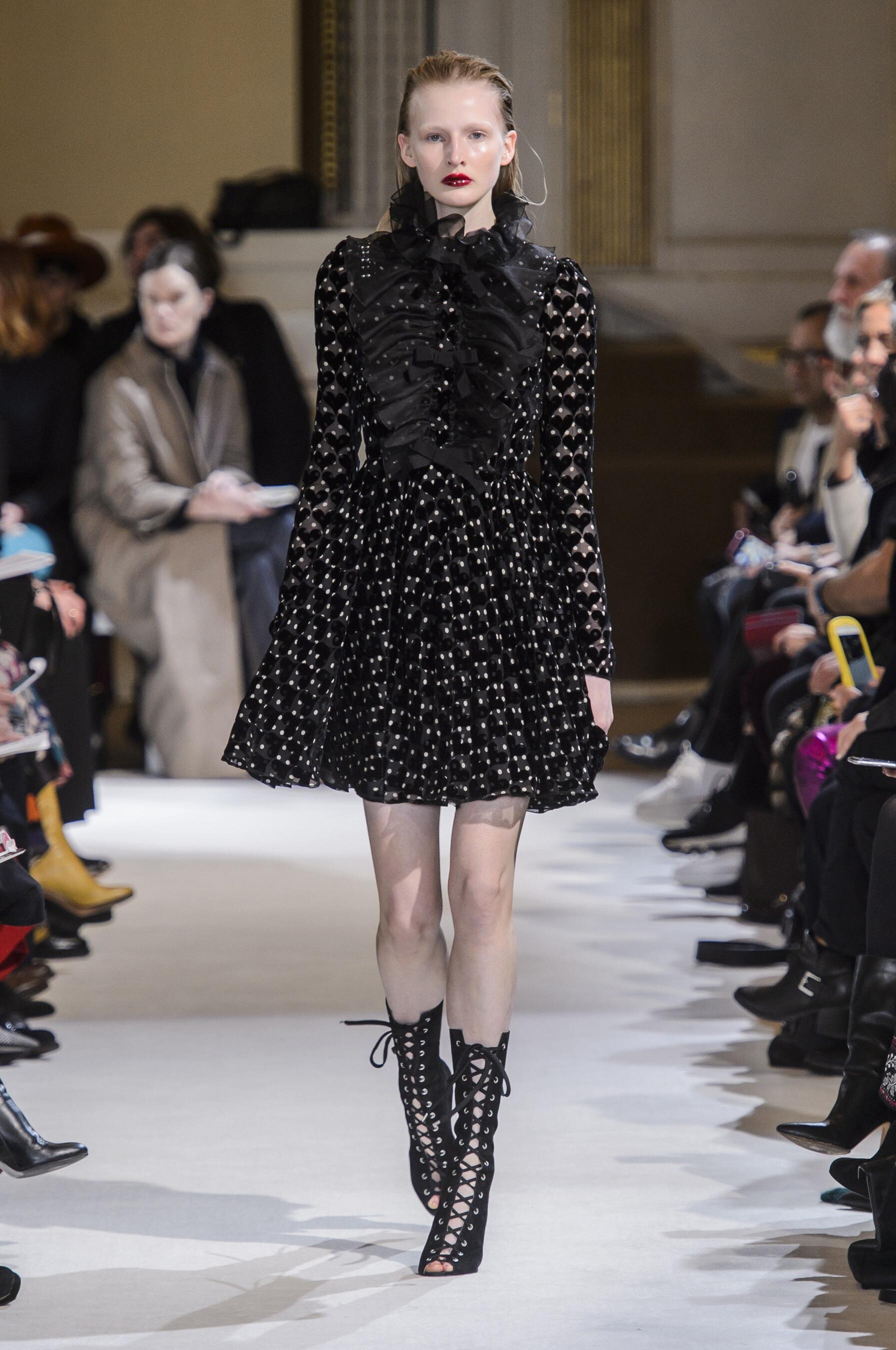
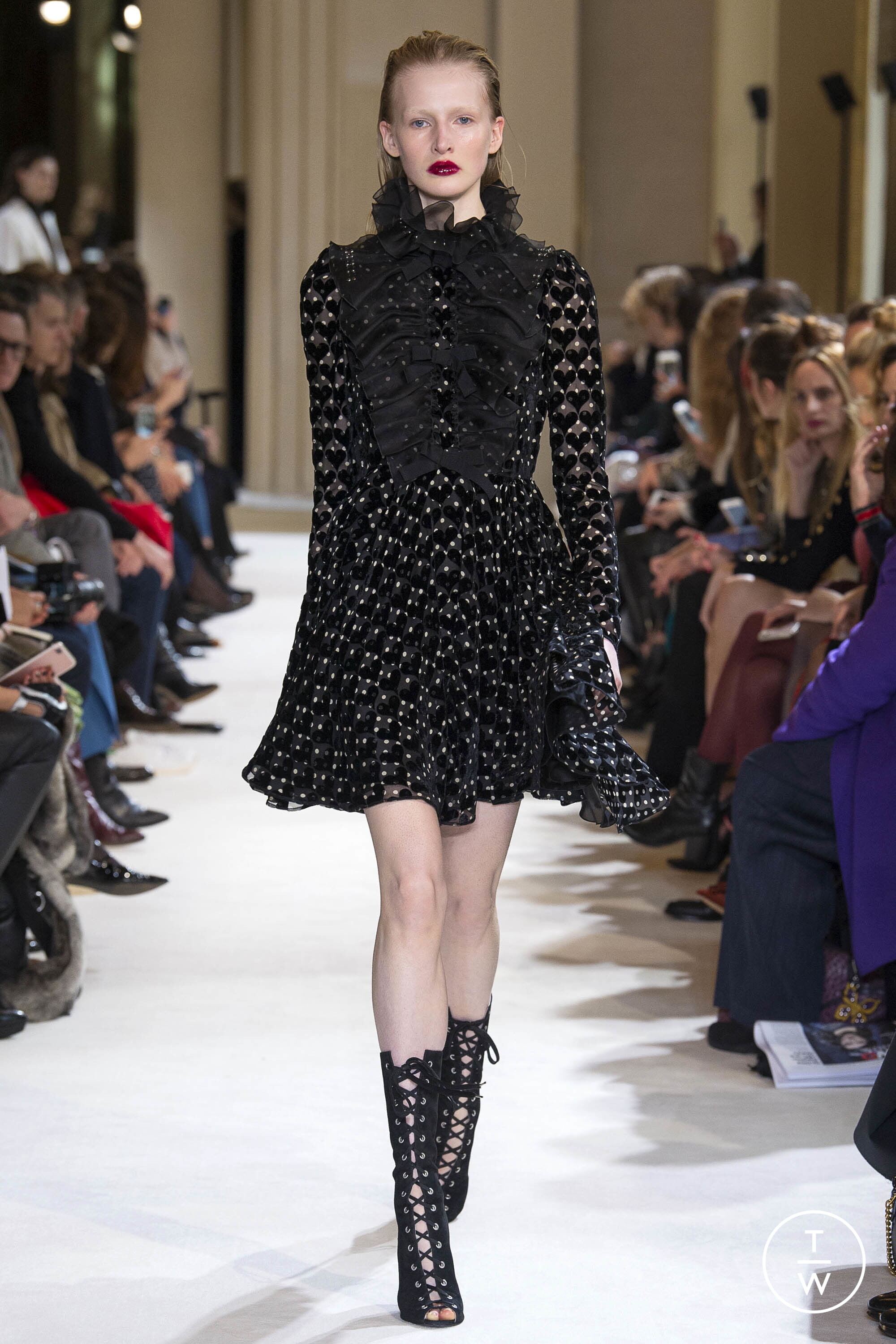
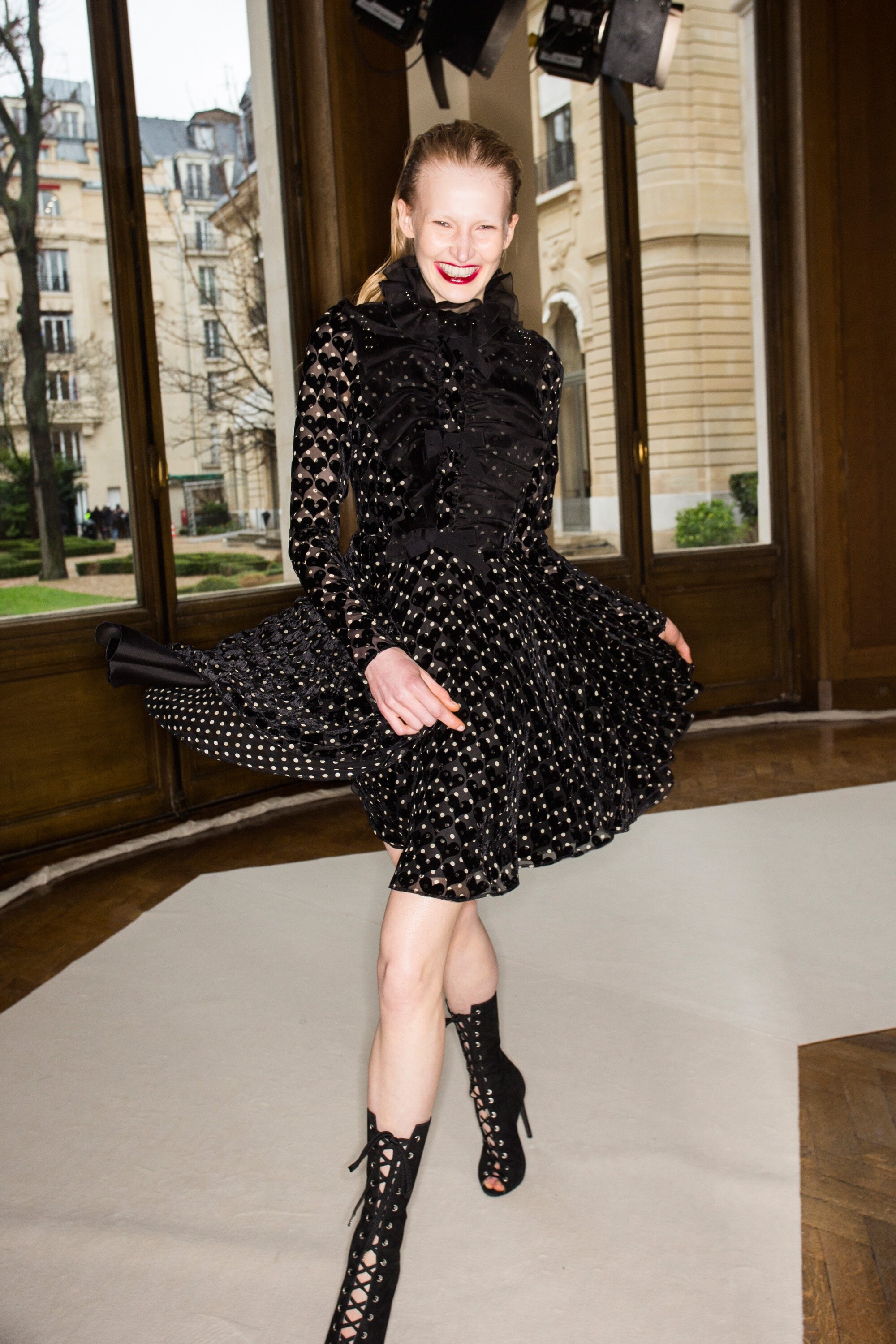
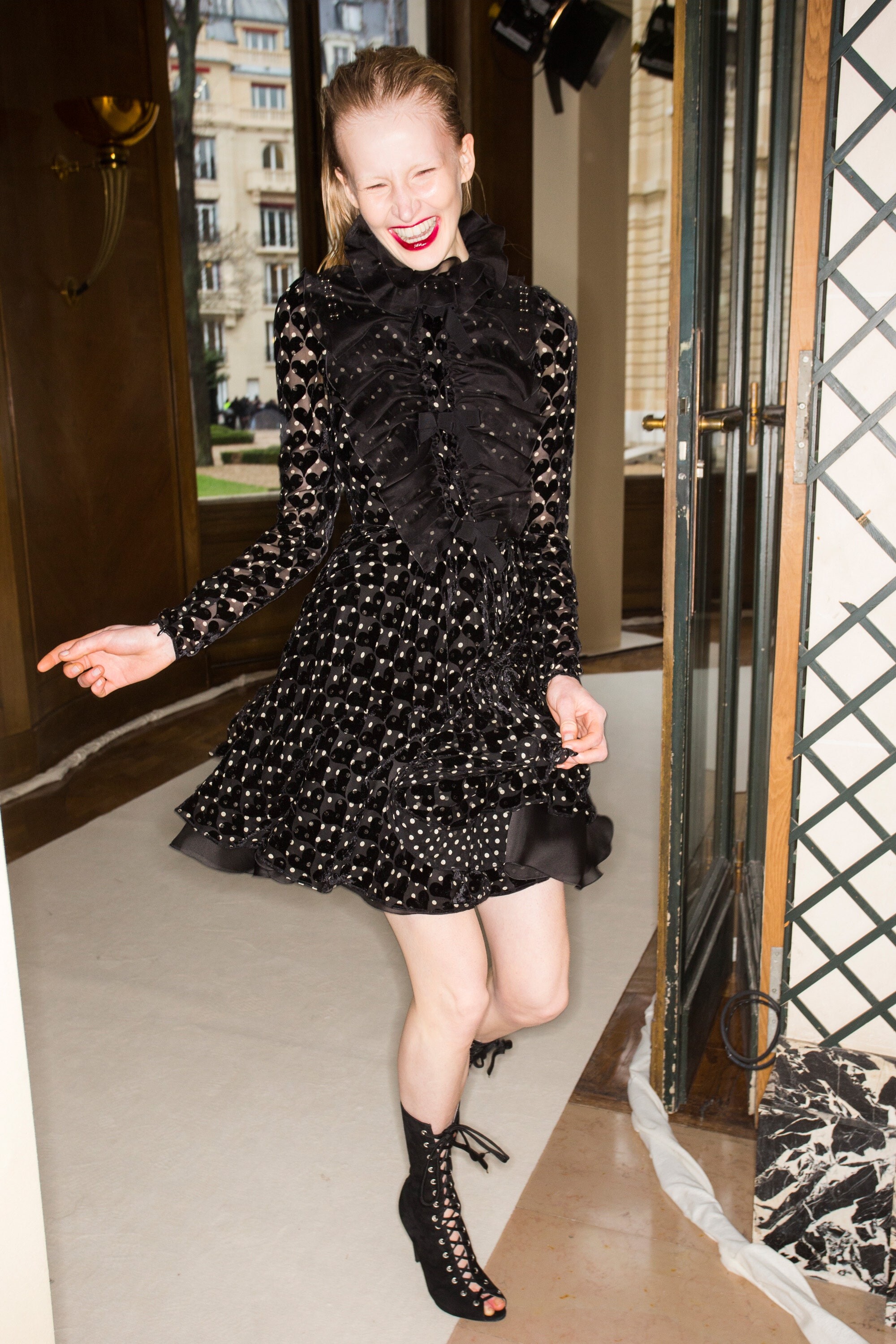
Giambattista Valli FALL 2017 READY-TO-WEAR backstage vogue, tagwalk, madamefigaro














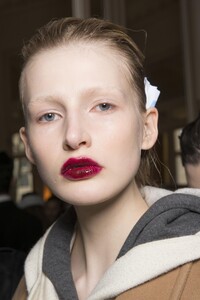
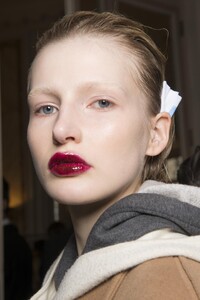

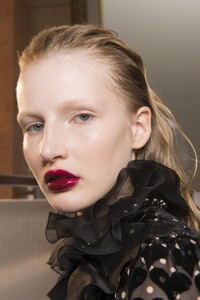
















-
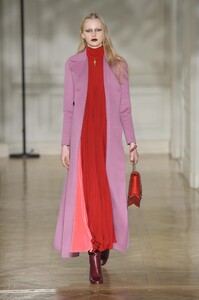
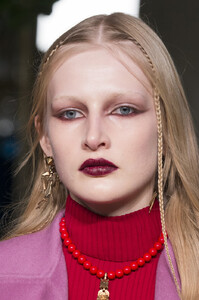
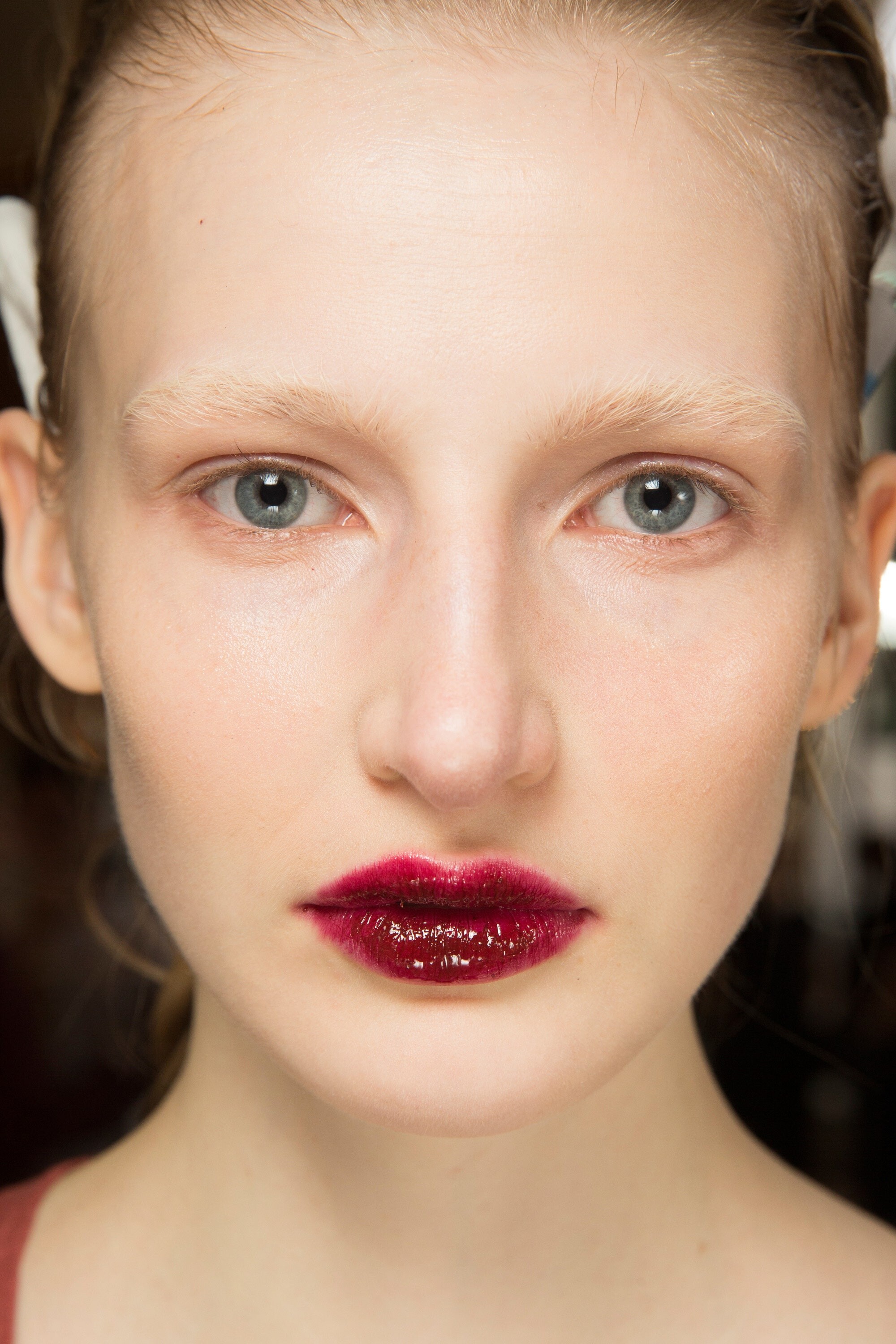
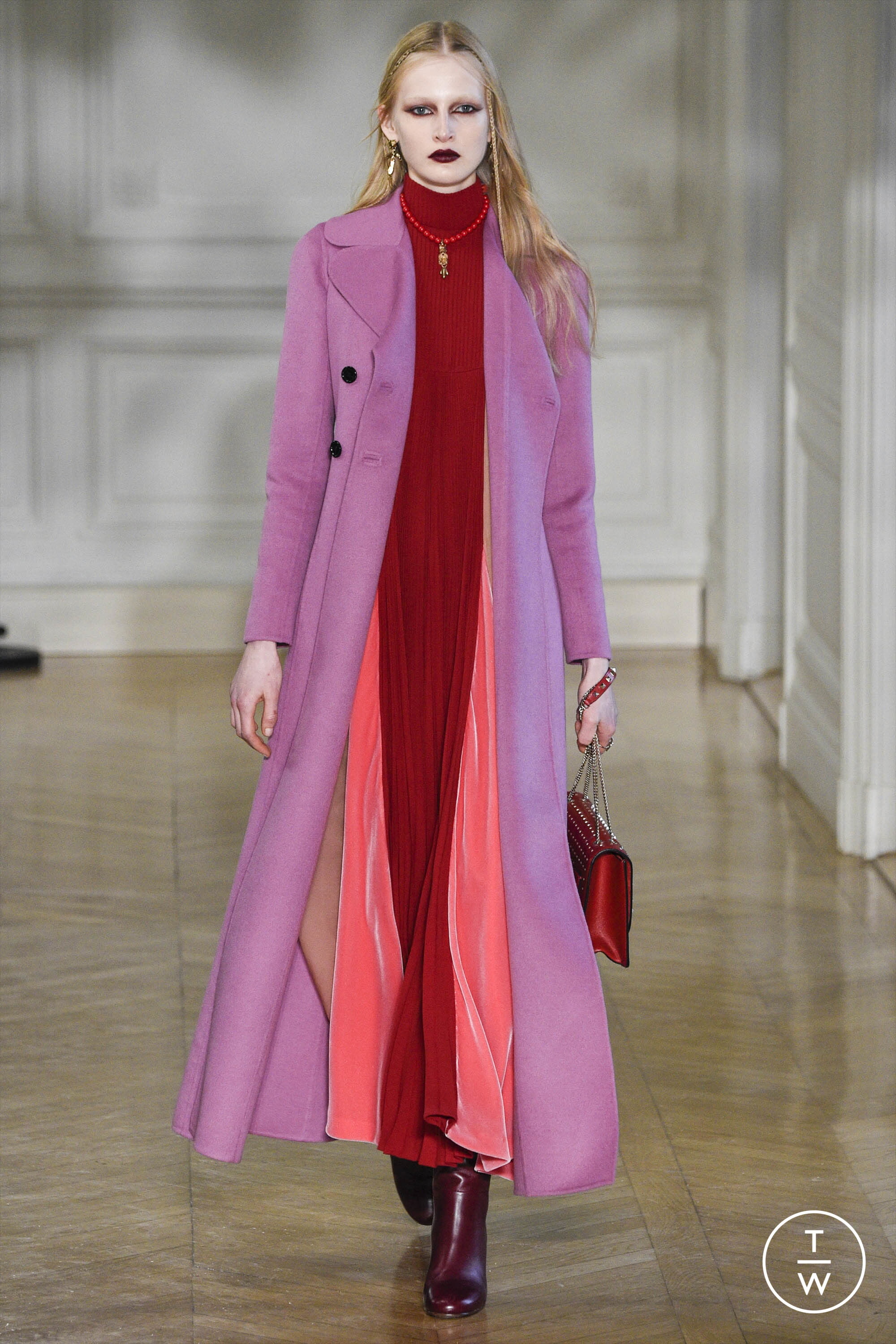
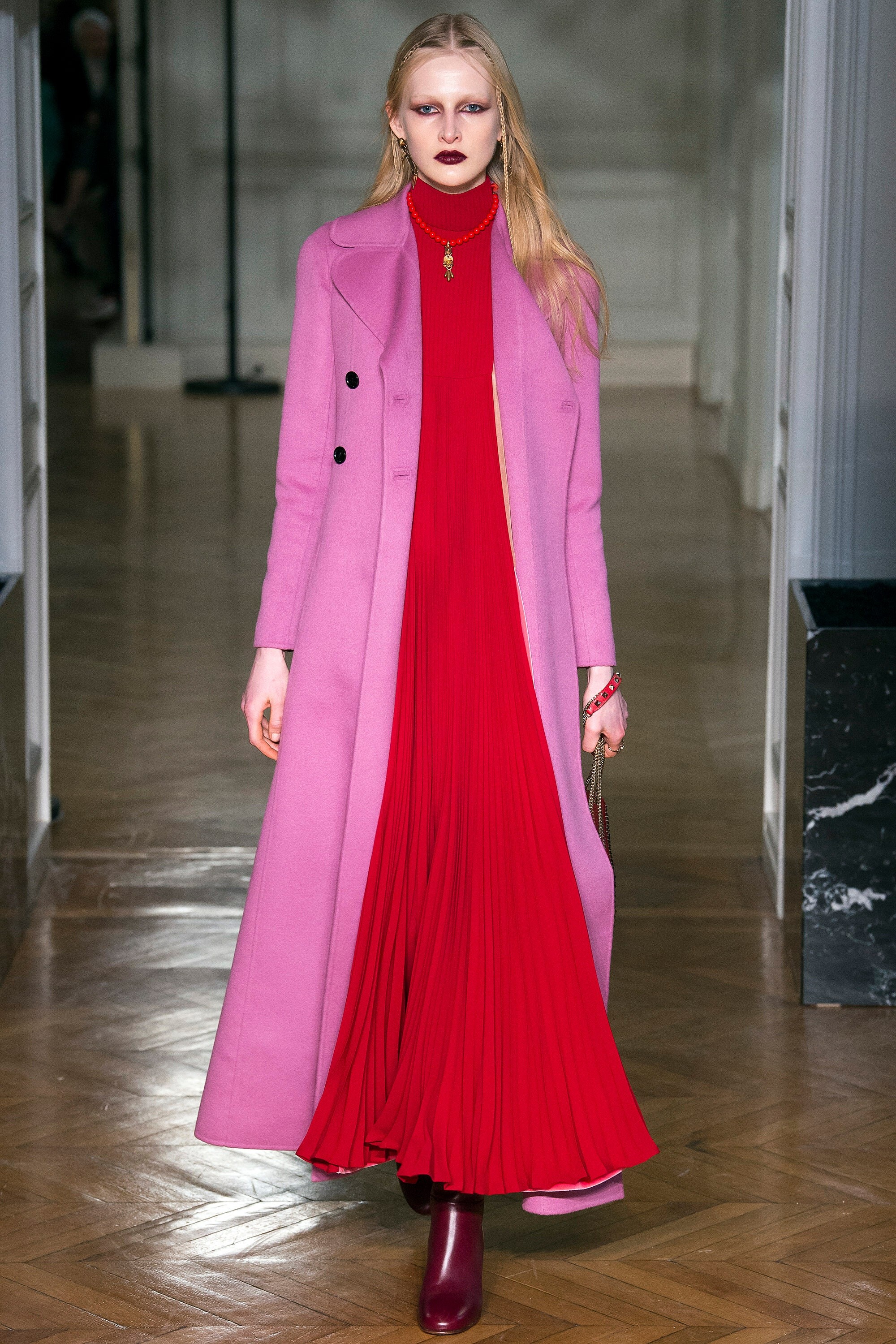
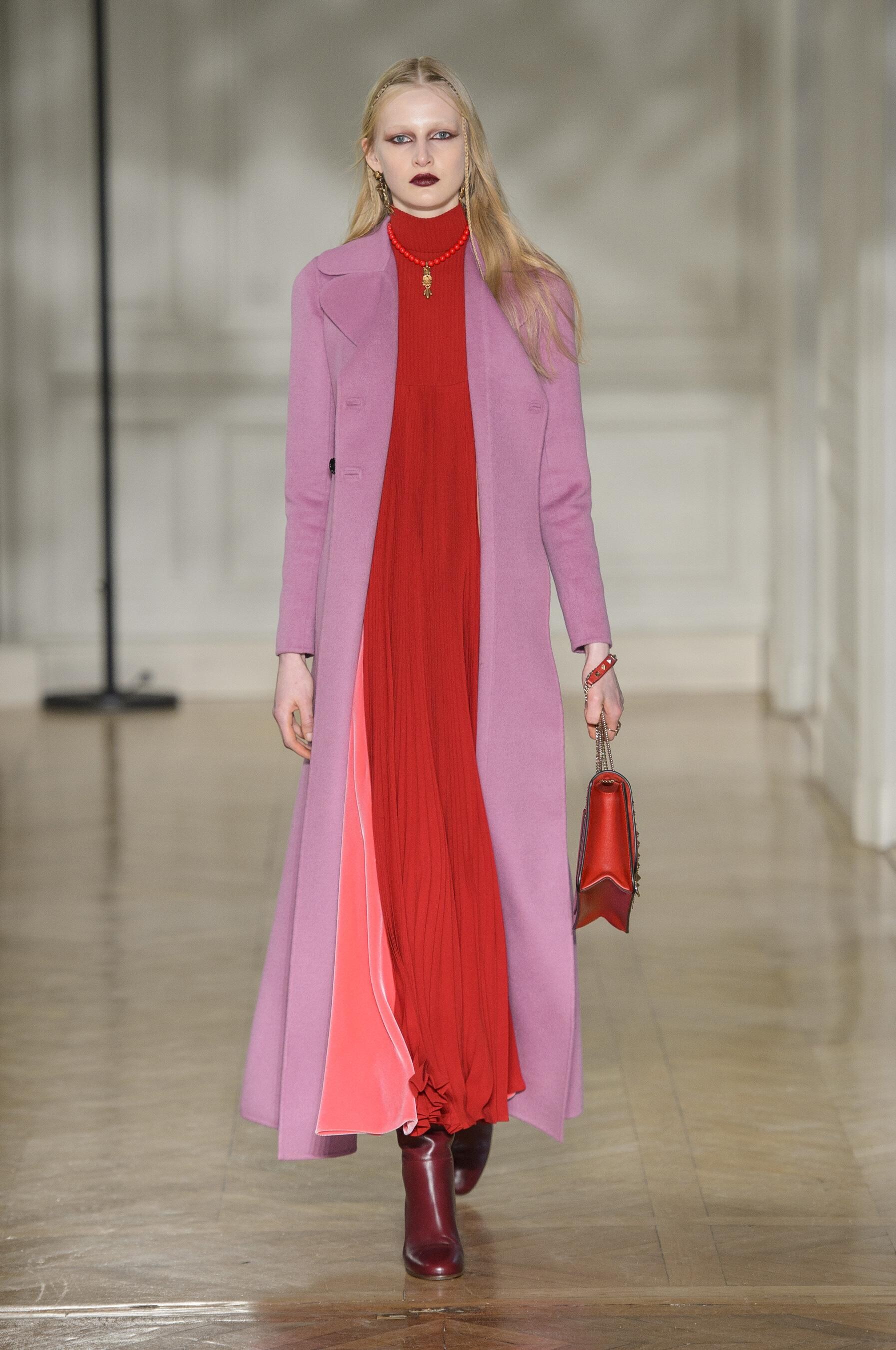
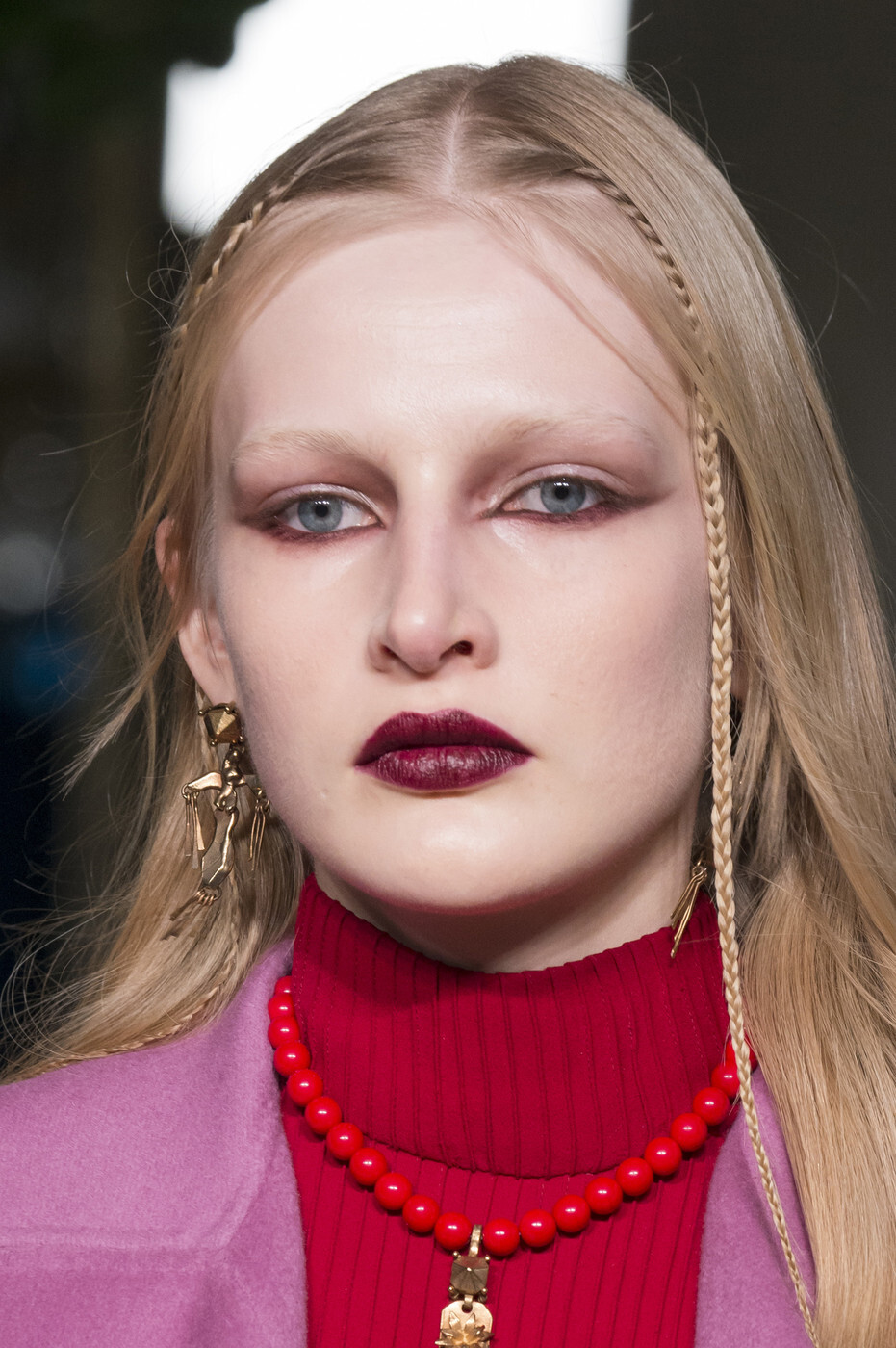
Valentino FALL 2017 READY-TO-WEAR vogue, tagwalk, madamefigaro, livingly


-
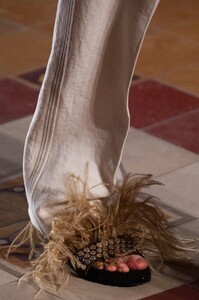
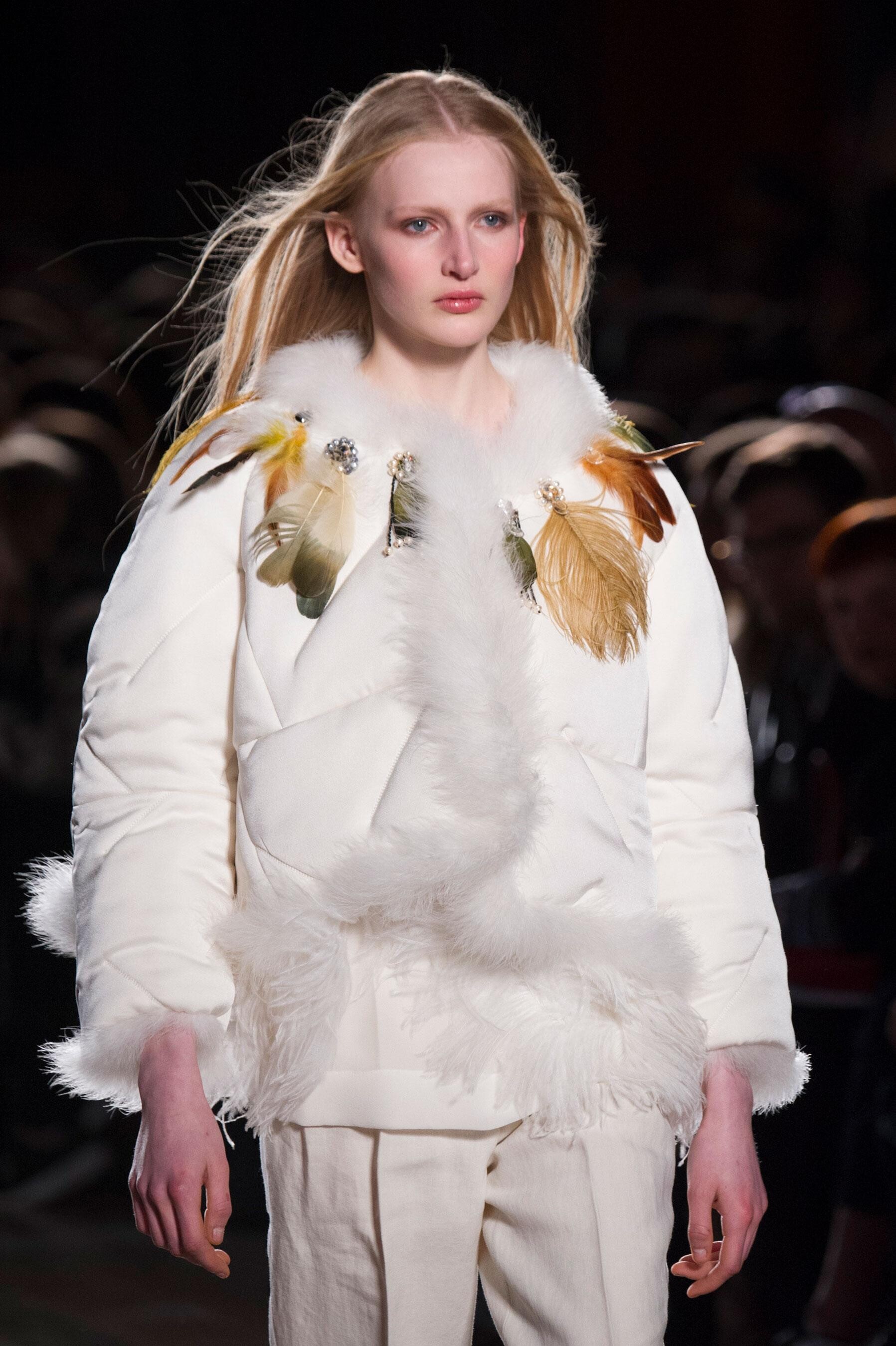
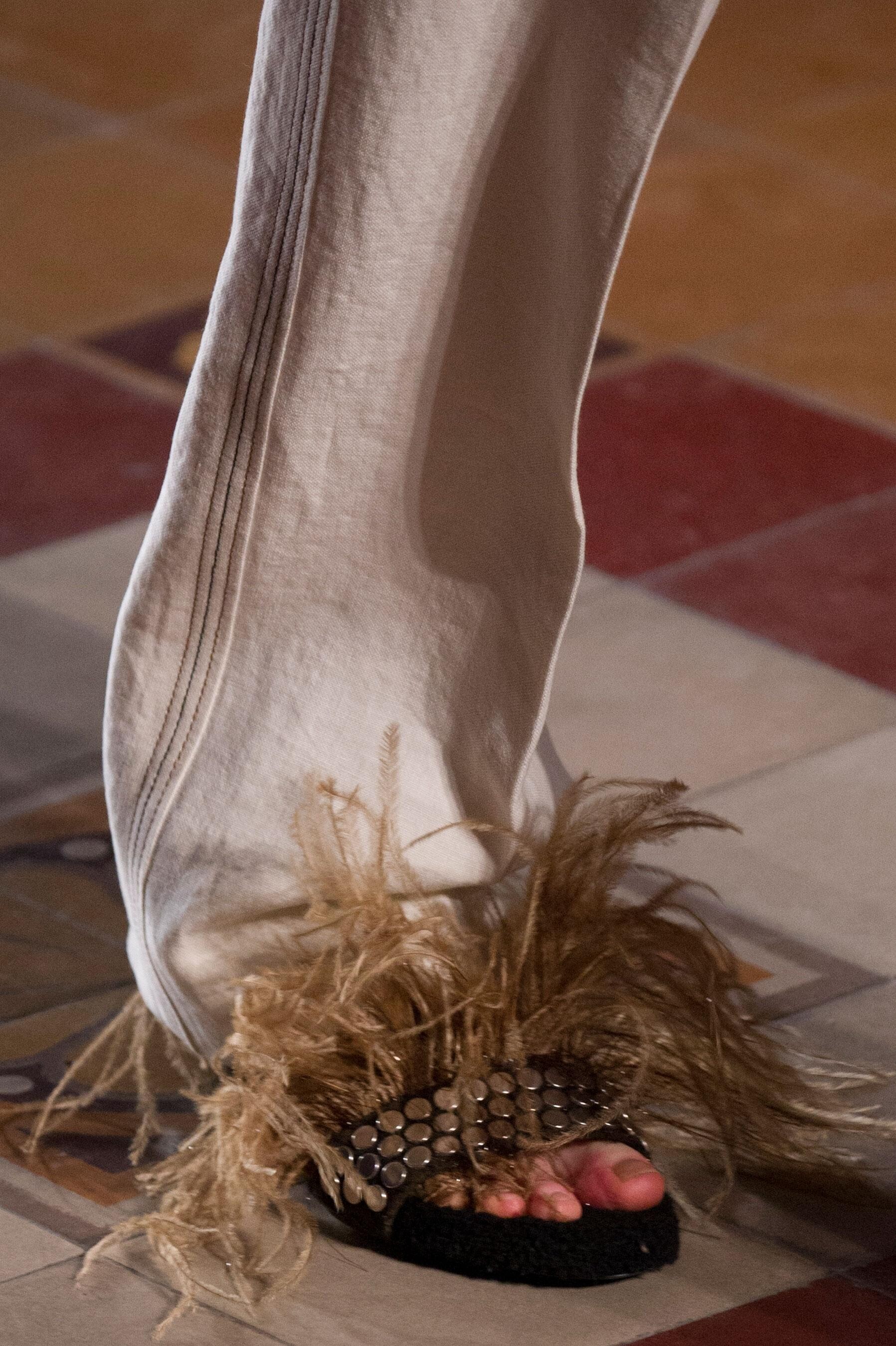
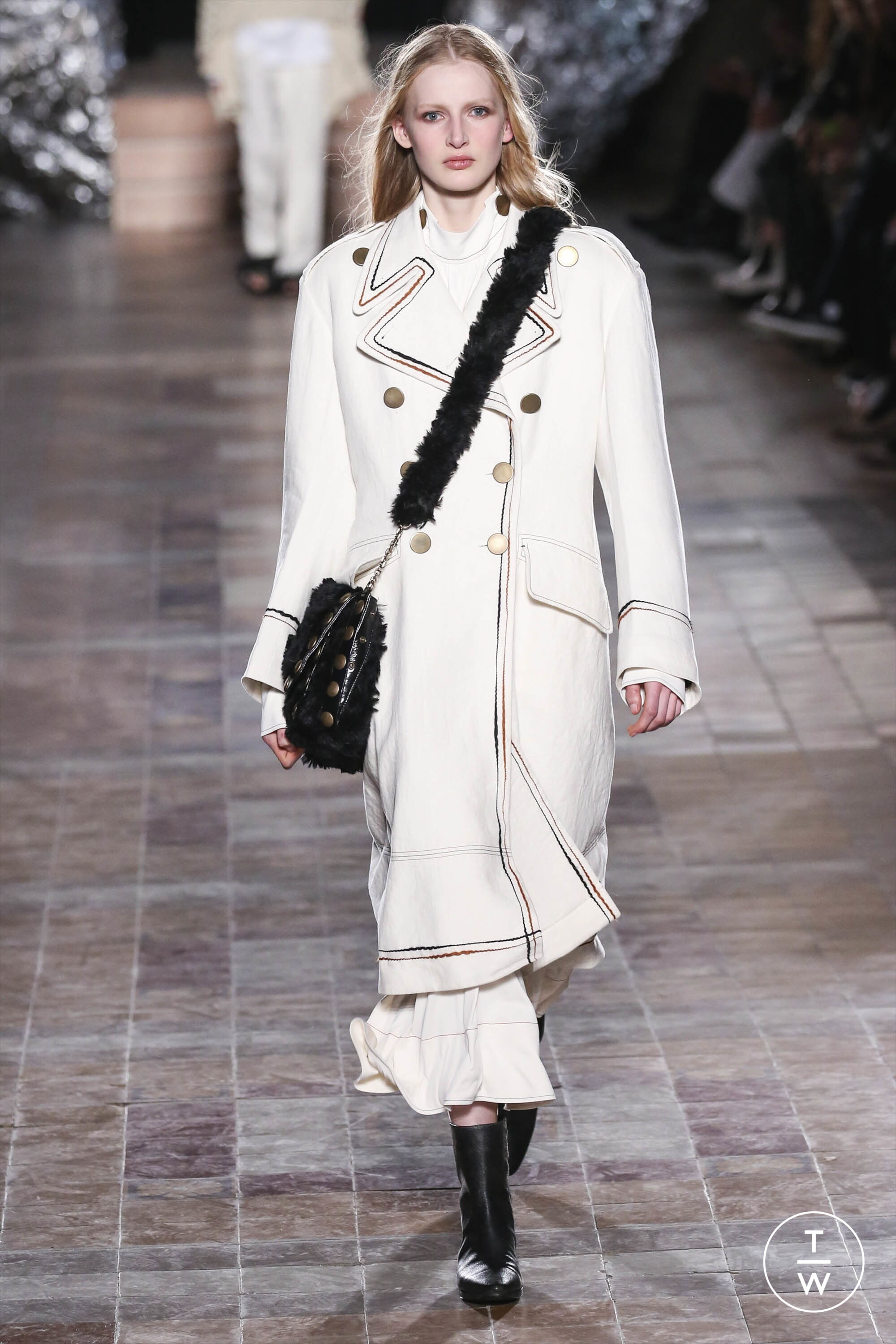
Sonia Rykiel FALL 2017 READY-TO-WEAR backstage tagwalk, madamefigaro detail






-
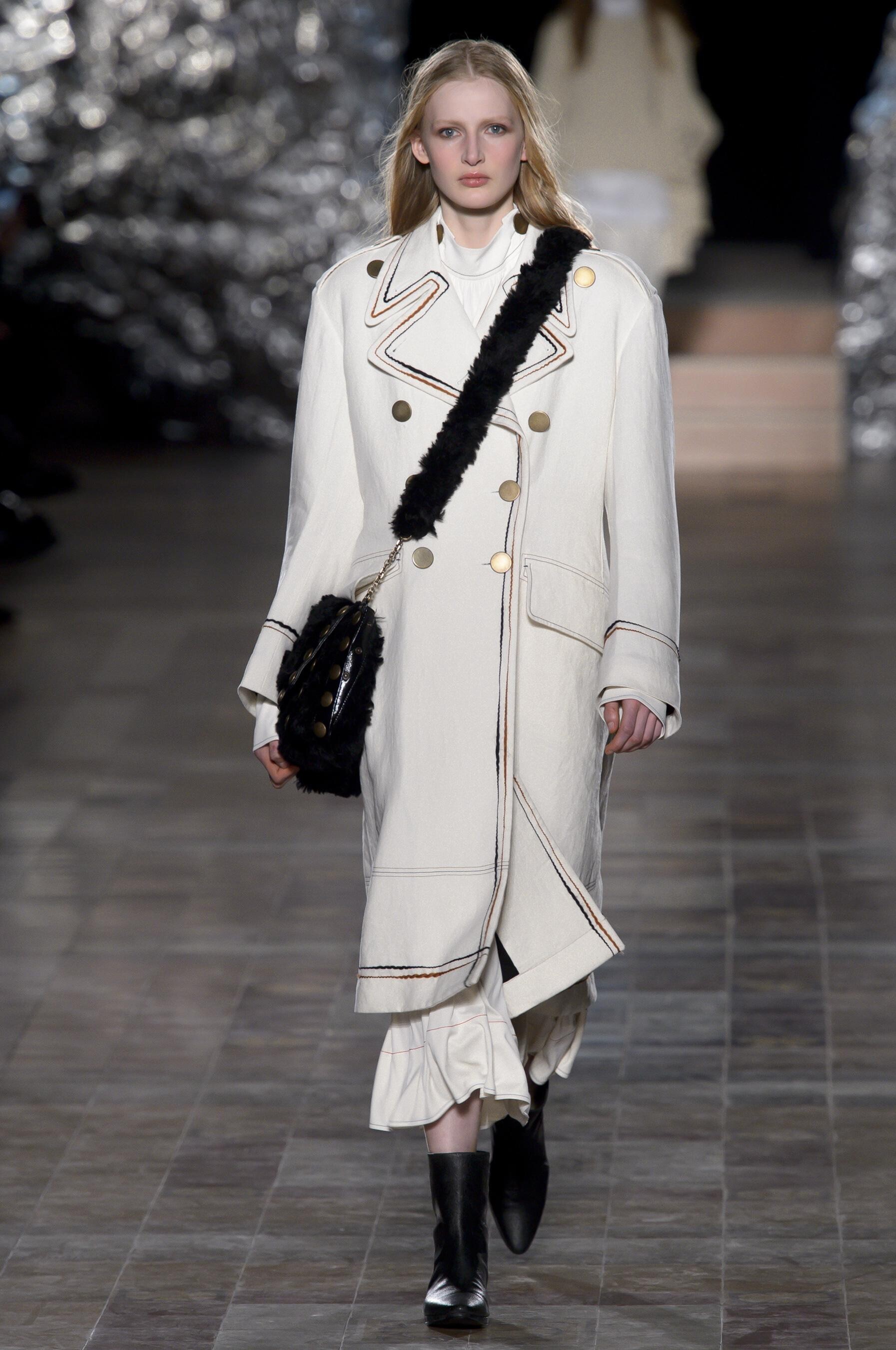
Acne Studios FALL 2017 READY-TO-WEAR vogue, tagwalk, madamefigaro




-
Gareth Pugh SPRING 2019 READY-TO-WEAR backstage vogue, nowfashion, tagwalk, madamefigaro




















-
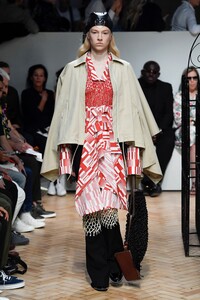
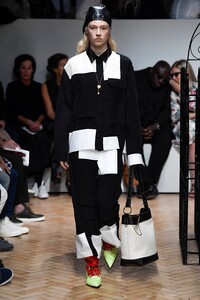
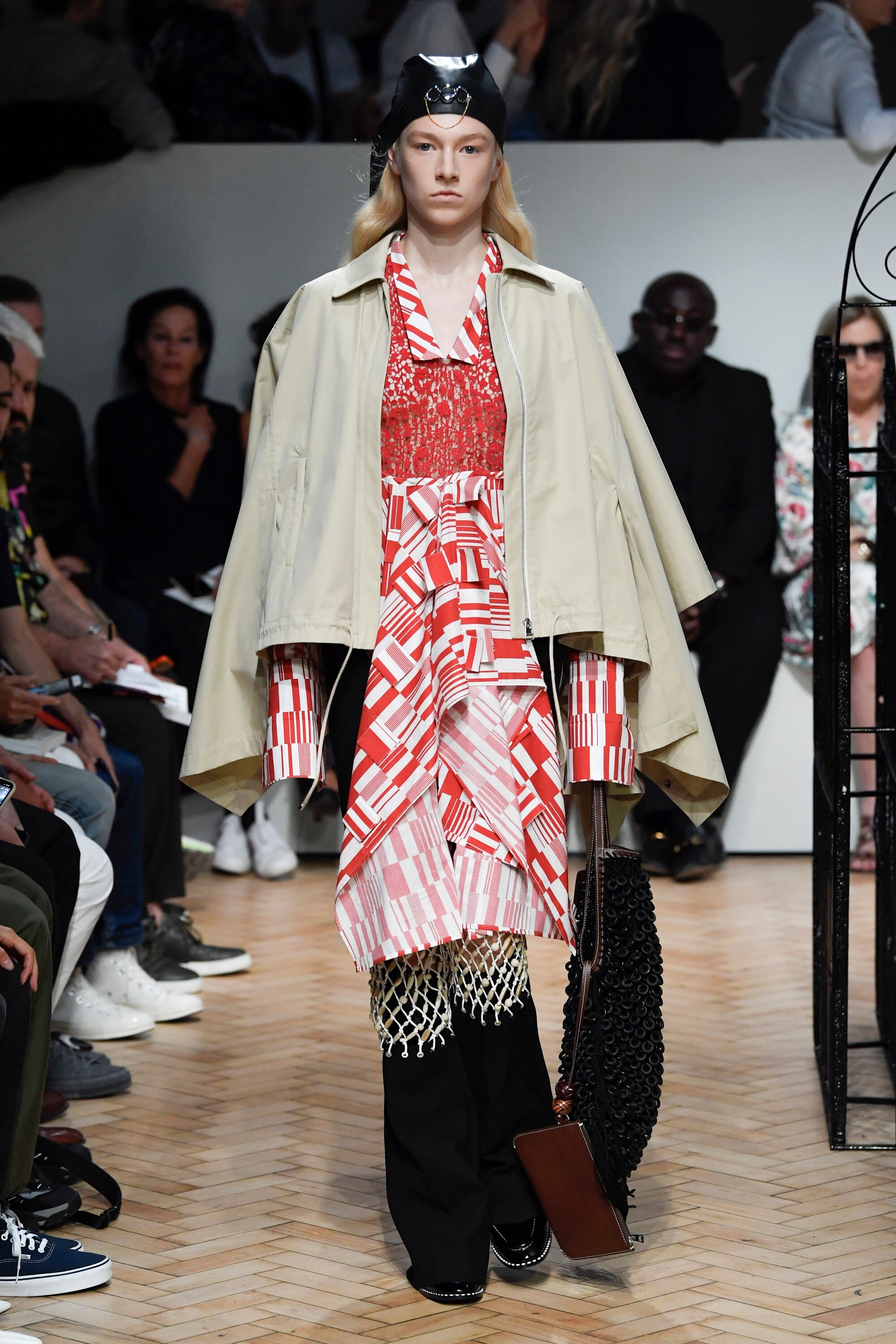
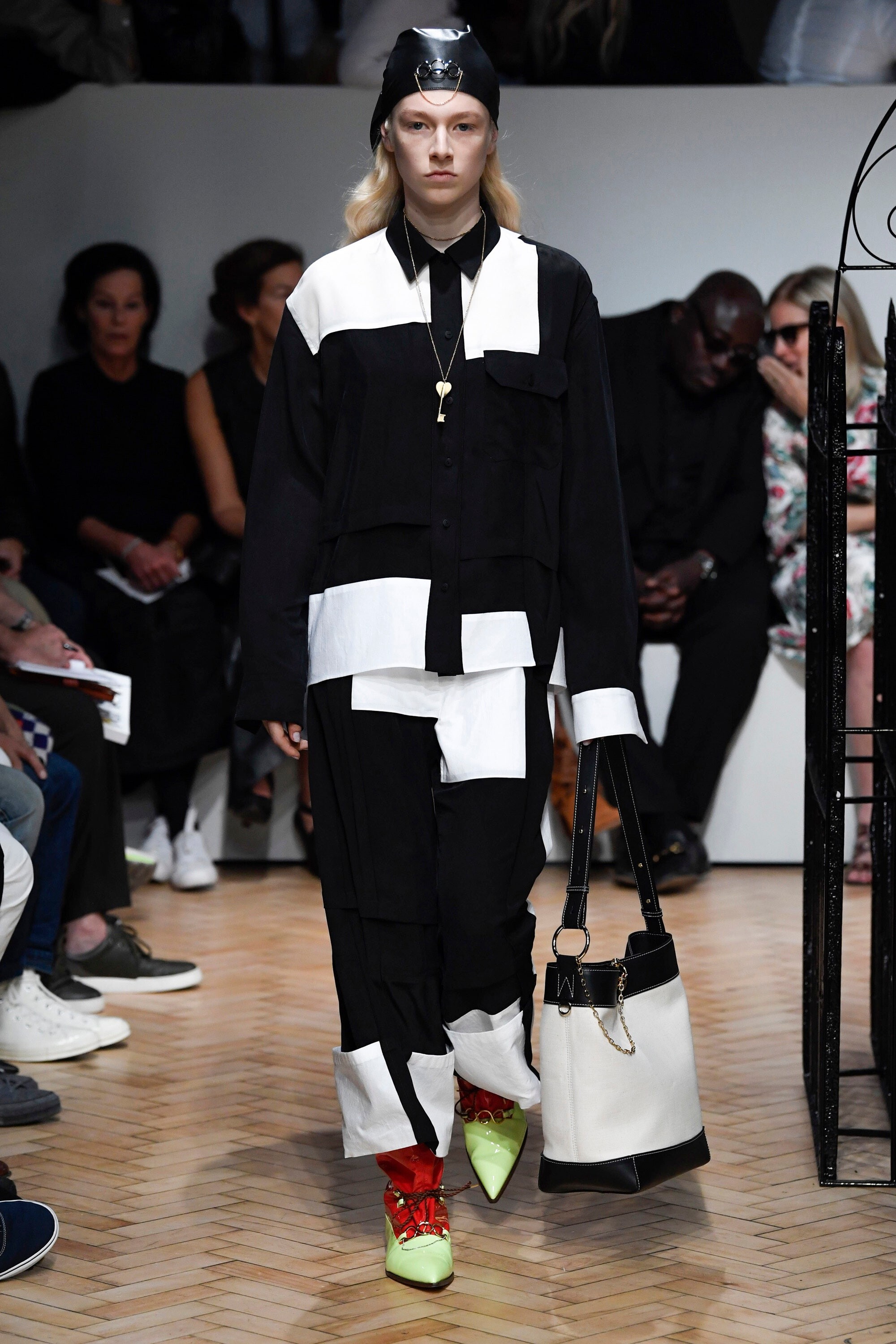
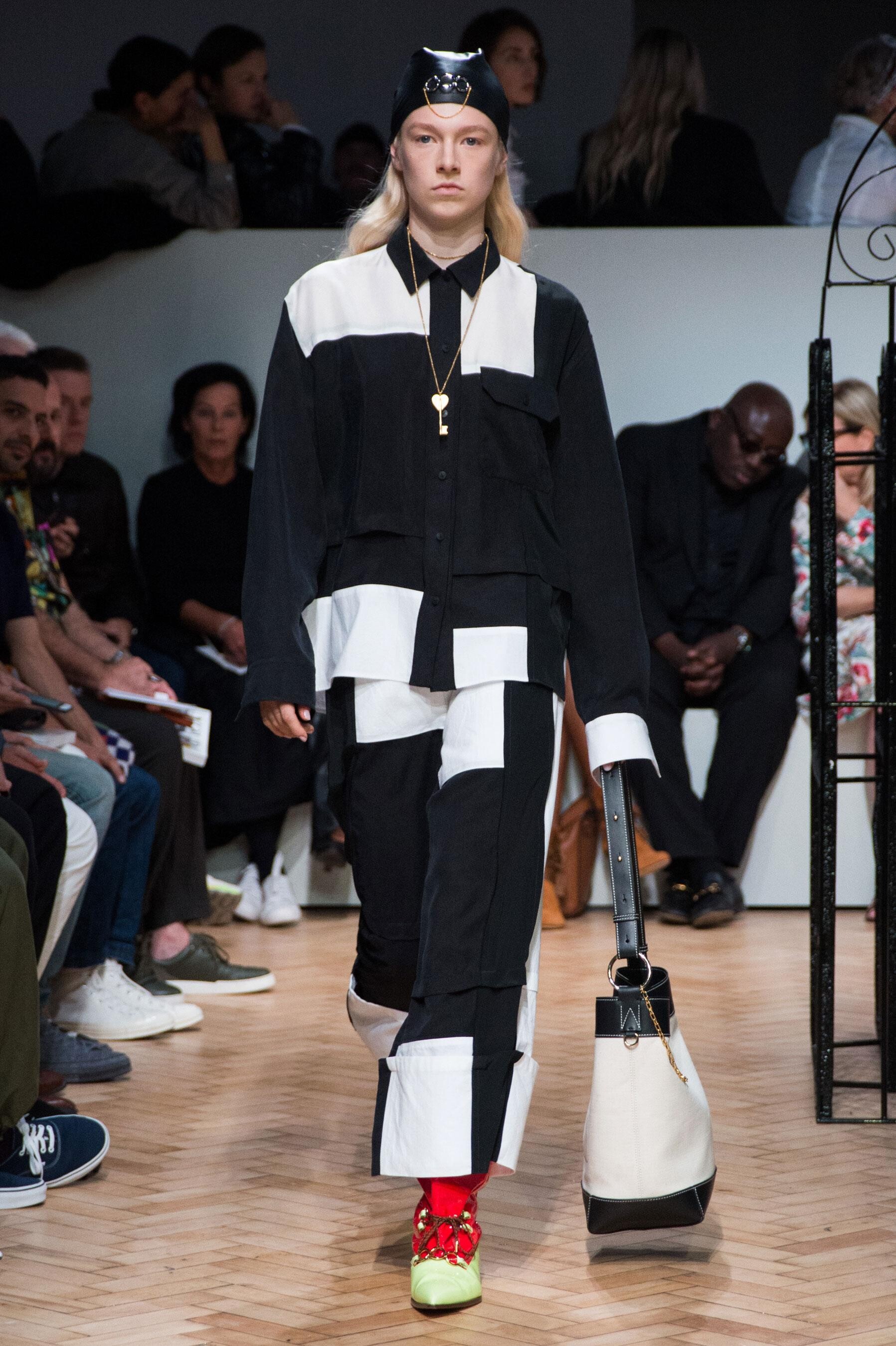
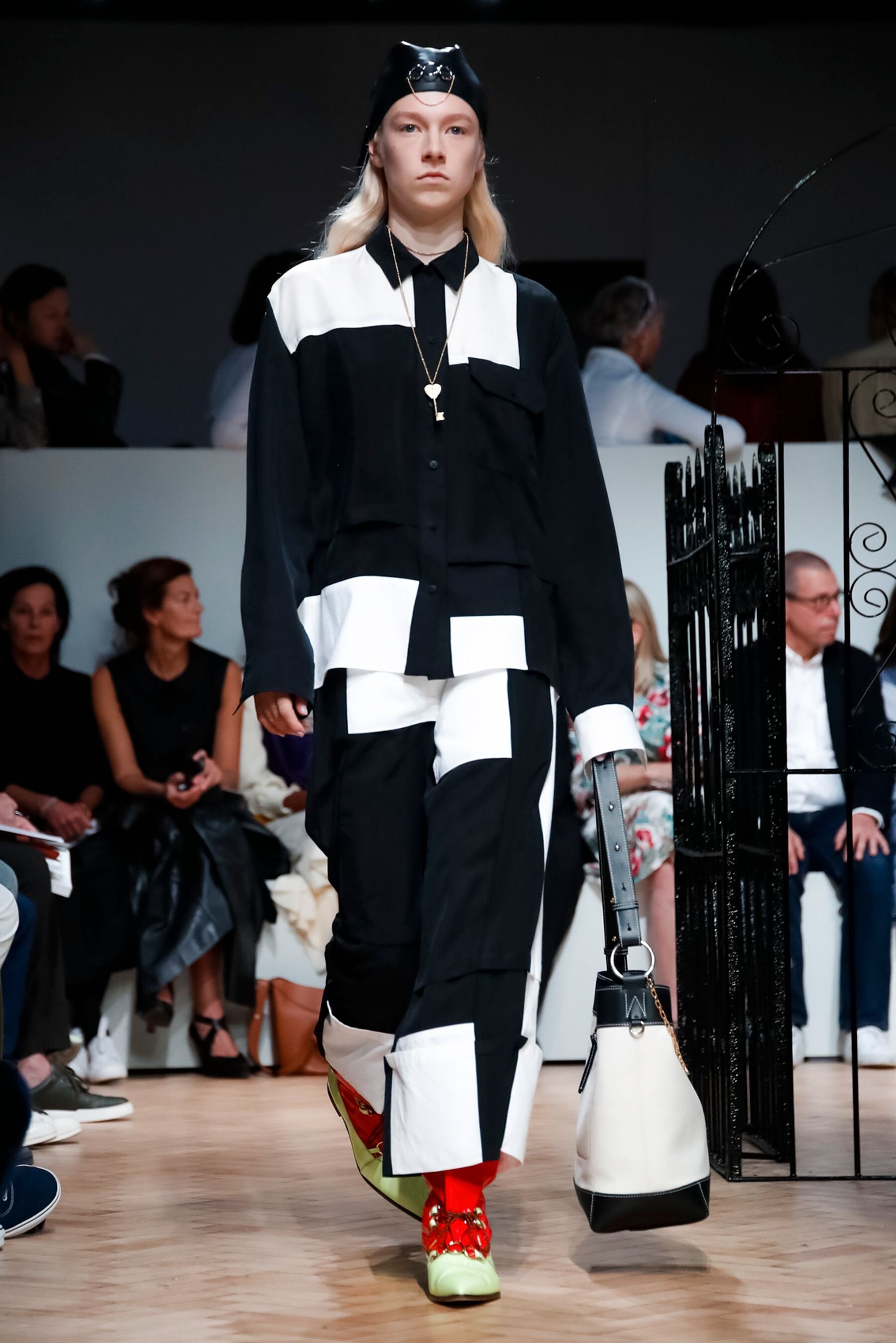
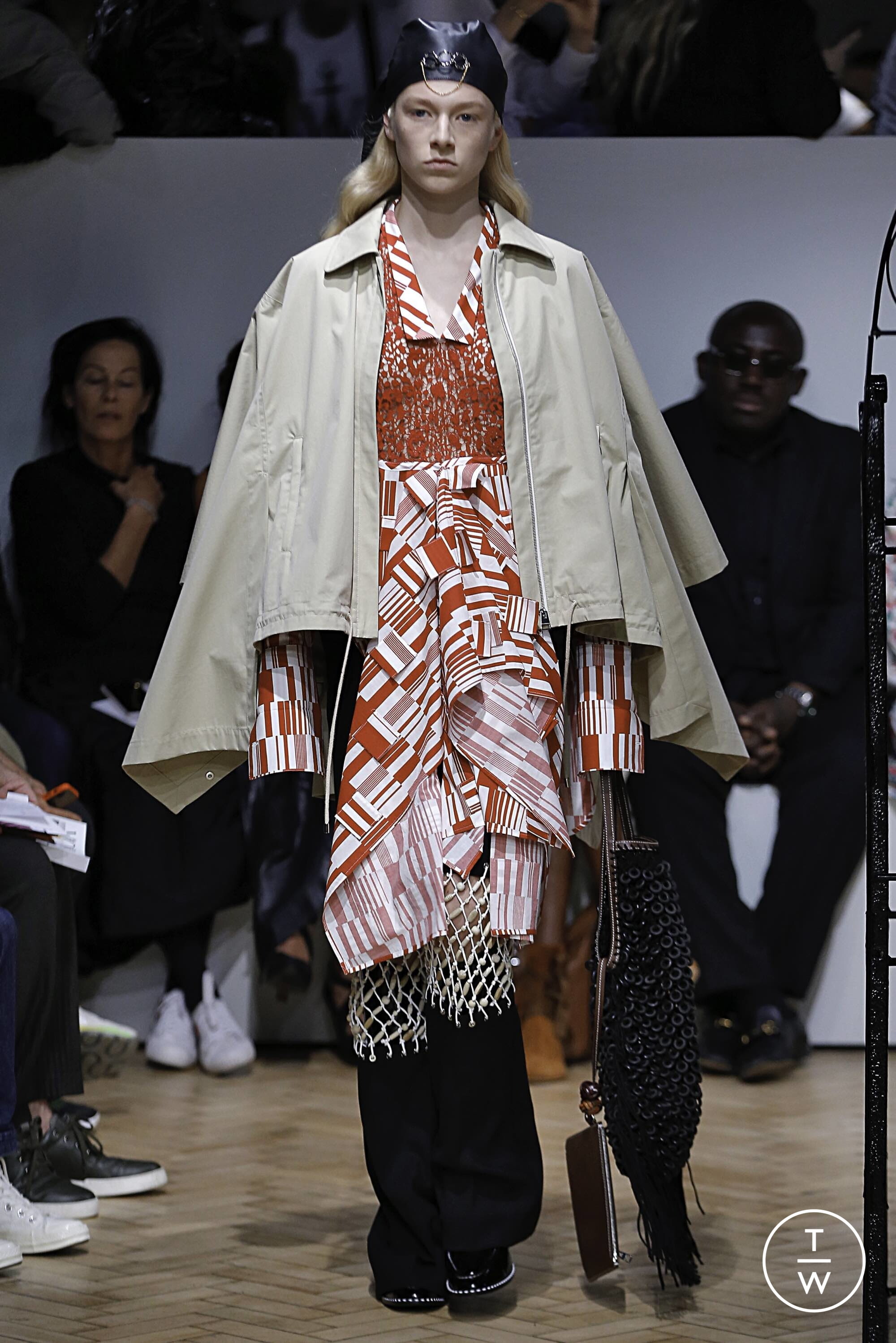
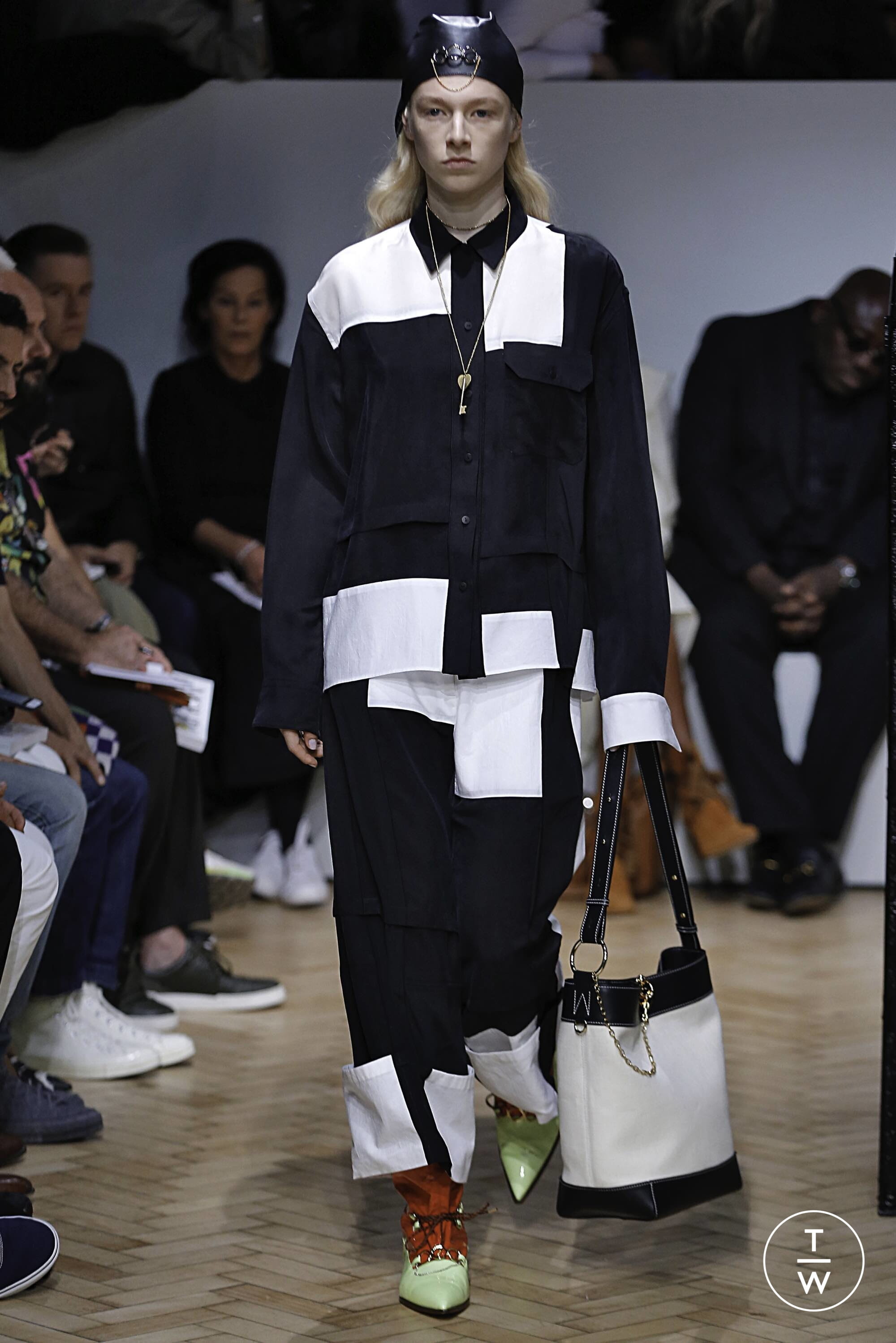
J.W. Anderson SPRING 2019 READY-TO-WEAR vogue, nowfashion, tagwalk, madamefigaro







-
Calvin Luo SPRING 2019 READY-TO-WEAR backstage vogue, nowfashion, tagwalk, madamefigaro








-
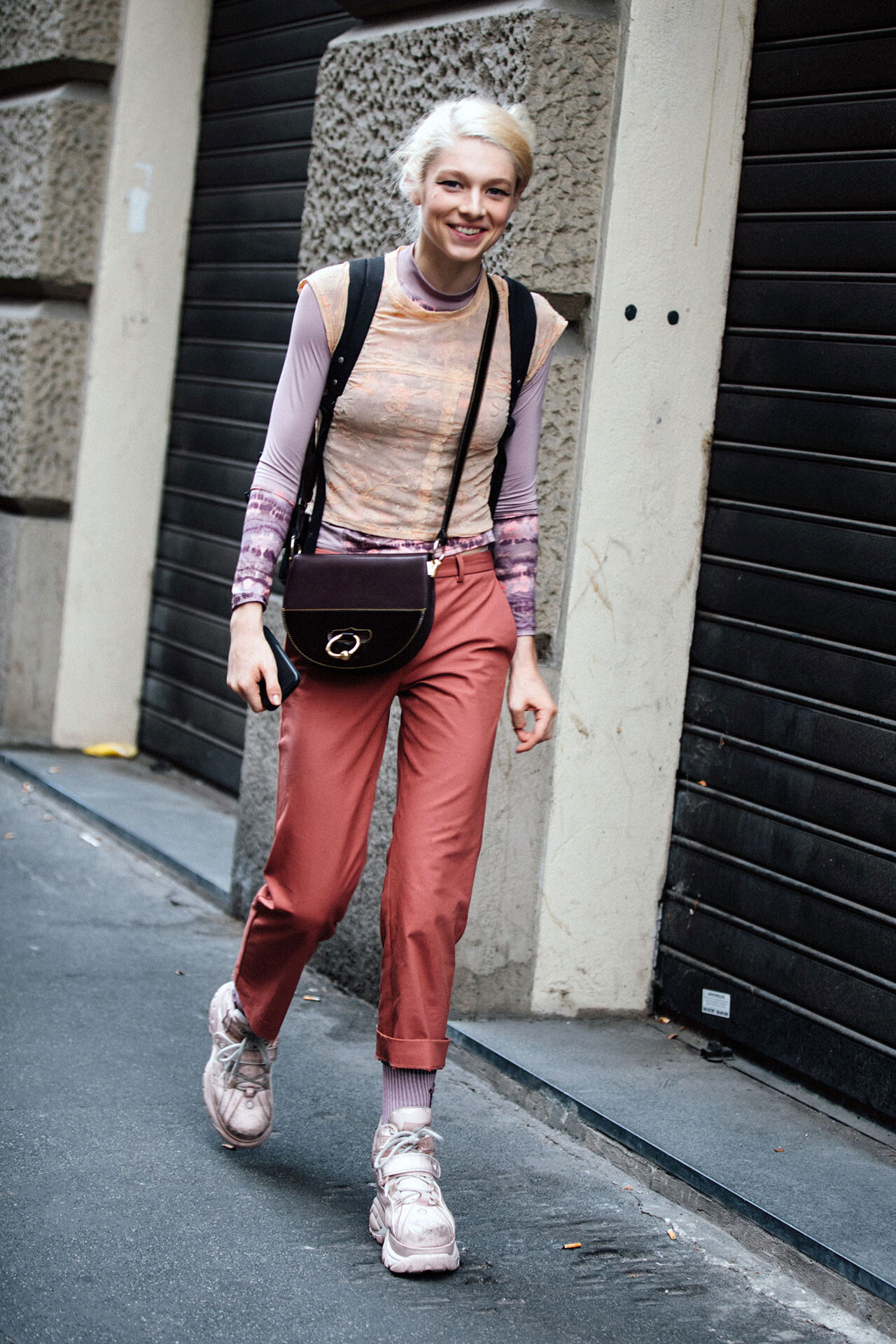
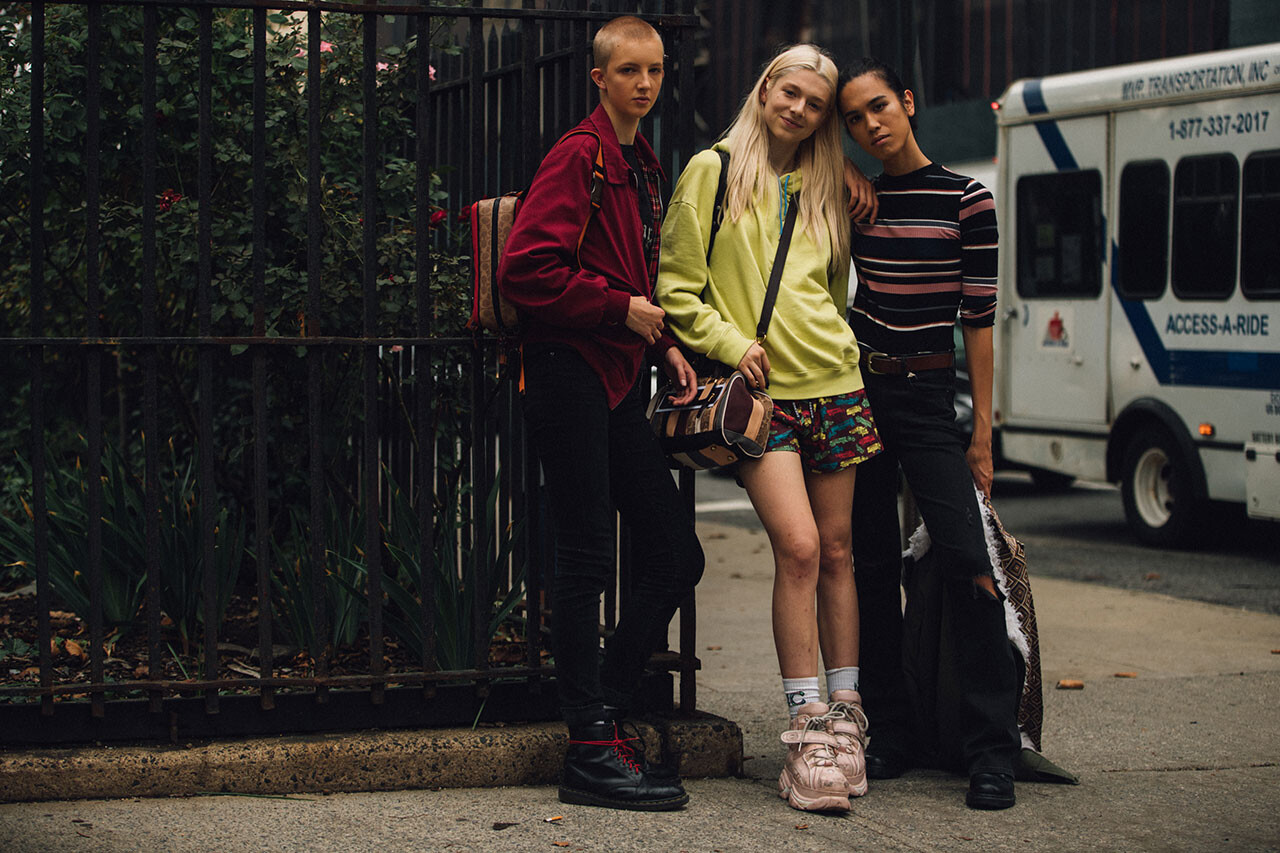
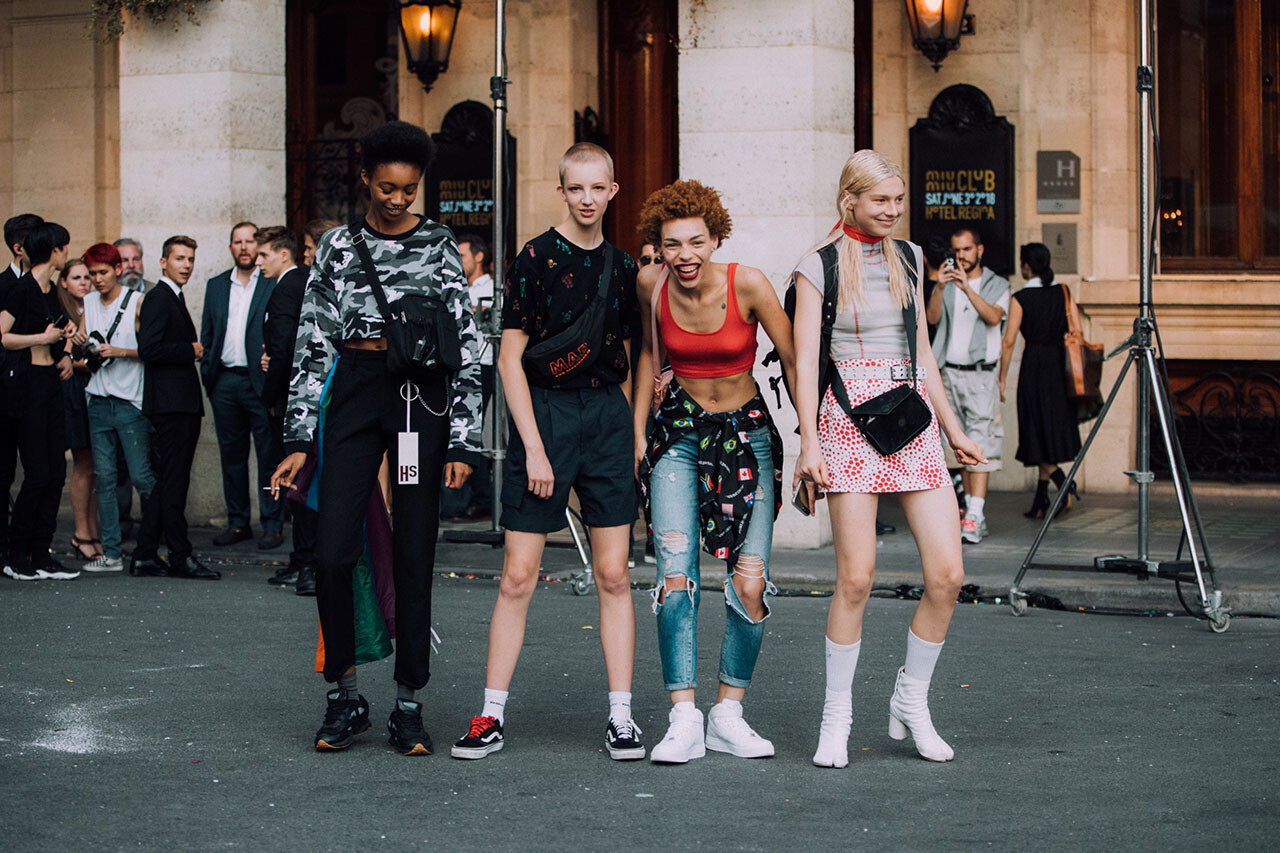
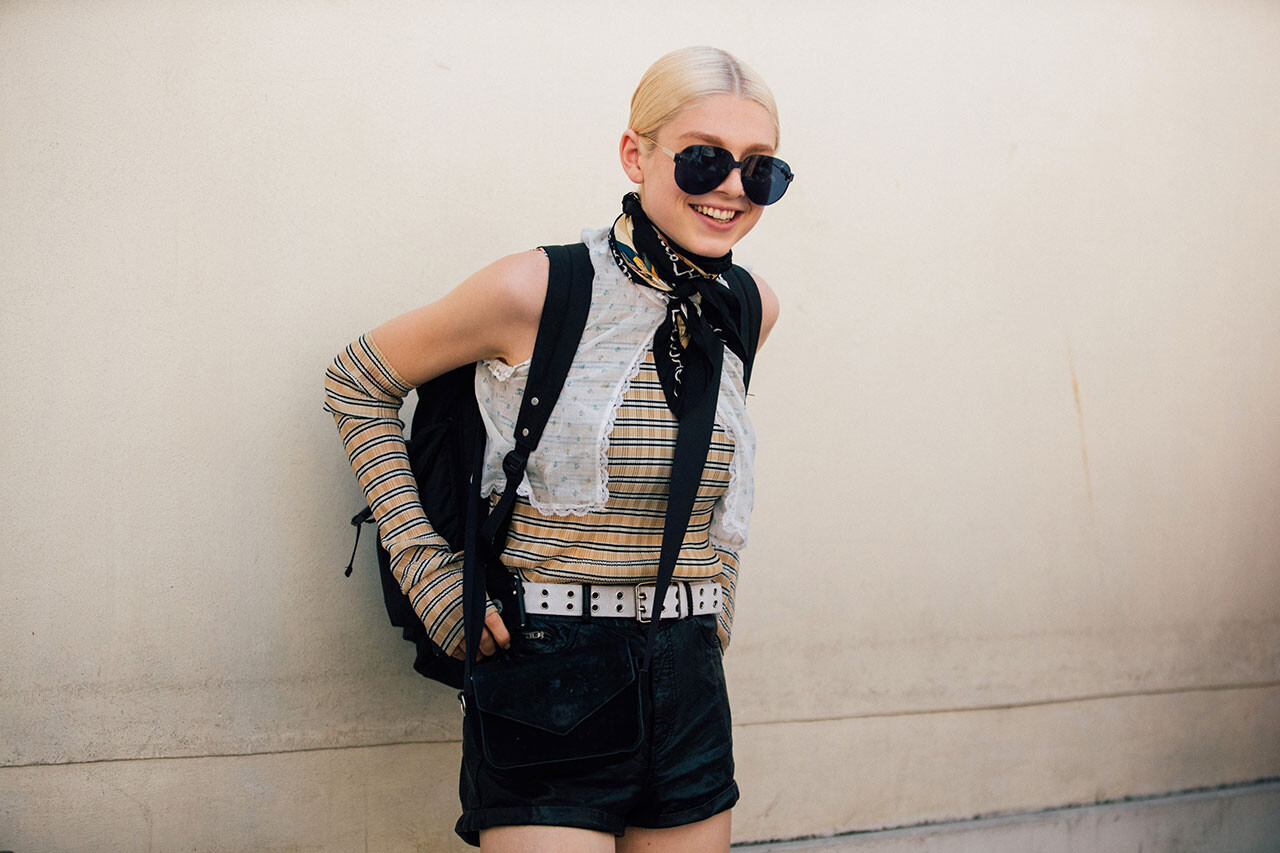
MFW SS19 Street Style LFW SS19 Street Style NYFW SS19 Street Style




 HEROINE Magazine Alter Ego Published: Fall/Winter 2018 models
 W Magazine Haute to Trot Published: September 2018 models
 Couture FW18 Street Style


 Marc Jacobs Beauty Marc Jacobs Beauty PRIDE #GratefulNotHateful Published: May 2018 models
 W Magazine Youthquake Published: May 2018 models


























































































































Account
Navigation
Search
Configure browser push notifications
Chrome (Android)
- Tap the lock icon next to the address bar.
- Tap Permissions → Notifications.
- Adjust your preference.
Chrome (Desktop)
- Click the padlock icon in the address bar.
- Select Site settings.
- Find Notifications and adjust your preference.
Safari (iOS 16.4+)
- Ensure the site is installed via Add to Home Screen.
- Open Settings App → Notifications.
- Find your app name and adjust your preference.
Safari (macOS)
- Go to Safari → Preferences.
- Click the Websites tab.
- Select Notifications in the sidebar.
- Find this website and adjust your preference.
Edge (Android)
- Tap the lock icon next to the address bar.
- Tap Permissions.
- Find Notifications and adjust your preference.
Edge (Desktop)
- Click the padlock icon in the address bar.
- Click Permissions for this site.
- Find Notifications and adjust your preference.
Firefox (Android)
- Go to Settings → Site permissions.
- Tap Notifications.
- Find this site in the list and adjust your preference.
Firefox (Desktop)
- Open Firefox Settings.
- Search for Notifications.
- Find this site in the list and adjust your preference.