
Modelupdater
Members
-
Joined
-
Last visited
Everything posted by Modelupdater
-
 Xiangyu Li Height 188cm Measurements 88-70-89 Shoe size 45 Signed to: Society NY - ELITE Paris - ELITE Milan - Established London ELITE Spain - Nomad LA - Tigers Munich - JMODEL Seoul Mother agency PARAS Talent Management

-
Porter International







-
Momo Taiwan









-
Dekolte Fashion FW24 Next big update soon!








-
Full Lookbook






































































-
Jetezo AW23







-
Some selfies from her IG










-
Ph. Anton Novoselcev







-
Moonswoon Ph. Anastasiia Lisitsyna





-
Ph. Julie Snigir







-
Ph. Kristina Revva


-
More




















-
L'Officiel Korea




-
More












-
Caviar Jewelry Ph. Kristina Arden







-
Ph. DÍAS DE VINO Y ROSAS

-
Ph. Sandre Ebert
 Gabriel Lee
 Yekitude








 Ph. Kostas Stavropoulos
 Our Second Nature





















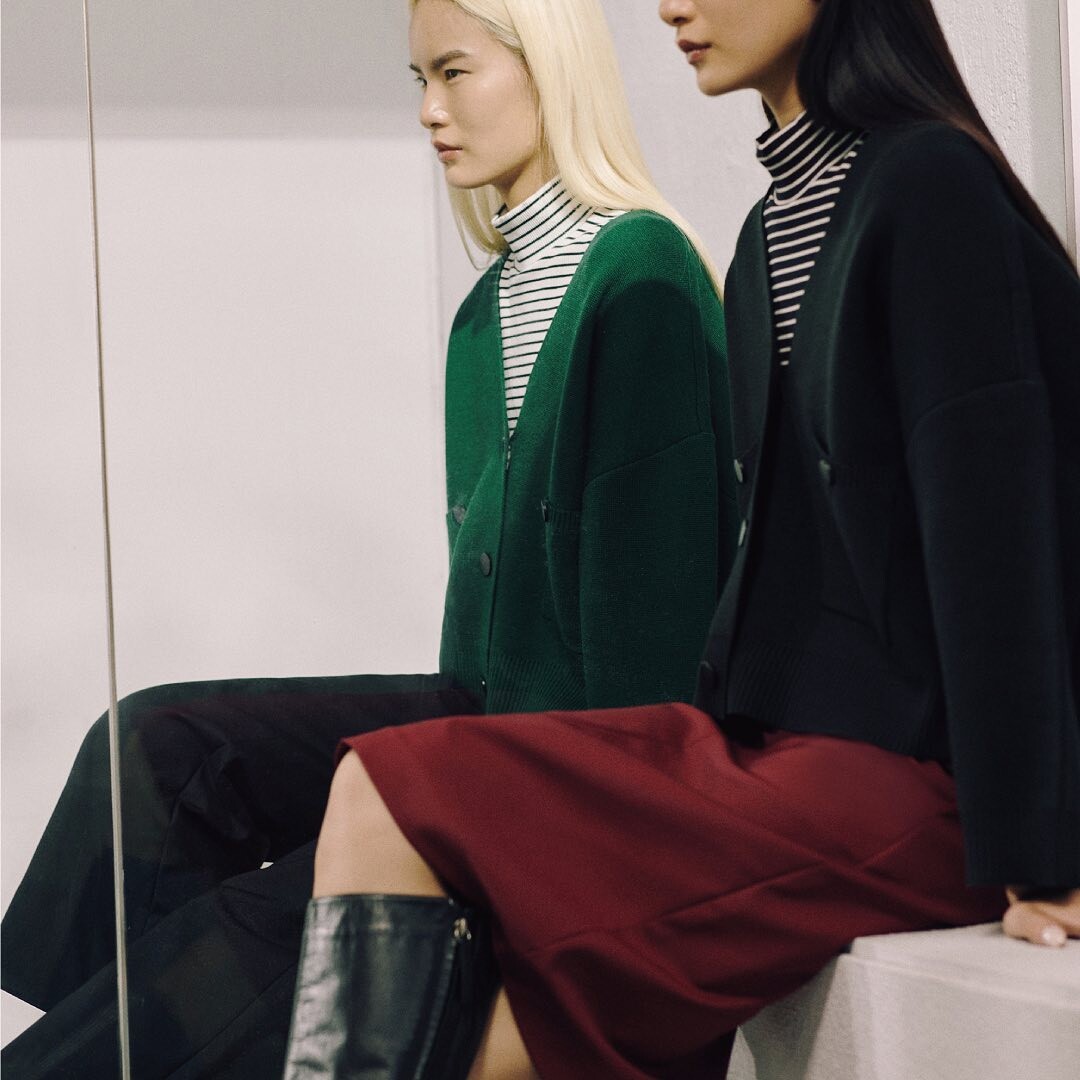
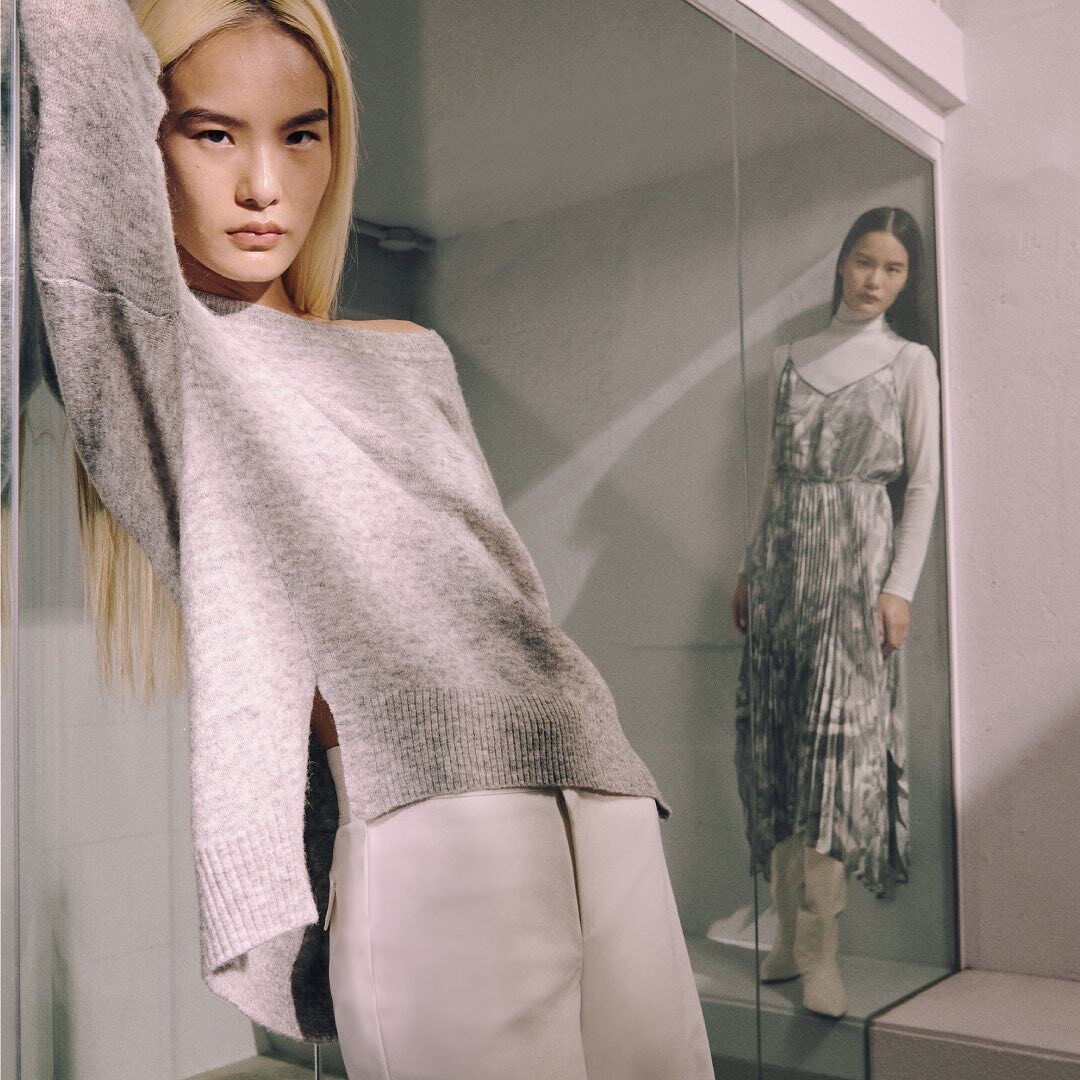


































































































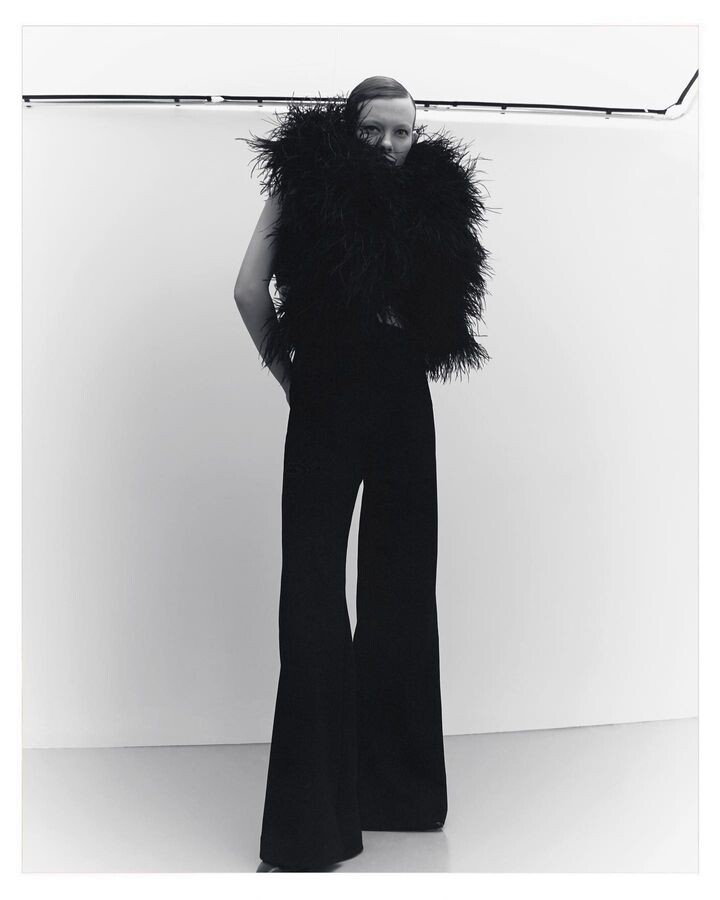





































































































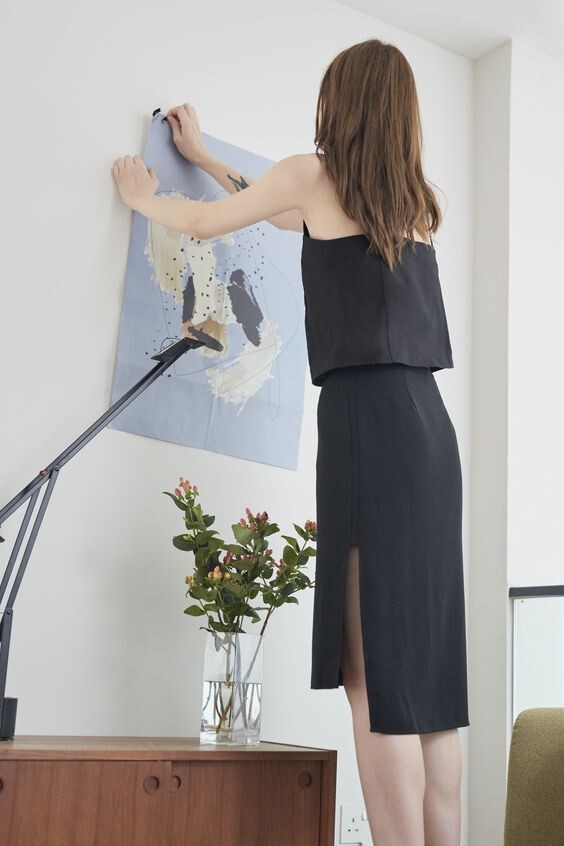











Account
Navigation
Search
Configure browser push notifications
Chrome (Android)
- Tap the lock icon next to the address bar.
- Tap Permissions → Notifications.
- Adjust your preference.
Chrome (Desktop)
- Click the padlock icon in the address bar.
- Select Site settings.
- Find Notifications and adjust your preference.
Safari (iOS 16.4+)
- Ensure the site is installed via Add to Home Screen.
- Open Settings App → Notifications.
- Find your app name and adjust your preference.
Safari (macOS)
- Go to Safari → Preferences.
- Click the Websites tab.
- Select Notifications in the sidebar.
- Find this website and adjust your preference.
Edge (Android)
- Tap the lock icon next to the address bar.
- Tap Permissions.
- Find Notifications and adjust your preference.
Edge (Desktop)
- Click the padlock icon in the address bar.
- Click Permissions for this site.
- Find Notifications and adjust your preference.
Firefox (Android)
- Go to Settings → Site permissions.
- Tap Notifications.
- Find this site in the list and adjust your preference.
Firefox (Desktop)
- Open Firefox Settings.
- Search for Notifications.
- Find this site in the list and adjust your preference.