VIVIENNE
Members
-
Joined
-
Last visited
-
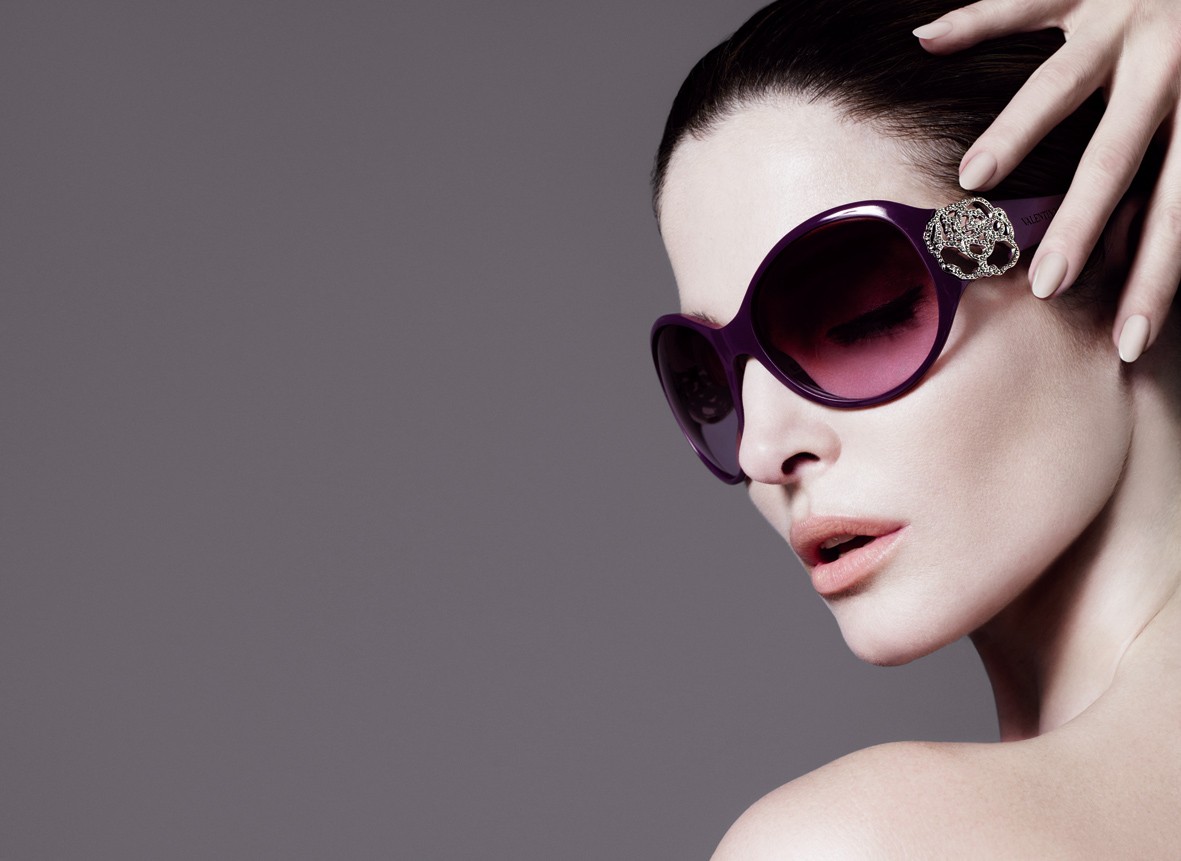
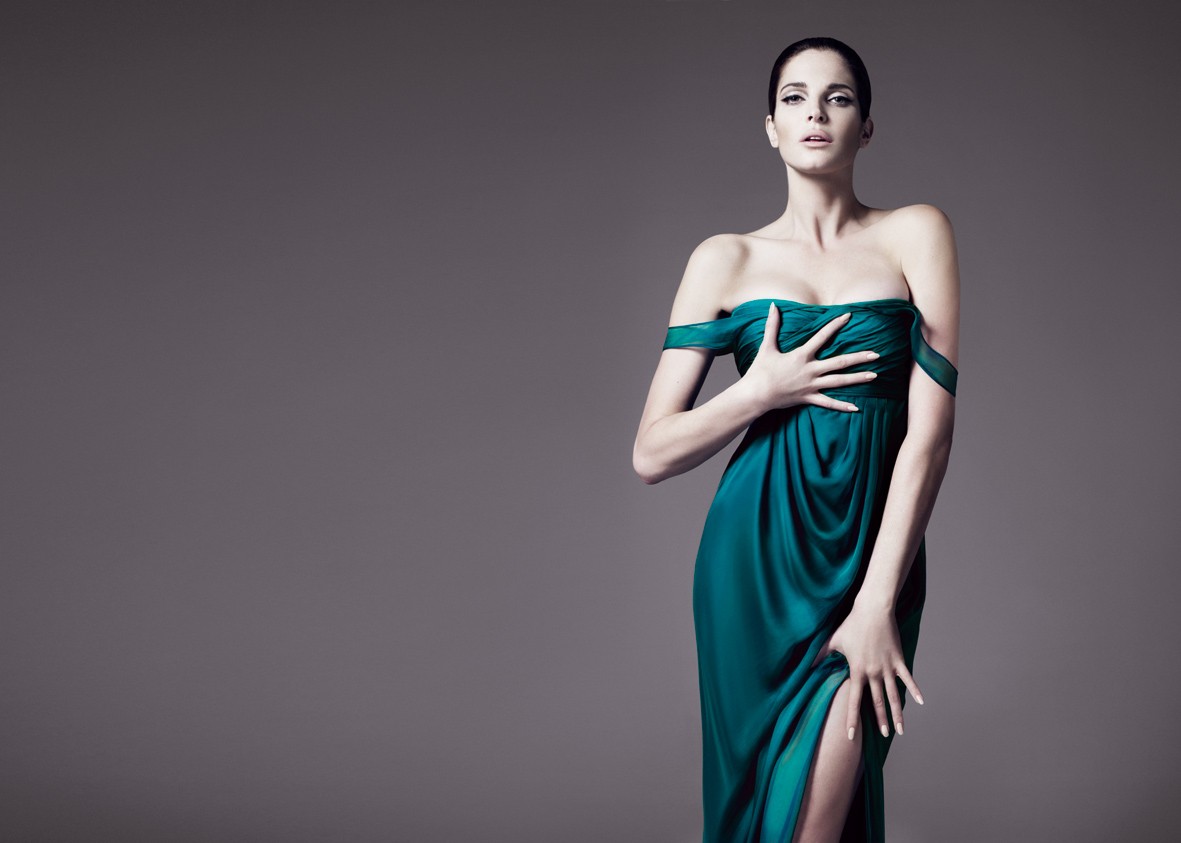
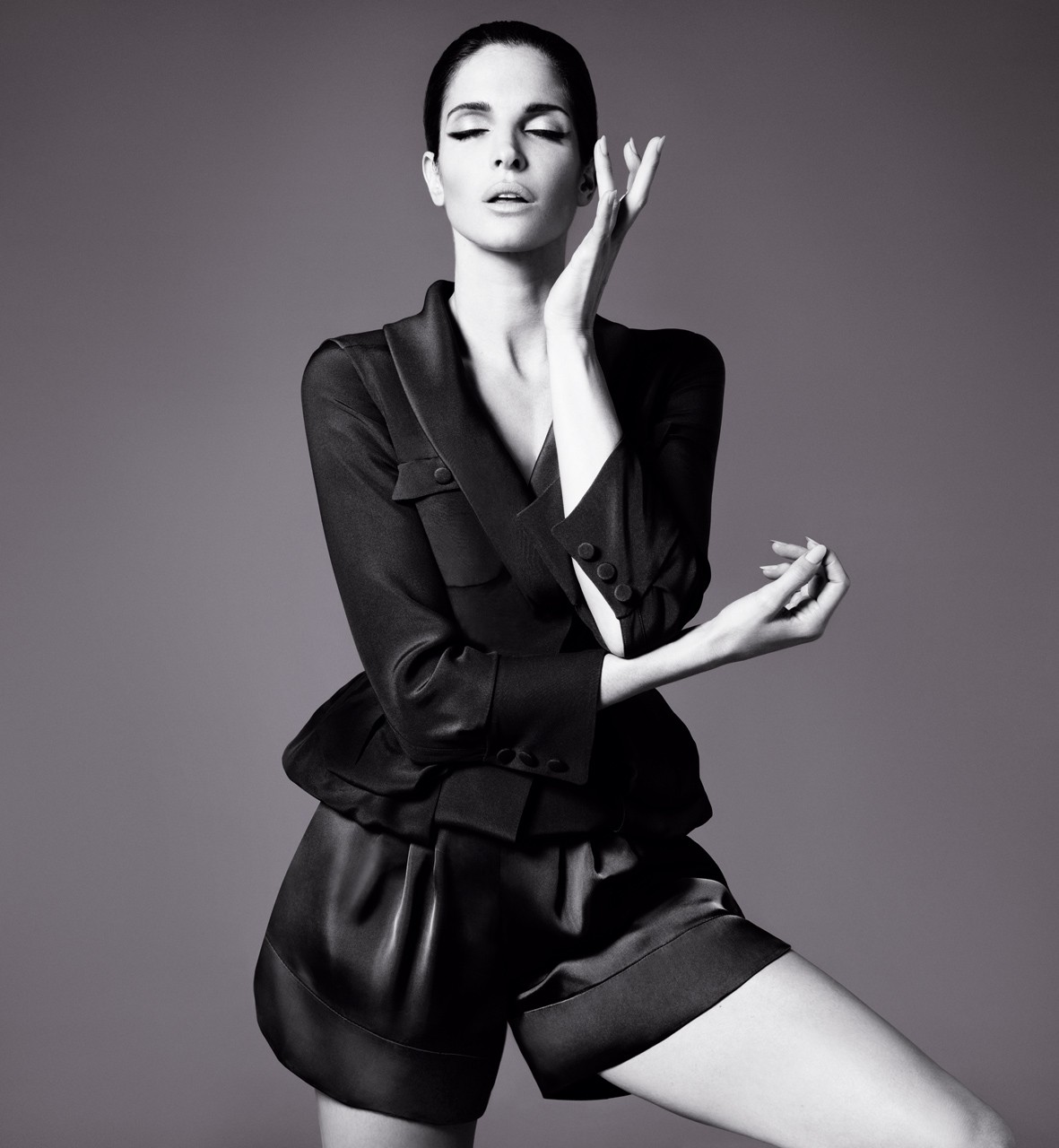
more from Valentino SS 2009 campaign
-
In POP Magazine she said that she makes pilates Thanks for all the amazing posts ladies and gentlemen.
-
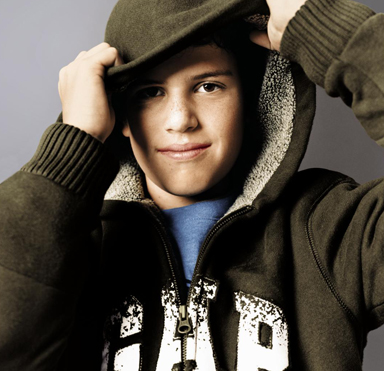
GAP Special Artists Edition ad source GAPINC.comImage hidden for guestsSign in to view
-
Some Stephy Mix Thank you all for the wonderful posts I apologize for reposts
-
This one is a little bigger
-
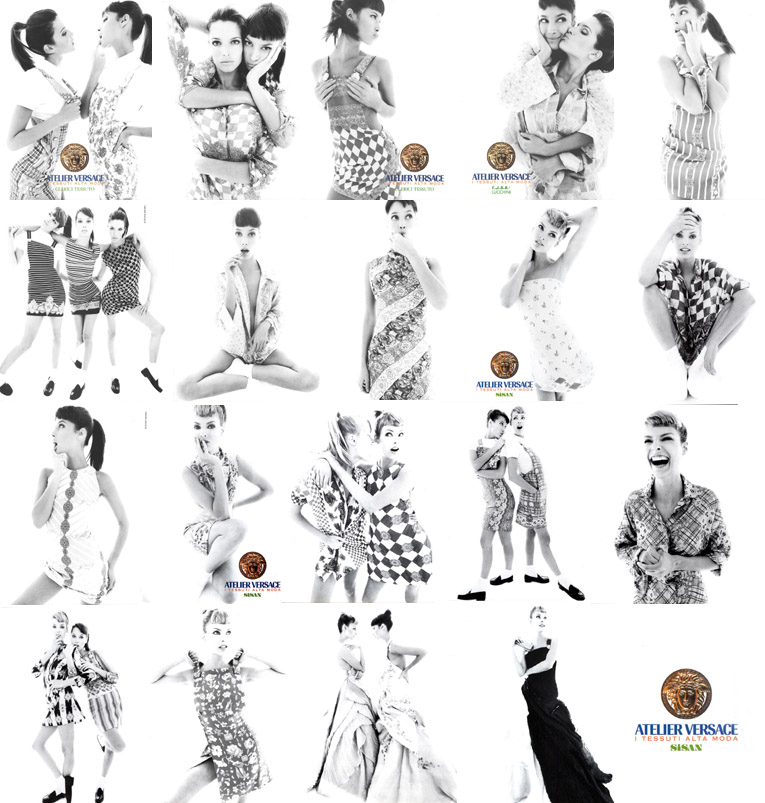
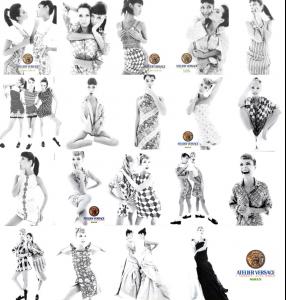
For Versace Atelier 1994 by Steven Meisel Hope this is not a repost


-
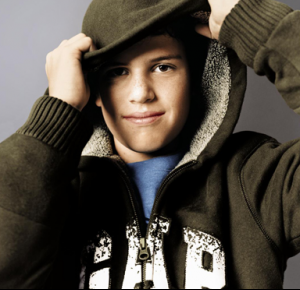
Christmas 2006 Campaign and here's a little one of Dylan
-
Here it is Martha thanks for the pics you share
 Image hidden for guestsSign in to view
-
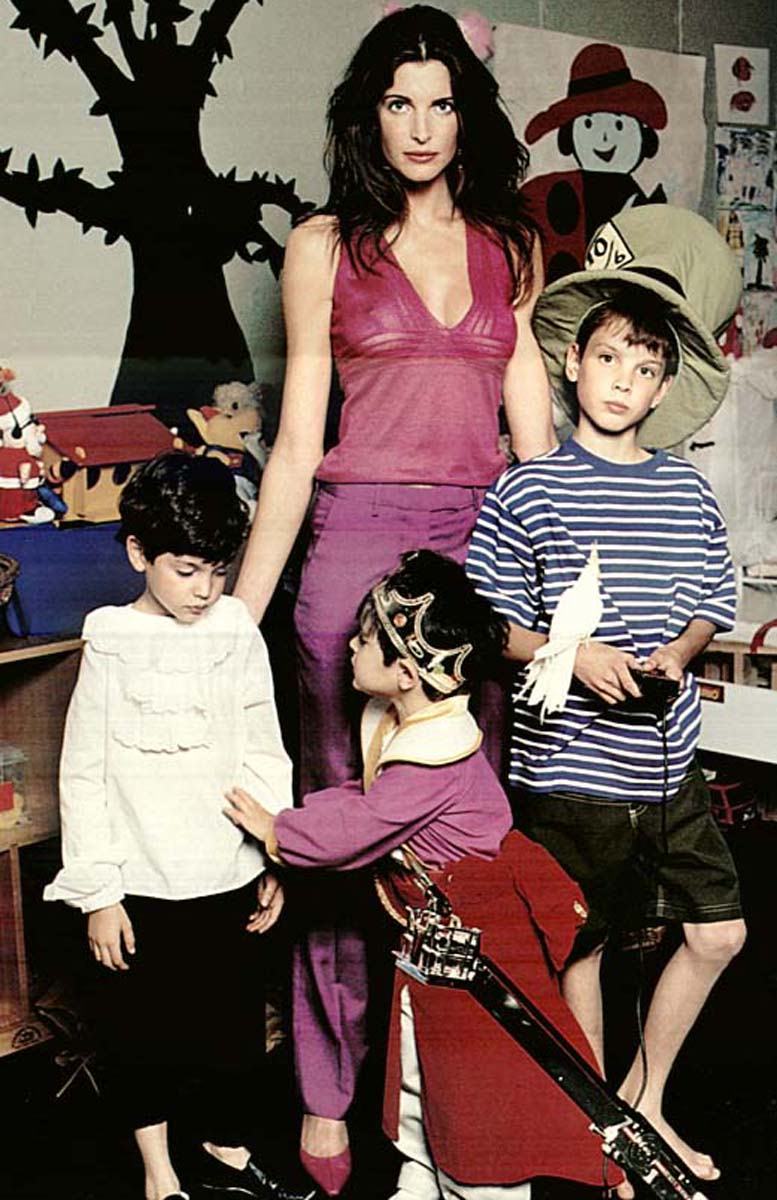
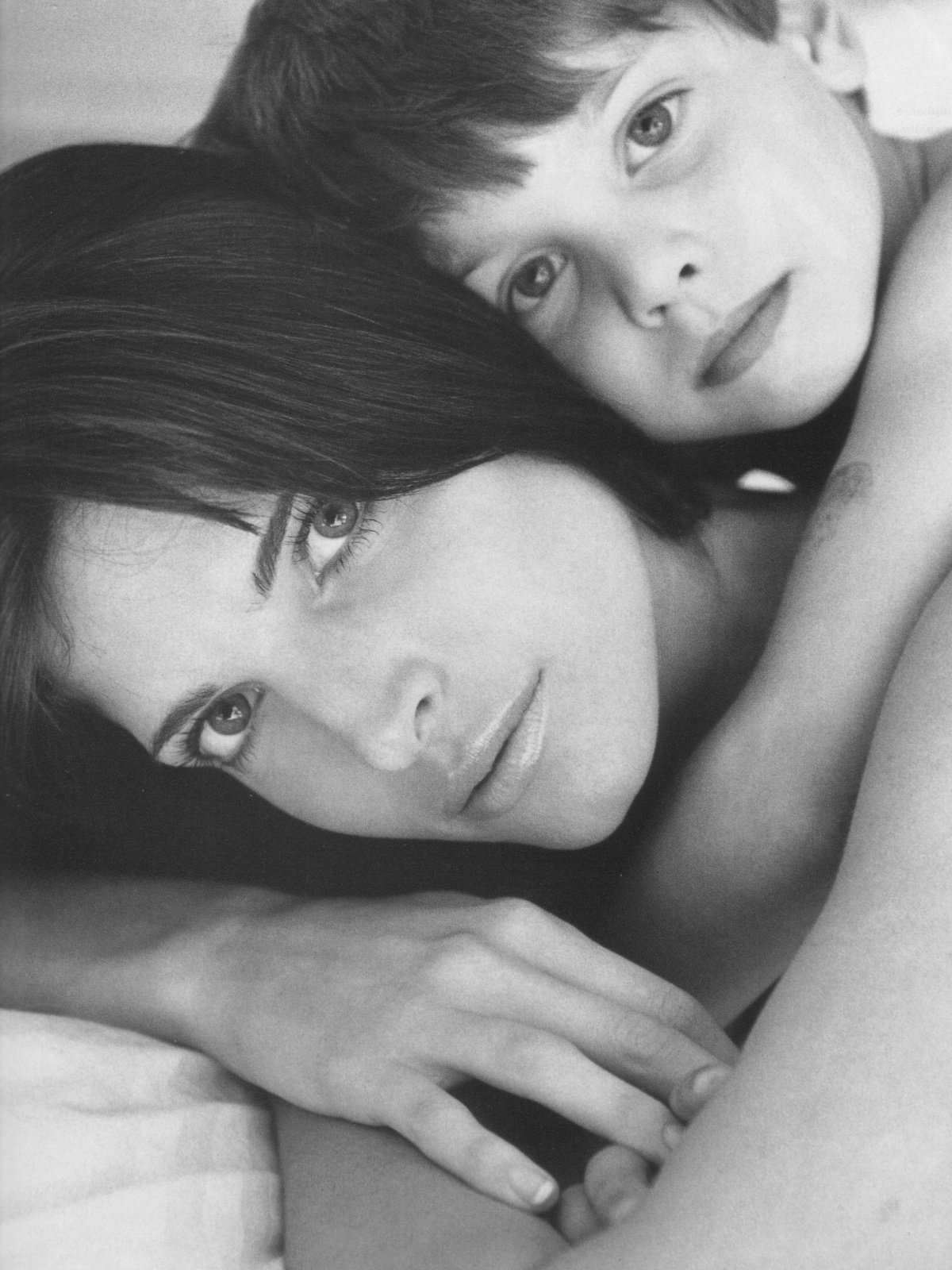
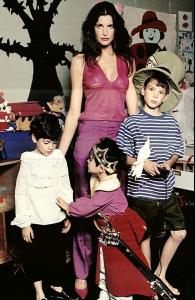
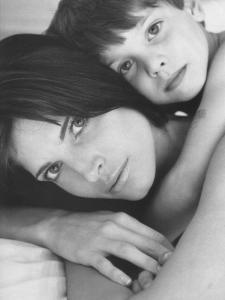
From Elle Top Model with her KidsImage hidden for guestsSign in to view
-
Beautiful GirlAfraid. Thanks a million for Sharing
-
Beautiful pictures guys Thanks a lot Here's a fresh Stephanie at MET Costume Insitute Gala 2008 credit @ splashnews
-
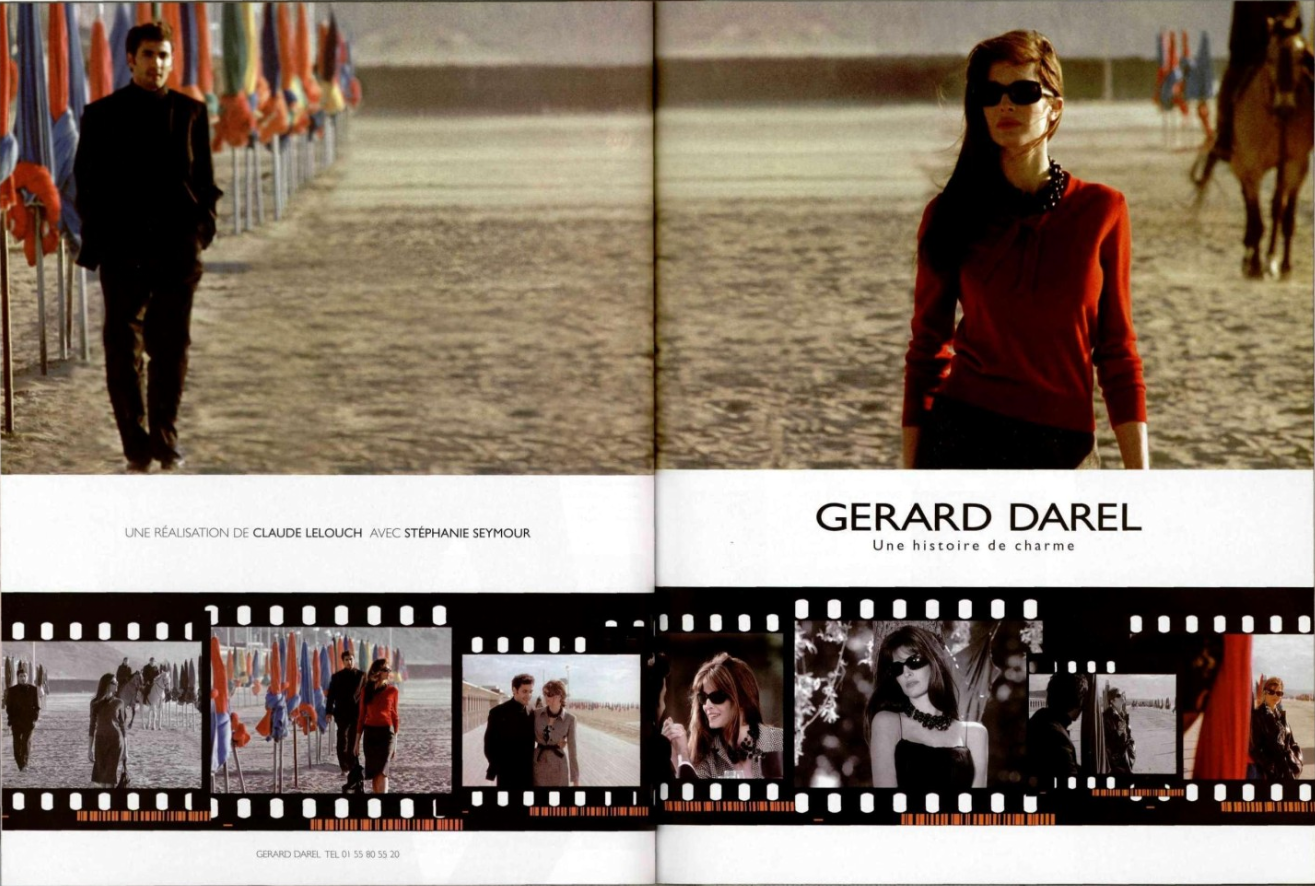
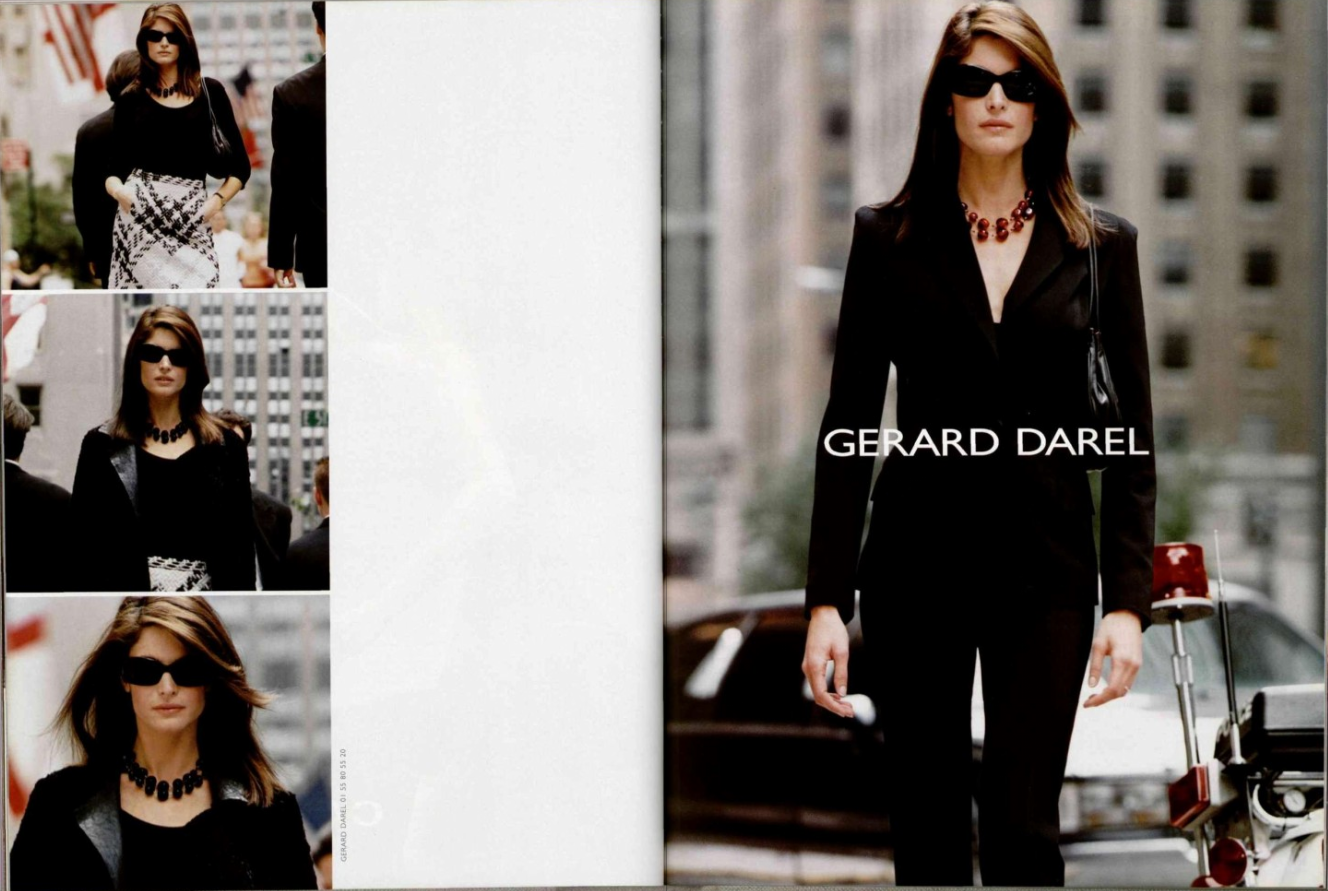
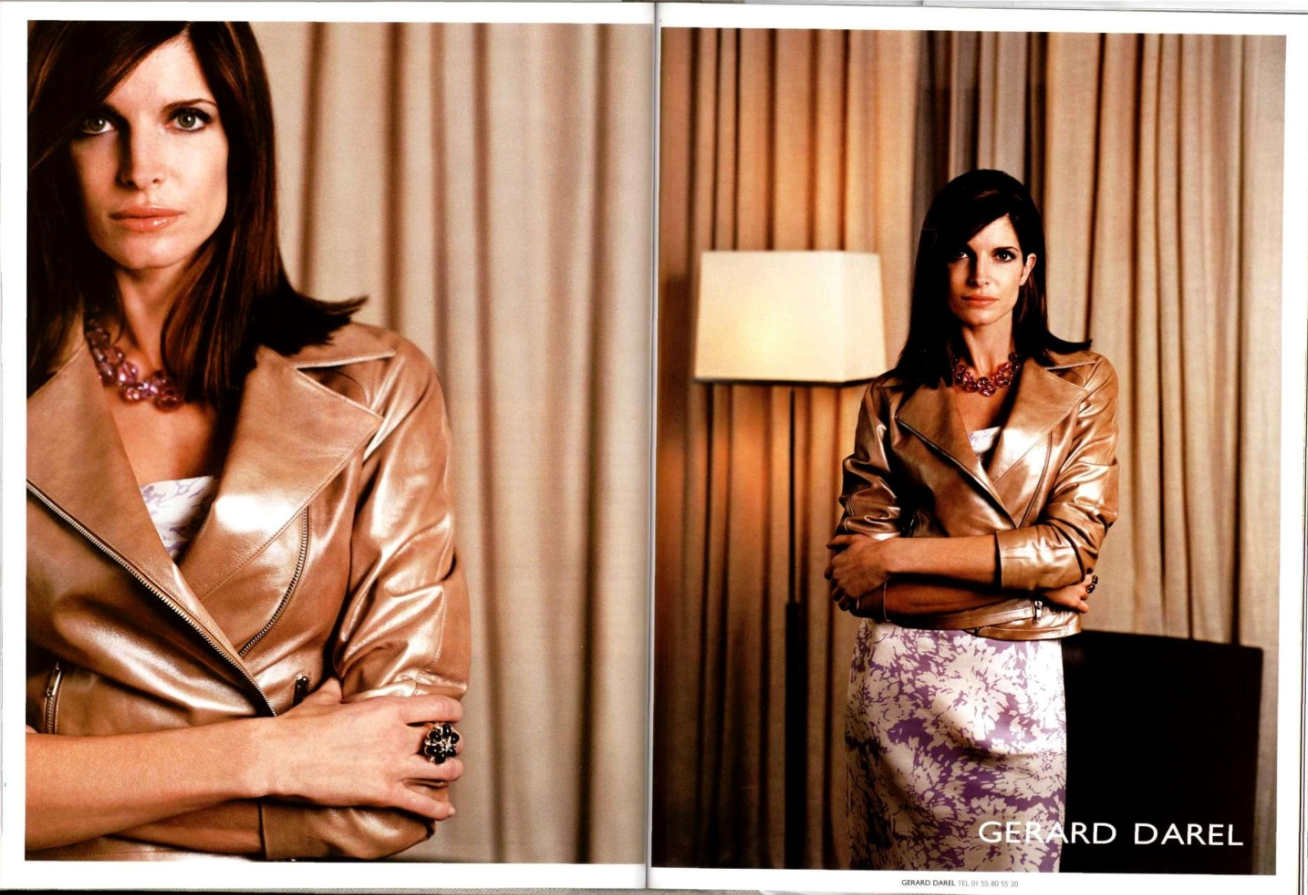
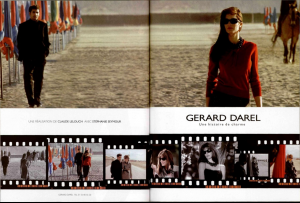
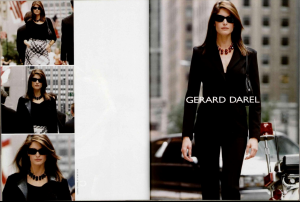
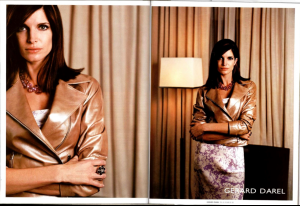
I absolutely love Stephanie's ads for Gerard Darel. That campaign was so classy
-
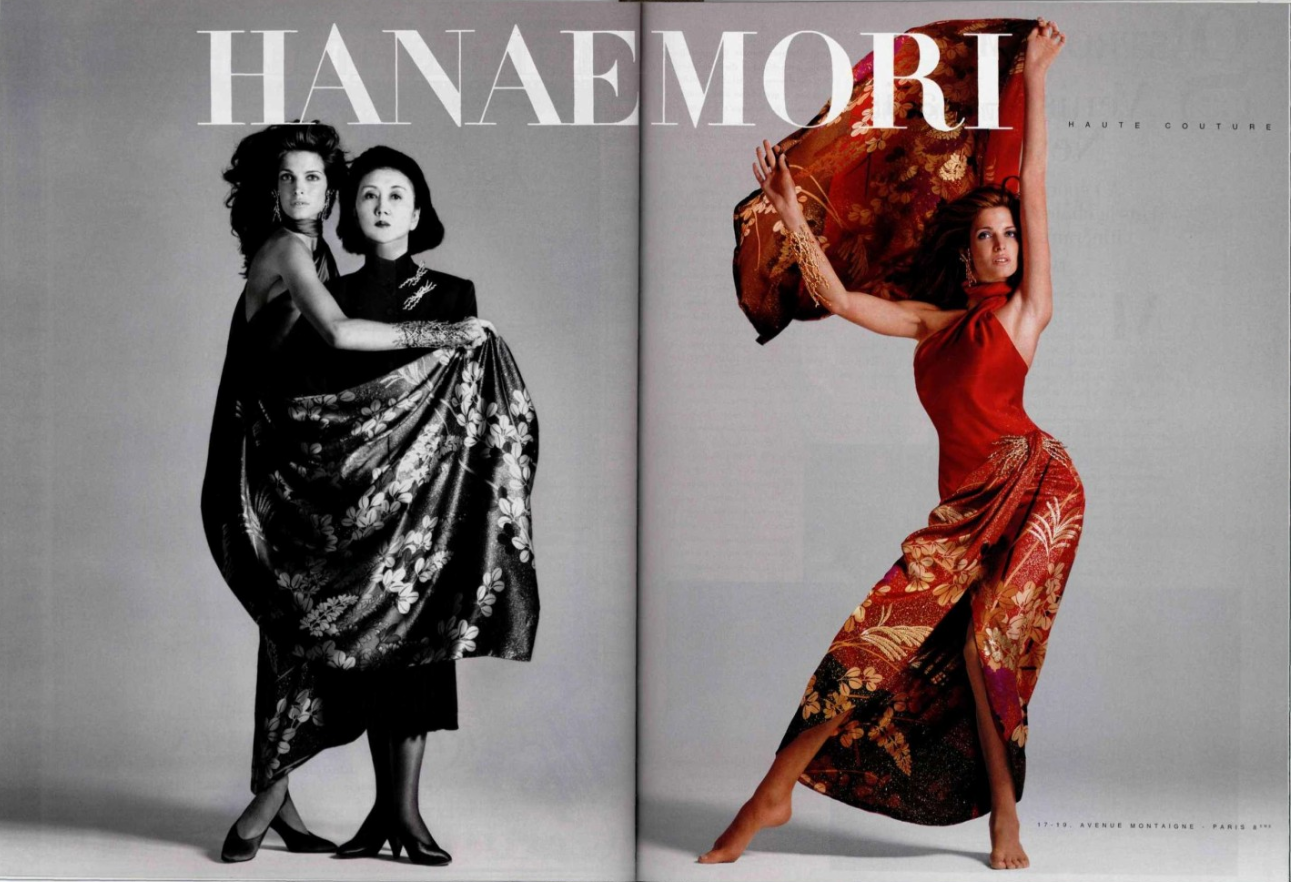
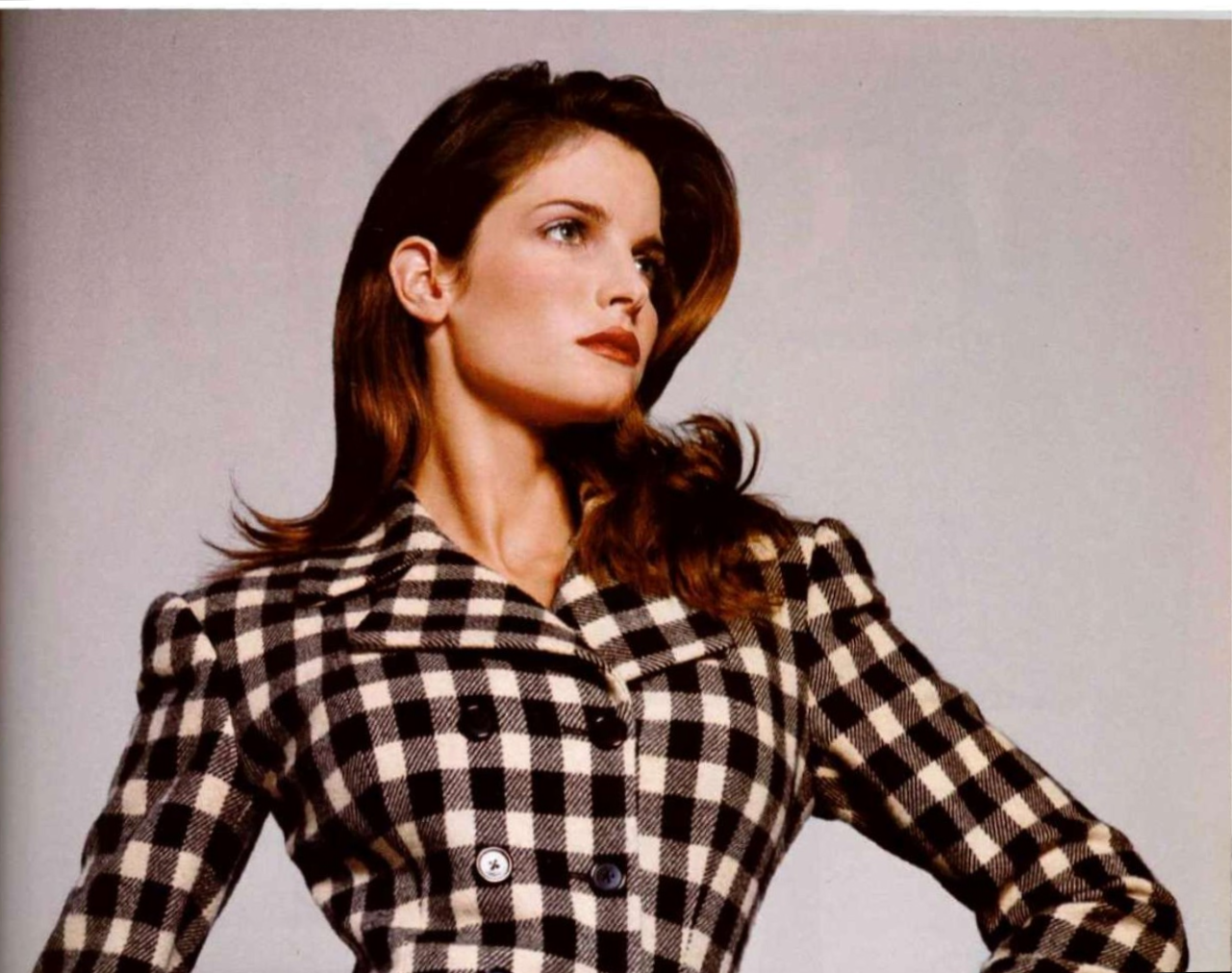
Absolutely amazing posts Some adds
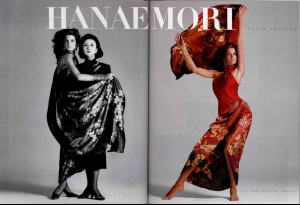
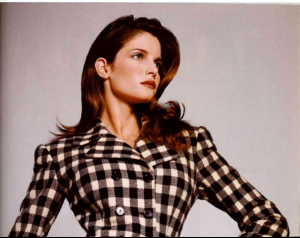
-
Thanks a million Freddy Those are form her winter holidays but I don't remember the year She's got the best body ever
-
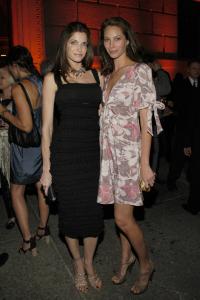
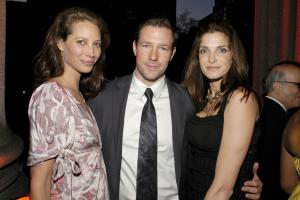
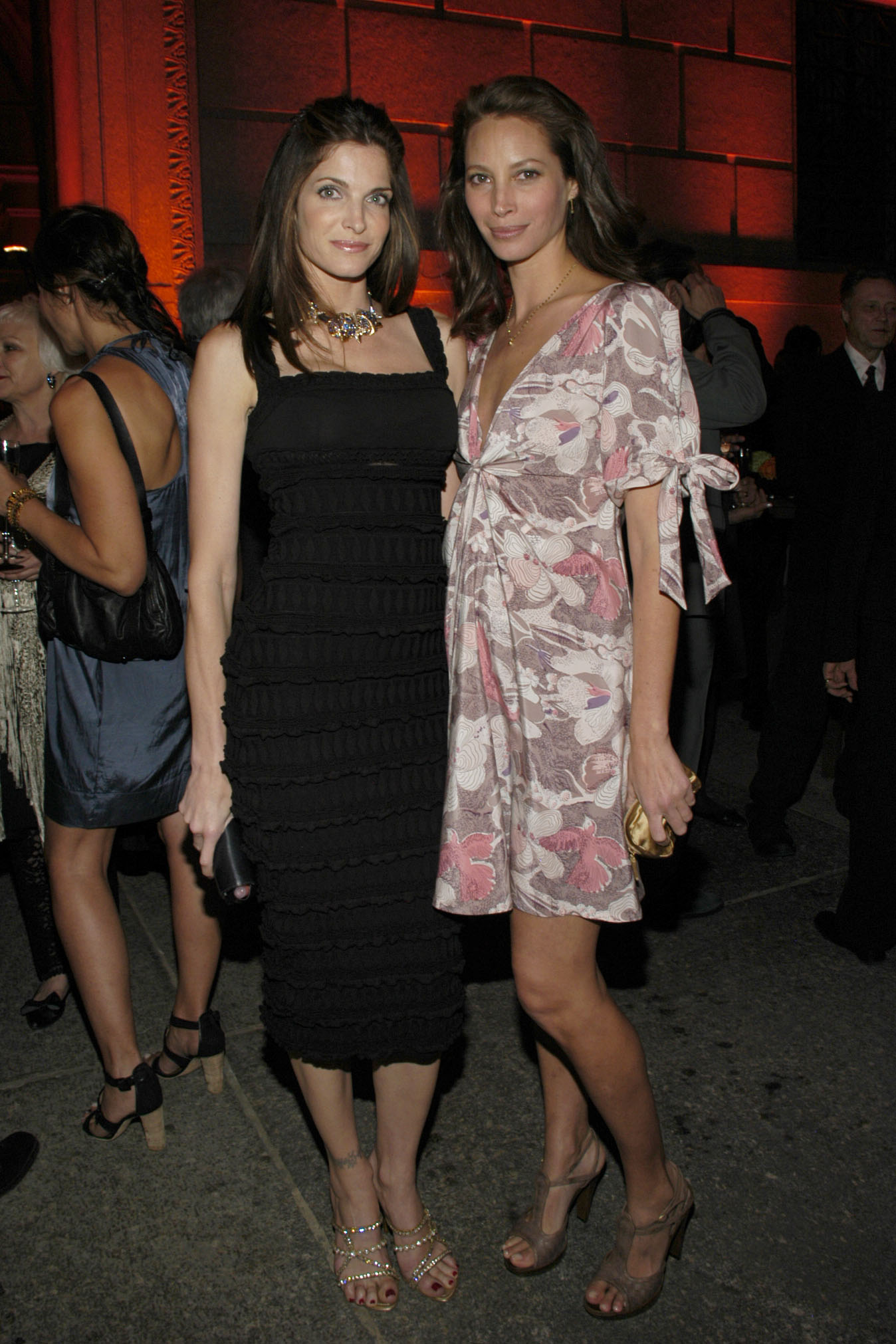
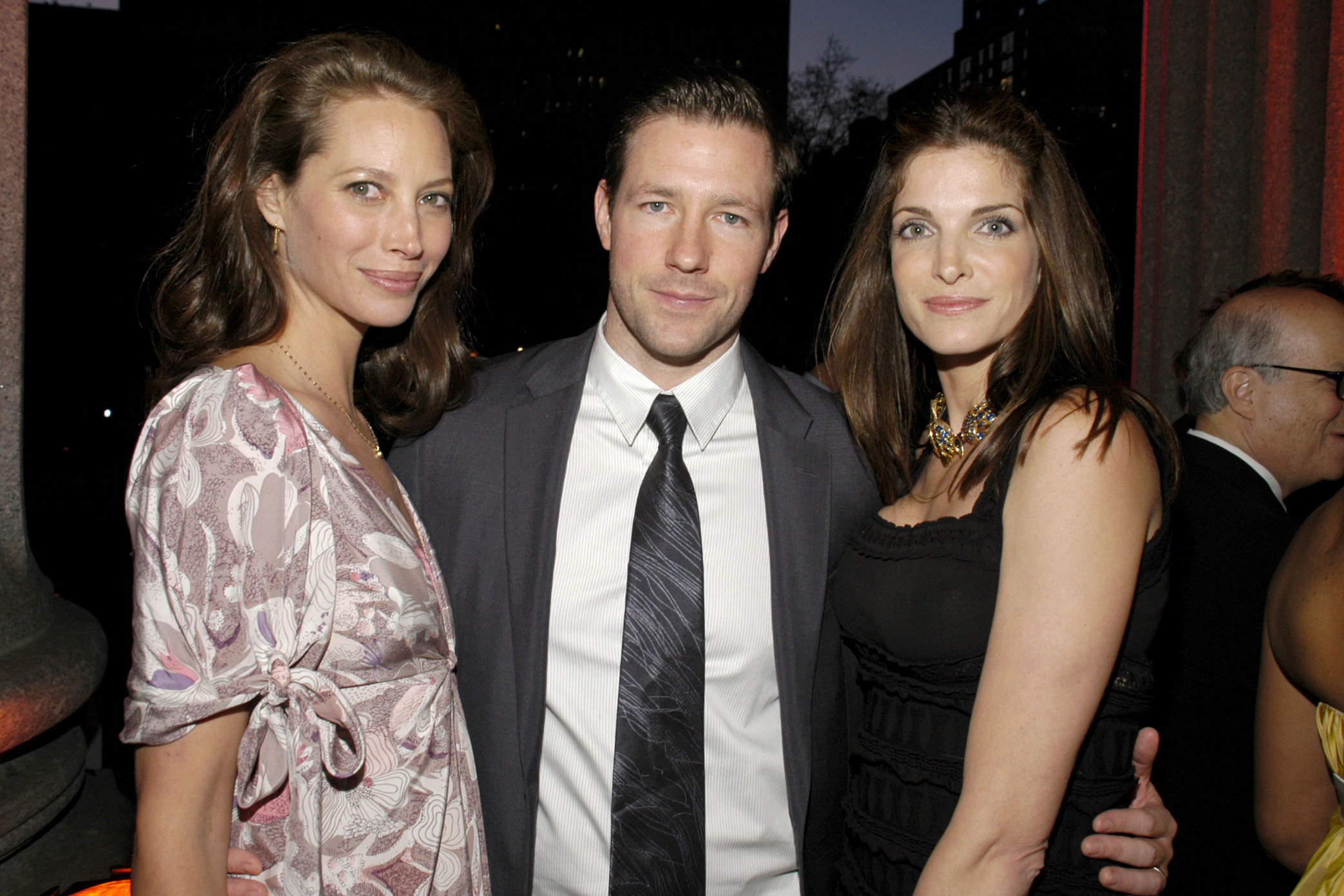
Stephanie @ Vanity Fair 2007 Tribeca Film Festival Party 24 april 2007 with Christy Turlington and Ed Burns