
benedikt57
Members
-
Joined
-
Last visited
Everything posted by benedikt57
-
-
-
Cannes from insta: 874FB9F92E3DAF36D72861BD4EB0CCAC_video_dashinit.mp4 8746F0733B7E52B554A731702F6C6091_video_dashinit.mp4 10000000_2629157130557789_2809317056730123677_n.mp4 46909413_582097714071814_9189615628758159232_n.mp4 48834782_1899394557092938_4251883670431142115_n.mp4 316244211_928780061727963_4134442079110393689_n.mp4 317655042_1239999583548364_8596809221109598563_n.mp4 336999451_808764390439276_1085080592702683487_n.mp4 BD403CC26ECBCA3F05BFC2937679F092_video_dashinit.mp4 C44086ECB5C982510C8461C9F2602D90_video_dashinit.mp4 F44F965F137A4A94846B4D5E755BB994_video_dashinit.mp4 FF480F6BE858C0B96E4C24D1E68CEF8F_video_dashinit.mp4
GHD Academie 2019
 Top Hair Messe 2019 Düsseldorf
 GHD charity event 2018:
 GHD Campain shooting 2017
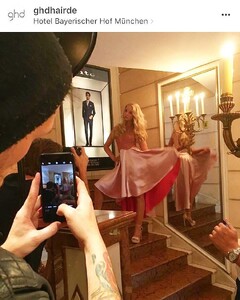 GHD Kimg for a Day 2018:




 GHD education Workshop 2019

 sept. 2019, Musical Premiere Pretty woman , Hamburg:

 March 2015 Premiere Mama mia, Oberhausen
 6.Nov.2022 Premiere Moulin Rouge, Köln:
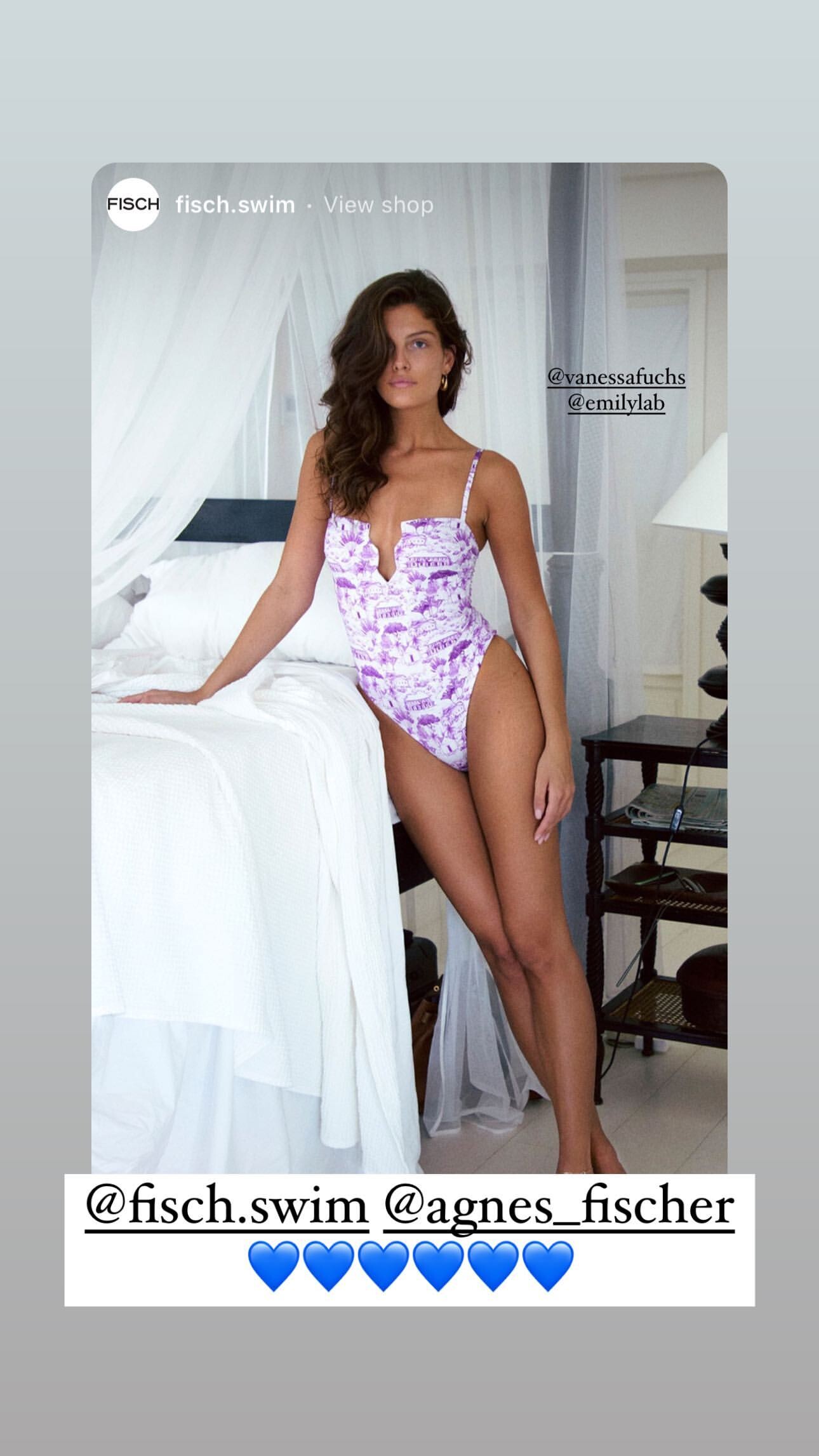
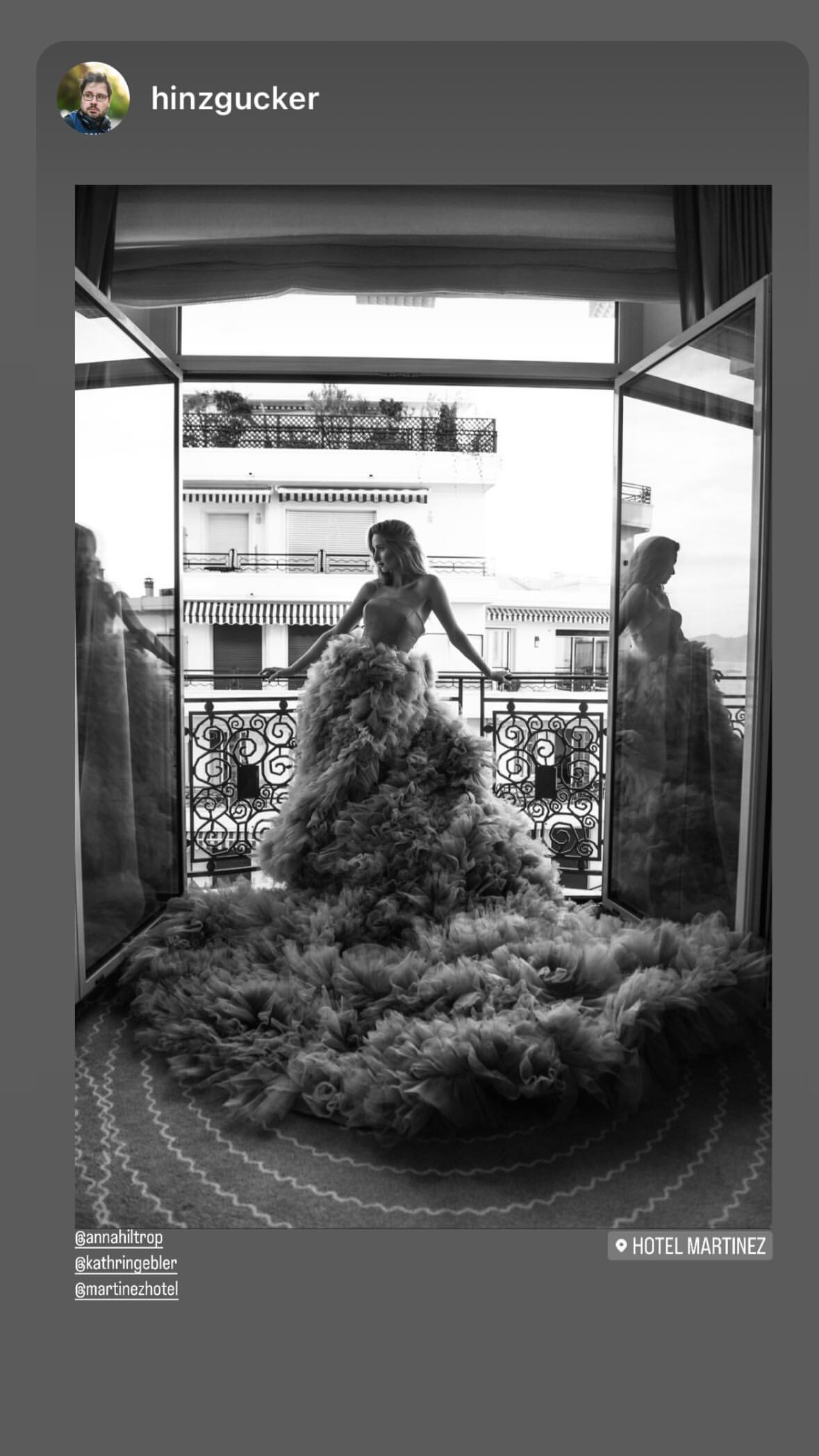
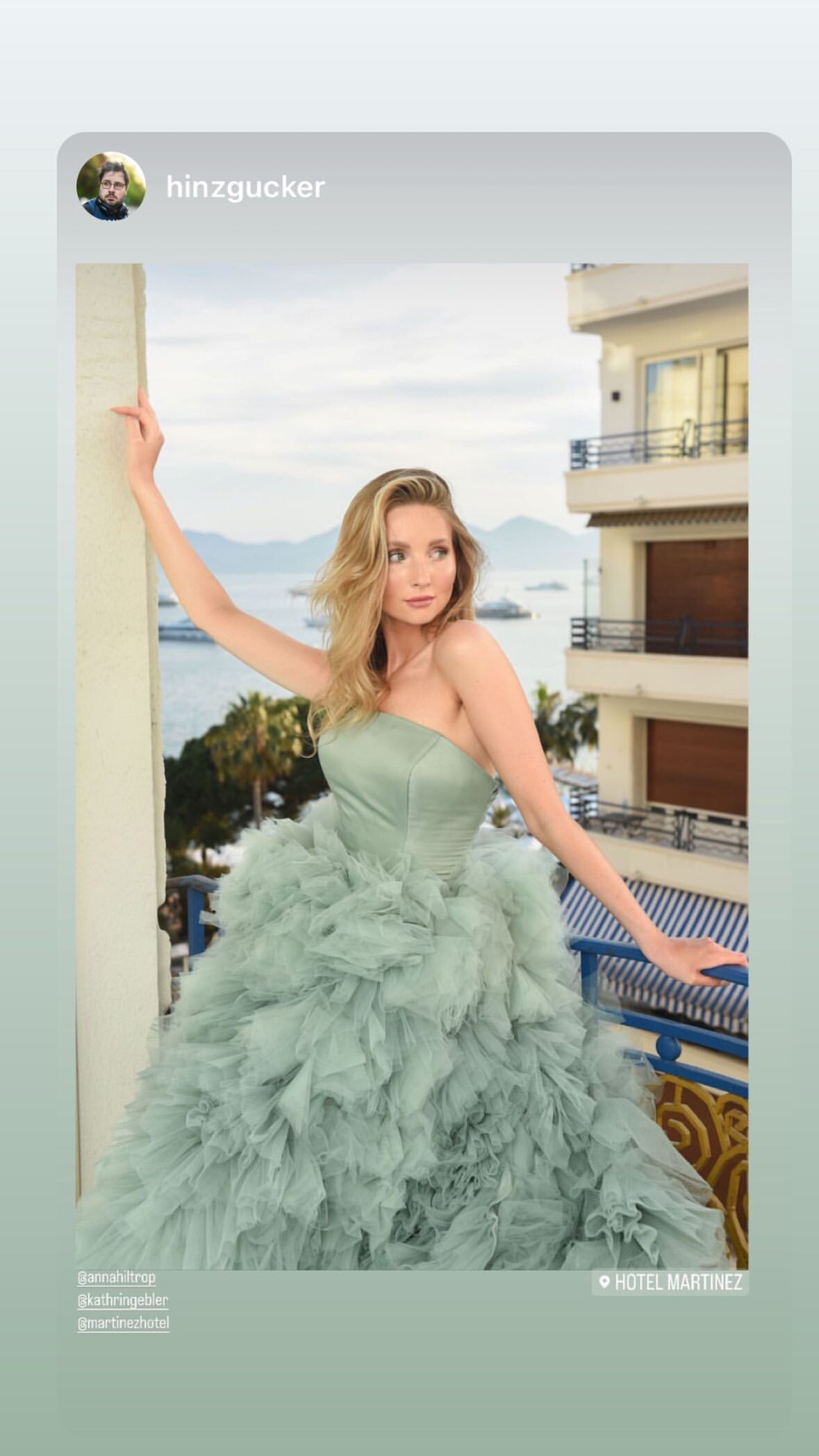



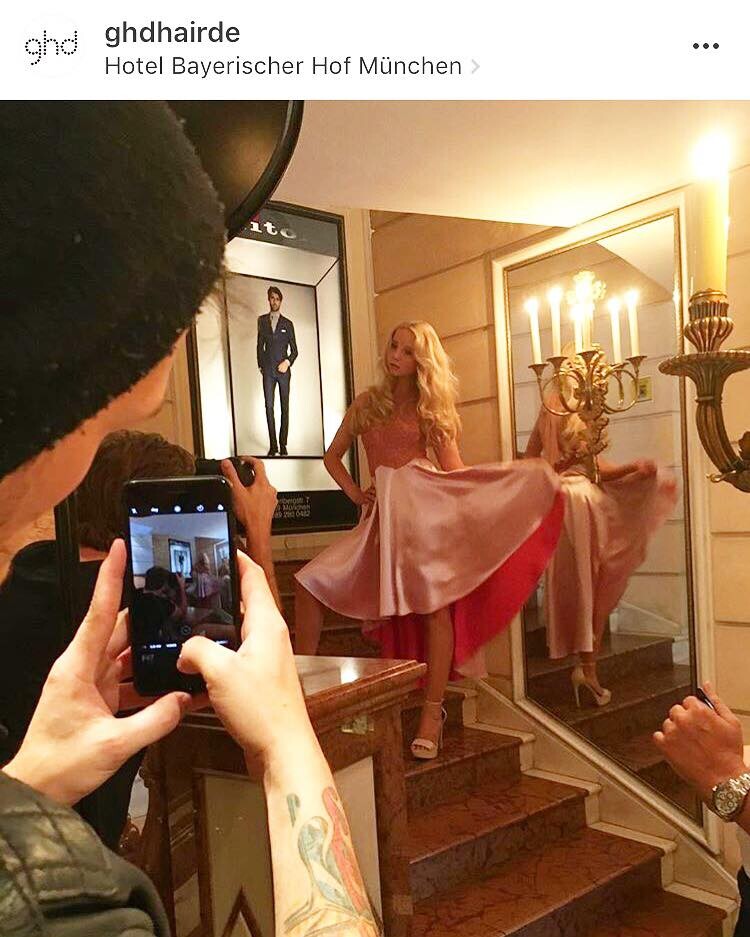






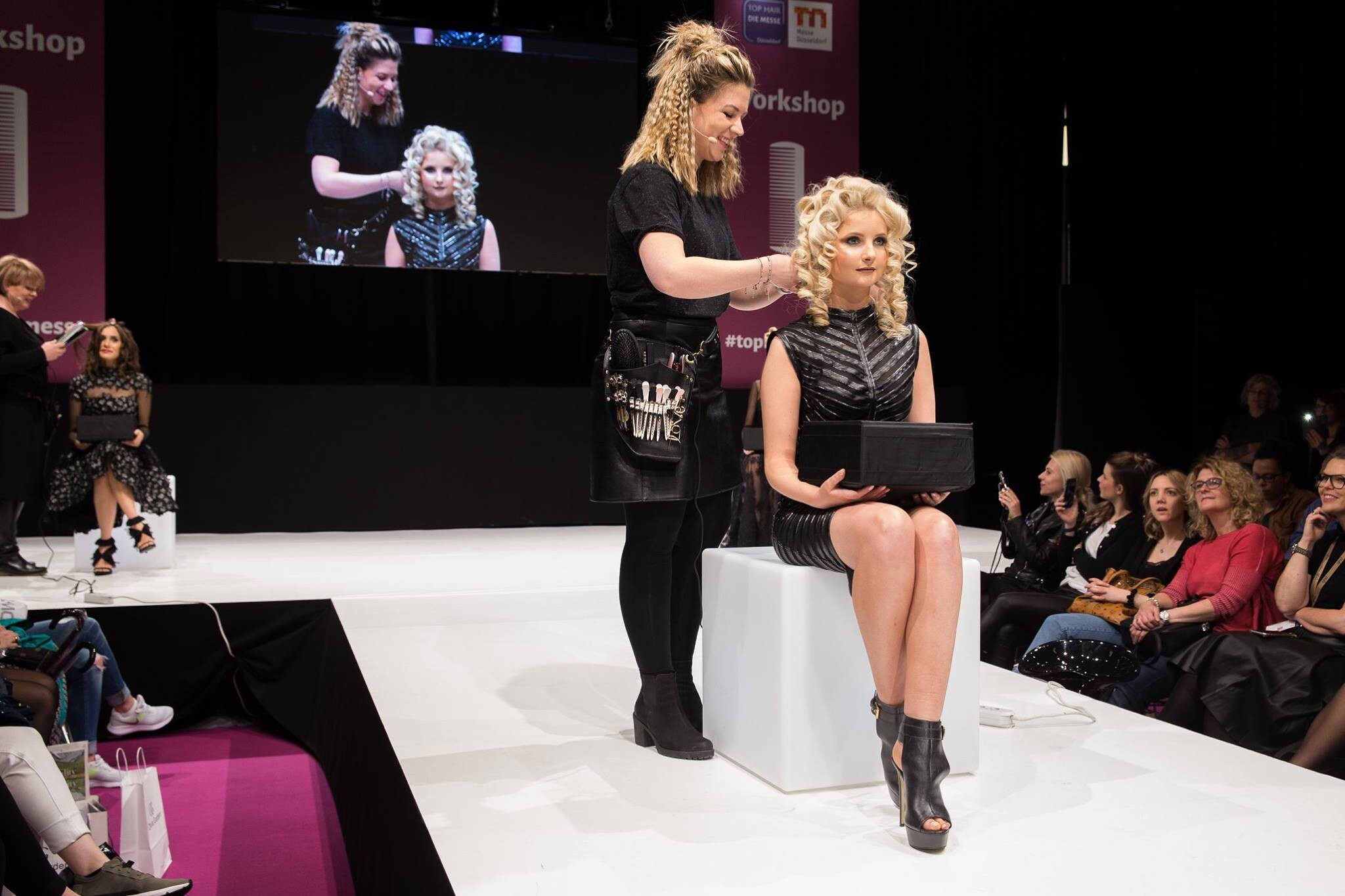
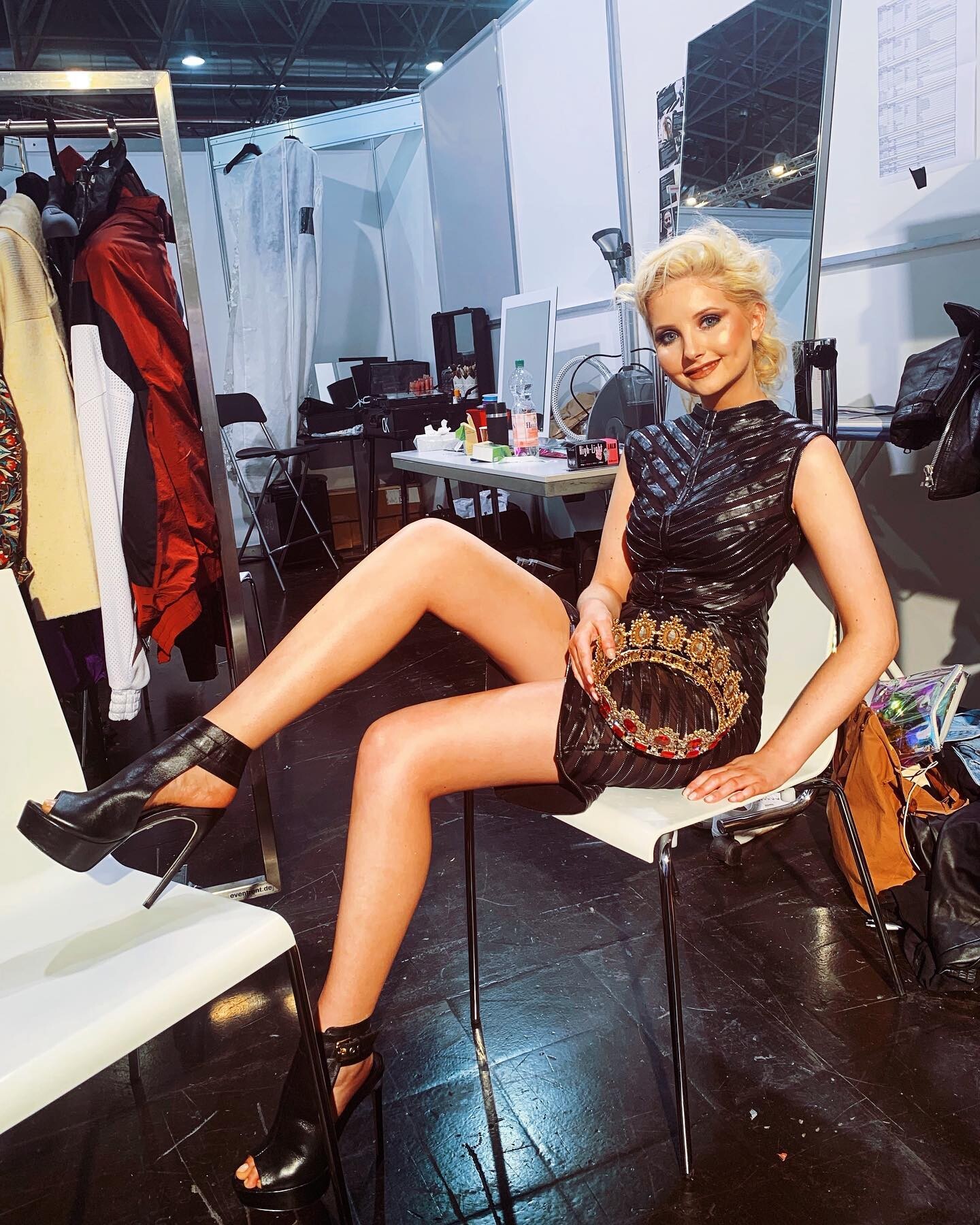



.jpg.407e801dc672fd6641eb9edb63a24bb3.jpg)
.jpg.c01a5b041c3bfbf6b0968fcf97ee0faa.jpg)
.jpg.dfec113a27c5b0bb66a7ea8a398d8762.jpg)
.jpg.bdc097a586fedb8064b64ceac2fb60a3.jpg)













.jpg.35f84c4e1f5241d3c78ae17758b6aa19.jpg)

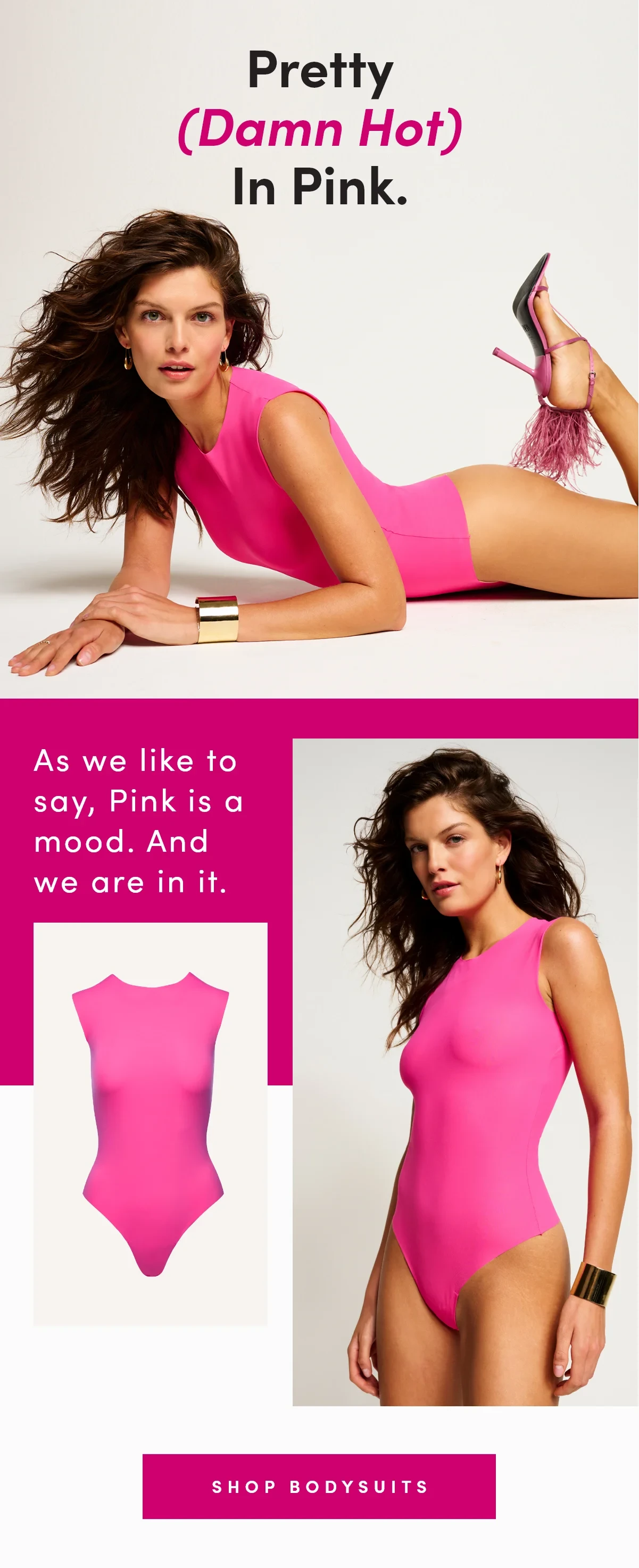
.jpg.a0130cbc5d891a53d52d2913b9059196.jpg)
.jpg.75540c014fca2e74aa7bdfa30b3a8e82.jpg)
.jpg.3311d9c570ba4507f21bdb9c49464dc1.jpg)
.jpg.b82264b046a0d6e27f23cb1fcfed0557.jpg)
.jpg.a36cffc580180cad53bac13363d261a6.jpg)










Account
Navigation
Search
Configure browser push notifications
Chrome (Android)
- Tap the lock icon next to the address bar.
- Tap Permissions → Notifications.
- Adjust your preference.
Chrome (Desktop)
- Click the padlock icon in the address bar.
- Select Site settings.
- Find Notifications and adjust your preference.
Safari (iOS 16.4+)
- Ensure the site is installed via Add to Home Screen.
- Open Settings App → Notifications.
- Find your app name and adjust your preference.
Safari (macOS)
- Go to Safari → Preferences.
- Click the Websites tab.
- Select Notifications in the sidebar.
- Find this website and adjust your preference.
Edge (Android)
- Tap the lock icon next to the address bar.
- Tap Permissions.
- Find Notifications and adjust your preference.
Edge (Desktop)
- Click the padlock icon in the address bar.
- Click Permissions for this site.
- Find Notifications and adjust your preference.
Firefox (Android)
- Go to Settings → Site permissions.
- Tap Notifications.
- Find this site in the list and adjust your preference.
Firefox (Desktop)
- Open Firefox Settings.
- Search for Notifications.
- Find this site in the list and adjust your preference.