
Jump to content
View in the app

A better way to browse. Learn more.

Bellazon

A full-screen app on your home screen with push notifications, badges and more.

To install this app on iOS and iPadOS
  1. Tap the Share icon in Safari
  2. Scroll the menu and tap Add to Home Screen.
  3. Tap Add in the top-right corner.
To install this app on Android
  1. Tap the 3-dot menu (⋮) in the top-right corner of the browser.
  2. Tap Add to Home screen or Install app.
  3. Confirm by tapping Install.

fosterjumpman

Members
  • Joined

  • Last visited

Everything posted by fosterjumpman

  1. fosterjumpman replied to a post in a topic in Alessandra Ambrosio
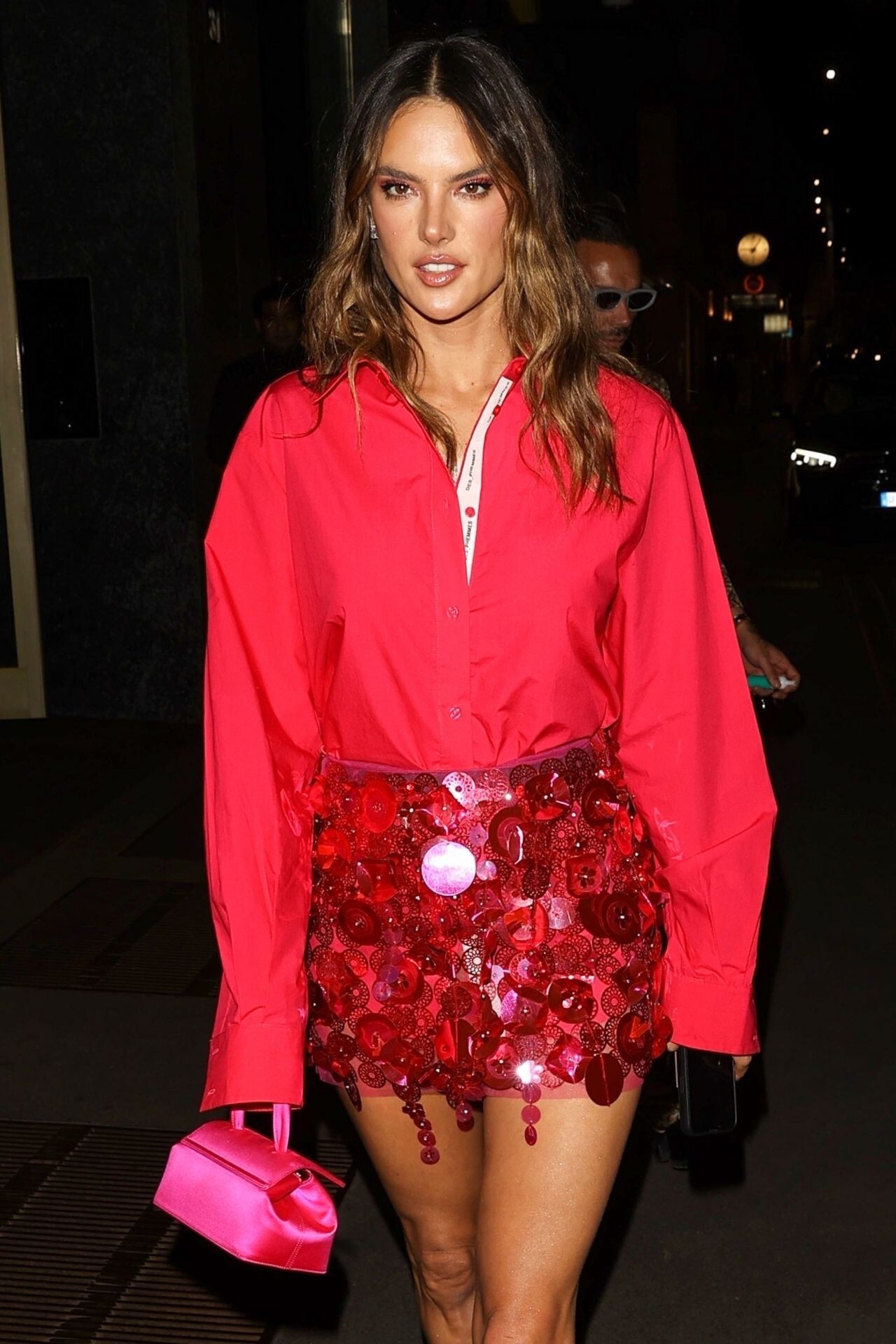
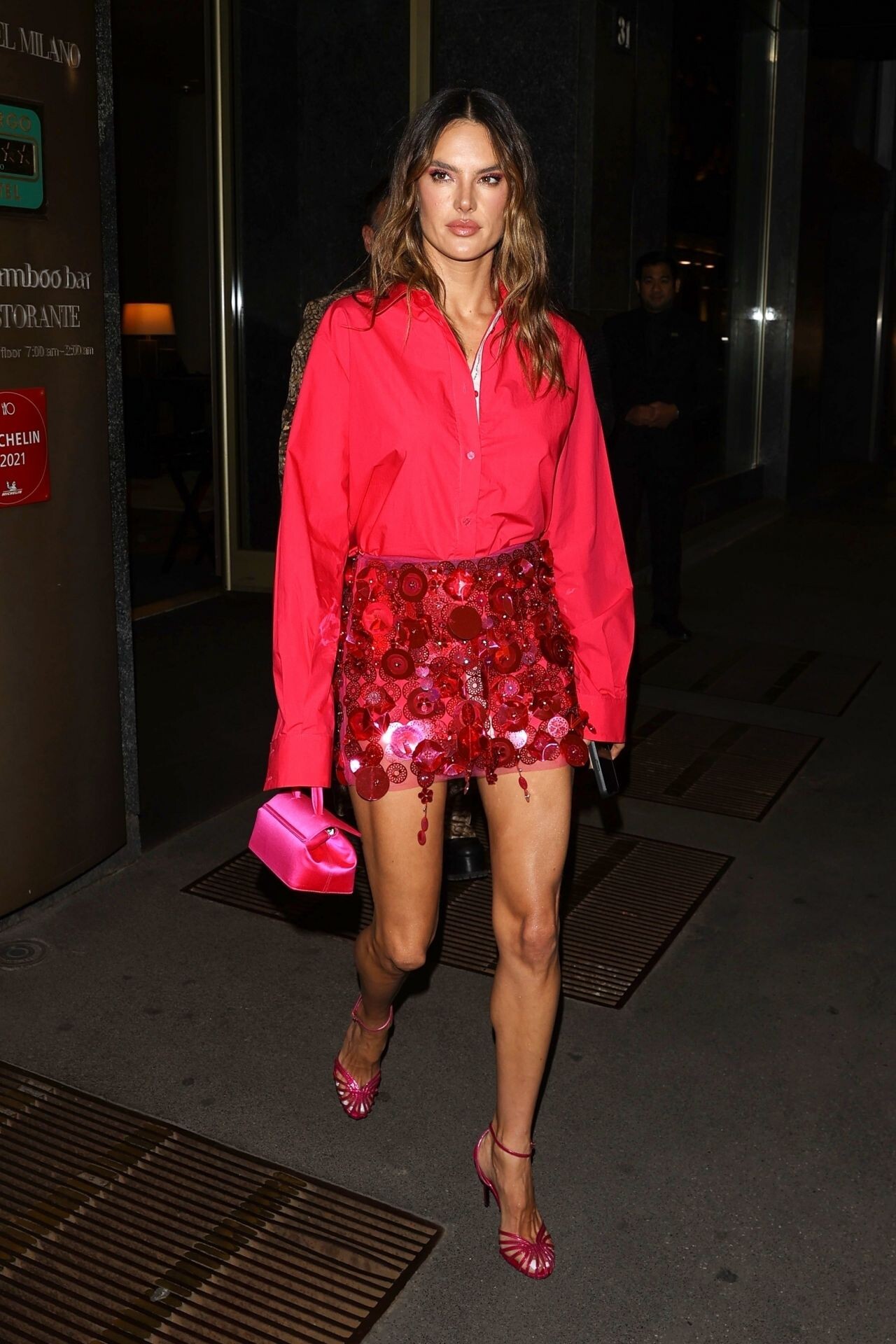
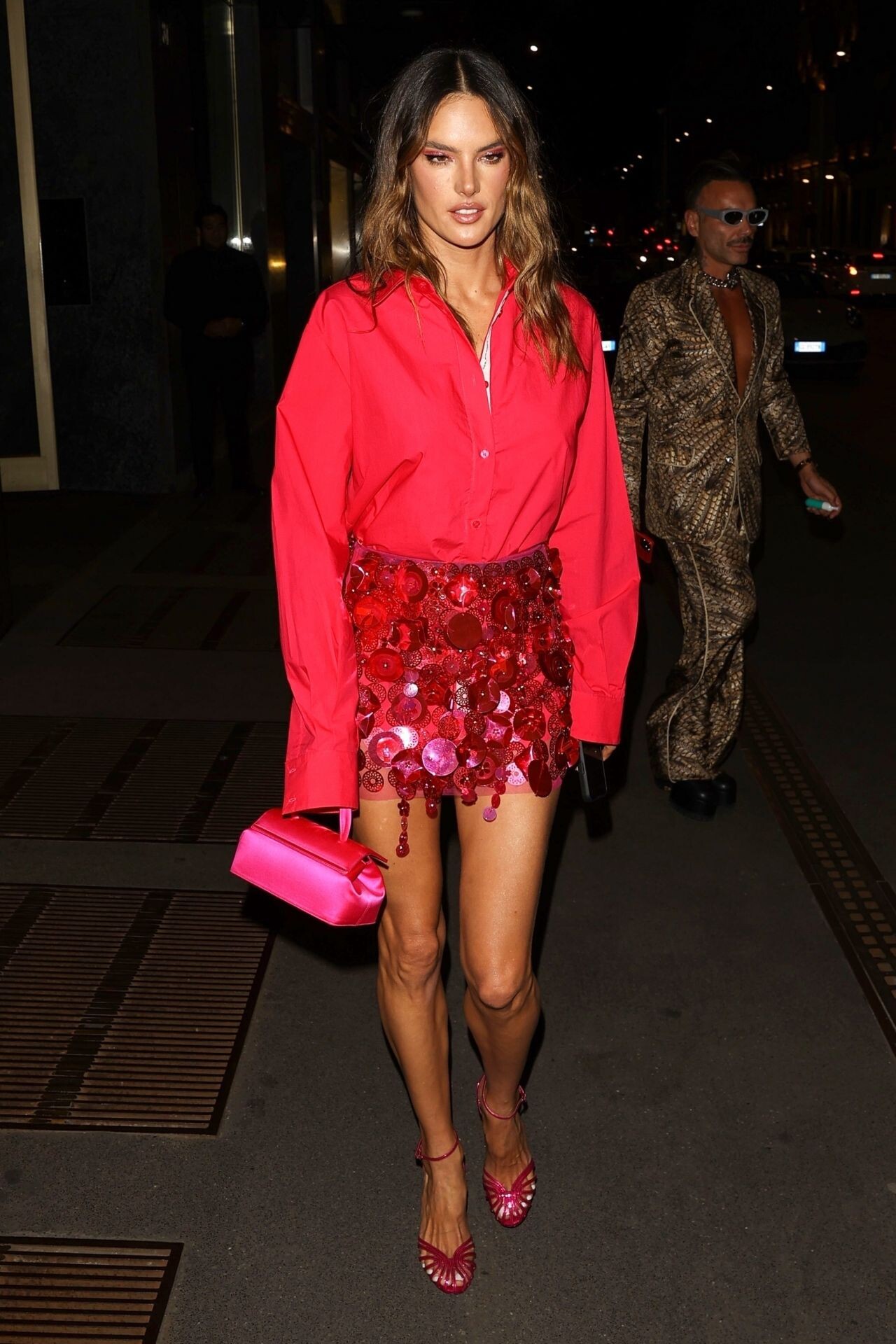
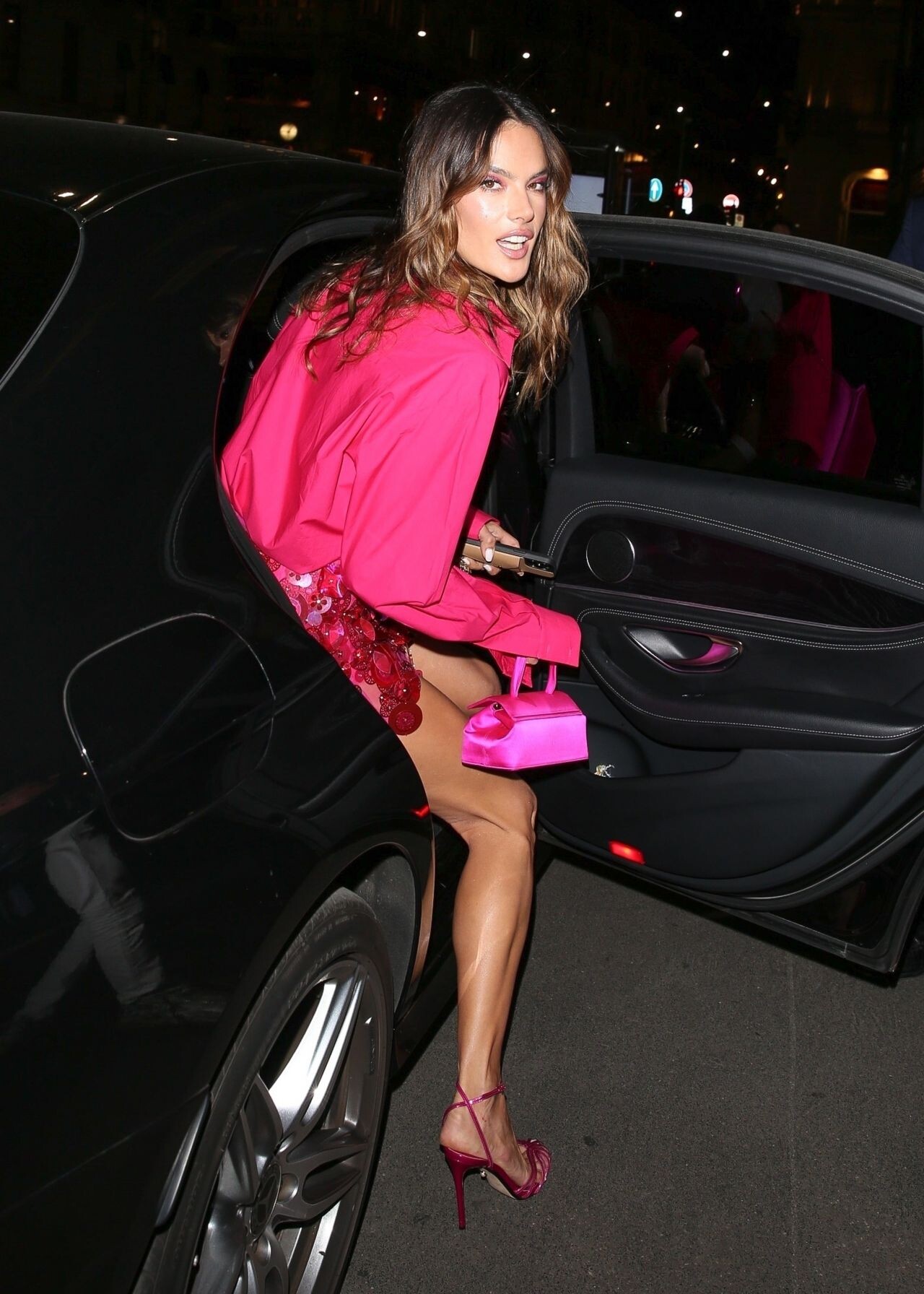
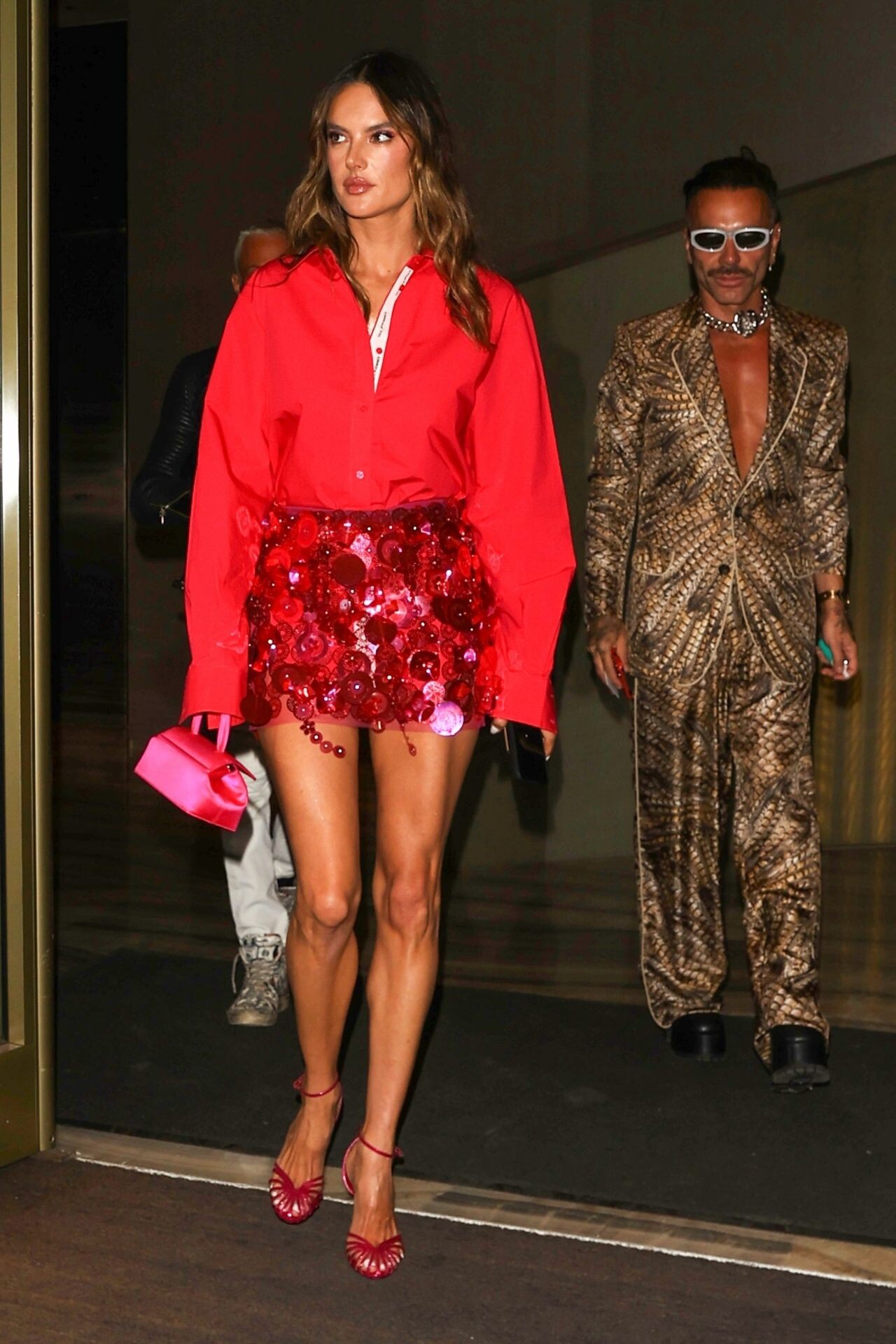
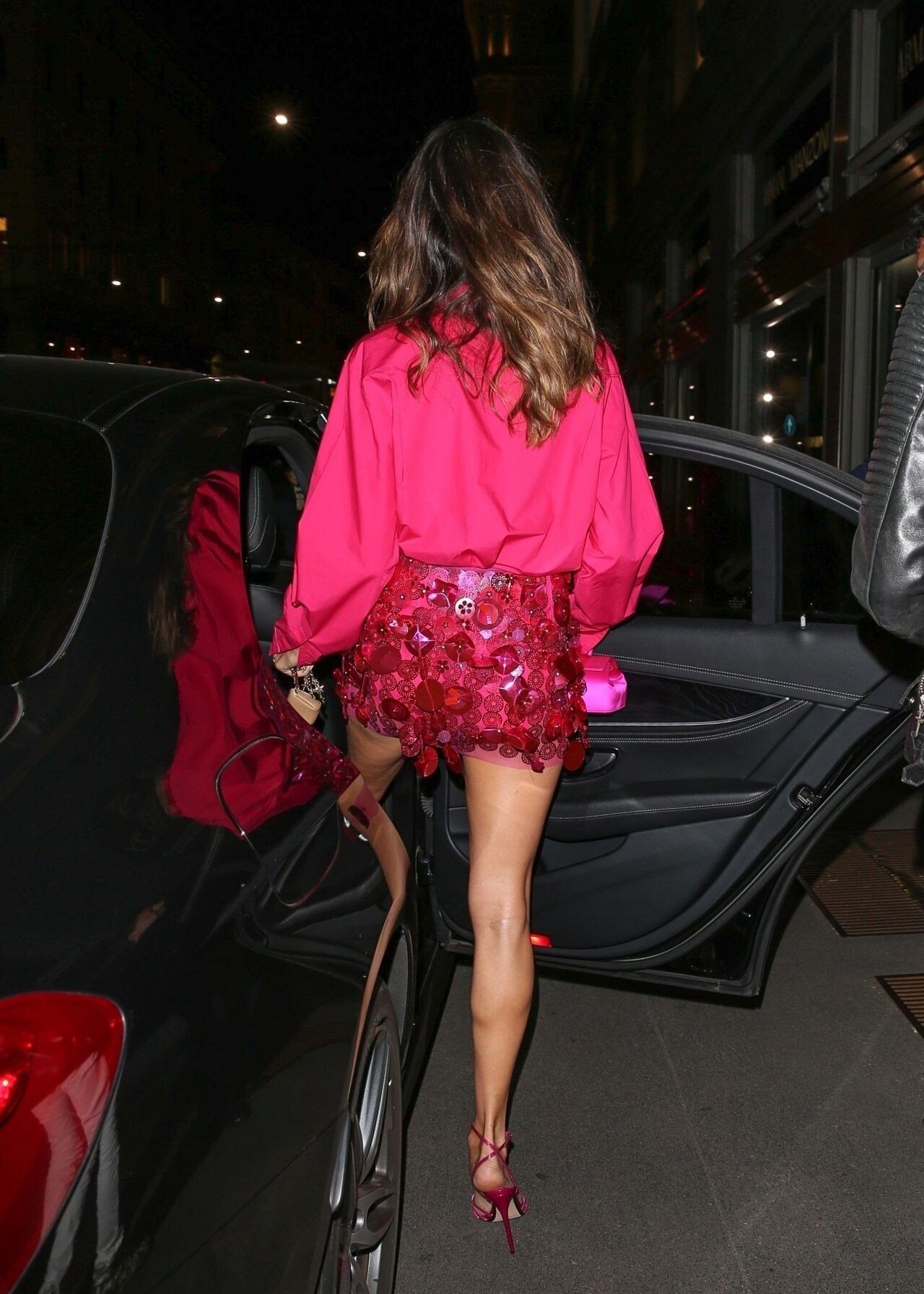
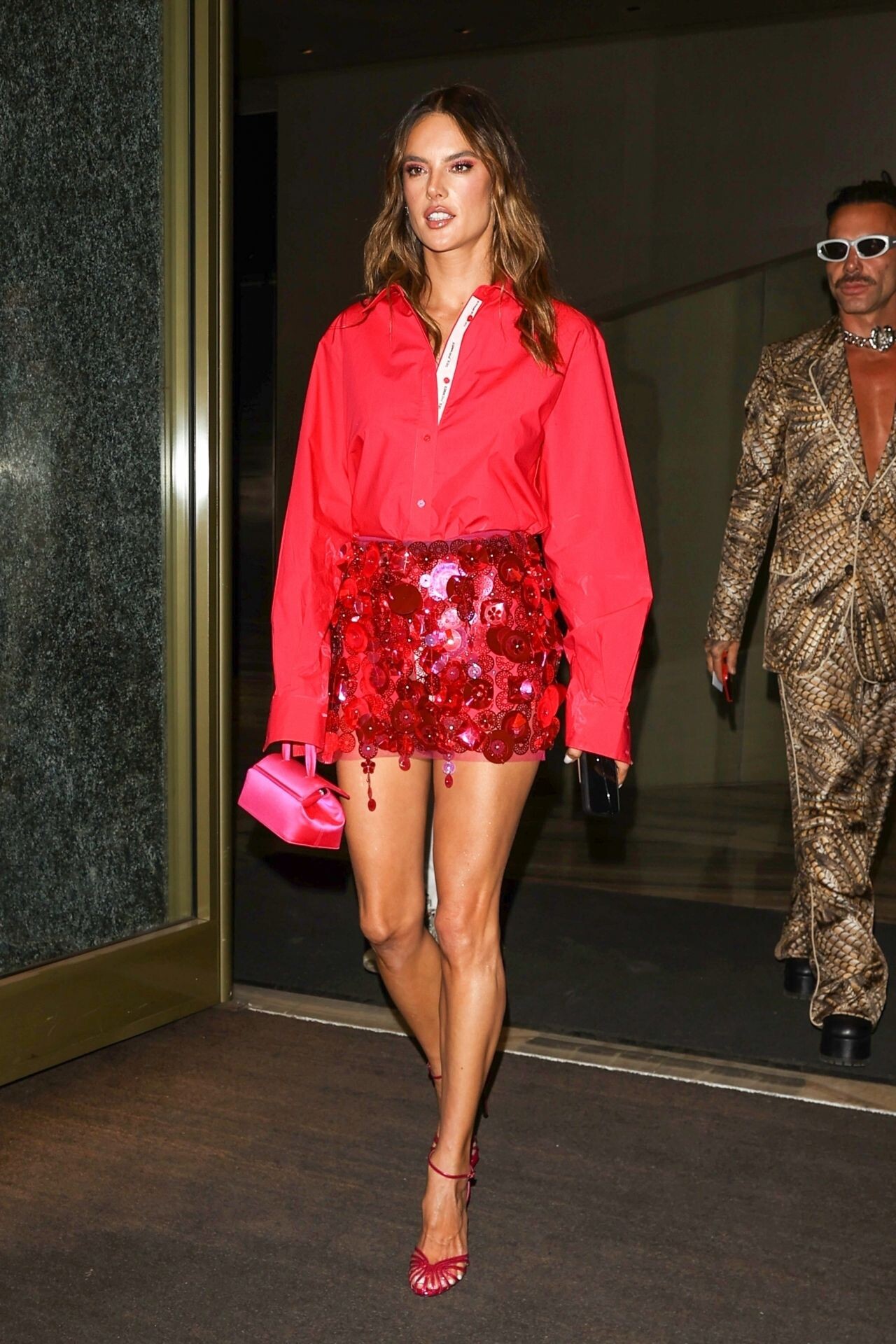
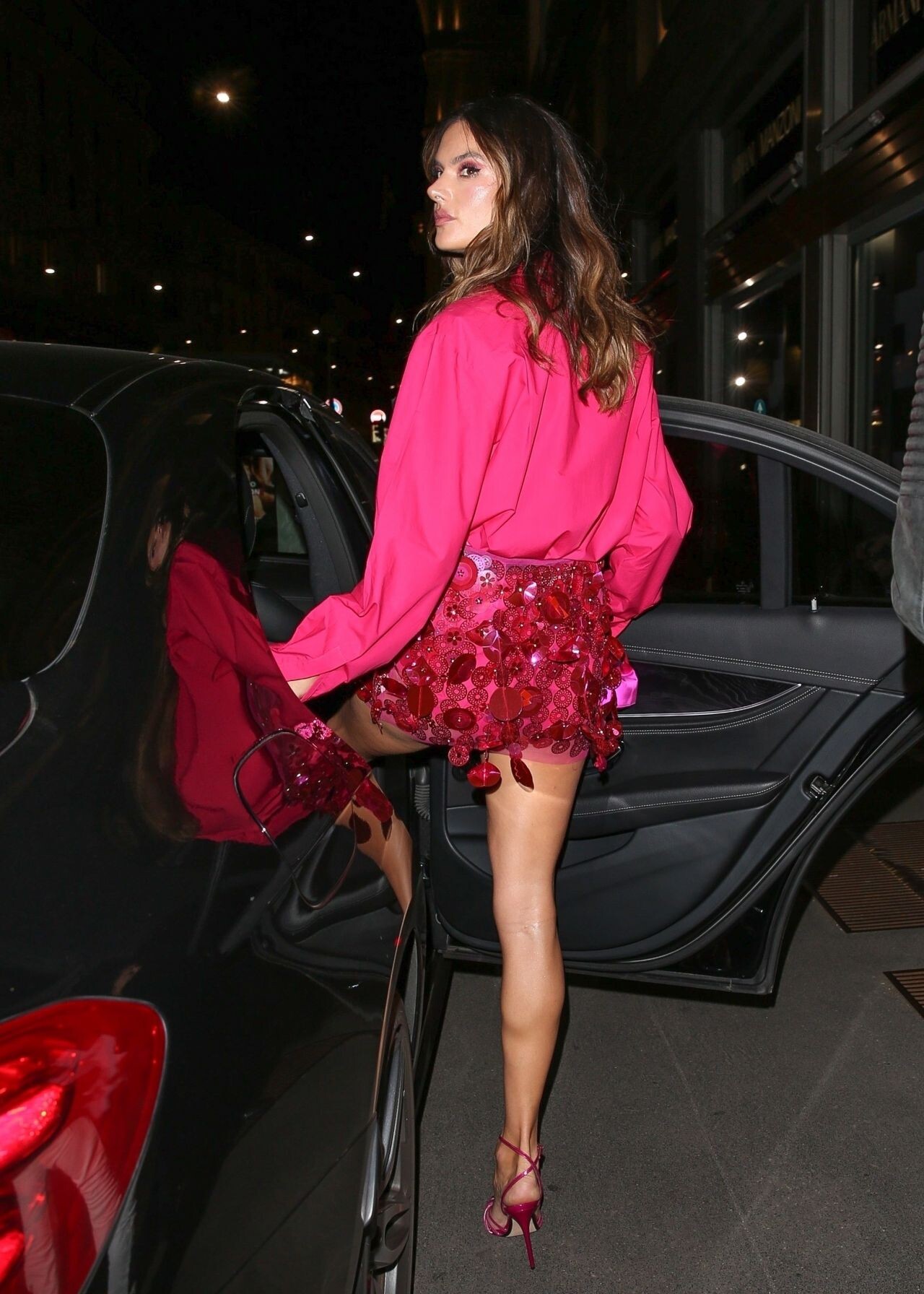
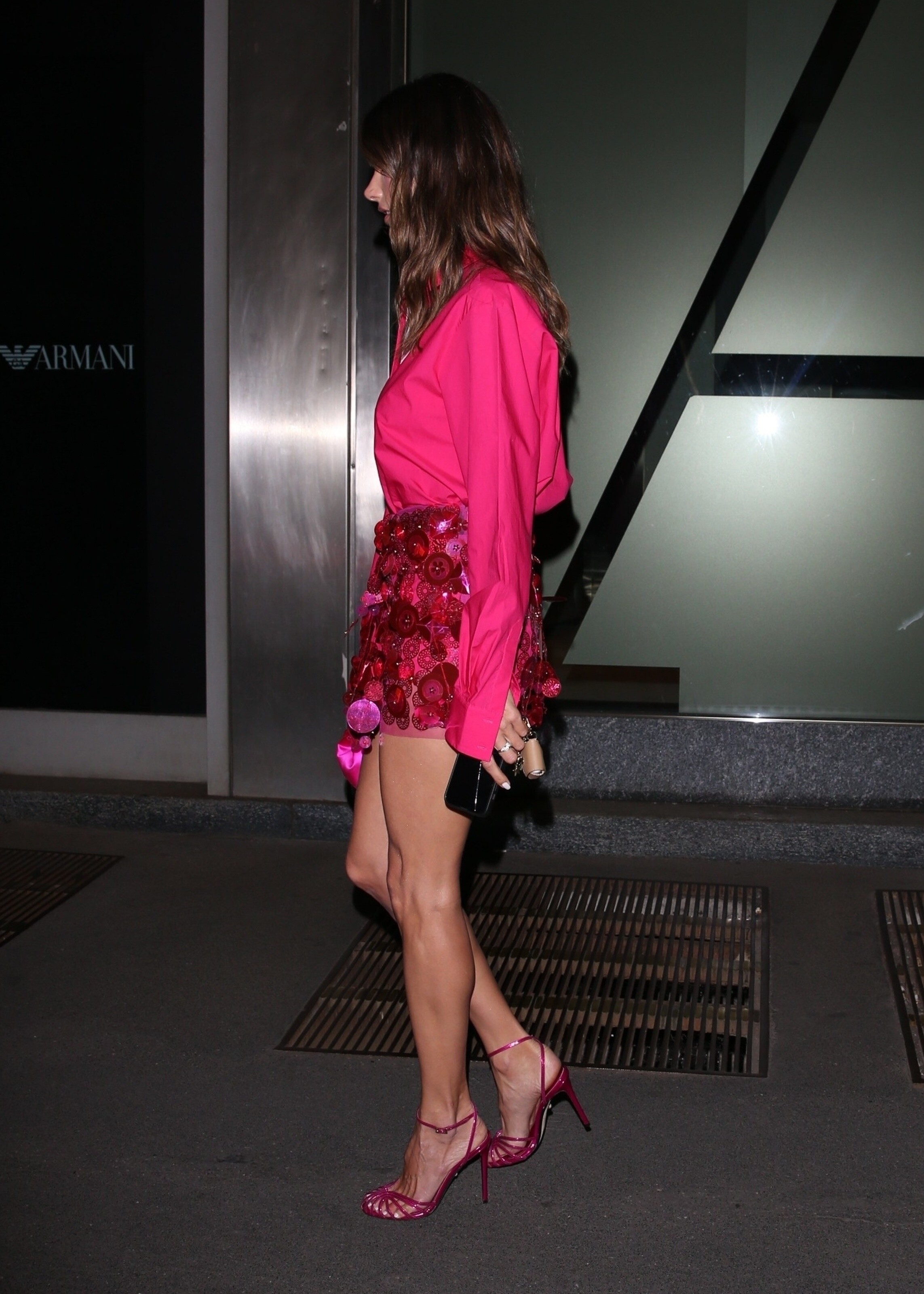
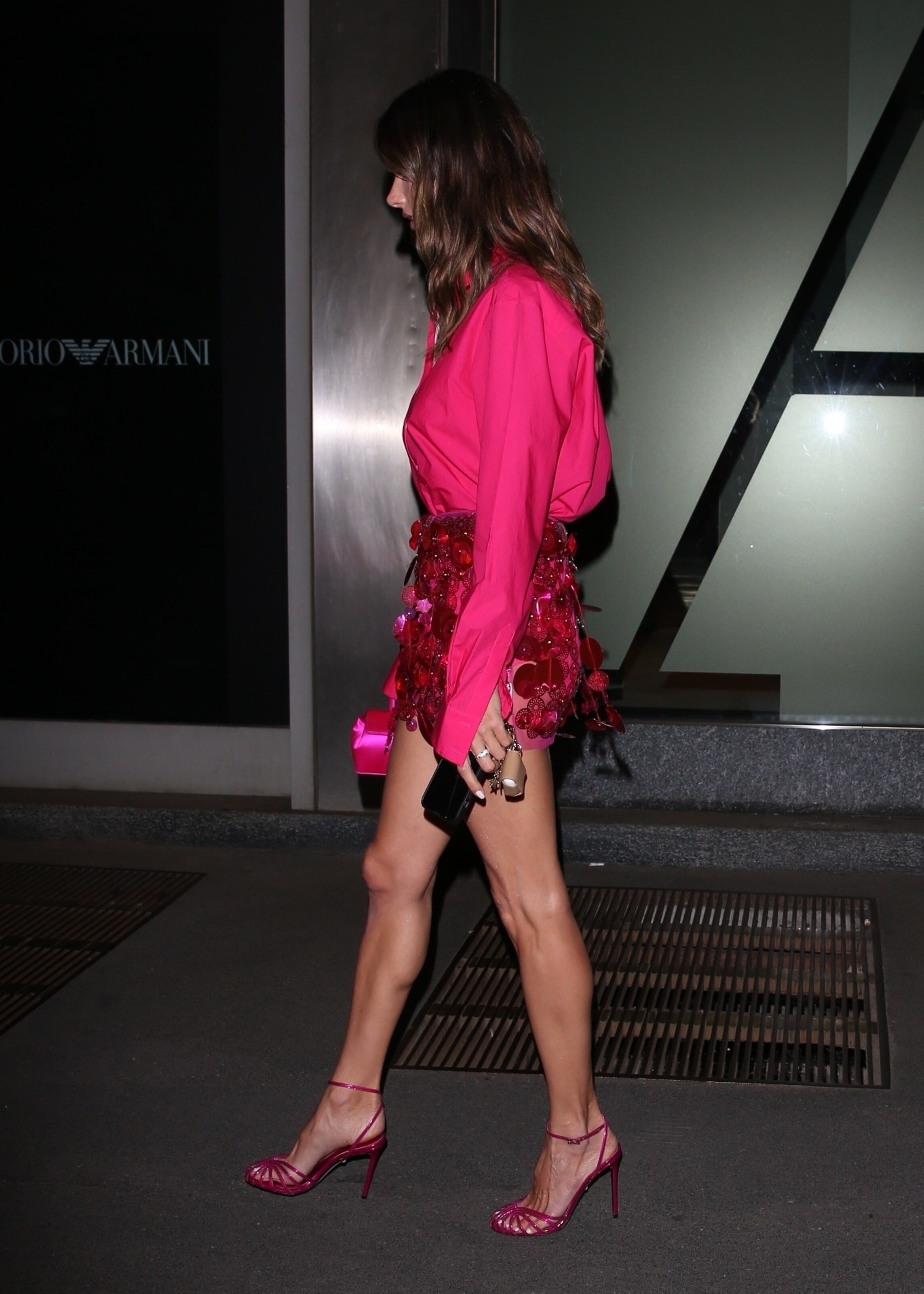
    Armani Hotel in Milan 09/21/2022

  2. fosterjumpman replied to a post in a topic in Alessandra Ambrosio
    White Noise Premiere and Opening Ceremony at 79th Venice International Film Festival 08/31/2022 (UHQ)

  3. fosterjumpman replied to a post in a topic in Alessandra Ambrosio
    White Noise Premiere and Opening Ceremony at 79th Venice International Film Festival 08/31/2022

  4. fosterjumpman replied to a post in a topic in Alessandra Ambrosio
    arriving at the Excelsior during the 79th Venice International Film Festival

  5. fosterjumpman replied to a post in a topic in Alessandra Ambrosio
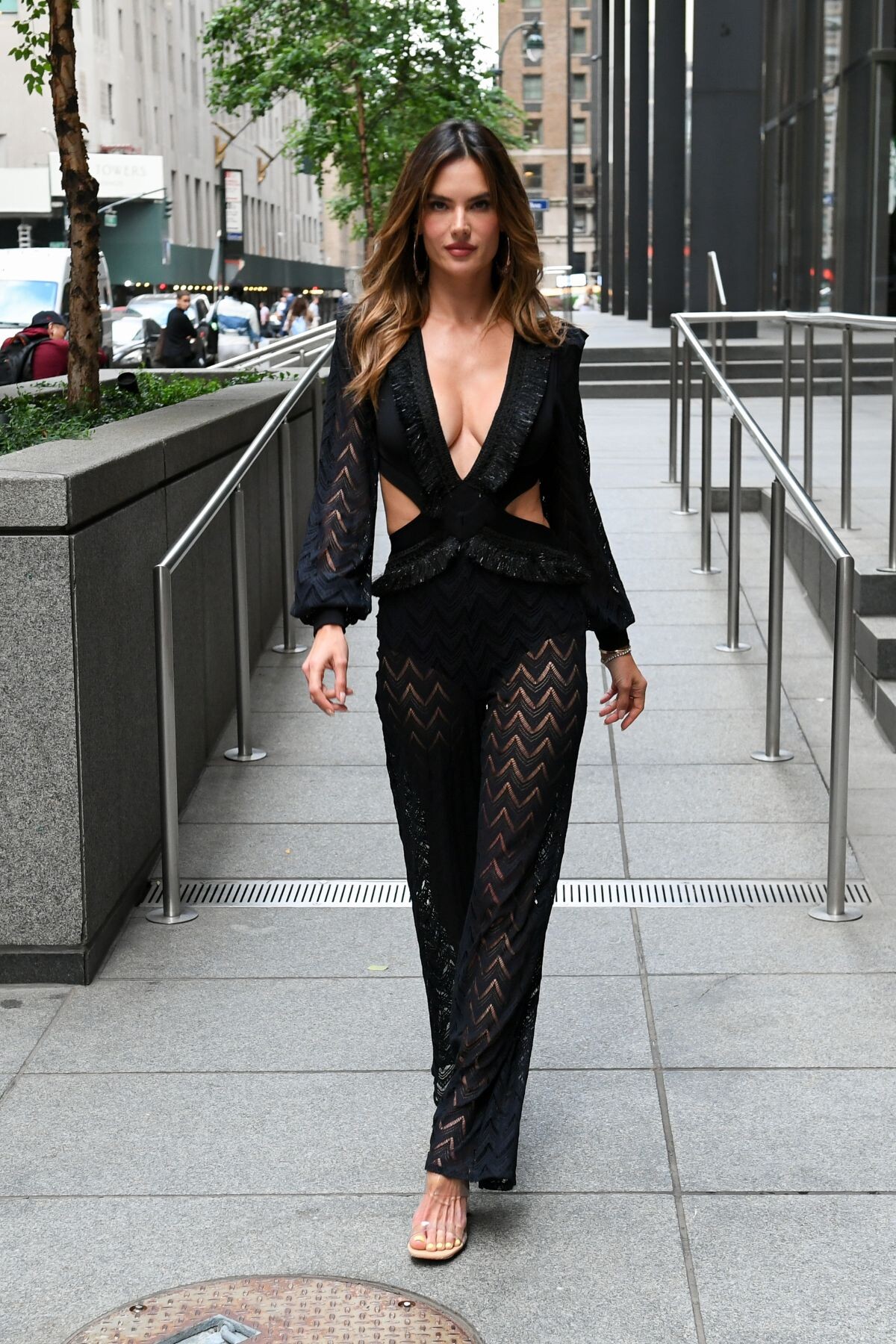
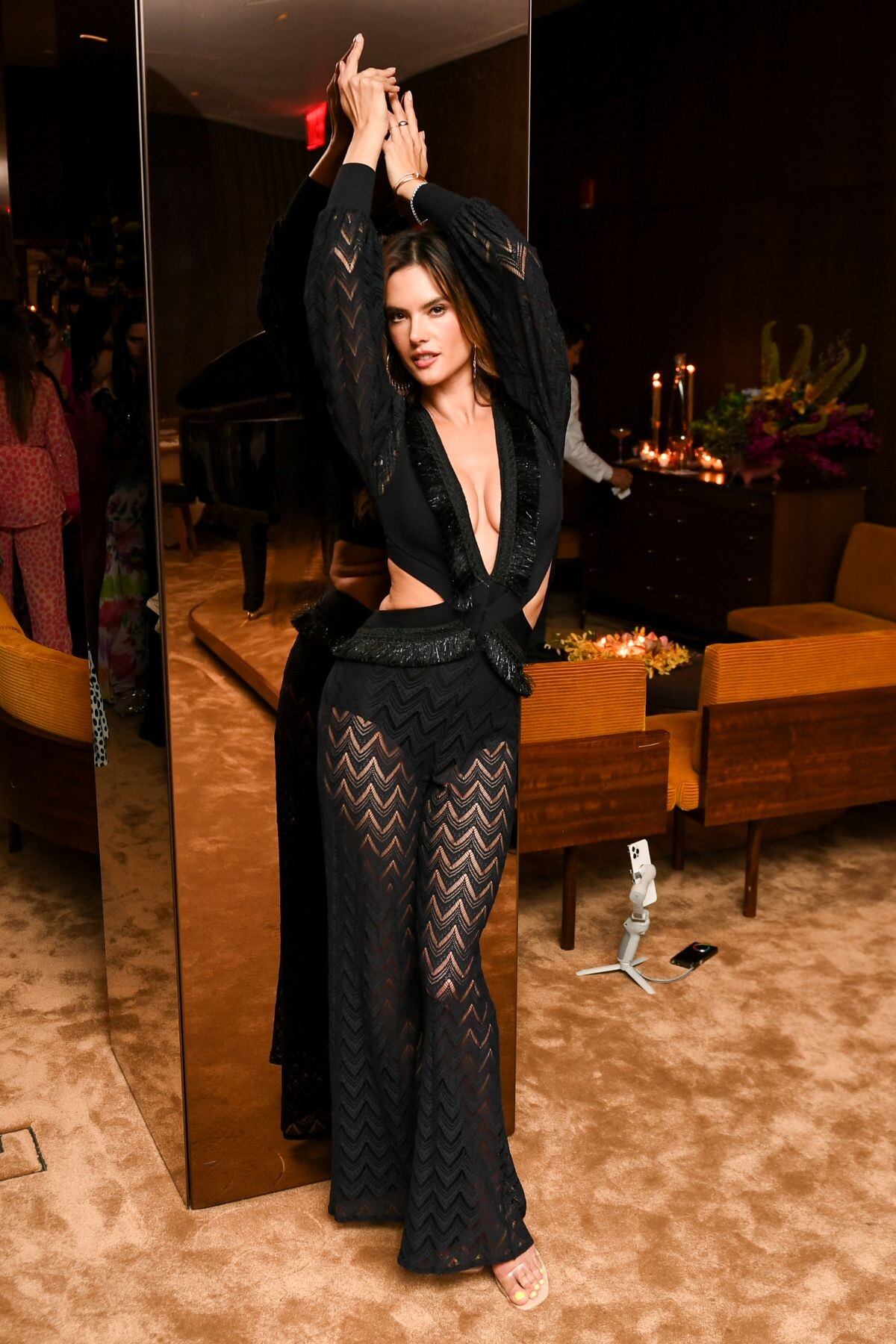
    ALESSANDRA AMBROSIO at Patbo x Alessandra Ambrosio Dinner in New York 06/23/2022

  6. fosterjumpman replied to a post in a topic in Alessandra Ambrosio
    the perfection herself found on reddit

  7. fosterjumpman replied to a post in a topic in Alessandra Ambrosio
    found on instagram
  8. fosterjumpman replied to a post in a topic in Alessandra Ambrosio
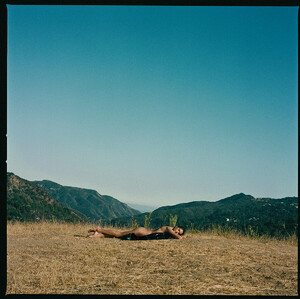
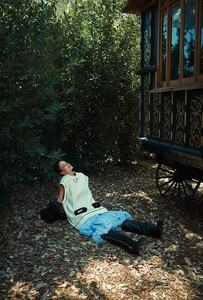
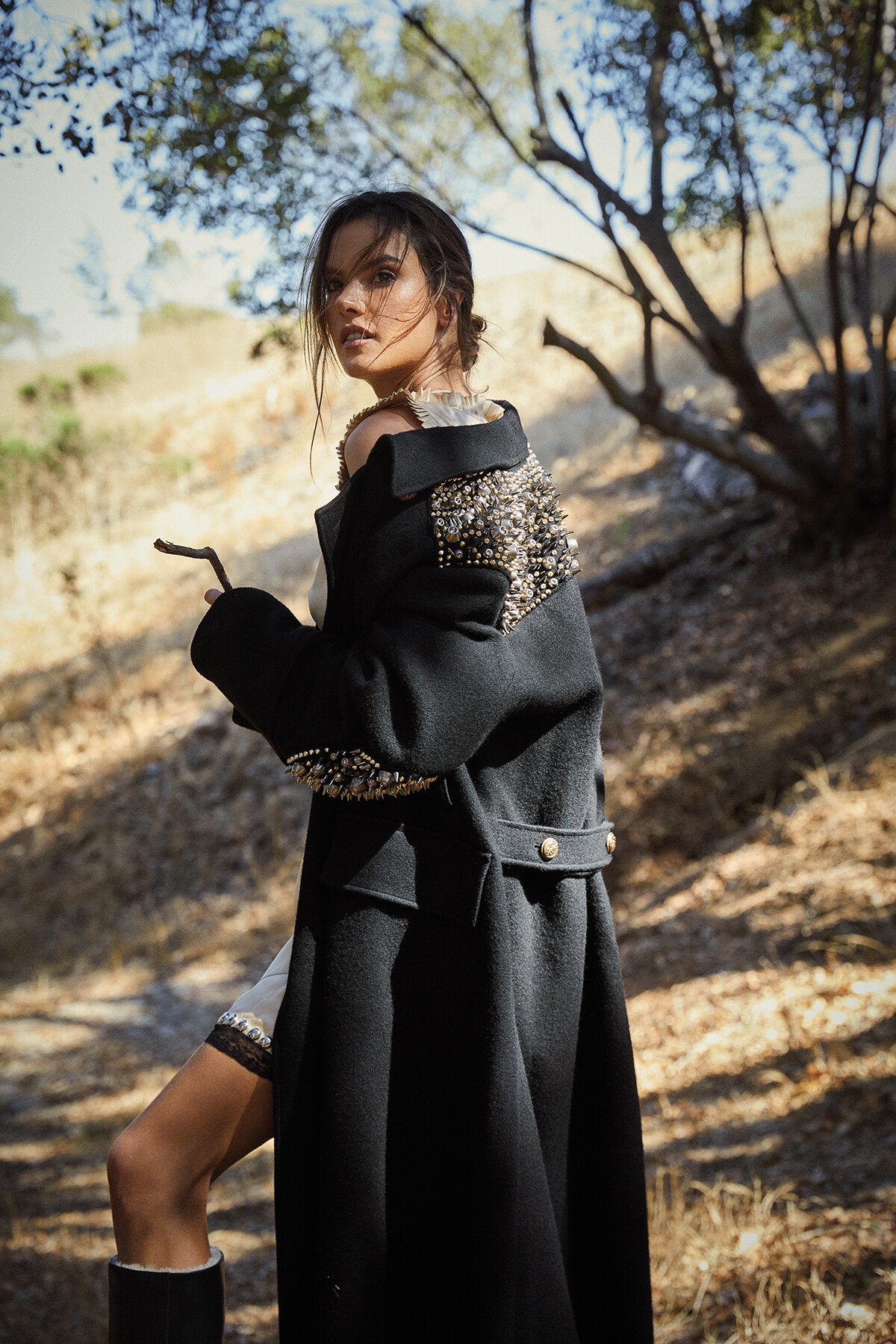
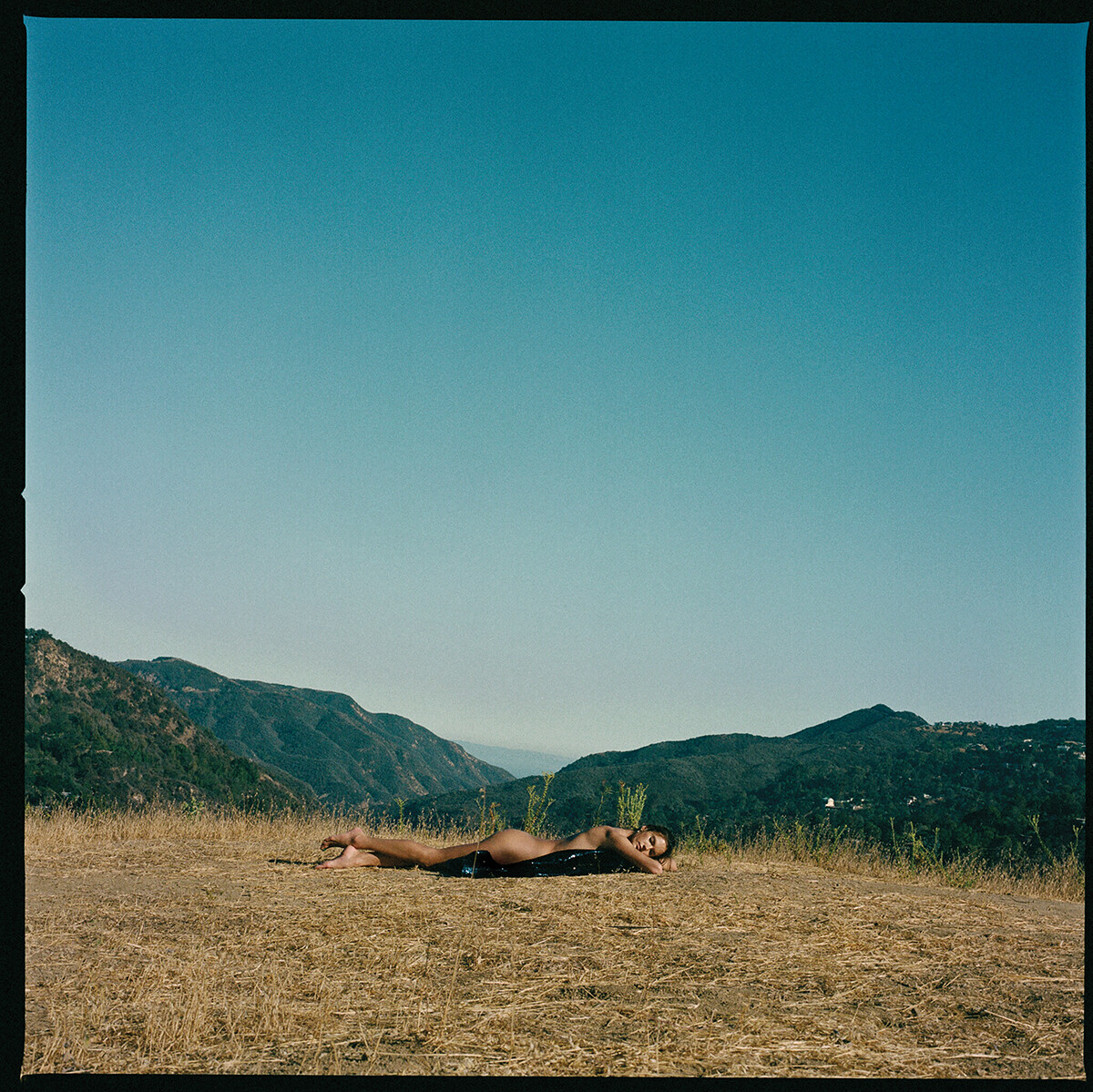
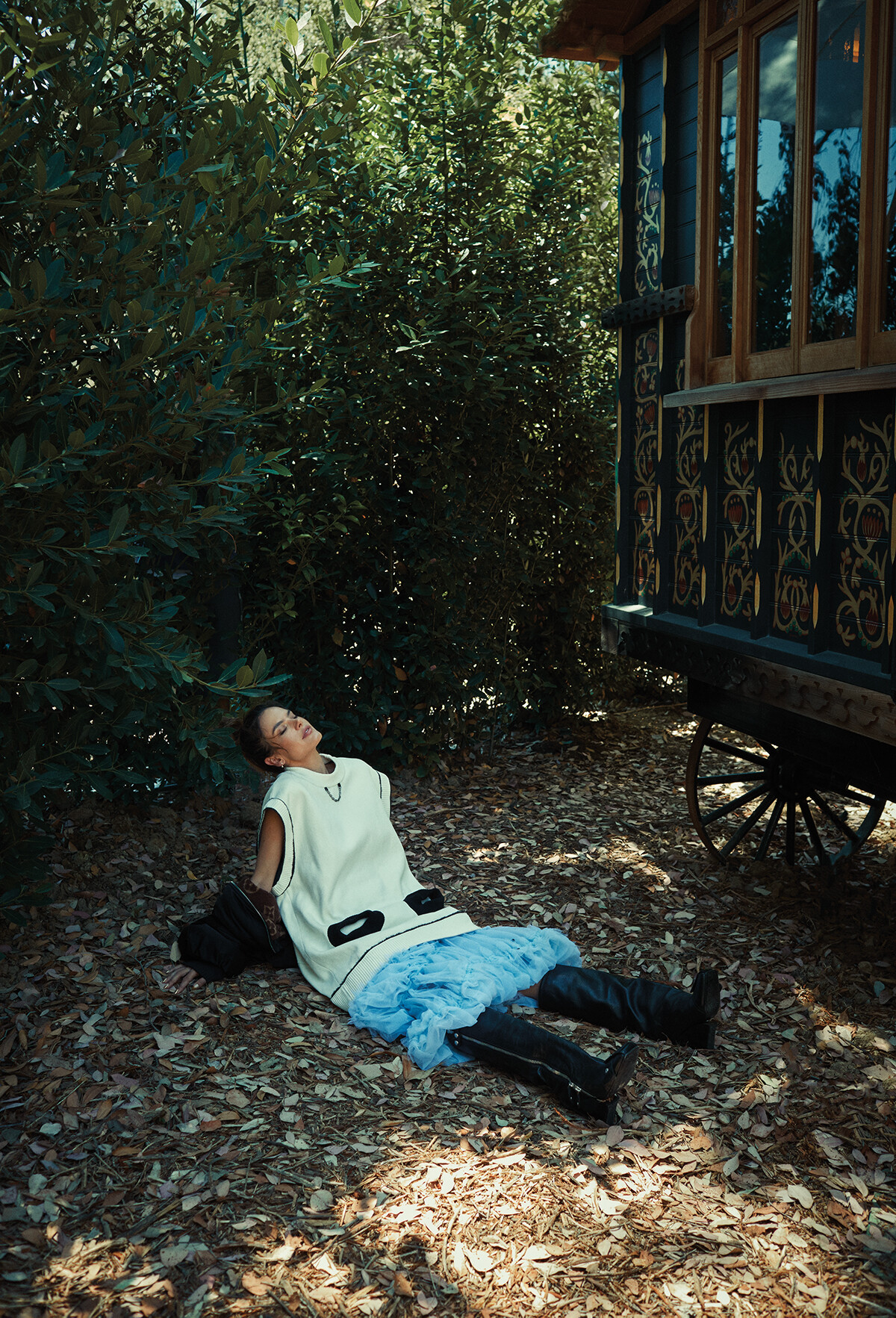
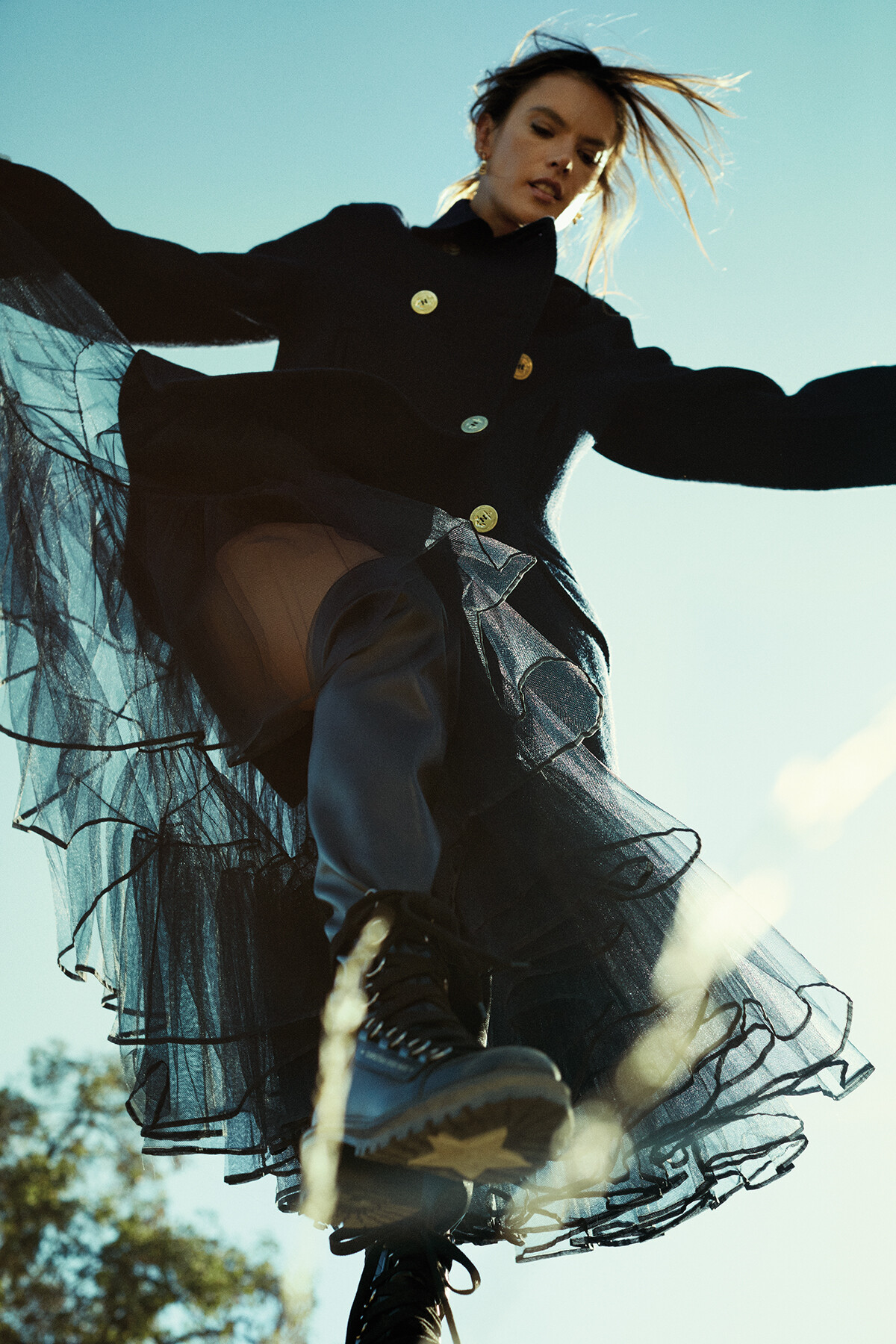
    Inside Alessandra Ambrosio's California Dreams - Magazine C Why Supermodel Alessandra Ambrosio's Heart Belongs to California.mp4

  9. fosterjumpman replied to a post in a topic in Alessandra Ambrosio
    Inside Alessandra Ambrosio's California Dreams - Magazine C

Configure browser push notifications

Chrome (Android)
  1. Tap the lock icon next to the address bar.
  2. Tap Permissions → Notifications.
  3. Adjust your preference.
Chrome (Desktop)
  1. Click the padlock icon in the address bar.
  2. Select Site settings.
  3. Find Notifications and adjust your preference.