gabrielfpm
Members
-
Joined
-
Last visited
-
Follow .. http://instagram.com/tamirisfreitas Follow .. http://instagram.com/tamirisfreitas Follow .. http://instagram.com/tamirisfreitas Follow .. http://instagram.com/tamirisfreitas
-
Follow .. http://instagram.com/tamirisfreitas http://fbcdn-sphotos-d-a.akamaihd.net/hphotos-ak-xap1/v/t1.0-9/10306168_10152458173196796_5686834390764220469_n.jpg?oh=ce918fb199a01a50d2bcefe1946d0a11&oe=5522C76D&__gda__=1429287480_ba104e09b844c68e1c014c6363eade47
-
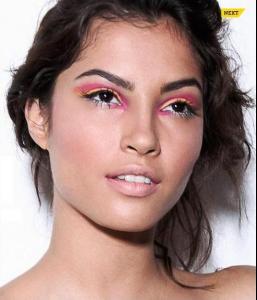
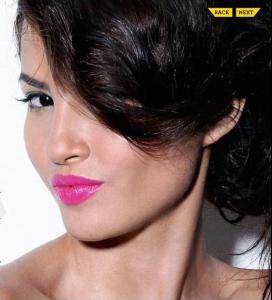
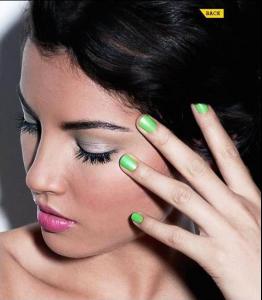
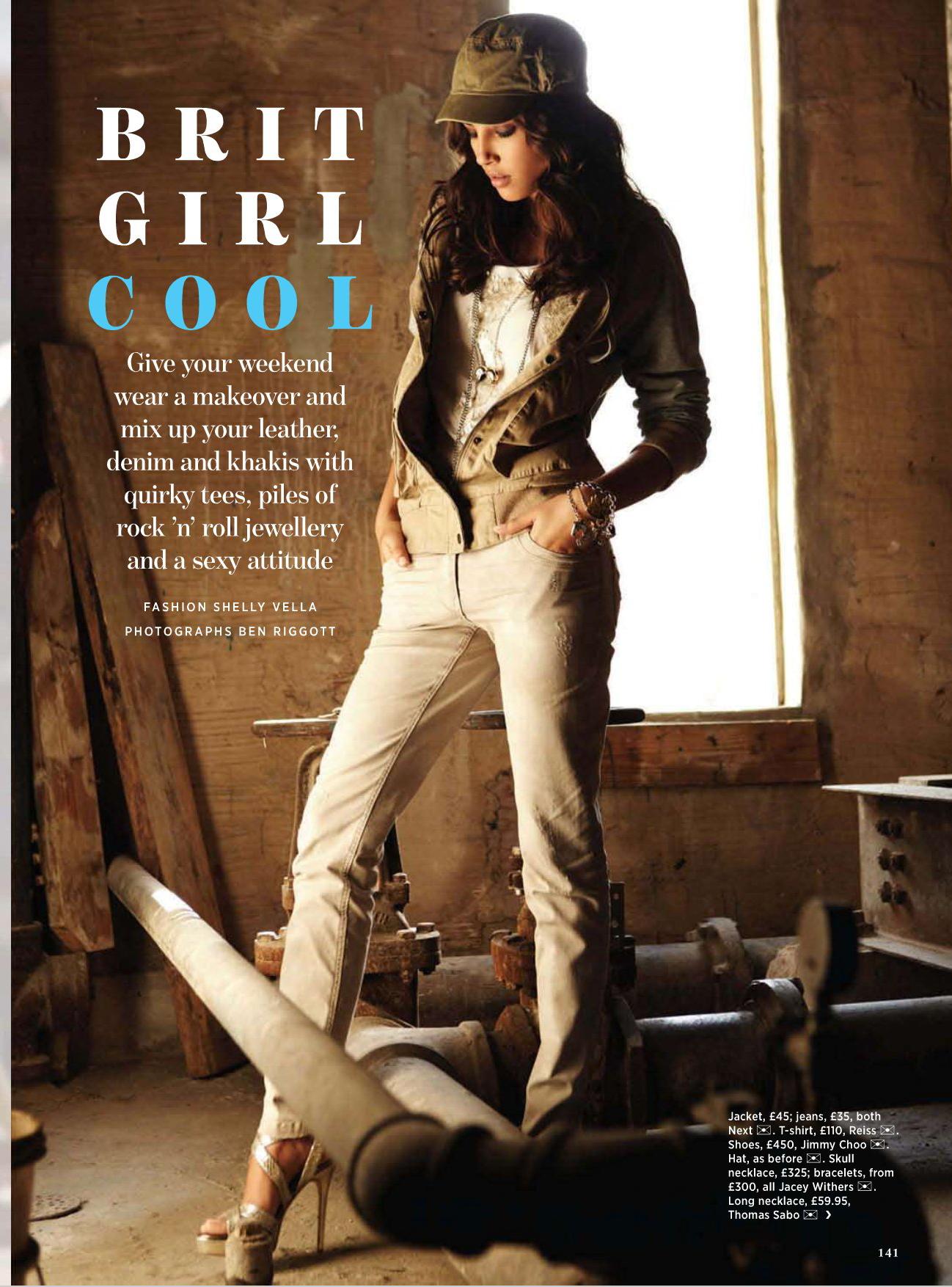
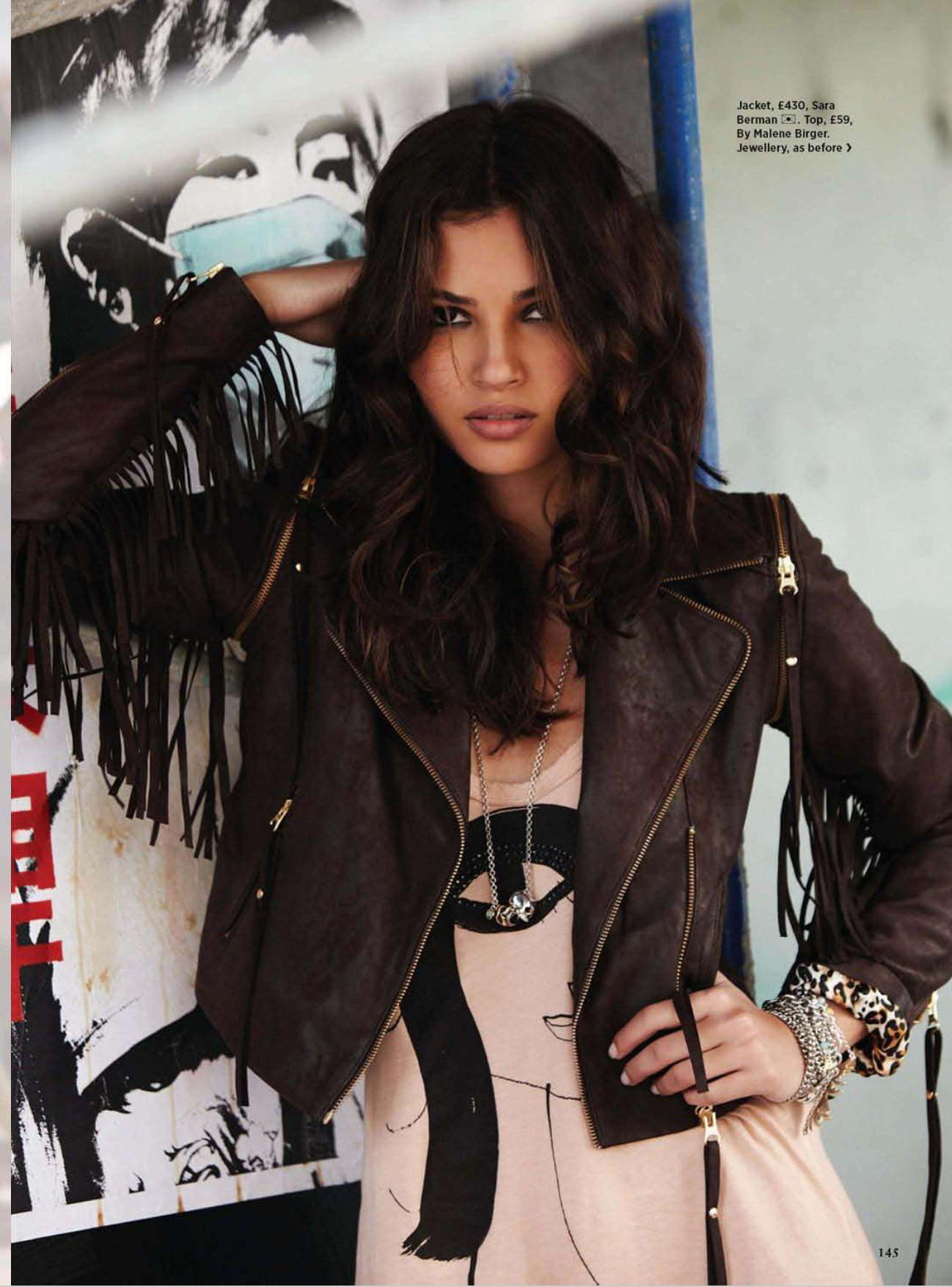
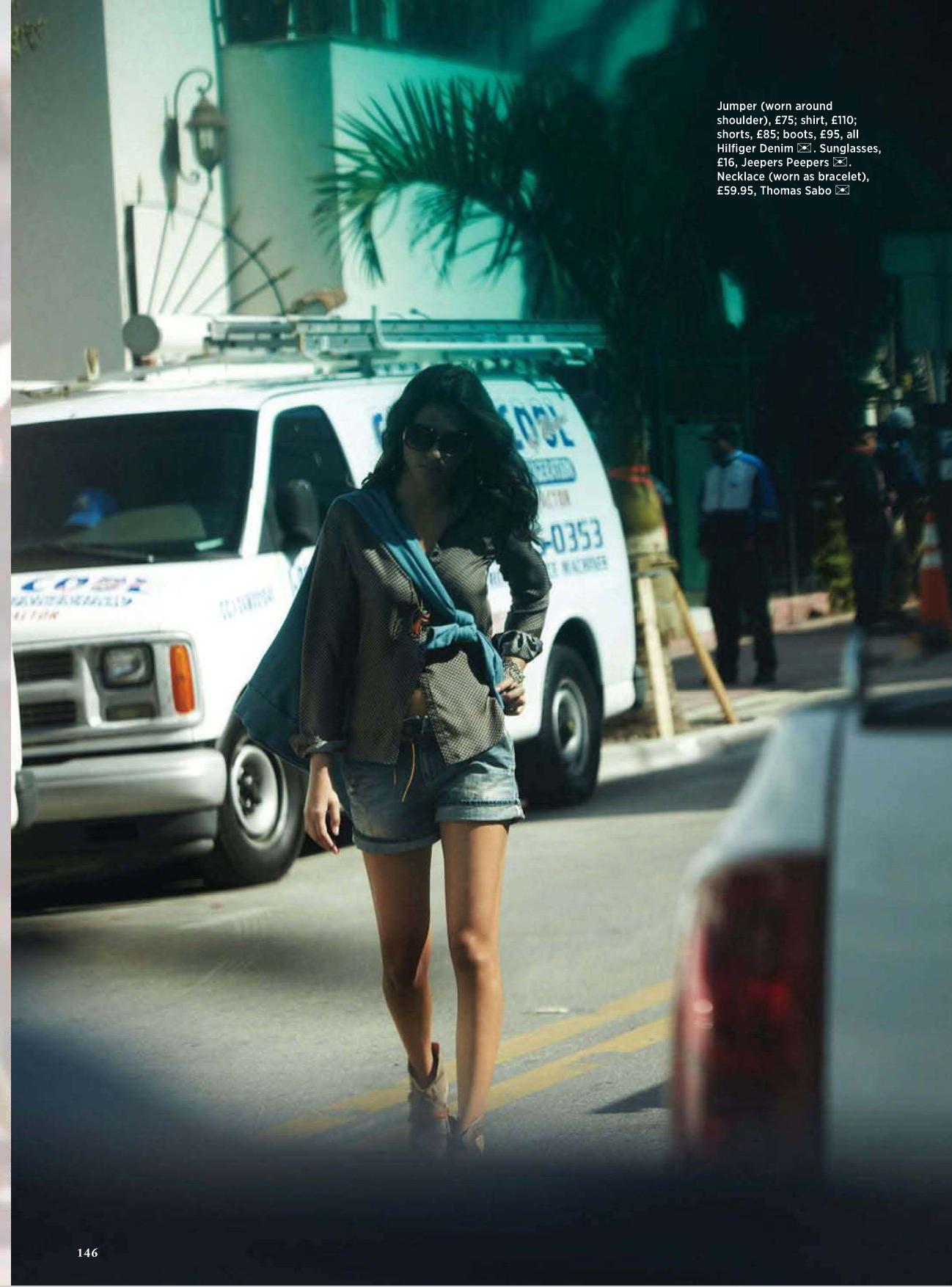
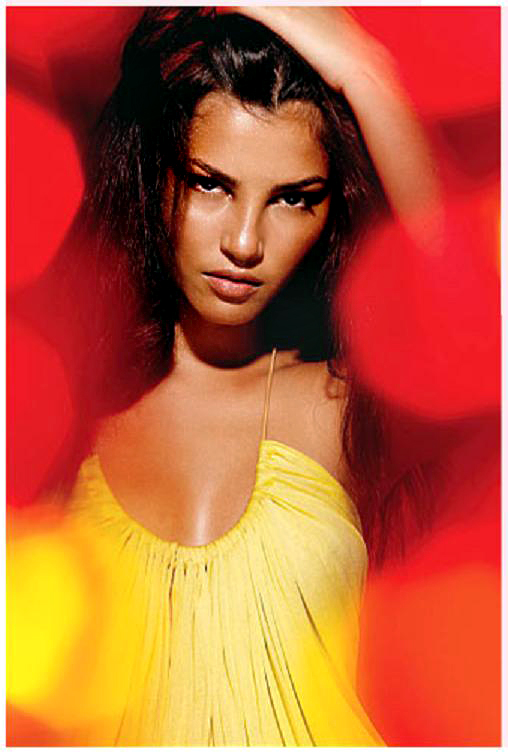
Tamiris Freitas - Cosmopolitan UK April 2011
-
PLEASE.. VOTE Tamiris to be in next year's swimsuit issue. You can vote multiple times! Enjoy!! http://sportsillustrated.cnn.com/2011_swim...tamiris-freitas
-
Pleaseeee.. VOTE Tamiris to be in next year's swimsuit issue. You can vote multiple times! Enjoy!! http://sportsillustrated.cnn.com/2011_swim...tamiris-freitas
-
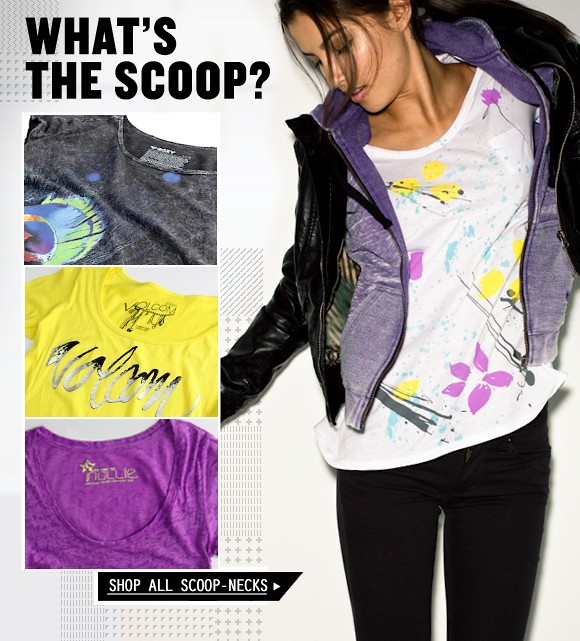
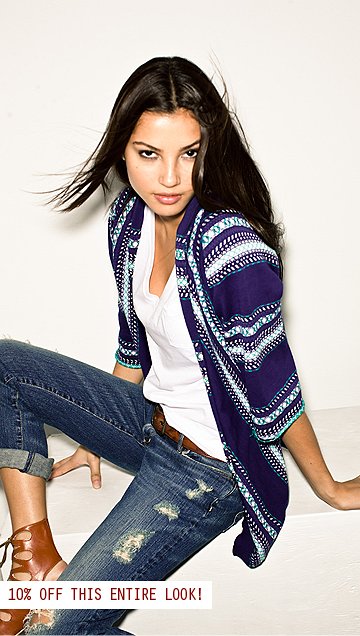
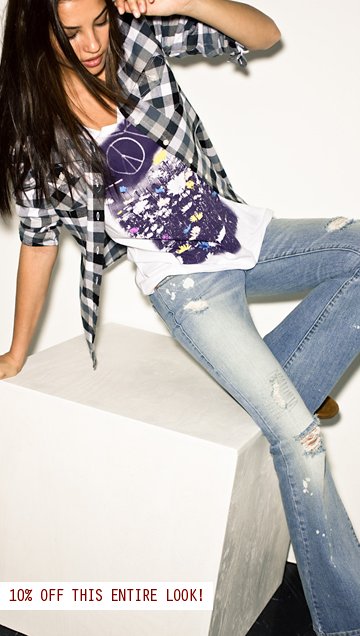
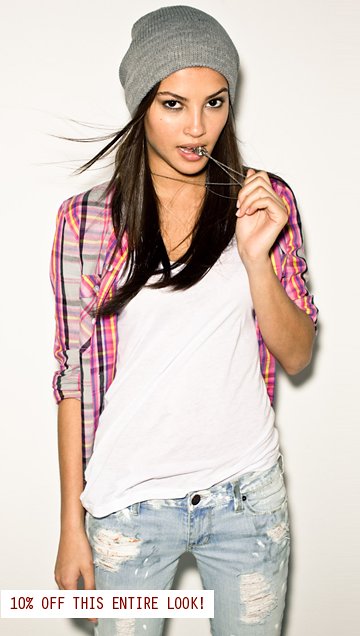
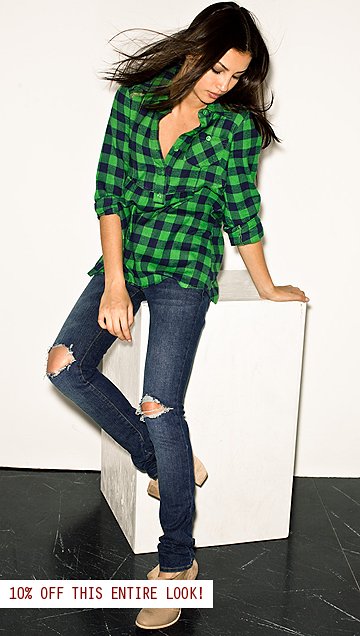
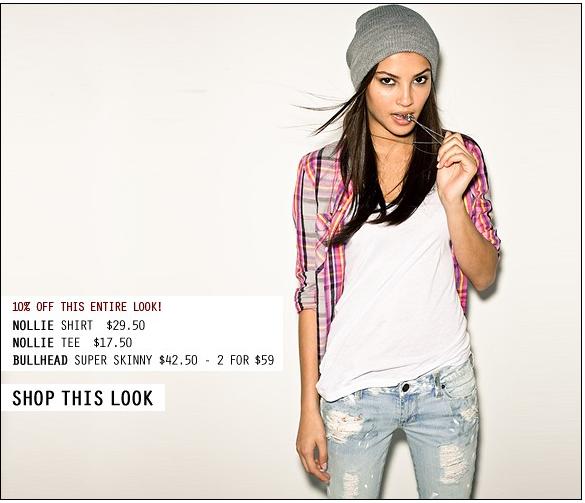
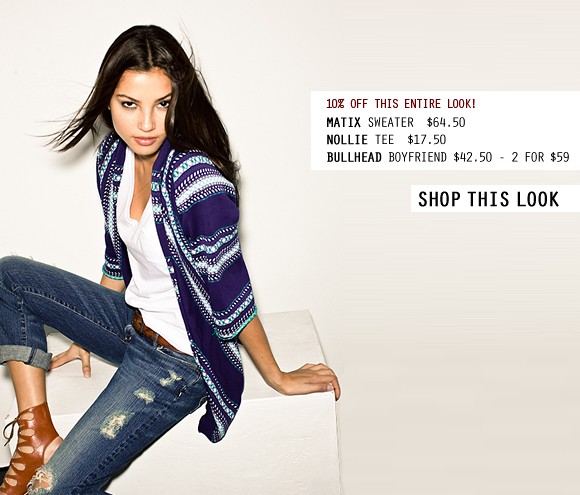
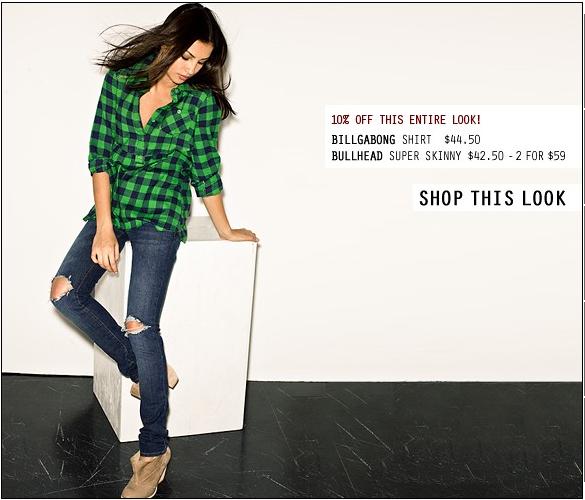
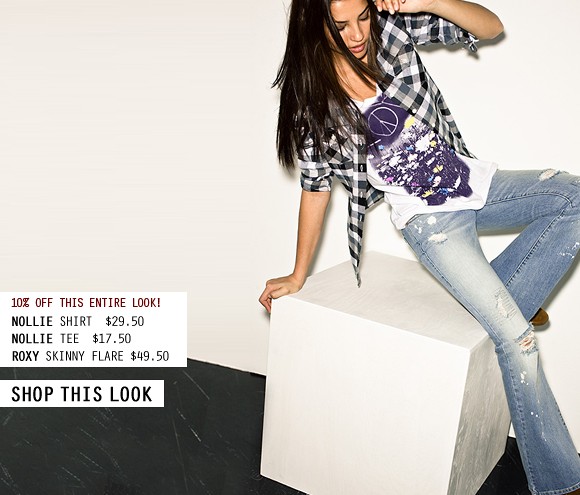
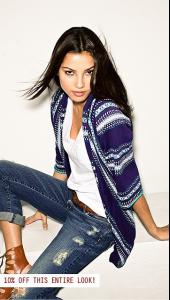
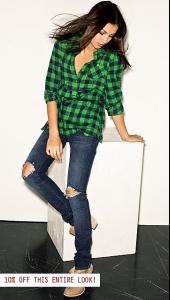
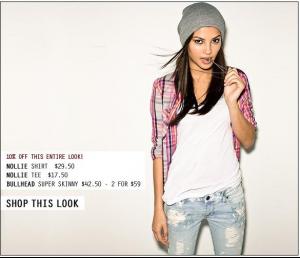
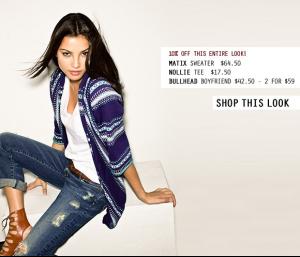
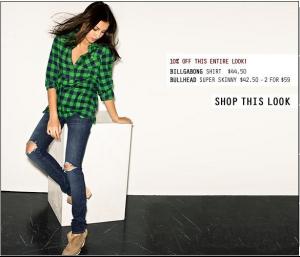
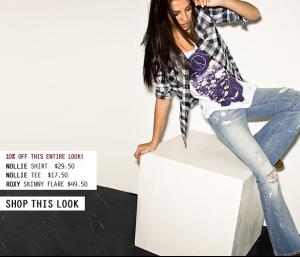
Tamiris Freitas - Pacsun



-
Tamiris Freitas - Pacsun

-
Tamiris. All the best for you ! Love you so much Happy B-day! :*
-
Tamiris by Randall Slavin - website and Journal Page
-
Tamiris Freitas - Littlewoods
-
Tamiris Freitas - Free People March 2009
-
Tamiris Freitas - Avon Color Scents Fire Me Up

-
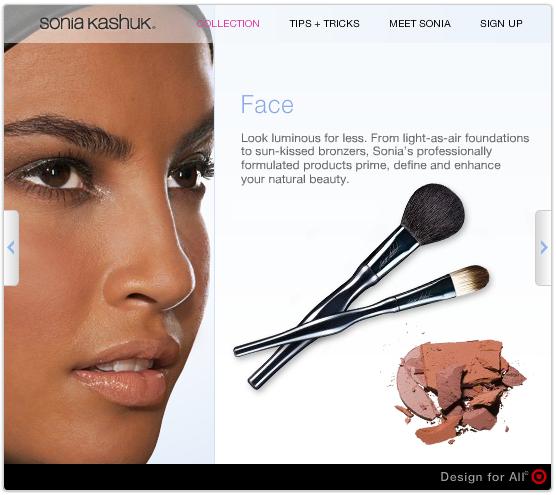
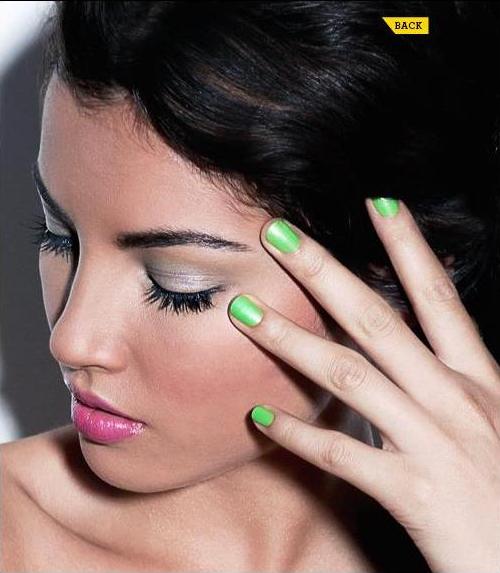
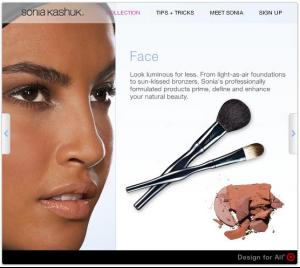
Tamiris Freitas - Target - Beauty by Sonia Kashuk
-
maybe in John Frieda Frizz-Ease commercial - 2007/08 and Now, Tamiris Freitas - Garnier Fructis 2009


-
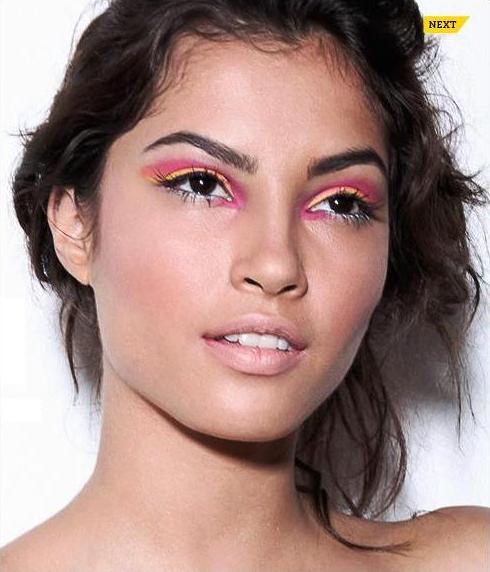
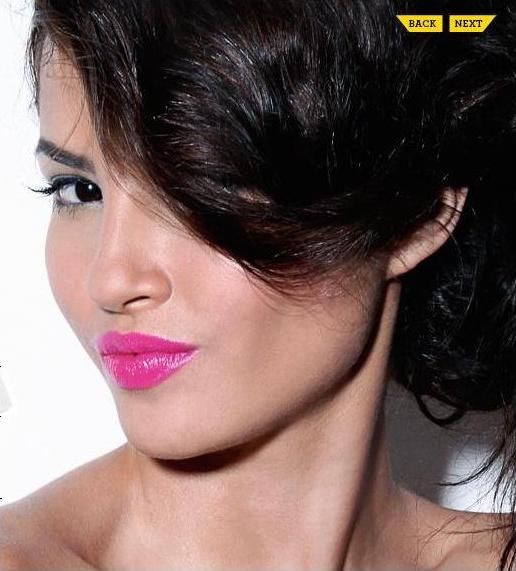
TAMIRIS FREITAS - ASOS BEAUTY COLOR CLASH