
Modelove
Members
-
Joined
Everything posted by Modelove
-
JESSE & PIXIE ALLEN @burnt_breakfast and @pixpop for @gooseberryintimates Nudity





-
@kobyeinstein


-
@kentavery

-
@jessicastark_ and @collinstark
 Leonisa Adds




 Vivian Arthur


 Pablo Costanzo Principito


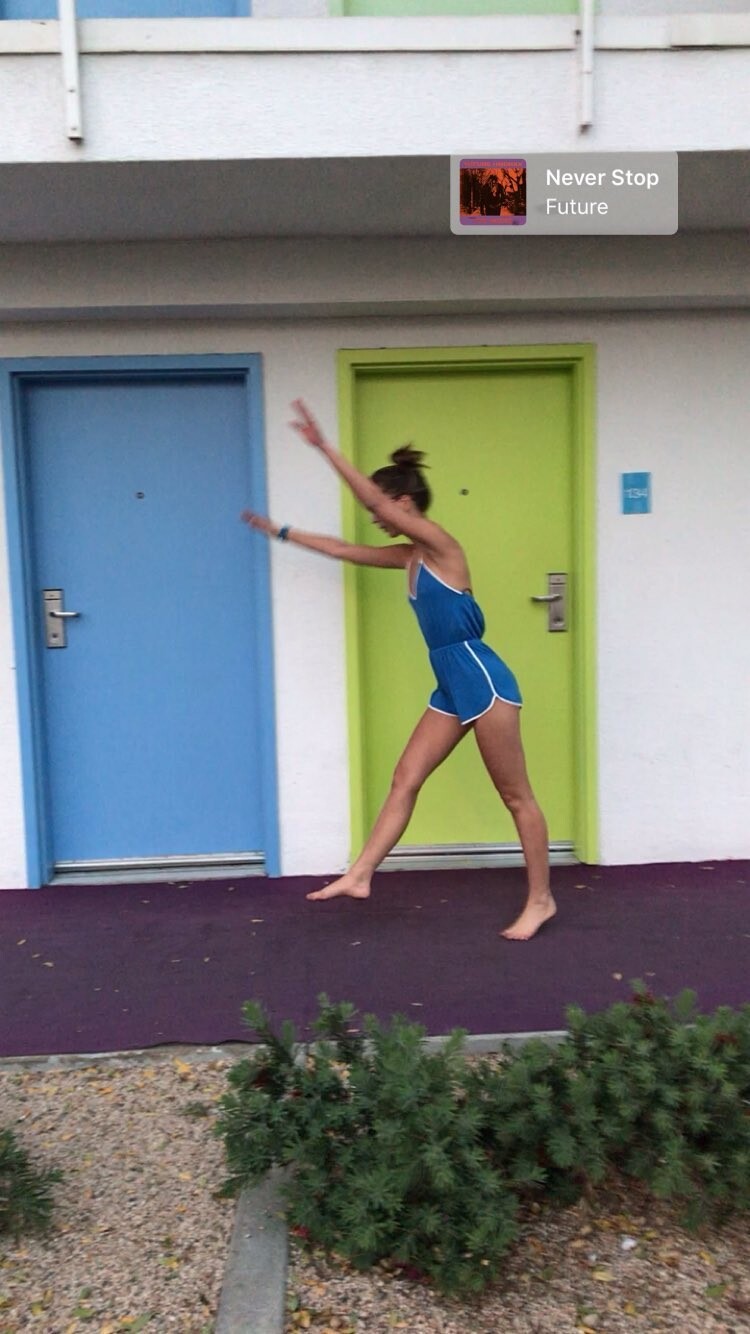
 @jessicastark_ and @collinstark IG Story (04.03.19)

 Paul Artemis




 IG Story (04.02.19) Photoshoot with @kentaveryphoto 56516787_268579107360253_3522634145464067897_n.mp4 56528912_664266474008003_8548275143539852548_n.mp4 56571907_135980720789235_3985522683459296644_n.mp4

 IG Story (02.31.19) 2019-03-31 23.32.18 2012231758455516067_236348653.mp4
2019-04-02 13.06.04 2013366107009454906_20509713.mp4 IG Story (04.02.19)
IG Story (02.31.19) 2019-03-31 23.32.18 2012231758455516067_236348653.mp4
2019-04-02 13.06.04 2013366107009454906_20509713.mp4 IG Story (04.02.19) IG Story (03.30.19) @eats.channel 2019-03-30 13.56.30 2011217199787850155_298657456.mp4 2019-03-30 14.18.55 2011228805628329329_298657456.mp4 2019-03-30 14.18.55 2011228805628329329_298657456.mp4



























































































































































































































































Account
Navigation
Search
Configure browser push notifications
Chrome (Android)
- Tap the lock icon next to the address bar.
- Tap Permissions → Notifications.
- Adjust your preference.
Chrome (Desktop)
- Click the padlock icon in the address bar.
- Select Site settings.
- Find Notifications and adjust your preference.
Safari (iOS 16.4+)
- Ensure the site is installed via Add to Home Screen.
- Open Settings App → Notifications.
- Find your app name and adjust your preference.
Safari (macOS)
- Go to Safari → Preferences.
- Click the Websites tab.
- Select Notifications in the sidebar.
- Find this website and adjust your preference.
Edge (Android)
- Tap the lock icon next to the address bar.
- Tap Permissions.
- Find Notifications and adjust your preference.
Edge (Desktop)
- Click the padlock icon in the address bar.
- Click Permissions for this site.
- Find Notifications and adjust your preference.
Firefox (Android)
- Go to Settings → Site permissions.
- Tap Notifications.
- Find this site in the list and adjust your preference.
Firefox (Desktop)
- Open Firefox Settings.
- Search for Notifications.
- Find this site in the list and adjust your preference.