

Candyliz
Members
-
Joined
-
Last visited
Everything posted by Candyliz
-
 Stories behatiprinsloo_02082018162042.mp4
 -
From Shannan Click stories leiclick_01082018172719.mp4
-
behatiprinsloo_30072018115422.mp4
-
behatiprinsloo_27072018194729.mp4
serkancuracouture_26072018183930.mp4
From 2014 with Serkan
 By Alessandra Ambrosio from Backstage Secrets book
 She looks perfect! behatiprinsloo_23072018114214.mp4
 behatiprinsloo_22072018224610.mp4
 More BTS L'Officiel Paris in Jamaica sergiocorvacho_behindthescenes_22072018095839.mp4 sergiocorvacho_behindthescenes_22072018095908.mp4 sergiocorvacho_behindthescenes_22072018095918.mp4 sergiocorvacho_behindthescenes_22072018095918.mp4 sergiocorvacho_behindthescenes_22072018095924.mp4
 Stories
 Happy 4th anniversary to the Levines!
God hears you!
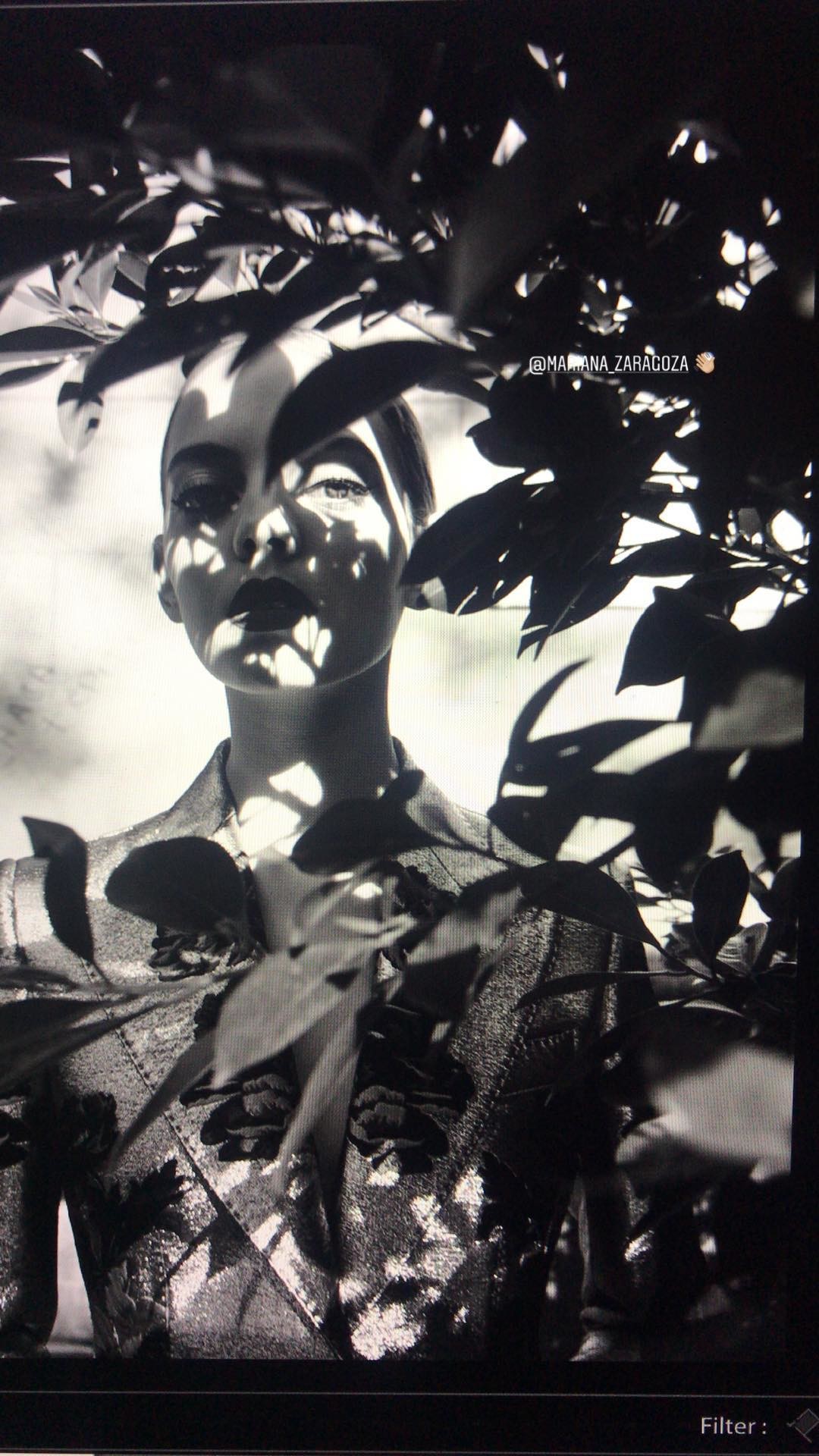
By Karla Lisker photographer
Happy 4th anniversary to the Levines!
God hears you!
By Karla Lisker photographer With her parents in Cuba

.jpg.684deef0c857d18f3bf7fc04beaa5799.jpg)











Account
Navigation
Search
Configure browser push notifications
Chrome (Android)
- Tap the lock icon next to the address bar.
- Tap Permissions → Notifications.
- Adjust your preference.
Chrome (Desktop)
- Click the padlock icon in the address bar.
- Select Site settings.
- Find Notifications and adjust your preference.
Safari (iOS 16.4+)
- Ensure the site is installed via Add to Home Screen.
- Open Settings App → Notifications.
- Find your app name and adjust your preference.
Safari (macOS)
- Go to Safari → Preferences.
- Click the Websites tab.
- Select Notifications in the sidebar.
- Find this website and adjust your preference.
Edge (Android)
- Tap the lock icon next to the address bar.
- Tap Permissions.
- Find Notifications and adjust your preference.
Edge (Desktop)
- Click the padlock icon in the address bar.
- Click Permissions for this site.
- Find Notifications and adjust your preference.
Firefox (Android)
- Go to Settings → Site permissions.
- Tap Notifications.
- Find this site in the list and adjust your preference.
Firefox (Desktop)
- Open Firefox Settings.
- Search for Notifications.
- Find this site in the list and adjust your preference.