

Candyliz
Members
-
Joined
-
Last visited
Everything posted by Candyliz
-
 Weird caption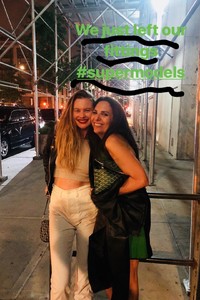
-
Posted by her agency
 Everything ready for today
 Yesterday with Dusty in NYC behatiprinsloo_07102018110732.mp4
 Bts Girls like you
.thumb.jpg.cc0e20d37b4d1491bac78278d015e6d1.jpg) Last night celebrating James Valentine's birthday in NYC _matthew_frost__06102018131257.mp4
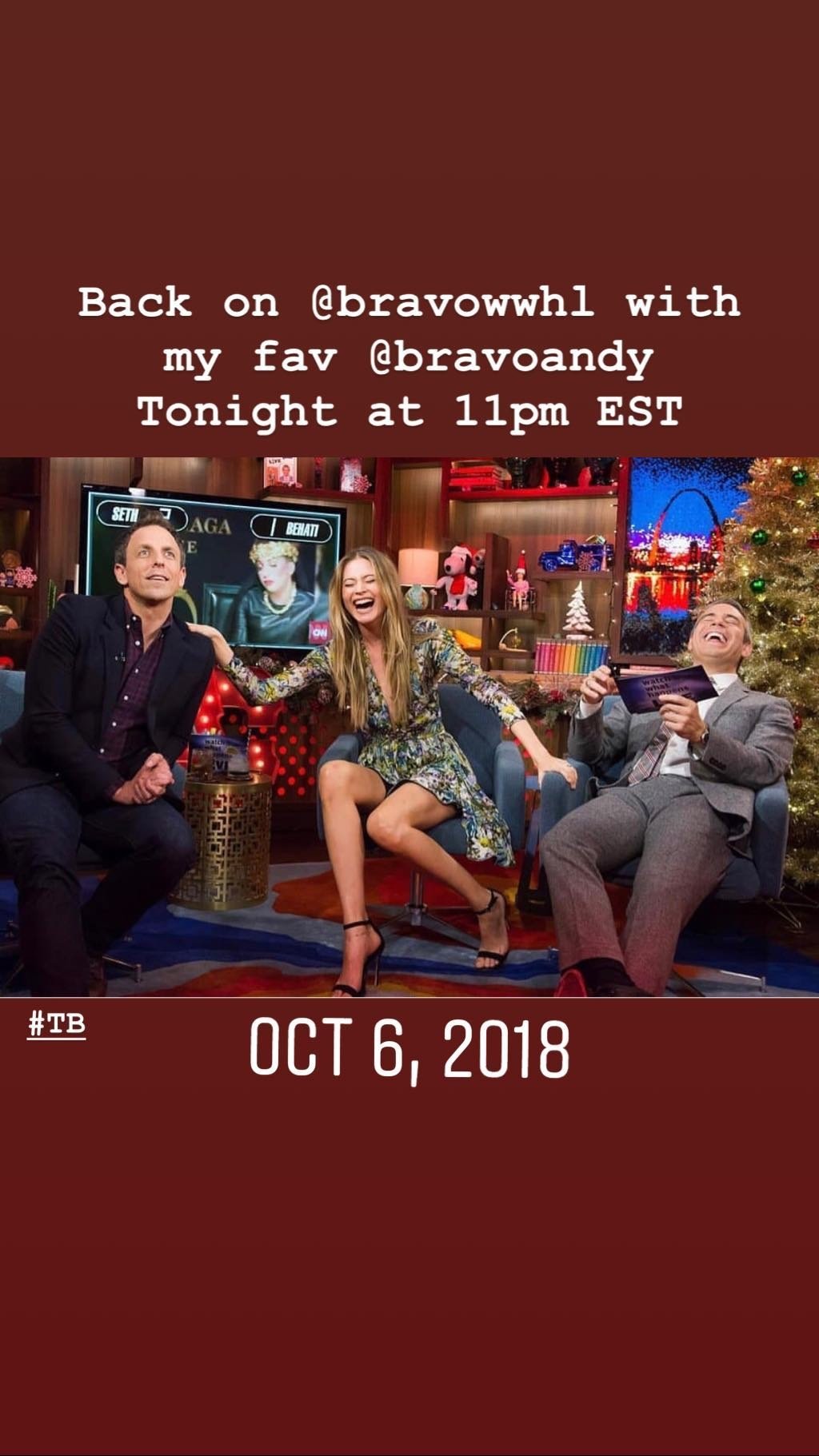
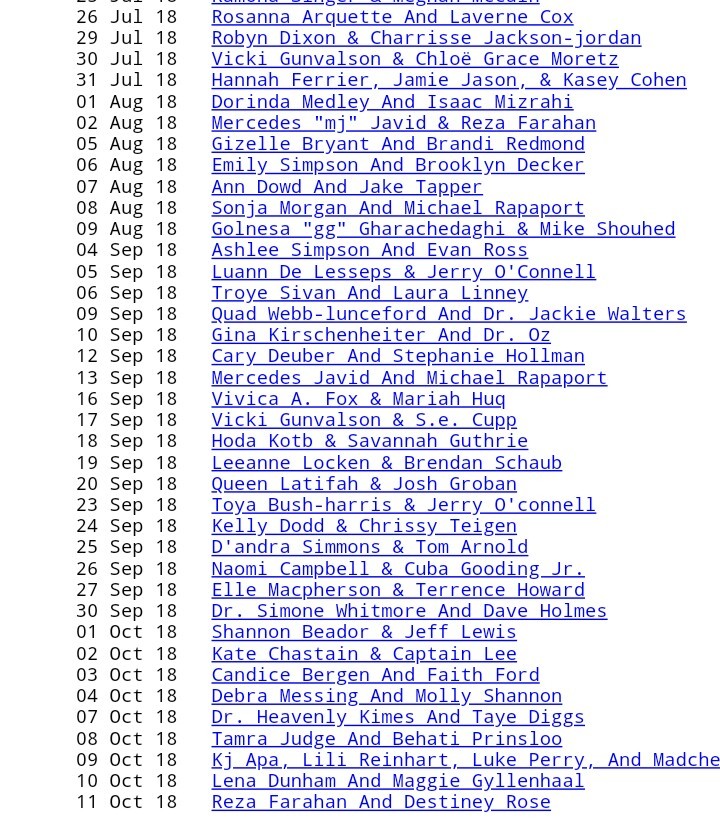
This Monday Bee is going to be at Watch what happens live! with Andy Cohen😍
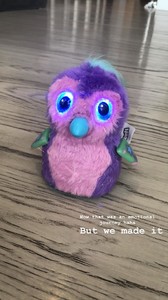
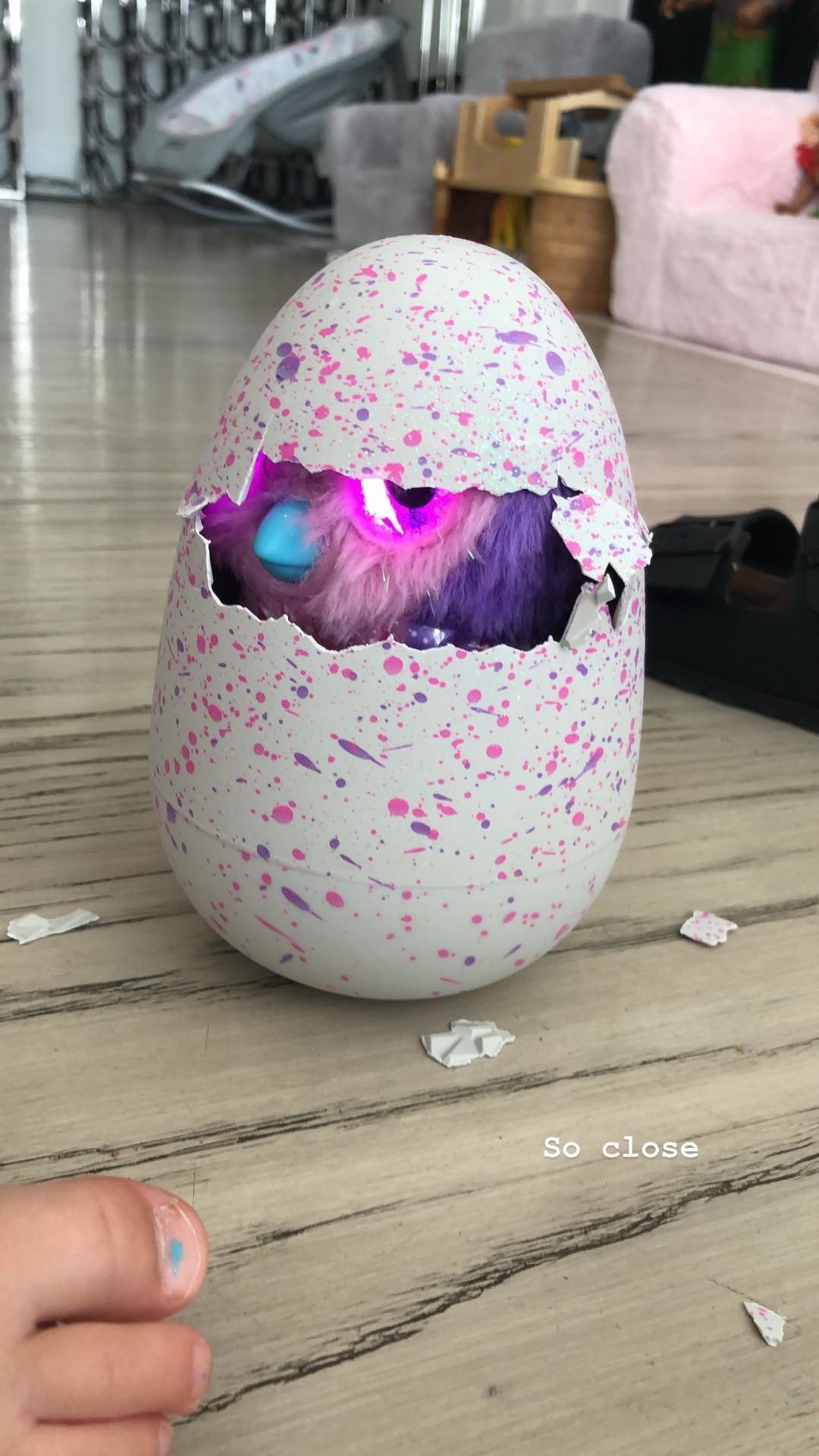
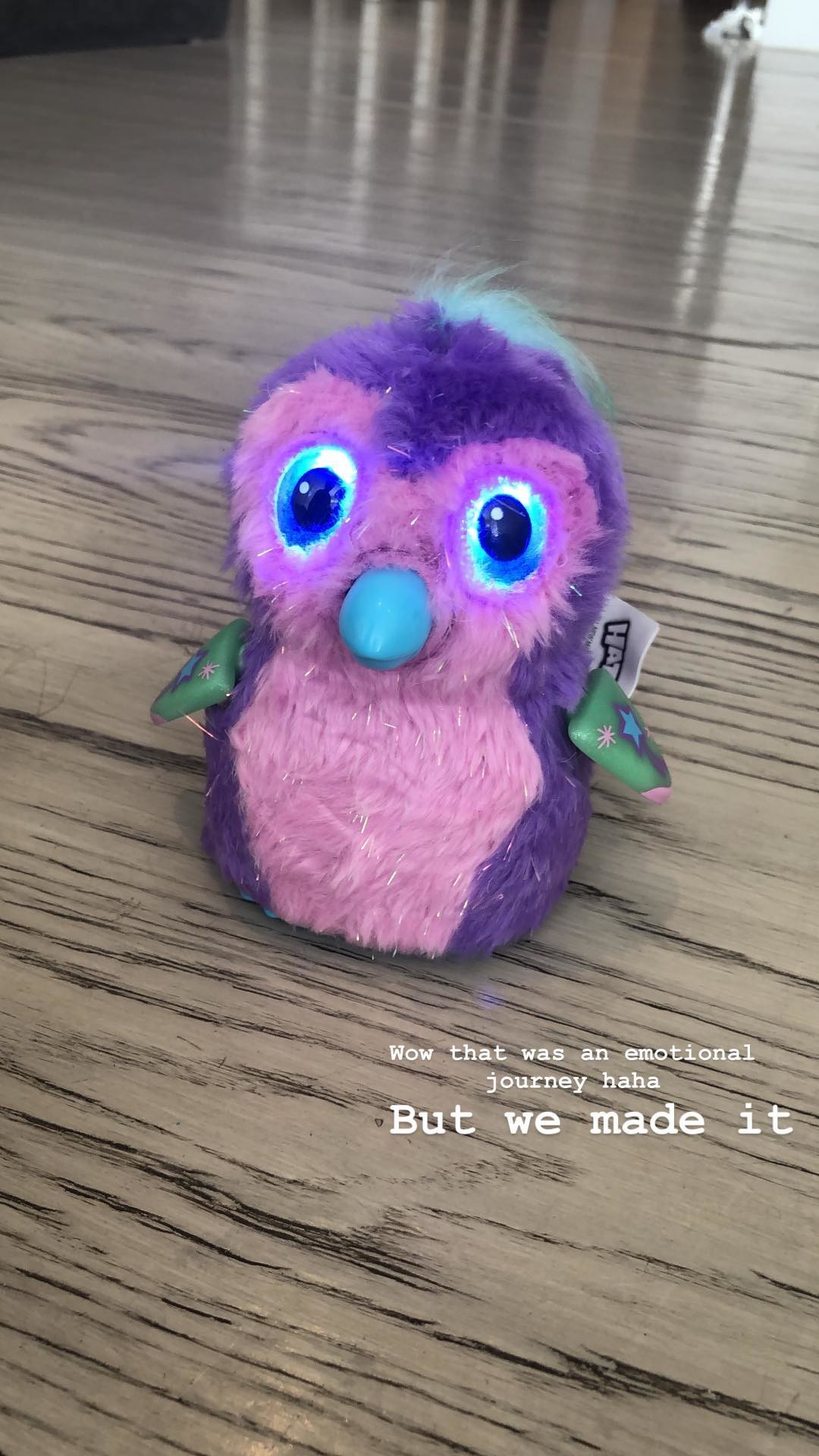
Stories Dusty's hatchimal toy behatiprinsloo_04102018120753.mp4 behatiprinsloo_04102018121417.mp4
Last night celebrating James Valentine's birthday in NYC _matthew_frost__06102018131257.mp4
This Monday Bee is going to be at Watch what happens live! with Andy Cohen😍
Stories Dusty's hatchimal toy behatiprinsloo_04102018120753.mp4 behatiprinsloo_04102018121417.mp4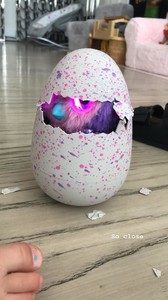
 Mmm which way?
voguemexico_02102018174007.mp4
Mmm which way?
voguemexico_02102018174007.mp4
 patmcgrathreal_02102018155312.mp4 patmcgrathreal_02102018155339.mp4
mitchellxcooper_01102018162930.mp4 mitchellxcooper_01102018163055.mp4
patmcgrathreal_02102018155312.mp4 patmcgrathreal_02102018155339.mp4
mitchellxcooper_01102018162930.mp4 mitchellxcooper_01102018163055.mp4 Or she was drunk on that one 😂
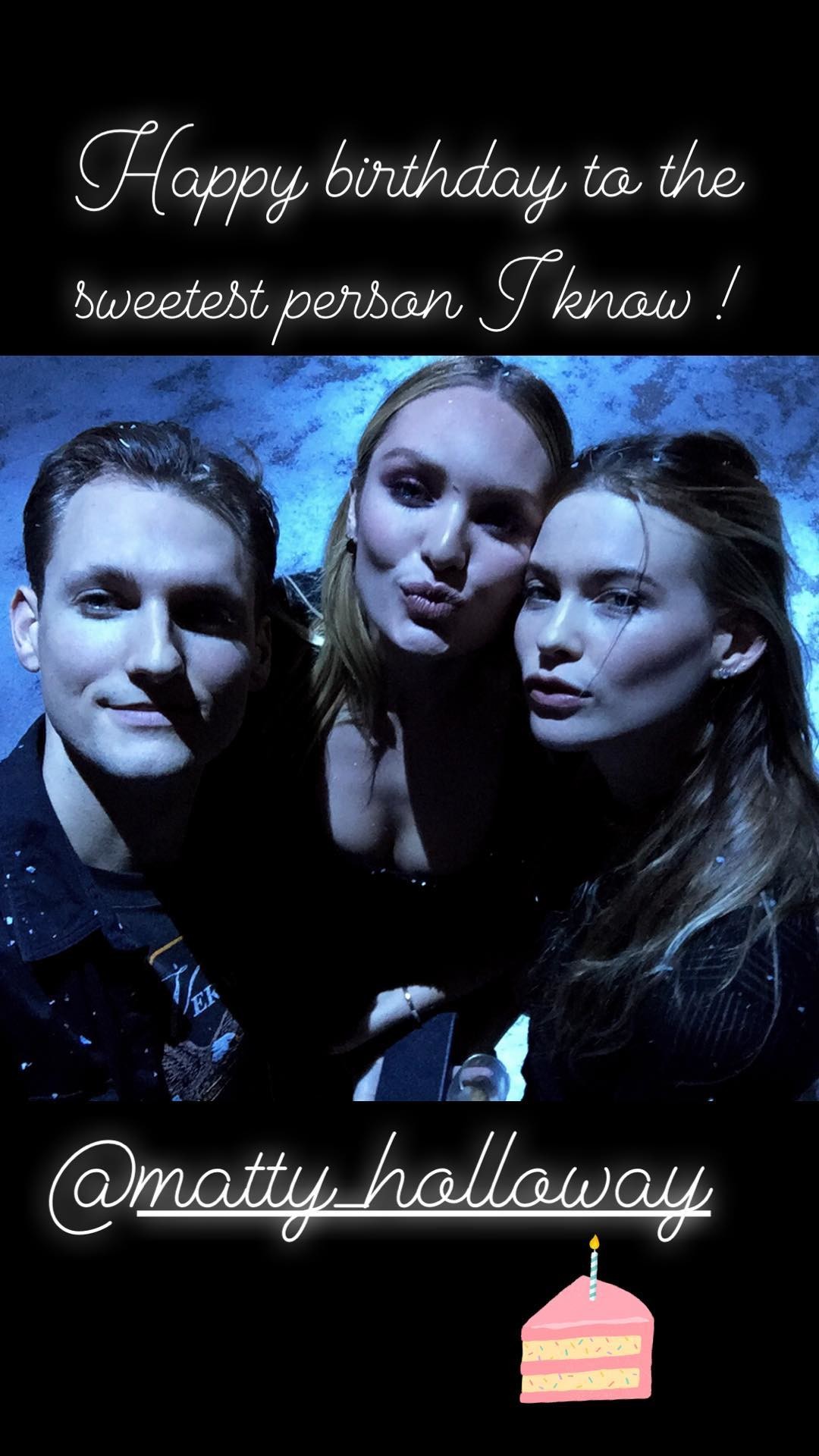
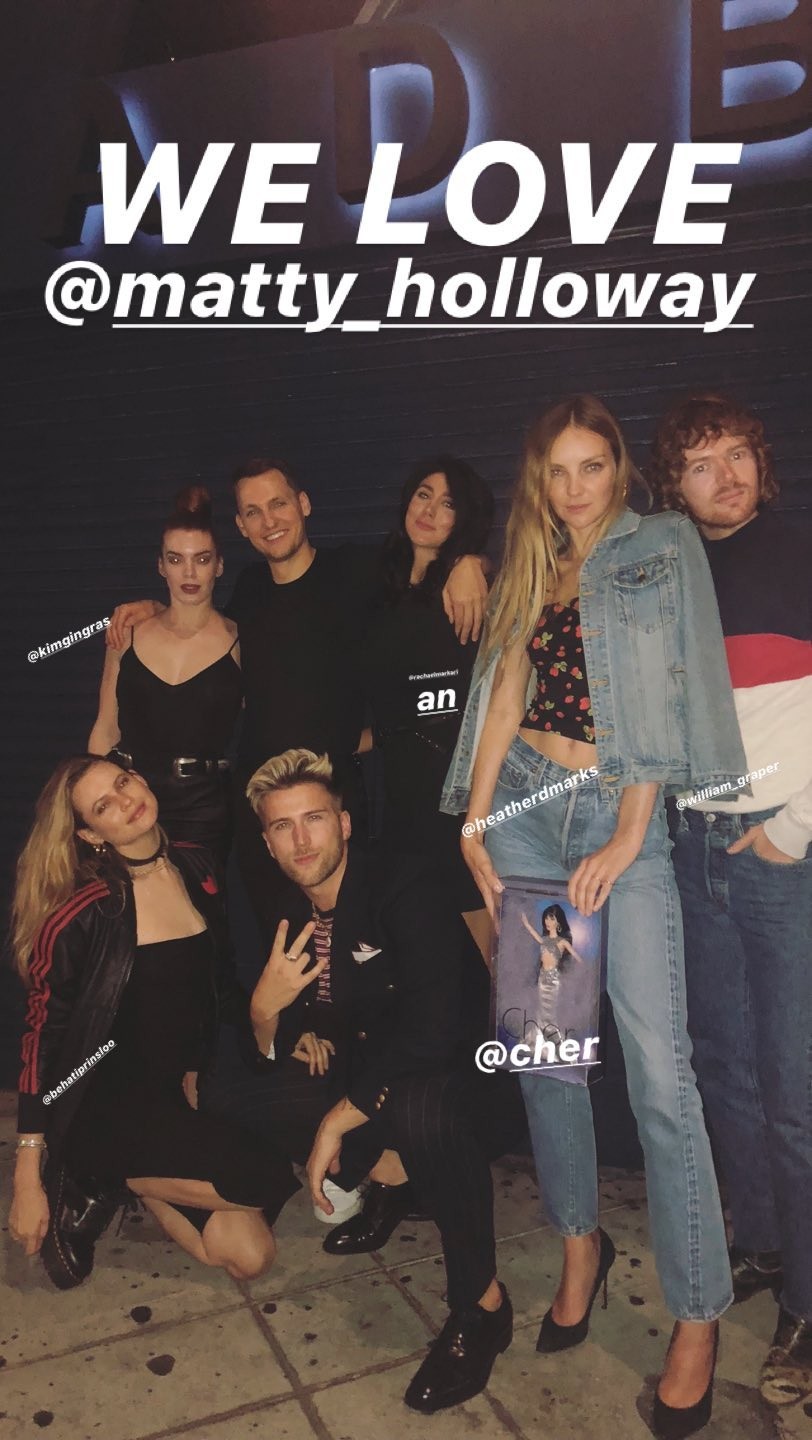
Another one from Matty's party
Or she was drunk on that one 😂
Another one from Matty's party Via Candice Swanepoel Bee, Candice and Matty in 2015 at MFW
 Stories behatiprinsloo_30092018191329.mp4
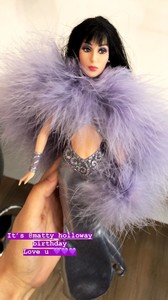 More here❤️ http://behatiprinsloo.com.br/galeria/thumbnails.php?album=635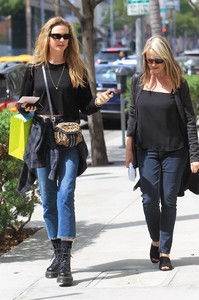
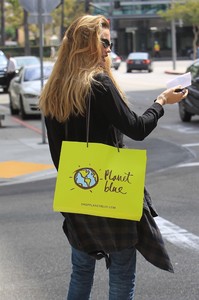
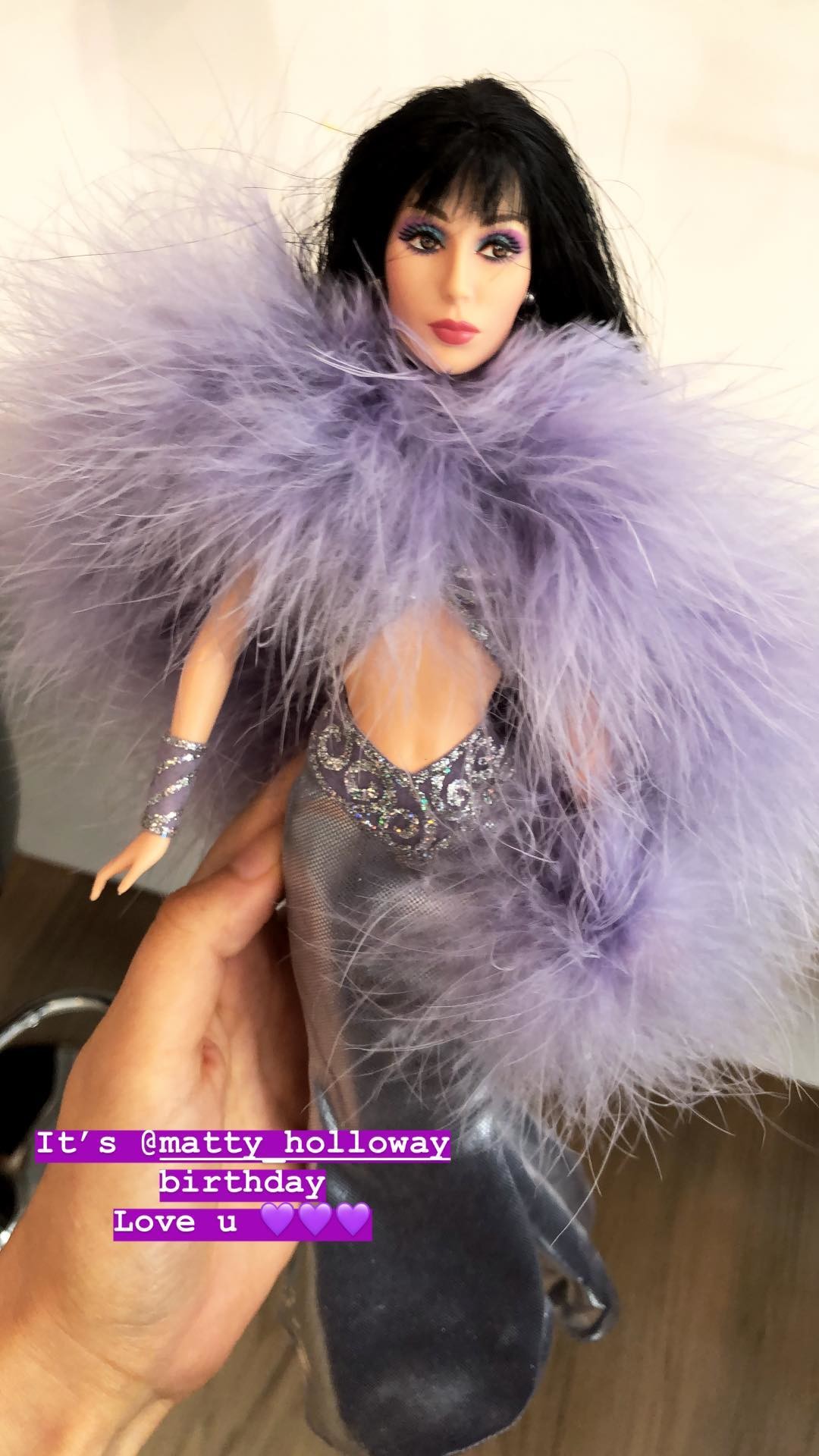
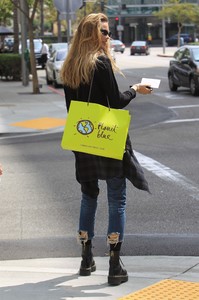 Last night at Matty's birthday party matty_holloway_30092018081327.mp4
Stories behatiprinsloo_28092018155418.mp4
Last night at Matty's birthday party matty_holloway_30092018081327.mp4
Stories behatiprinsloo_28092018155418.mp4





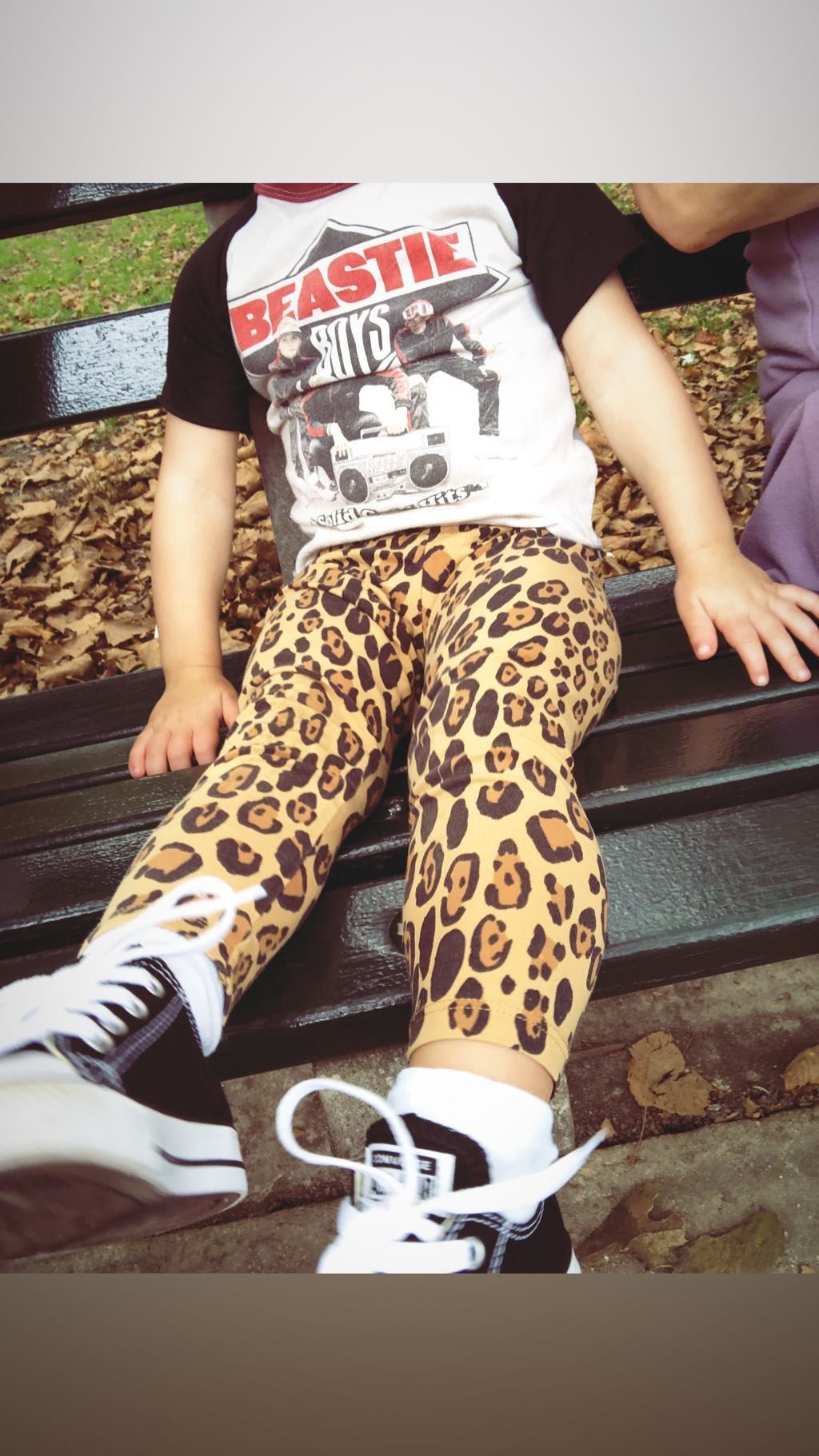
.jpg.2ff3a3085e7532d60ea8f519150a7679.jpg)
.jpg.3094b905c85d657fcb03744d04c43ab3.jpg)





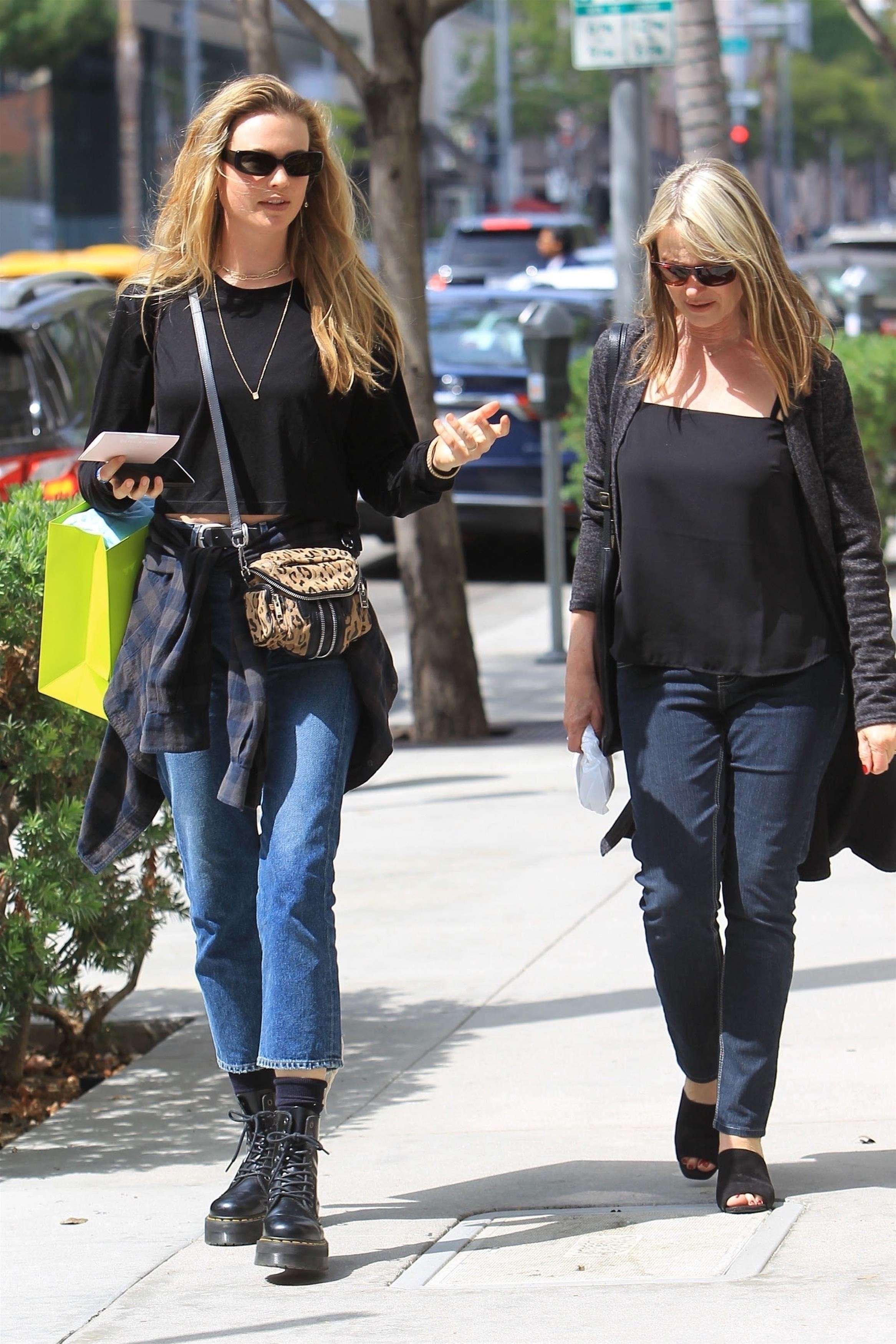
.jpg.733e0bc268b629fddcf813c72c7a4061.jpg)
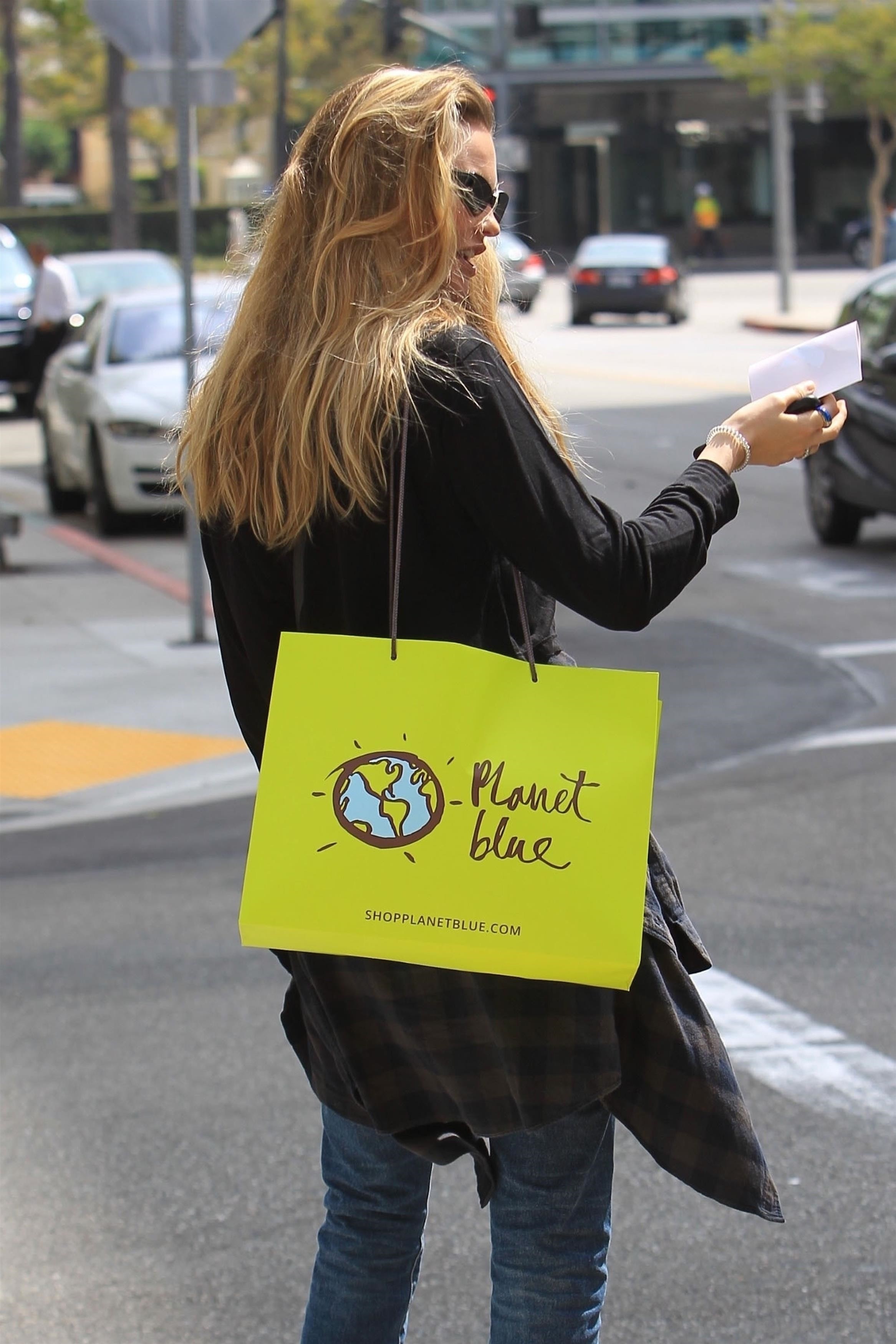
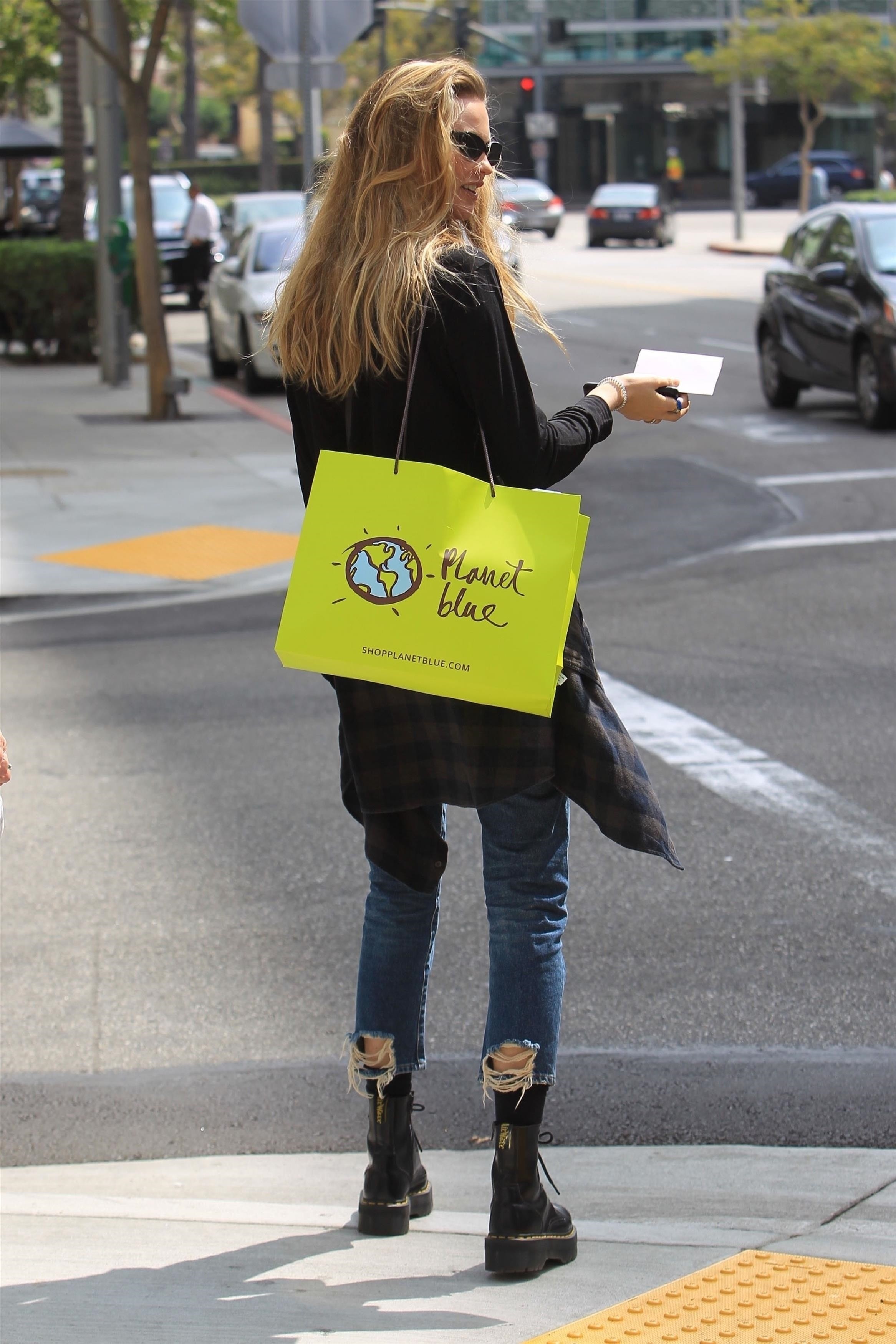
Account
Navigation
Search
Configure browser push notifications
Chrome (Android)
- Tap the lock icon next to the address bar.
- Tap Permissions → Notifications.
- Adjust your preference.
Chrome (Desktop)
- Click the padlock icon in the address bar.
- Select Site settings.
- Find Notifications and adjust your preference.
Safari (iOS 16.4+)
- Ensure the site is installed via Add to Home Screen.
- Open Settings App → Notifications.
- Find your app name and adjust your preference.
Safari (macOS)
- Go to Safari → Preferences.
- Click the Websites tab.
- Select Notifications in the sidebar.
- Find this website and adjust your preference.
Edge (Android)
- Tap the lock icon next to the address bar.
- Tap Permissions.
- Find Notifications and adjust your preference.
Edge (Desktop)
- Click the padlock icon in the address bar.
- Click Permissions for this site.
- Find Notifications and adjust your preference.
Firefox (Android)
- Go to Settings → Site permissions.
- Tap Notifications.
- Find this site in the list and adjust your preference.
Firefox (Desktop)
- Open Firefox Settings.
- Search for Notifications.
- Find this site in the list and adjust your preference.