

Candyliz
Members
-
Joined
-
Last visited
Everything posted by Candyliz
-
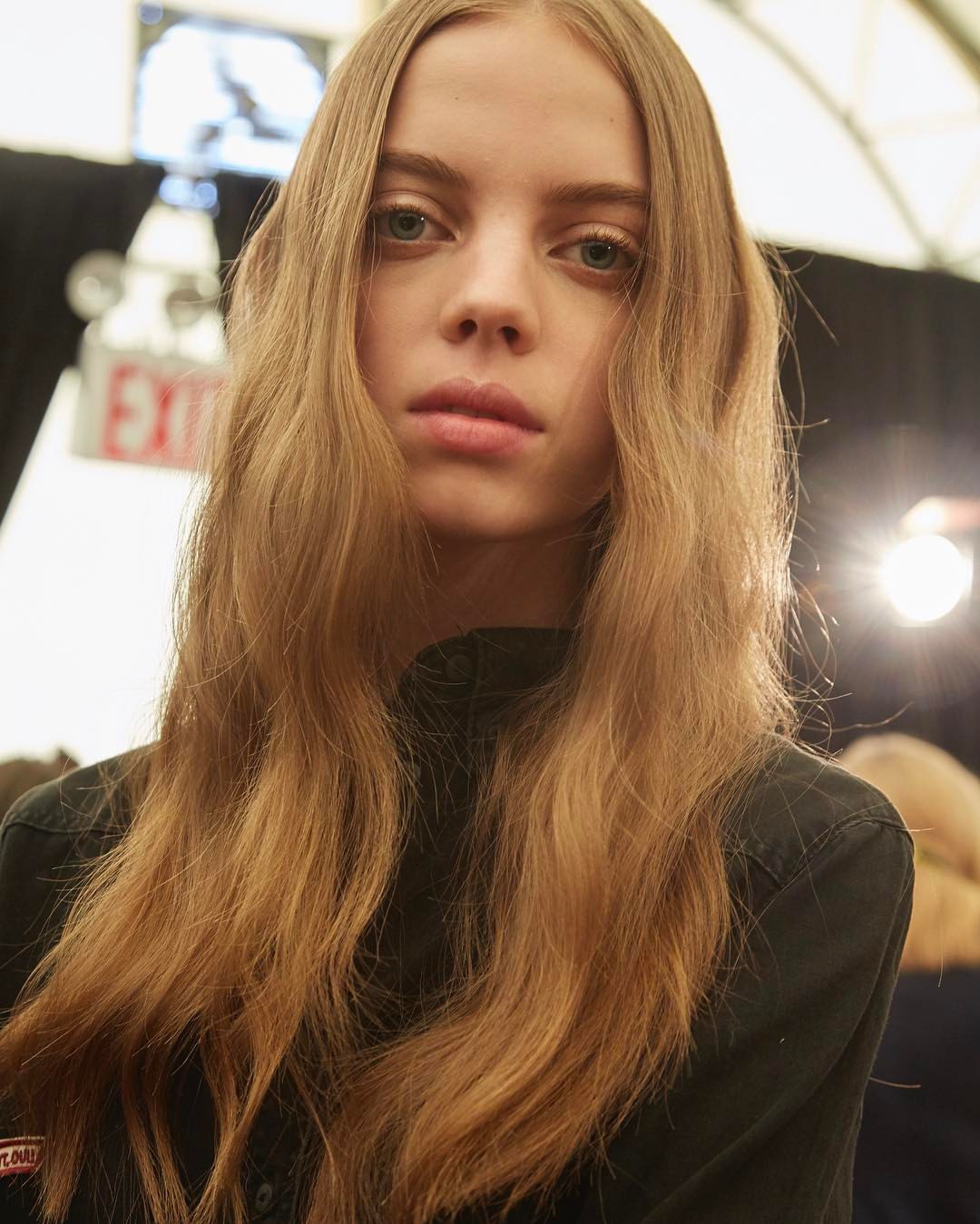
 More Anna Sui backstage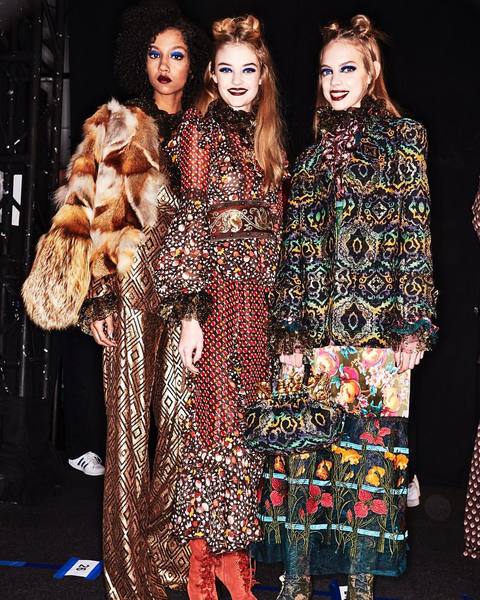
-
Mariana after Anna Sui show
-
More Mariana after DelPozo show


-
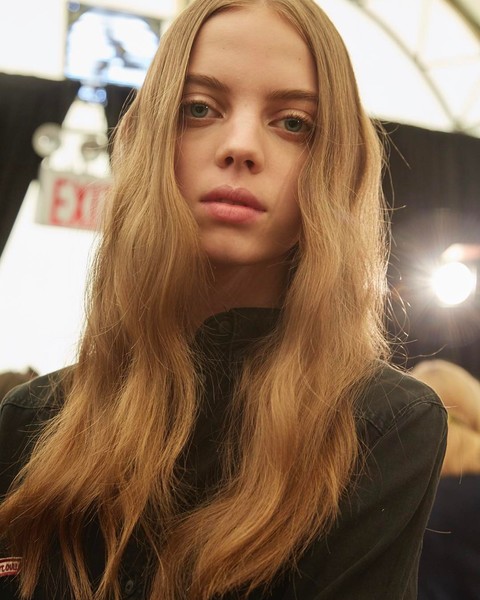
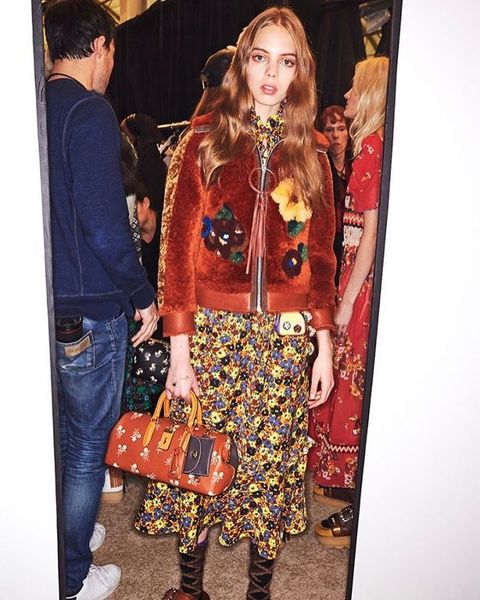
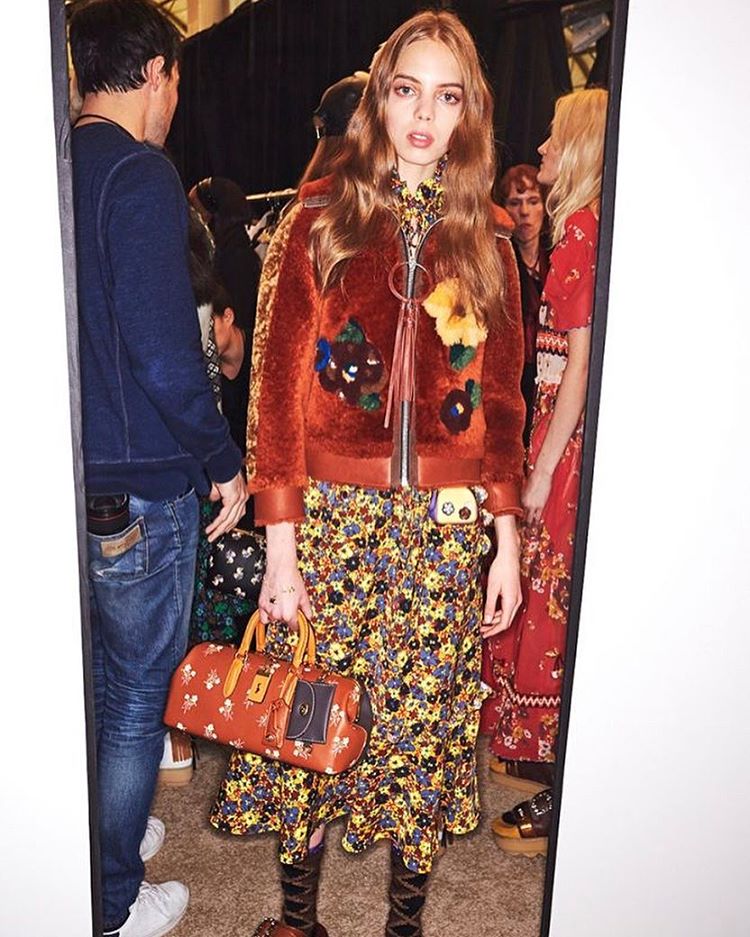
More Backstage Coach 1941
-
A gift to Dusty
-
Yes, and don't forget that Rosie sent part of their new collection to Bee.
-
Mariana after Anna Sui show
 More Mariana in NY
 Mariana during an interview for a TV show
 Backstage at Ralph Lauren I think Source: Vogue
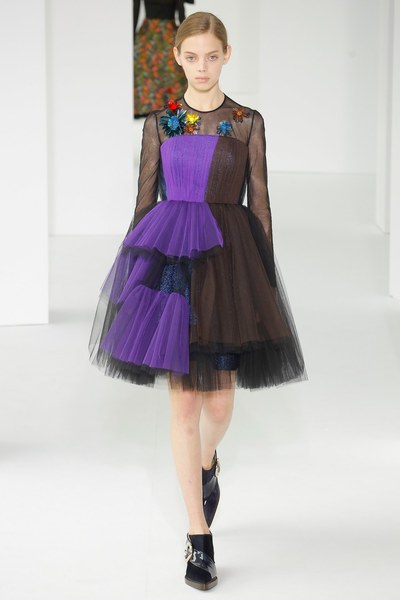
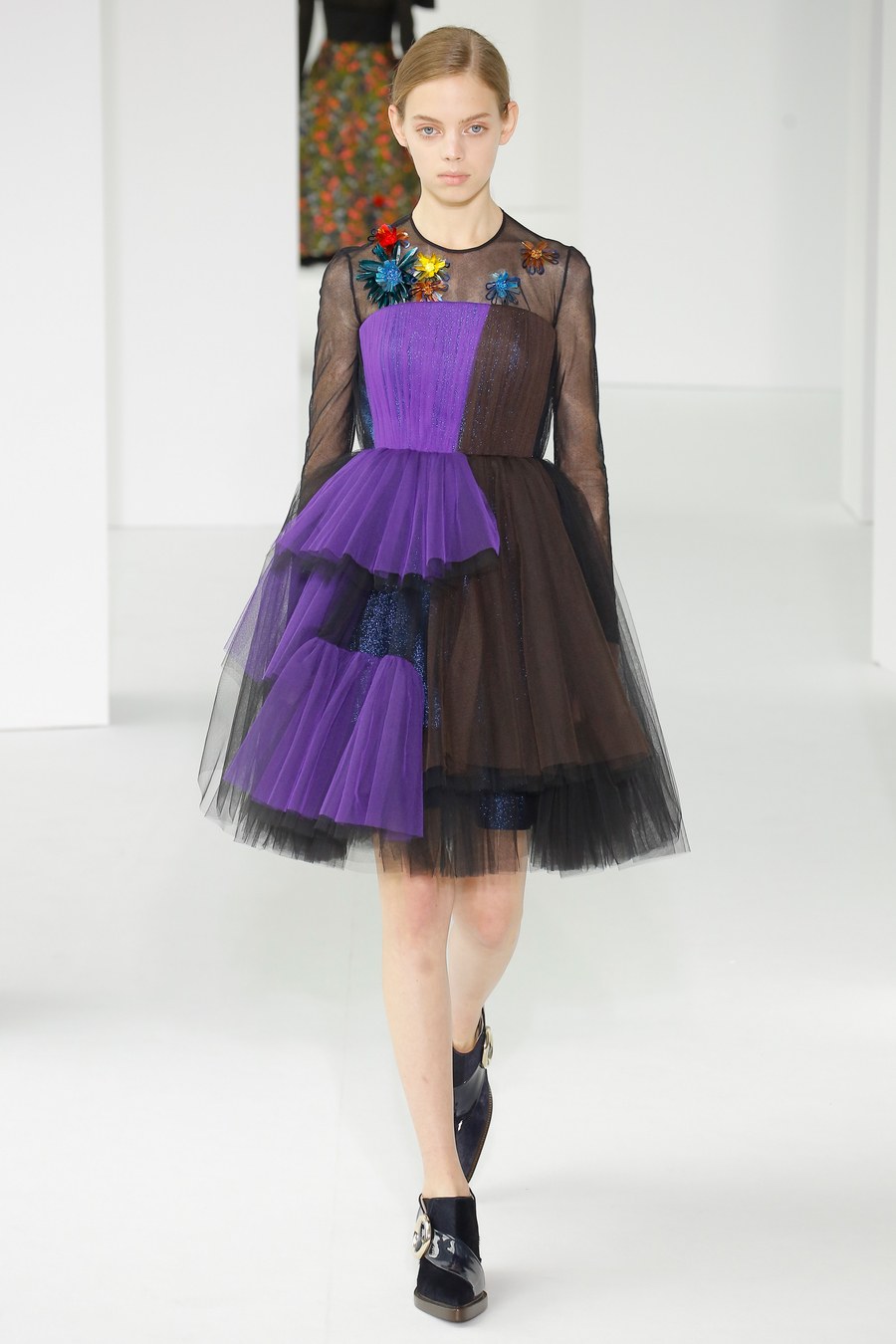
 Backstage DelPozo
 Mariana after DelPozo show
 Beautiful mamas
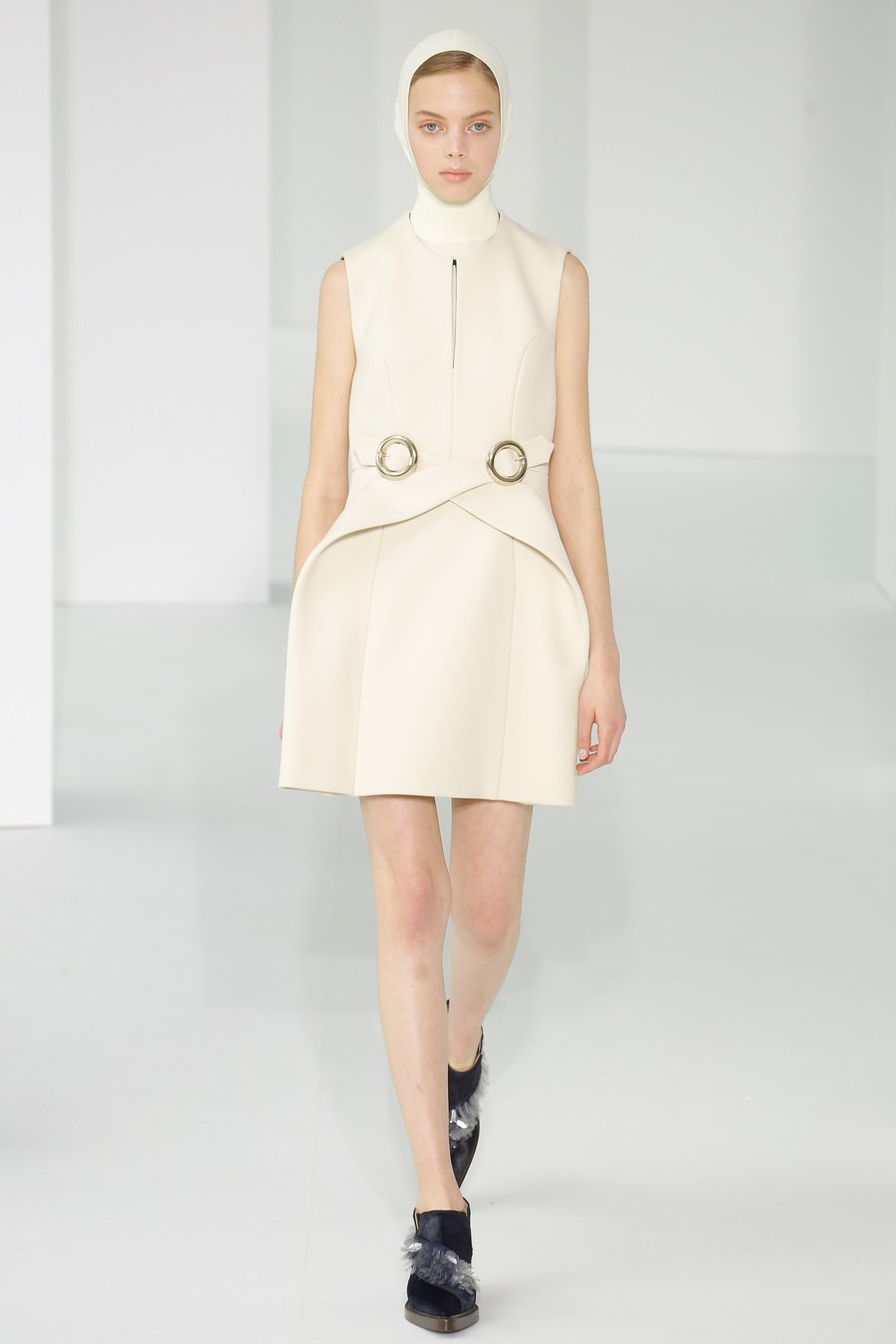
More DelPozo
Beautiful mamas
More DelPozo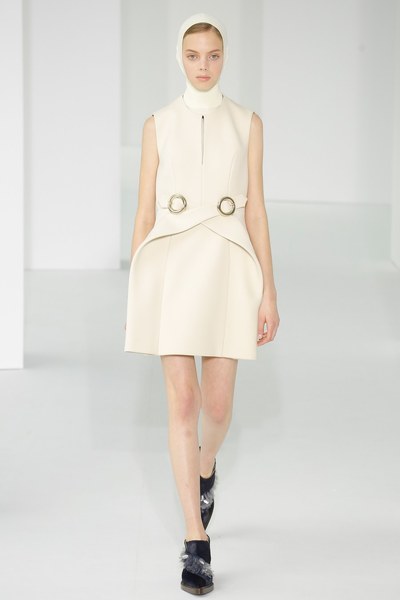
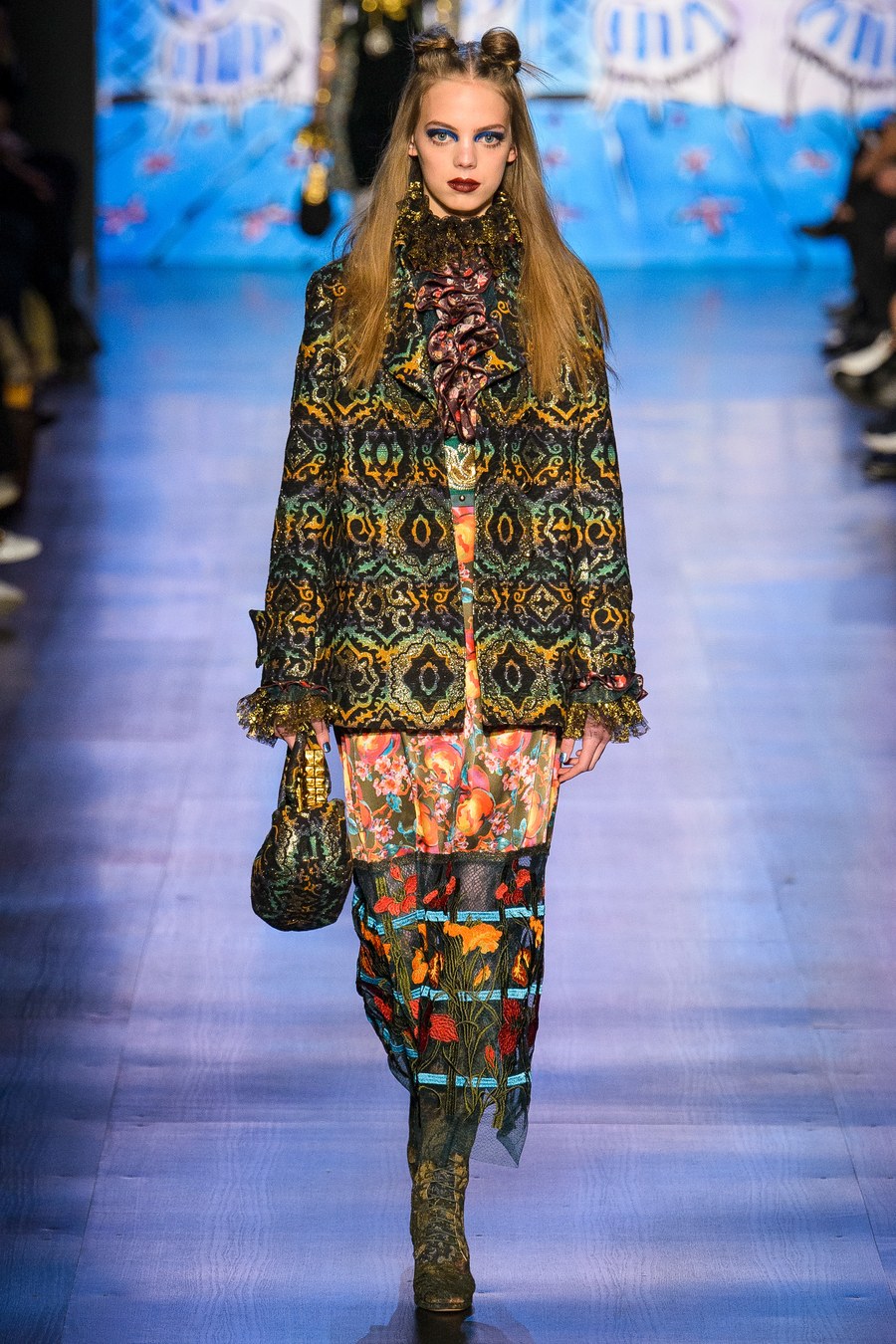
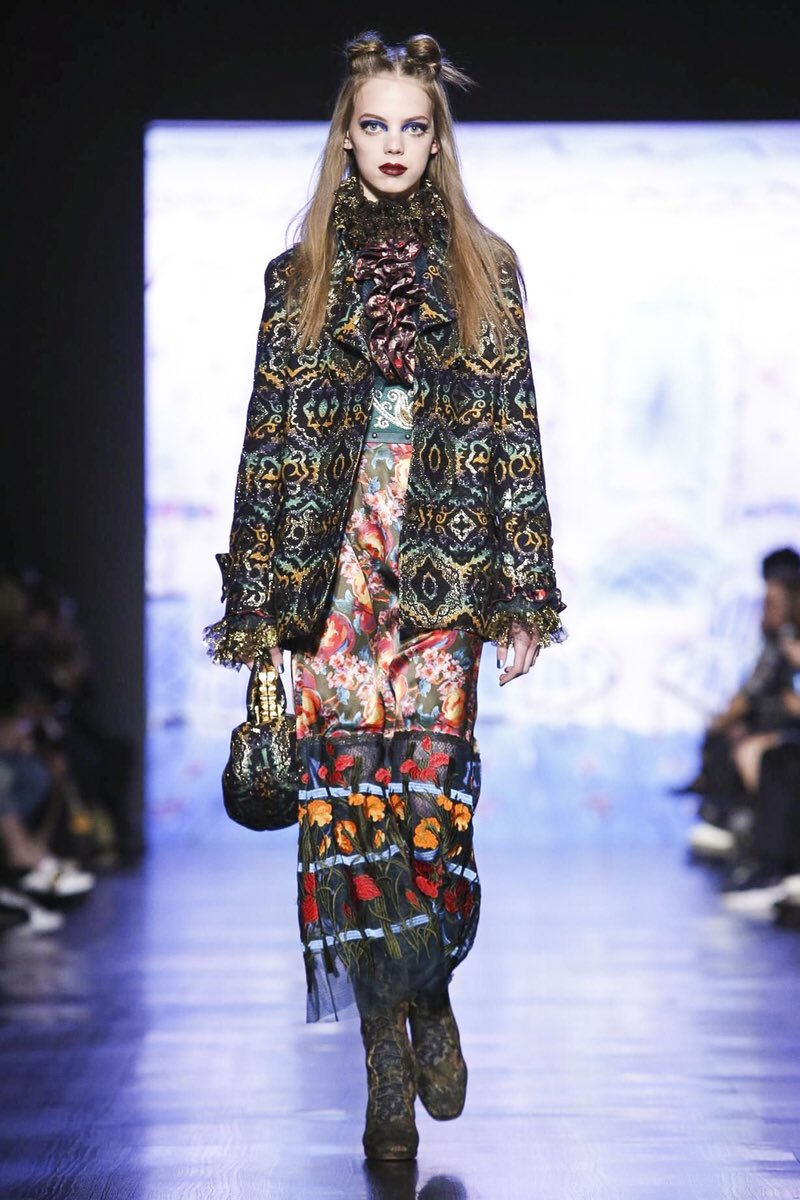
 Anna Sui RTW FW17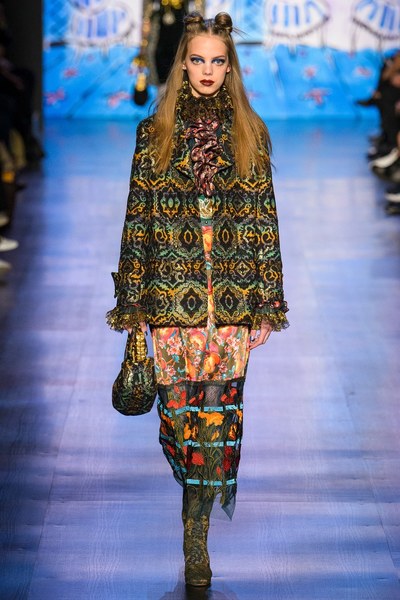
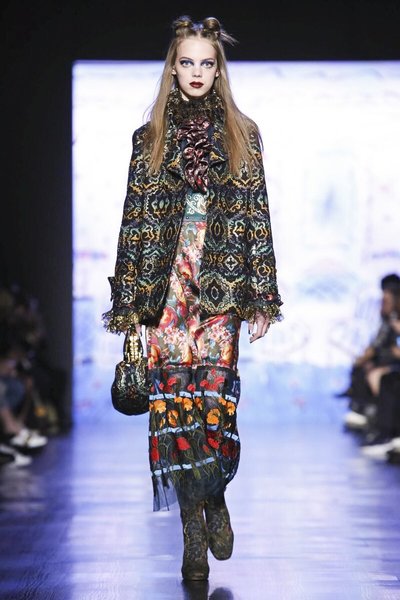 Mariana after DelPozo show
 Via Stories Mariana's mom
 Michael Levine via Stories
 Backstage Coach 1941 Source: Vogue Runway
 Backstage DelPozo Source: Vogue Runway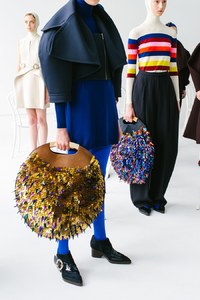

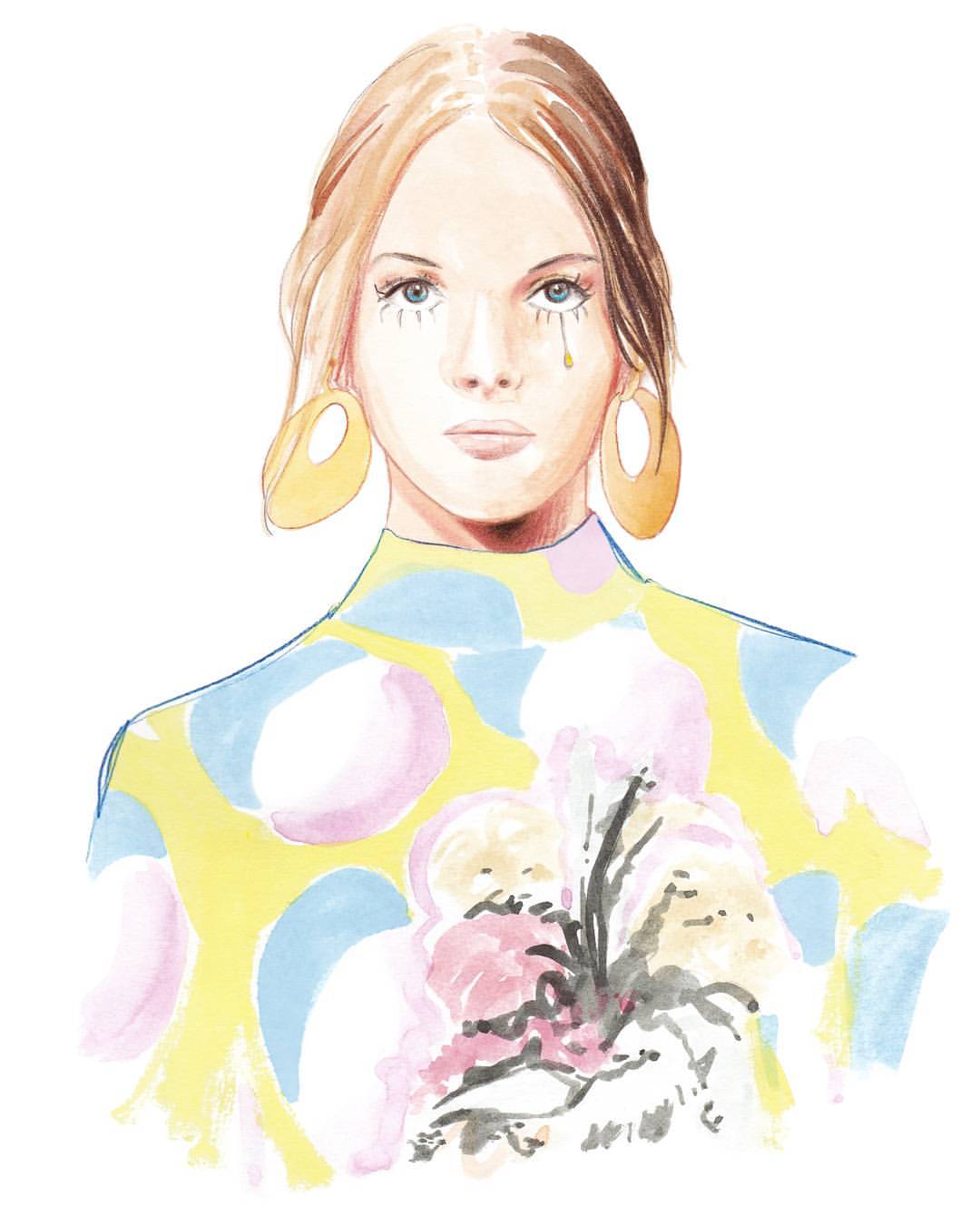
.thumb.jpg.693366e07bc1b7fb22bc8ba3e705a68e.jpg) Beautiful drawings
Beautiful drawings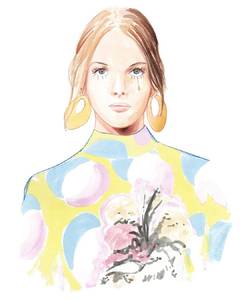


















.jpg.b0ae392709d9986bc838f4309bca2f43.jpg)

Account
Navigation
Search
Configure browser push notifications
Chrome (Android)
- Tap the lock icon next to the address bar.
- Tap Permissions → Notifications.
- Adjust your preference.
Chrome (Desktop)
- Click the padlock icon in the address bar.
- Select Site settings.
- Find Notifications and adjust your preference.
Safari (iOS 16.4+)
- Ensure the site is installed via Add to Home Screen.
- Open Settings App → Notifications.
- Find your app name and adjust your preference.
Safari (macOS)
- Go to Safari → Preferences.
- Click the Websites tab.
- Select Notifications in the sidebar.
- Find this website and adjust your preference.
Edge (Android)
- Tap the lock icon next to the address bar.
- Tap Permissions.
- Find Notifications and adjust your preference.
Edge (Desktop)
- Click the padlock icon in the address bar.
- Click Permissions for this site.
- Find Notifications and adjust your preference.
Firefox (Android)
- Go to Settings → Site permissions.
- Tap Notifications.
- Find this site in the list and adjust your preference.
Firefox (Desktop)
- Open Firefox Settings.
- Search for Notifications.
- Find this site in the list and adjust your preference.