

Candyliz
Members
-
Joined
-
Last visited
Everything posted by Candyliz
-
 I put the wrong link
 -
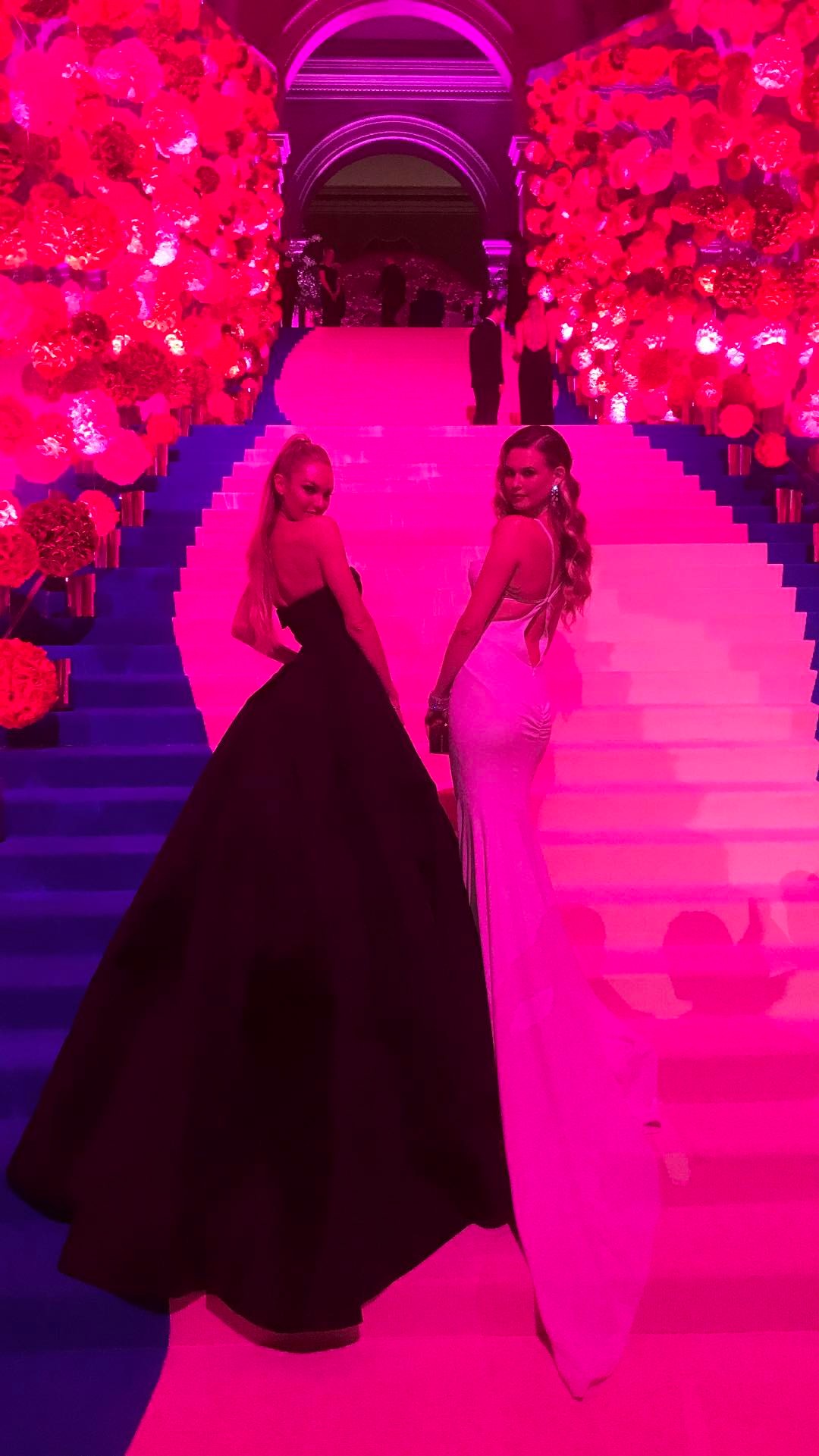
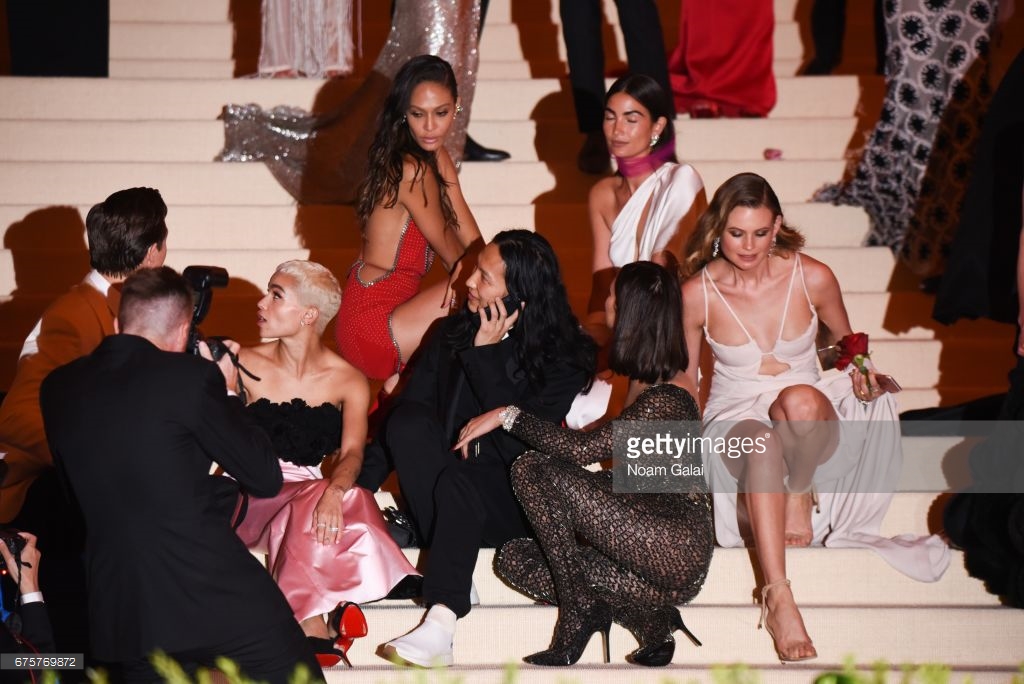
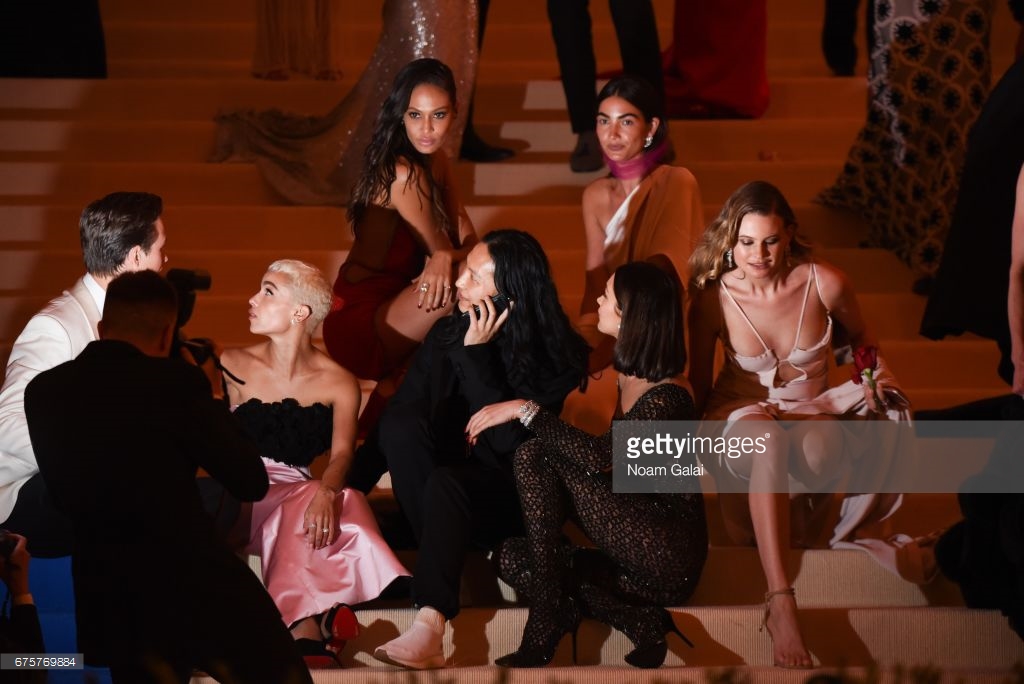
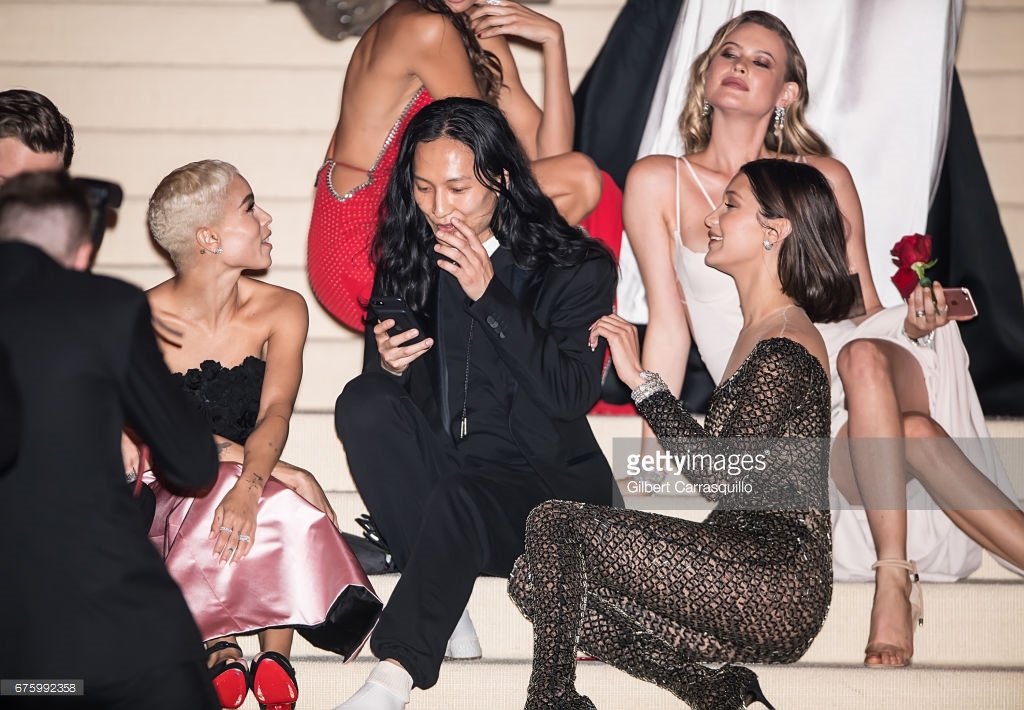
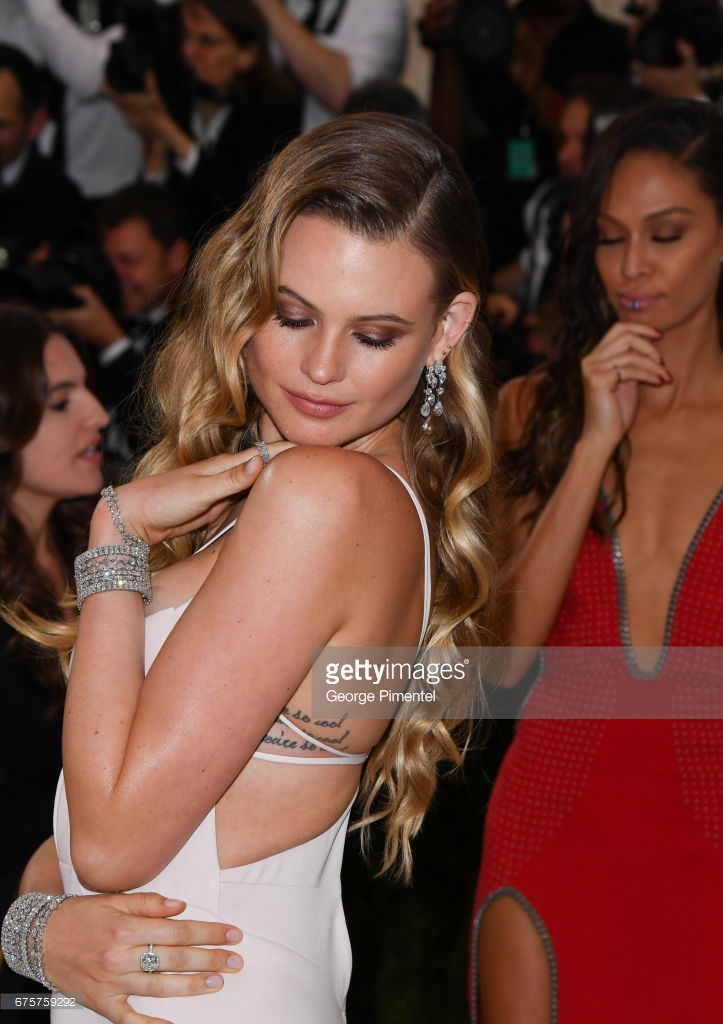
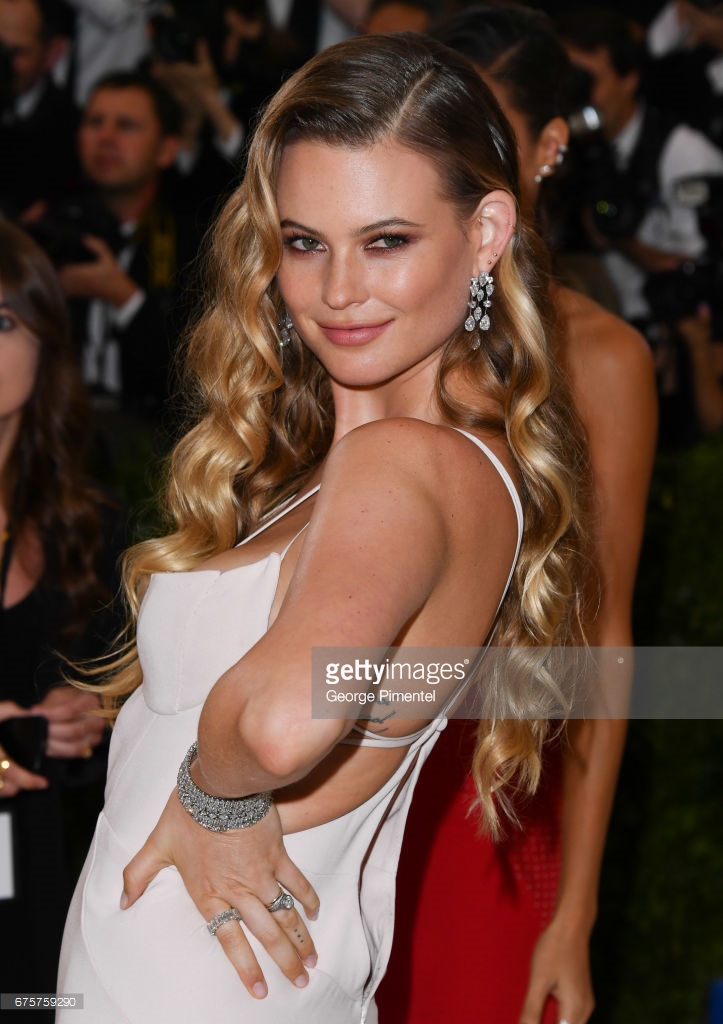
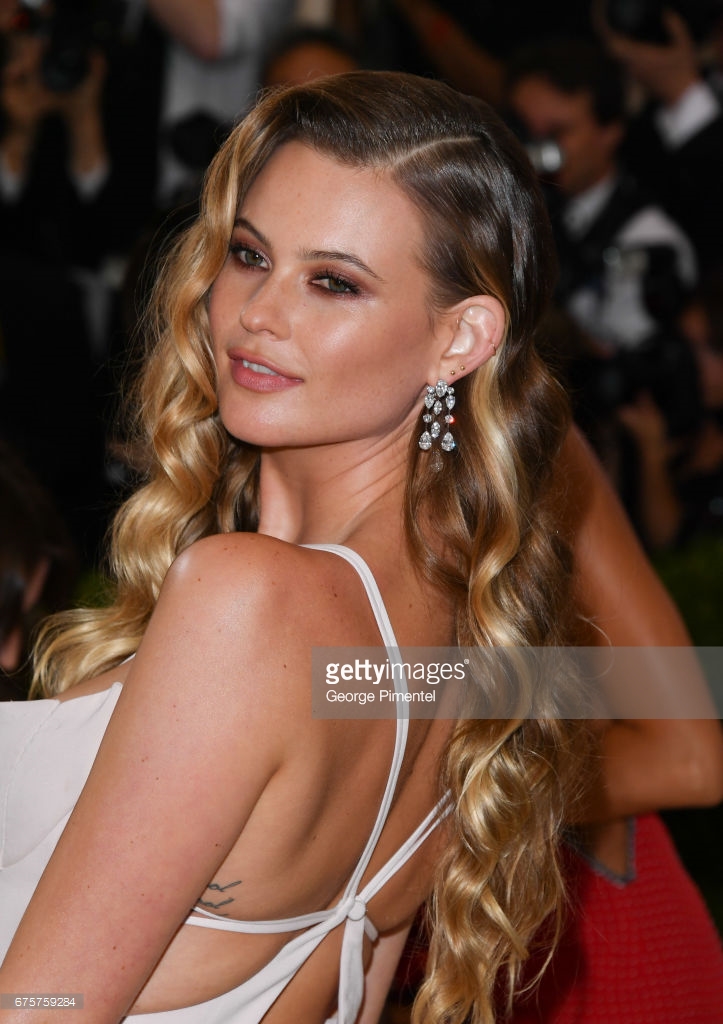
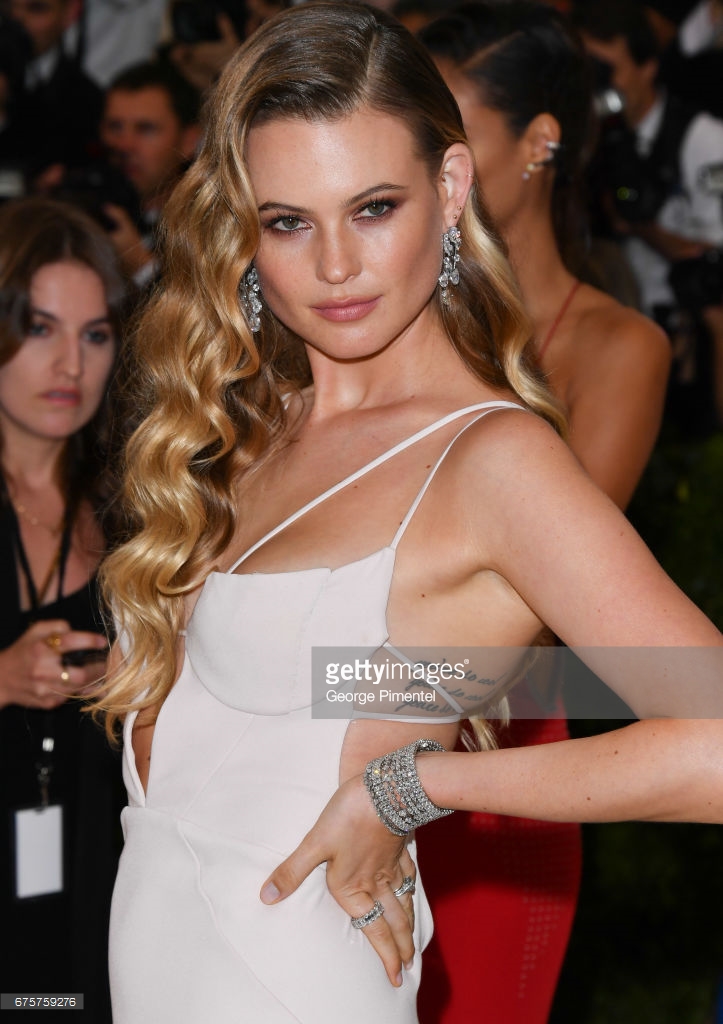
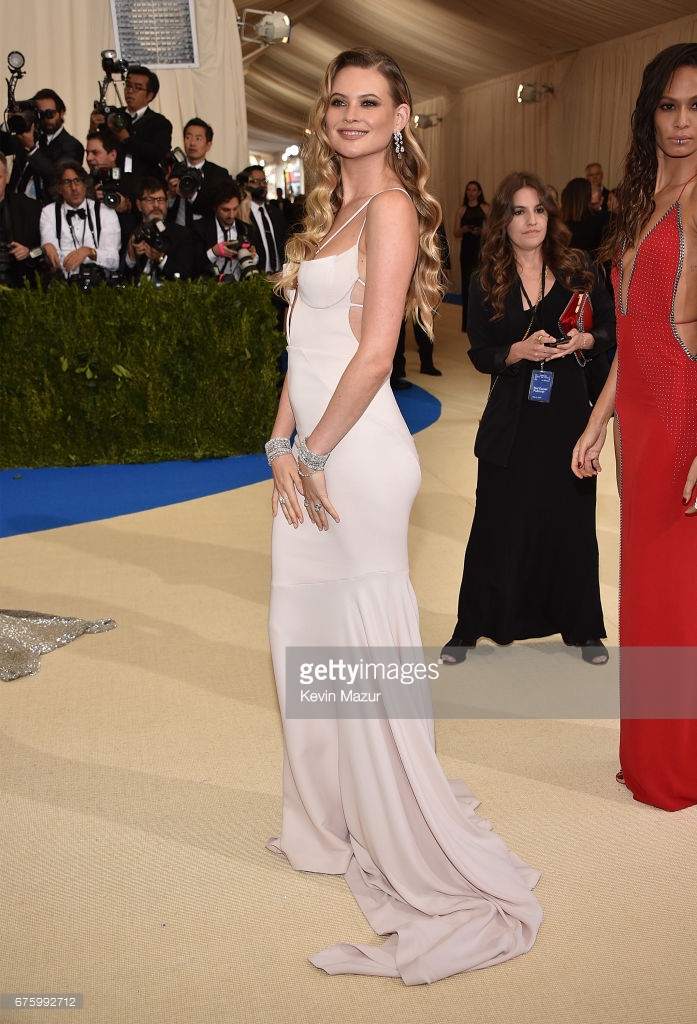
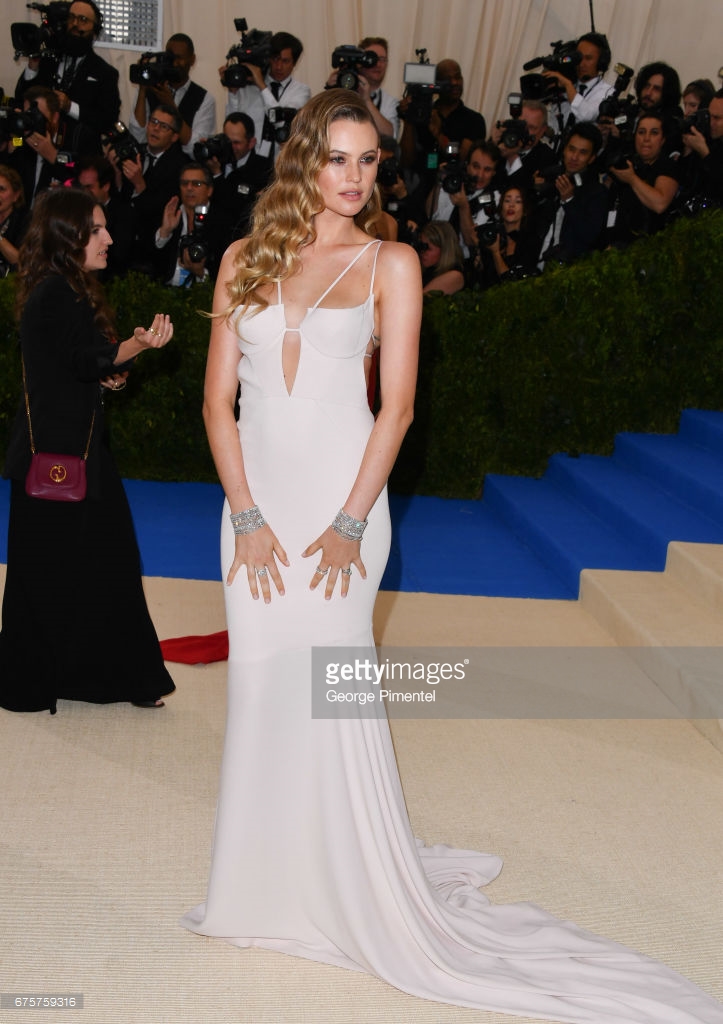
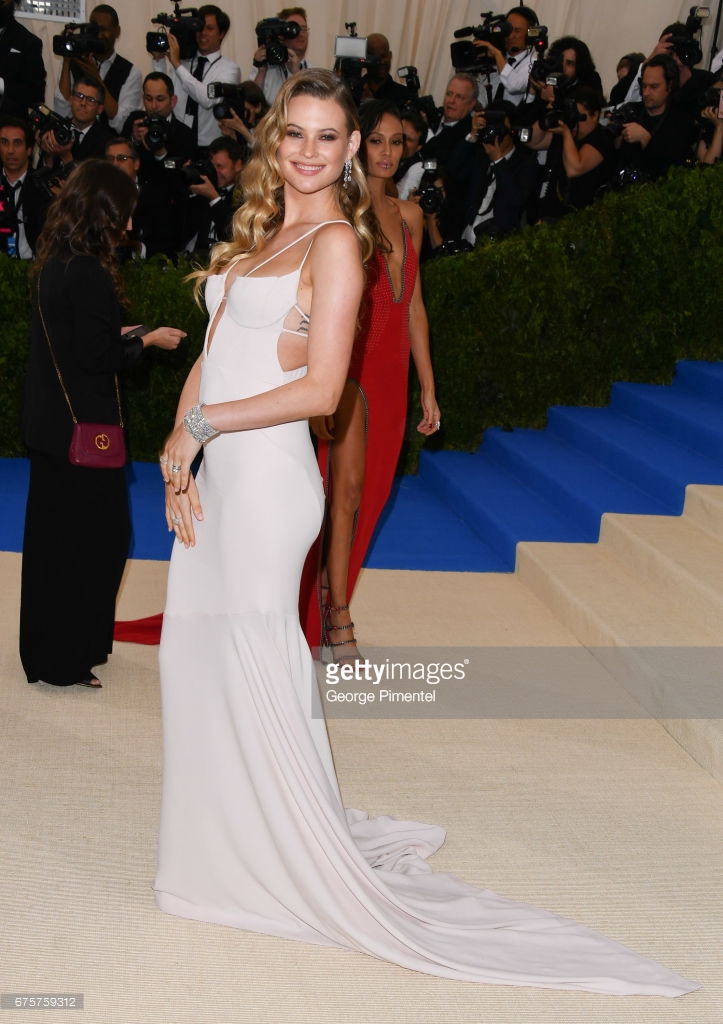
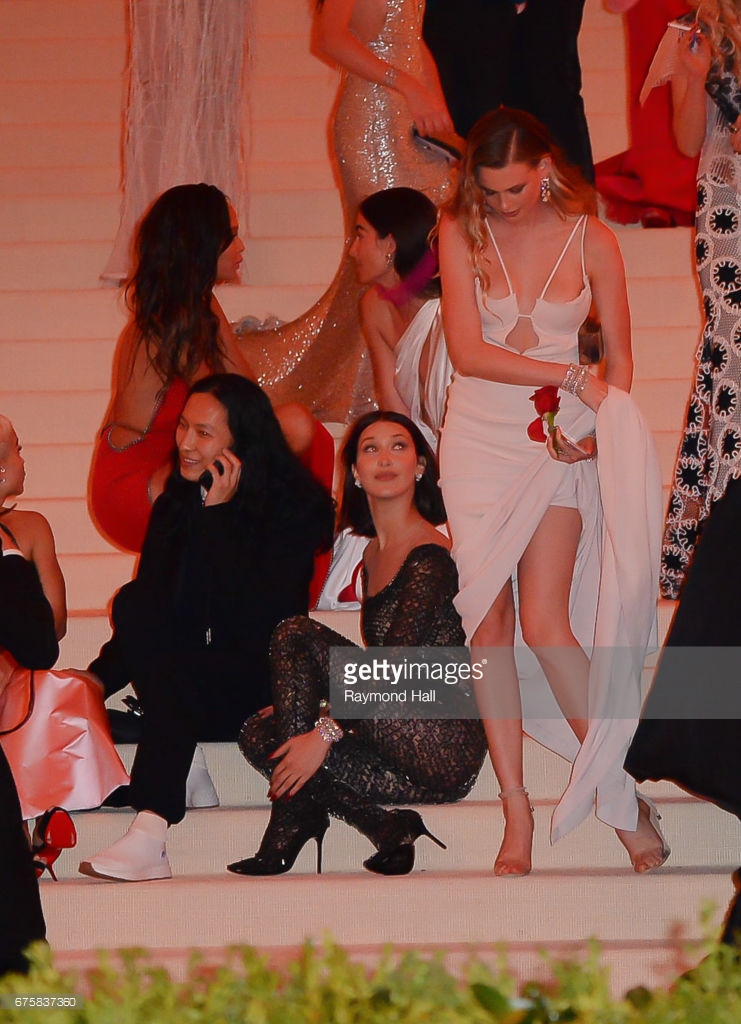
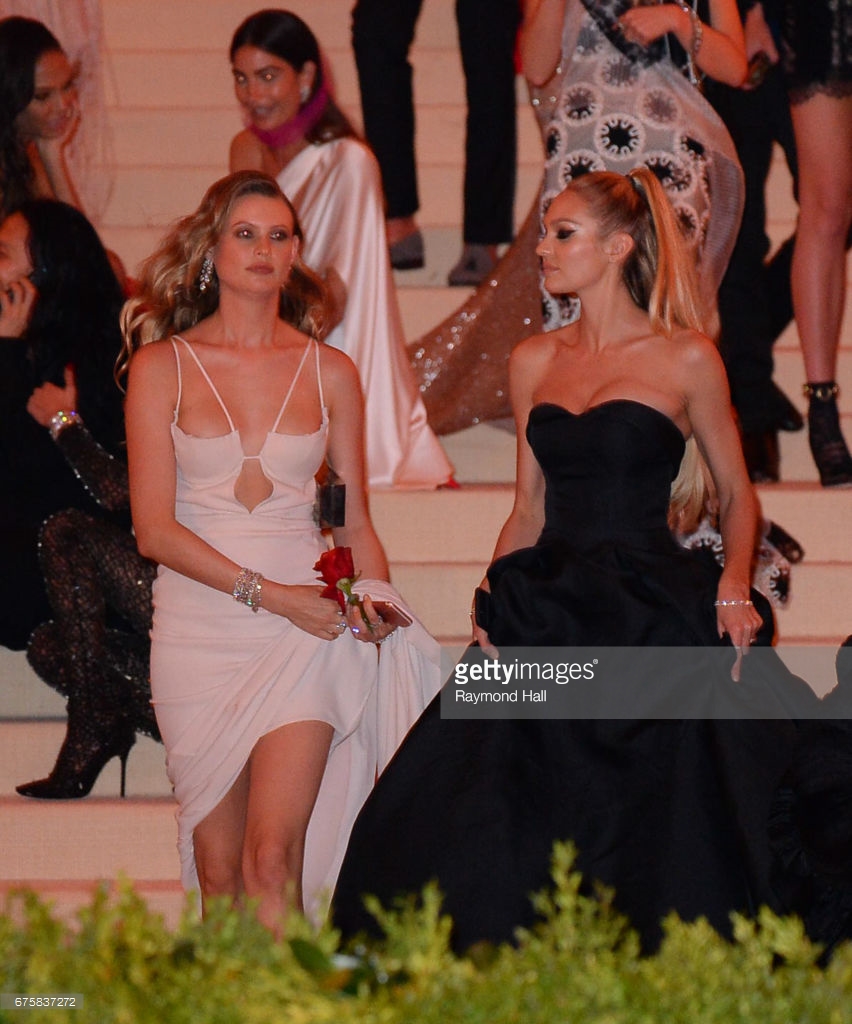
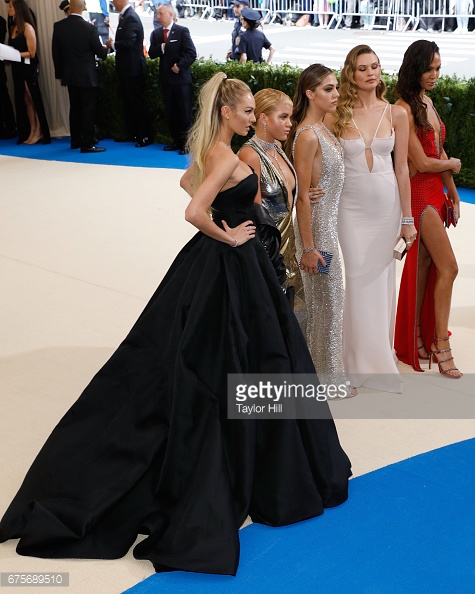
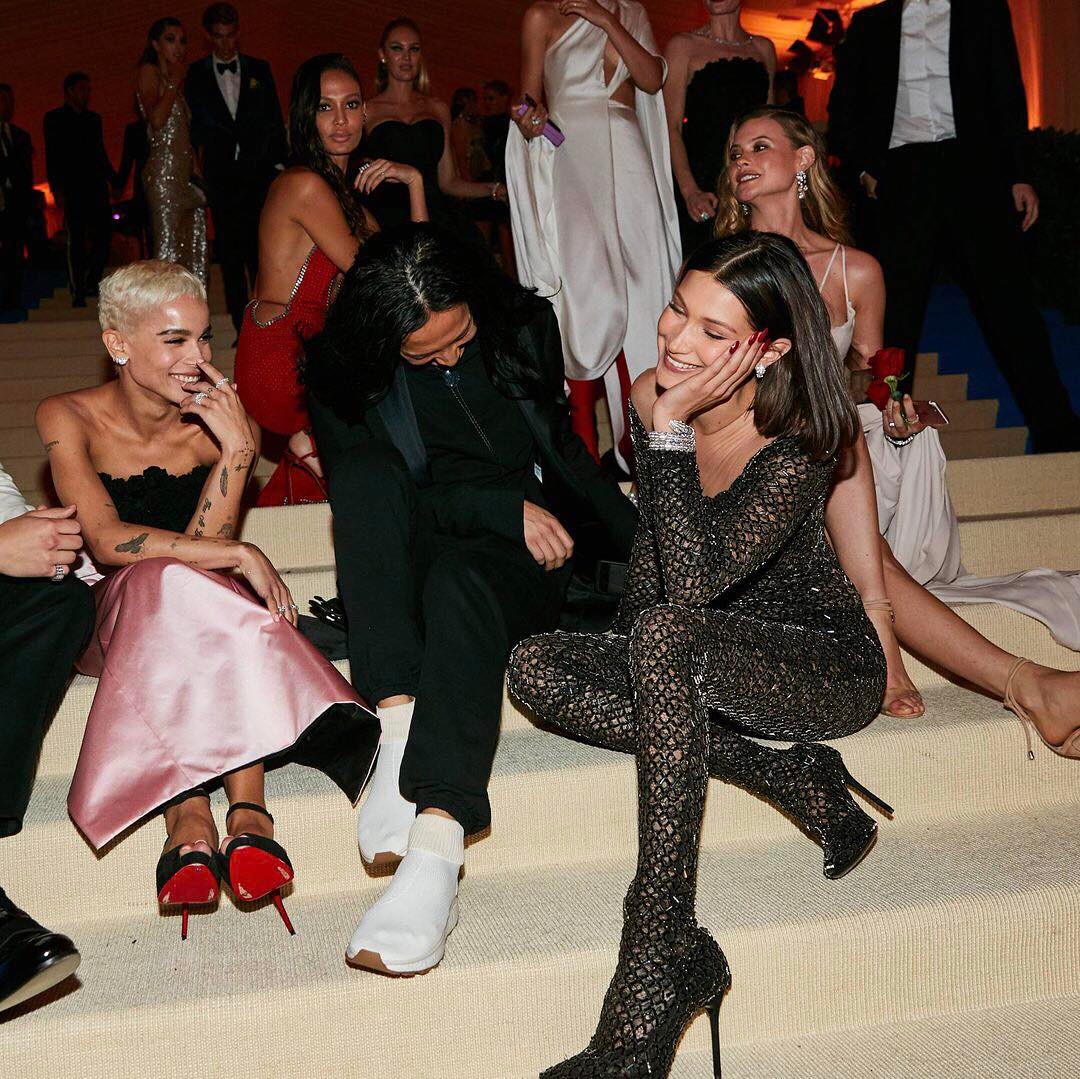
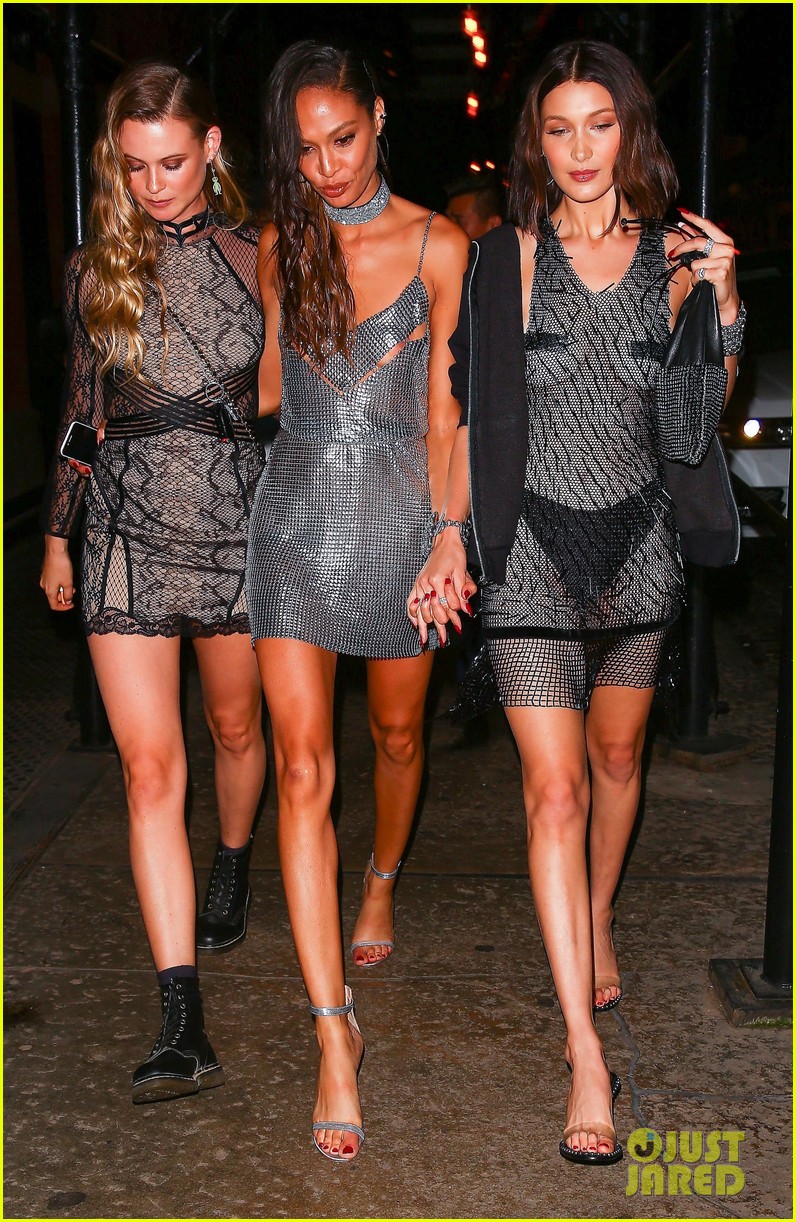
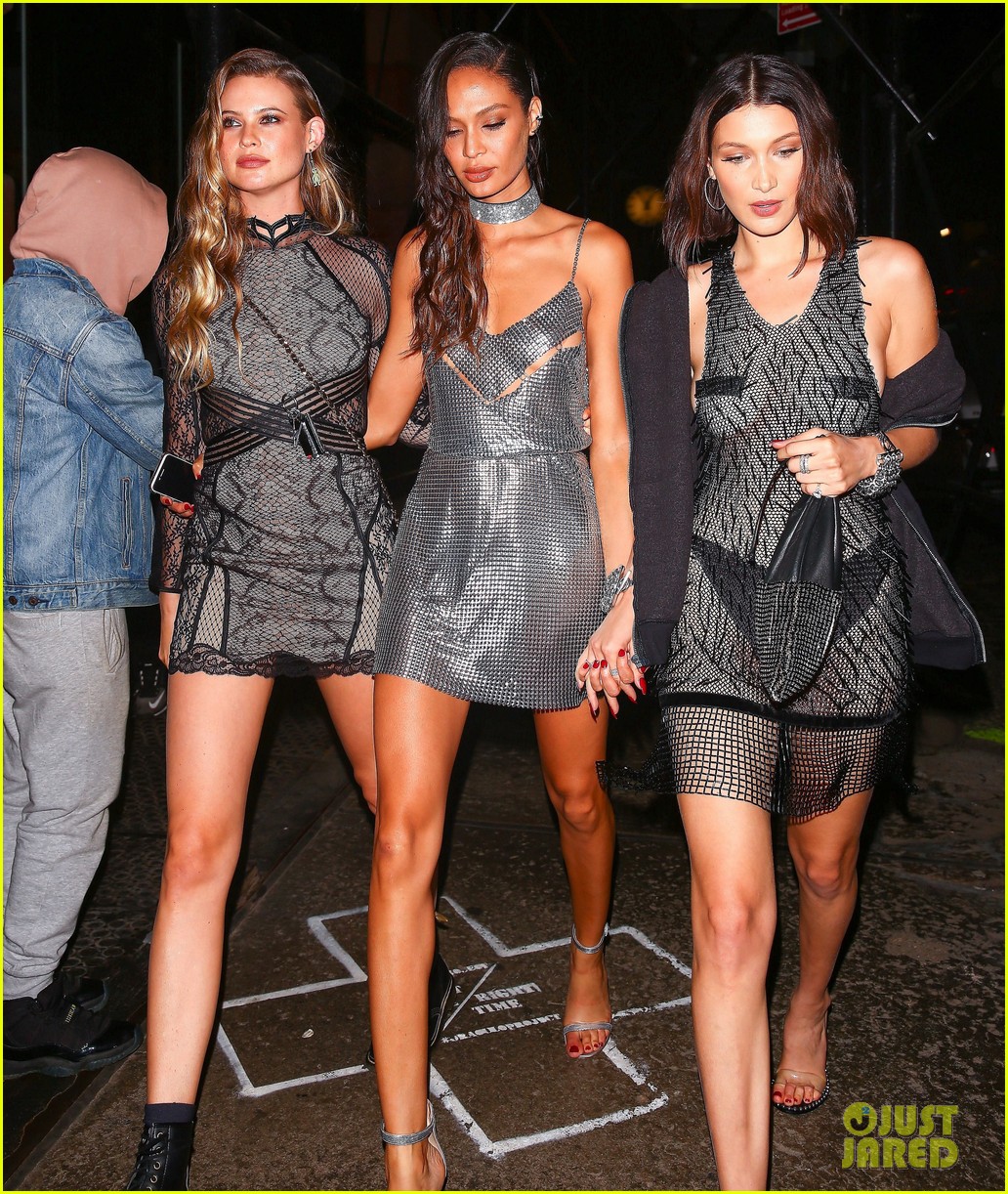
Really guys the best squad to me was Behandice they stolen the whole show.
-
Position #18 on best squads http://www.vogue.co.uk/gallery/met-gala-couples-2017
-
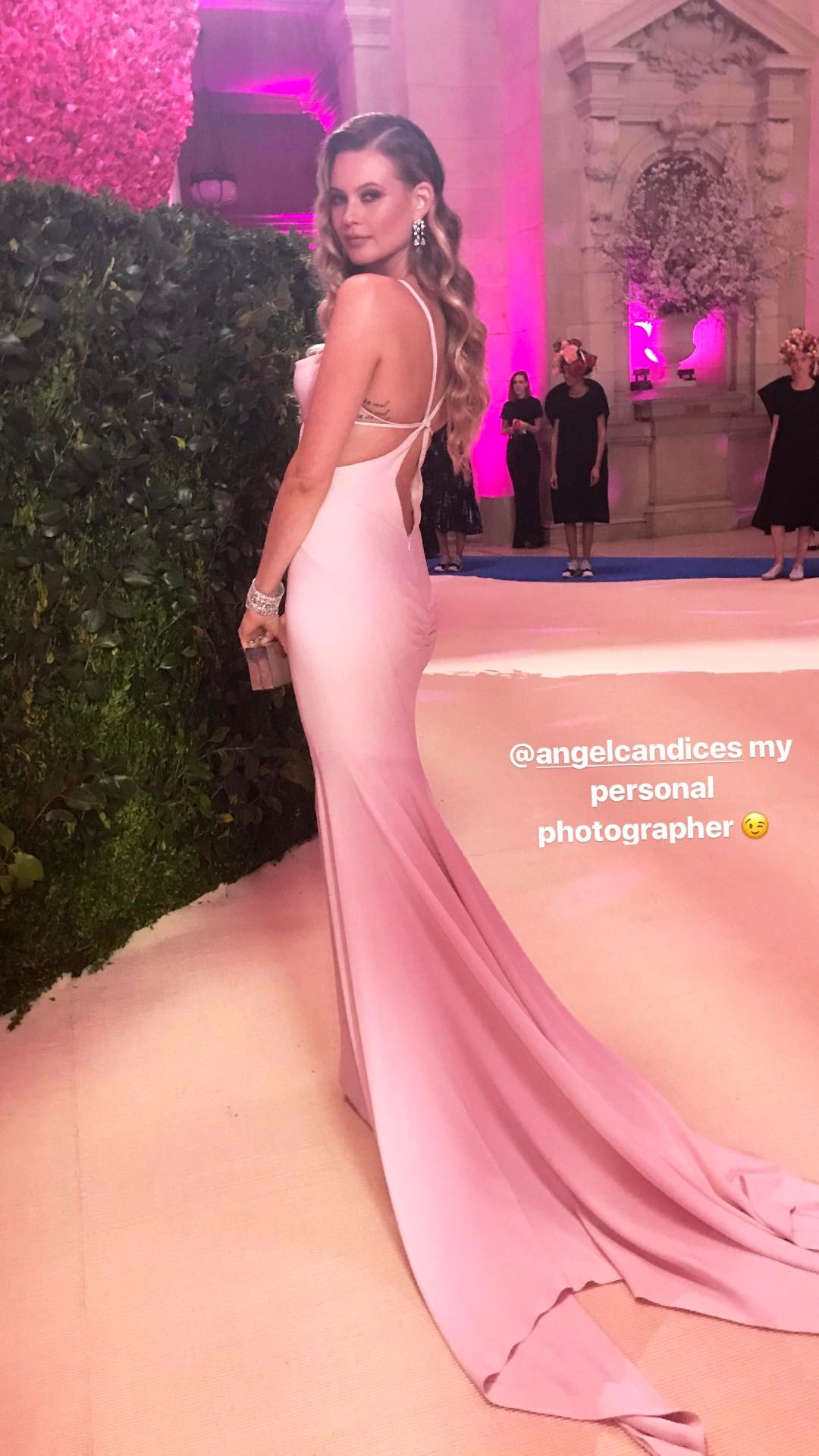
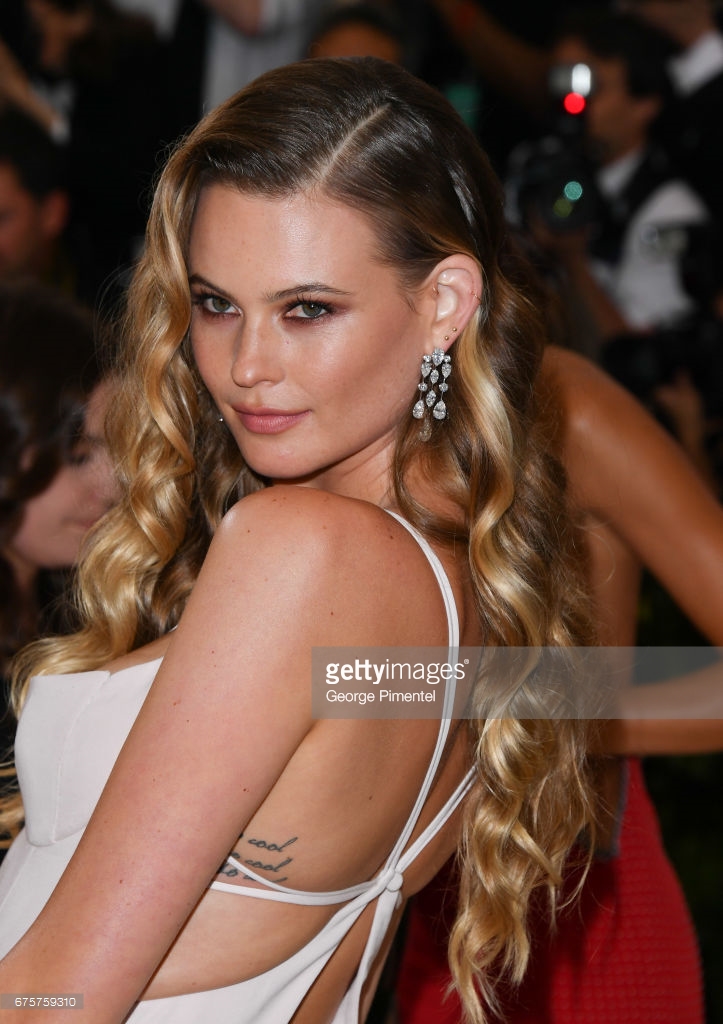
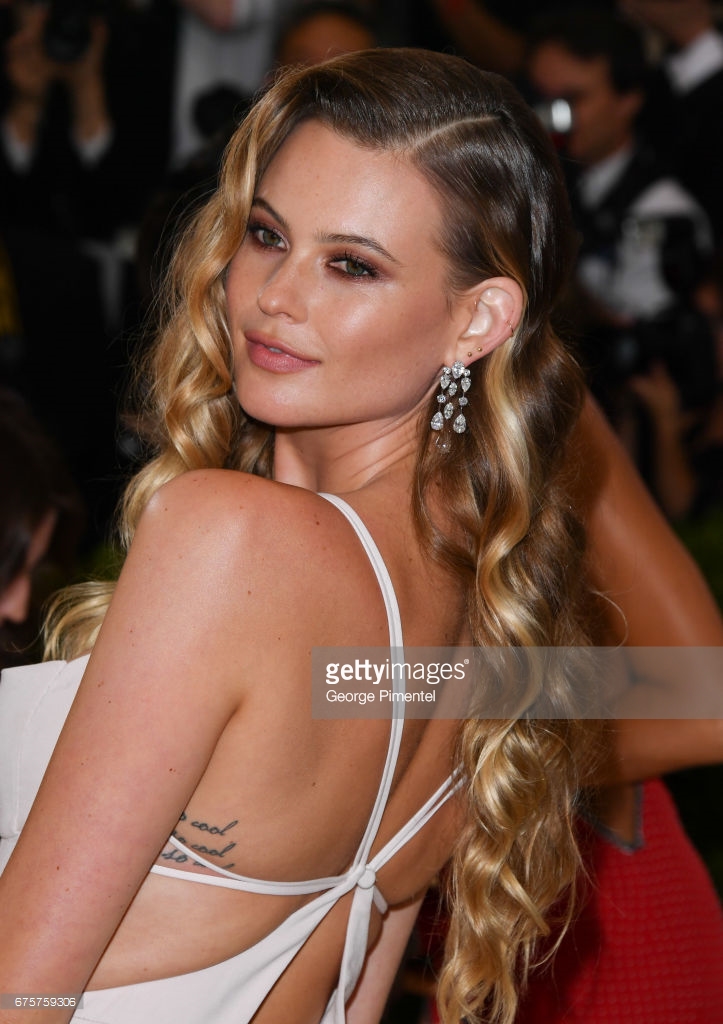
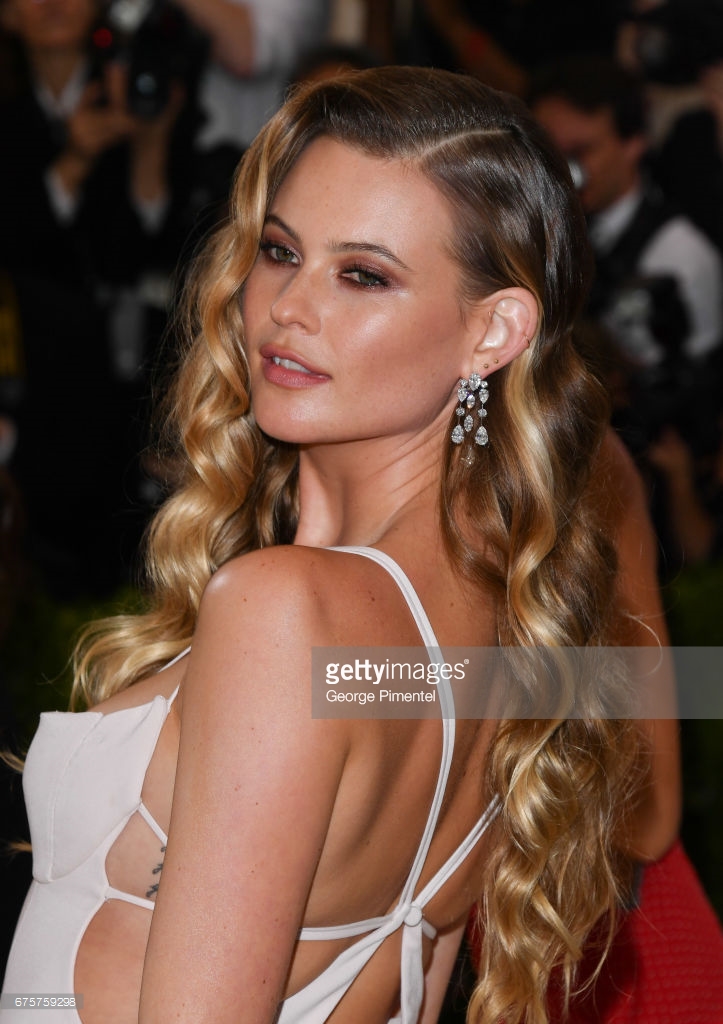
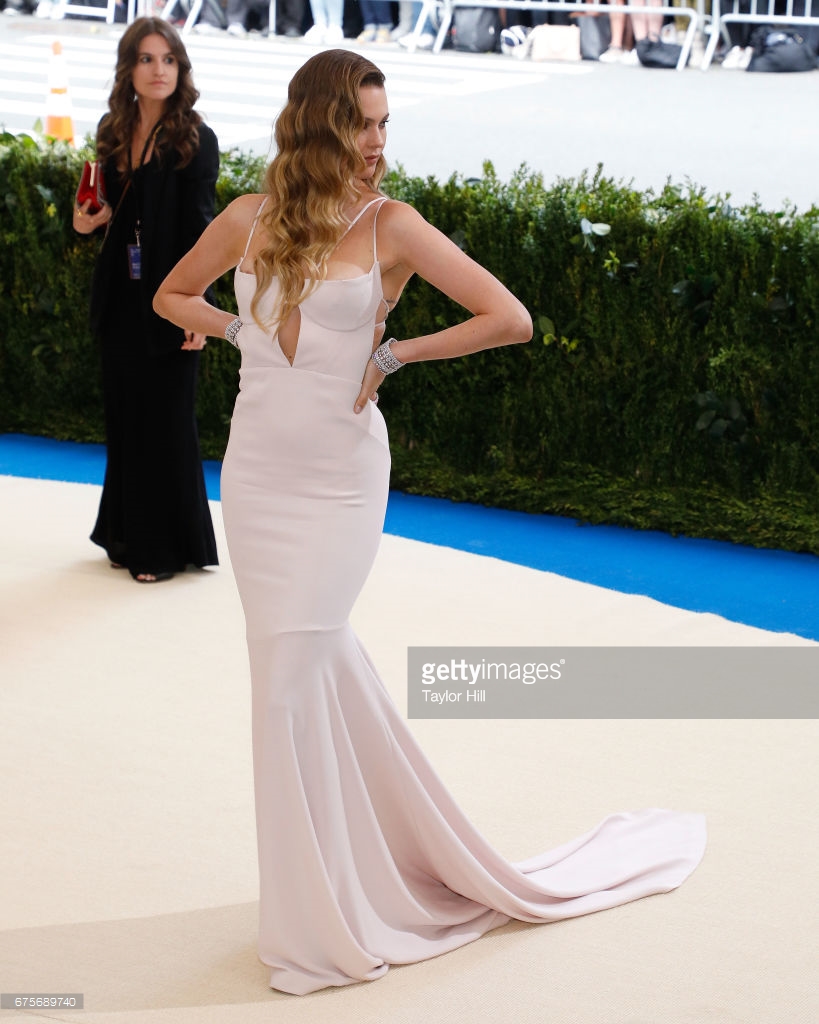
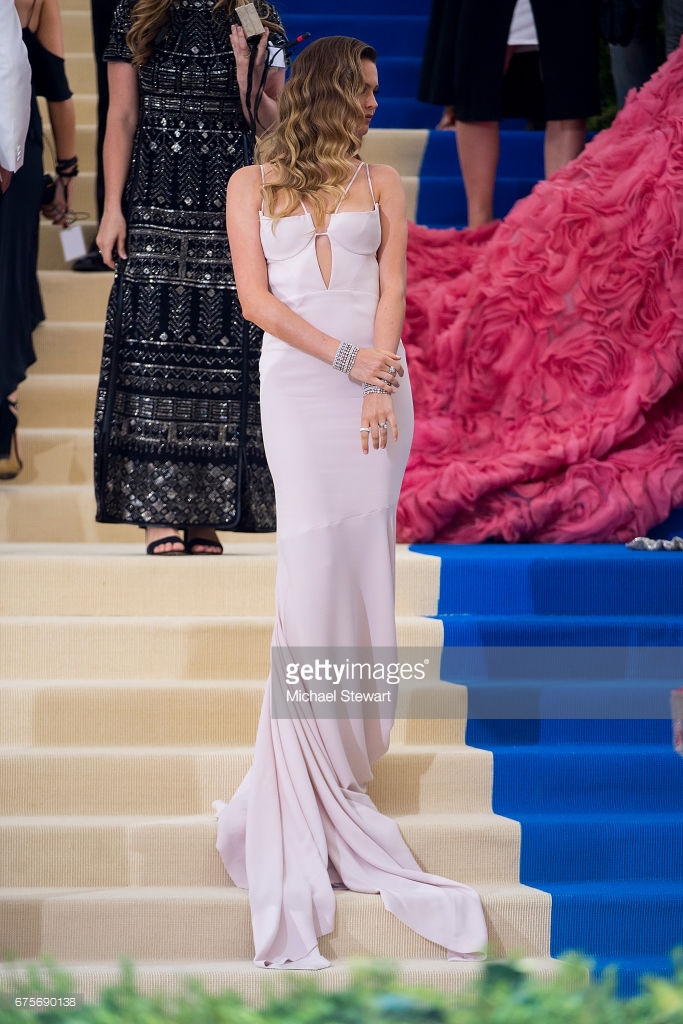
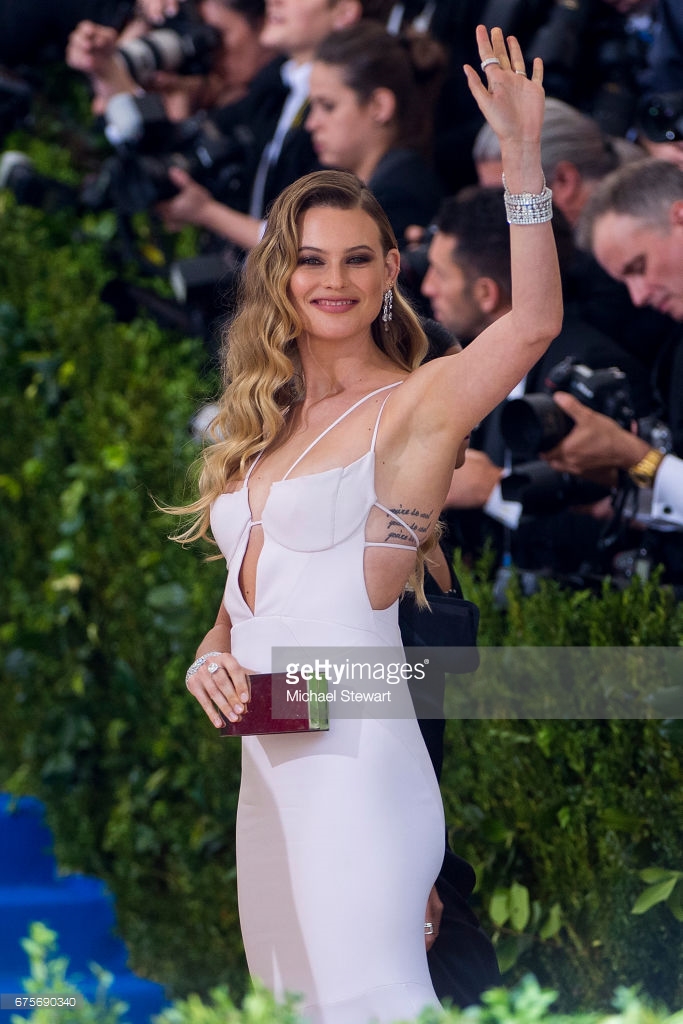
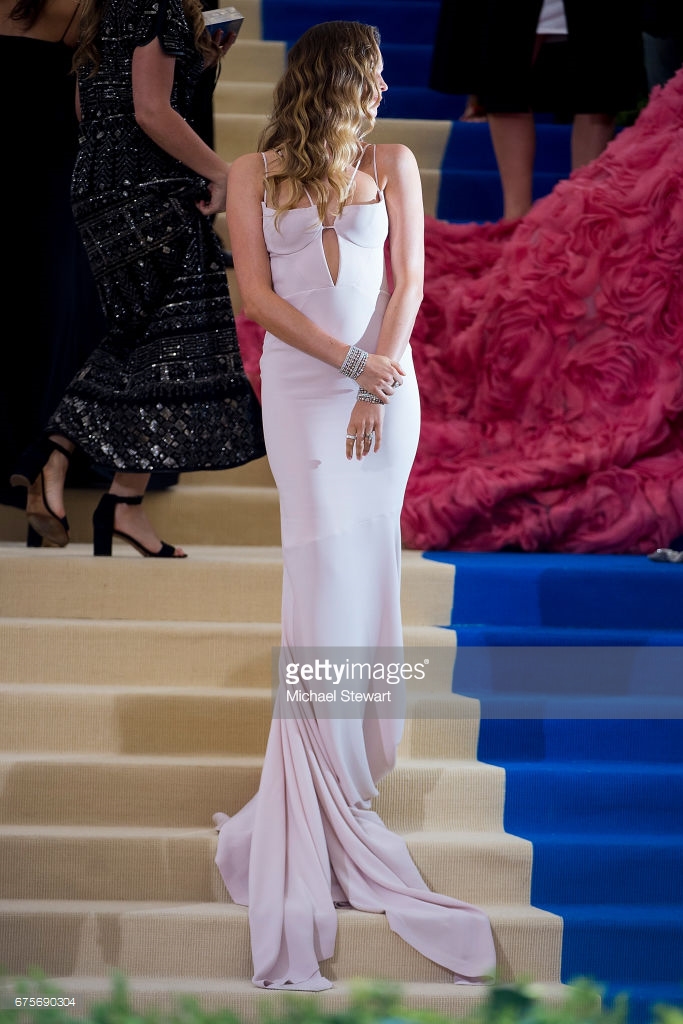
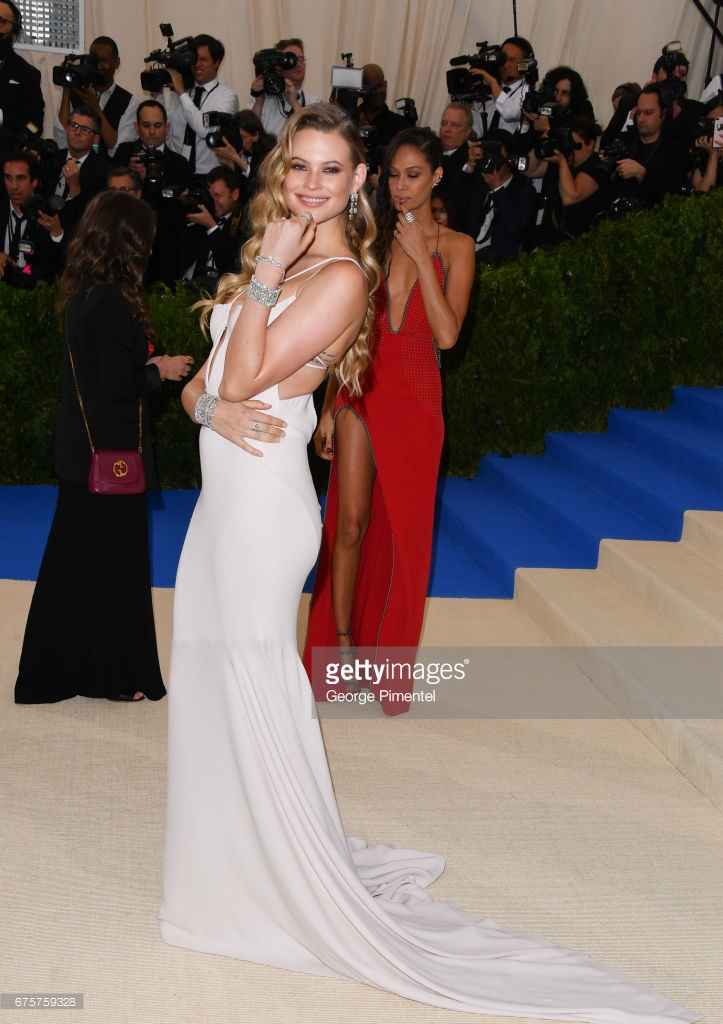
Vogue UK best dresses http://www.vogue.co.uk/gallery/met-gala-2017-dresses
-
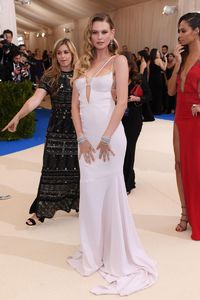
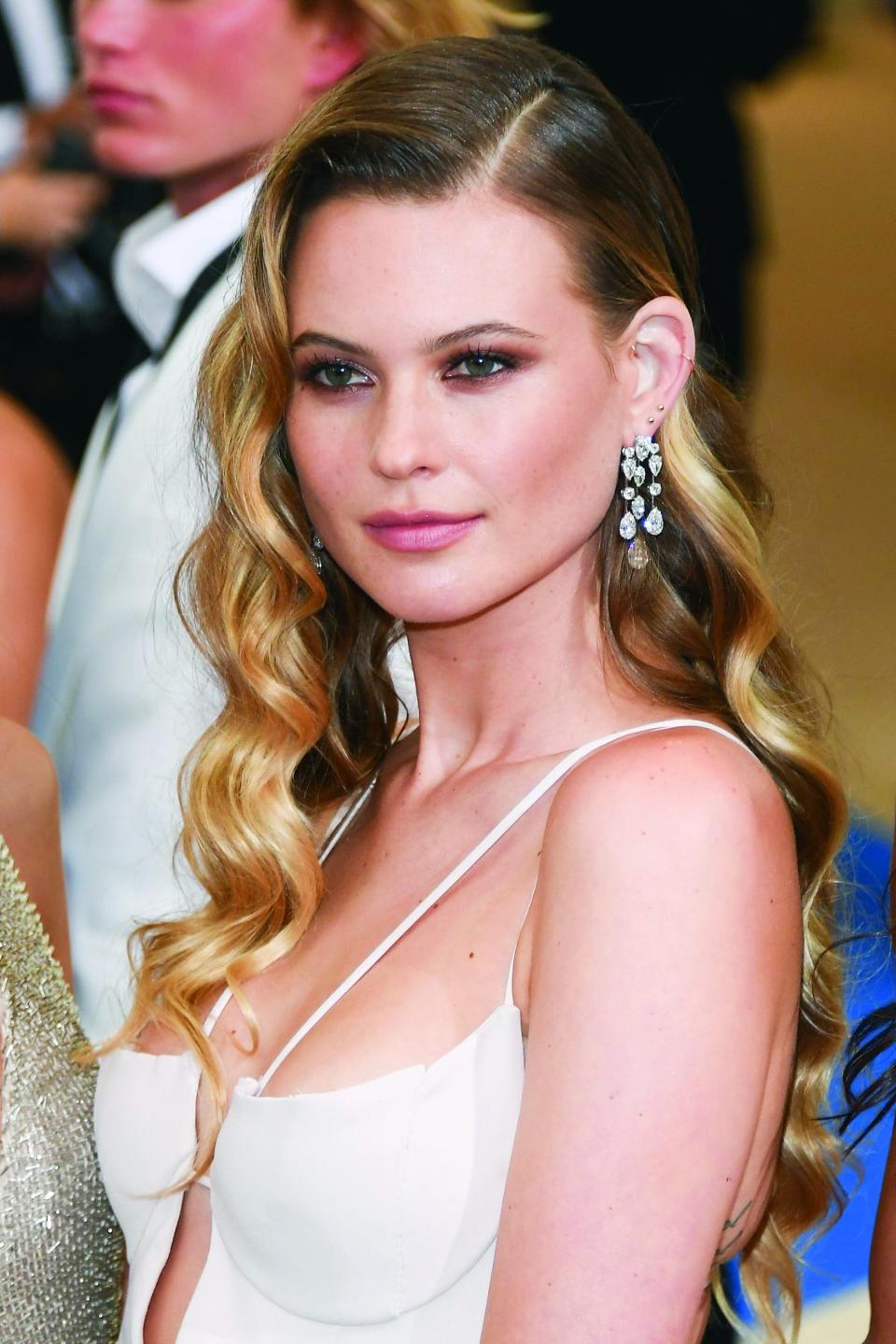
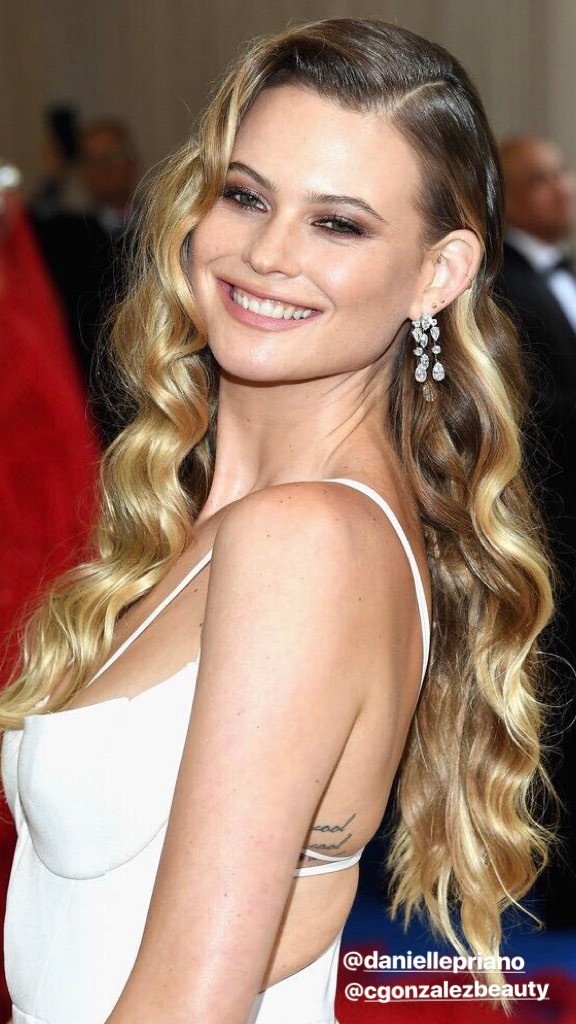
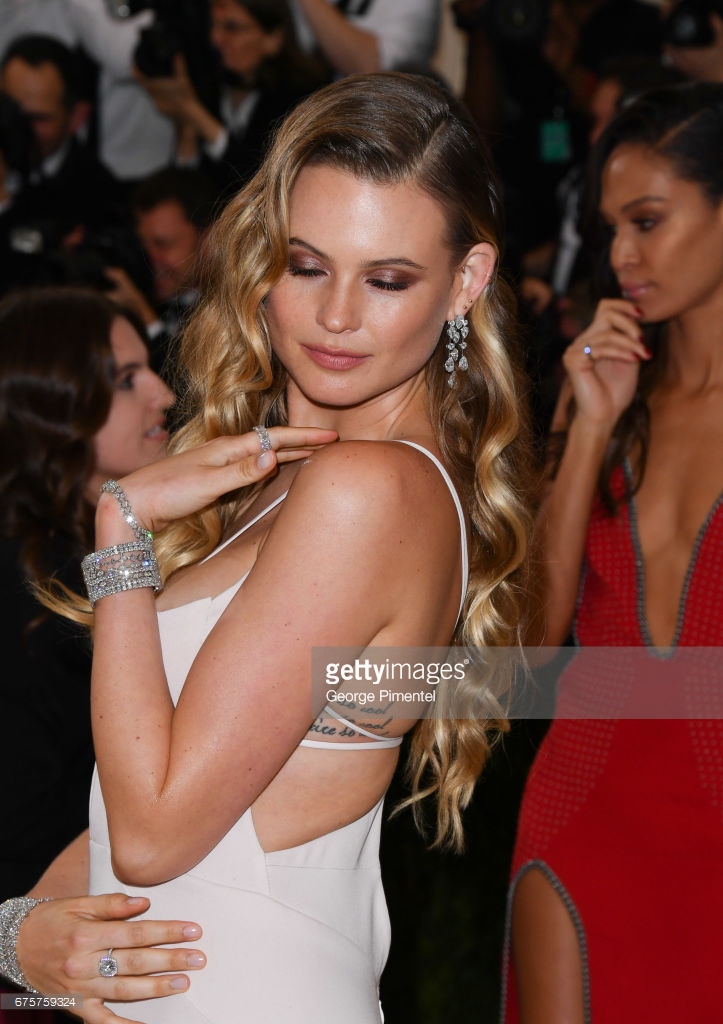
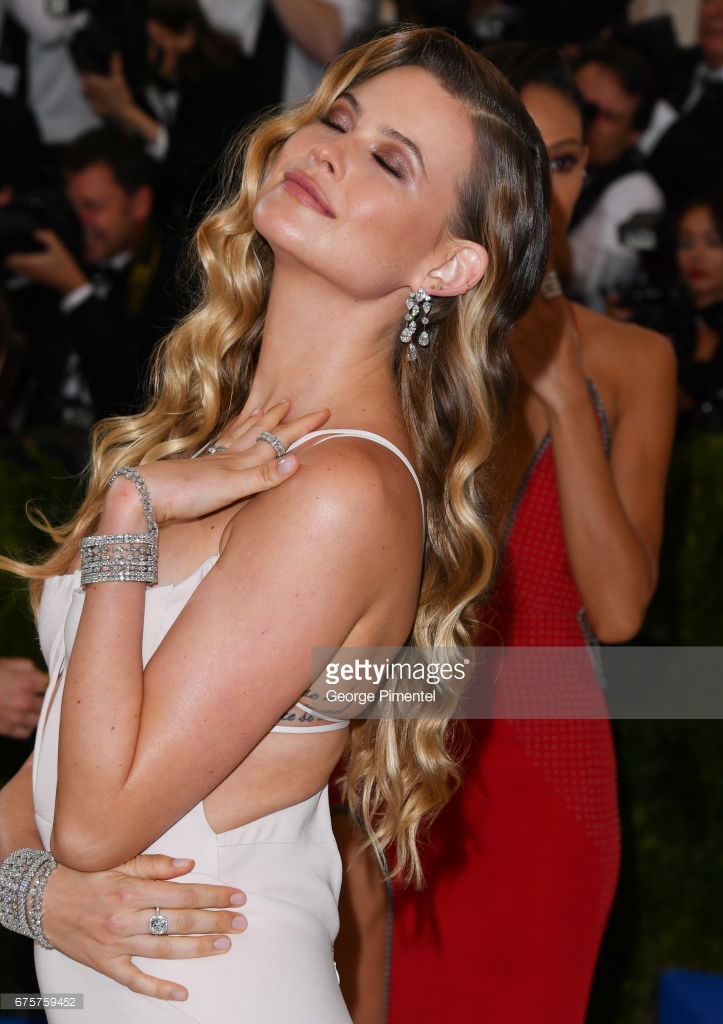
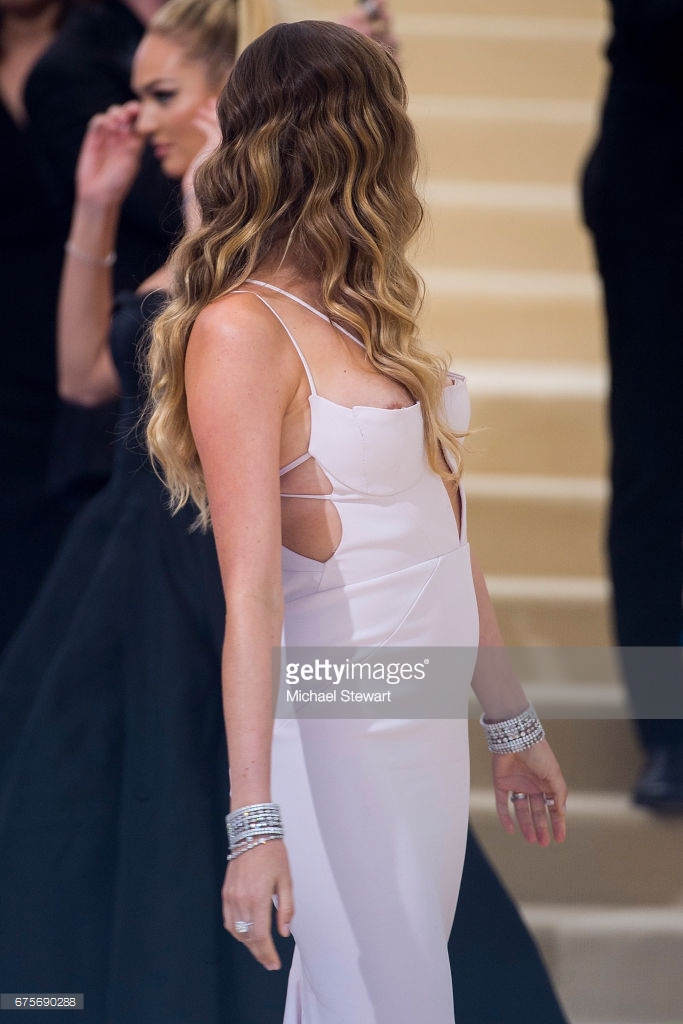
Her best look definitely to me! I just can't wait for what is come to her
-
I know!!! Hahaha and I've read that she is on the list of best dressed by Vogue UK
-
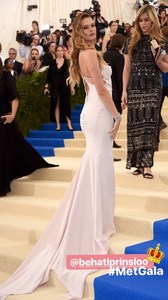
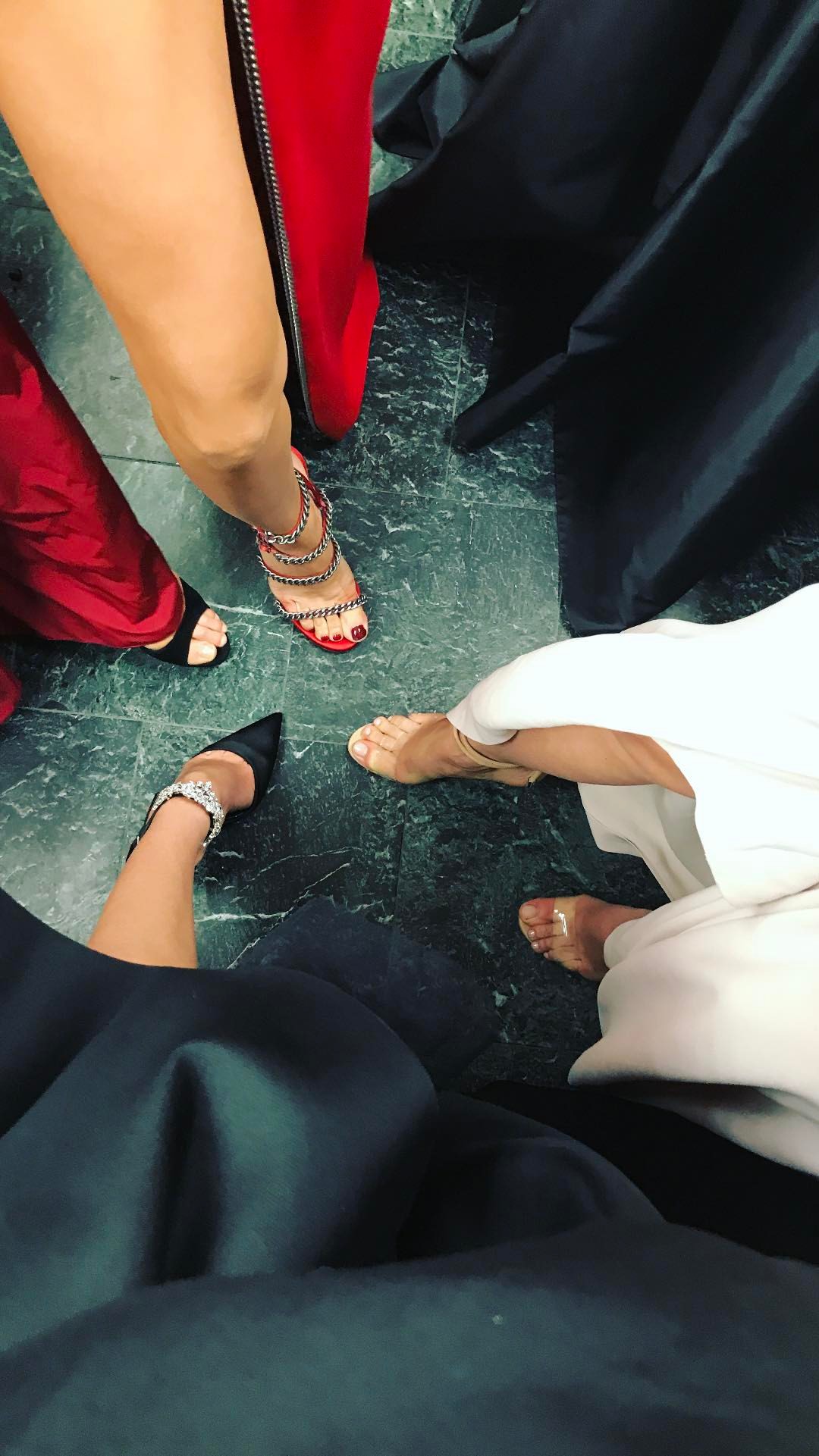
Women Management on stories
-
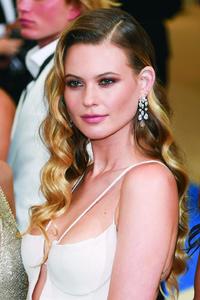
Bee with one of the best jewelry (Harry Winston) of the night at Forbes list. https://www.forbes.com/sites/anthonydemarco/2017/05/02/the-sparkling-jewels-of-the-2017-met-gala/
 Best couple of the night angelcandices_16424617_146401625898823_4952905377499840512_n.mp4
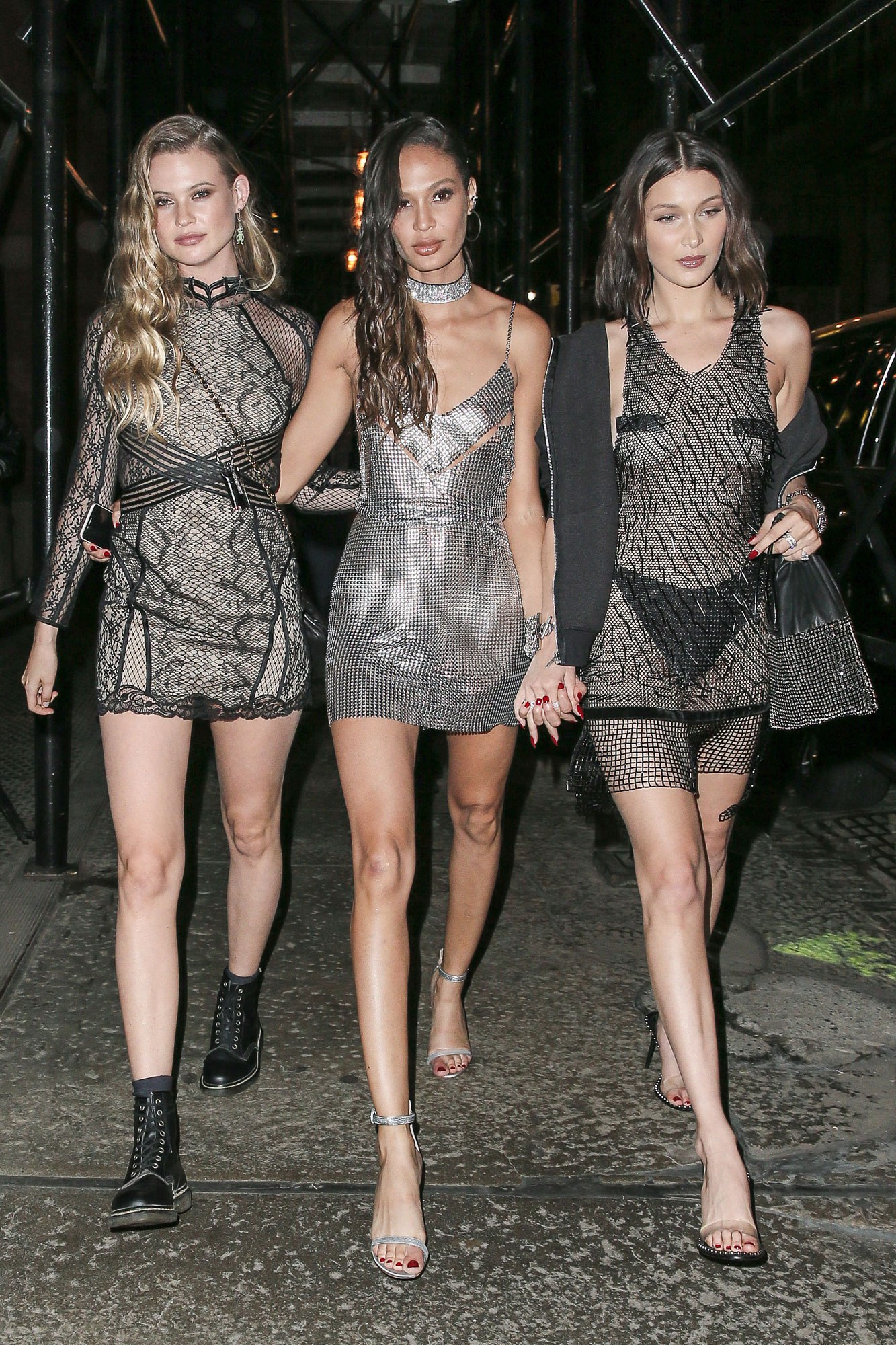
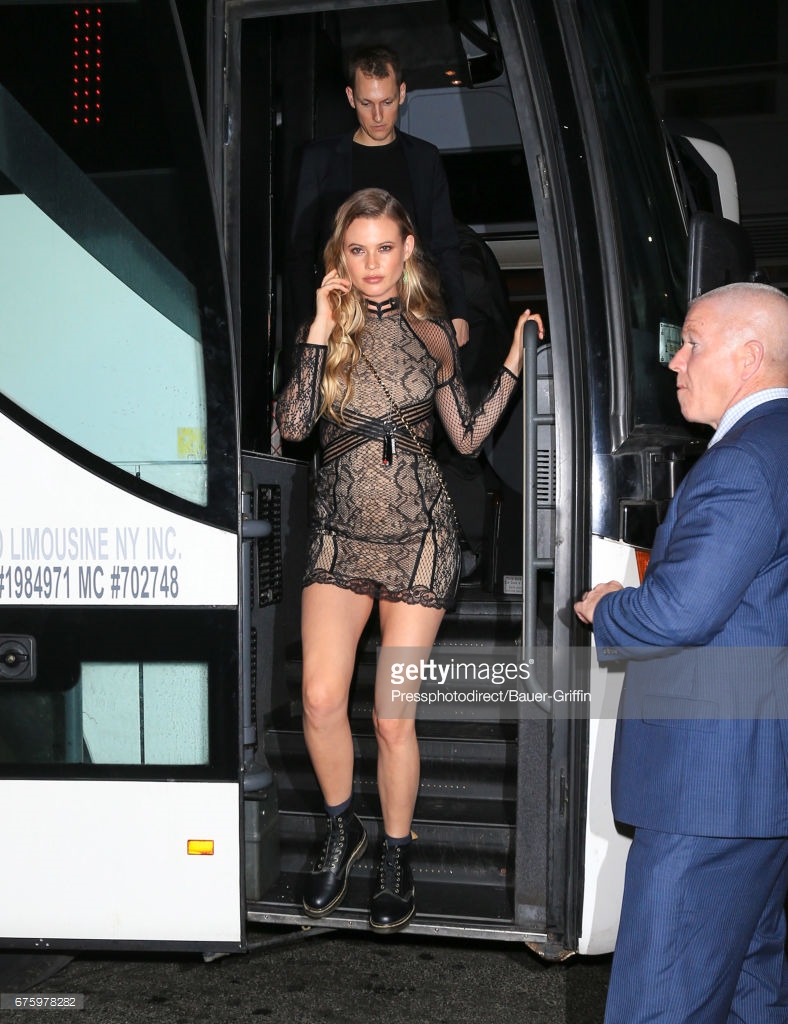
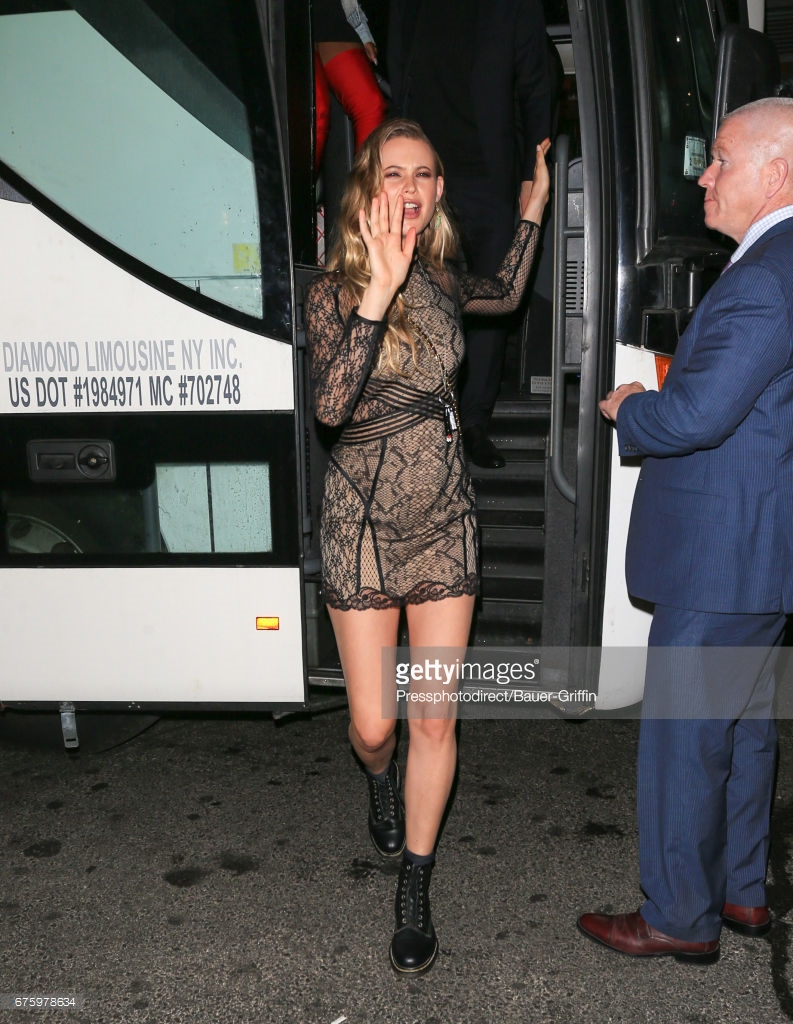
She really enjoyed her time on the Big Apple. She visited Candice, Russell and Raw Spirit family (btw, can't wait for that shoot she made) I really think there are new fragrances on the road. Definitely she was missing her lovely New York.
More and more pics here http://www.gettyimages.es/fotos/behati-prinsloo?excludenudity=true&family=editorial&phrase=Behati Prinsloo&sort=best#license
Best couple of the night angelcandices_16424617_146401625898823_4952905377499840512_n.mp4
She really enjoyed her time on the Big Apple. She visited Candice, Russell and Raw Spirit family (btw, can't wait for that shoot she made) I really think there are new fragrances on the road. Definitely she was missing her lovely New York.
More and more pics here http://www.gettyimages.es/fotos/behati-prinsloo?excludenudity=true&family=editorial&phrase=Behati Prinsloo&sort=best#license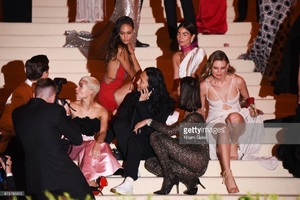
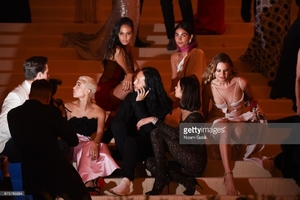
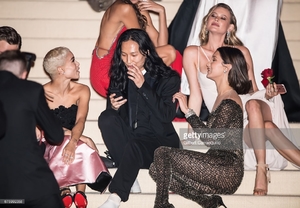 So she's returning to LA now.
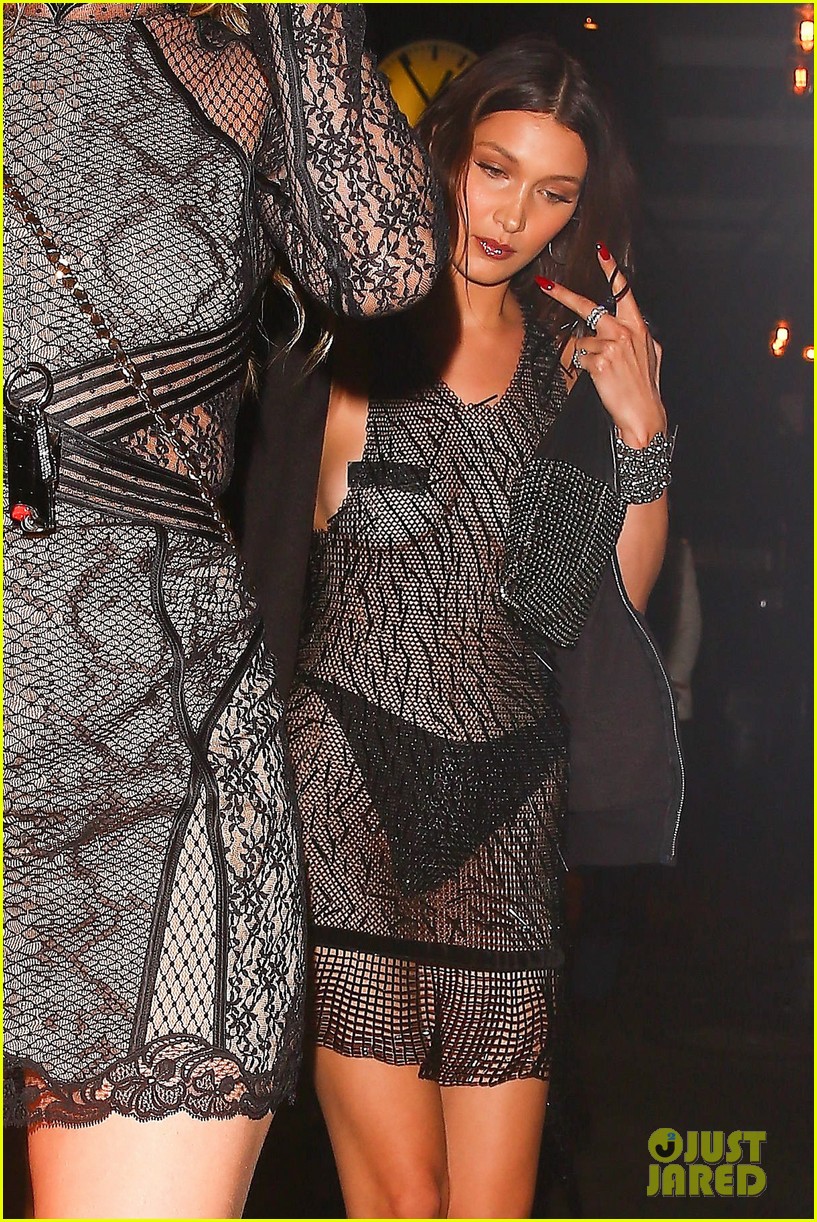
Well, to me she was perfect! Everything makes her look like a goddess. From head to toes
Stories behatiprinsloo_17693821_299134467192765_7556162614124871680_n.mp4 behatiprinsloo_17693310_313510952414173_6070824148479770624_n.mp4
So she's returning to LA now.
Well, to me she was perfect! Everything makes her look like a goddess. From head to toes
Stories behatiprinsloo_17693821_299134467192765_7556162614124871680_n.mp4 behatiprinsloo_17693310_313510952414173_6070824148479770624_n.mp4
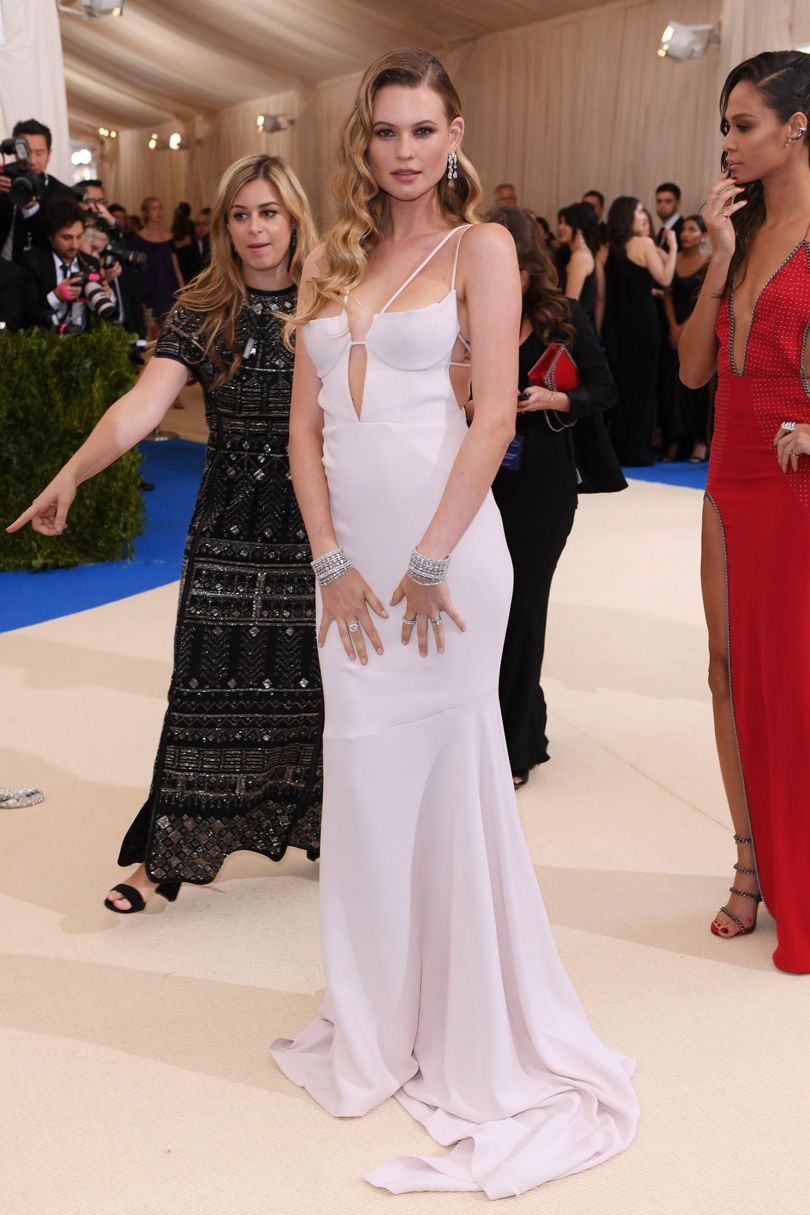
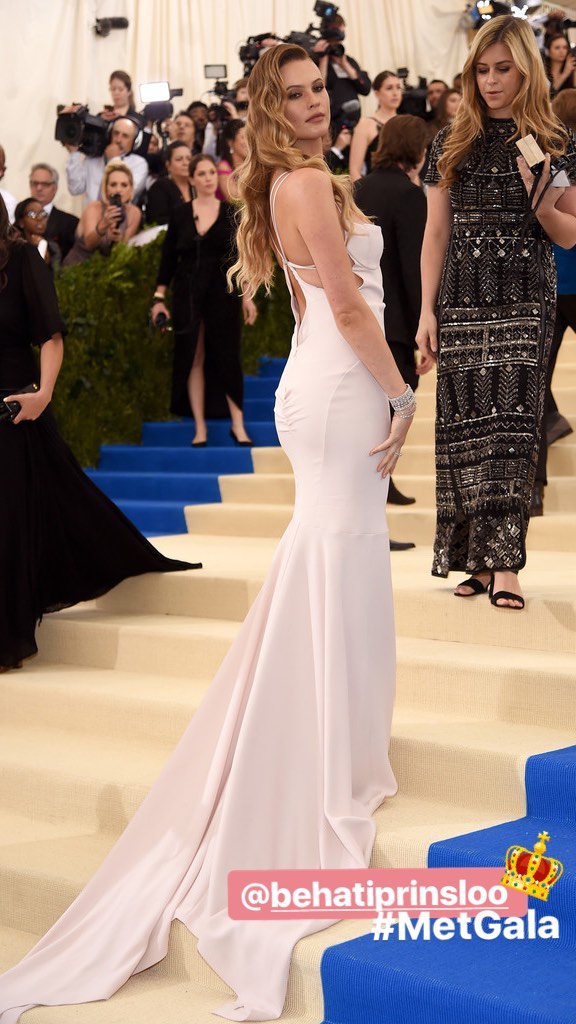
Account
Navigation
Search
Configure browser push notifications
Chrome (Android)
- Tap the lock icon next to the address bar.
- Tap Permissions → Notifications.
- Adjust your preference.
Chrome (Desktop)
- Click the padlock icon in the address bar.
- Select Site settings.
- Find Notifications and adjust your preference.
Safari (iOS 16.4+)
- Ensure the site is installed via Add to Home Screen.
- Open Settings App → Notifications.
- Find your app name and adjust your preference.
Safari (macOS)
- Go to Safari → Preferences.
- Click the Websites tab.
- Select Notifications in the sidebar.
- Find this website and adjust your preference.
Edge (Android)
- Tap the lock icon next to the address bar.
- Tap Permissions.
- Find Notifications and adjust your preference.
Edge (Desktop)
- Click the padlock icon in the address bar.
- Click Permissions for this site.
- Find Notifications and adjust your preference.
Firefox (Android)
- Go to Settings → Site permissions.
- Tap Notifications.
- Find this site in the list and adjust your preference.
Firefox (Desktop)
- Open Firefox Settings.
- Search for Notifications.
- Find this site in the list and adjust your preference.