Candyliz
Members
-
Joined
-
Last visited
Everything posted by Candyliz
-
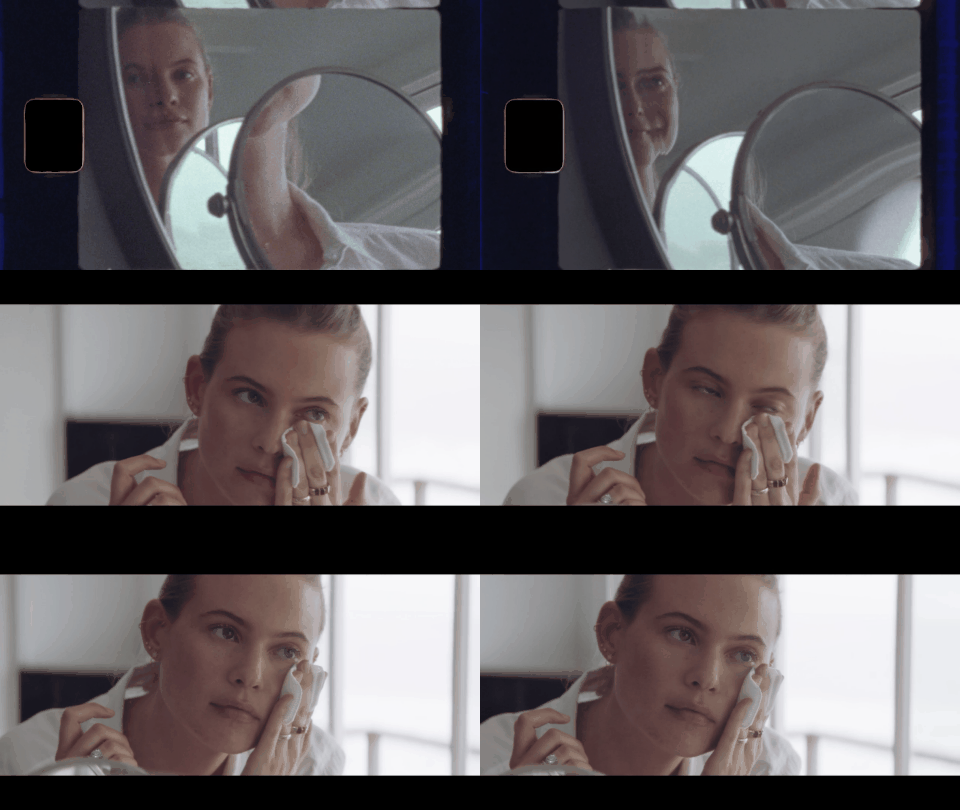
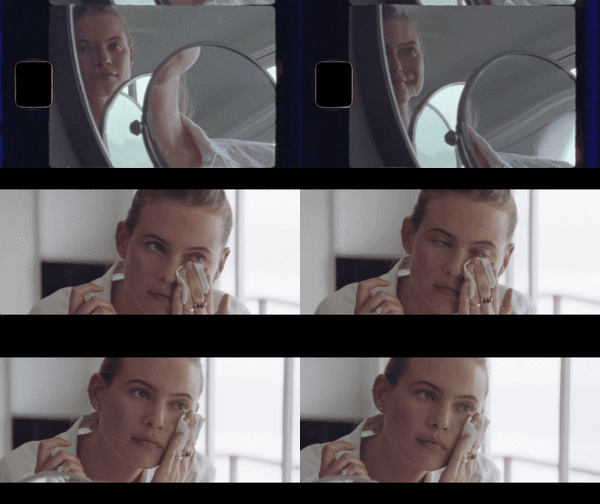
 I need more beauty campaigns like this for SK-II Her face looks fresh beautiful and young, I'm not trying to be exaggerated but that's the way I see her
 Definitely Bee is a designer now
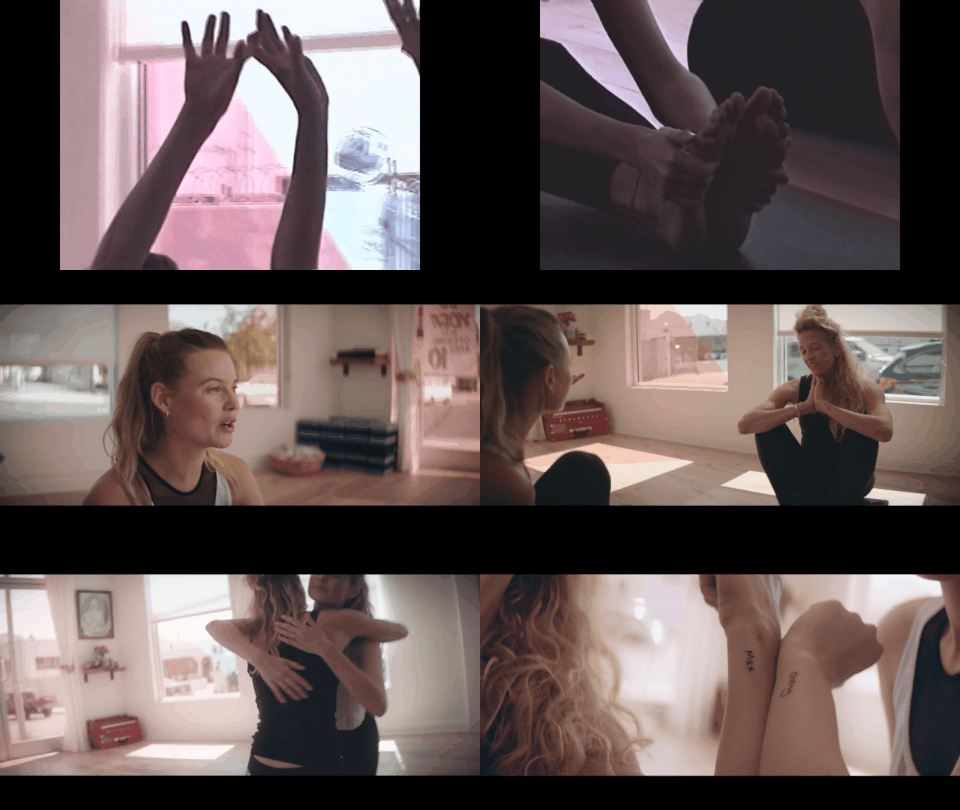
Some gifs that I made
Definitely Bee is a designer now
Some gifs that I made New videos from her campaign for SK-II
BTS for SK-II 22182763_145249802751330_6902092786330238976_n.mp4
New videos from her campaign for SK-II
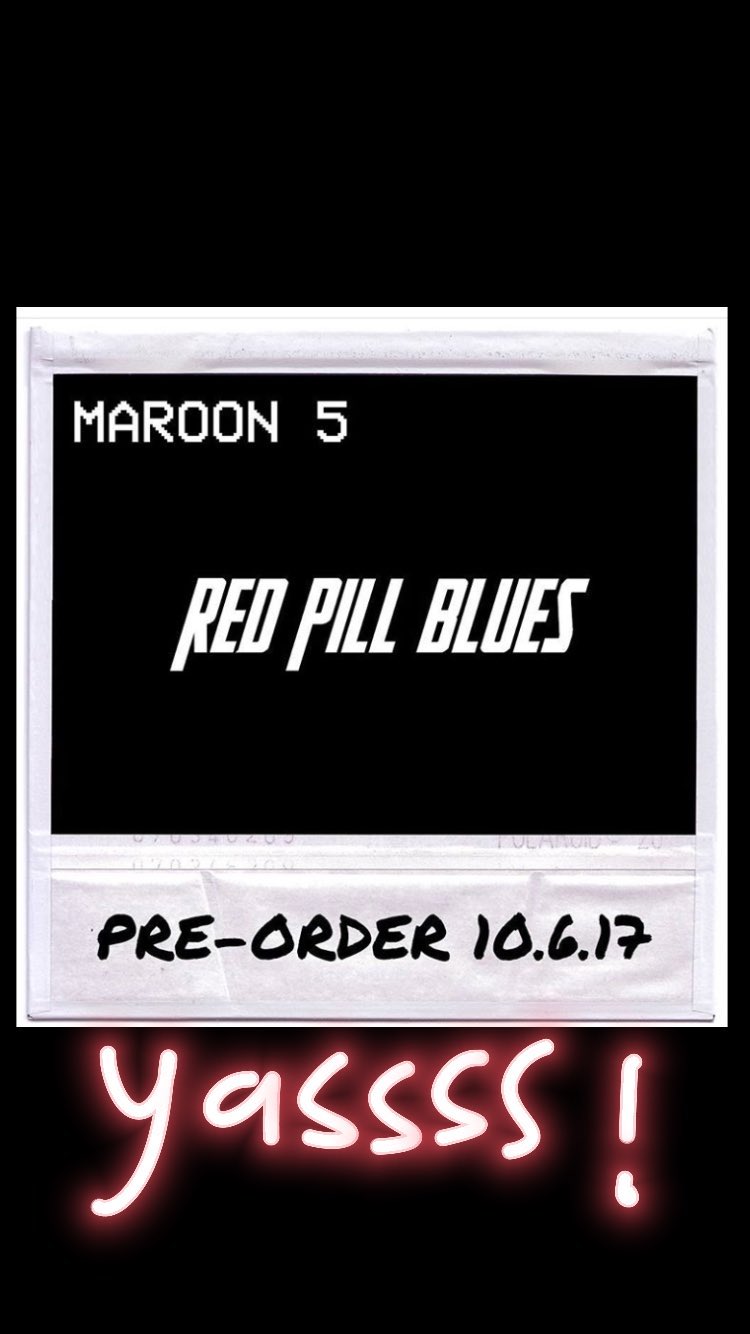
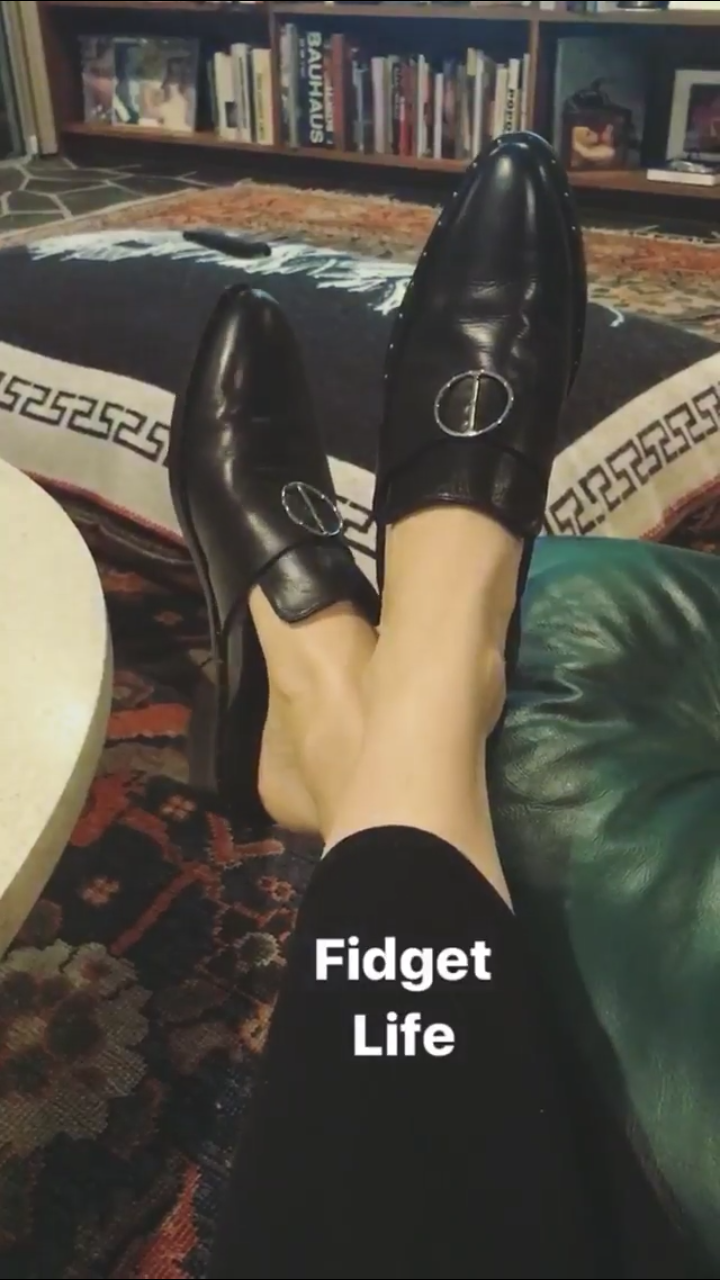
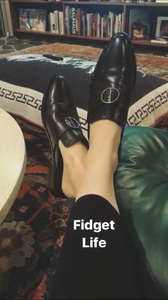
BTS for SK-II 22182763_145249802751330_6902092786330238976_n.mp4 Stories behatiprinsloo_15197748_463633447370056_5551444632526651392_n.mp4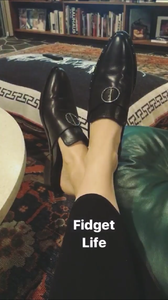
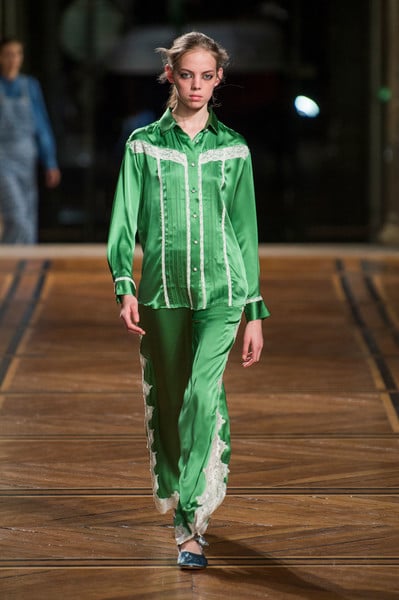
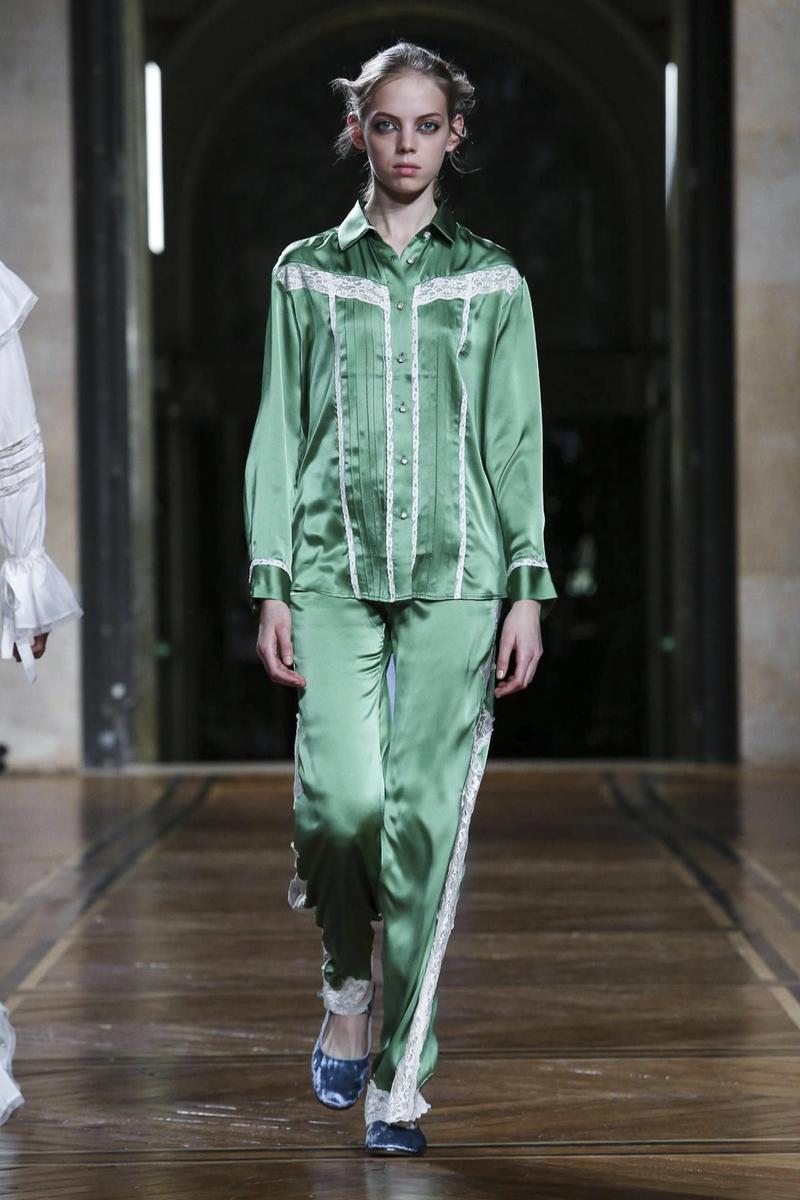
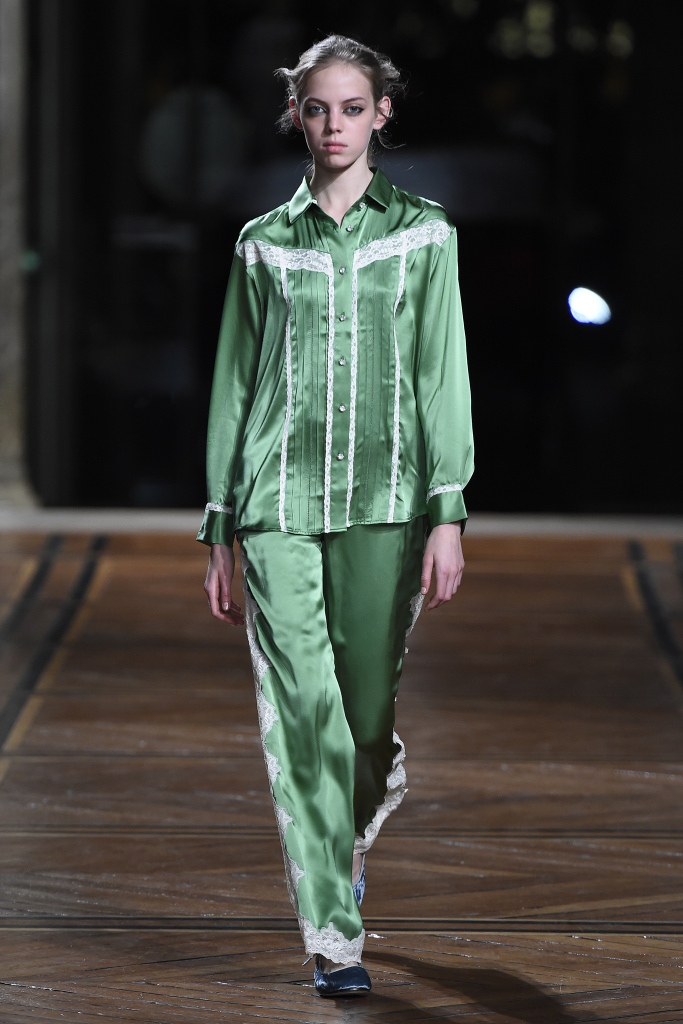
 Sources NowFashion, WWD, Livingly, The impression, sonnyphotos and Vogue
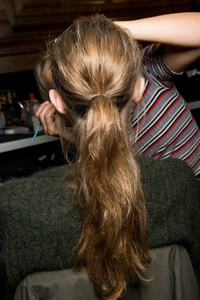
Esteban Cortazar backstage From sonnyphotos.com
Sources NowFashion, WWD, Livingly, The impression, sonnyphotos and Vogue
Esteban Cortazar backstage From sonnyphotos.com

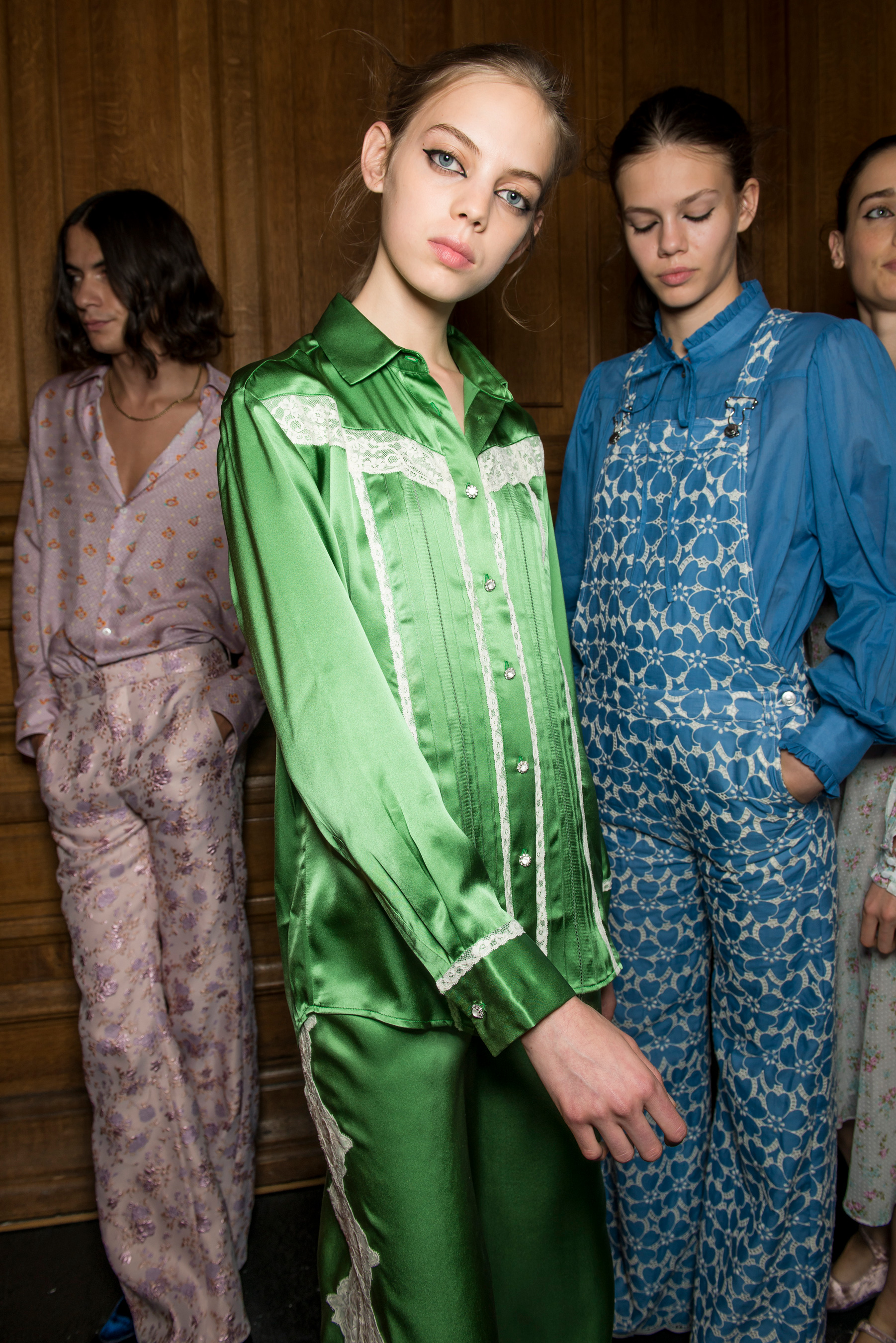
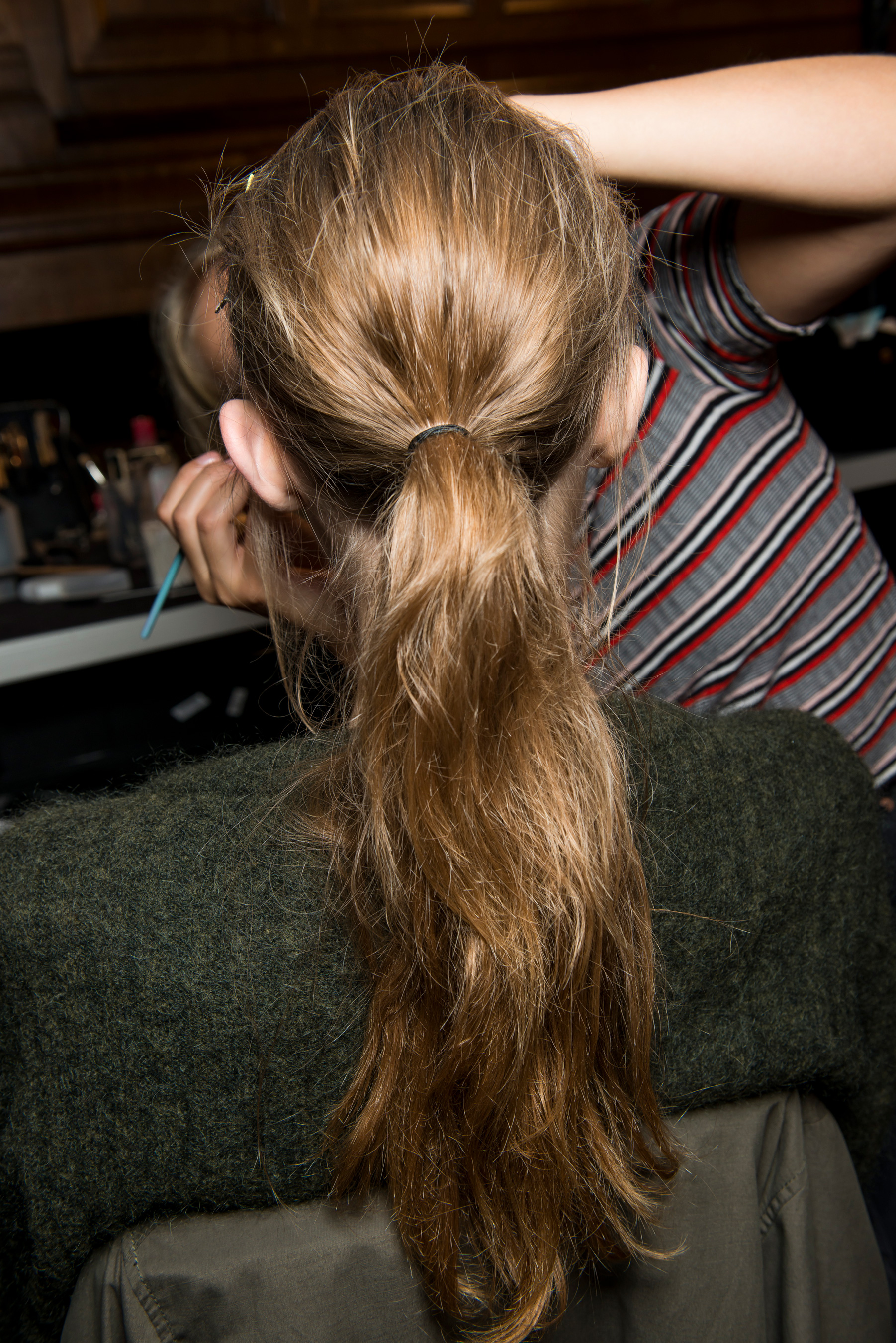
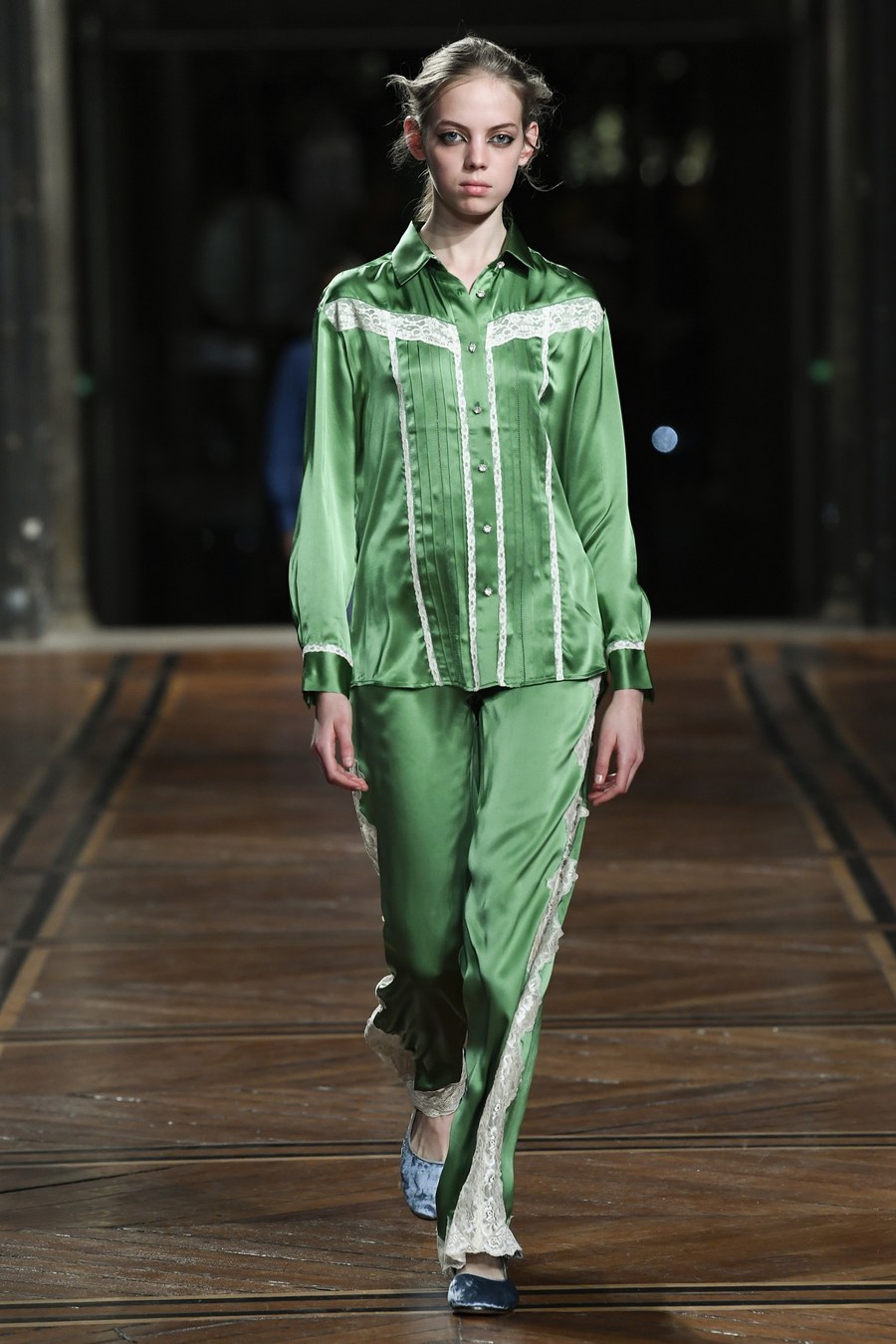
 Paul & Joe backstage



 Paul & Joe S/S 18
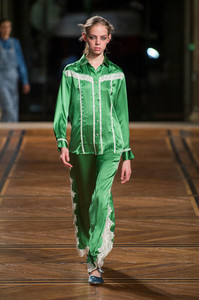

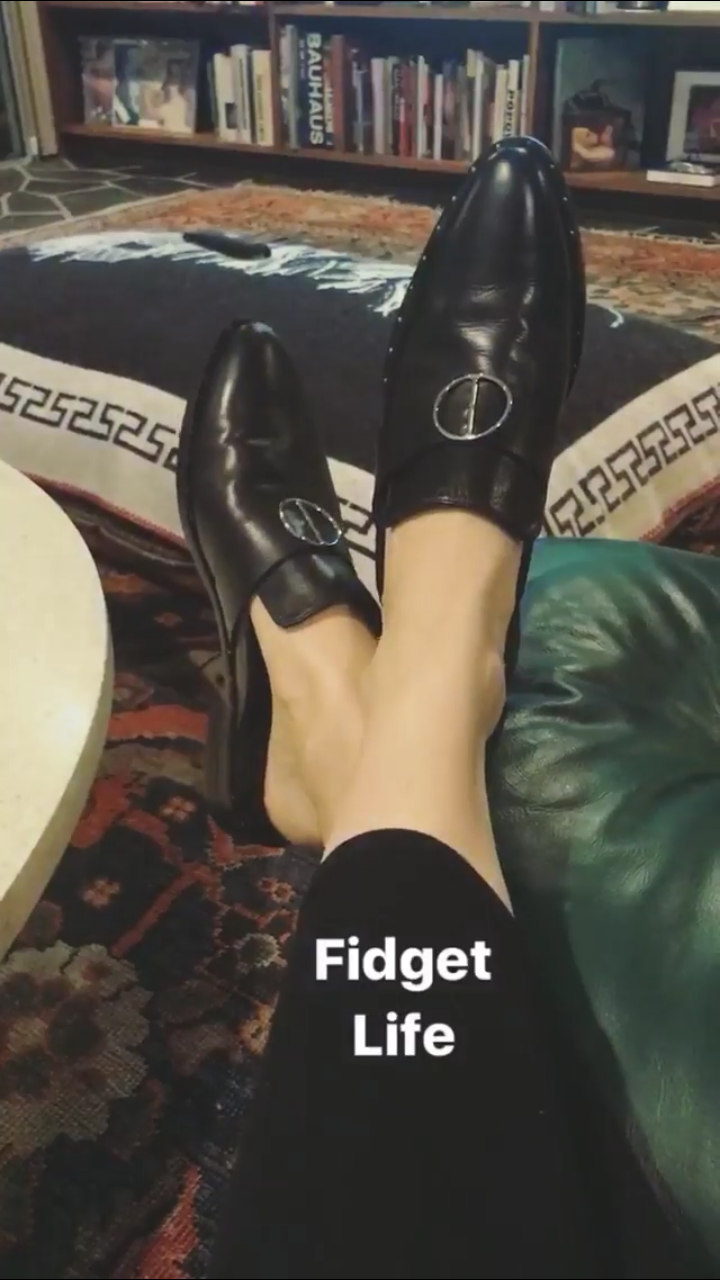
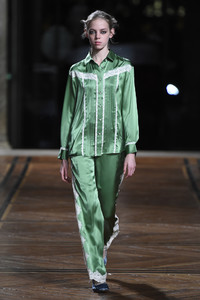 Paul & Joe Paris on stories
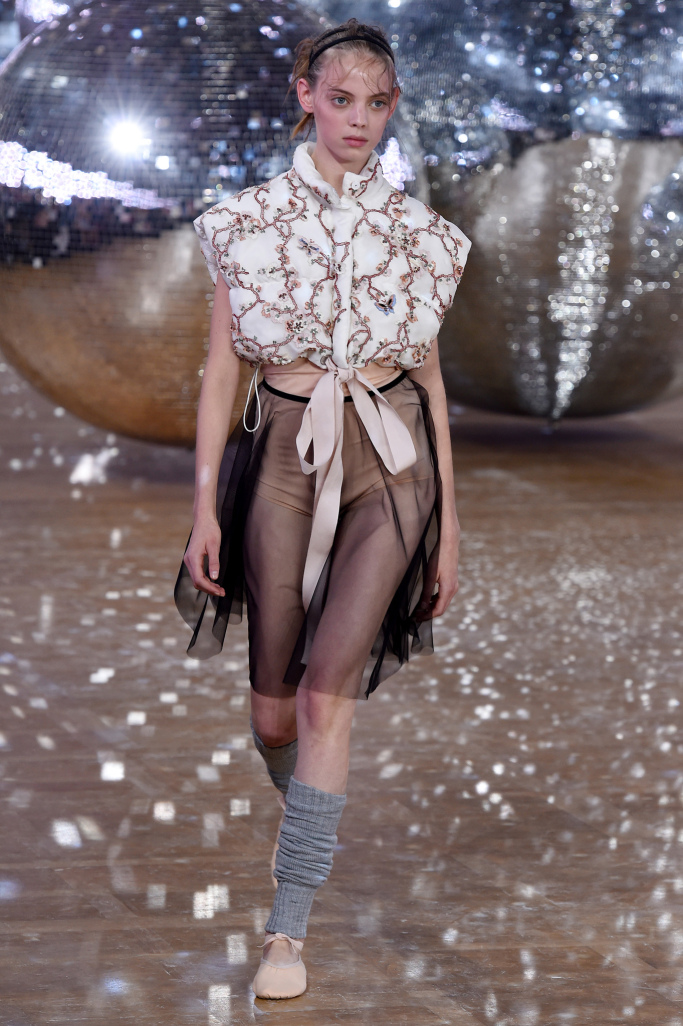
 Moncler backstage









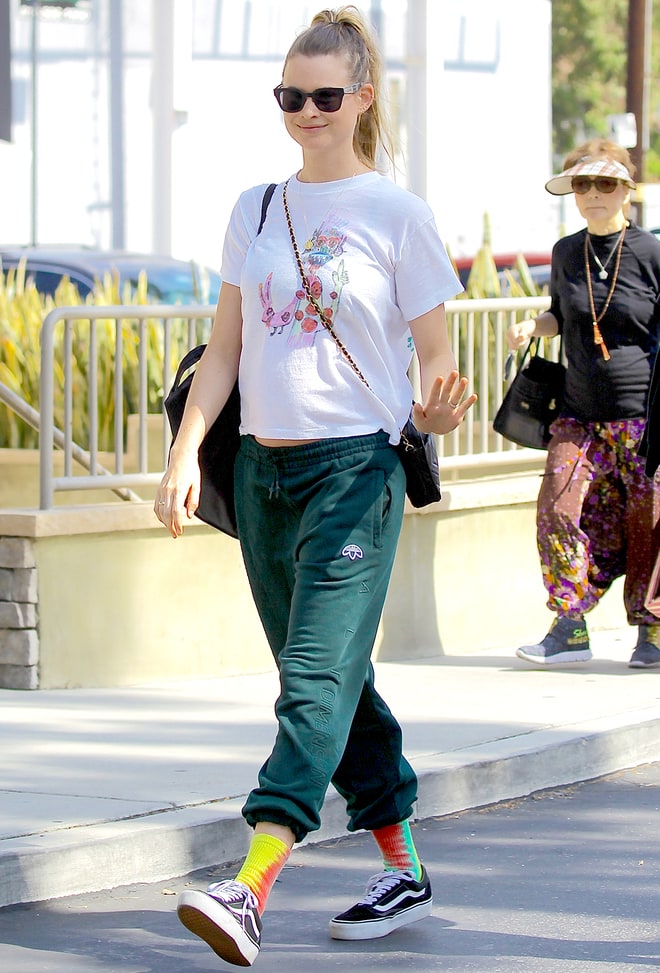
 http://www.usmagazine.com/celebrity-body/pictures/behati-prinsloo-shows-off-bare-baby-bump-w506936
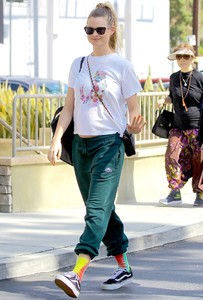


 http://www.instyle.com/news/behati-prinsloo-bare-baby-sweatpants-adam-levine
Account
Navigation
Search
Configure browser push notifications
Chrome (Android)
- Tap the lock icon next to the address bar.
- Tap Permissions → Notifications.
- Adjust your preference.
Chrome (Desktop)
- Click the padlock icon in the address bar.
- Select Site settings.
- Find Notifications and adjust your preference.
Safari (iOS 16.4+)
- Ensure the site is installed via Add to Home Screen.
- Open Settings App → Notifications.
- Find your app name and adjust your preference.
Safari (macOS)
- Go to Safari → Preferences.
- Click the Websites tab.
- Select Notifications in the sidebar.
- Find this website and adjust your preference.
Edge (Android)
- Tap the lock icon next to the address bar.
- Tap Permissions.
- Find Notifications and adjust your preference.
Edge (Desktop)
- Click the padlock icon in the address bar.
- Click Permissions for this site.
- Find Notifications and adjust your preference.
Firefox (Android)
- Go to Settings → Site permissions.
- Tap Notifications.
- Find this site in the list and adjust your preference.
Firefox (Desktop)
- Open Firefox Settings.
- Search for Notifications.
- Find this site in the list and adjust your preference.