

Candyliz
Members
-
Joined
-
Last visited
Everything posted by Candyliz
-
 Stories behatiprinsloo_14274157_1919937801592787_2217493358681522176_n.mp4
-
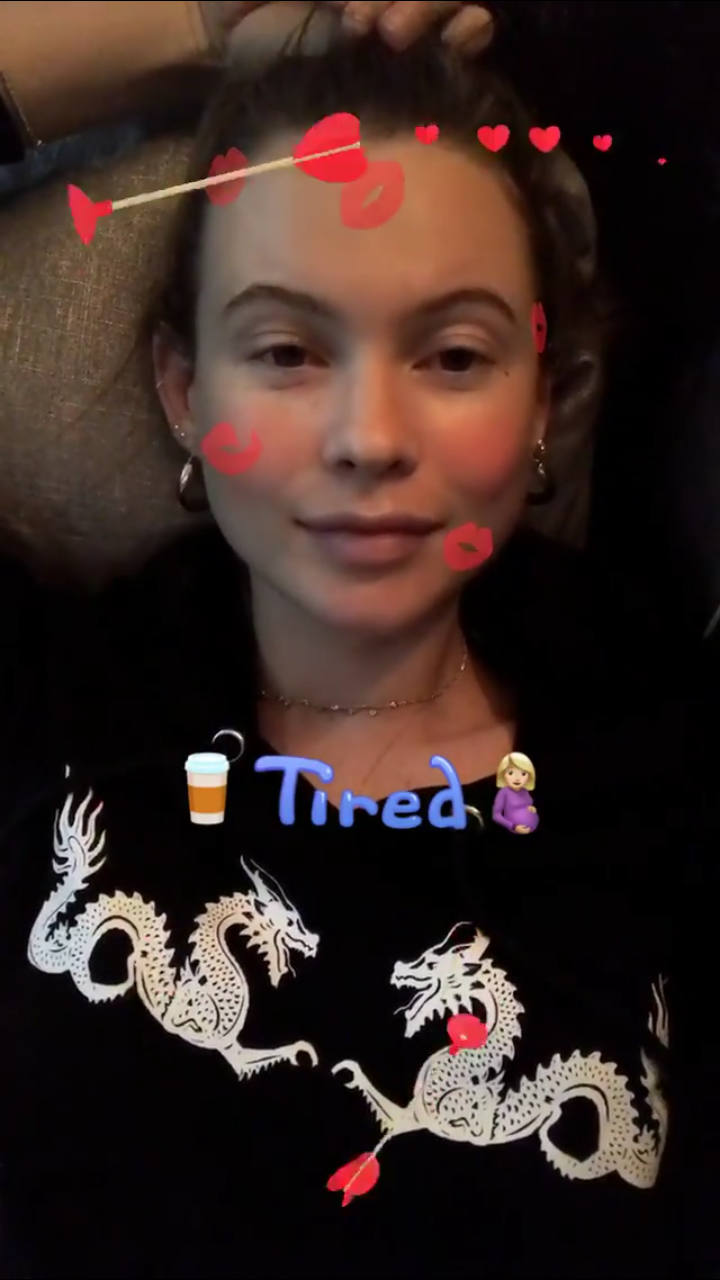
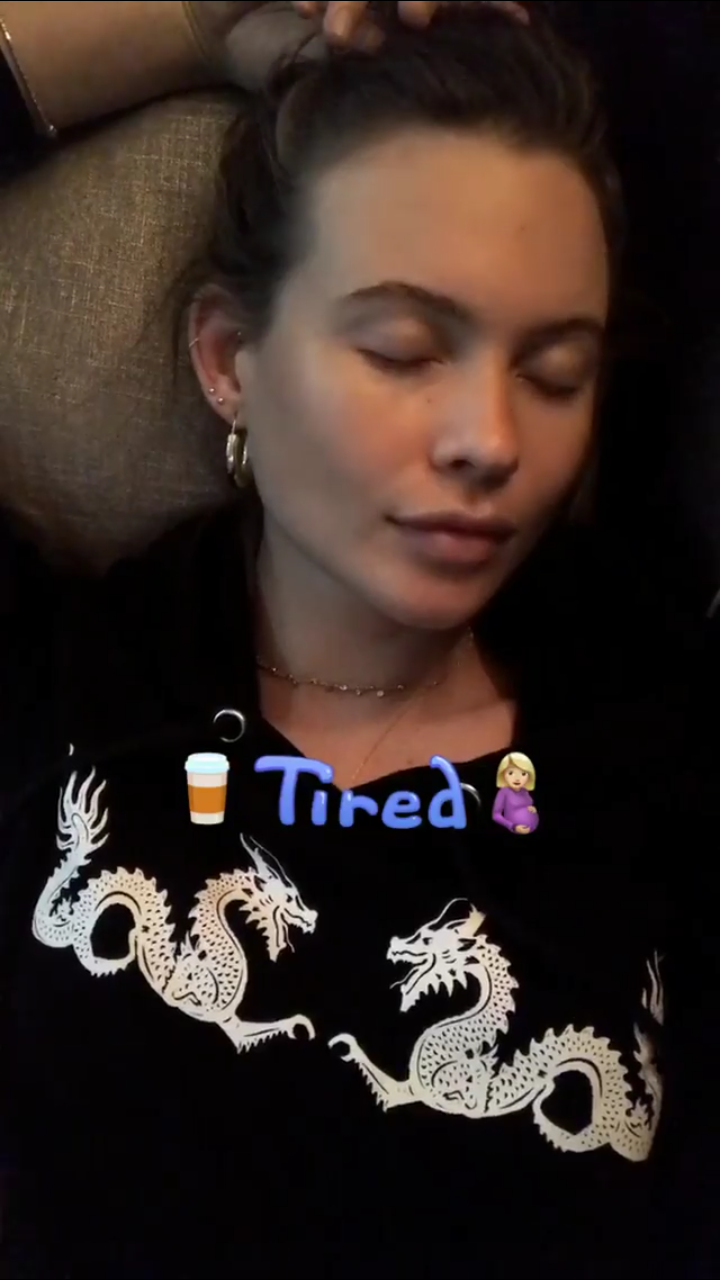
Hot mama doing some workout behatiprinsloo_21066164_122992945045875_7498096954090455040_n.mp4
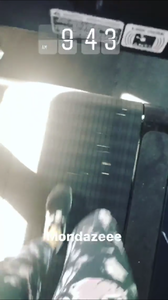
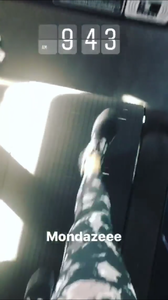
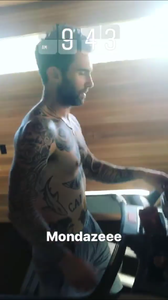

-
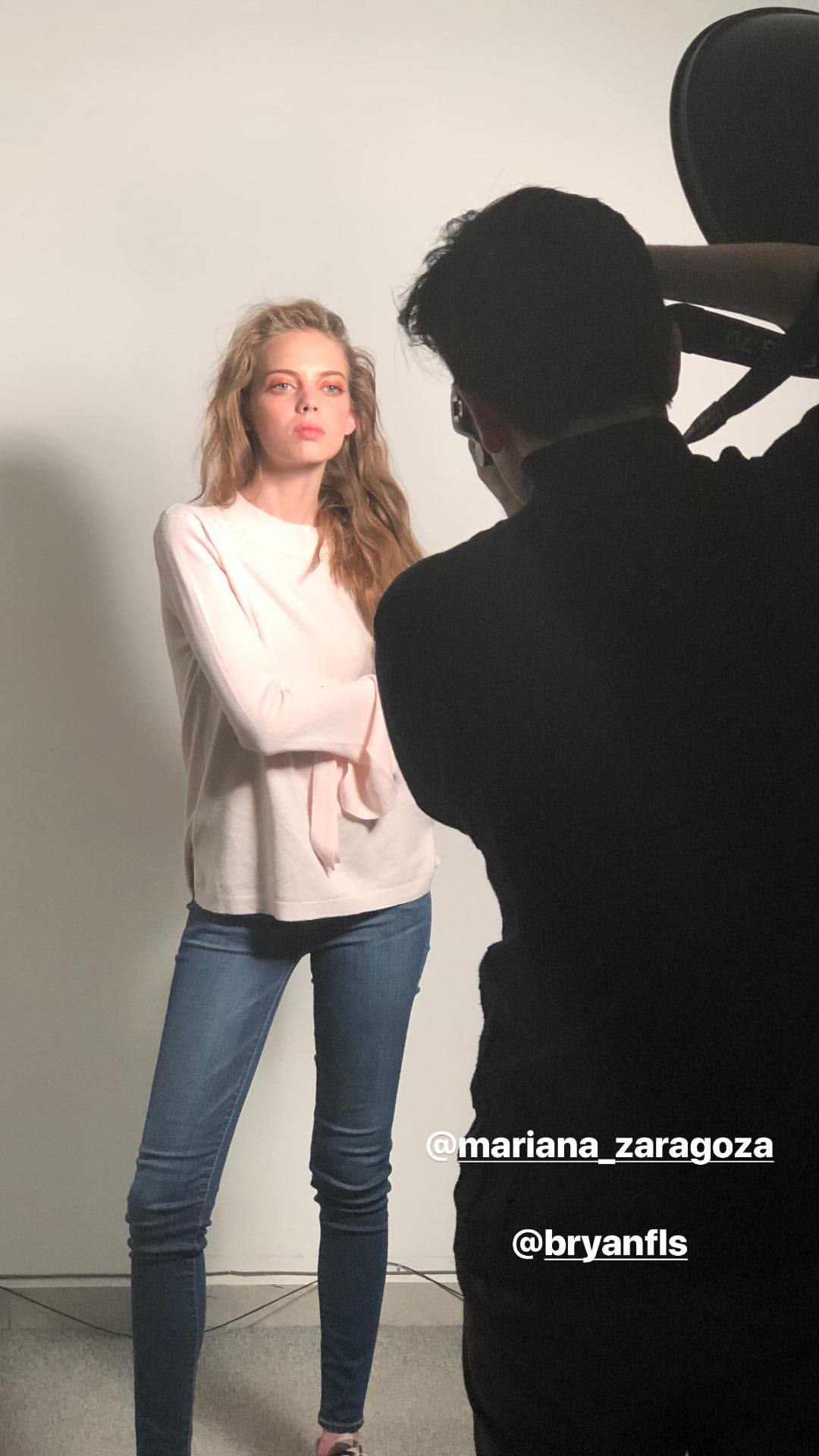
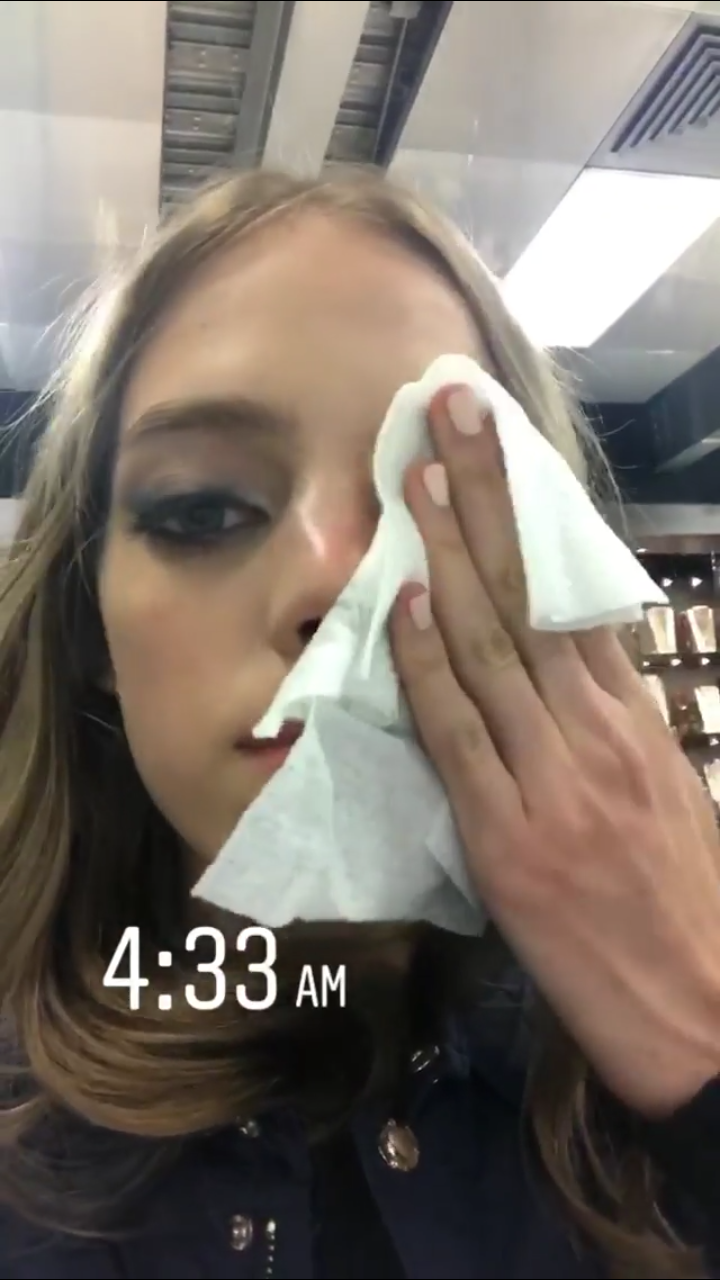
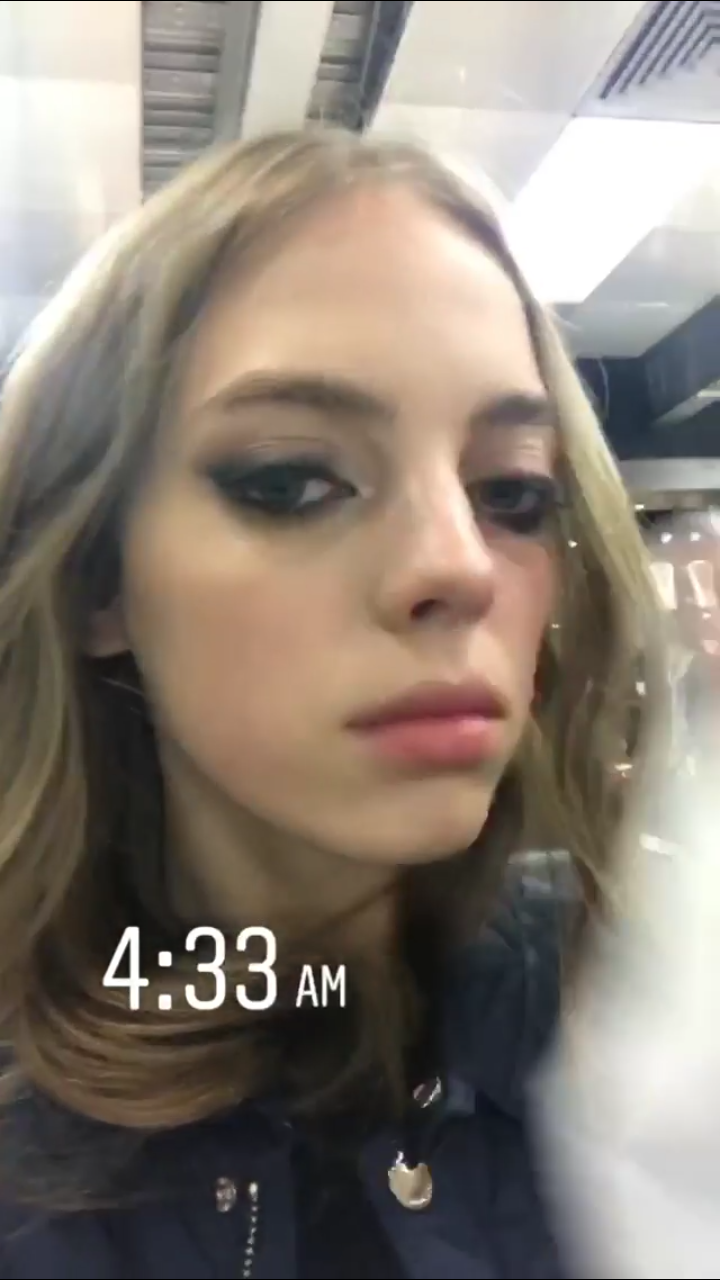
She was visiting her agency in Mexico paragonmodelm_17478546_178813952676334_5180205676848218112_n.mp4 paragonmodelm_18321945_486432235076861_5629988846952251392_n.mp4 mariana_zaragoza_18128420_127270111271114_6442420780444680192_n.mp4



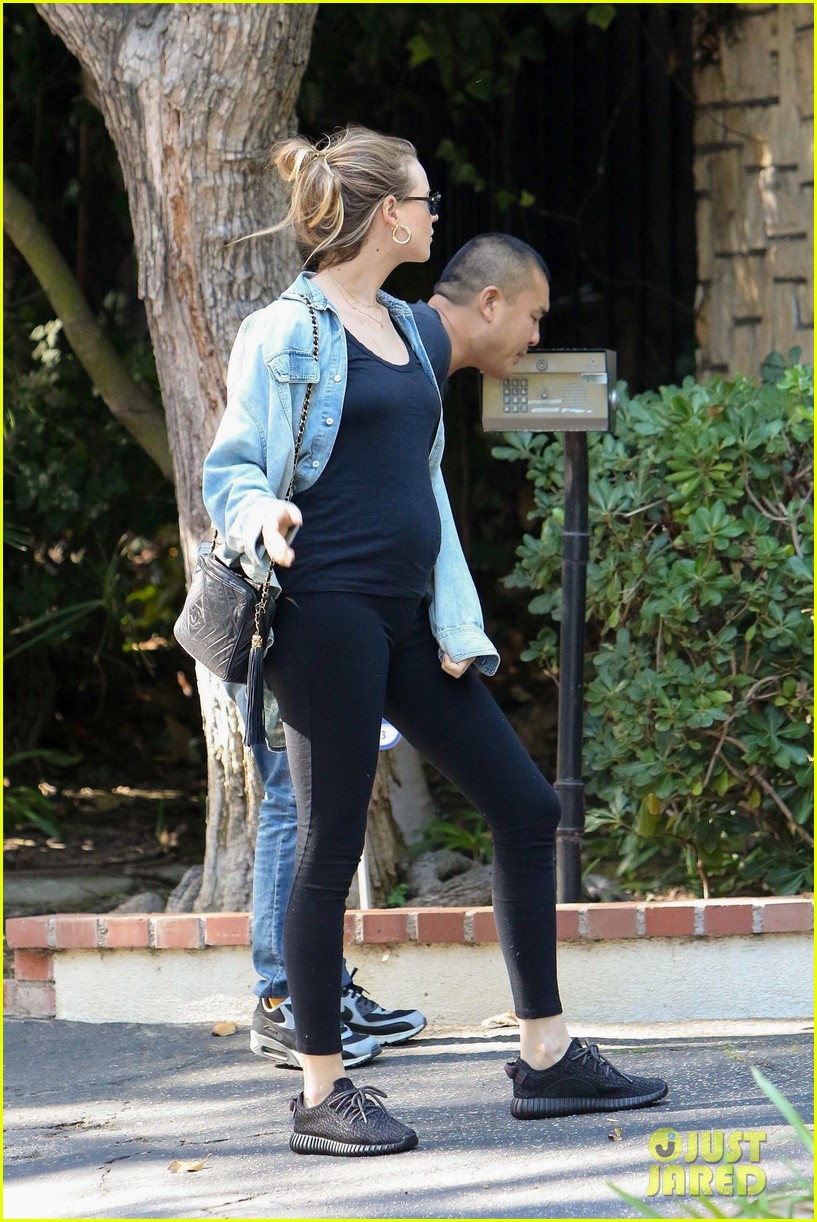
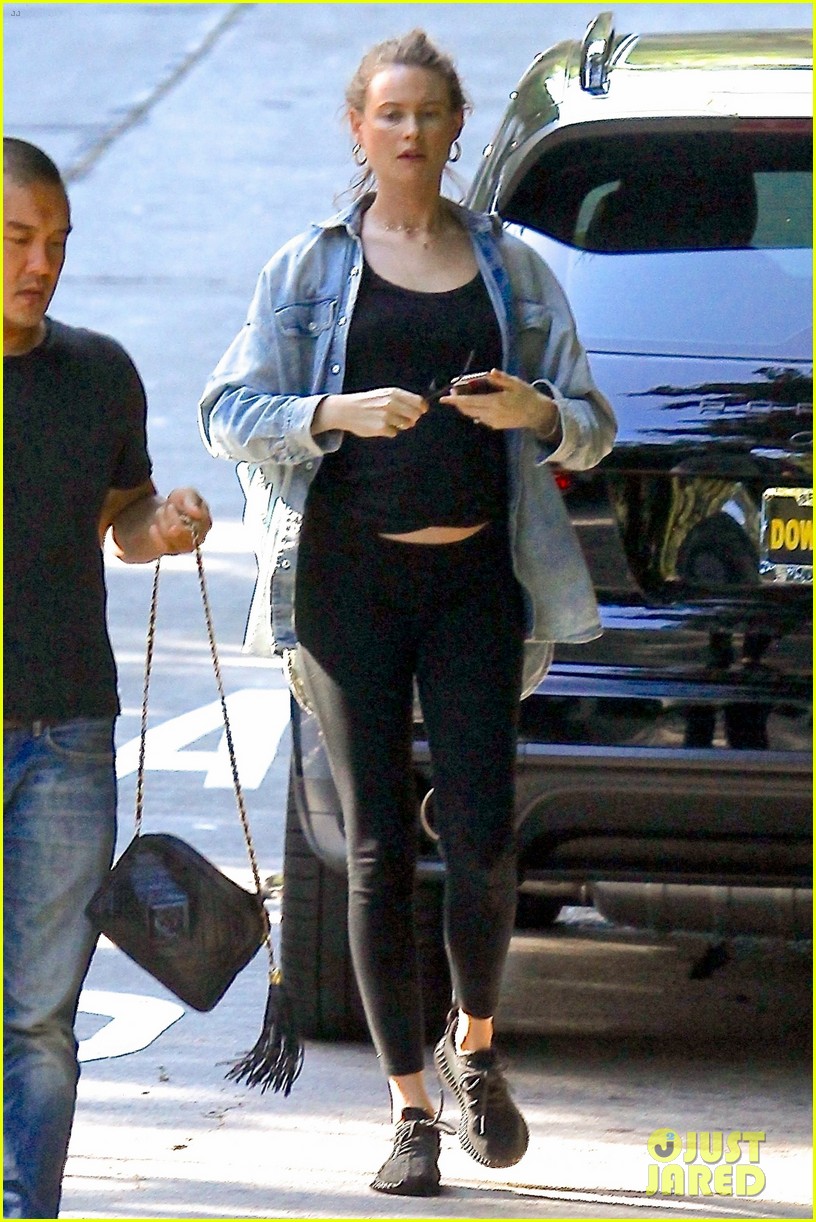
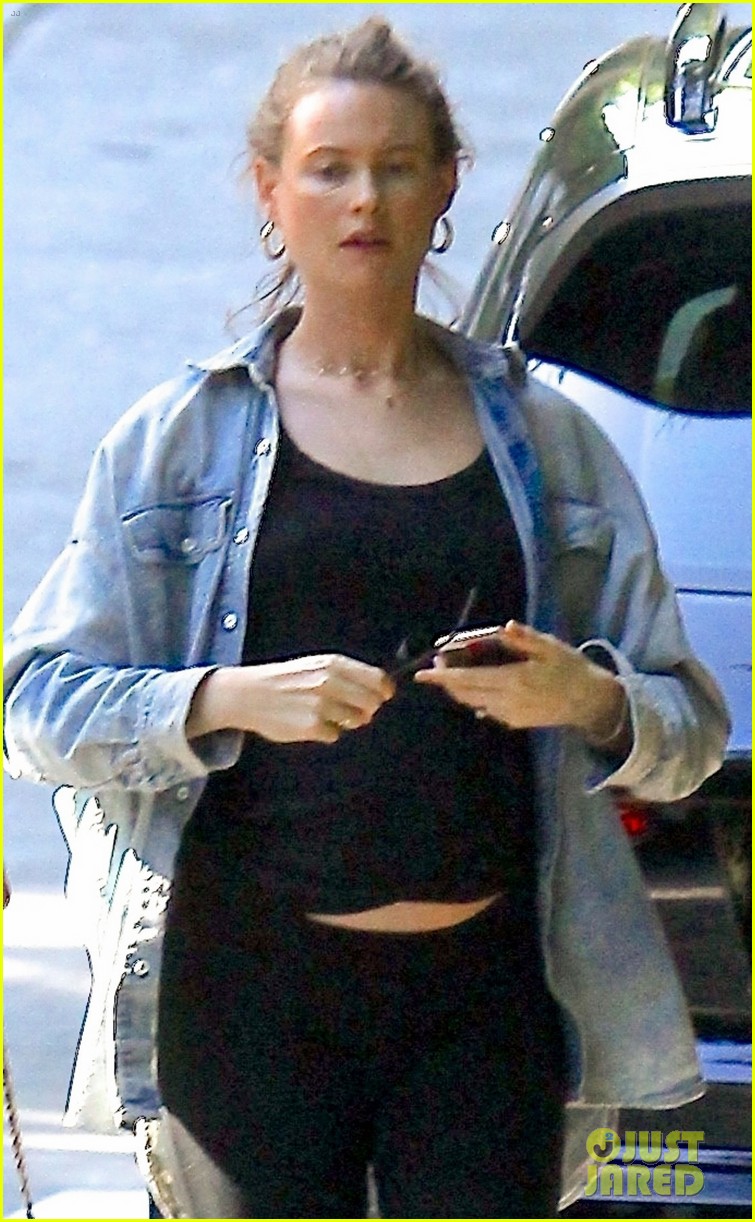
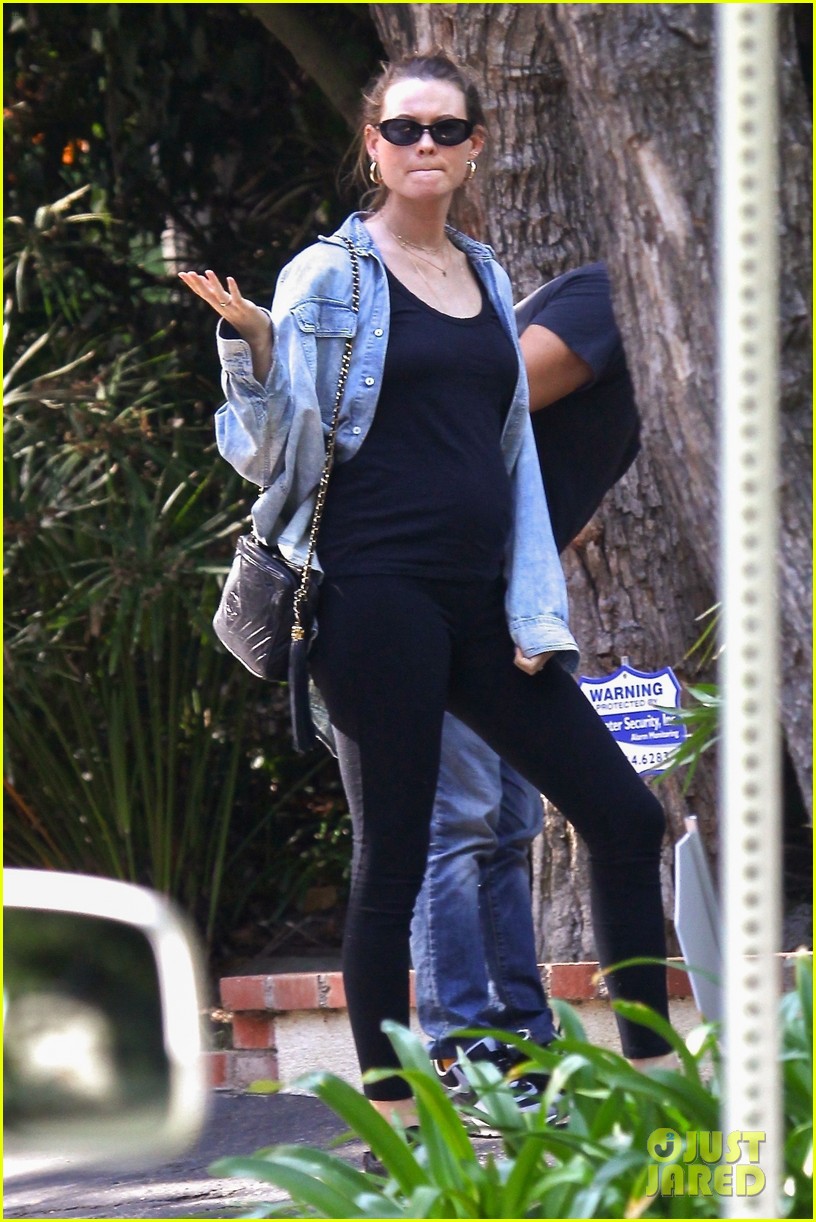
 http://www.justjared.com/photo-gallery/3976010/behati-prinsloo-flashes-her-baby-bump-while-out-in-beverly-hills-07/




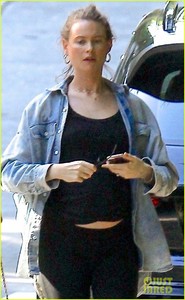
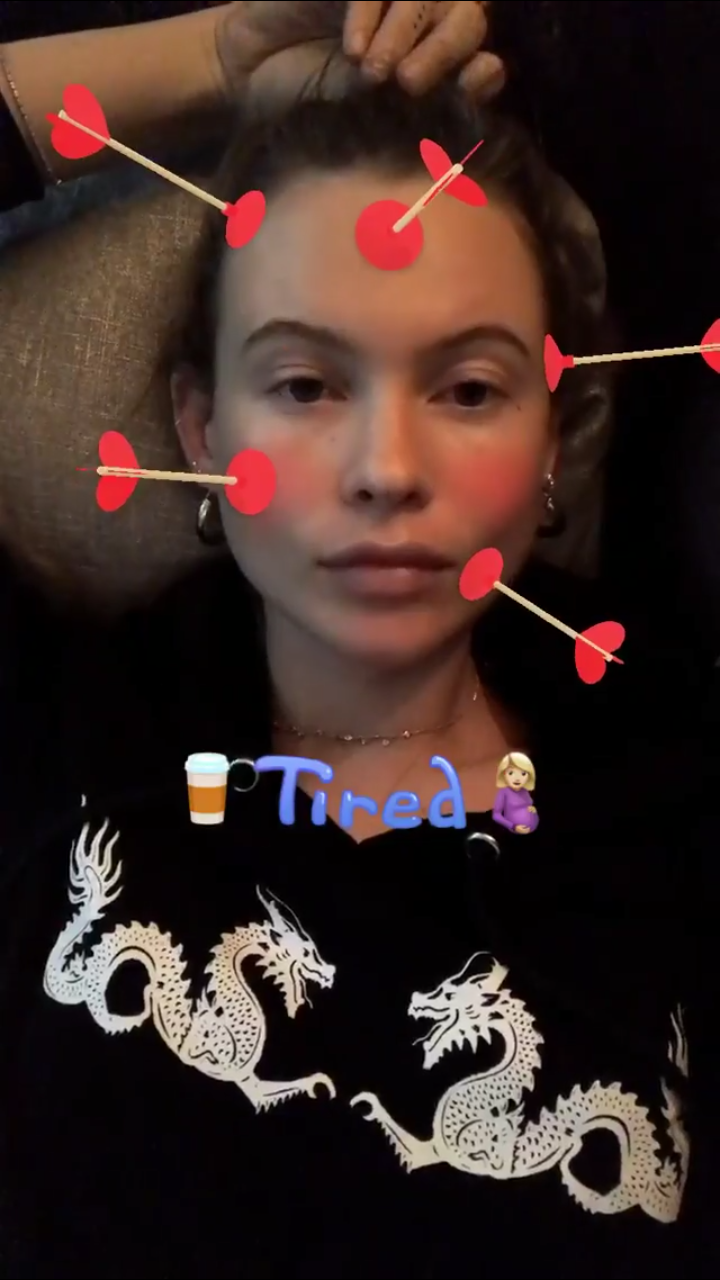
 Not very clear, but is a pic of Bee with Dusty
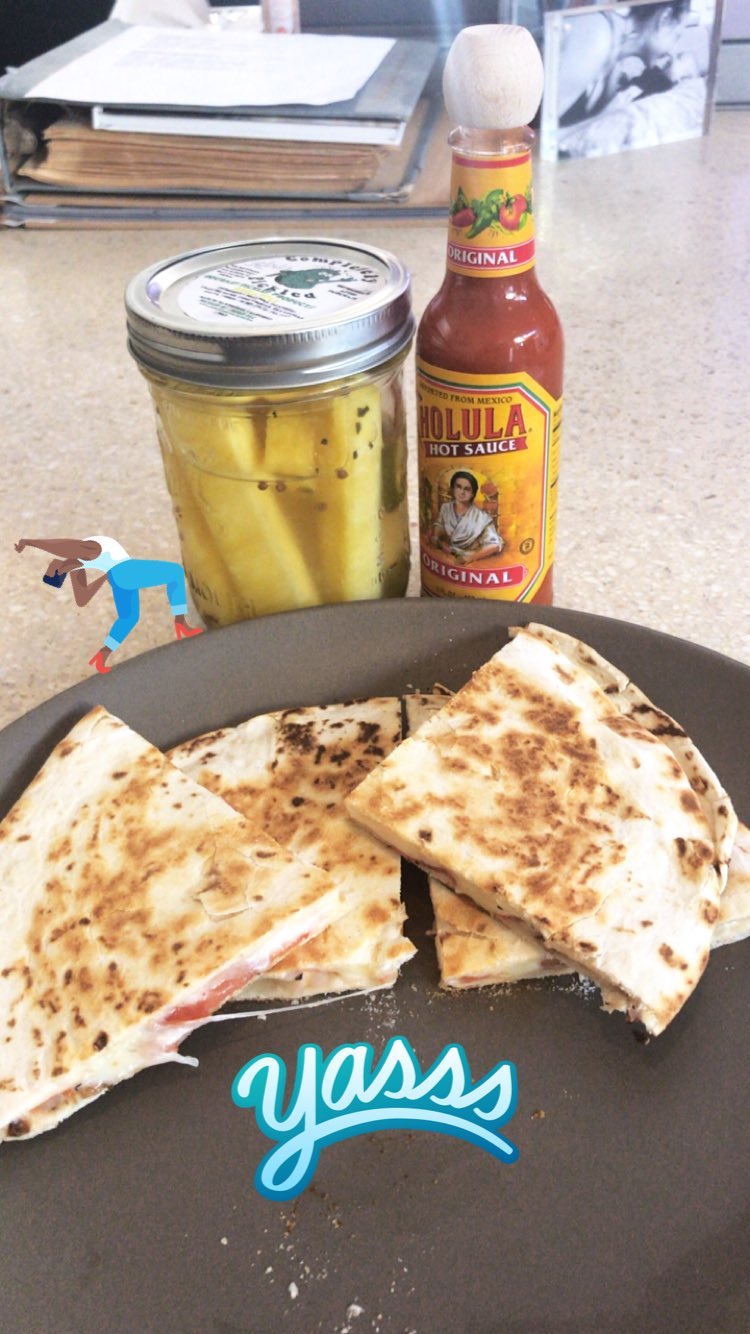
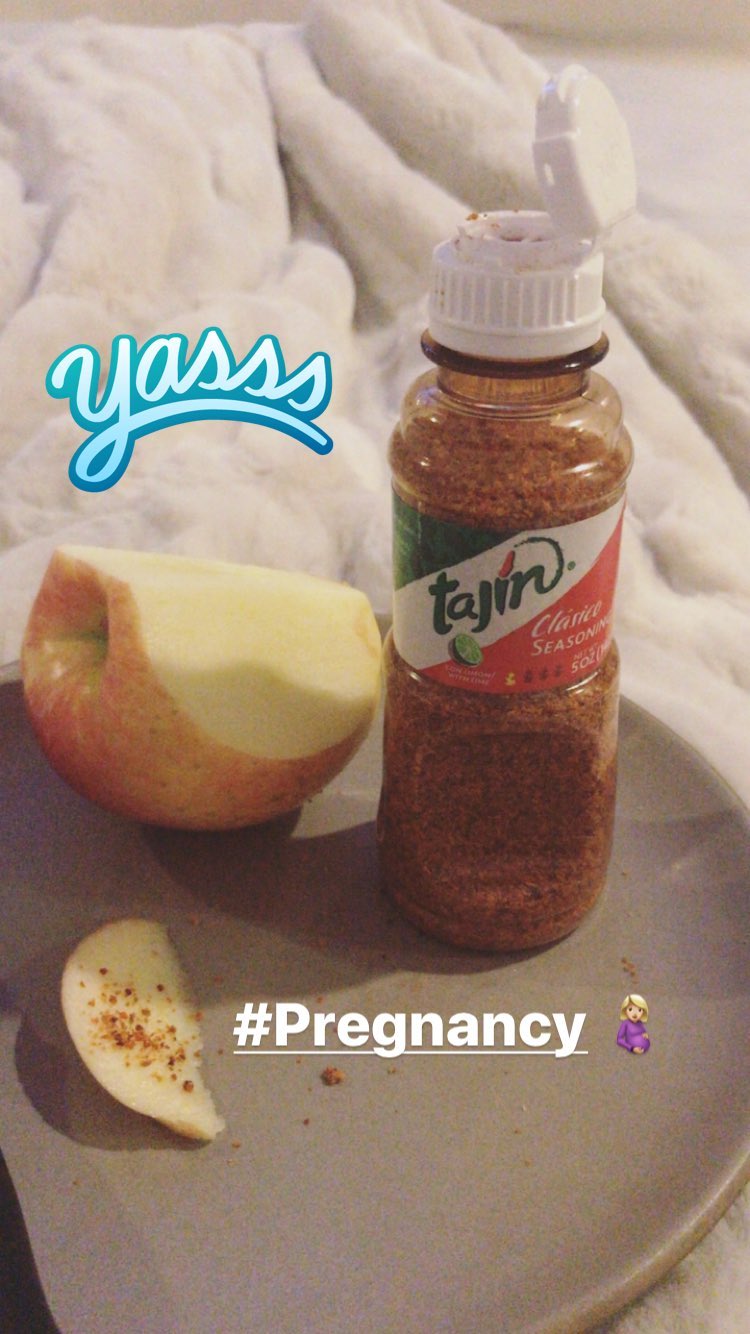
 And more cravings
 It's incredible to think how we still don't know how many months she have already and baby's gender
Btw, rumors said 5 months!
behatiprinsloo_17407135_369479326820116_7780919648588922880_n.mp4
It's incredible to think how we still don't know how many months she have already and baby's gender
Btw, rumors said 5 months!
behatiprinsloo_17407135_369479326820116_7780919648588922880_n.mp4

 behatiprinsloo_17406753_1537222472982188_393003114040393728_n.mp4
 Oh yes! Agree, it's like nobody cares Pink now.
What do u mean?
Stories behatiprinsloo_17996346_285878935241726_8468258804159479808_n.mp4 behatiprinsloo_21142361_2022689537967001_4970037018496073728_n.mp4
Oh yes! Agree, it's like nobody cares Pink now.
What do u mean?
Stories behatiprinsloo_17996346_285878935241726_8468258804159479808_n.mp4 behatiprinsloo_21142361_2022689537967001_4970037018496073728_n.mp4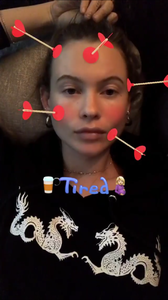

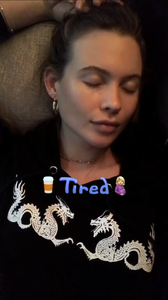
 Charlie Puth on Snapchat
 Stories mariana_zaragoza_18118023_1875964072428853_1667706934561603584_n.mp4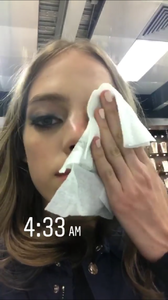
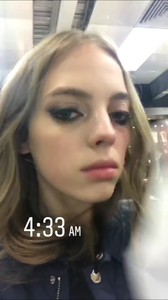 Paul and Joe Paris backstage
 Anna Sui backstage






















Account
Navigation
Search
Configure browser push notifications
Chrome (Android)
- Tap the lock icon next to the address bar.
- Tap Permissions → Notifications.
- Adjust your preference.
Chrome (Desktop)
- Click the padlock icon in the address bar.
- Select Site settings.
- Find Notifications and adjust your preference.
Safari (iOS 16.4+)
- Ensure the site is installed via Add to Home Screen.
- Open Settings App → Notifications.
- Find your app name and adjust your preference.
Safari (macOS)
- Go to Safari → Preferences.
- Click the Websites tab.
- Select Notifications in the sidebar.
- Find this website and adjust your preference.
Edge (Android)
- Tap the lock icon next to the address bar.
- Tap Permissions.
- Find Notifications and adjust your preference.
Edge (Desktop)
- Click the padlock icon in the address bar.
- Click Permissions for this site.
- Find Notifications and adjust your preference.
Firefox (Android)
- Go to Settings → Site permissions.
- Tap Notifications.
- Find this site in the list and adjust your preference.
Firefox (Desktop)
- Open Firefox Settings.
- Search for Notifications.
- Find this site in the list and adjust your preference.