
Skip to content
View in the app

A better way to browse. Learn more.

Bellazon

A full-screen app on your home screen with push notifications, badges and more.

To install this app on iOS and iPadOS
  1. Tap the Share icon in Safari
  2. Scroll the menu and tap Add to Home Screen.
  3. Tap Add in the top-right corner.
To install this app on Android
  1. Tap the 3-dot menu (⋮) in the top-right corner of the browser.
  2. Tap Add to Home screen or Install app.
  3. Confirm by tapping Install.

ArianaVSCouture

Members
  • Joined

Everything posted by ArianaVSCouture

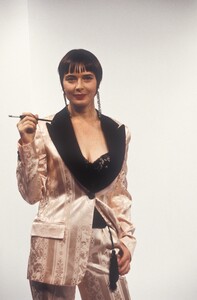
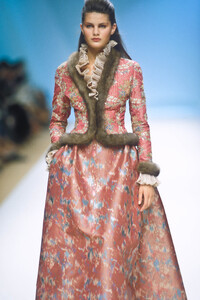
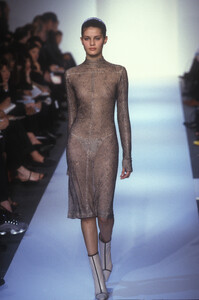
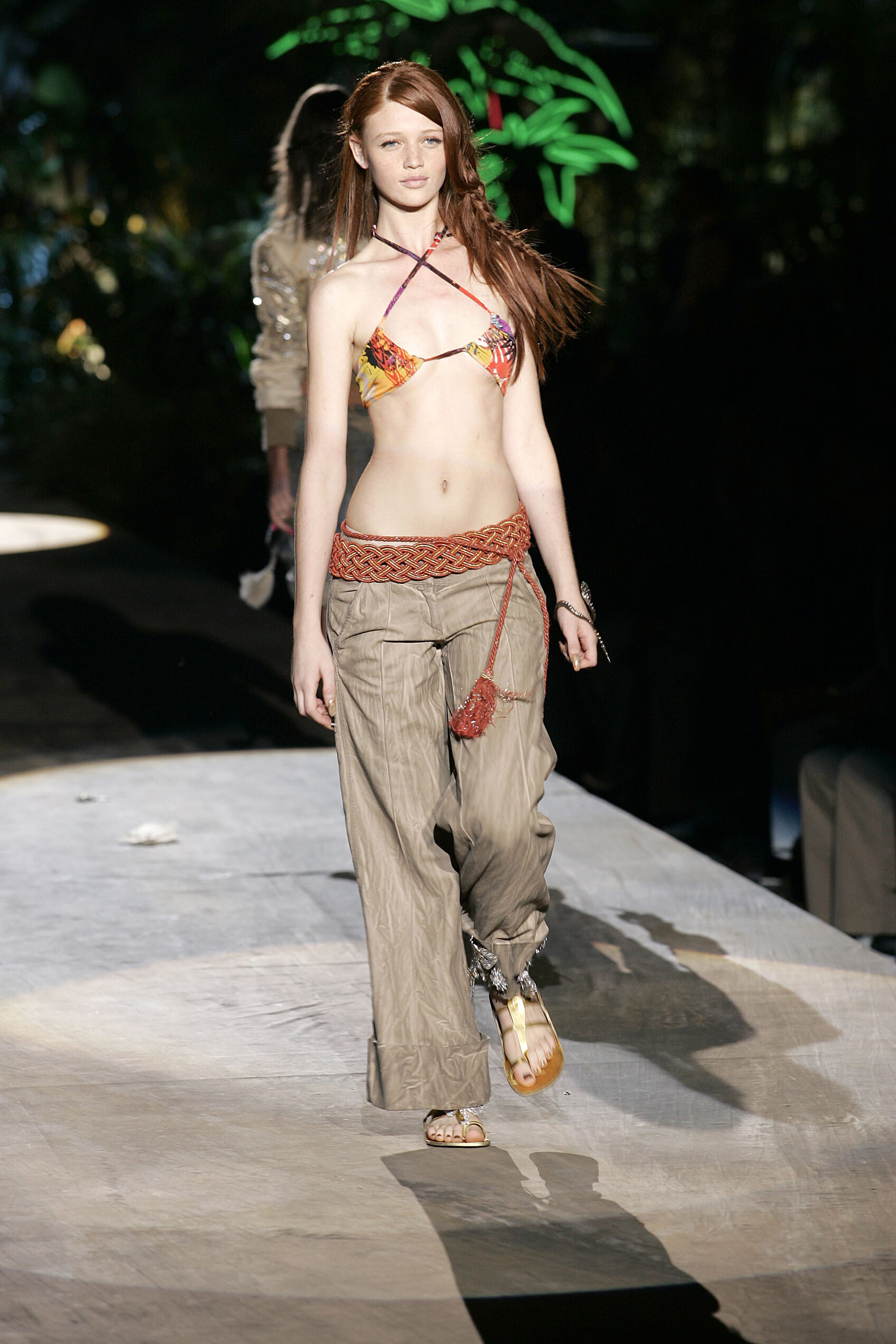
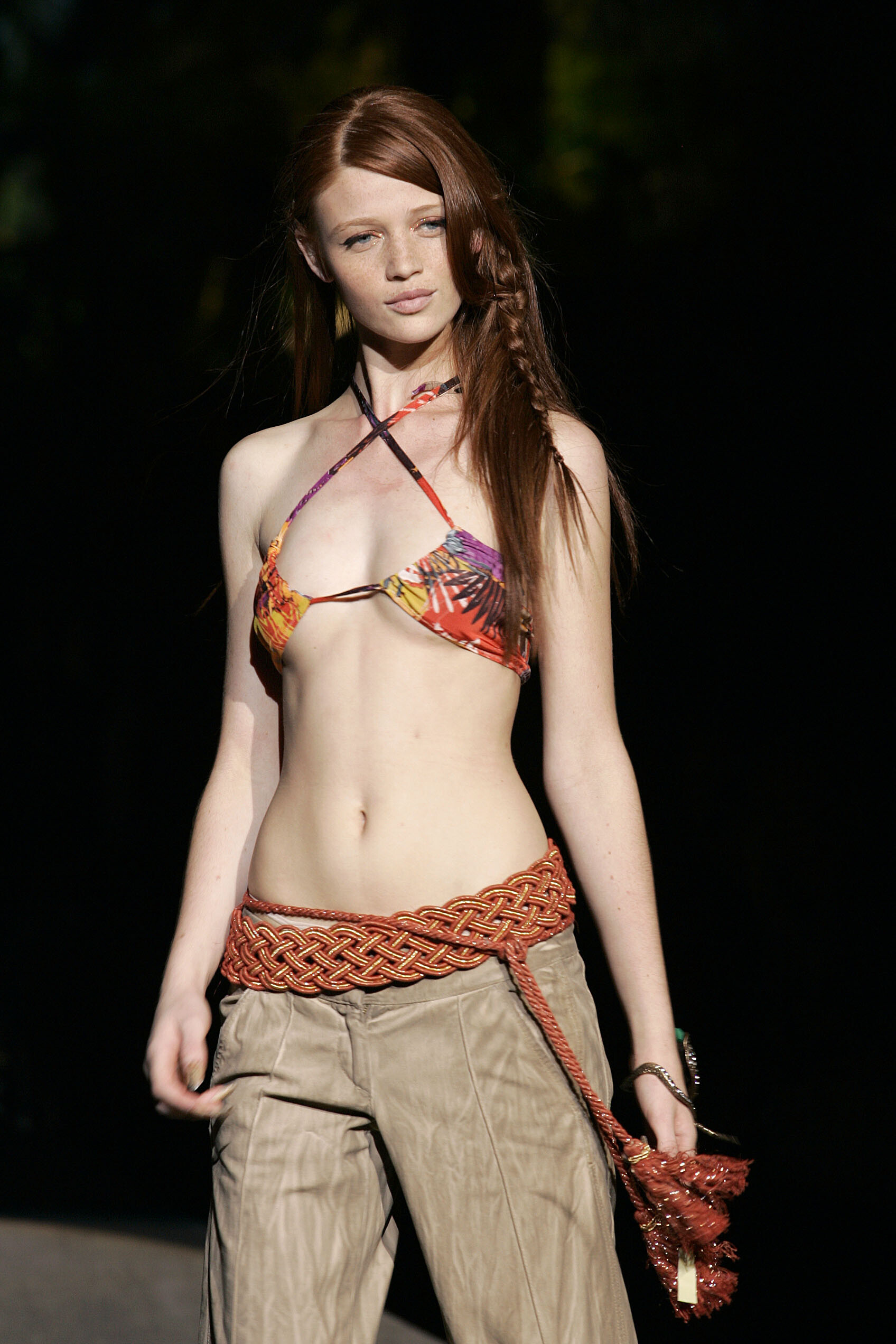
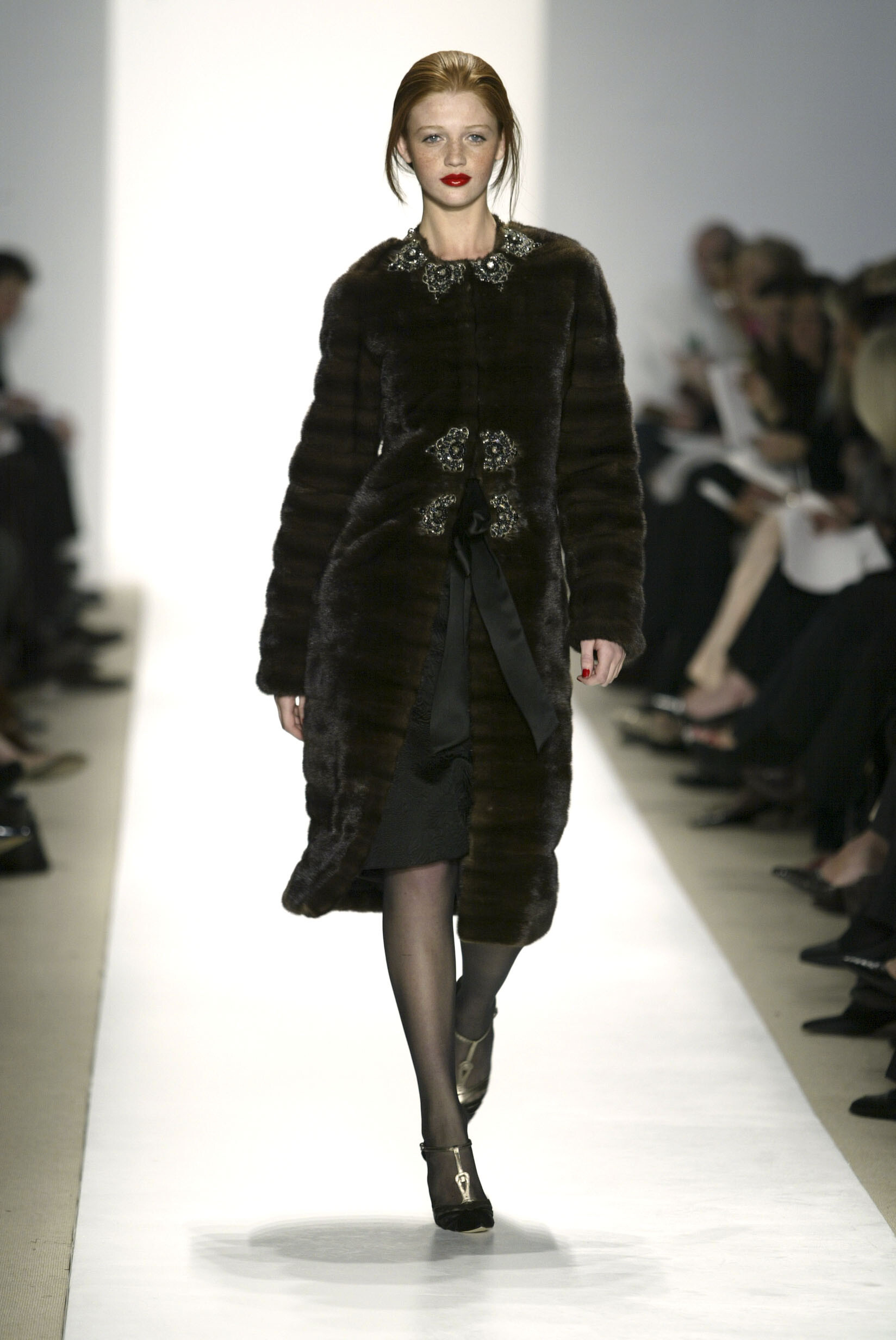
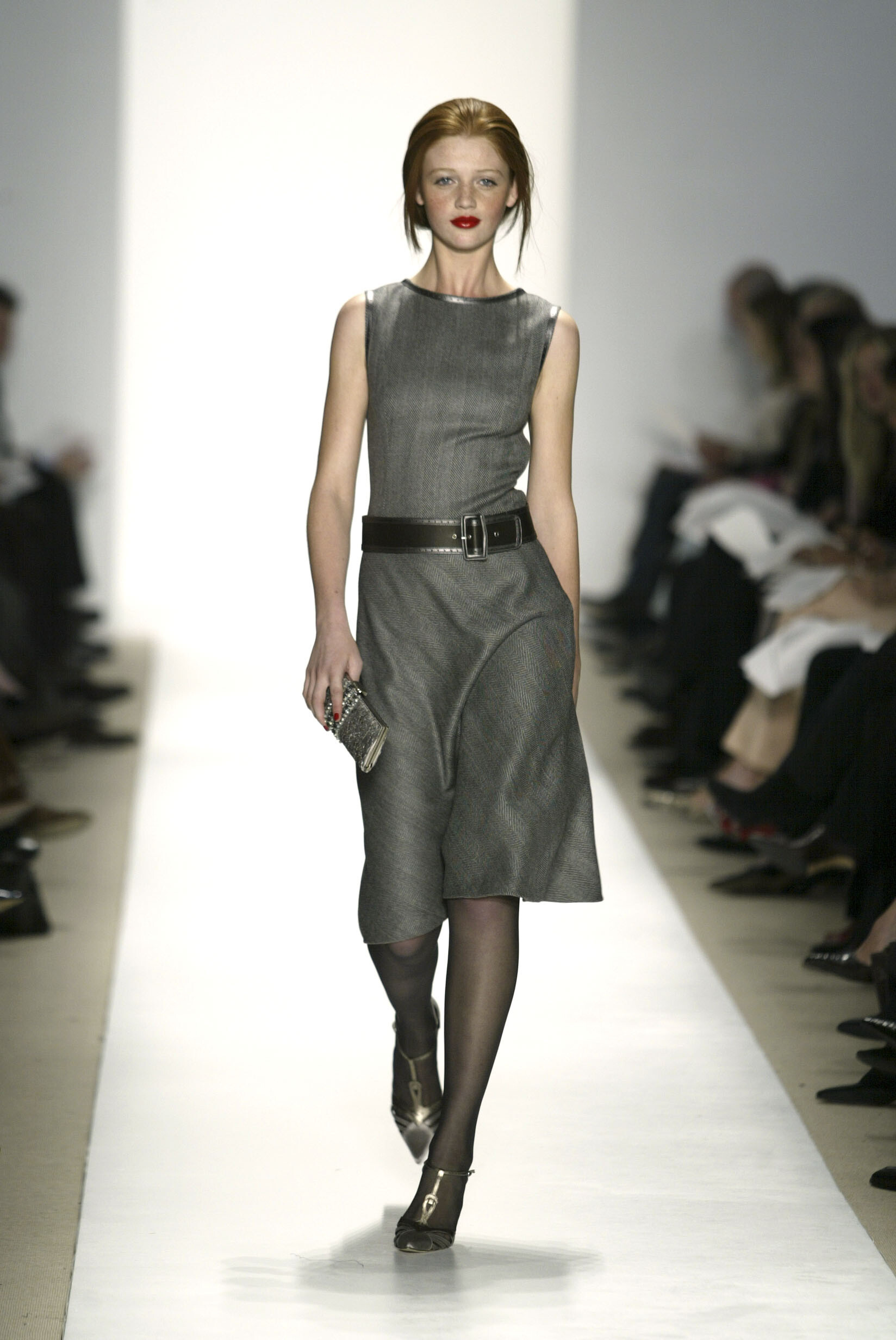
  1. Marithe & Francois Girbaud SS 2004:
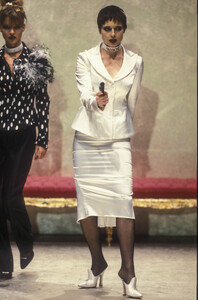
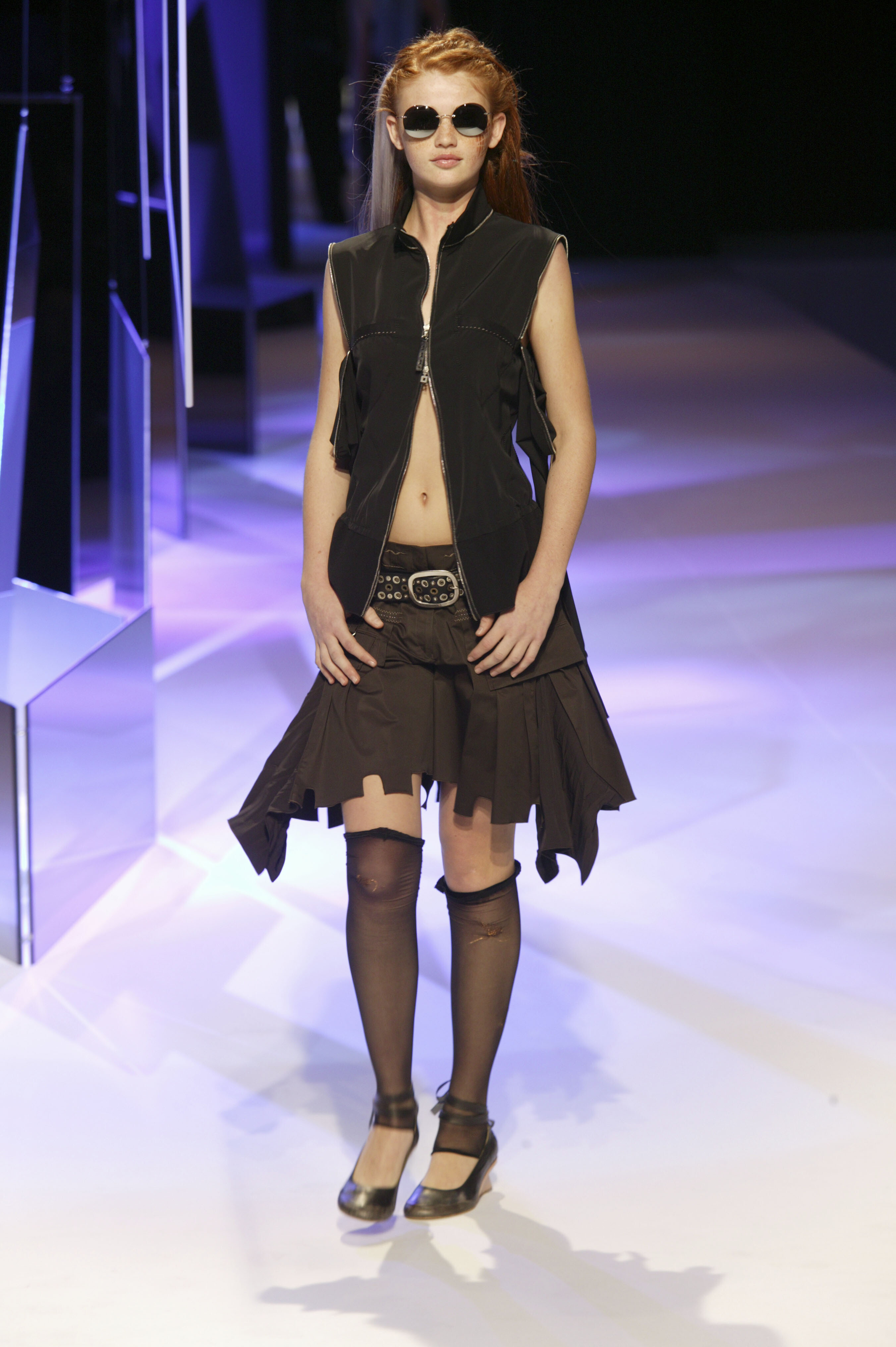
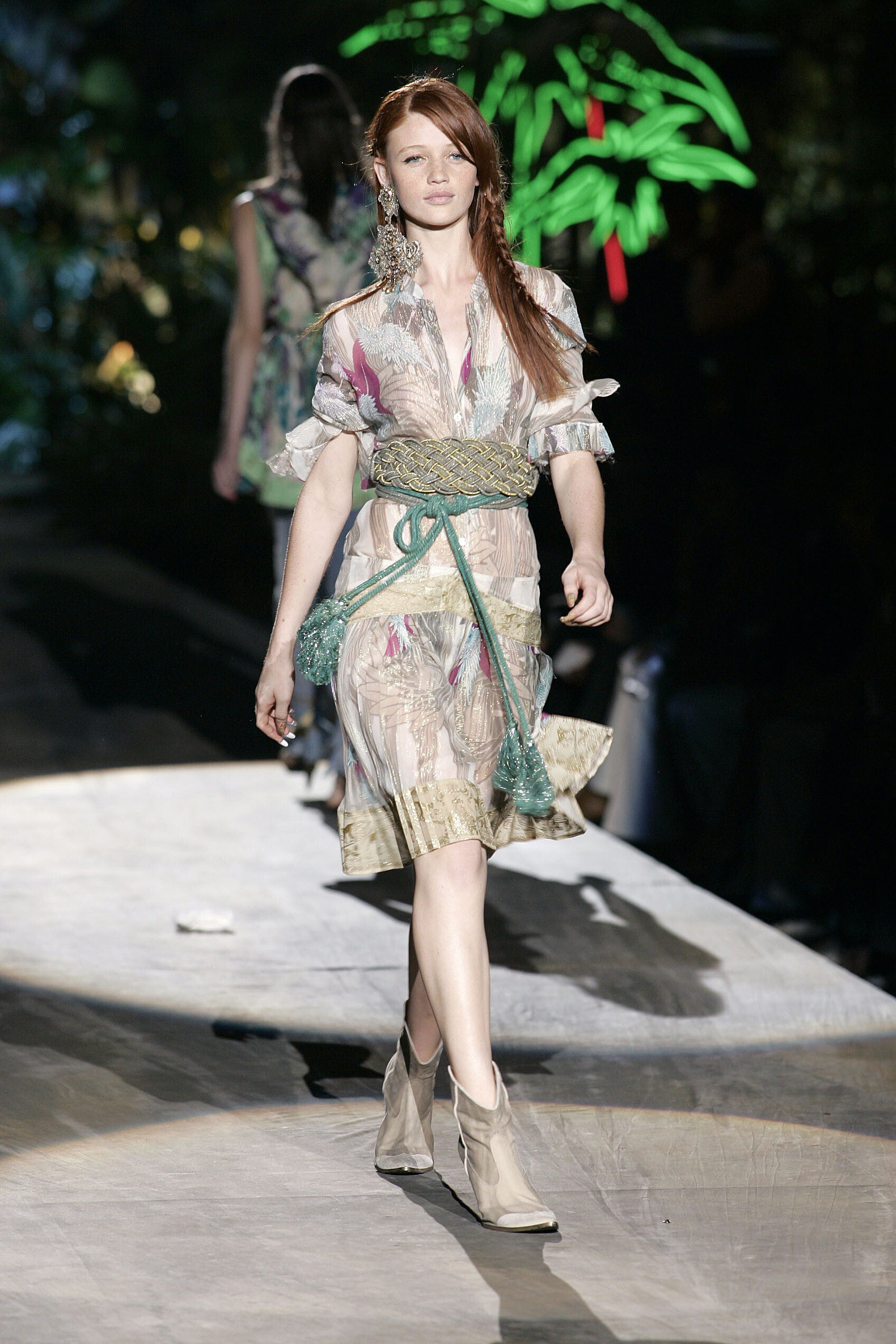
  2. Just Cavalli SS 2005:
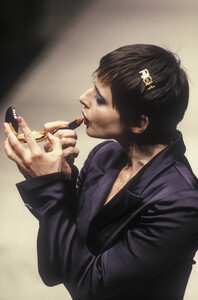
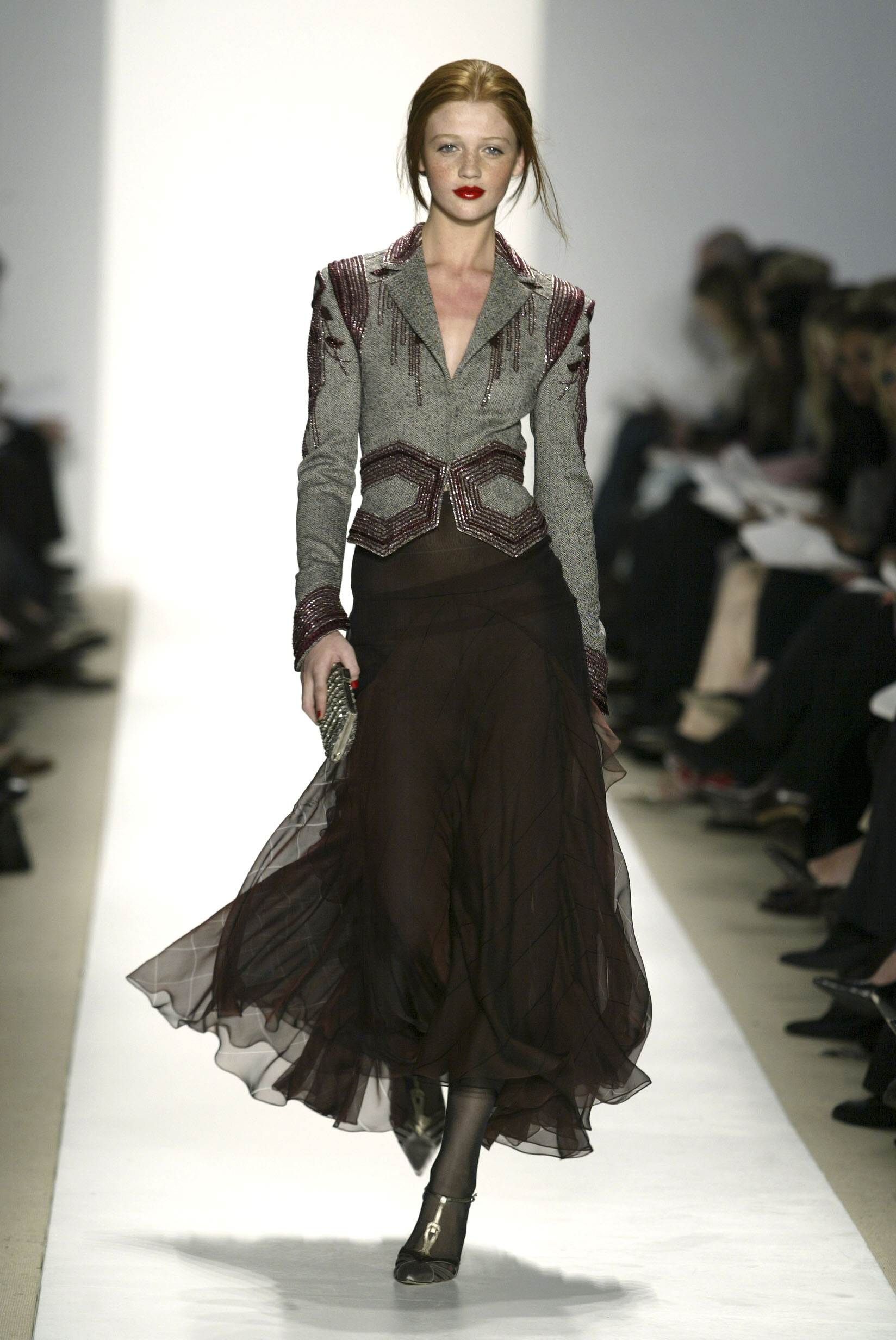
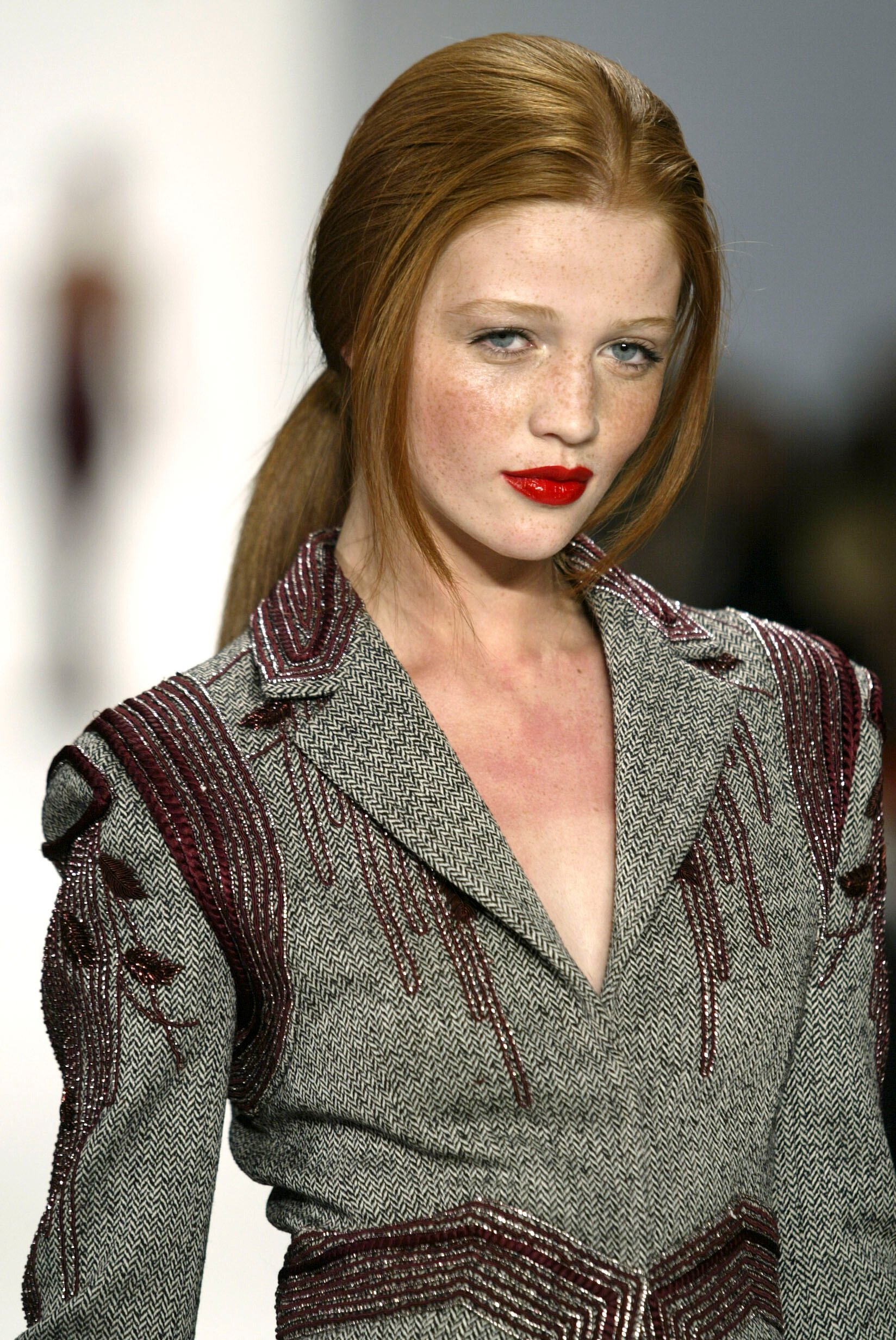
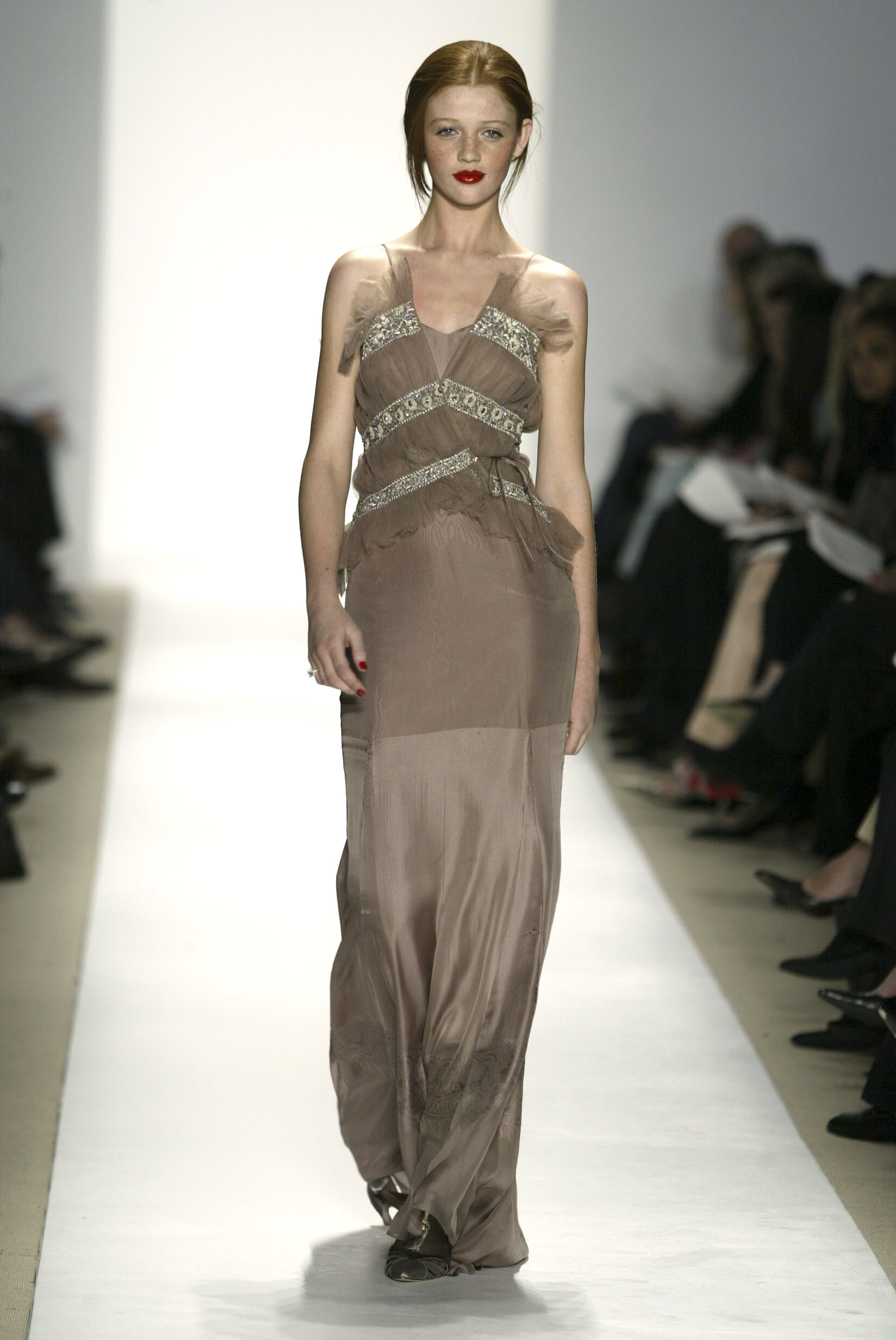
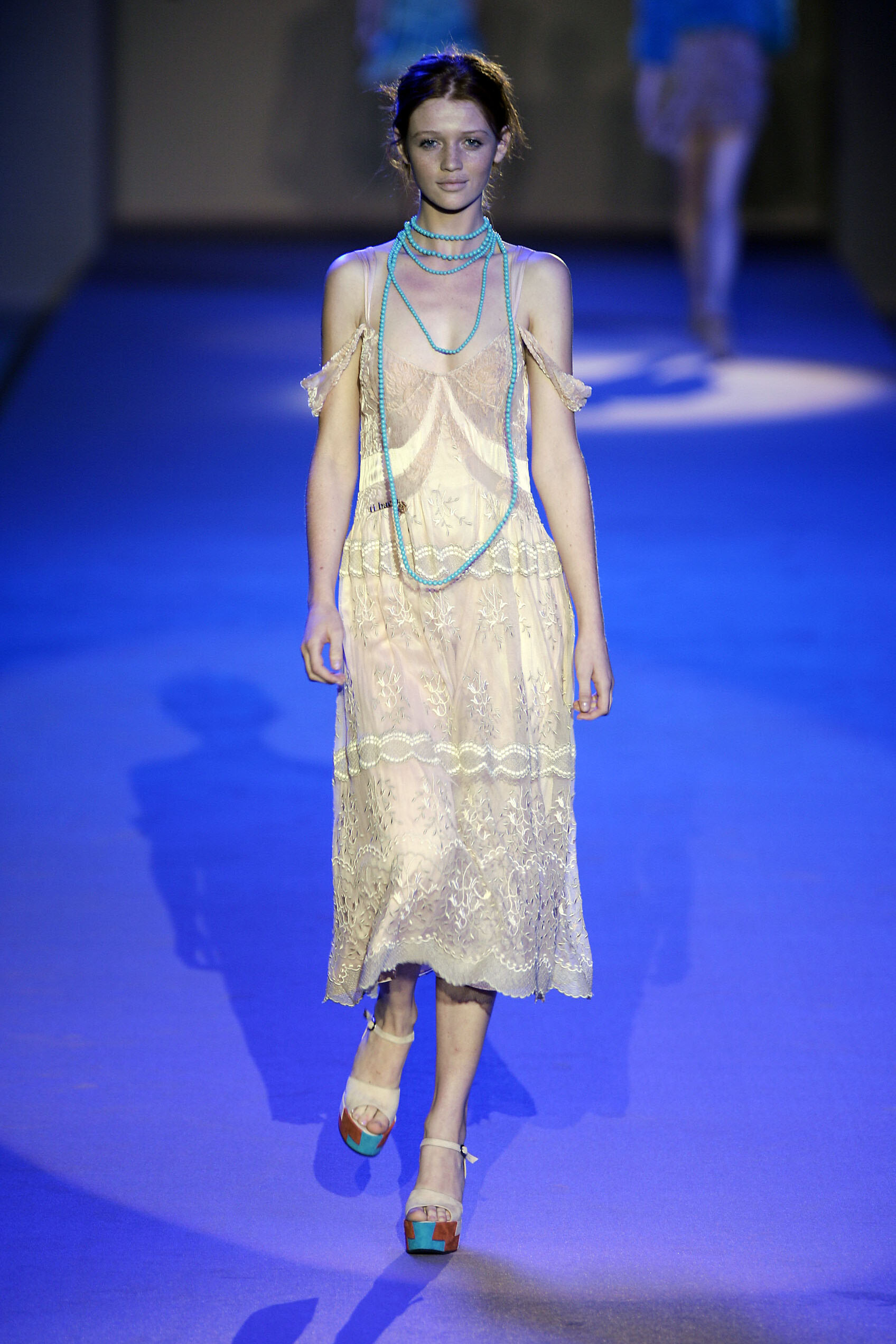
  3. Badgley Mischka FW 2004:
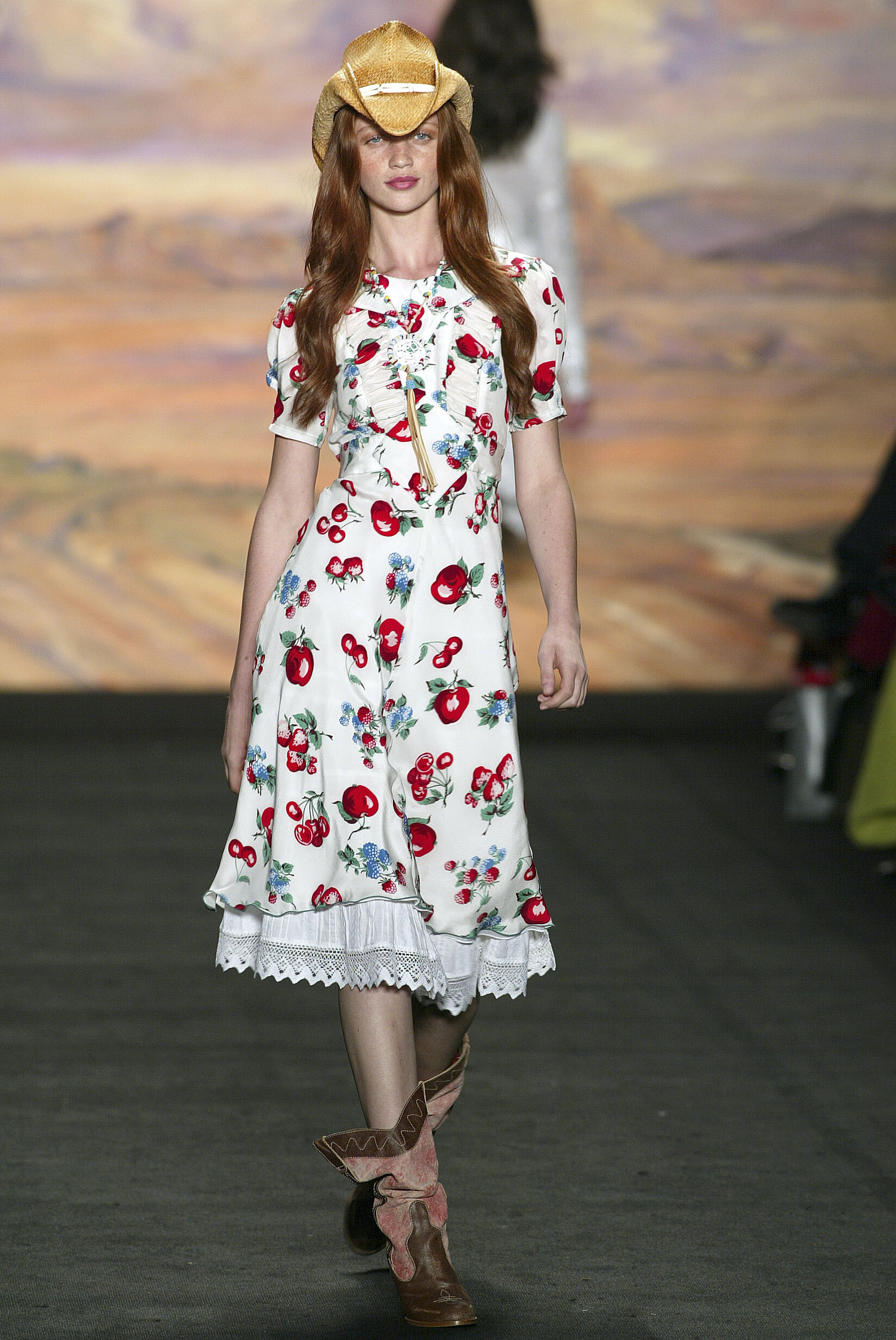
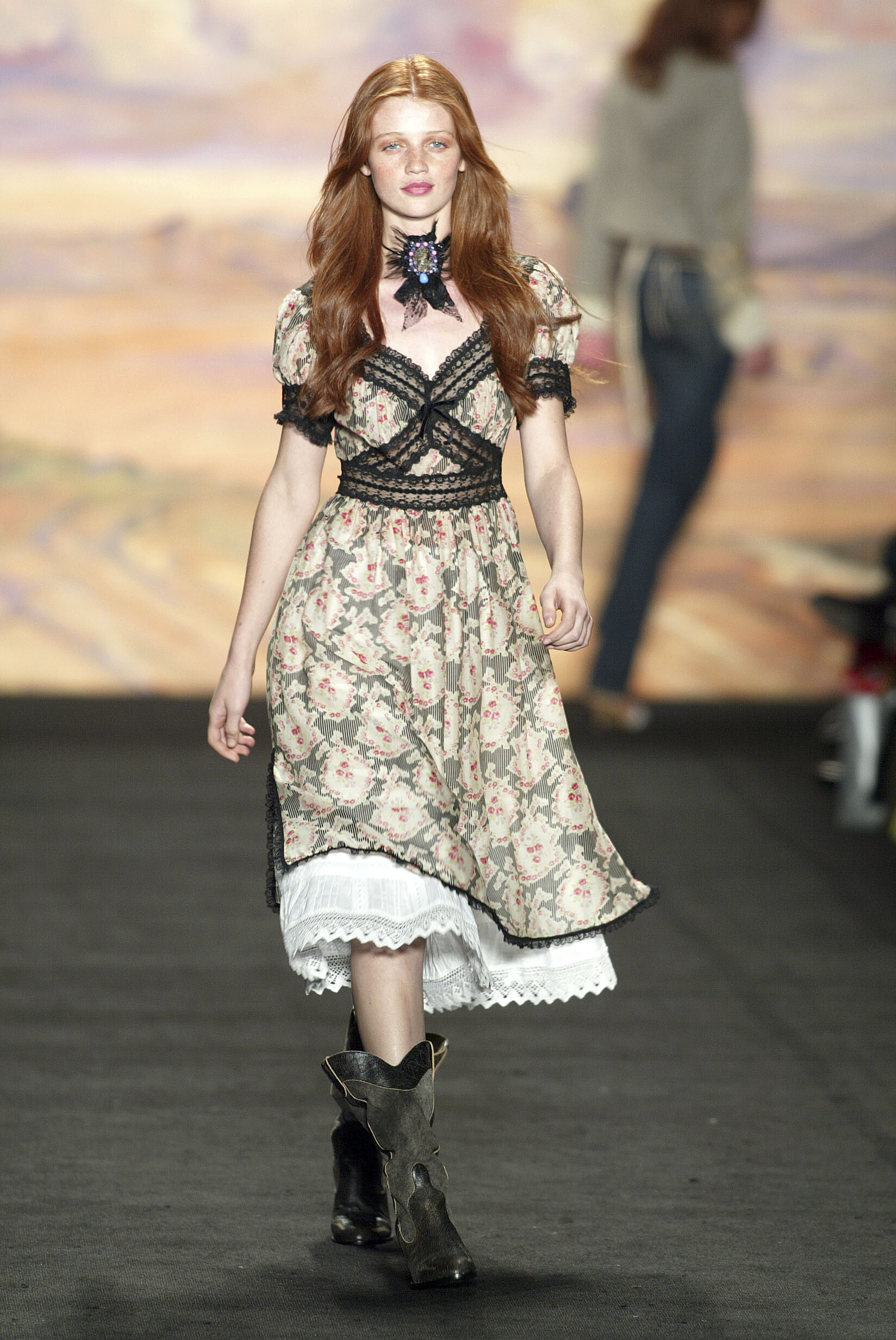
  4. Anna Sui SS 2005:
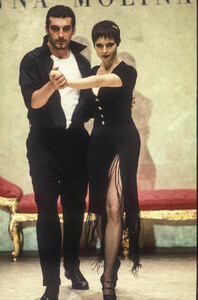
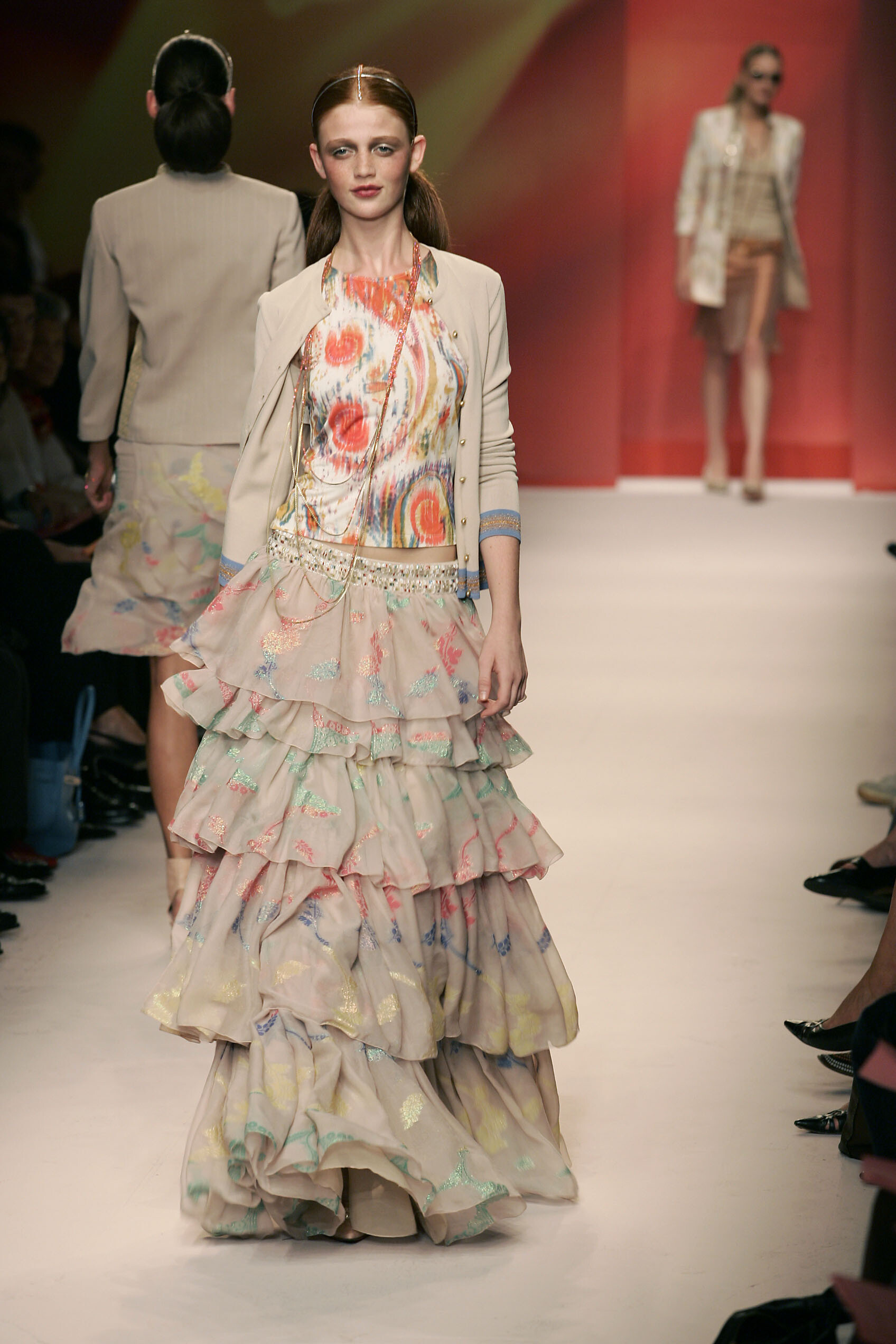
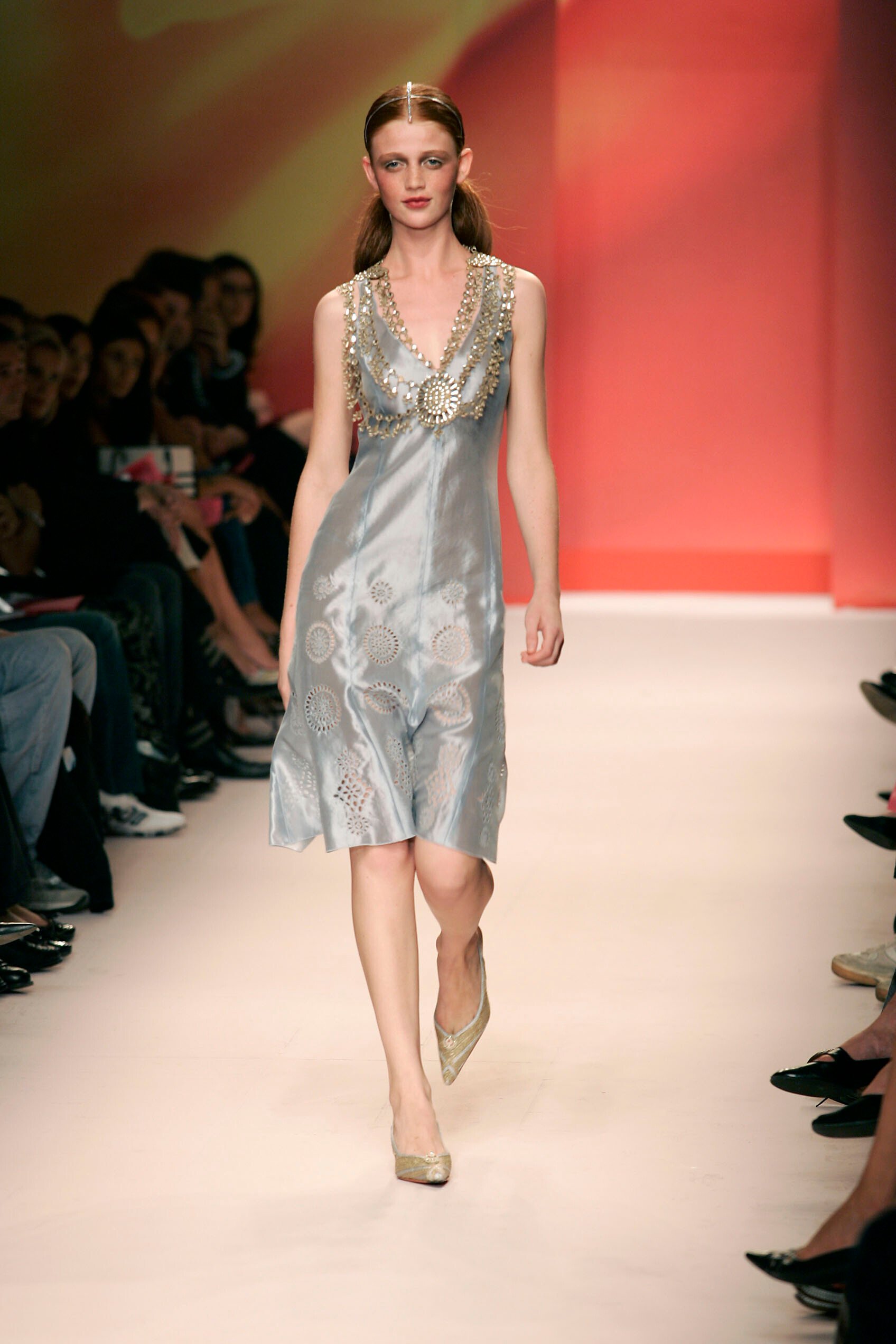
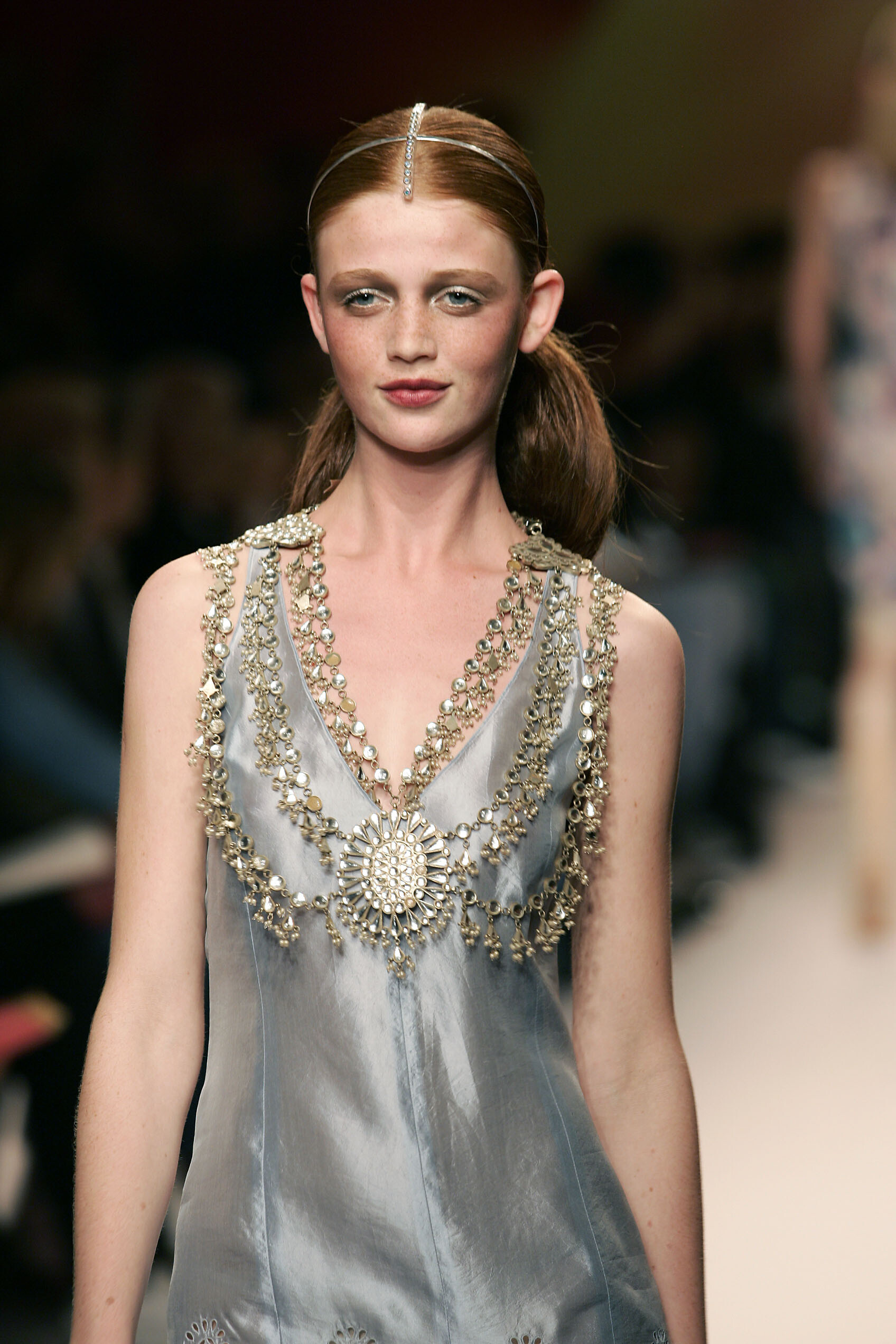
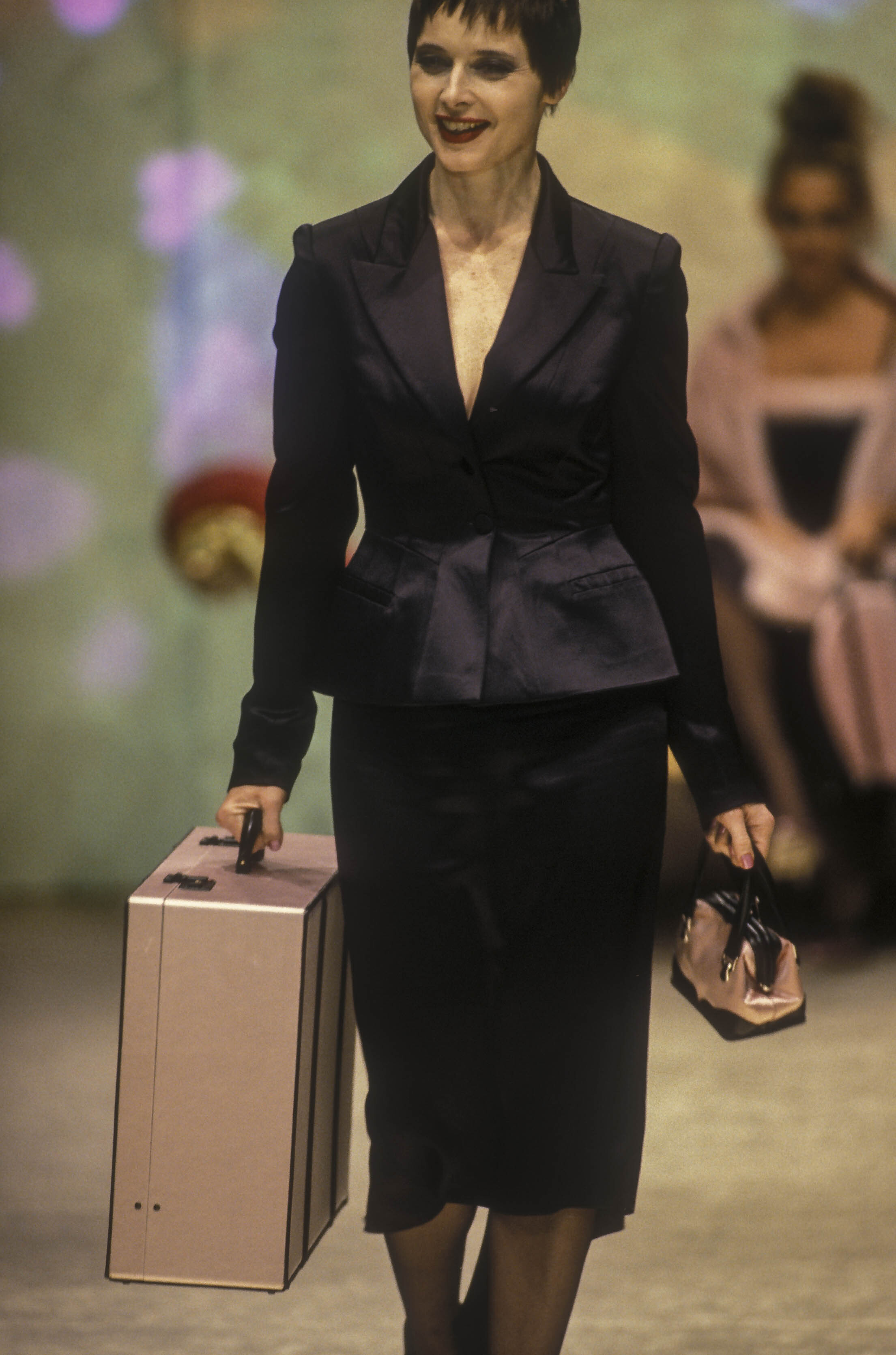
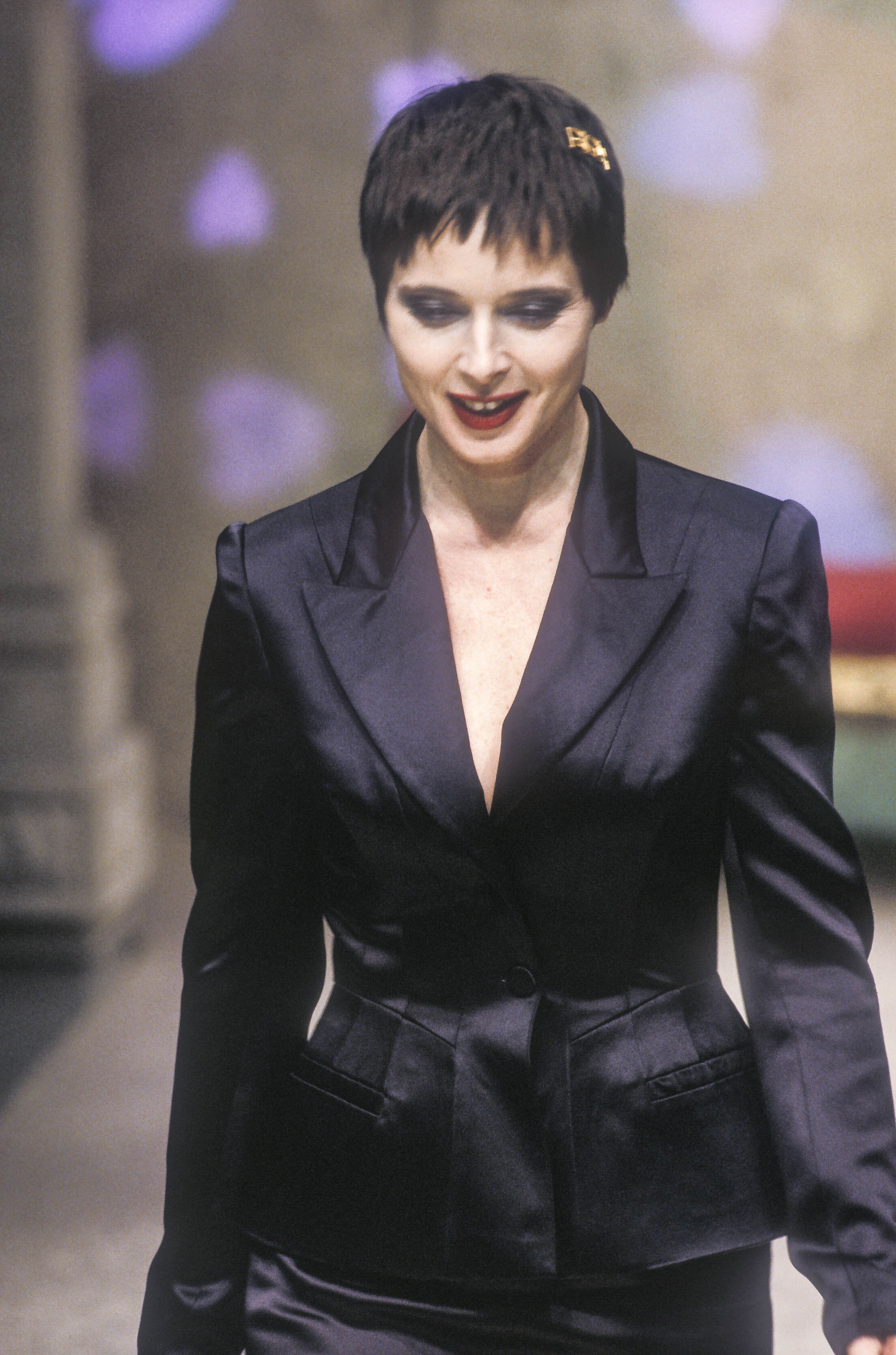
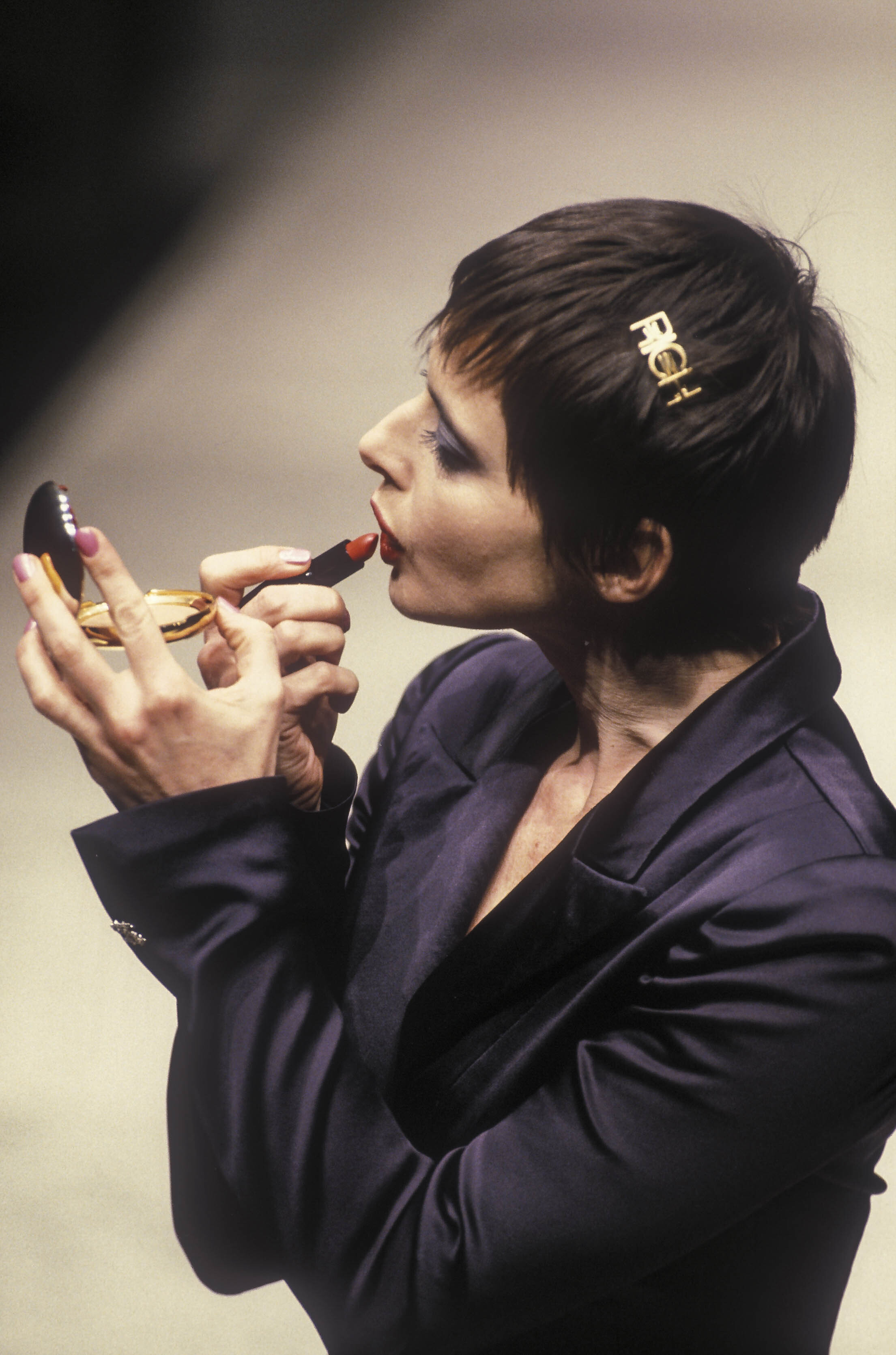
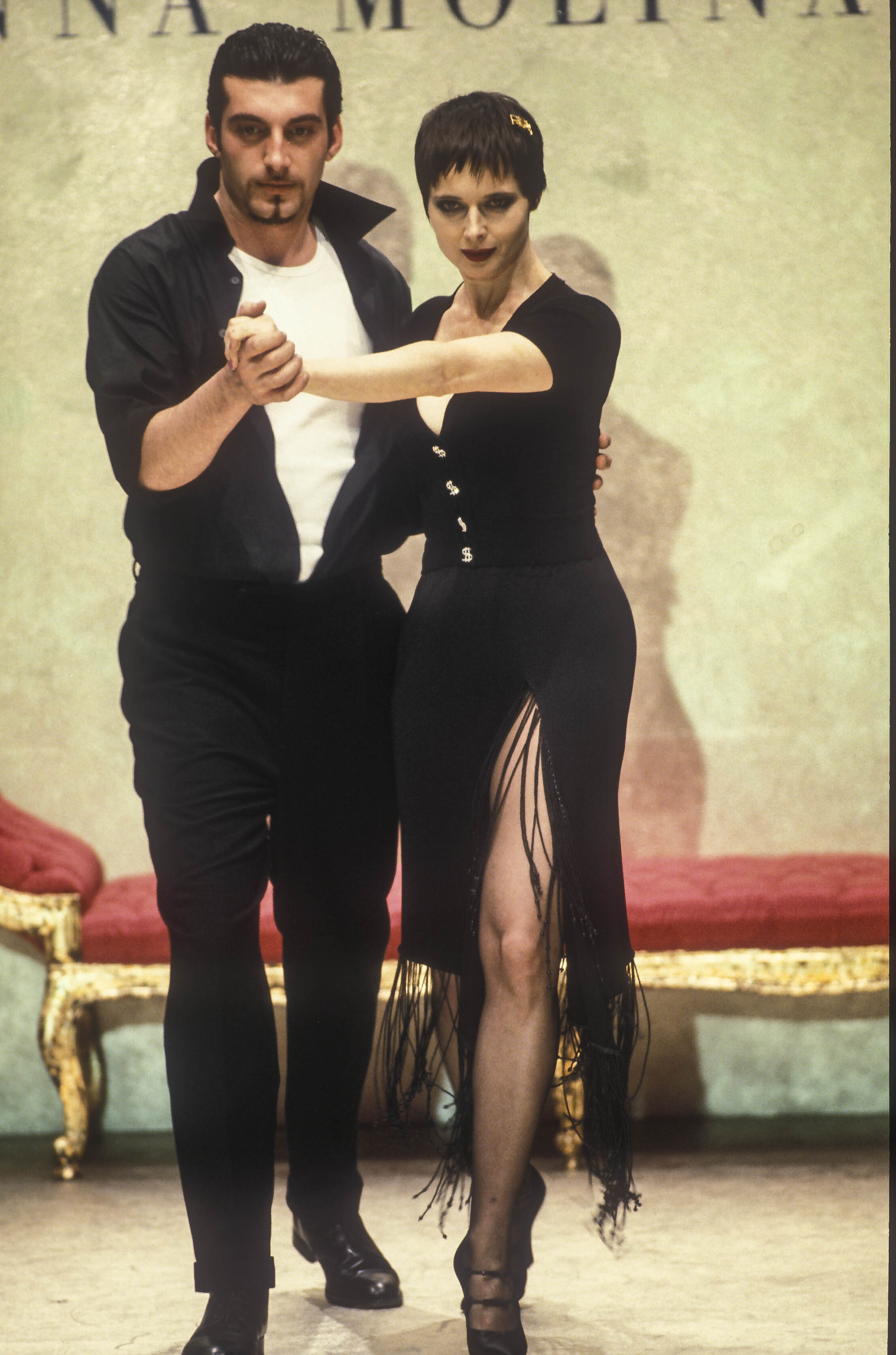
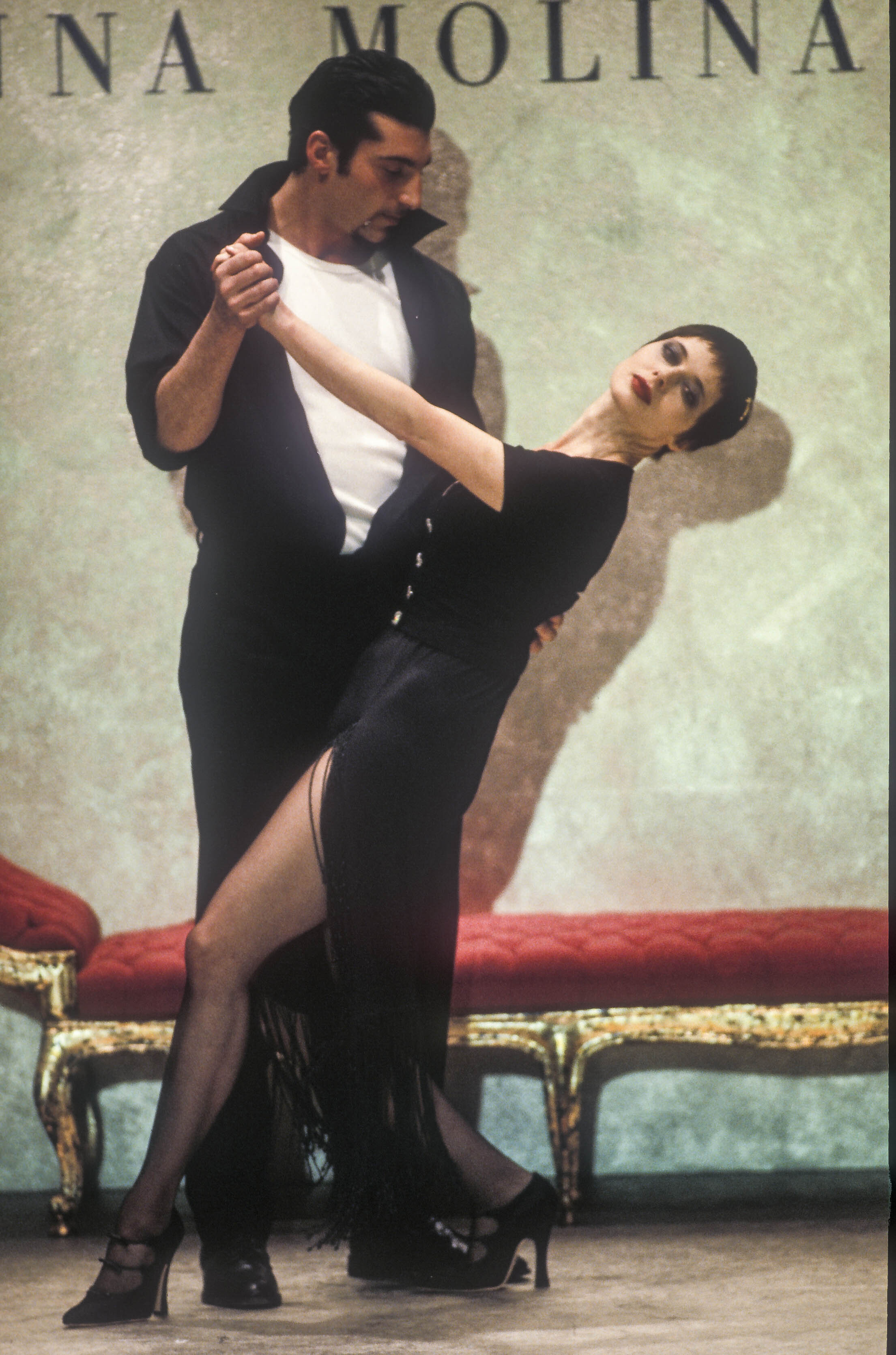
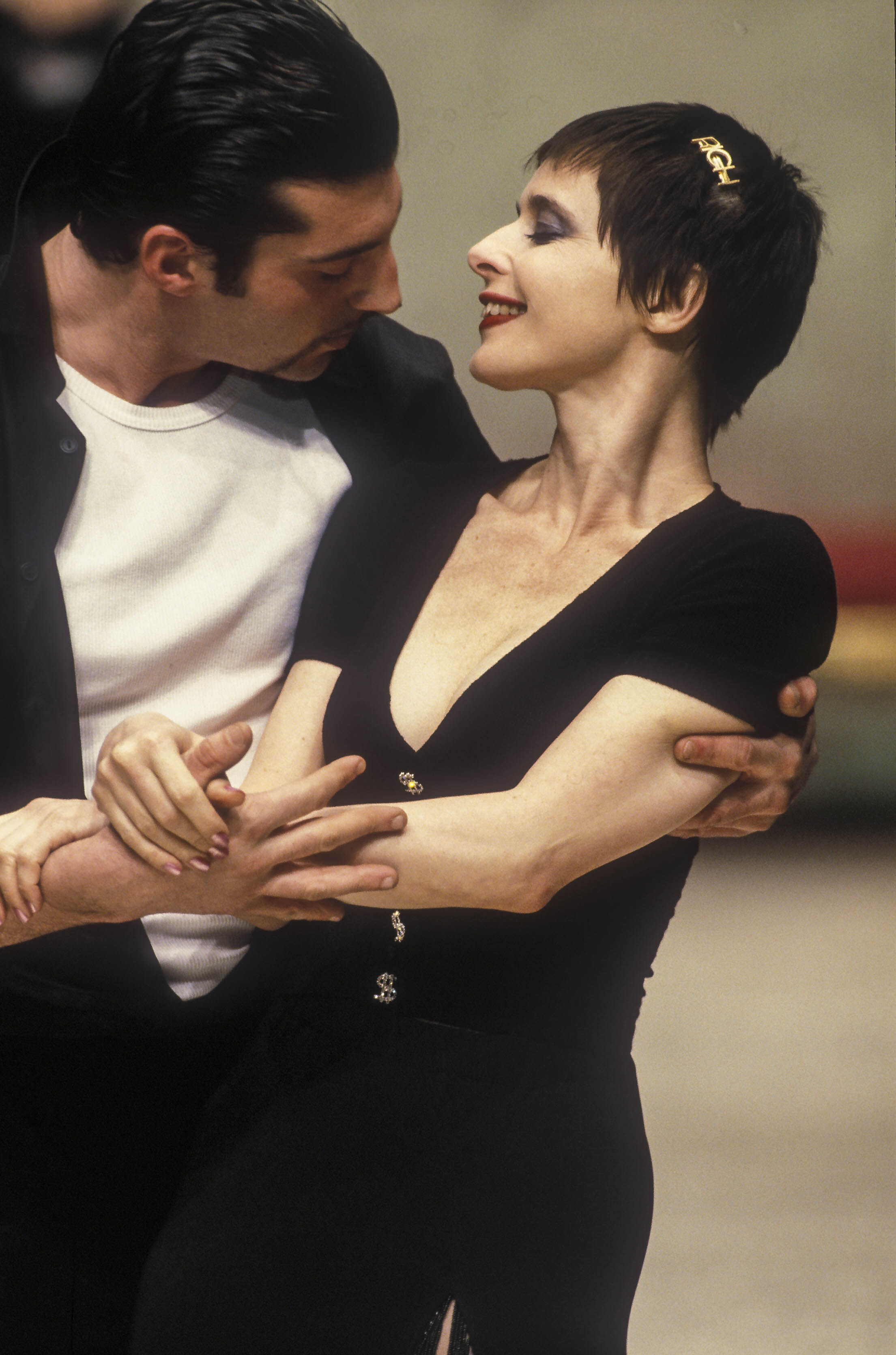
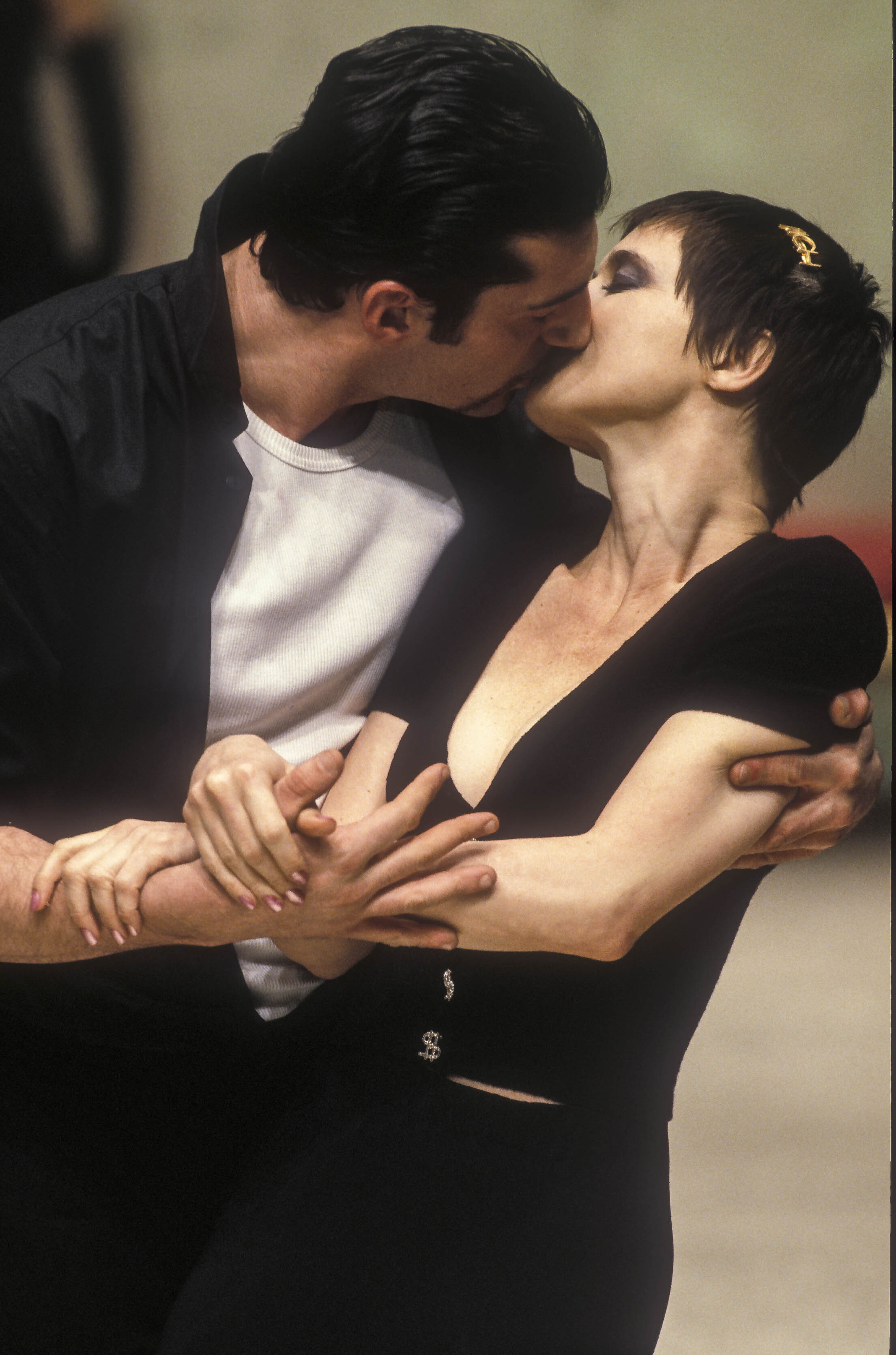
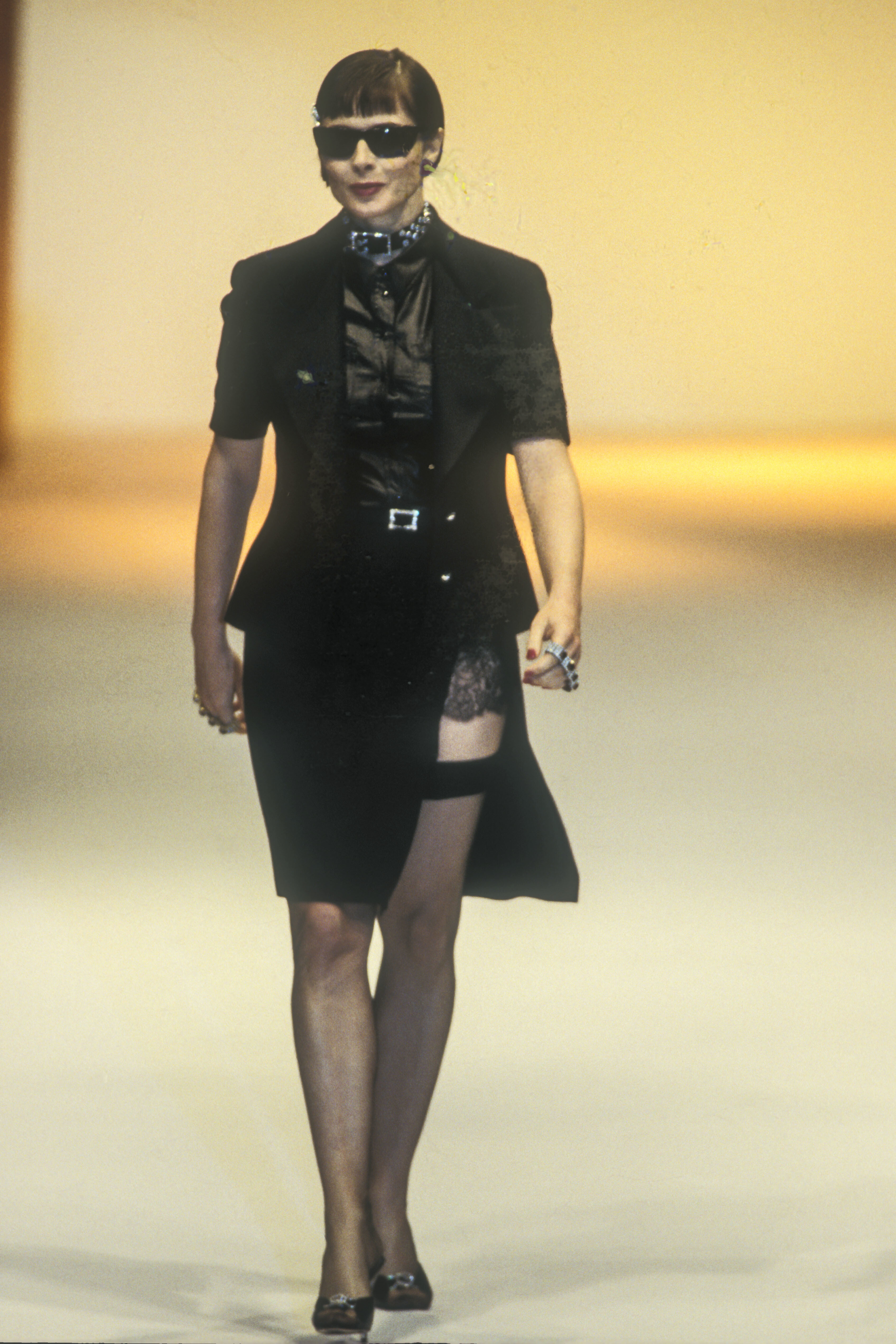
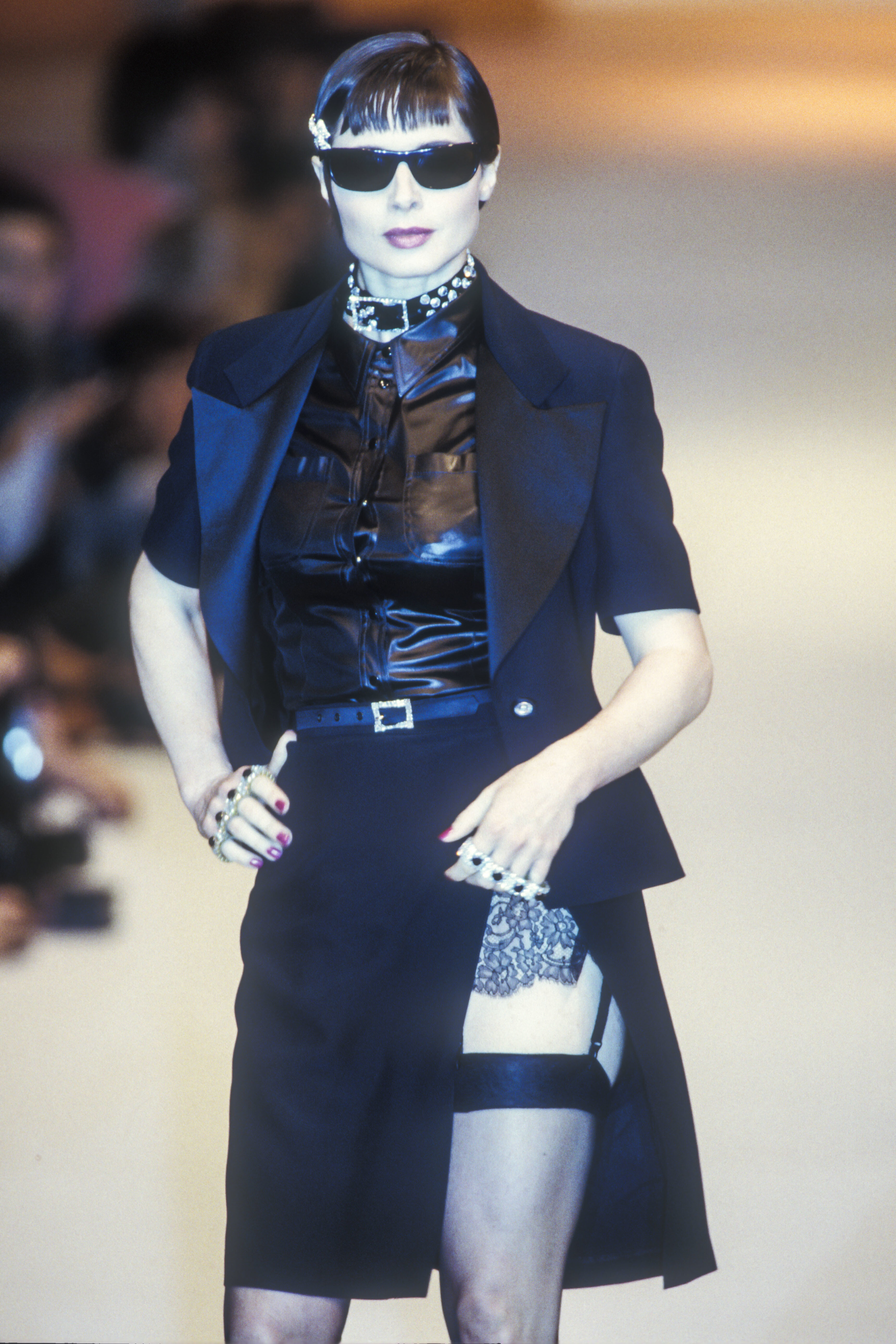
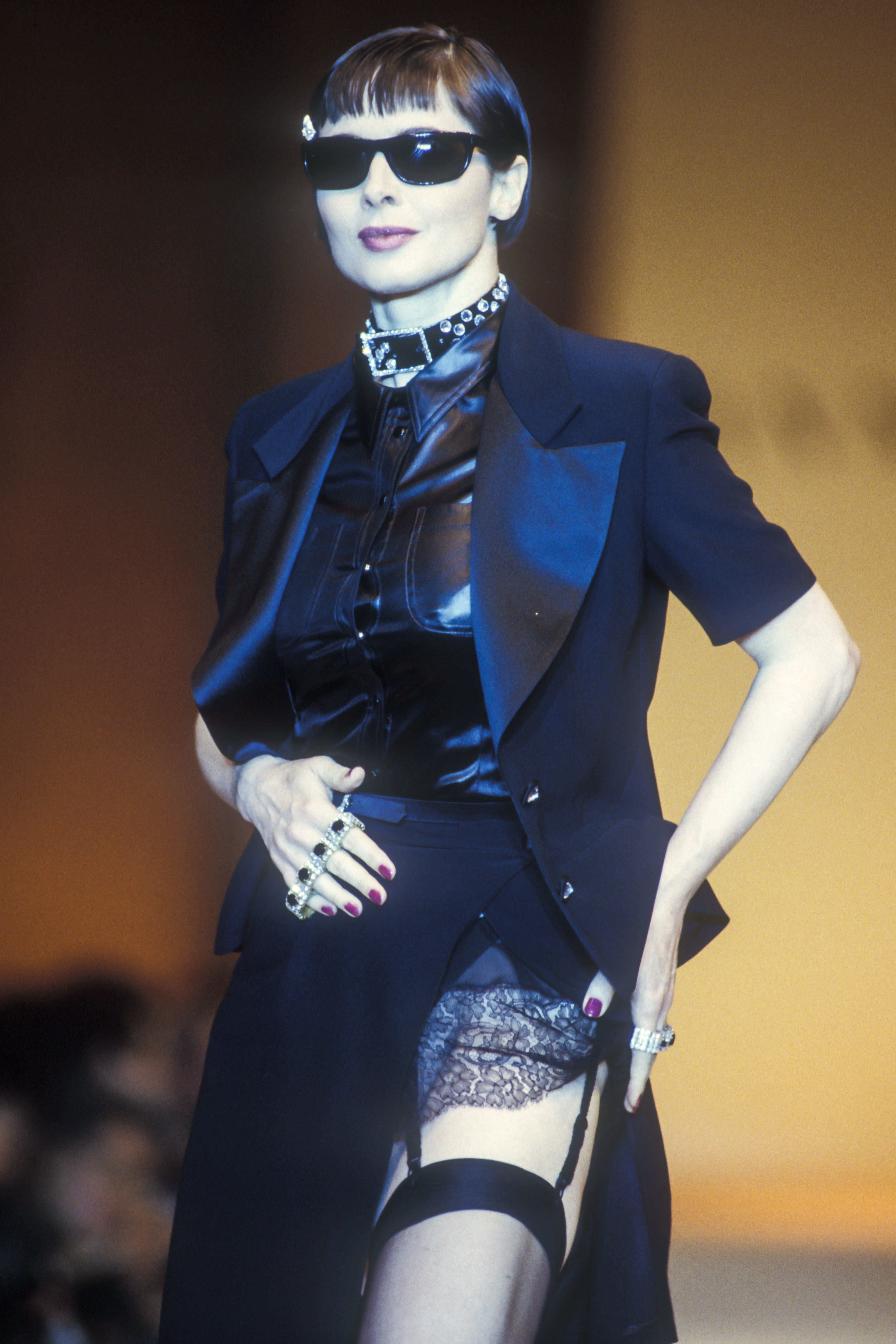
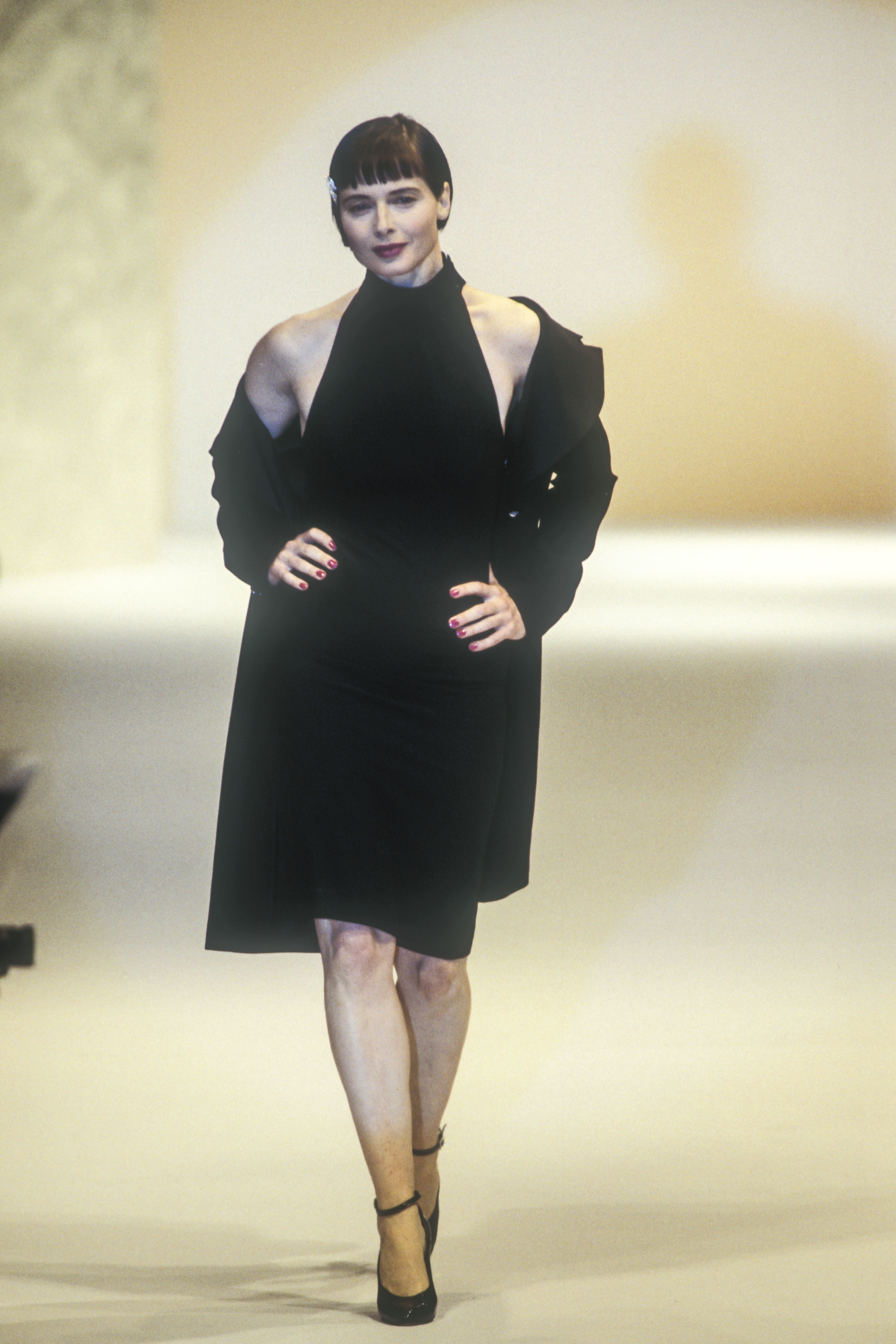
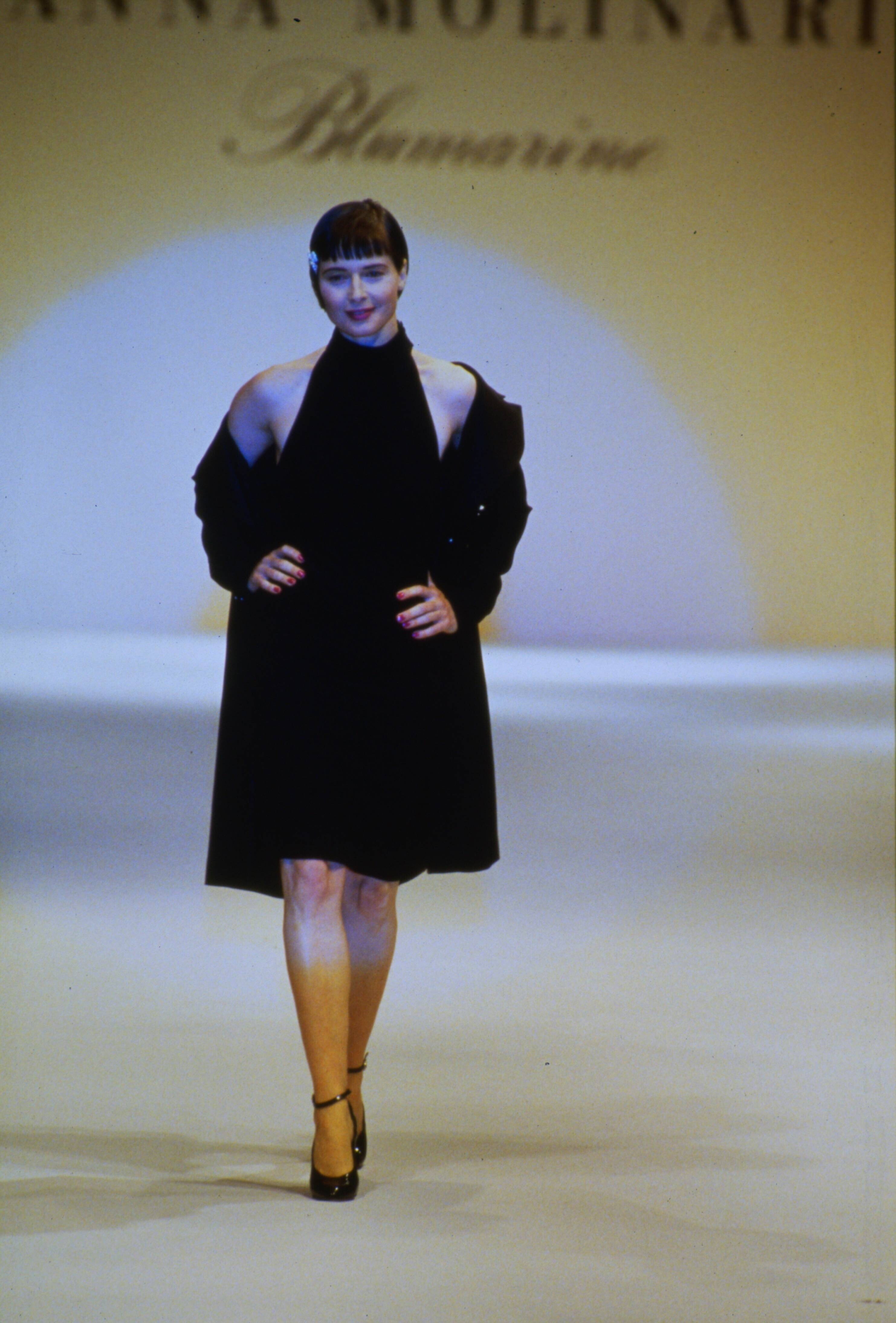
  5. Anna Molinari SS 2005:
  6. Pollini by Rifat Ozbek SS 2005:
  7. R.I.P beautiful Gail... Another sad loss in the modelling and fashion industry...
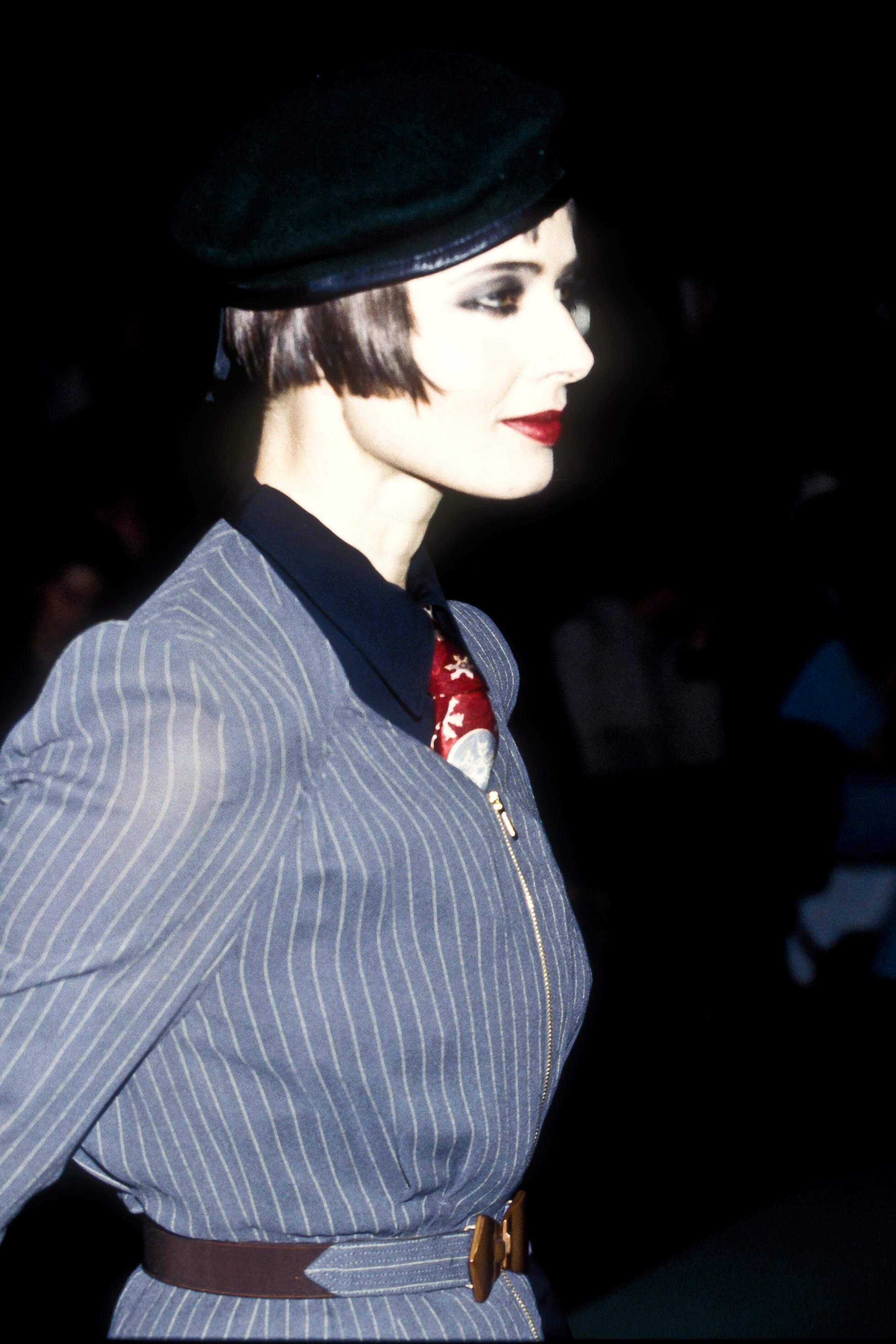
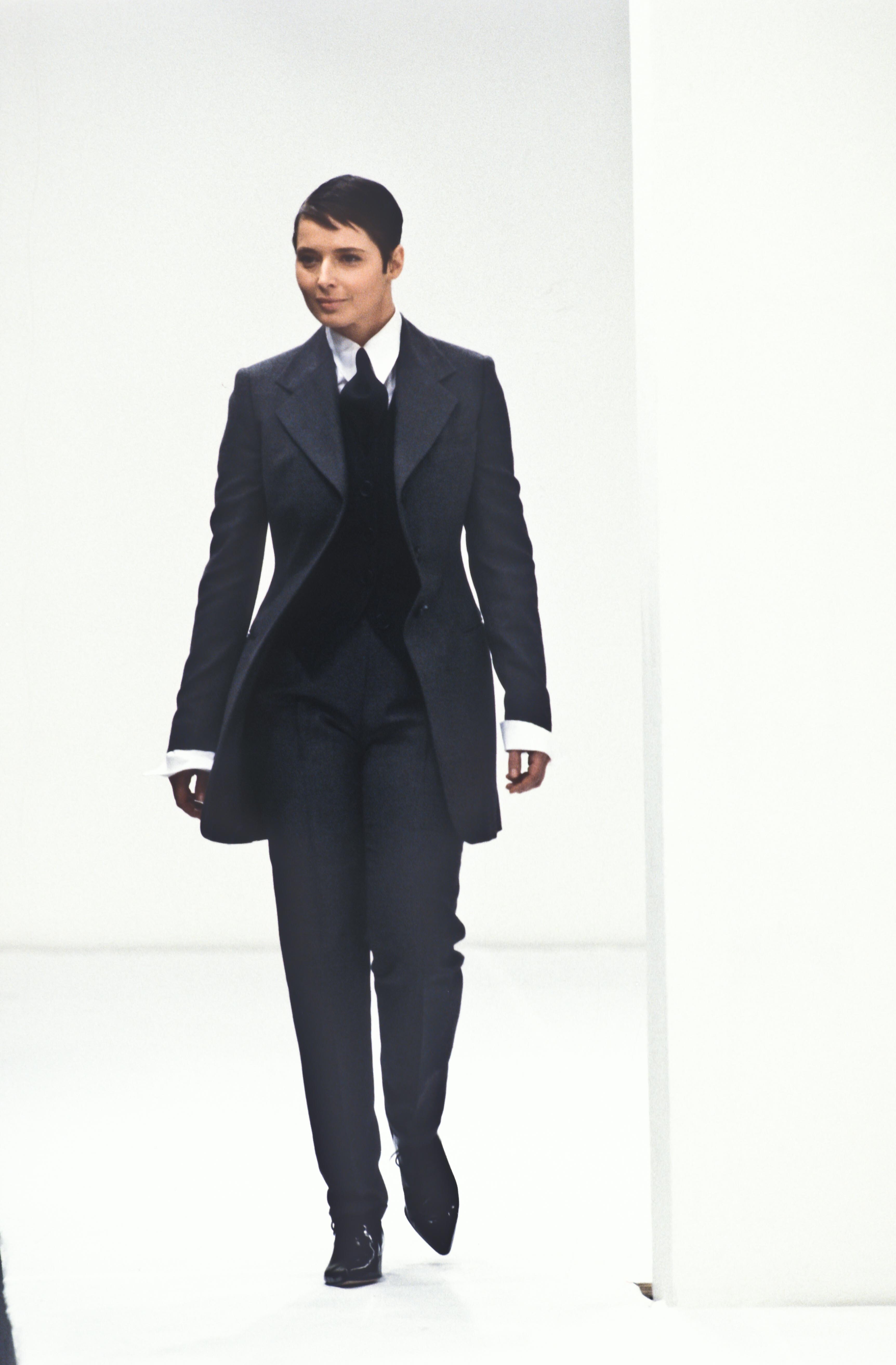
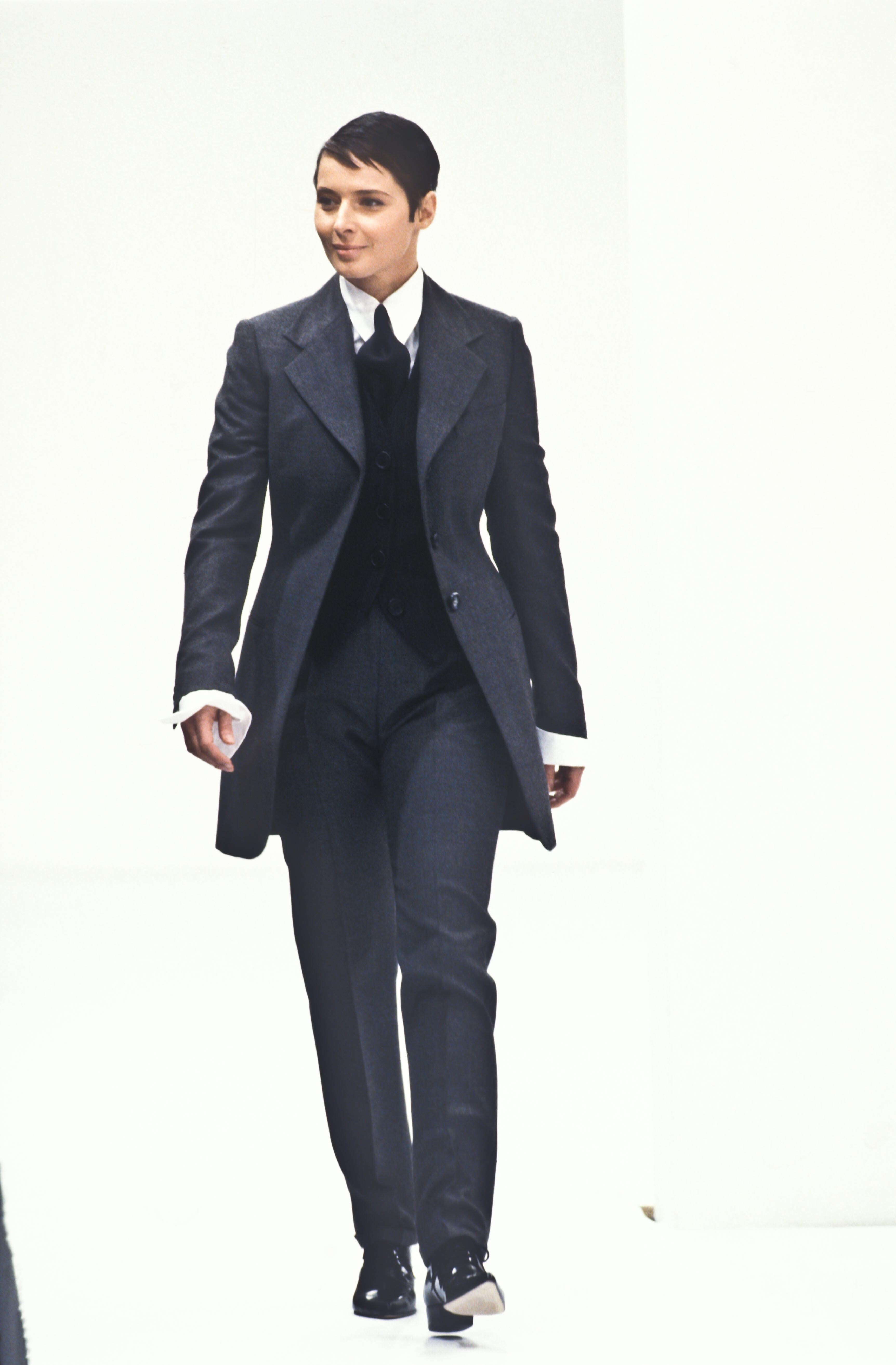
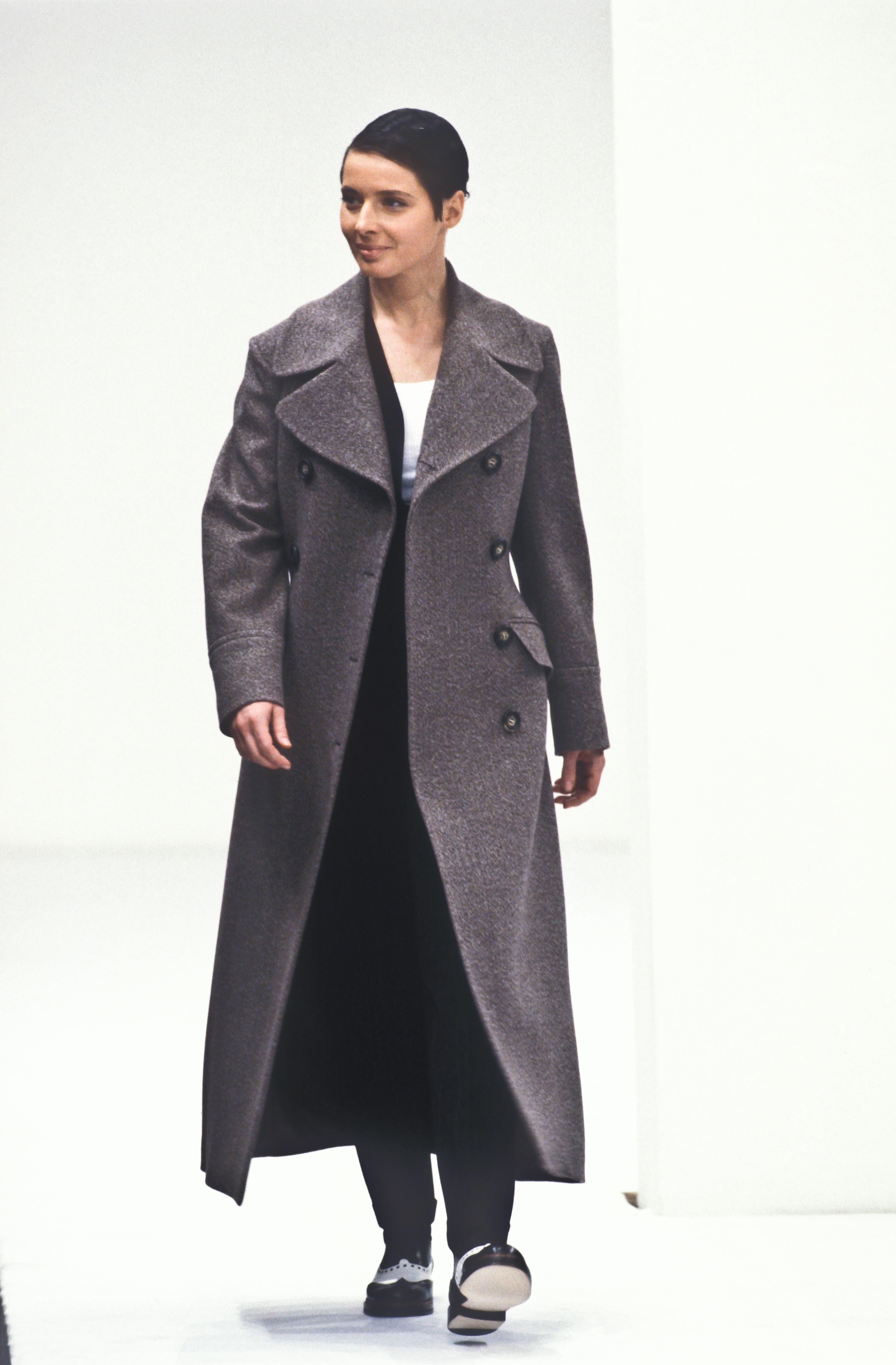
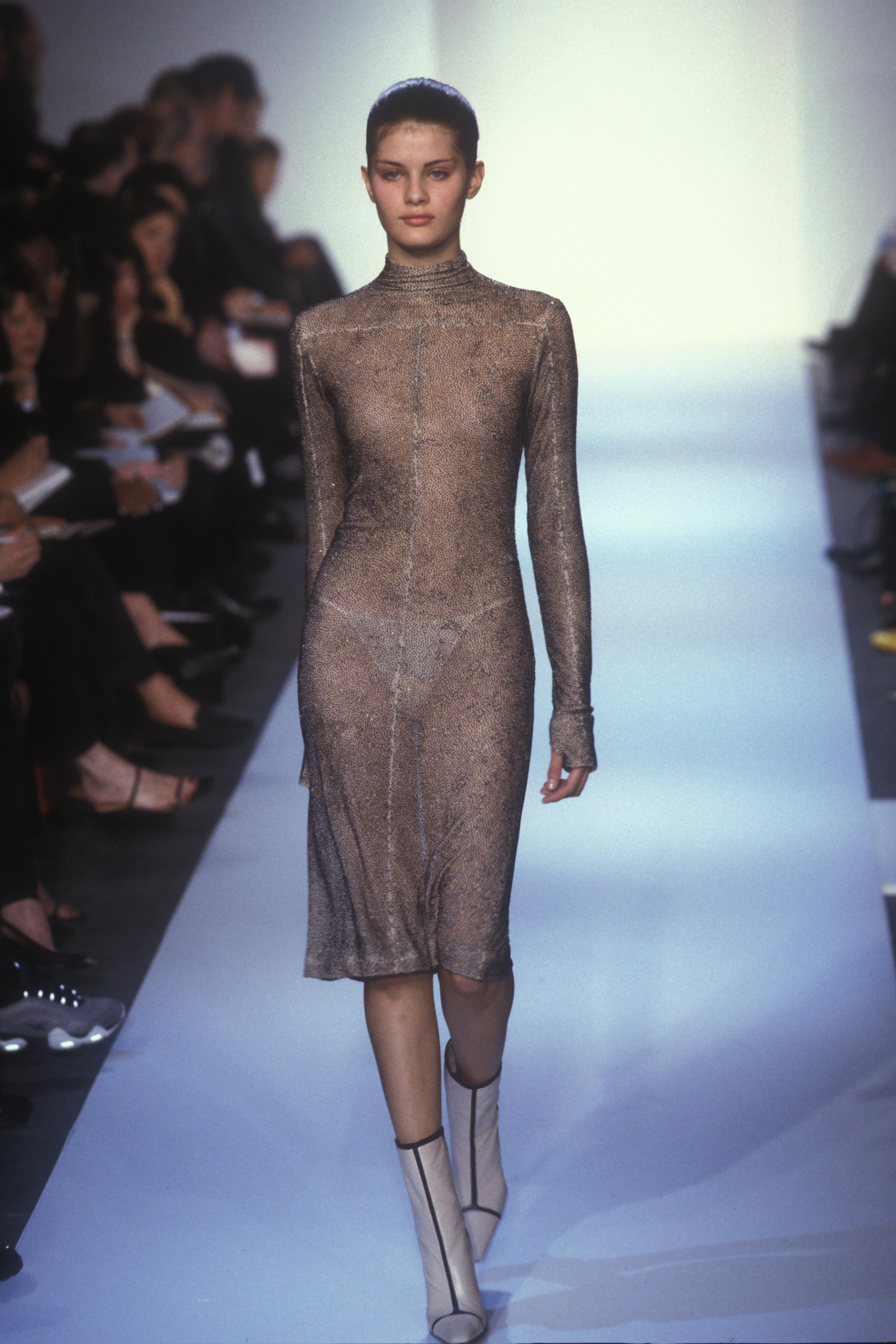
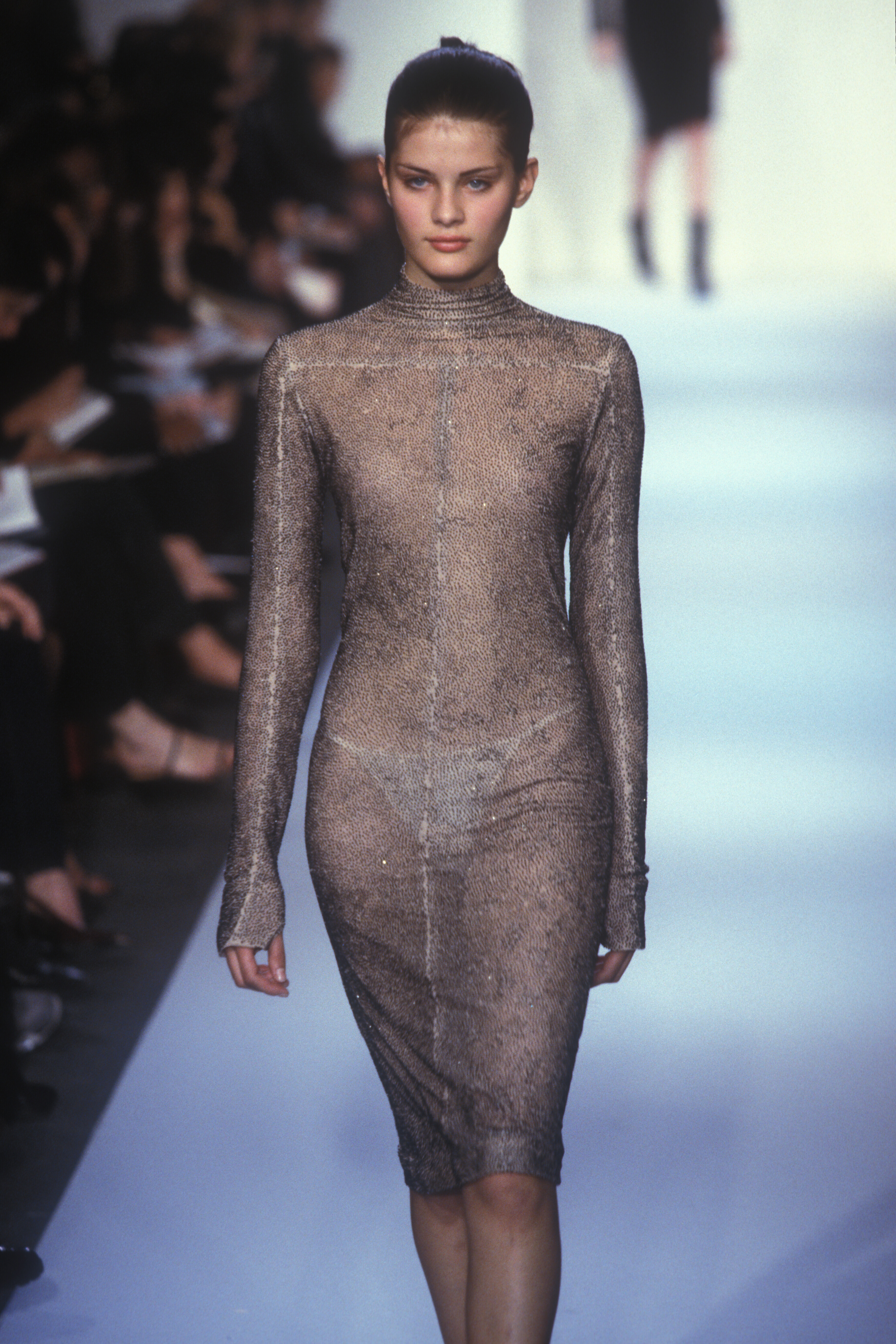
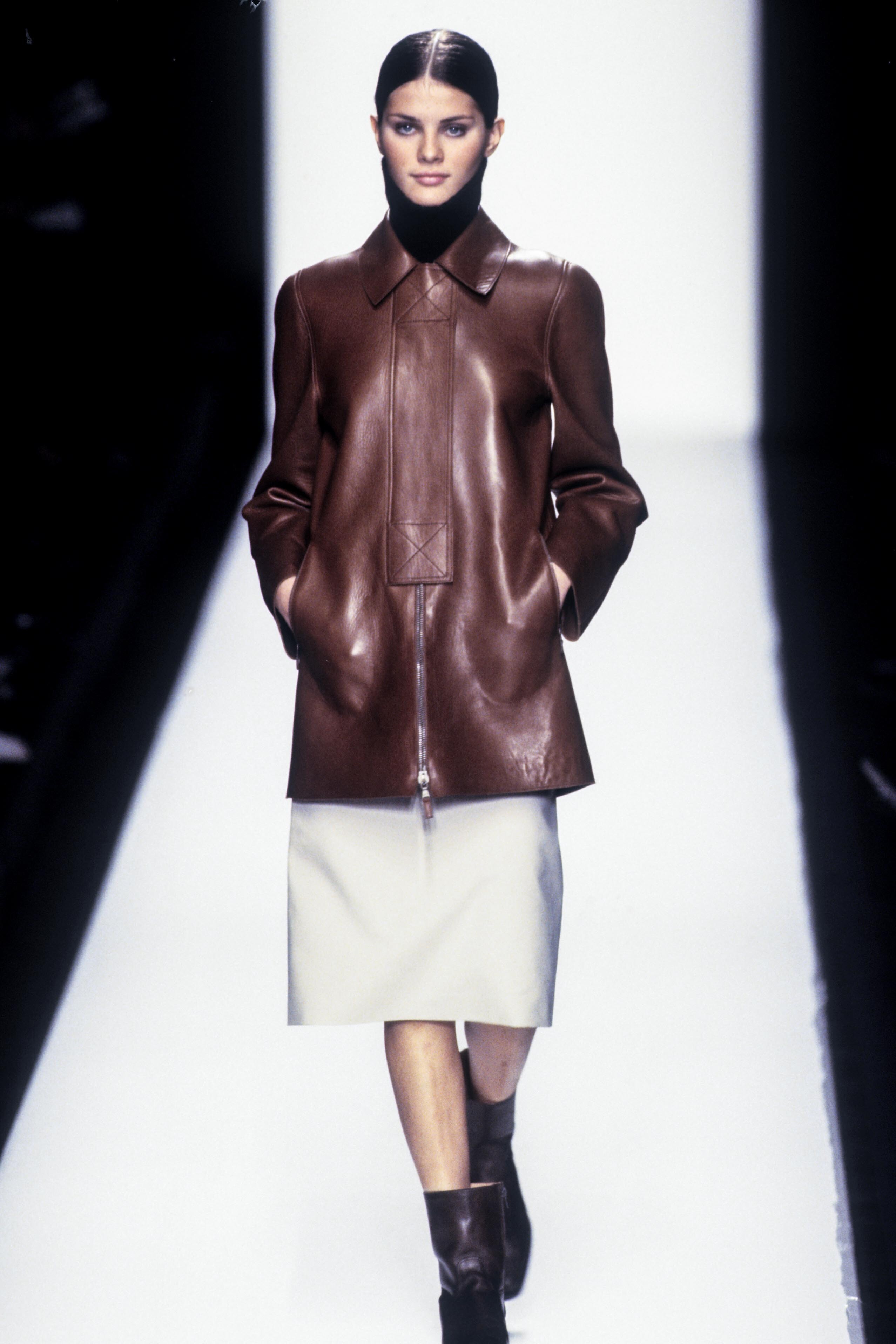
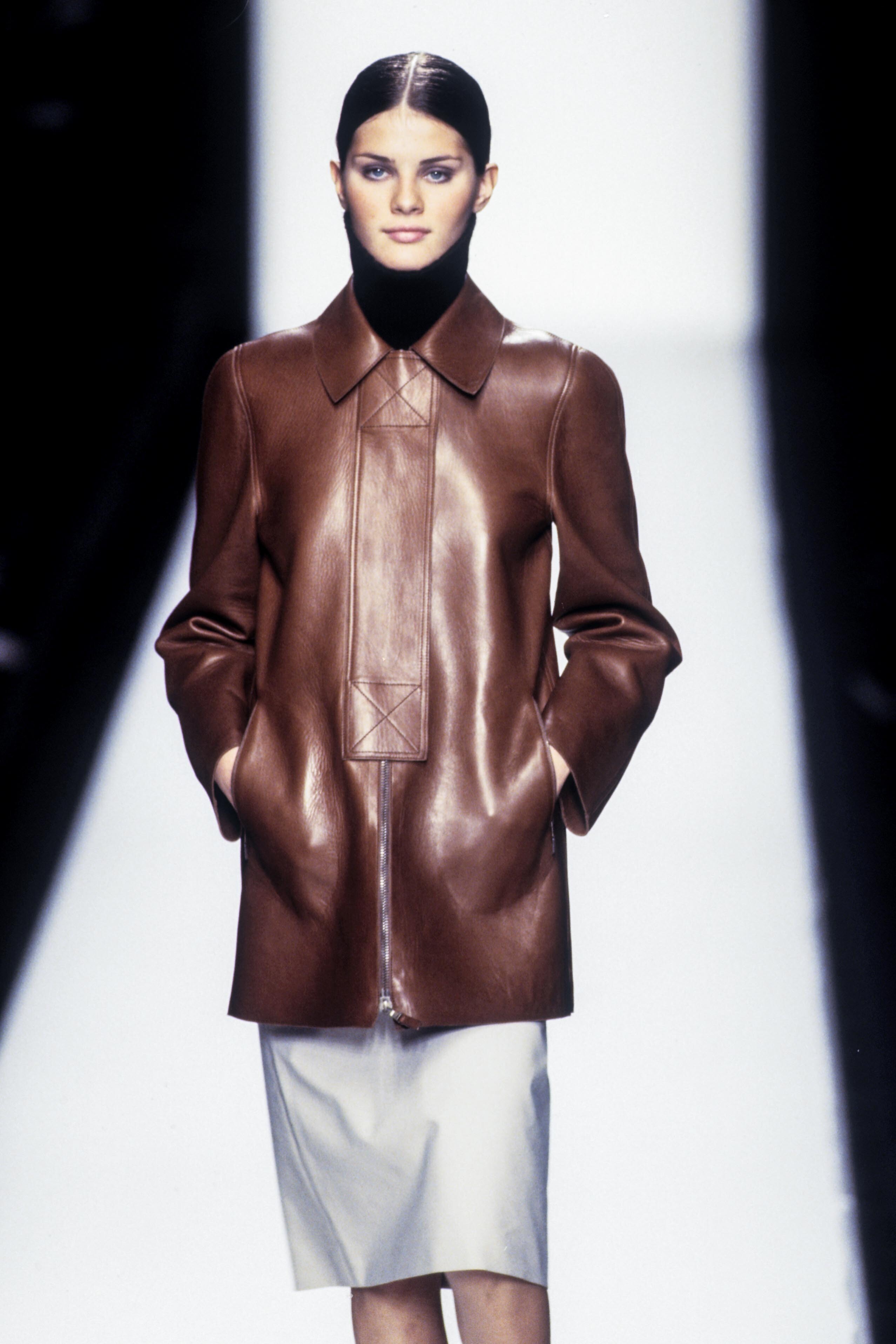
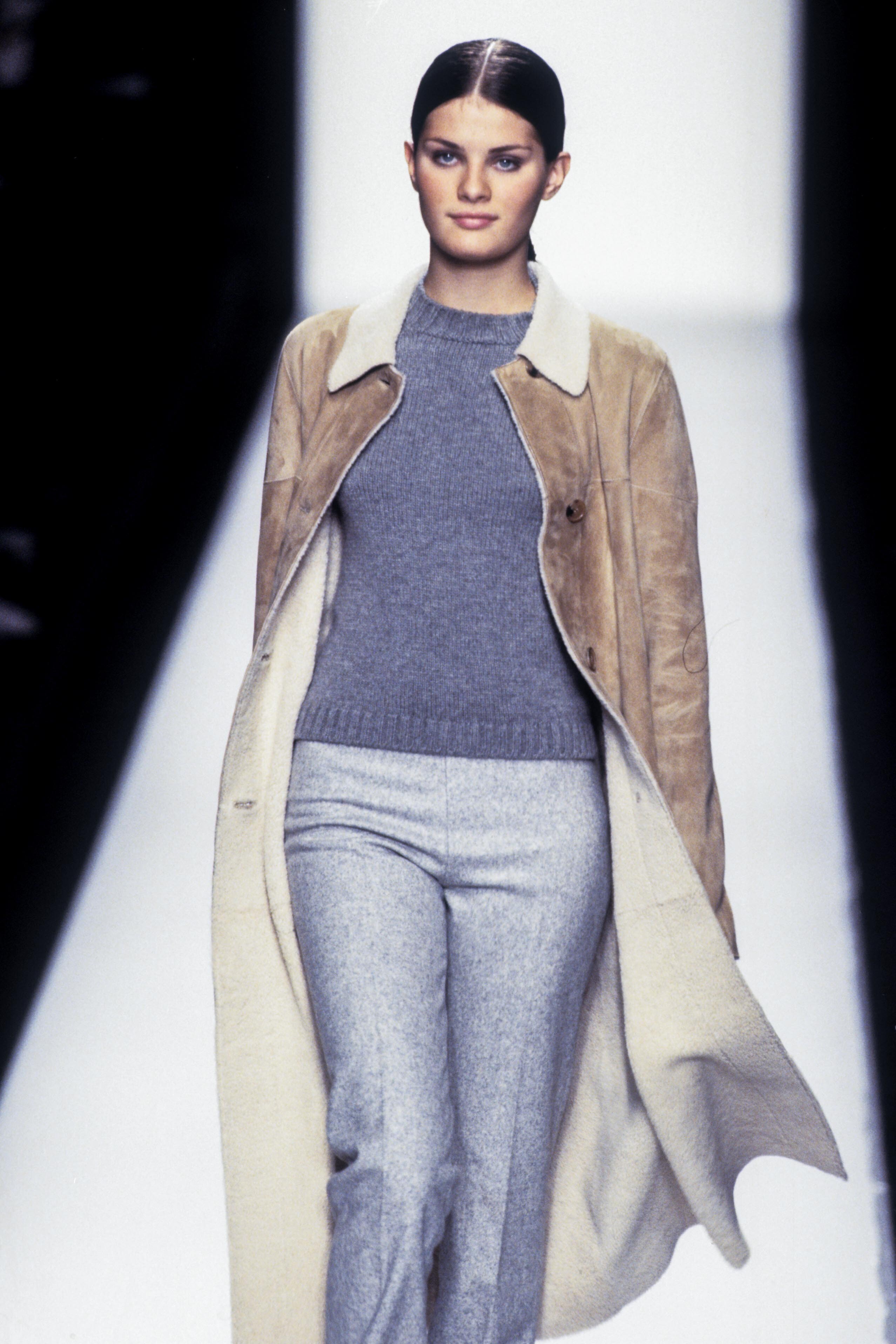
  8. Yes, easily. All from Fall/Winter 1998: 1 - Louis Vuitton FW 1998 2 - Cerruti FW 1998 3 and 4 - Michael Kors FW 1998 5 - Martine Sitbon FW 1998
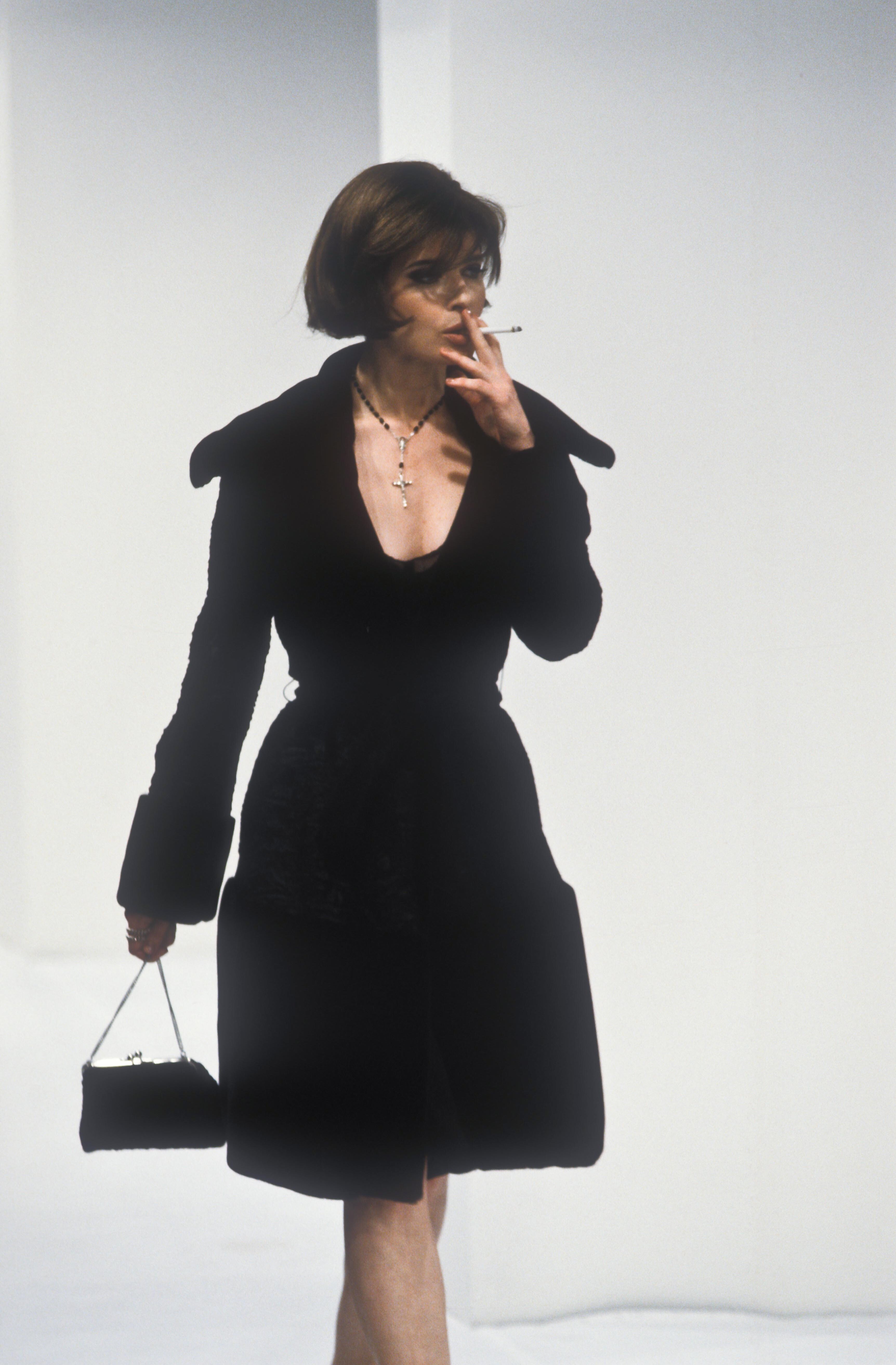
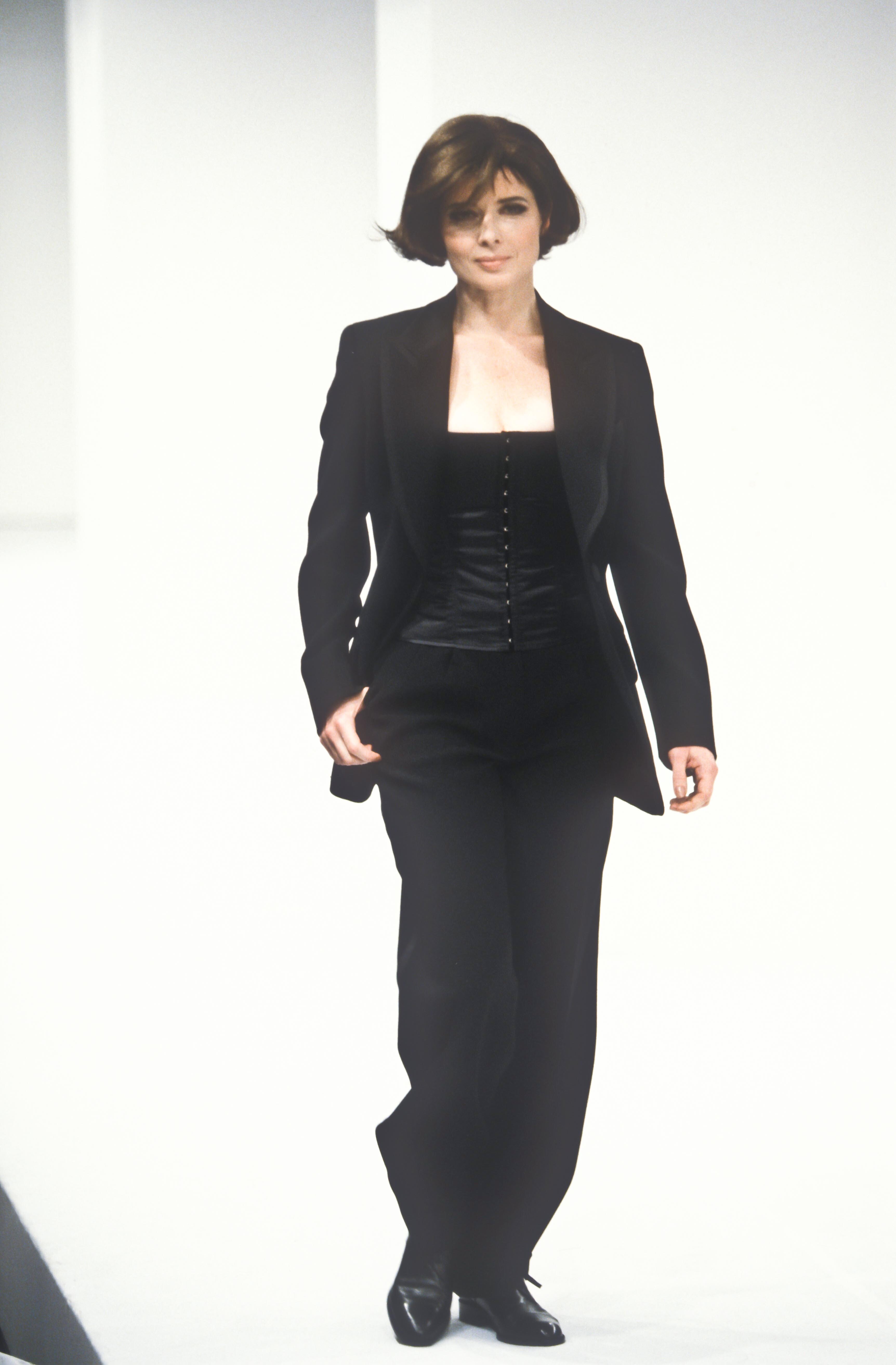
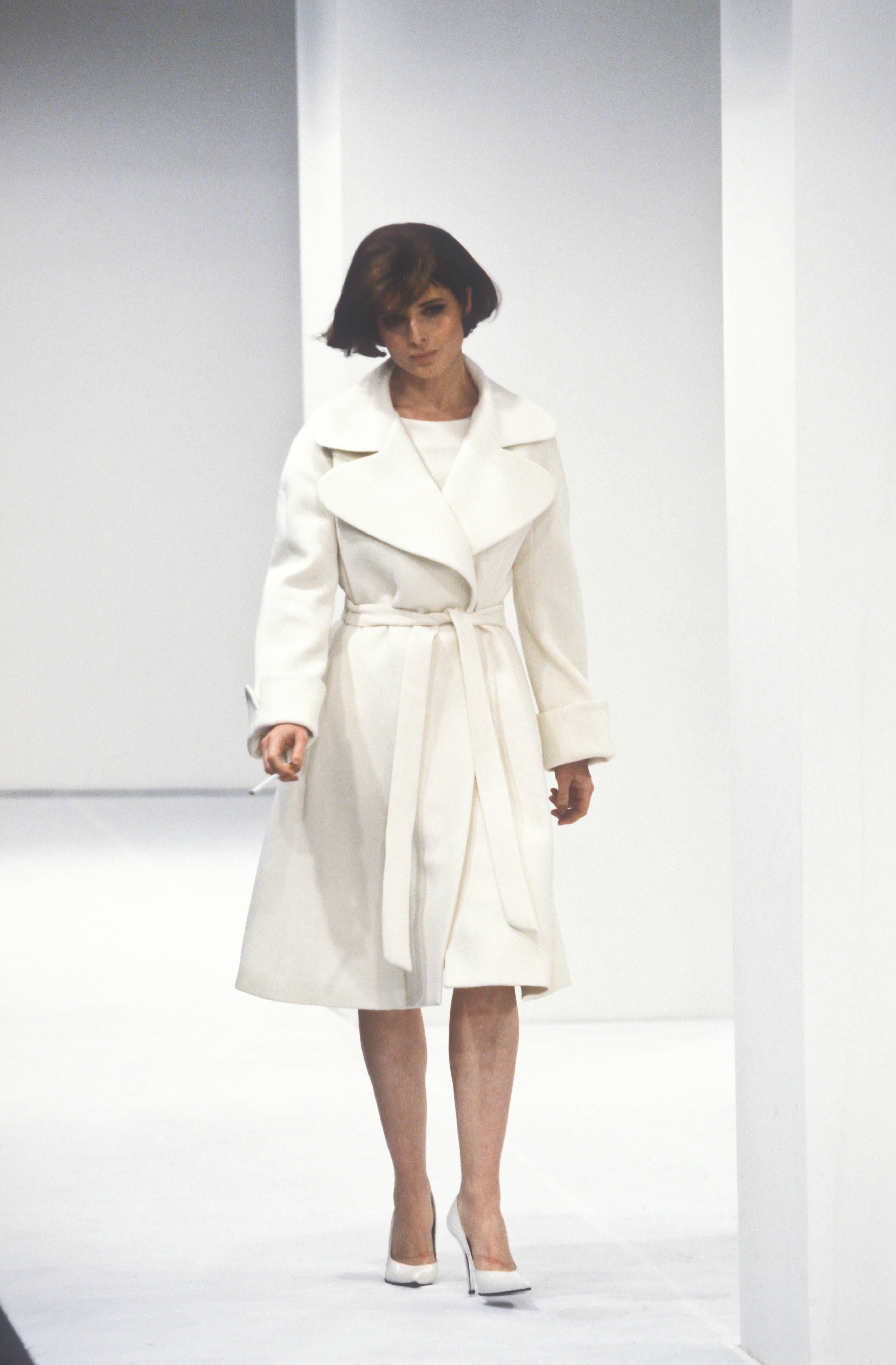
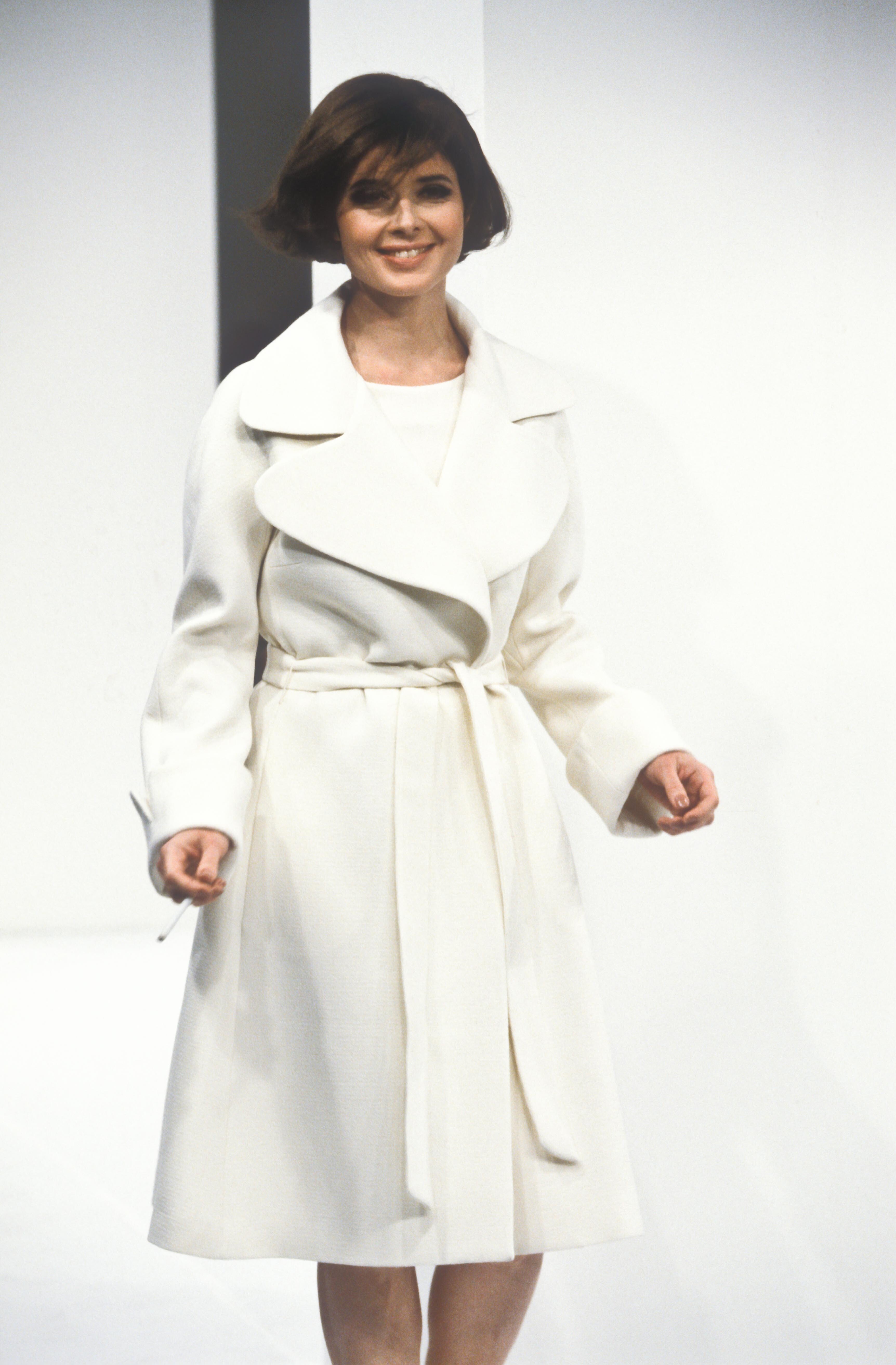
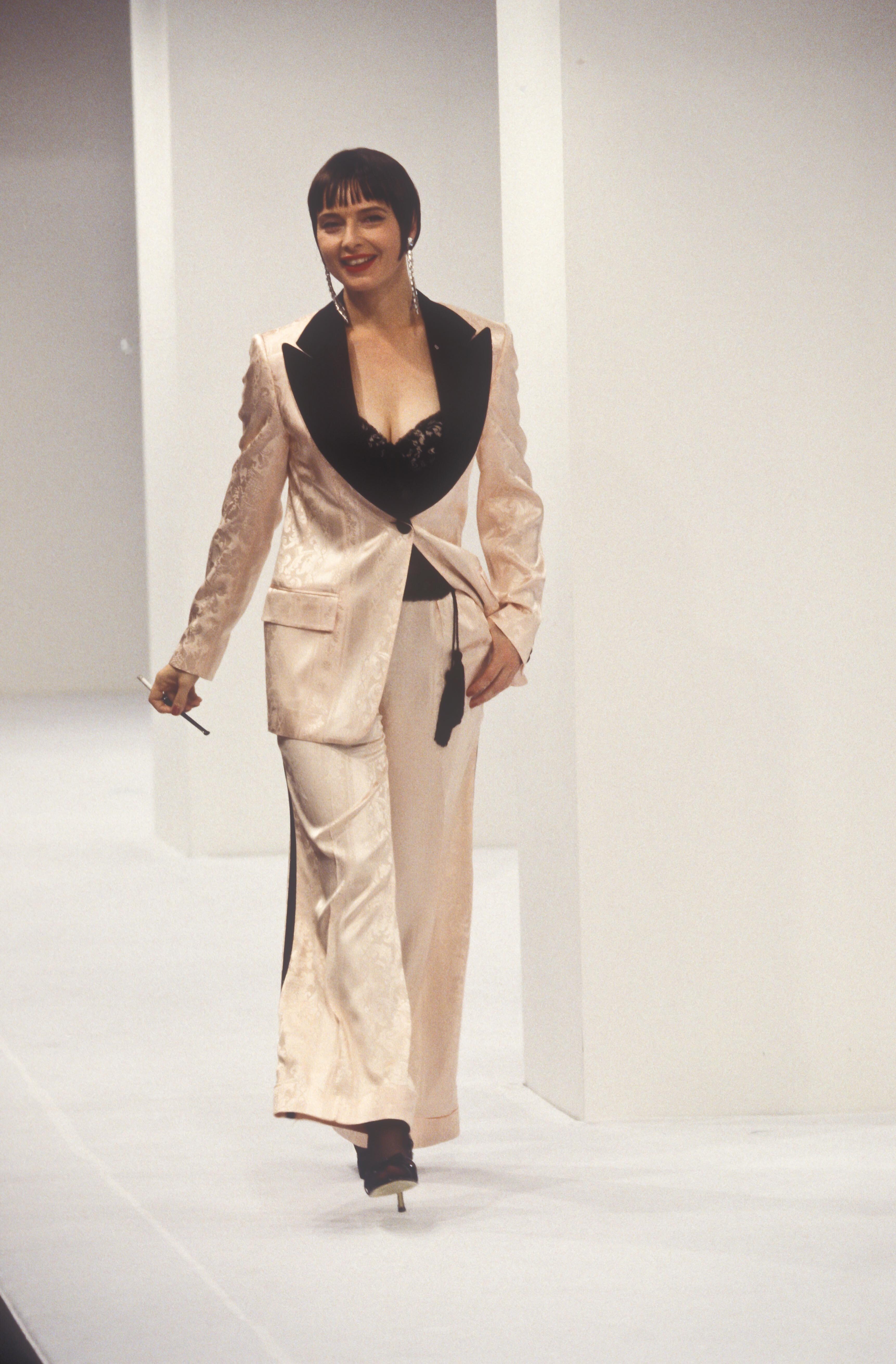
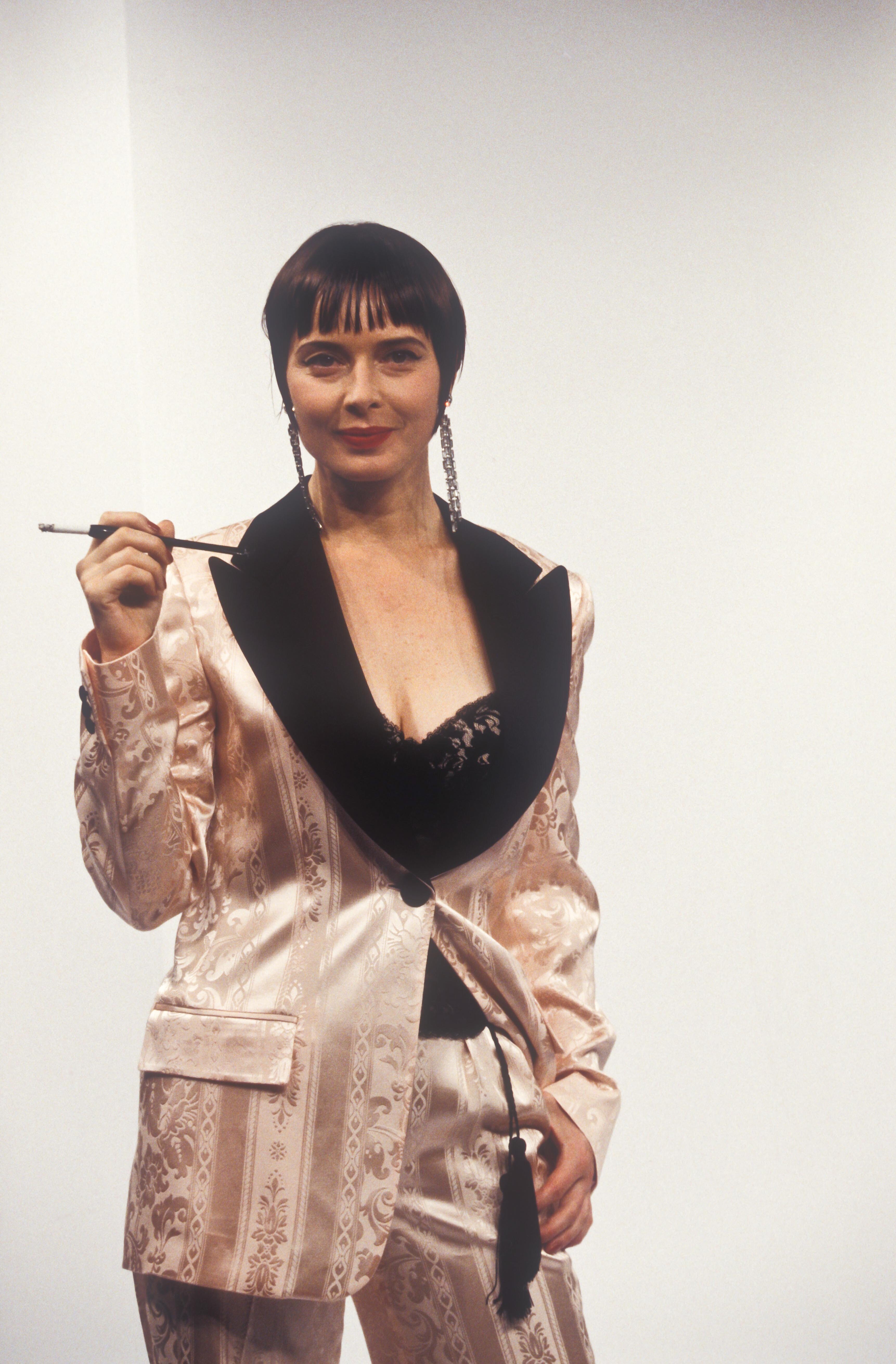
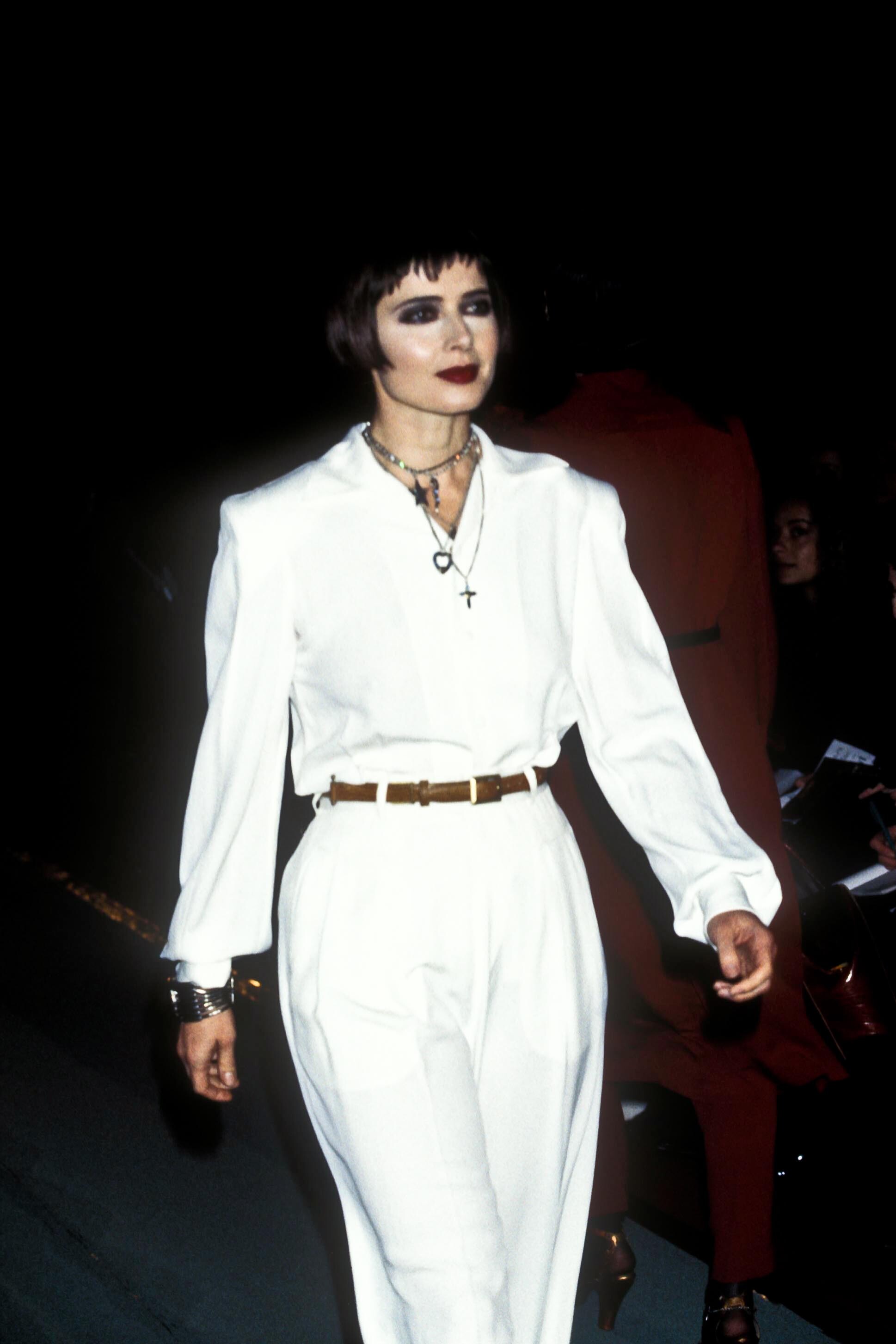
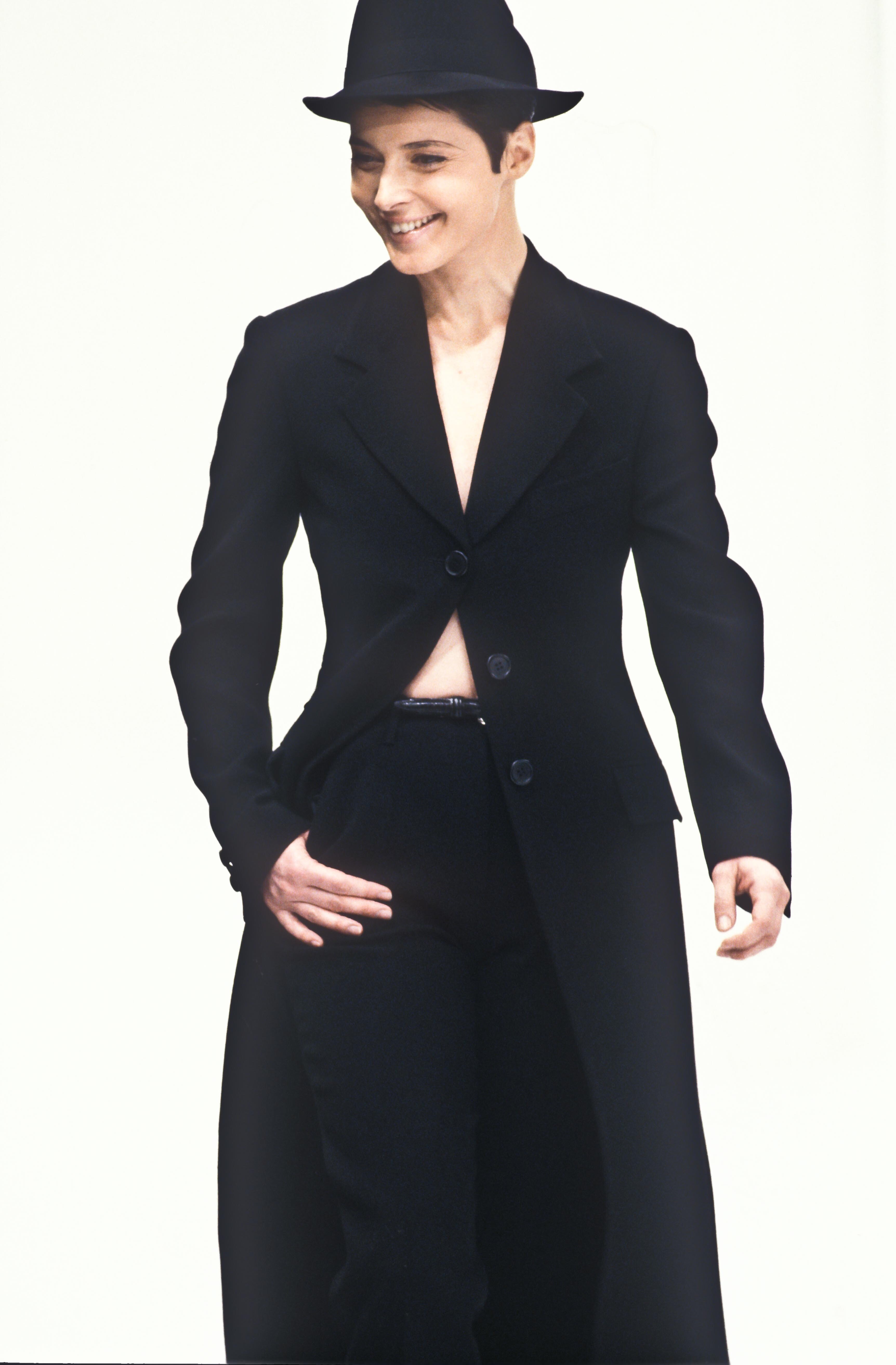
  9. Dolce & Gabbana FW 1995:
  10. Dolce & Gabbana SS 1995:
  11. Jean-Paul Gaultier SS 1995:
  12. Dolce & Gabbana FW 1994:
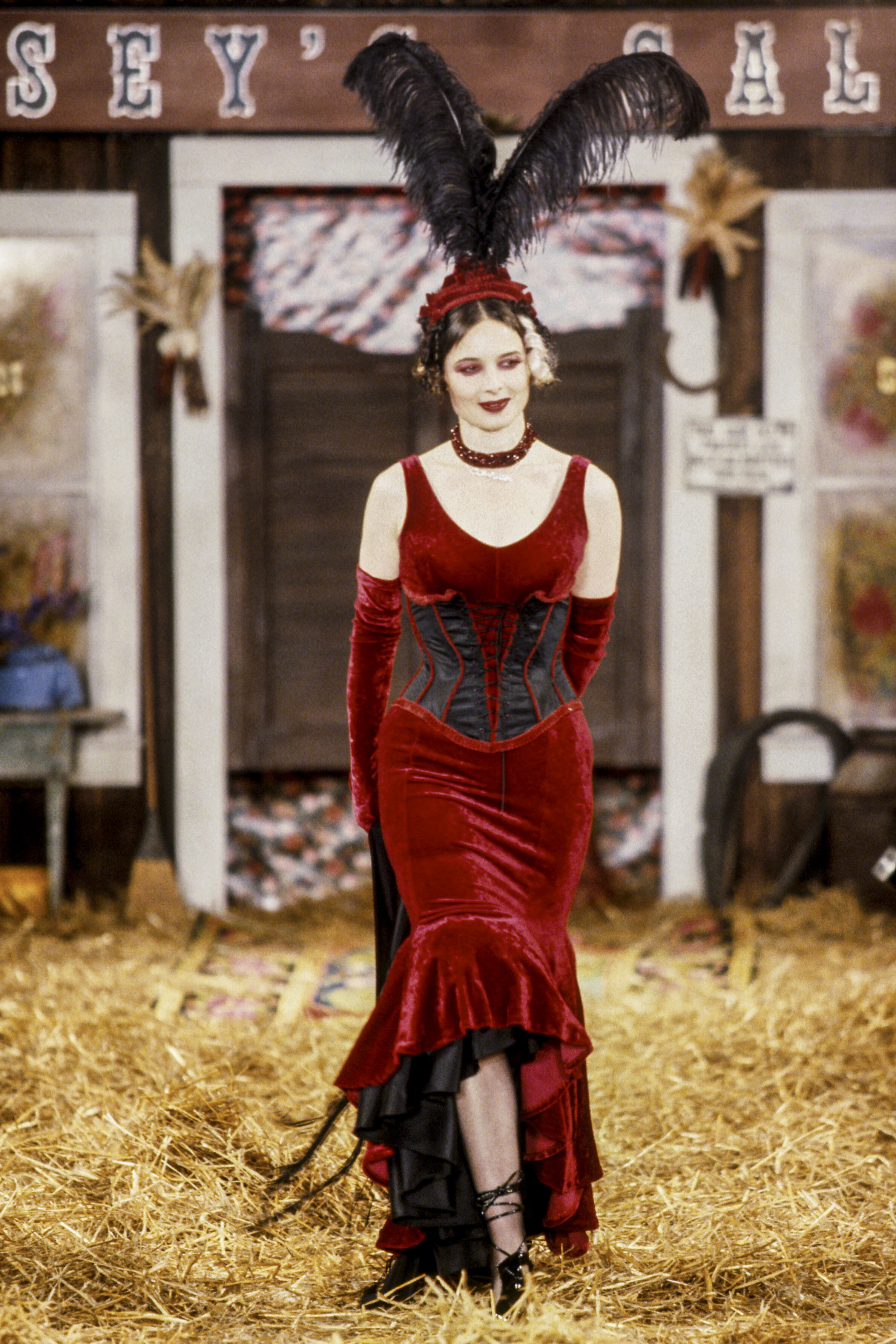
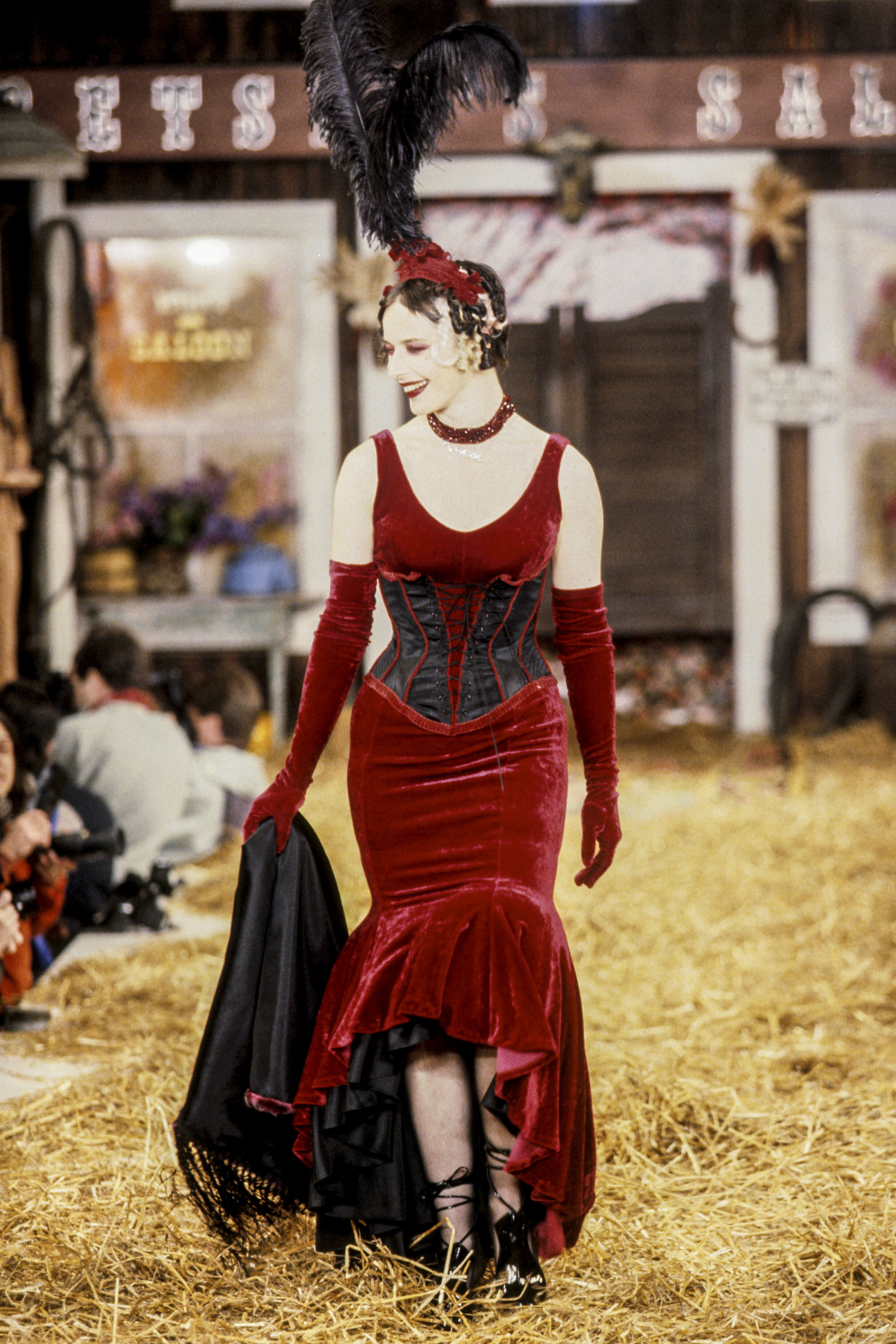
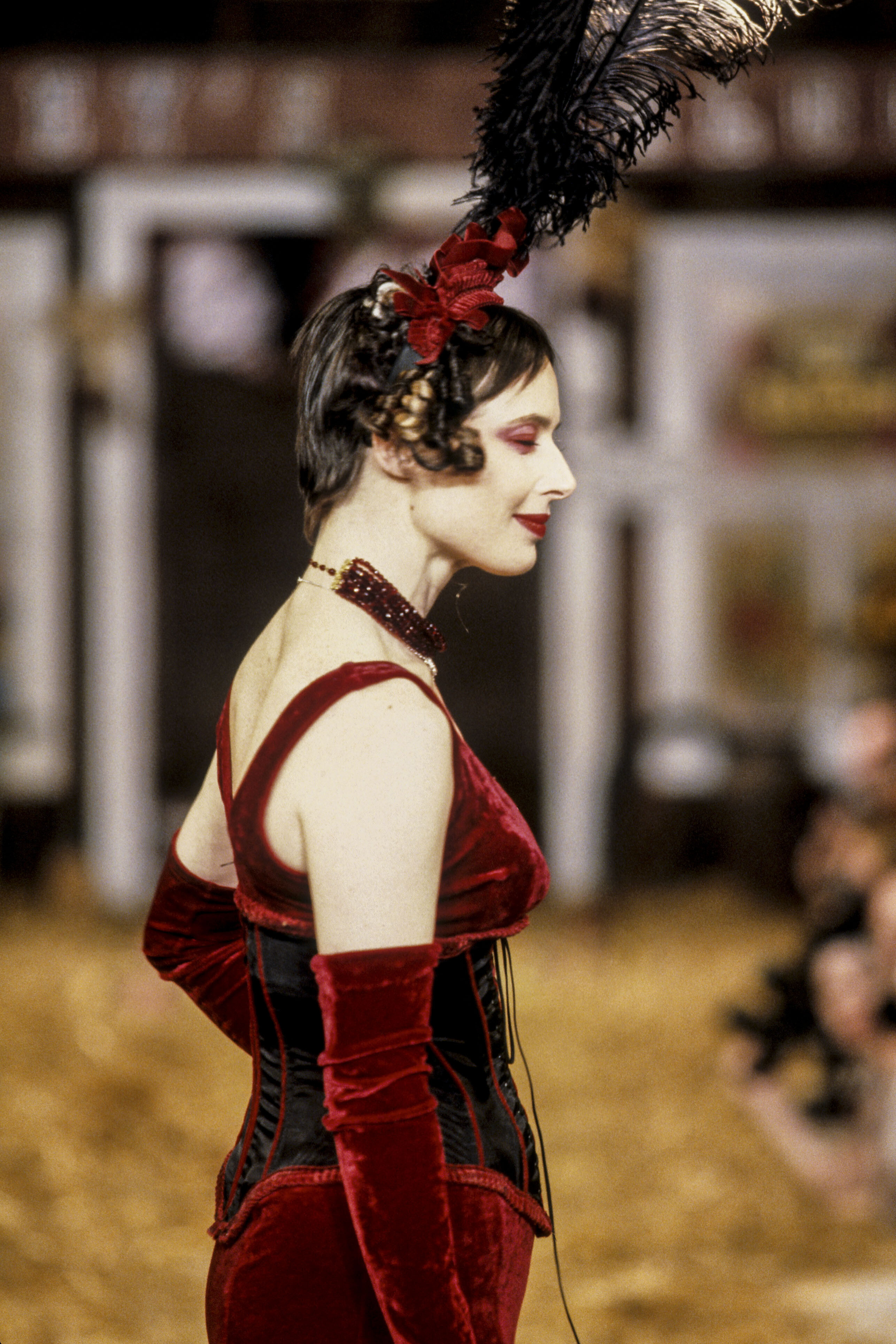
  13. Betsey Johnson FW 1995:
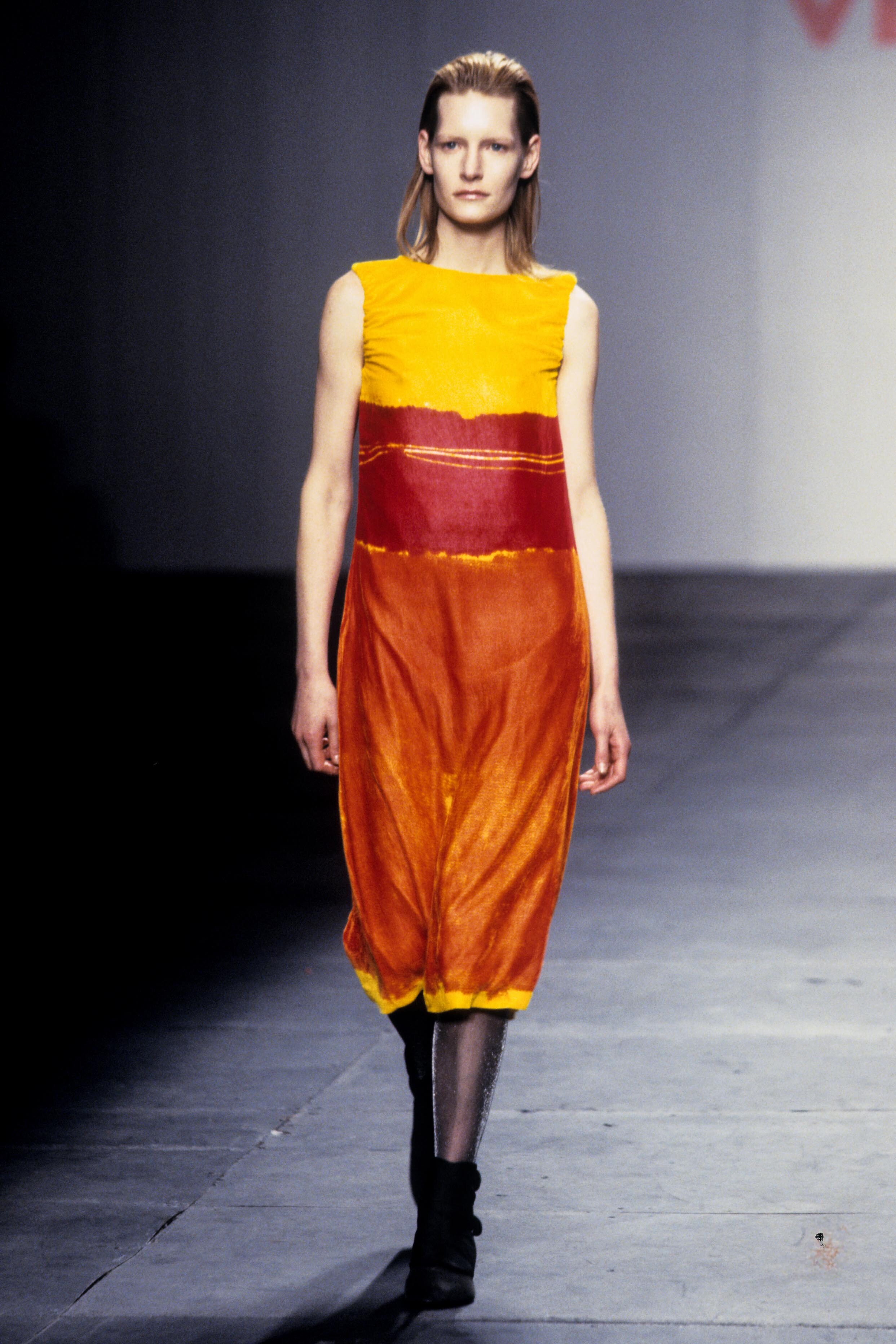
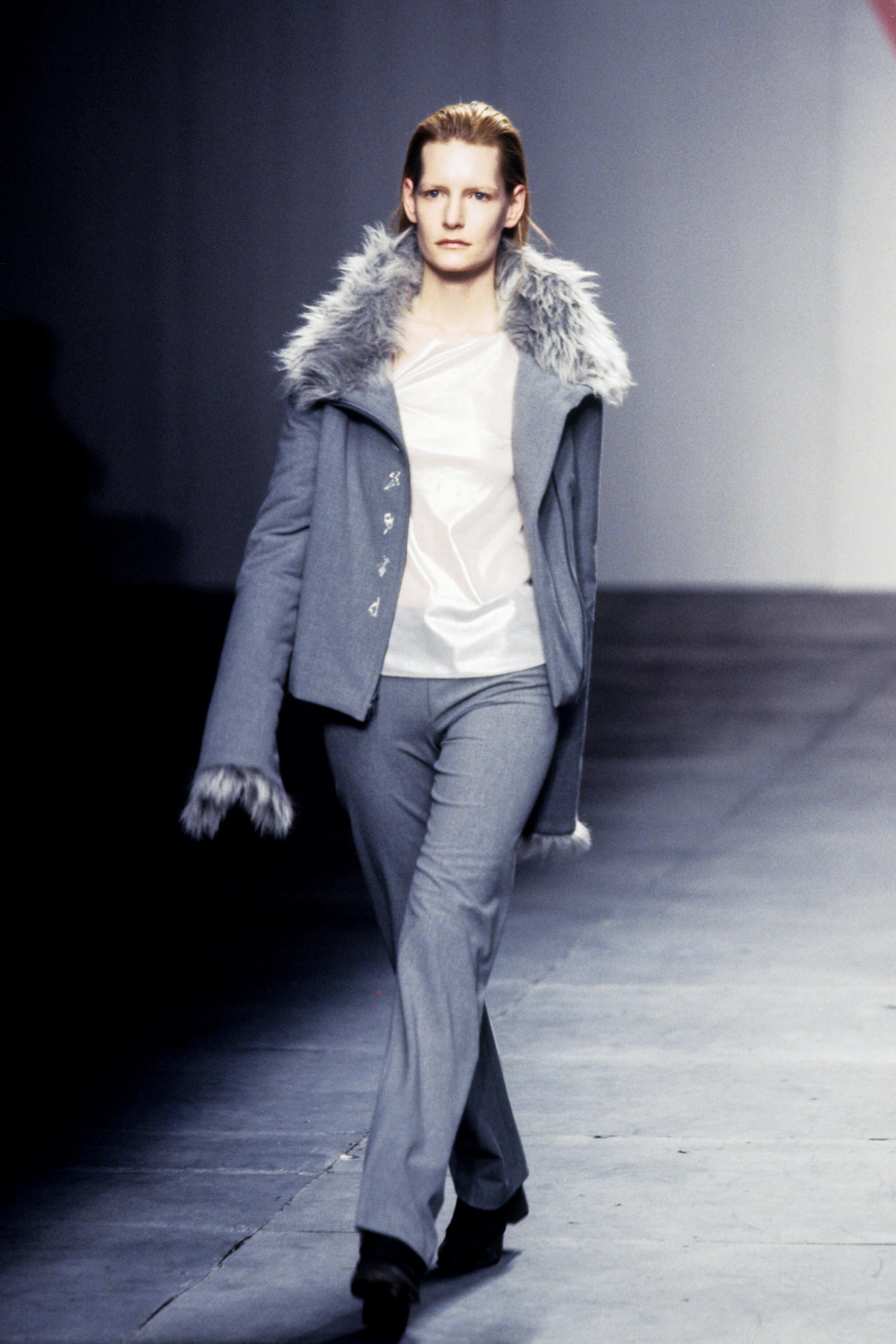
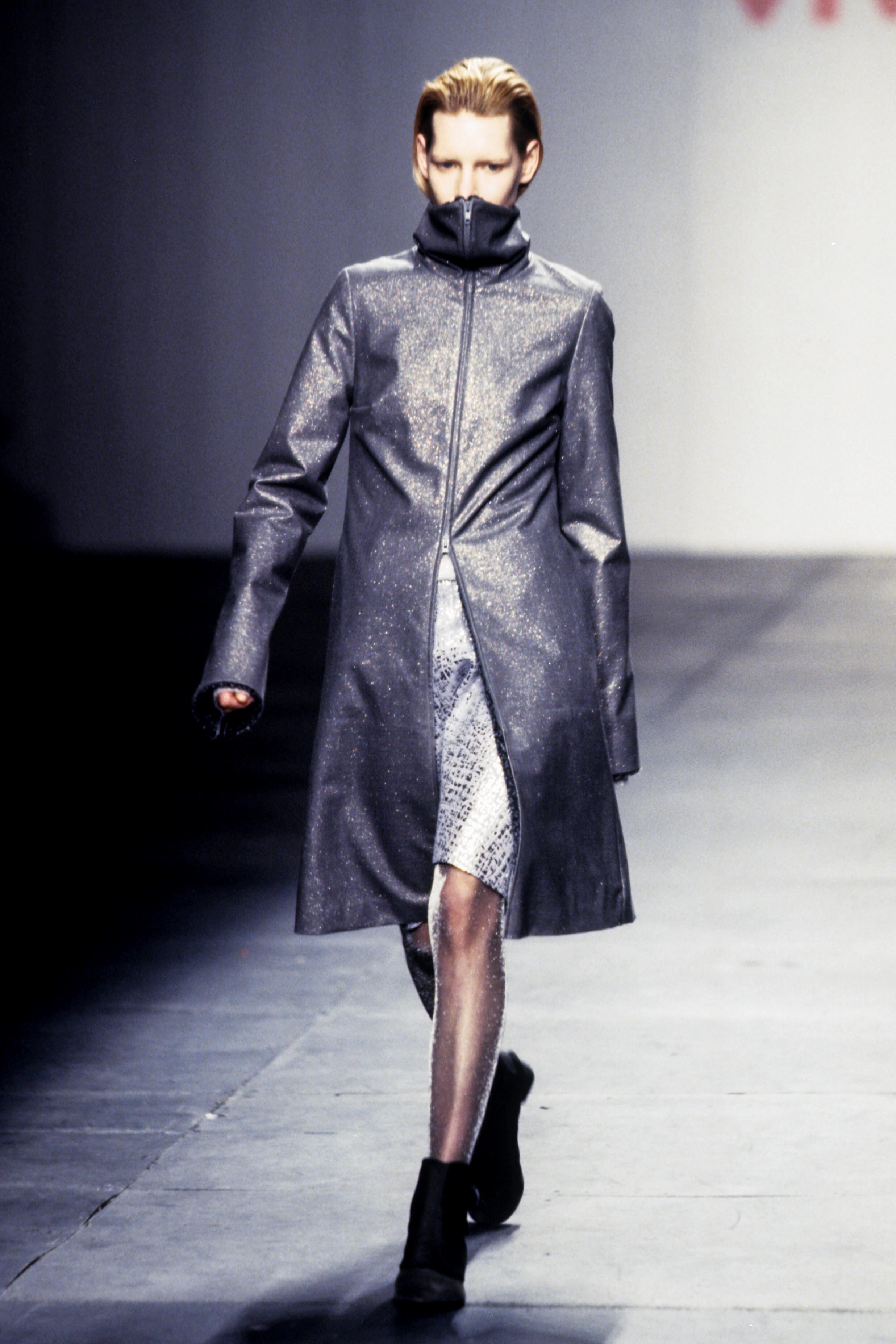
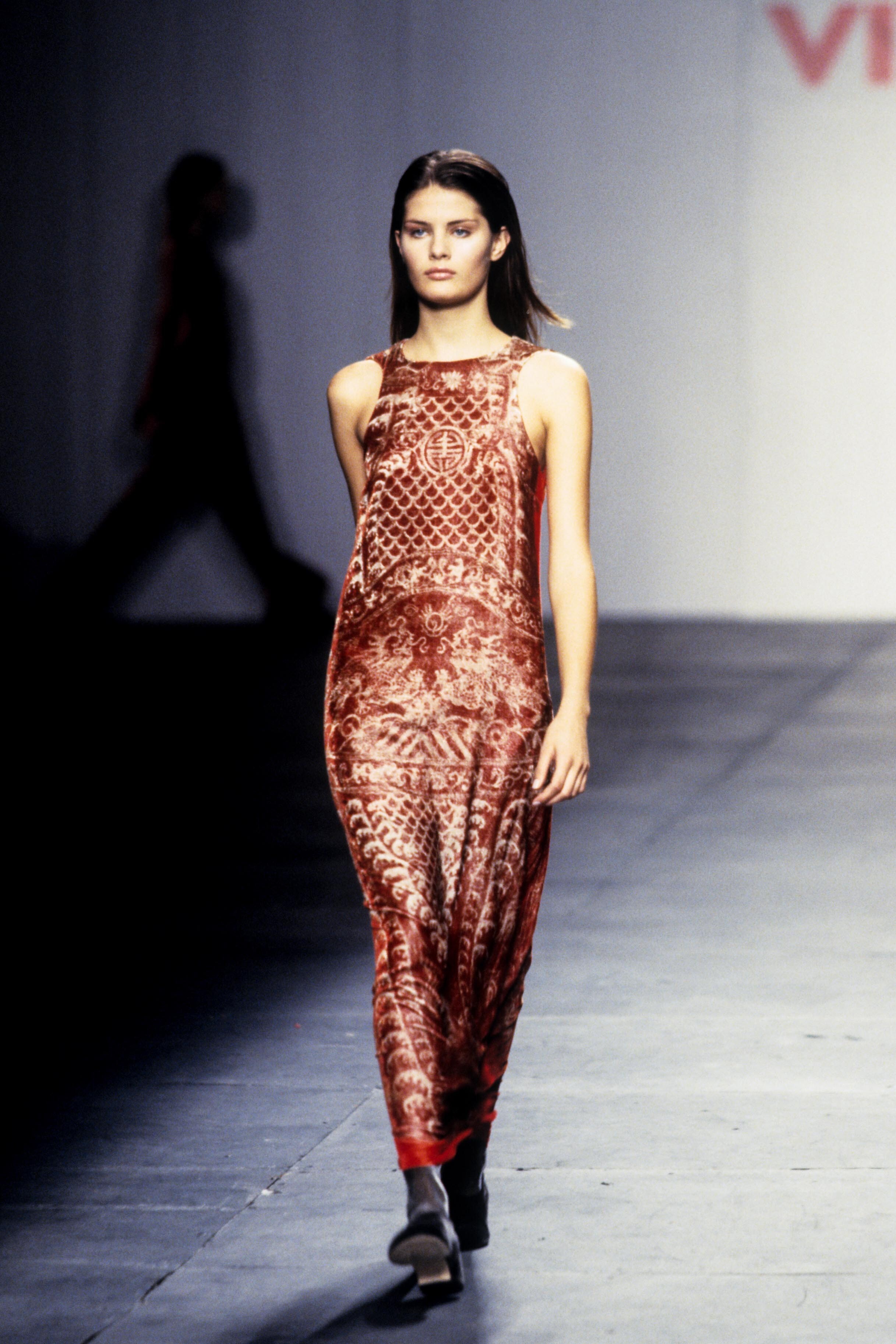
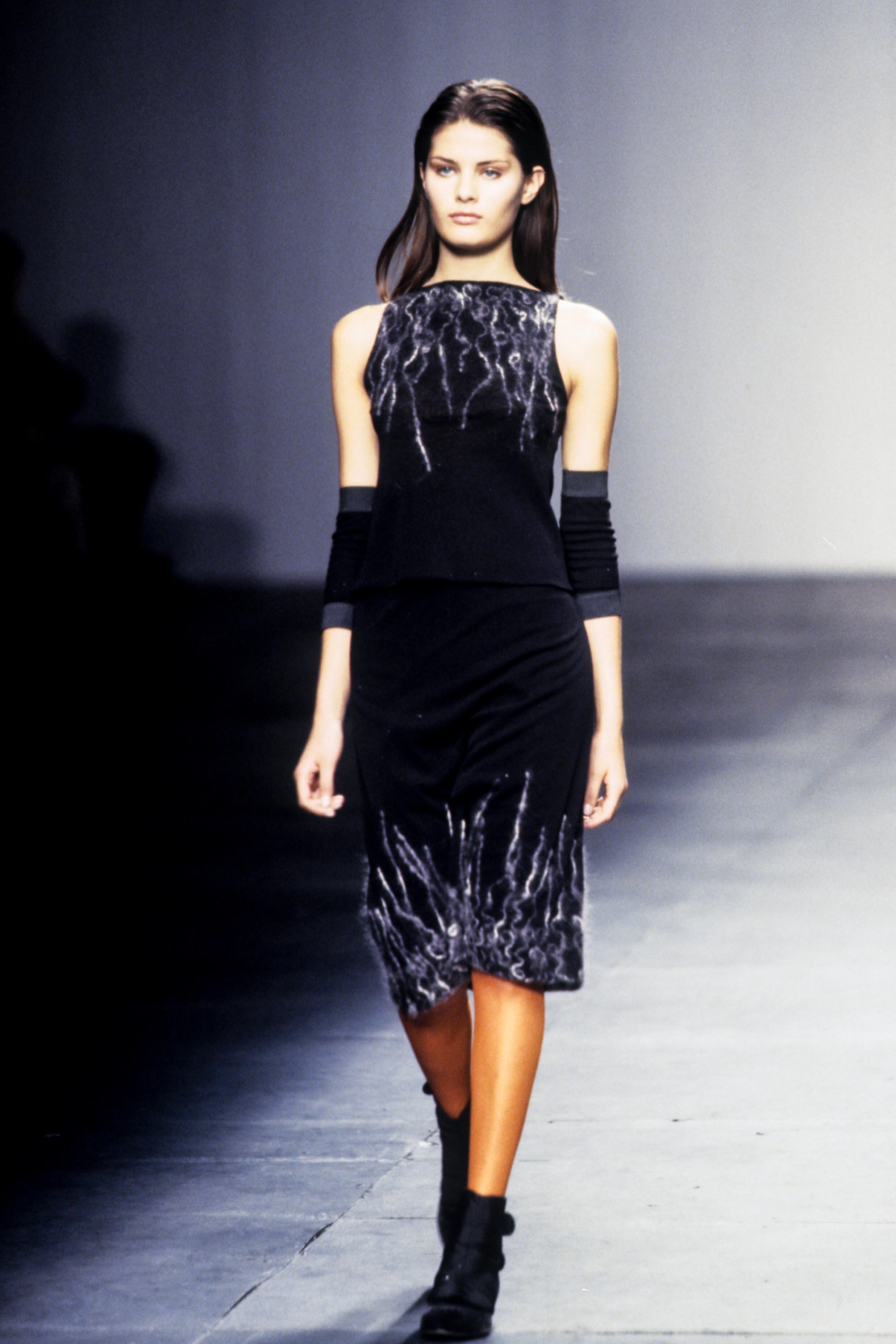
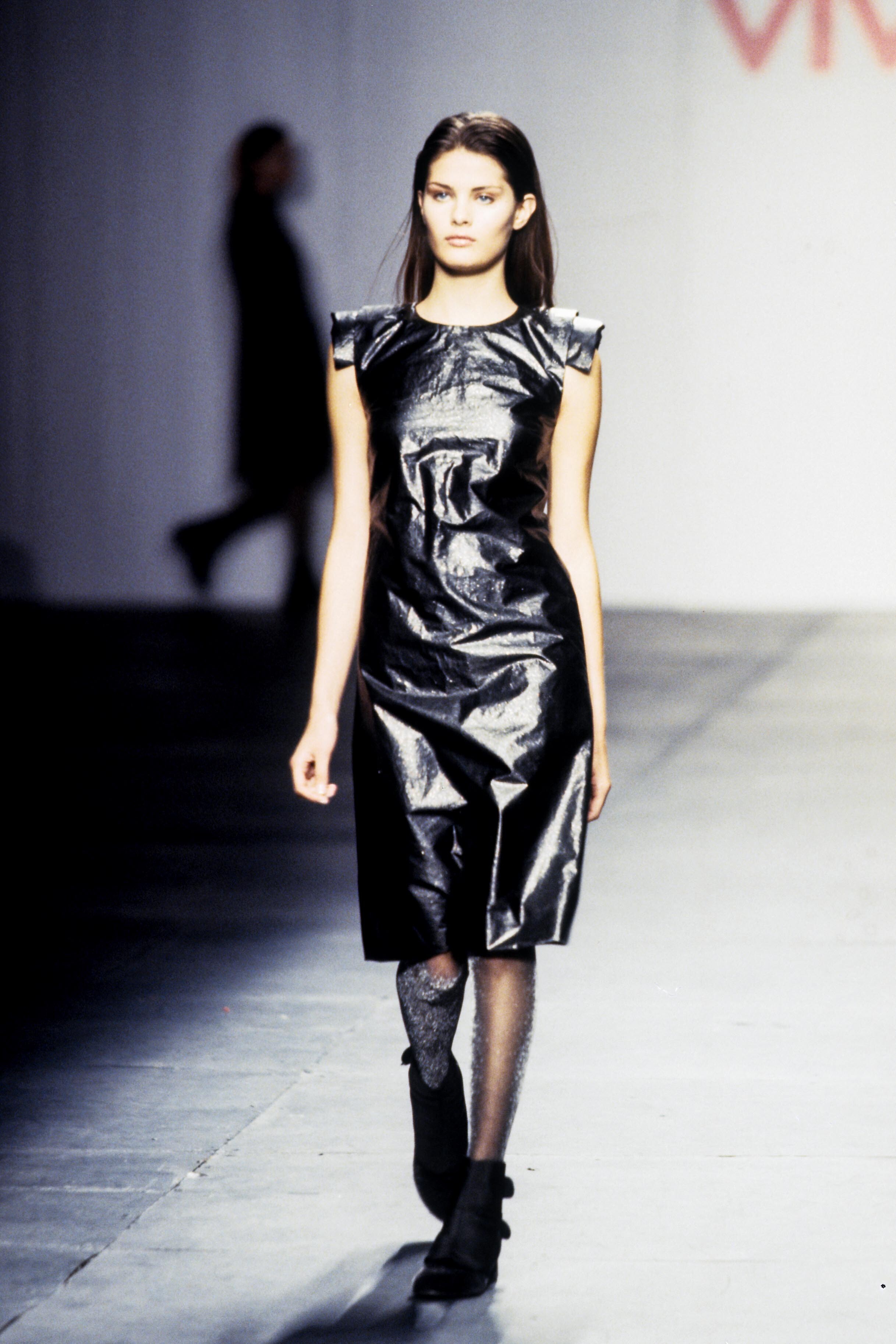
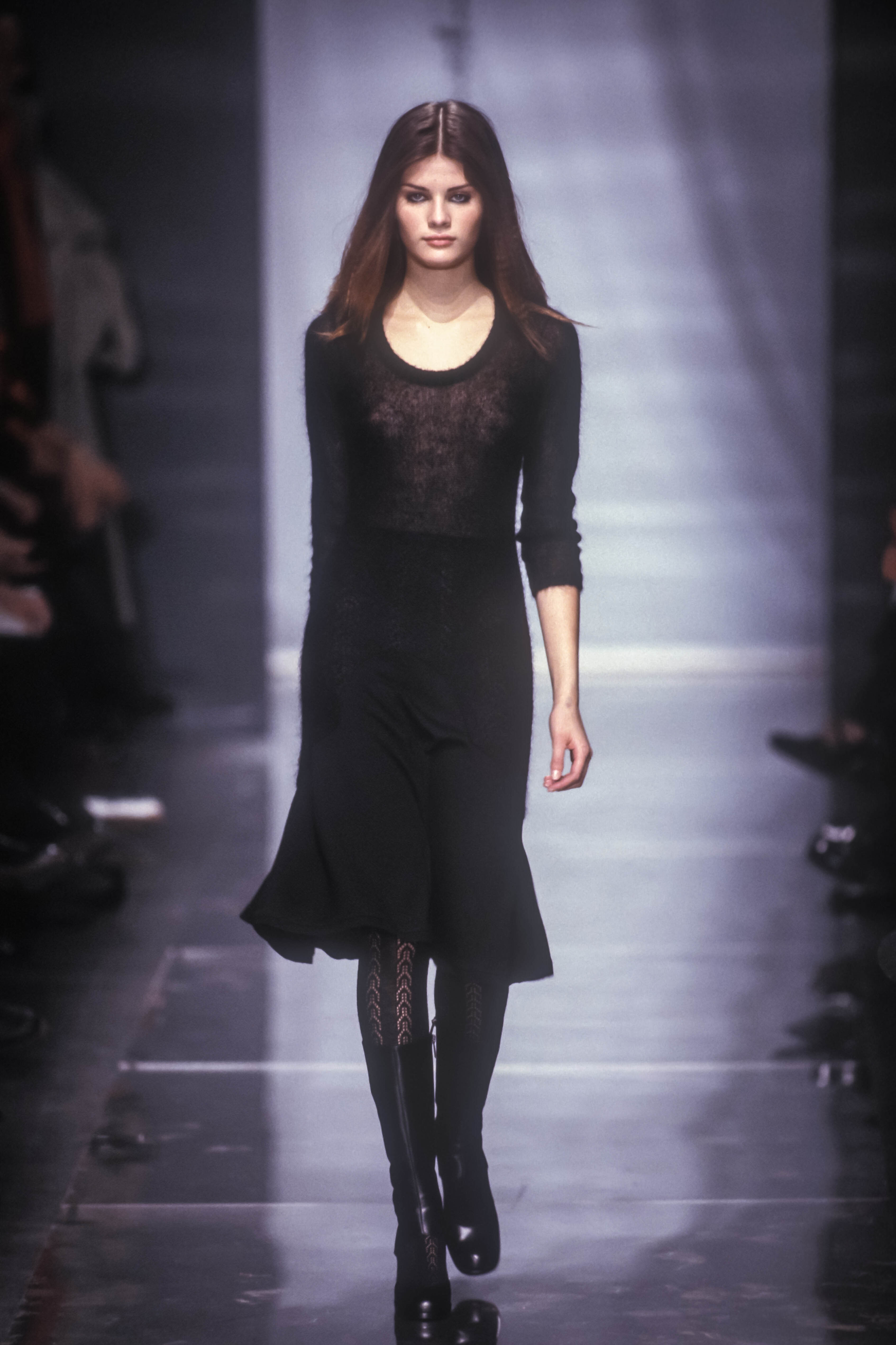
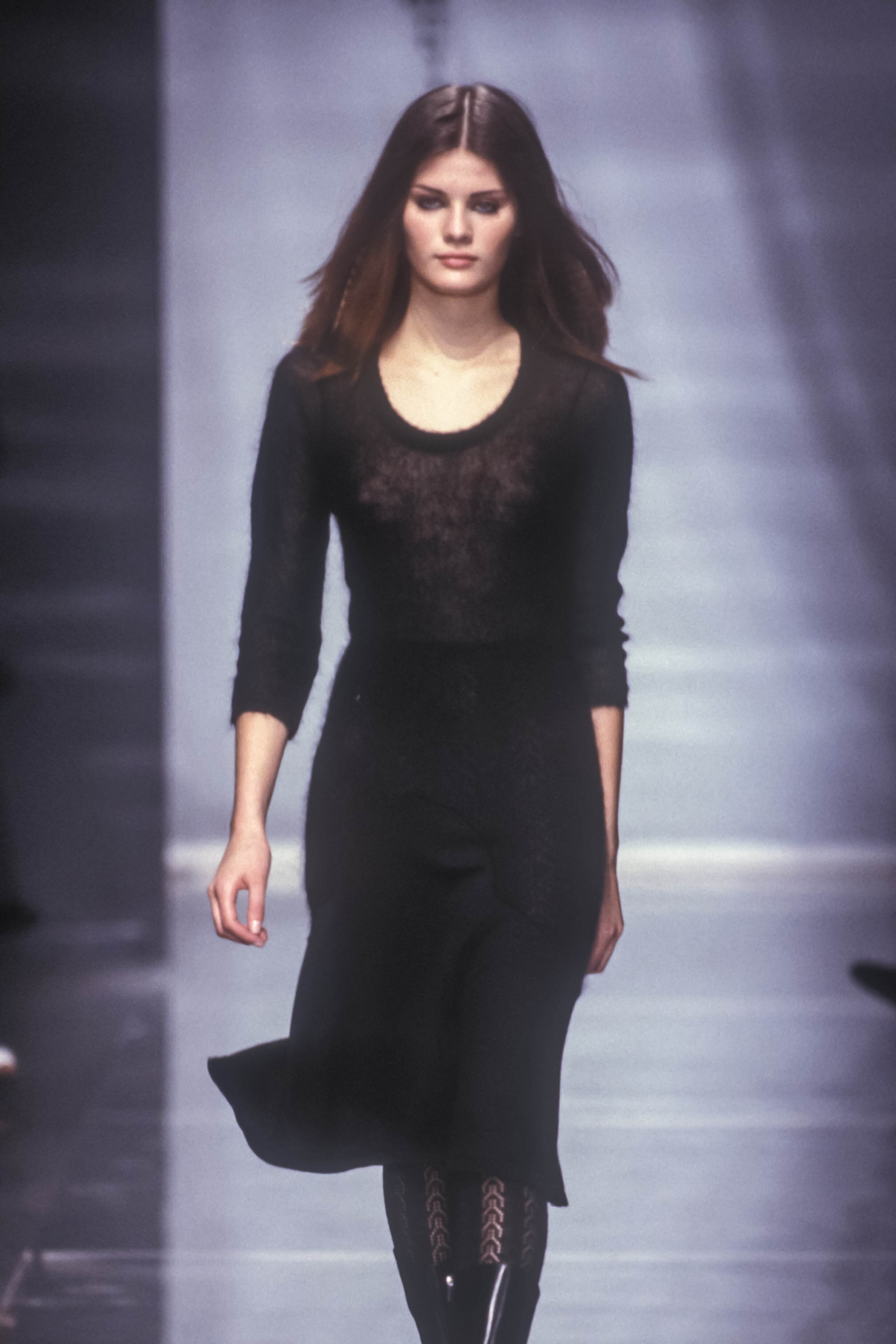
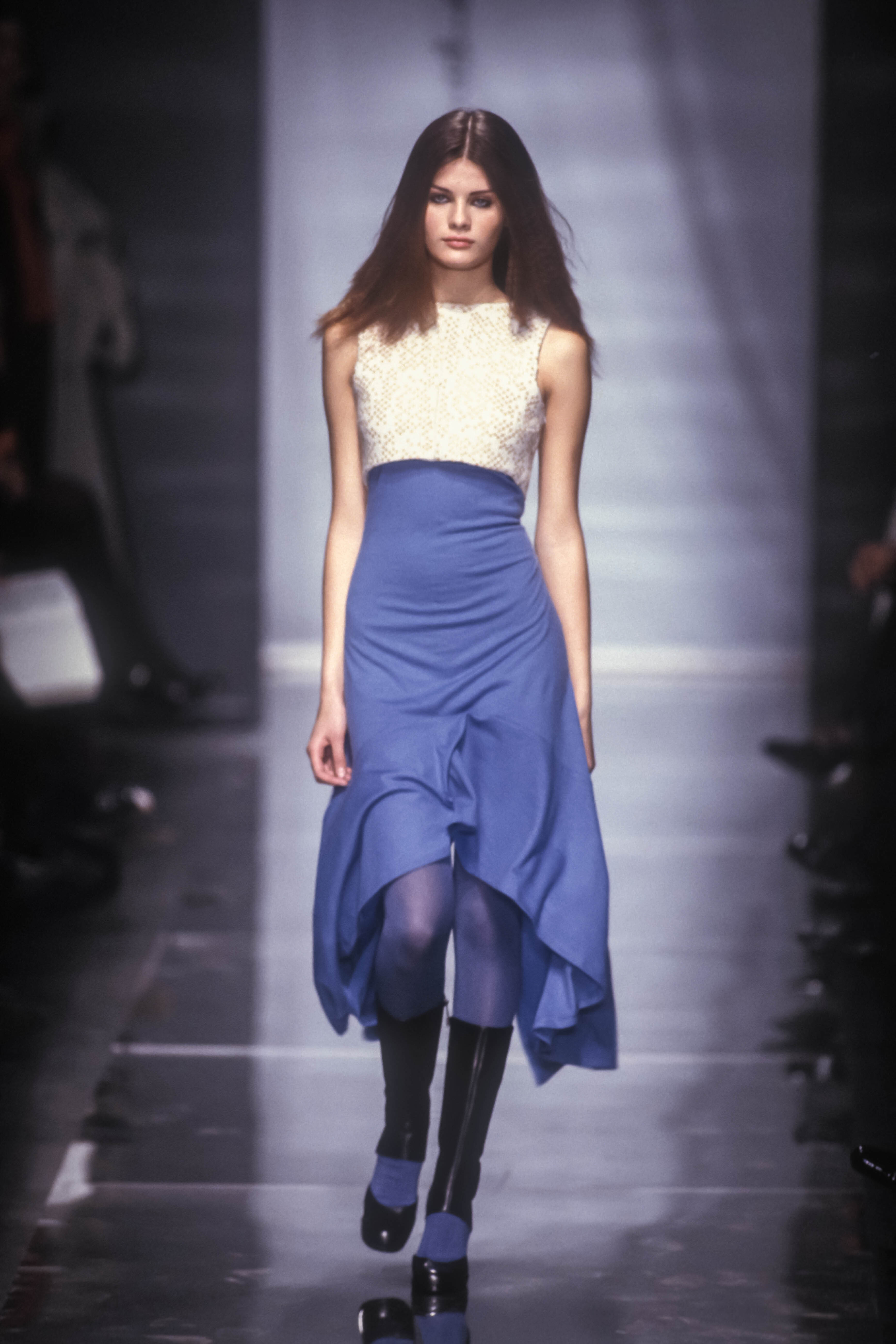
  14. Vivienne Tam FW 1999:
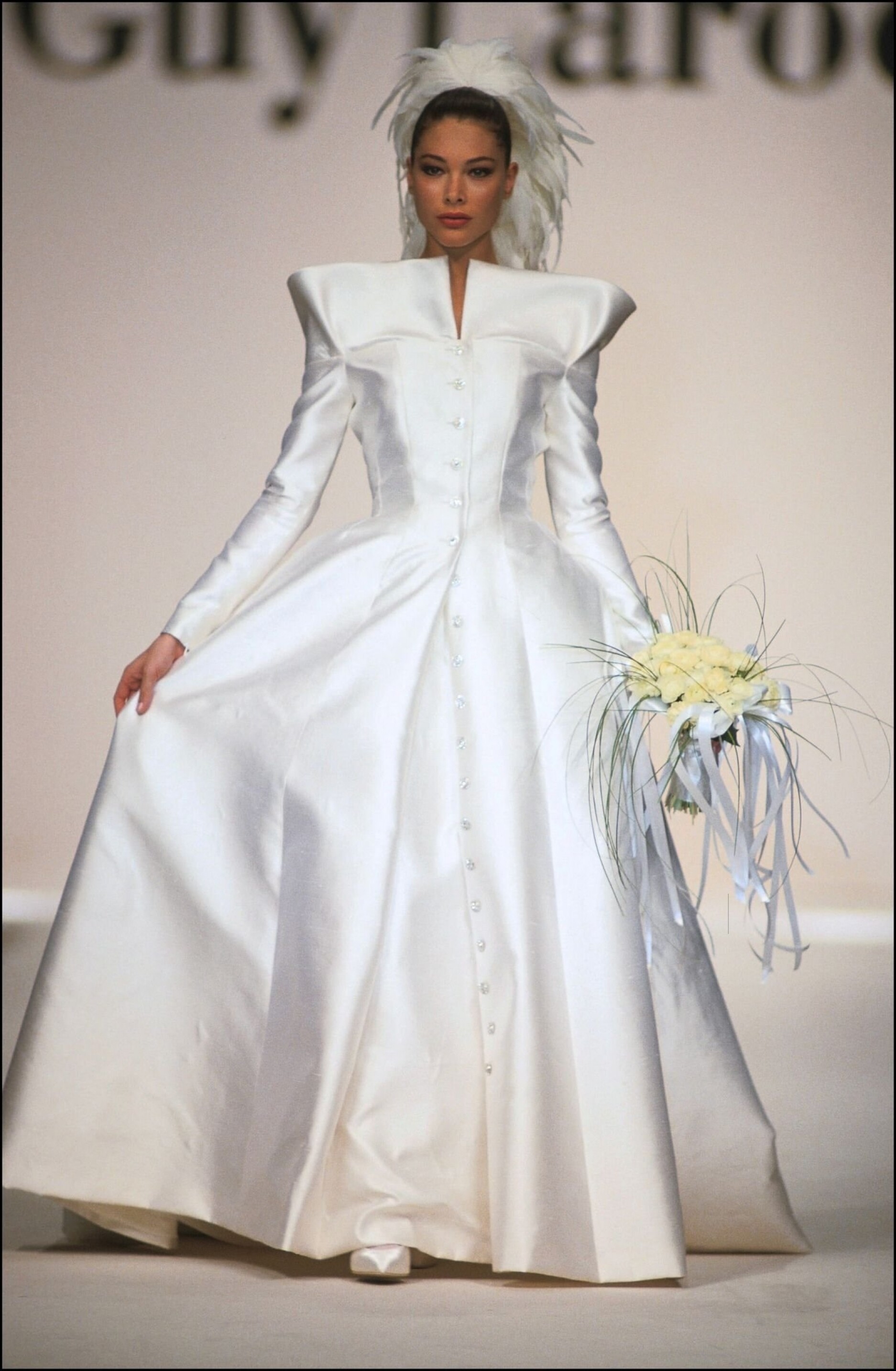
  15. Guy Laroche SS 1991:
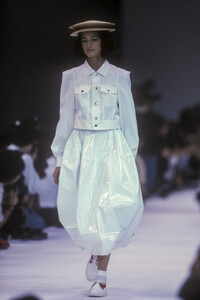
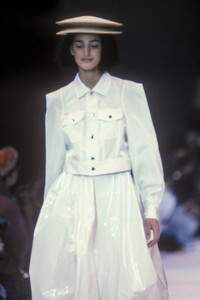
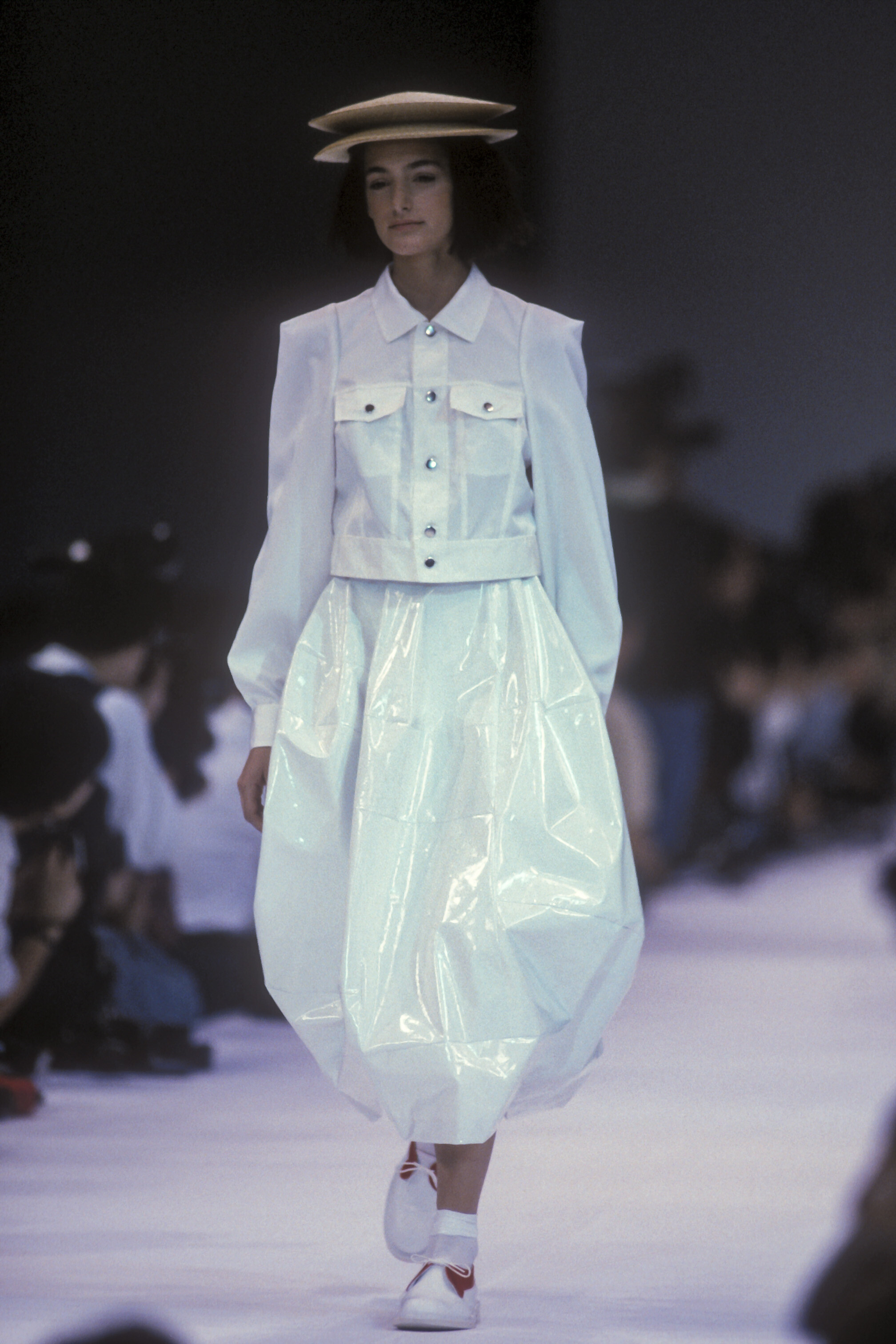
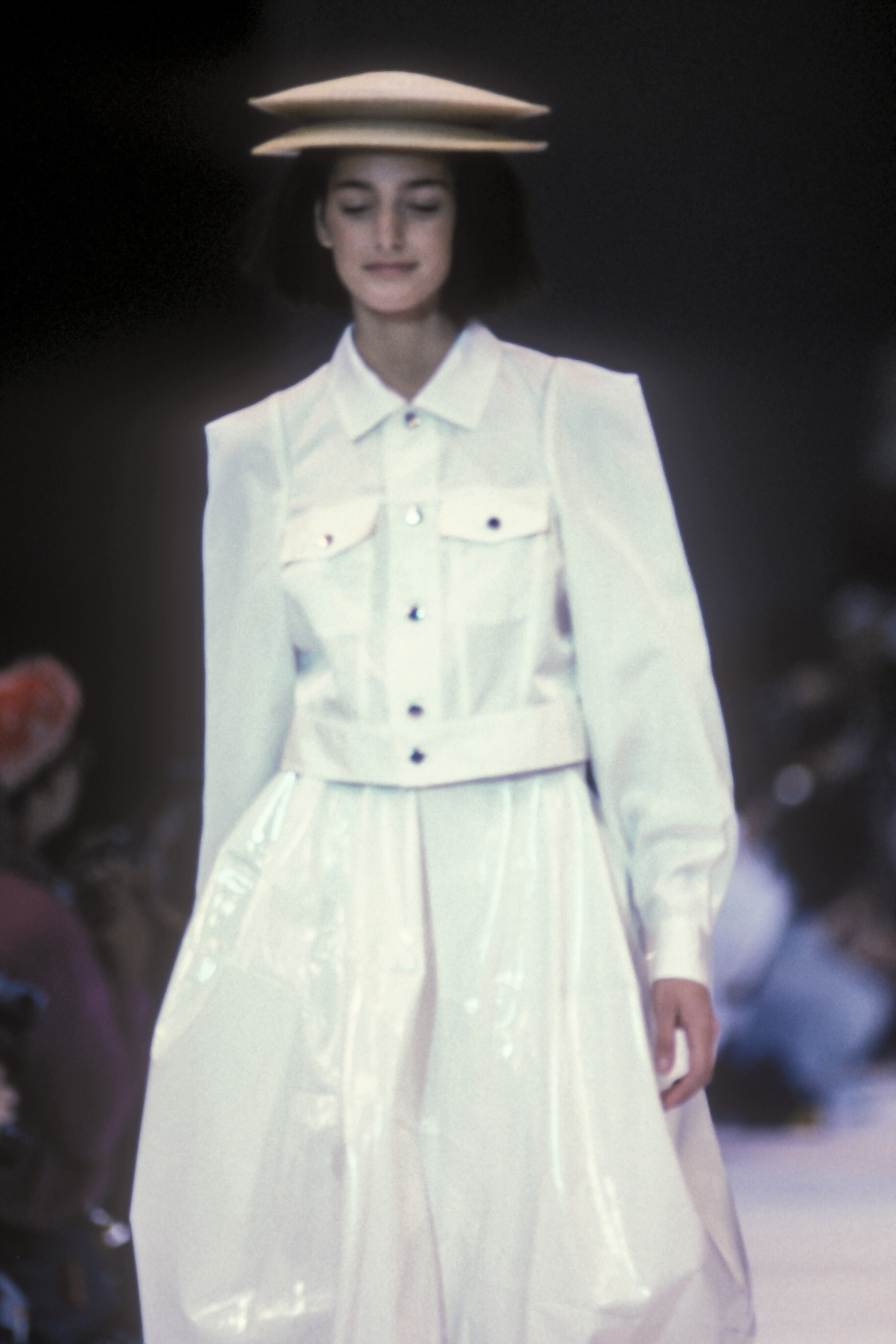
  16. Comme des Garcons SS 1990:
  17. ArianaVSCouture replied to a post in a topic in Female Fashion Models
    Vivienne Tam FW 1999:
  18. ArianaVSCouture replied to a post in a topic in Female Fashion Models
    Versus FW 1999:
  19. ArianaVSCouture replied to a post in a topic in Female Fashion Models
    Versace FW 1999:
  20. ArianaVSCouture replied to a post in a topic in Female Fashion Models
    Ralph Lauren FW 1999:
  21. ArianaVSCouture replied to a post in a topic in Female Fashion Models
    Pierre Balmain Haute Couture FW 1999:

  22. ArianaVSCouture replied to a post in a topic in Female Fashion Models
    Narciso Rodriguez FW 1999:
  23. ArianaVSCouture replied to a post in a topic in Female Fashion Models
    Michael Kors FW 1999:
Account

Navigation

Search

Search

Configure browser push notifications

Chrome (Android)
  1. Tap the lock icon next to the address bar.
  2. Tap Permissions → Notifications.
  3. Adjust your preference.
Chrome (Desktop)
  1. Click the padlock icon in the address bar.
  2. Select Site settings.
  3. Find Notifications and adjust your preference.