All Activity
- Past hour
-

-
 by Cyril Vinikoff






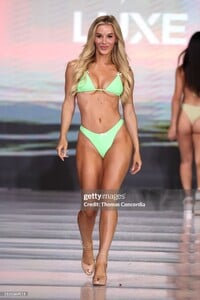
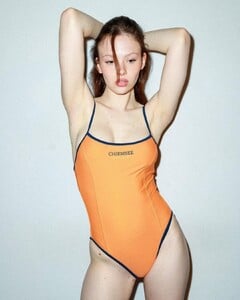
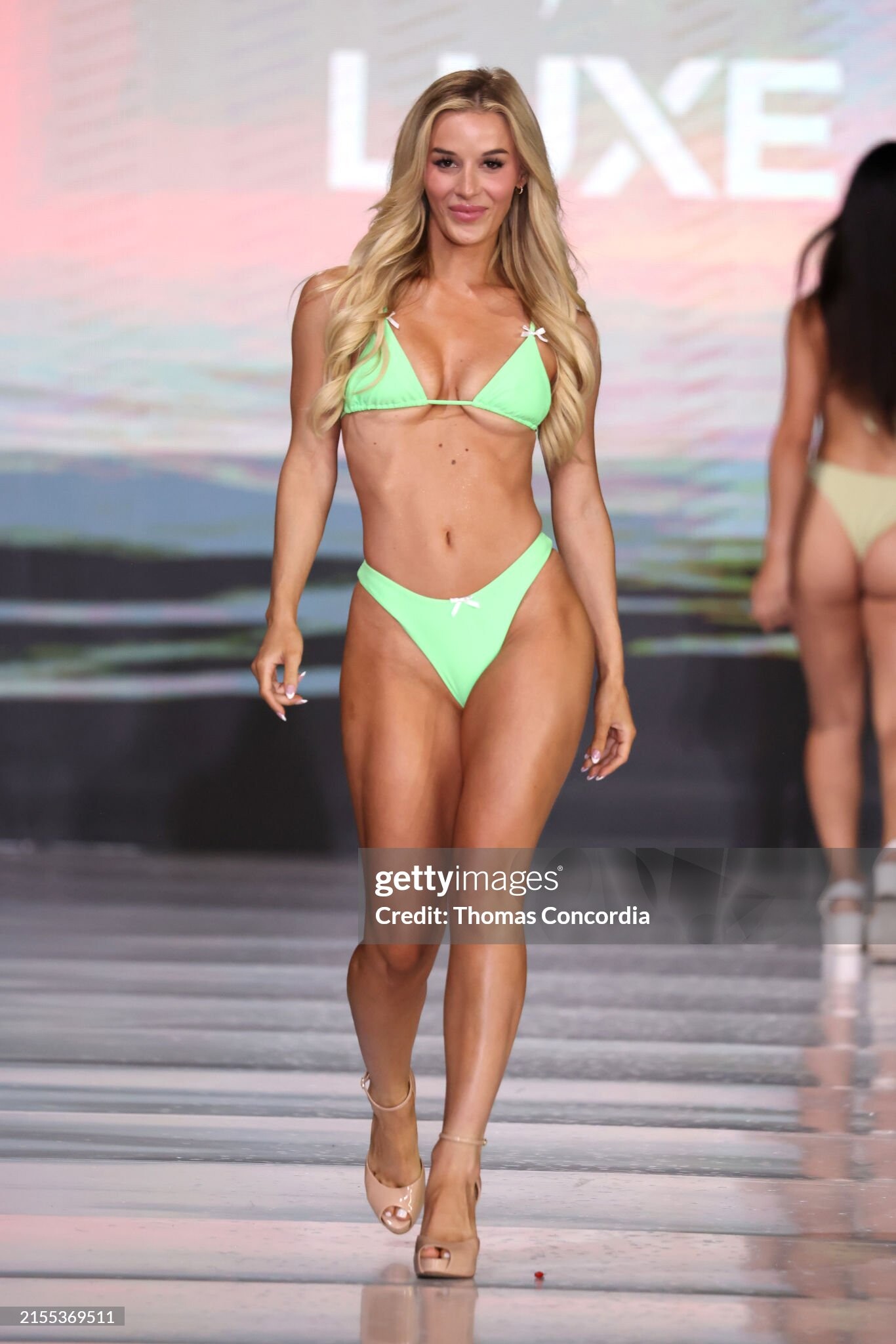
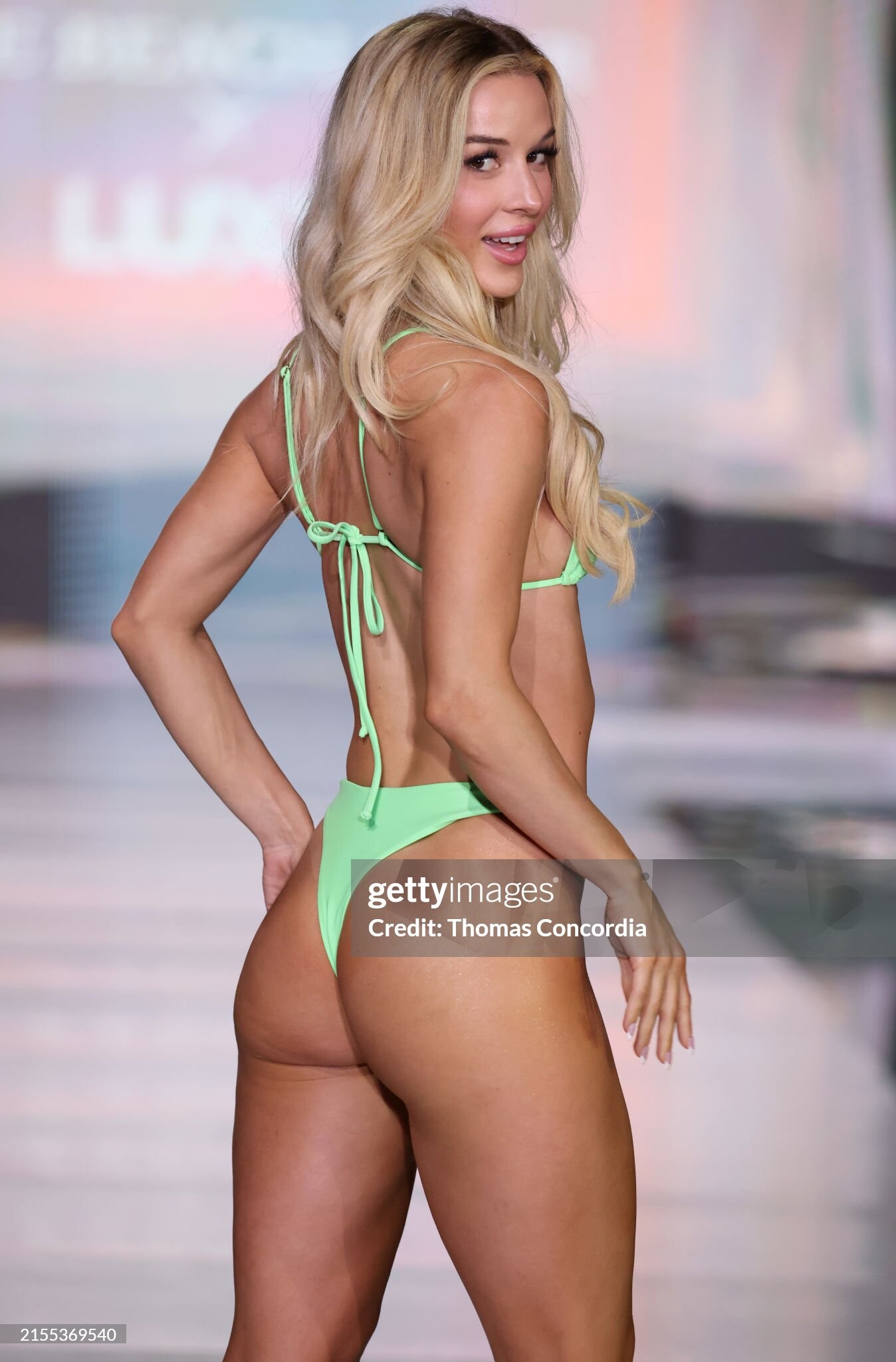
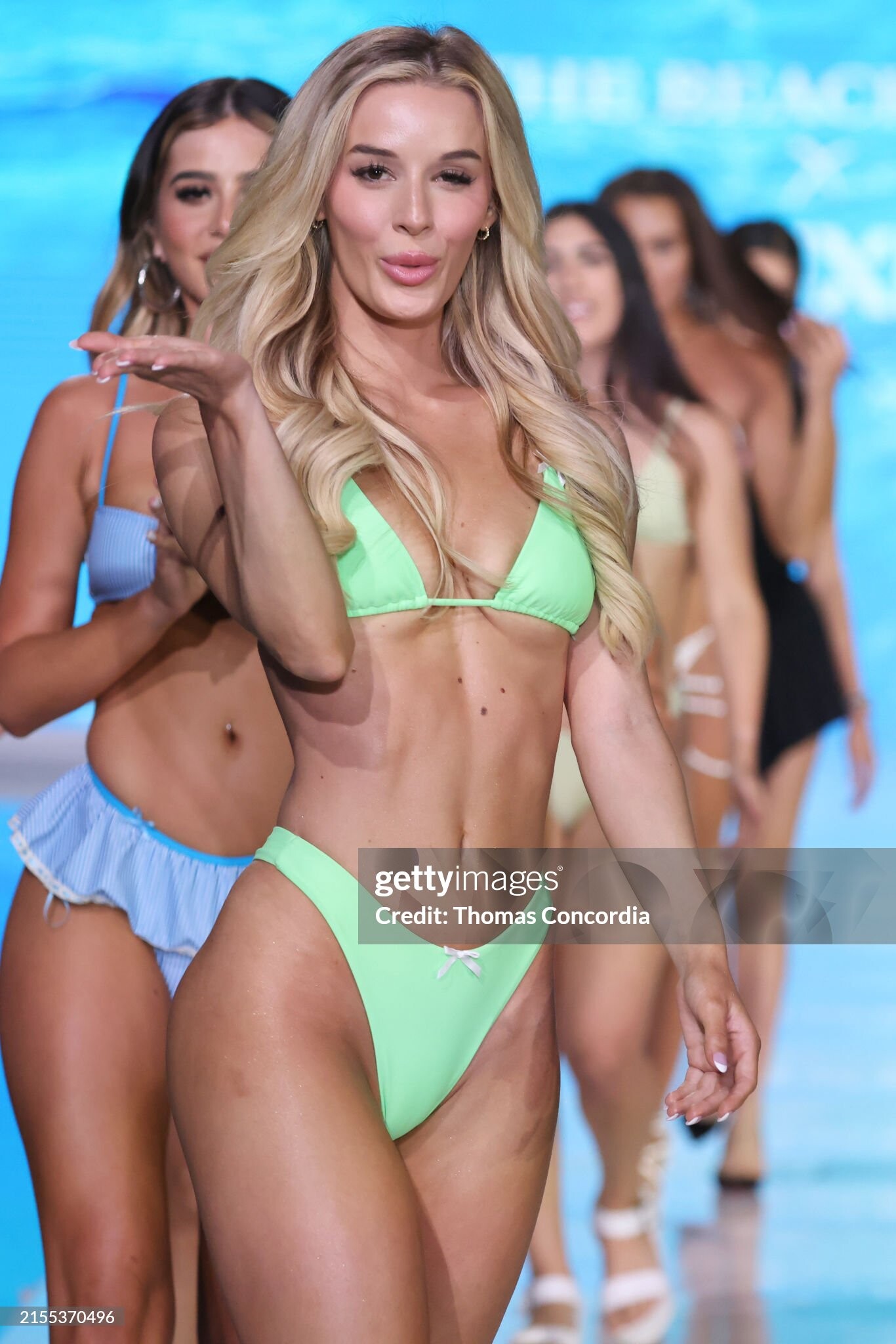
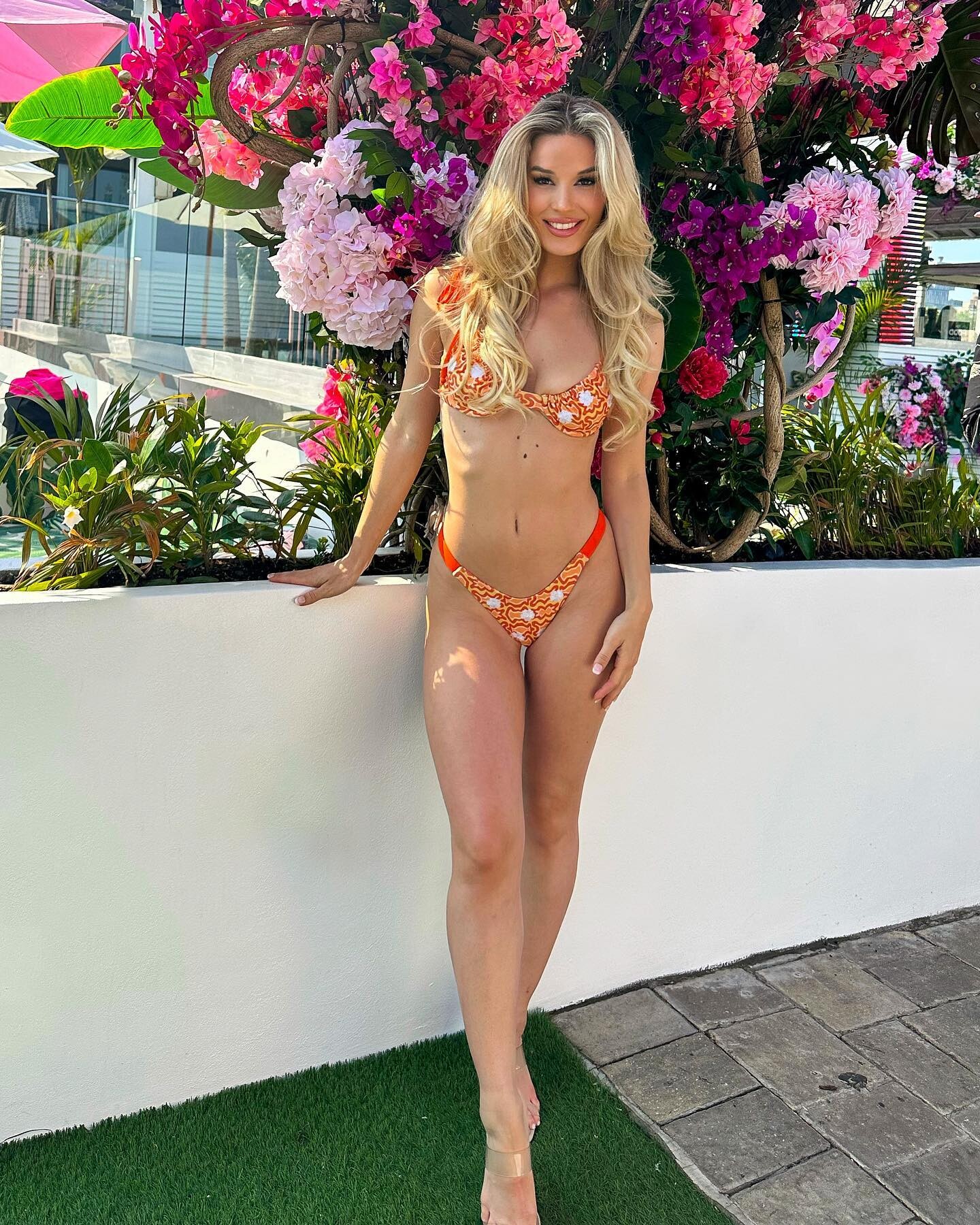
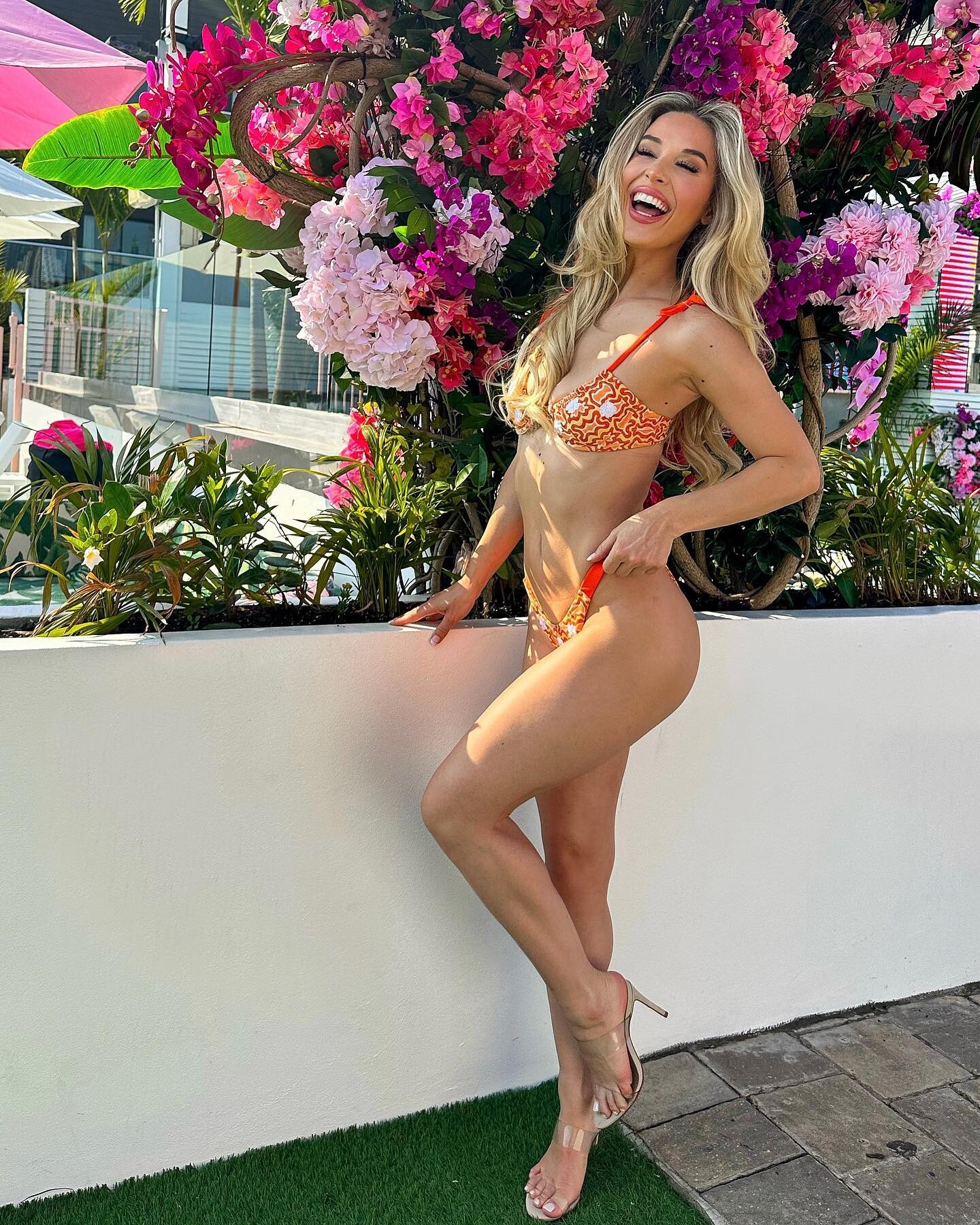
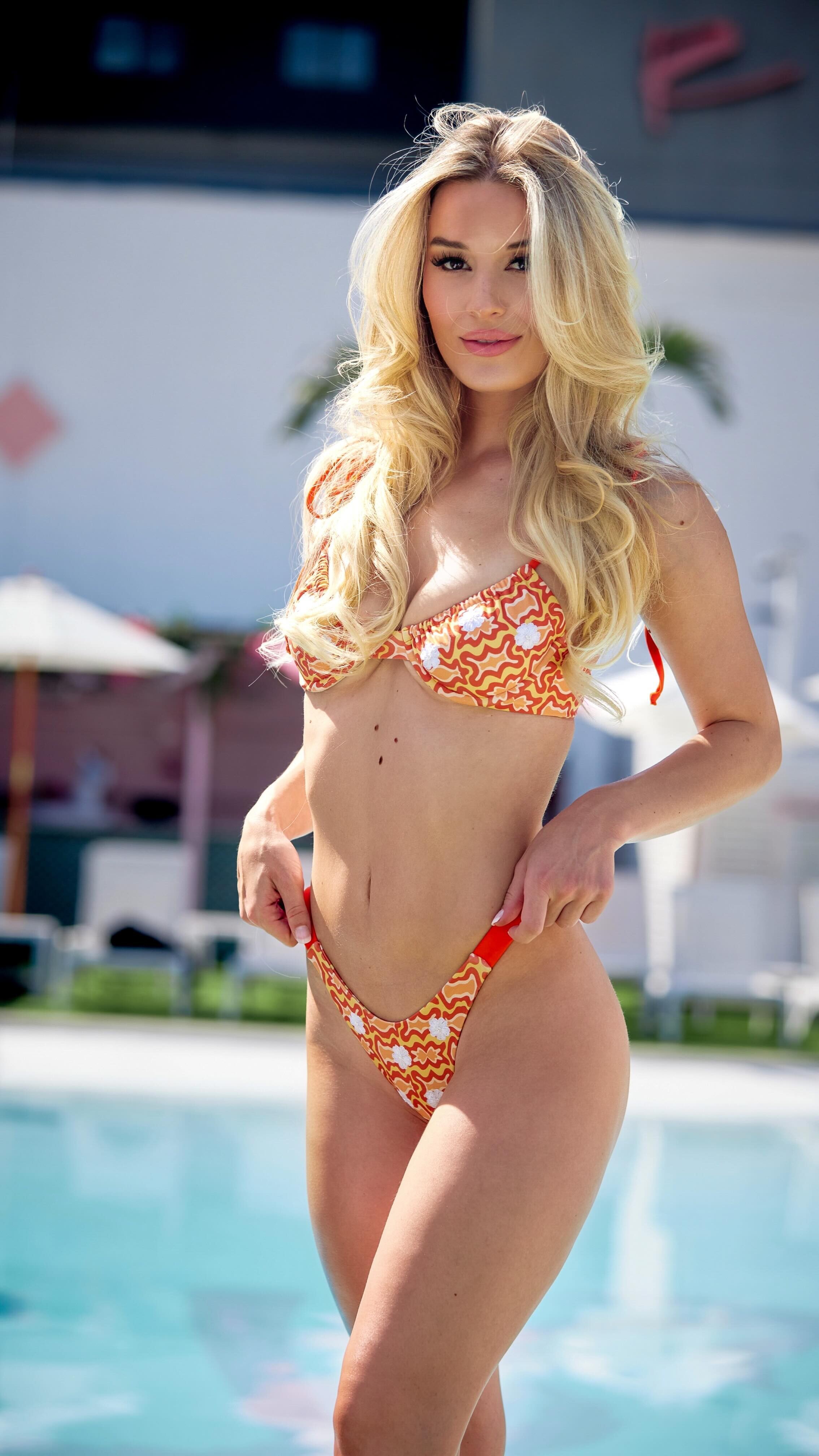
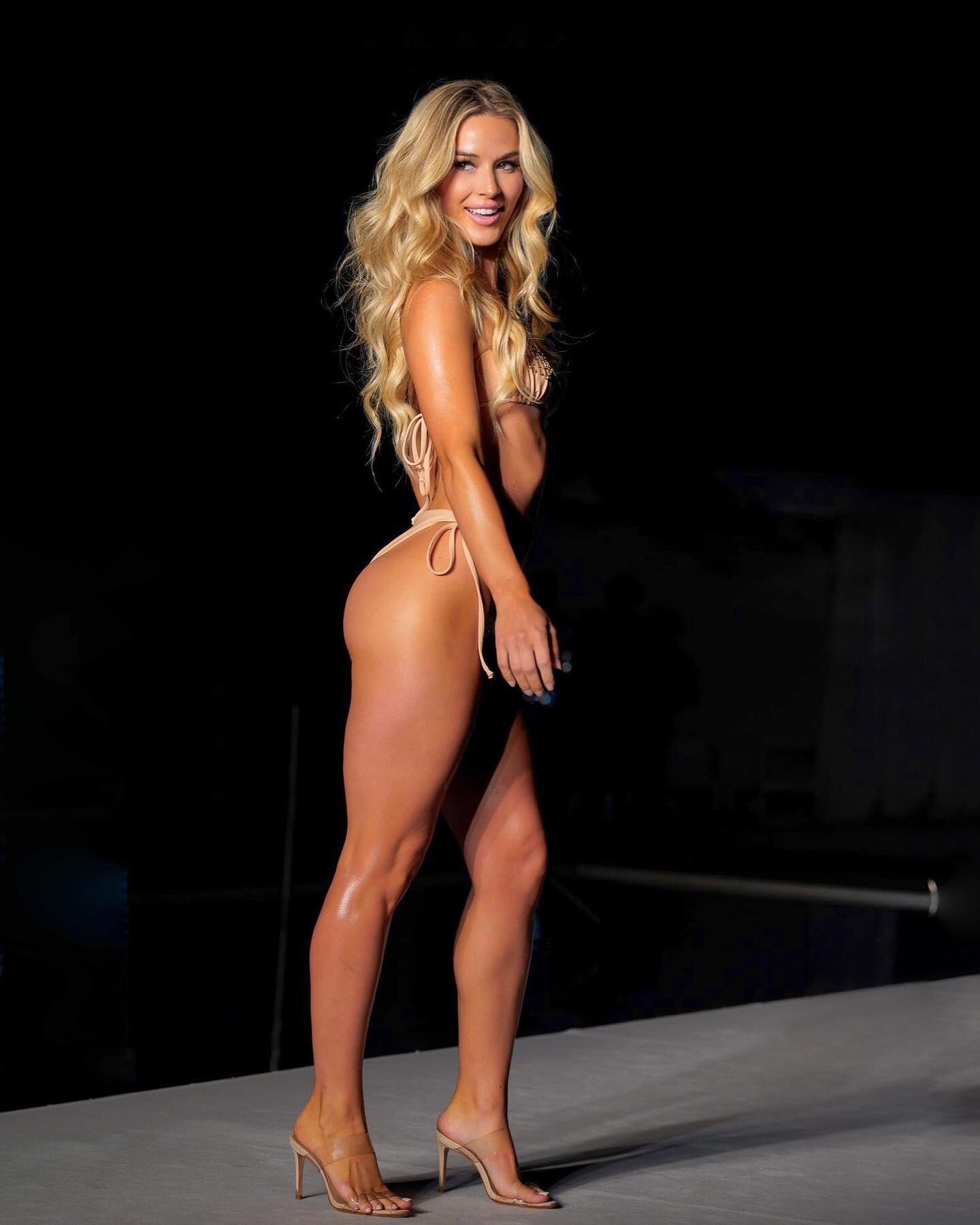
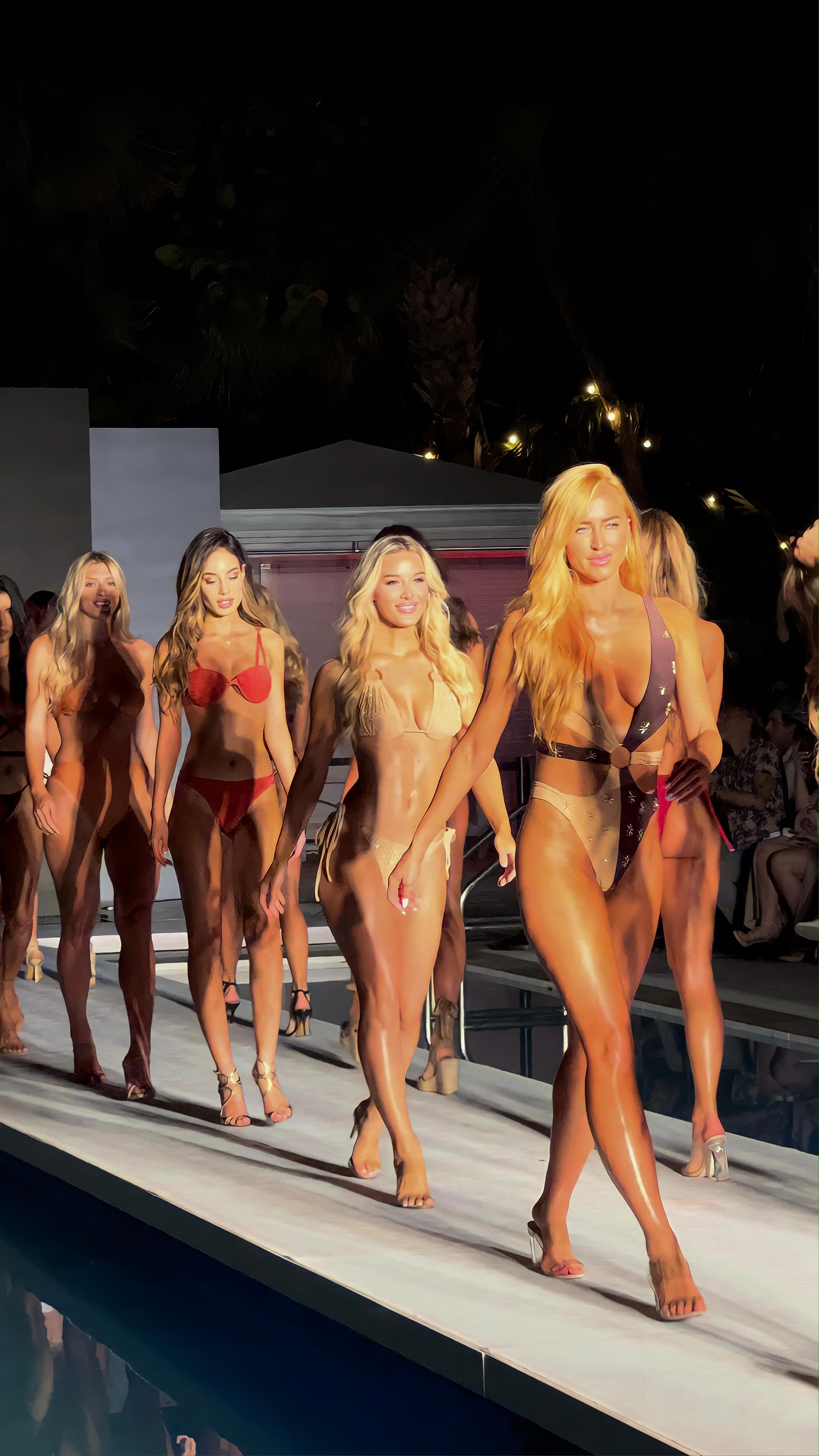
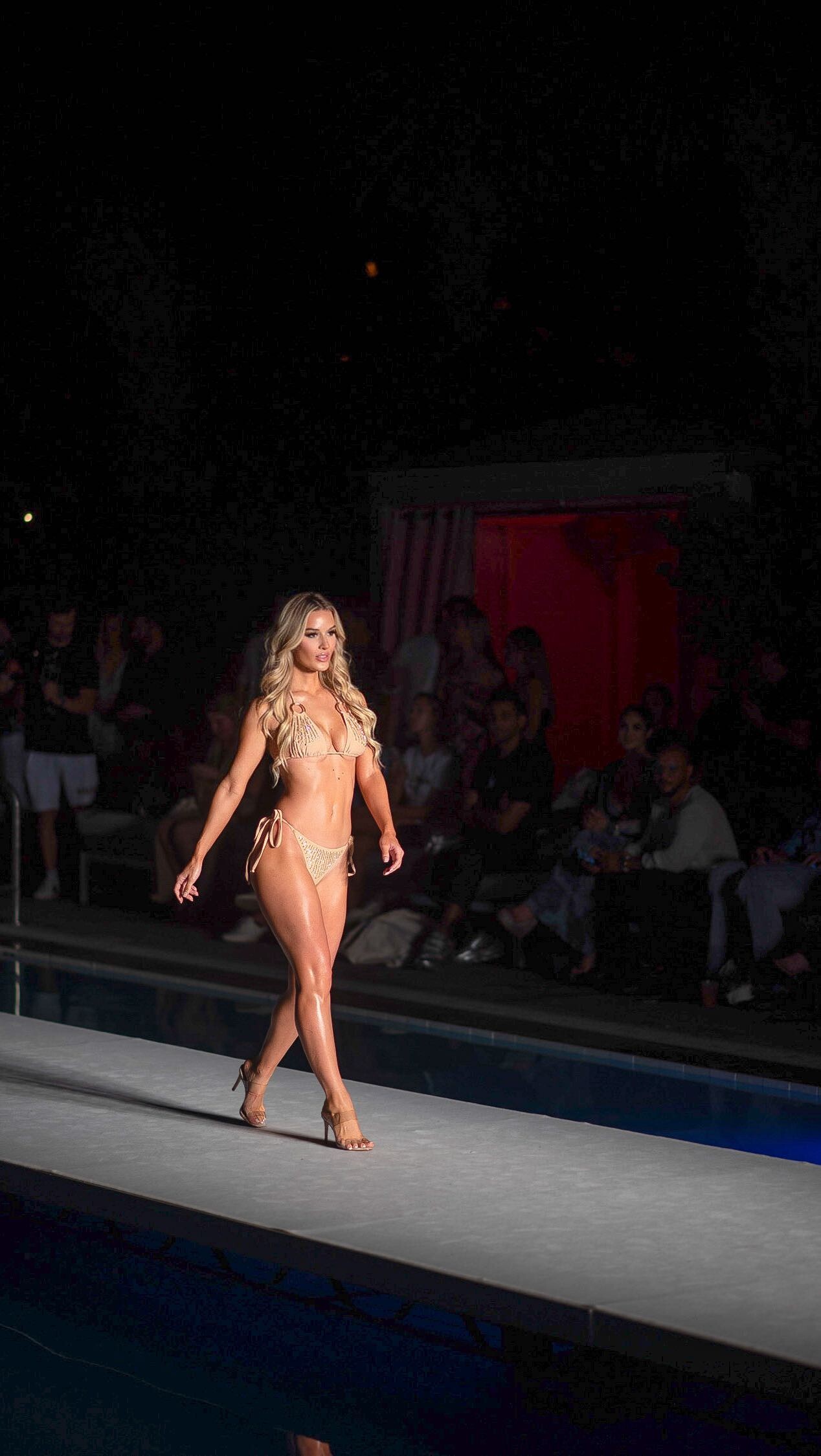
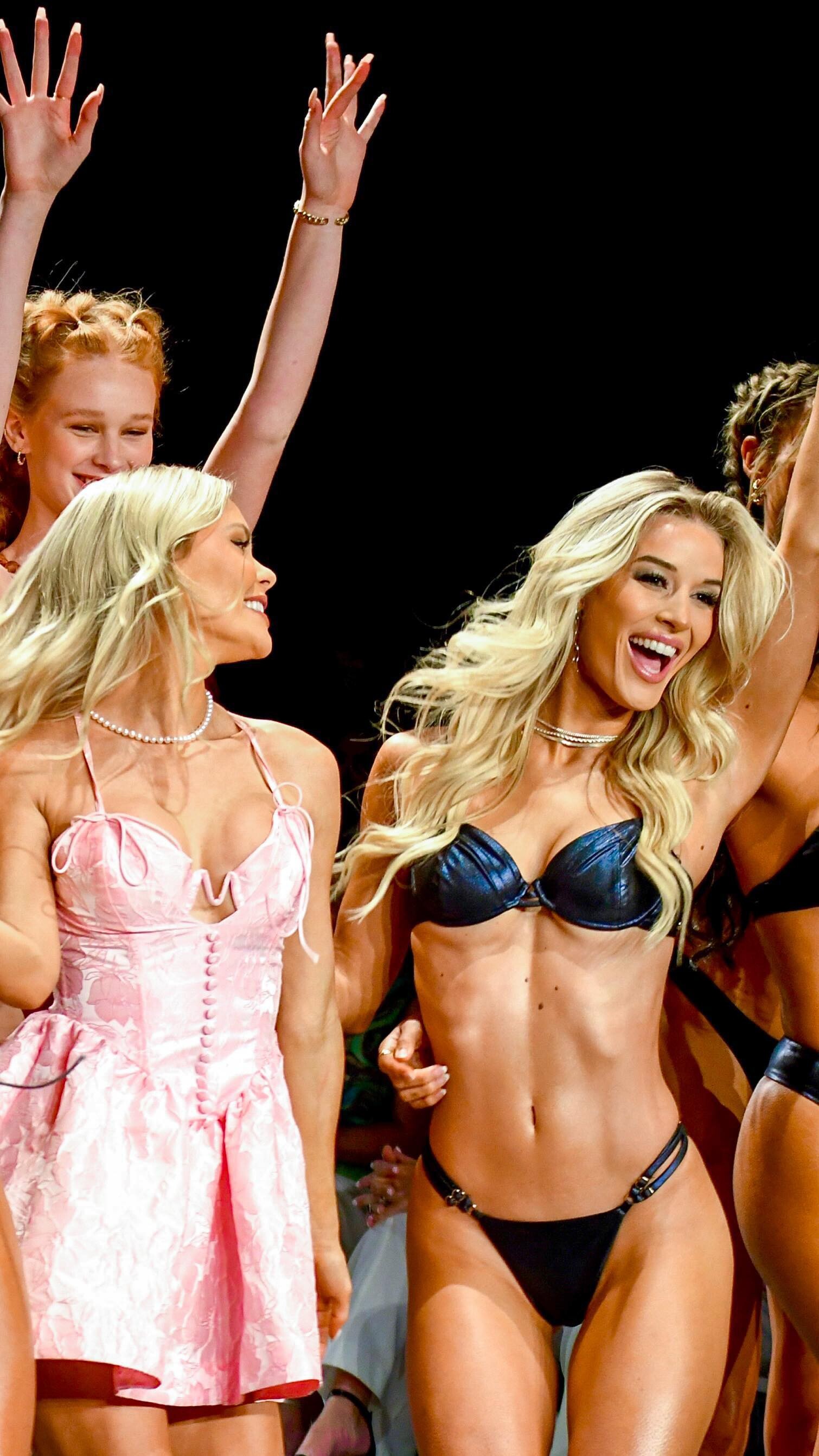
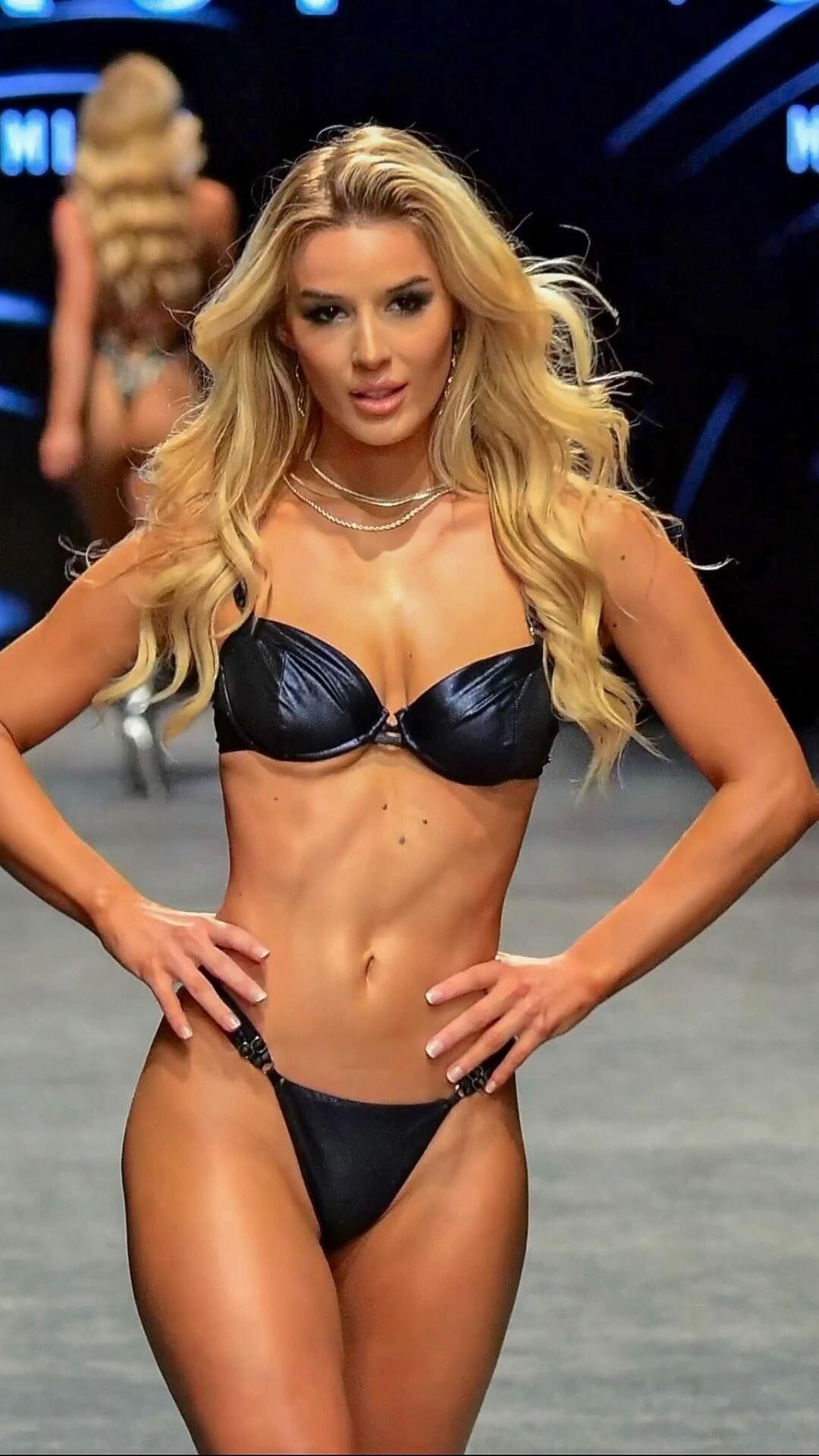
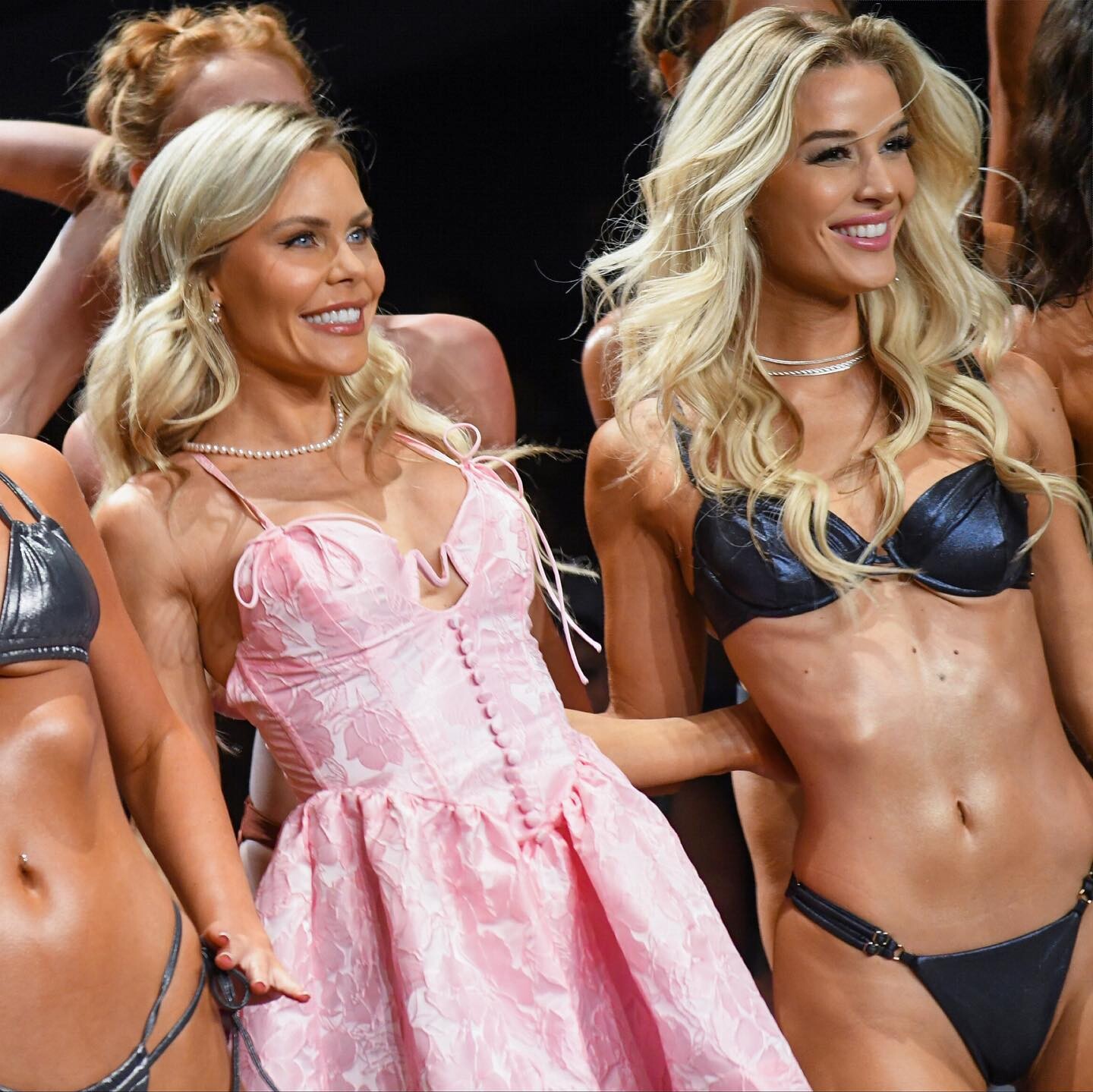
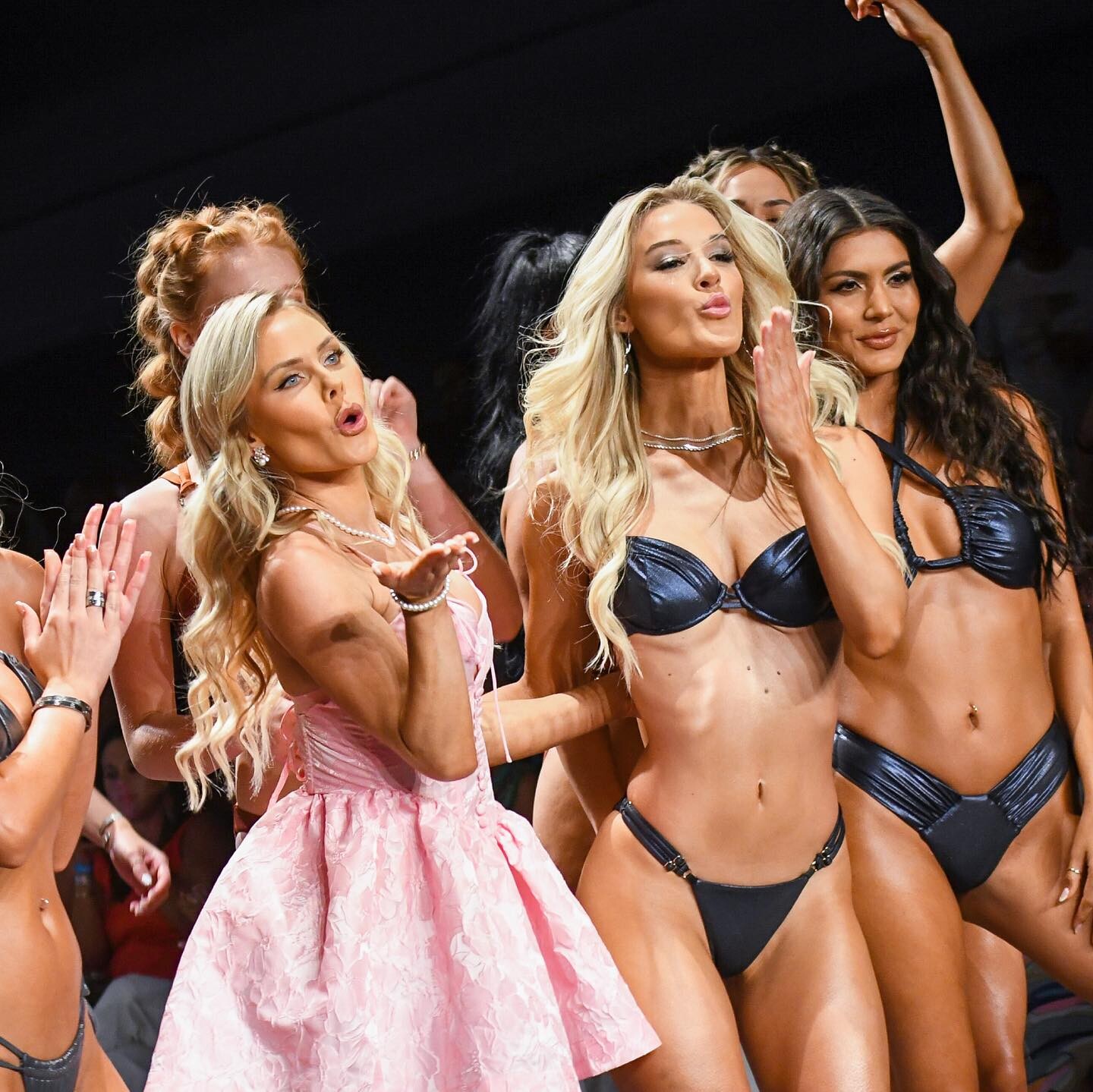
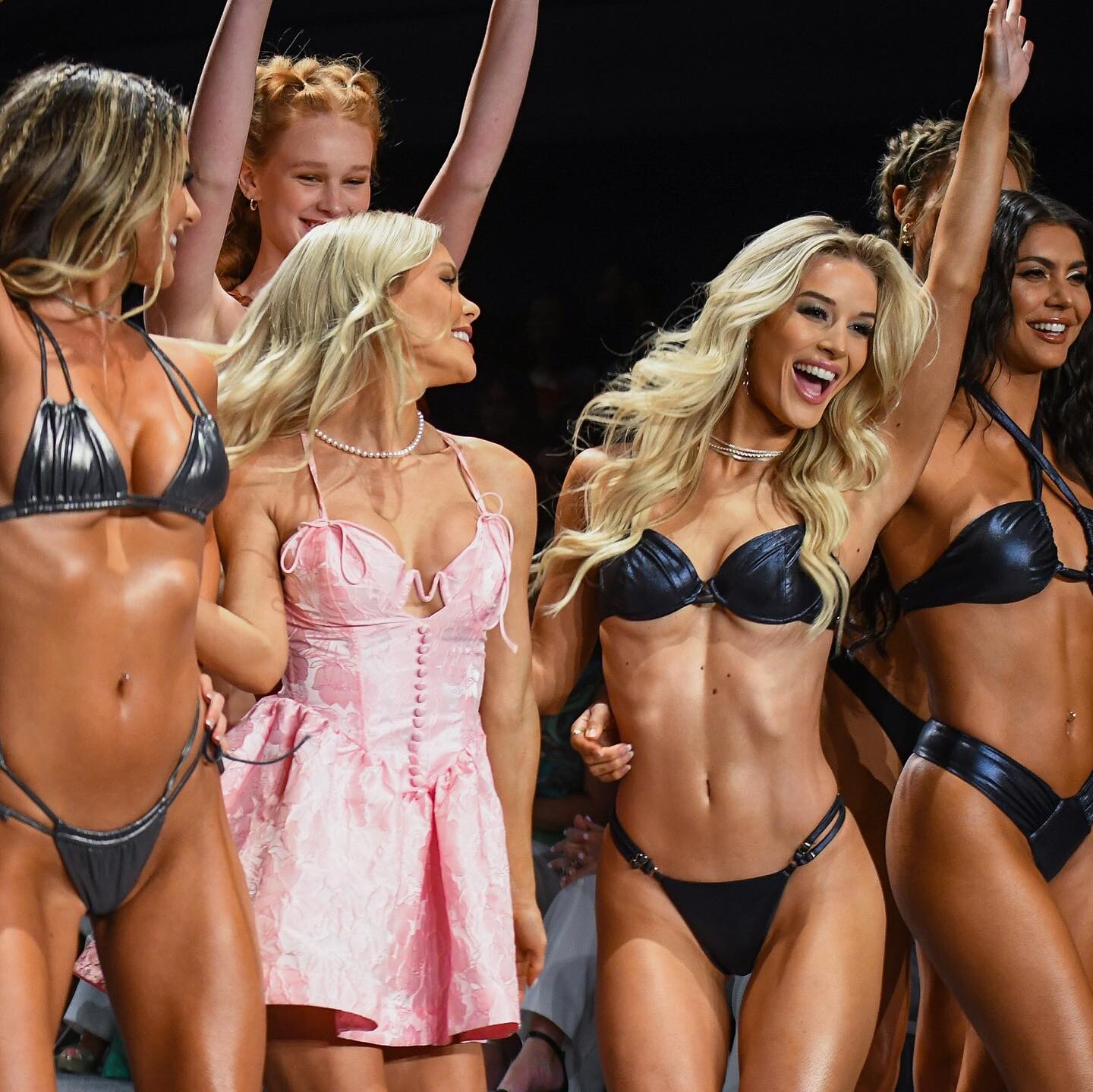
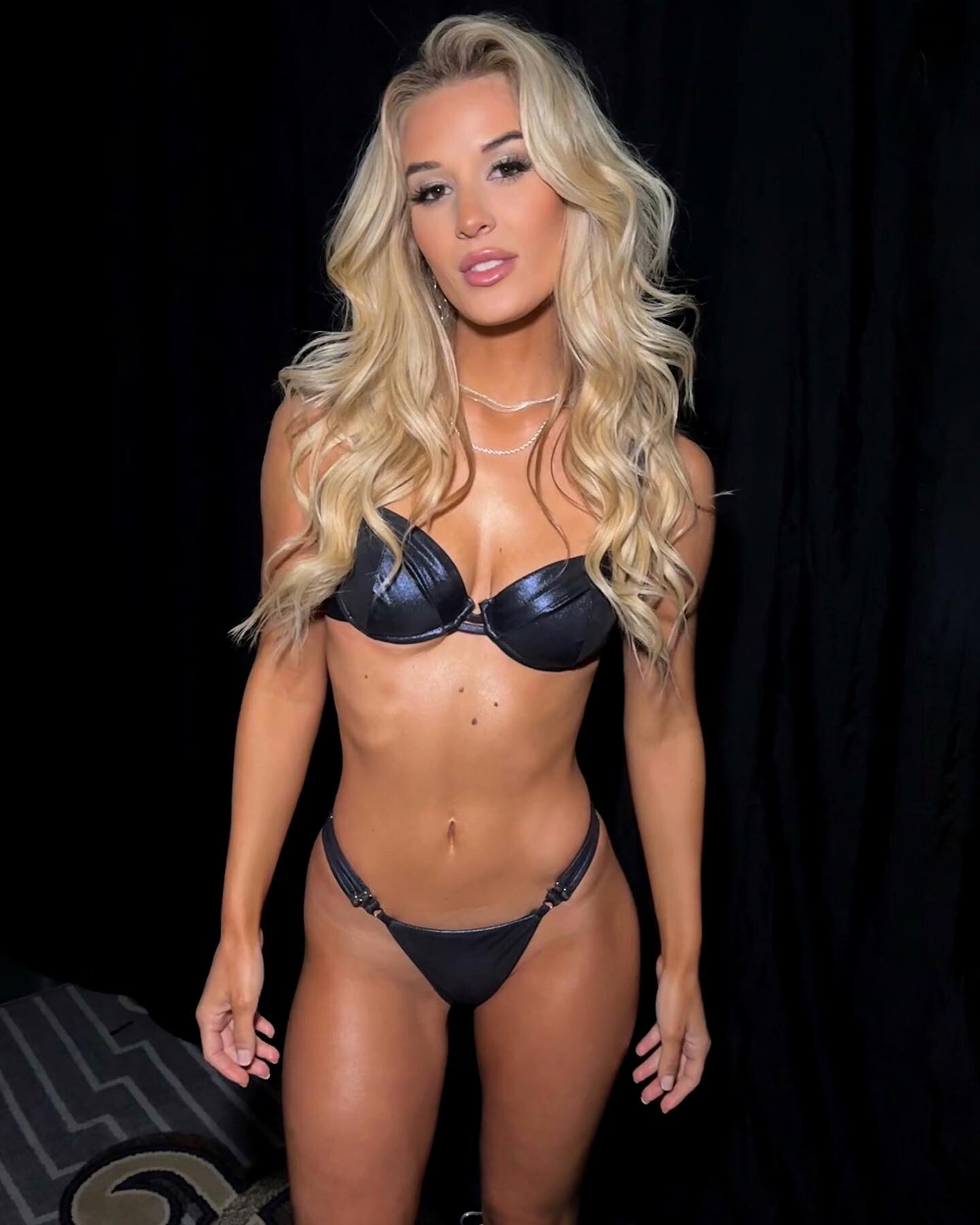
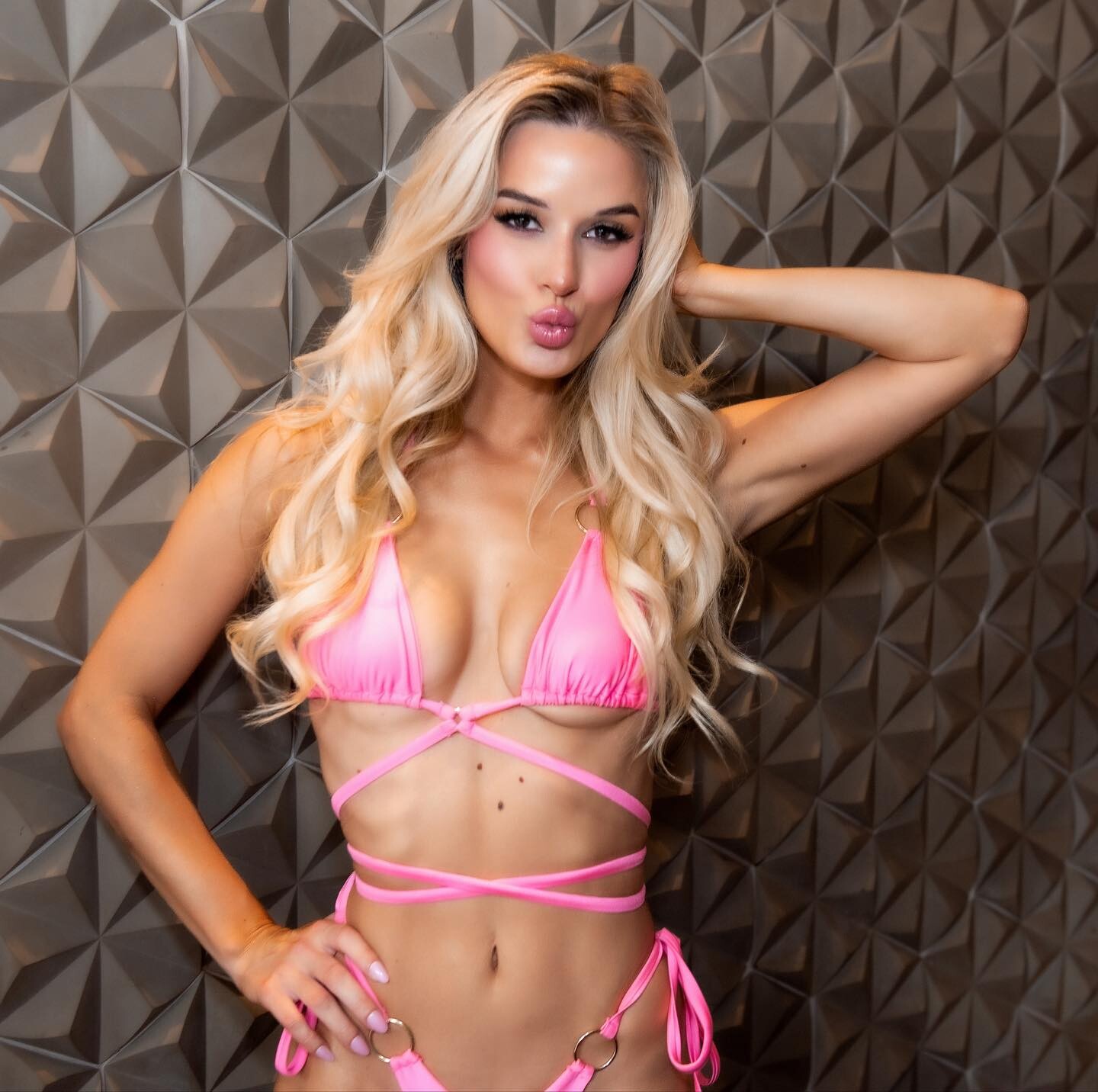
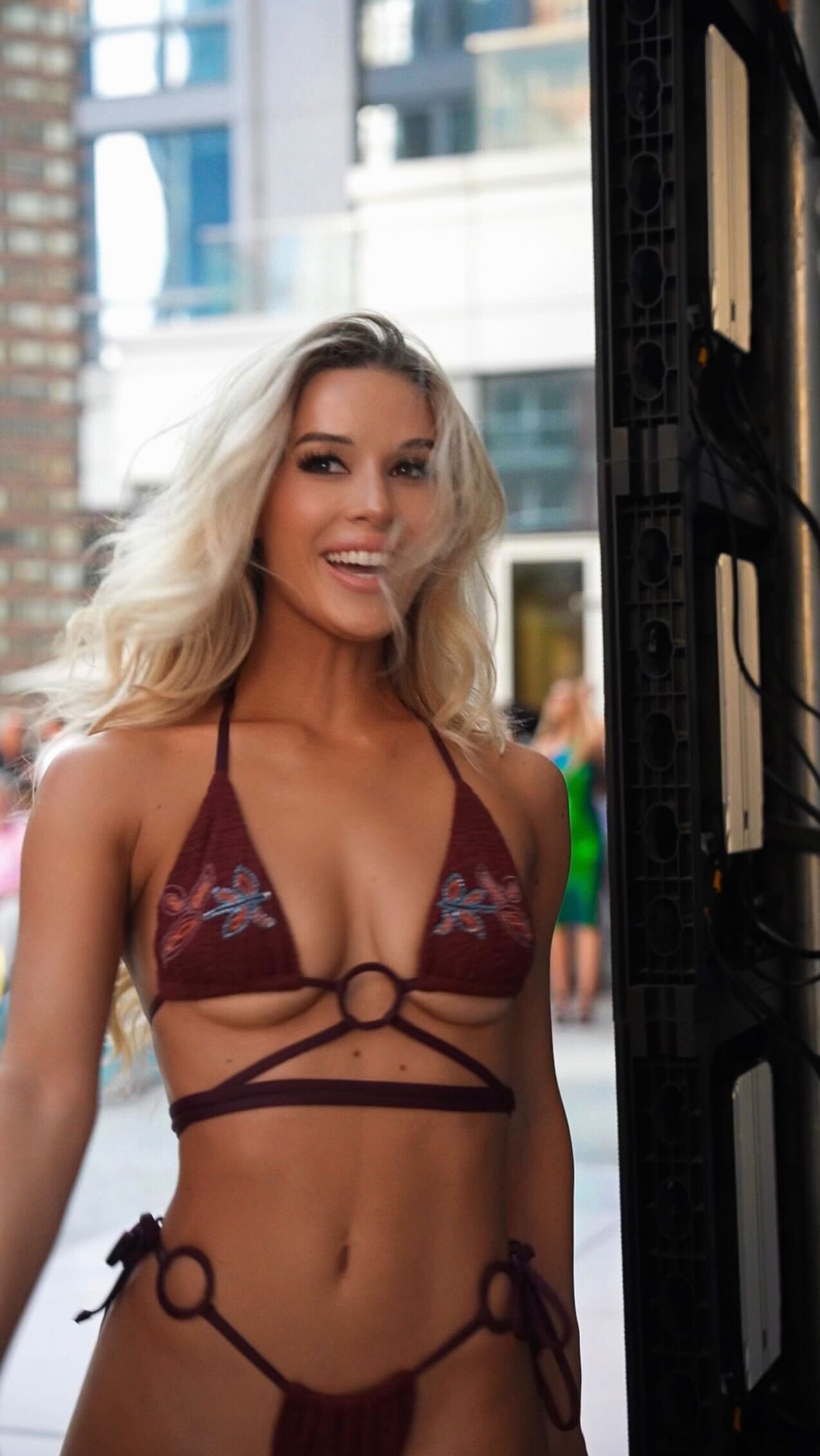
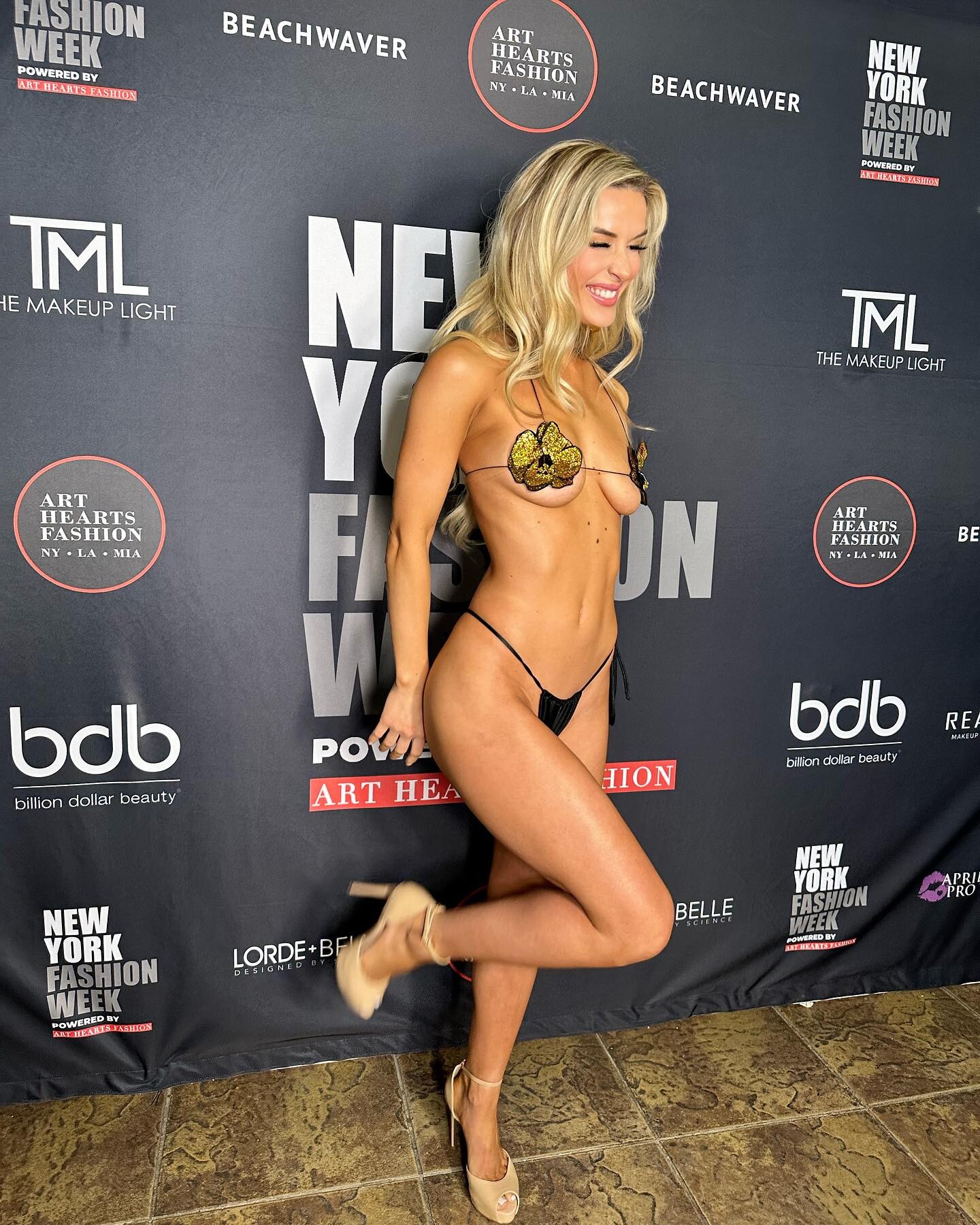
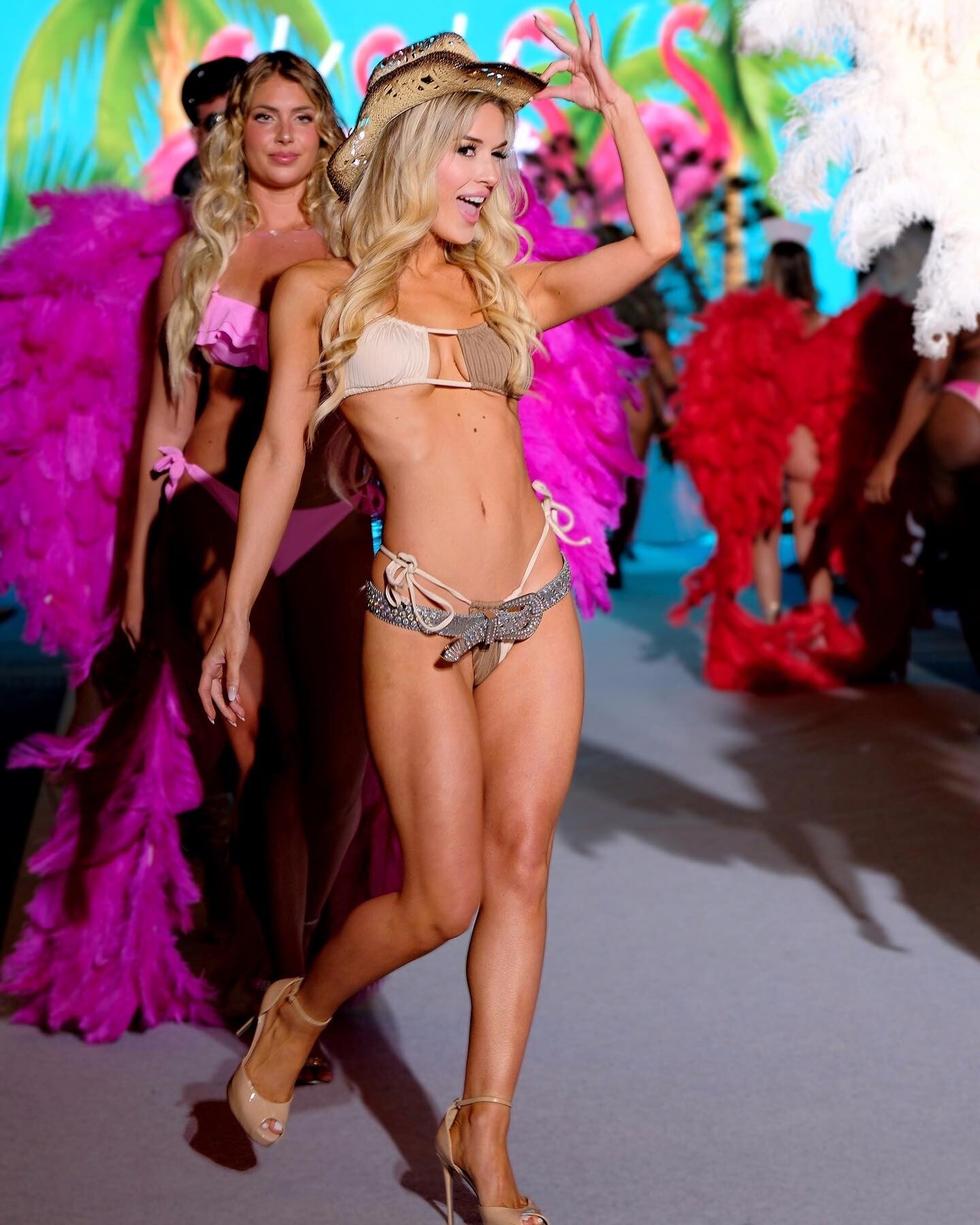
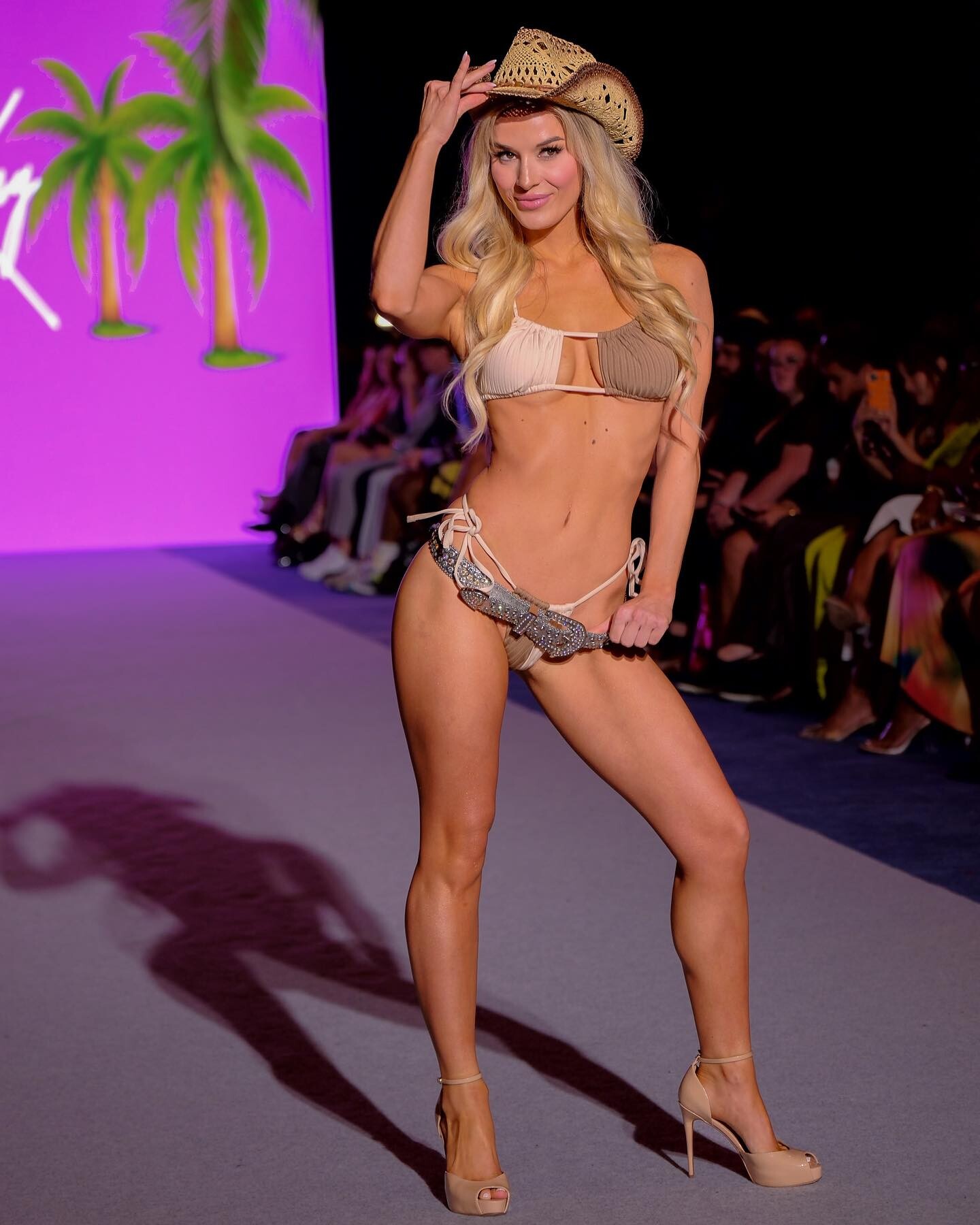
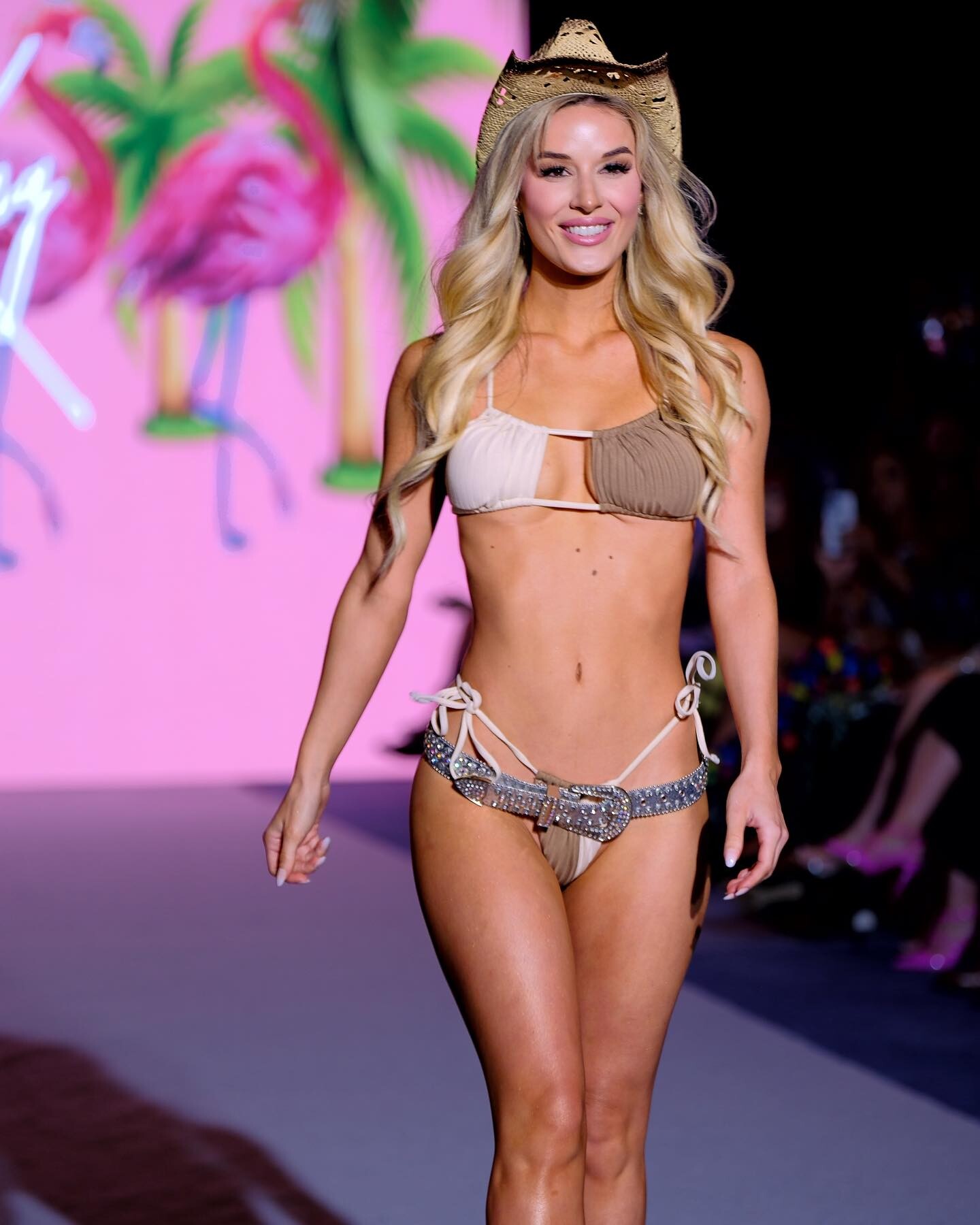
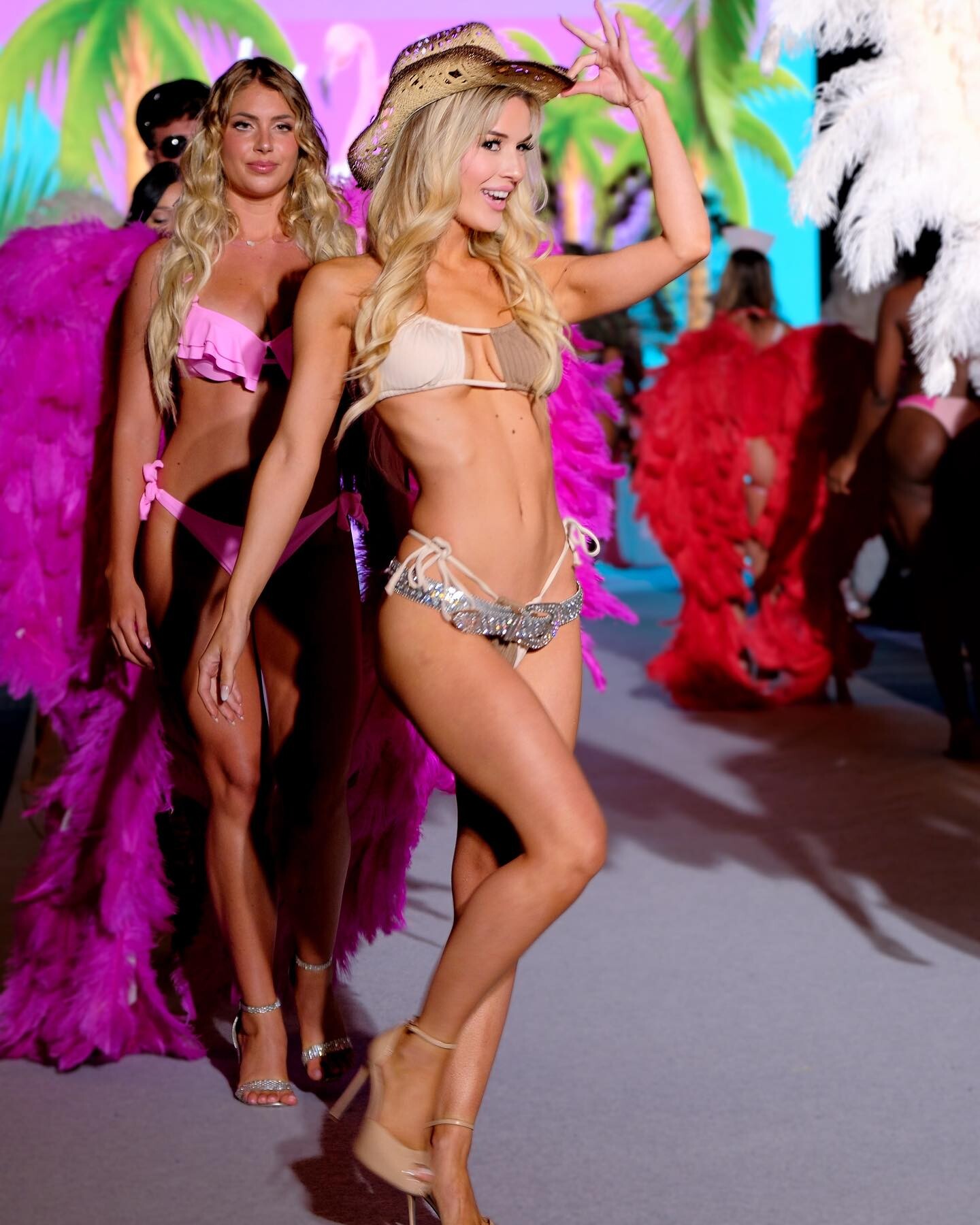
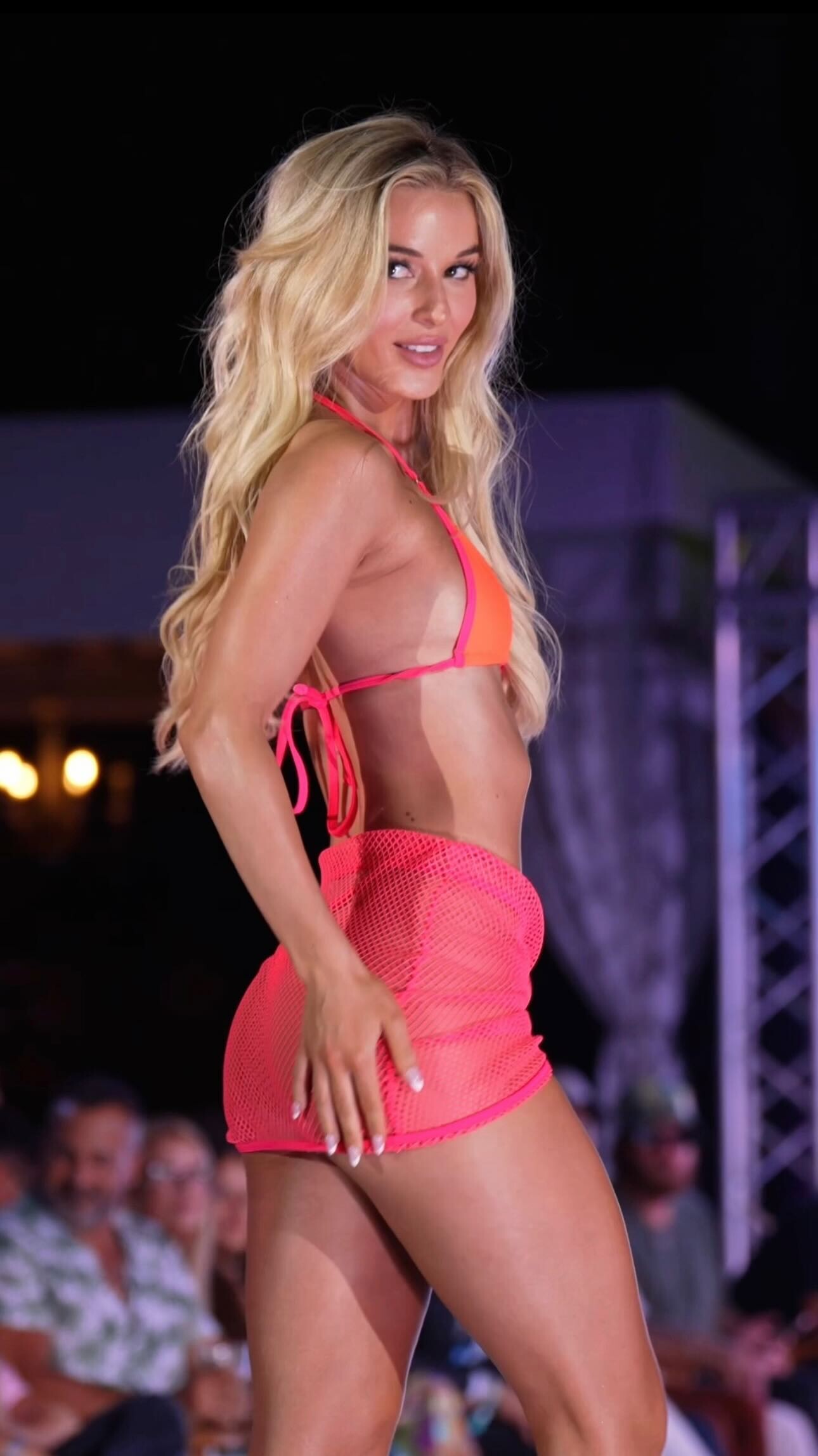
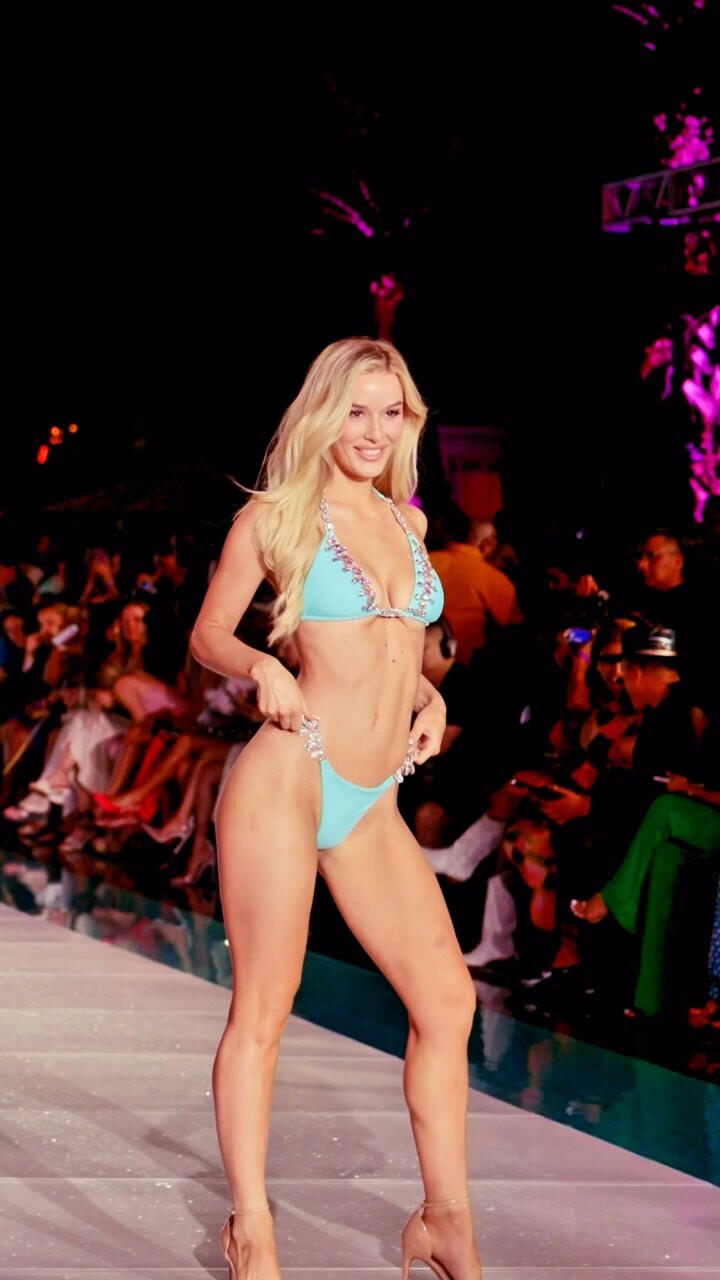
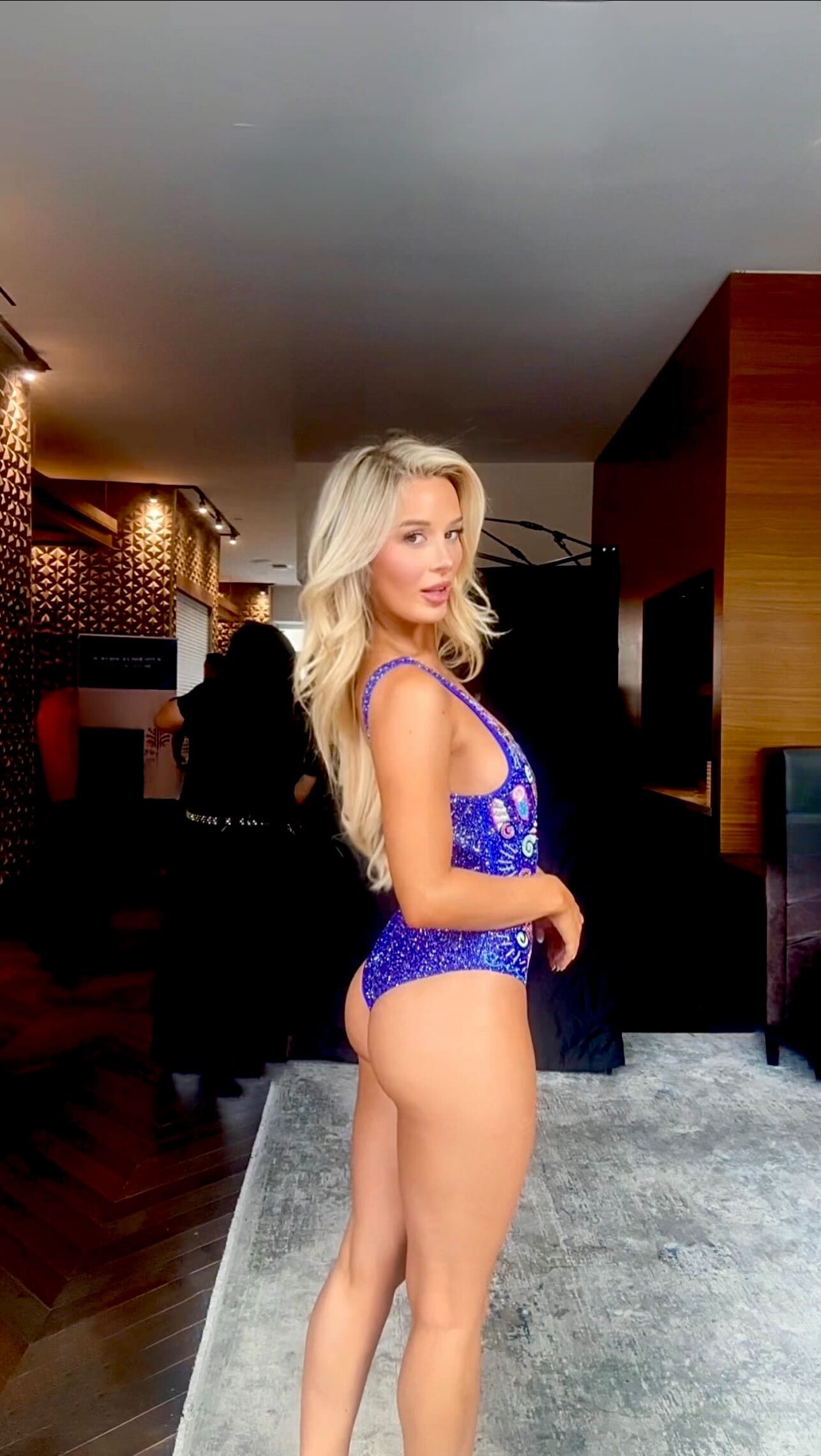
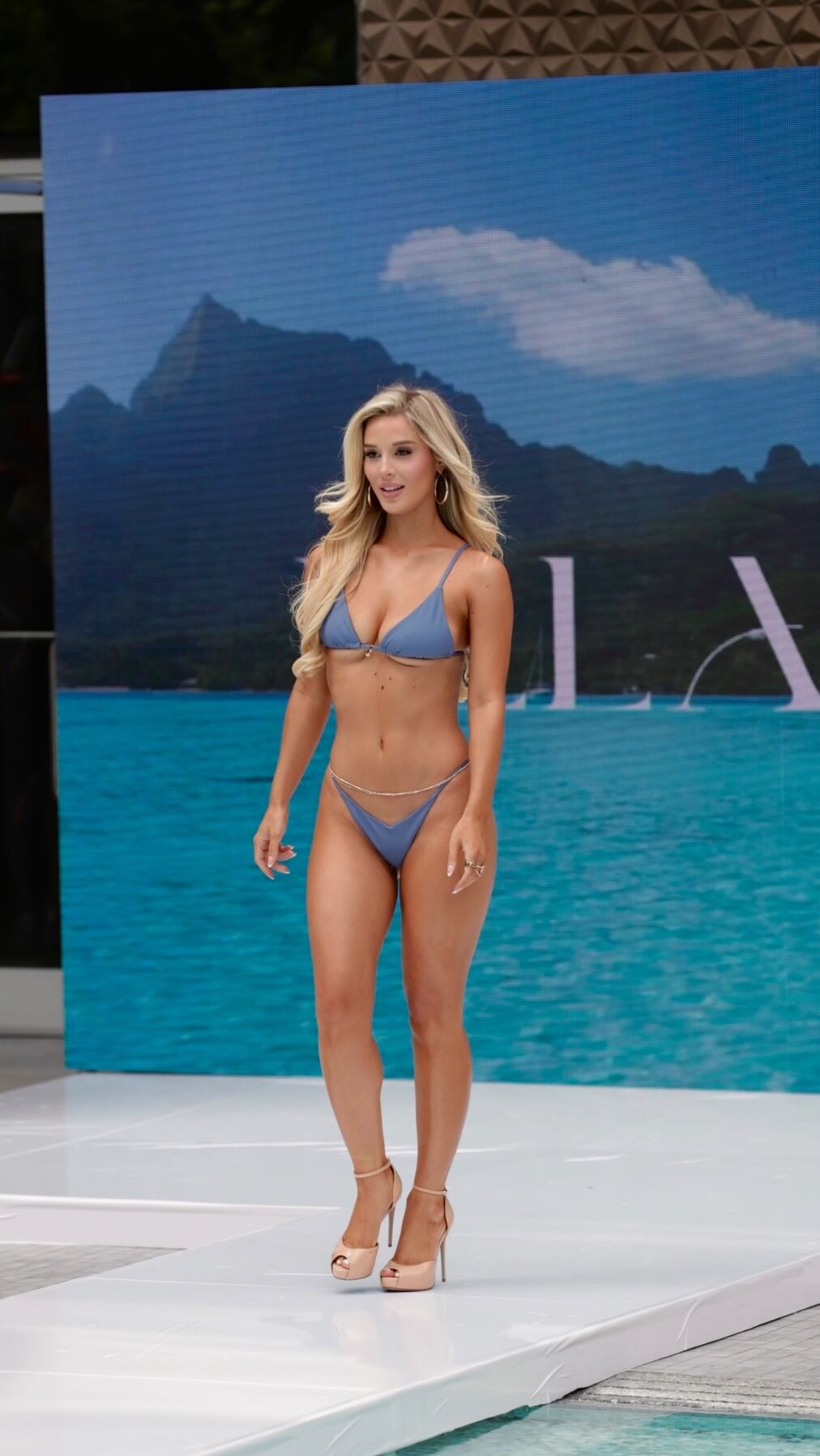
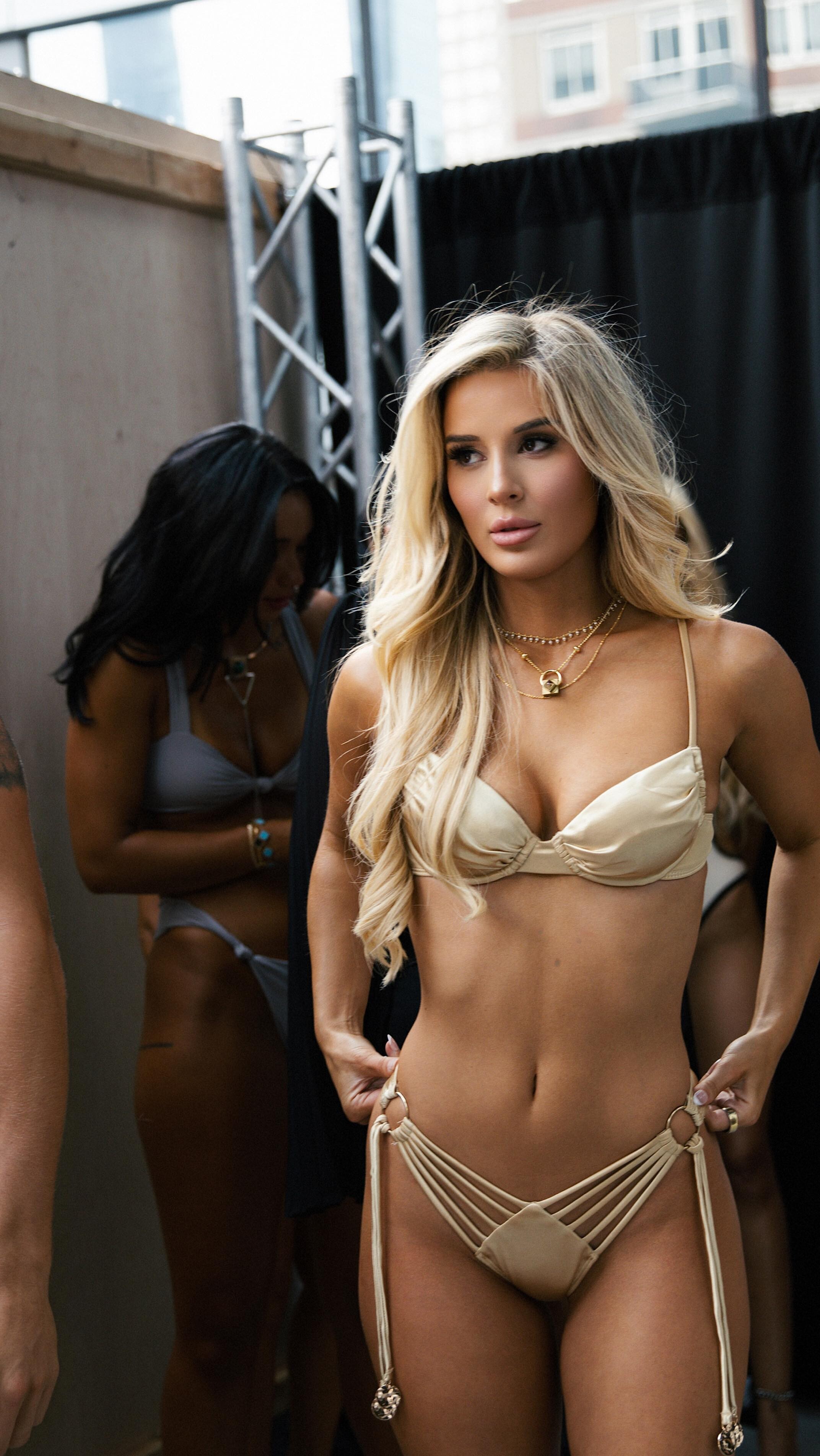
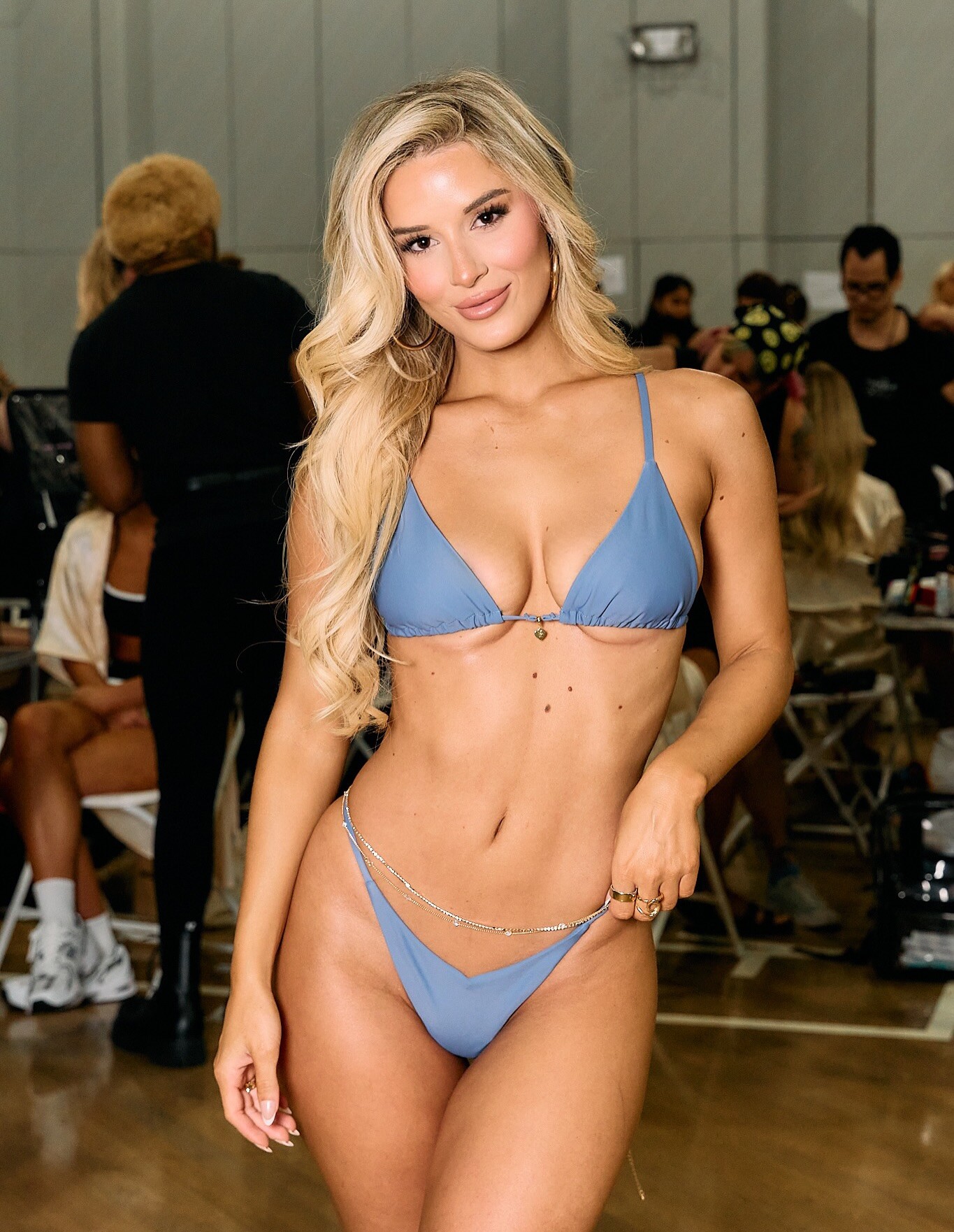
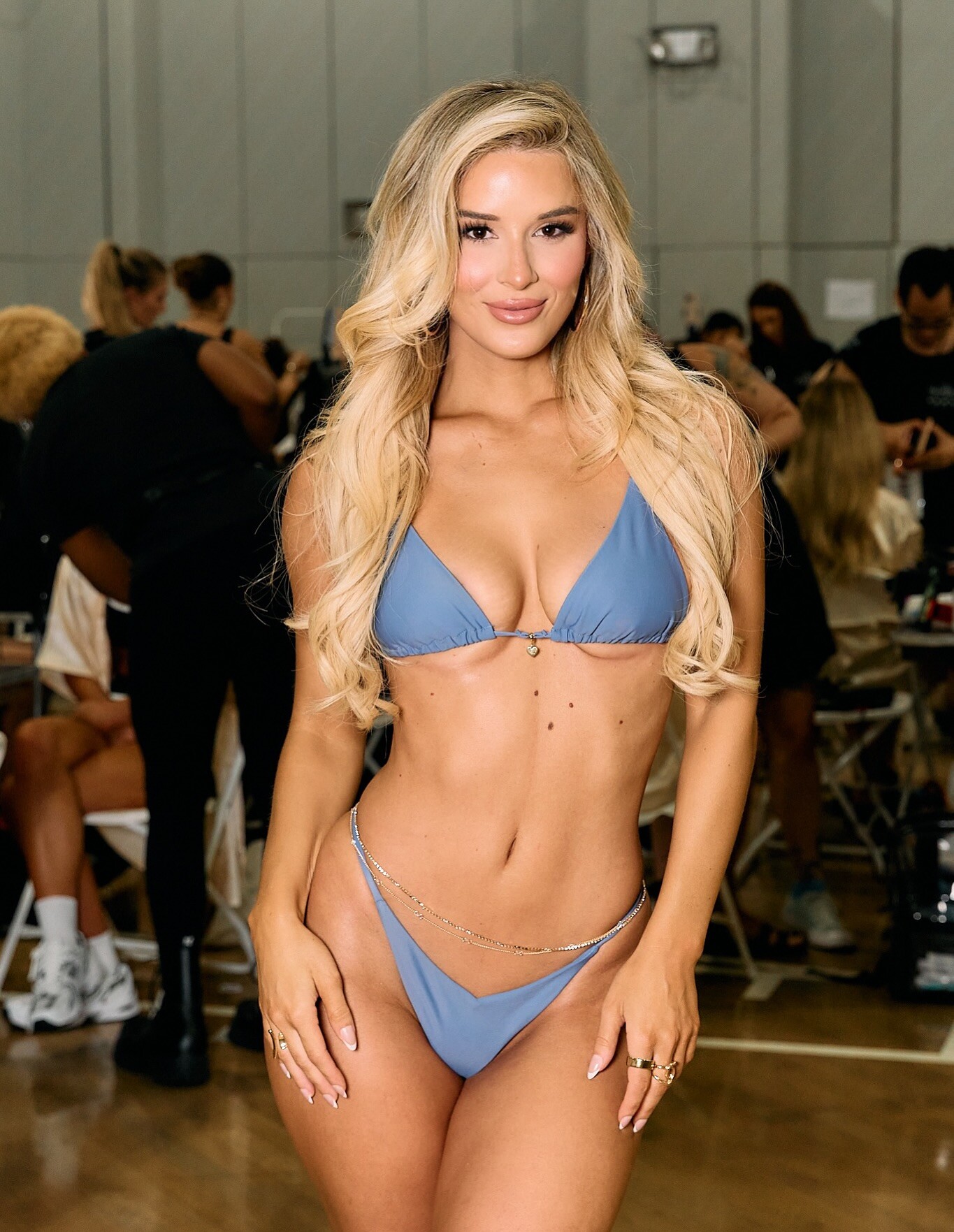
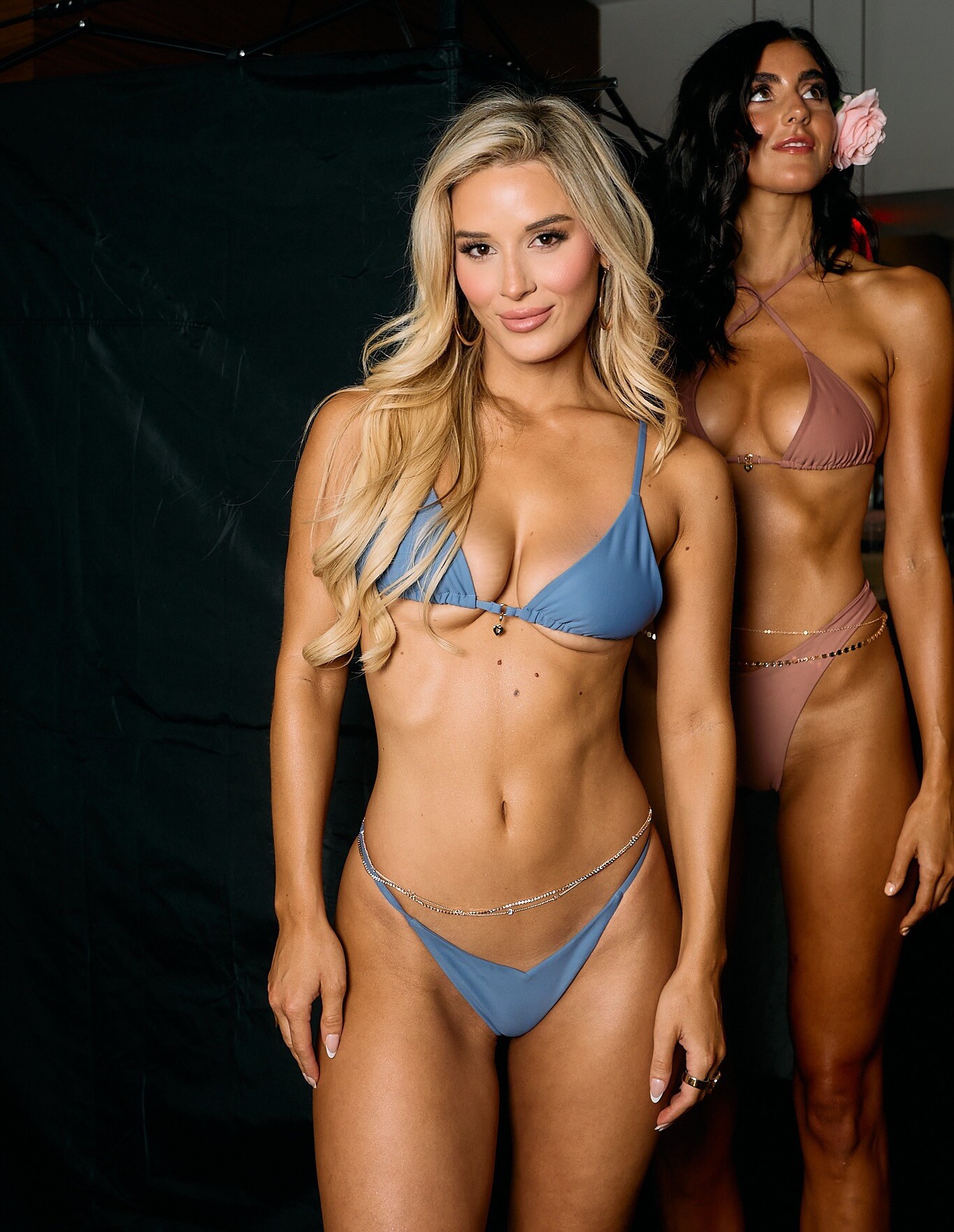
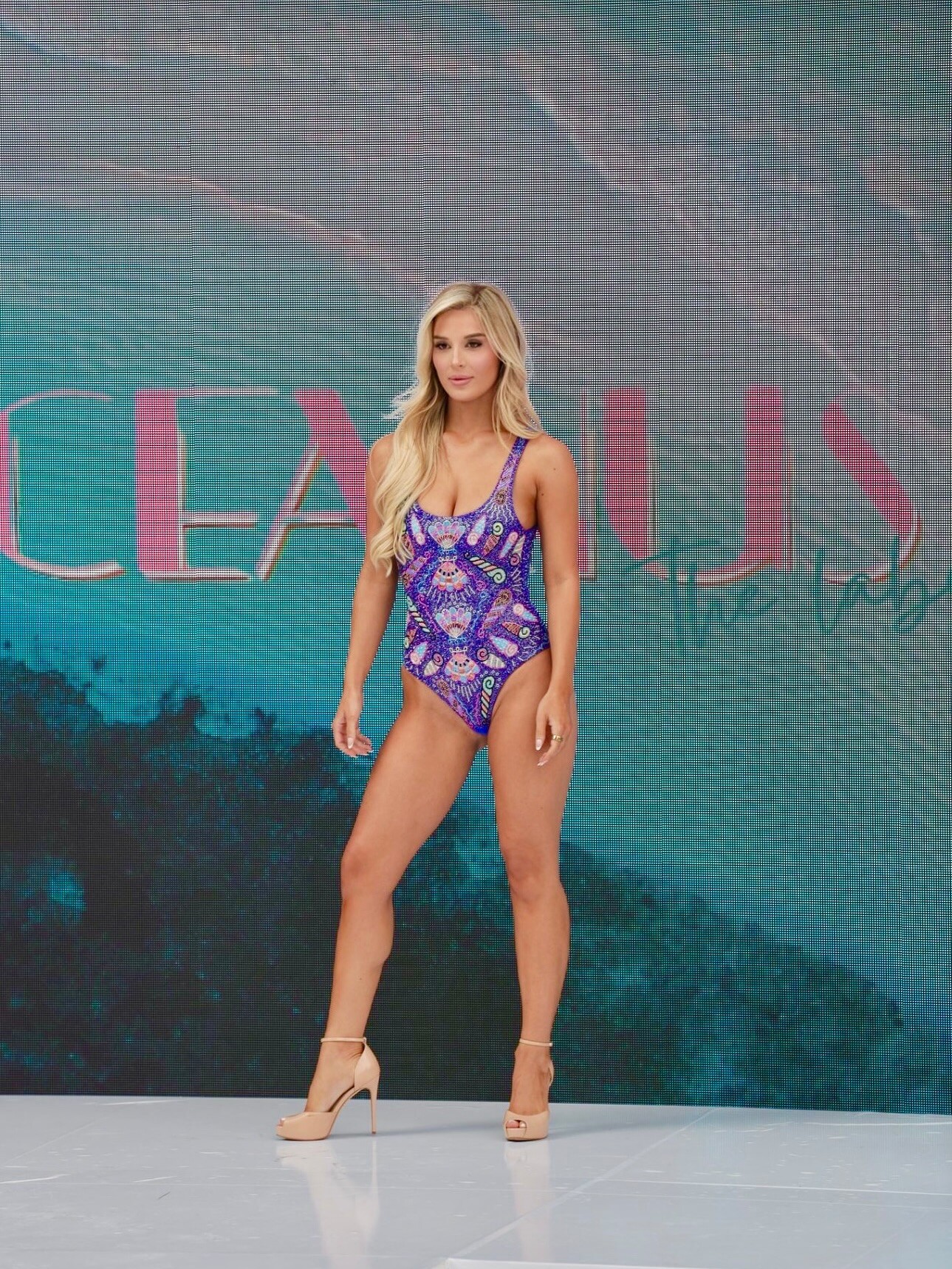
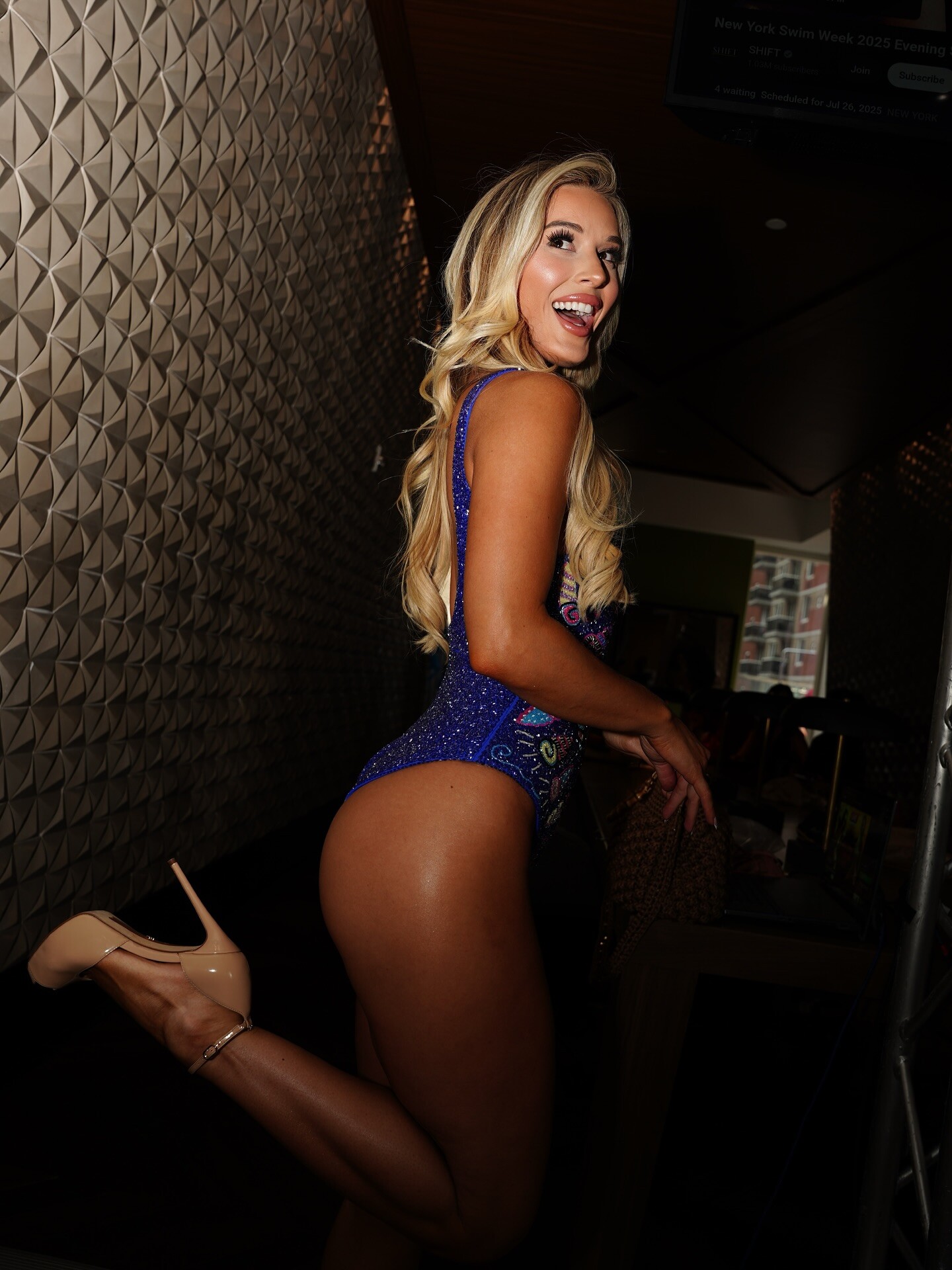
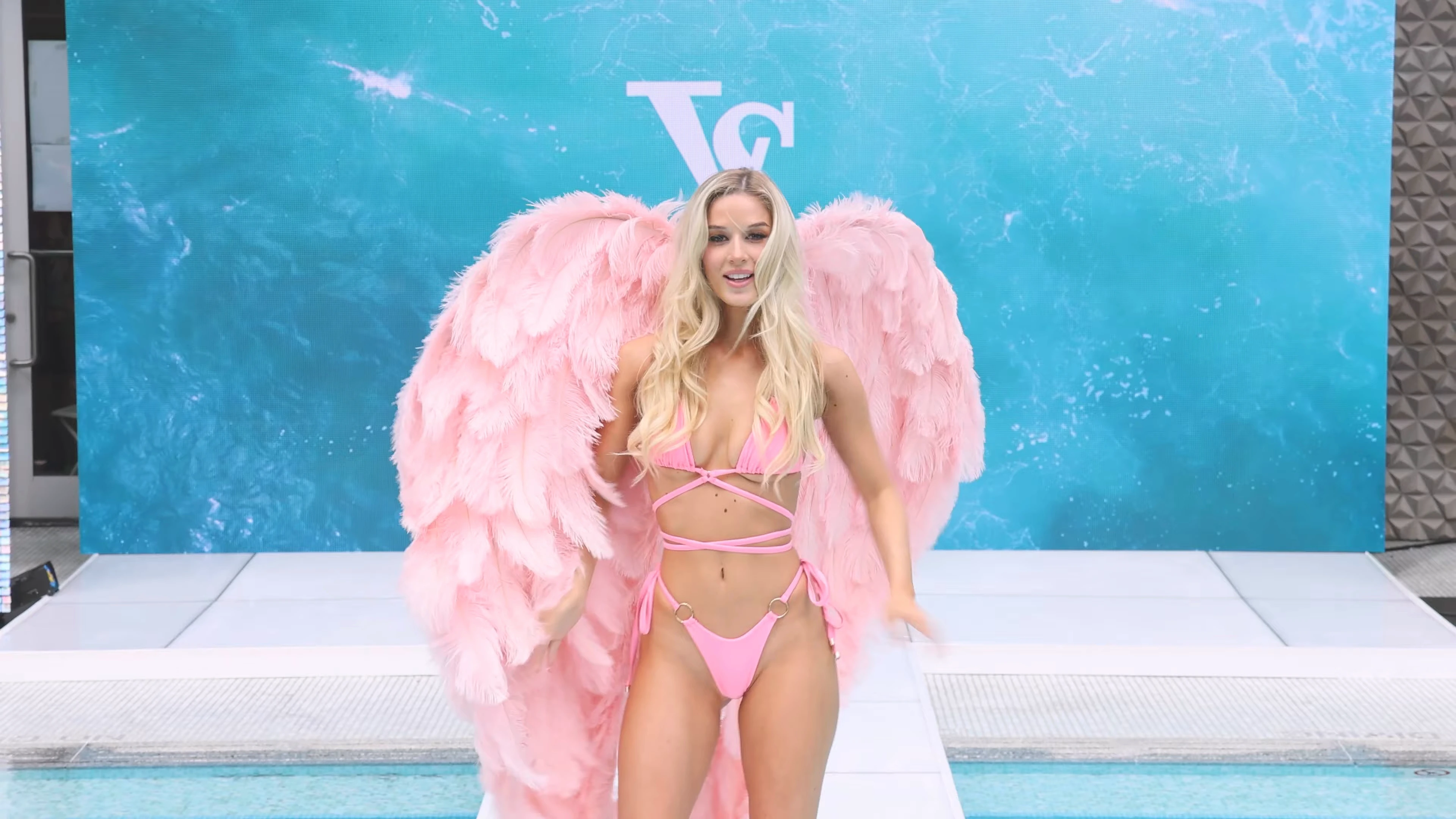
 1 HQ from The Beach Club x LUXE at NYSW 2023 , and 4 MQs for the brand at Miami Short social media quality videos of Taylor at the shows: TLaffey - Shows - 2023-07-17_720x1280.mp4 TLaffey - Shows - 2023-08-24_720x1280.mp4 TLaffey - Shows - 2024-05-30_720x1280.mp4 TLaffey - Shows - 2024-06-01_720x1280.mp4 More videos Videos




 SaveInst.App_AQO8B7_eBsKkPeLamMORd1EiMfPbK_EtjU5g-TRMyLm5yeHdZeSIB5u6mj3iWzJF5p7W9SqB789_cQ_1umOHqN4k.mp4
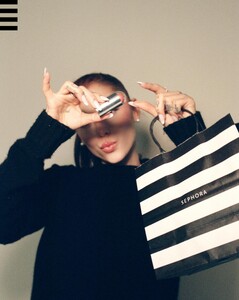
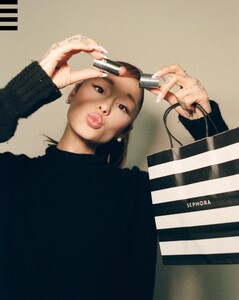
 new blush & highlight stick ✨
 by Errico Fabio Russo


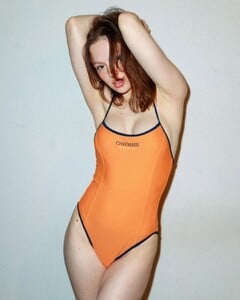

 some insta SnapInsta.to_AQNhBrnzvdQhoW9eP4CLvOzkKxyPAbx6-oKMsA03xmj4QPrTPeVrq42Fz3avJivm4VUMhohLsN2pKoKSojcXYCrP.mp4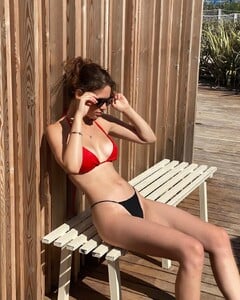
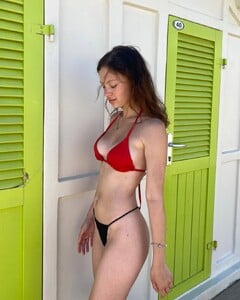





 by Aleksandr Molchanov









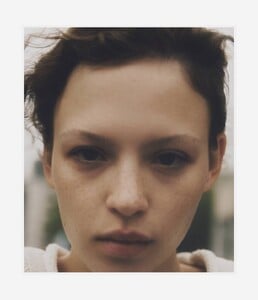
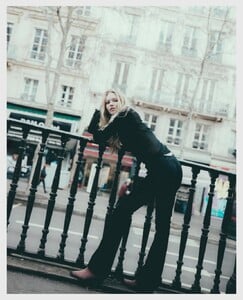
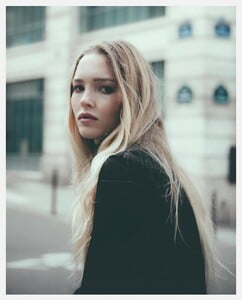
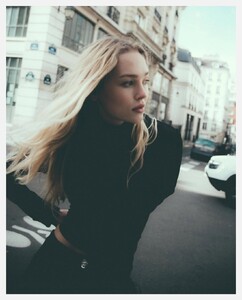
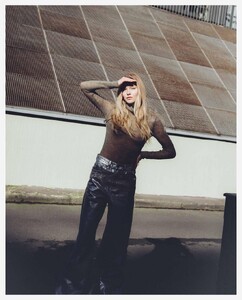
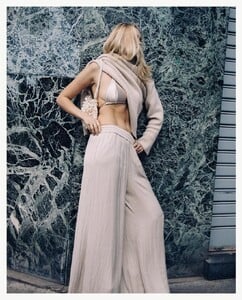
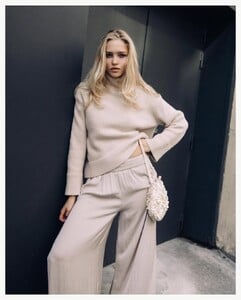
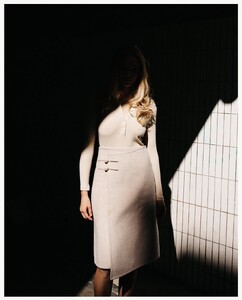
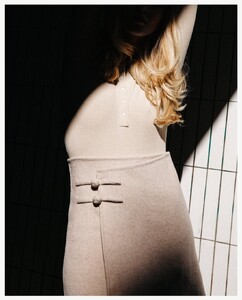
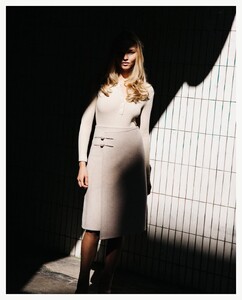
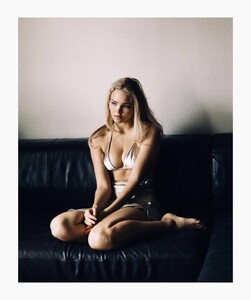
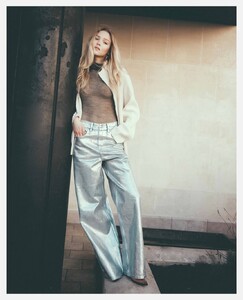
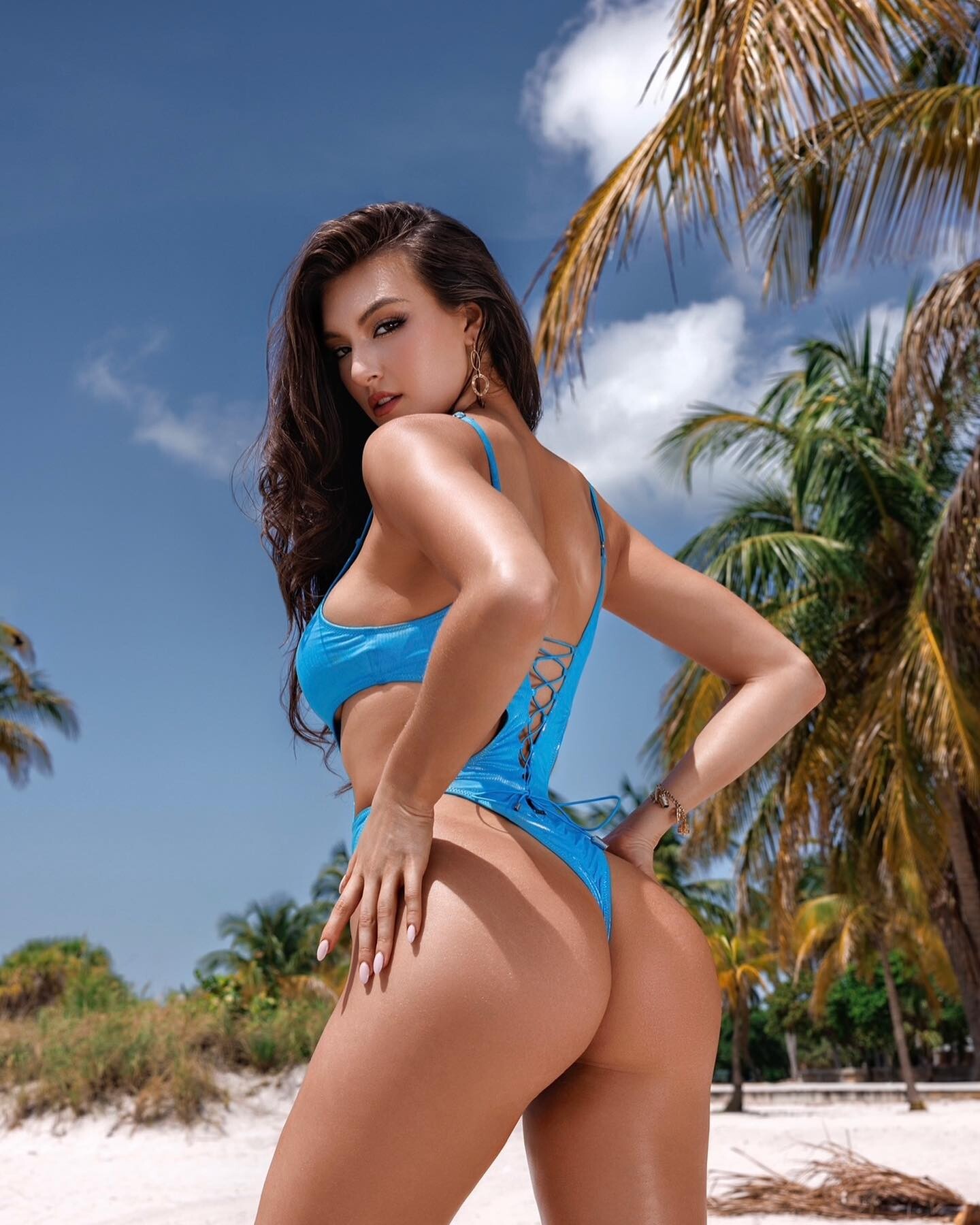
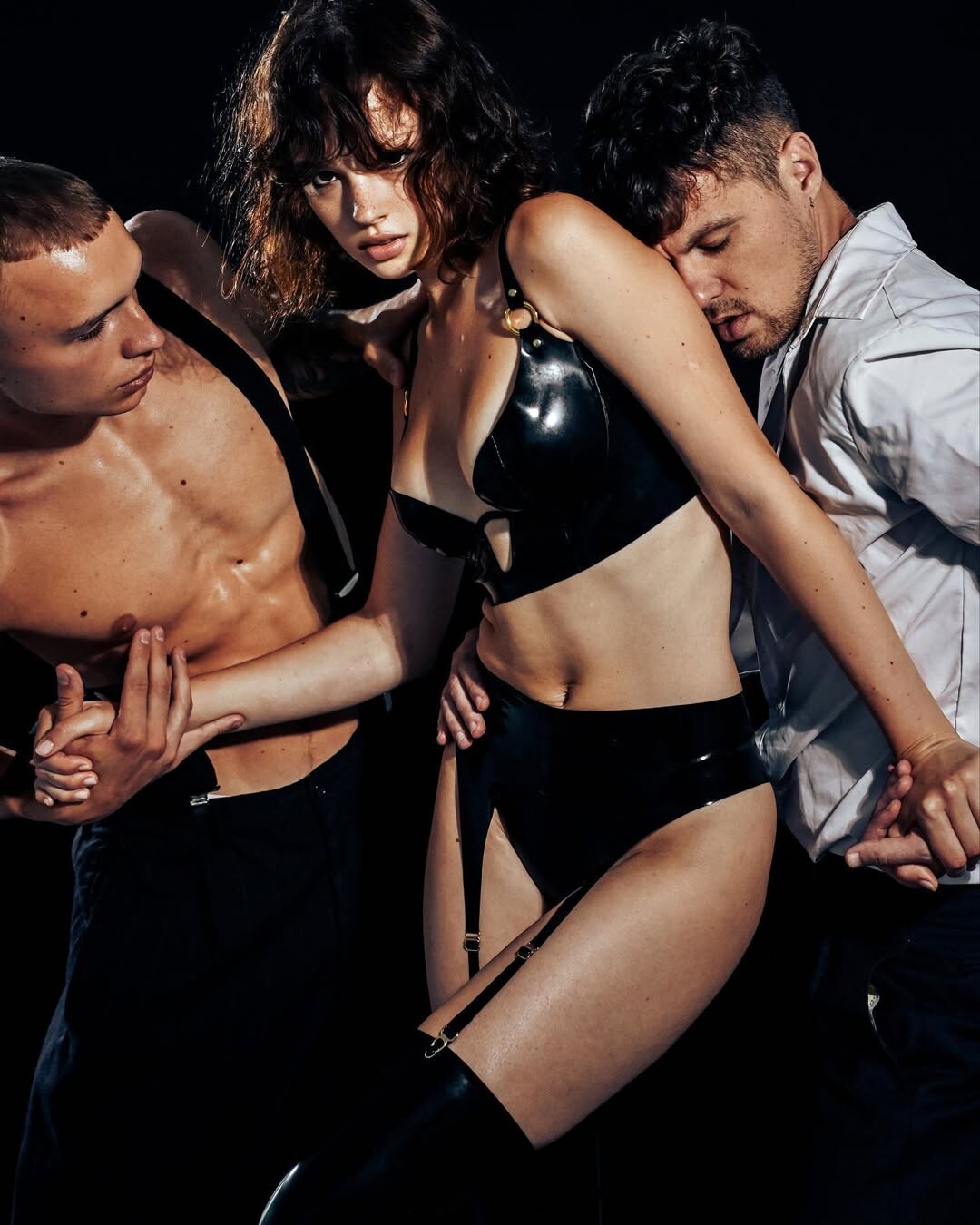
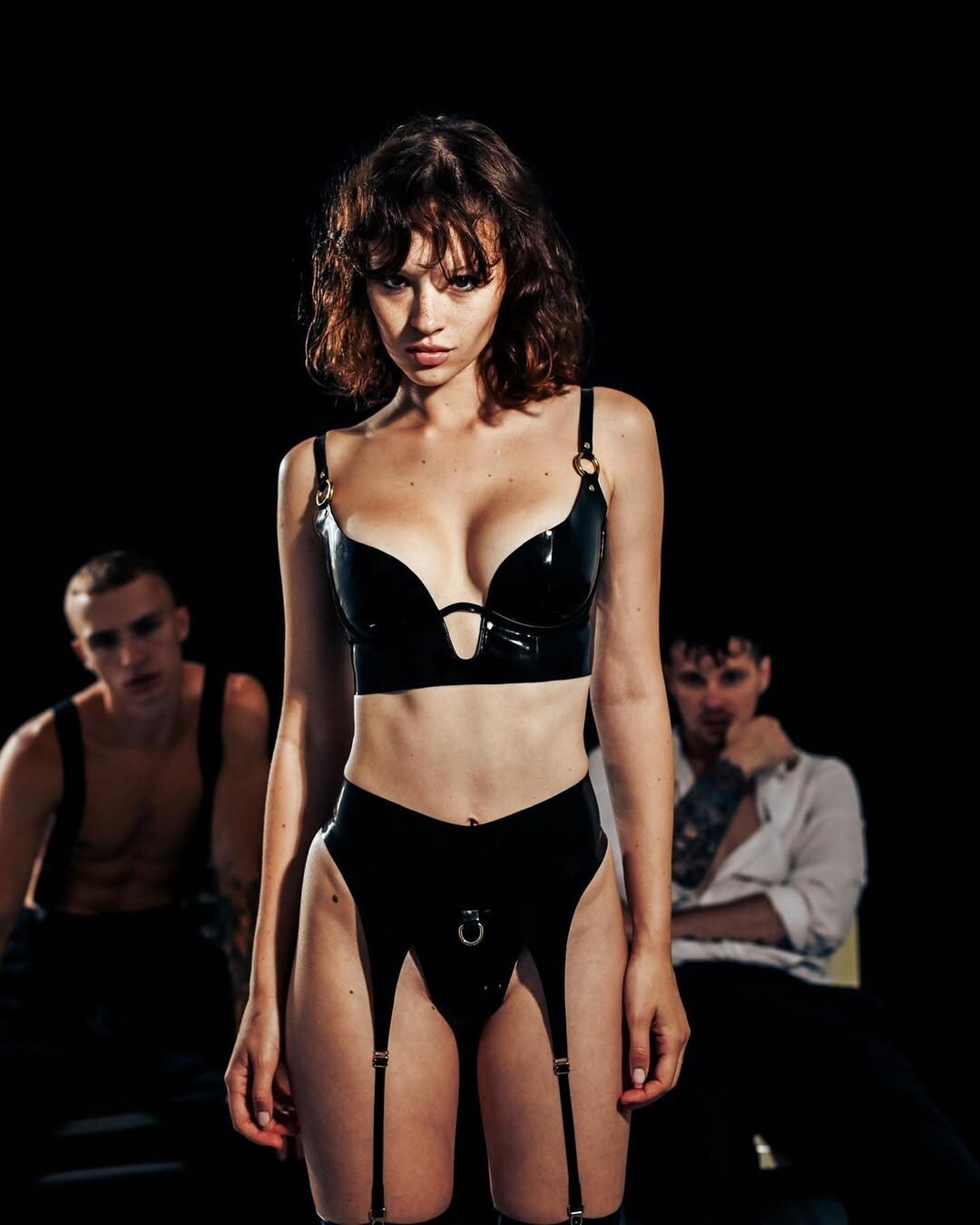
 Some adds Photographer is Aleksandr Molchanov







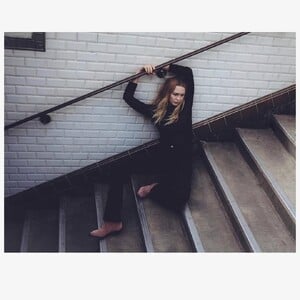
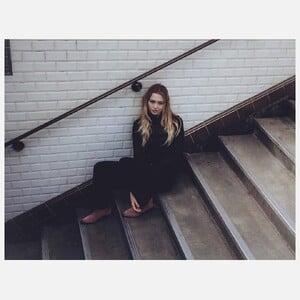



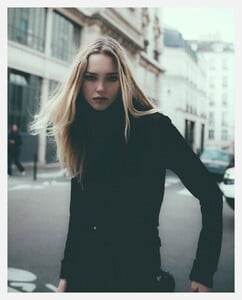
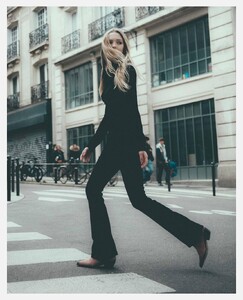









- Today
 GenuineModels changed their profile photo
GenuineModels joined the community
GenuineModels changed their profile photo
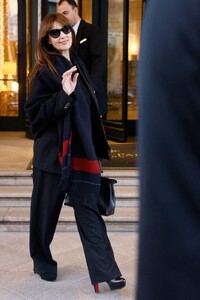
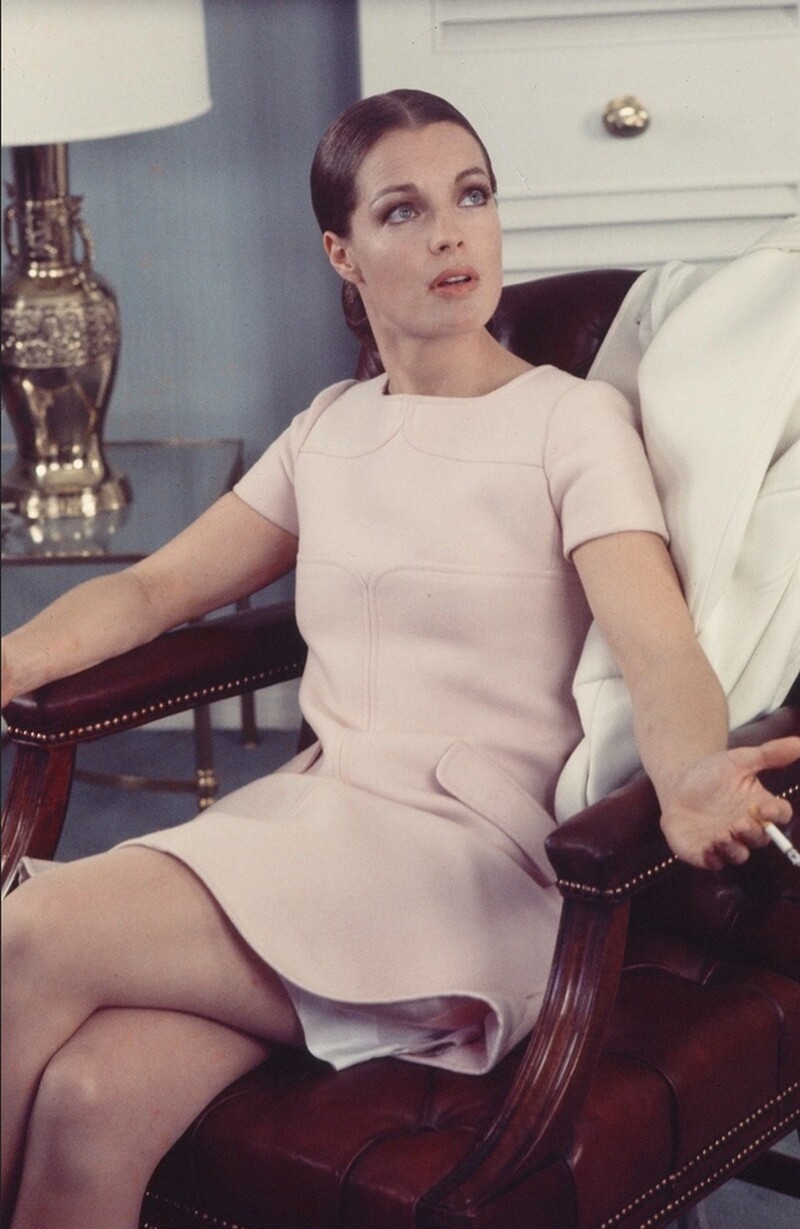
GenuineModels joined the community Monica Bellucci is spotted outside her hotel during the Milan Fashion Week - Womenswear Fall/Winter 2026/2027 on February 25, 2026 in Milan, Italy

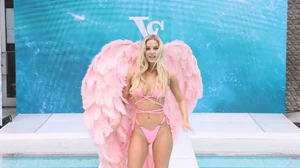
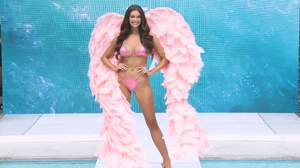
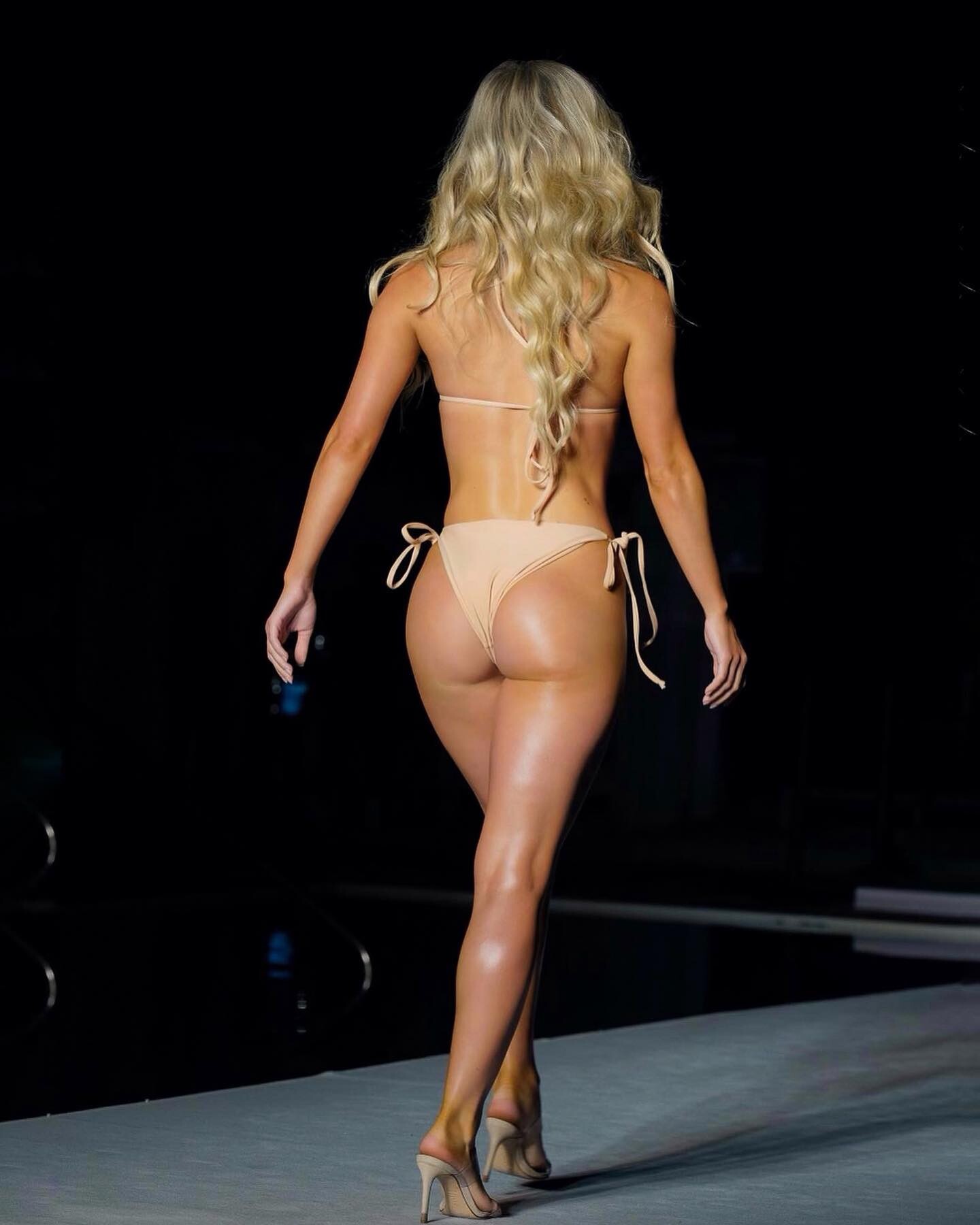
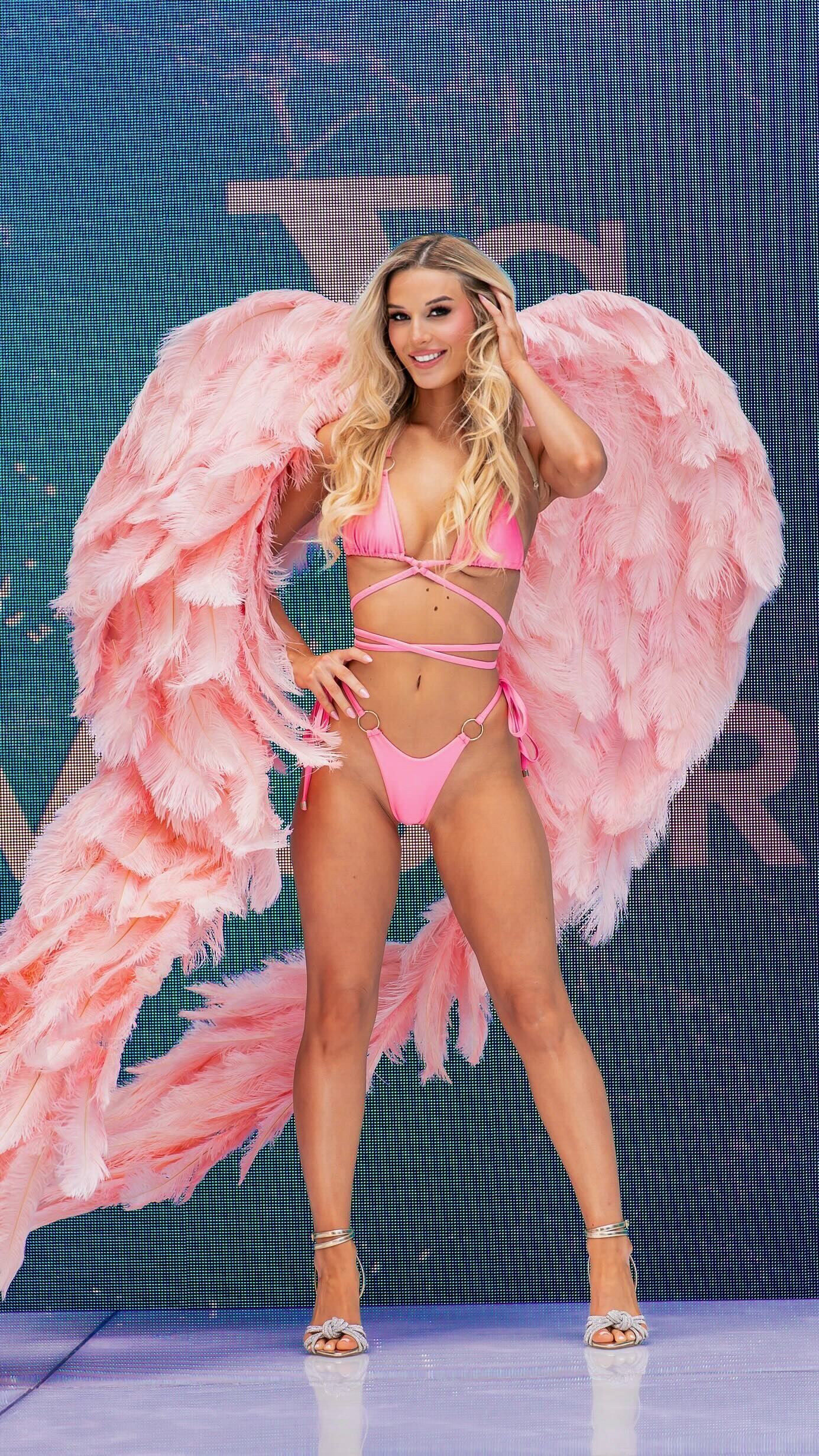
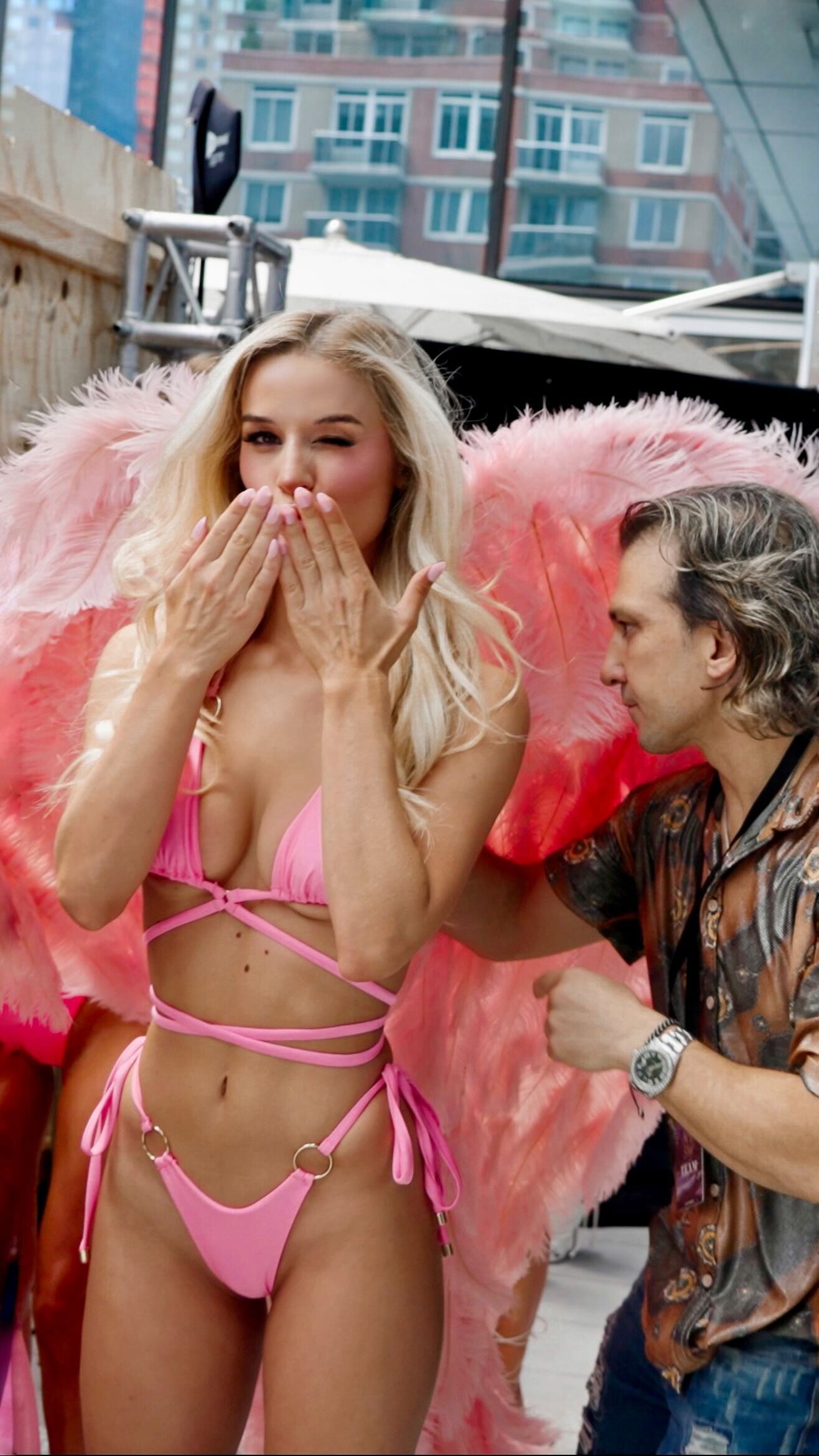
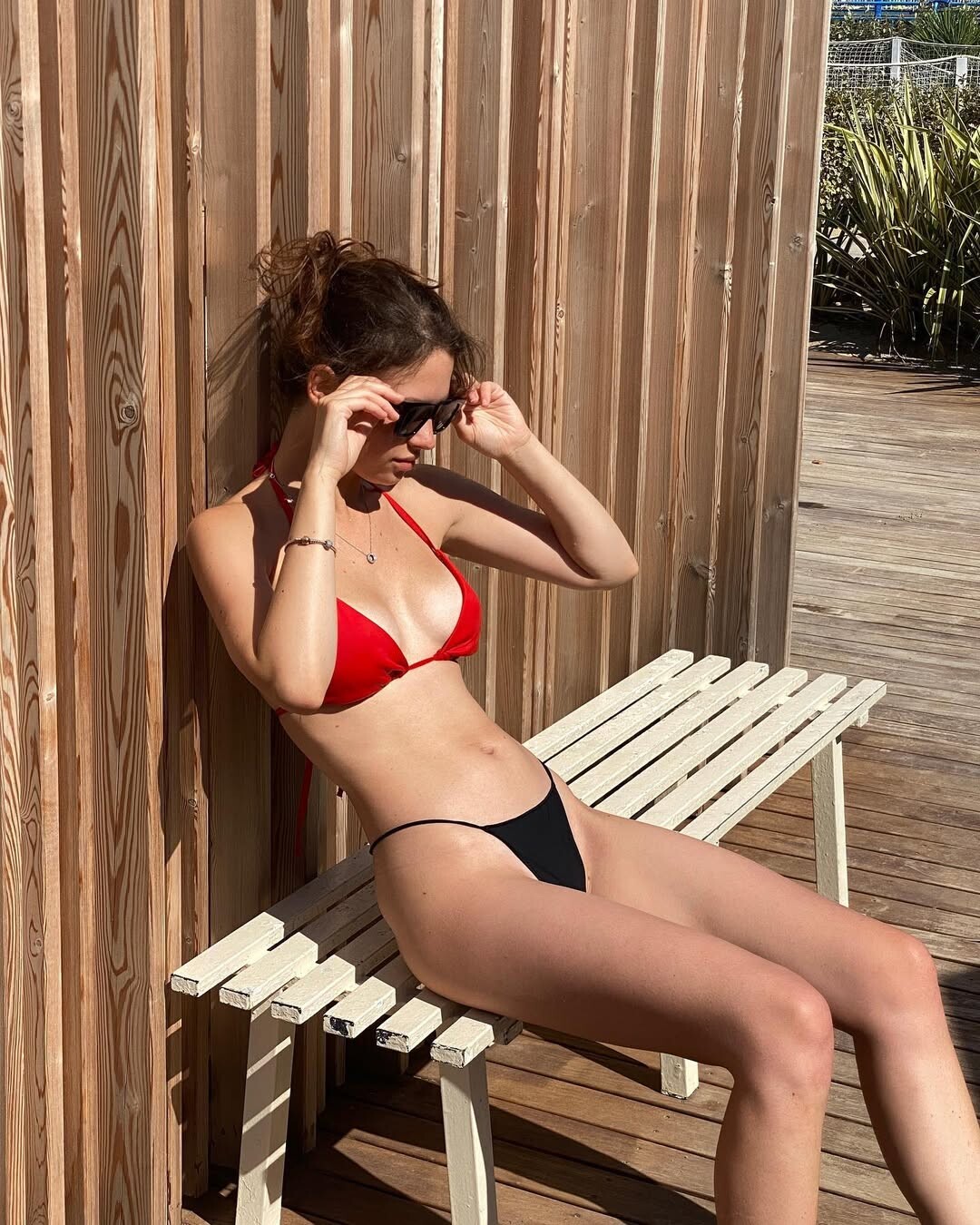
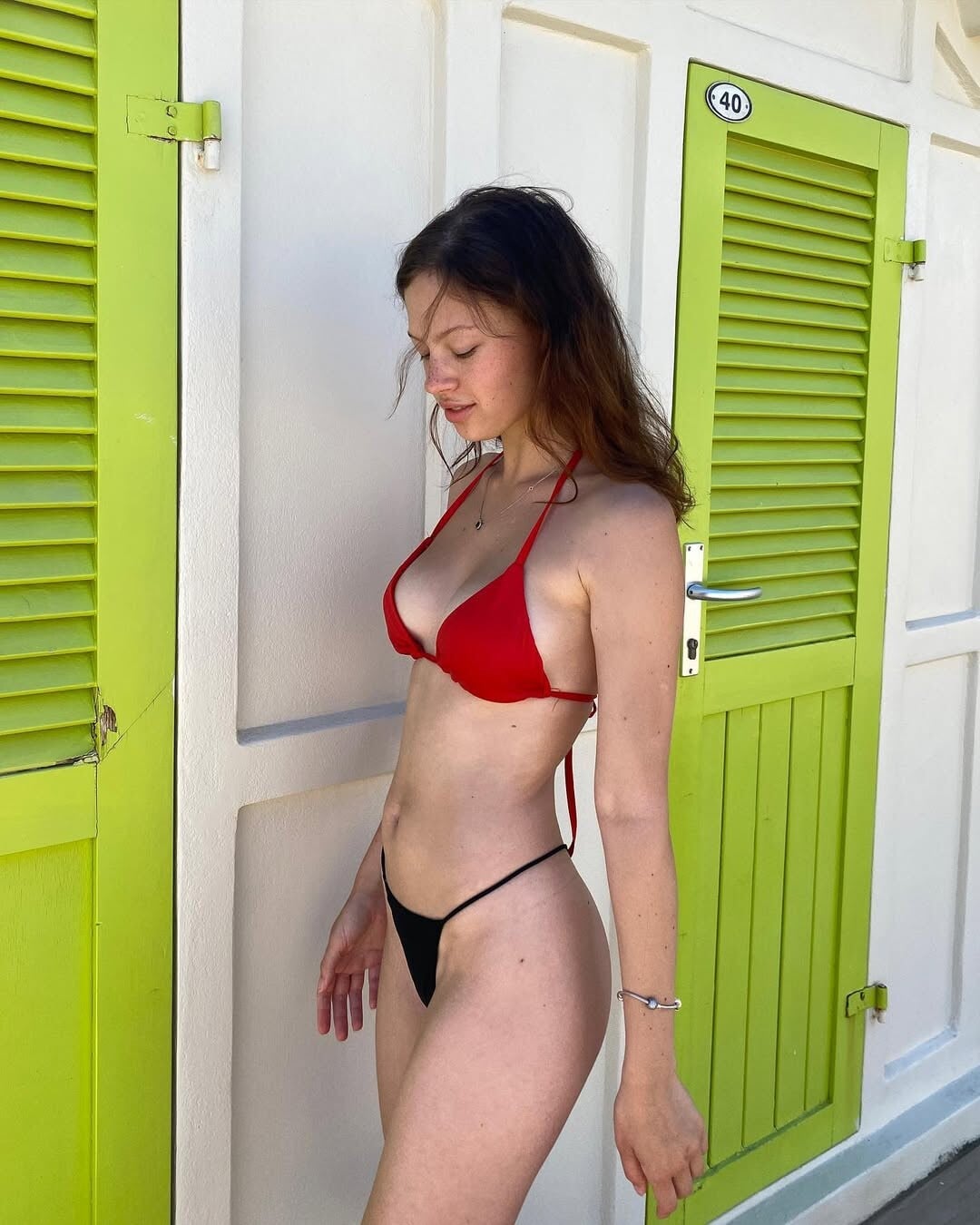
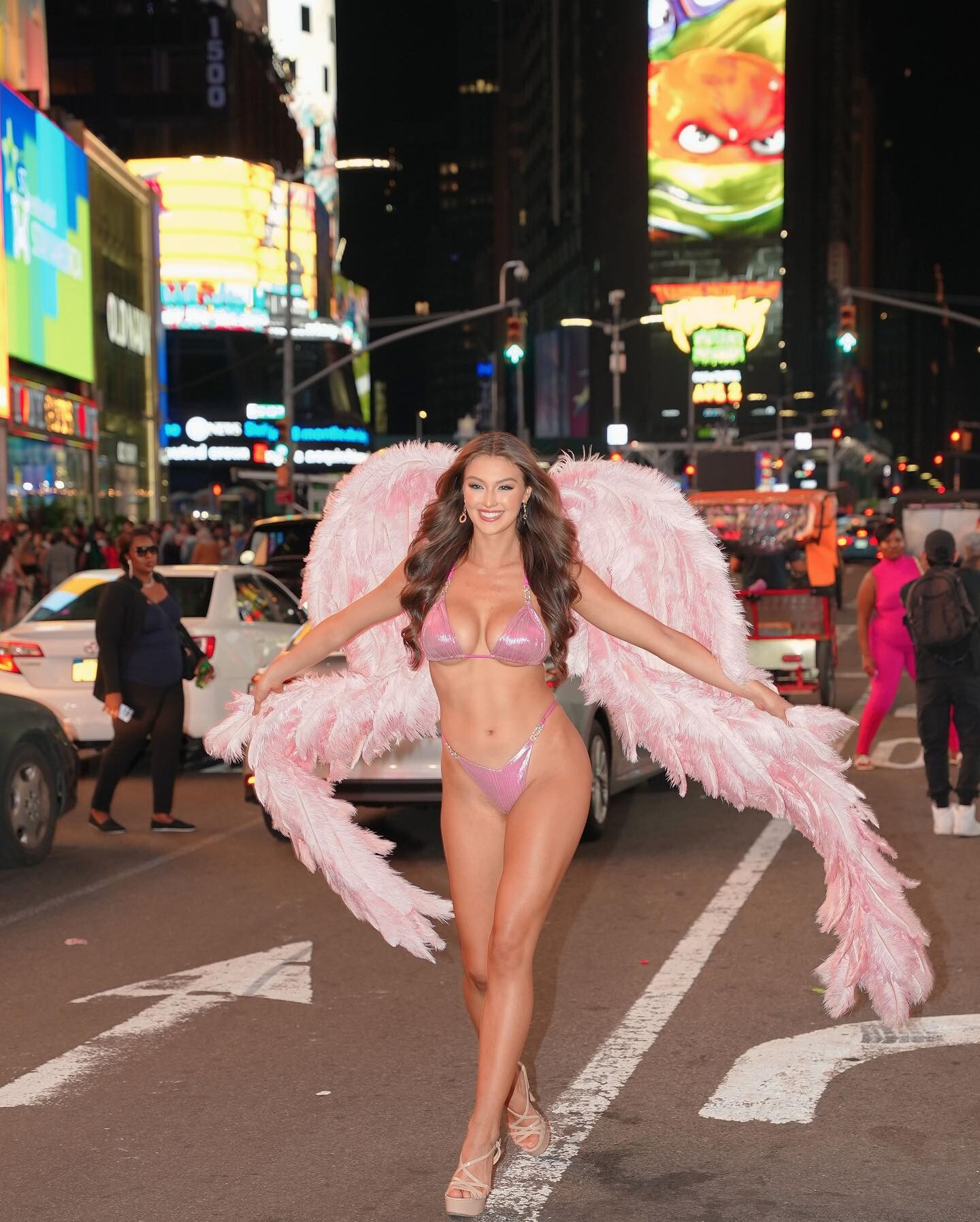
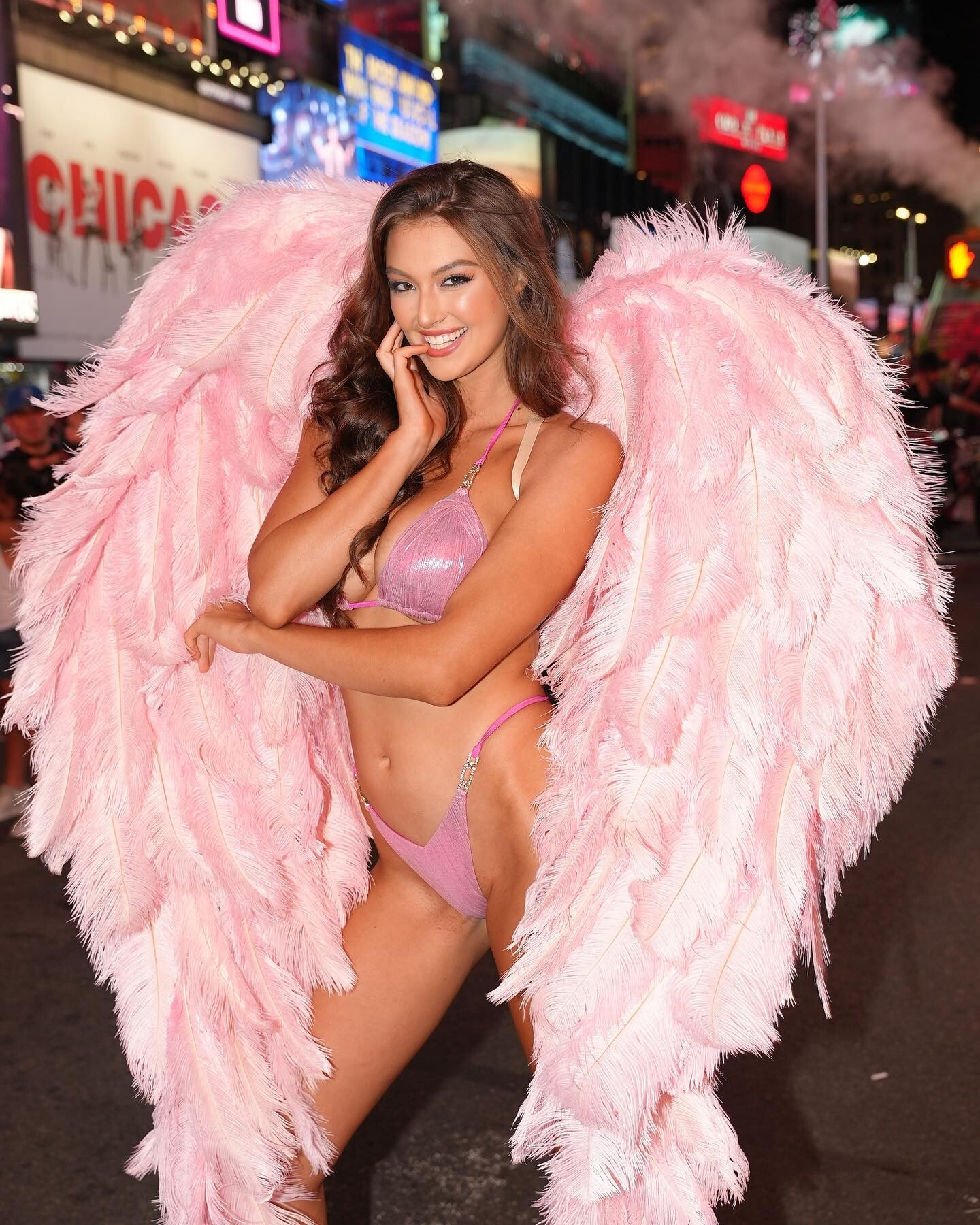
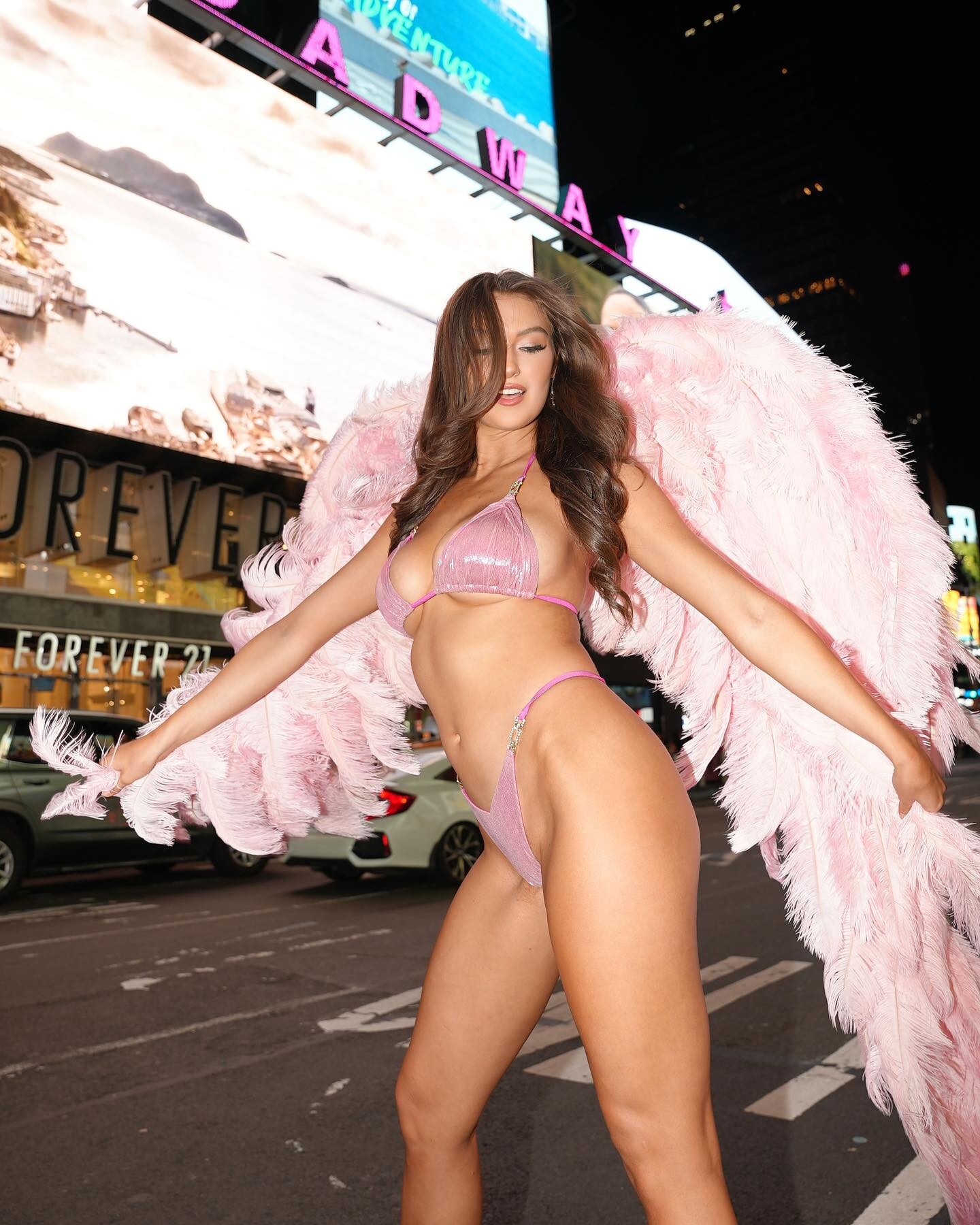
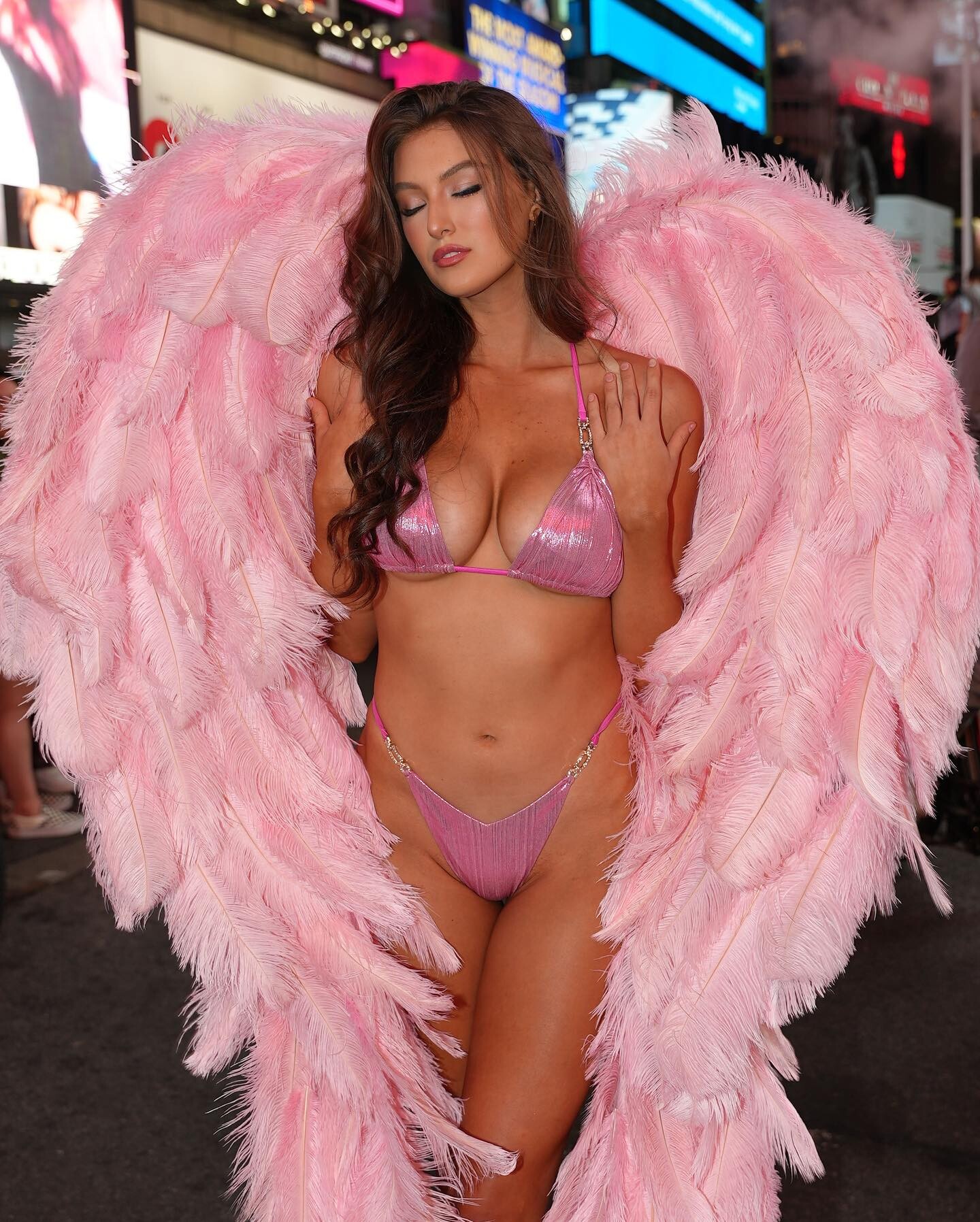
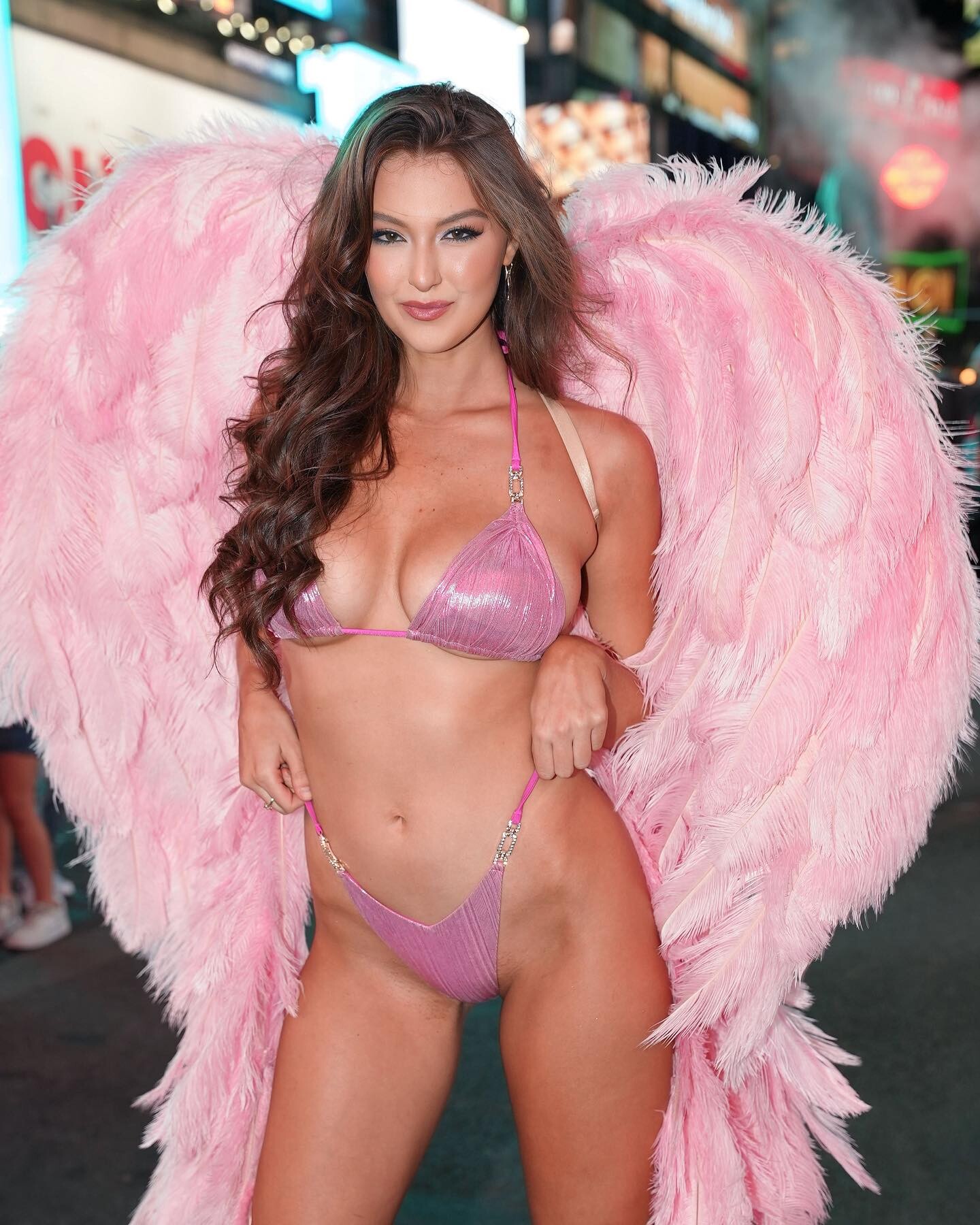
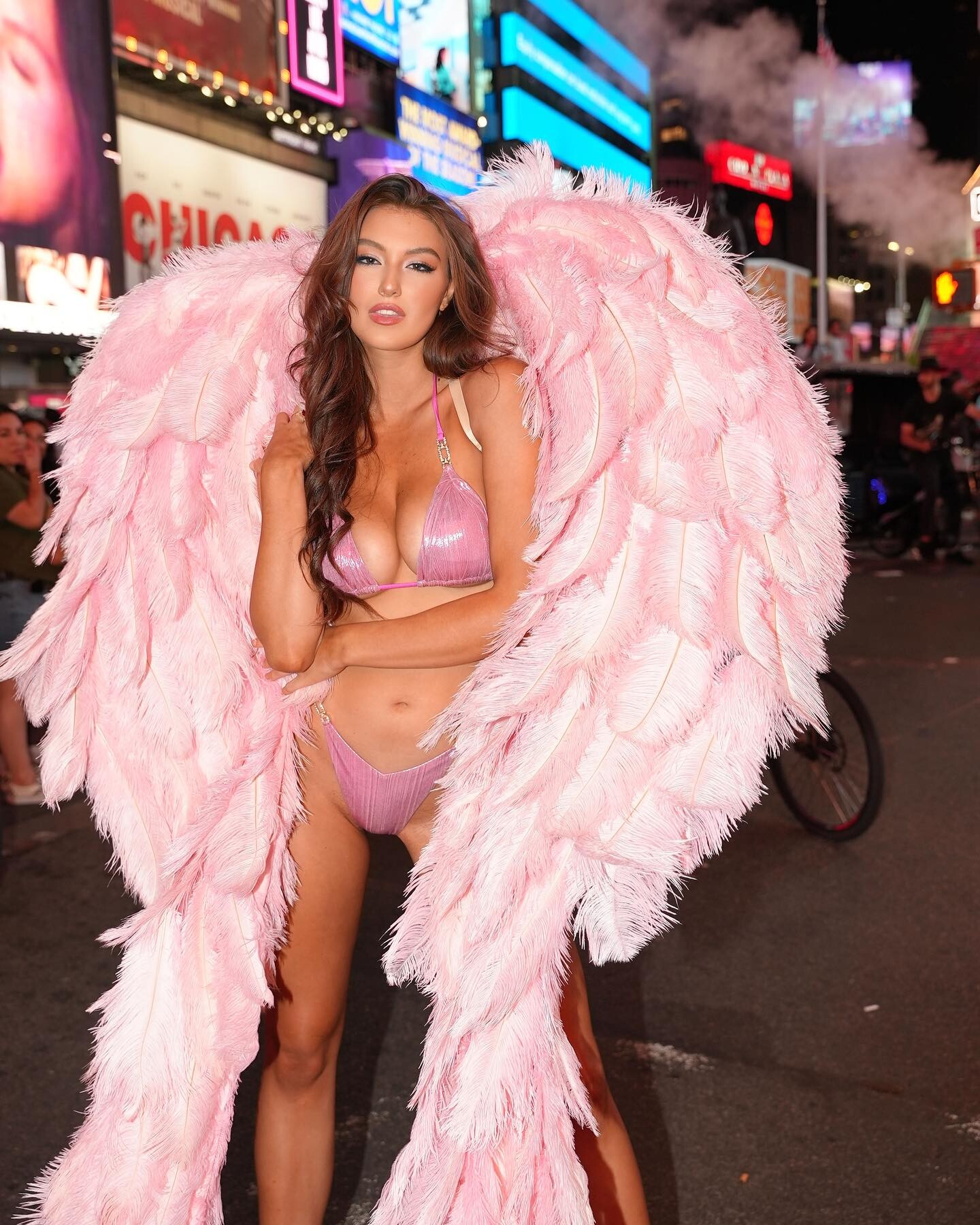
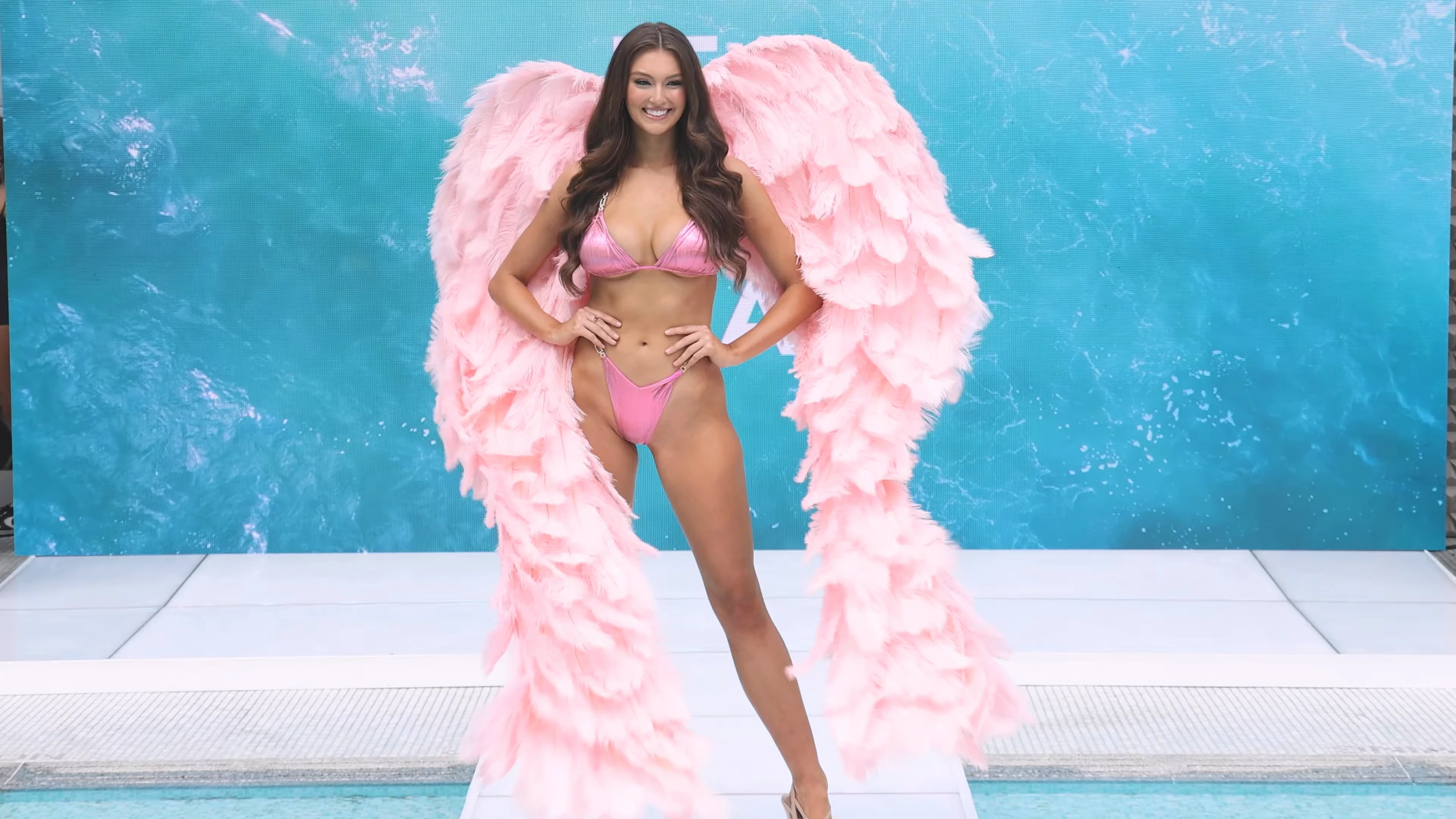
 For Vasaro, latter 2023 to early 2024: The pink ribbed bikini with pink wings that she is boldly striding through NYC in, was the opening look she modeled at the Vasaro 2023 show (Taylor Laffey had pink wings too but a different style of pink bikini, ~ halfway through that splendid show). Taylor of course more resembles a stereotypical Barbie, but both models are highly intelligent💡🧠, & very interesting people.
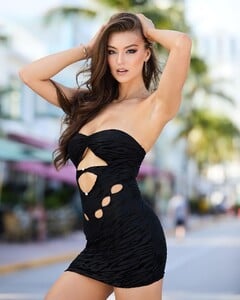



















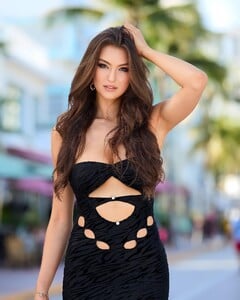


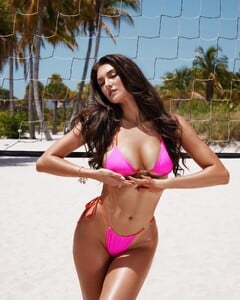





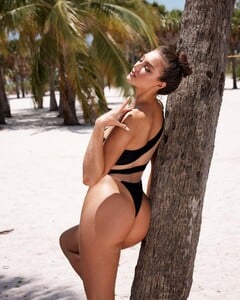
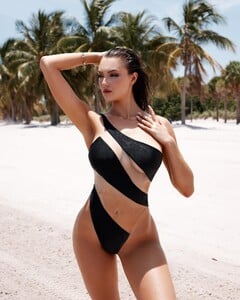
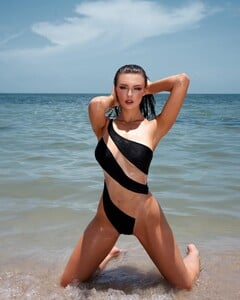
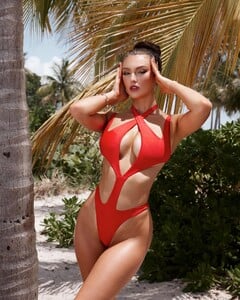
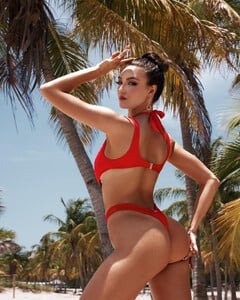





 by Olena Rozbytska








 Thank you!))
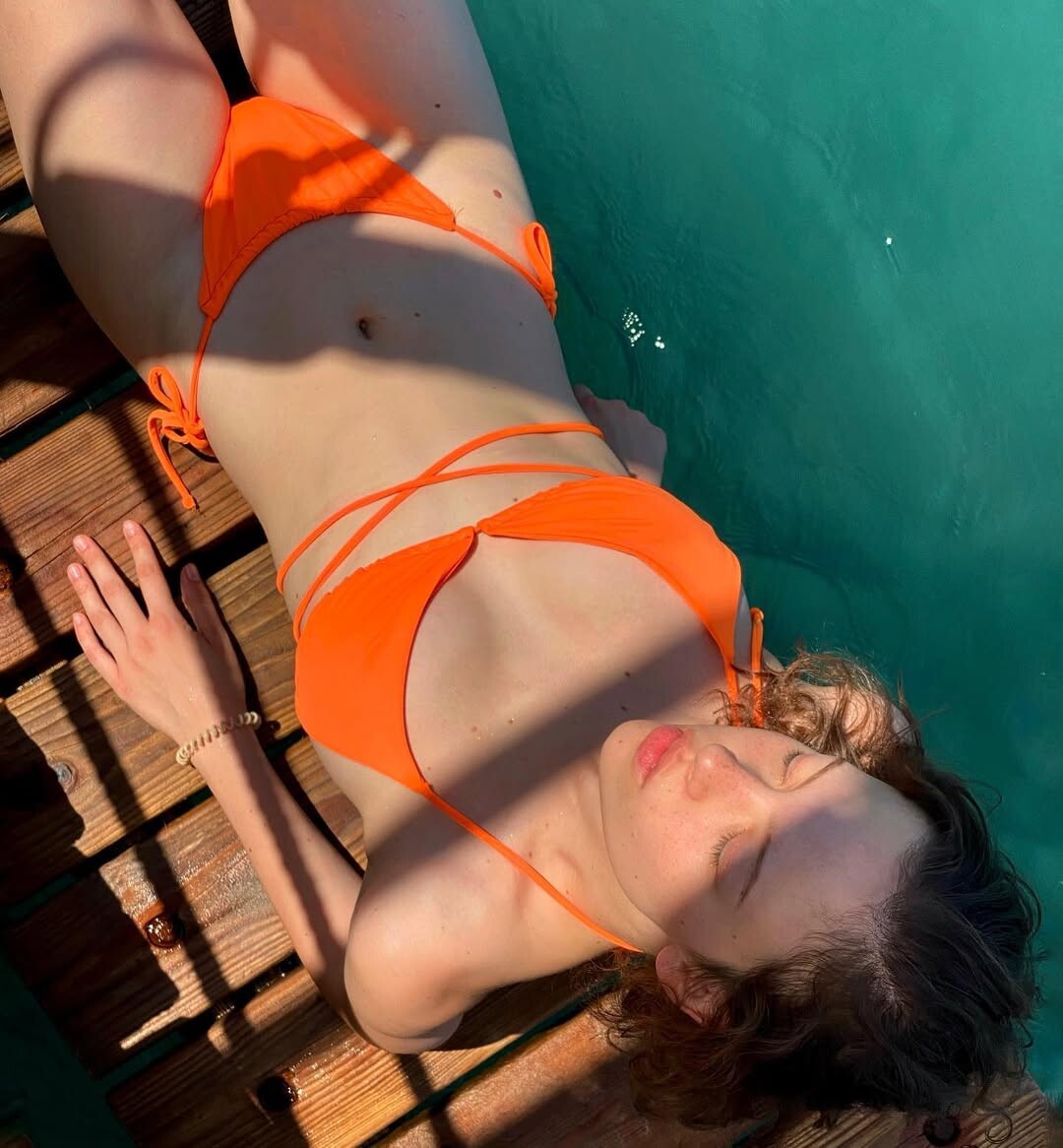
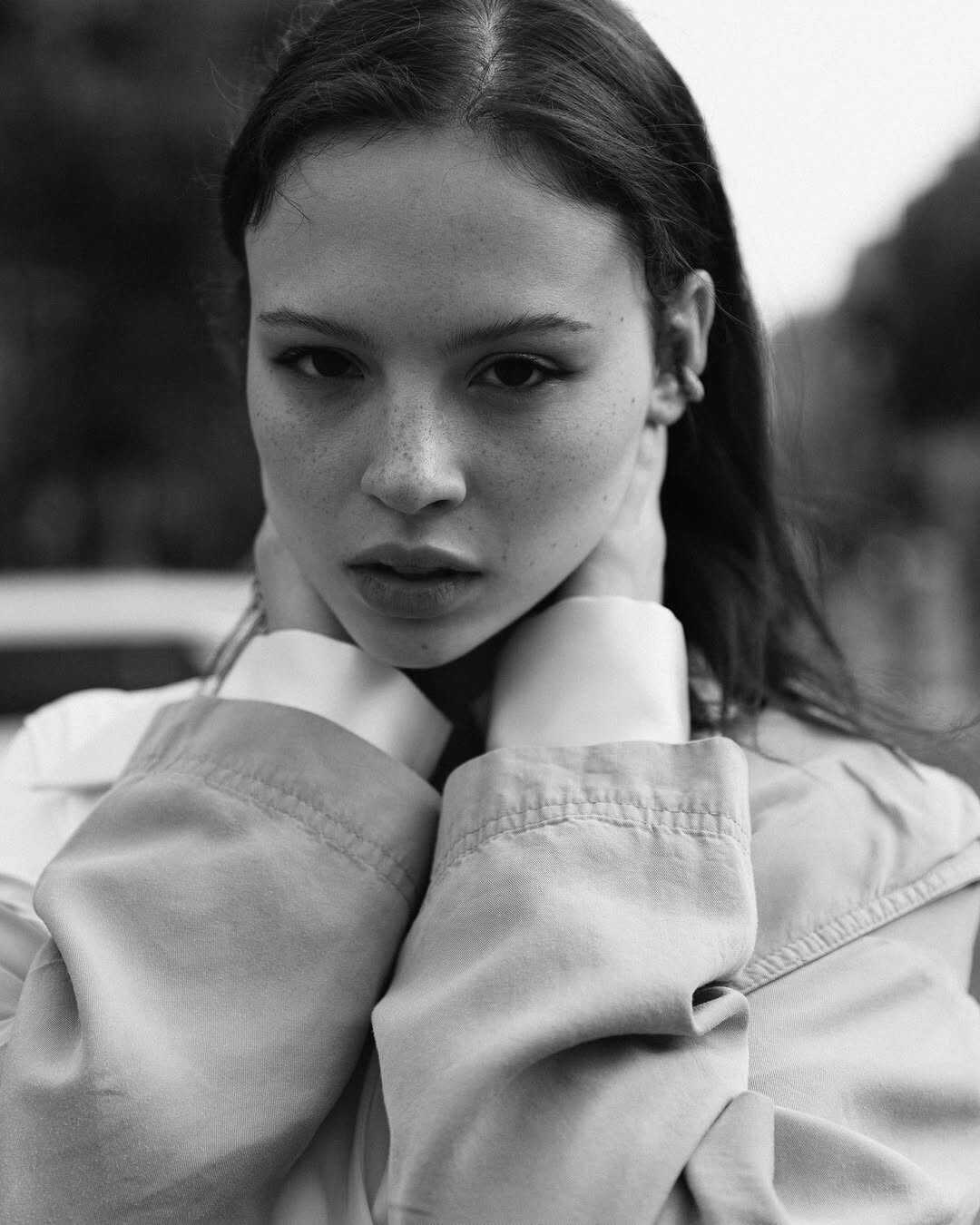
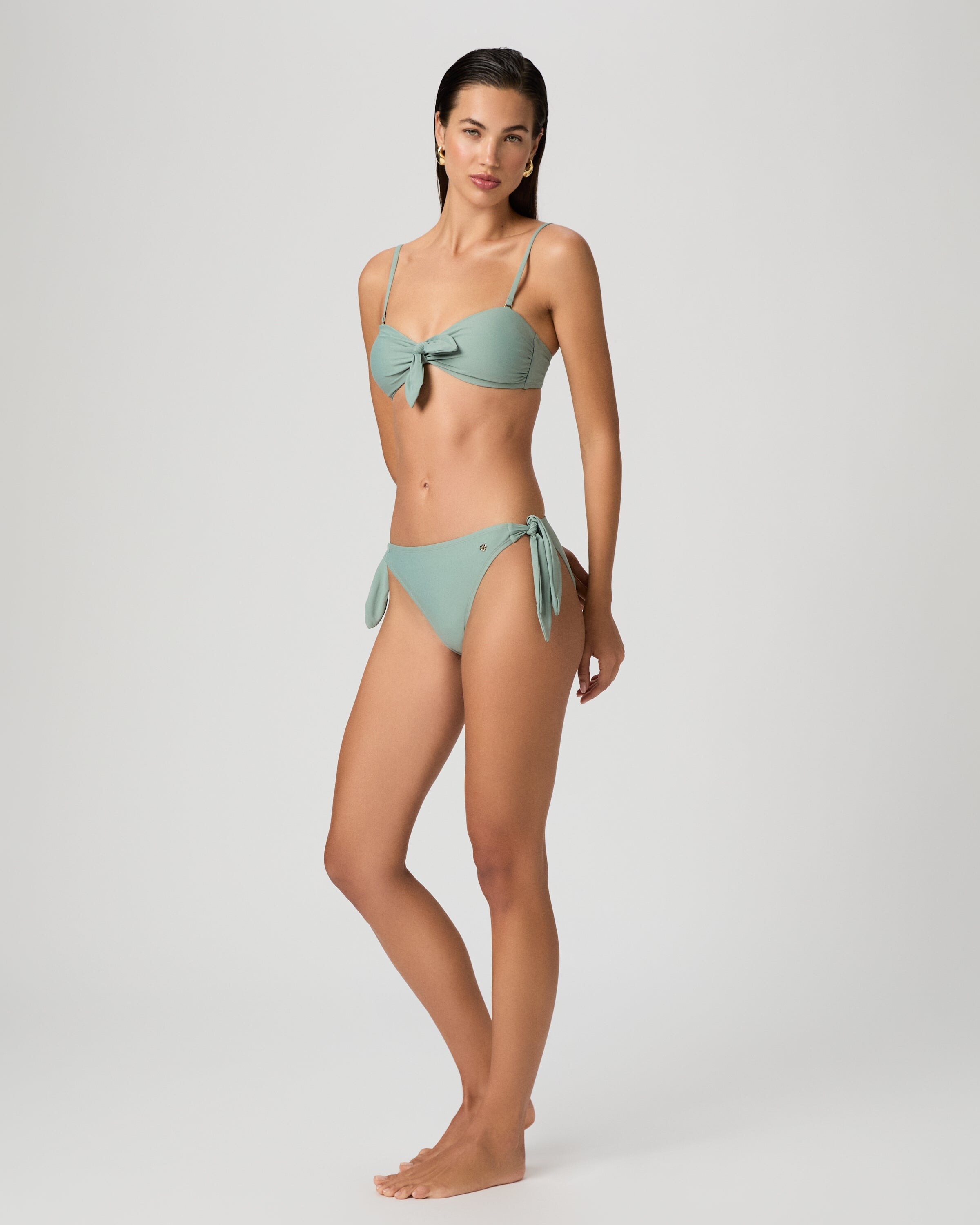
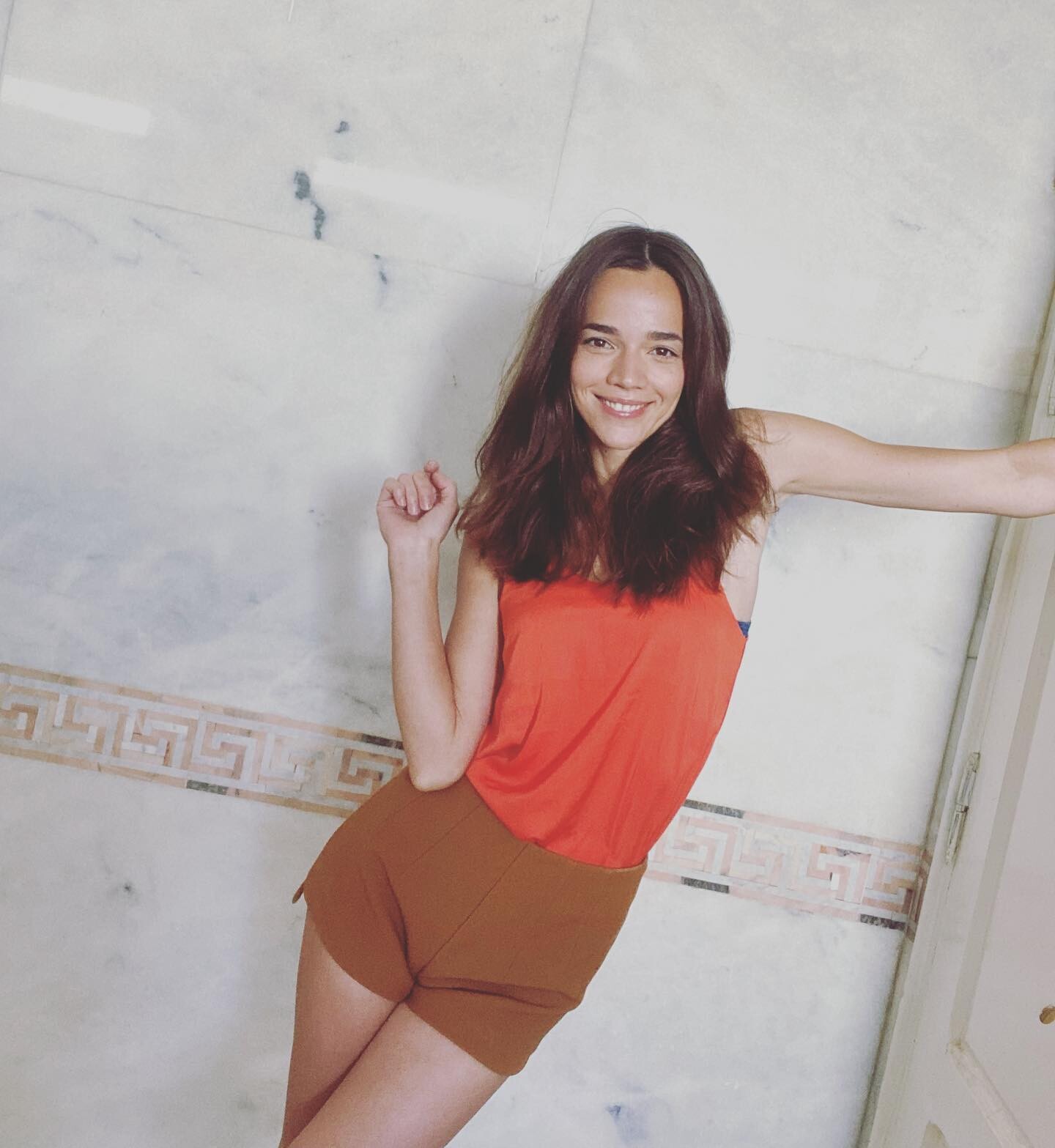
 This is not her
 She’s lovely! ❤️





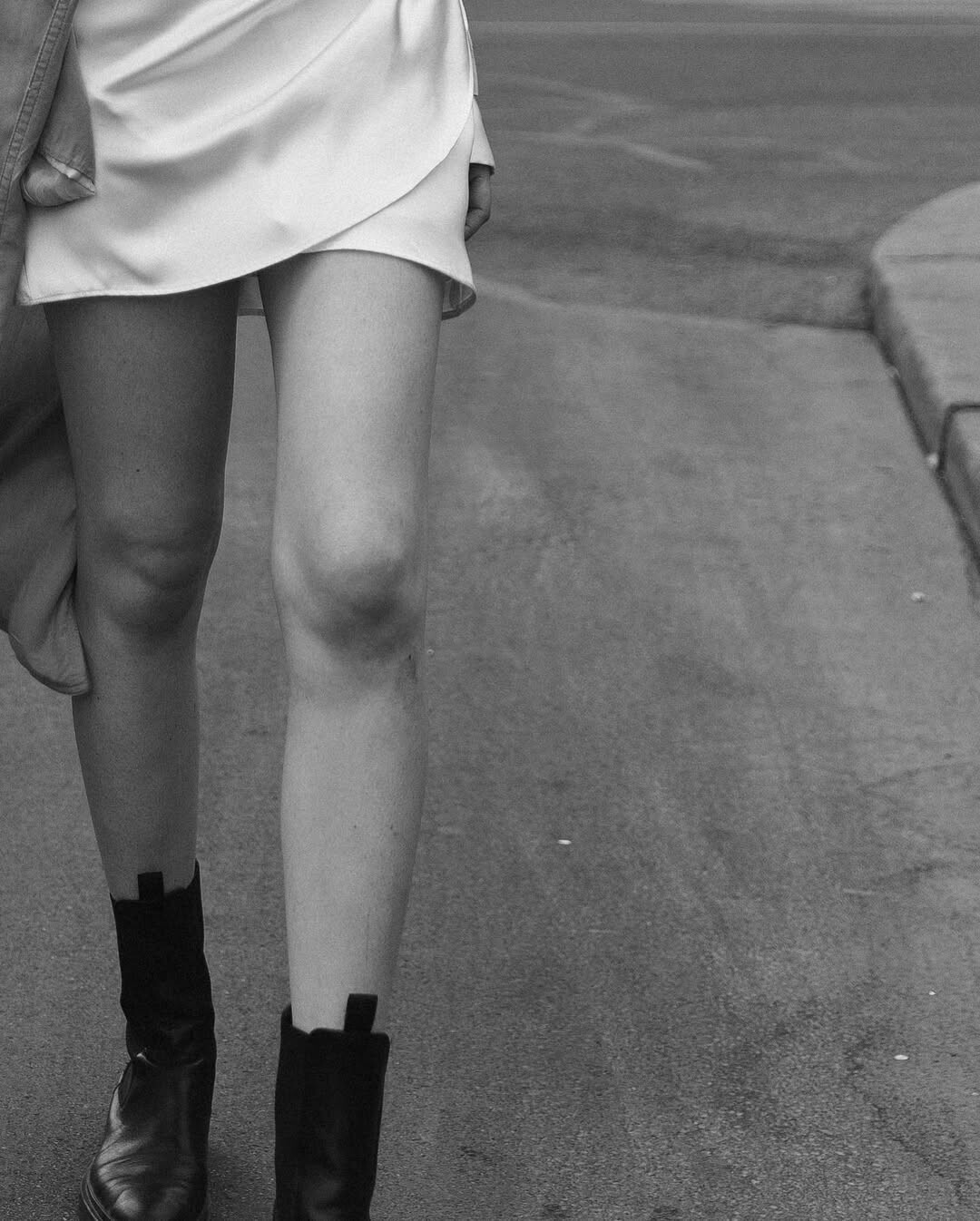


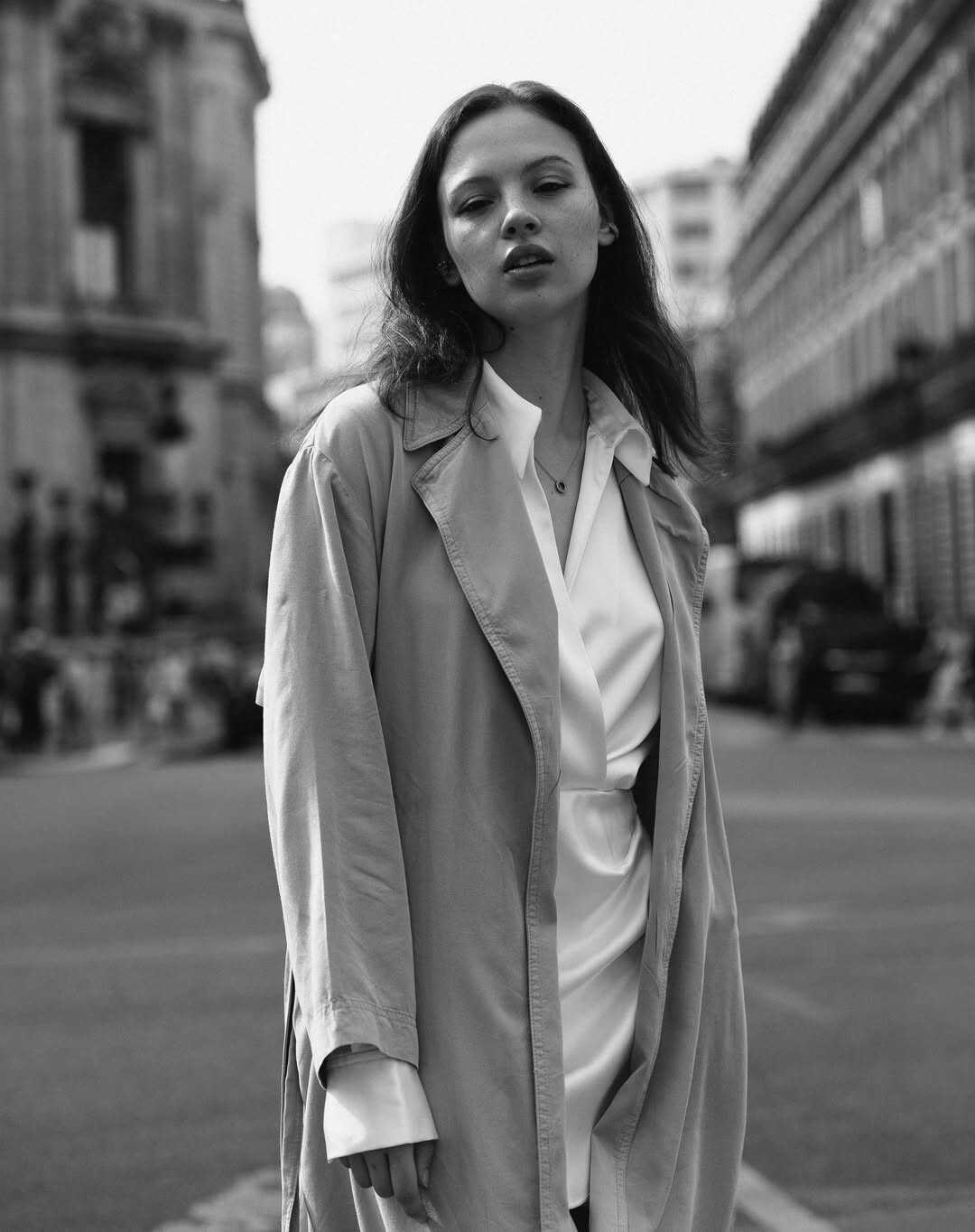
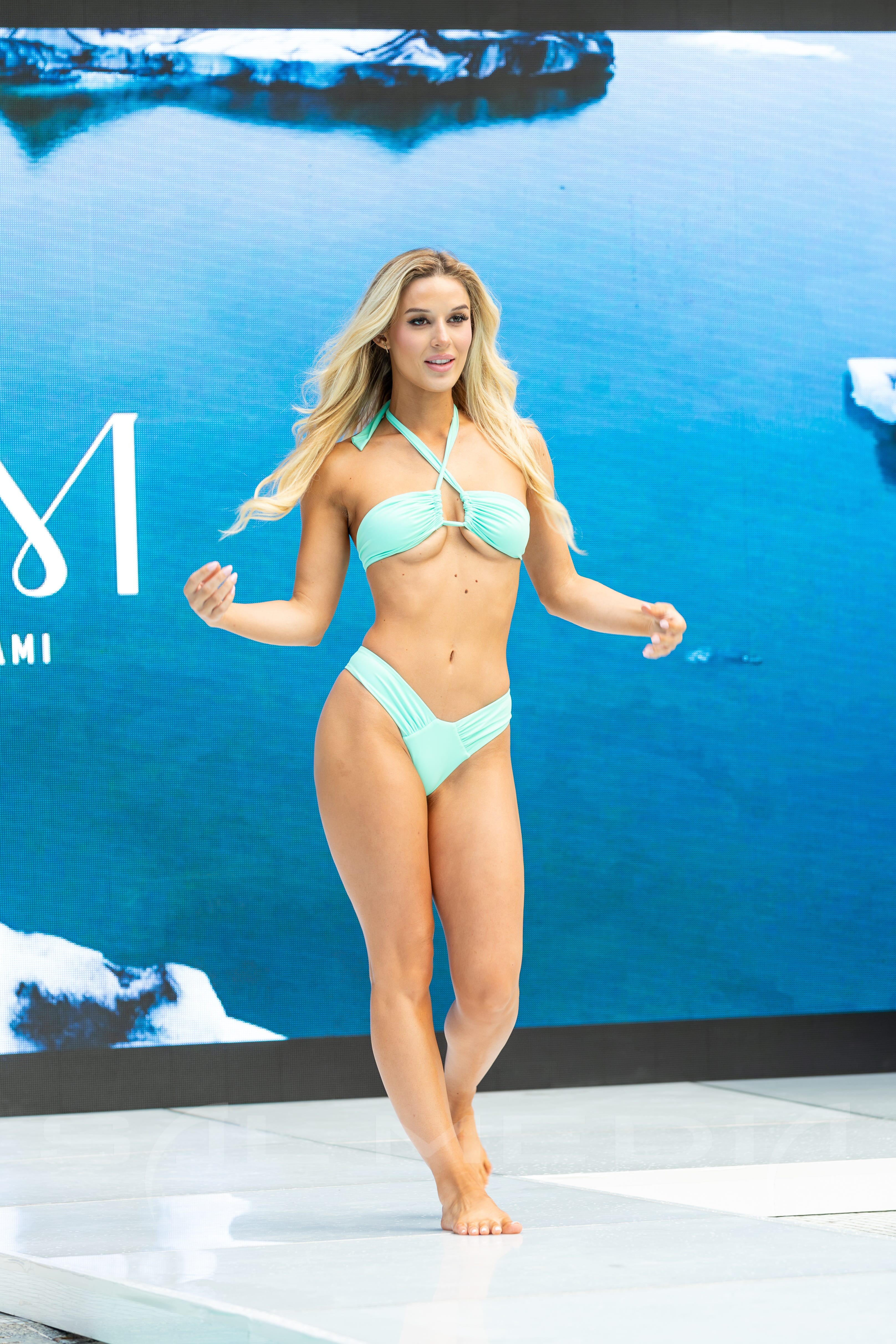
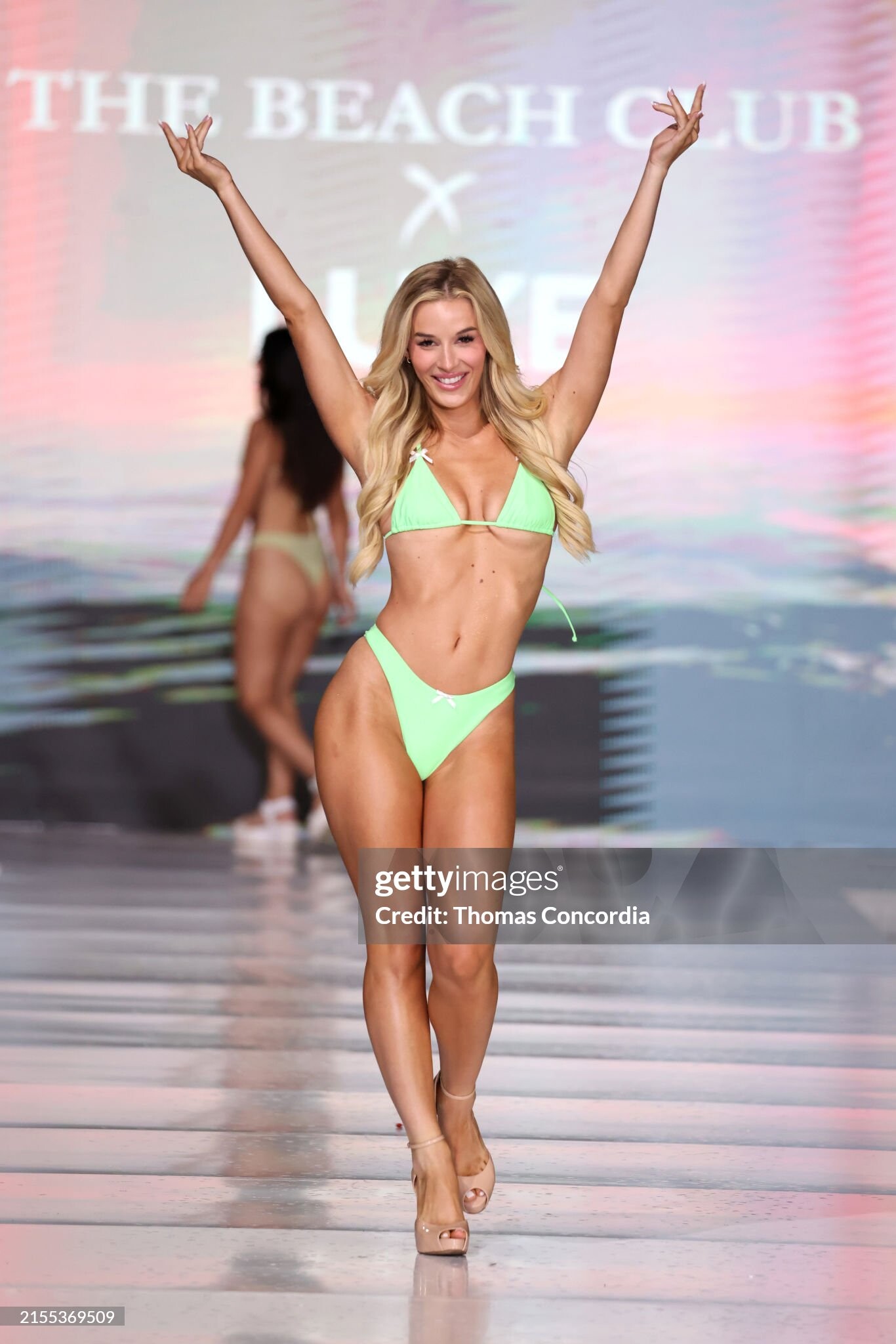
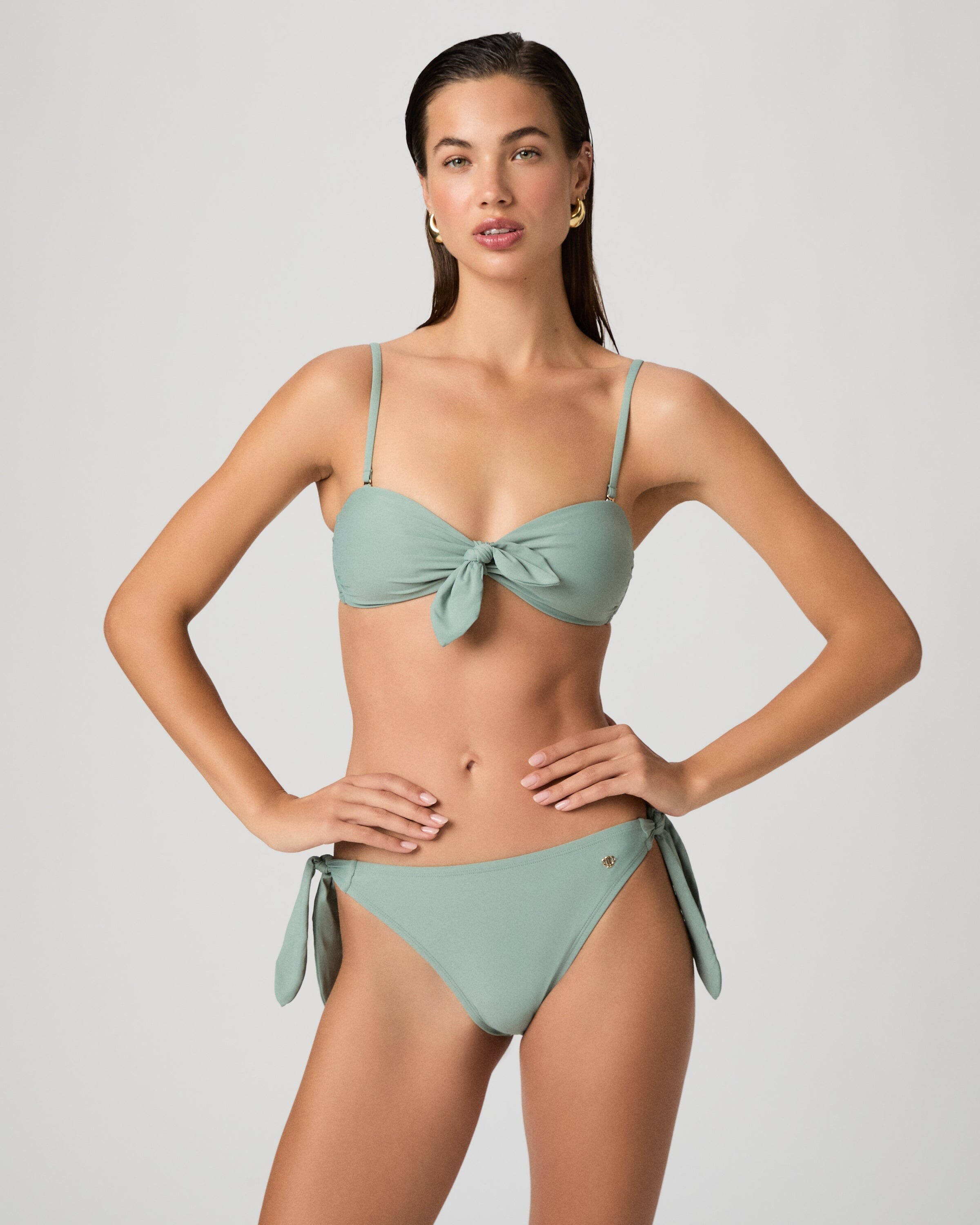
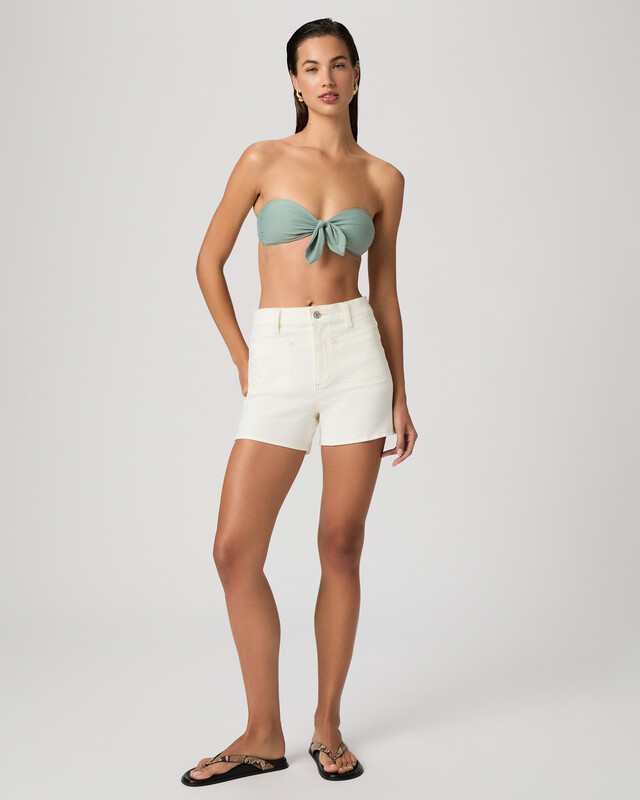
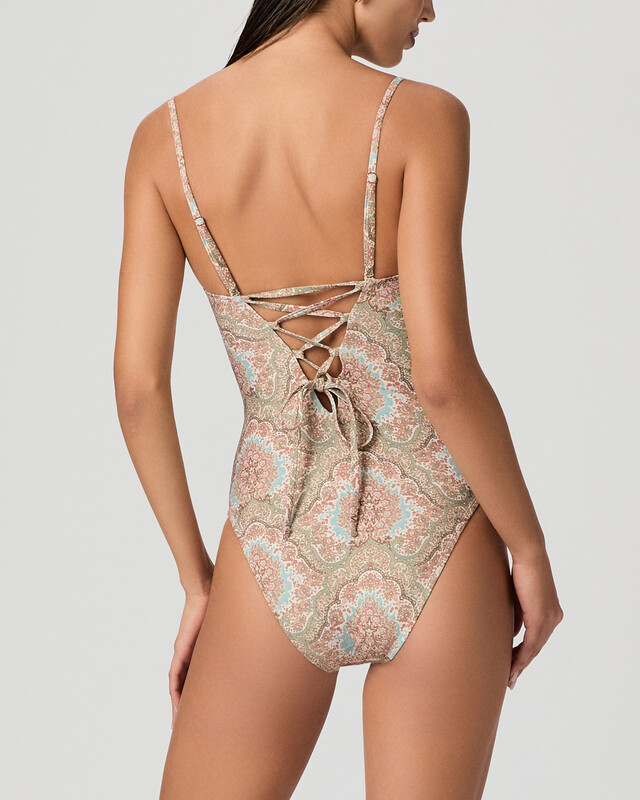
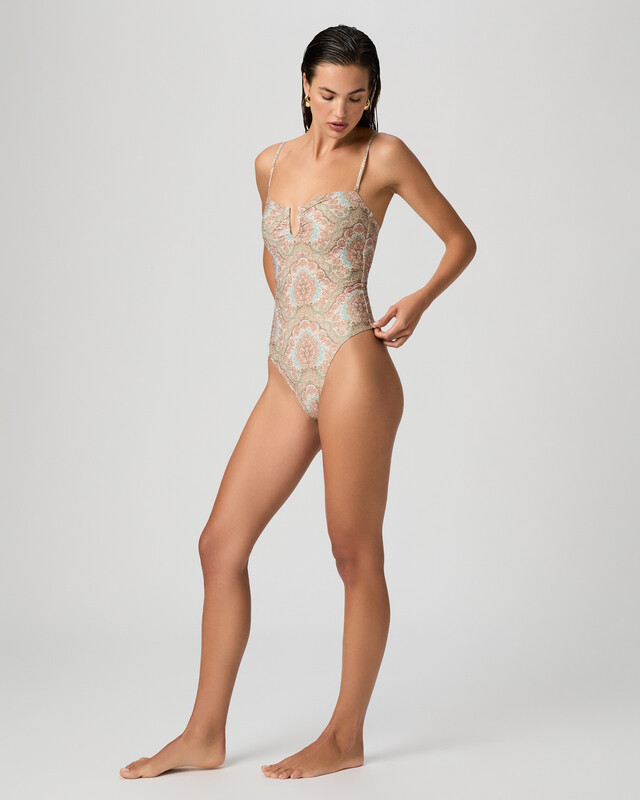
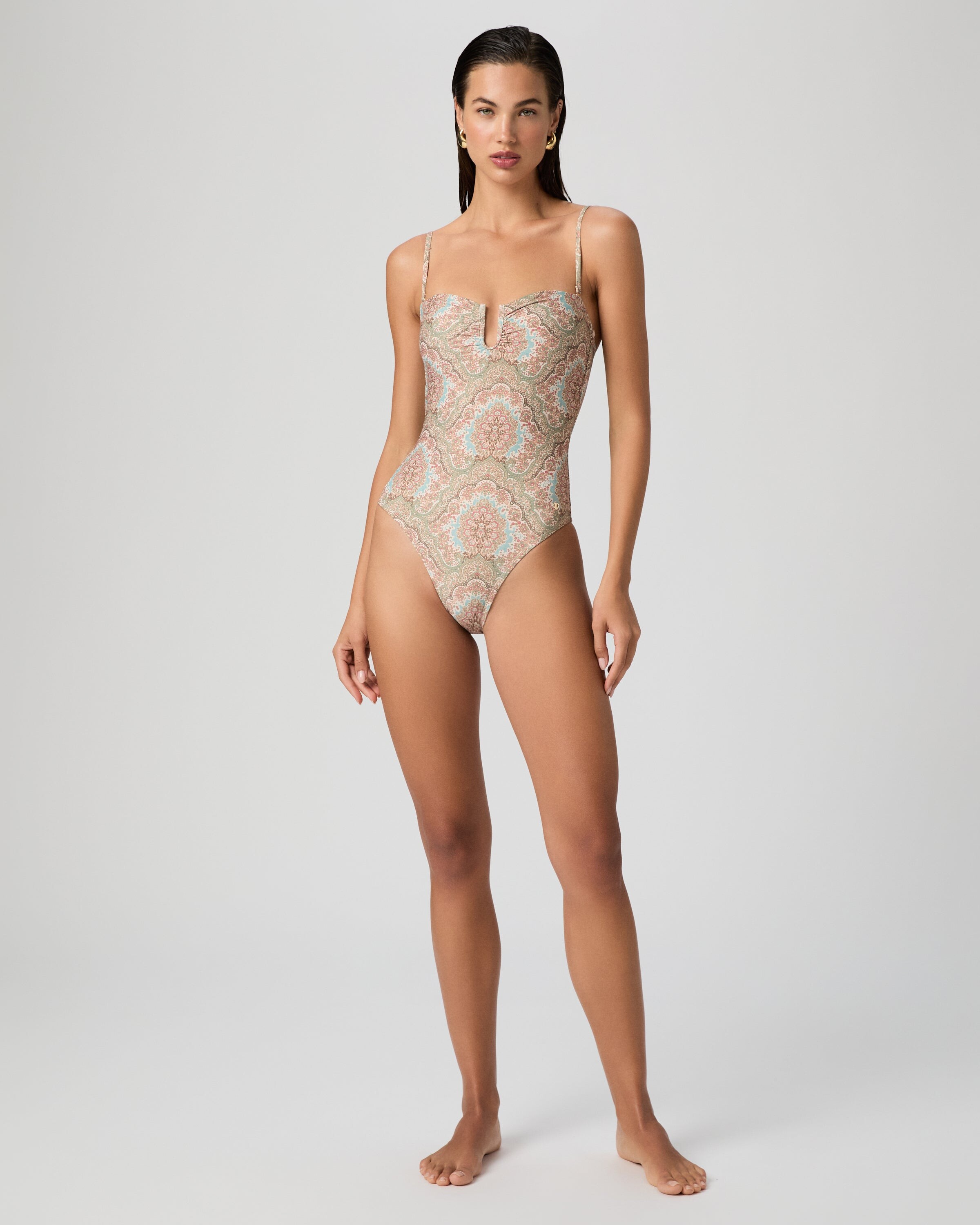
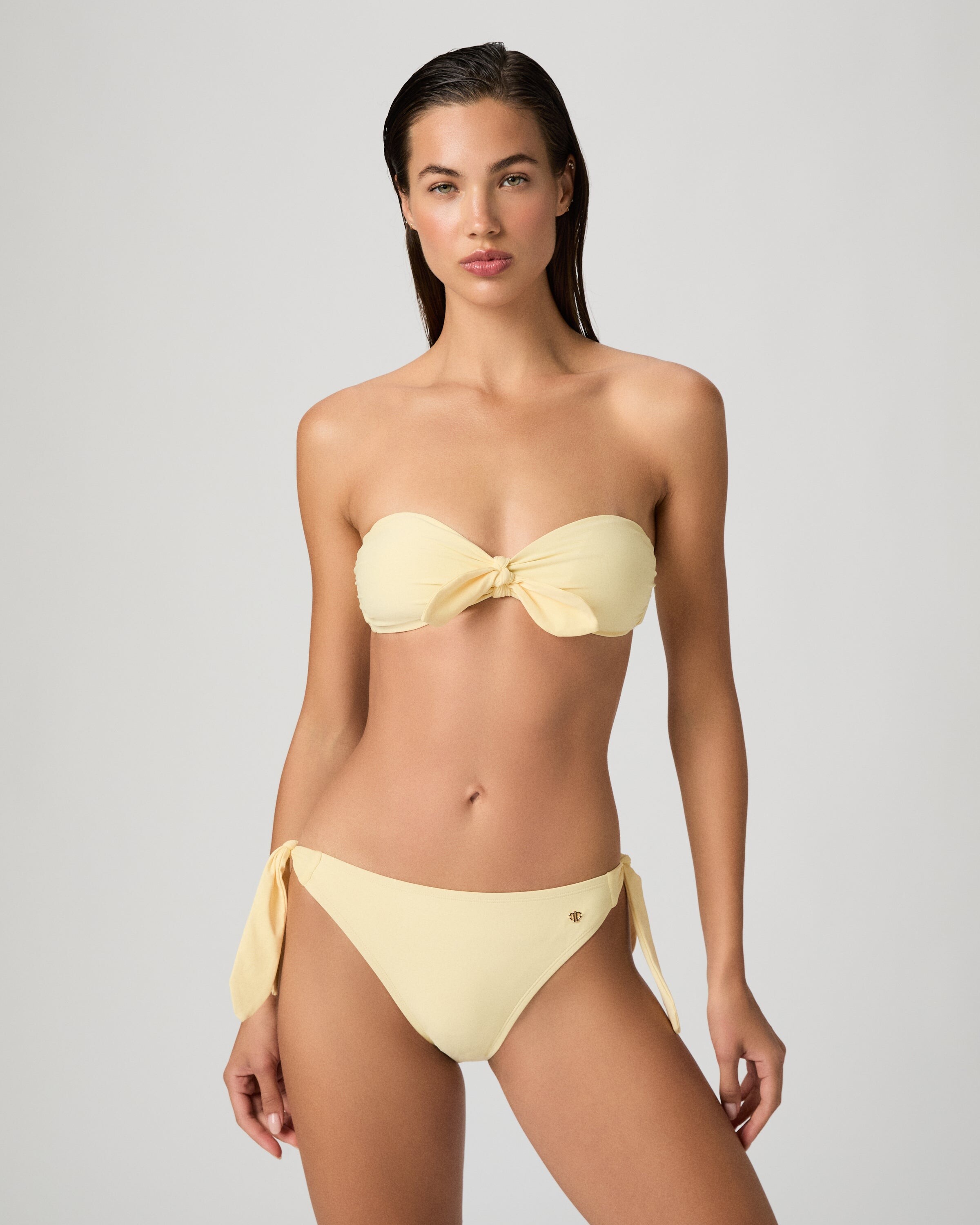
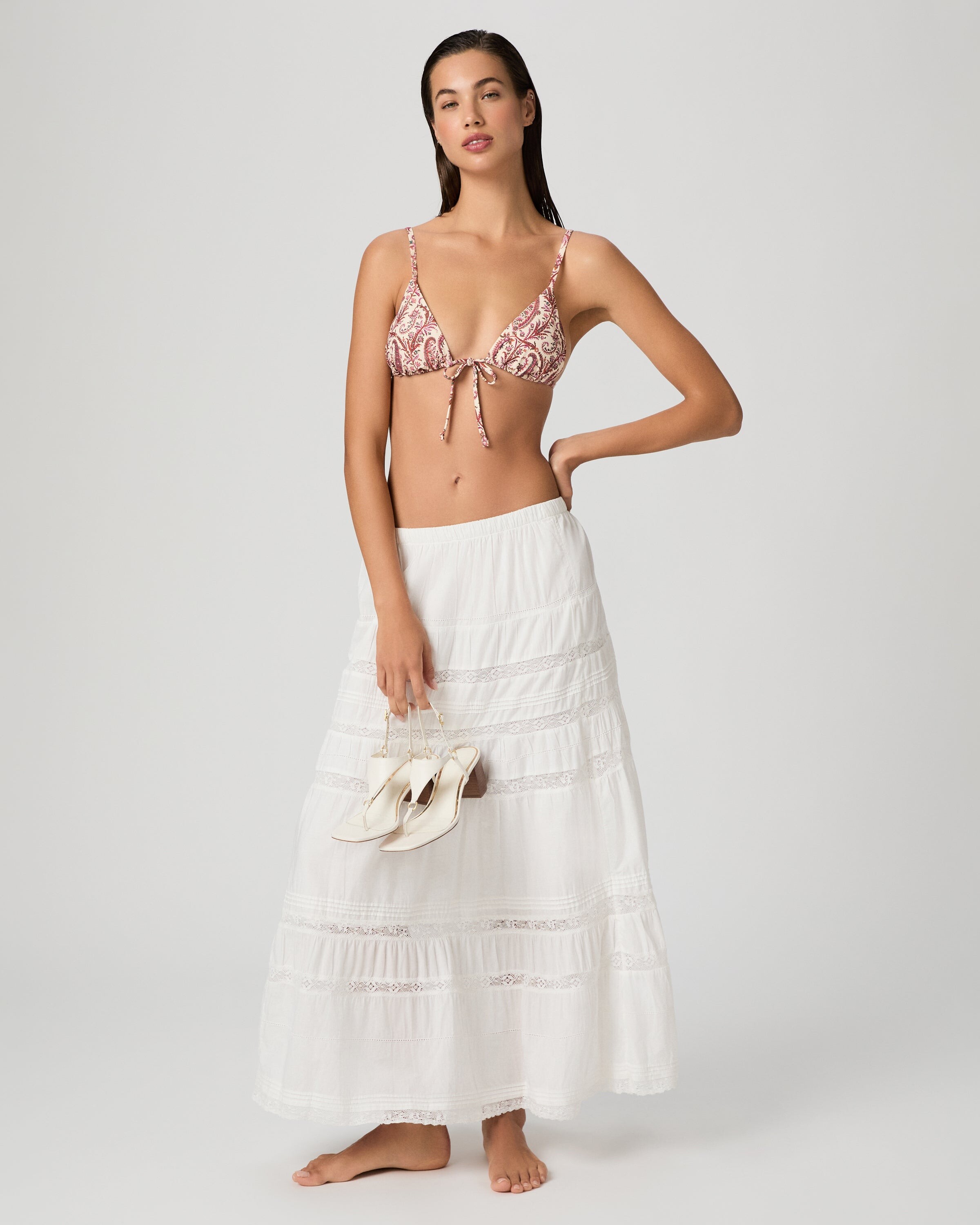
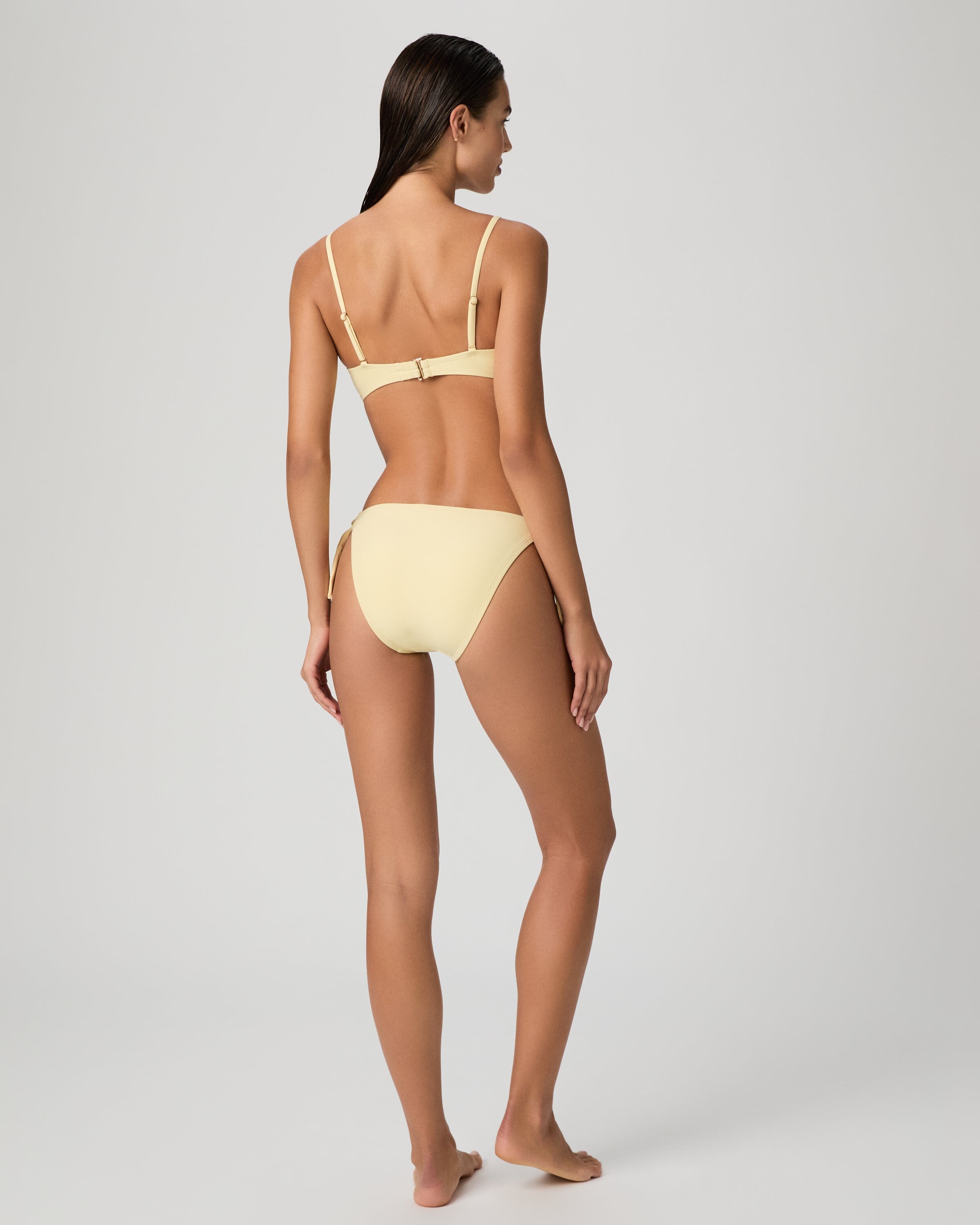
.jpg.cdfeaaa0d71926d427106727fe7d0ac8.jpg)
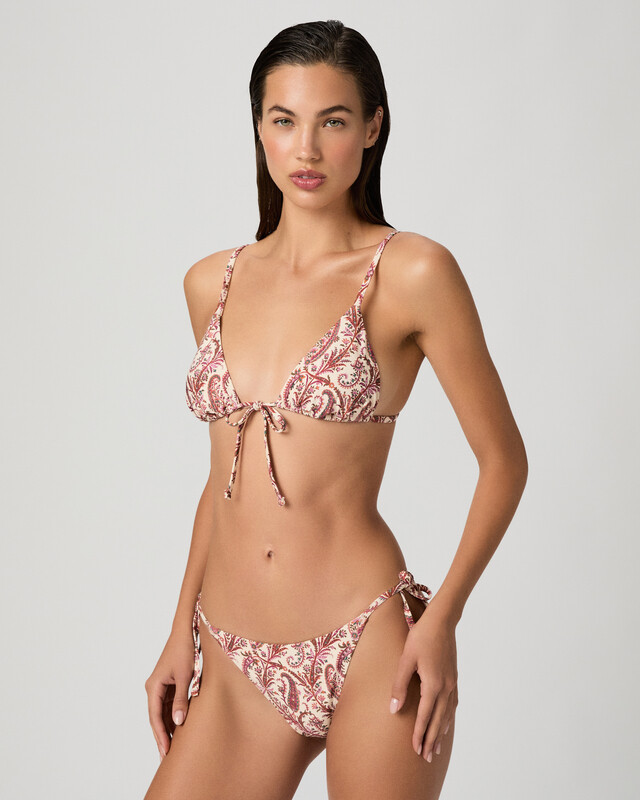
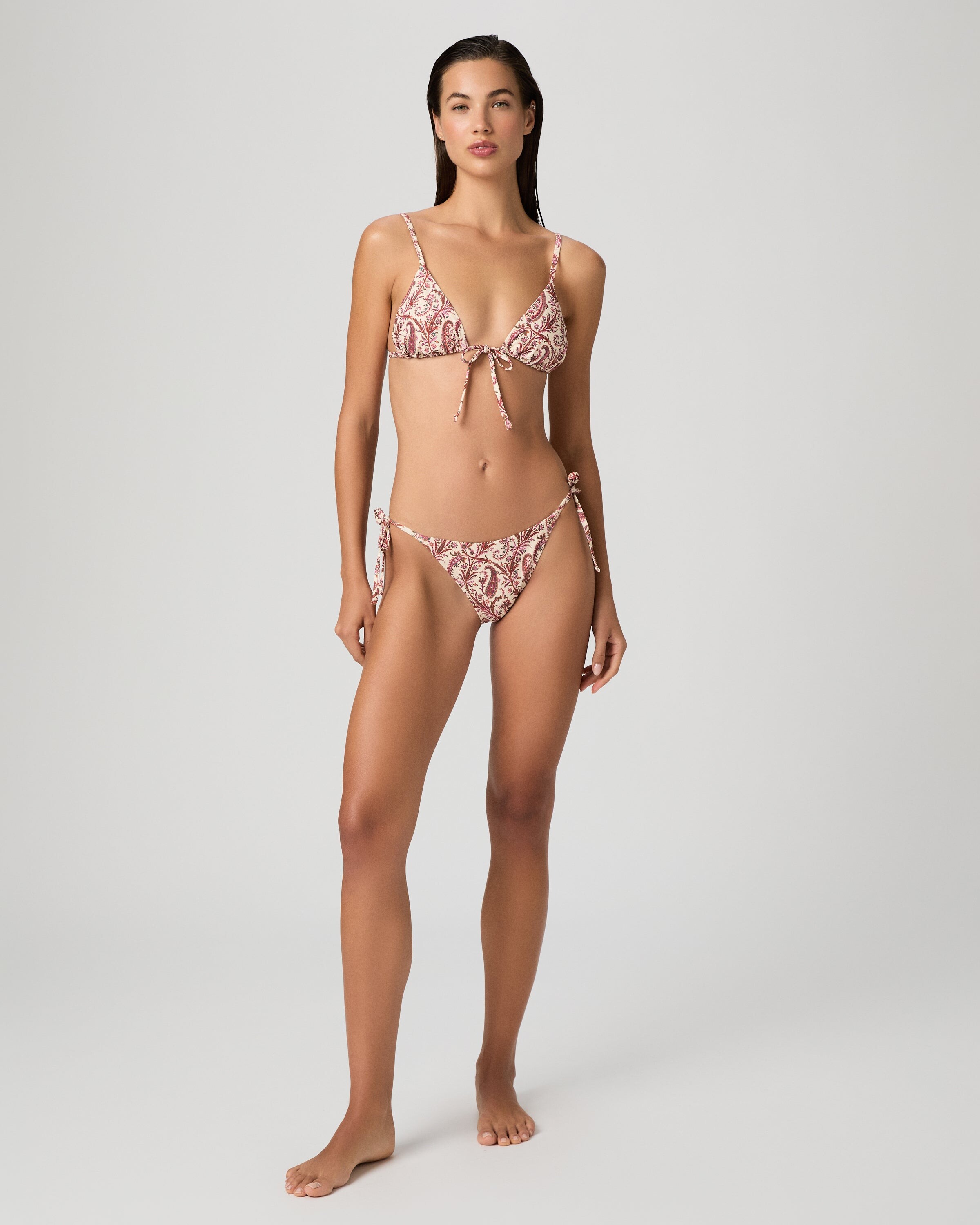
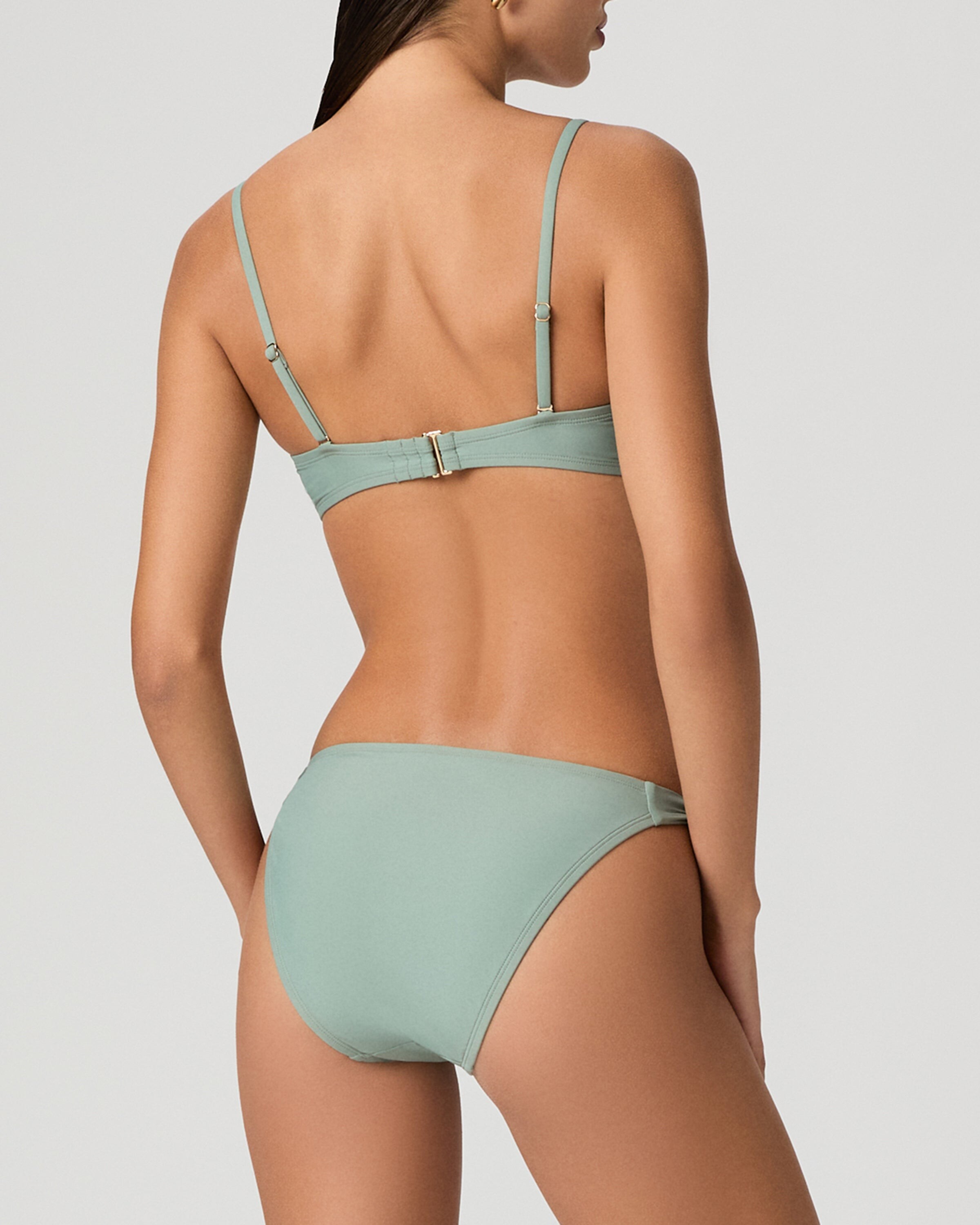
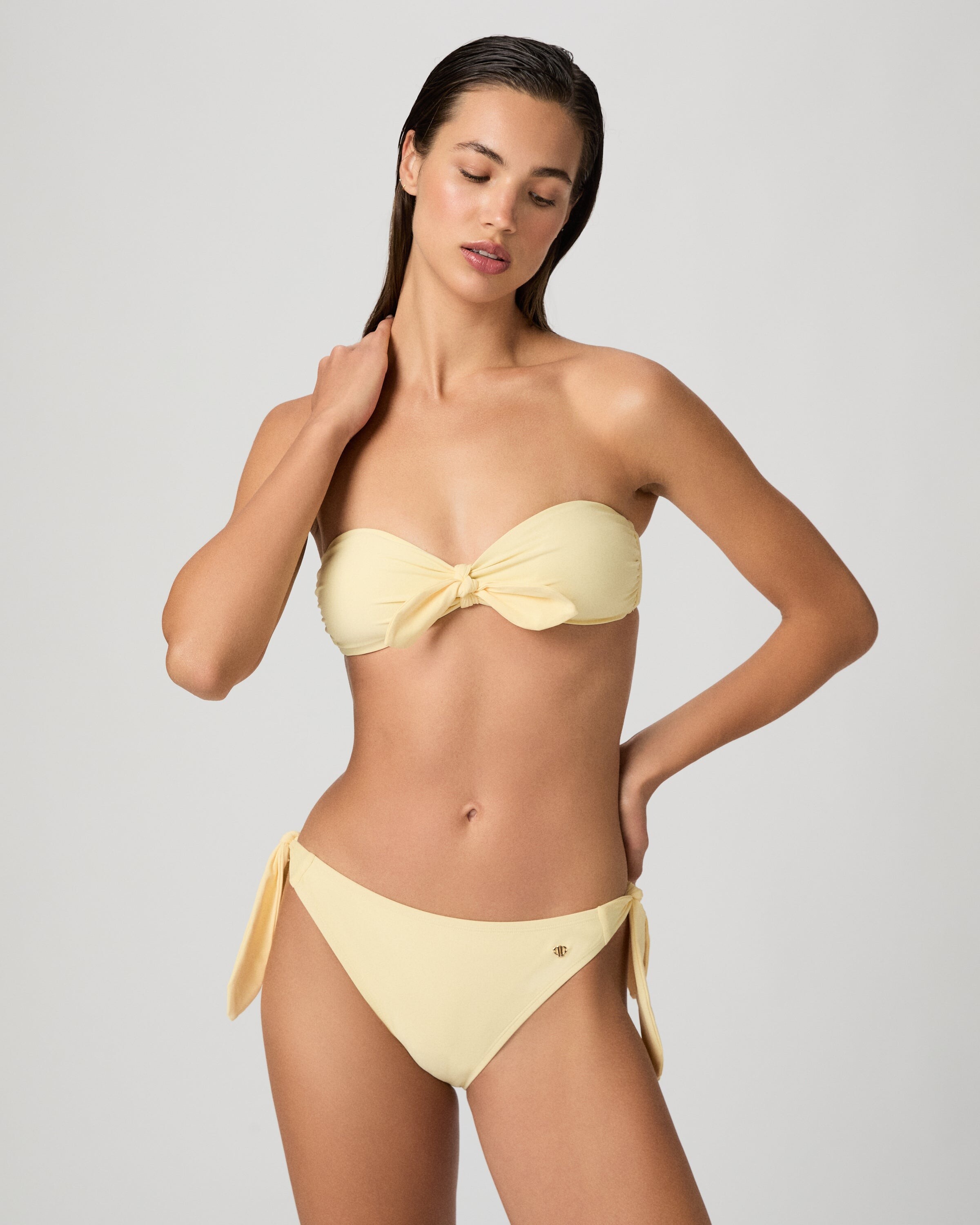
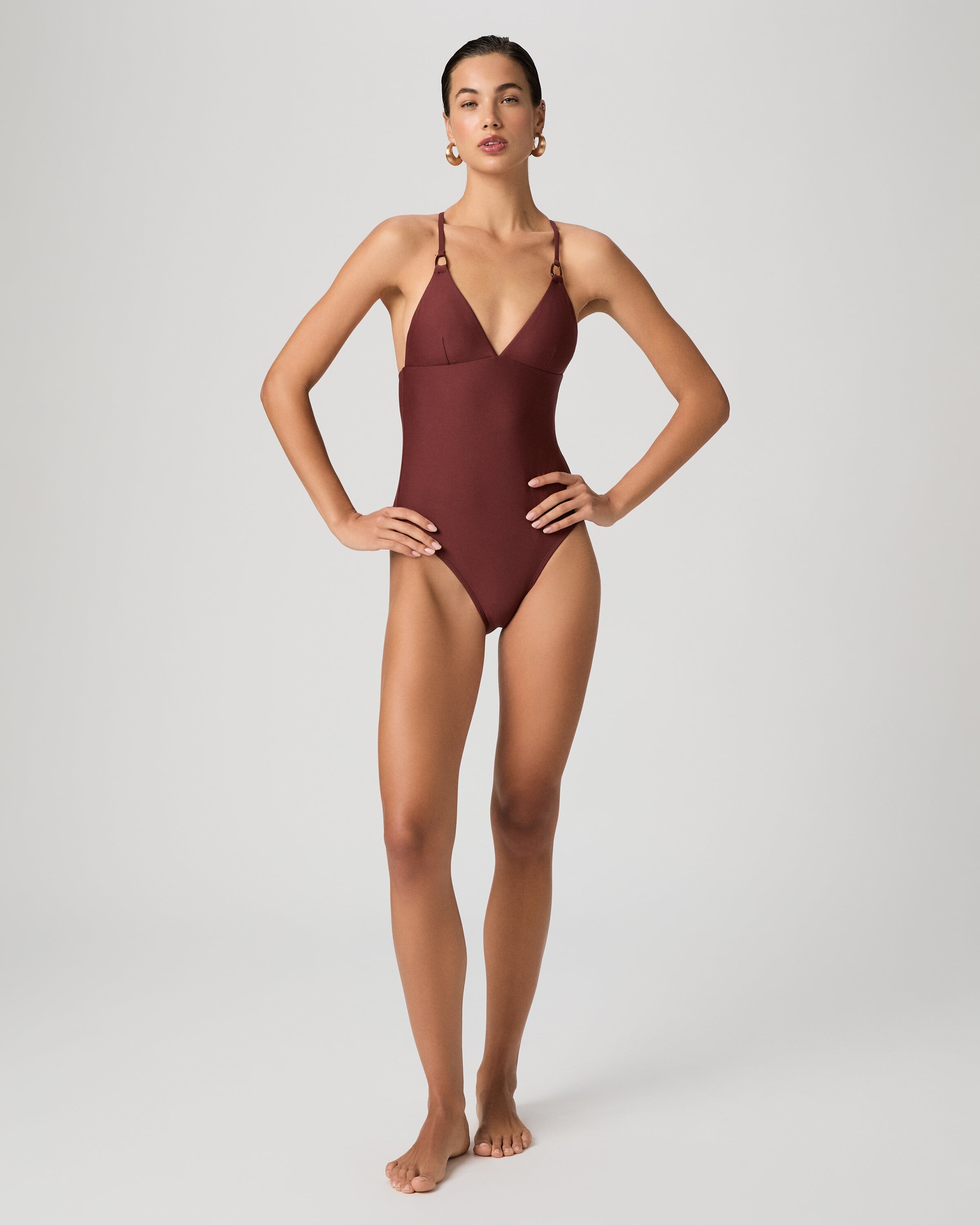
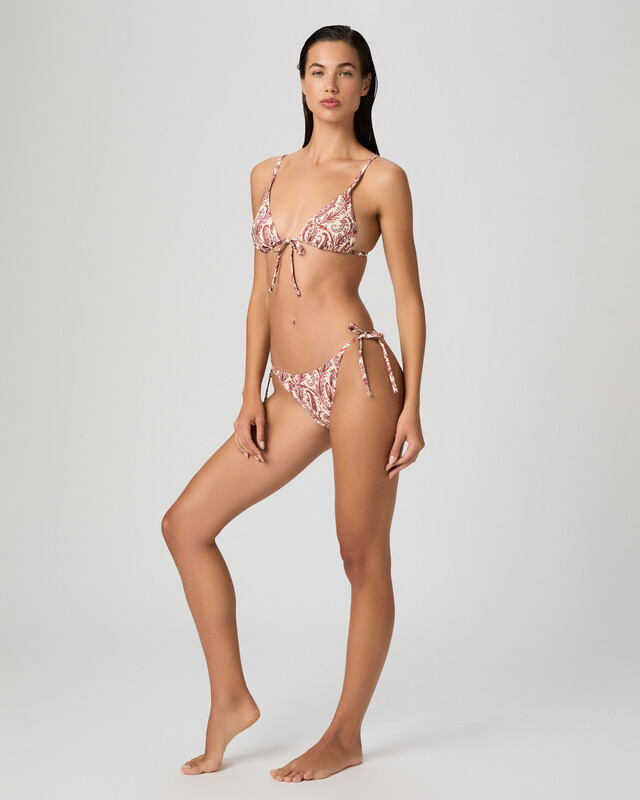
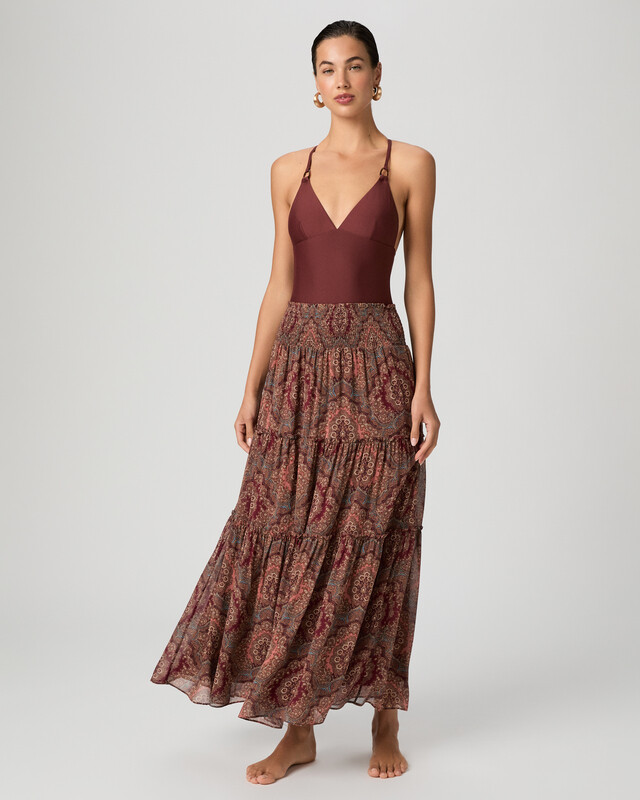
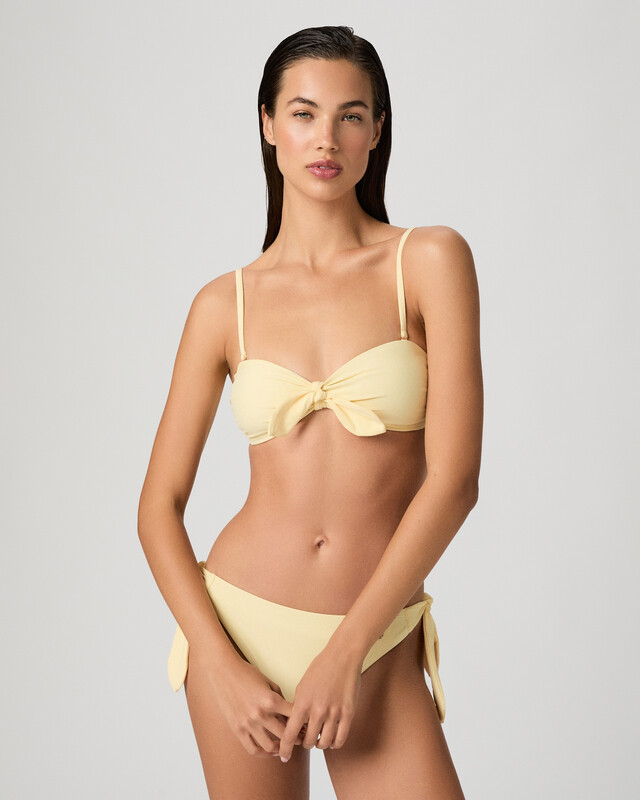
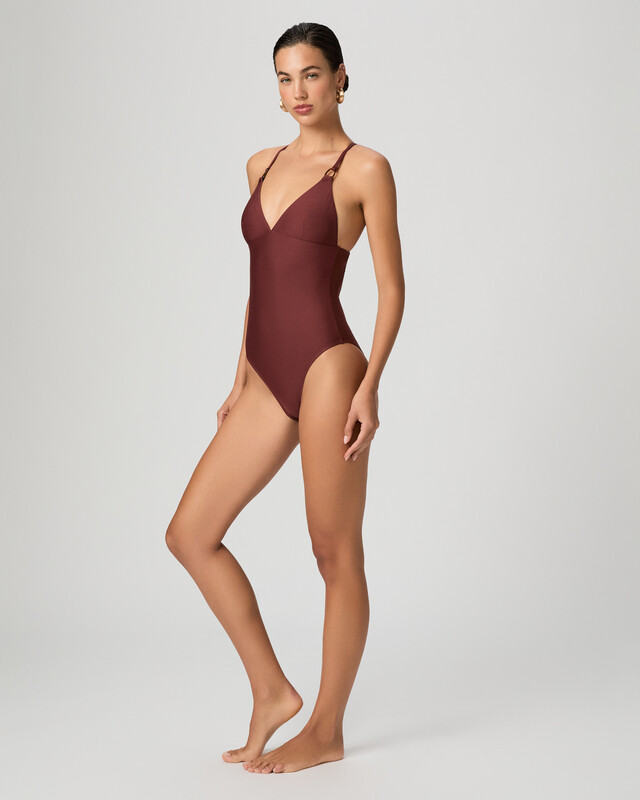
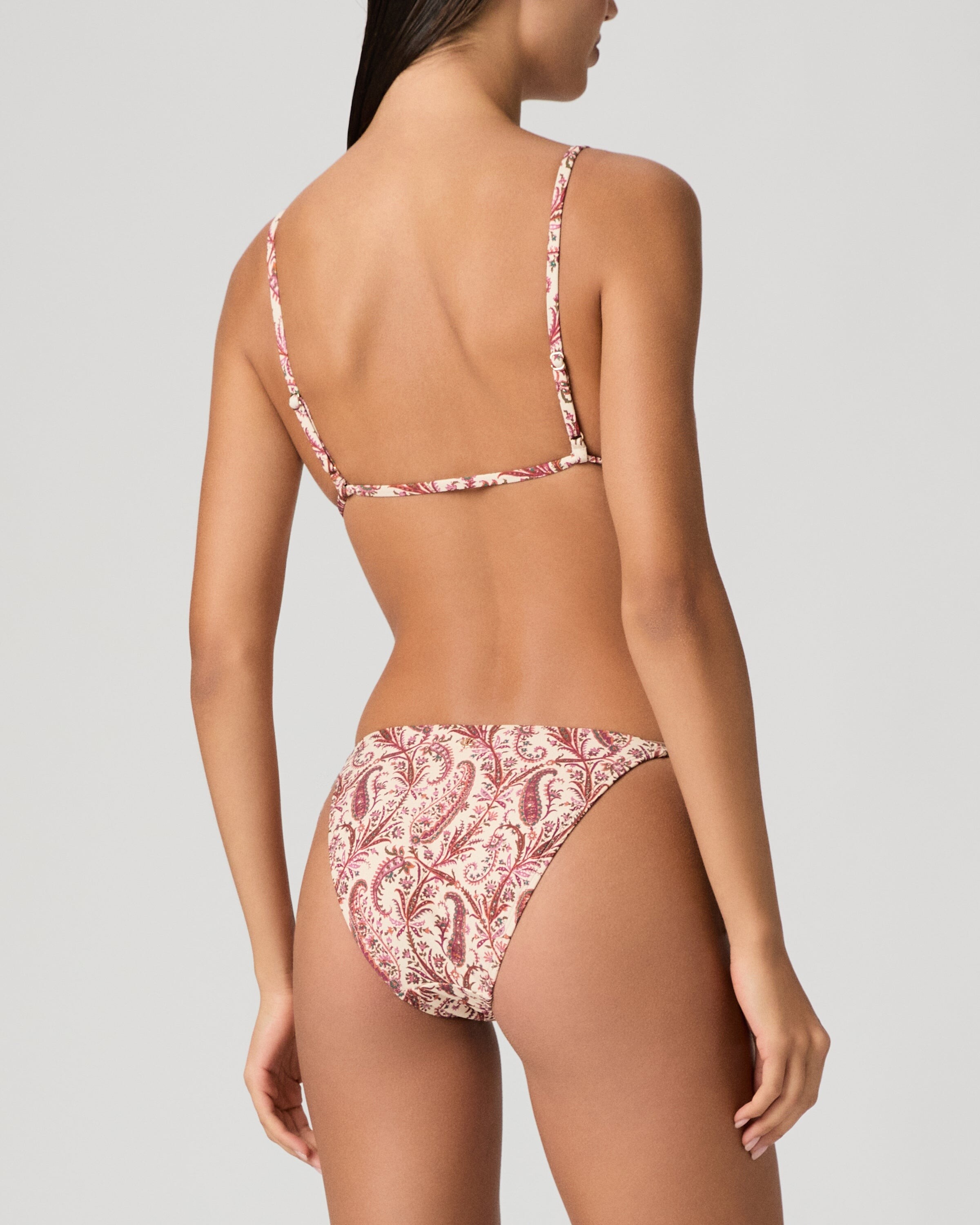
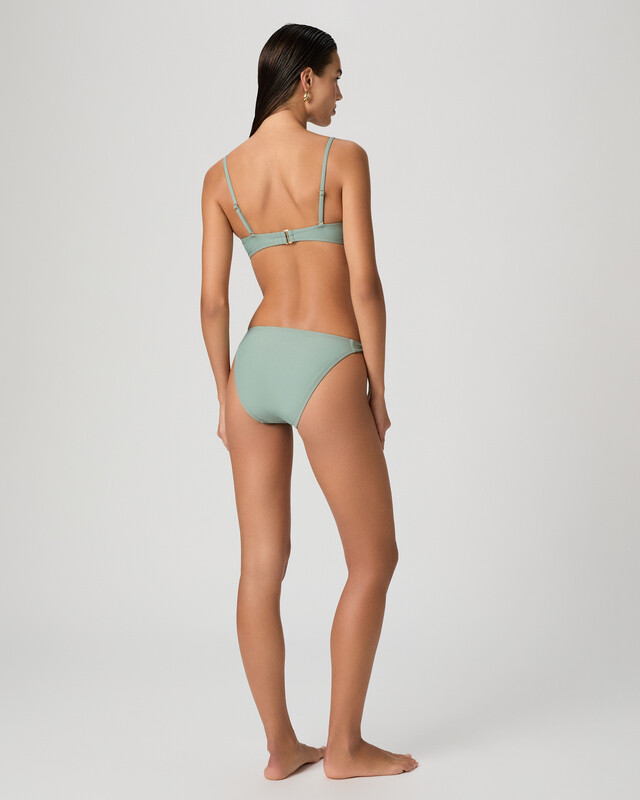
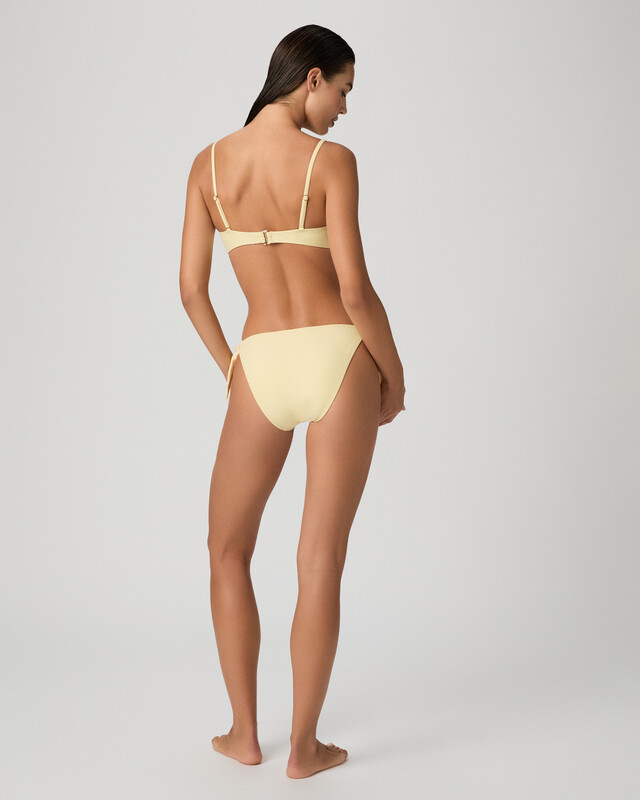
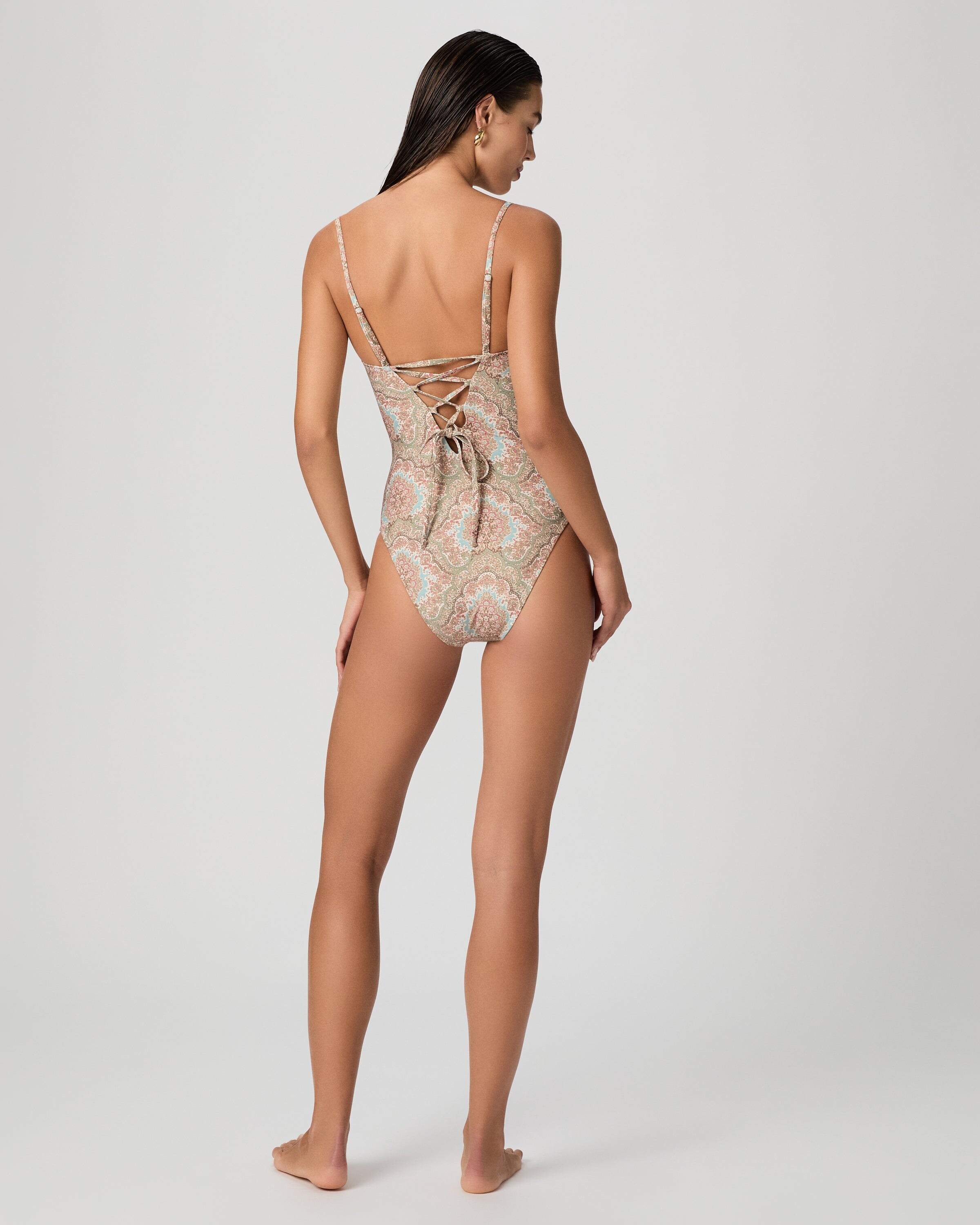
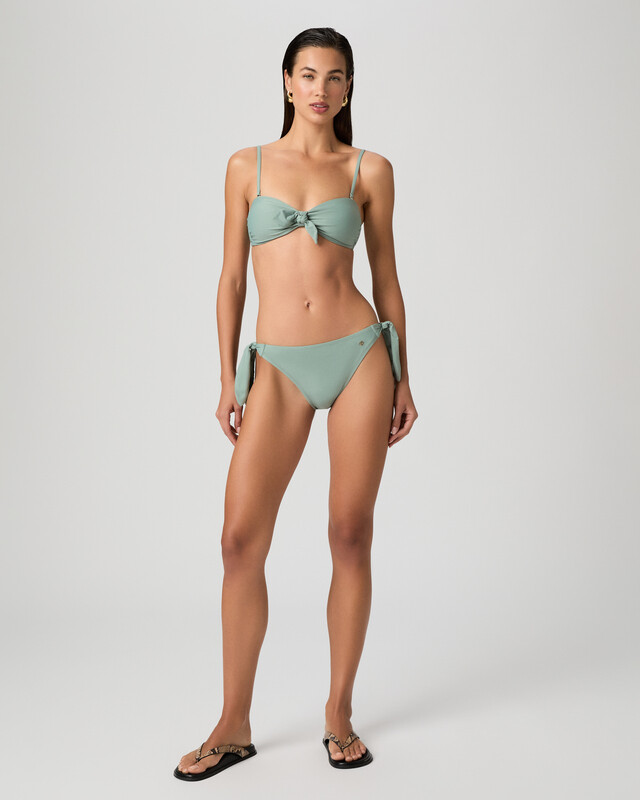
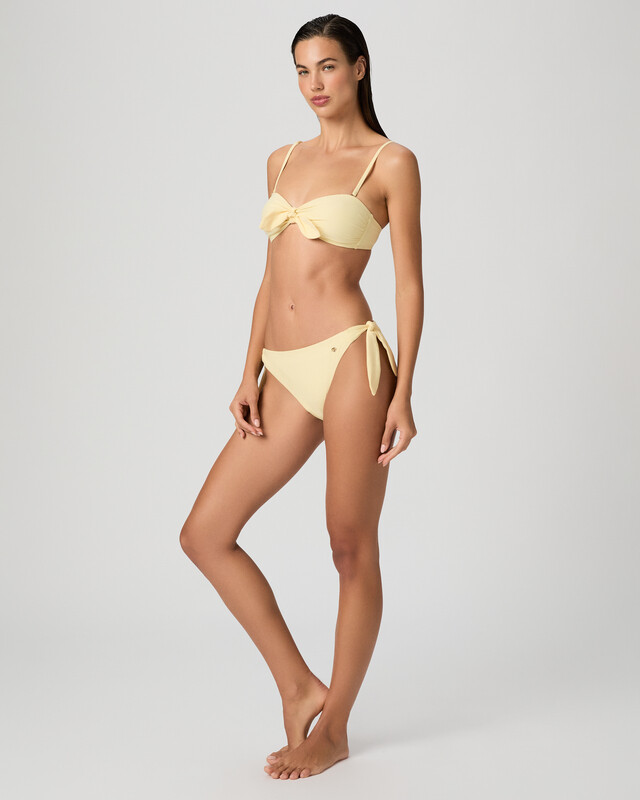
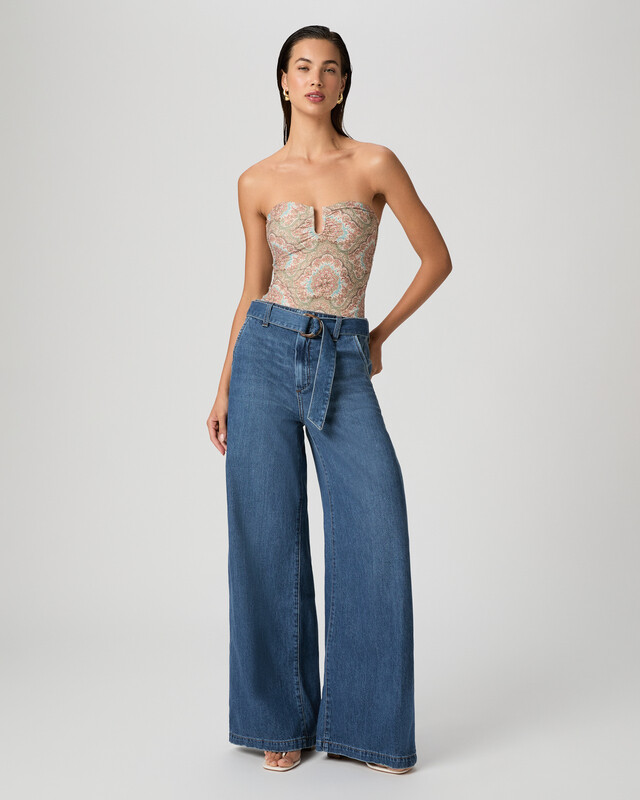
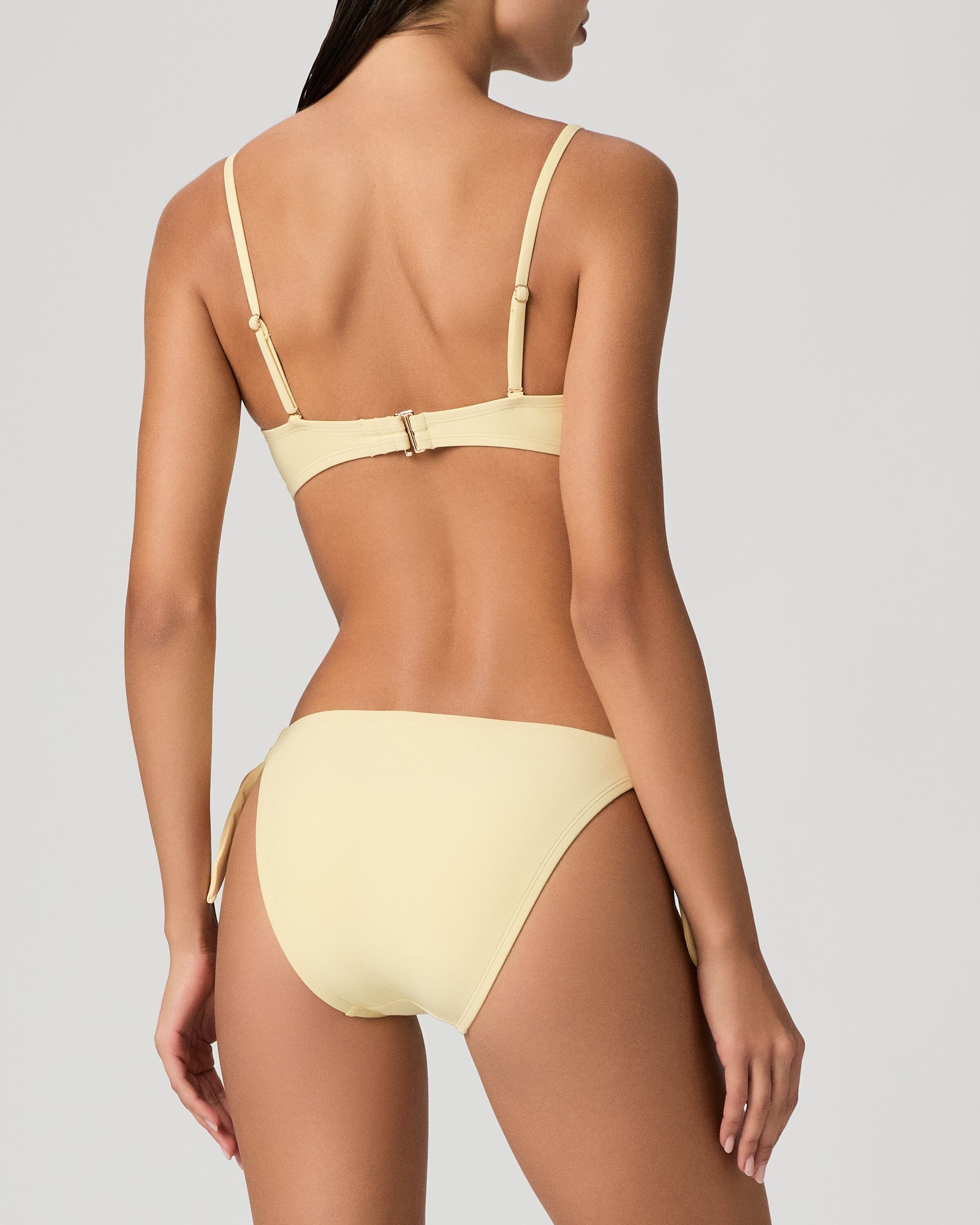
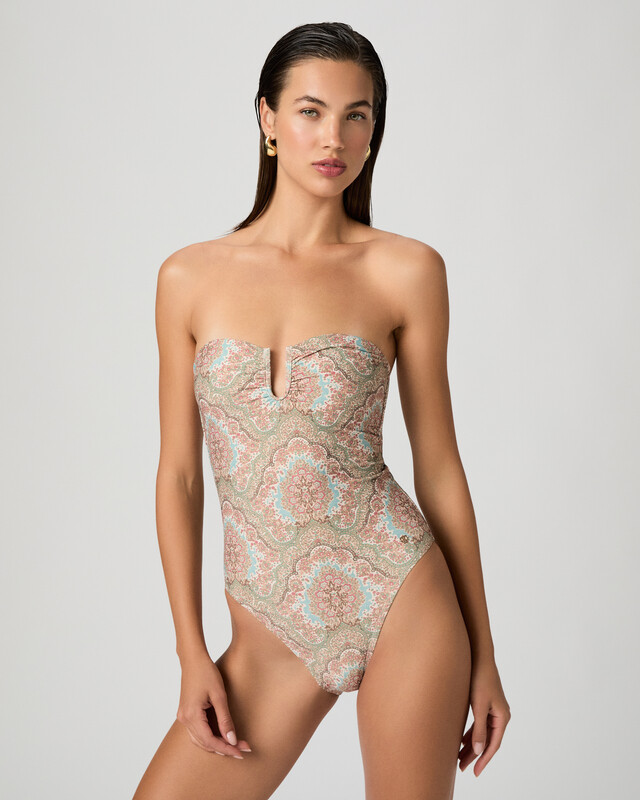
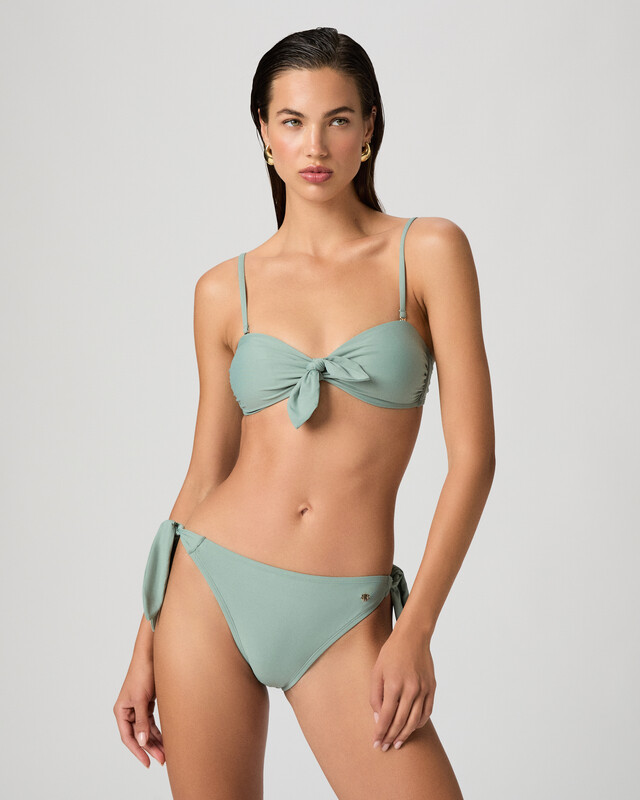
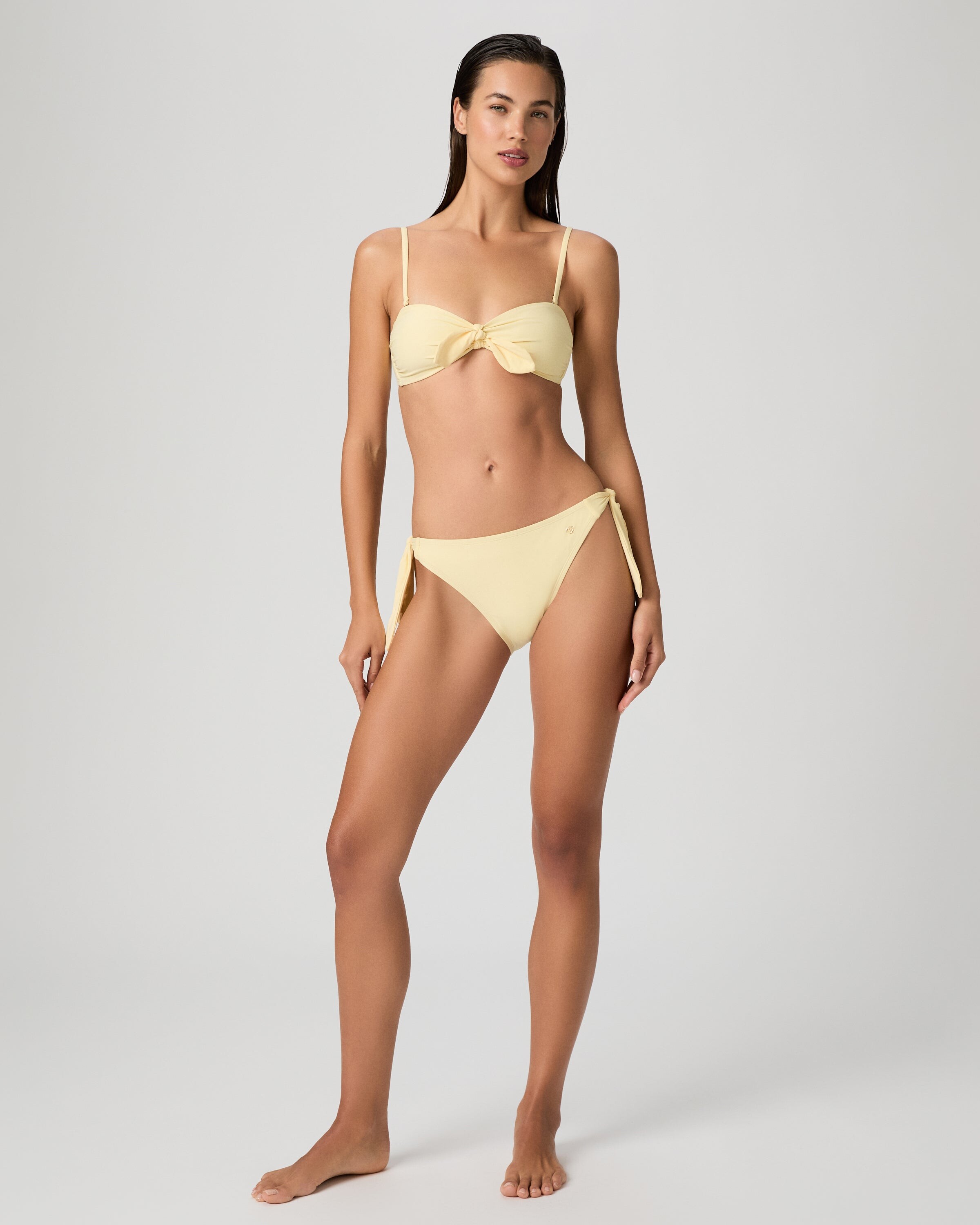
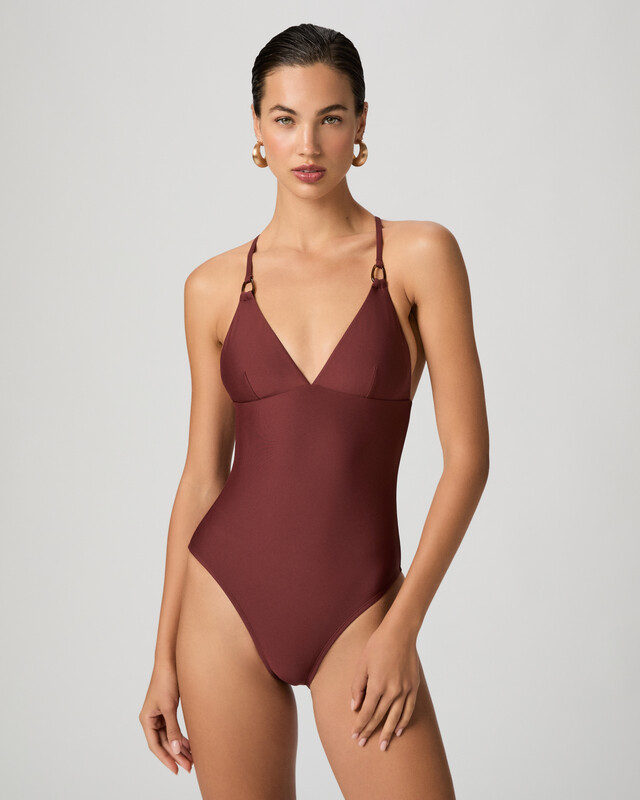
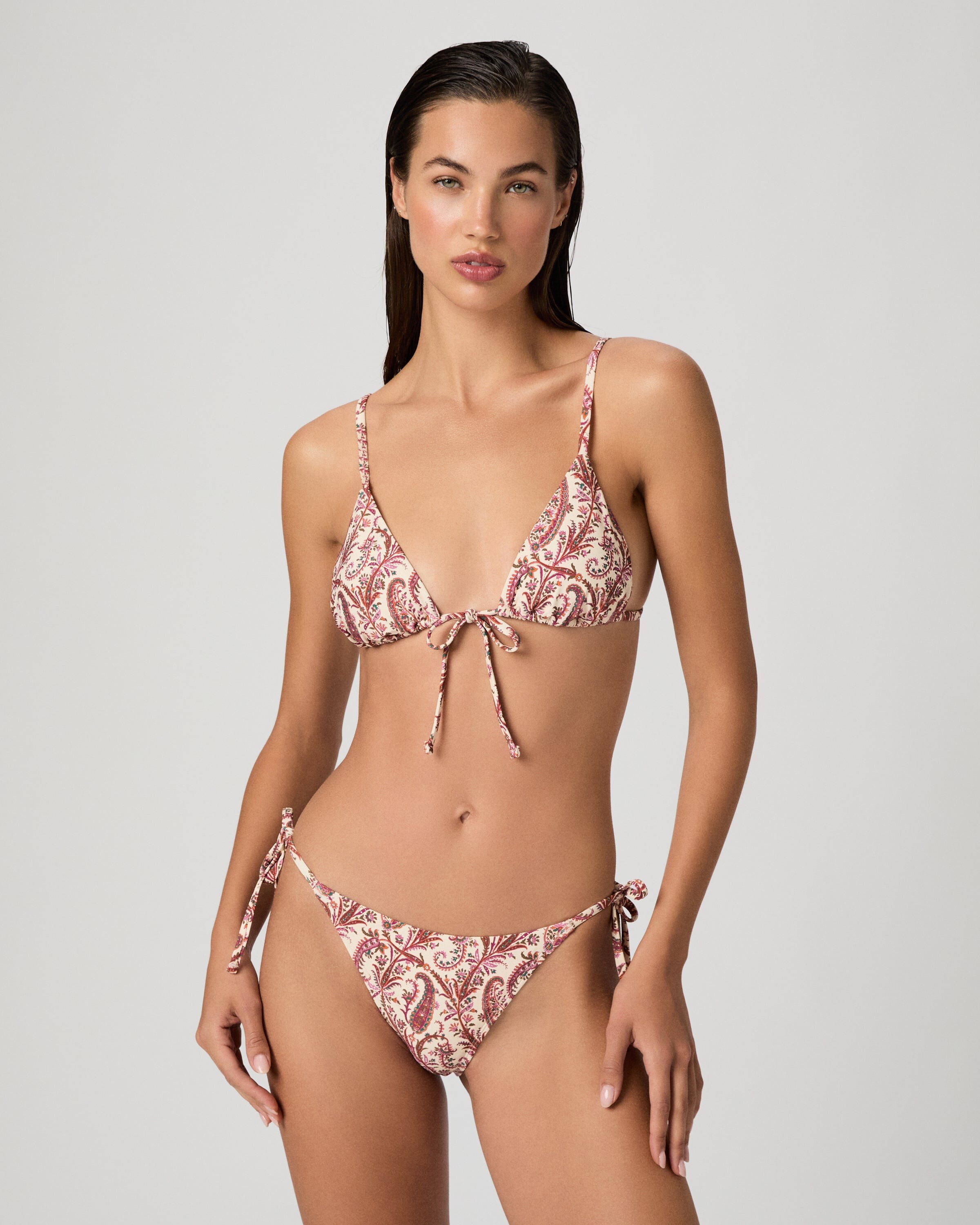
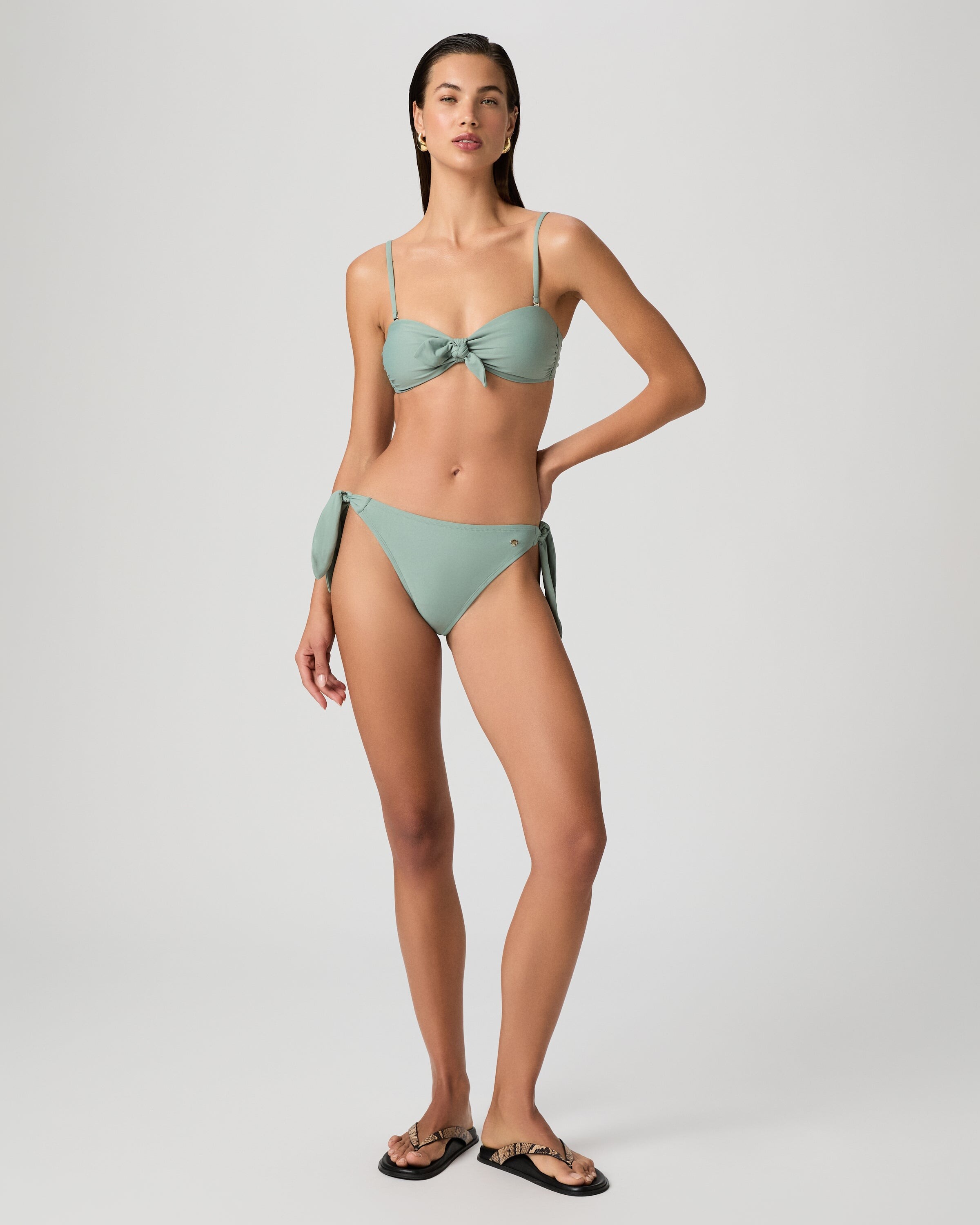
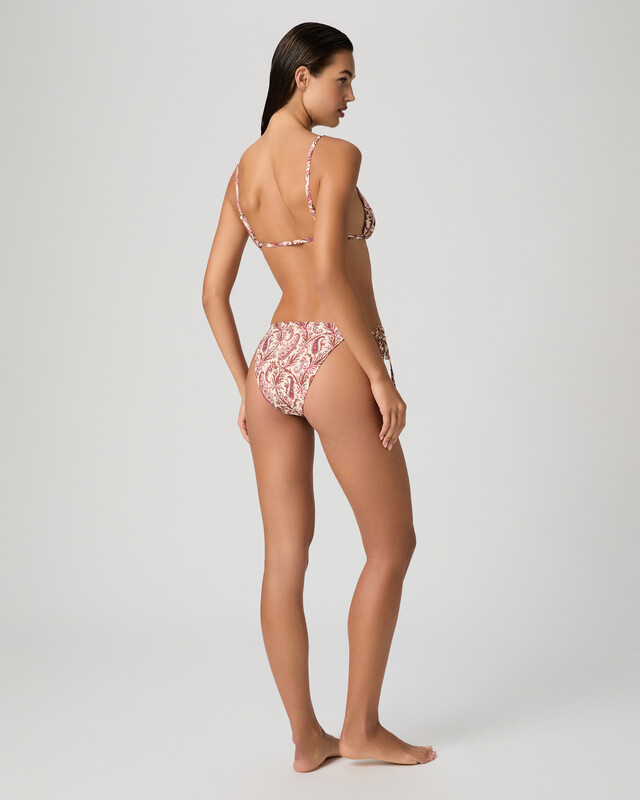
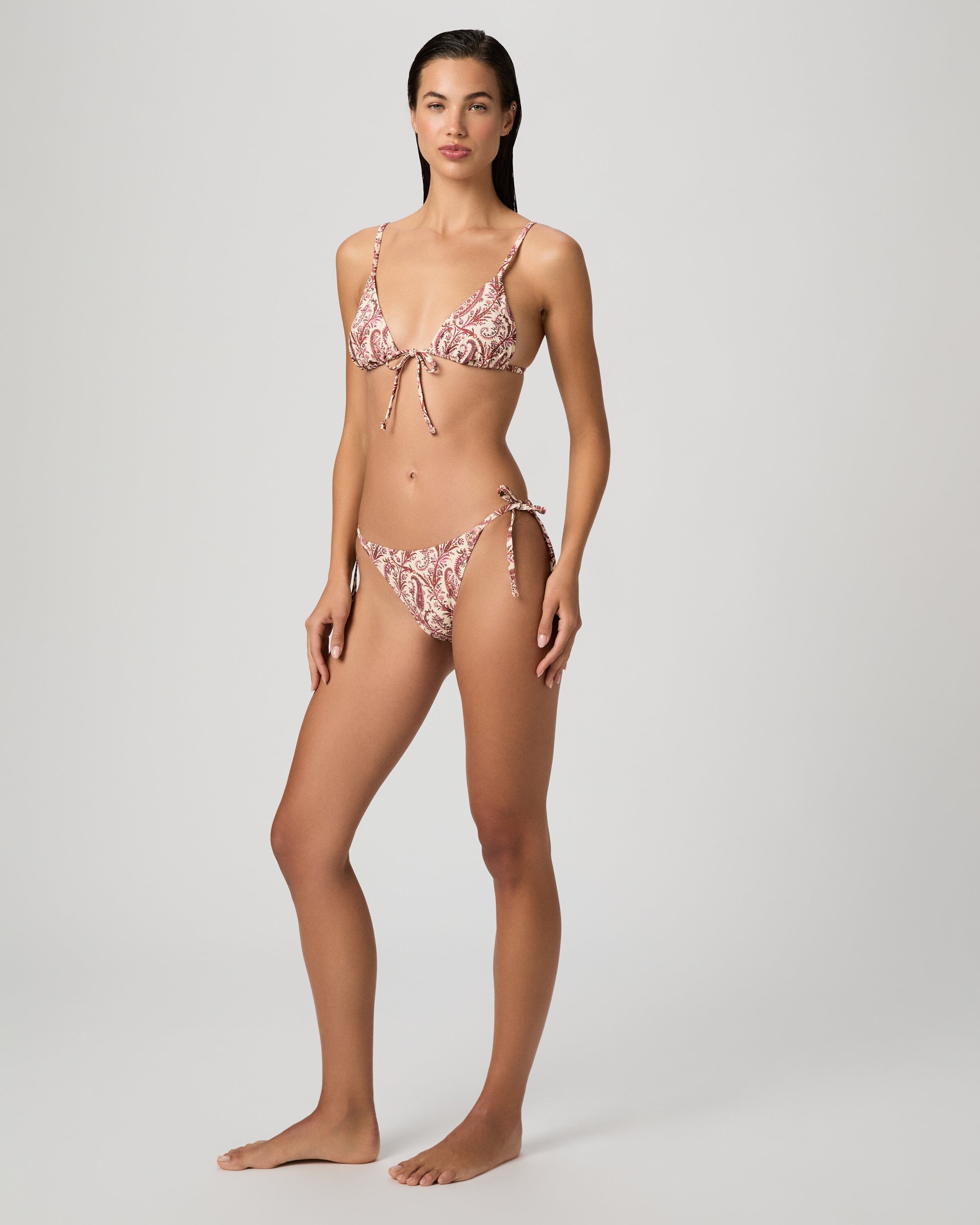
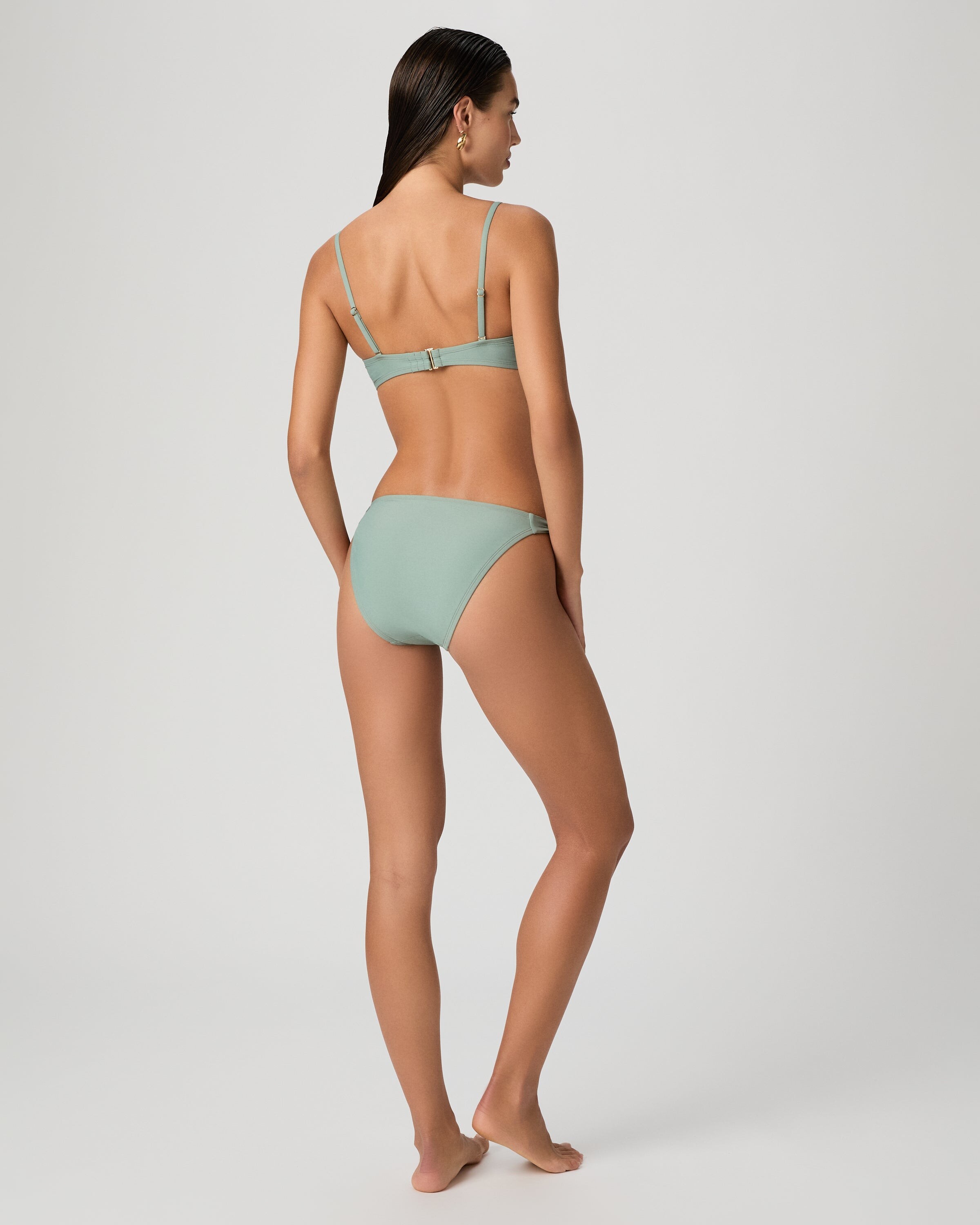
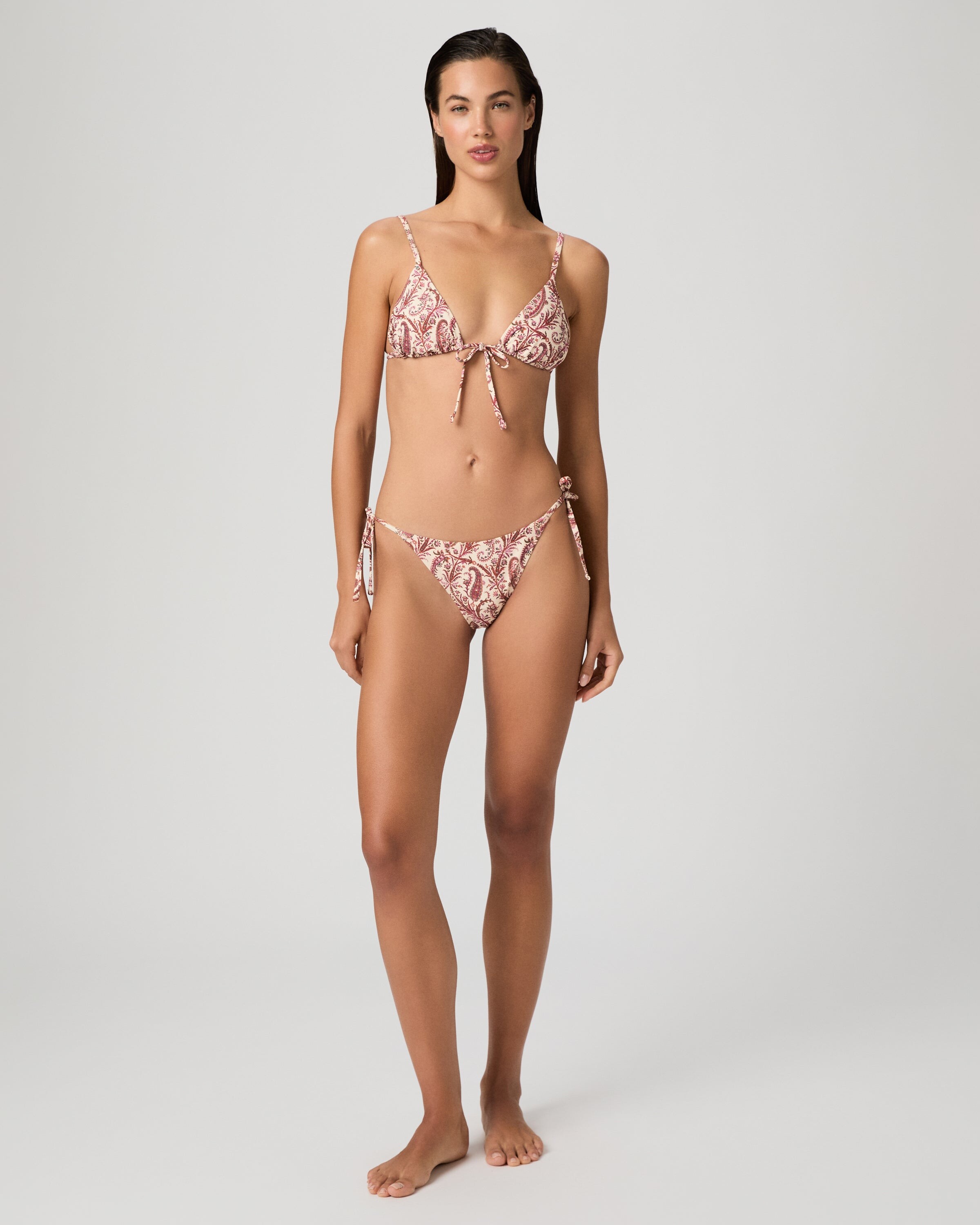
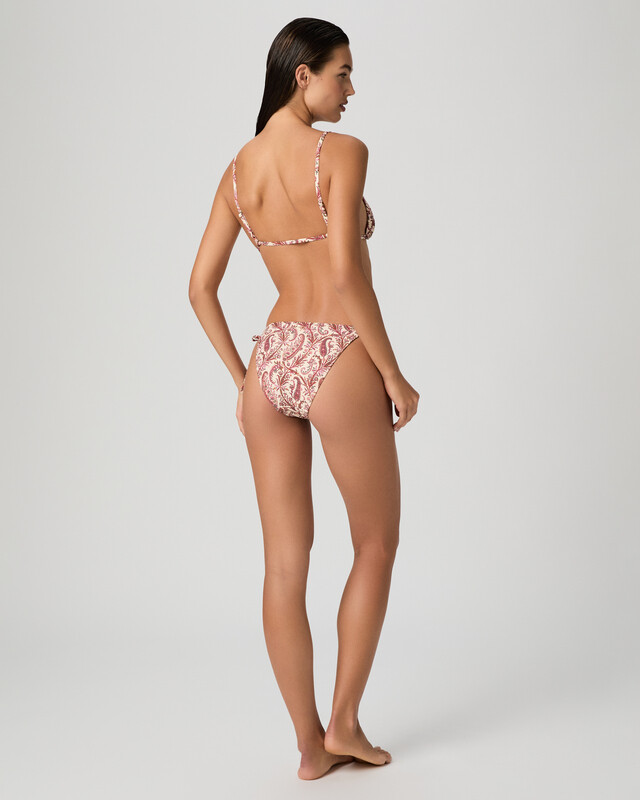
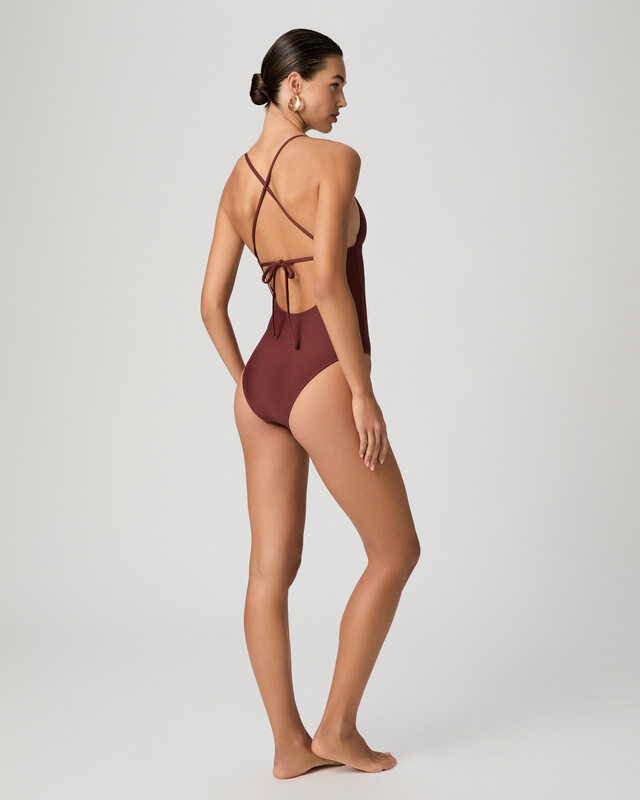
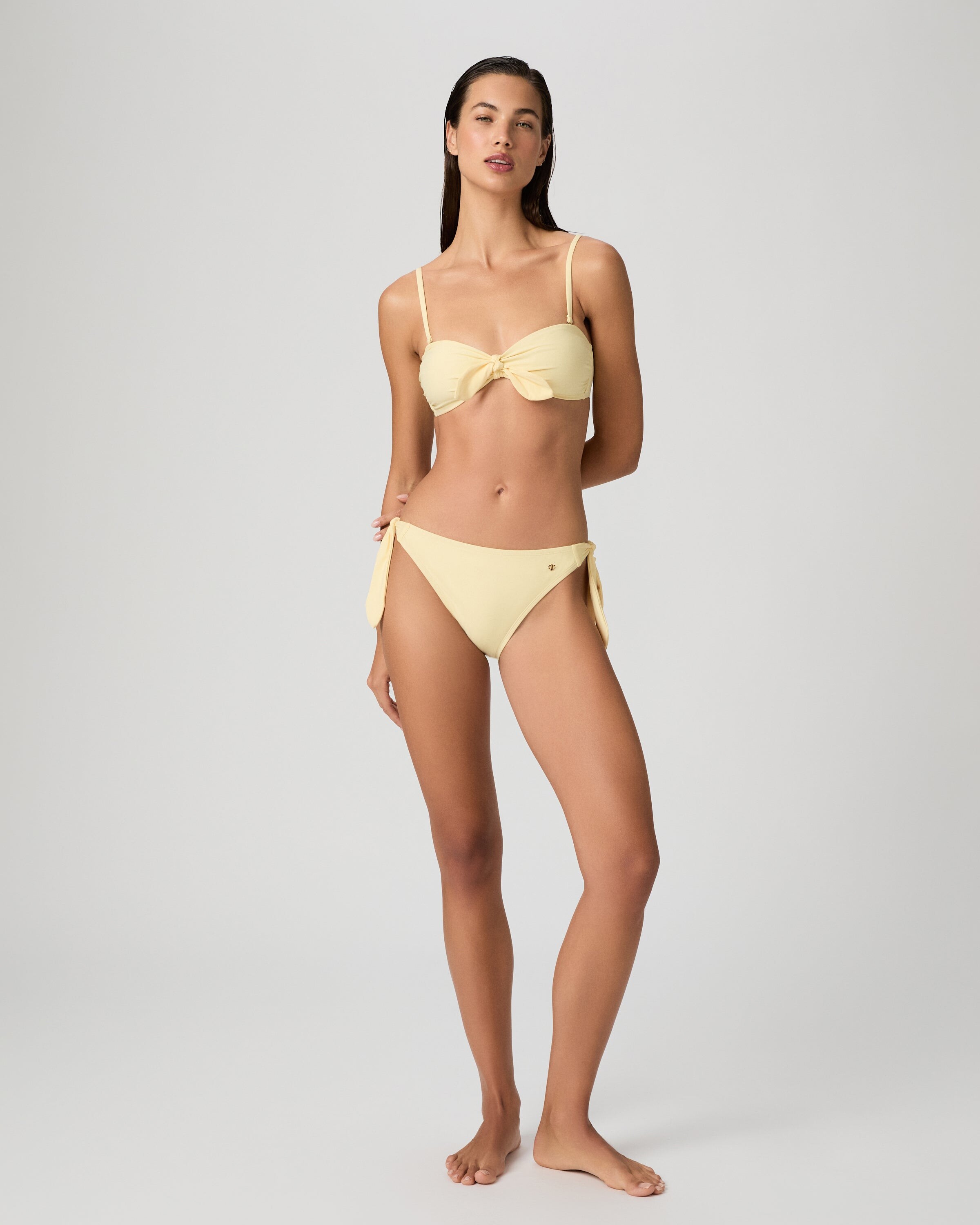
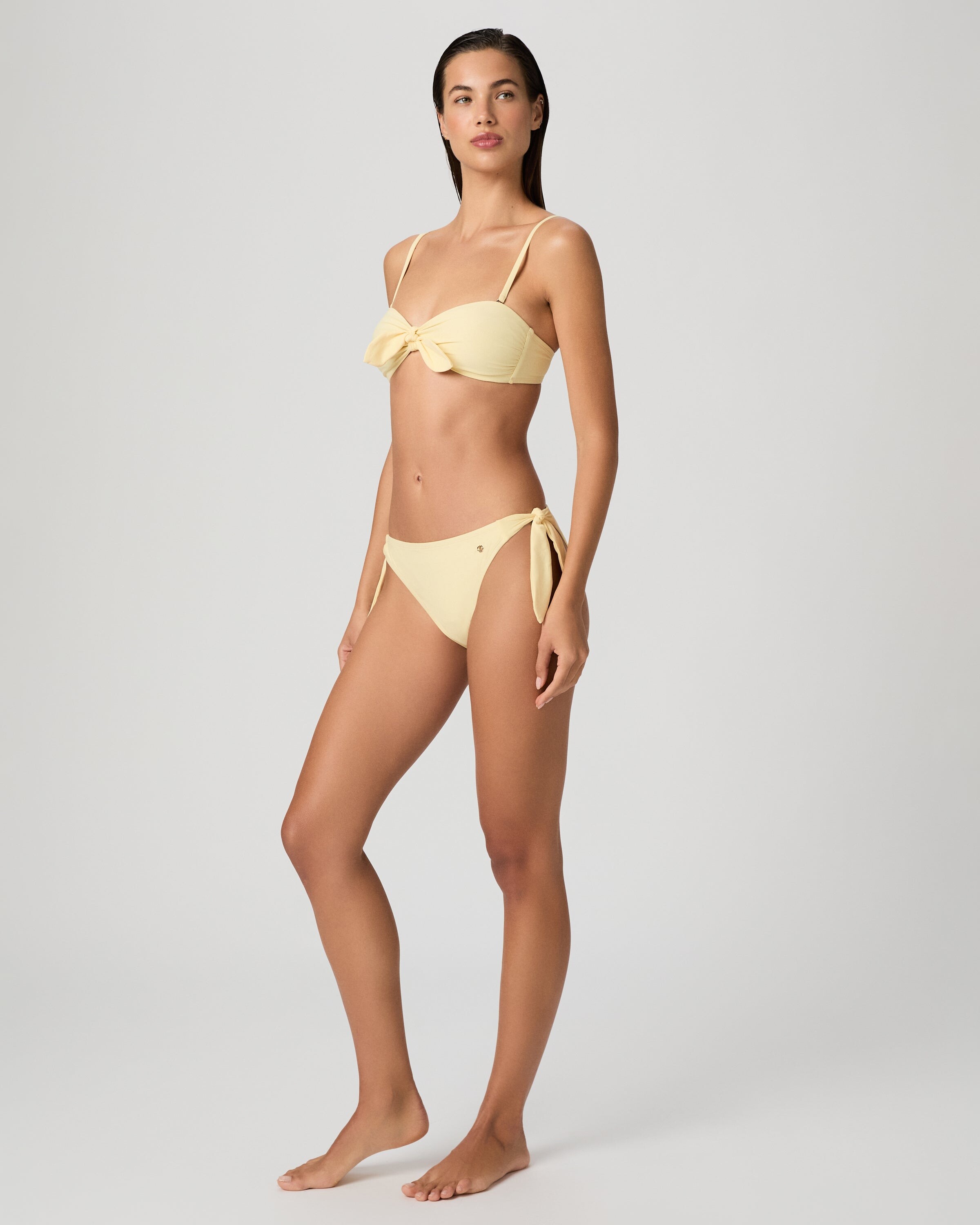

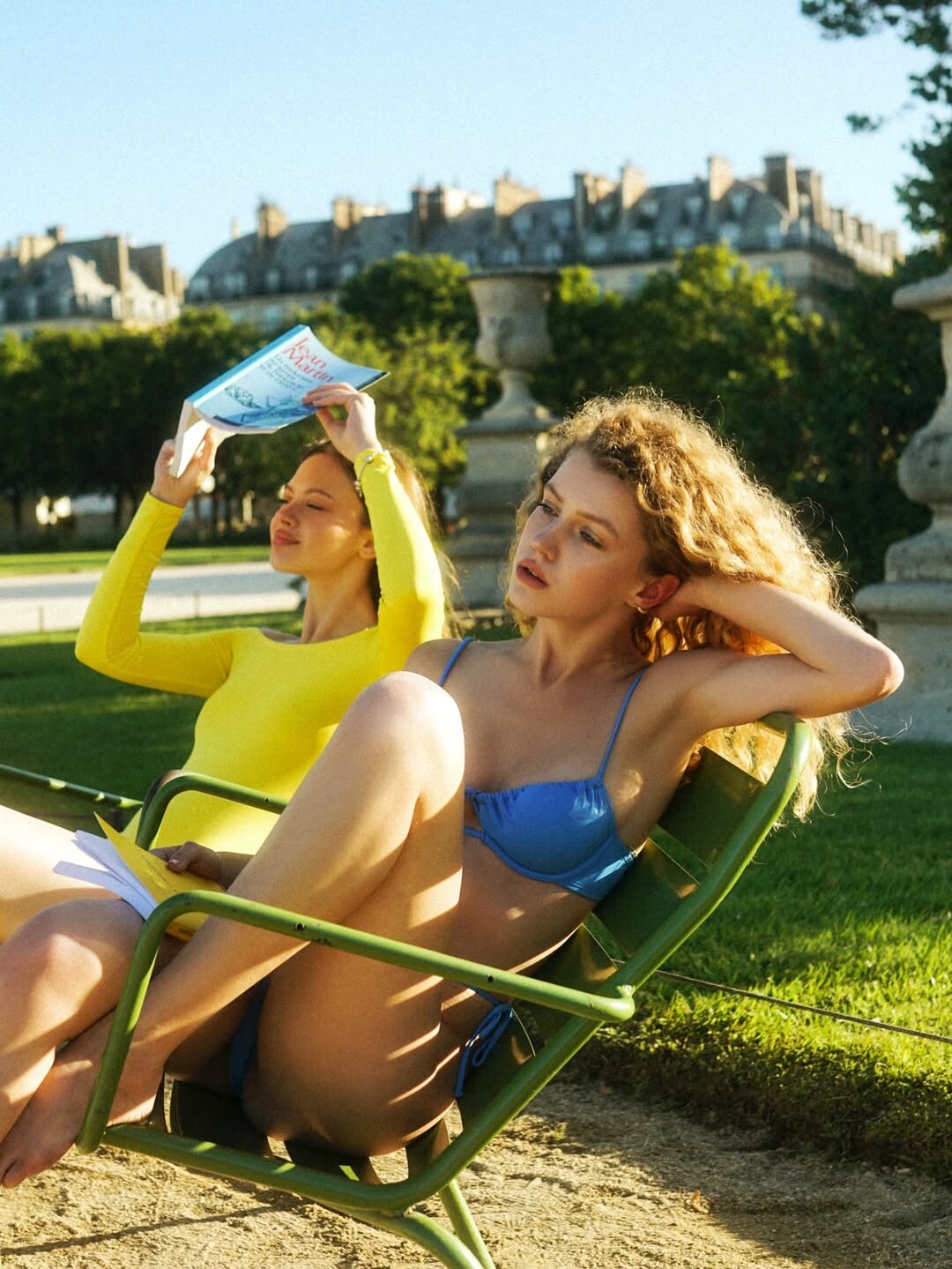
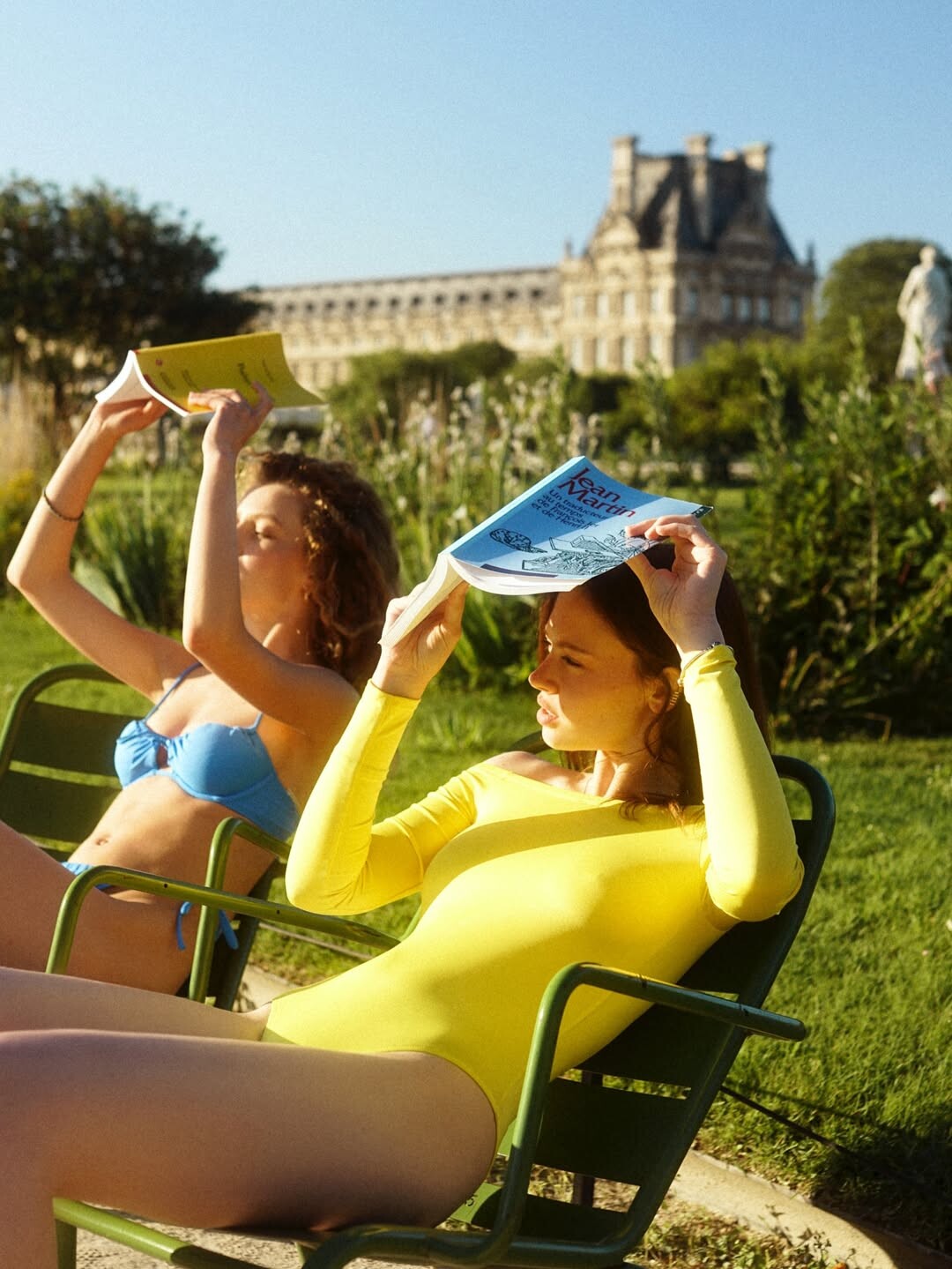




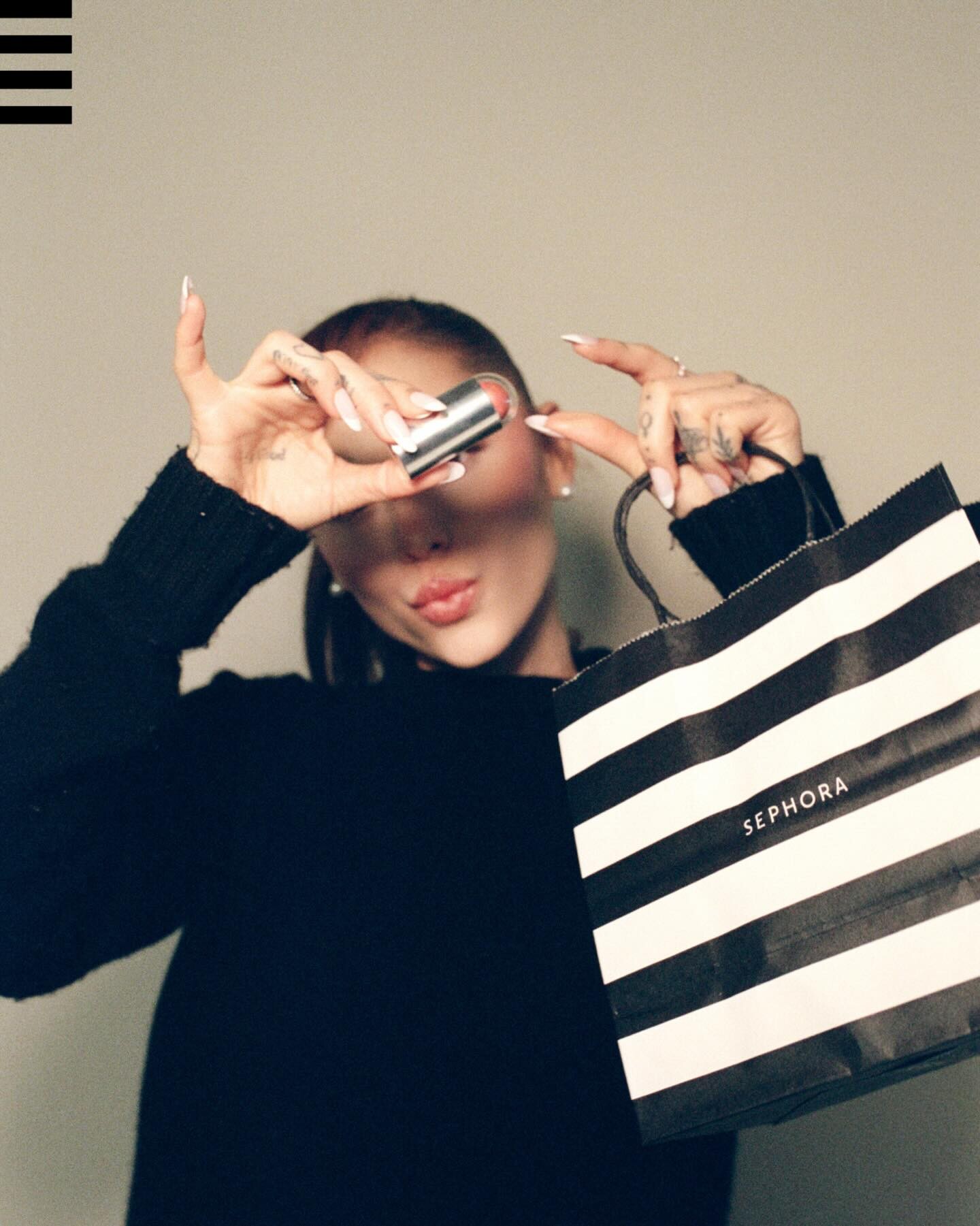



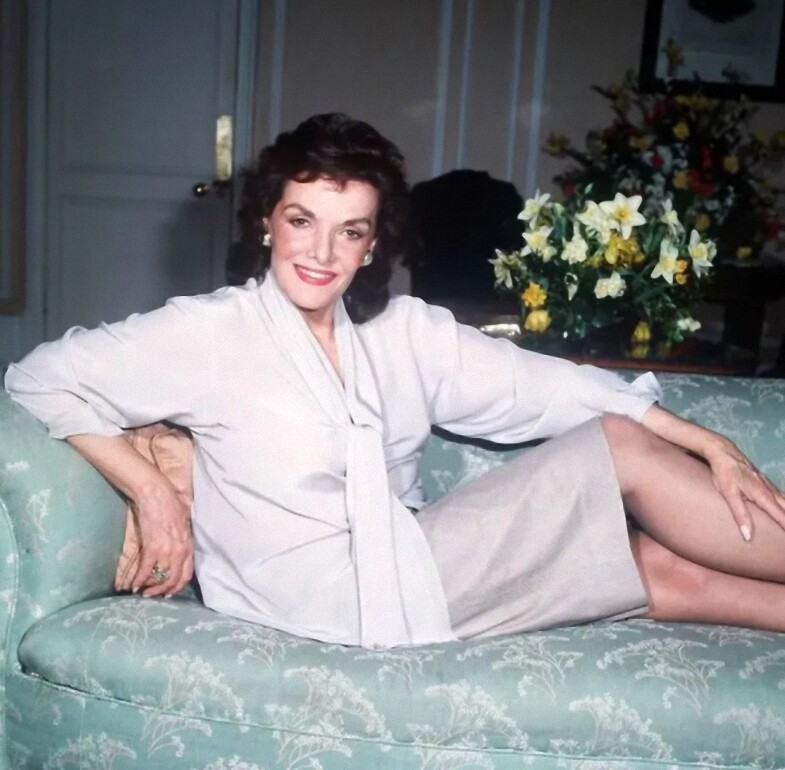
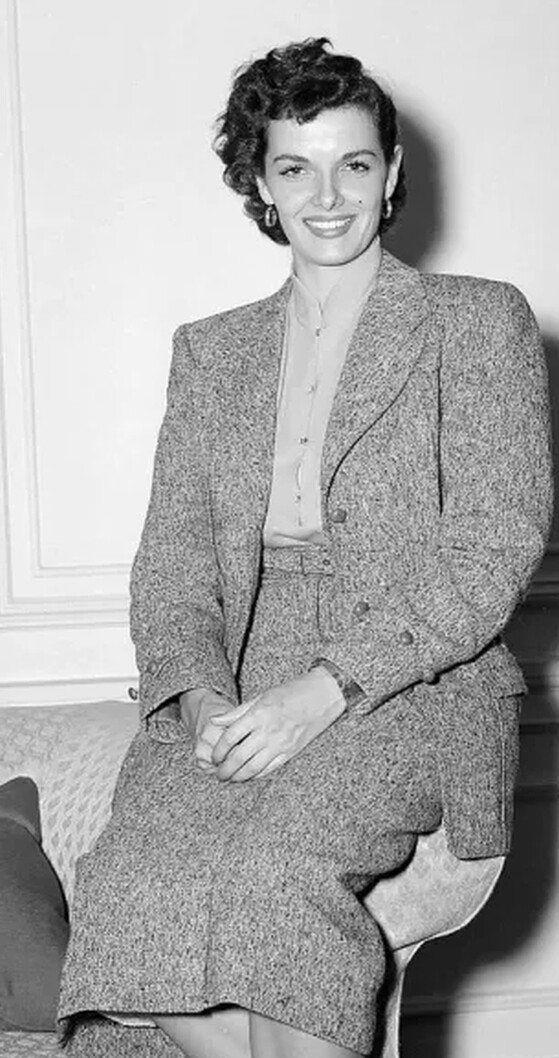

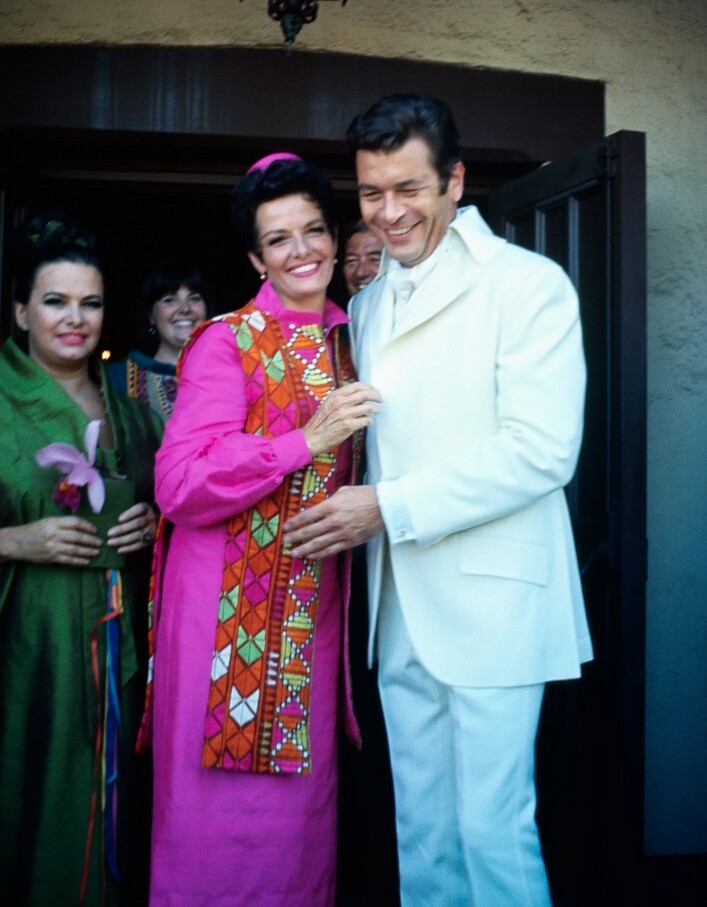



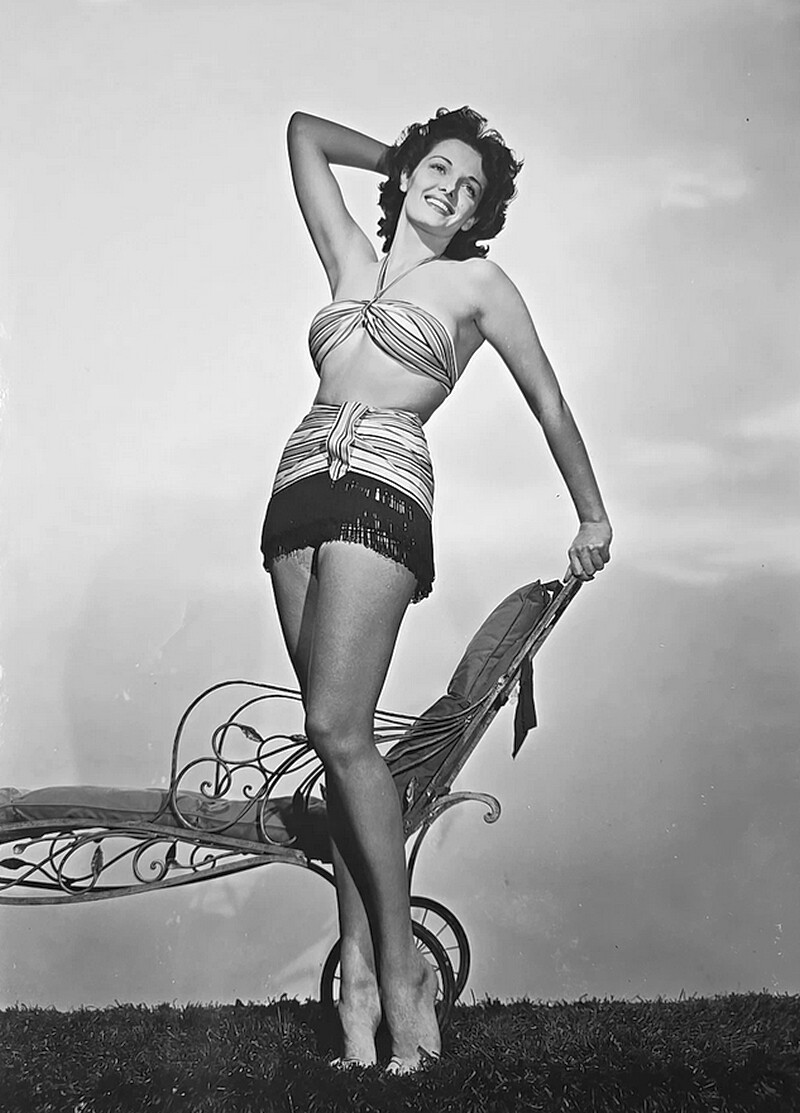

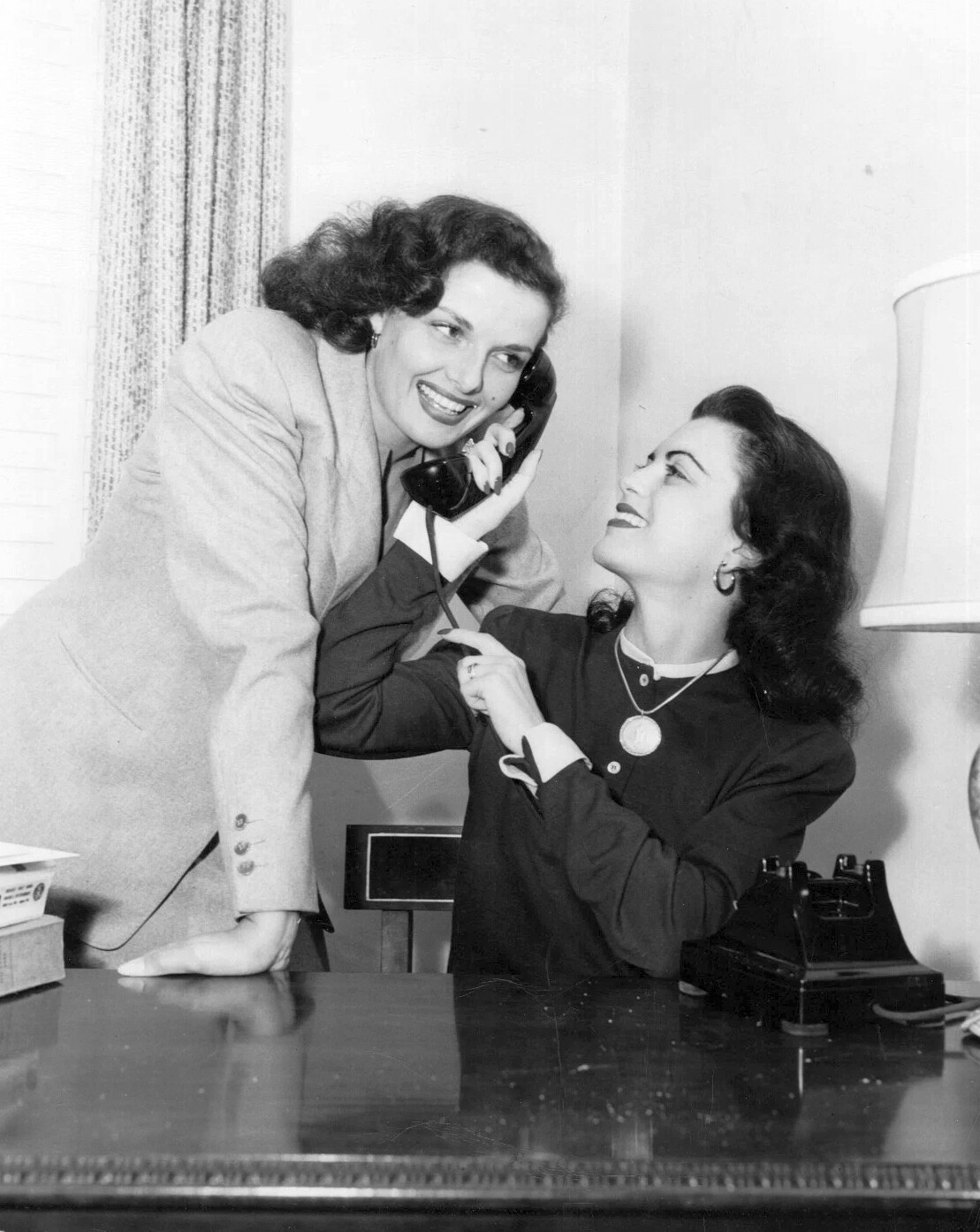

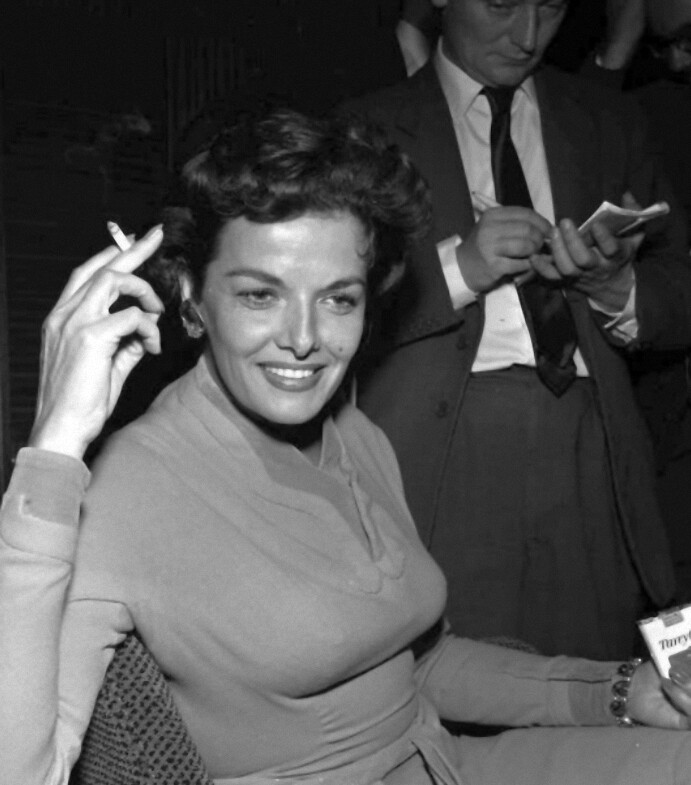

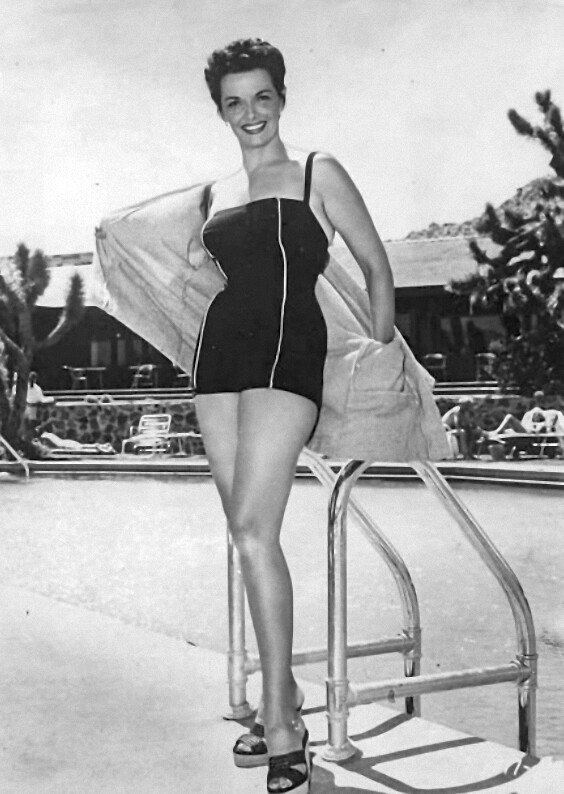
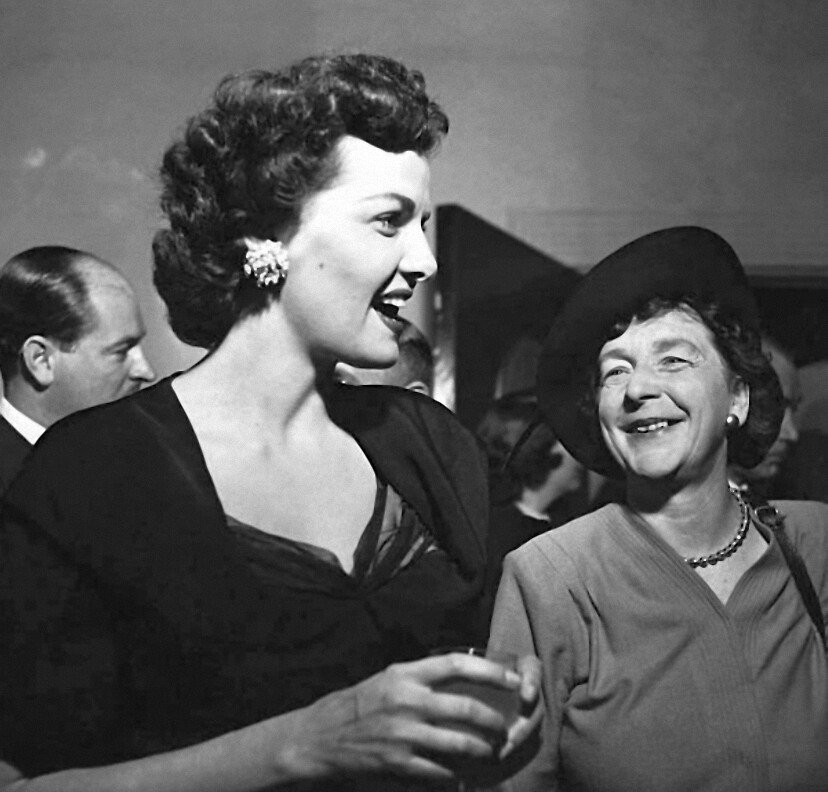

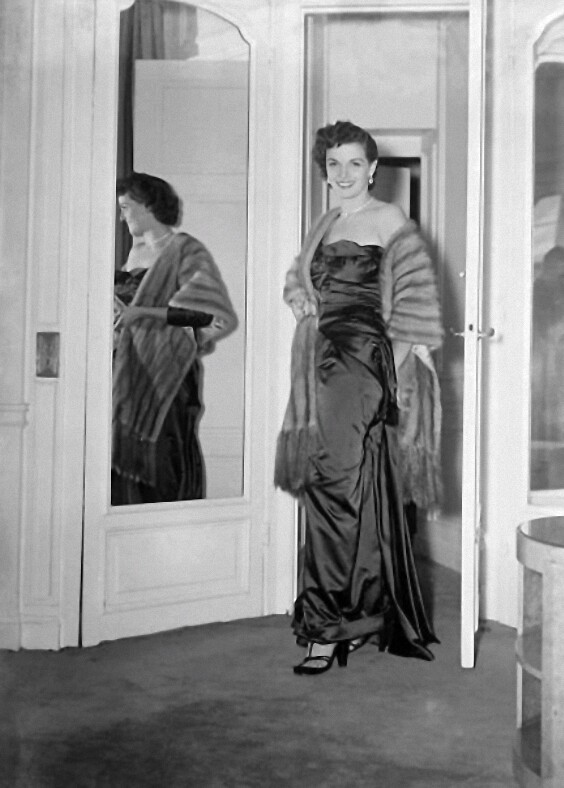
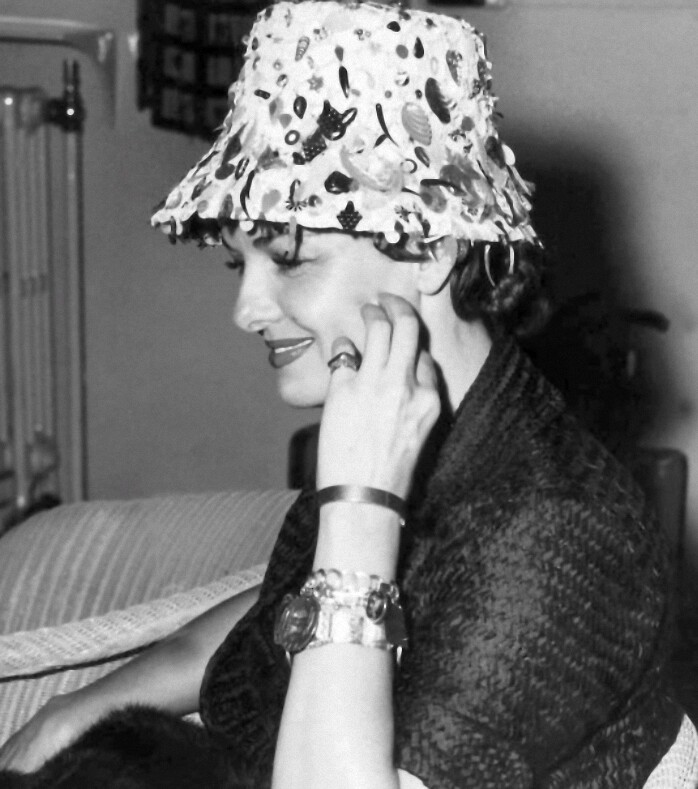


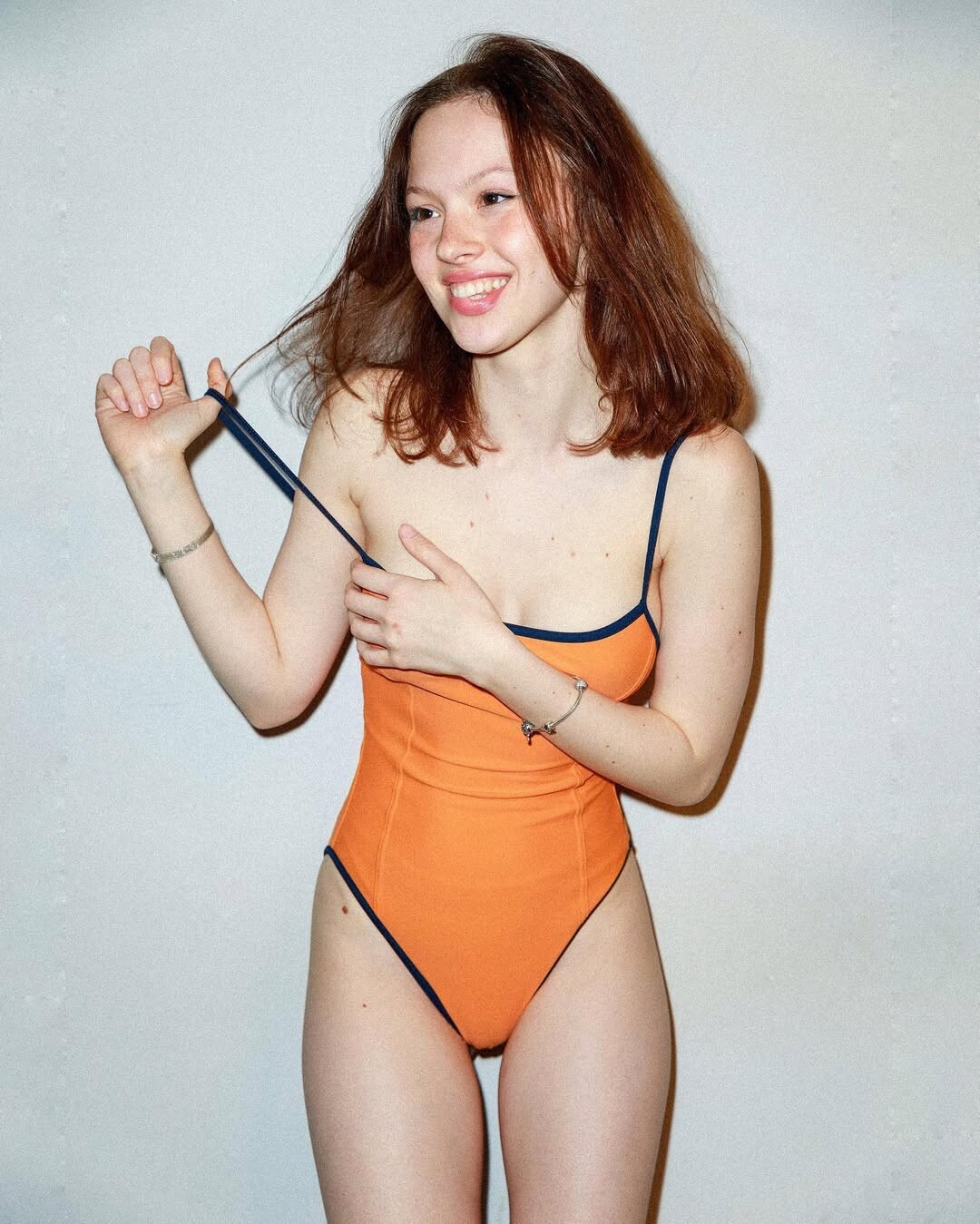
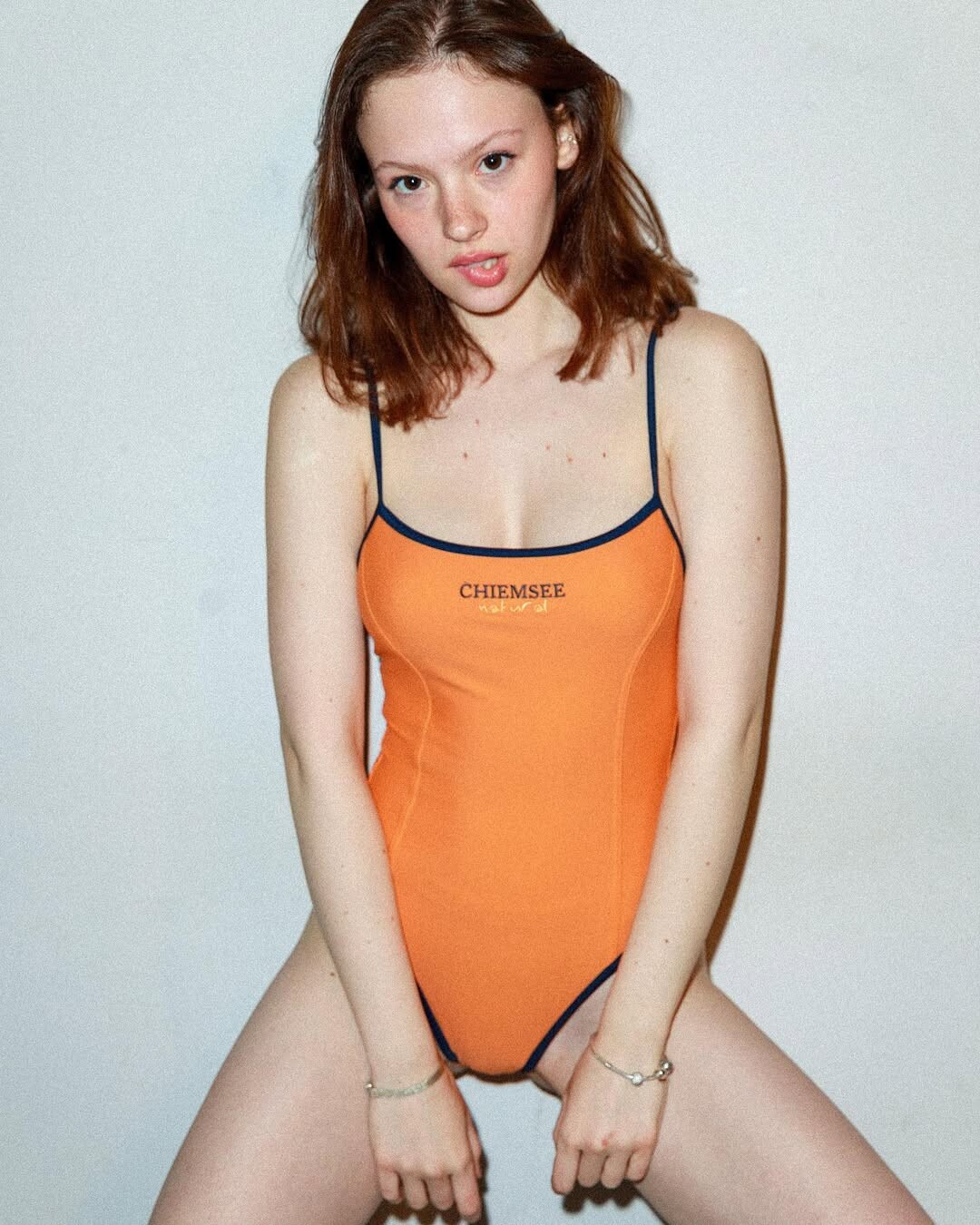
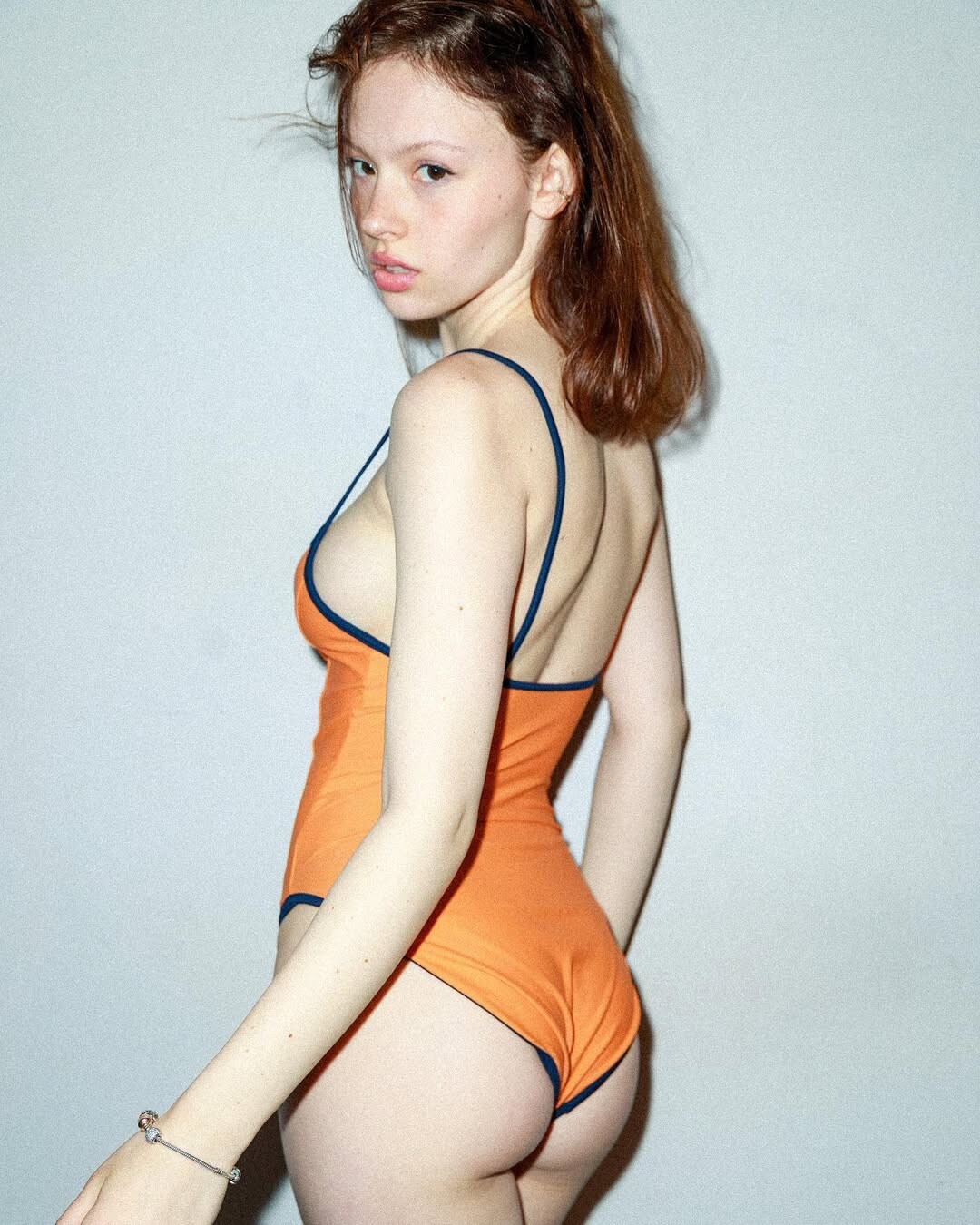
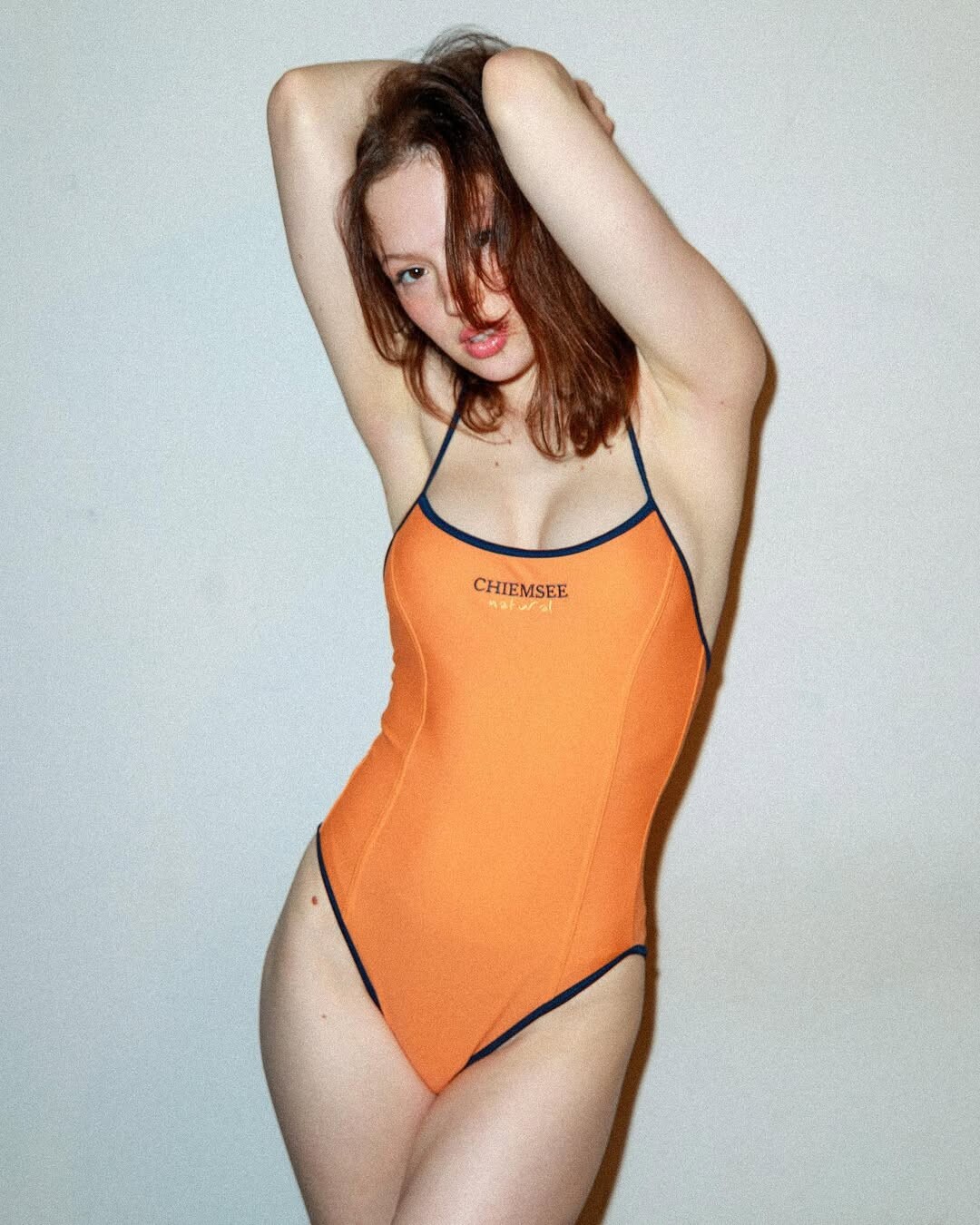
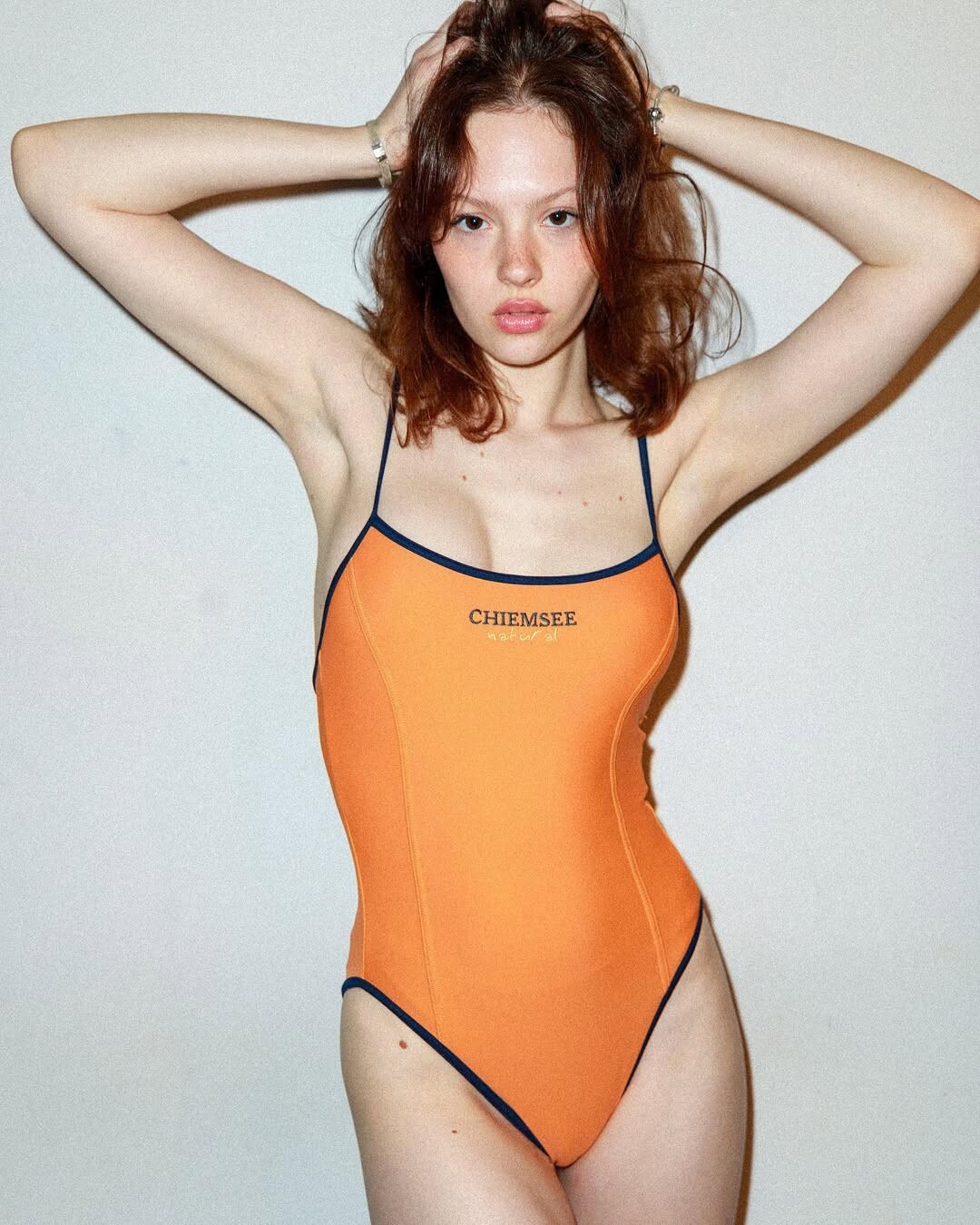
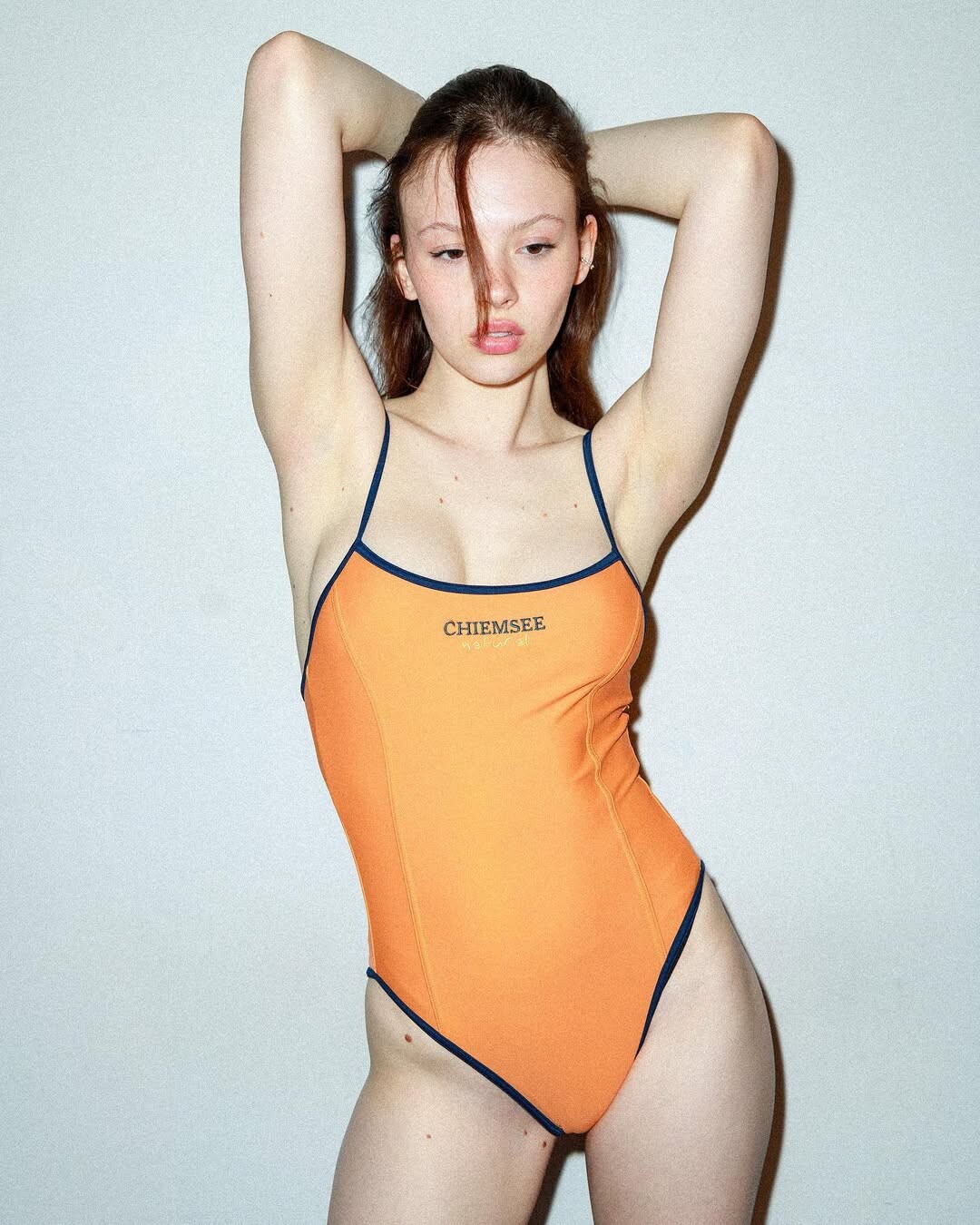

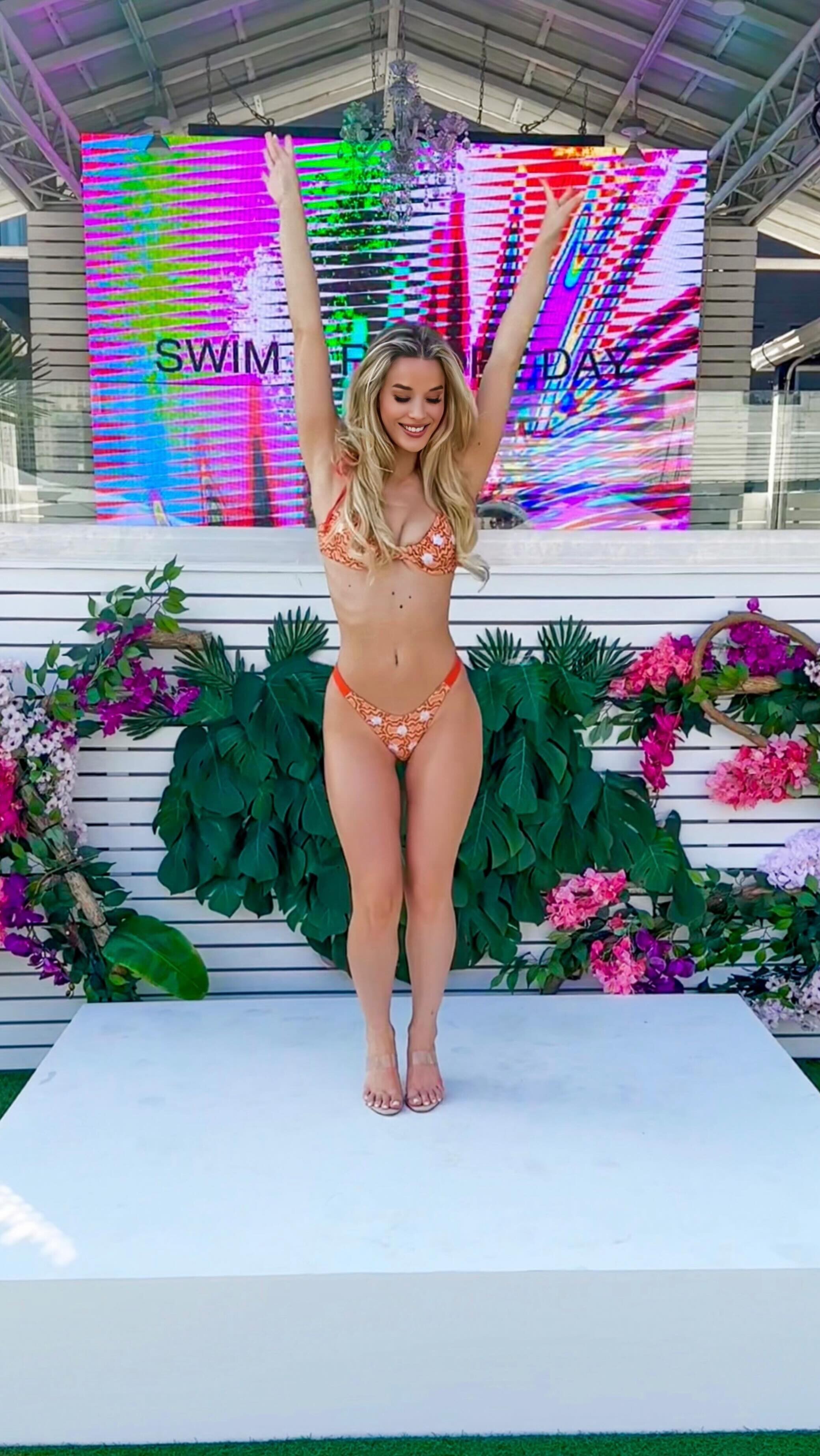

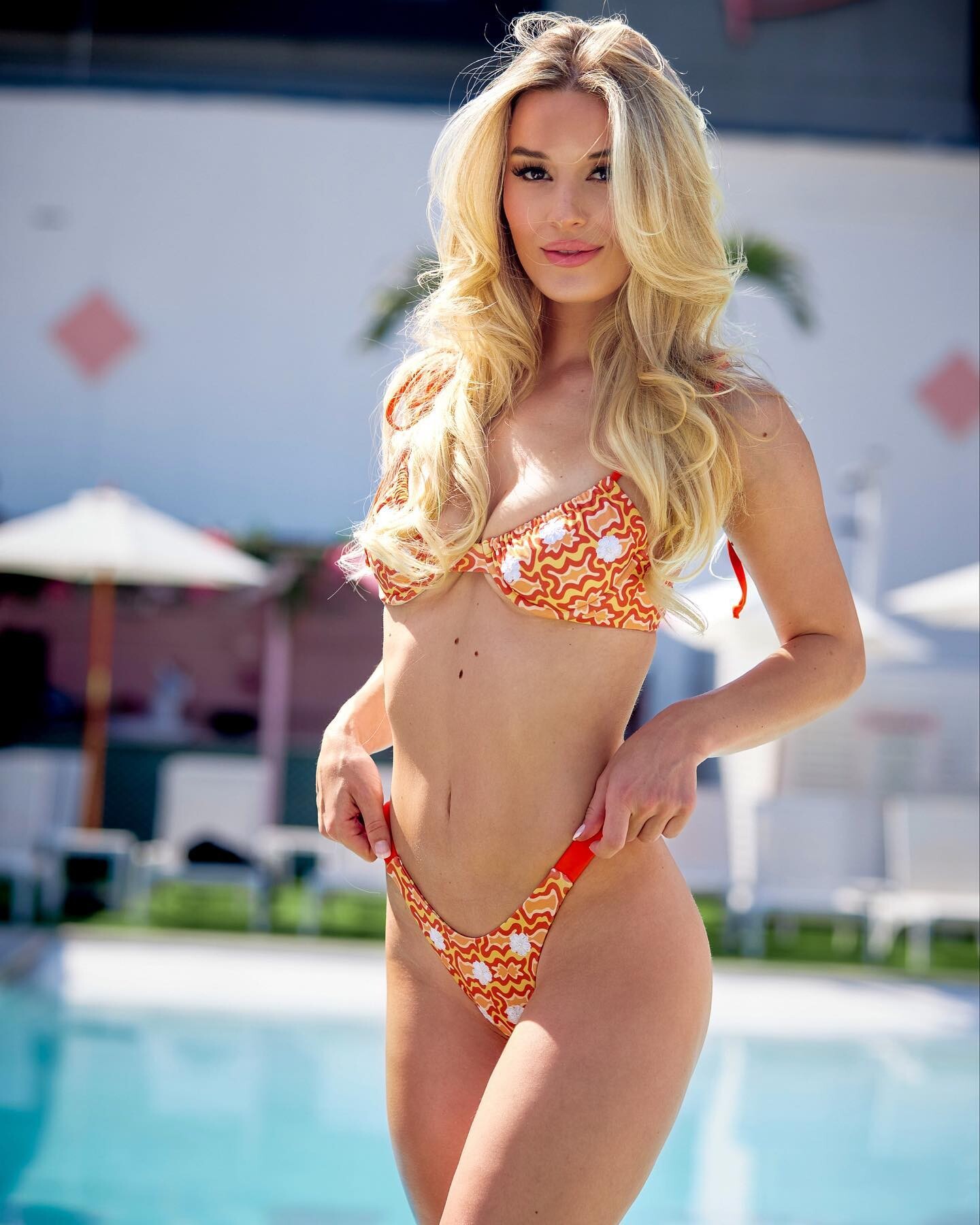
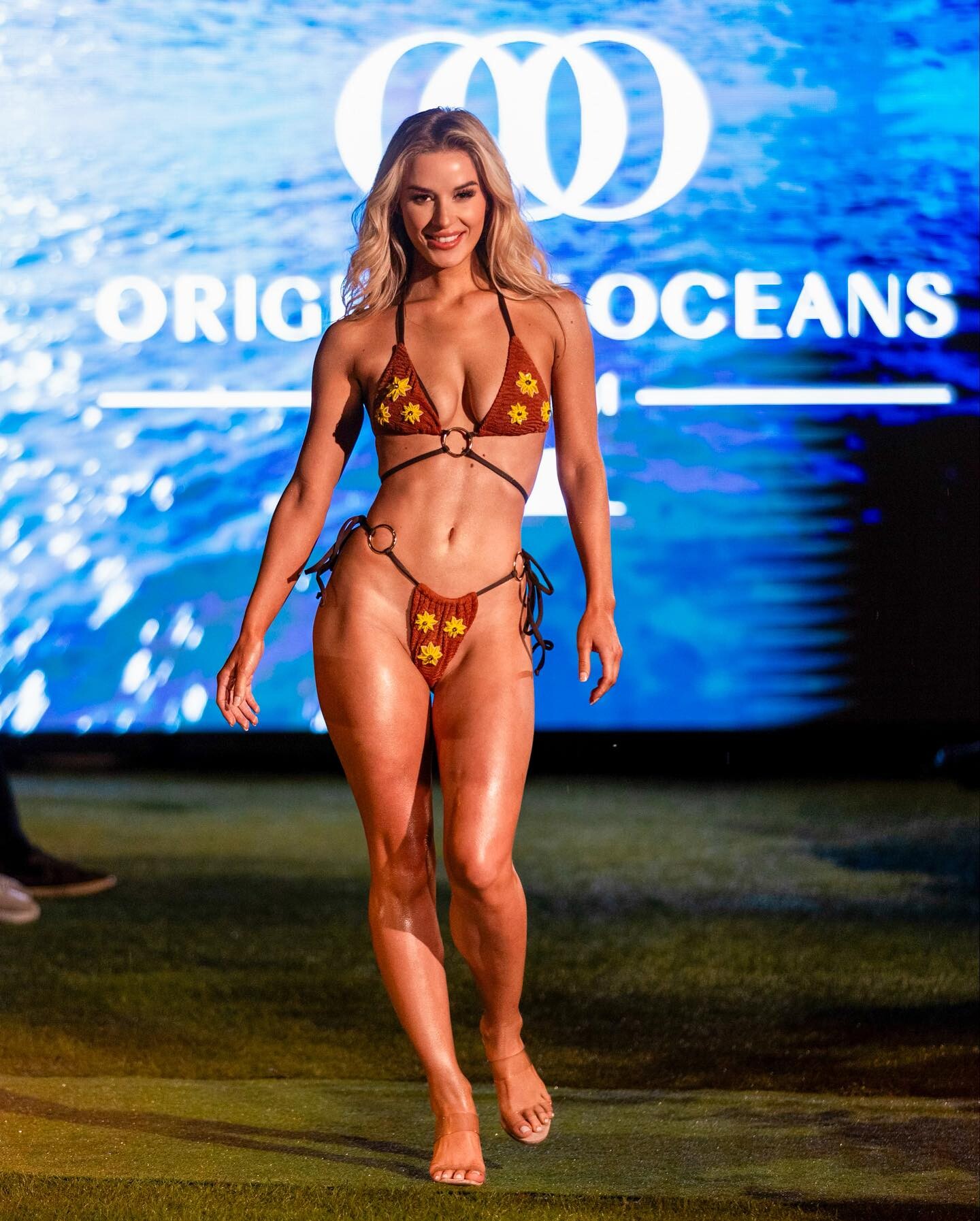
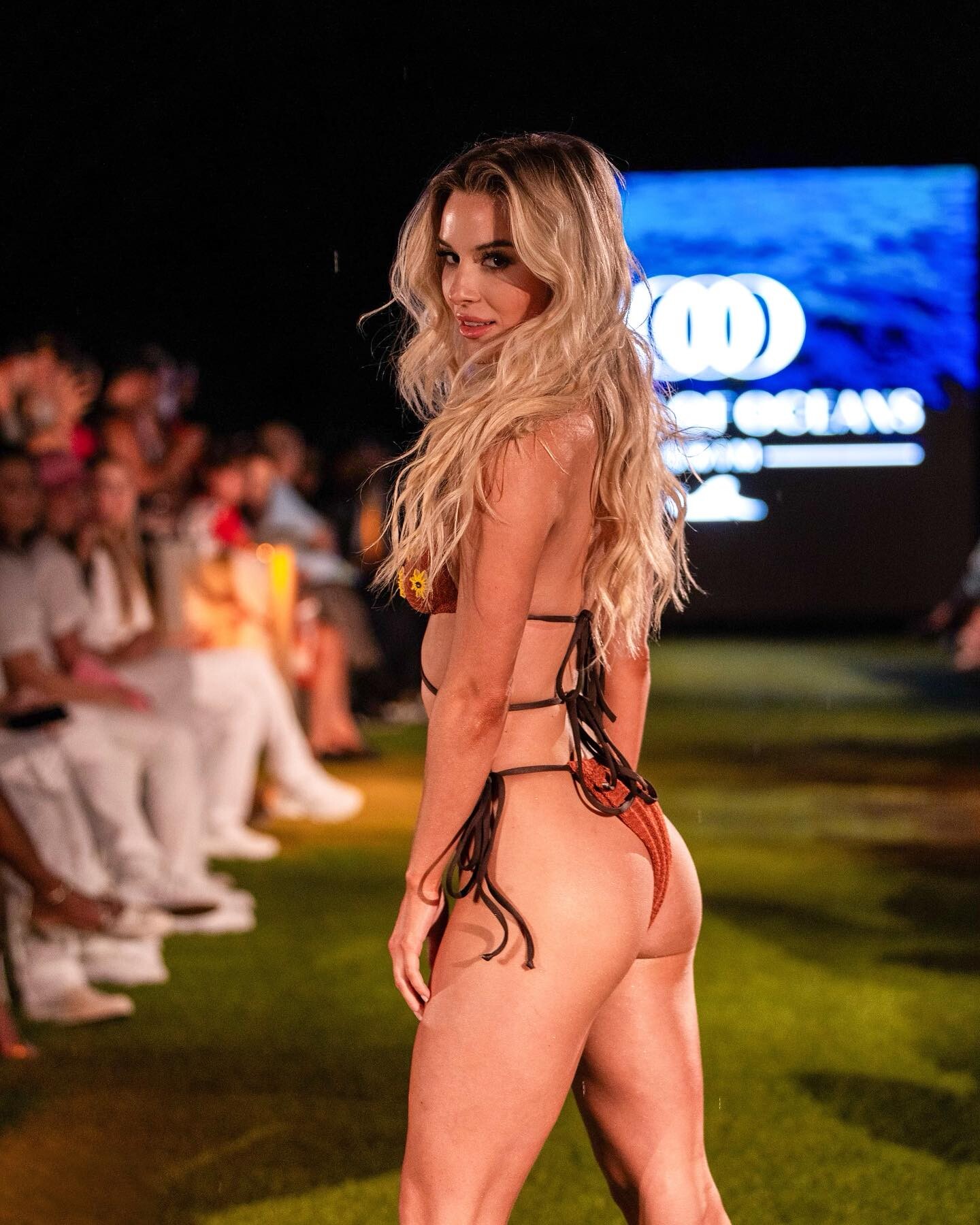
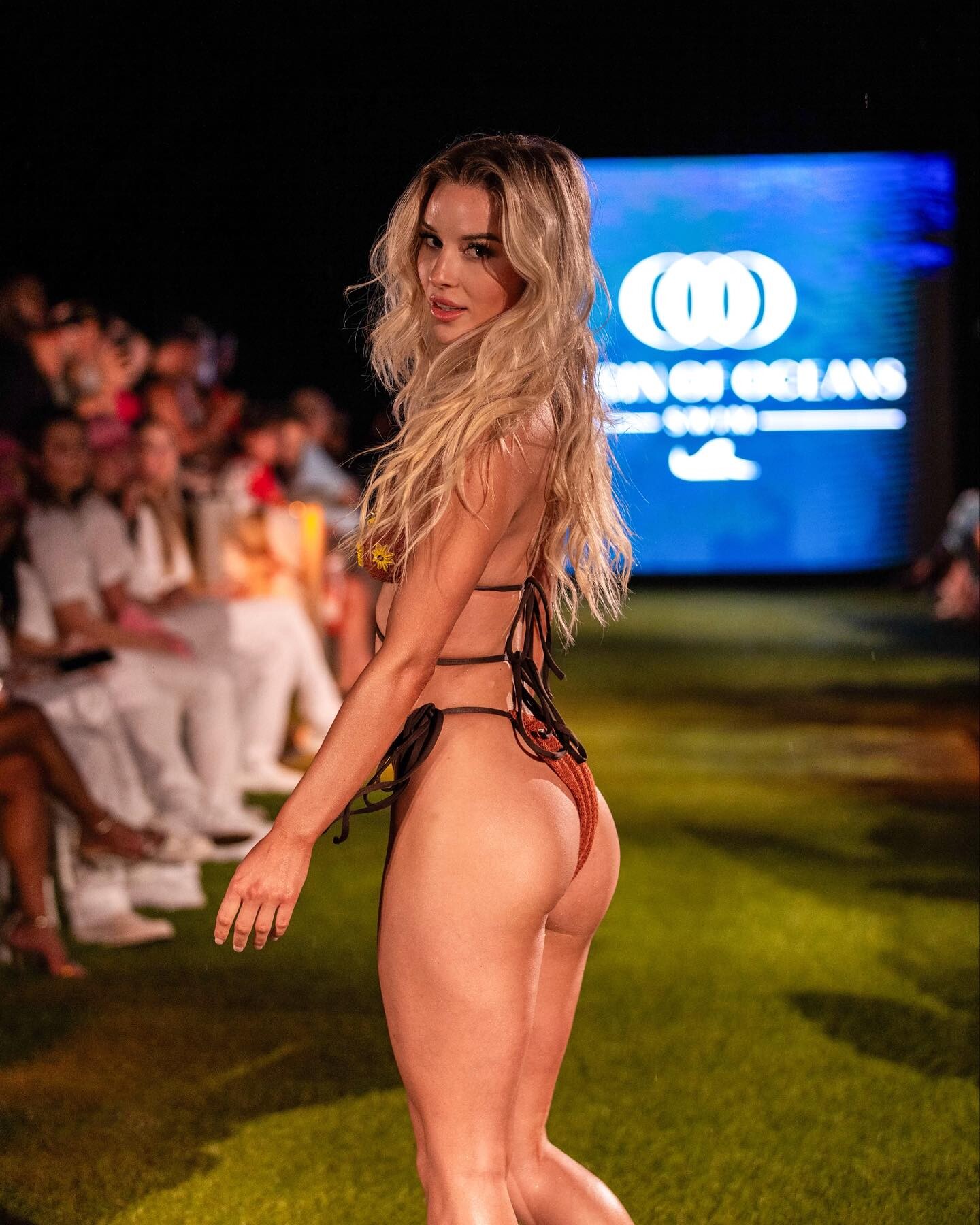
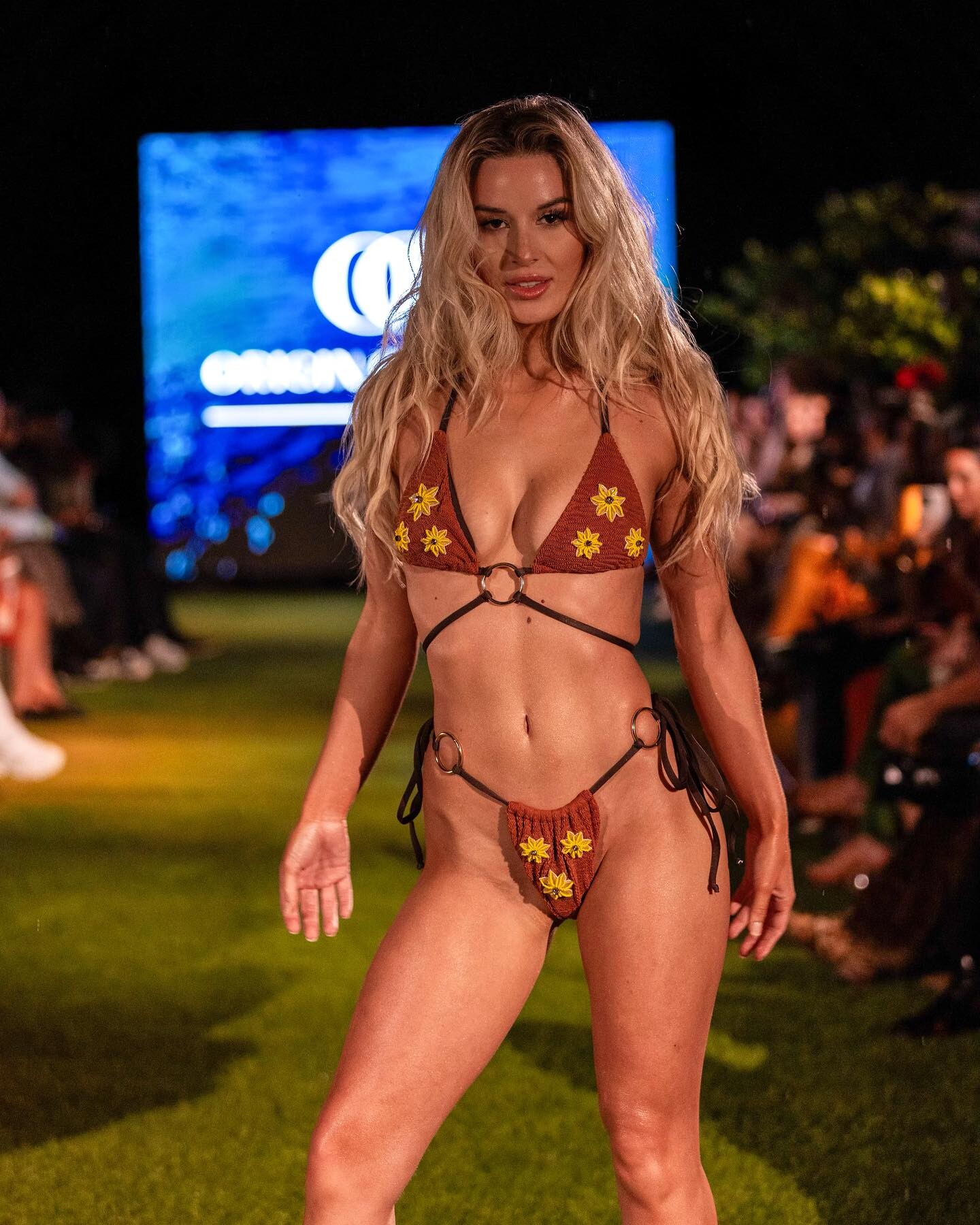
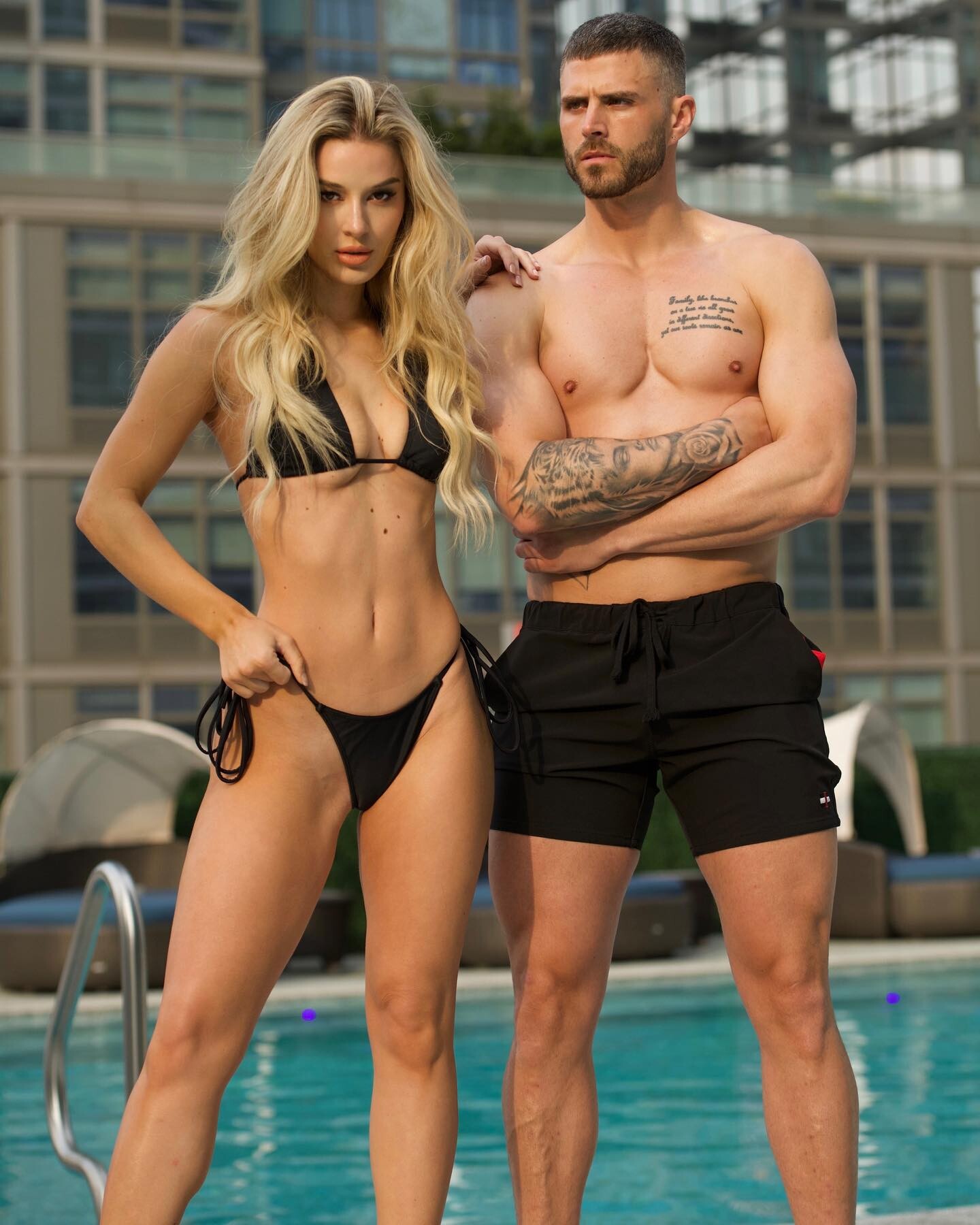
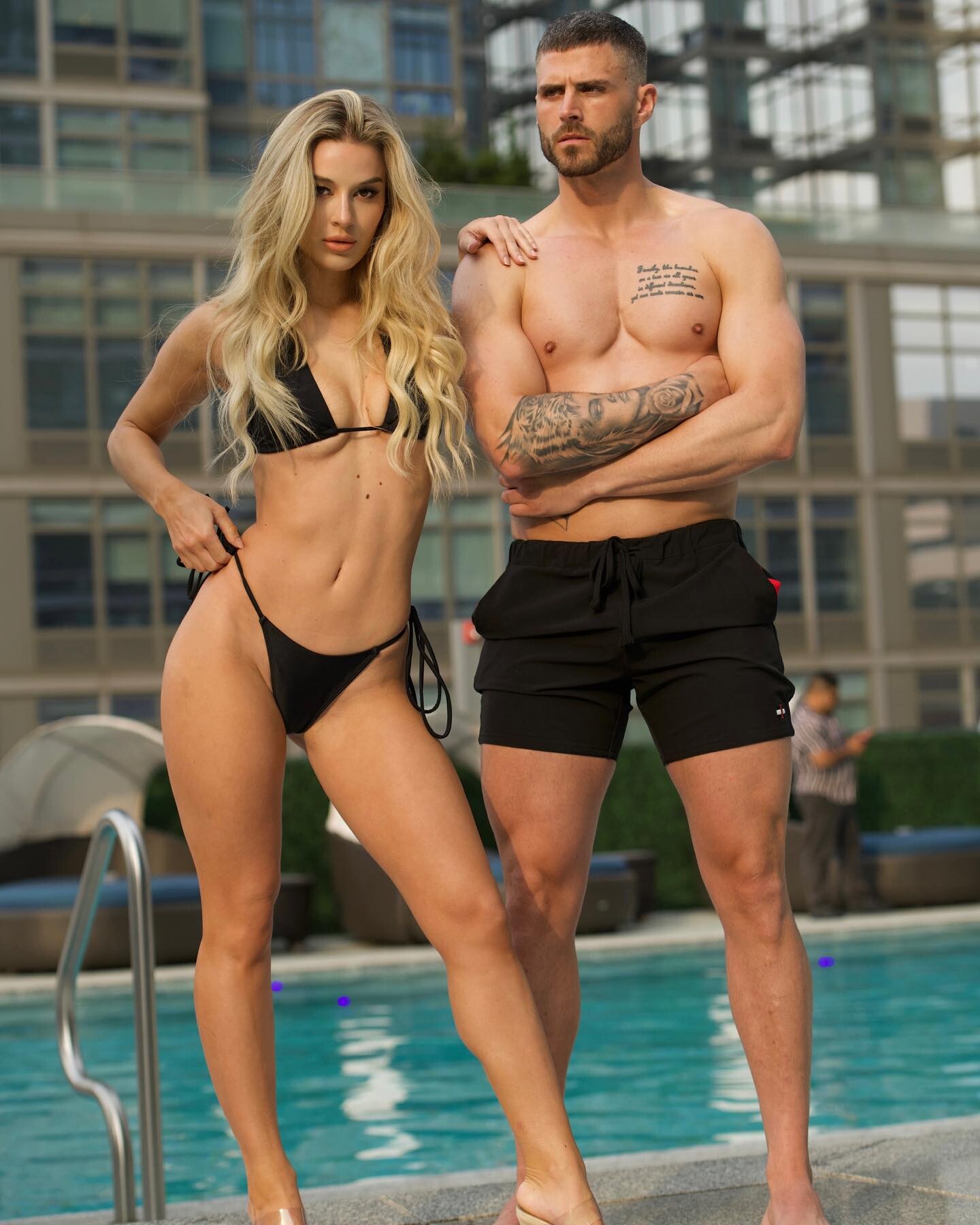
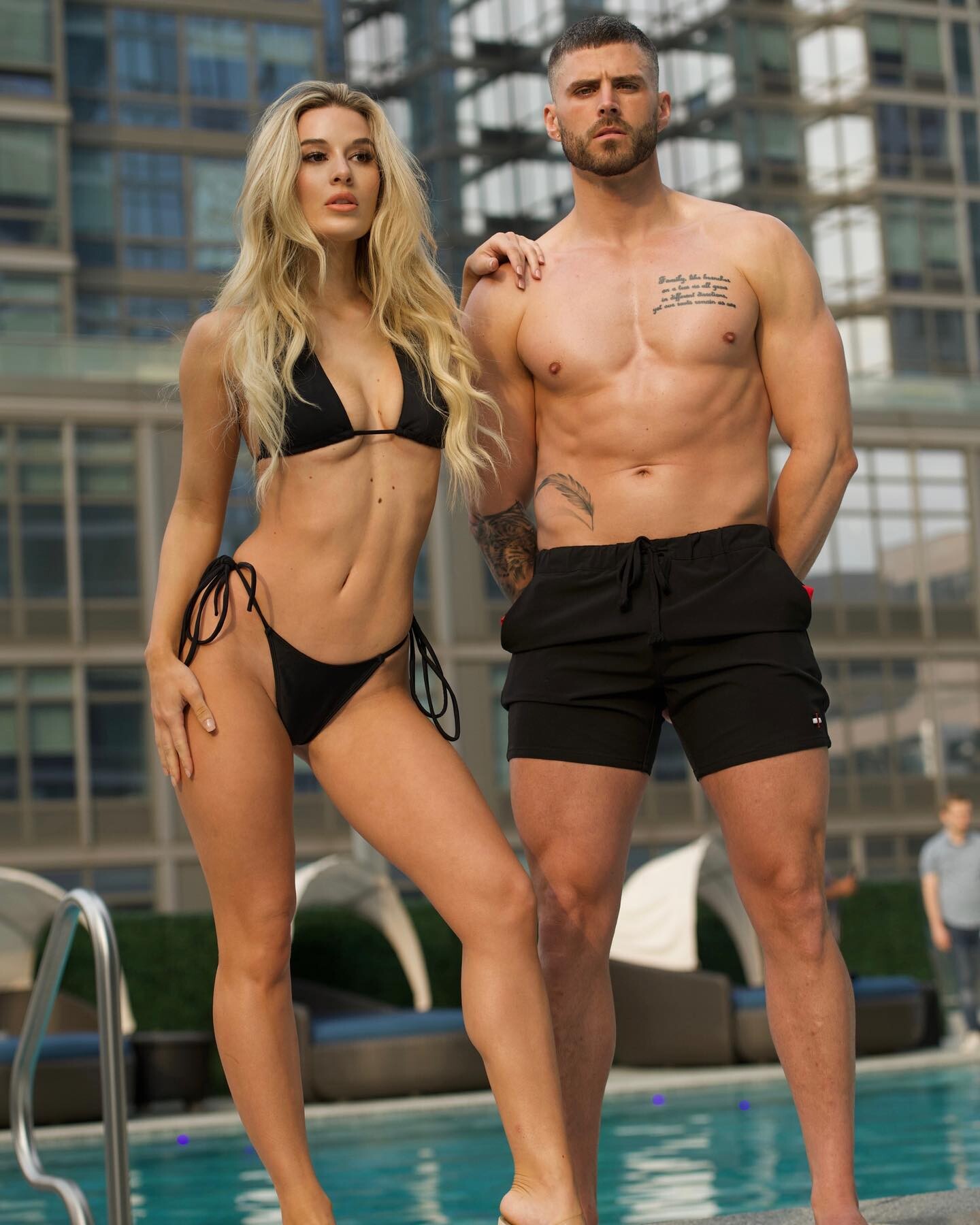
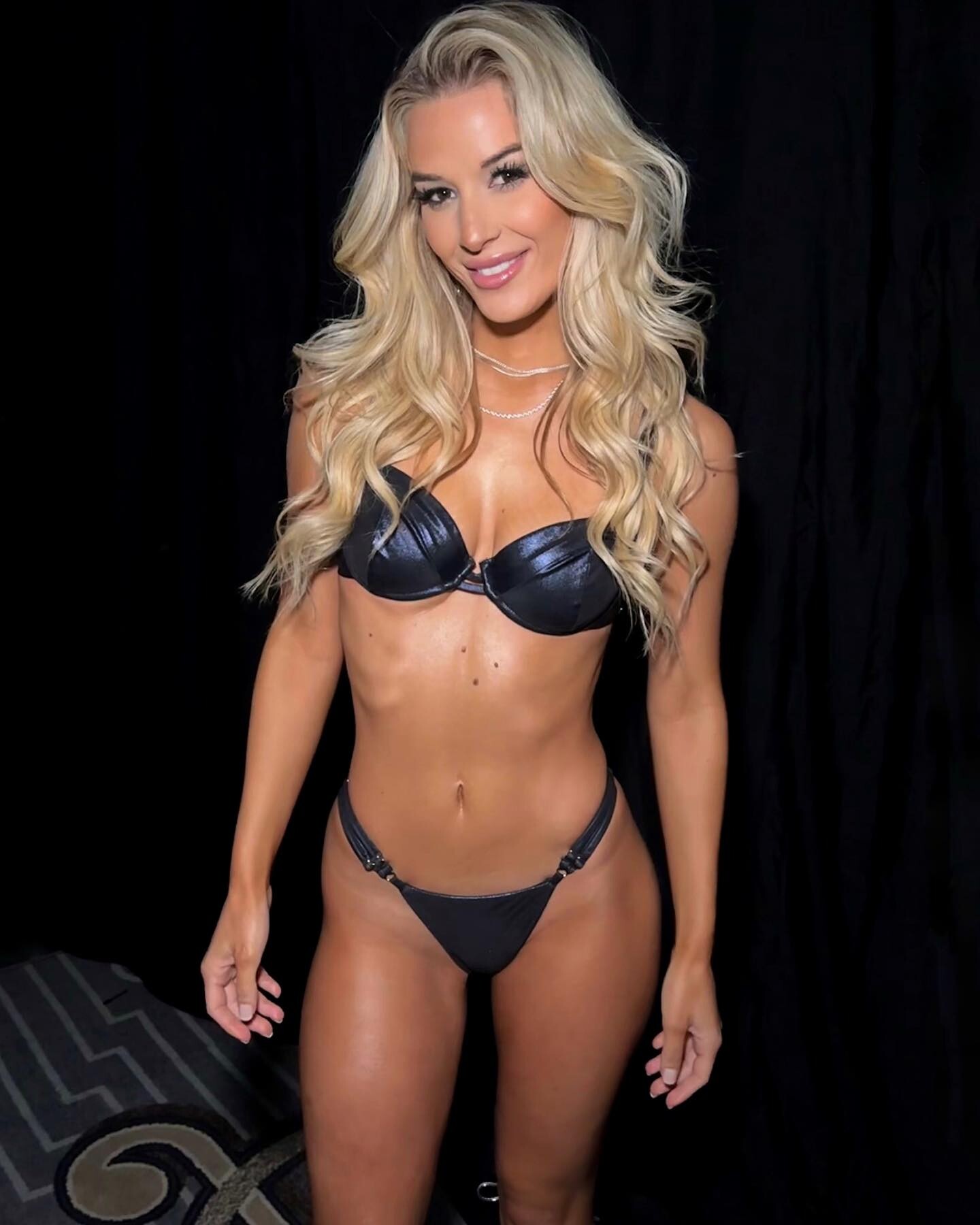
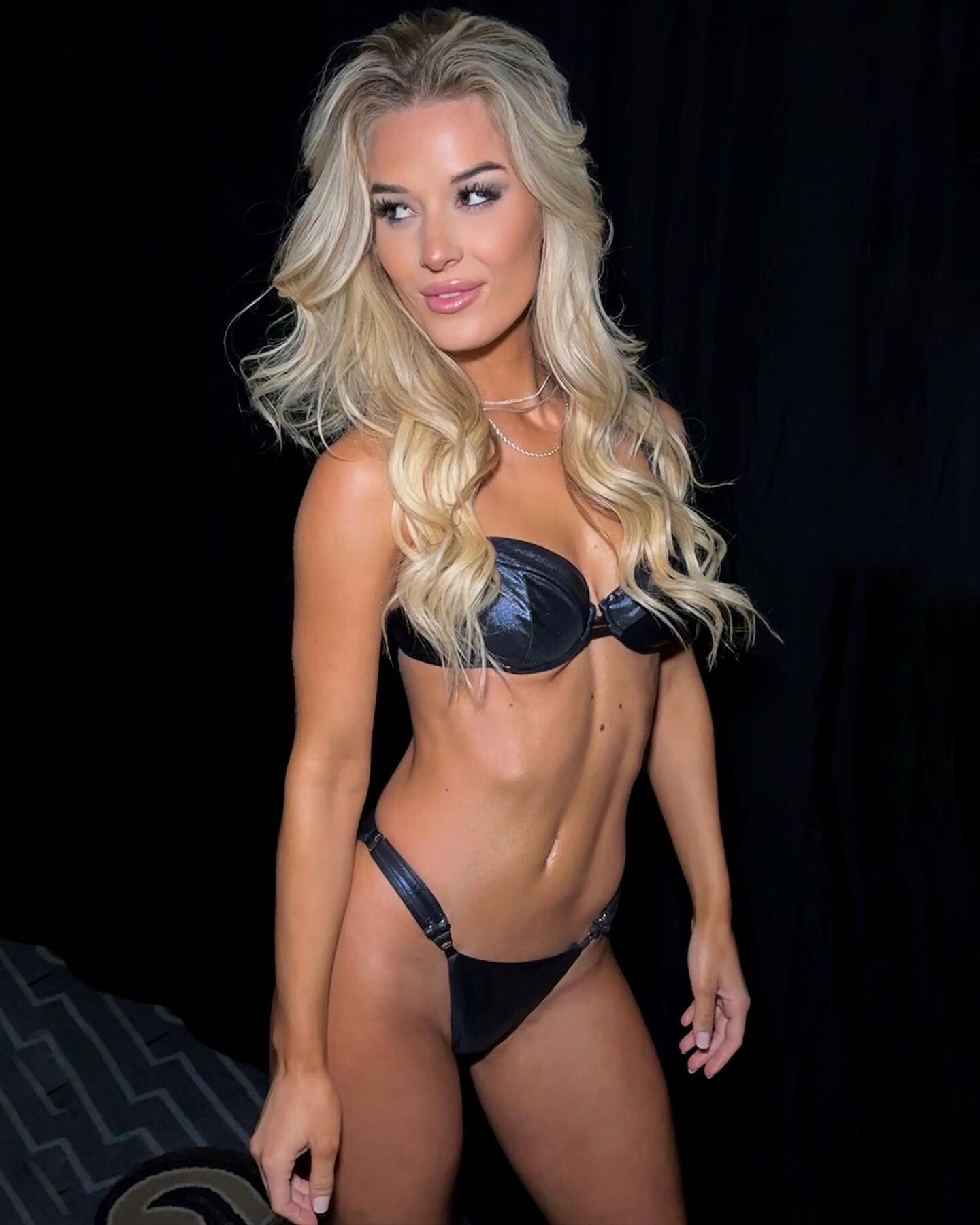
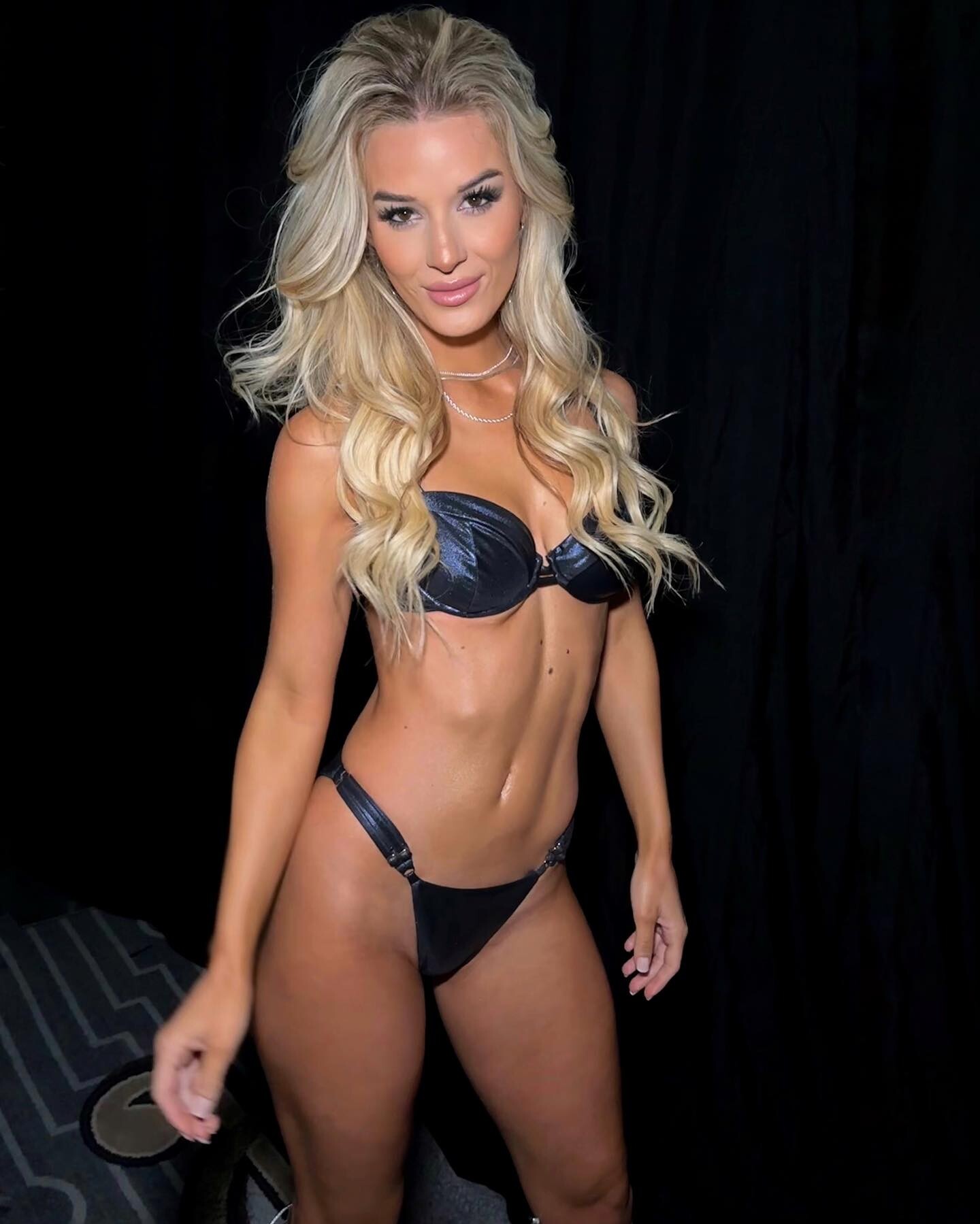
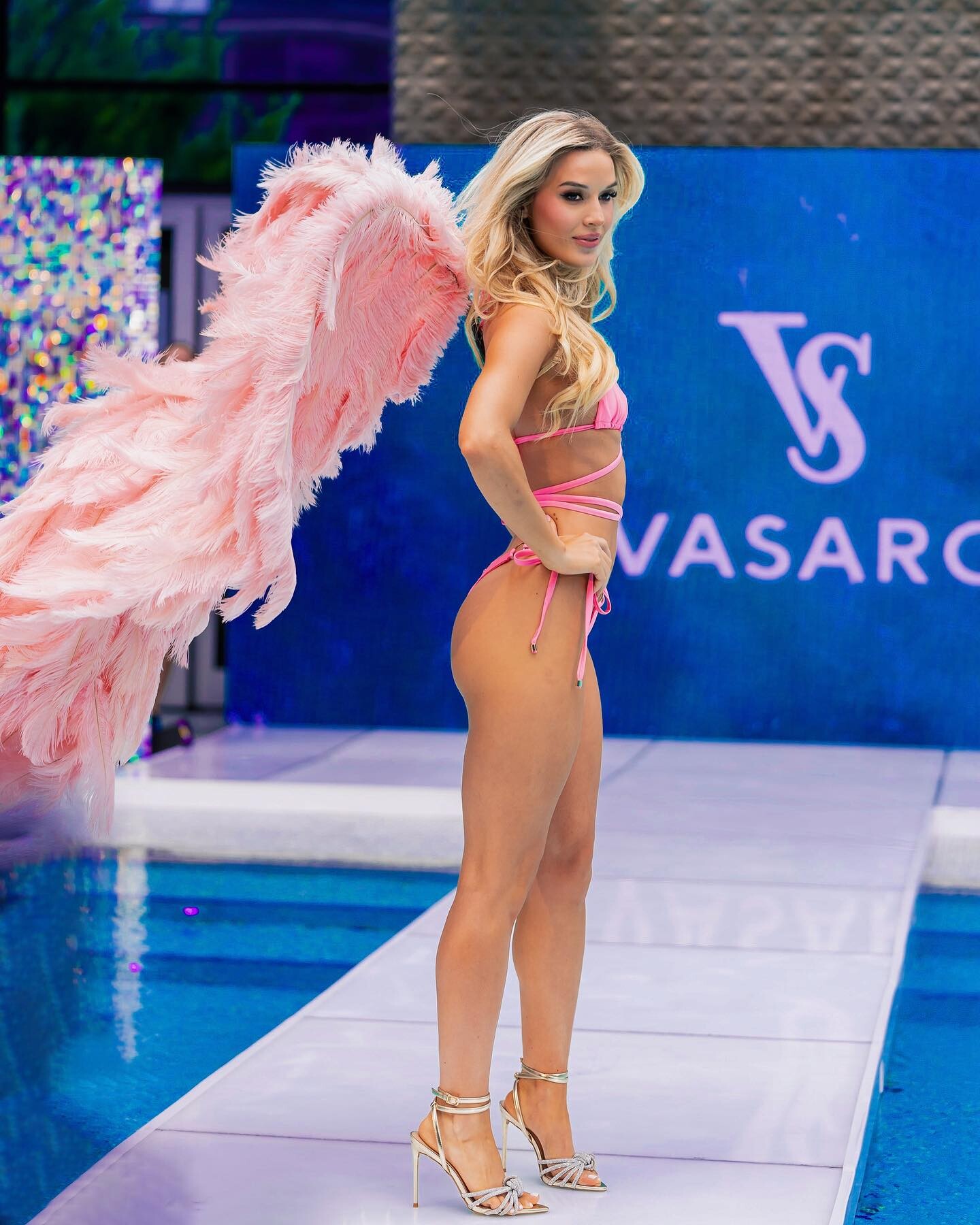
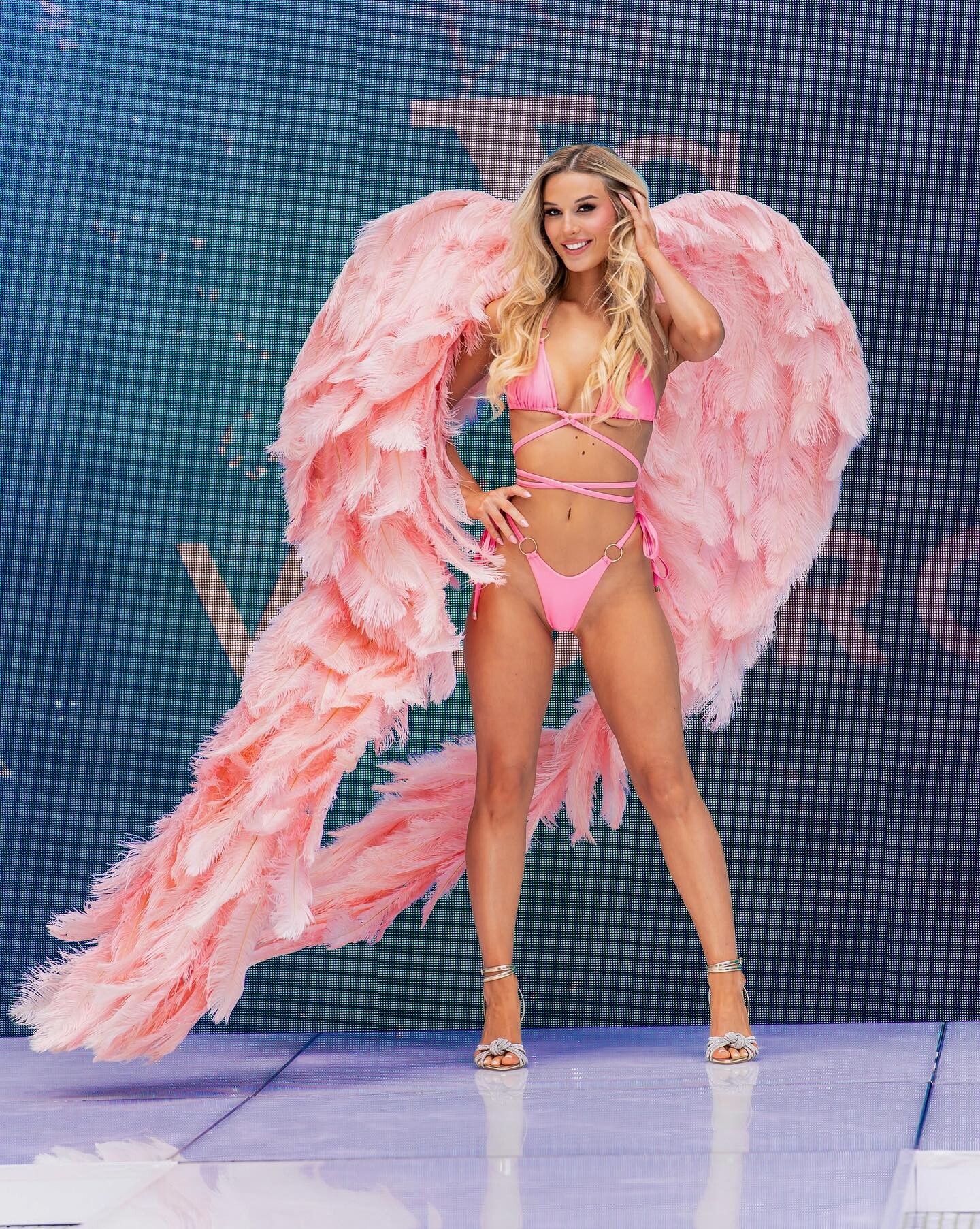
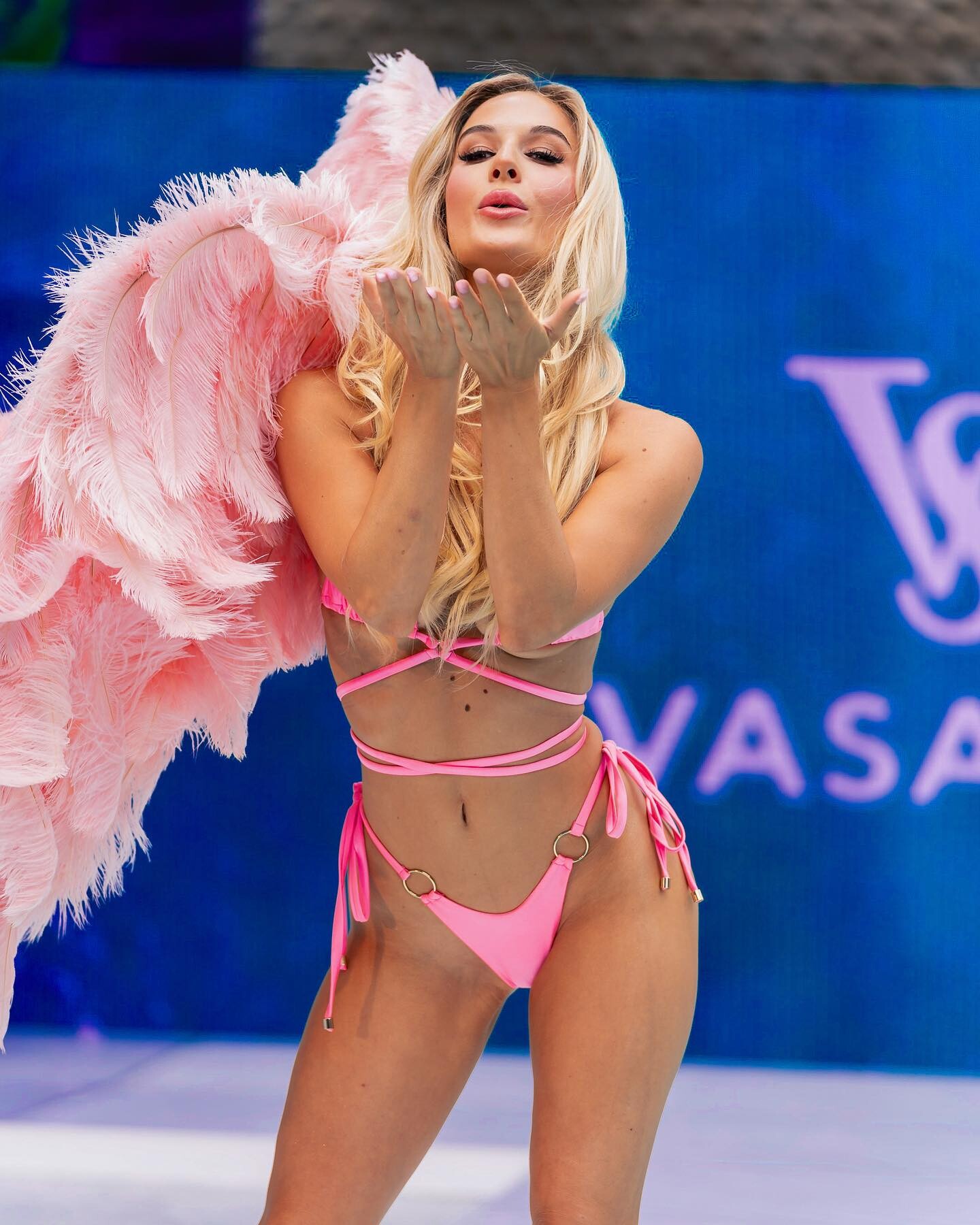
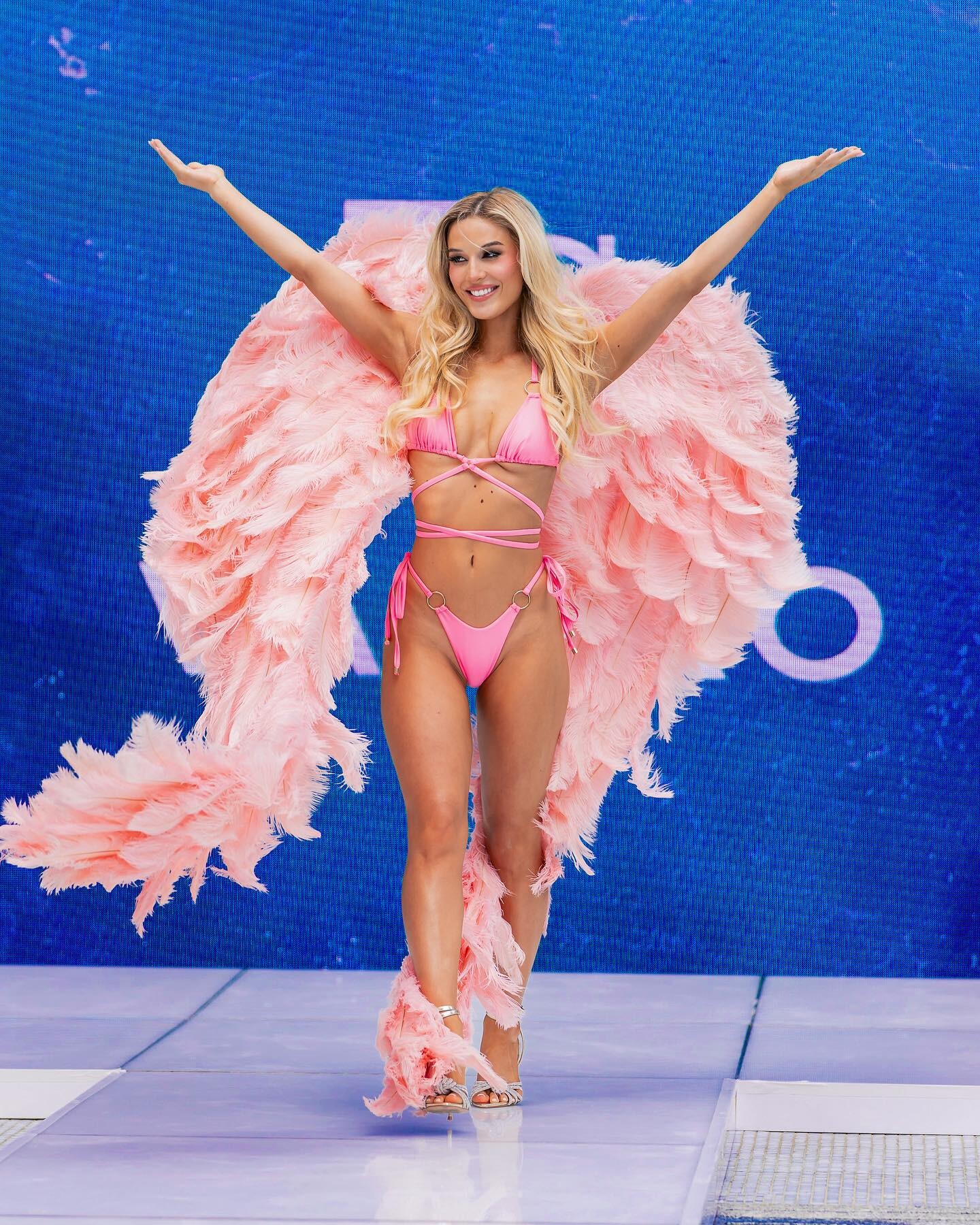
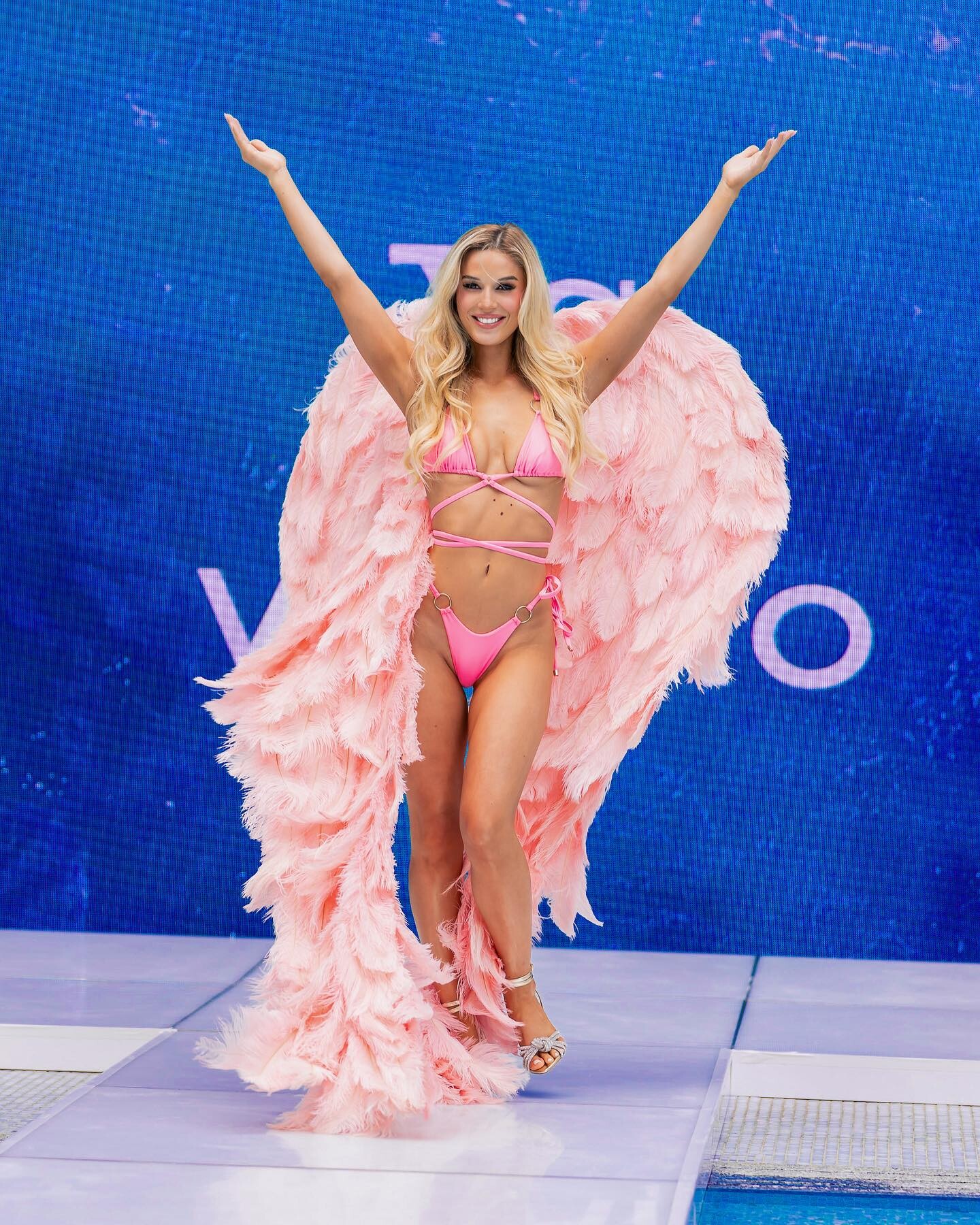

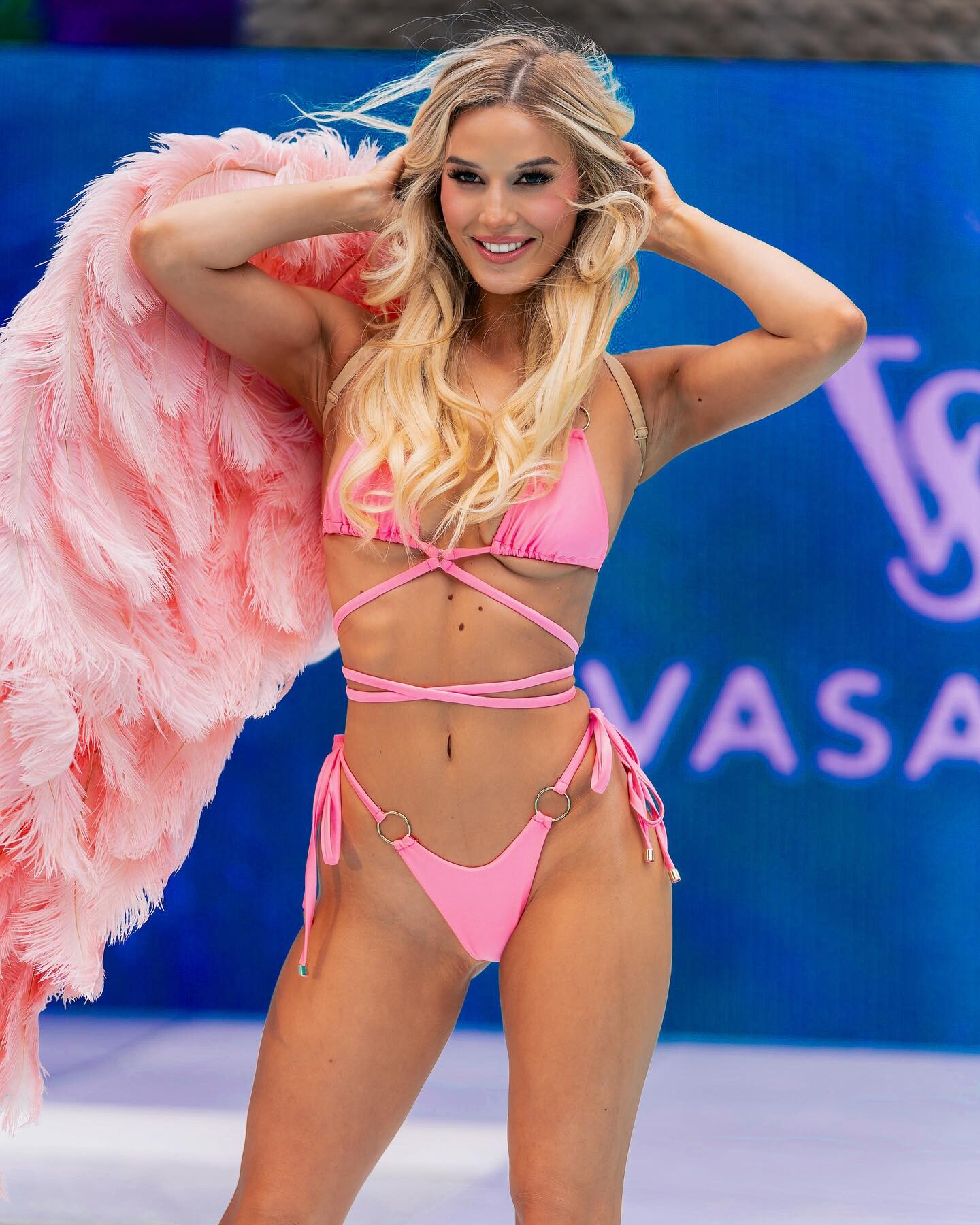
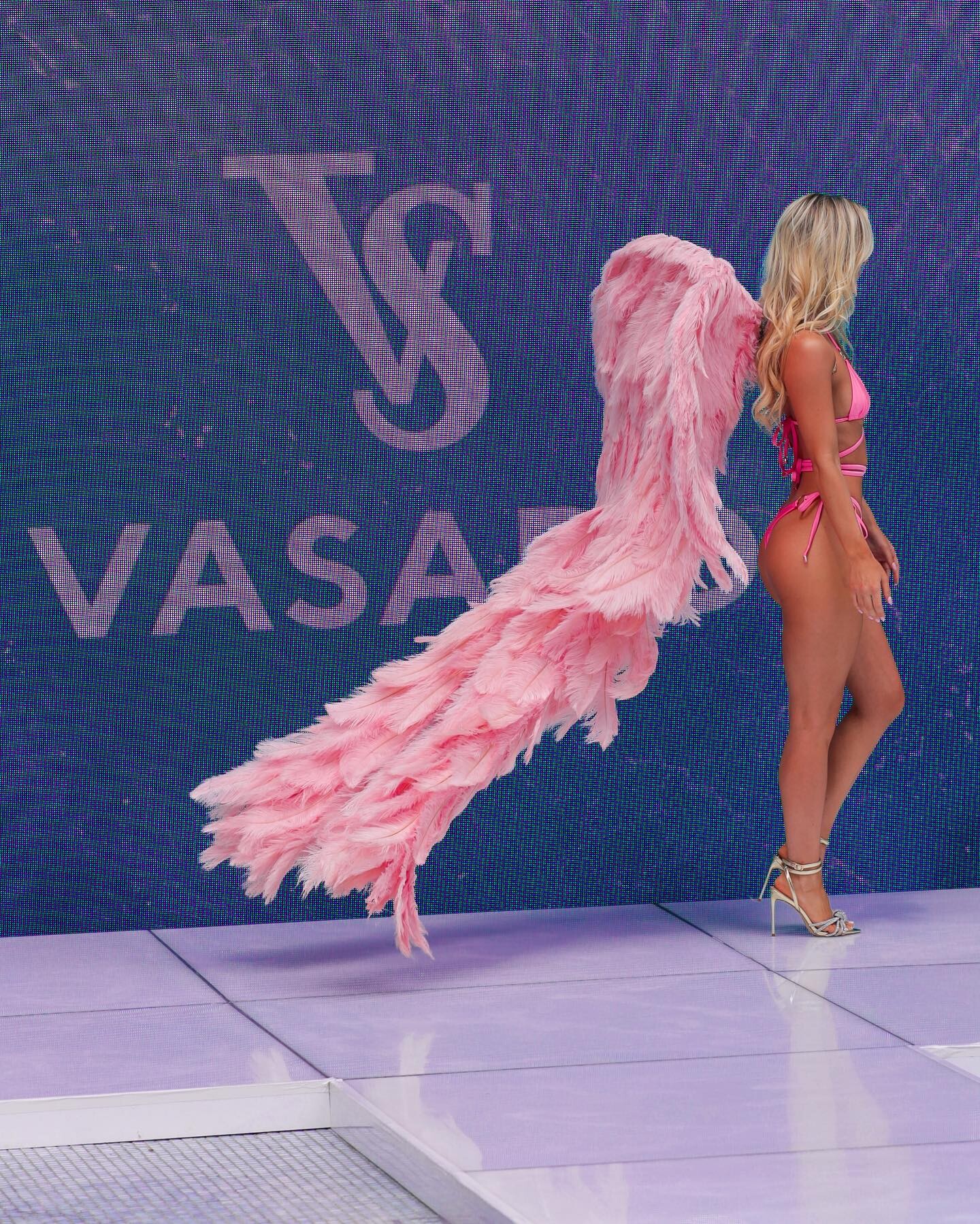
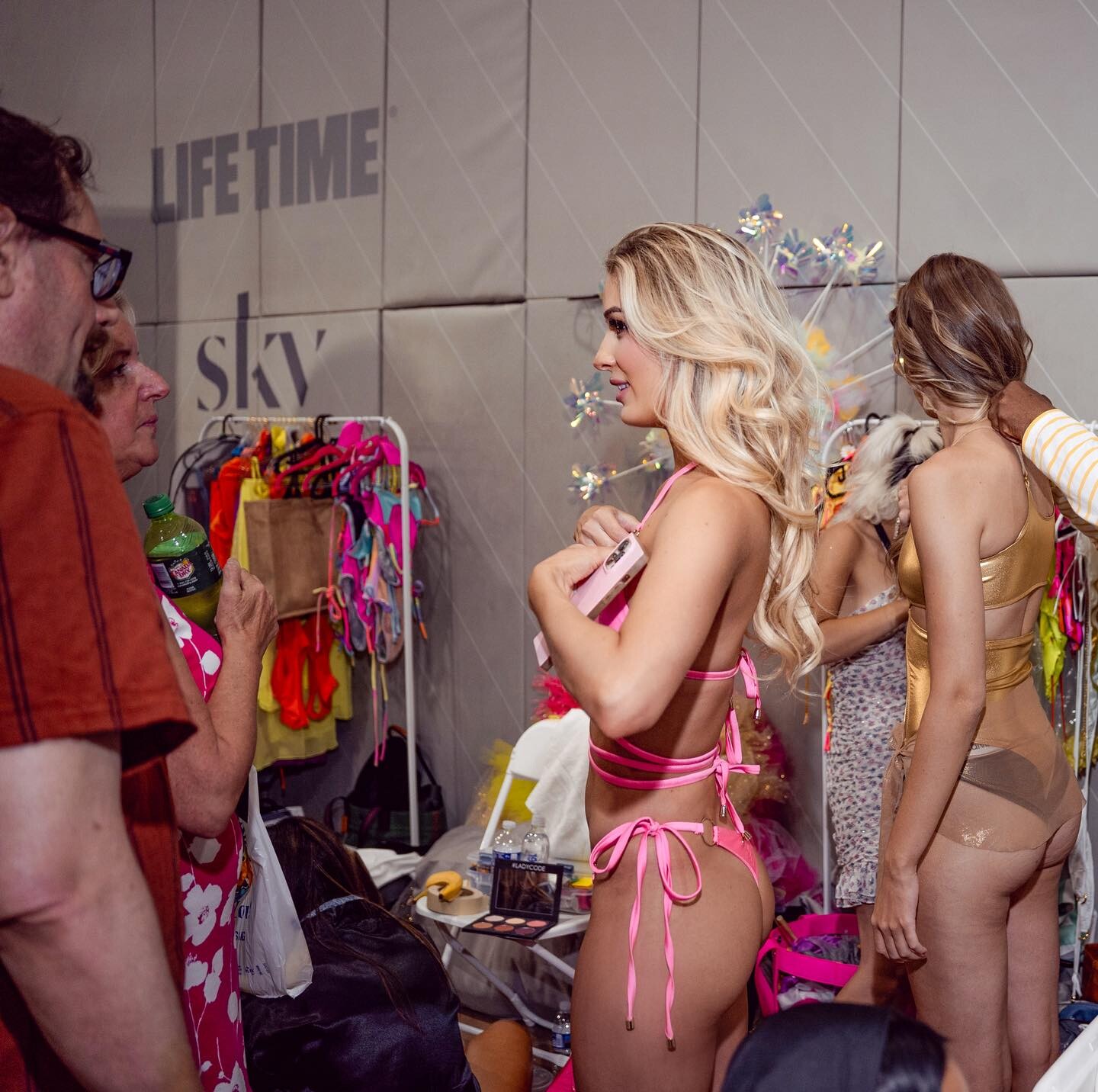

.jpg.1c356335fd57bb8da77316558a9767a8.jpg)
.jpg.dd76e34549413fa532340d42795e43c6.jpg)
.jpg.2b83ff4b841aca908457d3169bf269d1.jpg)
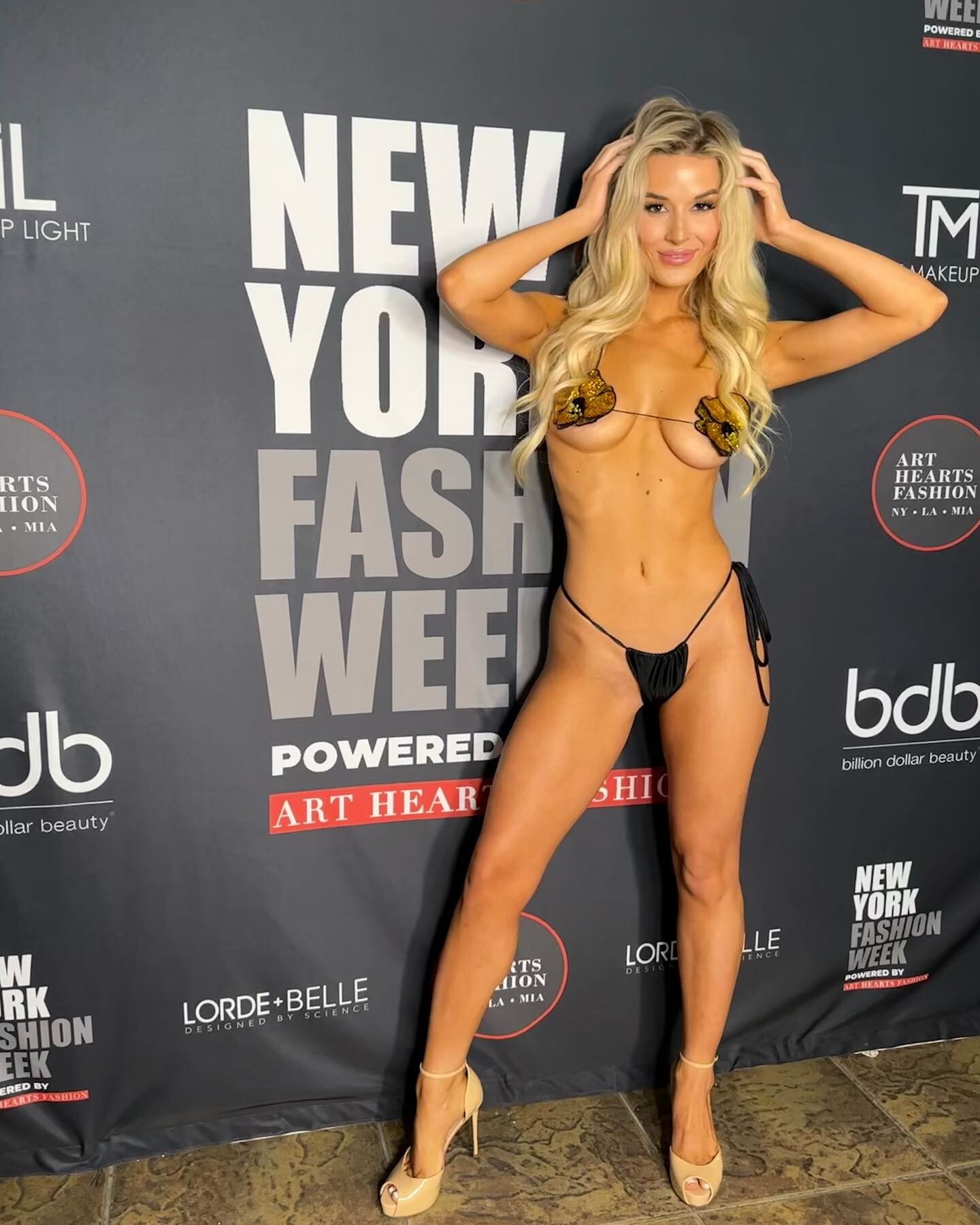
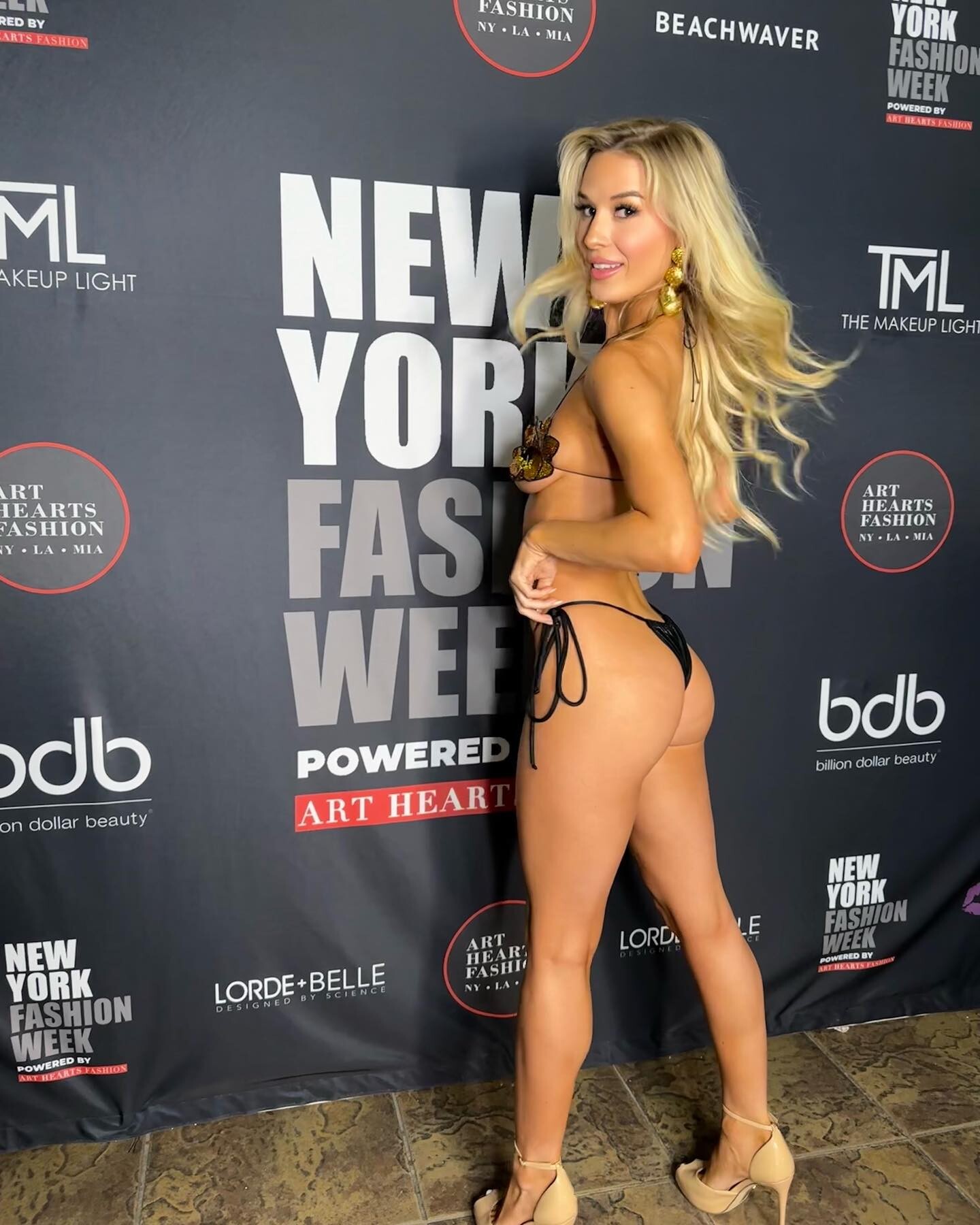

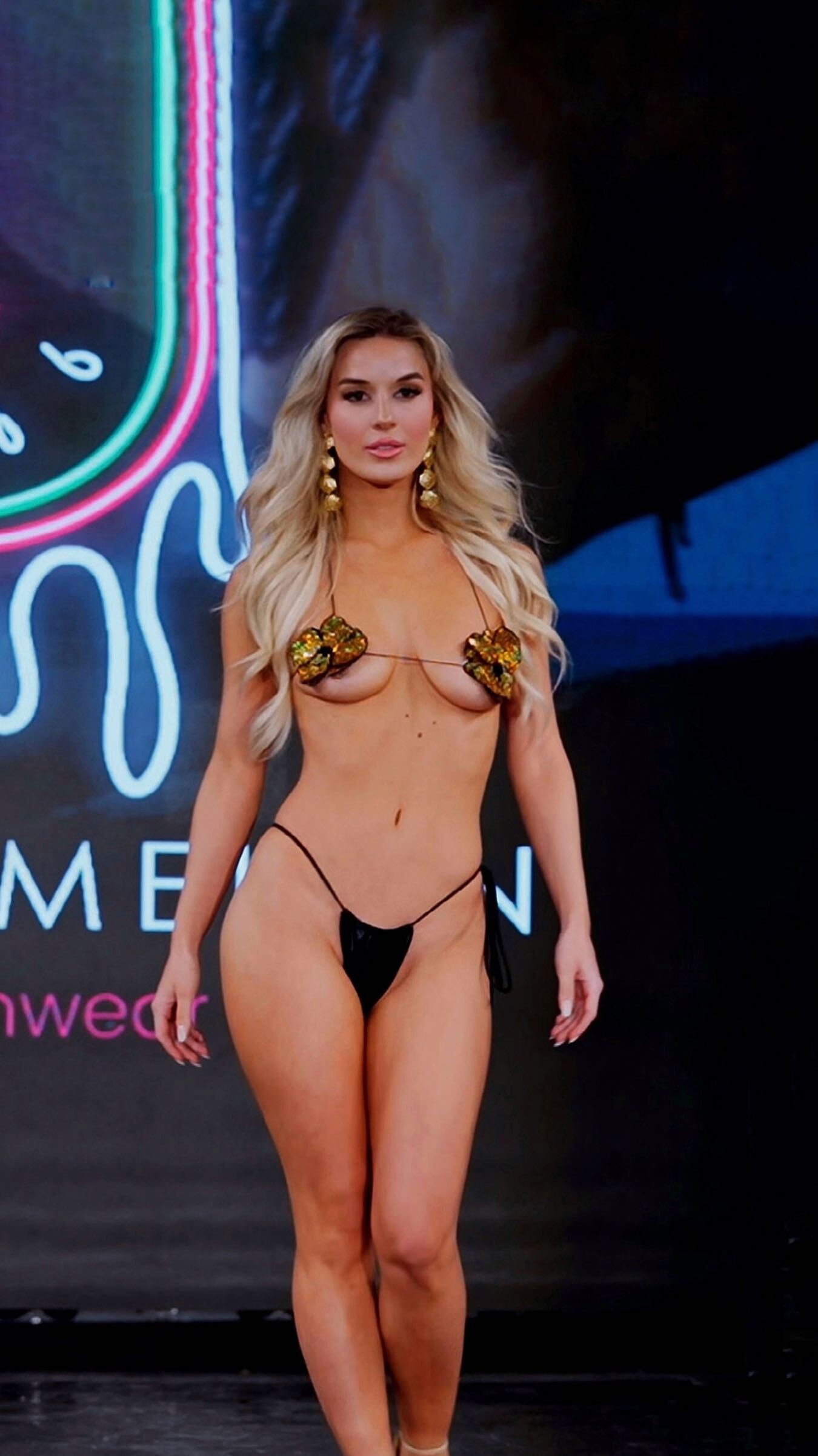
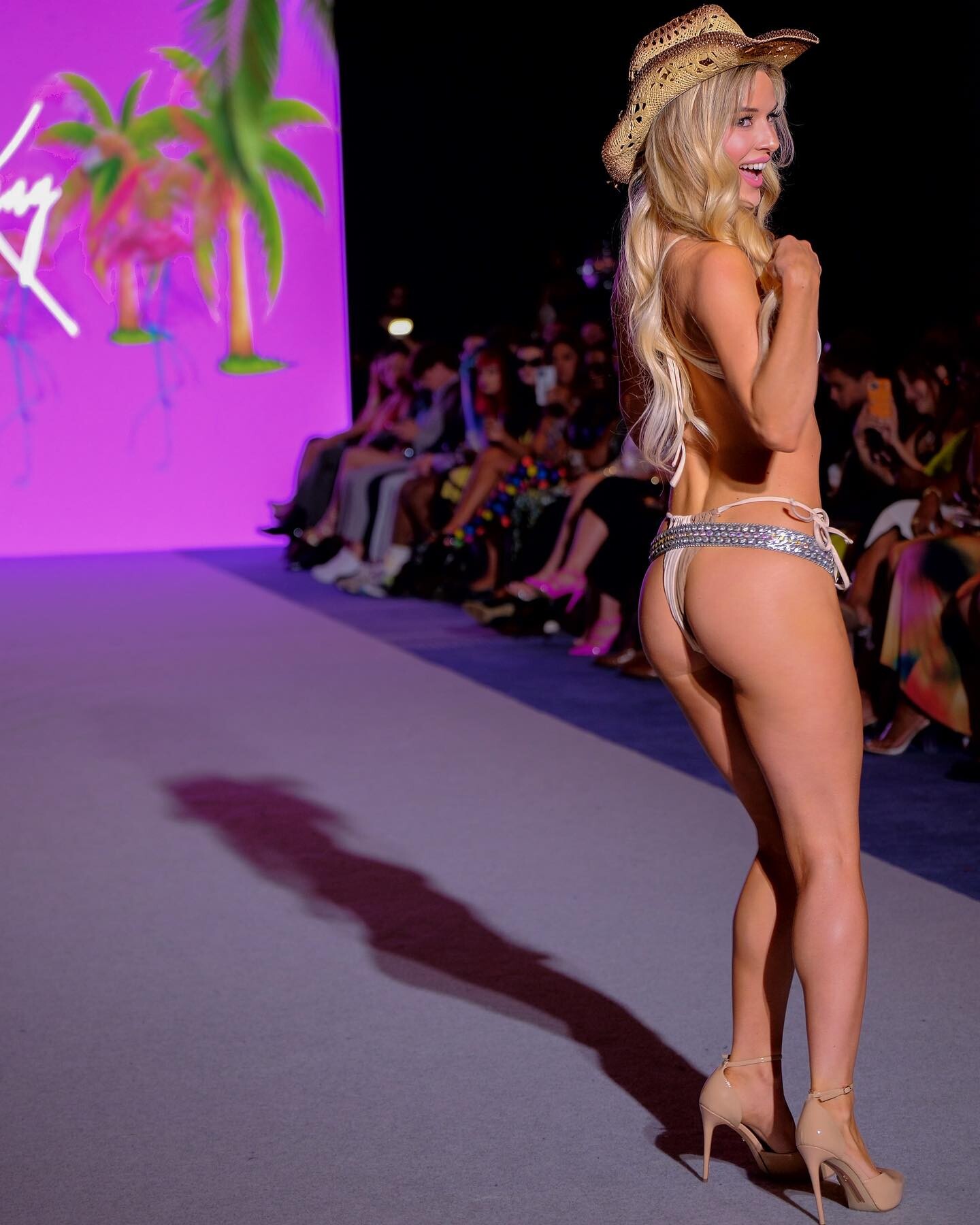
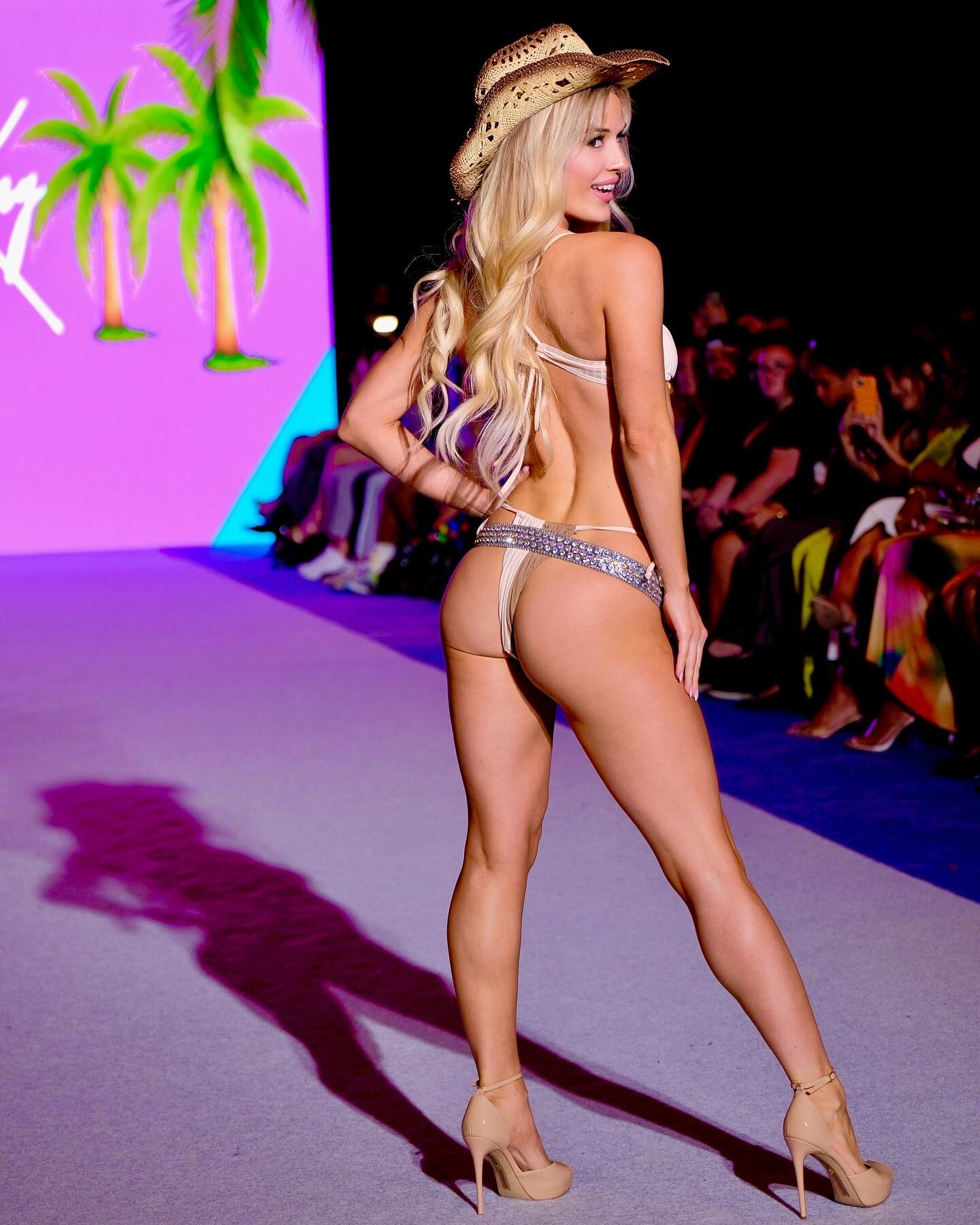
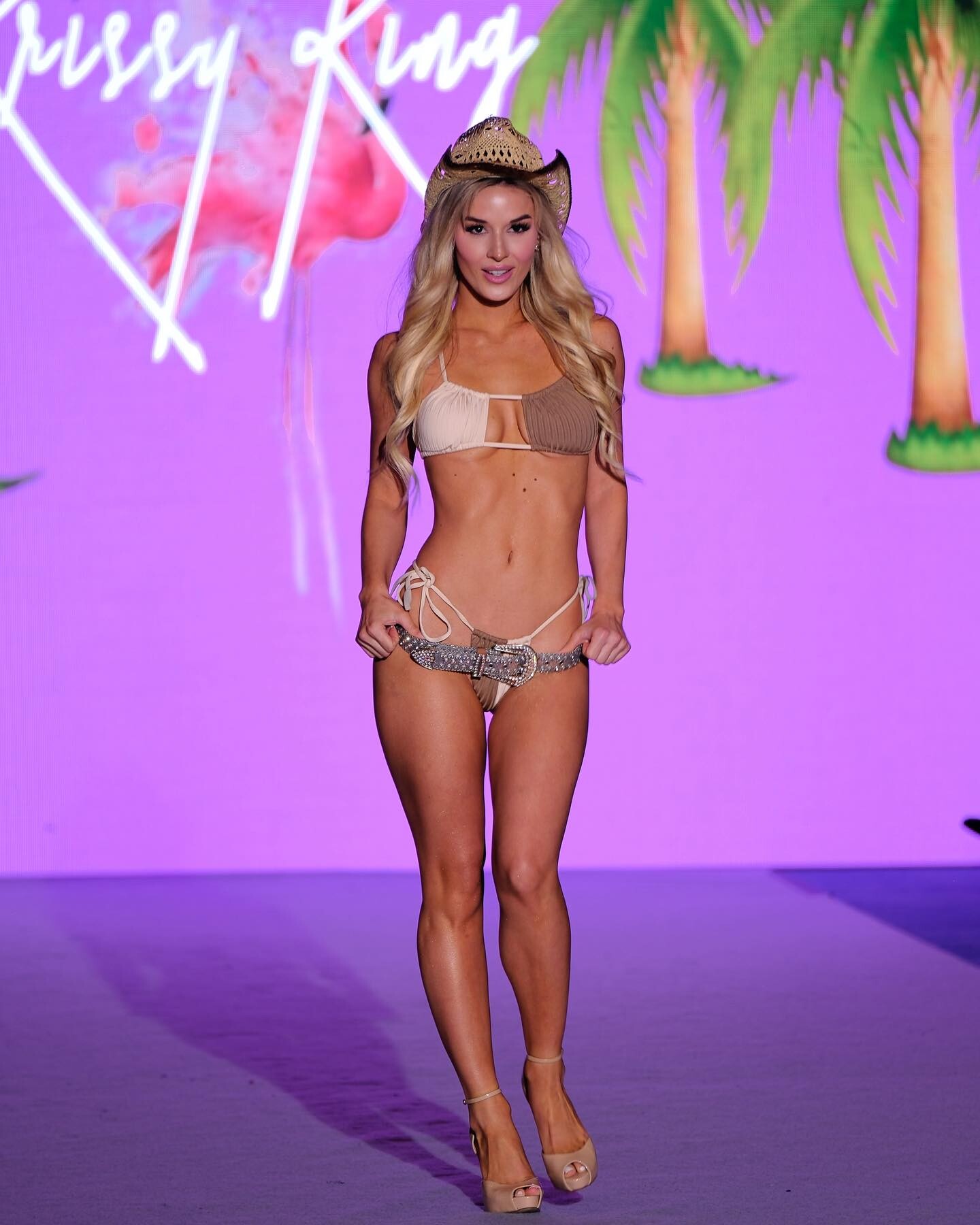

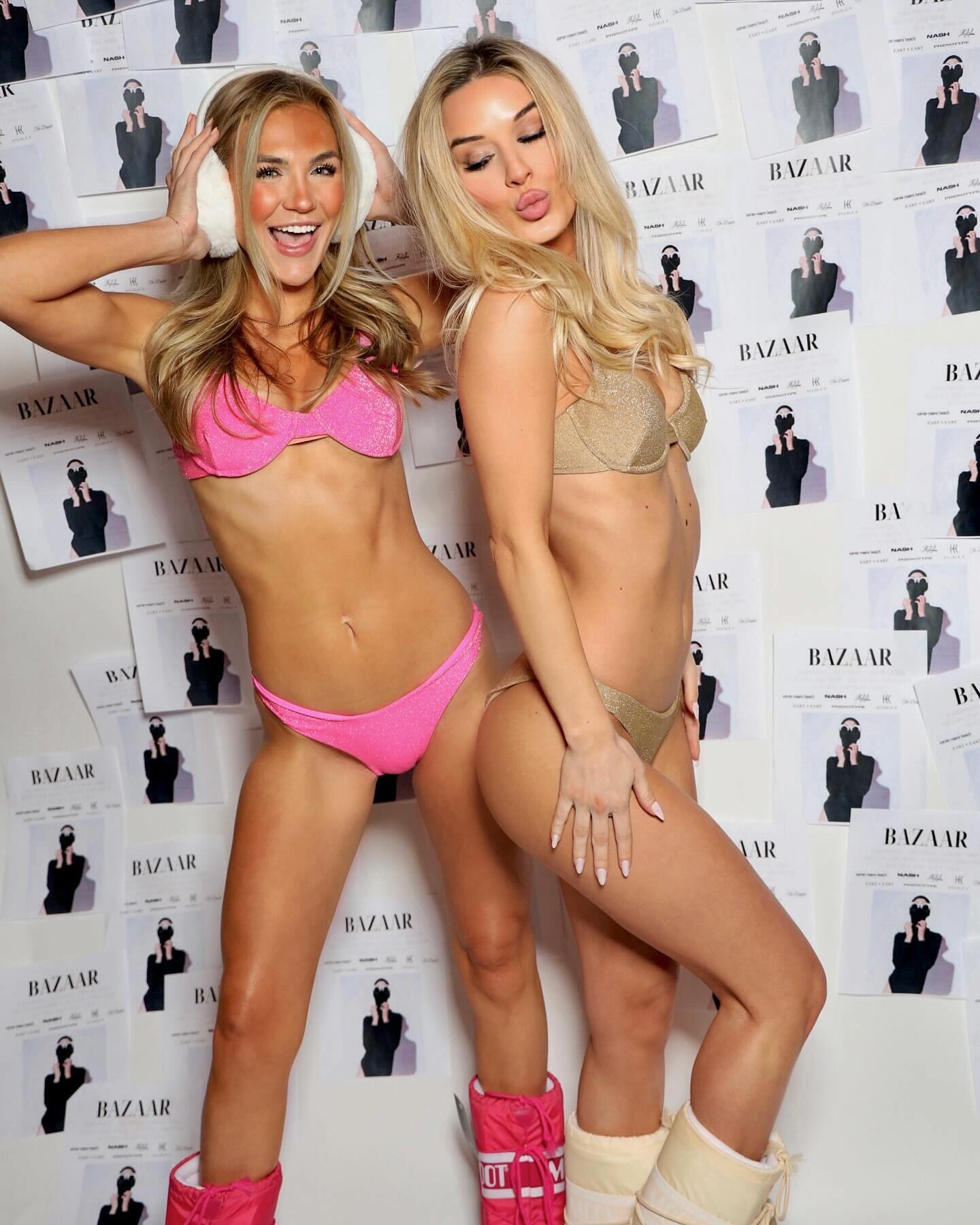
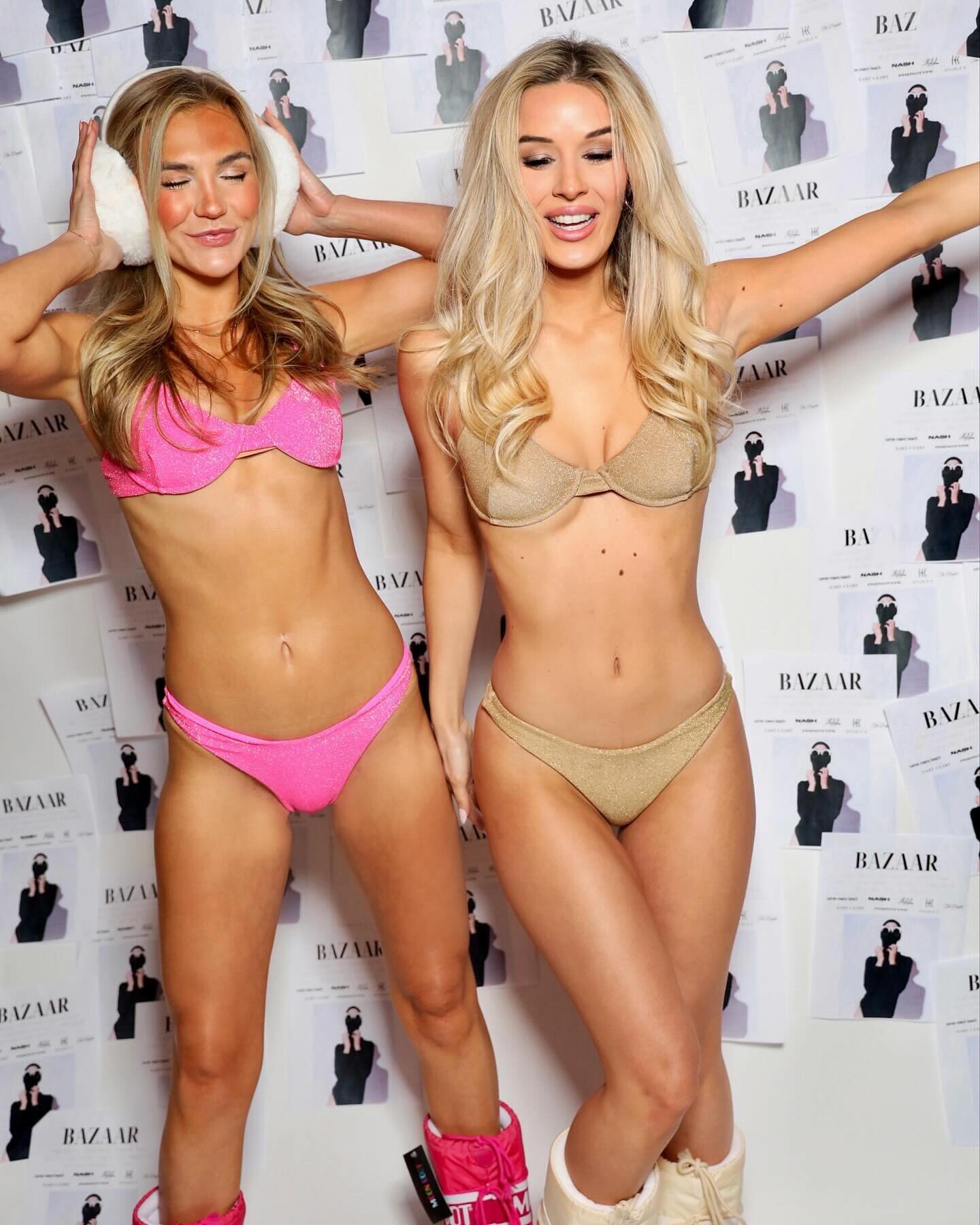

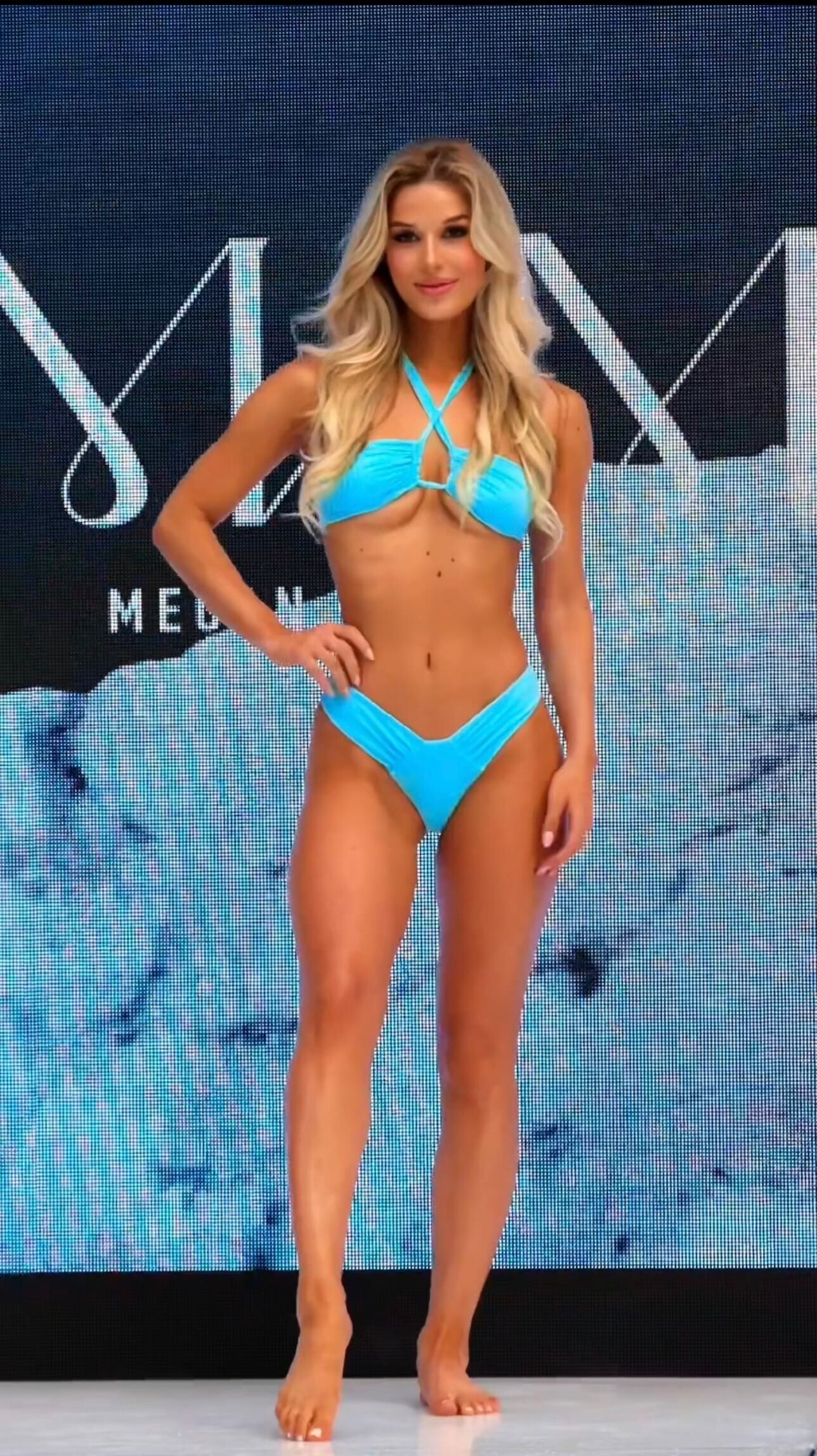
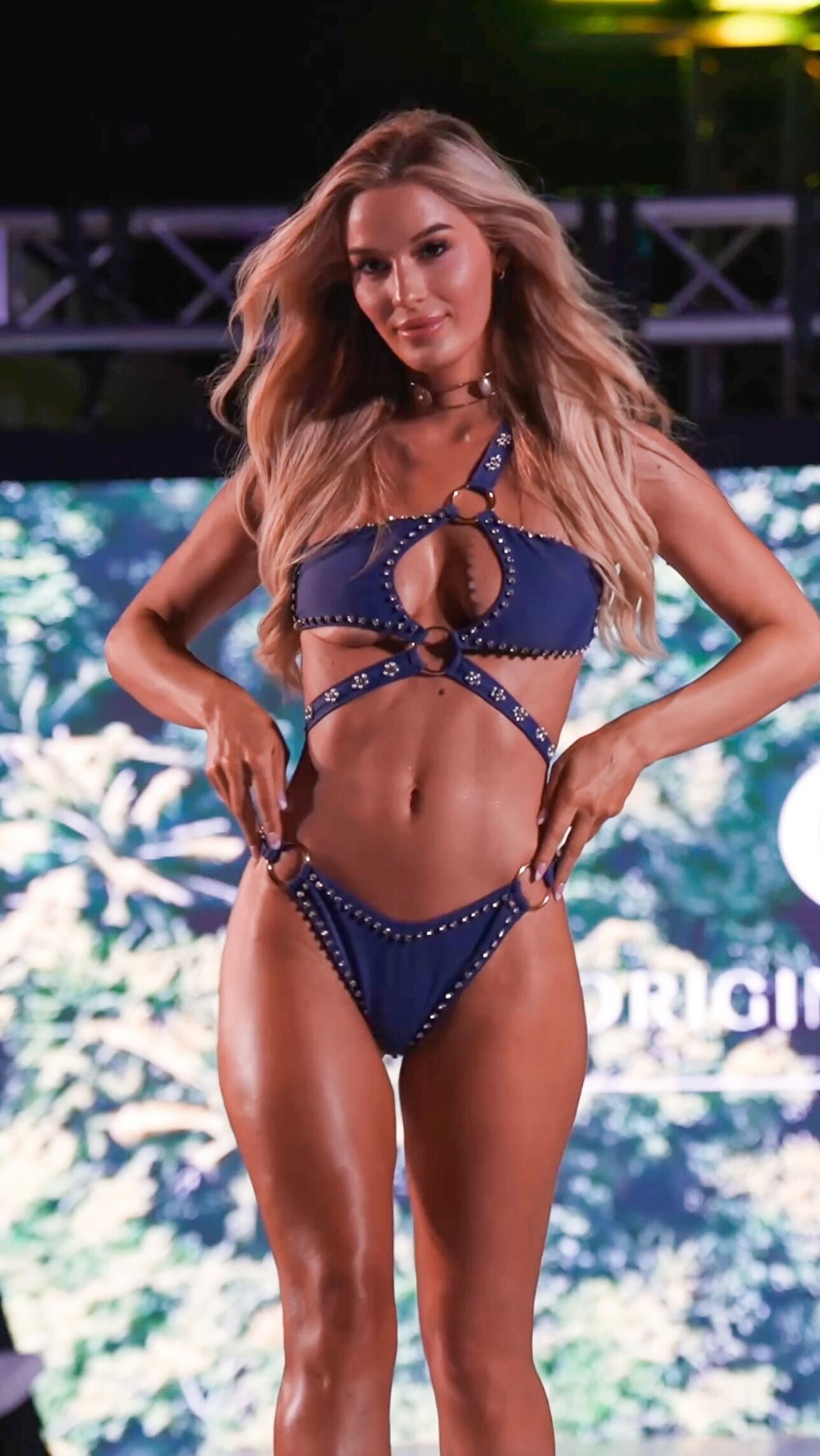

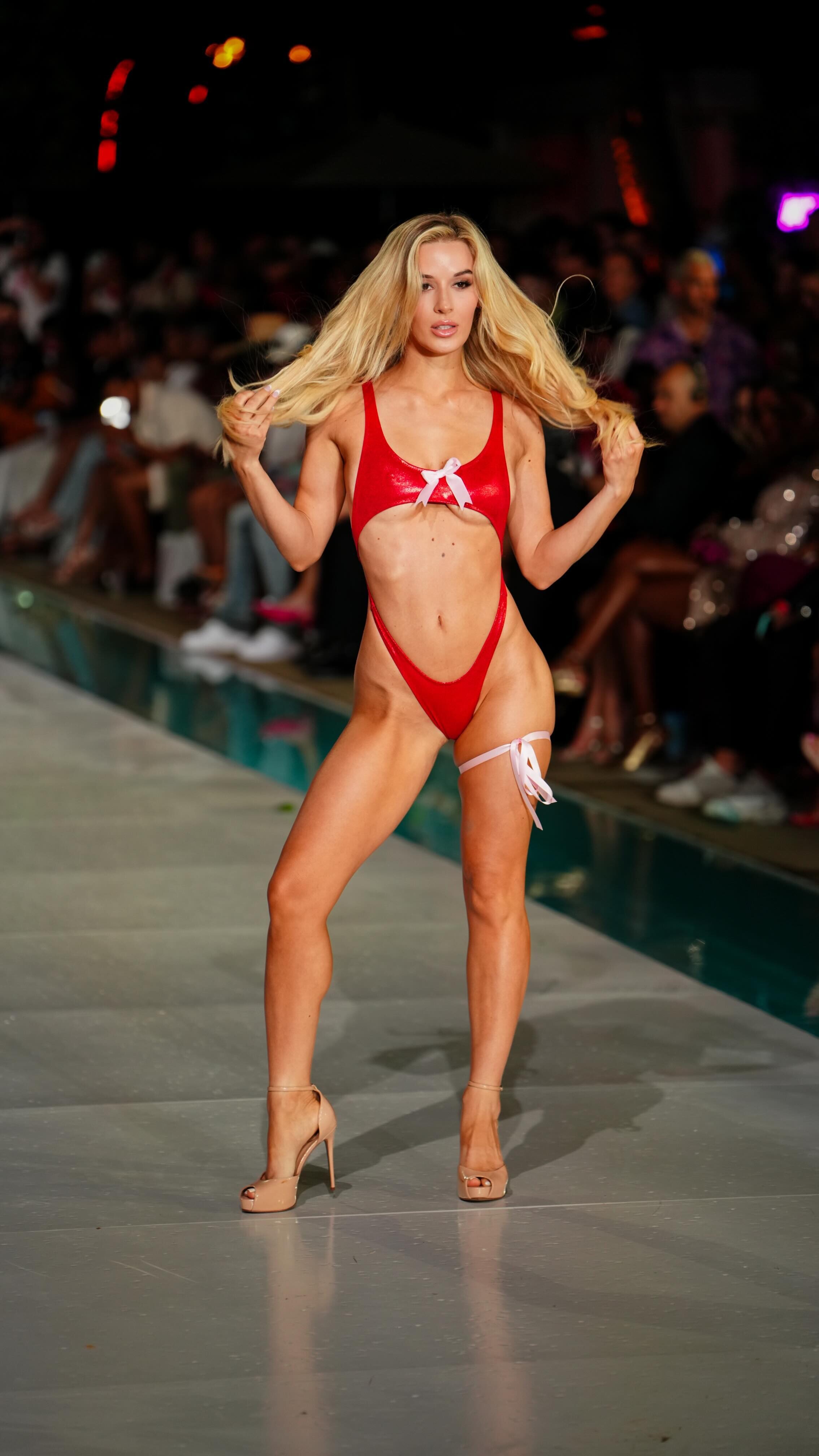
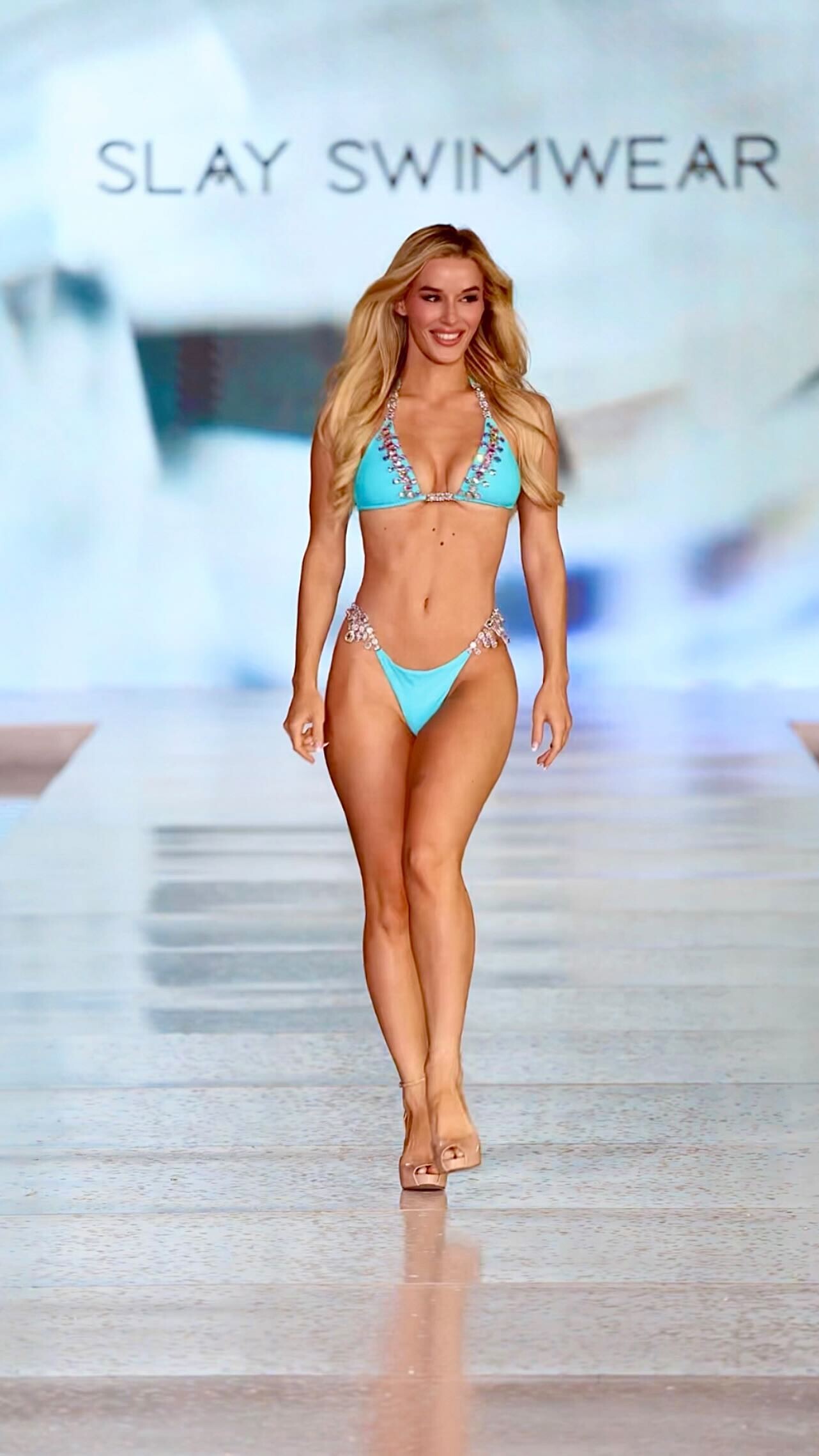
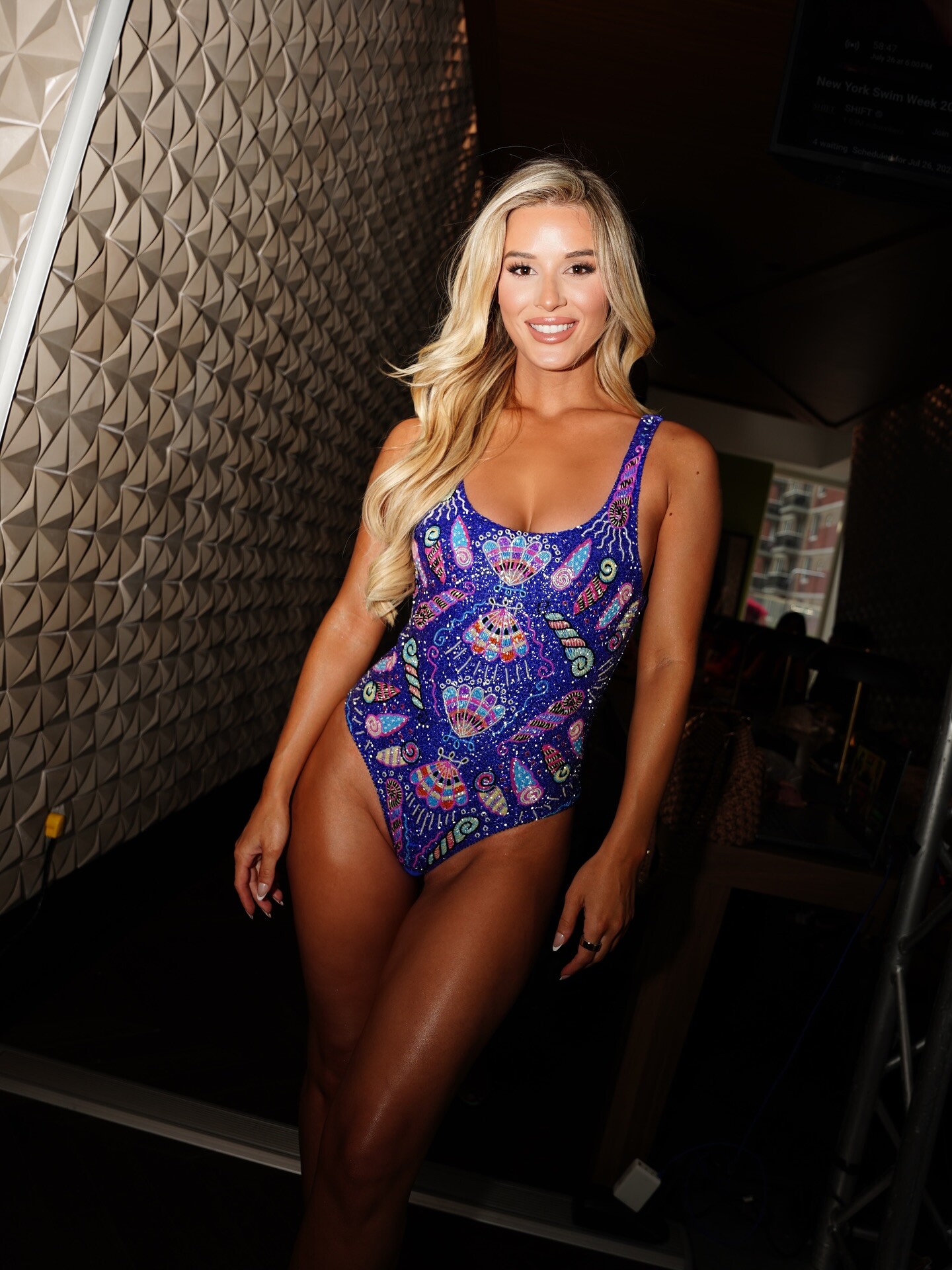
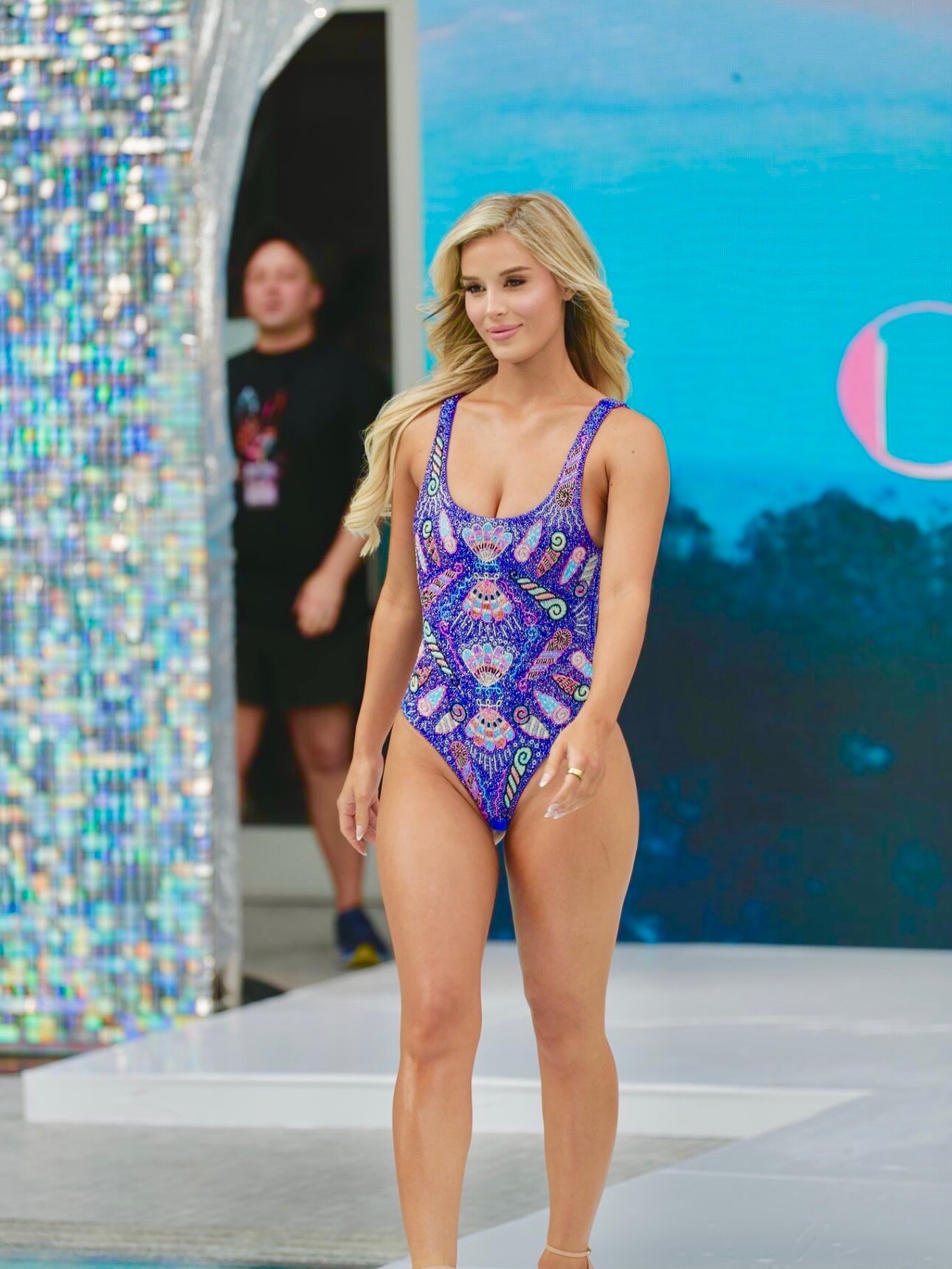
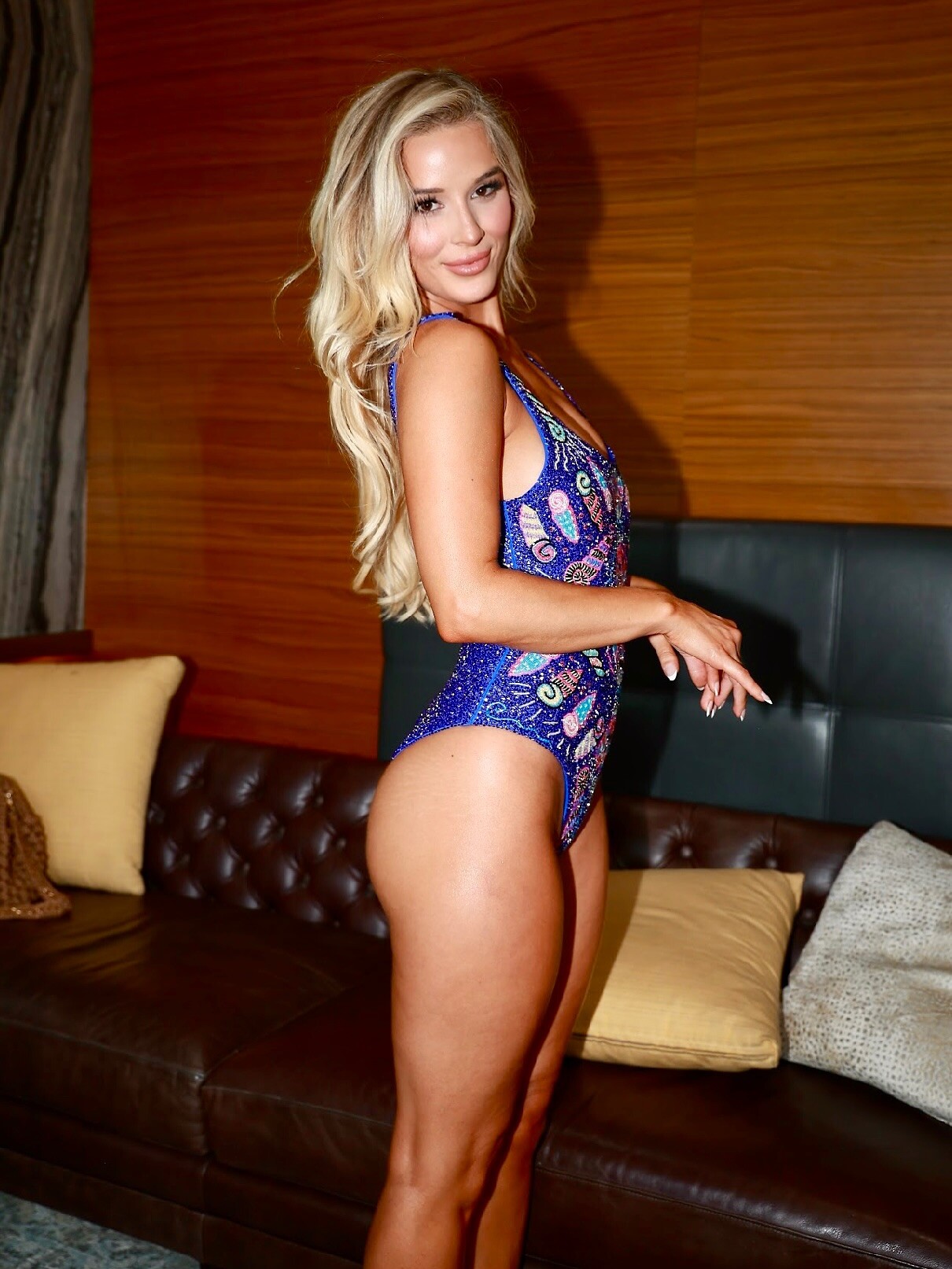

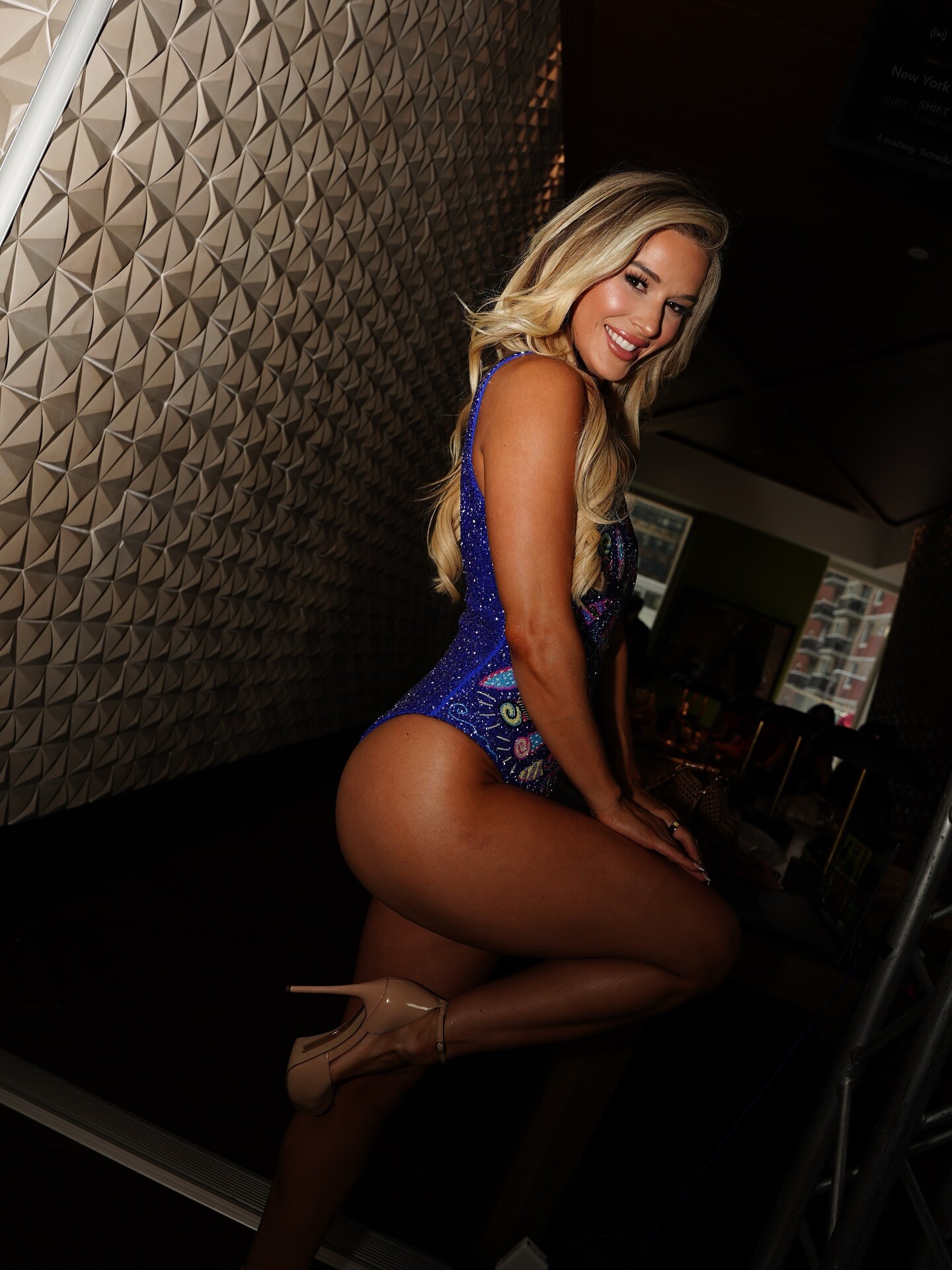
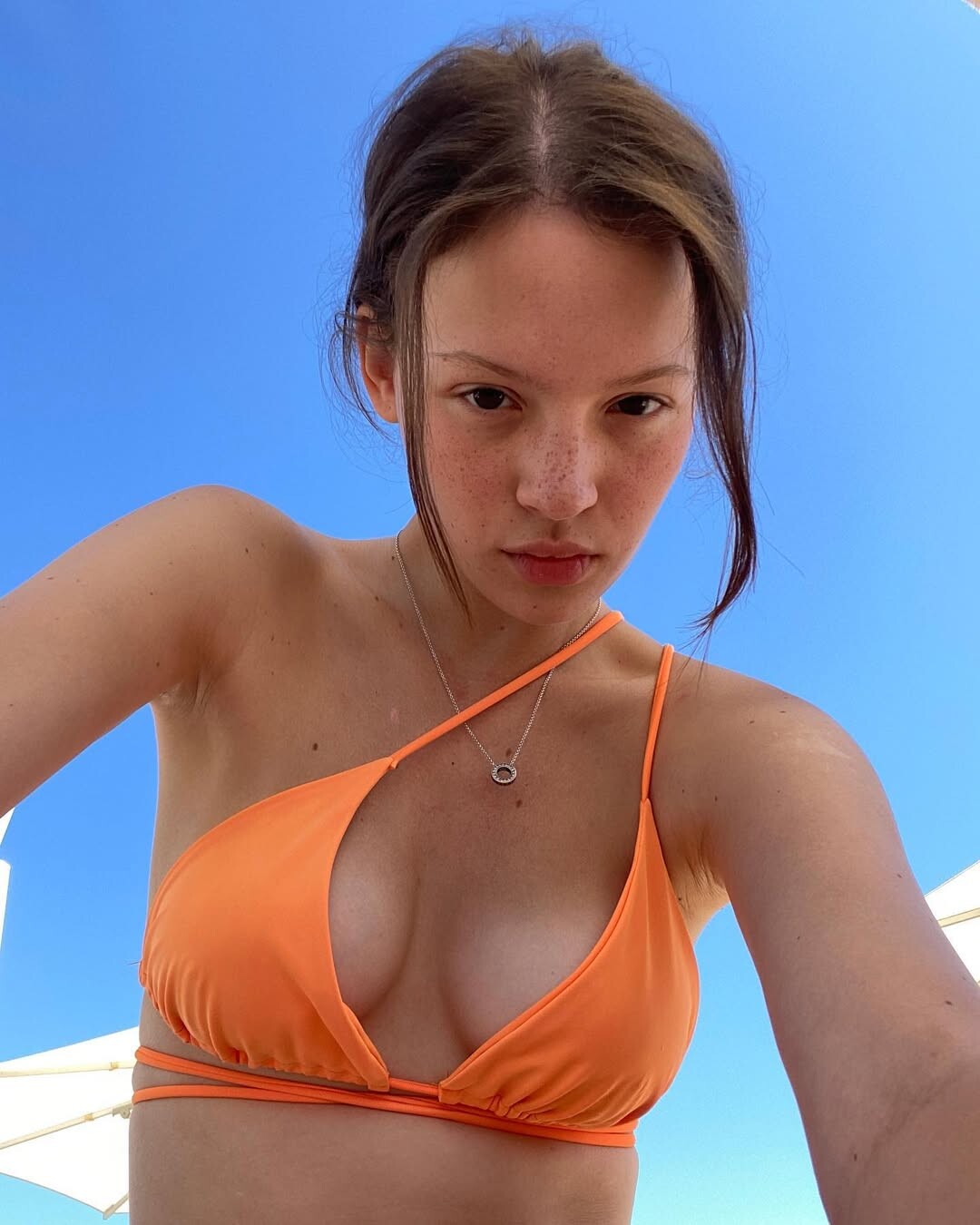

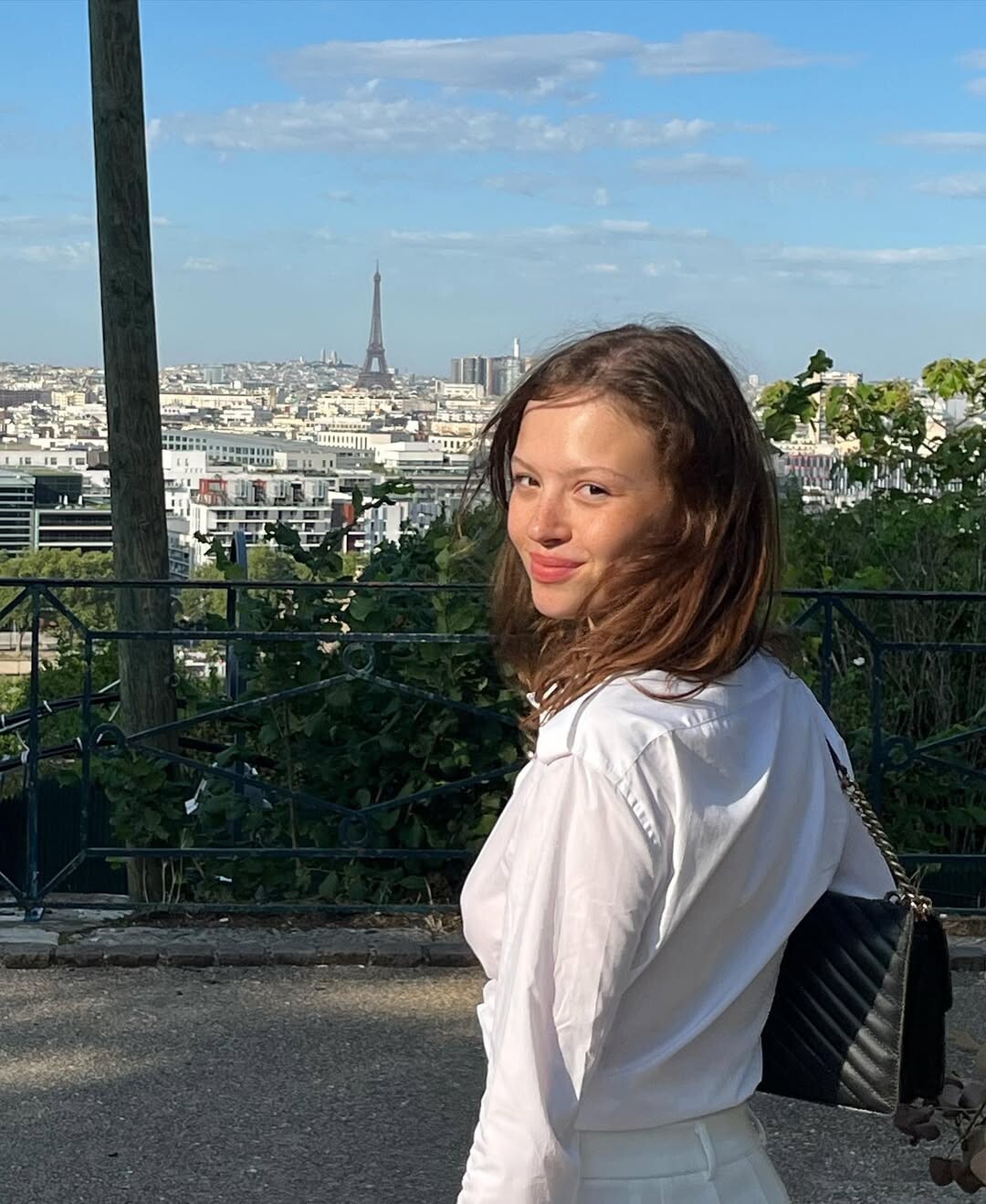


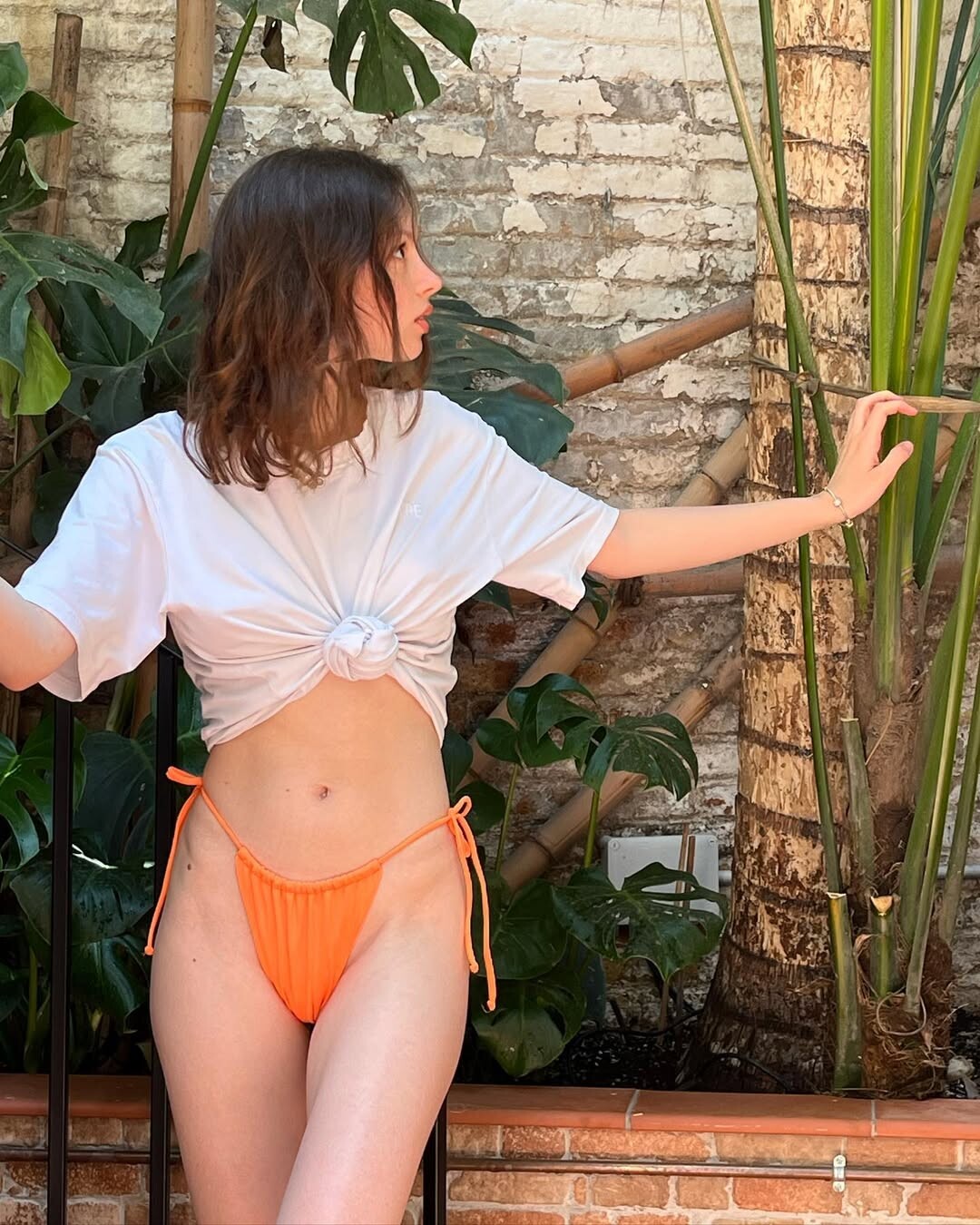

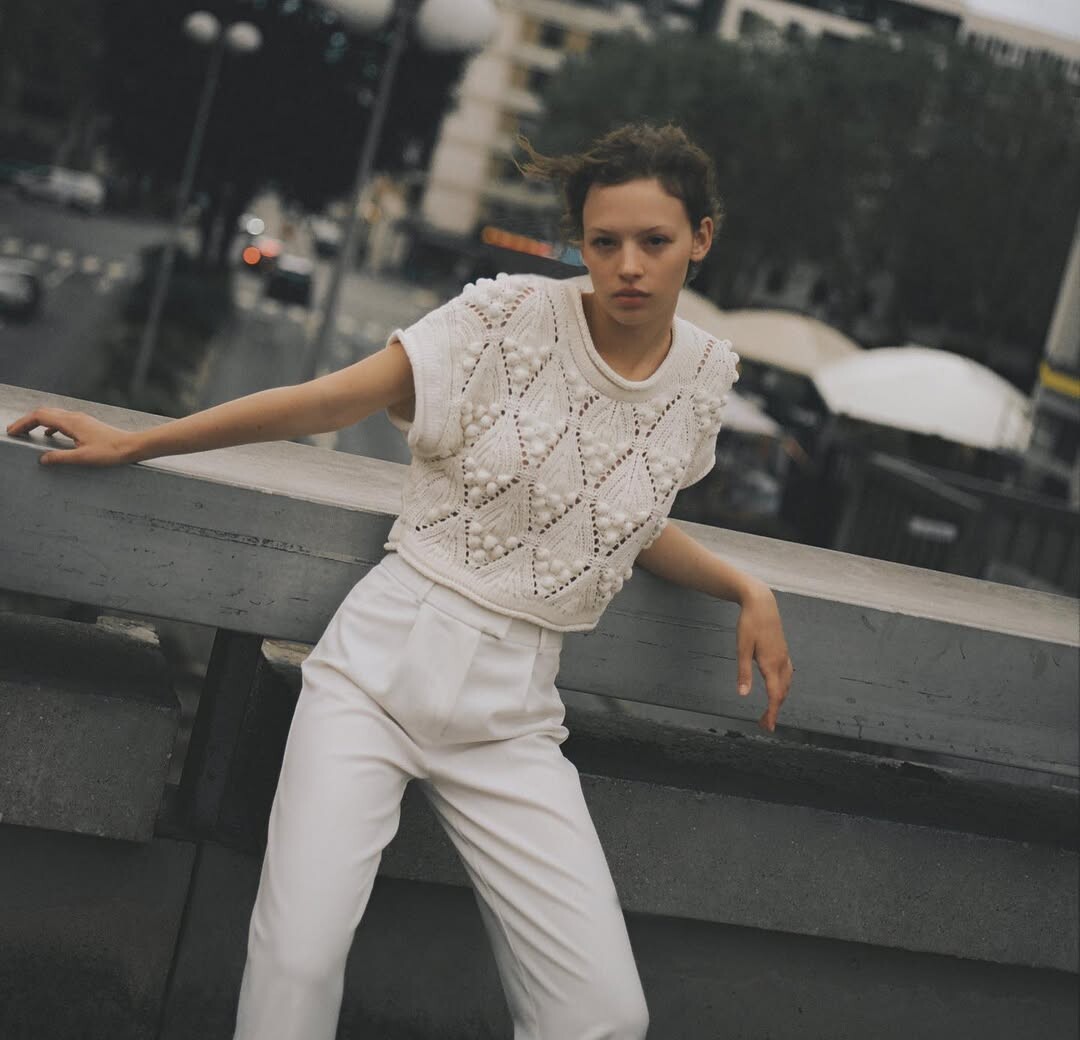






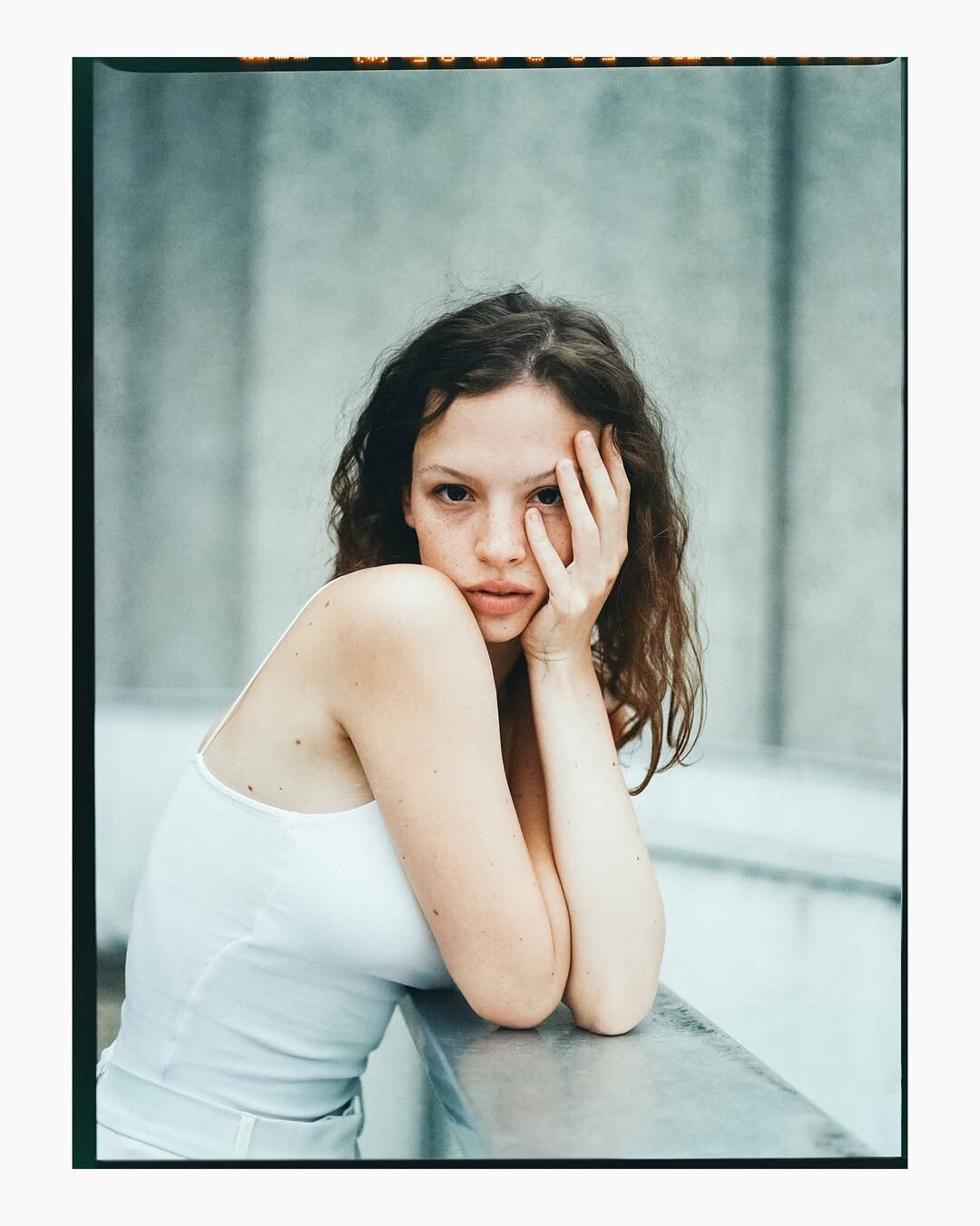
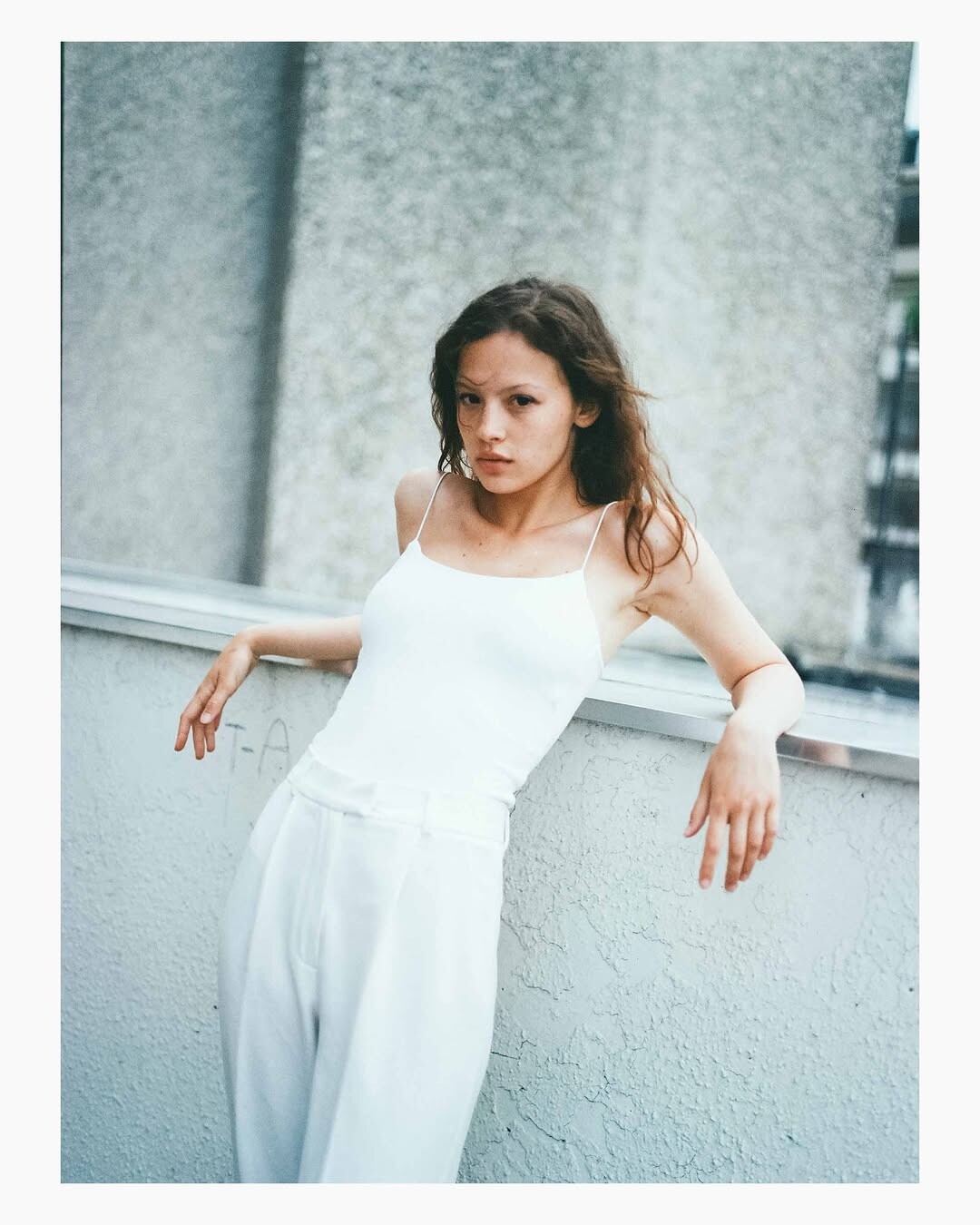
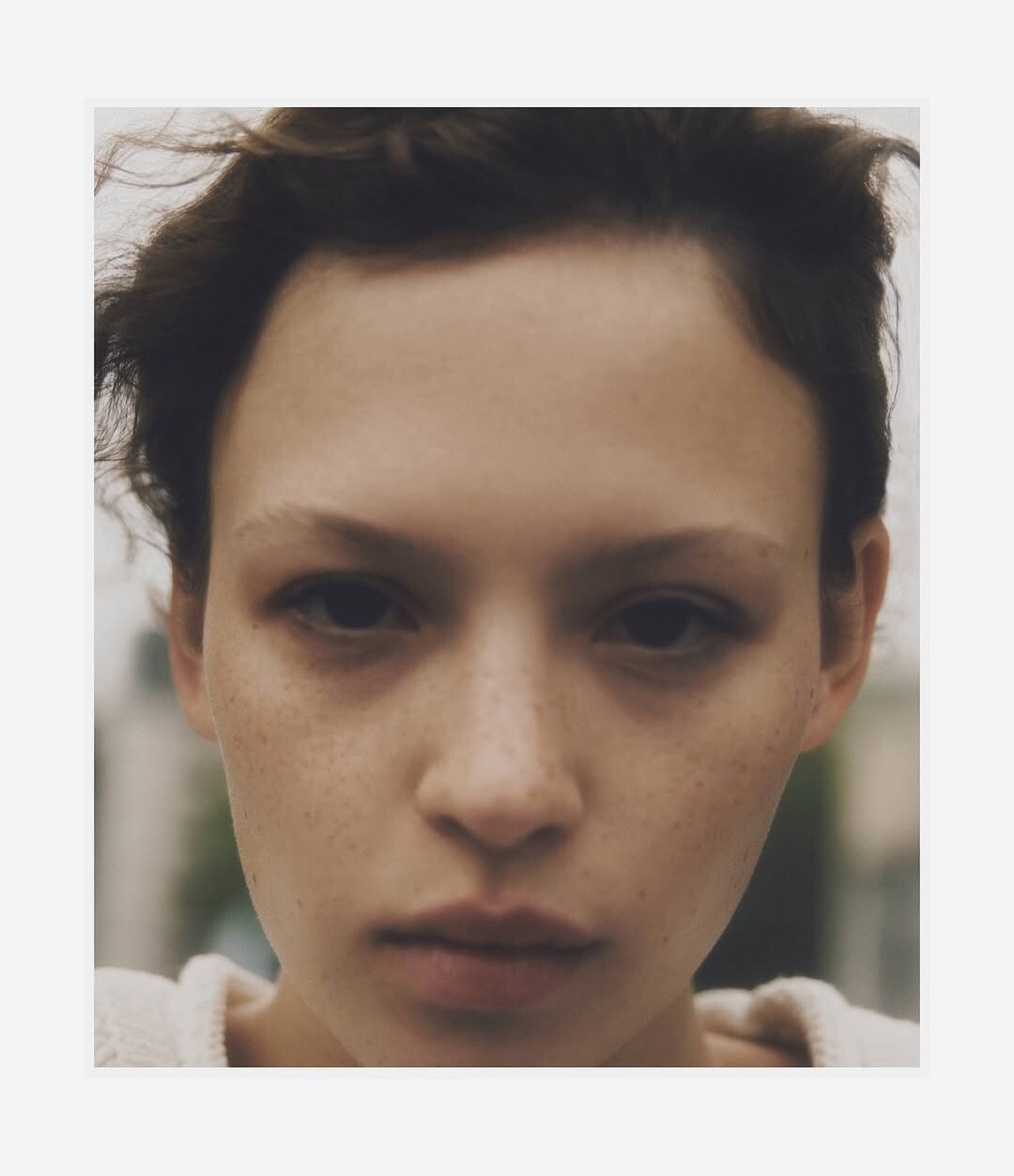
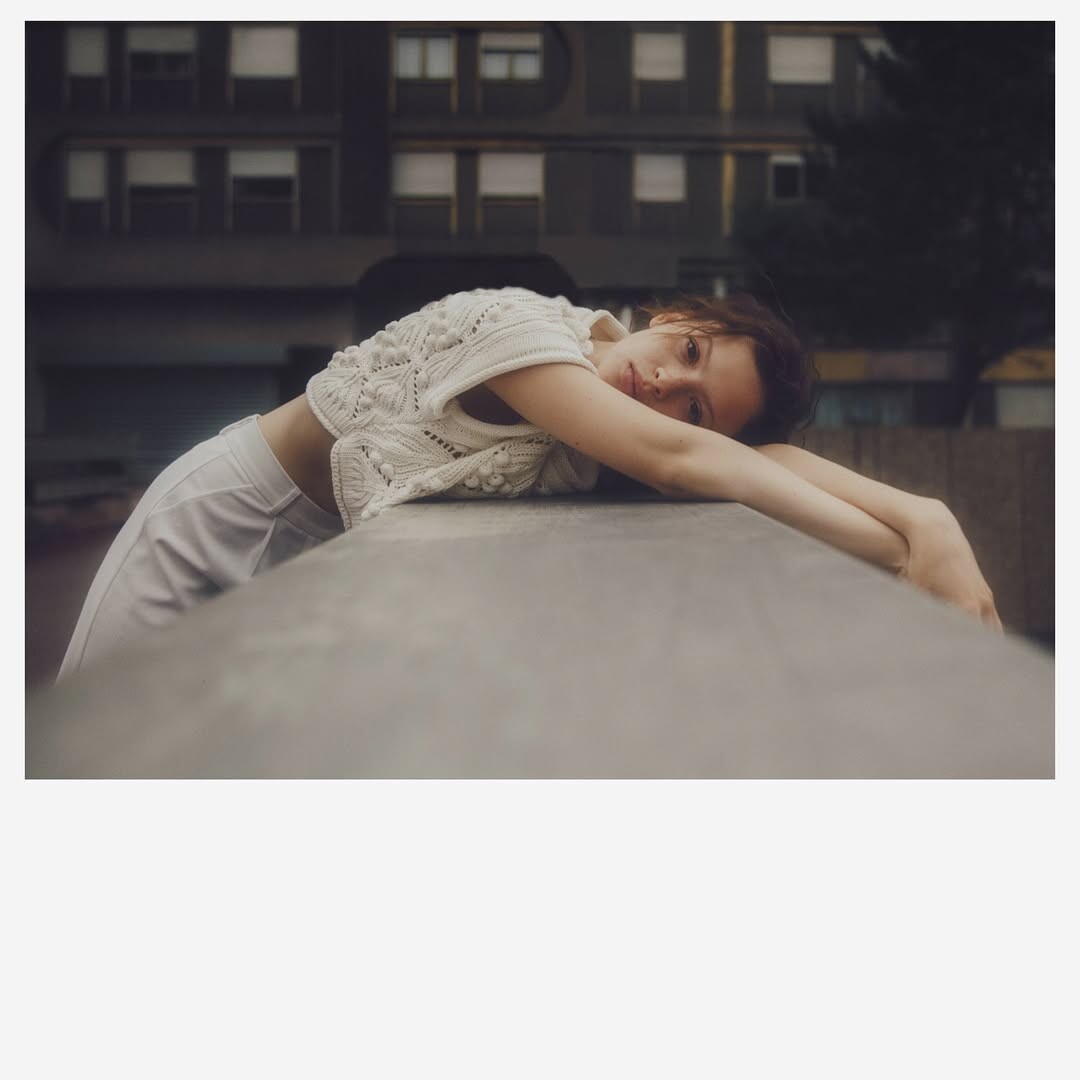






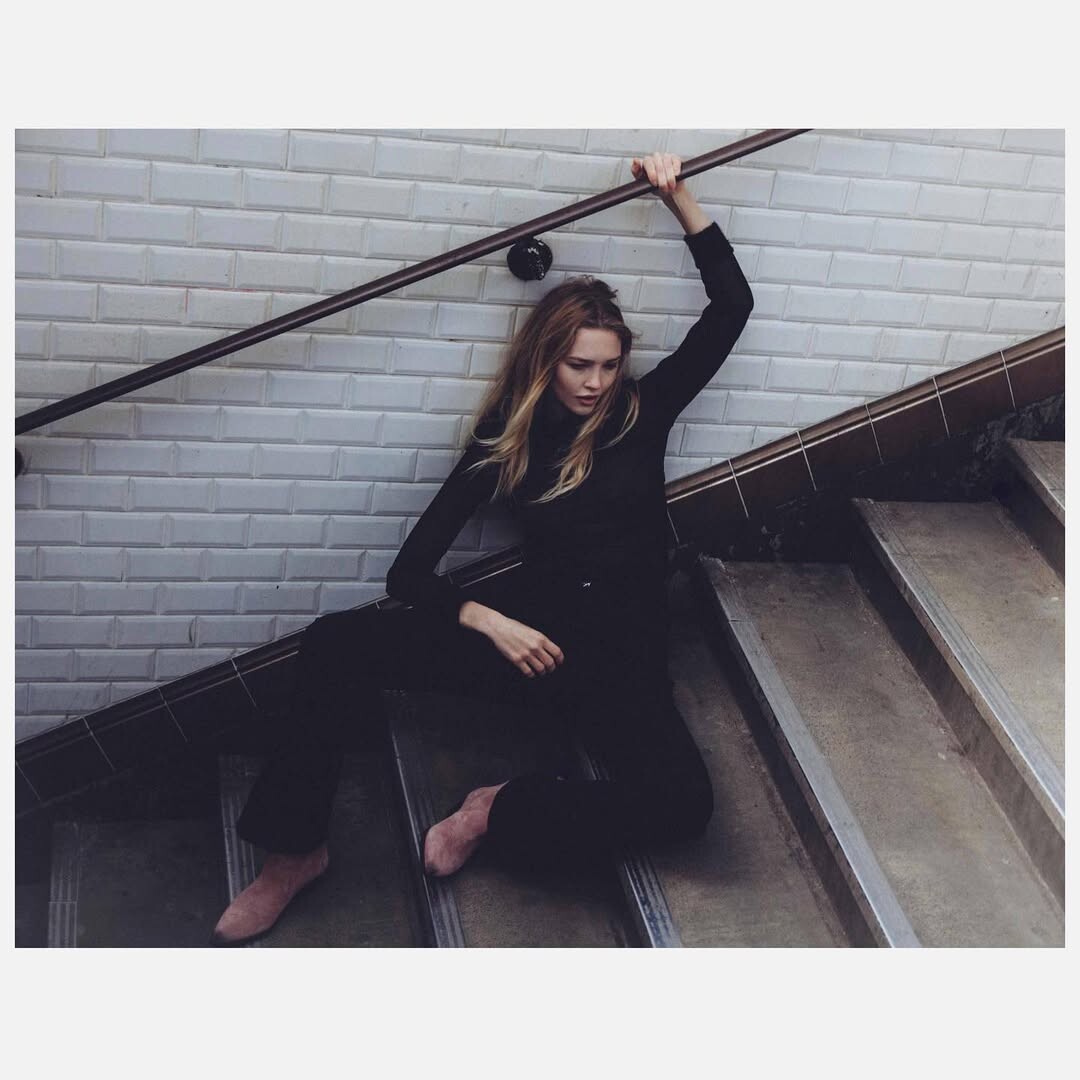
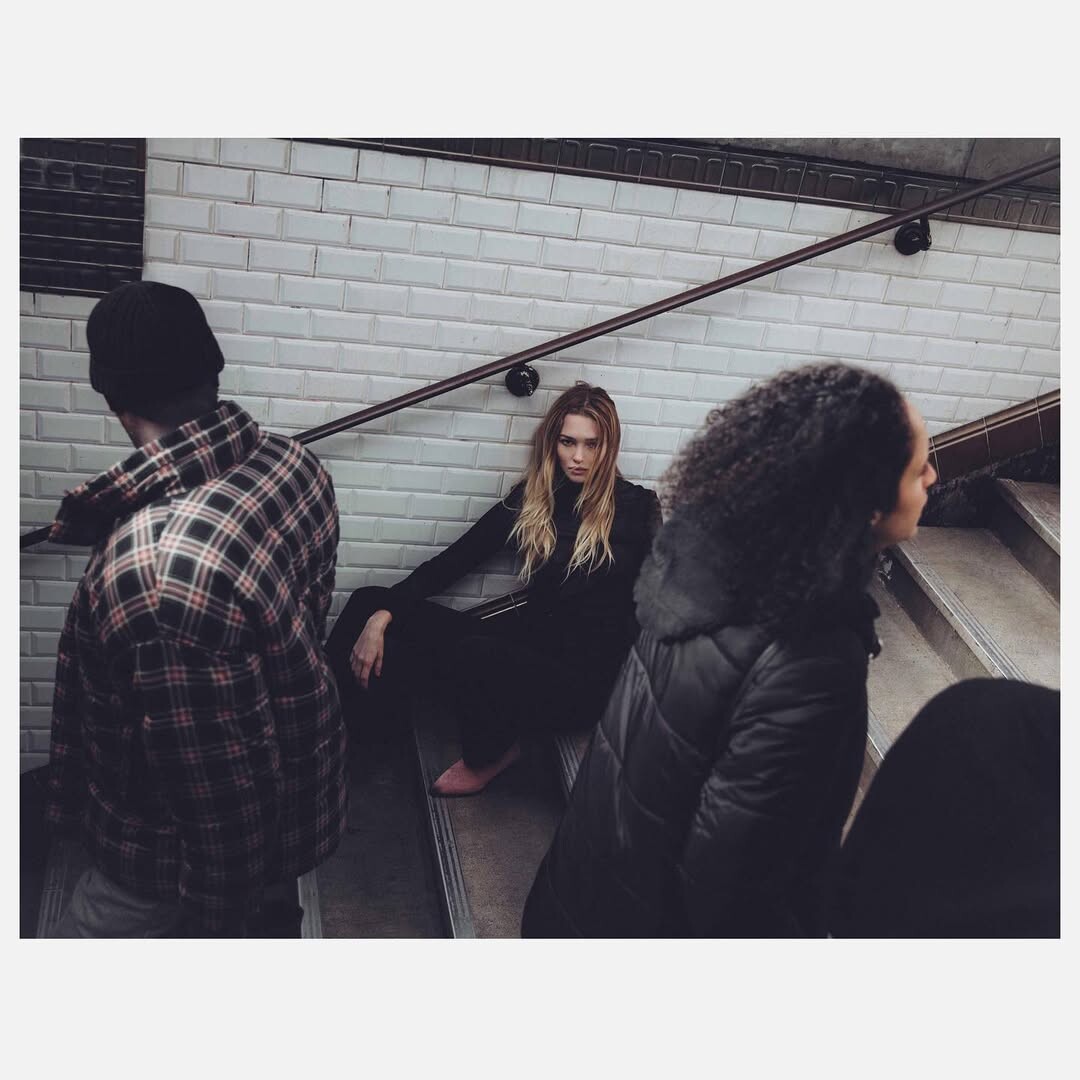
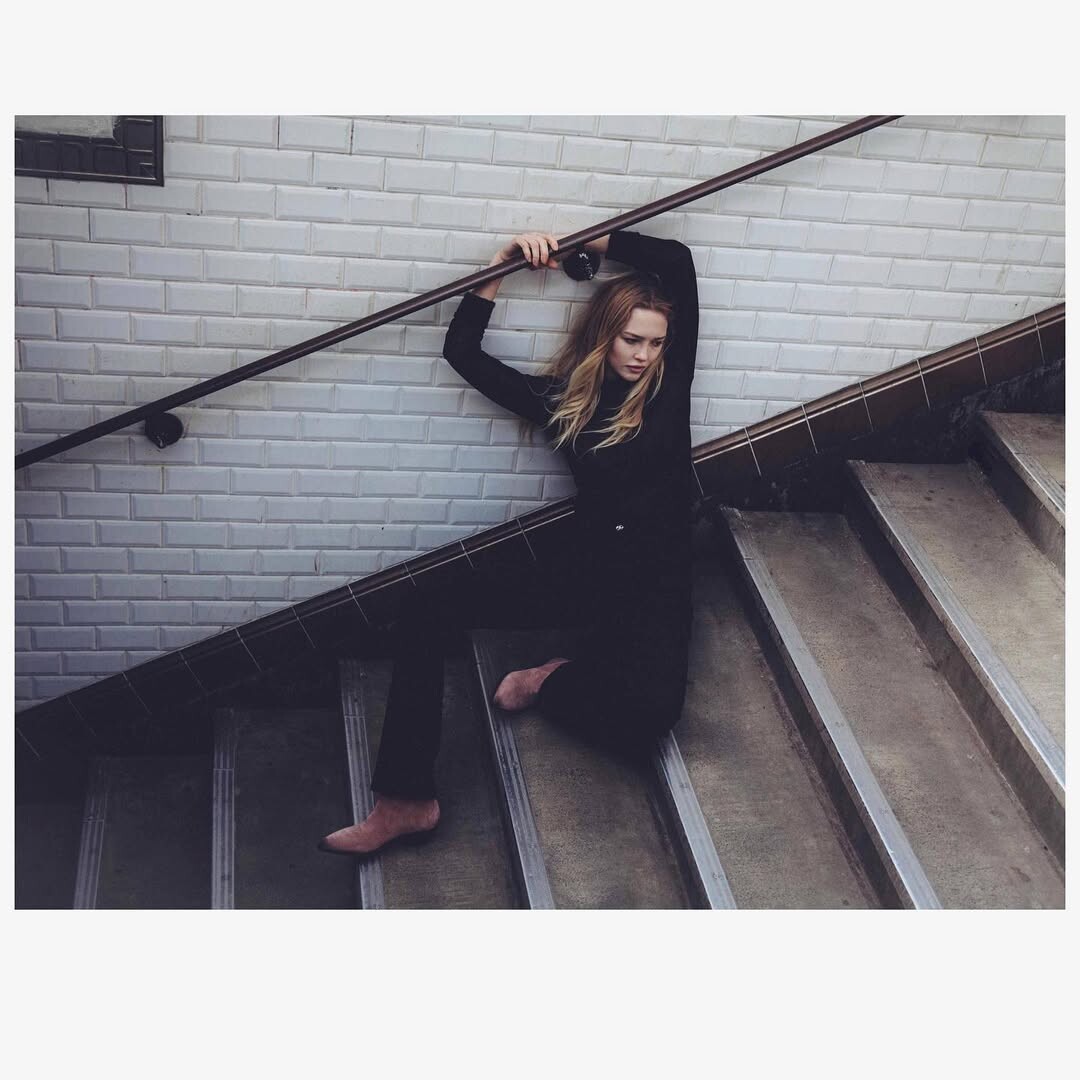
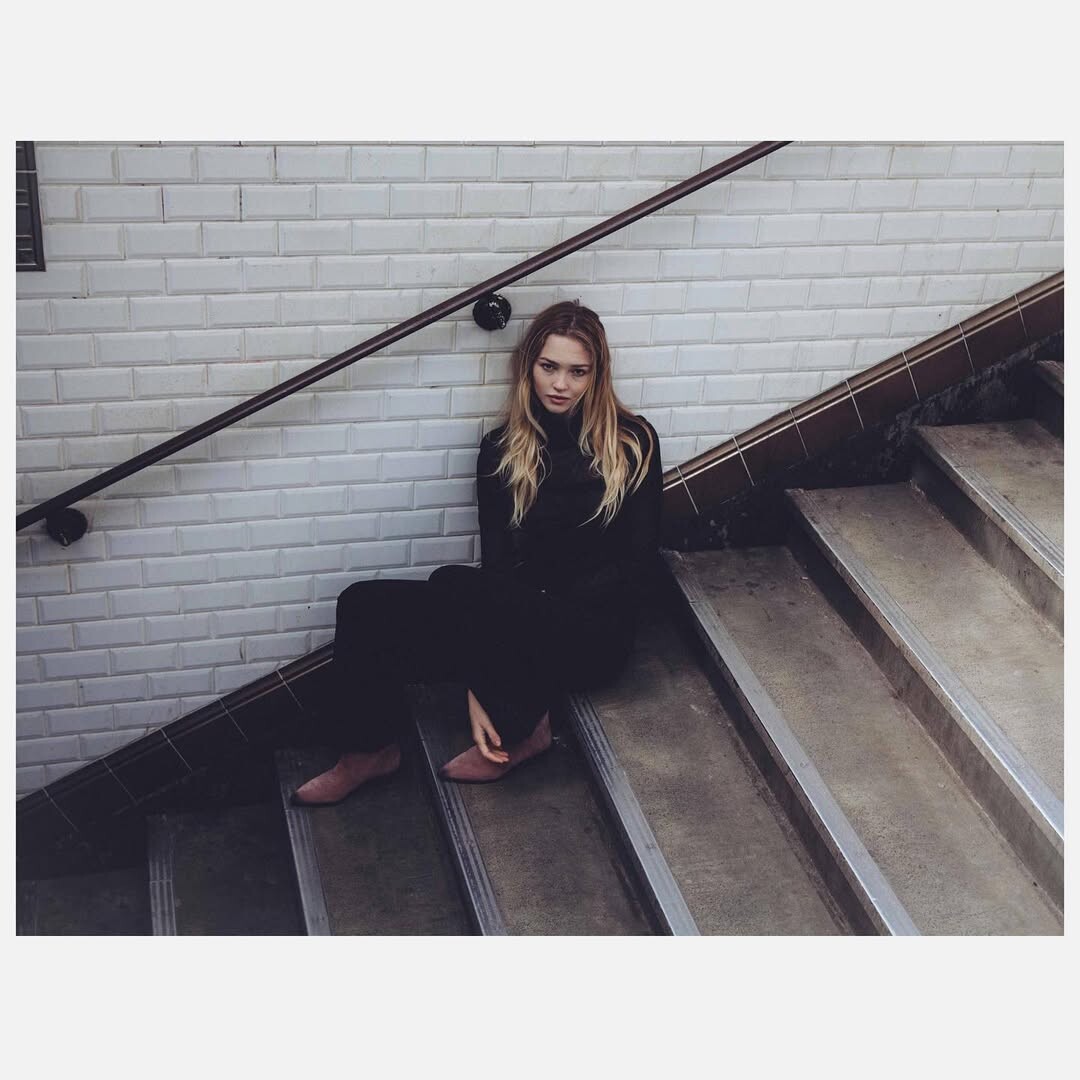
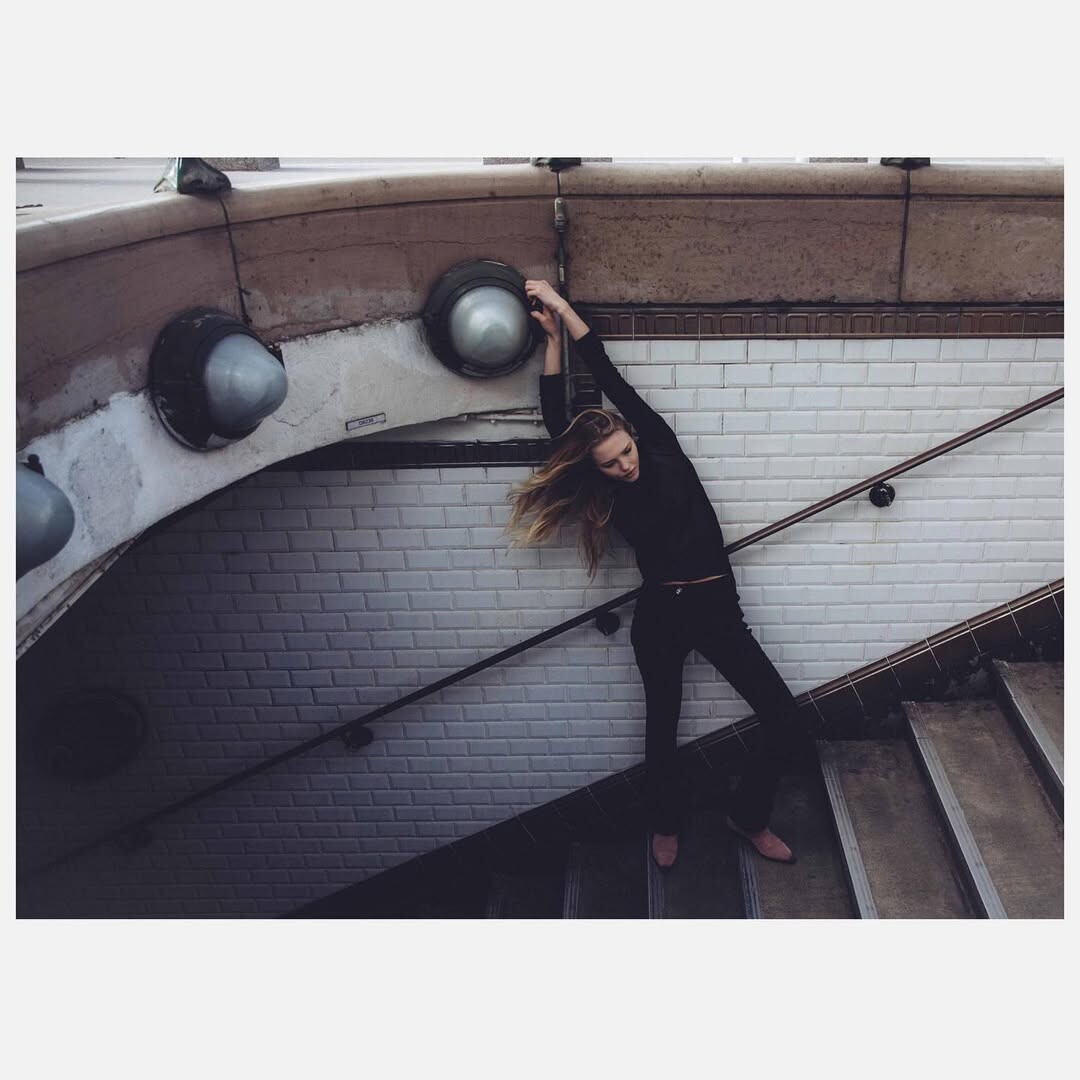
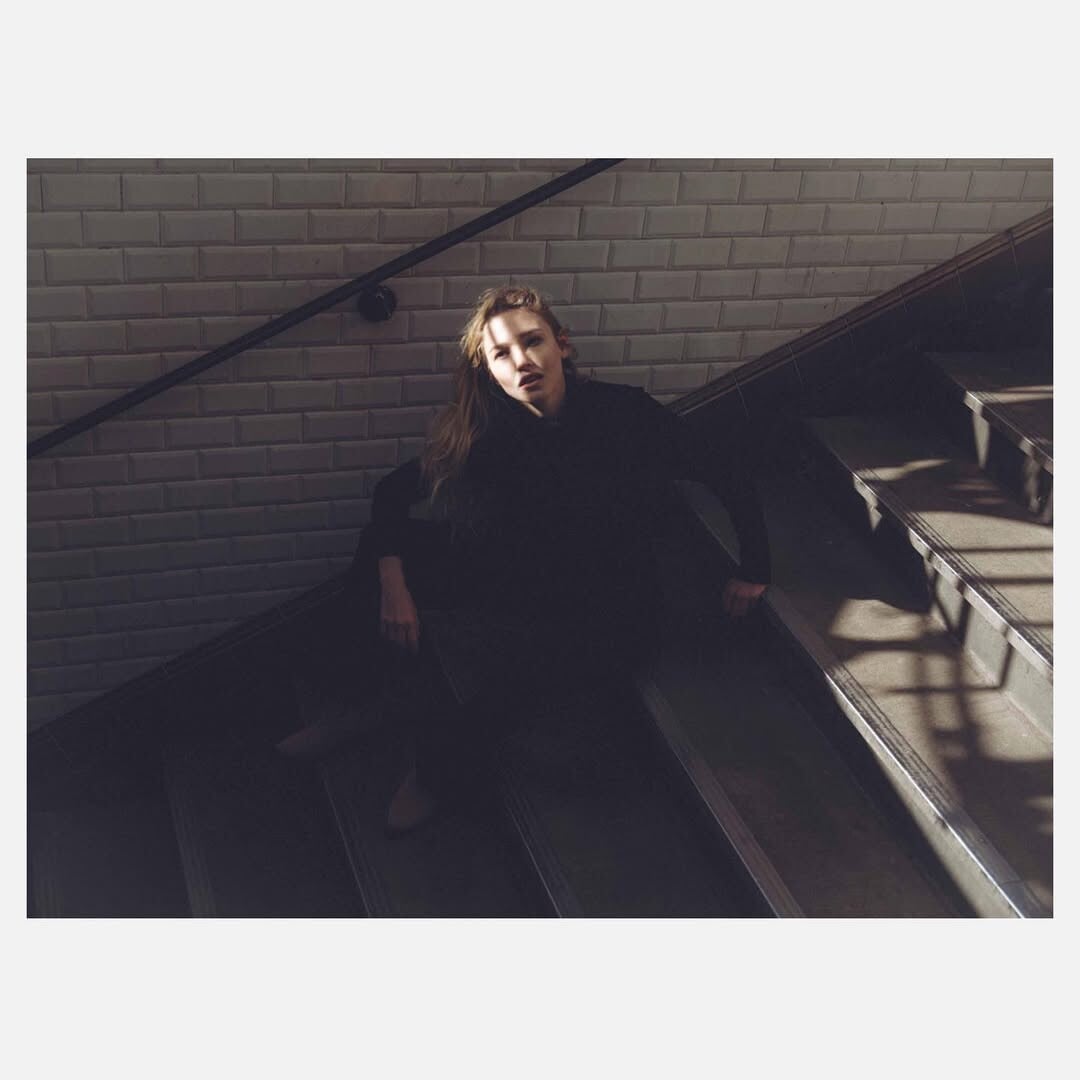
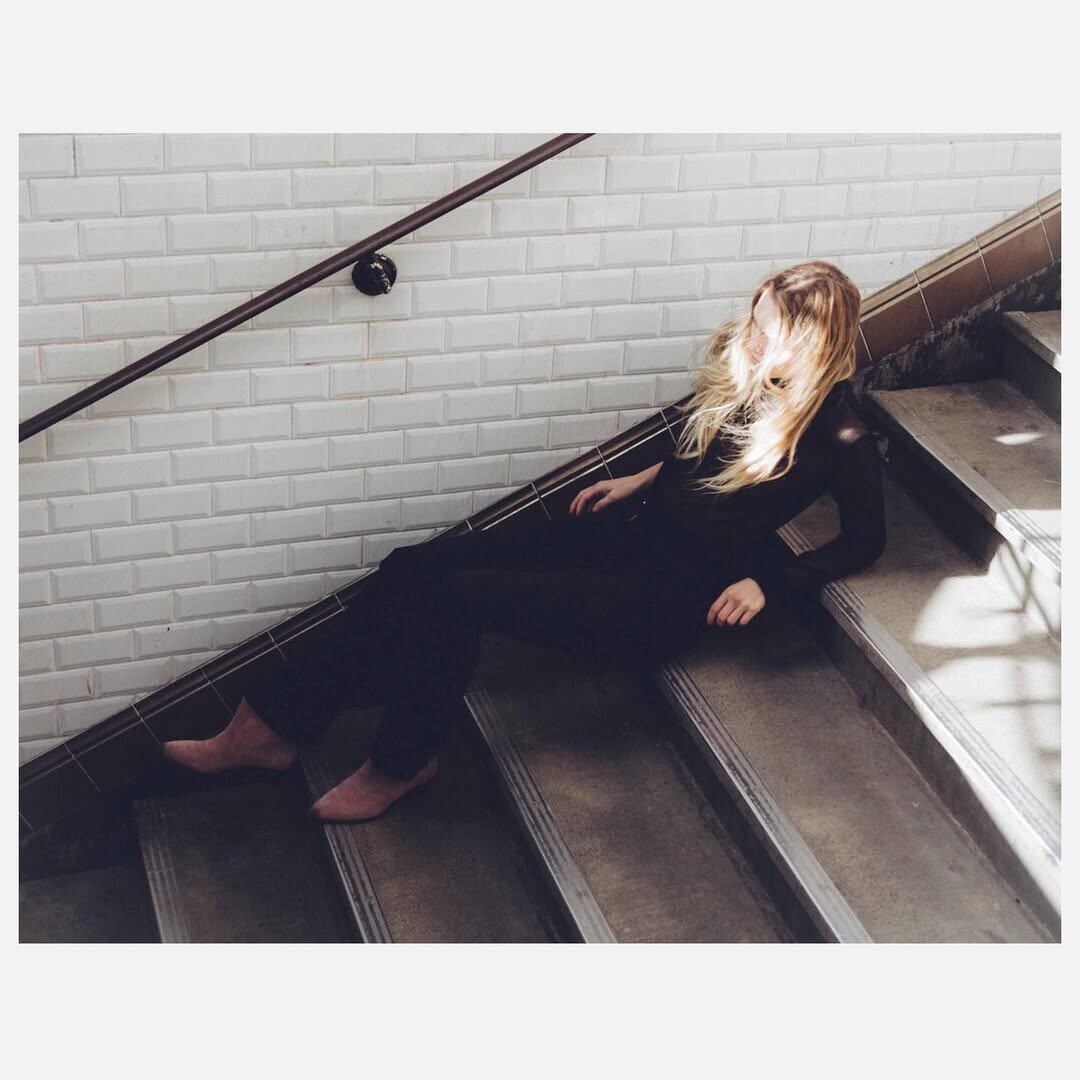
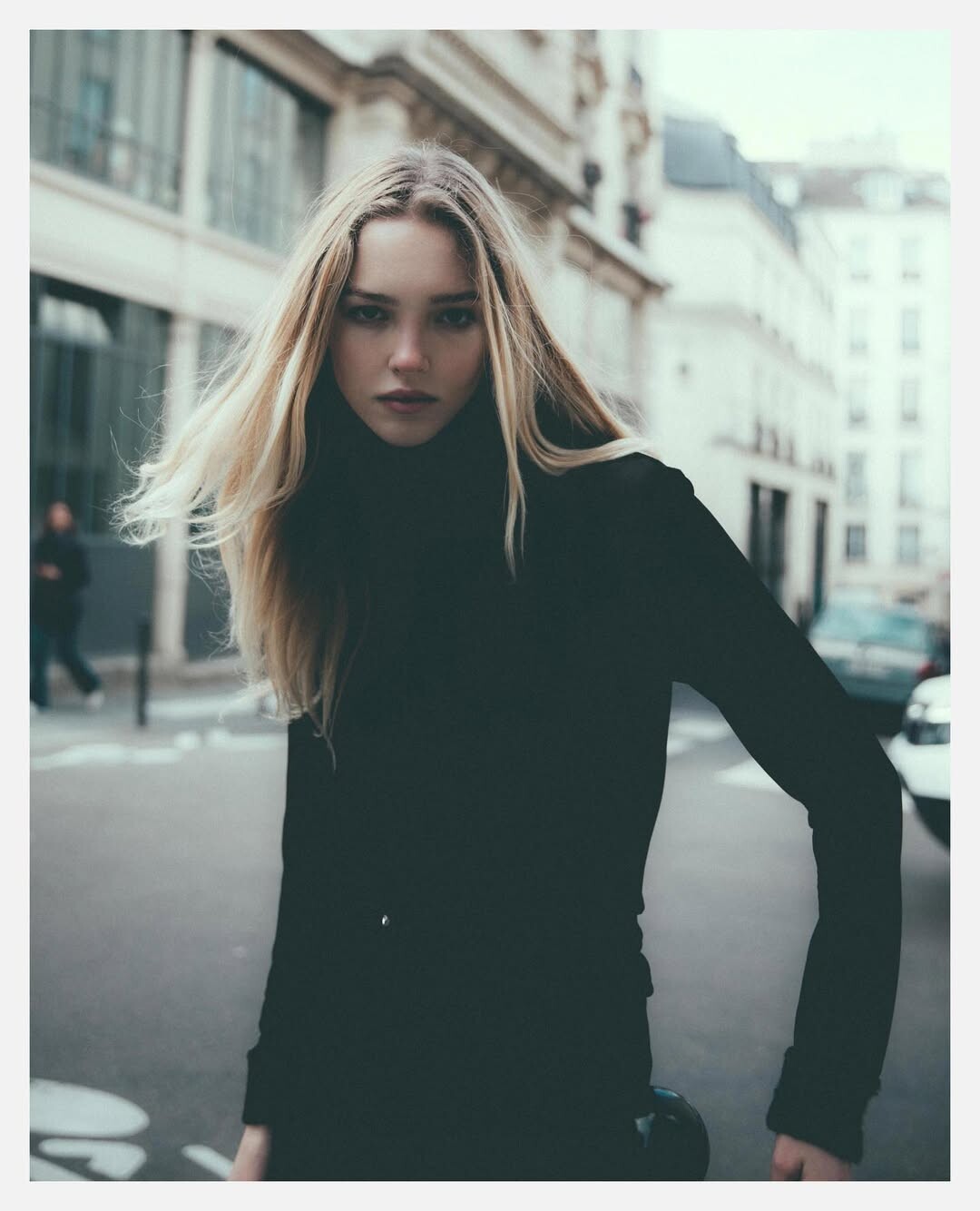
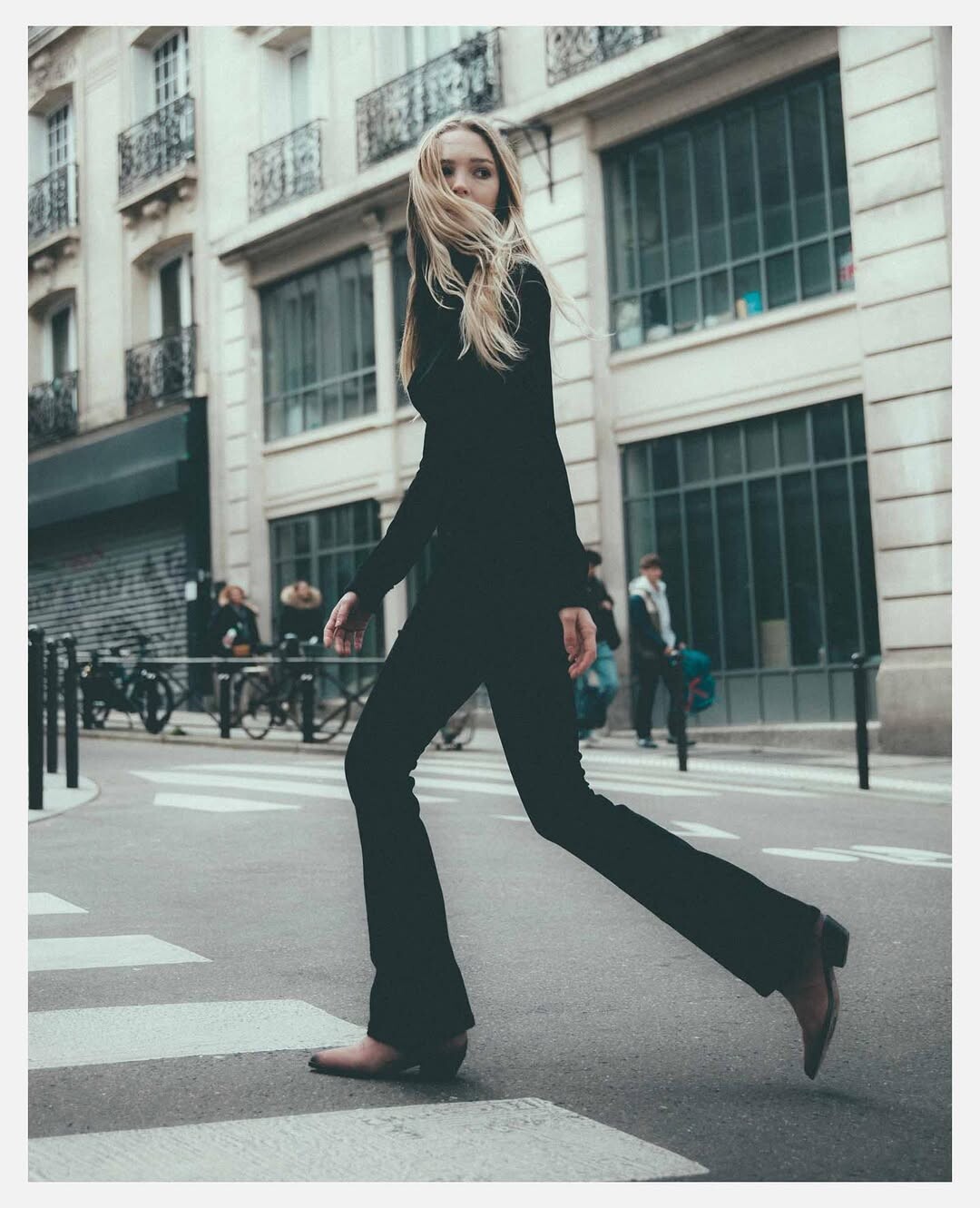
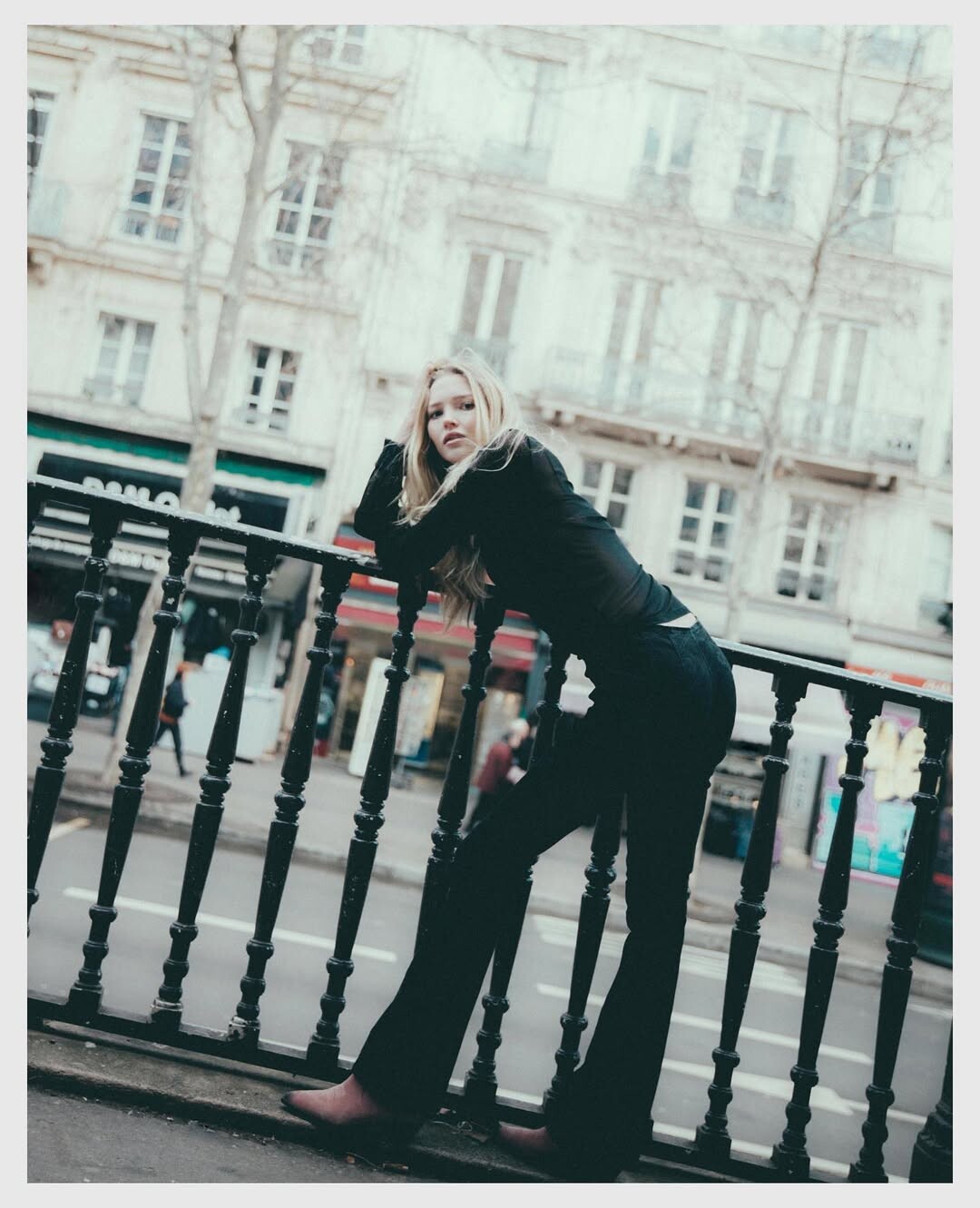
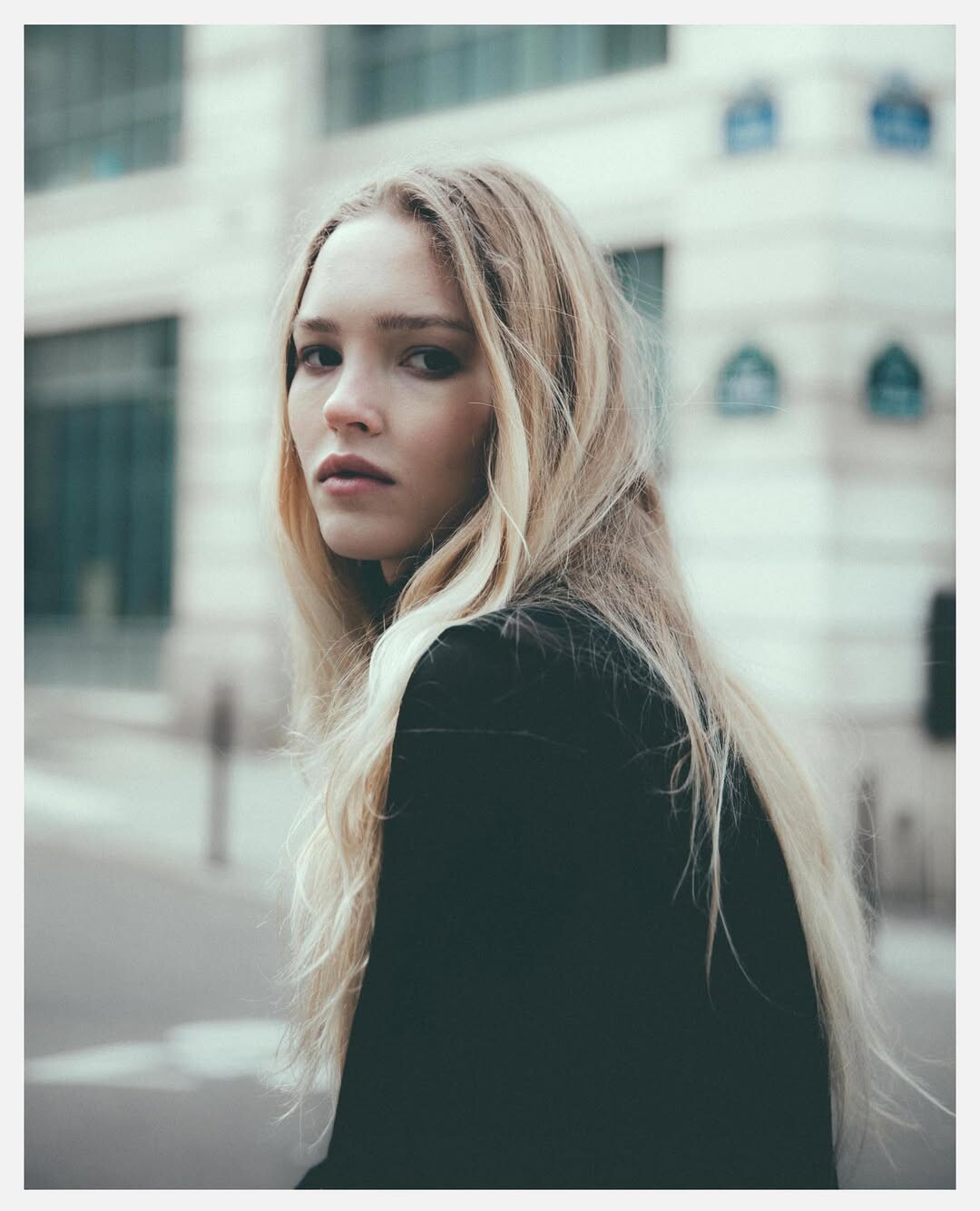
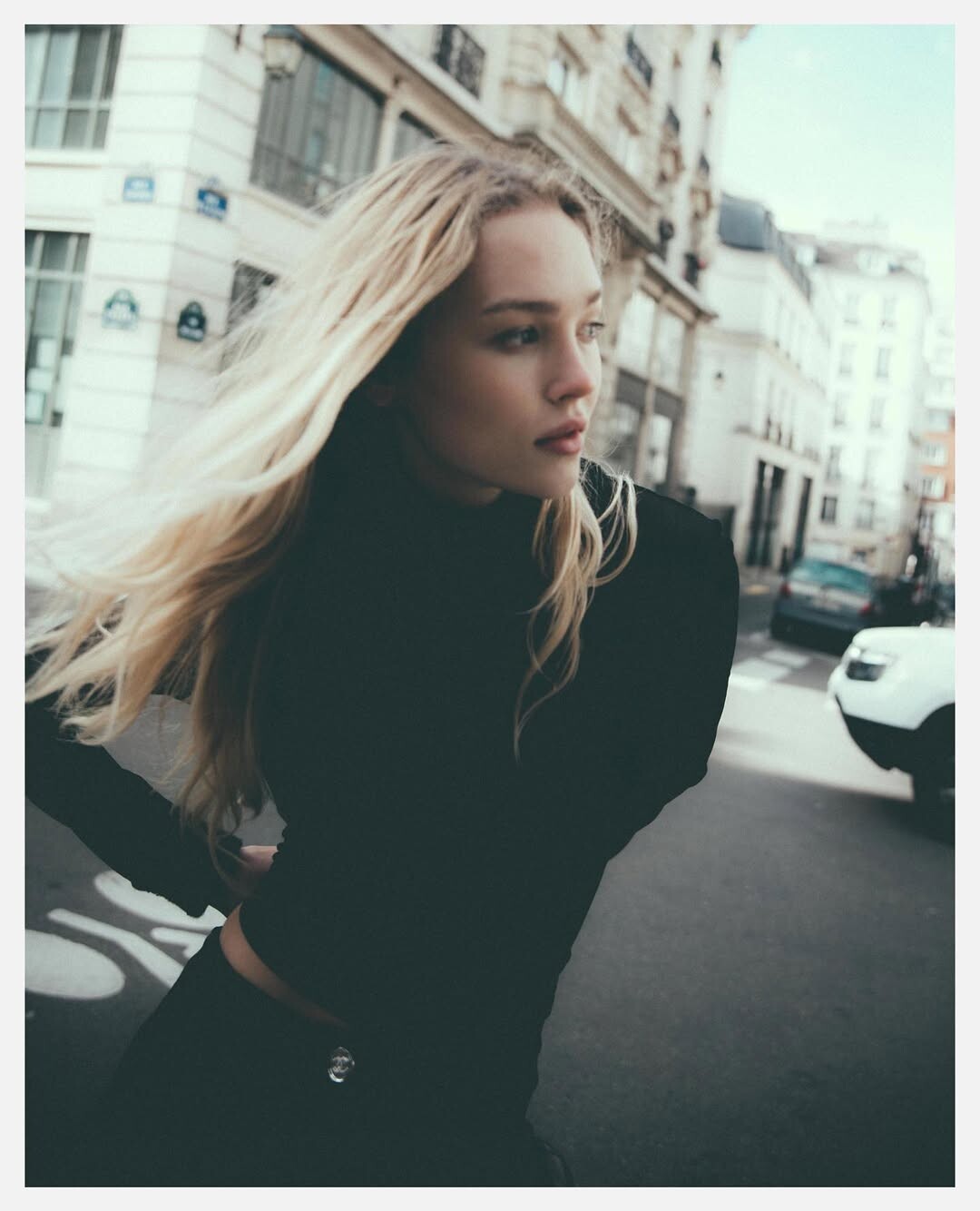
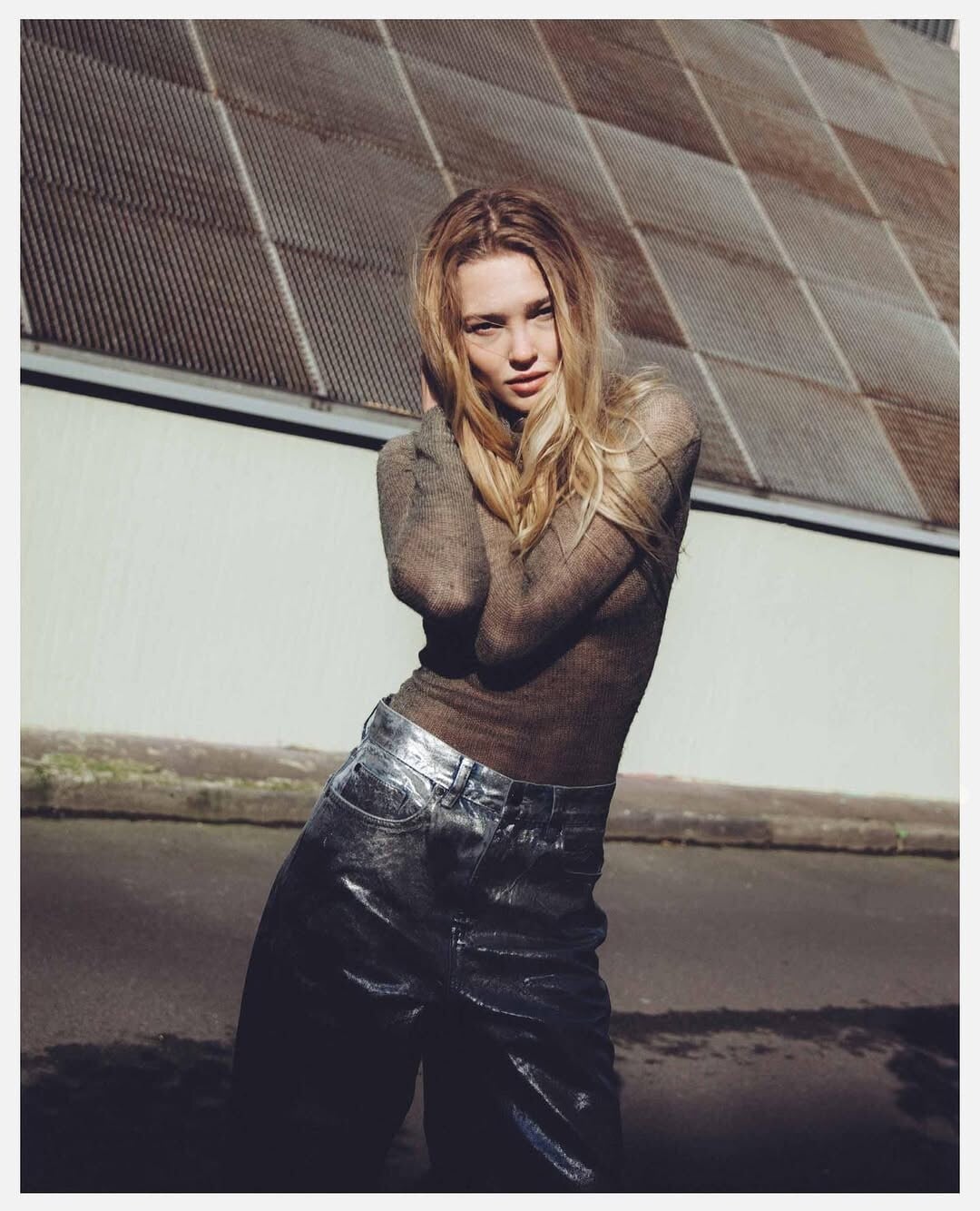
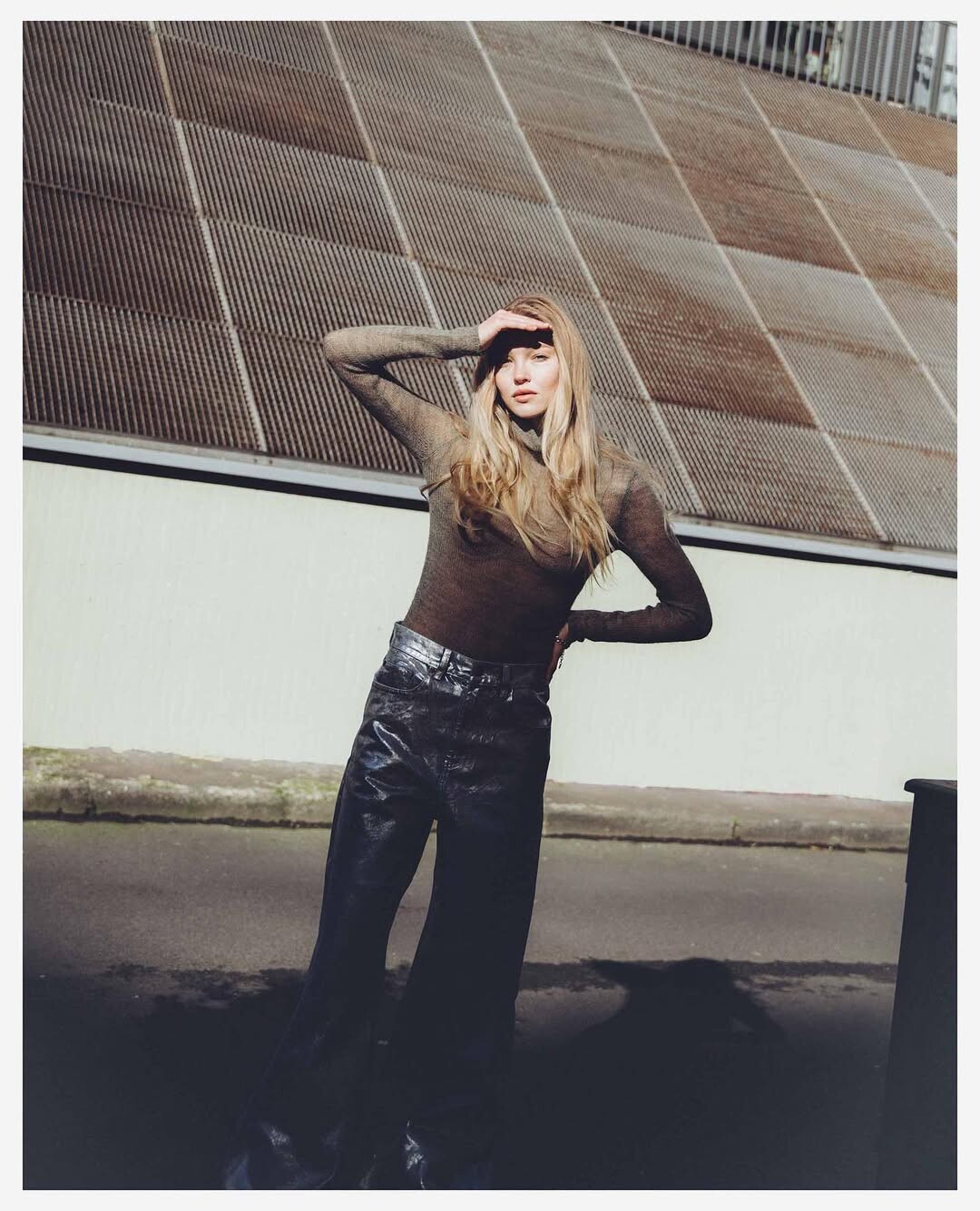
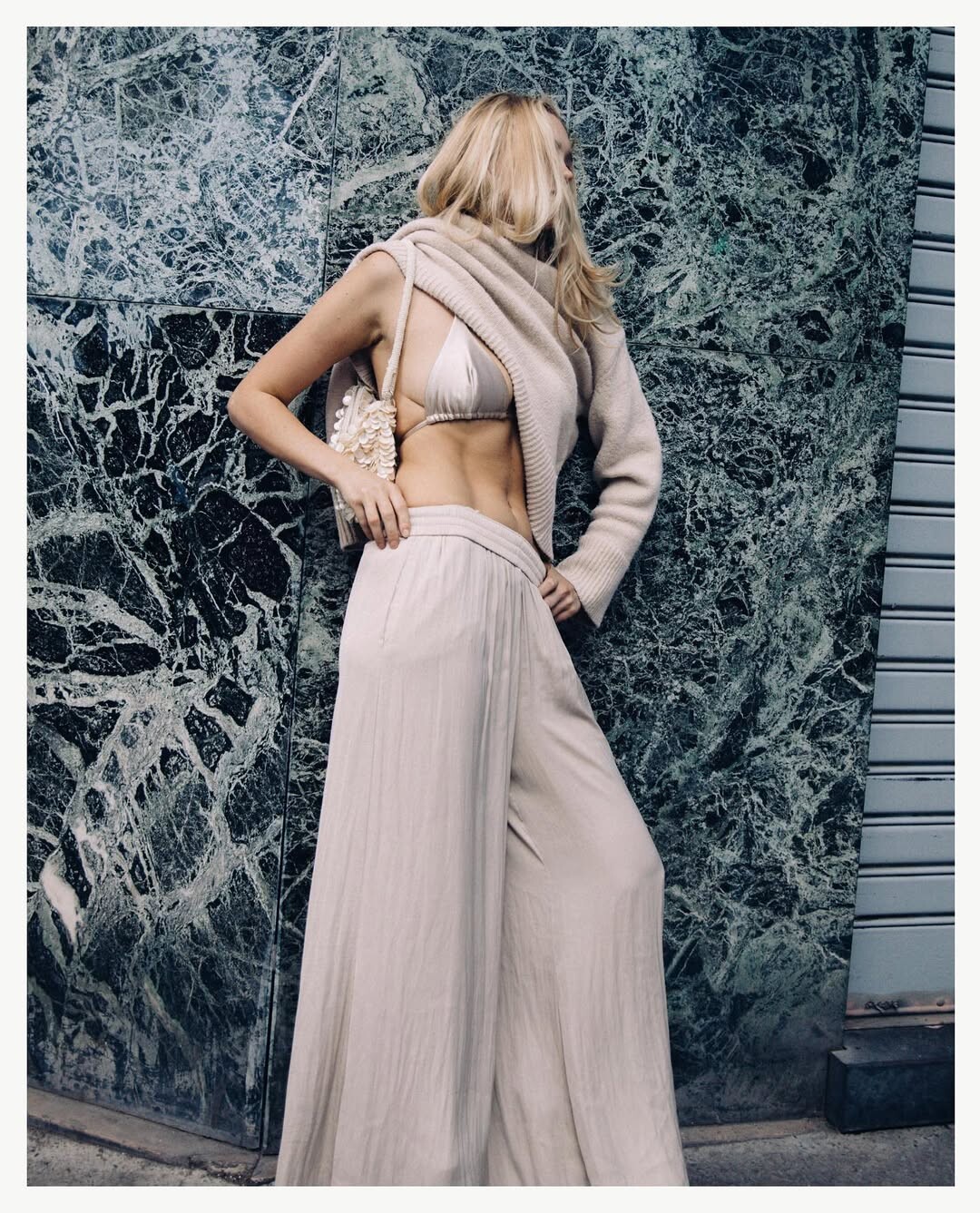
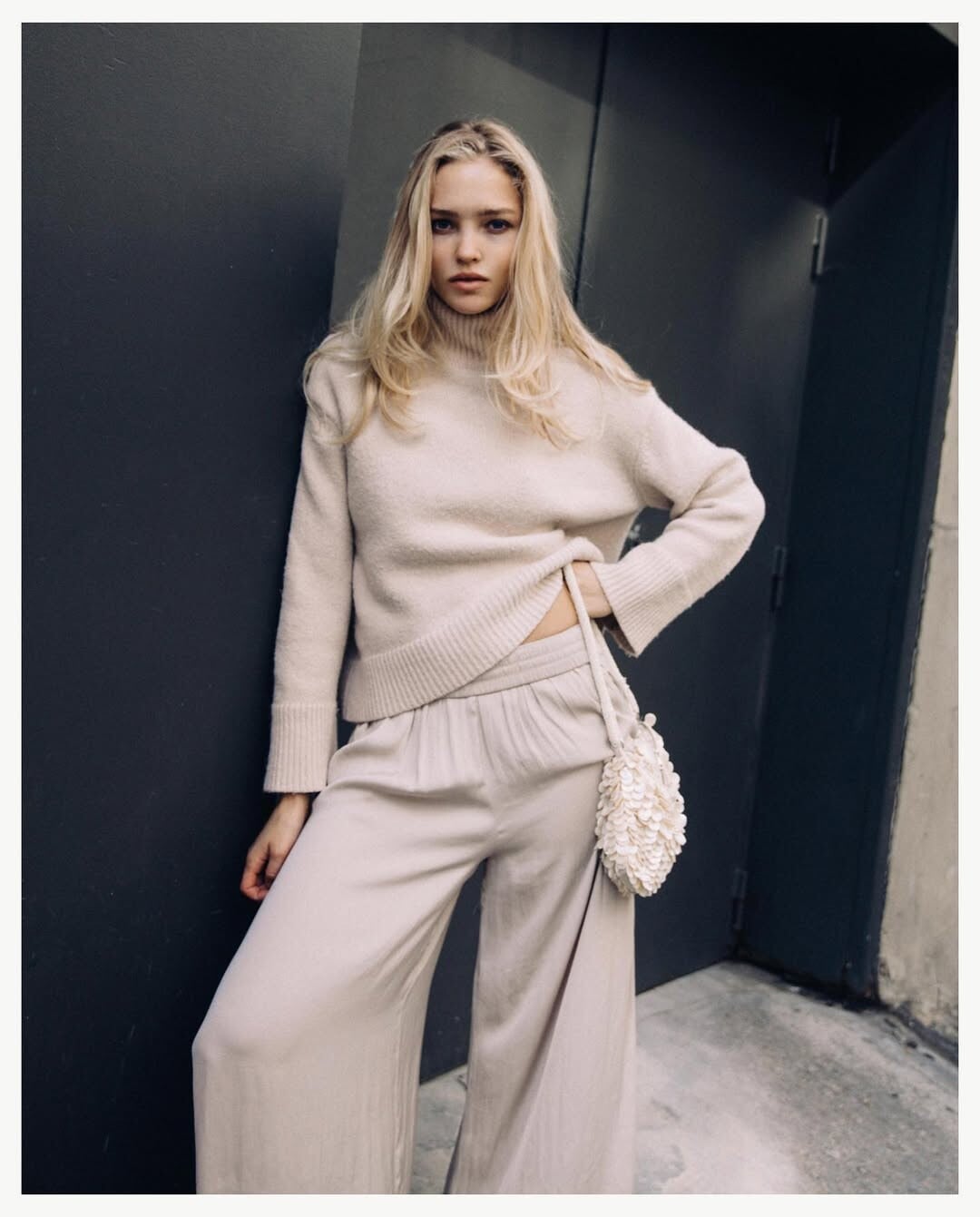


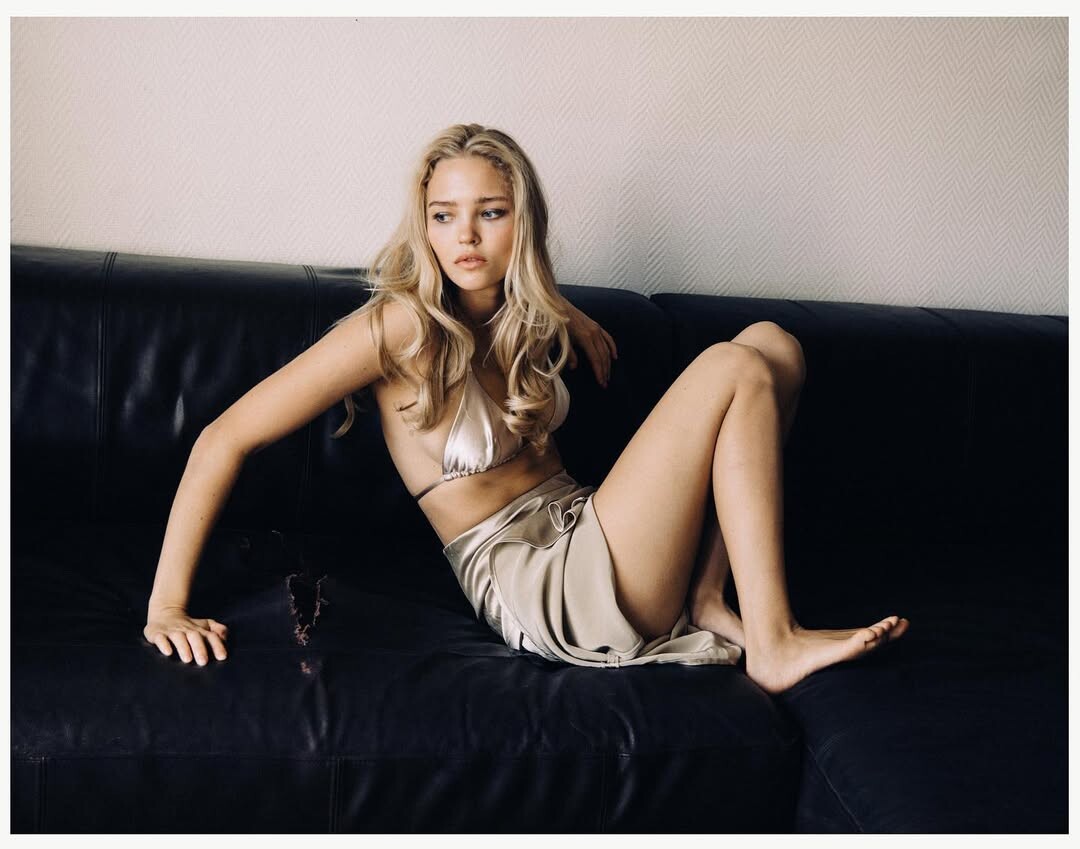
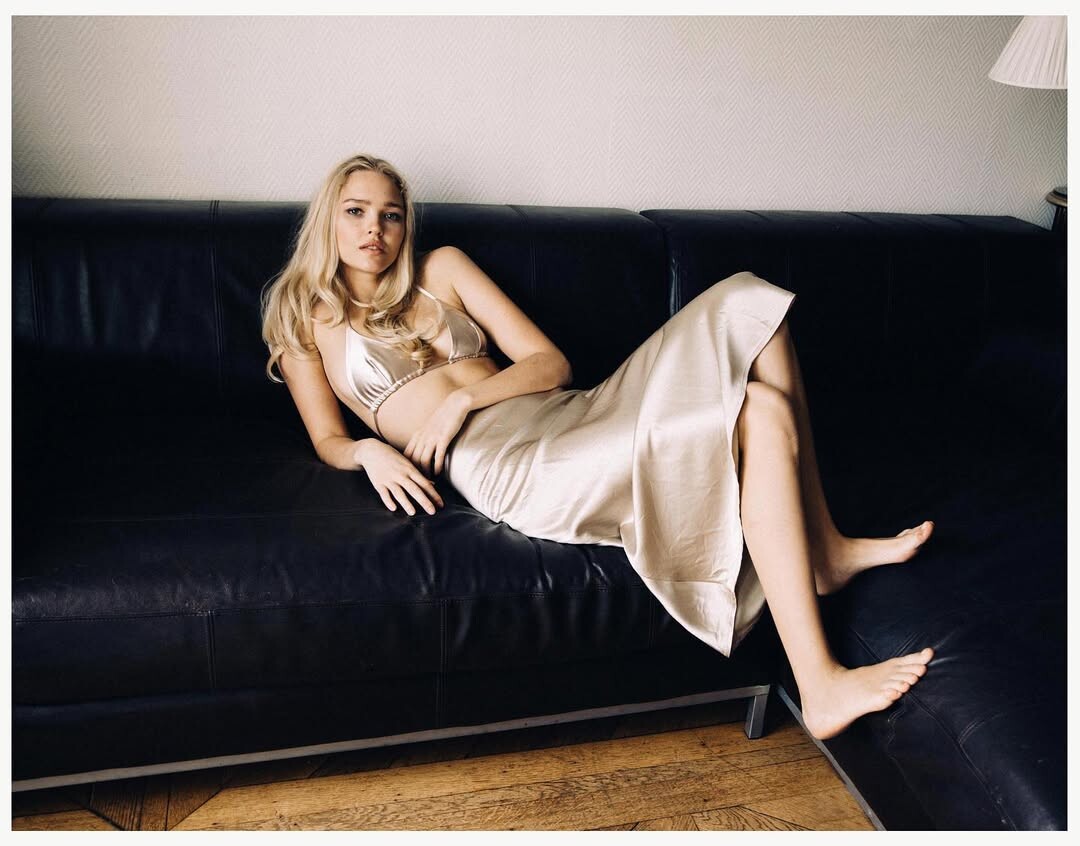
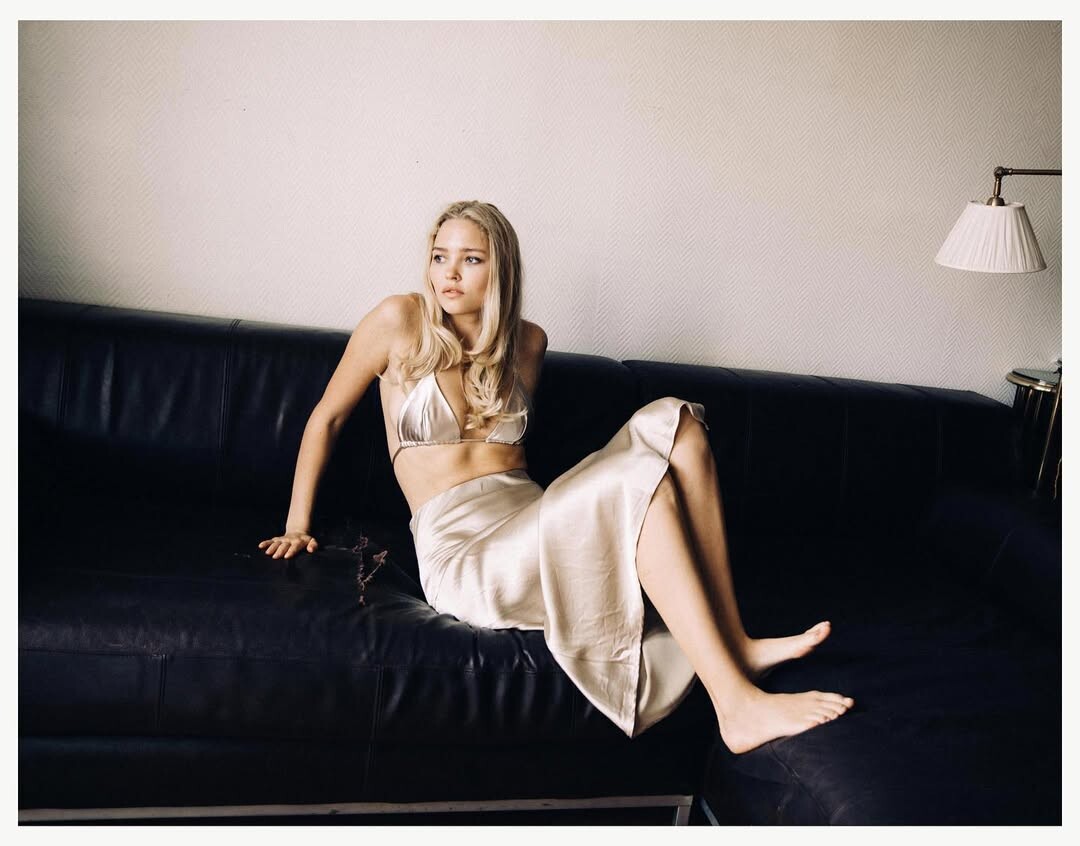

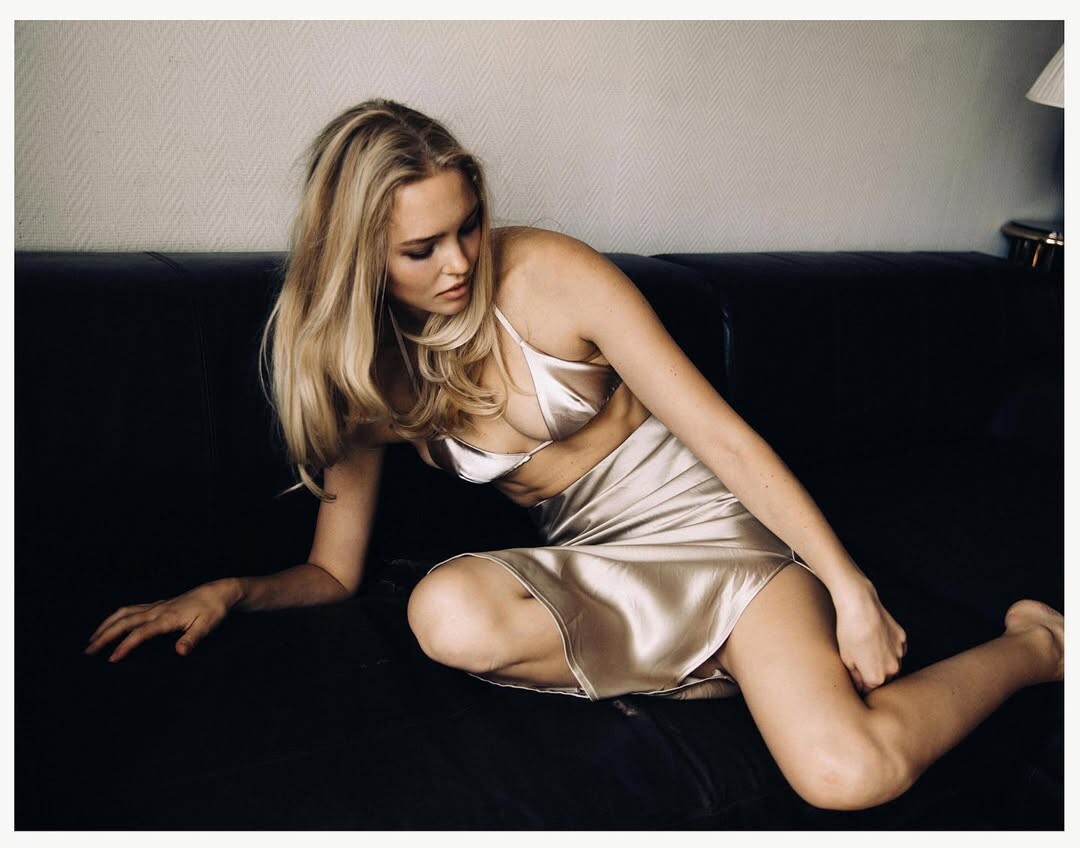
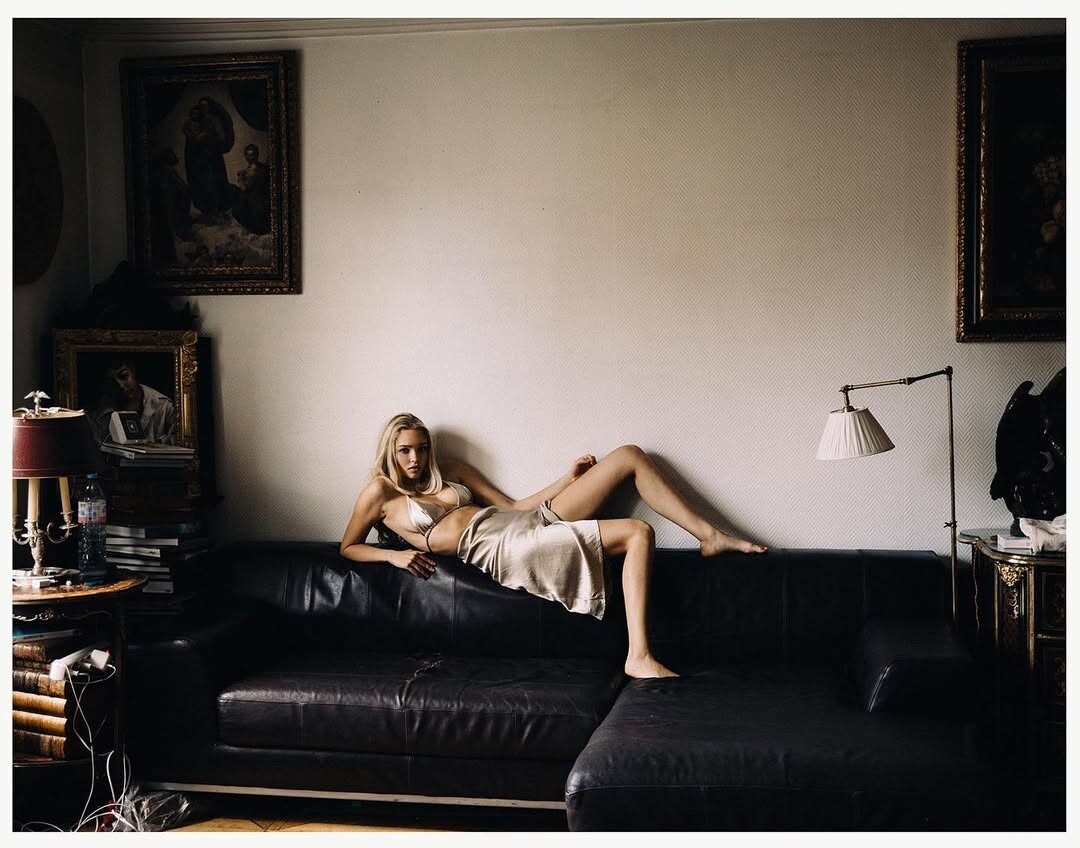
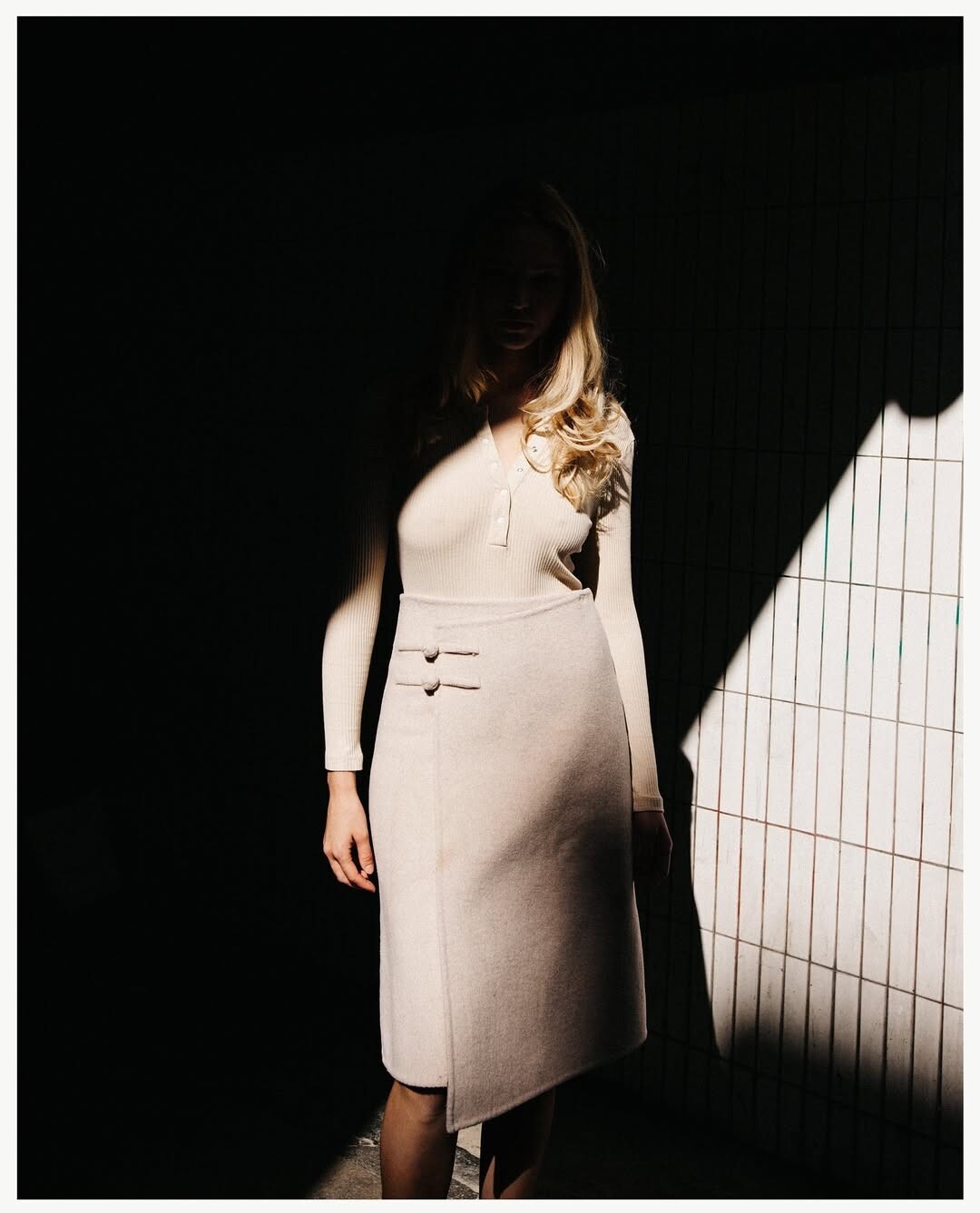
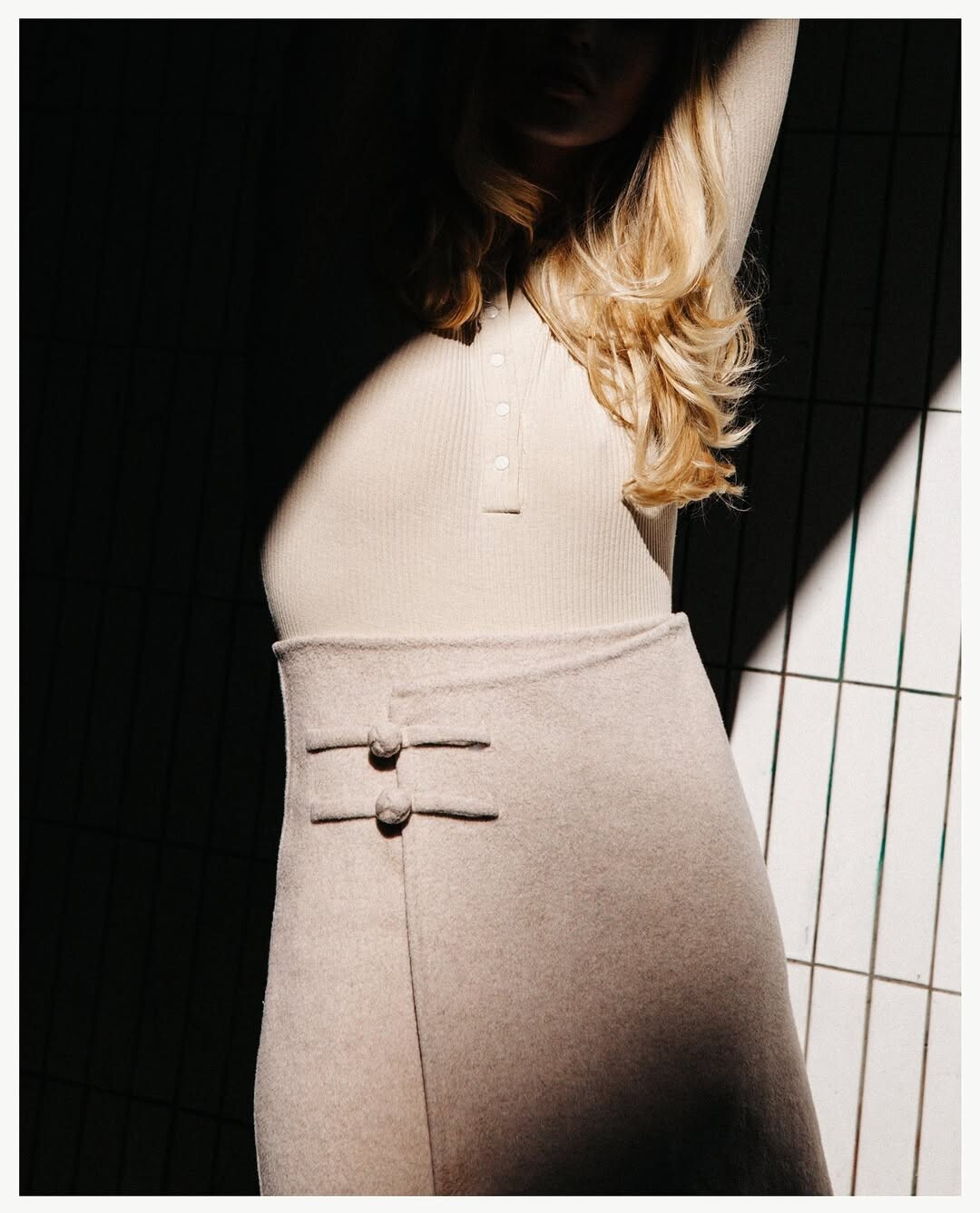
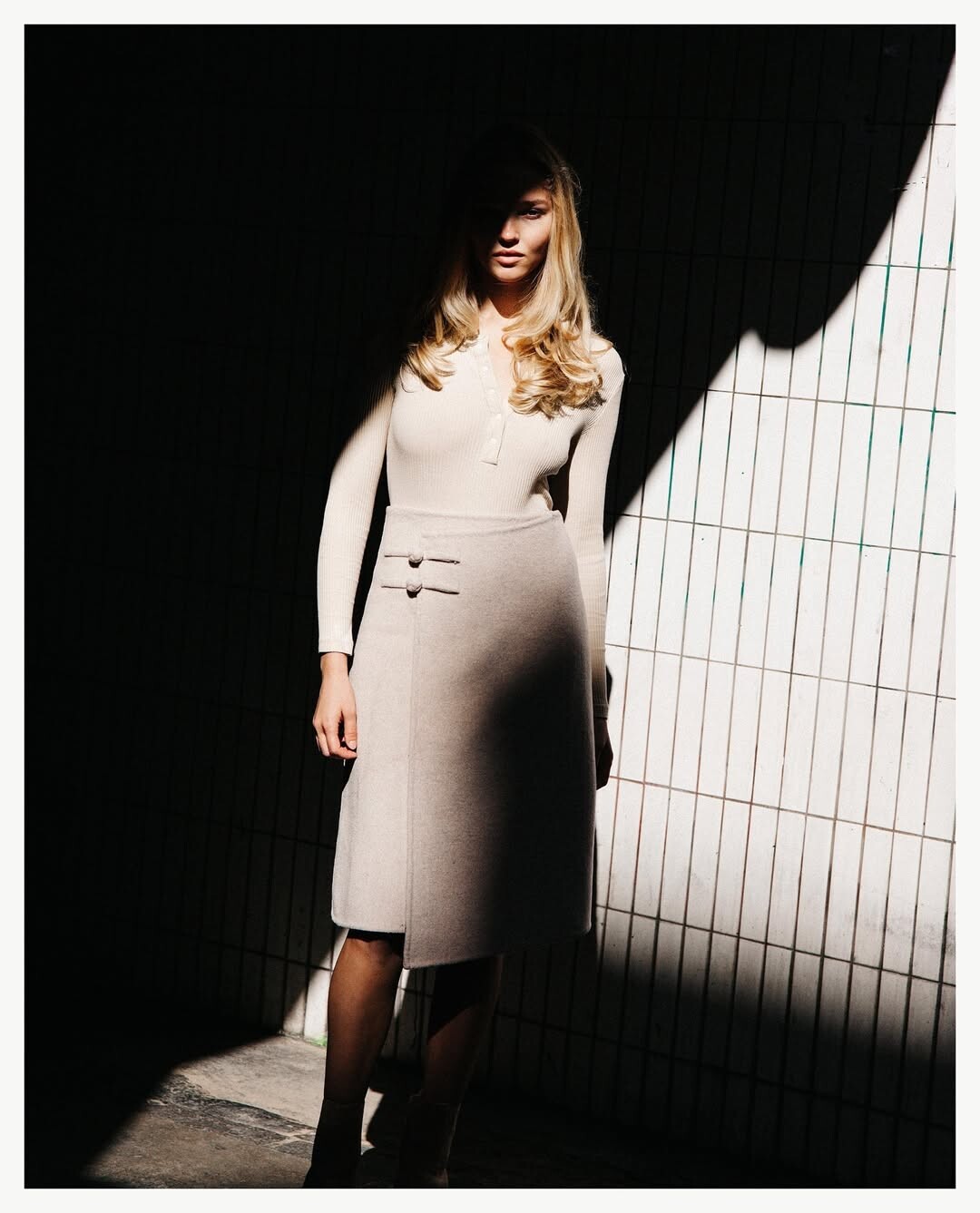
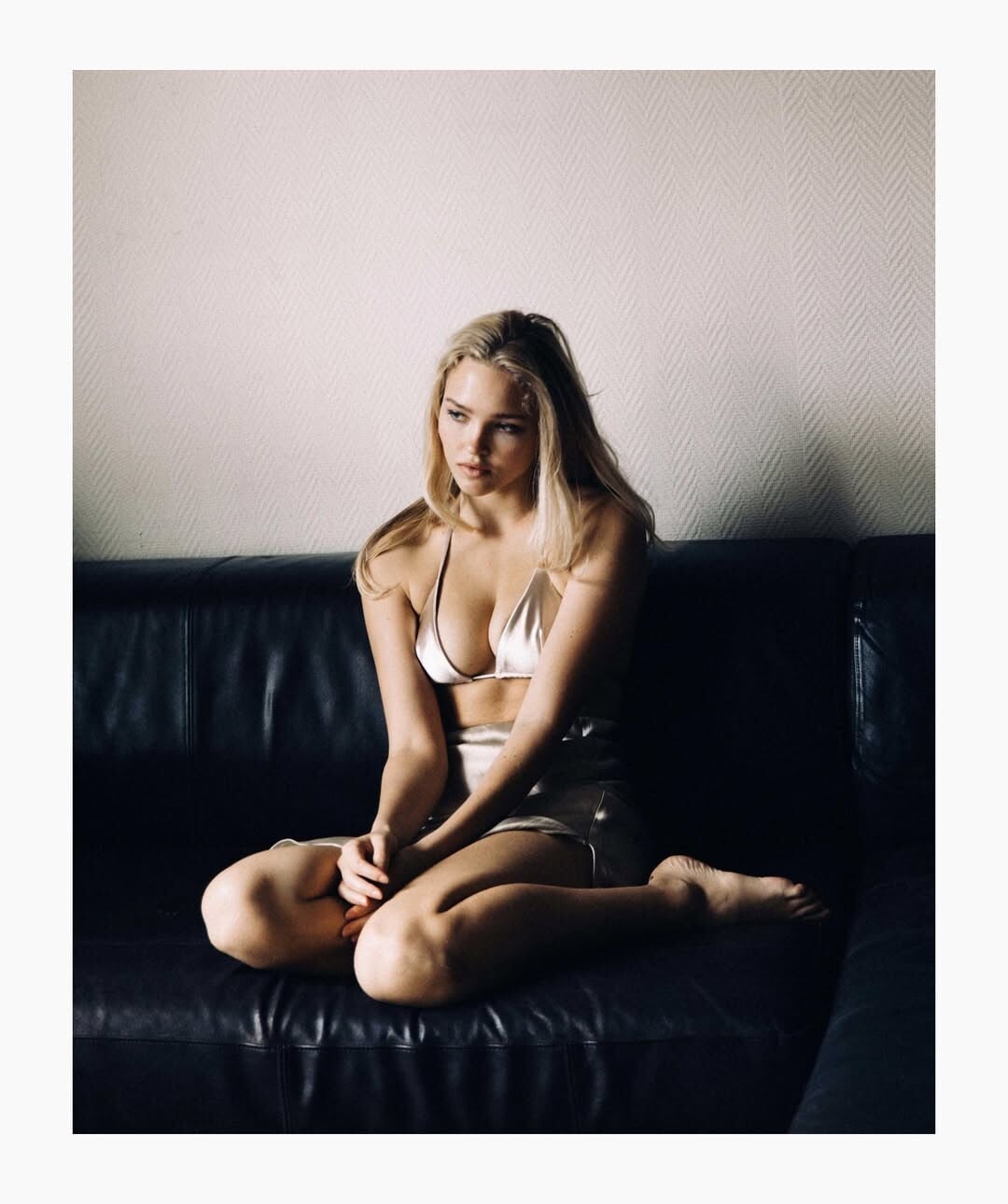
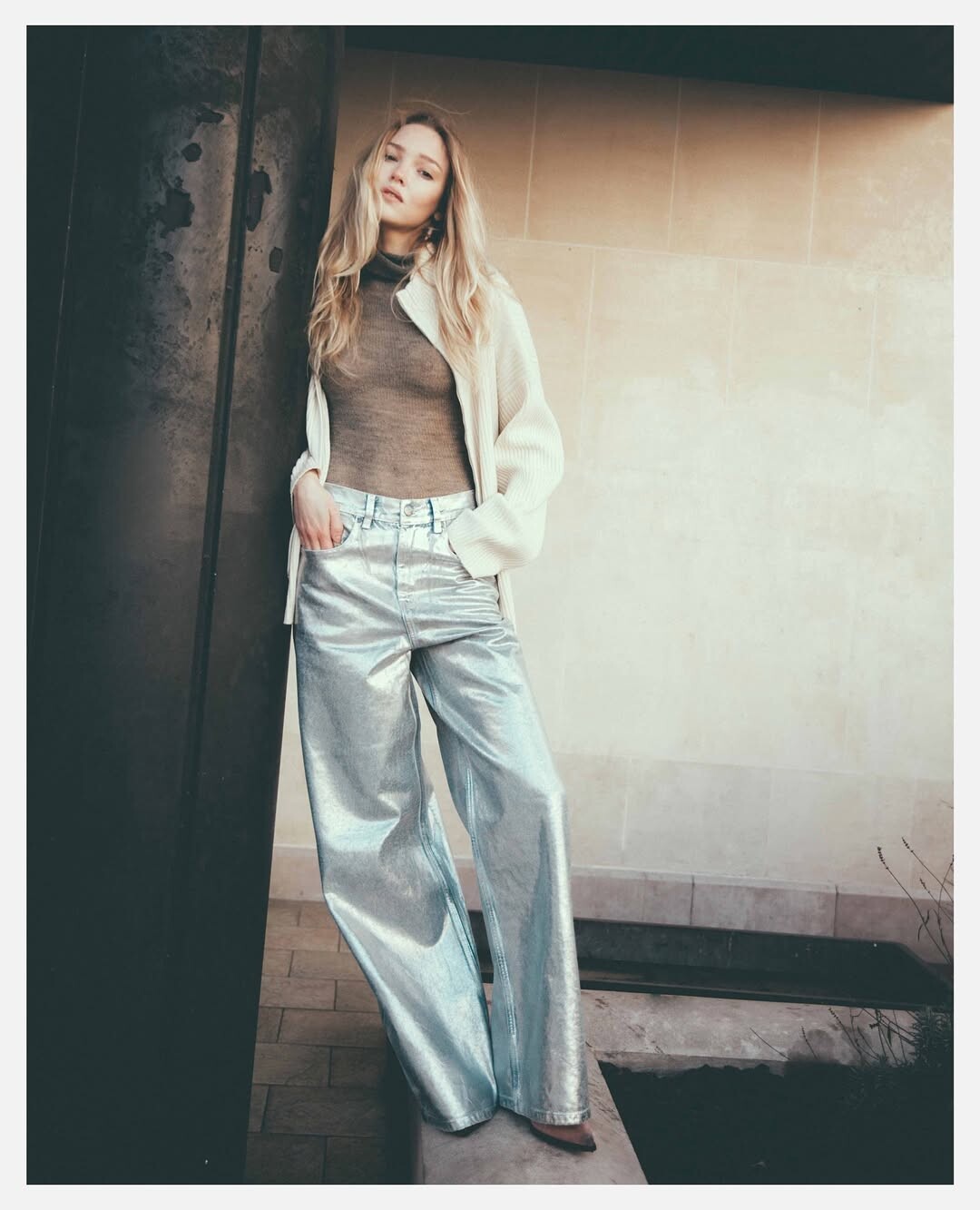
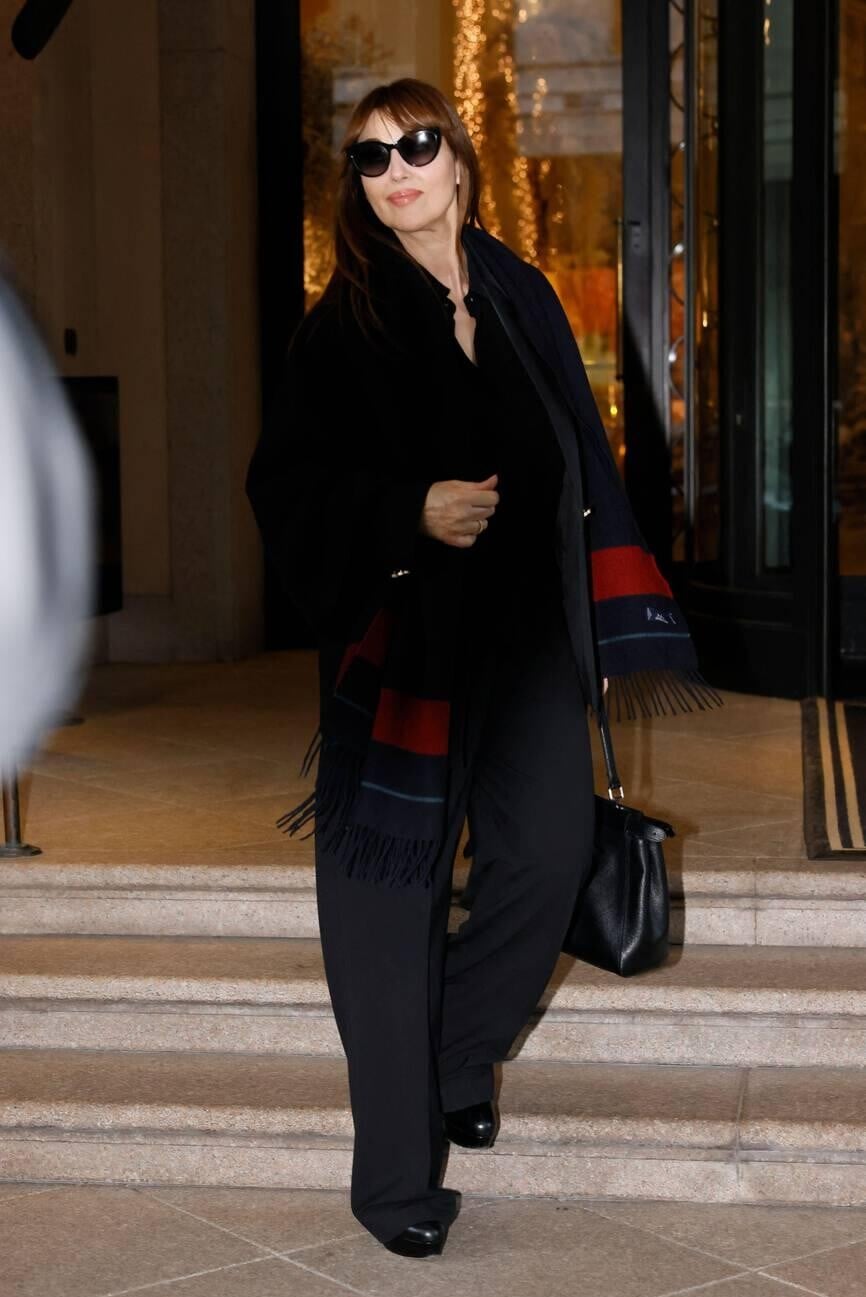
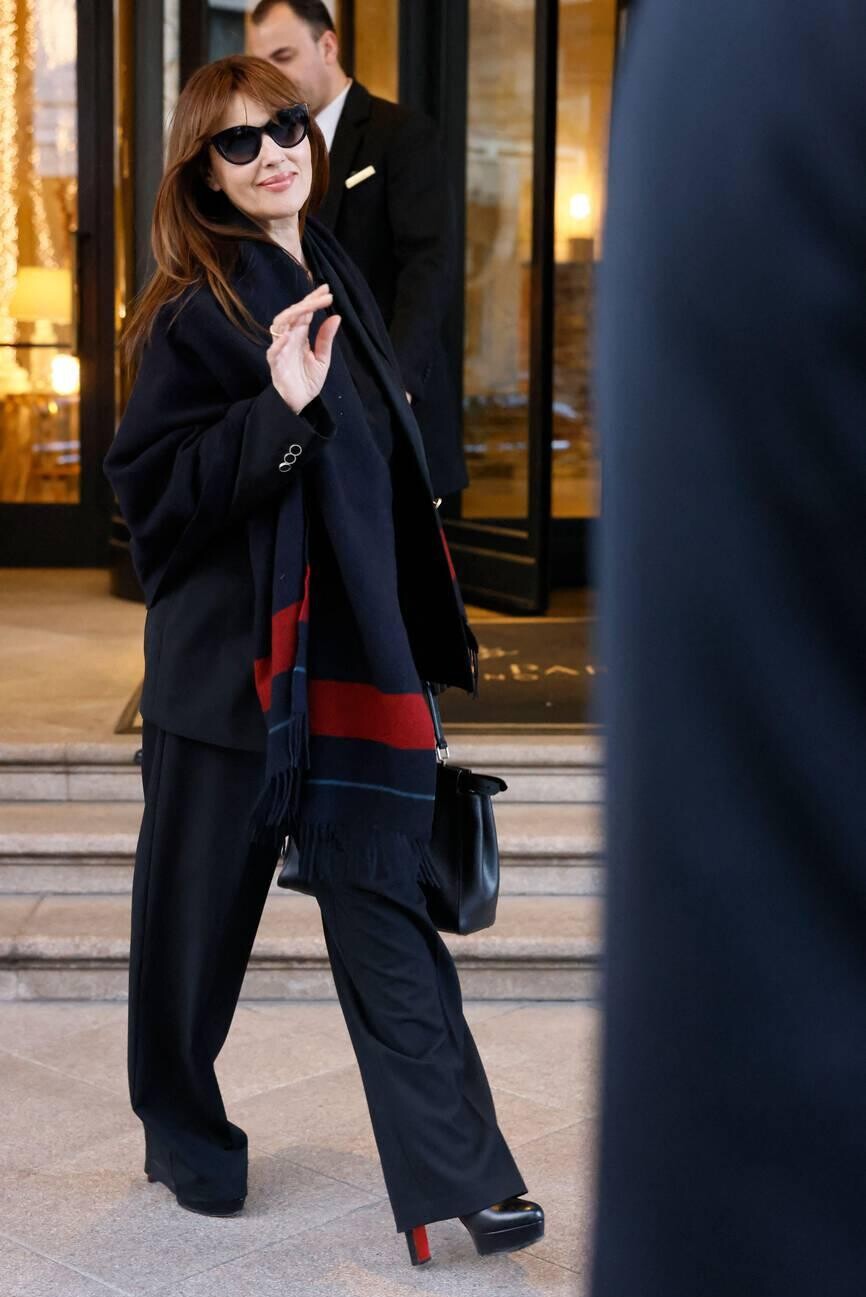
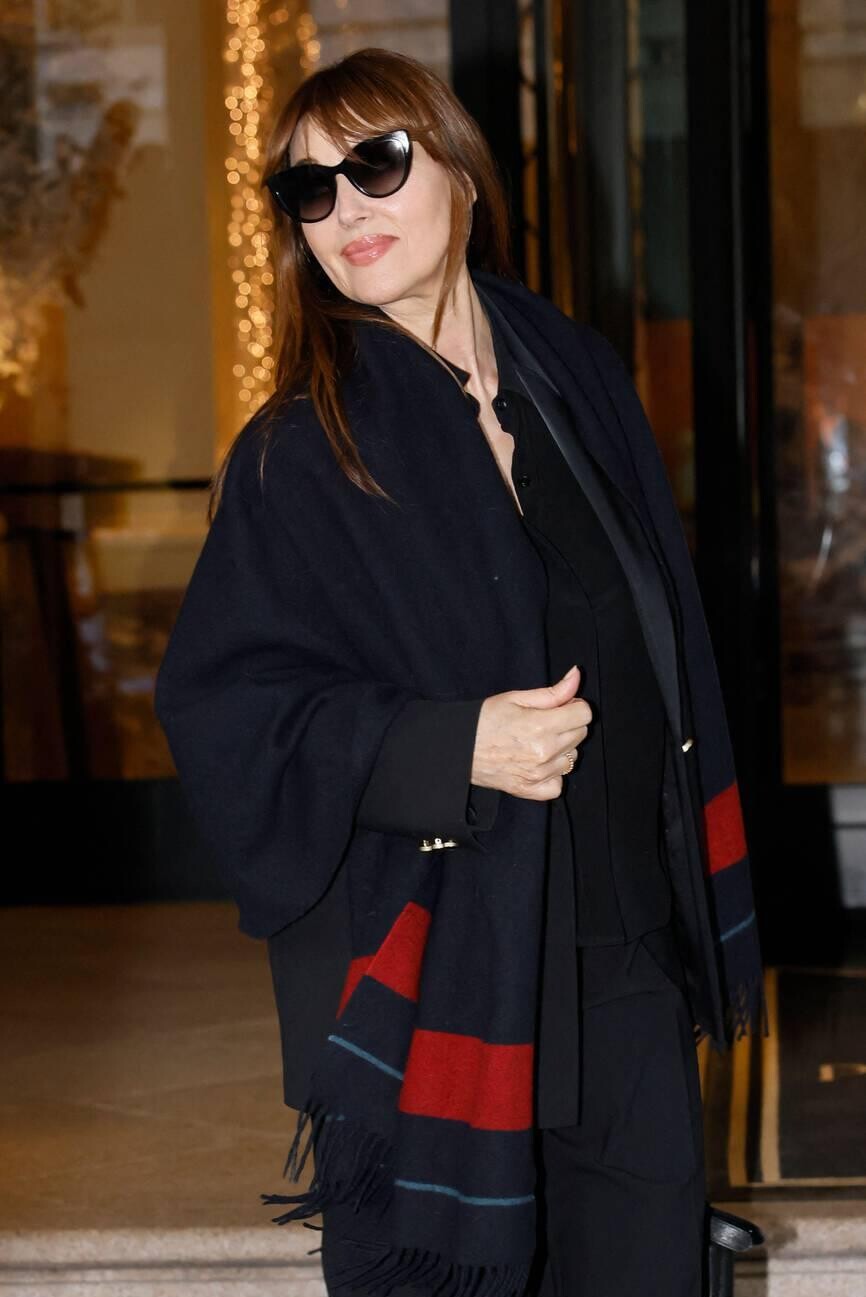
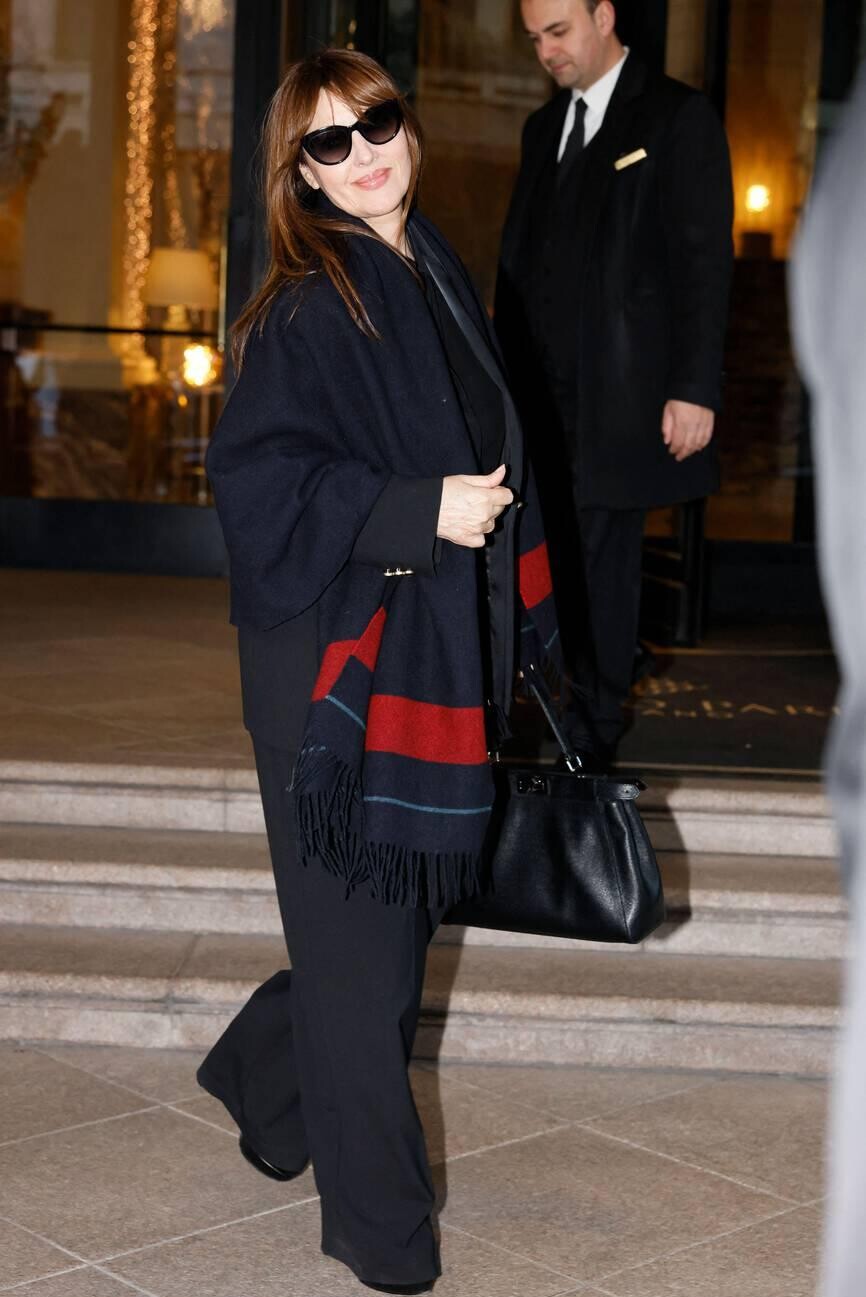
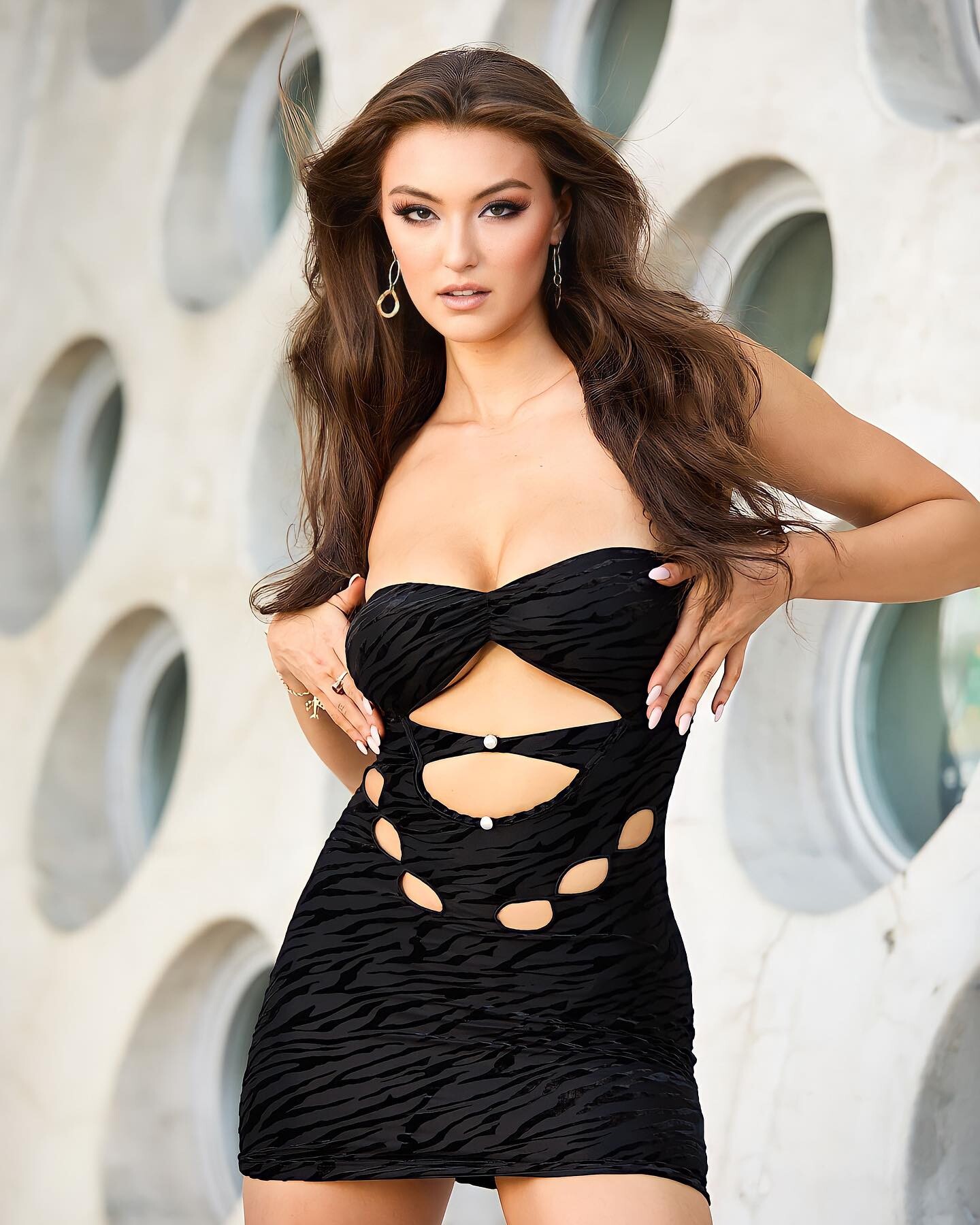
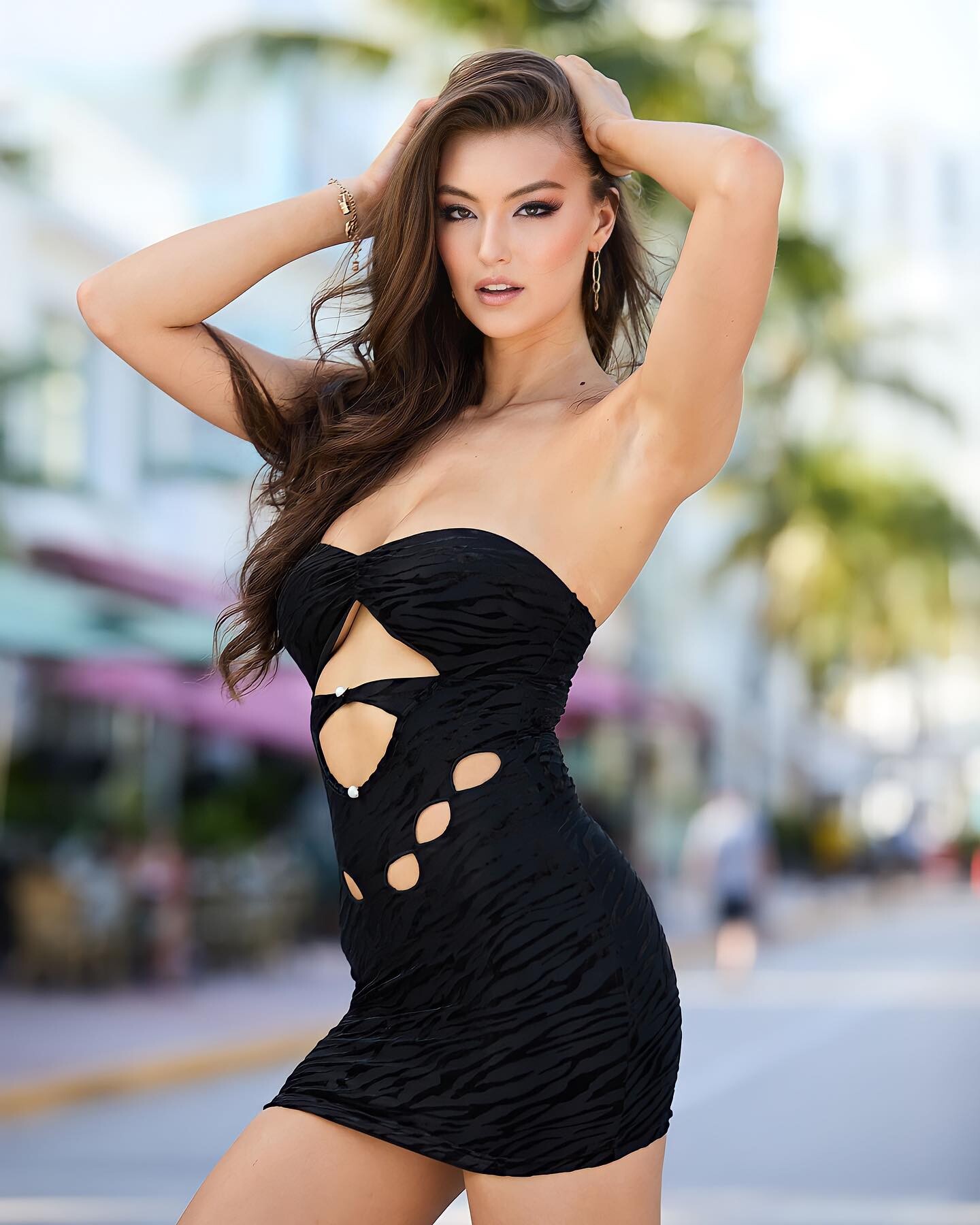

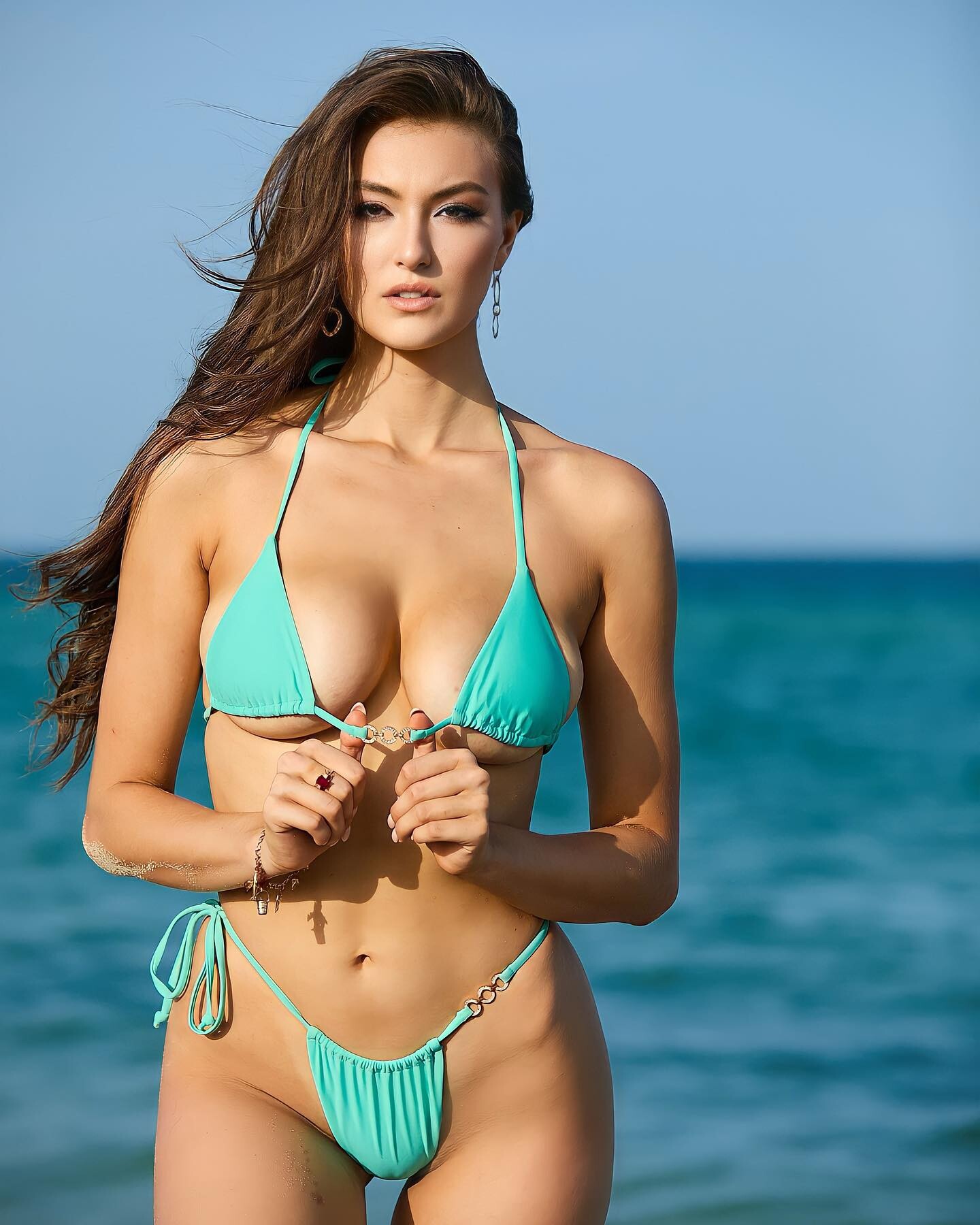
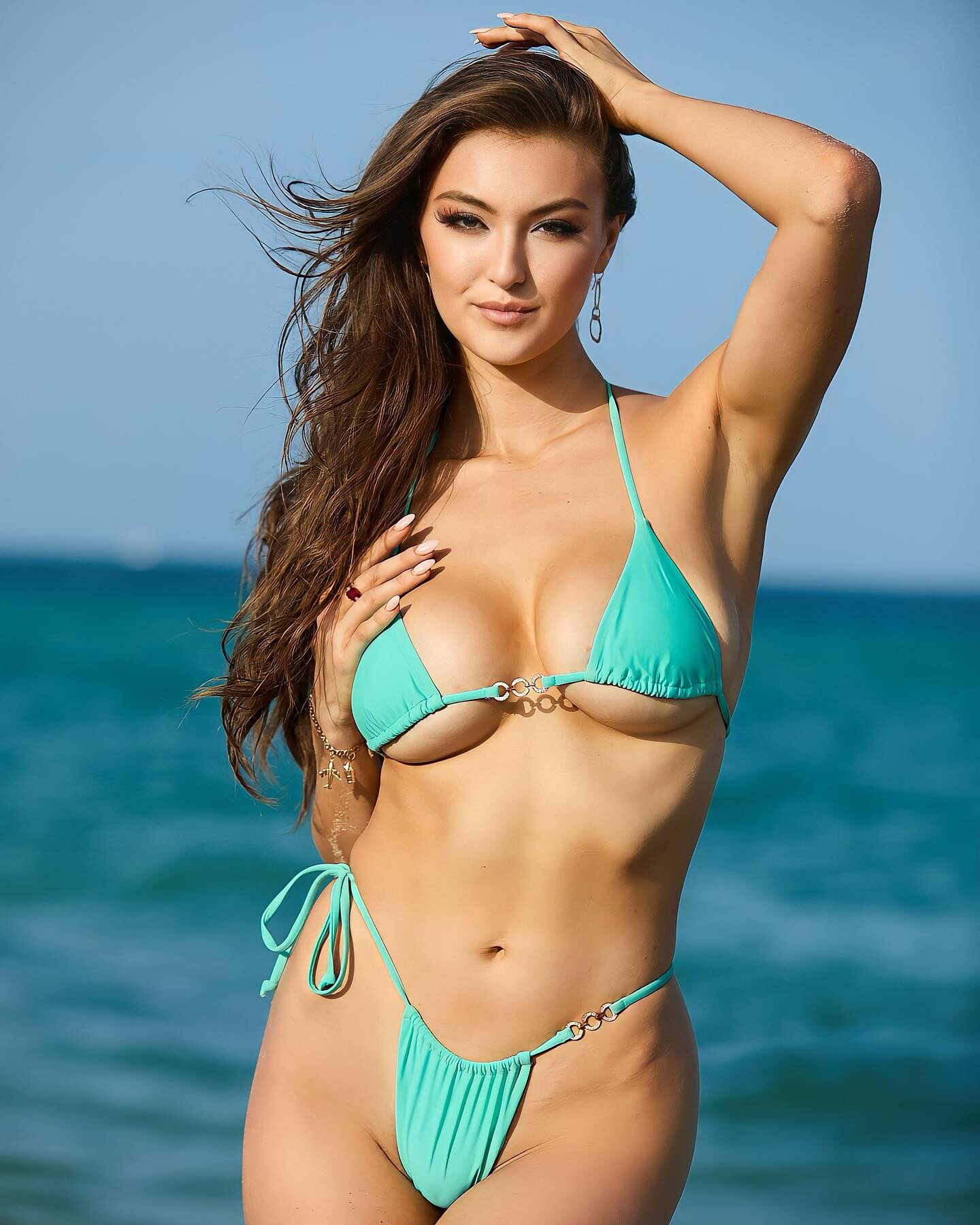
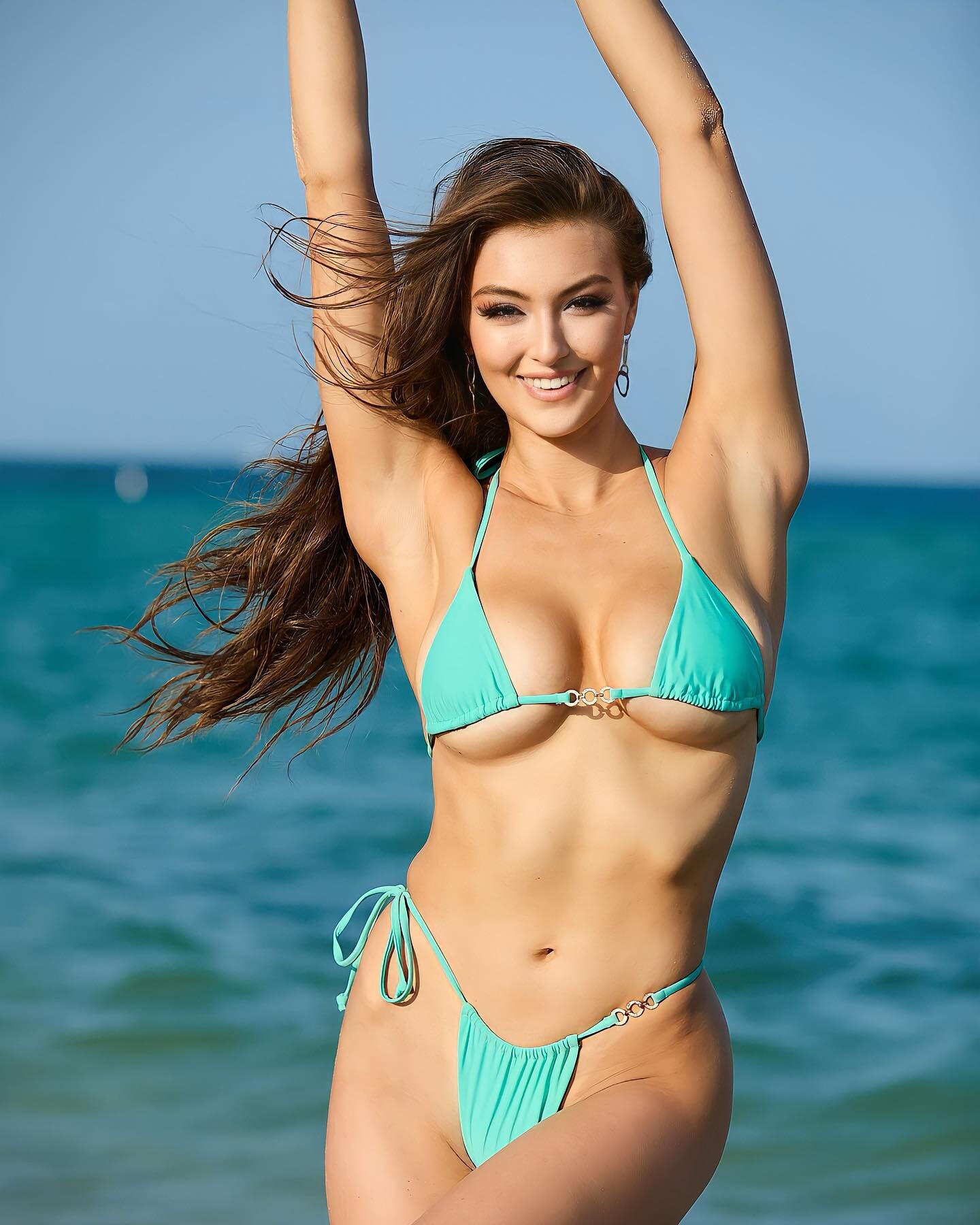
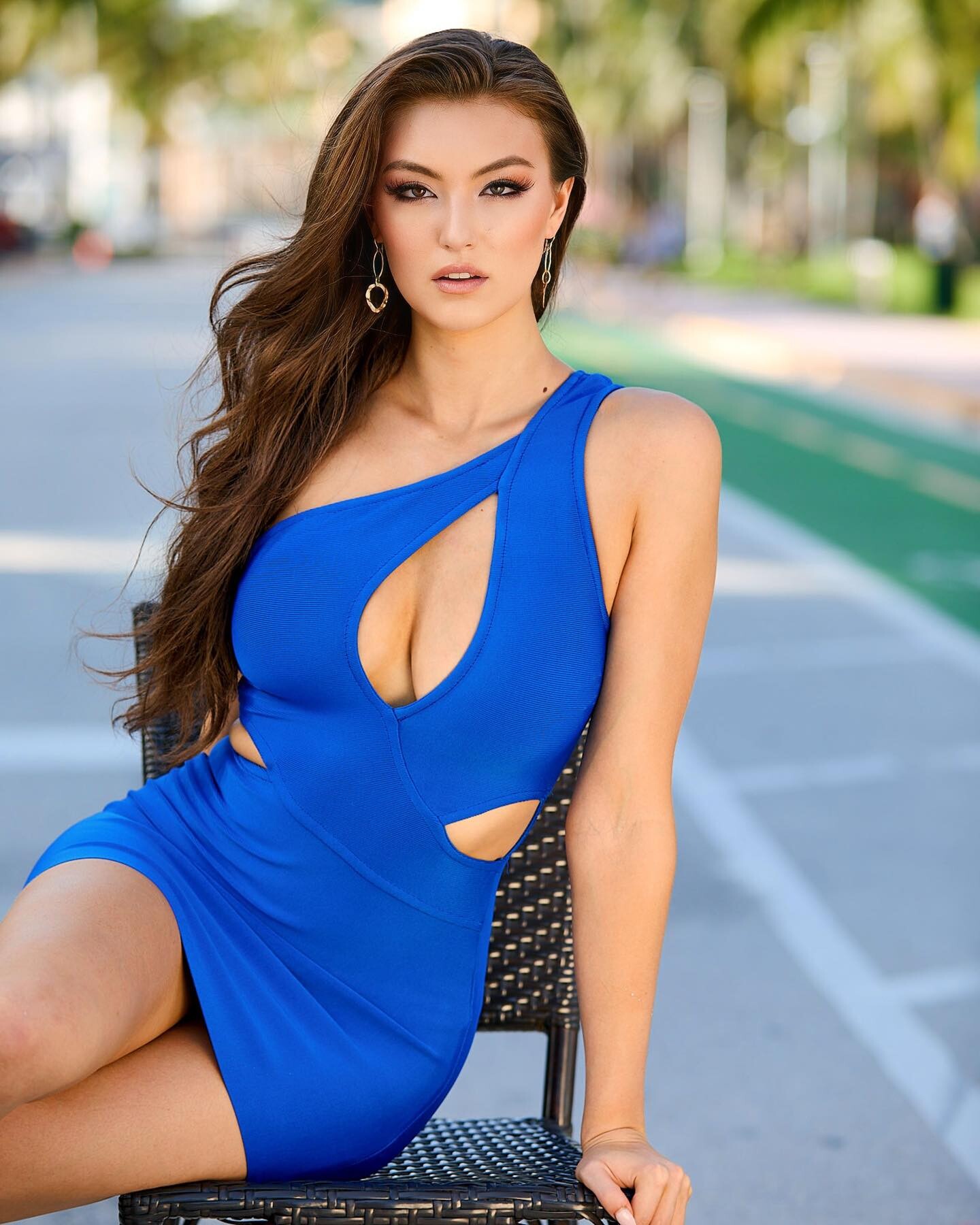
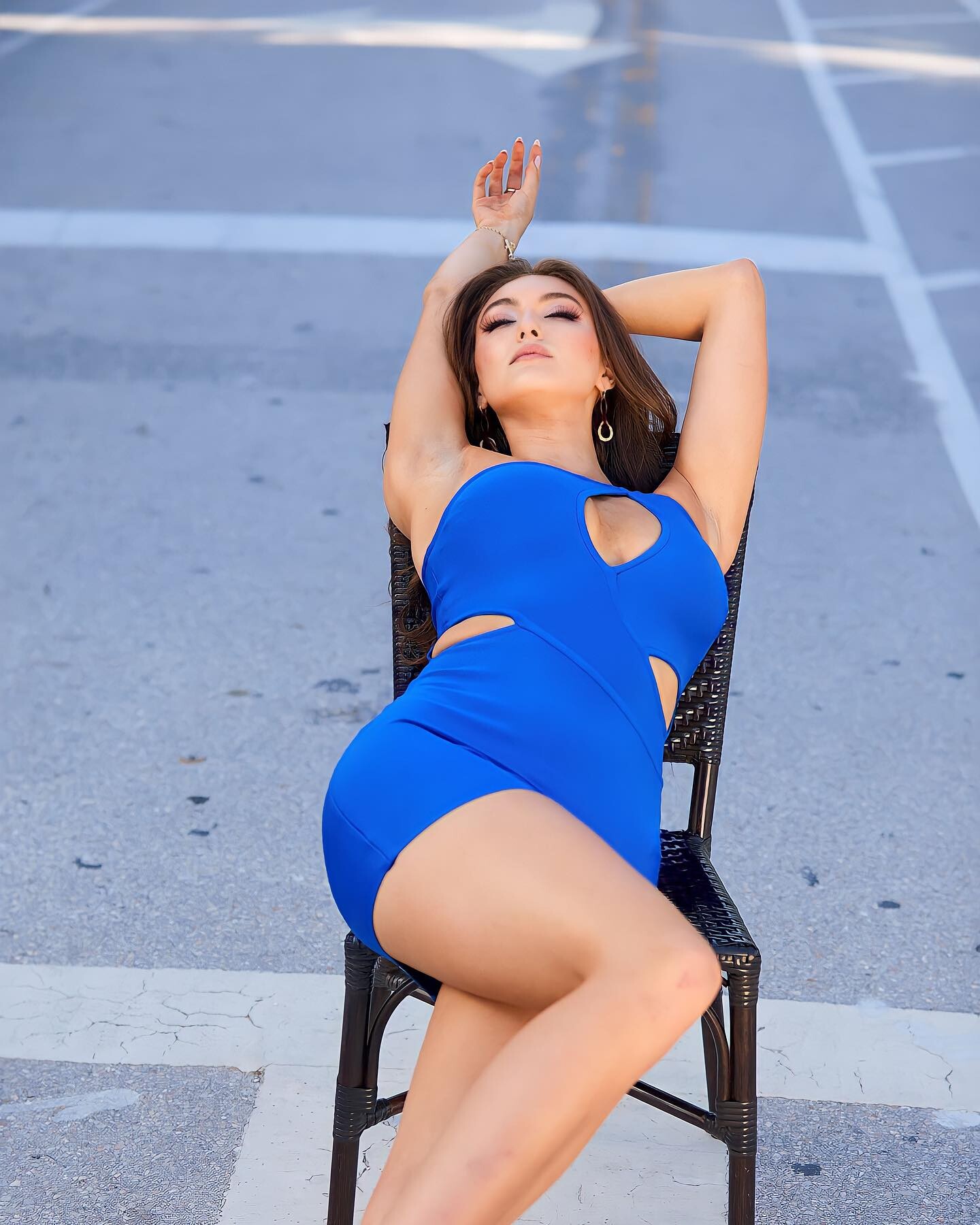
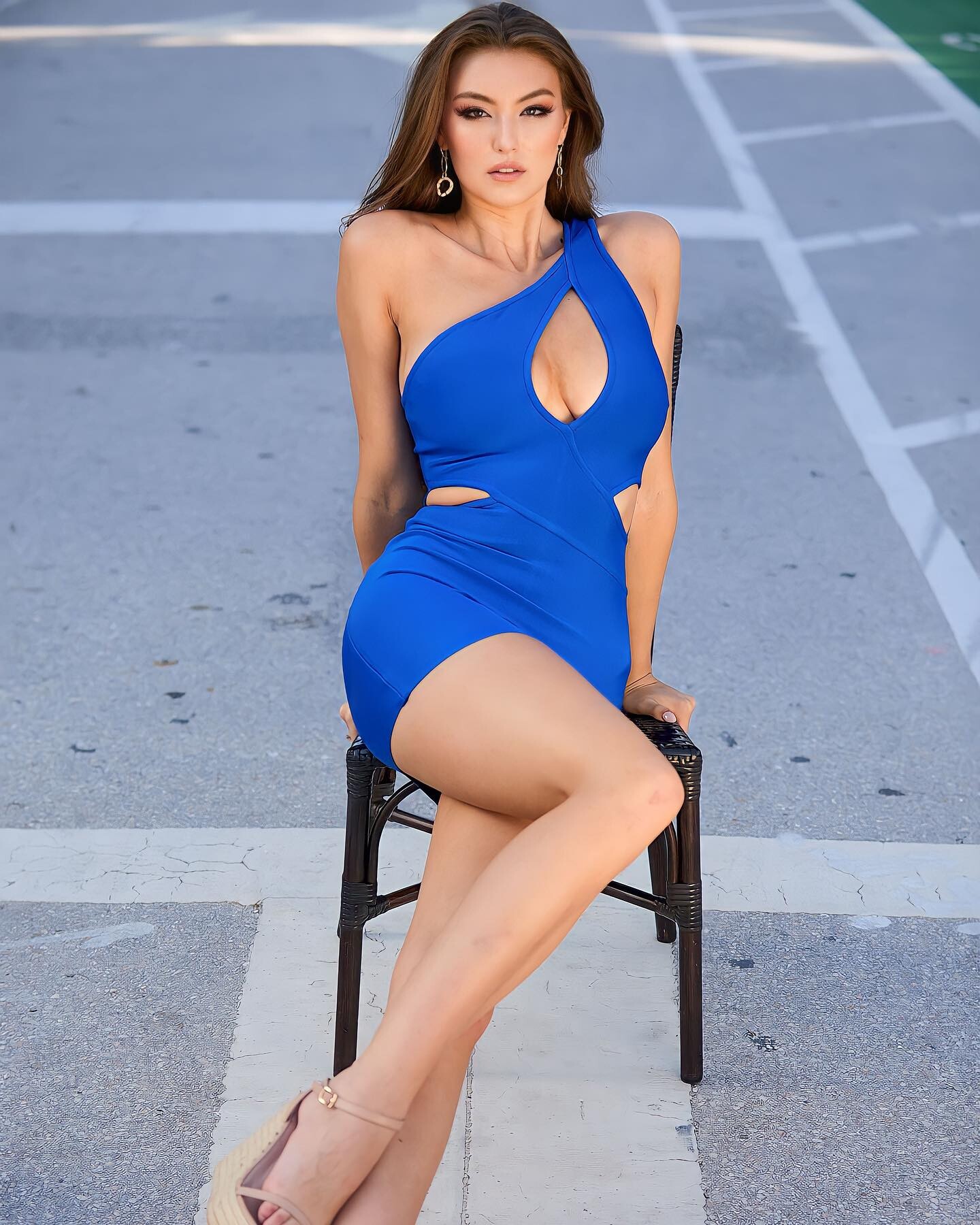
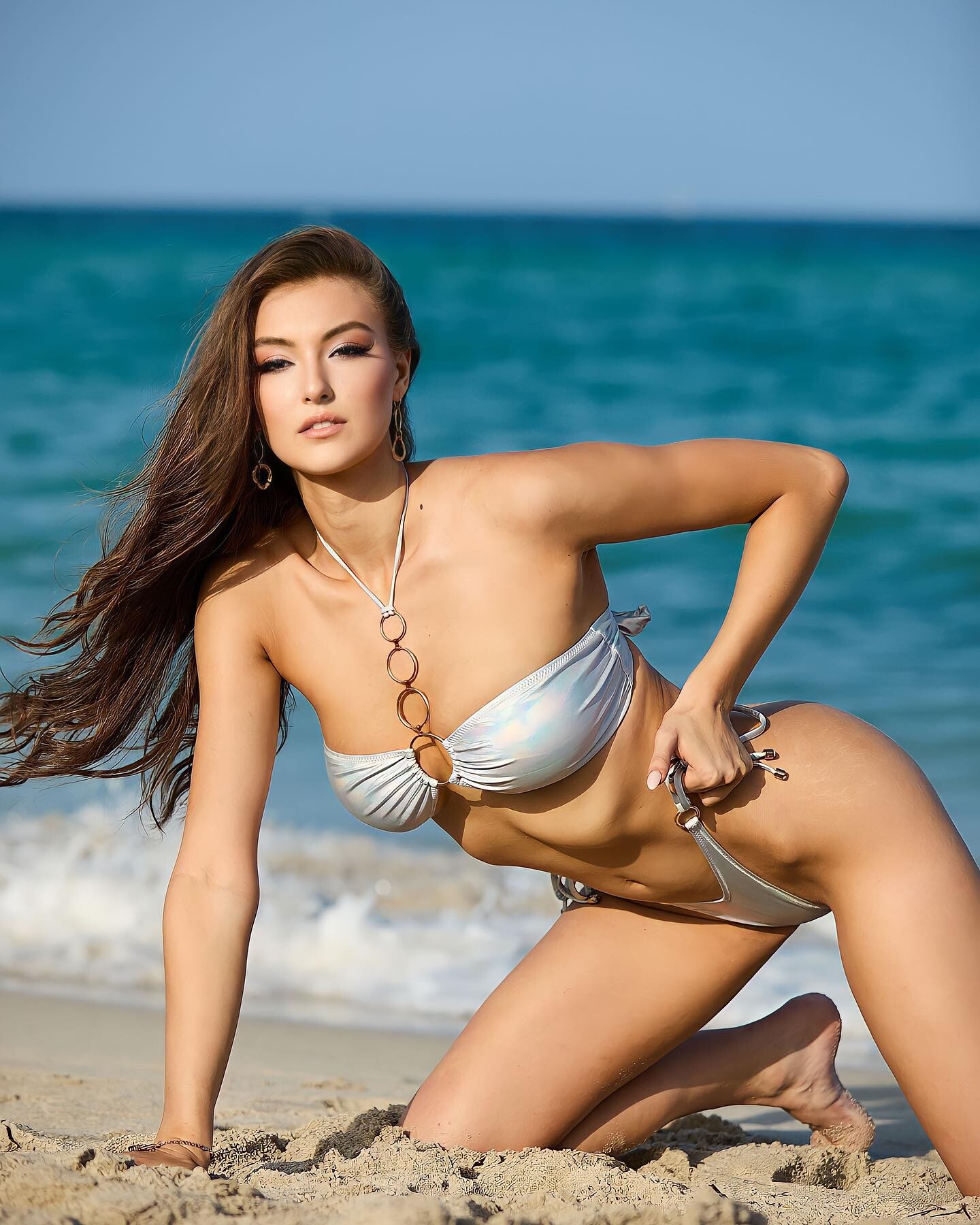
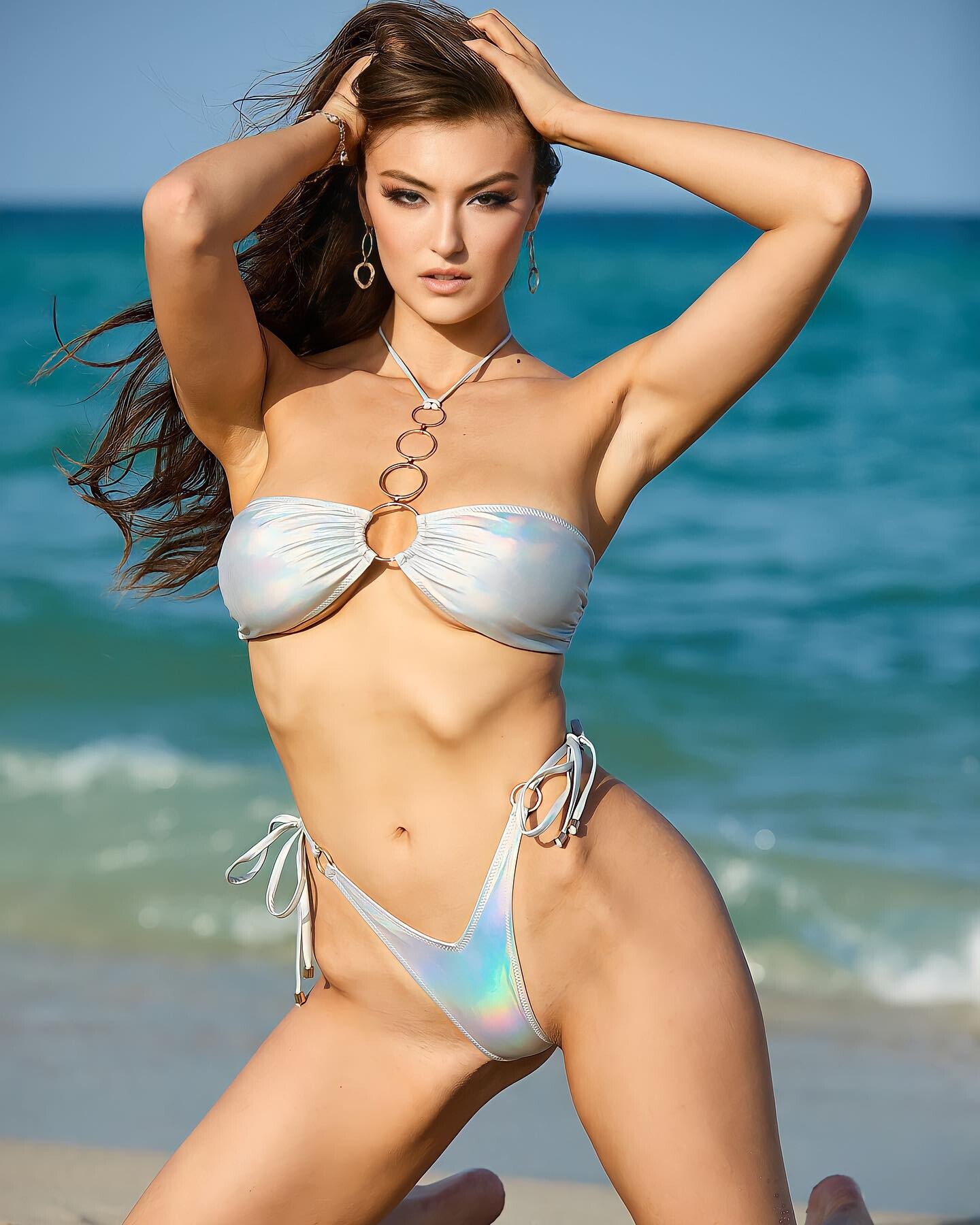
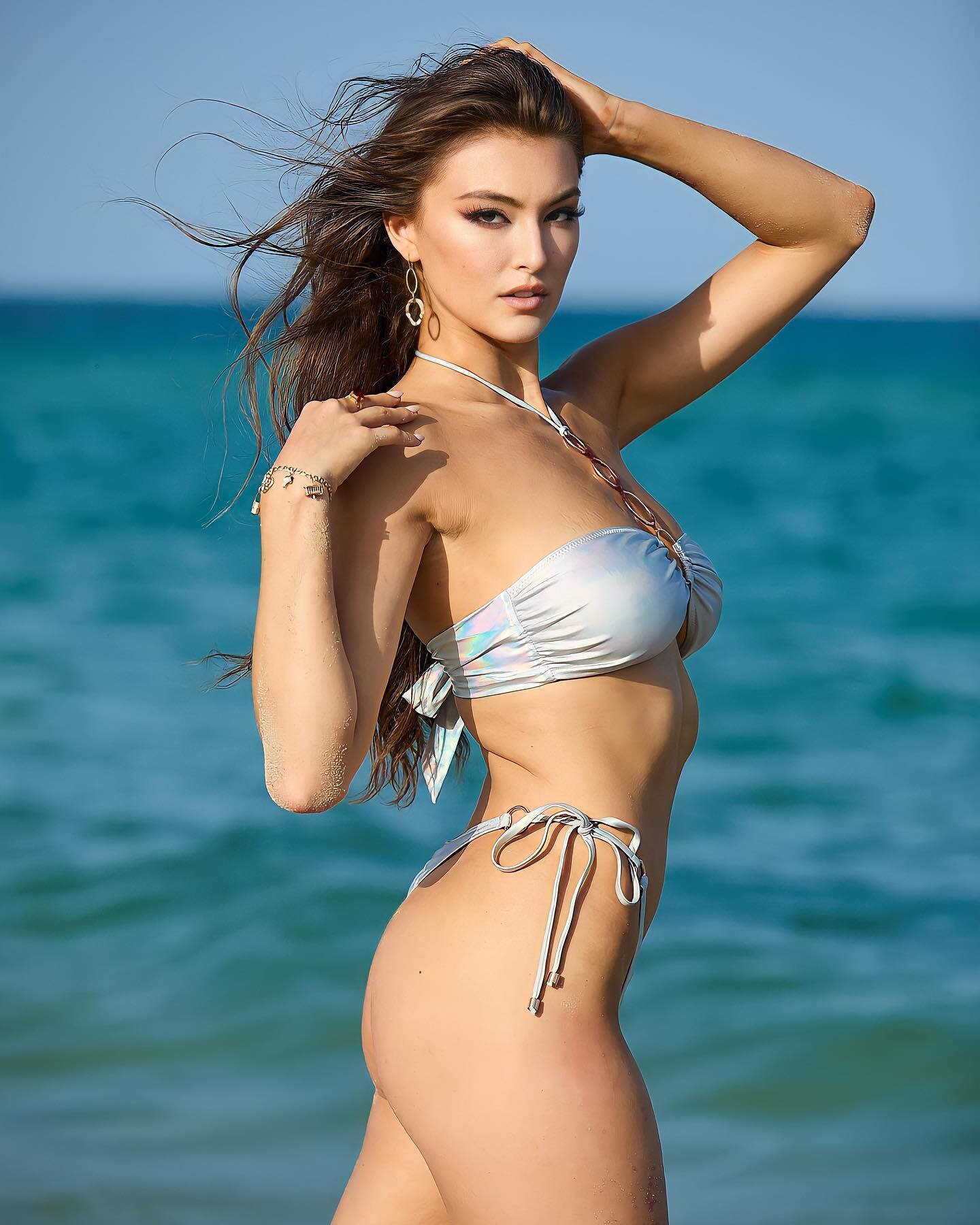
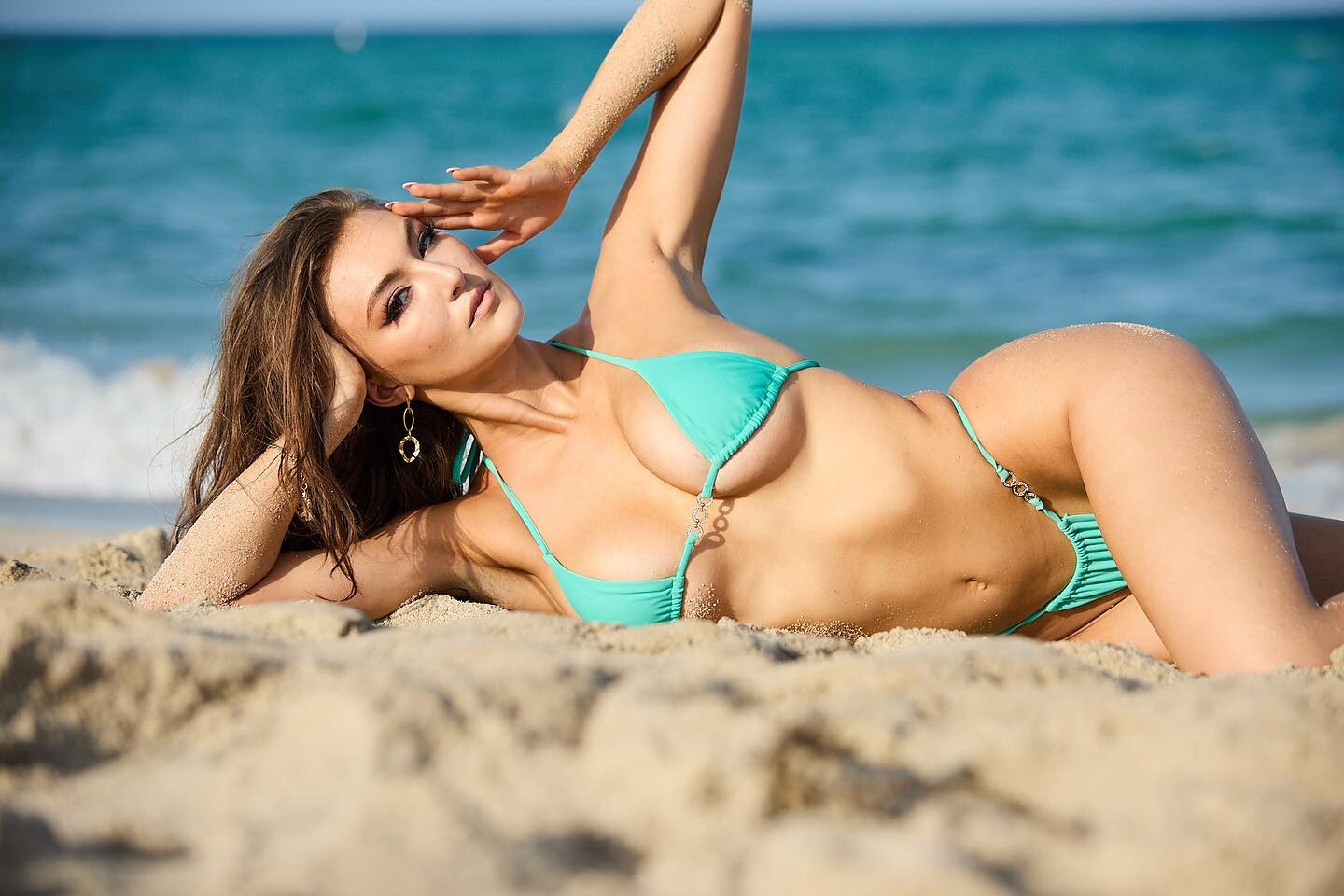
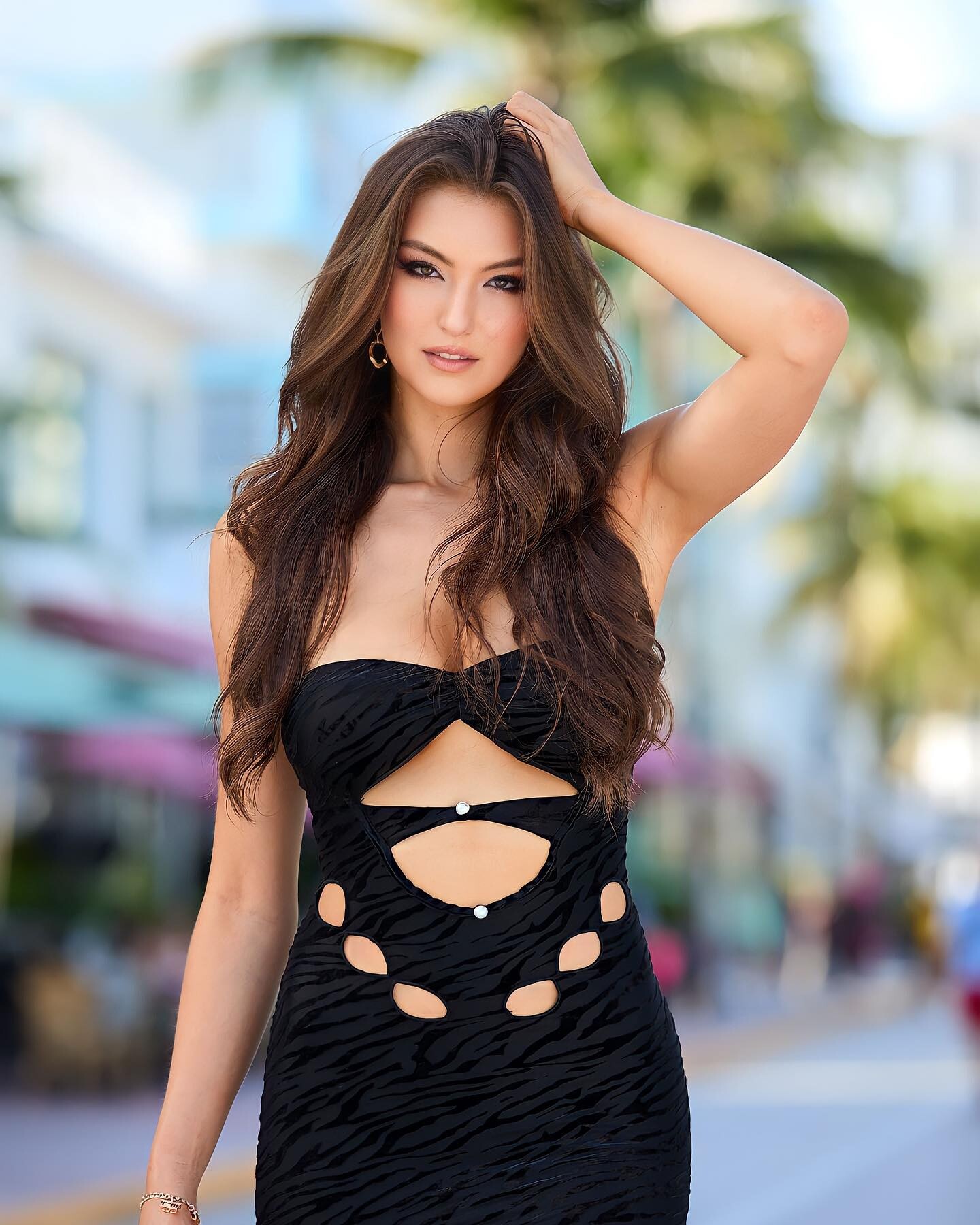
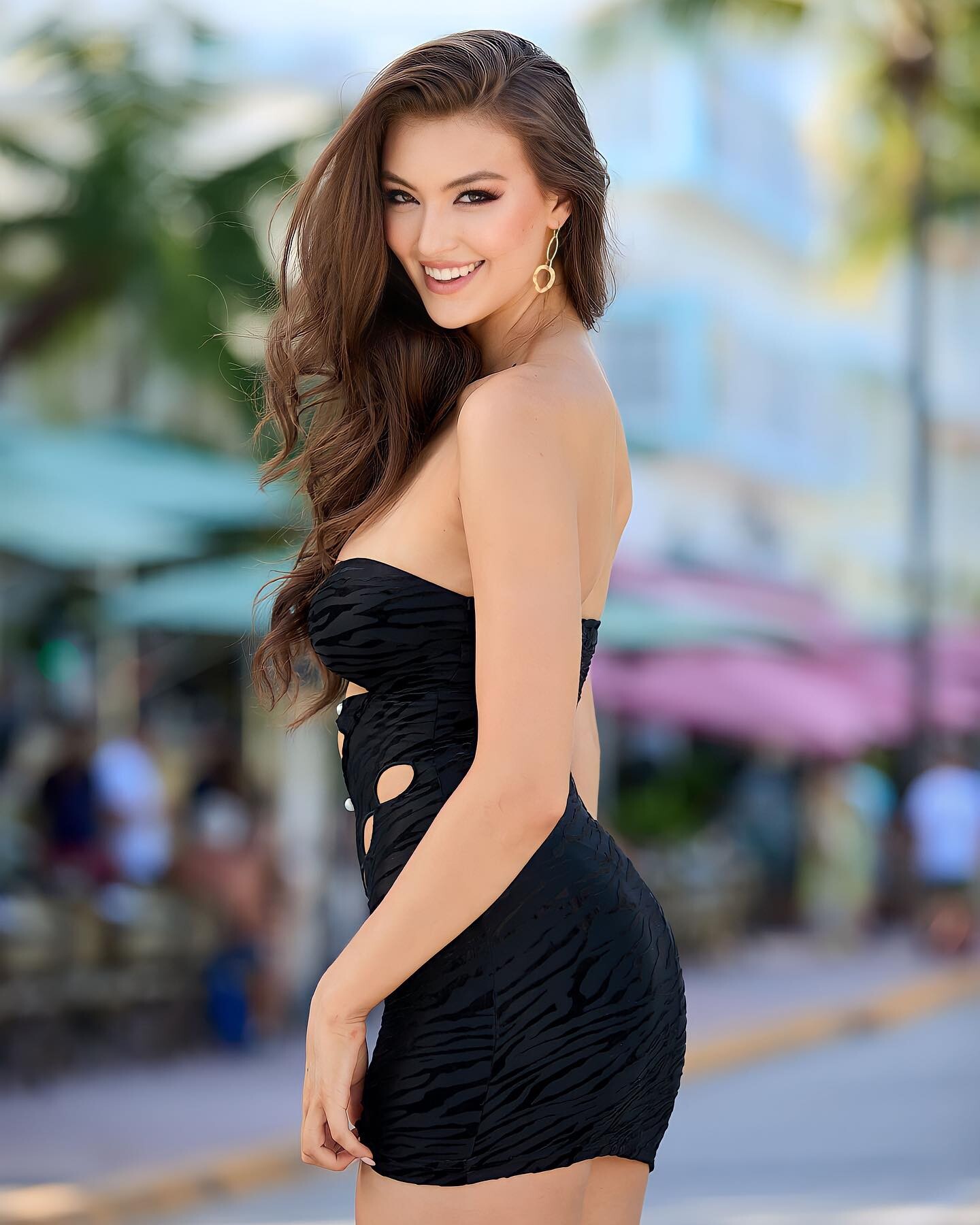
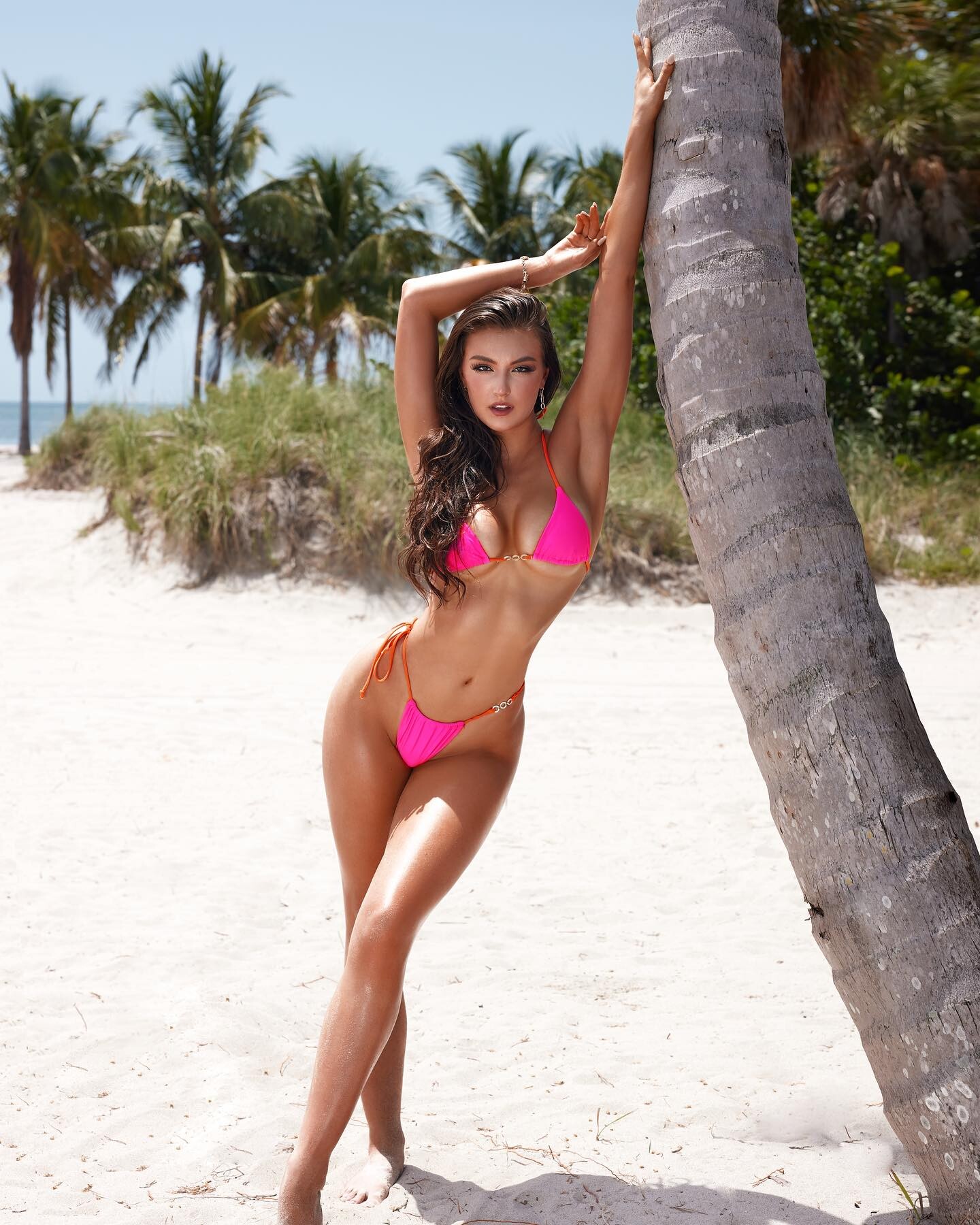
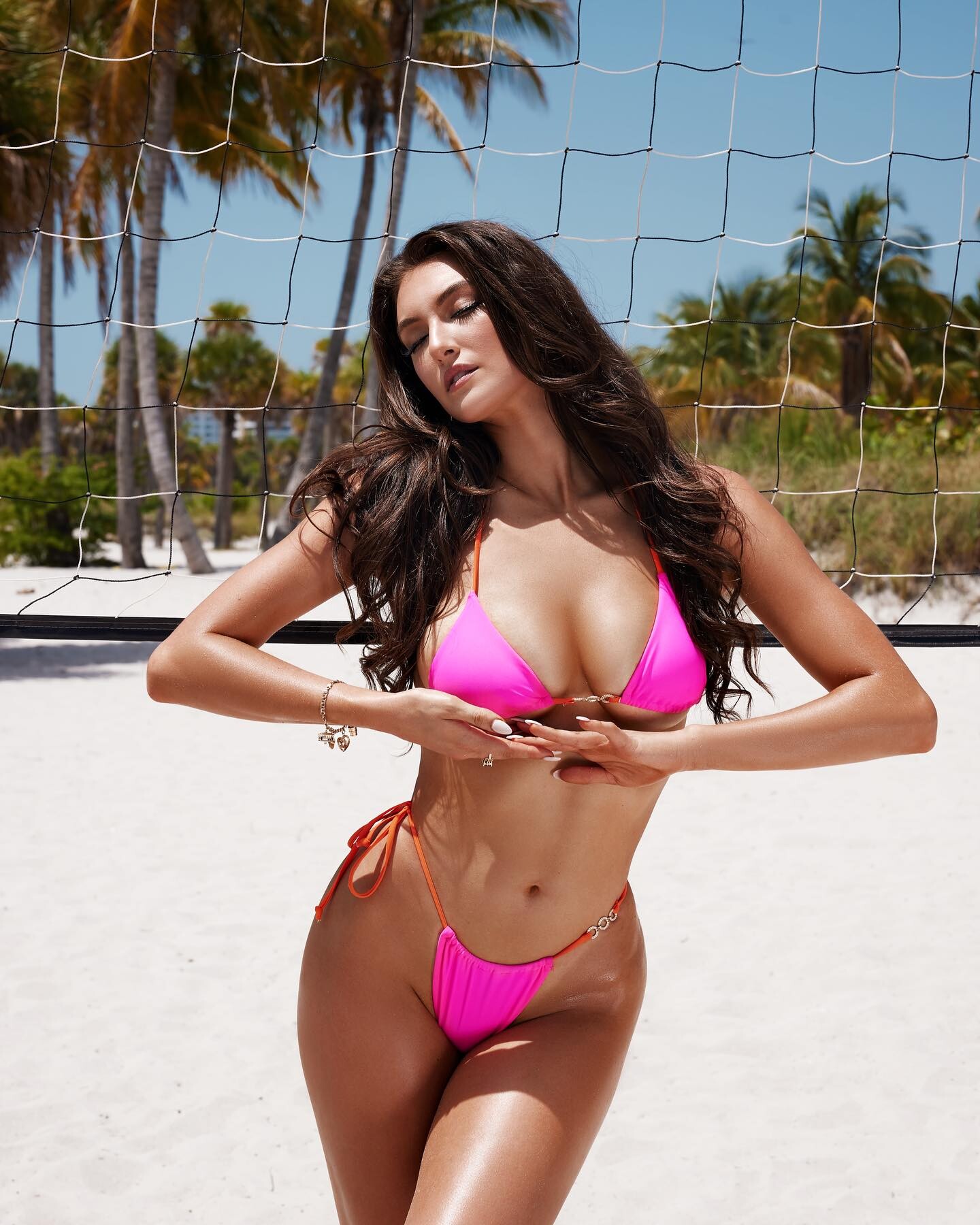
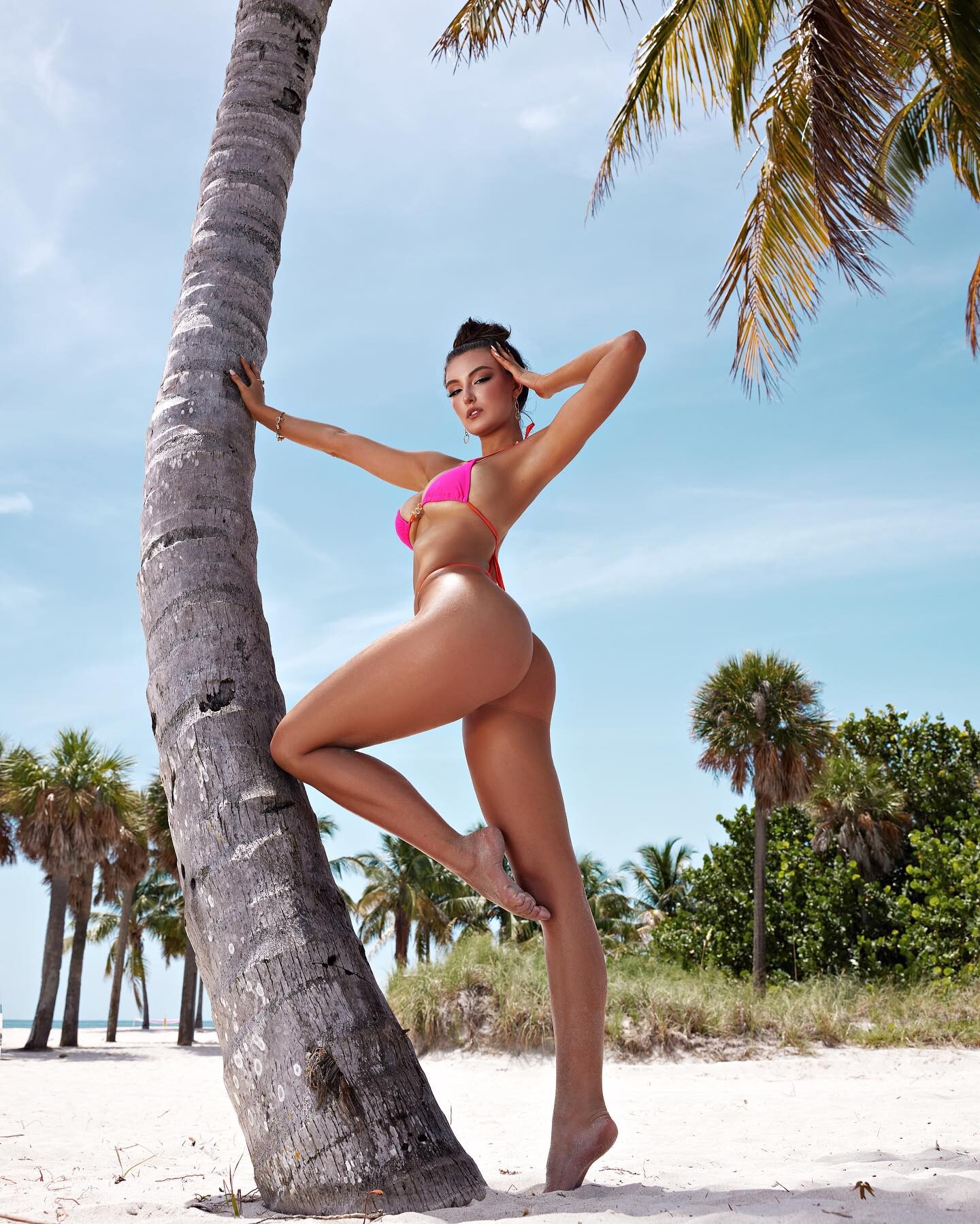
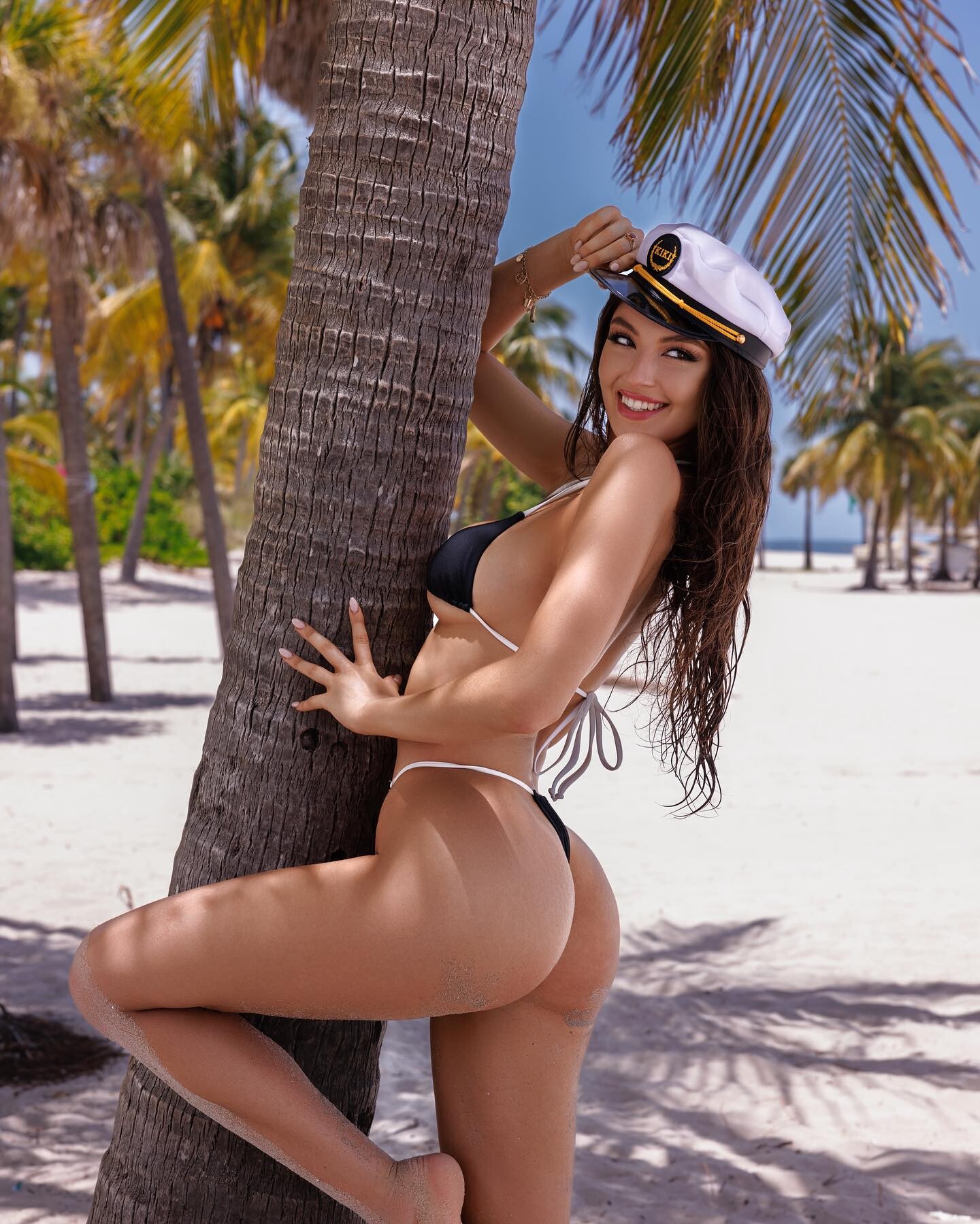
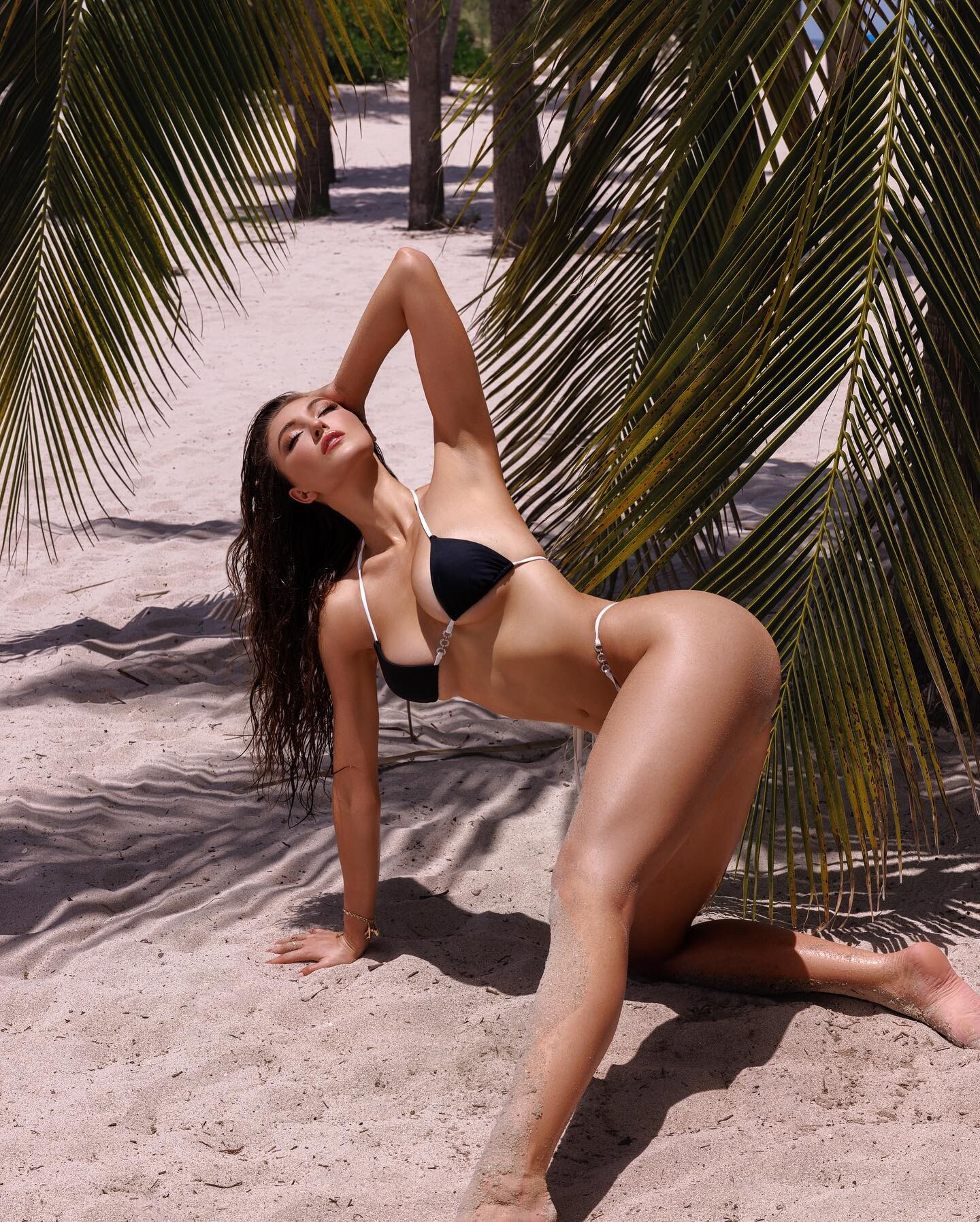
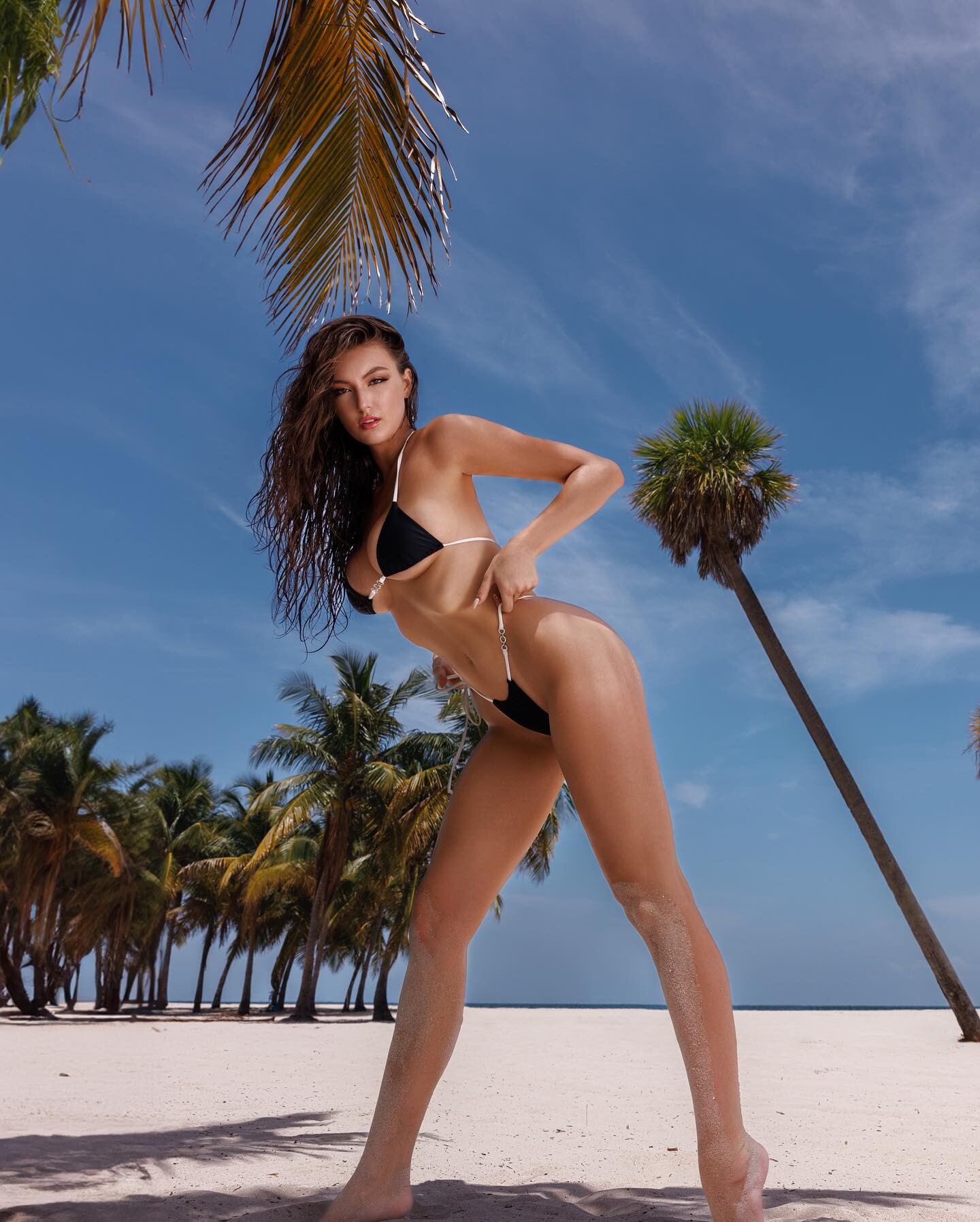
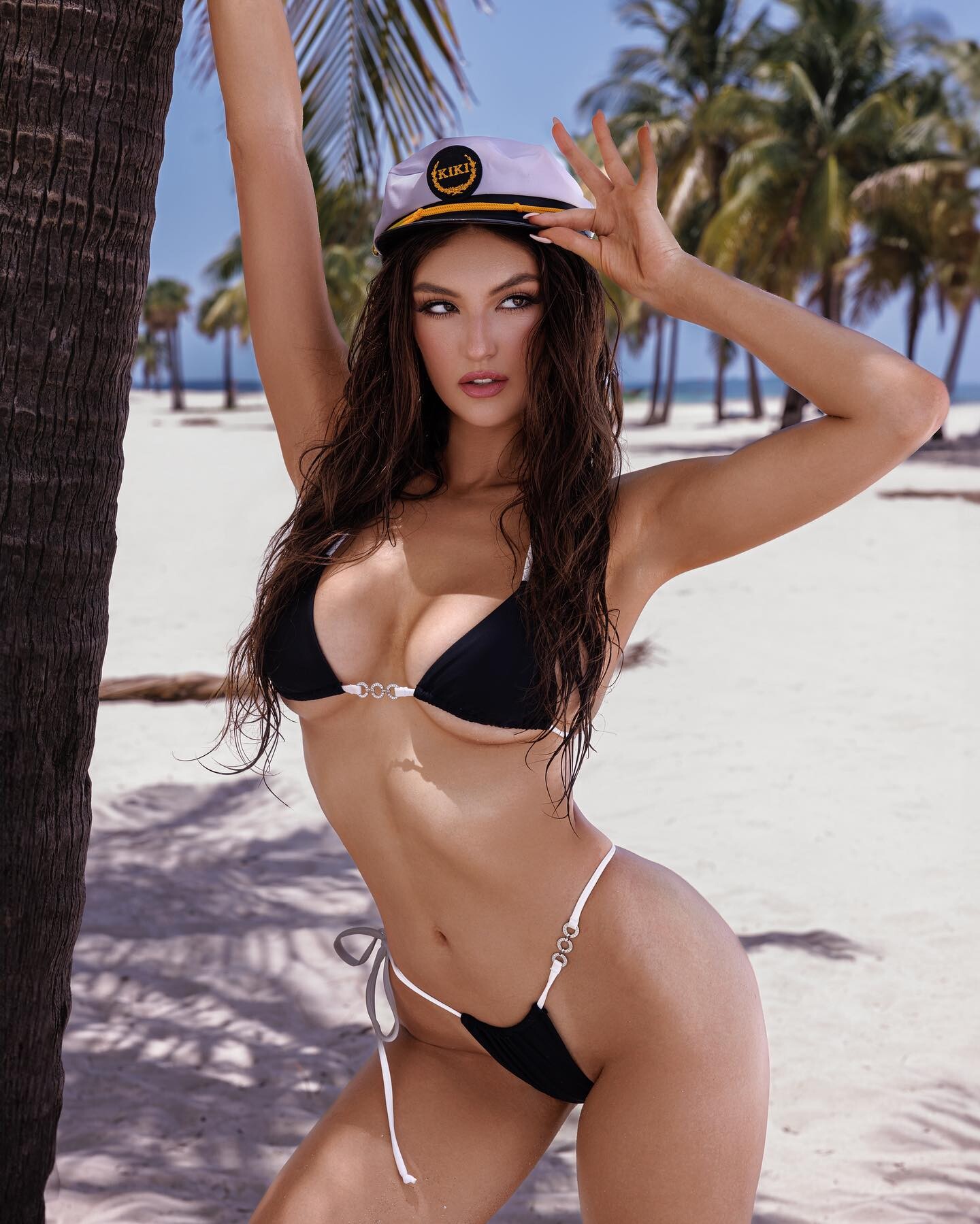
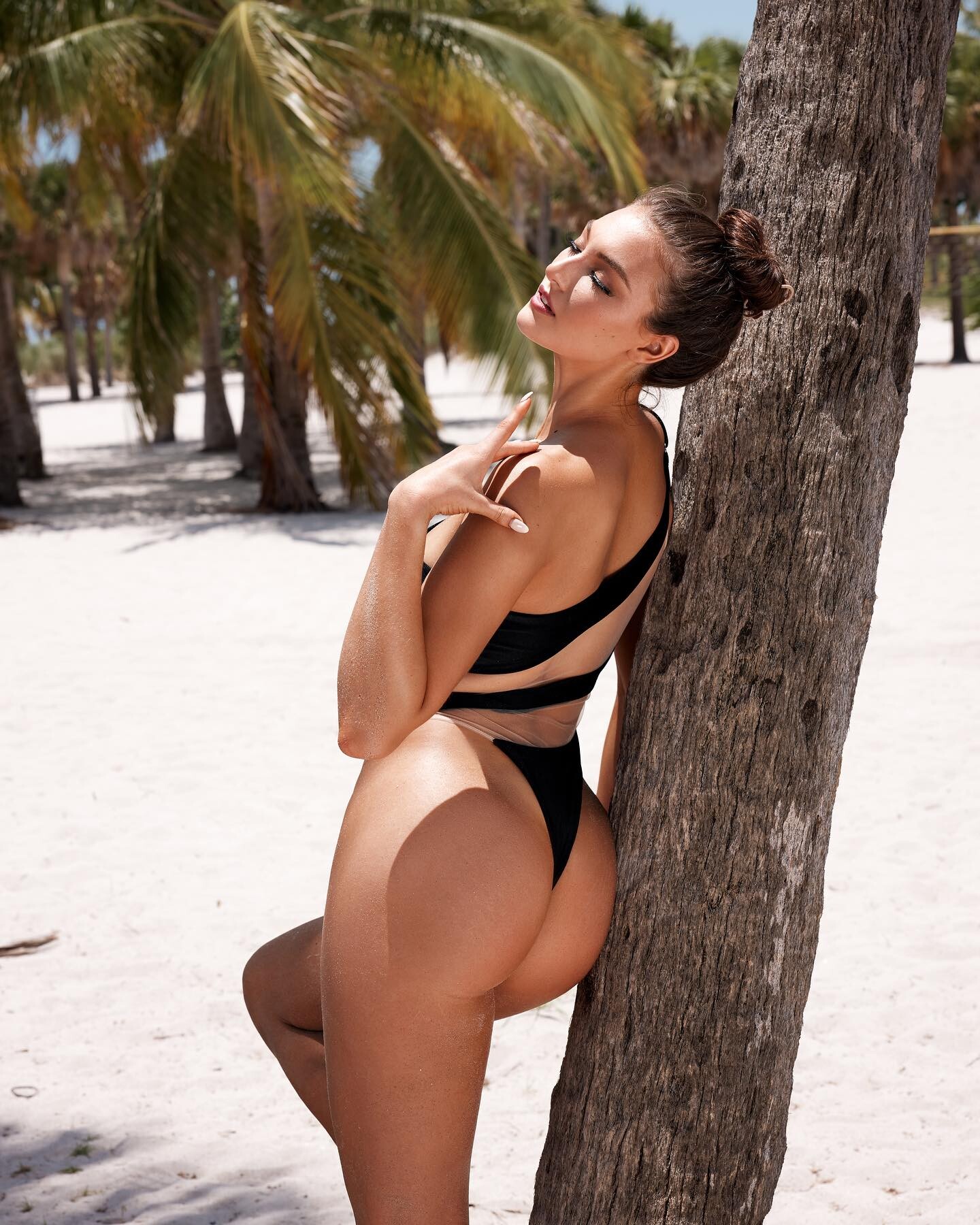
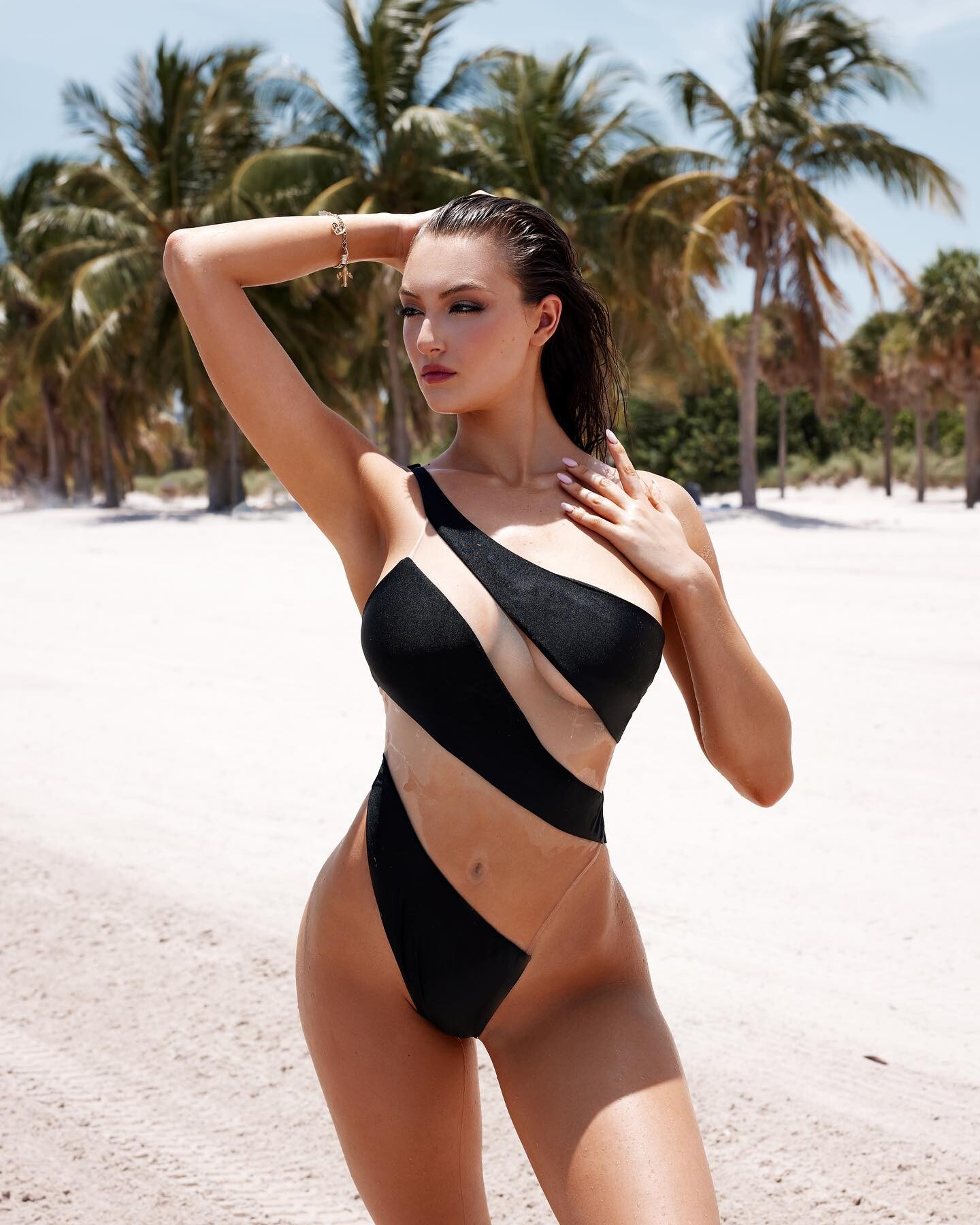
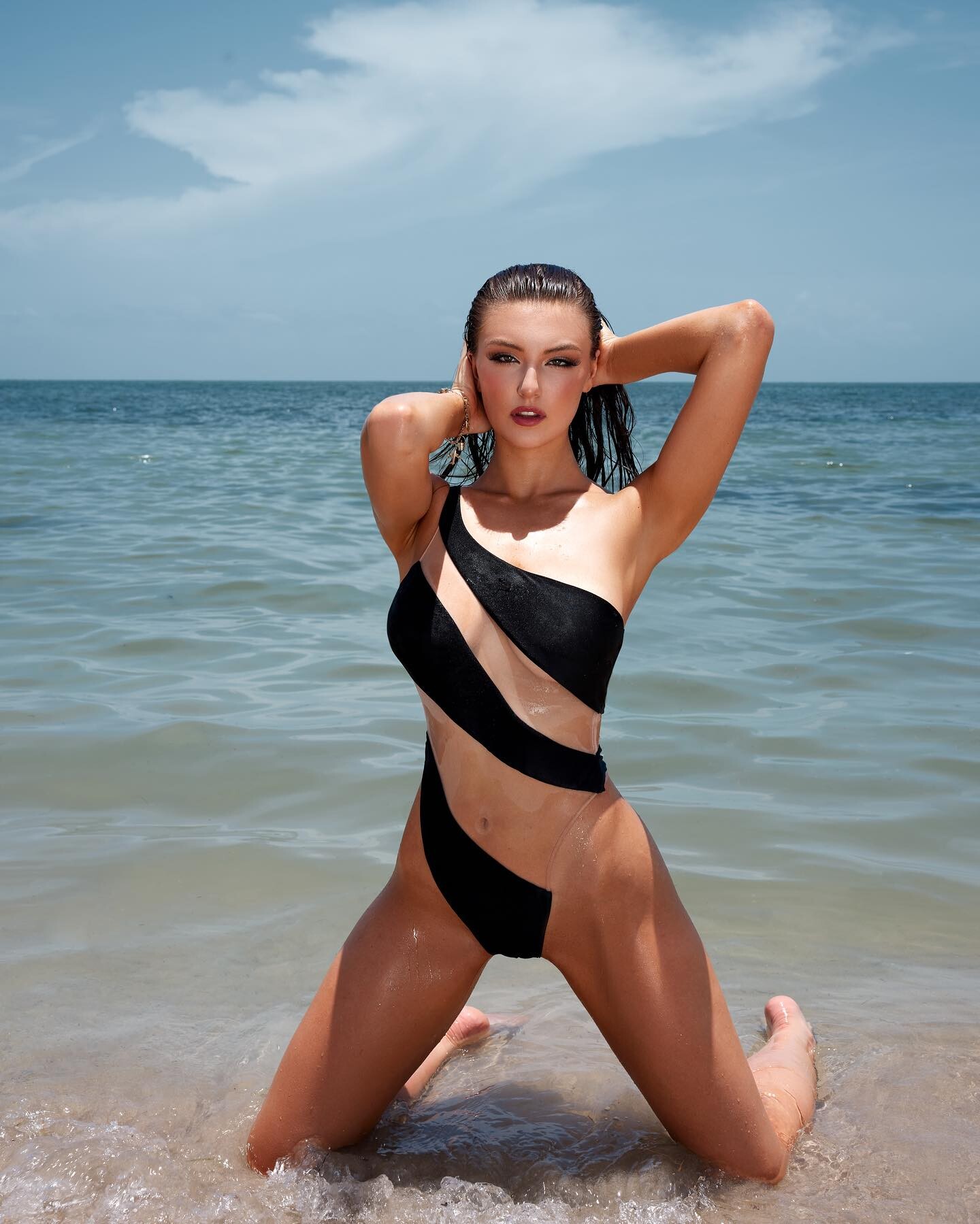
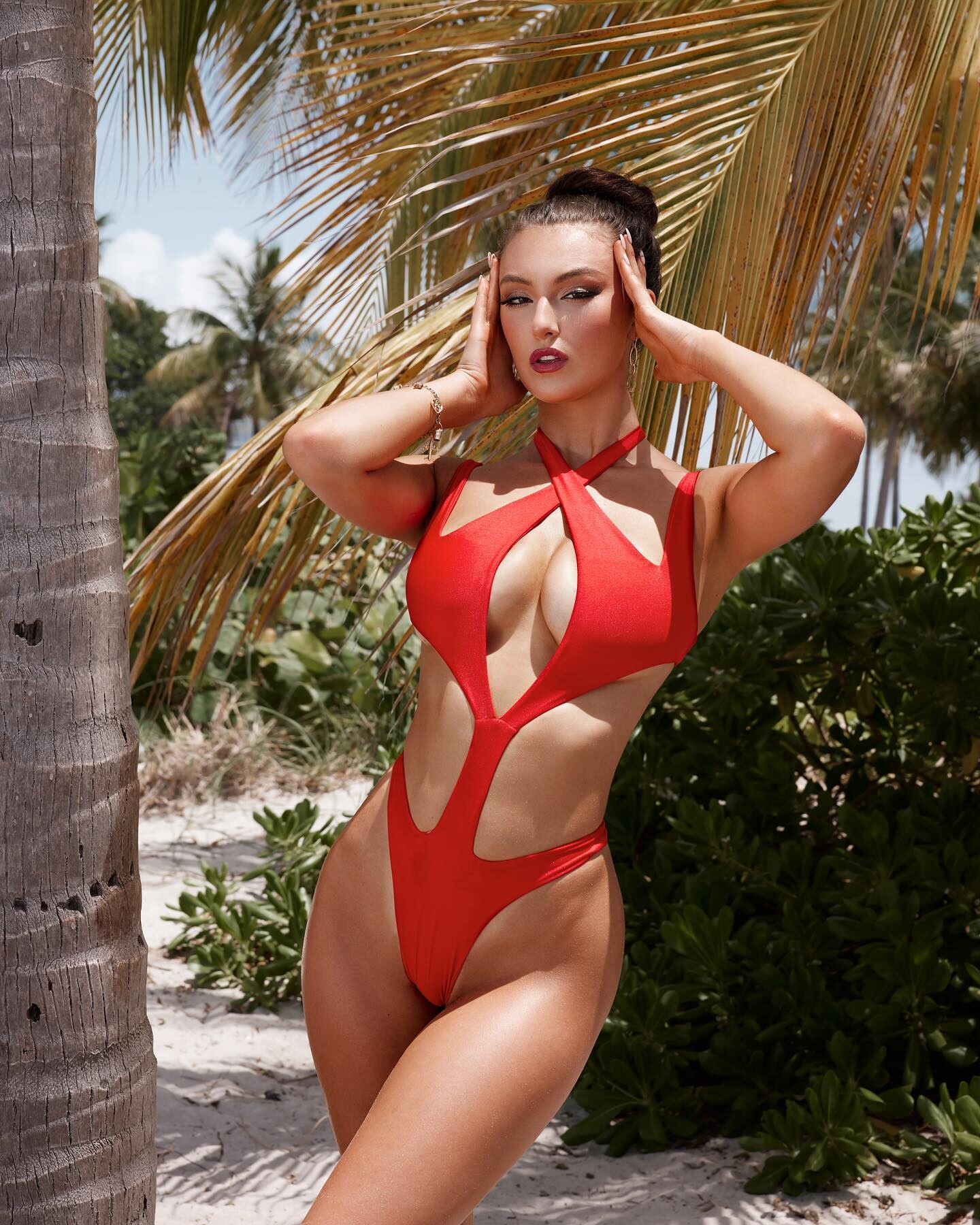
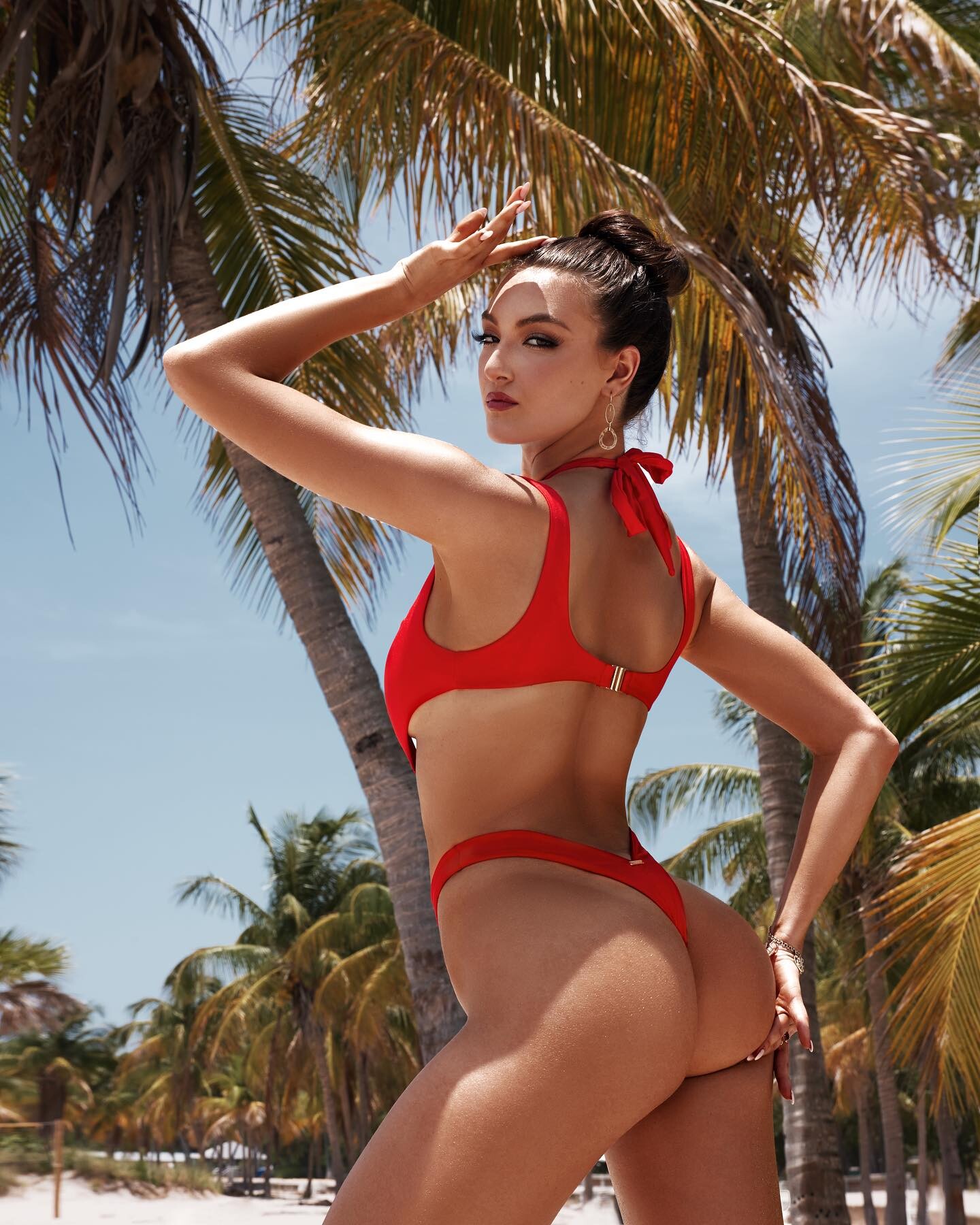
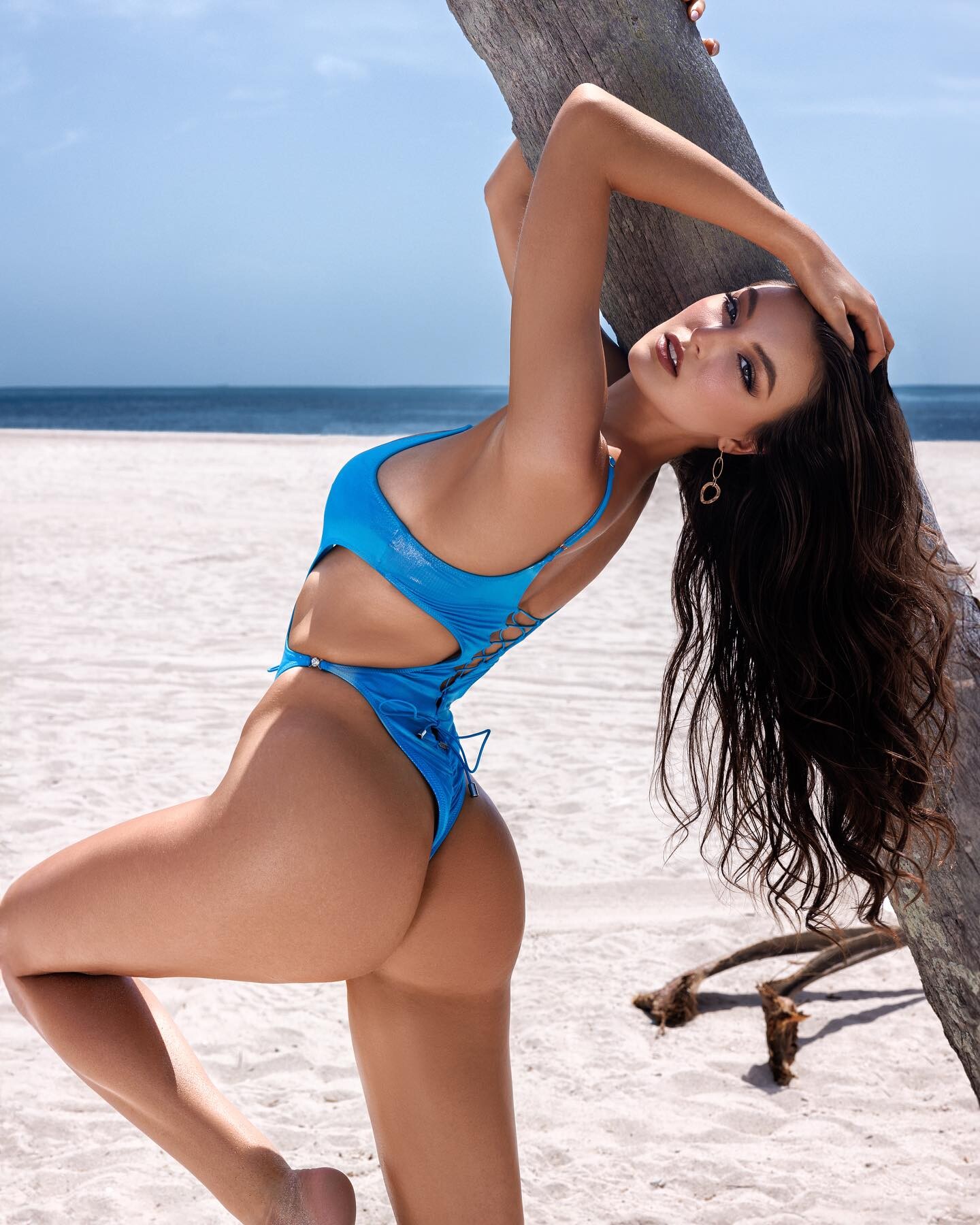
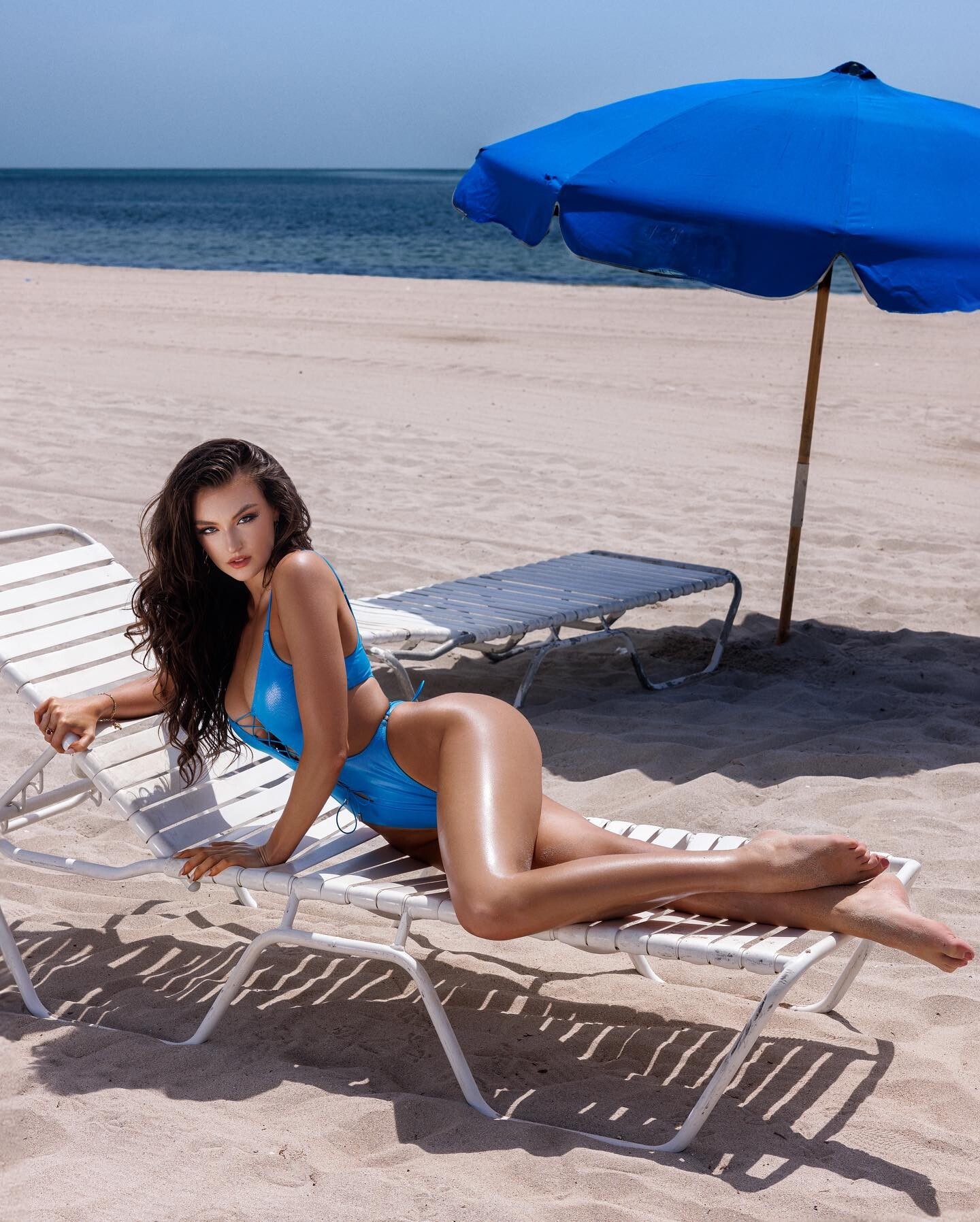
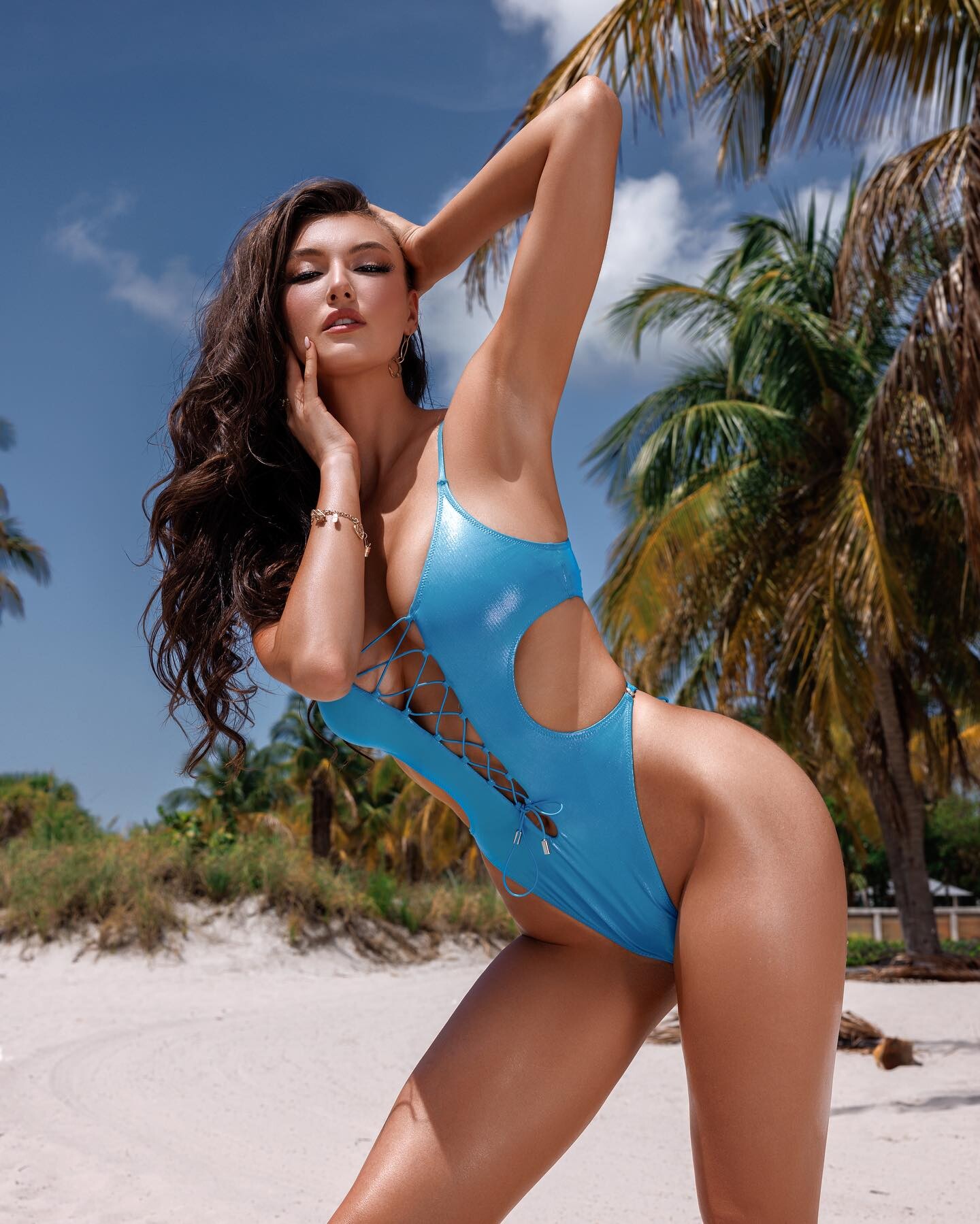
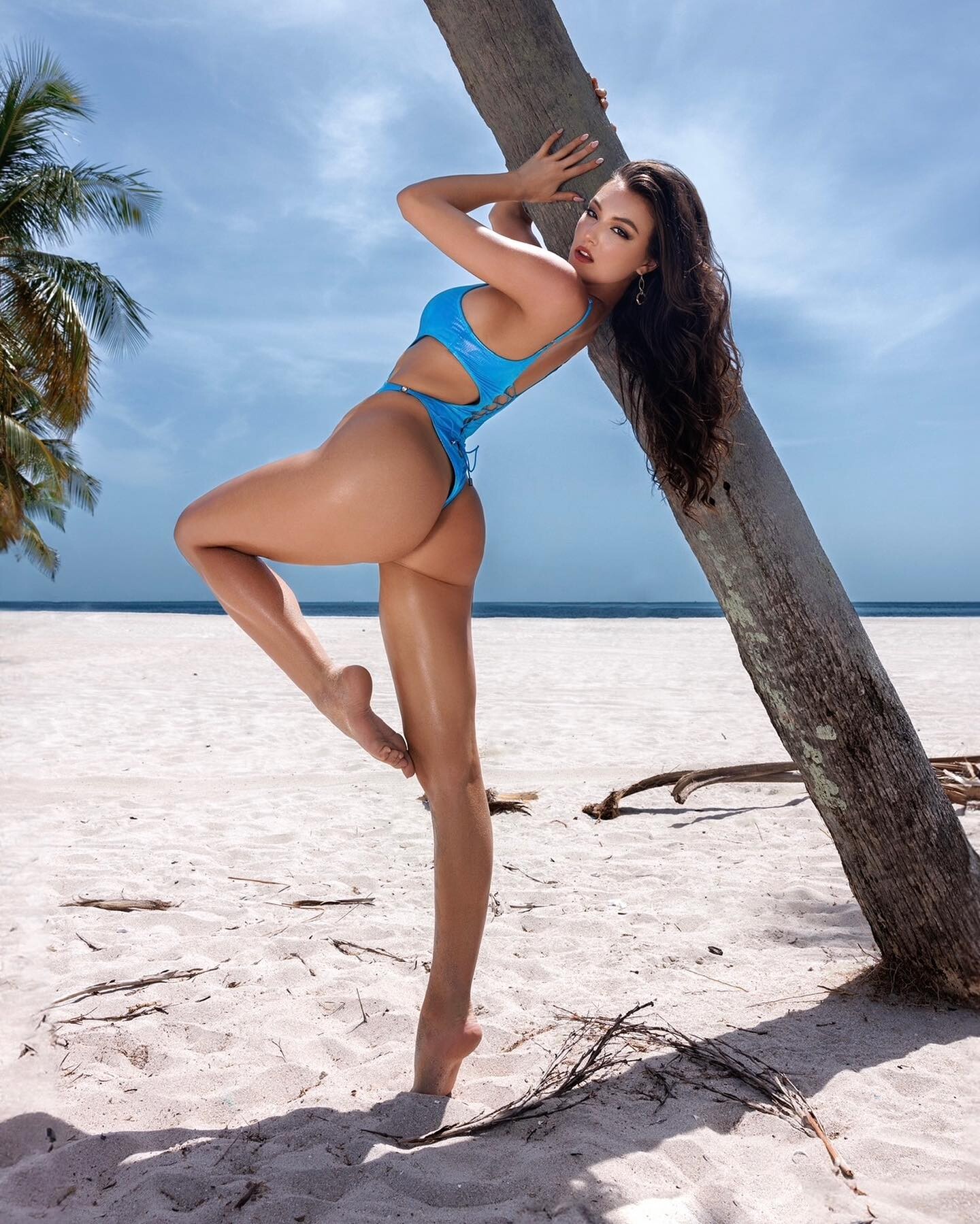
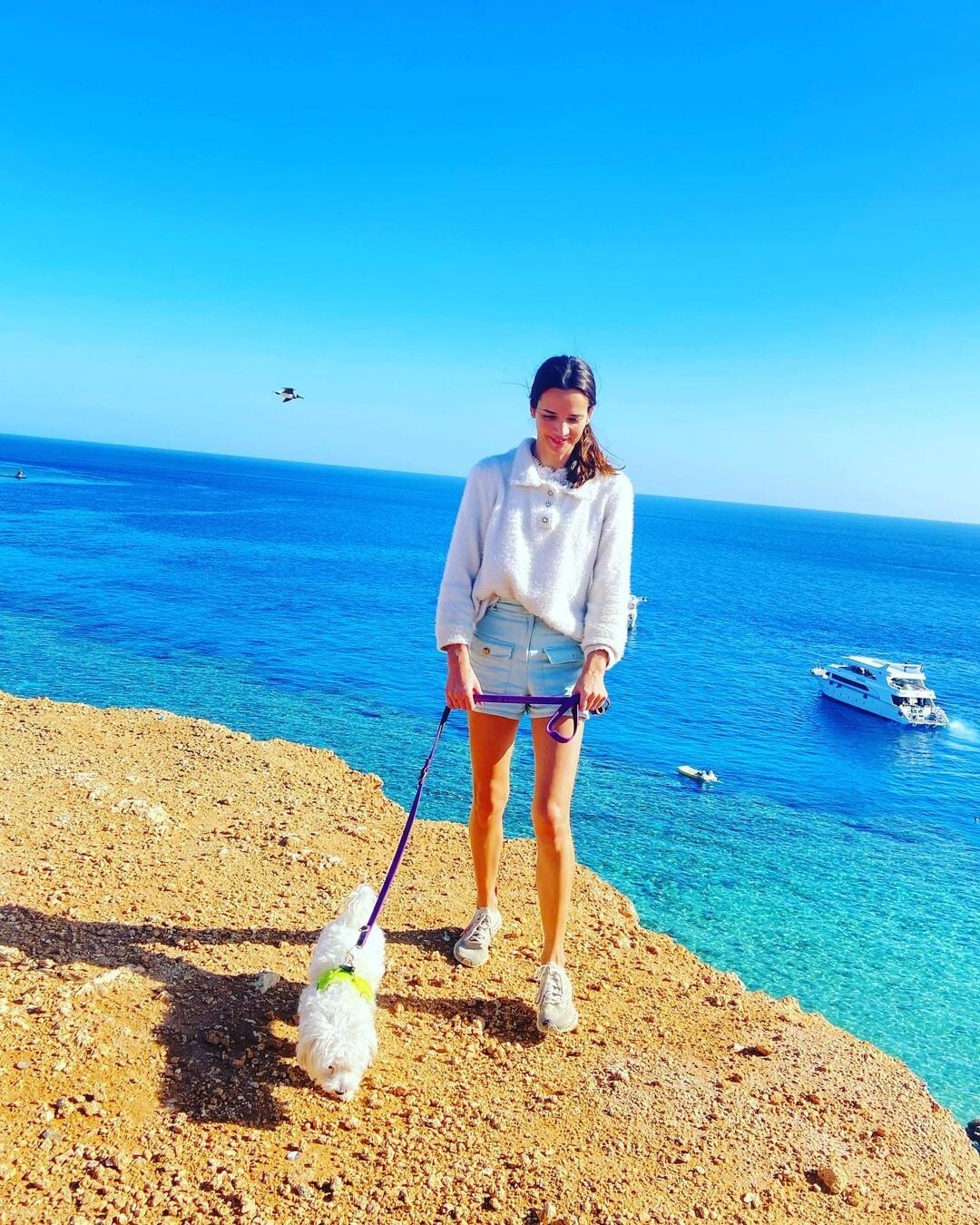
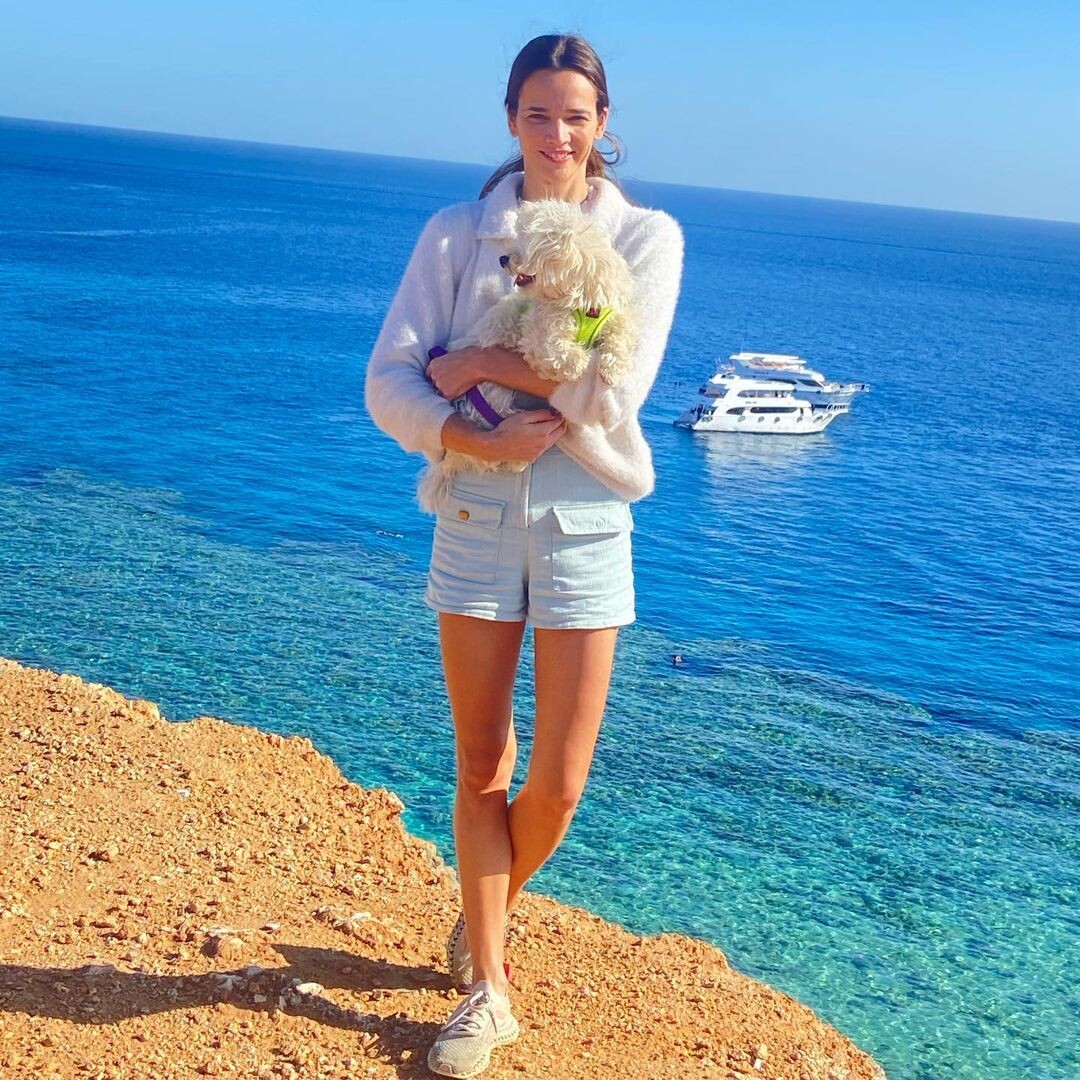



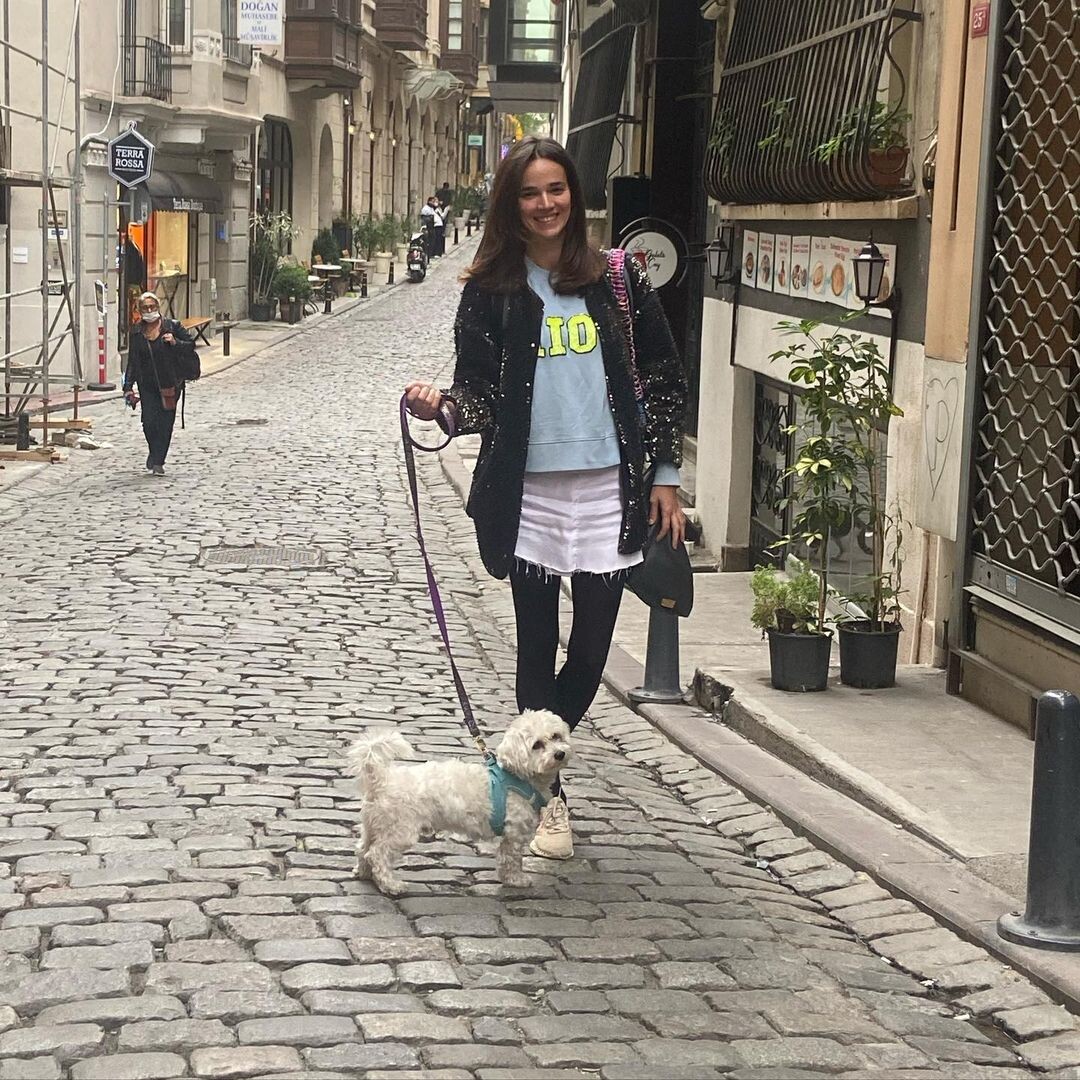
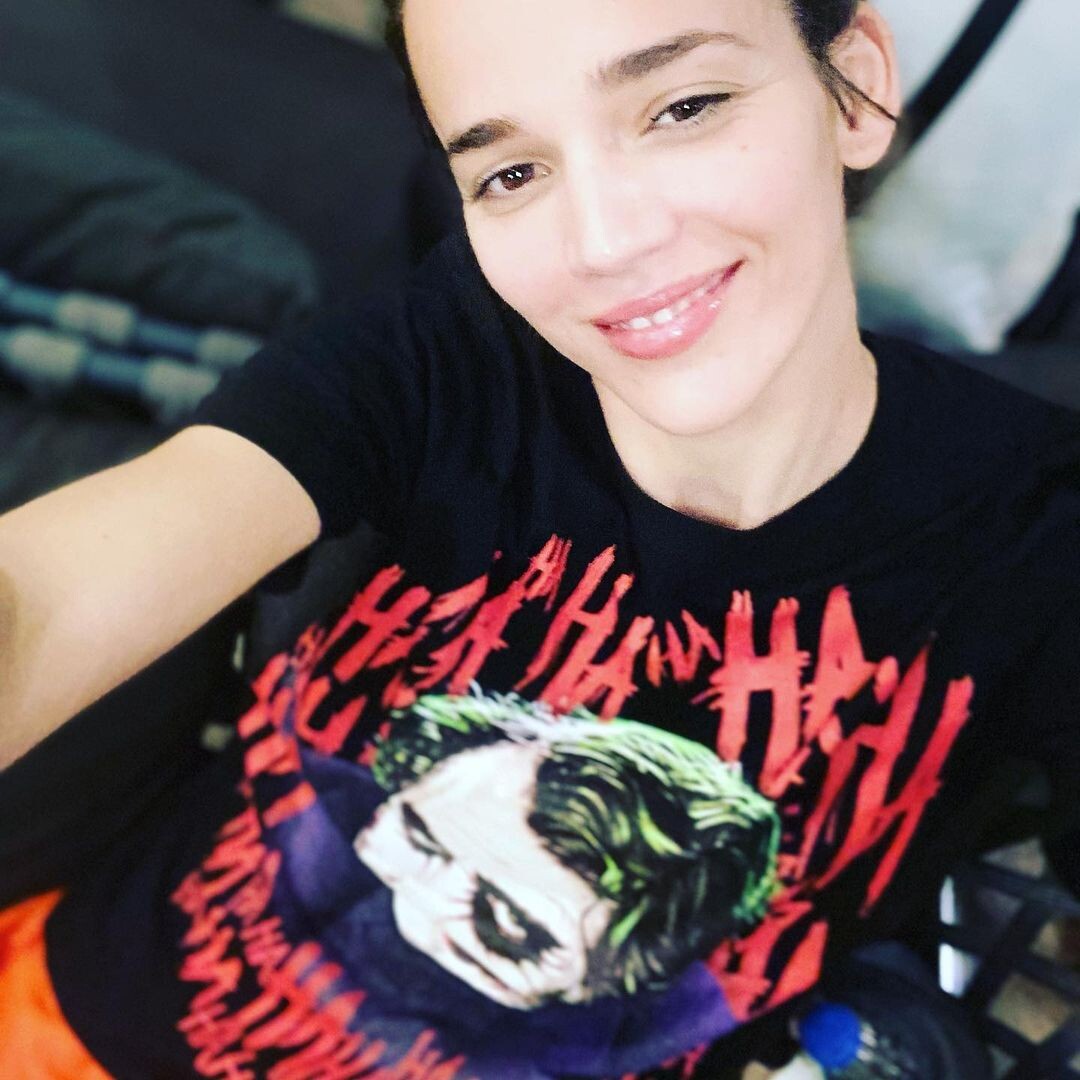


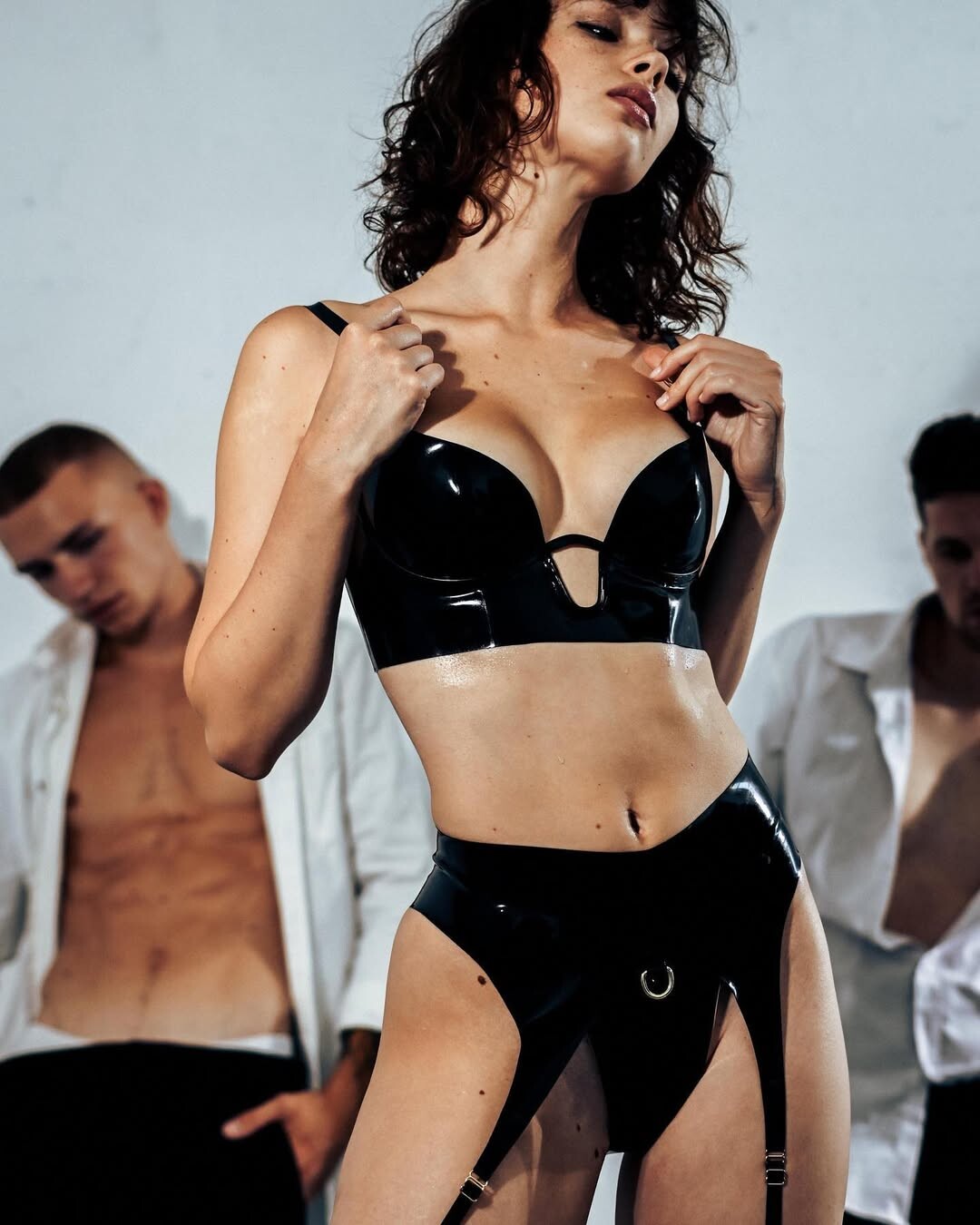

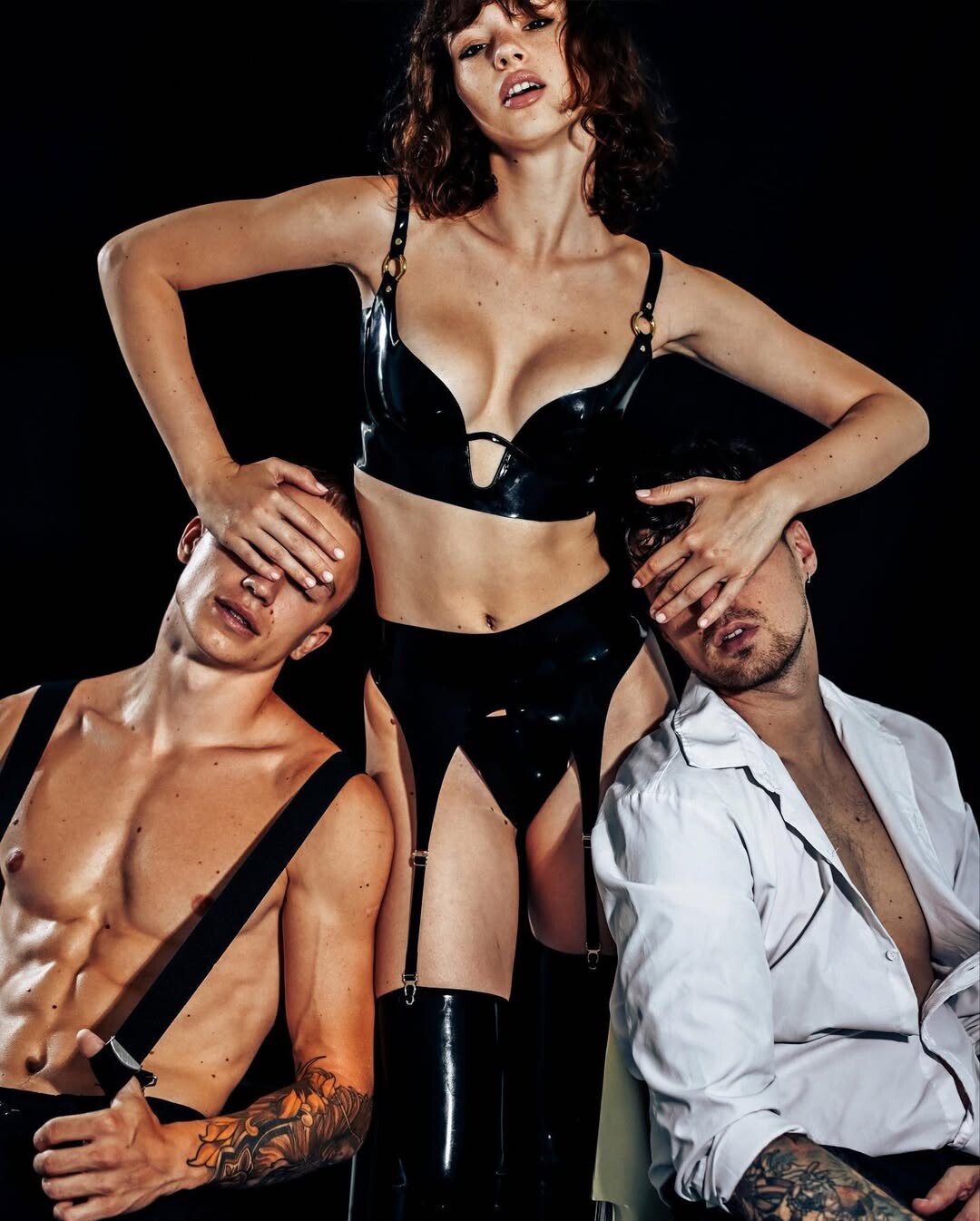
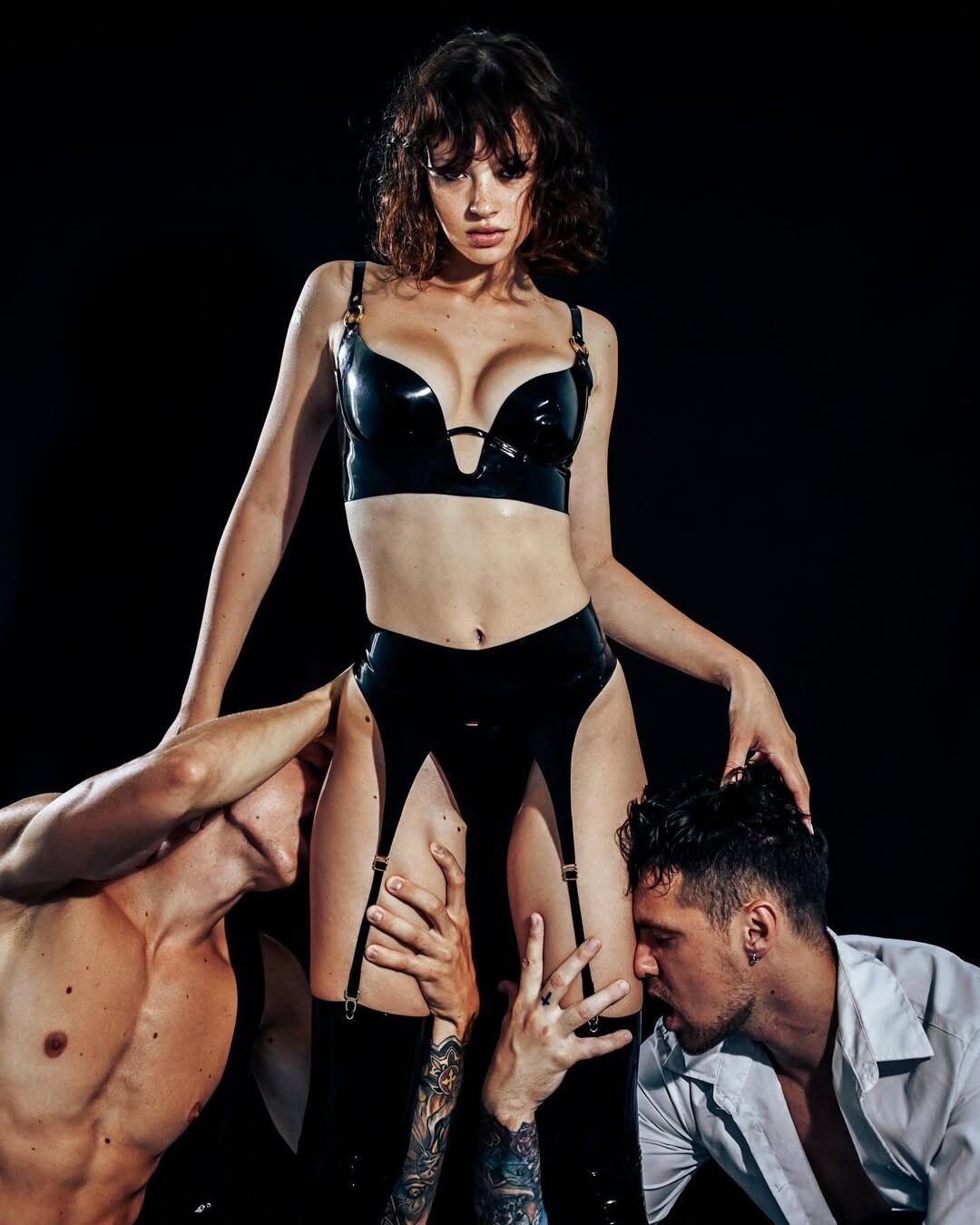
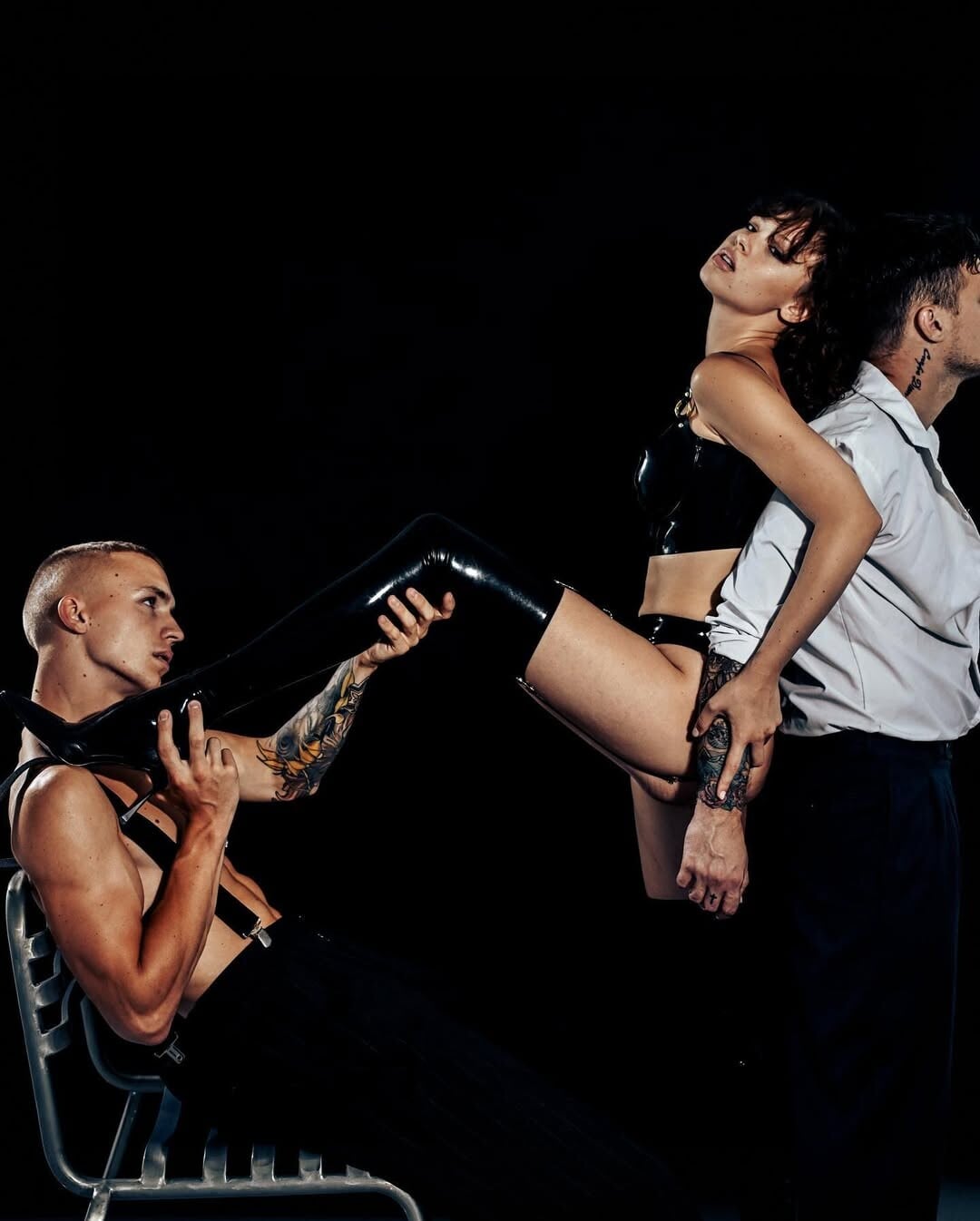

















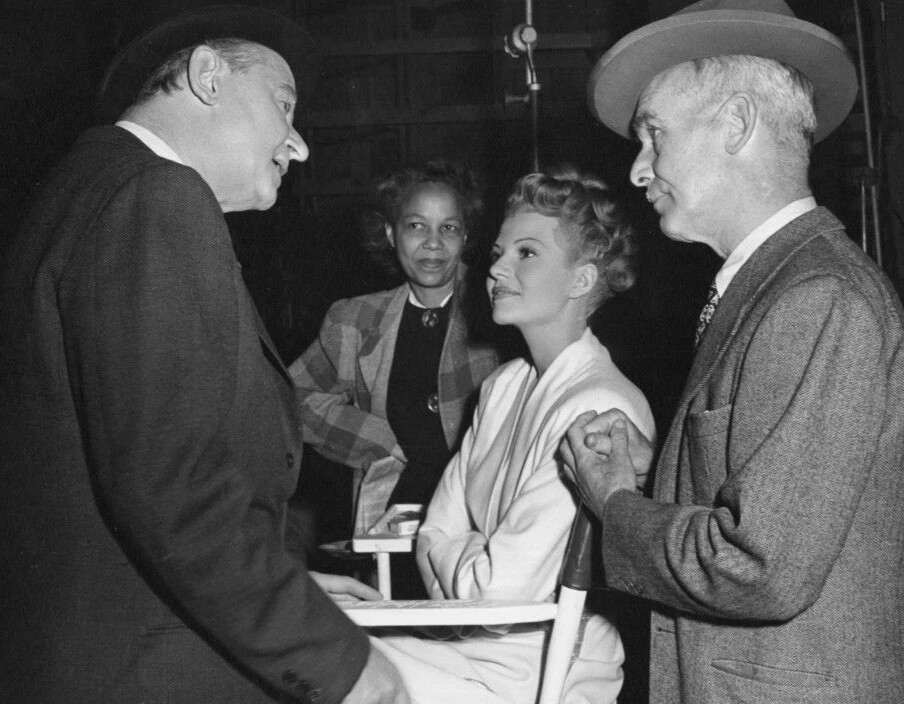


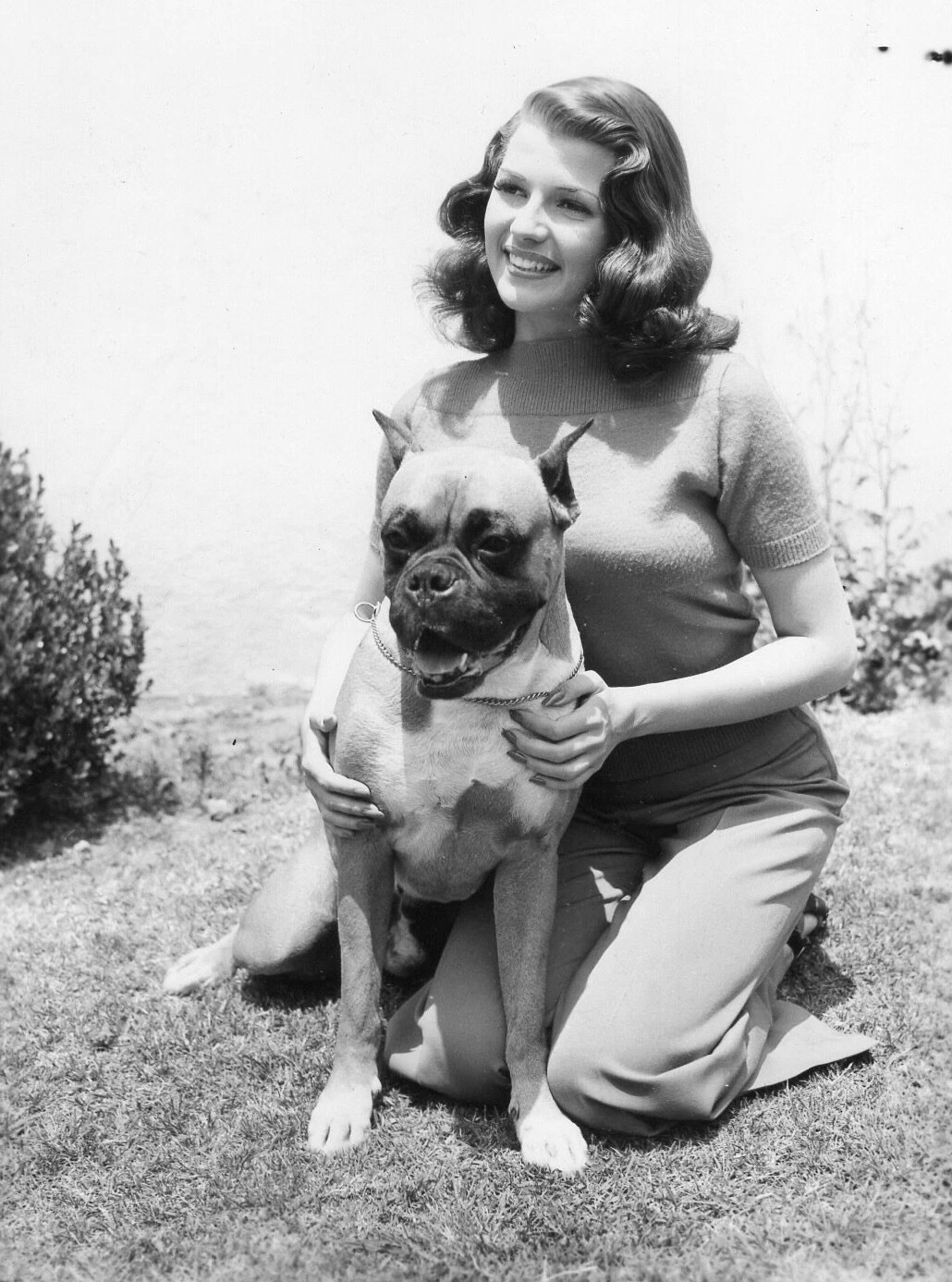


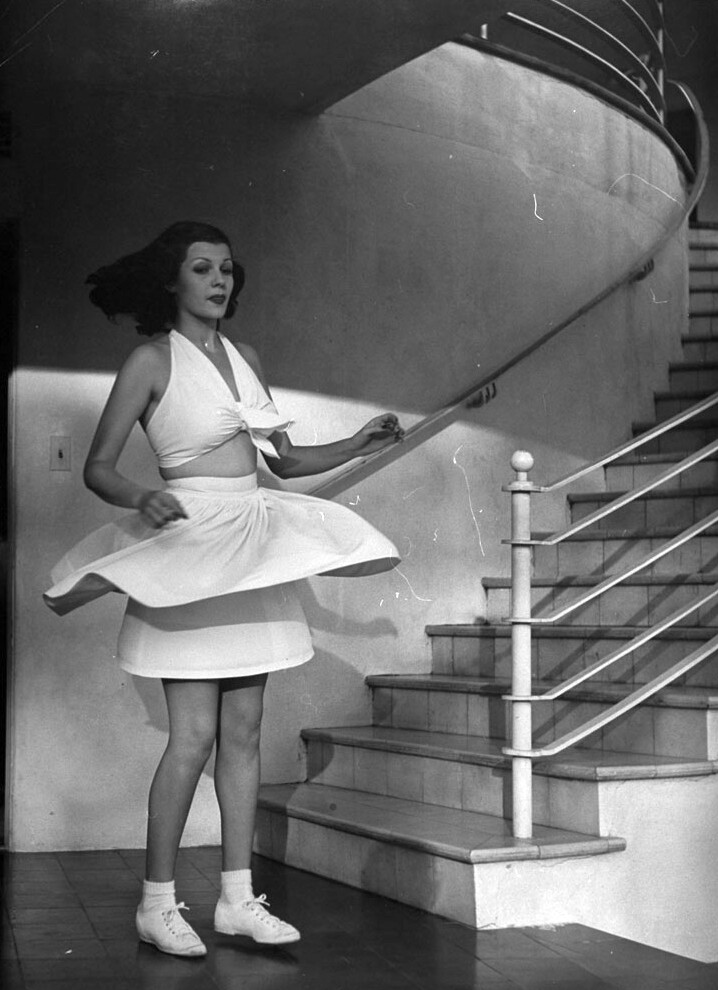








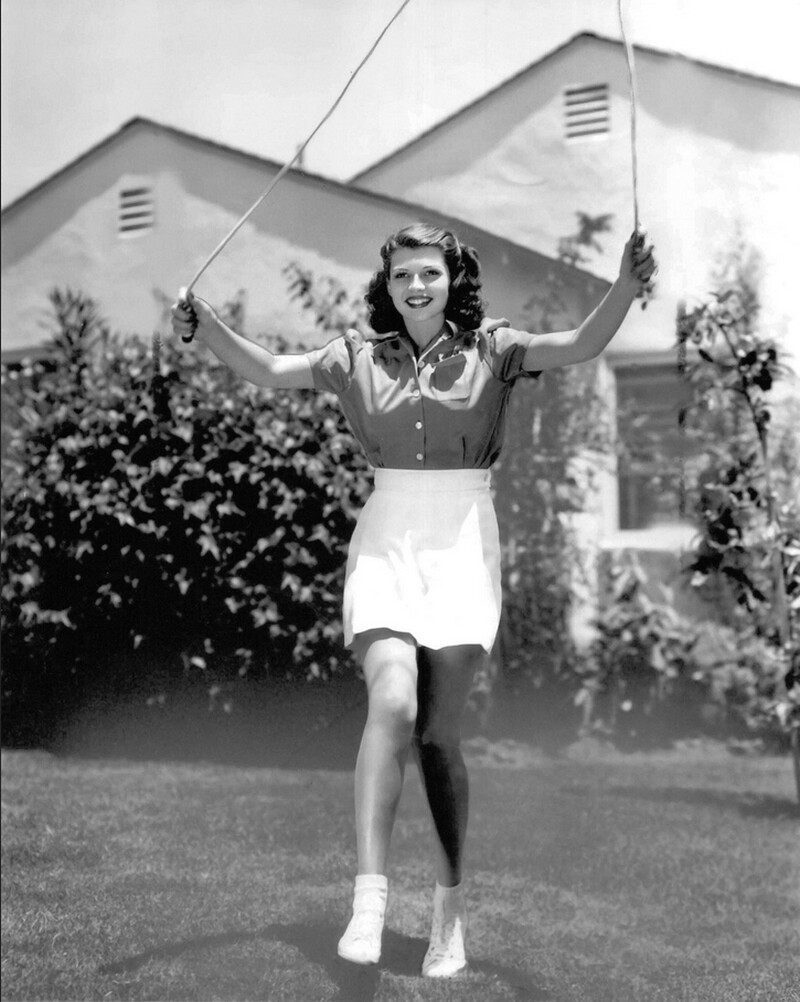

Account
Navigation
Search
Configure browser push notifications
Chrome (Android)
- Tap the lock icon next to the address bar.
- Tap Permissions → Notifications.
- Adjust your preference.
Chrome (Desktop)
- Click the padlock icon in the address bar.
- Select Site settings.
- Find Notifications and adjust your preference.
Safari (iOS 16.4+)
- Ensure the site is installed via Add to Home Screen.
- Open Settings App → Notifications.
- Find your app name and adjust your preference.
Safari (macOS)
- Go to Safari → Preferences.
- Click the Websites tab.
- Select Notifications in the sidebar.
- Find this website and adjust your preference.
Edge (Android)
- Tap the lock icon next to the address bar.
- Tap Permissions.
- Find Notifications and adjust your preference.
Edge (Desktop)
- Click the padlock icon in the address bar.
- Click Permissions for this site.
- Find Notifications and adjust your preference.
Firefox (Android)
- Go to Settings → Site permissions.
- Tap Notifications.
- Find this site in the list and adjust your preference.
Firefox (Desktop)
- Open Firefox Settings.
- Search for Notifications.
- Find this site in the list and adjust your preference.