
lovemusic102
Members
-
Joined
-
Last visited
-
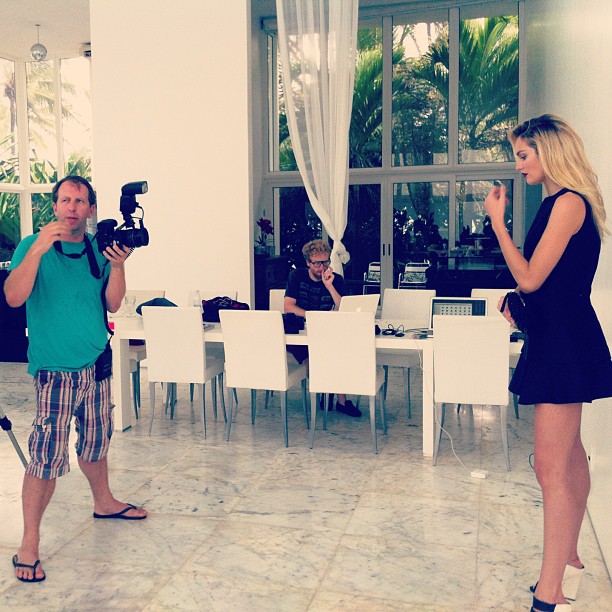
Max Factor Whipped Creme Commercial shot by Anthony Mandler instagram.com/theonlymattjonesImage hidden for guestsSign in to view
-
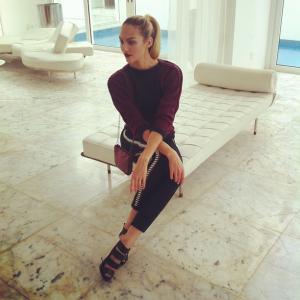
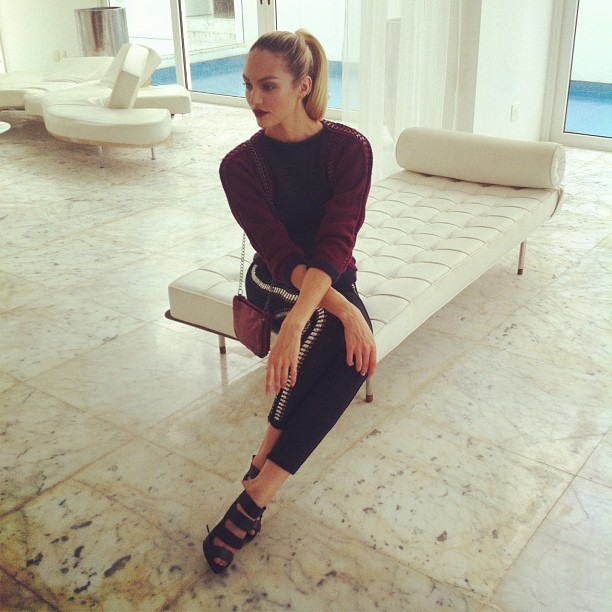
She shot for Vogue Brazil today.

-
divinecandice.com




















-
^You're welcome Stormbringer! MQ's divinecandice.com




























-
Novak Djokovic Foundation New York dinner at Capitale on September 10, 2013 in New York City. images.search.yahoo.com

 Shes at NDF New York Gala today

 uploaded by me from graziadaily.co.uk graziadaily.co.uk Another The Upside Preview image instagram.com/the_upside
 Aug 25, 2013 - Candice Out & About in SoHo [HQ] divinecandice.com More info on the upcoming editorial in Interview September 2013


 Candice Swanepoel by Mariano Vivanco // VOGUE MexicoAug 23, 2013 - Candice Shopping with Sabrina in Soho [HQ] divinecandice.com












 Agua Bendita 2014 Preview [MQ] Sorry if any are repost Preview of Vogue Mexico September 2013VS PINK pinterest.com/vspink














































































Account
Navigation
Search
Configure browser push notifications
Chrome (Android)
- Tap the lock icon next to the address bar.
- Tap Permissions → Notifications.
- Adjust your preference.
Chrome (Desktop)
- Click the padlock icon in the address bar.
- Select Site settings.
- Find Notifications and adjust your preference.
Safari (iOS 16.4+)
- Ensure the site is installed via Add to Home Screen.
- Open Settings App → Notifications.
- Find your app name and adjust your preference.
Safari (macOS)
- Go to Safari → Preferences.
- Click the Websites tab.
- Select Notifications in the sidebar.
- Find this website and adjust your preference.
Edge (Android)
- Tap the lock icon next to the address bar.
- Tap Permissions.
- Find Notifications and adjust your preference.
Edge (Desktop)
- Click the padlock icon in the address bar.
- Click Permissions for this site.
- Find Notifications and adjust your preference.
Firefox (Android)
- Go to Settings → Site permissions.
- Tap Notifications.
- Find this site in the list and adjust your preference.
Firefox (Desktop)
- Open Firefox Settings.
- Search for Notifications.
- Find this site in the list and adjust your preference.