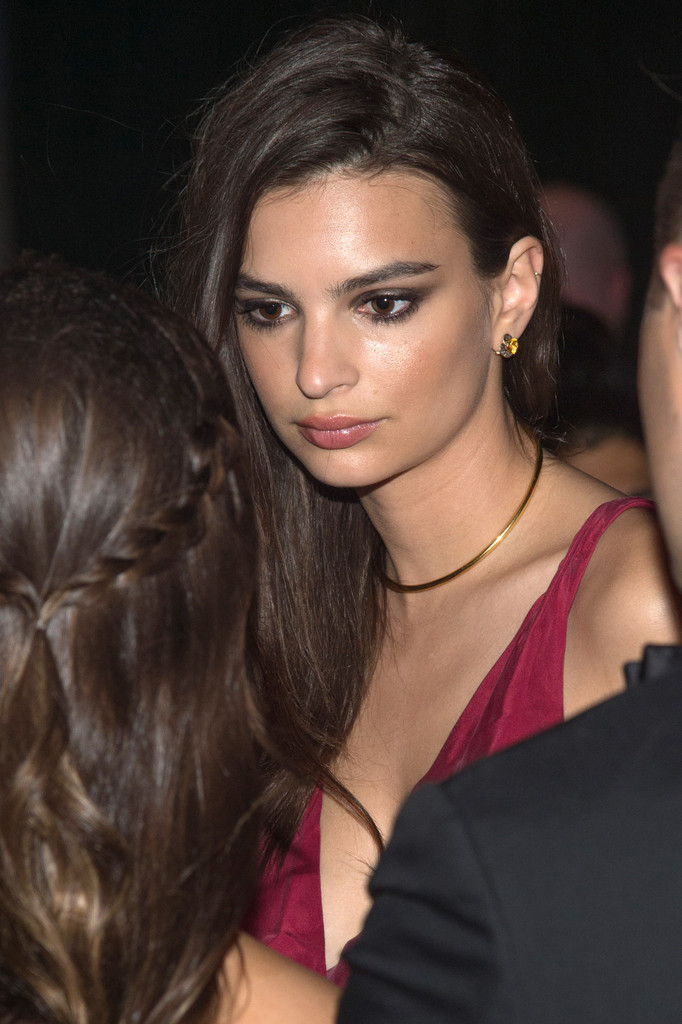
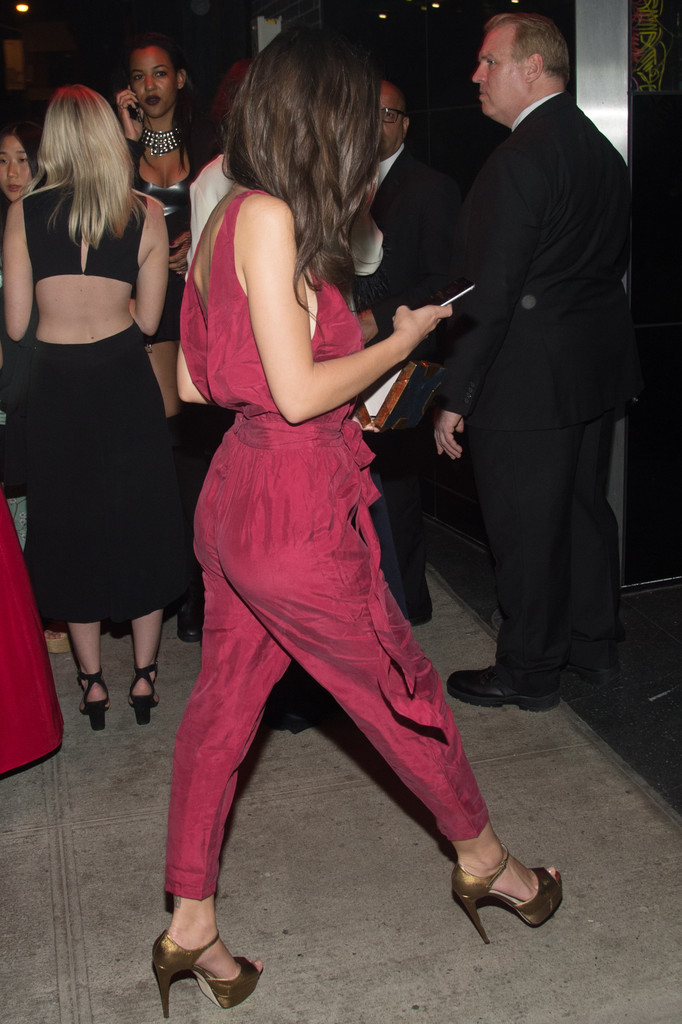
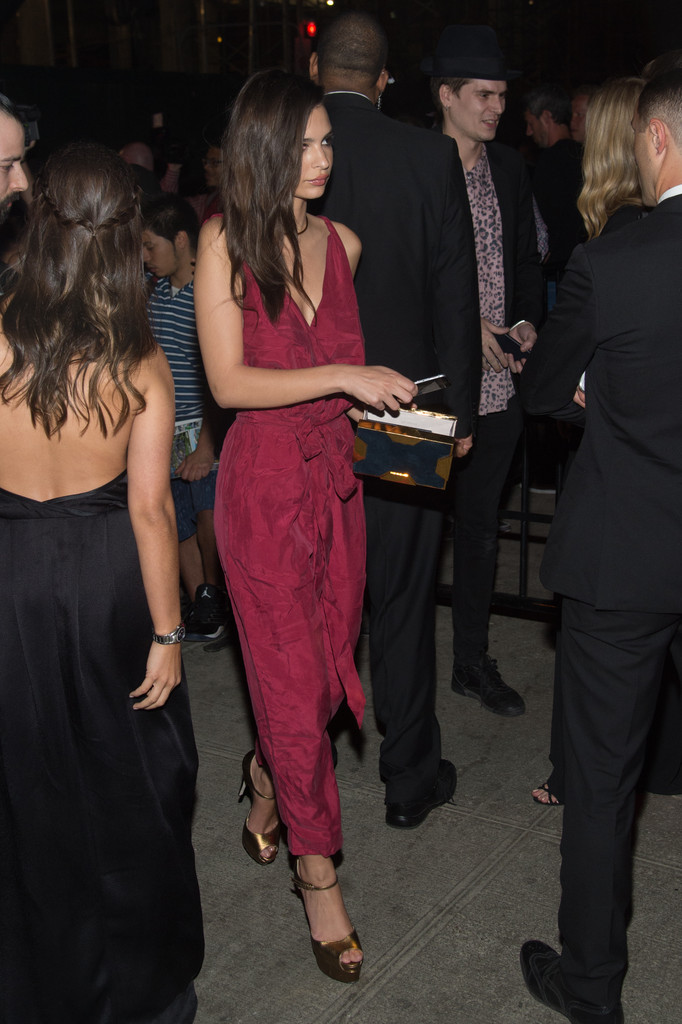
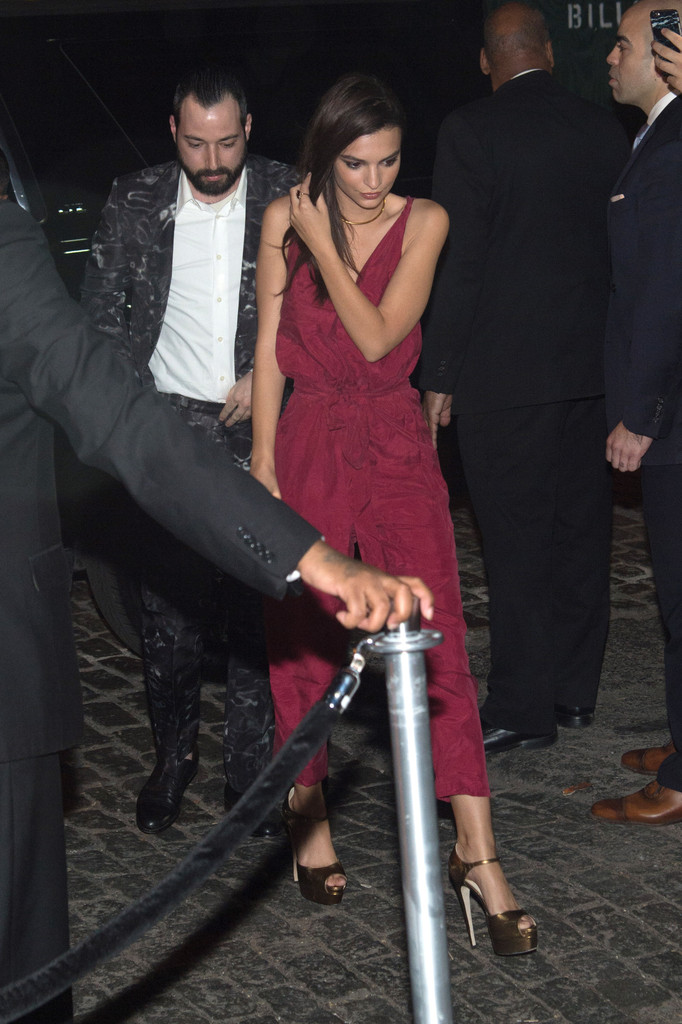
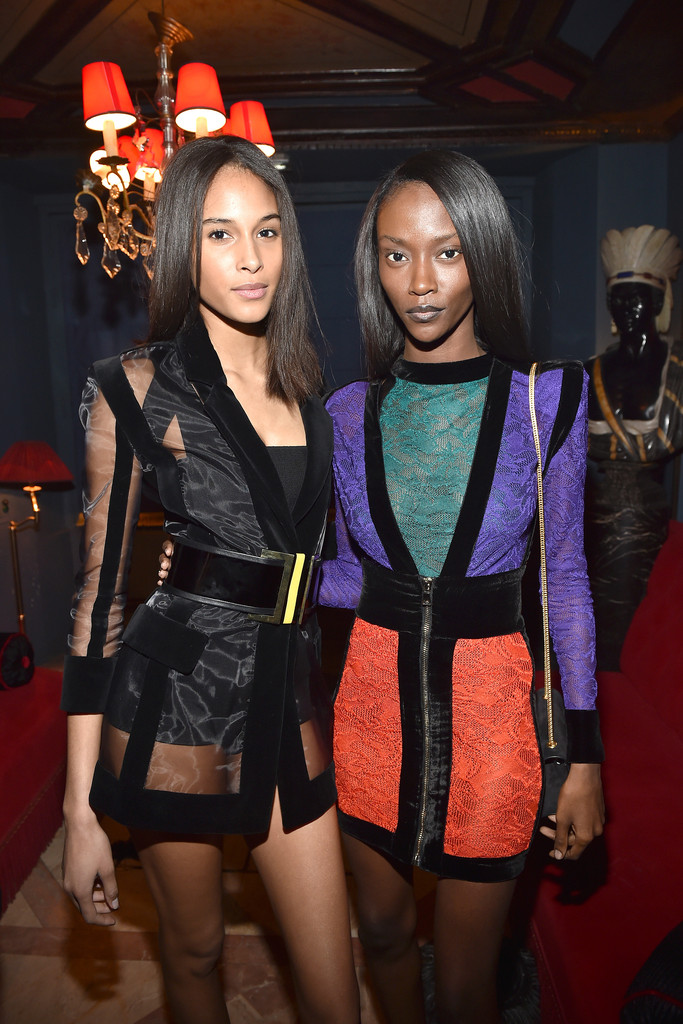
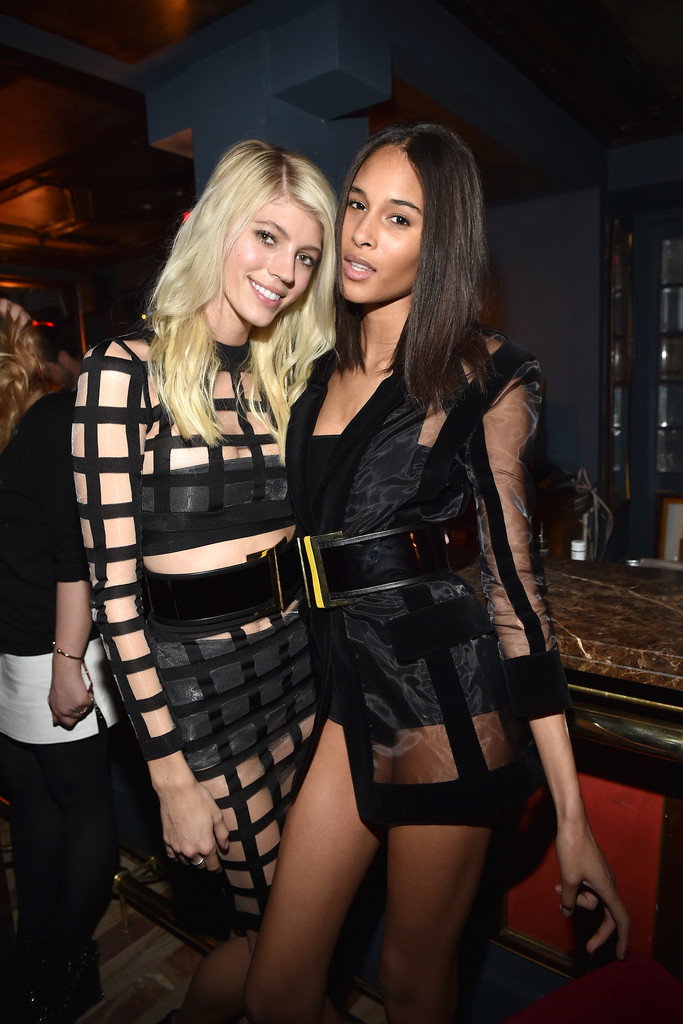
Some MQ pics of Cindy at the Balmain aftershow dinner with Dev Windsor and Riley Montana. I'm working on trying to collect more runway pictures from this past PFW
^ Thank you too hope there will be hq availabe or lookbook or something! Bregje looks stunning
i reaaaally hope hq's from the revolve bridal set will come out soon, they are to die for :wub2: thanks everyone for the adds, her portfolio and polas are simply stunning, easily one of my favorites

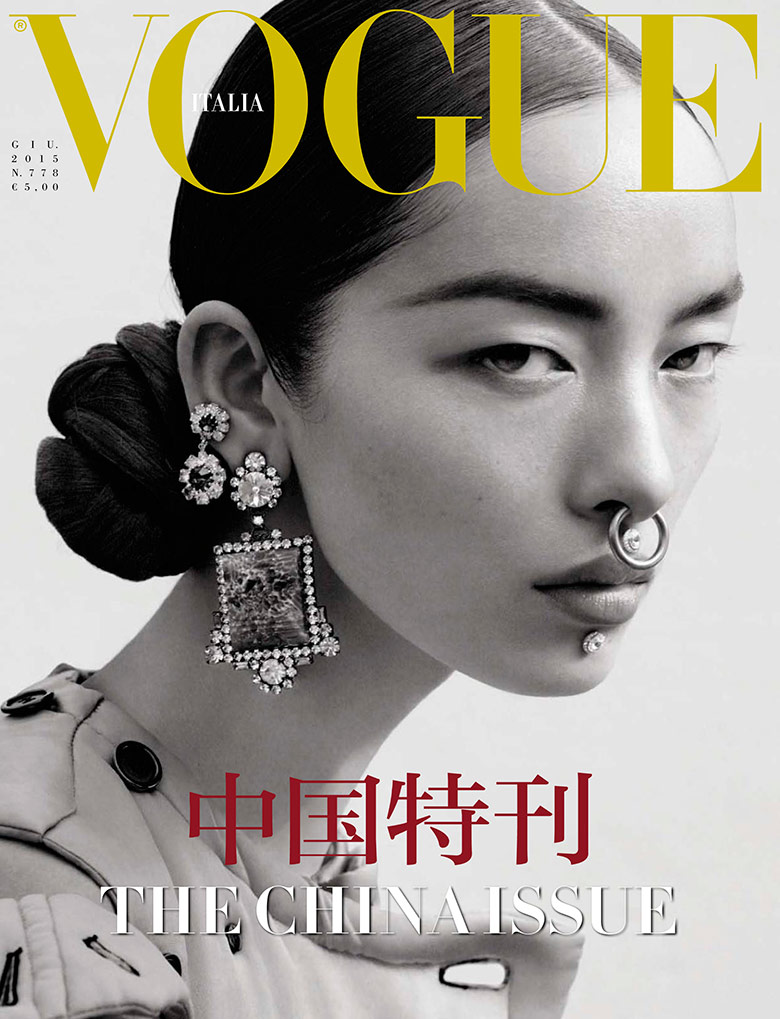
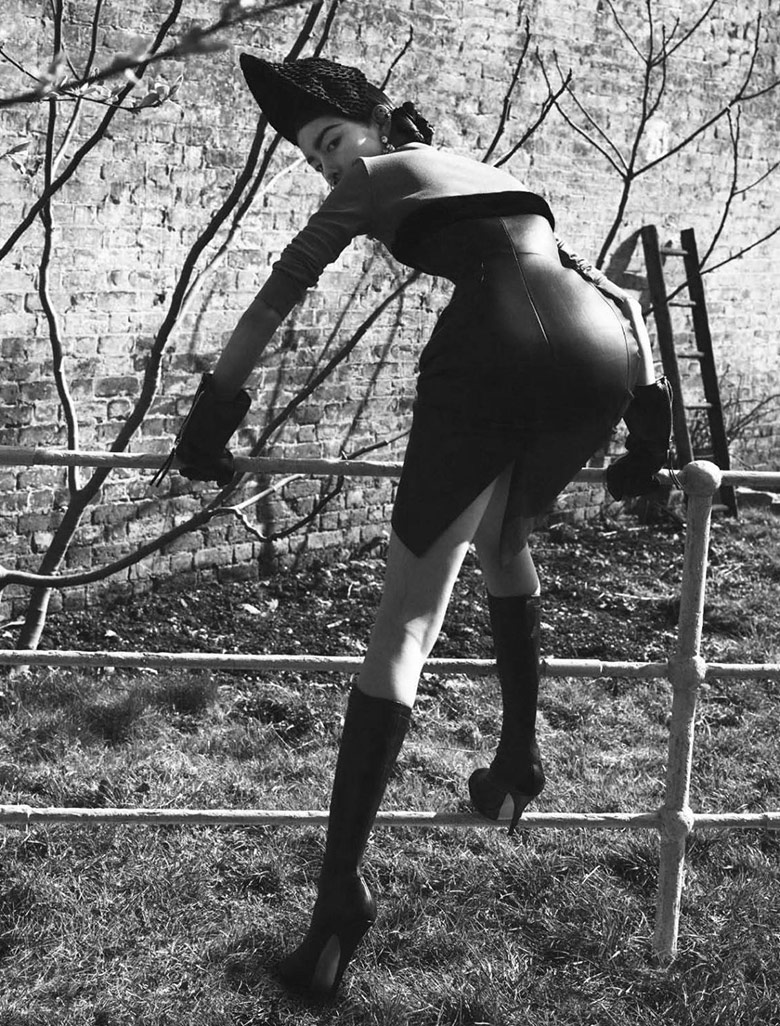
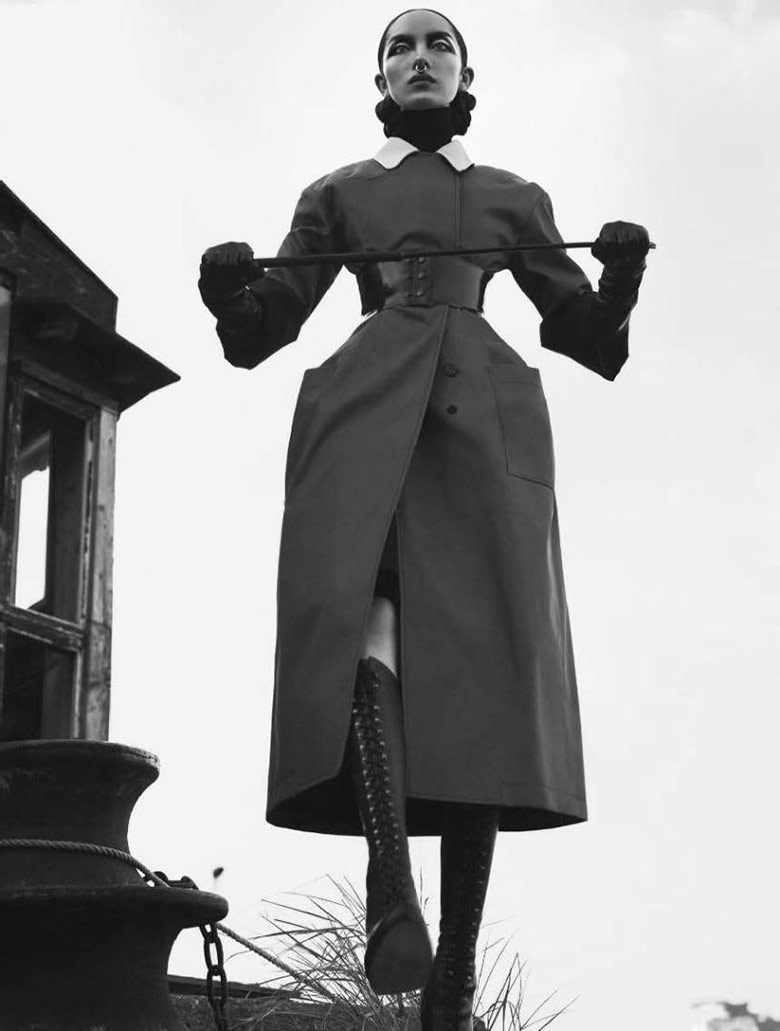
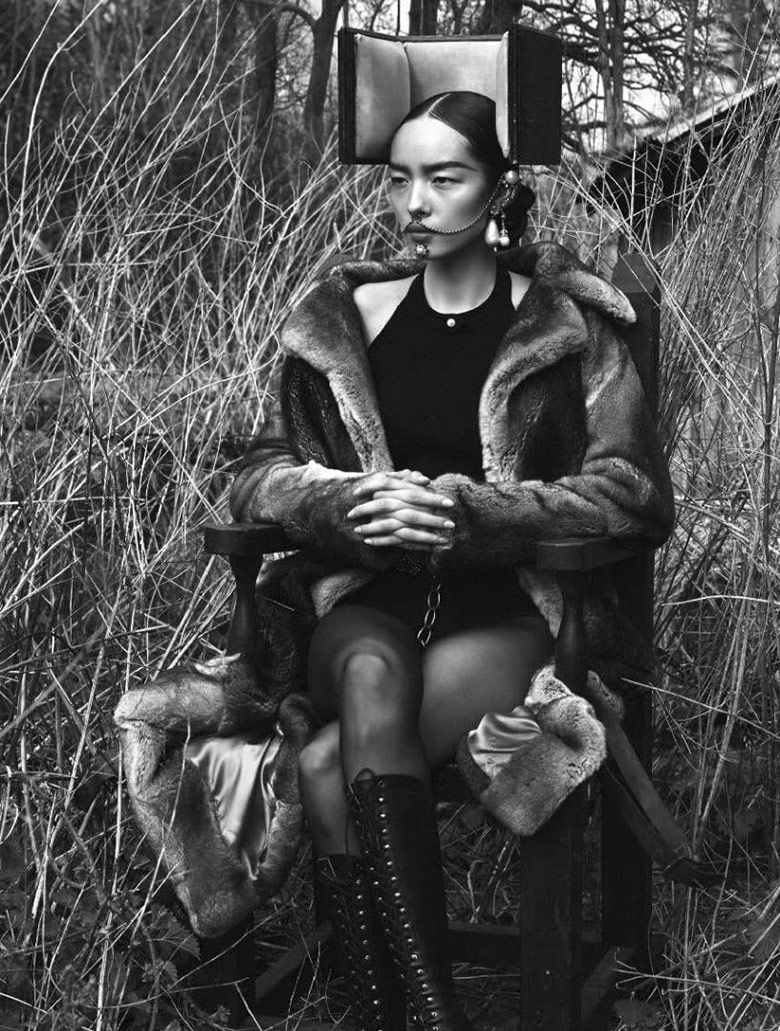
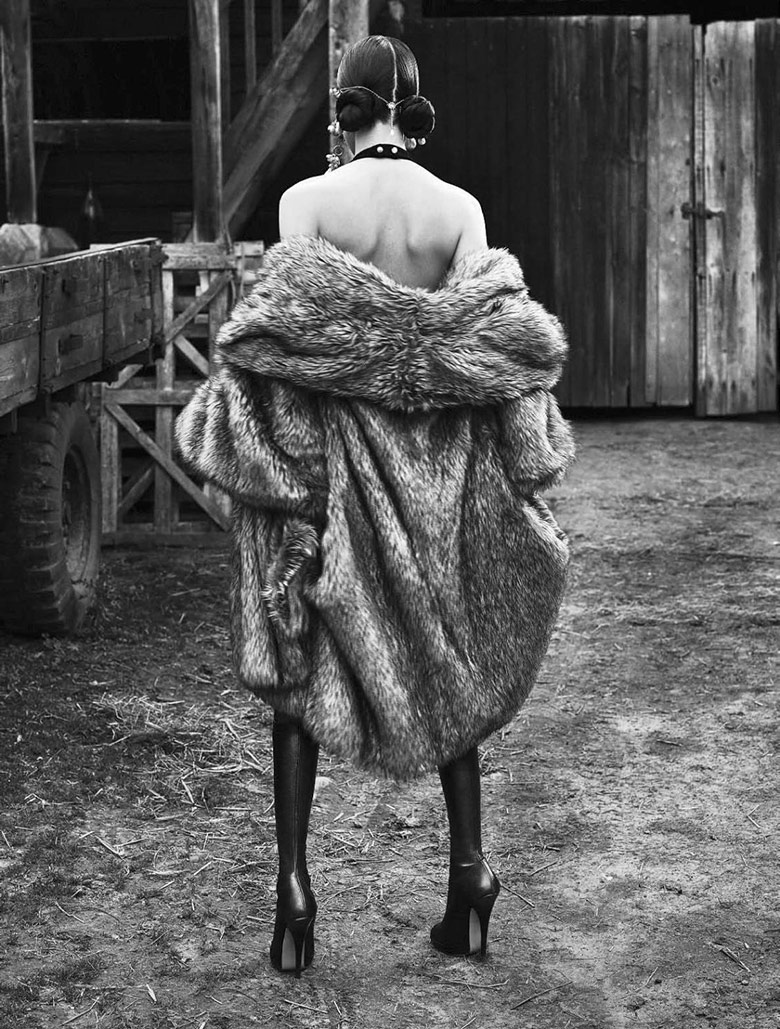
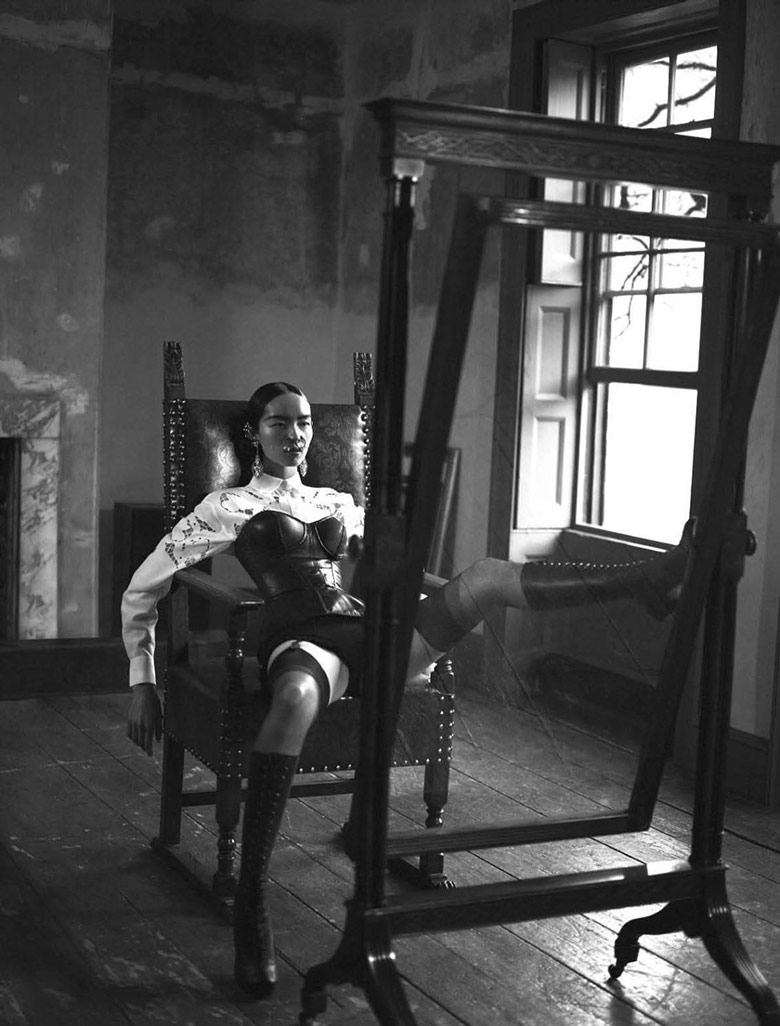
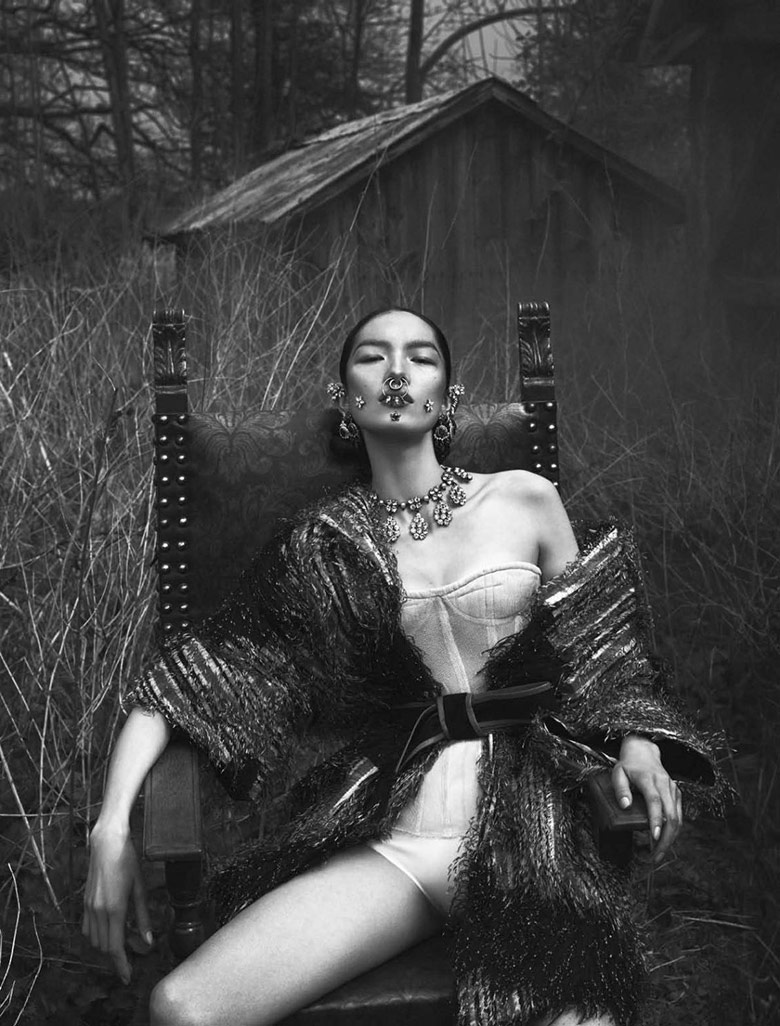
 hope for HQ's soon.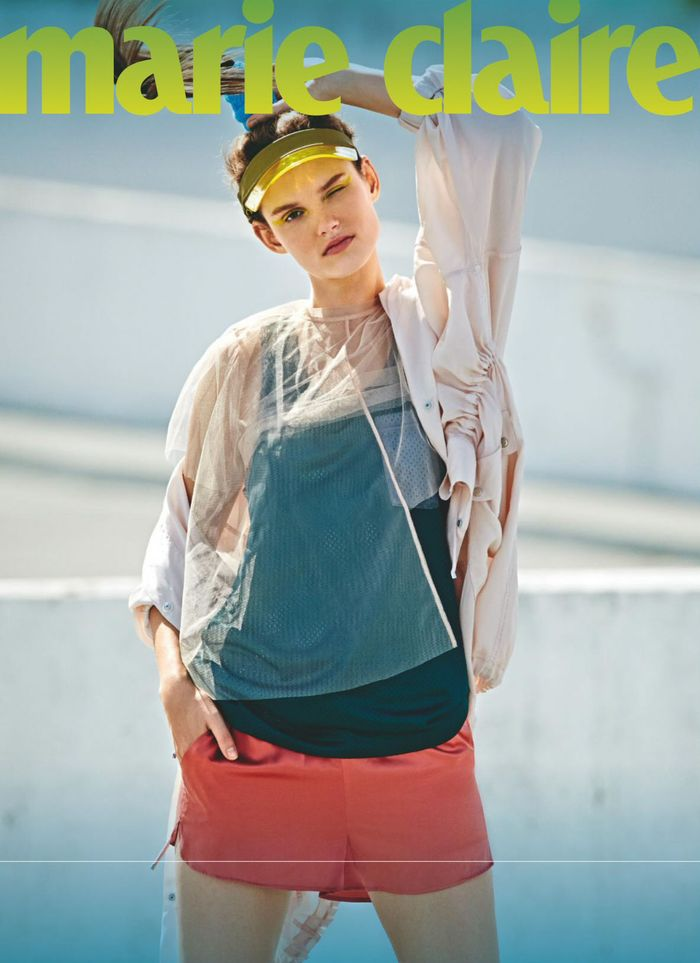
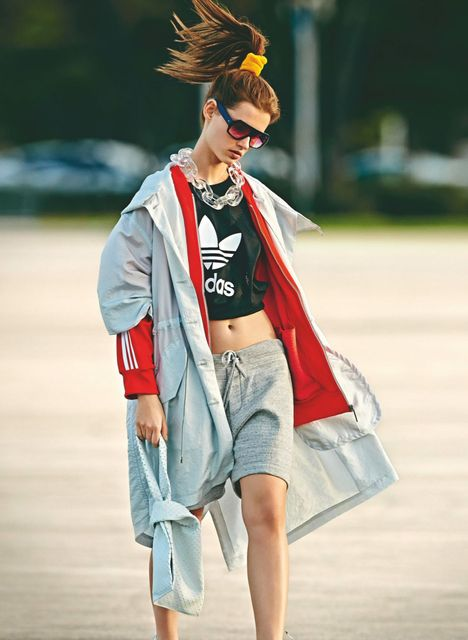
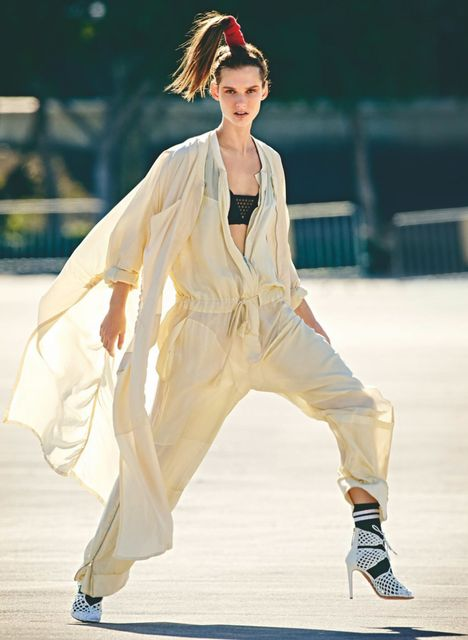
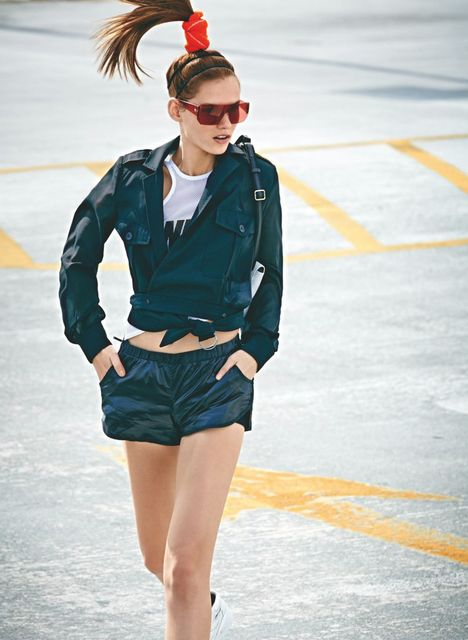
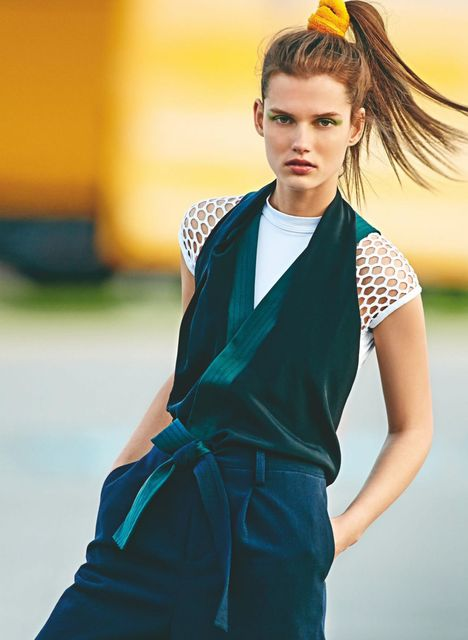
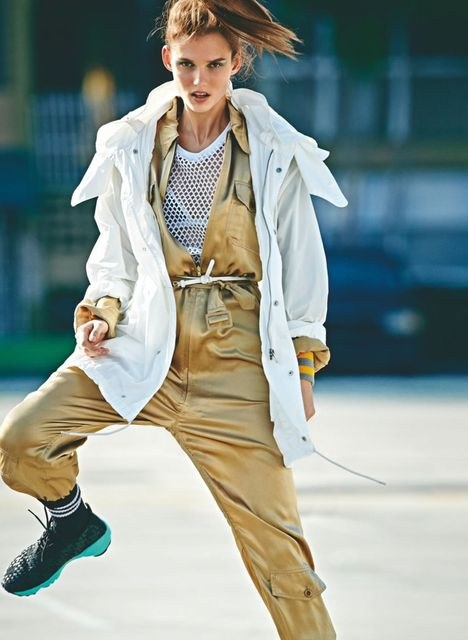
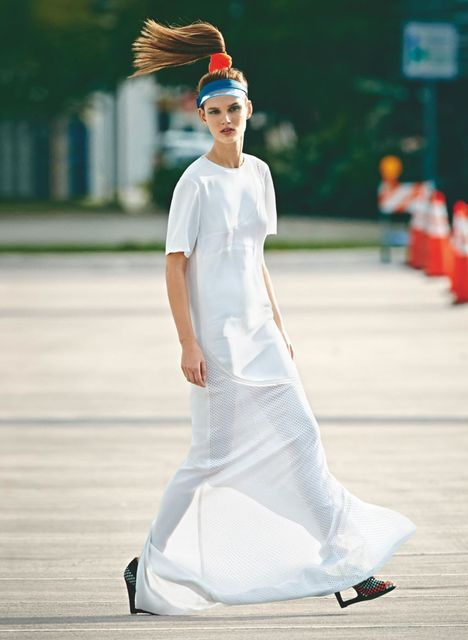
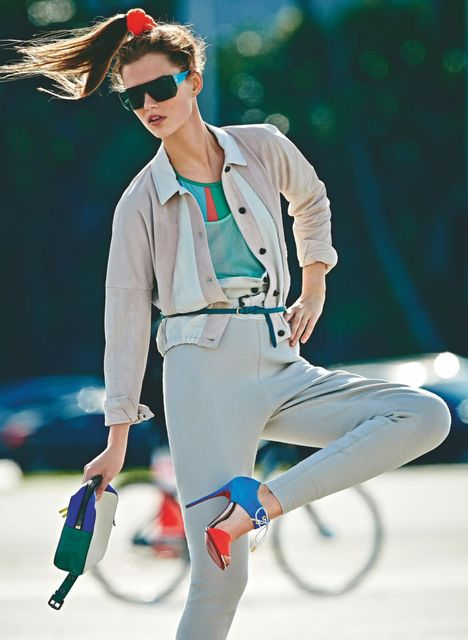
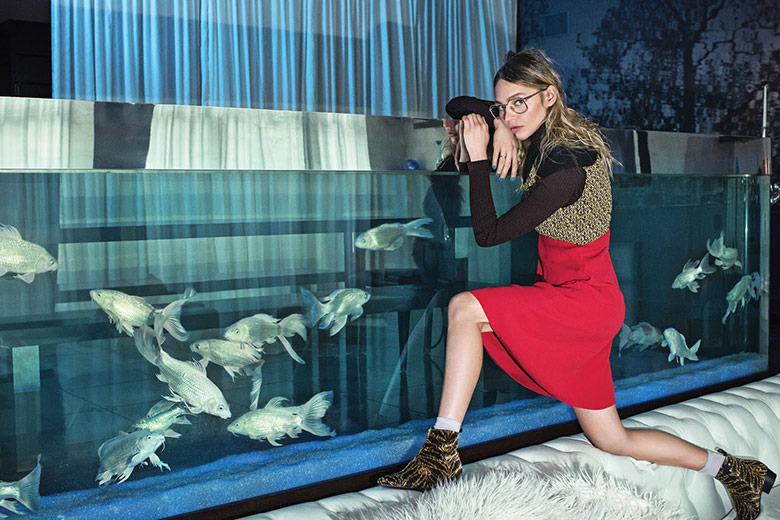

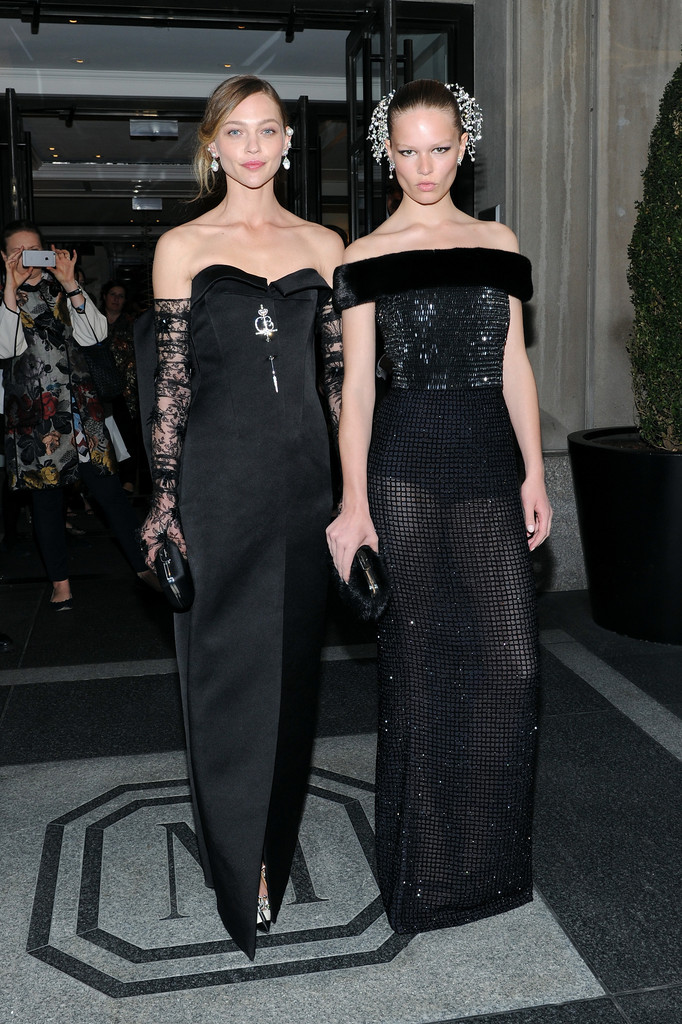
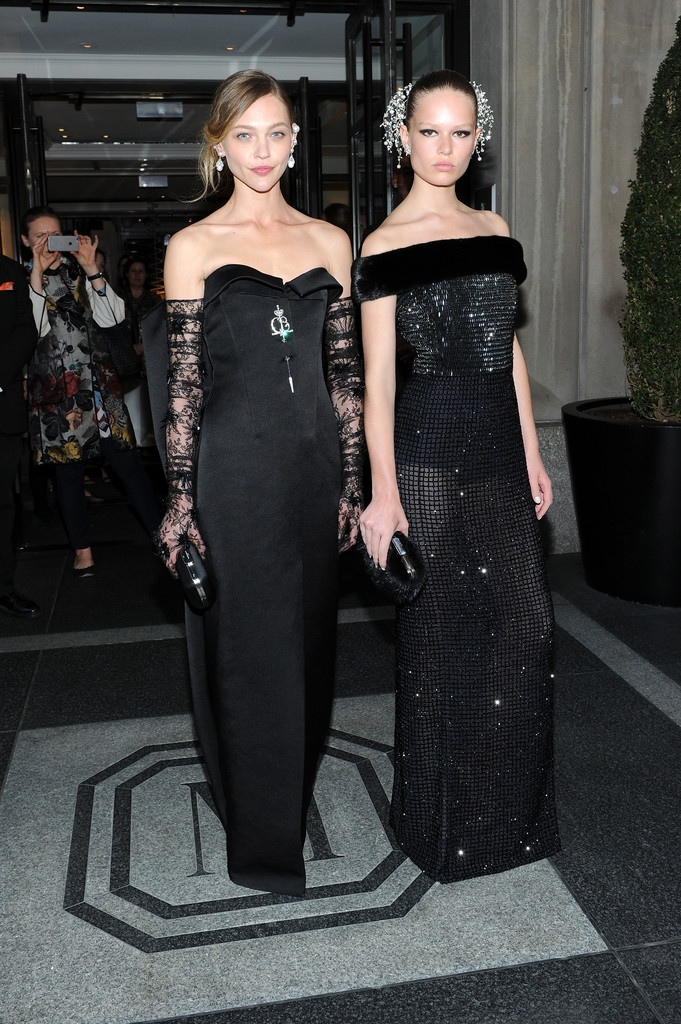
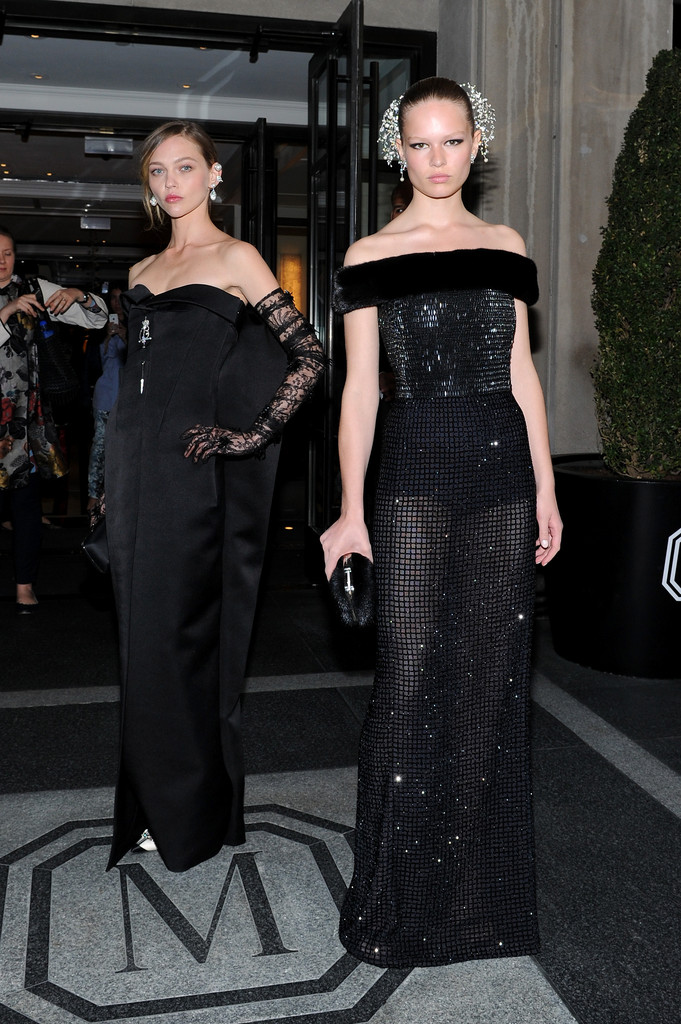
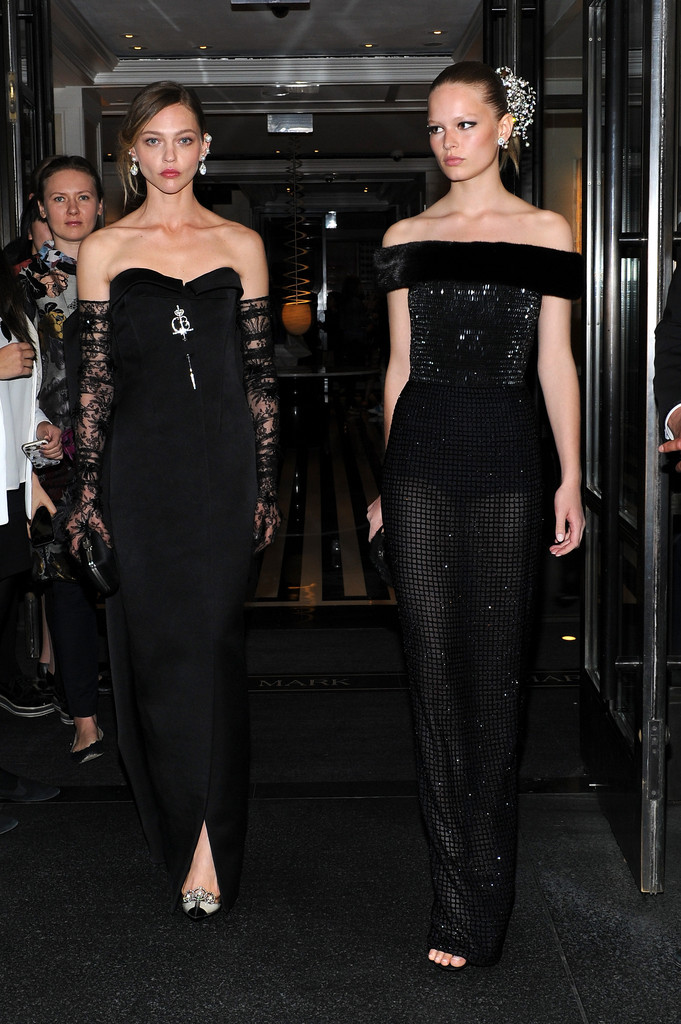
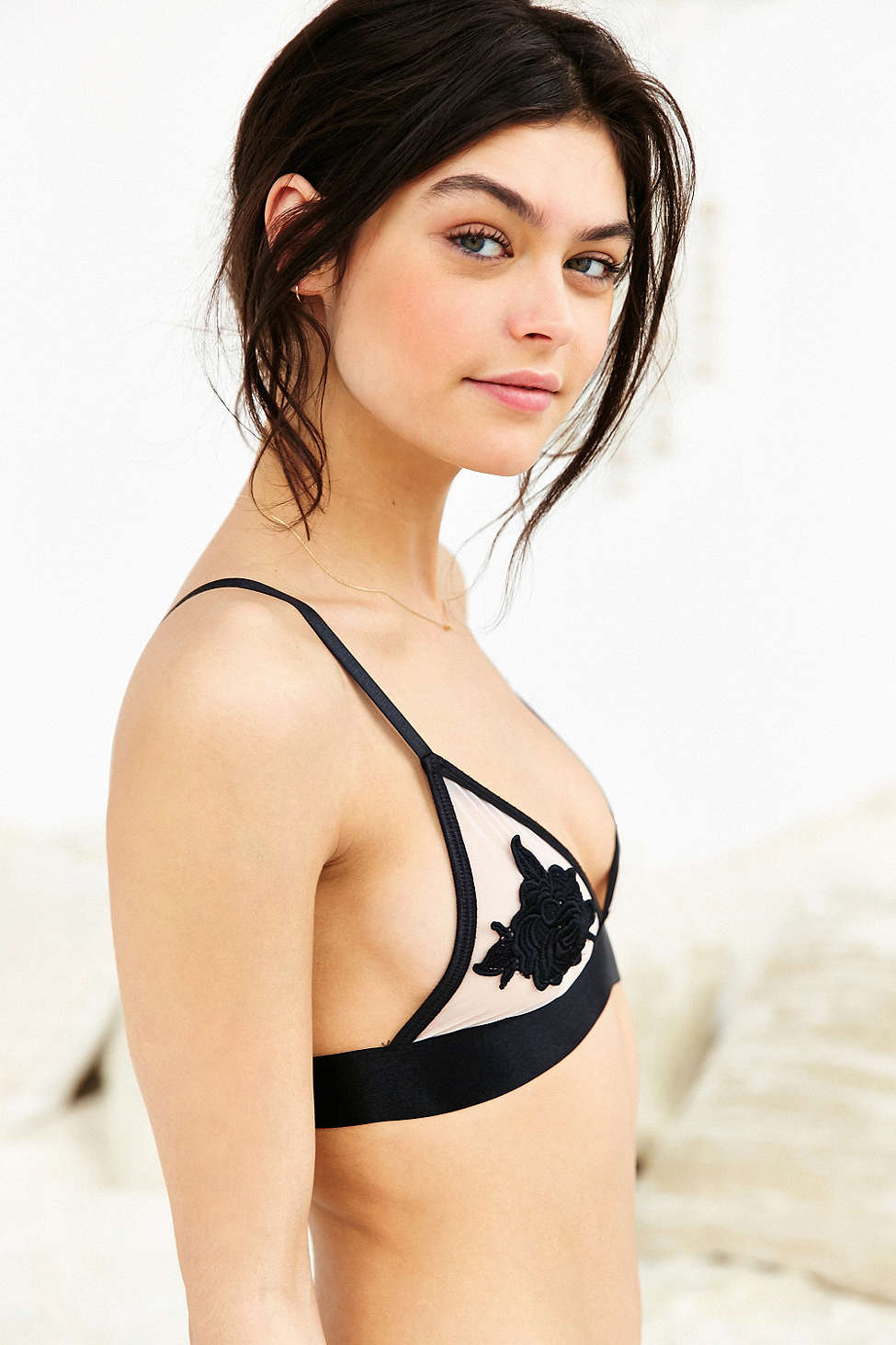
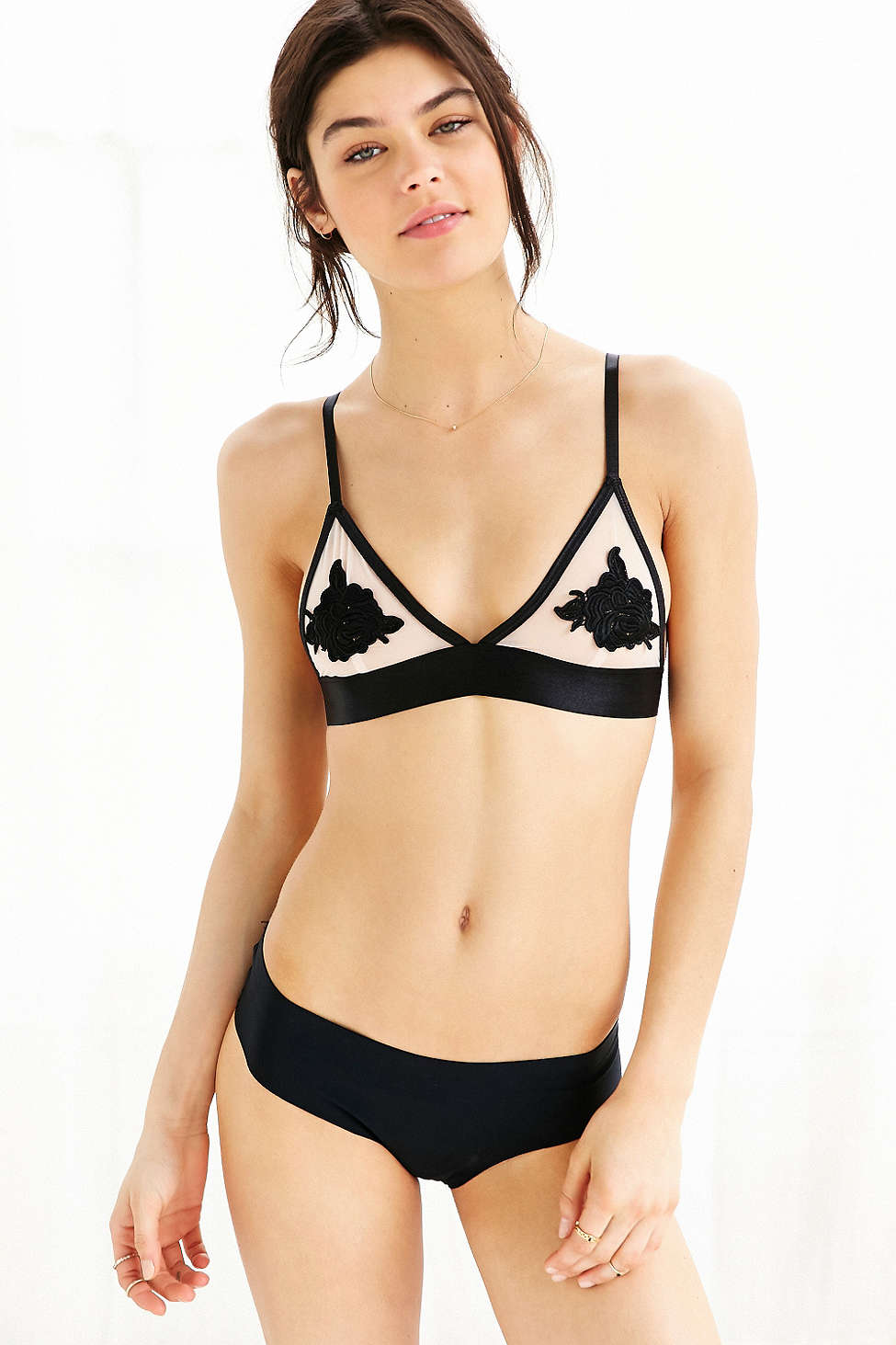
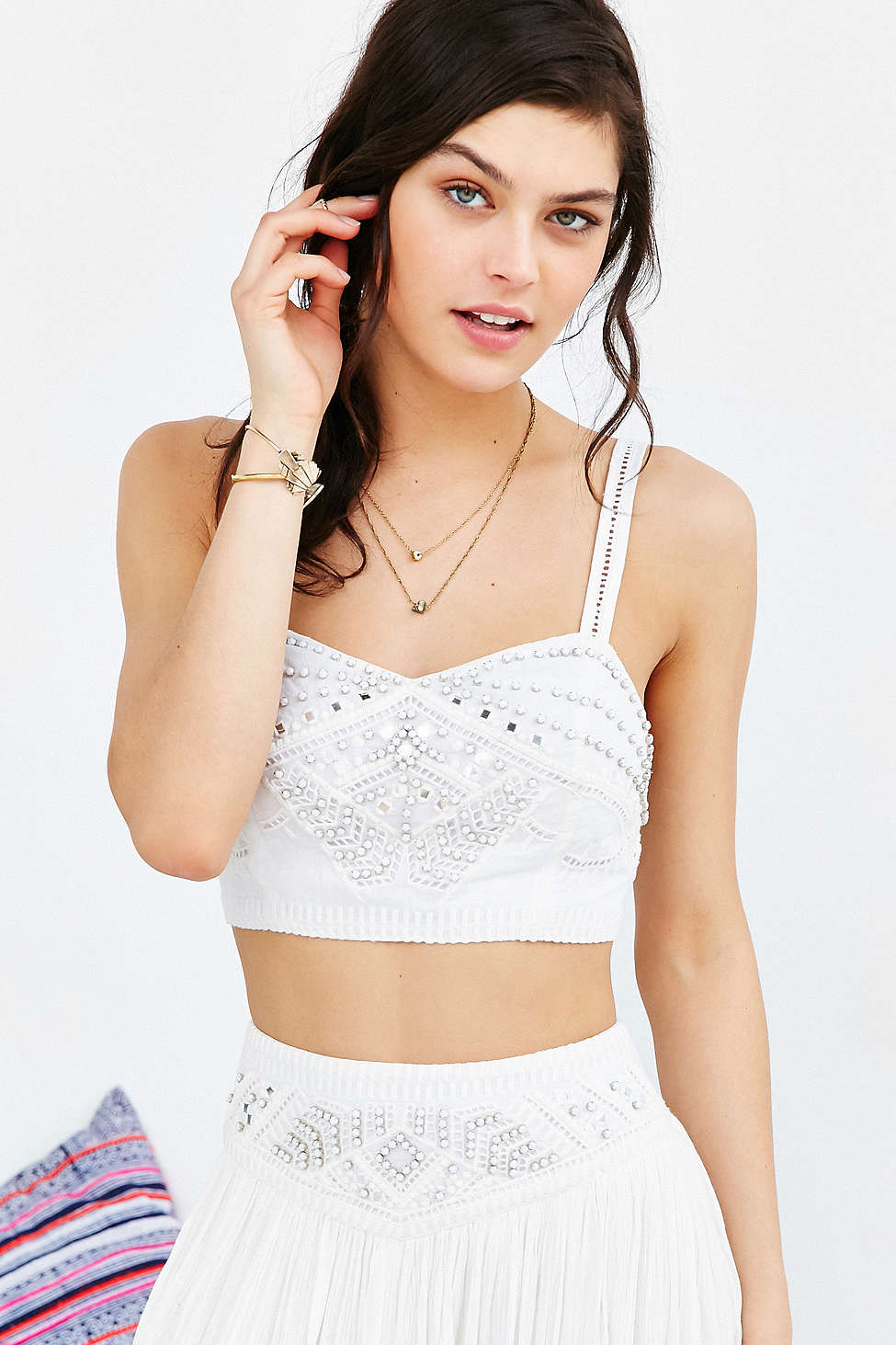
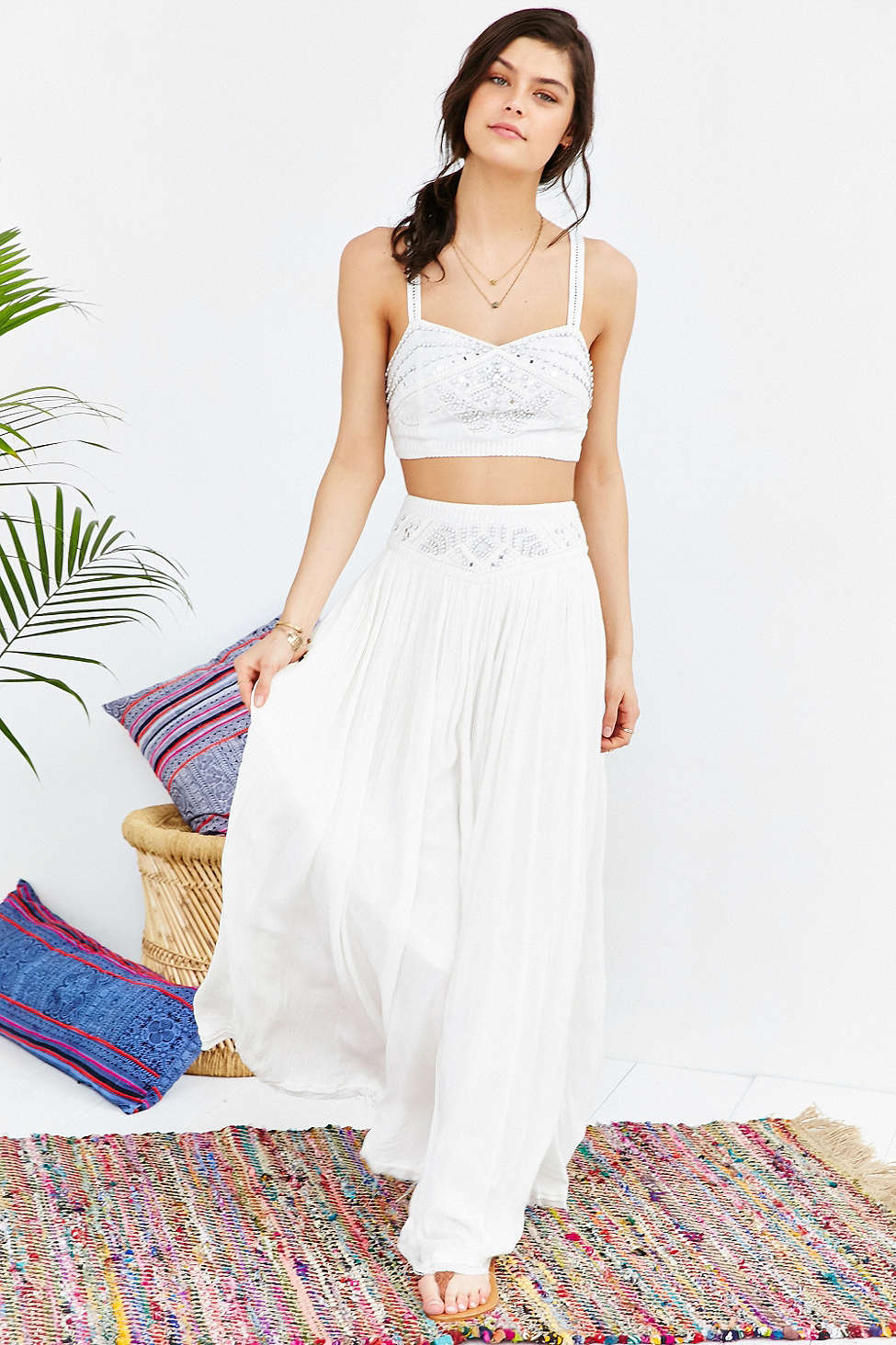
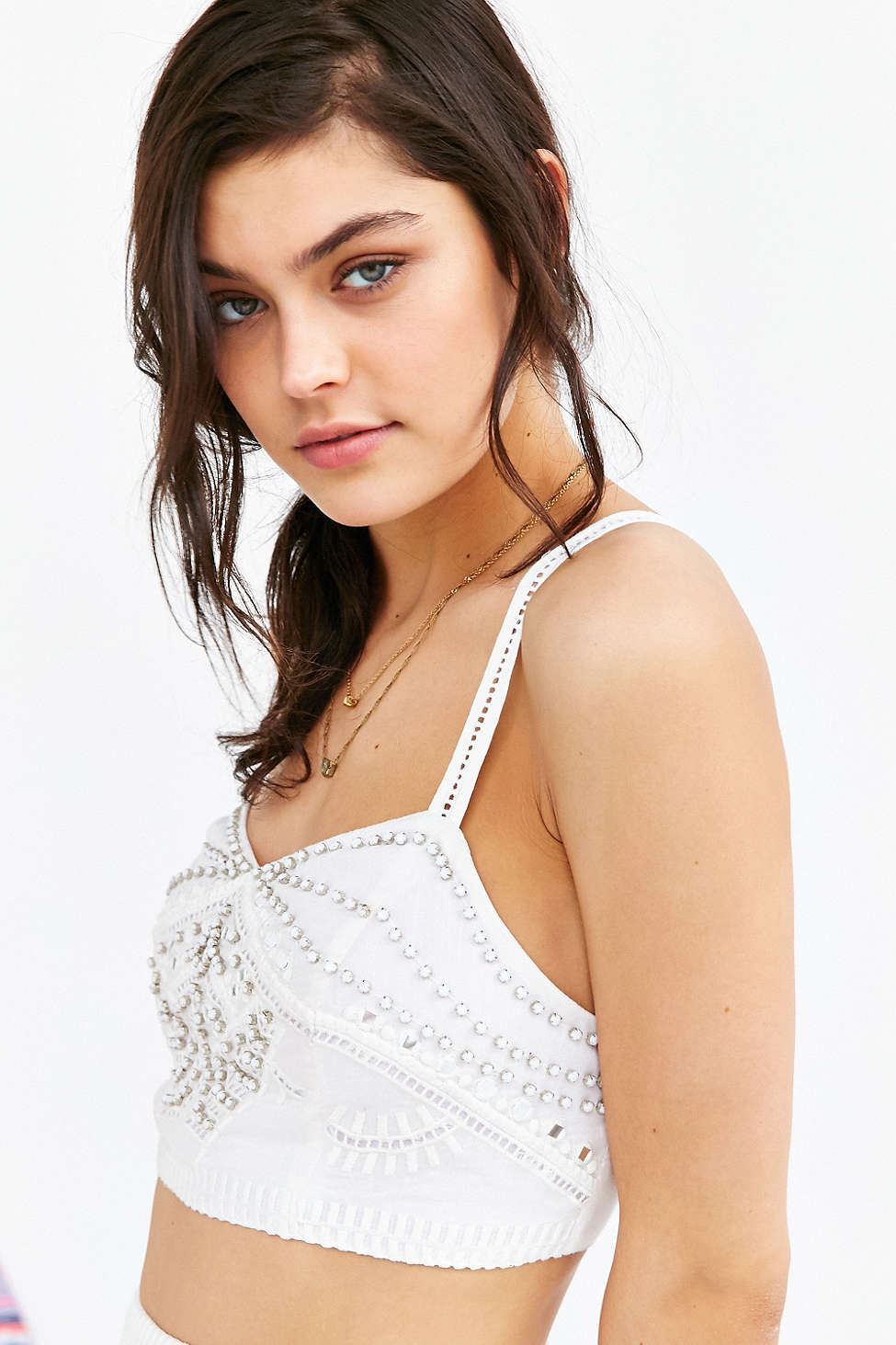
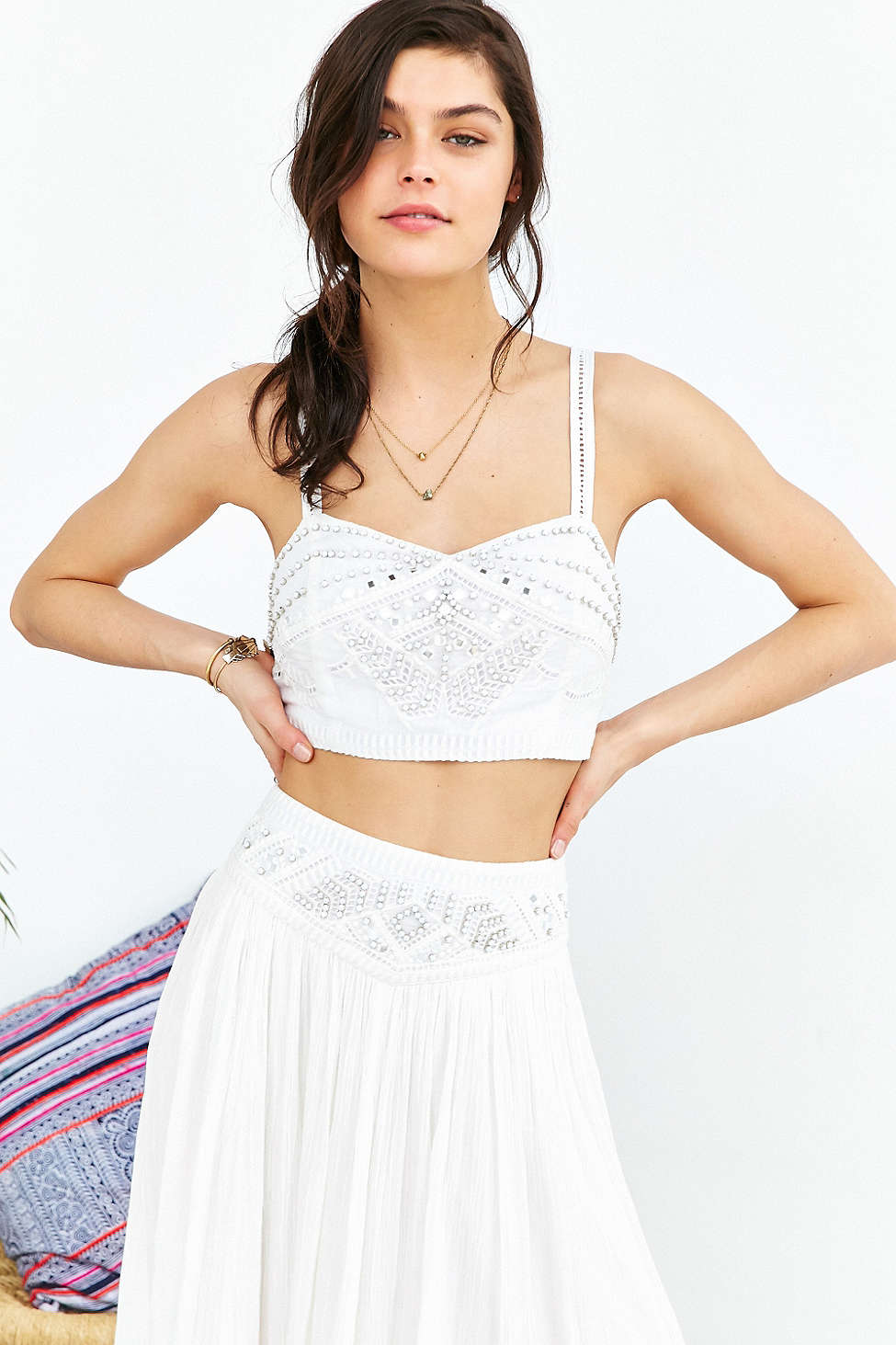
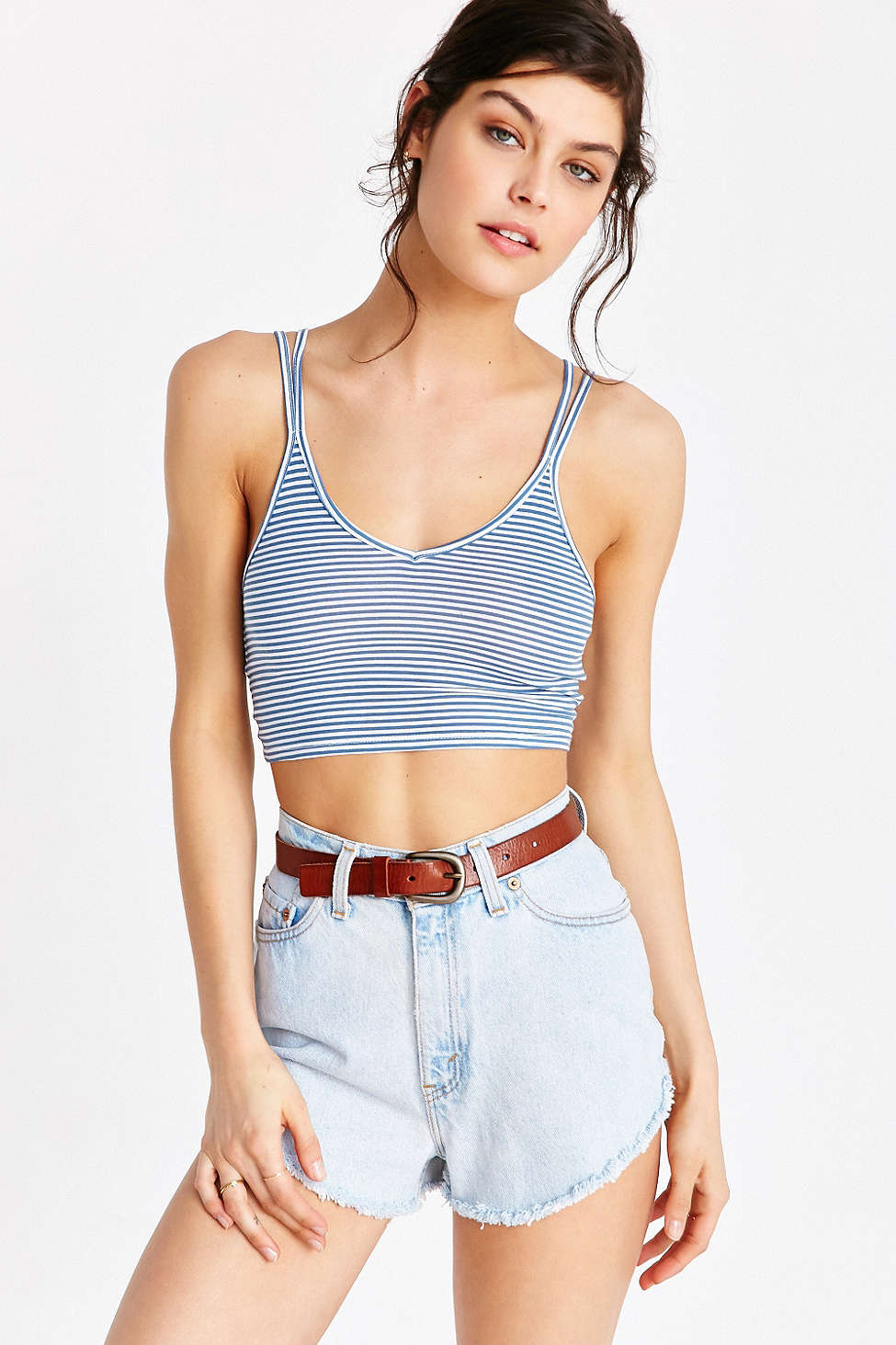
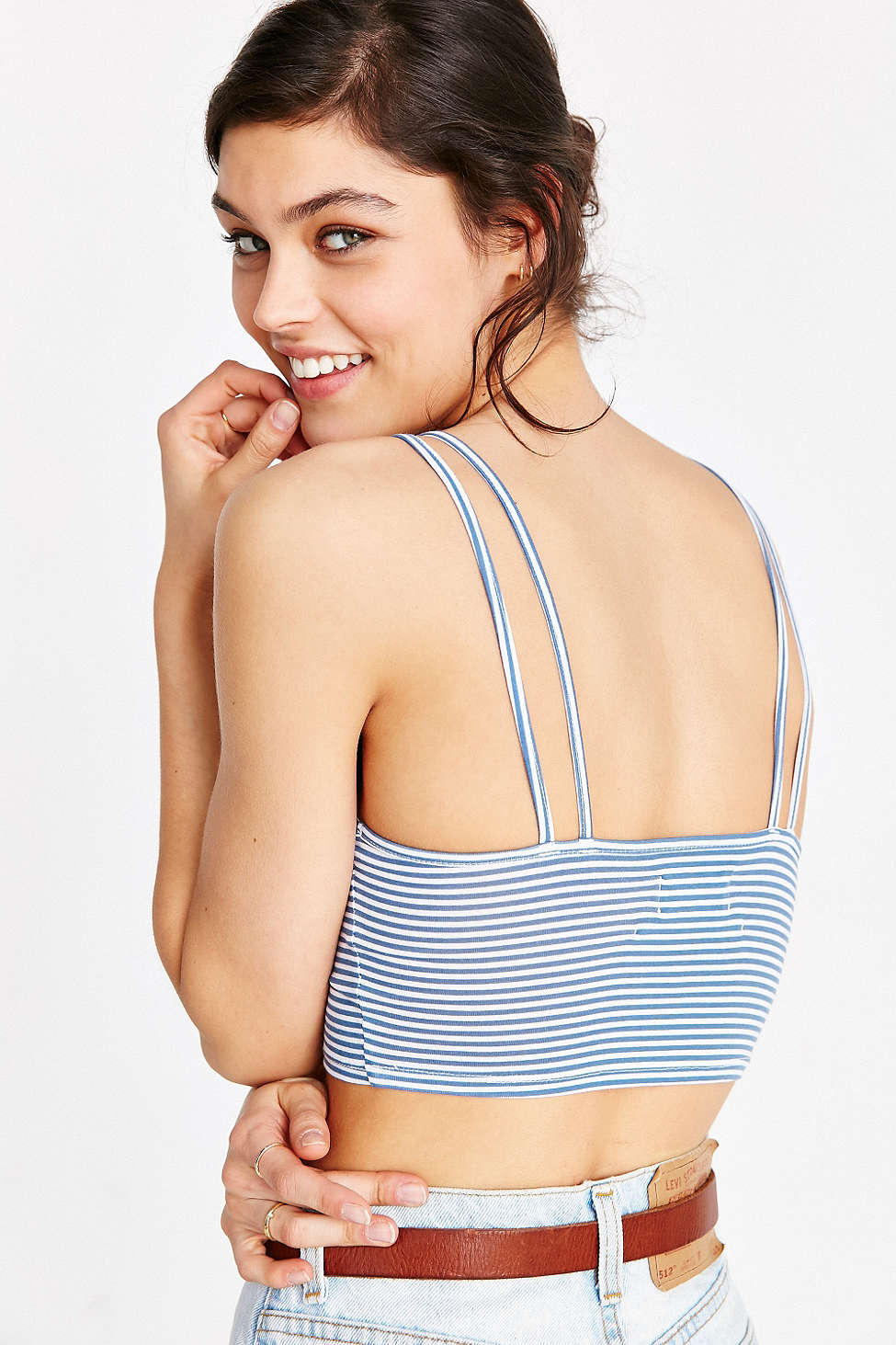
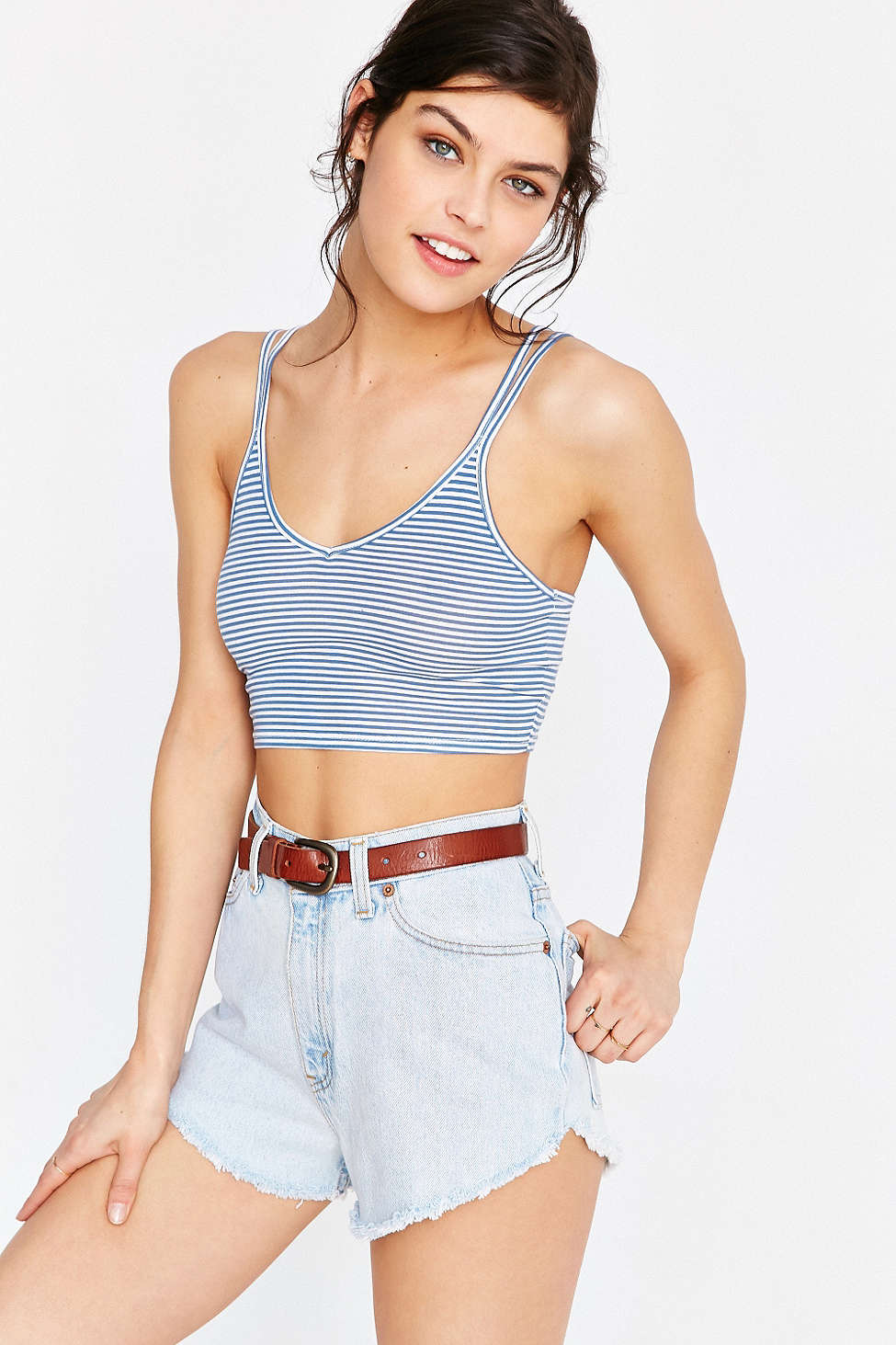
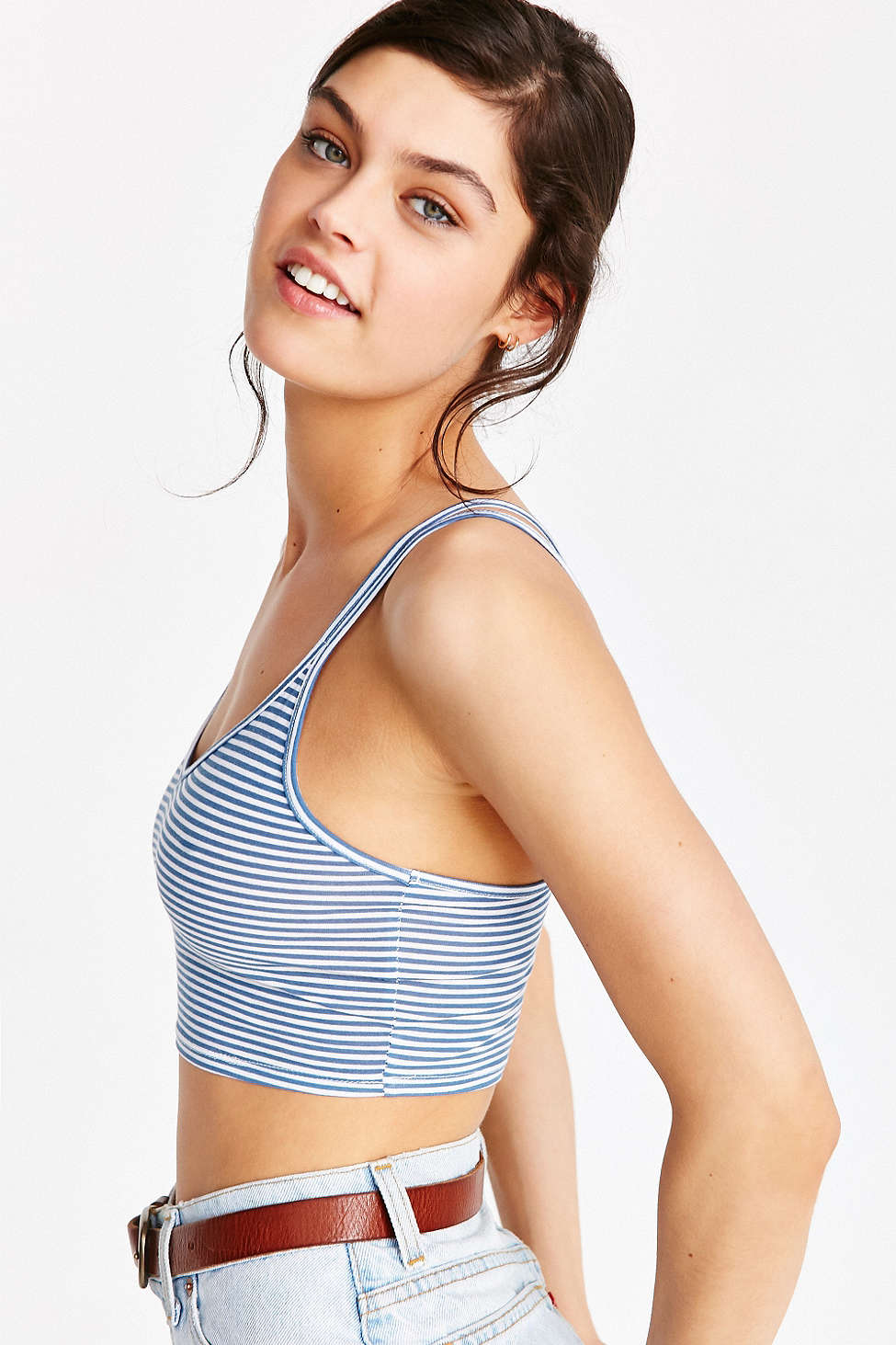
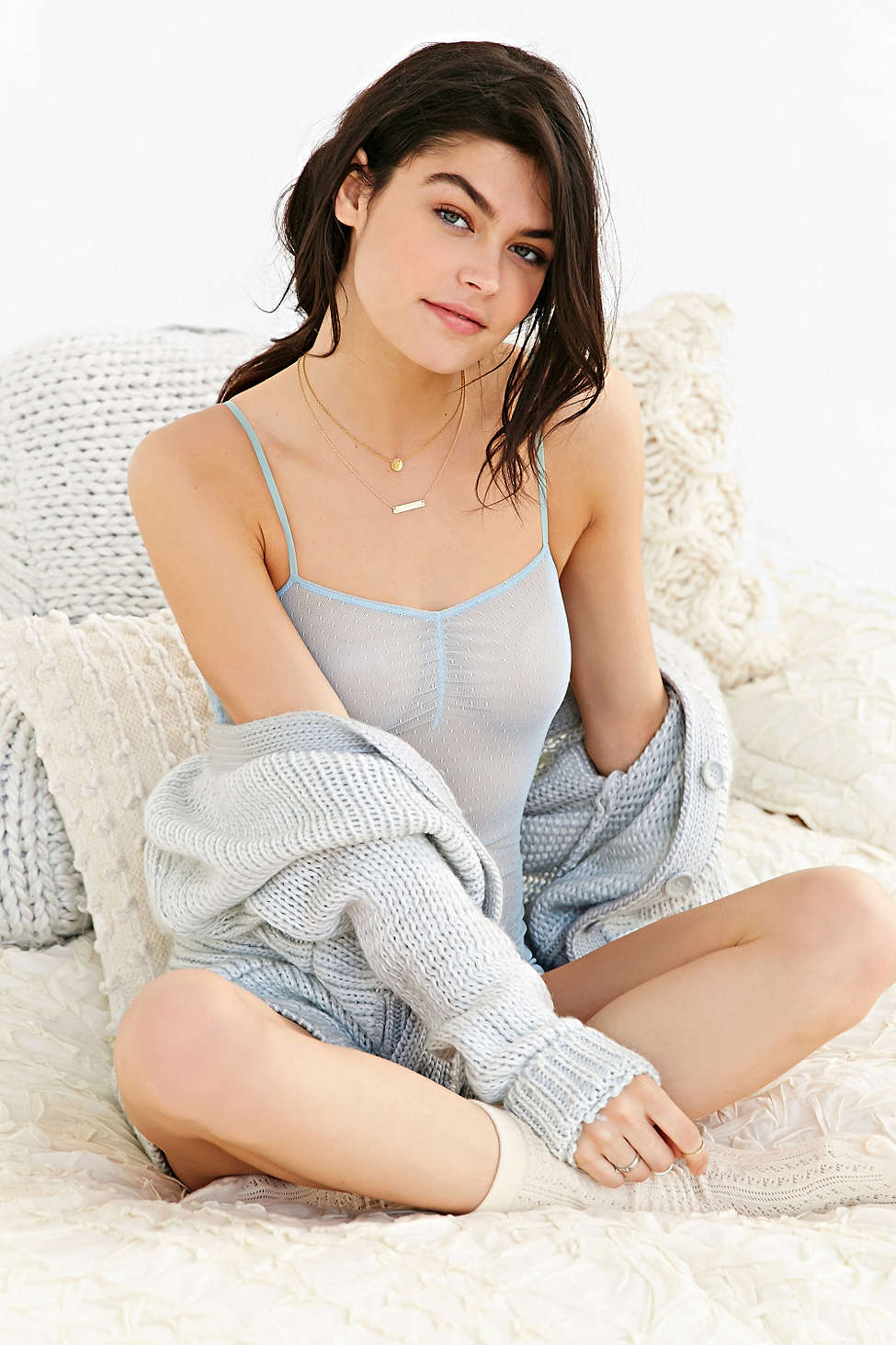
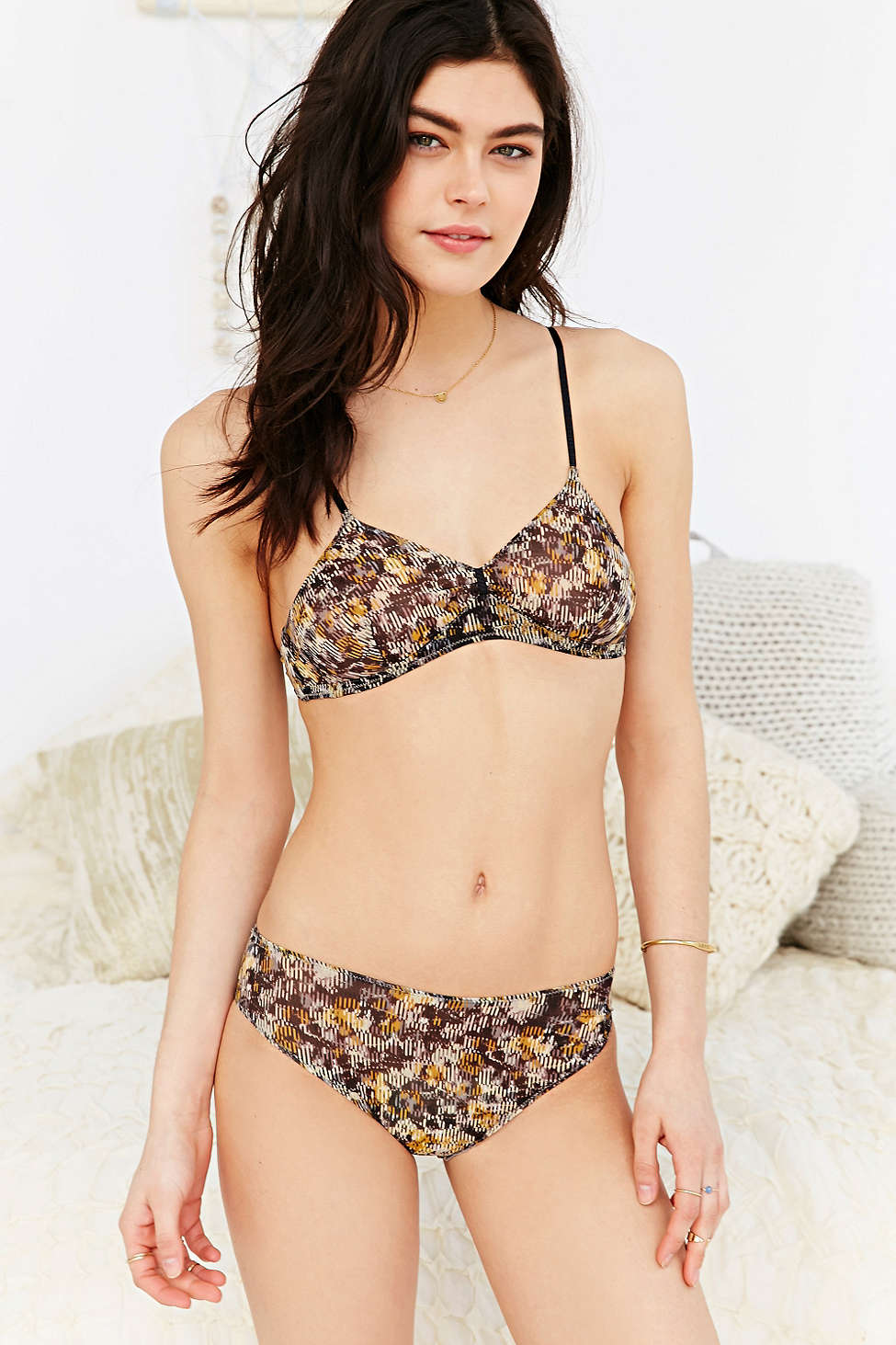
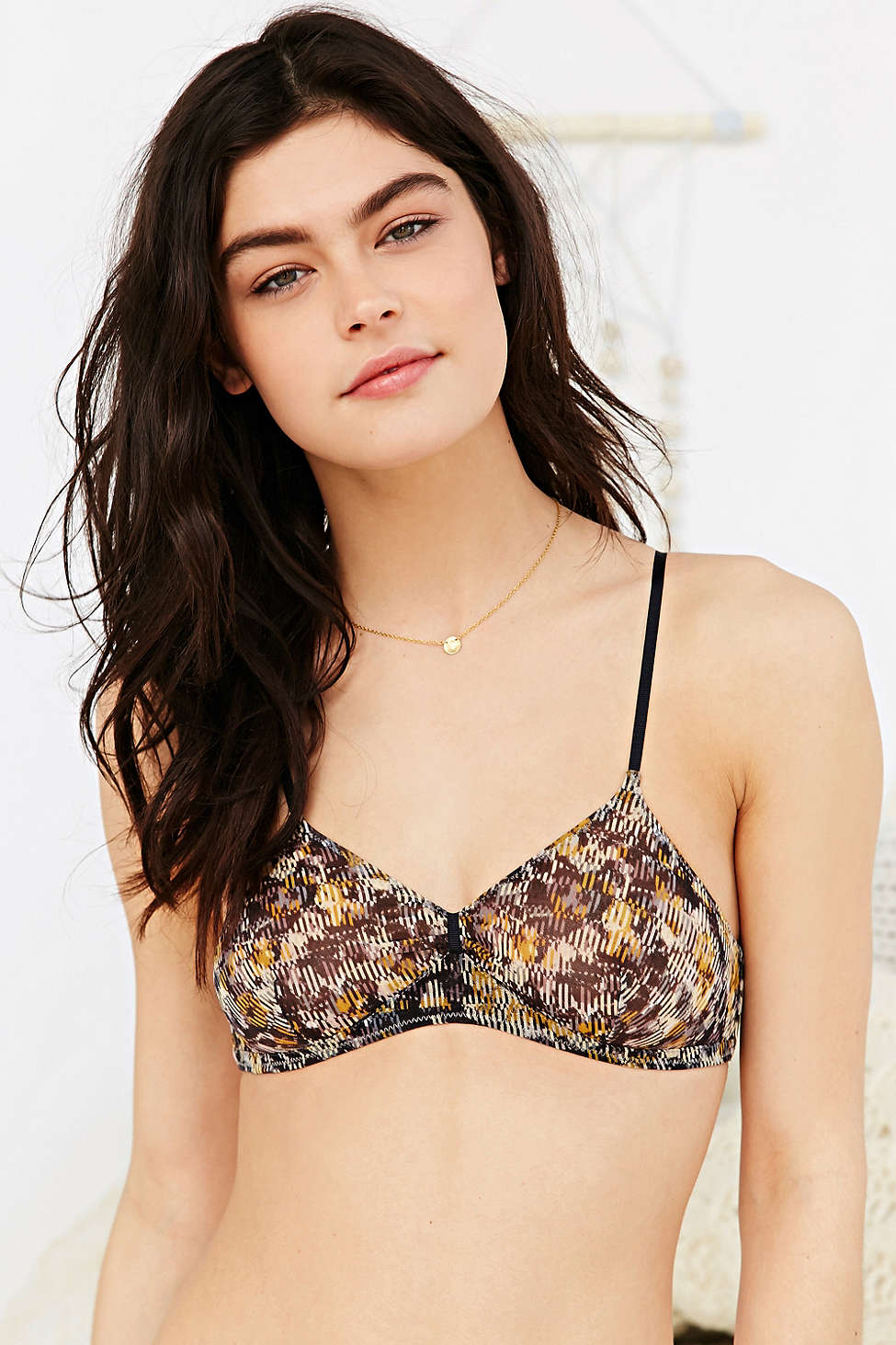
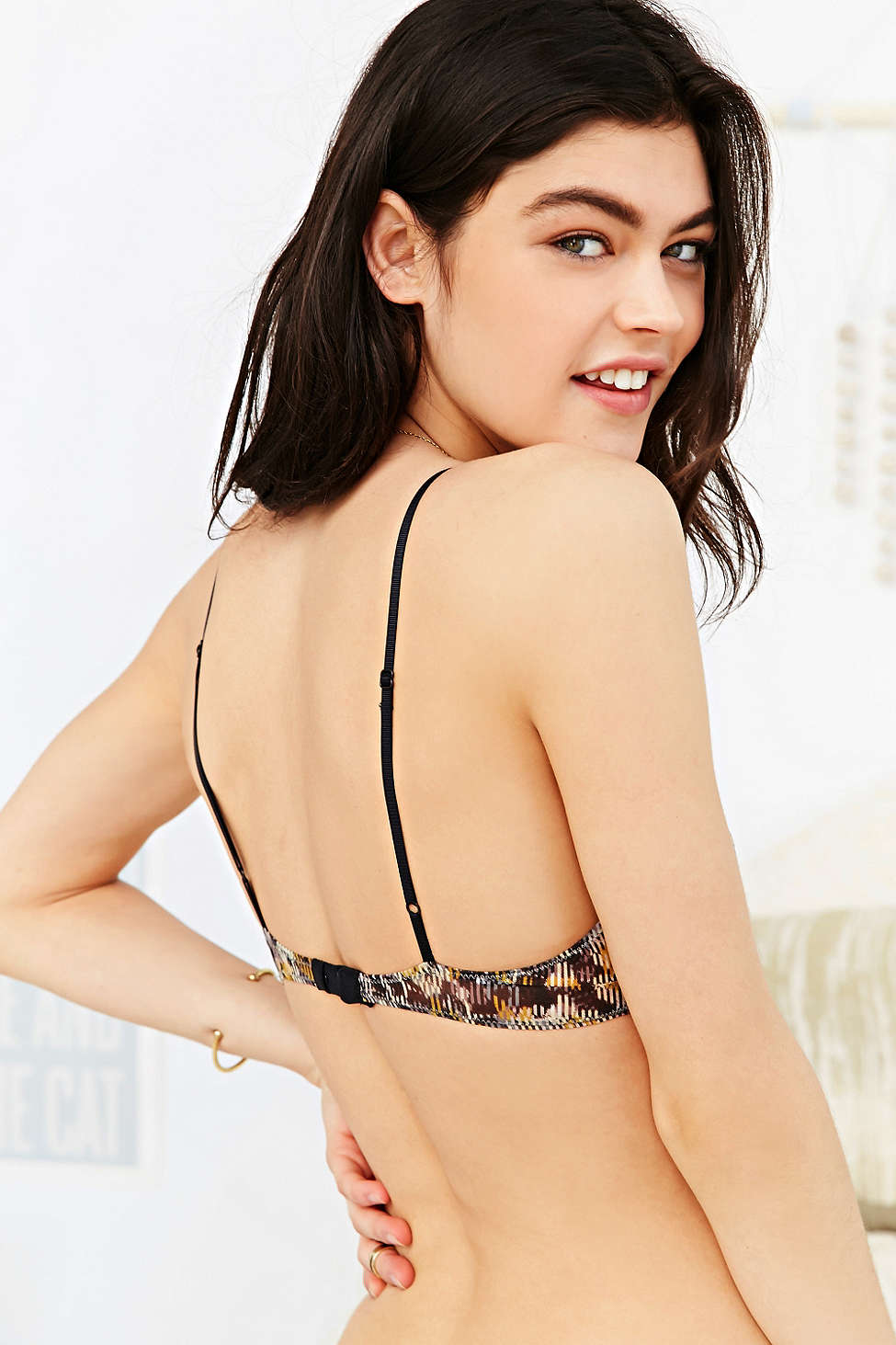
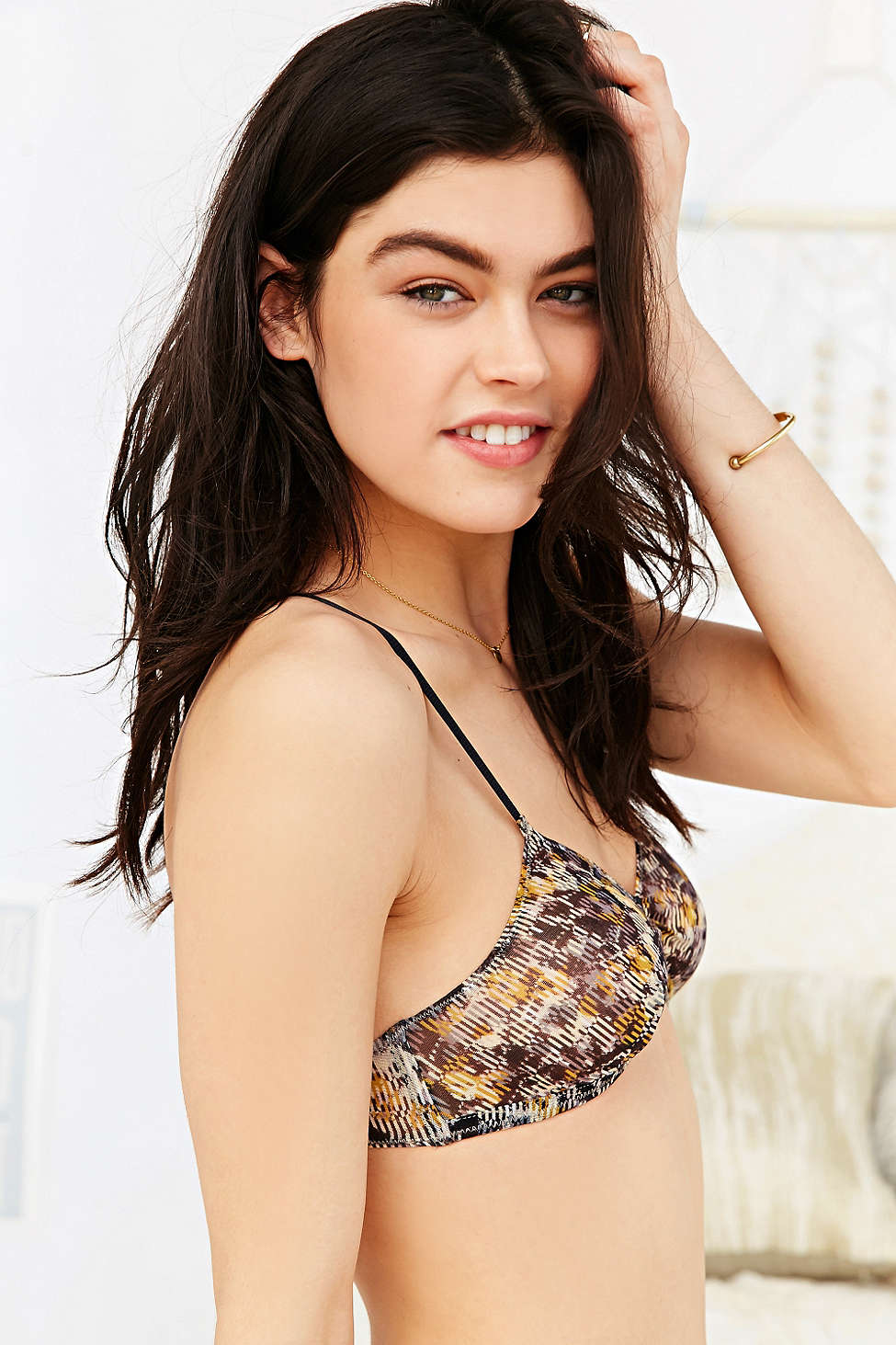
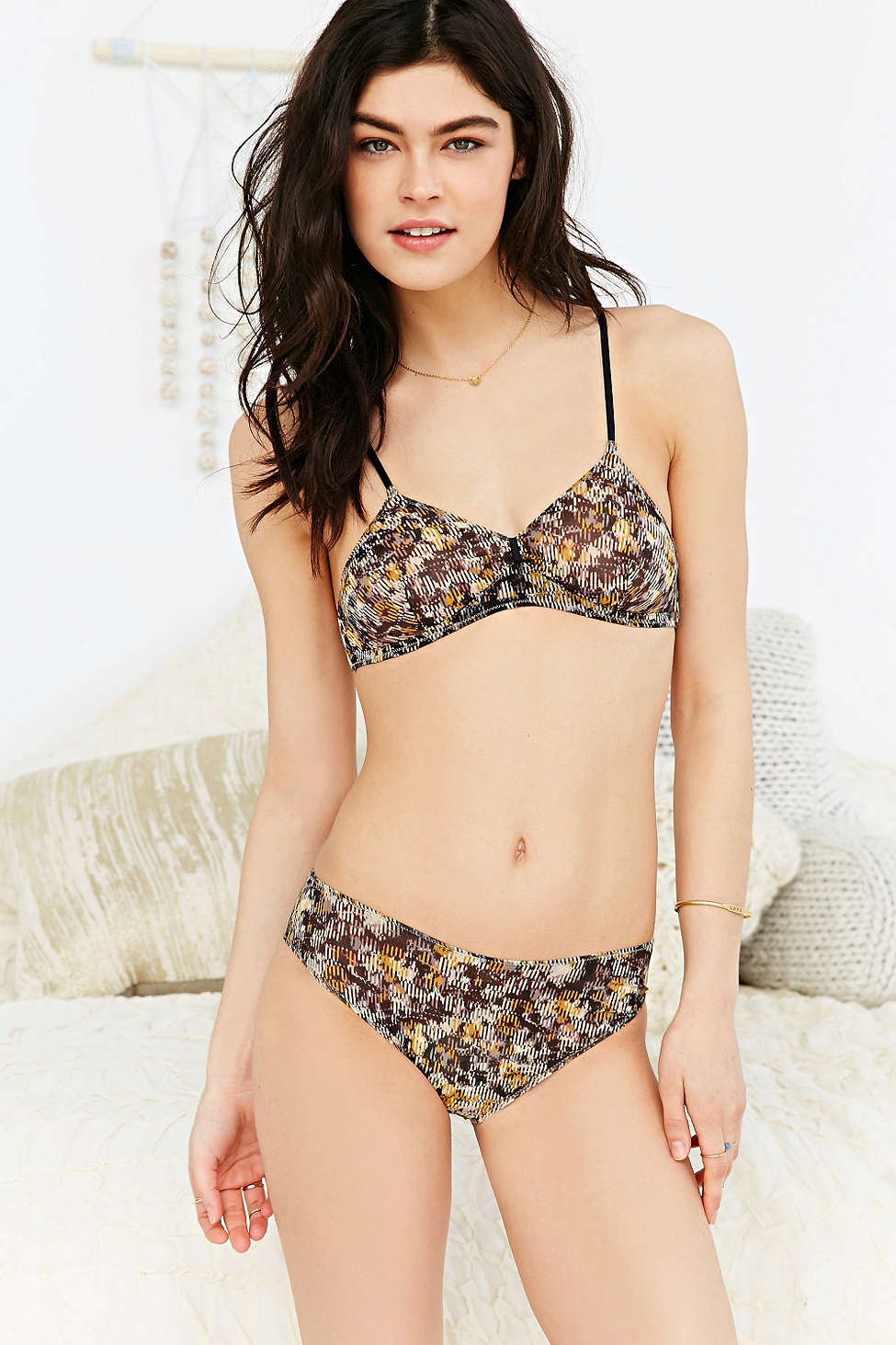
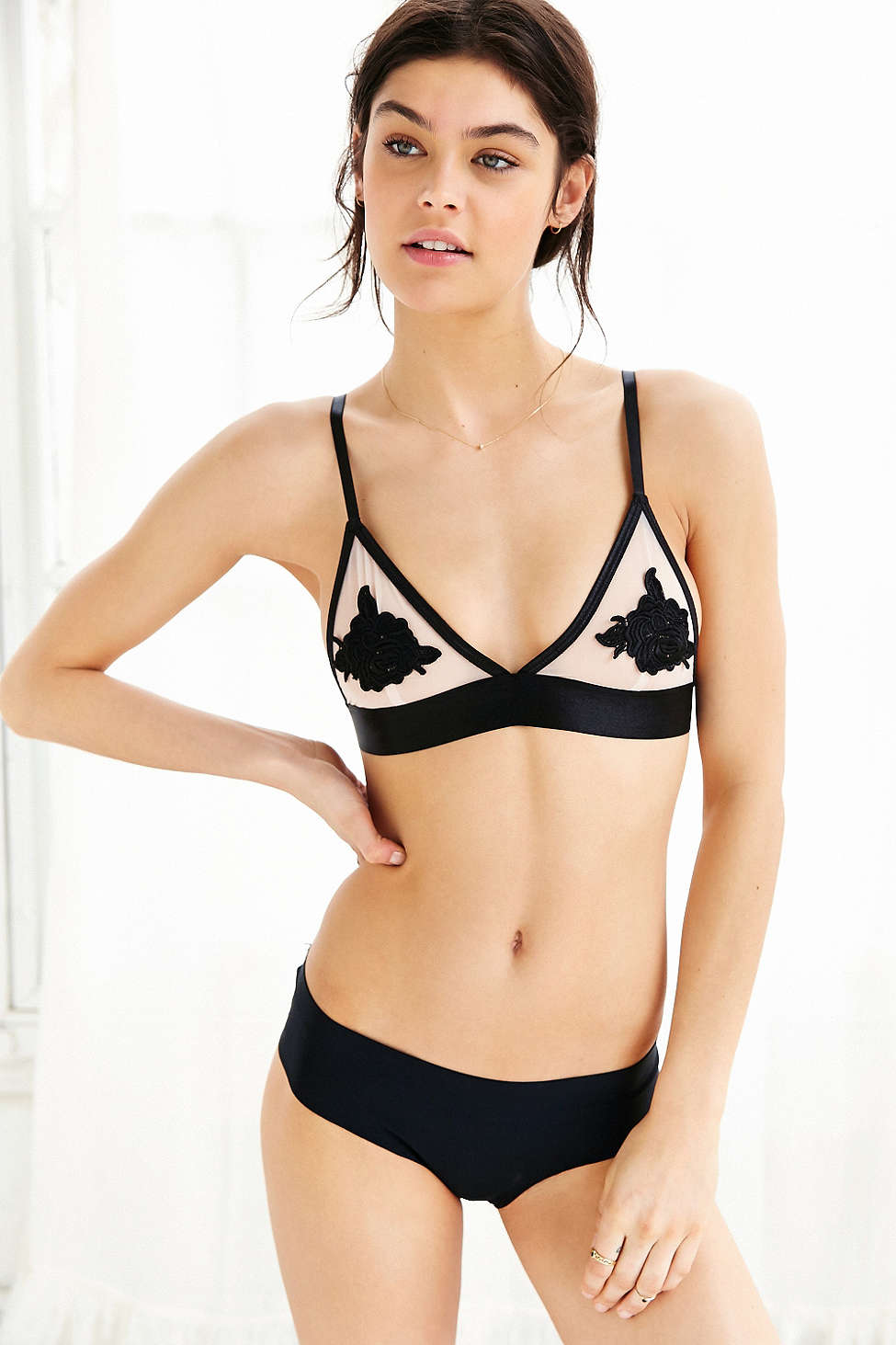
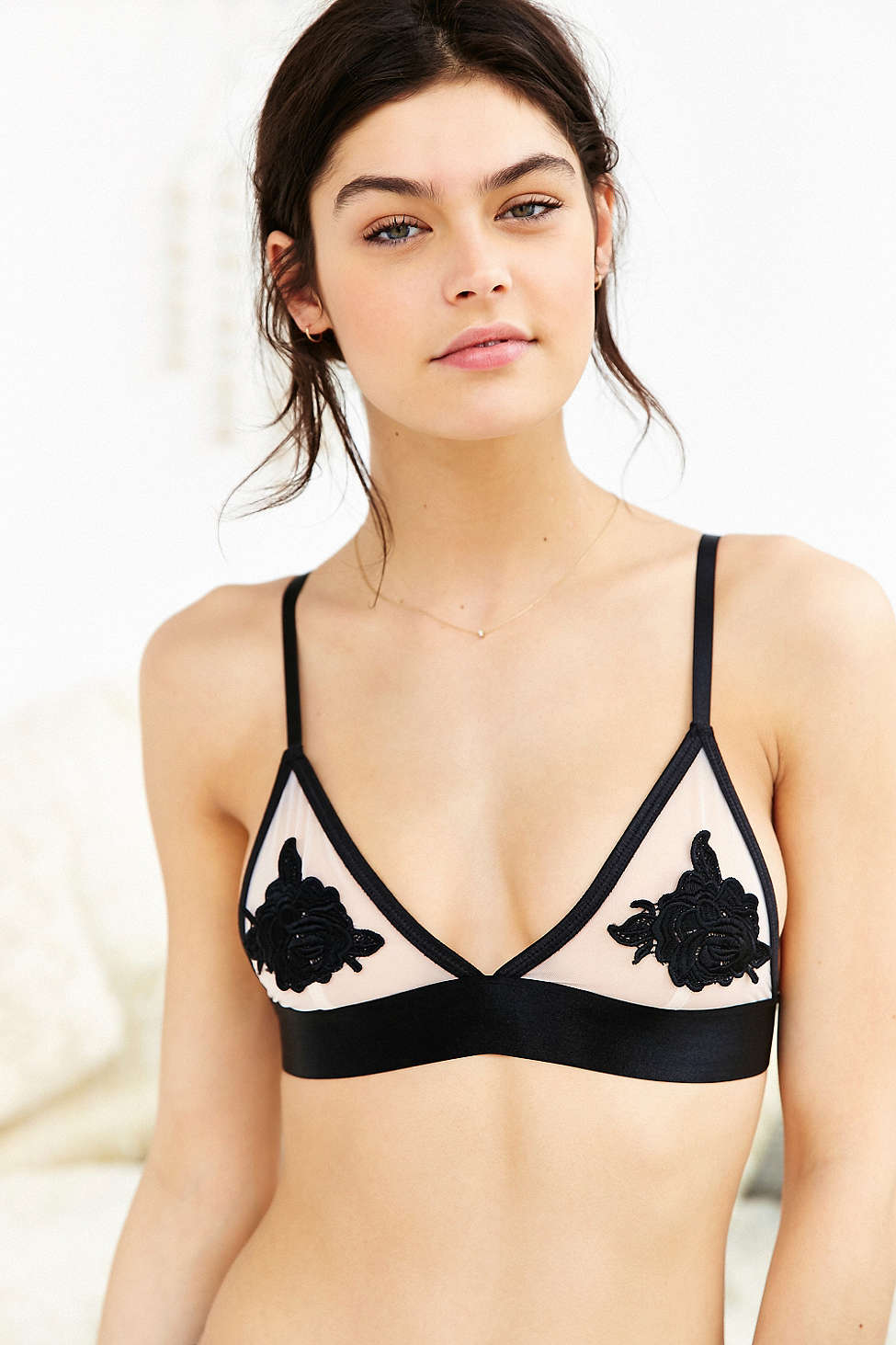
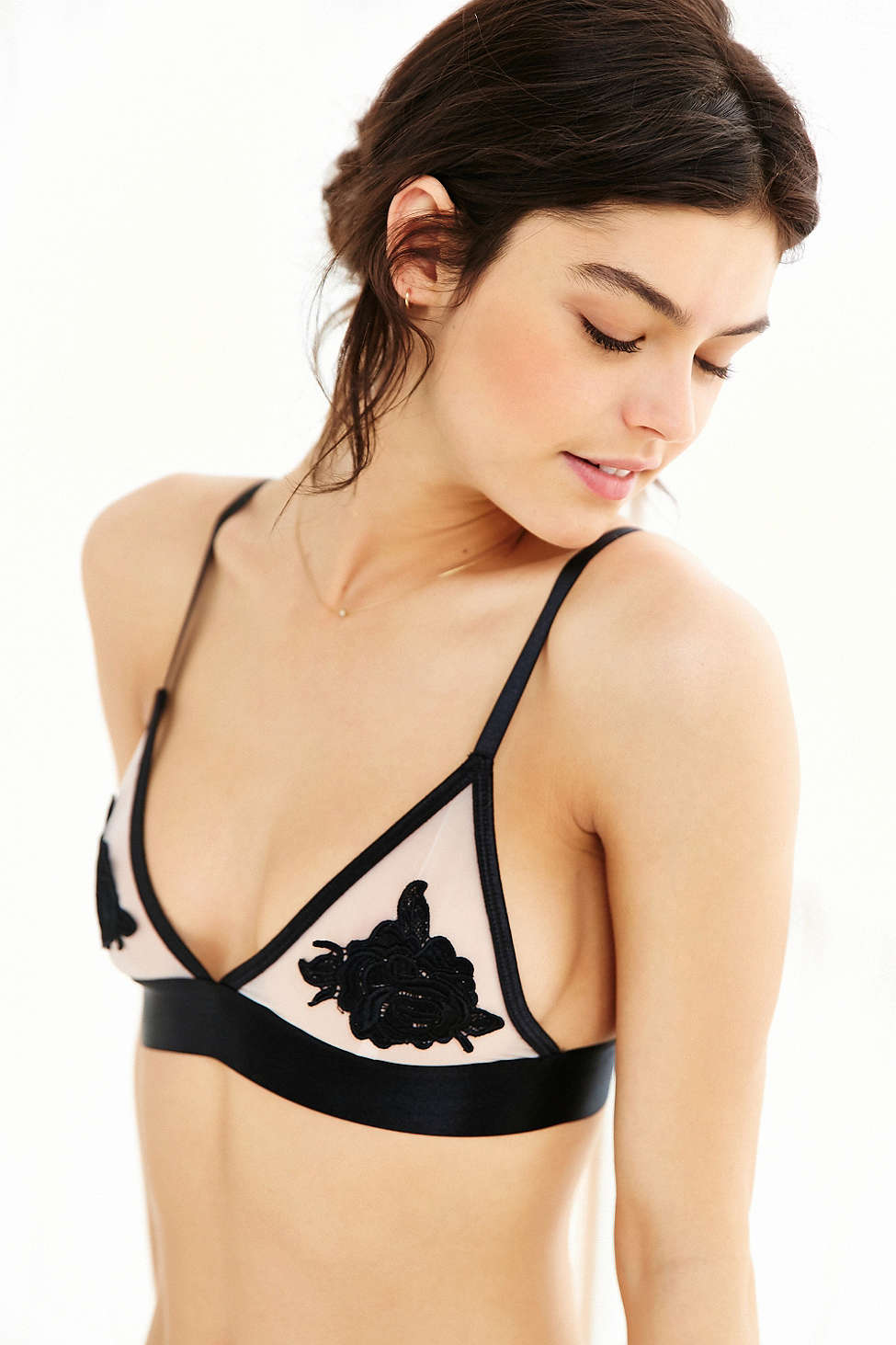
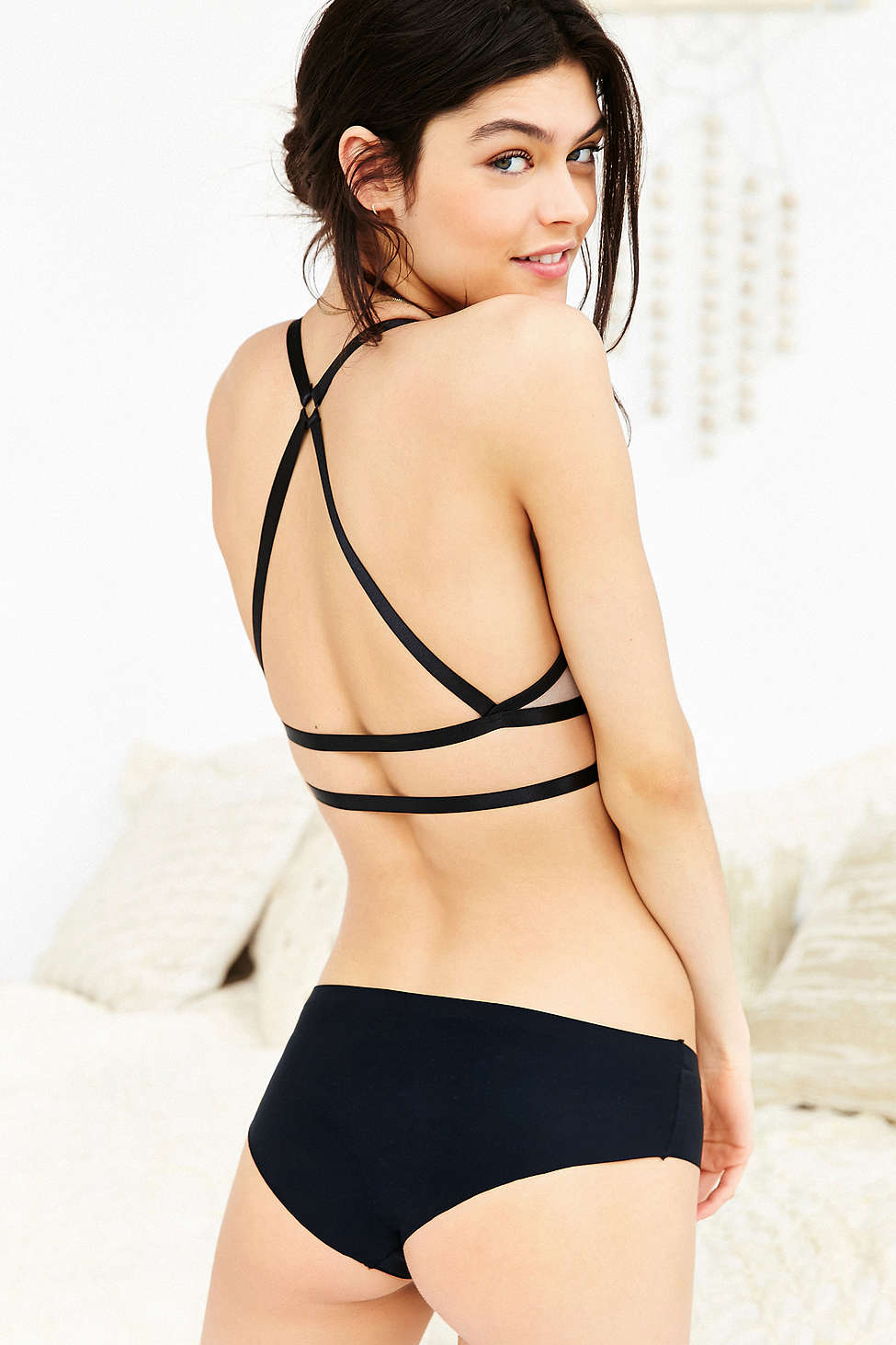
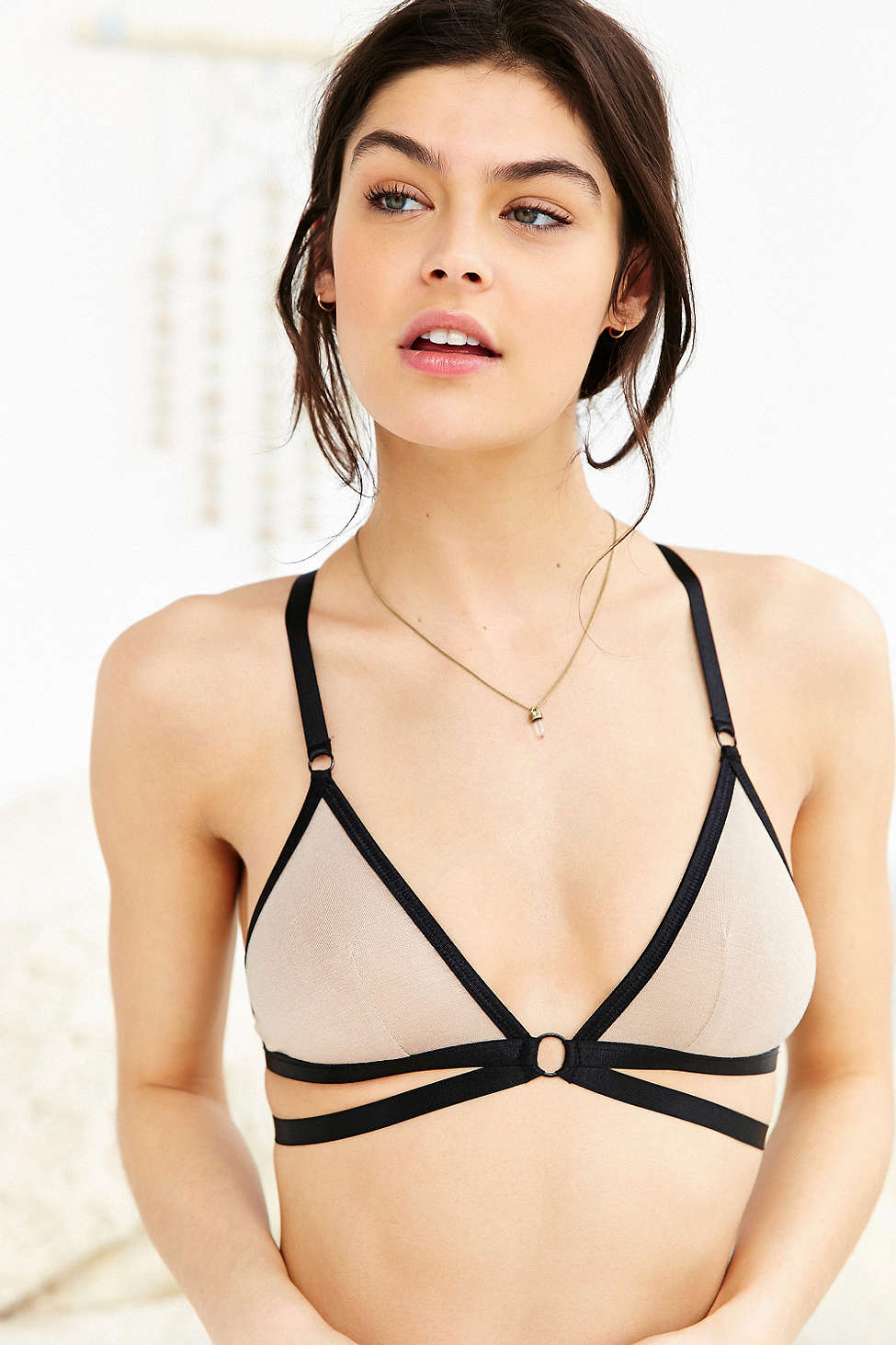
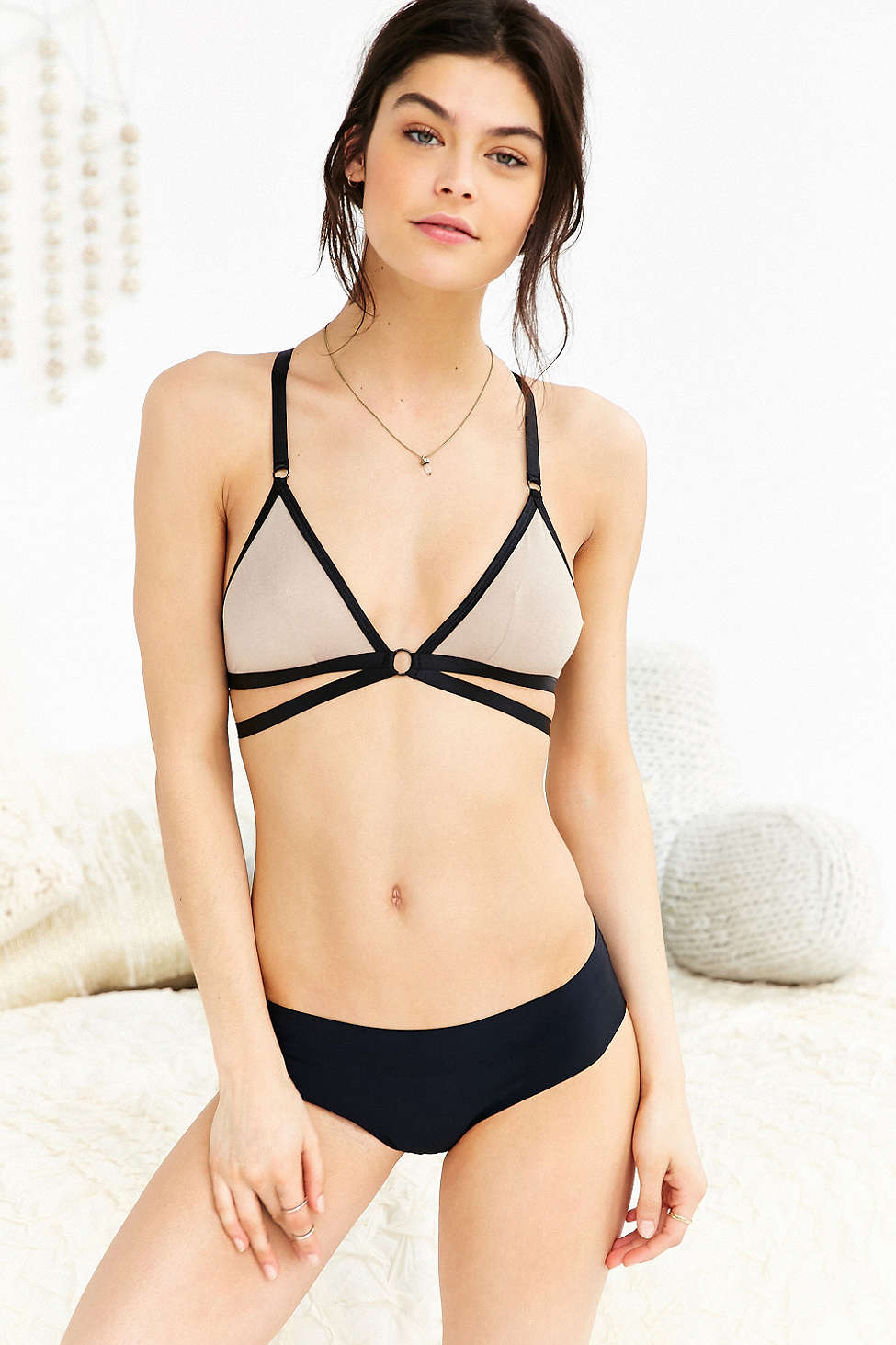
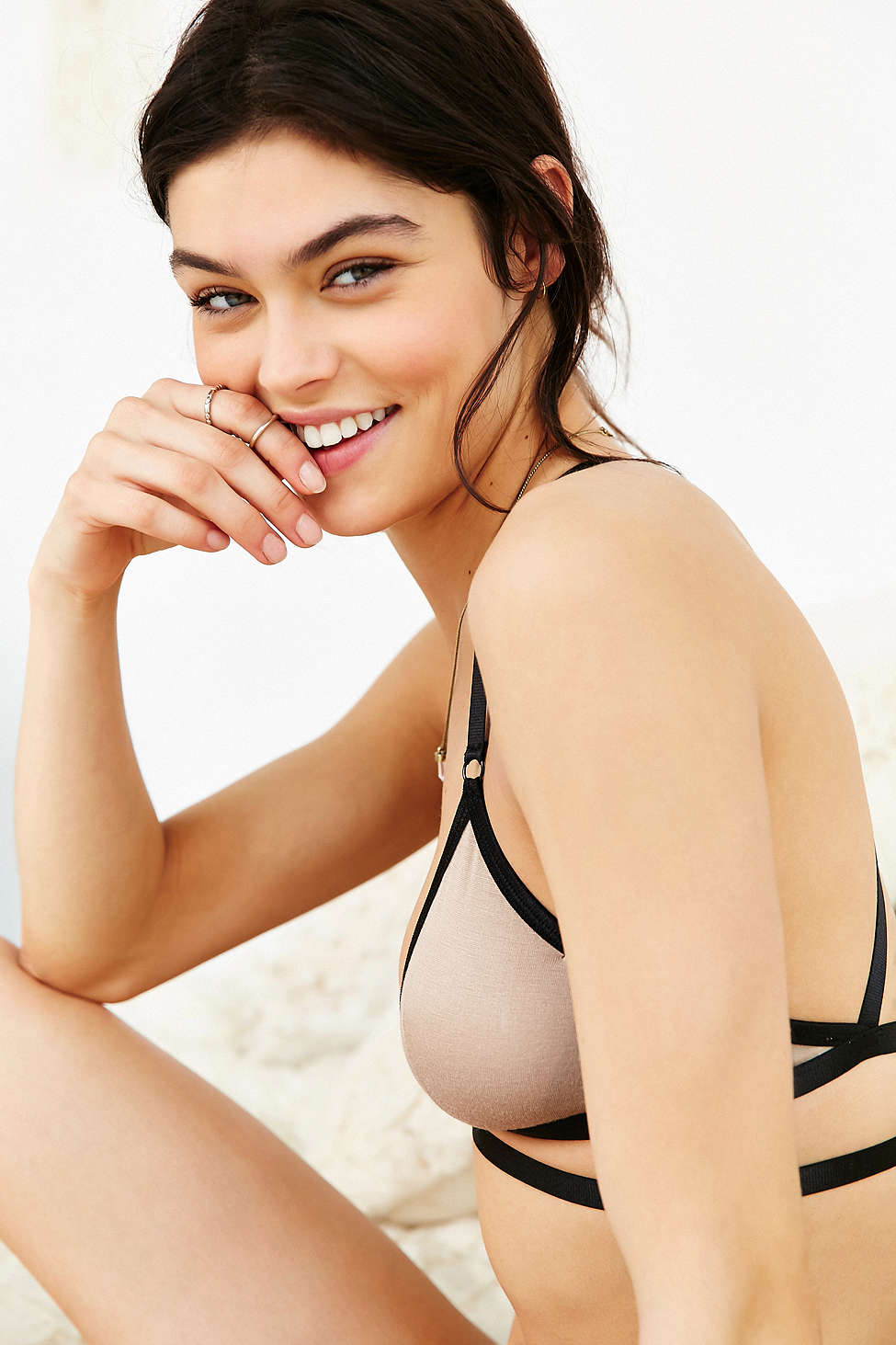
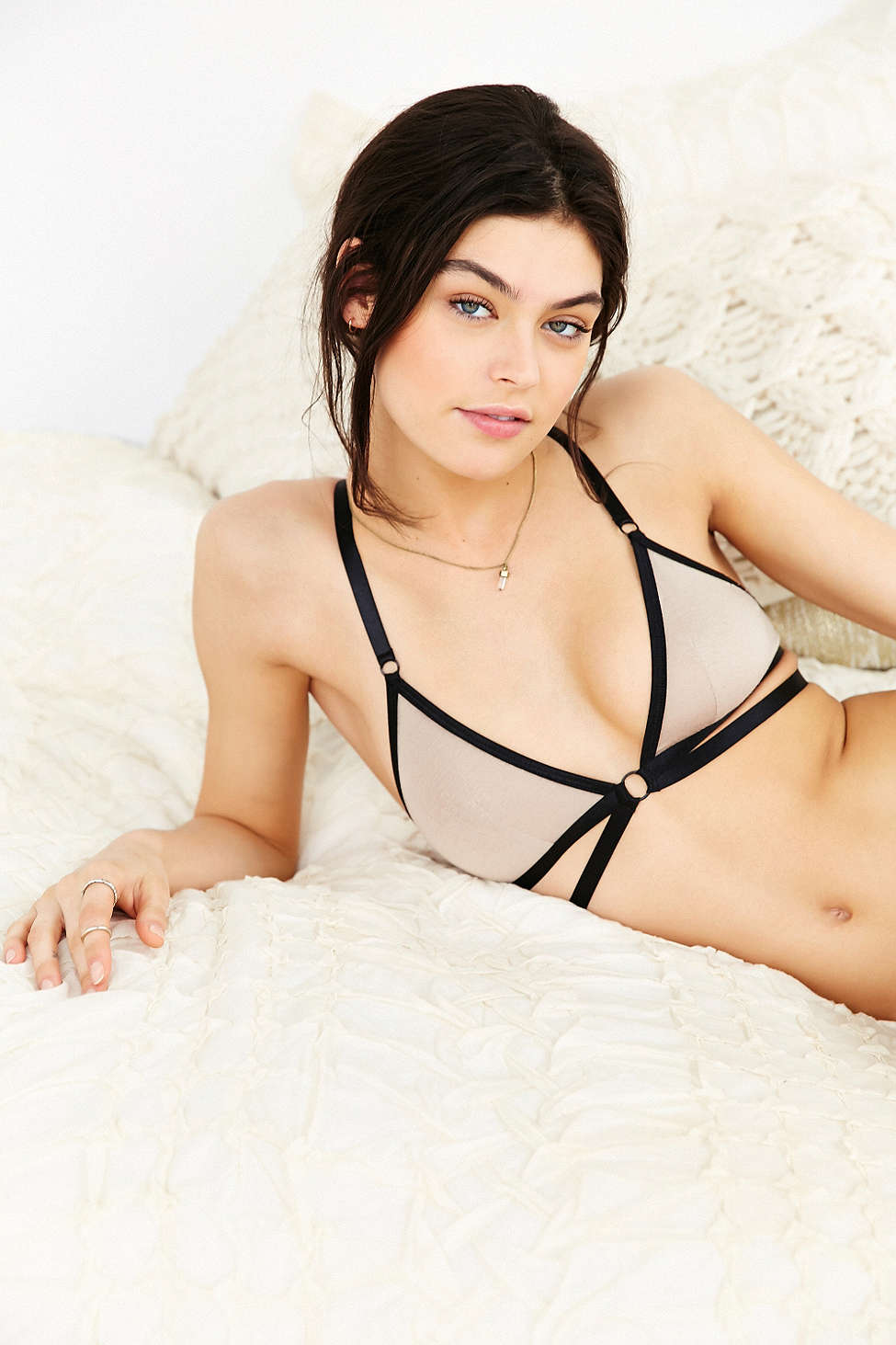
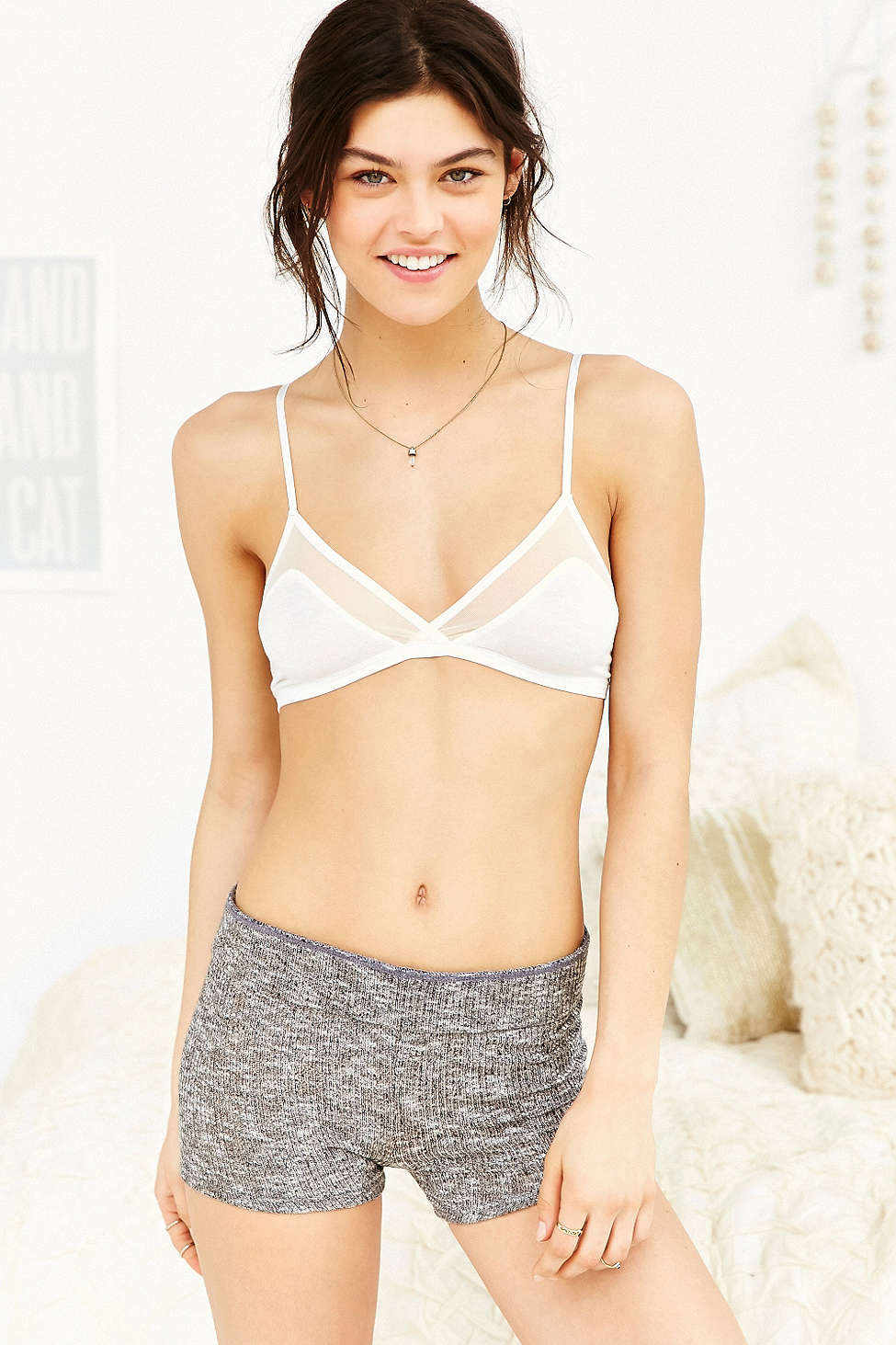
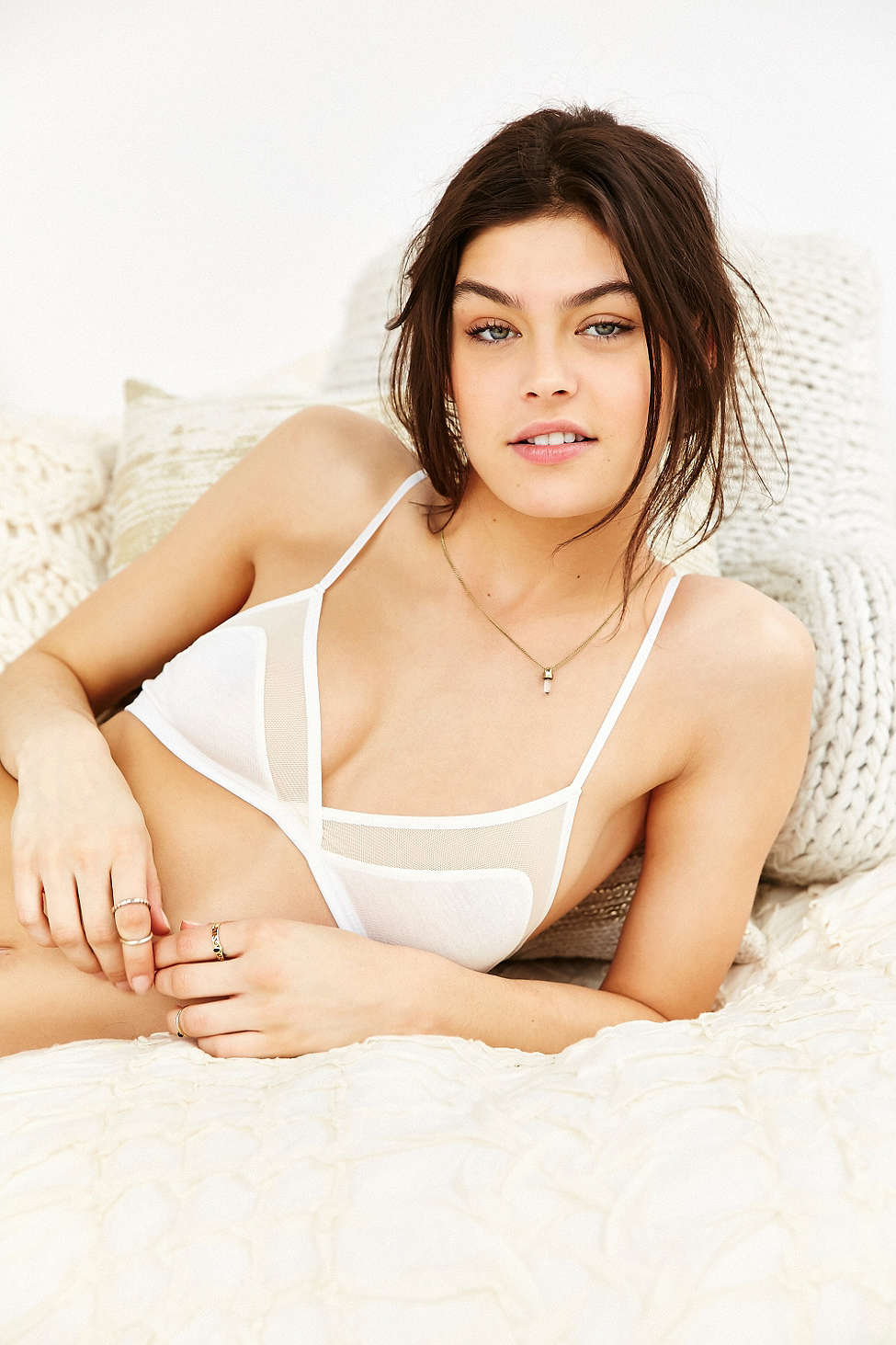
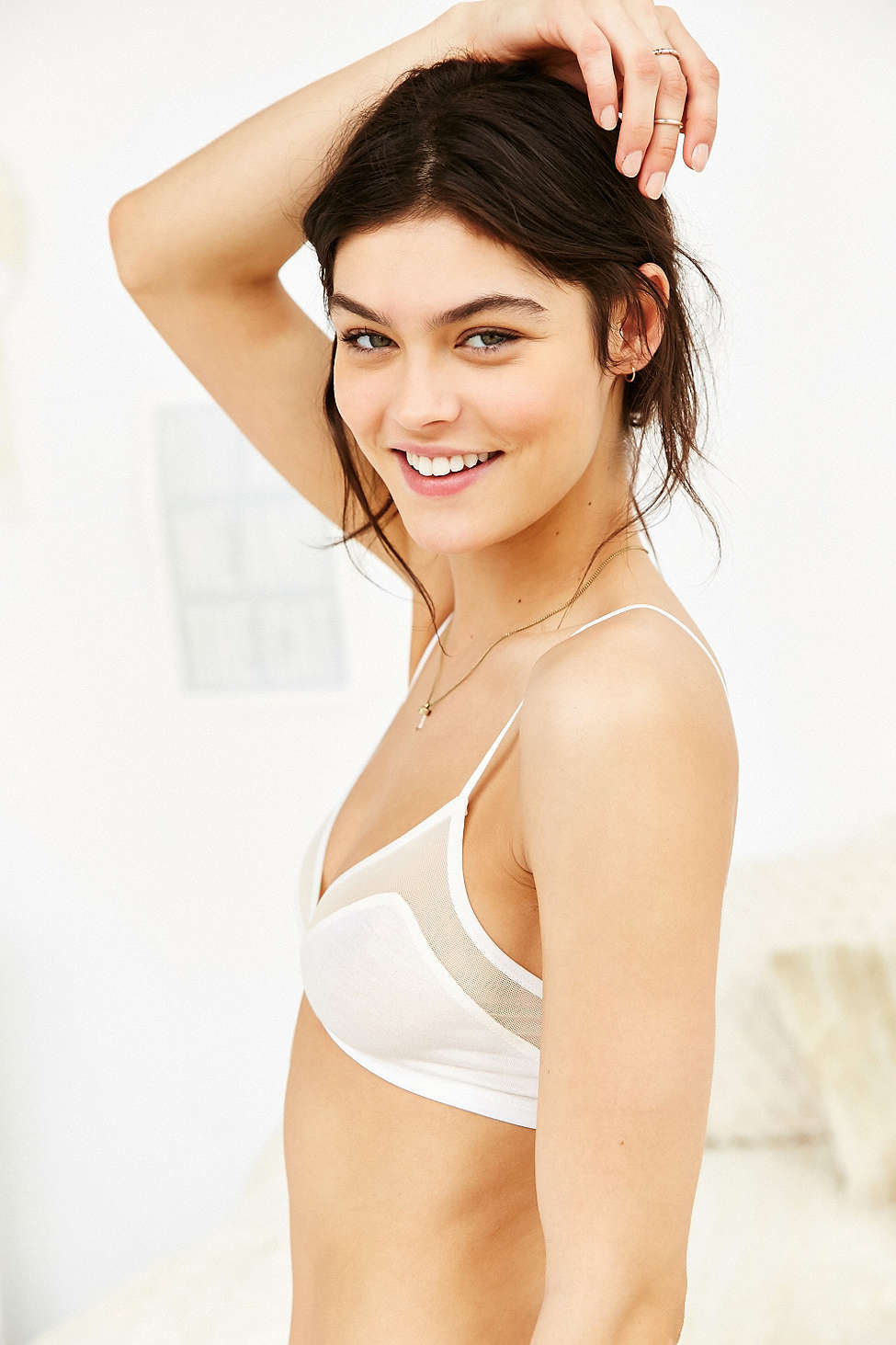
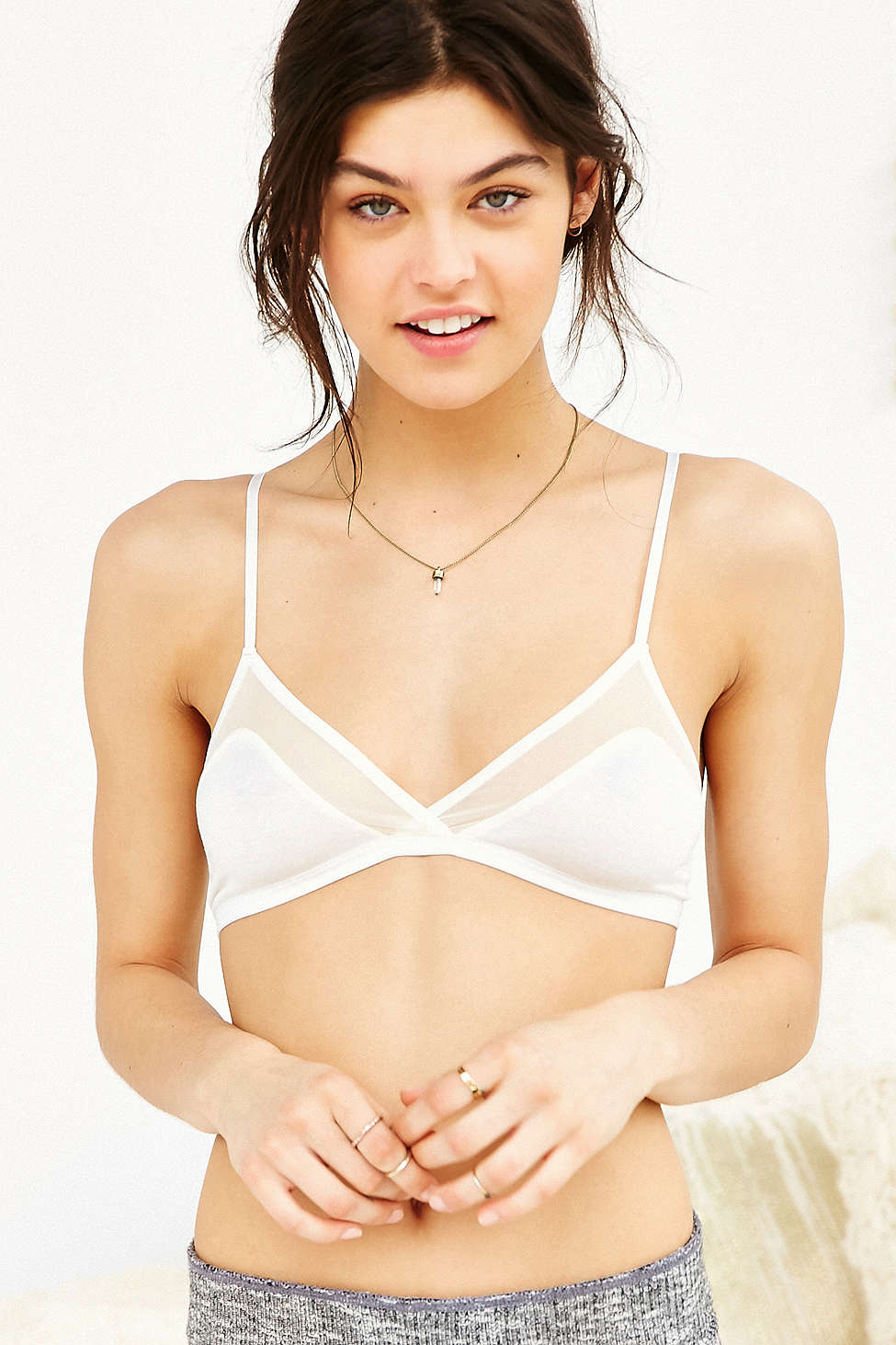
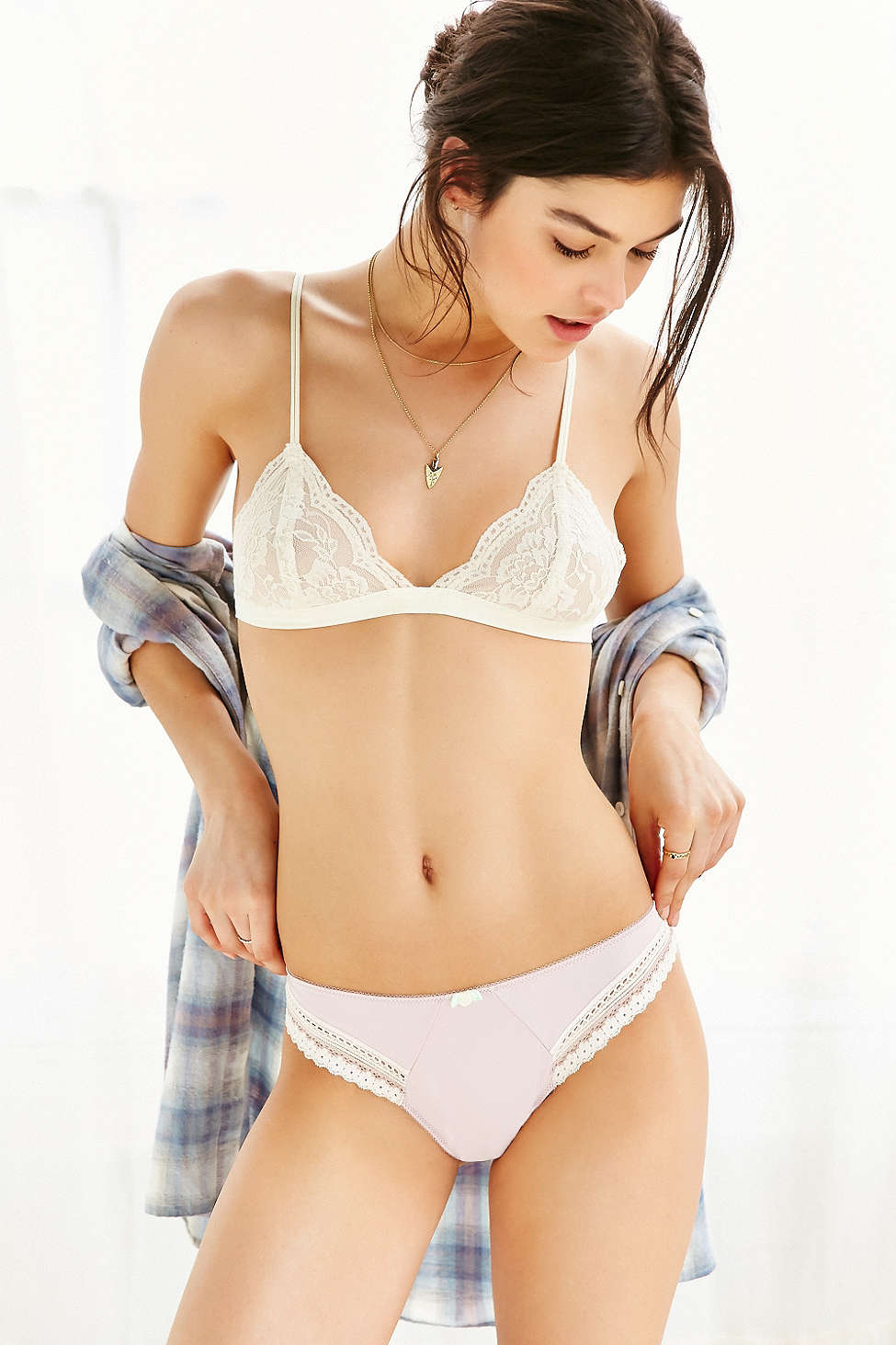
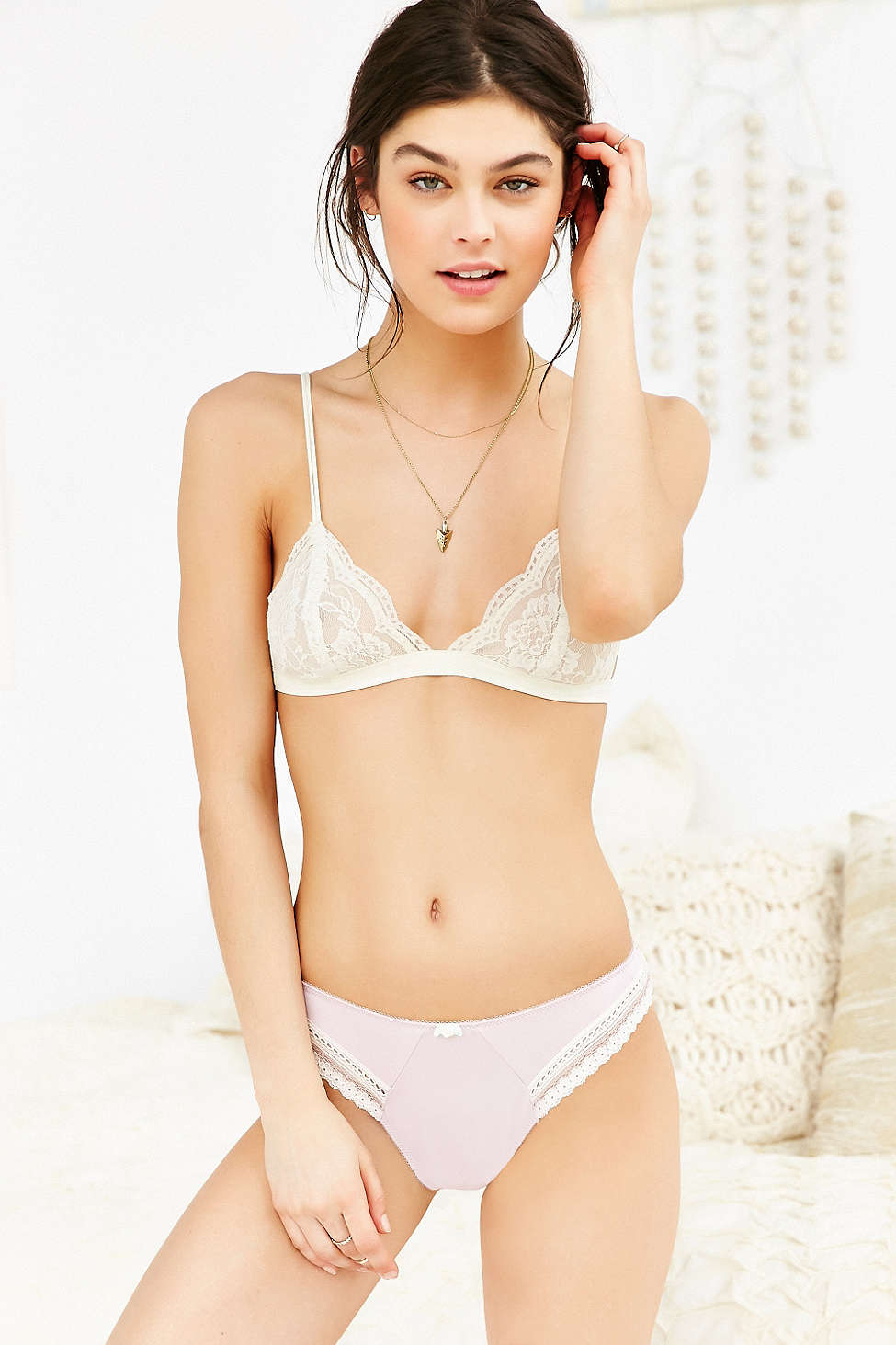
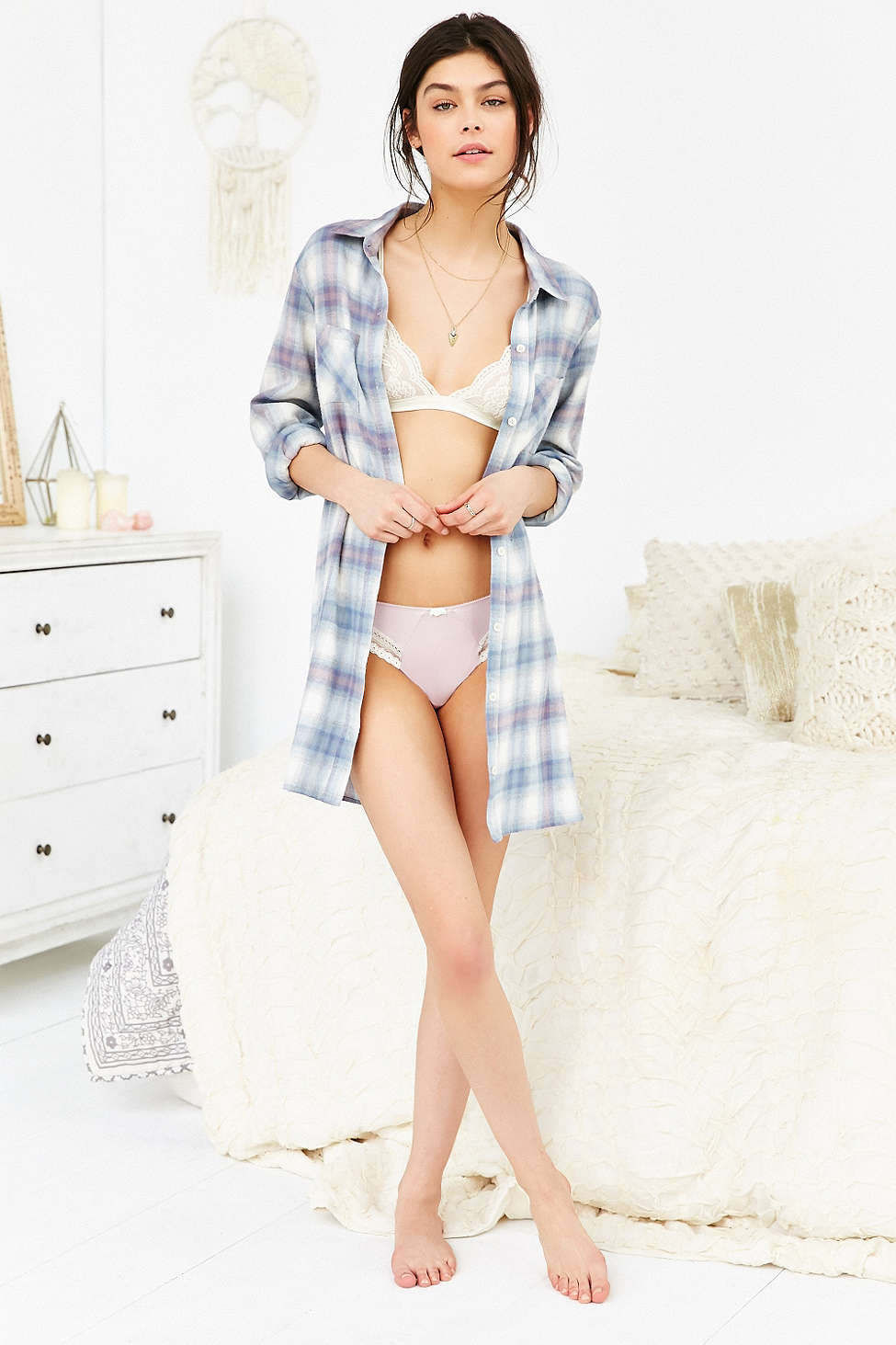
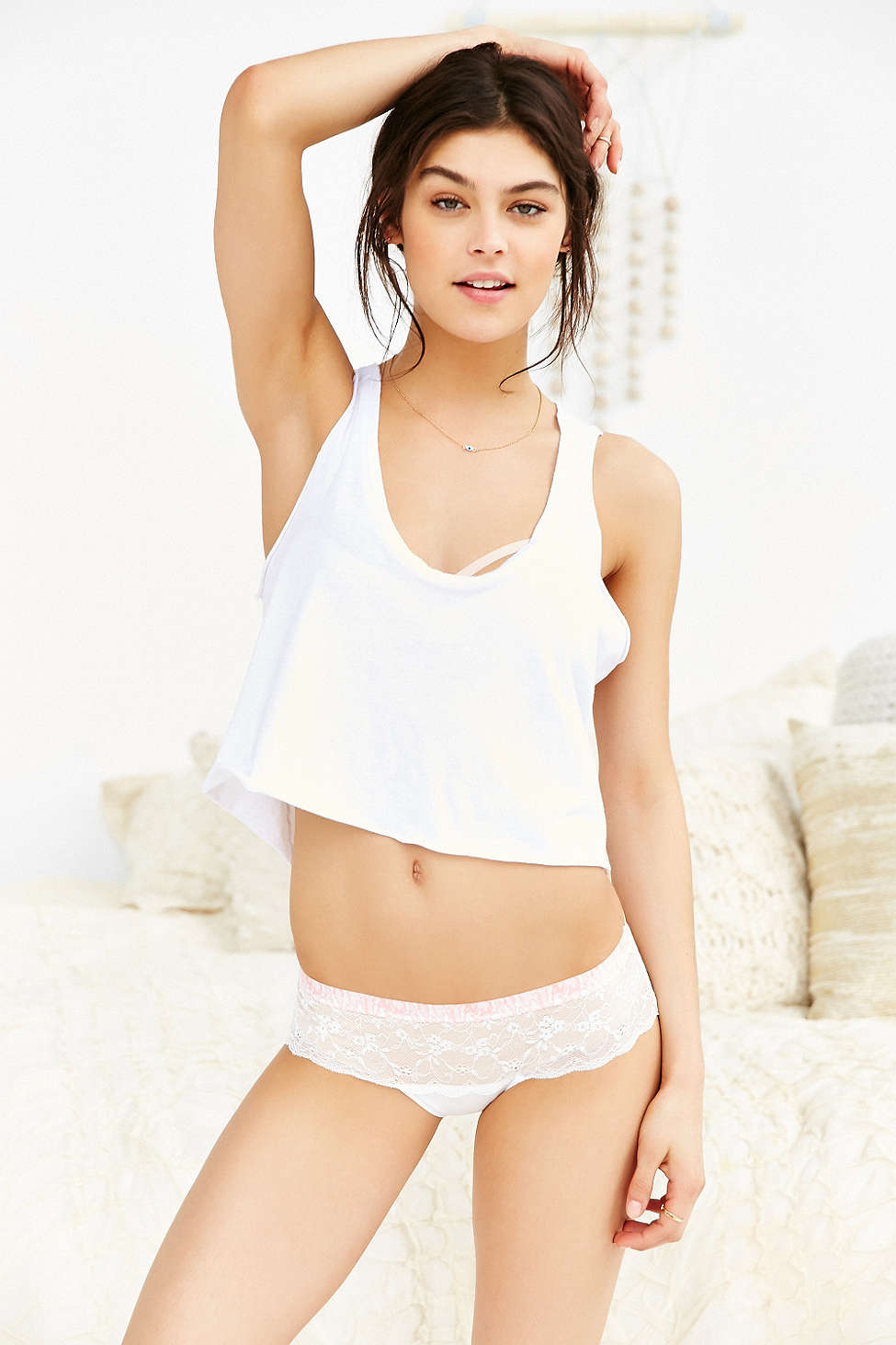
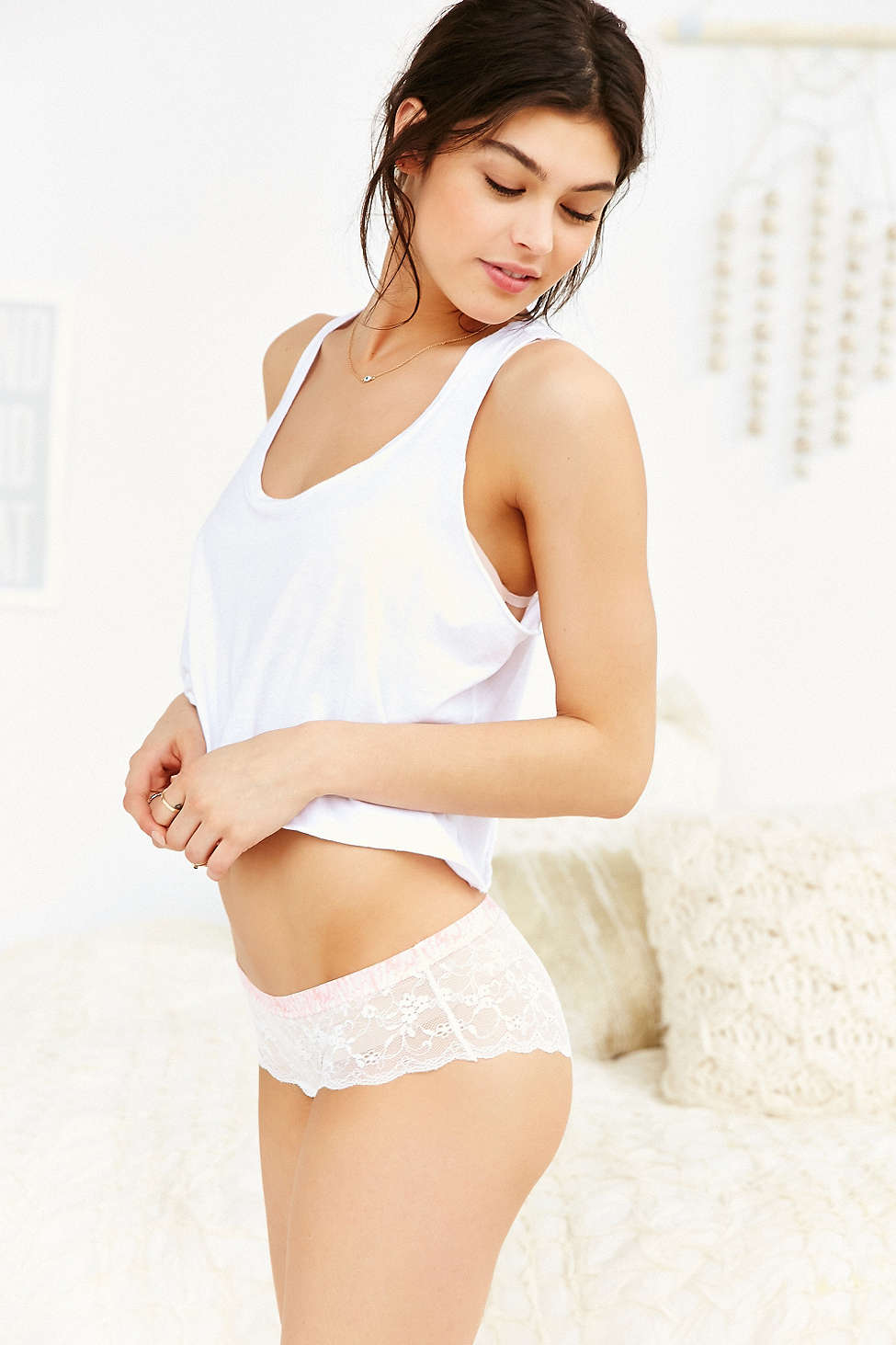
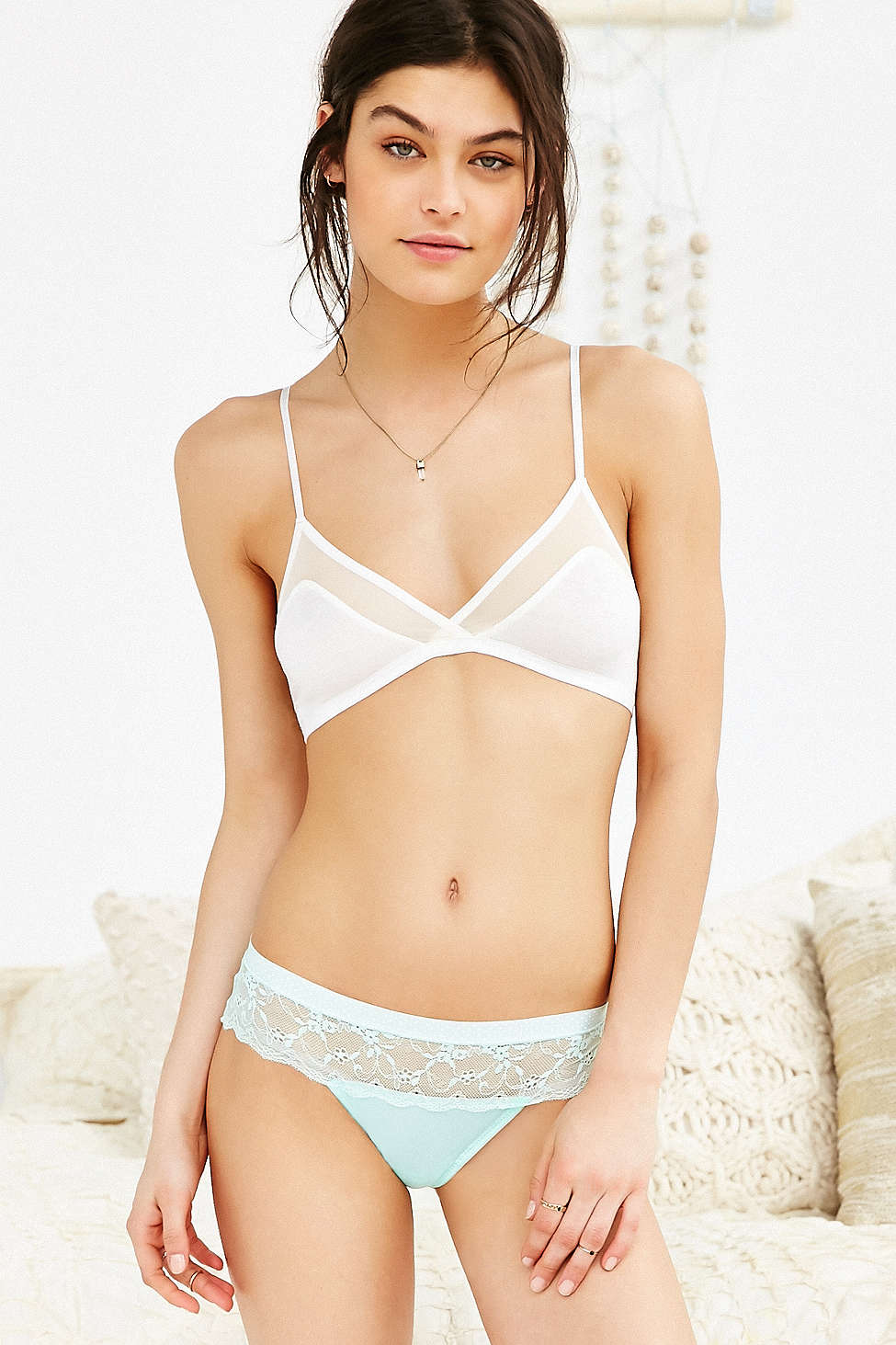
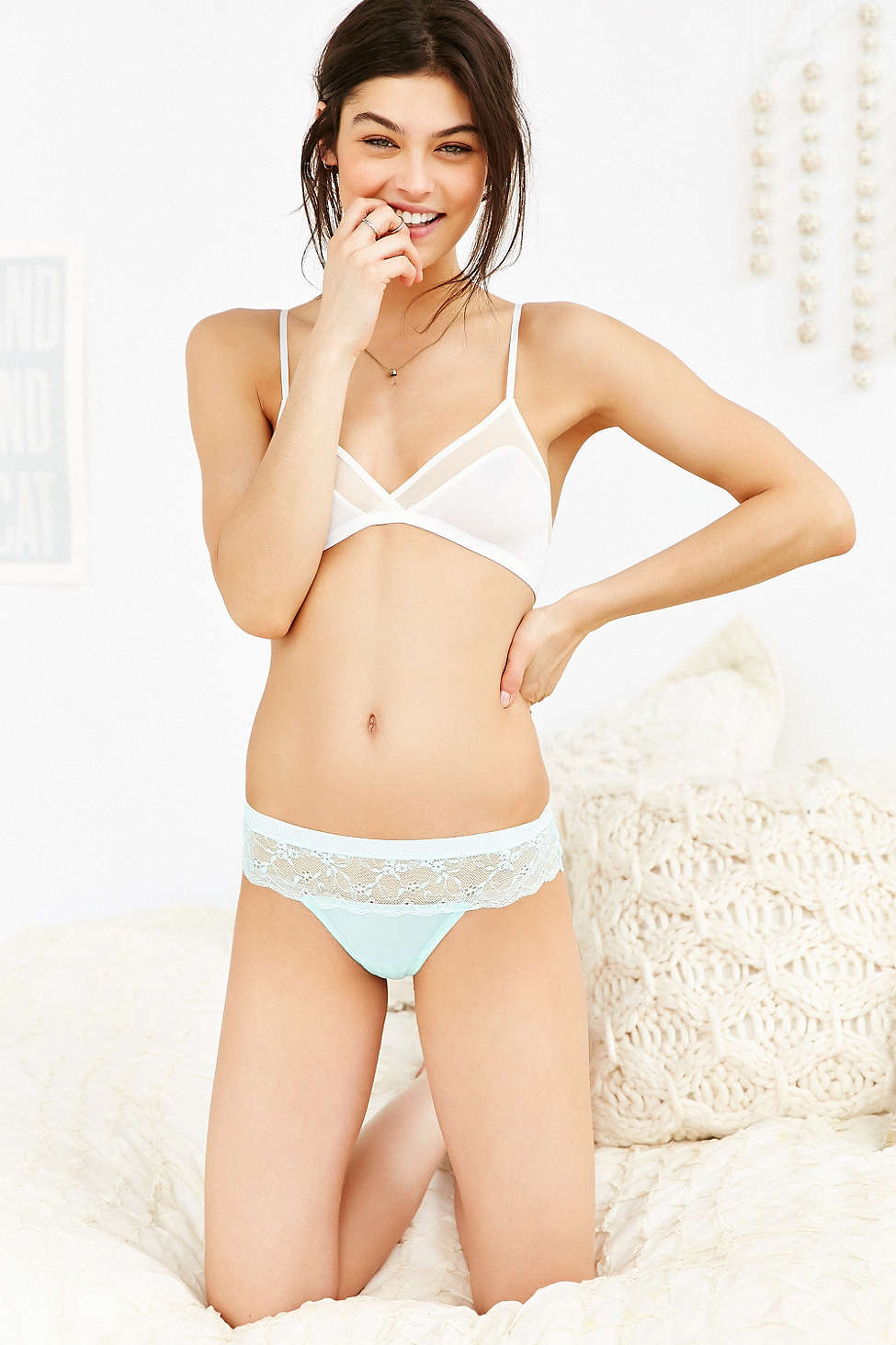
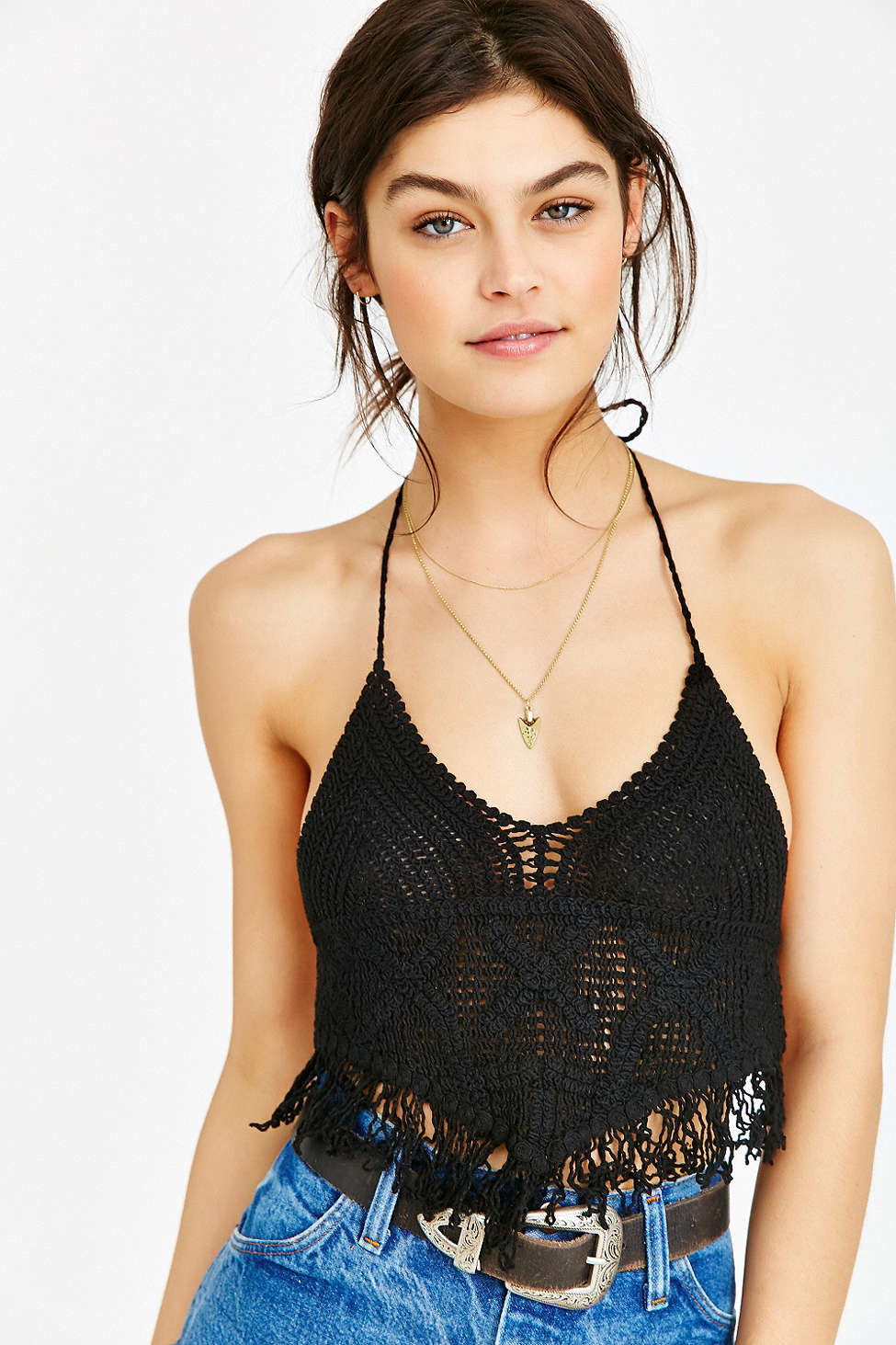
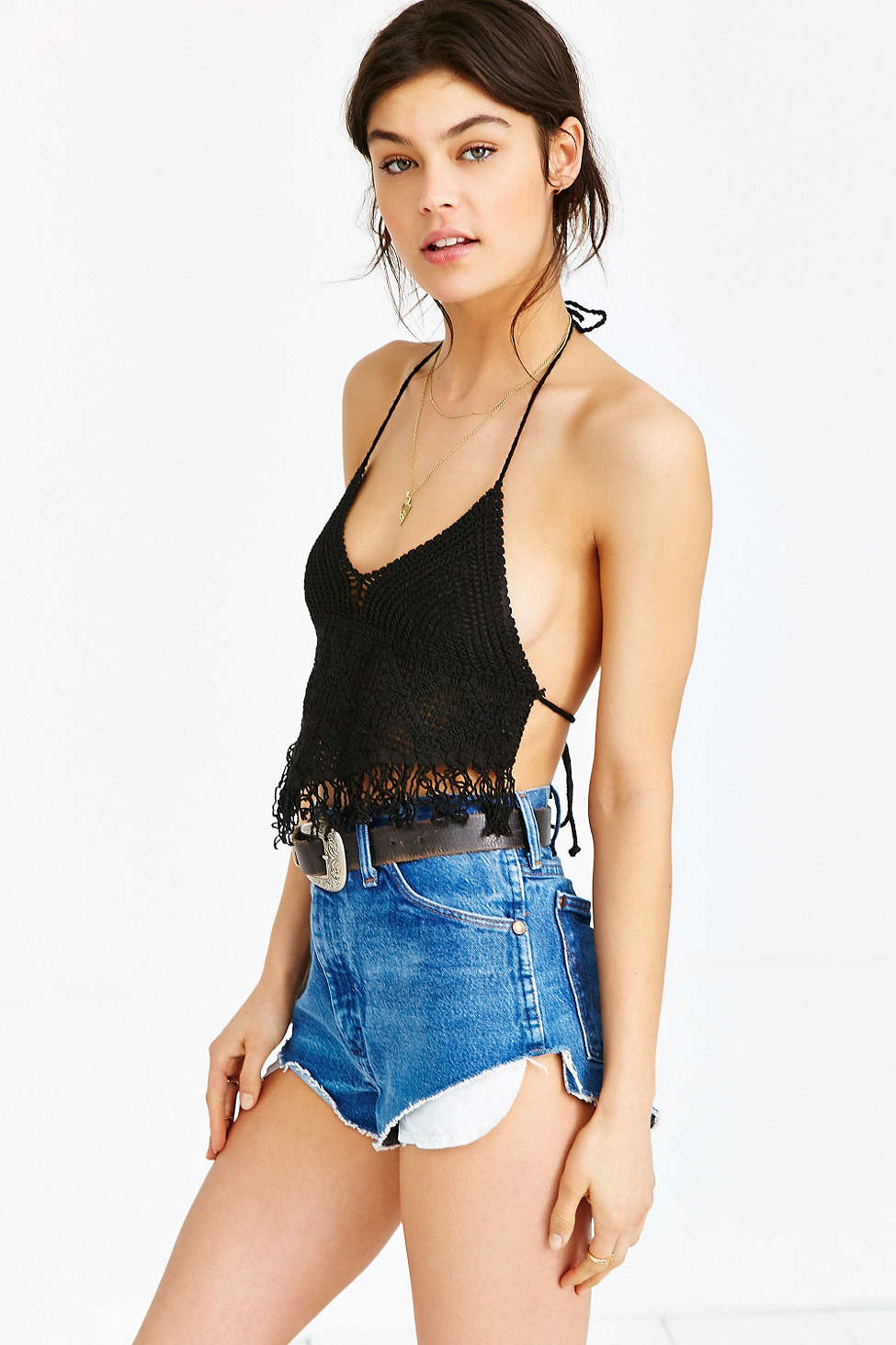
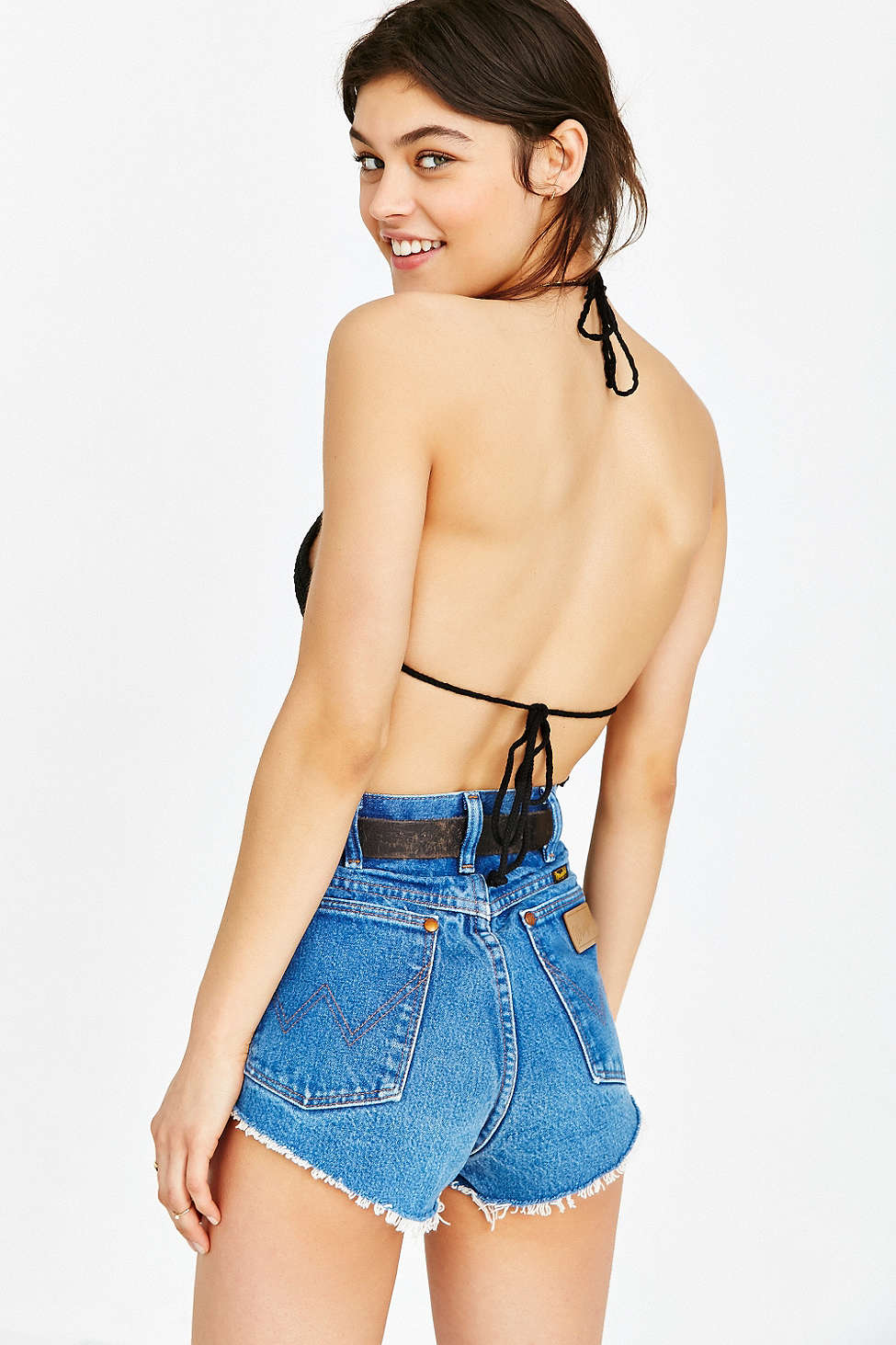
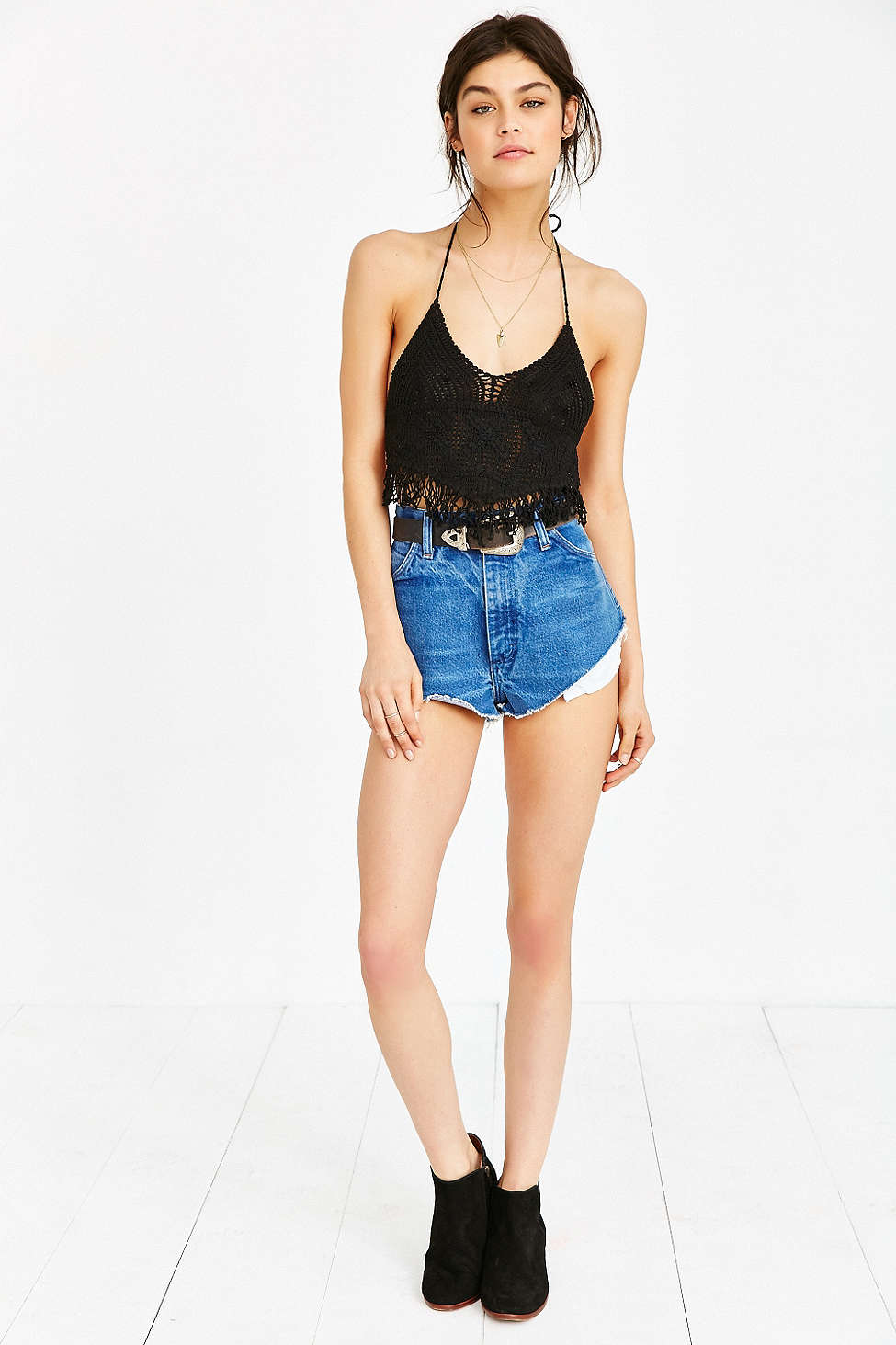
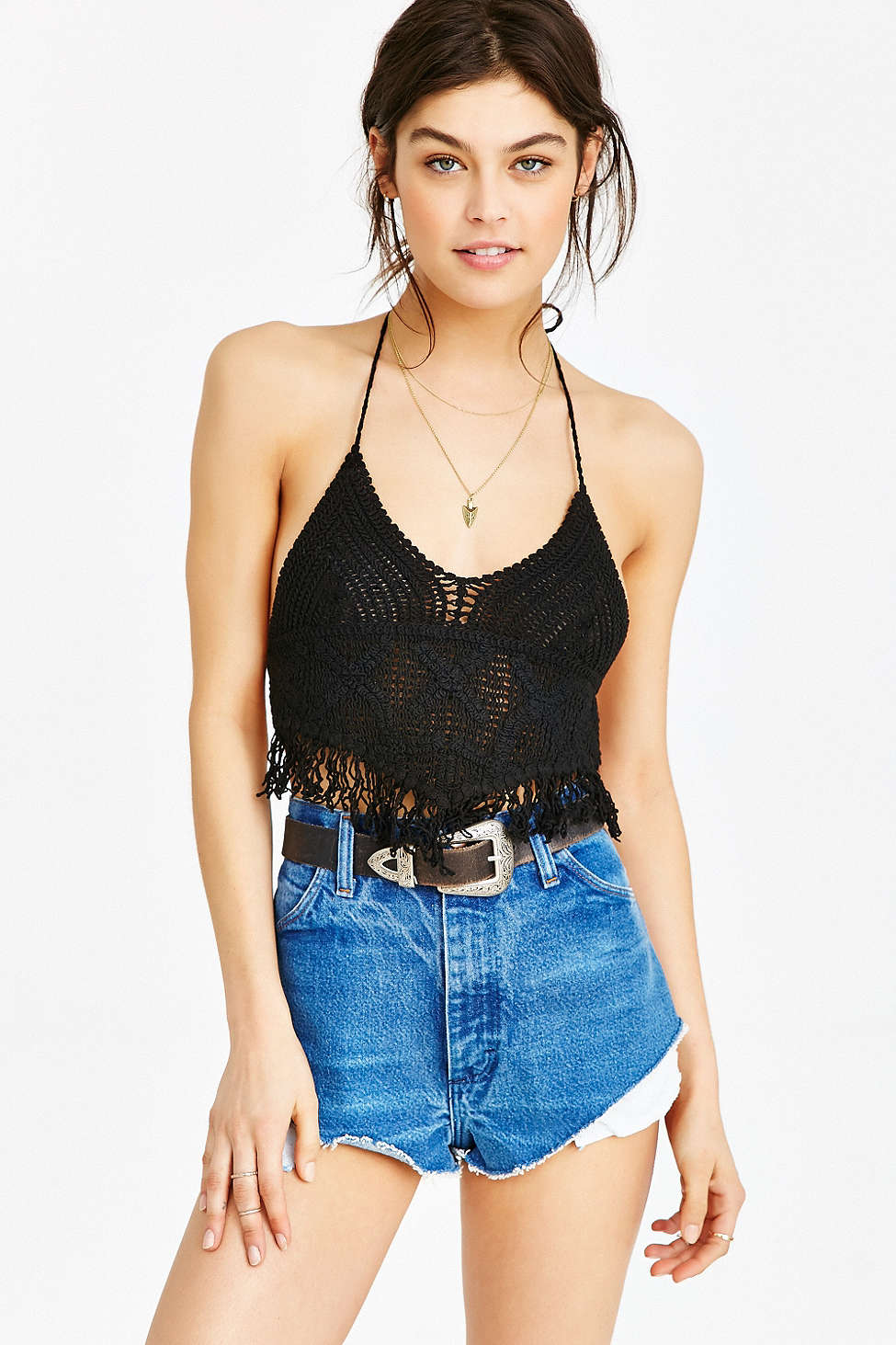
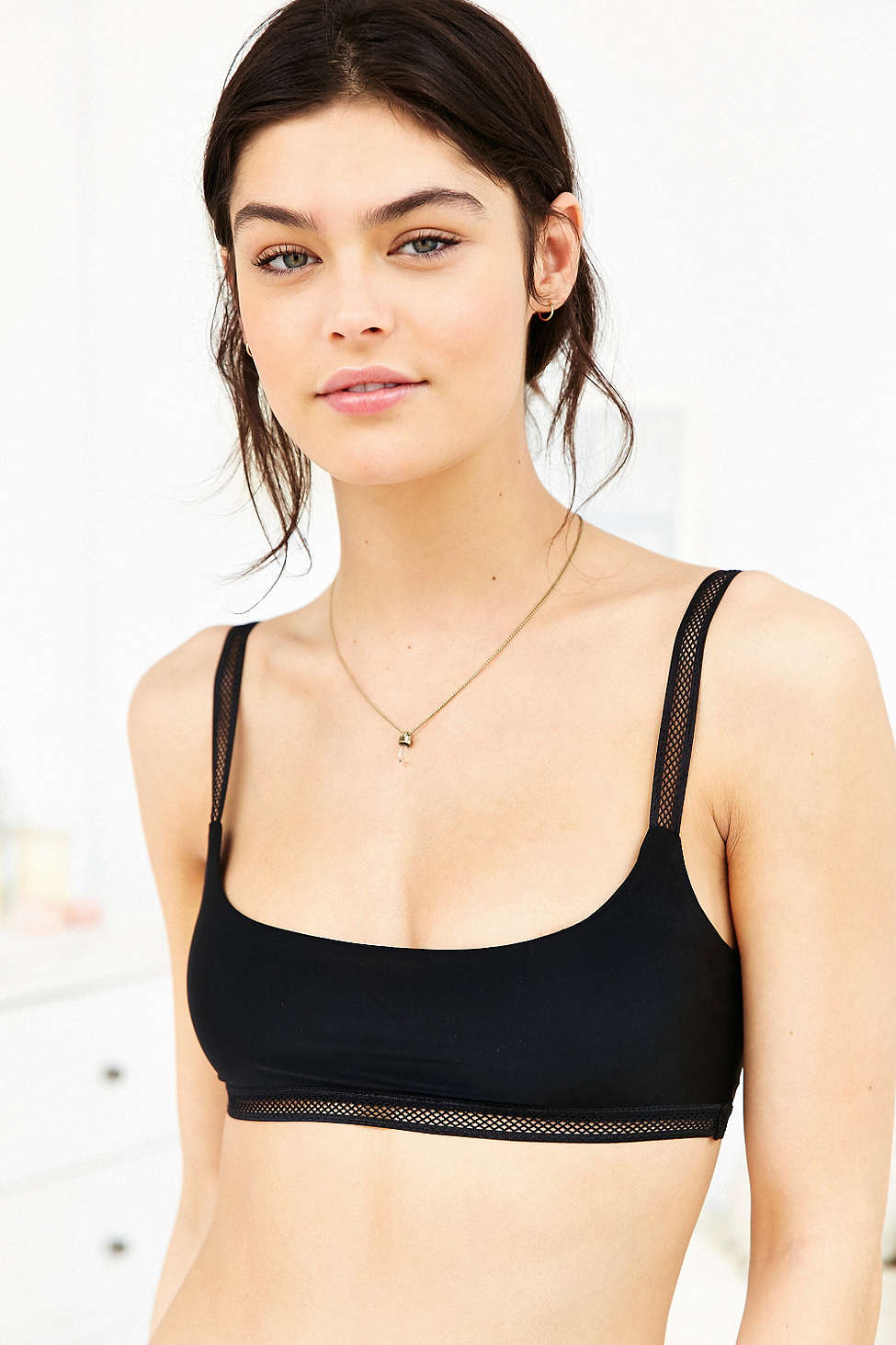
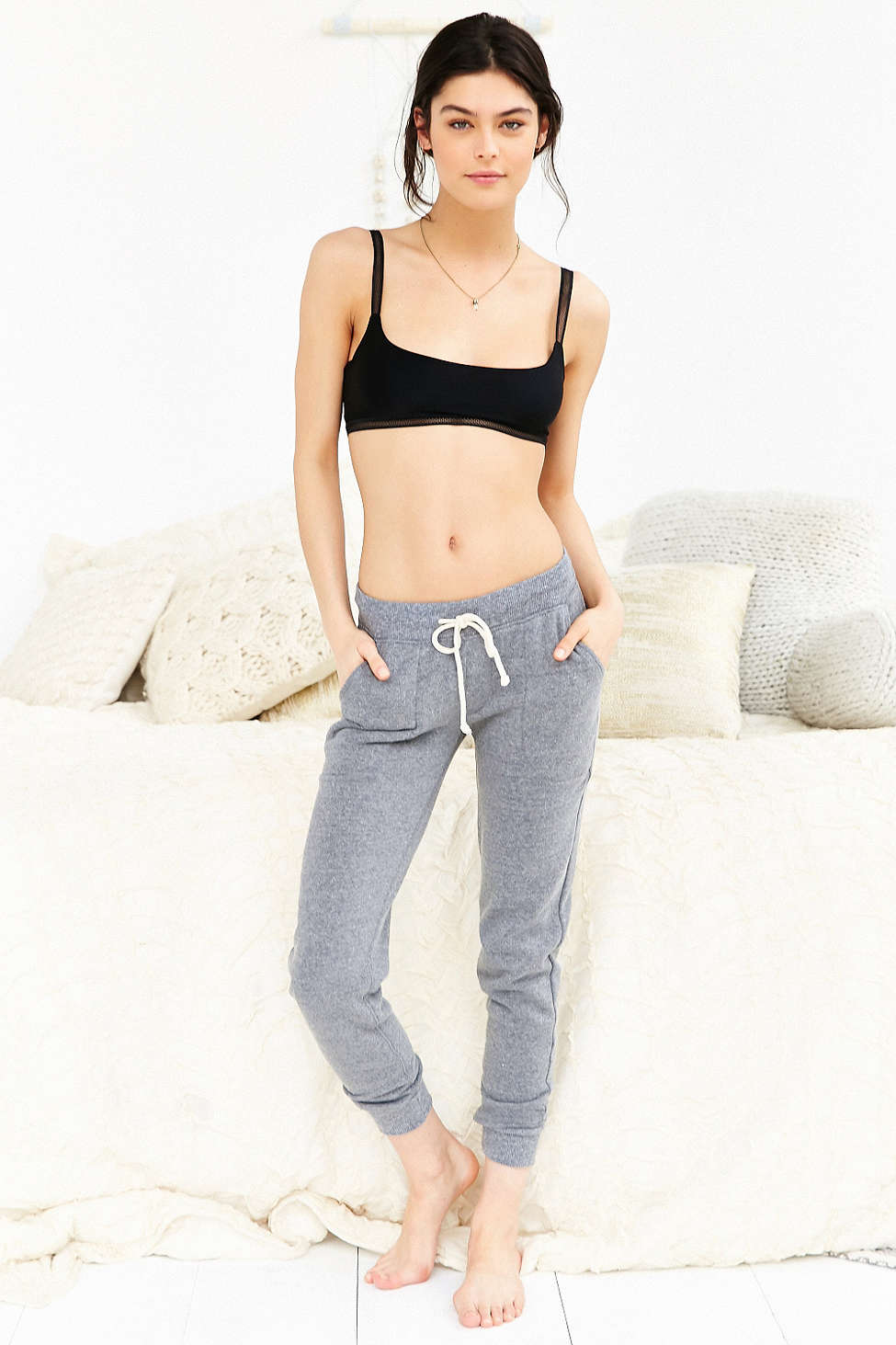
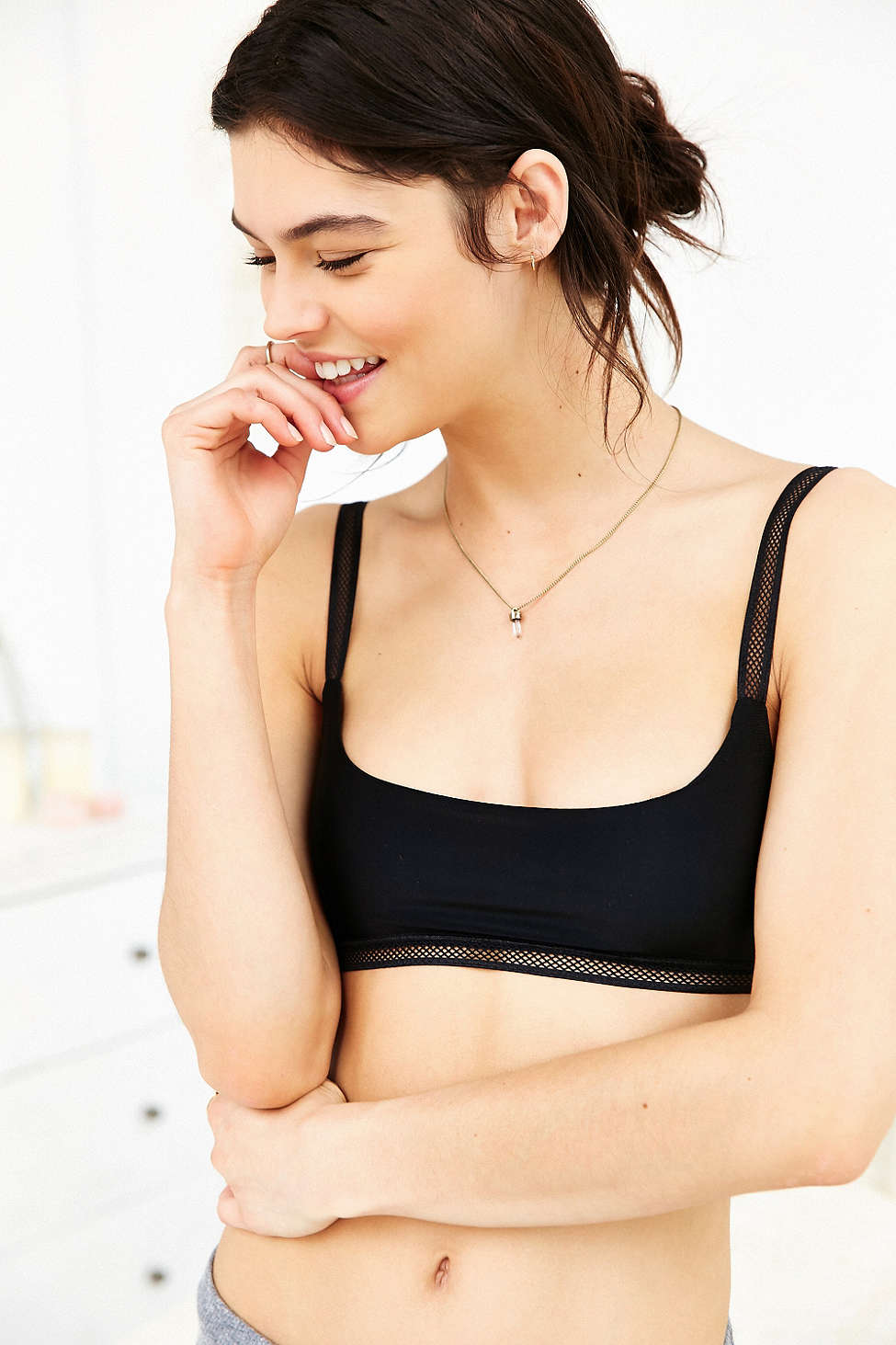

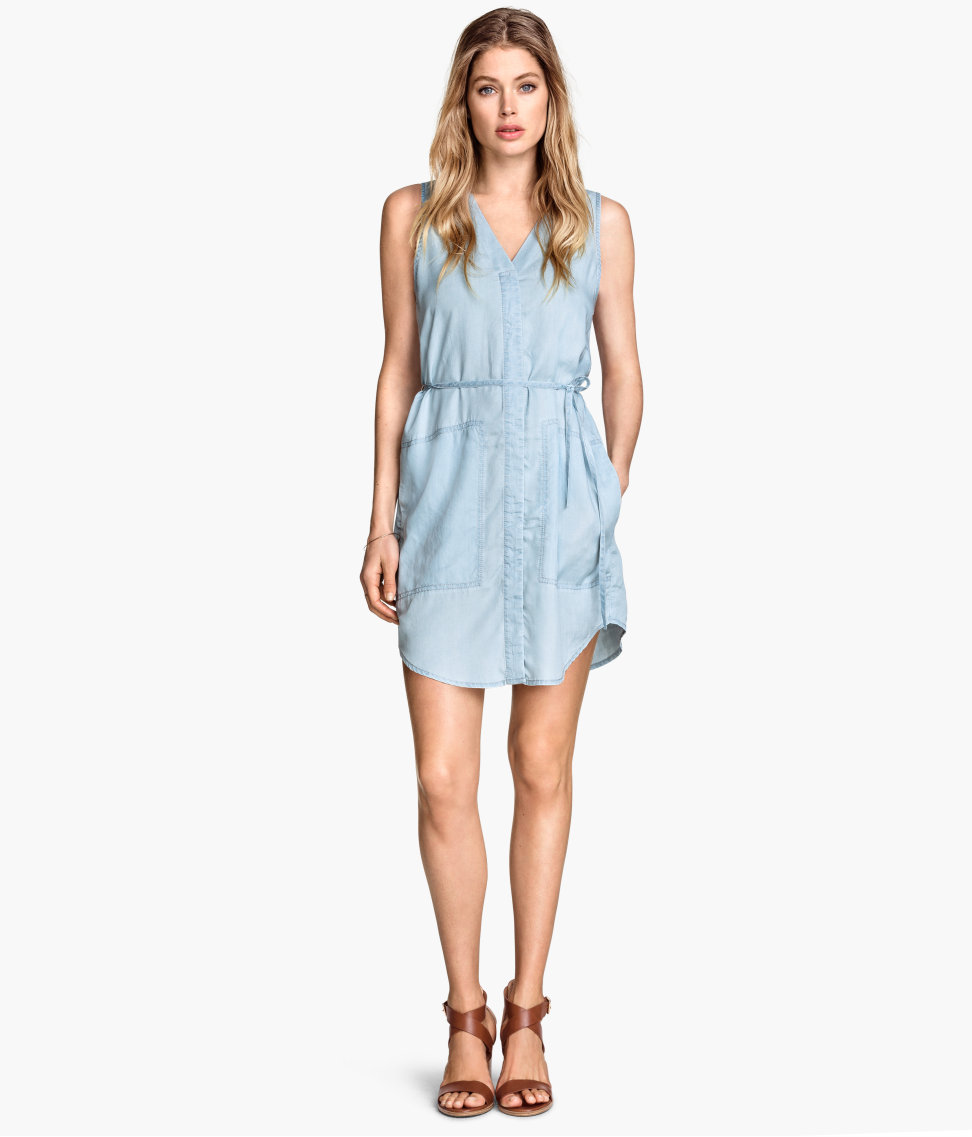
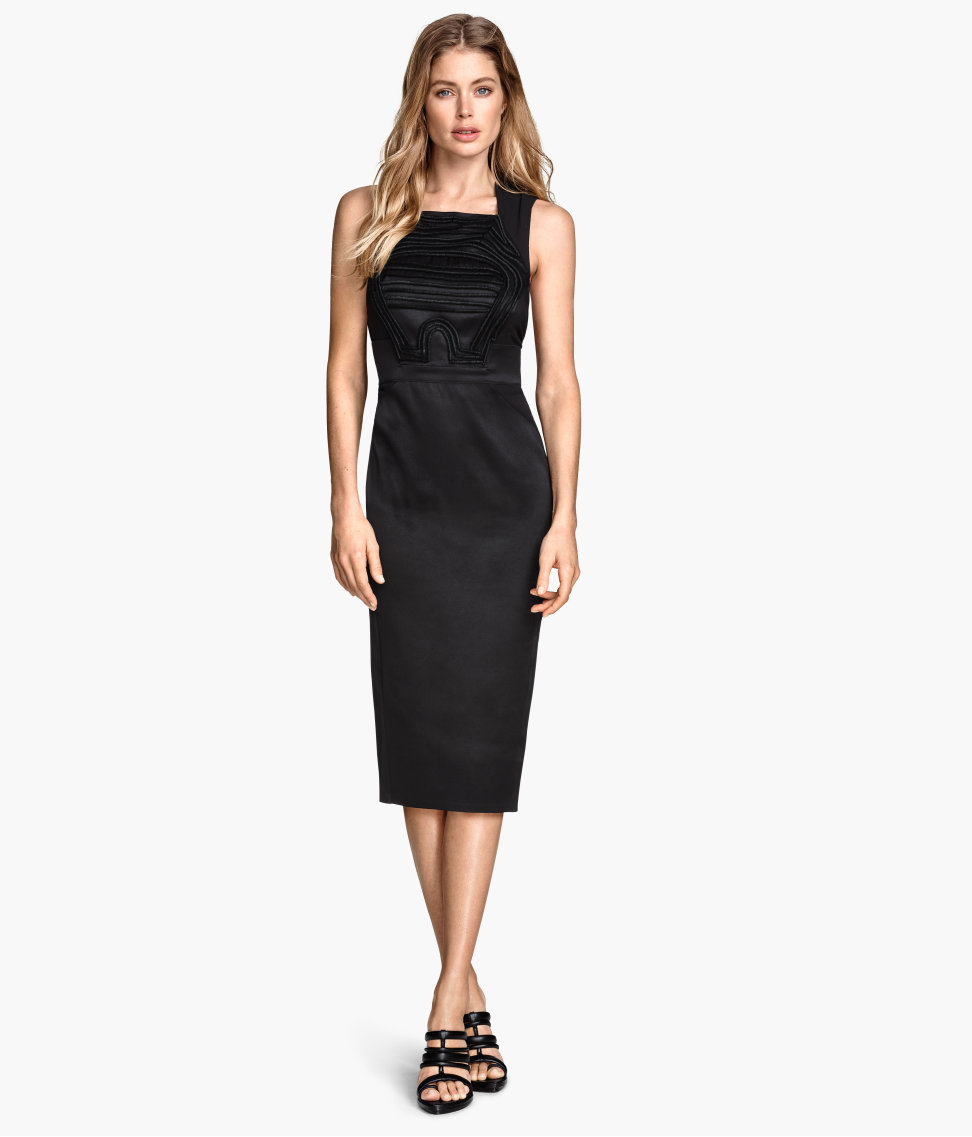
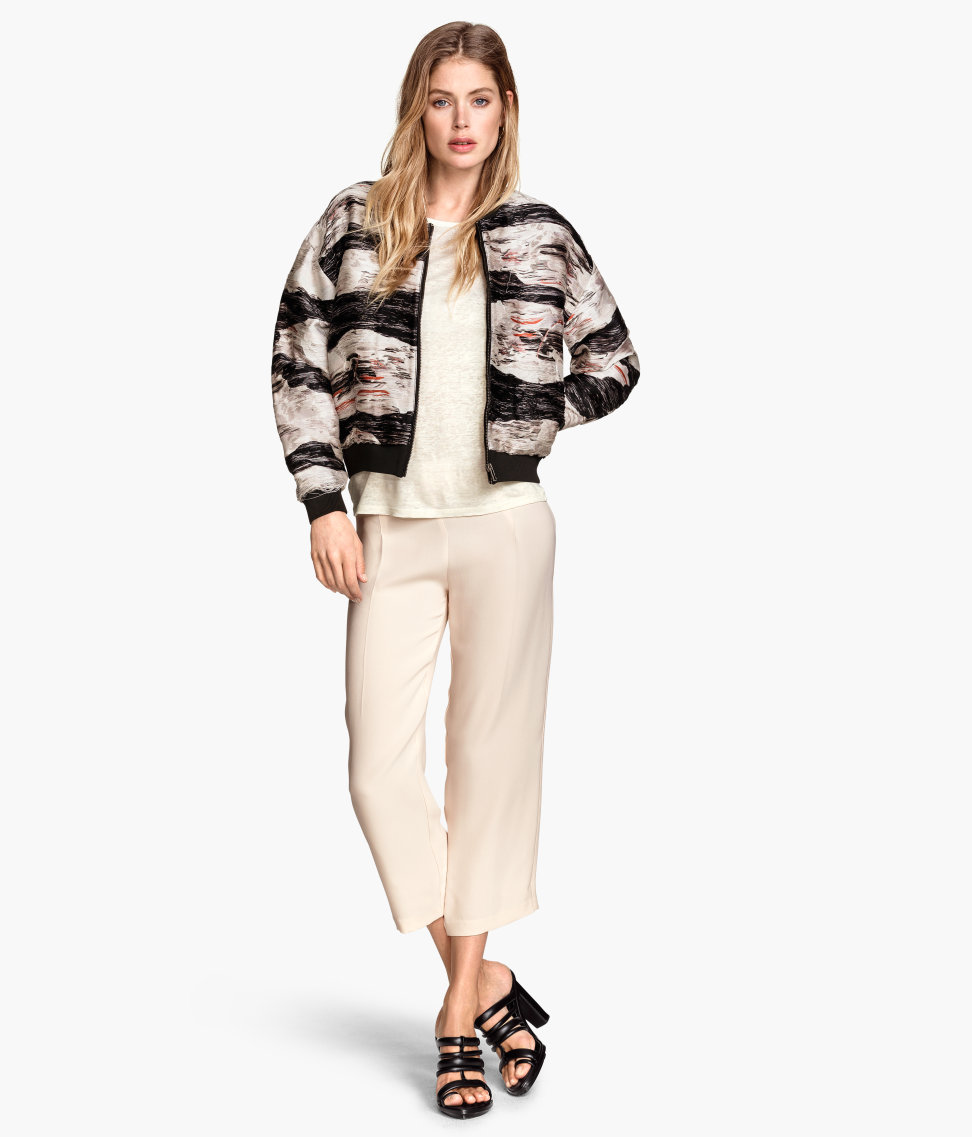
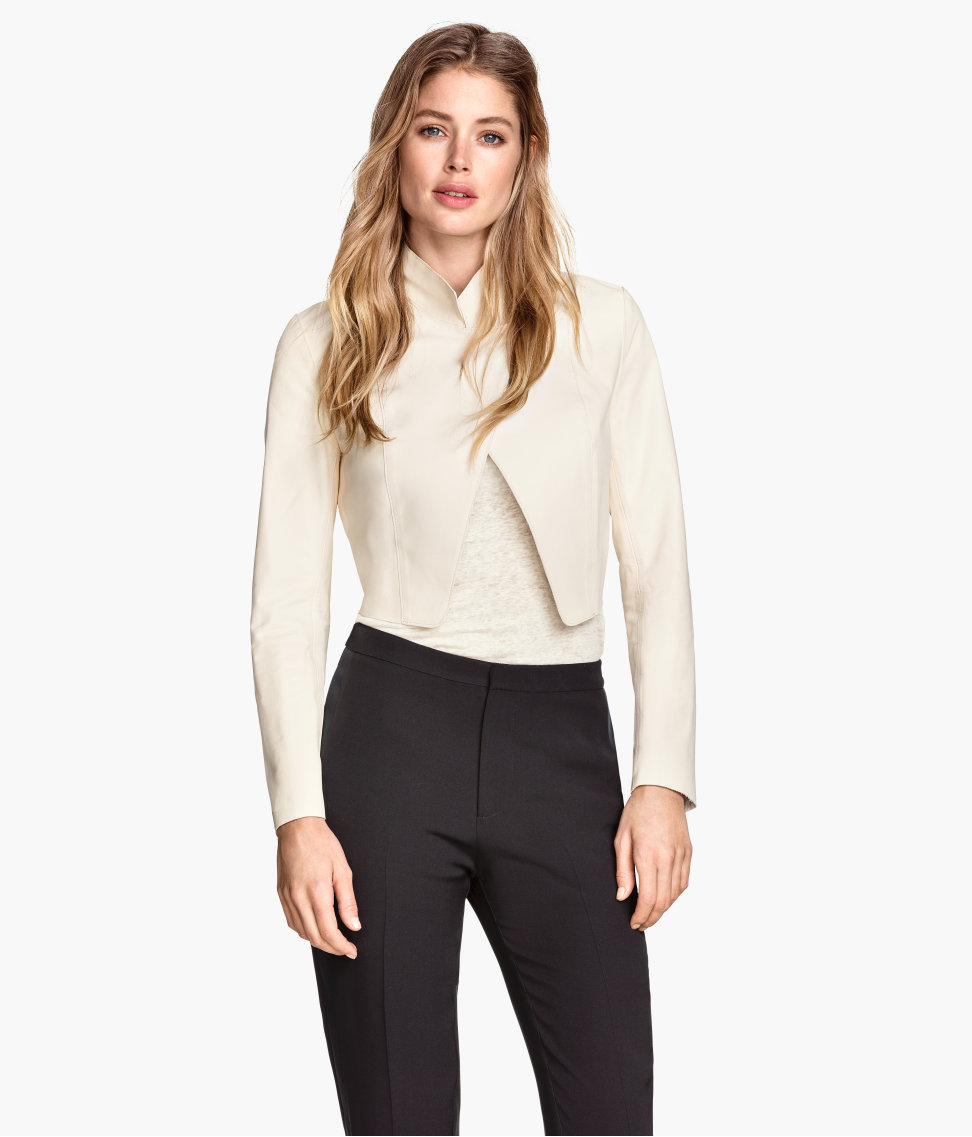
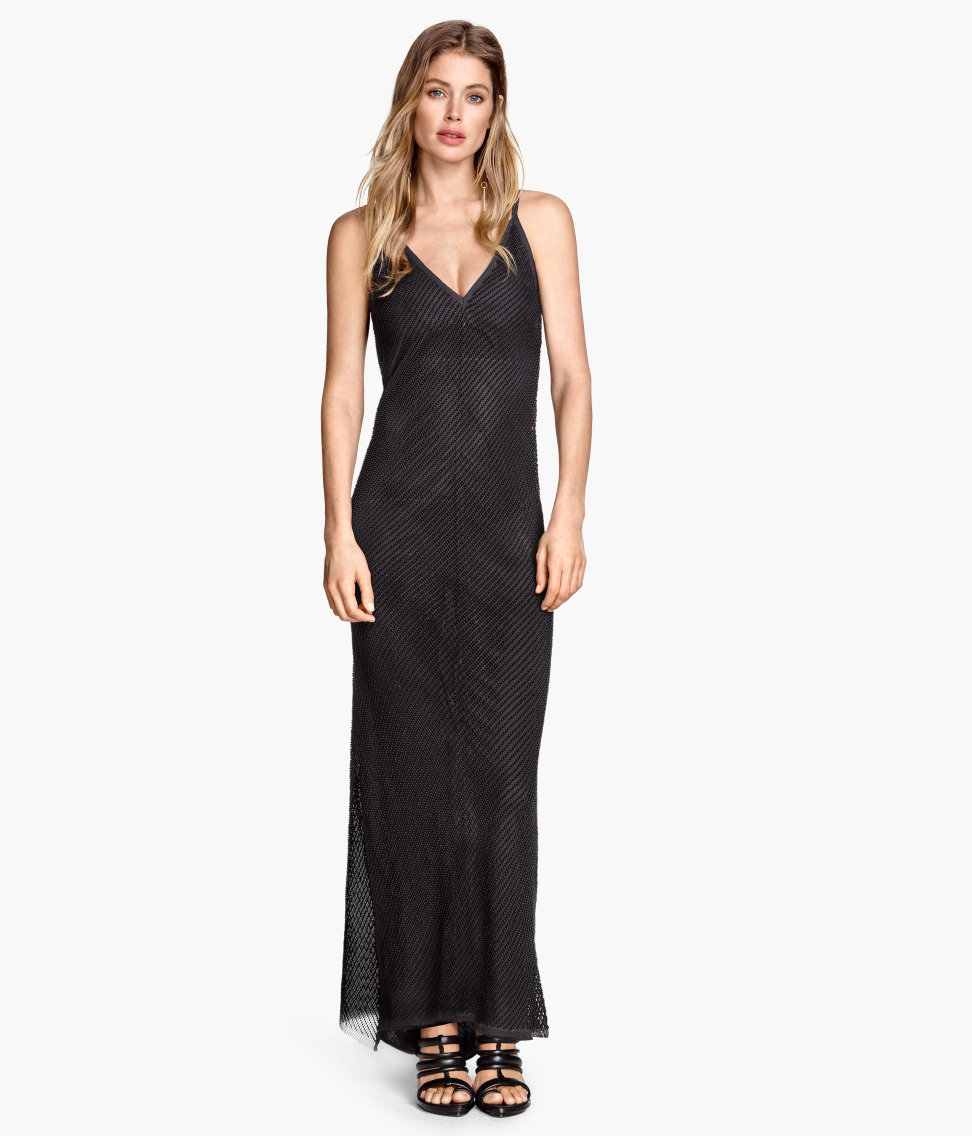
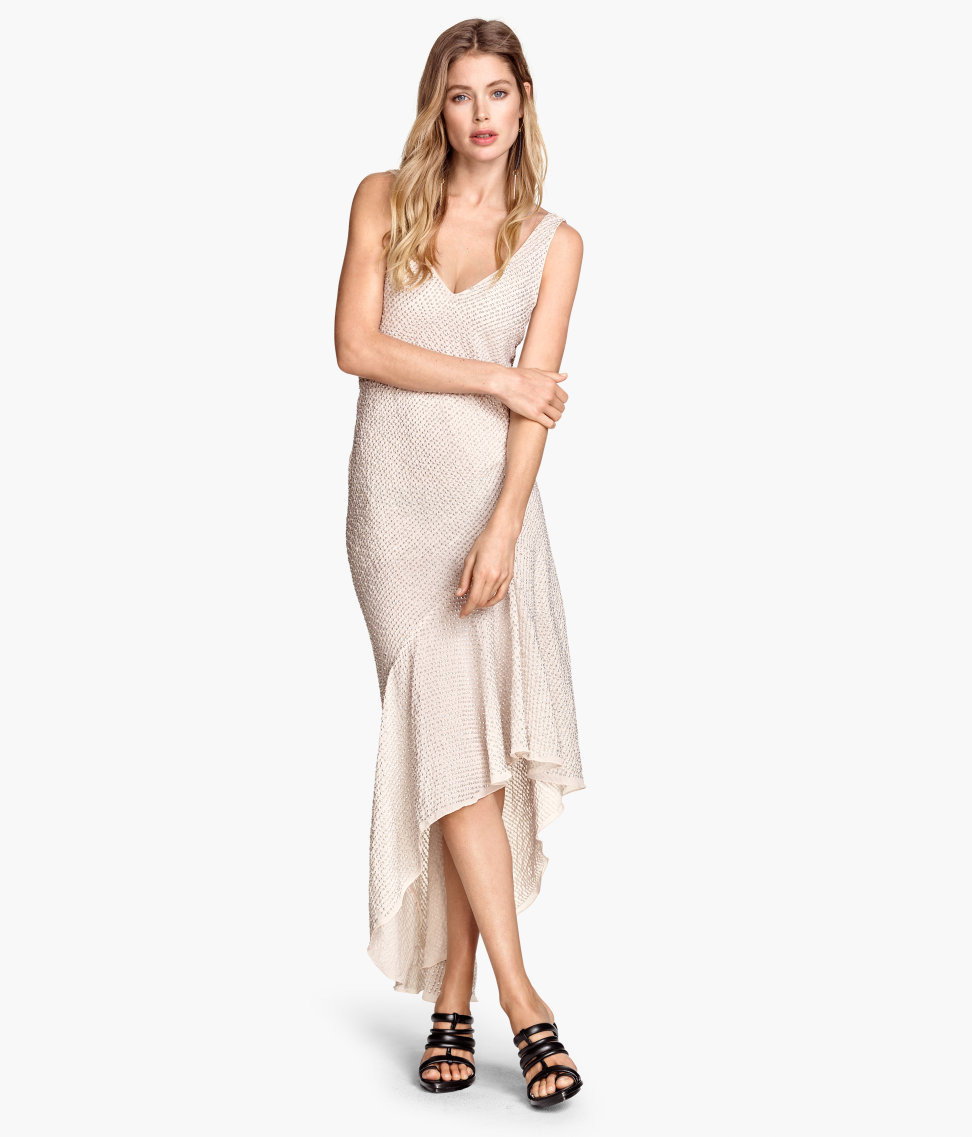
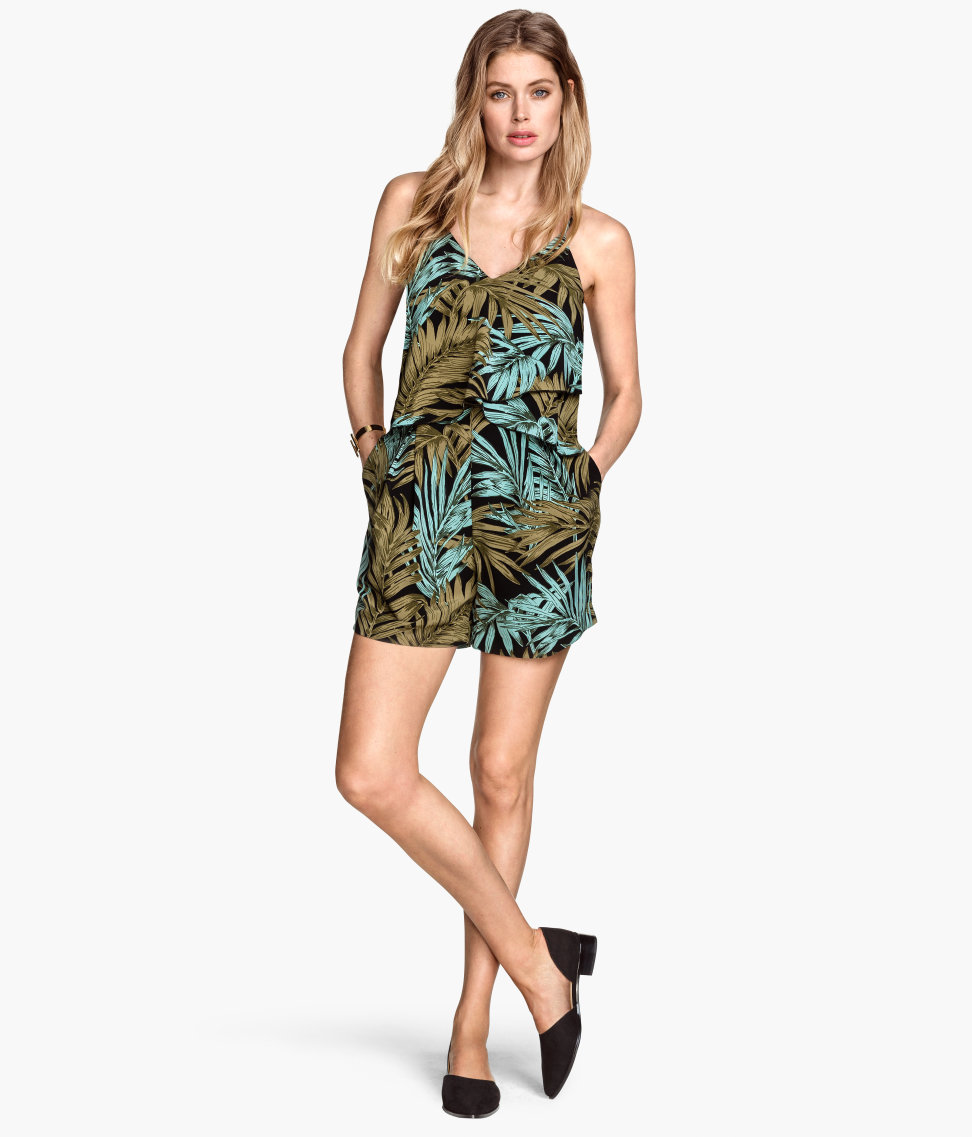
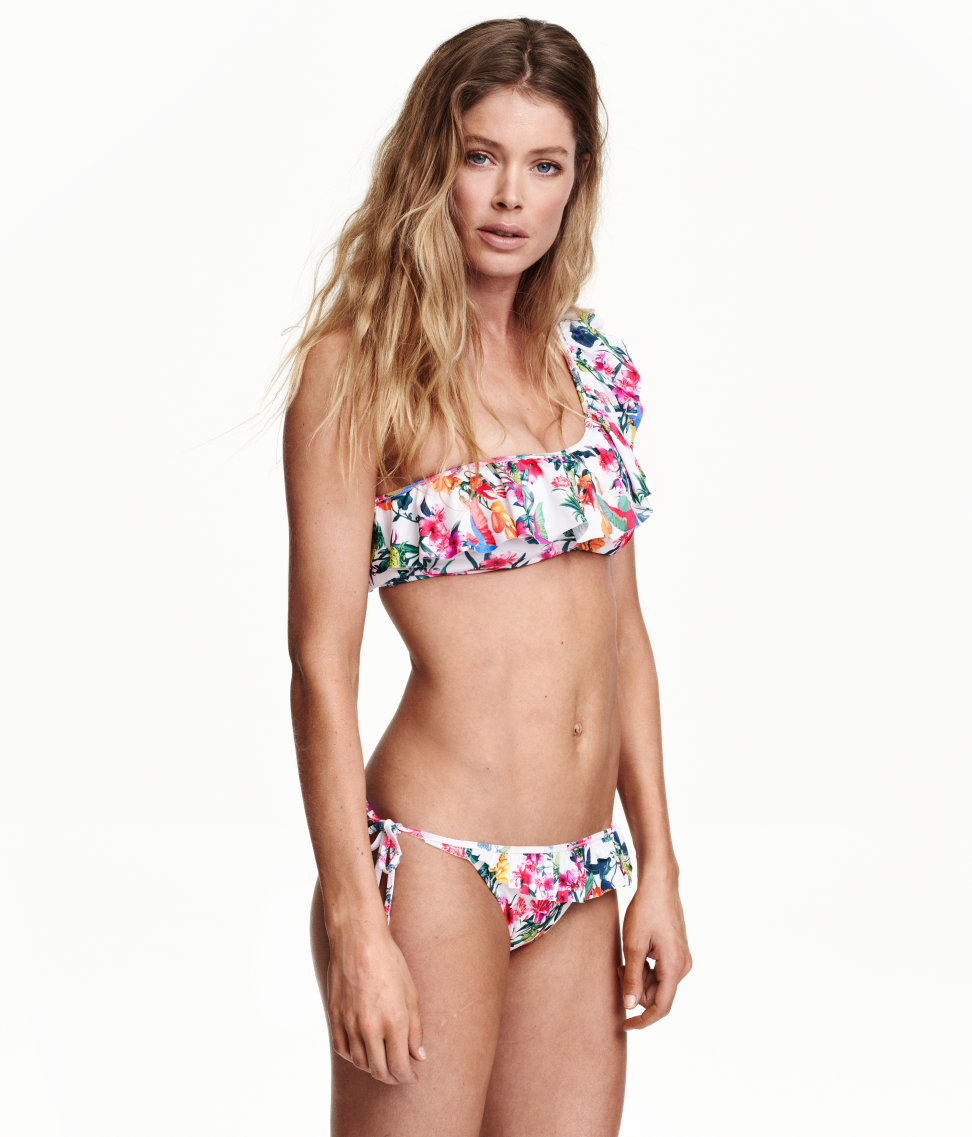
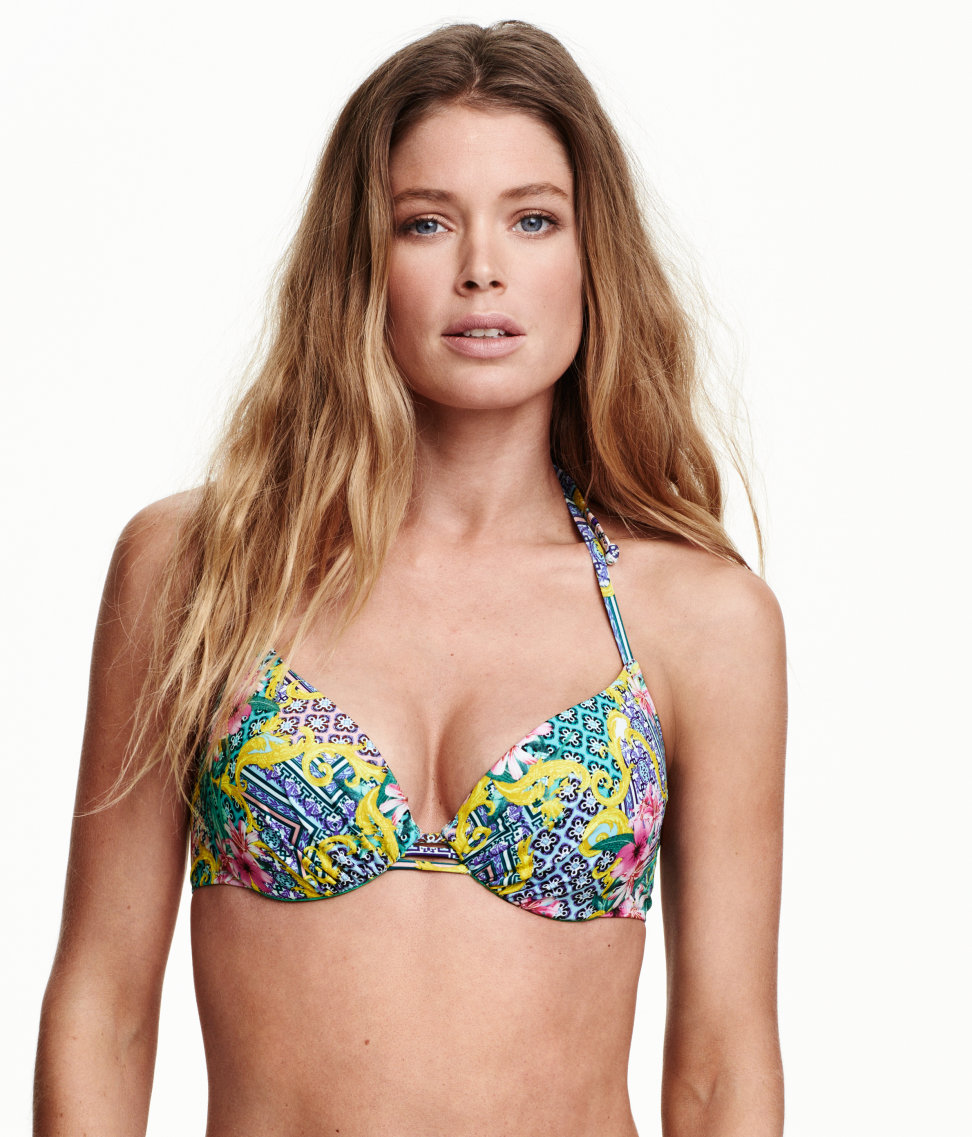
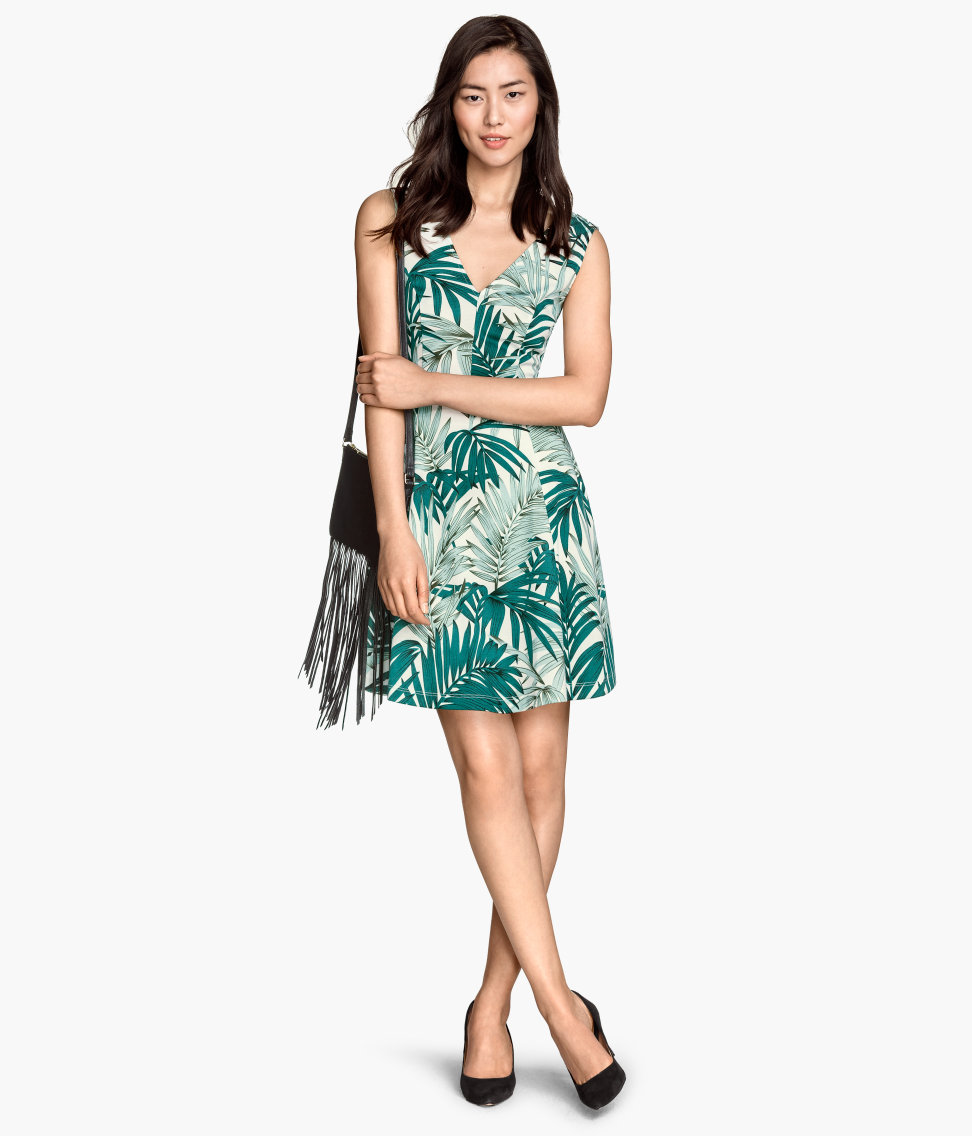

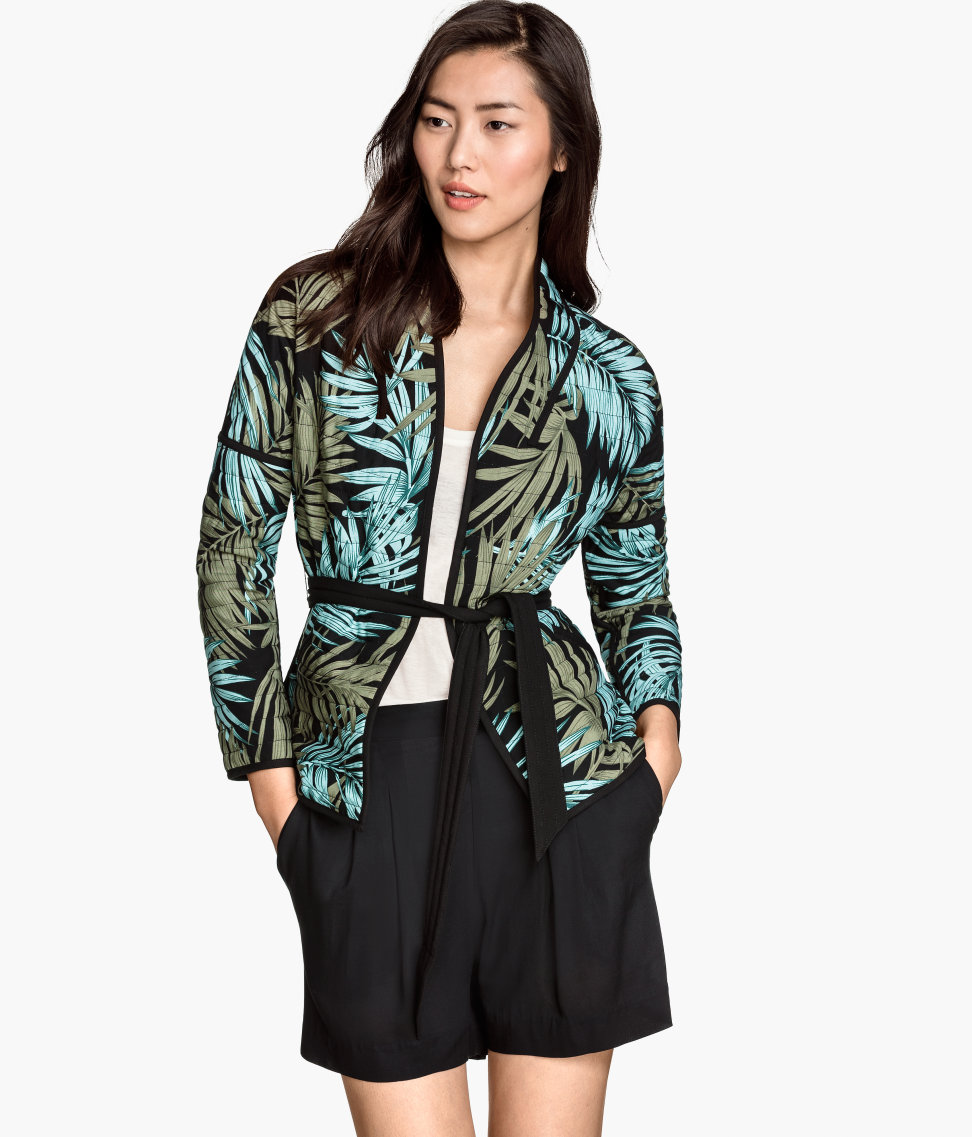
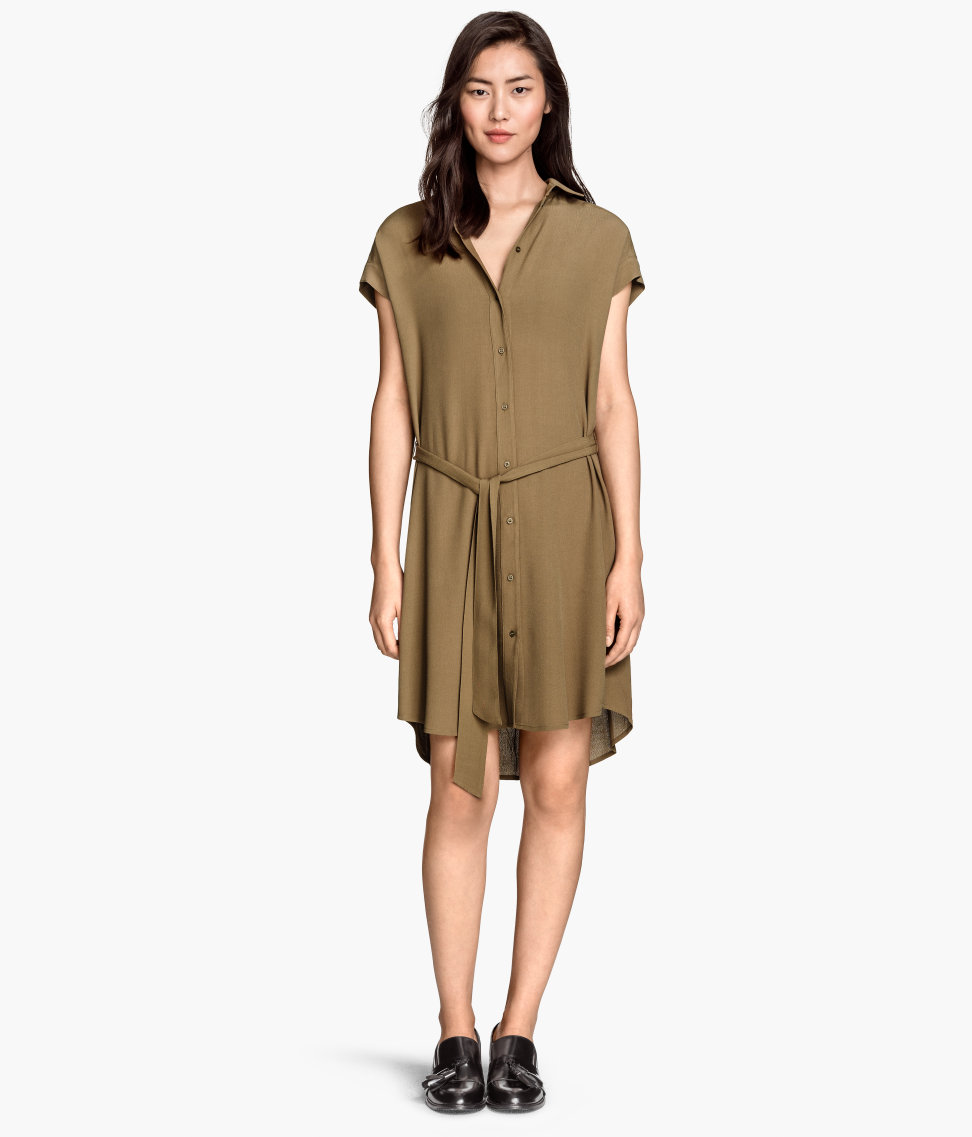
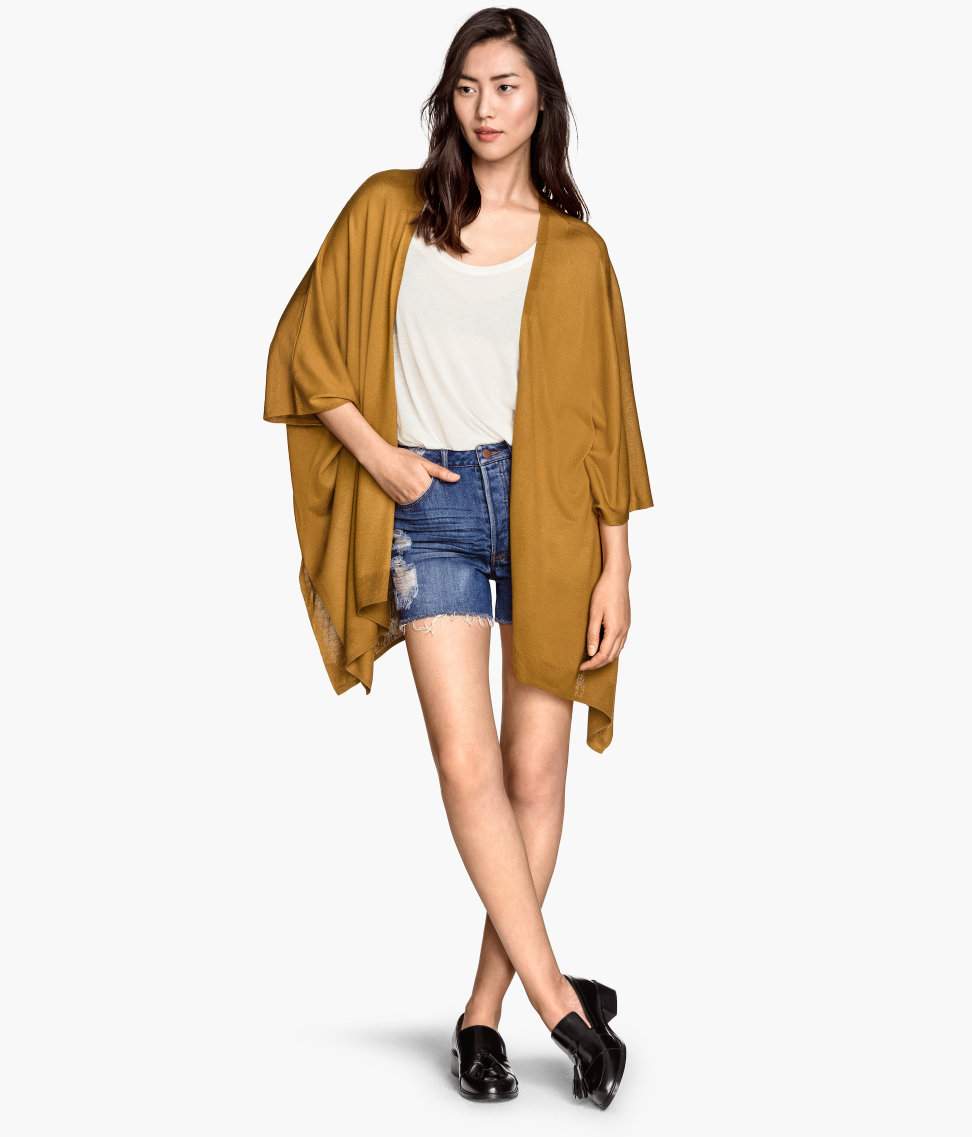
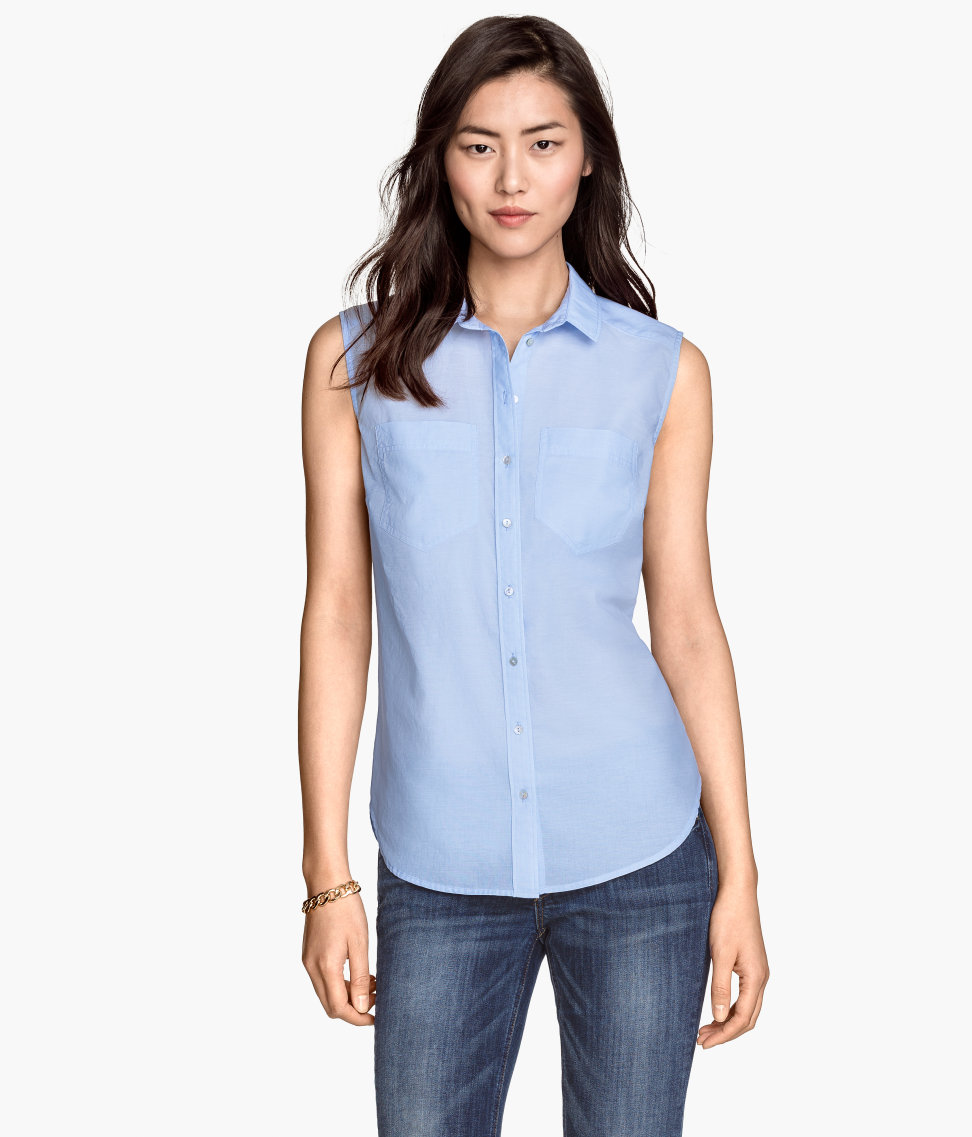
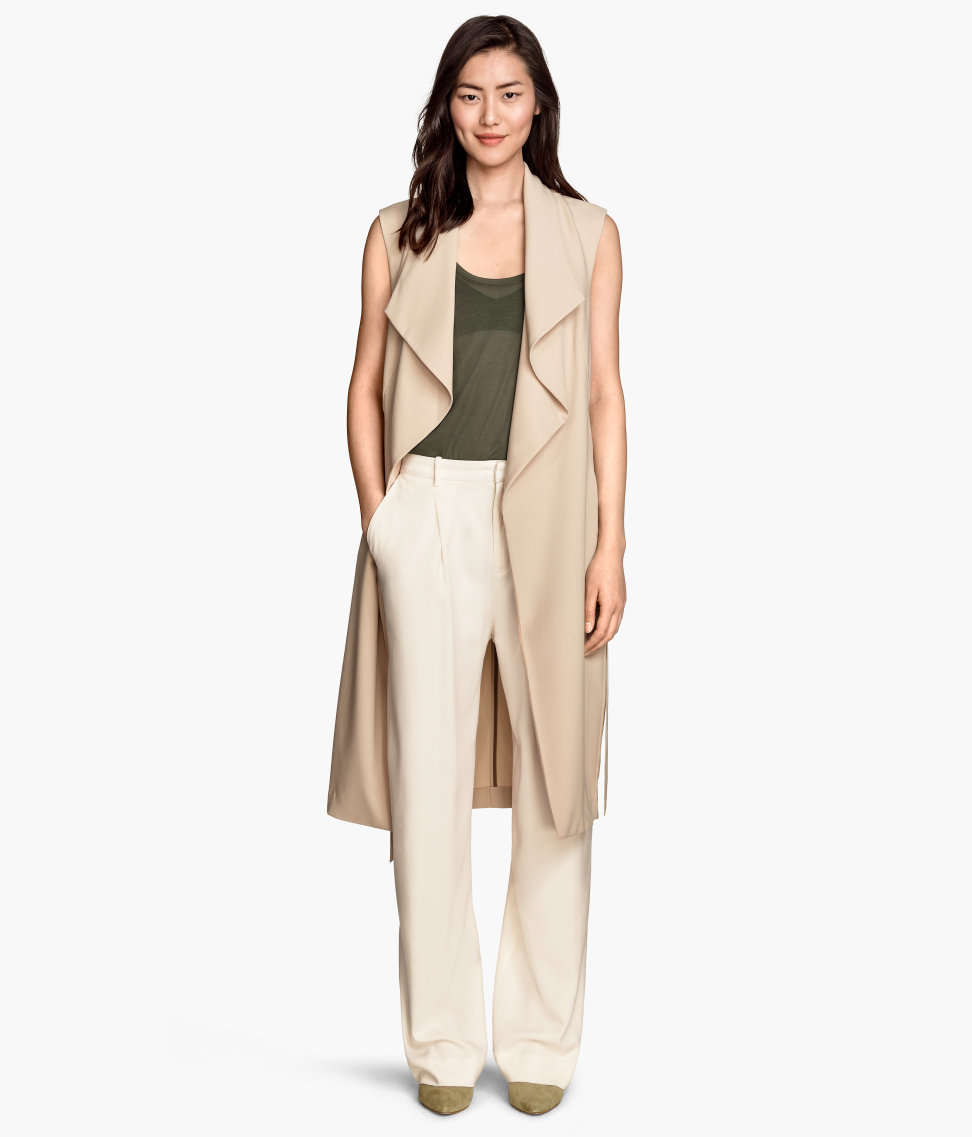
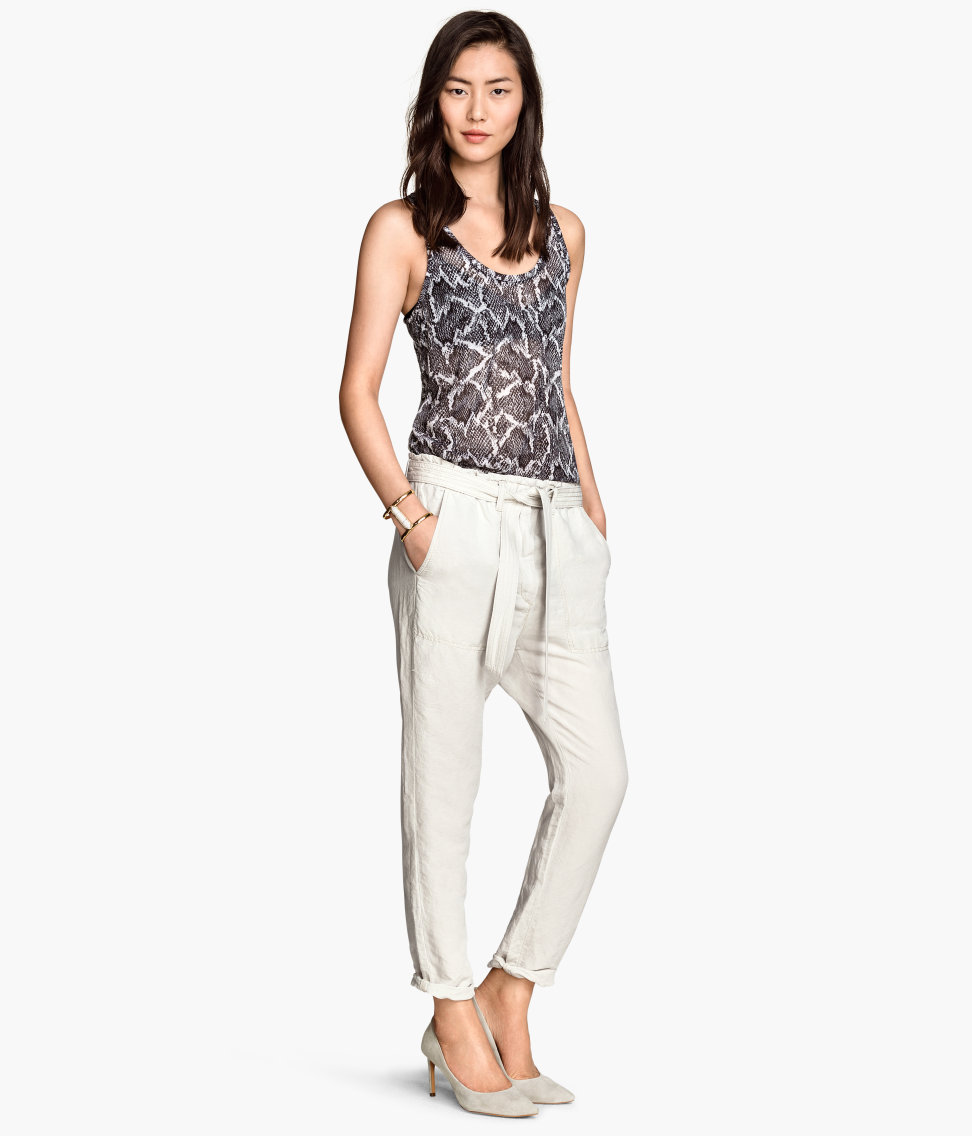
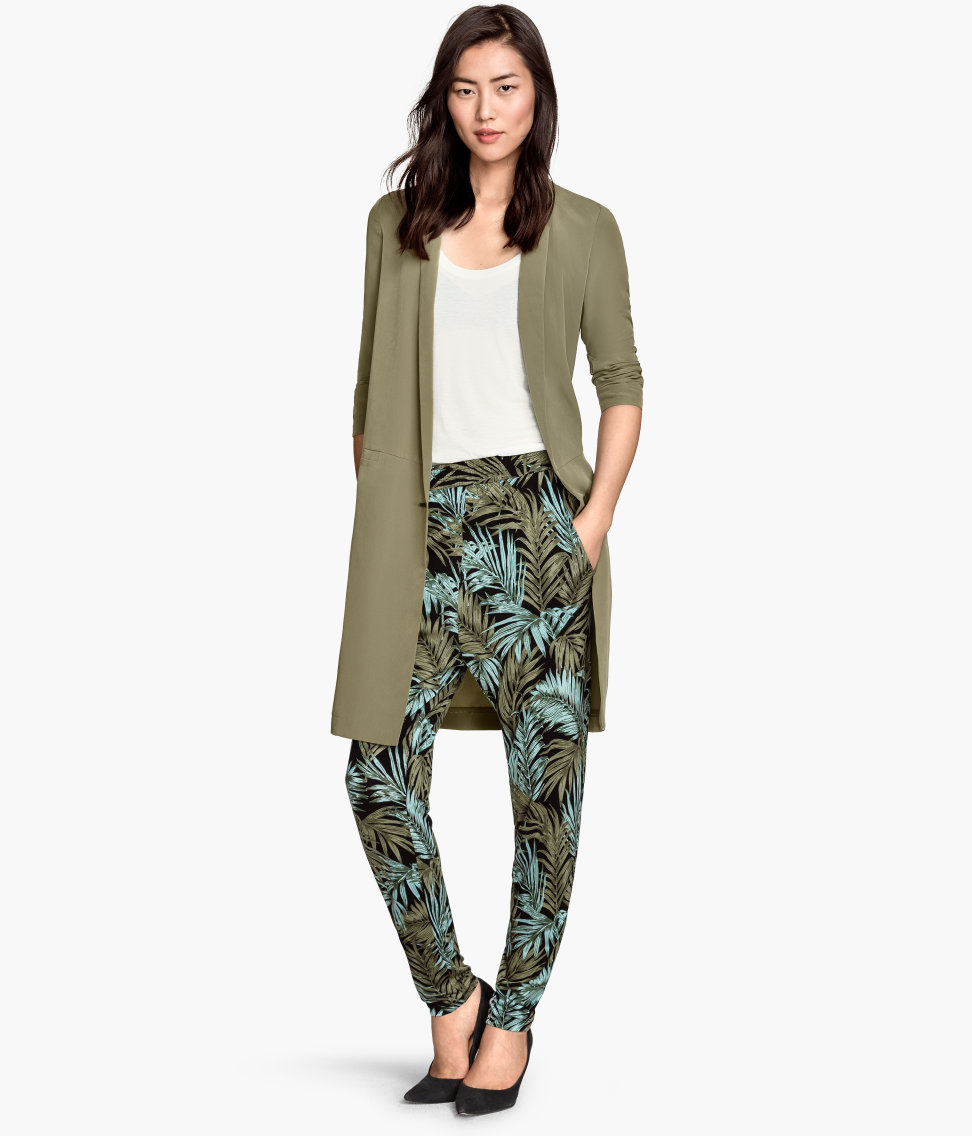

 hope there will be hq availabe or lookbook or something! Bregje looks stunning

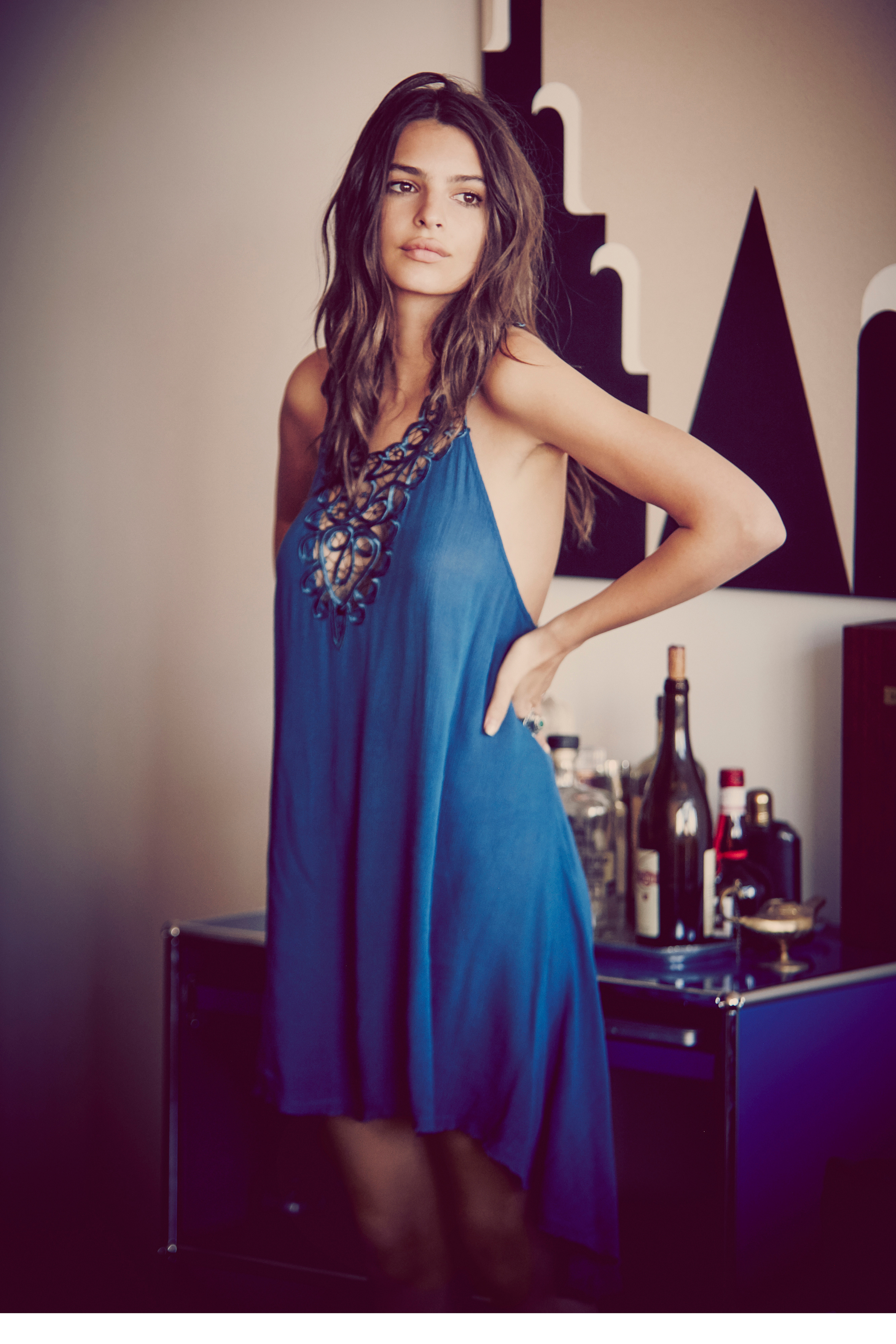
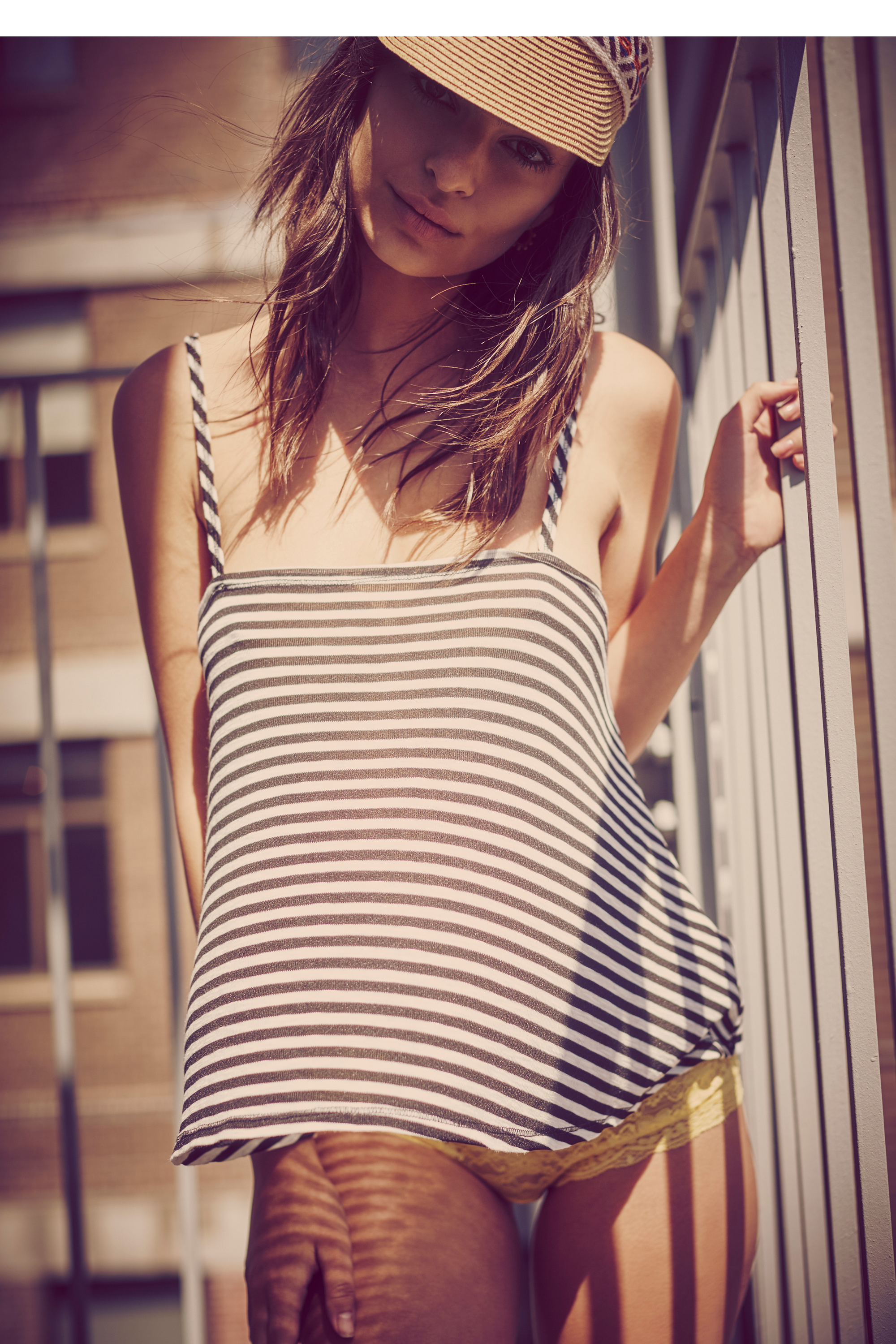
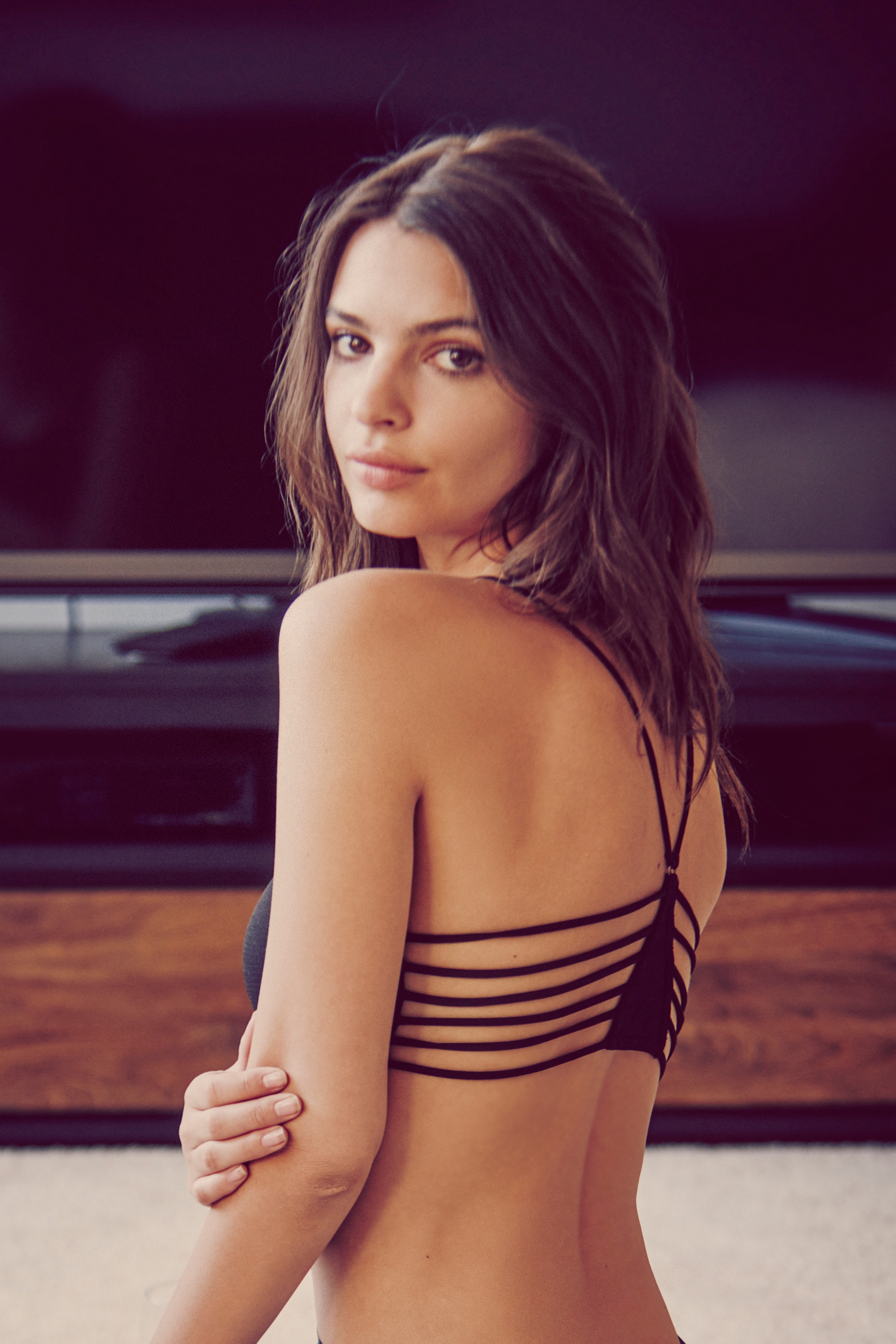
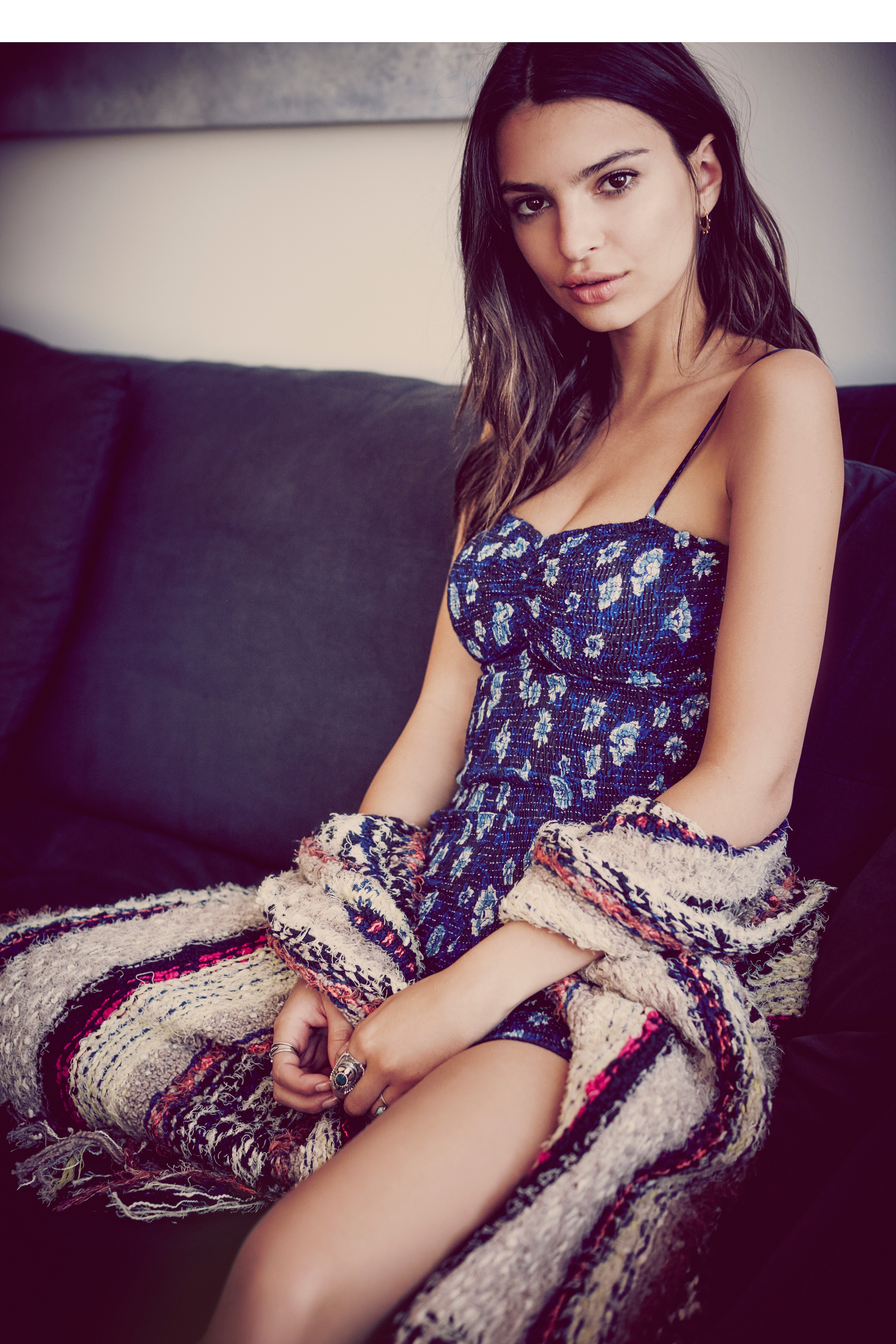
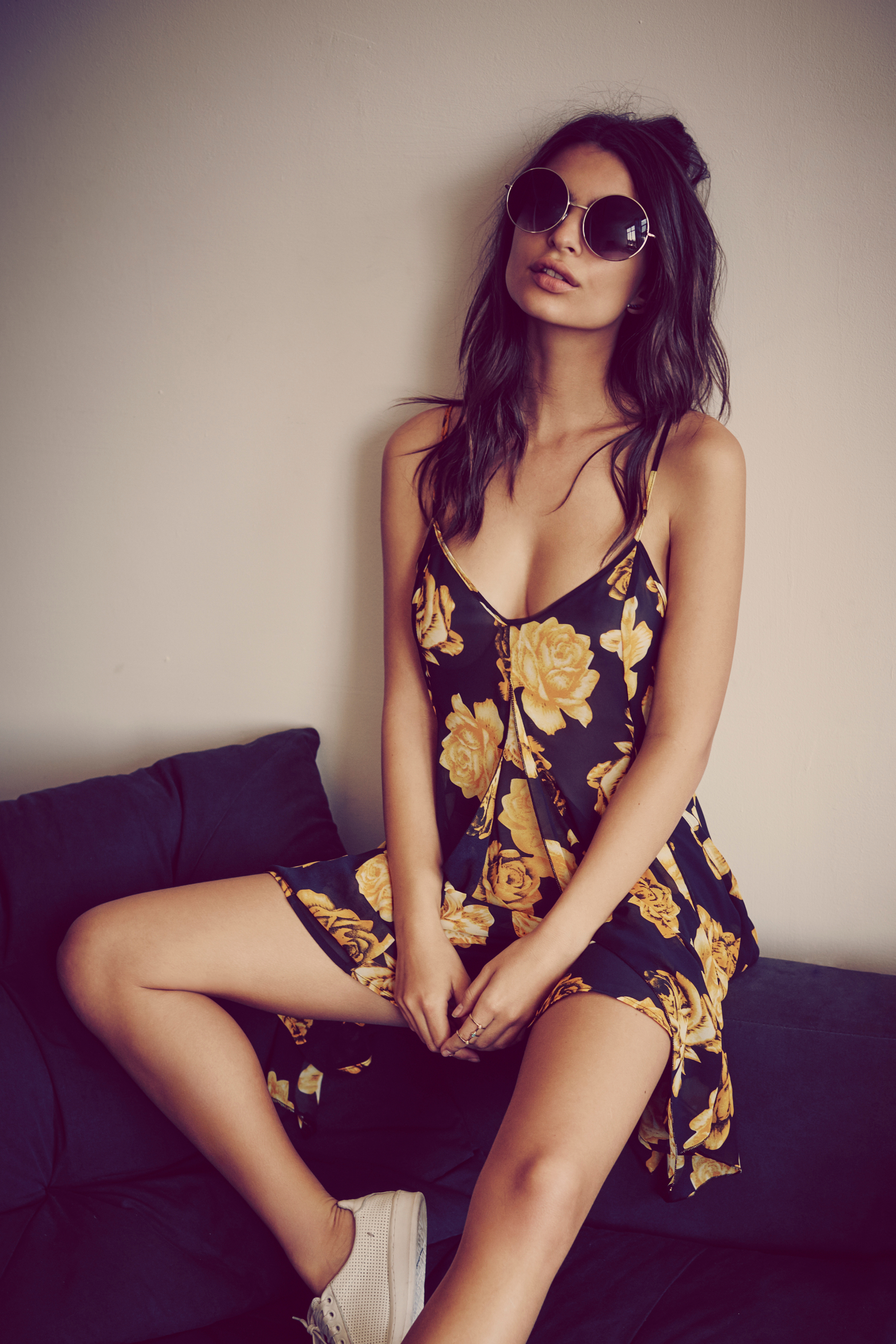
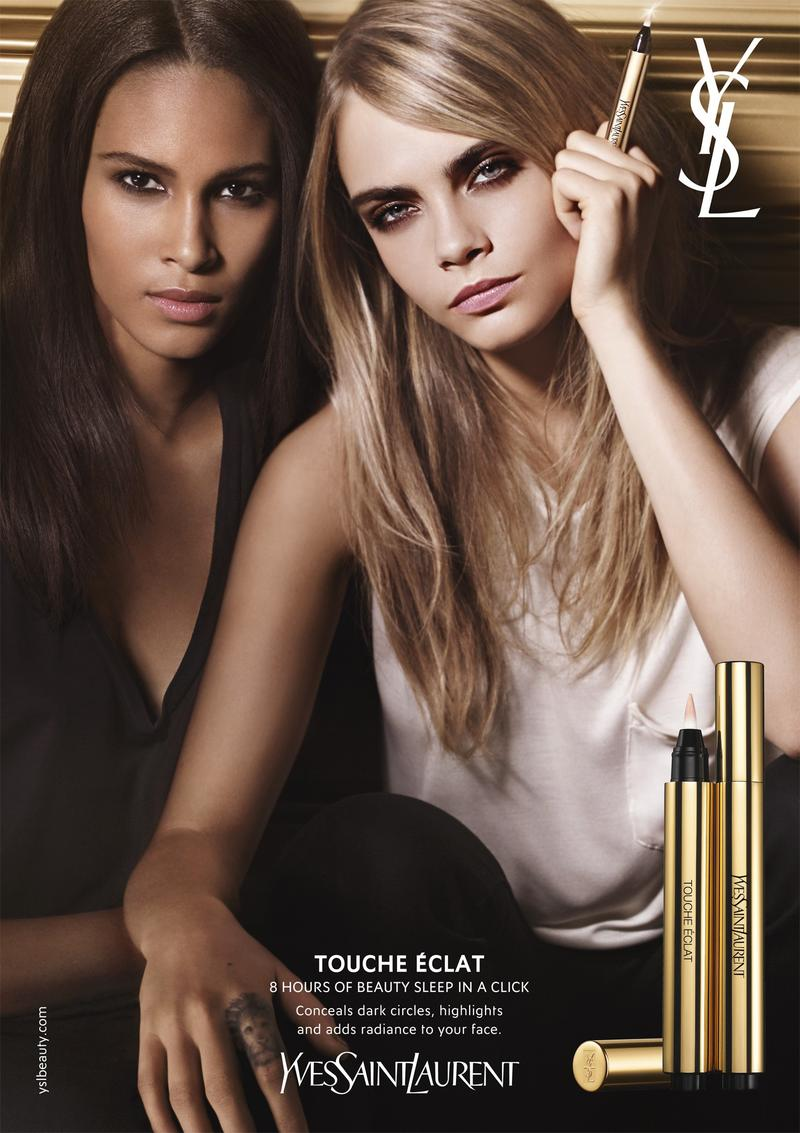

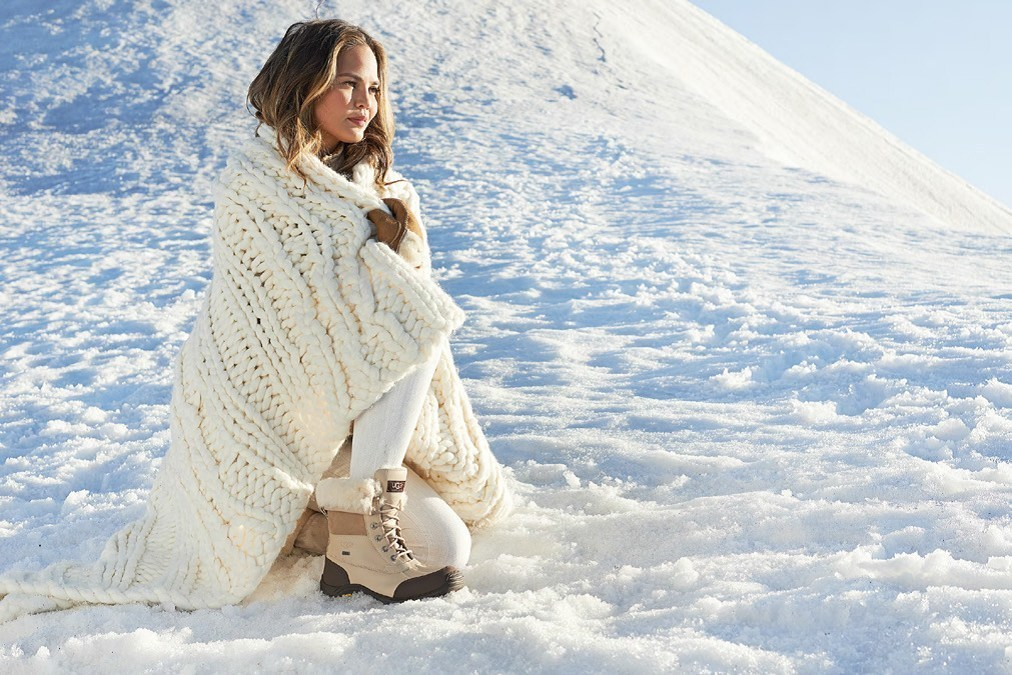
Emily Ratajkowski
in Other Females of Interest
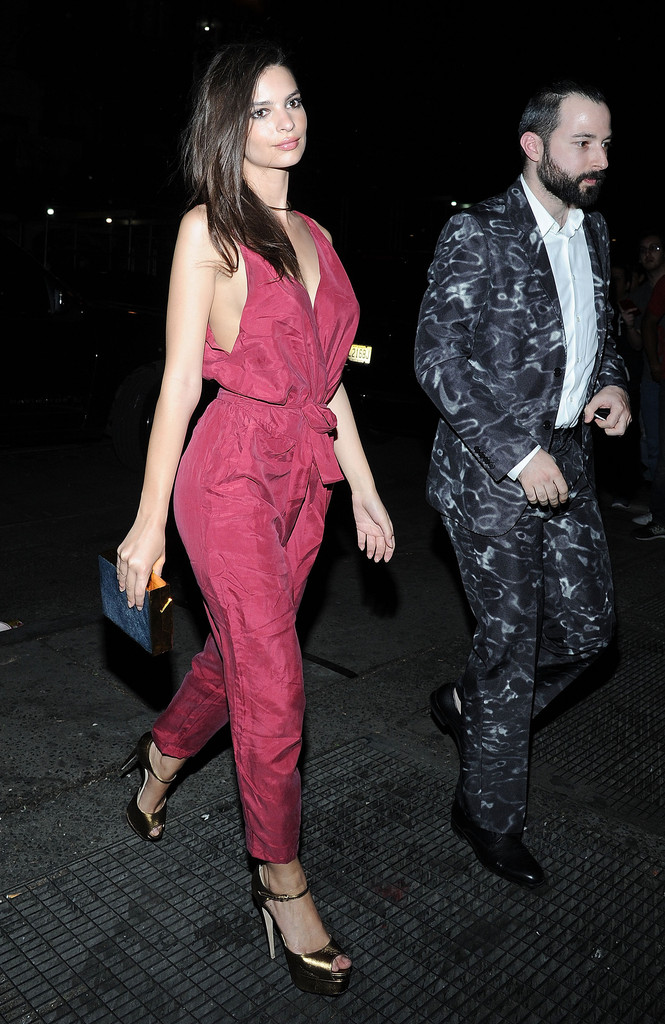
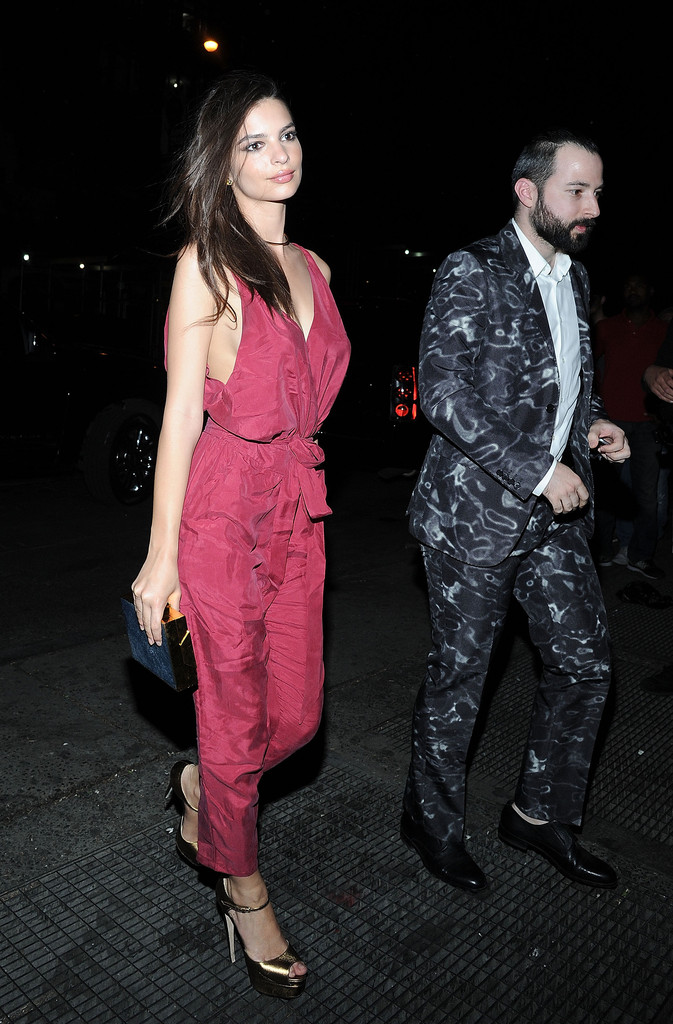
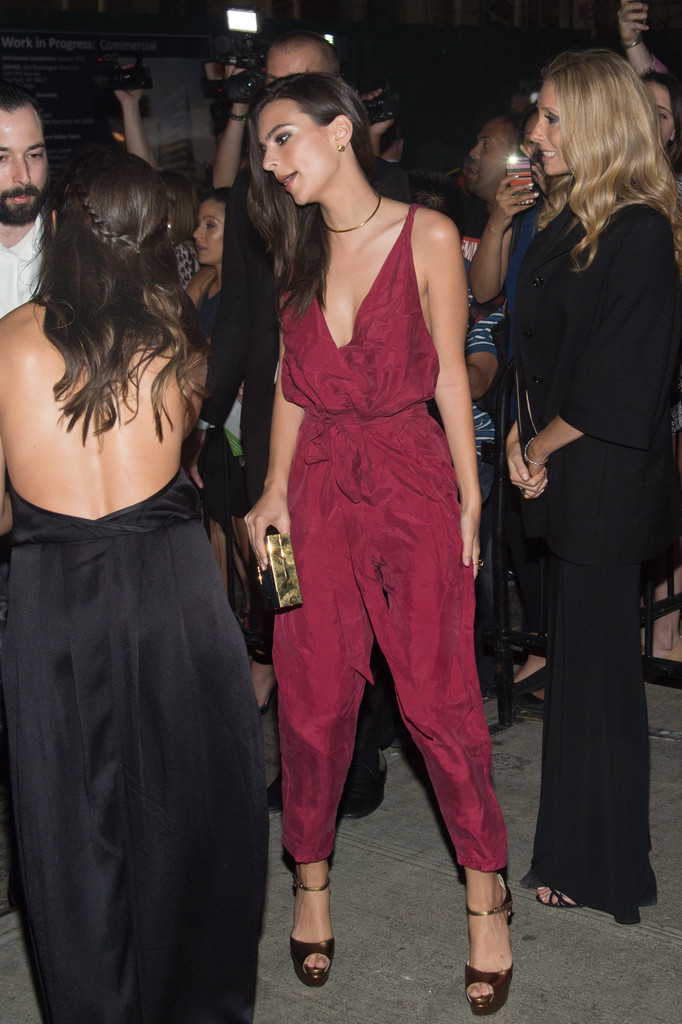
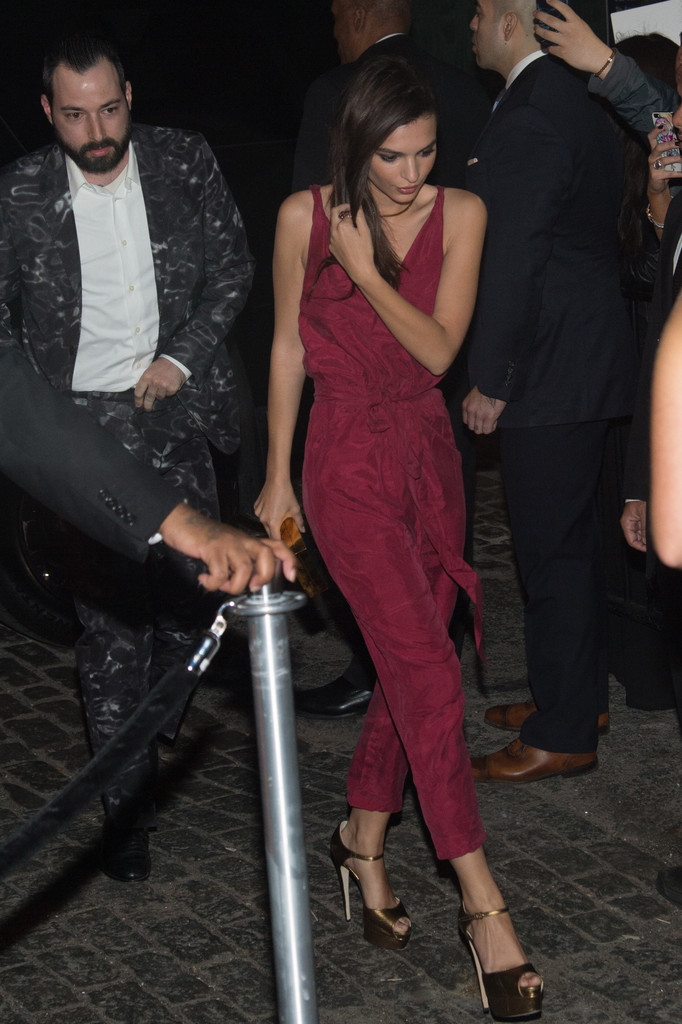
Emily Ratajkowski attends the E3 Kickoff Party Hosted By Take-Two CEO Strauss Zelnick at Cecconi's, June 15, 2015. :wub2: :wub2: