
Ariesdior
Members
-
Joined
-
Last visited
Everything posted by Ariesdior
-
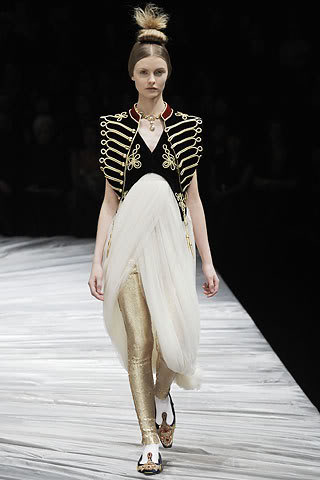
 John Galliano Fall 2008
more Alexander McQueen
Antonio Berardi Fall 2008
John Galliano Fall 2008
more Alexander McQueen
Antonio Berardi Fall 2008
 Kenzo Fall 2008
 Alexander McQueen Fall 2008
 Sonia Rykiel Fall 2008
 Giambattista Valli Fall 2008

 Valentino Fall 2008
 Dries Van Noten Fall 2008
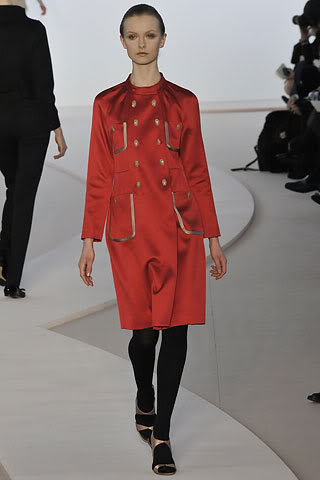
Akris Fall 2008
Andrew Gn Fall 2008
Dries Van Noten Fall 2008
Akris Fall 2008
Andrew Gn Fall 2008

 Jeremy Scott Fall 2008
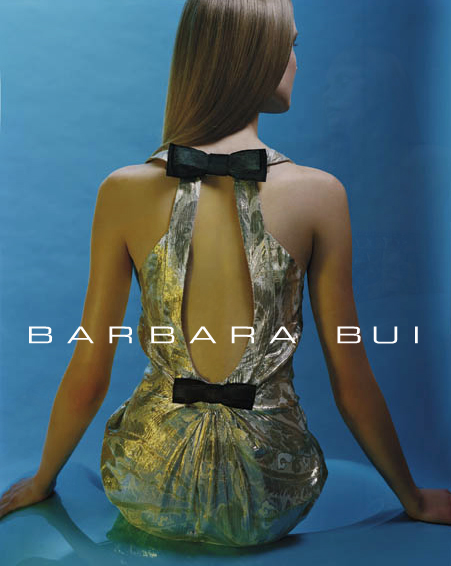
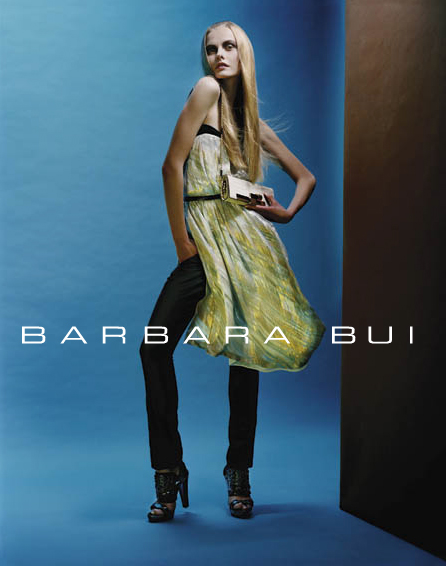
Barbara Bui S/S 2008
Jeremy Scott Fall 2008
Barbara Bui S/S 2008


 Christian Dior Fall 2008
 Dolce & Gabbana Fall 2008
 Emilio Pucci Fall 2008
 Alessandro Dell'Acqua Fall 2008
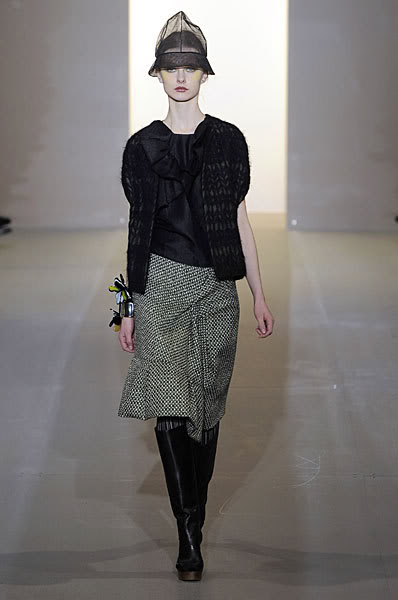
Marni Fall 2008
Alessandro Dell'Acqua Fall 2008
Marni Fall 2008



















Account
Navigation
Search
Configure browser push notifications
Chrome (Android)
- Tap the lock icon next to the address bar.
- Tap Permissions → Notifications.
- Adjust your preference.
Chrome (Desktop)
- Click the padlock icon in the address bar.
- Select Site settings.
- Find Notifications and adjust your preference.
Safari (iOS 16.4+)
- Ensure the site is installed via Add to Home Screen.
- Open Settings App → Notifications.
- Find your app name and adjust your preference.
Safari (macOS)
- Go to Safari → Preferences.
- Click the Websites tab.
- Select Notifications in the sidebar.
- Find this website and adjust your preference.
Edge (Android)
- Tap the lock icon next to the address bar.
- Tap Permissions.
- Find Notifications and adjust your preference.
Edge (Desktop)
- Click the padlock icon in the address bar.
- Click Permissions for this site.
- Find Notifications and adjust your preference.
Firefox (Android)
- Go to Settings → Site permissions.
- Tap Notifications.
- Find this site in the list and adjust your preference.
Firefox (Desktop)
- Open Firefox Settings.
- Search for Notifications.
- Find this site in the list and adjust your preference.