Jump to content
View in the app

A better way to browse. Learn more.

Bellazon

A full-screen app on your home screen with push notifications, badges and more.

To install this app on iOS and iPadOS
  1. Tap the Share icon in Safari
  2. Scroll the menu and tap Add to Home Screen.
  3. Tap Add in the top-right corner.
To install this app on Android
  1. Tap the 3-dot menu (⋮) in the top-right corner of the browser.
  2. Tap Add to Home screen or Install app.
  3. Confirm by tapping Install.

ssender

Members
  • Joined

  • Last visited

Posts posted by ssender

  1. Guys, let's shake ourselves together.

    Enjoy !! :wub:

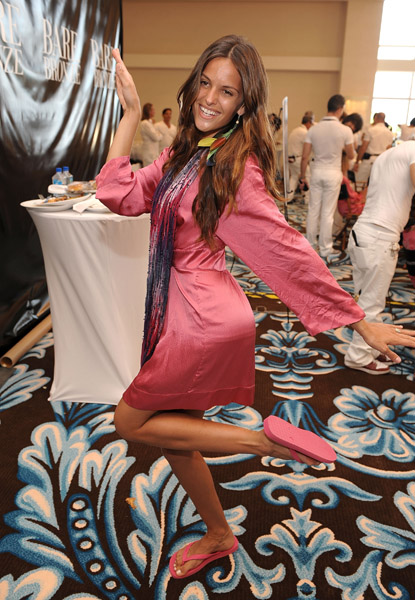
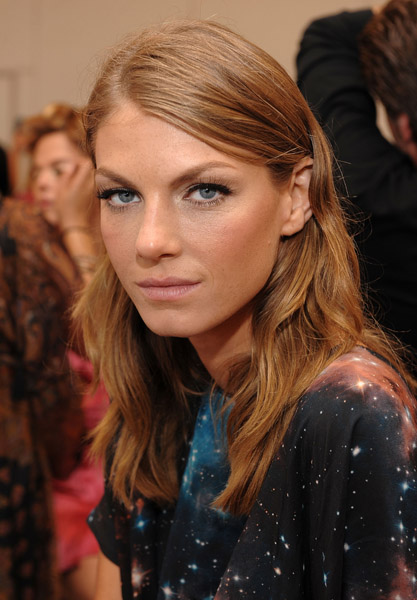
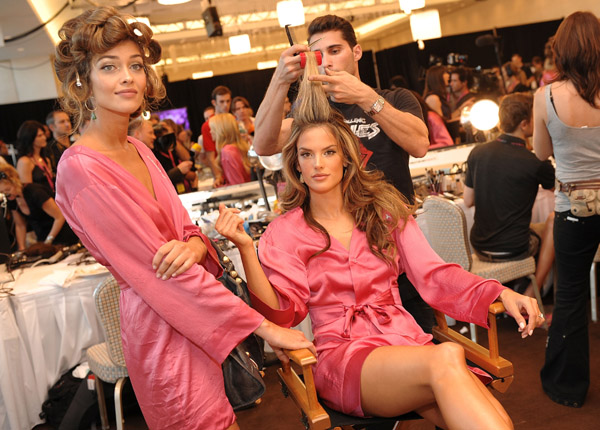
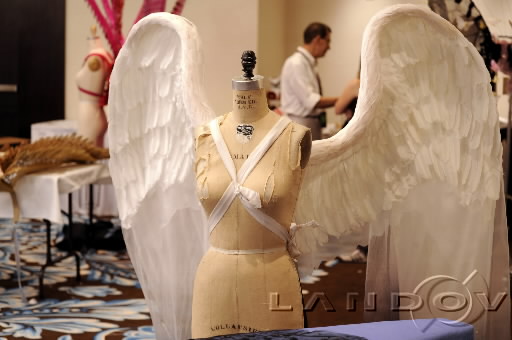
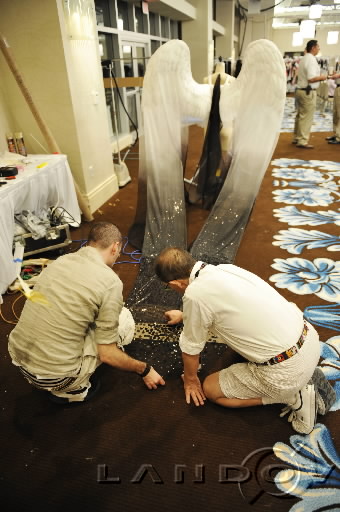
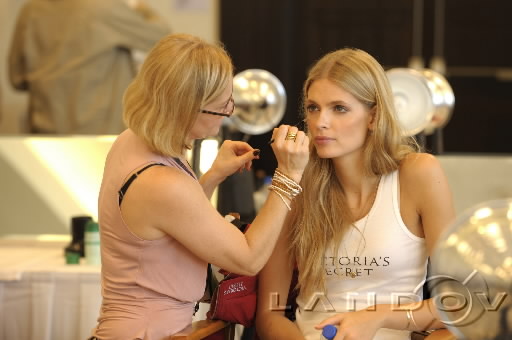
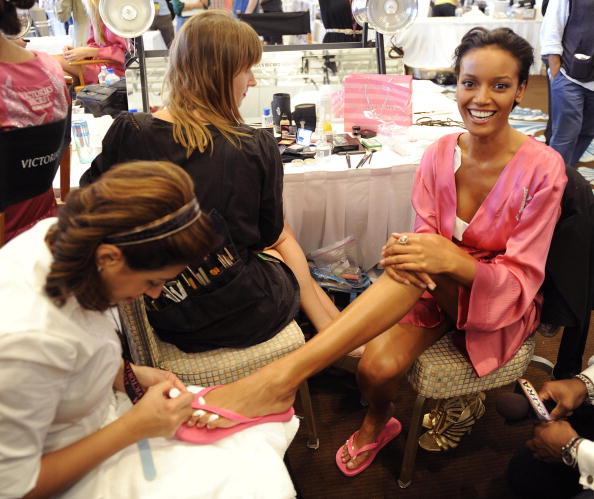
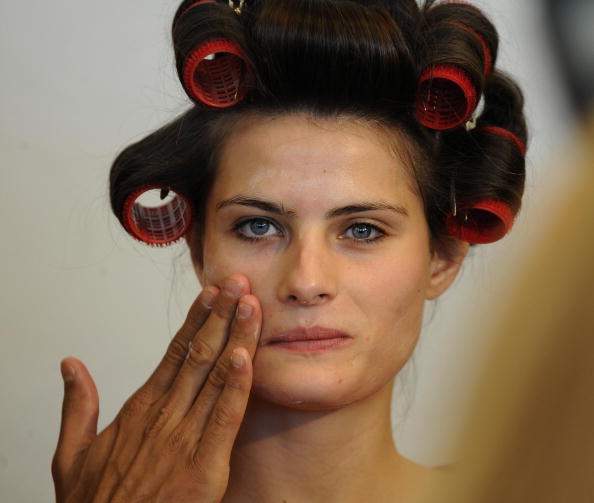
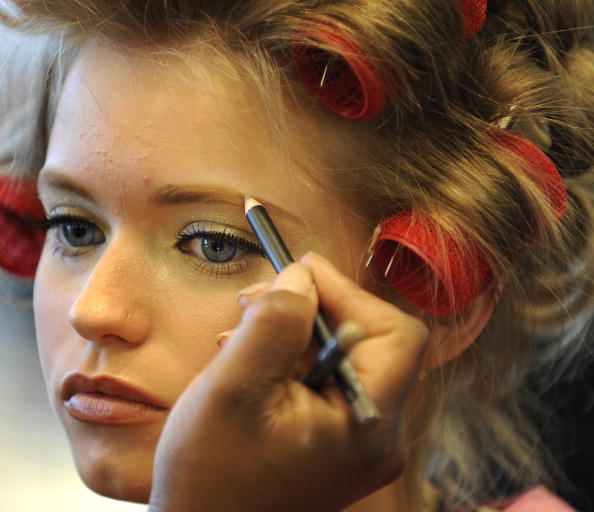
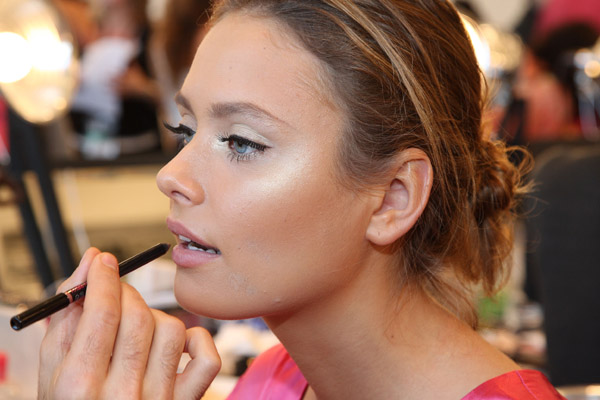
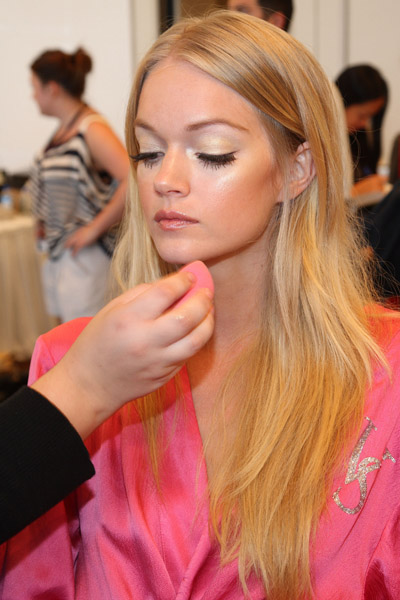
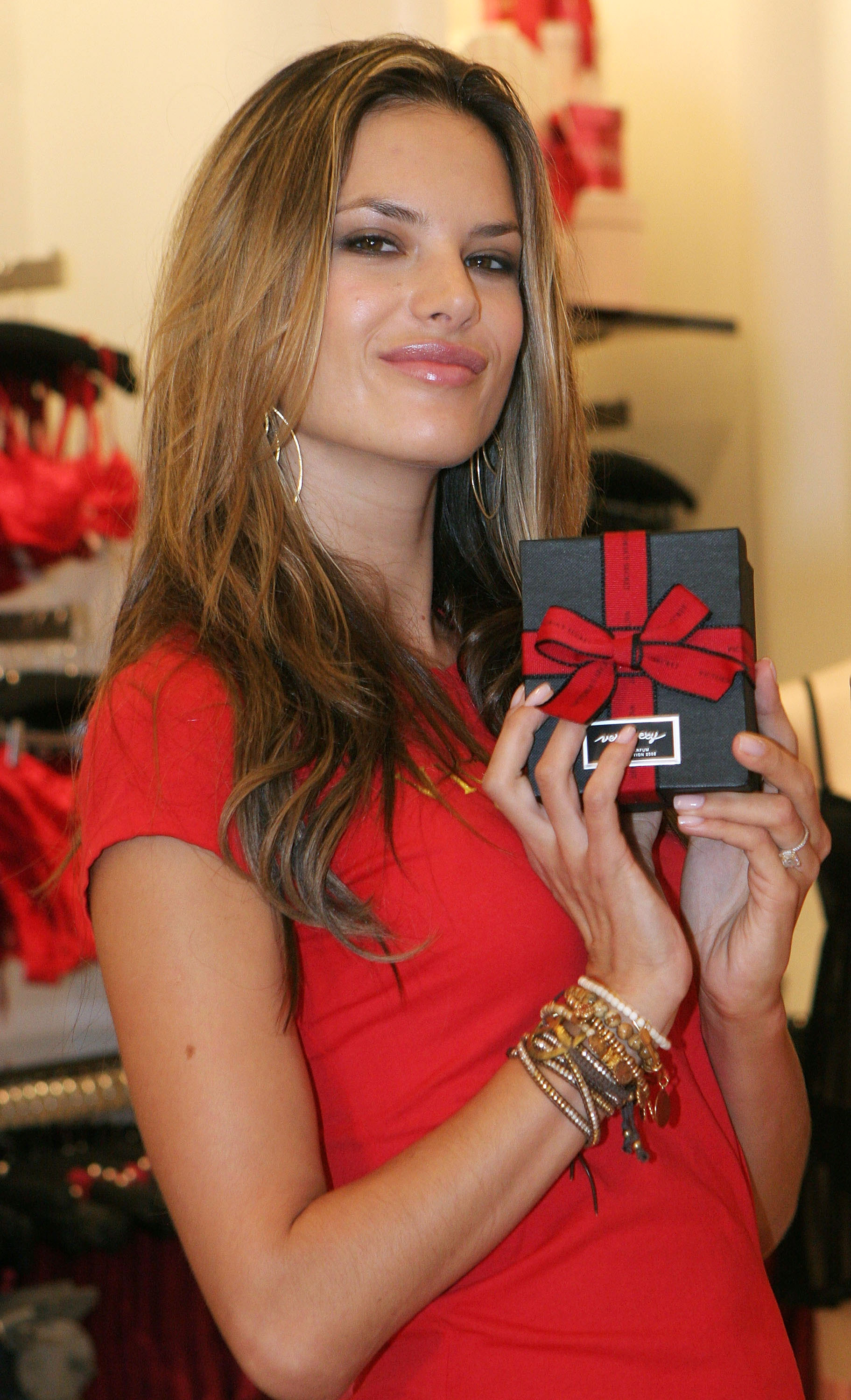
    Victoria`s Secret Angels Holiday Shopping Event At Lincoln Road Store in Miami

    Miami - FL - November, 13 2008

    * The angels are Miranda Kerr, Alessandra Ambrosio, Marisa Miller, Selita Ebanks, Karolina Kurkova,

    Doutzen Kroes, Heidi Klum, Behati Prinsloo & Adriana Lima

    post-4767-1226625024_thumb.jpg

    post-4767-1226625071_thumb.jpg

    post-4767-1226625105_thumb.jpg

    post-4767-1226625145_thumb.jpg

    post-4767-1226625180_thumb.jpg

    post-4767-1226625222_thumb.jpg

    post-4767-1226625263_thumb.jpg

    post-4767-1226625302_thumb.jpg

    post-4767-1226625362_thumb.jpg

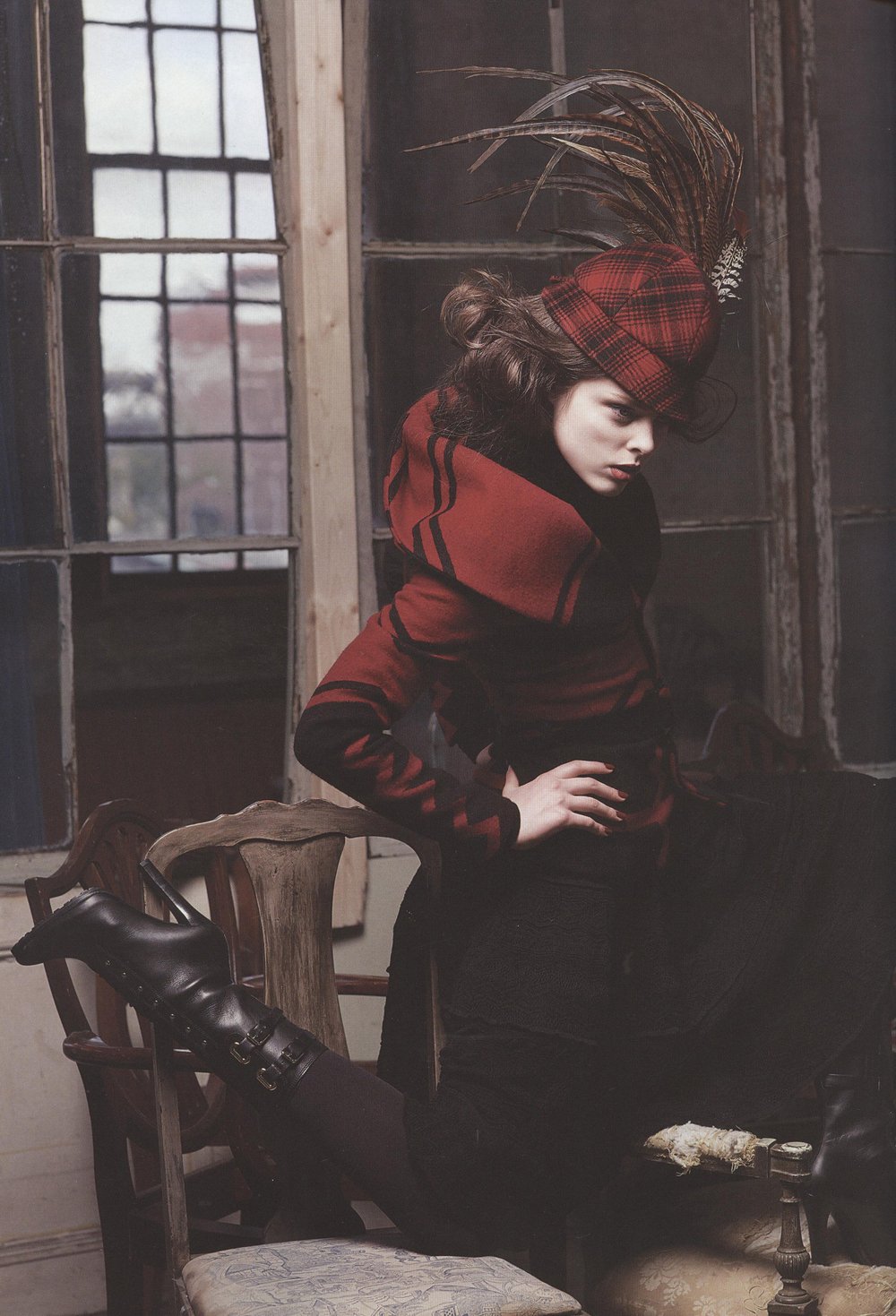
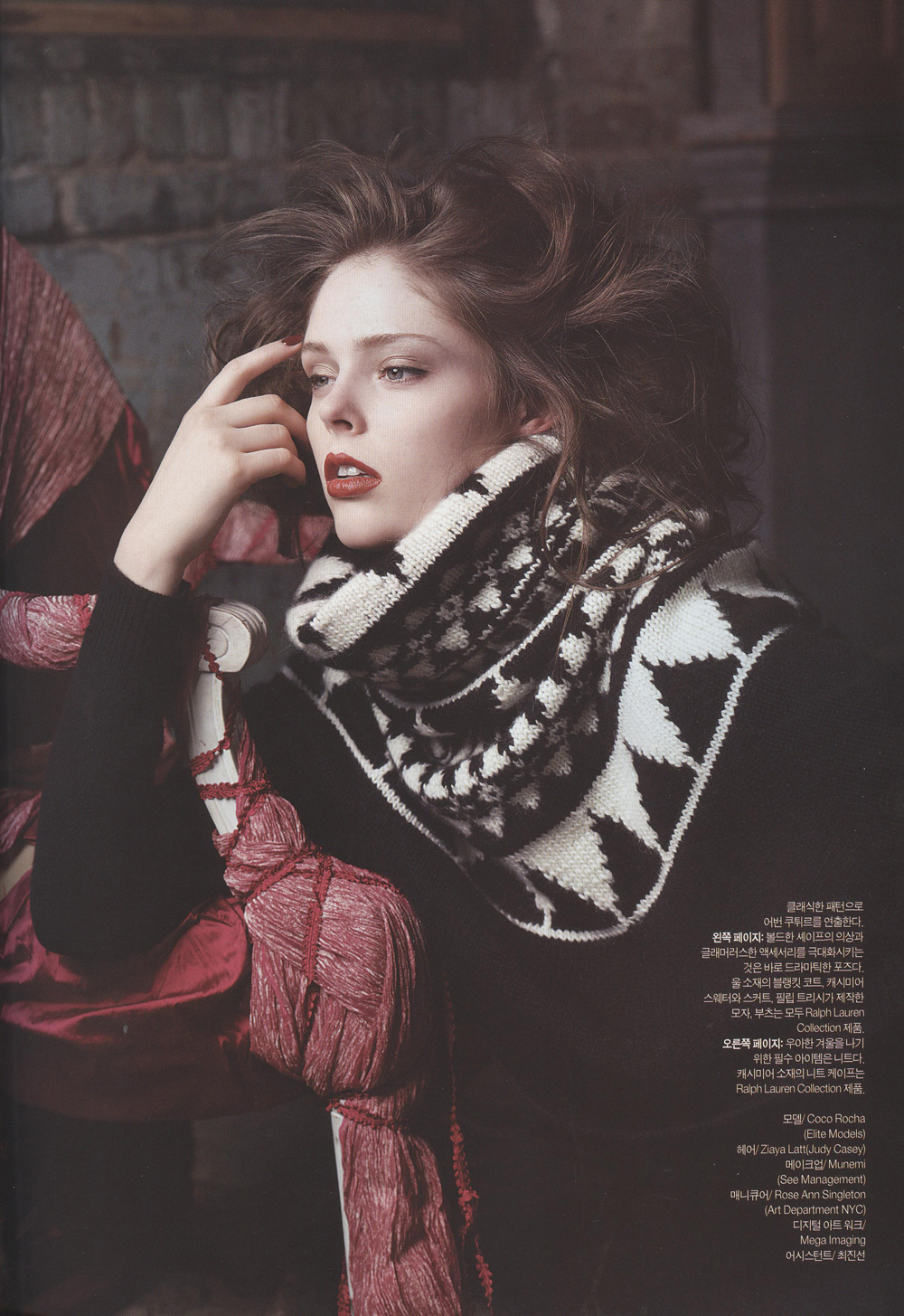
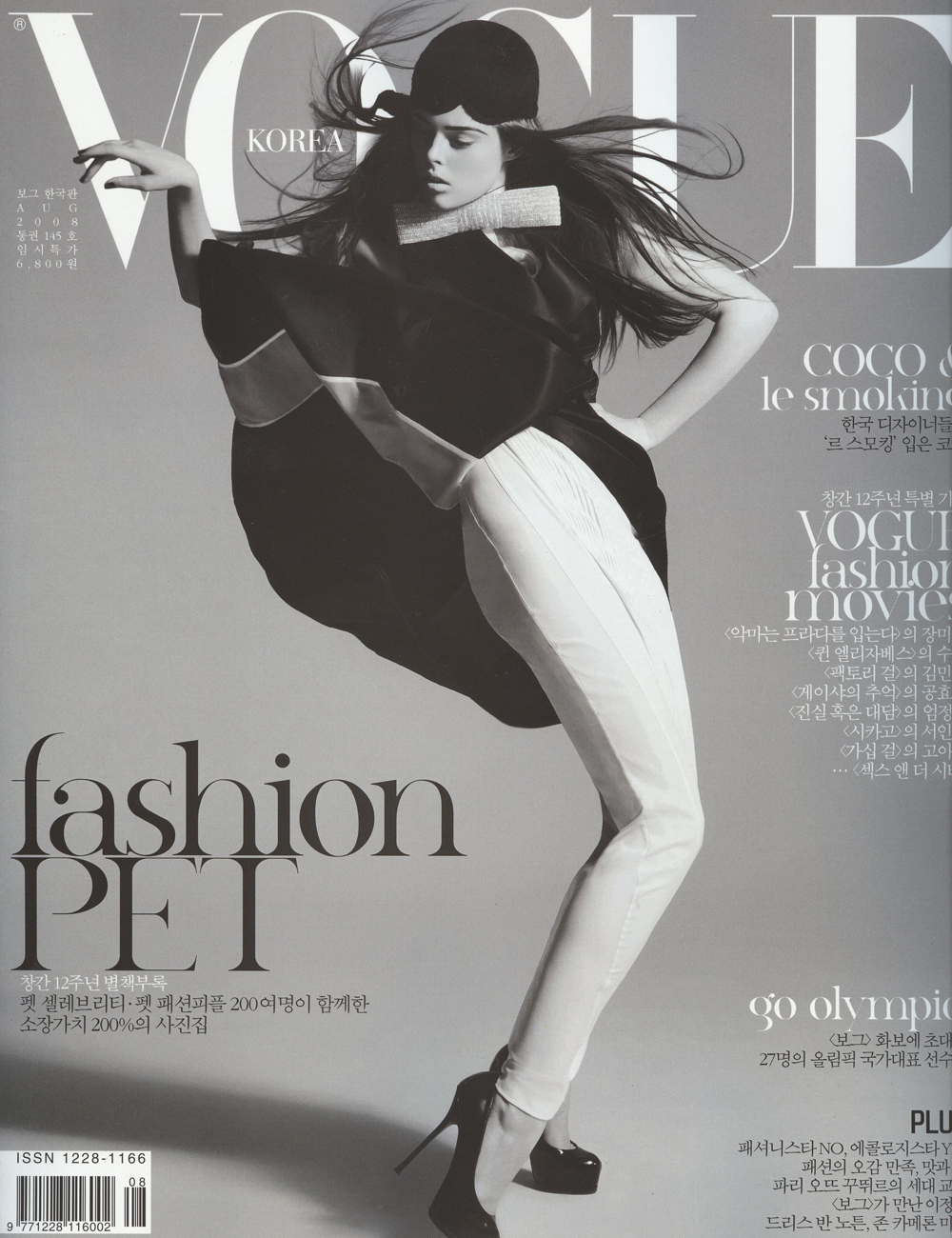
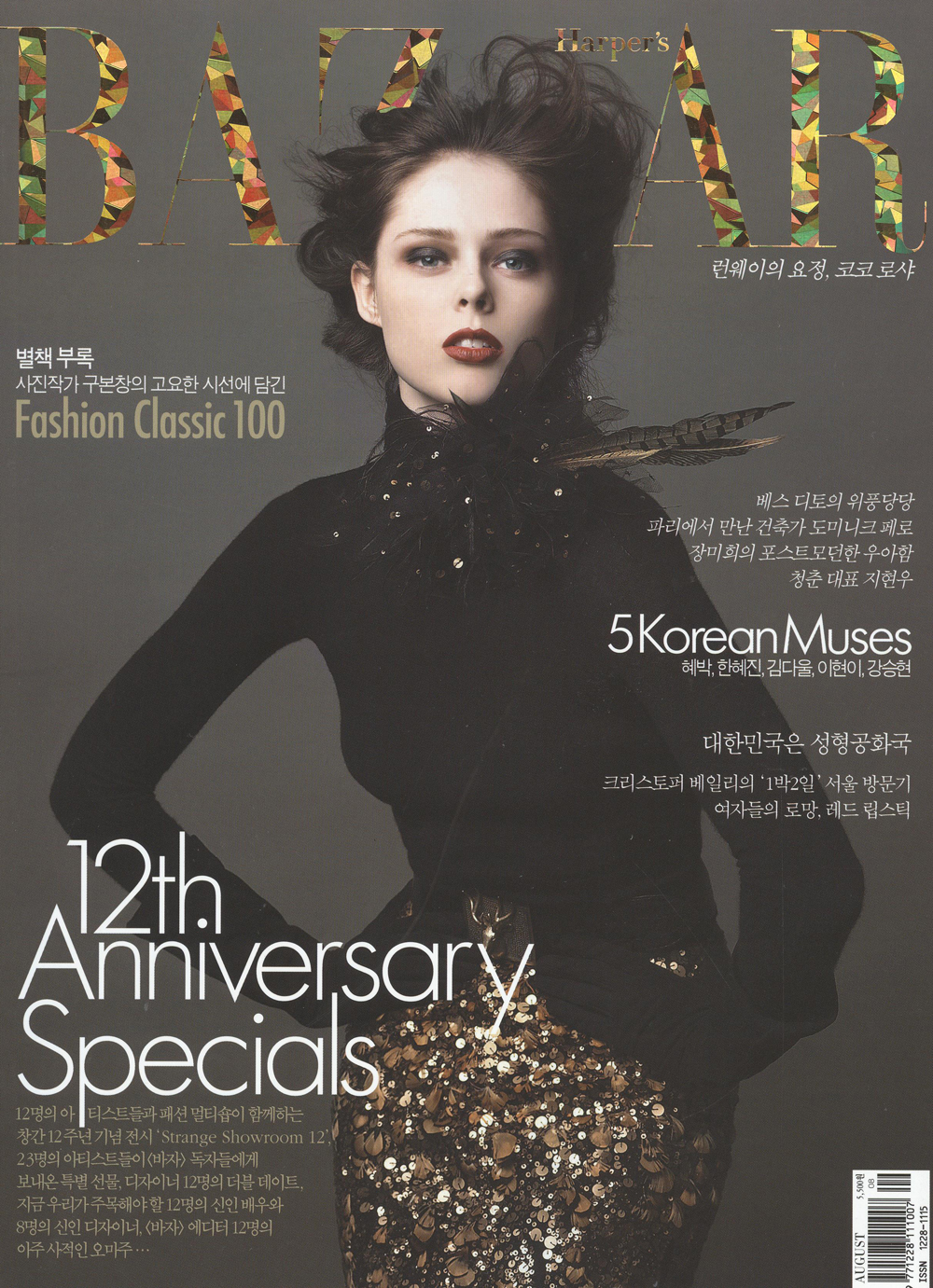
  2. Vogue Korea August 2008 Cover & Harper's Bazaar Korea August 2008 Cover

    Both magazines's cover girls are Coco Rosha !!

    Furthermore, both are 12th anniversary issue. :heart:

    Same Coco, but feelings are so different.

    * Scanned by me, Ssender@Bellazon.

    Enjoy :wave:

    post-4767-1217140699_thumb.jpg

    post-4767-1217140741_thumb.jpg

  3. Coco in Korea? Or is it Pirelli?

    post-4767-0-1446186822-56352_thumb.jpg

    Dude... this old lady is so fab! hahaahhaha! She's so hip in her cruiser!!! She should party with Aggy! hahahahaah!

    oh yeah... and coco too! hahahhaha!

    Haha, definitely not Korea.

    It looks like China maybe, but Coco's cover of Vogue Korea (Dec.) was awesome !! :wave:

Configure browser push notifications

Chrome (Android)
  1. Tap the lock icon next to the address bar.
  2. Tap Permissions → Notifications.
  3. Adjust your preference.
Chrome (Desktop)
  1. Click the padlock icon in the address bar.
  2. Select Site settings.
  3. Find Notifications and adjust your preference.