
dobromir11
Members
-
Joined
-
Last visited
Everything posted by dobromir11
-
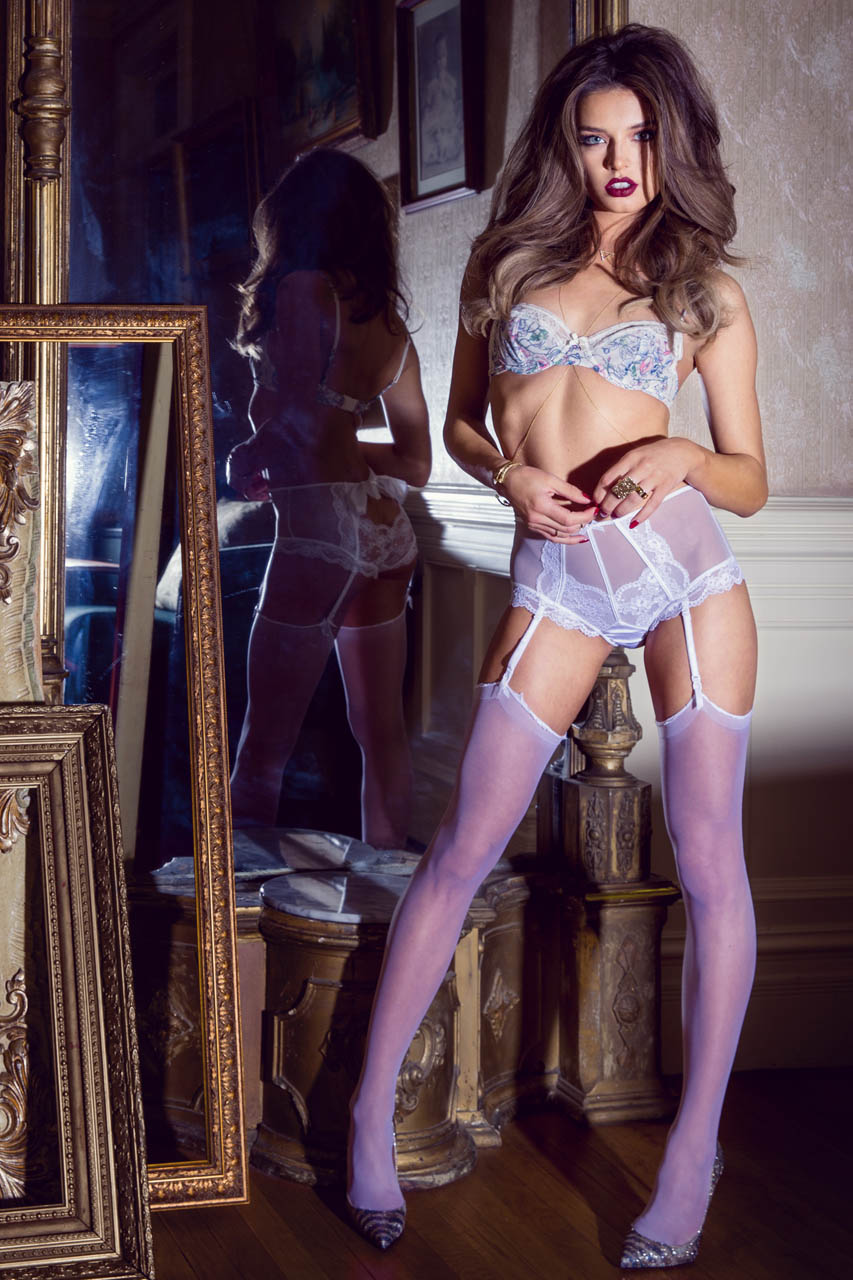
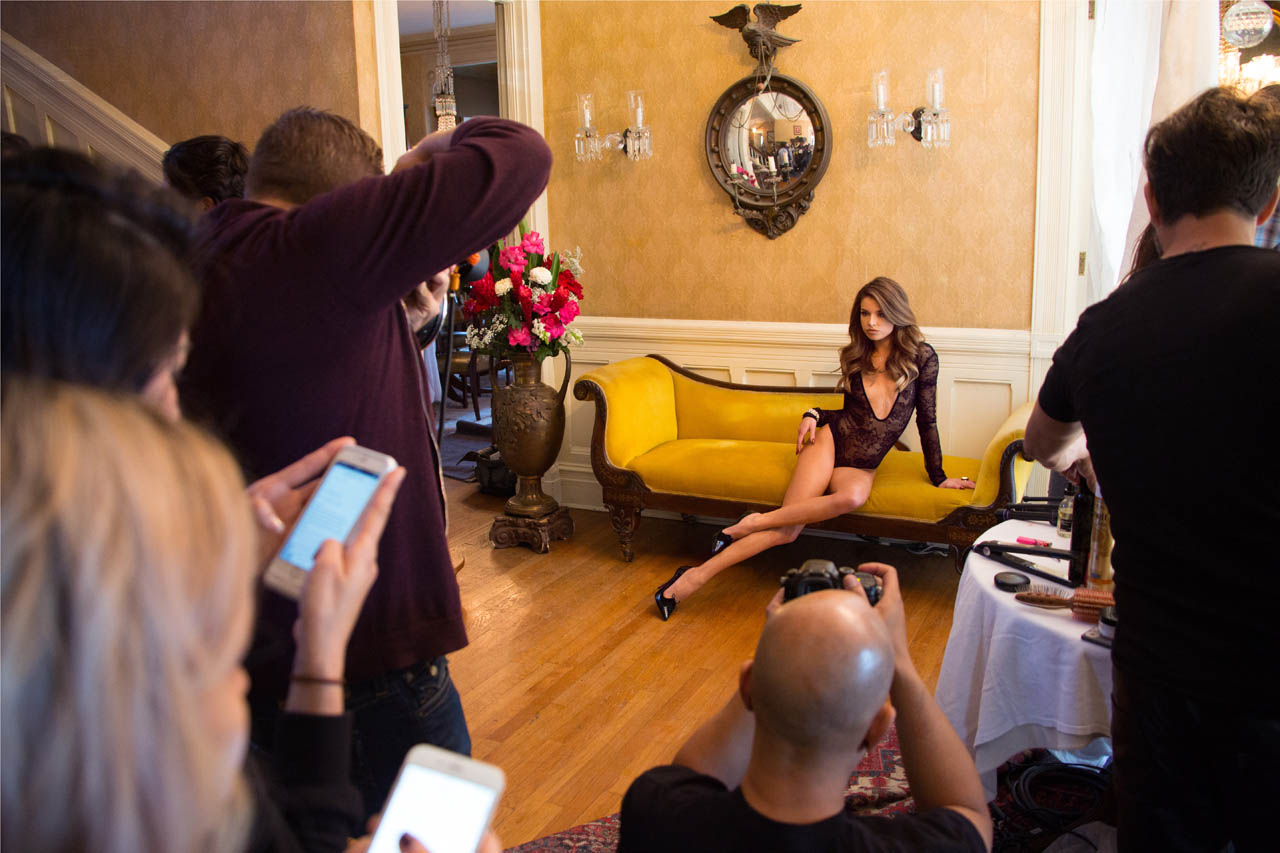
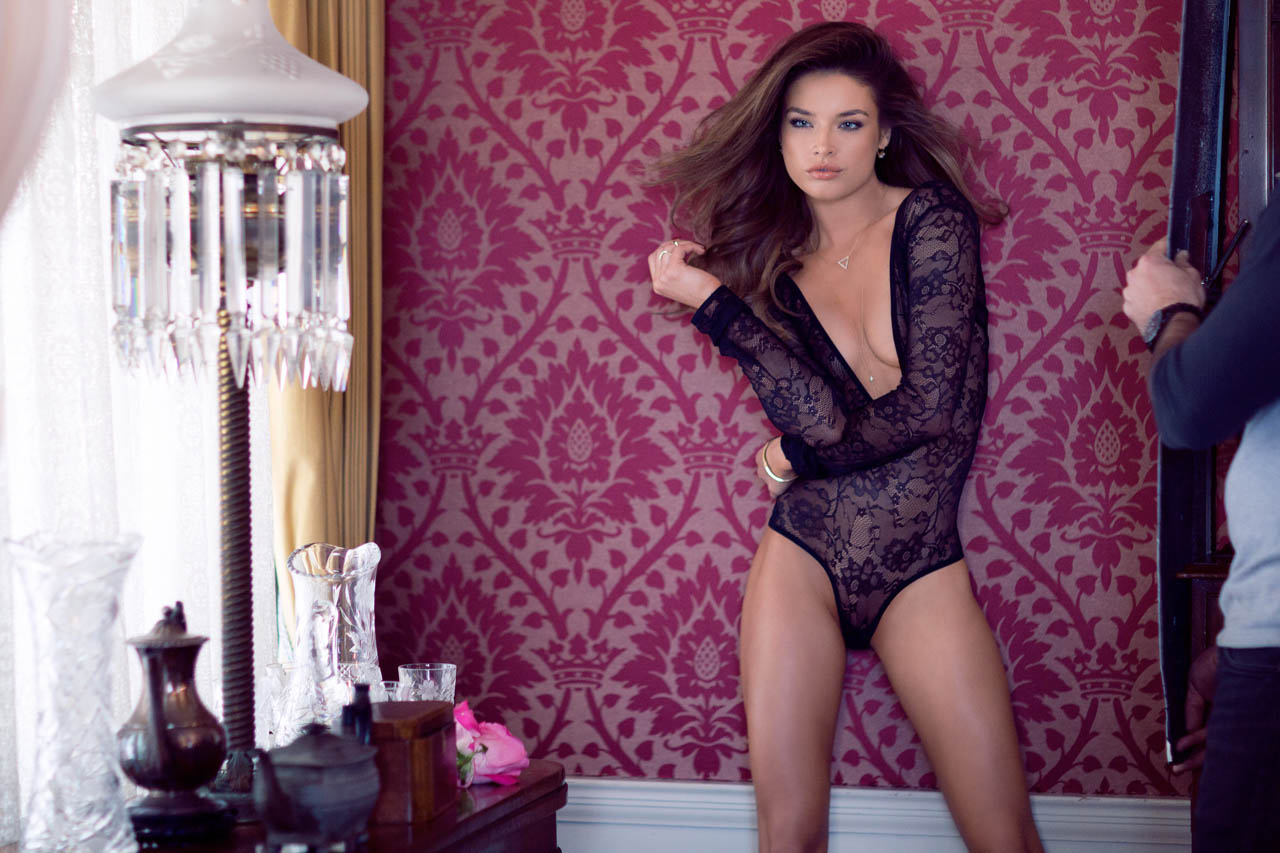
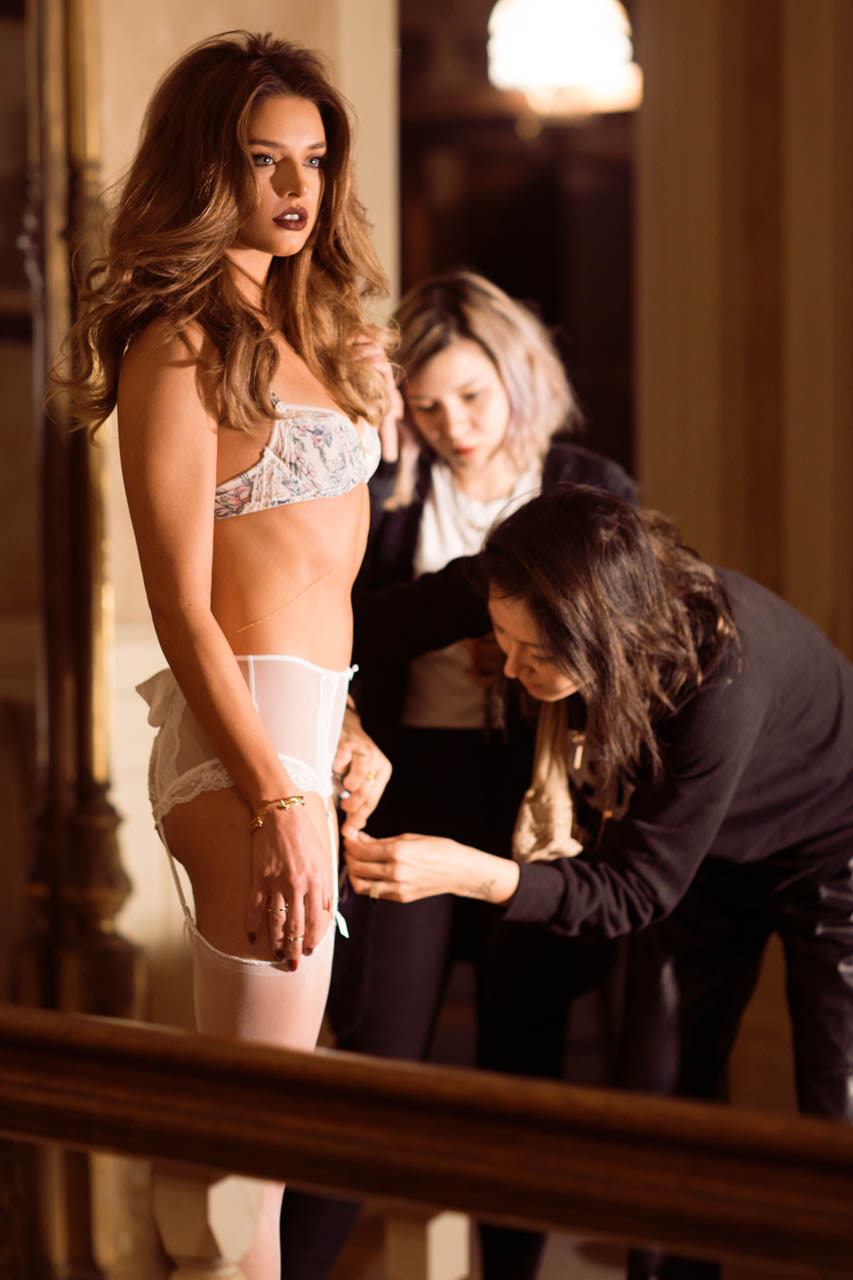
 by Emanuele Ferrari x2 Parah Lingerie UHQ x4





-
Chelsie Aryn, Dani Mathers, Maggie May - Valley Girls NUDE
-
Tiffany Hagler-Geard x2


-
Richesse - PB+ NUDE















-
Nice to see her thread here:) Thank You guys!
- 18 replies
-
- chicago
- dancer
- keyara watts
- model
-
Tagged with:
-
The Lap of Luxury - PB+ NUDE

















-
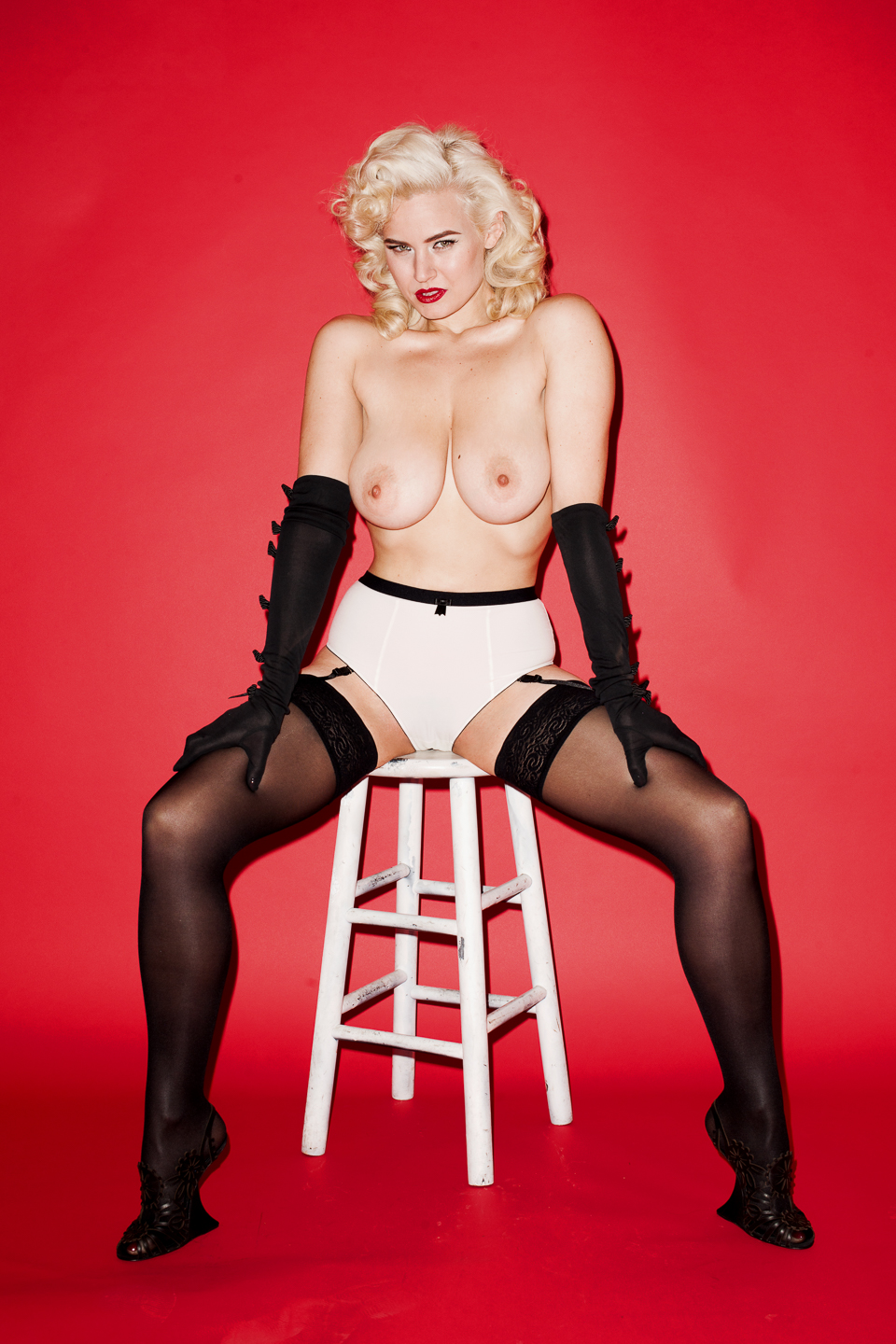
By Terry Richardson NUDE










-
Valley Girls - Preview
-
GIFs
-
Brittany Brousseau - Miss May 2015 - Behind The Scene


























-
Neave Bozorgi - BTS By Alessandra Fiorini (This set was probably posted but search not found) Guys, If You can please always add some info for any post with images. It will be easier for future to find what was posted and what wasnt. Thanks













-
PB Mag 2015-05 - Valley Girls NUDE
-
Trever Hoehne HQ If it was posted before, sorry


-
This Dorf should be now really lucky men
-
Thanks Shale for updates I hope she will have now much more time for modelling and new content will be coming very, very soon.
-
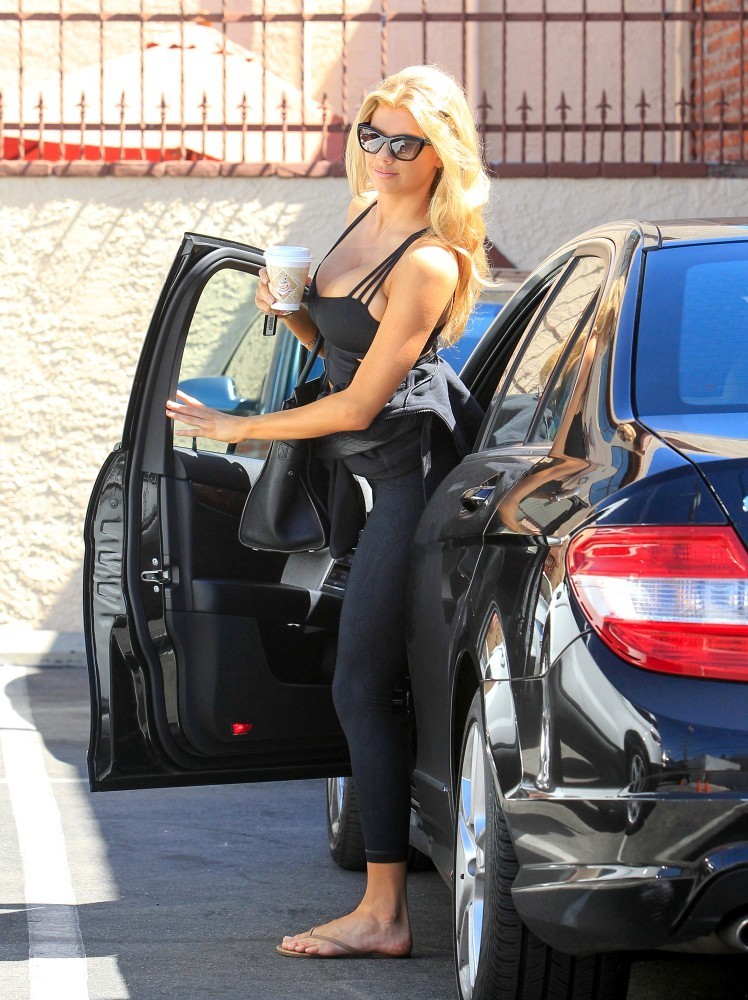
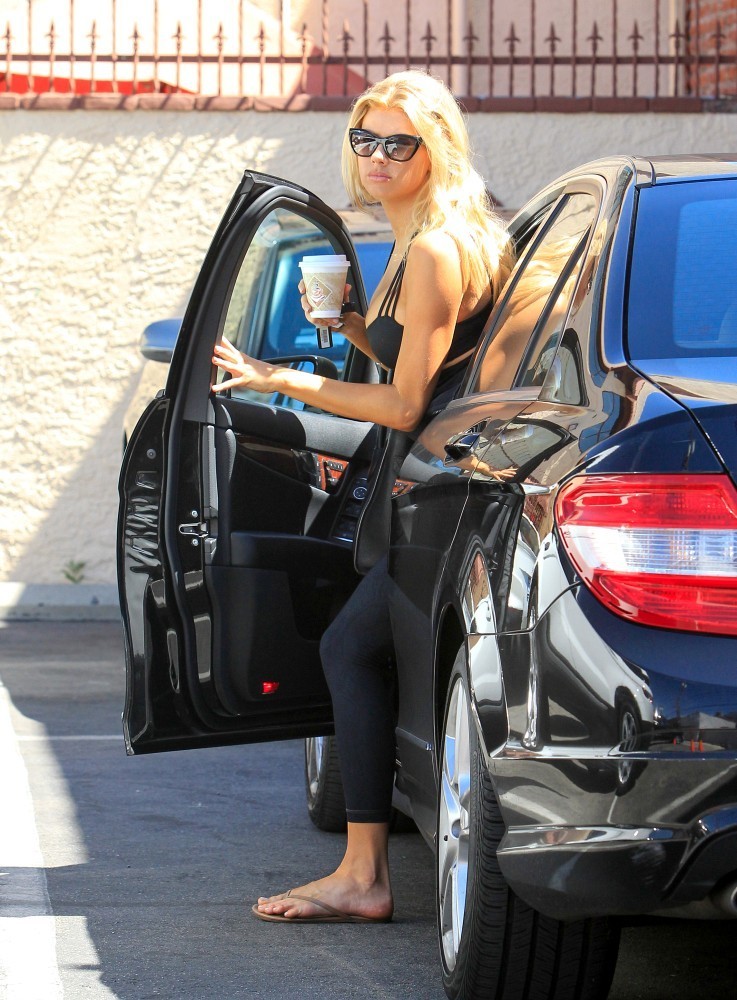
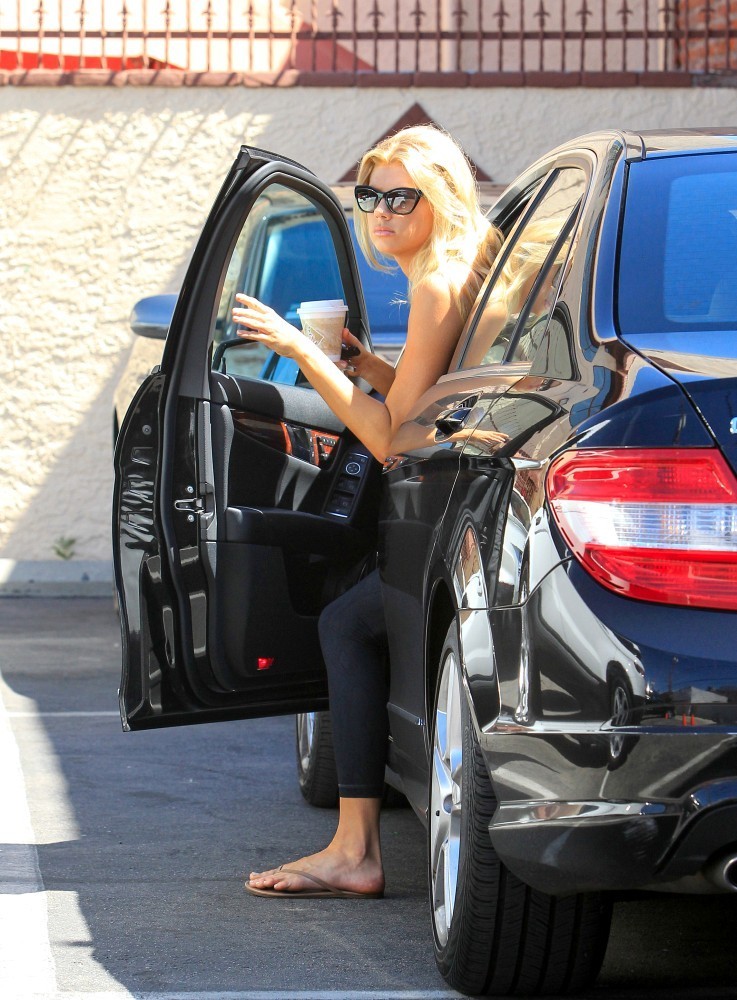
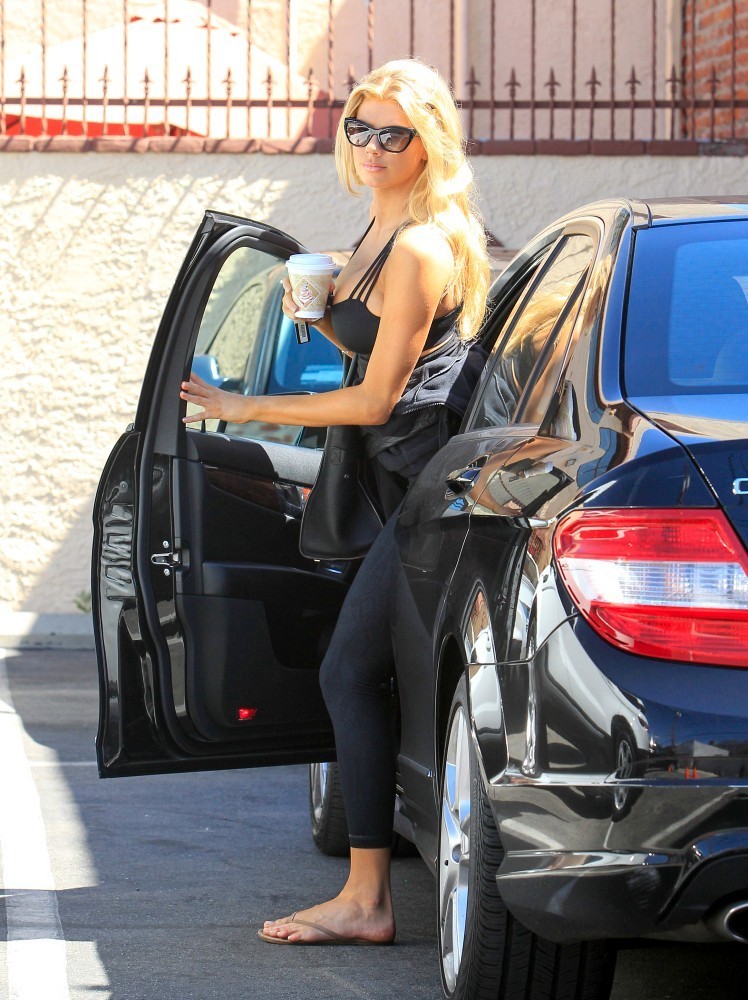
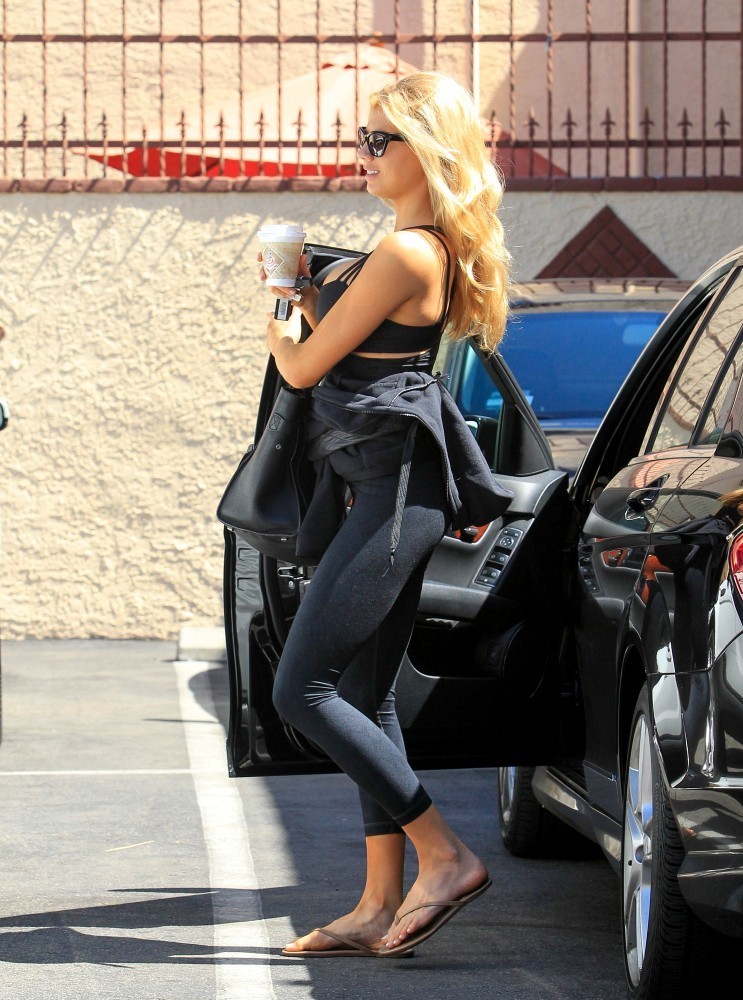
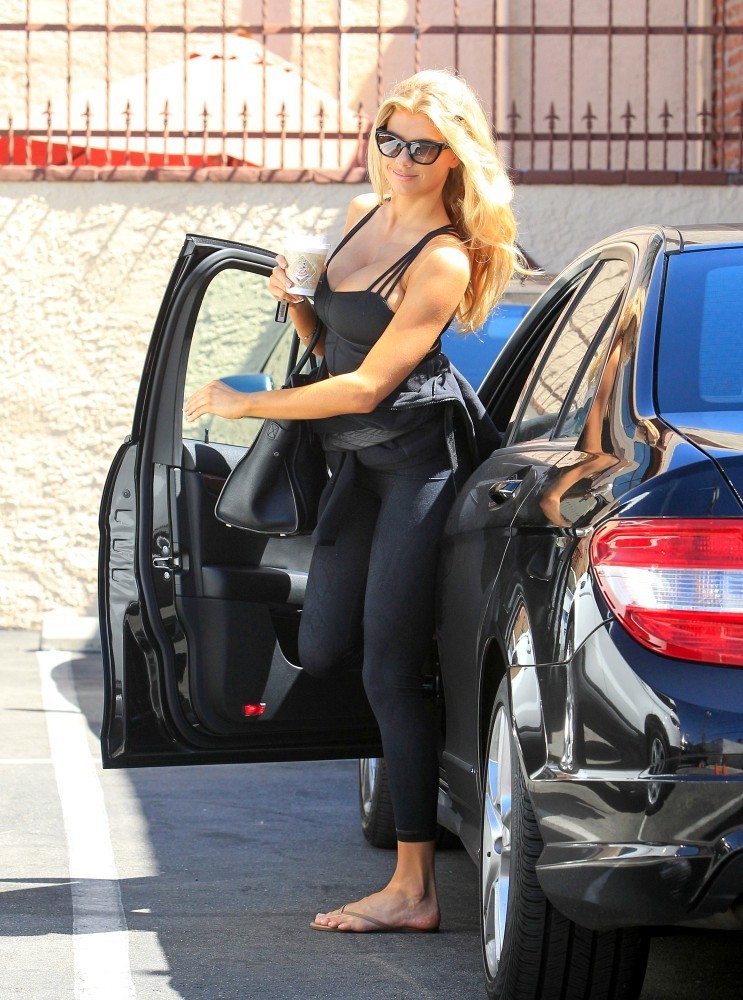
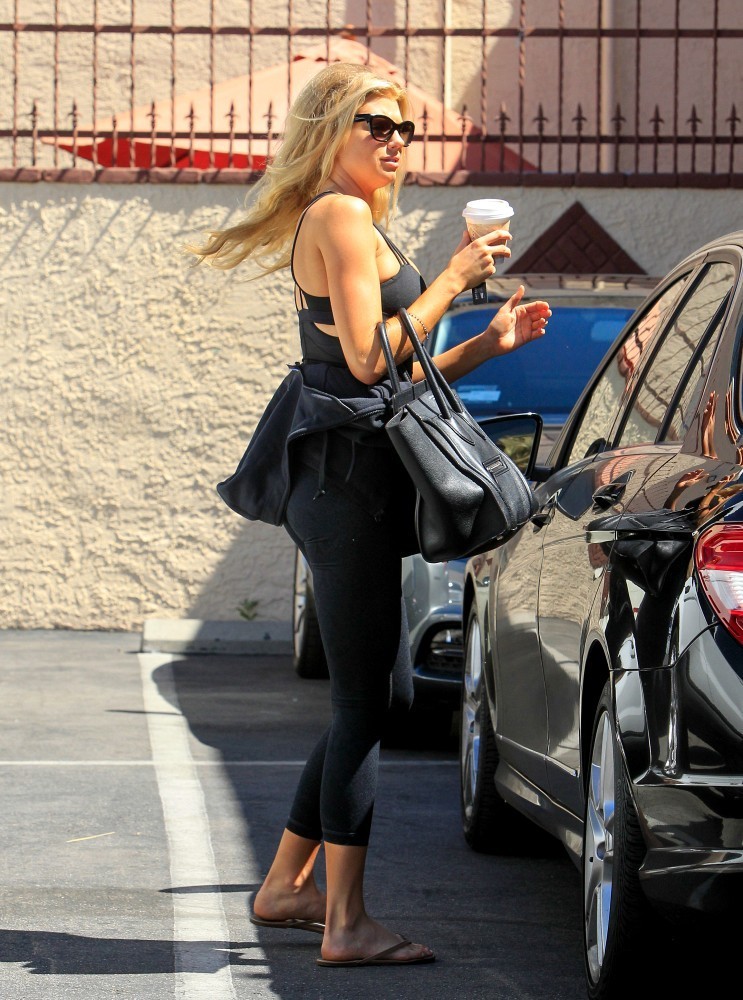
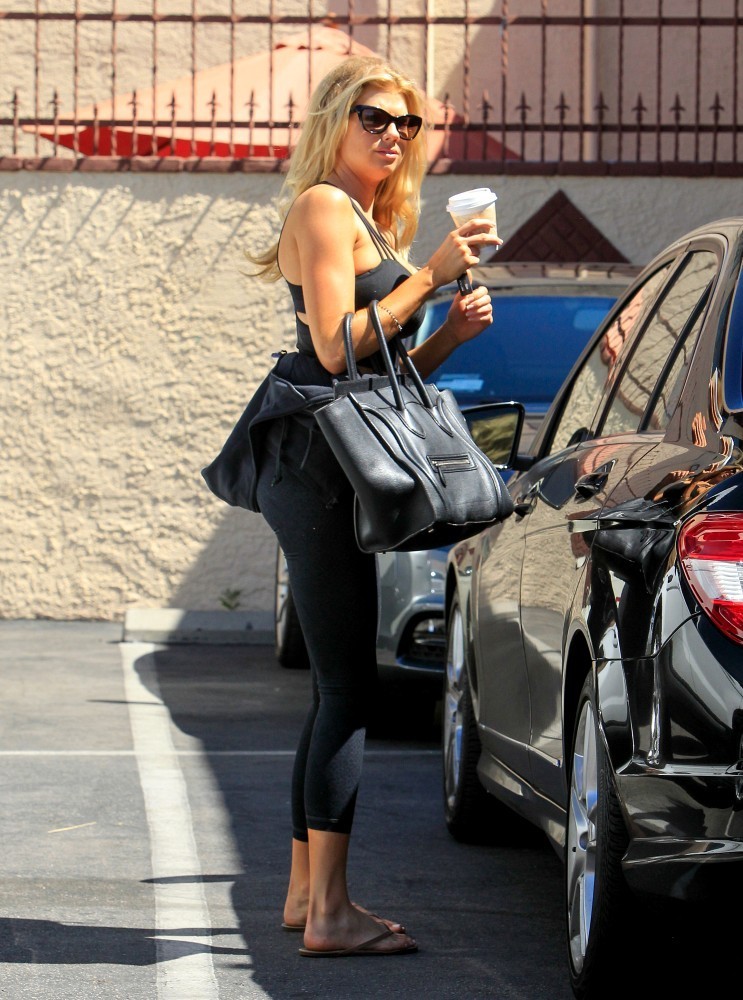
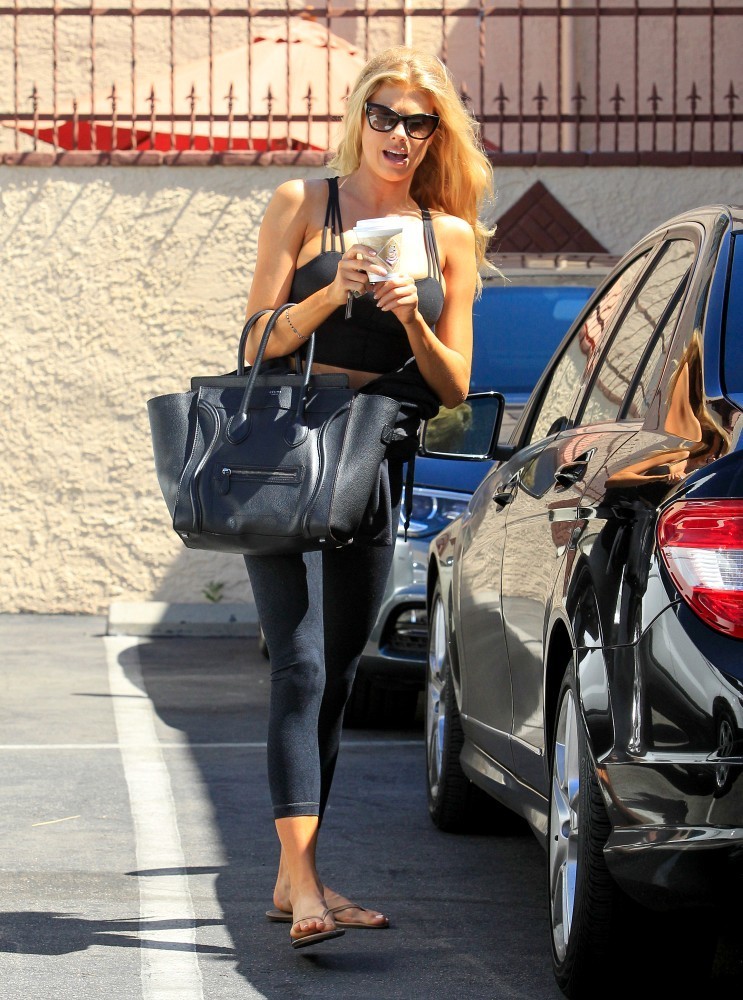
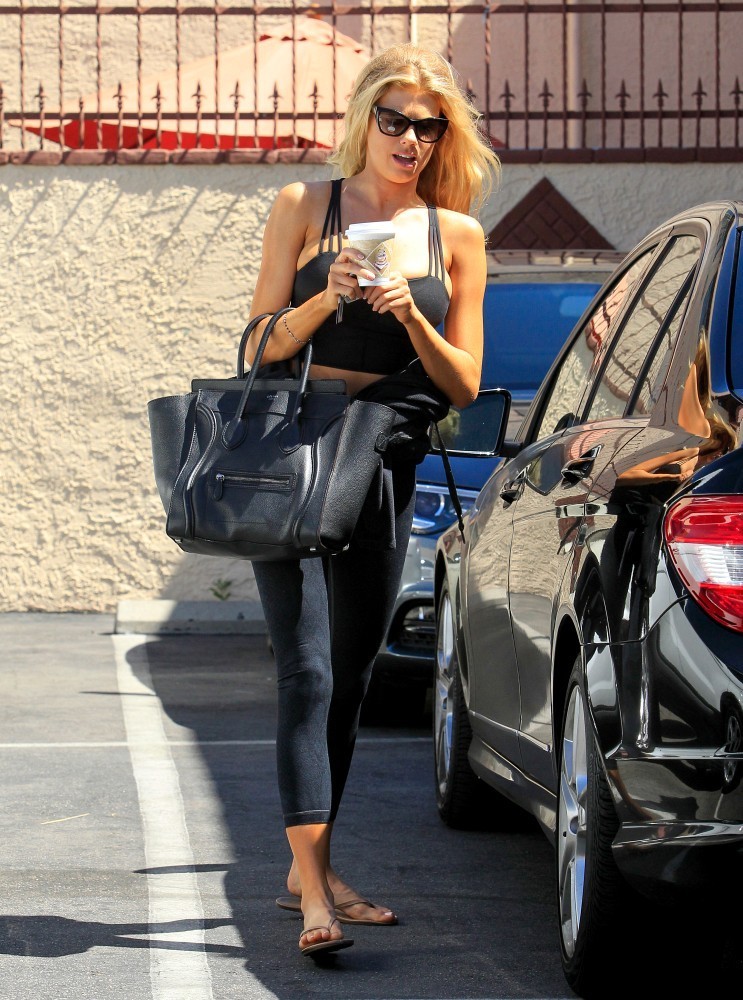
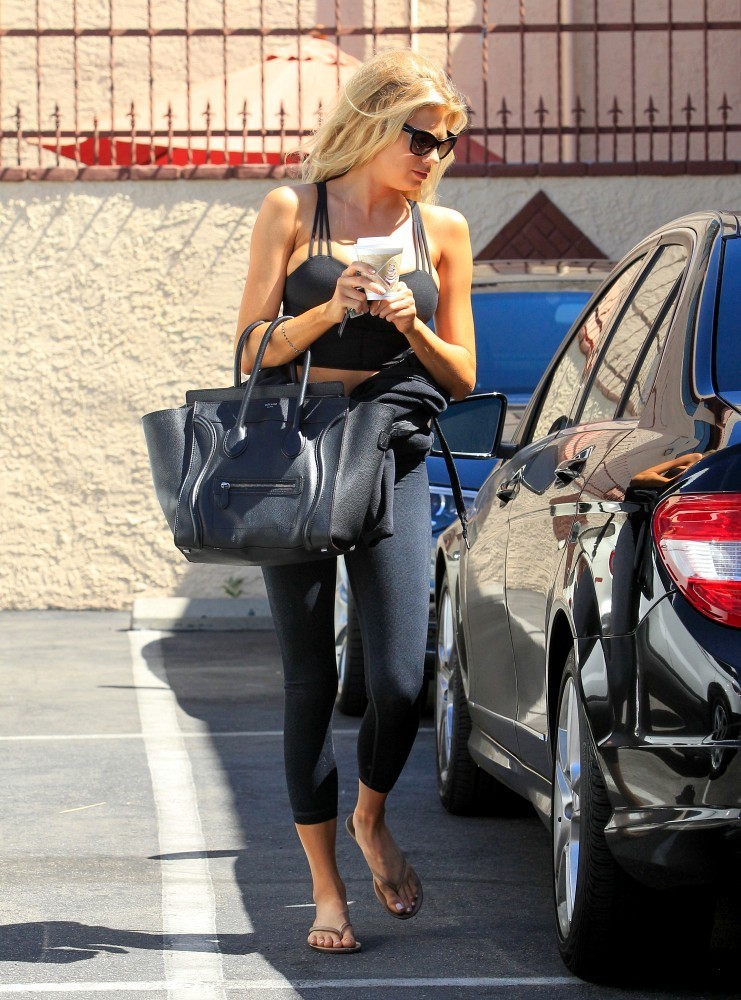
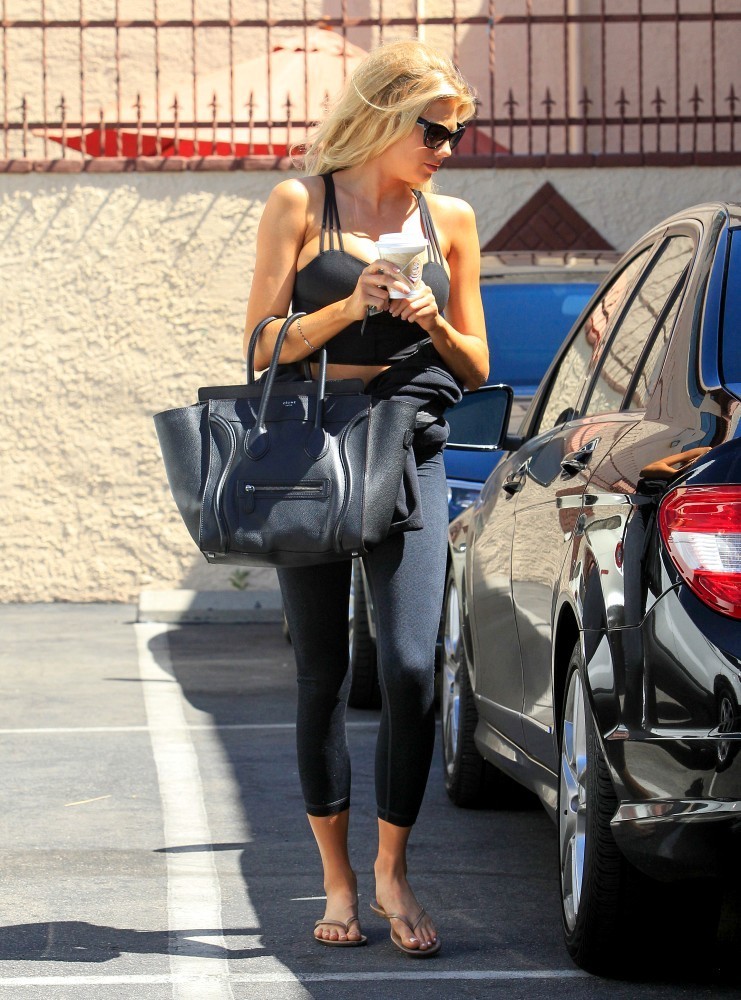
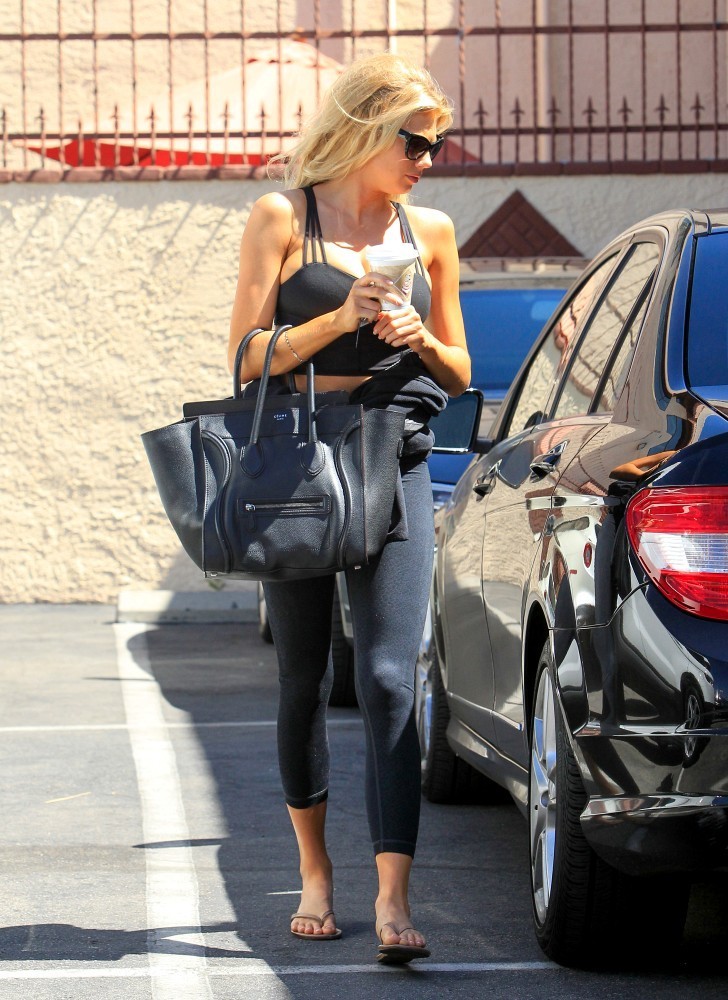
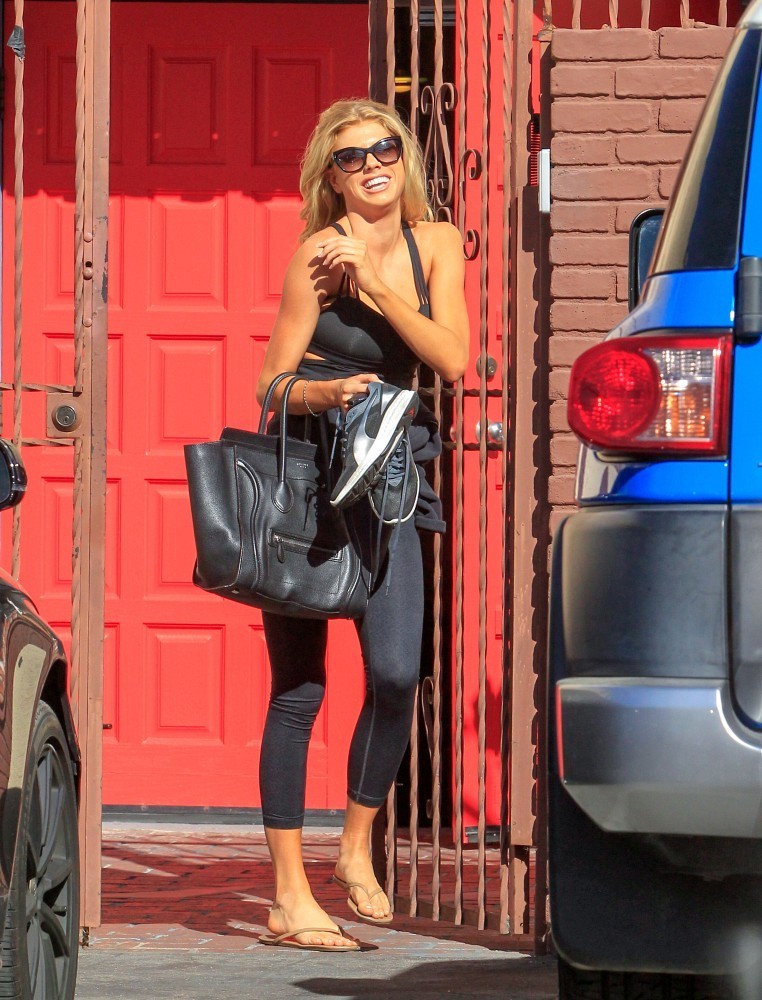
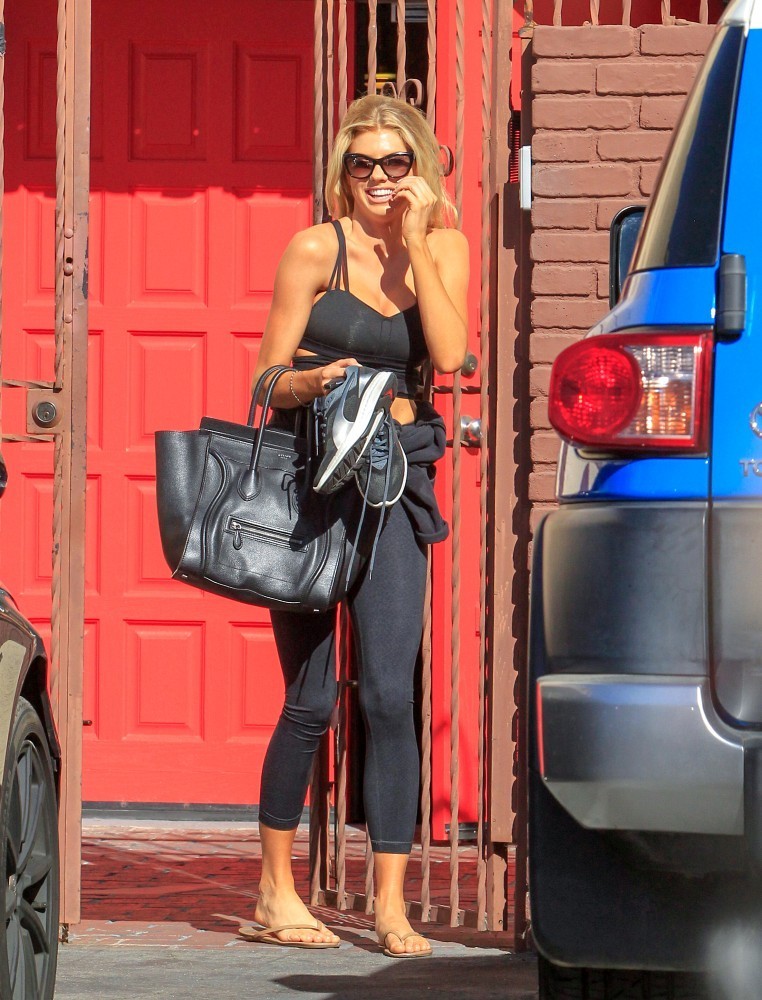
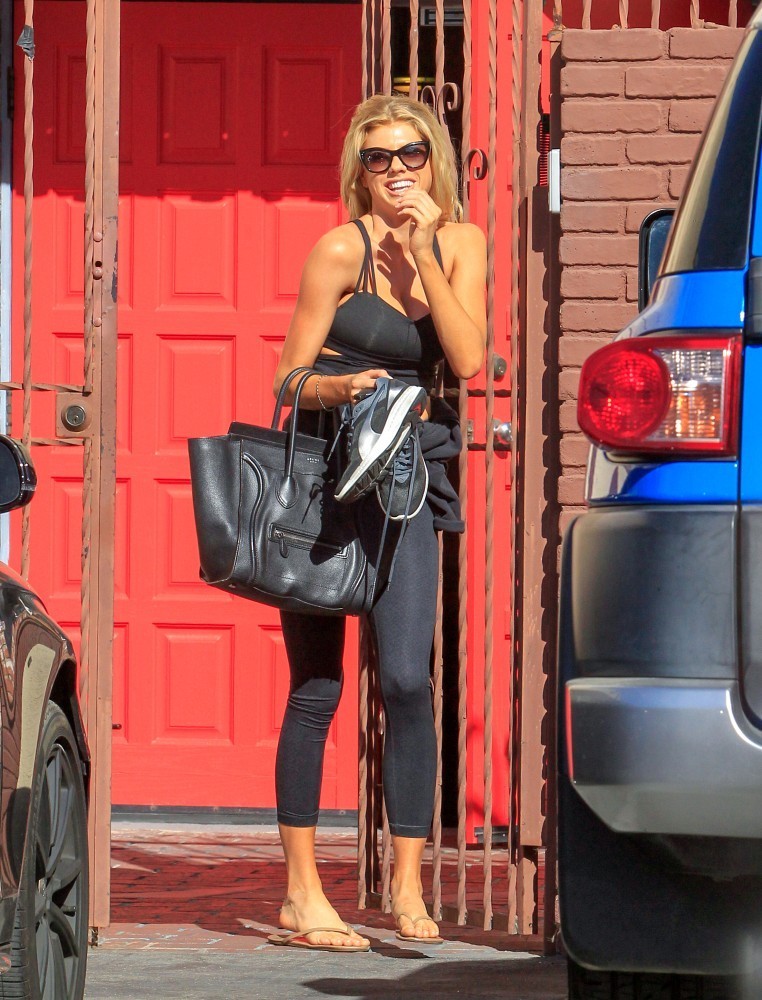
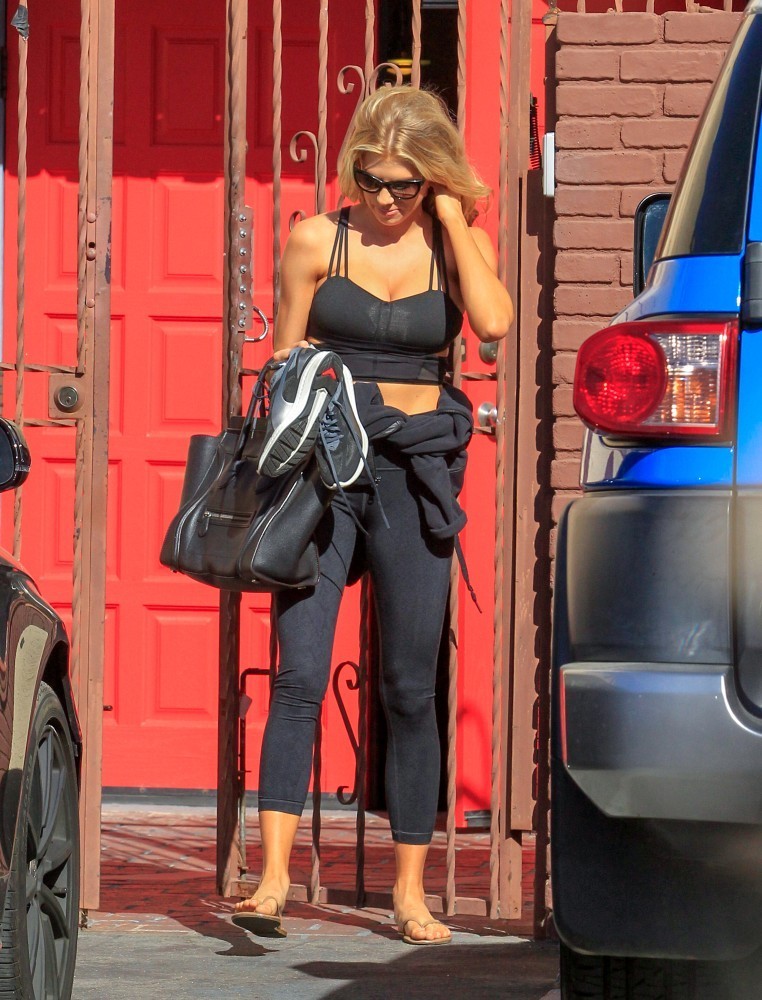
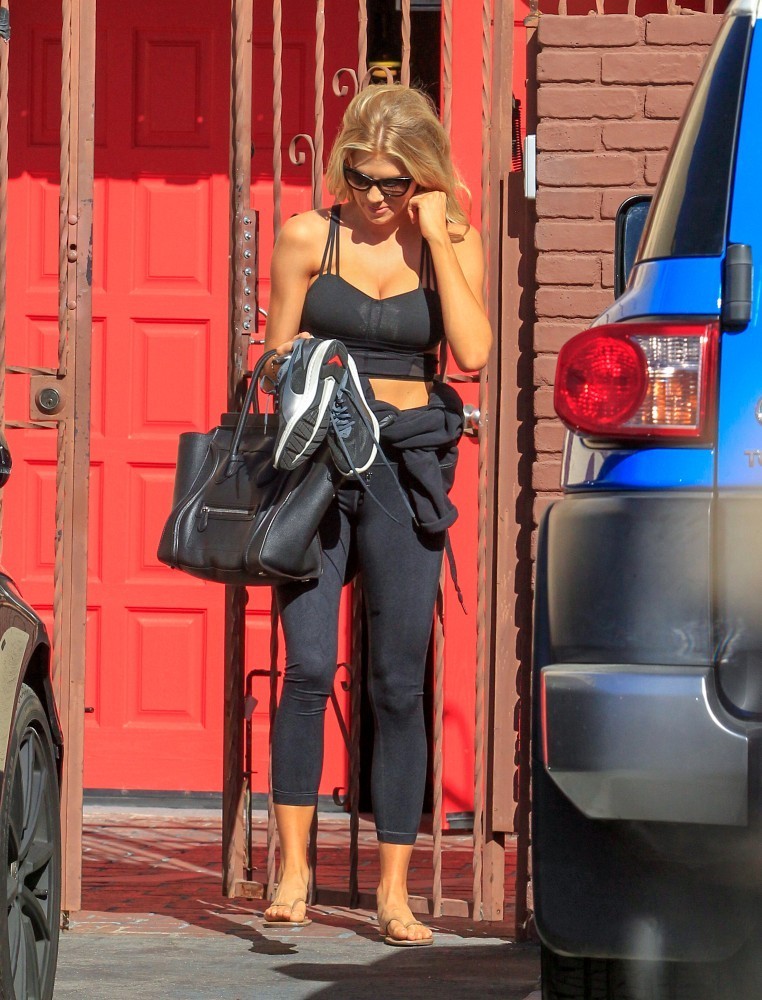
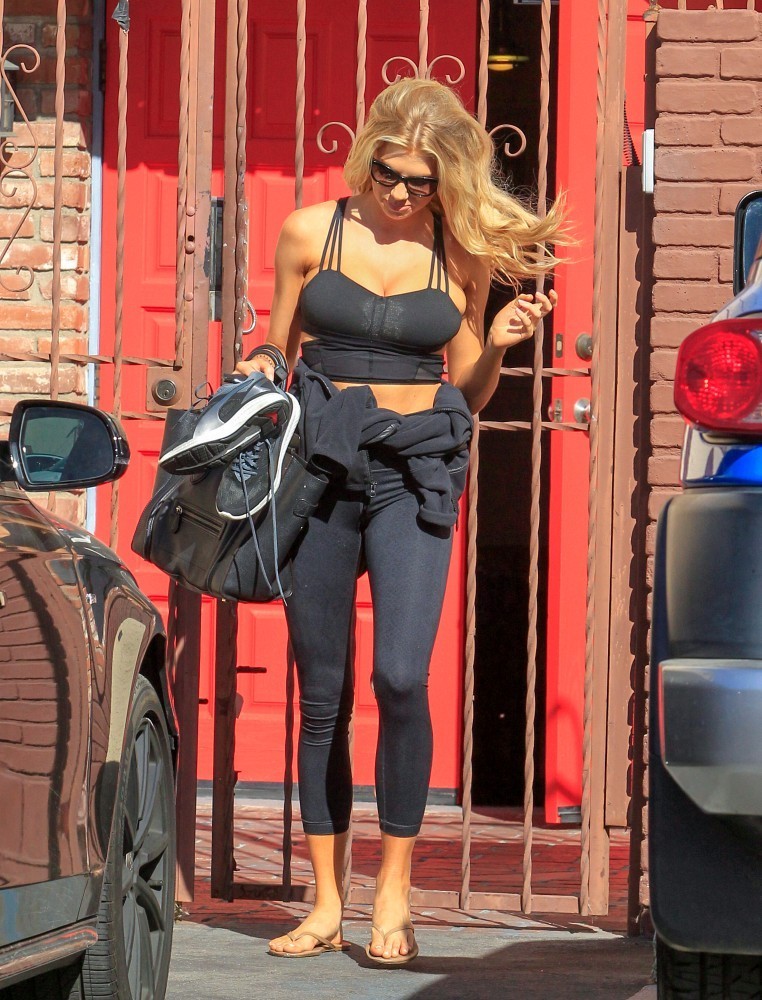
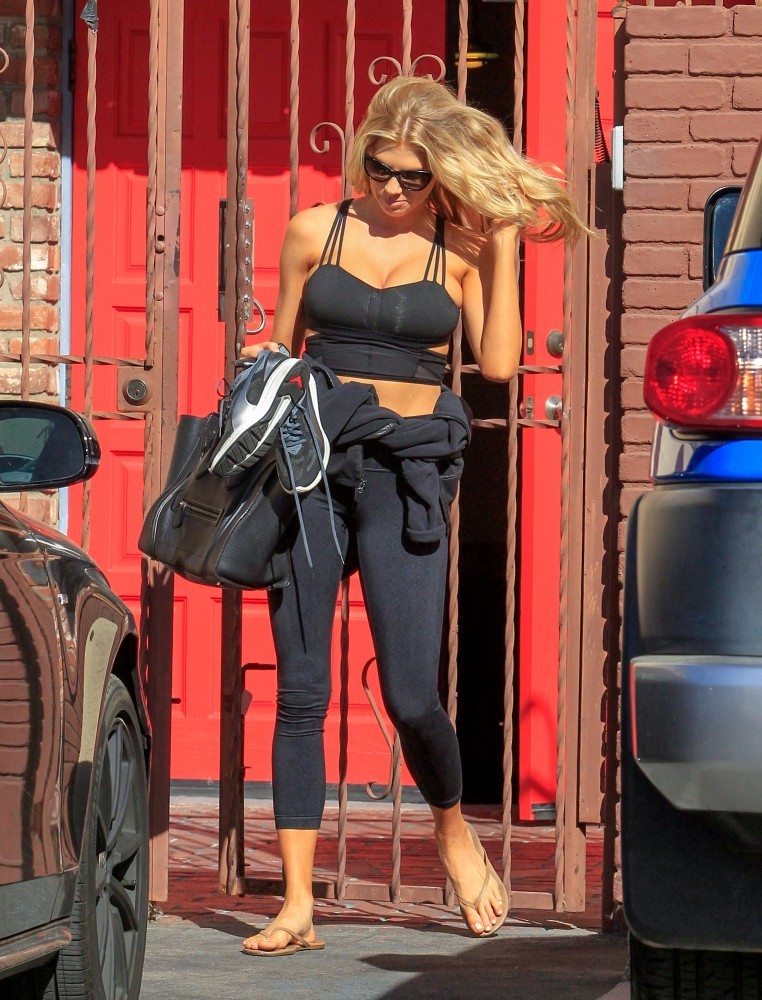
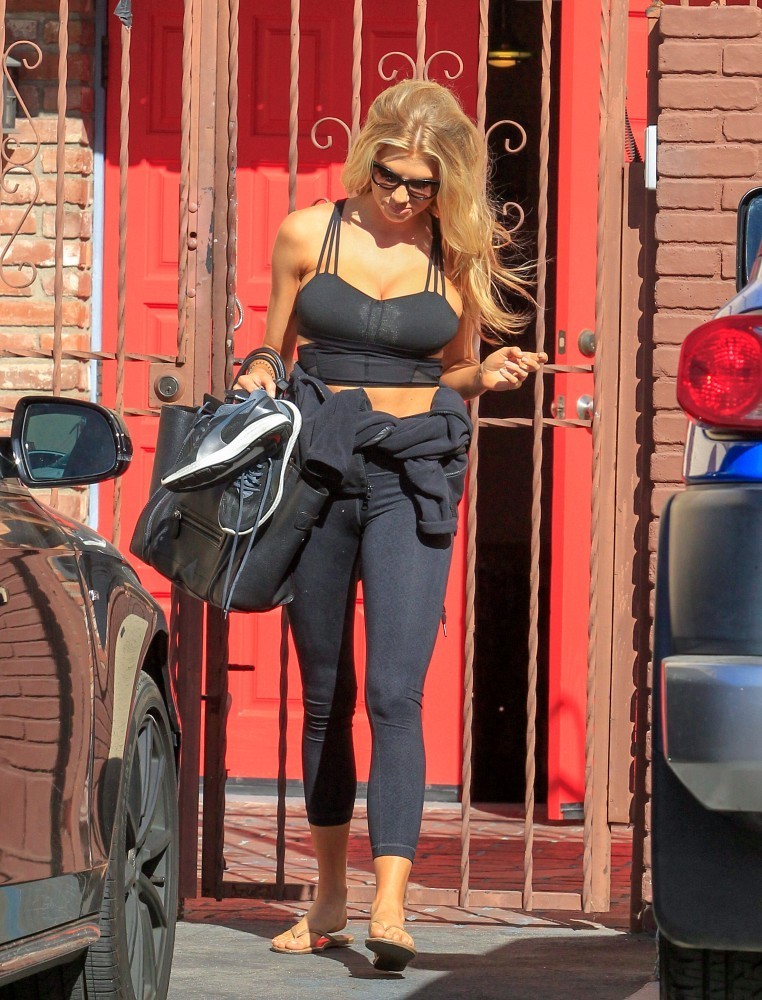
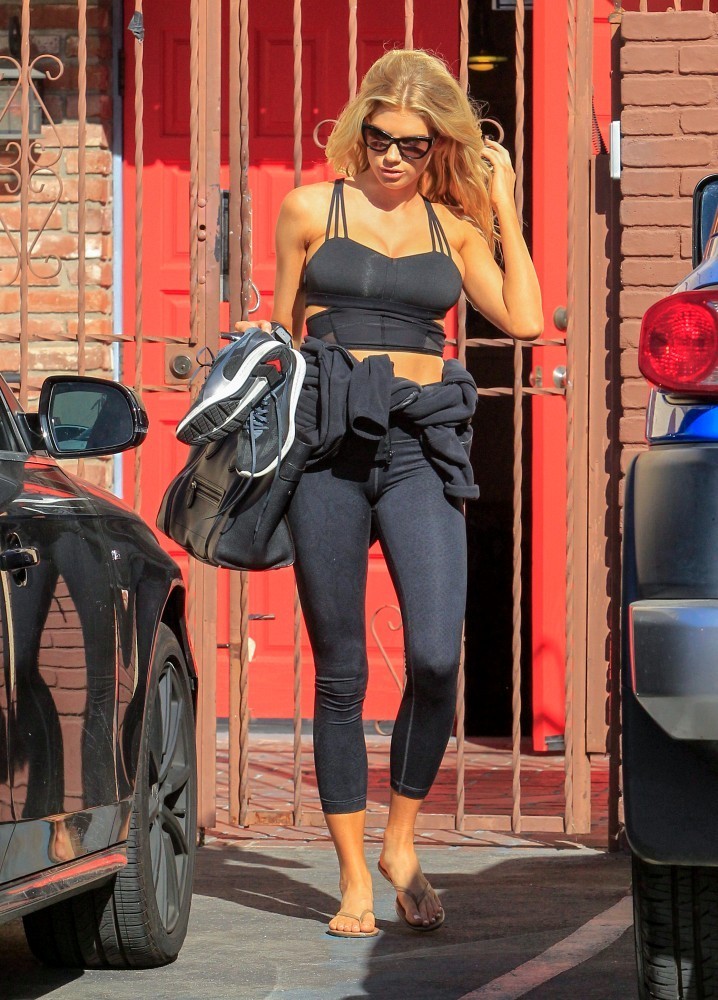
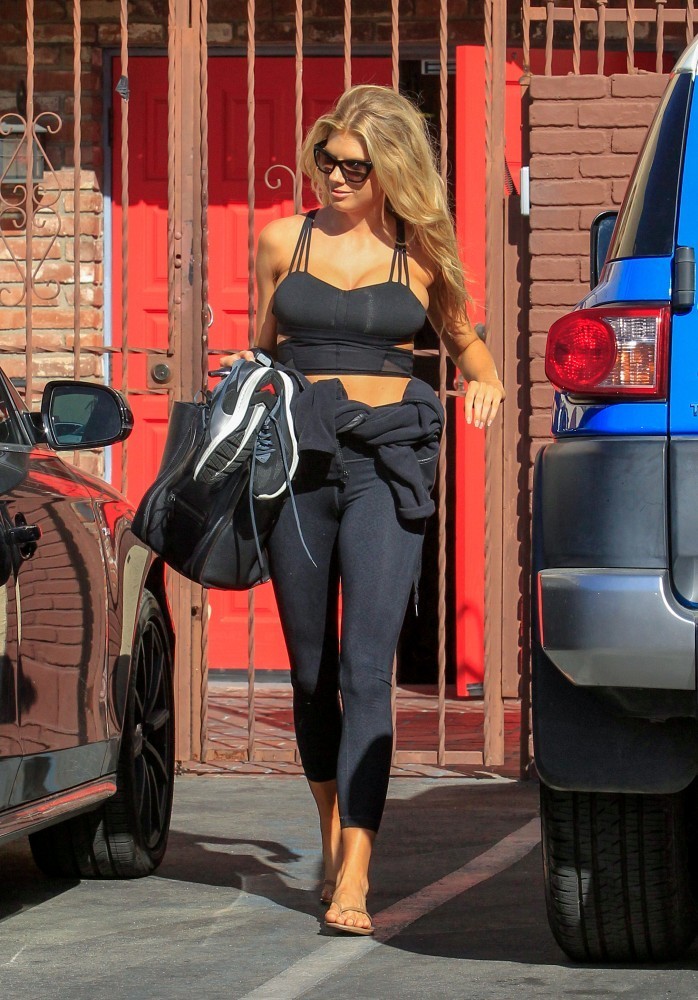
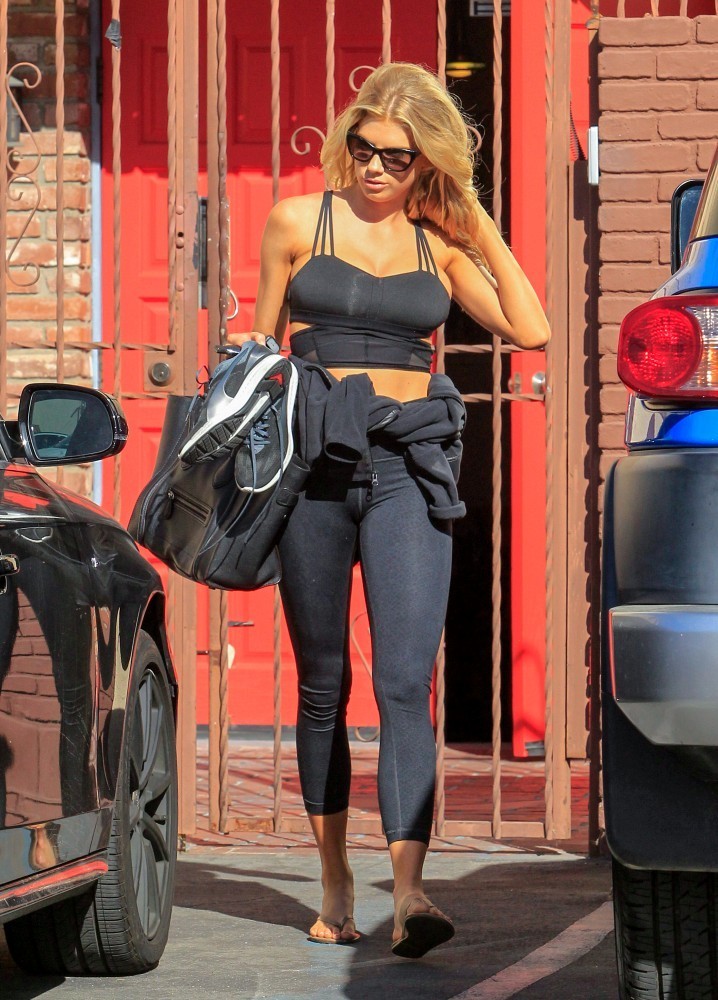
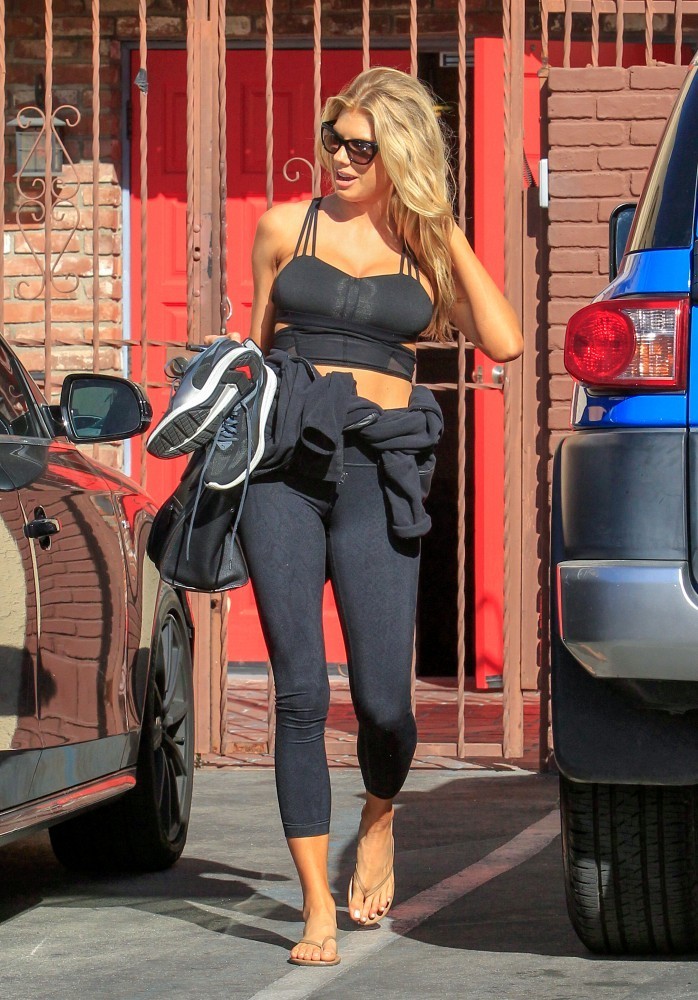
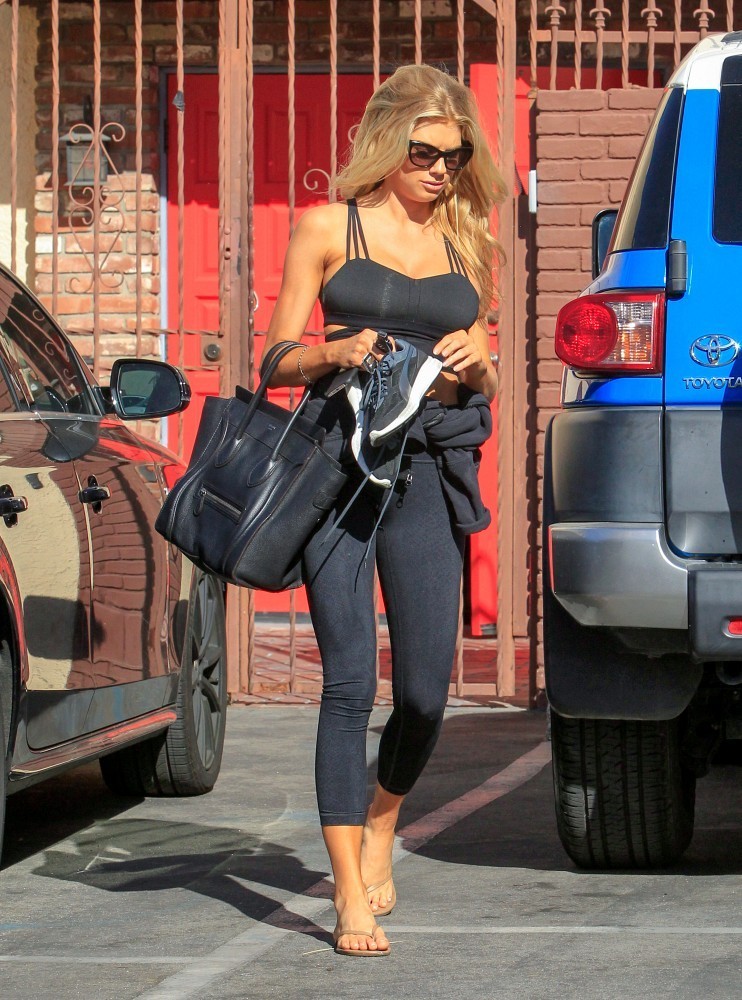
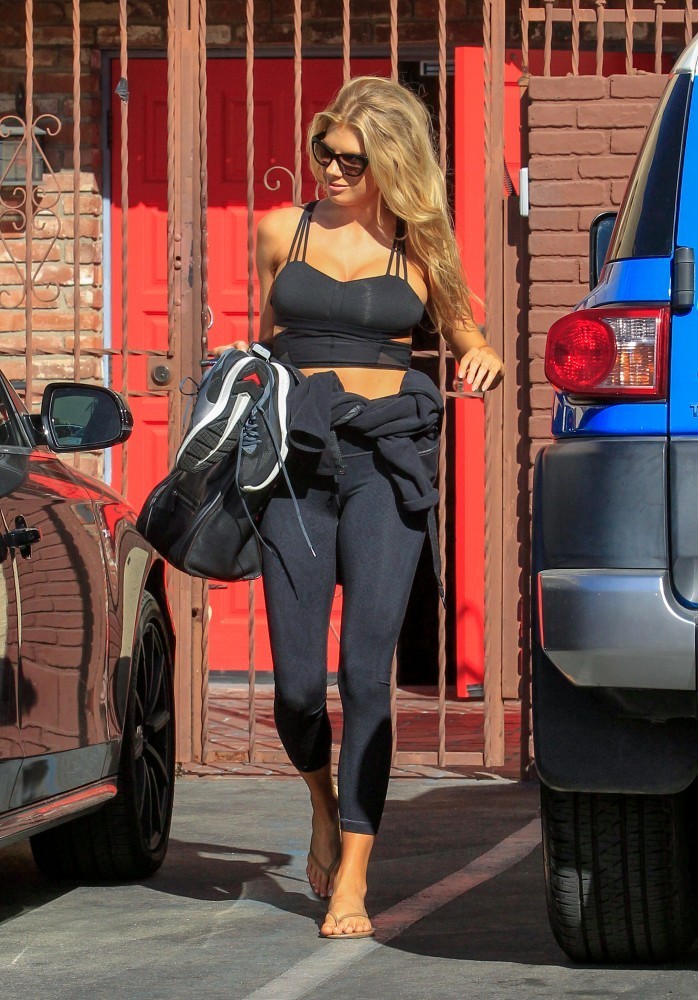
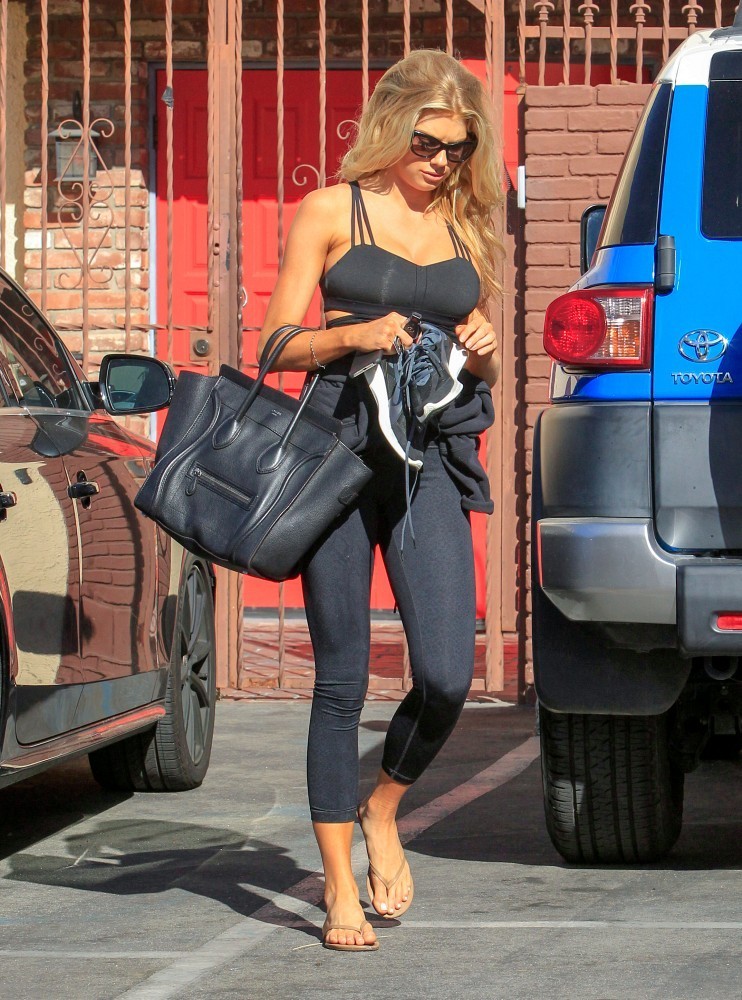
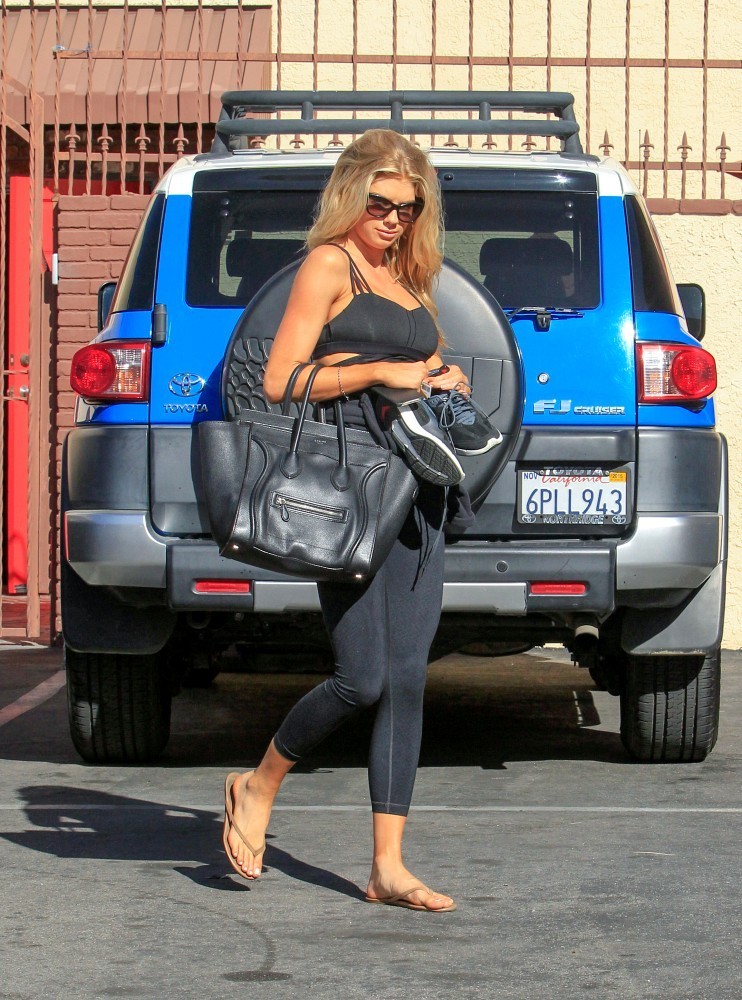
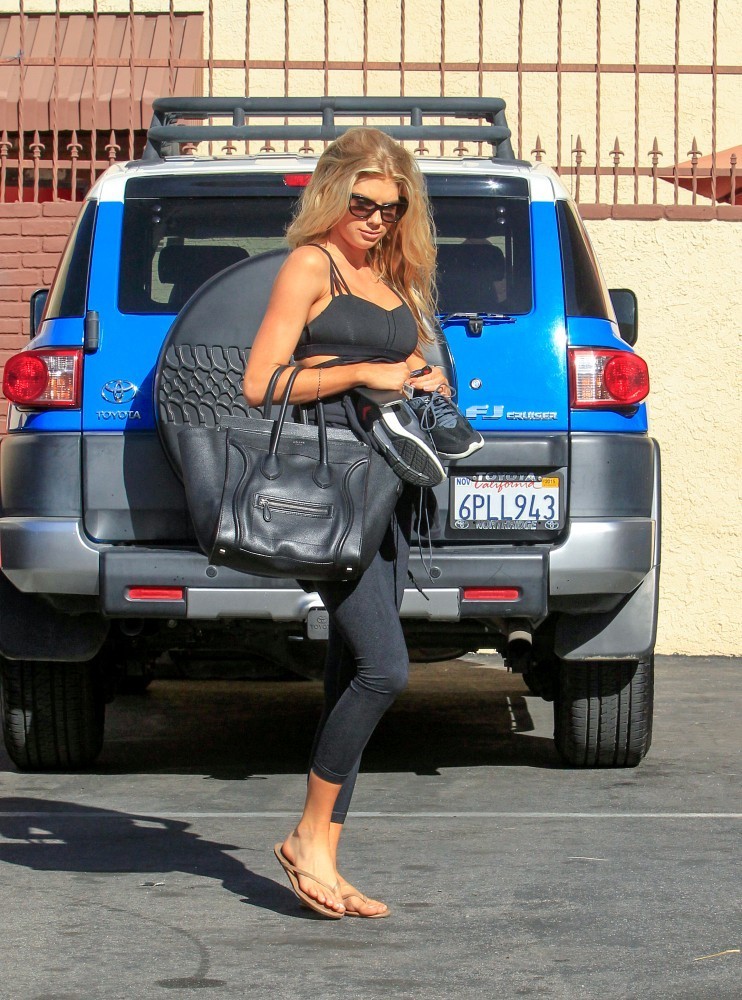
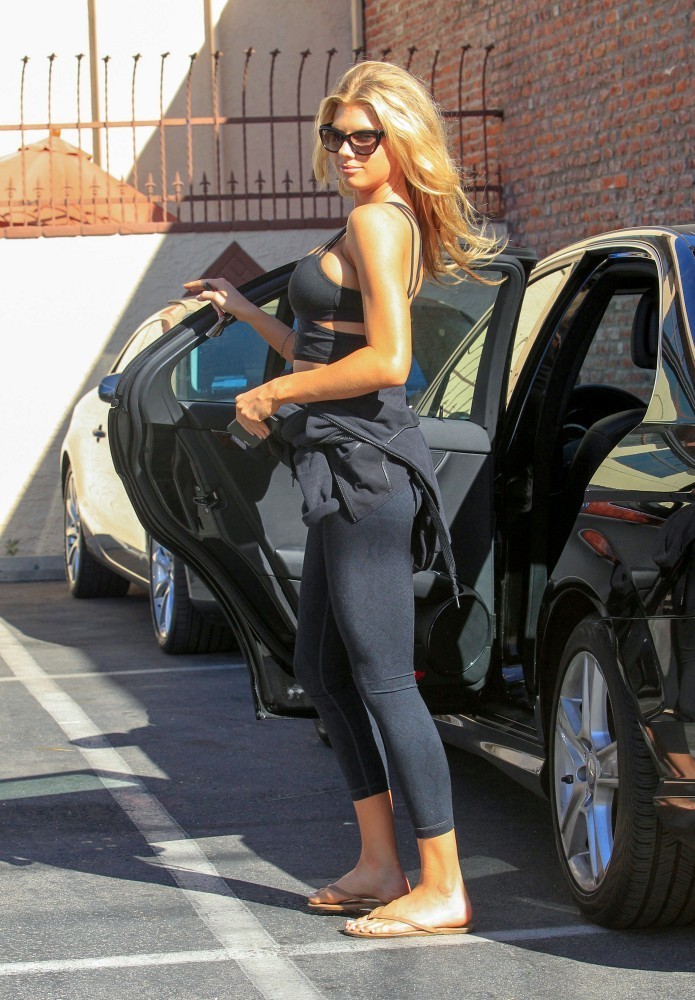
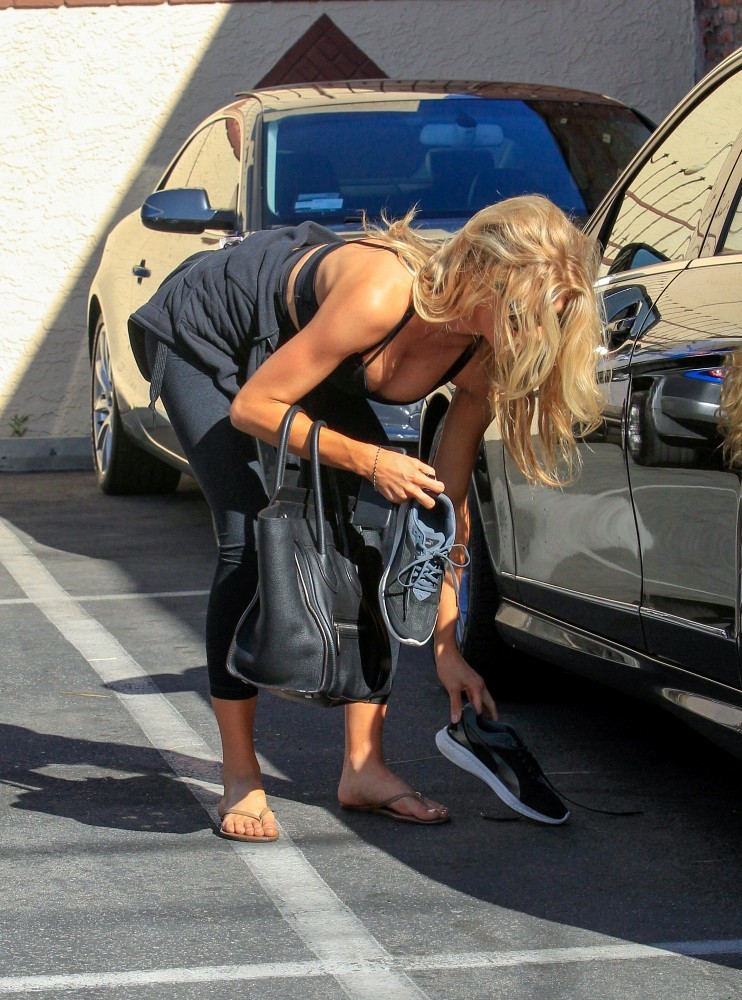
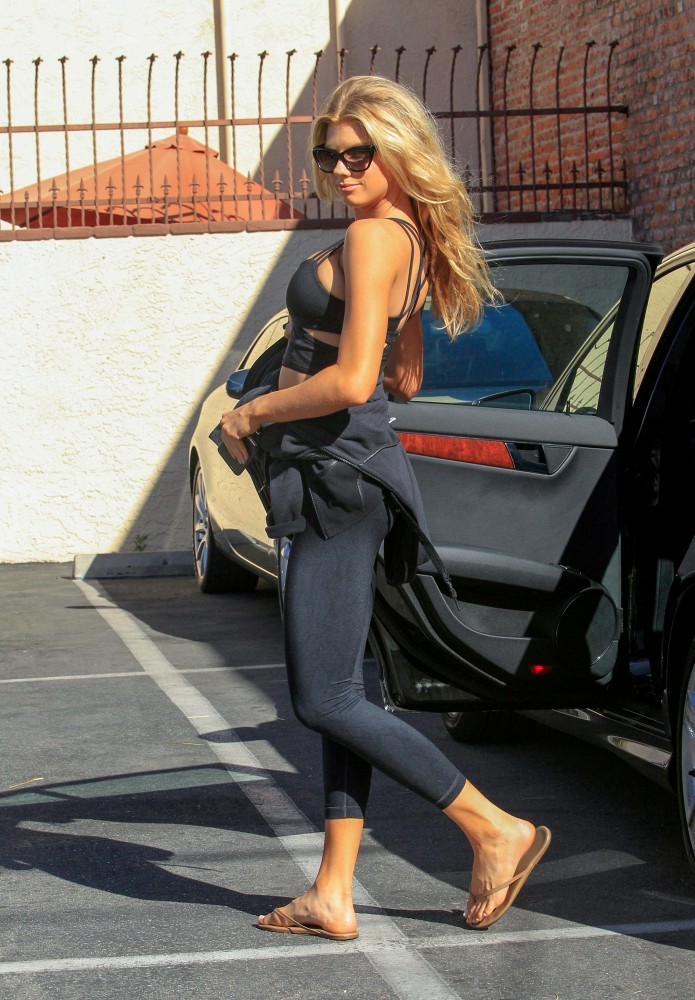
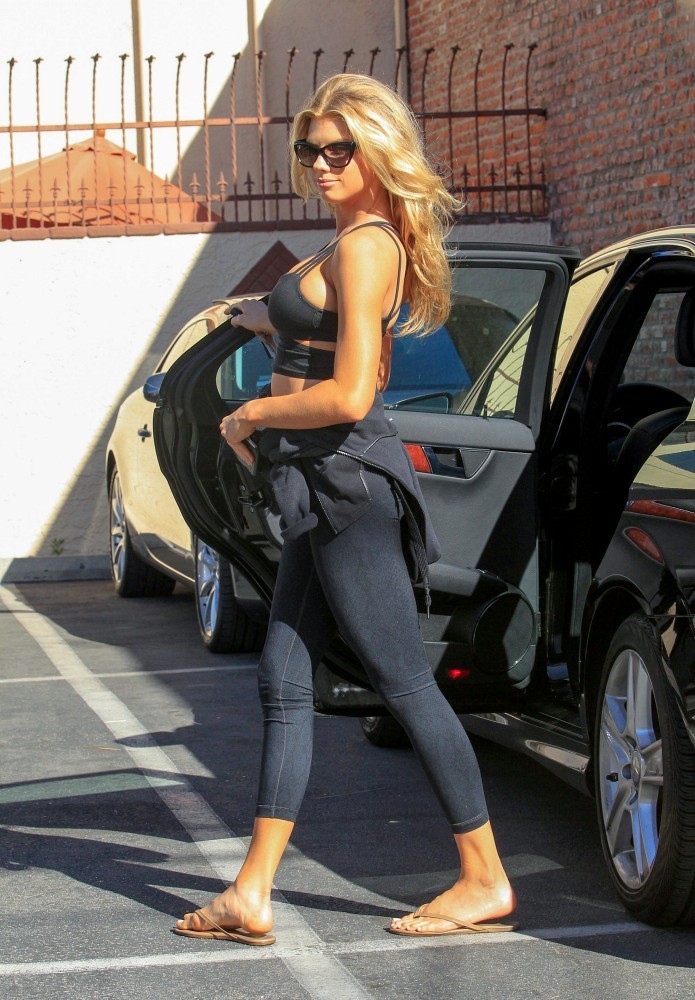
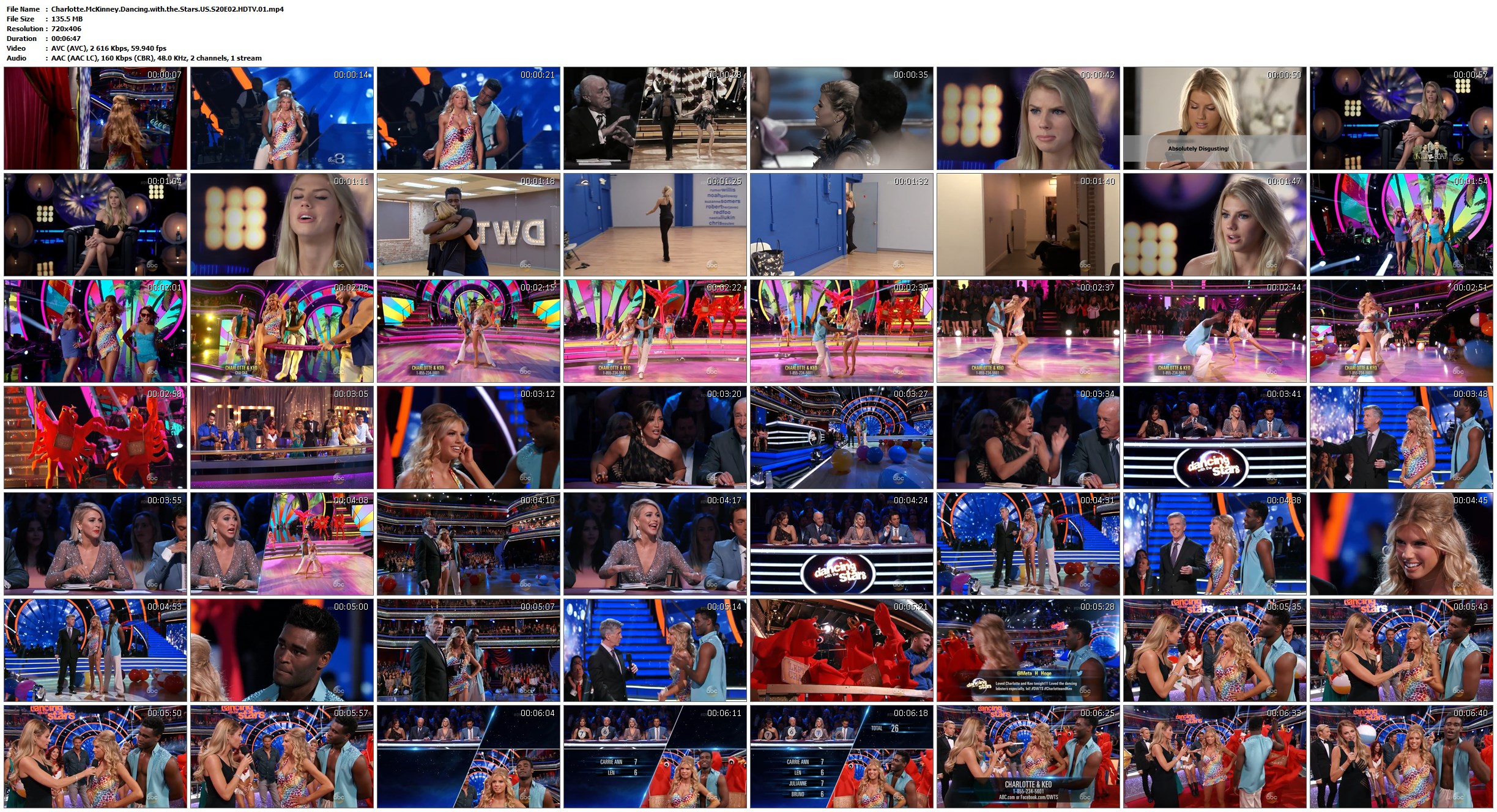
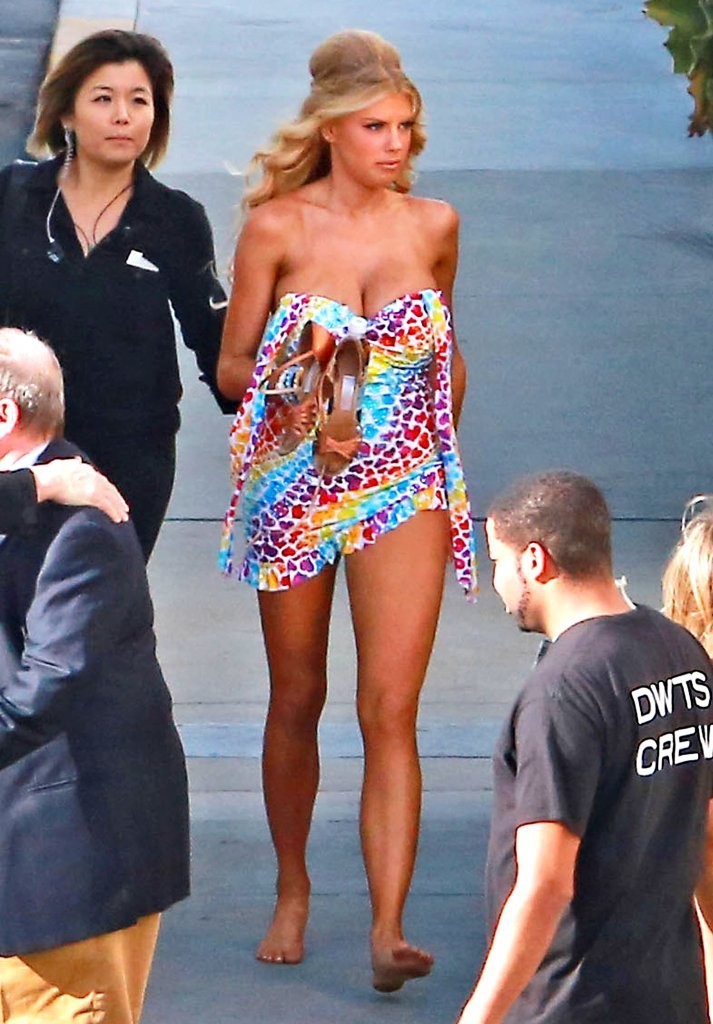
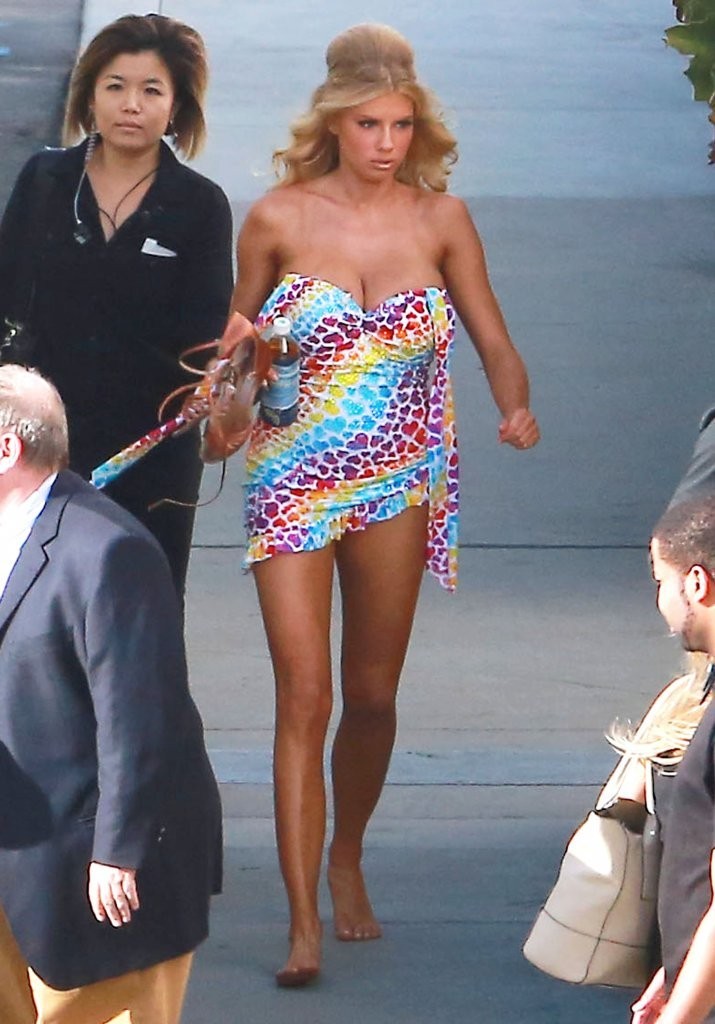
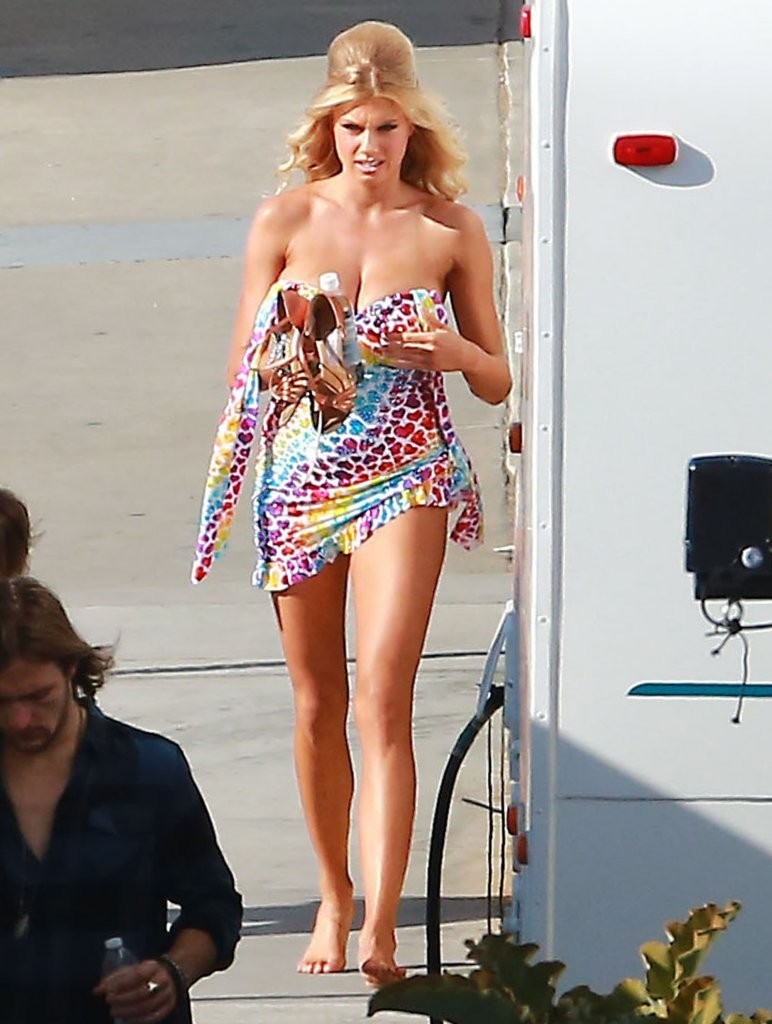
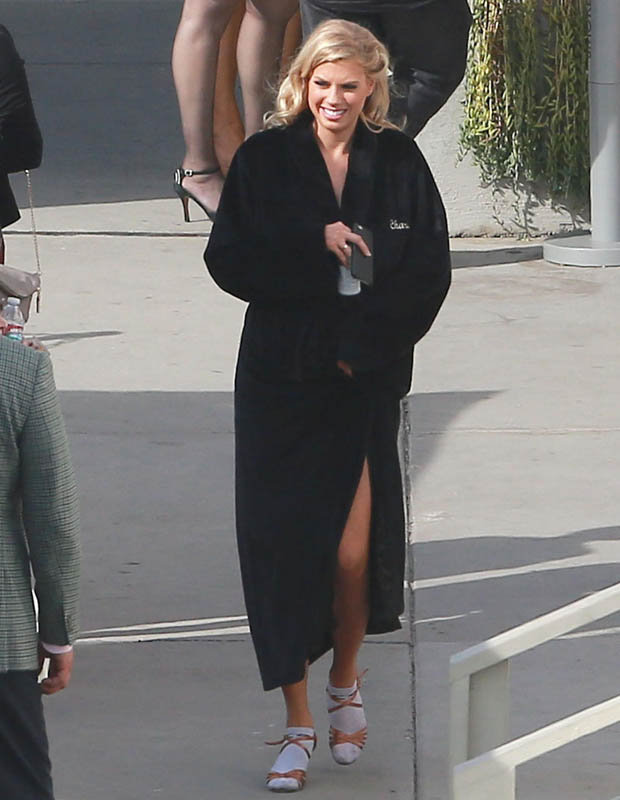
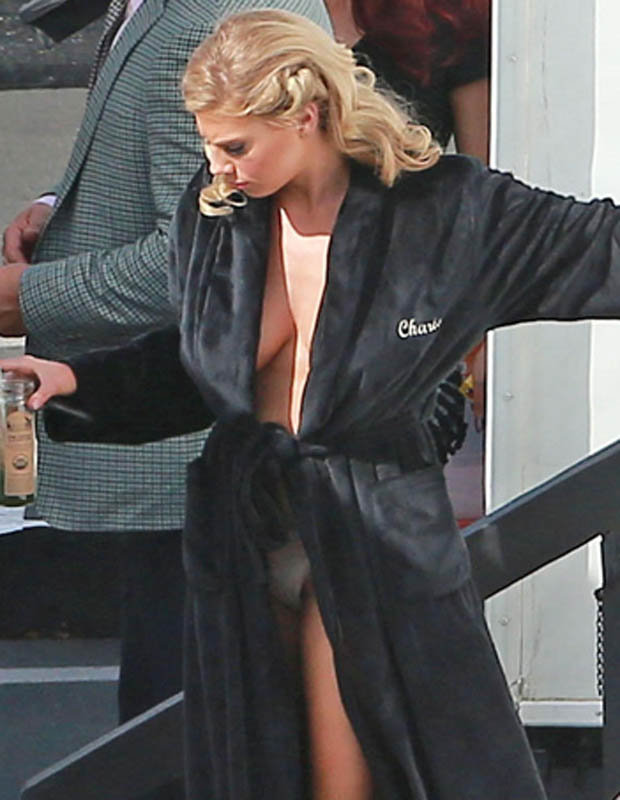
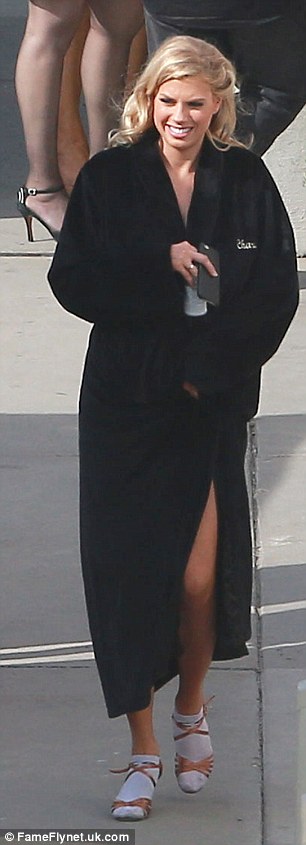
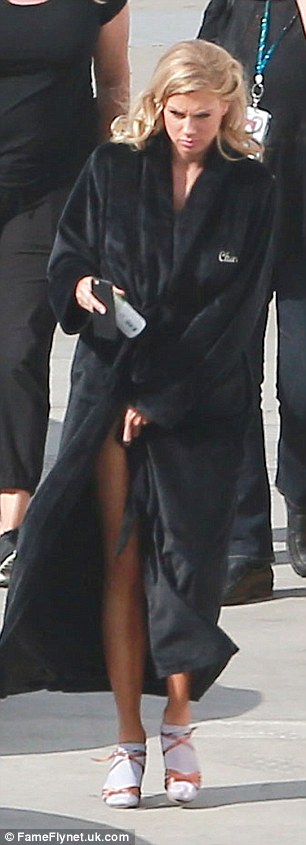
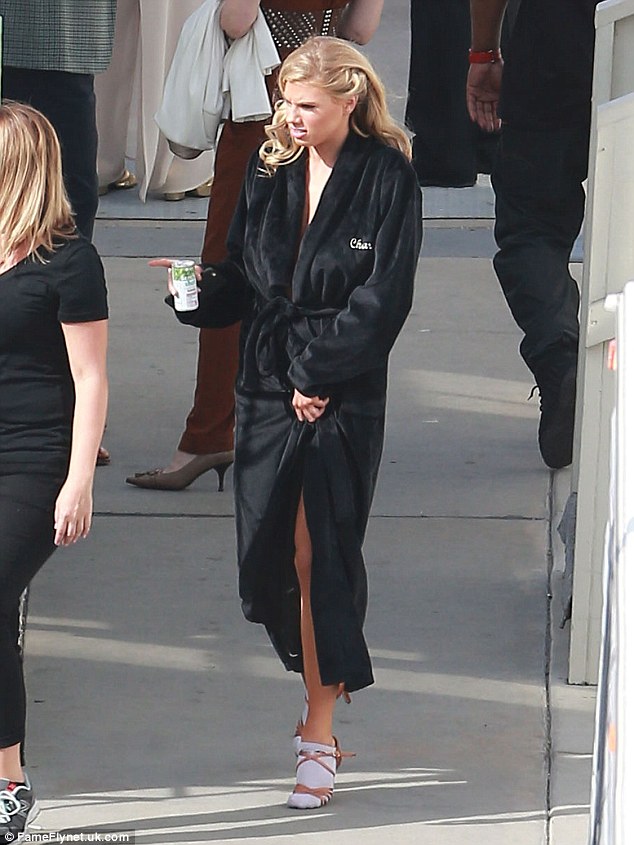
Charlotte McKinney - D*W*T*S S20 E03 720X406 - MP4 - 8.13 - 120MB http://www78.zippyshare.com/v/pKyXX4VU/file.html http://dfiles.eu/files/8fsrbnn52








-

















































































































Account
Search
Configure browser push notifications
Chrome (Android)
- Tap the lock icon next to the address bar.
- Tap Permissions → Notifications.
- Adjust your preference.
Chrome (Desktop)
- Click the padlock icon in the address bar.
- Select Site settings.
- Find Notifications and adjust your preference.
Safari (iOS 16.4+)
- Ensure the site is installed via Add to Home Screen.
- Open Settings App → Notifications.
- Find your app name and adjust your preference.
Safari (macOS)
- Go to Safari → Preferences.
- Click the Websites tab.
- Select Notifications in the sidebar.
- Find this website and adjust your preference.
Edge (Android)
- Tap the lock icon next to the address bar.
- Tap Permissions.
- Find Notifications and adjust your preference.
Edge (Desktop)
- Click the padlock icon in the address bar.
- Click Permissions for this site.
- Find Notifications and adjust your preference.
Firefox (Android)
- Go to Settings → Site permissions.
- Tap Notifications.
- Find this site in the list and adjust your preference.
Firefox (Desktop)
- Open Firefox Settings.
- Search for Notifications.
- Find this site in the list and adjust your preference.