Jump to content
View in the app

A better way to browse. Learn more.

Bellazon

A full-screen app on your home screen with push notifications, badges and more.

To install this app on iOS and iPadOS
  1. Tap the Share icon in Safari
  2. Scroll the menu and tap Add to Home Screen.
  3. Tap Add in the top-right corner.
To install this app on Android
  1. Tap the 3-dot menu (⋮) in the top-right corner of the browser.
  2. Tap Add to Home screen or Install app.
  3. Confirm by tapping Install.

markymark

Members
  • Joined

  • Last visited

Posts posted by markymark

  1. Din Avis
    No image preview

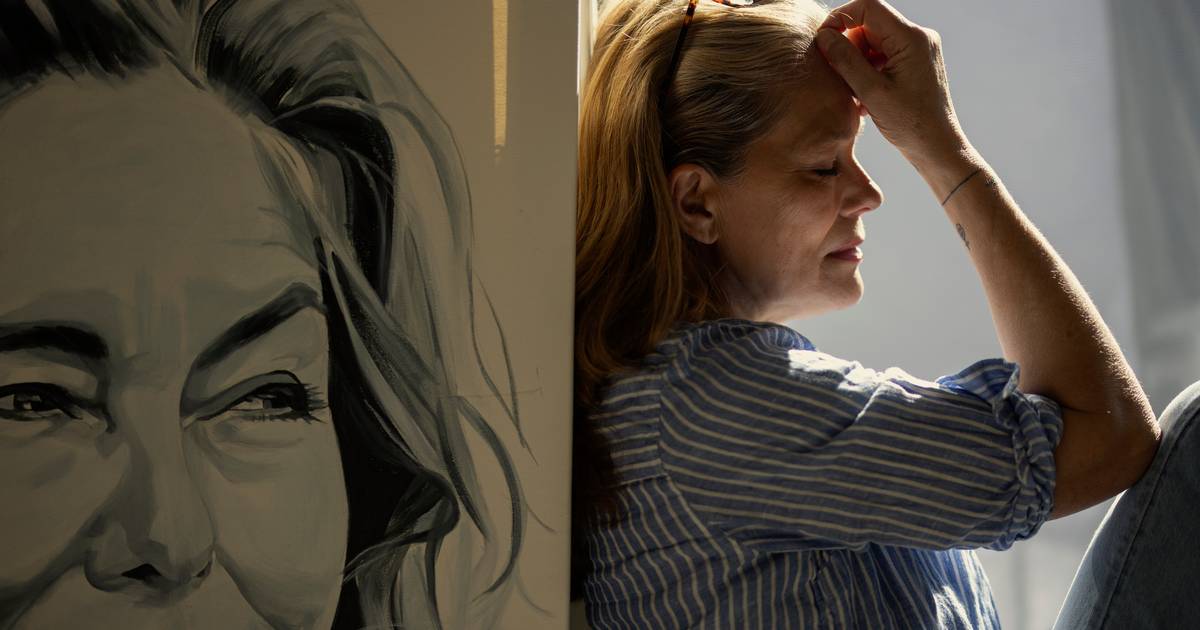
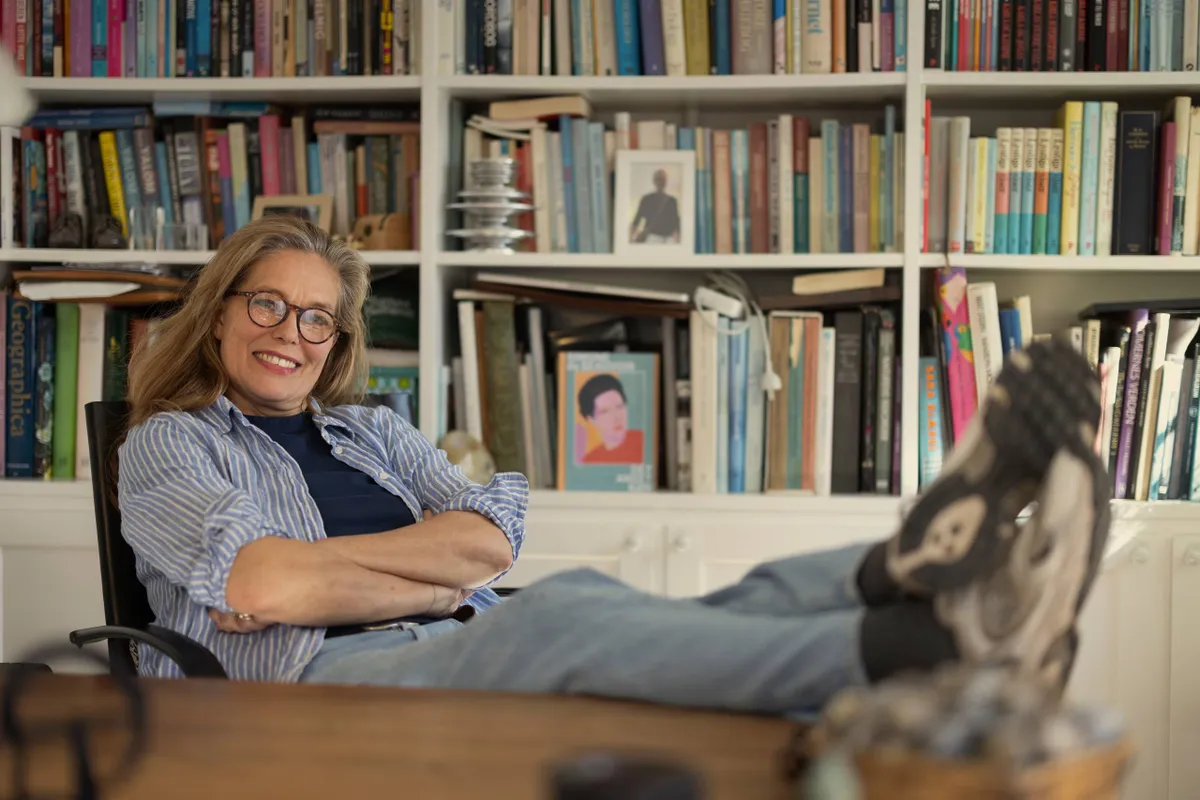
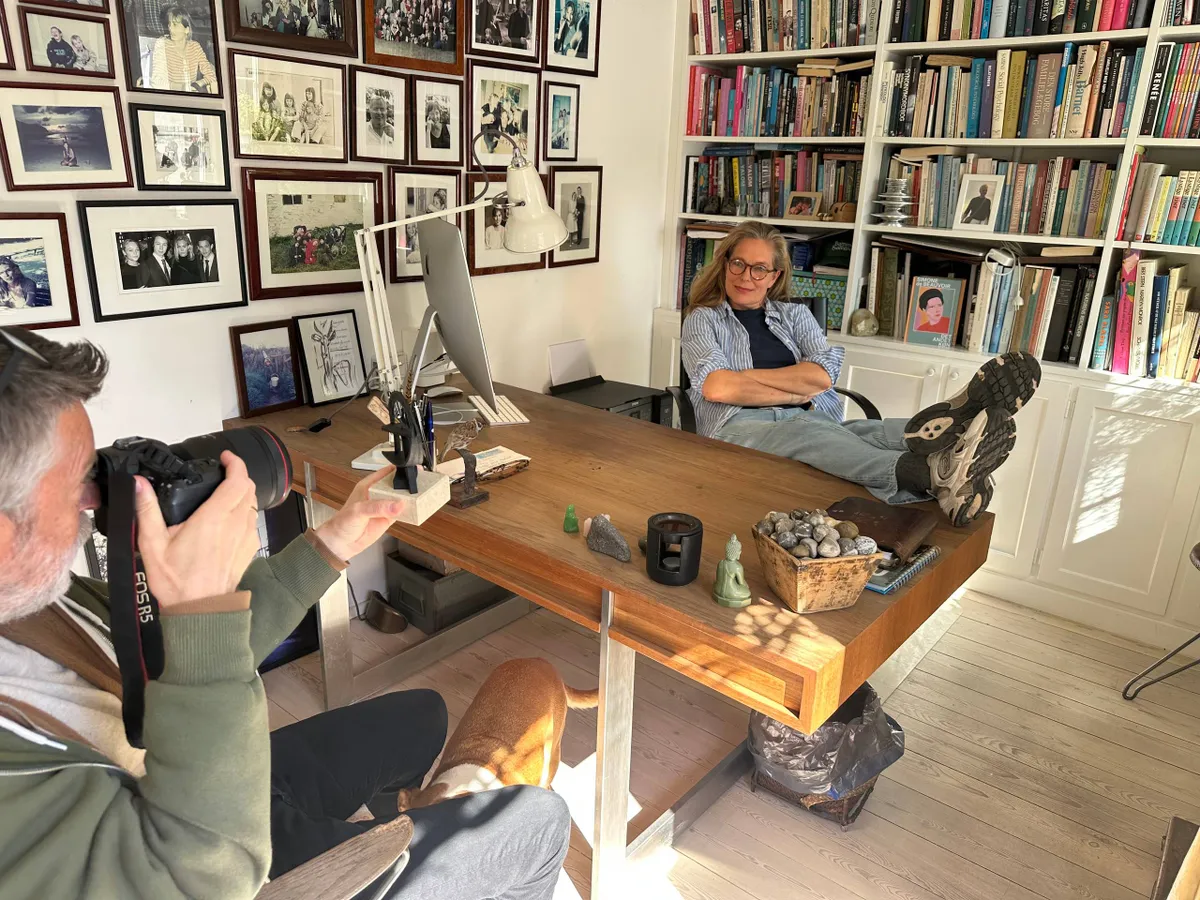
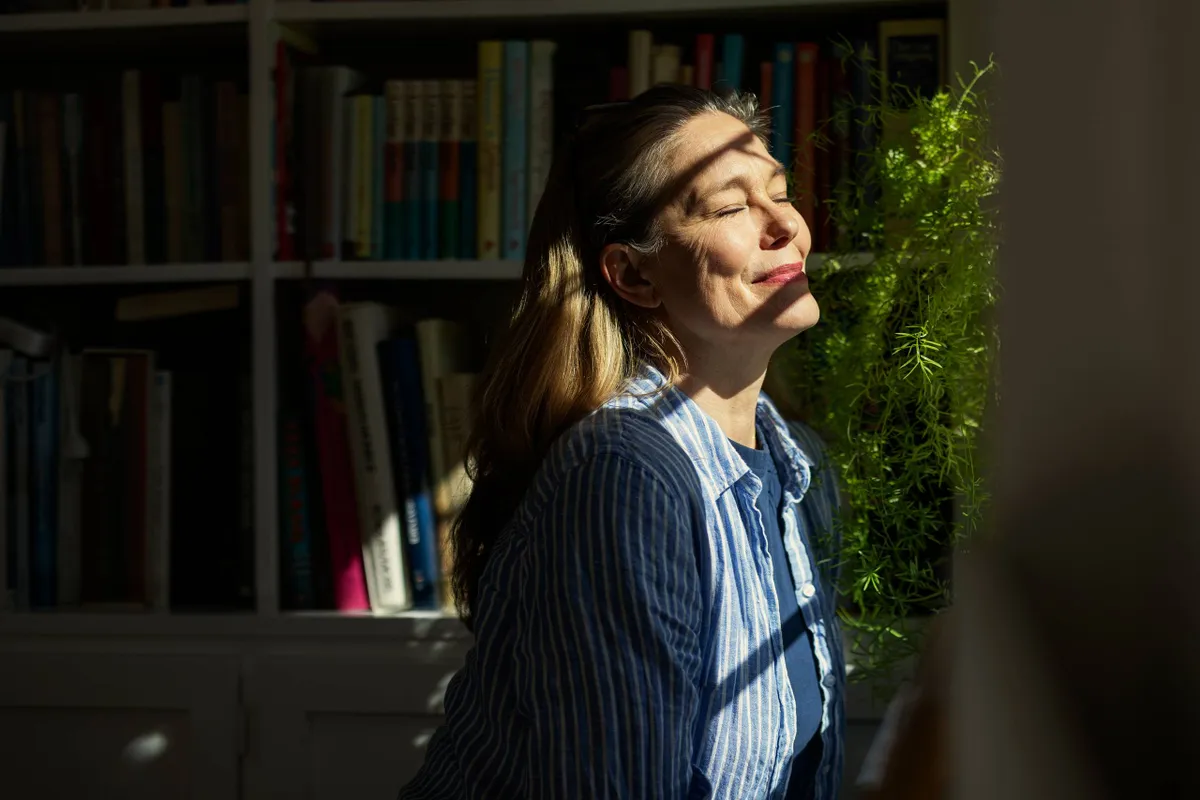
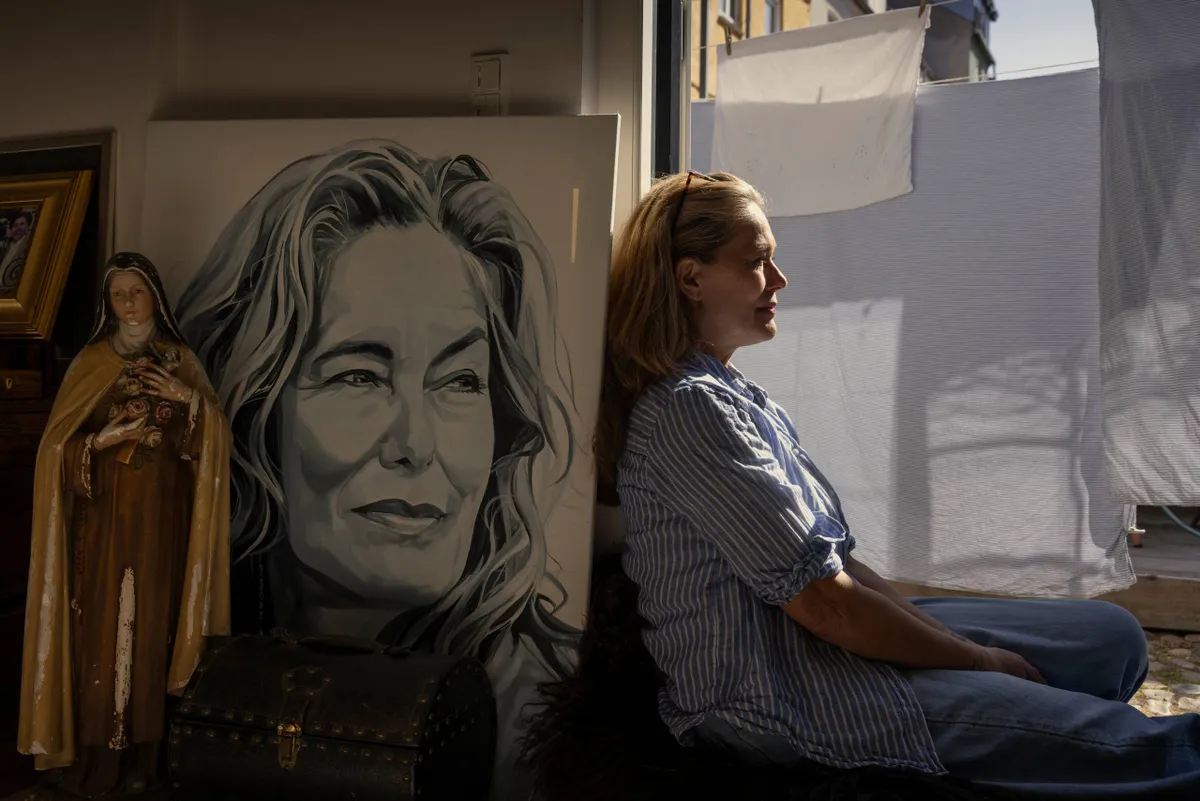
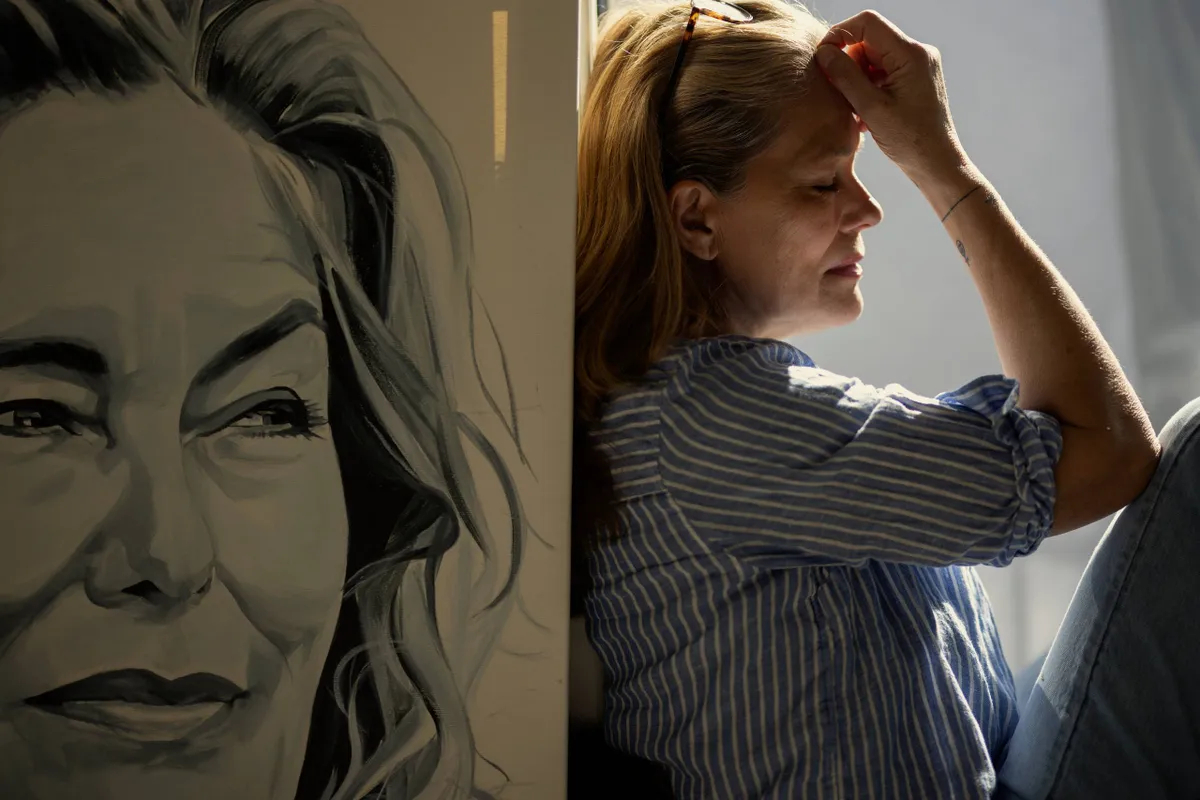
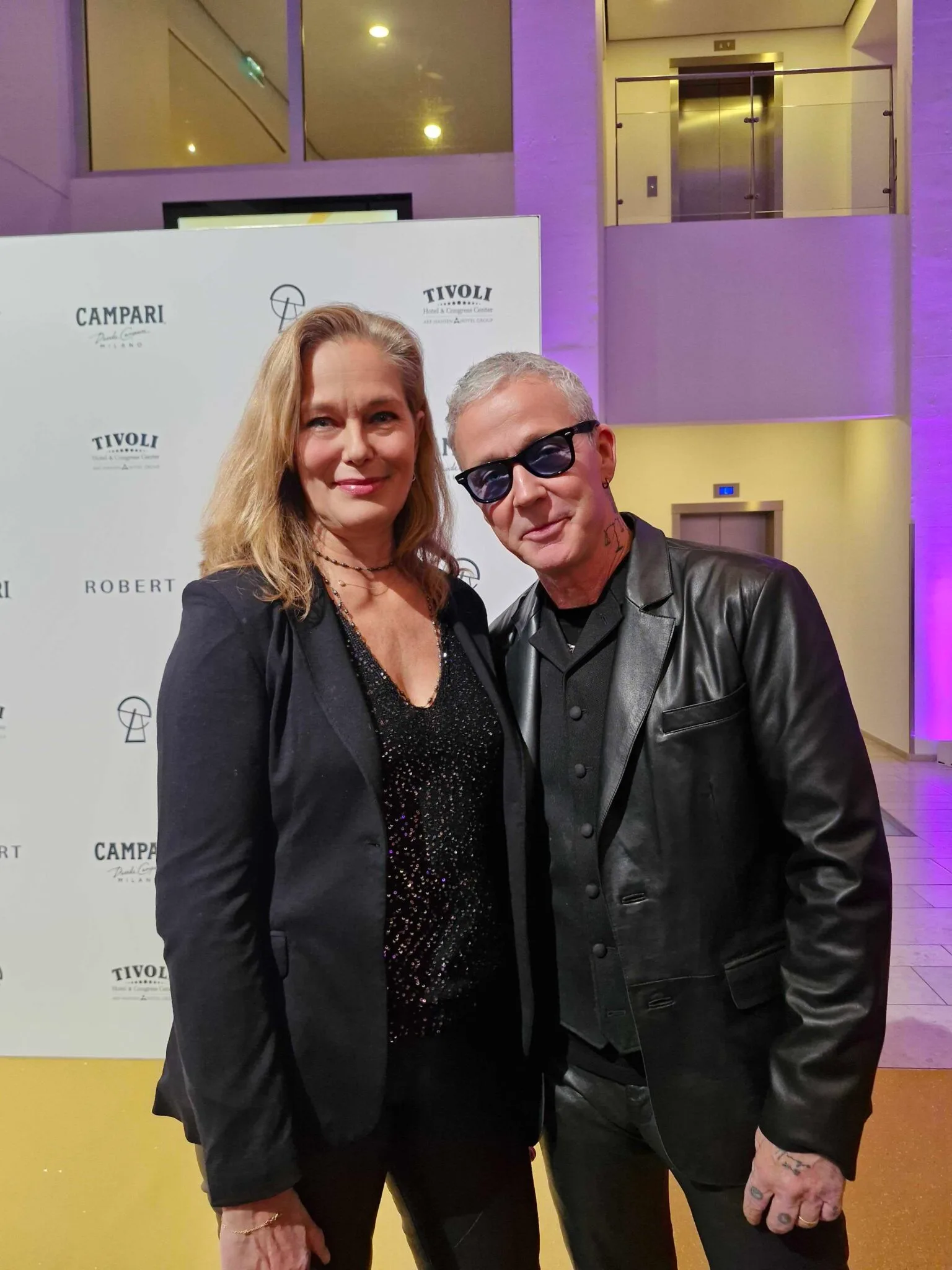
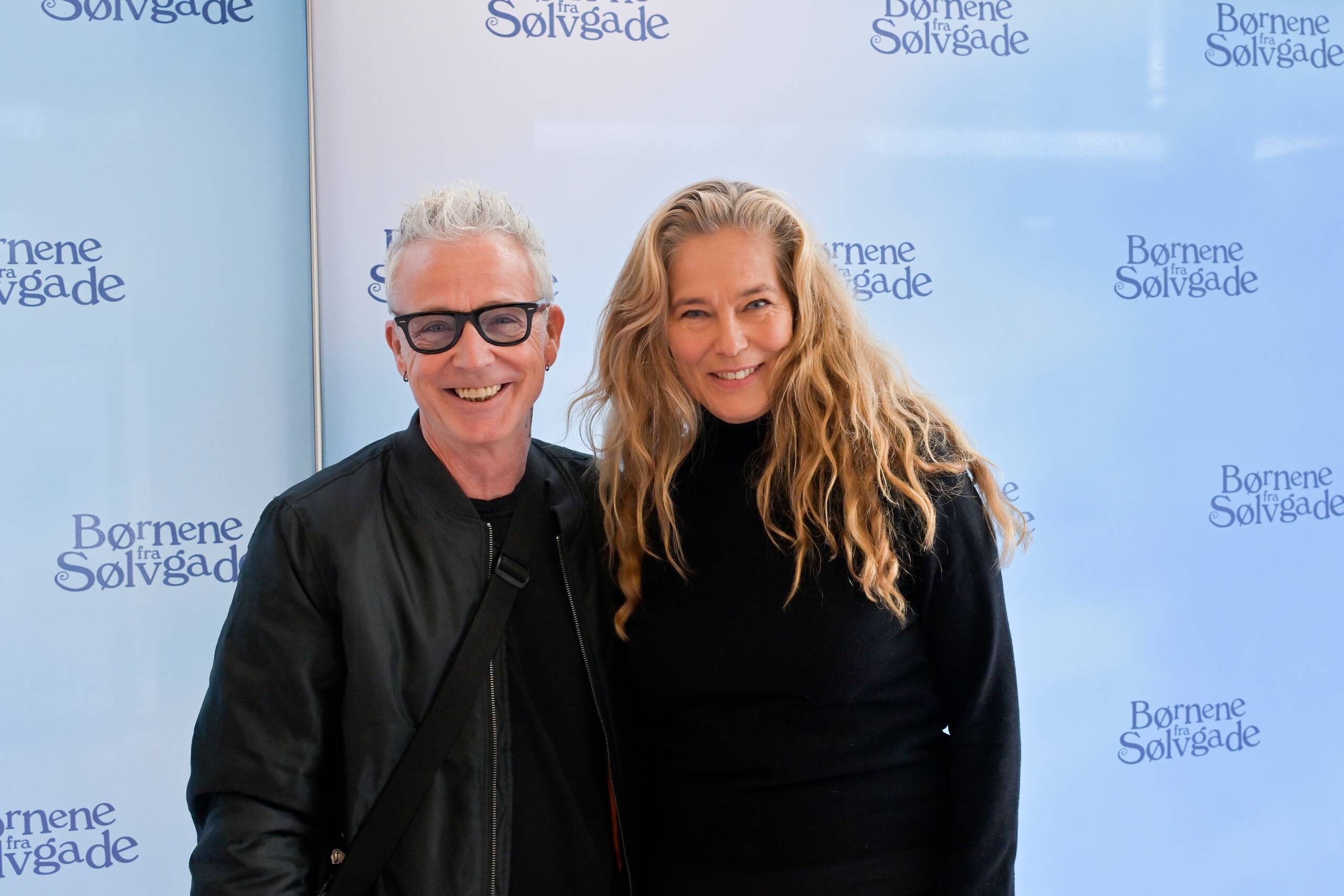
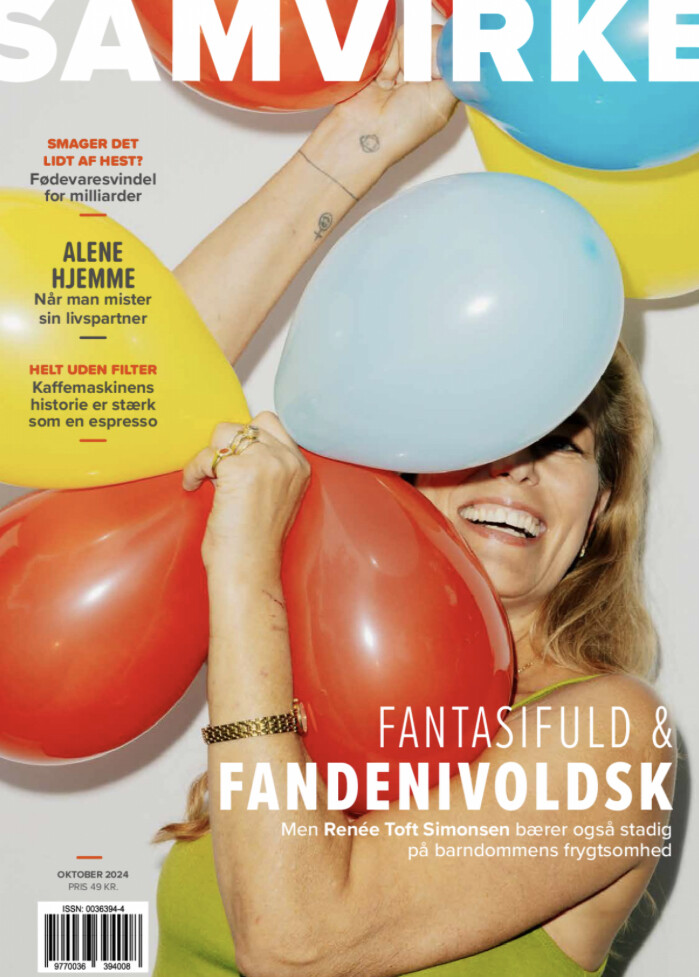
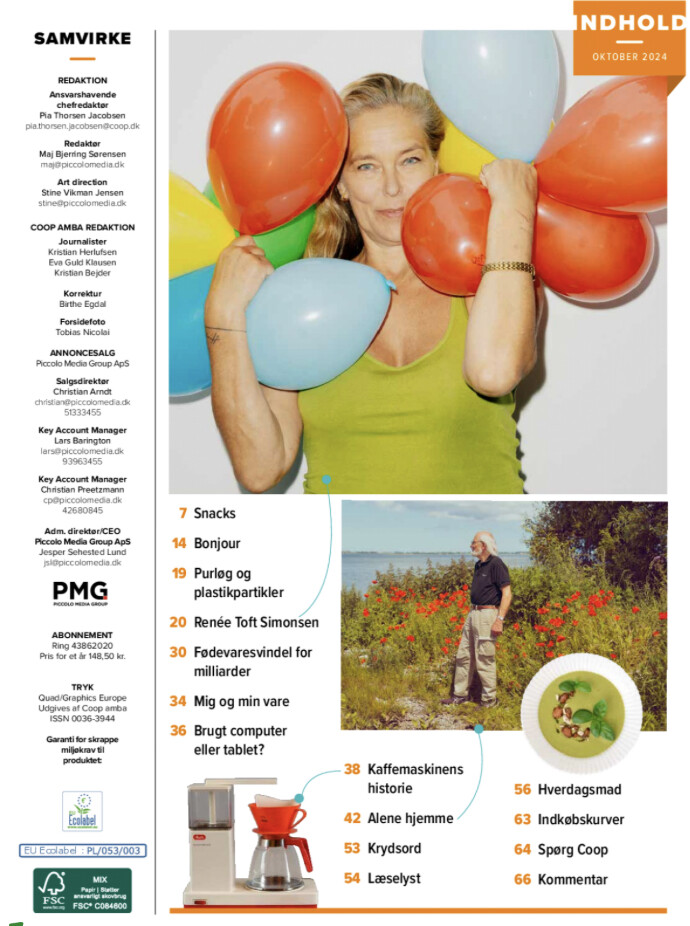
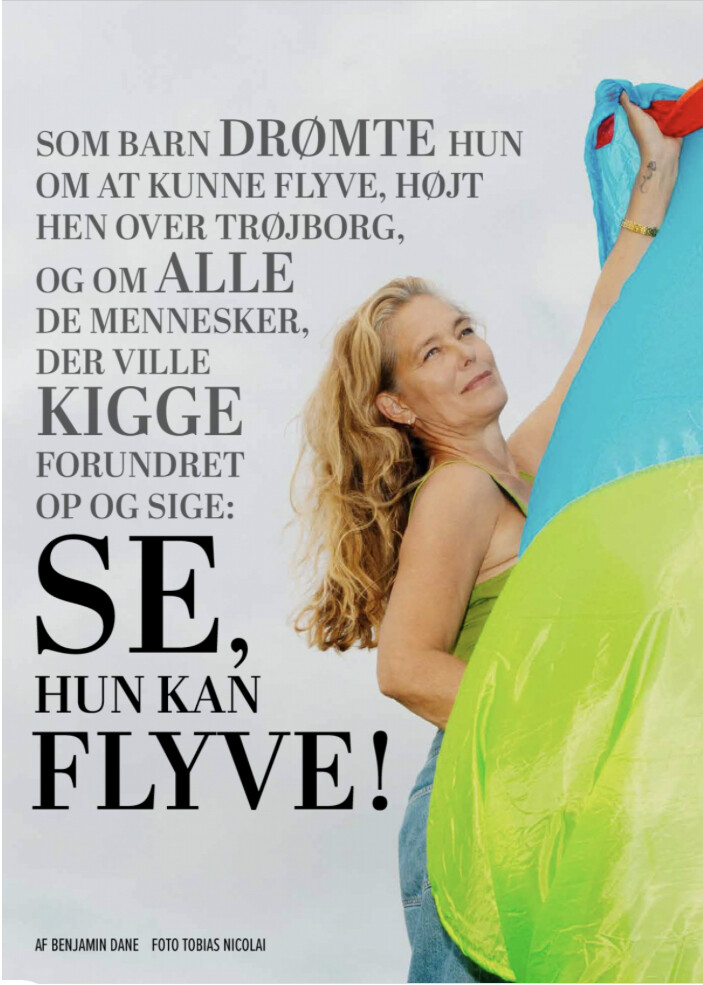
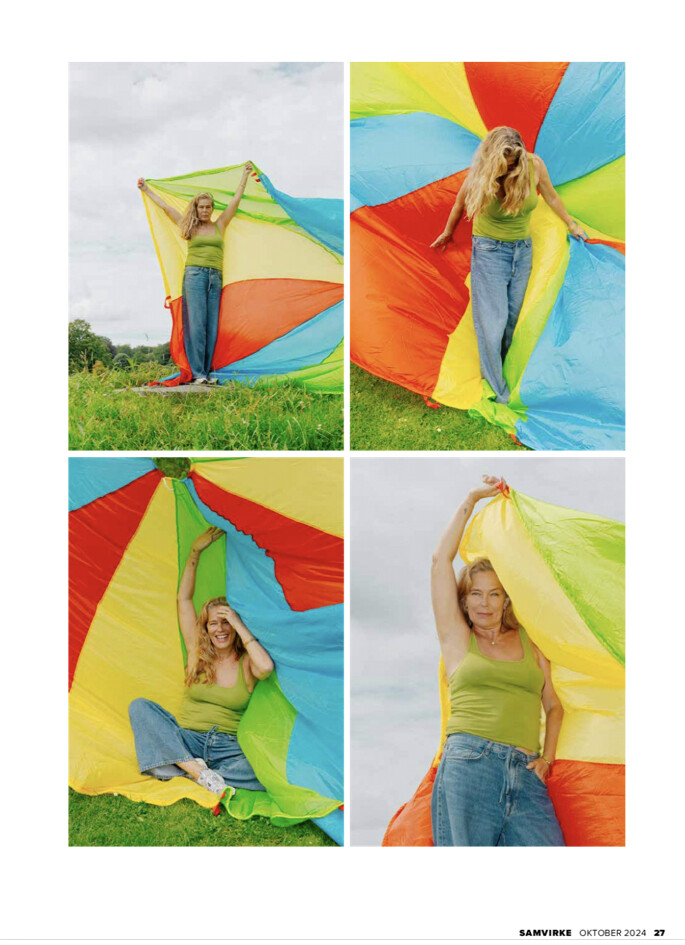
    Renée Toft Simonsen har oplevet det vildeste og det værst...

    60 år: Barndommen i den rå del af Randers og på livlige Trøjborg blev forvandlet til et jetsetliv i New York. Men hun ville noget andet og tog hjem for at tage hele to uddannelser. I dag er hun en...

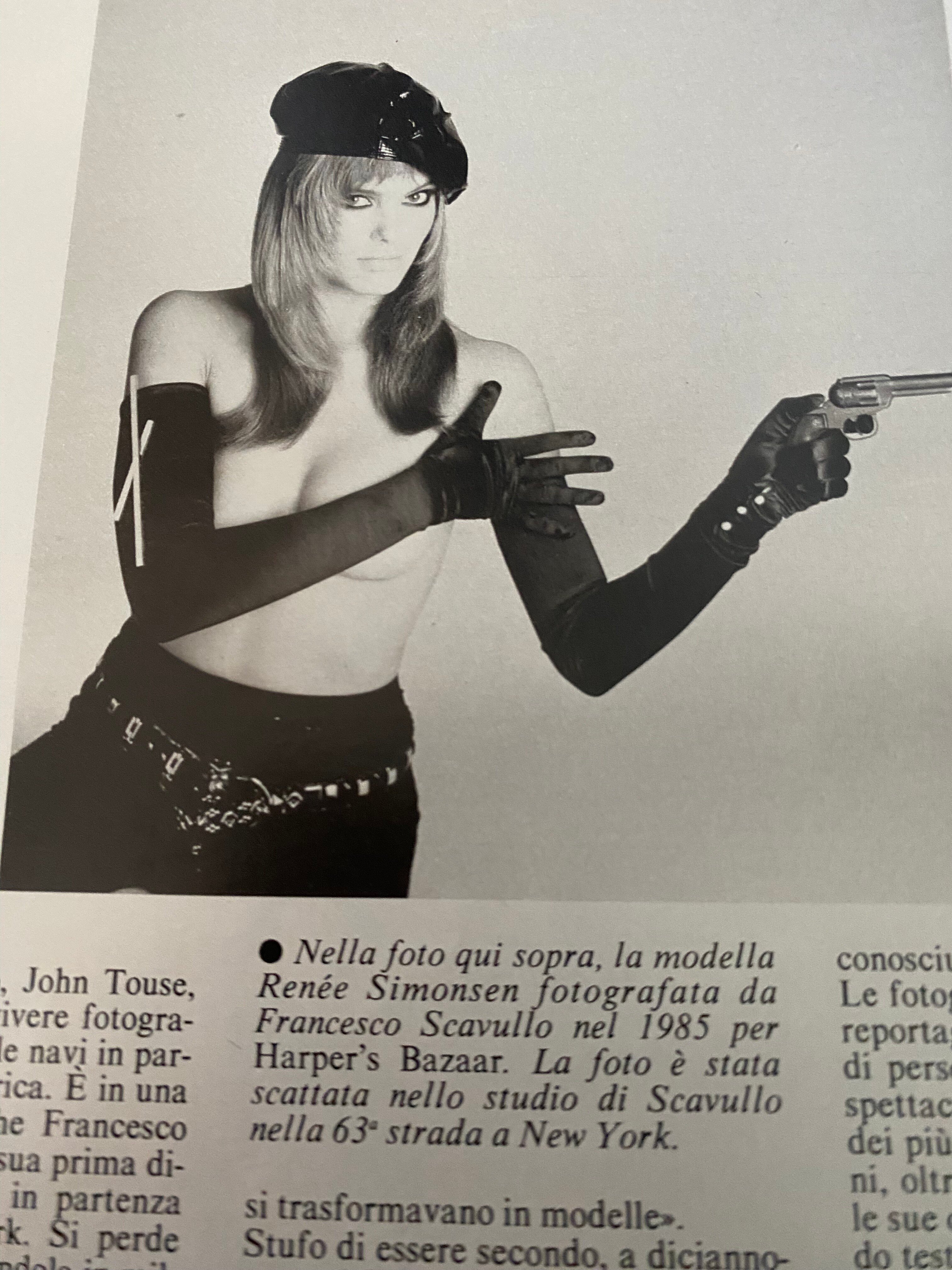
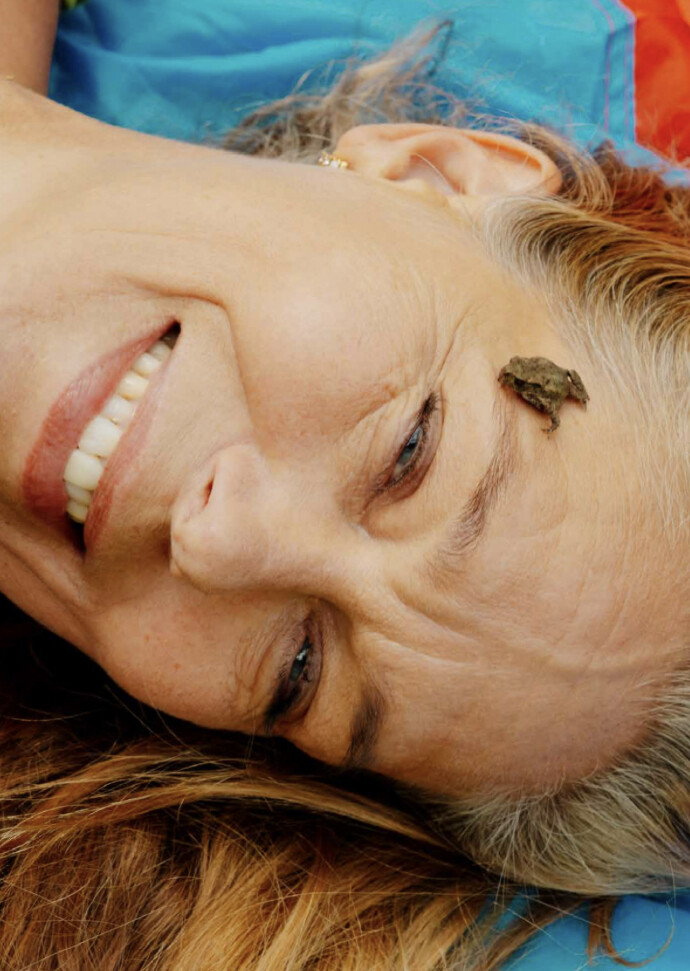
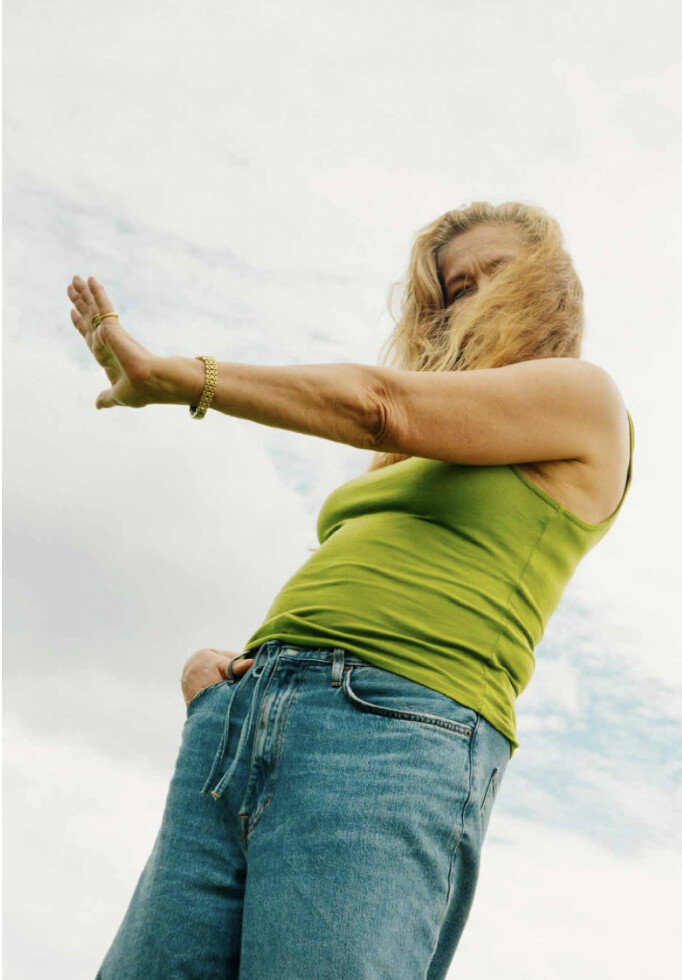
    Renee turned 60

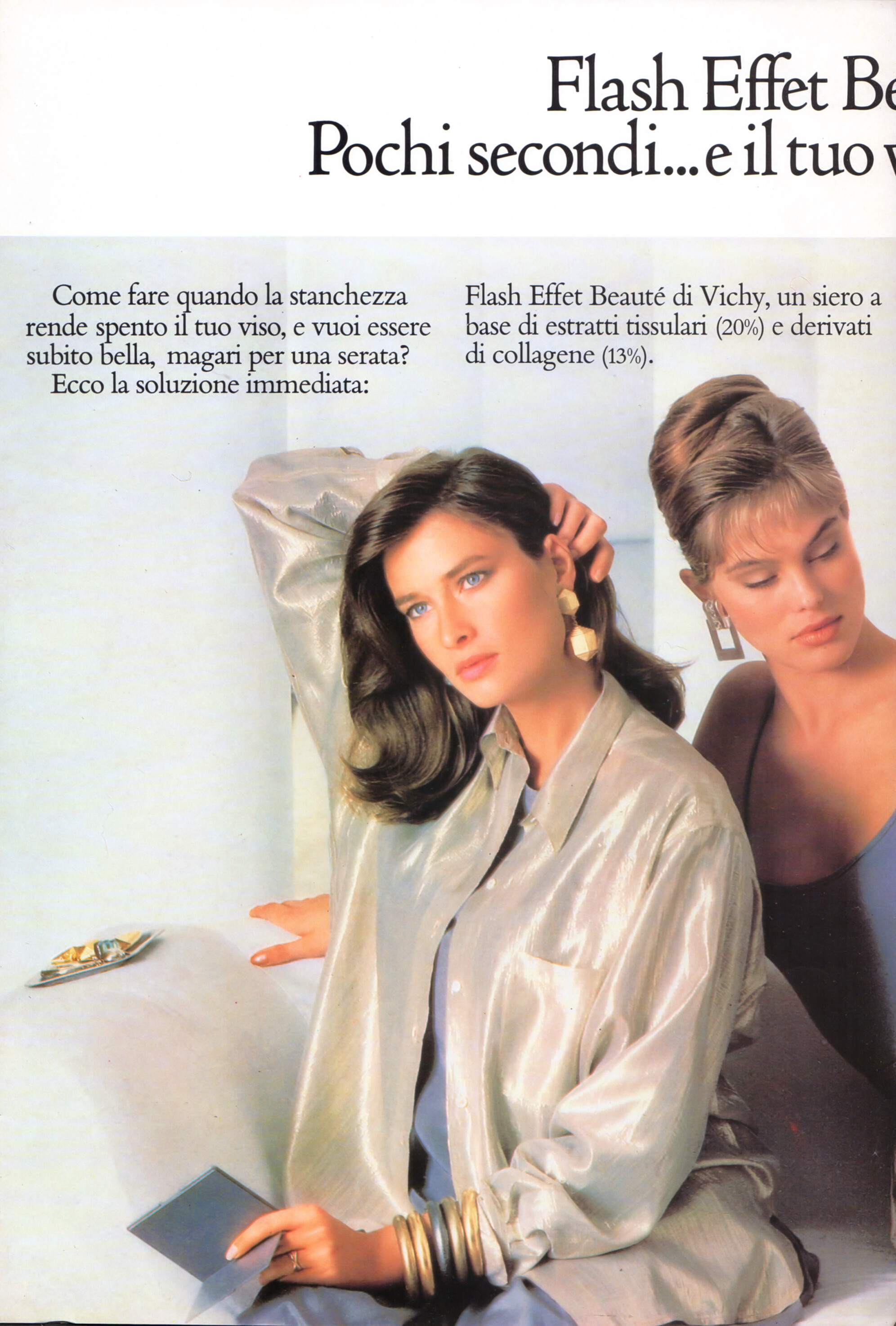
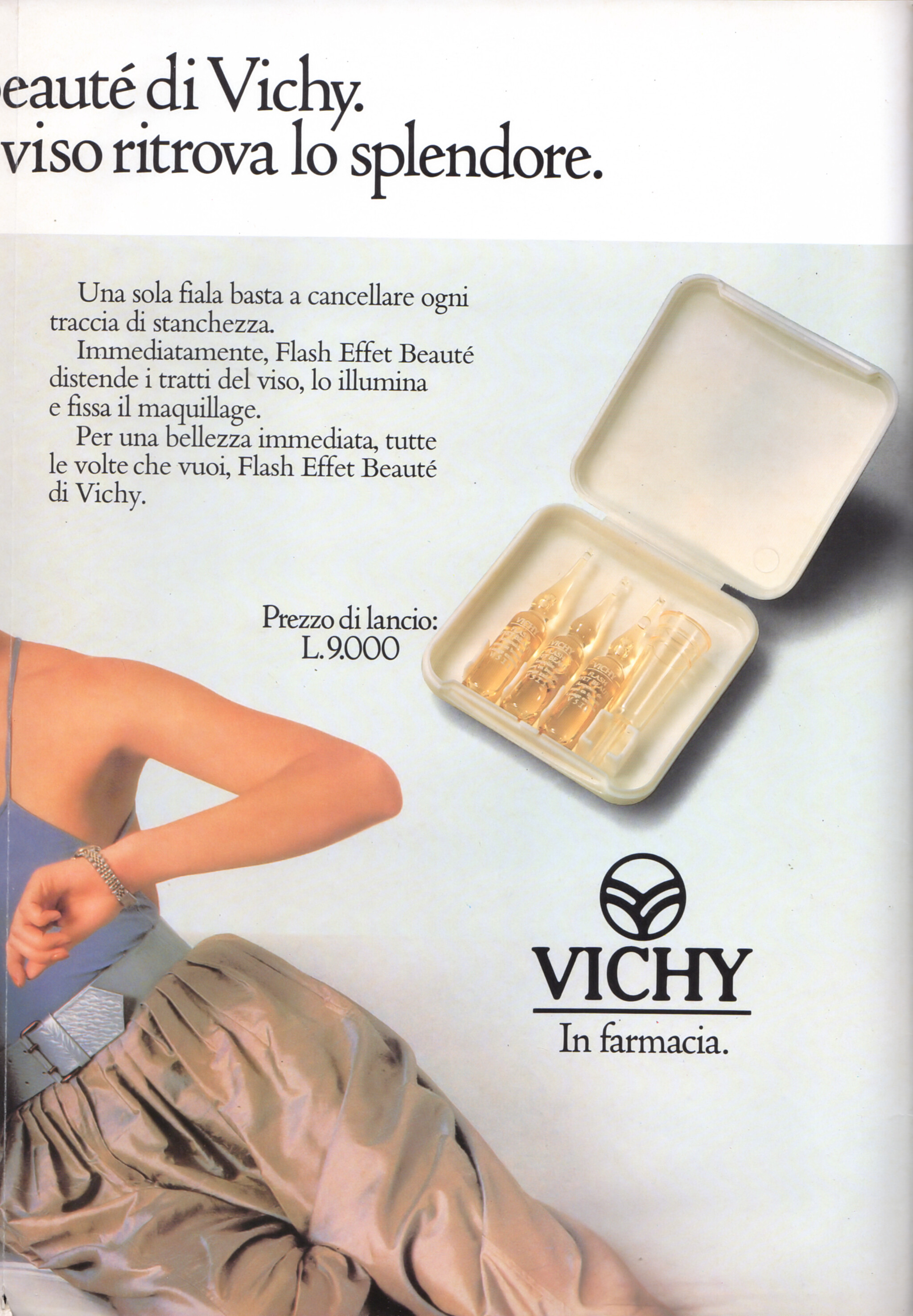
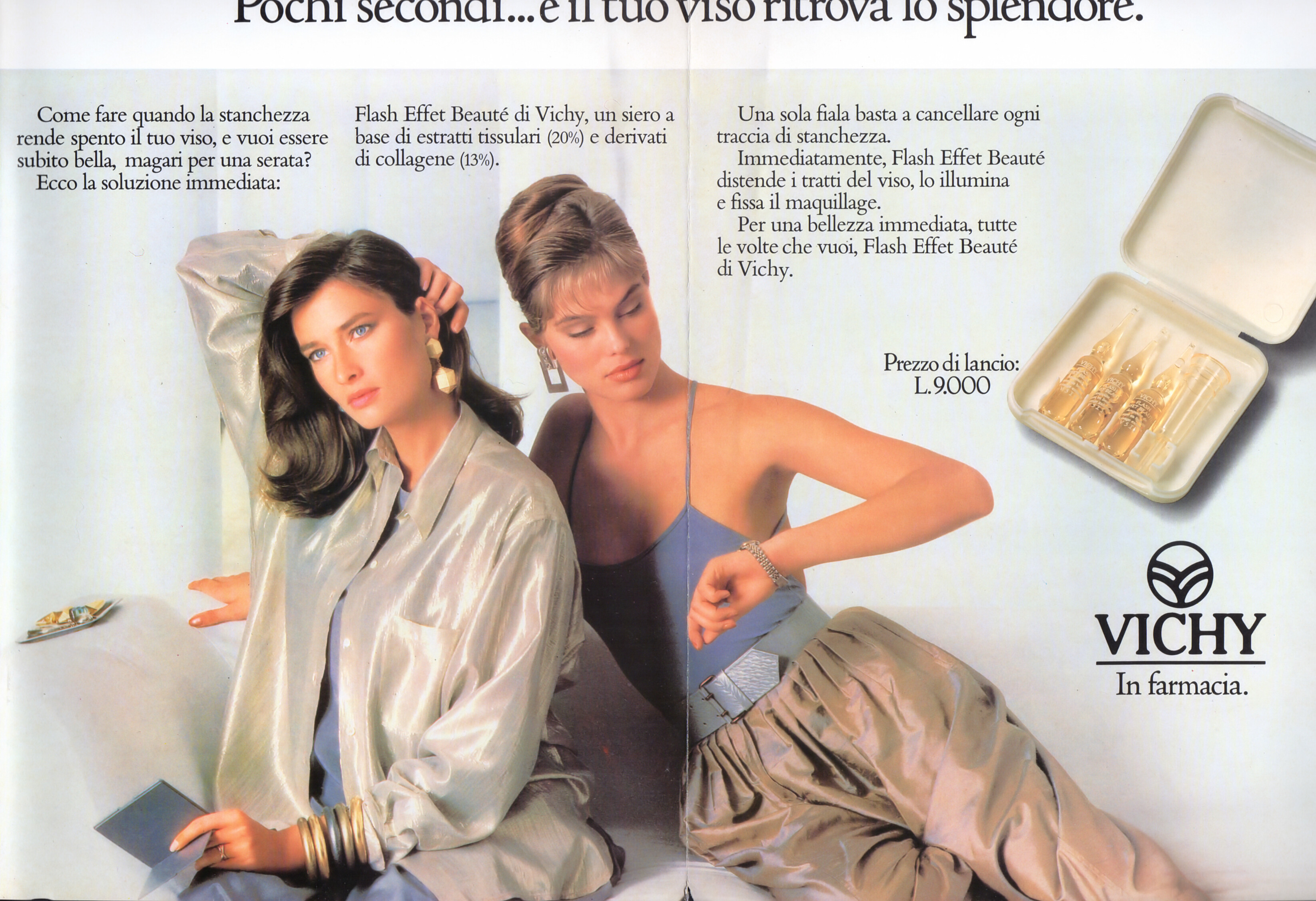
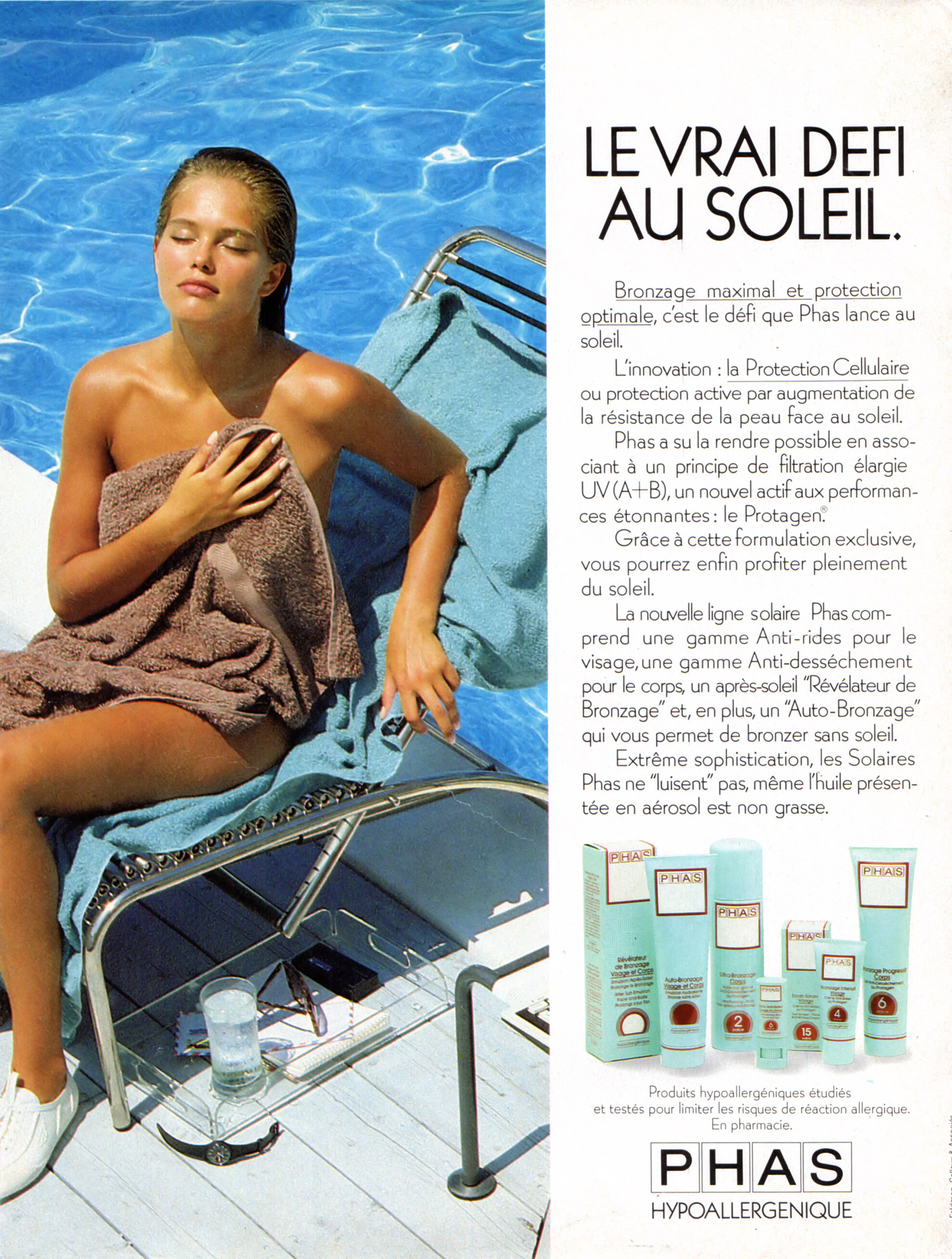
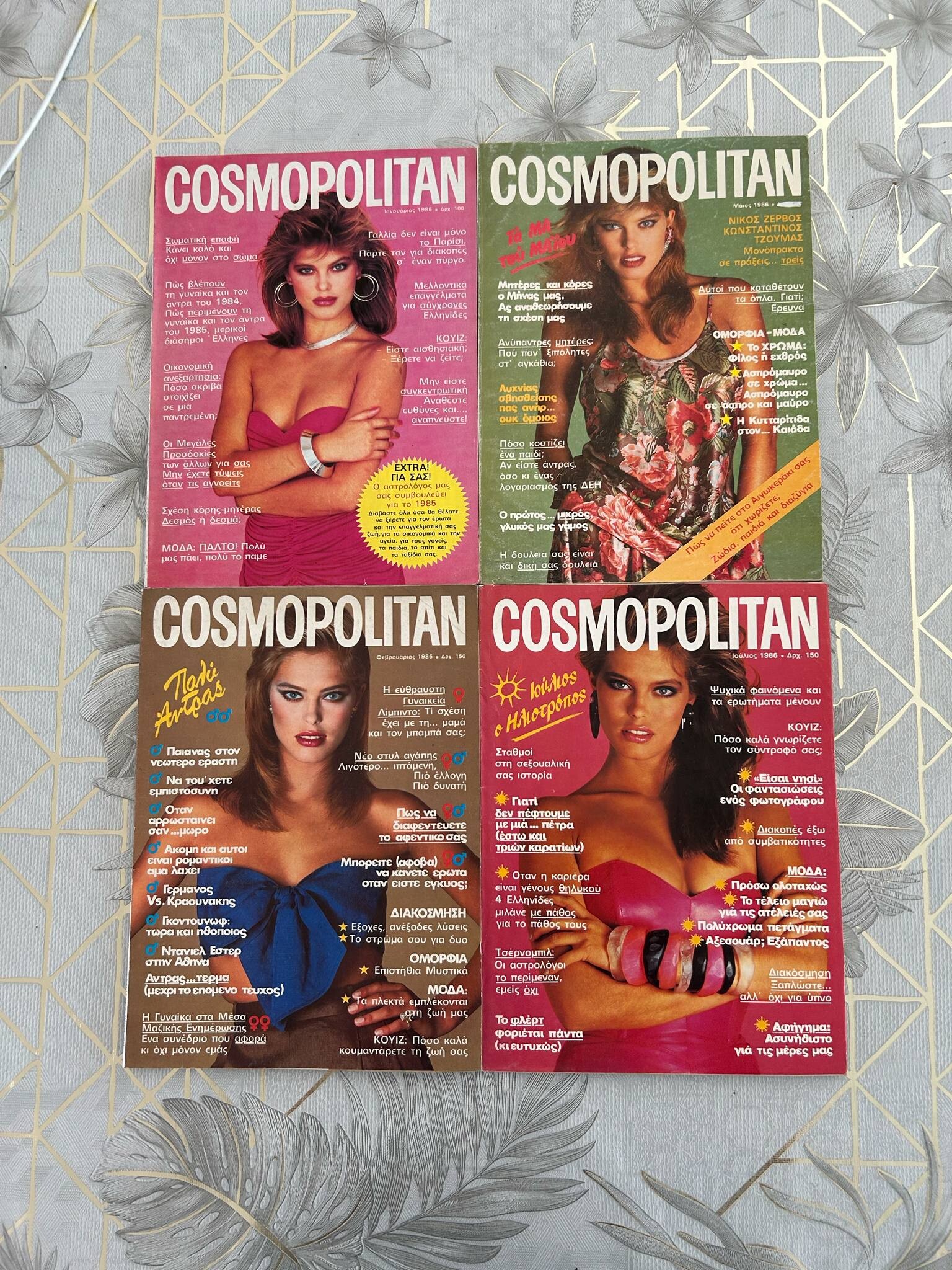
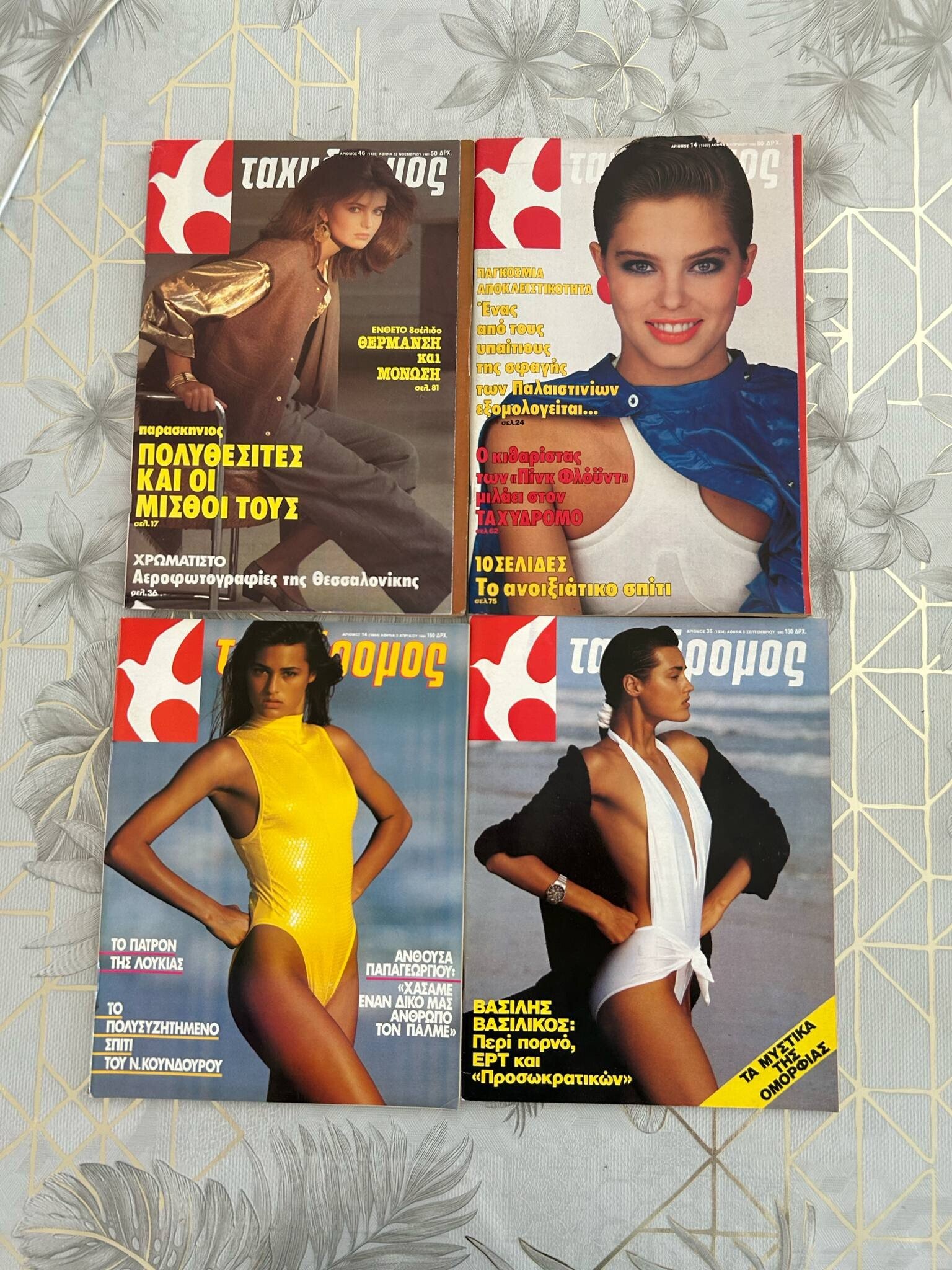
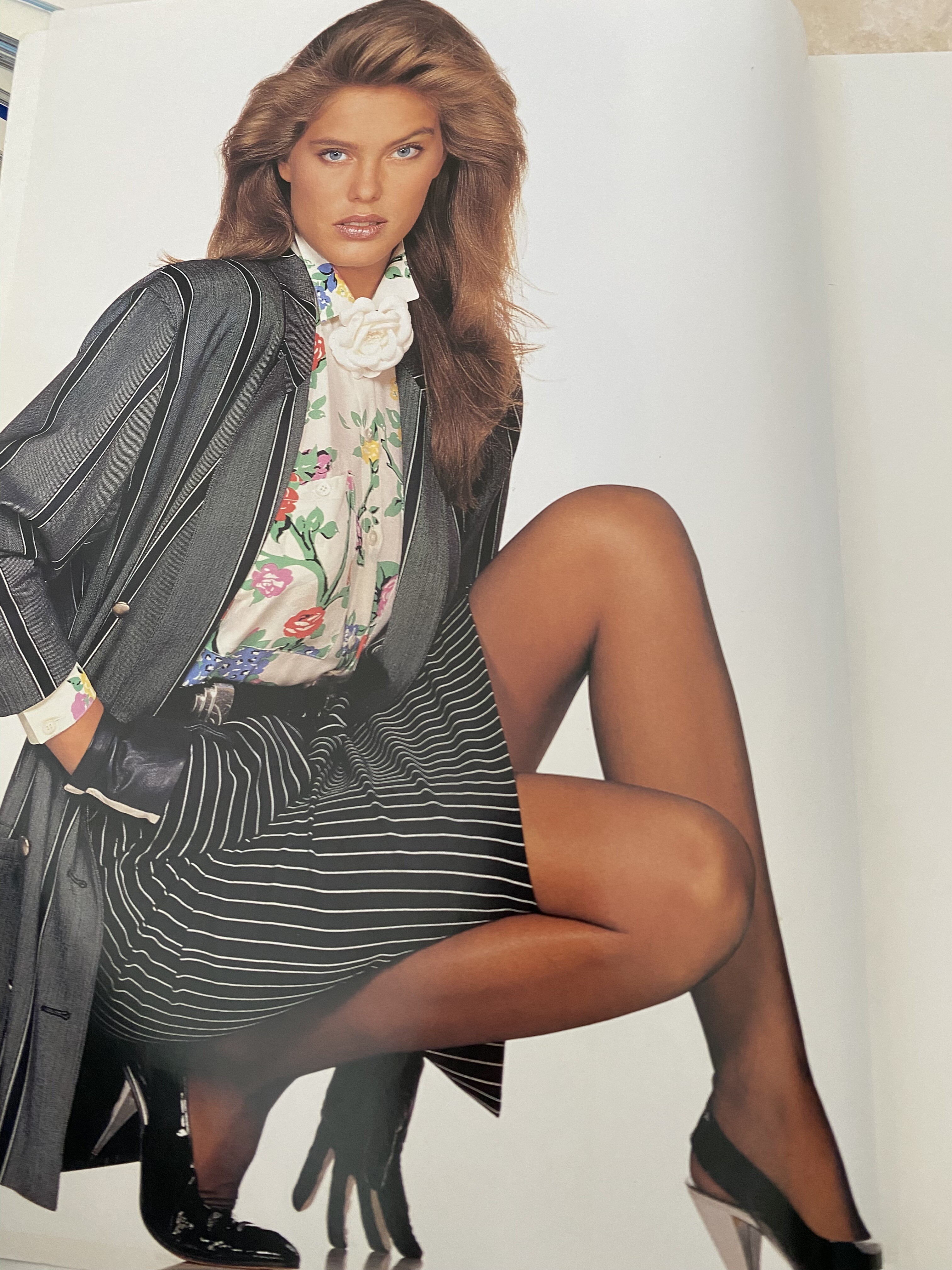
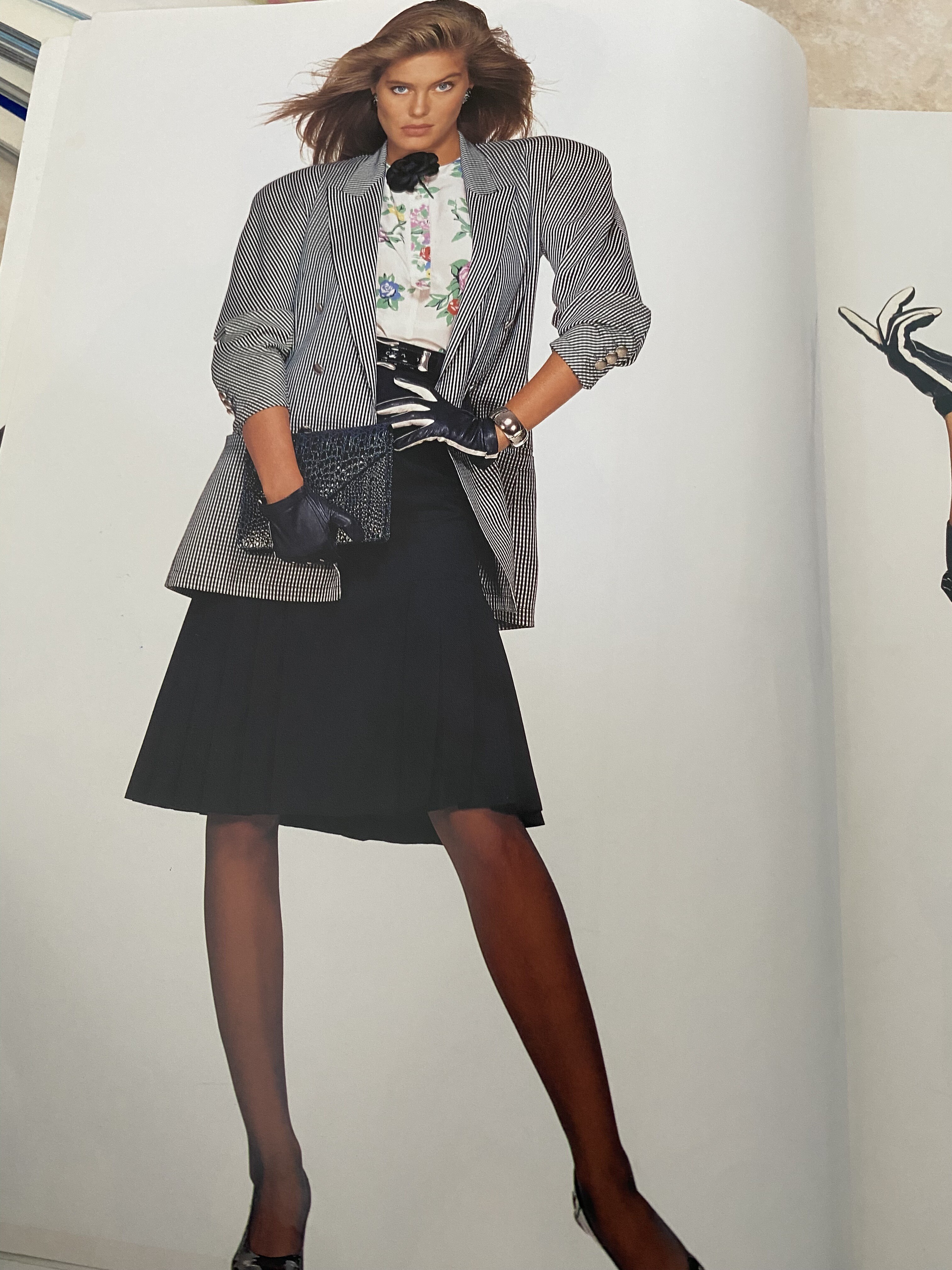
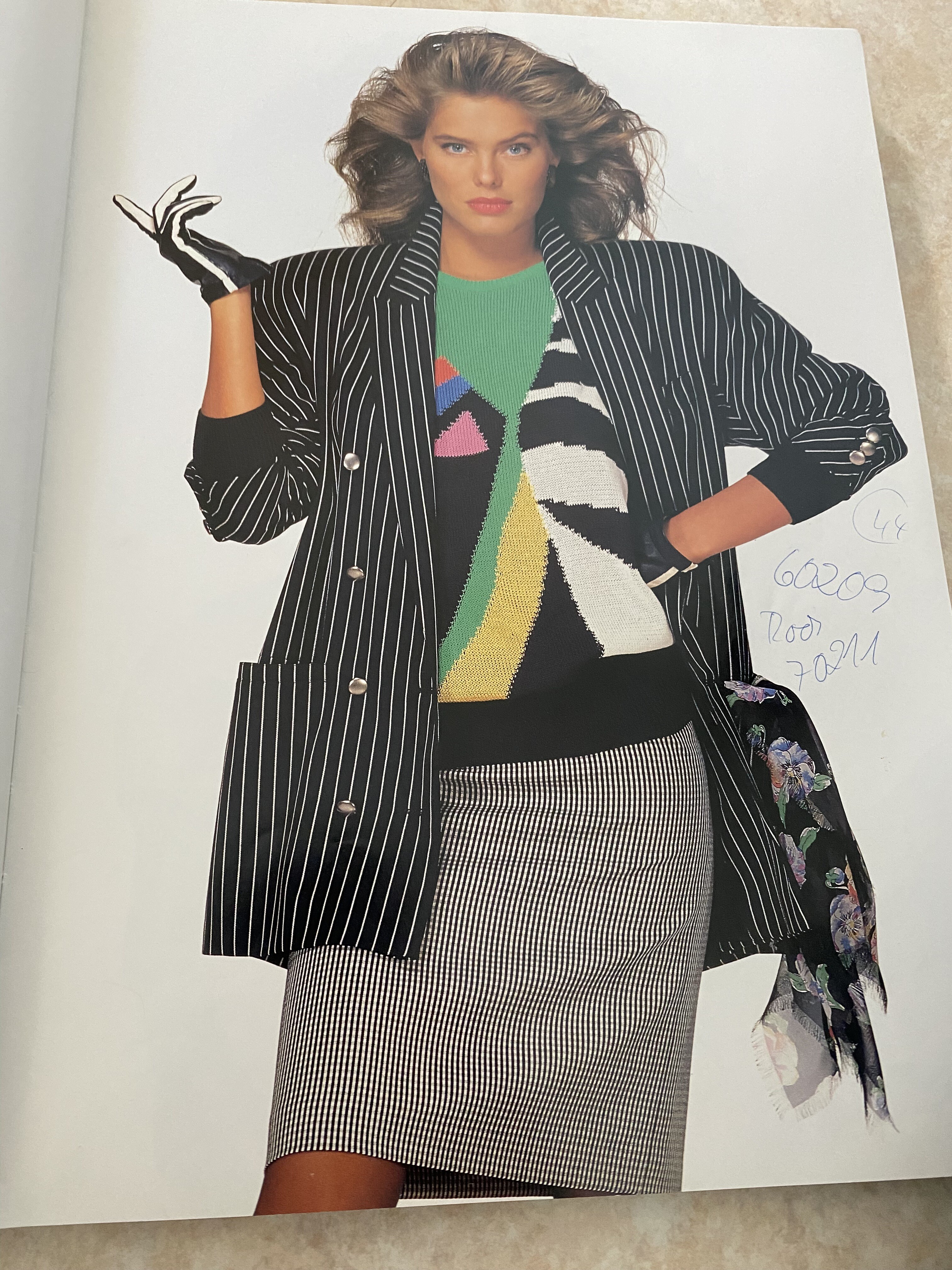
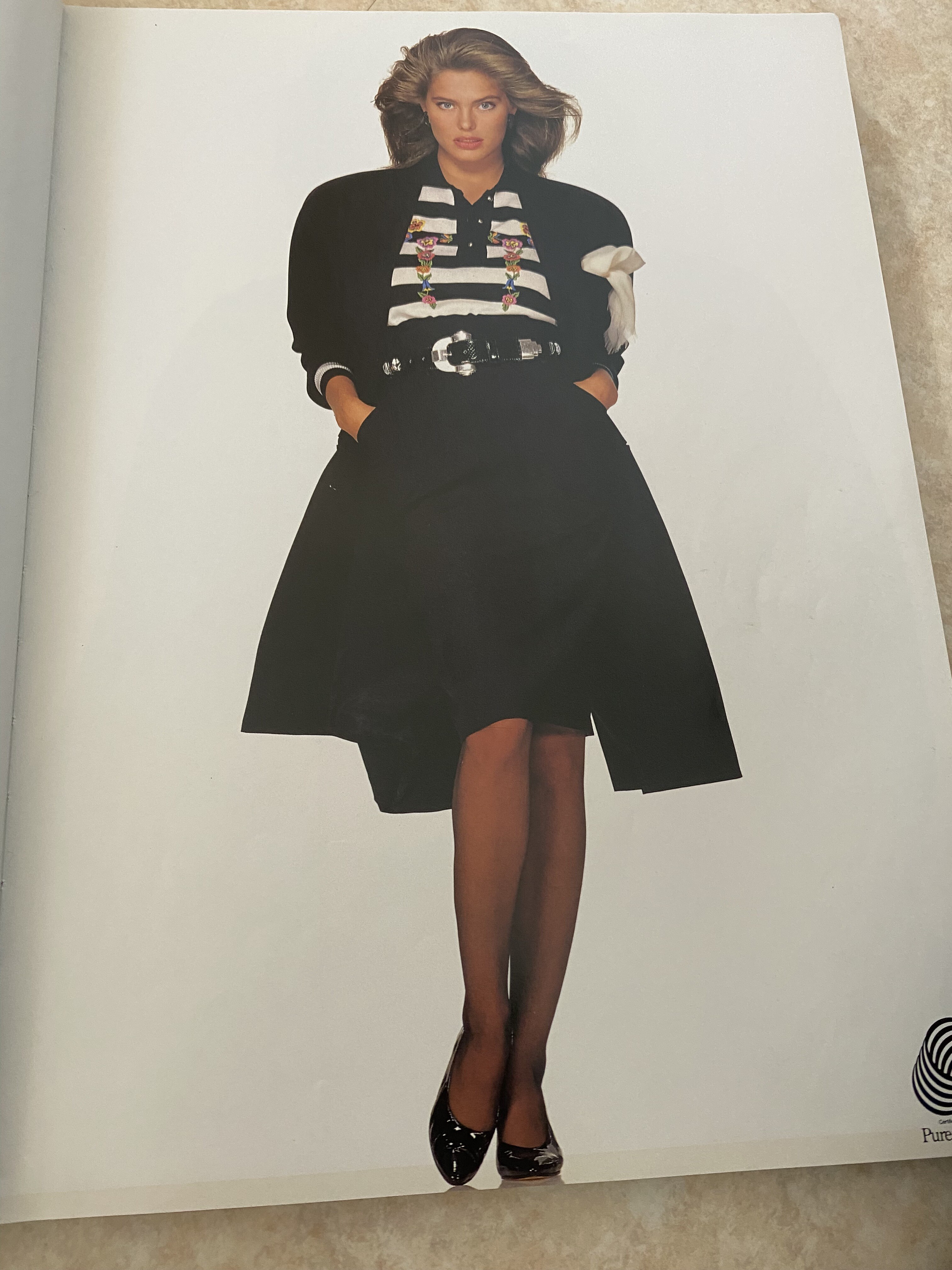
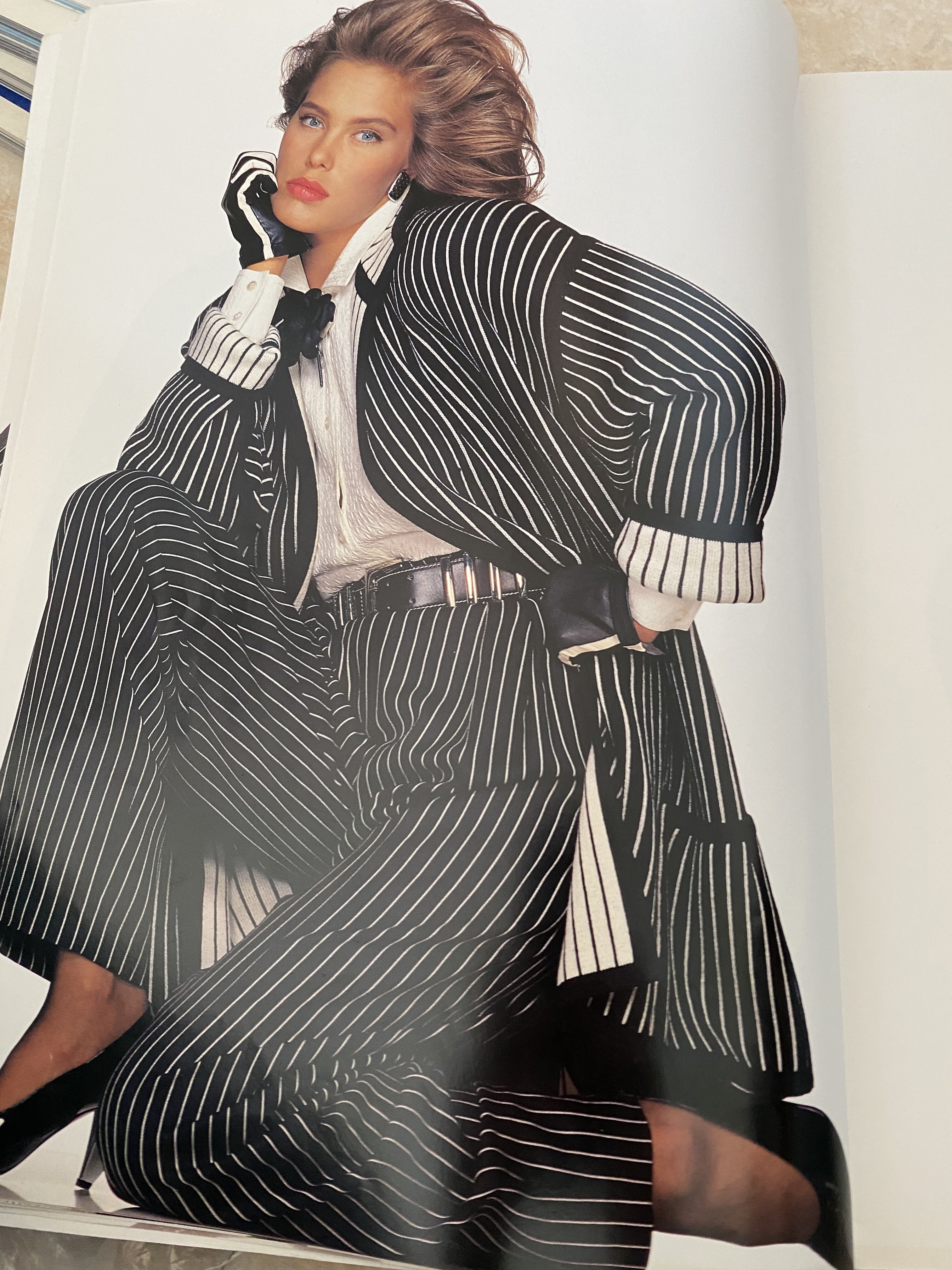
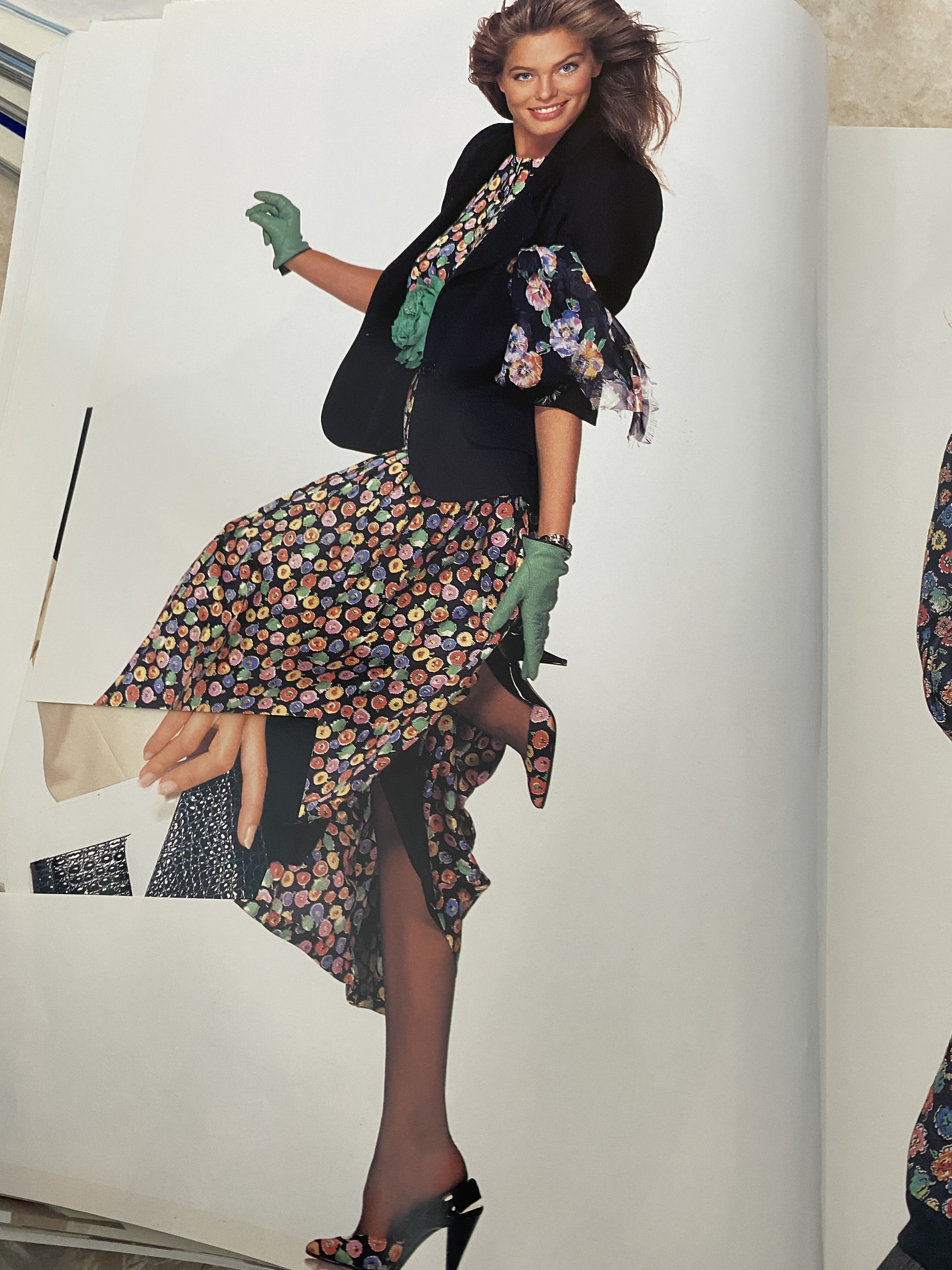
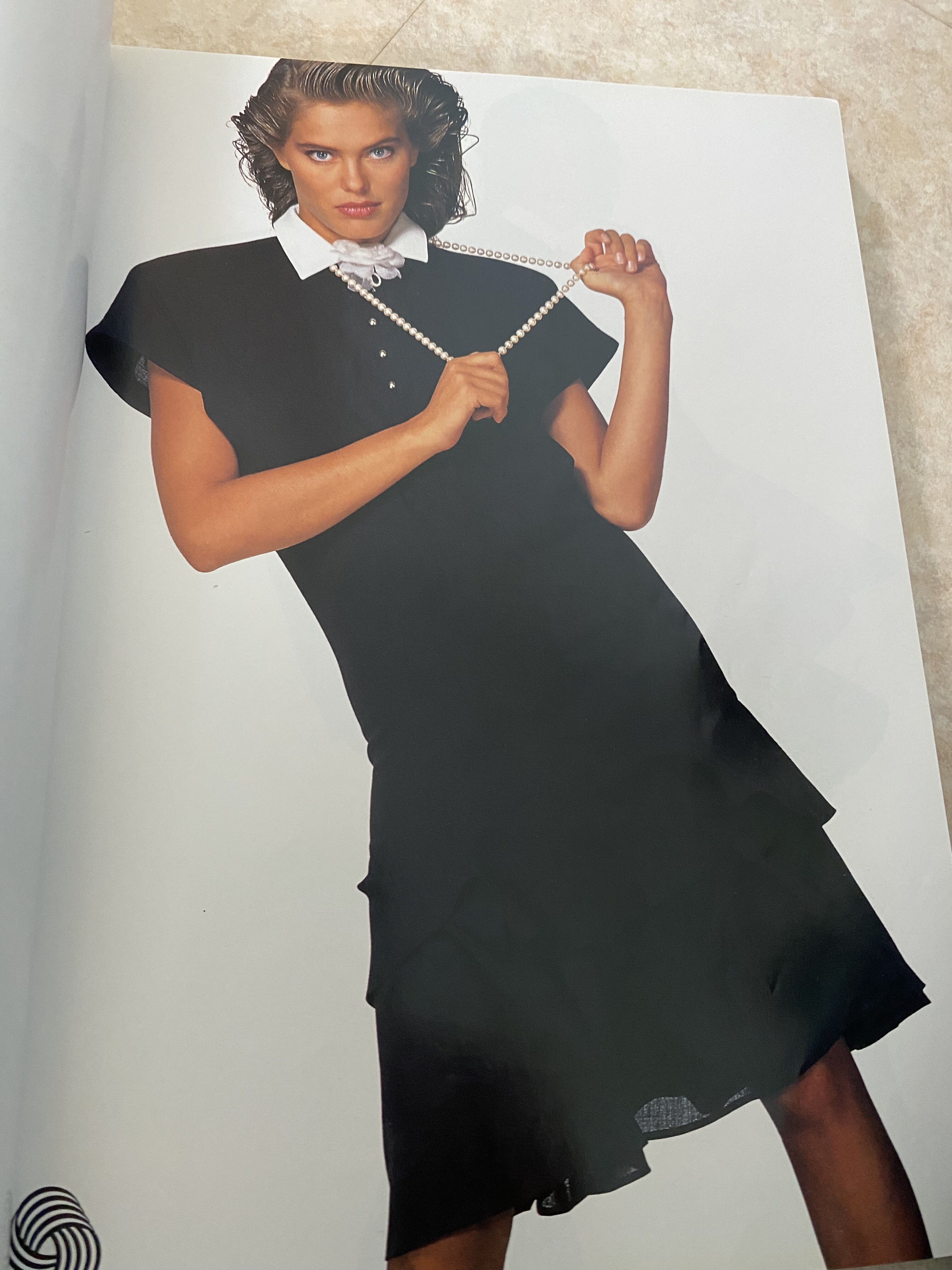
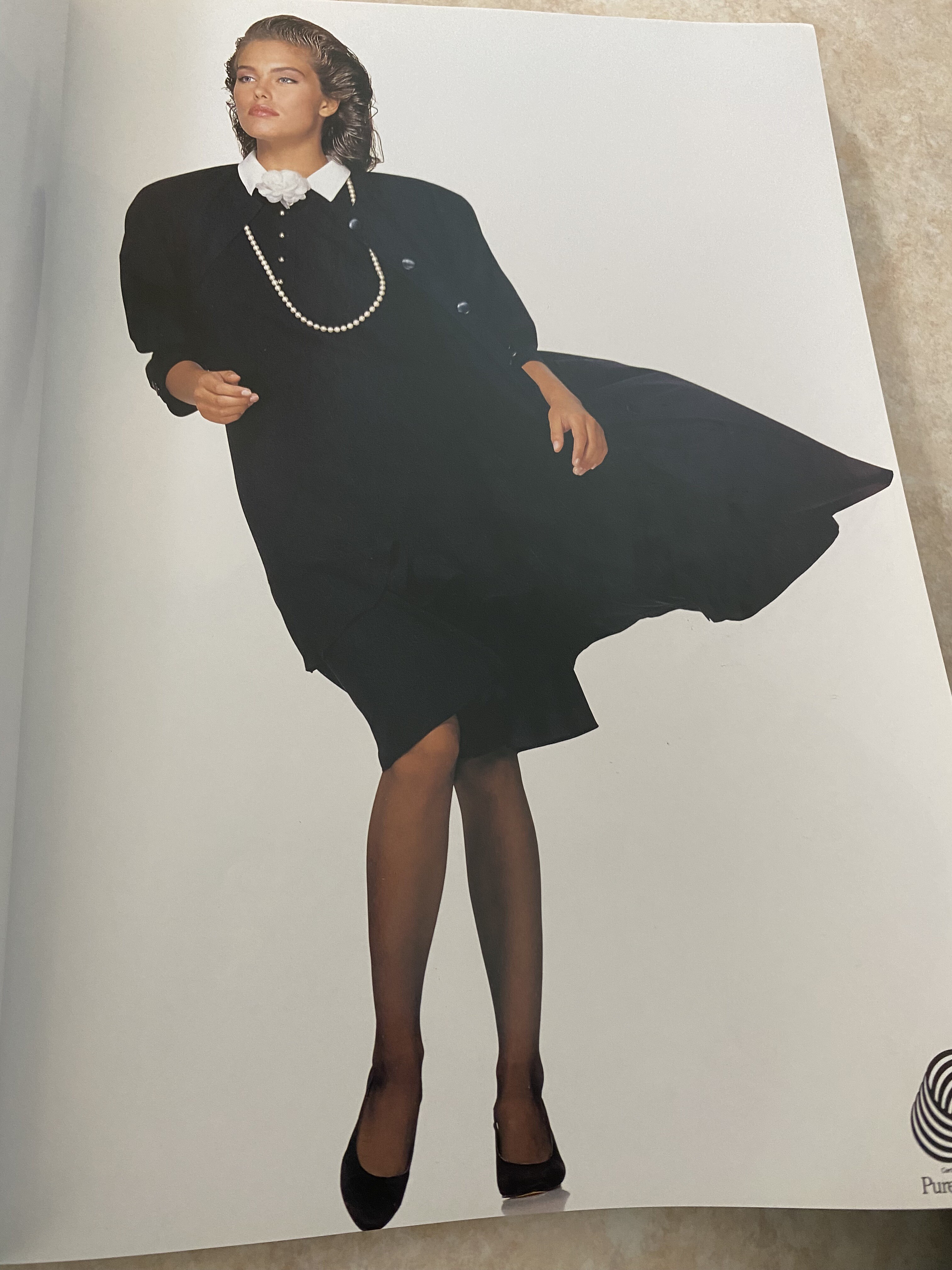
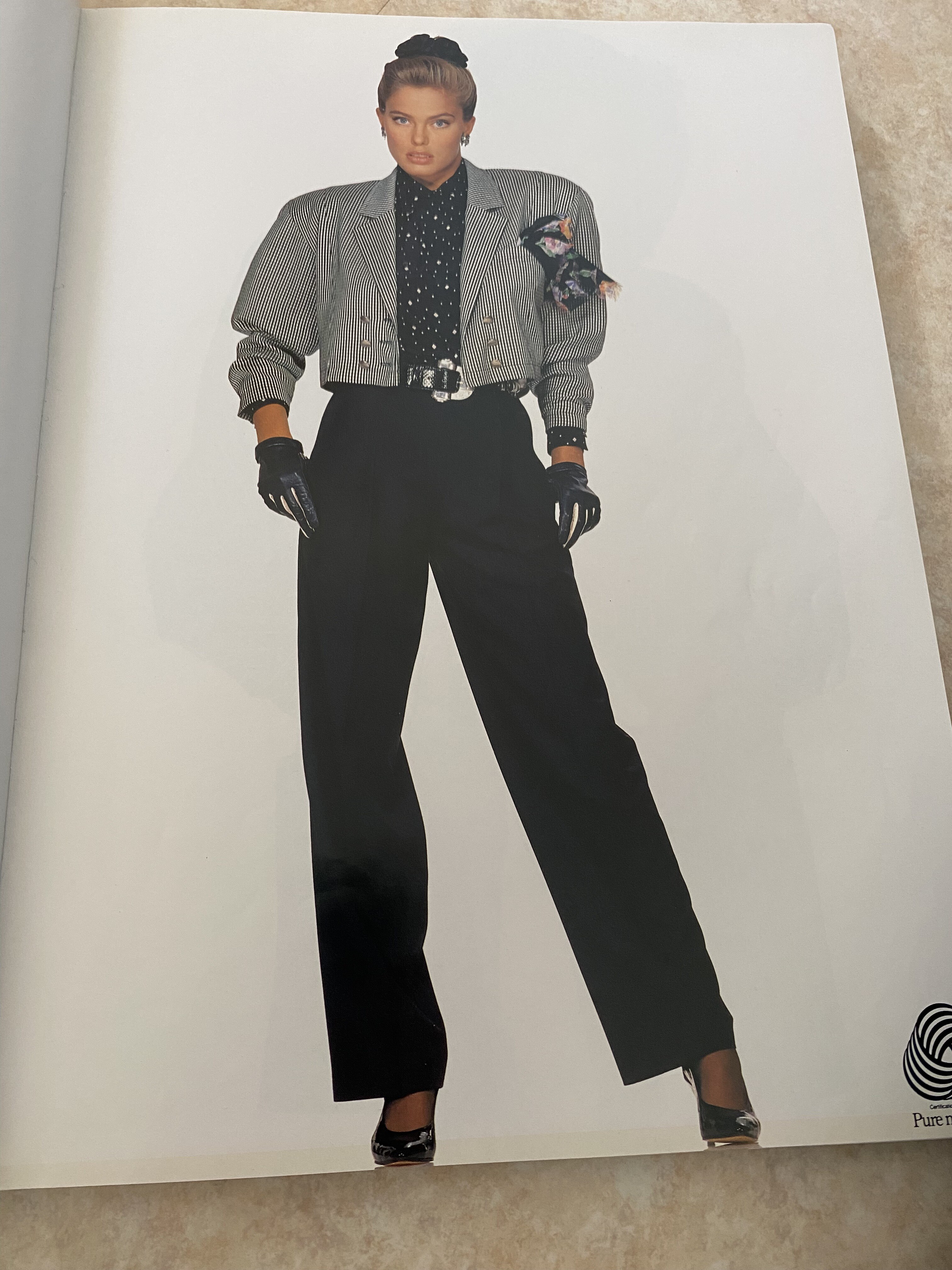
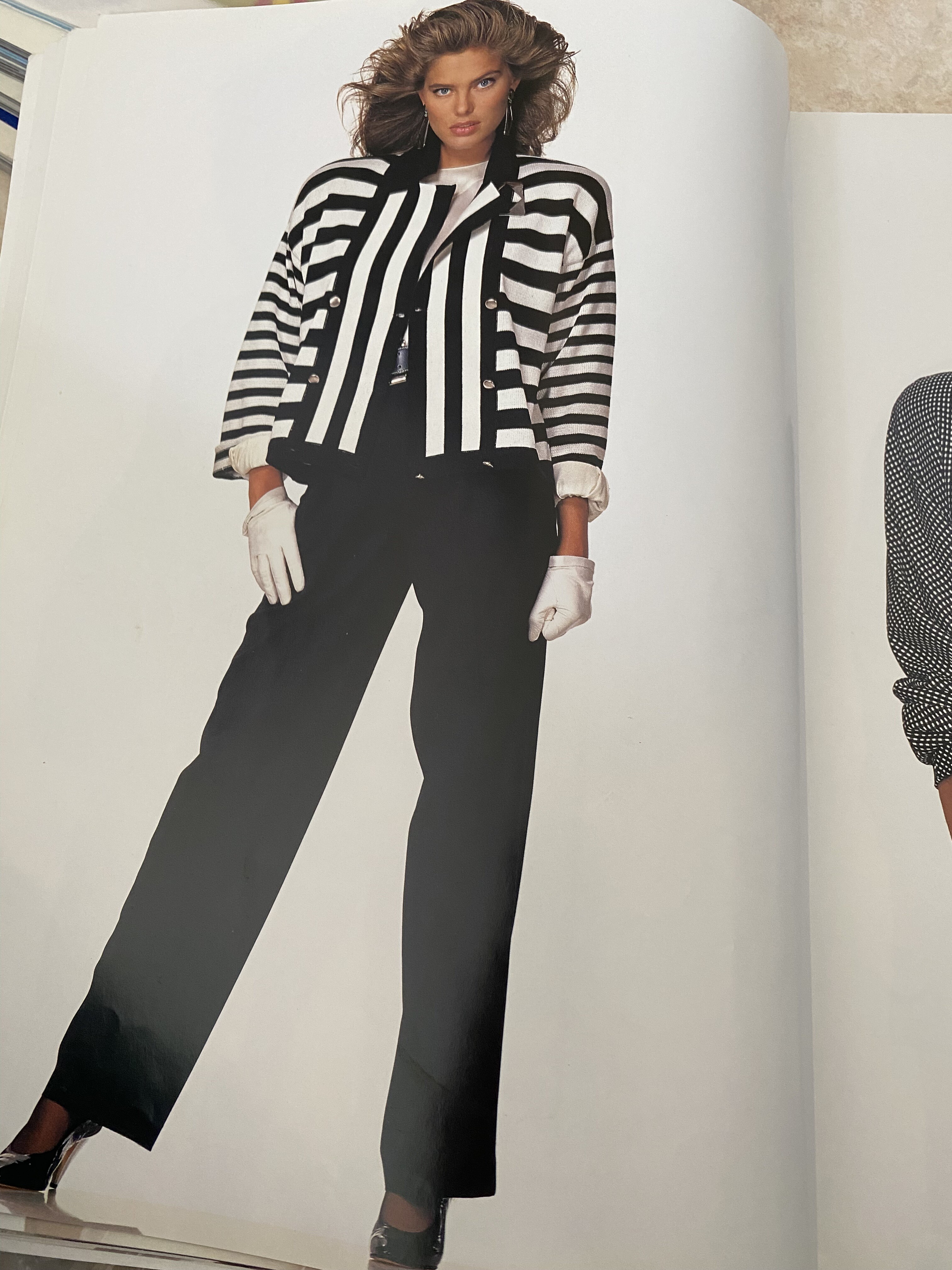
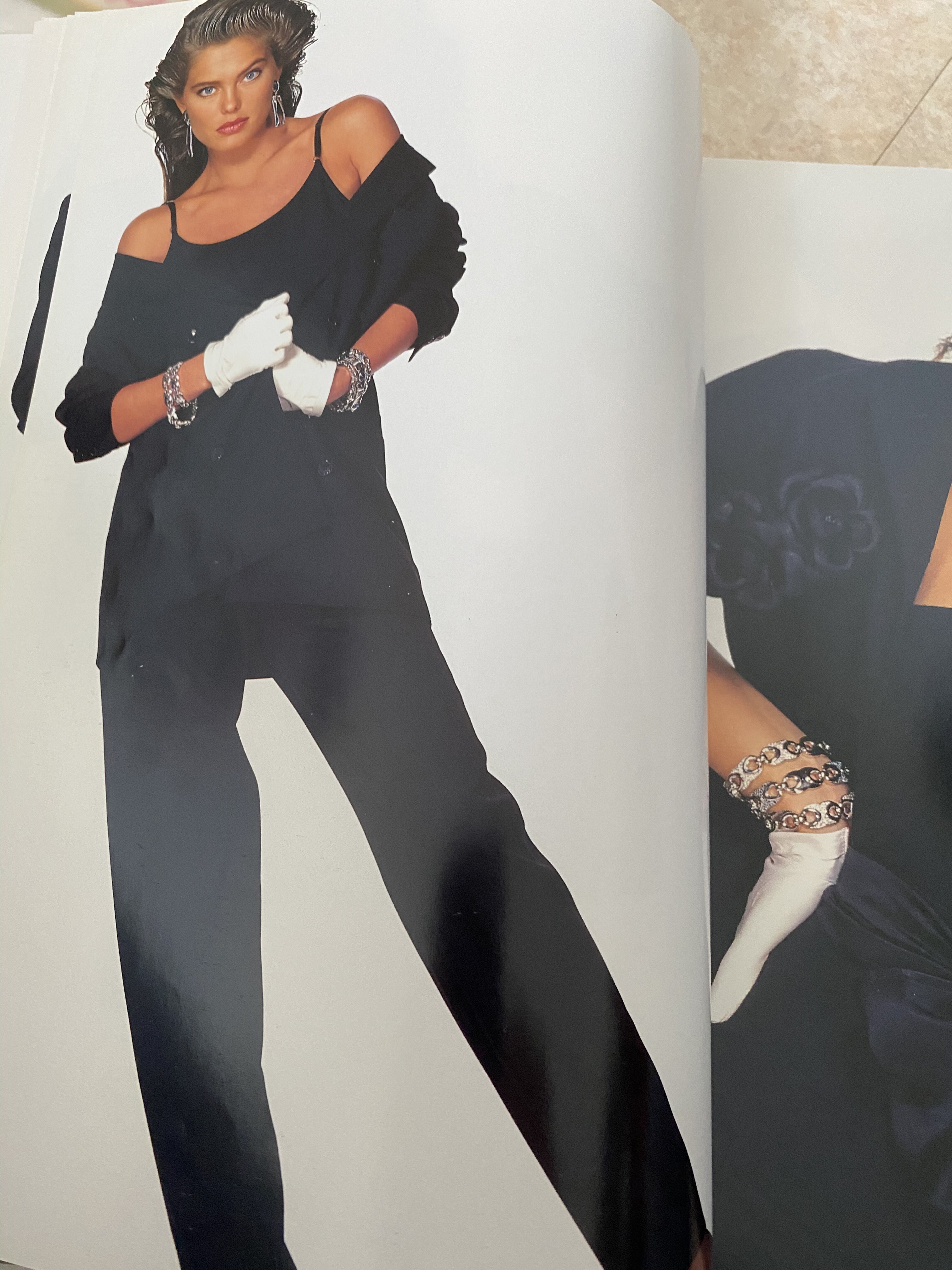
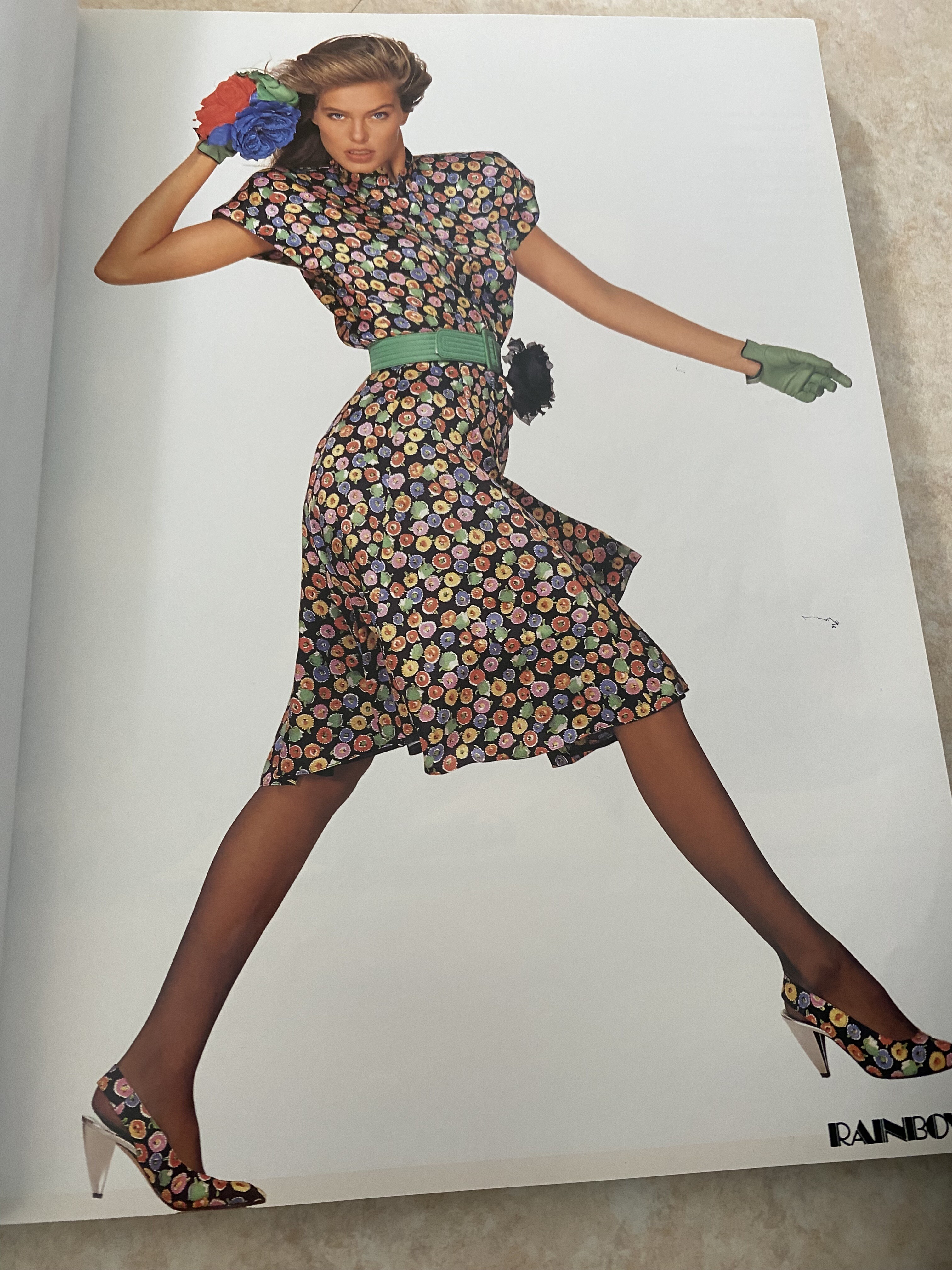
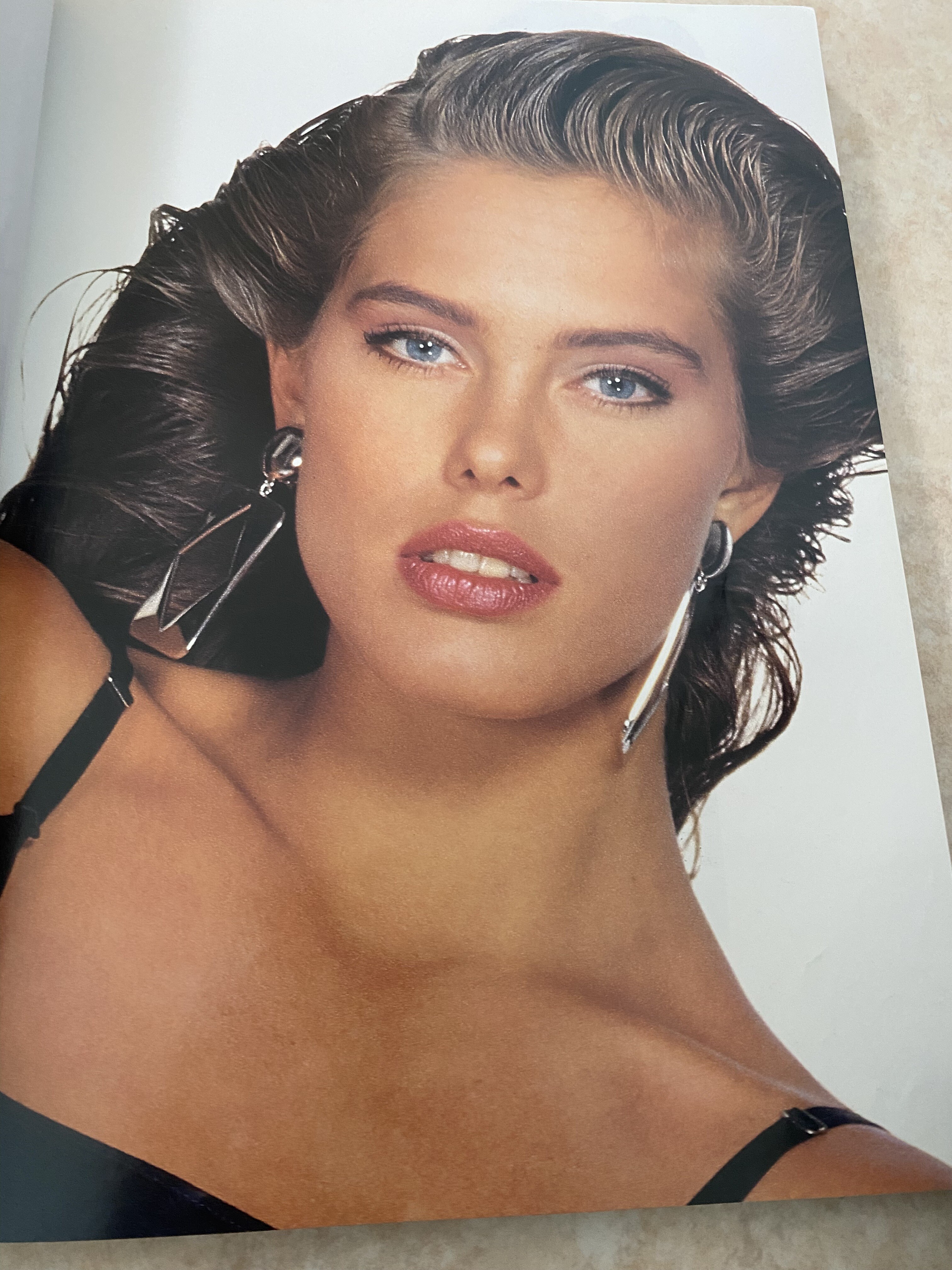
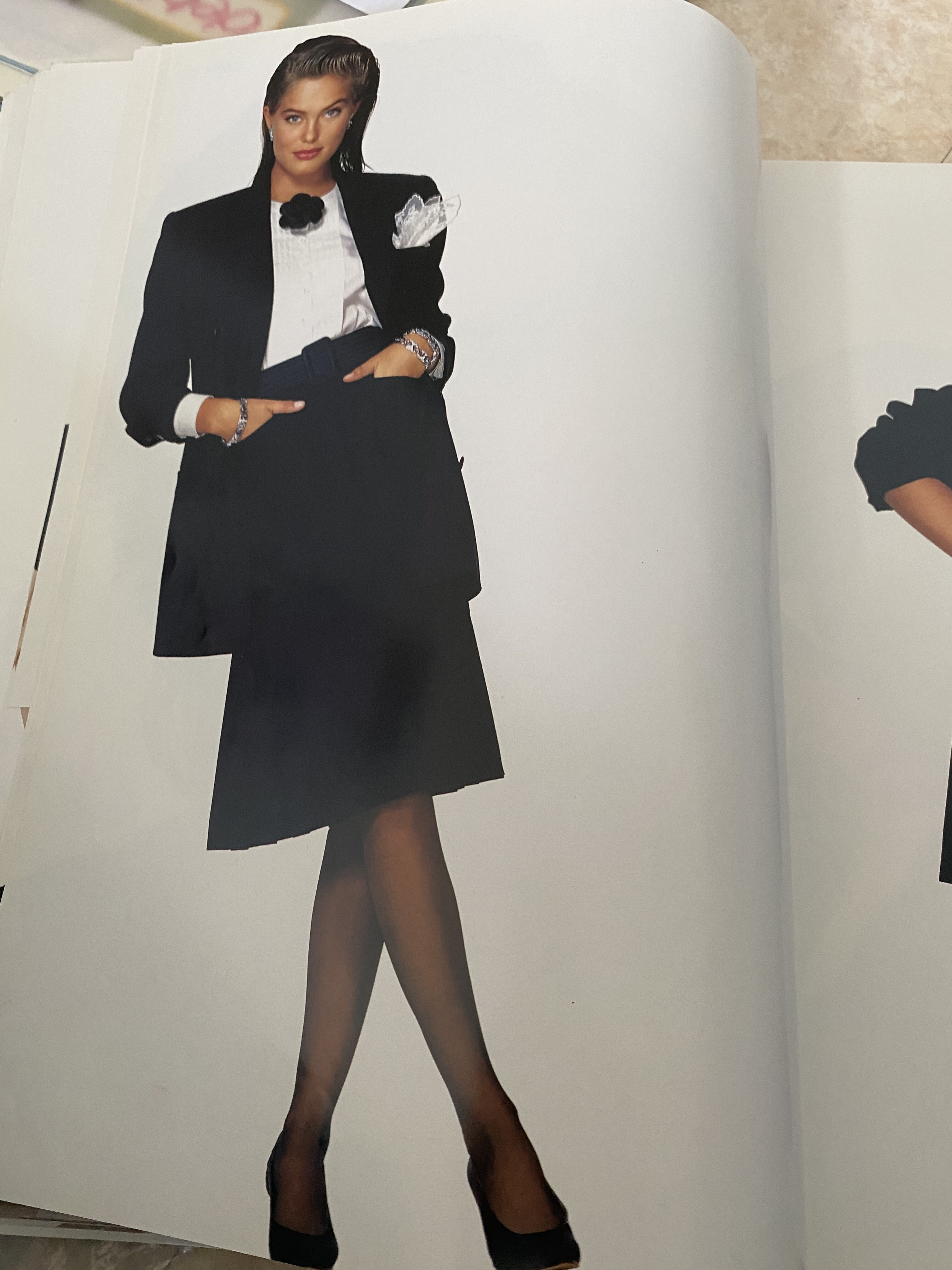
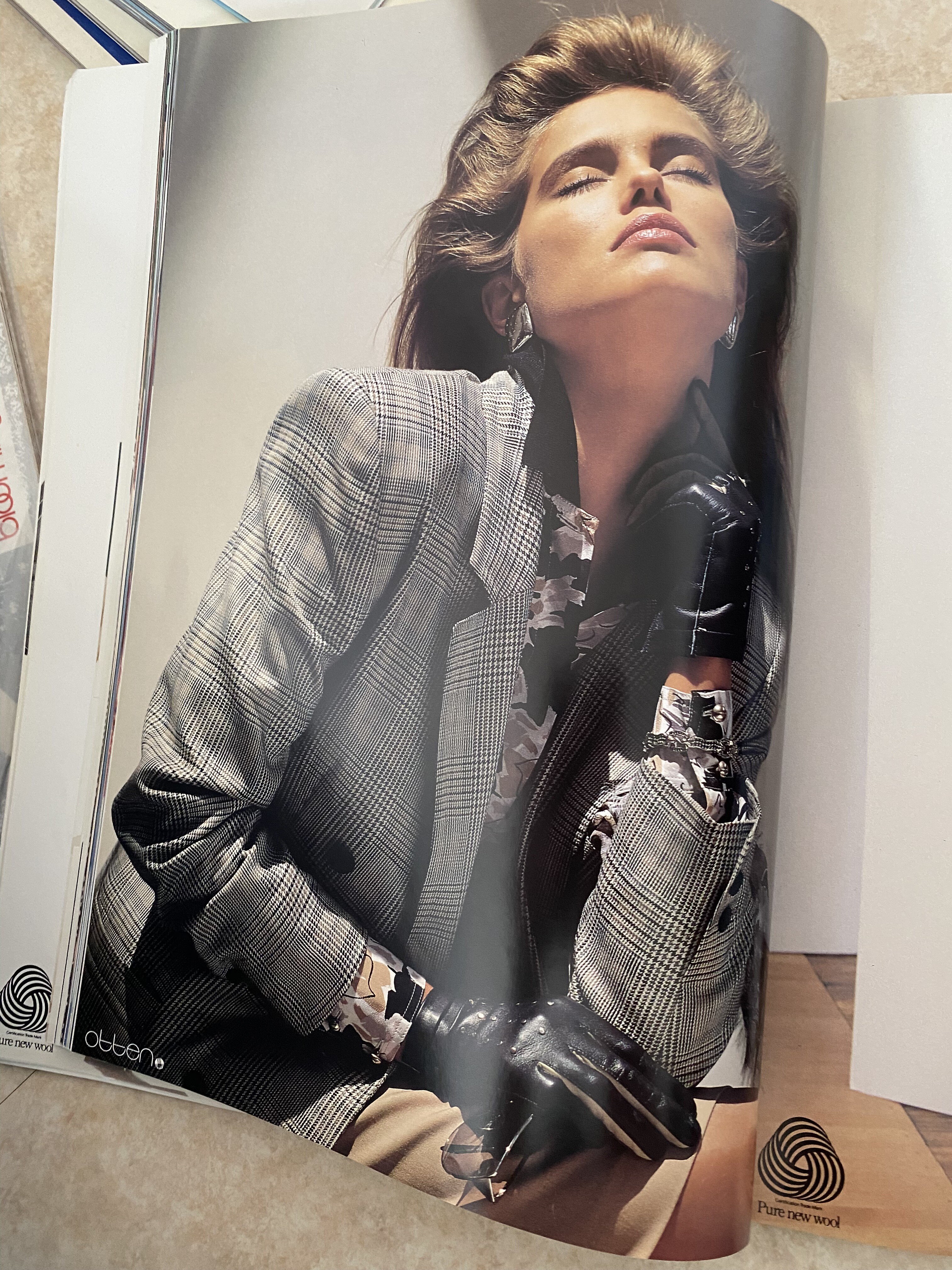
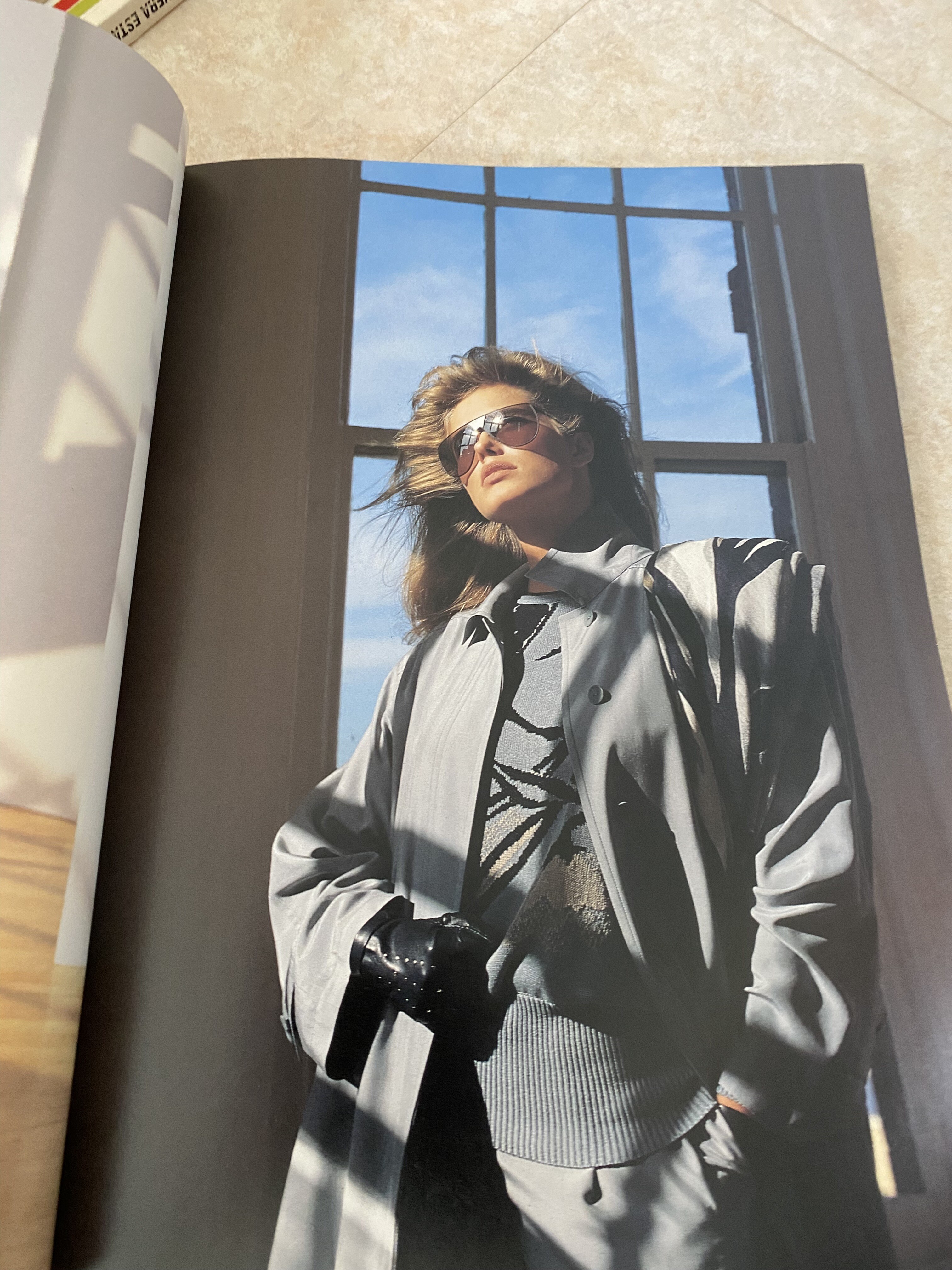
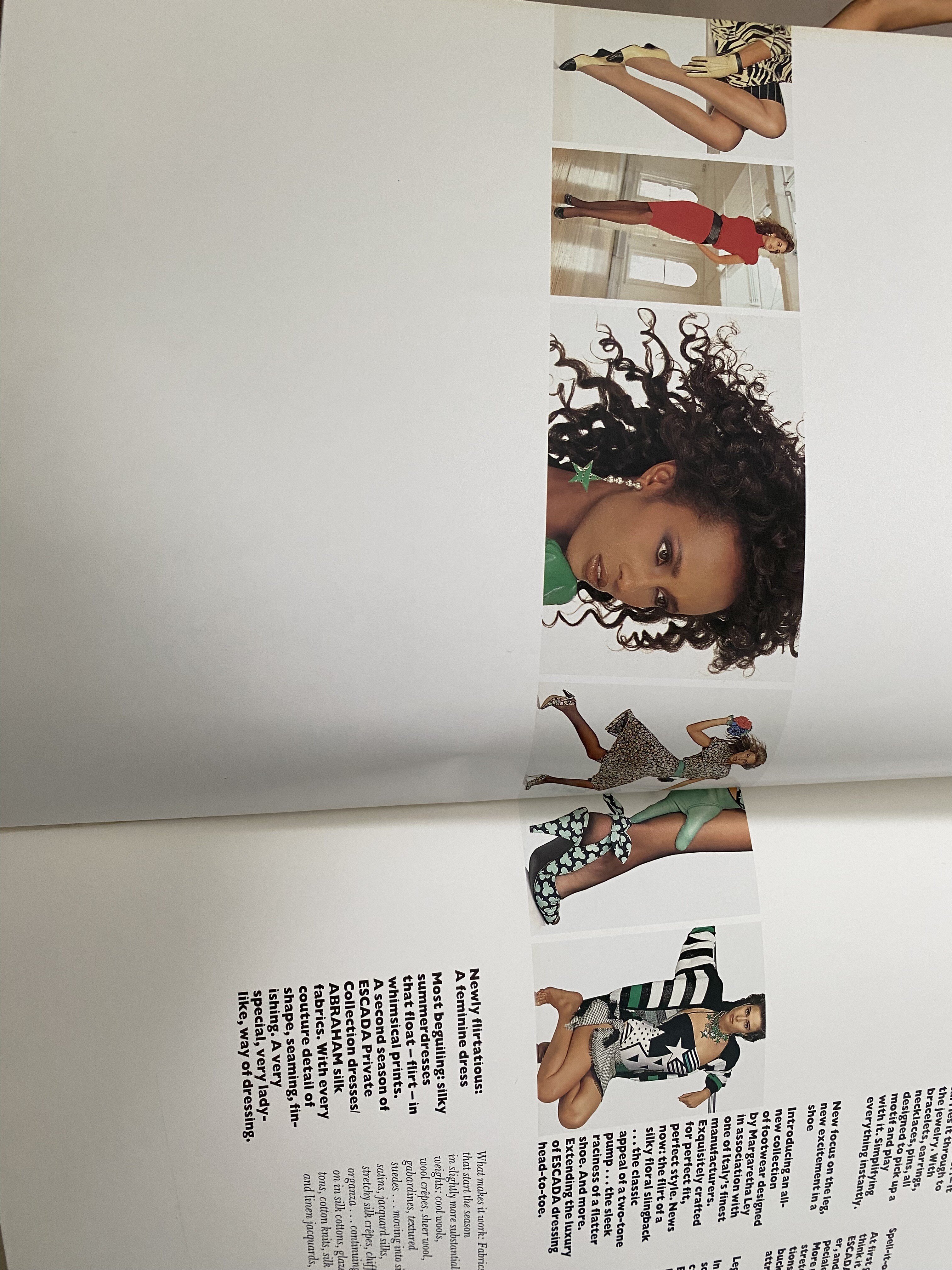
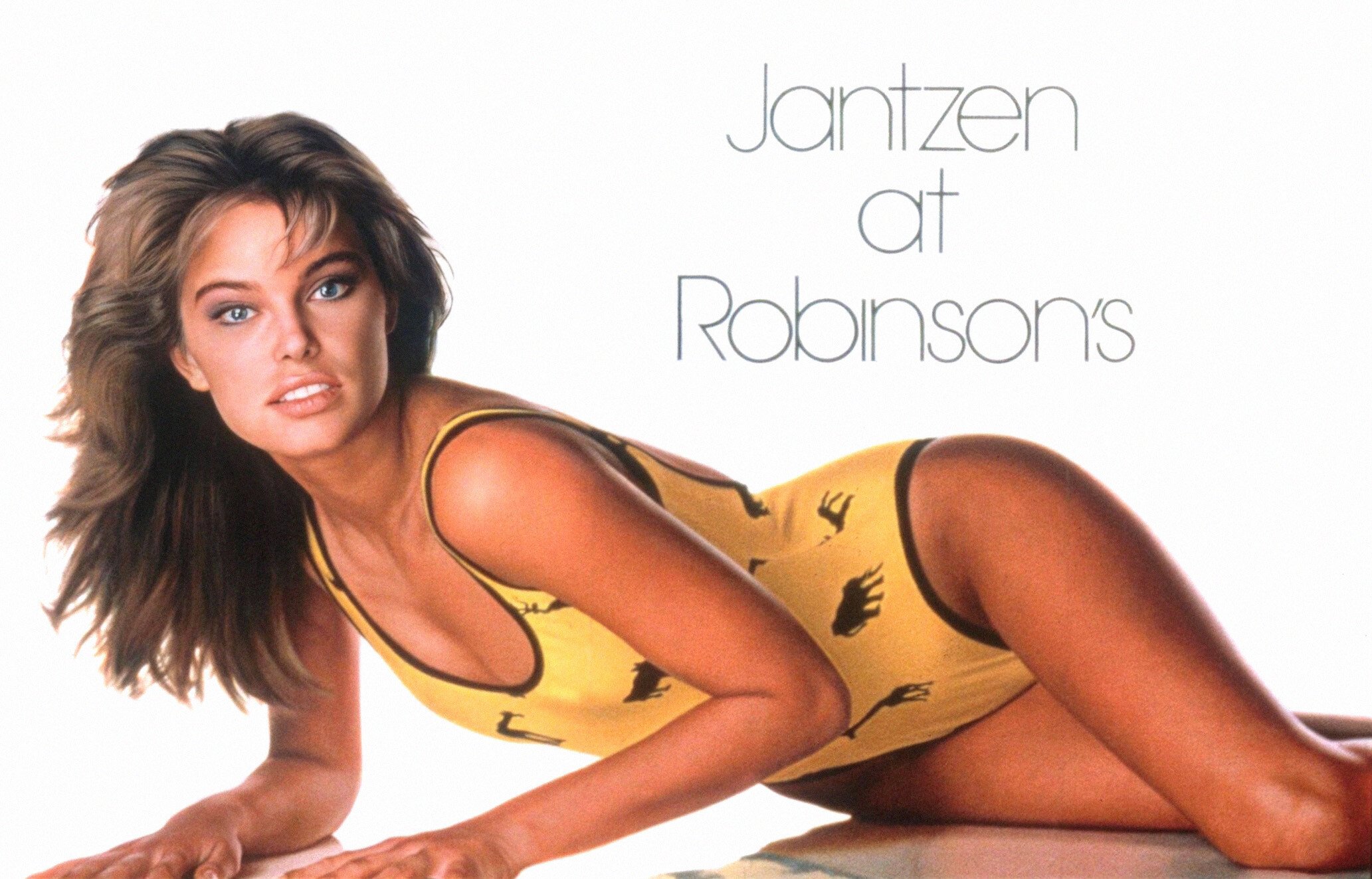
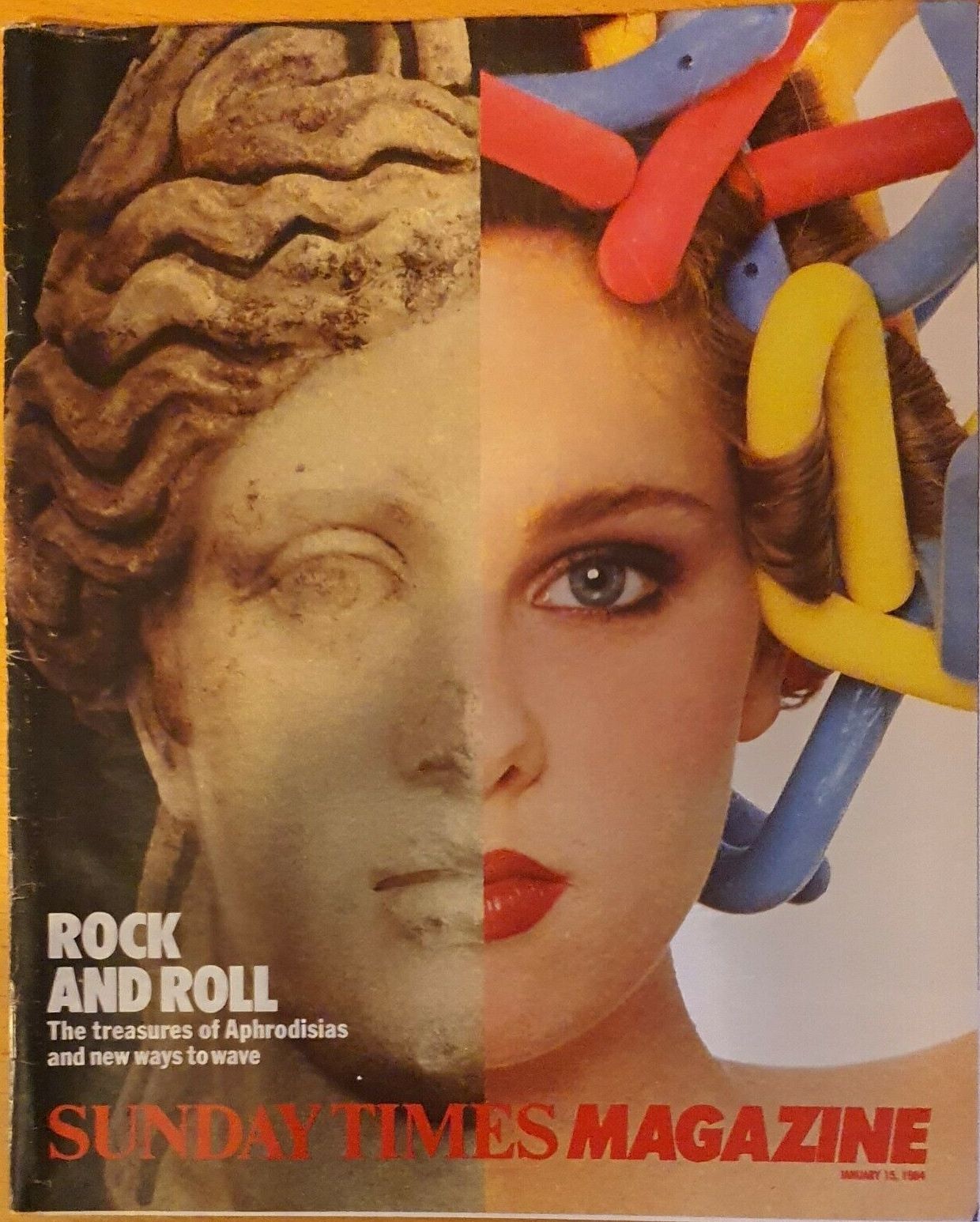
    IMG_5168.webp IMG_5169.webp IMG_5170.webp IMG_5171.webp IMG_5172.webp IMG_5173.webp
  2. On 11/19/2024 at 5:01 PM, missparker7 said:

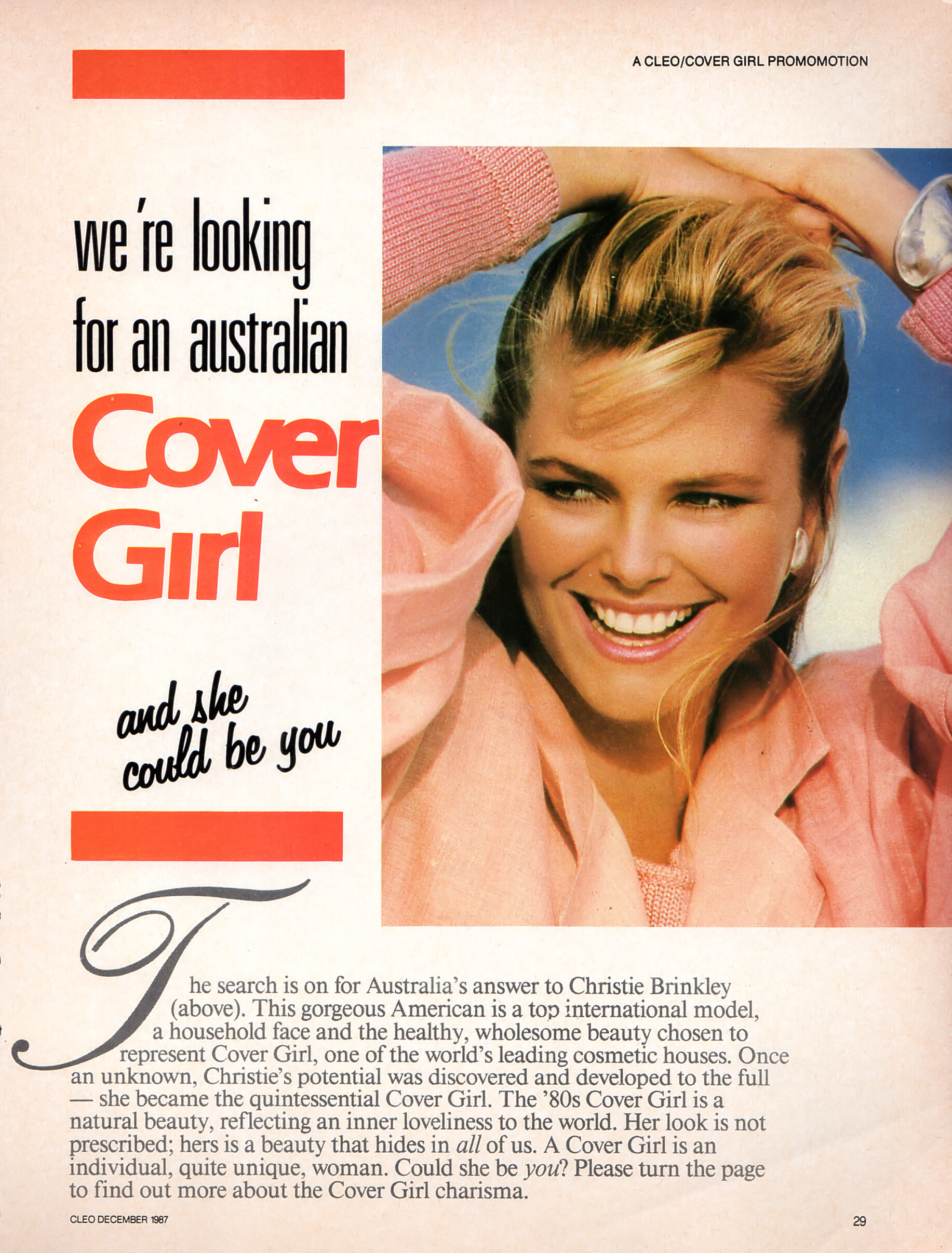
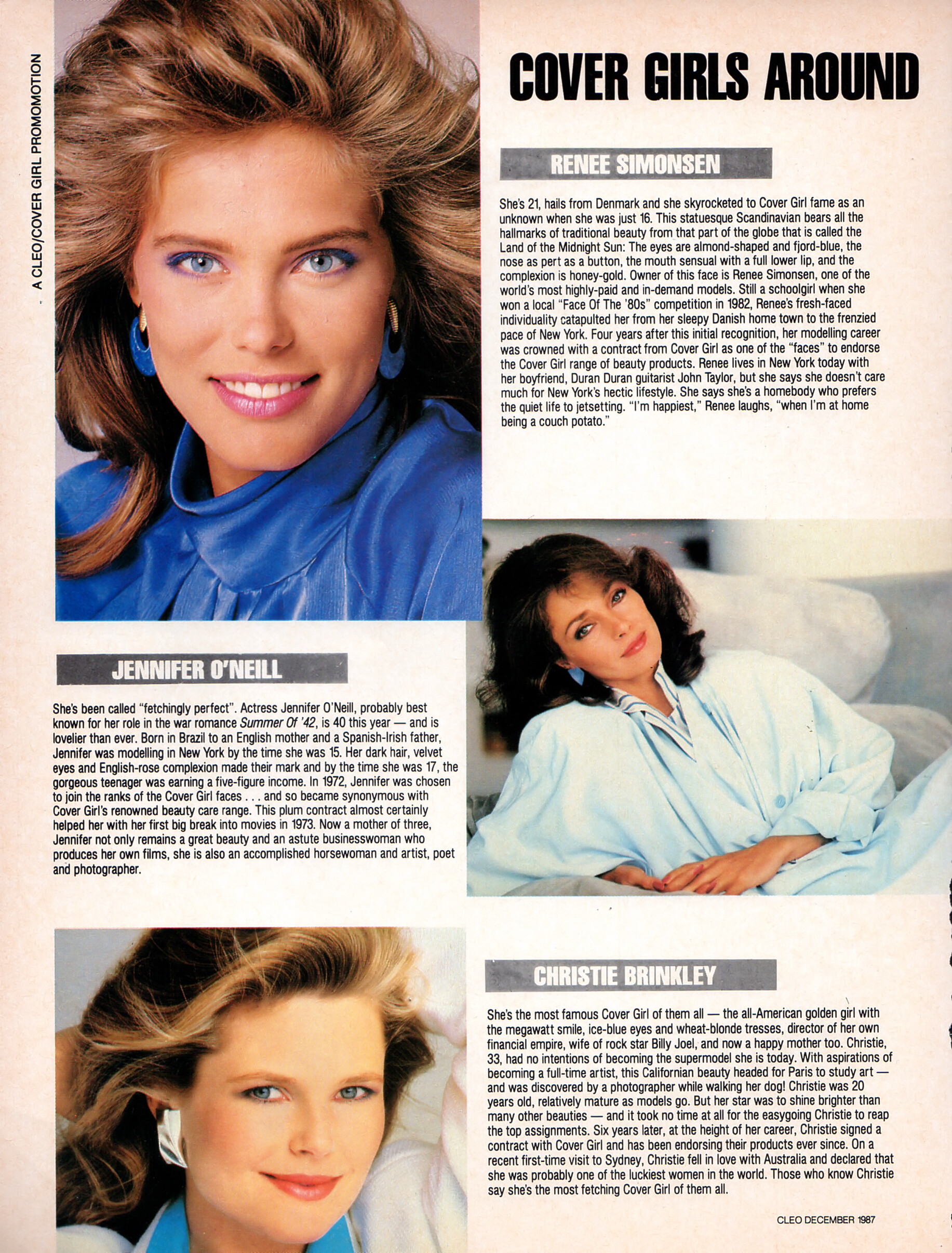
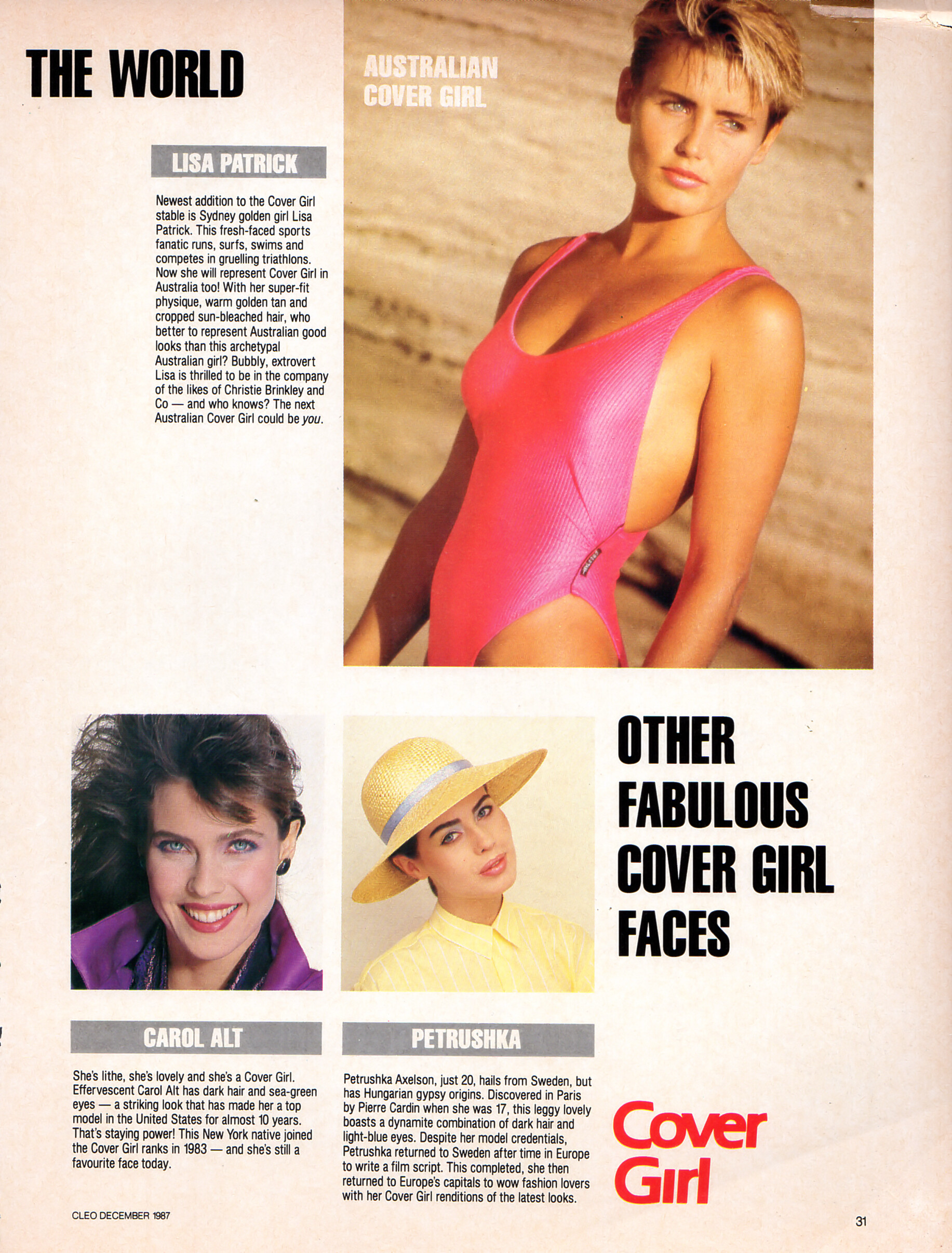
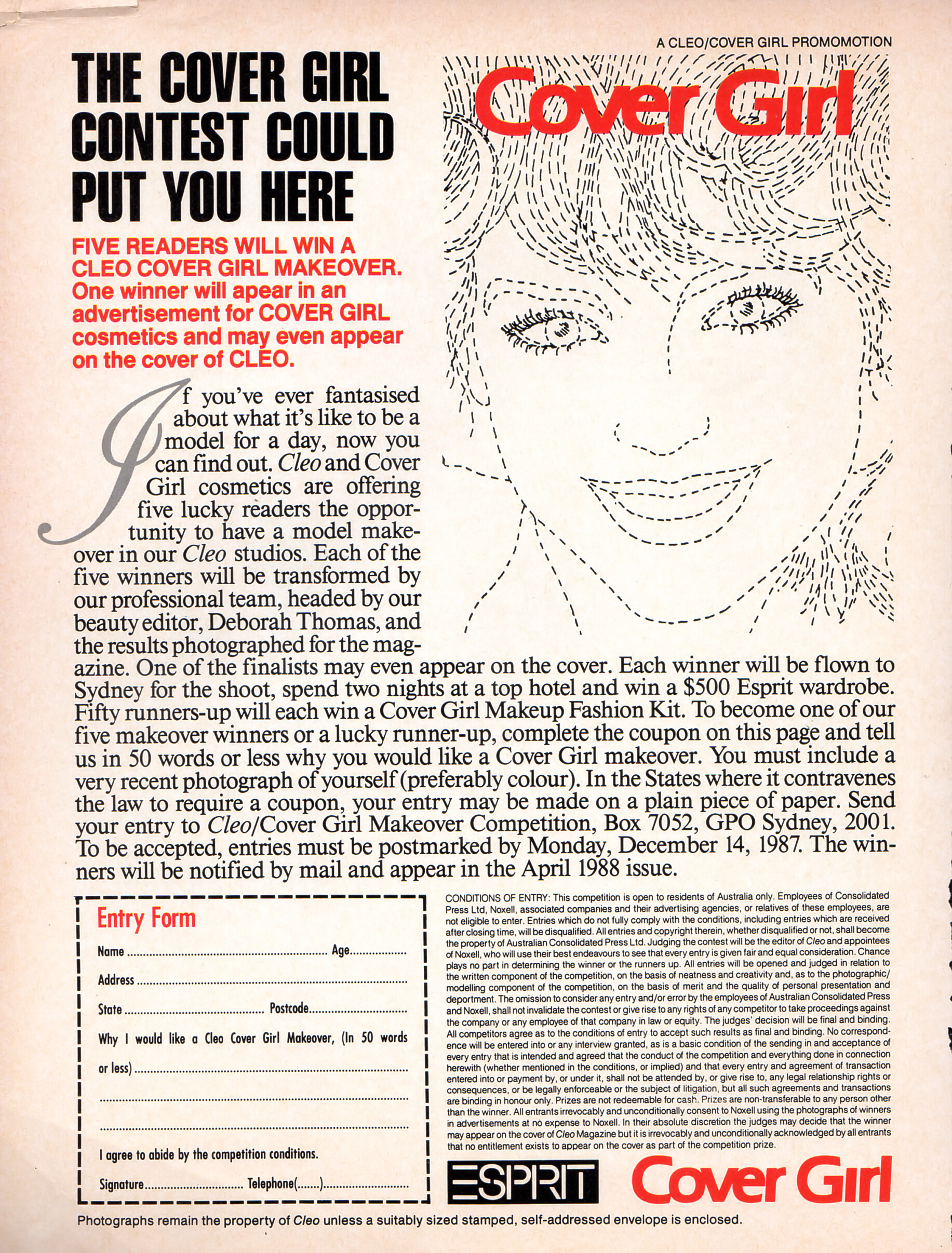
    "we´re looking for an australian Cover Girl and she could be you" - CLEO Australia December 1987 #182 - also showing Christie Brinkley, Jennifer O´Neill, Lisa Patrick, Carol Alt, Petrushka Axelson

    CleoOz1287no182CoverGirlContest01.thumb.jpg.e71239a3a9d51cf4198b2c97ea5a0954.jpgCleoOz1287no182CoverGirlContest02.thumb.jpg.db3443c98c829a36989288e187317403.jpg

    CleoOz1287no182CoverGirlContest03.thumb.jpg.2fdaf0900e1f3b823dde2362433e633a.jpgCleoOz1287no182CoverGirlContest04.thumb.jpg.e126b3f3bf3f4a9e6f24f5201e5e5e66.jpg


    Beautiful Renee - I love her in Blue 🤩

  3. 3 hours ago, parisienne said:

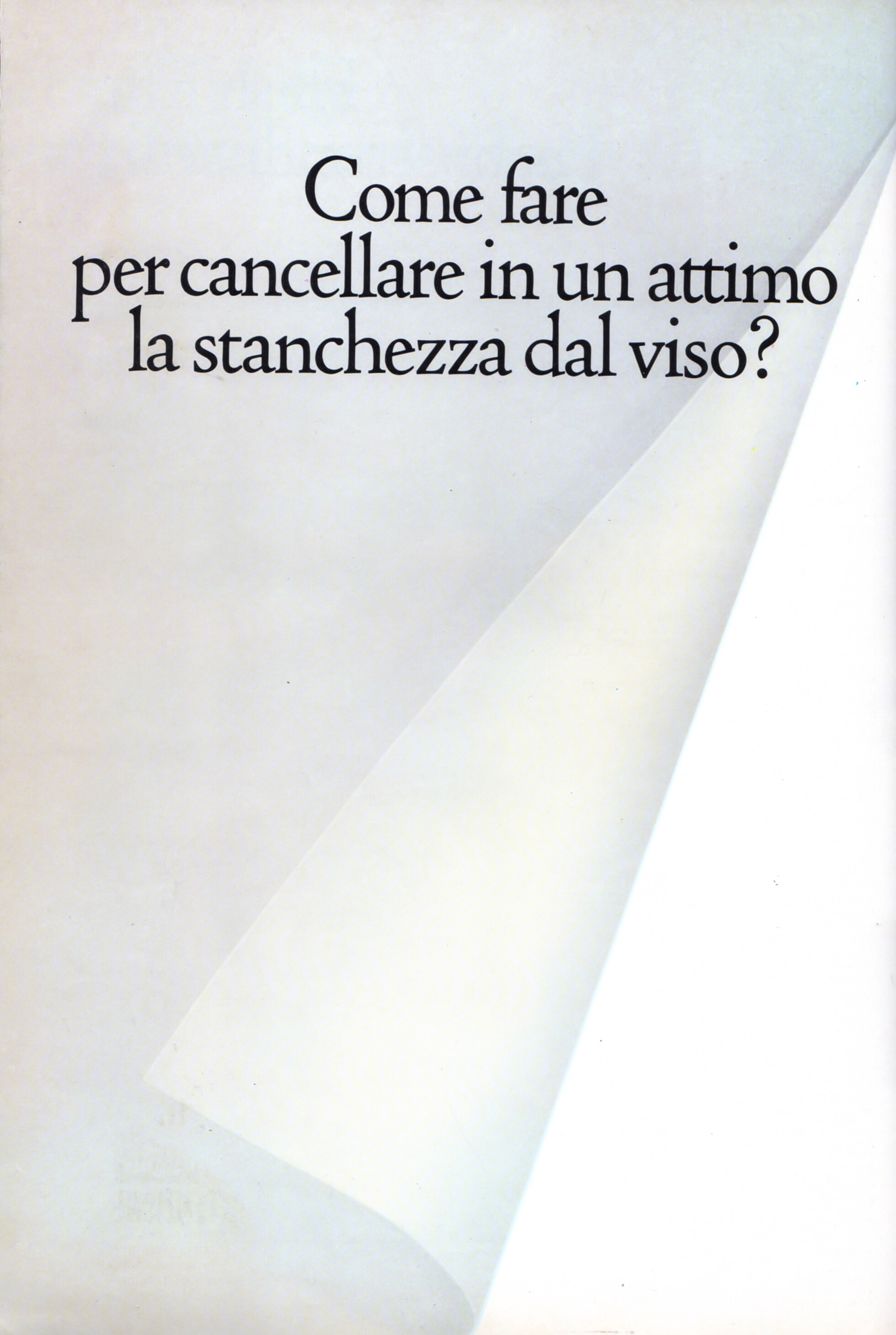
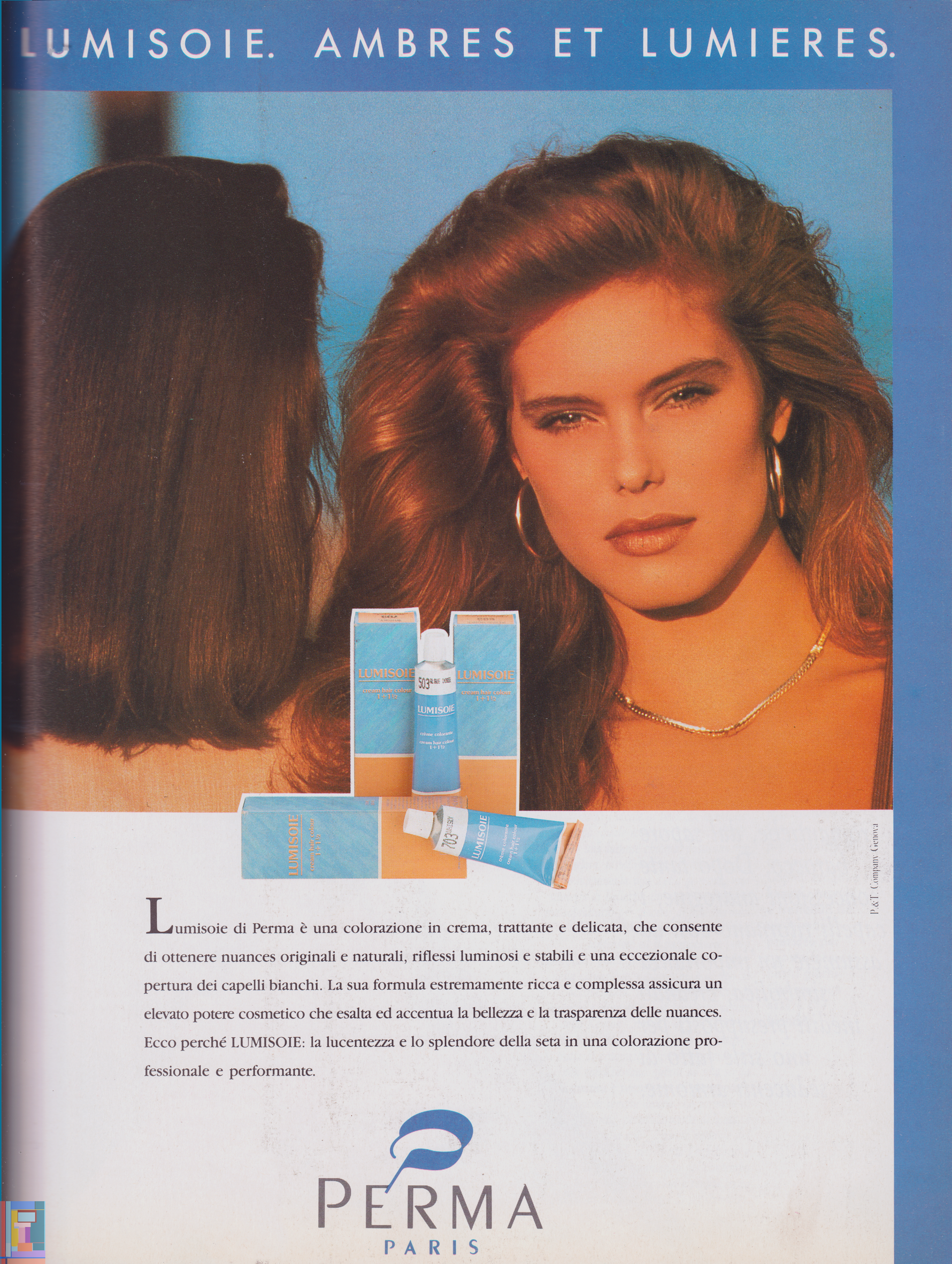
    Vanità IT no.1 1989 -- Perma Paris ad

    - my scan -

    A little predictable to say "Nothing is new under the sun" but perhaps the source is unusual. image.gif.4ab90ea5a2ee8823696b58406b05b2e6.gif


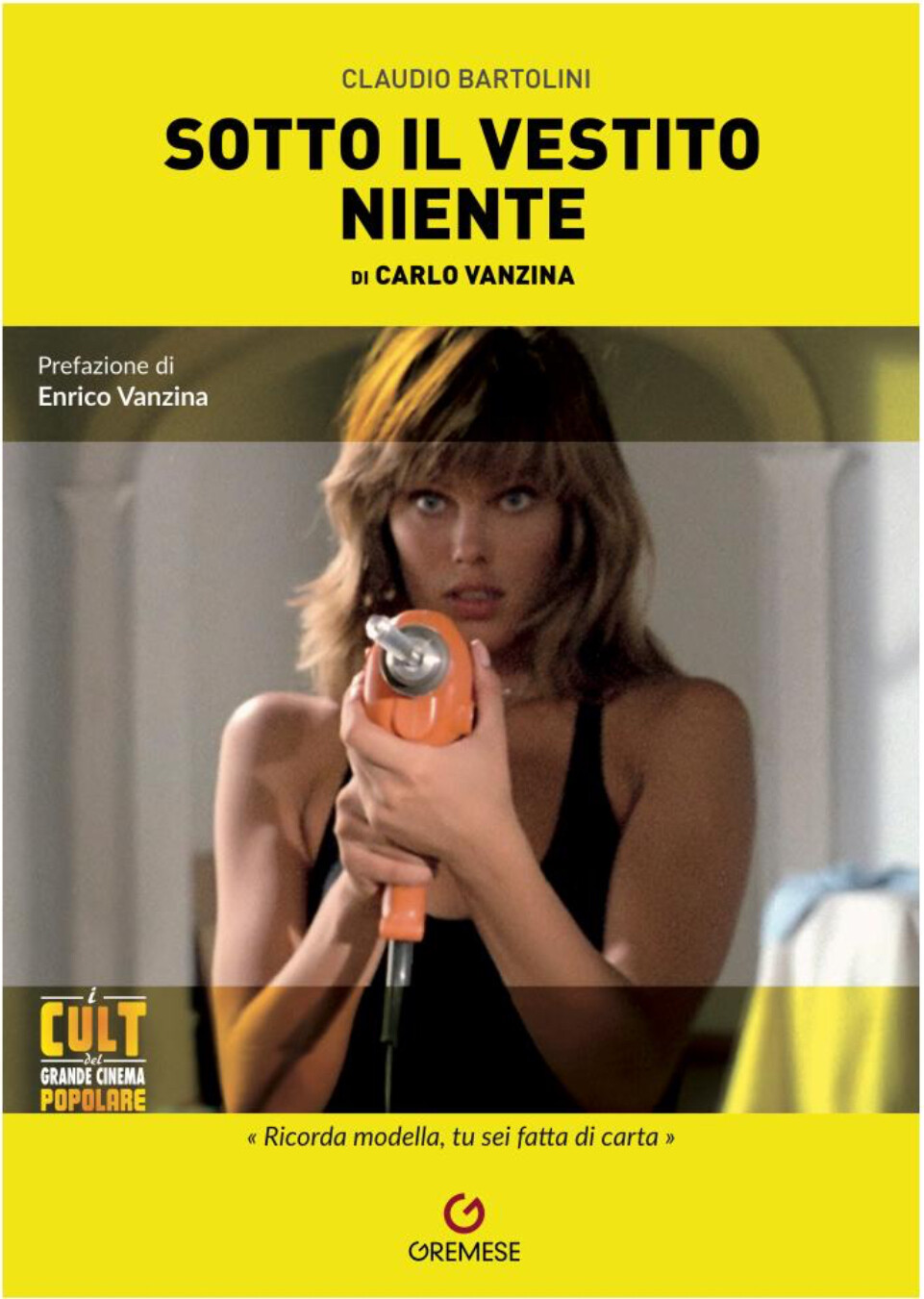
    RSim-vanita-no1-1989.png

    Wow

    I love it

    haven’t seen it before 🩷

Configure browser push notifications

Chrome (Android)
  1. Tap the lock icon next to the address bar.
  2. Tap Permissions → Notifications.
  3. Adjust your preference.
Chrome (Desktop)
  1. Click the padlock icon in the address bar.

  2. Select Site settings.
  3. Find Notifications and adjust your preference.