
Frankincense
Members
-
Joined
-
Last visited
Everything posted by Frankincense
-
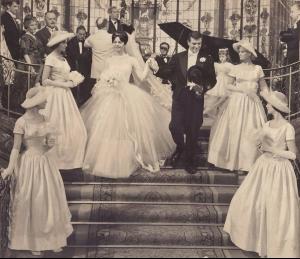
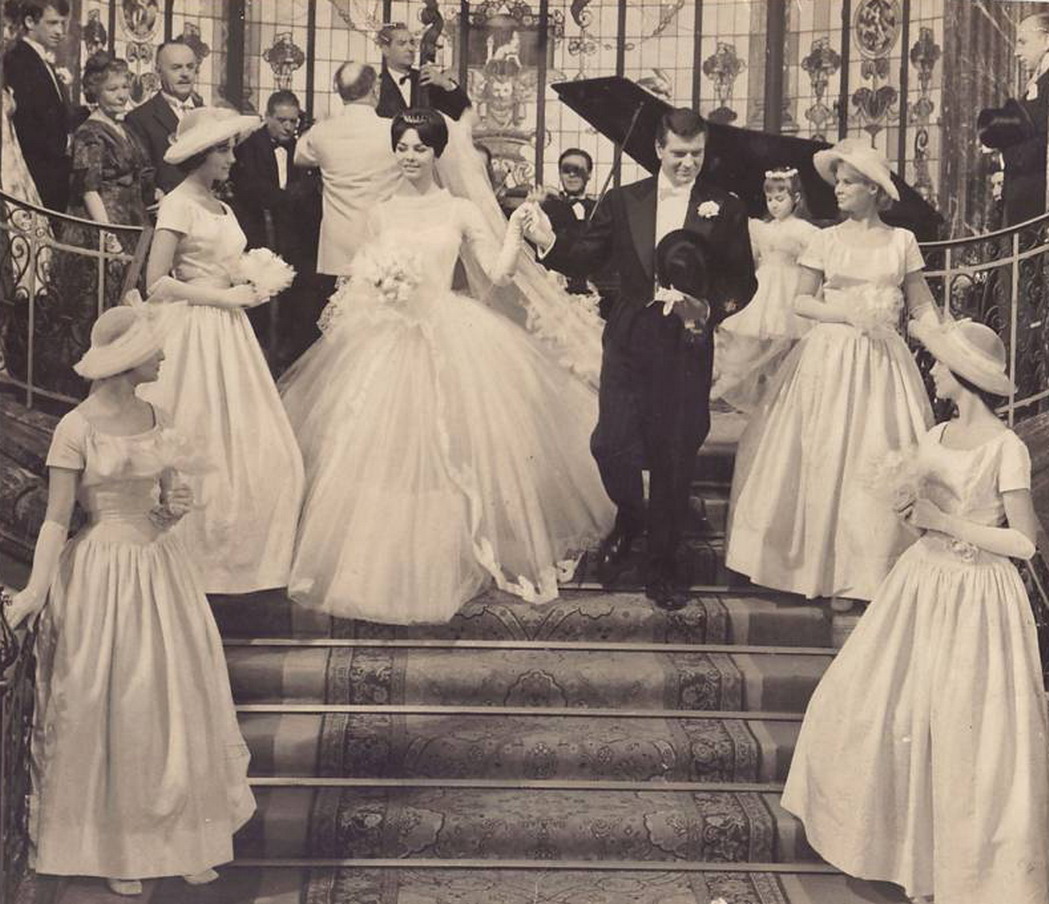
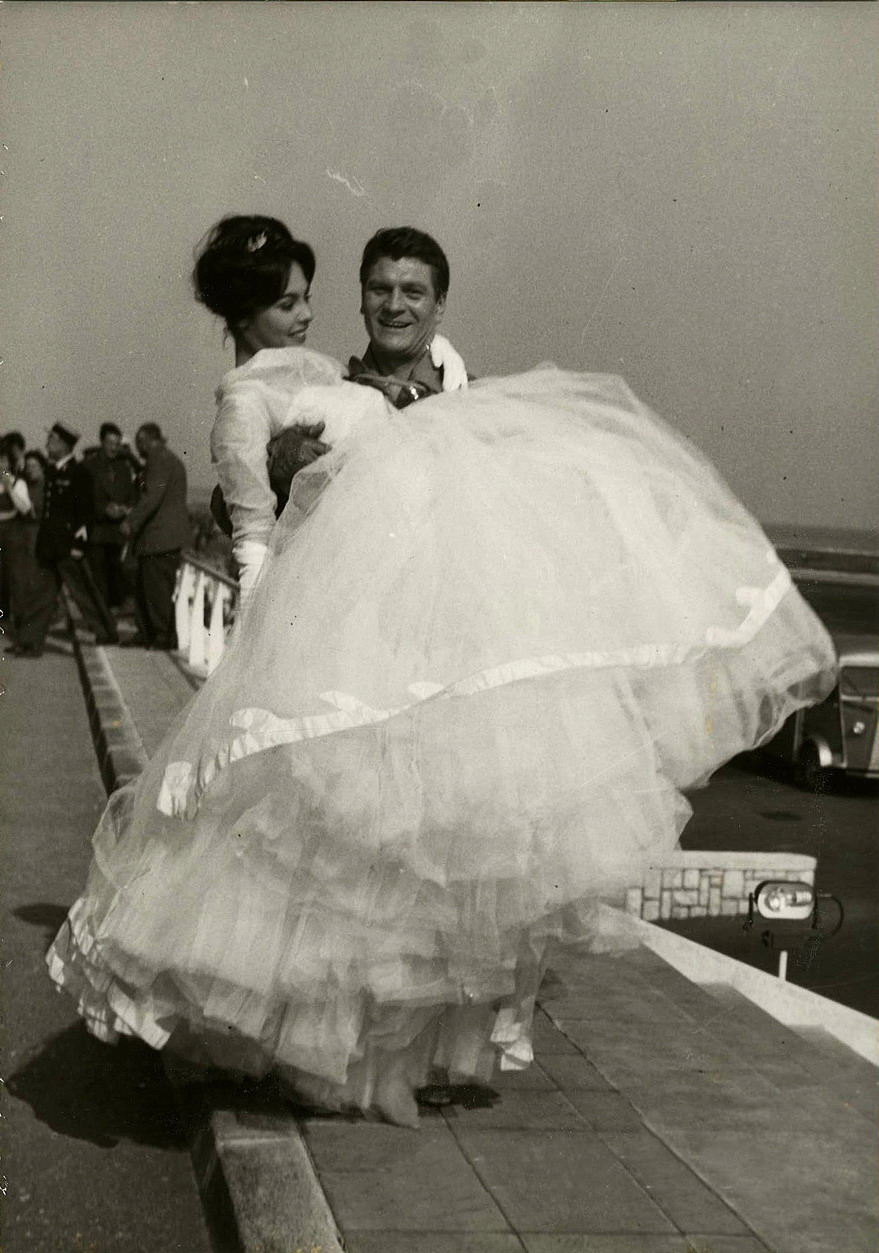
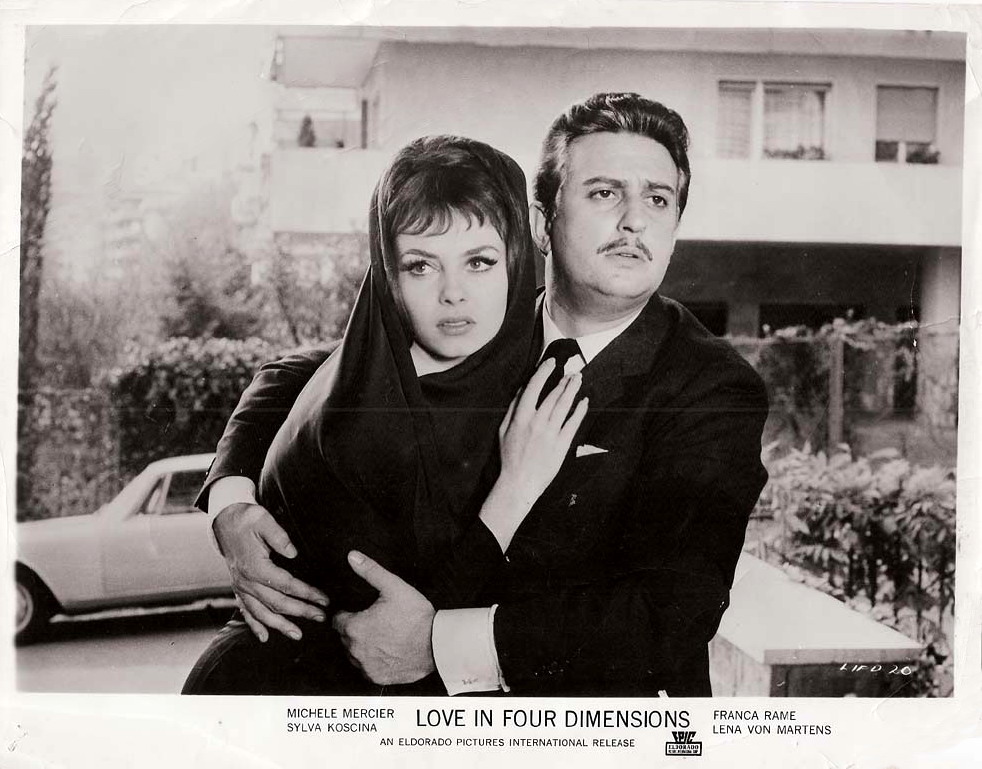
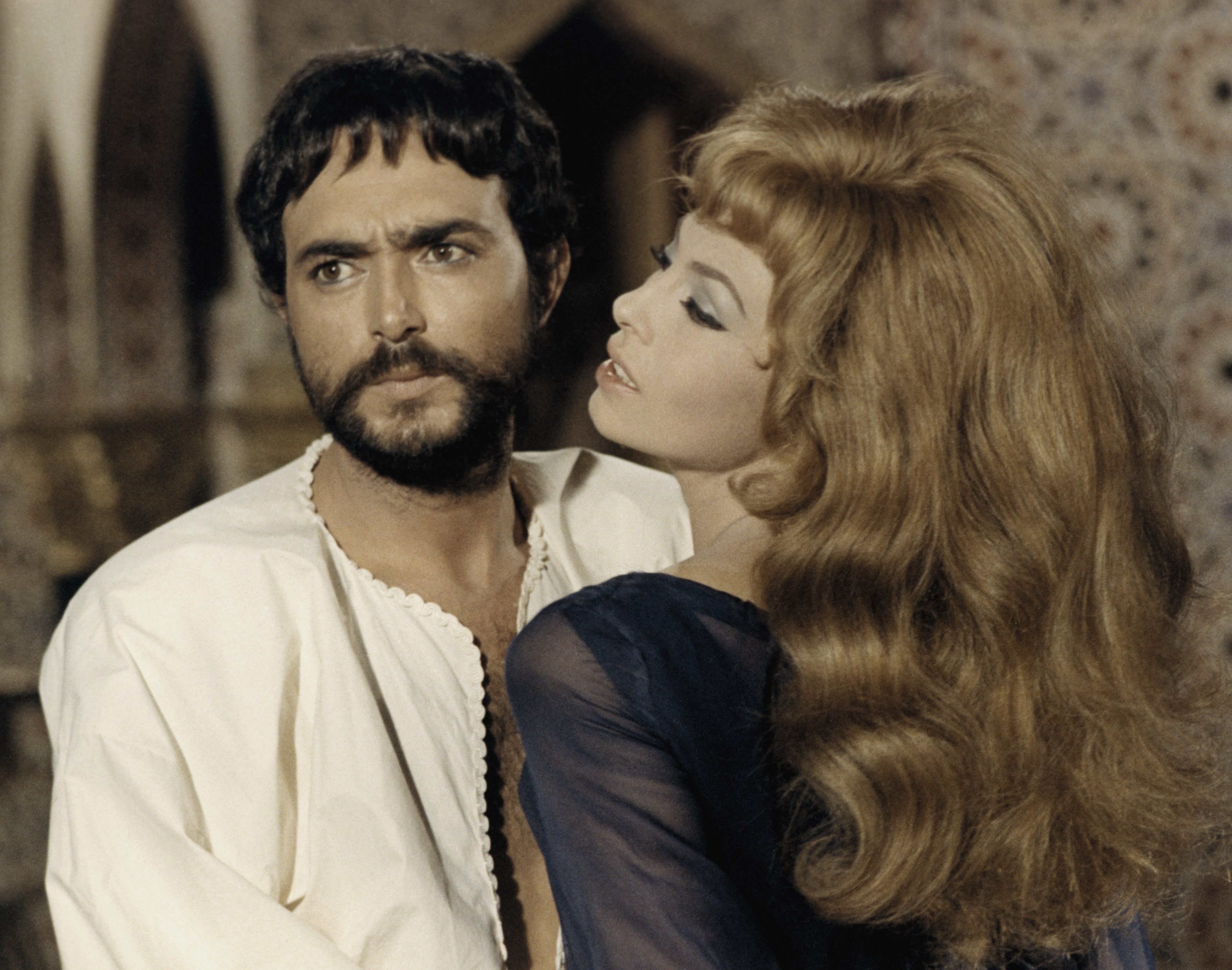
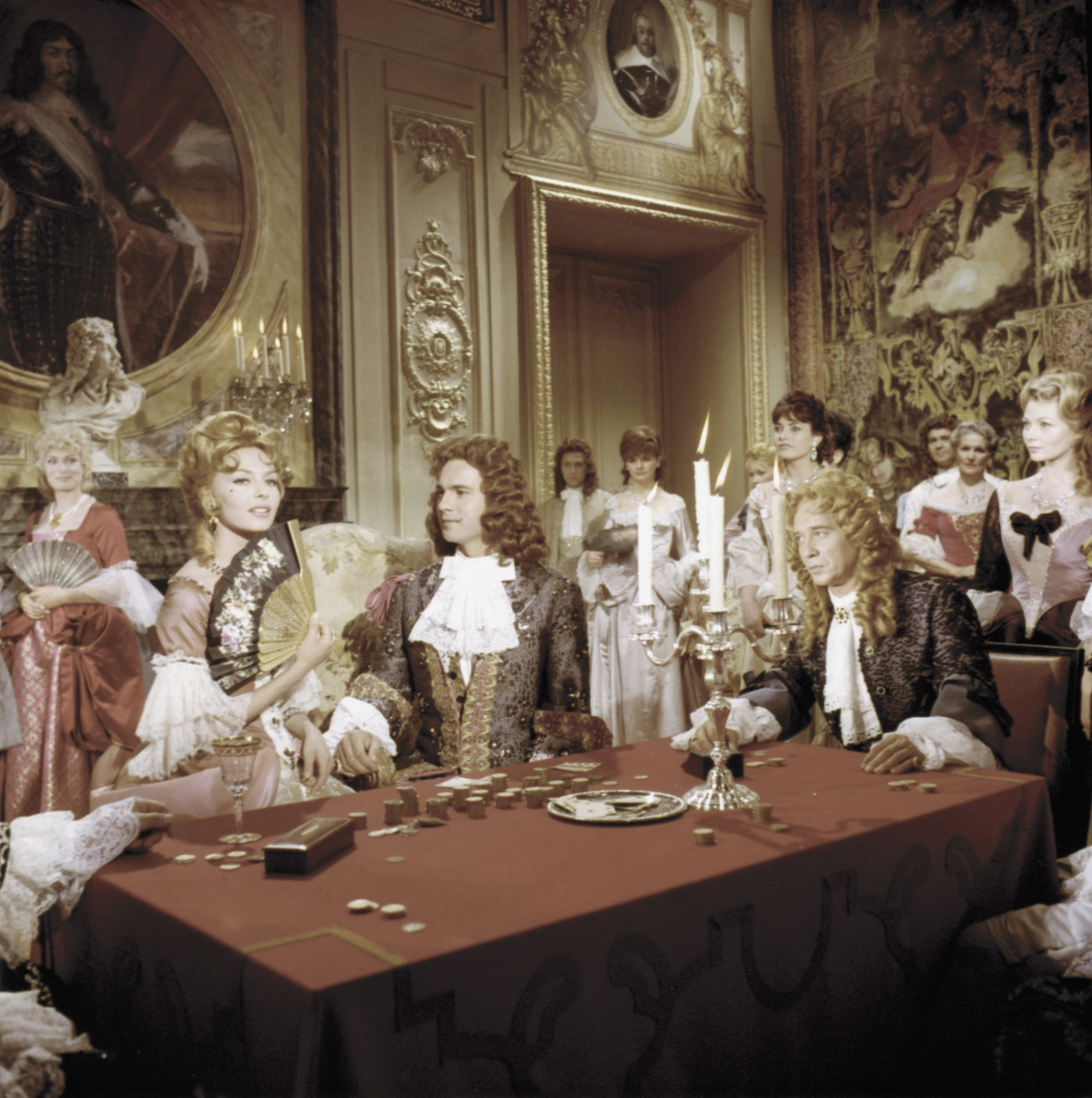
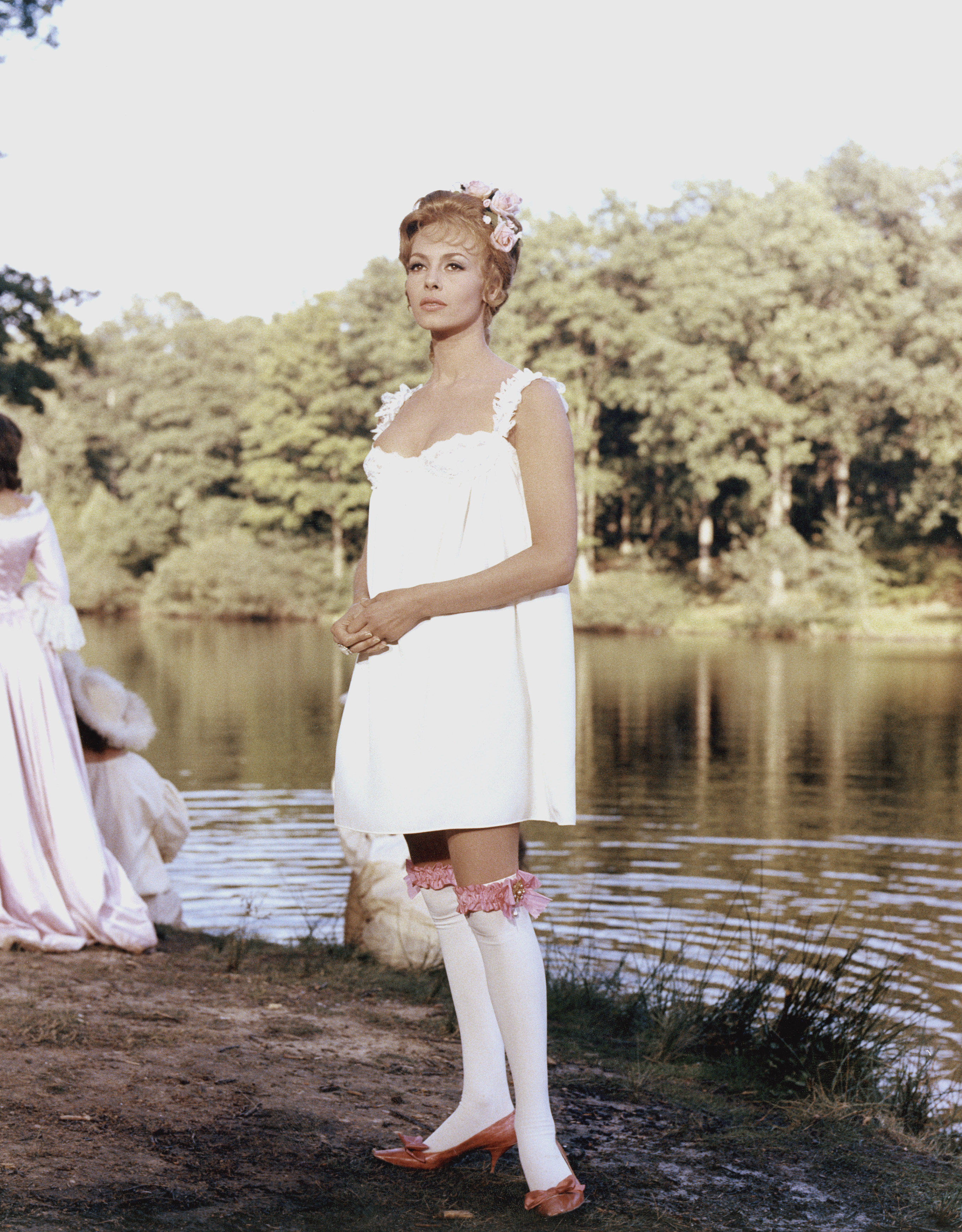
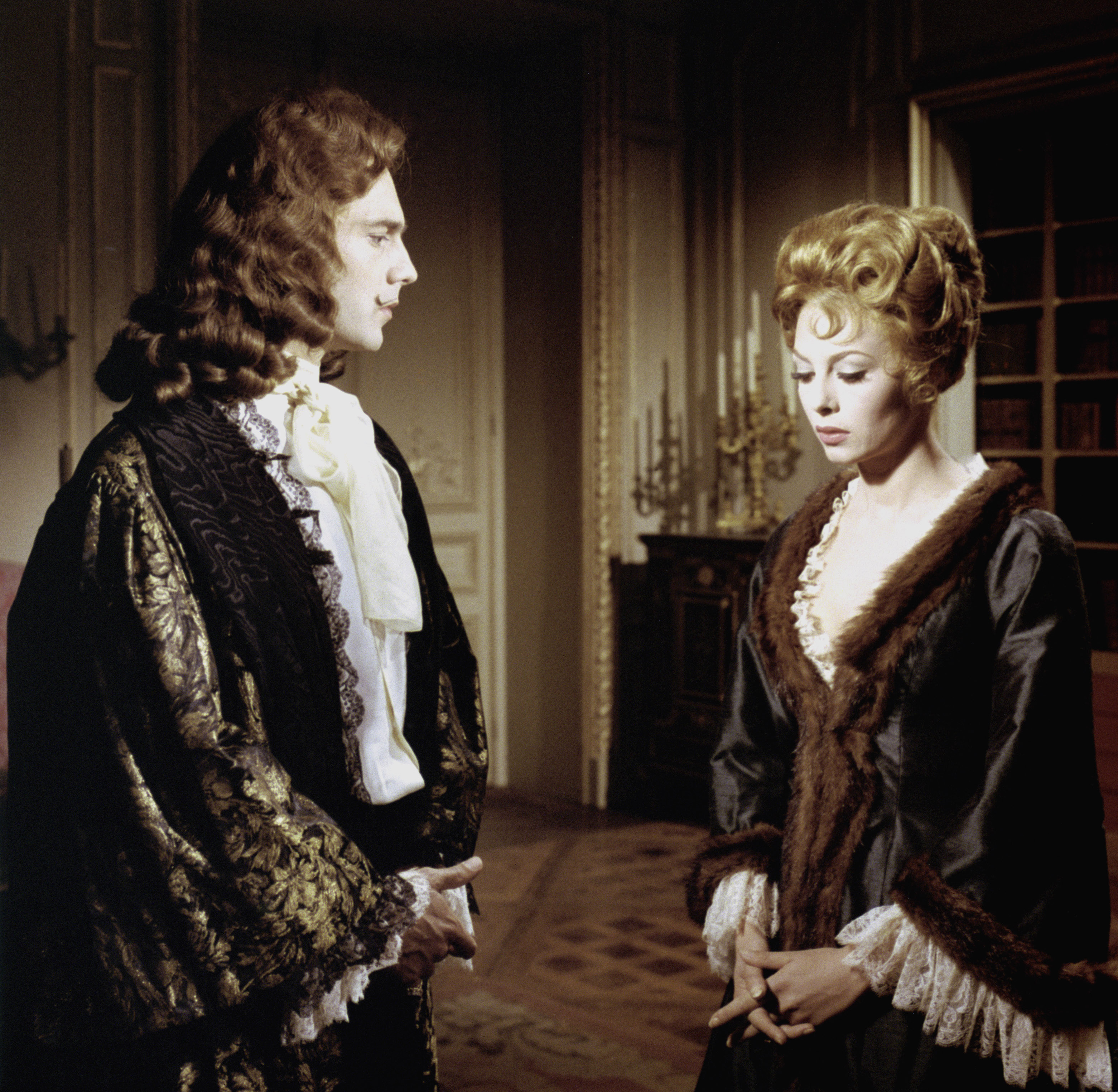
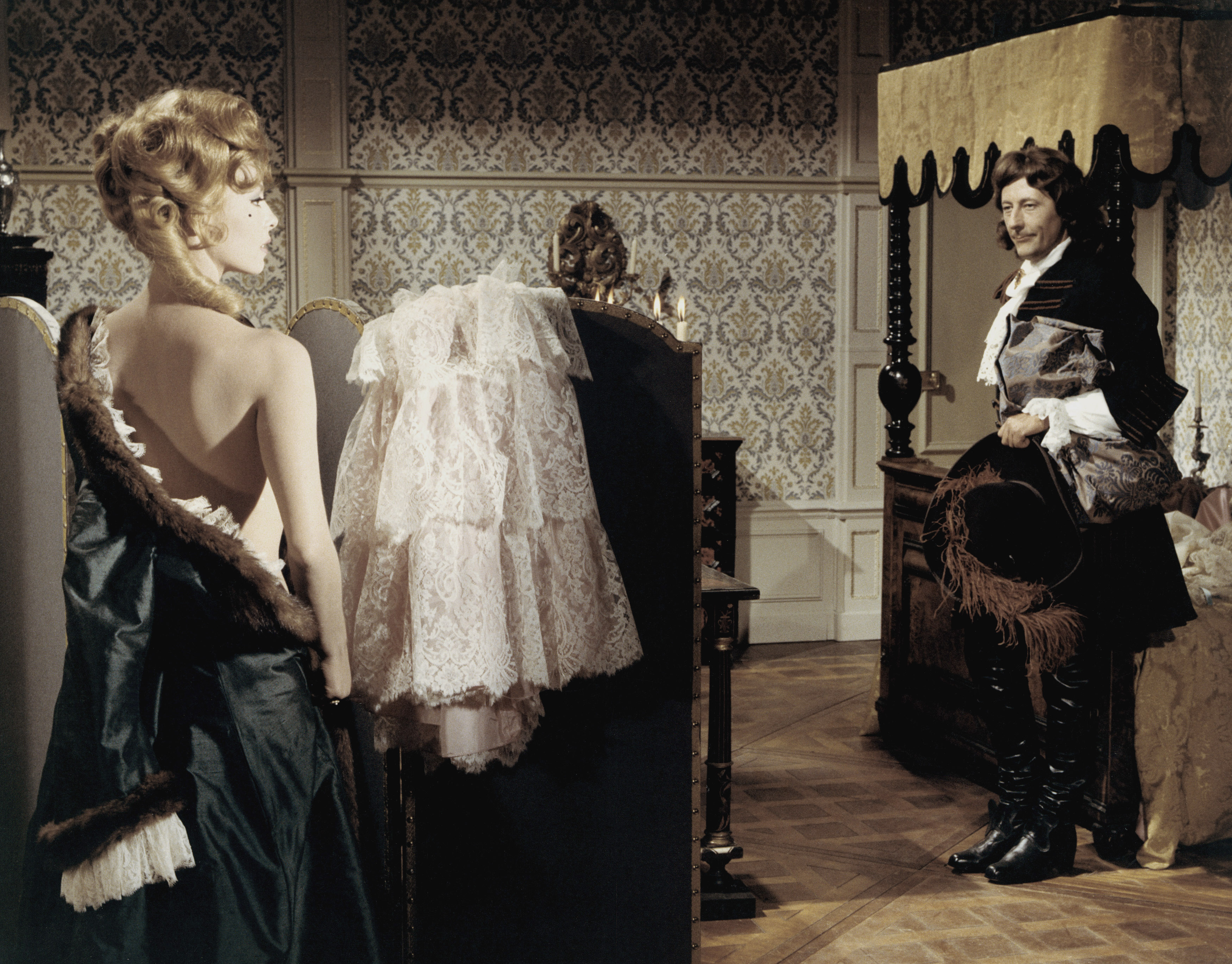
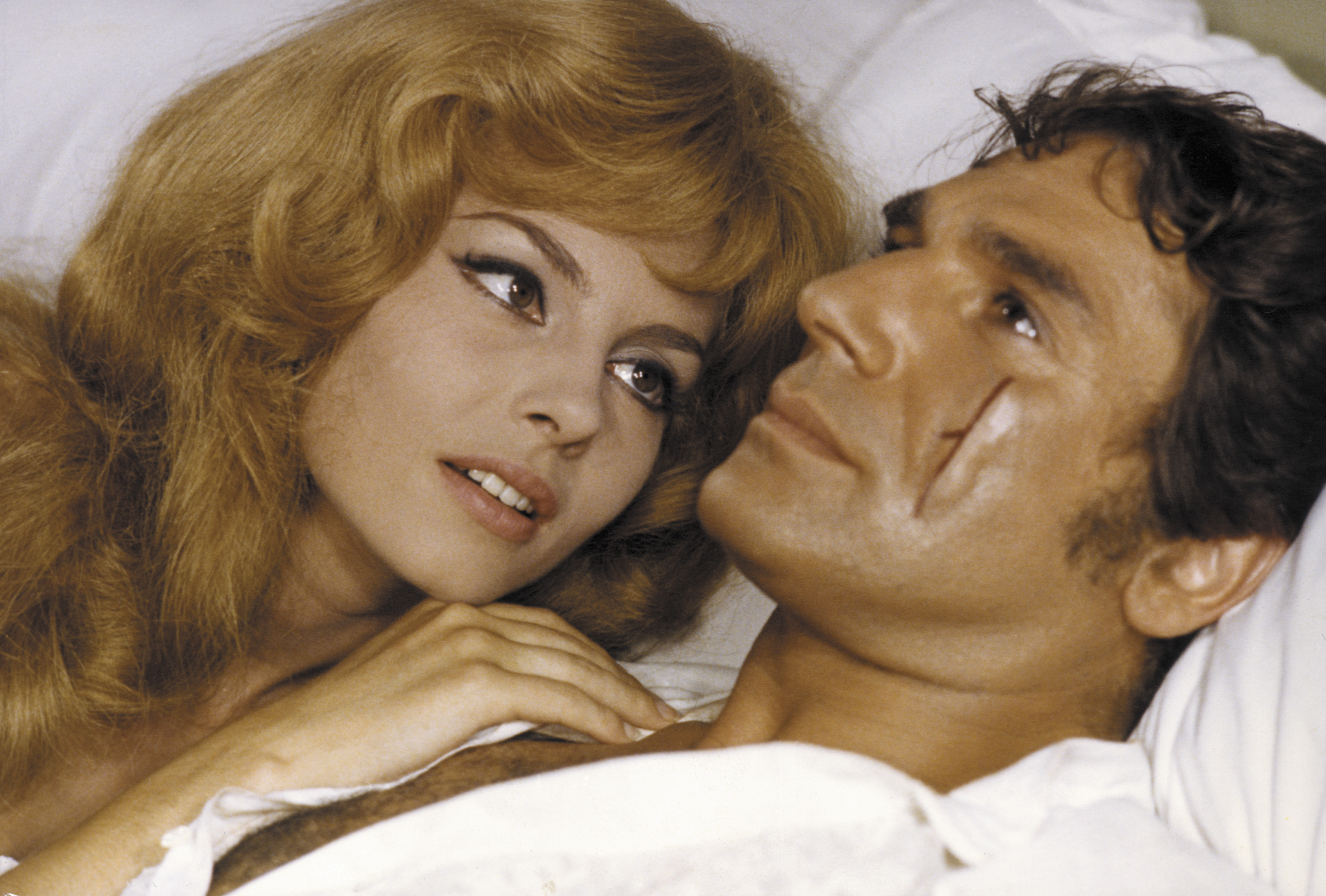
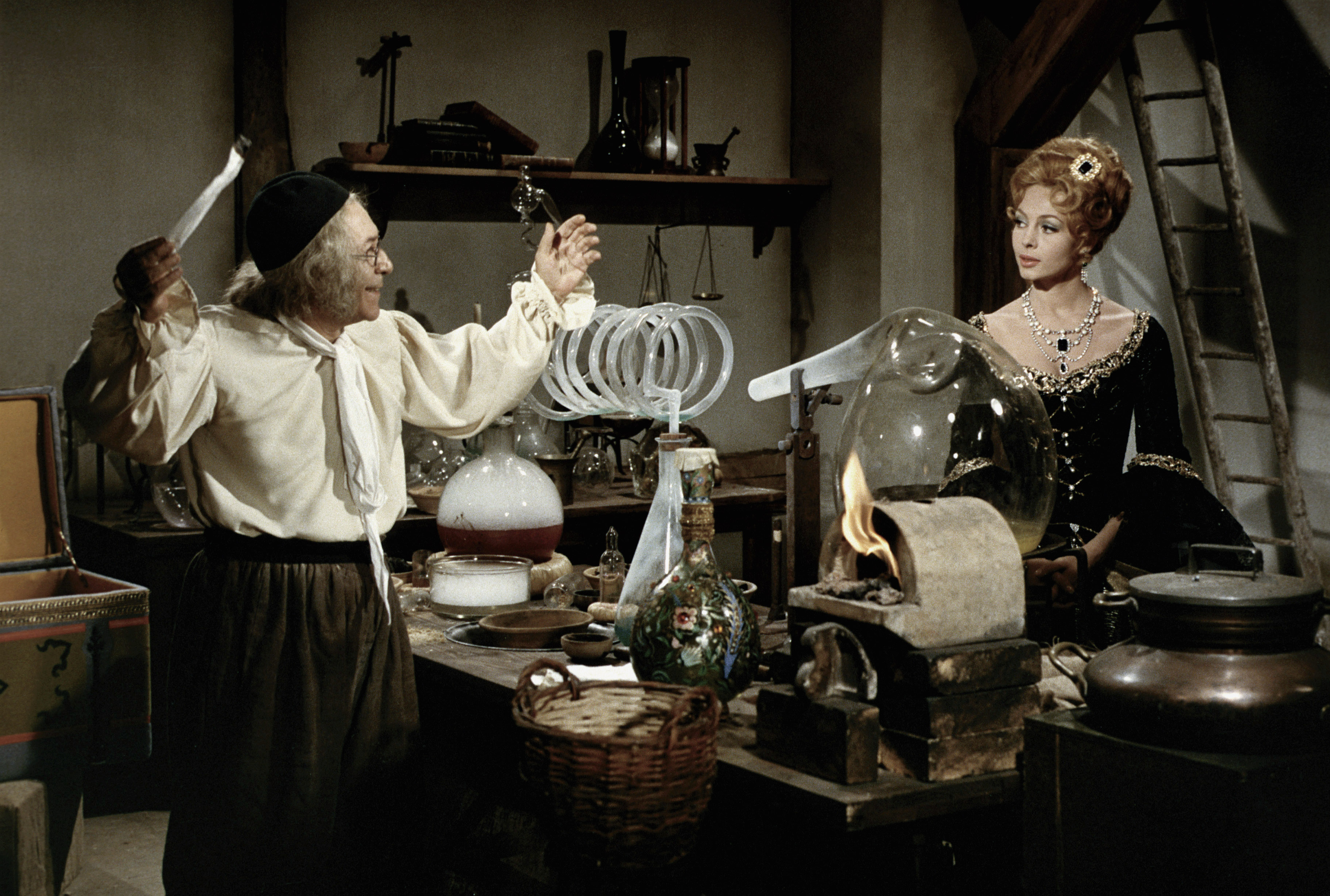
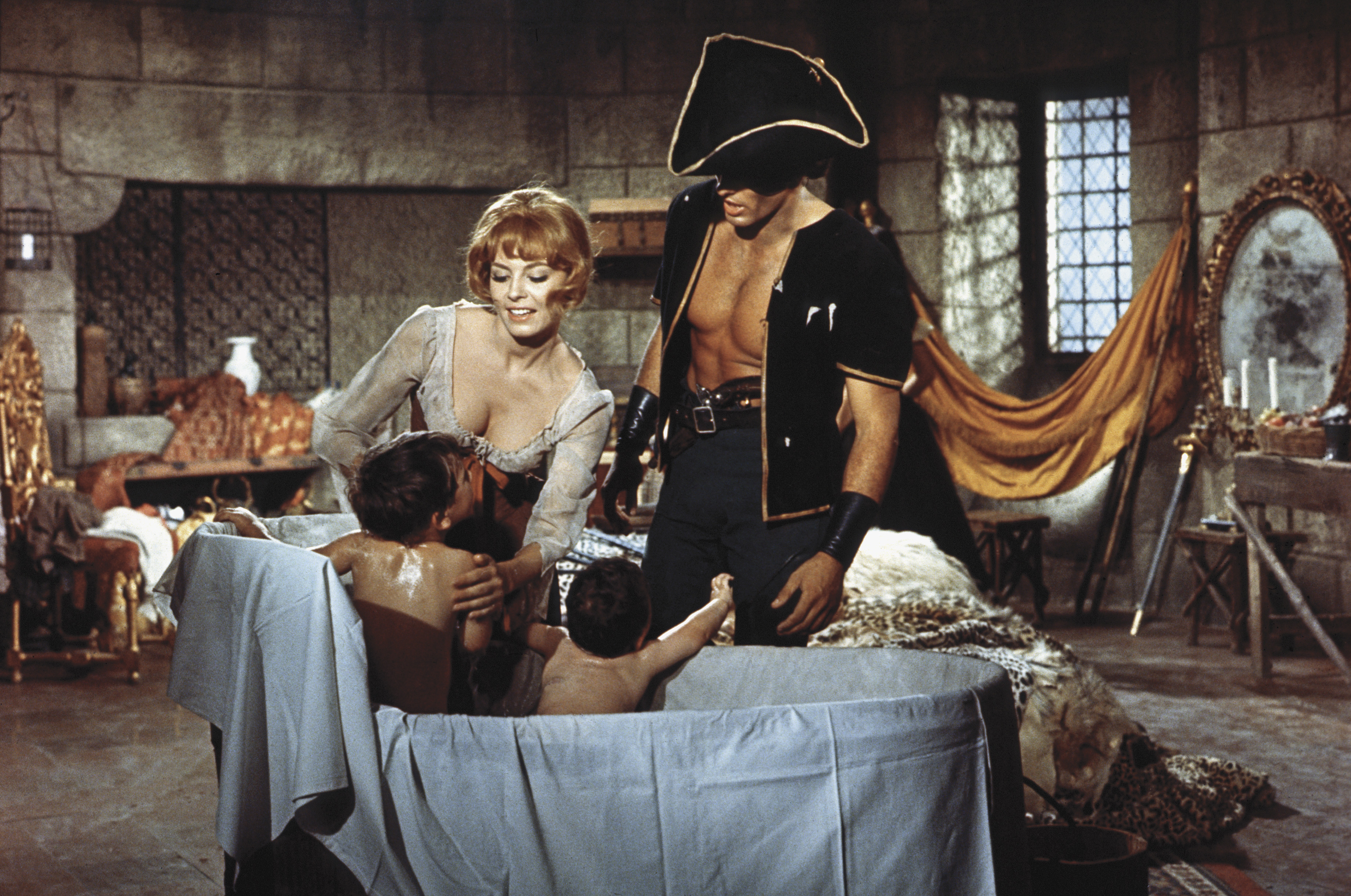
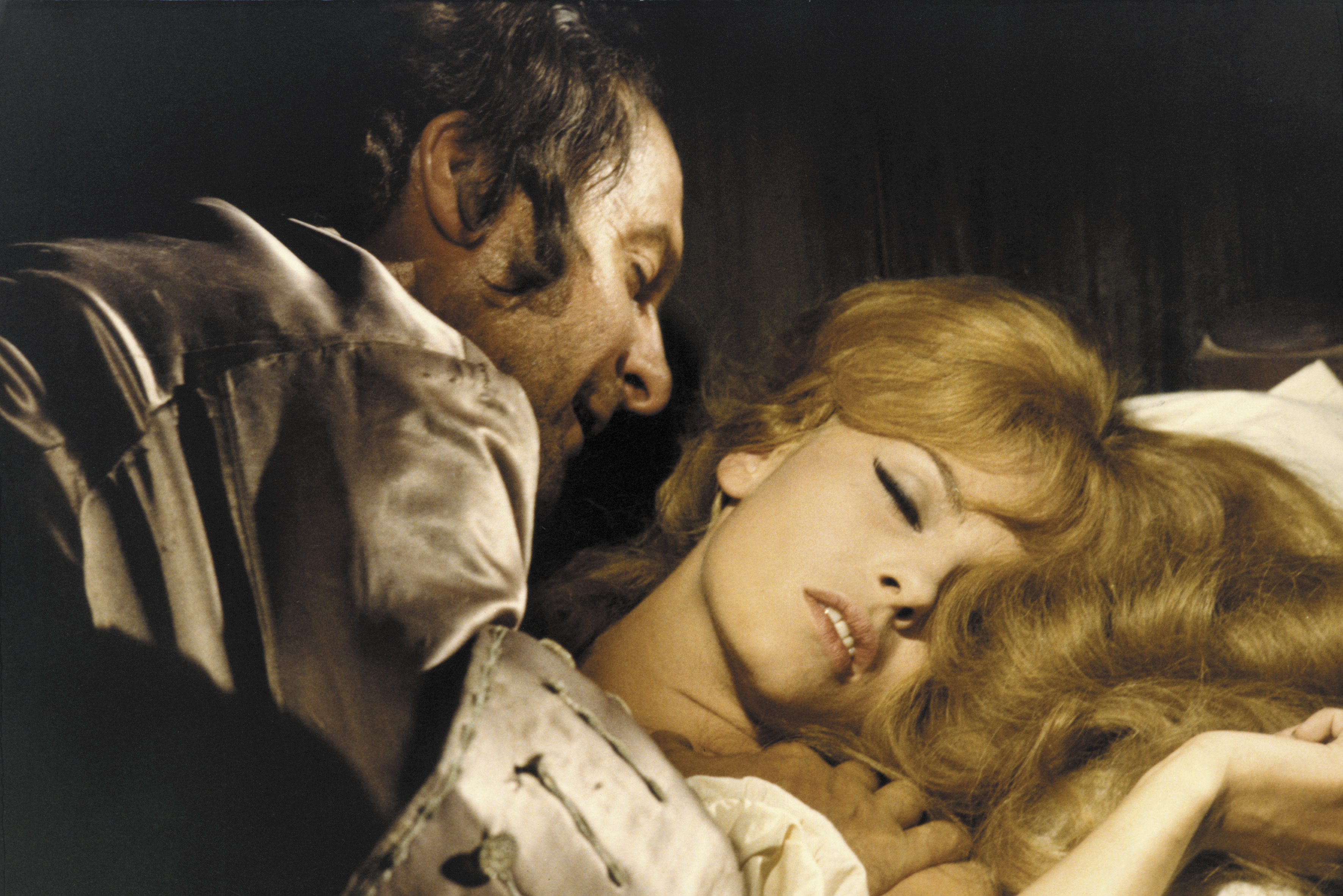
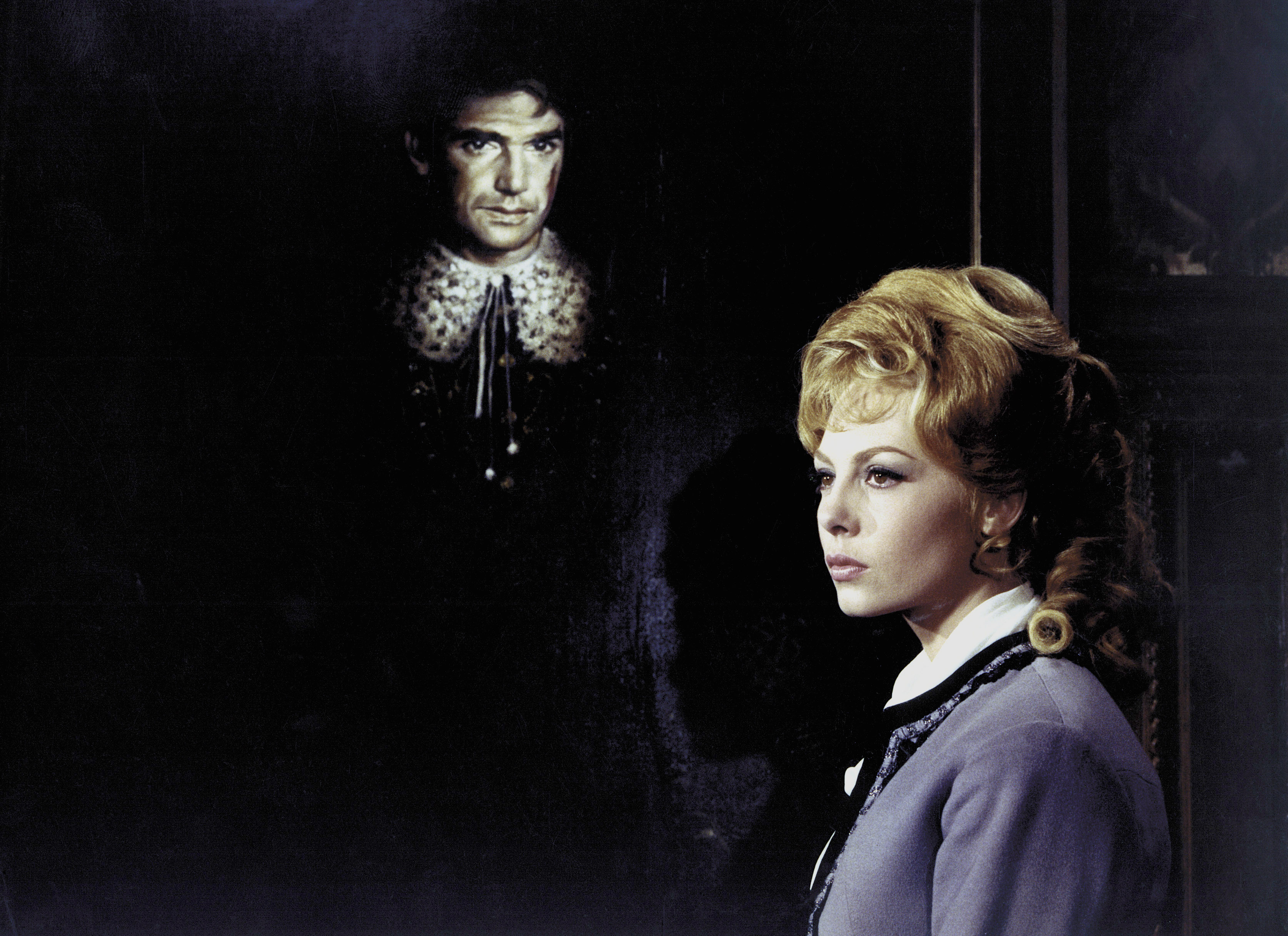
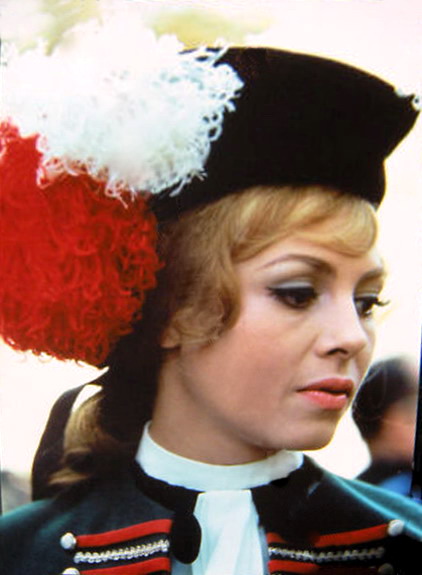
Some photos from Ein Engel auf Erden (1959) aka Mademoiselle Ange Fury at Smugglers' Bay (1961) Amore in quattro dimensioni (1964) Alta infedeltà (1964)






-
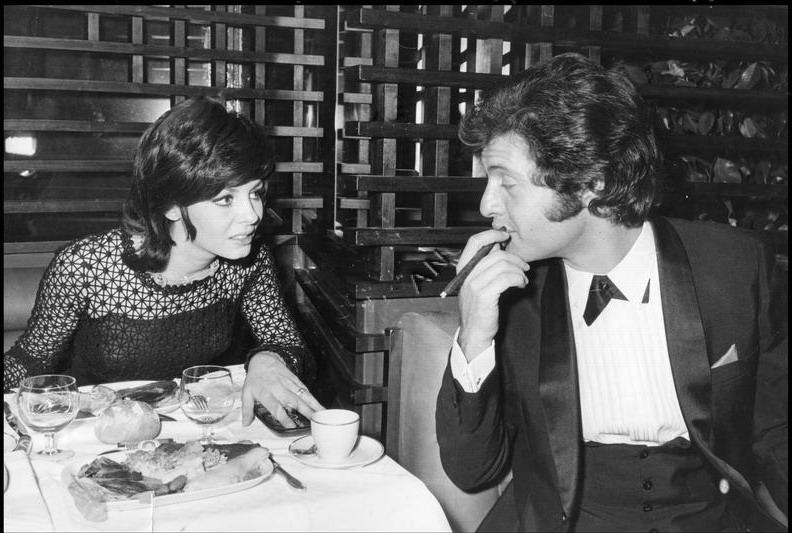
Michele Mercier with Joe Dassin 1970


-
-
Roksana, thank you very much for these HQs, they're magnificent!!! itavi photos, you've posted are gorgeous and completely new to me, thank you!




-
-
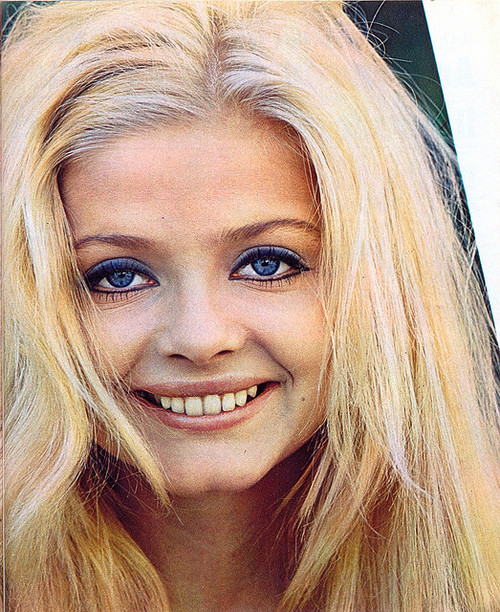
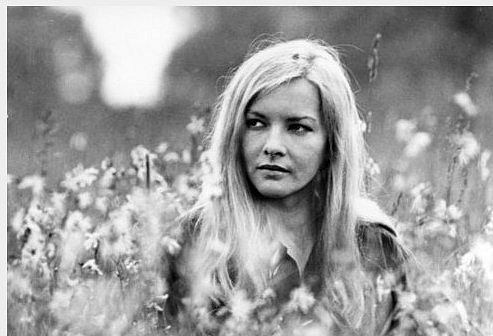
Never heard of her, but she's super cute








 Love that redhead Her name suits her so much




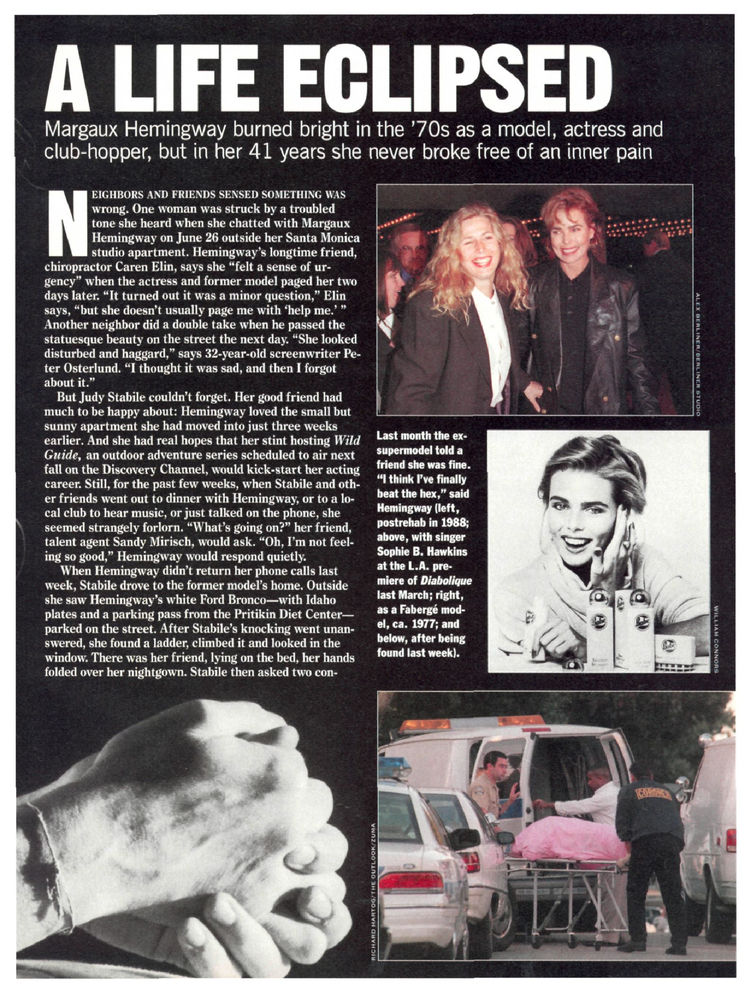
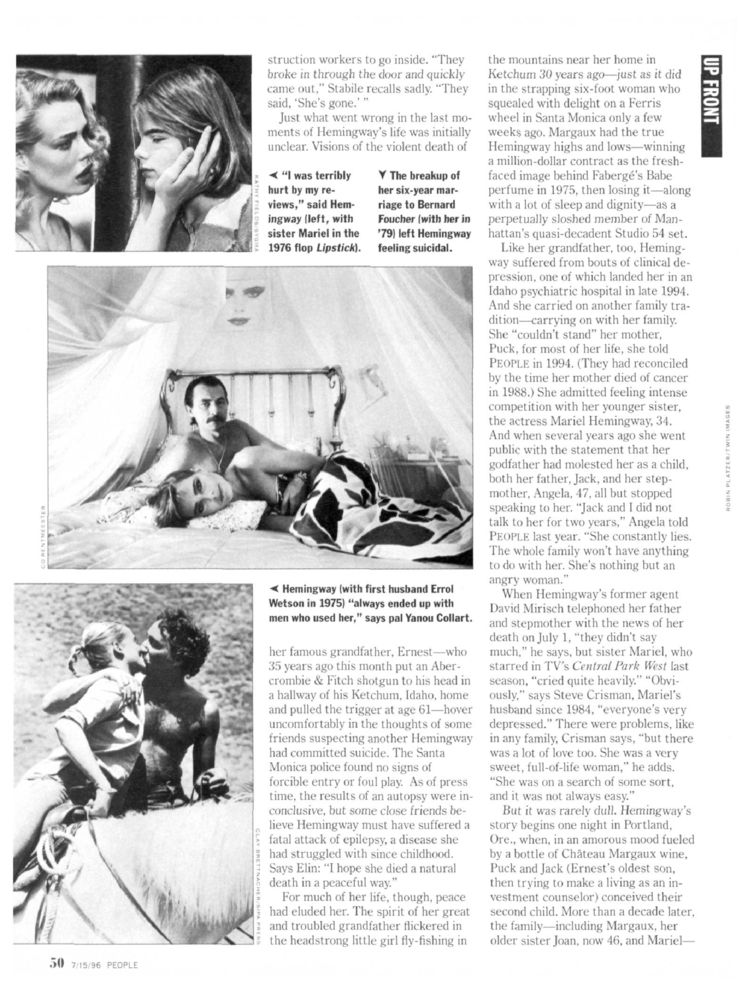
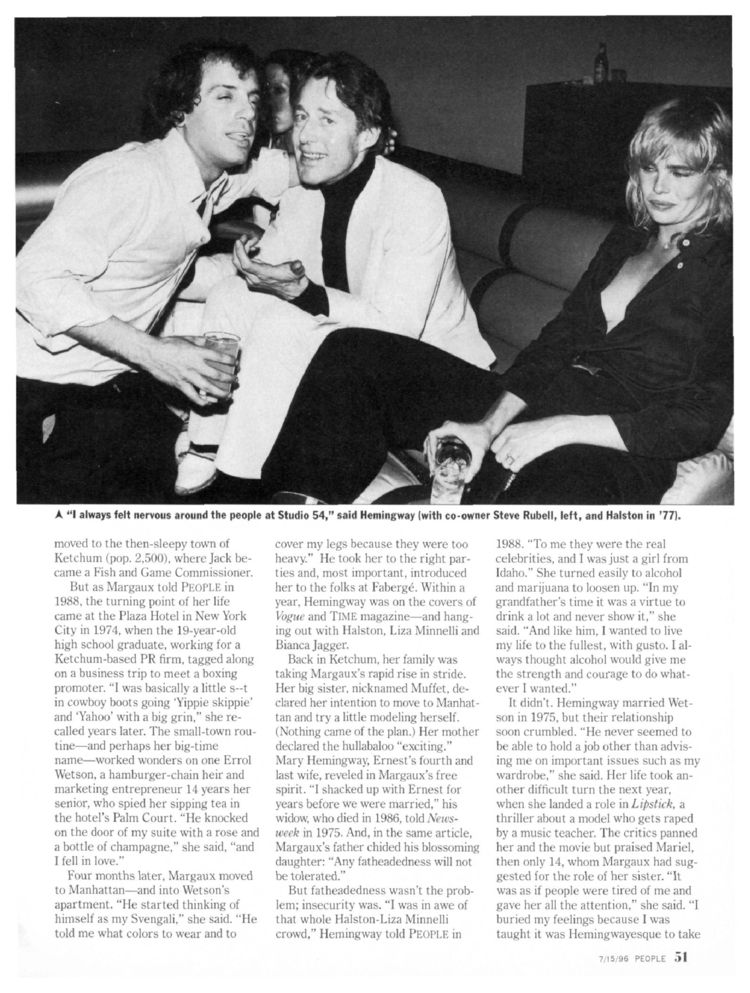
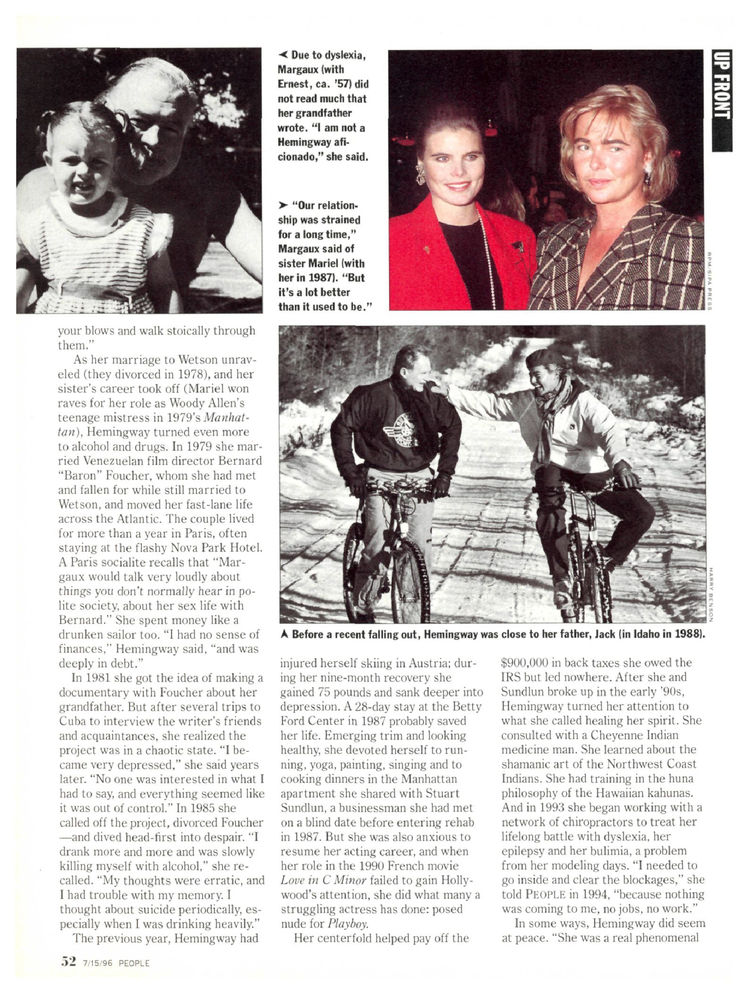
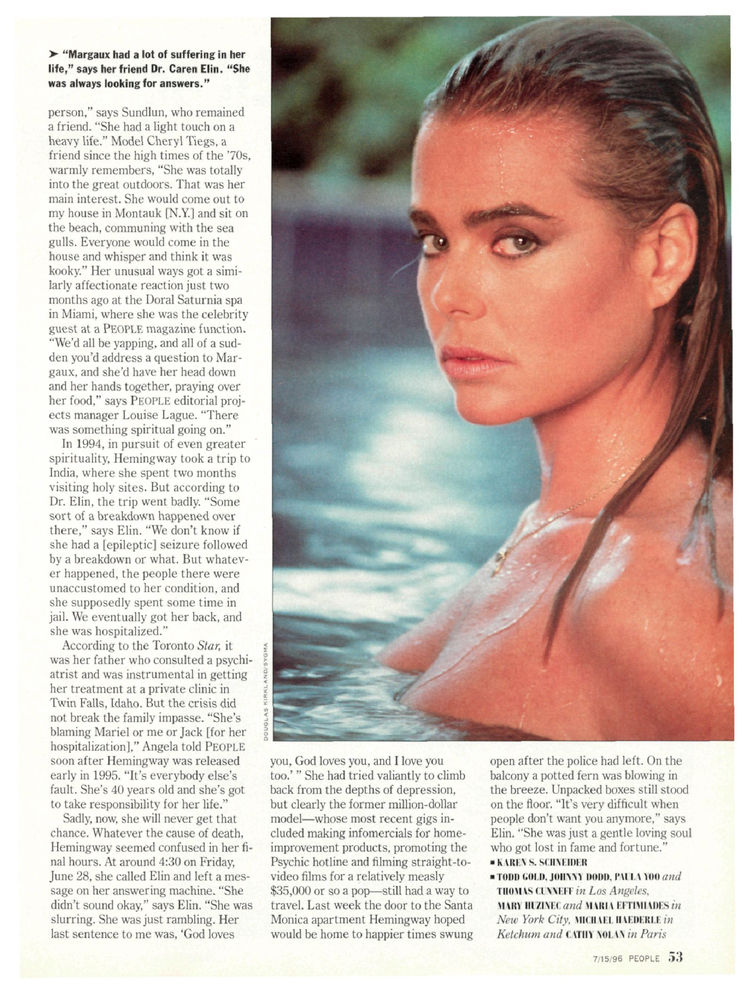
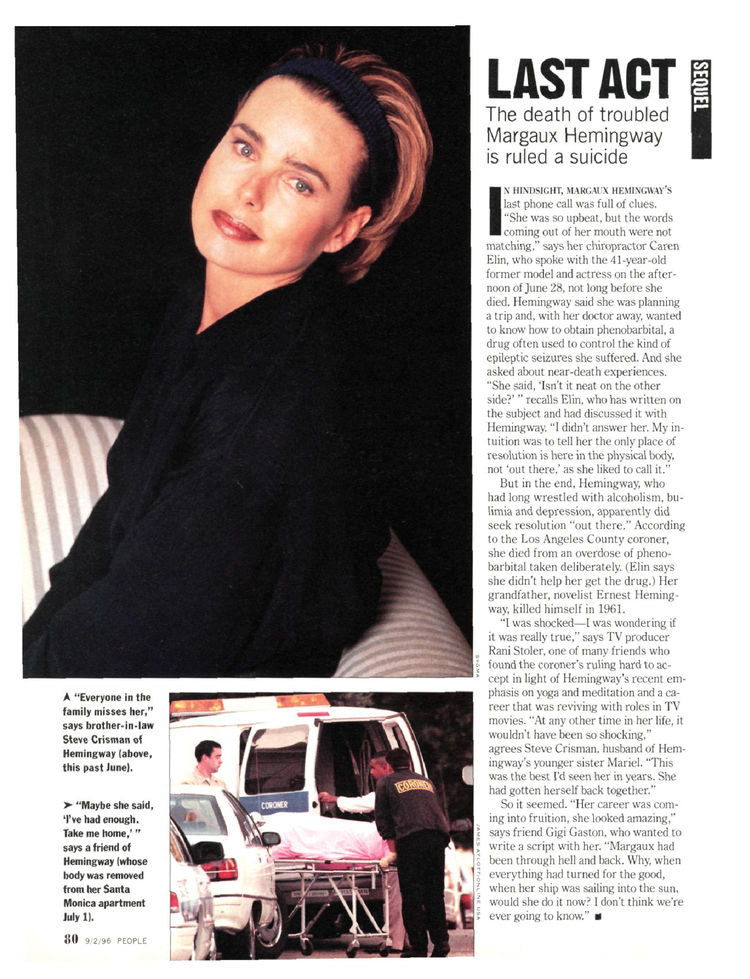
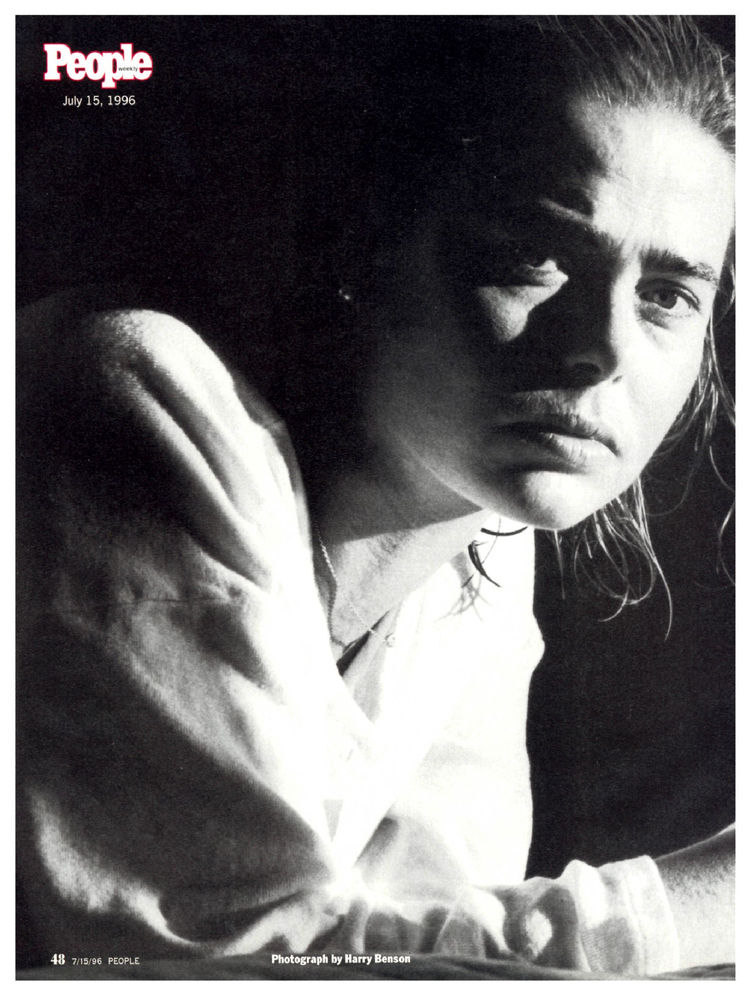
 From People 1996
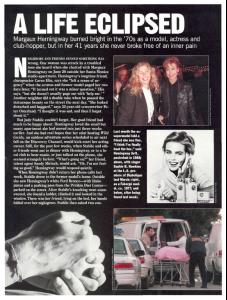
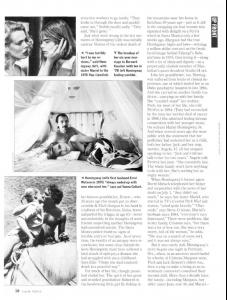
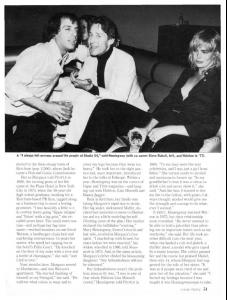
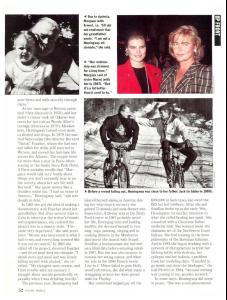
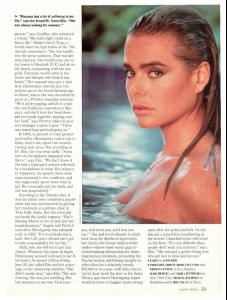
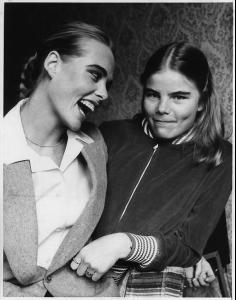
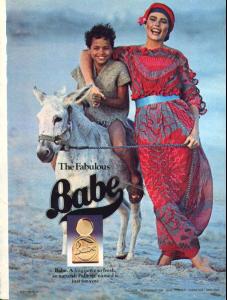
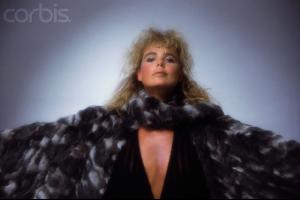
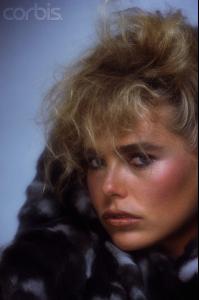
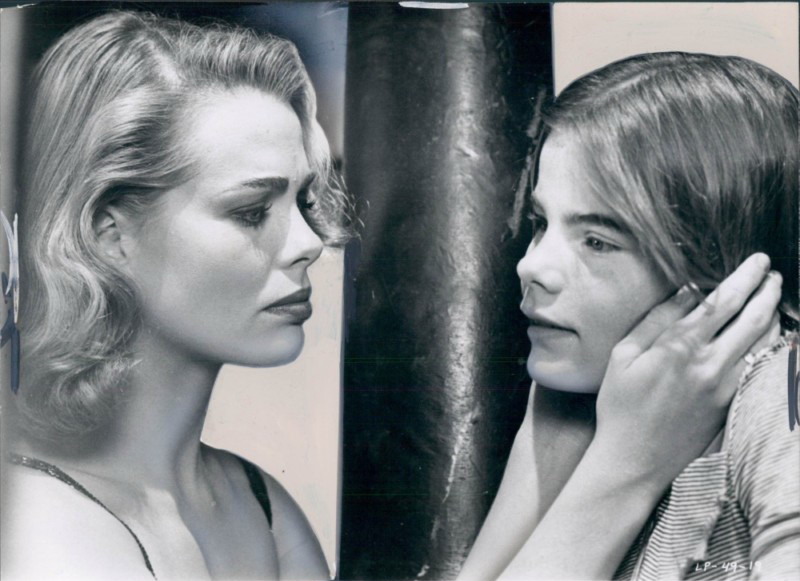
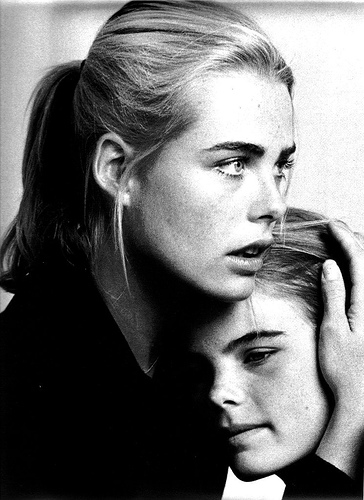
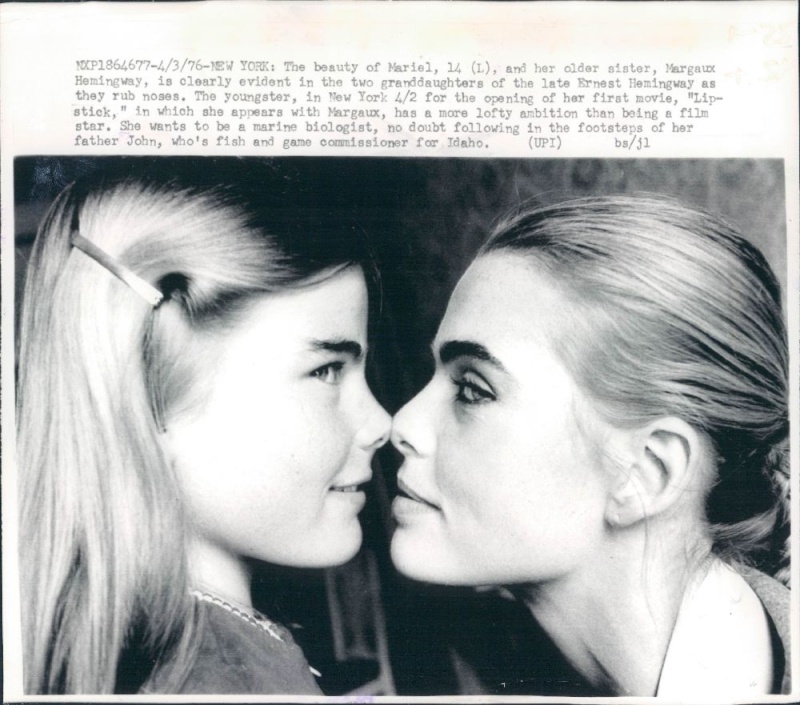
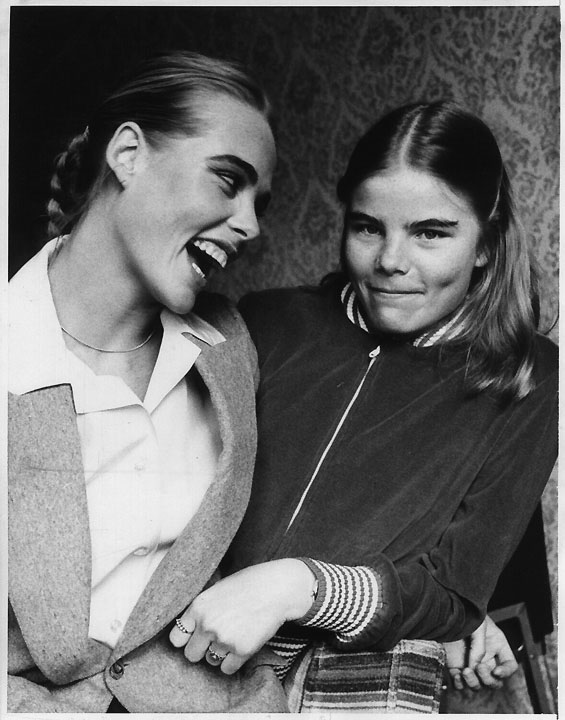
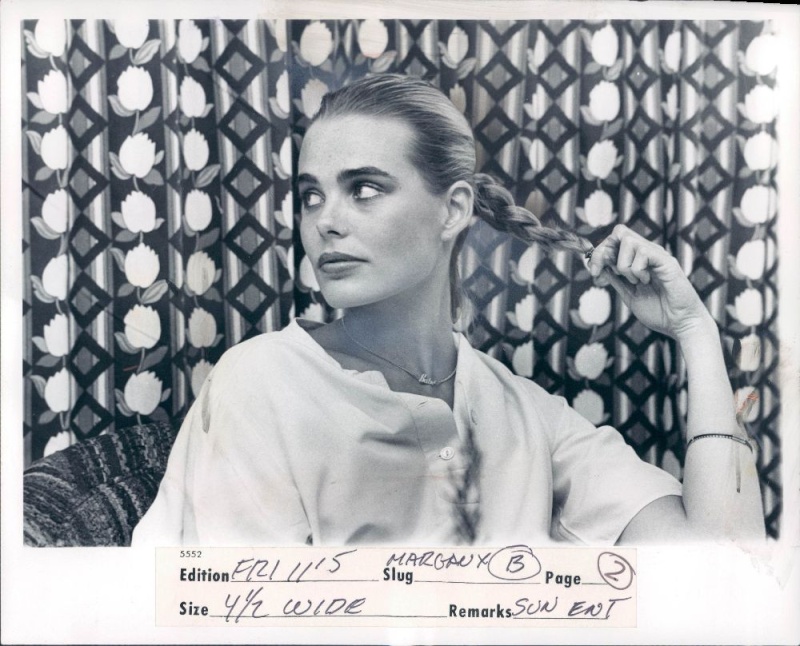
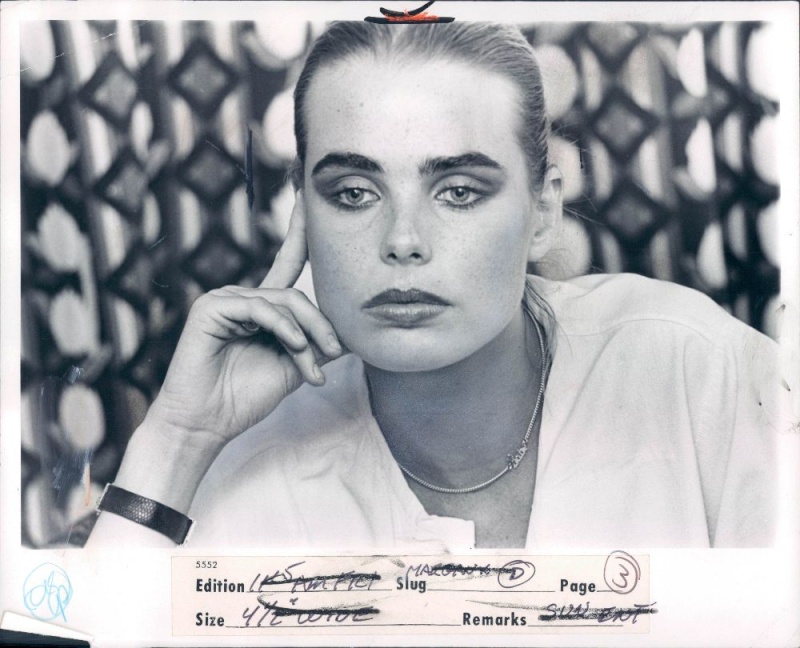
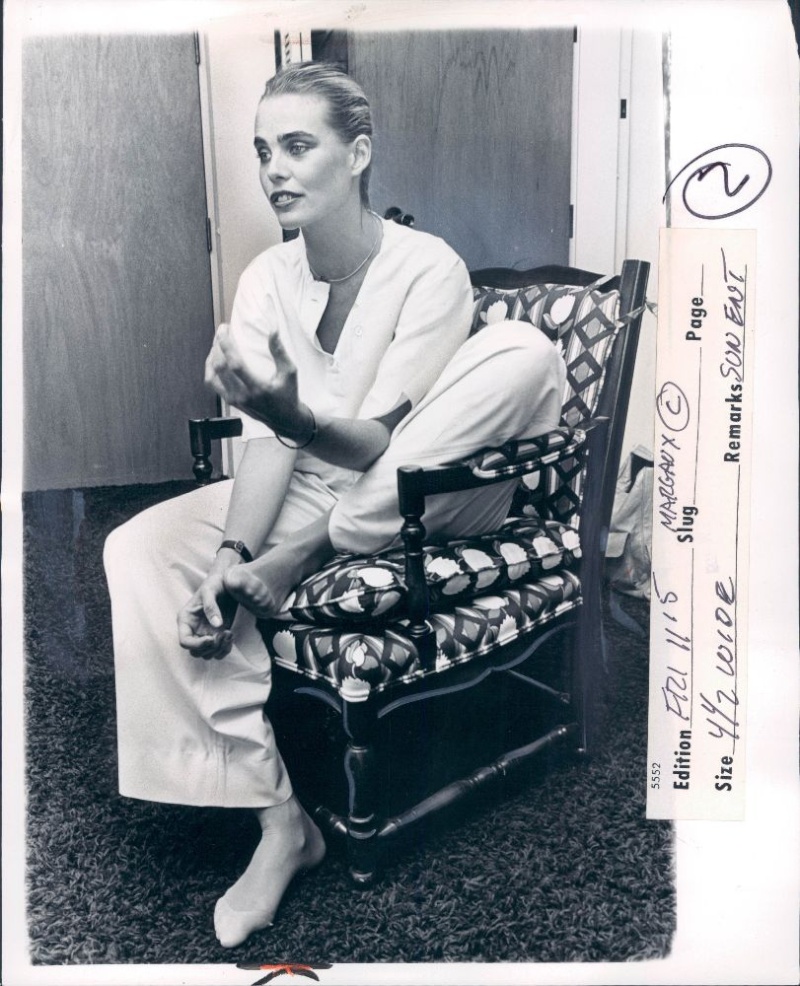
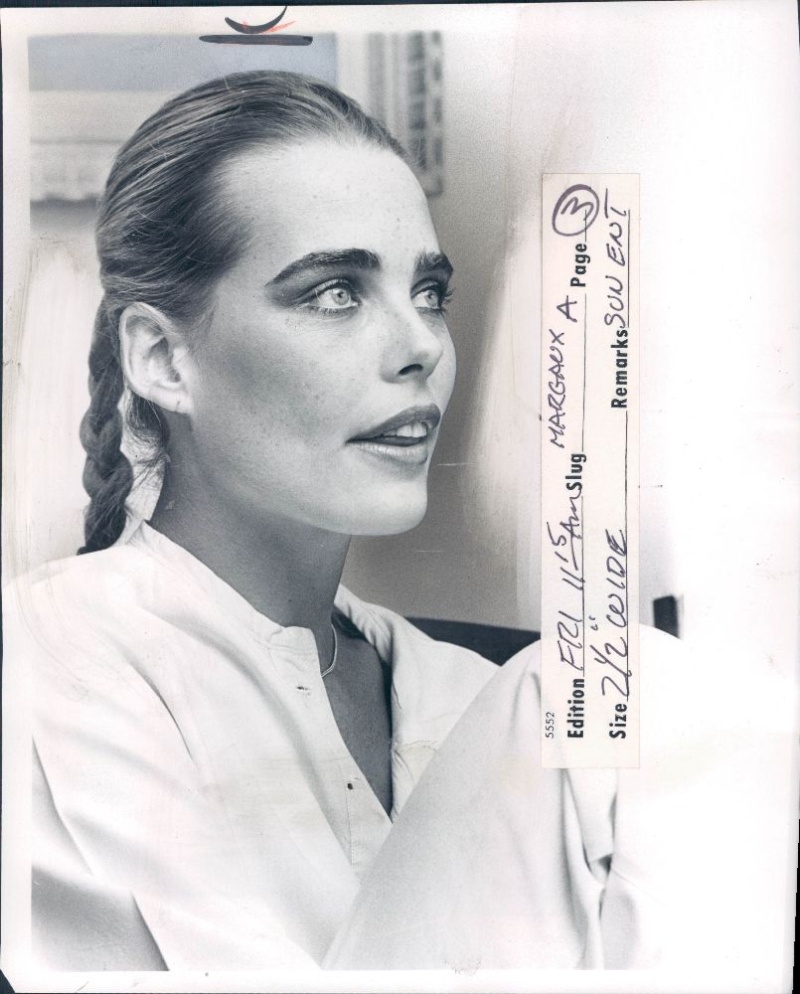
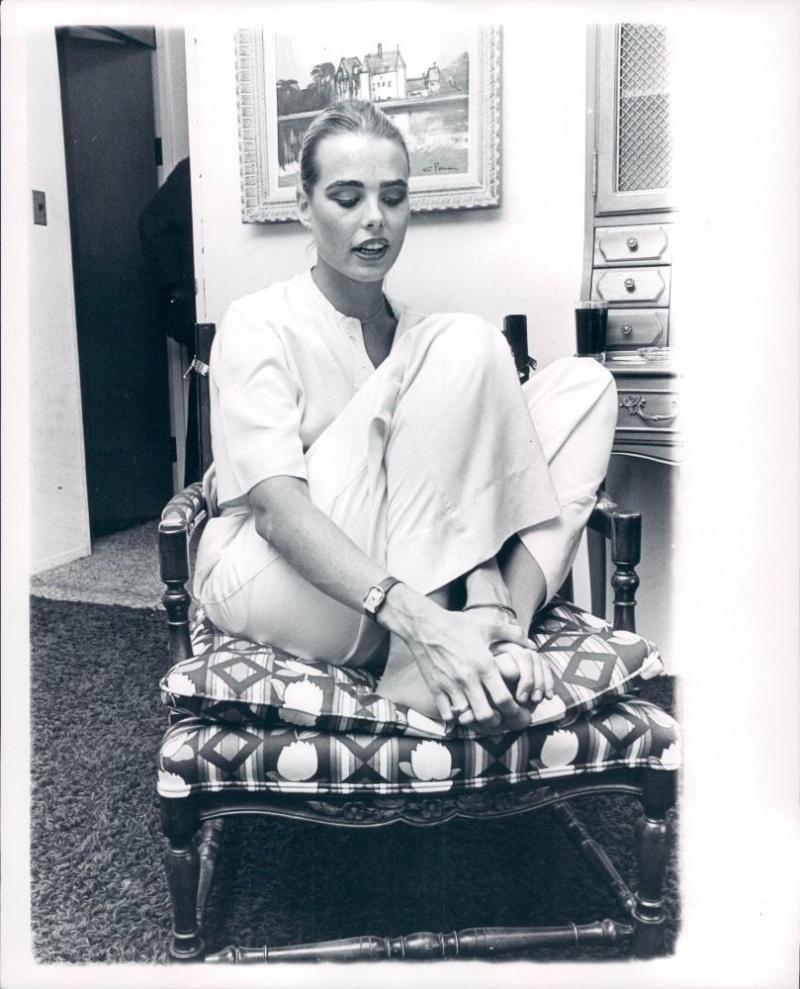
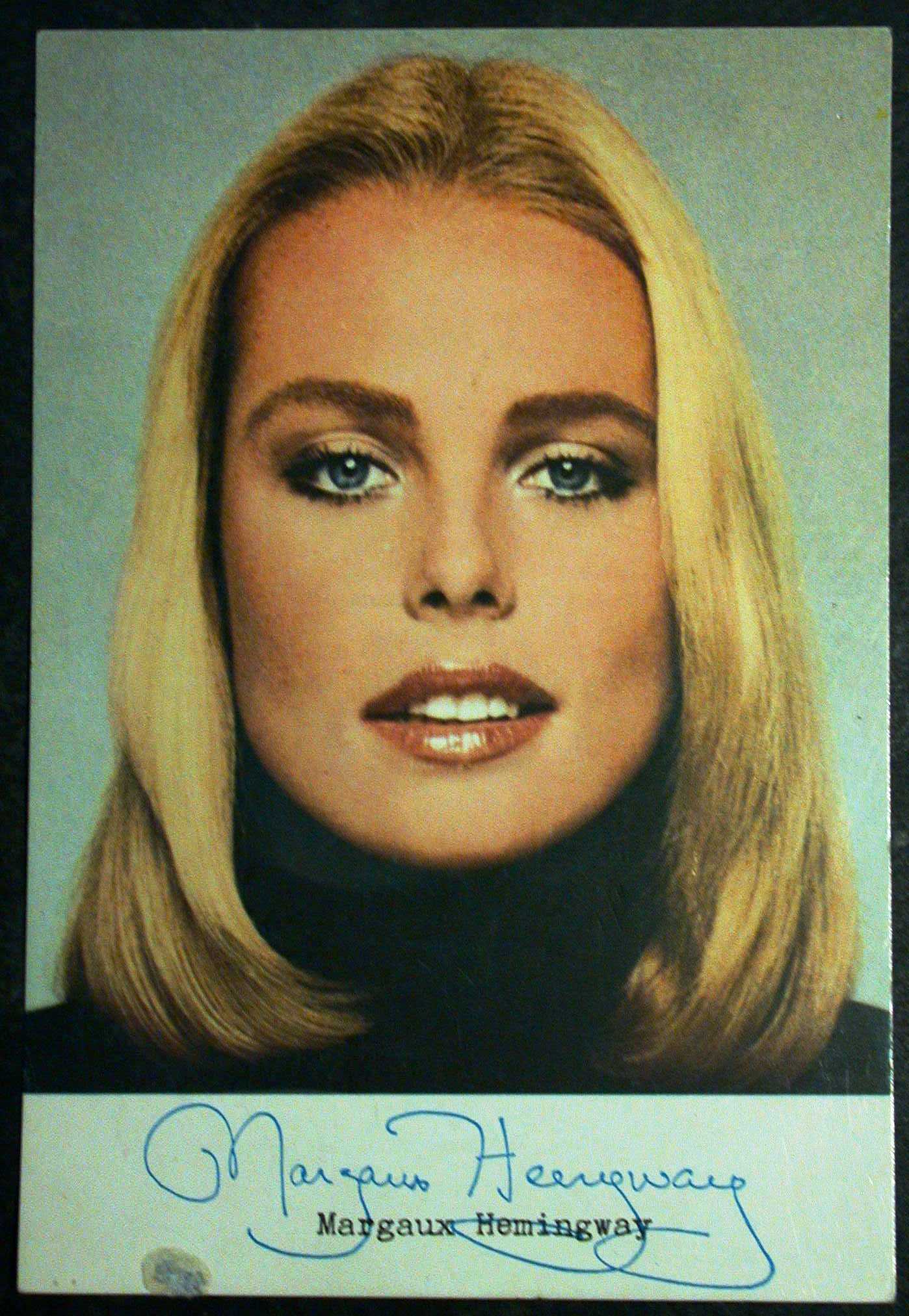
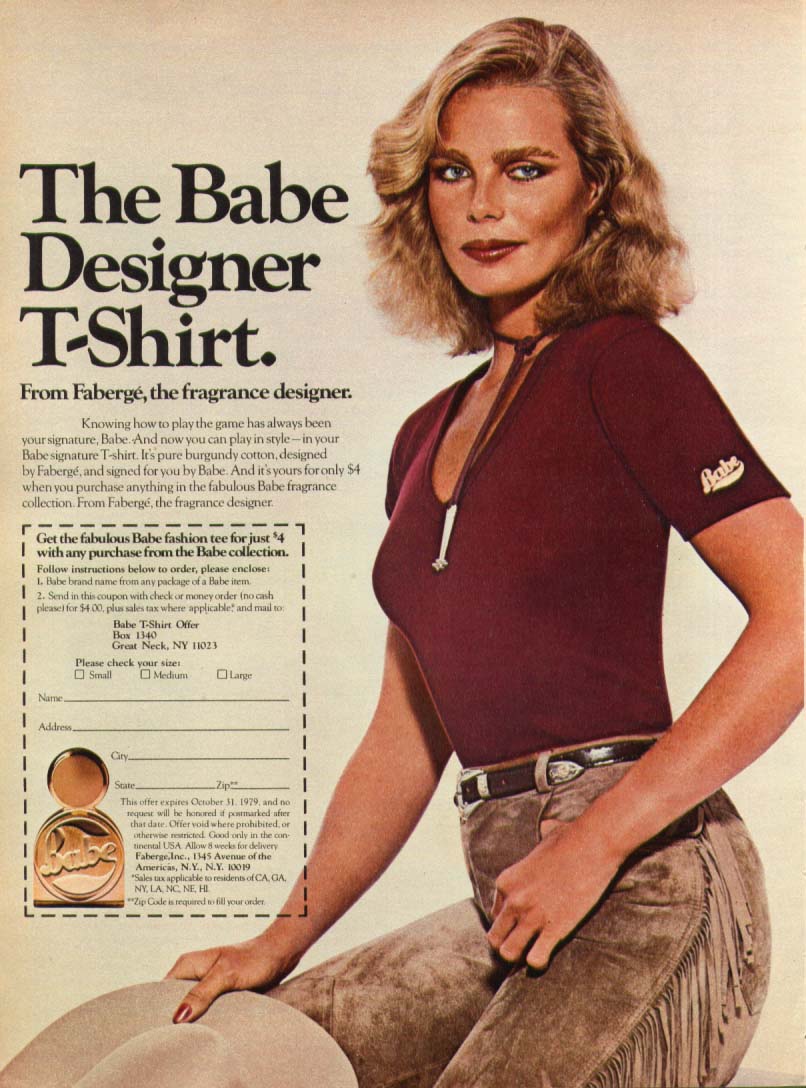
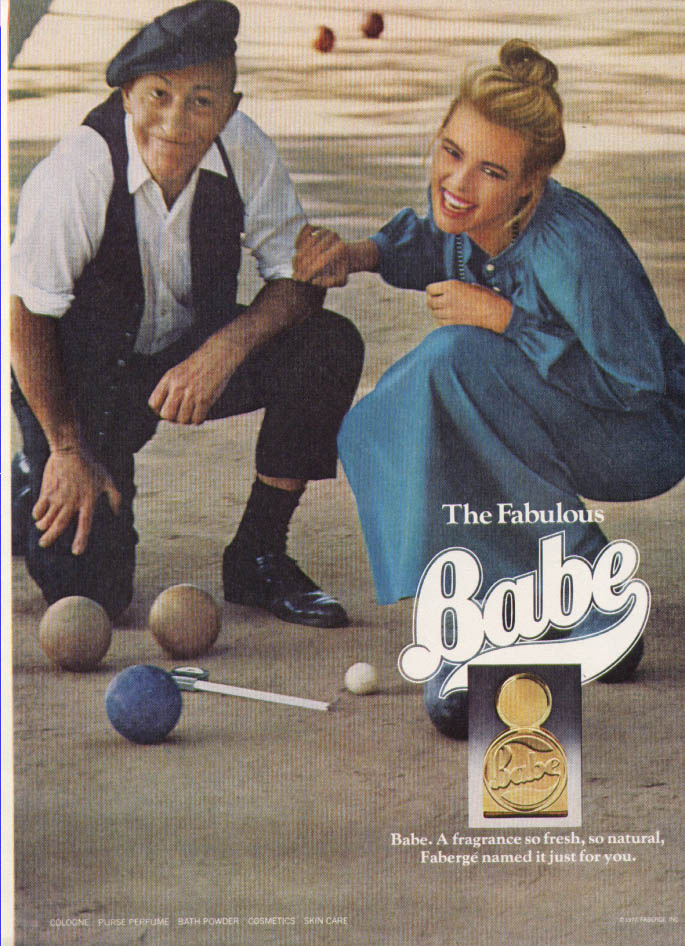
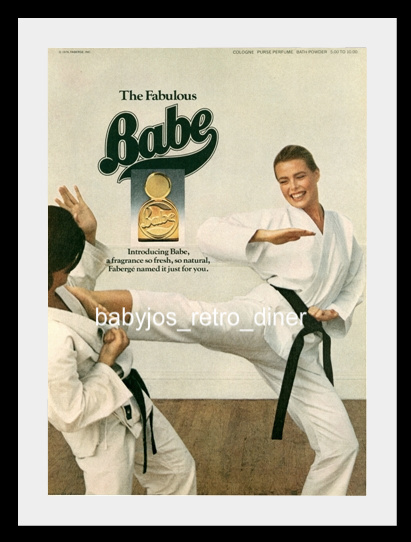
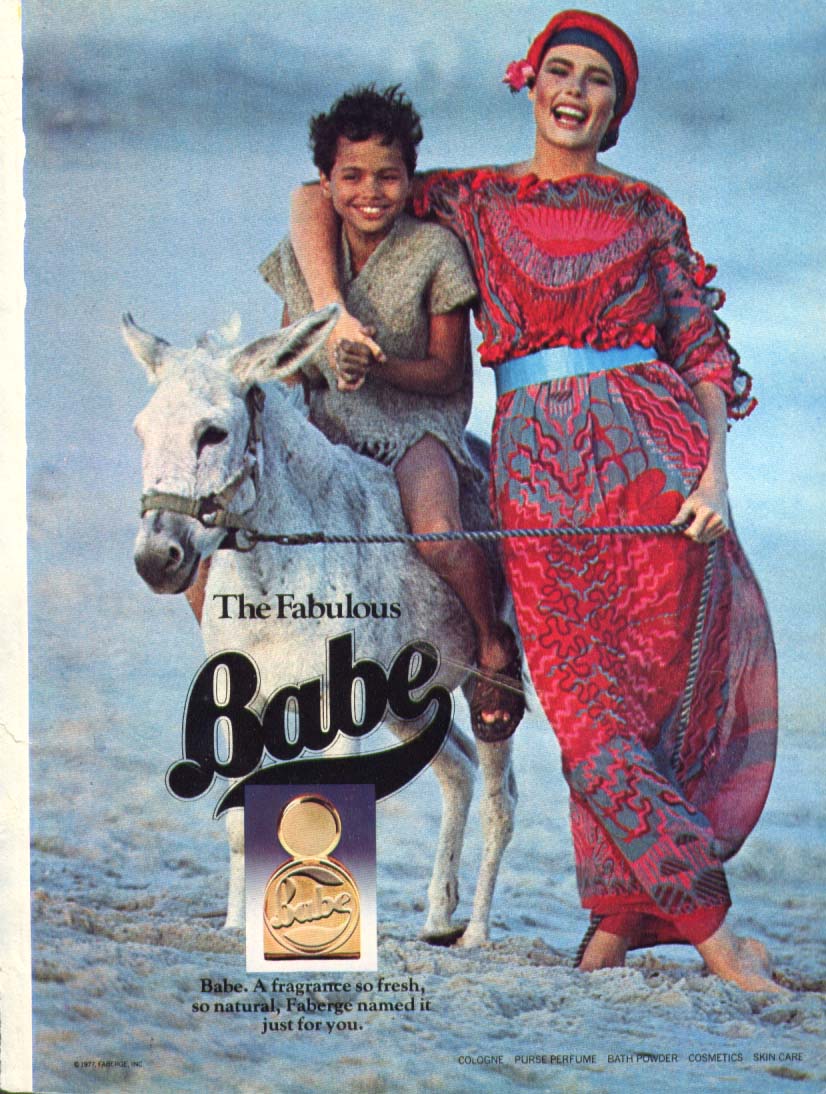
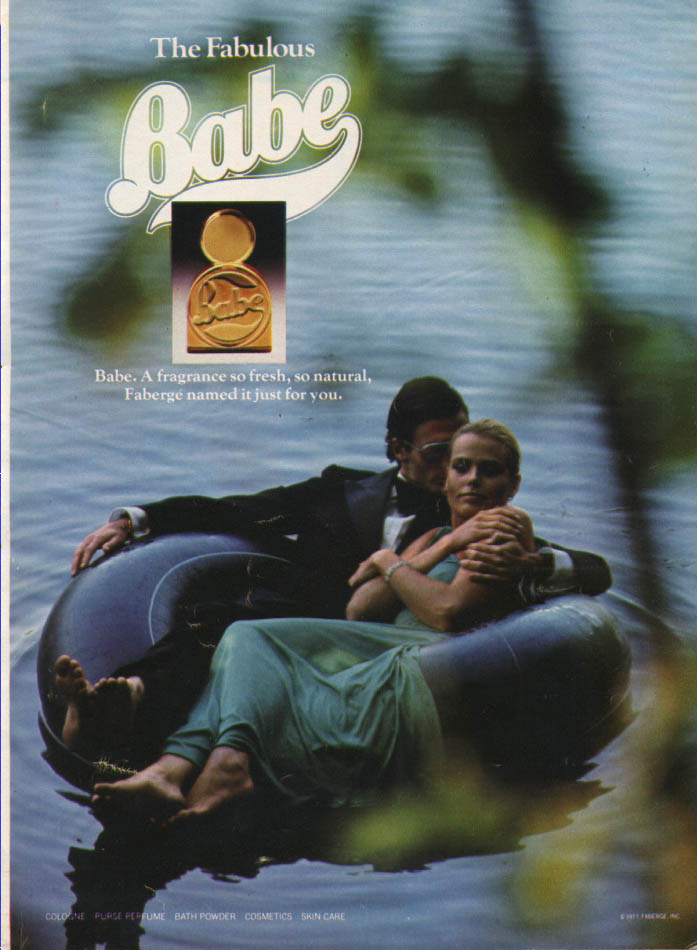
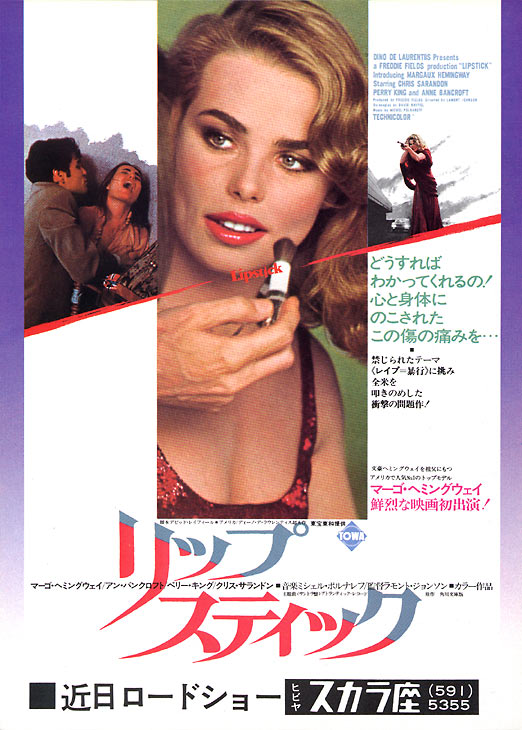
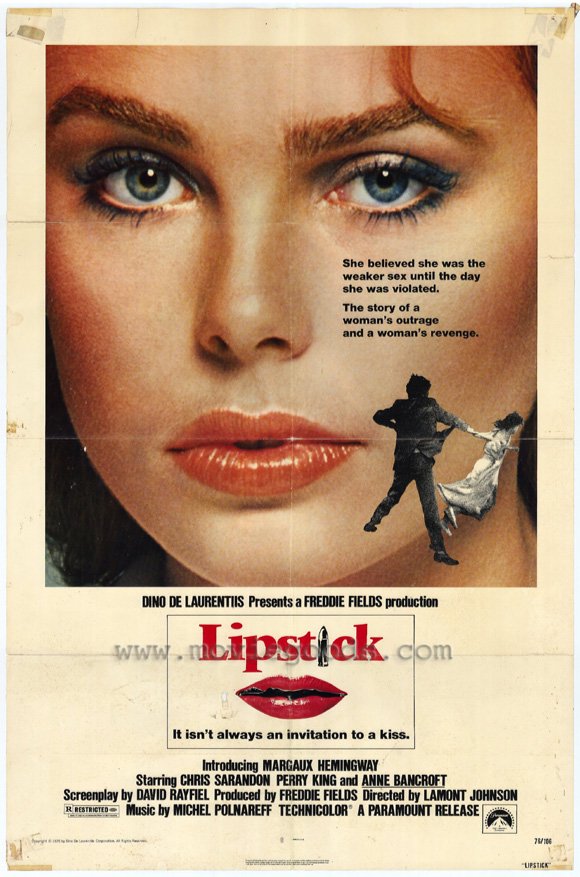
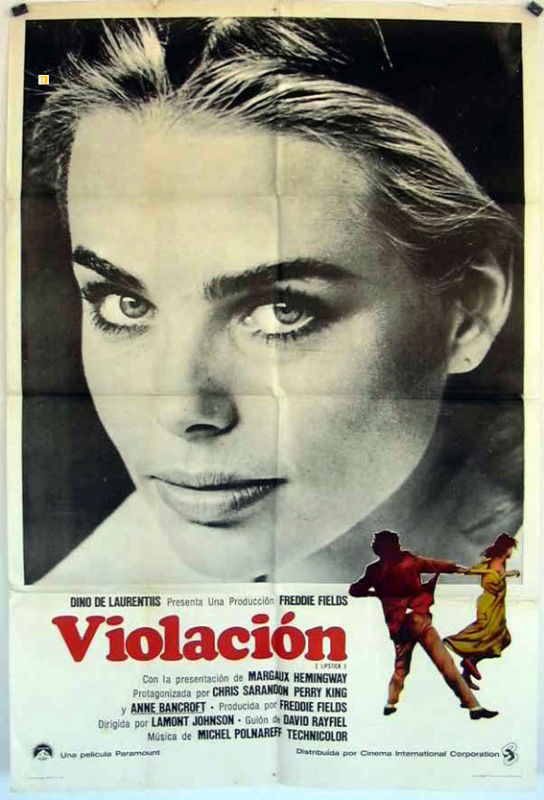
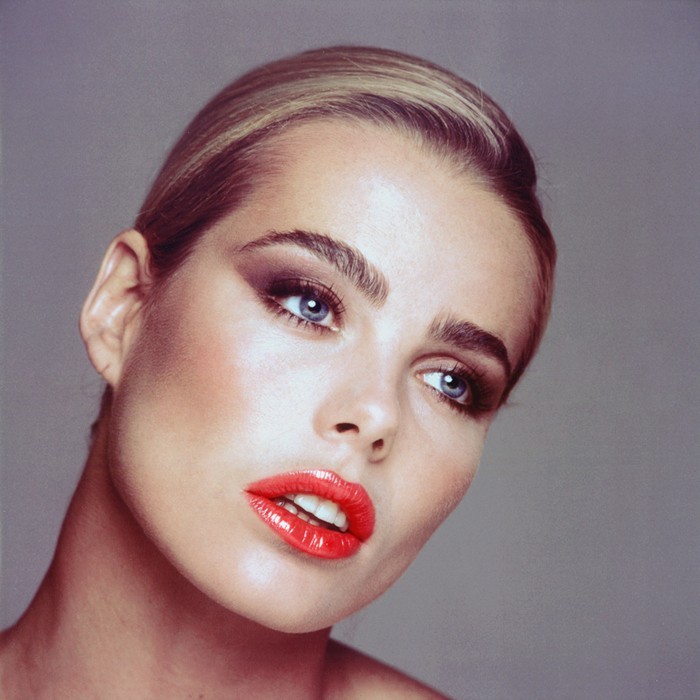
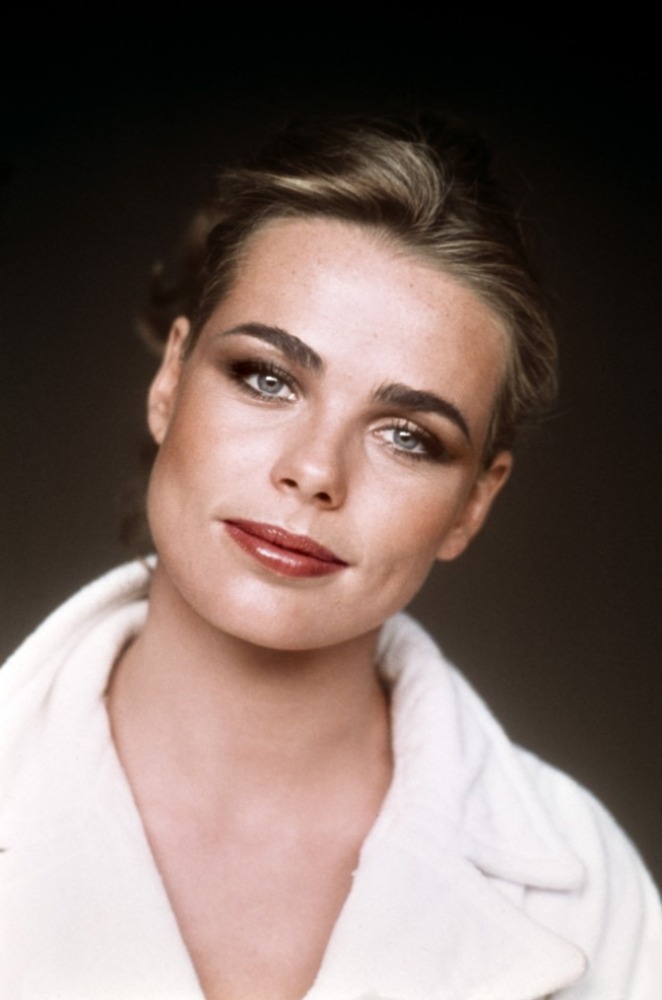
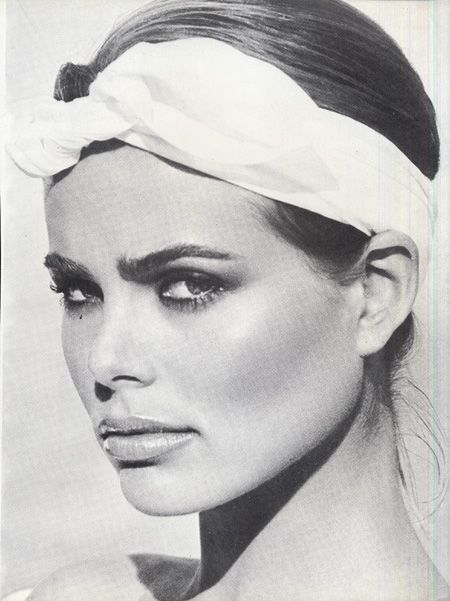
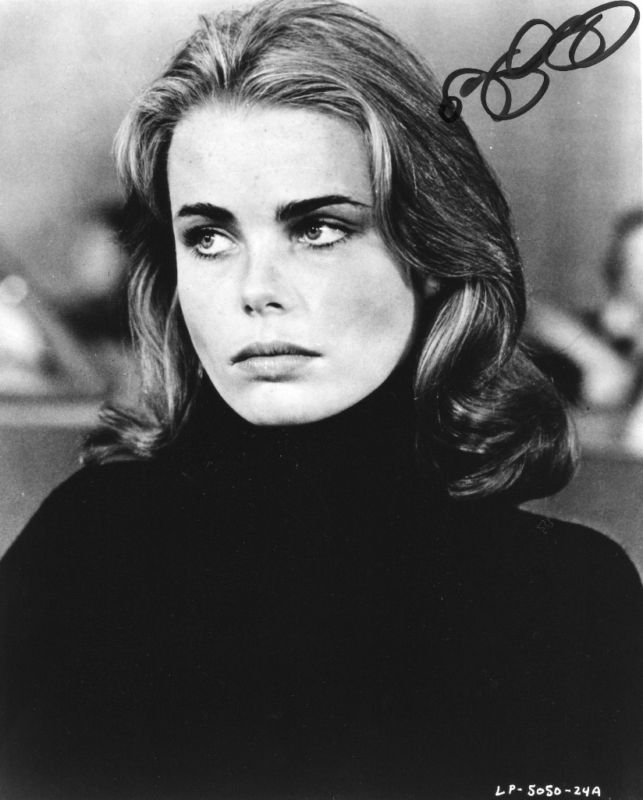
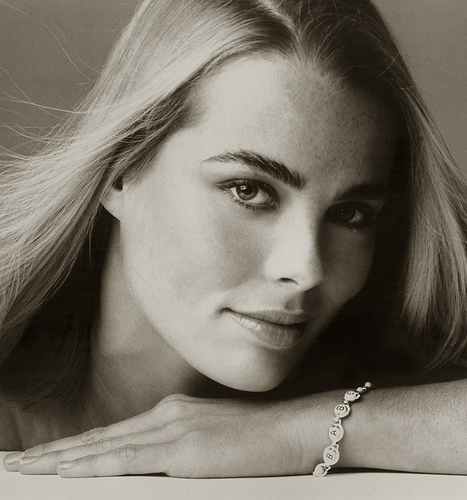
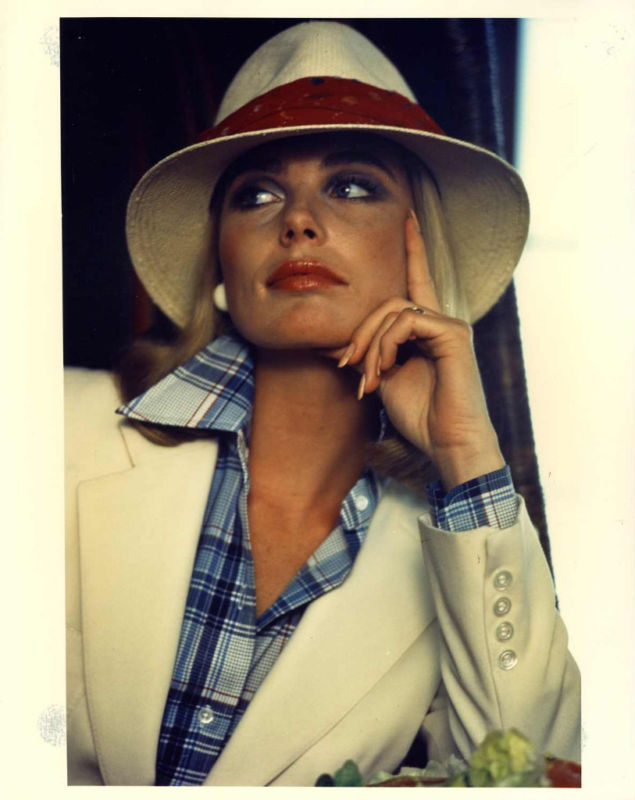
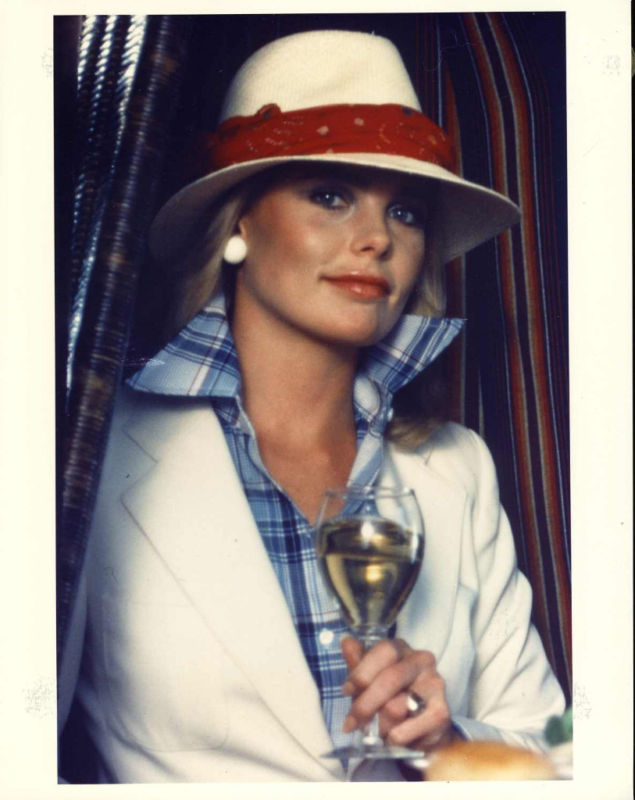
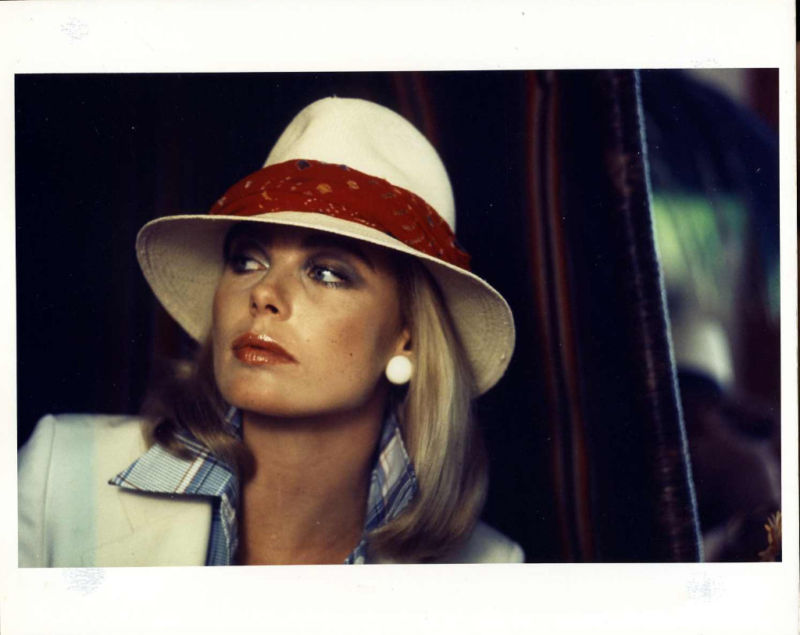
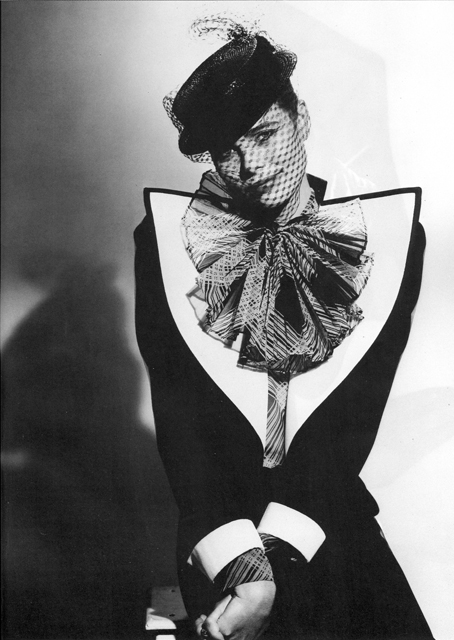
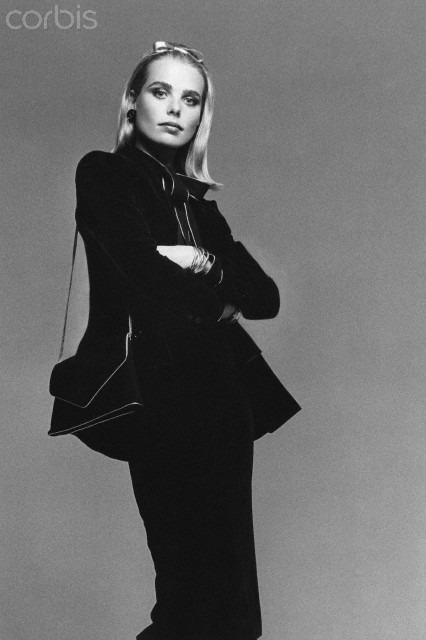
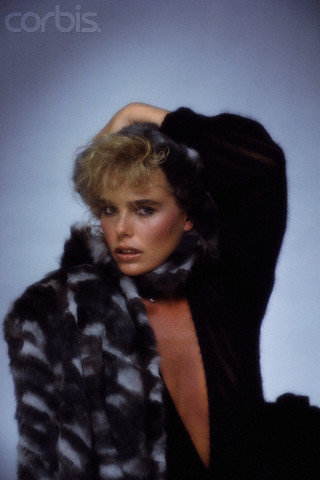
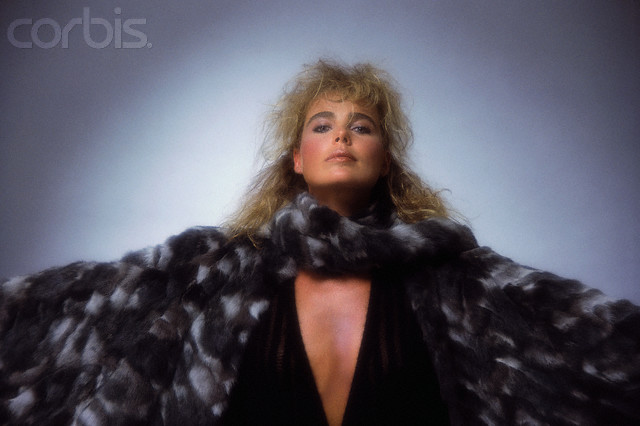
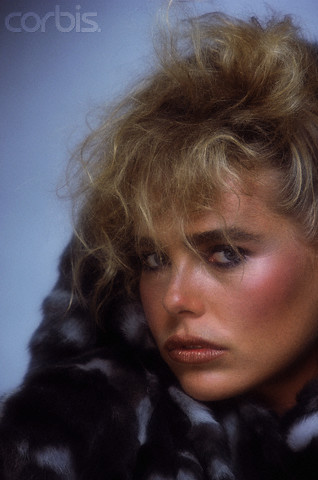
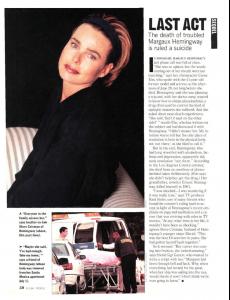 Adorable Margaux in different commercials: Babe by Faberge She Perfume American ExpressIf I'm not mistaken, she was 41. And she suffered from some mental problems just like her famous grandfather (who also committed suicide)She reminds me a bit of Renee Simonsen With her sister Mariel:



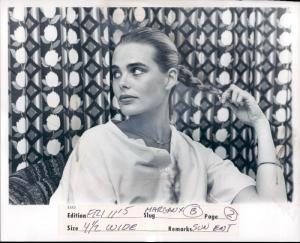

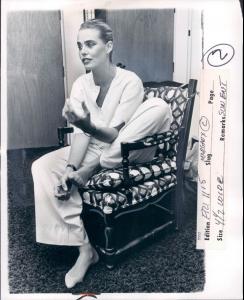

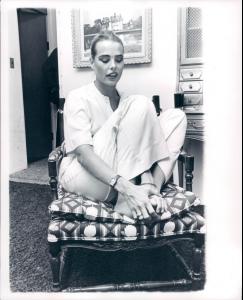

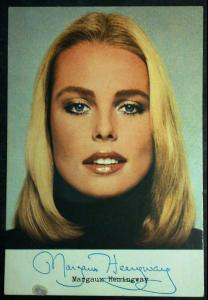 Babe ads:



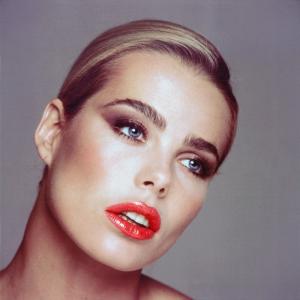
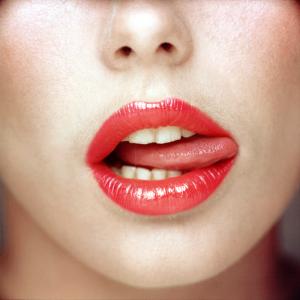
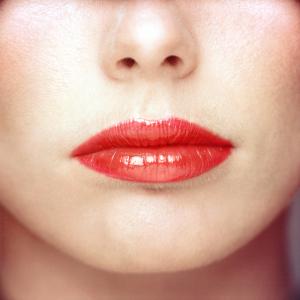
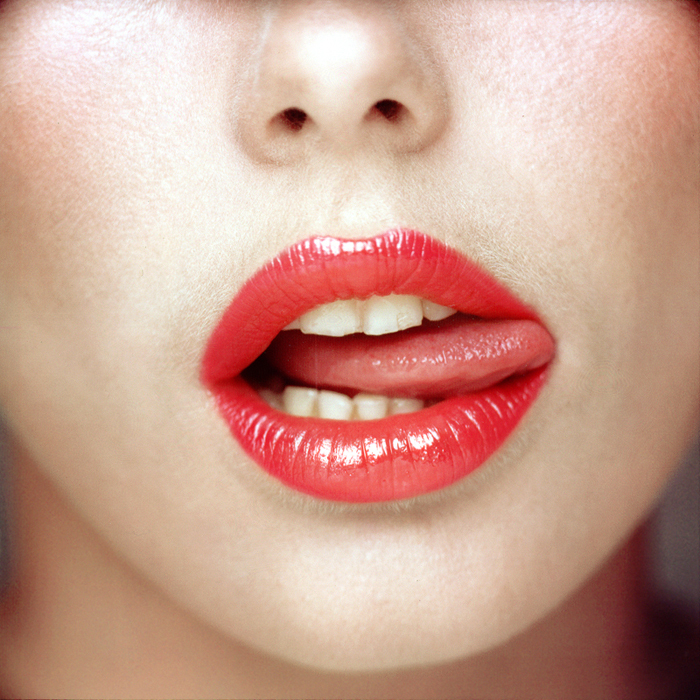
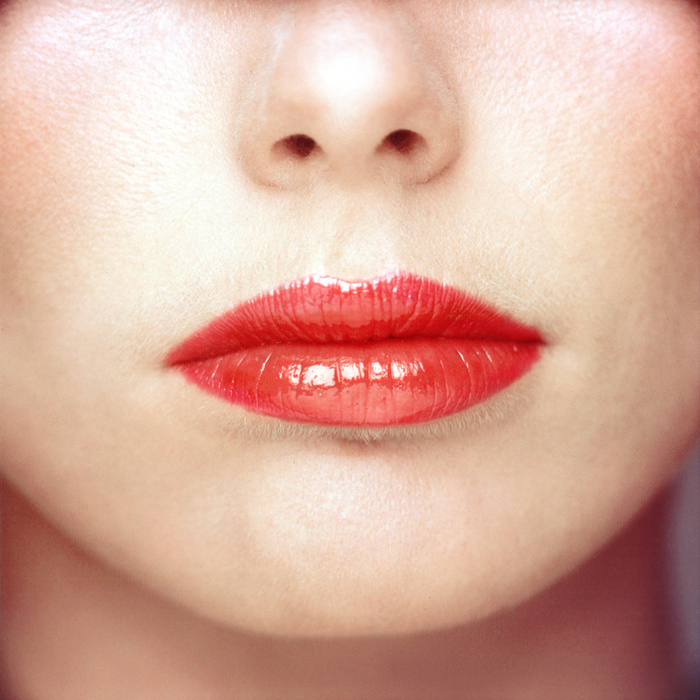
 Lipstick posters





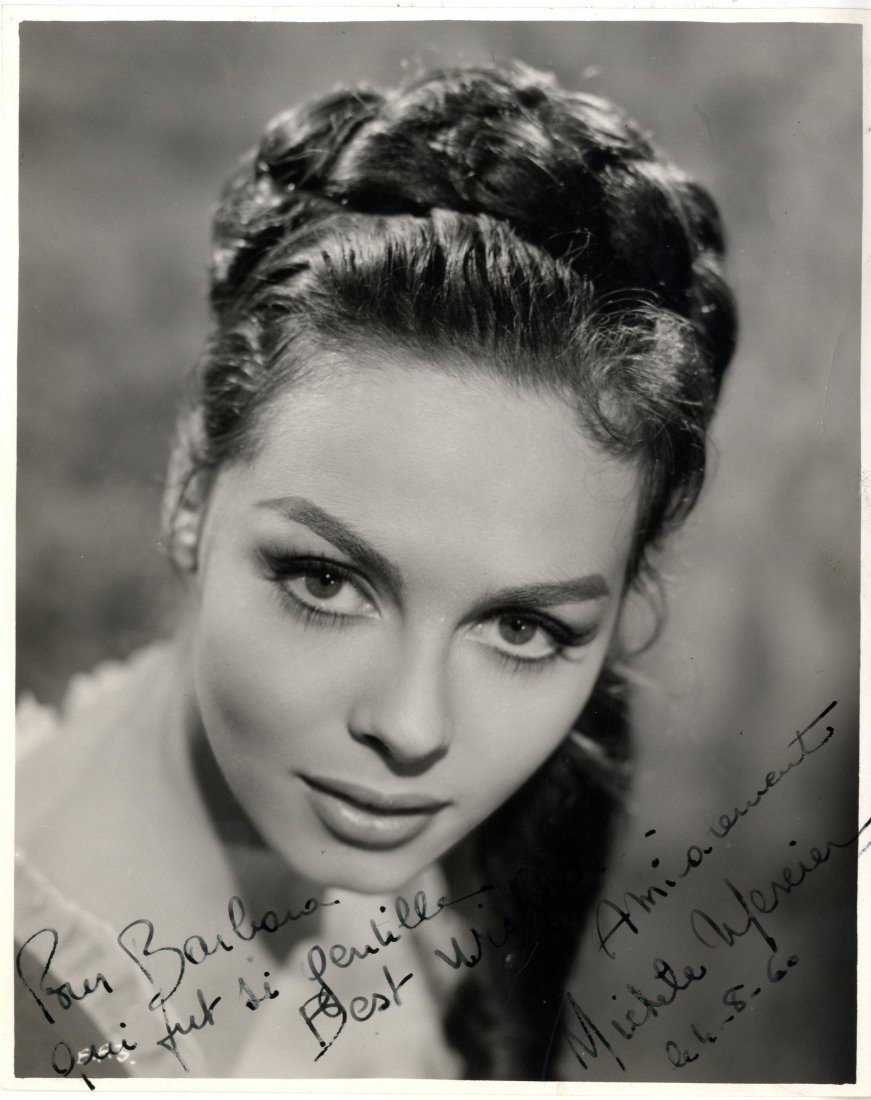
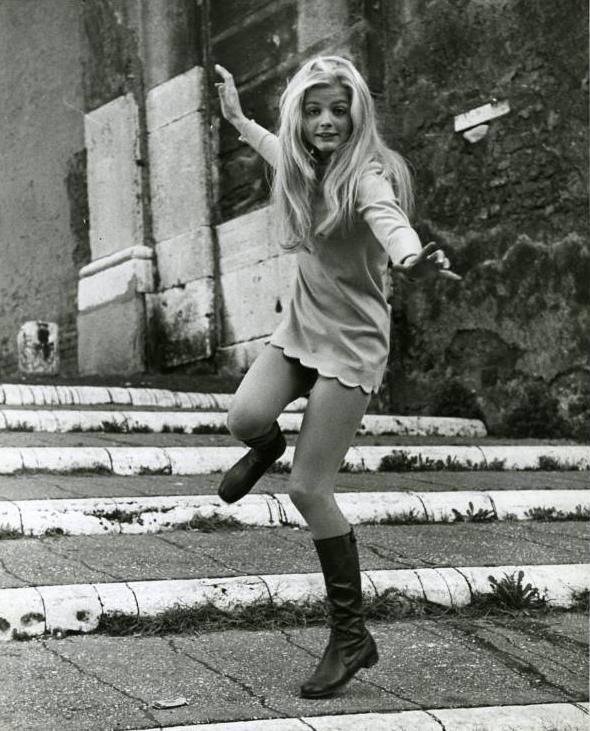
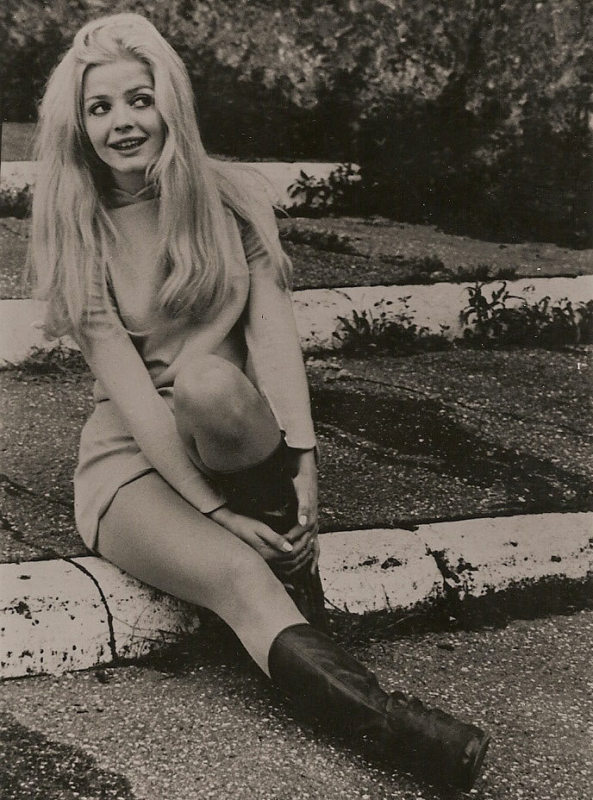
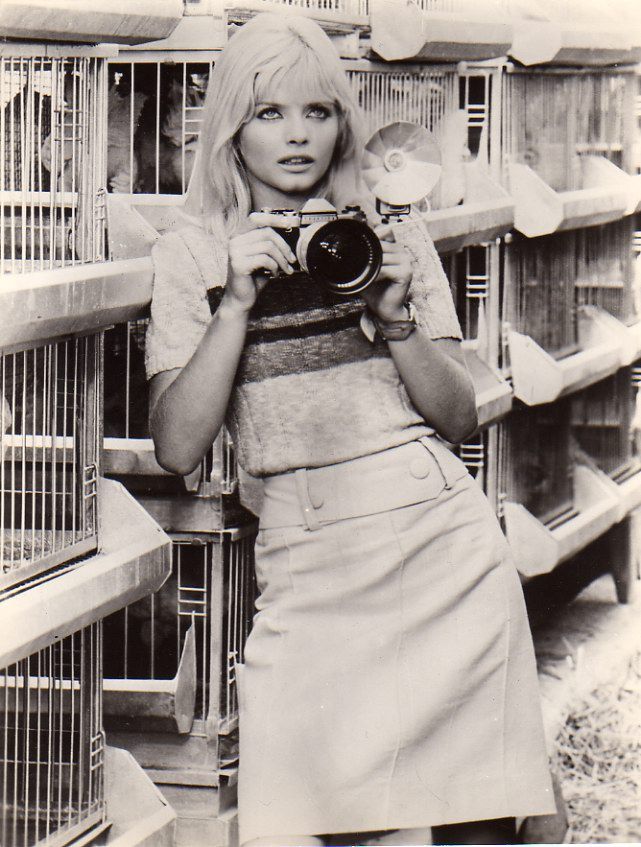
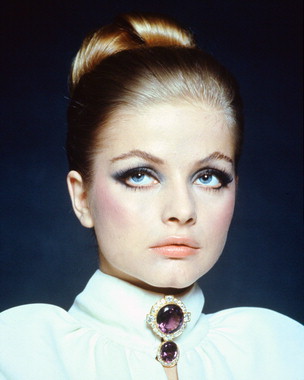
 Thank you, avoir_fot for starting this thread. Some pics












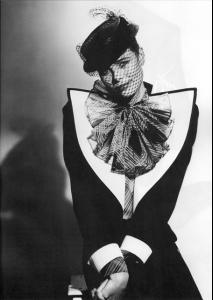



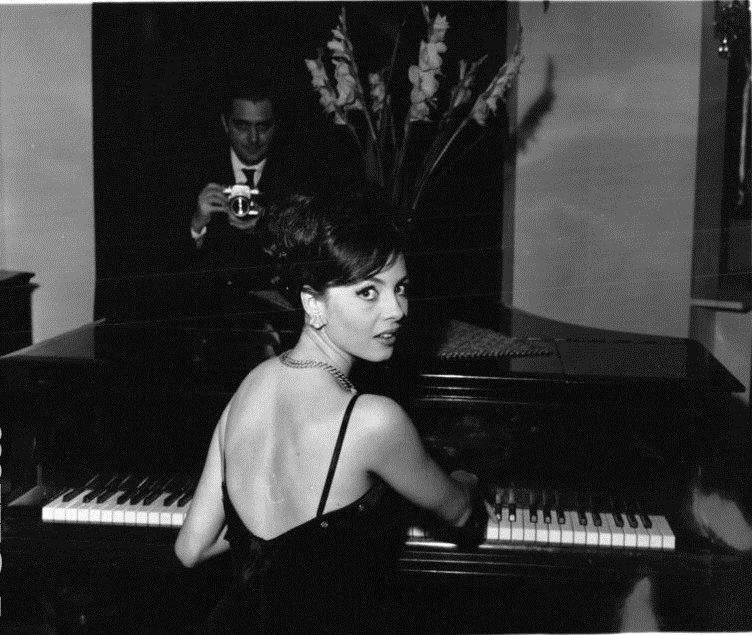
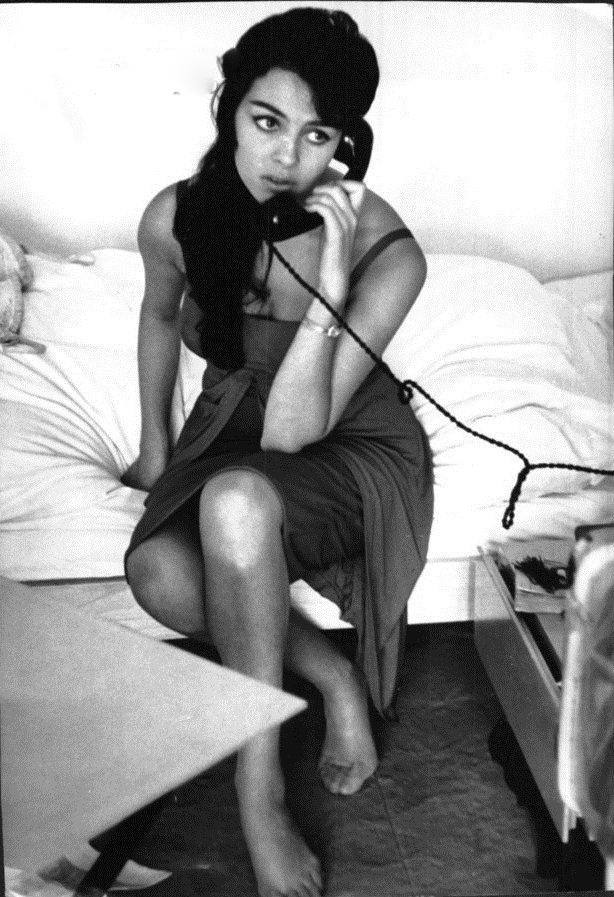
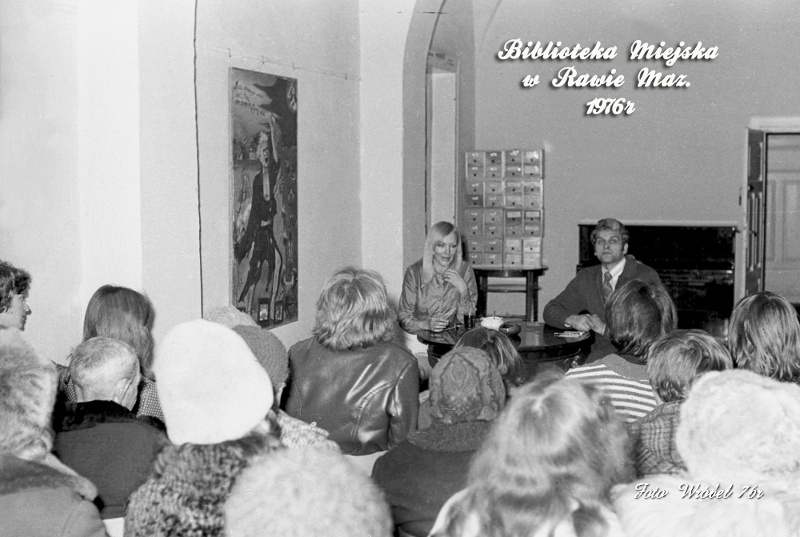
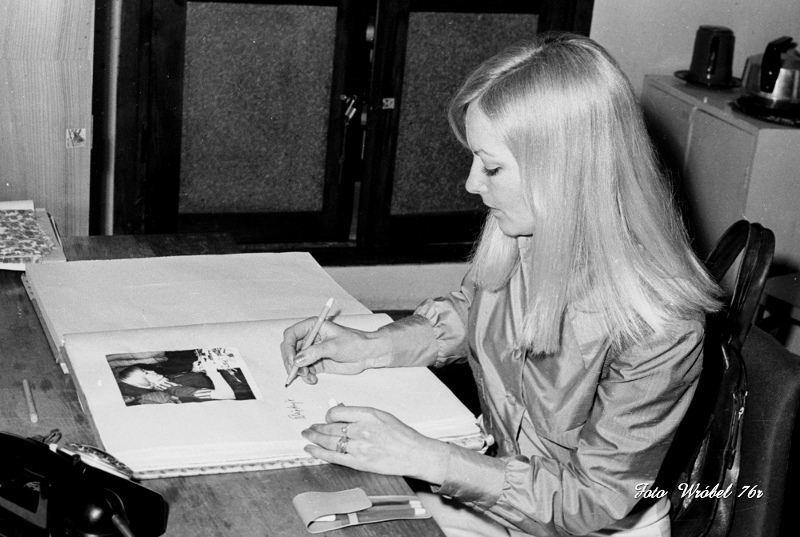
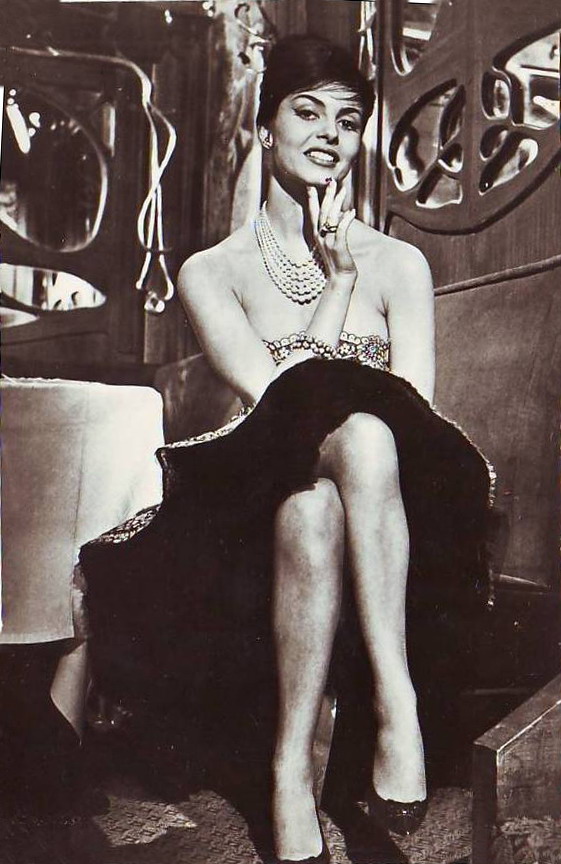
 Thanks for the pictures, she is gorgeous, so beautiful and talented.Wow, Christina, you're really great, so many new pictures (not exactly new to me, because you reposted all my pictures from www.michelemercier.ru), but still nice workCocktail per il film Anni Ruggenti (1962)


 Christina)))), lisa-1 You're welcomeSorry, if repost












































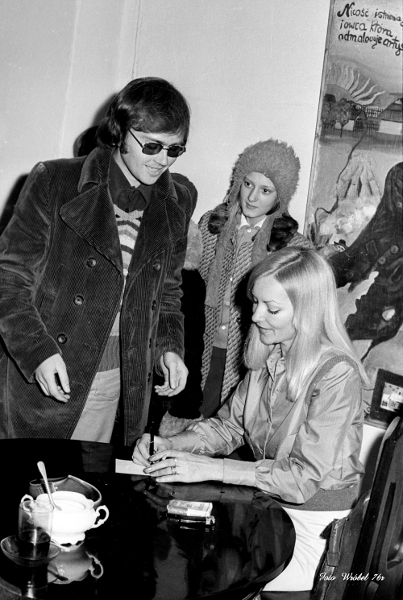
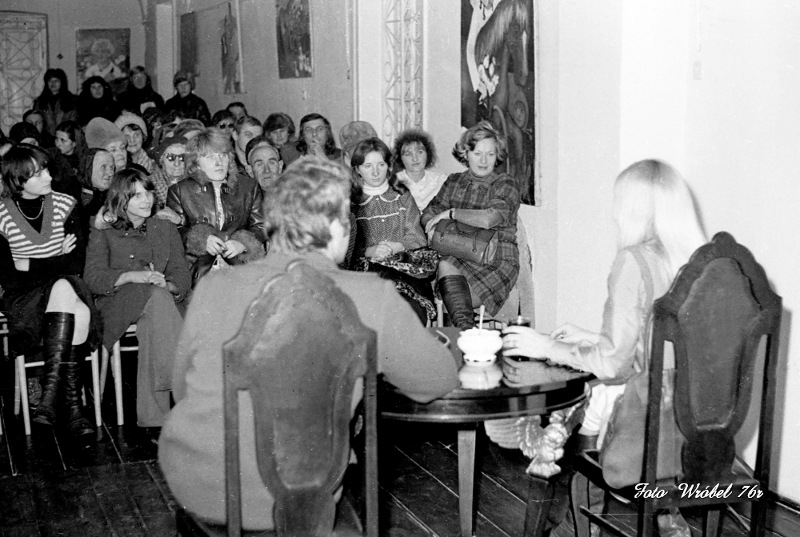
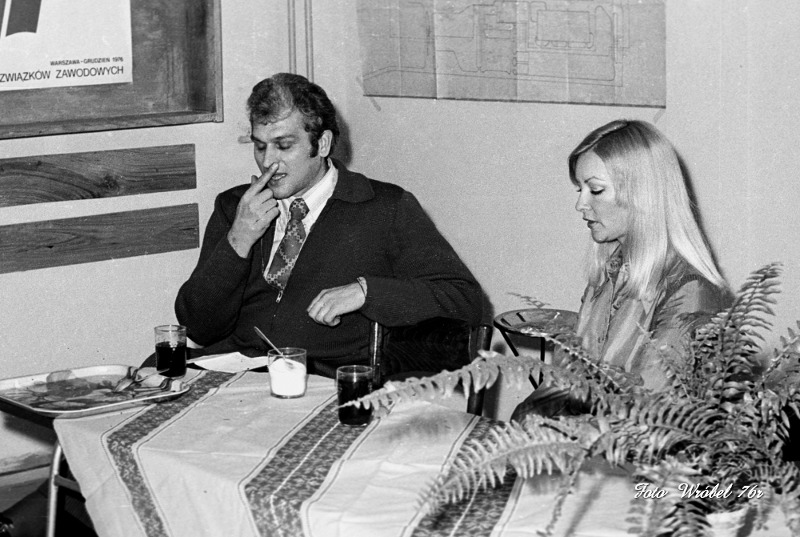
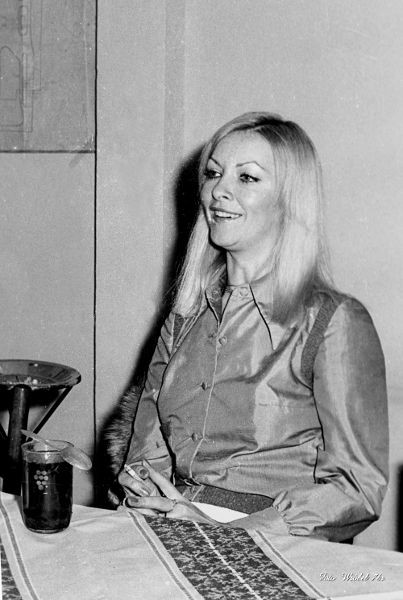





Account
Navigation
Search
Configure browser push notifications
Chrome (Android)
- Tap the lock icon next to the address bar.
- Tap Permissions → Notifications.
- Adjust your preference.
Chrome (Desktop)
- Click the padlock icon in the address bar.
- Select Site settings.
- Find Notifications and adjust your preference.
Safari (iOS 16.4+)
- Ensure the site is installed via Add to Home Screen.
- Open Settings App → Notifications.
- Find your app name and adjust your preference.
Safari (macOS)
- Go to Safari → Preferences.
- Click the Websites tab.
- Select Notifications in the sidebar.
- Find this website and adjust your preference.
Edge (Android)
- Tap the lock icon next to the address bar.
- Tap Permissions.
- Find Notifications and adjust your preference.
Edge (Desktop)
- Click the padlock icon in the address bar.
- Click Permissions for this site.
- Find Notifications and adjust your preference.
Firefox (Android)
- Go to Settings → Site permissions.
- Tap Notifications.
- Find this site in the list and adjust your preference.
Firefox (Desktop)
- Open Firefox Settings.
- Search for Notifications.
- Find this site in the list and adjust your preference.