
Ghhhv
Members
-
Joined
-
Last visited
-
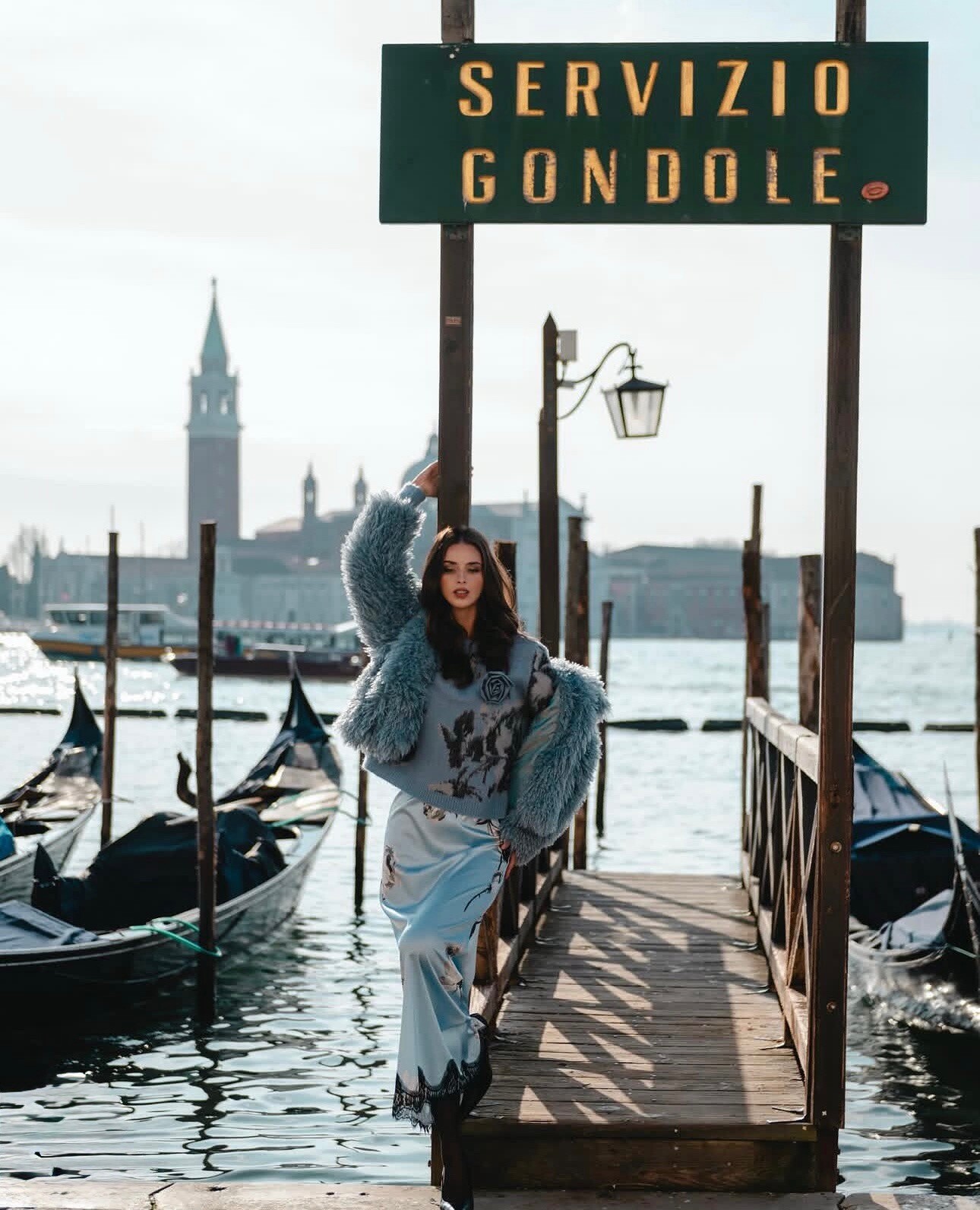
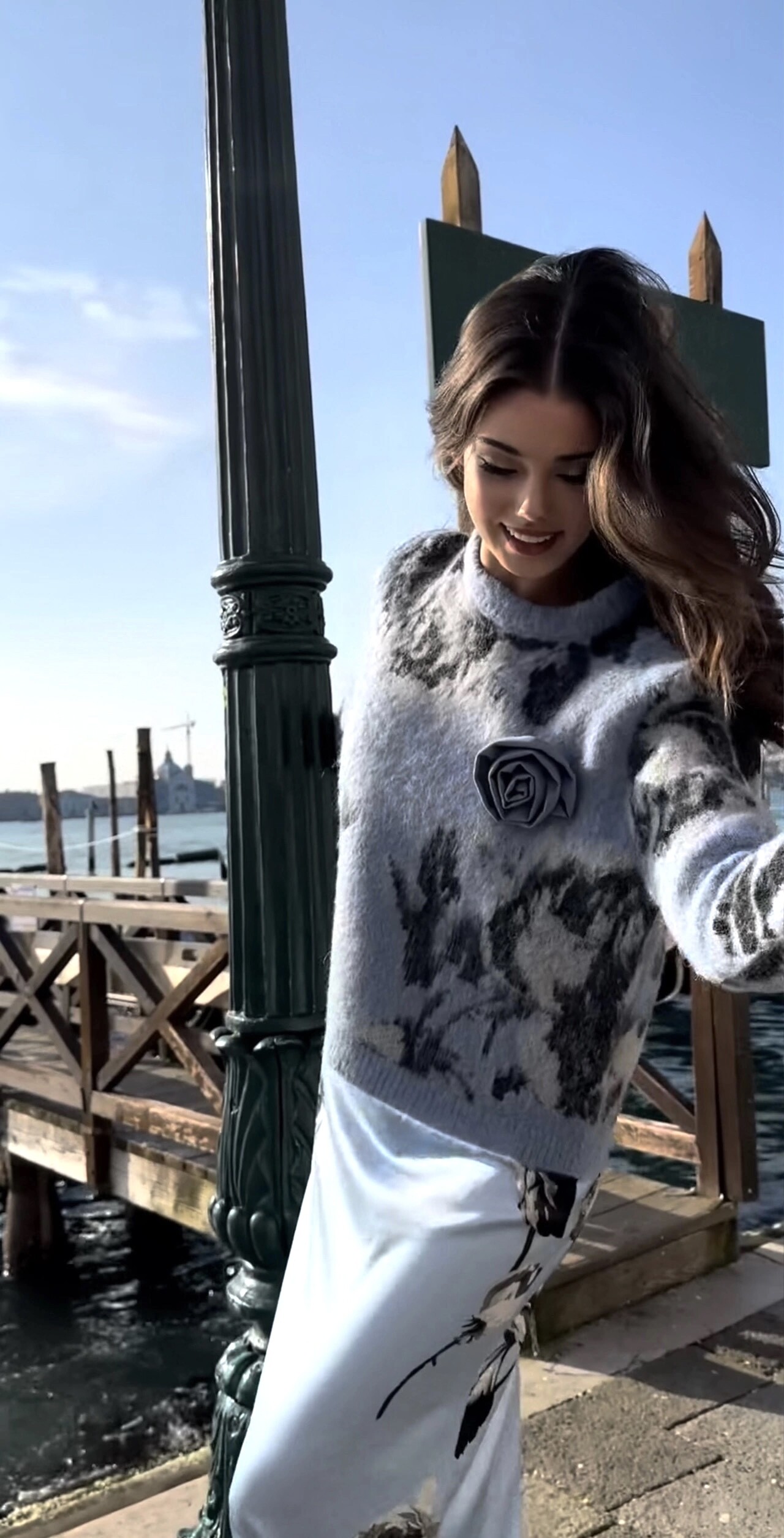
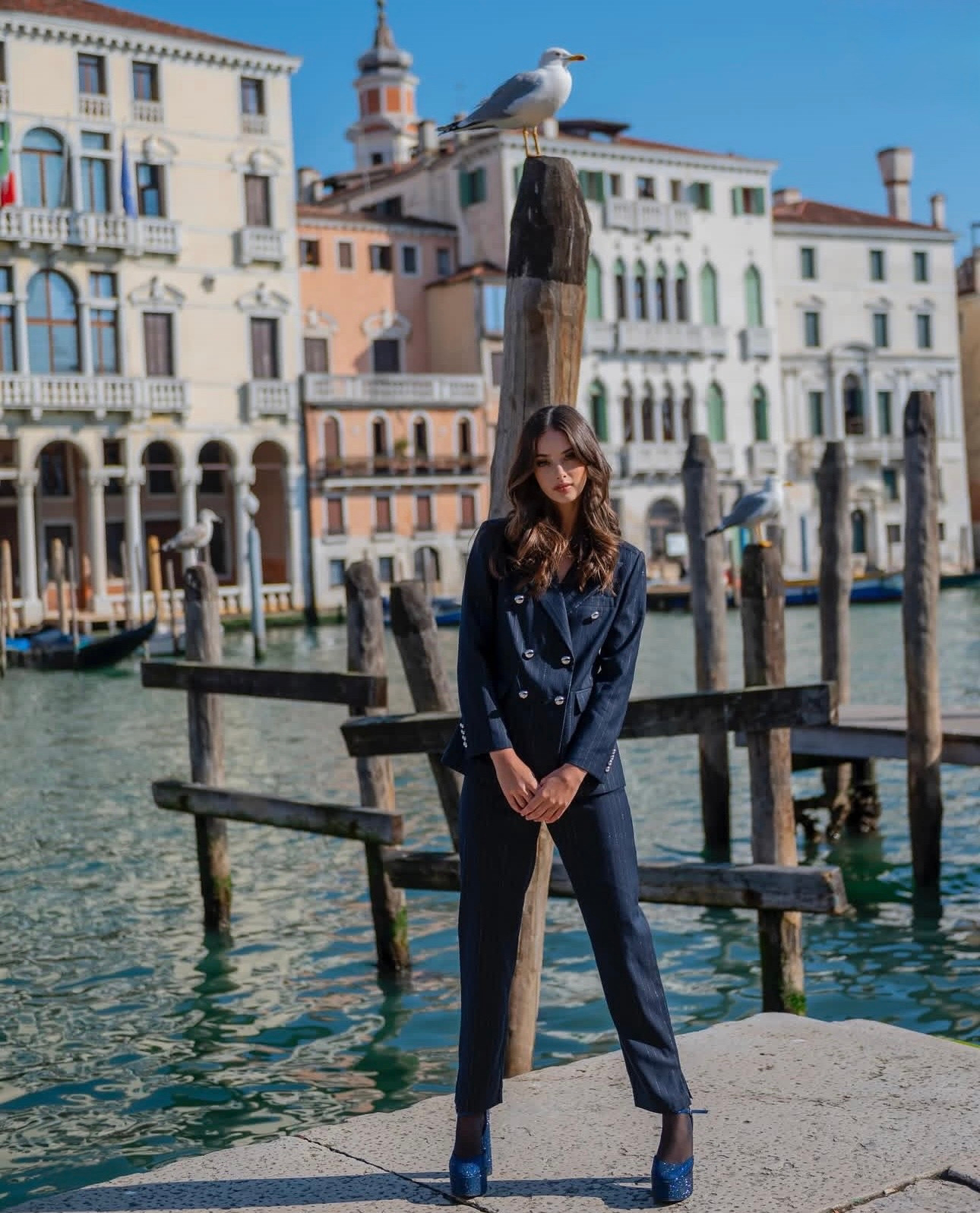
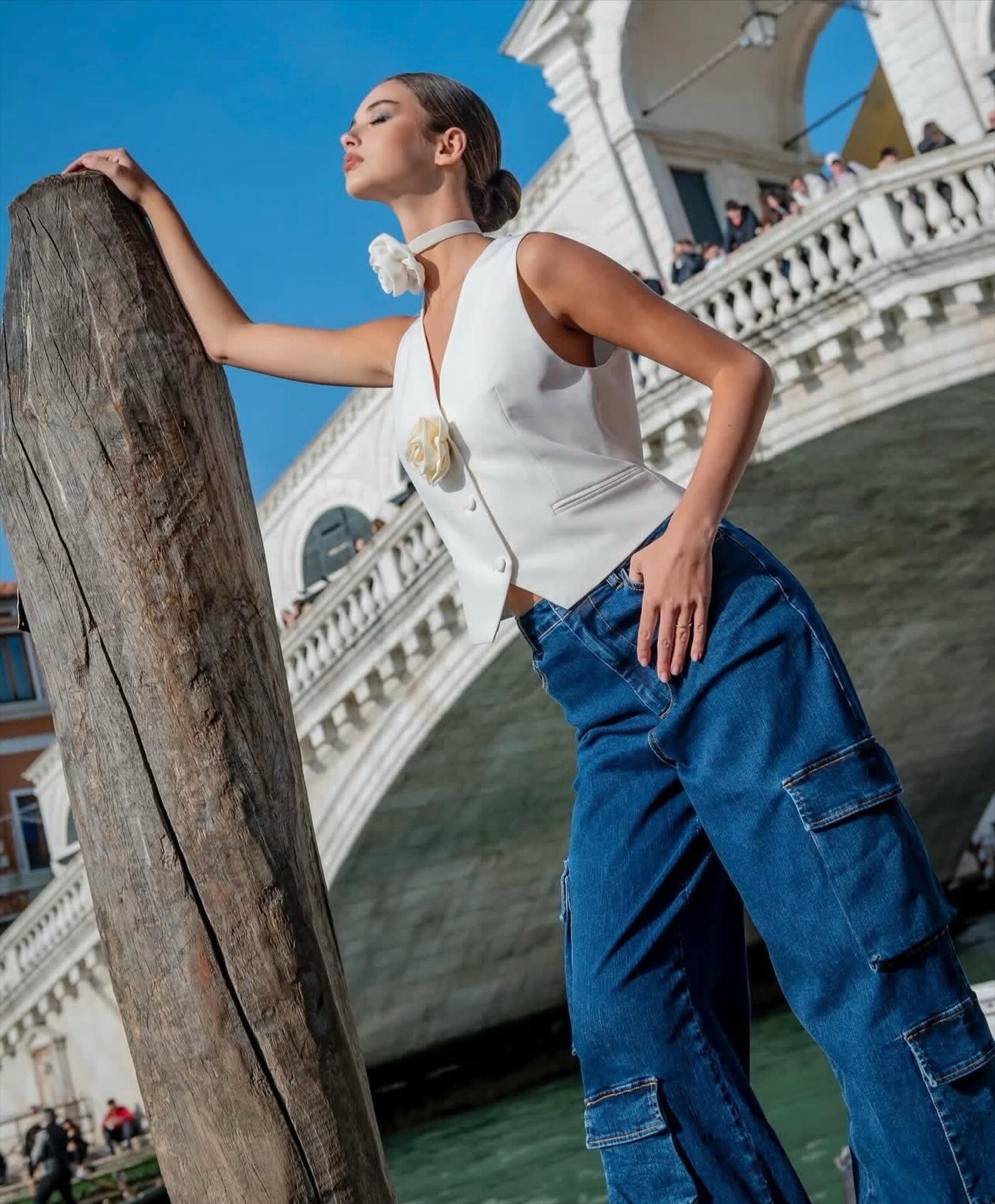
 Capturing the timeless romance of Italy. Viktoria Kolesnikova posing at the historic 'Servizio Gondole' in Venice. Wrapped in soft blue textures against the iconic backdrop of the Venetian lagoon. This archival shot perfectly blends high-fashion elegance with the city's classic charm.
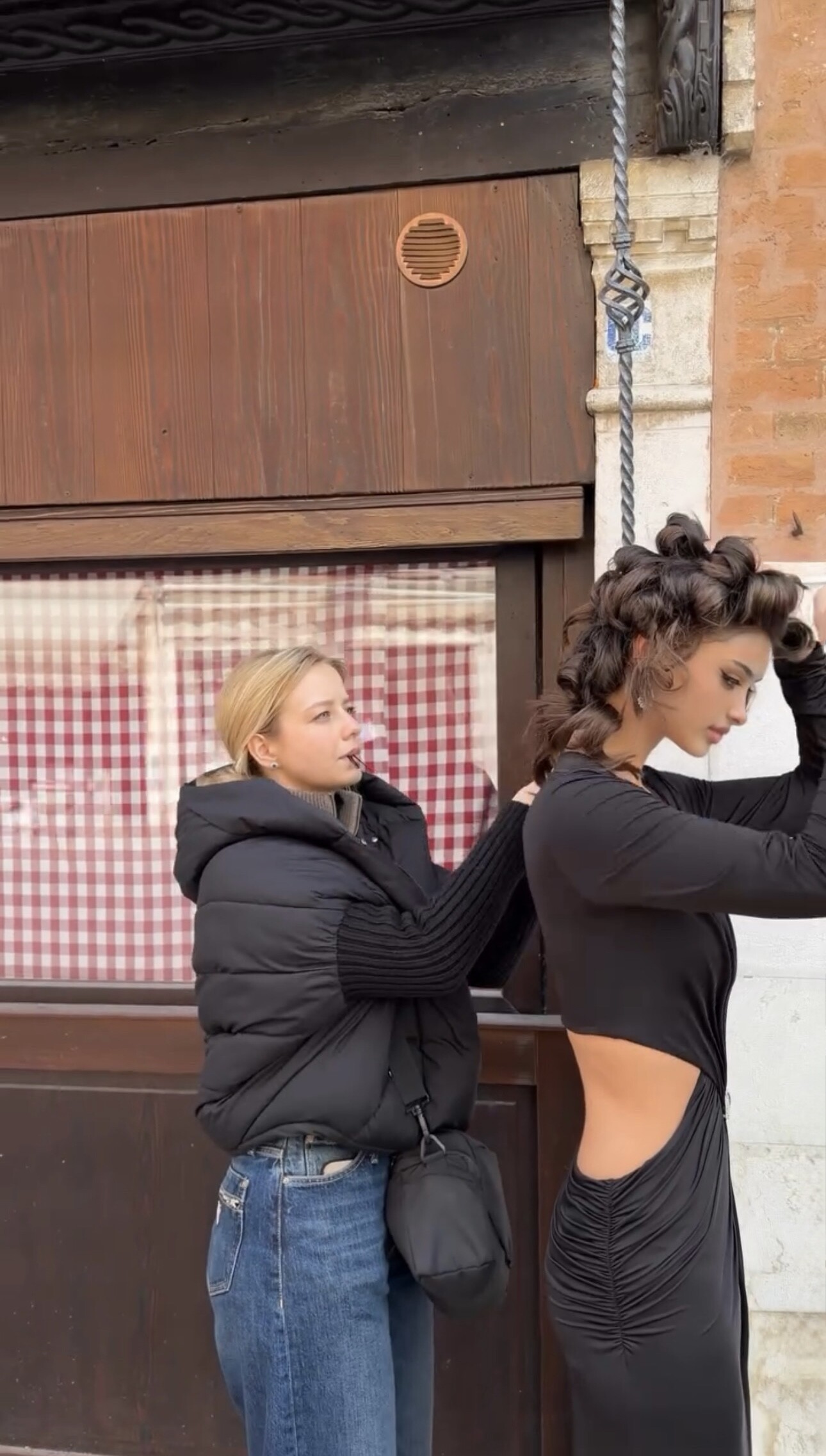
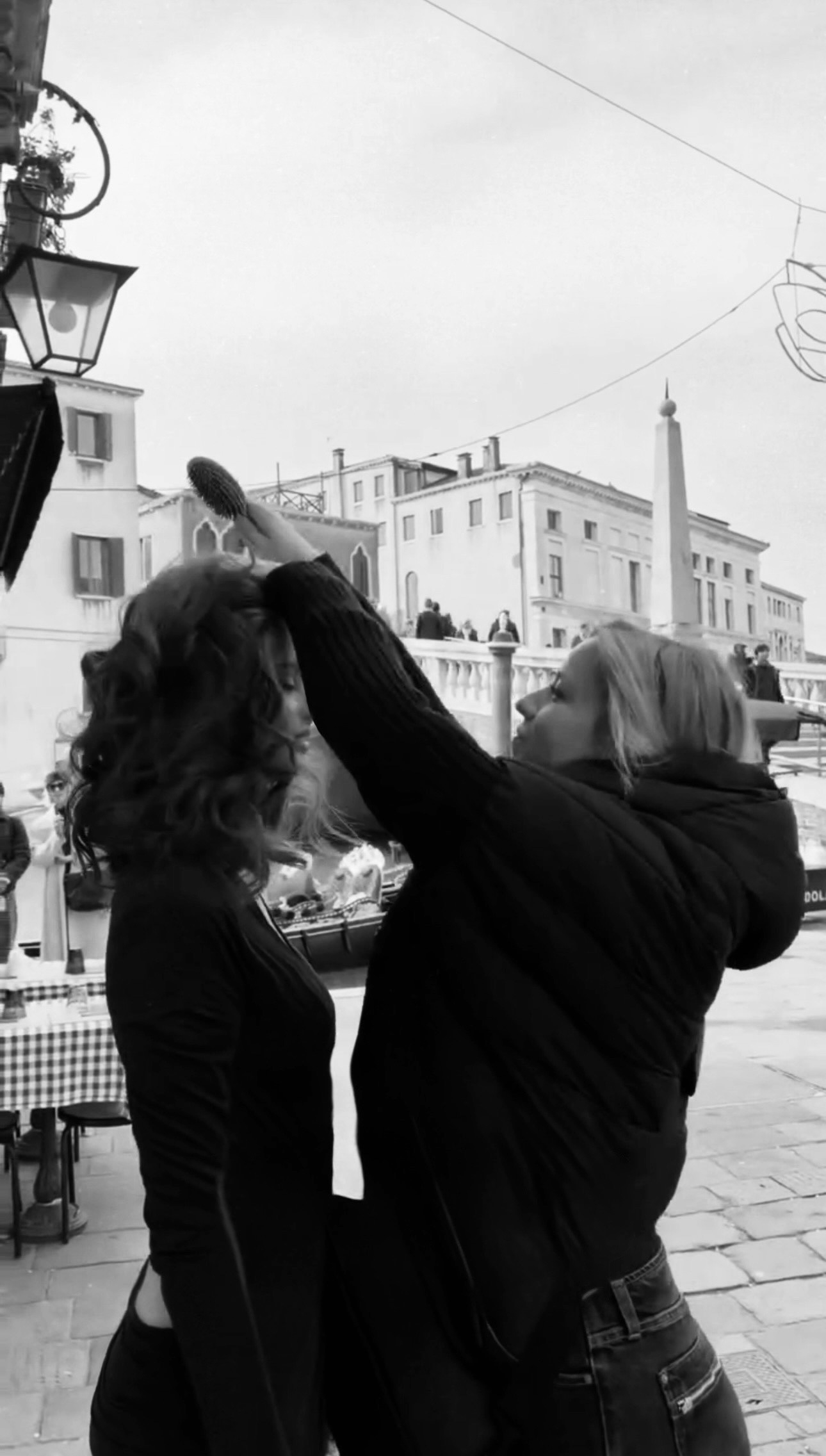
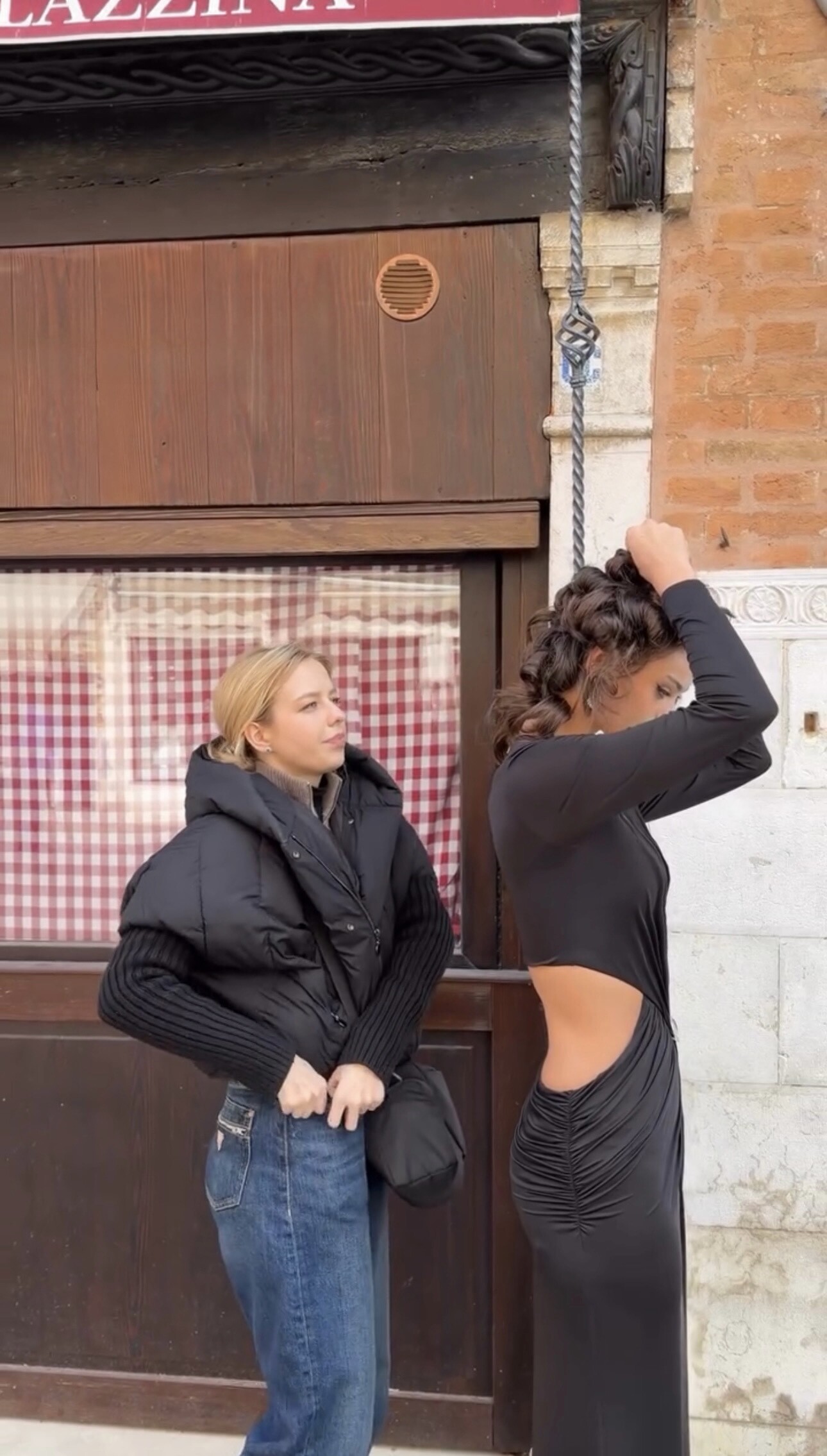
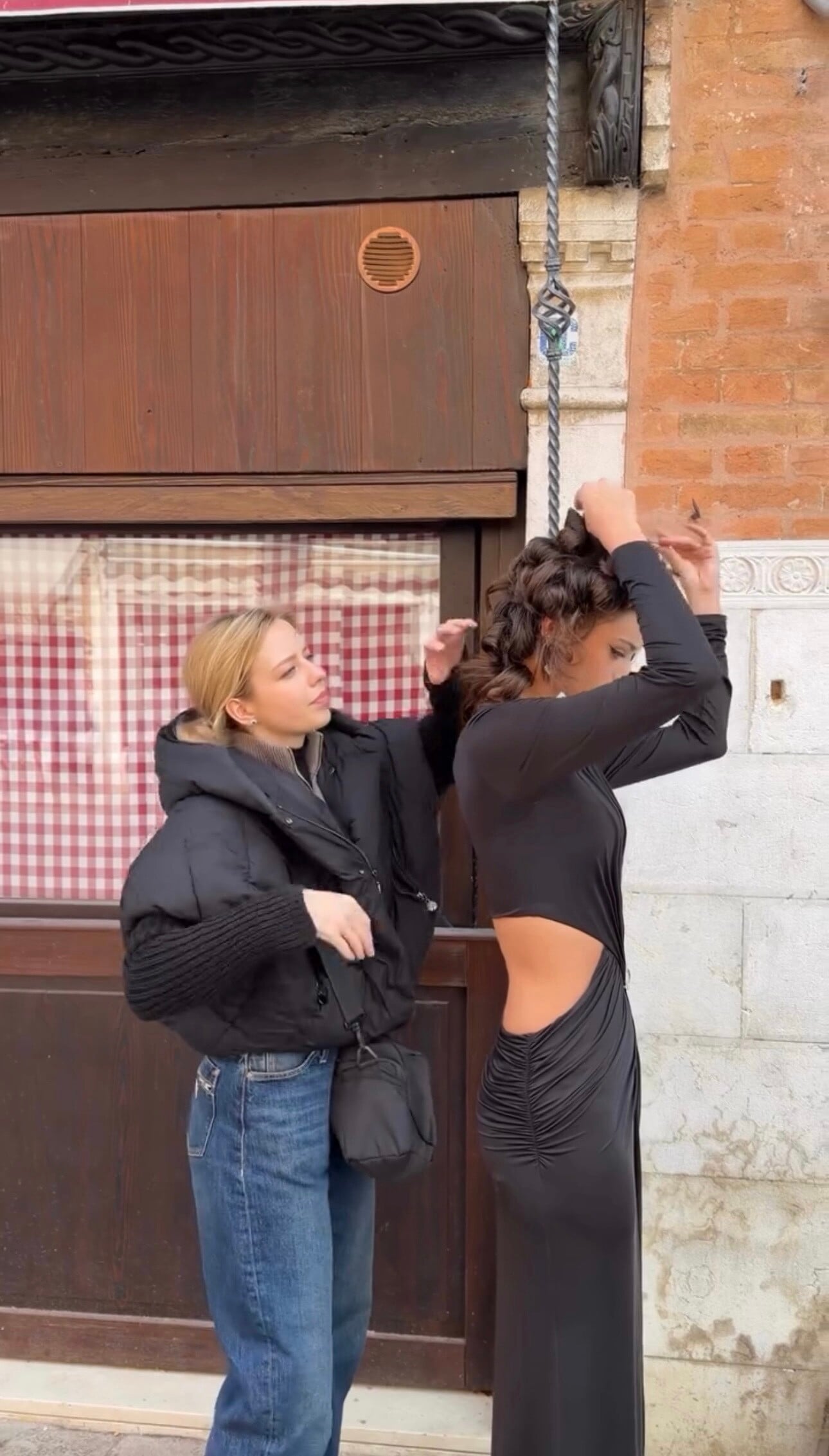
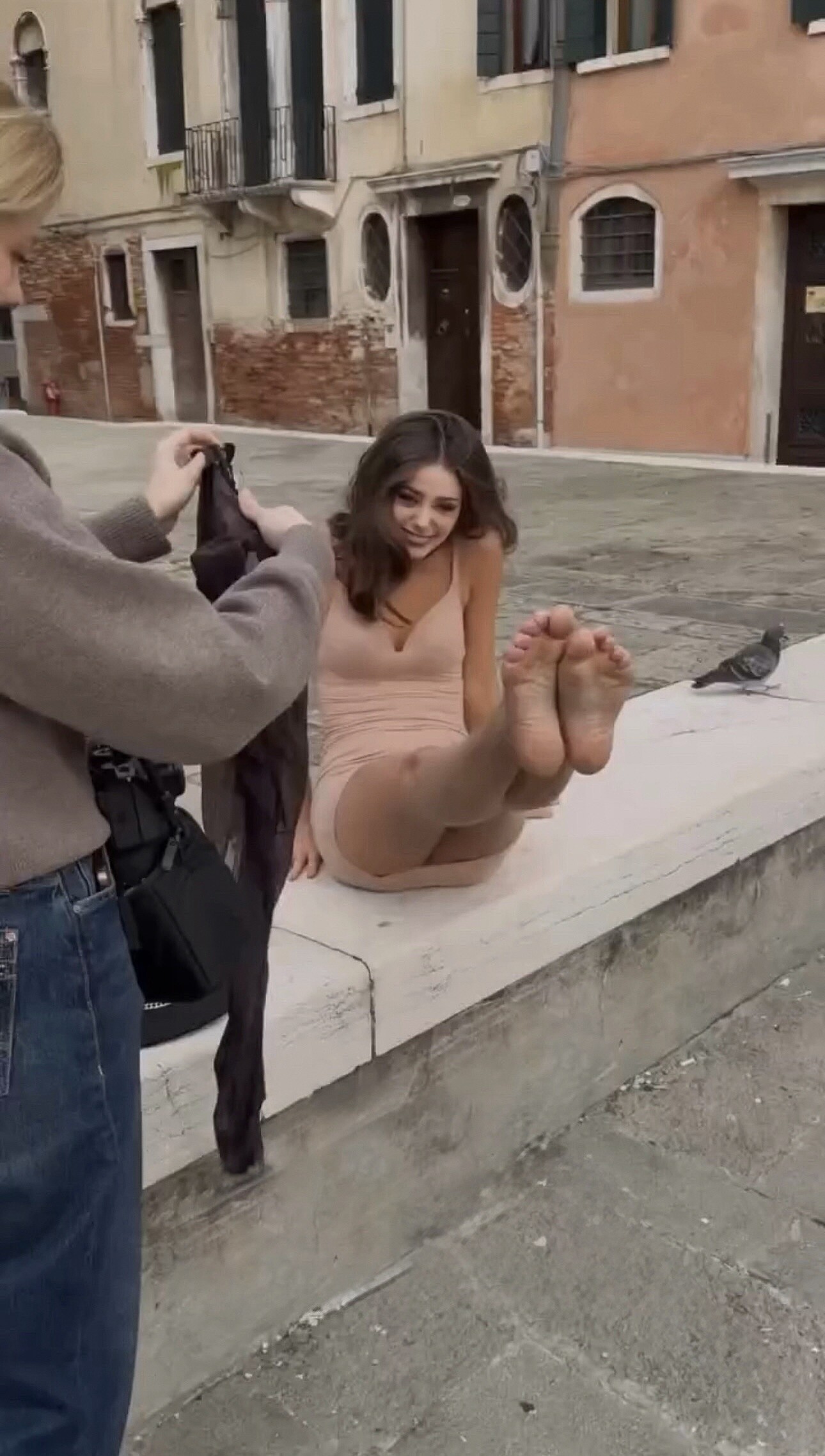
 A glimpse into the creative process with Viktoria Kolesnikova. This archival 'behind the scenes' shot captures the final touches on set, showcasing the teamwork and dedication behind her cinematic fashion editorials. Real moments from a professional modeling journey
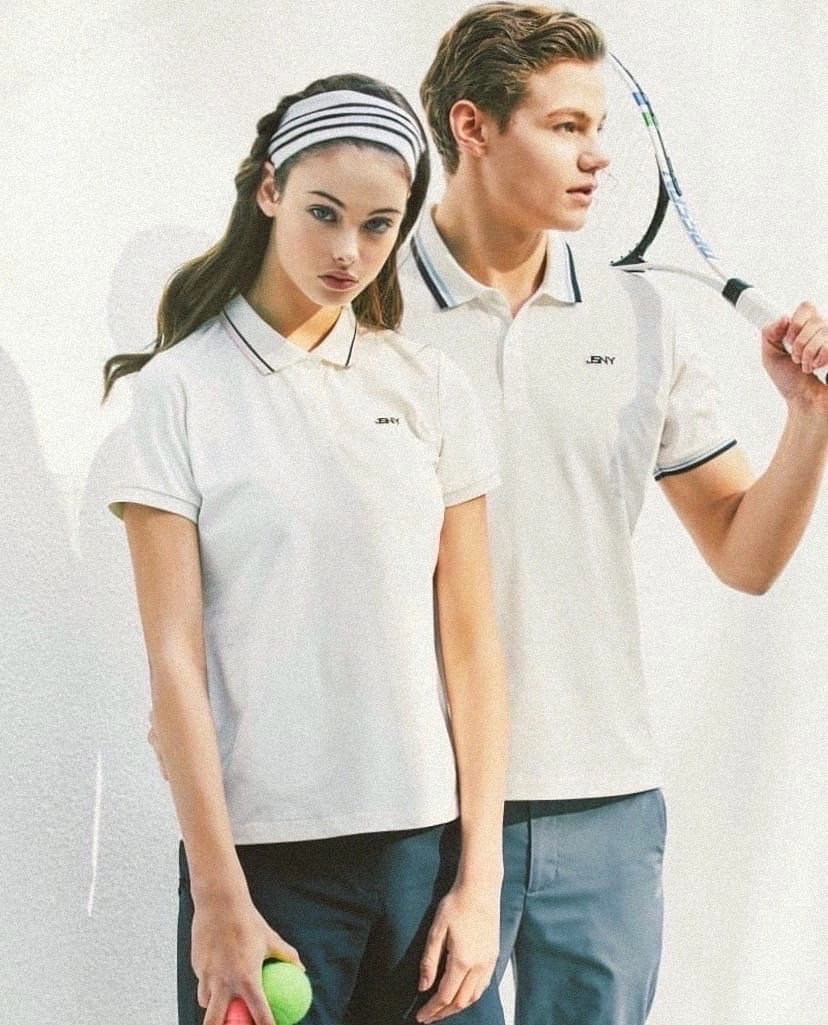
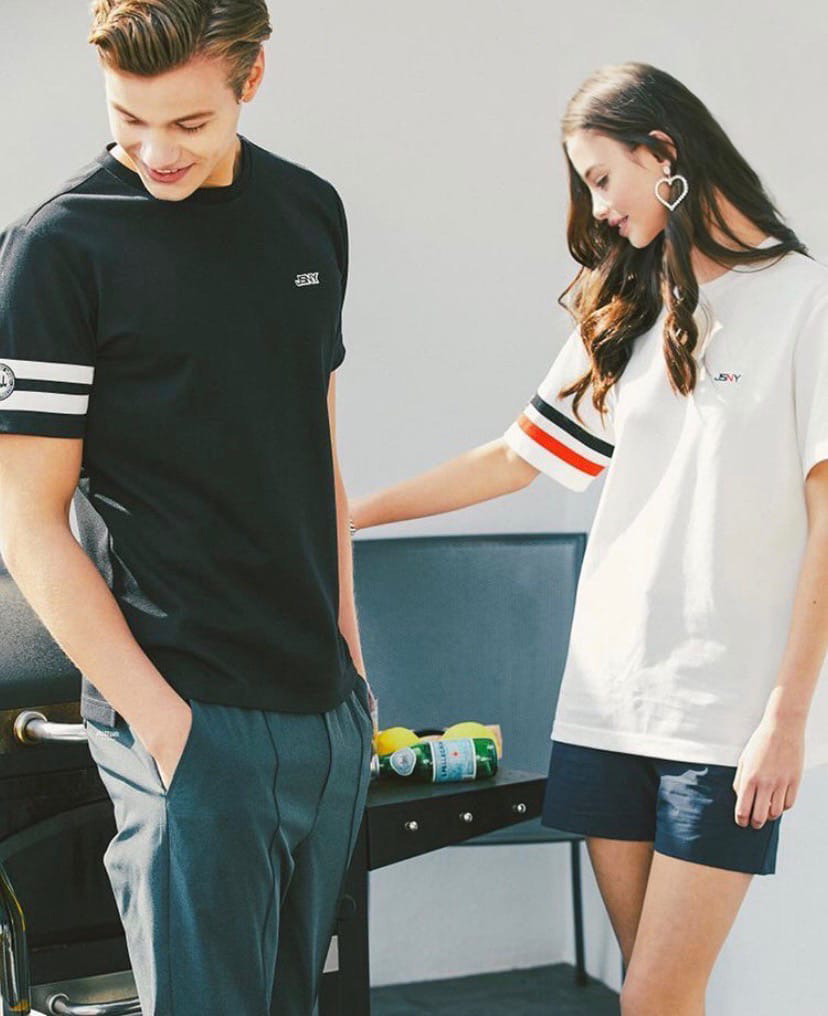
 Looking back at a definitive archival series featuring Viktoria Kolesnikova. These sessions capture a timeless blend of athletic elegance and natural summer aesthetics. From the structured lines of the tennis court to the raw beauty of sun-drenched portraits, this collection remains a cornerstone of her professional visual journey. A classic look into the versatility and cinematic appeal of Viktoria’s early portfolio.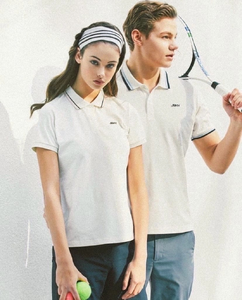
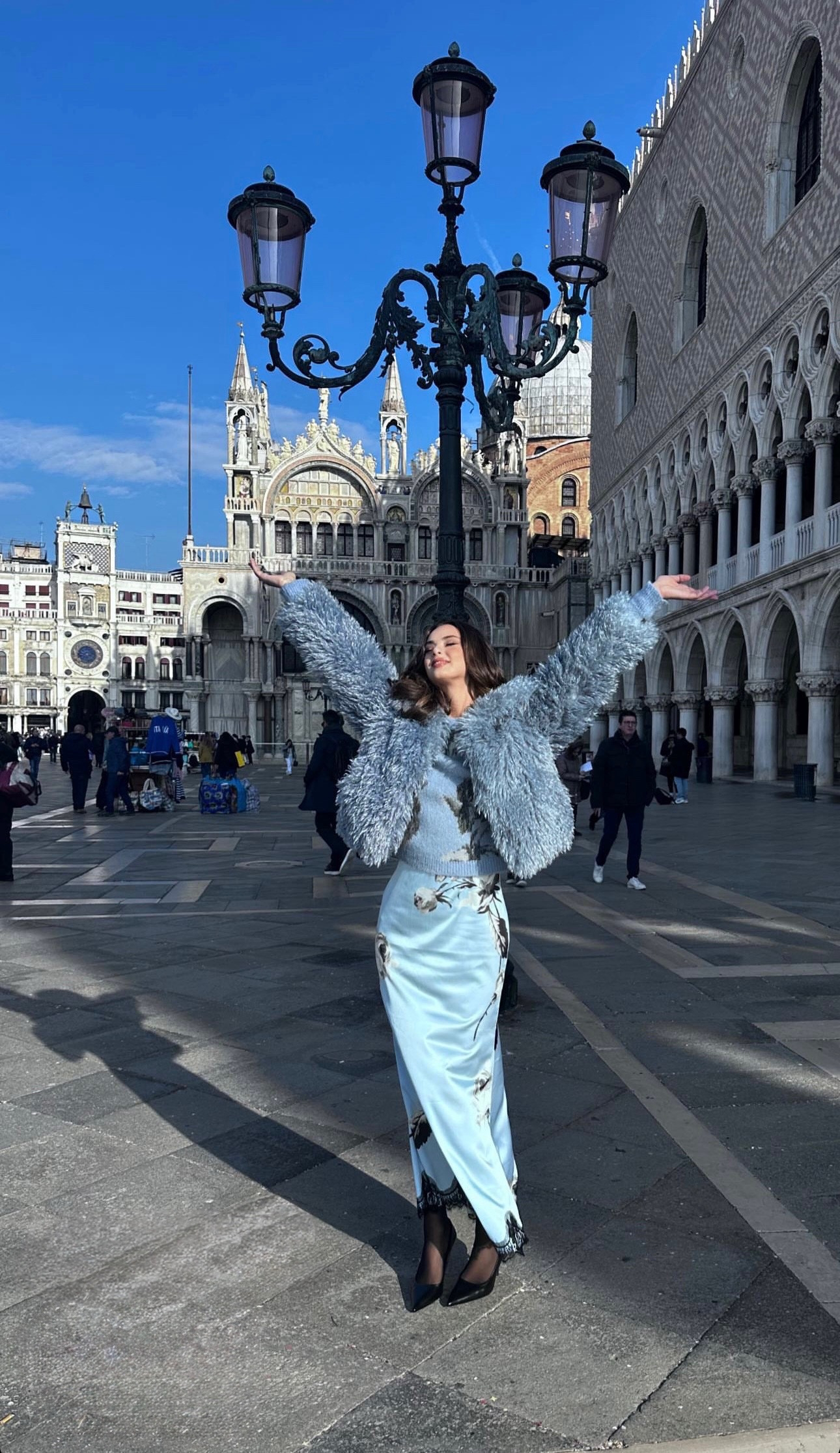
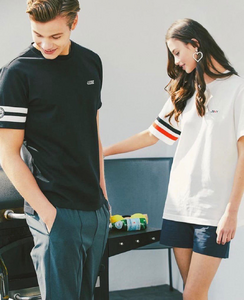 Viktoria Kolesnikova — St. Mark's Square area
 backstage
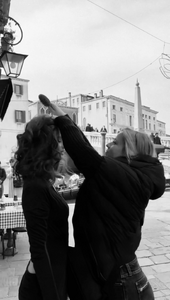 Viktoria Kolesnikova model
 Professional portrait of model and actress Viktoria Kolesnikova Official Website: kolesnikovaviktoria.online
 Viktoria Kolesnikova — Cinematic Portrait (B&W)
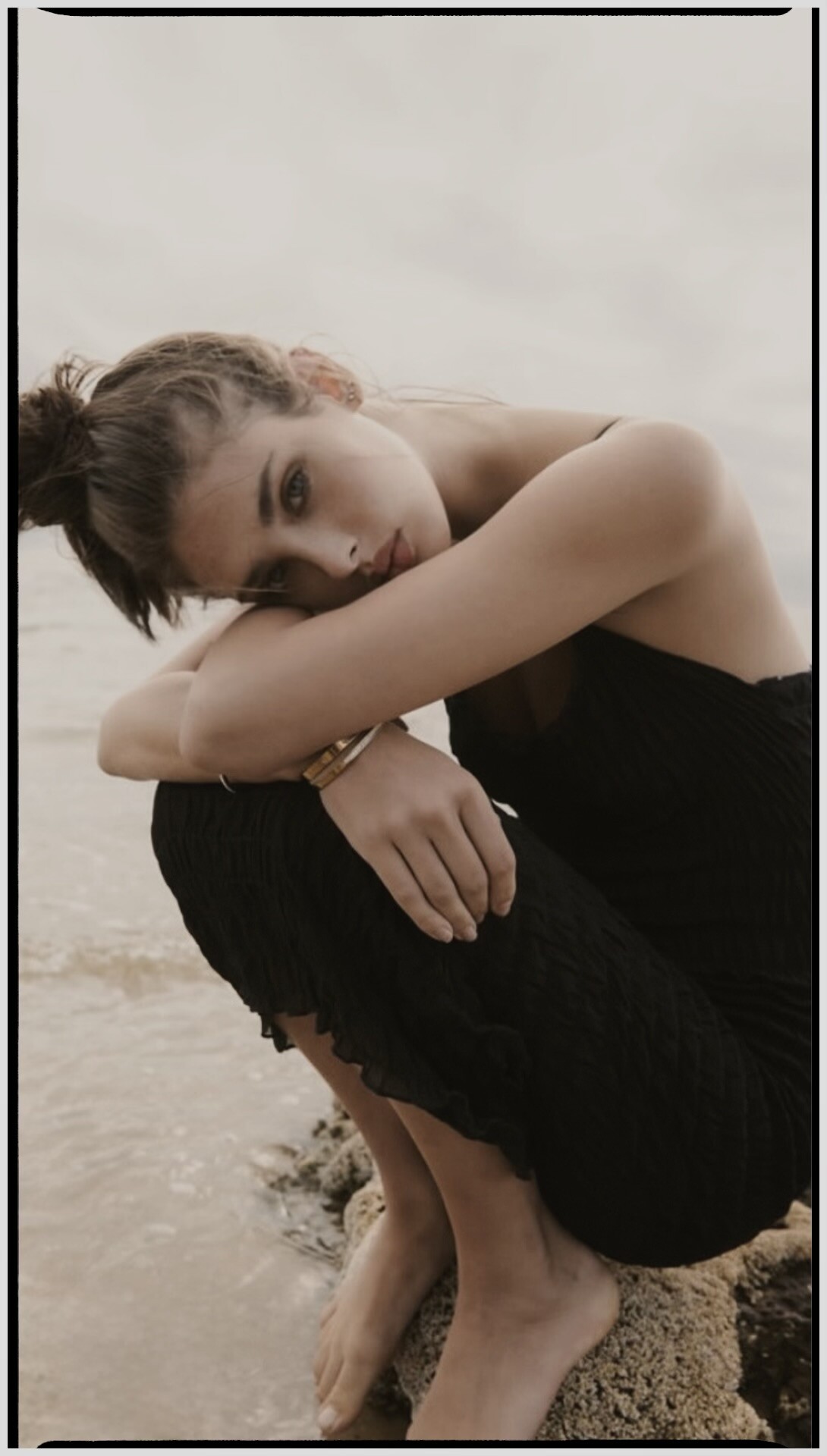
 Viktoria Kolesnikova — Beach Lifestyle Sessio Viktoria-Kolesnikova-Model.jpg 4.heic
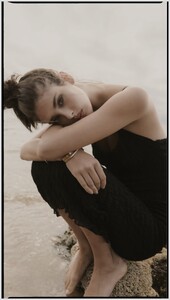 Viktoria Kolesnikova — Bridal Editorial Shoot.





Account
Navigation
Search
Configure browser push notifications
Chrome (Android)
- Tap the lock icon next to the address bar.
- Tap Permissions → Notifications.
- Adjust your preference.
Chrome (Desktop)
- Click the padlock icon in the address bar.
- Select Site settings.
- Find Notifications and adjust your preference.
Safari (iOS 16.4+)
- Ensure the site is installed via Add to Home Screen.
- Open Settings App → Notifications.
- Find your app name and adjust your preference.
Safari (macOS)
- Go to Safari → Preferences.
- Click the Websites tab.
- Select Notifications in the sidebar.
- Find this website and adjust your preference.
Edge (Android)
- Tap the lock icon next to the address bar.
- Tap Permissions.
- Find Notifications and adjust your preference.
Edge (Desktop)
- Click the padlock icon in the address bar.
- Click Permissions for this site.
- Find Notifications and adjust your preference.
Firefox (Android)
- Go to Settings → Site permissions.
- Tap Notifications.
- Find this site in the list and adjust your preference.
Firefox (Desktop)
- Open Firefox Settings.
- Search for Notifications.
- Find this site in the list and adjust your preference.