.jpg.d3c4d621b904aae7a66324d2f3cb9ba3.jpg)
ClipClop
Members
-
Joined
-
-
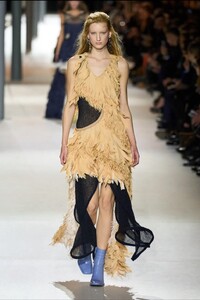
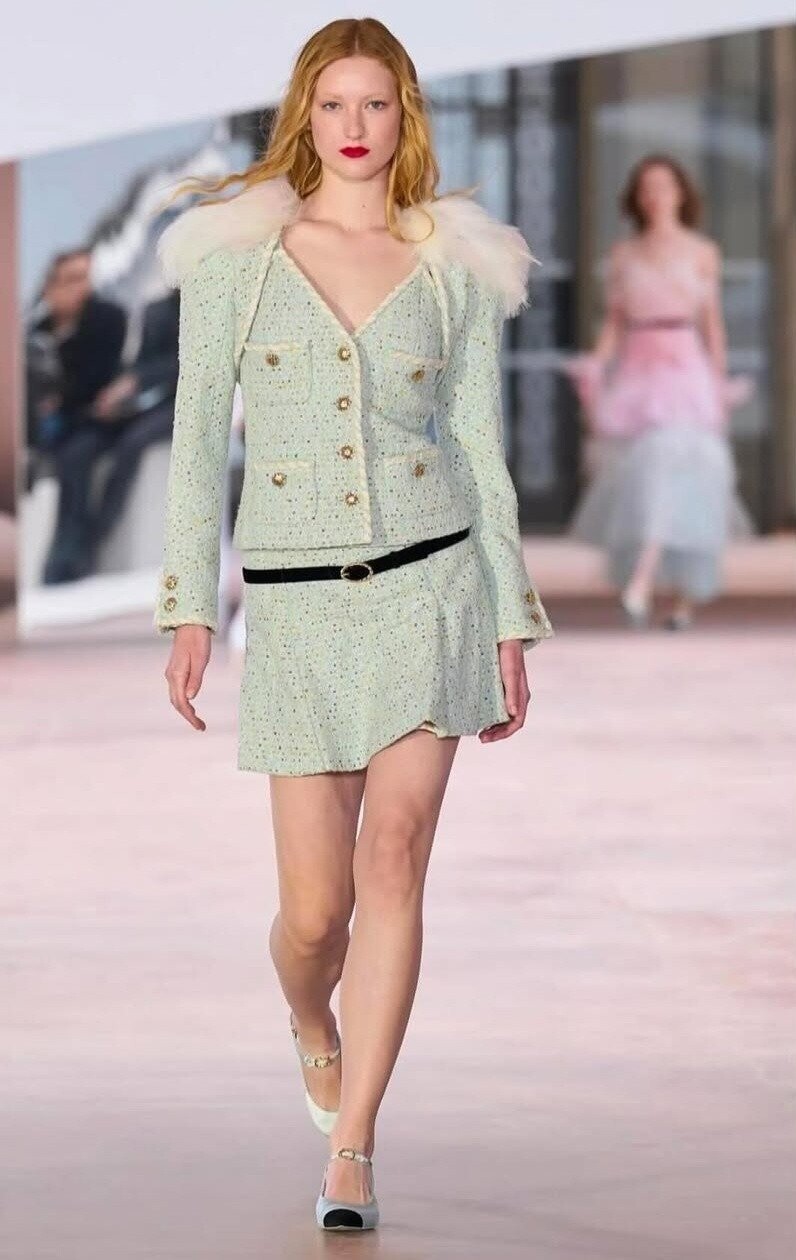
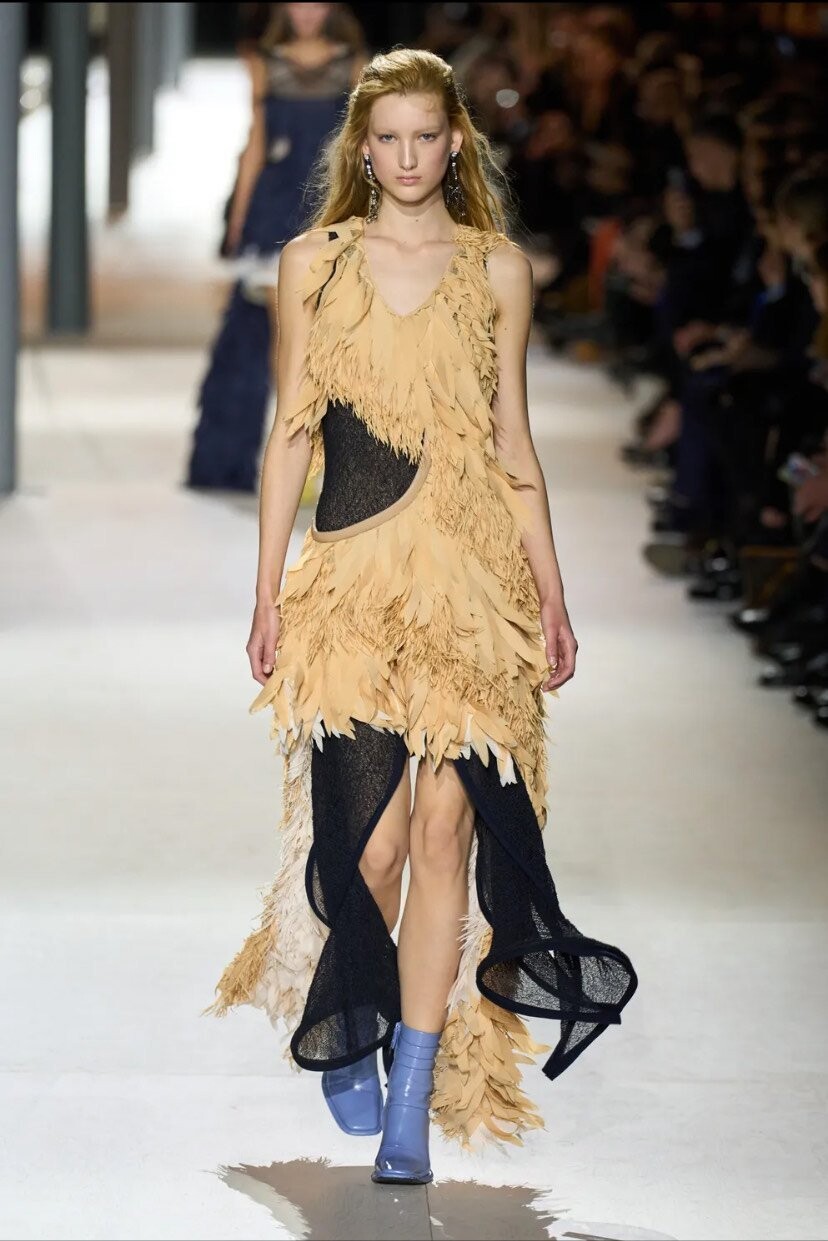
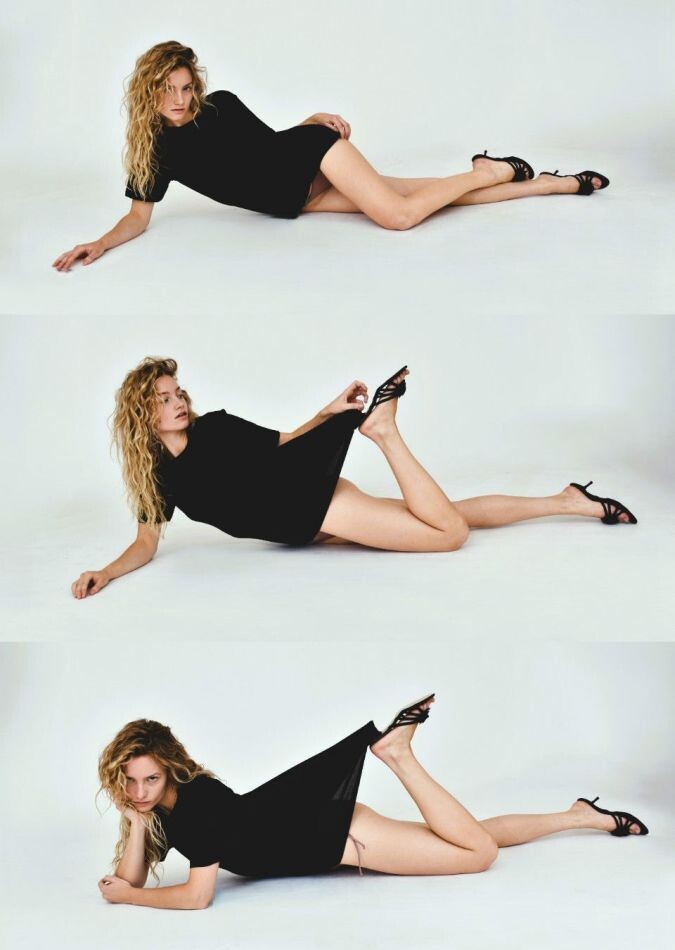
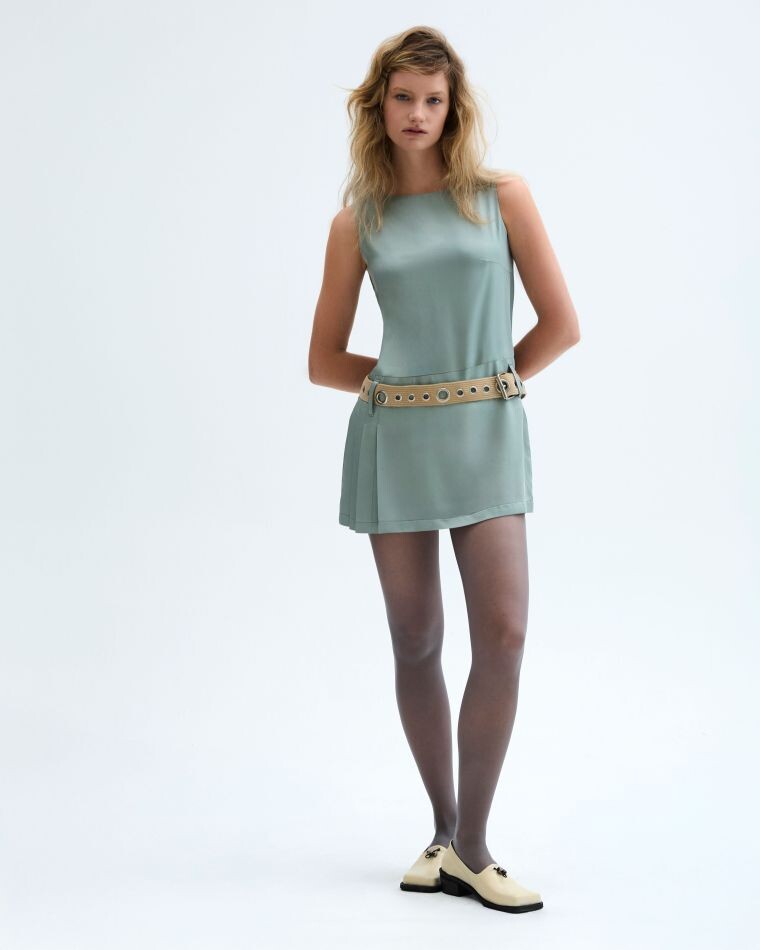
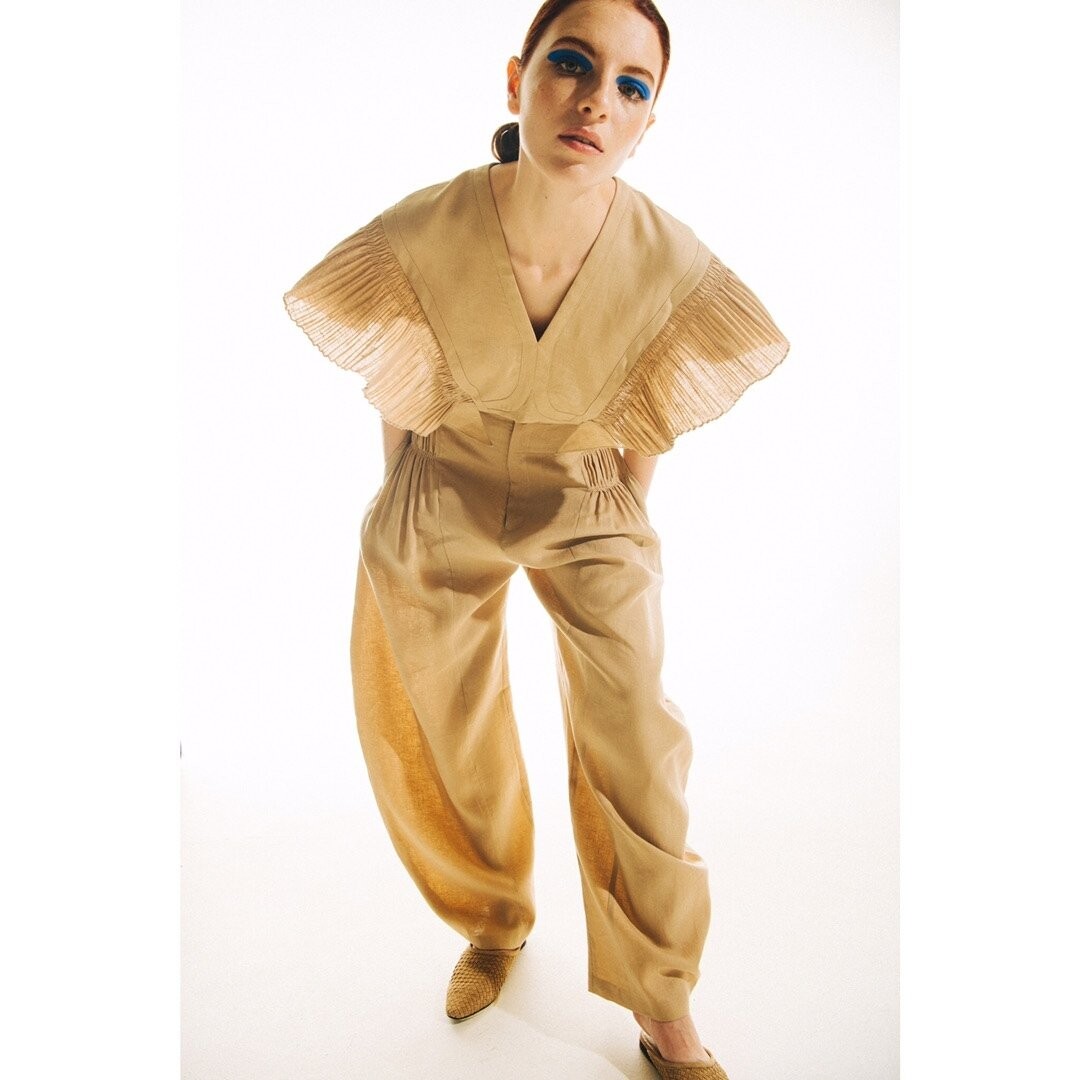
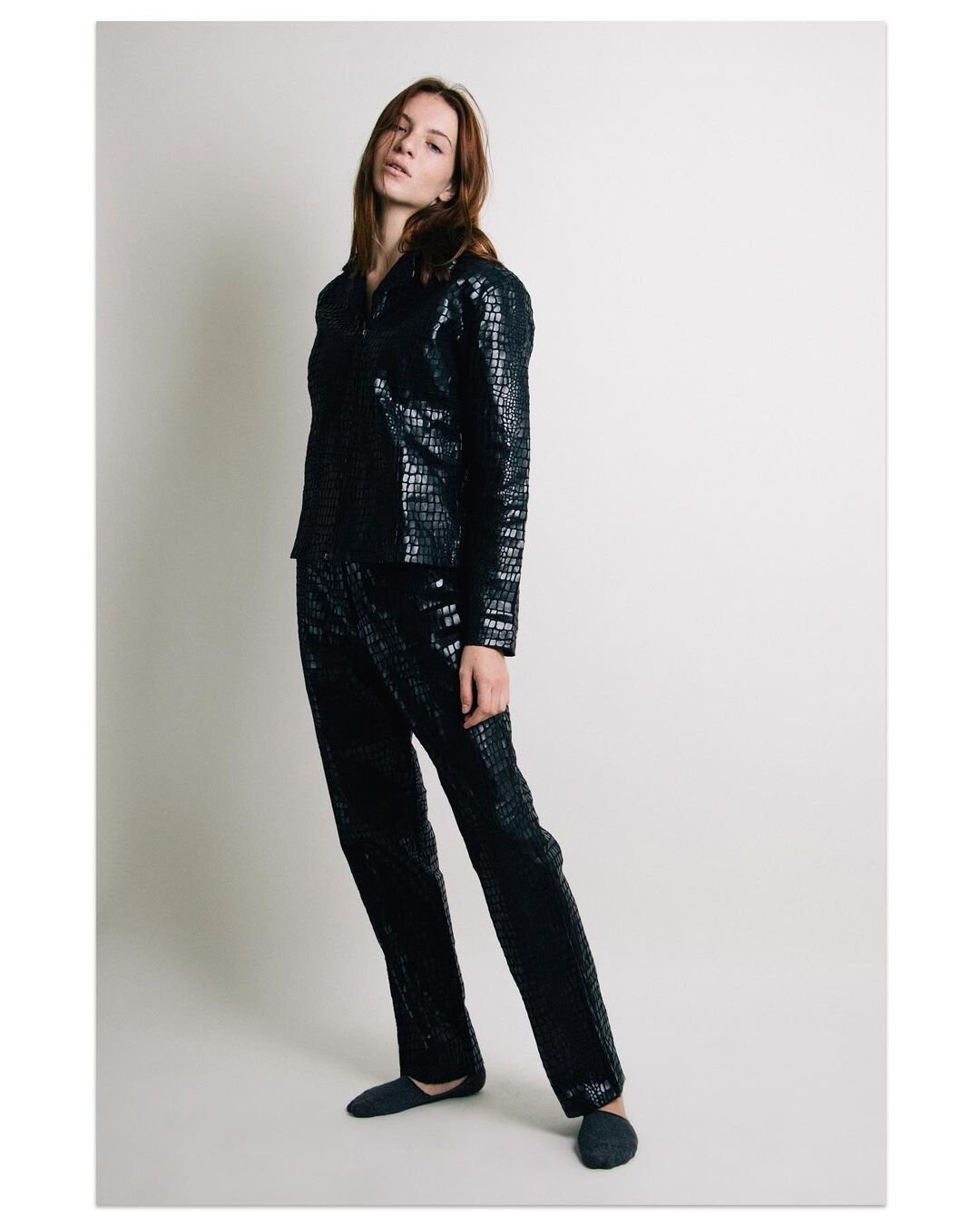
"Signing with Millie Lewis Charleston at the age of 14, Addison Soens is now deemed "The American Sensation". Under the direction of Suzanne Green, owner of Millie Lewis Charleston, Addison began her modeling career in Charleston, South Carolina. Later, with the help of MLC, and the Karen Lee Group, Addison signed with the prestigious Ford Models NYC. Becoming the "Muse" of renowned agent Paul Rowland, Addison is now represented by multiple respected agencies all over Europe. During her first season, Addison Soens was referred to as one of the top breakout models of 2024 by Vogue magazine. Walking the runways in over 30 shows in her first season, Addison has represented top designers from Prada to Louis Vuitton. In addition, Addison has been featured in Elle magazine, Vogue and many other top publications throughout the world."















-

















































































































Account
Navigation
Search
Configure browser push notifications
Chrome (Android)
- Tap the lock icon next to the address bar.
- Tap Permissions → Notifications.
- Adjust your preference.
Chrome (Desktop)
- Click the padlock icon in the address bar.
- Select Site settings.
- Find Notifications and adjust your preference.
Safari (iOS 16.4+)
- Ensure the site is installed via Add to Home Screen.
- Open Settings App → Notifications.
- Find your app name and adjust your preference.
Safari (macOS)
- Go to Safari → Preferences.
- Click the Websites tab.
- Select Notifications in the sidebar.
- Find this website and adjust your preference.
Edge (Android)
- Tap the lock icon next to the address bar.
- Tap Permissions.
- Find Notifications and adjust your preference.
Edge (Desktop)
- Click the padlock icon in the address bar.
- Click Permissions for this site.
- Find Notifications and adjust your preference.
Firefox (Android)
- Go to Settings → Site permissions.
- Tap Notifications.
- Find this site in the list and adjust your preference.
Firefox (Desktop)
- Open Firefox Settings.
- Search for Notifications.
- Find this site in the list and adjust your preference.