
TheBeautifulCrimes
-
Joined
-
Last visited
About Me
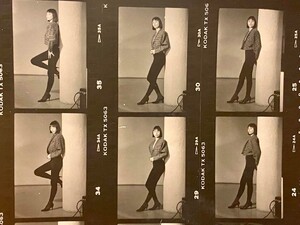
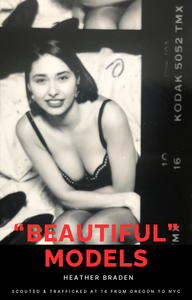
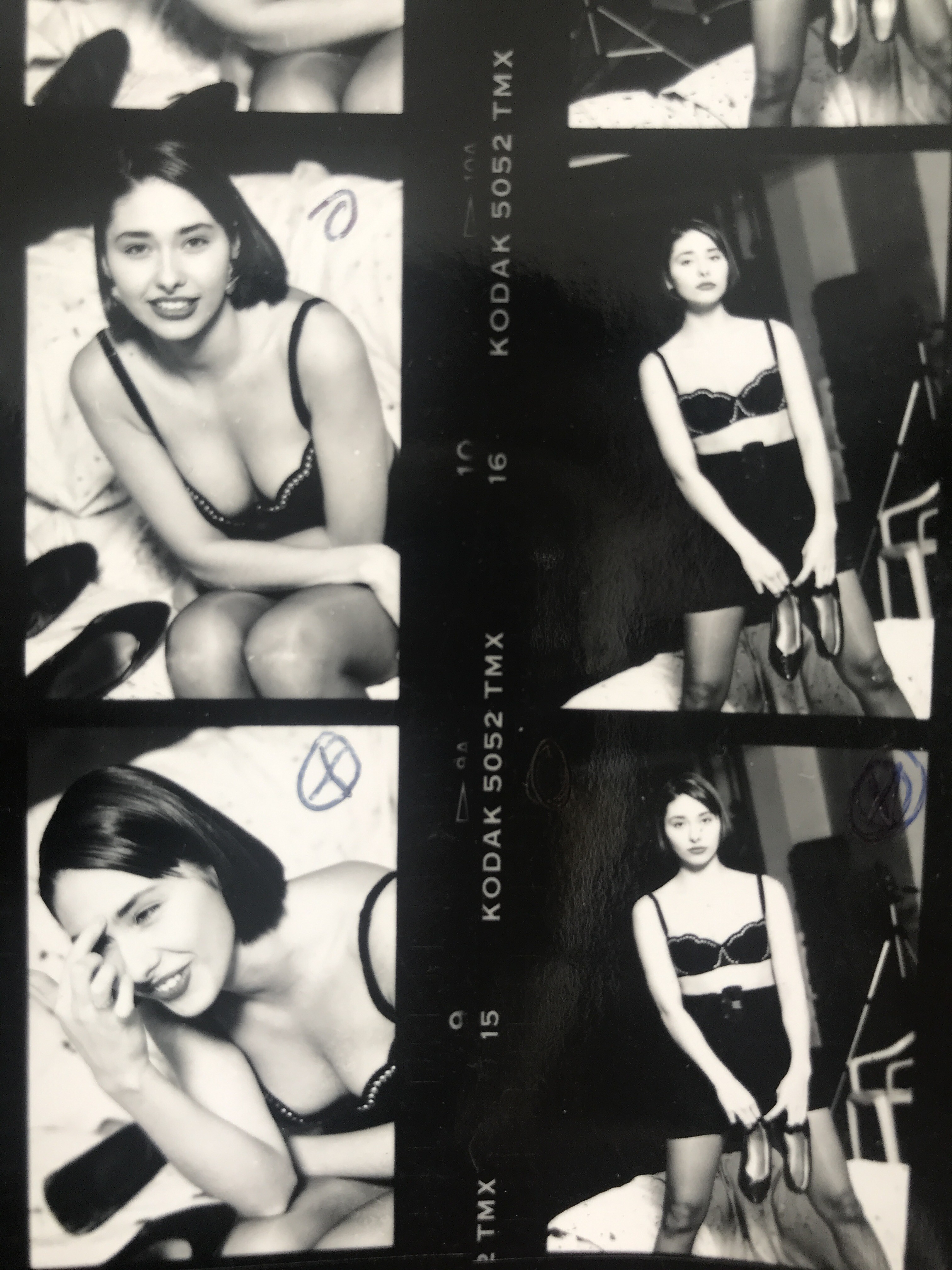
When I was scouted into the fashion industry at thirteen,I was told it was a safe opportunity.It wasn’t safe.
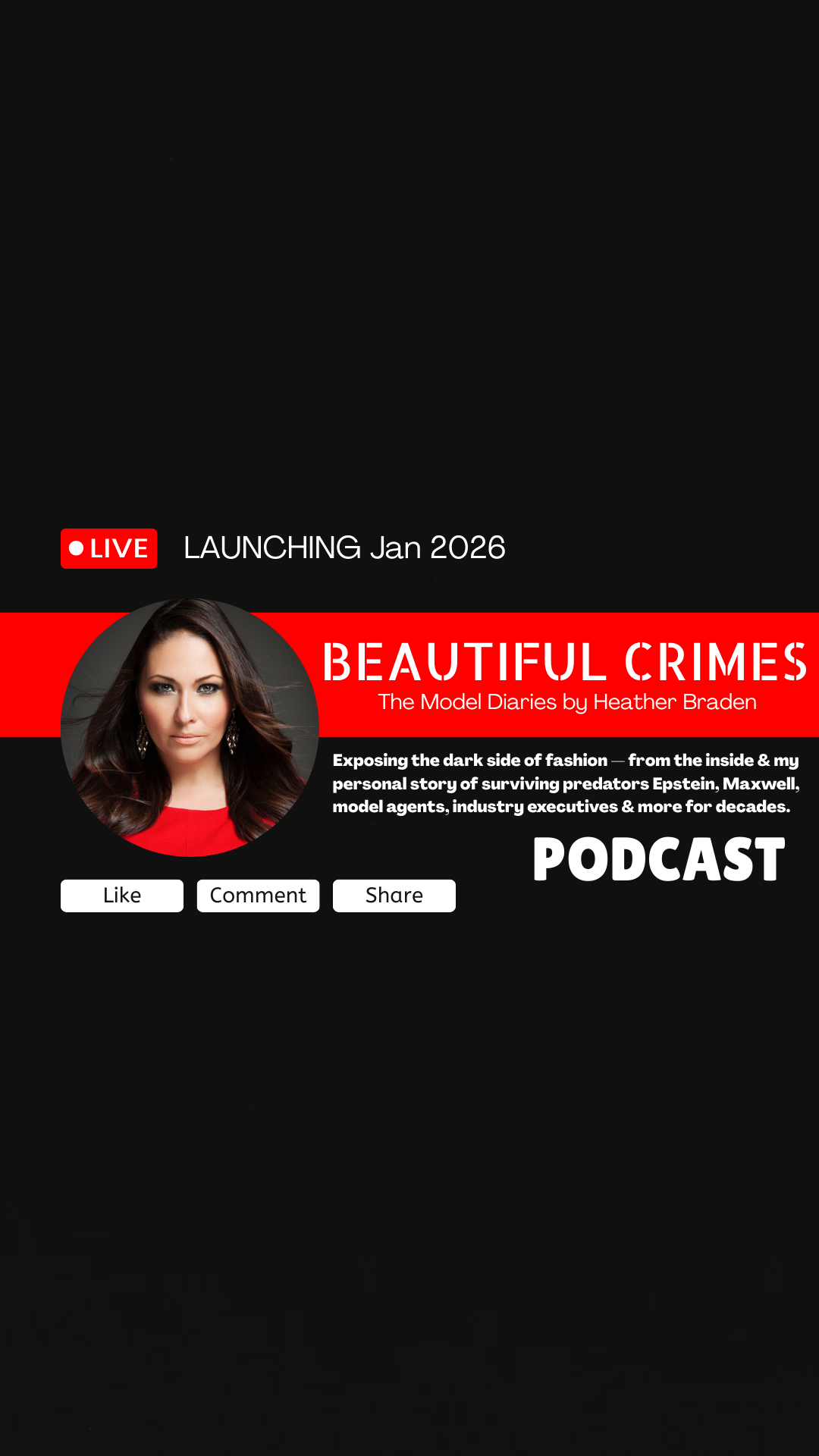
Beautiful Crimes: The Model Files is my new personal investigative podcast and video series for former and current models to tell their stories.The good, the bad and the ugly. Sometimes exposing the hidden systems behind the fashion industry — told by survivors who lived inside it.
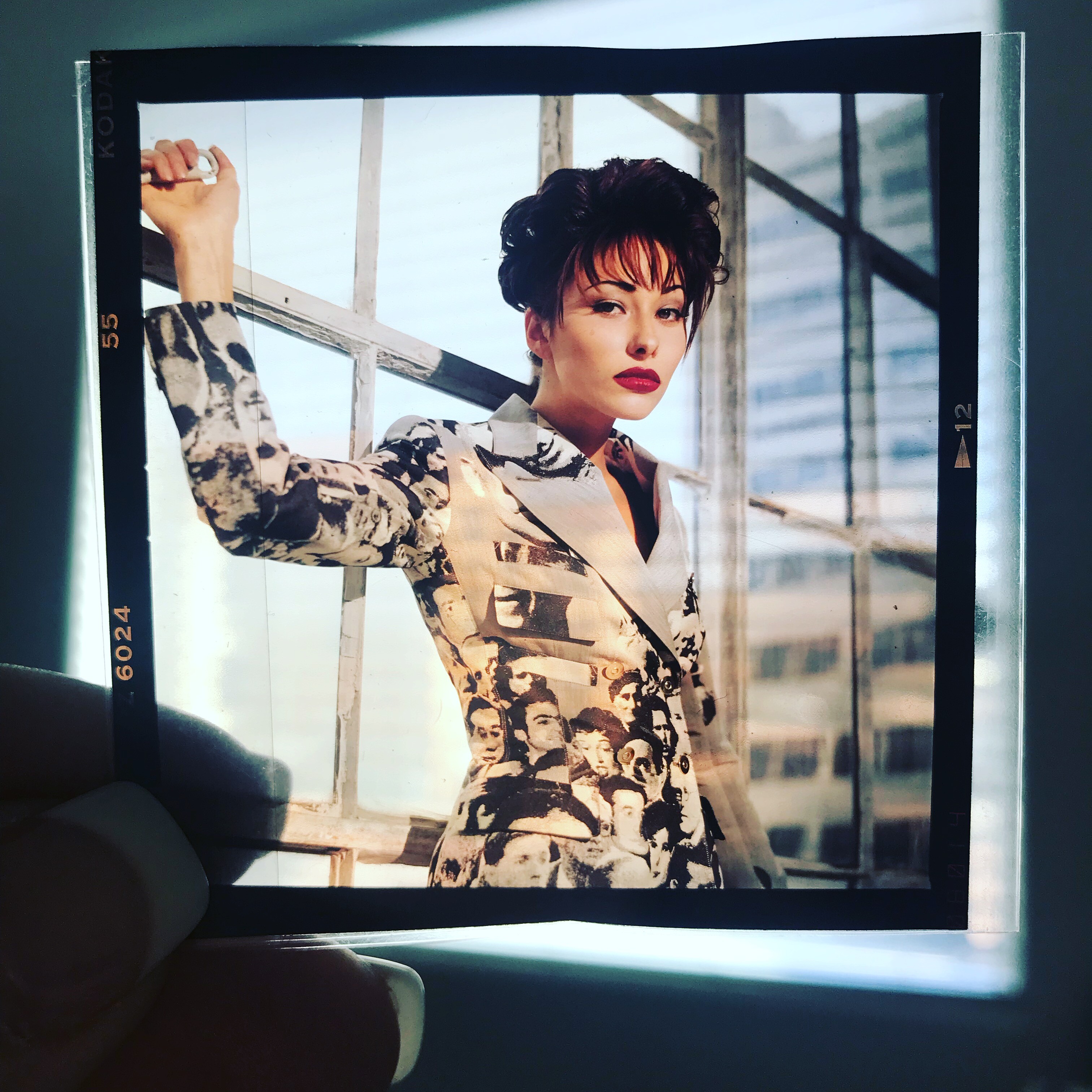
Today Im a retired photographer turned filmmaker, director, writer and podcast host working on my fashion modeling projects. Help me by reaching out with anyone who would like to tell their story and or help me researching and of course seeking investors.
Season One, The Beautiful Lie, begins with Heather’s own story and expands into the experiences of thousands of underage models moved through agencies, apartments, and global power networks of professional modeling. Sometimes as young as 12 being purchased from families in distant lands. For all the legitimate modeling and jobs and faces we know. There are thousands of unknown stories accros the globe. Im starting by telling mine.
This series examines:
• How the model agencies worked
• Who benefited and how
• What was normalized
• The good, the bad and the ugly...And how it lasted for decades
Episodes begin January, 2026.
Follow and subscribe for updates.
Support the project on Patreon for early access and uncensored episodes.
🎙️ Beautiful Crimes: The Model Files
Exposing all sides of fashion — from the inside.