
MarVS2
Members
-
Joined
-
Last visited
Everything posted by MarVS2
-
 @crfashionbook
-
Perfect thanks shepherd
-
Nina at 0.21 http://youtu.be/eEmbqFXwlmA Vía fan : @lisaselenacharles
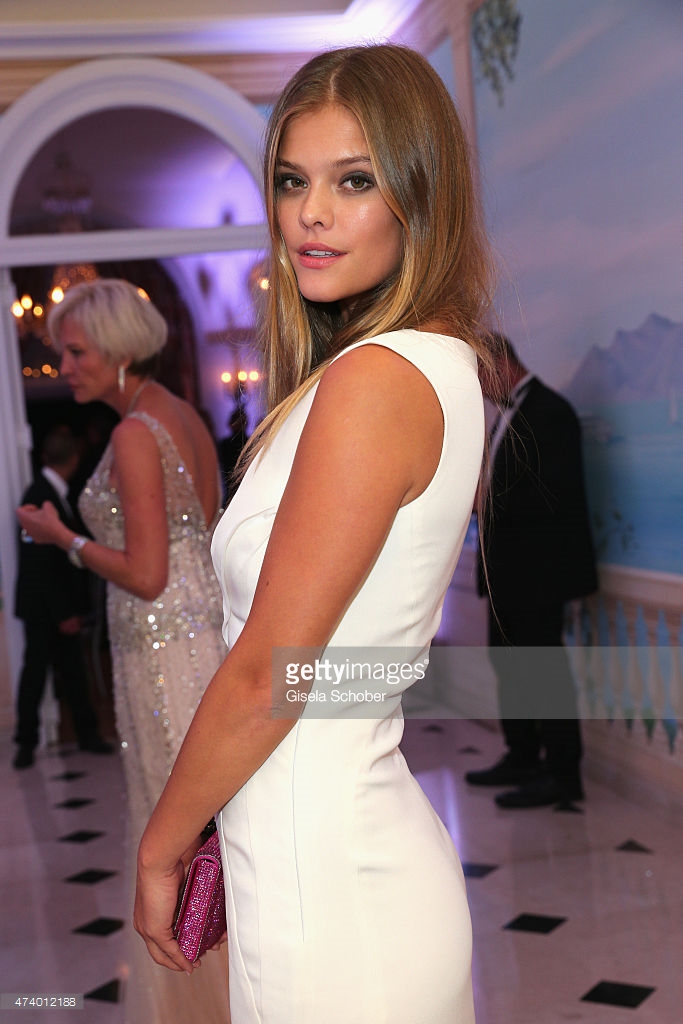
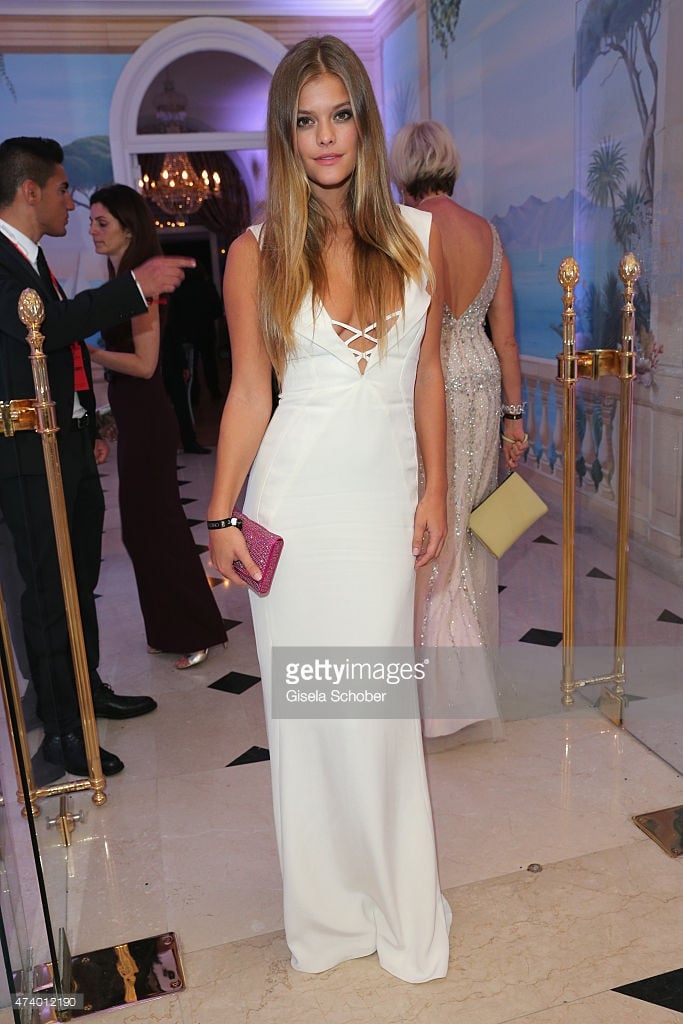
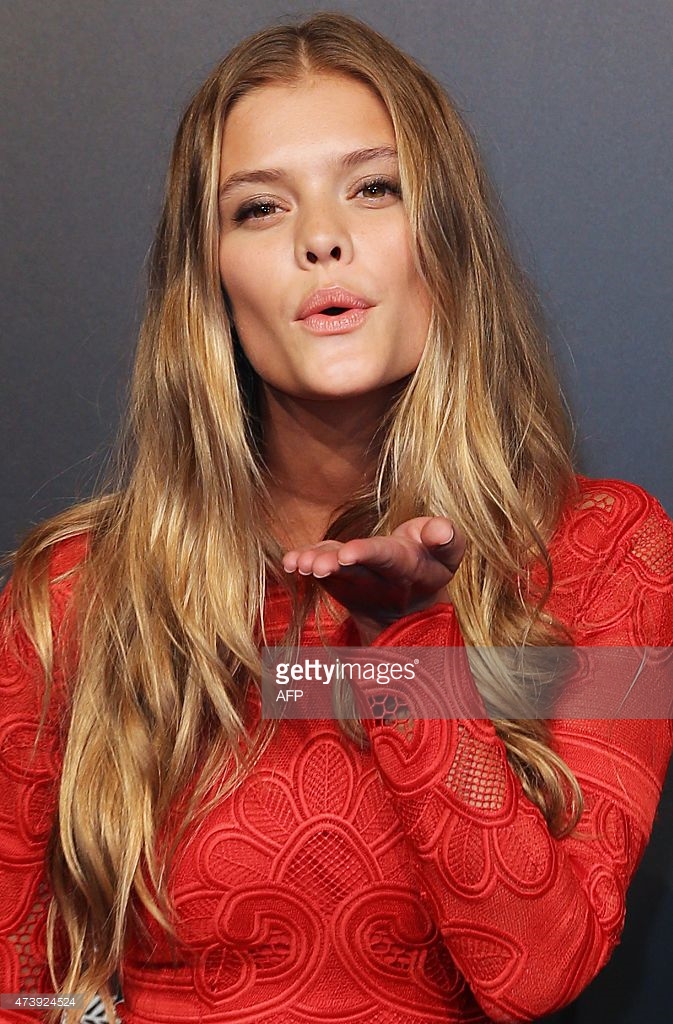
Nina Agdal attends amfAR's 22nd Cinema Against AIDS Gala, Presented By Bold Films And Harry Winston at Hotel du Cap-Eden-Roc on May 21, 2015 in Cap d'Antibes, France.
@ninaagdal @elite_paris Fendi Beach Brunch




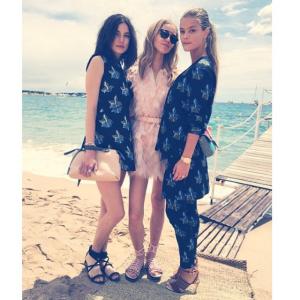
 via @ninaagdalarmy

 Nina at 2.29 min Bts SI 2013 via @troy_zan
 De Grisogono Divine In Cannes Dinner Party Love Haus




 they are just chatting. now just wait the press/media are going to put them like a new romance :yuckky:
in my case the last two looks can somebody get me this two ones without watermarks please she looks stunning
they are just chatting. now just wait the press/media are going to put them like a new romance :yuckky:
in my case the last two looks can somebody get me this two ones without watermarks please she looks stunning
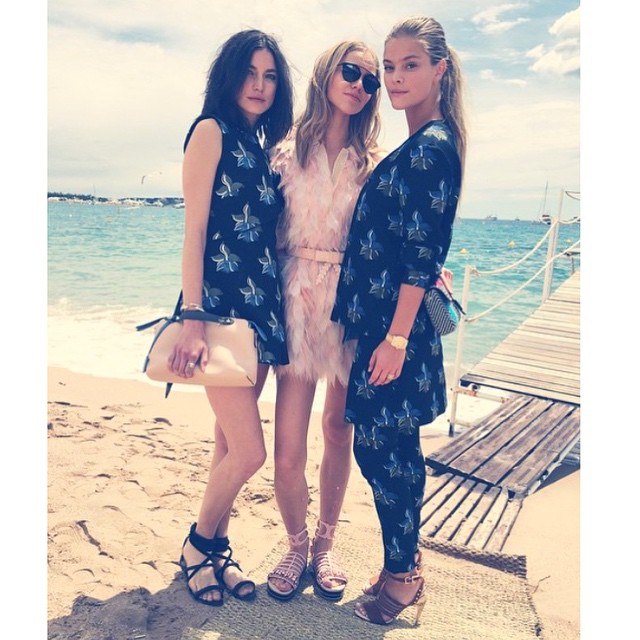
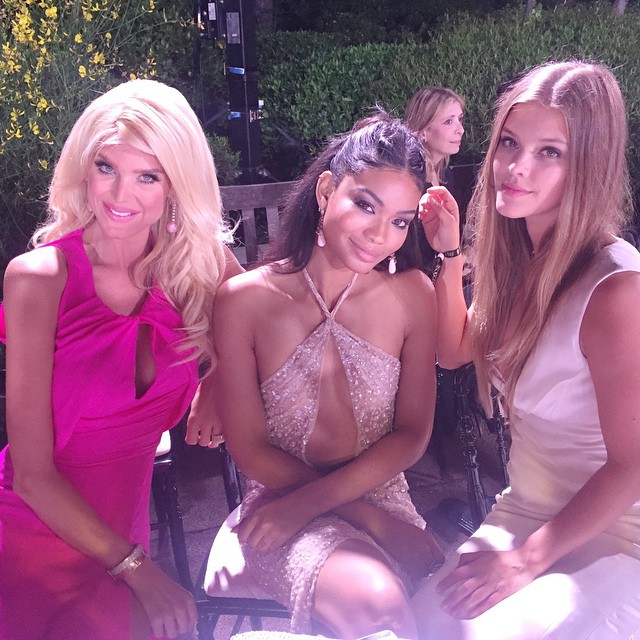
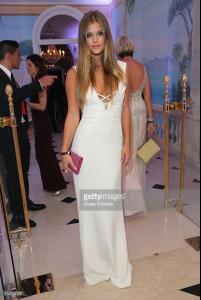 Julie Ordon, Nina Agdal, Gyunel Rustamova and Daria Strokous.
Nina Agdal attends the De Grisogono Divine In Cannes Dinner Party
Nina Agdal attends the De Grisogono Divine In Cannes Dinner Party at Hotel du Cap-Eden-Roc on May 19, 2015 in Cap d'Antibes, France.
Julie Ordon, Nina Agdal, Gyunel Rustamova and Daria Strokous.
Nina Agdal attends the De Grisogono Divine In Cannes Dinner Party
Nina Agdal attends the De Grisogono Divine In Cannes Dinner Party at Hotel du Cap-Eden-Roc on May 19, 2015 in Cap d'Antibes, France. Cannes (@luiza_ferraz) ( Nina and Izabel Goulart)
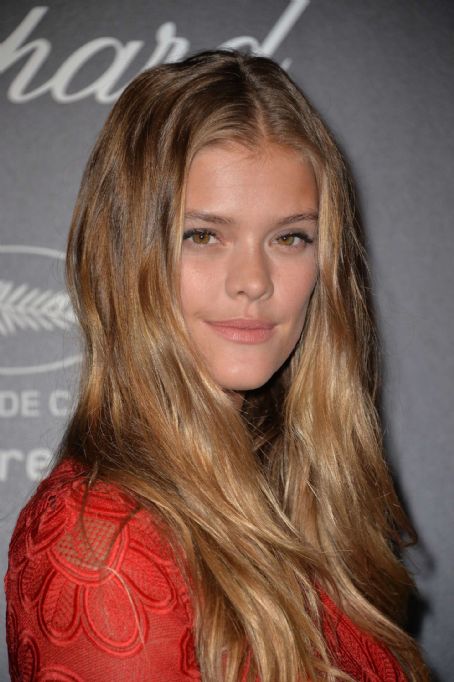
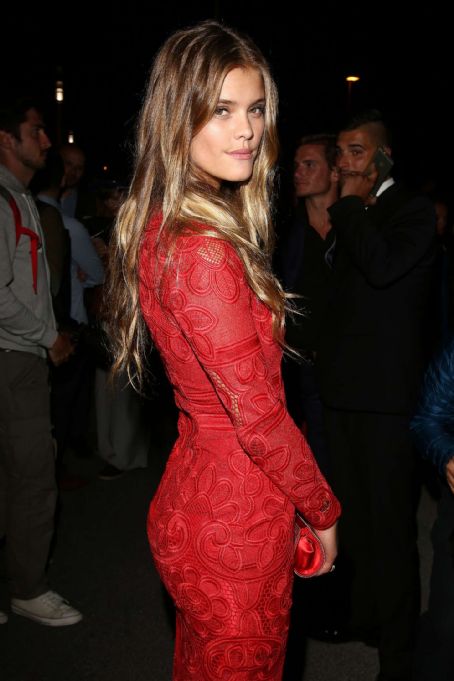
 Chopard Party in Cannes













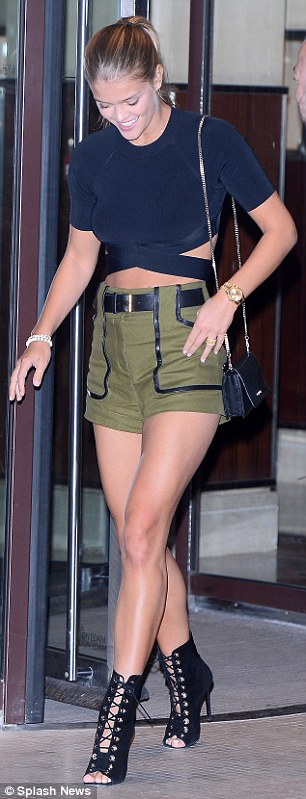
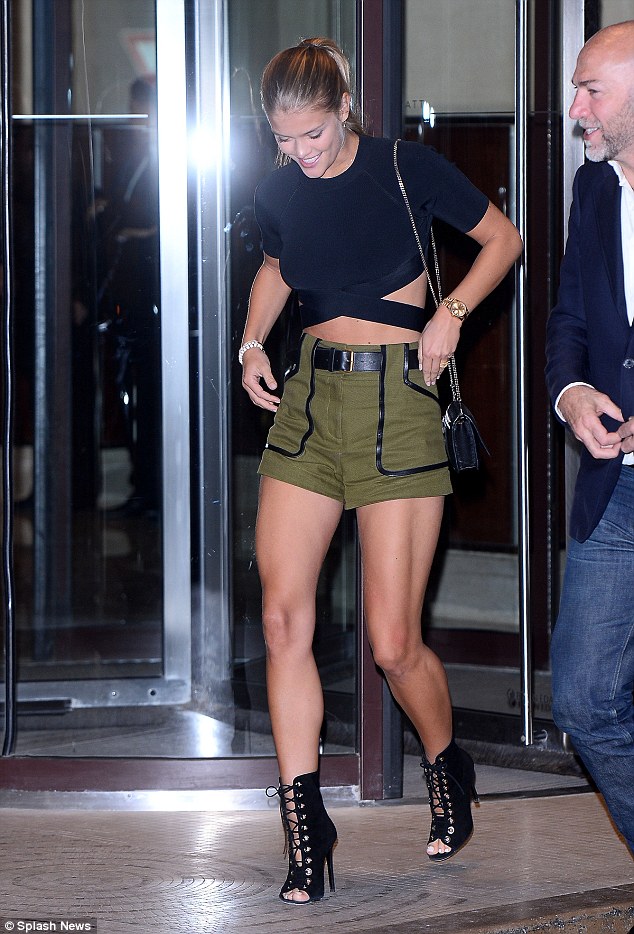
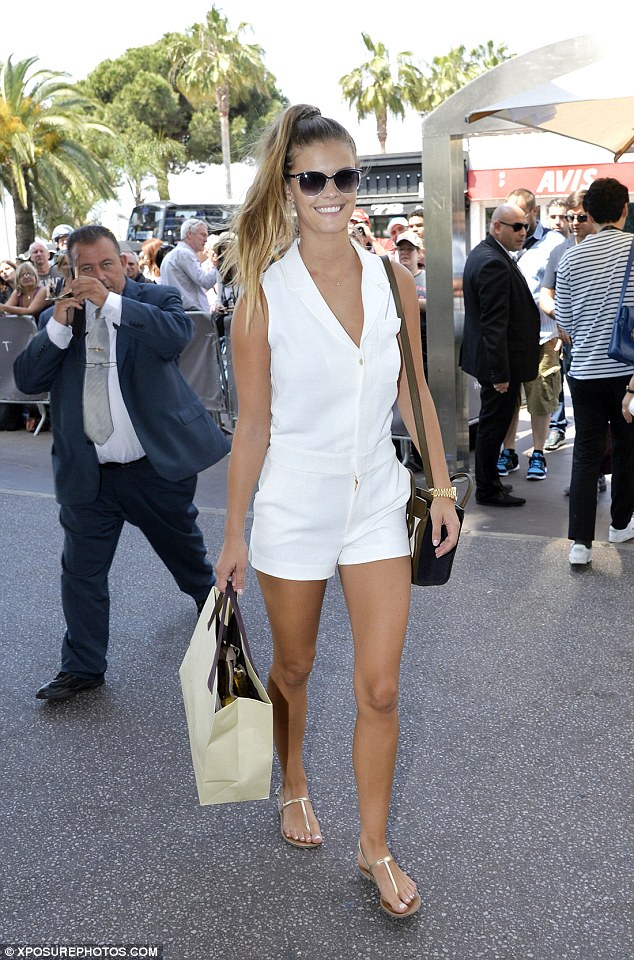
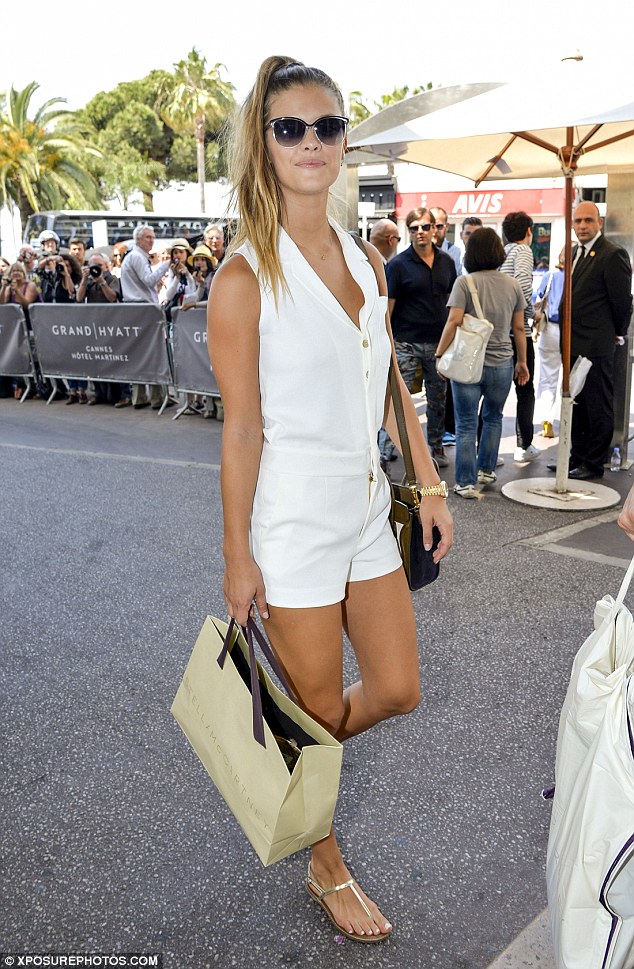
 Nina today in Cannes source: dailymailuk.com

 can somebody get me this ones without watermarks please







 Chopard Party - sorry for the watermarks

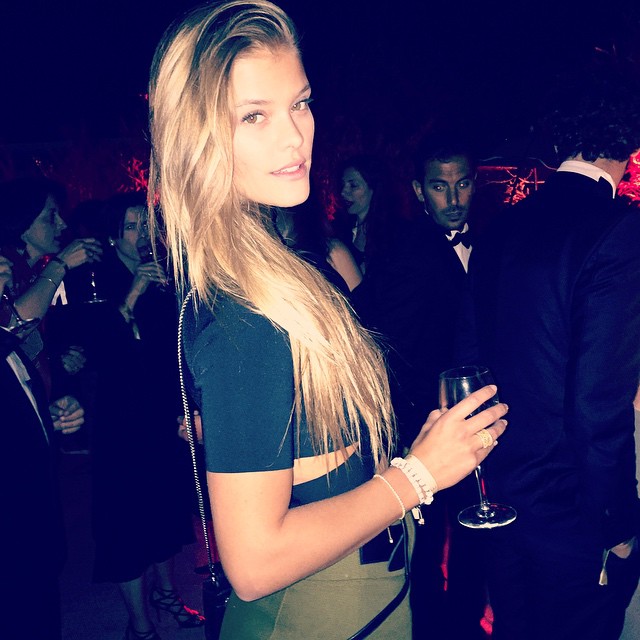
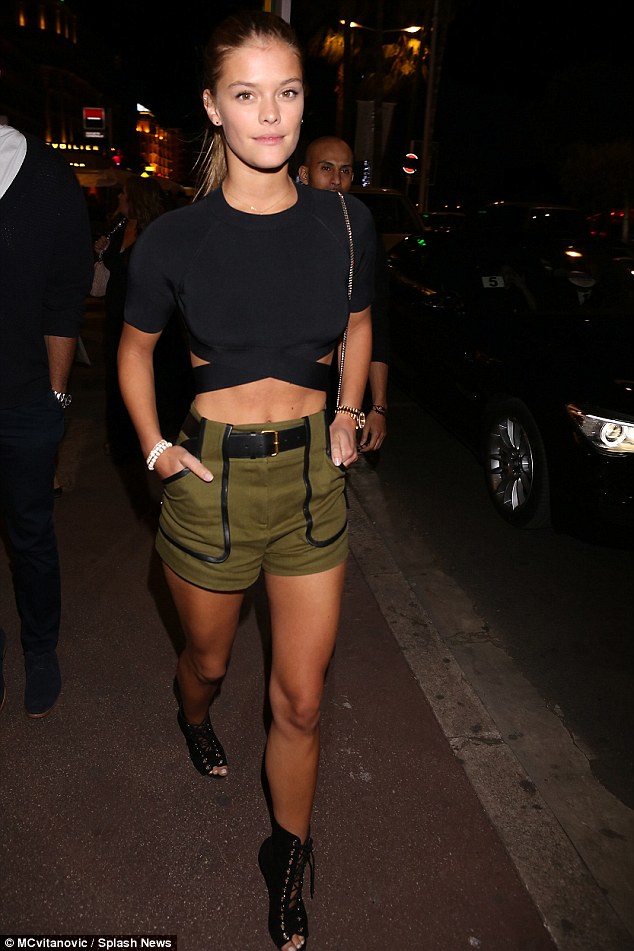
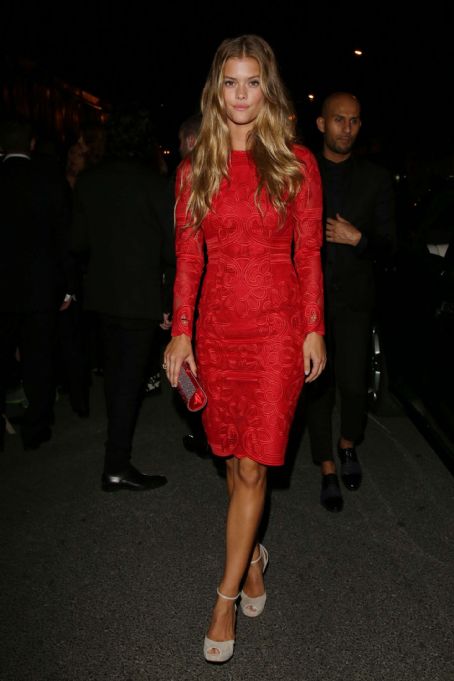
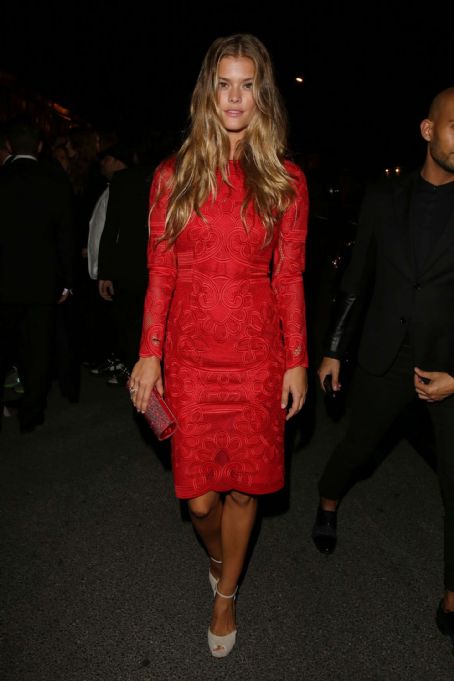
 Nina Agdal attends a celebrity party during the 68th annual Cannes Film Festival on May 18, 2015 in Cannes, France
this look much better
Nina Agdal attends a celebrity party during the 68th annual Cannes Film Festival on May 18, 2015 in Cannes, France
this look much better







































Account
Navigation
Search
Configure browser push notifications
Chrome (Android)
- Tap the lock icon next to the address bar.
- Tap Permissions → Notifications.
- Adjust your preference.
Chrome (Desktop)
- Click the padlock icon in the address bar.
- Select Site settings.
- Find Notifications and adjust your preference.
Safari (iOS 16.4+)
- Ensure the site is installed via Add to Home Screen.
- Open Settings App → Notifications.
- Find your app name and adjust your preference.
Safari (macOS)
- Go to Safari → Preferences.
- Click the Websites tab.
- Select Notifications in the sidebar.
- Find this website and adjust your preference.
Edge (Android)
- Tap the lock icon next to the address bar.
- Tap Permissions.
- Find Notifications and adjust your preference.
Edge (Desktop)
- Click the padlock icon in the address bar.
- Click Permissions for this site.
- Find Notifications and adjust your preference.
Firefox (Android)
- Go to Settings → Site permissions.
- Tap Notifications.
- Find this site in the list and adjust your preference.
Firefox (Desktop)
- Open Firefox Settings.
- Search for Notifications.
- Find this site in the list and adjust your preference.