Jump to content
View in the app

A better way to browse. Learn more.

Bellazon

A full-screen app on your home screen with push notifications, badges and more.

To install this app on iOS and iPadOS
  1. Tap the Share icon in Safari
  2. Scroll the menu and tap Add to Home Screen.
  3. Tap Add in the top-right corner.
To install this app on Android
  1. Tap the 3-dot menu (⋮) in the top-right corner of the browser.
  2. Tap Add to Home screen or Install app.
  3. Confirm by tapping Install.

Methyl

Members
  • Joined

  • Last visited

Posts posted by Methyl

  1. Looking good, thank everyone for the pictures.


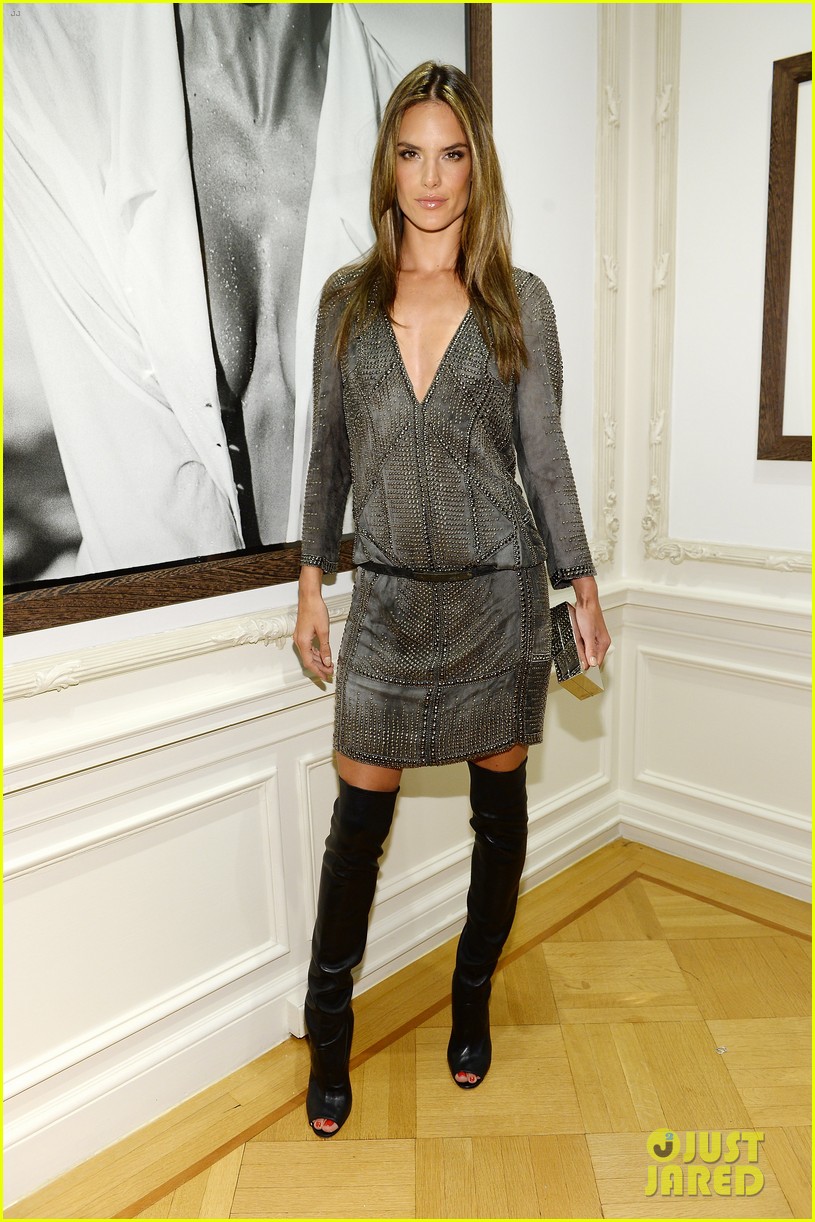
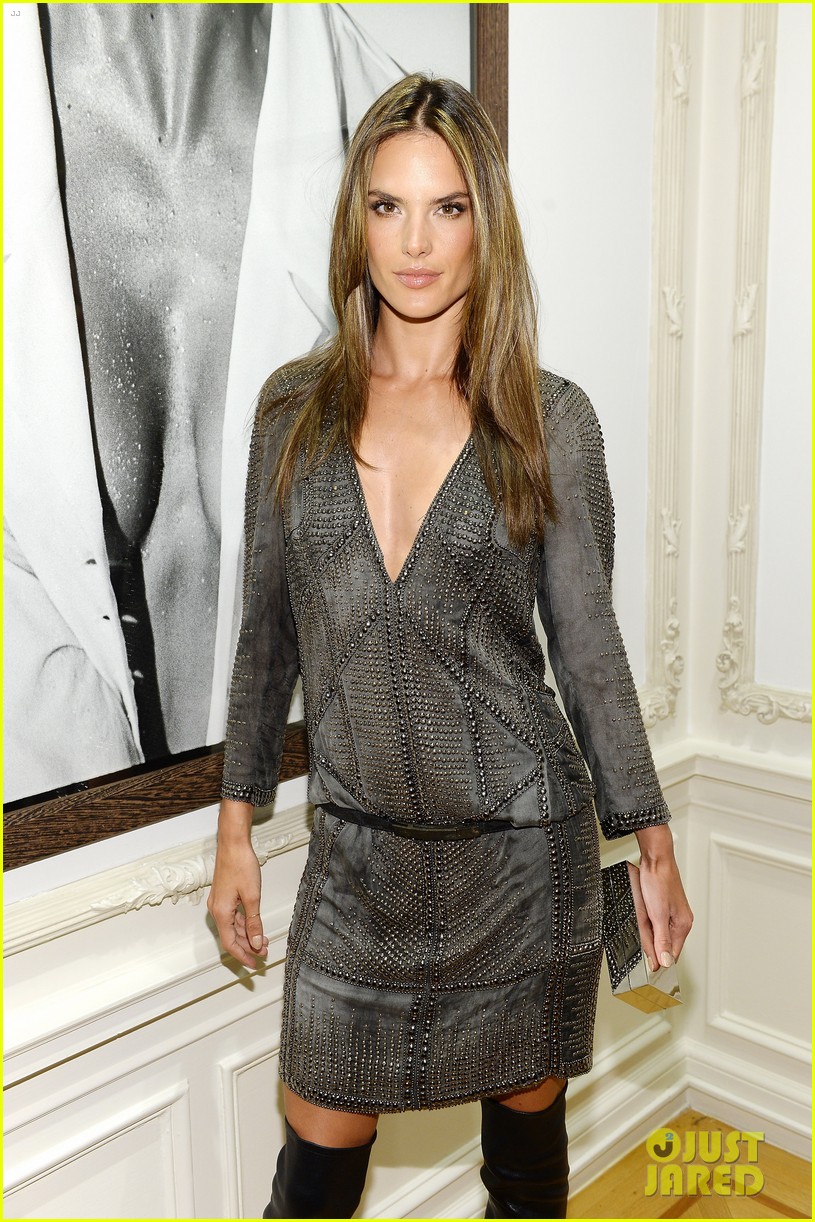
    I just don't really like her "Dita von Teese" hairstyle... and it is still a bit dark in my opinion.

  2. This is official website of Alessandra, they have all the information about everything. They have contact with Alessandra, with her manager, with her team. If you don't want to trust them that's your problem, but this is official information. 


    Maybe this is official but a lie... Don't believe everything you read even if it is "official". ;)

    Look, Kim Kardashian for example, she says she hasn't got any surgery done but she looks completely different from what she used to be.


    Whatever, fake breast or not, Alessandra is free to do what she wants to.  :hehe:

  3. Well, Adriana at the "Escape the Jungle" event is a no no for me.

    The outfit is a no no, her lipstick is a no no and her ombre hair is a no no when in a pony tail (it looks too dark).


    Whatever, next ! :gocho:

  4. Be careful when clicking on an IMAGEBAM link !!!

    I was on the Britney Spears' topic and when I clicked on a picture I had a really dangerous virus on my computer.

    Now I am always scared to open an image from IMAGEBAM. This is why I do not do it anymore.

Configure browser push notifications

Chrome (Android)
  1. Tap the lock icon next to the address bar.
  2. Tap Permissions → Notifications.
  3. Adjust your preference.
Chrome (Desktop)
  1. Click the padlock icon in the address bar.
  2. Select Site settings.
  3. Find Notifications and adjust your preference.