
Mariana99
Members
-
Joined
-
Last visited
Everything posted by Mariana99
-
 model book Icon Models Cape Town (2024)






























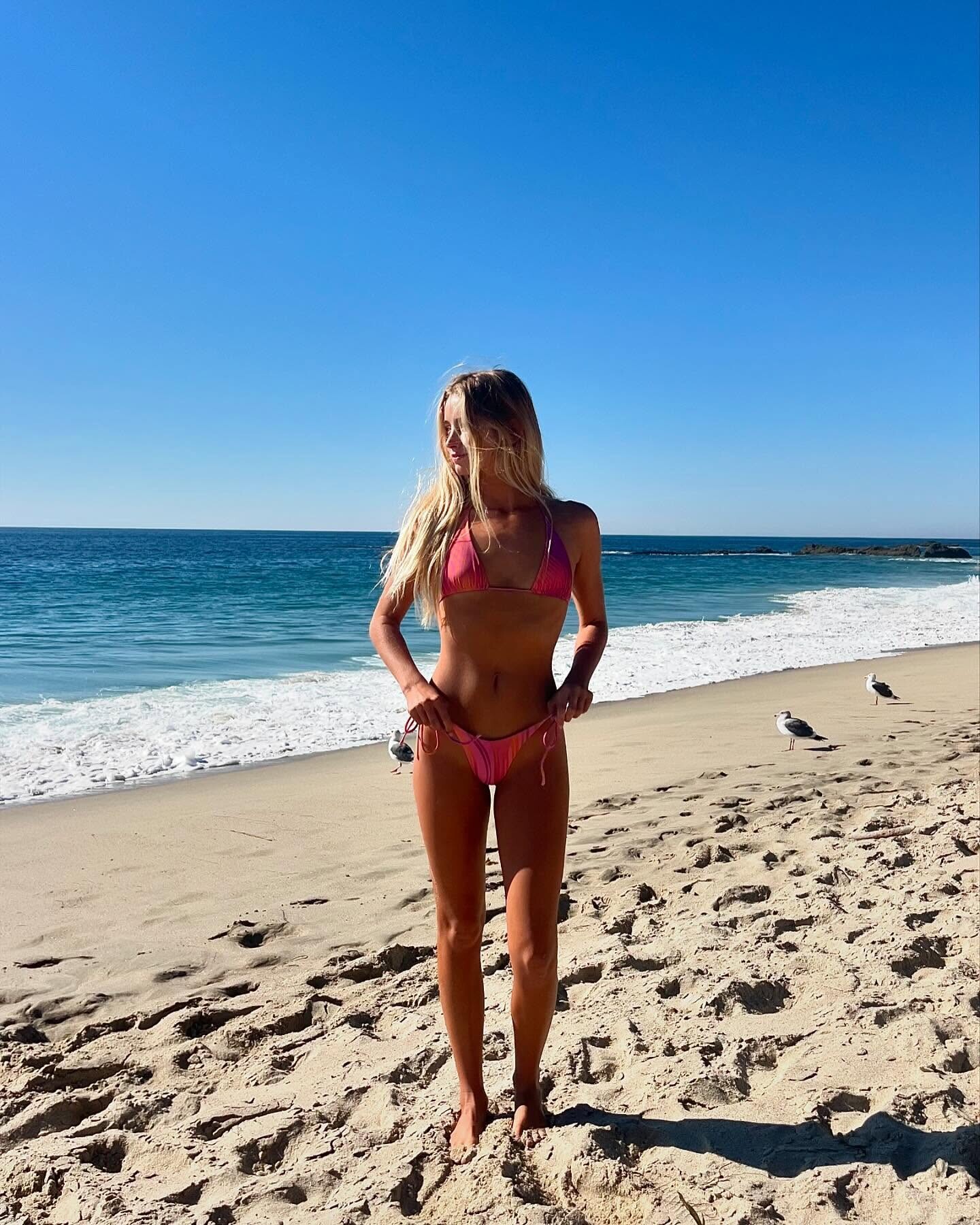
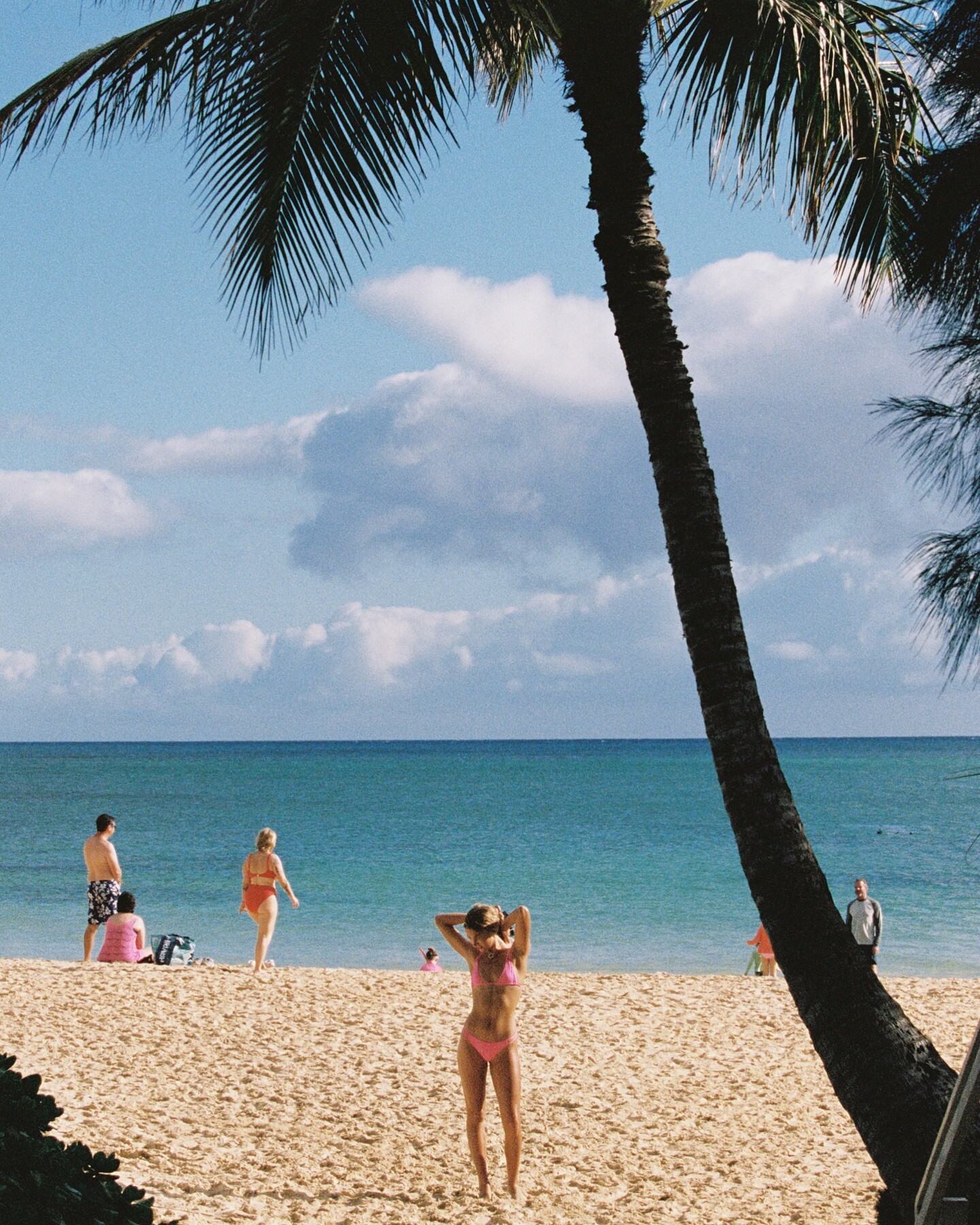
 various beaches
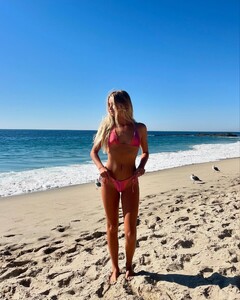





 Luise Blumstengel (2022)














 Abysse (2025) UD_jdasurf_3434617300852925518_44038765293_5_1_2025.mp4


 Lena Amend (2021)
 Toast swimwear (2025)

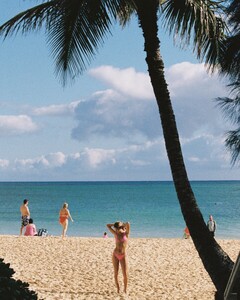




 Blackbough videos (2023) UD_blackboughswim_3229627526087922304_1776871755_5_1_2025.mp4 UD_blackboughswim_3267406629201058613_1776871755_5_1_2025.mp4
Lena Hogekamp (2021)
Blackbough videos (2023) UD_blackboughswim_3229627526087922304_1776871755_5_1_2025.mp4 UD_blackboughswim_3267406629201058613_1776871755_5_1_2025.mp4
Lena Hogekamp (2021)






 Blackbough swimwear (2023)










 Oliver Lechner (2023)




 Daller Clothing videos (2023) UD_alisawinkler_3465714682448815299_227058637_4_1_2025.mp4 UD_alisawinkler_3469193084925538033_227058637_4_1_2025.mp4
Adela Bikinis (2023) UD_adelathelabel_3039563670438775611_34817362761_5_1_2025.mp4
Daller Clothing videos (2023) UD_alisawinkler_3465714682448815299_227058637_4_1_2025.mp4 UD_alisawinkler_3469193084925538033_227058637_4_1_2025.mp4
Adela Bikinis (2023) UD_adelathelabel_3039563670438775611_34817362761_5_1_2025.mp4


 Felix Kayser (2021)




































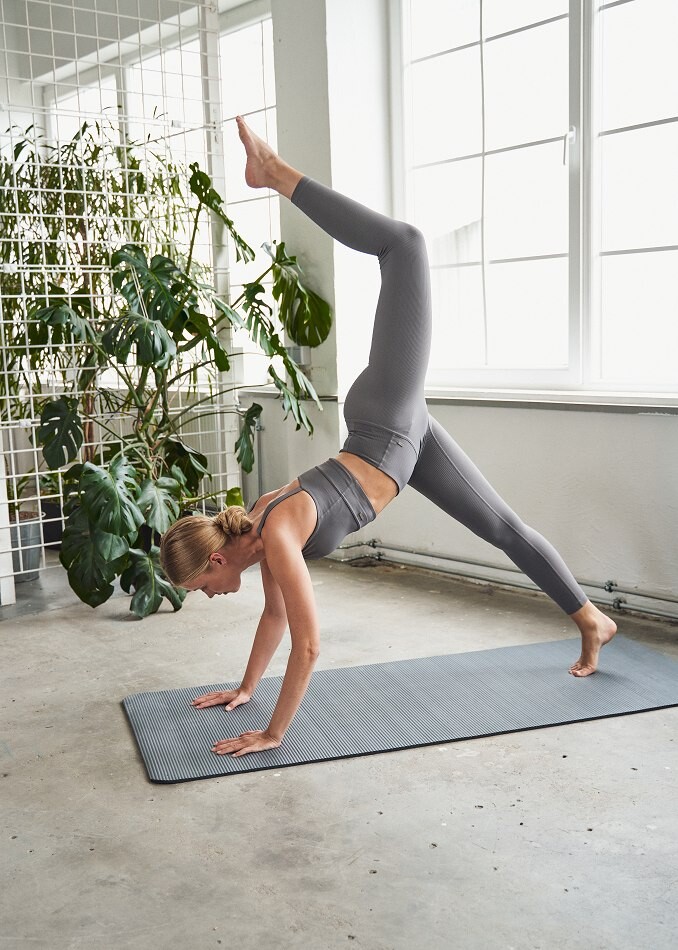
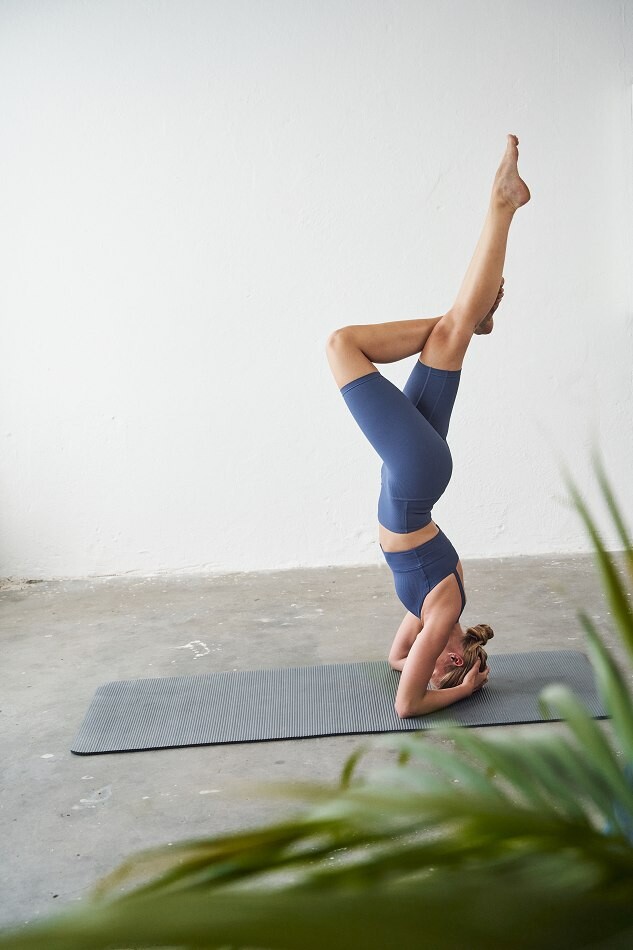
































































































































































Account
Navigation
Search
Configure browser push notifications
Chrome (Android)
- Tap the lock icon next to the address bar.
- Tap Permissions → Notifications.
- Adjust your preference.
Chrome (Desktop)
- Click the padlock icon in the address bar.
- Select Site settings.
- Find Notifications and adjust your preference.
Safari (iOS 16.4+)
- Ensure the site is installed via Add to Home Screen.
- Open Settings App → Notifications.
- Find your app name and adjust your preference.
Safari (macOS)
- Go to Safari → Preferences.
- Click the Websites tab.
- Select Notifications in the sidebar.
- Find this website and adjust your preference.
Edge (Android)
- Tap the lock icon next to the address bar.
- Tap Permissions.
- Find Notifications and adjust your preference.
Edge (Desktop)
- Click the padlock icon in the address bar.
- Click Permissions for this site.
- Find Notifications and adjust your preference.
Firefox (Android)
- Go to Settings → Site permissions.
- Tap Notifications.
- Find this site in the list and adjust your preference.
Firefox (Desktop)
- Open Firefox Settings.
- Search for Notifications.
- Find this site in the list and adjust your preference.