Jump to content
View in the app

A better way to browse. Learn more.

Bellazon

A full-screen app on your home screen with push notifications, badges and more.

To install this app on iOS and iPadOS
  1. Tap the Share icon in Safari
  2. Scroll the menu and tap Add to Home Screen.
  3. Tap Add in the top-right corner.
To install this app on Android
  1. Tap the 3-dot menu (⋮) in the top-right corner of the browser.
  2. Tap Add to Home screen or Install app.
  3. Confirm by tapping Install.

Beautiful Women lover

Members
  • Joined

  • Last visited

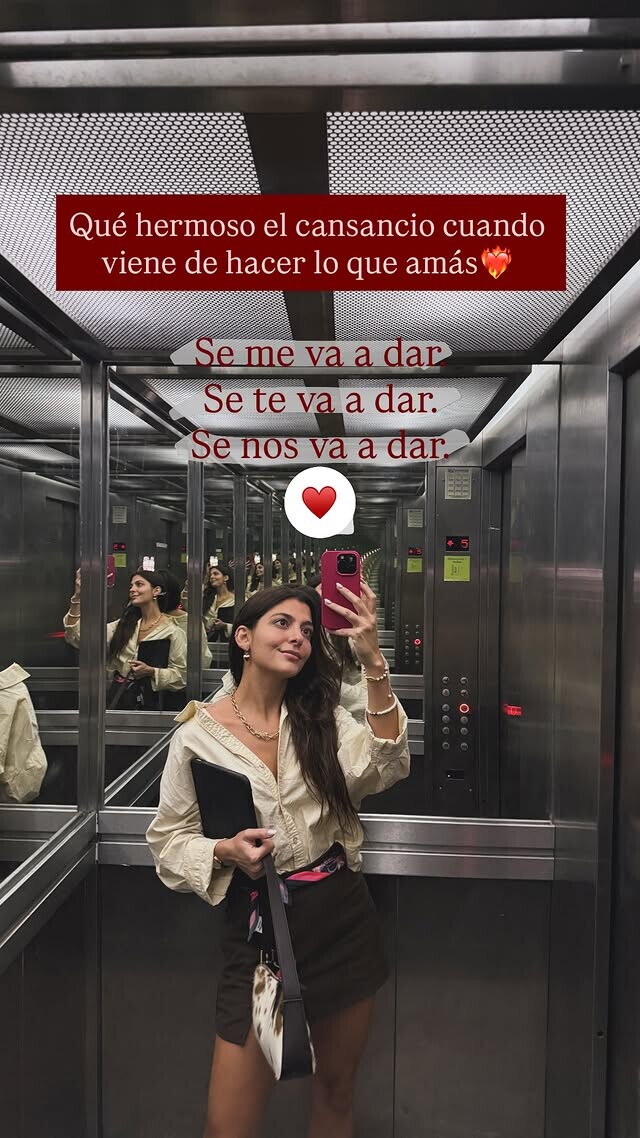
  1. closetmagdimc (IG reel) closetmagdimc_91222364fddc496e863a67f92dfecc50.mp4
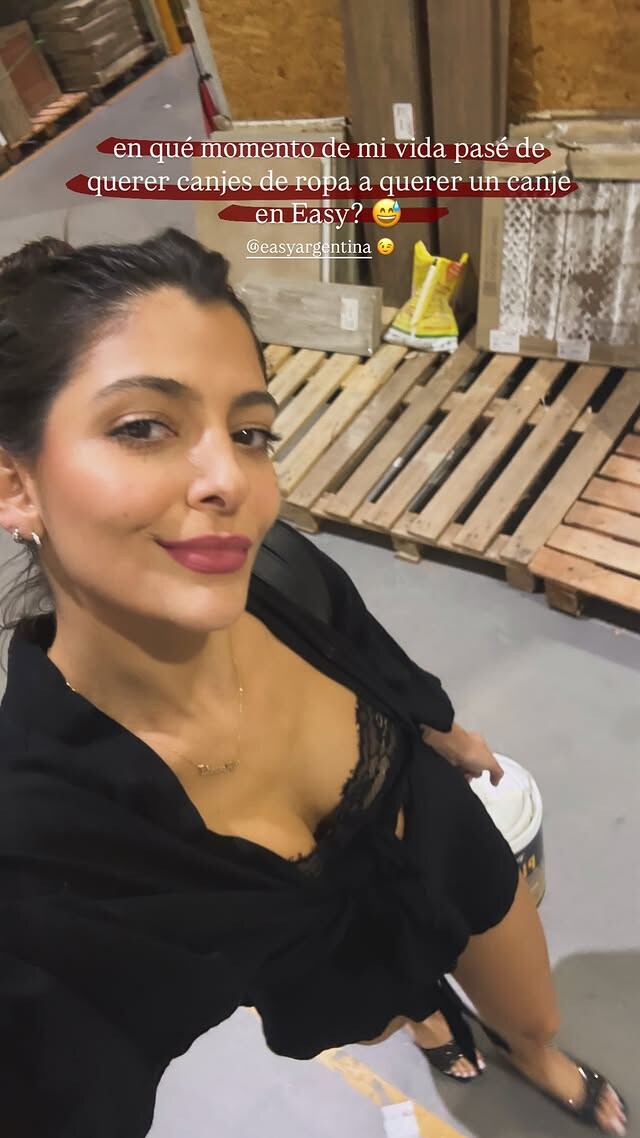
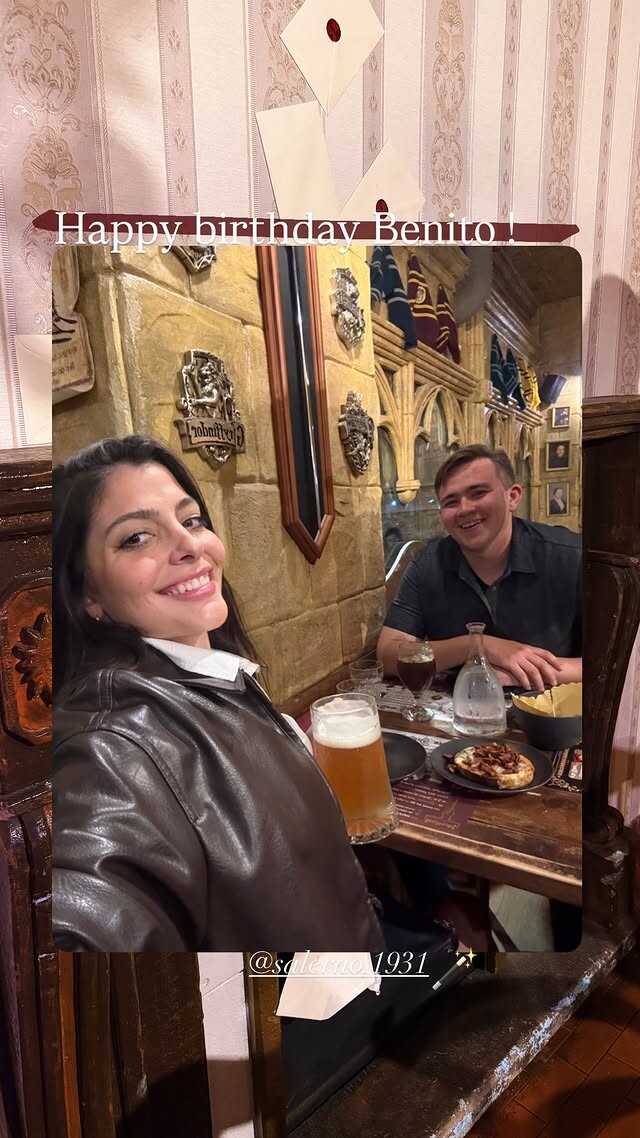
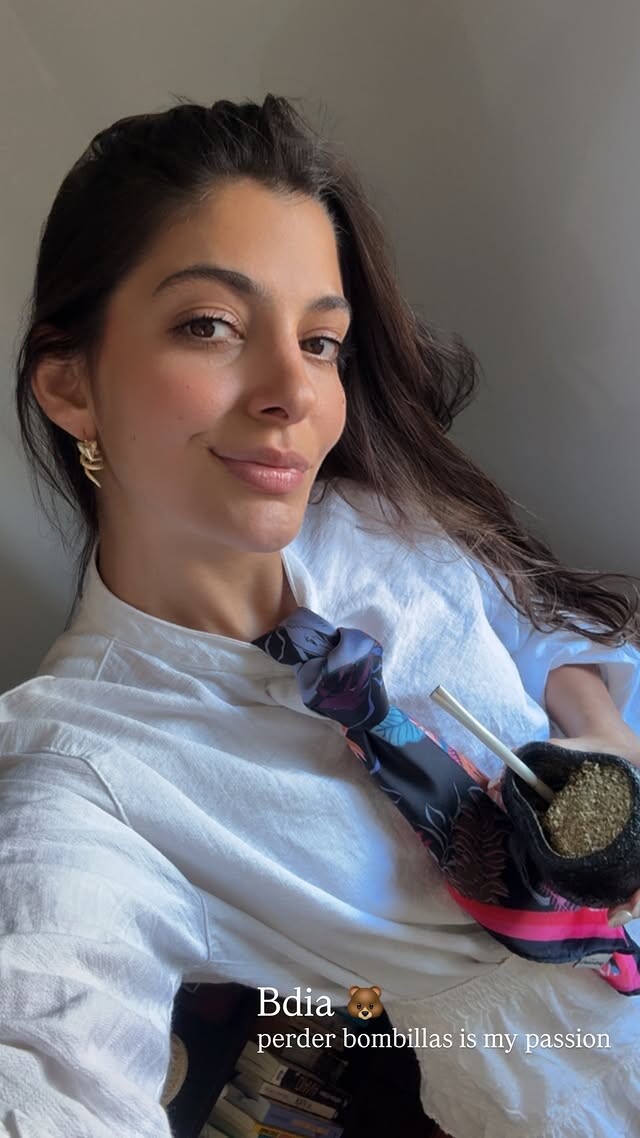
  2. IG stories bc383bd3586a4528baa3dca8580d3d32.mp4 90dbd7bfa37f41caa16e8ef1055f0ca0.mp4
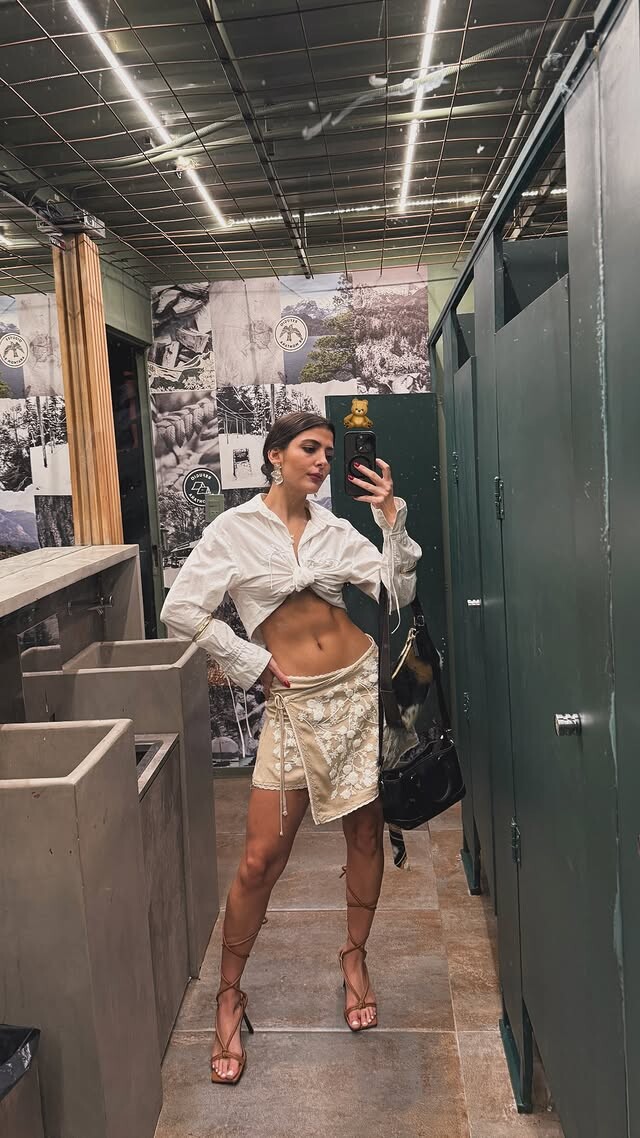
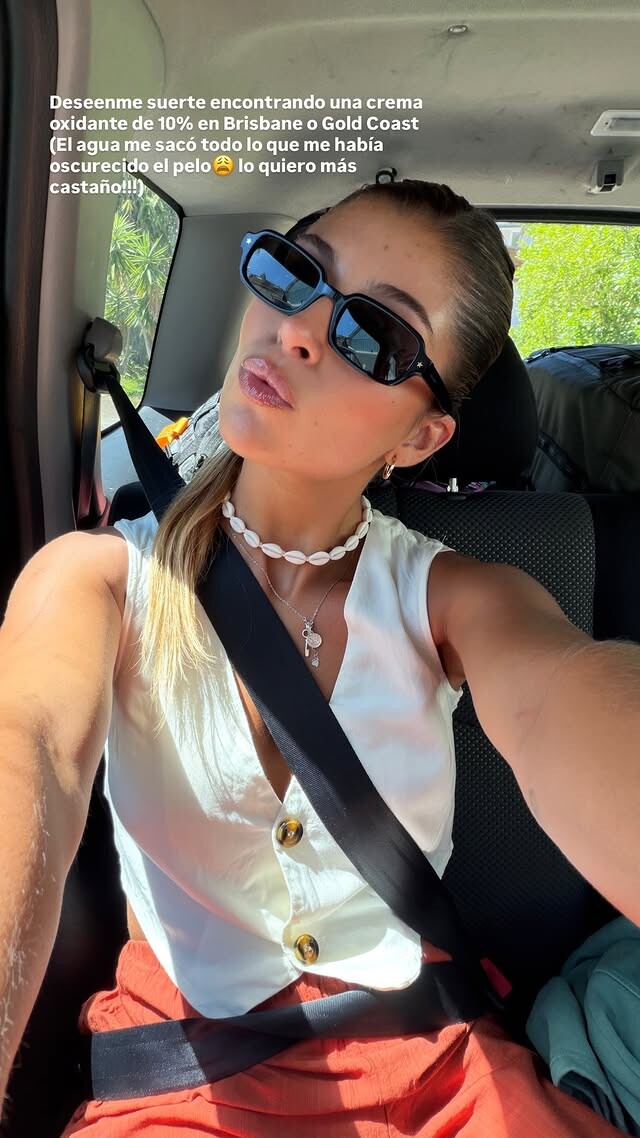
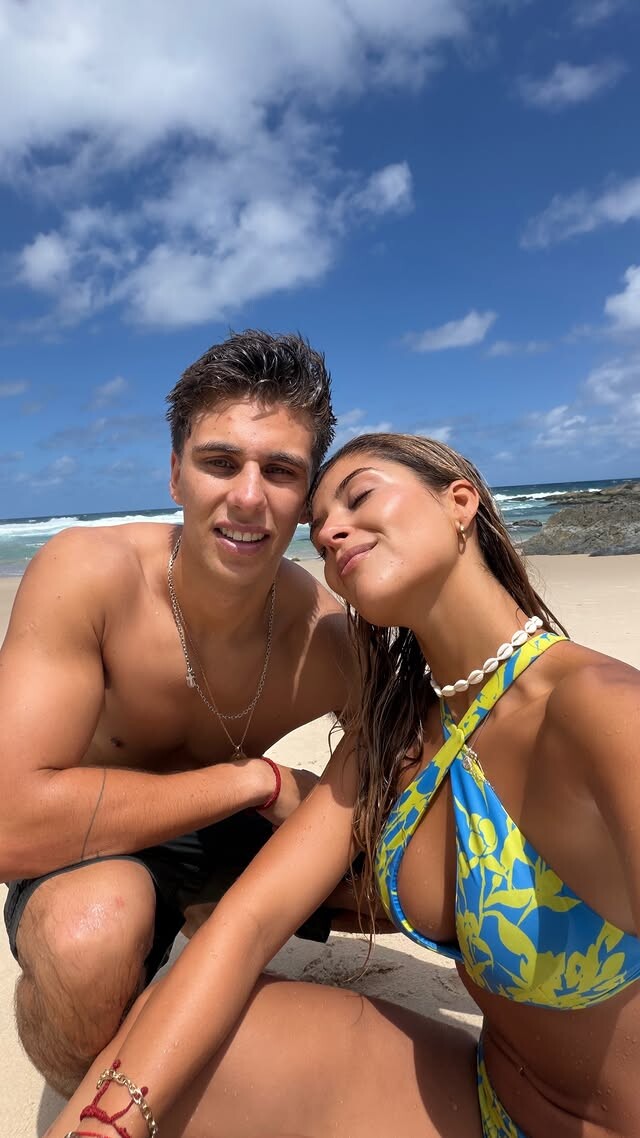
  3. IG stories e0b49b0f2a7b46569da9853ff15fe1c5.mp4 207e35ff3093442c90d0665f3adfe4d3.mp4 e0588121d12246cea79970e7f894ba12.mp4 26fc61f8a695418a9565f1cee7e5a404.mp4 c54875797e19448d8e33e2dfeeeb572b.mp4 a45759fcae8f47098ab509f34f45f5e0.mp4
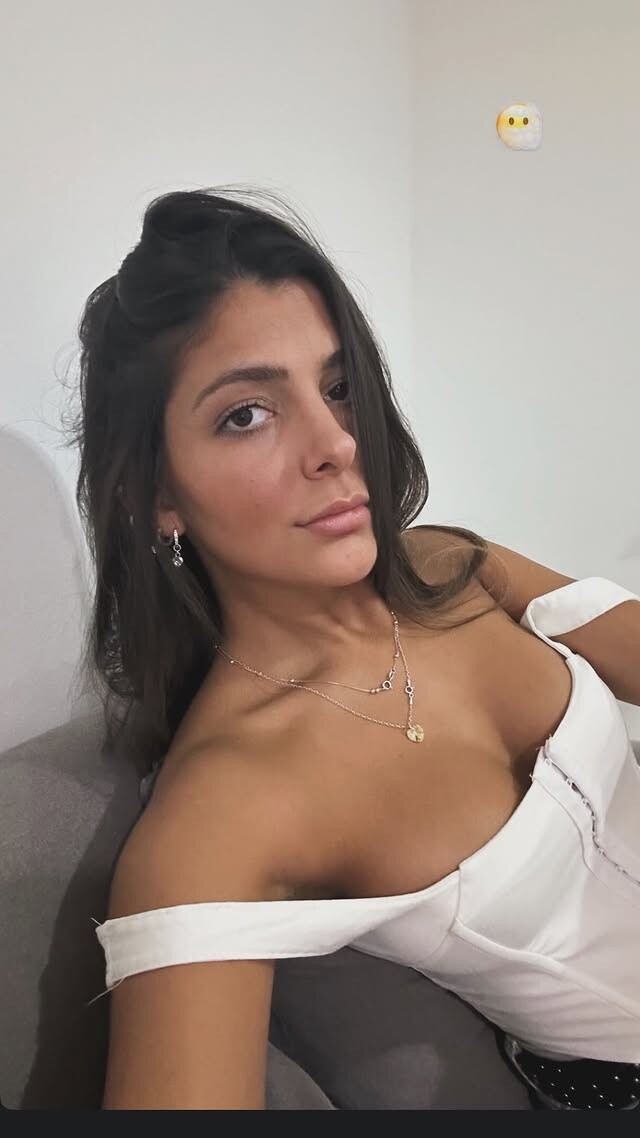
  4. Tiktok ssstik.io_1763957879152.mp4 ssstik.io_1763958075934.mp4 ssstik.io_1763958275239.mp4

Configure browser push notifications

Chrome (Android)
  1. Tap the lock icon next to the address bar.
  2. Tap Permissions → Notifications.
  3. Adjust your preference.
Chrome (Desktop)
  1. Click the padlock icon in the address bar.
  2. Select Site settings.
  3. Find Notifications and adjust your preference.