
finchesthalia
Members
-
Joined
-
Last visited
Everything posted by finchesthalia
-
Adriana Degreas credit alessandrasbeijos.com





-
caps from 'why Ale loves her body' video credits to julia @lovevsmodels.com
























-
2 more form Bali AAOF


-
you are welcome
 Ur welcome everyone.
thanks, she looks so young in there.
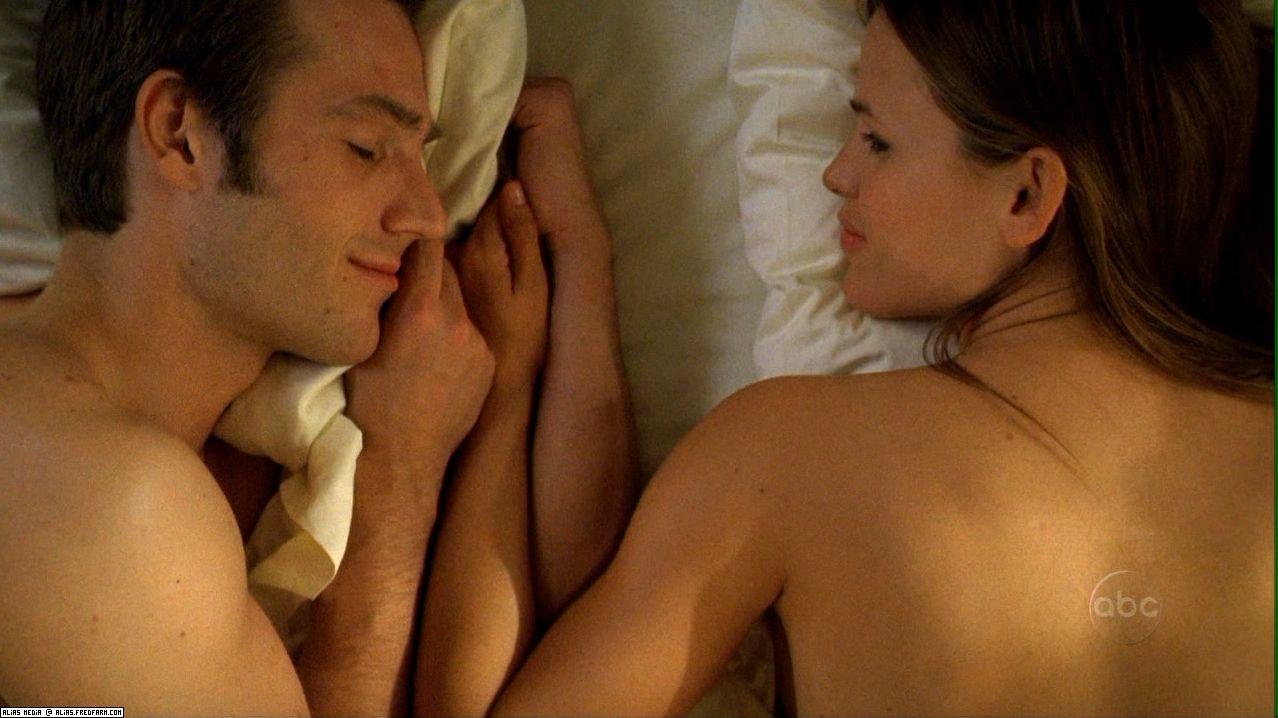
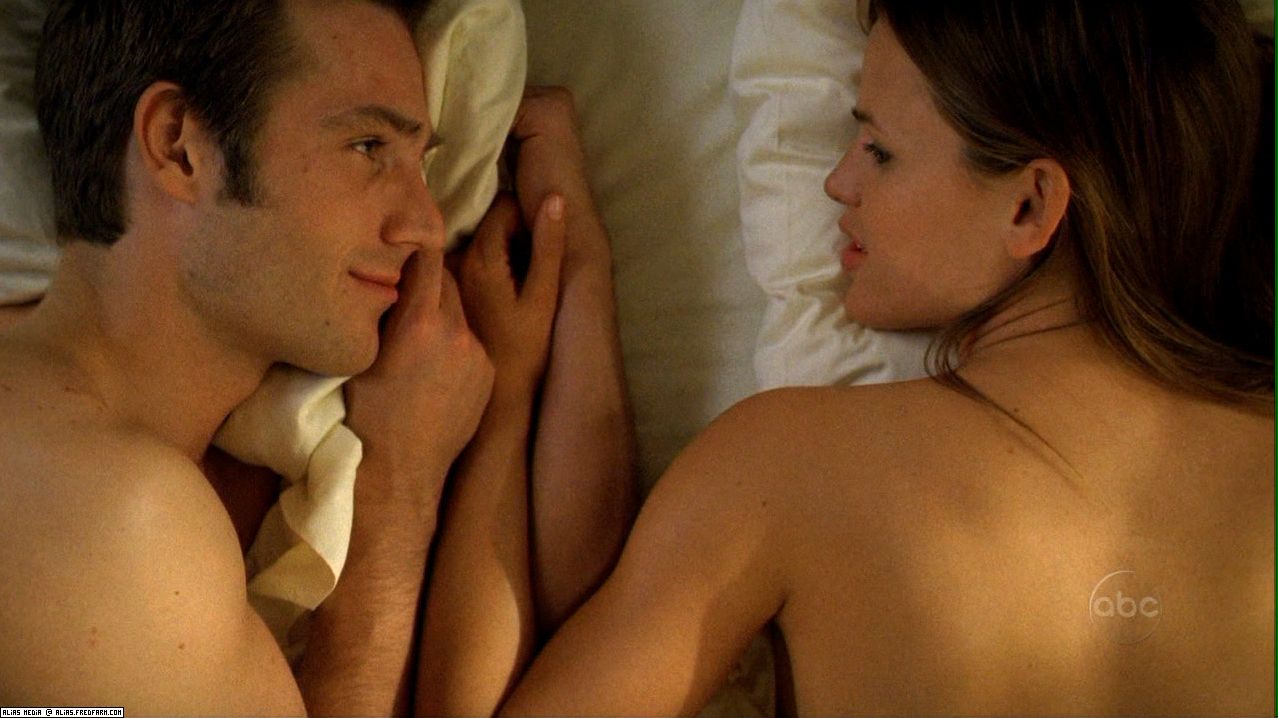
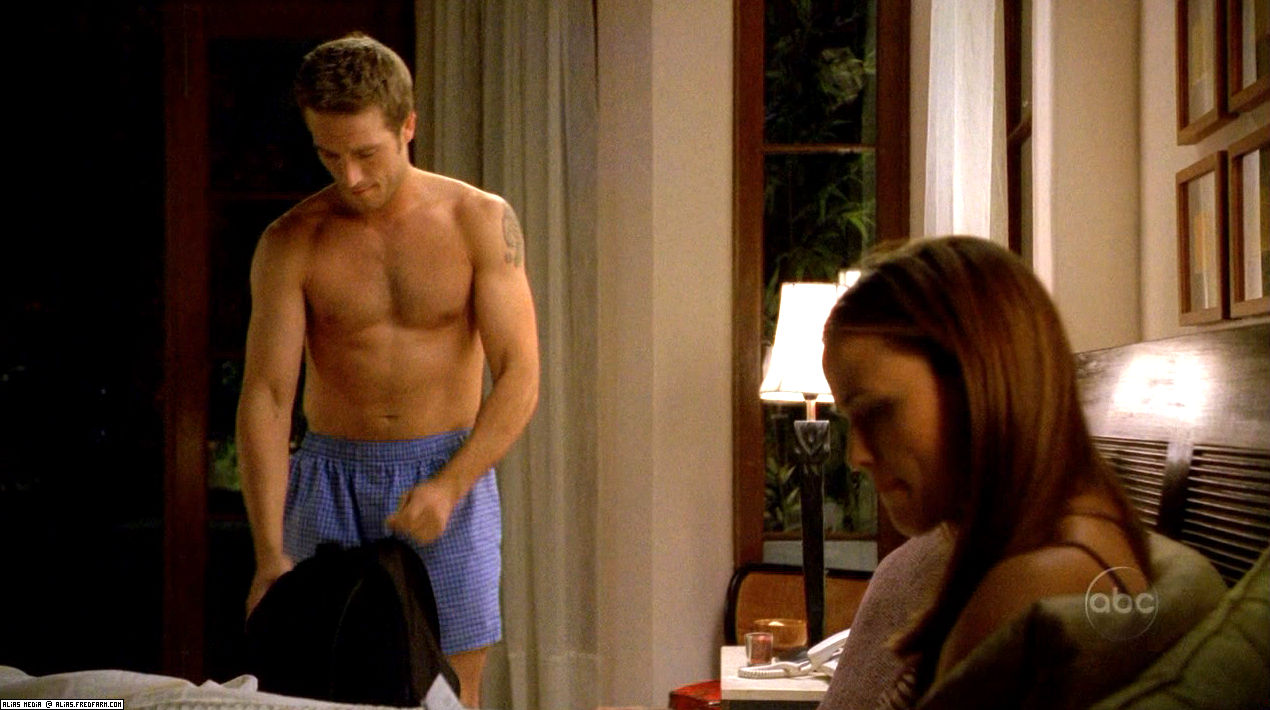
alias. season 2
Ur welcome everyone.
thanks, she looks so young in there.
alias. season 2







 yes, it is.
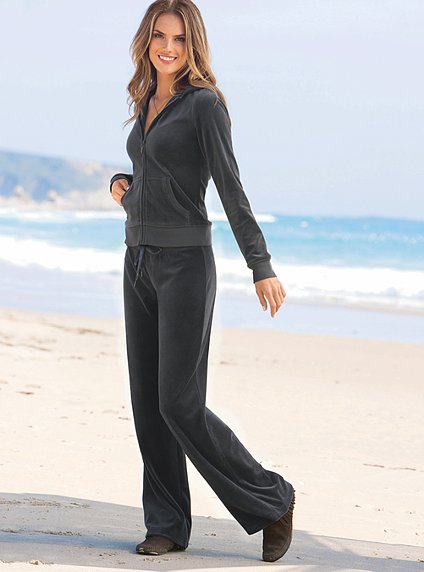
vs.com
yes, it is.
vs.com you are welcome more







 New
New



























 thanks a lot.
thank you.
thanks, some of them are new to me.
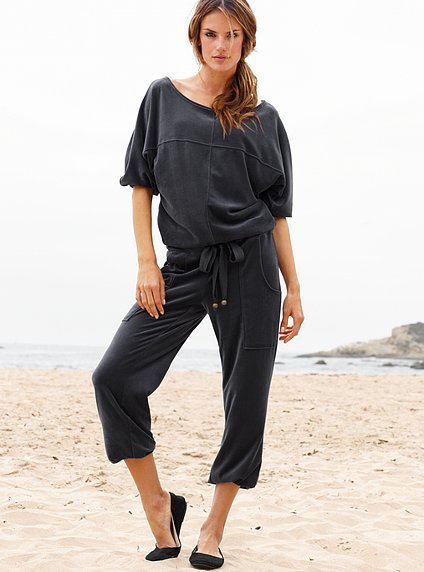
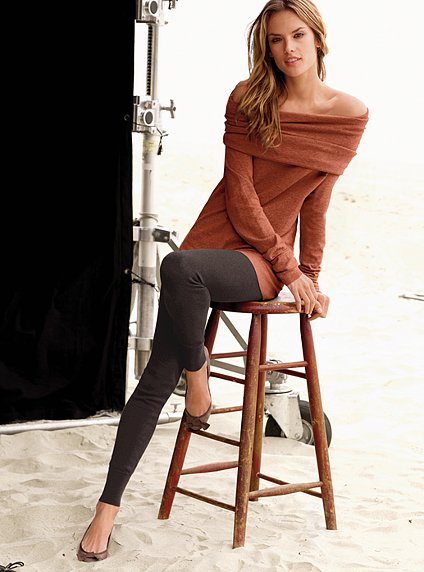
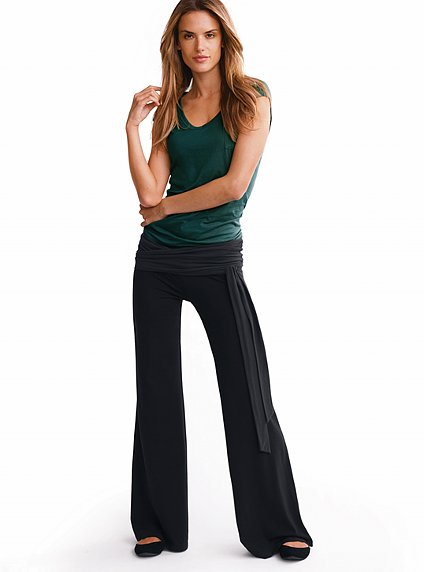
alessandrabeijos.com
Alias Season 1 Promotional Photos
thanks a lot.
thank you.
thanks, some of them are new to me.
alessandrabeijos.com
Alias Season 1 Promotional Photos






 Big Shots Season 1 Promotional Photos

















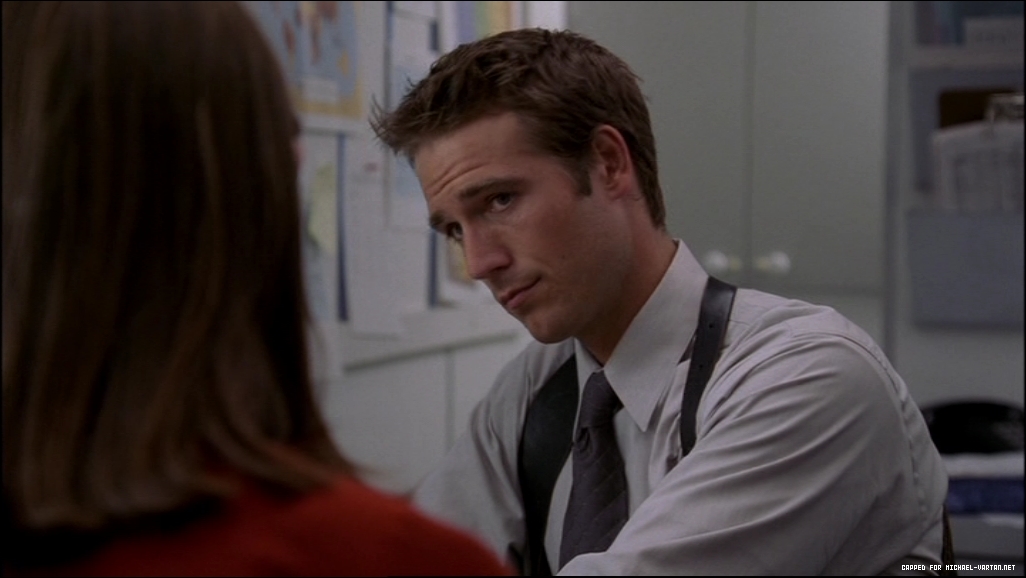
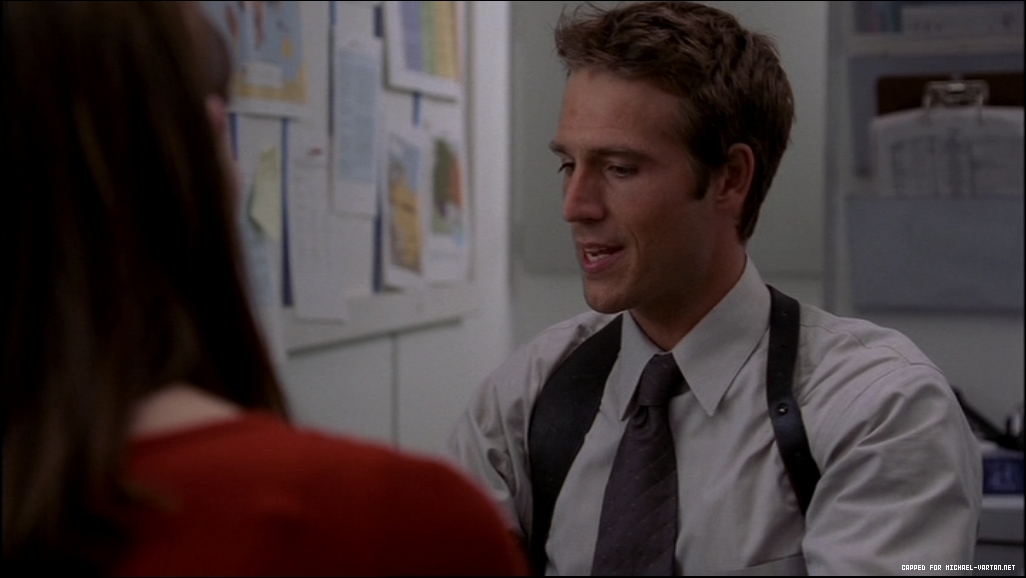
 Big Shots Season 1 Episode Stills





 Ur welcome








































































































































Account
Navigation
Search
Configure browser push notifications
Chrome (Android)
- Tap the lock icon next to the address bar.
- Tap Permissions → Notifications.
- Adjust your preference.
Chrome (Desktop)
- Click the padlock icon in the address bar.
- Select Site settings.
- Find Notifications and adjust your preference.
Safari (iOS 16.4+)
- Ensure the site is installed via Add to Home Screen.
- Open Settings App → Notifications.
- Find your app name and adjust your preference.
Safari (macOS)
- Go to Safari → Preferences.
- Click the Websites tab.
- Select Notifications in the sidebar.
- Find this website and adjust your preference.
Edge (Android)
- Tap the lock icon next to the address bar.
- Tap Permissions.
- Find Notifications and adjust your preference.
Edge (Desktop)
- Click the padlock icon in the address bar.
- Click Permissions for this site.
- Find Notifications and adjust your preference.
Firefox (Android)
- Go to Settings → Site permissions.
- Tap Notifications.
- Find this site in the list and adjust your preference.
Firefox (Desktop)
- Open Firefox Settings.
- Search for Notifications.
- Find this site in the list and adjust your preference.