
dumbo_thicc
Members
-
Joined
-
Last visited
Everything posted by dumbo_thicc
-
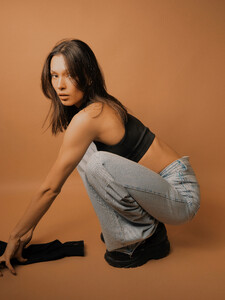
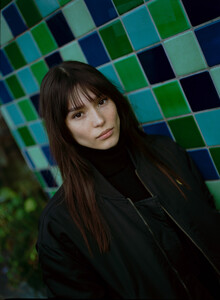
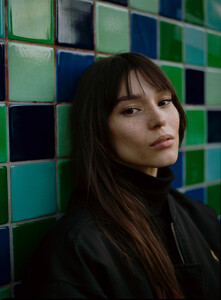
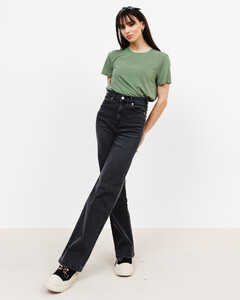
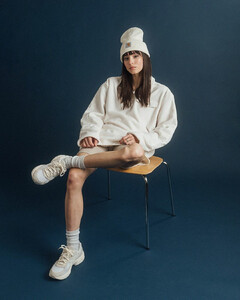
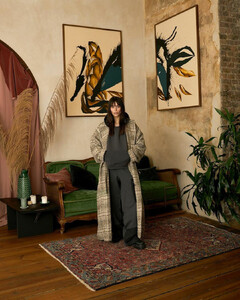
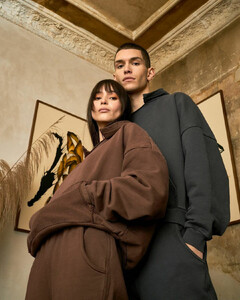
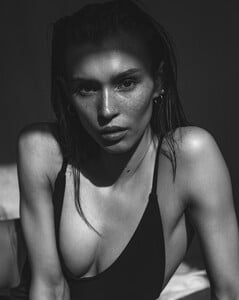
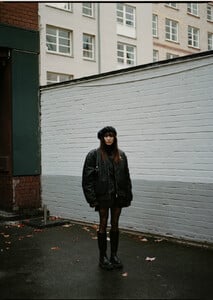
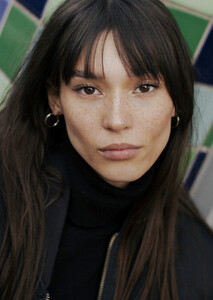
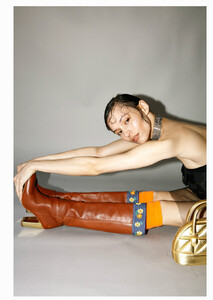
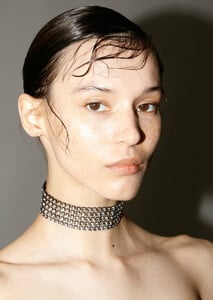
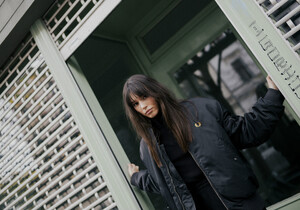
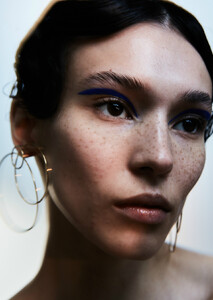
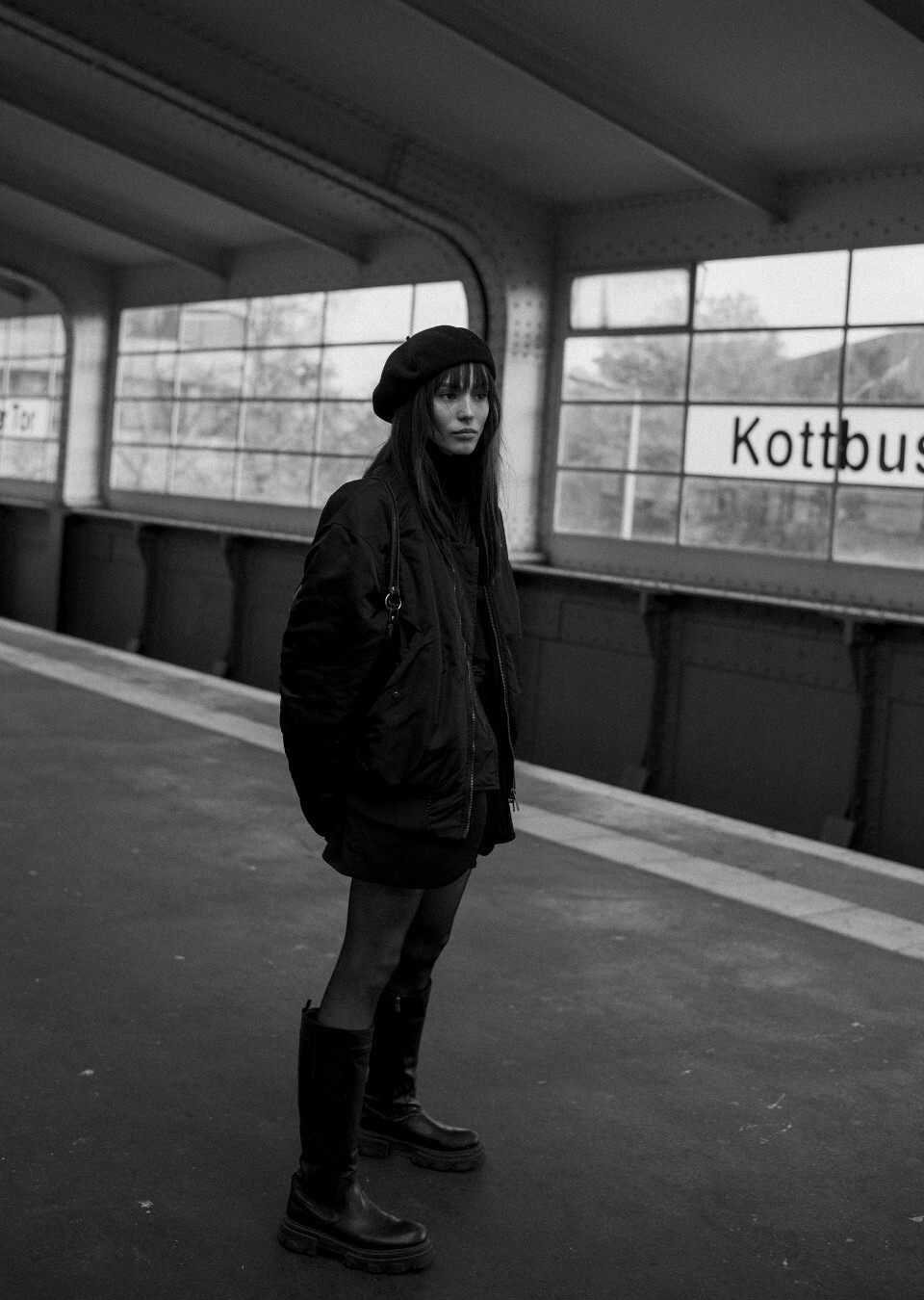
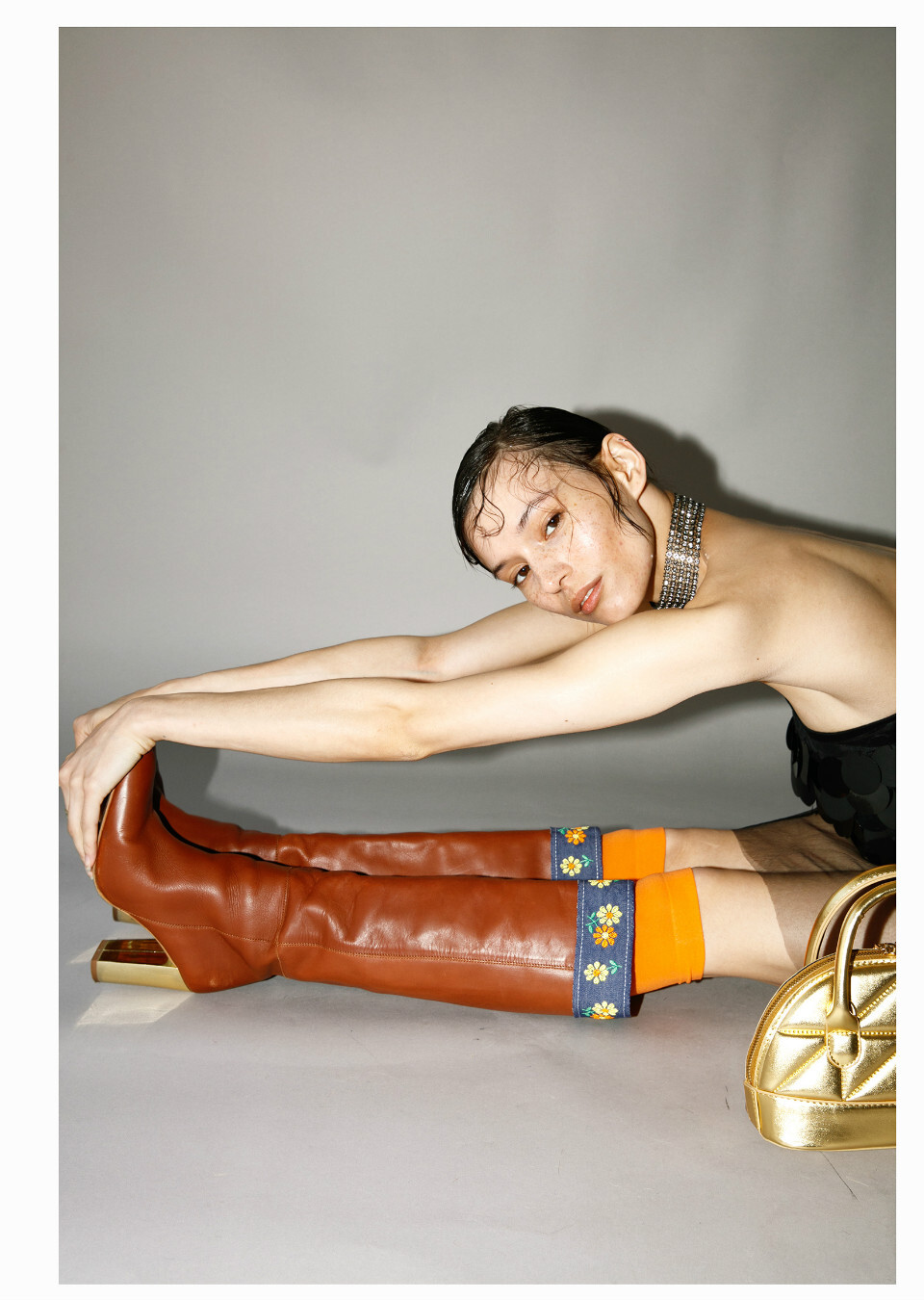
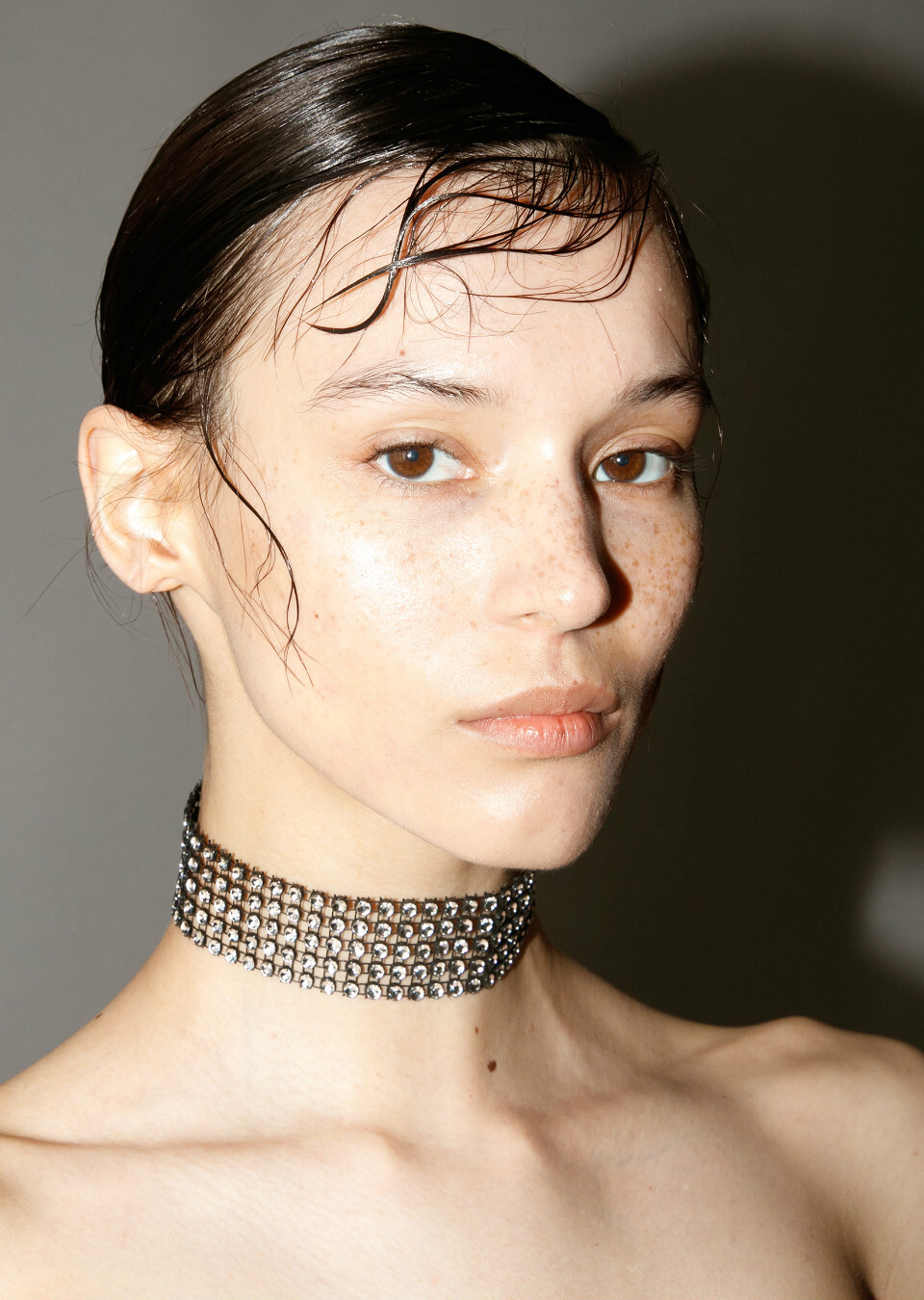
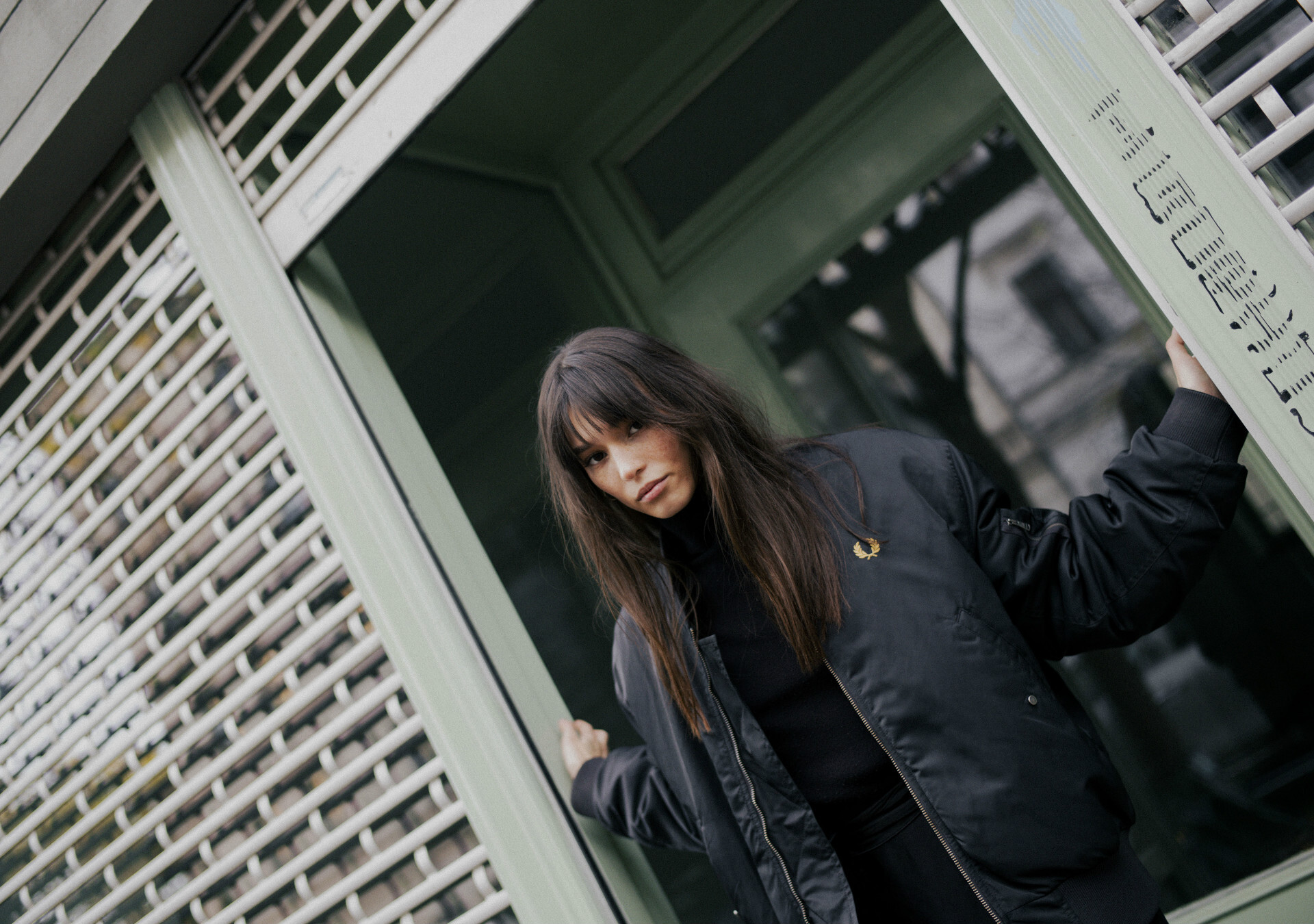
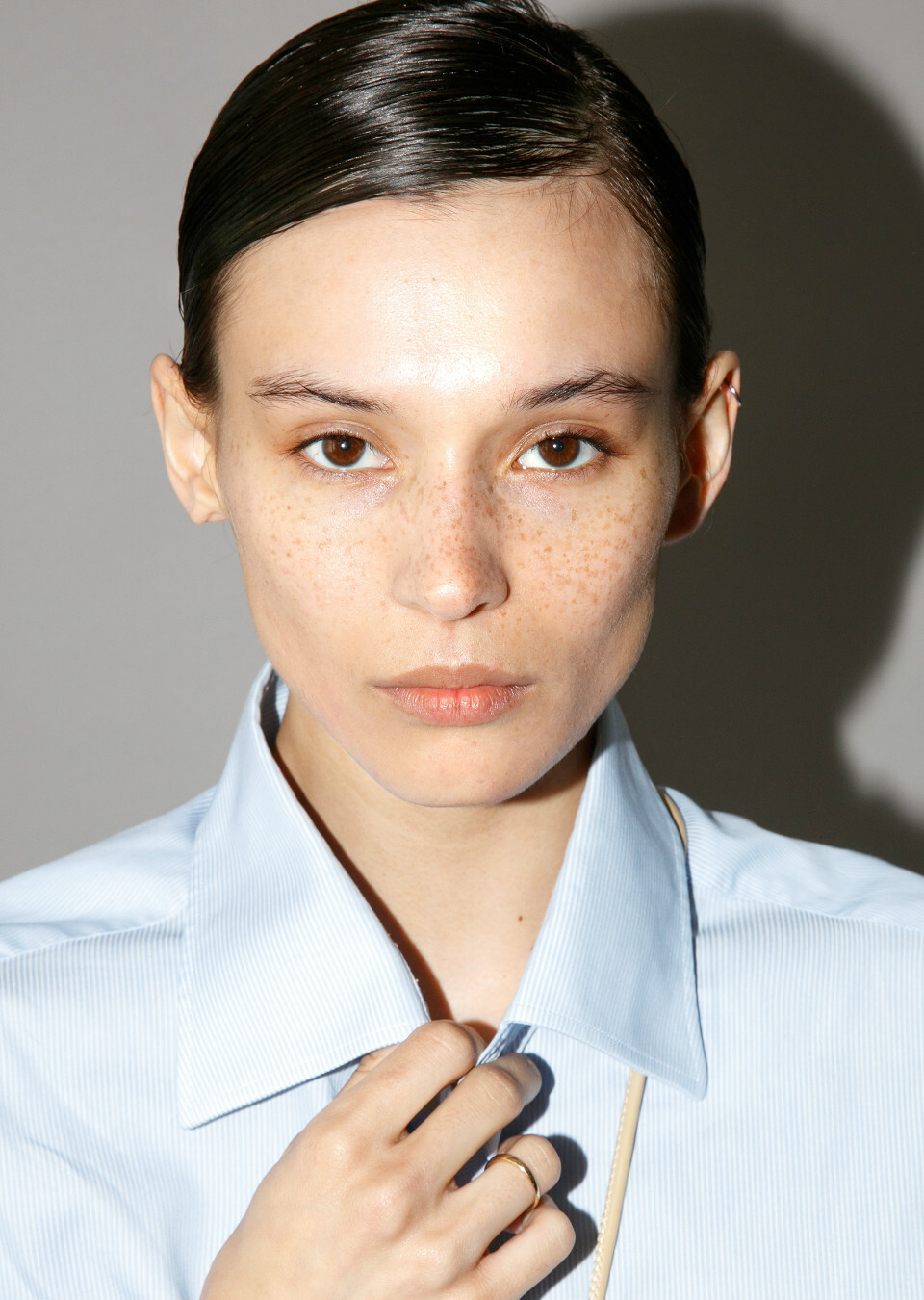
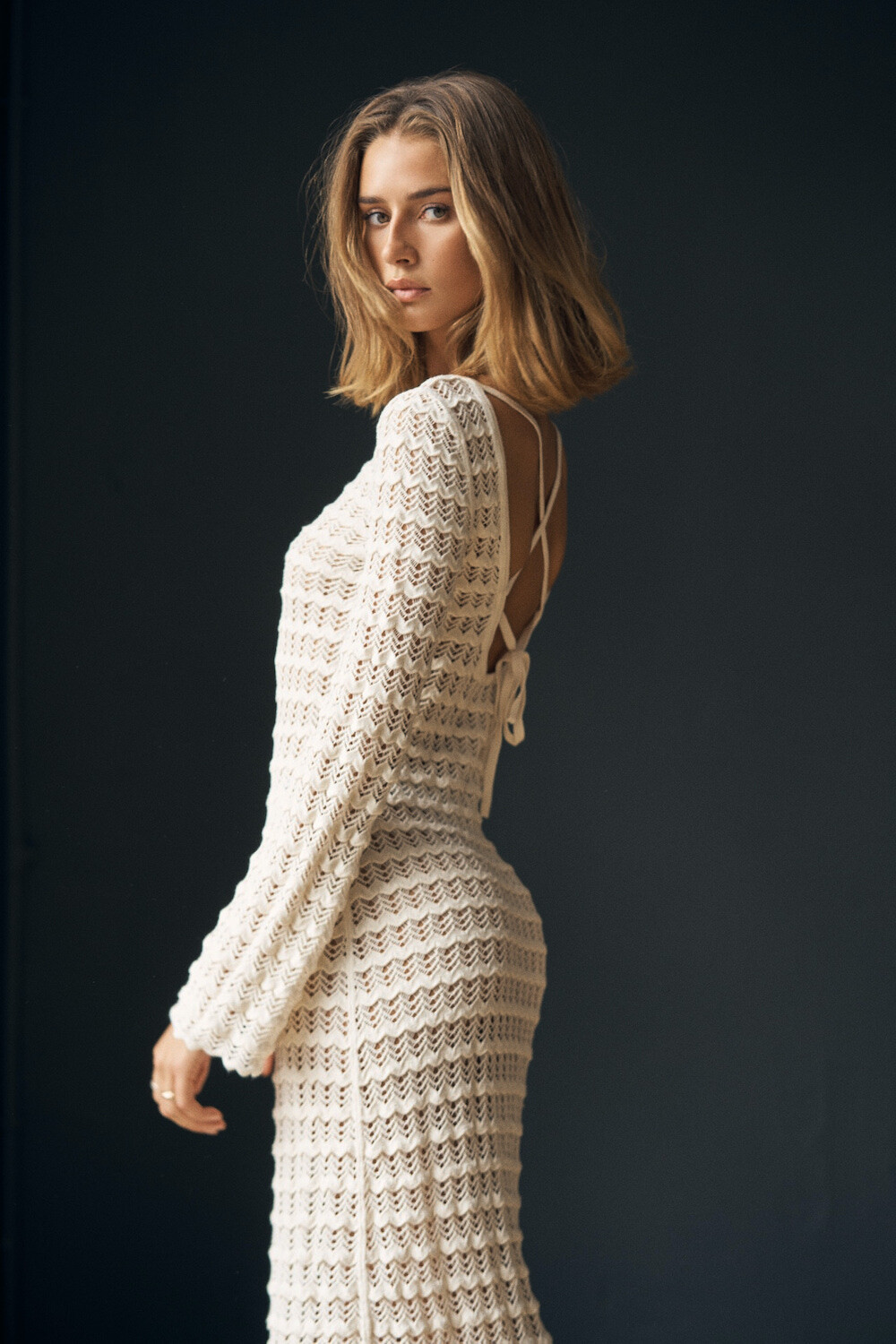
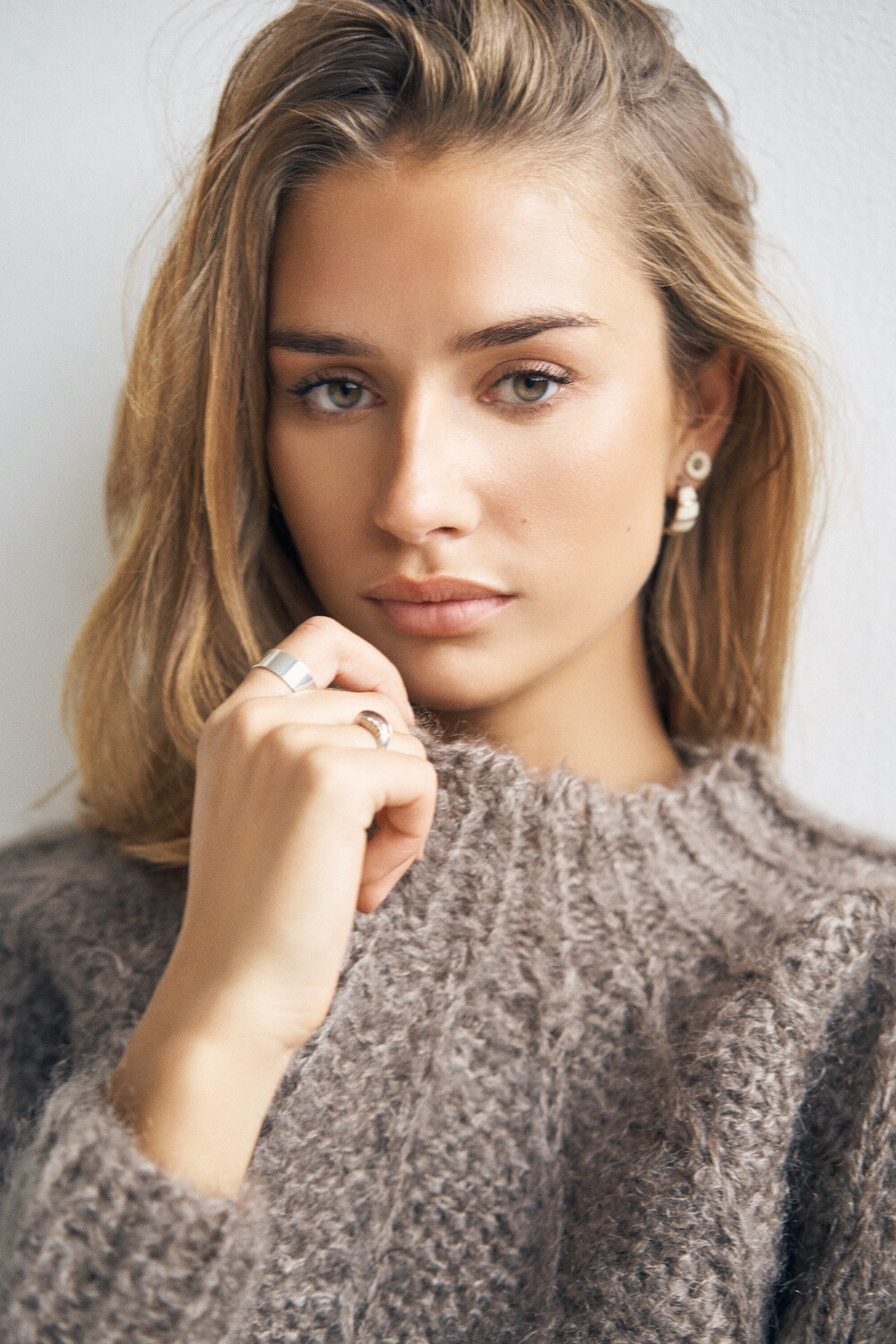
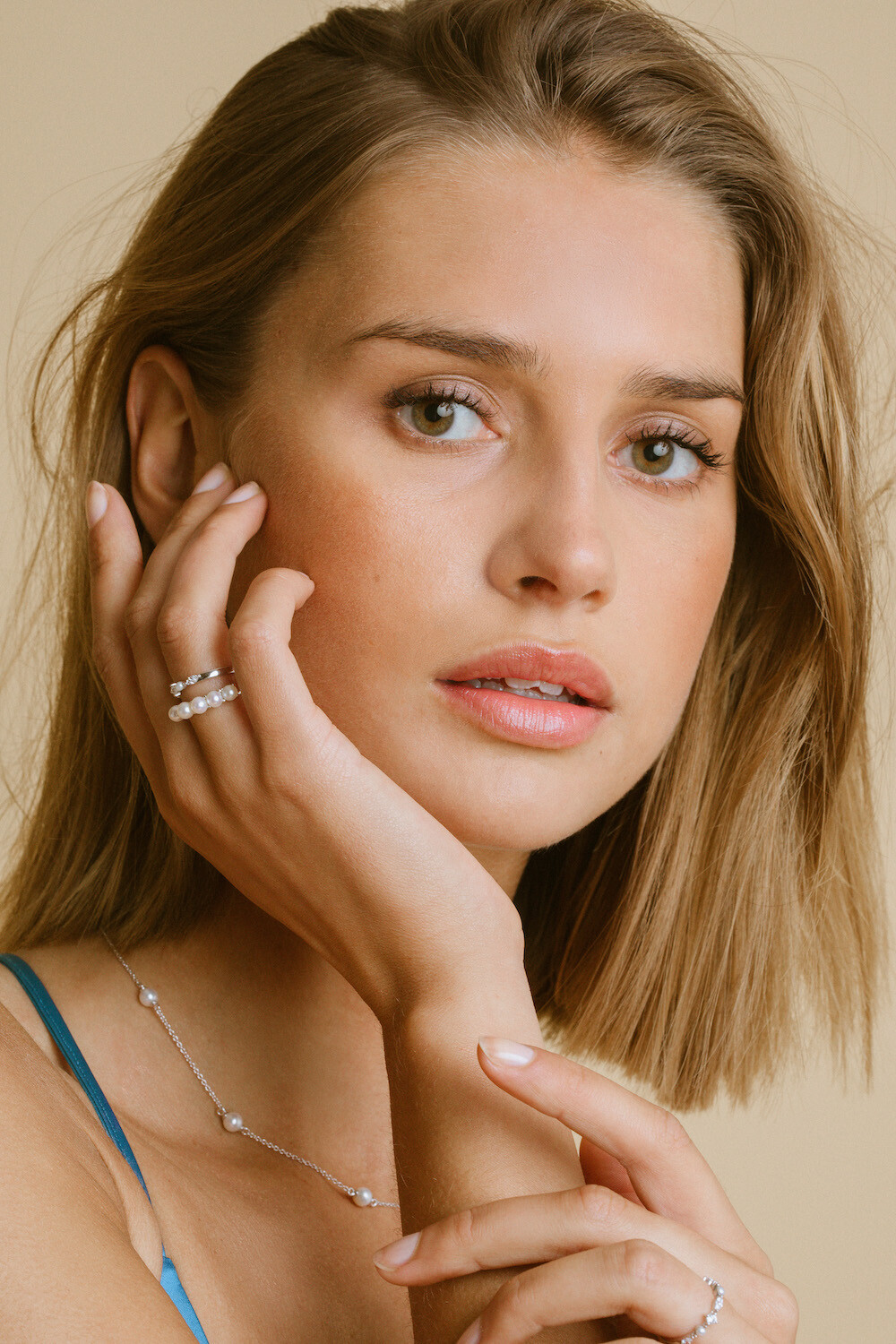
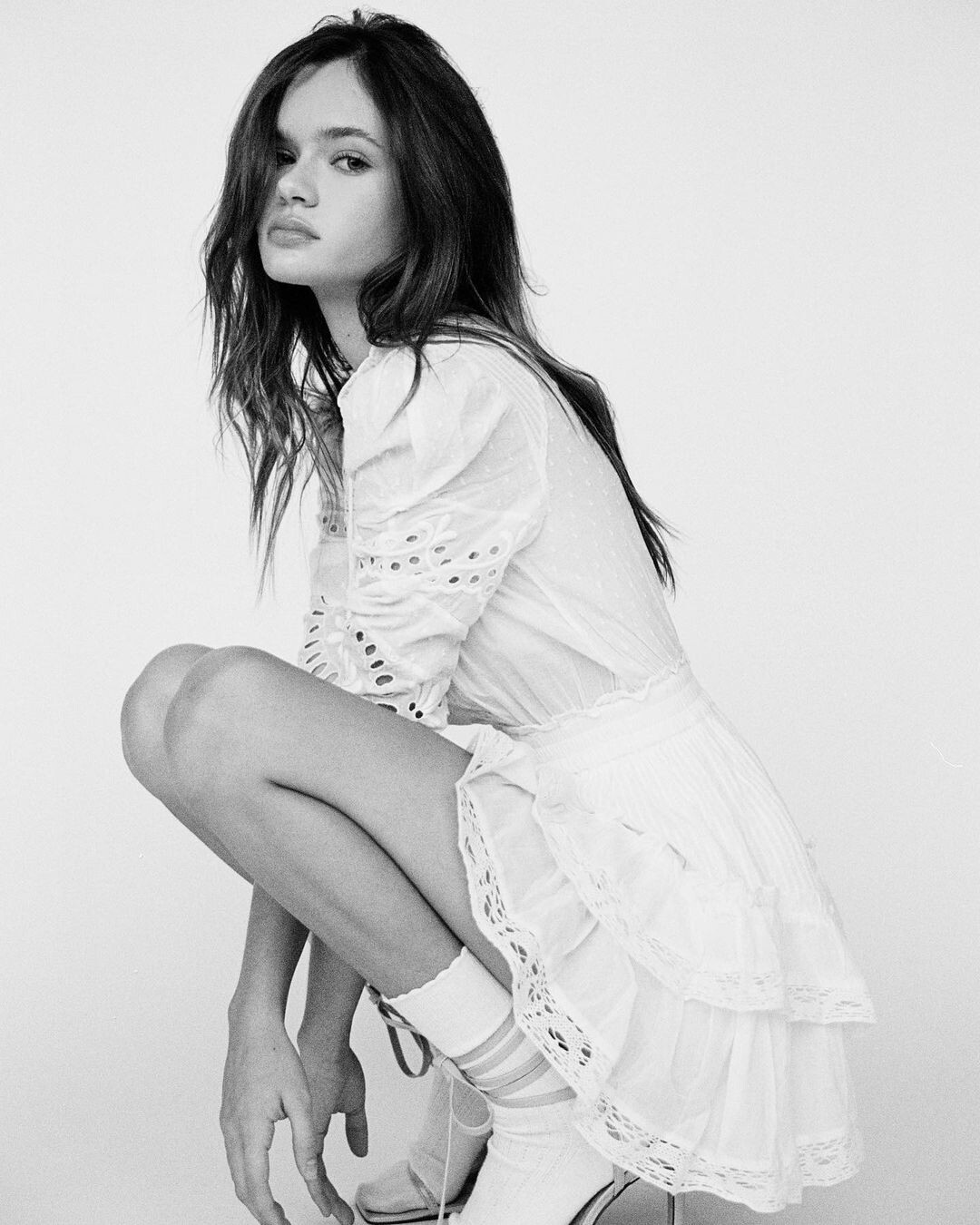
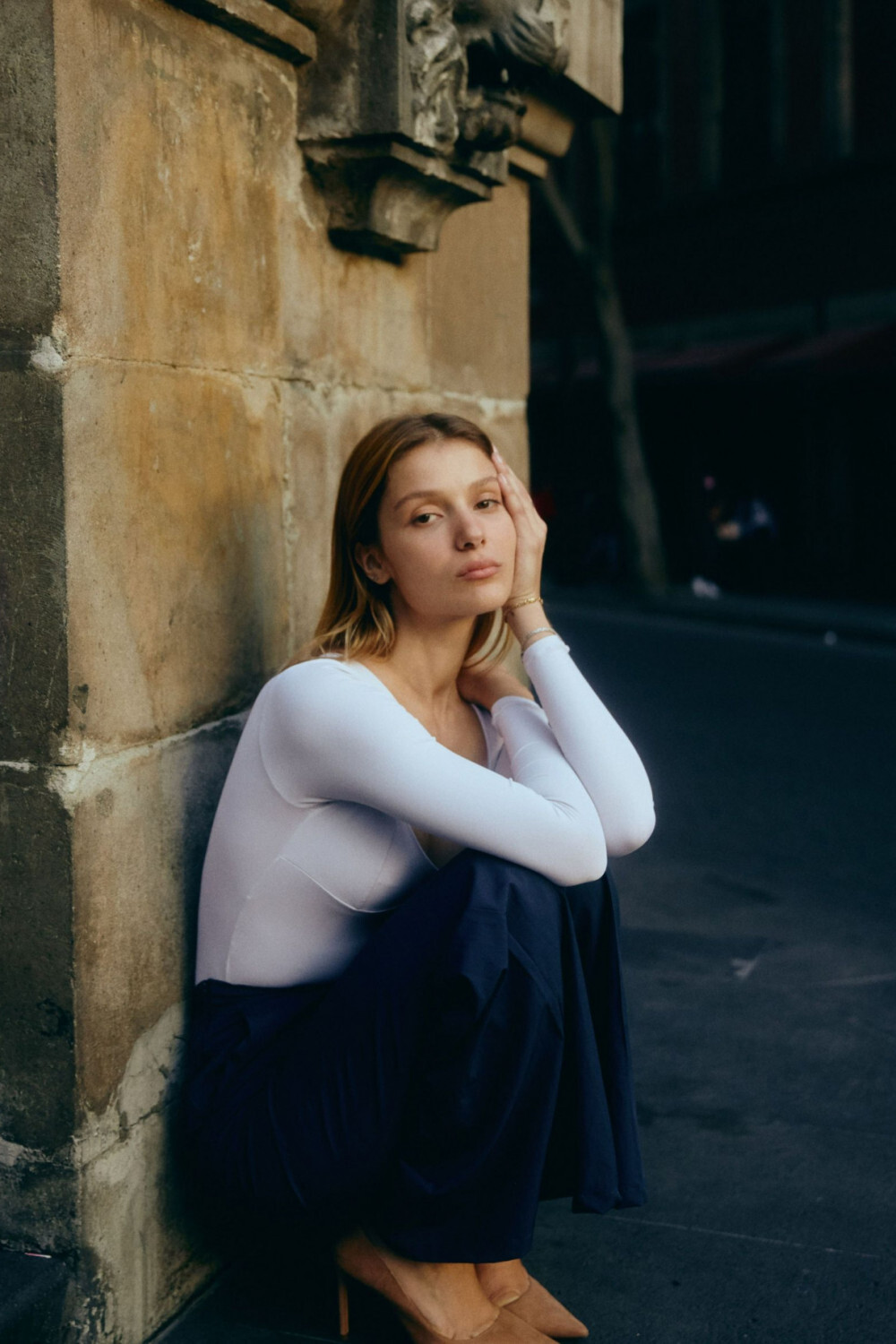
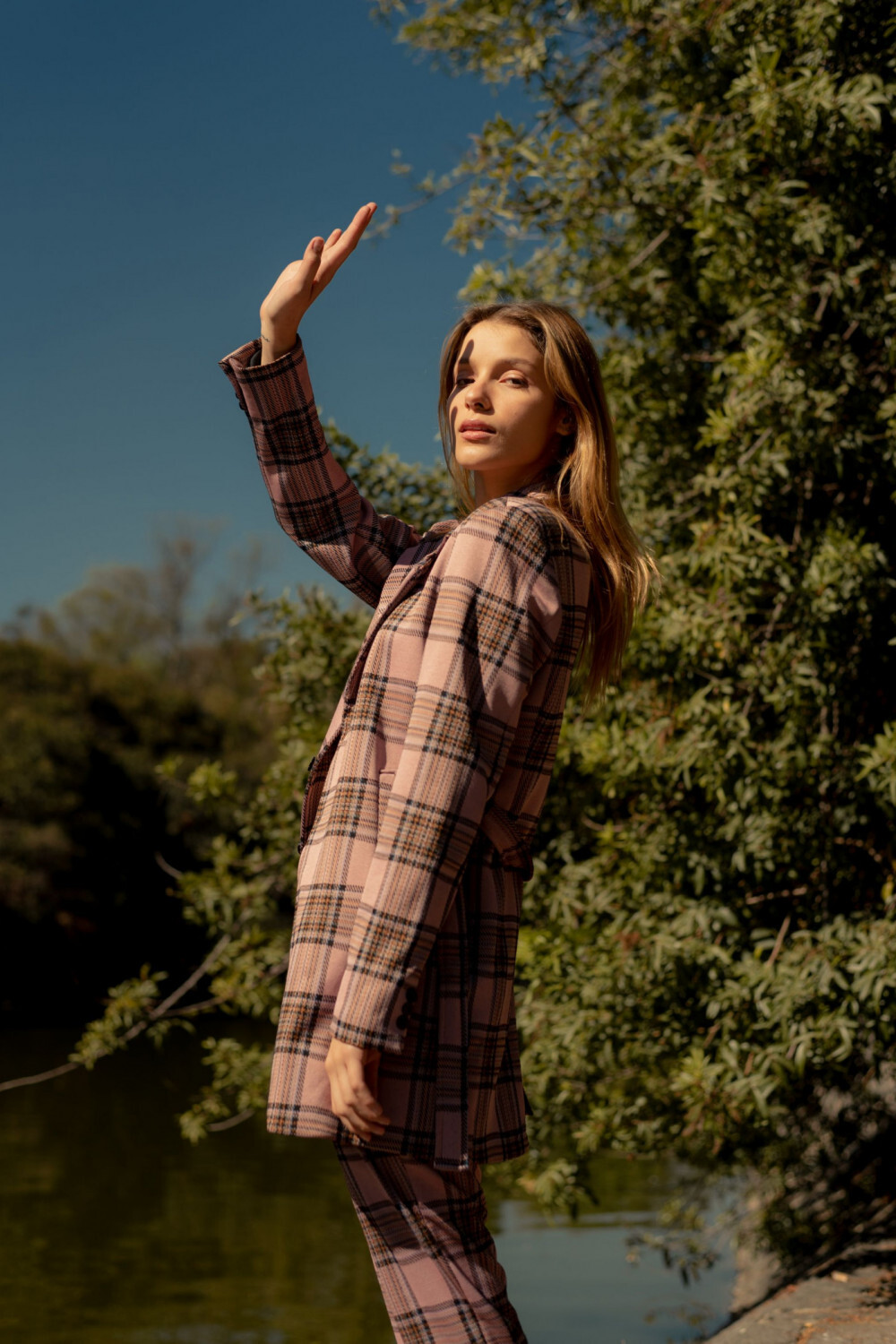
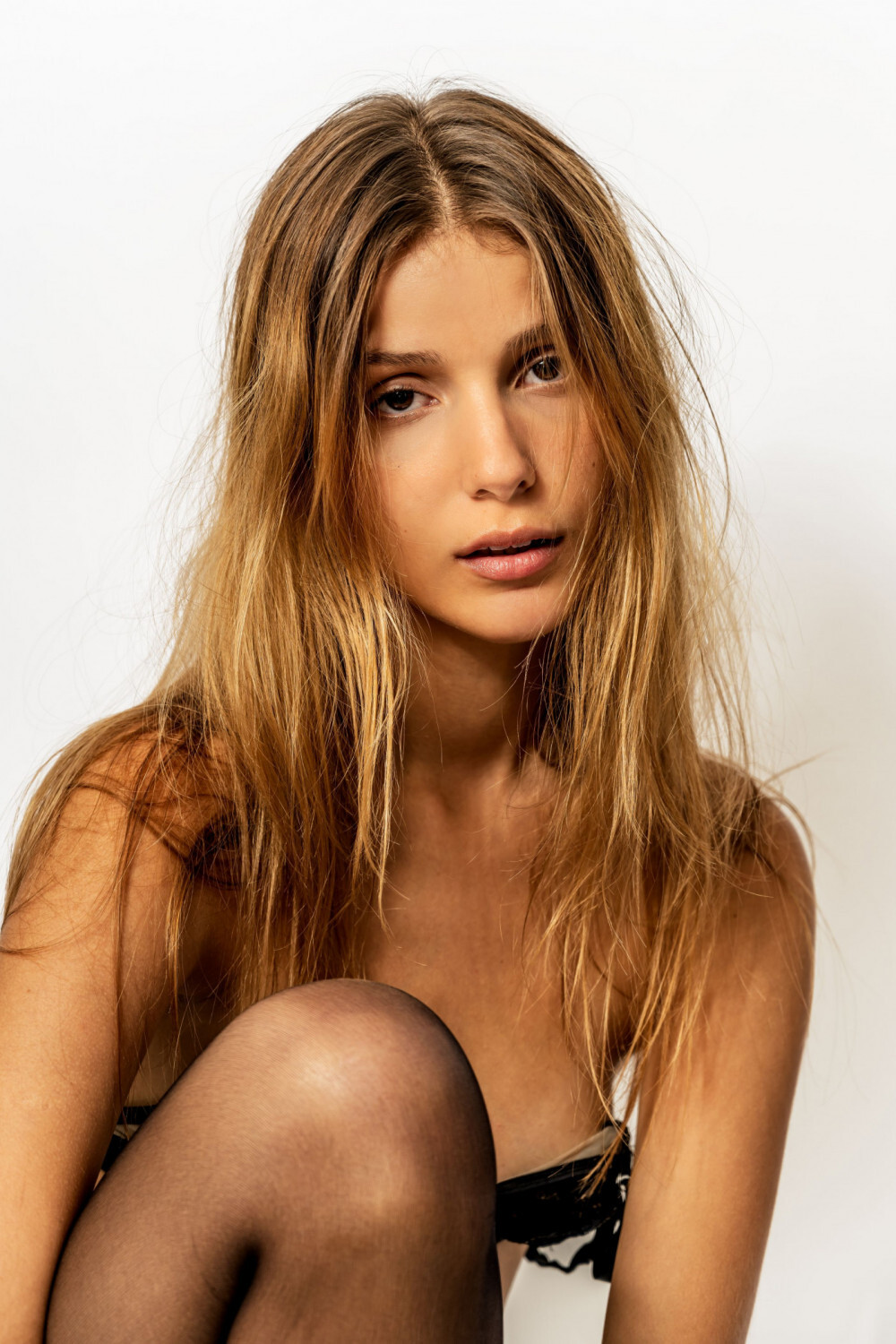
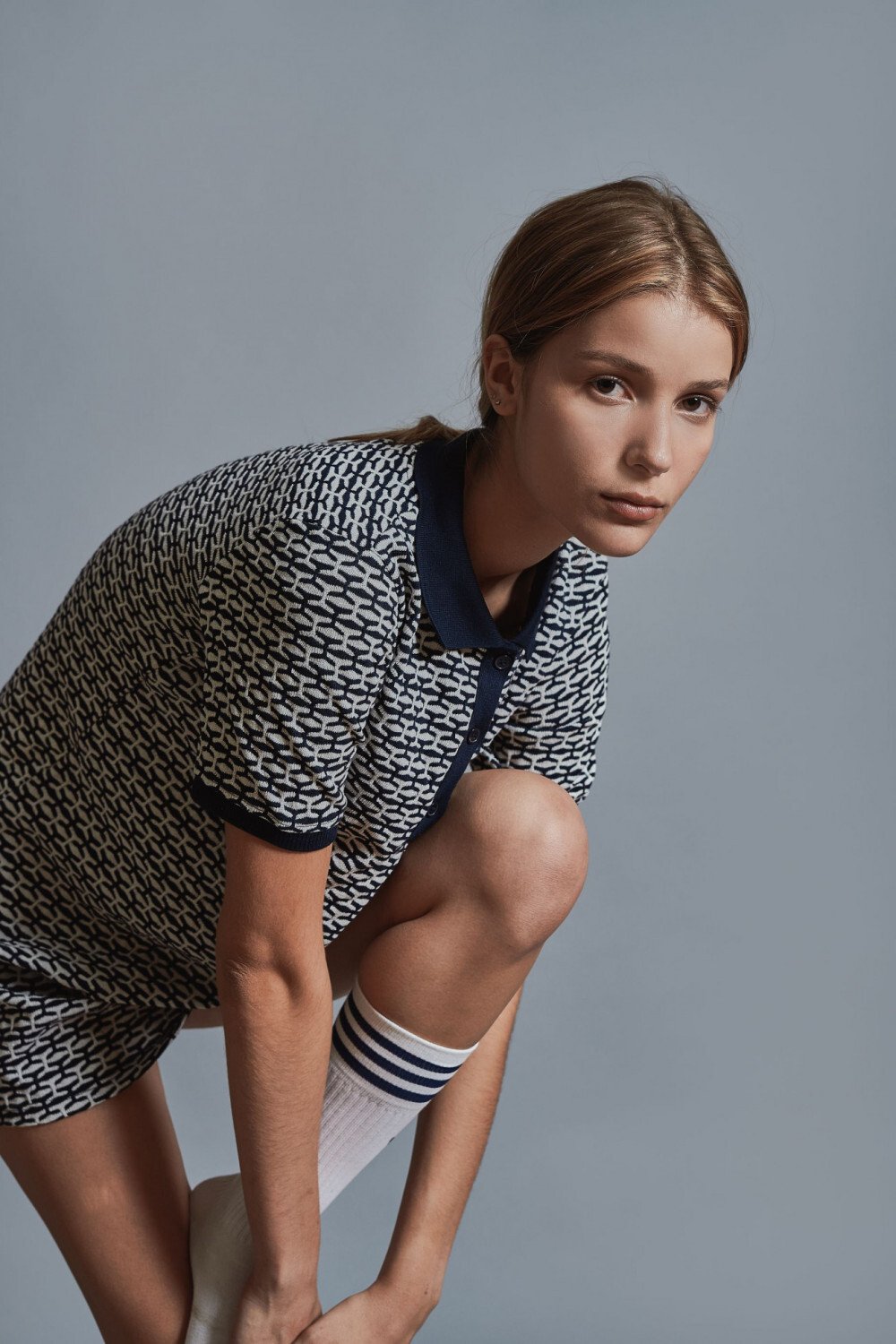
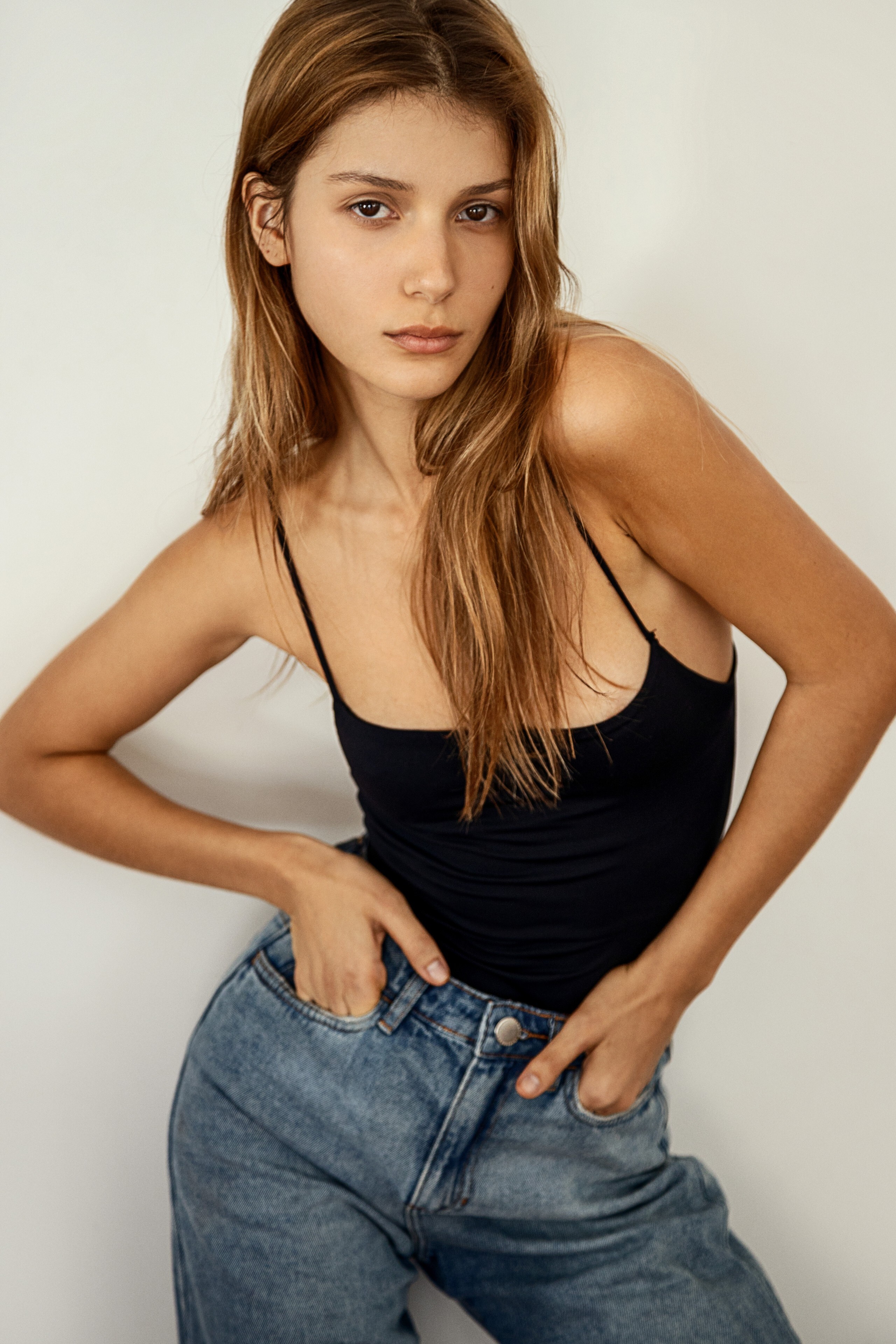
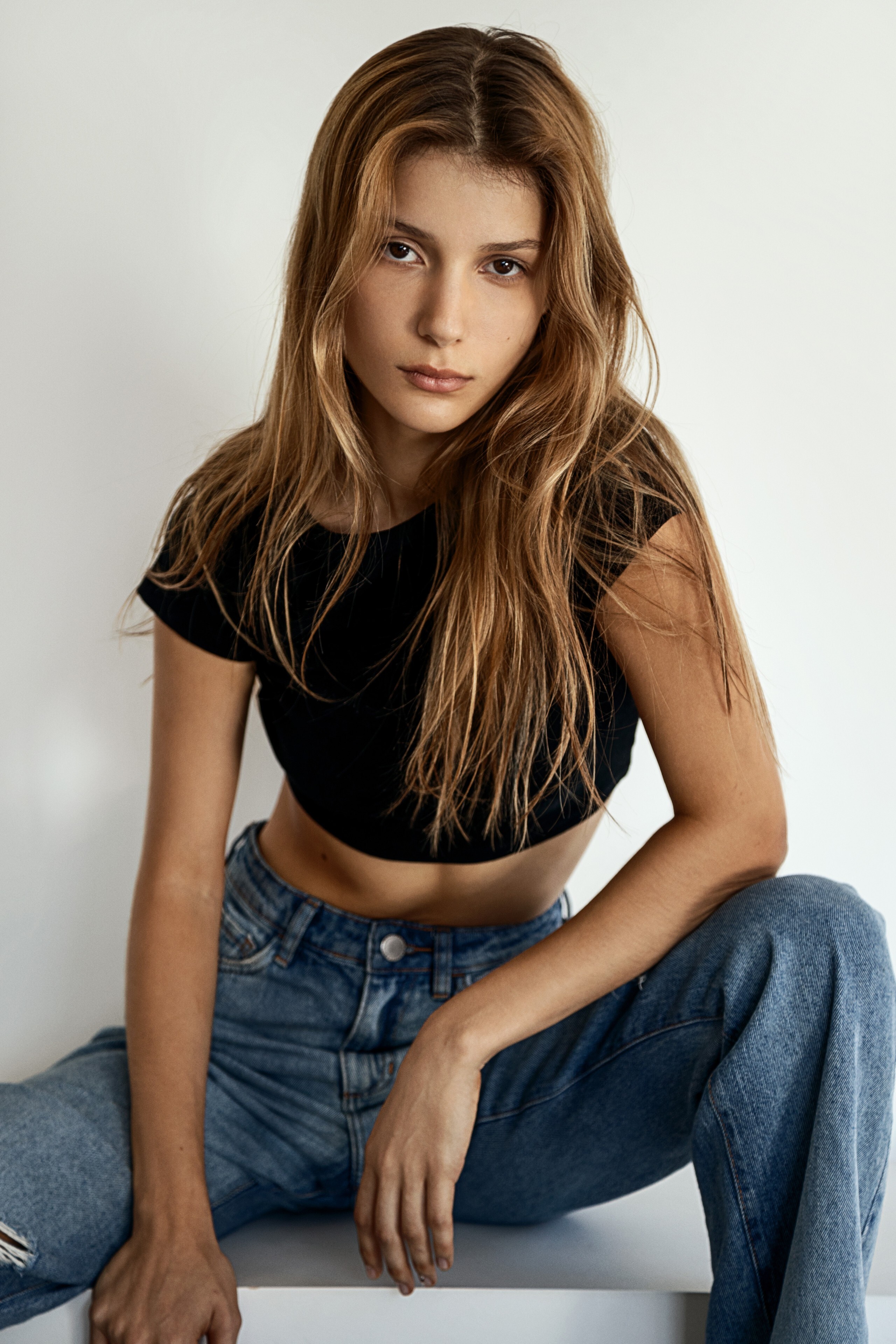
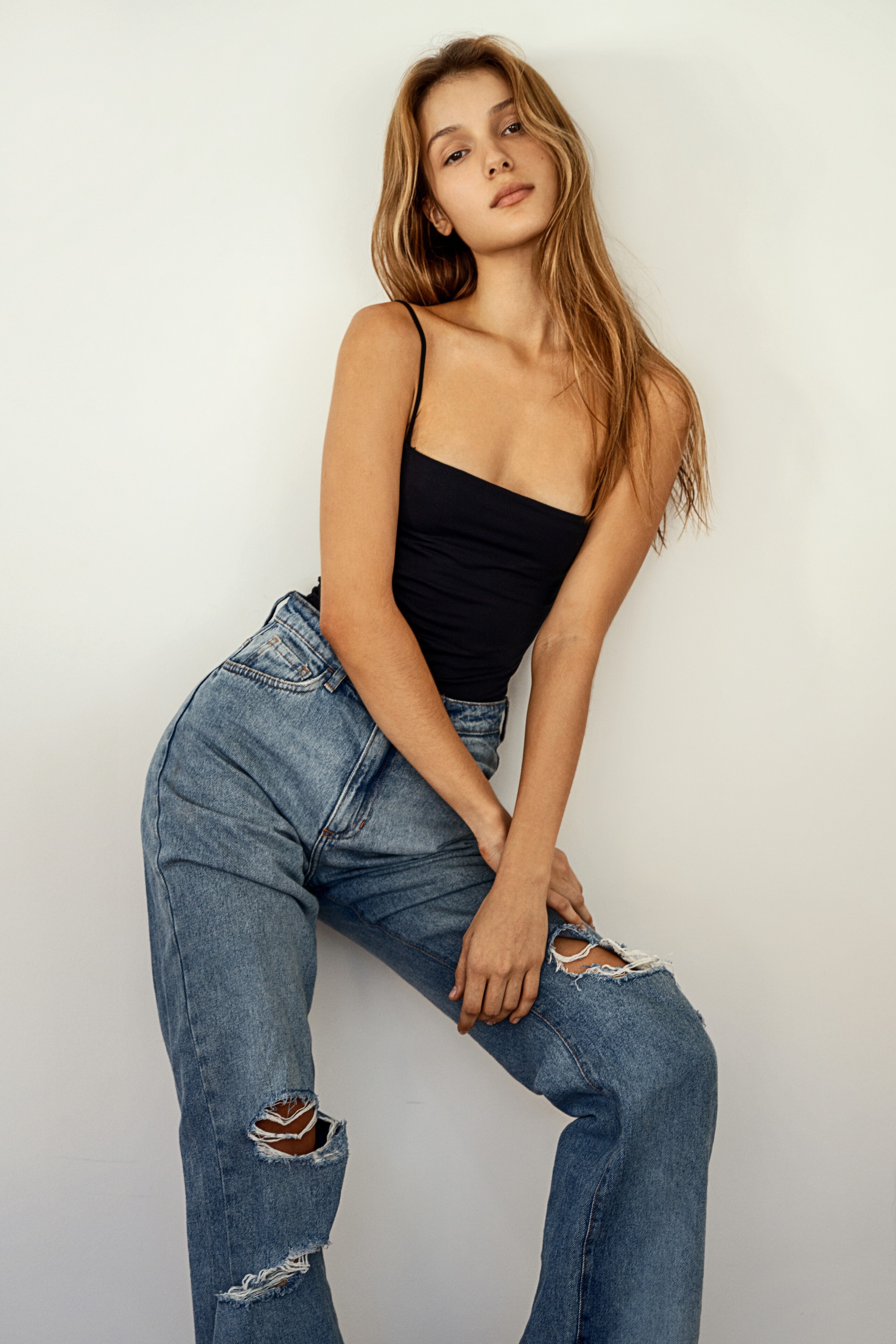
https://www.premium-models.com/aimee-lee-vogt HEIGHT: 167CM HAIR: CHESTNUT EYES: BROWN BUST: 81CM WAIST: 61CM HIPS: 86CM DRESS: 34 SHOE: 38

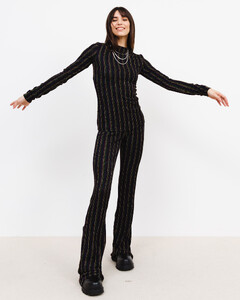
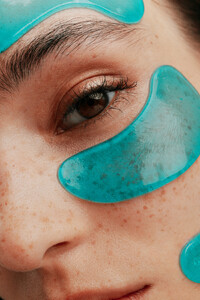
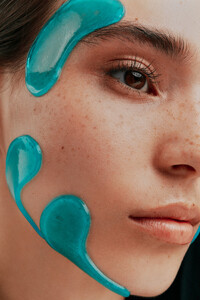
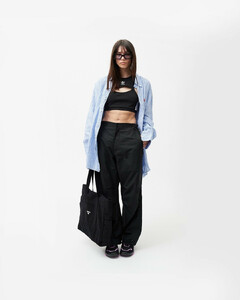





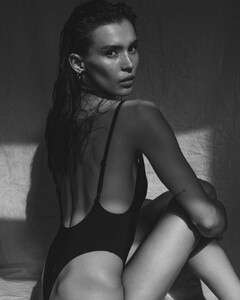







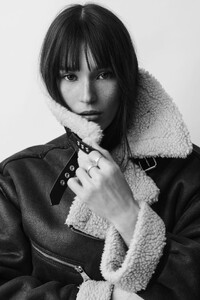

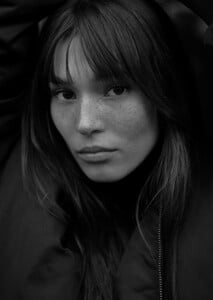

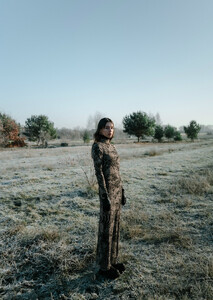









-
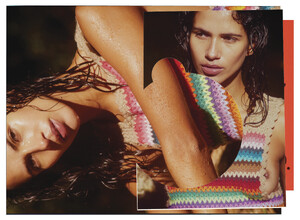
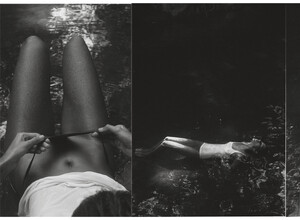
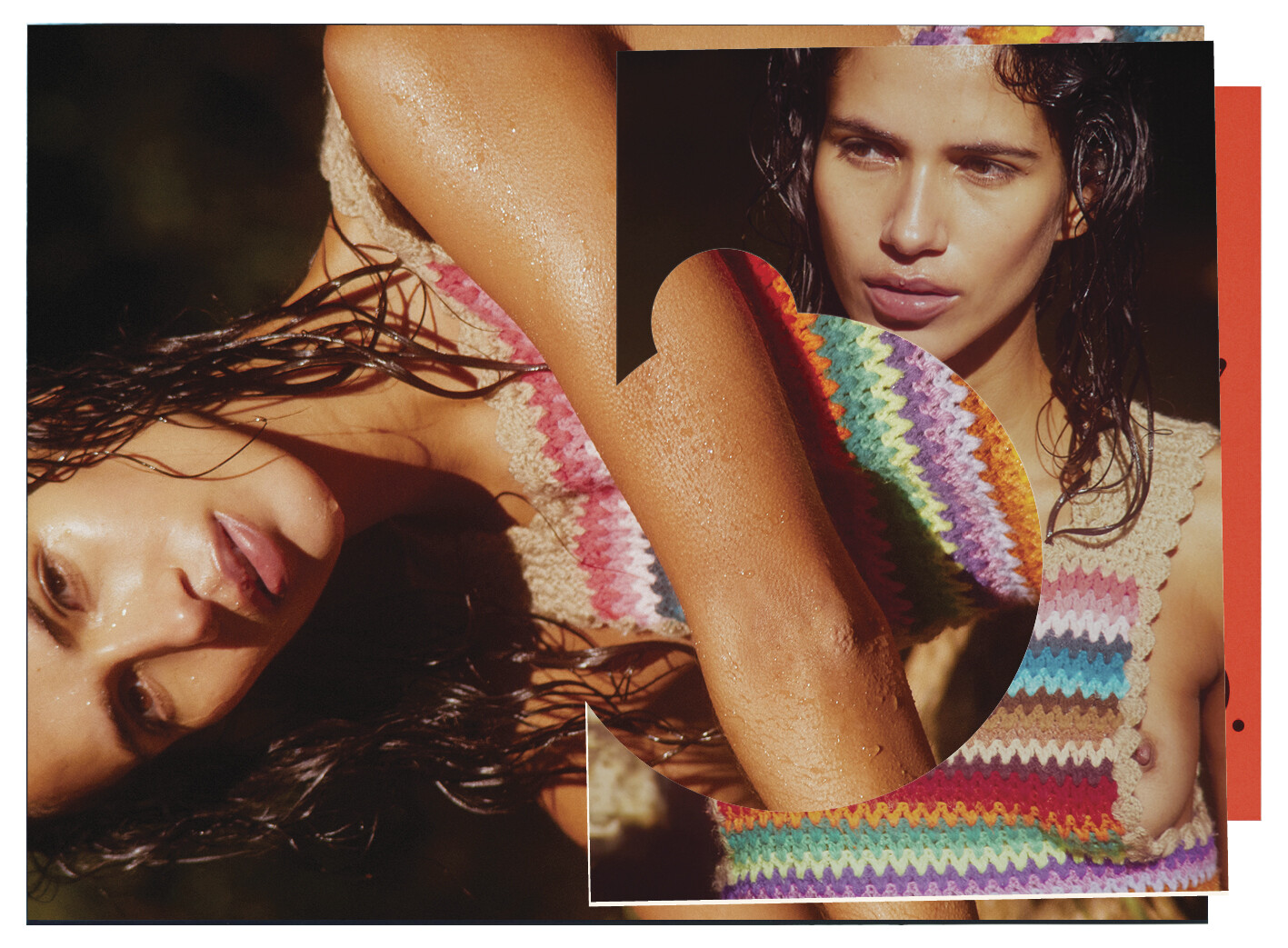
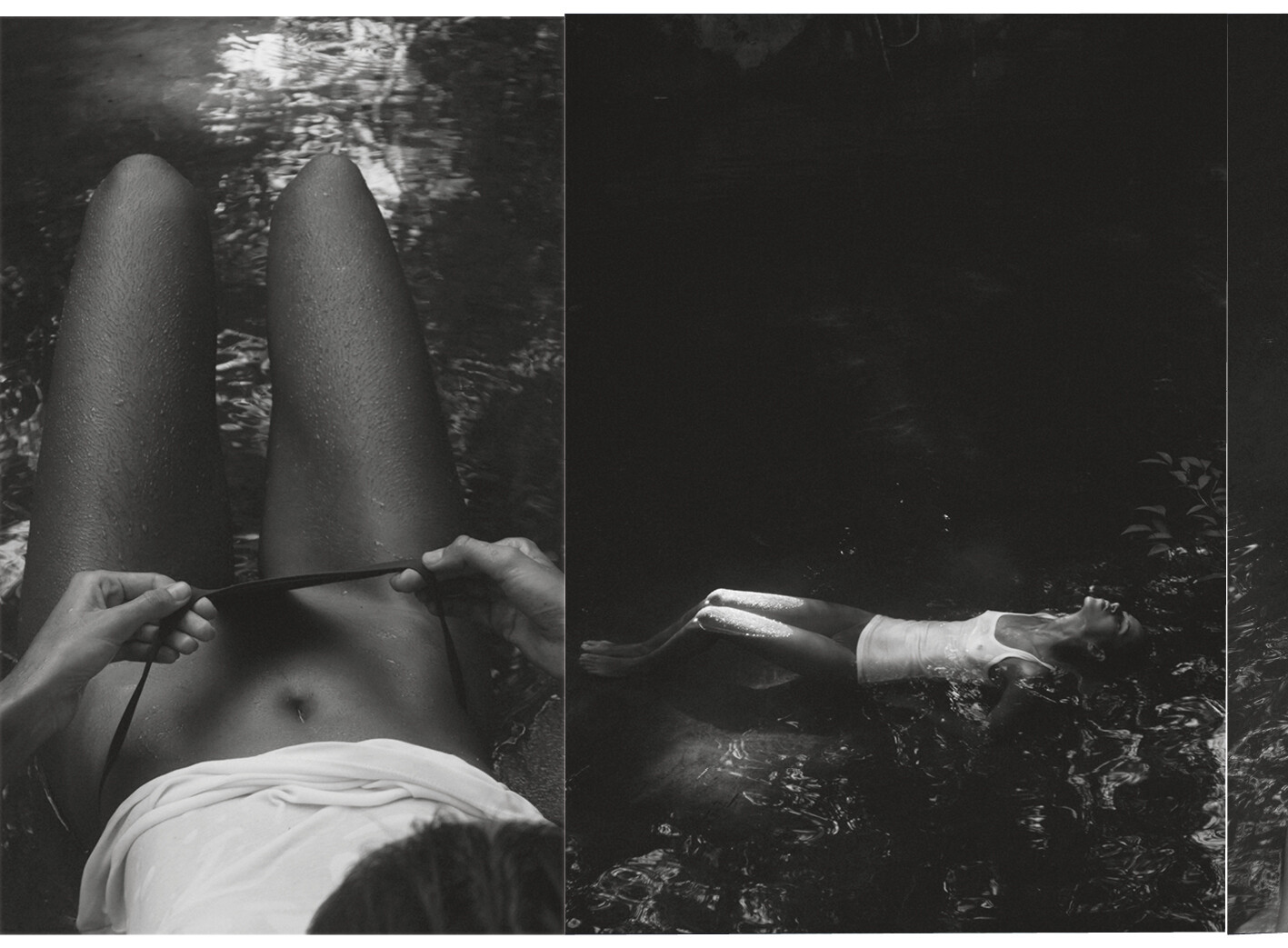
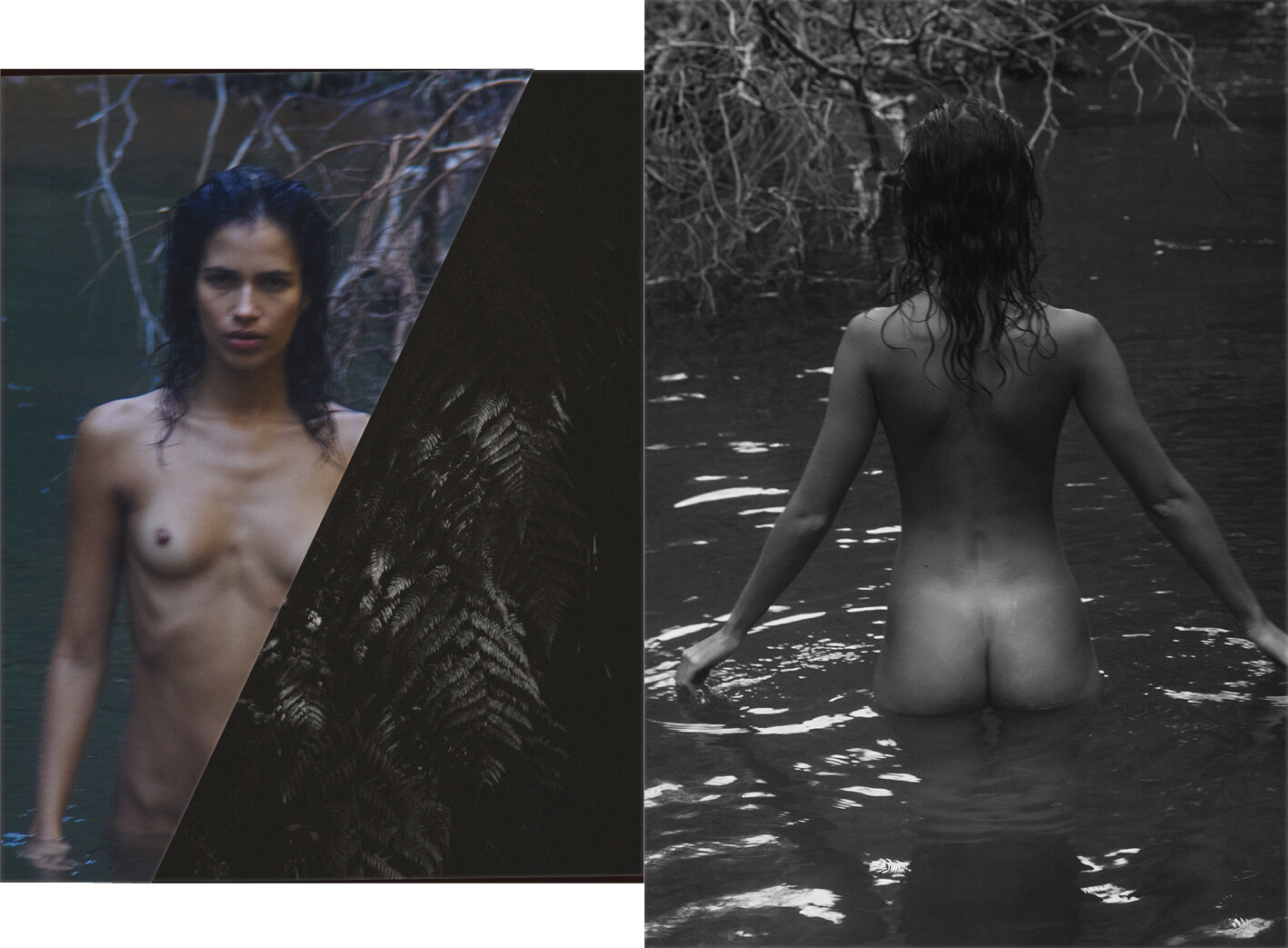
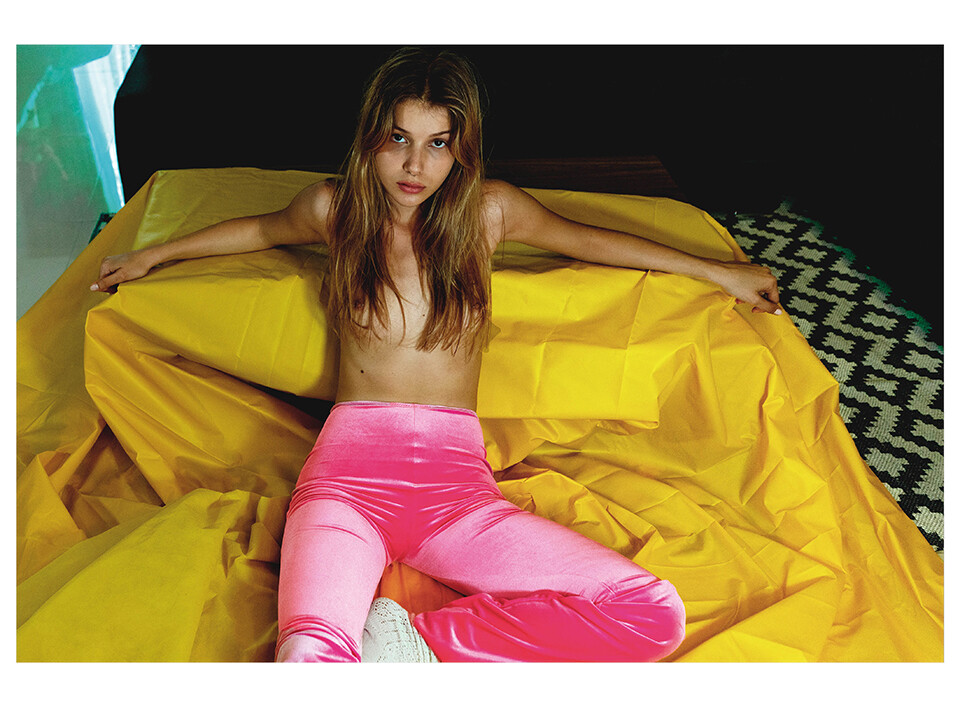
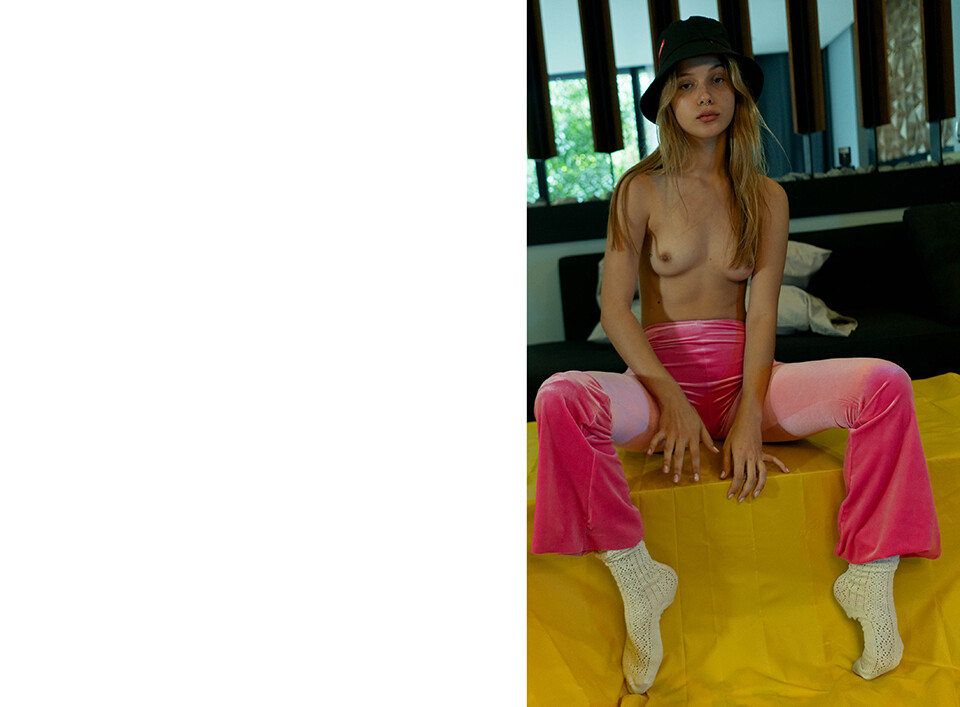
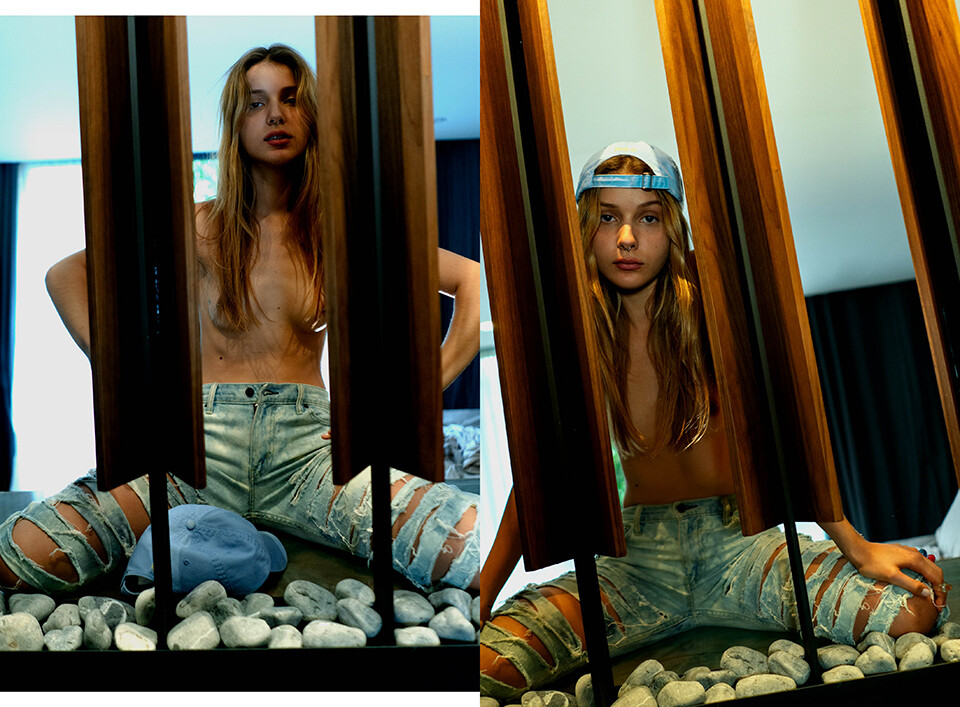
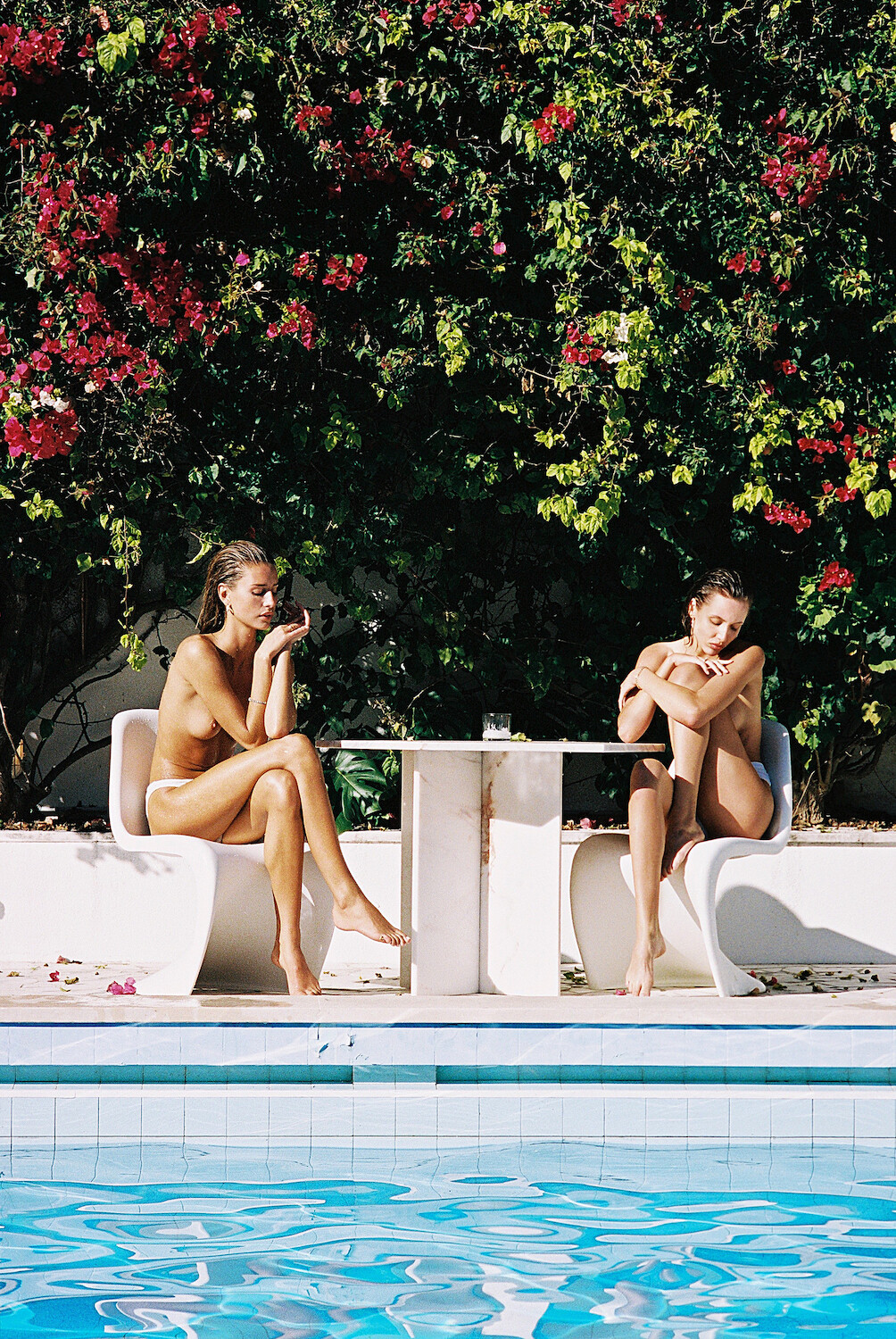
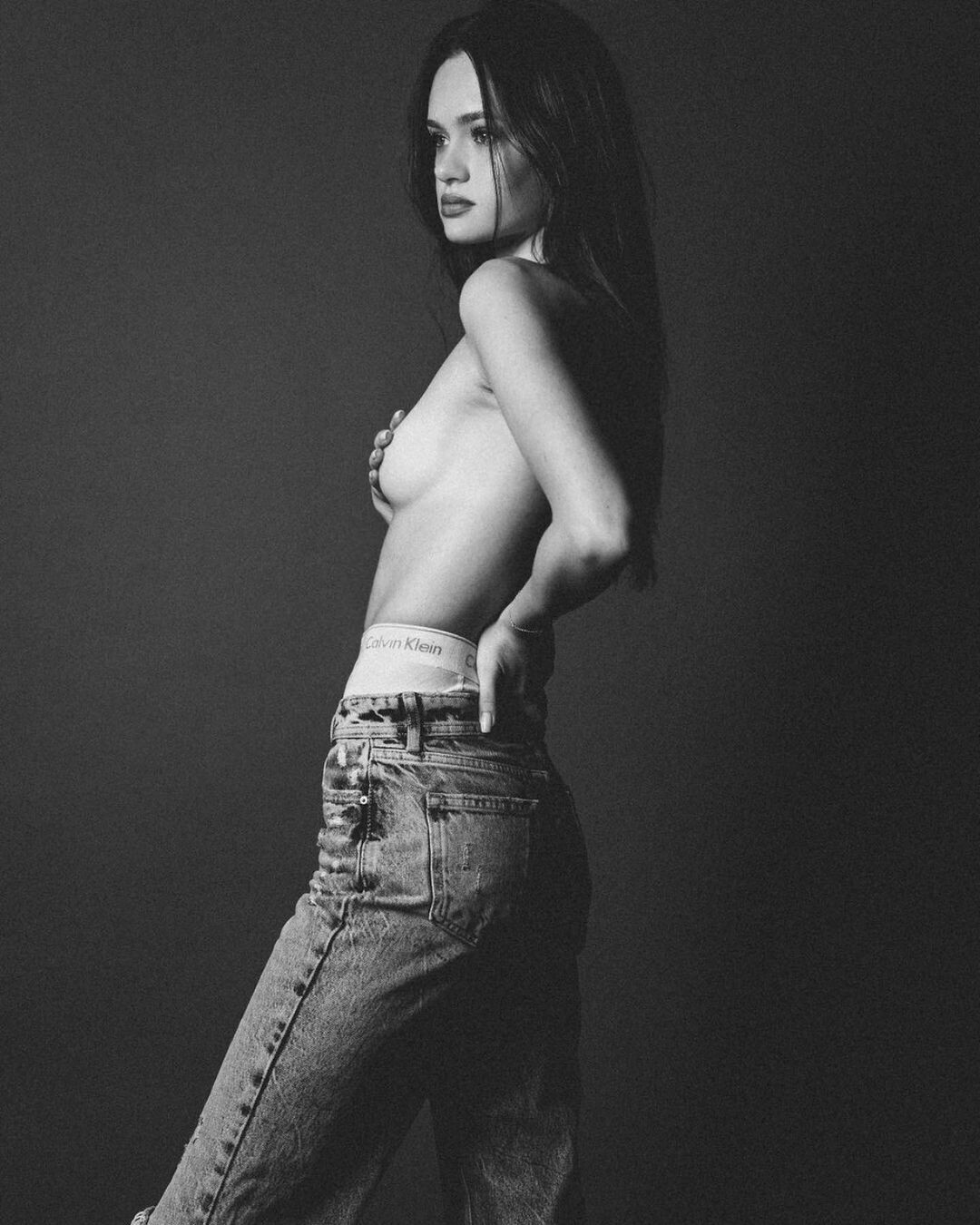
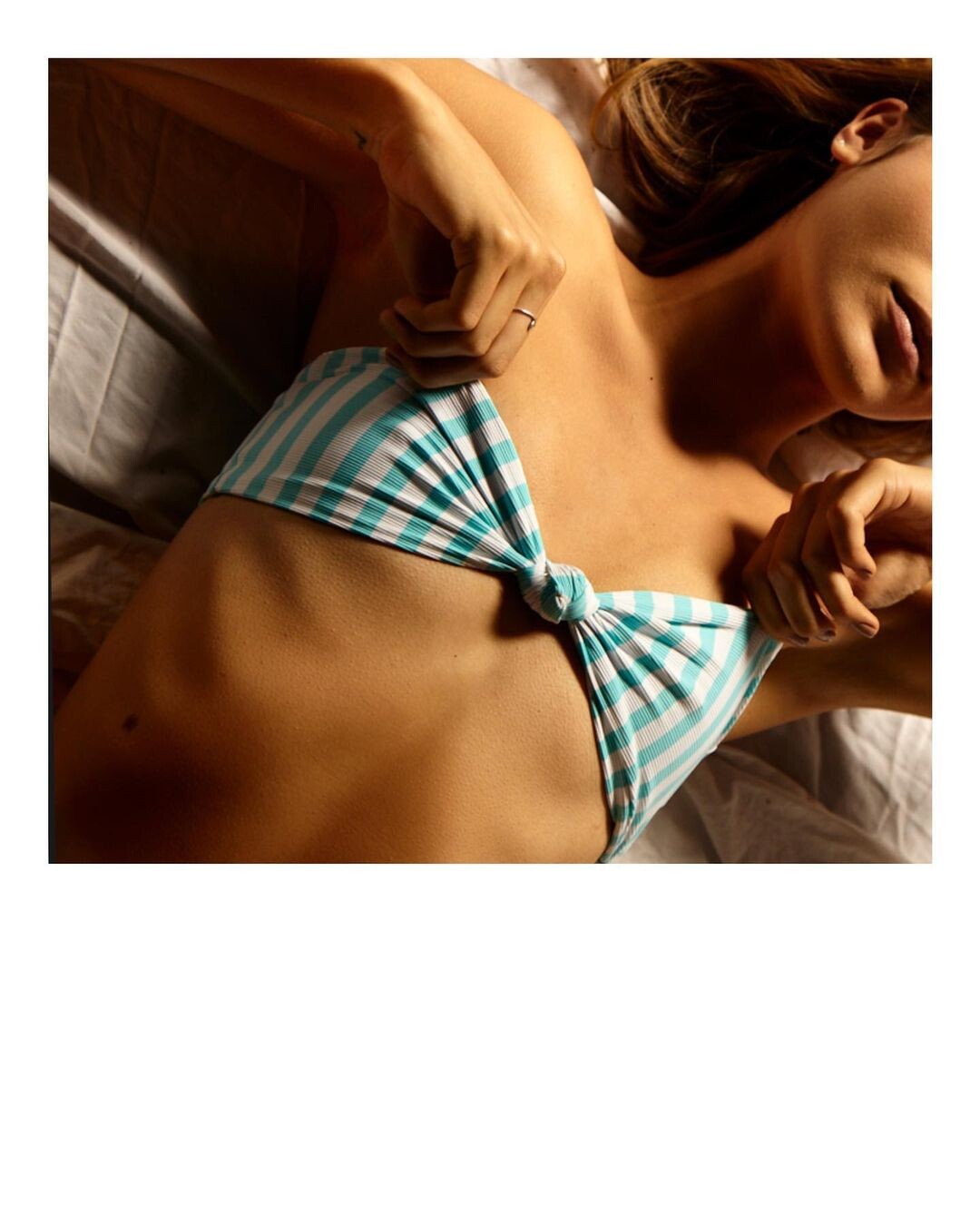
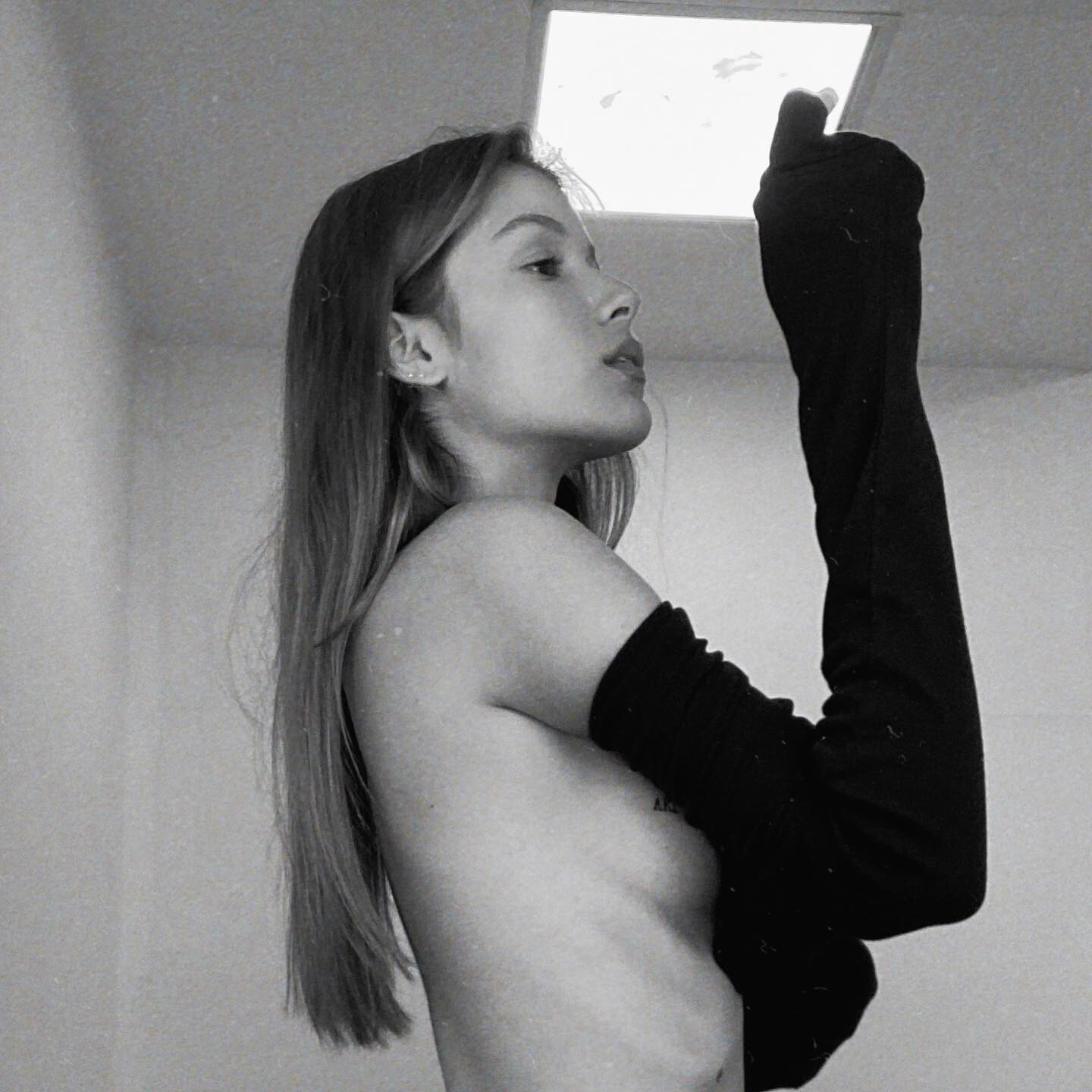
more cake magazine.. nudity

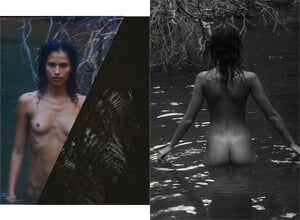
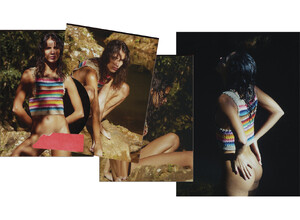
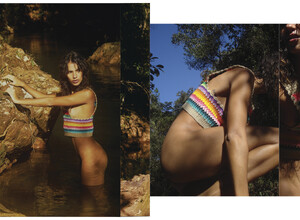




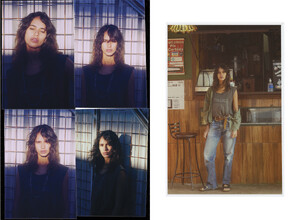
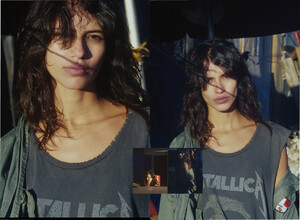
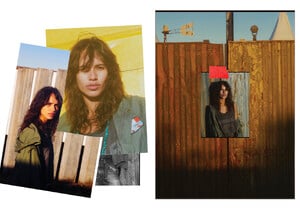

-
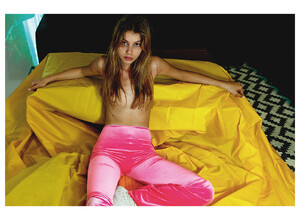
ph. Alan Yee Bourgeois for Cake Mag topless
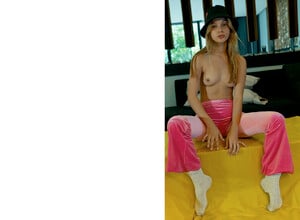


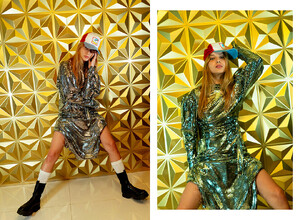

-
servophobic IG Dump... i don't get how someone this rich doesn't pick up at least a little bit of fashion sense by osmosis..

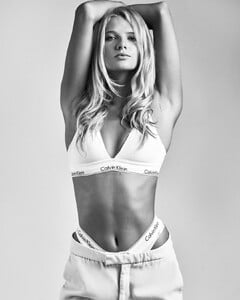




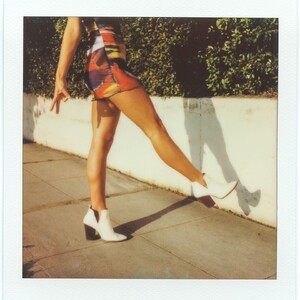
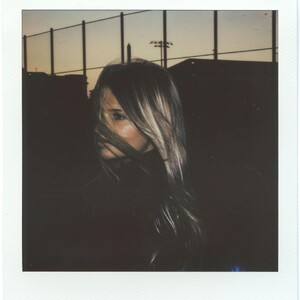







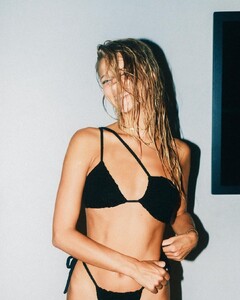




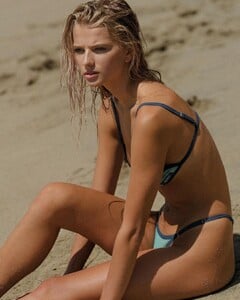


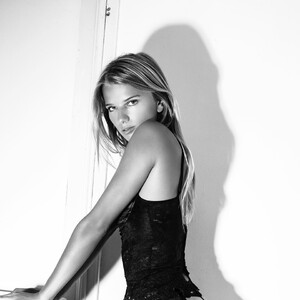




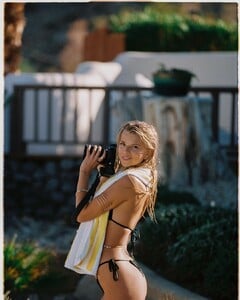


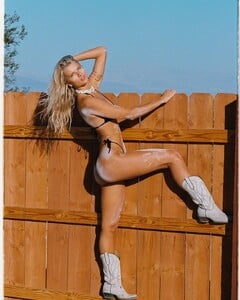










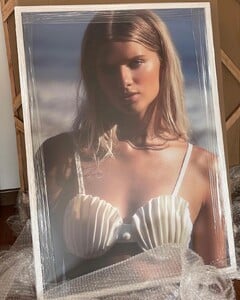





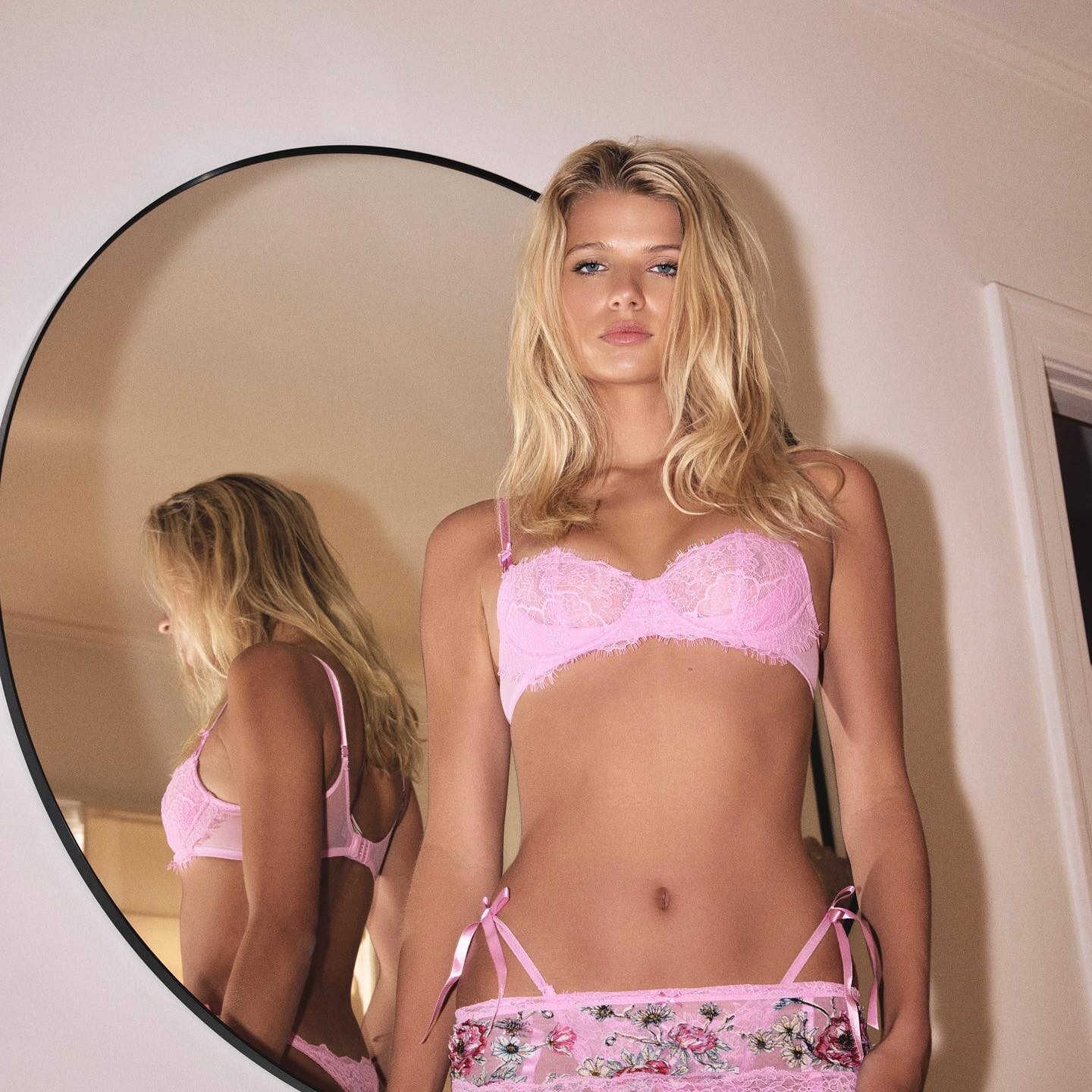
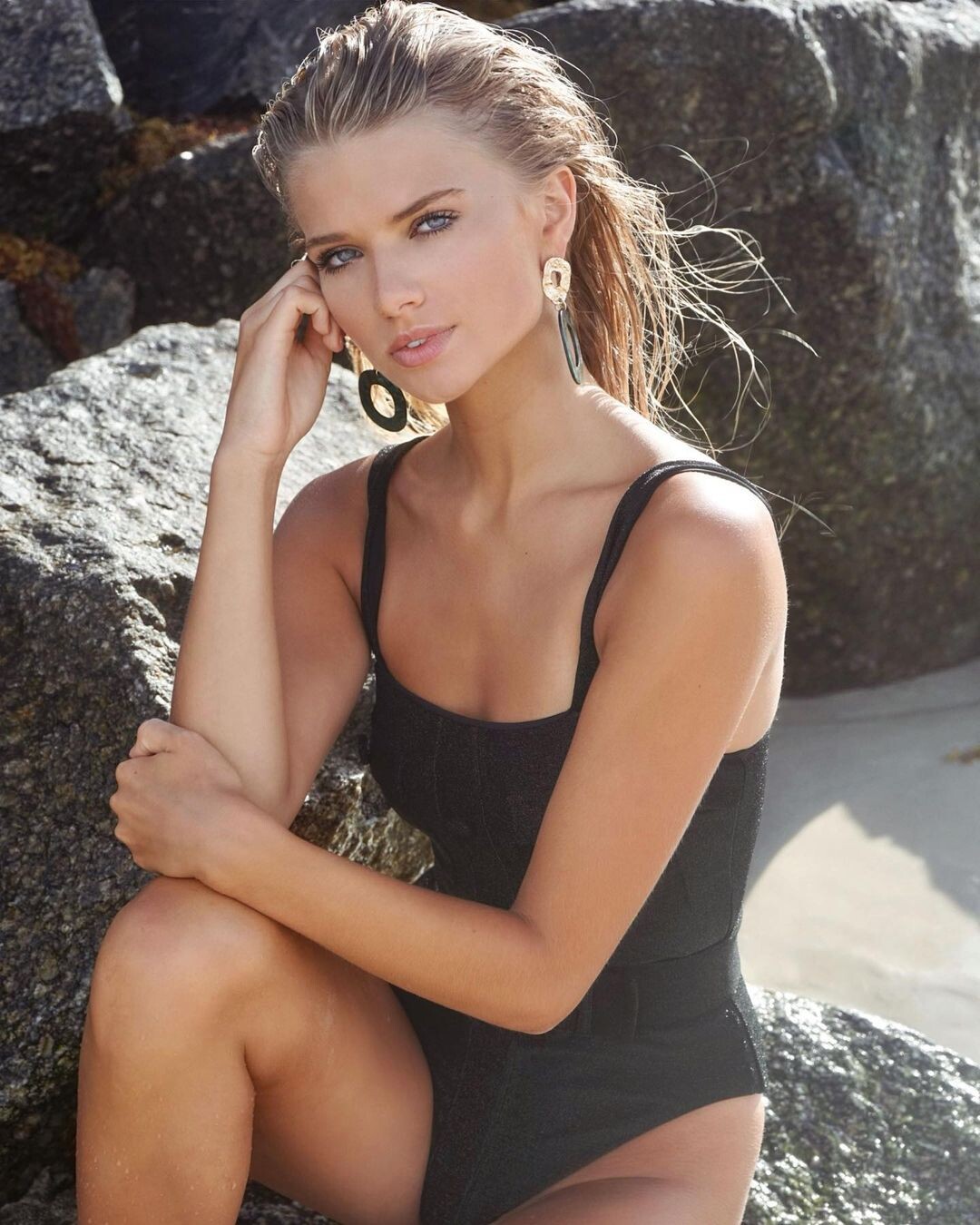
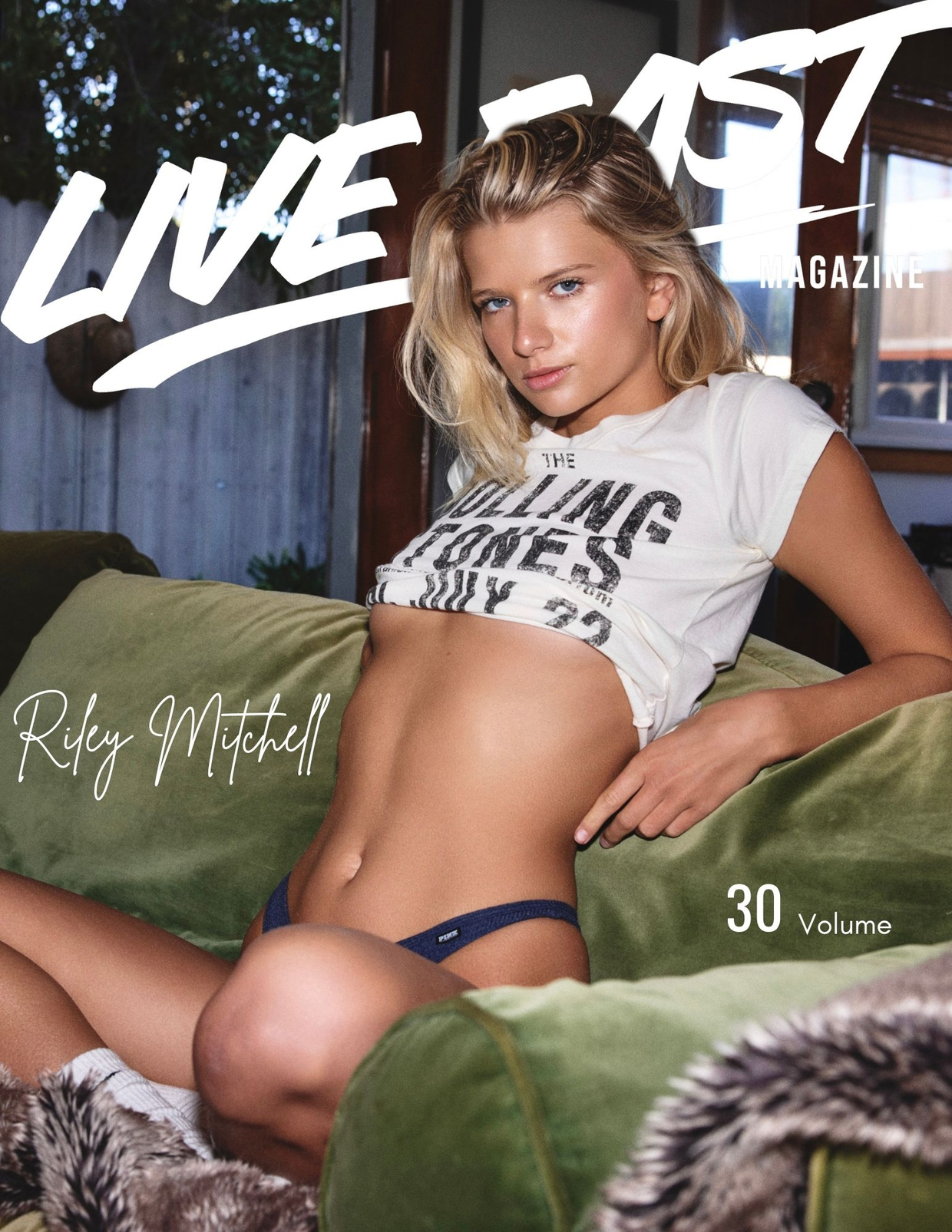
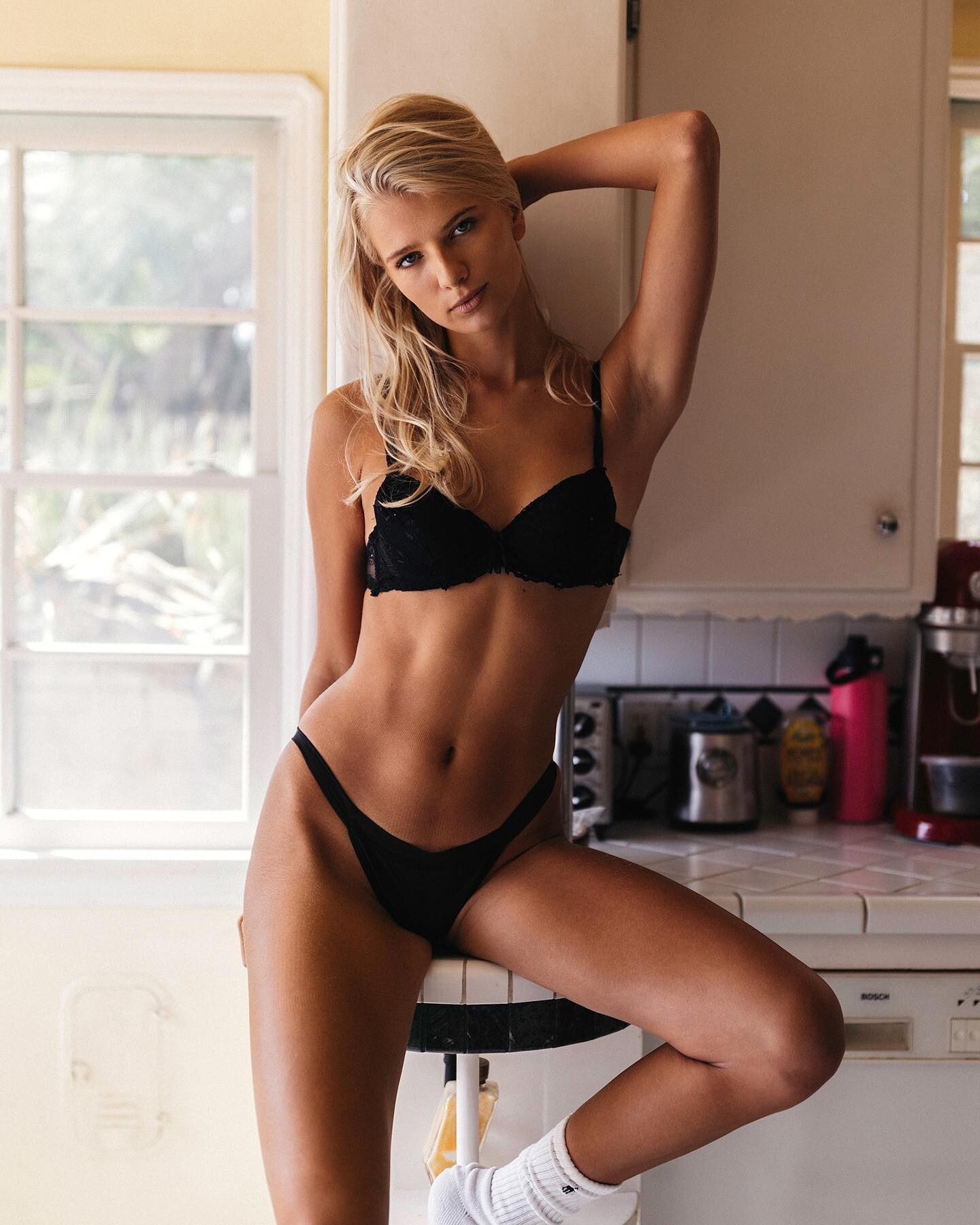
 Full name Riley Mitchell Ingram. She recently did a shoot for Live Fast Mag but it's behind a 15 dollar paywall. https://livefast.sellfy.store/p/volume-30/
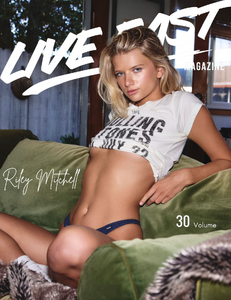 ph. Trung Nguyen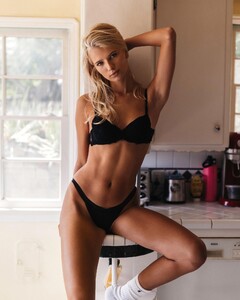



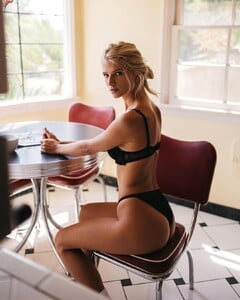
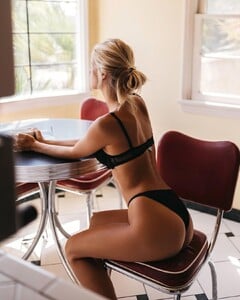 ph. Shane Rad



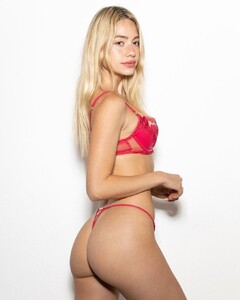




 ph. Victor Nechar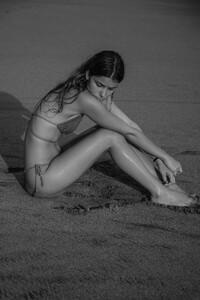


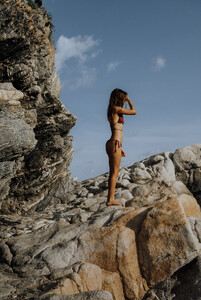
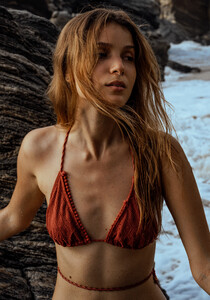

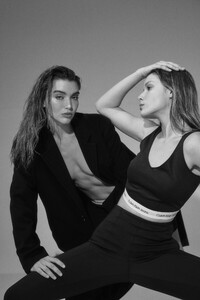




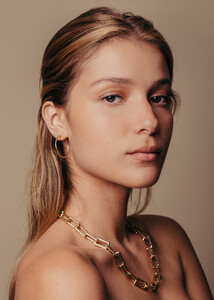
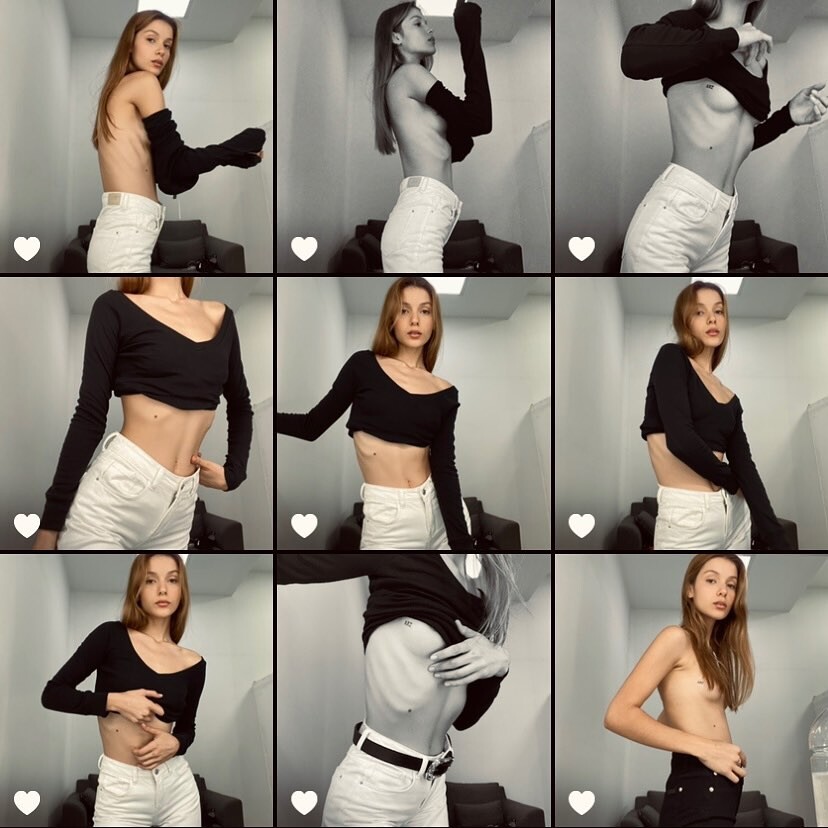
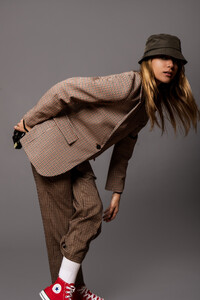 IG Dump:


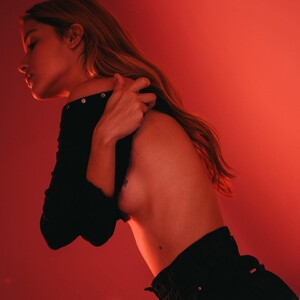
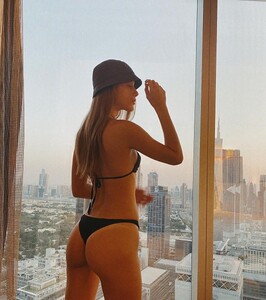
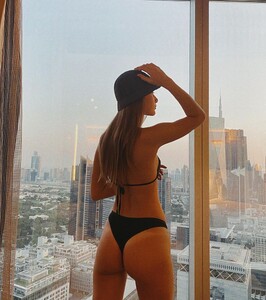
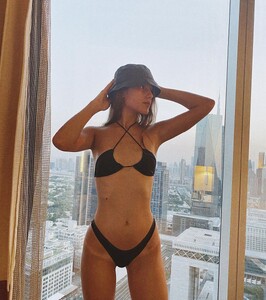
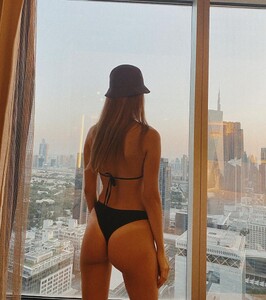



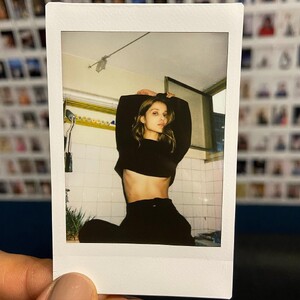






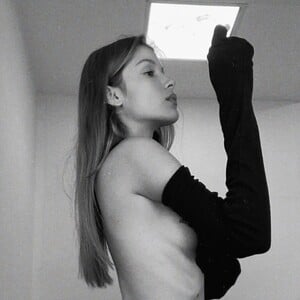

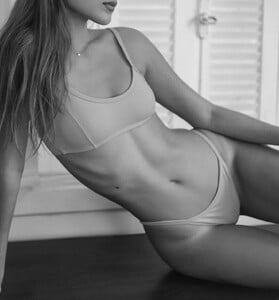

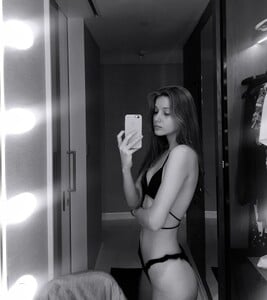
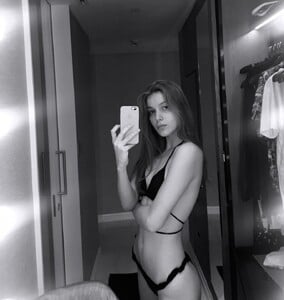











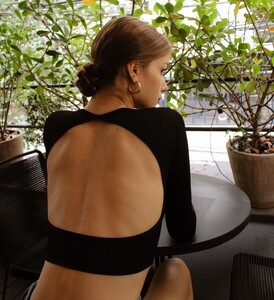
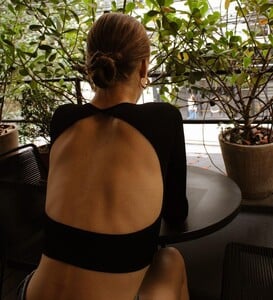
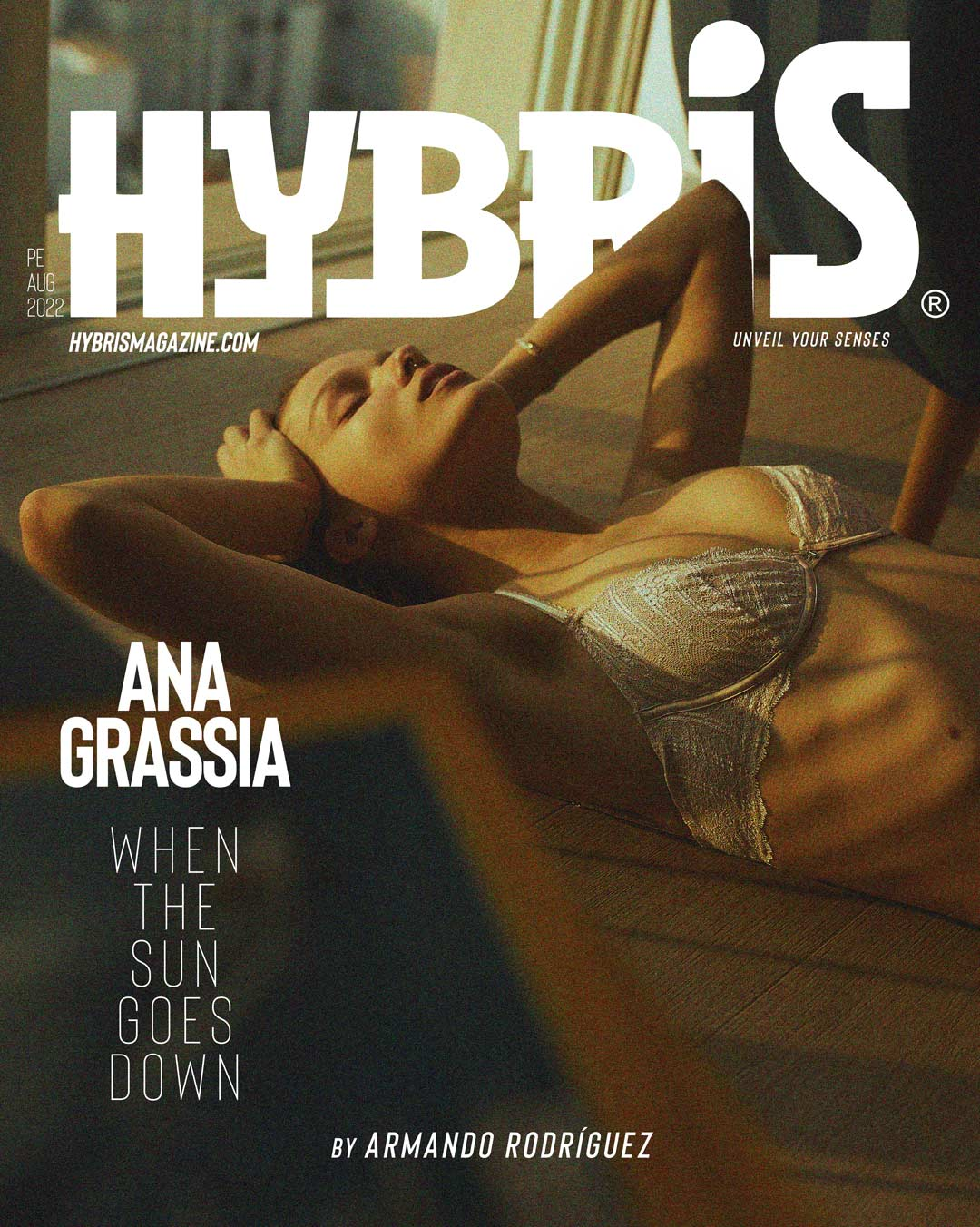
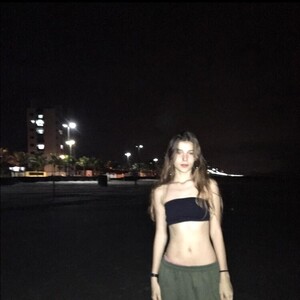 ph. Armando Rodriguez for Hybris Mag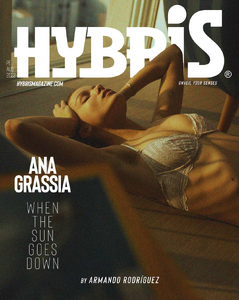
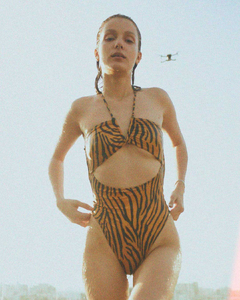
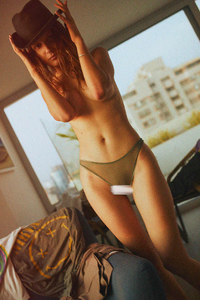
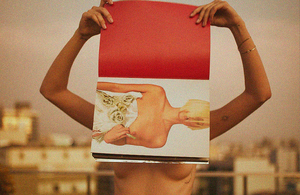

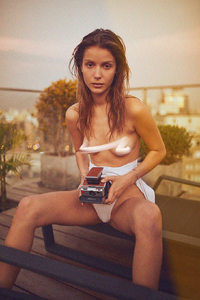
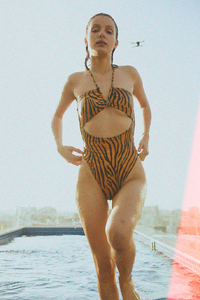



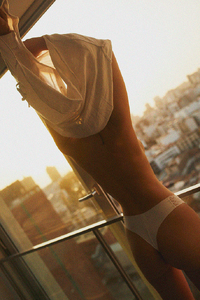
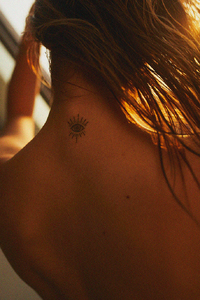
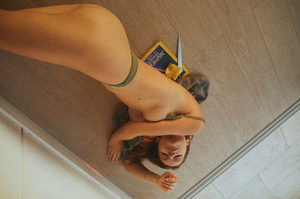
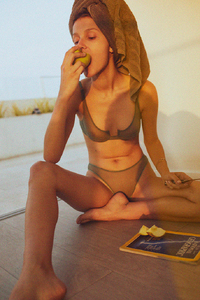

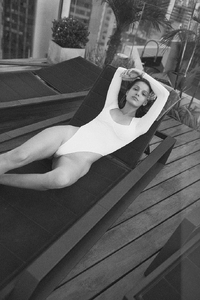
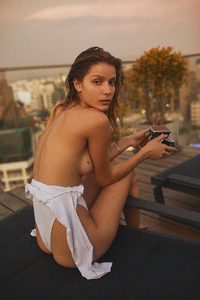


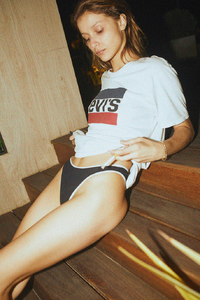

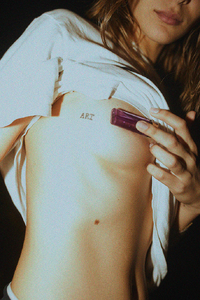 Ana Carolina Grassia www.instagram.com/acgrassia HEIGHT 175 cm / 5ft 9" CHEST 84 cm / 33" WAIST 66 cm / 26" HIP 103 cm / 40.5" DRESS 10 / 38 SHOE 6 / 39 EYES Brown HAIR Blonde

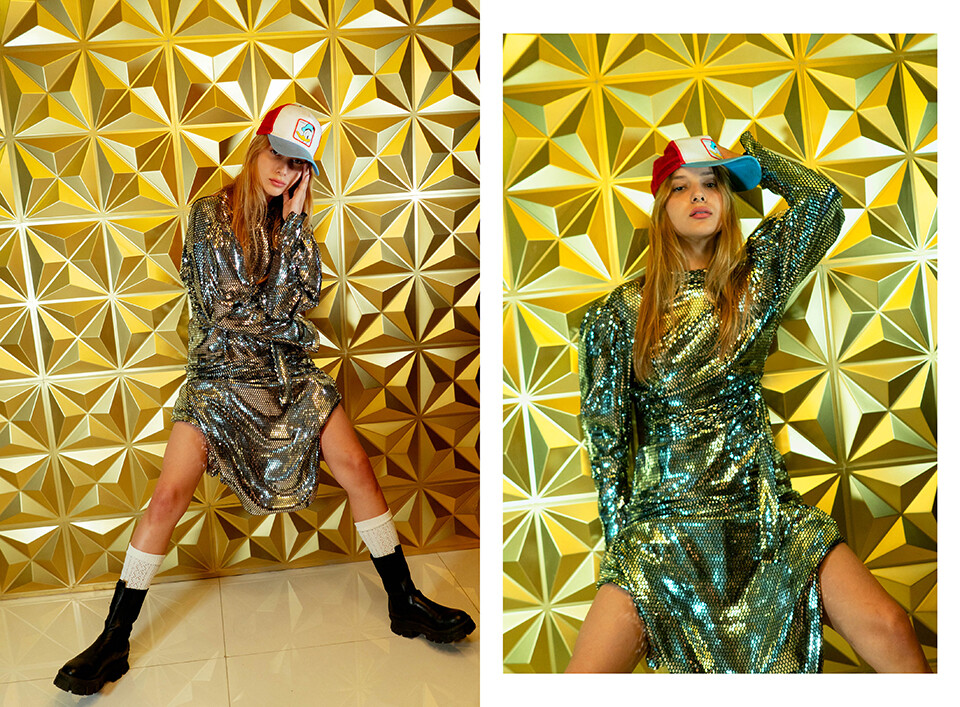
 Nagu Mag

















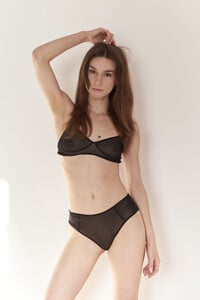
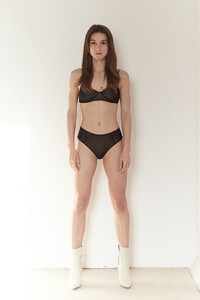
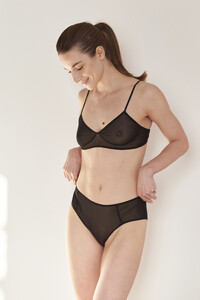
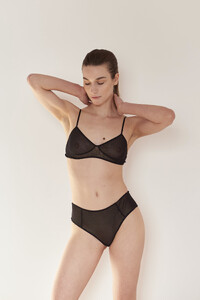
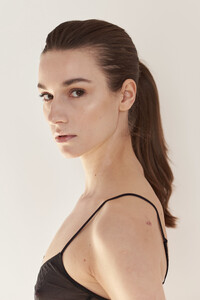
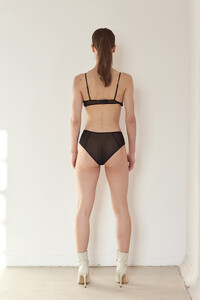
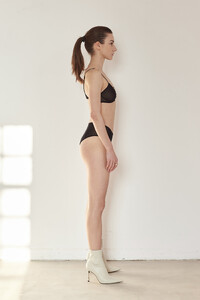
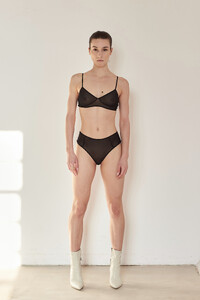
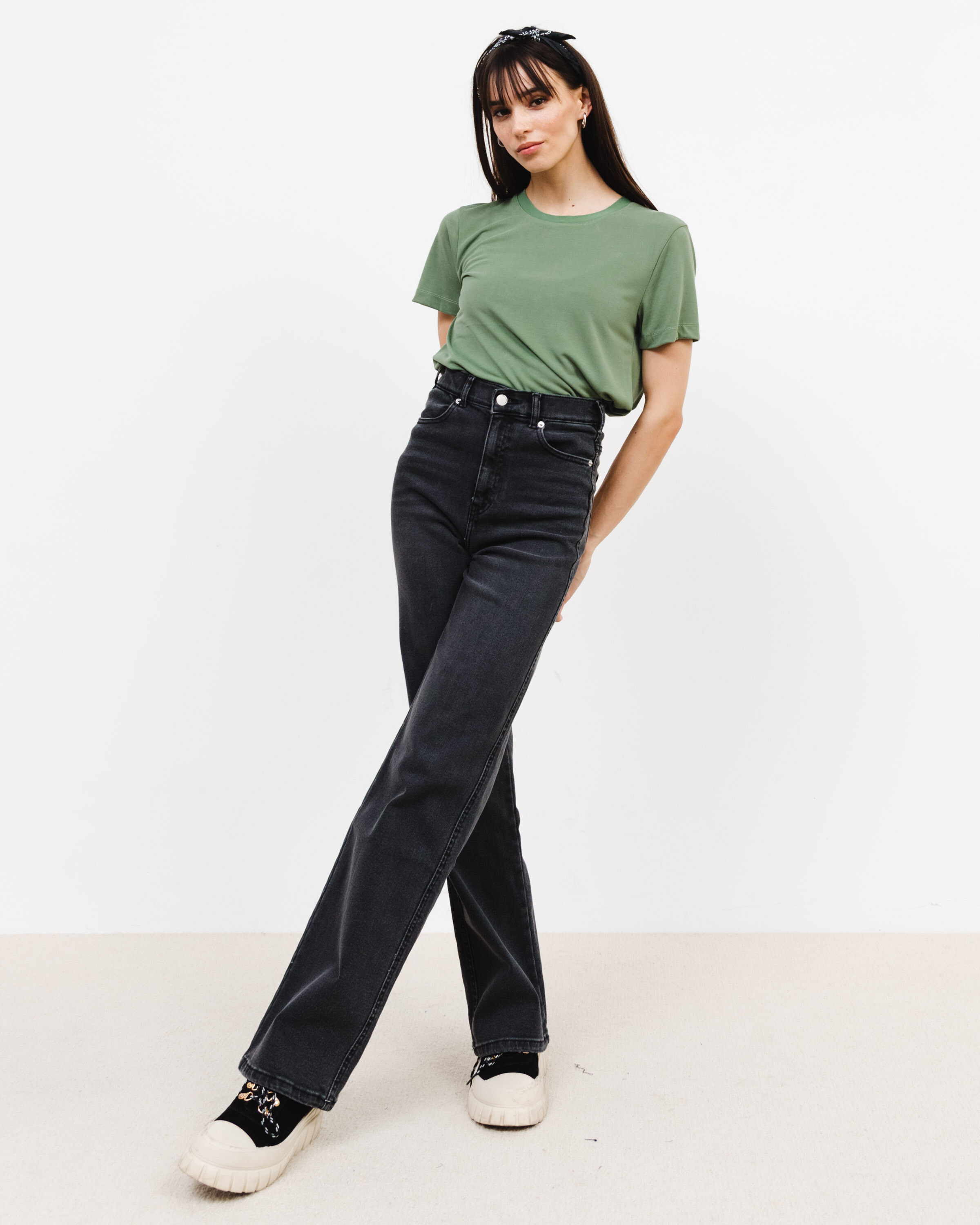
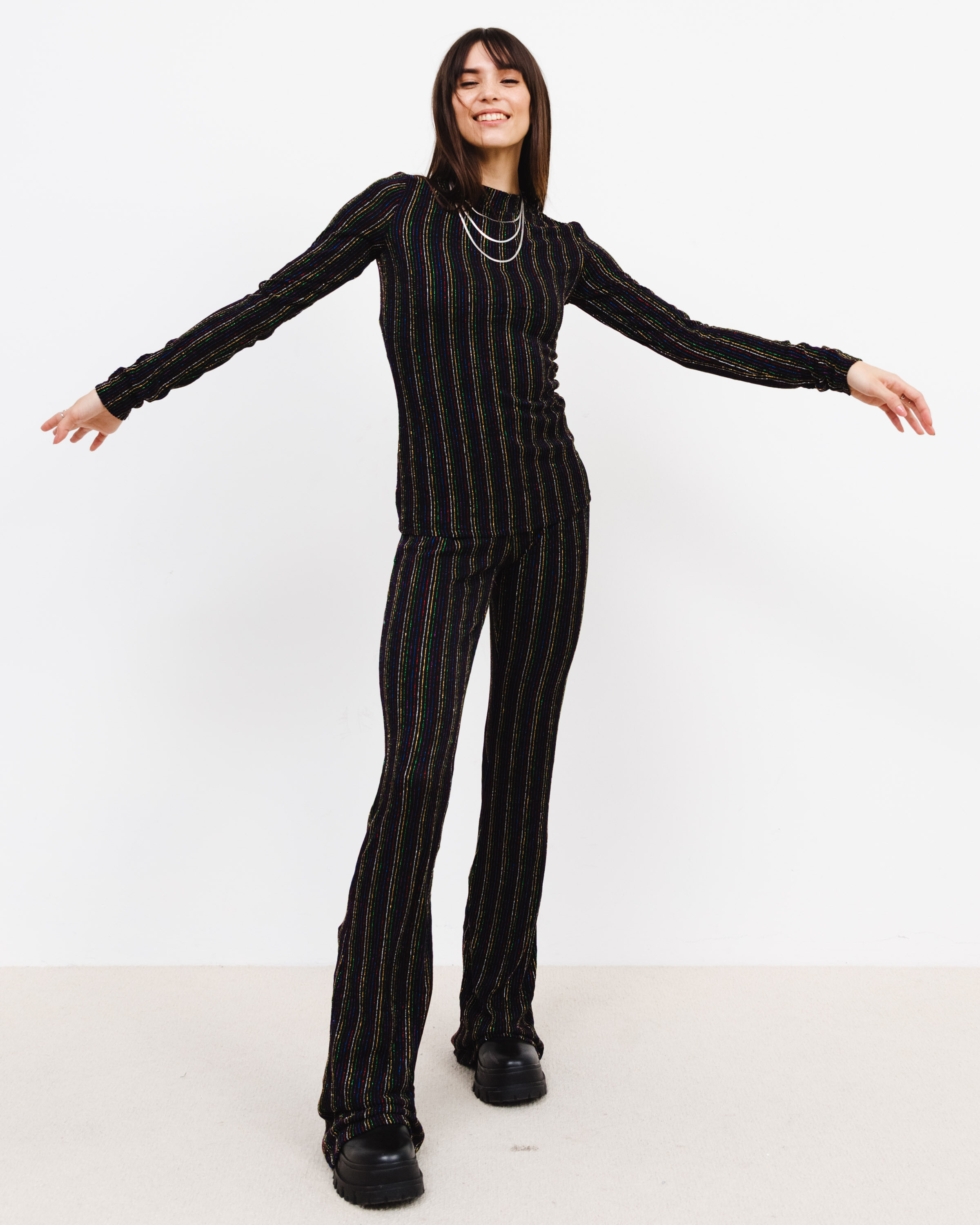
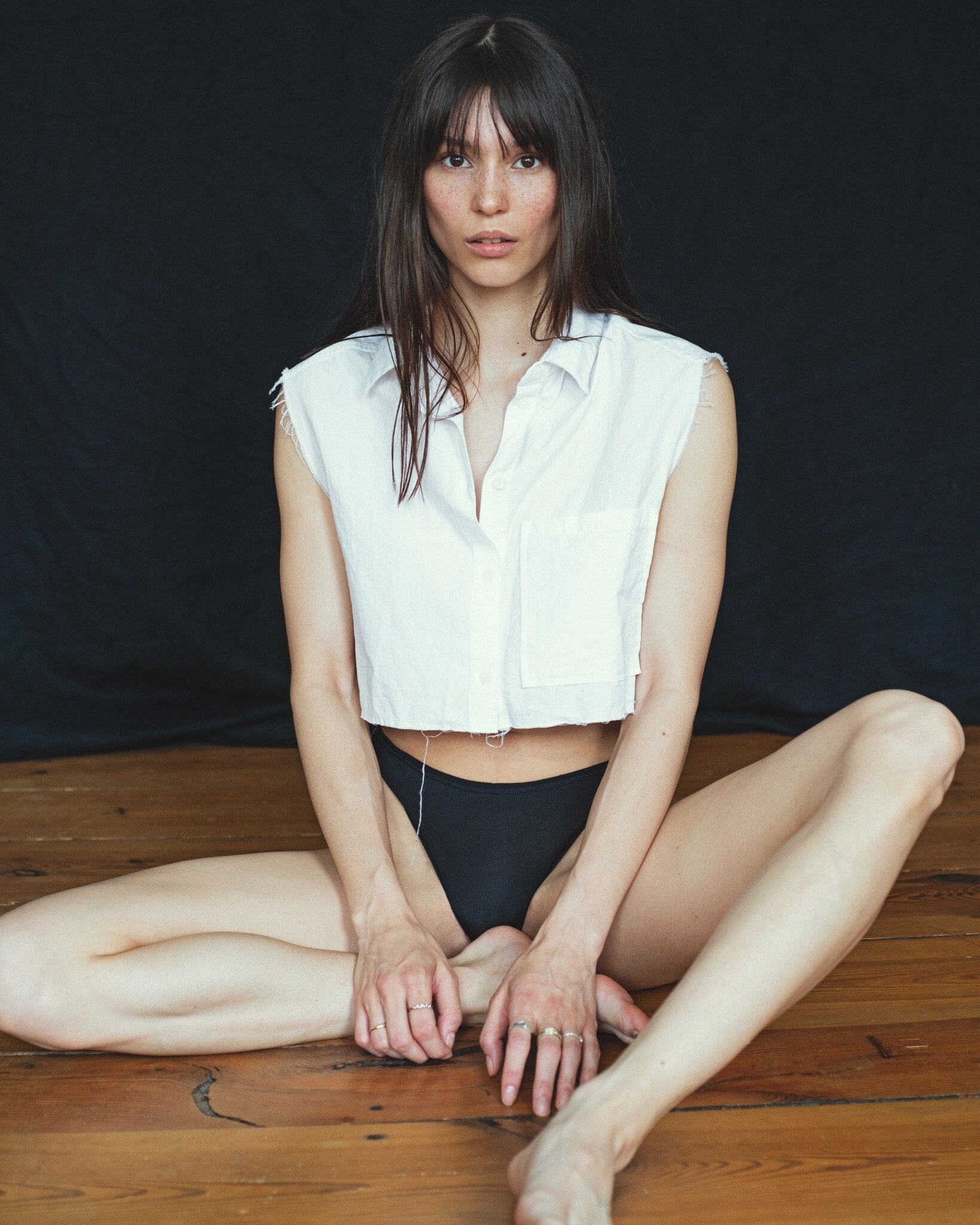
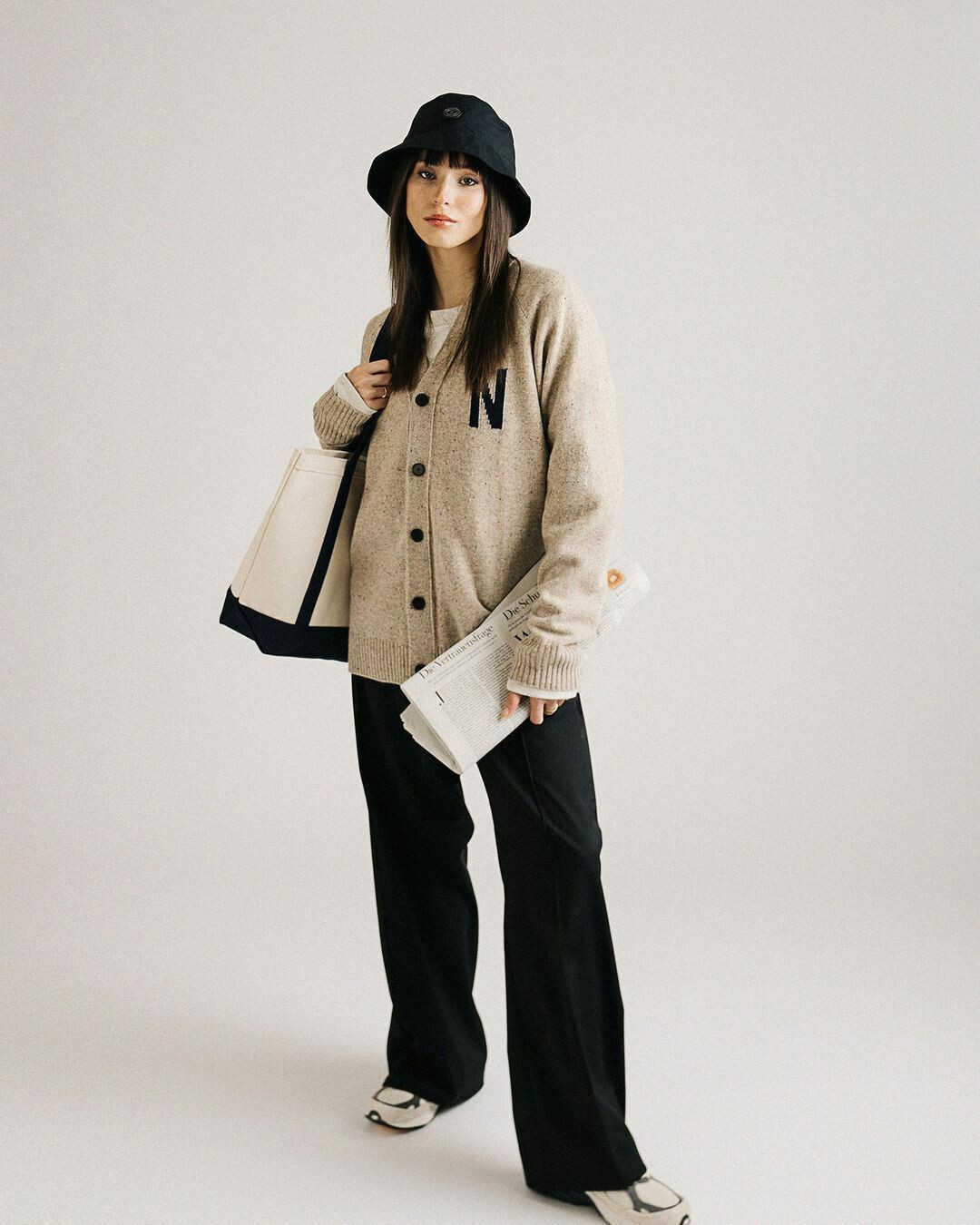
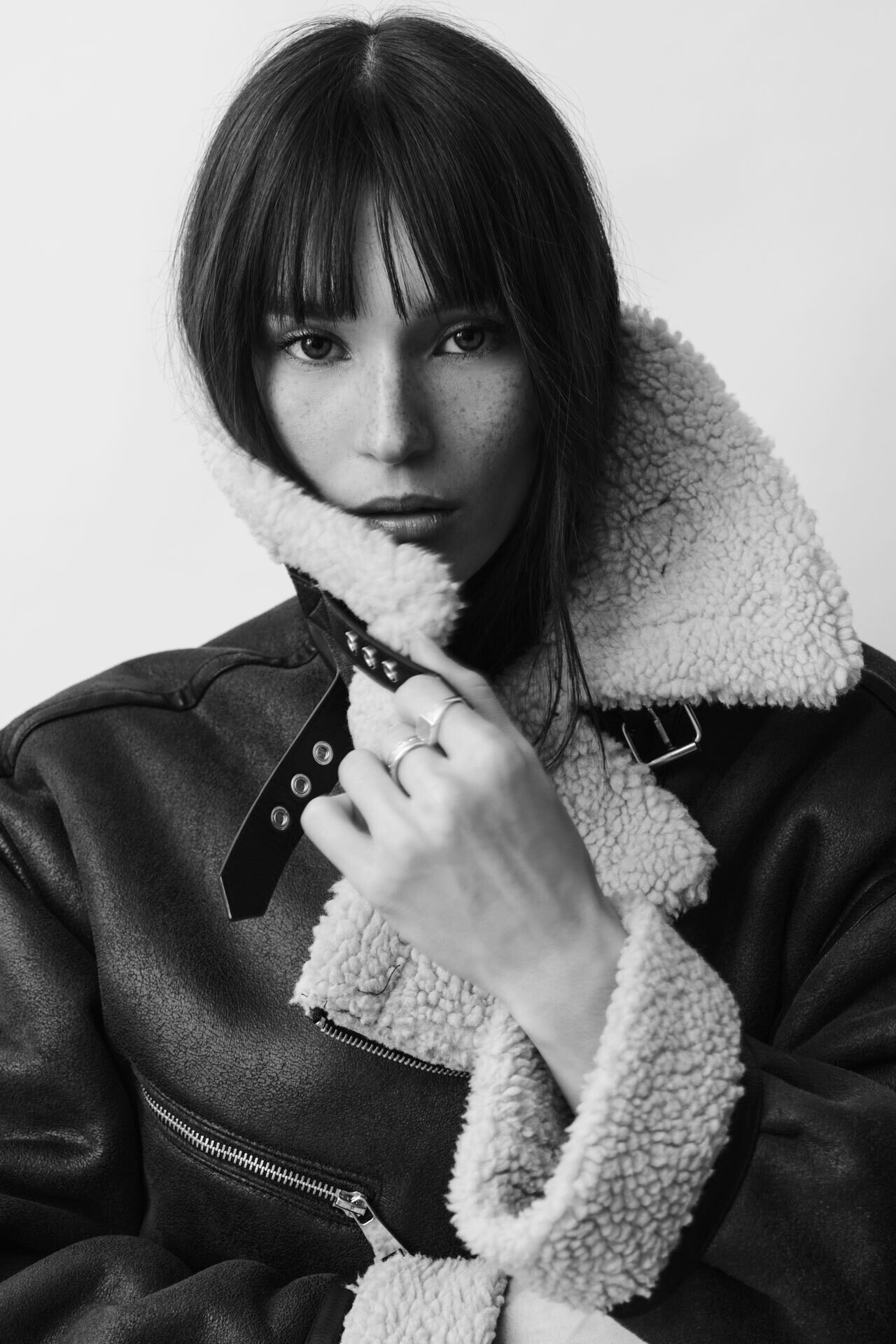
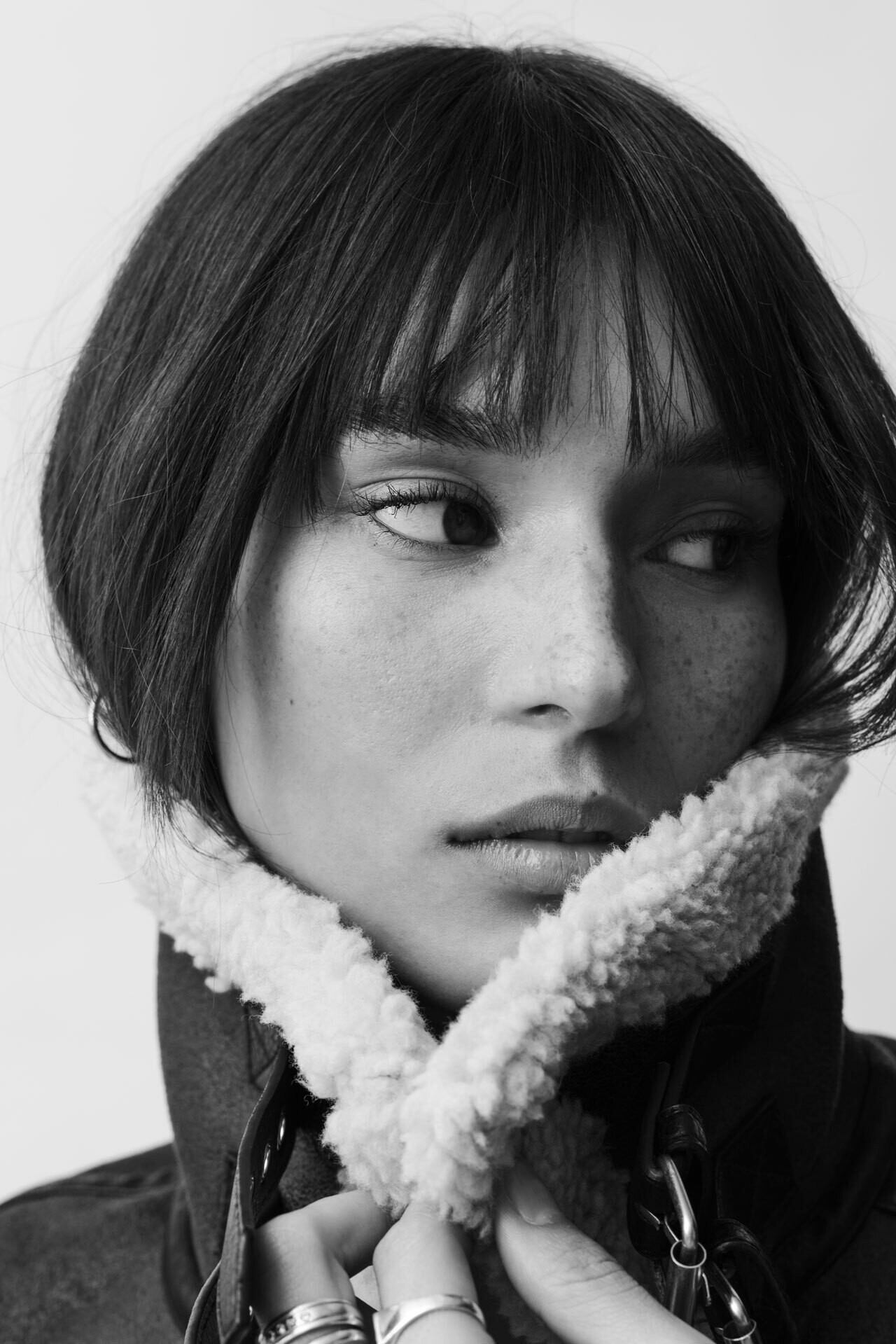
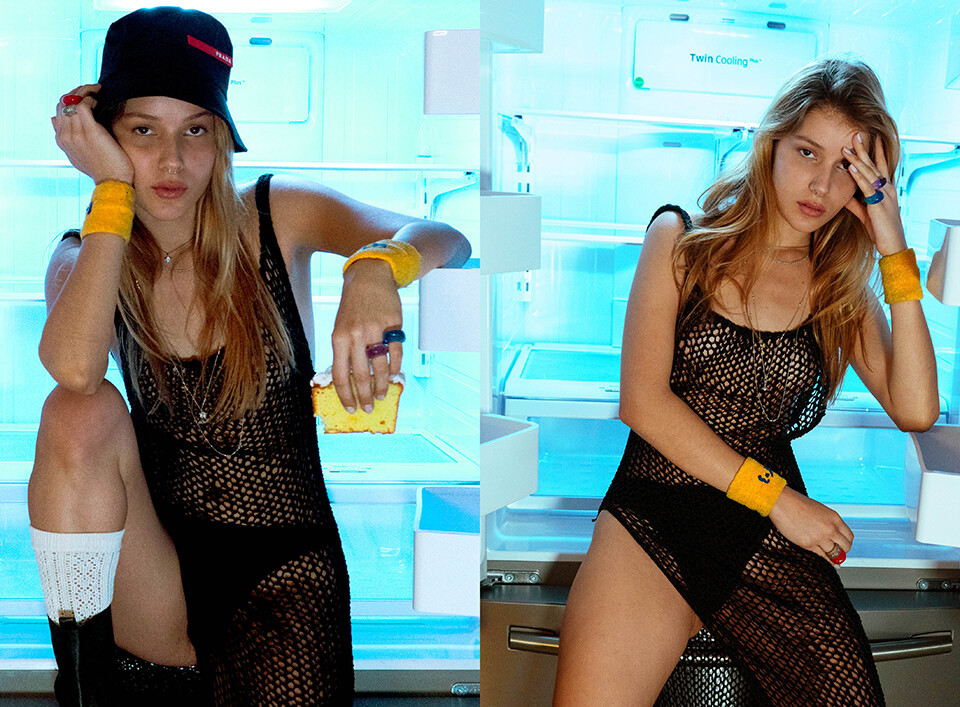
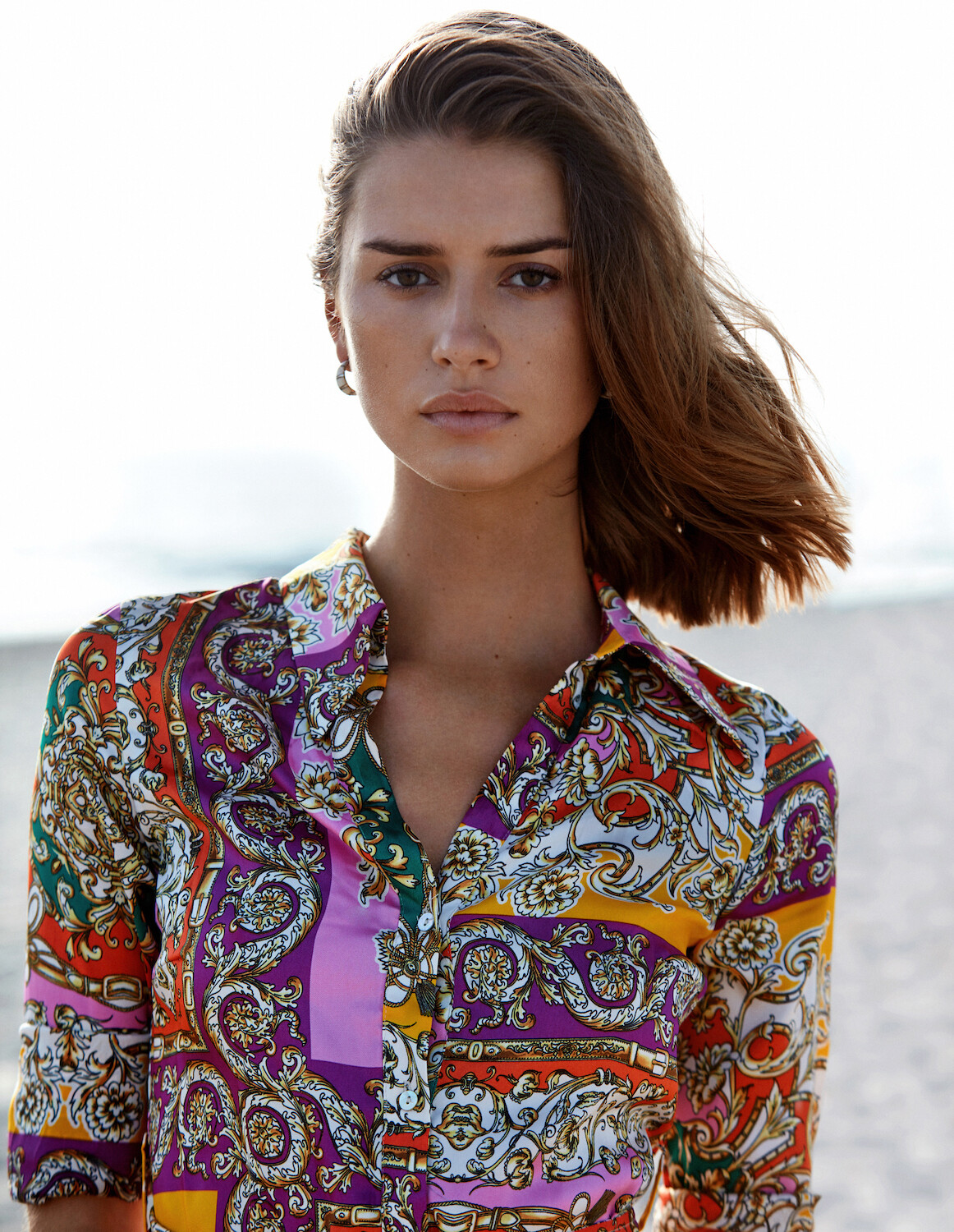
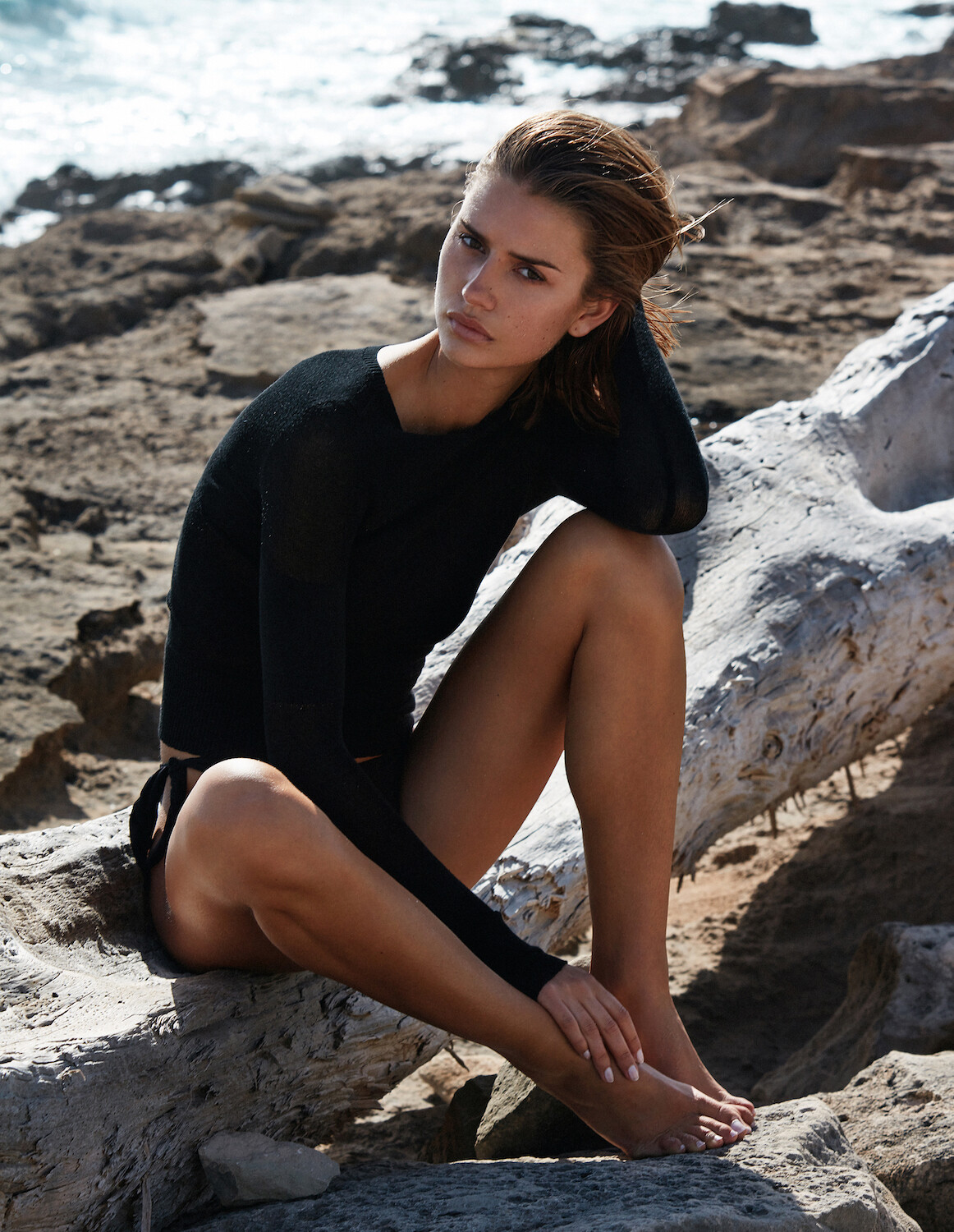
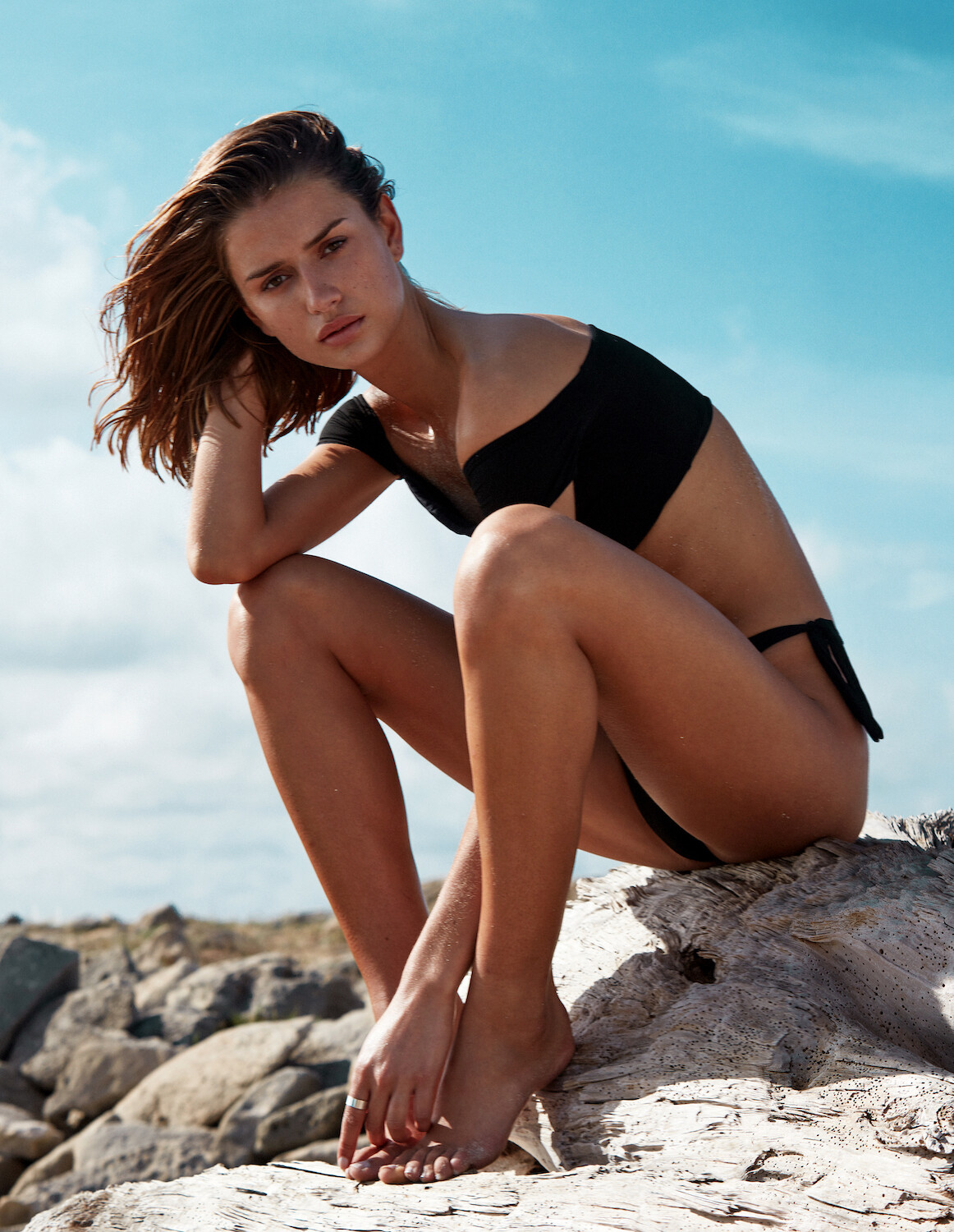
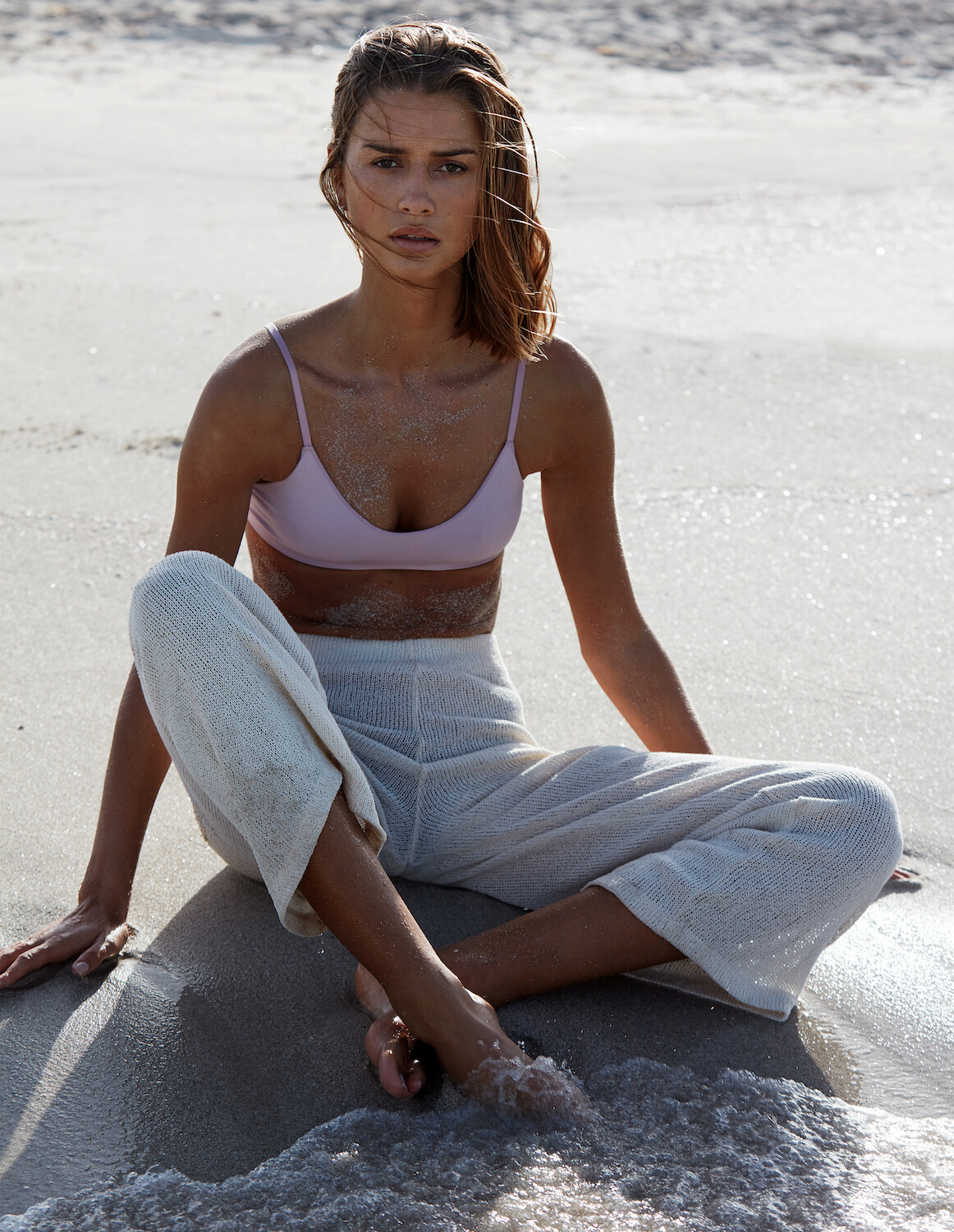
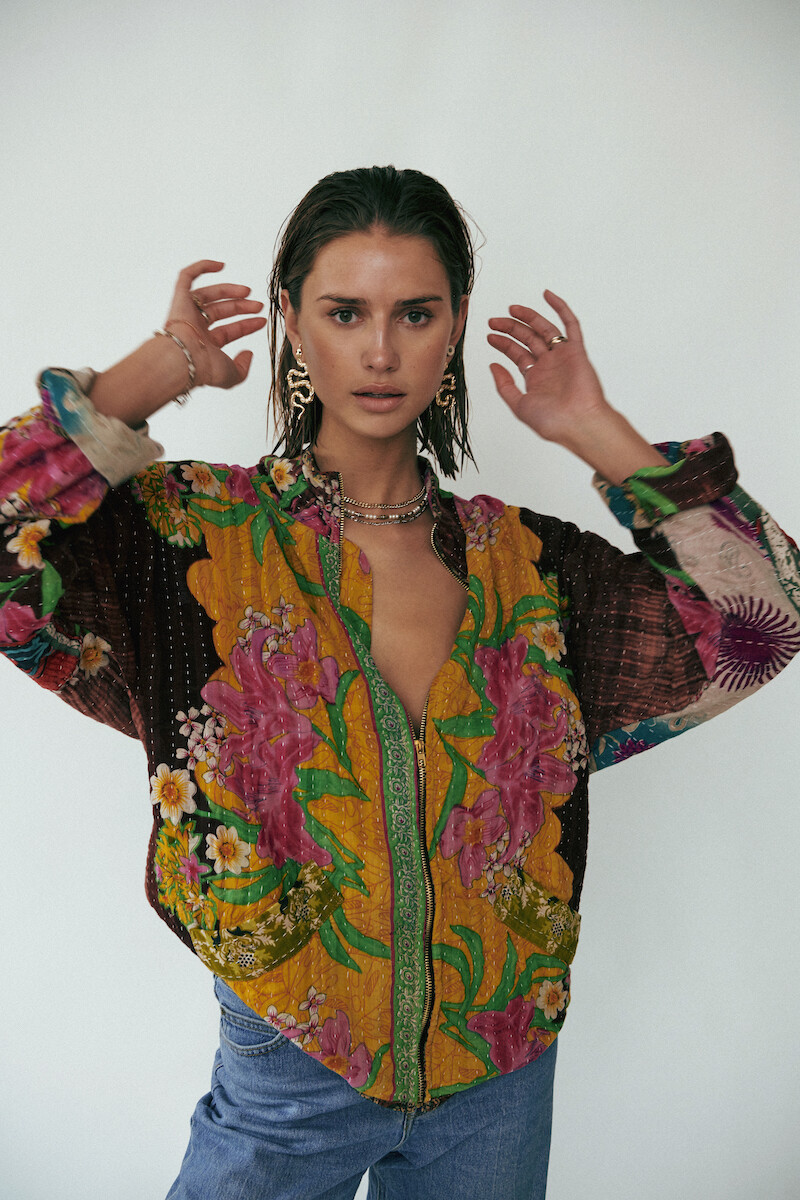
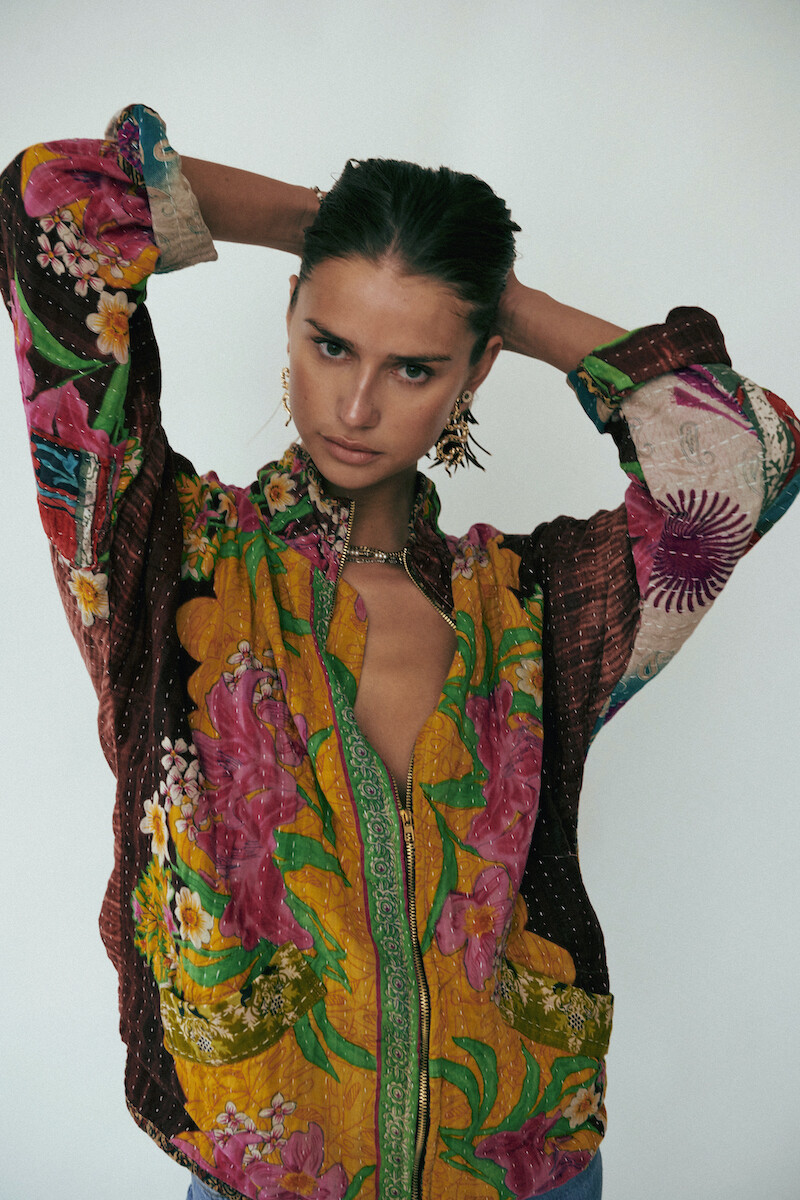
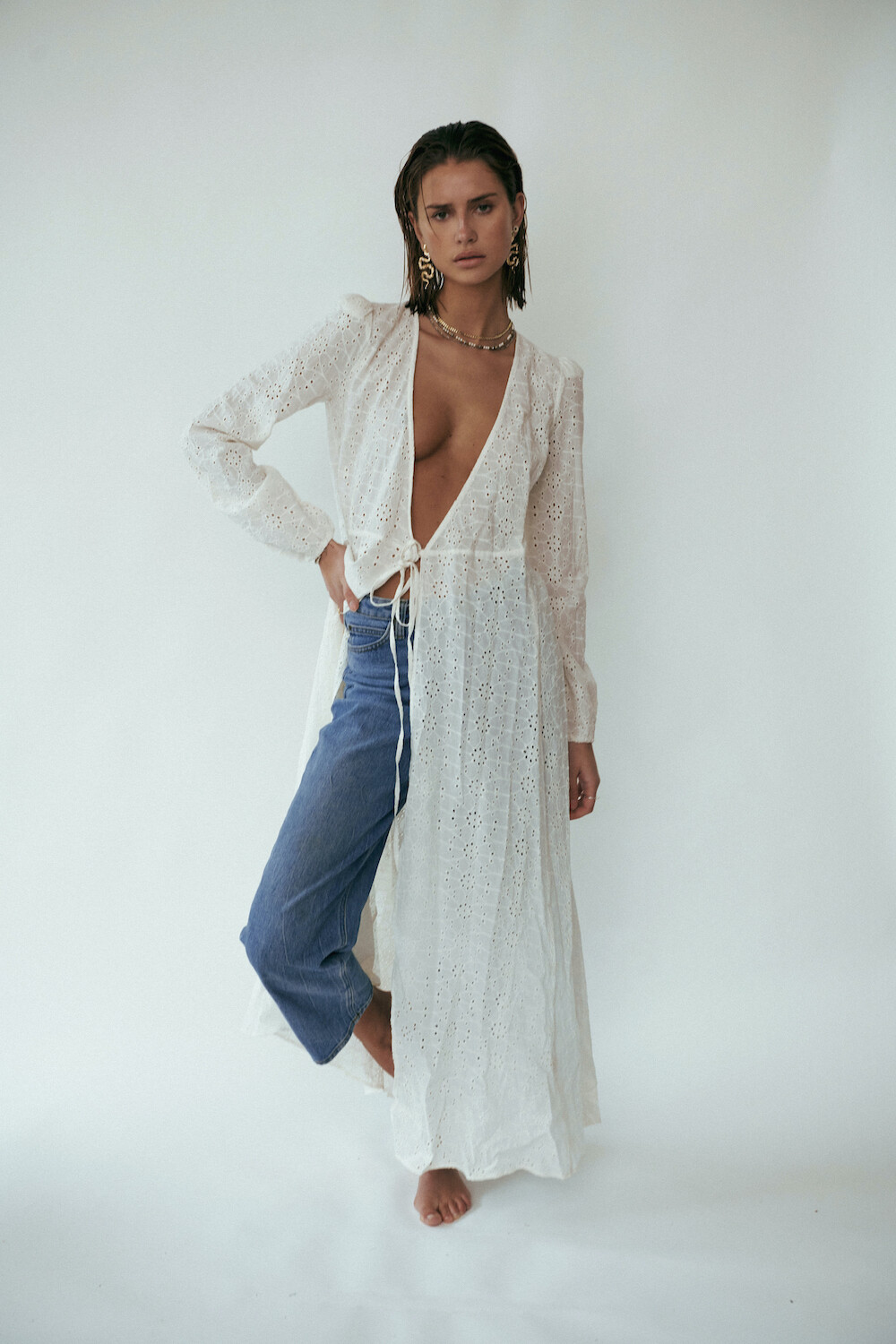
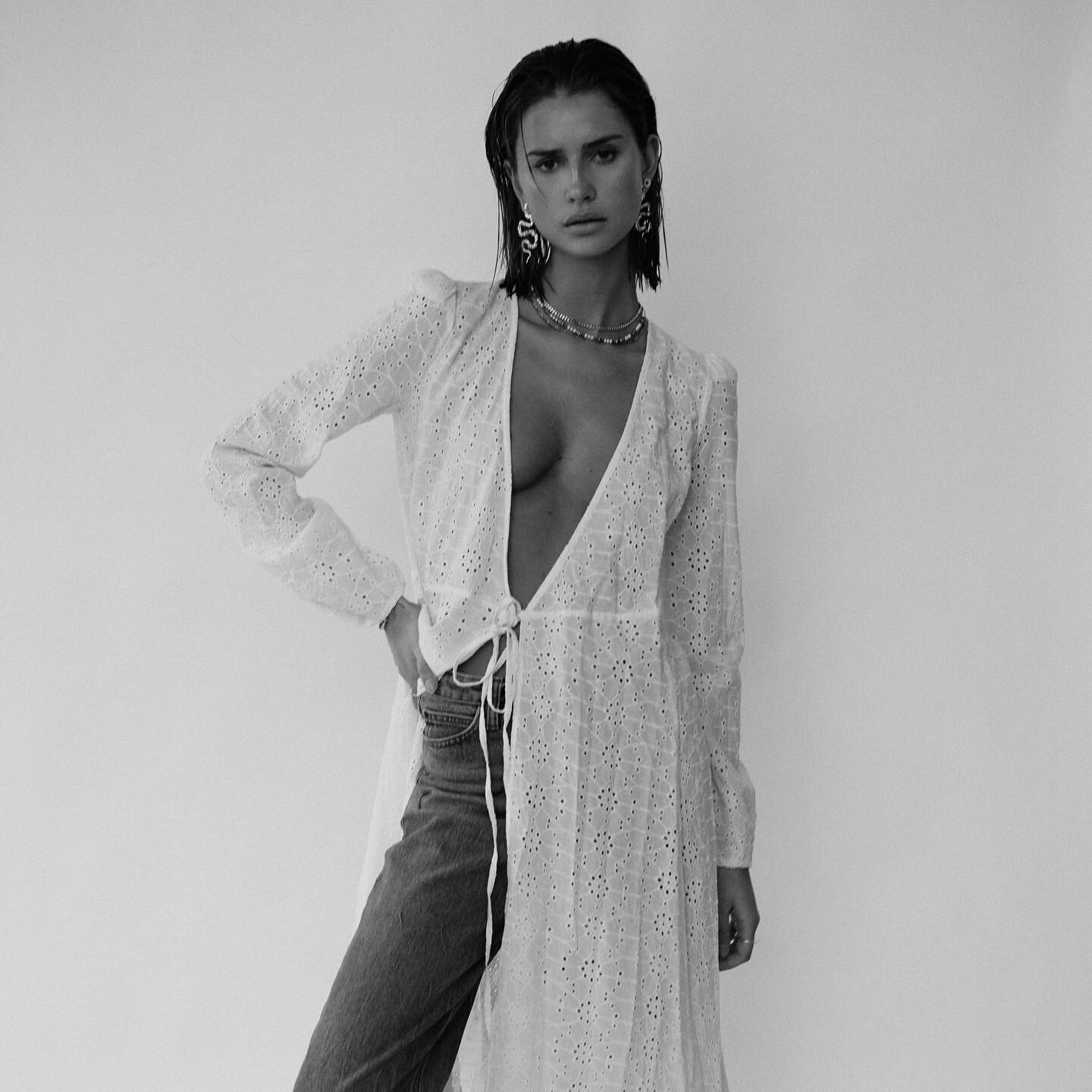
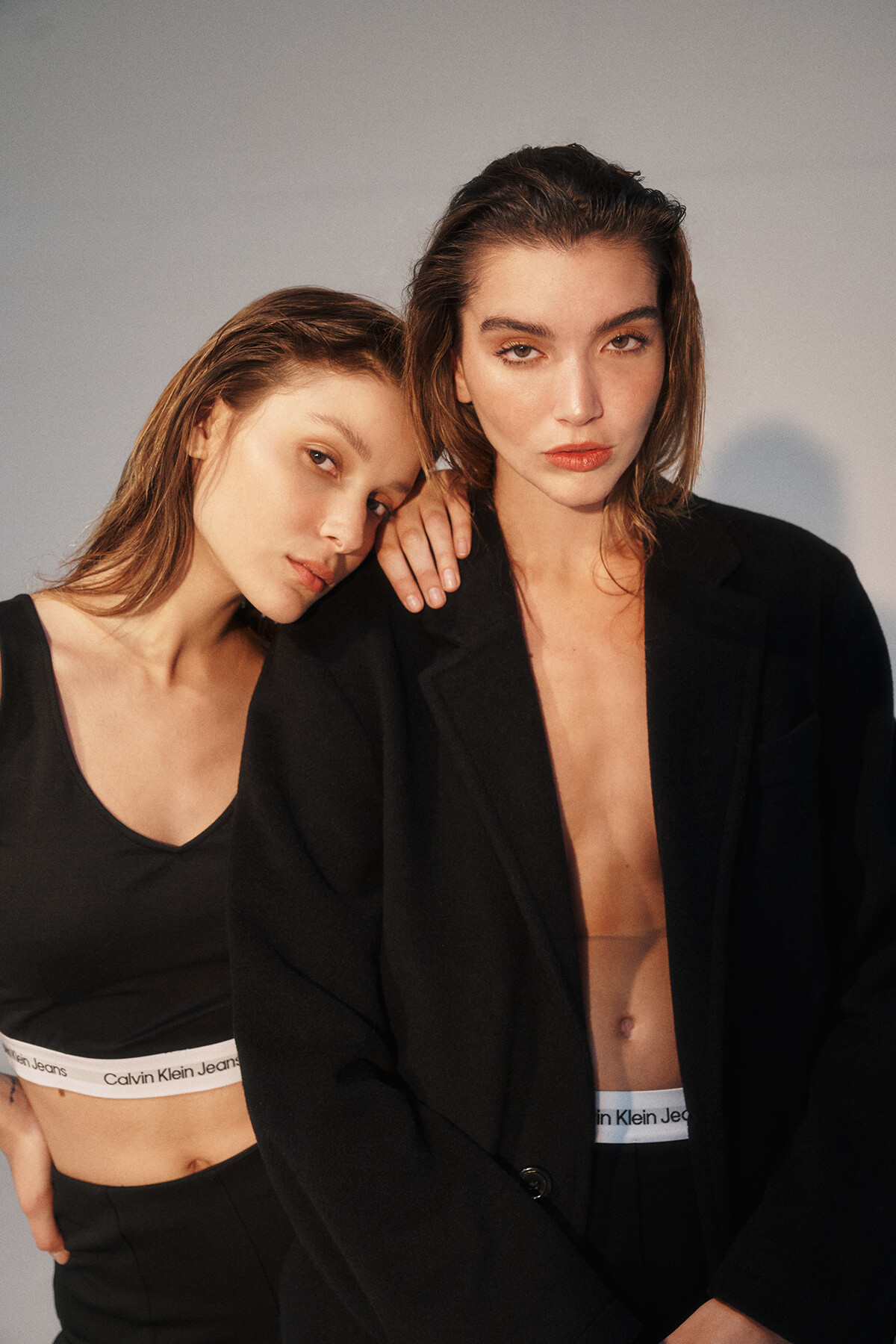
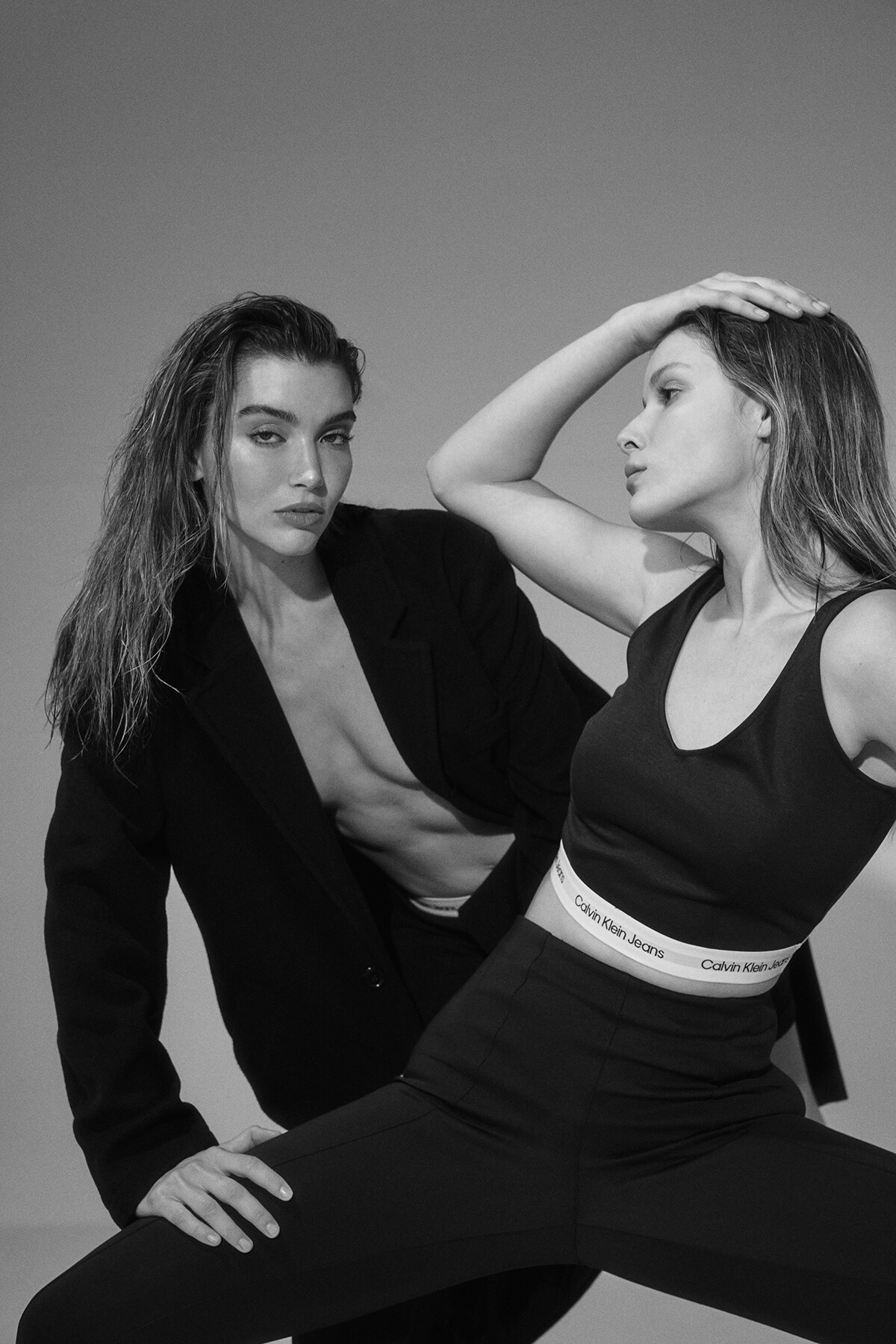
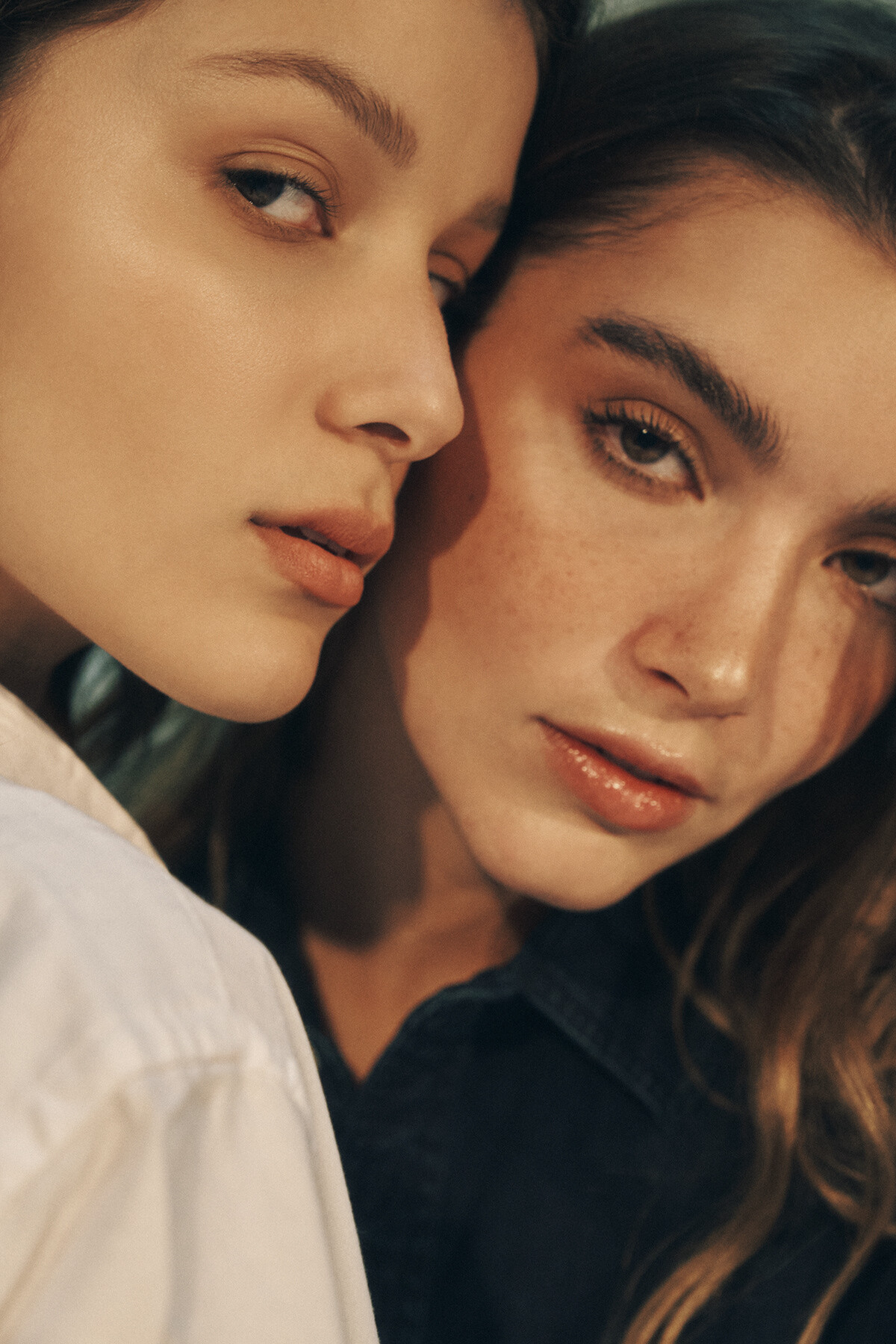
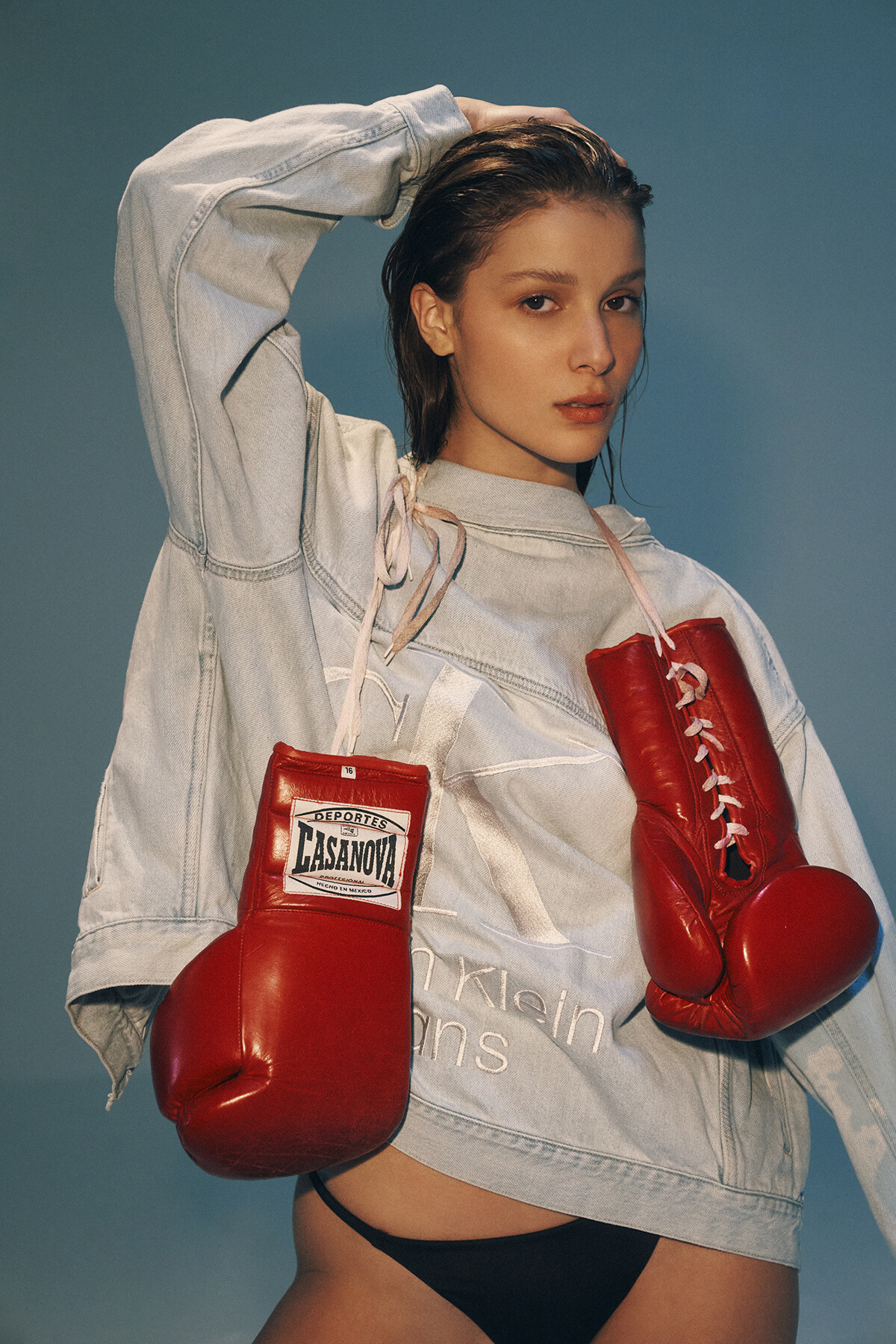
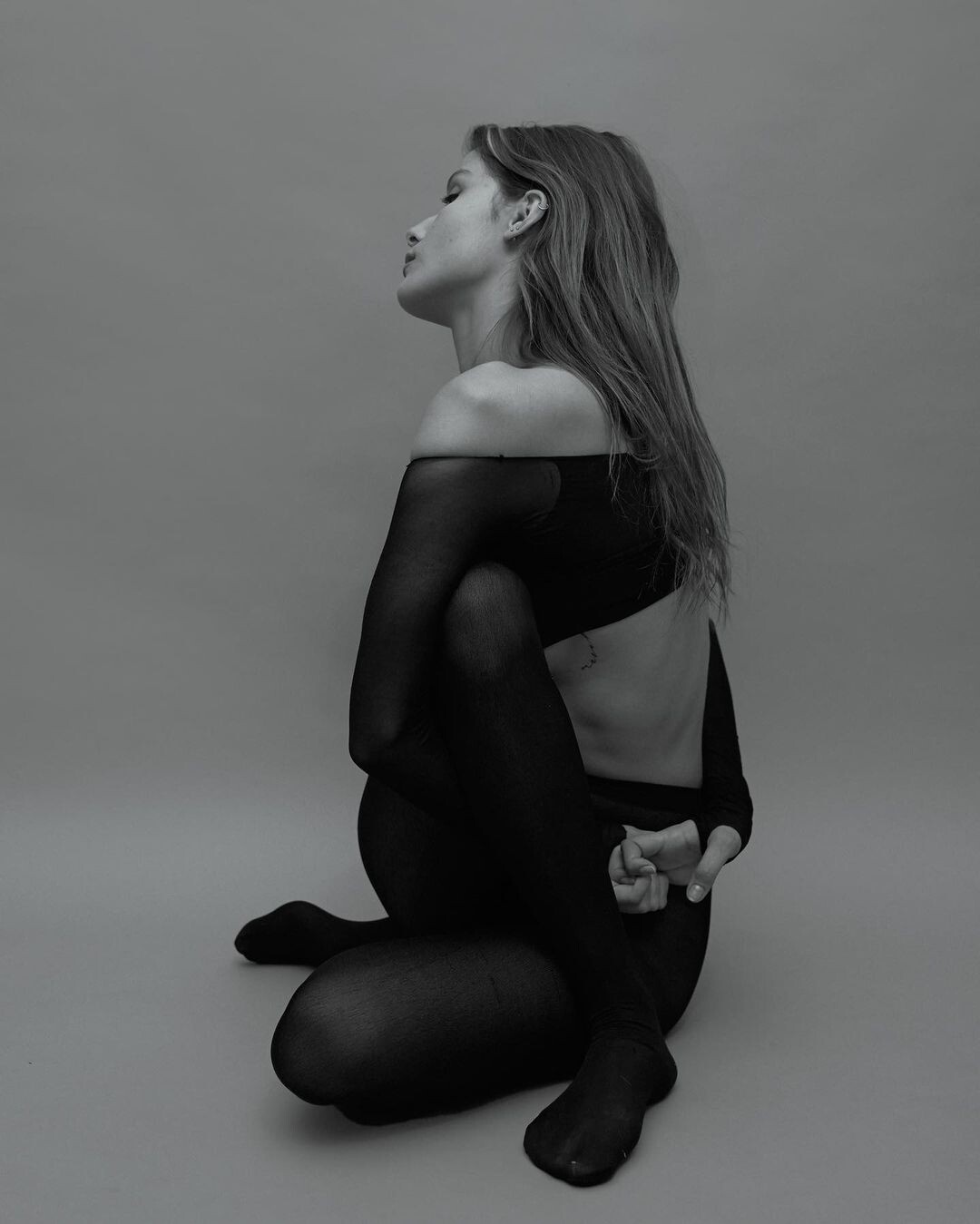
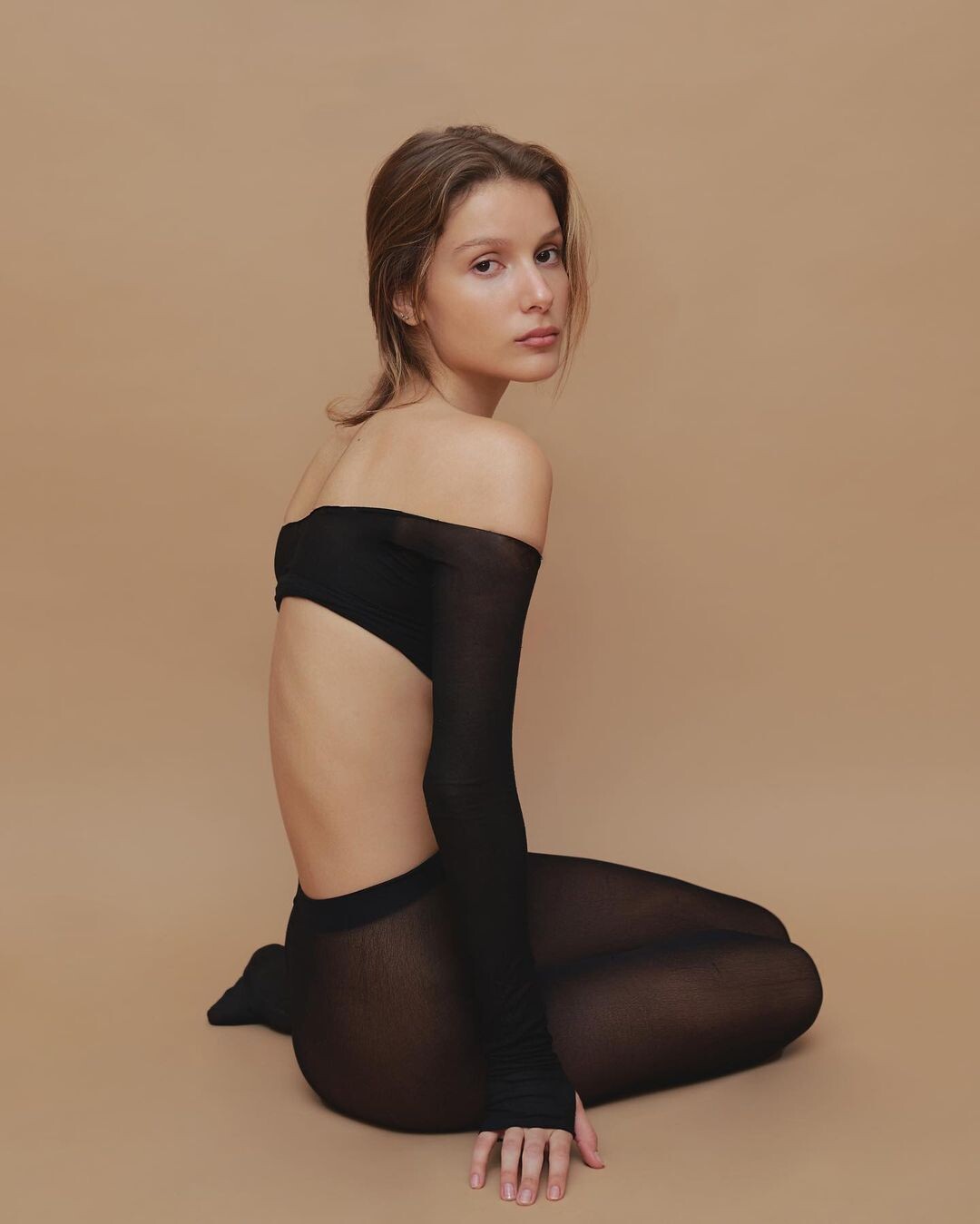
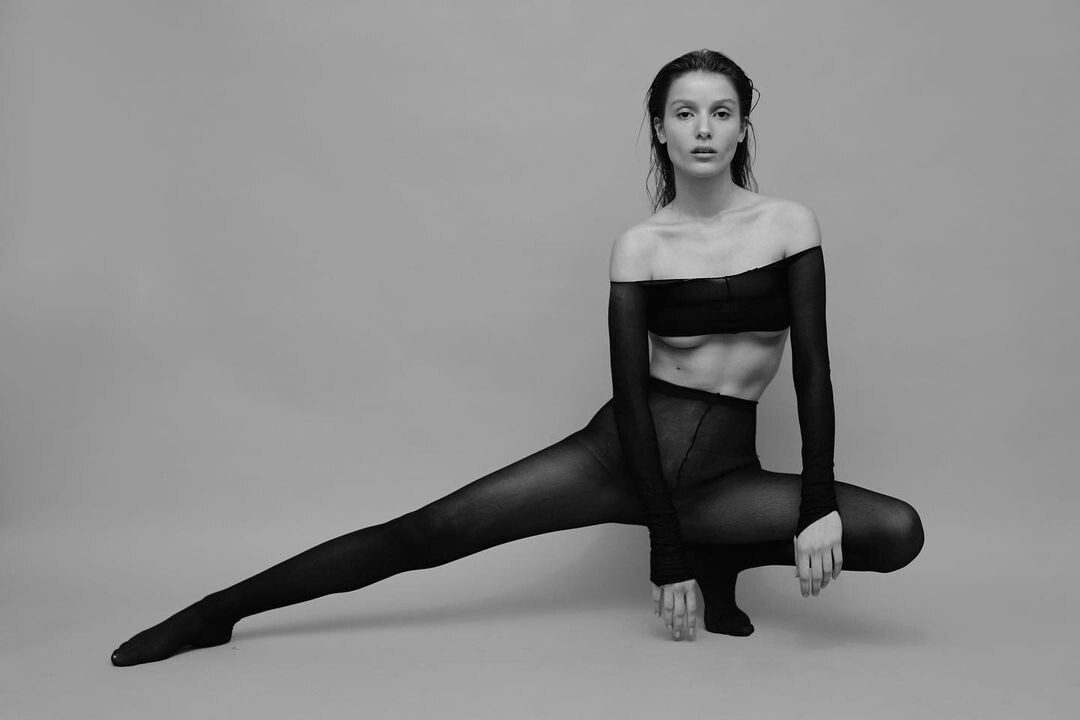
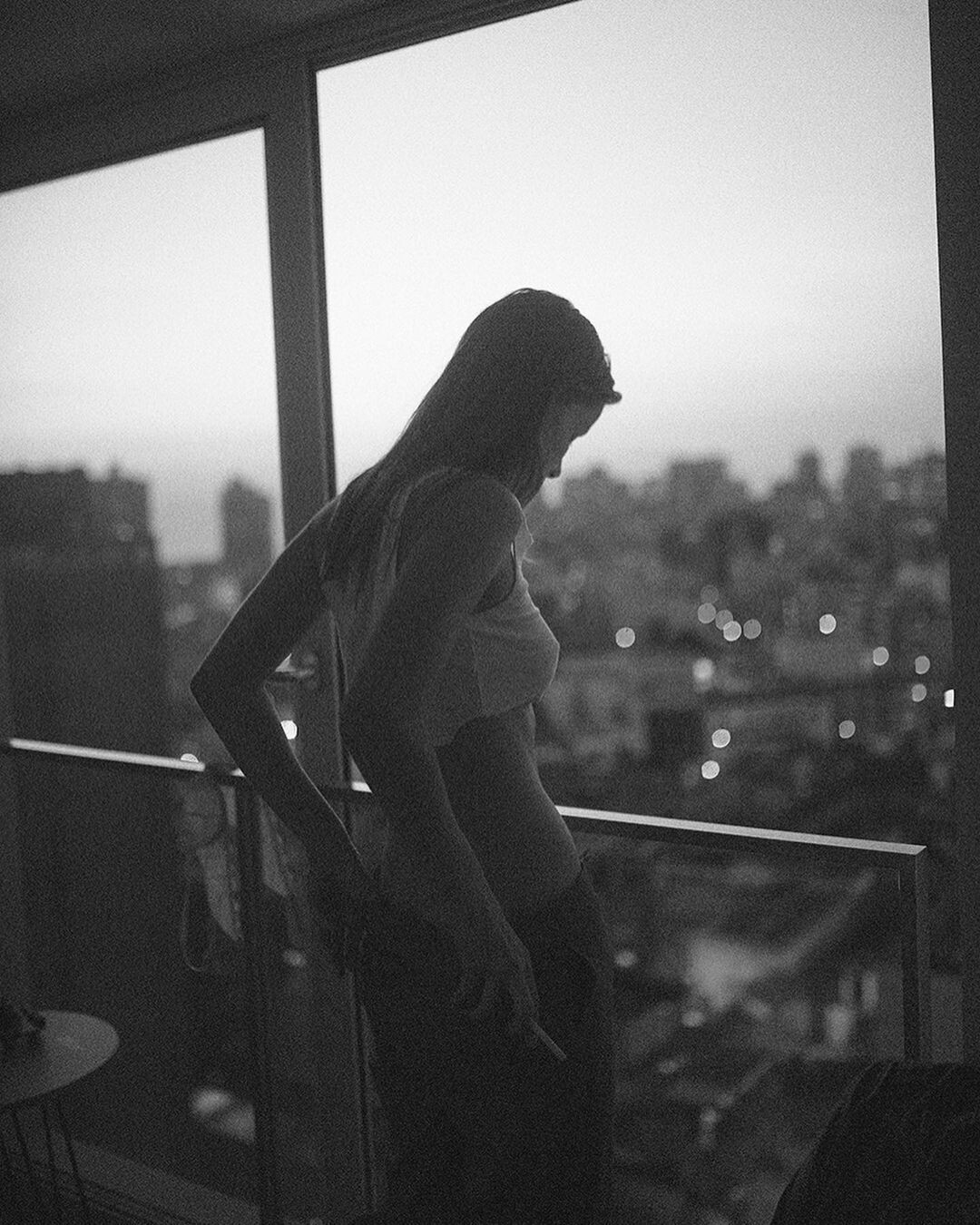
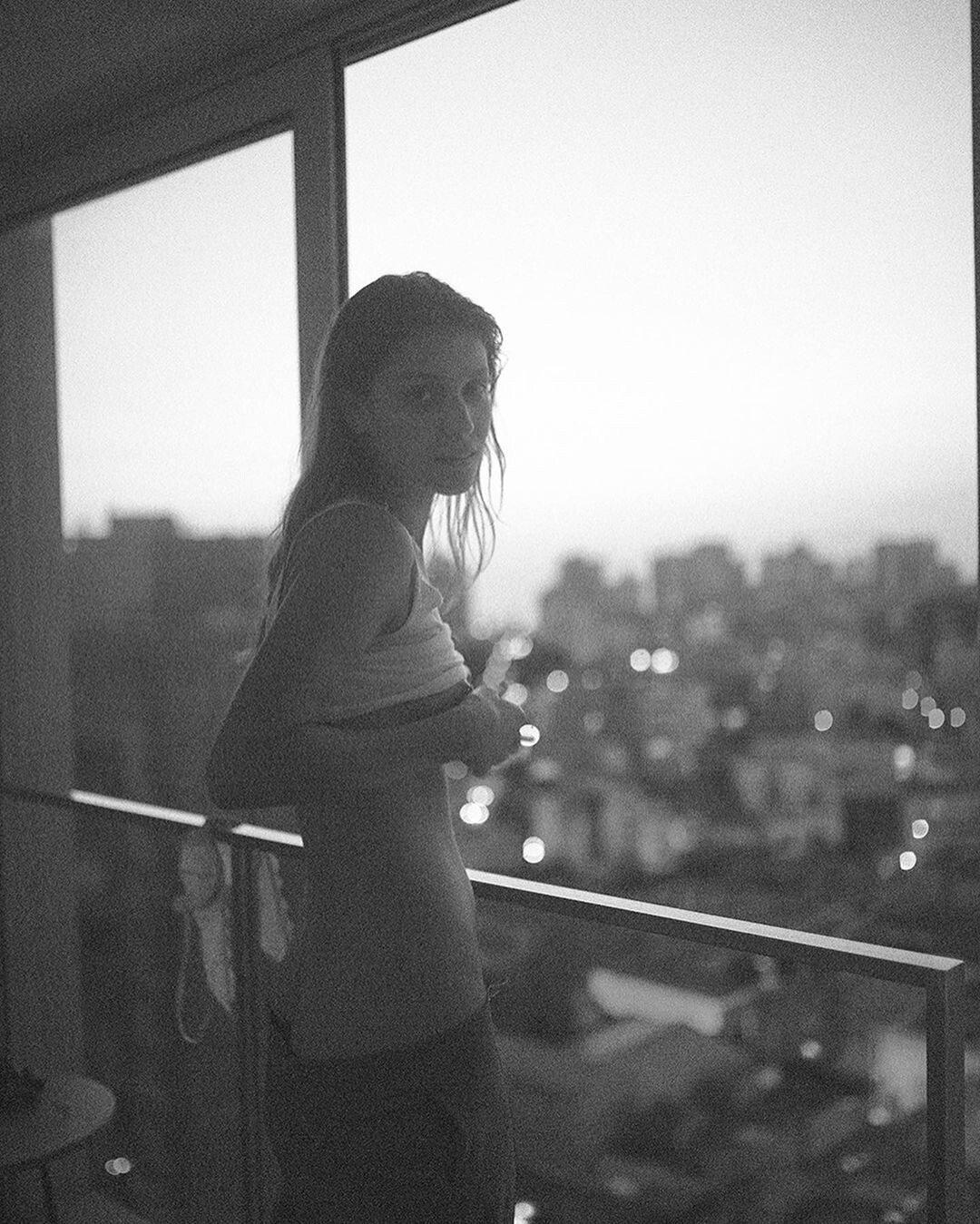
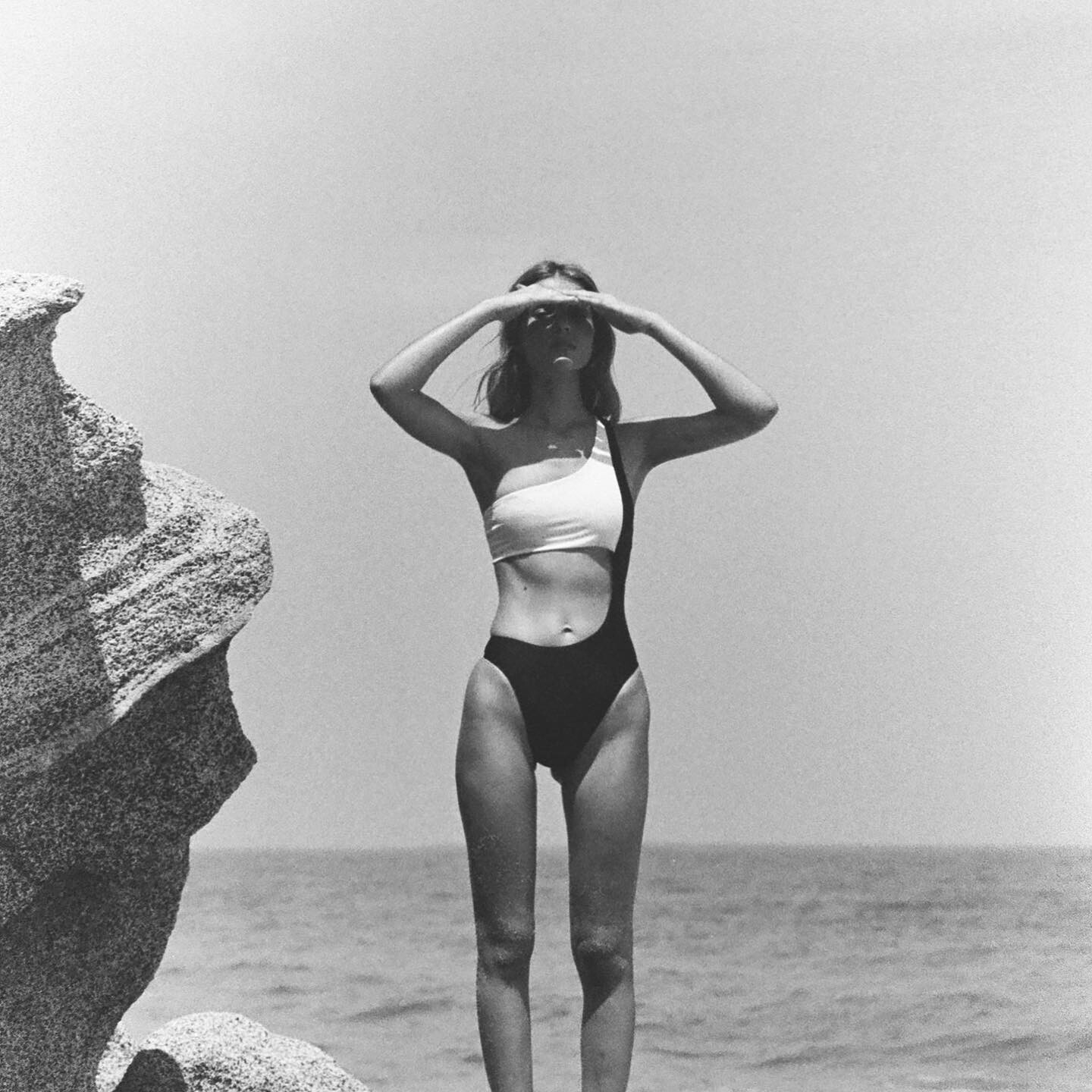
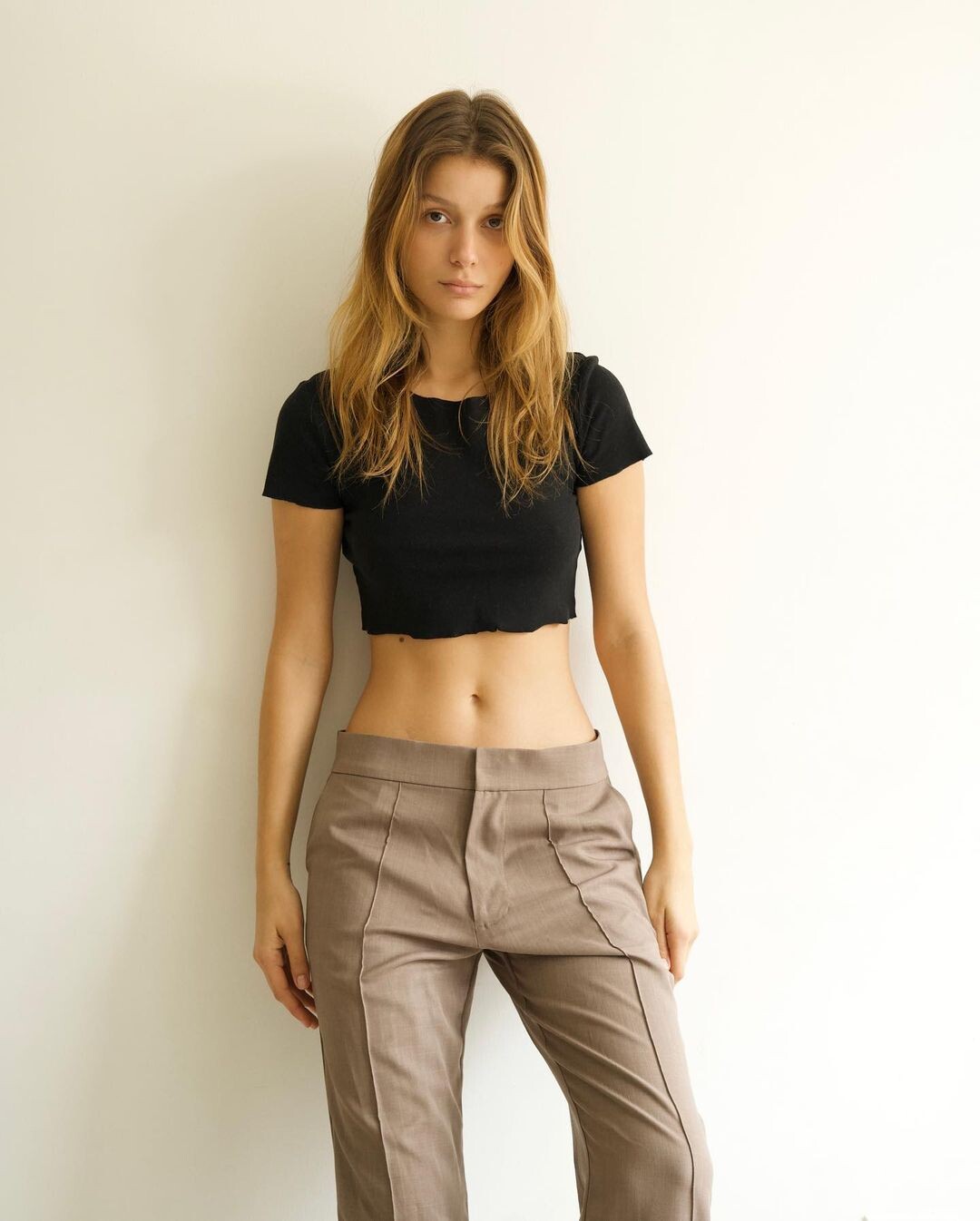
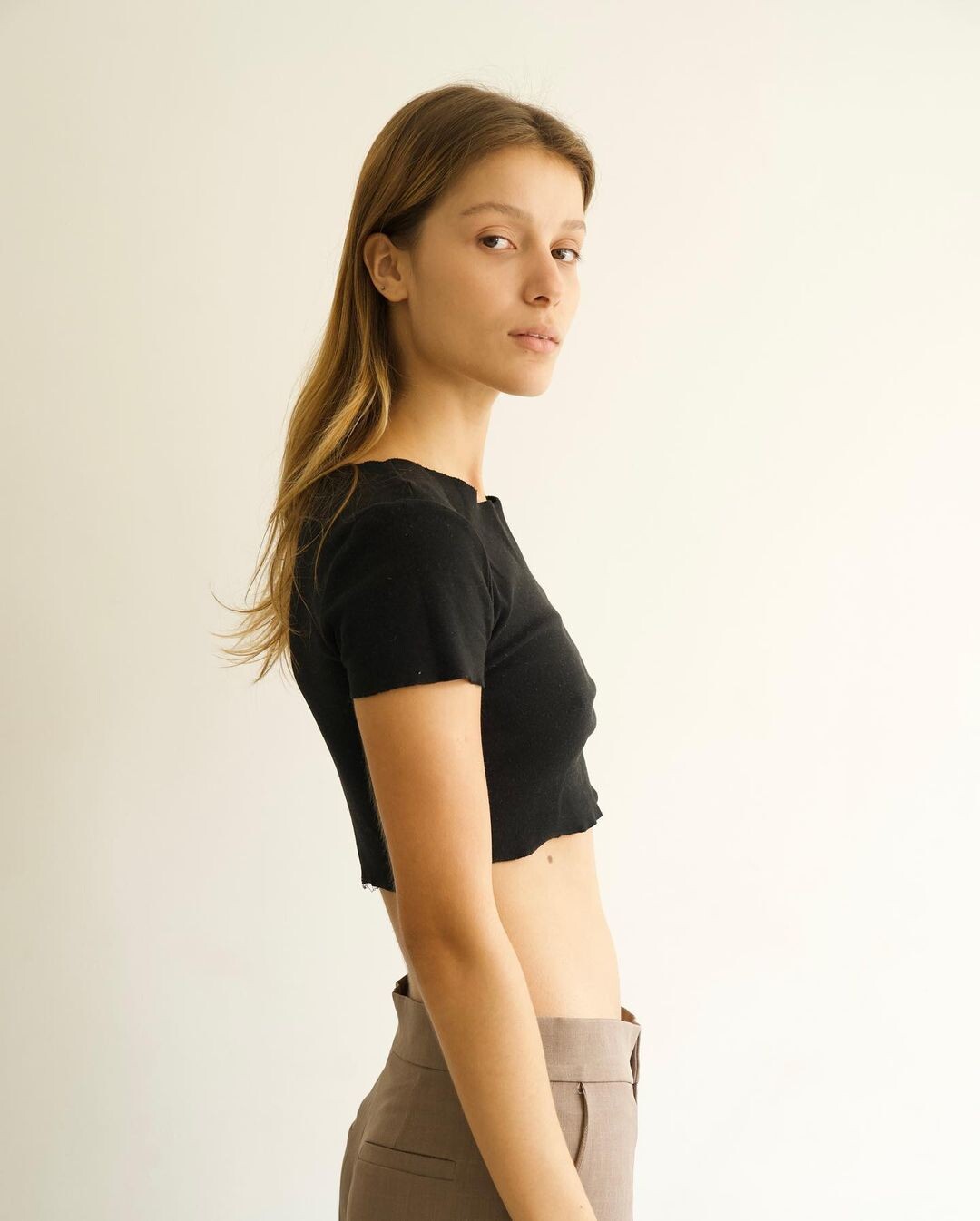
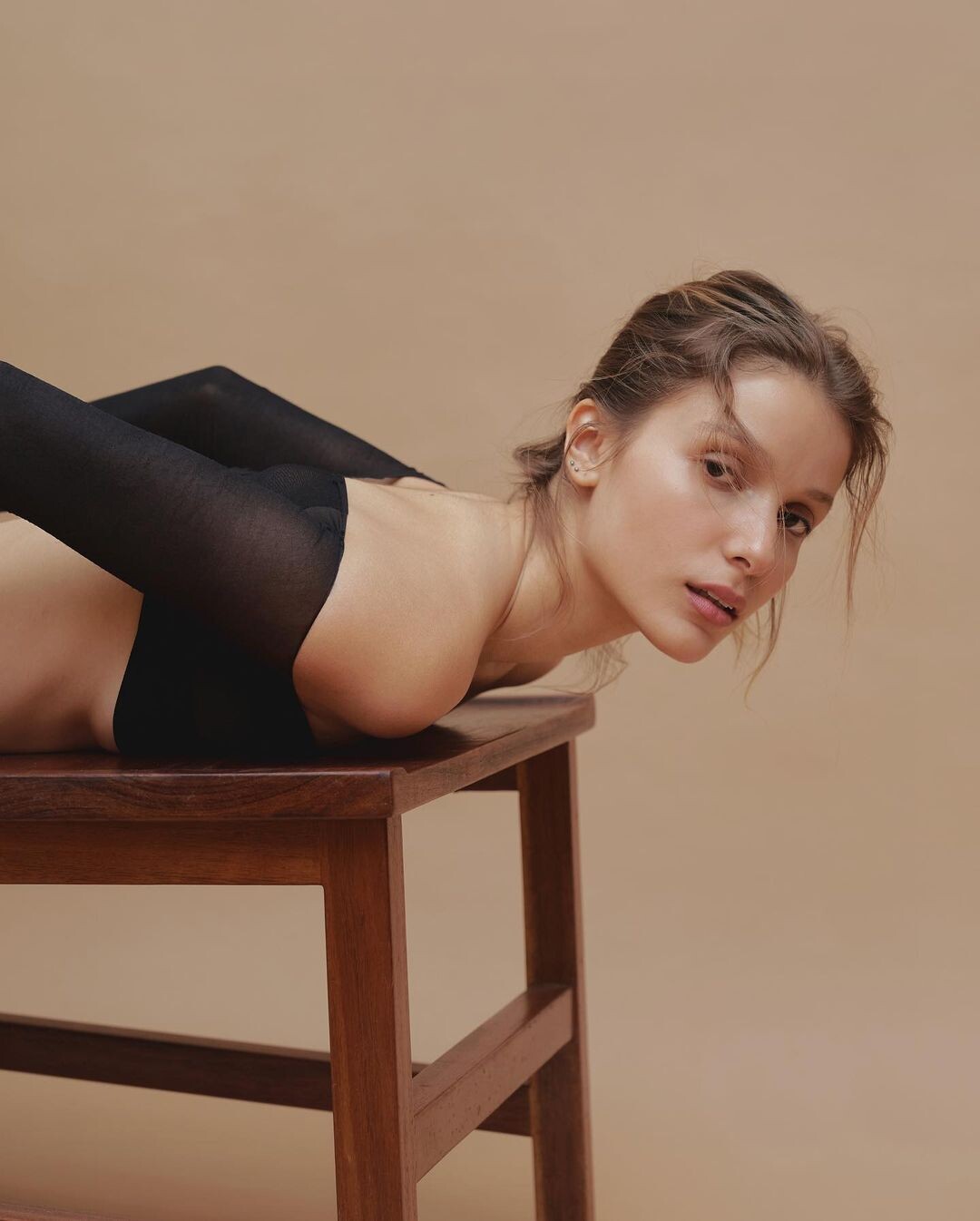
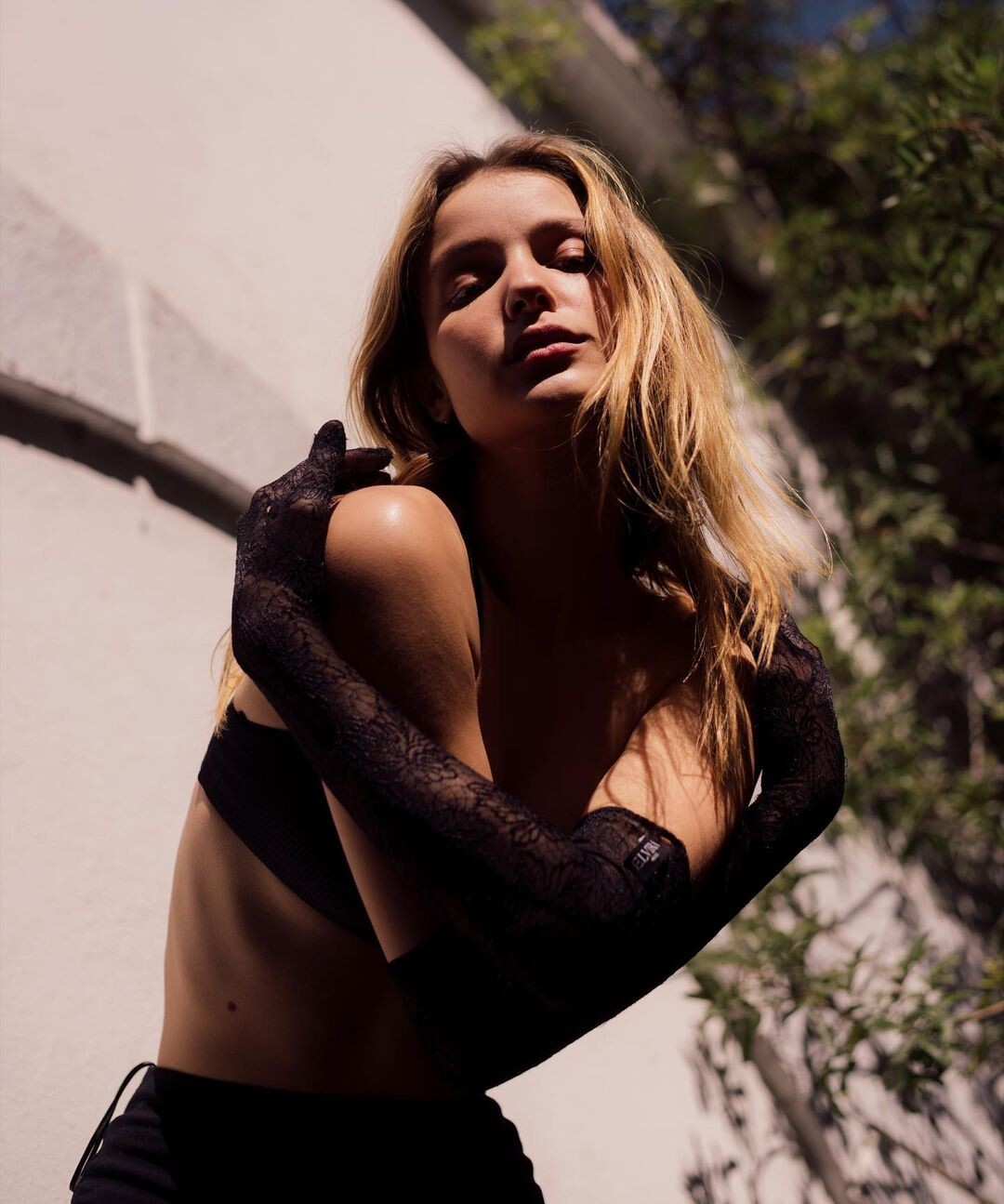
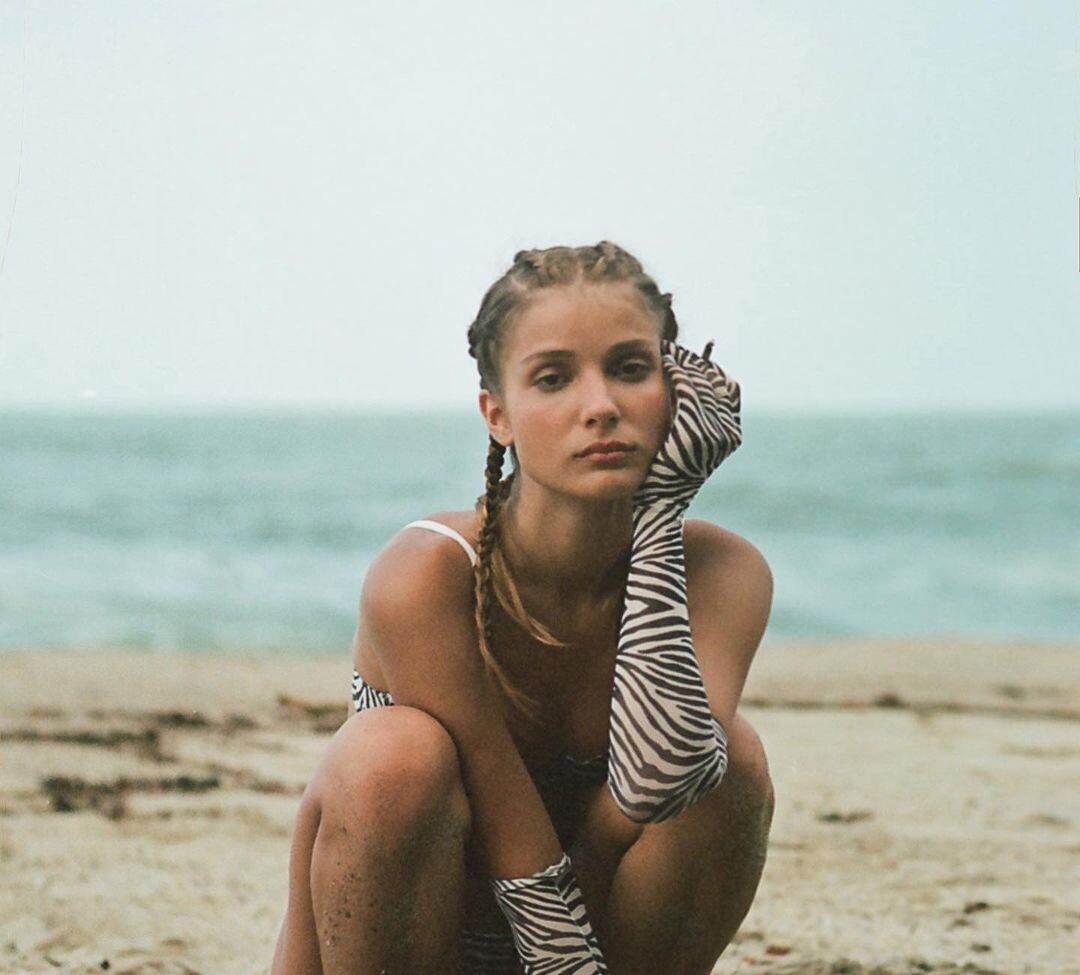
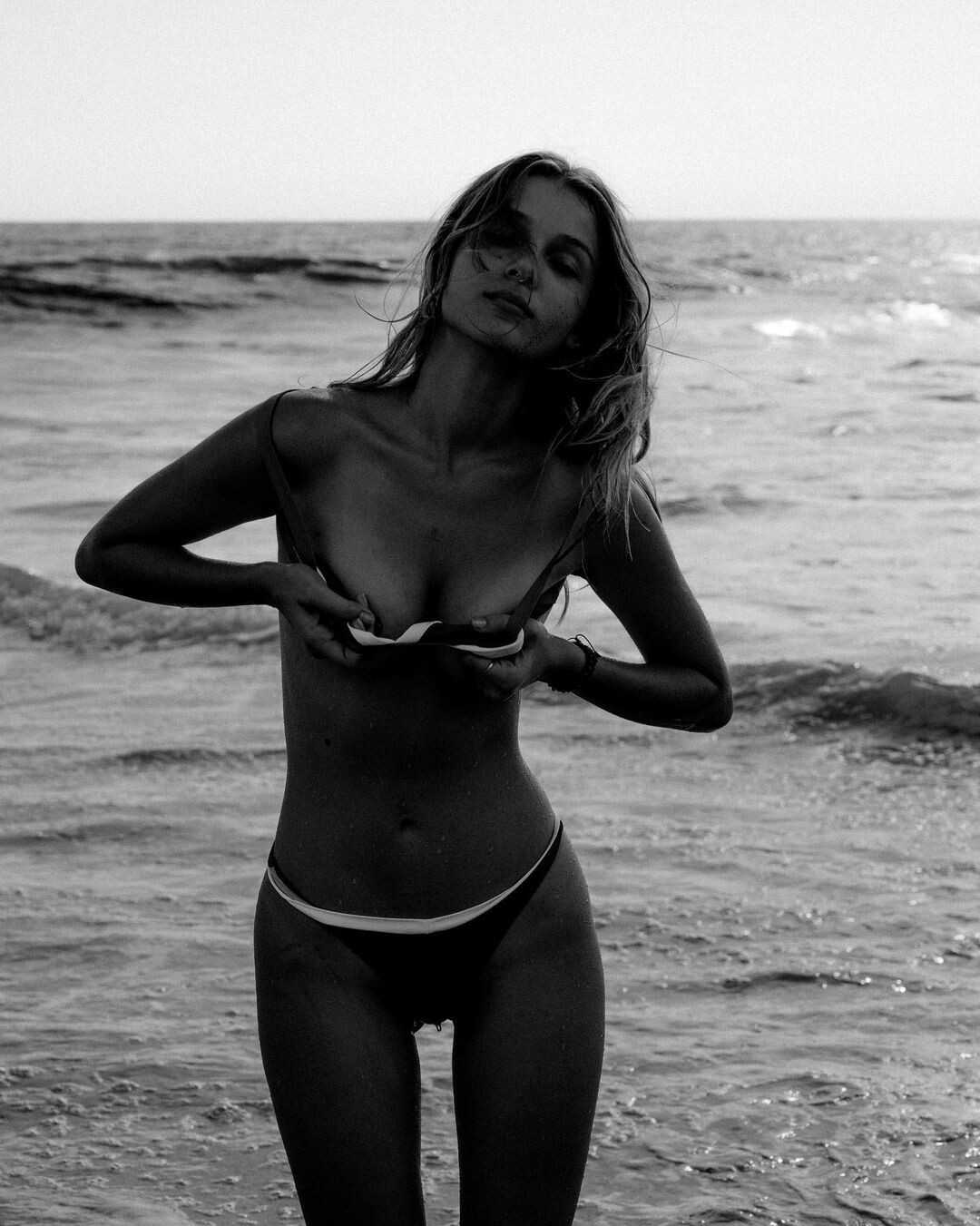
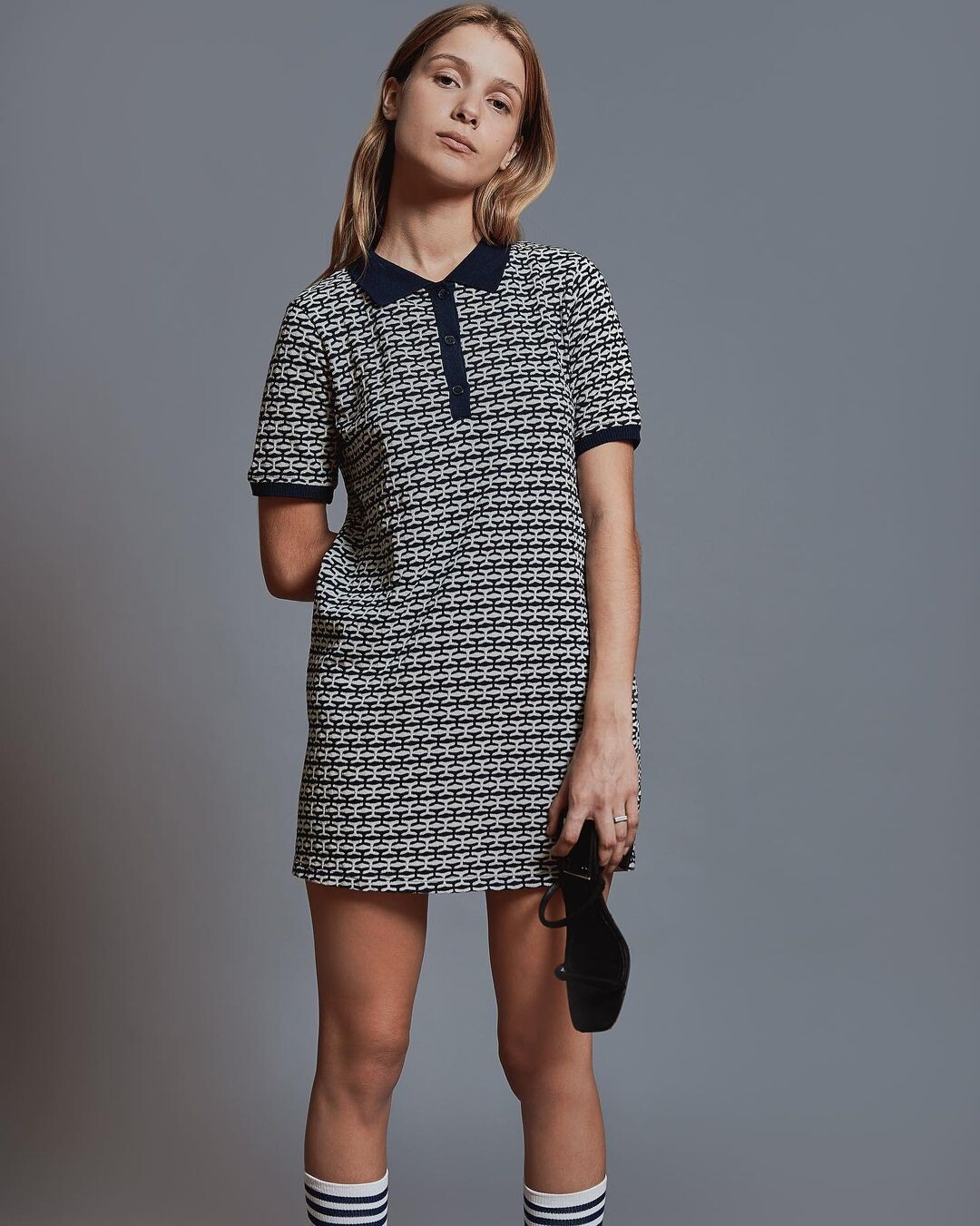
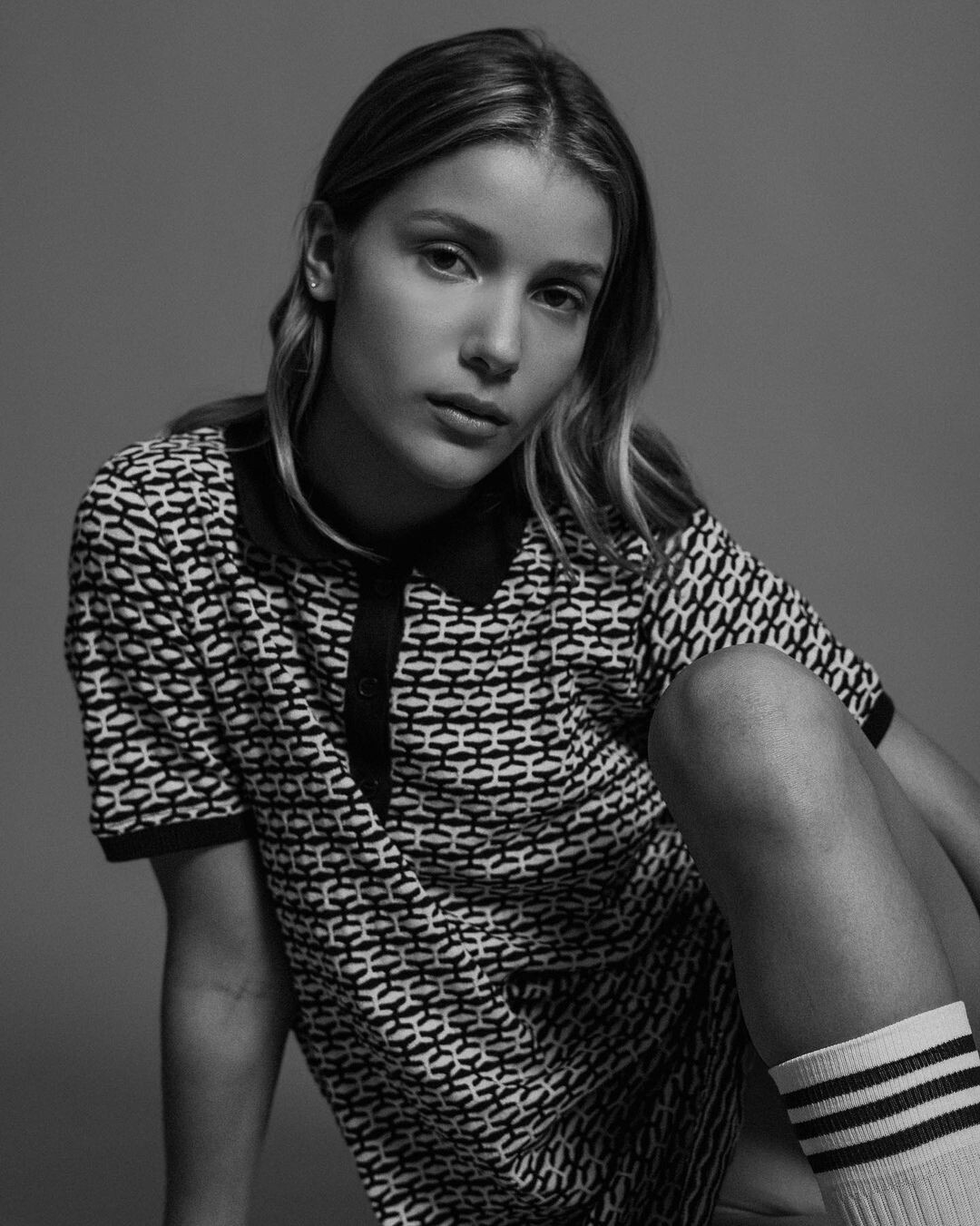
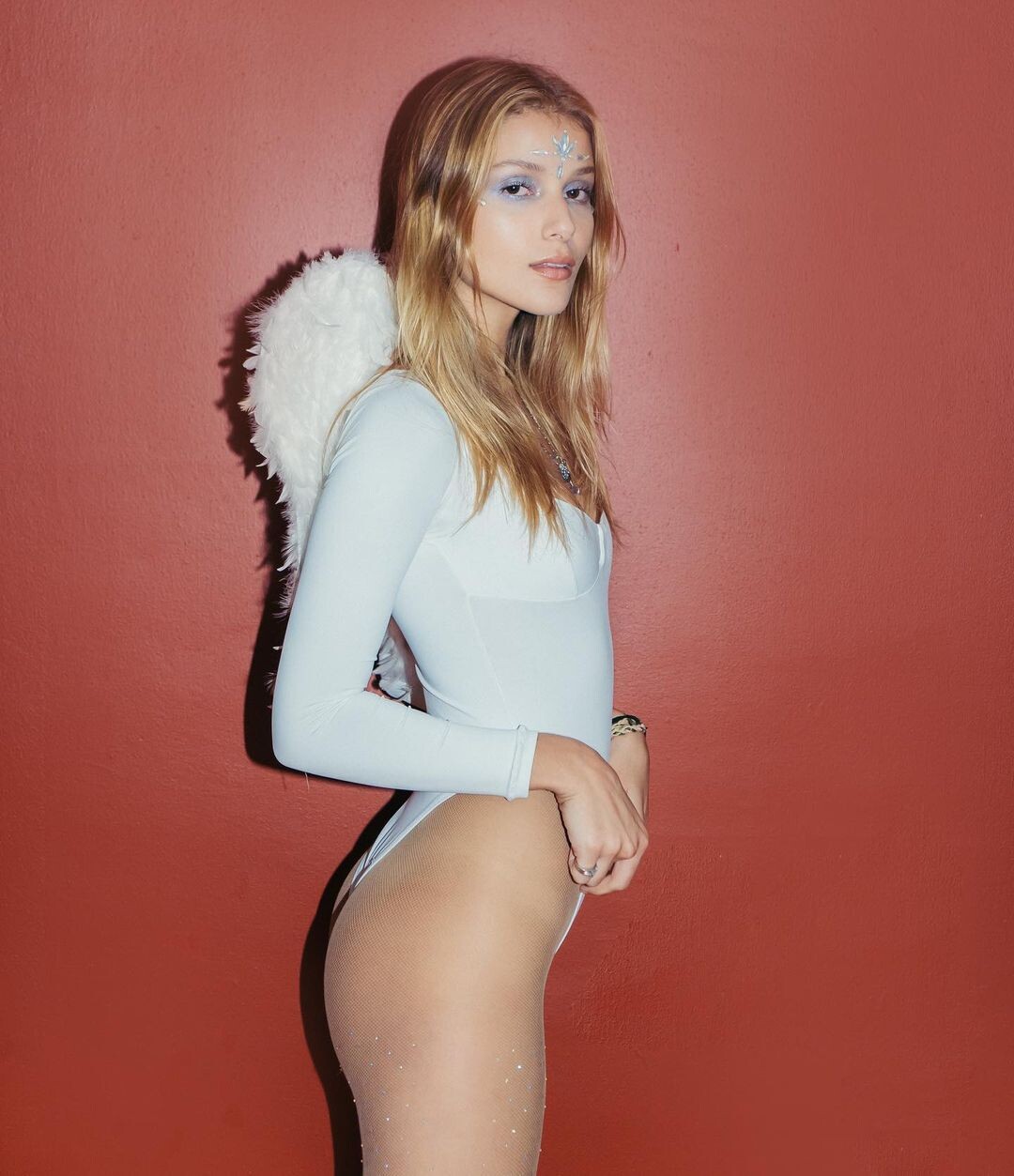
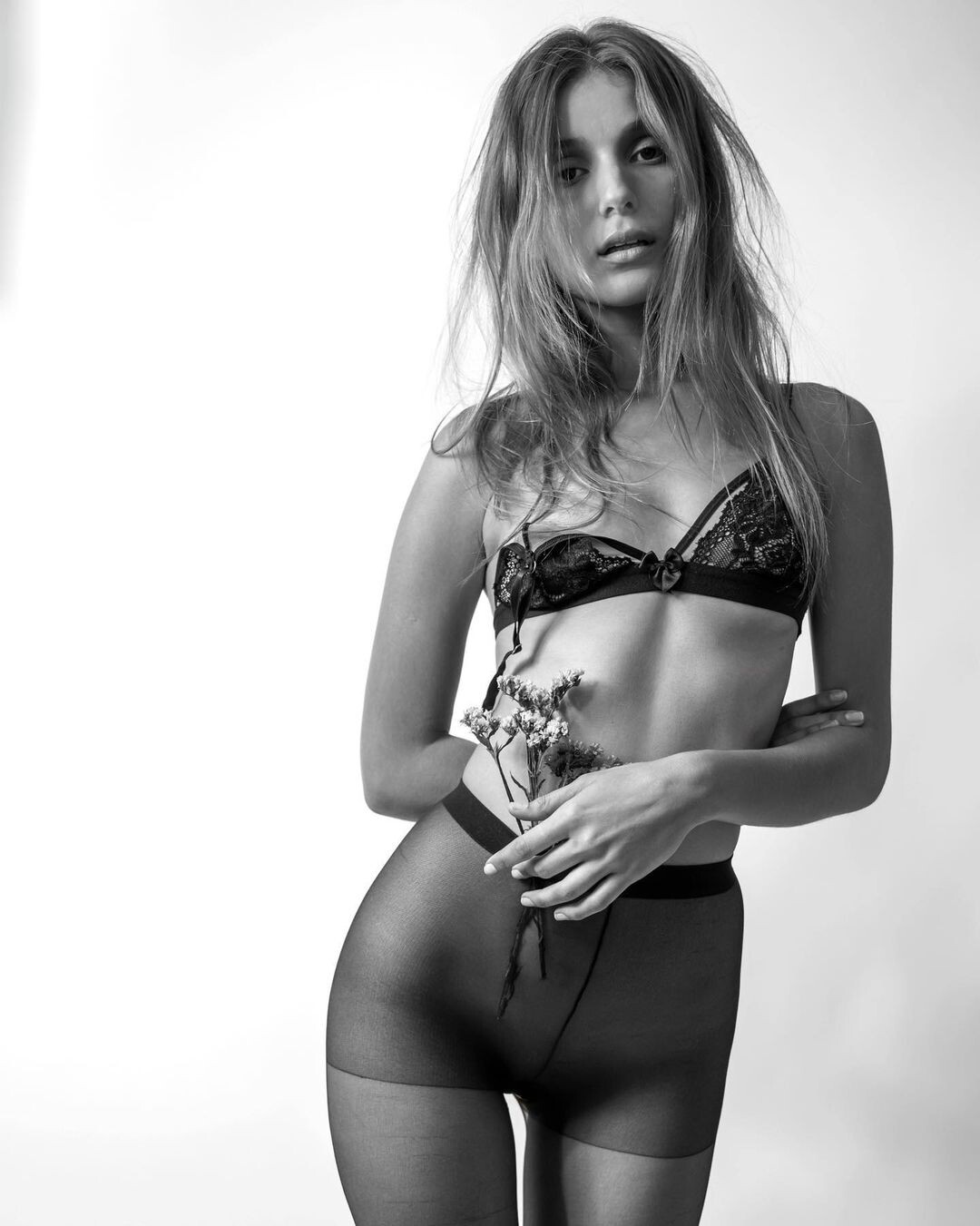
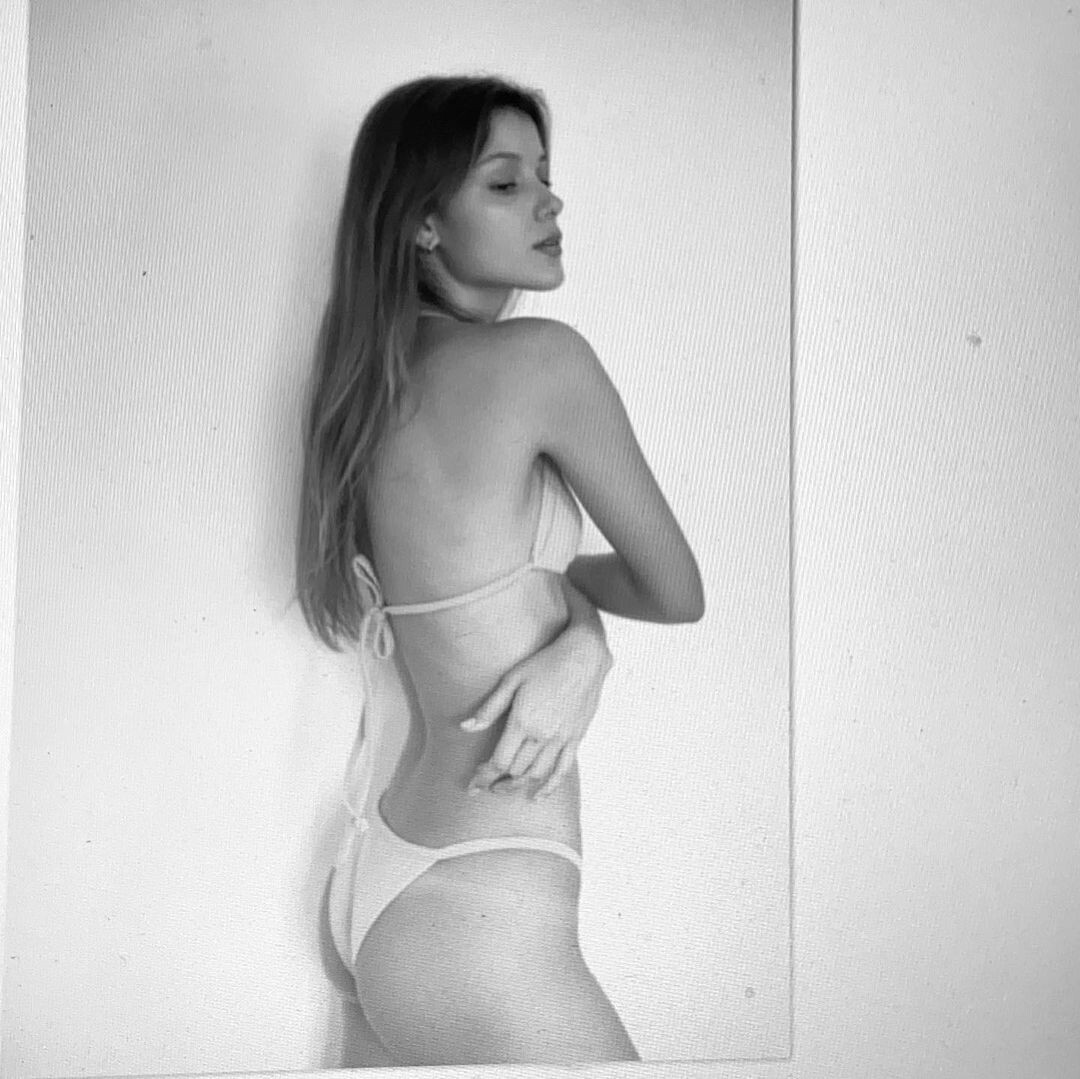
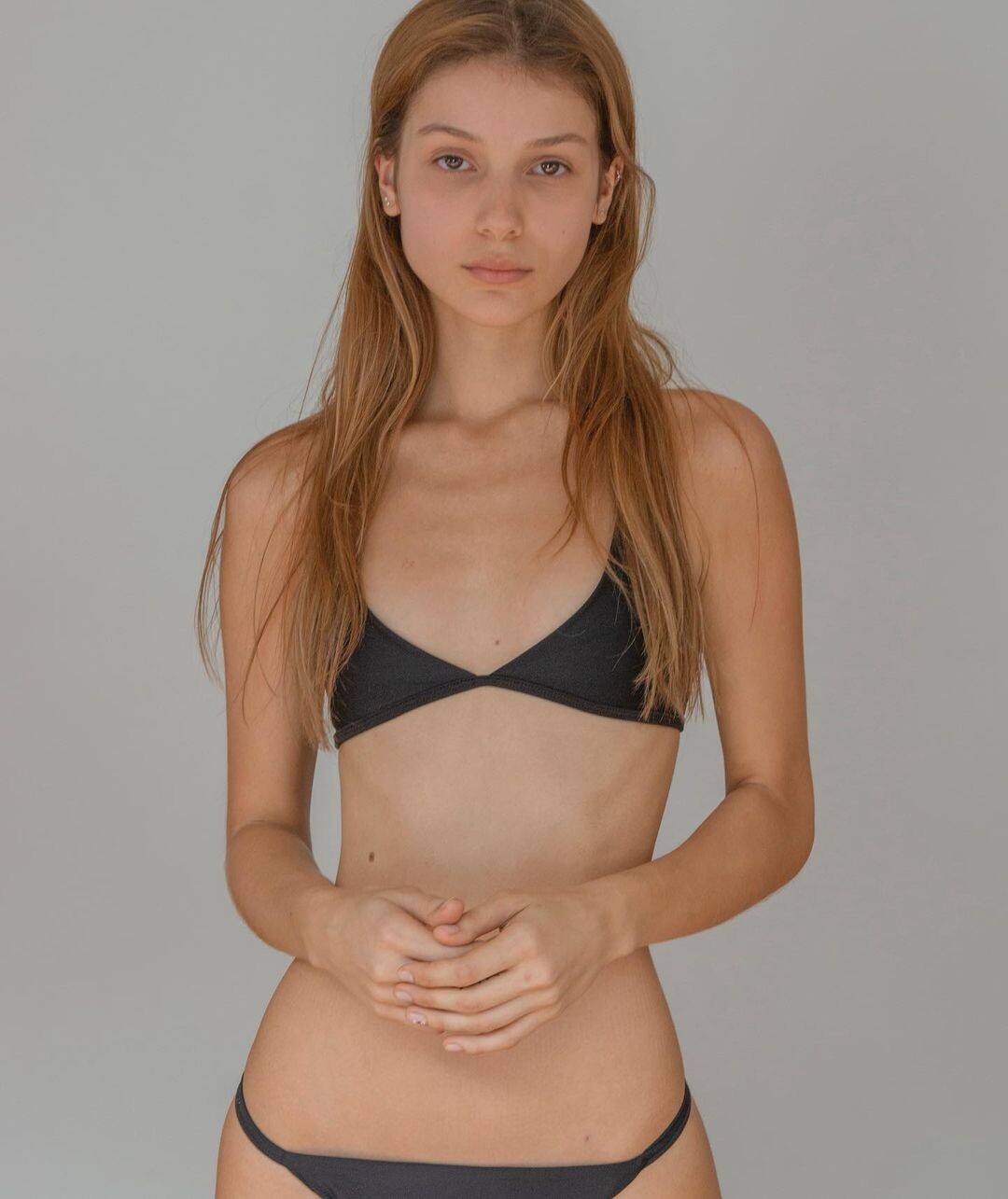
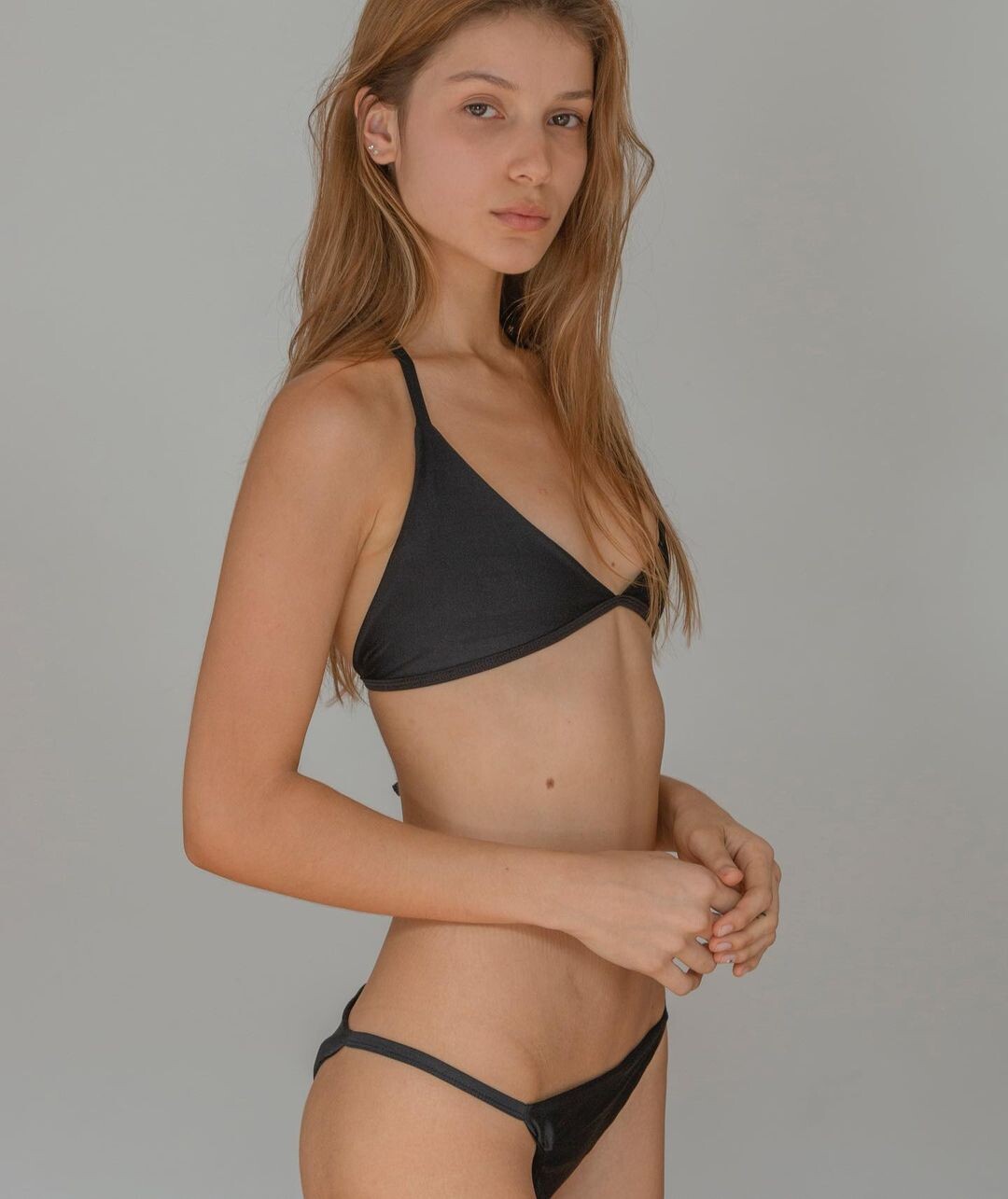
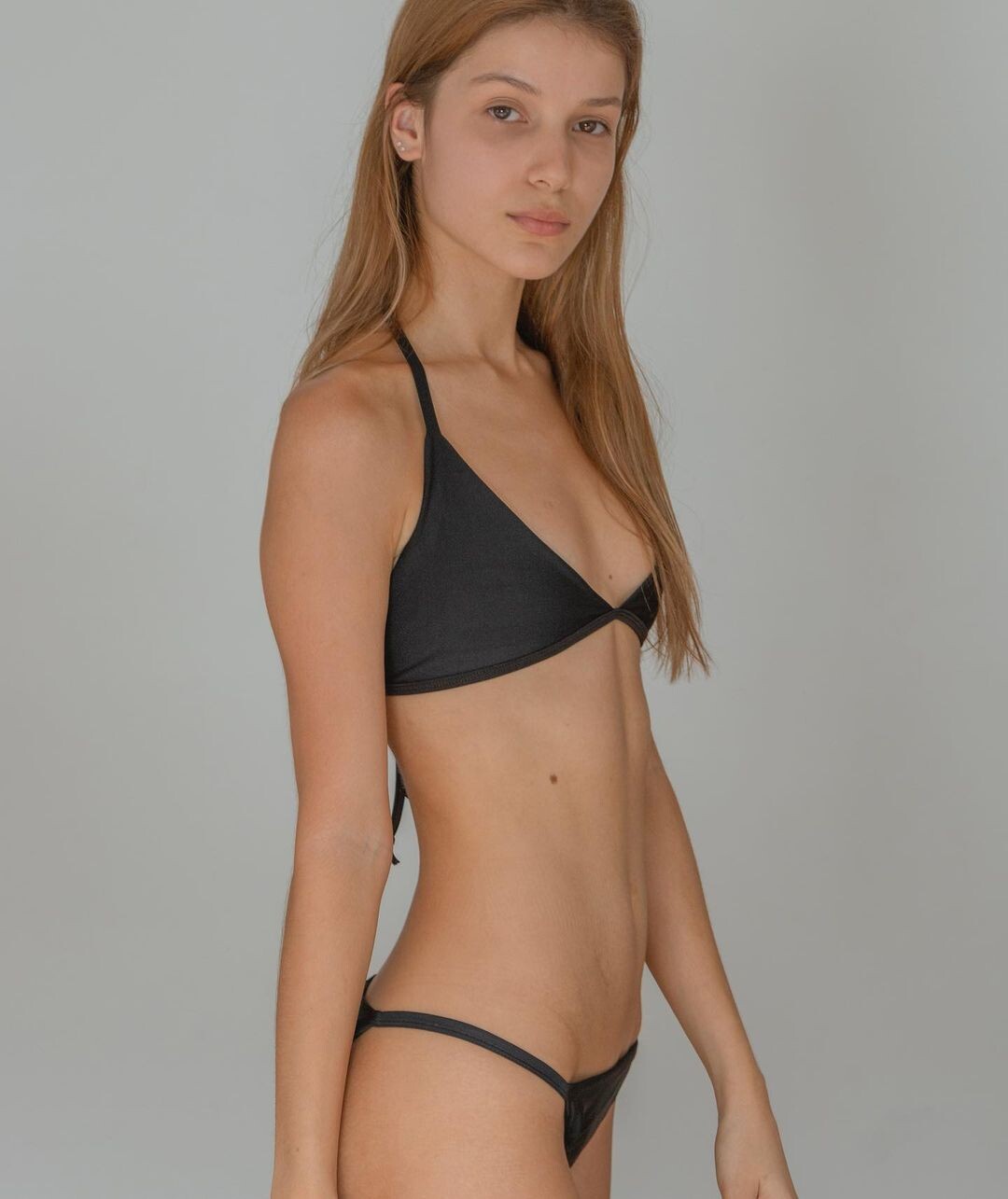
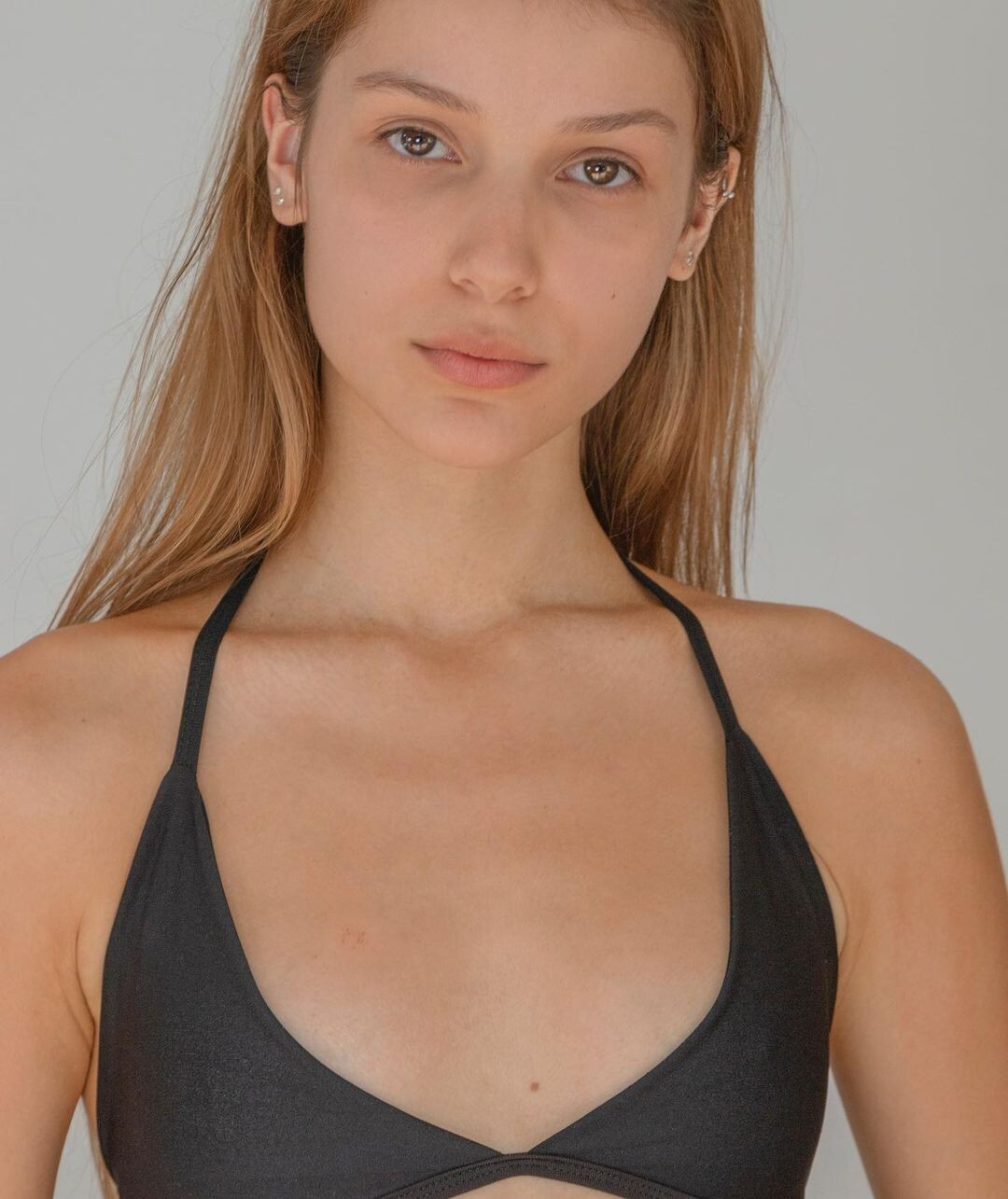
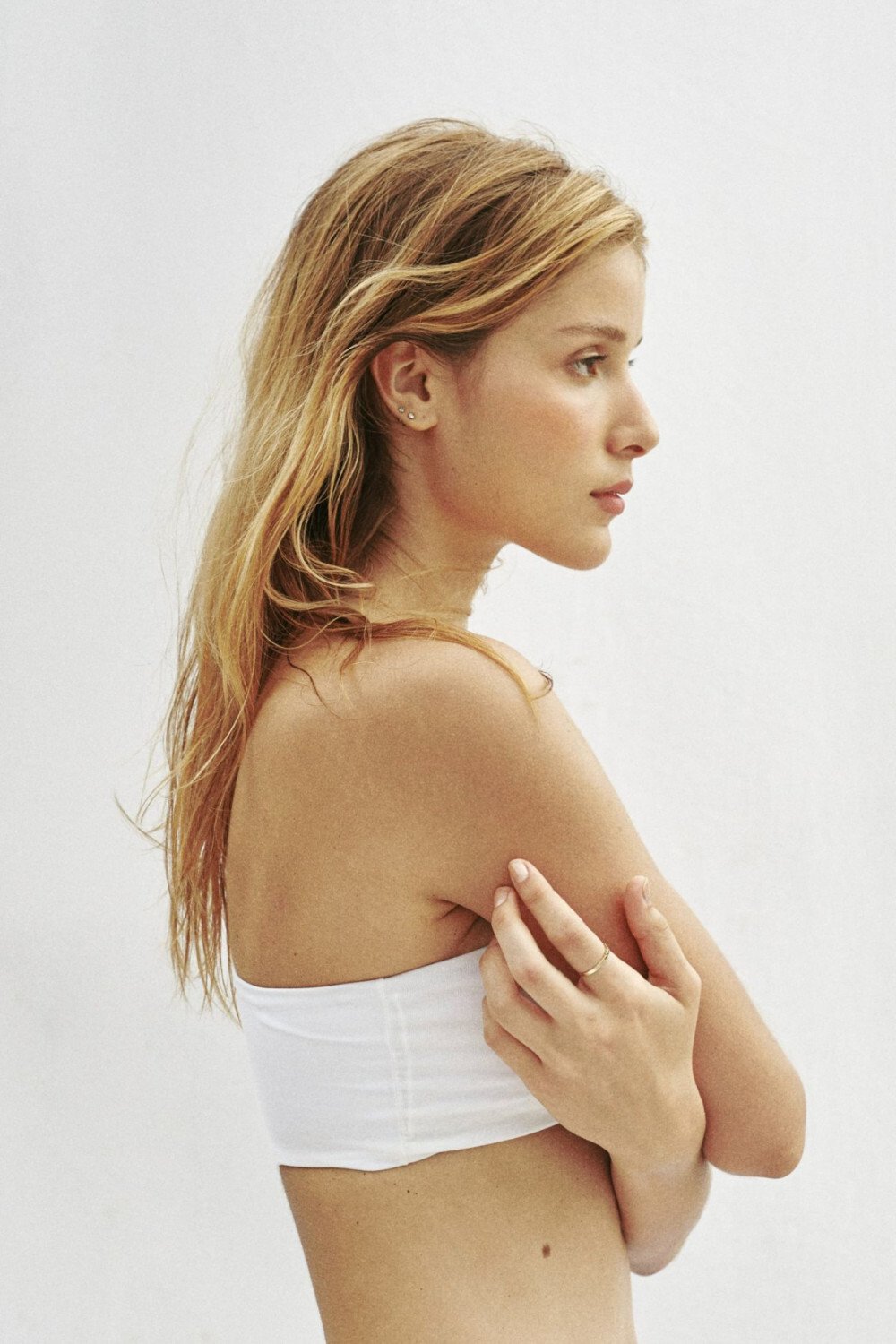
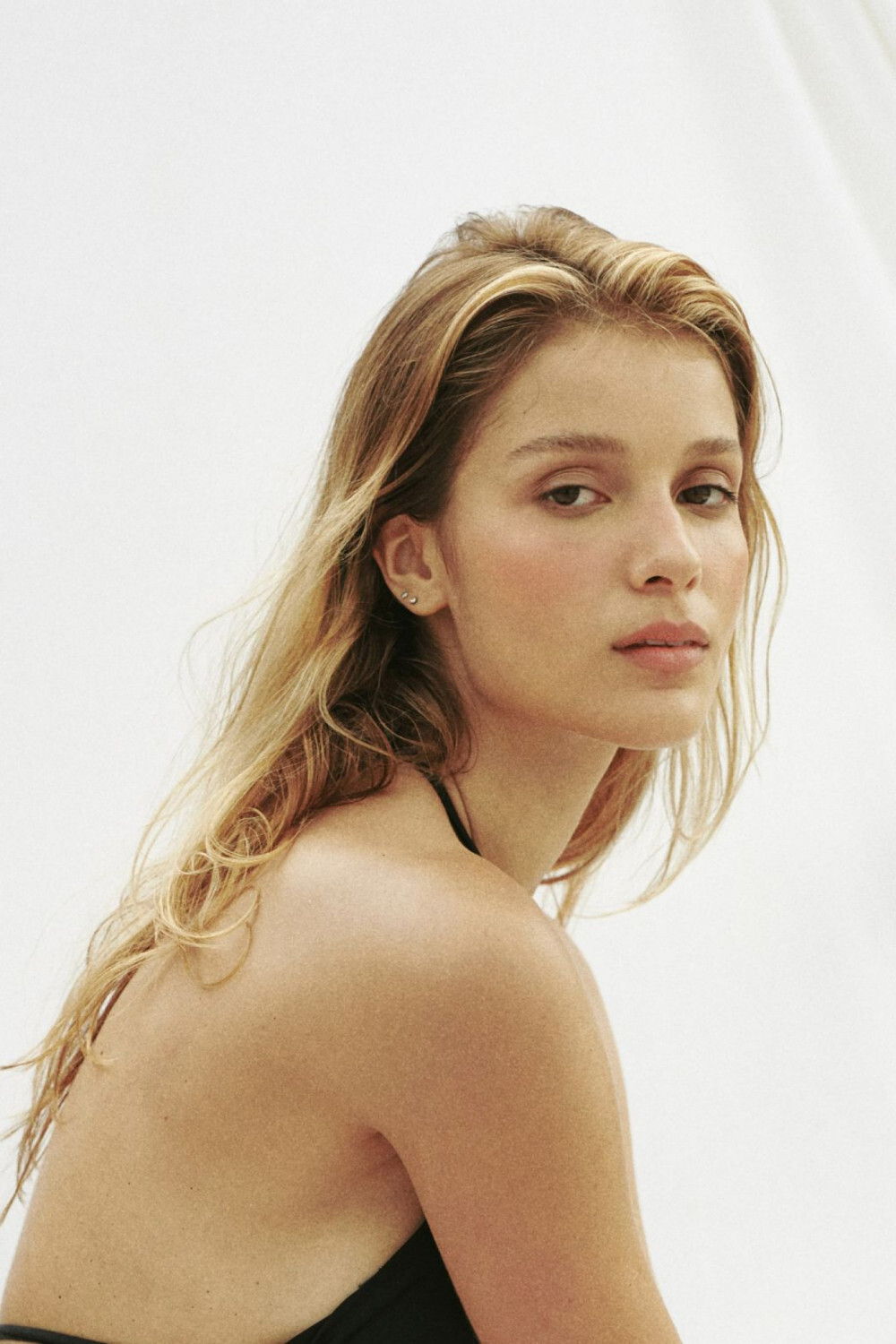
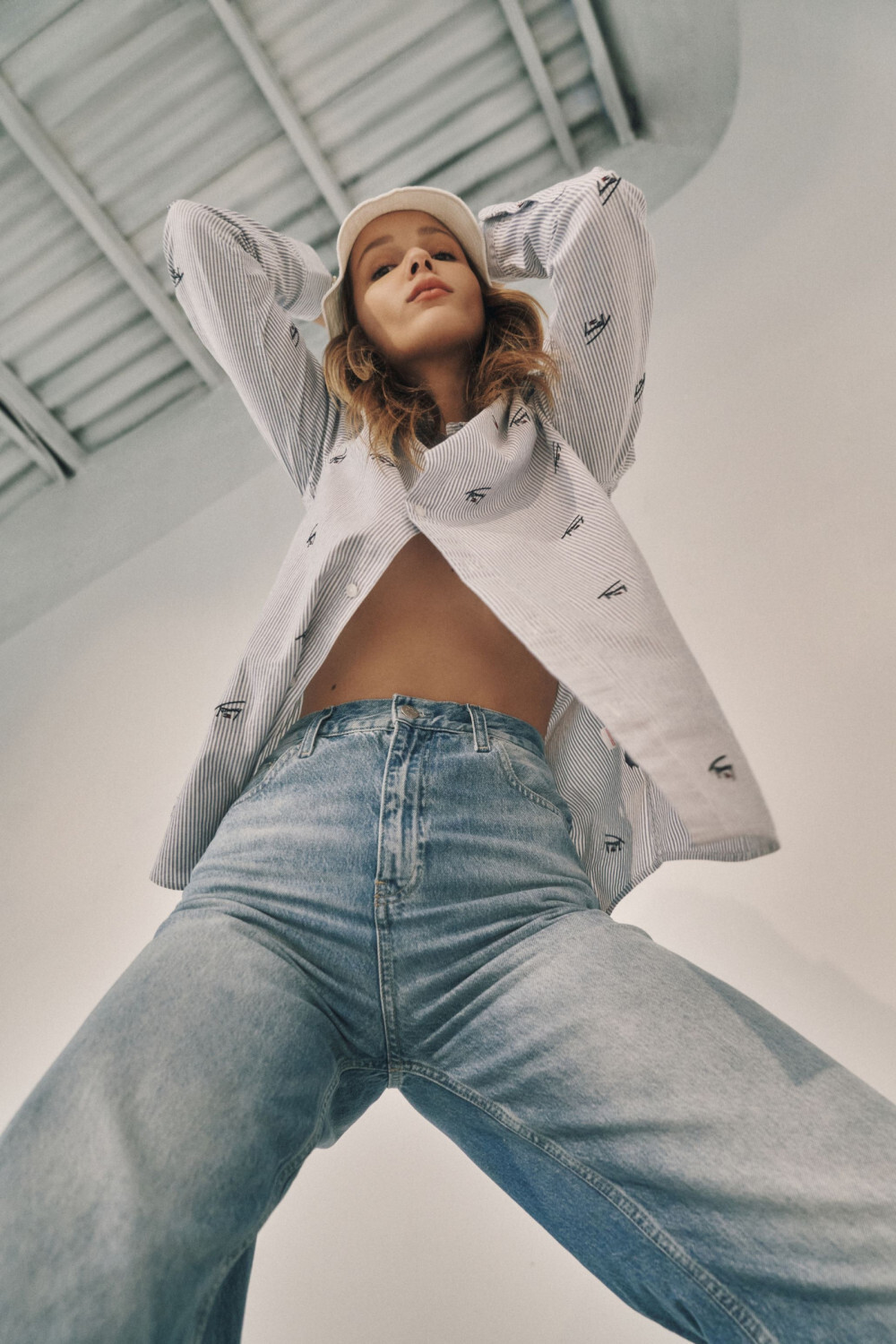
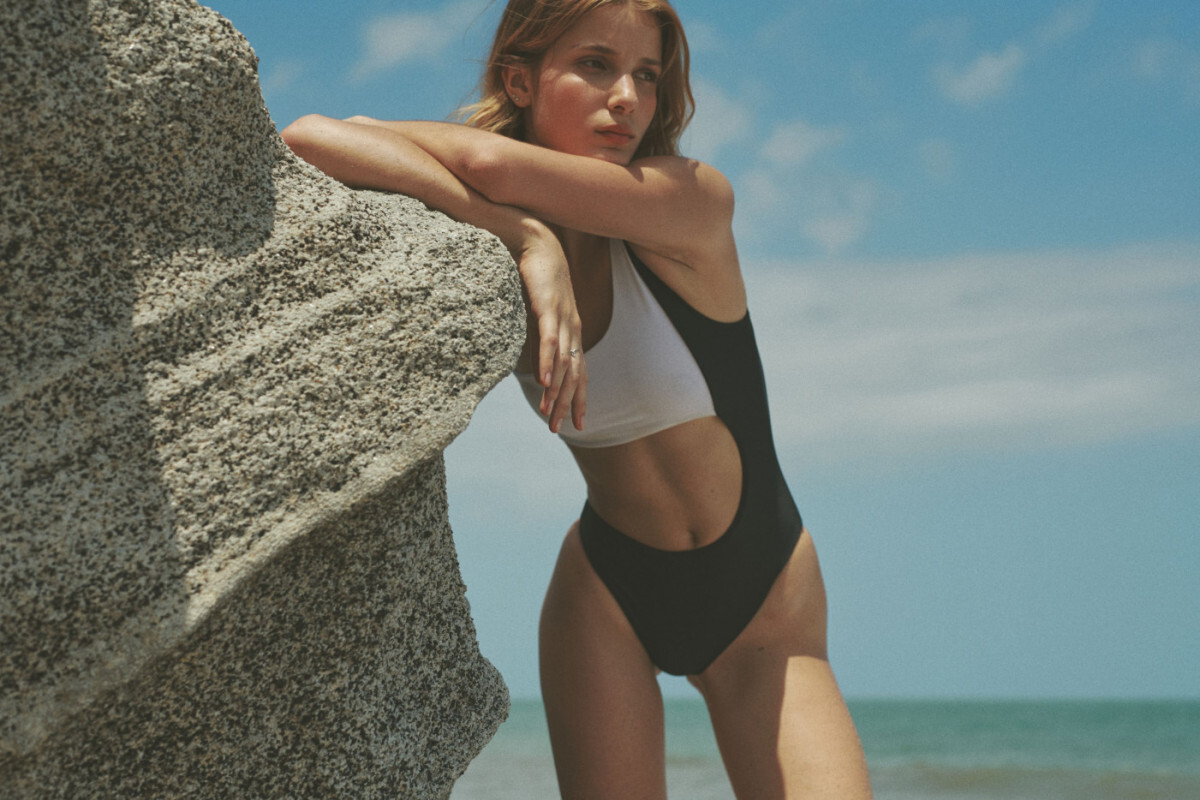
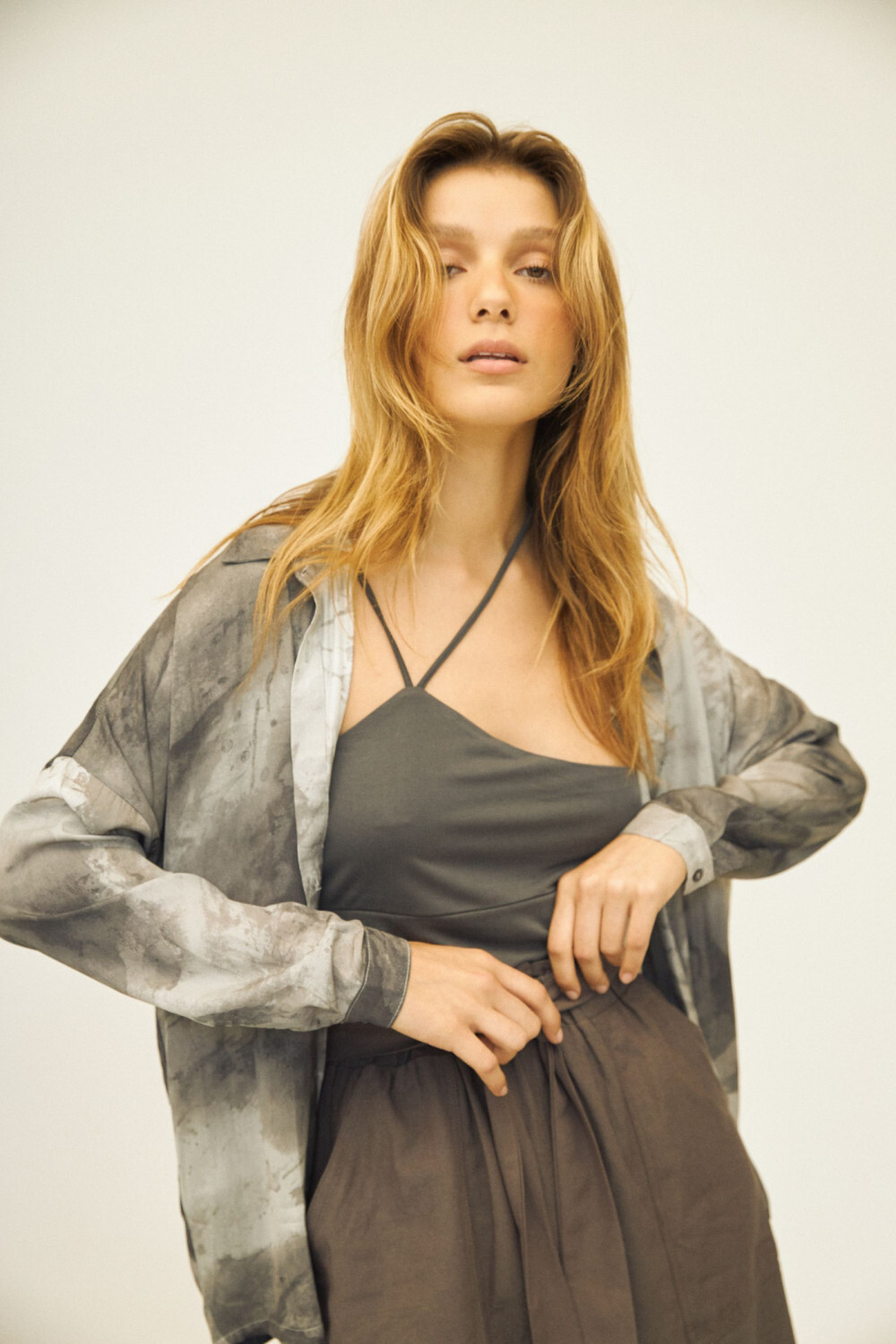
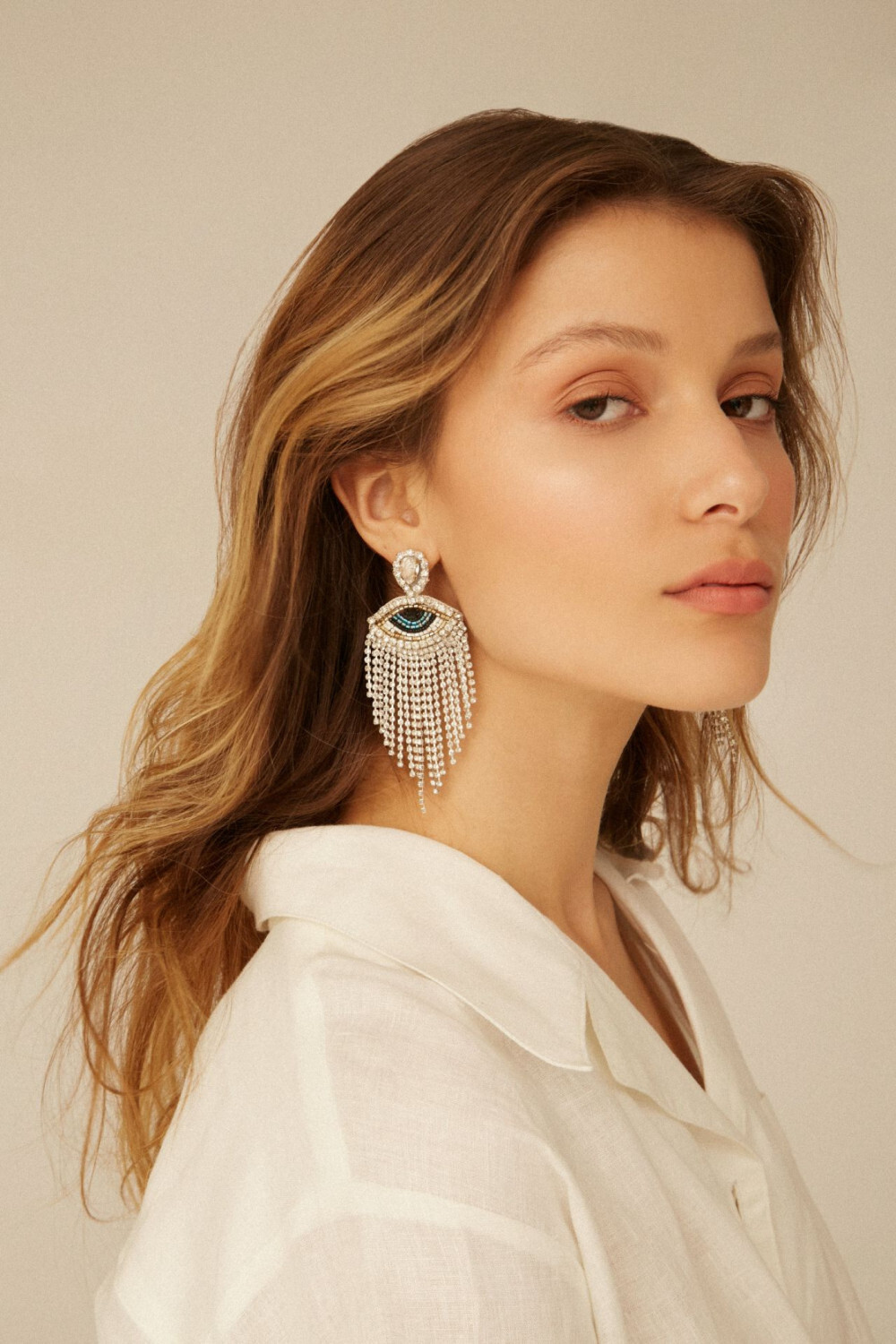
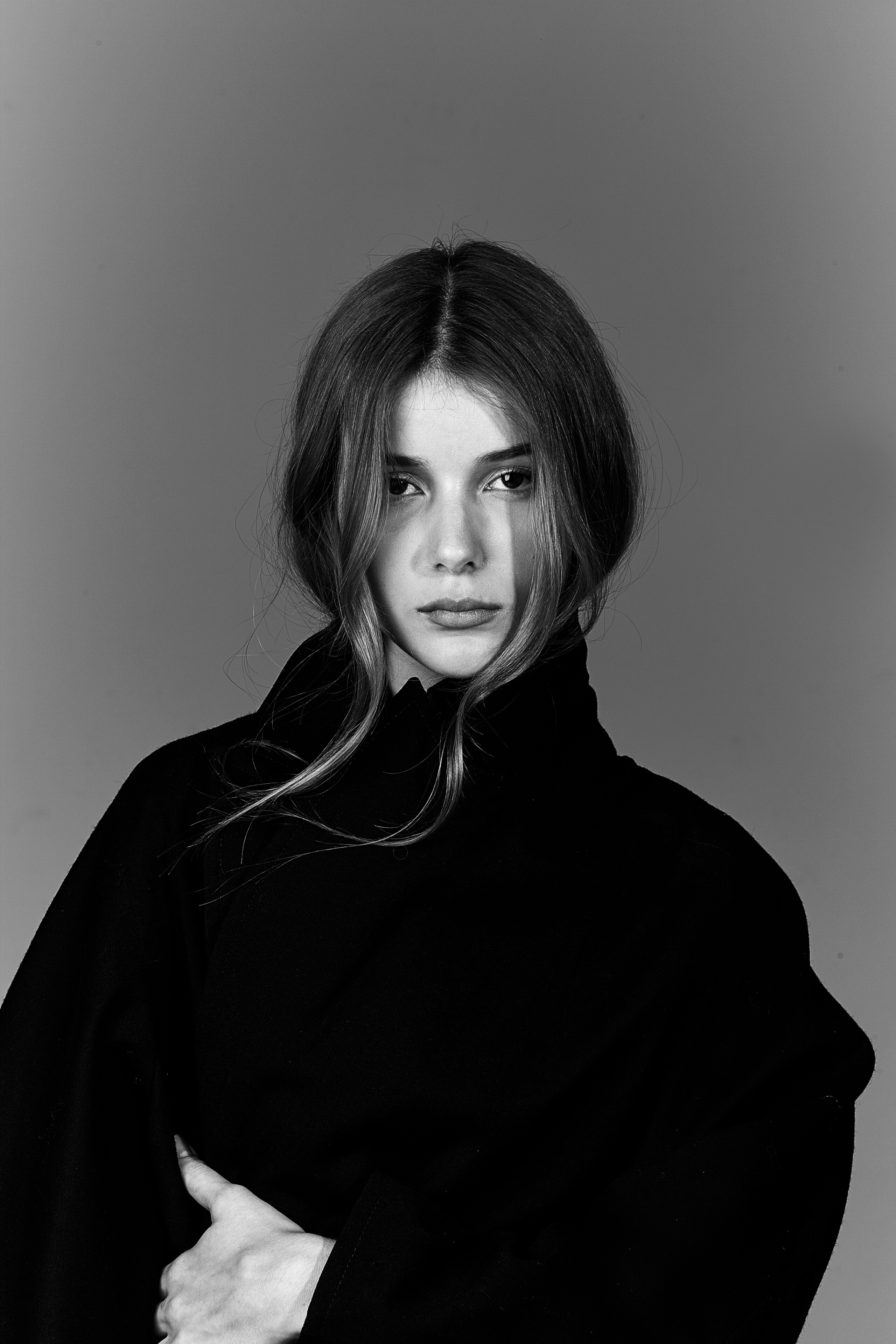
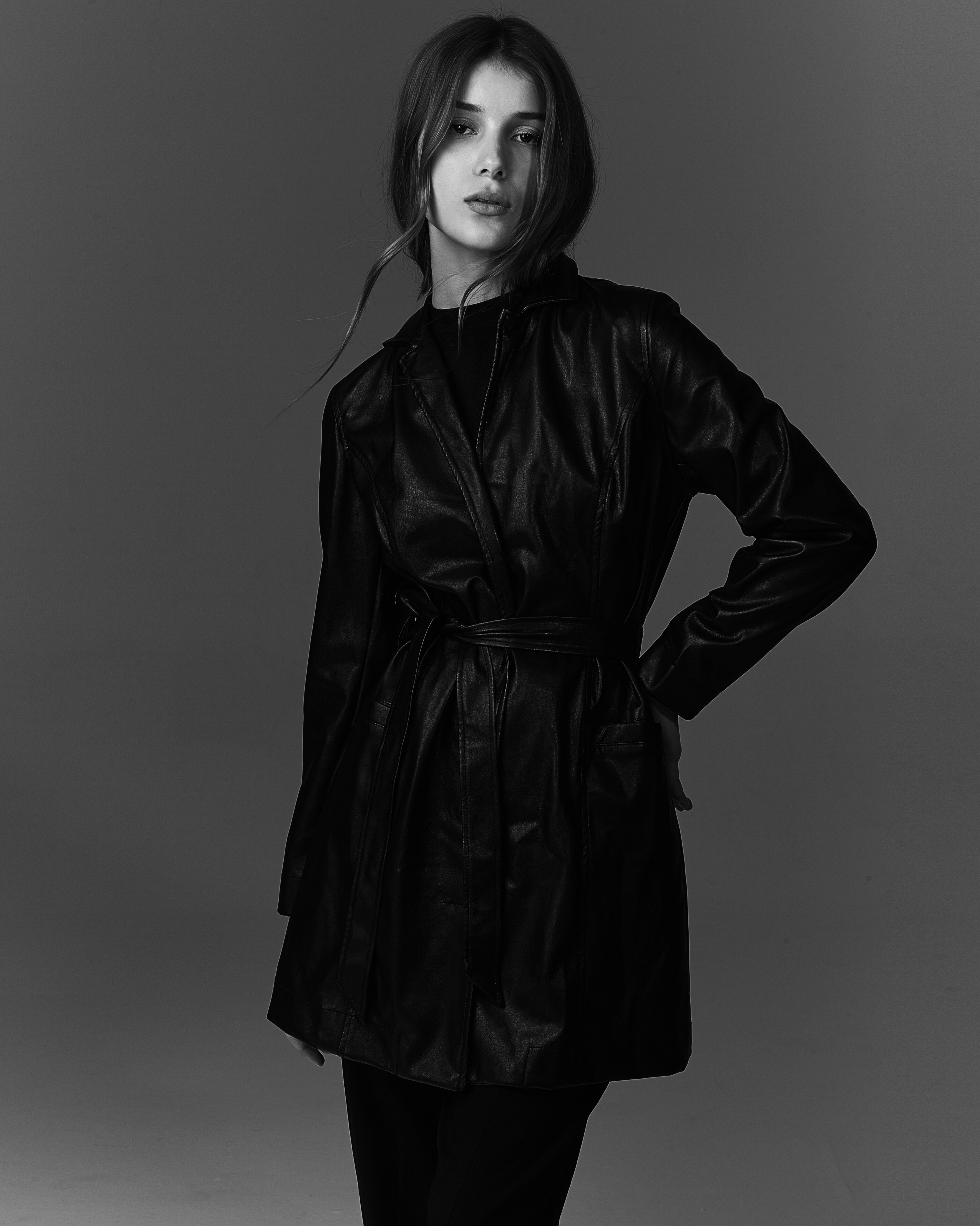
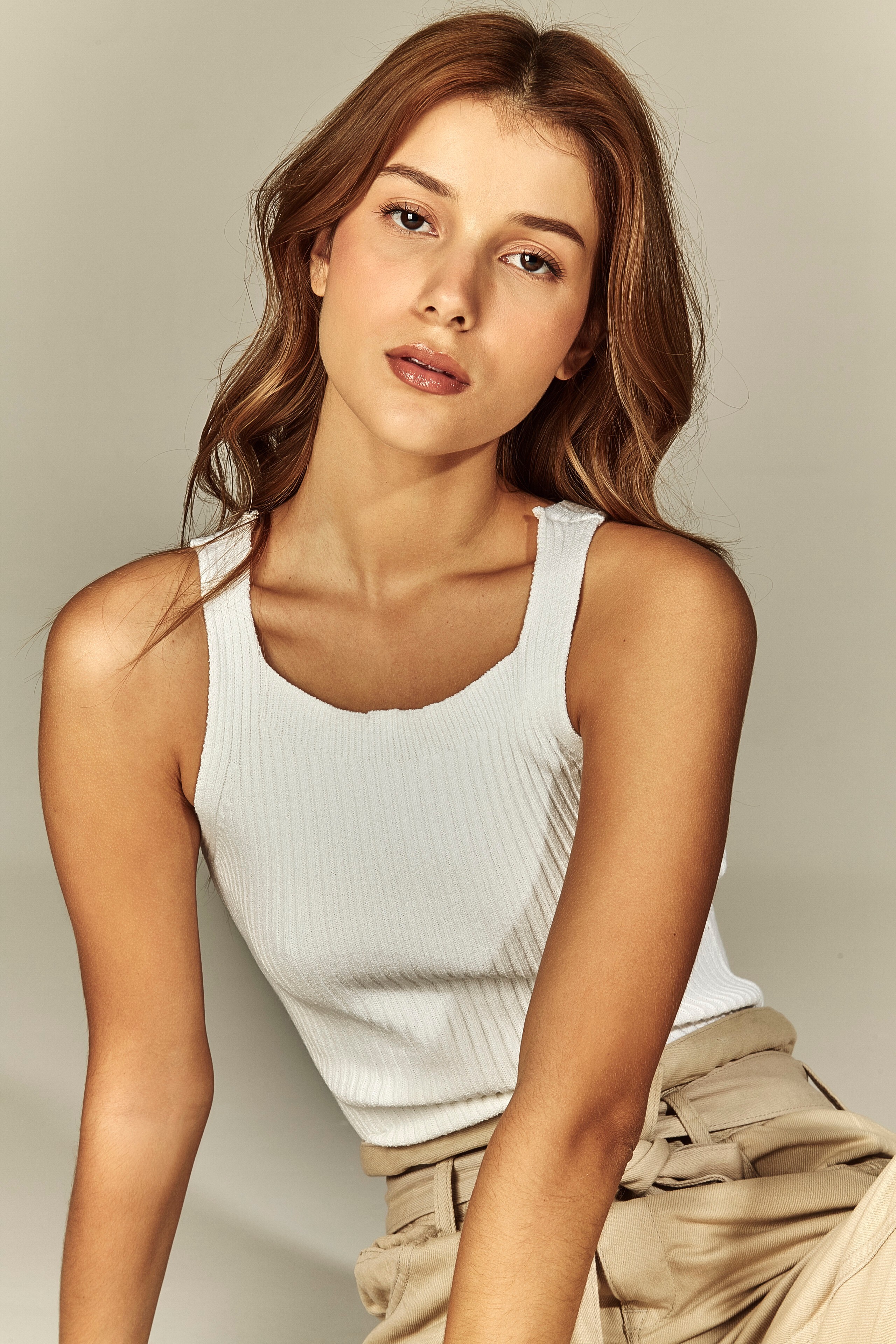
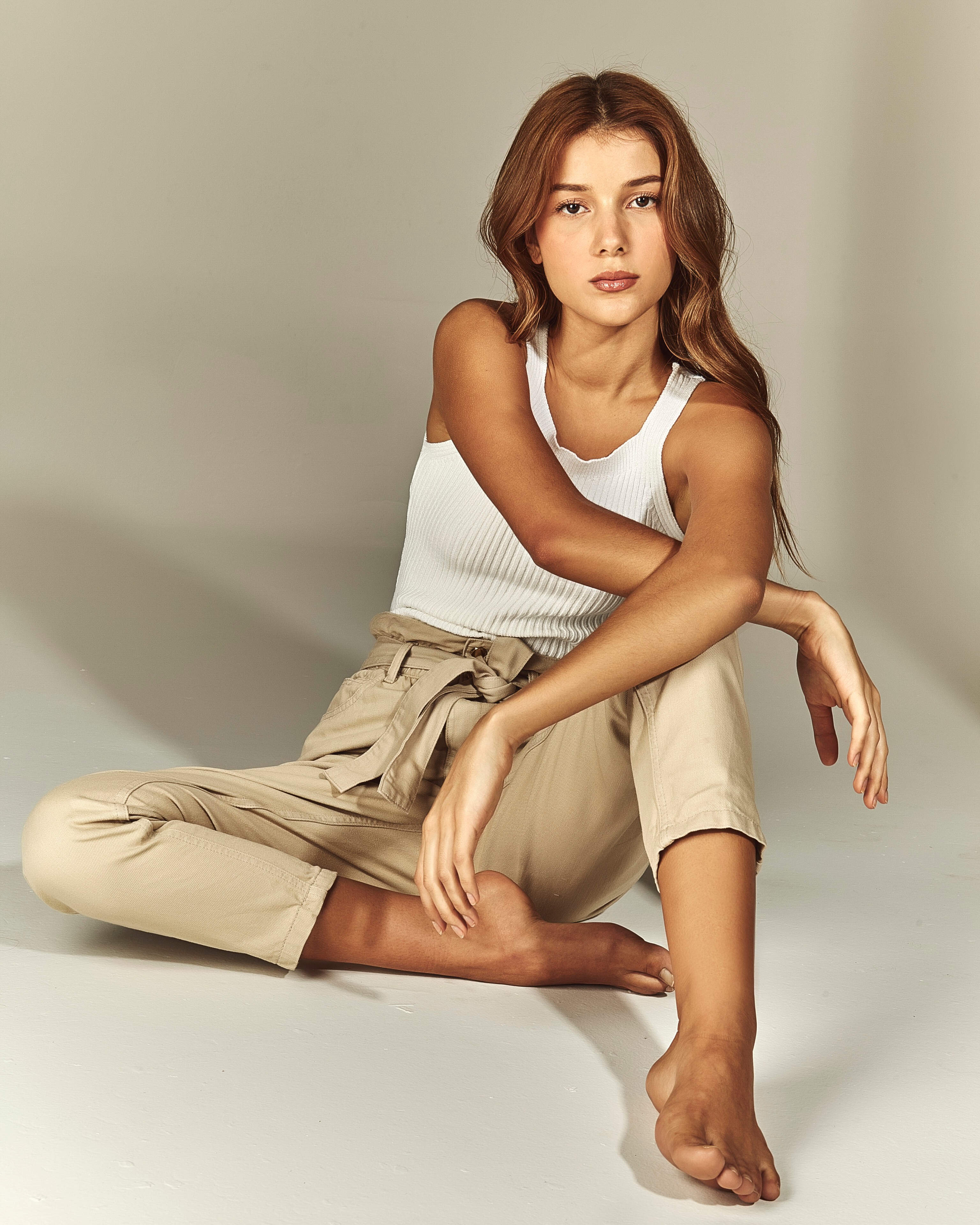
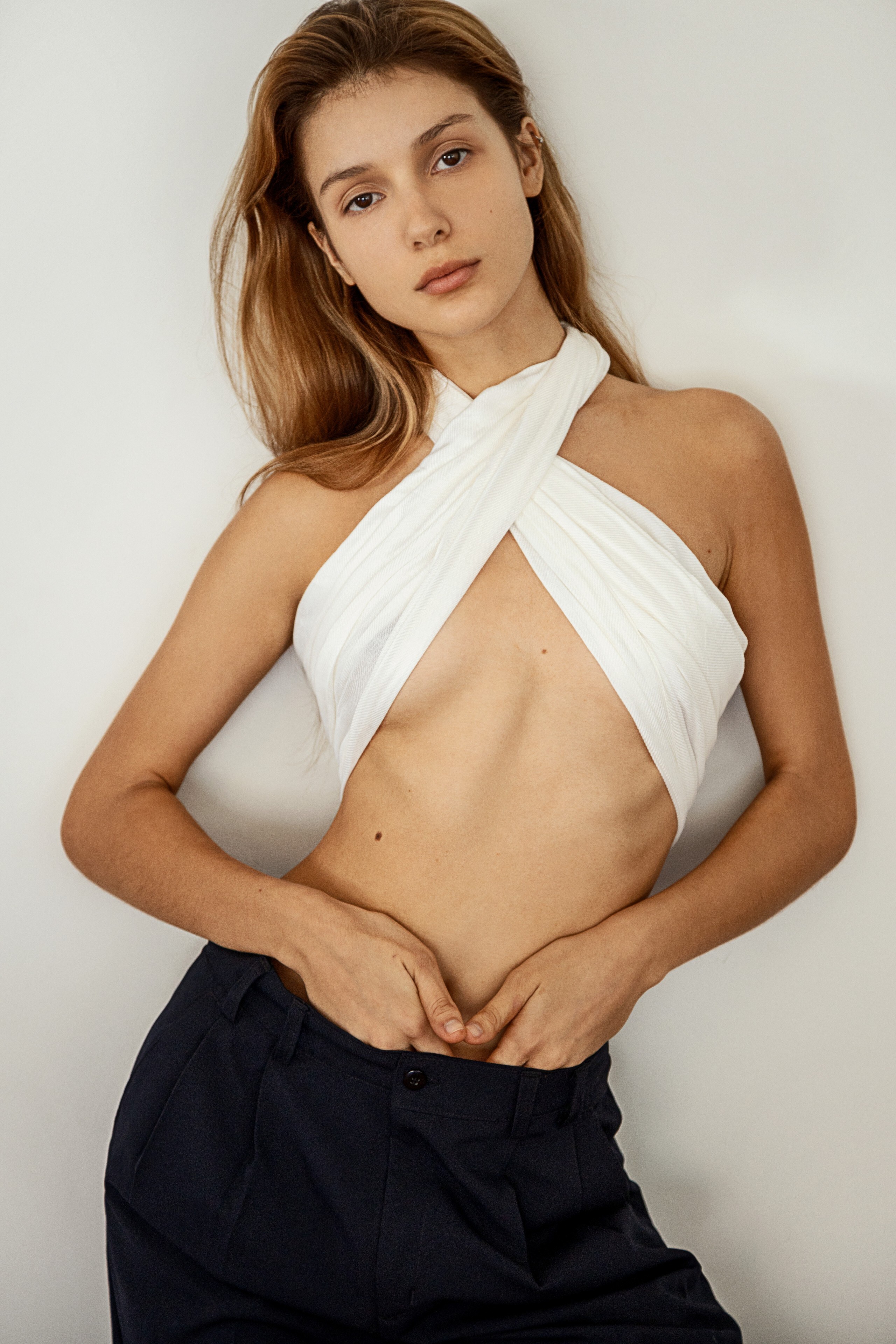
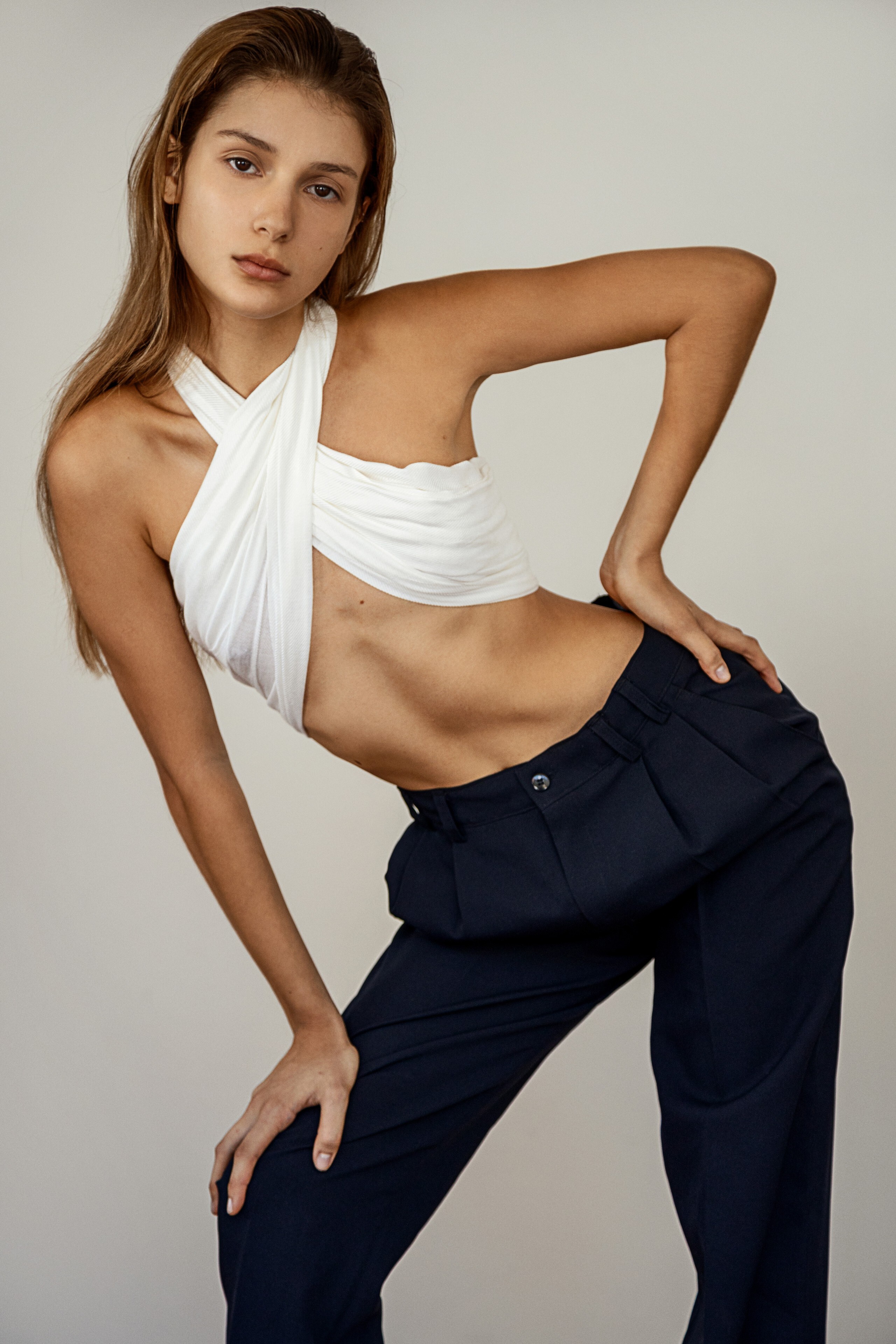
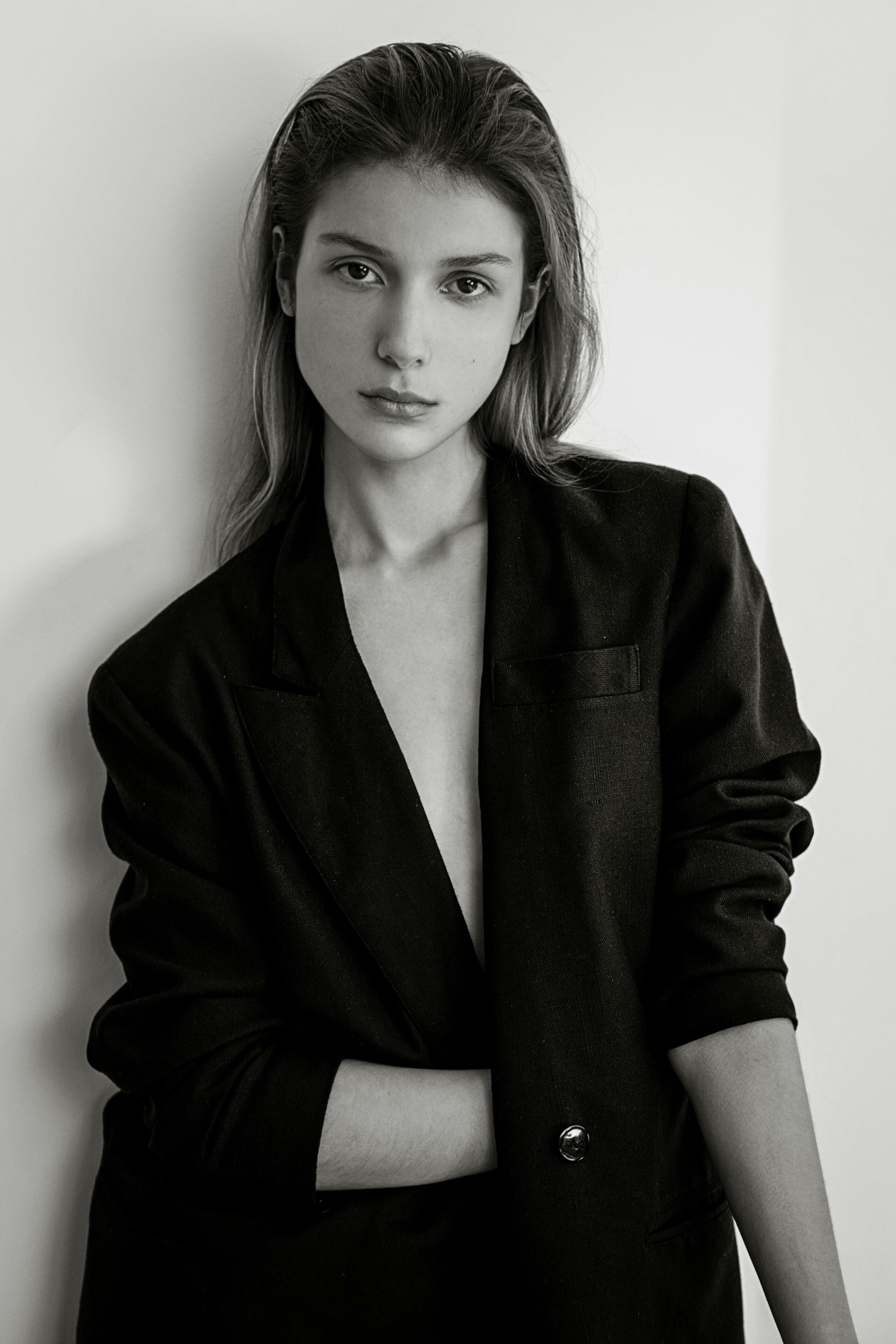
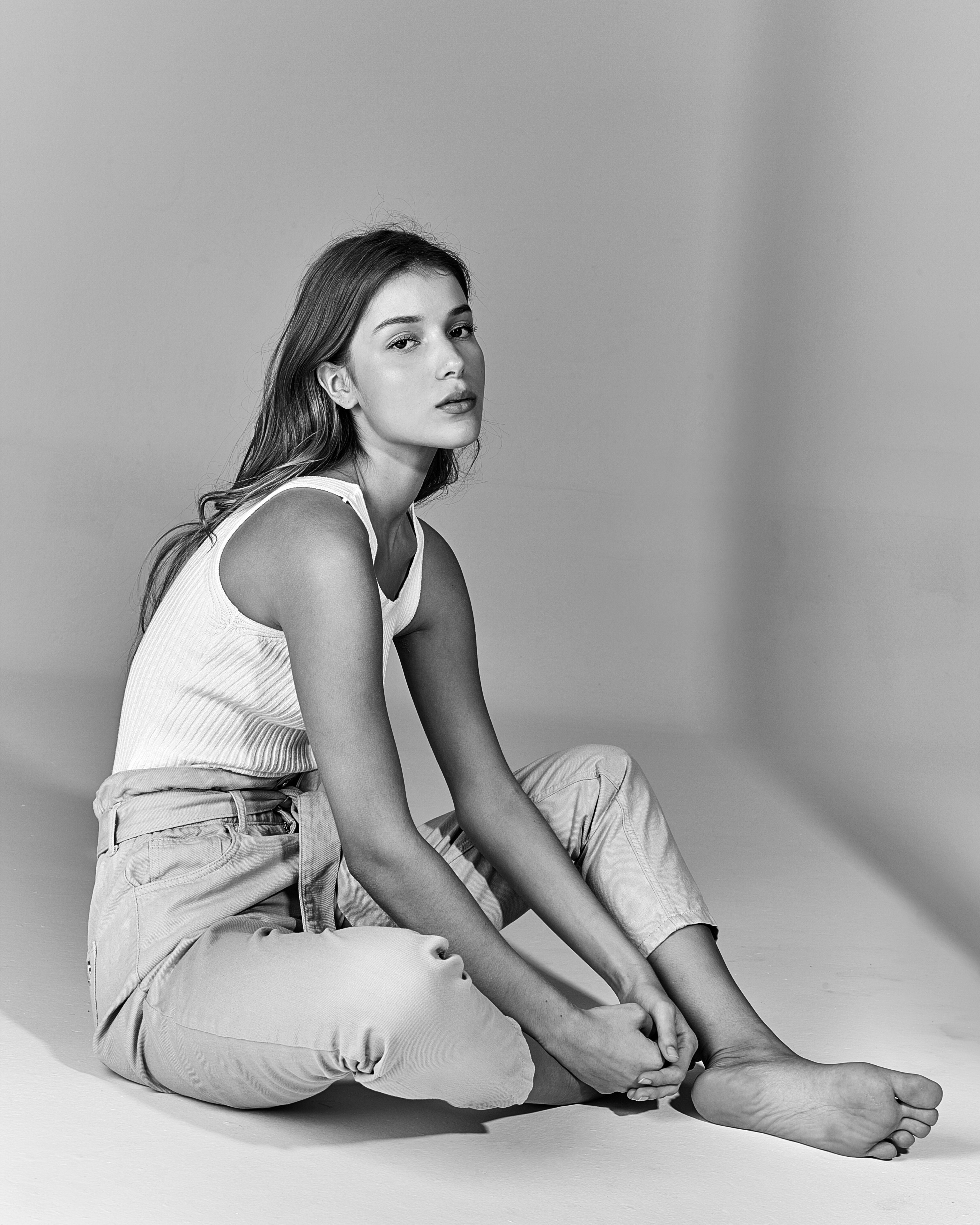
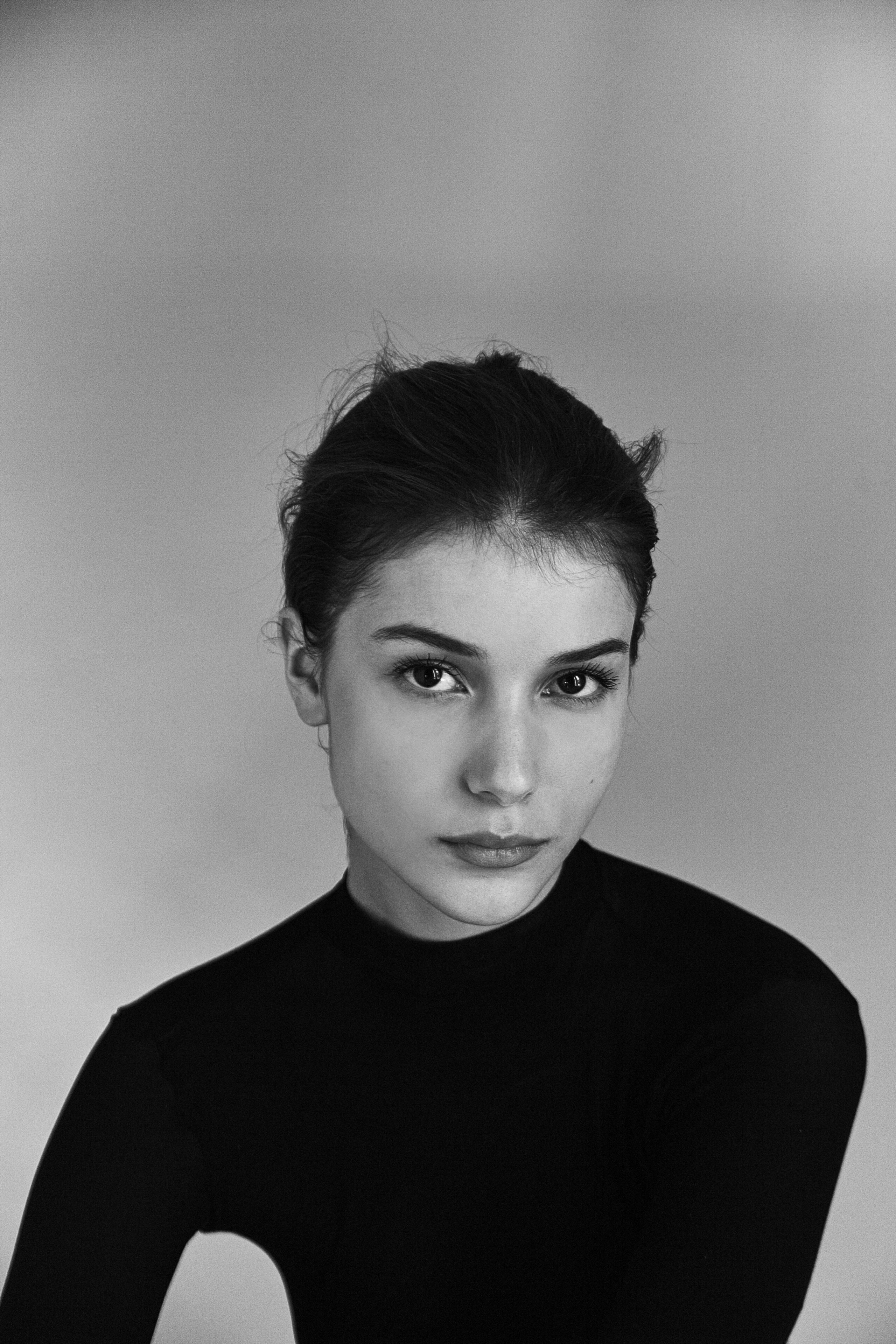
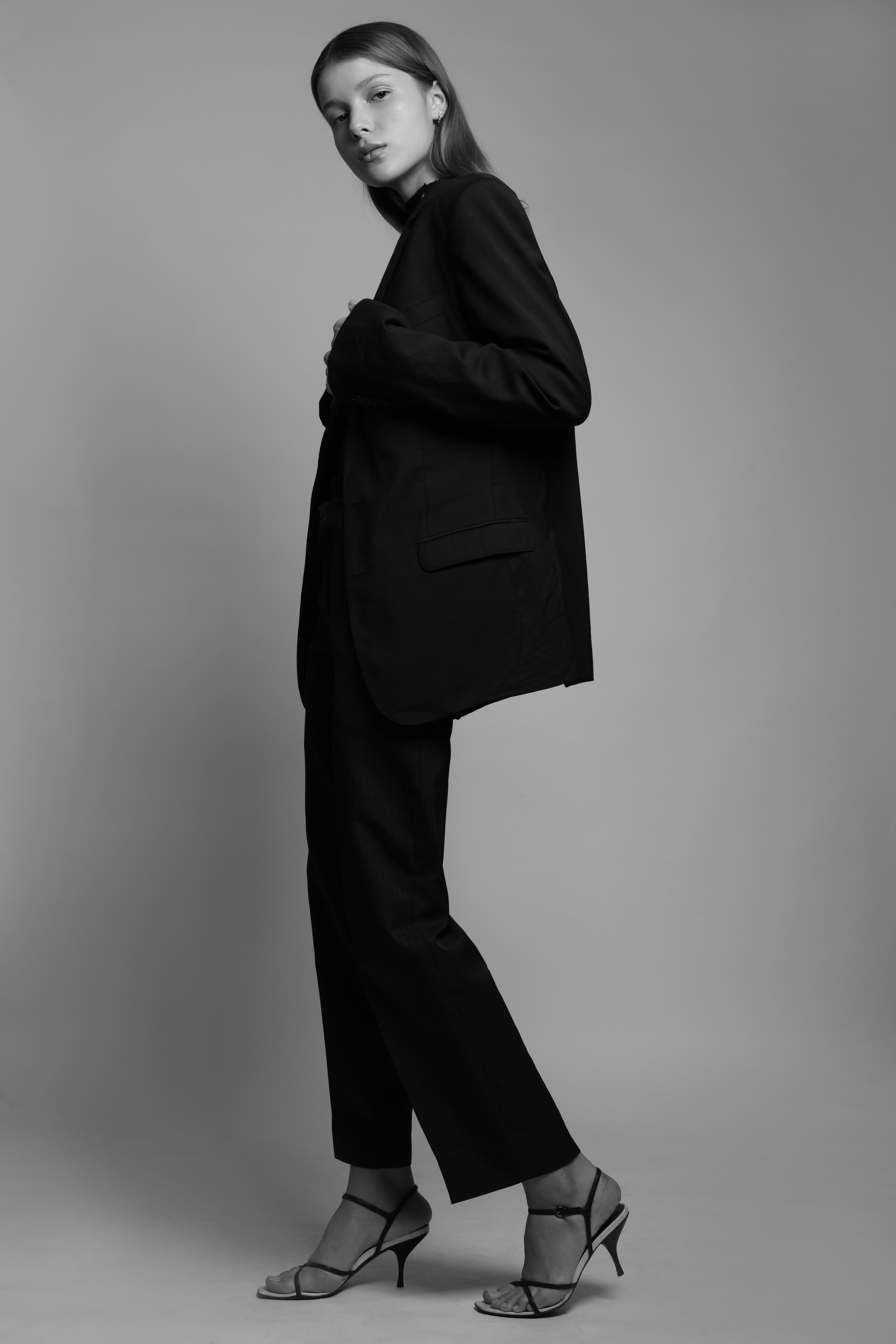
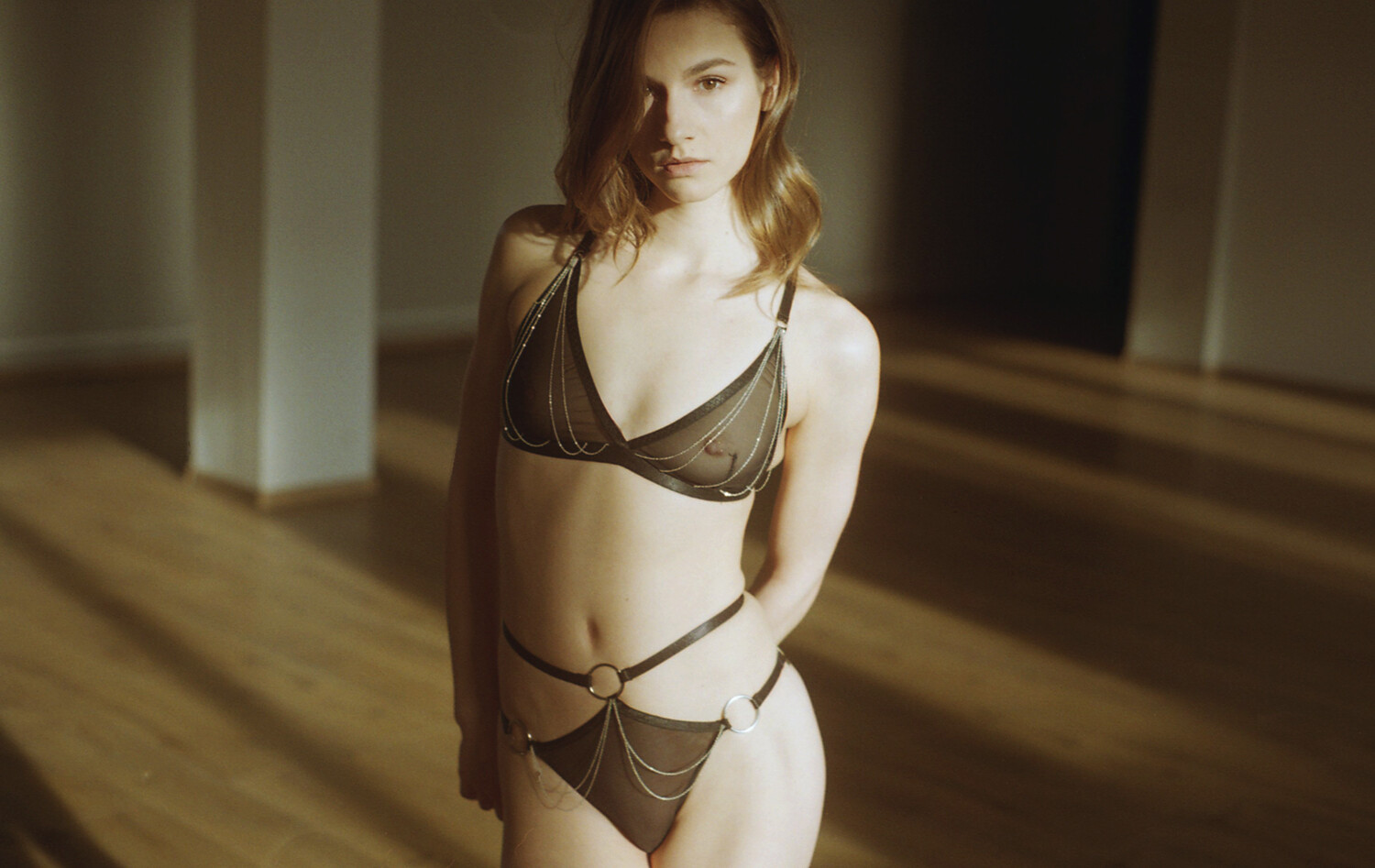
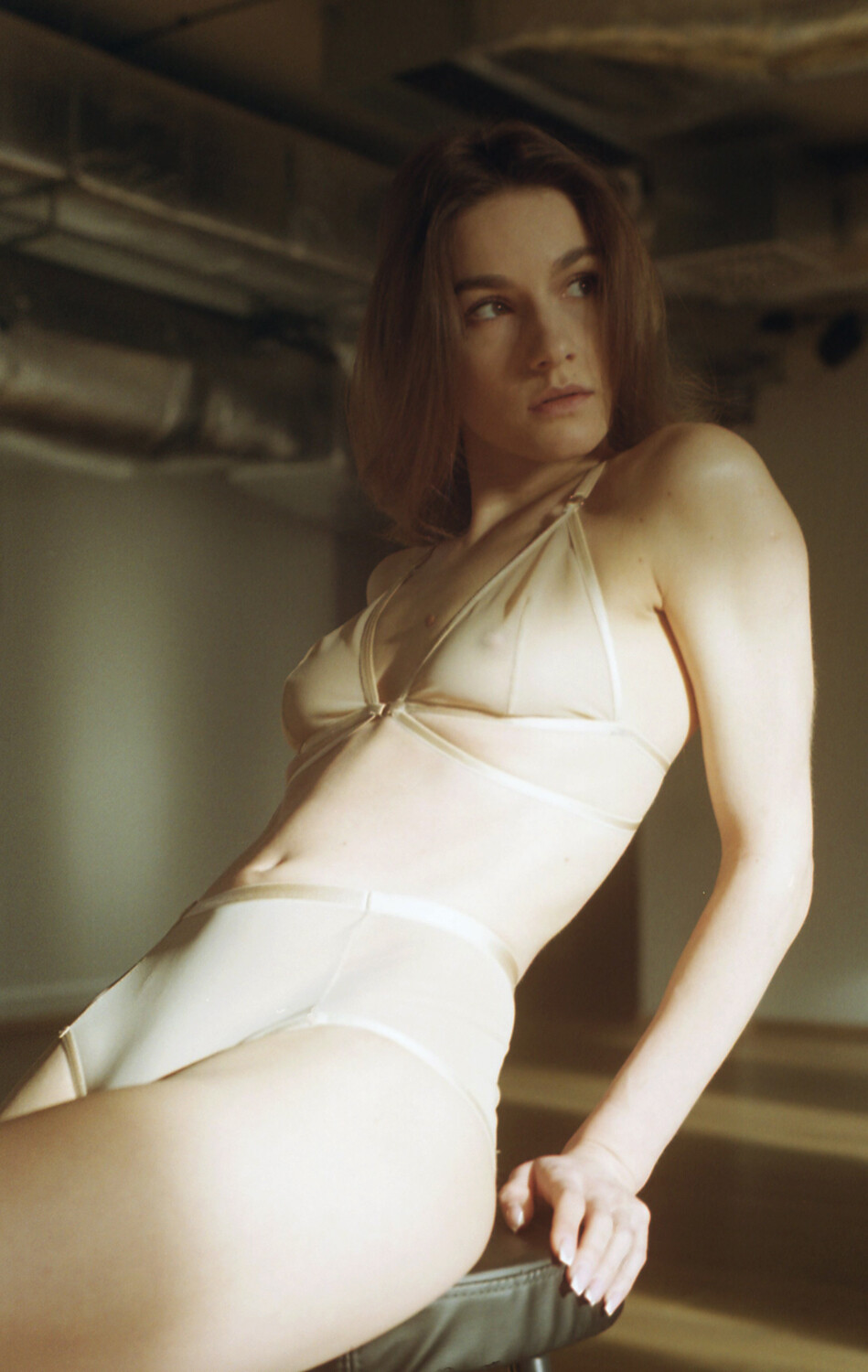
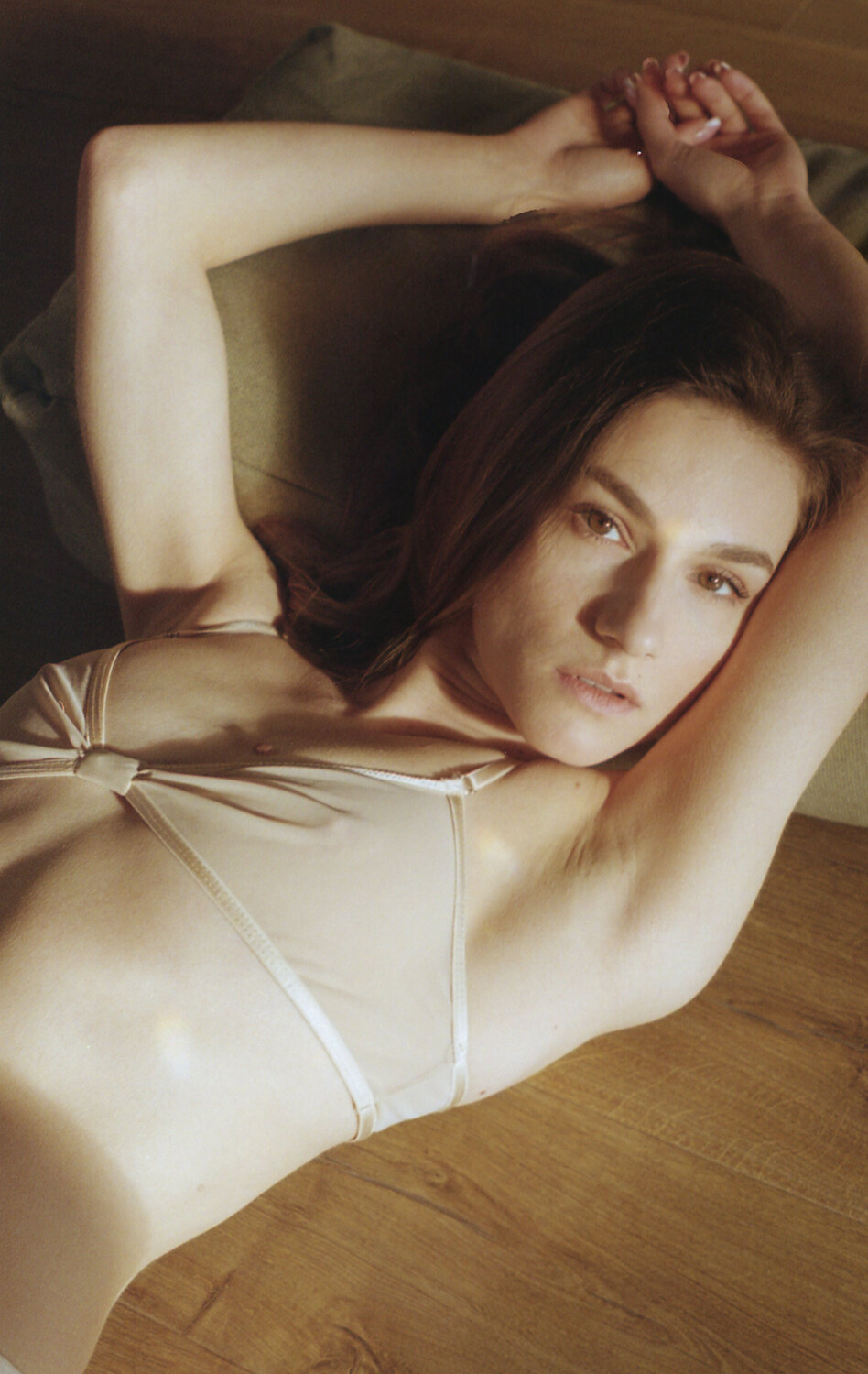
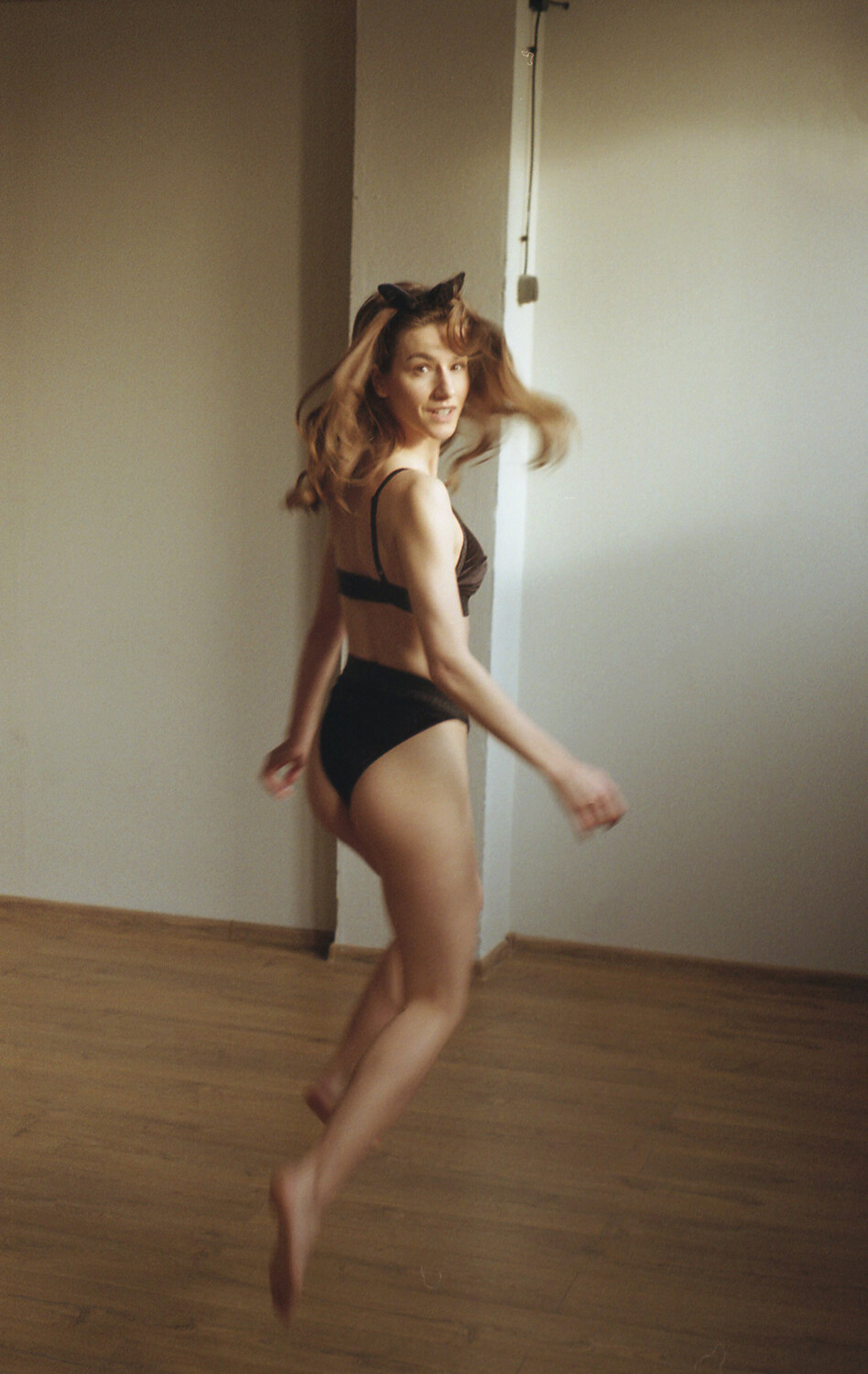
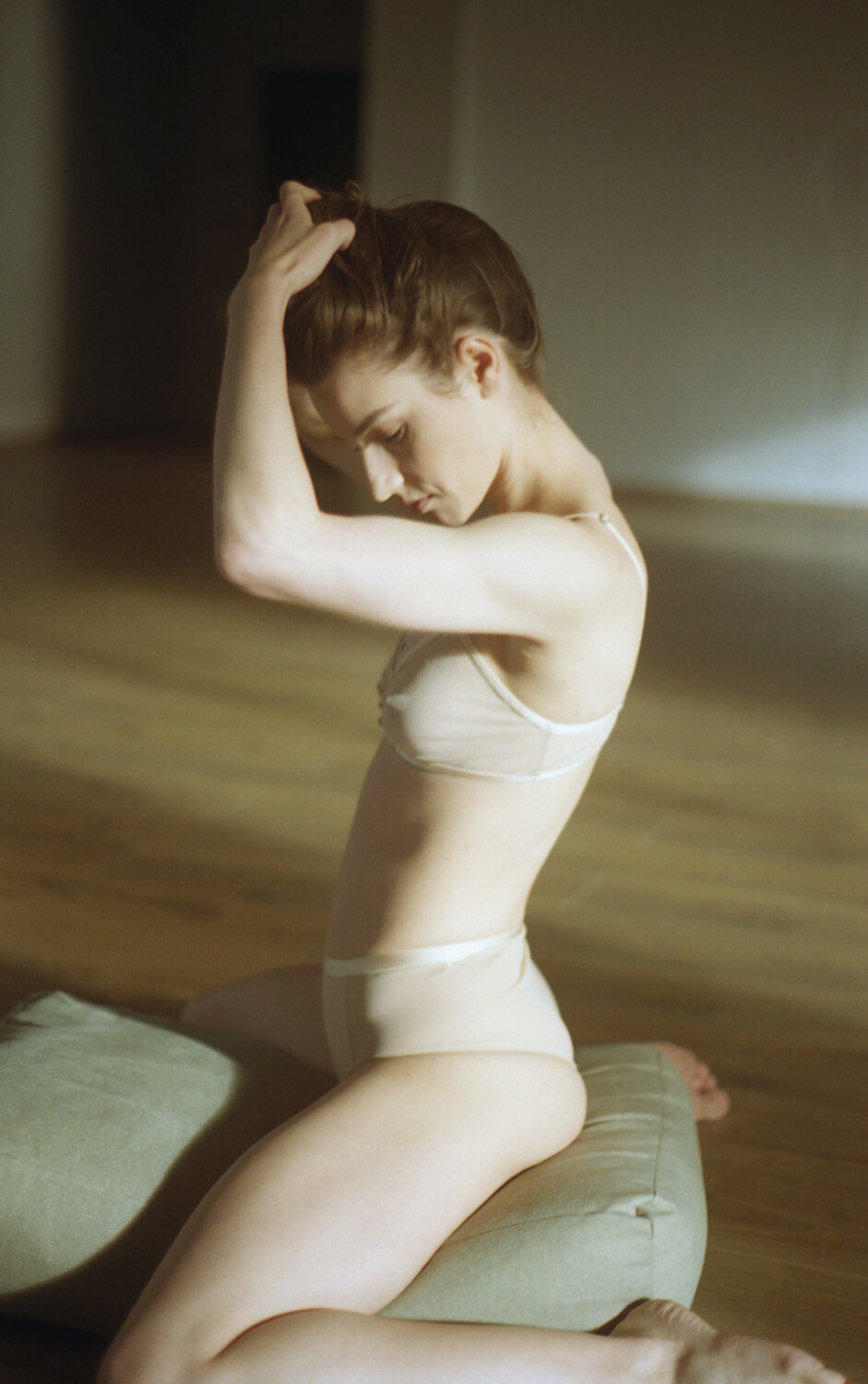
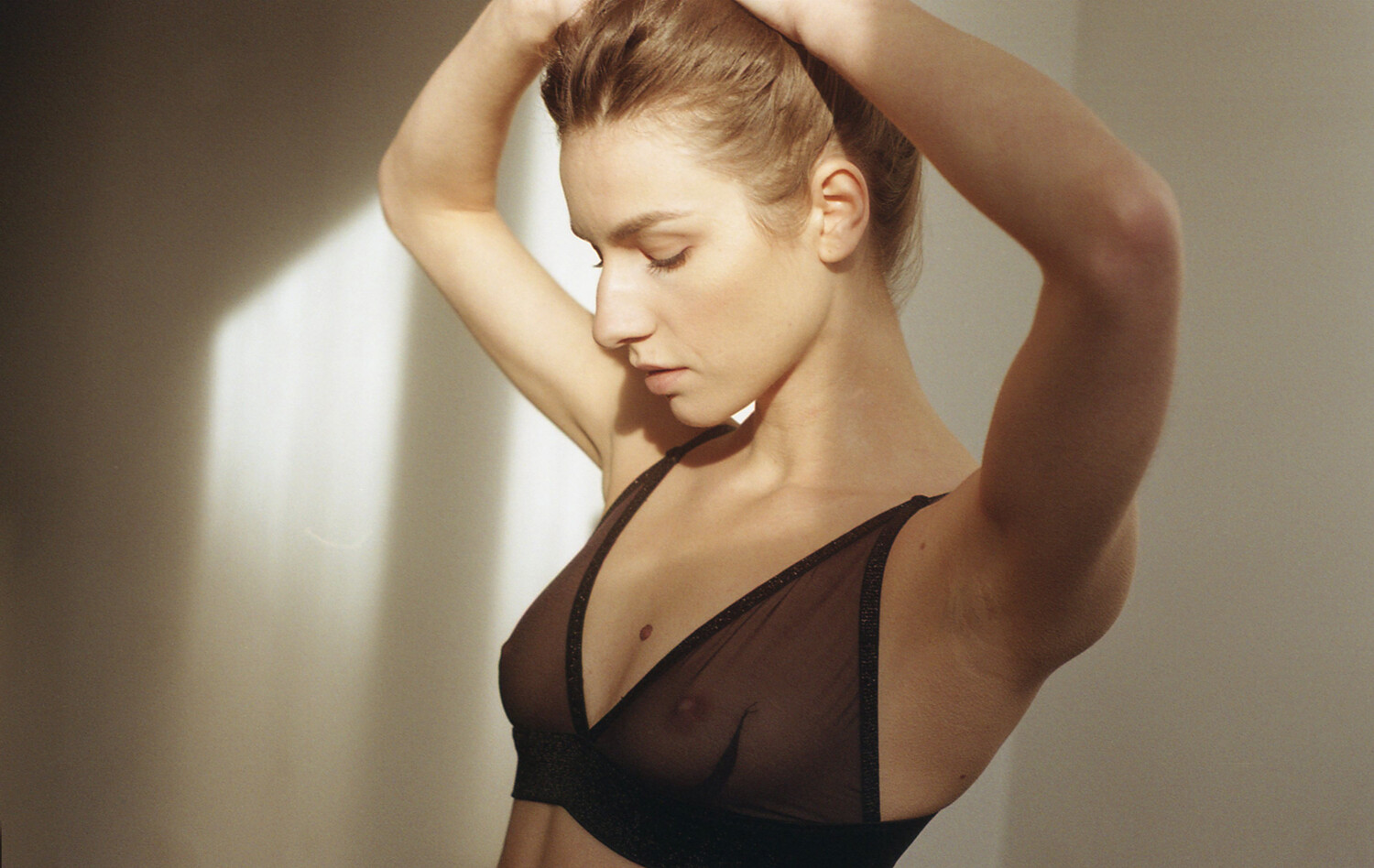
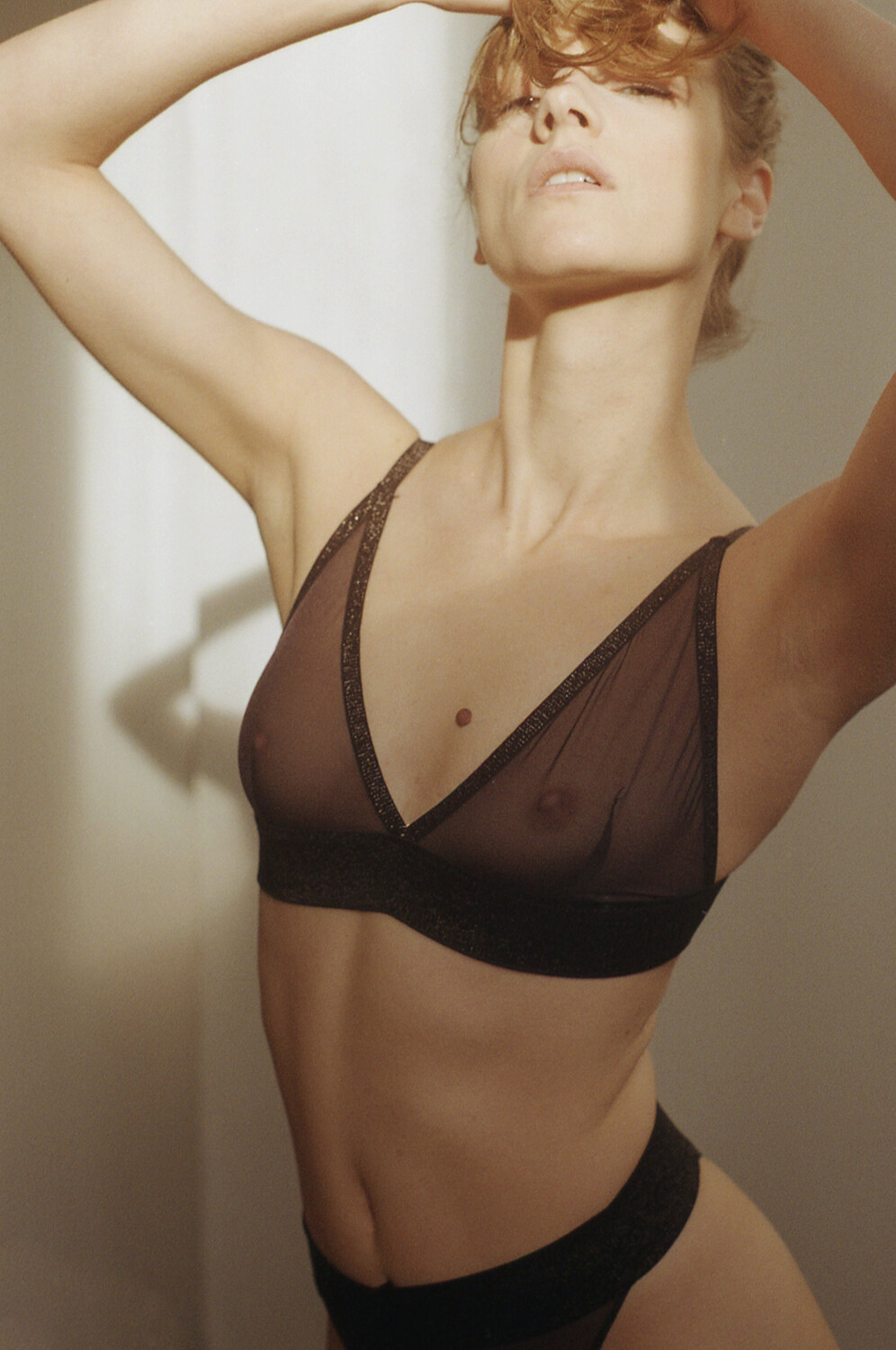
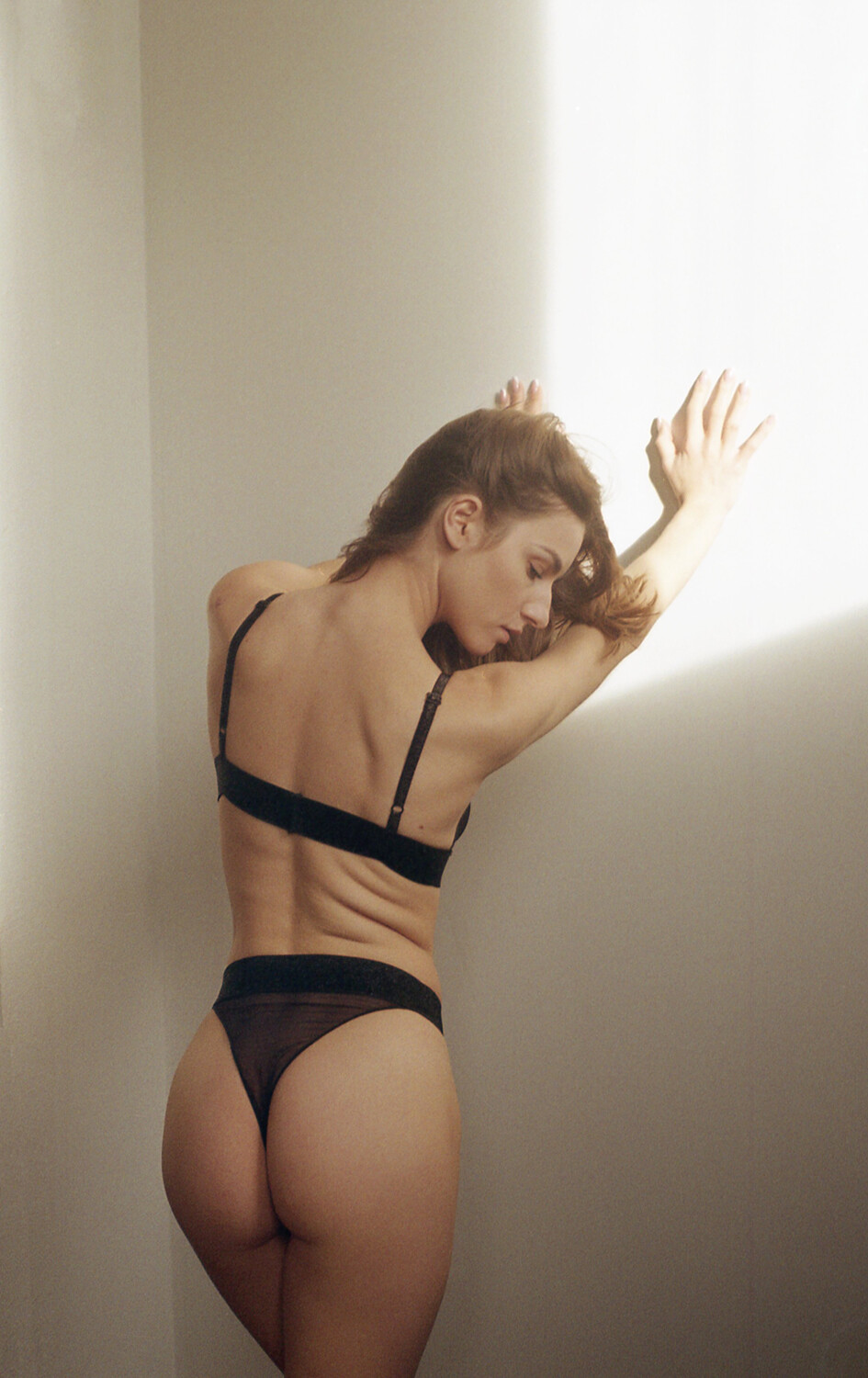
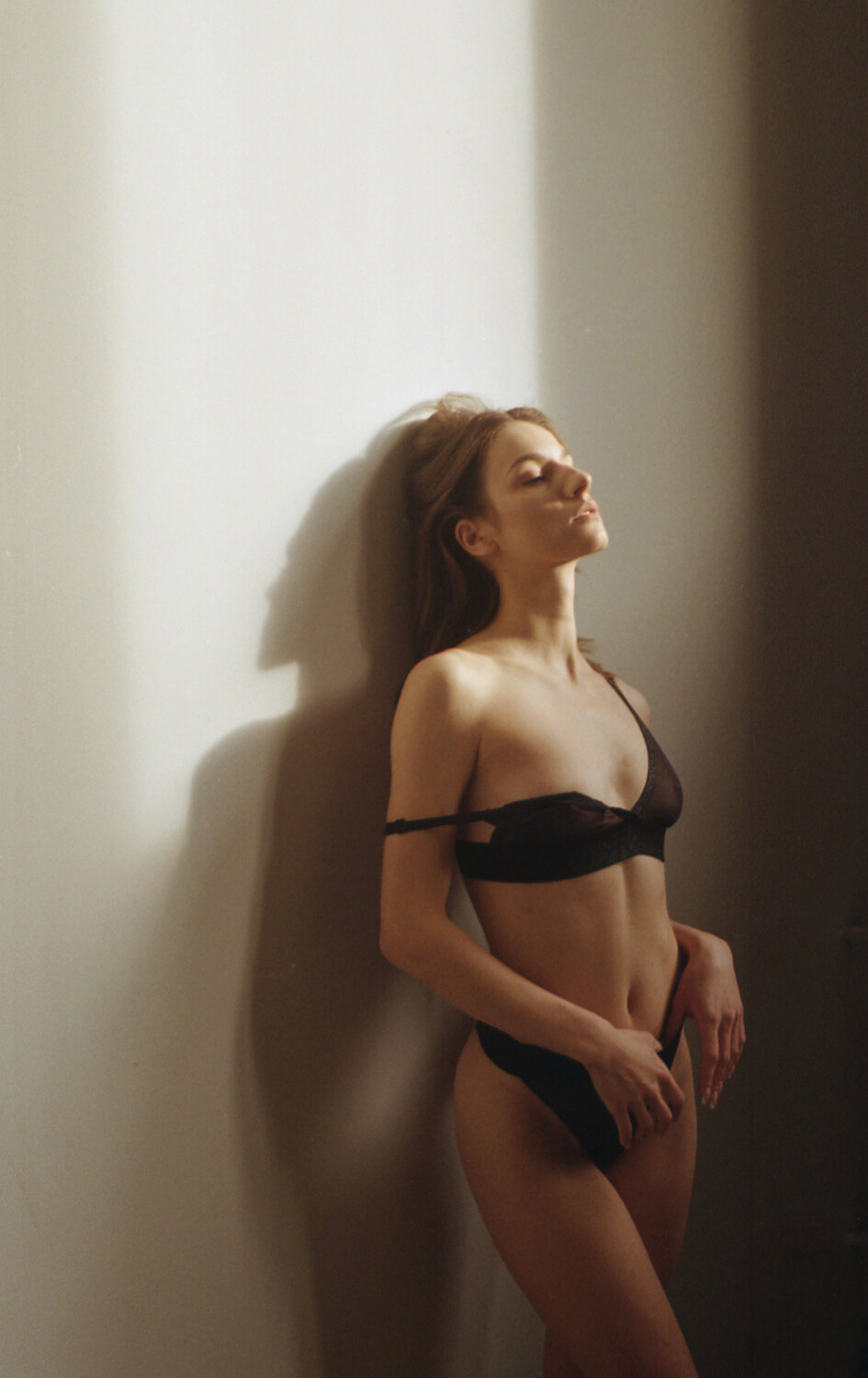
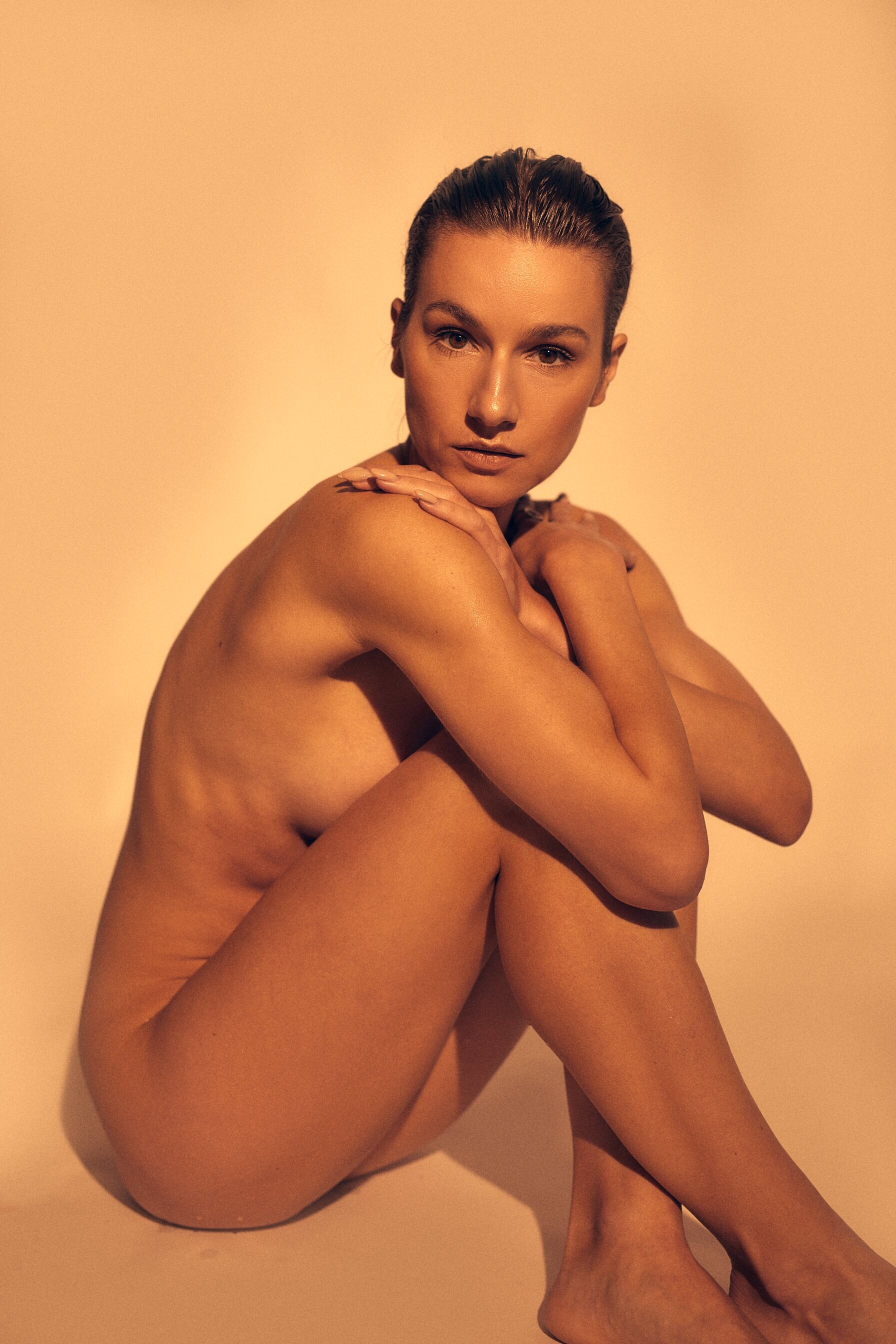
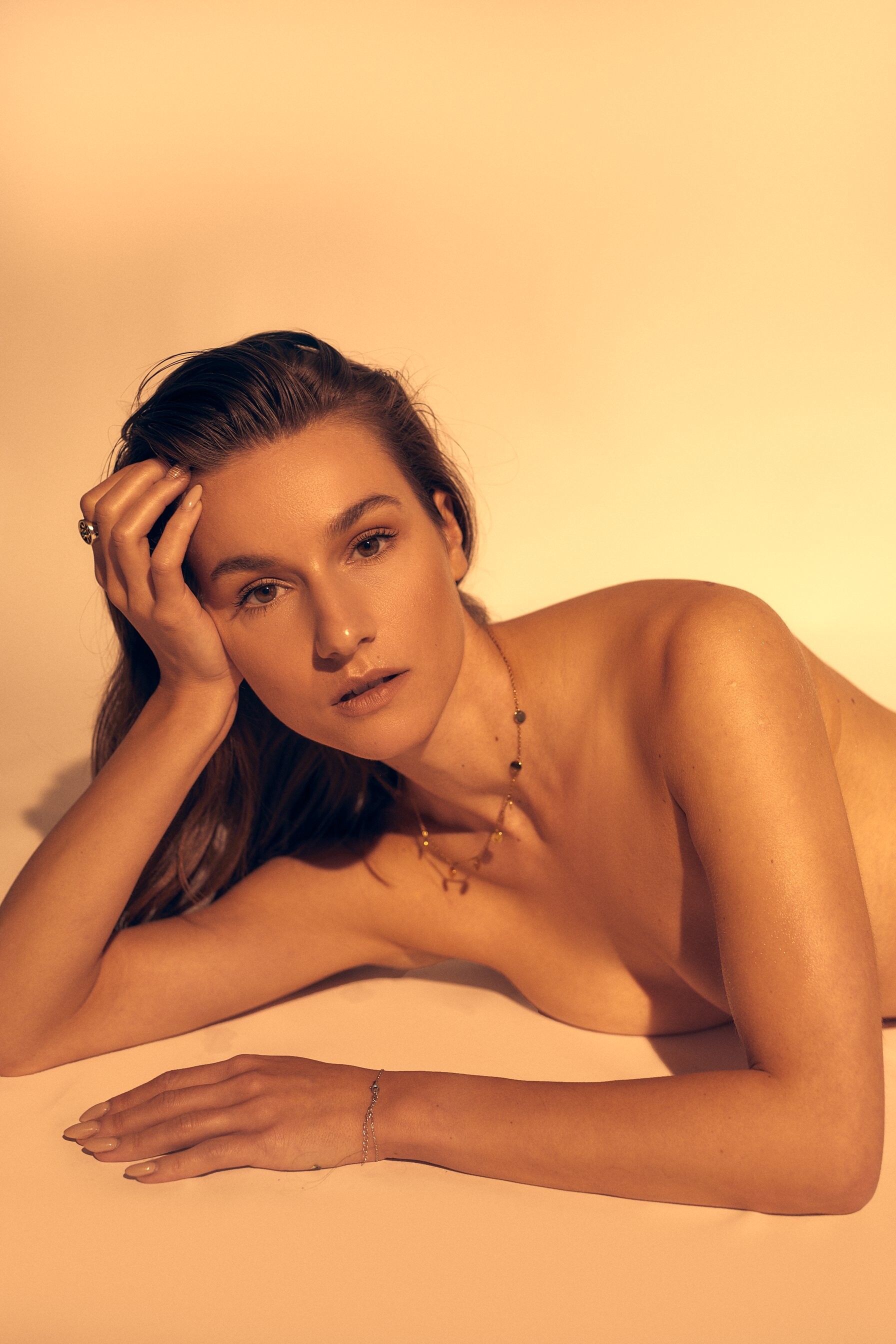
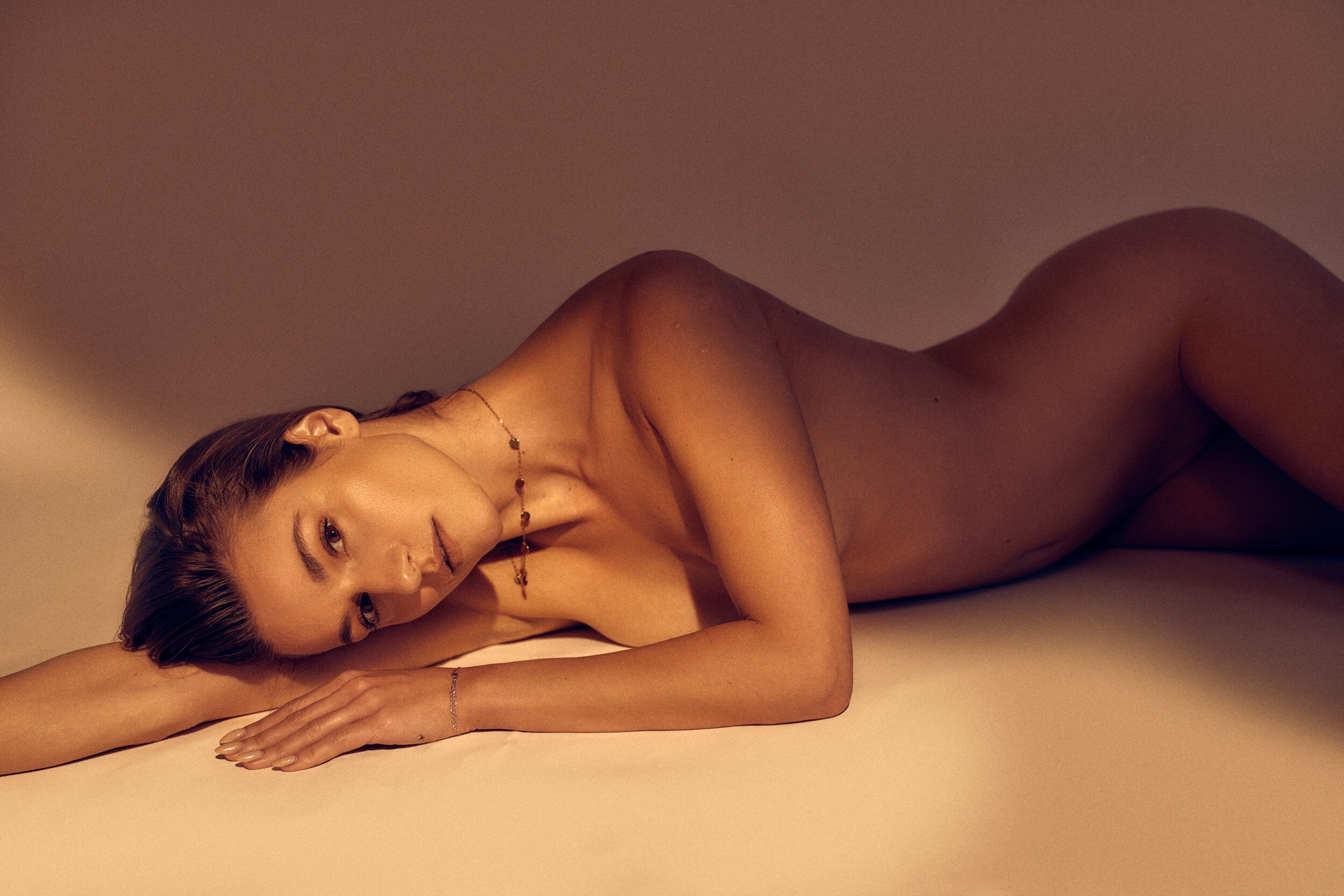
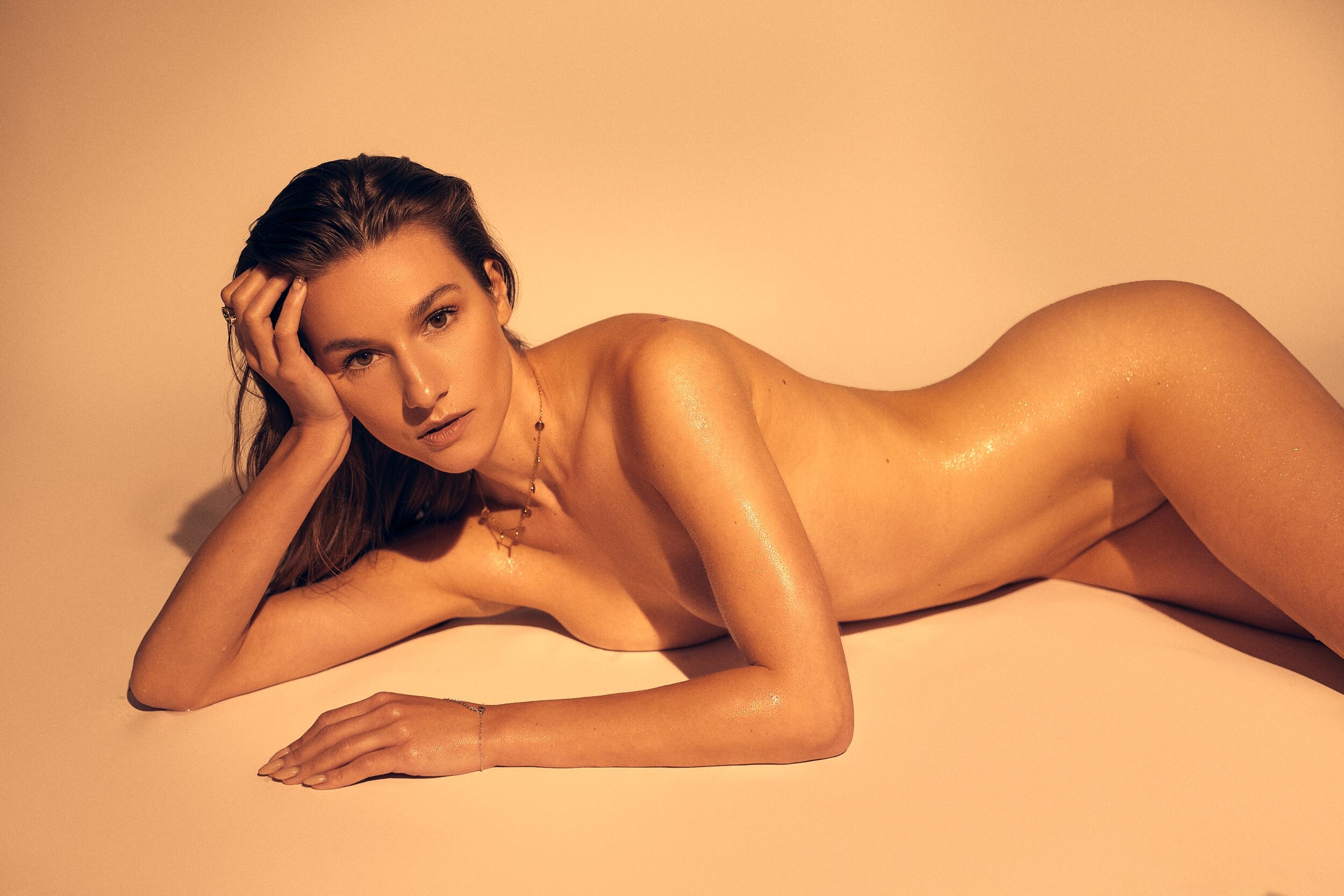
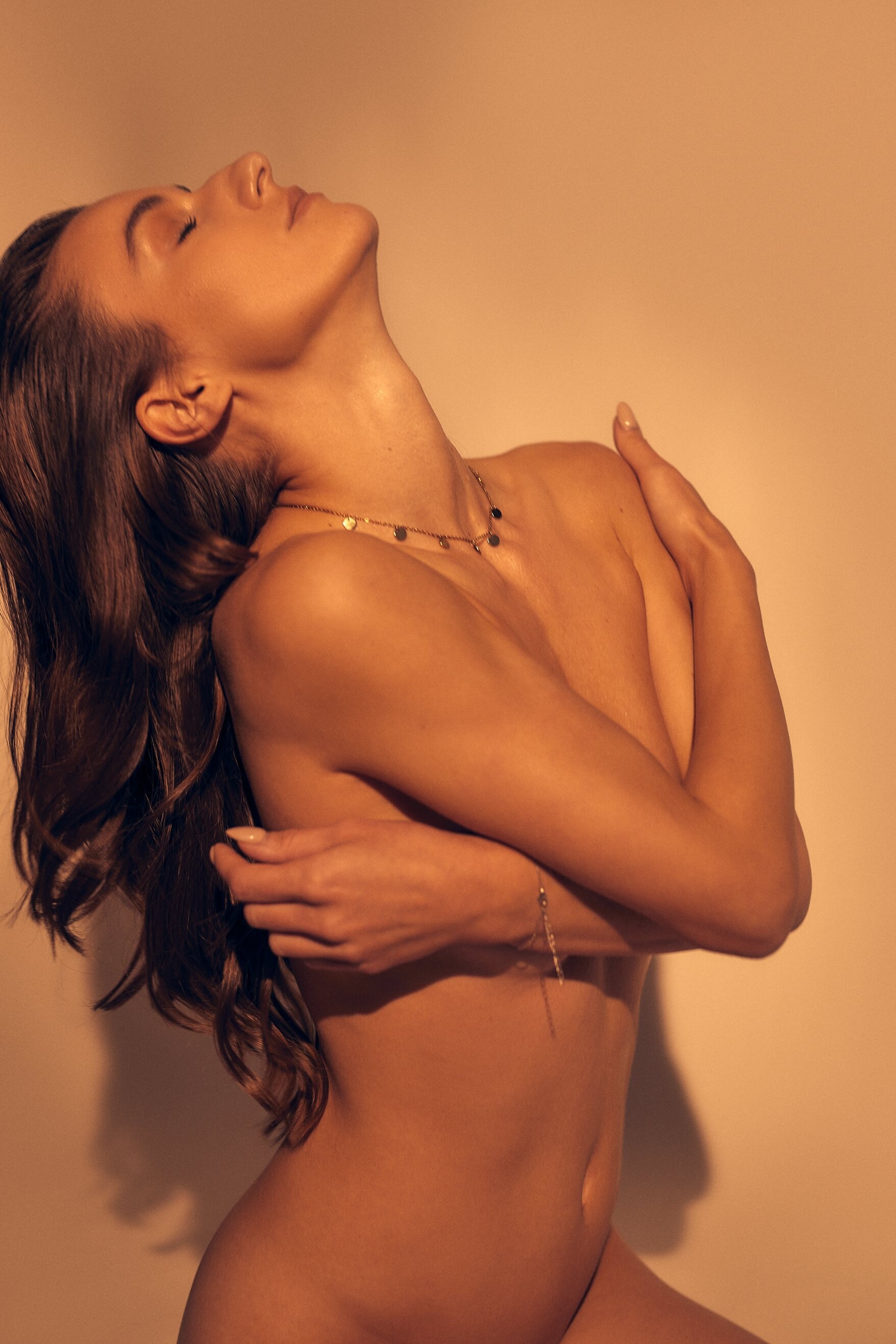
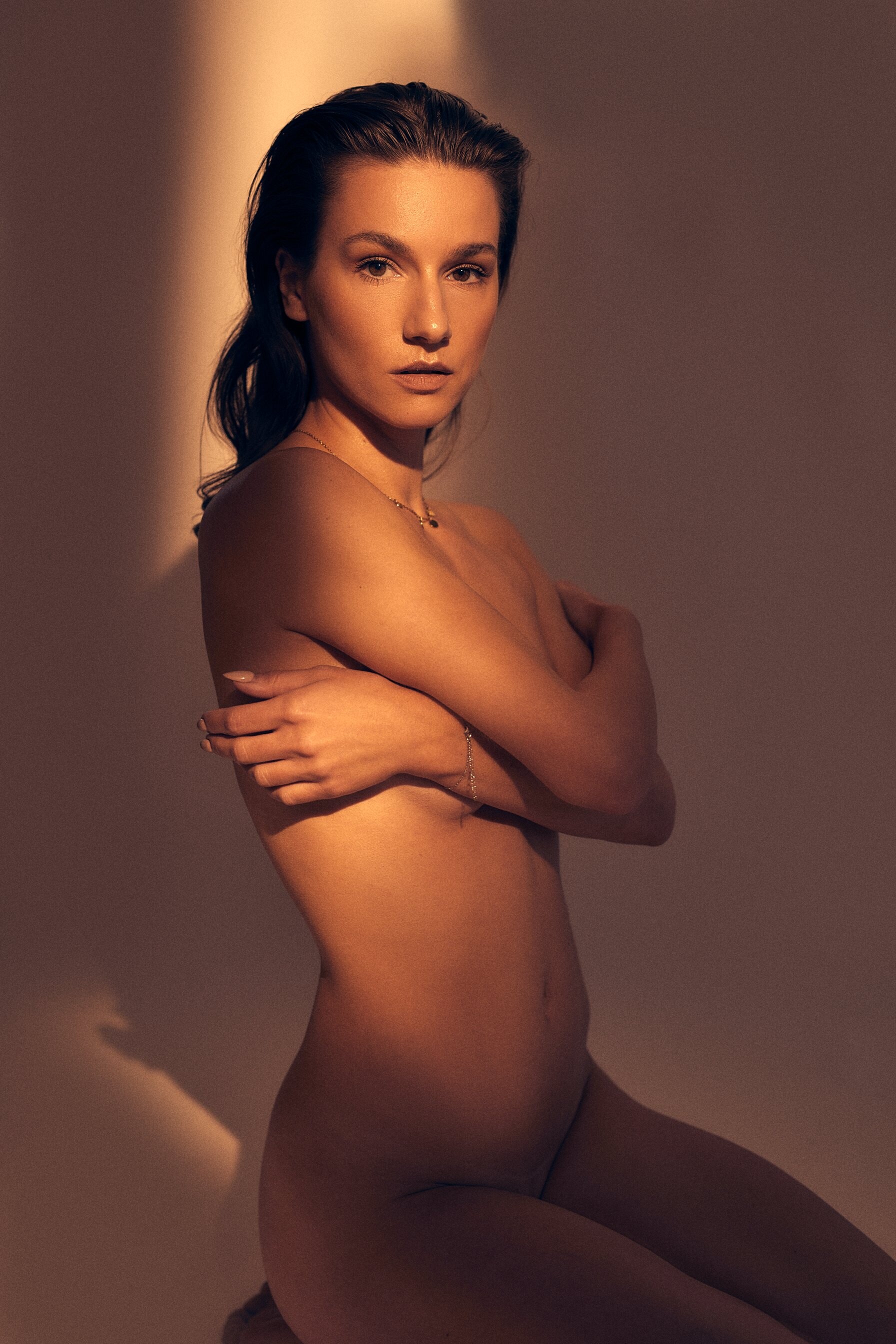
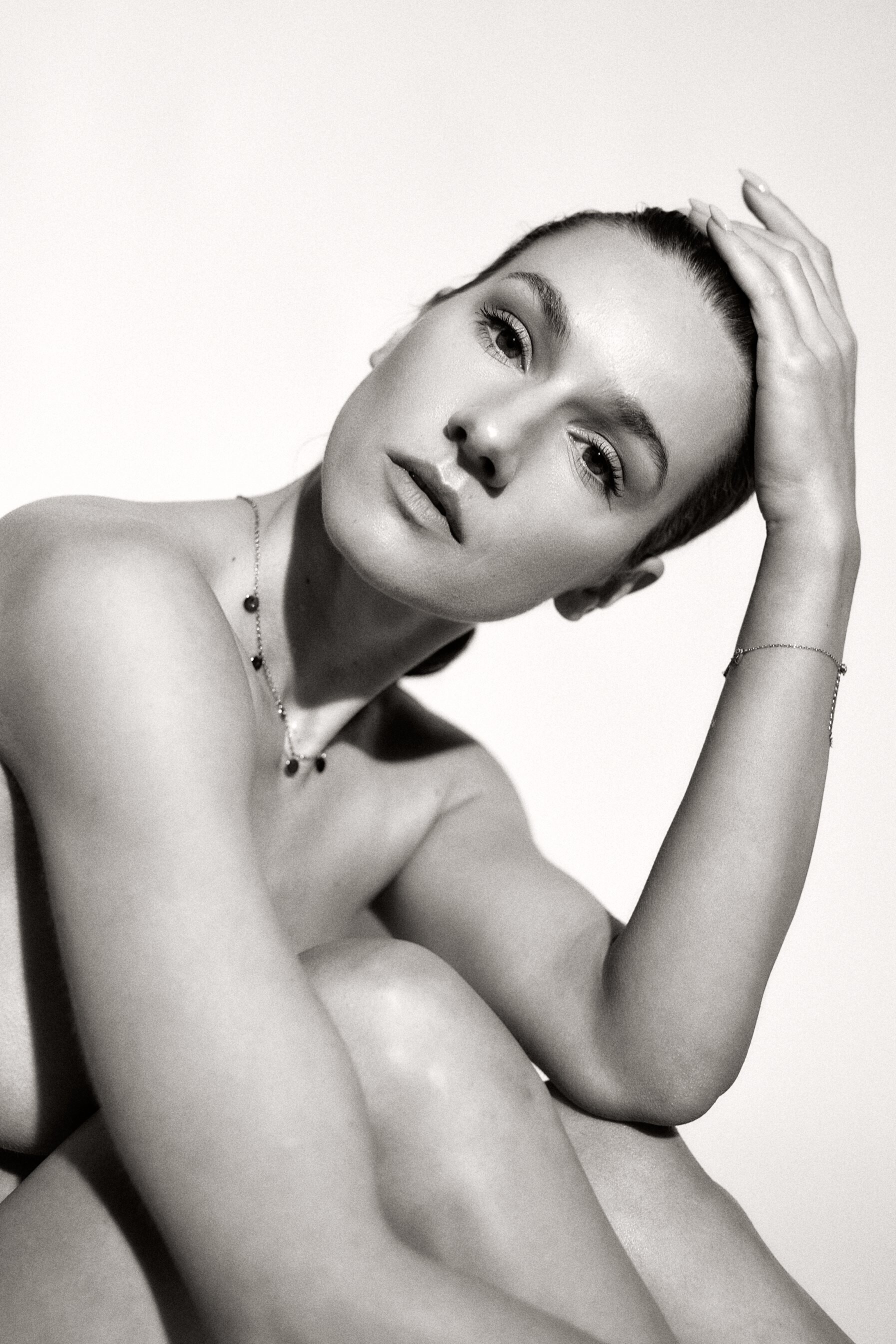
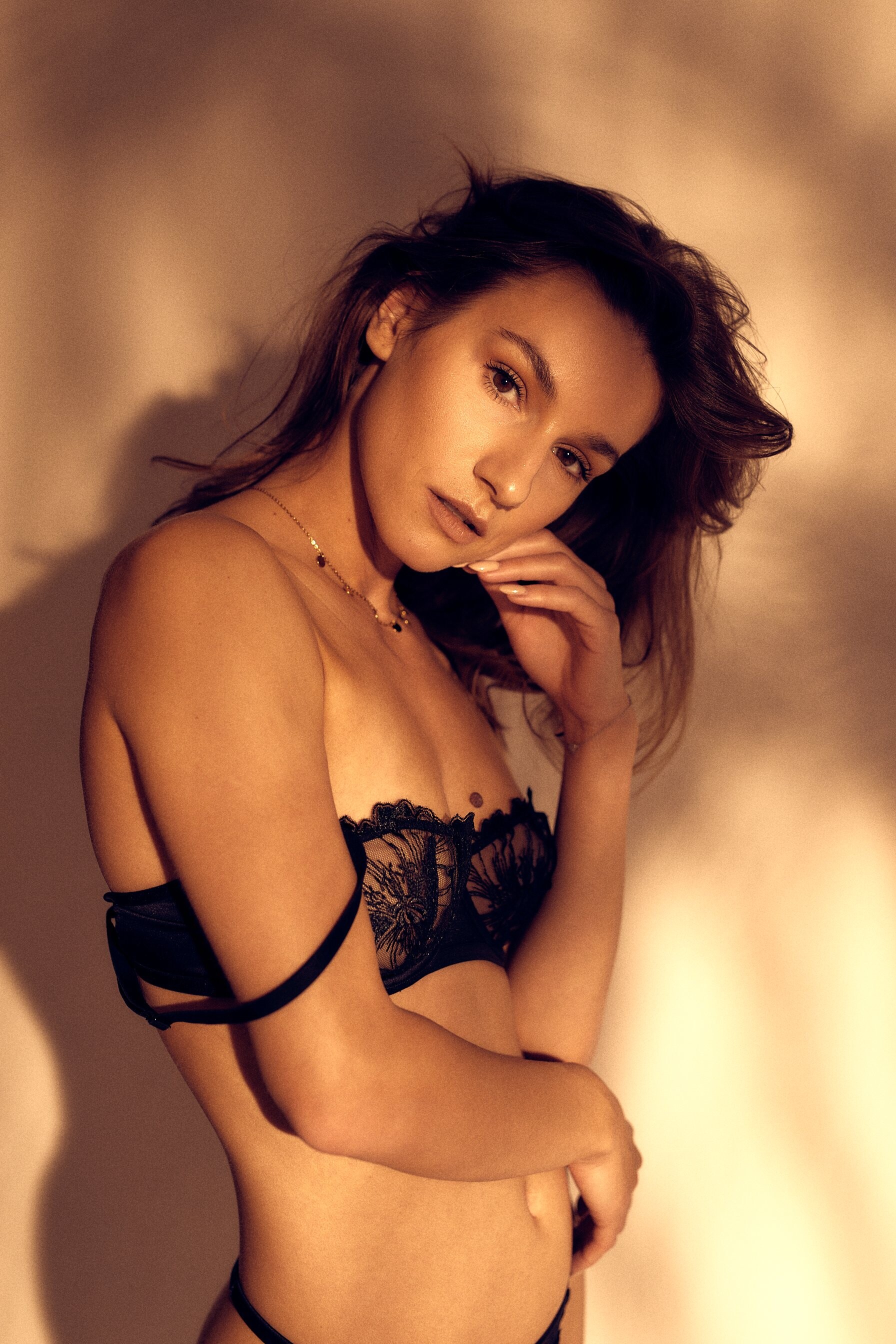
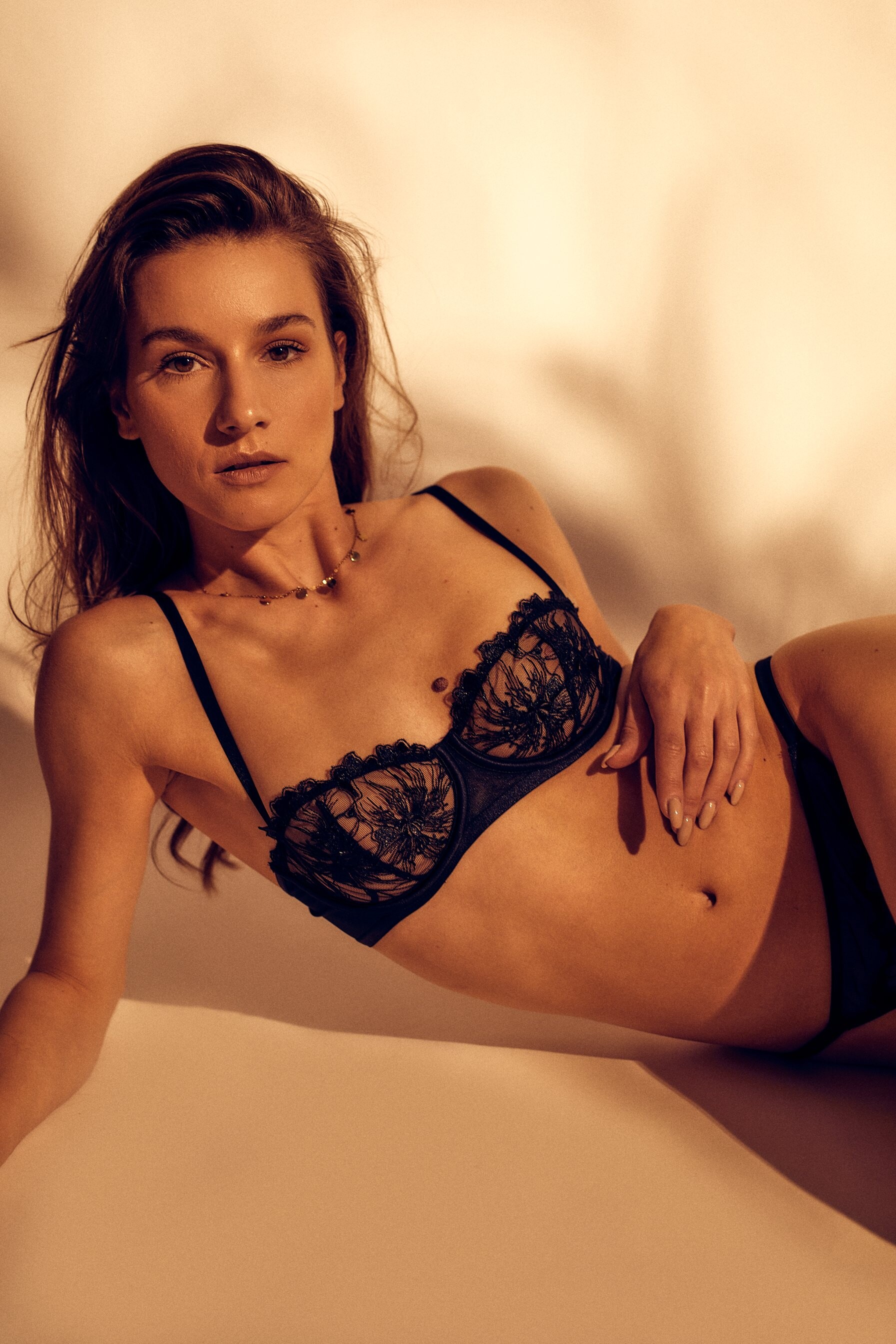
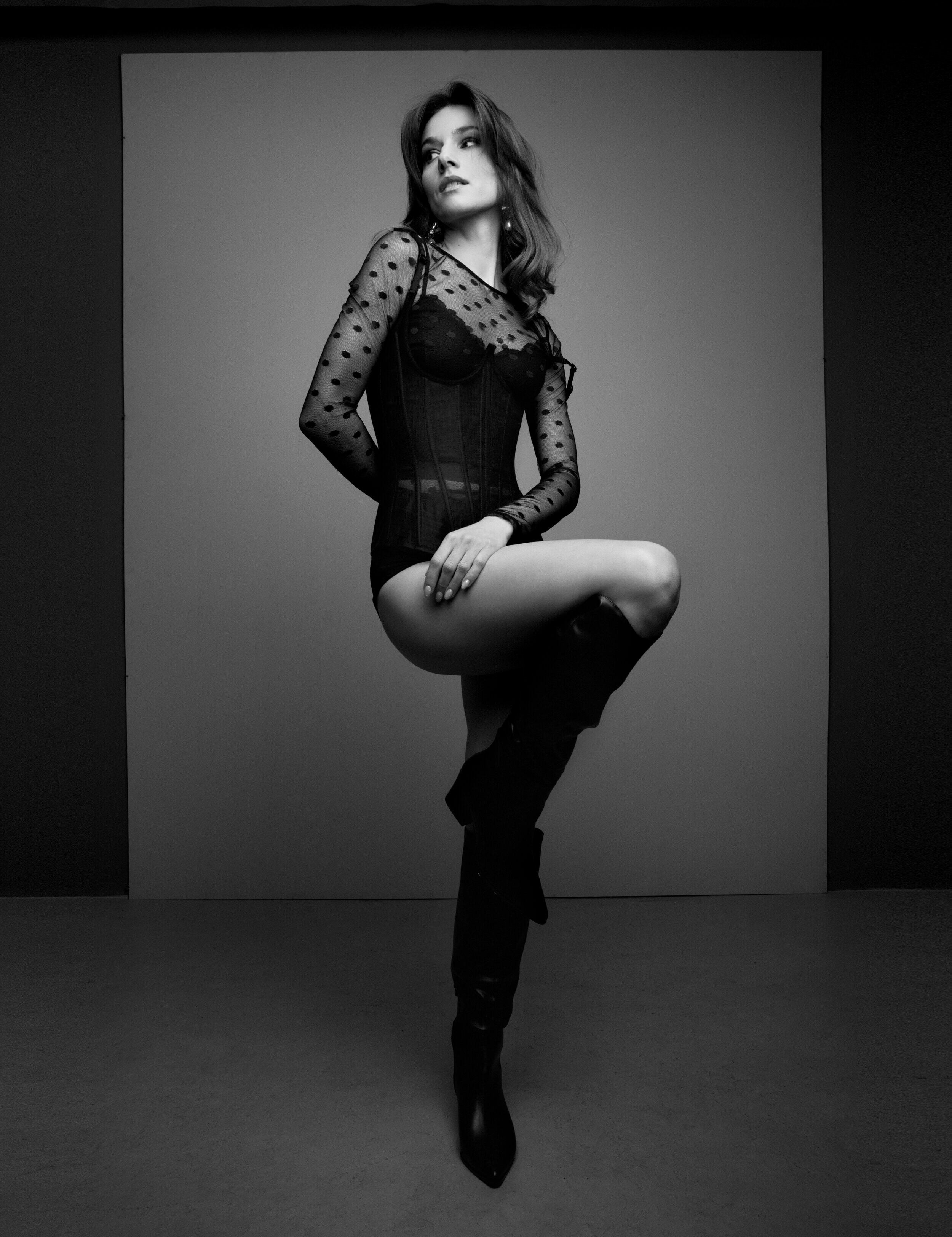
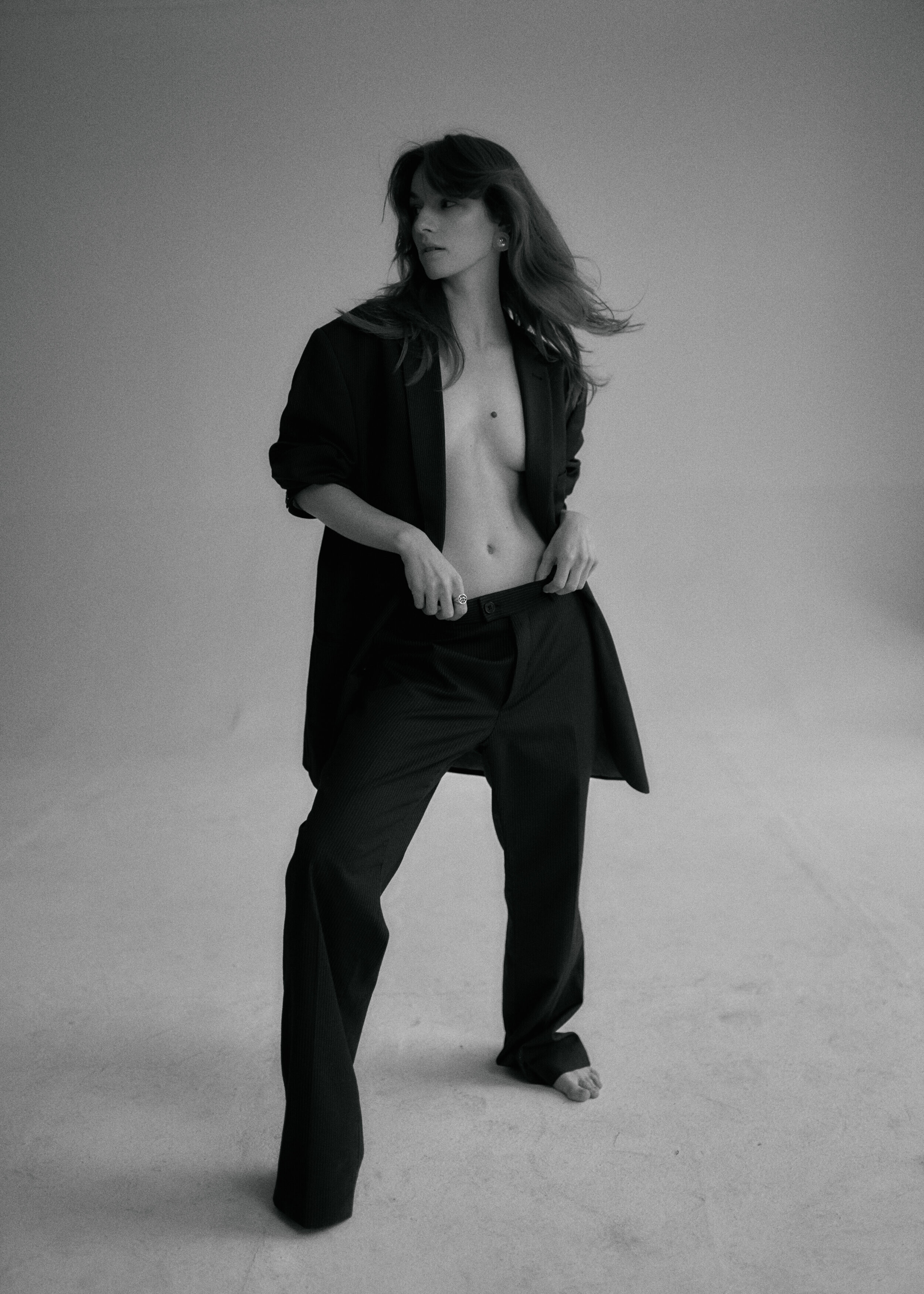
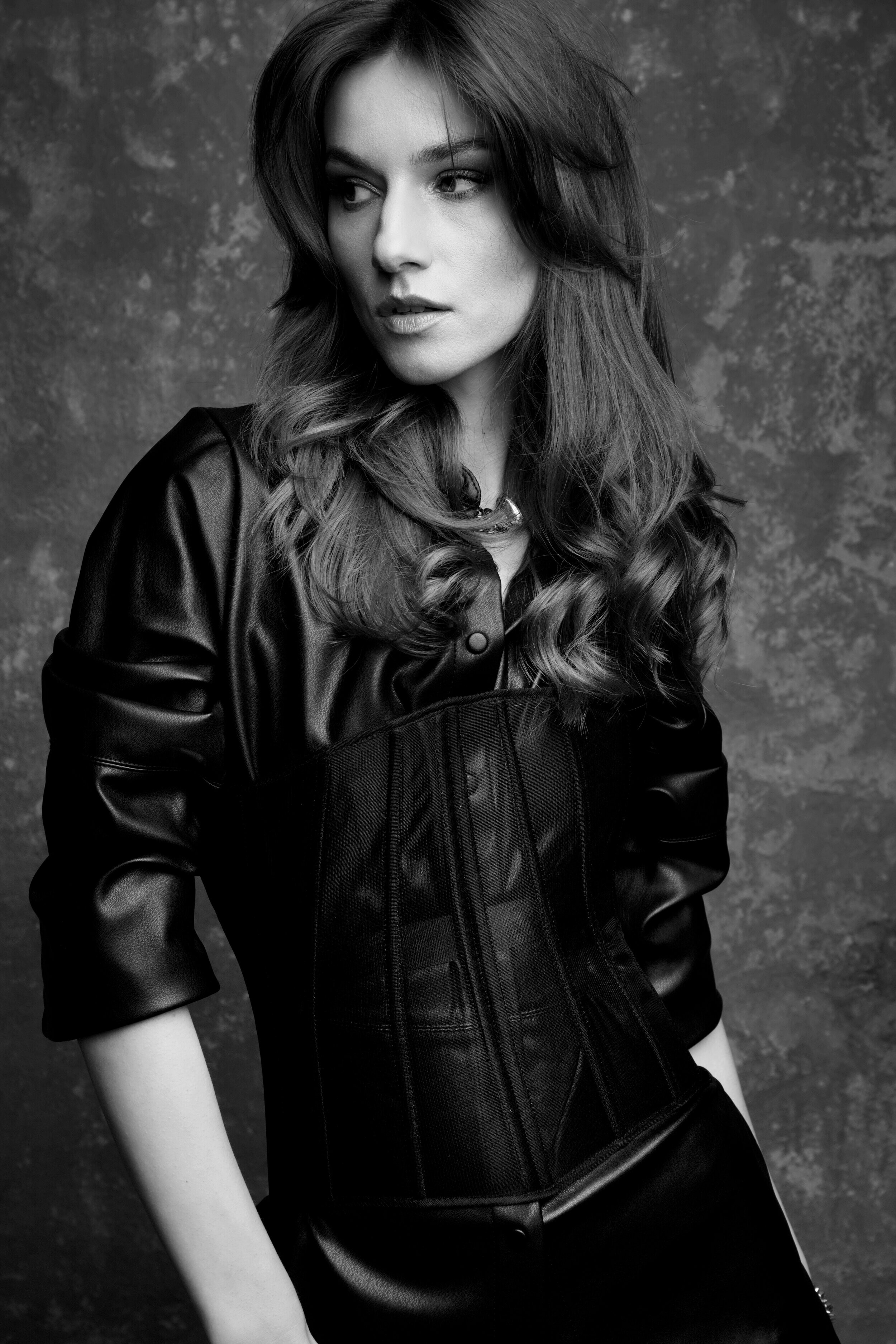
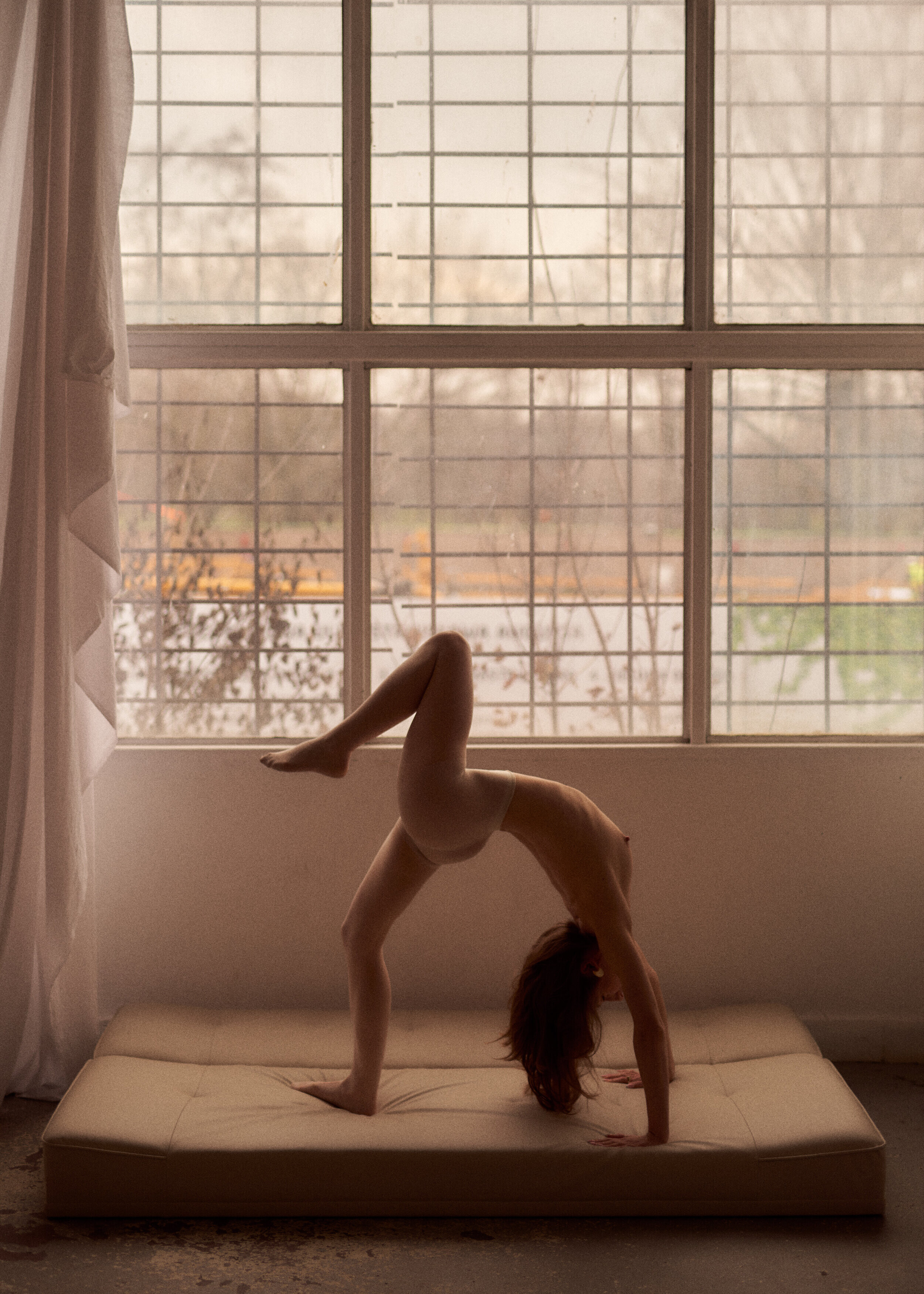
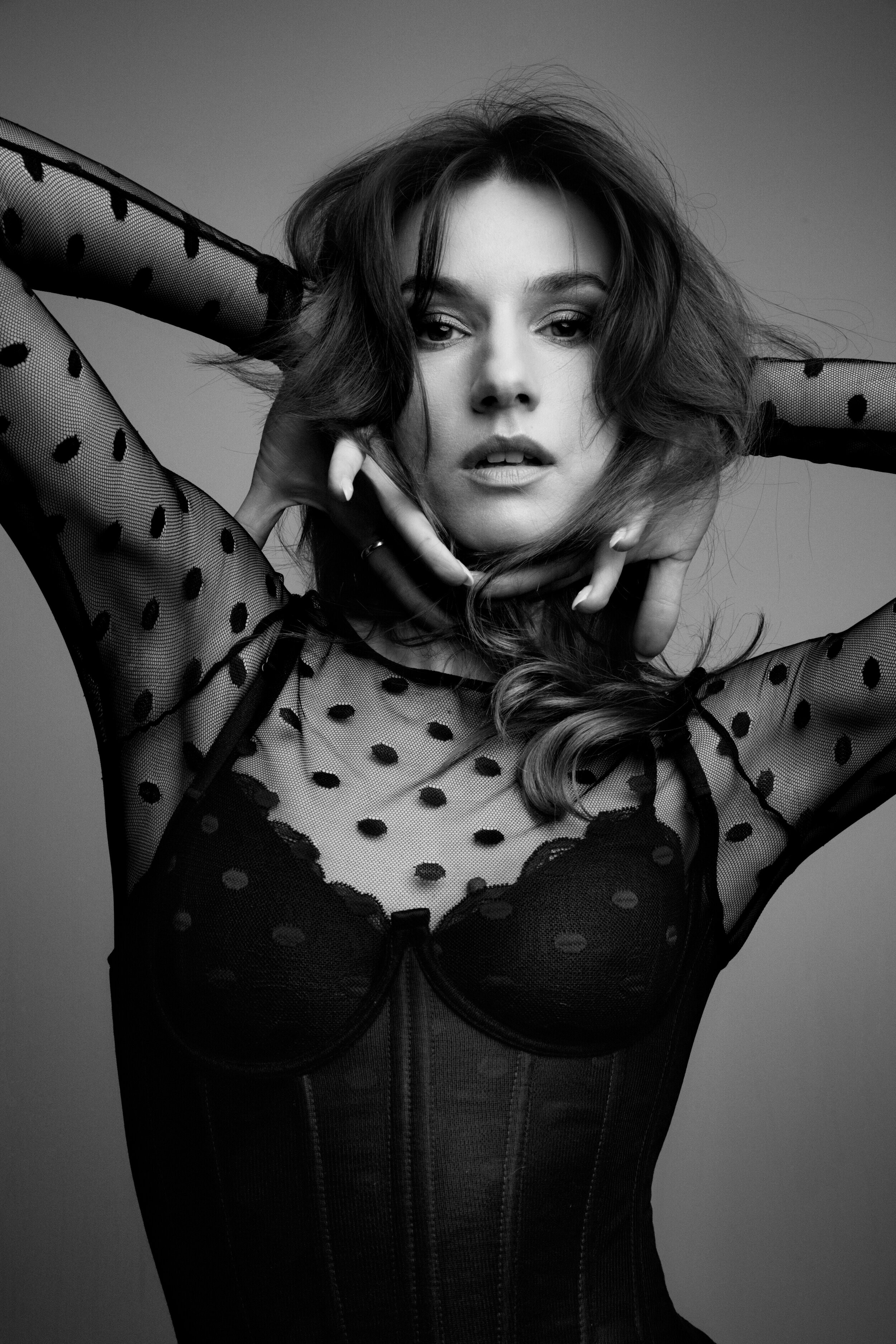
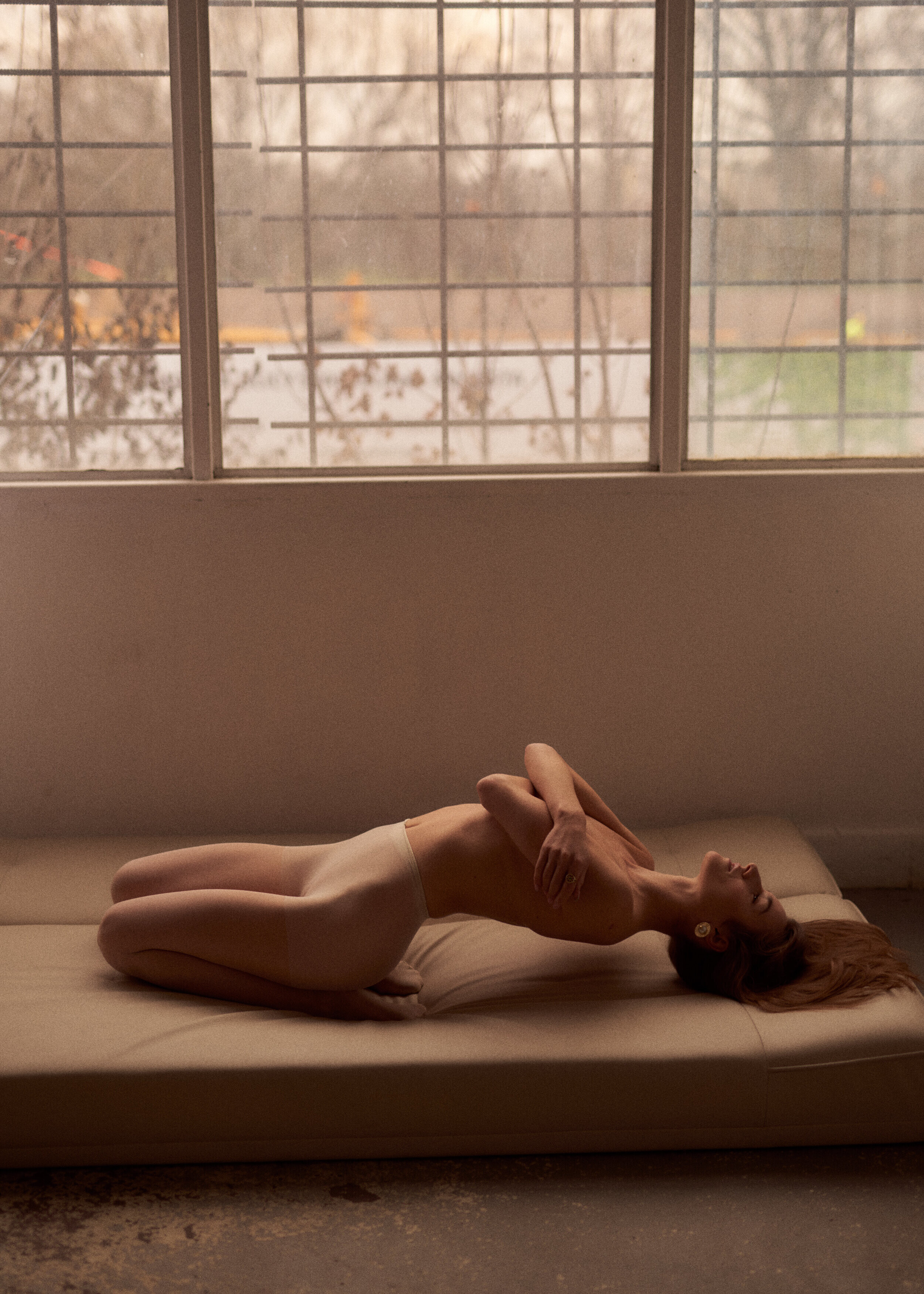
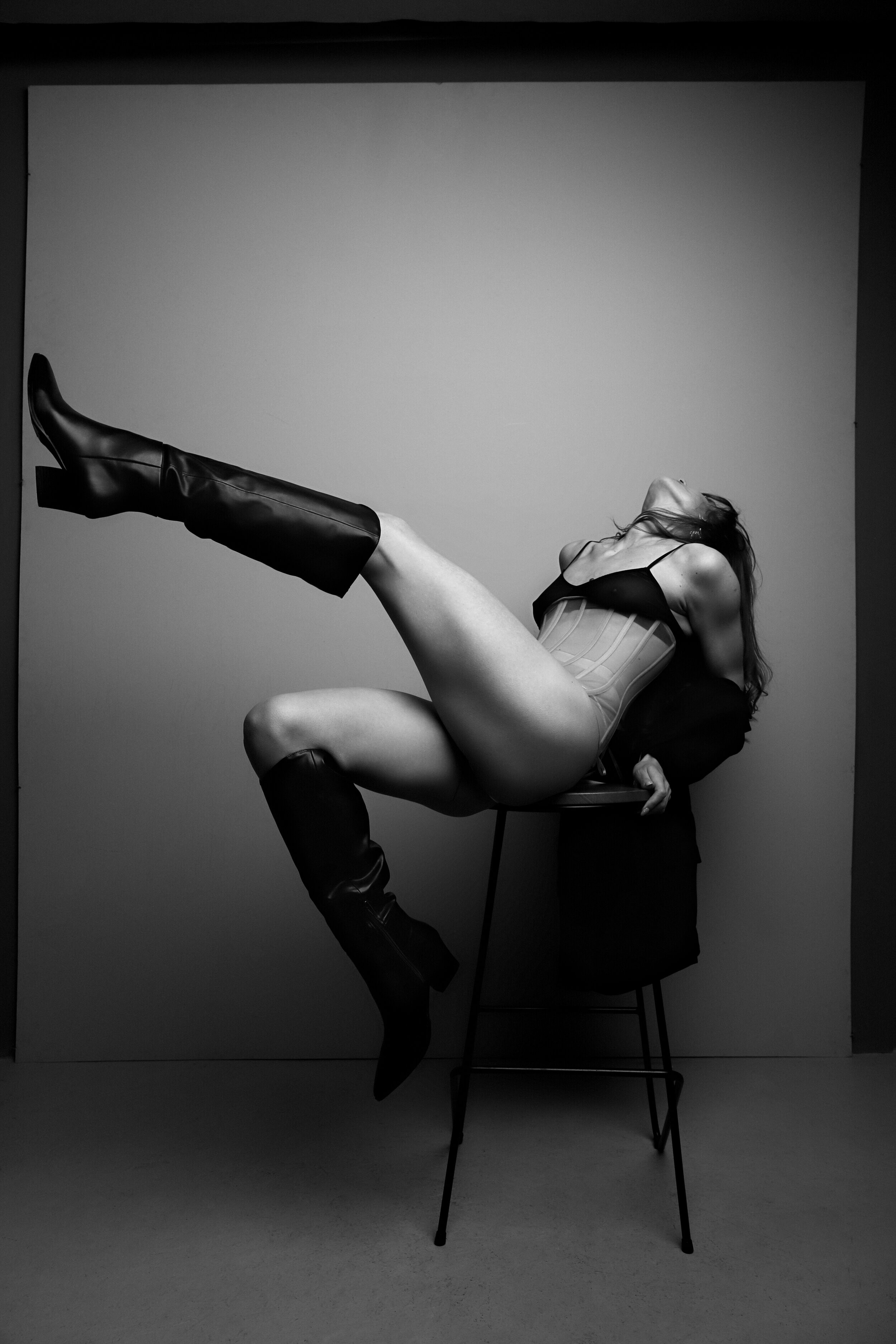
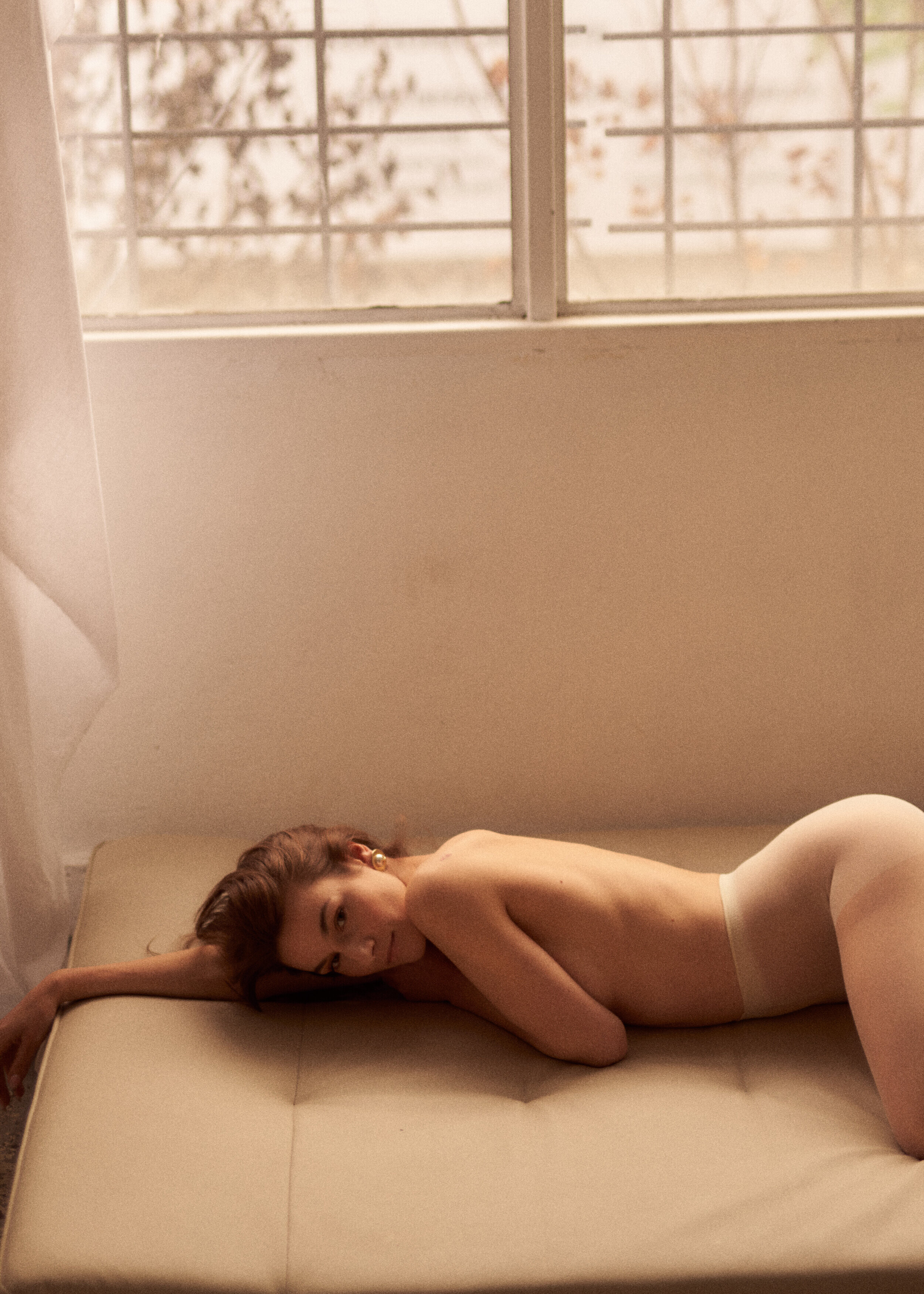
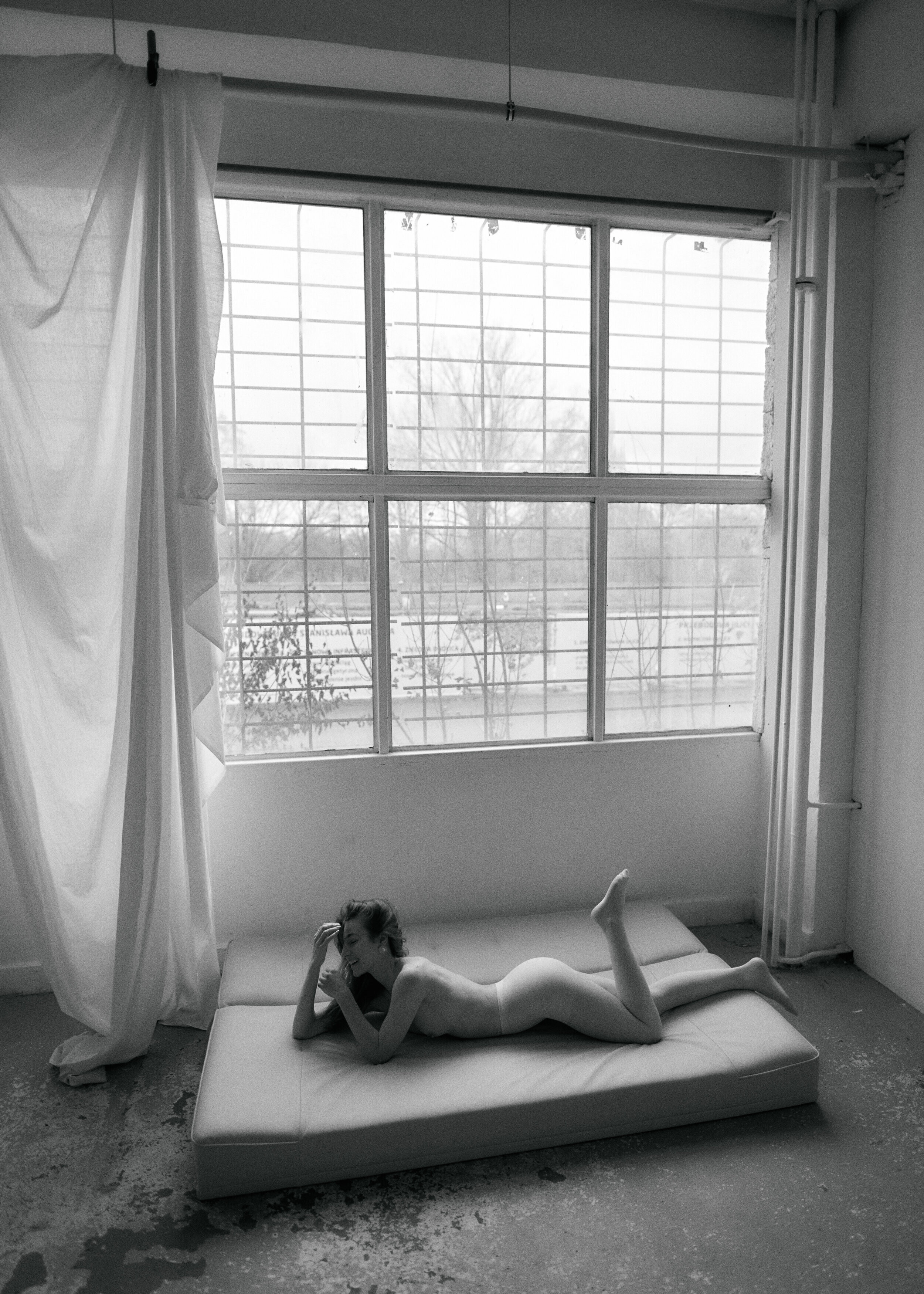
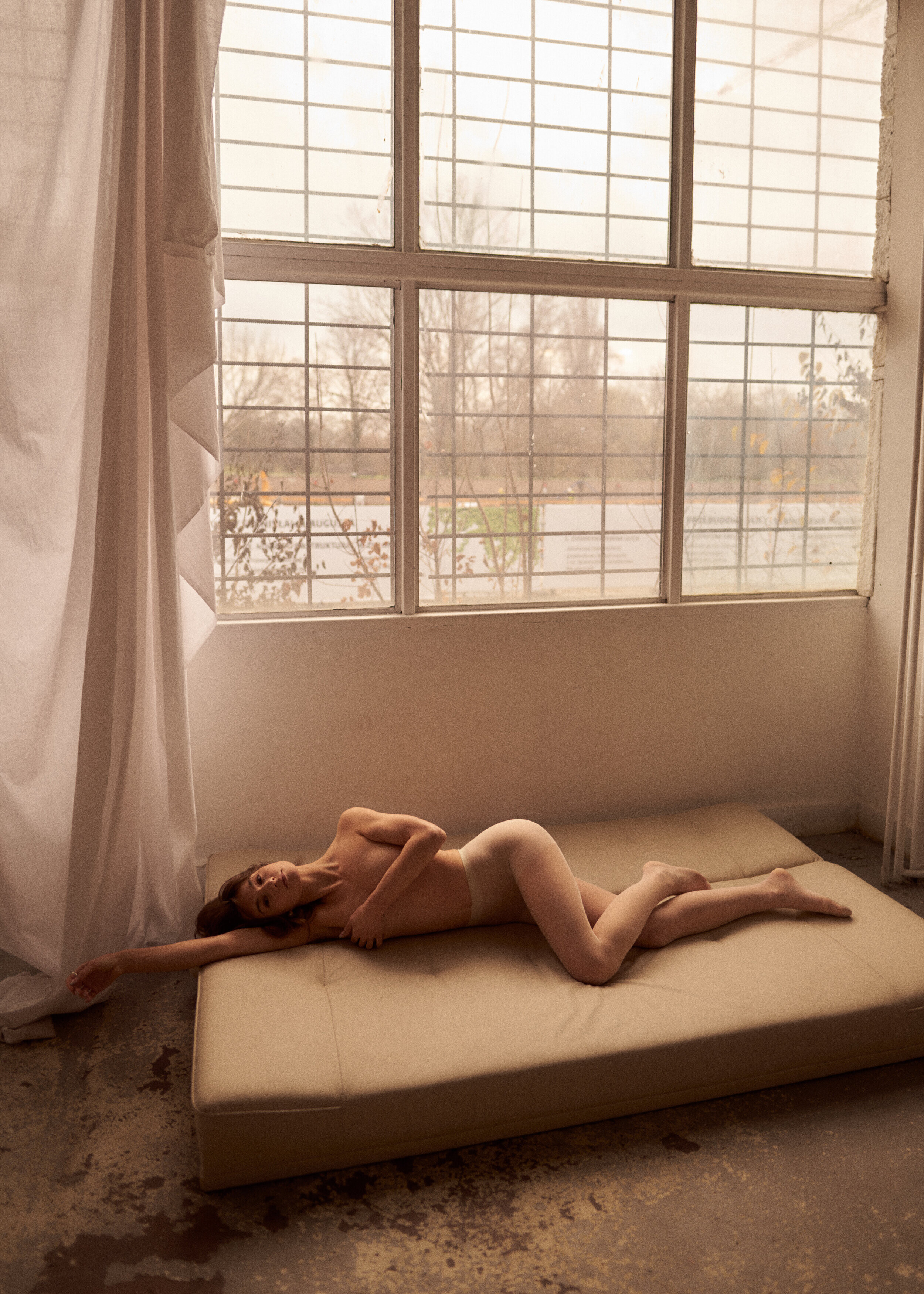
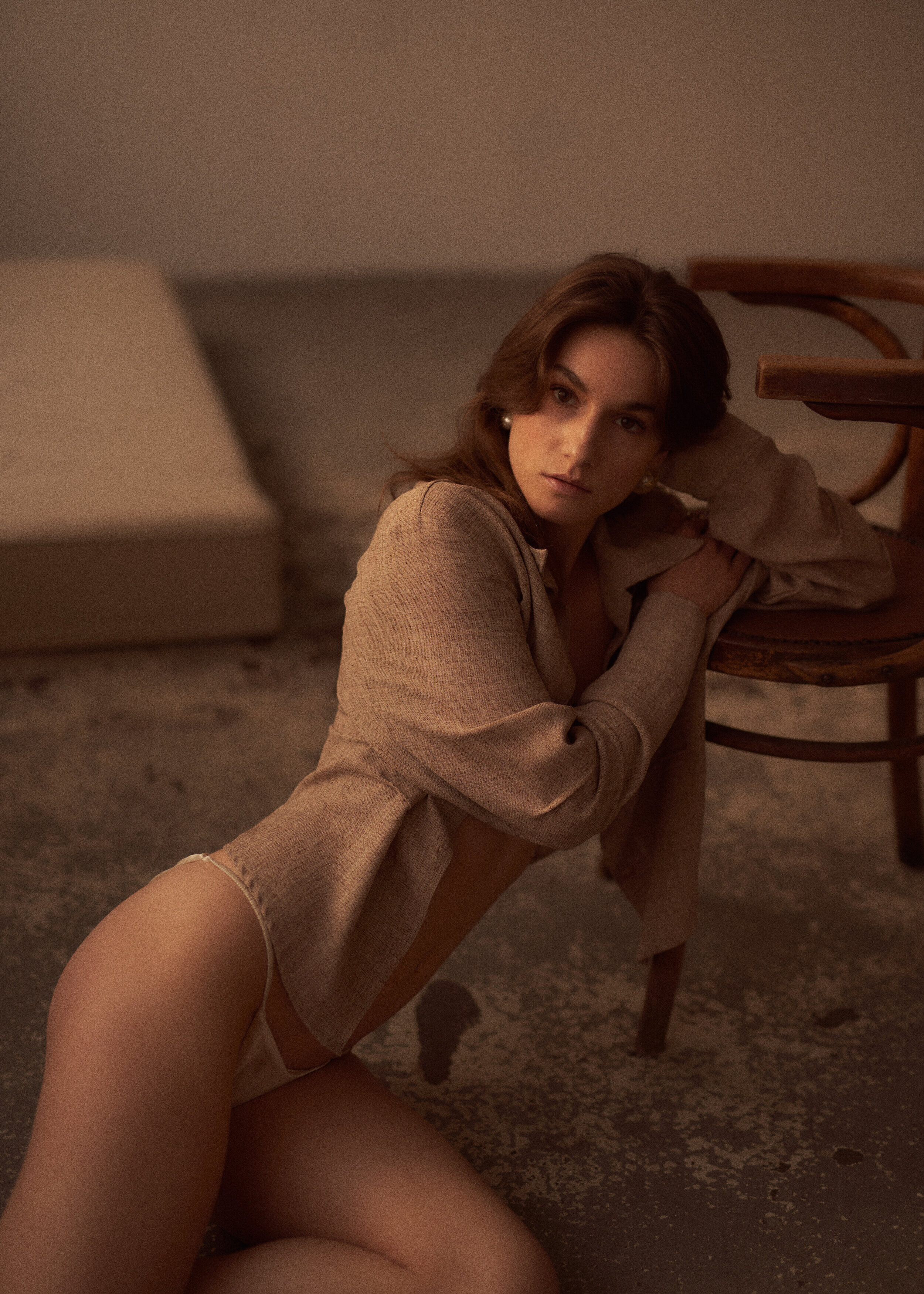
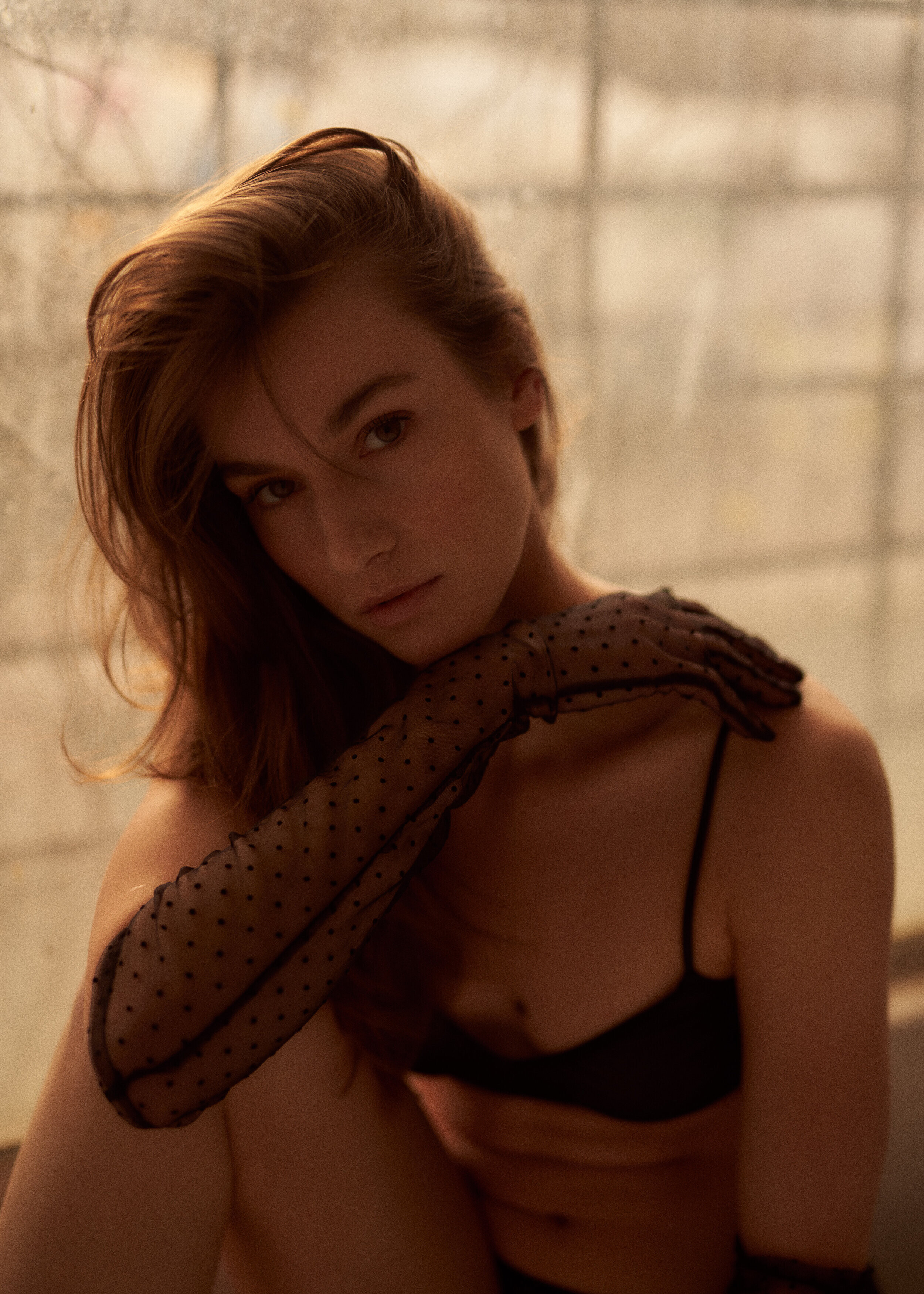
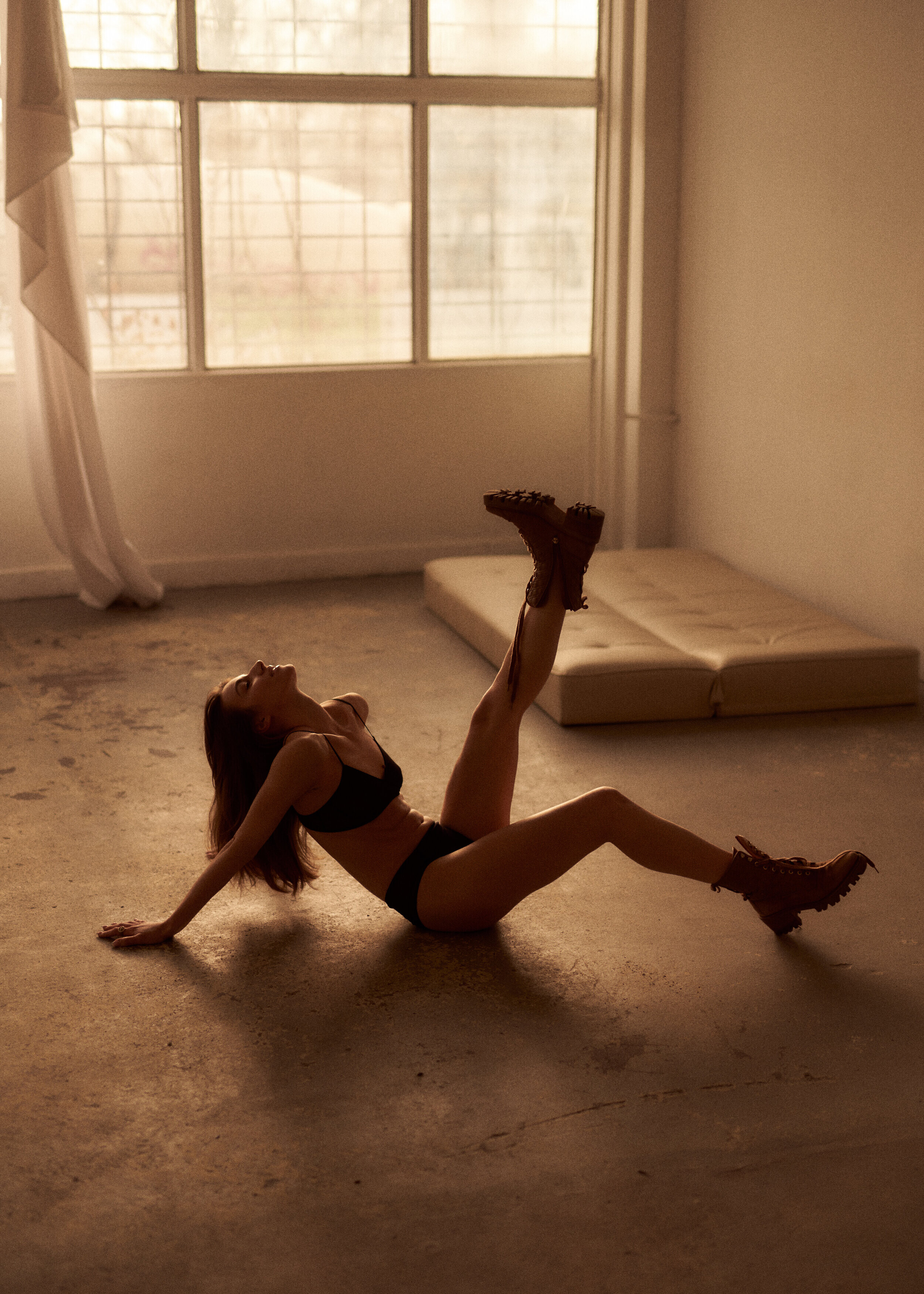
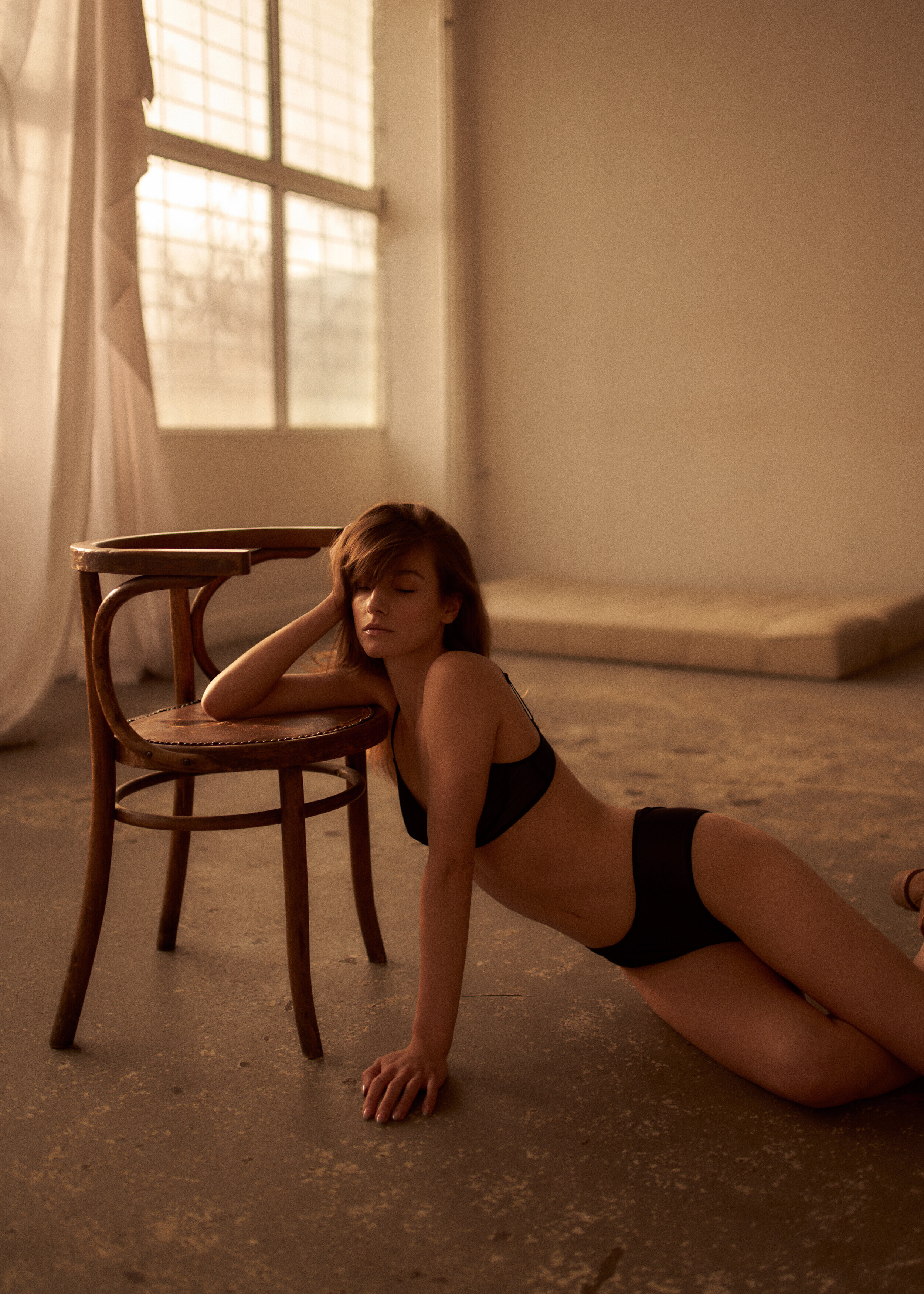
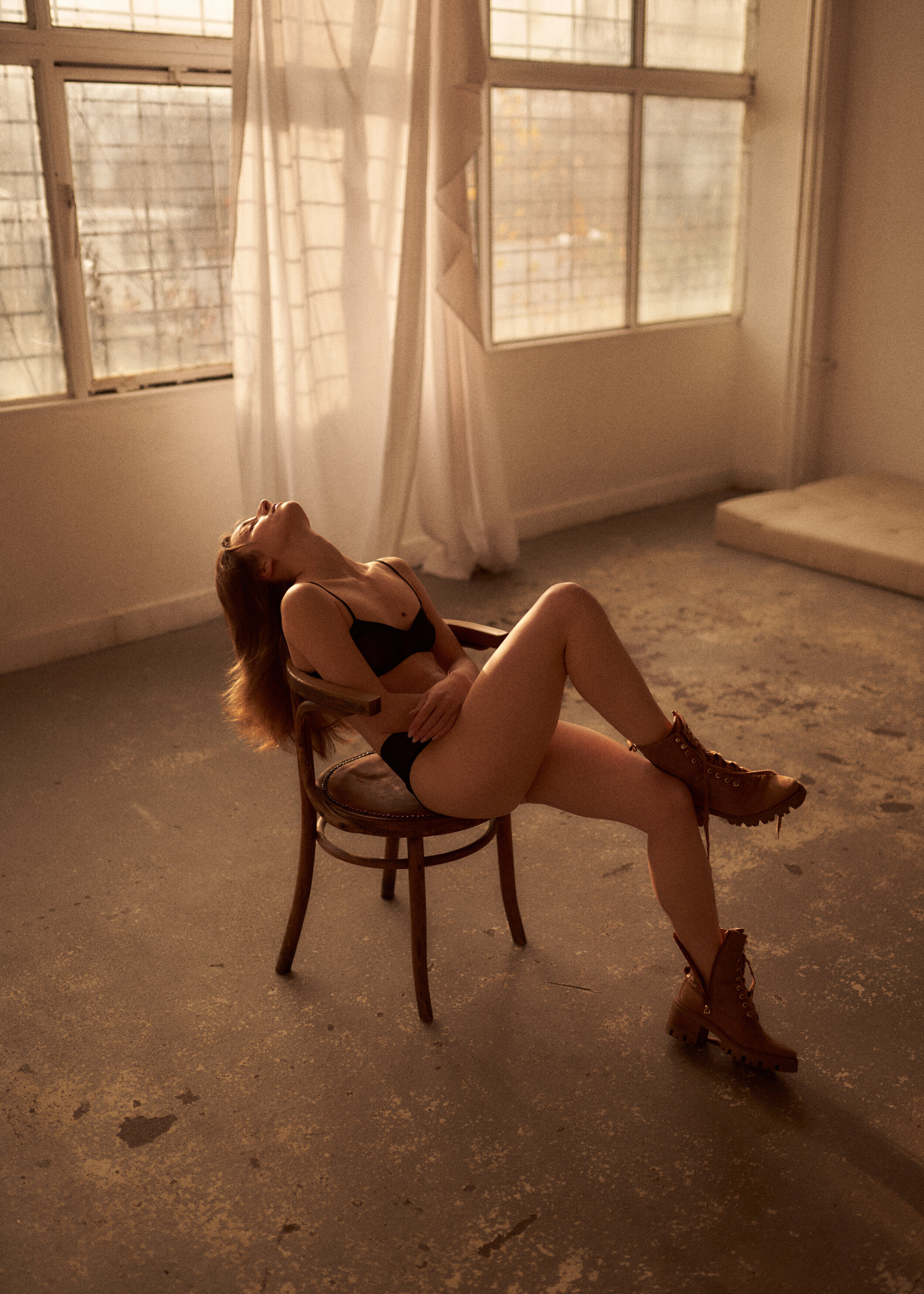
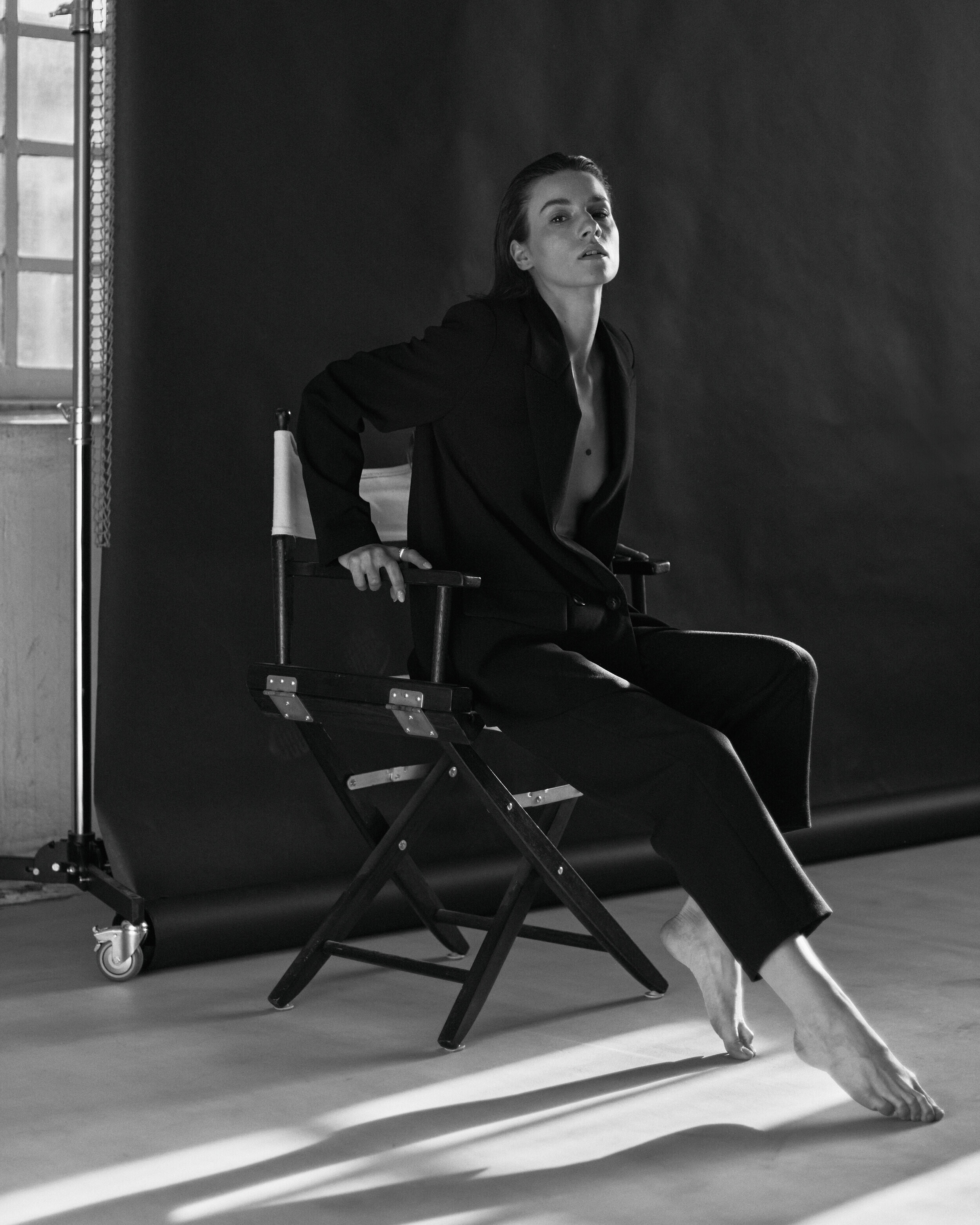
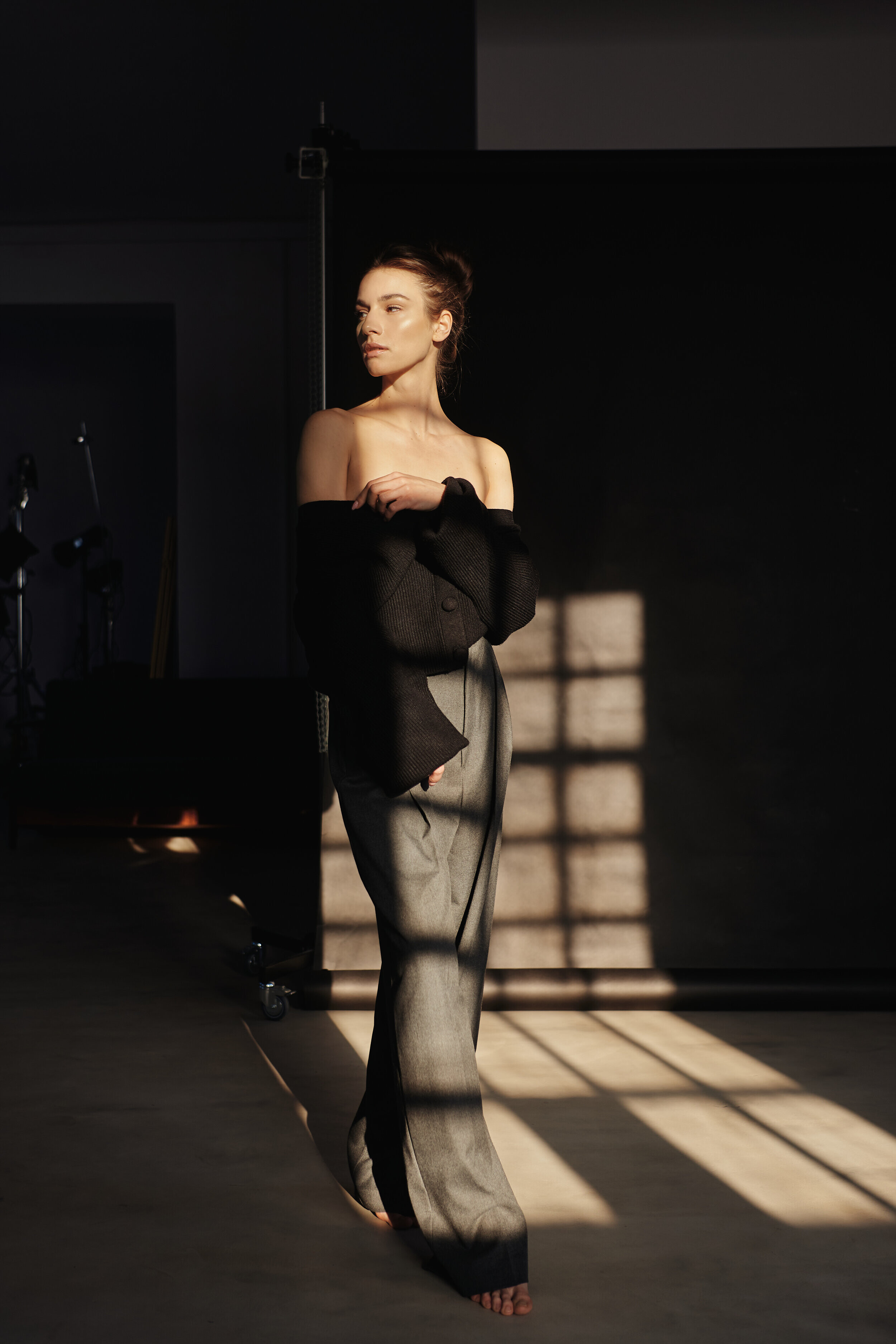
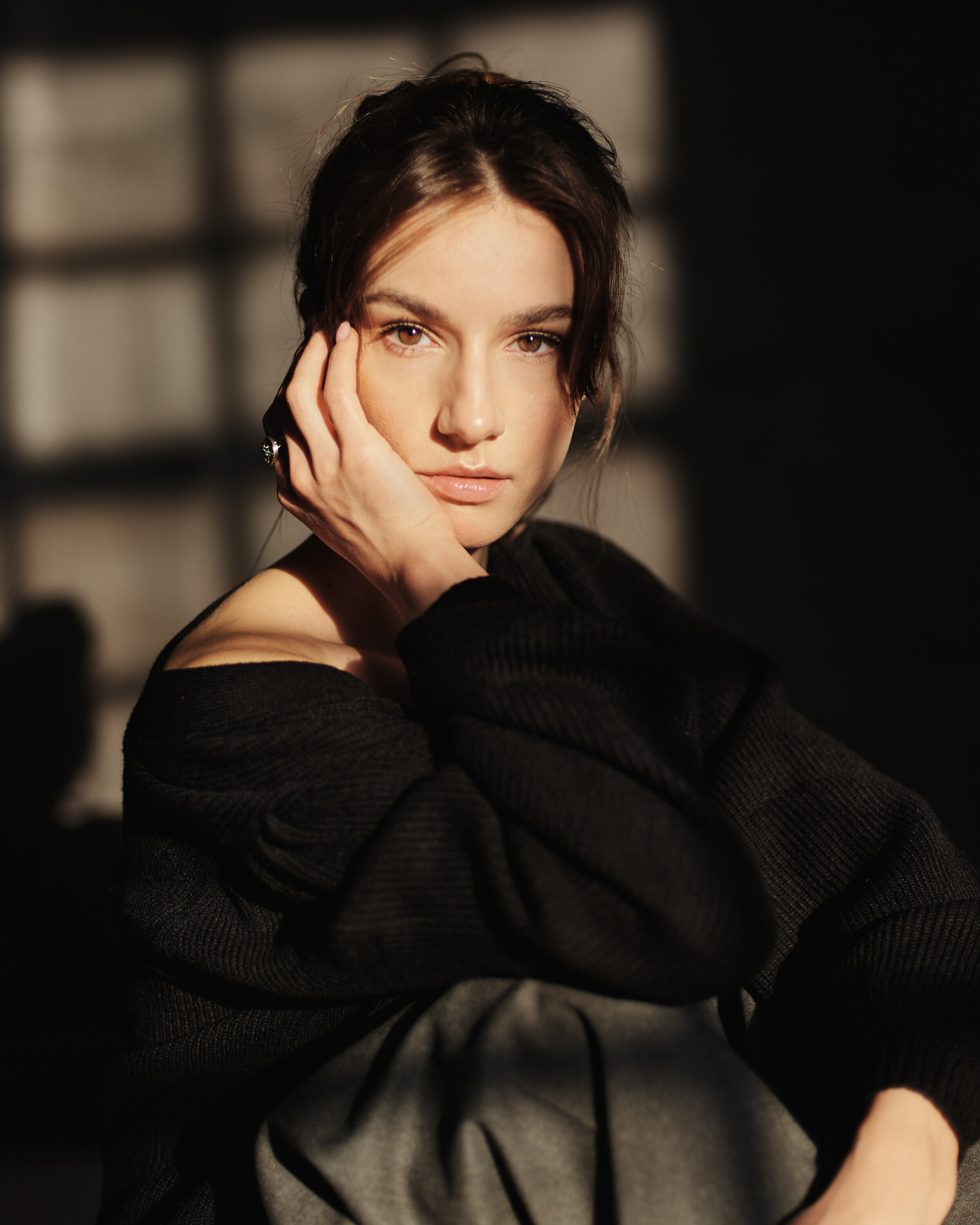
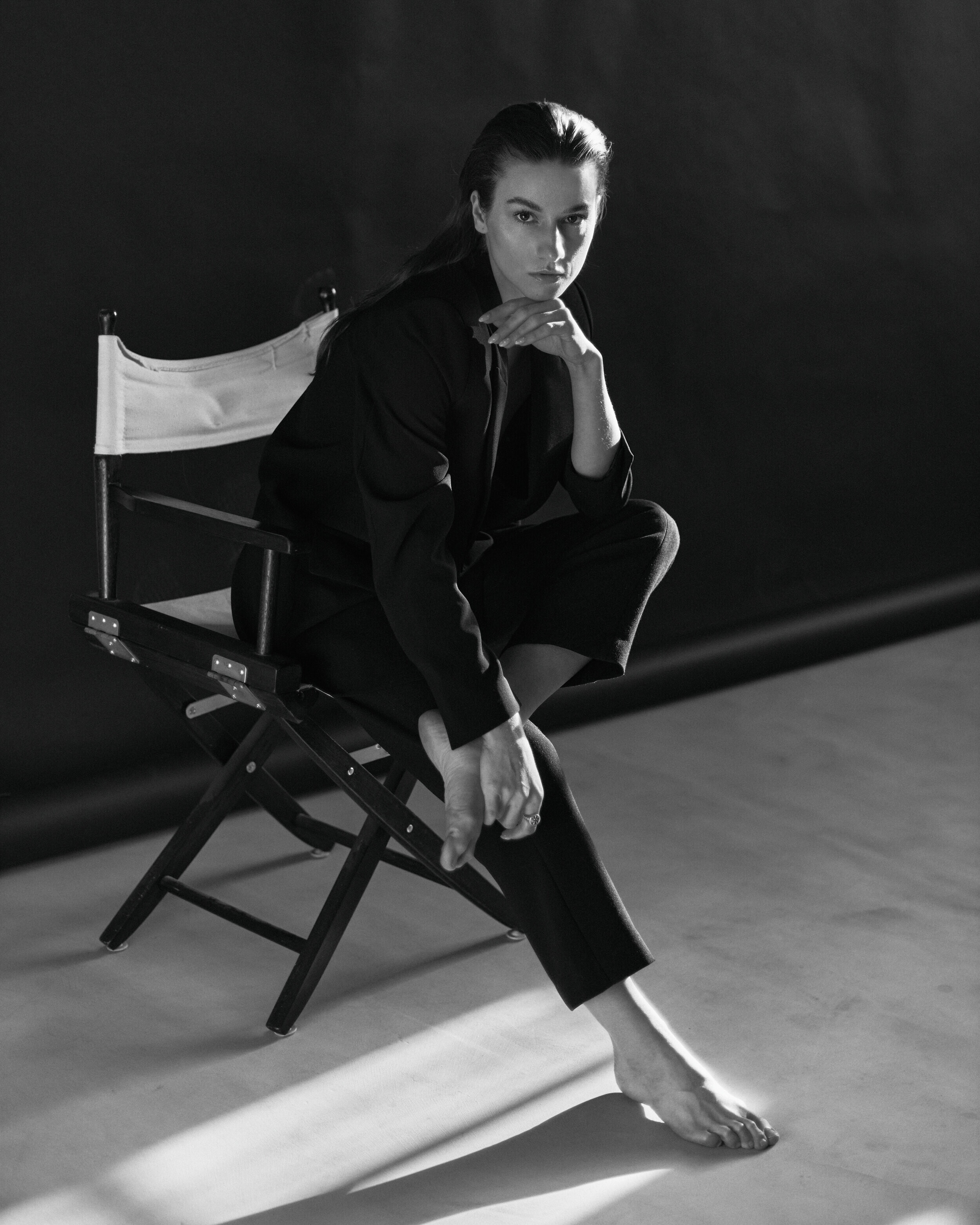
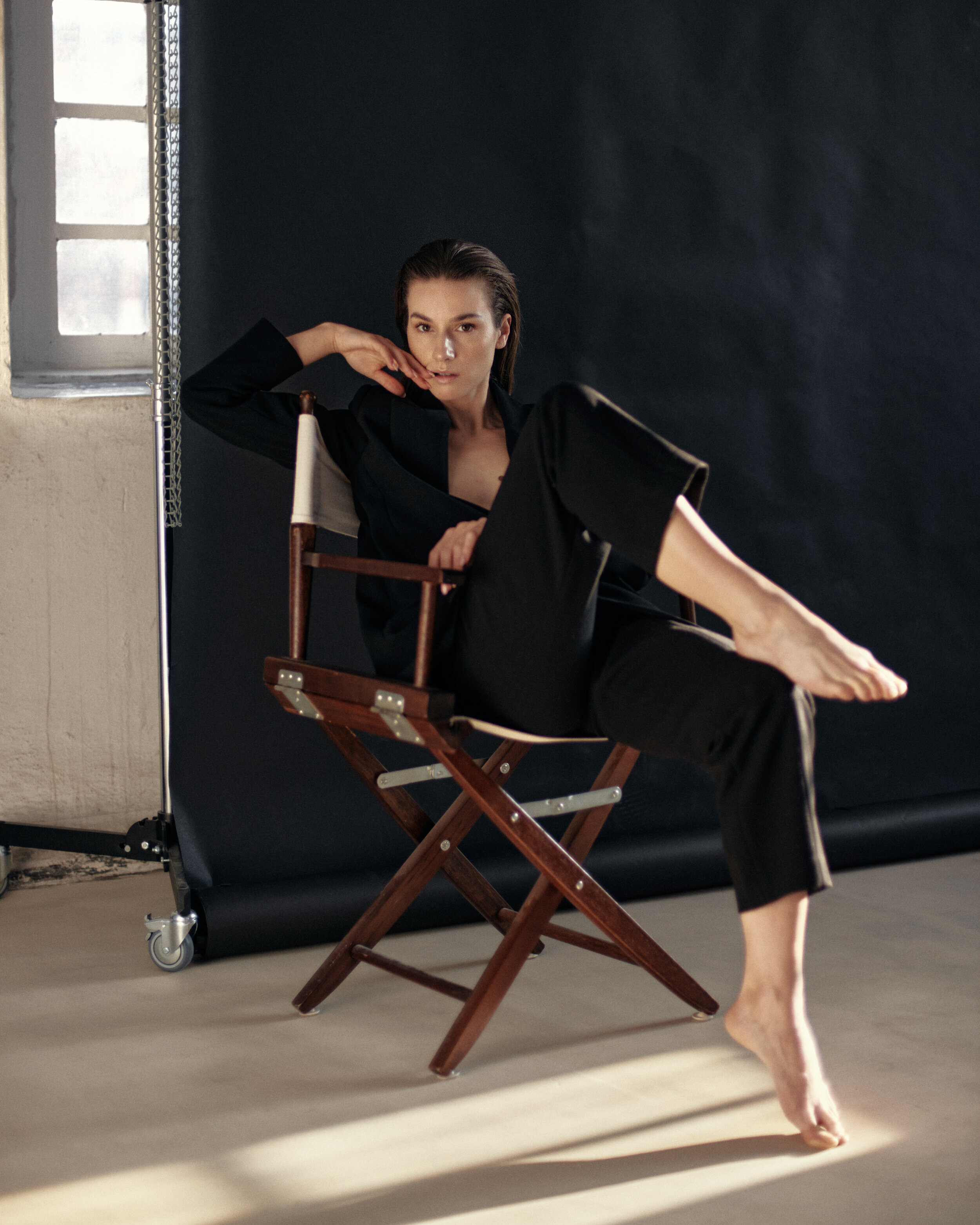
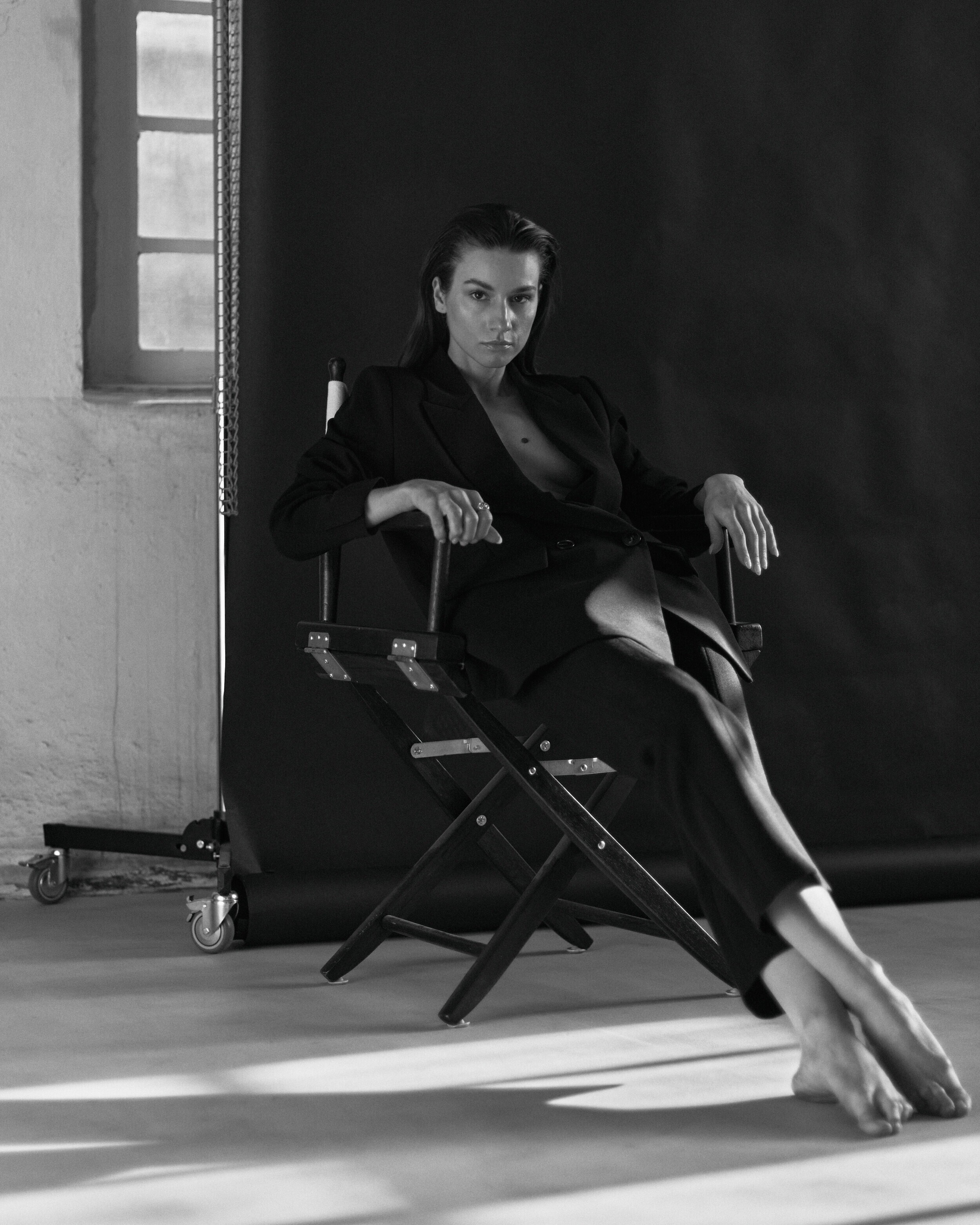
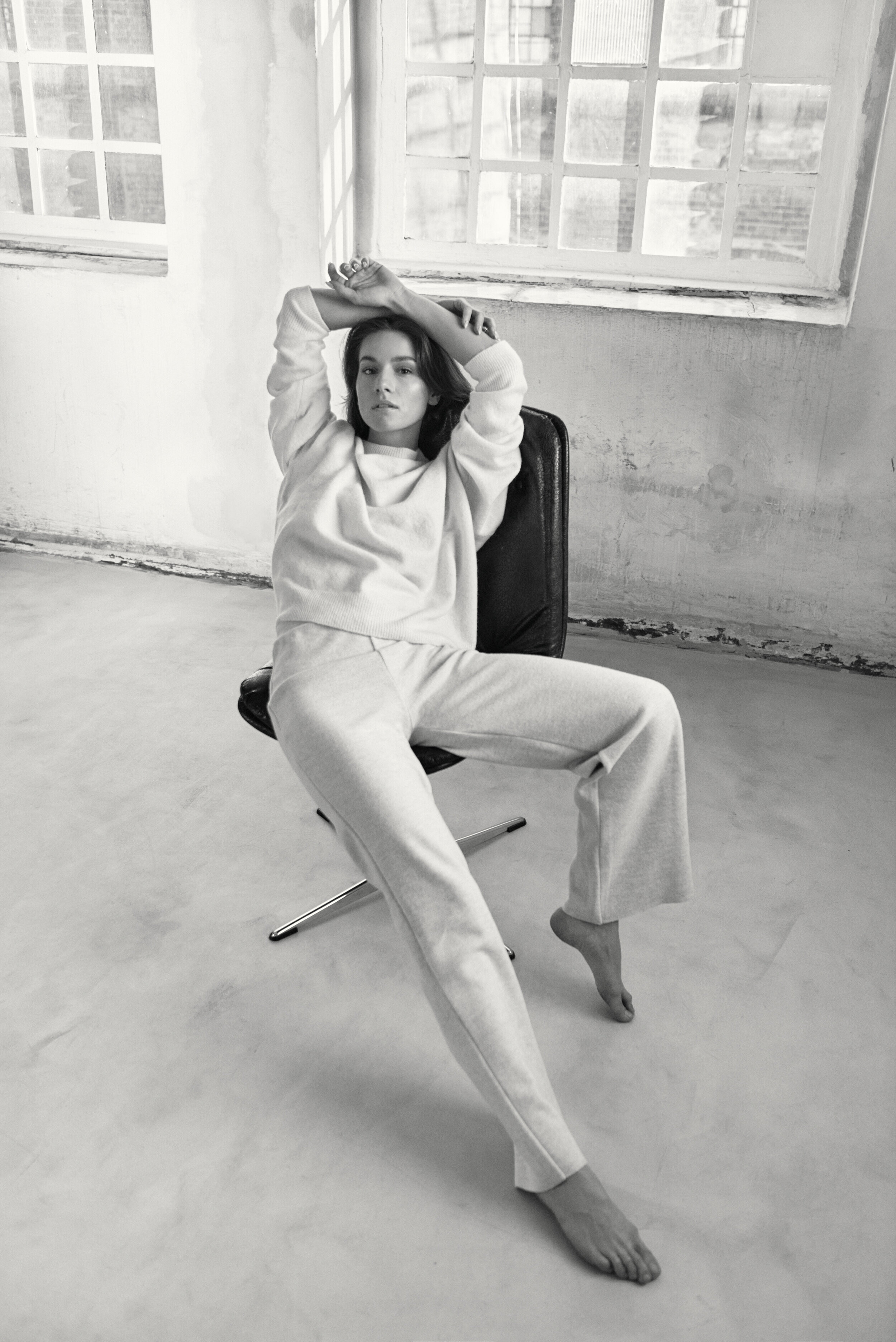
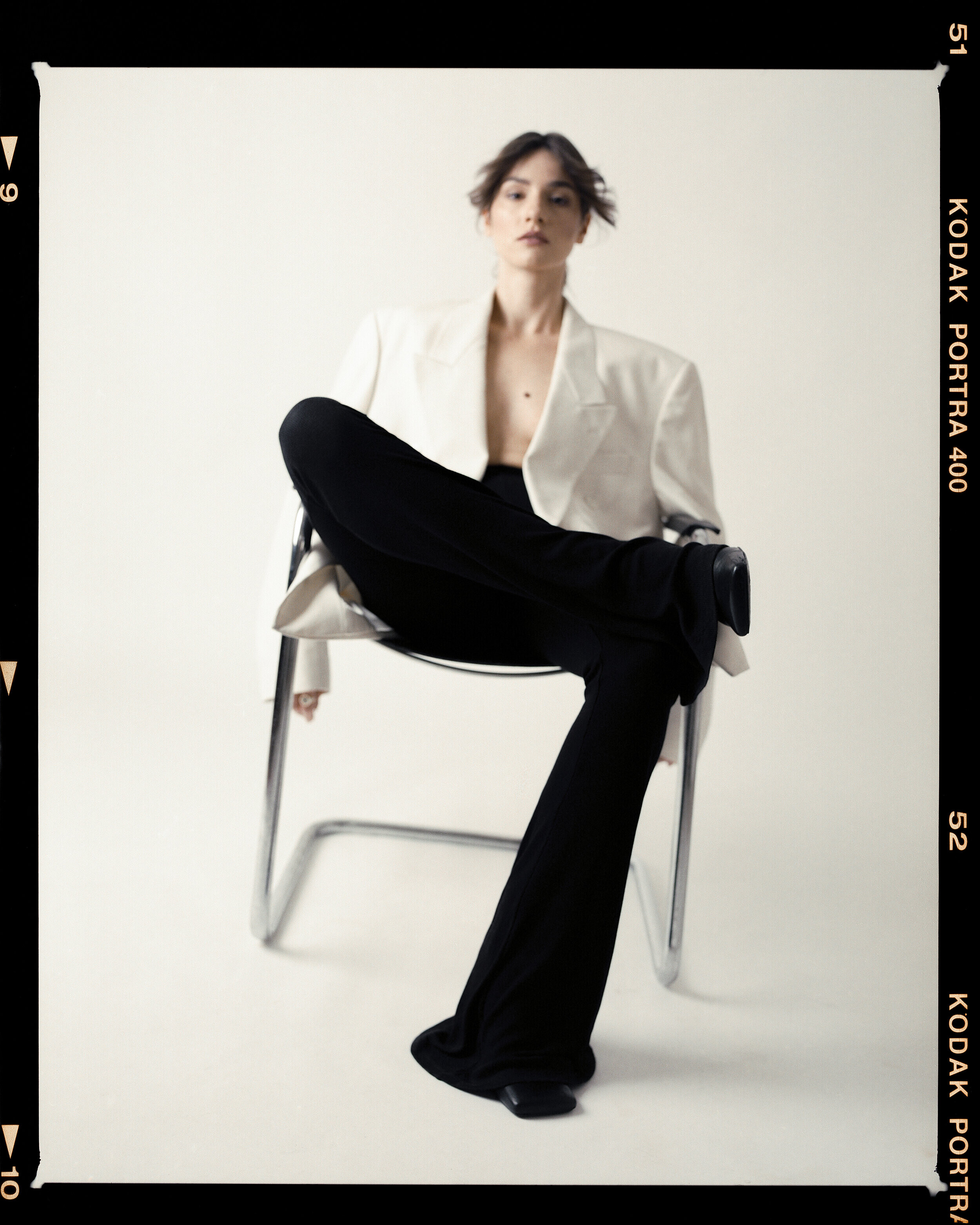
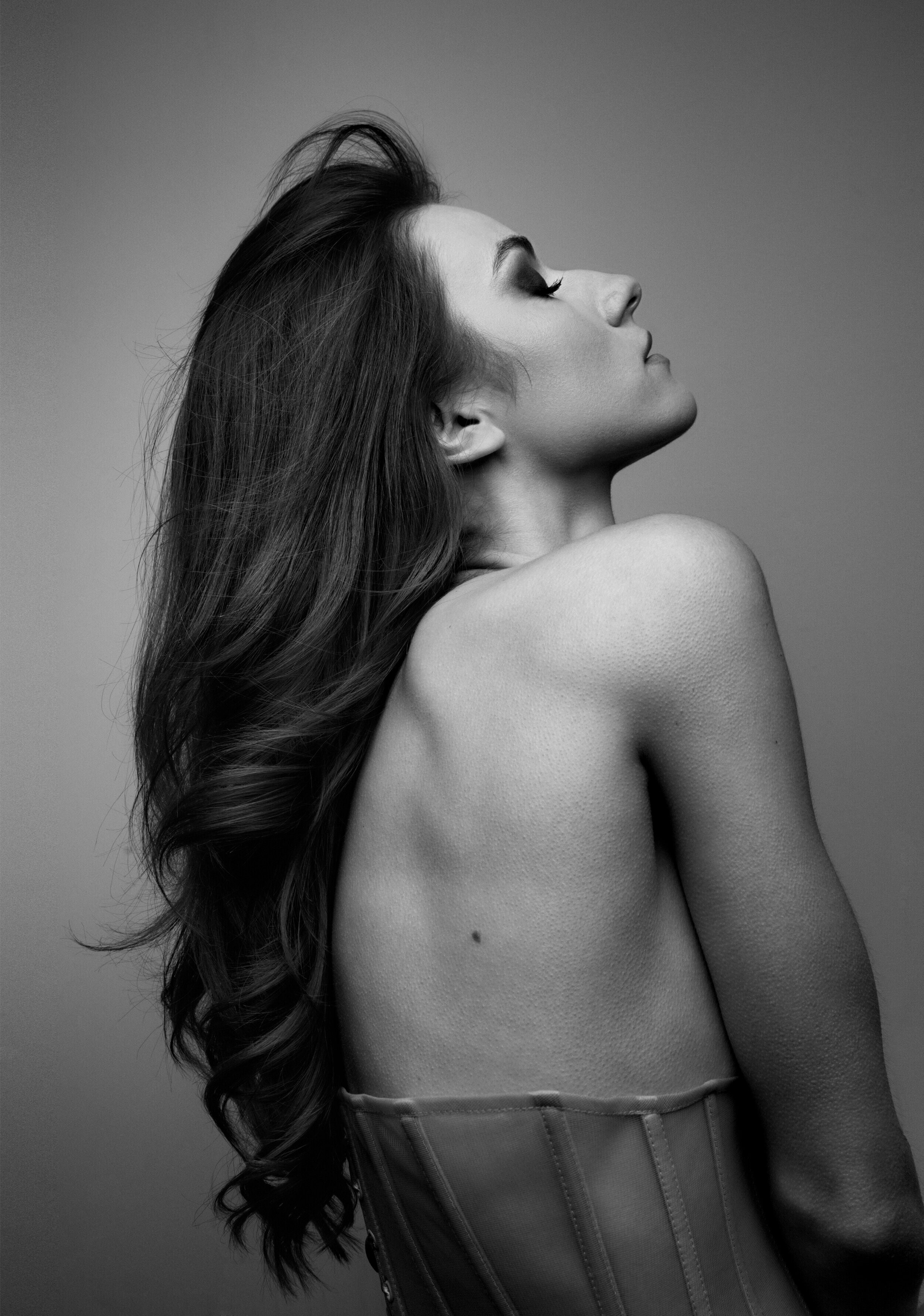
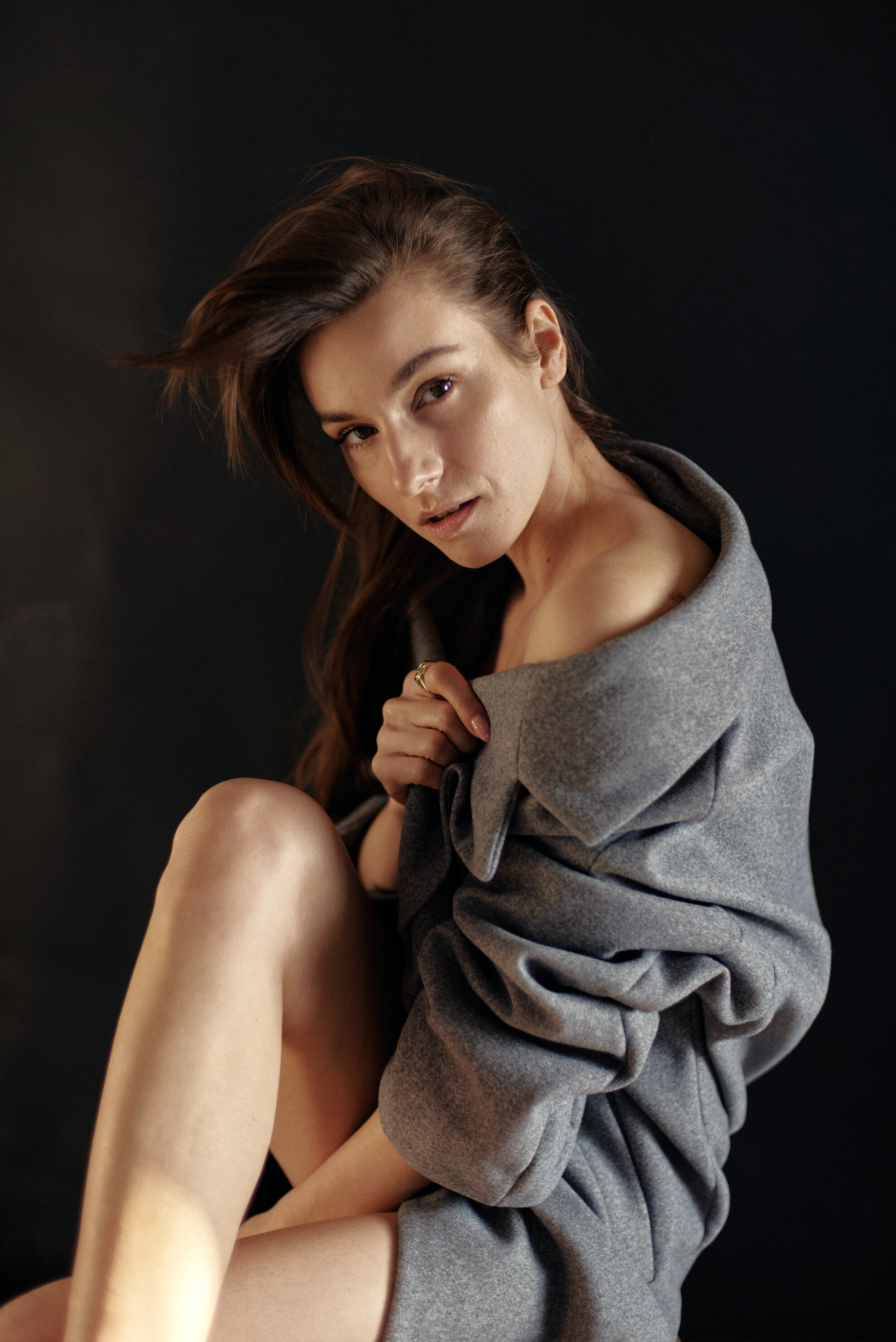
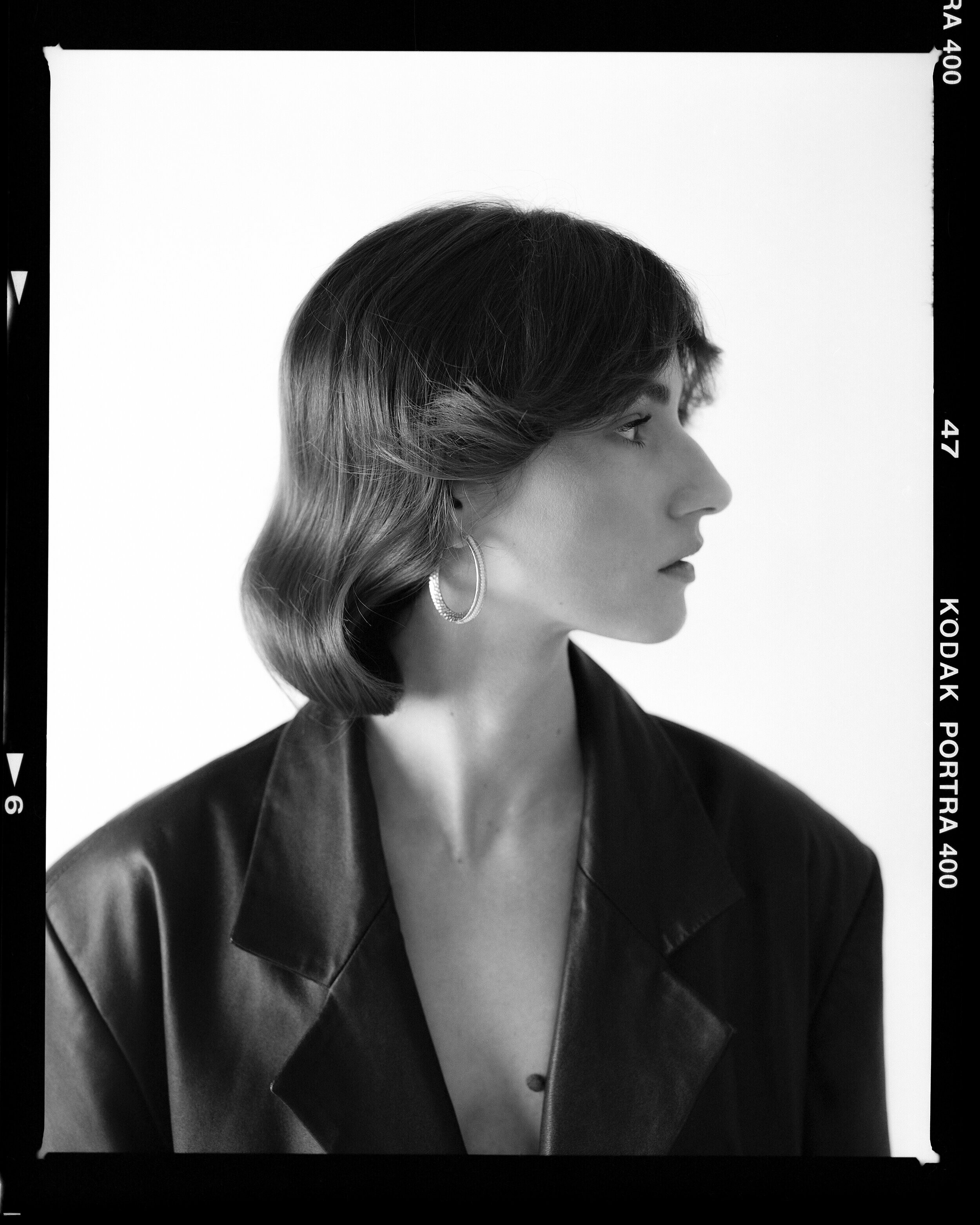
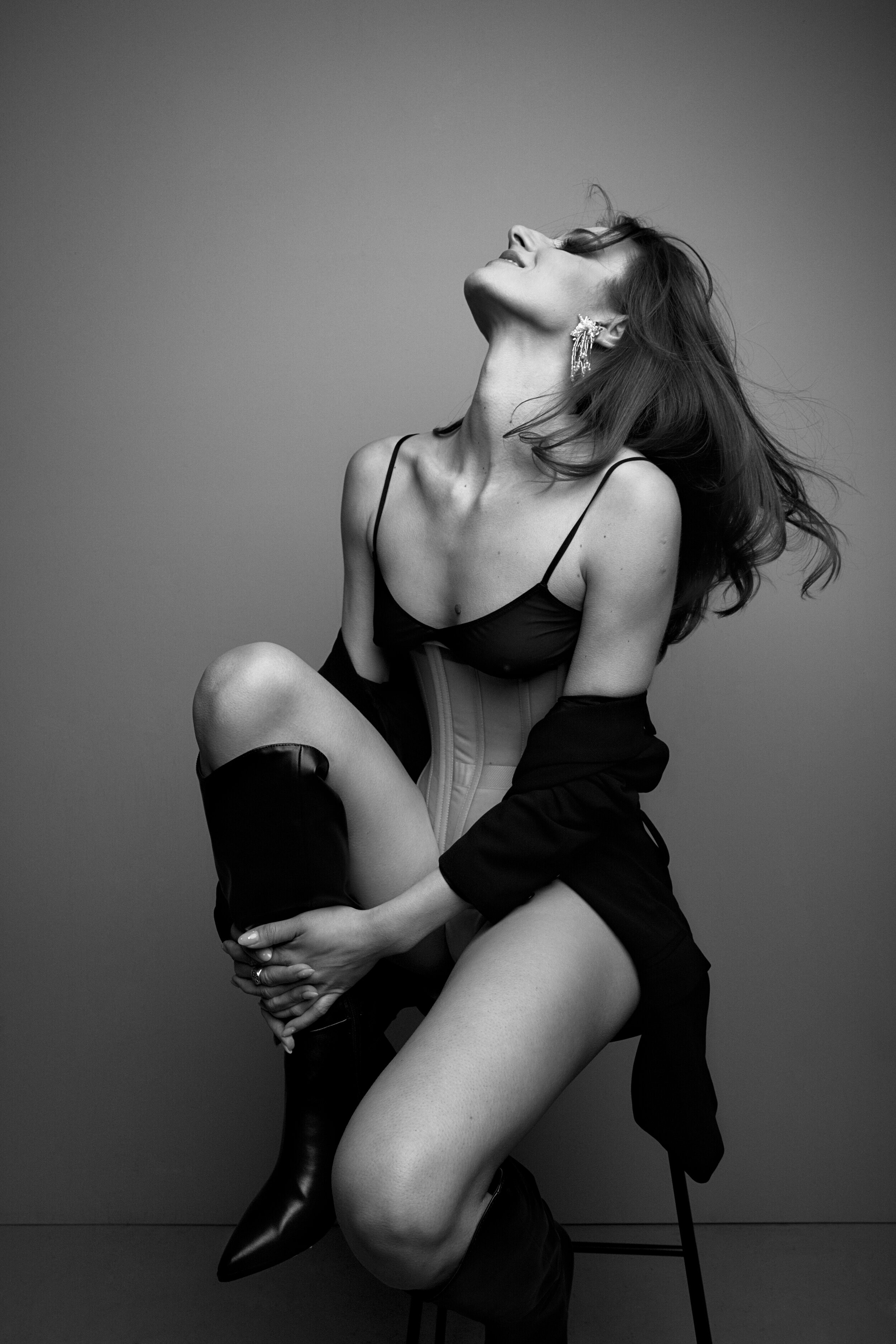
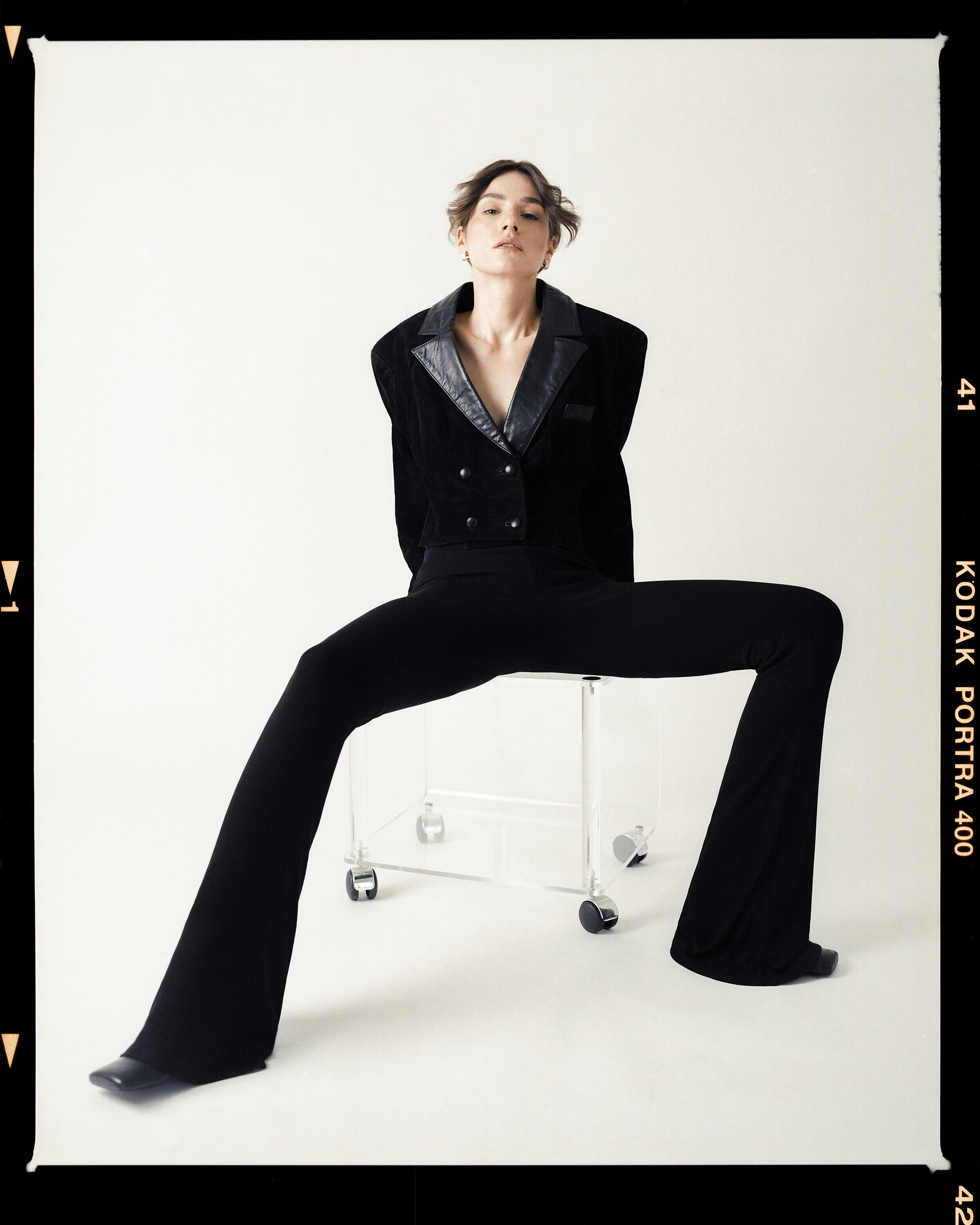
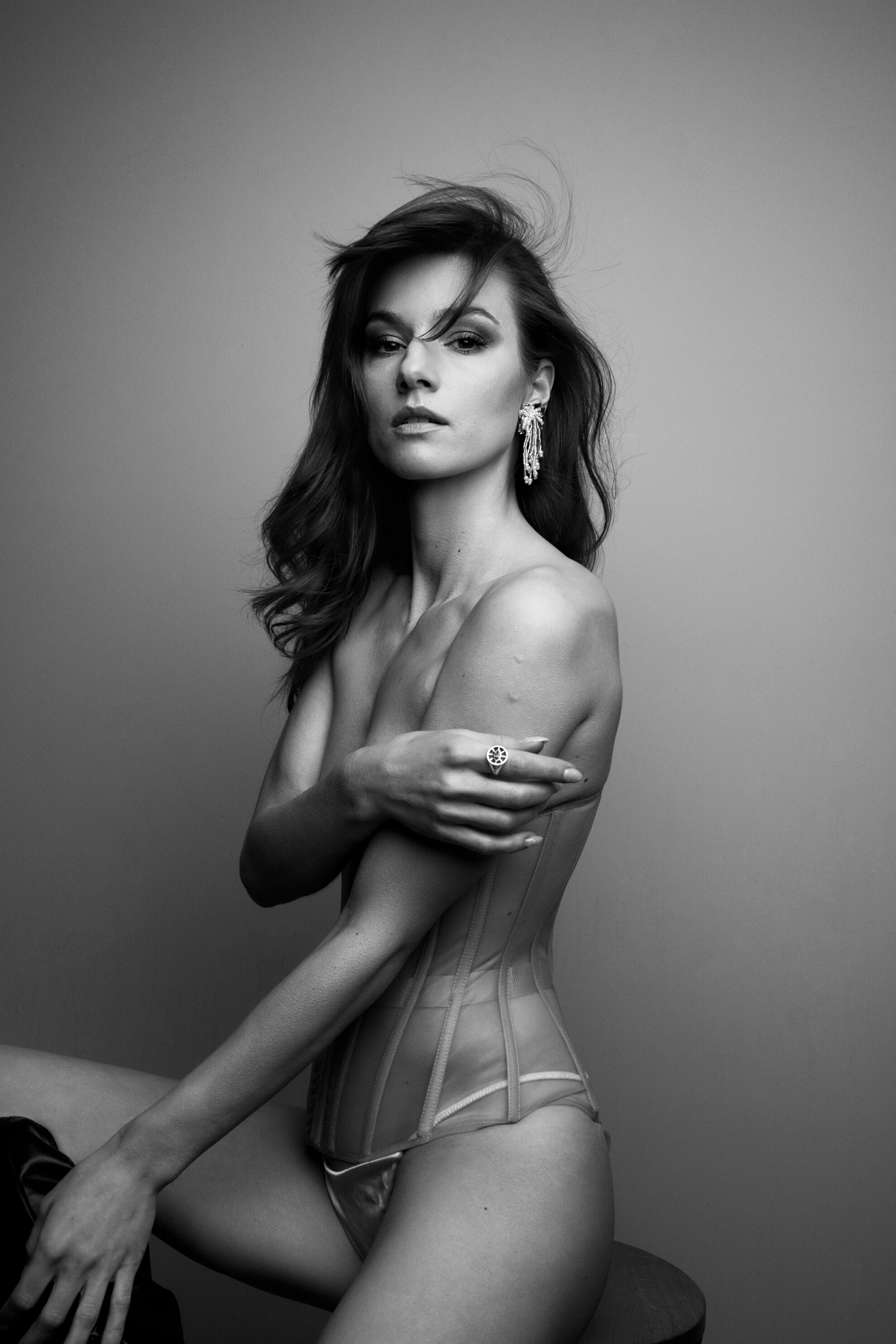
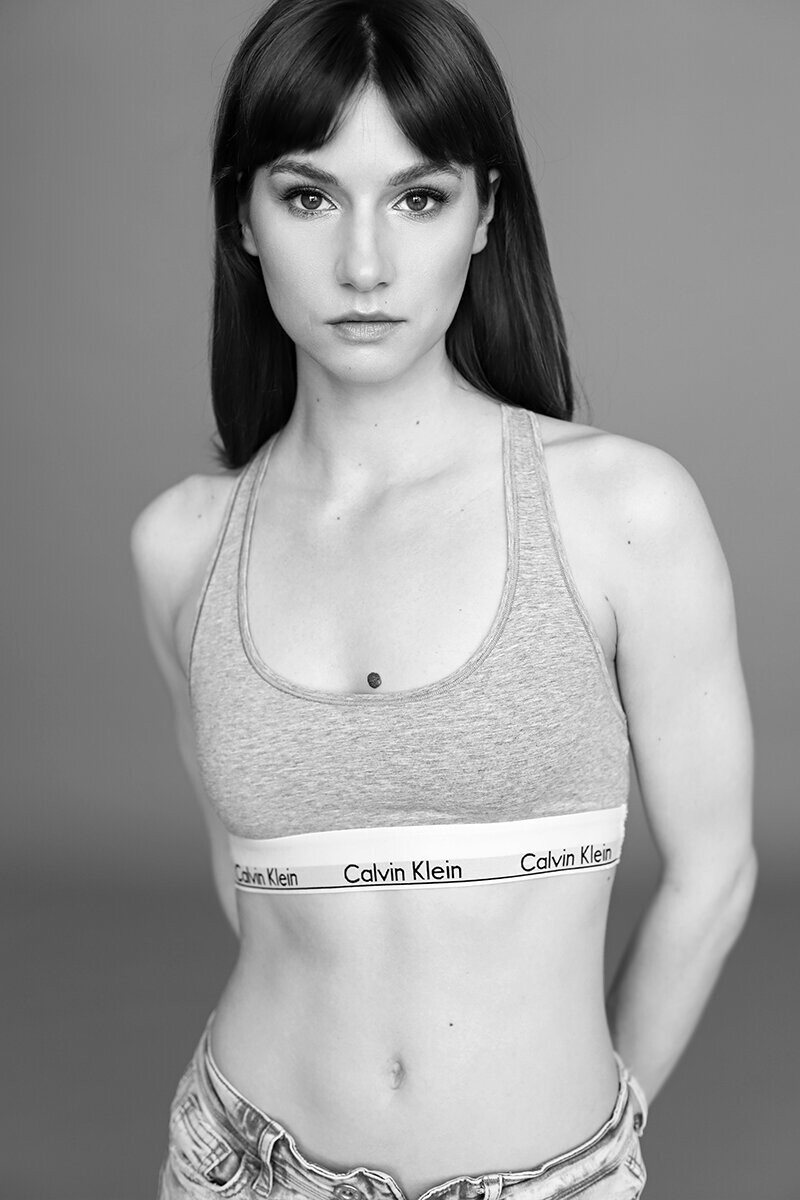
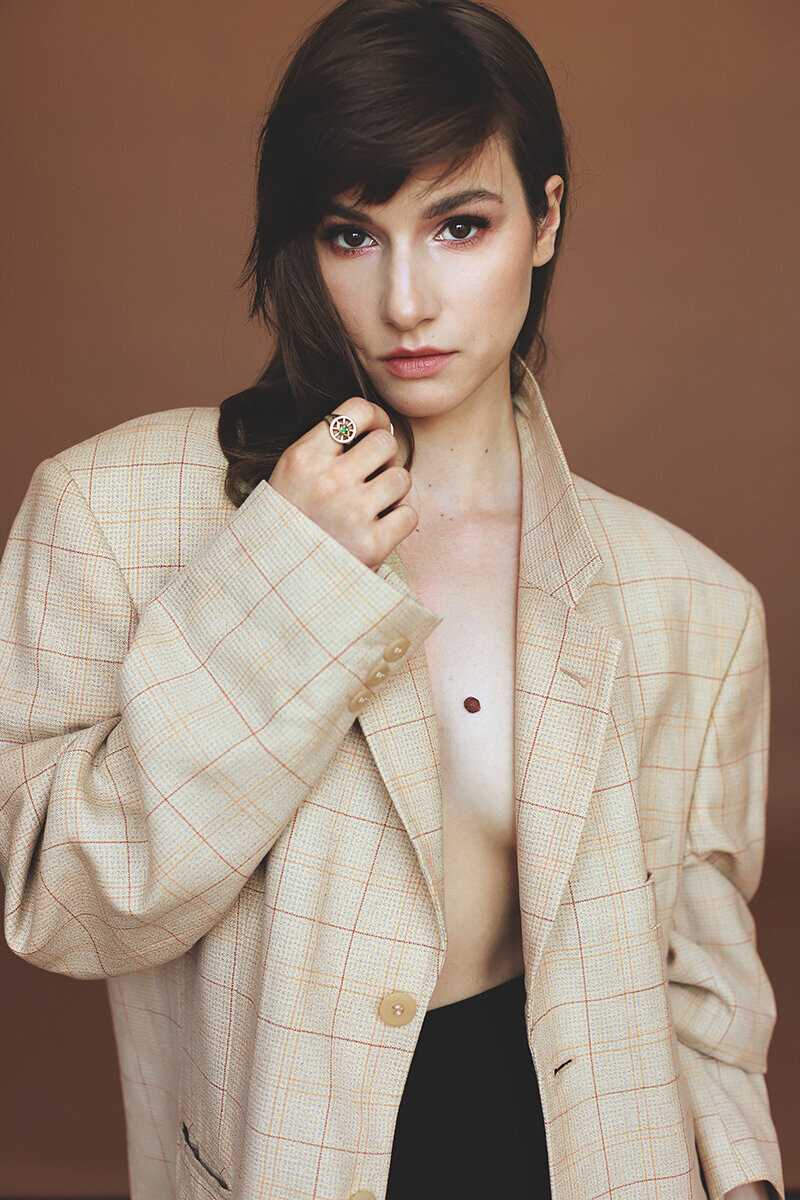
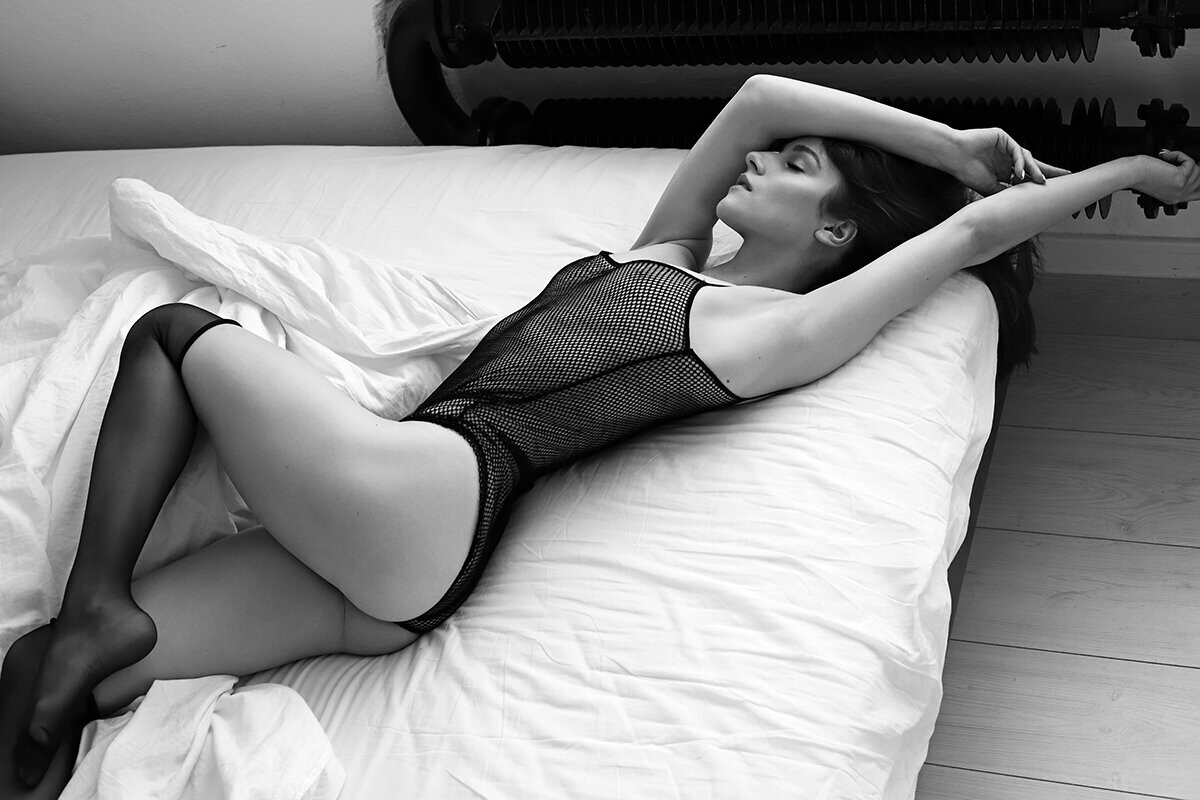
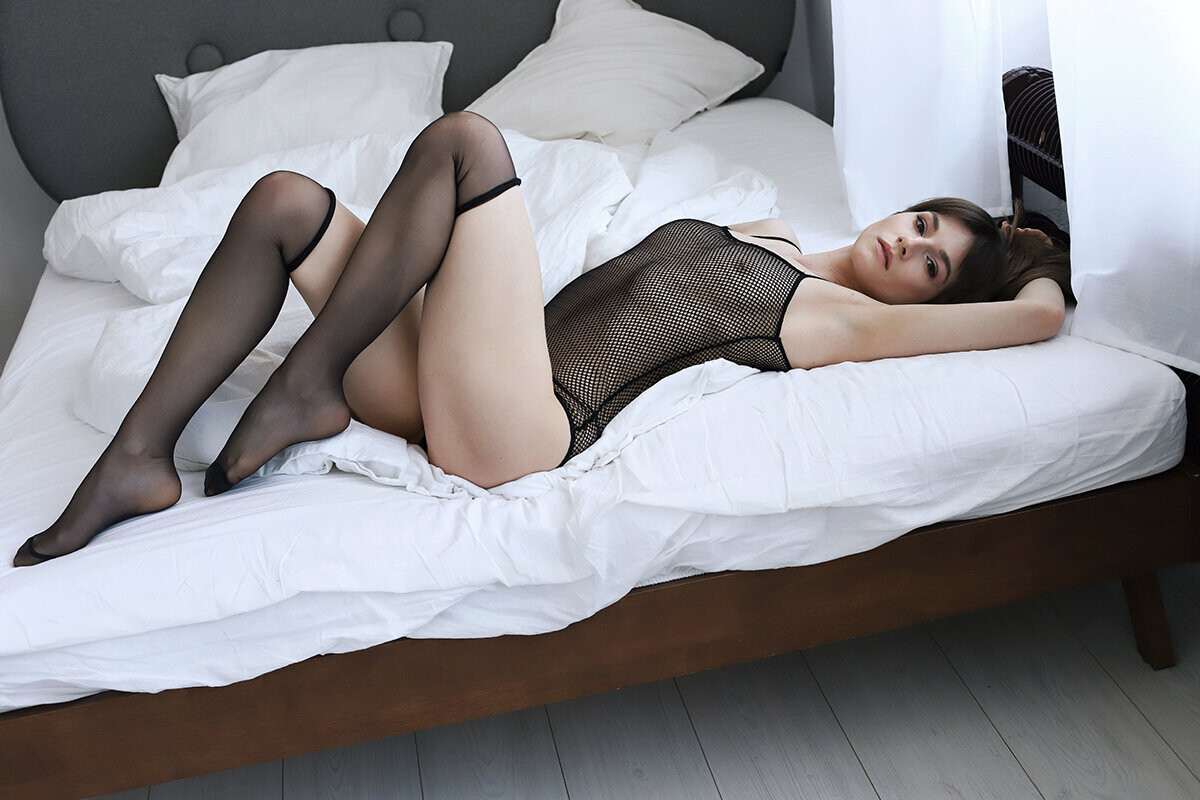
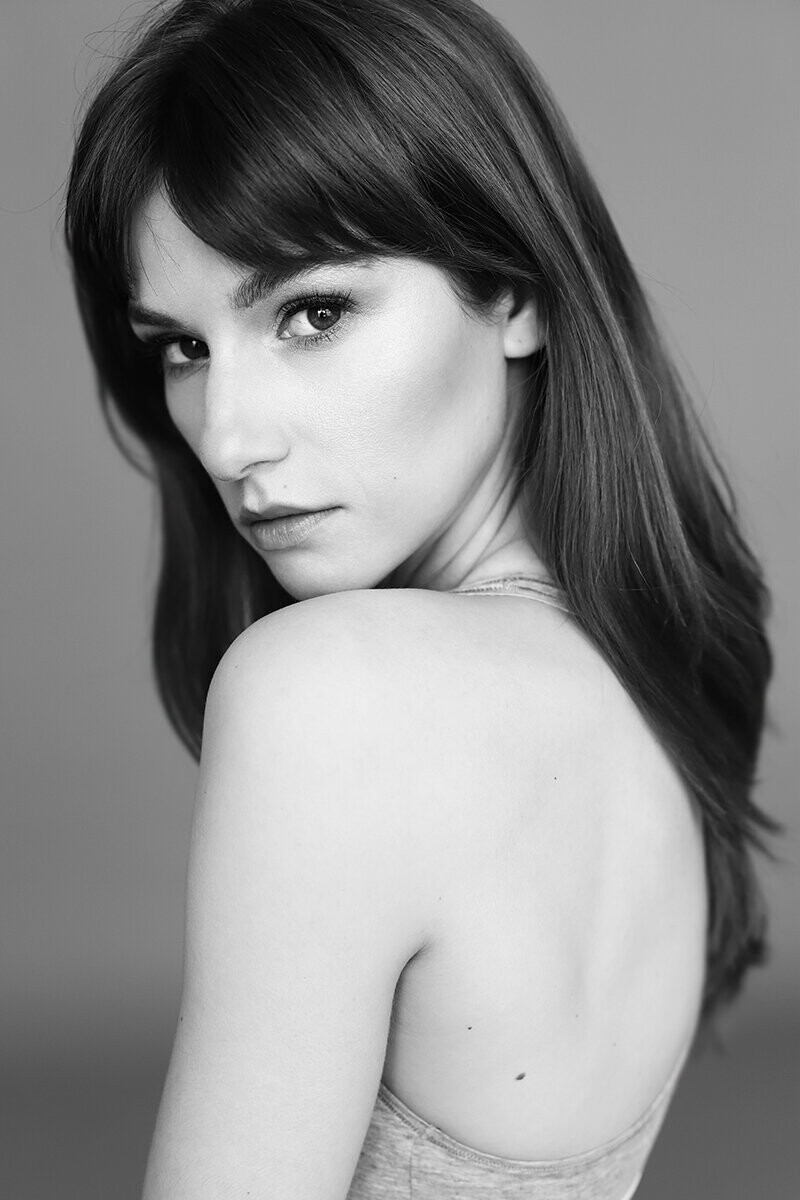
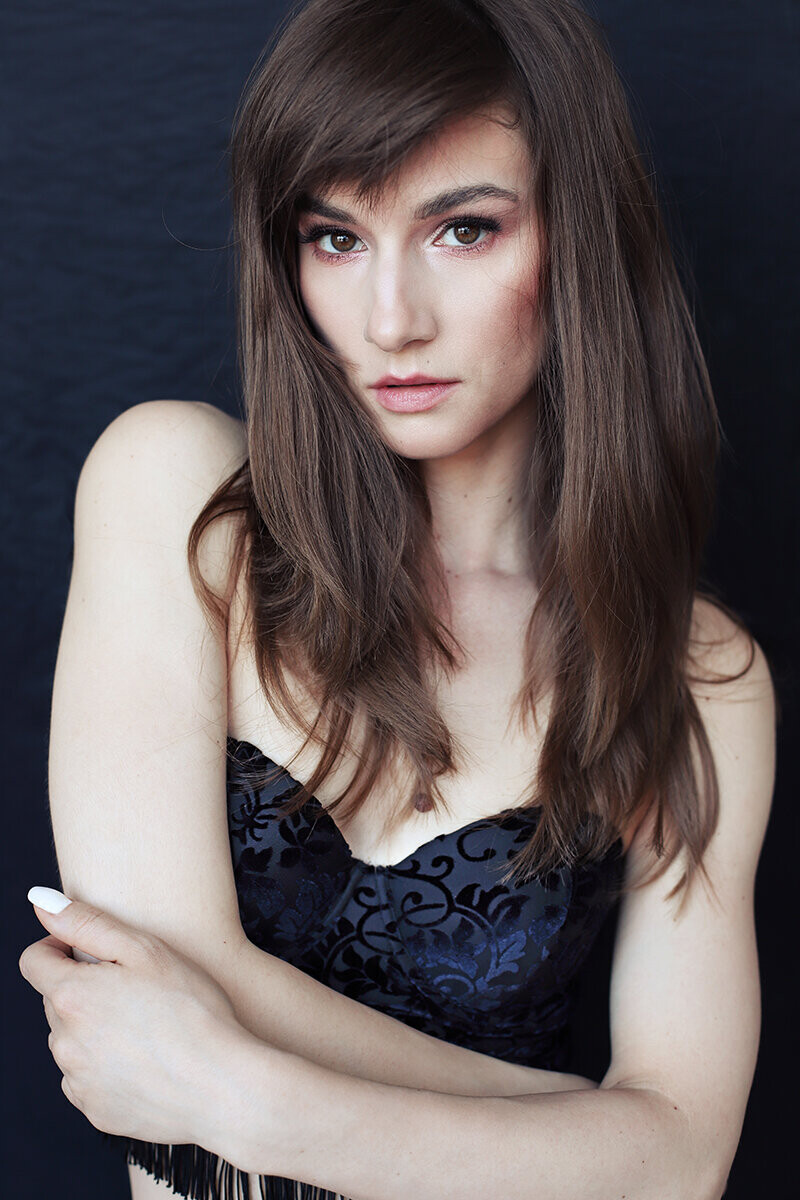
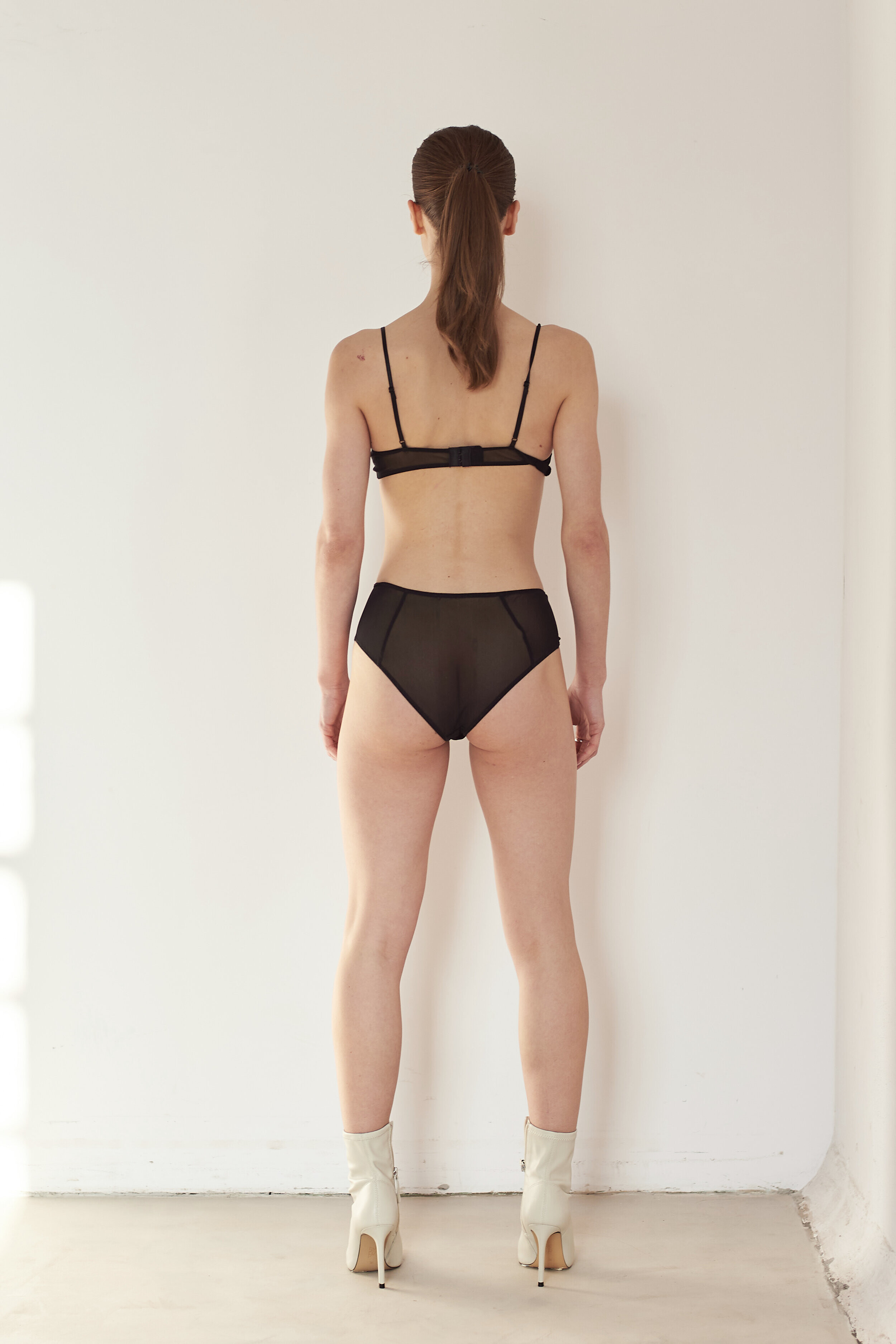
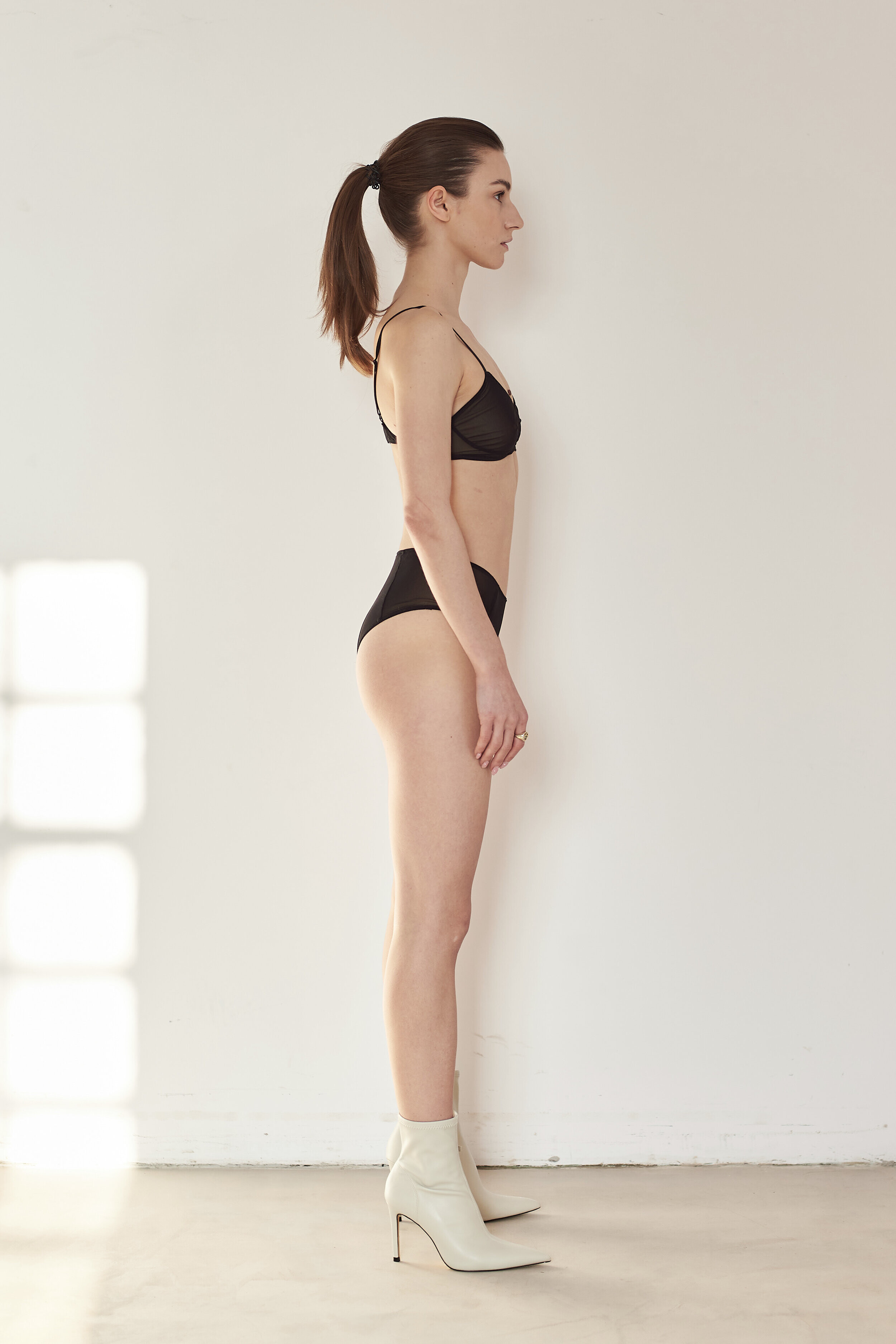
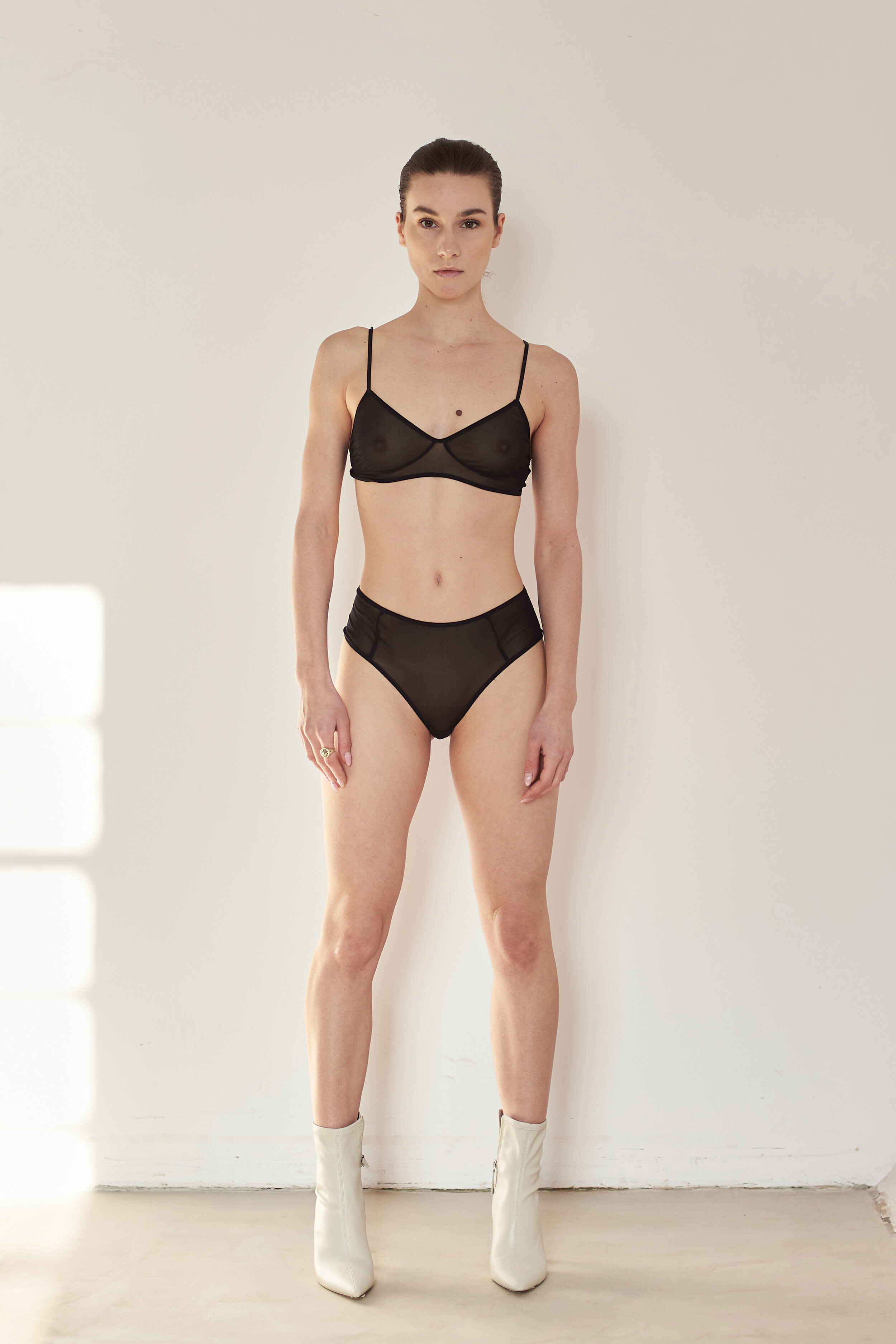
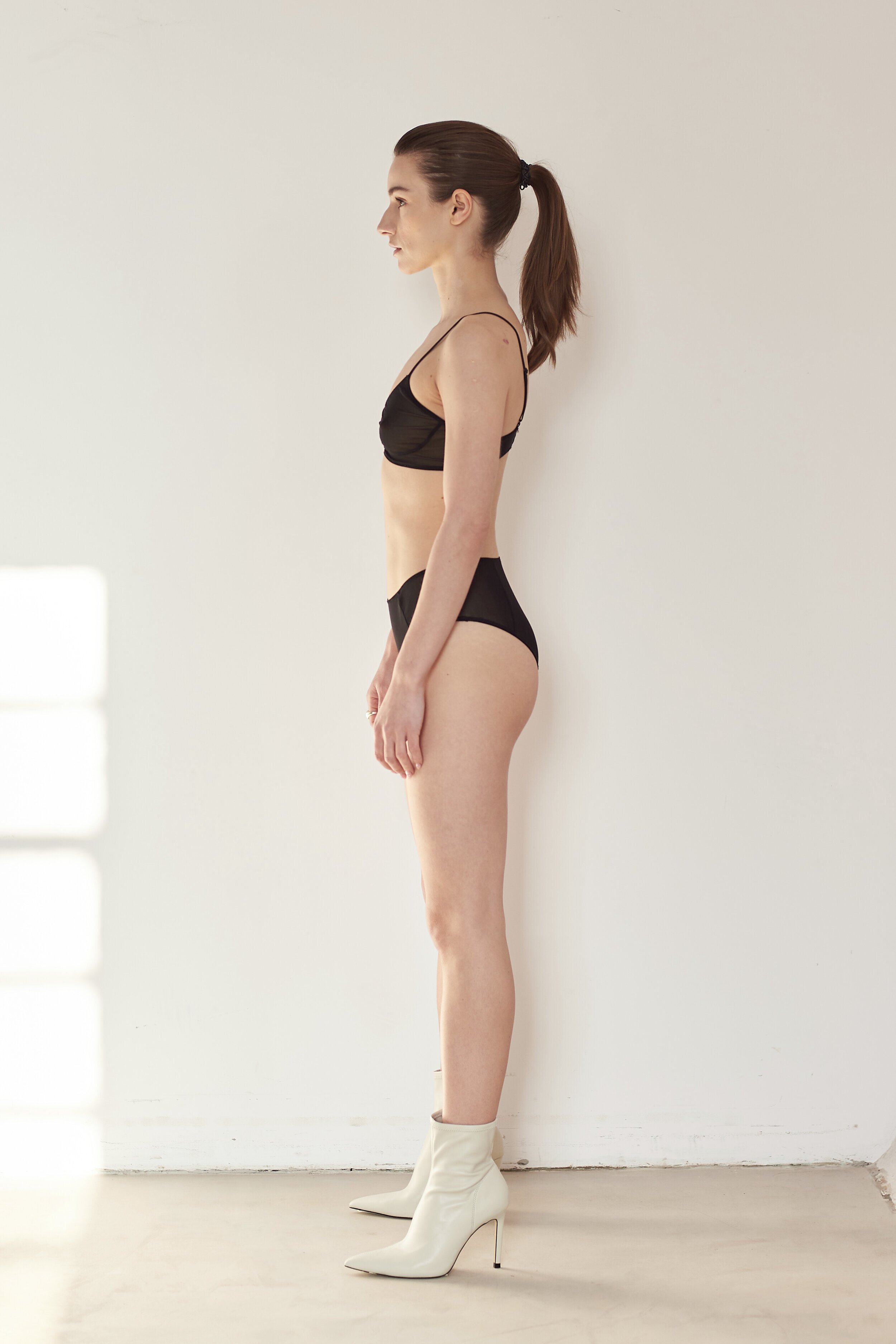
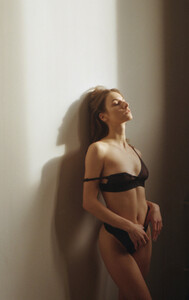 Marta Majchrowska Bust: 81 Waist: 62 Hips: 85 Shoes: 38 Height: 165 Eyes: brown Hair: brown https://www.instagram.com/marta.majchrowska/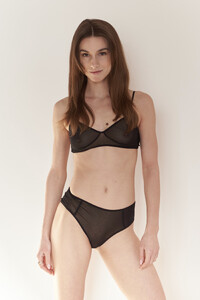







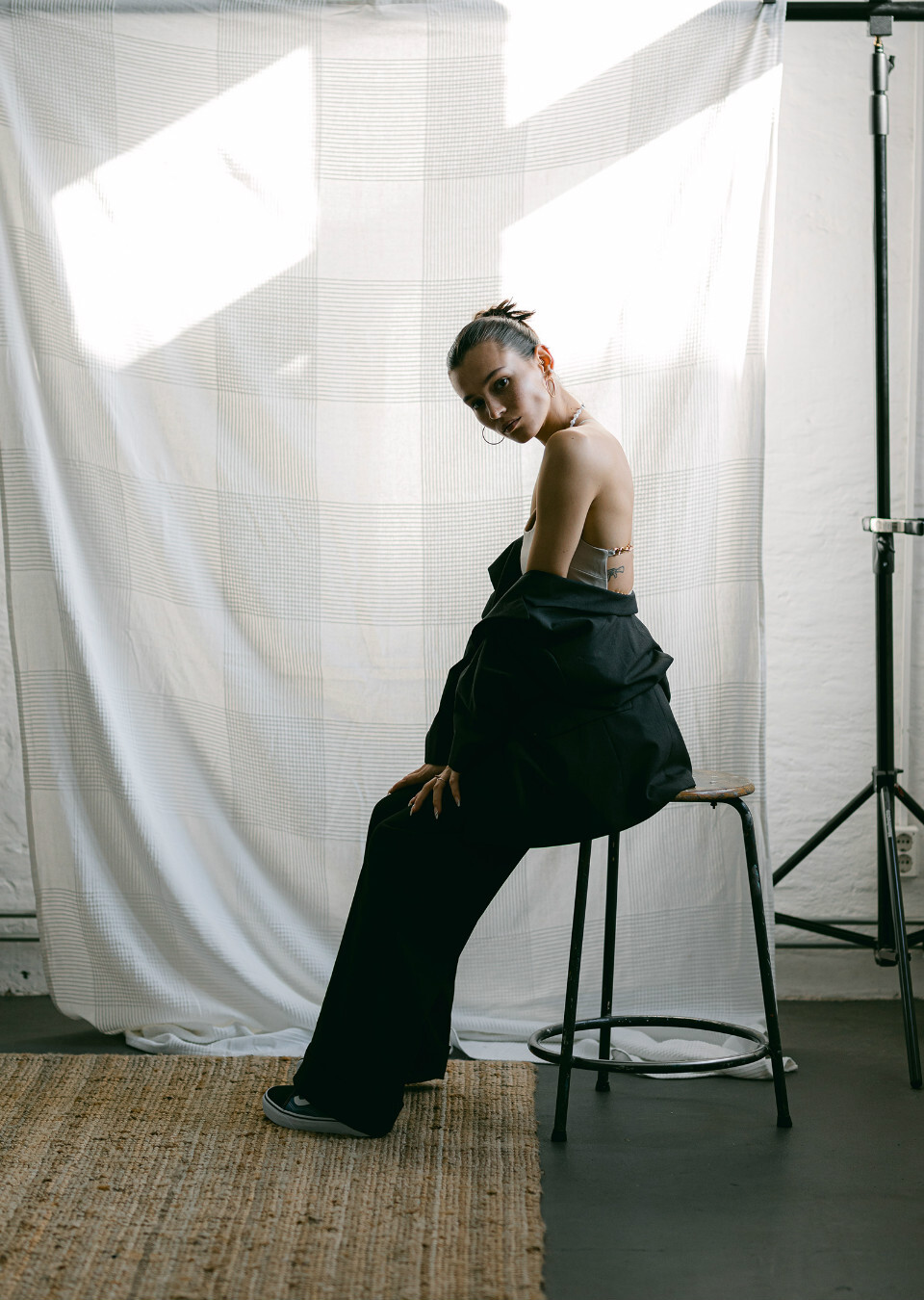
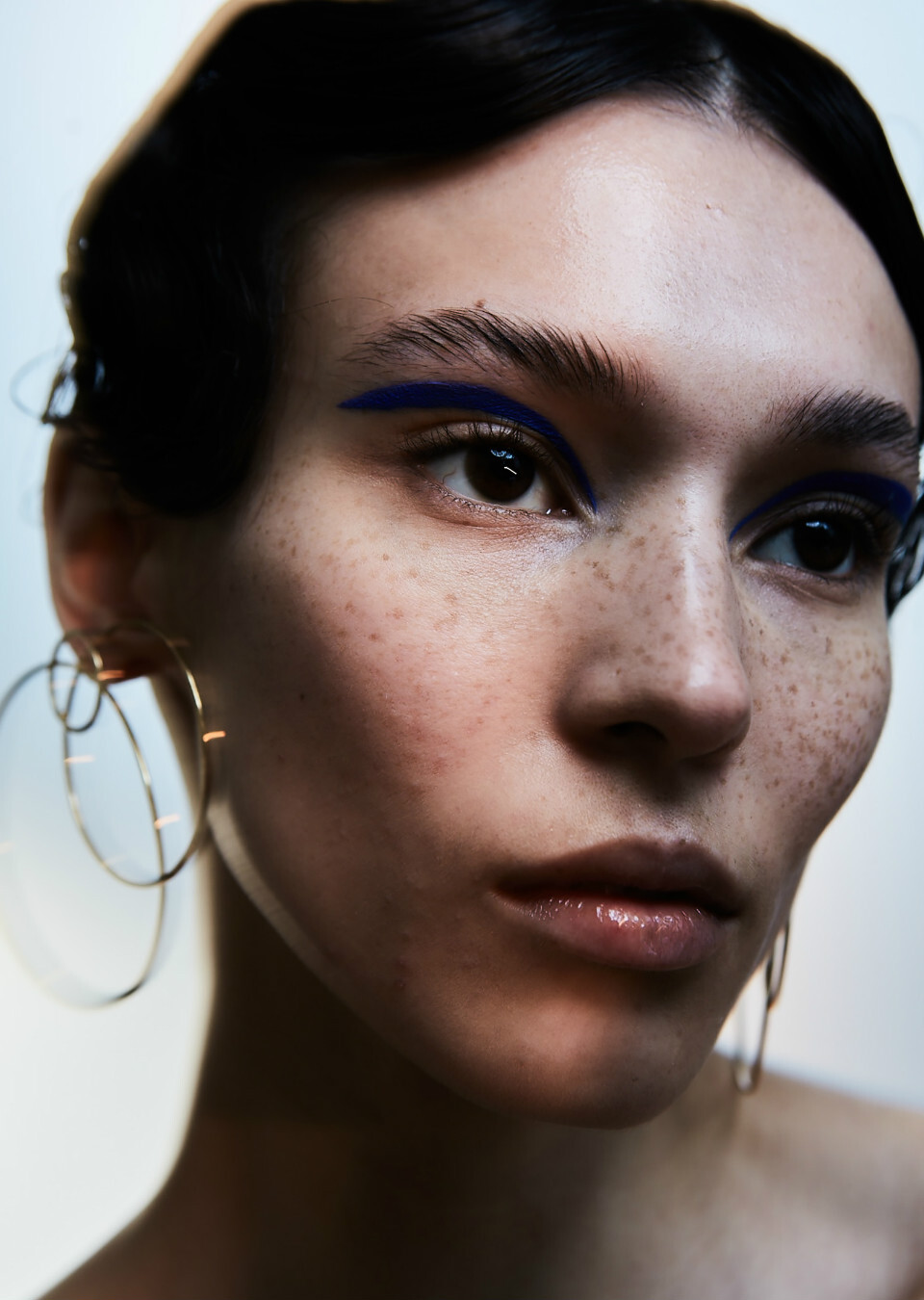
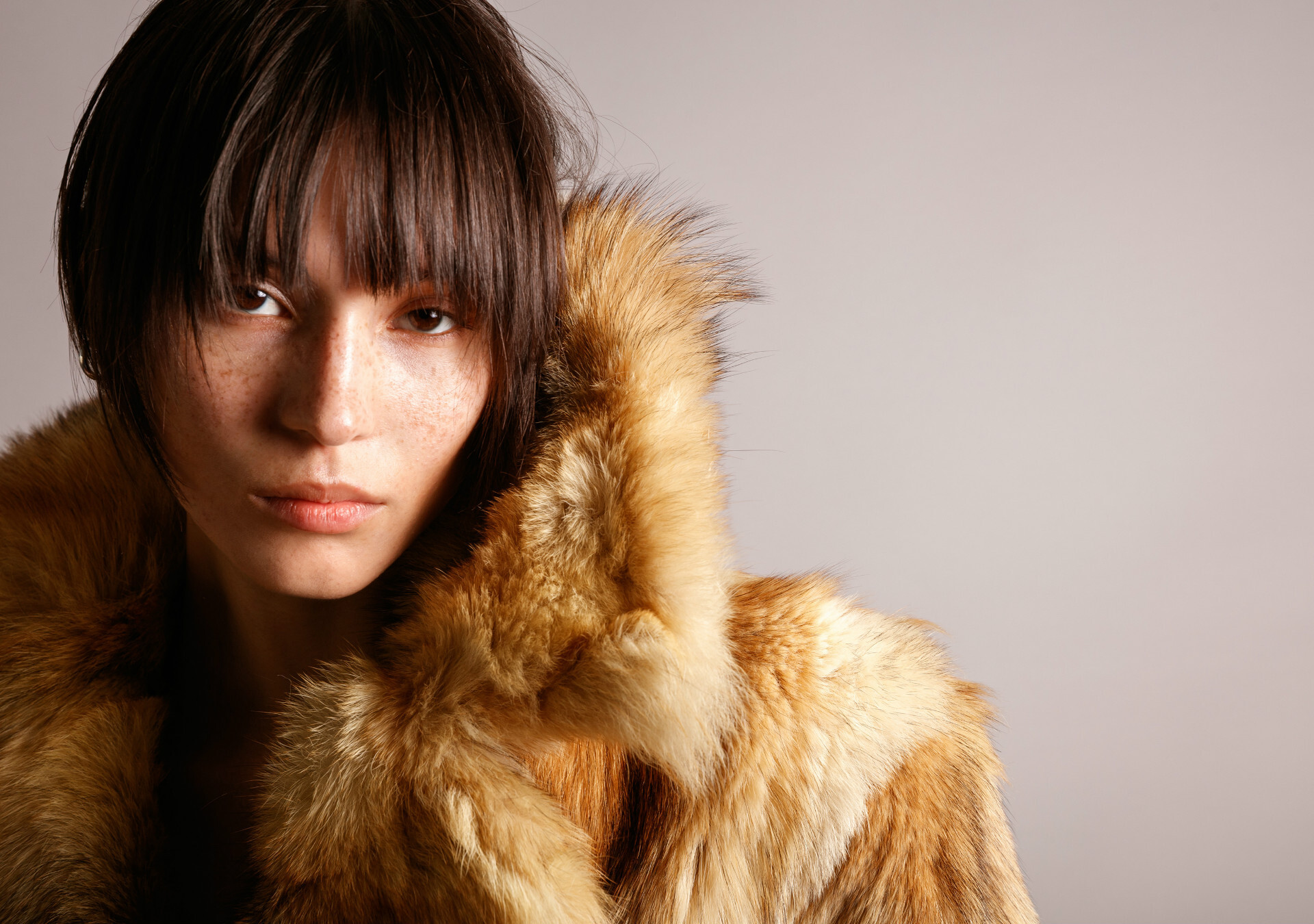


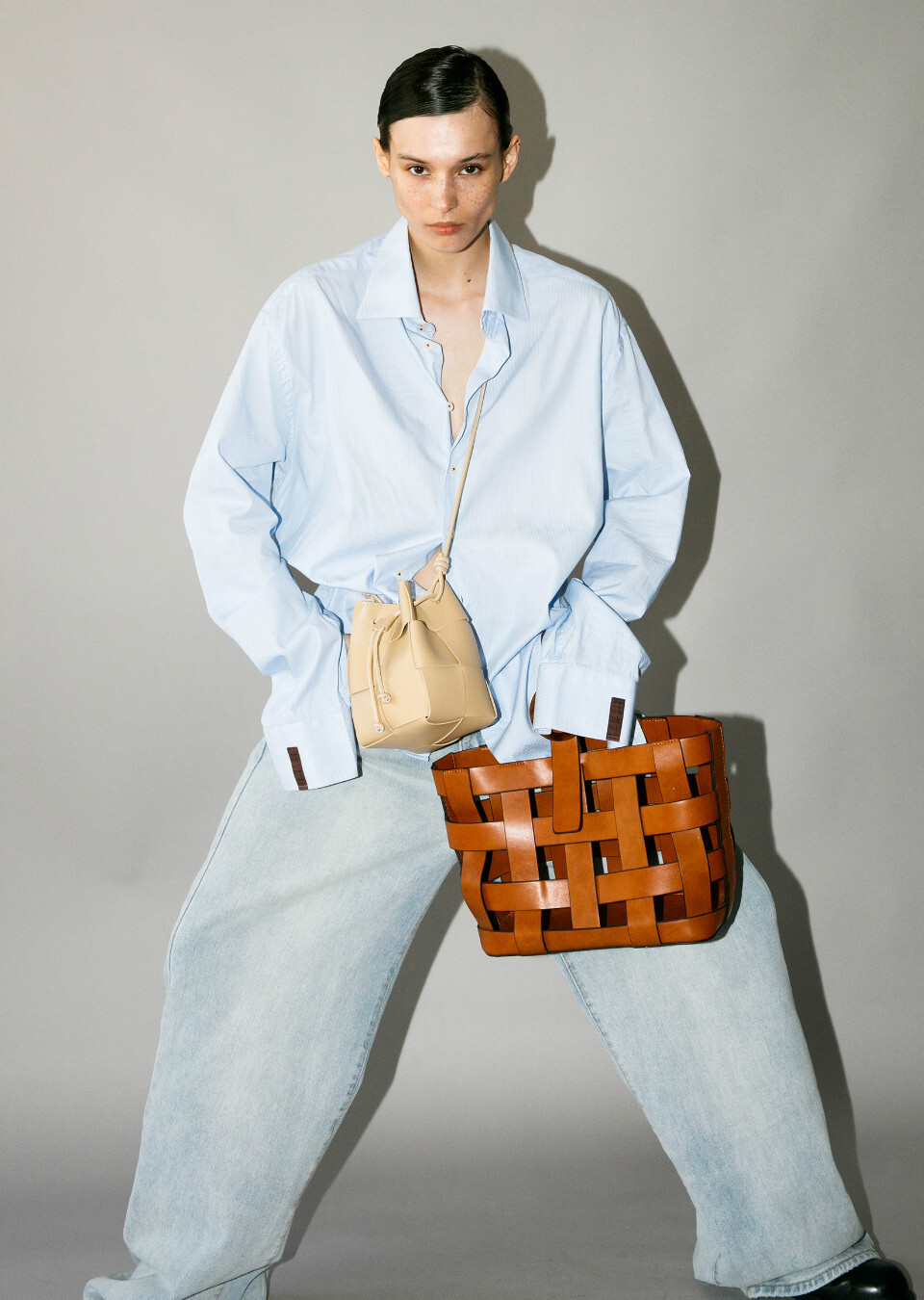


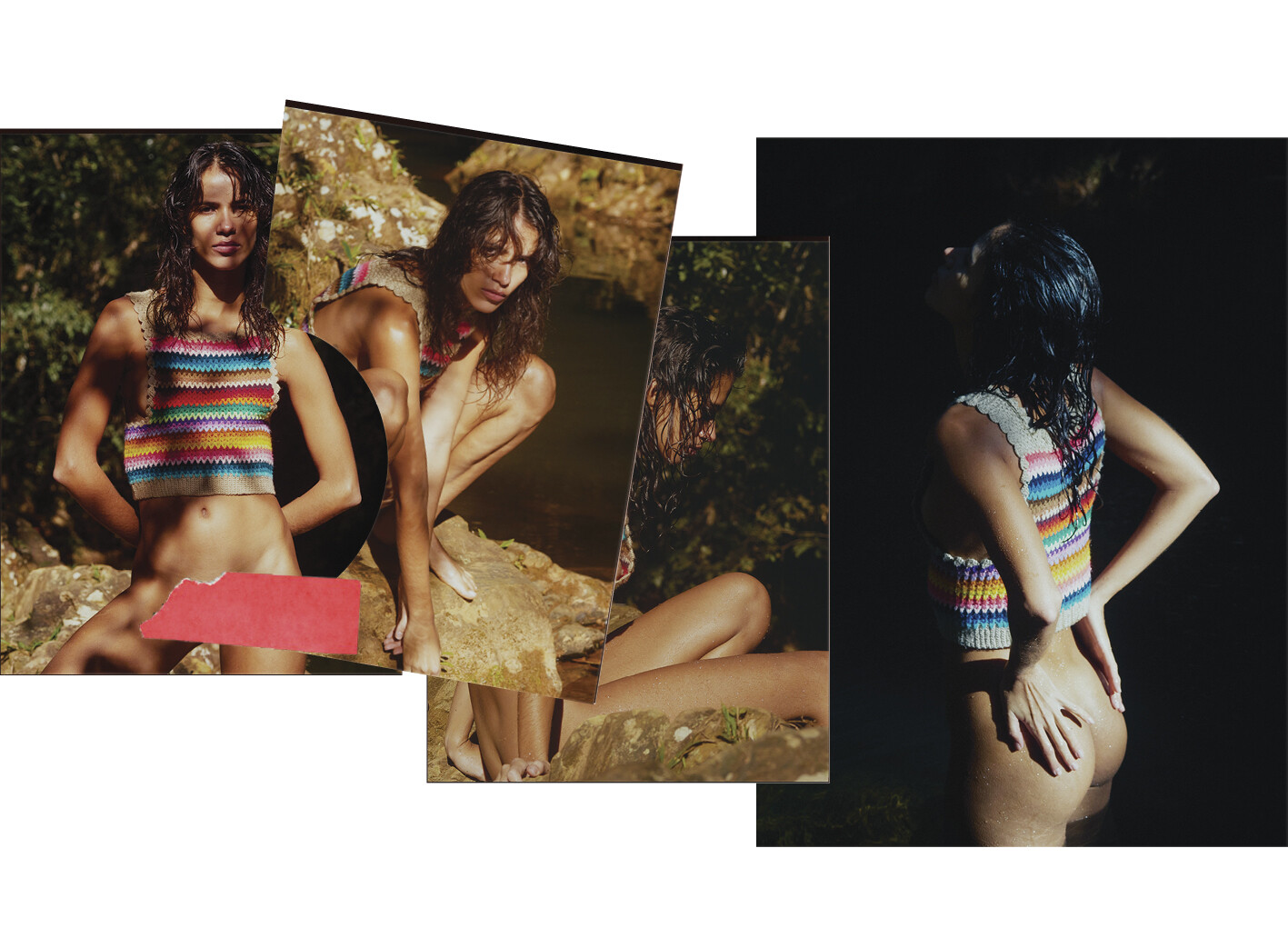
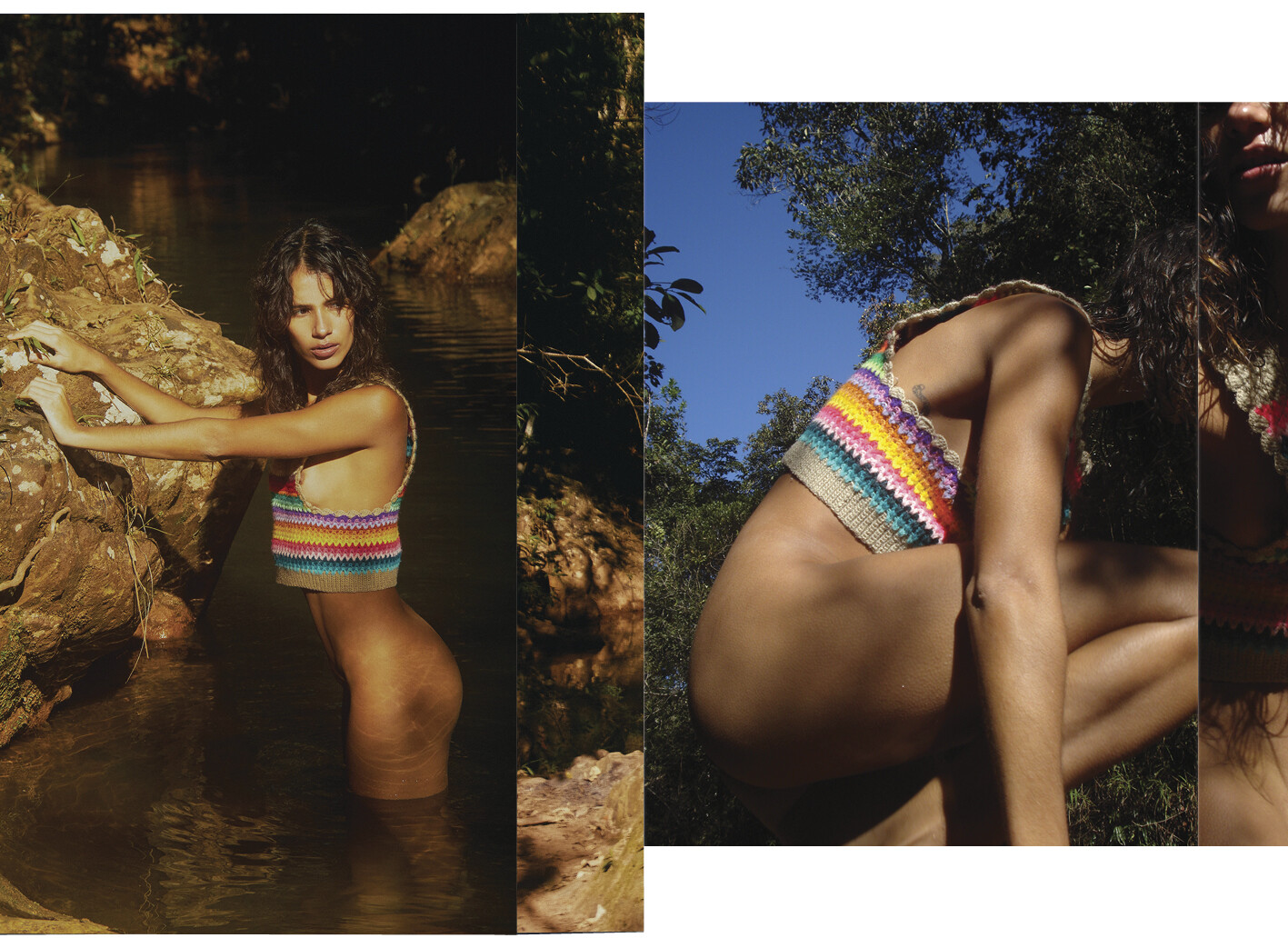
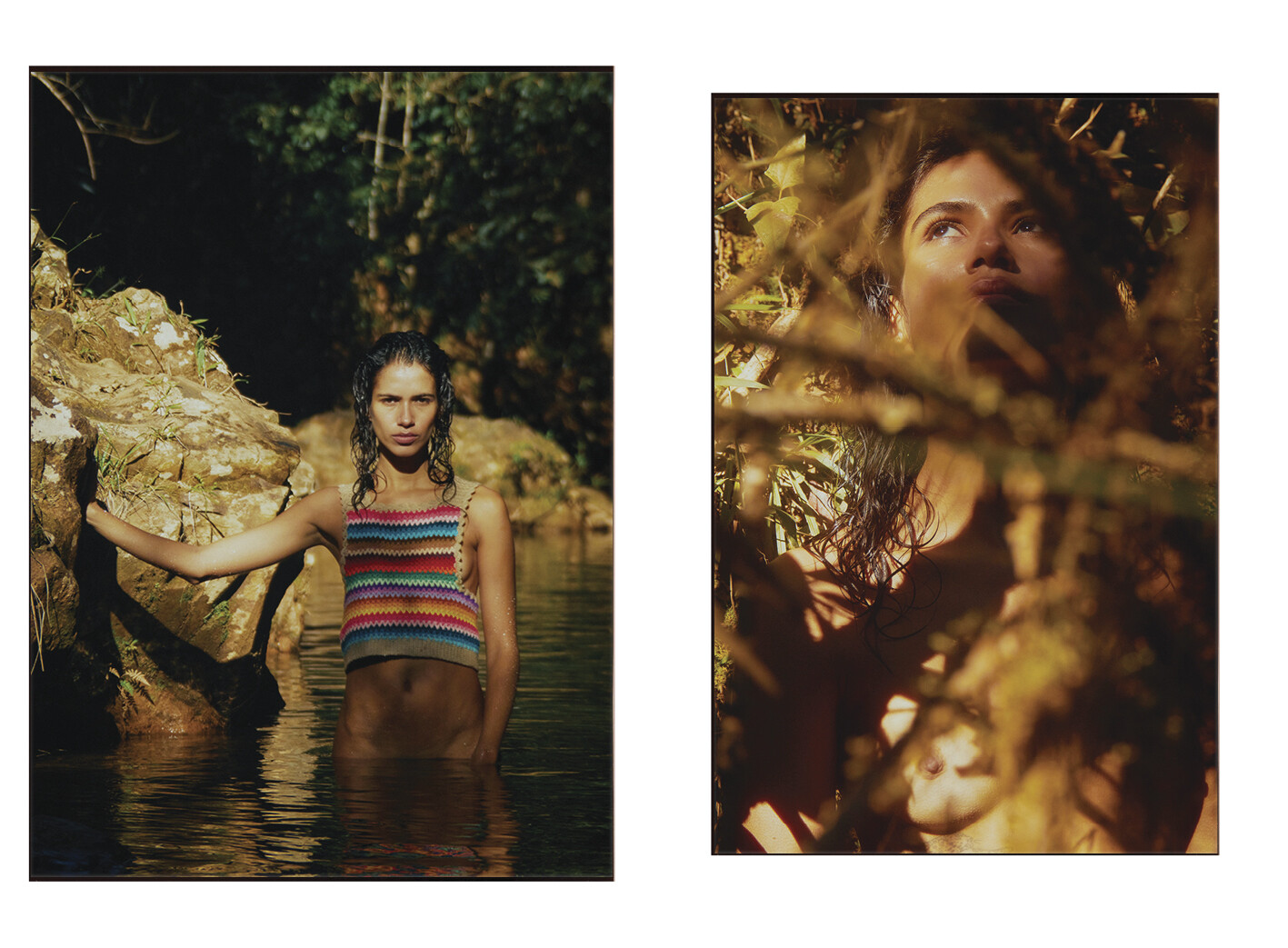
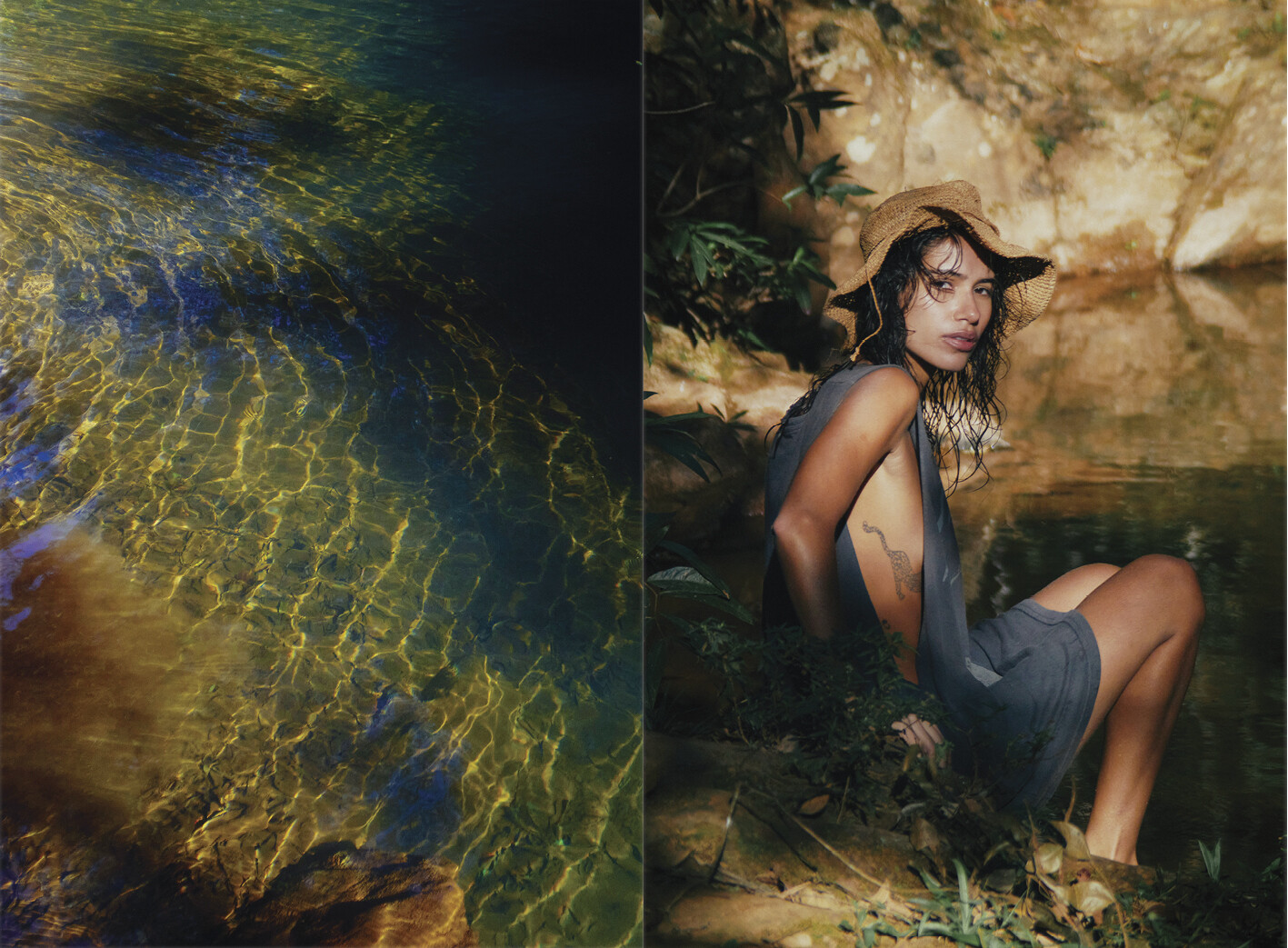




























































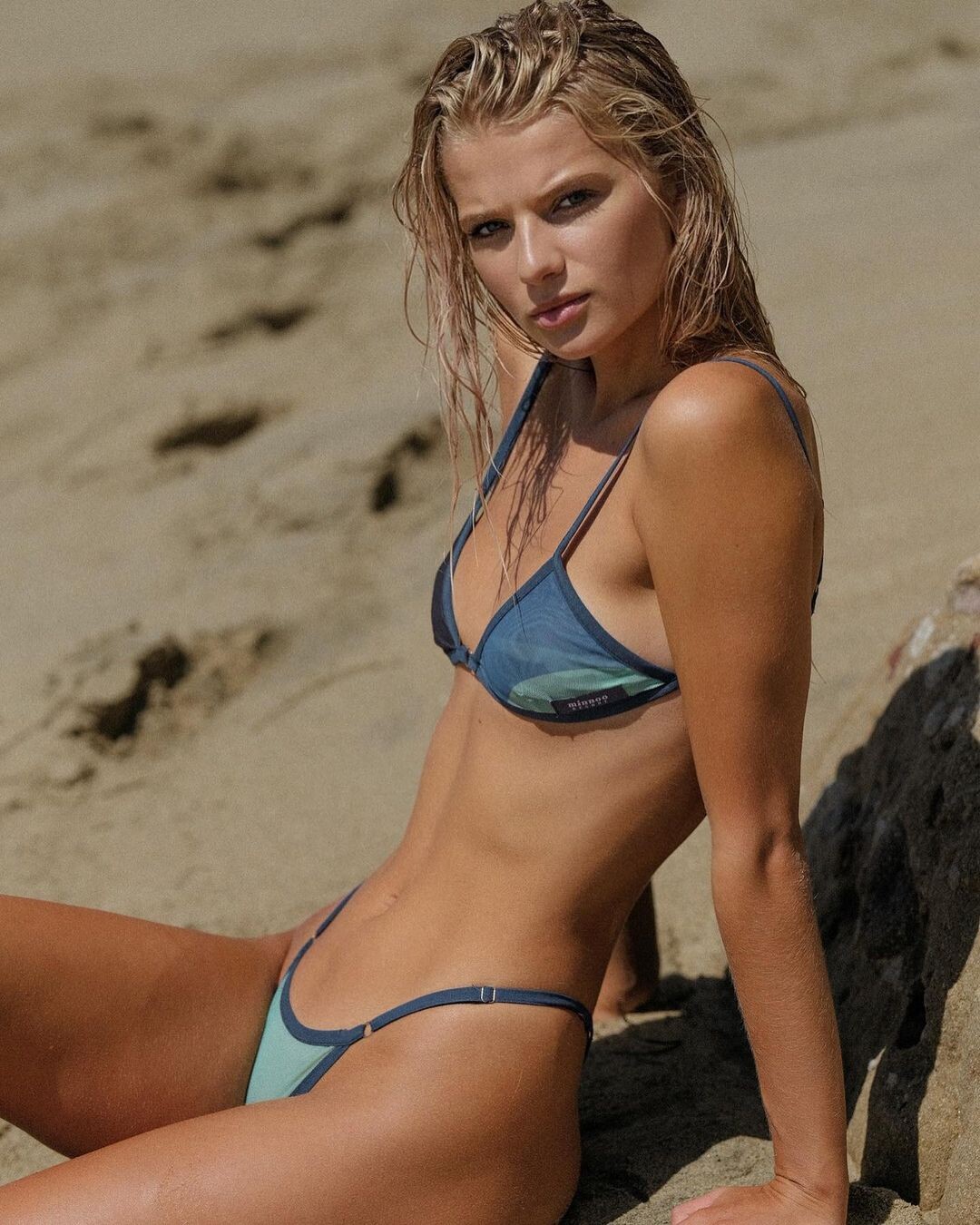

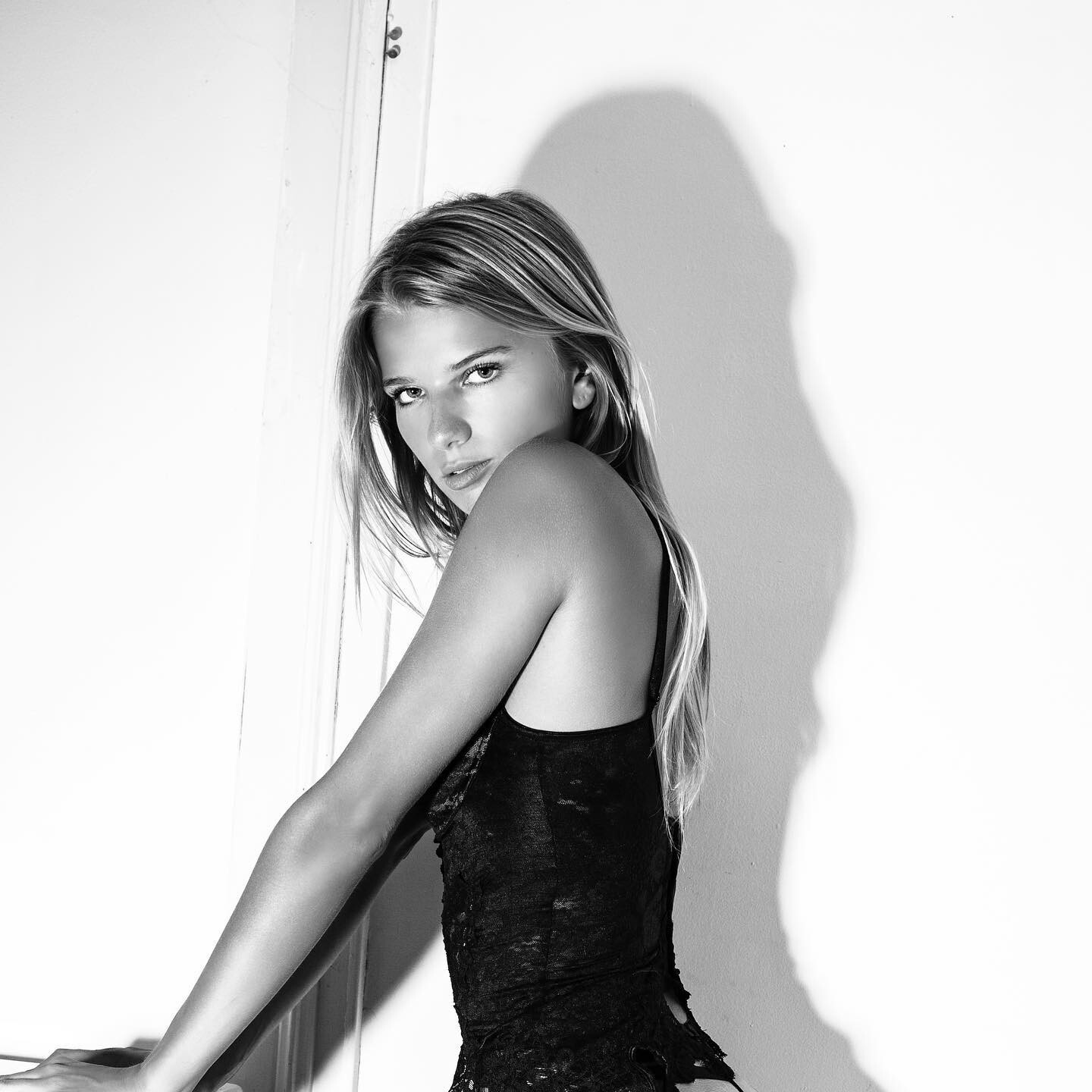
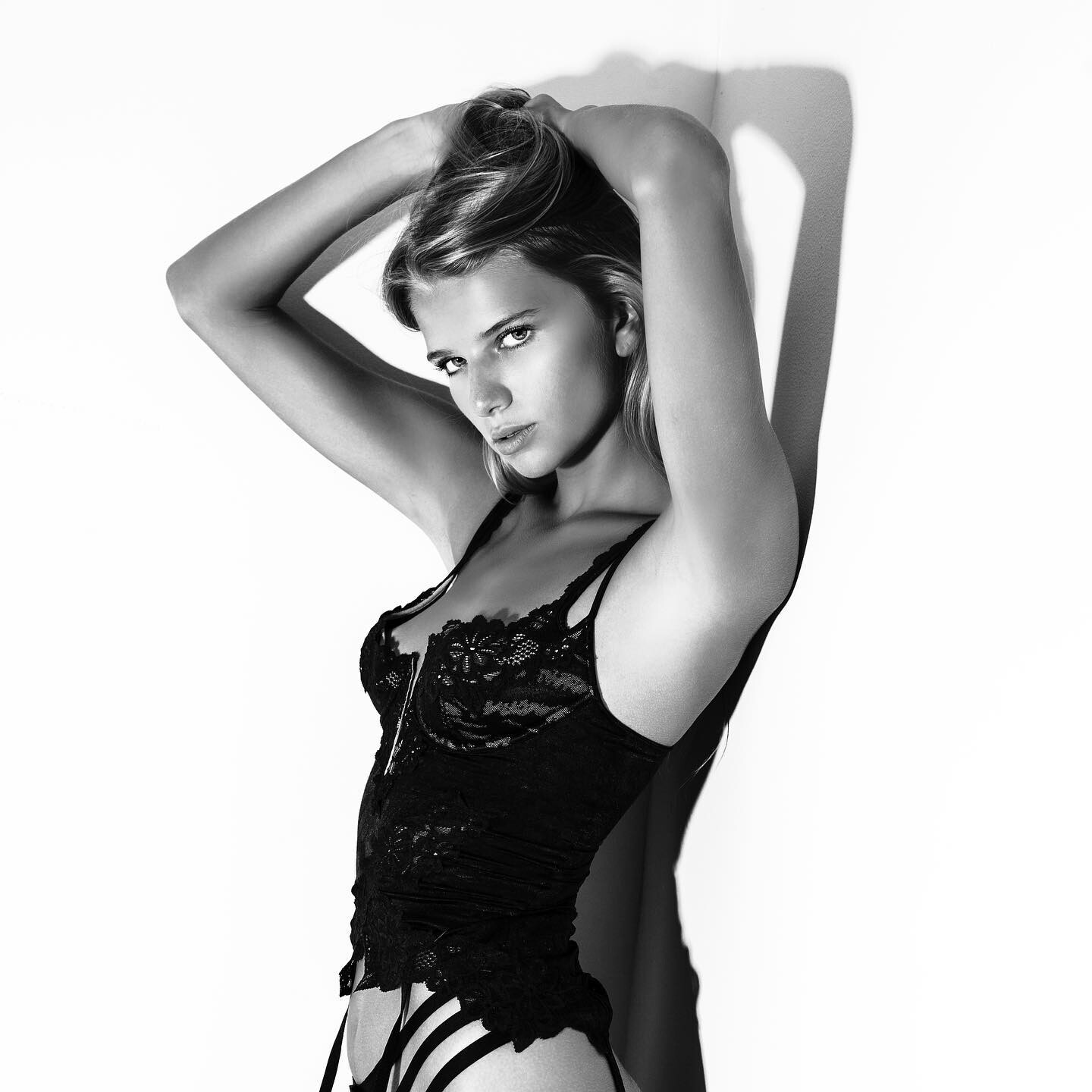



















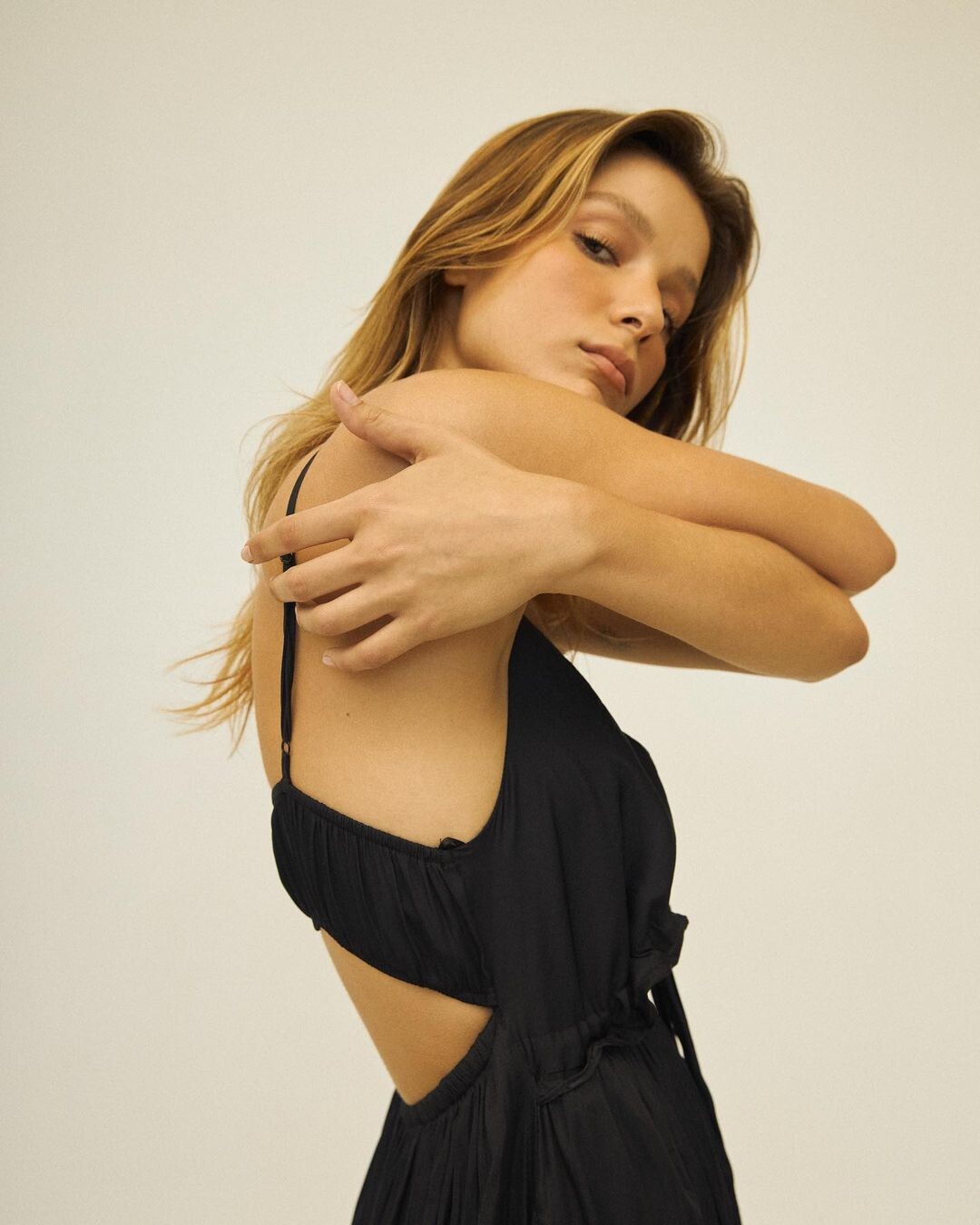
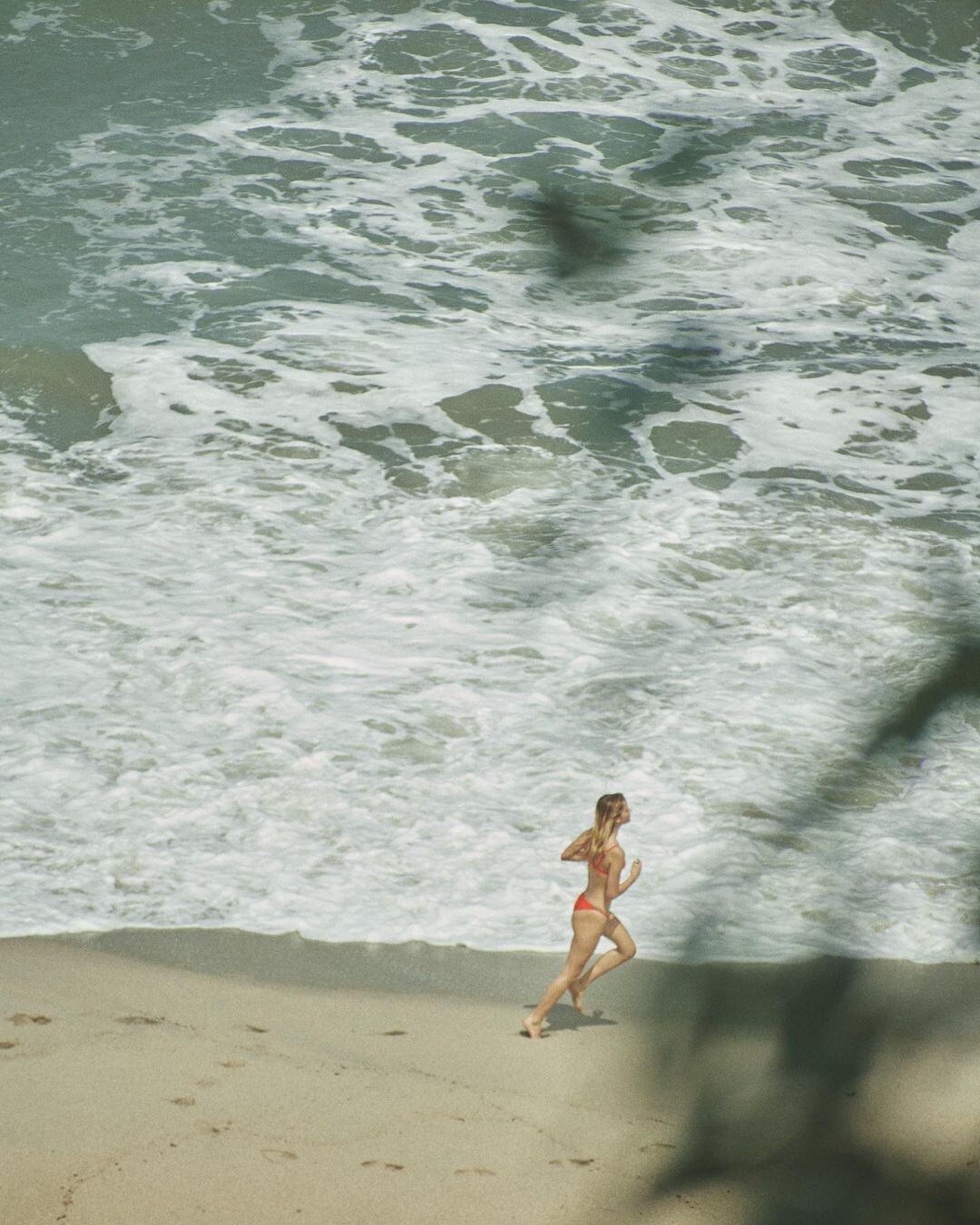
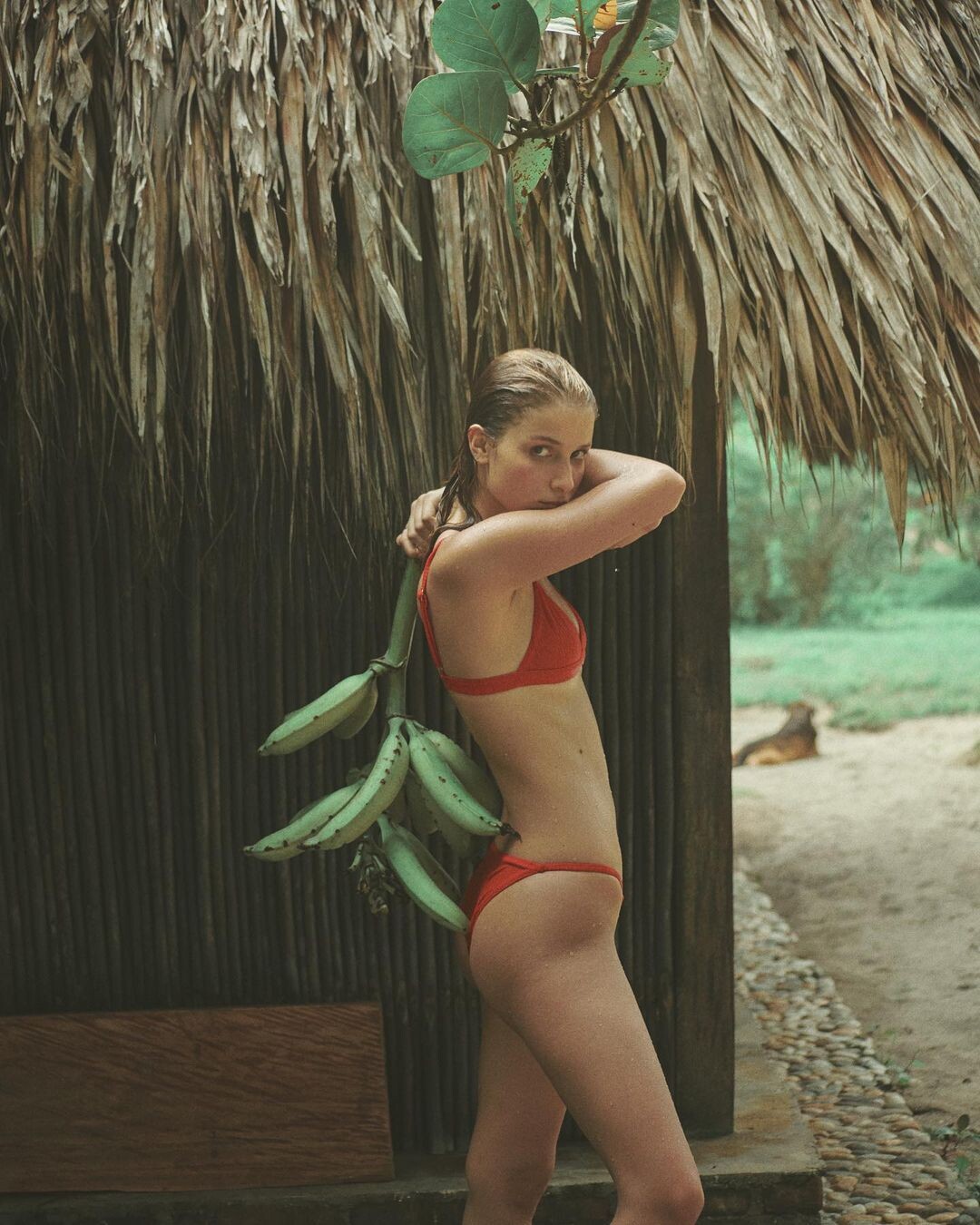

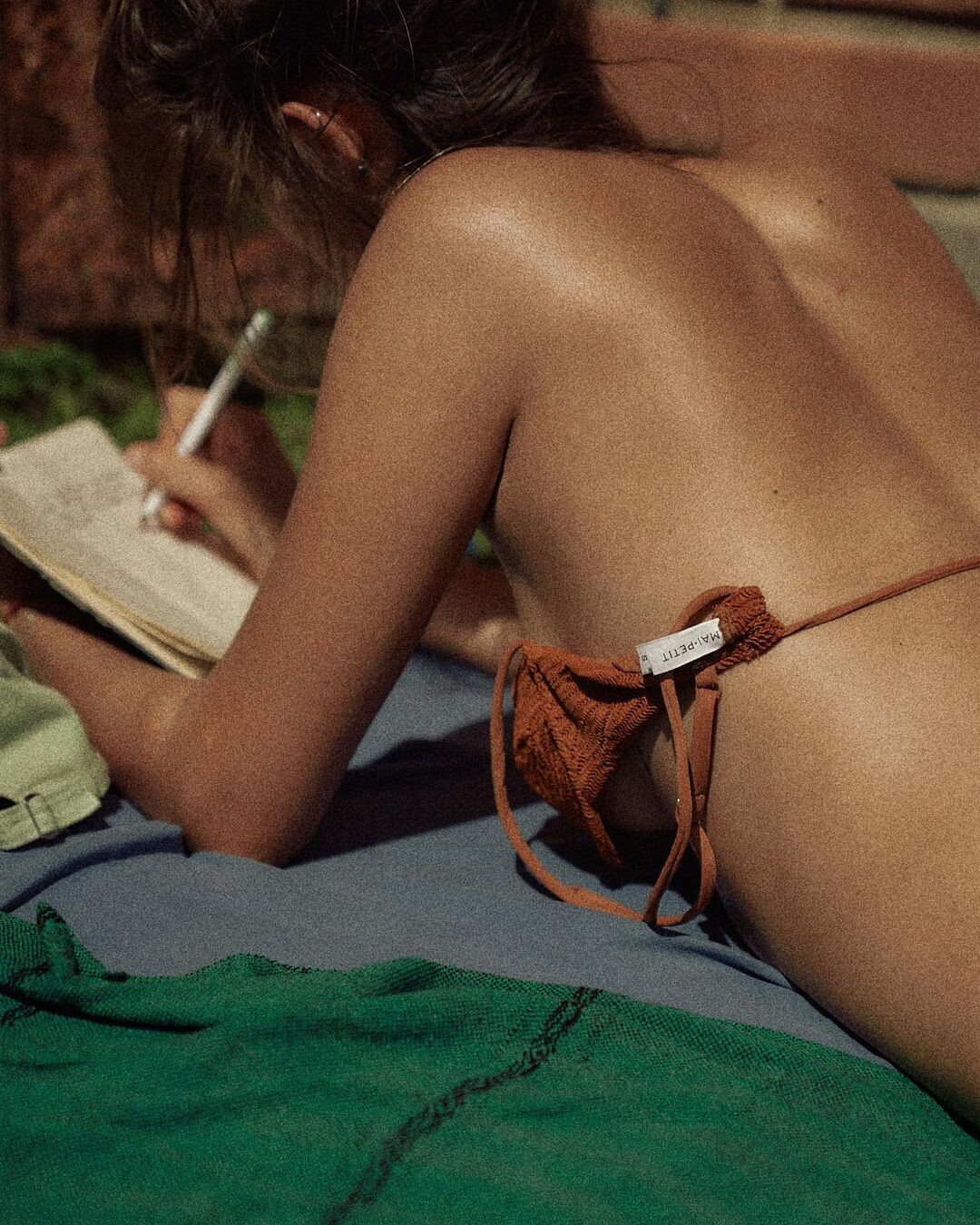






















































































Account
Navigation
Search
Configure browser push notifications
Chrome (Android)
- Tap the lock icon next to the address bar.
- Tap Permissions → Notifications.
- Adjust your preference.
Chrome (Desktop)
- Click the padlock icon in the address bar.
- Select Site settings.
- Find Notifications and adjust your preference.
Safari (iOS 16.4+)
- Ensure the site is installed via Add to Home Screen.
- Open Settings App → Notifications.
- Find your app name and adjust your preference.
Safari (macOS)
- Go to Safari → Preferences.
- Click the Websites tab.
- Select Notifications in the sidebar.
- Find this website and adjust your preference.
Edge (Android)
- Tap the lock icon next to the address bar.
- Tap Permissions.
- Find Notifications and adjust your preference.
Edge (Desktop)
- Click the padlock icon in the address bar.
- Click Permissions for this site.
- Find Notifications and adjust your preference.
Firefox (Android)
- Go to Settings → Site permissions.
- Tap Notifications.
- Find this site in the list and adjust your preference.
Firefox (Desktop)
- Open Firefox Settings.
- Search for Notifications.
- Find this site in the list and adjust your preference.