Candyliz
Members
-
Joined
-
Last visited
Everything posted by Candyliz
-
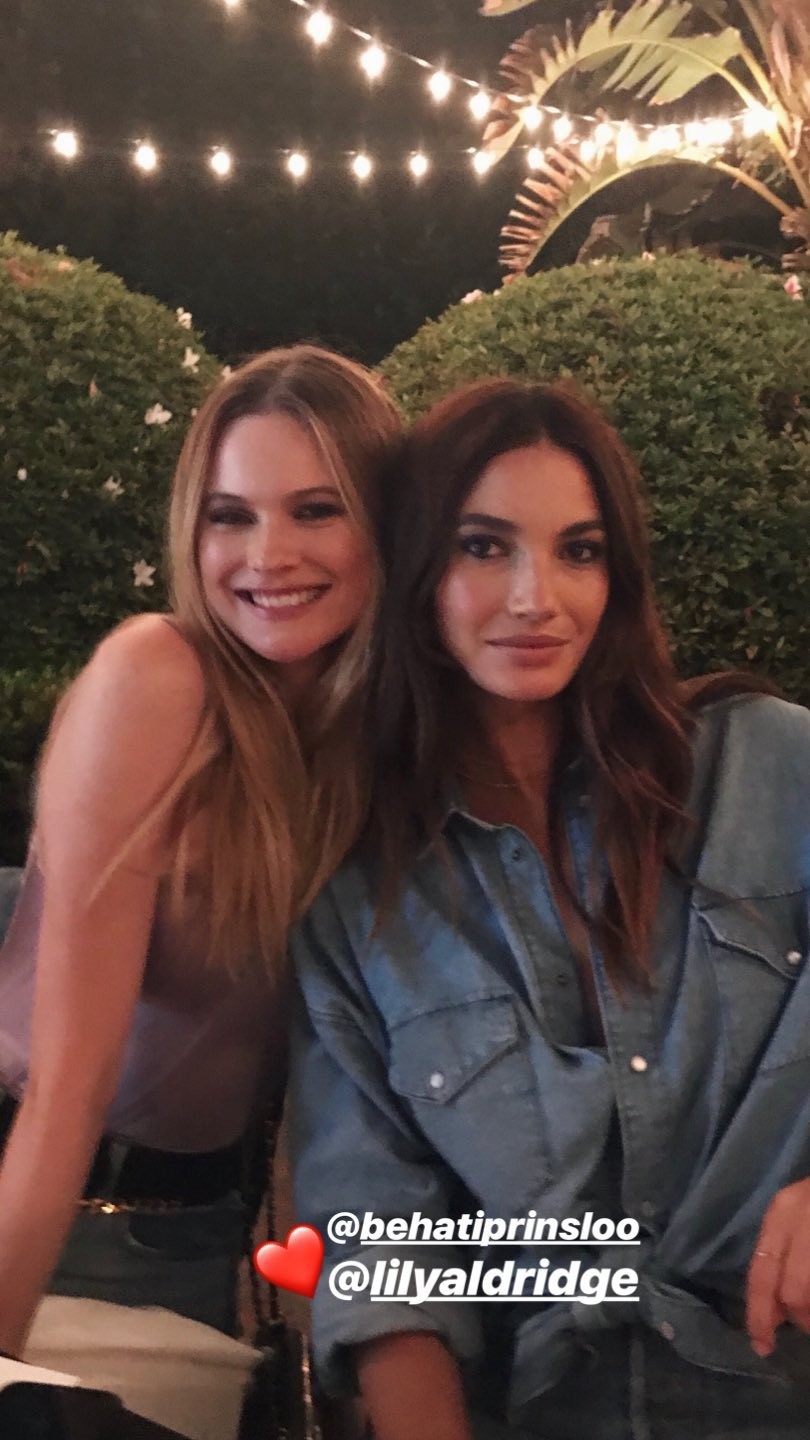
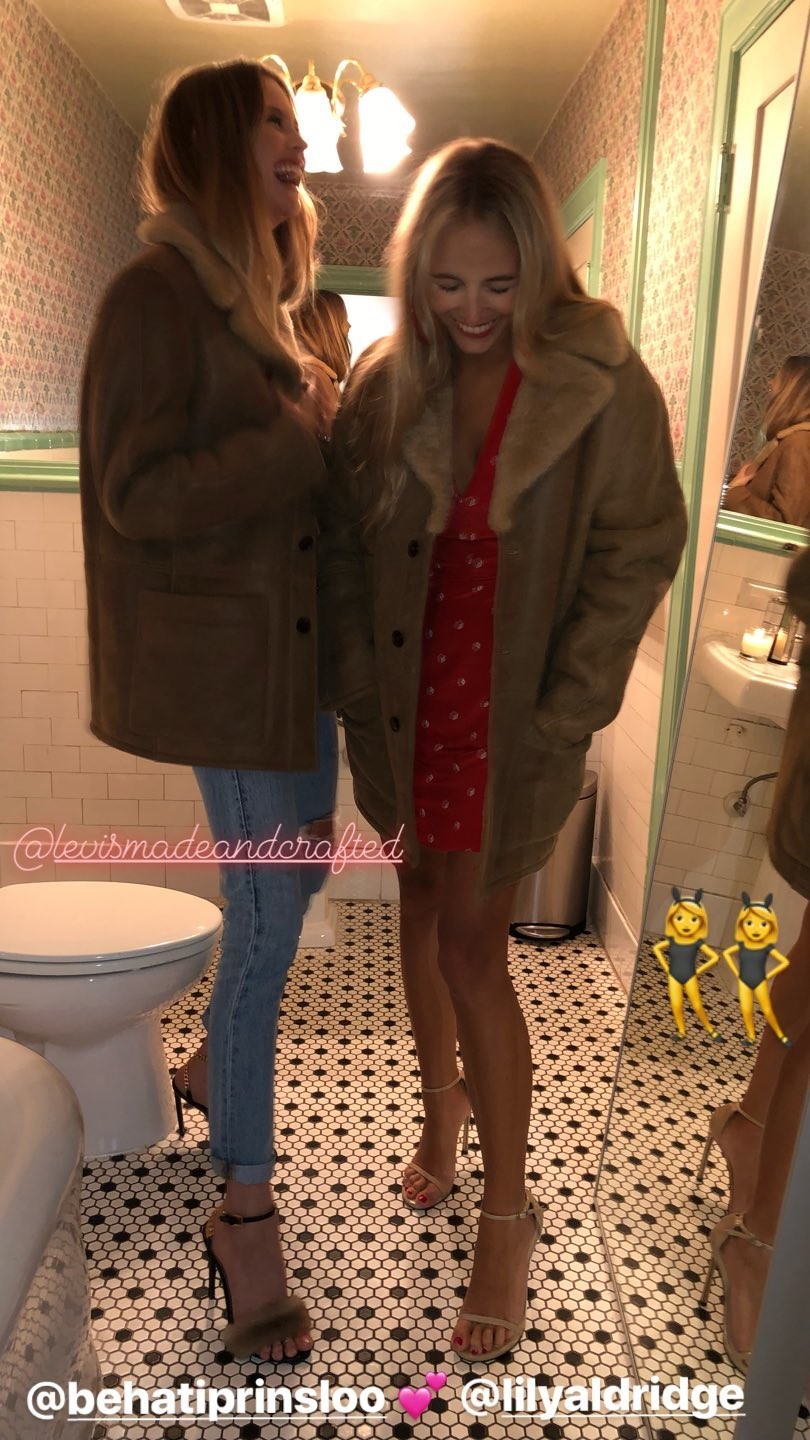
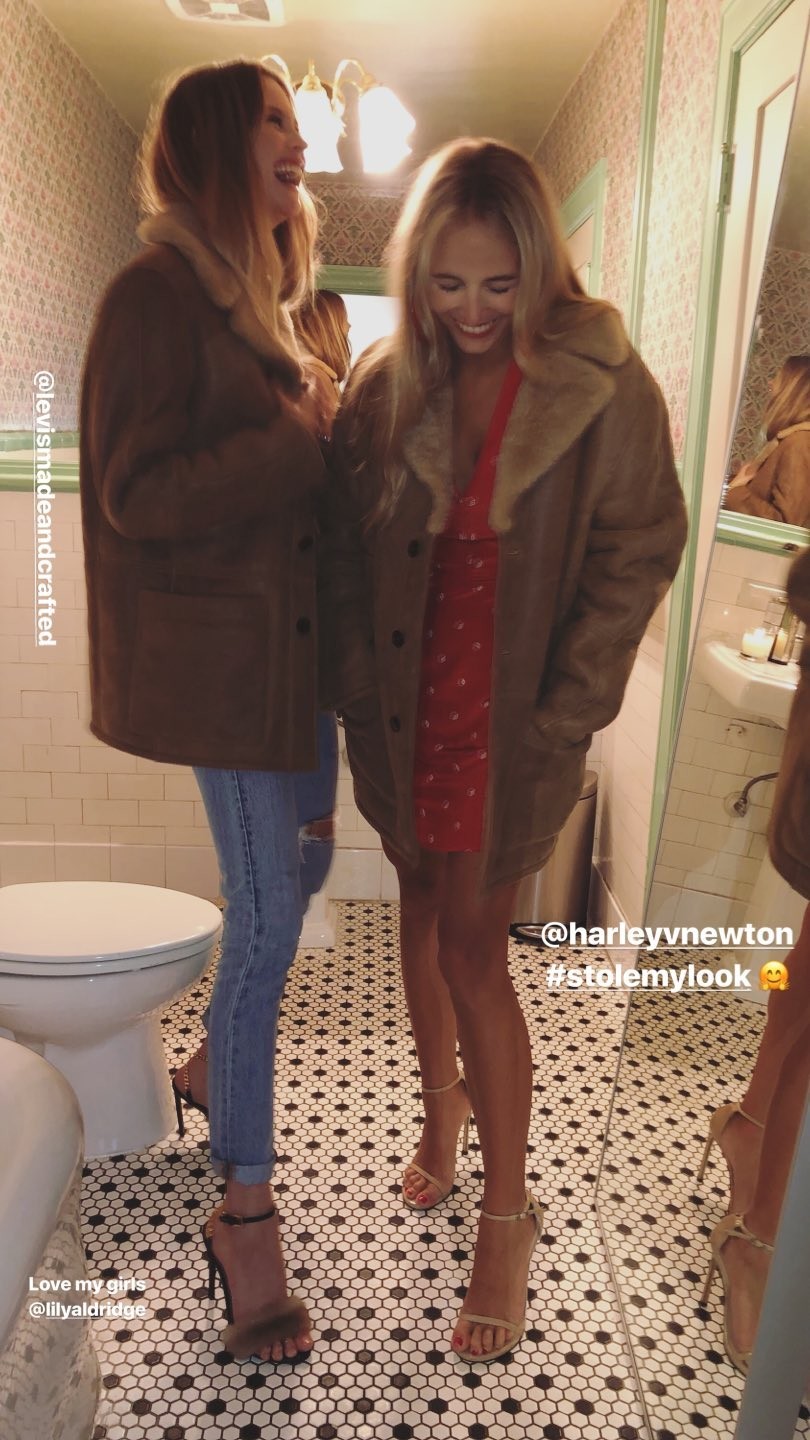
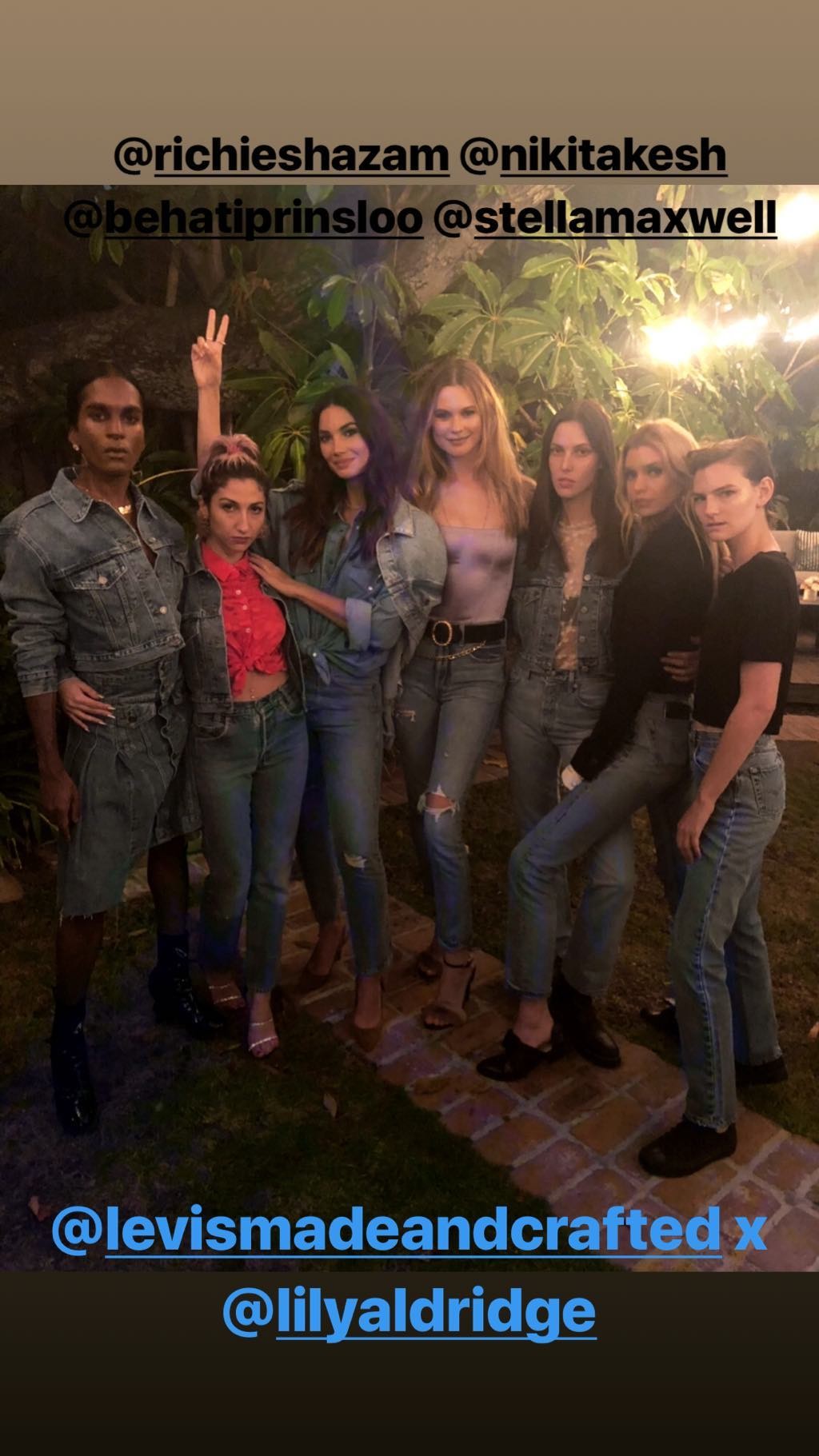
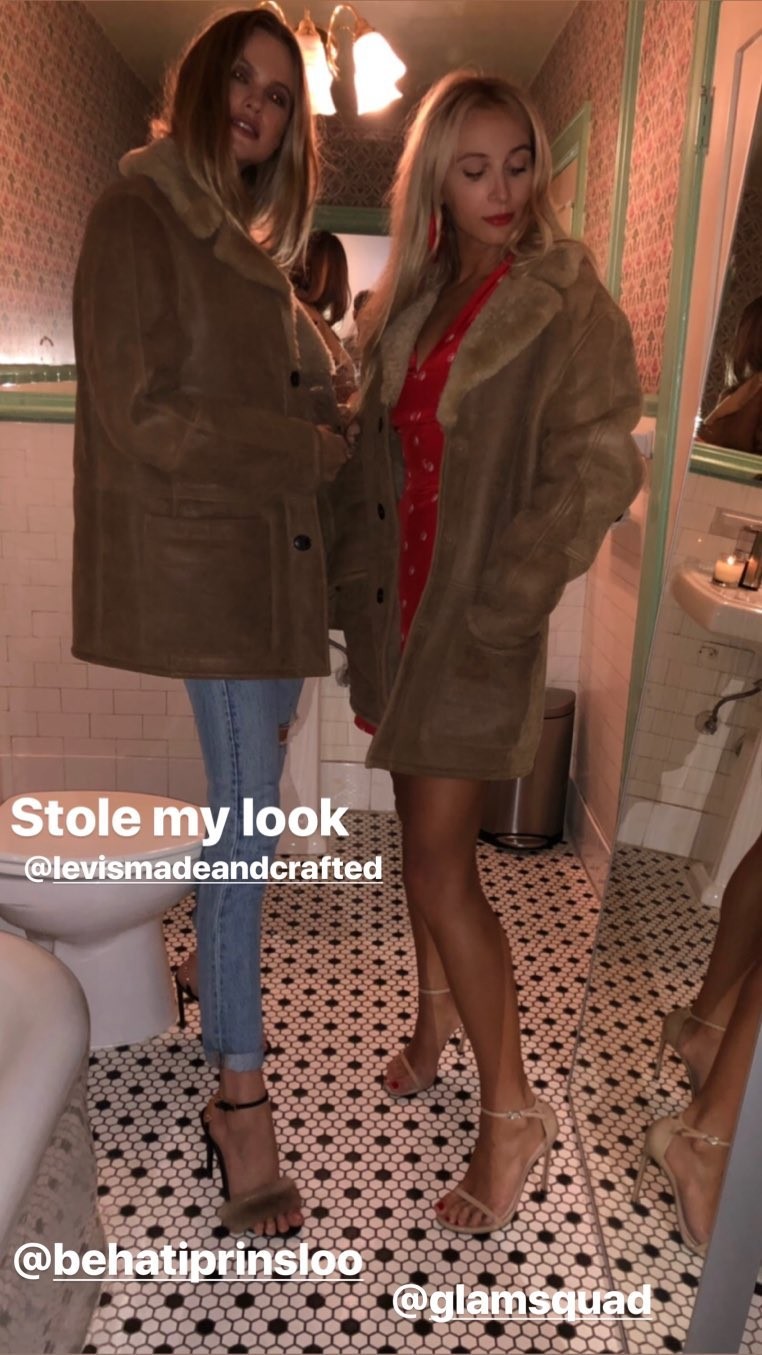
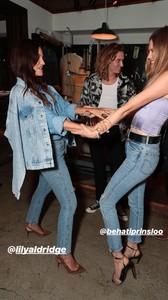
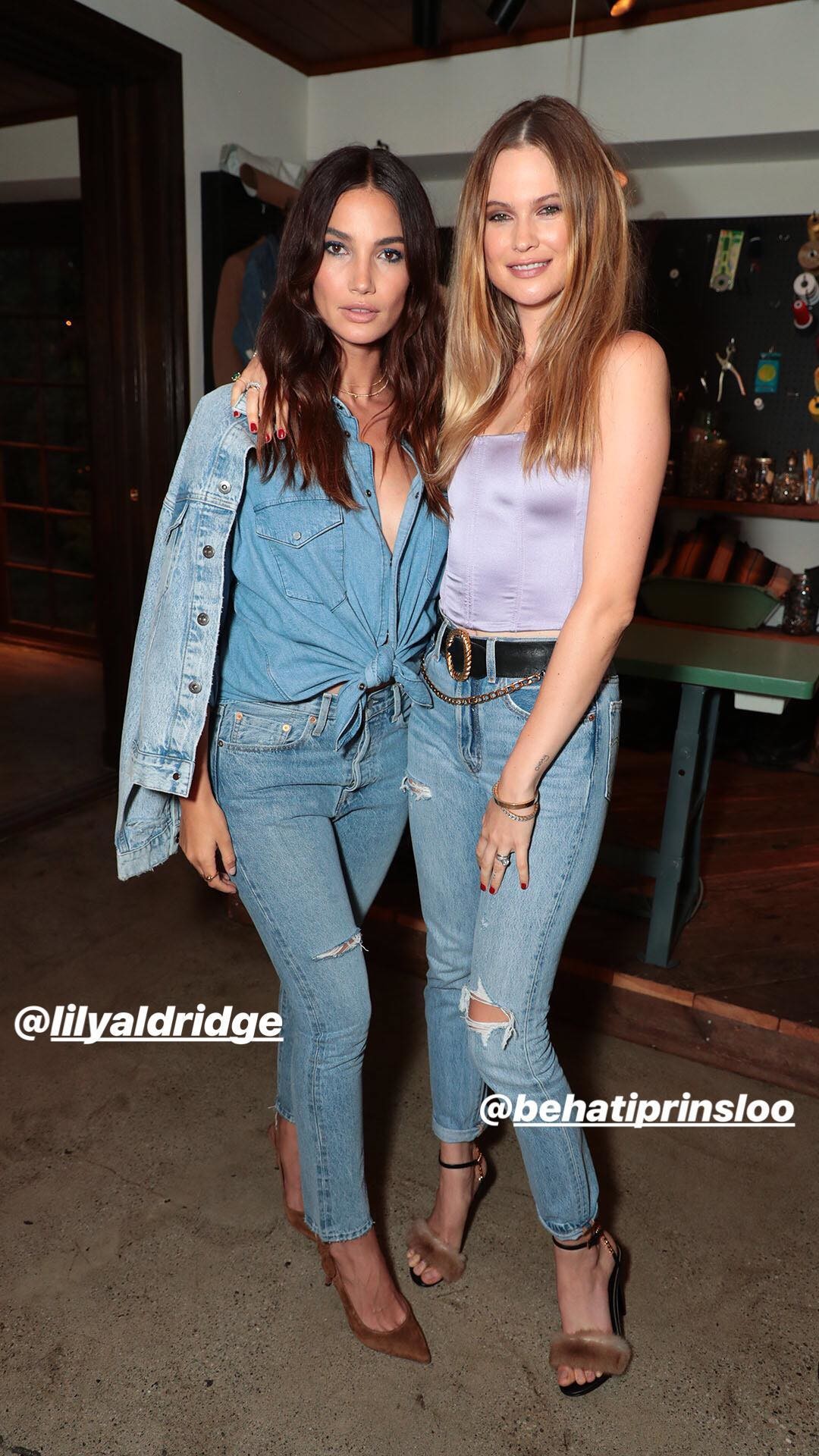
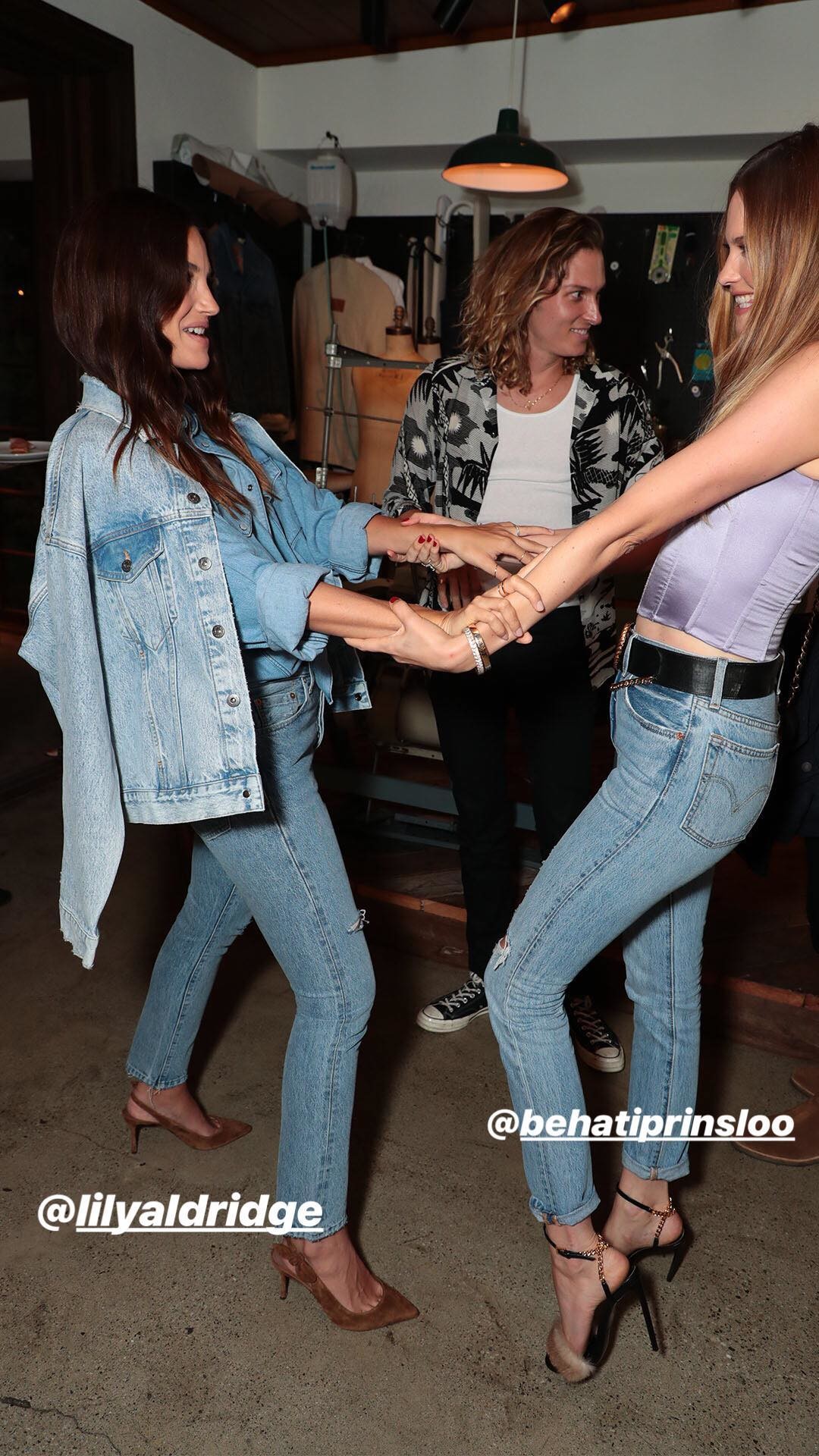
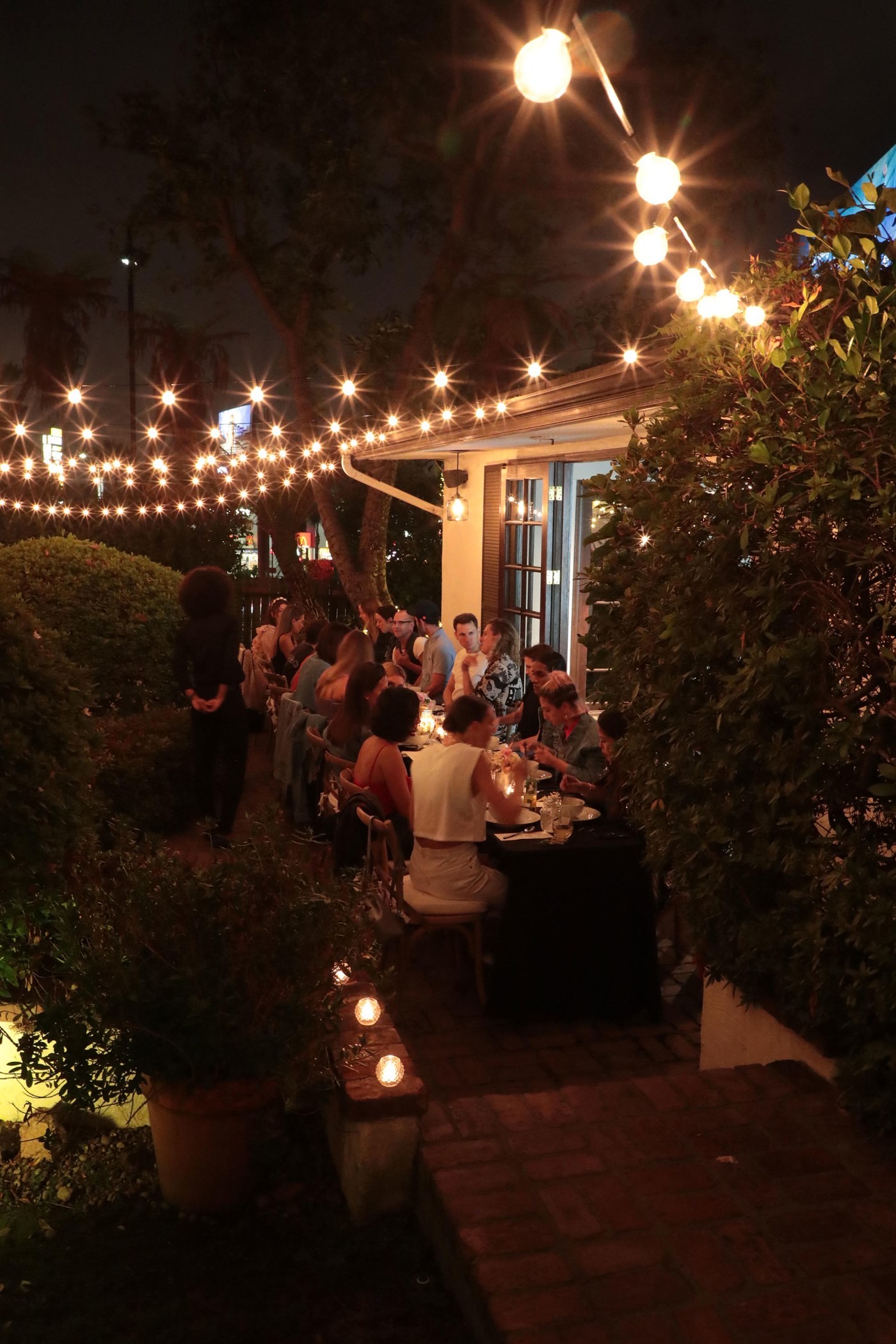
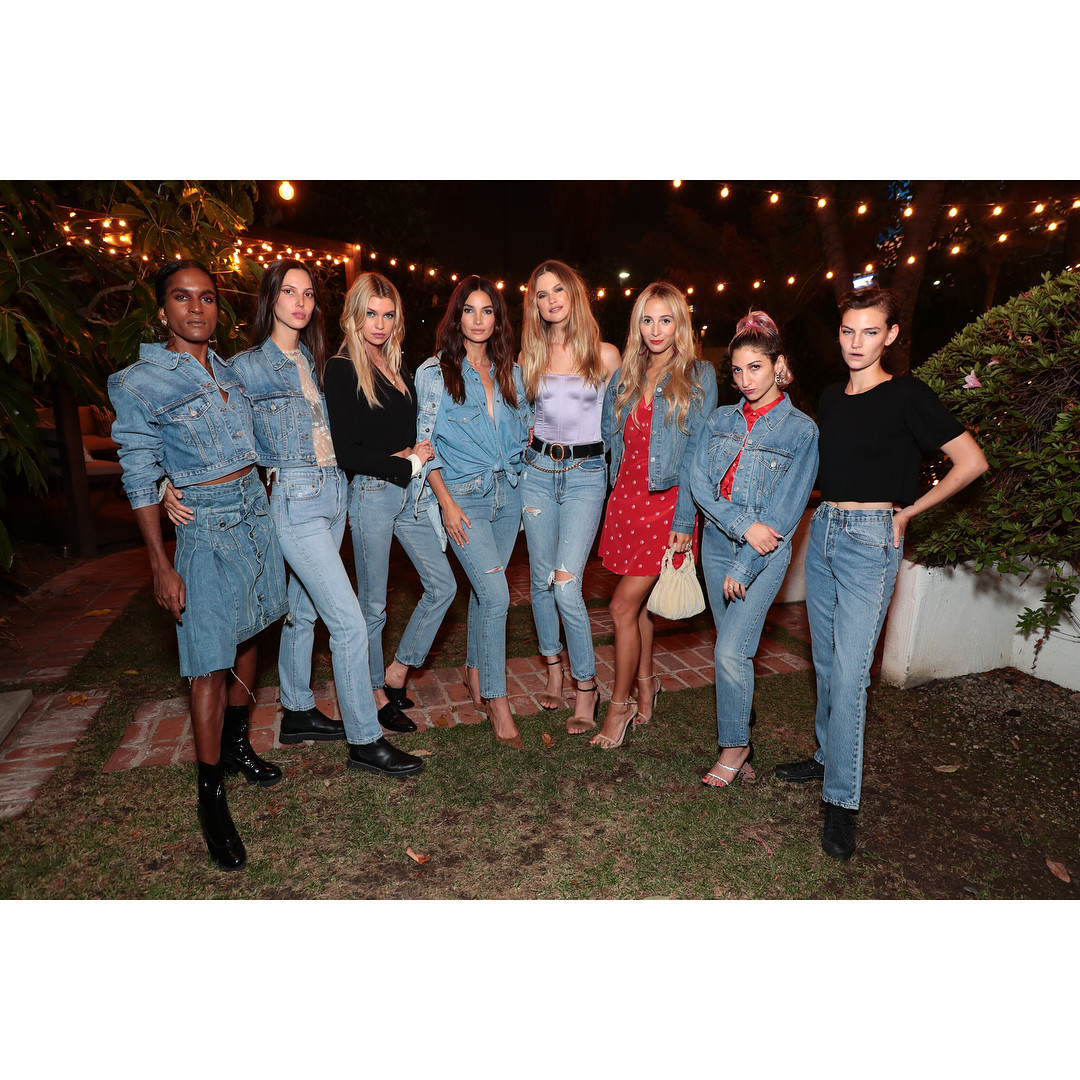
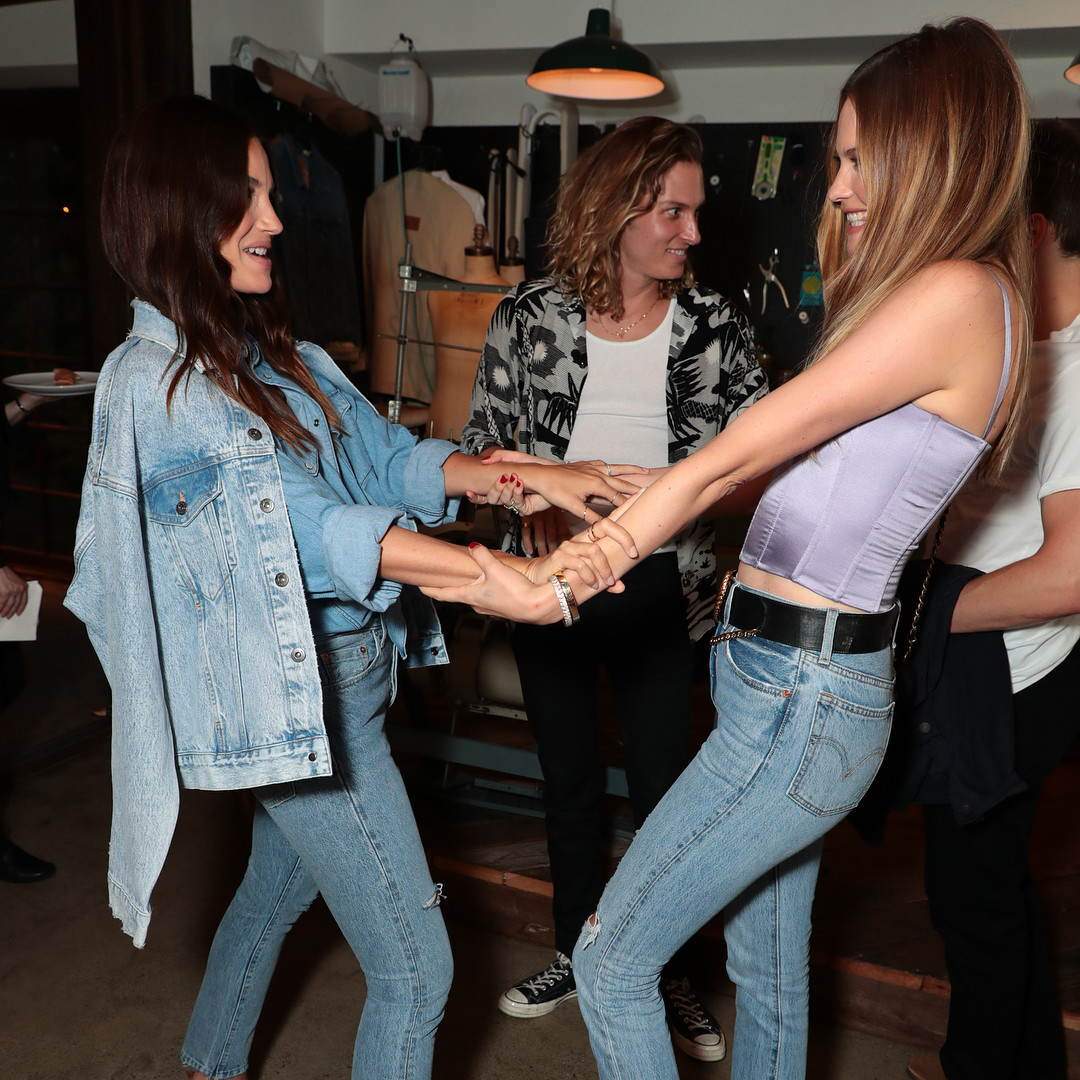
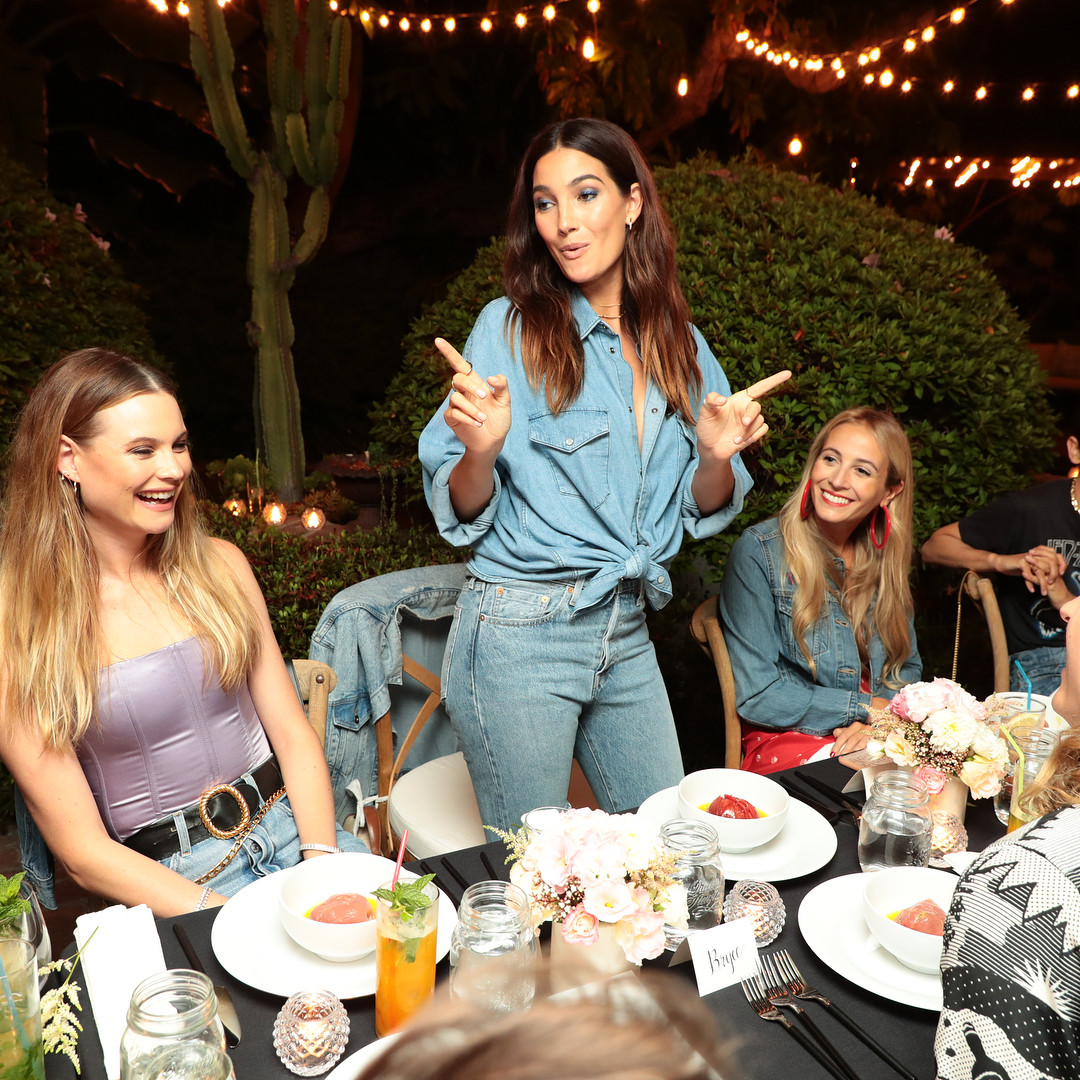
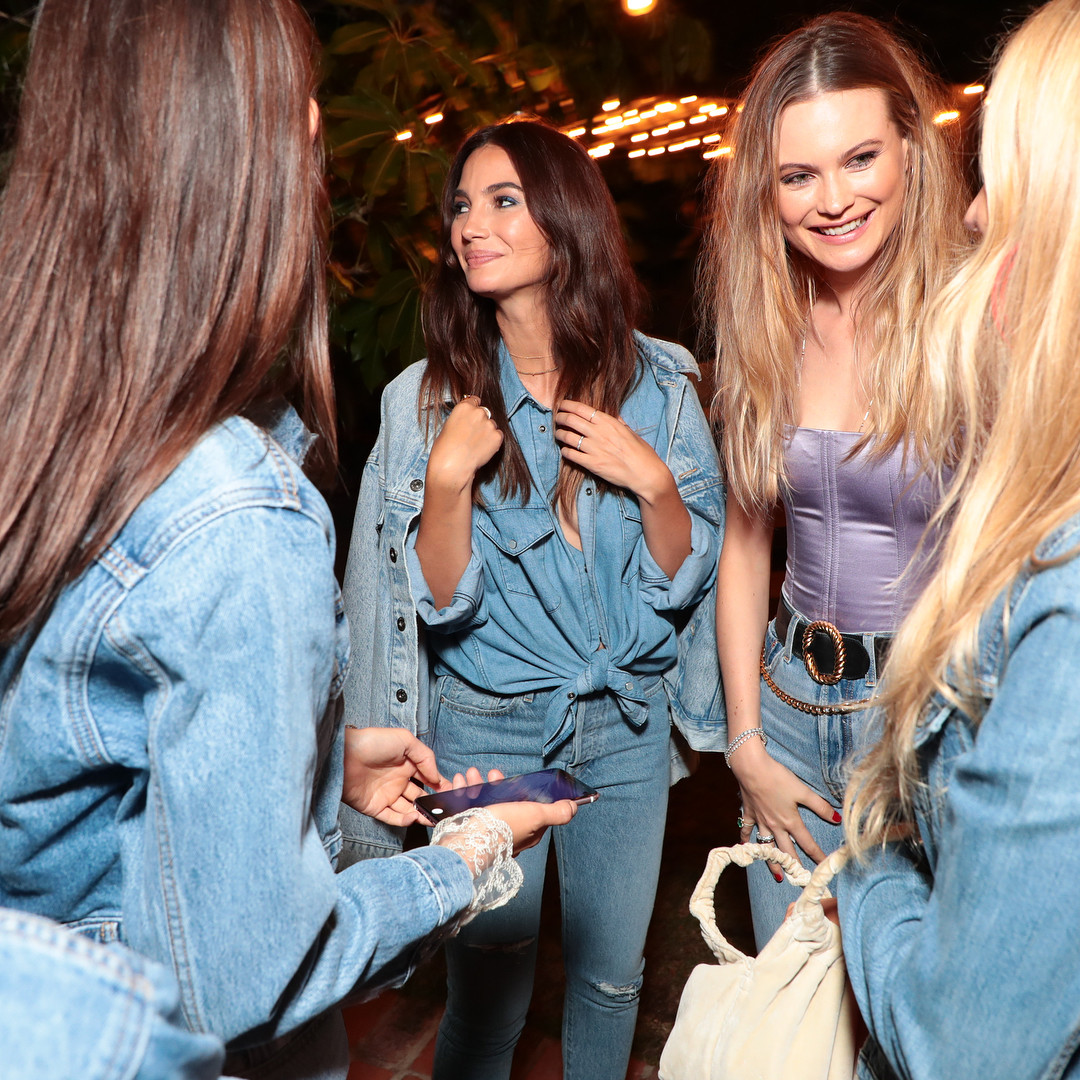
 More from Levi's dinner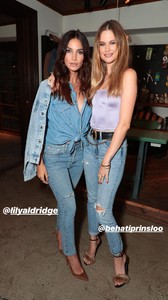
-
Interview with W Magazine https://www.google.com.mx/amp/s/www.wmagazine.com/story/behati-prinsloo-jacquie-aiche-campaign-daughter-gio-grace/amp
-
No words. It's perfection!
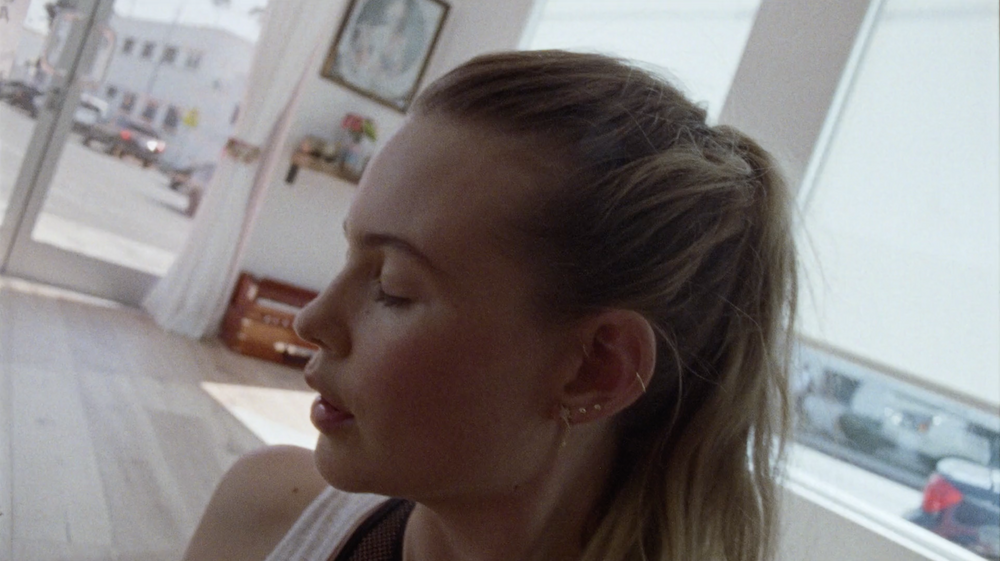
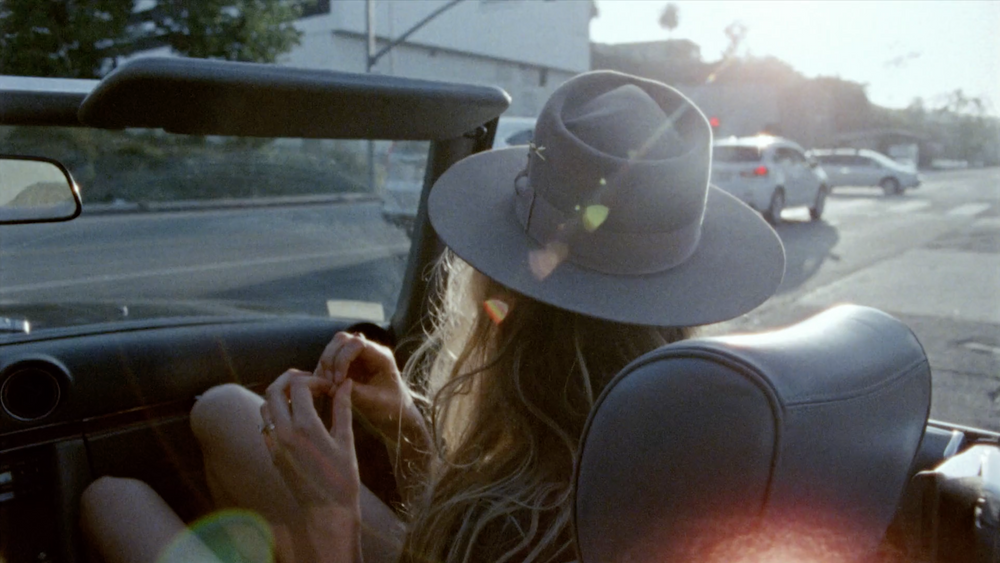
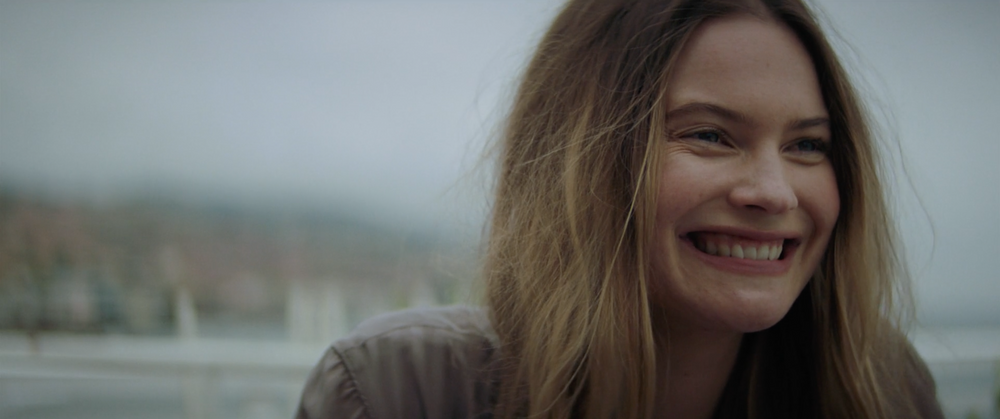
Behati about Jacquie Aiche and other things In your opinion, what makes the brand so special? When I go into the showroom, everyone is always hanging out, laughing & having a genuine good time. It’s a really great, creative vibe happening. I never want to leave. I think Jacquie surrounds herself with awesome people, and she’s so special, so obviously the brand is going to be. It’s an energy, the brand has this free spirit. How has life and fashion changed for you since becoming a mom? (Becoming a mother) changed everything and also nothing at all! It is such a special, blessed journey to be on. Being a parent is probably the most challenging and most rewarding thing I’ve ever accomplished. Life has definitely changed for the better…my fashion has stayed the same - still in my jeans, t-shirts, and slip dresses. Which look from the campaign spoke to your personal style? I really loved the shot in bed - the hat, the jacket, and high waisted undies. Very me, I felt right at home. How does jewelry make you feel? I LOVE JEWELLERY, it makes me feel good, even if I only have something small on. Jewellery is a language, you can tell a lot from what people wear and how much they wear it. It makes an outfit even if it’s a puka shell necklace lol (I owned several back in the day). What’s your essential every day jewelry? I live in an ankle bracelet, toe ring, and love a good necklace. I basically live in my Elizabeth necklace I got a few years ago. Source https://jacquieaiche.com/pages/behati-2018
https://www.vogue.com/article/lily-aldridge-levis-denim-dinner-los-angeles-kristen-stewart-karla-welch-party
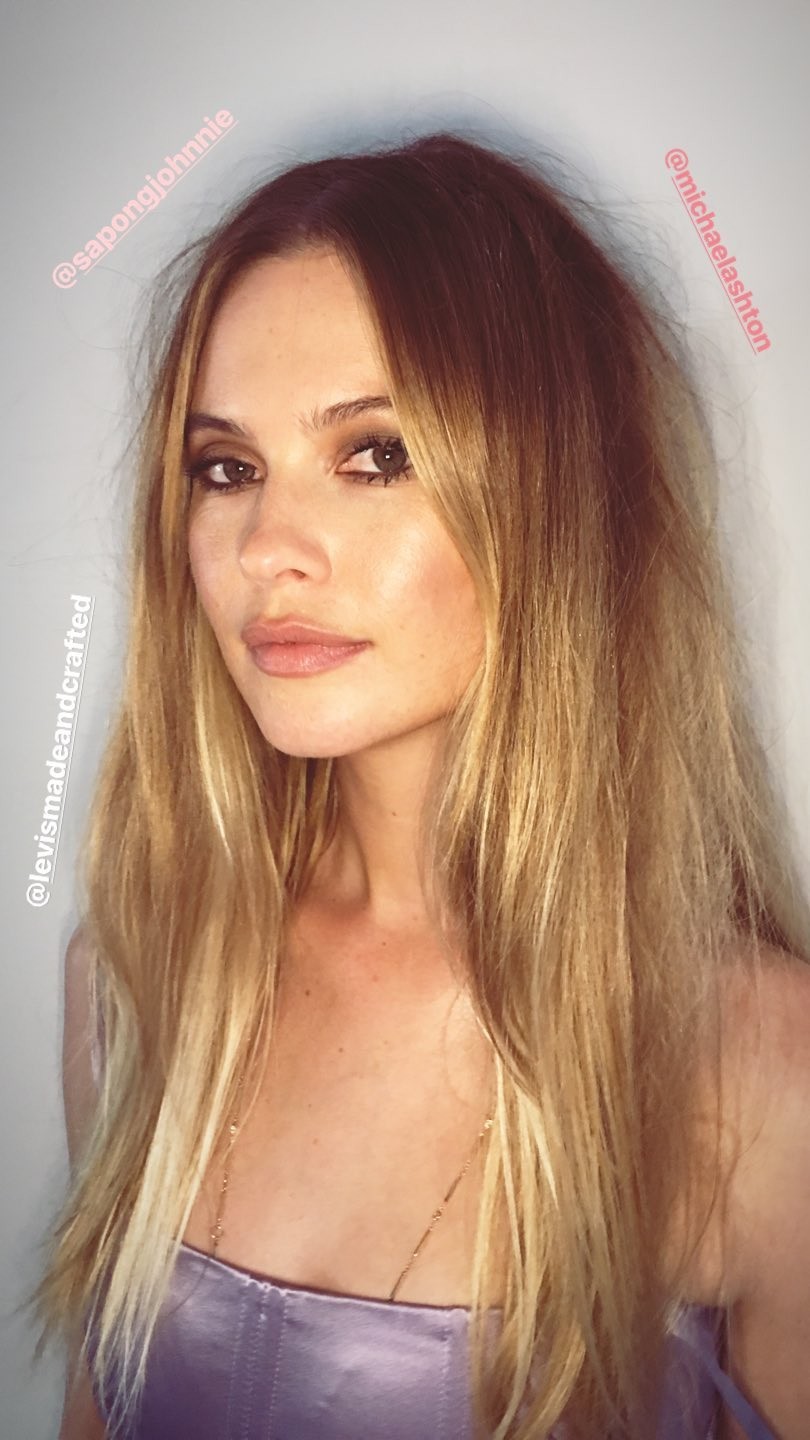
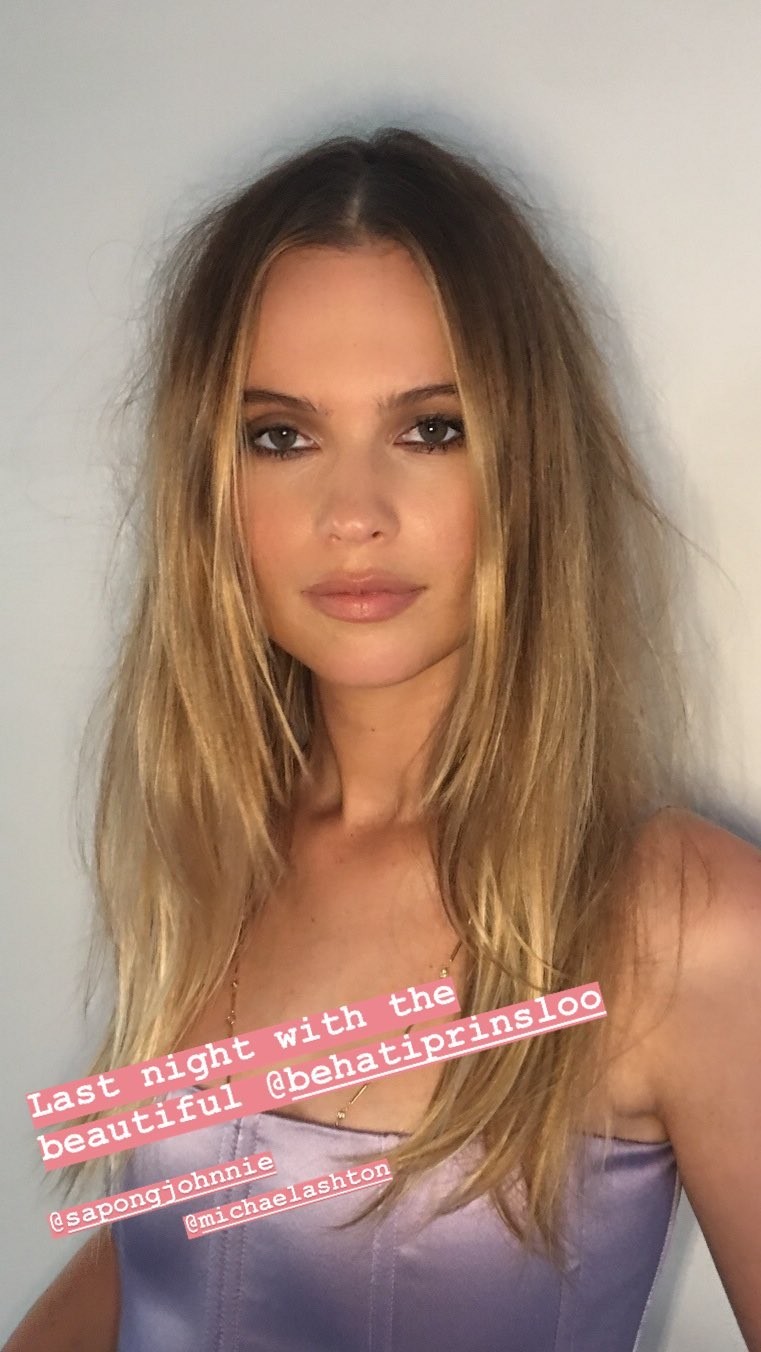
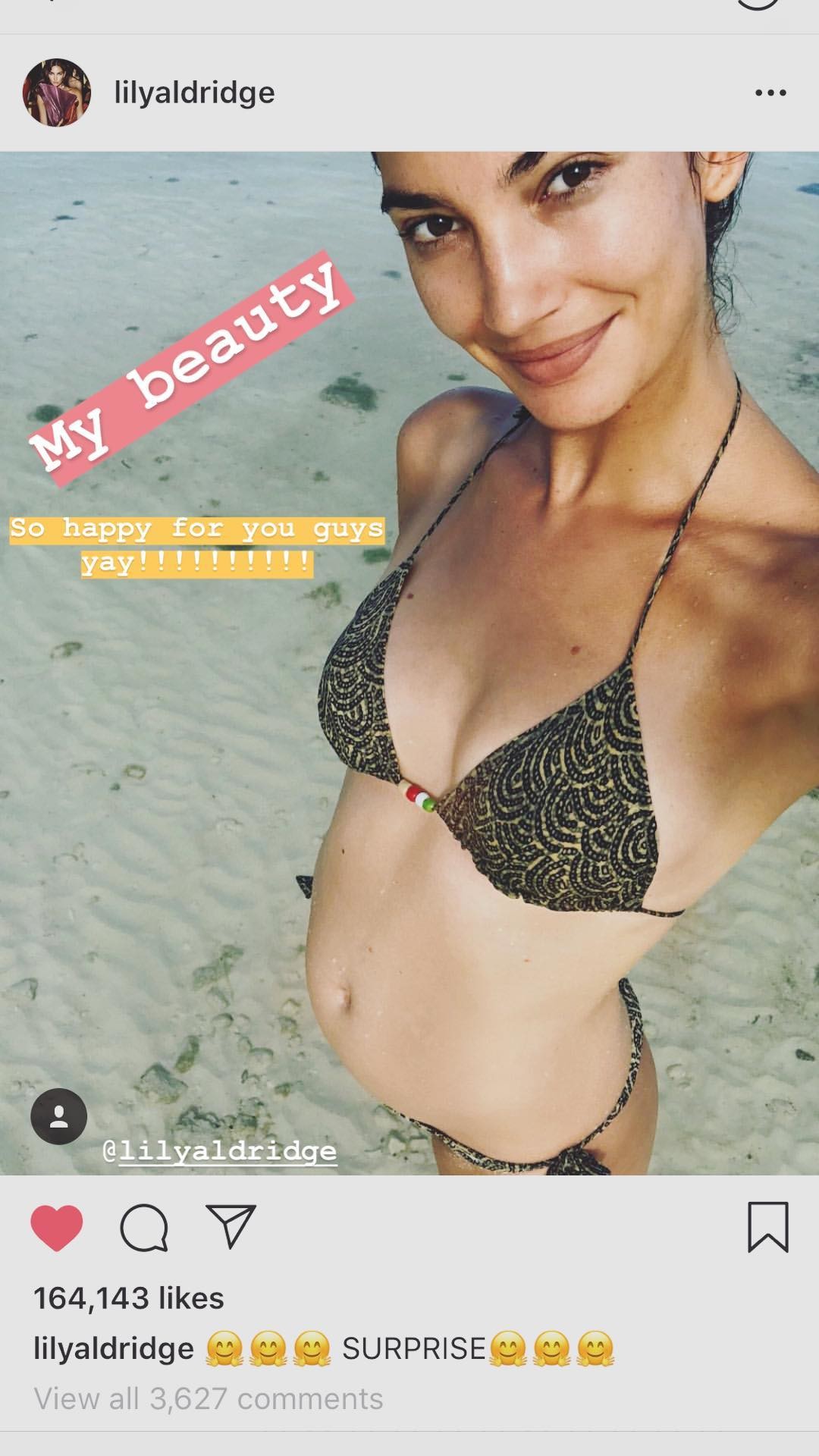
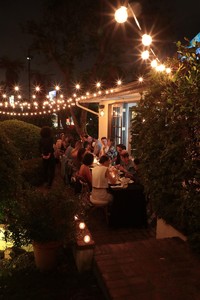 Bee on stories And congrats to Lily and her family😍
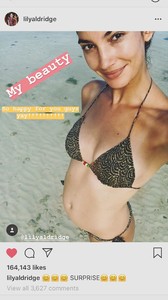 She is more and more gorgeous with the time
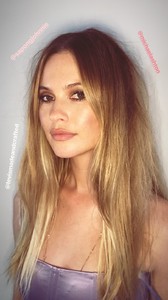 Thanks @Shepherd
By Michael Ashton (makeup artist)
Thanks @Shepherd
By Michael Ashton (makeup artist)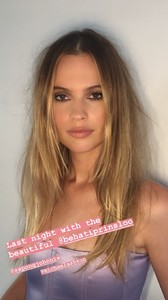 levismadeandcrafted_18082018010401.mp4
richieshazam_18082018010711.mp4
Behati at Levis made & crafted x Lily Aldridge event tonight behatiprinsloo_18082018010253.mp4
Friday 17th for luch at Studio City
levismadeandcrafted_18082018010401.mp4
richieshazam_18082018010711.mp4
Behati at Levis made & crafted x Lily Aldridge event tonight behatiprinsloo_18082018010253.mp4
Friday 17th for luch at Studio City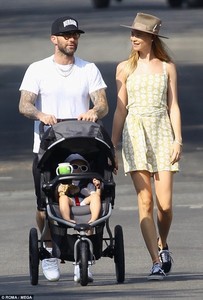
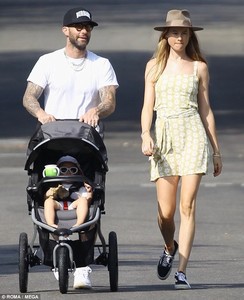
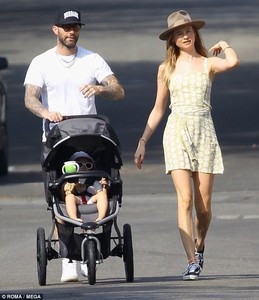
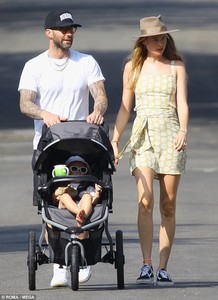
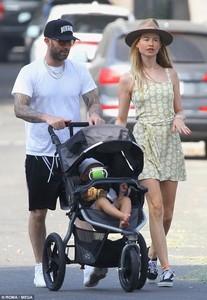 Here is the video
Account
Navigation
Search
Configure browser push notifications
Chrome (Android)
- Tap the lock icon next to the address bar.
- Tap Permissions → Notifications.
- Adjust your preference.
Chrome (Desktop)
- Click the padlock icon in the address bar.
- Select Site settings.
- Find Notifications and adjust your preference.
Safari (iOS 16.4+)
- Ensure the site is installed via Add to Home Screen.
- Open Settings App → Notifications.
- Find your app name and adjust your preference.
Safari (macOS)
- Go to Safari → Preferences.
- Click the Websites tab.
- Select Notifications in the sidebar.
- Find this website and adjust your preference.
Edge (Android)
- Tap the lock icon next to the address bar.
- Tap Permissions.
- Find Notifications and adjust your preference.
Edge (Desktop)
- Click the padlock icon in the address bar.
- Click Permissions for this site.
- Find Notifications and adjust your preference.
Firefox (Android)
- Go to Settings → Site permissions.
- Tap Notifications.
- Find this site in the list and adjust your preference.
Firefox (Desktop)
- Open Firefox Settings.
- Search for Notifications.
- Find this site in the list and adjust your preference.
.jpg.cb5885b10a563665fddf3ec740fc96aa.jpg)
.jpg.d2cad0cad0144c96982ab895e92ca0fc.jpg)