

Candyliz
Members
-
Joined
-
Last visited
Everything posted by Candyliz
-
 More Ann D.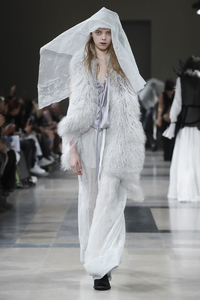
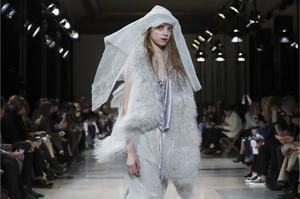
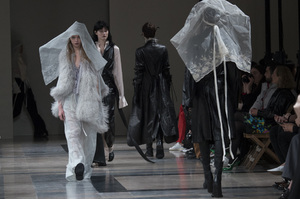
-
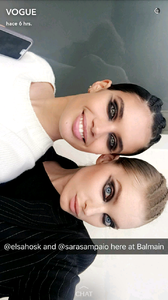
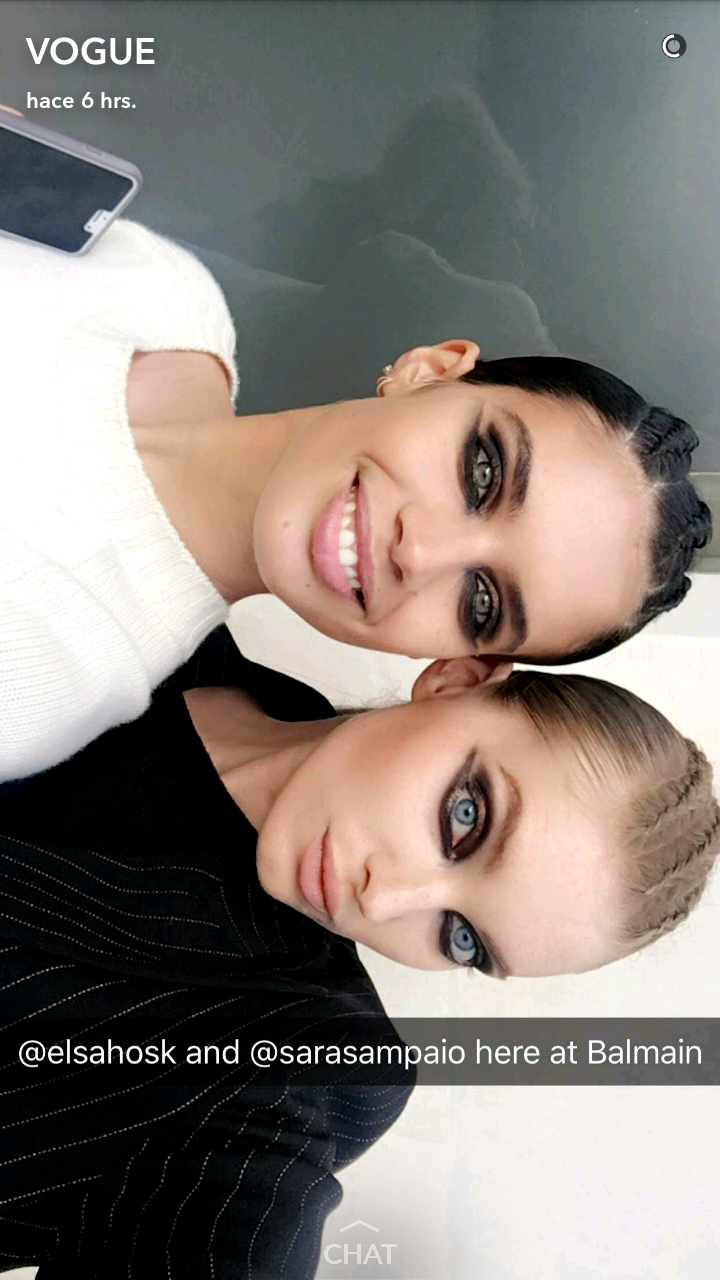
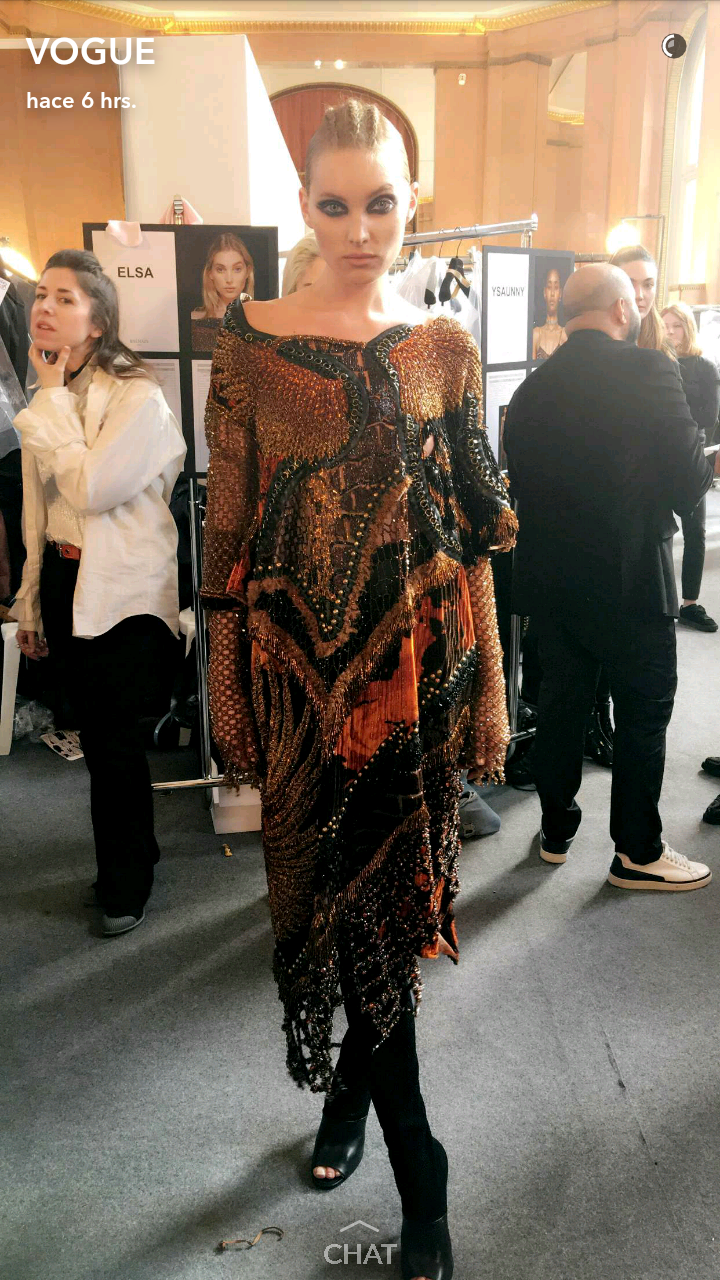
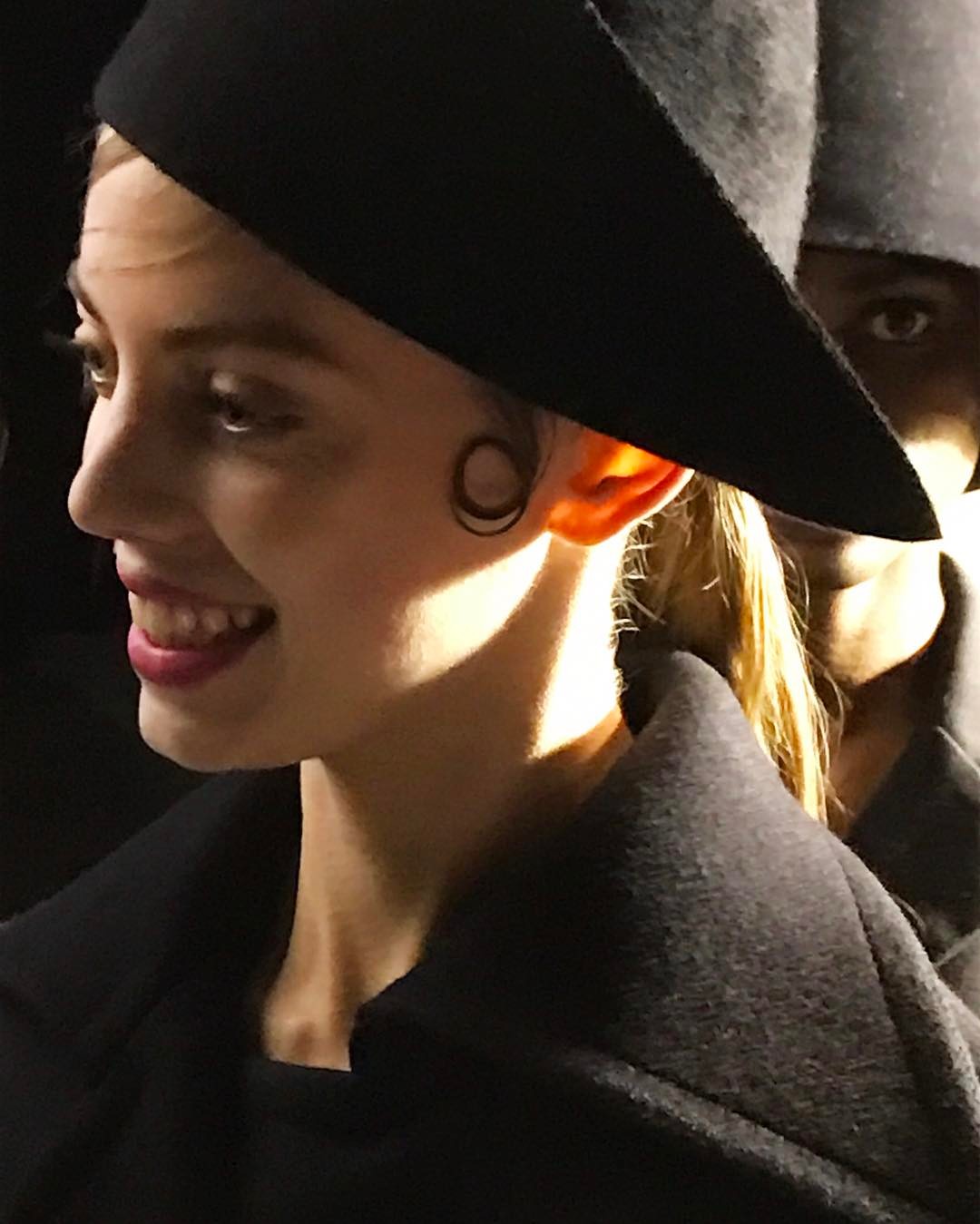
Vogue Snapchat Balmain backstage
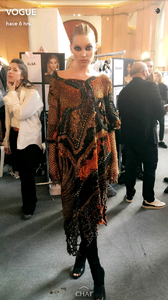
-
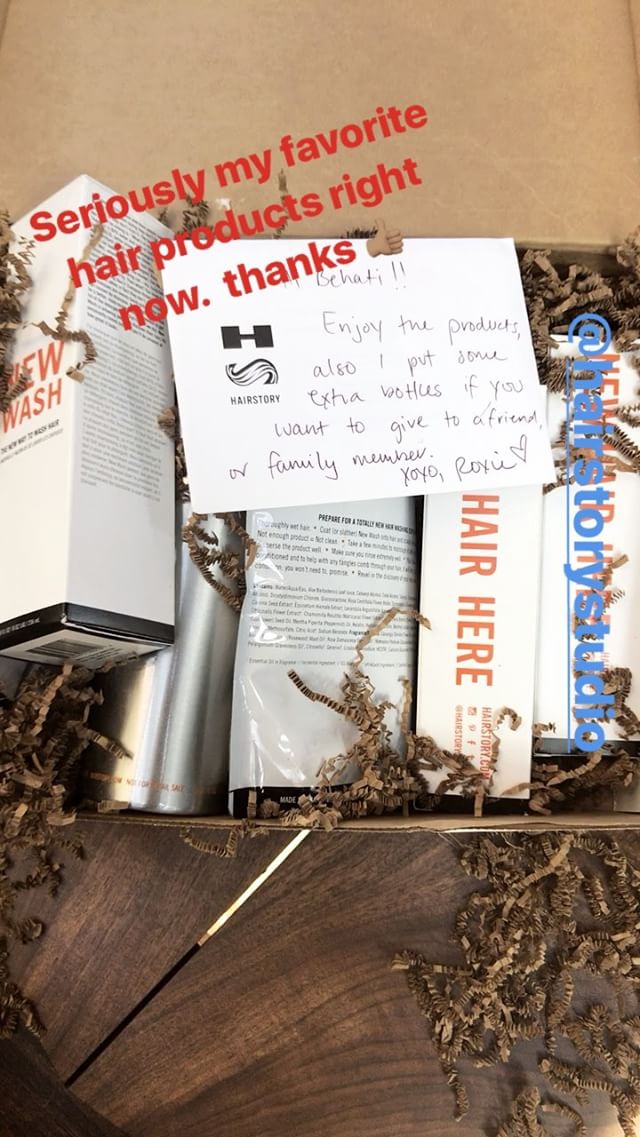
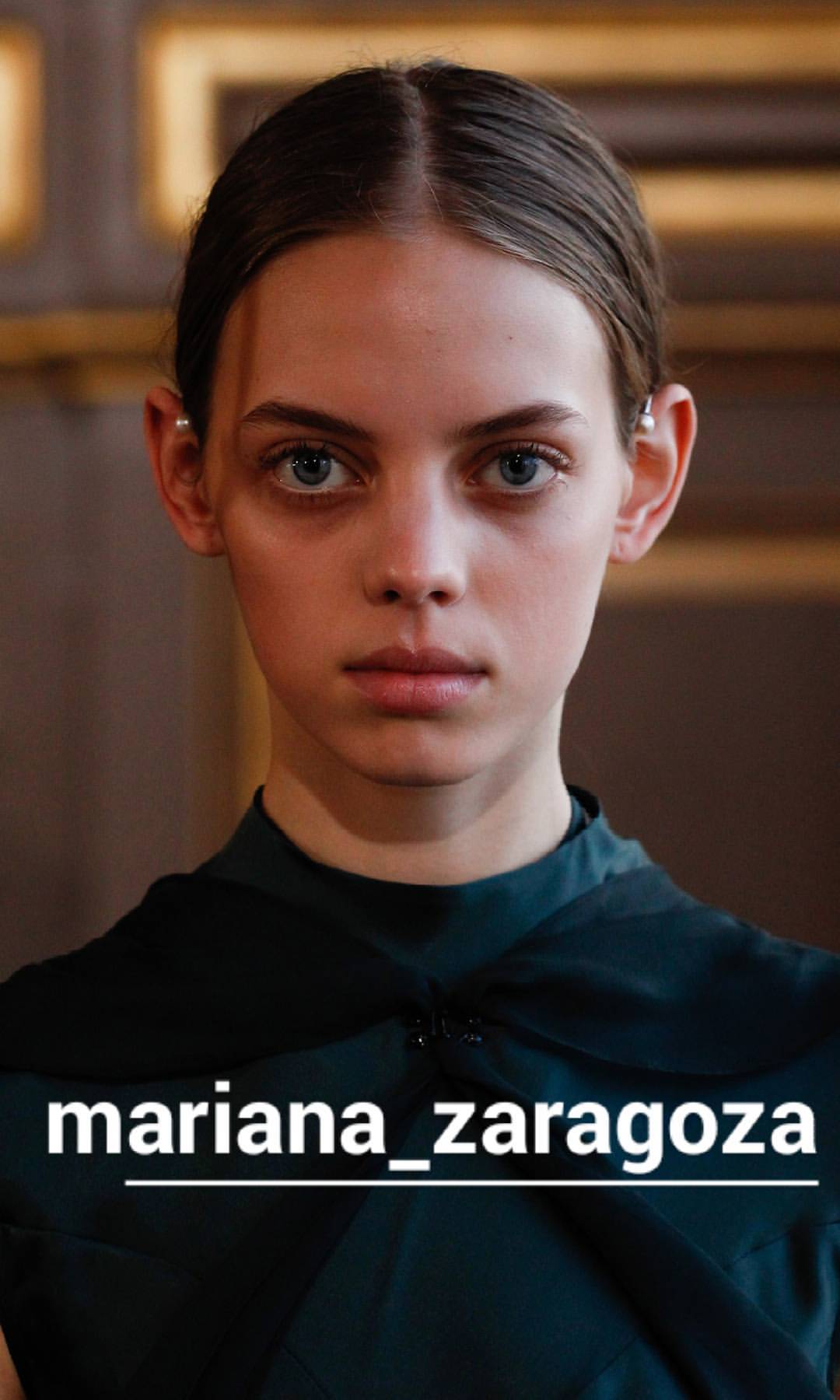
Via Stories

-
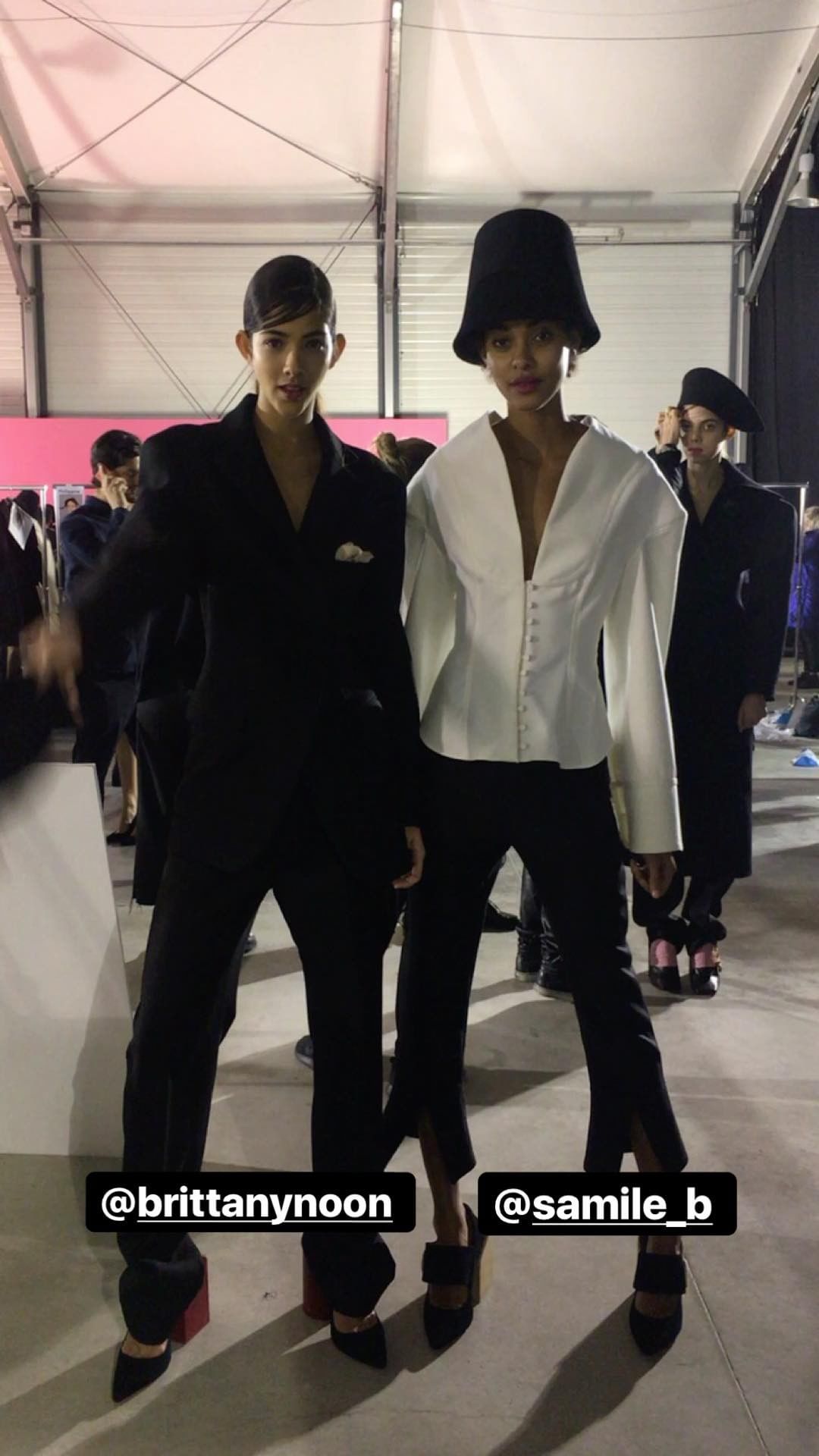
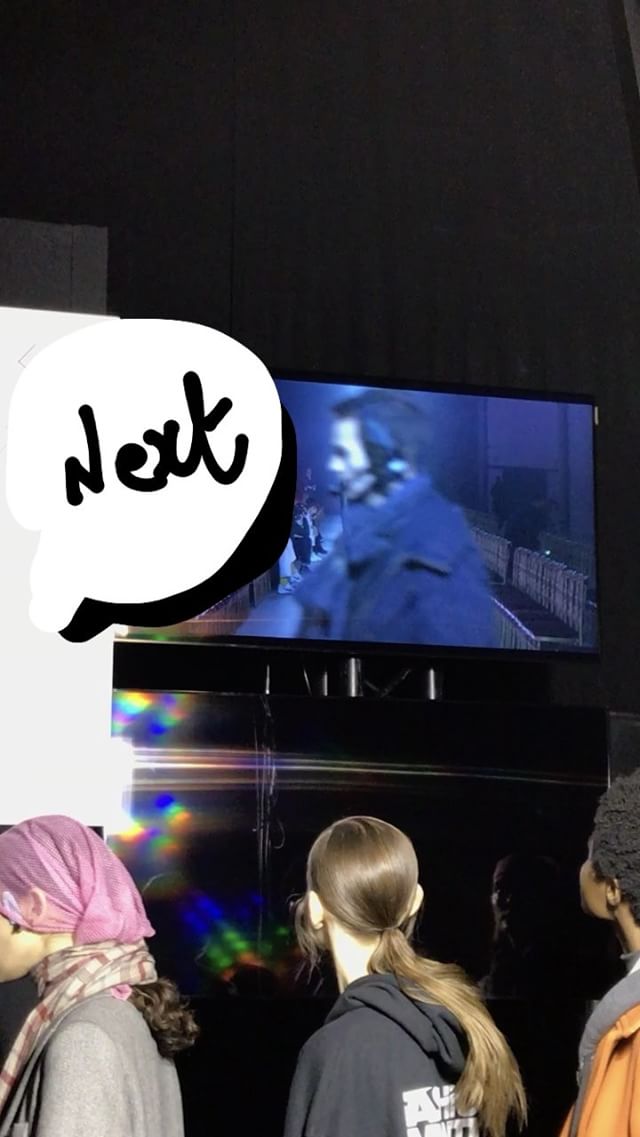
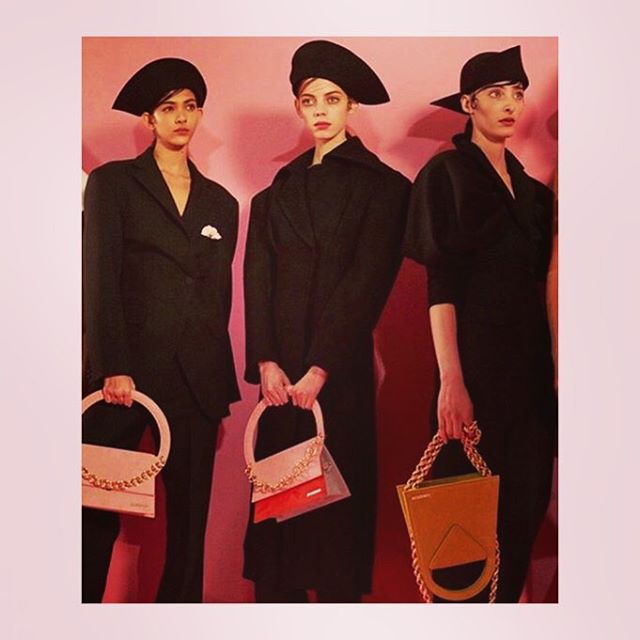
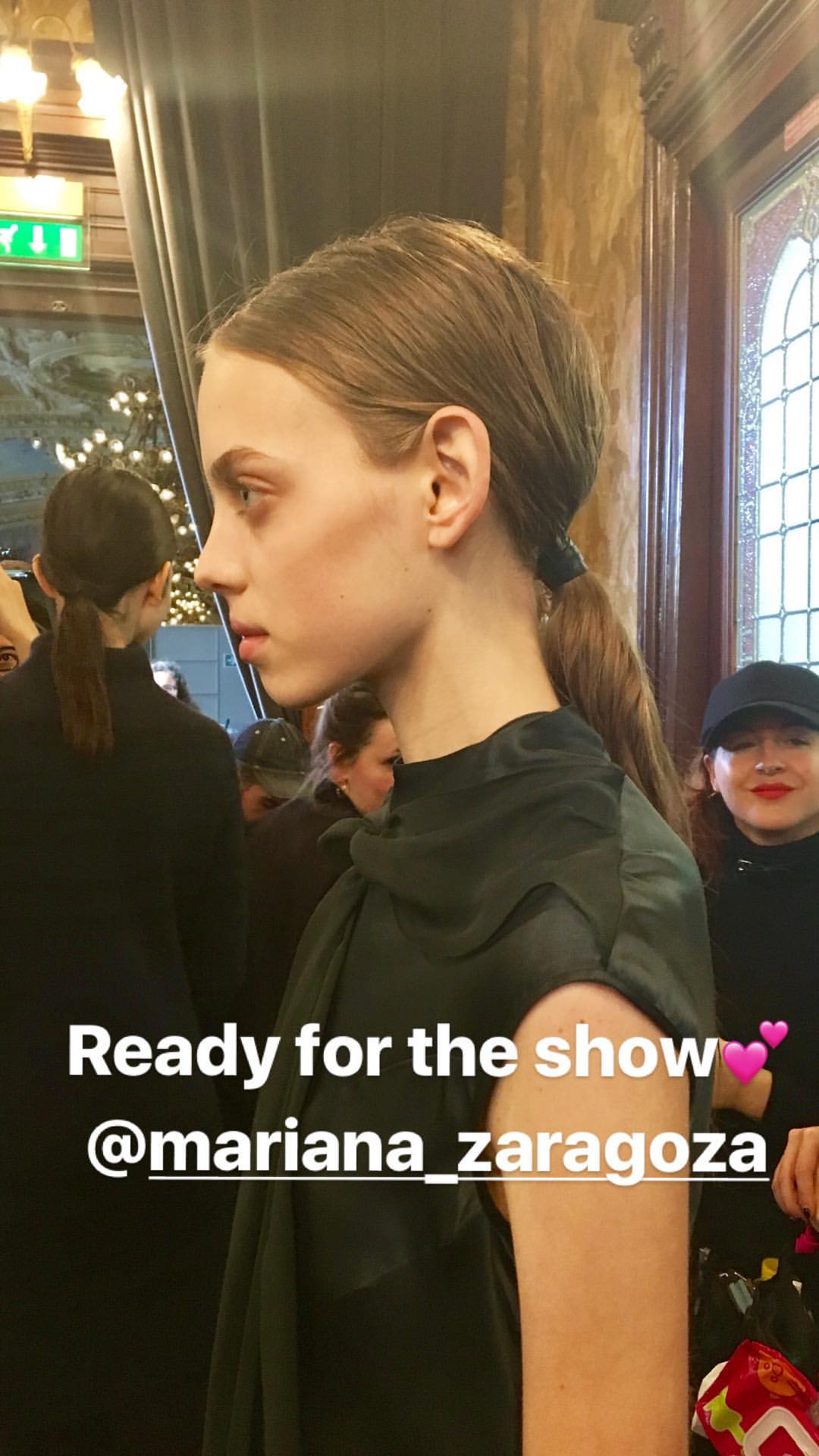
Jacquemus
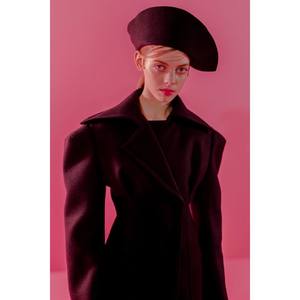
-
Backstage Missoni MFW

-
Those legs omg!
-
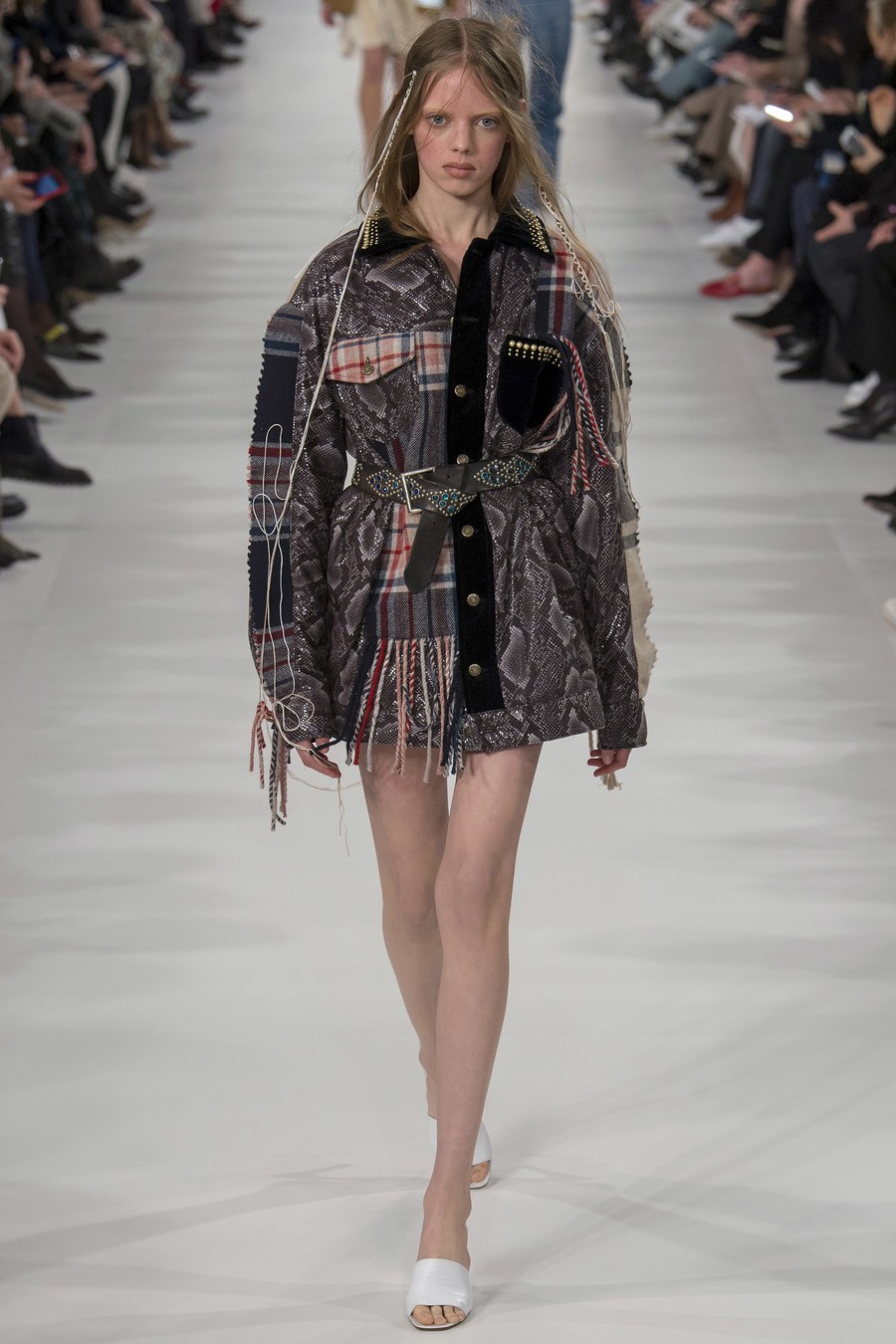
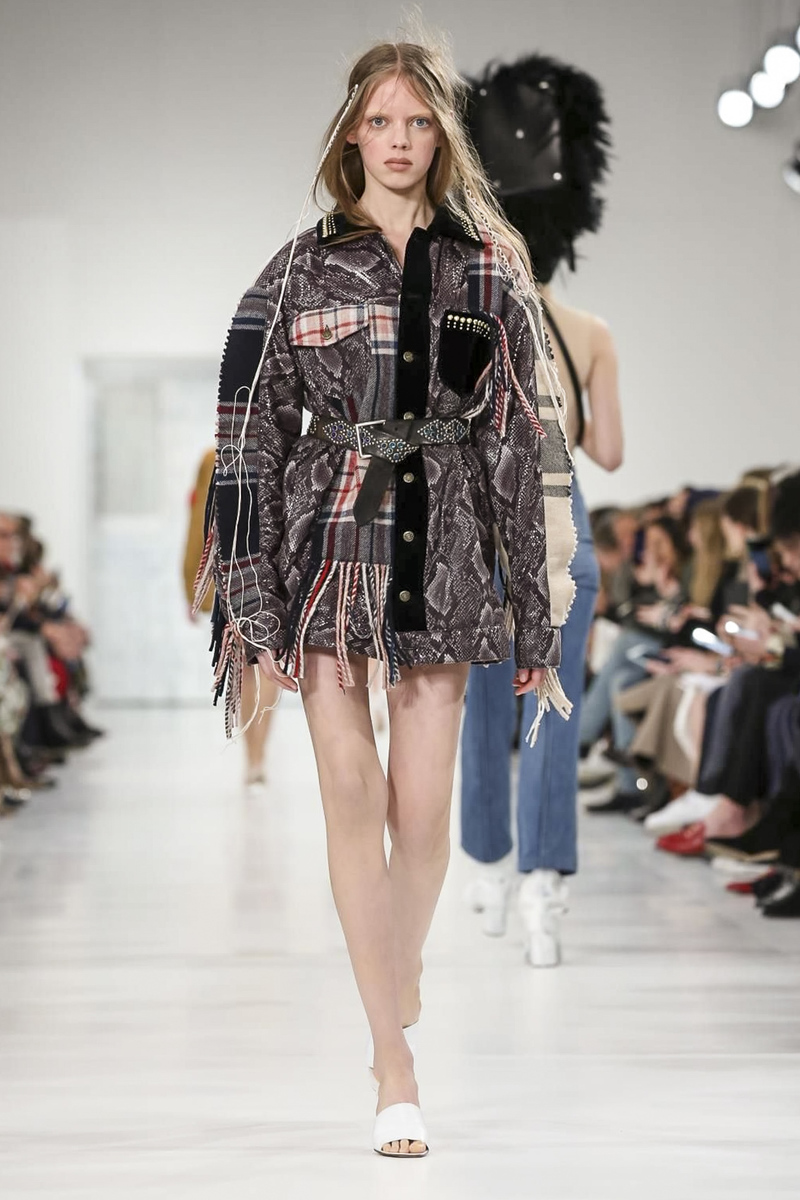
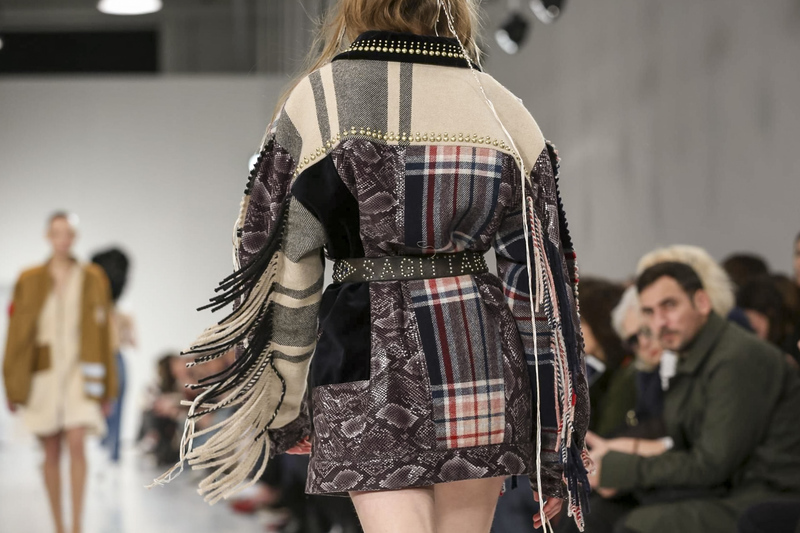
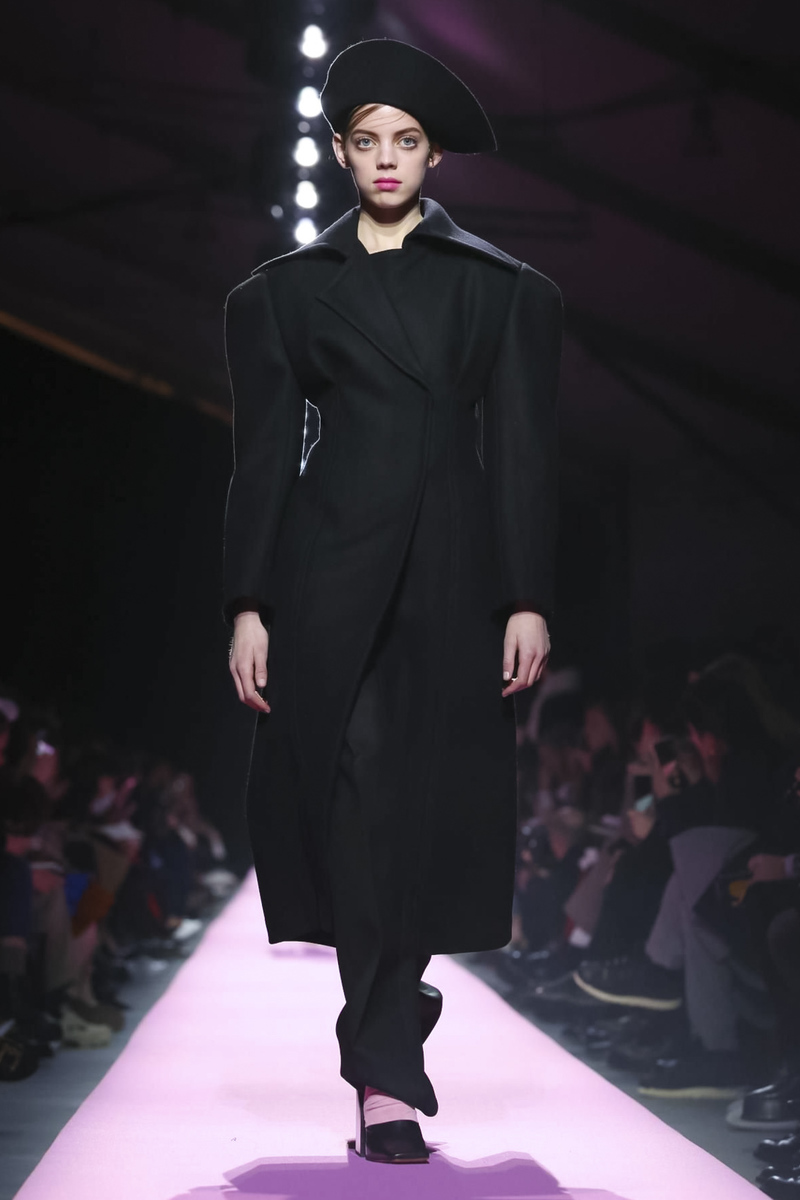
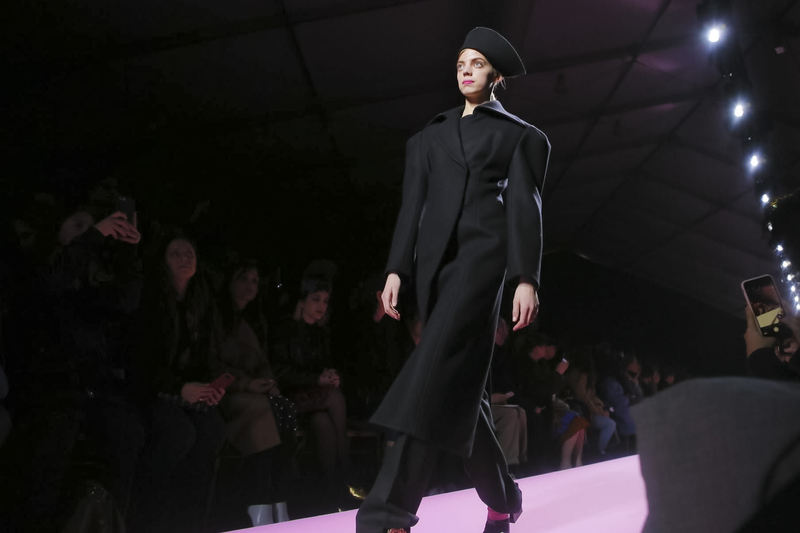
Maison Margiela RTW FW17 at PFW

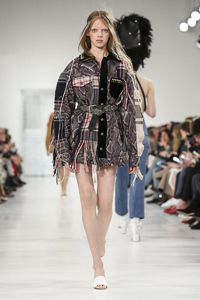
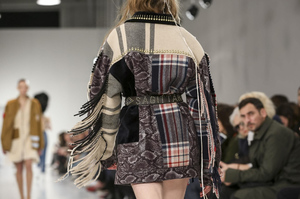
-
Another Jacquemus backstage

-
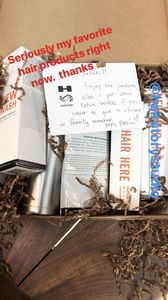
Via Stories behatiprinsloo_1488407331154_355.mp4
-
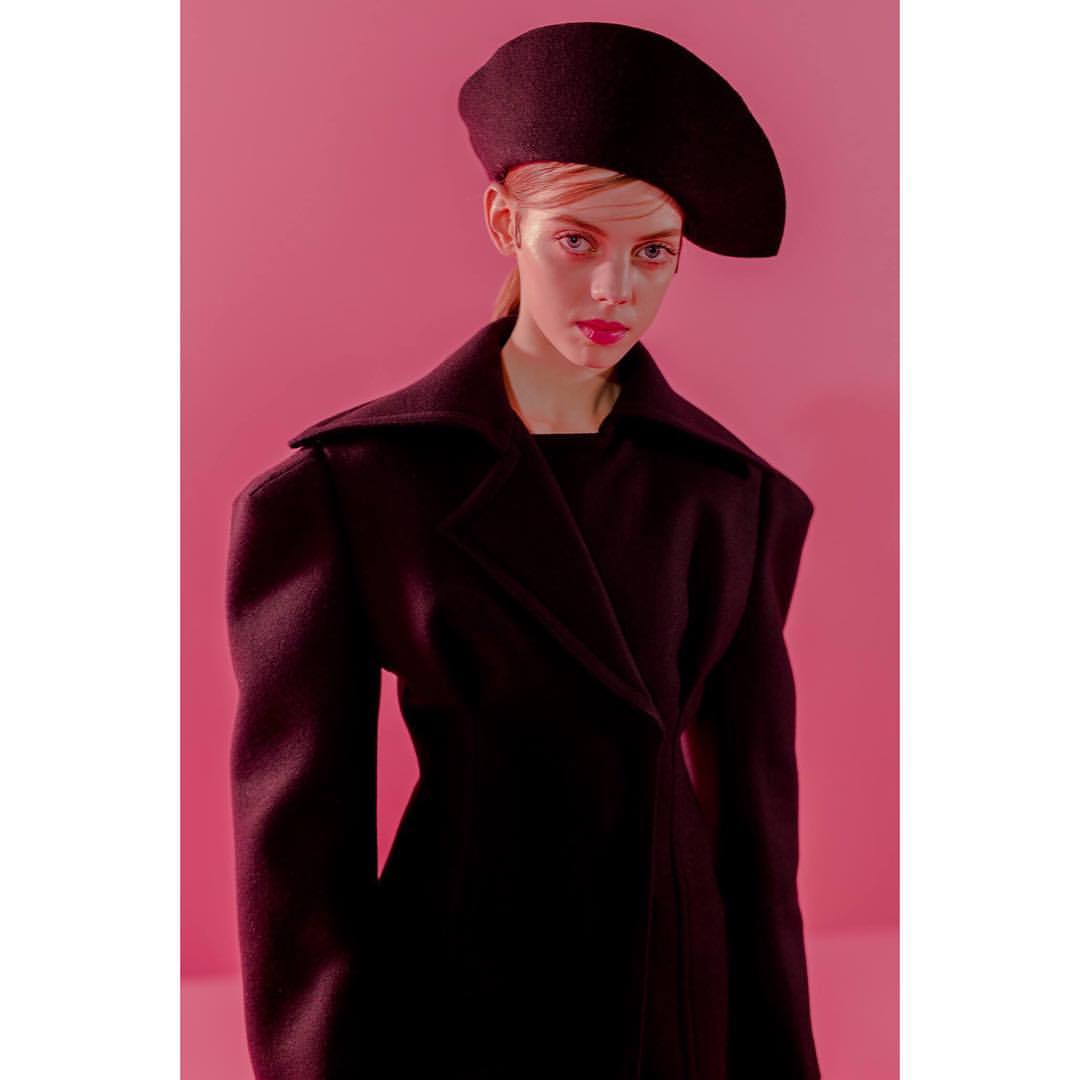
Backstage Maison Margiela
 Beautiful
 Full Versace Show
Backstage Jacquemus Storie by Loreal Hair lorealhair_1488329863308_514.mp4
Full Versace Show
Backstage Jacquemus Storie by Loreal Hair lorealhair_1488329863308_514.mp4 Backstage Jacquemus Storie by Elsa Muse elsamuse_1488330187191_984.mp4
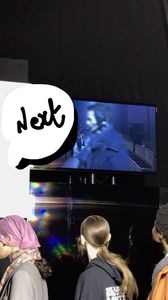 Loreal Makeup via Stories
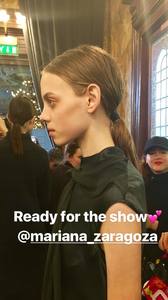 More backstage Jacquemus
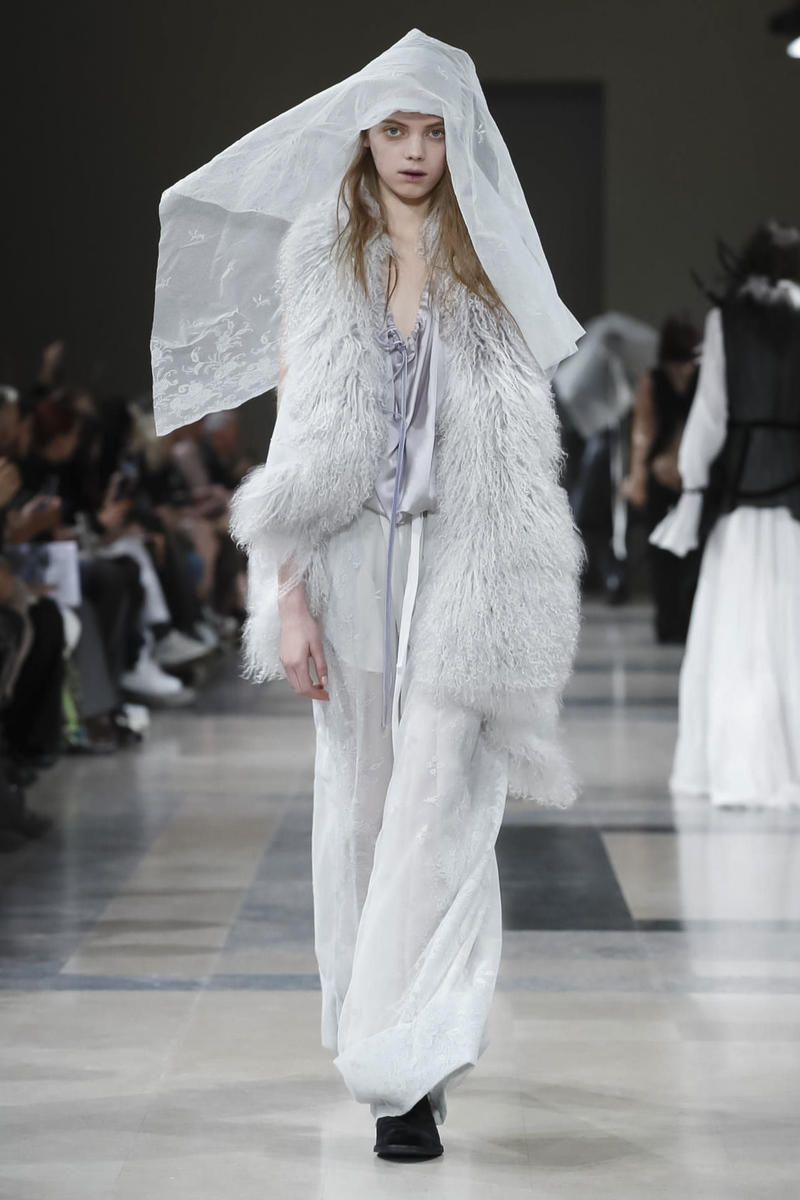
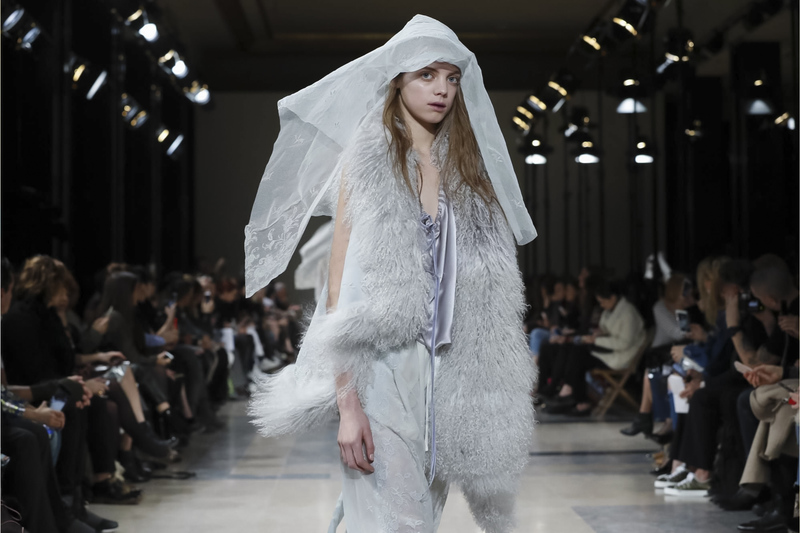
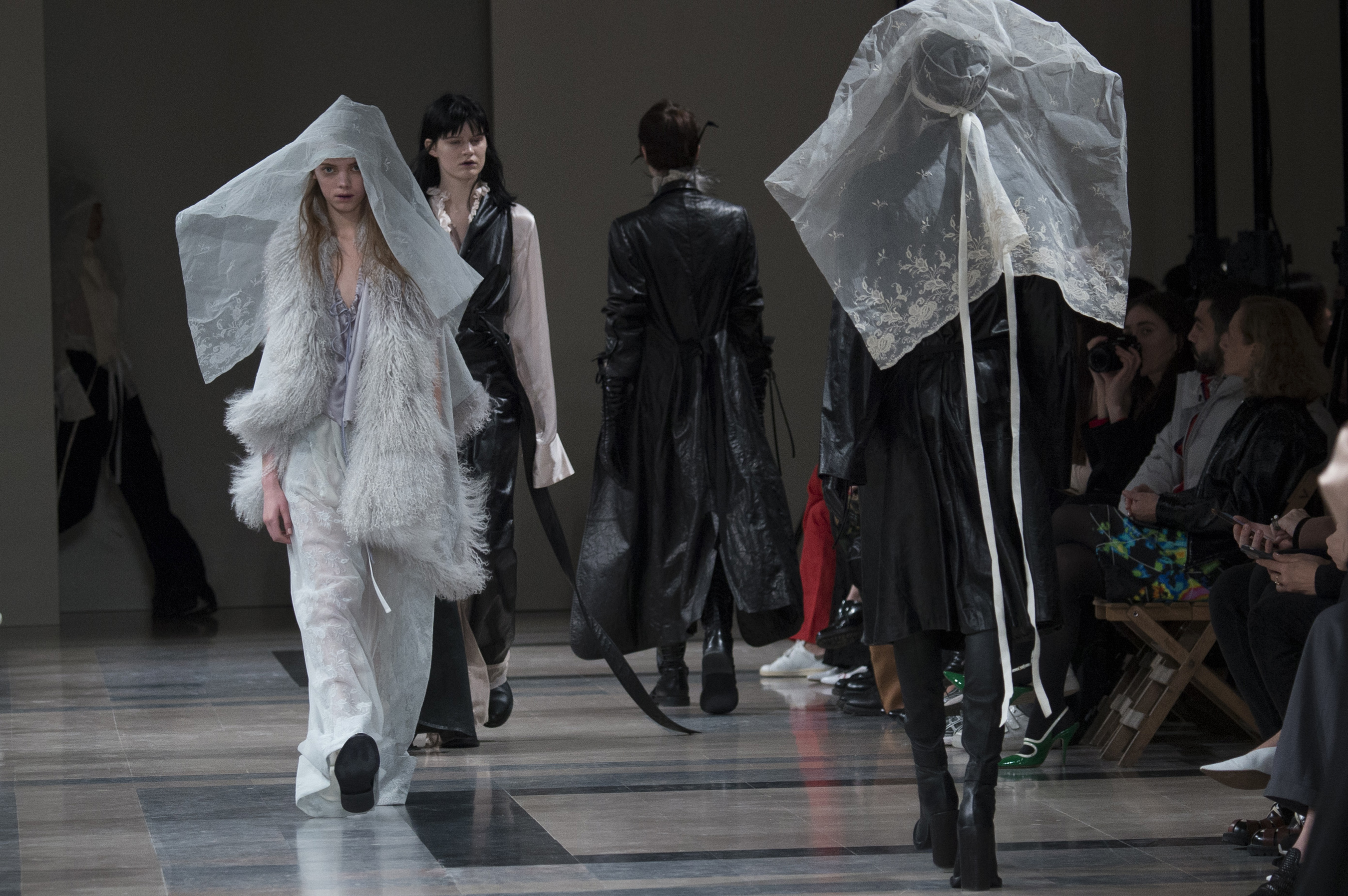
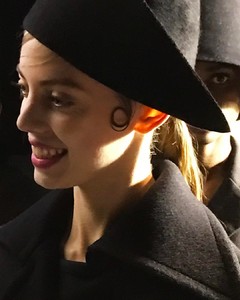 Finale Olivier T.
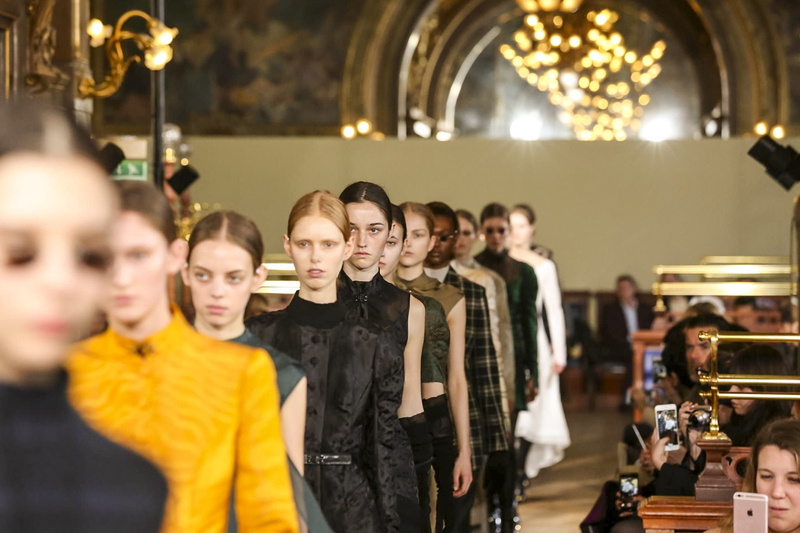
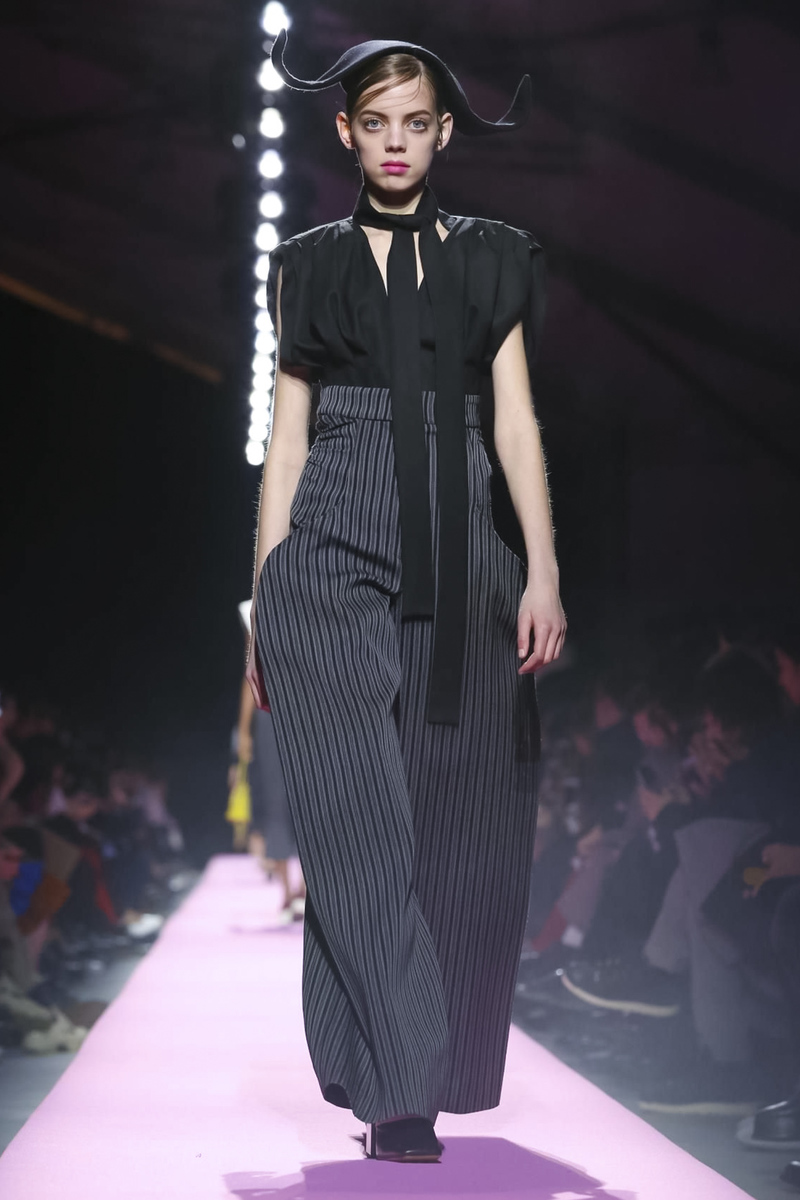
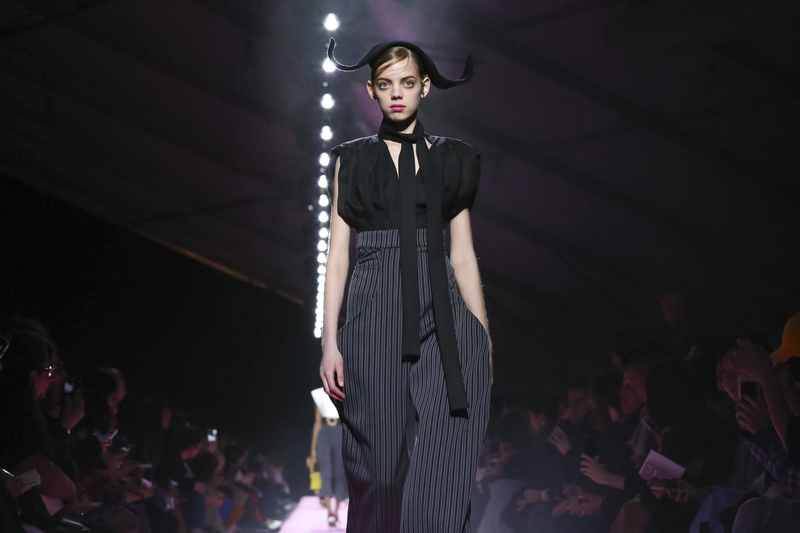
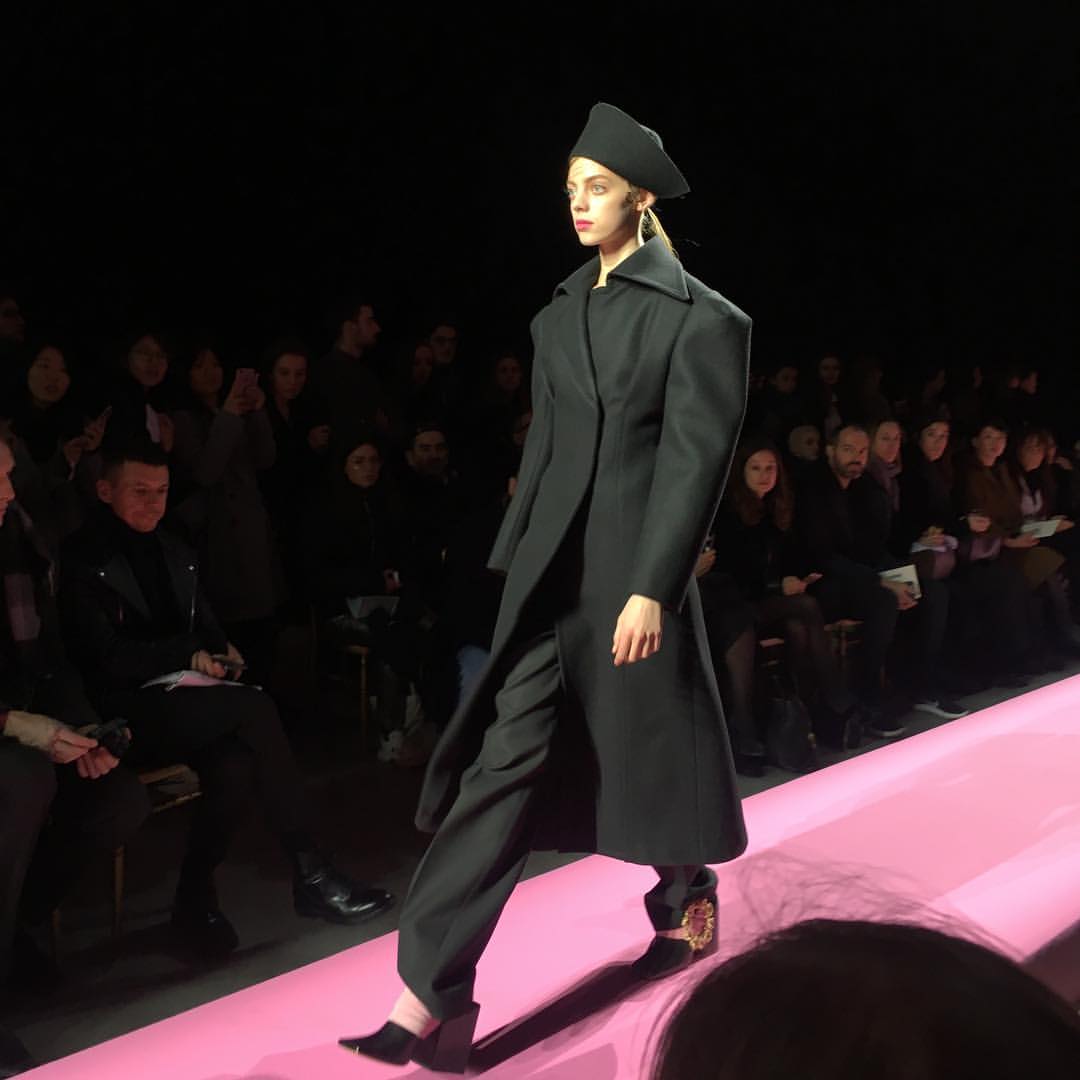
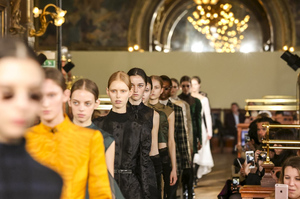 Jacquemus RTW FW17 at Paris FW
 New Anniversary Cover Mag http://www.frenchrevue.com







Account
Navigation
Search
Configure browser push notifications
Chrome (Android)
- Tap the lock icon next to the address bar.
- Tap Permissions → Notifications.
- Adjust your preference.
Chrome (Desktop)
- Click the padlock icon in the address bar.
- Select Site settings.
- Find Notifications and adjust your preference.
Safari (iOS 16.4+)
- Ensure the site is installed via Add to Home Screen.
- Open Settings App → Notifications.
- Find your app name and adjust your preference.
Safari (macOS)
- Go to Safari → Preferences.
- Click the Websites tab.
- Select Notifications in the sidebar.
- Find this website and adjust your preference.
Edge (Android)
- Tap the lock icon next to the address bar.
- Tap Permissions.
- Find Notifications and adjust your preference.
Edge (Desktop)
- Click the padlock icon in the address bar.
- Click Permissions for this site.
- Find Notifications and adjust your preference.
Firefox (Android)
- Go to Settings → Site permissions.
- Tap Notifications.
- Find this site in the list and adjust your preference.
Firefox (Desktop)
- Open Firefox Settings.
- Search for Notifications.
- Find this site in the list and adjust your preference.