

Candyliz
Members
-
Joined
-
Last visited
Everything posted by Candyliz
-
 behatiprinsloo_14085863_1453334324687542_1317960738261696512_n.mp4
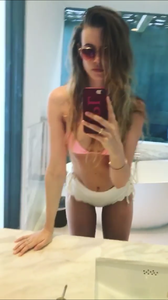
 First bikini post And she looks so good!!! behatiprinsloo_17406336_740123416170628_124090942440341504_n.mp4
 Maybe, but she just could have said a show or something, why she said "project". Idk, that was strange.
Happy Birthday Adam
Mariana via Stories mariana_zaragoza_14084929_1918479058383746_6680694648219893760_n.mp4
Maybe, but she just could have said a show or something, why she said "project". Idk, that was strange.
Happy Birthday Adam
Mariana via Stories mariana_zaragoza_14084929_1918479058383746_6680694648219893760_n.mp4 --------
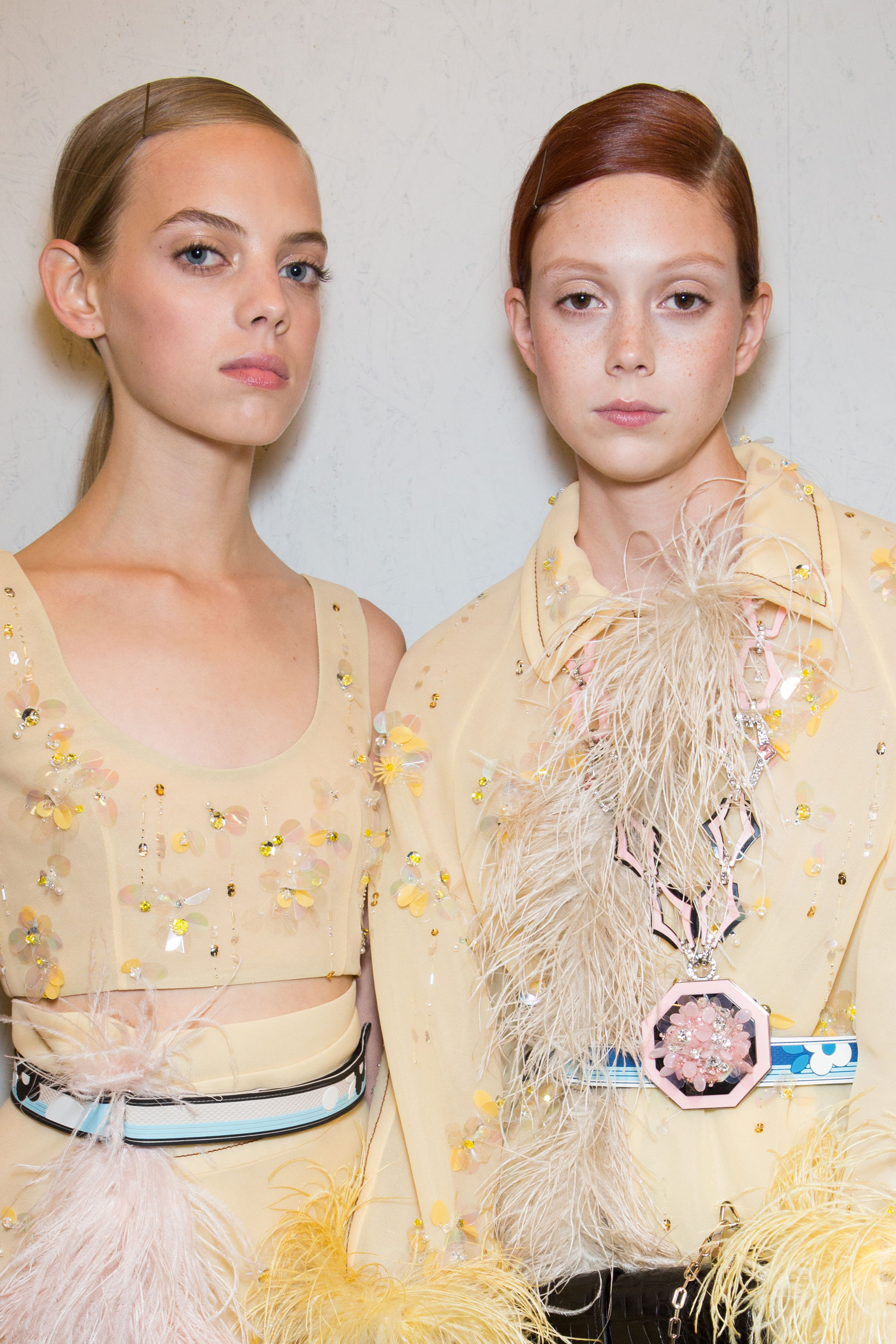
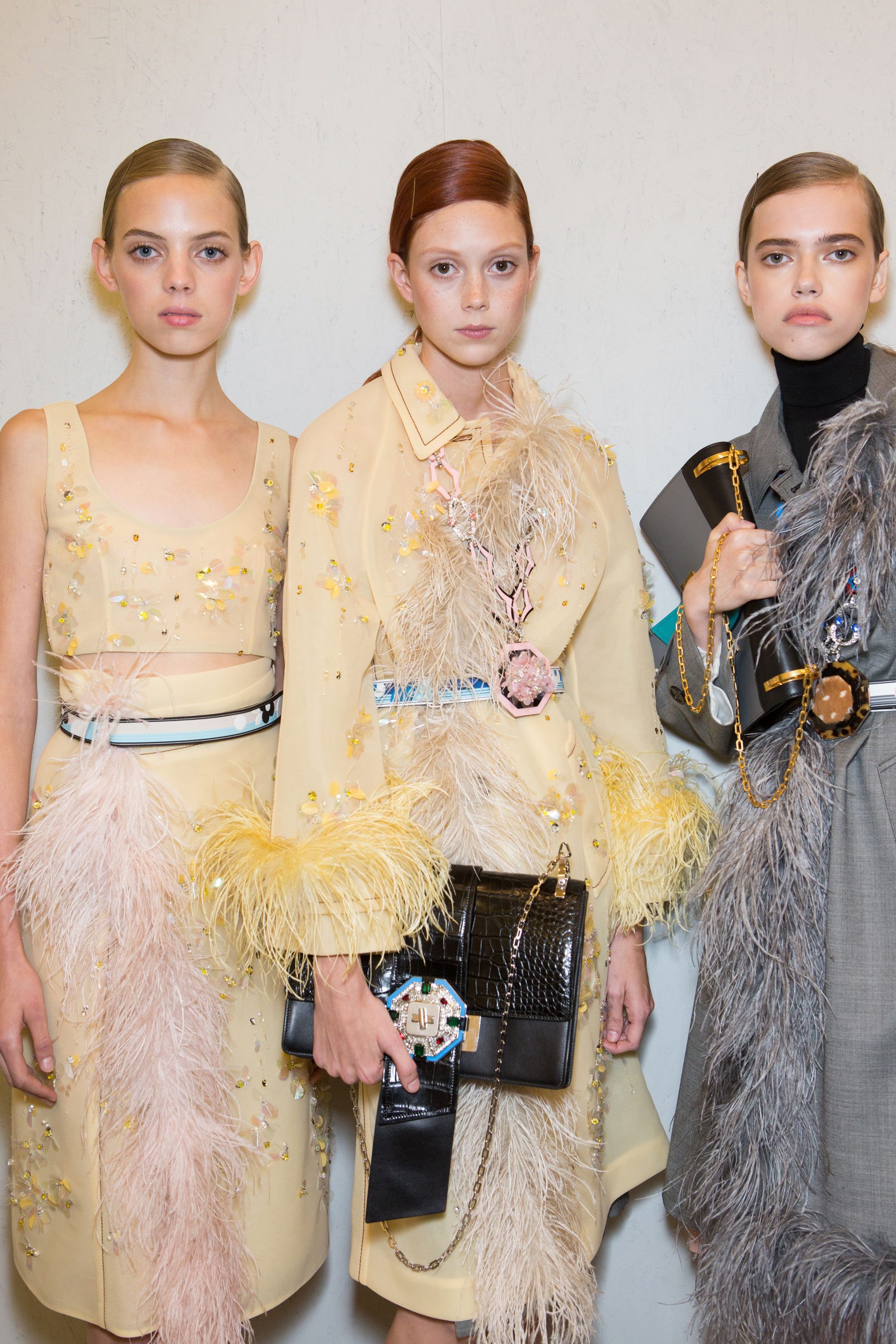
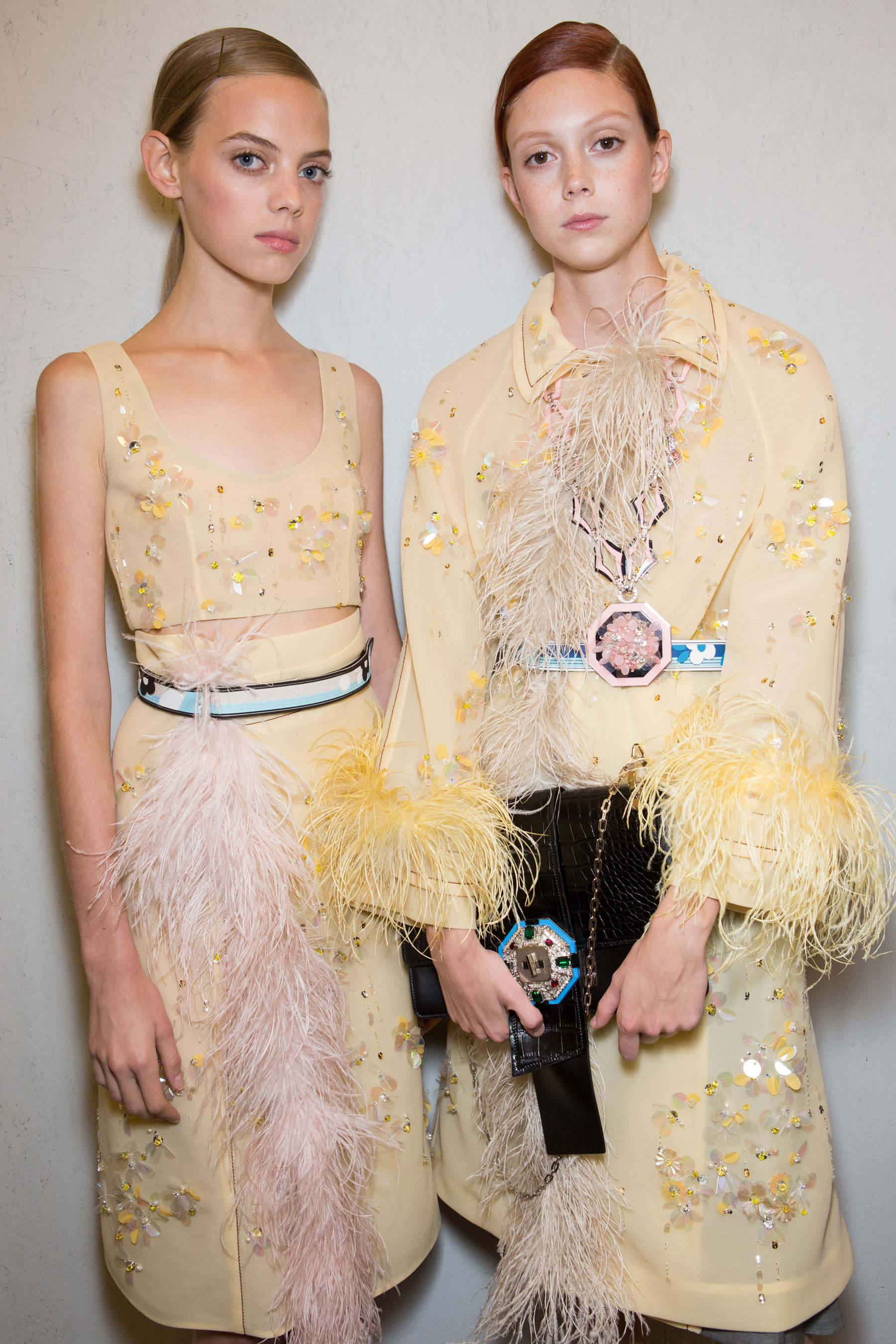
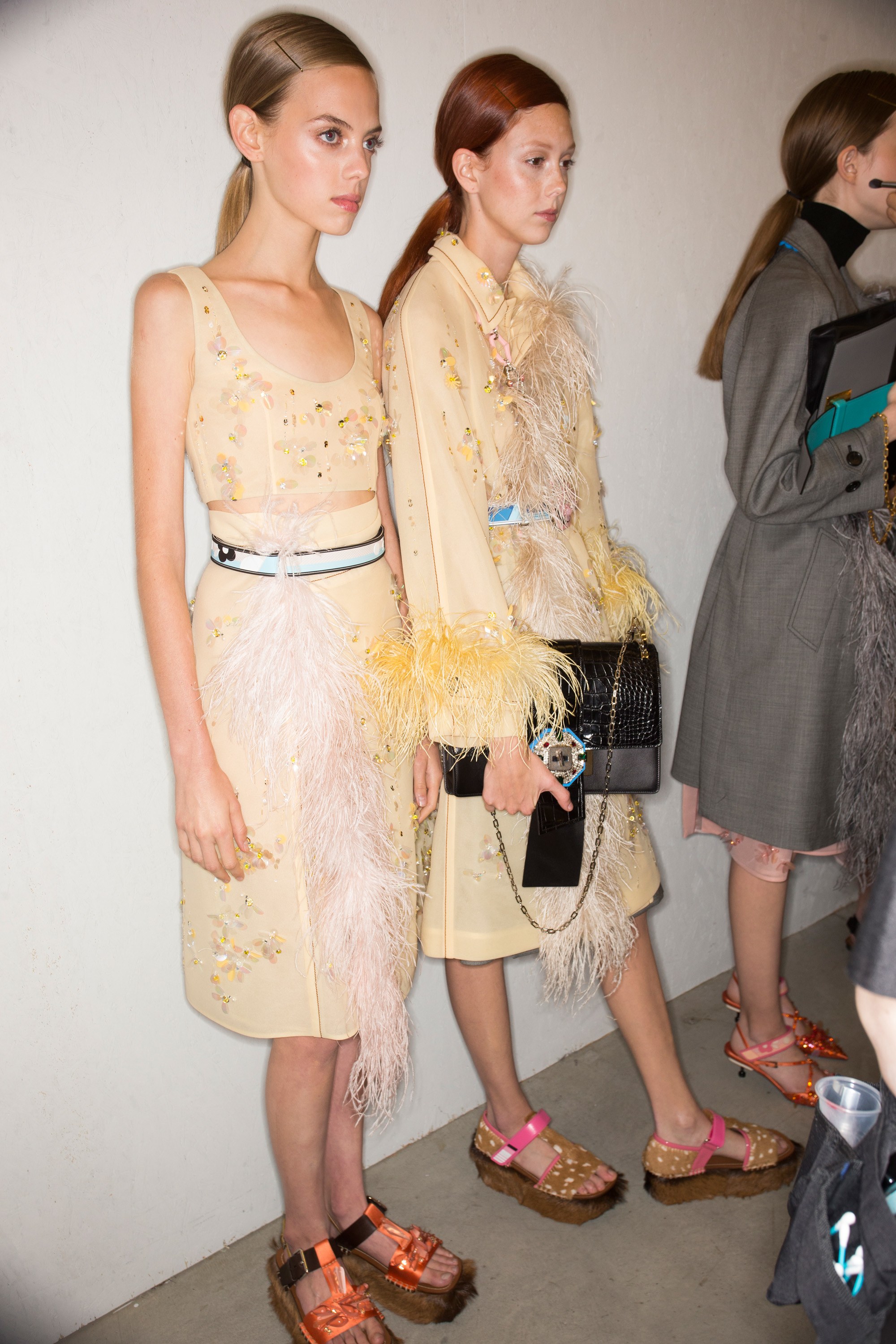
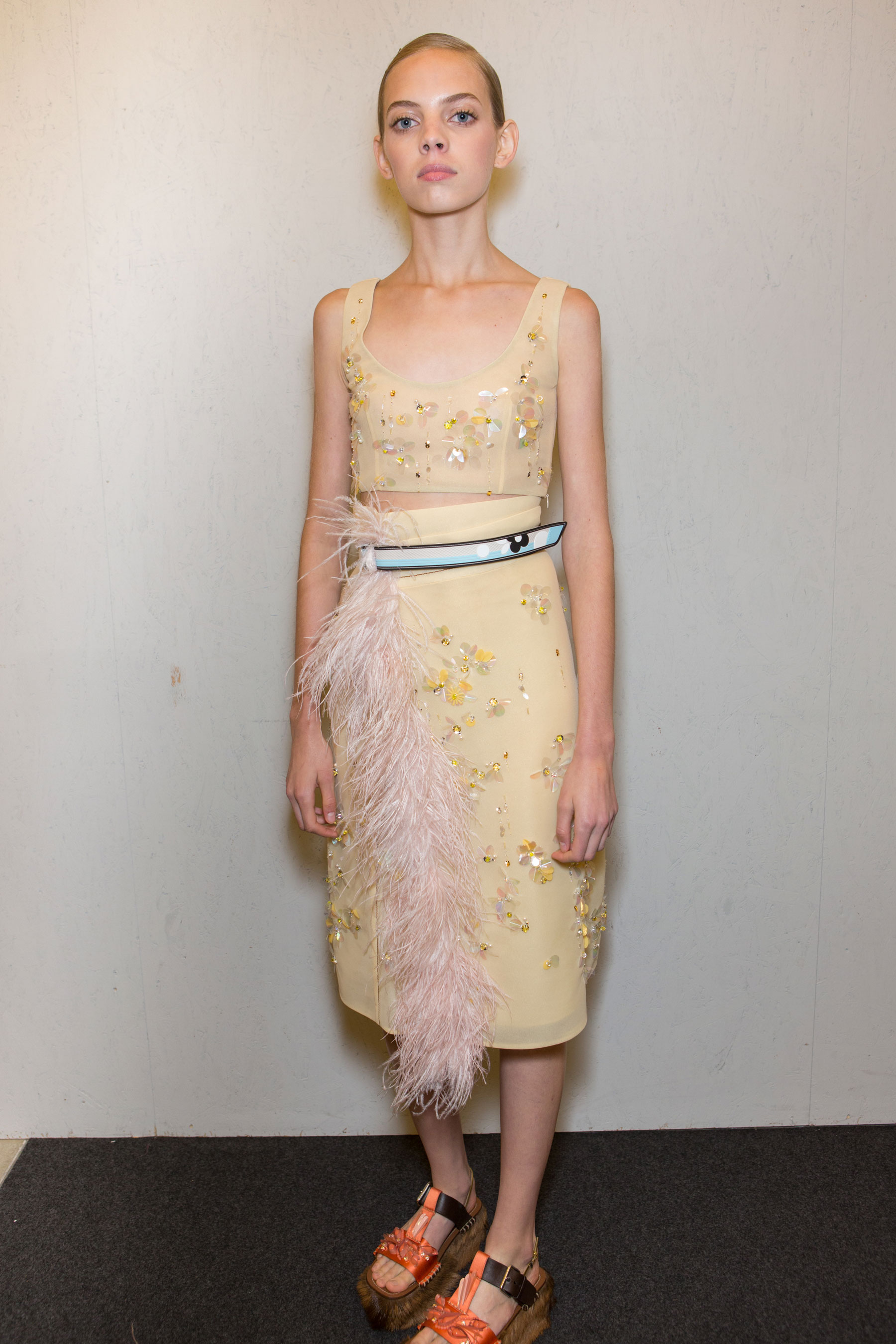
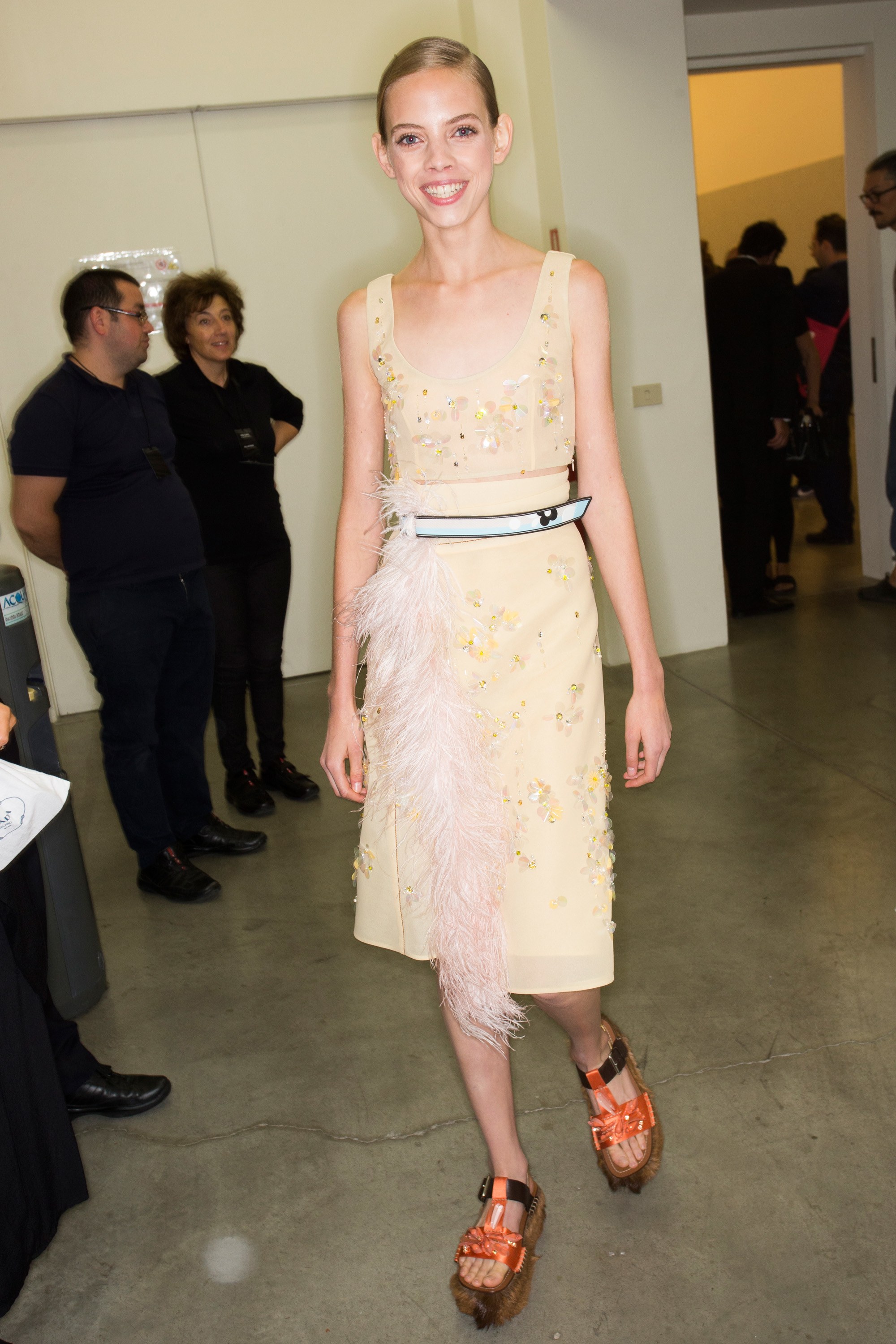
Backstage Prada
--------
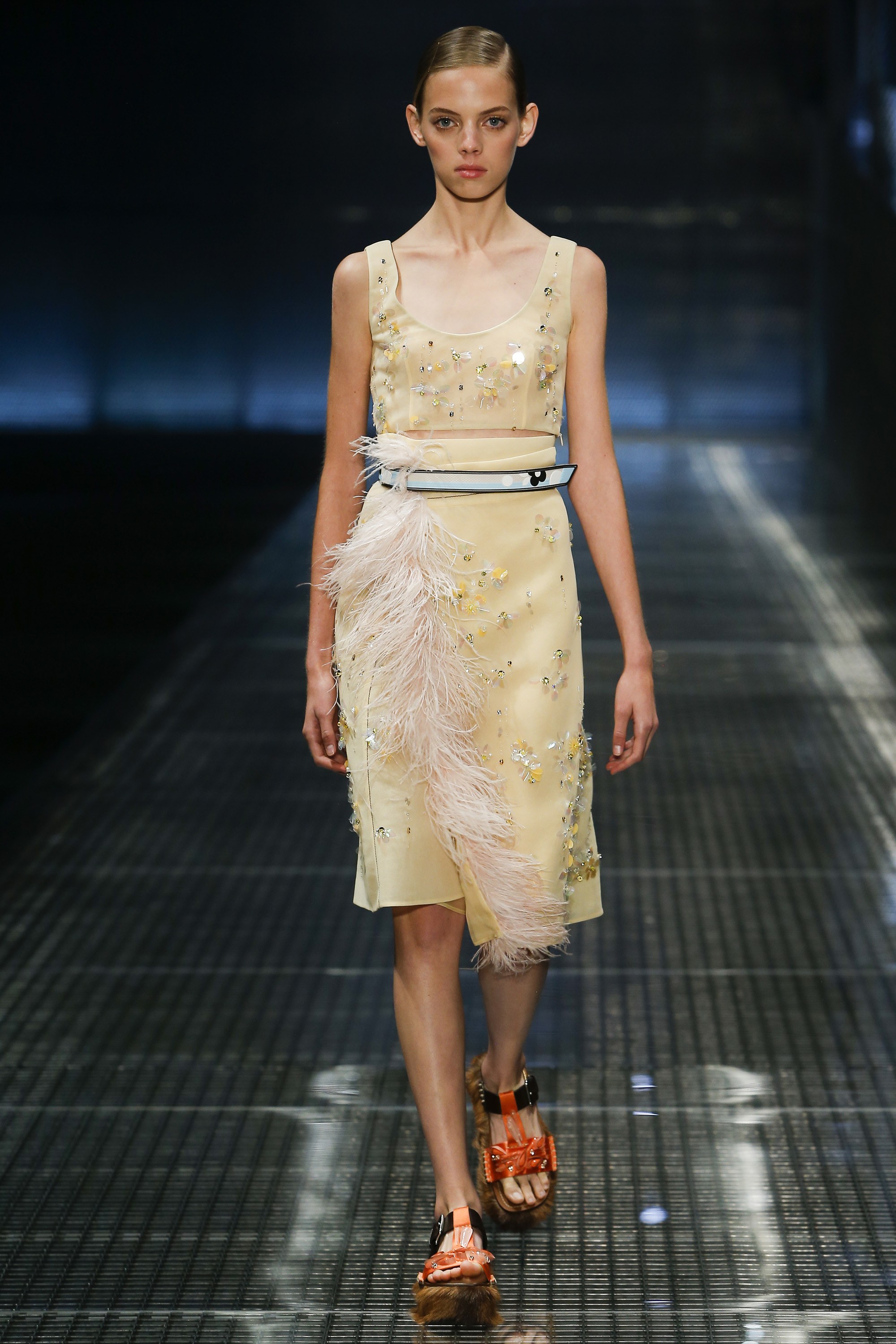
Backstage Prada

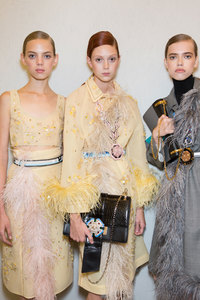
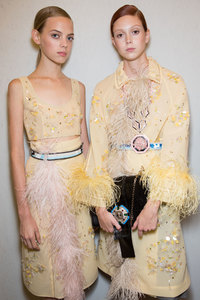

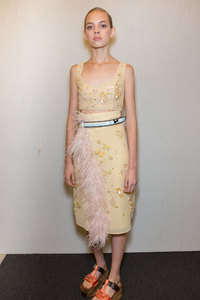
 Mariana closing Prada RTW Spring 2017 in Paris
 Backstage Sonia Rykiel

 Backstage
 Backstage Dries Van Noten
Backstage Dries Van Noten
Backstage Dries Van Noten

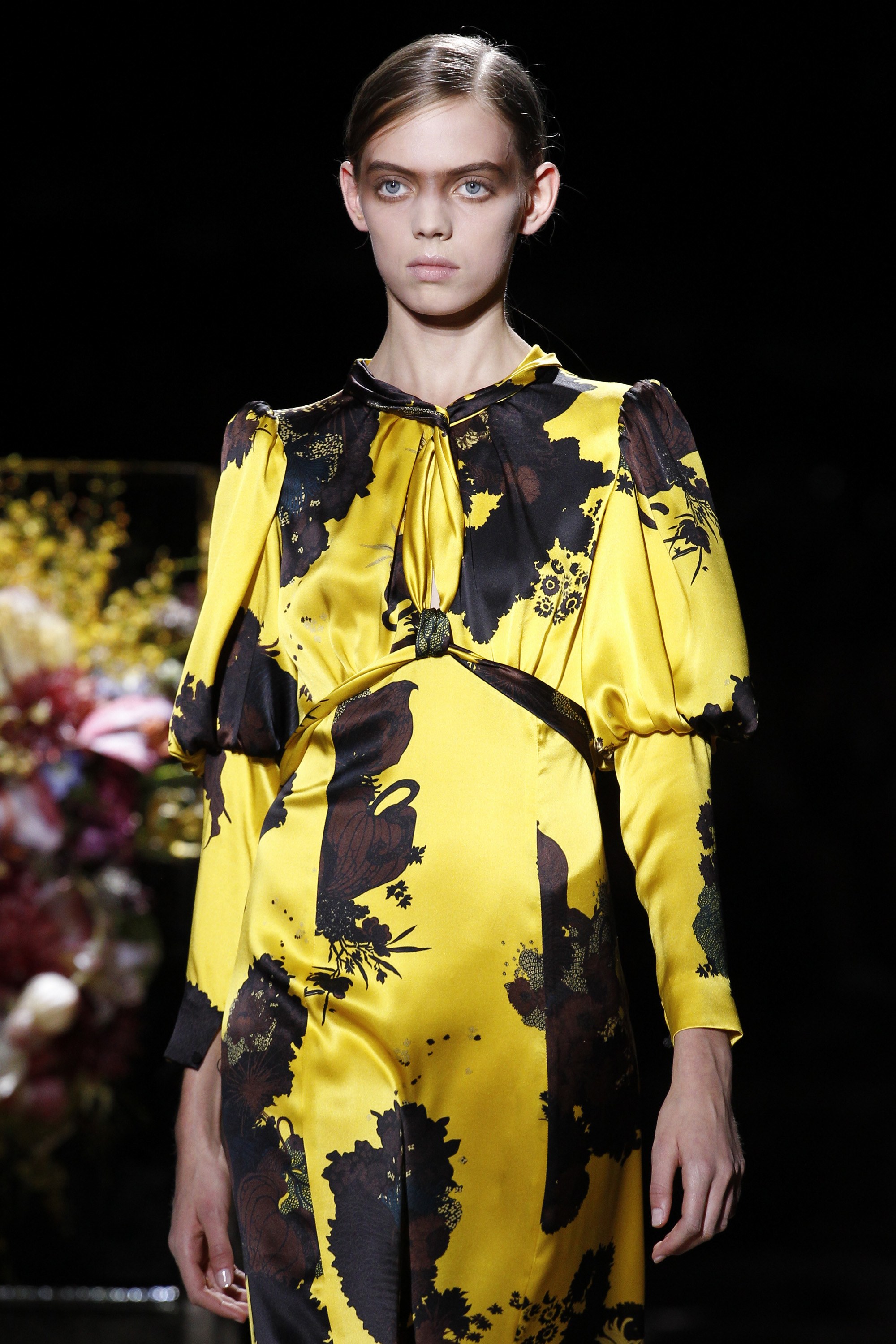
 Mariana walking for Dries Van Noten RTW Spring 2017 in Paris
 Backstage Courrèges
 Mariana opening Courrèges RTW Spring 2017 in Paris





 Backstage Paco Rabanne






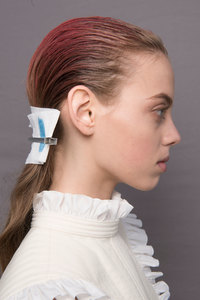 Mariana walking for Paco Rabanne RTW Spring 2017 in Paris
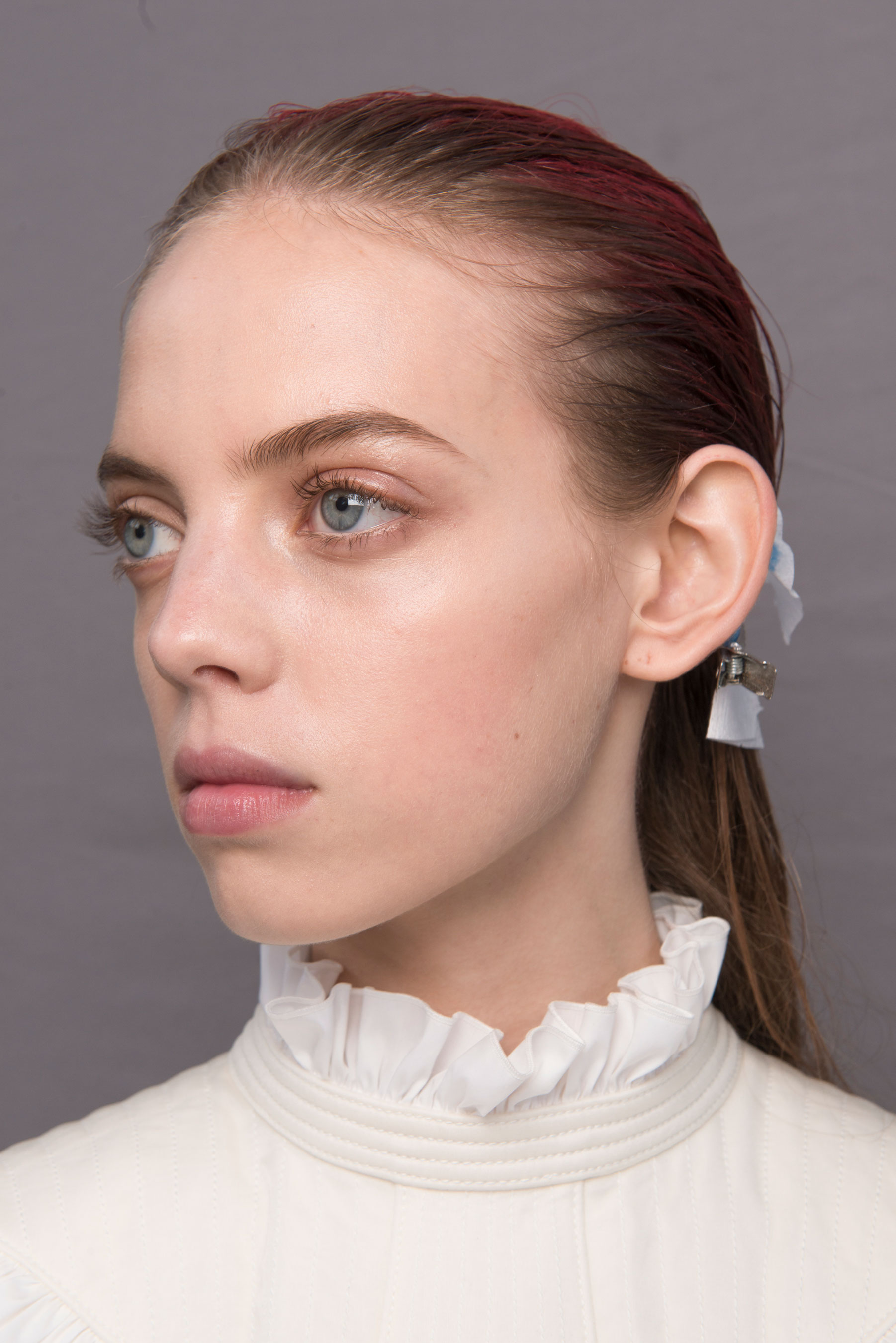
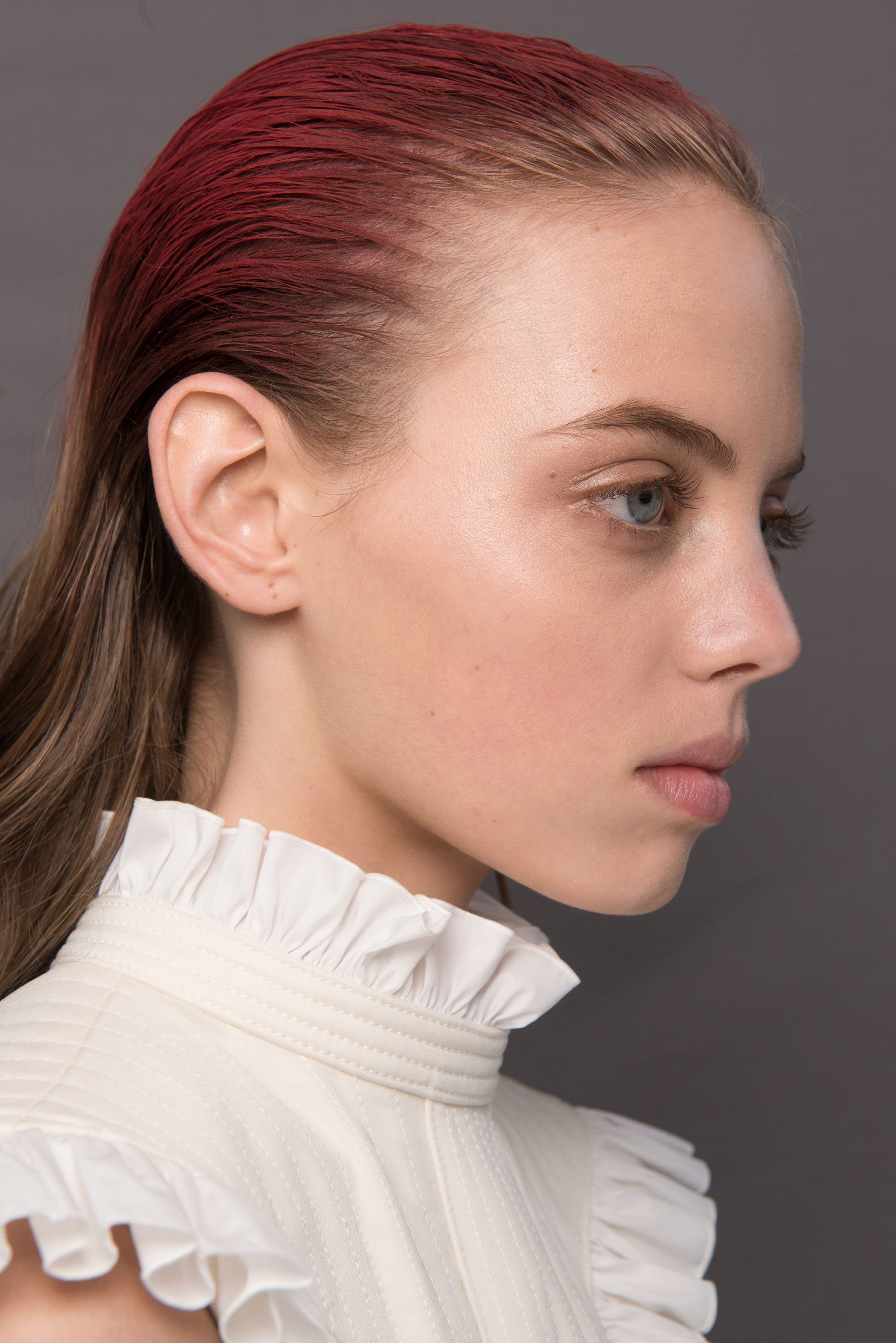
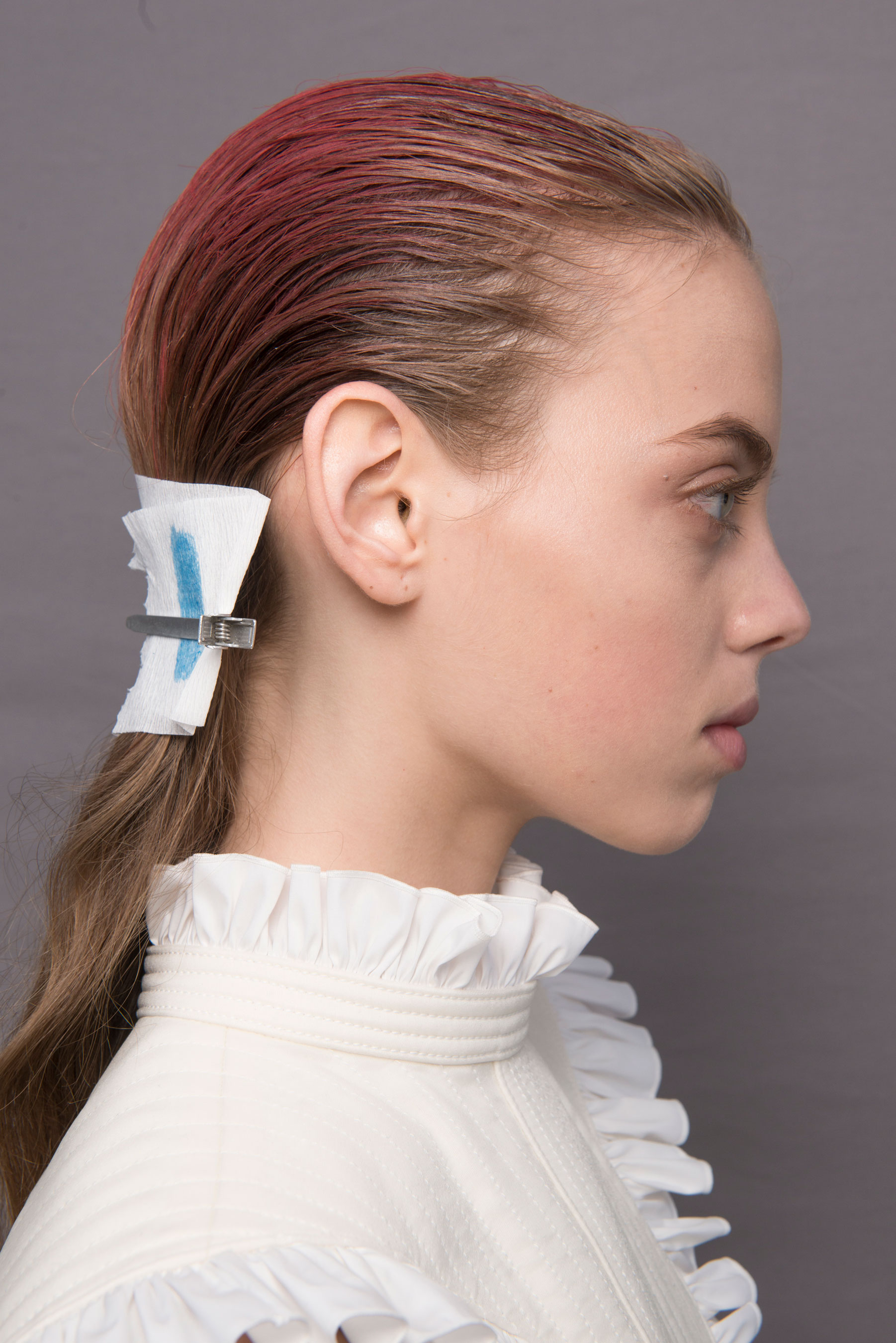
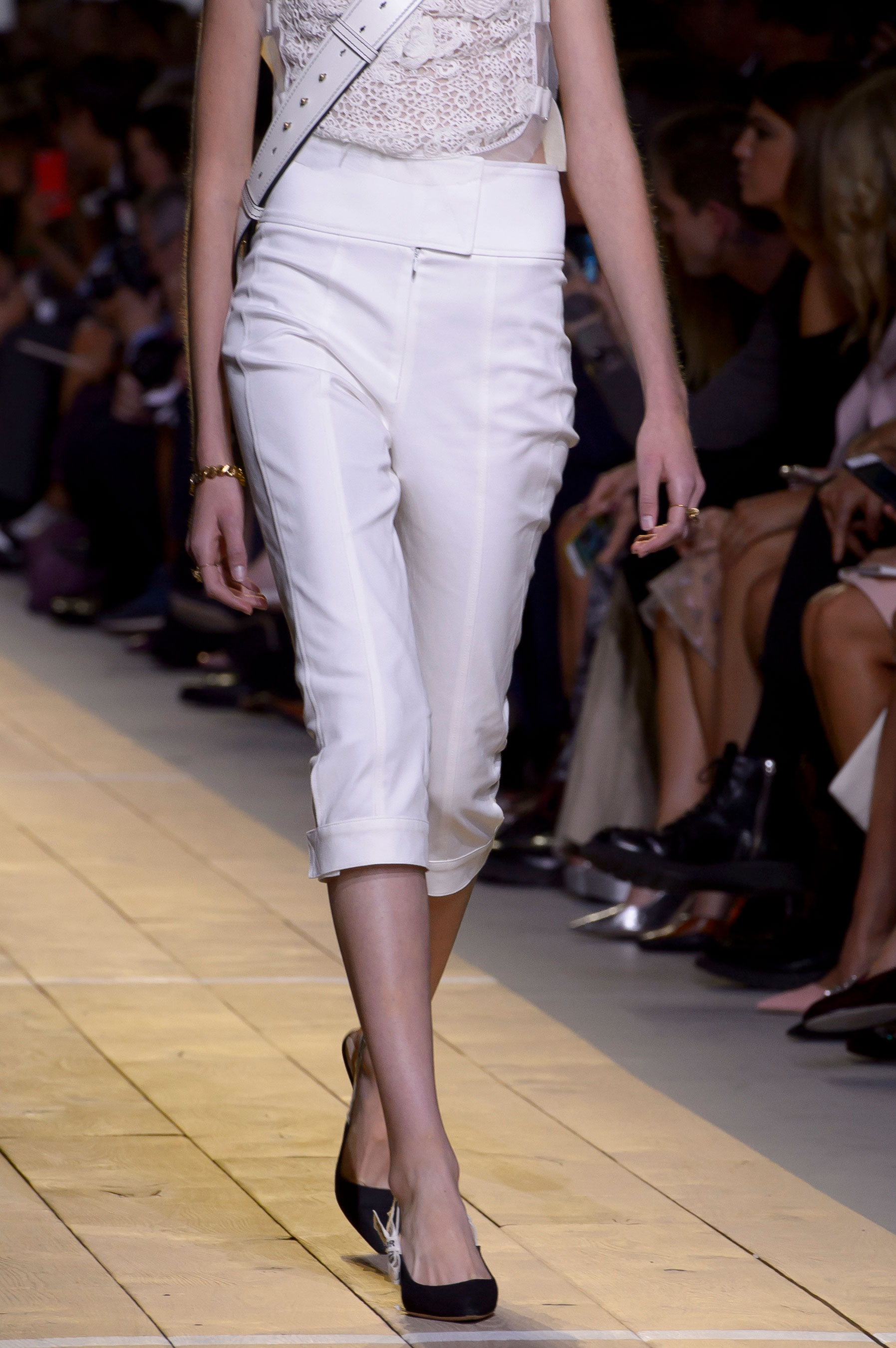
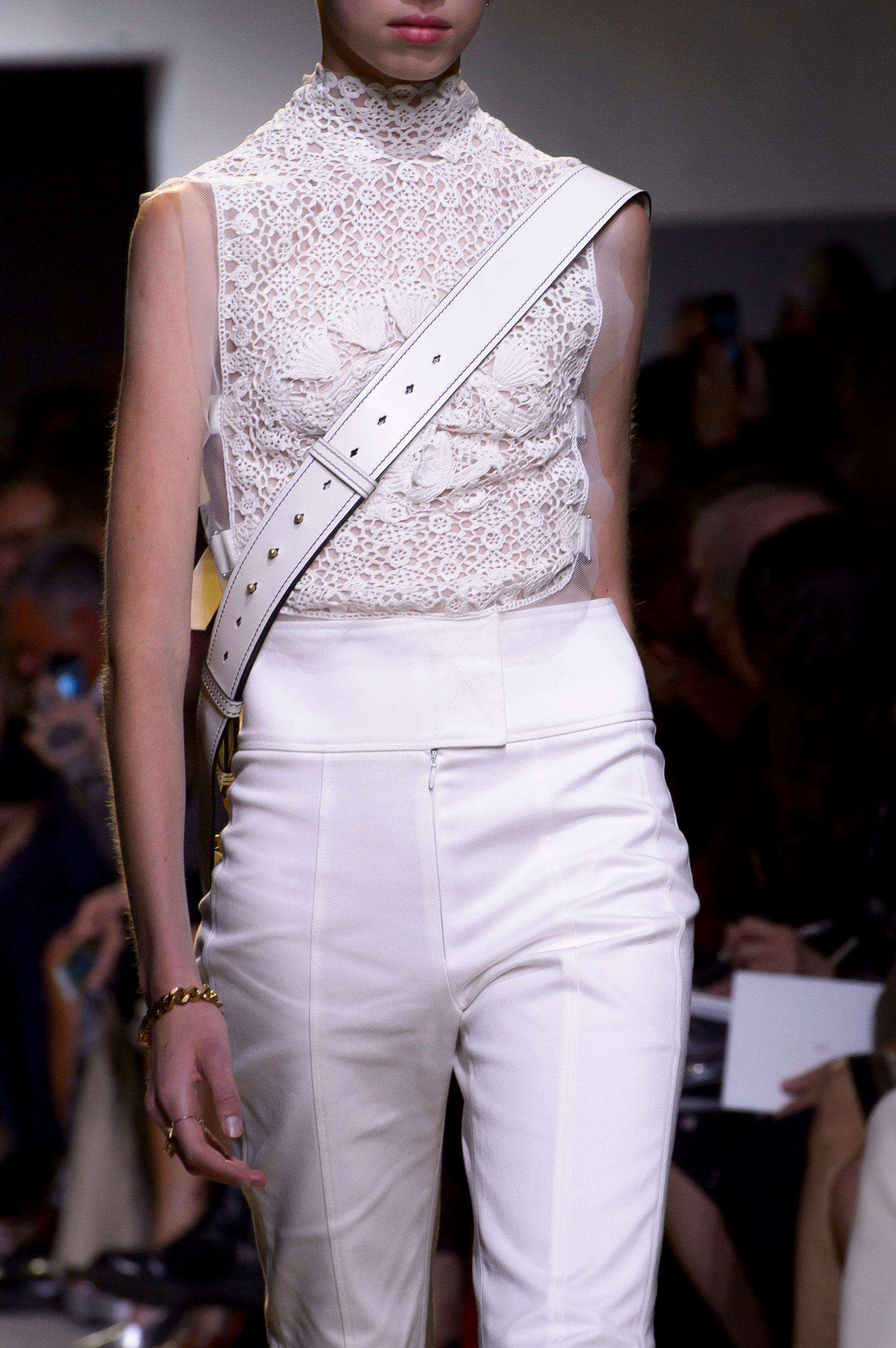
 Dior backstage

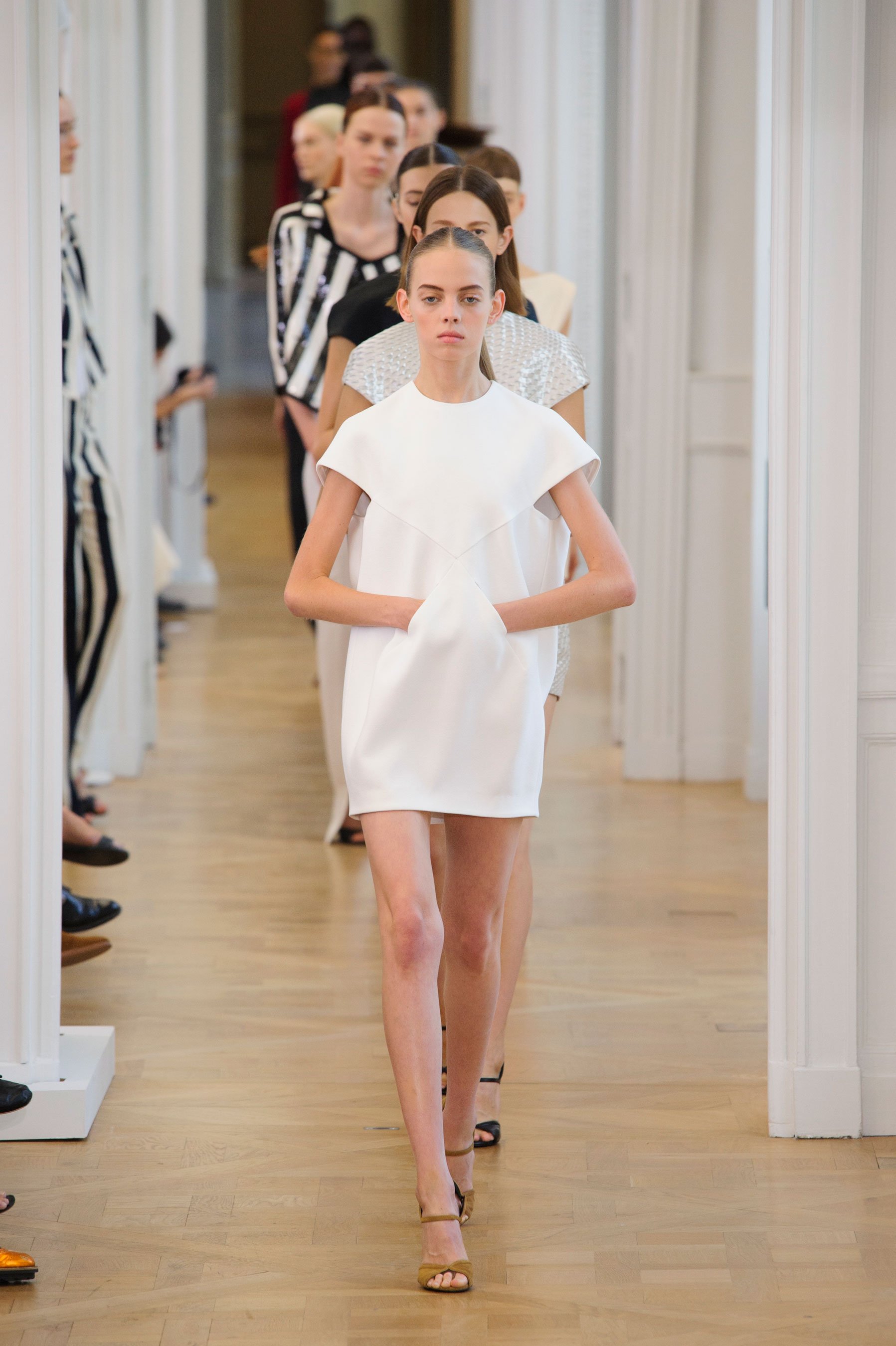
 Mariana walking for Christian Dior RTW Spring 2017 in Paris



































Account
Navigation
Search
Configure browser push notifications
Chrome (Android)
- Tap the lock icon next to the address bar.
- Tap Permissions → Notifications.
- Adjust your preference.
Chrome (Desktop)
- Click the padlock icon in the address bar.
- Select Site settings.
- Find Notifications and adjust your preference.
Safari (iOS 16.4+)
- Ensure the site is installed via Add to Home Screen.
- Open Settings App → Notifications.
- Find your app name and adjust your preference.
Safari (macOS)
- Go to Safari → Preferences.
- Click the Websites tab.
- Select Notifications in the sidebar.
- Find this website and adjust your preference.
Edge (Android)
- Tap the lock icon next to the address bar.
- Tap Permissions.
- Find Notifications and adjust your preference.
Edge (Desktop)
- Click the padlock icon in the address bar.
- Click Permissions for this site.
- Find Notifications and adjust your preference.
Firefox (Android)
- Go to Settings → Site permissions.
- Tap Notifications.
- Find this site in the list and adjust your preference.
Firefox (Desktop)
- Open Firefox Settings.
- Search for Notifications.
- Find this site in the list and adjust your preference.